Interactive Ebook Station

interactive screenWe finally have another piece of our new library put together.  Our touchscreen computer was just setup in our display case just inside the doors of the library.  This screen can be used for multiple functions, but our primary function is to allow it to be a space where students browse our Capstone Interactive Ebook Collection.  When you purchase Capstone Interactive Ebooks, you get a direct link to the ebooks that automatically logs you in.  This is in addition to a unique username and password for the whole school to use.  The home screen of this computer will be directed to that specific link.  Students can spend time listening or reading an entire book at this station or they can browse the collection for books that they might read later.  Also, when students are asking for specific kinds of books, I can easily show them the ebooks that fit their requests without having to pull up the ebooks on a computer where students are also trying to look for books in Destiny.

Tomorrow on our morning broadcast, students will get to see a video advertising this new feature.  I look forward to seeing how students use this new feature in our library.


http://www.youtube.com/watch?v=3lJonS3lC3o


Talk Like a Pirate Day 2013

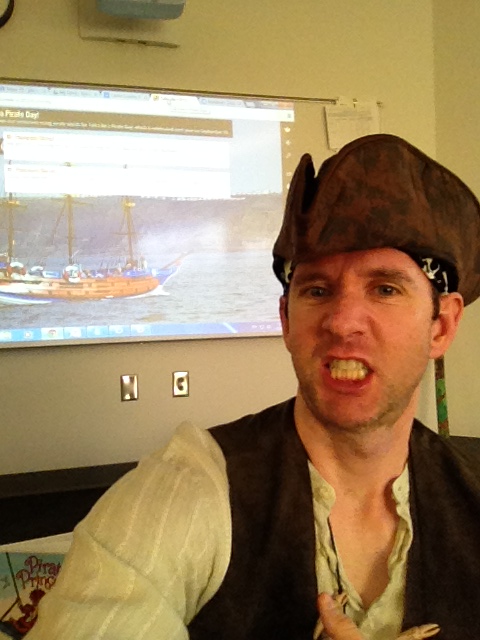
Ahoy thar maties!  Today be national “talk like a pirate” day.  What better way to celebrate than dressing up like a pirate, reading some stories with classes around the country, writing some fun pirate sentences to practice saying, and creating some pirate stories.

That’s exactly what we did in the Barrow library.  The planning started last weekend, when I started looking for classes in the school who wanted to participate.  As class signed up, I used twitter to locate some special library friends around the country to connect with.
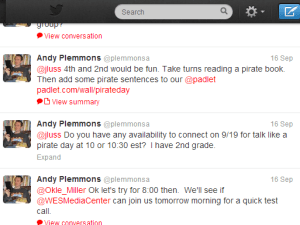
(1) Andy Plemmons (plemmonsa) on Twitter


Over a couple of days, the schedule took shape for us to connect with:

  • Shannon Thompson at Stroud Elementary in Athens, GA
  • Jenny Lussier in Durham, CT
  • Okle Miller in Tampa, FL
  • Edie Crook in Gastonia, NC
  • Shannon Miller in Van Meter, IA

The plan during each connection was to:

  • look at a google map of where we were connecting and talk about distance
  • say hello with a few pirate words like “Arrrrrrrrrgh!”
  • take turns reading pages of a pirate story so that voices in each location were heard.  Sometimes it would be the librarian and other times it would be the students reading.
  • Say goodbye
  • At tables, write pirate sentences using a pirate vocabulary sheet.  Students could stretch out an -ar word or they could use actual pirate vocab.
  • Students moved to do projection areas to have an adult type their sentence onto a padlet.  Throughout the day, any school could add to the padlet as they had time.
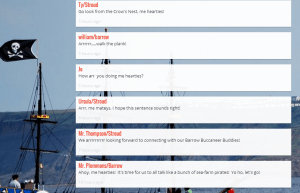
Our pirate padlet

Our pirate padlet

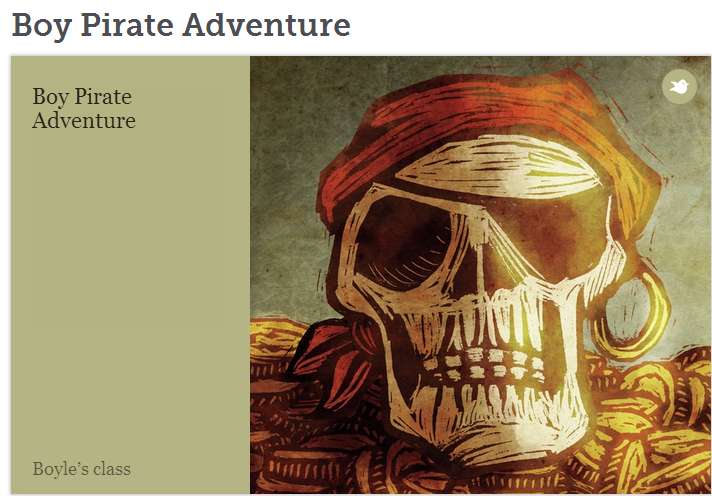
We started our day with Mrs. Boyle’s Kindergarten class.  They have been learning how to tell stories from pictures.  Today was the launch of our storybird project, so I decided to focus our storybird on pirates.  After warming up with some “Tell Me a Story” cards, we searched for pirate pictures on Storybird.  We made  a simple story with a beginning, middle, and end.  It was a challenge to link our story together between pictures, but the students did a great job working together.  Be sure to read their story here.  
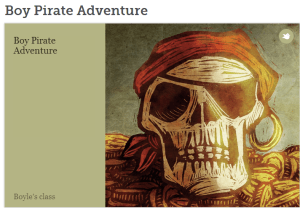
Our Storybird cover
Our Storybird cover


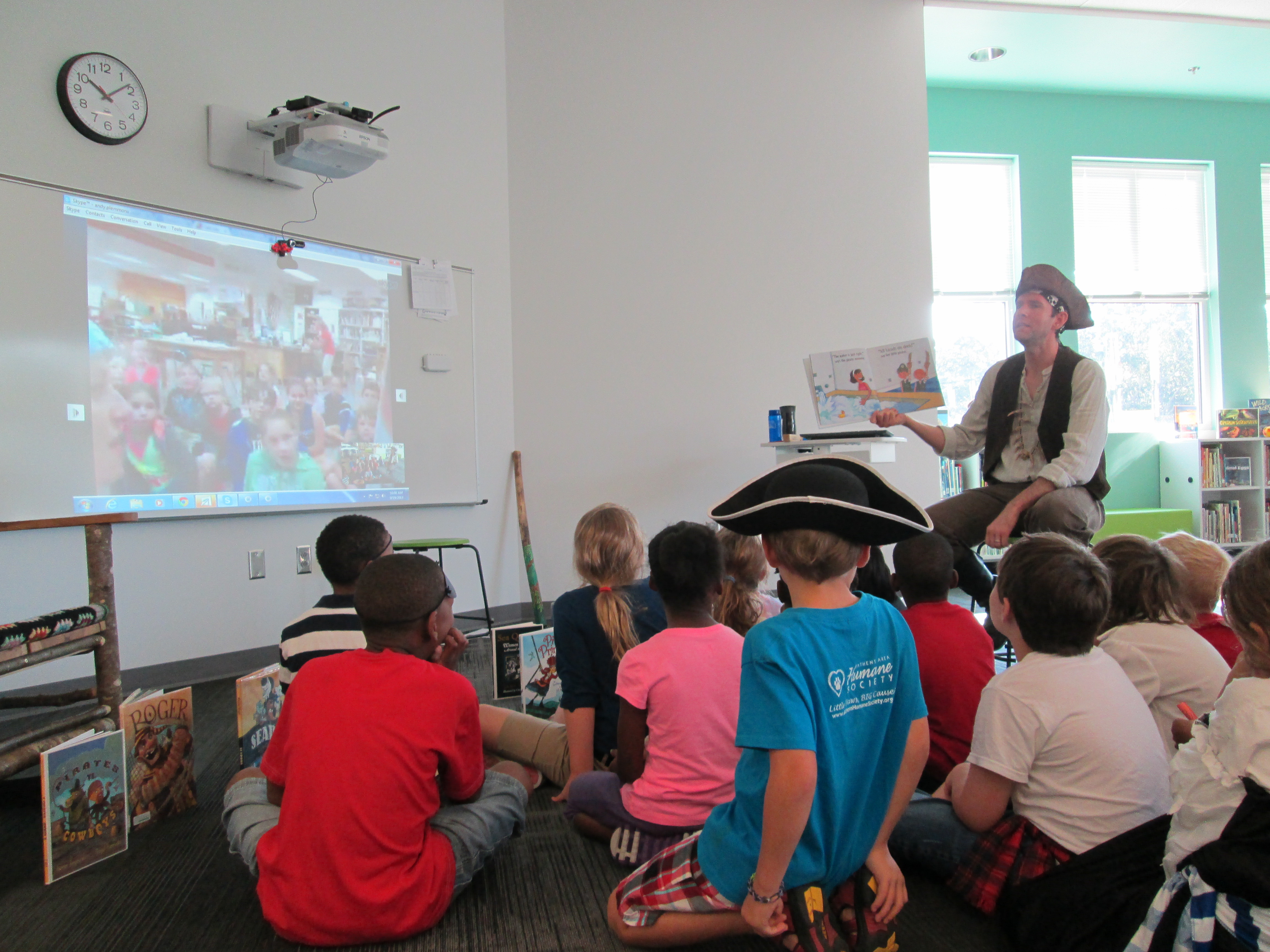
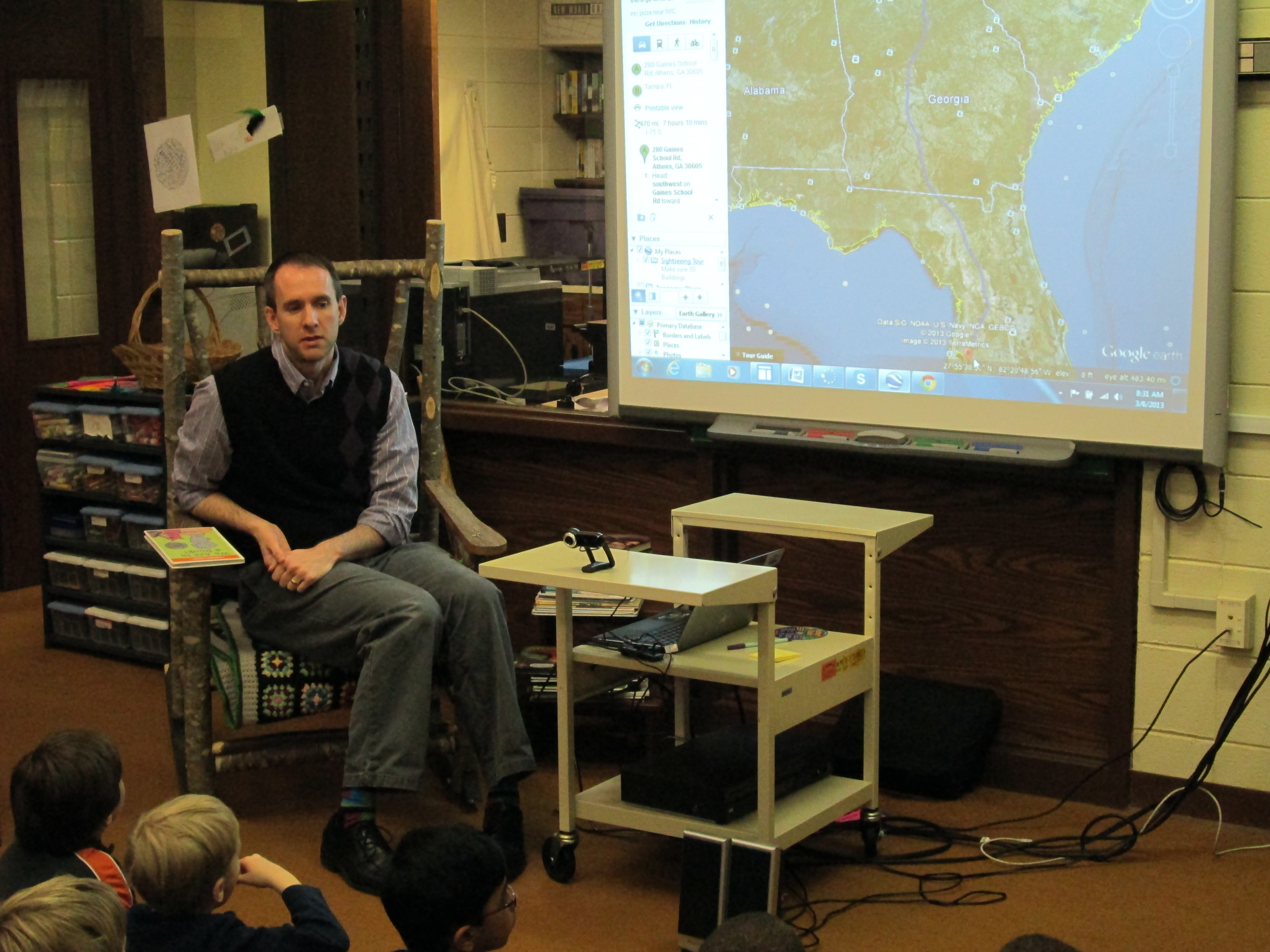
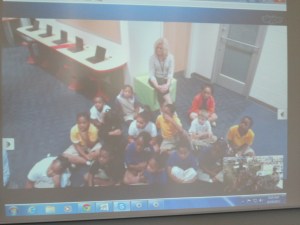
pirate day (16)Next, we skyped with Shannon Thompson at Stroud Elementary in Athens.  Shannon and I took turn reading A Pirate’s Guide to First Grade by James Preller.  We both read in our best pirate voices.  Following our skype, we disconnected and students added sentences to the padlet.  We reconnected on skype and students shared their sentences with one another in their best pirate voices.  We had a few sound issues, which led me to switch the webcam I was using.

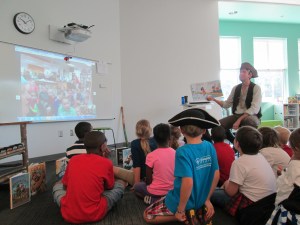
At 10 & 10:30, Mrs. Wright and Mrs. Ramseyer’s 2nd grade classes connected with Jenny Lussier’s 4th graders in CT.  During one session, we read Bubble Bath Pirates by Jarrett Krosoczka and during the other session we read How I Became a Pirate by Melinda Long.  It was fun to hear our different pirate voices and share the many costumes that both of our groups of students were wearing.
pirate day (29)At 11:45, Mrs. Yawn’s 2nd grade class had a special triple skype.  We connected with Okle Miller in FL and Edie Crook in NC at the same time.
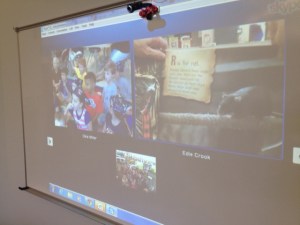
triple skype

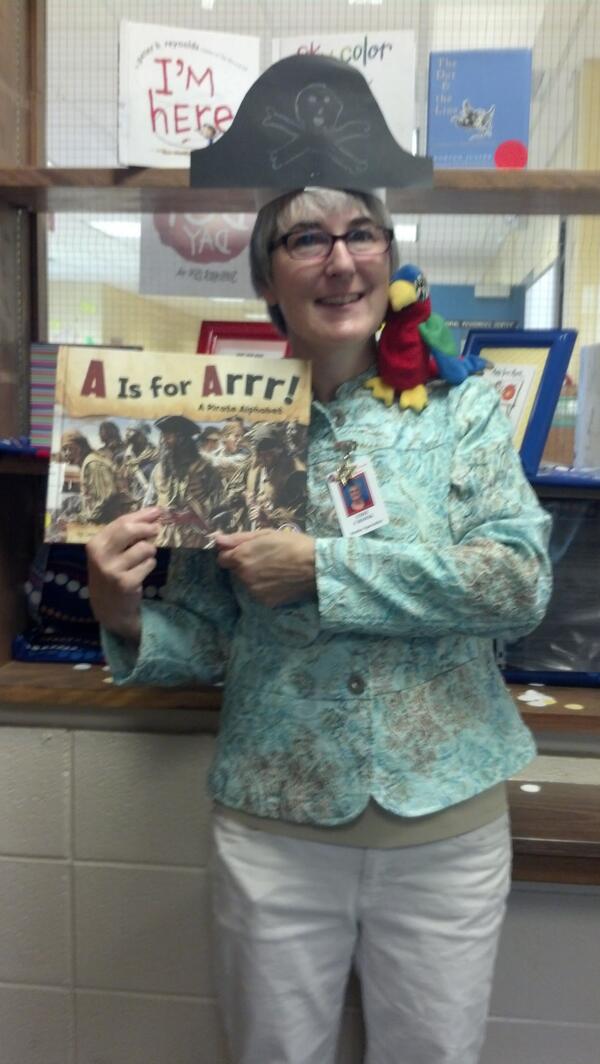
Okle and I read How I Became a Pirate by Melinda Long and Edie Crook read A is for Arrr! by Laura Salas.  Okle had on a great pirate costume, and Edie’s students had made great pirate hats to share, too.  It was fun to know our voices were connecting from 3 different southeastern states.
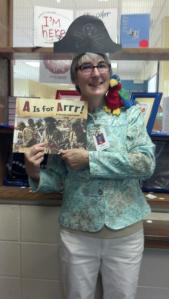
 

A is for Arrr! with Mrs. Crook

A is for Arrr! with Mrs. Crook


At 1:15, Shannon Miller’s students connected with Mrs. Em’s 1st grade students.  We read How I Became a Pirate by Melinda Long.  Our students also took time to share what was going on at our schools today.  In addition to pirate day, our students had a walking field trip and Shannon’s students had dot day, Homecoming, and a color challenge.  Shannon’s students took time to add to the padlet after our connection, while Mrs. Em’s students added sentences that focused on words that used sounds they were working on in class.

Finally, at 1:45 Mrs. Choate’s Kindergarten class connected with Edie Crook in NC.  I read Bubble Bath Pirates by Jarrett Krosoczka and Pirates vs. Cowboys by Aaron Reynolds.  It was a challenge to switch from pirate to cowboy while reading the book.  It would be a fun book to read over skype if both schools have a copy because you would only have to keep up with one accent.  I loved hearing Edie’s students make connections between the two books.

photo 2 (1)It was a fun-filled day.  We made connections.  We read text and had great discussions.  We practiced reading fluently and with expression.  We practiced our sentence writing.  I’m exhausted.  Now off to Krispy Kreme for some free donuts.  They are giving away a full dozen of donuts if you are dressed like a pirate!

 

A Virtual Google Earth Field Trip with 1st Grade

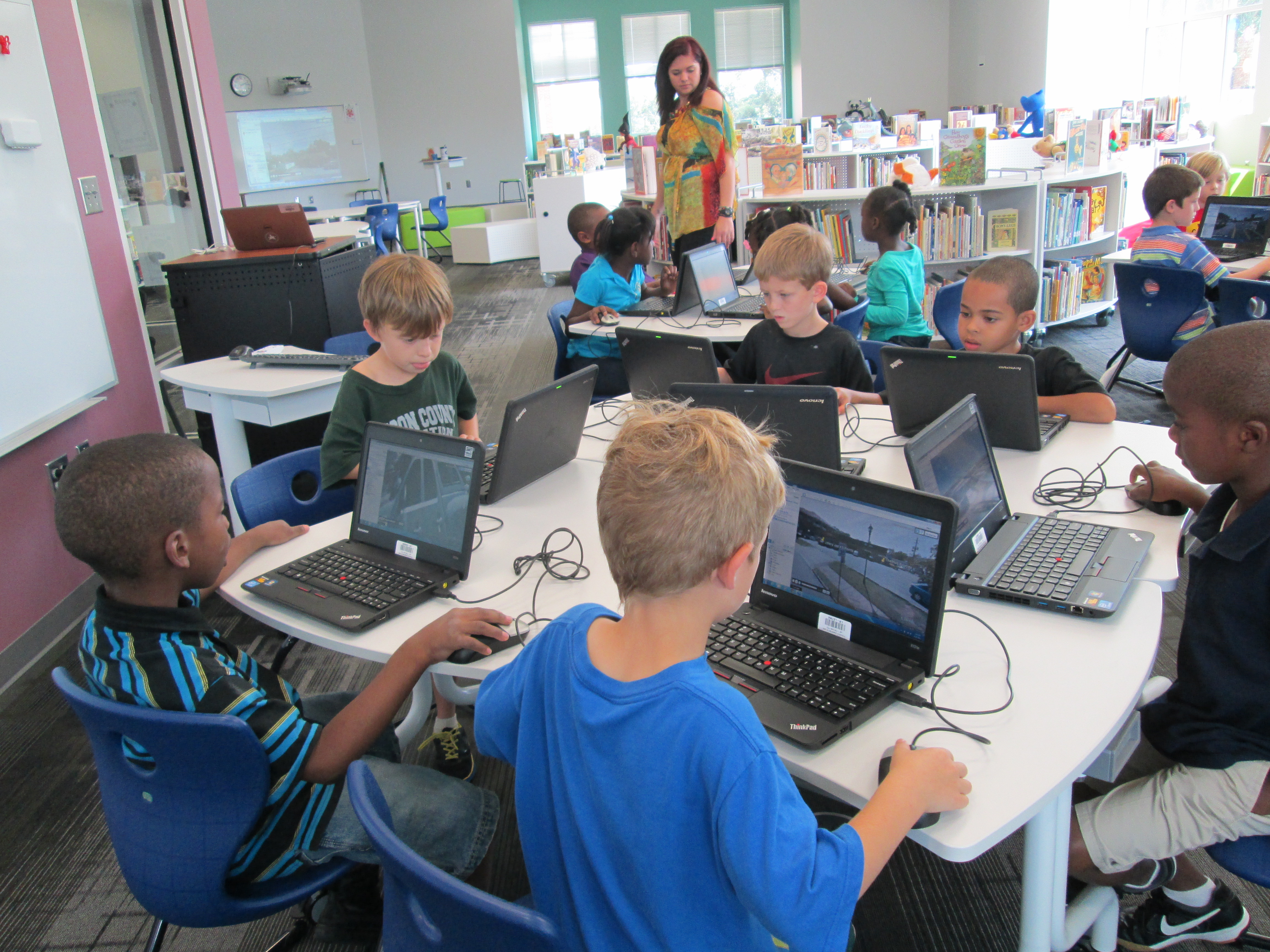
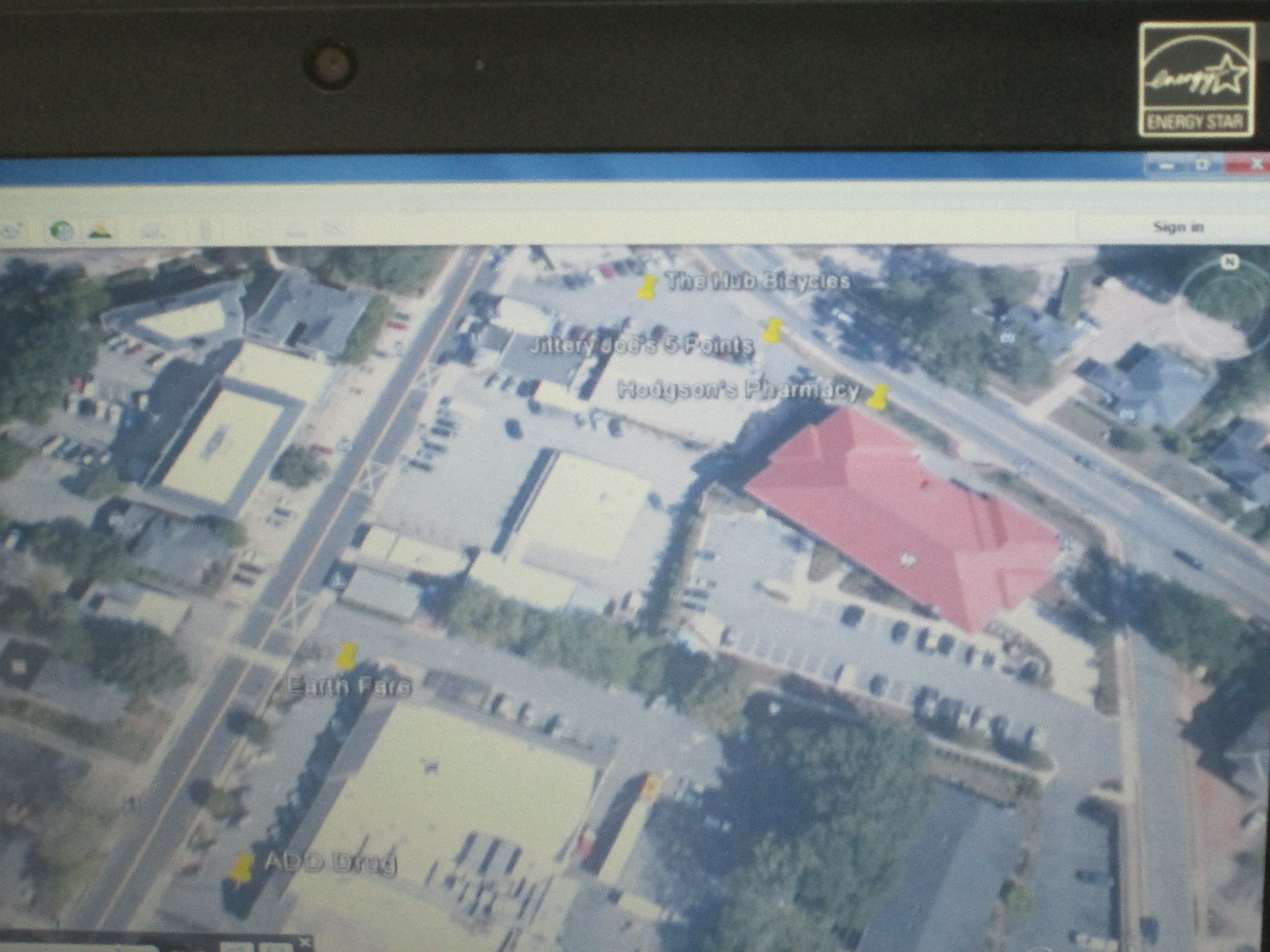
virtual field trip (1)1st grade is getting ready to go on a walking field trip.  They have been learning about community helpers, so they will walk from our school to 5 Points to visit several businesses.  I met with the team early in the year and we brainstormed how we might bring technology in to support the trip.  I suggested having the students walk the actual trip in a Google Earth tour before they go.  Of course, at the time, I had no idea how to even create a tour, but I knew it could be done.  They were eager to try this, so I got to work.

virtual field trip (4)I watched an online tutorial of how to make a tour.  There were a couple of options, but I chose the one that was simple.  You basically create a folder in your places on Google Earth, start searching for the places that you want to visit, add pins with any info you want to include at each place, and then you click the play button to start the tour.  You save the tour as a kmz file that Google Earth can read.

I put our file on my website so that students could click the link and download the kmz file.  To make the process even smoother, I used LanSchool, our monitoring software, to push the file out to computers.  It created a folder on each student desktop.  They opened the folder and clicked on the link.  Google Earth automatically opened and they clicked play to begin.  I showed students how they could pause the tour at any time and drag the little person out of the toolbar in order to switch to streetview.  This was really helpful because students could actually see the place that they were about to visit.  To continue the tour, students pressed play again and it went out of streetview and moved to the next location.  Students had fun seeing familiar places and also took a few detours to look for their house or other Athens landmarks.  I could tell they were engaged when they didn’t want to get up to checkout a book.virtual field trip (2)

On the actual field trip, teachers are going to let the students tweet about their experiences.  They will use the hashtag #barrowbuddies so that classrooms at school can follow along with the field trip, ask questions, and feel a part of the trip while here at school.  We hope to do this on several of our trips this year.

Kindergarten Experts: A Tux Paint Instructional Video

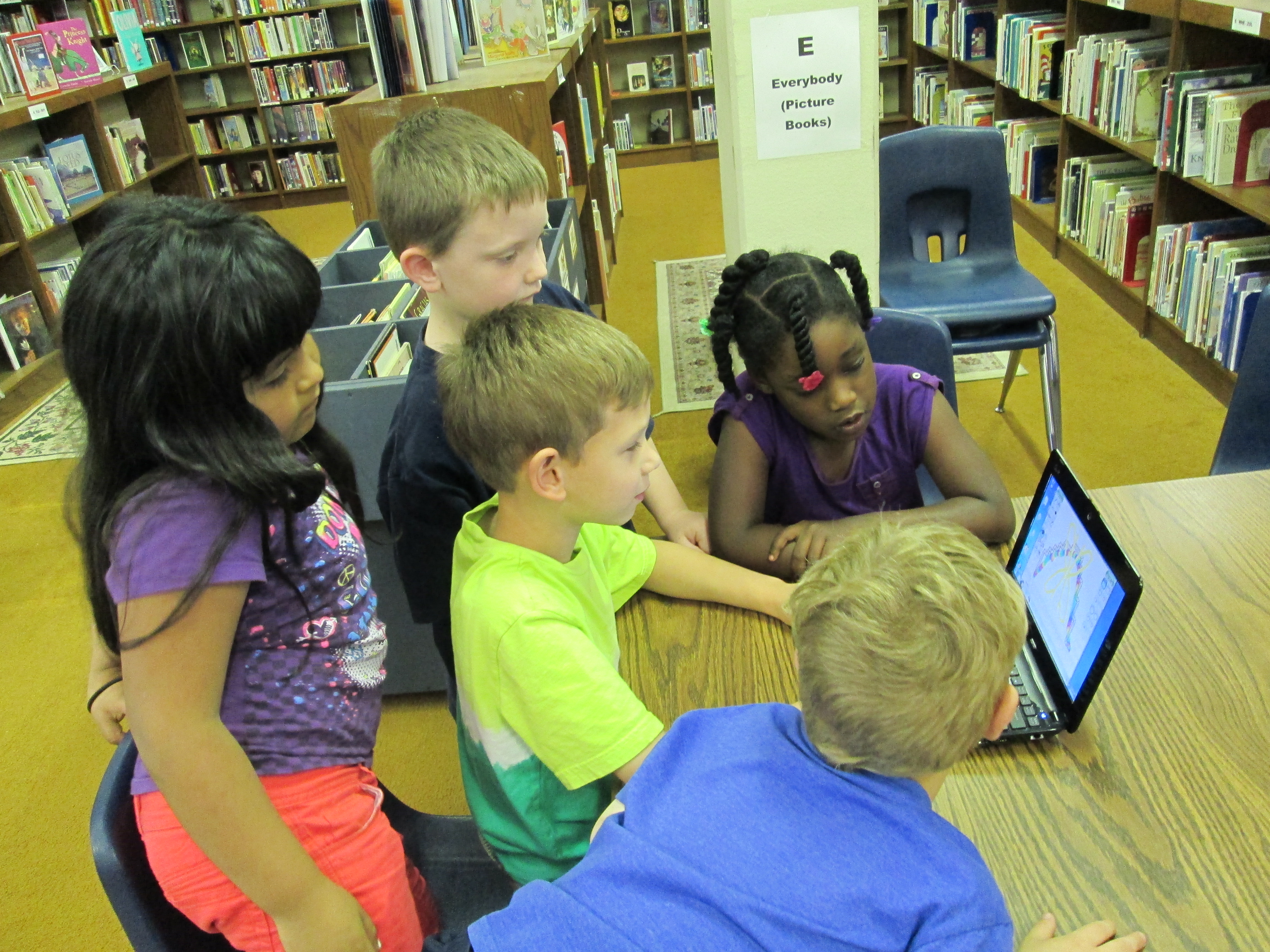
Students gathered around the netbook to plan out what they would share on the screencast.

Students gathered around the netbook to plan out what they would share on the screencast.

I was so impressed by the work that Mrs. Kelly Hocking’s Kindergarten students did on their Tux Paint stories.  You can read more about that adventure here.  We wanted to continue their work in some way so that it might inspire and support other classes in trying Tux Paint.  After some planning, we decided to have the kids make an instructional video.  Mrs. Hocking brought her whole class to the library.  We talked about how instructional videos are a kind of informational text just like they are reading in their classrooms.  We also talked about being a leader and sharing expertise.  I made a screencast to show how to make an Animoto and we watched a part of that.

http://www.youtube.com/watch?v=PUPNdRD6Q2g

Along the way, I paused and had students talk about things that they noticed.  They shared things like

  • You clicked on things.
  • You talked about what you were clicking on.
  • You didn’t use a silly voice.  You used a serious voice.

We continued this pattern of watching and sharing for a few minutes.  Mrs. Hocking and I both added our own observations of what to include in an instructional video, too.  I told the students that they had to take themselves all the way back to the beginning and think about what they did first, second, third, etc.  Then they had to think about what they would say and what they would click.

Our Google doc captured what students would talk about on the screencast.

Our Google doc captured what students would talk about on the screencast.

A small group of 5 students stayed behind in the media center while Mrs. Hocking took the rest of the class back to Kindergarten to talk some more.  The small group and I took a netbook and started looking at Tux Paint.  I had them show me things they knew how to do.  As they did that, I started typing their words and expertise into a Google doc.  I also started pushing them to think about order.  What would someone do first? second? third?  I rearranged our doc to have a better sequence and put student names by each piece of tux paint that they would demo.  Then, we practiced.  Each student showed his/her knowledge of a certain aspect of Tux Paint.  Their tendency was to just click without talking.  I had them start again and say what they were doing as they clicked.  They also all wanted to talk while someone was clicking, so we had to discuss one person being allowed to speak without being interrupted.

On a separate day, the small group came back and we recorded their screencast using Screecast-o-matic.  In between each speaker, we paused the screencast and prepared the screen for the next student.  It was a challenge to stay quiet while someone was recording, but they did so much better after our practice in the 1st lesson.  Here’s what they created:

http://www.youtube.com/watch?v=uTwGjinM-nY

Our next step will be to send this video to Shannon Miller in Van Meter, Iowa so that her students can watch it and learn how to use Tux Paint.  Then, we will Skype with her students for them to ask follow-up questions about using Tux Paint.  The video will also be shared with teachers at our school so that they might consider using Tux Paint with their own classes.

I love the potential of this.  It is empowering for students to be able to share their expertise with the world, become leaders and teachers, and take time to reflect back on what they have actually learned about a particular technology tool.  I want to do more of this in the coming year, especially now that our students have access to Youtube.  Imagine the possibilities of students creating videos about what they have expertise in and sharing that with other students in the school.  The collaboration potential is mind-boggling!

Transmedia Poetry with Thinglink

Fourth graders have been working on a poetry project for a few weeks now.  The goal was to write poem based in the science standards of light and sound and incorporate figurative language.  The teachers also wanted students to use some kind of technology for the project.  I decided to use a tool called Thinglink because it allows you to take an image and make it interactive.  You can put multiple related links on one image to create a transmedia experience, which means that the poem is experienced across multiple platforms.  We thought students could explore their poem in different ways:  informational text, video, image, and poetry text.  Other options could have included song, online games, and ebooks related to the poem’s topic.


The sequence of lessons looked something like this:

  • Lesson 1:  Look at onomatopoeia, simile, metaphor, and personification in several mentor poems and then do a poetry dig in poetry books to find more examples of that figurative language.


  • Lesson 2:  Look at specific poems that focus on light and sound.  Examine the science standards and the idea of “found poetry” so that students might incorporate language from the standard in their poem.  Begin writing poems.


  • Lesson 3:  Finish writing poems in Google doc and begin Thinglink project.  This lesson took longer than we expected because students had to setup a Youtube Channel, create a Thinglink account, search for a creative commons image, and change the privacy setting on their Google Doc.  We did this step by step together.


  • Lesson 4:  Create a Thinglink.  The goal was to have an image with links to the Google doc, a video of the student reading the poem, and links to informational sites about the topic of the poem.

This was a fun project, but because there were so many accounts to log in to, it made the progress slow down significantly.  Students had a hard time remembering all of the steps that it took to login to multiple accounts at the same time and navigate back and forth between multiple tabs to get the links that they needed.  I think it really opened our eyes to some skills we need to focus on at the beginning of the year in order to make projects like this successful.

As students finished their work, they submitted their poem in a Google form and I added it to our Smore webpage of interactive poetry images.  Smore was very easy to use and a great way to collect and display a whole grade level’s work.  As students submitted their links, I copied the link and then embedded it on the Smore page with one click.  Then, on the Google spreadsheet, I highlighted the student’s name so that I knew I had already added their work.

I encourage you to take a look at the students’ work on our Smore page.  We could have made this project much more complex, but it was a great first step.  I think a second round of Thinglink would be much smoother.

World Read Aloud Day 2013

Wow!  Even though a major snowstorm was making its way across the country, we celebrated World Read Aloud Day with multiple authors and classrooms around the country.  Educators around the world have been orchestrating this day for quite some time through multiple social networks.  Through Twitter, Facebook, Google Docs, Skype in the Classroom, and Kate Messner’s excellent author website  we have planned day-long and even week-long reading events for our students.IMG_0148IMG_0138
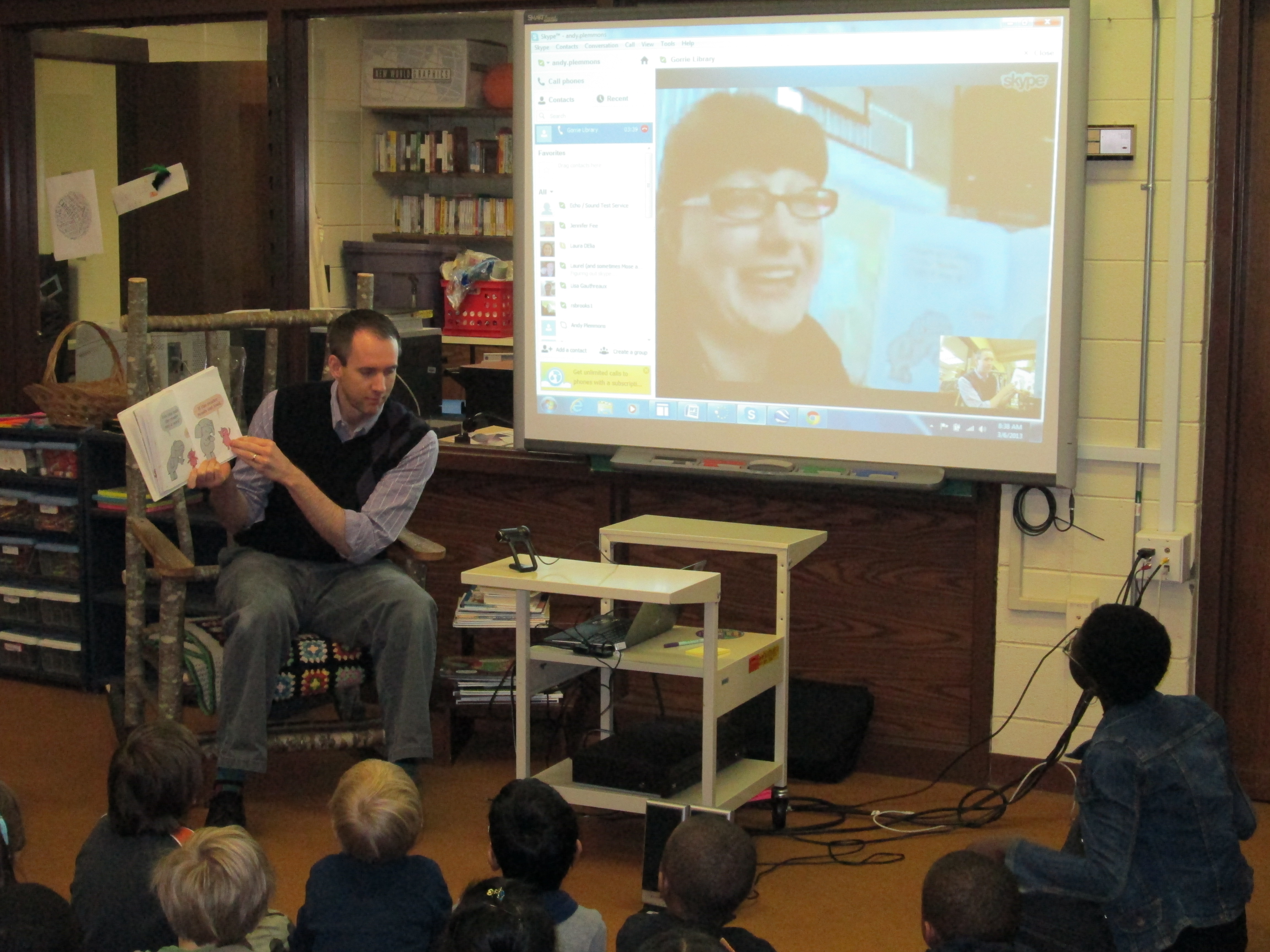
Twitter was buzzing this morning with authors and librarians having to reschedule due to the snow, but here at Barrow most of our scheduled stayed secure.  Matthew Winner had to cancel due to snow impacting his flight to NC, so Kathy Schmidt and her students stepped in for us.  Anne Marie Pace, author of Vamperina Ballerina, had to reschedule since the Virginia snow shut off her power.  It’s pretty amazing that we were able to pull off so many connections even with bad weather.

Highlights from the day included:

  • Okle Miller, librarian in Tampa Florida, and I read We Are In A Book.  Okle was Piggie and I was Elephant.  Kindergarten students loved it!  We tried to play into the cameras in order to look at our audiences.
  • Kathy Schmidt in Gwinnett County, GA had students listen to me read Same, Same but Different and talk about what was the same and different about living just 48 miles from each other.
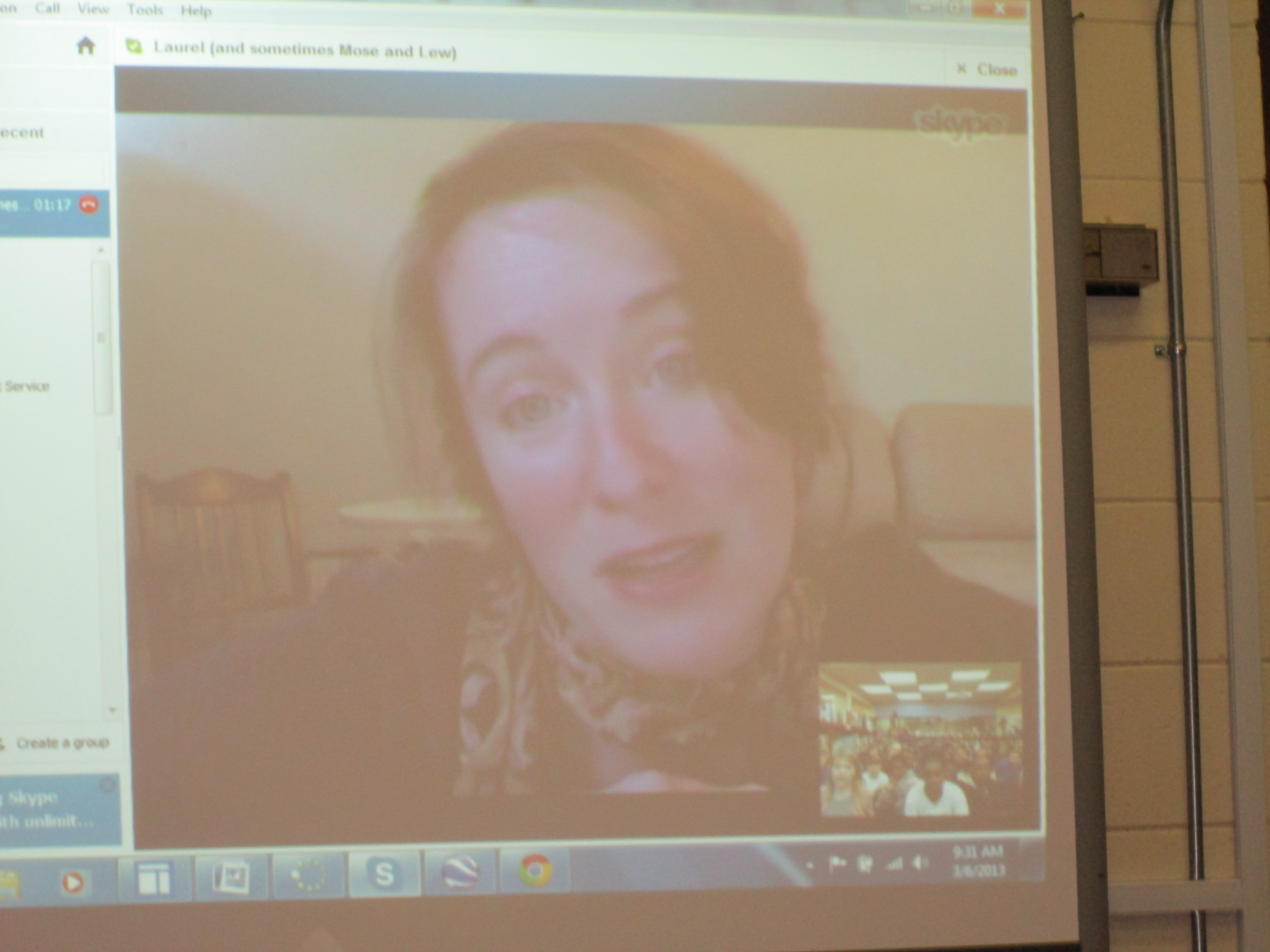
  • The amazing Laurel Snyder shared a favorite picture book with 2 fourth grade classes and then gave them a sneak peak of a new chapter book.
  • Jesse Klausmeier, author of Open This Little Book, skyped with our students and Shannon Miller’s students in Van Meter, IA at the same time.  A favorite question from one of our students for Jesse was “Did it make your family happy when you wrote your book?”  We all almost teared up.  So sweet!
  • I shared a favorite story by Colleen Sally called Epposumondas Saves the Day with Mary Priske’s 4th grade in Mt. Vernon, IA and Mrs. Griffith’s 3rd grade joined in too.  Students in both states chanted “sody, sody, sody sallyratus” as I read.
  • Laura D’Elia, librarian in Massachusetts, and I read Same, Same but Different and compared living in GA with living in Massachusetts.  Students in Massachusetts had 1:1 iPads while we have 1:1 netbooks.
  • Lisa Waggett at GoForth Elementary in League City, TX and I read Same Same but Different to 1st grade classes and compared our 2 states.
  • Mrs. Brink & Mrs. Ramseyer’s 2nd grade students read poems in 2 voices with Jeff McHugh’s 4th grade students in Arlington Heights, IL.  Our students had a lot of energy and it was fun to combine our voices across the miles to read poetry.
  • Jody Feldman, author of the Gollywhopper Games, read aloud to our 5th graders and allowed them to ask questions.  She also gave them a preview of the sequel.

IMG_0182What a packed day filled with releasing words into the air across the country.  Skype is such a powerful tool to connect us beyond the walls of our school.  It was so interesting to see how much our students don’t know about  beyond the boundaries of Athens.  I predict that the work that we did today will lead to many long-distance collaborations with libraries around the country.  Let’s continue to share the power of reading, connect our students, and understand what it truly means to be part of a global community!

Game On: Gaming Enrichment Cluster

game on! 003For 14 weeks, 15 boys have explored how gaming can be used in education.  They have used xbox with Kinect, Nintendo DS, Gamestar Mechanic, and Minecraft.  They also skyped with Matthew Winner, librarian in Ellicott City Maryland, who uses Nintendo Wii with his students.  Tonight at our enrichment cluster fair, they will share their great learning.

As the boys have played games, they have thought carefully about how each game might be used in classrooms around our school. Their main goal was to develop a Google Doc that lists all of the games that they played and how they might be used.  I was responsible for typing into the doc as they talked after playing each game.game on! 002

A small group of boys played Gamestar Mechanic, which teaches game design.  Their exploration has peaked the interest of a few teachers in using this tool for critical thinking, problem solving, and game design in order to support other game design projects in those classrooms.

Two students worked together in Minecraft to create a math-based game.  They plan to set this up for classrooms to try and hopefully will think about how they might tweak the game to be more  user-friendly.

Each boy sat down with me to tell me what they loved about gaming in education.

I saw tremendous focus from these boys.  They were fully engaged with few behavior issues coming up.  They found many uses for games in math, but they also saw how the games could spark creative writing, physical activity, problem solving, and teamwork.  They are now releasing their learning into our school by sharing their Google doc and video.  I hope that their exploration will pay off in many classes and small groups signing up to use the xbox and other games in creative ways in the classroom.

First Grade Google Form Choose Your Own Adventure

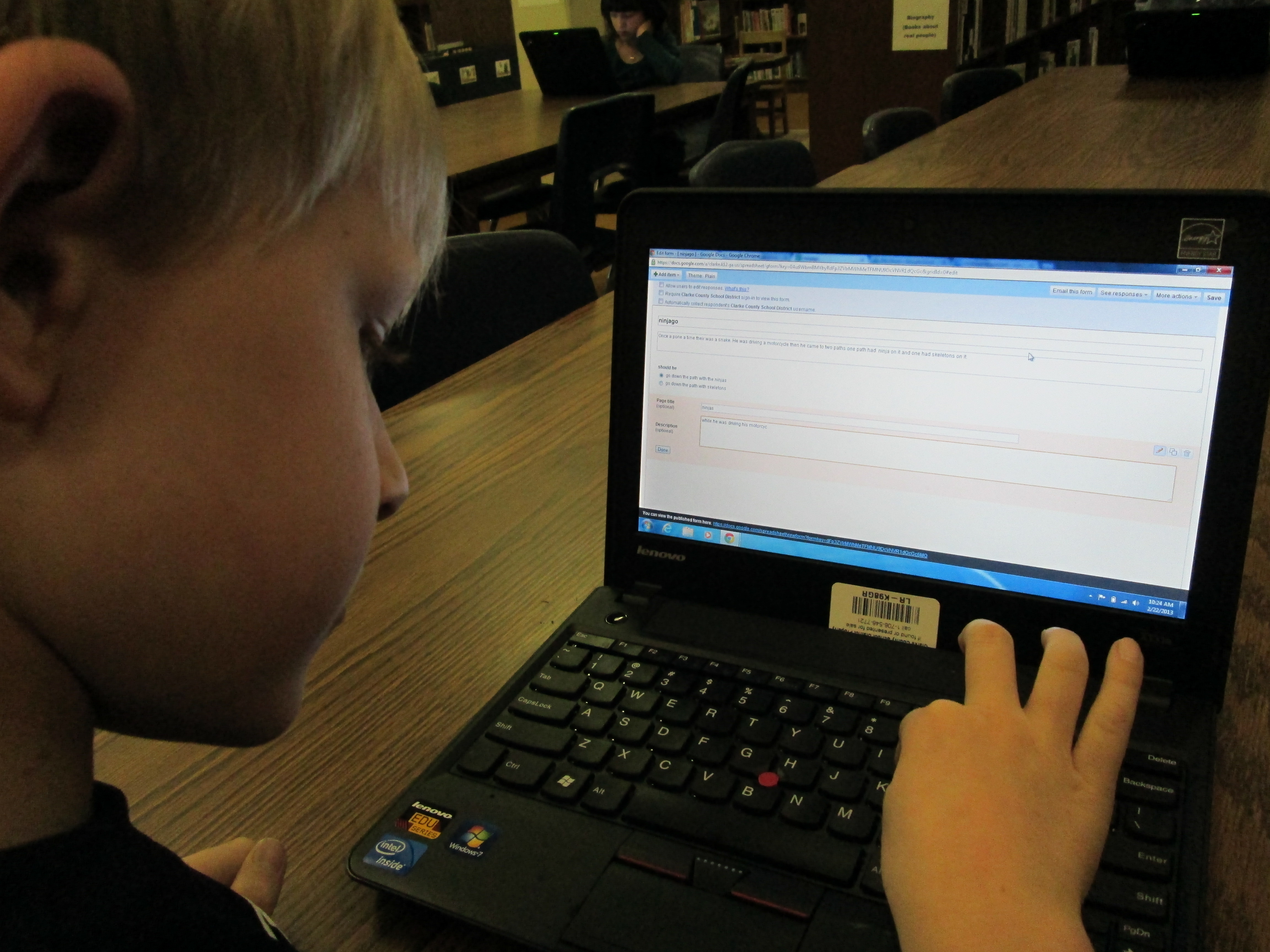
IMG_0050A small group of five 1st graders have worked with me during their writing time to create a Google Form Choose Your Own Adventure.  This year, some 4th graders tried this with some social studies standards.  These 1st graders were free to write about anything that they wanted to.  We met during 4 one-hour sessions that looked something like this:

Session 1:  I showed a completed Google Form Choose Your Own Adventure as a model.  Then, I showed the first steps of creating the story which were to create a title, a beginning, and the first 2 choices the reader had to make.

Session 2:  We made new pages for each of our 2 choices and created 2 new choices for each of those choices.  We linked the choices from the beginning of the story to the correct pages.IMG_0049

Session 3:  We made 4 endings for each of our choices from the middle of the story.  We also made a “The End” page.  We linked each choice to its correct page.

Session 4:  Students used Google to correct spelling, added details to their stories, traded computers with a friend to test their story out, chose a theme for their form, and emailed their final form to me for this post.

IMG_0048These students needed a lot of assistance during this project, so I feel like this is something that would work better in small group settings with adult support for younger students.  I do think that the structure of these 4 sessions was very obtainable for these students and 1 adult.  These students now have a lot of expertise that they can now share with students in their class.  I’m not sure that they could fully create one of these on their own yet, but they definitely developed their skills in Google docs and forms.


You can read their stories here:

The Apple and the Chocolate Trainer by Kyusung

The Clouds by Katie

The Fairy by Adaline

Ninjago by Bo

This story was still in progress at the time of this post:

Tinya the Teacher Fairy by Carinne


Read Across America and the World!

IMG_0091We can’t just celebrate Dr. Seuss’s birthday and Read Across America Day in one day at Barrow.

Look at all these readers!

Look at all these readers!

The Trufflemakers, our winning 5th grade team

The Trufflemakers, our winning 5th grade team

Making a game plan

Making a game plan

On Thursday, we kicked things off with our 5th grade battle of the books.  Five teams competed in 3 rounds of competition.  The Trufflemakers and the Fellowship of the Books made it to the final battle.  I didn’t think either of them were going to miss a question.  The scores ended up being so close, but in the end, the Trufflemakers came out on top.  Prana, Gabriel, Sarah, Taylor, and Cassie will now move on to the district competition.  Good luck team!

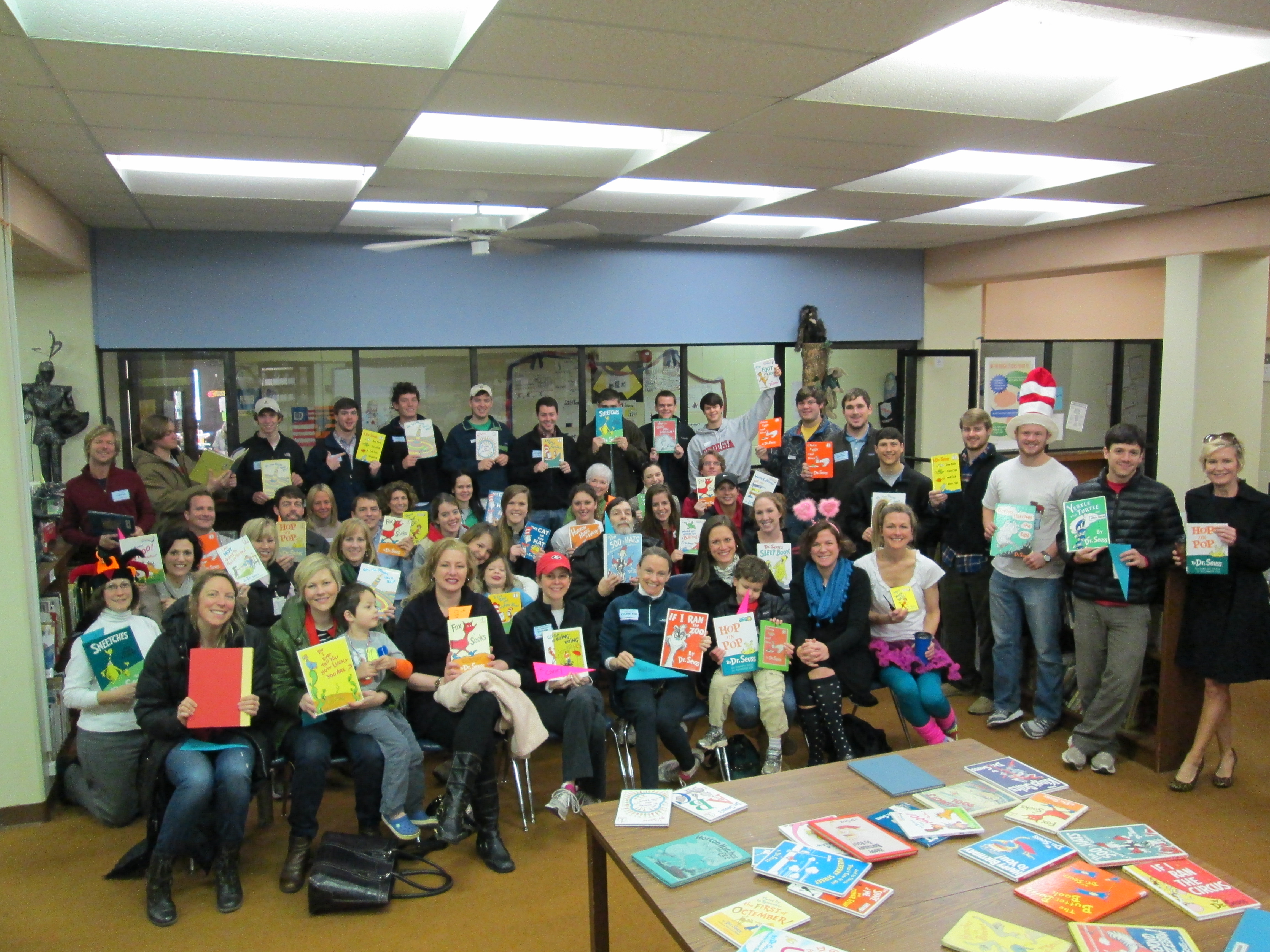
Today, we held our annual Dr. Seuss Day with more guest readers in classrooms than I can count.  Ever year just when it seems we won’t have enough people, we end up with 2-3 readers in every room!  Many thanks to Kim Ness who took over this project for me and recruited all of our readers.  She was such a huge help in this fun day!  We had parents, community members, Sigma Phi Epsilon brothers, and even UGA athletes read Dr. Seuss books to our students.

http://www.youtube.com/watch?v=_rLlL1mF9D0

I’m even more excited about what we have coming up next week.  March 6th is World Read Aloud Day.

It’s a day to unite our voices around the world, celebrate the joy of reading, and change the world!  Through twitter, facebook, and a Google Doc, I’ve collaborated with authors and libraries around the country to have a skype session every 30 minutes with lots of class is our media center.  Just take a look at our schedule:

8:30 Carney K, Vertus-K Okle Miller
Tampa, Florida
9:00 Boyle – K, Li K Matthew Winner
Maryland
9:30 Freeman- 4th Laurel Snyder, author http://laurelsnyder.com/
Atlanta
9:45 Hocking – K Jesse Klausmeier, author http://www.jesseklausmeier.com/ & Shannon Miller’s Students
10:30 Olin- 4th grade Mary Priske 4th grade
Iowa
11:00 Yawn – 2nd gradeWright-2nd grade Ann Marie Pace, author
http://www.annemariepace.com/
Virginia
11:30 Selleck-4th 5th Grade
Laura Beals D’Elia
Massachusetts
12:00 Stuckey – 1st grade Lisa Waggett
GoForth Elementary League City, TX
12:30 Watson-1st Kathy Schmidt
Gwinnett County
1:00 Ramseyer – 2nd Grade
Brink – 2nd Grade
Jeff McHugh
Arlington Heights, IL
1:30 5th grade Jody Feldman, authorhttp://jodyfeldman.com/

Missouri

I can’t wait to connect our students with so many students, libraries, and authors around our country.  In many of these experiences, we will do a shared reading.  I will read parts of a book and the skyping guest will read part of the book.  Also in each session we will have time to make connections with our guests.  We’ll find out a bit about where they live, what they like to do, etc.  With each experience, students will broaden their world beyond the walls of our school and beyond Athens.  I can’t wait to see what happens!

2nd Grade Bloggers

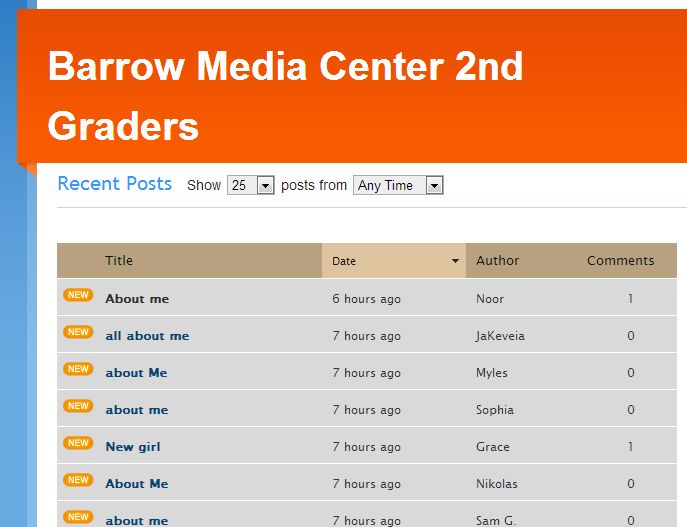
FireShot Screen Capture #017 - 'Barrow Media Center 2nd Graders' - kidblog_org_BarrowMediaCenter2ndGraders - CopyTwo 2nd grade classes have embarked on a blogging project with Shannon Miller’s students in Van Meter, Iowa.  We’ve connected with one another via skype and read the book Same Same but Different.  Our students have been working on writing their first blog posts on KidBlog to introduce themselves.  My students did this on paper, but Shannon’s students did their work in Google Docs.

IMG_0073 - CopyFor the past 2 days, my students have been busy typing their first “About Me” blog post.  While they typed, the teachers and I conferenced with students on their posts to check for details, spelling, and punctuation.  Then, we gave them the thumbs up to publish their post.  After publishing, students could personalize their blog with one of the KidBlog themes.  Both days, the teachers and I were amazed by the students’ focus.  They worked diligently for 45 minutes each day and were very willing to go back and check spelling and edit their punctuation.  Again, I think that the idea of having an authentic audience is very motivating to the students.

Our next step will be to mail our rough drafts to Iowa where Shannon will have her students practice commenting on post-it notes before commenting online.  Her students will mail paper copies of their posts as well so that we can practice too.  From there, we will continue to post a variety of posts and comment on one another’s writing.  IMG_0069 - Copy

The students and teachers are fully of energy for this project, and we are excited to see the work that they are eager to produce.

Their blogs are located at Barrow Media Center 2nd Grade KidBlog.  We invite you to read and comment on their posts.

Our very first blogger posted his "About Me" post

Our very first blogger posted his “About Me” post