Student E-book Creation

Some third graders have been exploring how they can make their own ebooks.  This group was a big exploration.  We really didn’t know what we were doing when we started, and we gave ourselves permission to just try things, problem solve, and be at peace if something just didn’t work.

We decided to try Barnes and Noble’s Tikatok first.  It’s free and can either be done with a parent account with children added or can be done with a teacher account with students added.  Students can use a gallery of photos or import their own.  Most students chose to search for creative commons photos to use in their book.  One student even did her own photography.  Some students started with a written story and made their pages and images match their story.  Others started with interesting images and tried to weave those into a story or collection of poems.

The free version of Tikatok only allows you to use photos and text.  If you want to include audio, you have to pay to upgrade your account.  Also, we learned that a parent account allows the books to be shared exactly as they are created, while a teacher account only allows the books to be shared with the word “tikatok” spread across each page.  Ultimately, this is a tool for Barnes and Noble to make money through the purchase of the ebook version or the printed version.  However, we found that it was useful enough and easy enough to use that we would try it again and only use the features that were free.

Another group will begin exploring in a couple of weeks.  This group is probably going to try out a different tool called SimpleBooklet.  There are many more features in this tool such as embedding Google docs, video, and audio.  The feel of the book is more like a slideshow than the turning of pages in Tikatok, but the features may prove to support more creativity and transmedia experiences for students.  Our hope is that these 2 exploration groups will work out some of the kinks for future groups and inspire whole grade levels to try this out.

You can preview 3 of the books that these students created here.
Digital Learning Day @David C. Barrow Elementary Media Center

Today was National Digital Learning Day.  I honestly didn’t plan anything specifically for the day, but rather looked at what we were already doing today and highlighted it.  Using technology as a natural part of learning to both consume information and create it is a big part of our media center vision and mission.  I appreciate this day to highlight the great work going on around our country, but I didn’t feel like I needed to go over the top with planning digital learning, when it’s already a part of what we do.  Here’s a glimpse of the kinds of learning that took place today in the Barrow Media Center.

  • 11 students used e-readers to download samples of multiple books and read them to make decisions about what e-books they will commit to reading
  • Two enrichment clusters used iPads, desktops, and laptops to explore different ways of using these devices.  These 2 groups (one younger students and one older students) are trying to explore as many ways these devices can be used so that they can promote their use throughout the school among students and teachers.  Two Kindergarten teachers are leading these groups and working in the media center.
  • A 1st grade class learned about the Athens quilter, Harriet Powers, and created a digital quilt using the iPads.
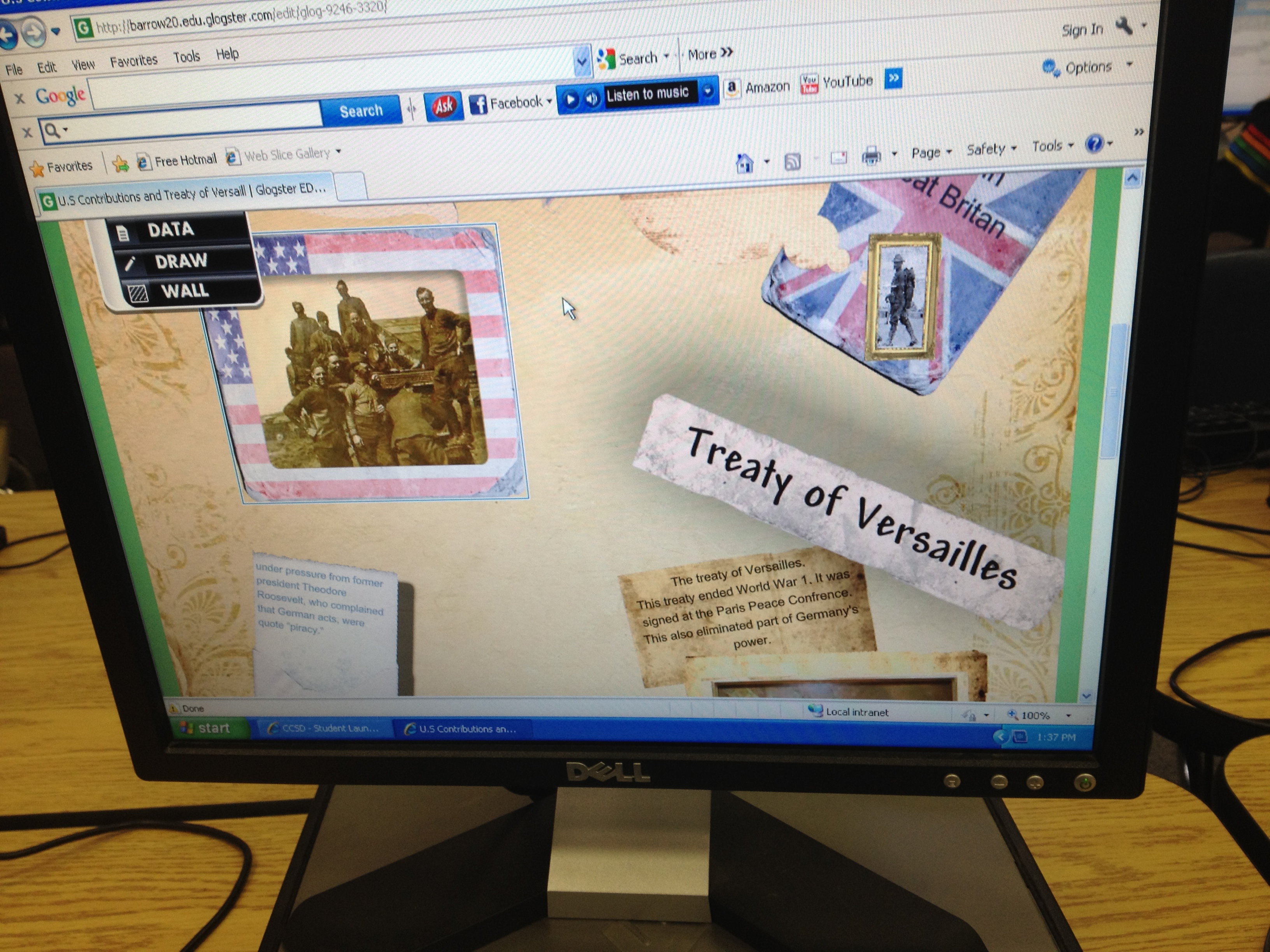
  • Three 5th grade classes worked on collaborative projects encompassing 3 units of social studies standards.  They are taking research they found and creating glogs in Glogster.  At this point they are linking their glogs to videos online, embedding screencasts of Google Earth tours or timeline reviews, and creating audio segments introducing their glogs.
  • A kindergarten group used the e-readers to listen to picture books and/or practice reading the books independently and doing summaries.
  • I held a professional learning session for teachers on Google docs so that they could learn how to begin collaborating on documents.  Our teachers do a lot of collaboration, so the use of Google docs is going to help them share multiple documents and streamline their time.

This slideshow requires JavaScript.

How do you celebrate digital learning day every day?

5th grade Student Math Tutorials

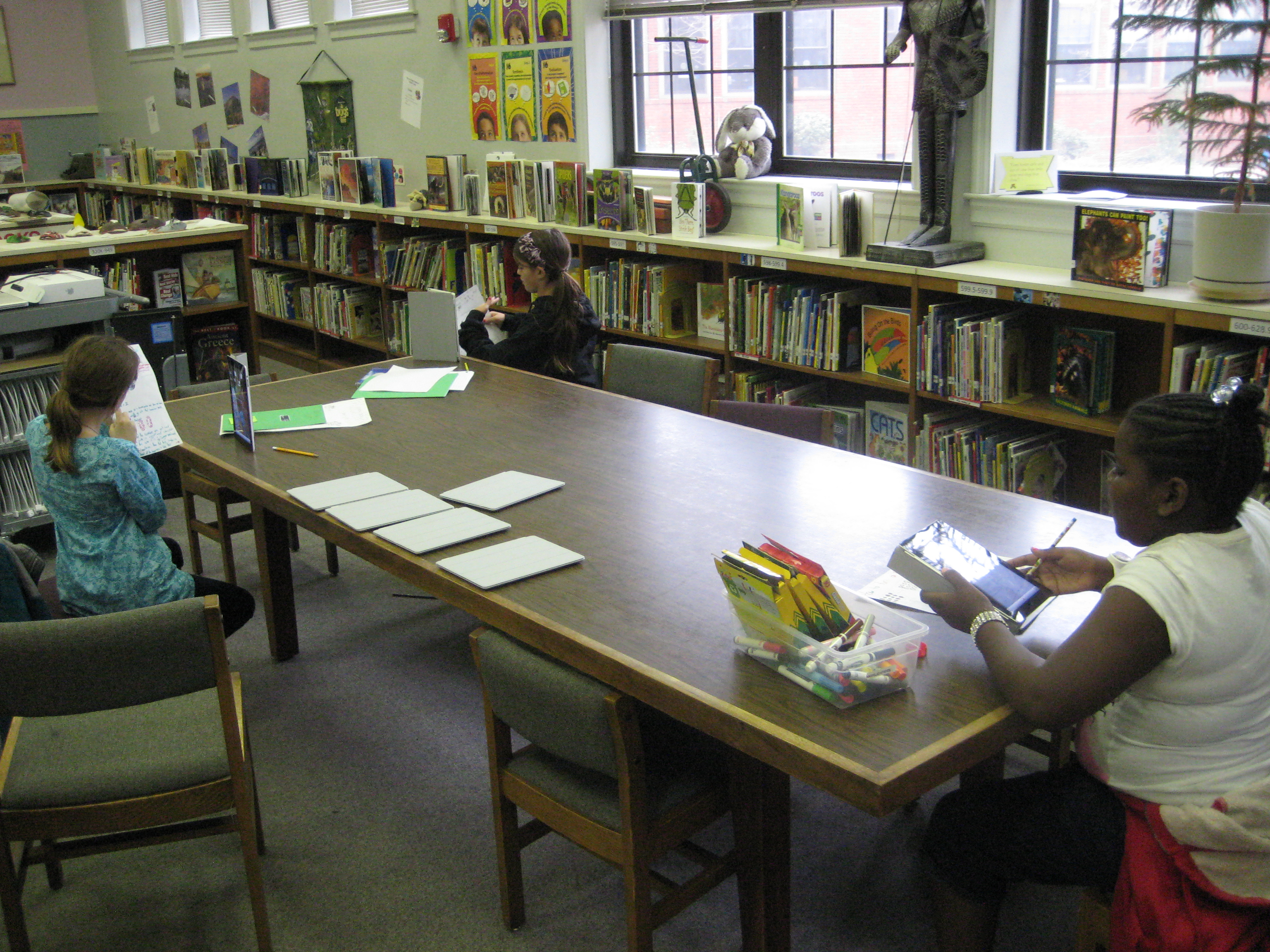
Three students filming their tutorials

Ms. Cross’ 5th grade ELT class has been doing some amazing work demonstrating various aspects of their math standards.  Each student took a different standard and found ways of demonstrating that standard through drawings, manipulatives, and explanation.  She was so impressed by their work that she thought it would be helpful for the students to create tutorials on their math components that could be used as mini-lessons or review sessions throughout the year in class.  The tutorials could even be used by other classes.

In planning for this, we thought that students should have options for how they might document their process in solving various math problems.  One option was using Glogster to create a review poster.  Students would have written components, video or audio components, and possibly images of their work.  Another option was to use the iPad to film a tutorial using all the pieces that had been created during the project.

Clare sets up her recording booth on a media center table

So far, one student has chosen Glogster & iPad and 5 students have chosen the iPad.  These 6 students explored their options on these tools and did some initial experimenting to see how each tool worked best.  Then, students spread out around the media center and used their tool to begin creating.  I conferenced with each one to talk about what was working, what they had questions about, and what they might consider trying.  On their own, students met with one another to show their work in progress and give one another feedback.

After getting all the pieces in place for creating their final product, the six students worked one final time in the media center to create their videos on the iPads.  Their videos were uploaded to dropbox on the iPad, downloaded into My Videos under their accounts, and then put into their teacher’s network dropbox.  I took the videos and also uploaded them to our media center YouTube page.  Much of my time during these final steps was spent troubleshooting and also showing a few of the students how to do the many steps to get the videos to where they needed to be.  After that, these students helped the other students.  I love how quickly students figure things out and how willing they are to teach and support one another!

This slideshow requires JavaScript.

Photo Story Seasons: A 1st Grade Collaborative Project

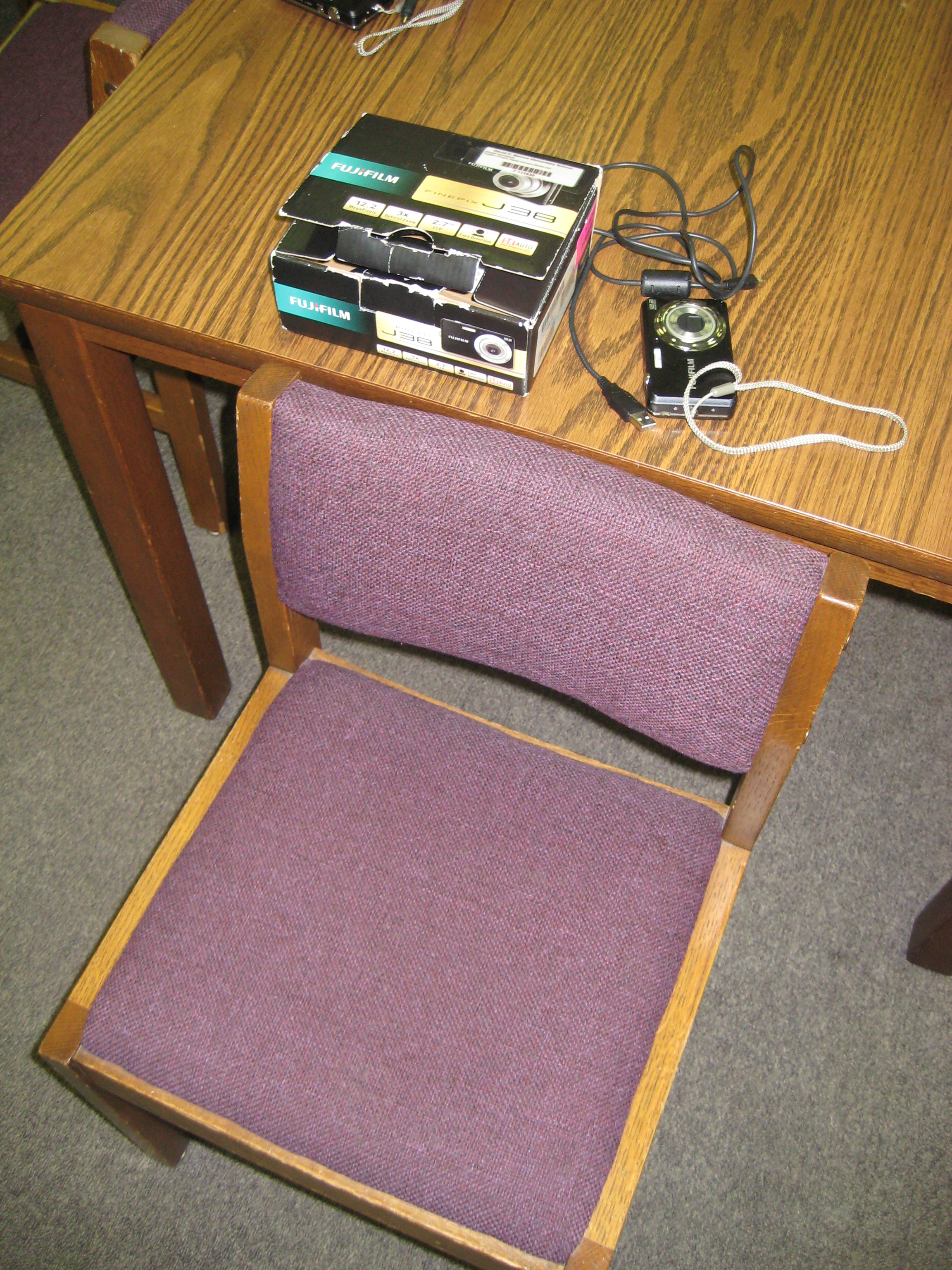
Each student had a chair to put pictures in, a camera, and a cord for downloading

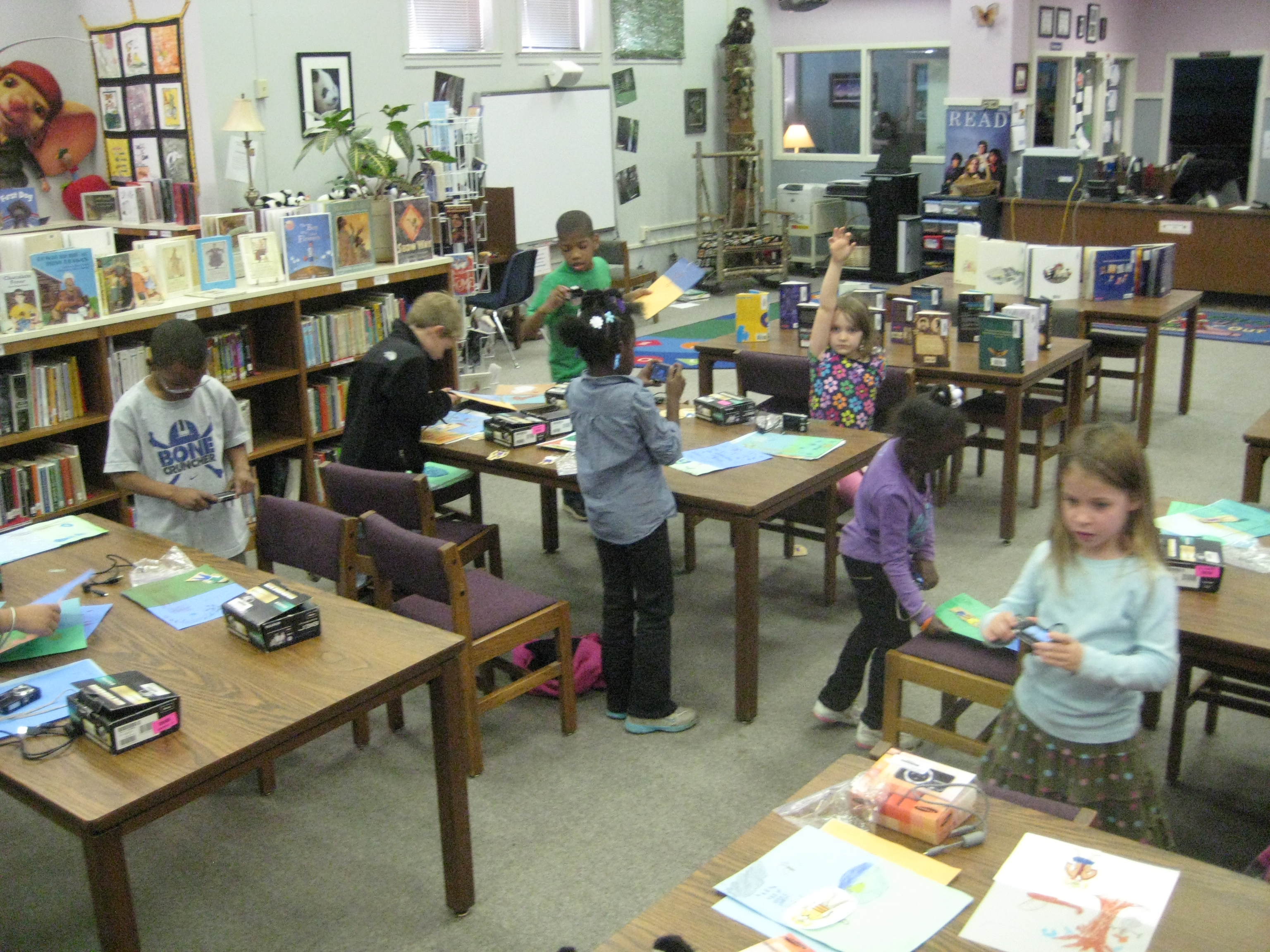
Over the past few weeks, students in 1st grade have been working on a seasons unit around their weather standards in science.  This collaborative project involved the 1st grade teachers, the art teacher, and the media center.  In class, students learned about weather in the various seasons, dressed paper dolls in appropriate clothing based on the seasons, and wrote sentences about each season.  In art, students created background images on construction paper for each season.

In the media center, students came for 2 sessions to create  photo story about their creations.  They took digital photographs of their paper dolls in each season, imported their photographs onto the computer under their own accounts, and used photostory to record their scripts for each season.

The amount of technology that students used in the media center was  a bit overwhelming, but they accomplished so much.  To do this project, students had to figure out:

  • how to turn on a digital camera and take a photograph that included all of the subject in the shot
  • how to login to a computer with their own username and password, which included understanding how to use the mouse and keyboard
  • open multiple programs on the computer and go through program wizards to complete the various tasks
  • save pictures into their picture folder and delete photographs from a camera
  • import pictures into photostory
  • arrange pictures in the correct sequence to go along with the script
  • use a usb microphone to record scripts for each photo in the photostory
  • save and view their final piece
Once I actually listed out all of those skills (and I’m sure there are some that I missed), it really is amazing what we accomplished in 2 days.  I won’t pretend that it was smooth and quiet, because it was very chaotic, messy, and loud.  It took multiple adults supporting the students, but the students were eager, excited, and productive.  I also won’t pretend that every student got their pictures in the right order or that they recorded the right script on the right picture.  I CAN say that every student went through the process and learned something about using technology to create a digital product.  They had permission to explore without endless instruction on what to click on and what to push on.  Instead, they had some freedom to try things and had a lot of adult support individually.
I think that as a result of this project, we’ll see many more uses of technology in our early grades, and we will continue to collaborate across multiple subject areas.
 

This slideshow requires JavaScript.

National Day on Writing

Students and teachers began writing blurbs about why they write

Today, October 20th, is NCTE’s National Day on Writing.  Many authors have contributed audio testimonials to their page about why they choose to write.

I created a Wallwisher page for students and teachers to contribute why they choose to write.  A few teachers and students began the conversation today, but because we are in our early release days for parent conferences, there wasn’t a lot of time to participate.  We’re going to continue to contribute to this page and invite you to visit the page and contribute your own reasons for writing.

Book Choice Champions Begins

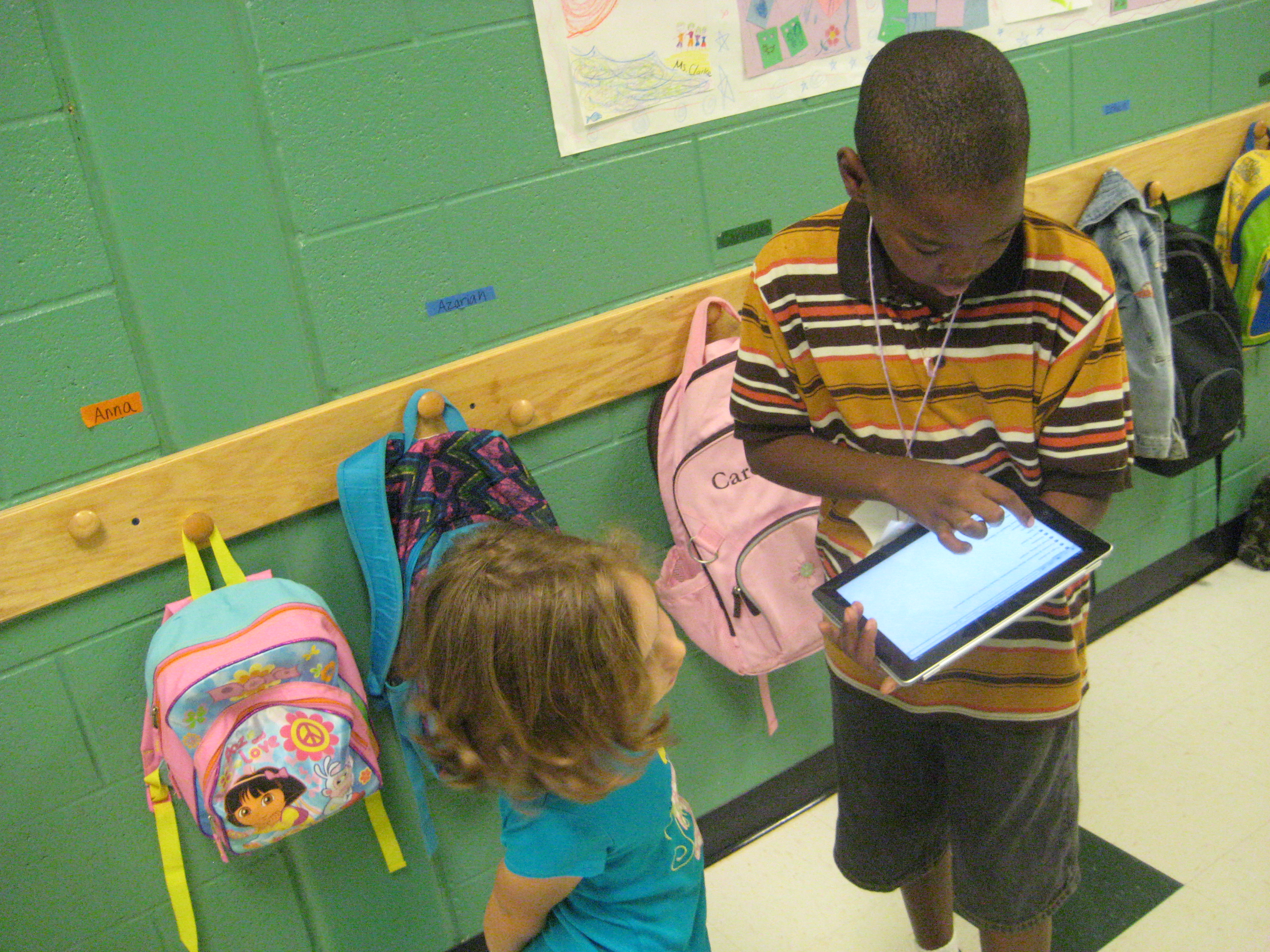
Surveying students using iPad and Google forms

Once again, I’ve set out on a journey with a group of students to make decisions on what books are purchased for the library in a project called Book Choice Champions.  This year, I set aside $1500 in book fair profits for a budget that is completely decided on by students.  Once again, our school is doing enrichment clusters on Wednesdays, so from 9-10AM I have a group of 11 students in grades 2nd-5th that come to the library to work on this project until late November.  The students self-selected which enrichment cluster they would be in based on their interest in the cluster topic.  The surprising part of this is that the group of students I’m working with is all boys.

On day 1, the boys immediately noticed that no girls were in the group and they saw this as a problem.  How would they buy books that were supposed to be for the whole school without having girl representation in the group?  They decided to survey students from the whole school and felt that it was important to know how many boys and how many girls answered the survey.  They also wanted to know what grades students were in so that all grades were represented in the decisions.  Two students in the group were in a similar group last year and they talked about the problems that we had with surveying, especially using blank paper and simply asking people what they liked to read.  For this reason, they decided to develop a Google survey that could be done on laptops, desktops, smartboards, and iPads.  They felt it was important to ask about various categories of books such as animals/sports/fairies/etc, kinds of books such as chapter/picture/informational/etc, and to give students a chance to request specific books or series.

The next problem was when would students take the survey.  We knew we didn’t want to interrupt instruction, so we thought of the least disruptive process we could.  They came up with several idea that they are now trying:

  • Ask their teachers when they could come get an iPad from the media center to survey their own classes
  • Ask 3rd-5th grades to take surveys on the iPads and desktop computers in the media center during morning arrival time before going to homerooms.
  • Ask K-2nd grades to take the surveys on iPads in the art room during morning arrival time before going to class.
  • See which grade levels seem to be missing from the survey results and ask specific teachers if there is a time to come into their room to do surveys
  • If needed, email the survey to teachers to use on their smartboards
Today, we asked PreK teachers permission to pull students to survey.  Members of the book choice champions read the survey to them and filled in the results on the iPad.  Also today, several students have come to the media center throughout the day to borrow an iPad to take to their classroom and to recess to do more surveys.  At the beginning of today, we only had 14 results and by the writing of this post 85 students out of 500 have been surveyed.  That’s pretty impressive for a group of 11 students.
Our next steps will be to look at this data and make decisions about where we will focus our time.  I’m so excited by the energy and passion that this group has.  All 11 boys truly want to be a part of the process and they’re stepping up to offer ideas and make decisions.

This slideshow requires JavaScript.

Using Poll Everywhere to Craft Poetry « Georgia Library Media Association

Using Poll Everywhere to Craft Poetry « Georgia Library Media Association.

Ready to E-Read

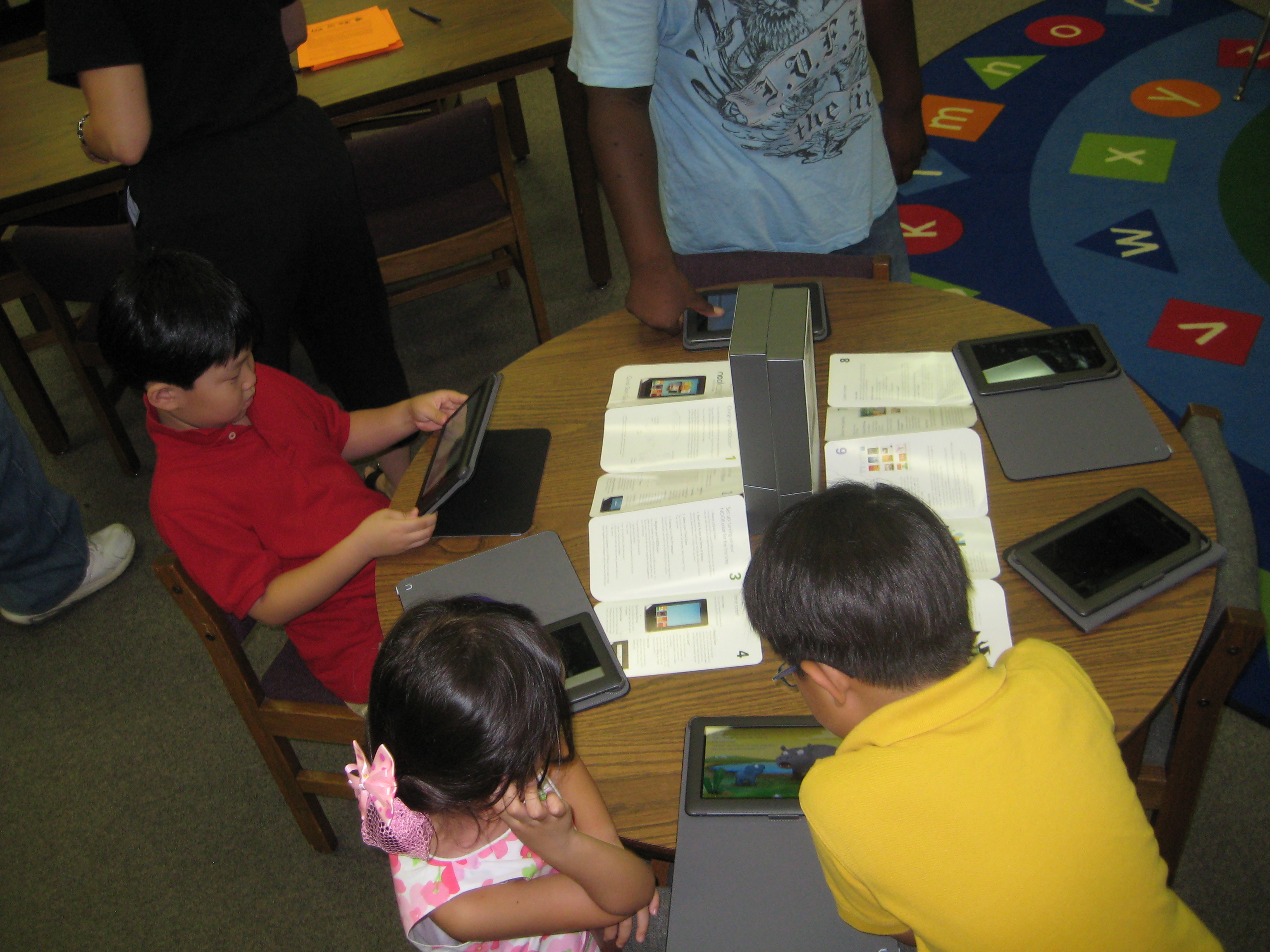
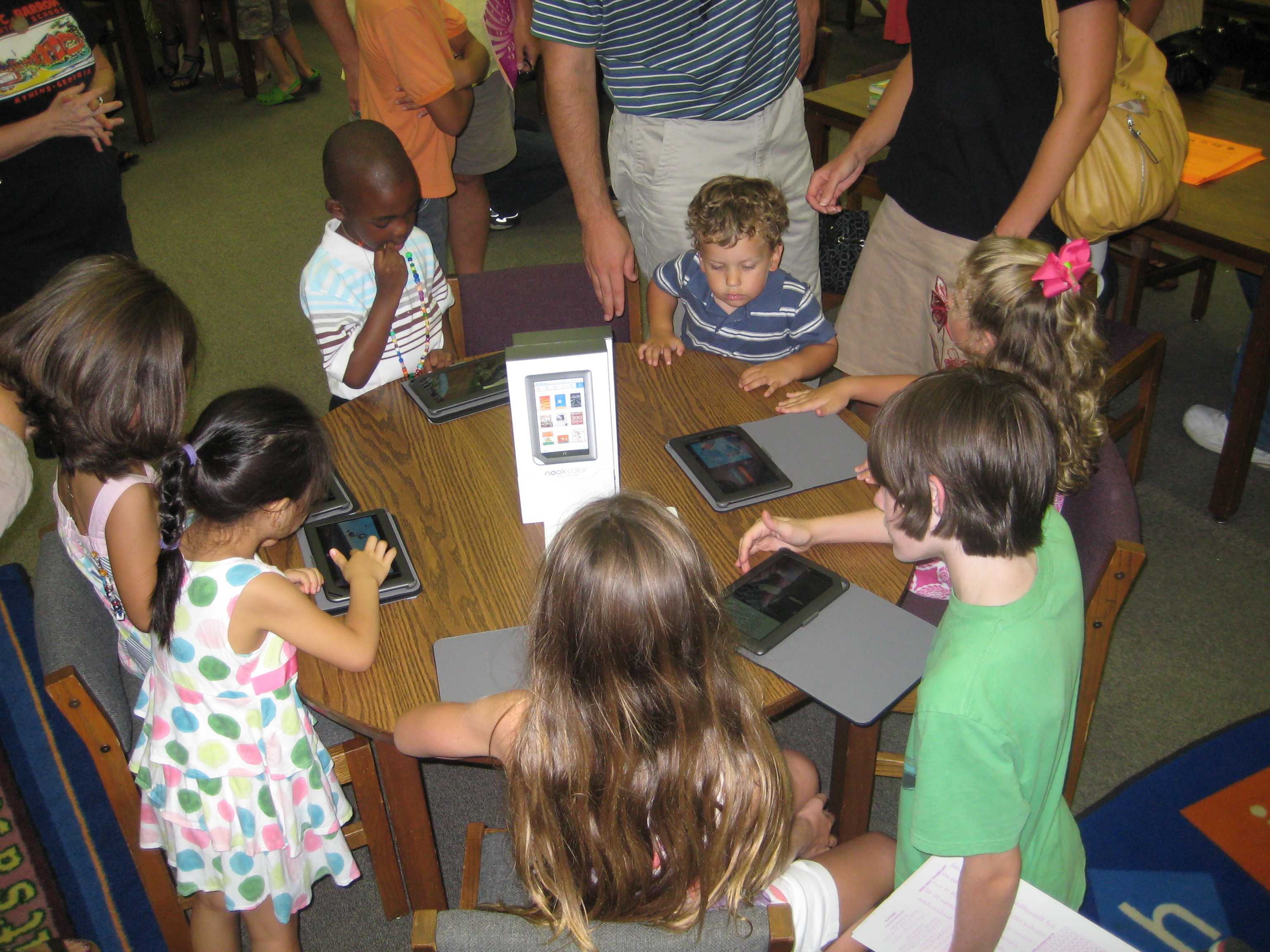
Thursday night was our annual Taste of Barrow meet the teacher night.  This is an exciting night for students where they hurry into the building to find their name posted by teacher and grade level and meet the teacher that will guide them through their new grade level over this school year.  In the media center, our lunchroom, bus, and afterschool staff setup at the tables to answer questions and sign up students for various programs, and I typically end up assisting in directing parents to the various tables.  However, I wanted this year to be different.  I wanted to be able to offer a “taste” of what’s new in the Barrow Media Center for the 2011-12 school year, so I setup a table of Nook Colors for students and parents to try out.

Students get their first look at our Nook Color devices

It did not take long for students to notice the new technology on the table and to start to ask questions.  Once the first students started trying them out, more students began to congregate around the table.  With a few simple instructions, students were listening to picture books using the “read to me” feature.  Then, those students were explaining the Nook Color to new students who walked up to the table.  It was an amazing collaborative process.  Students went and got their parents and began to explain to them how to use the devices, and parents started showing other students who were new to the table how to use the devices as well.  In just a few minutes, we were a community of collaborators around a table sharing the love of reading and new technology, and I was energized and hopeful for what this year has to offer in our media center.

The six Nook Colors purchased by our PTA are only a part of the new technology that will be a part of our media center this year.  Thanks to the Georgia Library Media Association Mable Wyche Underwood Grant, we will also purchase 3-4 Nook Simple Touch e-readers.  We will also pilot 10 iPads for the school district and explore how these devices support elementary learners in reading e-books, but also in using Apple apps for multiple kinds of learning and product creation.  Our district also purchased 4 iPod Touch for both teachers and students to use.  All of these devices will work together to support students of various abilities.  Each device has its own benefits to provide new kinds of learning and access to our students at Barrow.  I can’t wait to see how these devices increase our access to the global community.

Students and parents gather around the table to collaborate

E-readers: Kindles? Nooks? iPads? Who knows? « Georgia Library Media Association

E-readers: Kindles? Nooks? iPads? Who knows? « Georgia Library Media Association.

Young Imagineers Digital Workshop

For the past few months, I’ve been working with 20 second graders on a project using Glogster.  These spectrum students have been studying inventions and have taken existing inventions that could be improved upon or invented their own creations.  As part of their study, they talked about costs, benefits, risks, and more.

None of these students had used Glogster before, so I started them out with a brief overview of what Glogster could do.  Then, as I’ve done in other projects, I let them explore.  As students had questions, they were more comfortable asking one of the adults (myself, Ms. Hicks, and Ms. Saxon).  Over time though, we pushed them to begin asking each other questions and sharing expertise with one another.  Students discovered things such as:

  • how to capture audio with a microphone and embed it on their glogster
  • how to use a webcam at home to video themselves talking about what was on their glogster
  • how to search Schooltube and embed a video
  • how to create a photostory and upload it
  • how to scan images of their invention and upload it or use it in a photostory

Each time a student learned something, the other students immediately wanted to do that too.  It was another great example of the power of students collaborating with one another and taking risks in their learning by diving into the unknown and figuring things out.  These students will now go into 3rd grade with a better understanding of how this tool works.  I just finished collaborating with the 3rd grade team and the art teacher on a project that will call upon these students as the experts who will teach the other students in their grade level how glogster works when this project launches next year.

I invite you to check out their work on the Spectrum Webpage.