
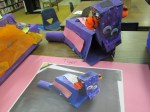
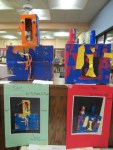
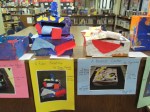
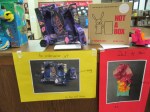
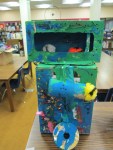
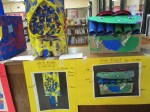
 As part of the participatory culture of the Barrow Media Center, we like to feature student art exhibits. We haven’t had as many this year due to our temporary space while our school is rebuilt. However, today one of my favorite displays returned. Ms. Foretich, our fabulous art teacher, setup the PreK Not a Box display. Students read the book Not a Box by Antoinette Portis and designed their own artistic creations out of boxes. This book always inspires creativity. One of the things I love about this display is how each design is accompanied by a digital photograph of the creation that is labeled so that visitors can understand what each box represents. In the future I could see this project evolving to include some QR codes to make the exhibit more interactive. There’s always something new and innovative that we could include. Time always creates some limitations on what we can do. If you happen to be near the Barrow Media Center, please stop by and take a look. If not, then take a look at the gallery below and feel free to leave comments for Ms. Foretich and her students.
Tag Archives: creativity




International Dot Day 2012 @barrowmc
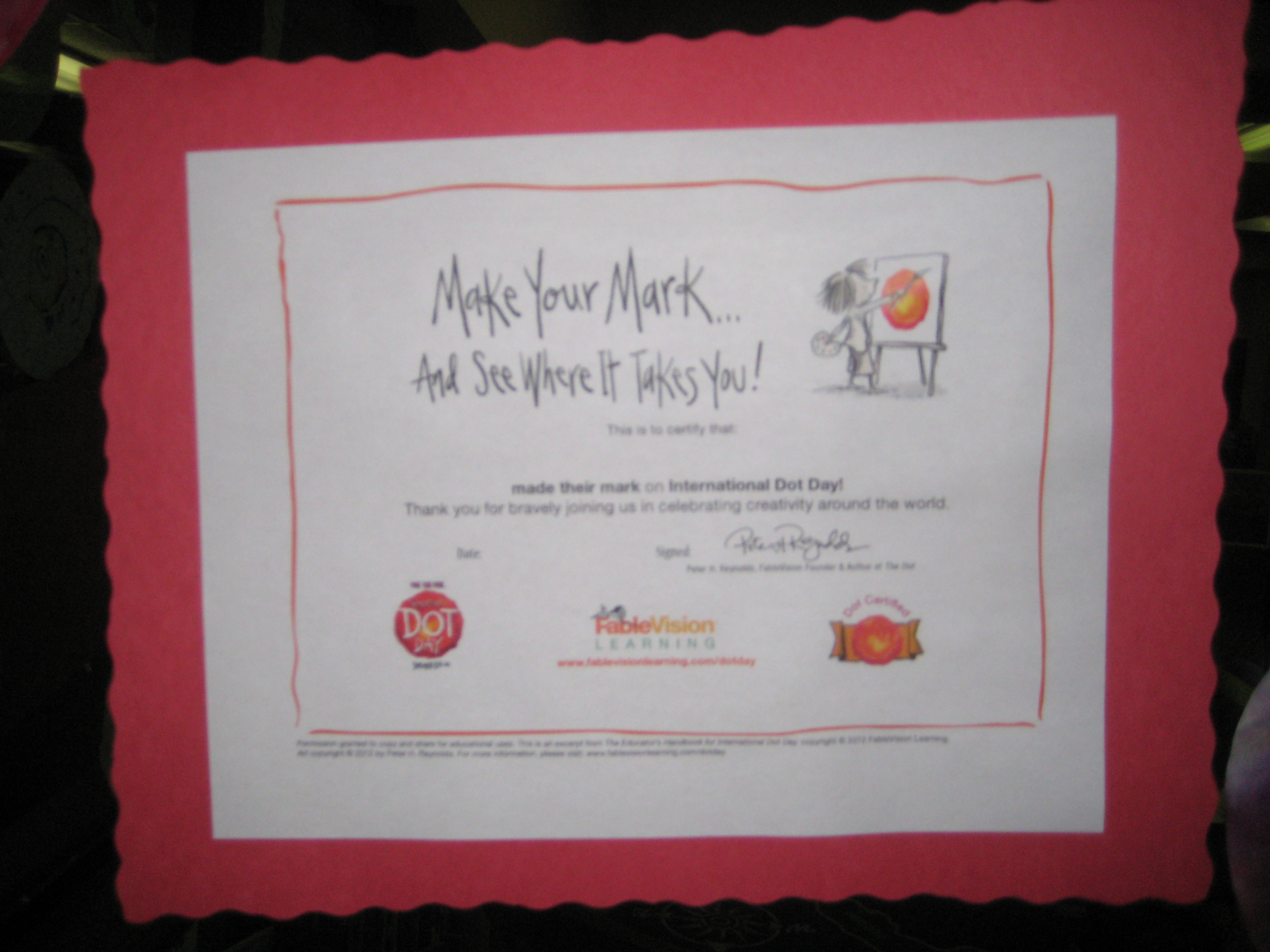 September 15(ish) is International Dot Day. We’ve been celebrating for the past week in the Barrow Media Center. Numerous classes came to listen to The Dot by Peter Reynolds. We talked about the importance of making your mark on the world and avoiding the words “I can’t”. After our discussion, students moved to tables and made dots in 2 different ways.
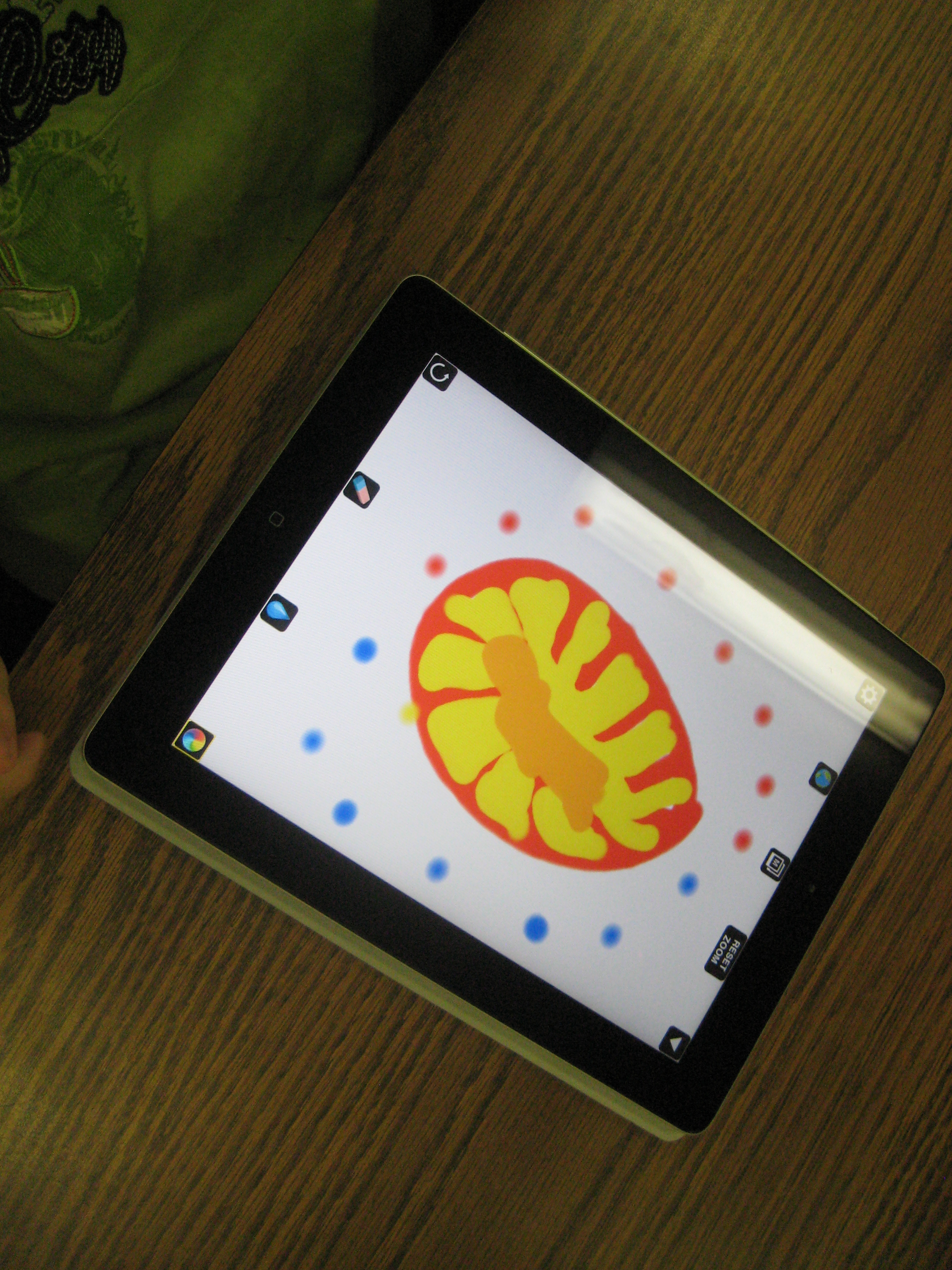 Using Drawcast on the iPad, students made digital dots in a variety of ways. They saved their images to the iPad photo gallery. We took those dots and imported them into a collective dot folder and used Animoto to make a digital dot gallery. We also made a QR code and displayed it outside the library to link to our Animoto video.
 At the other tables, student had access to coffee filters, markers, crayons, and color pencils. They decorated their coffee filters in creative ways. All of the paper dots filled the windows of the media center to the point that you almost couldn’t see in! Some students used a spray bottle of water to spray their filters so that the color ran together. After many classes came, we realized that our sprayed dots had created even more dots in the drying area. The final class, Ms. Olin’s class, wrote on the drying paper “Barrow School Made Their Mark” and we displayed this in the hallway as well.
We hope our creativity will inspire others to make their mark on the world!
Student E-book Creation
Some third graders have been exploring how they can make their own ebooks. This group was a big exploration. We really didn’t know what we were doing when we started, and we gave ourselves permission to just try things, problem solve, and be at peace if something just didn’t work.
We decided to try Barnes and Noble’s Tikatok first. It’s free and can either be done with a parent account with children added or can be done with a teacher account with students added. Students can use a gallery of photos or import their own. Most students chose to search for creative commons photos to use in their book. One student even did her own photography. Some students started with a written story and made their pages and images match their story. Others started with interesting images and tried to weave those into a story or collection of poems.
The free version of Tikatok only allows you to use photos and text. If you want to include audio, you have to pay to upgrade your account. Also, we learned that a parent account allows the books to be shared exactly as they are created, while a teacher account only allows the books to be shared with the word “tikatok” spread across each page. Ultimately, this is a tool for Barnes and Noble to make money through the purchase of the ebook version or the printed version. However, we found that it was useful enough and easy enough to use that we would try it again and only use the features that were free.
Another group will begin exploring in a couple of weeks. This group is probably going to try out a different tool called SimpleBooklet. There are many more features in this tool such as embedding Google docs, video, and audio. The feel of the book is more like a slideshow than the turning of pages in Tikatok, but the features may prove to support more creativity and transmedia experiences for students. Our hope is that these 2 exploration groups will work out some of the kinks for future groups and inspire whole grade levels to try this out.
You can preview 3 of the books that these students created here.
International Dot Day (Extreme September 15-ish)
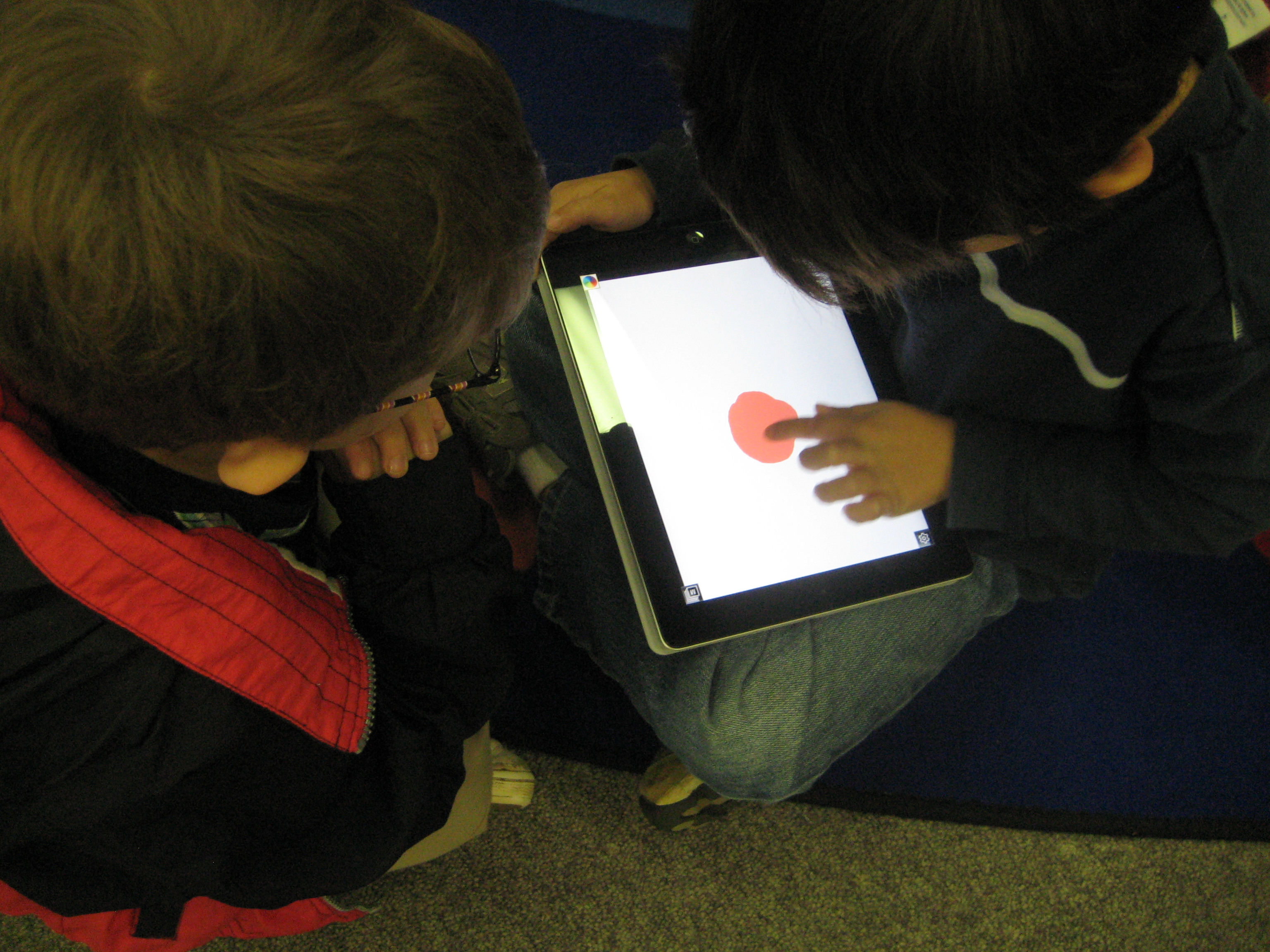
Students using Drawcast to make dots on the iPad
I thoroughly enjoy collaborating with preK. They have a very organic planning process that comes from the things that the students get energized about or the things that come up naturally in their classrooms. Last week, a preK teacher asked me if I would read The Dot by Peter Reynolds to her class. Her class had been examining what it means to be an artist and she is pulling in multiple ways of discussing the topic through activities and literature.
As soon as she mentioned The Dot, I remember International Dot Day on September 15th and how sad I was that I missed the celebration this year at our school (I have big plans for next year!). So…I thought, why not just celebrate now instead of waiting. I examined the Dot day resources online and discovered the Dot Project using iPads to create dots. I took this idea and looked for a free app rather than the drawing app that the students in the Dot Project used.
In the lesson, we read the book and discussed what it means to be an artist. Following the lesson, each student took a turn to make a dot using the app Drawcast. I gave very little instruction on Drawcast so that students could discover things for themselves. I only showed them how to change their colors and brush sizes. Students got busy making their dots, and I circulated and gave them tips when they needed to erase or when they couldn’t figure out how something worked. Each finished dot was saved on the iPad and then uploaded to Dropbox. On my own computer, I pullled the images from Dropbox and imported them into Animoto to make a video of all of the dots.
This same process repeated for 2 other classes and the final video was shown on our morning broadcast.
This trial run gave me some experience with dots on the iPad for next September’s Dot Day and at the same time gave students an opportunity to use a new technology while expressing their artistic selves to an authentic audience.
 Expect the Miraculous