Flipgrid Book Talks with 5th Grade

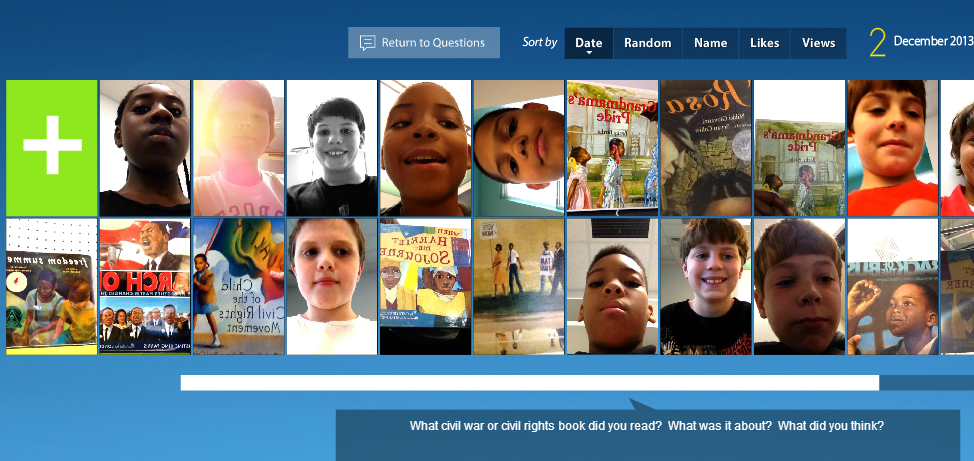
Flipgrid. Relax and discuss.A few weeks ago 5th grade reading teacher, Melissa Freeman, asked if her students could have some time in the library reading picture books and informational books related to the Civil War and Civil Rights Movement.  I quickly began pulling a big stack of books for them to read.  We wanted some way of capturing this experience to refer back to during Social Studies time, so I’m so glad that I discovered Flipgrid!
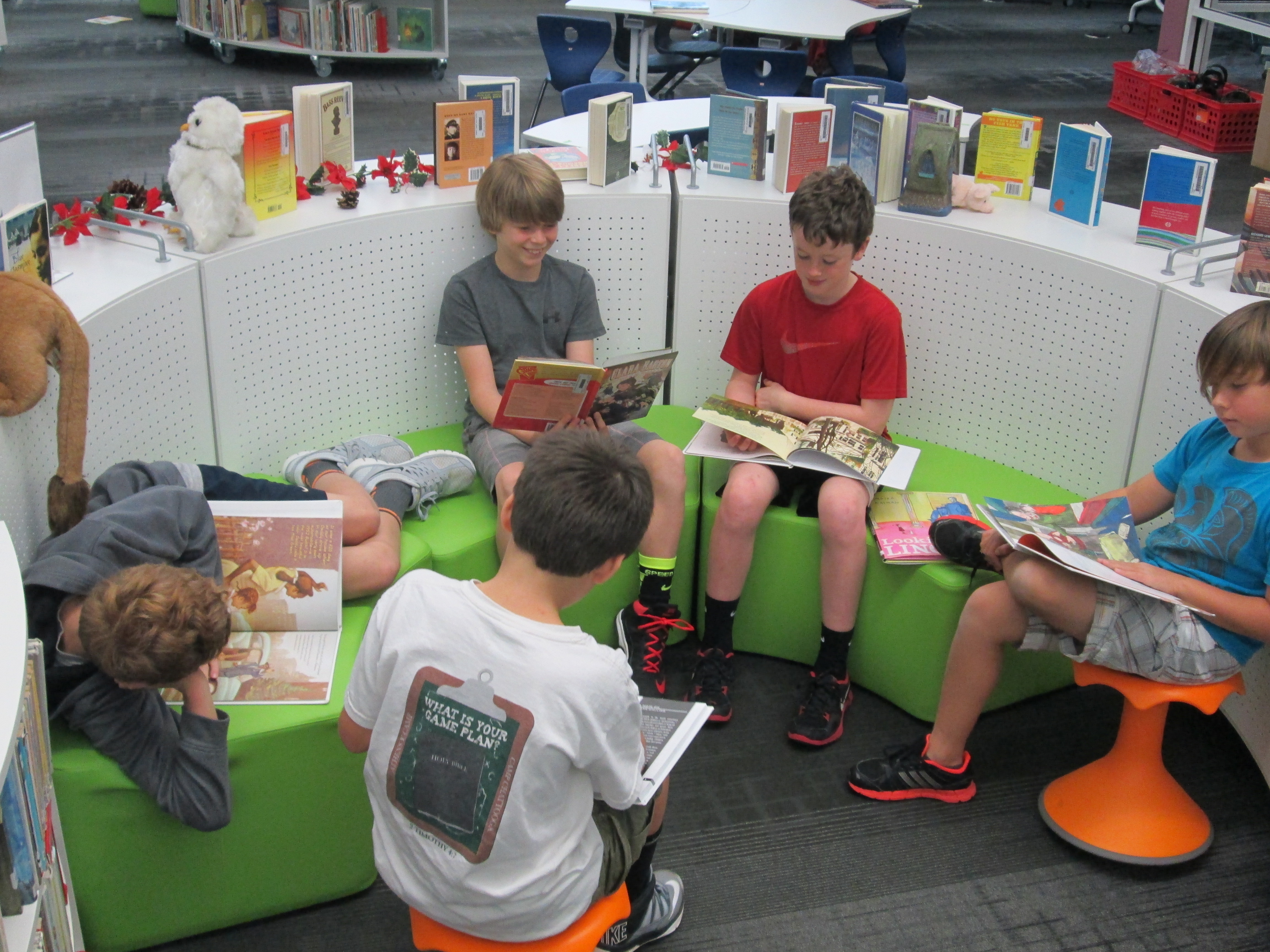
flipgrid civil war & rights (11)Each 5th grade class came to the library today.  I had the books spread out on tables.  We started in the floor for an overview.  I shared our purpose of reading books connected with our social studies content.  The teacher and I both stressed that our main goal was to spend quality time reading the books and preparing to do a book talk.  Flipgrid was going to be our tool to capture these book talks, but Flipgrid was not our focus.  We also talked about why Flipgrid was the chosen tool.  We brainstormed ideas such as the ability to go back to these book talks during social studies to find books that matched standards.  Students also thought that others in the school could visit the grid to learn about some books that they might not check out on their on.

With our purpose established, I showed students an example of what a book talk video might look like.  I also quickly walked through the Flipgrid screens to show what each one looked like in order to record a video.  This overview took us about 15-20 minutes.

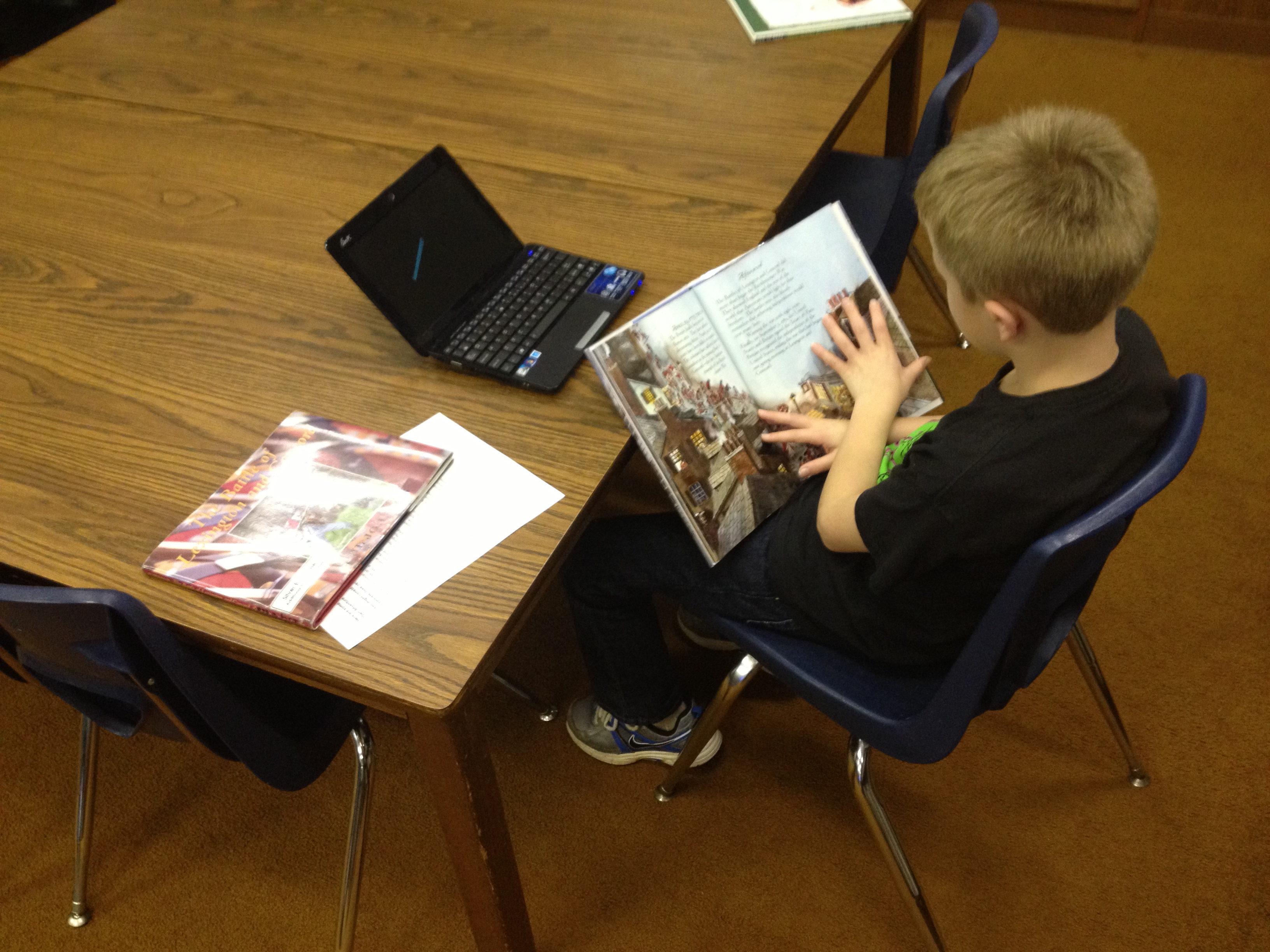
Students each went to the tables, chose their book, and found a cozy spot to read.  As students finished their reading, they got index cards and pencils to write down a few notes to help them with their book talks.  Finally, they got an iPad, typed in the flipgrid code, and found a quiet spot to record.
flipgrid civil war & rights (8)The student response to this tool in 5th grade was very positive, but they did have some suggestions for improvement:

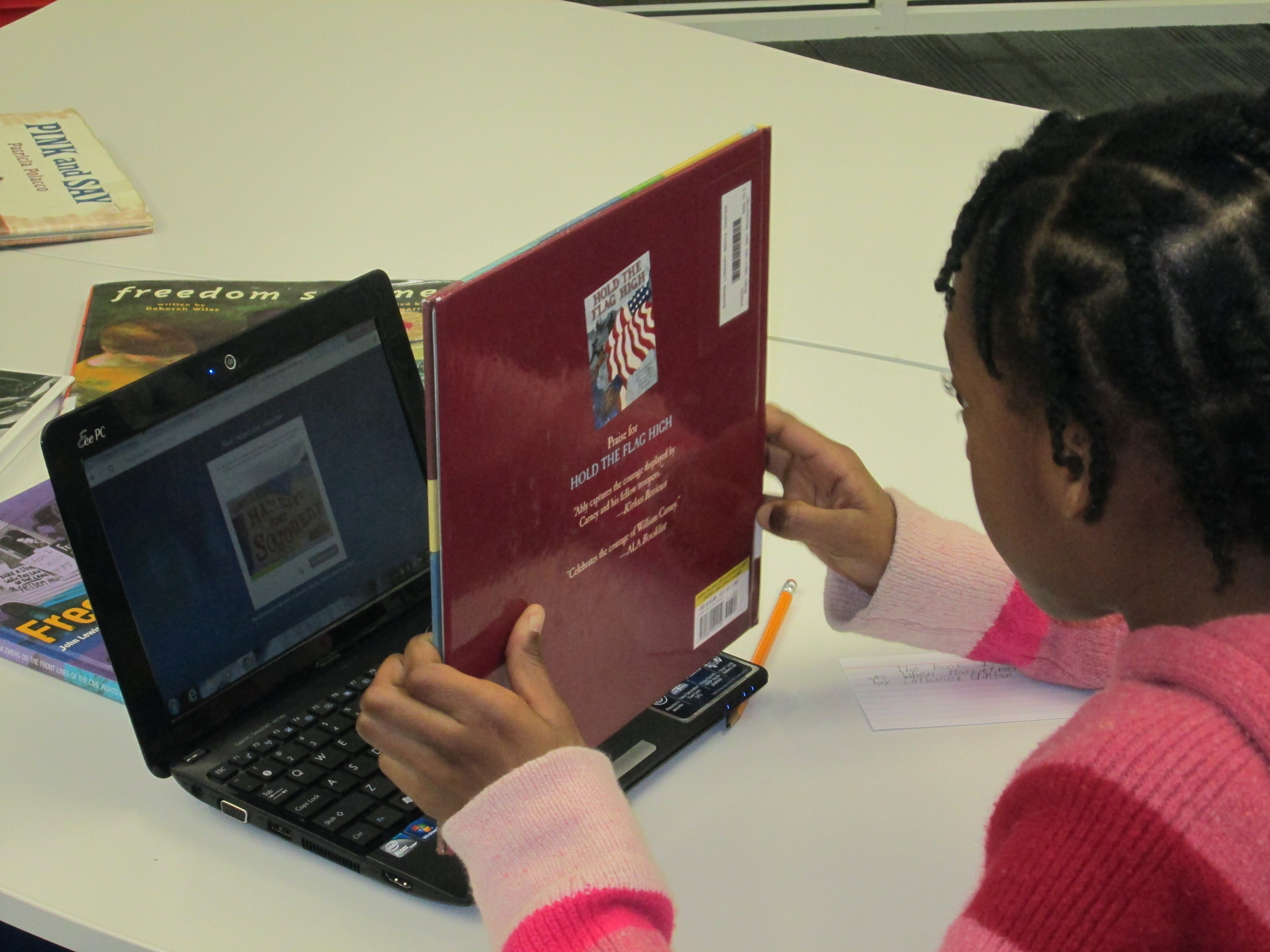
  • When they held the books up to show them on the video, the words on the books were flipped backward.  We did not figure out how to fix this in the recording screens.
  • When students submitted their video, sometimes it put the video up to 8 times on the grid.  I had to manually go in and delete the extras.  We are not sure why this happened to some students and not others.
  • Some students received a timeout error message when uploading their videos.  They had to repeatedly submit the video until they got the successful upload message.

I typed all of these comments in an email and sent it to Flipgrid support.  We hope that we hear some answers to these issues or see Flipgrid continue to improve.  Even with the technical problems, the students all hope that their teacher and I will continue to use this tool.

Listen to their book talks here.  Students will continue to add videos to grid during their reading class with Mrs. Freeman.

Thinglink Regions of Georgia with 2nd Grade

regions for thinglinkSecond grade has been studying the regions of Georgia as part of their social studies standards.  I pulled multiple resources for them to use including informational books, Georgia stories, posters of animals and plants, and regions of Georgia posters.  In each classroom, students were placed into groups to research a specific region.  This was built into both writing time and social studies.  Students were supposed to use their research to write a script for a regions of Georgia commercial.  Their job was to convince someone to visit that region by telling about the land, animals, plants, and things to do in that region.  During some of these sessions, students came to the media center in small groups for research support.   I worked with them both on researching facts and also writing scripts.  Finally in class, students designed backdrops for their commercials.

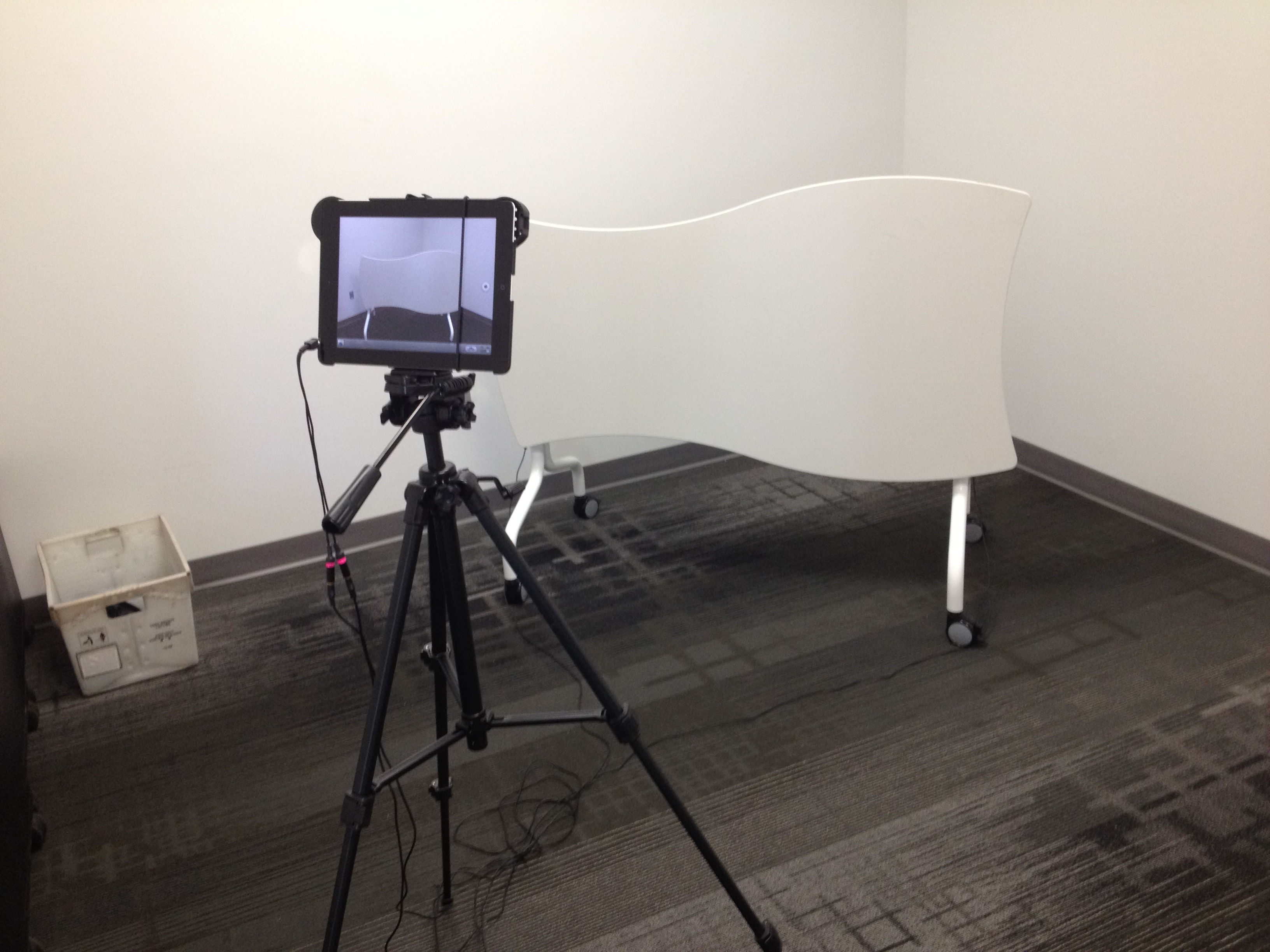
In the library, students came in small groups to film their commercials.  We filmed in our studio and used one of our fusion flip tables to tape the backdrops to.  I used an iPad to record the students acting out their commercial.  Our iPad had a dual shotgun microphone plugged in to improve the sound quality.  It was interesting to see the students’ different ideas for how to do a commercial.  Some incorporated puppets, creative slogans, and even a breakaway door.

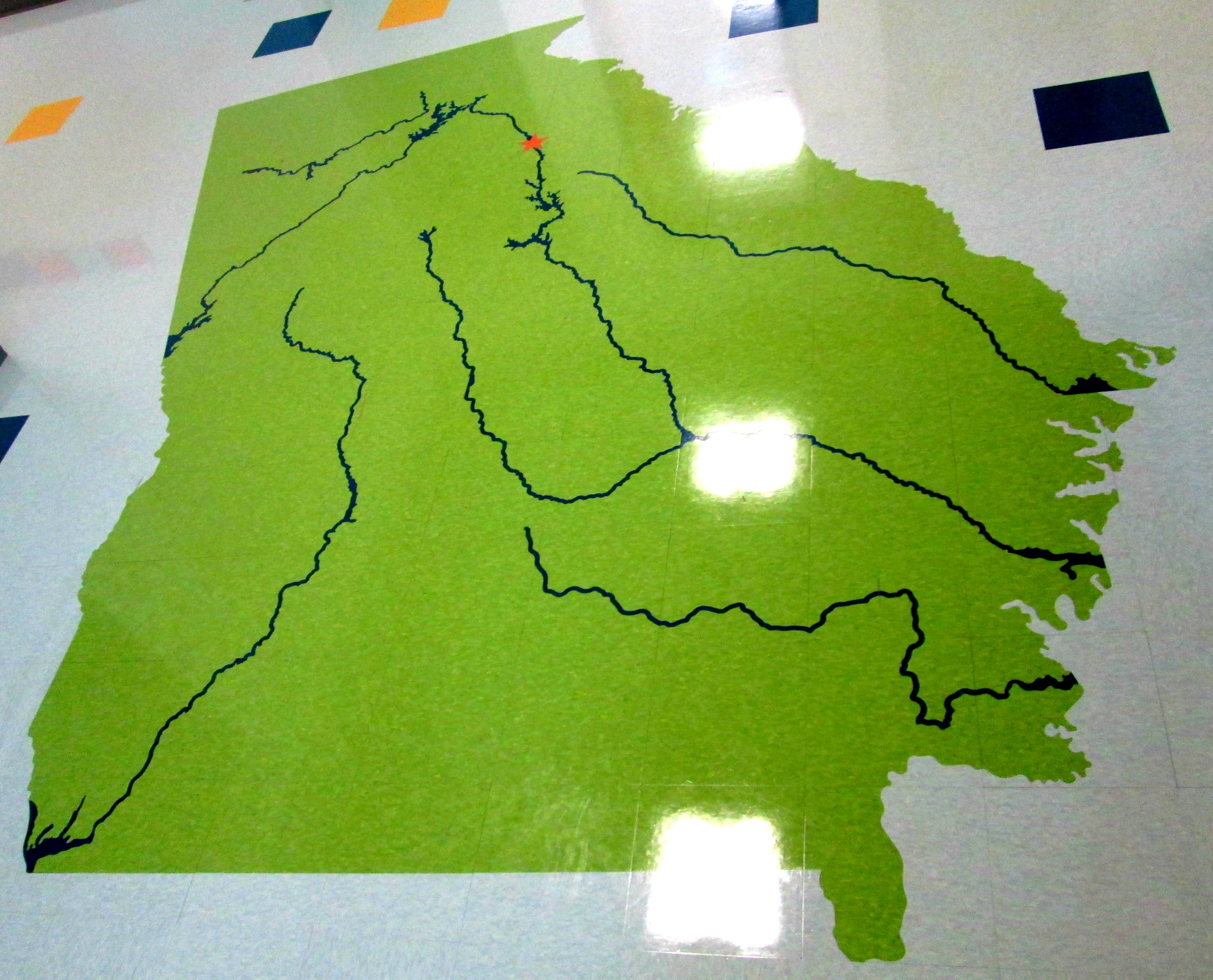
I took each video and put it into iMovie, uploaded it to Youtube, and then attached it to a Thinglink.  For our Thinglink image, I took a photograph of a map of GA which is found on the floor just outside of the 2nd grade rooms.  Thinglink allows you to attach multiple links to one image.  I’ve used Thinglink for individual projects, but I liked that this use of Thinglink pulled all of the videos into one easy to reach location.  I shared the link with teachers so that they could see the progress being made toward finishing all of the videos.  They pulled the Thinglink up on their boards and let students watch the videos that had been made so far.  It created a great review tool for where all of the regions of GA are and also allowed classes to hear the research that had been gathered in the other classrooms.  We will make a QR code for the Thinglink so that visitors with mobile devices can scan the code and visit the project.  photo (1)

This was a great first quarter project.  I think it is a stepping stone toward the next technology-related project that 2nd grade will do.  My regret is that I wish that more students could have been involved in actually creating the final product.  I wish that I had at least had a few students from each room sit and watch or help make the Thinglink.

Take a look at their work in progress here.

Google Forms: Choose Your Own Adventure

IMG_1645I had heard about how you could write a Choose Your Own Adventure story using a Google form, but I had not been brave enough to give it a try until this year.  The idea got placed back in front of me at one of our media specialist professional learning meetings by Tanya Hudson.   Then, I went into Google forms and gave it a try.  I made a very short, basic fiction story. I won’t go into detail in this post about how the story is made, but it is all about adding multiple page breaks in a form and then directing answers to go to those pages based on the response of the reader.

Mr. Plemmons’s very rough practice story!

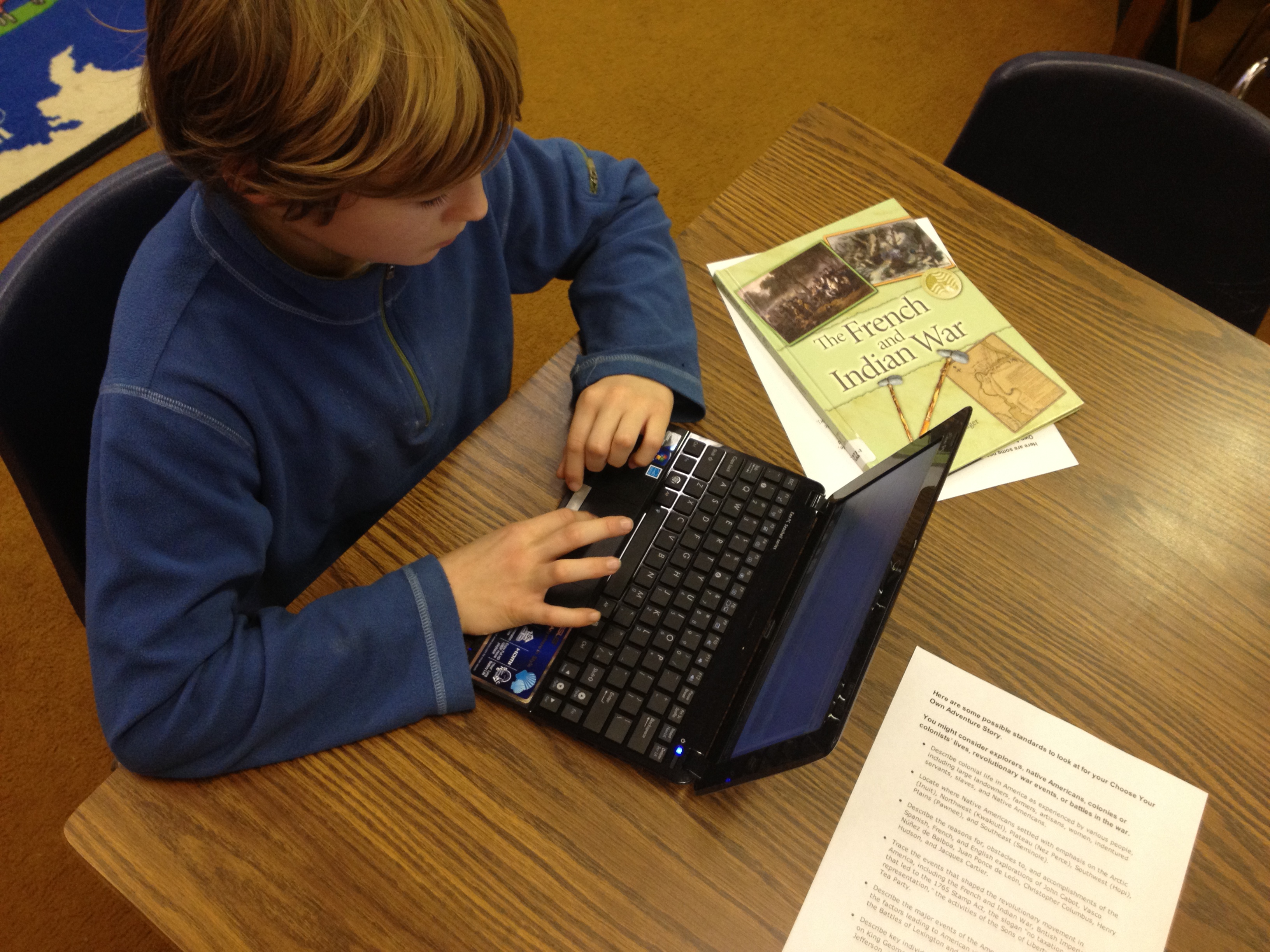
Then, at our school level professional learning day in January, I did a session on using Google forms.  I shared some very basic uses of forms and also included this advanced idea.  Our 4th grade teachers were very interested in how this might be used by their students.  After some brainstorming, we decided on writing historical fiction choose your own adventure using some of the 4th grade standards.  In the library, I have several nonfiction choose your own adventure stories from Capstone Press, so these became mentor texts for the project.IMG_1644

The teachers gave me a small group  of students from each of their classrooms.  The reason we started with a small group was so that I could work with them in a smaller setting to explore the possibilities of creating this kind of story.  Then, these students could pair with other students in the class to show them the steps to making the stories.  The students worked with me during 5 hour-long sessions.

In session 1, we read some excerpts from the informational Capstone Press books.  Then, I walked them through the story I made and how it was created.  They ended this session by “messing around” in Google forms to practice some of the things I modeled.

In session 2, students looked at the standards and chose their topics to begin researching.  They chose from:

  • Describe colonial life in America as experienced by various people, including large landowners, farmers, artisans, women, indentured servants, slaves, and Native Americans.
  • Locate where Native Americans settled with emphasis on the Arctic (Inuit), Northwest (Kwakiutl), Plateau (Nez Perce), Southwest (Hopi), Plains (Pawnee), and Southeast (Seminole).
  • Describe the reasons for, obstacles to, and accomplishments of the Spanish, French, and English explorations of John Cabot, Vasco Núñez de Balboa, Juan Ponce de León, Christopher Columbus, Henry Hudson, and Jacques Cartier.
  • Trace the events that shaped the revolutionary movement in America, including the French and Indian War, British Imperial Policy that led to the 1765 Stamp Act, the slogan “no taxation without representation,” the activities of the Sons of Liberty, and the Boston Tea Party.
  • Describe the major events of the American Revolution and explain the factors leading to American victory and British defeat; include the Battles of Lexington and Concord, Saratoga, and Yorktown.
  • Describe key individuals in the American Revolution with emphasis on King George III, George Washington, Benjamin Franklin, Thomas Jefferson, Benedict Arnold, Patrick Henry, and John Adams.

IMG_1643In all of the other sessions, students mixed research from books, websites, ebooks, and the research tool in Google Docs with actually creating their form.  Students supported one another as they figured out things, but students also conferenced with me on their stories.  About mid-way through their sessions, I had students go ahead and submit the link to their form to me.  I used a Google form to gather all of their links.  Then, I could easily check-in on students without disturbing their writing.

As I look back at what we’ve done so far, it has been a very messy process with lots of different kinds of learning going on simultaneously.  If I had it to do again, I think it would be easier to start with a fiction story than weaving in history.  Just making the structure of the Google form and getting it to work took a lot of time and students were also trying to research facts.  When they moved to research, their skills at creating their forms were getting a little rusty.  I think if students started with fiction where they could just make everything up, they could spend more time being creative and actually getting the form to work.  We learned a lot about the process, and I definitely think that these students will be able to show others the steps it would take to create their own.

All of their stories are still works in progress, but you can try them out here:

JP’s Boston Massacre

Henry’s Seige of Yorktown

Dmitri’s French and Indian War

Lucy’s Colonial Times

Jake’s Taxes of the British

Will’s Battle of Lexington and Concord

Lilli’s Battle of Lexington and Concord

Hadley’s Boston Tea Party

Graham’s French and Indian War

Anna’s Native American Tribes

Samantha’s Boston Tea Party

Feel free to leave feedback on any of the stories as a comment and I’ll pass it along to the students to celebrate and improve their stories.

IMG_1642


Exploring Culture

A sketch of how water is used in our lives

Today, first grade continued their exploration of culture, which is a part of their social studies standards.  In our first lesson, we thought about our day from the time we get up until the time we go to bed.  Then, we read the book One World, One Day.  We used the photographs and text to compare and contrast the day around the world with what a day is like in our own cultures.

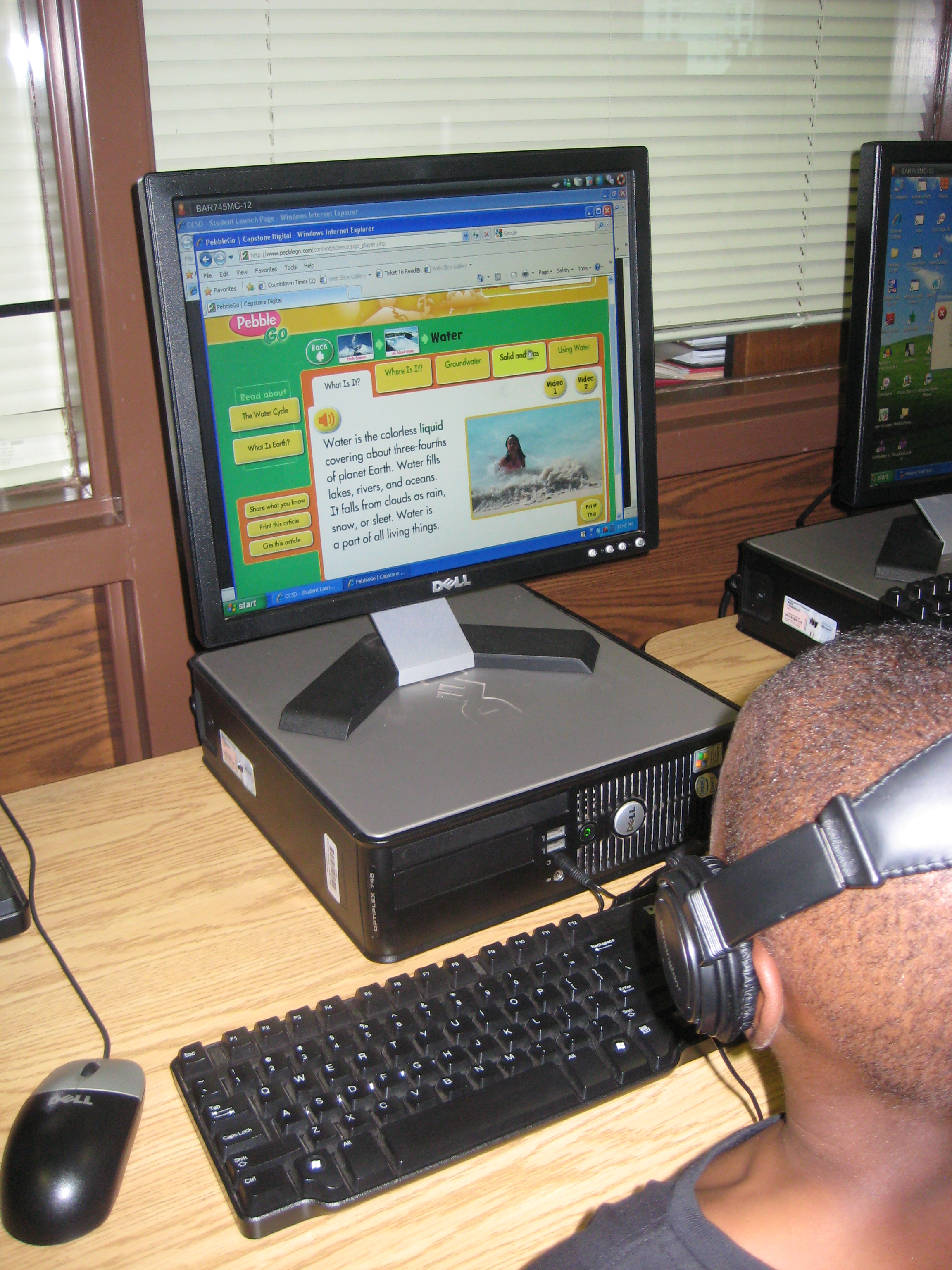
Today’s lesson focused on water around the world.  Students began by drawing and writing how they use water in their own lives.  We move to the floor and read the introduction to Our World of Water: Children and Water Around the World.  Then, we moved to computers and used PebbleGo to explore all of the resources available in the earth database about water.  

I really liked the movement from drawing/writing to listening to using technology to read/listen.  These kinds of experiences are what I hope to repeat in many lessons this year as I try to provide transliterate experiences for the learners in our library.

This slideshow requires JavaScript.

Sharing Massive Content: A Collaborative Strategy


Every year, I’m amazed at the amount of content that our 5th grade teachers have to teach in just Social Studies.  Not only do these teachers have to concern themselves with the Reading and Math CRCT scores, they also have to teach a massive time span in history with many intricate details.

This year the 5th grade team began talking with me about a project they wanted to try this year to hand over some of the content of their “Bigger, Better, Faster: The Changing Nation” unit.  Students will work in teams of 3-4 students.  The groups will be mixed across the grade level with students of varying abilities in groups.  Teachers will assign topics from the unit to the various groups.  In the media center, I’ll do a lesson on note taking and gathering information from a variety of sources.  I’ve also made a pathfinder with resources connected to each topic as well as all of the standards covered in the project.  I’ll introduce this pathfinder and how the various resources work in my introduction lesson with students.  My paraprofessional has worked to pull print resources from the library and sort them by category.  These will be checked out to the 5th grade and placed in a central location in the grade level for students to use.  The teachers have booked both computer lab and laptop cart time as well as media center time for me to assist students with their research.

Once students get going with their research, the teachers and I will share a variety of options for final products.  The teachers want to use a variety of technology along with more traditional kinds of final products such as brochures.  The tools I will share with students include Glogster Edu, Animoto, and Photo Story.

Finally, students will showcase their work in the media center.  This showcase will allow the 5th graders to learn from all of the projects in an effort to allow students to help teach and take ownership of the 5th grade GPS standards.  It will also allow students from other grade levels to see their work as a preview of what is to come in 5th grade.  Students will have an authentic audience for the work and will hopefully retain the content better as they share their learning with others.

We’re giving this a try this year, and we’ll fine tune it as we go.  I hope that this grows into future kinds of projects like this one for other 5th grade content and other grade levels as well.