Digital Learning Day @David C. Barrow Elementary Media Center

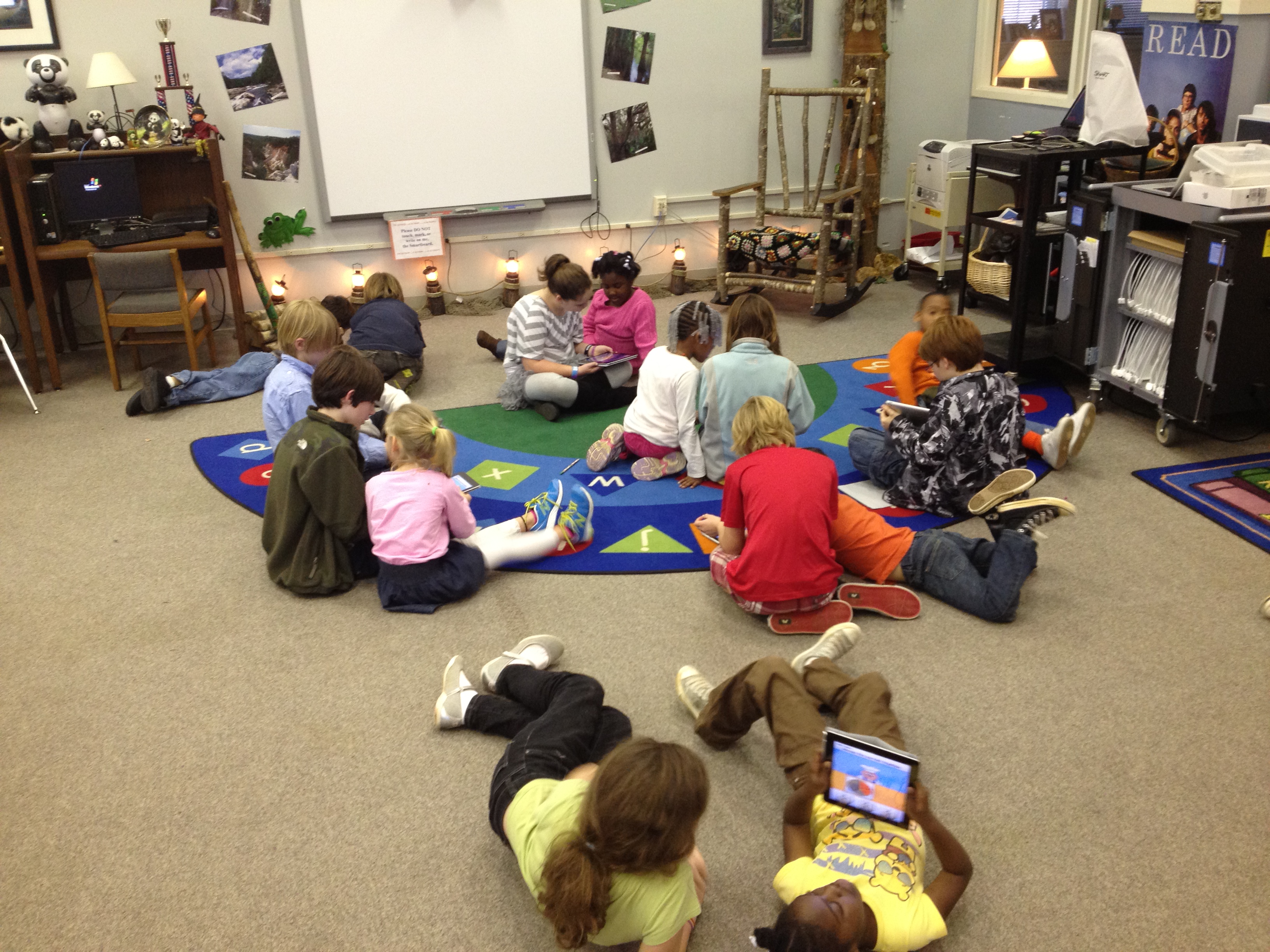
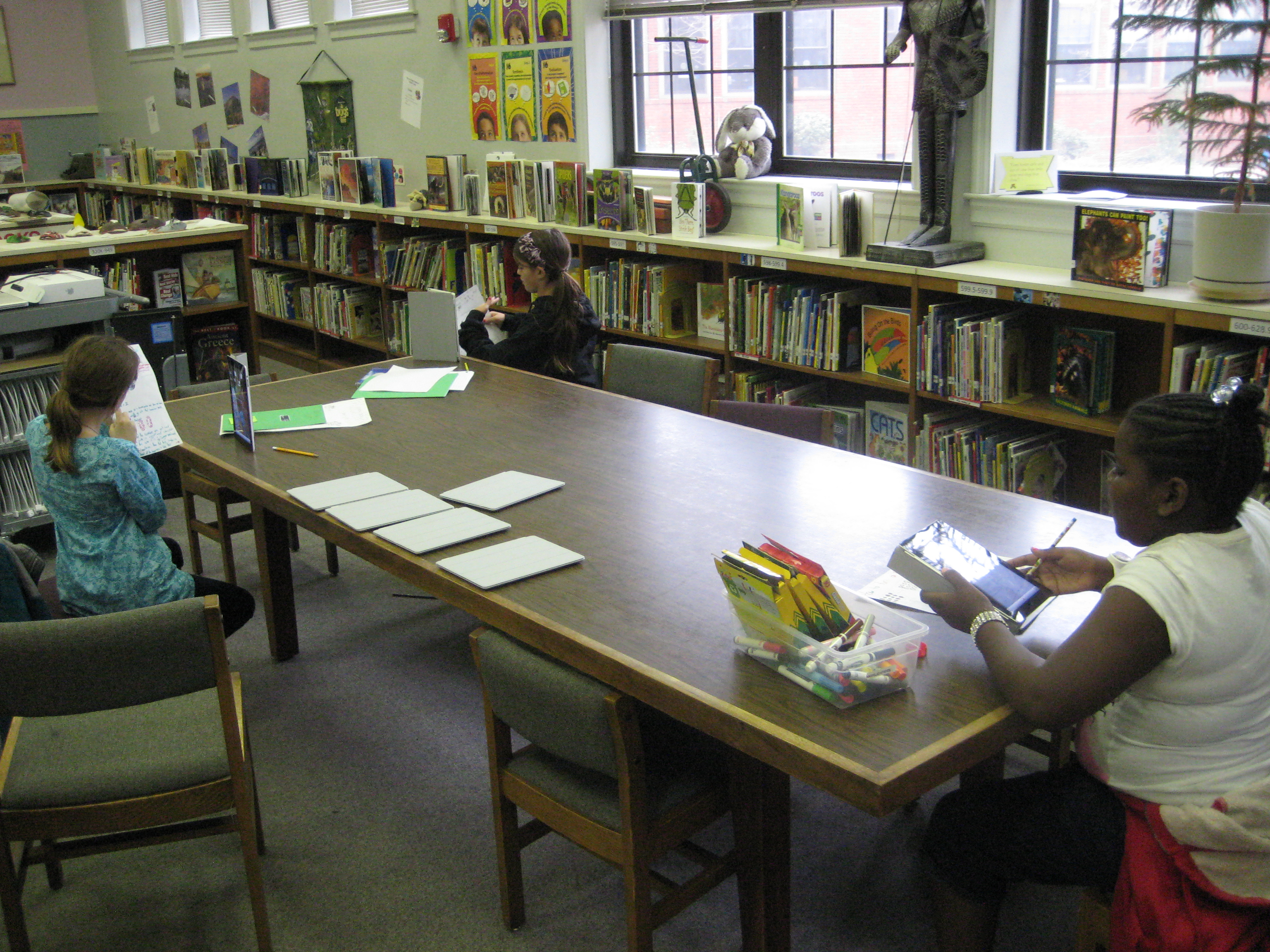
Today was National Digital Learning Day.  I honestly didn’t plan anything specifically for the day, but rather looked at what we were already doing today and highlighted it.  Using technology as a natural part of learning to both consume information and create it is a big part of our media center vision and mission.  I appreciate this day to highlight the great work going on around our country, but I didn’t feel like I needed to go over the top with planning digital learning, when it’s already a part of what we do.  Here’s a glimpse of the kinds of learning that took place today in the Barrow Media Center.

  • 11 students used e-readers to download samples of multiple books and read them to make decisions about what e-books they will commit to reading
  • Two enrichment clusters used iPads, desktops, and laptops to explore different ways of using these devices.  These 2 groups (one younger students and one older students) are trying to explore as many ways these devices can be used so that they can promote their use throughout the school among students and teachers.  Two Kindergarten teachers are leading these groups and working in the media center.
  • A 1st grade class learned about the Athens quilter, Harriet Powers, and created a digital quilt using the iPads.
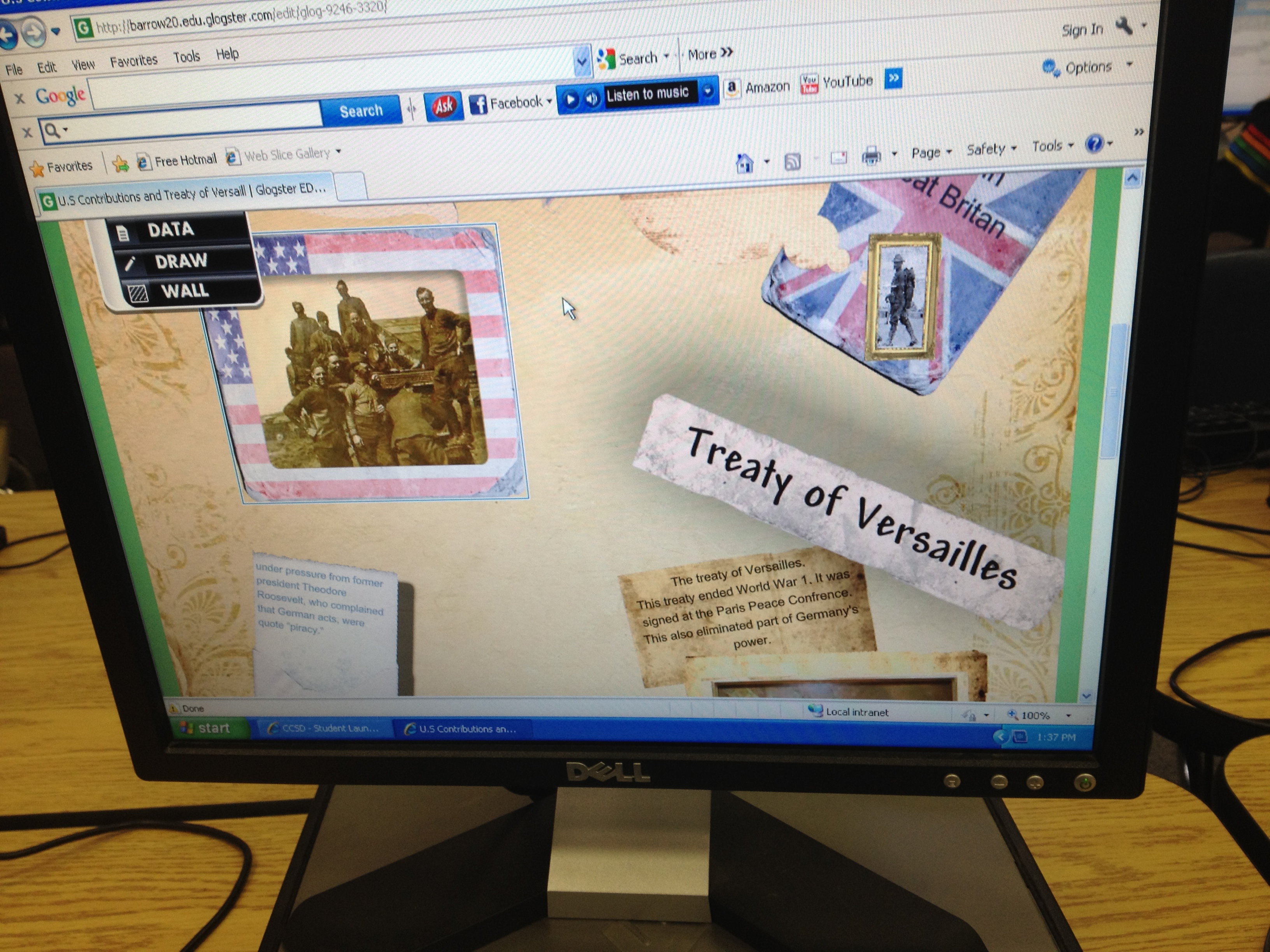
  • Three 5th grade classes worked on collaborative projects encompassing 3 units of social studies standards.  They are taking research they found and creating glogs in Glogster.  At this point they are linking their glogs to videos online, embedding screencasts of Google Earth tours or timeline reviews, and creating audio segments introducing their glogs.
  • A kindergarten group used the e-readers to listen to picture books and/or practice reading the books independently and doing summaries.
  • I held a professional learning session for teachers on Google docs so that they could learn how to begin collaborating on documents.  Our teachers do a lot of collaboration, so the use of Google docs is going to help them share multiple documents and streamline their time.

This slideshow requires JavaScript.

How do you celebrate digital learning day every day?
Buddy iPad Math: A First Grade & Fifth Grade Collaboration

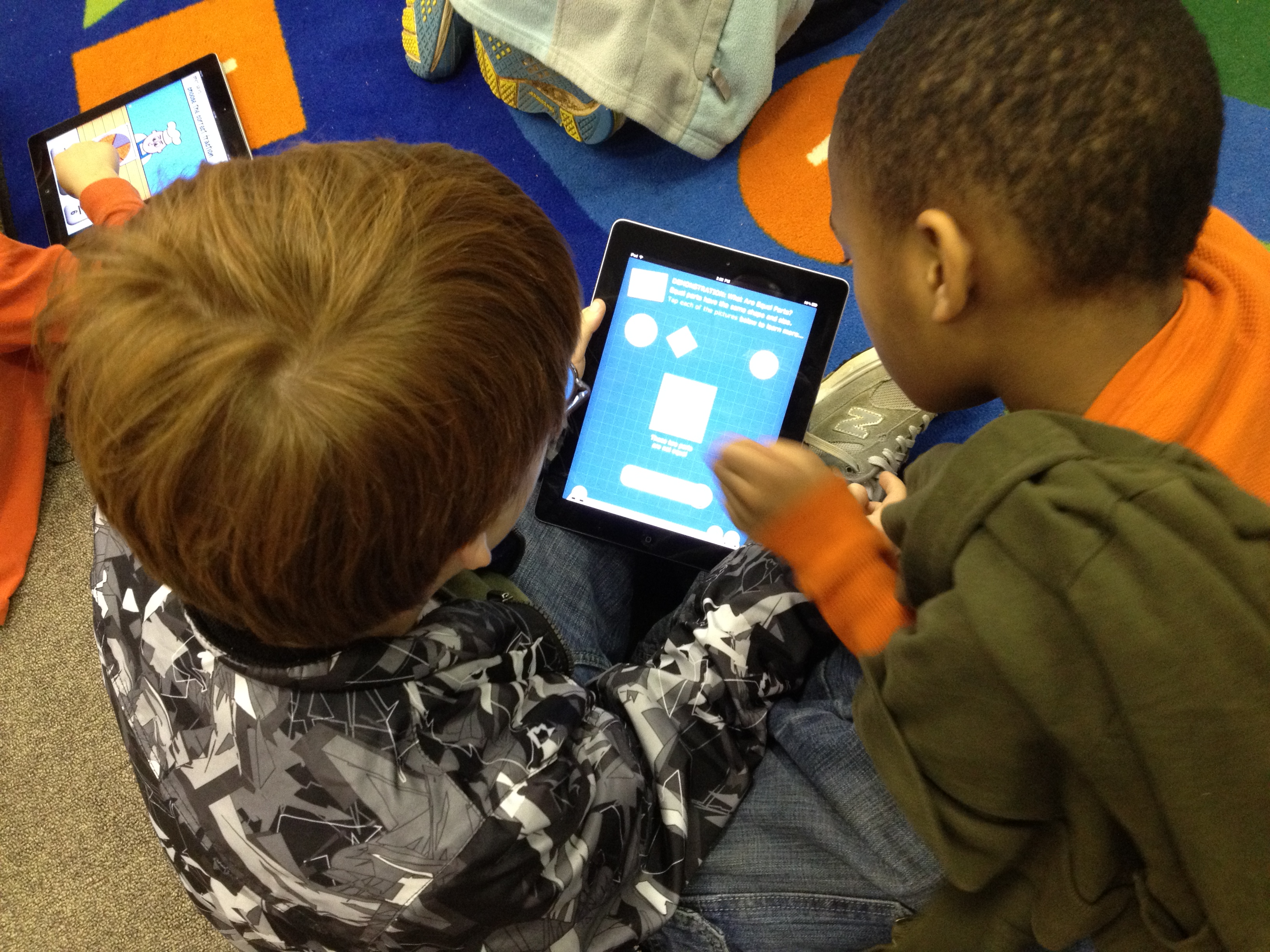
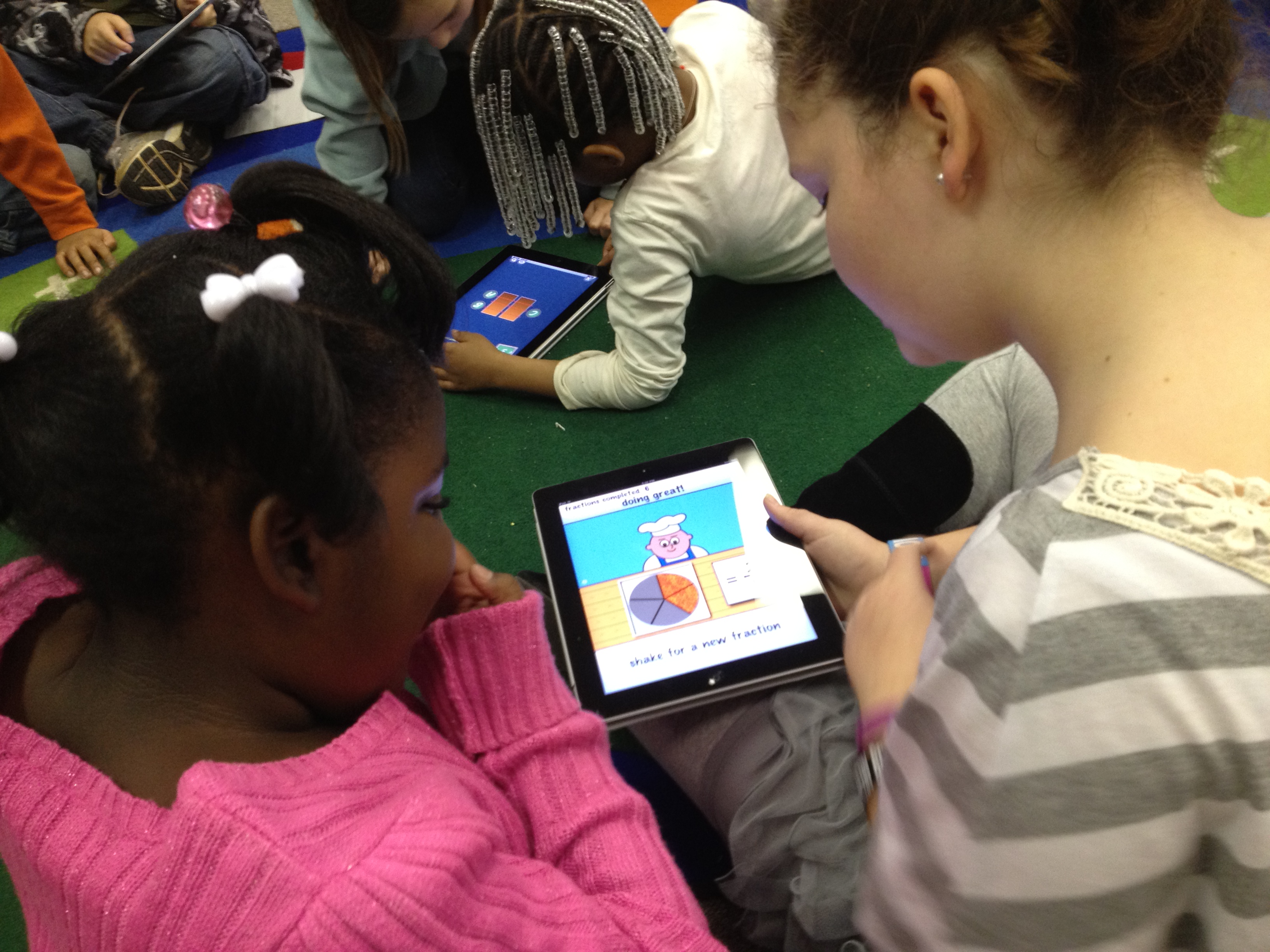
Our 5th grade and 1st grade buddies returned to the media center today for another round of media center collaboration on math standards.  Now the 1st graders are working on fractions.  The 5th graders worked with their own teacher ahead of time to view the 1st grade fraction standards and familiarize themselves with what was expected of 1st graders.  Their teacher encouraged them to stretch the 1st graders thinking within reason.

Today, we started on the carpet in the media center.  I used the document camera to display the book Fraction Action by Loreen Leedy.  I only showed pieces of the book at a time because I paused and allowed the students to work with their buddies to draw representations of the various fractions from the book on the iPad.  They used any of the drawing apps that were installed.  Once they drew their representation, students closed iPads and we looked at the representations in the book before moving to another fraction.  We looked at 1/2, 1/3, and 1/4 in the book.

Next, the groups split.  Half of the students used a pizza fraction app on the iPads while the other half went to the computer lab and used several fraction websites that were compiled by the teachers.  I stayed with the students on the iPads and had conversations with them about the fraction app.  When they reached a point where they were getting bored with the app, we moved to other math apps to practice basic 1st grade math facts.

We plan to continue the fraction lesson on another day by incorporating some fractions that move beyond the 1st grade fractions.

Kindergarten Research…so many firsts!

While the rest of the school is working on persuasive writing, our Kindergarten is working on informational writing.  The teachers and I met back in December to plan some goals that we had for student research of informational topics.  It was important to each of them that students have experience locating information in a variety of places, but to specifically look at content that matched their developmental and reading levels.  Our print collection in the media center already has a variety of texts on a variety of levels, so I felt like they would find enough resources in the nonfiction section that would meet the needs of several topics.

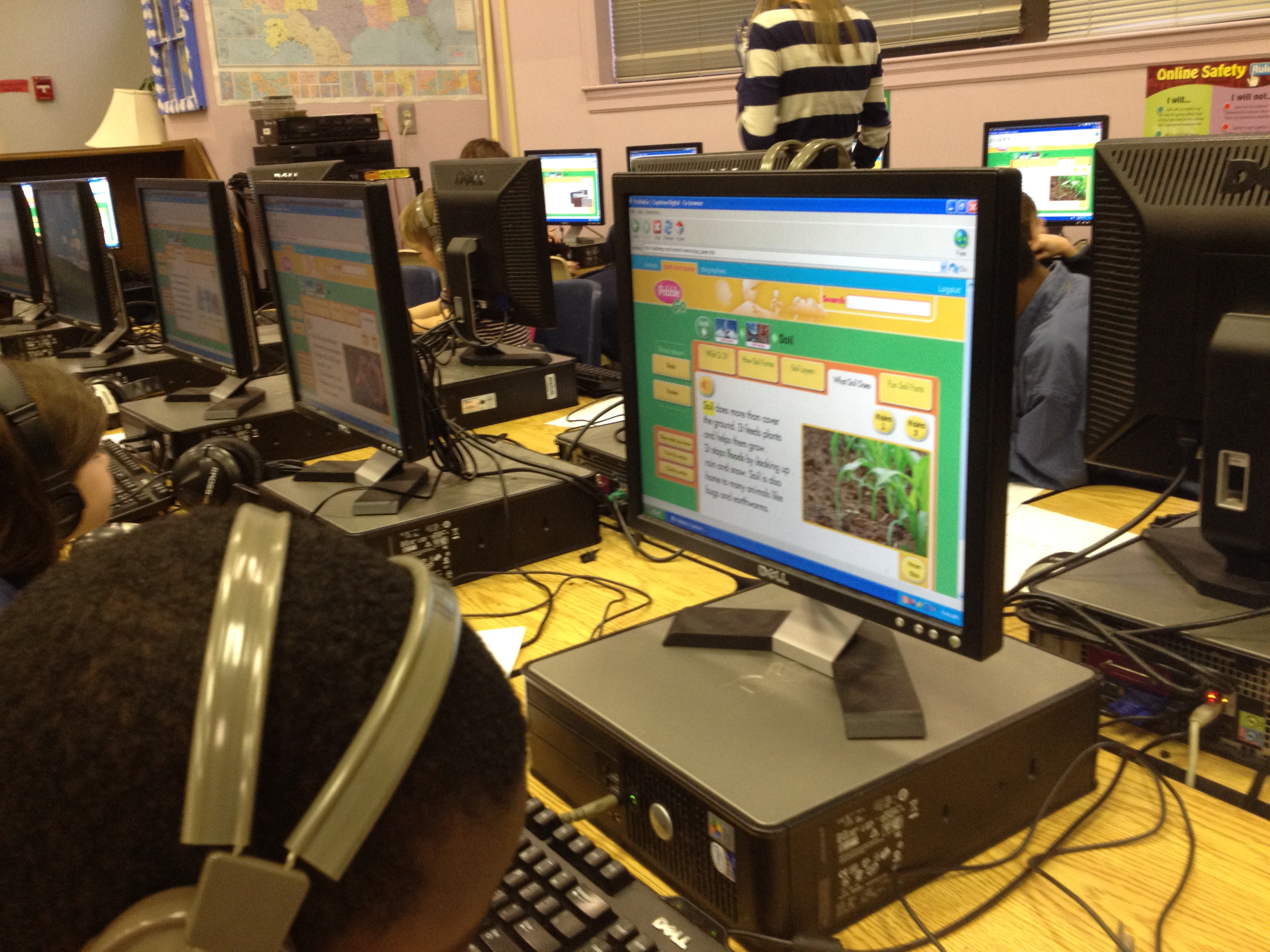
The challenge came with finding a digital resource that would meet their needs.  We have access to great databases such as Encyclopedia Britannica in our state Galileo database, but even Britannica didn’t seem to get at what we wanted.  Fortunately, we were able to get a one-month trial of PebbleGo from Capstone.  PebbleGo has three main databases: animals, earth and space, and biographies.  The content targets a K-2 audience, but I’ve found that the topics are appropriate for all of our grades and really match the reading needs of many of our readers.  The content is broken down into headings and students have the option of reading the content themselves or having a professional narration read to them.  There are also videos, charts, maps, timelines, and more within each heading.

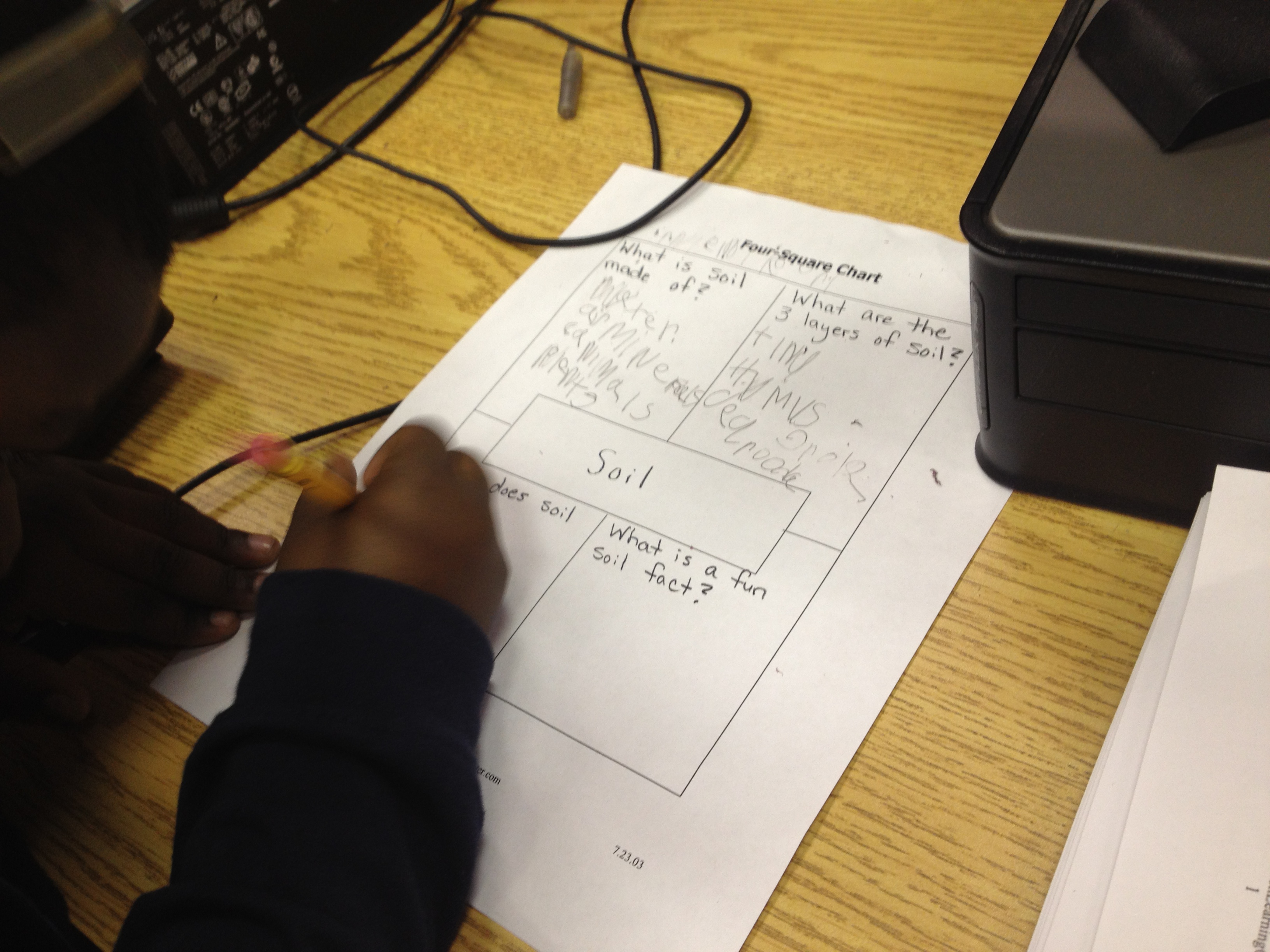
Kindergarten chose to do a beginning stage of research by assigning all students similar topics within their science standards.  Some students learned about rocks while others learned about soil.  In our collaboration, we decided that they needed a very basic graphic organizer.  We chose a four square organizer with the topic in the middle surrounded by 4 questions that students would answer.  They could answer the questions with text or even draw pictures in the spaces.  Each teacher booked a one hour lesson.  I introduced PebbleGo and how research is all about asking questions.  Students generated some sample questions about rocks before I showed them the 4 questions they would explore.  I briefly clicked through the pieces of the site and showed the feature that would read the content to students.  We also looked at the 4 questions and thought about which tab would answer which question.

When students seemed too saturated with information, we moved to the computer lab where PebbleGo was already loaded on their screens.  I was immediately amazed at the level of engagement but also the number of firsts.  For so many students, it was the first time using a mouse, a keyboard, the internet, a graphic organizer with set questions, and more.  It was easy to get overwhelmed by the number of questions that students were asking, but when I stepped back and took a deep breath, I was amazed at how excited the students were.  I was amazed by what they were remembering from what they heard regardless of whether or not it made it onto the graphic organizer.  There were 4 adults helping students:  the teacher, student teacher, my paraprofessional, and me.  We knelt down beside students and had conversations about listening to information more than once, writing down keywords rather than complete sentences, using a graphic organizer, and more.  In the end, students left with several facts written down about rocks and soil, but they also left with excitement about coming back again to use the computer for research.  When we checked in with them at the end, every student said they wanted to come back for more.

The teacher commented to me that this lesson just made her want to use the computer lab even more and how this was all a process.  In order for students to get better at researching and using the computer, they have to do it more.  It can’t just be a single lesson in the lab.  Wow!  Even though the lesson exhausted me at the very beginning of the day, it energized me with possibilities.

Our four square graphic organizer

George Washington Carver: A Digital Product

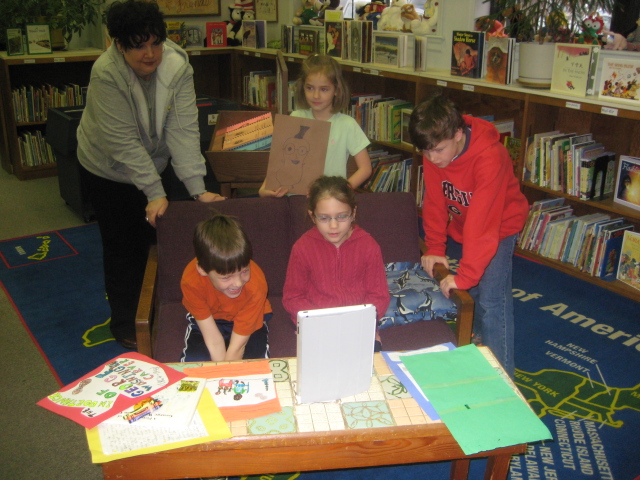
Students view their first attempt at a video and give one another feedback

A group of 1st and 3rd grade students have been collaborating with one another to learn about George Washington Carver.  They used print and internet resources to gather research to learn about him.  They also along the way decided that he deserved to be represented on some of our US currency, so they incorporated their knowledge of persuasive writing to explain why he deserved to be on the $1000 bill. These students used an inquiry approach and were facilitated by various adults including their classroom teachers, gifted teacher, and me (the media specialist).  The goal was to let these students guide the process and make decisions about what to create.  As adults, we offered possibilities, but tried to leave decisions in their hands. Today, these students came to the media center with all of their final pieces and used an iPad to record their final presentation.  They used art, informational writing, persuasive writing,  and solo and choral reading to present their information.  After a practice video, they made some minor adjustments and recorded their final piece.  They learned how to import their video from the iPad into their documents on the computer.  They will continue to make decisions about how their final video is used, but for now, I have uploaded their video on Youtube for you to enjoy.

Digital Quilts

Each year, I do a lesson about Harriet Powers, a local famous American who created story quilts about the Bible.  I bring in a replica of her 1st Bible quilt, invite students to imagine the stories it might tell, share the story of Harriet Powers, read excerpts of the book Stitching Stars, and explain some of the panels of the quilt.  This year, I wondered how I might incorporate technology into the lesson, so I decided to try making a digital quilt.

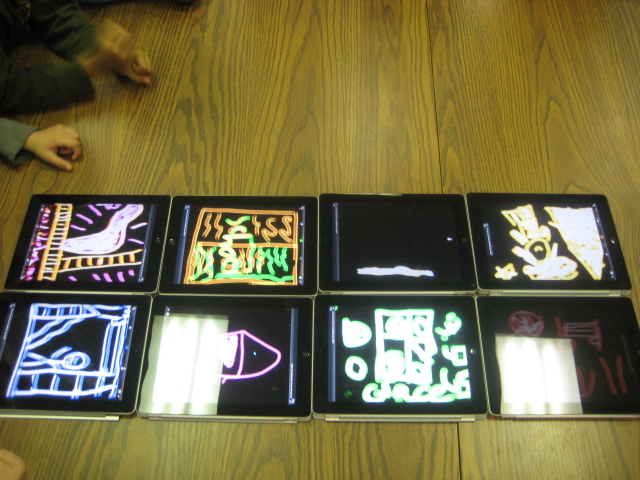
At the conclusion of the lesson, students in the 1st grade class paired up and thought about what a quilt square might look like that told a story about Barrow School.  Then, they each got an iPad with the Glow Coloring app open.  They used the black background and glowing colors to quickly draw their square.  Finally, students placed their iPads on a table to make one large iPad digital quilt.

One of the funniest things that happened during this lesson was when a student drew on the iPad in glowing blue and then held up his finger to check to see if the blue paint was on his finger.  🙂

I really liked the end product, but I wish that I had more time for the lesson.  We didn’t really have time to finish the quilt squares.  I also would have liked for each student to tell the story of their square to another partner group.  We also could have looked at the collective quilt and thought about how it represented our school as a whole and what other stories might have been included.

All in all it was a good first attempt that I will definitely replicate and expand.

This slideshow requires JavaScript.

Persuasive Writing Contest Kickoff

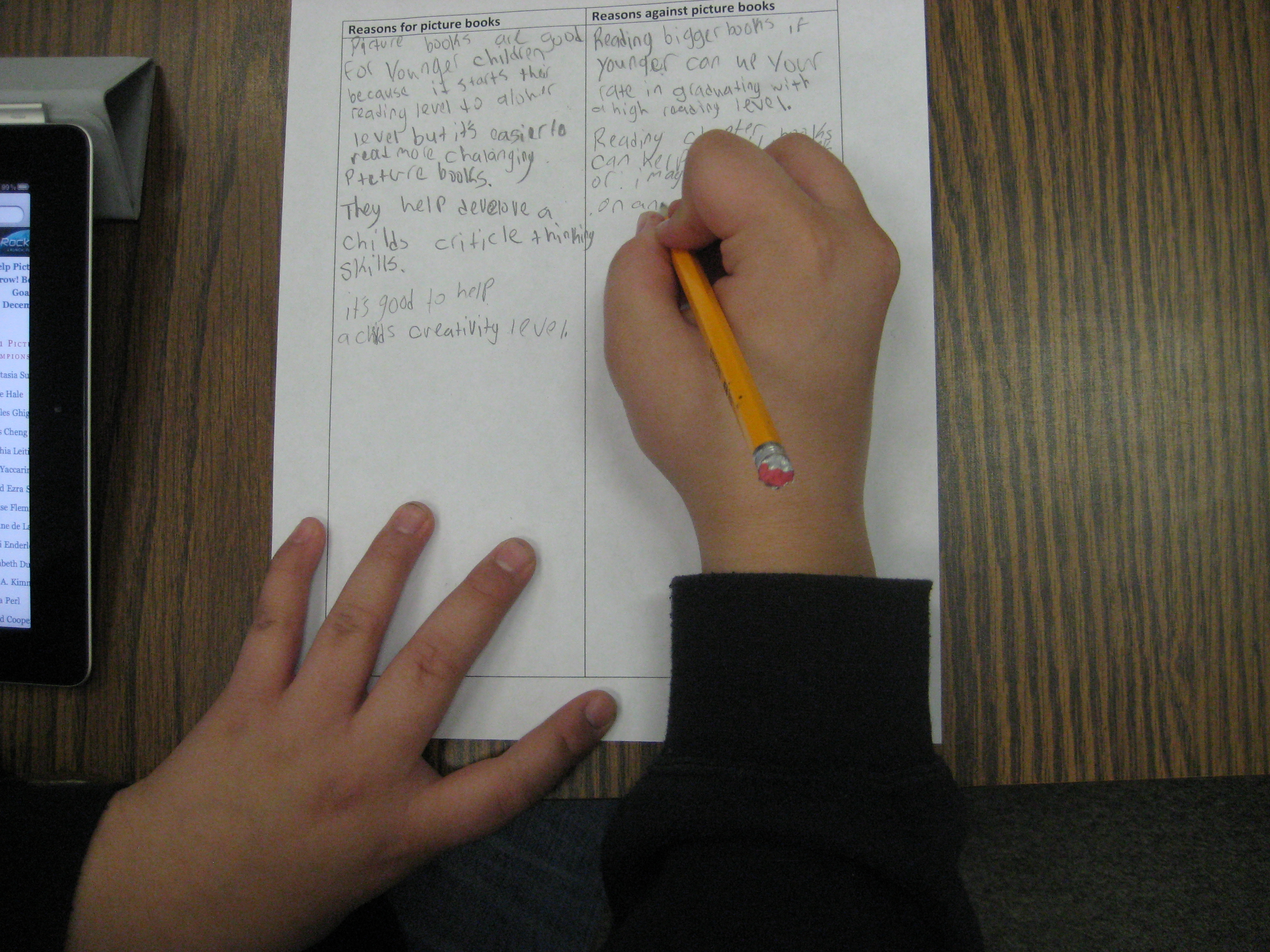
This week we’ve been kicking off our first persuasive writing contest in the media center.  Students are writing persuasive essays about whether or not picture books are important for today’s kids.  You can learn more about the contest in this video.

<iframe width=”560″ height=”315″ src=”http://www.youtube.com/embed/htyiaeHCKds&#8221; frameborder=”0″ allowfullscreen>

We’ve talked about the contest on our morning BTV show, but we’re also holding lessons on persuasive writing in the media center.  A first grade class came and imagined what the library would be like without picture books.  They made a brainstorm list about what might be good or bad about this.  That list was a spark to begin thinking about their writing.  We also read Keiko Kasza’s Ready for Anything and pointed out persuasive techniques used in the story.

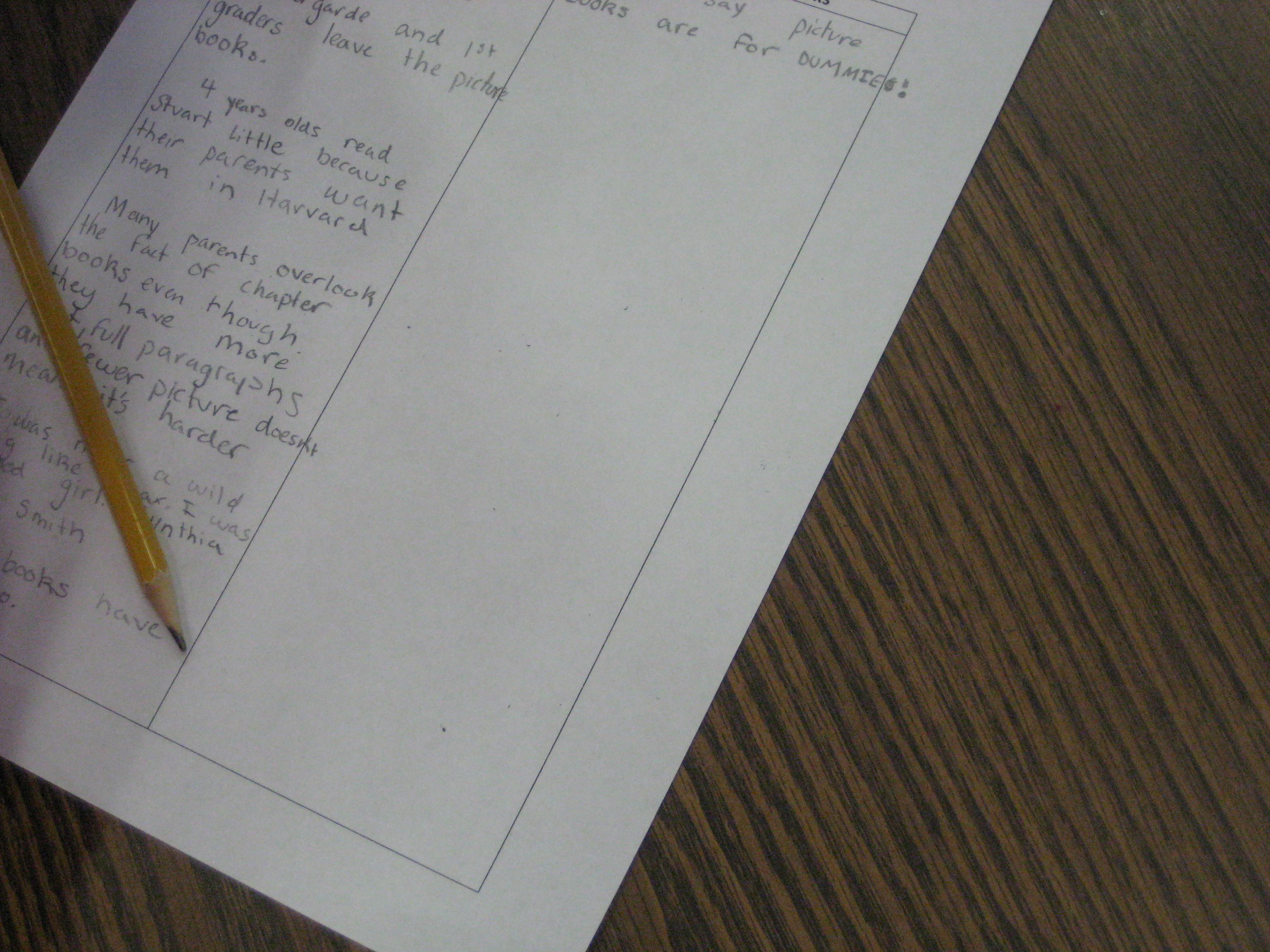
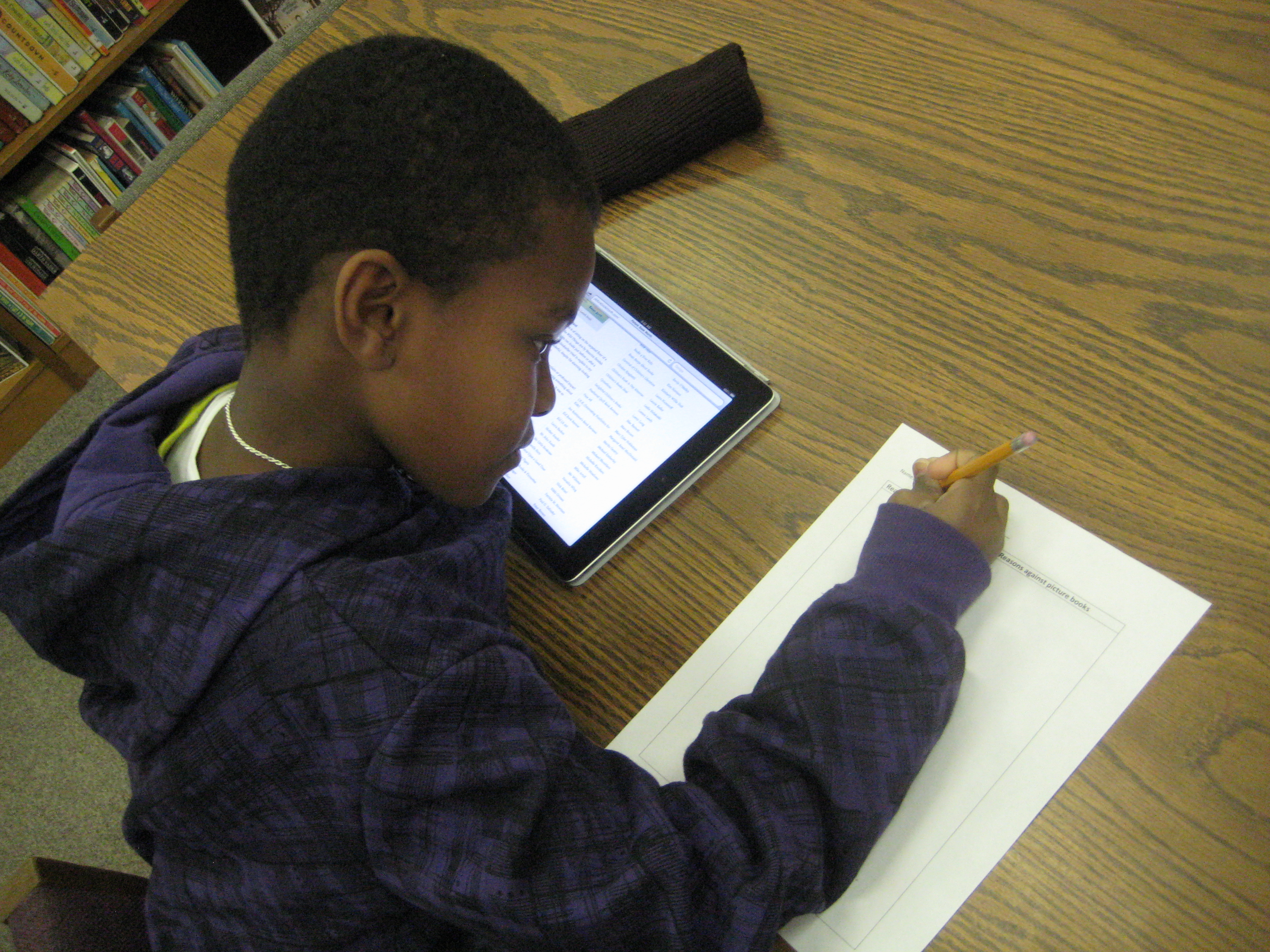
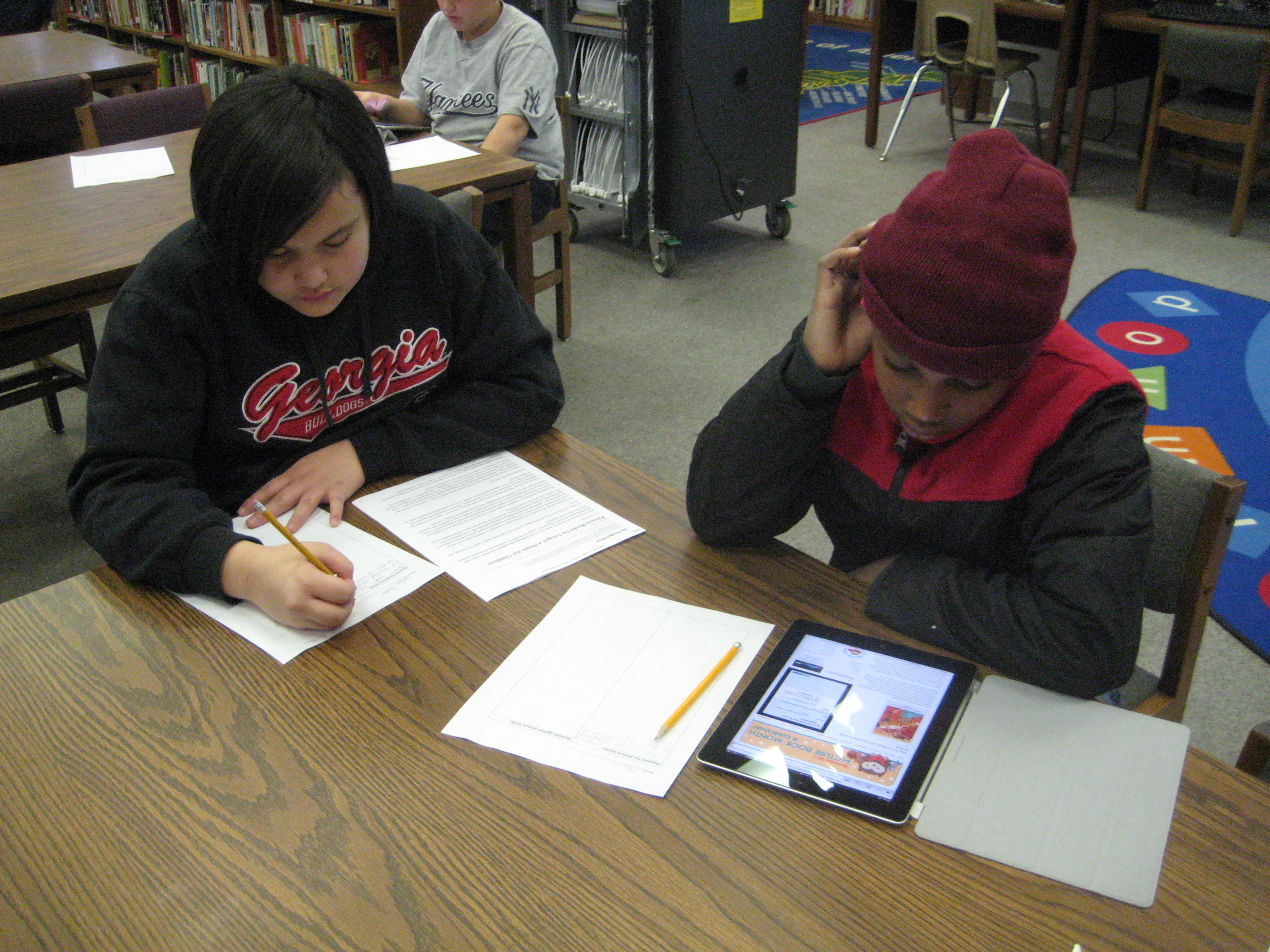
Today, a 5th grade class came and viewed a slideshow of persuasive strategies. Then, they split at tables and read the NY Times article about picture books and essays on the Picture Book Month website using the iPad.  They organized their research into a 2-column chart, for picture books and against picture books.  Many of them said they would continue this research at home.  The teacher plans to schedule a writing workshop time with the media center for students who are interested in the contest.  These students will have time to do more research, write, and conference with me about their writing.

A kindergarten teacher has also scheduled time for a small group to meet with me to work on their writing for the contest.

The persuasive writing is flowing at Barrow.  We’re so honored to be able to support this writing standard that grades 1-5 are working on this quarter.

5th grade Student Math Tutorials

Three students filming their tutorials

Ms. Cross’ 5th grade ELT class has been doing some amazing work demonstrating various aspects of their math standards.  Each student took a different standard and found ways of demonstrating that standard through drawings, manipulatives, and explanation.  She was so impressed by their work that she thought it would be helpful for the students to create tutorials on their math components that could be used as mini-lessons or review sessions throughout the year in class.  The tutorials could even be used by other classes.

In planning for this, we thought that students should have options for how they might document their process in solving various math problems.  One option was using Glogster to create a review poster.  Students would have written components, video or audio components, and possibly images of their work.  Another option was to use the iPad to film a tutorial using all the pieces that had been created during the project.

Clare sets up her recording booth on a media center table

So far, one student has chosen Glogster & iPad and 5 students have chosen the iPad.  These 6 students explored their options on these tools and did some initial experimenting to see how each tool worked best.  Then, students spread out around the media center and used their tool to begin creating.  I conferenced with each one to talk about what was working, what they had questions about, and what they might consider trying.  On their own, students met with one another to show their work in progress and give one another feedback.

After getting all the pieces in place for creating their final product, the six students worked one final time in the media center to create their videos on the iPads.  Their videos were uploaded to dropbox on the iPad, downloaded into My Videos under their accounts, and then put into their teacher’s network dropbox.  I took the videos and also uploaded them to our media center YouTube page.  Much of my time during these final steps was spent troubleshooting and also showing a few of the students how to do the many steps to get the videos to where they needed to be.  After that, these students helped the other students.  I love how quickly students figure things out and how willing they are to teach and support one another!

This slideshow requires JavaScript.

Math Buddies Project

Today I had a wonderful time collaborating with Mrs. Mullins, Mrs. Maher, and their 5th grade/1st grade buddy partners.  The first grade teachers has noted that the 1st graders are being challenged by math word problems, particularly those that they write themselves.  Most of the students get the basic information of the problem down, but they forget to ask a question at the end and are often unsure of how to answer the problem.  The 5th grade buddies have been supporting the 1st grade students in this challenge.

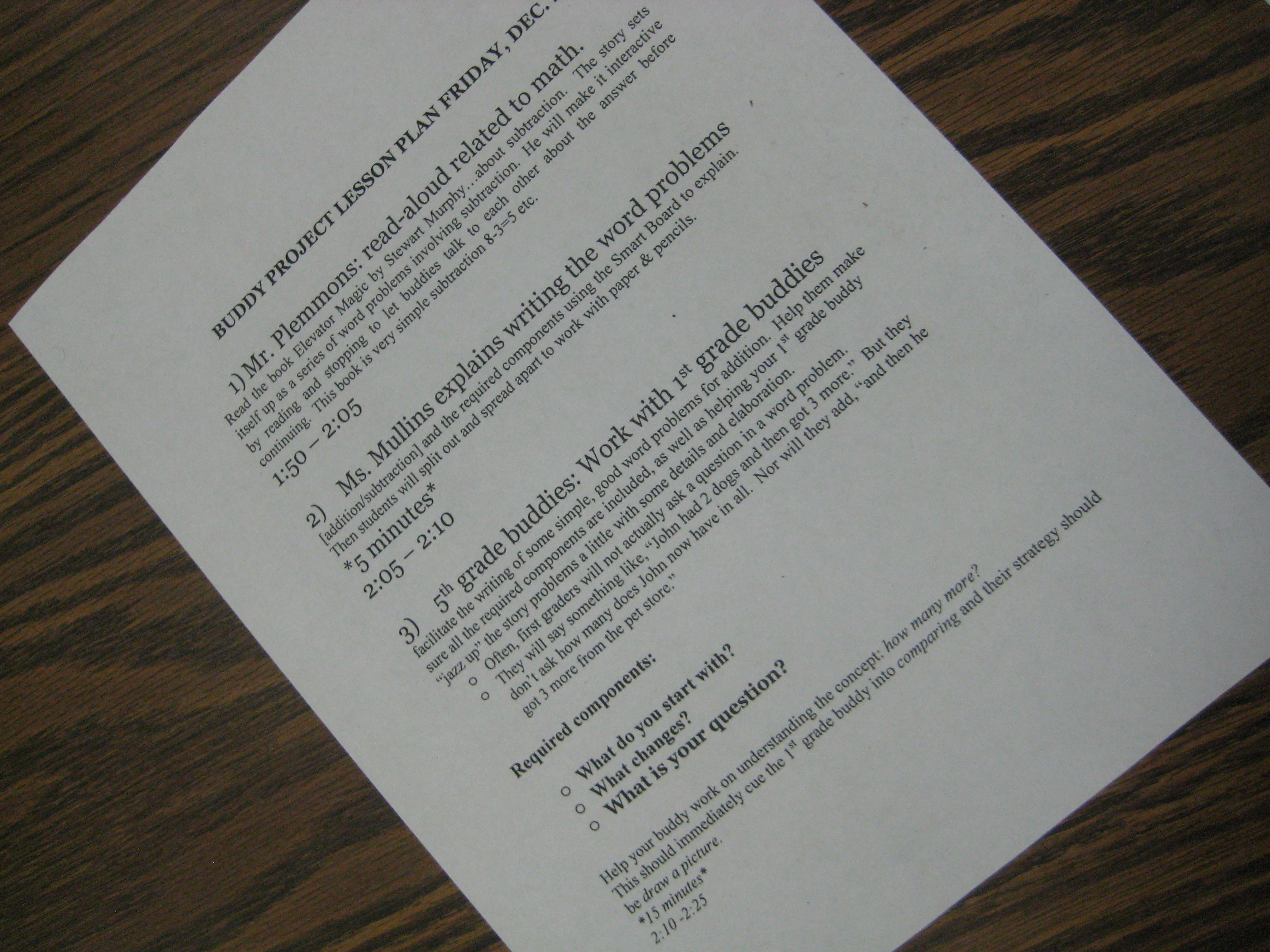
Today, all of the buddies came to the library.  We began on the carpet where I read aloud the book Elevator Magic by Stuart J. Murphy.  When each subtraction scenario appeared in the story, I paused and the 5th grade buddies worked with the 1st grade buddies to figure out the problem.  We pinpointed the information that was provided, identified the question that was being asked, and vocalized our strategies for getting the answer.

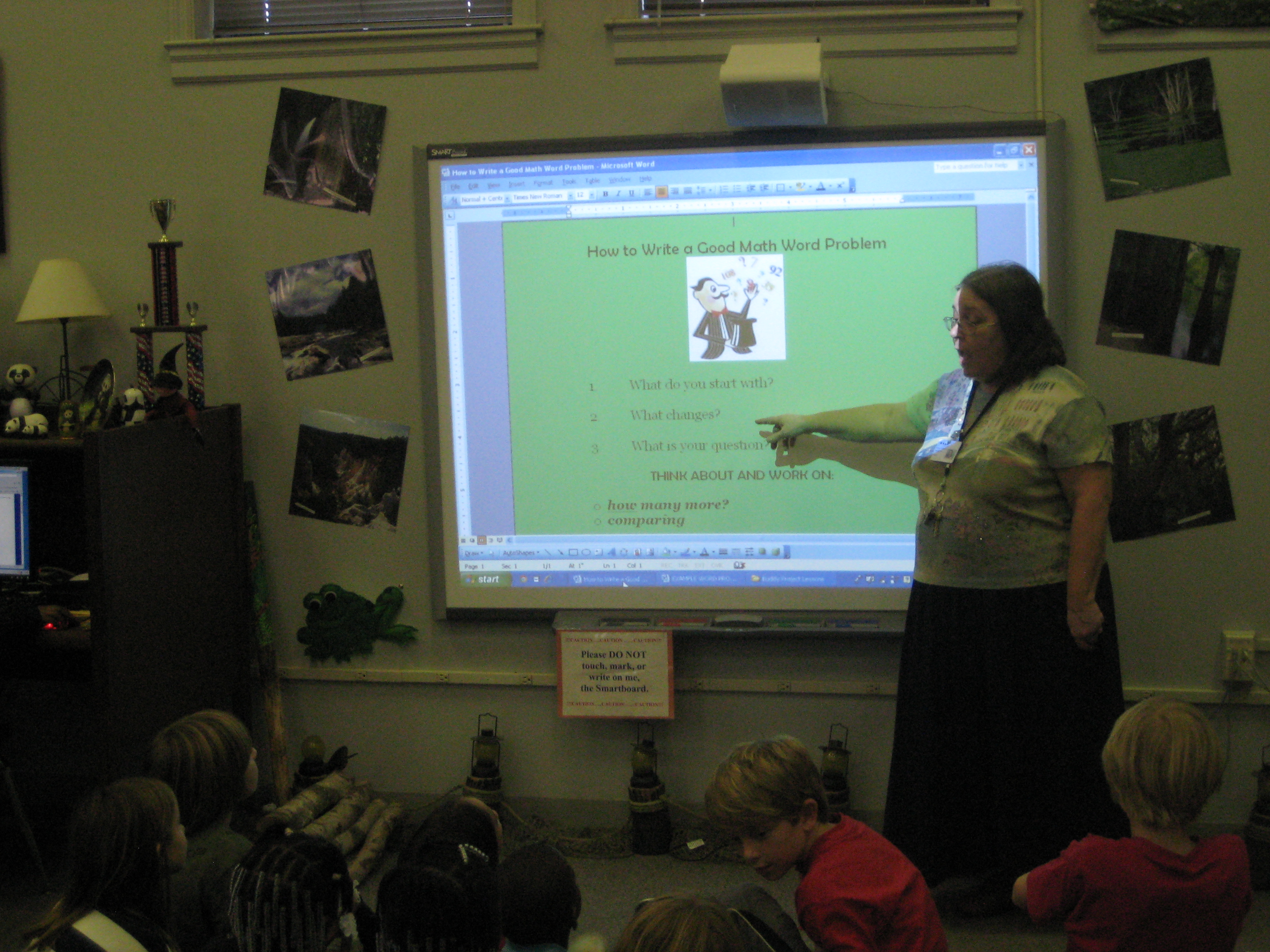
Next, Mrs. Mullins demonstrated some math word problems on the smart board using the names of the first grade buddies.  Once again 5th graders and 1st graders worked together to find a solution.

Finally, buddies went to tables to craft their own word problems using any numbers and objects they wanted.  They were asked to jazz up their word problems as much as they wanted.

Mrs. Mullins, Mrs. Maher, and I all visited with buddies as they worked and listened to the many strategies that they were using.  They crafted a whole variety of problems that ranged from single digit problems to problems dealing with thousands.  Now, Mrs. Mullins plans to type up these problems and share them with the 1st grade teachers for use in class.

The buddies will return to the media center in January for another math experience with fractions.

This slideshow requires JavaScript.

Fourth Grade Folktale Collaboration

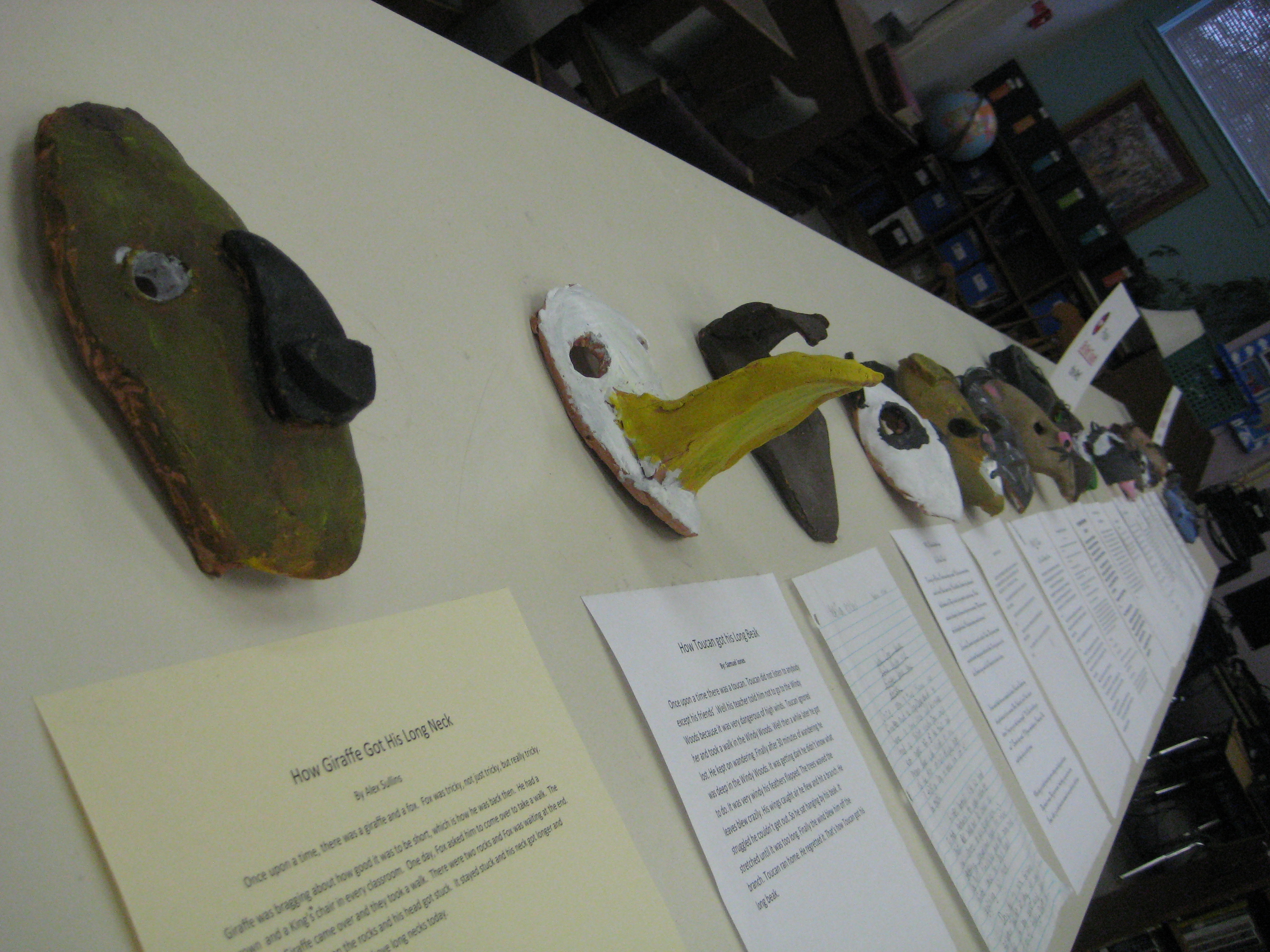
Each mask was created in art and is accompanied by a student-written story developed in class

As a part of 4th grade’s Native American unit, they studied folktales.  They spent weeks reading a variety of folktales from around the world as well as Native American folktales.  In the media center, they used Google Earth on the iPads to examine the regions of the United States where the Native Americans are found.  They noticed what landforms and water features were in each area.  Then, I told folktales from each tribe and they noticed how the land and regions came into each story.

In class, students continued to read folktales and examine the elements of each kind of folktale.  They began to develop their own story and implement these elements into the stories.

In art, the students designed masks that accompanied their tales.

The process was long and spread out over several months, but we are excited to finally have the finished products on display in our media center.  If you happen to be near Barrow Elementary in the coming weeks, feel free to stop in and read some of these stories and examine the beautiful masks.

This slideshow requires JavaScript.

Photo Story Seasons: A 1st Grade Collaborative Project

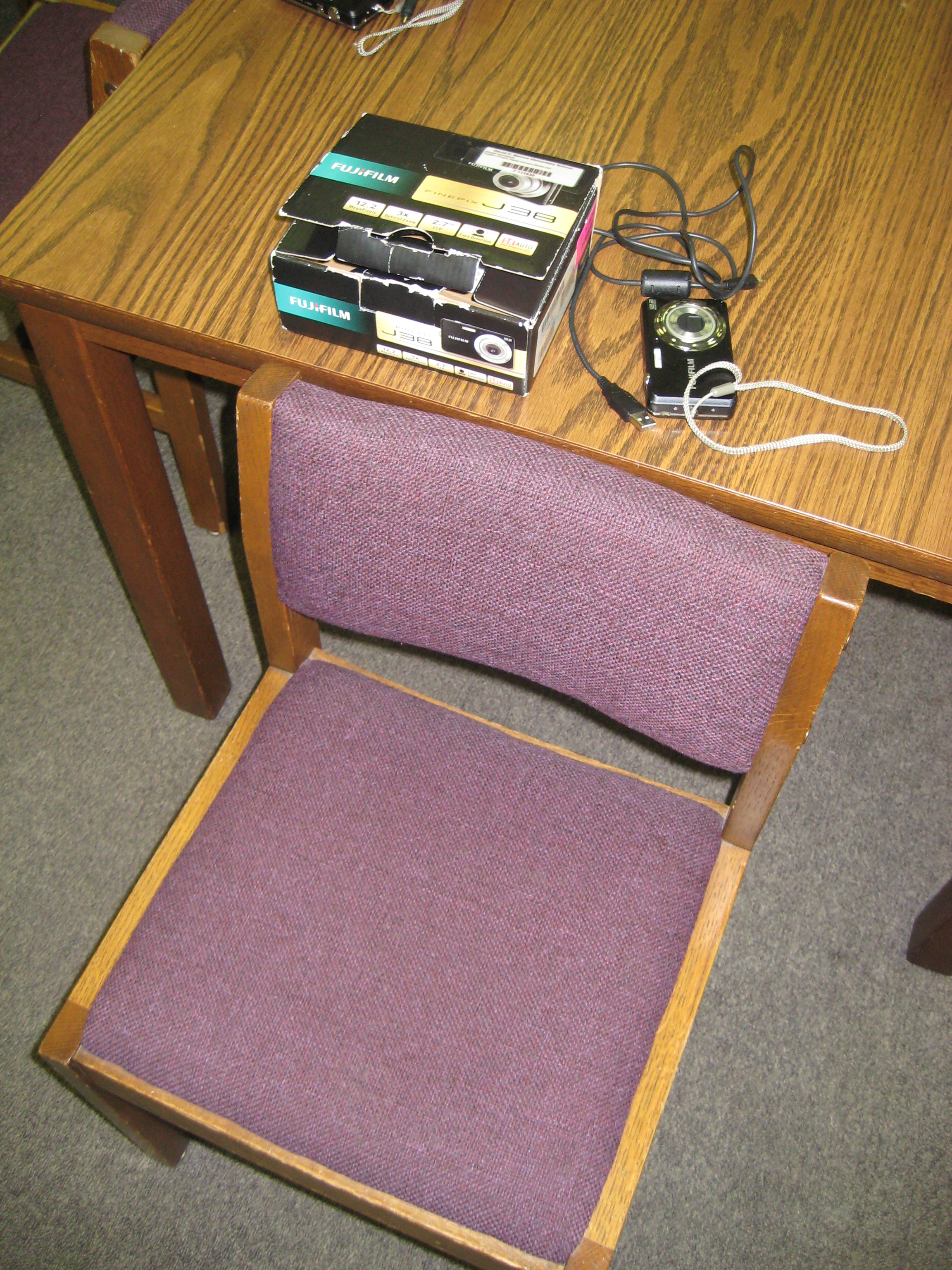
Each student had a chair to put pictures in, a camera, and a cord for downloading

Over the past few weeks, students in 1st grade have been working on a seasons unit around their weather standards in science.  This collaborative project involved the 1st grade teachers, the art teacher, and the media center.  In class, students learned about weather in the various seasons, dressed paper dolls in appropriate clothing based on the seasons, and wrote sentences about each season.  In art, students created background images on construction paper for each season.

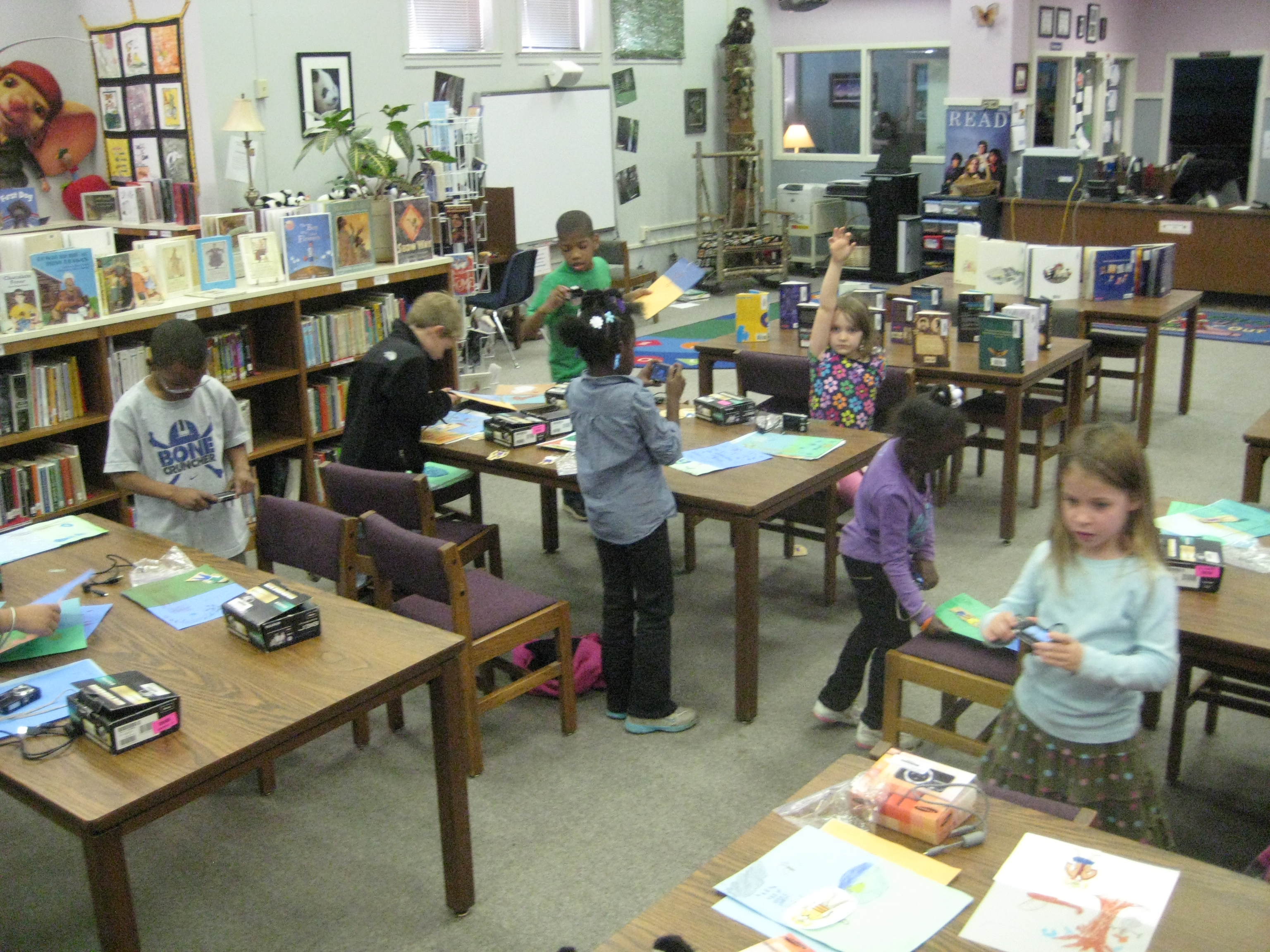
In the media center, students came for 2 sessions to create  photo story about their creations.  They took digital photographs of their paper dolls in each season, imported their photographs onto the computer under their own accounts, and used photostory to record their scripts for each season.

The amount of technology that students used in the media center was  a bit overwhelming, but they accomplished so much.  To do this project, students had to figure out:

  • how to turn on a digital camera and take a photograph that included all of the subject in the shot
  • how to login to a computer with their own username and password, which included understanding how to use the mouse and keyboard
  • open multiple programs on the computer and go through program wizards to complete the various tasks
  • save pictures into their picture folder and delete photographs from a camera
  • import pictures into photostory
  • arrange pictures in the correct sequence to go along with the script
  • use a usb microphone to record scripts for each photo in the photostory
  • save and view their final piece
Once I actually listed out all of those skills (and I’m sure there are some that I missed), it really is amazing what we accomplished in 2 days.  I won’t pretend that it was smooth and quiet, because it was very chaotic, messy, and loud.  It took multiple adults supporting the students, but the students were eager, excited, and productive.  I also won’t pretend that every student got their pictures in the right order or that they recorded the right script on the right picture.  I CAN say that every student went through the process and learned something about using technology to create a digital product.  They had permission to explore without endless instruction on what to click on and what to push on.  Instead, they had some freedom to try things and had a lot of adult support individually.
I think that as a result of this project, we’ll see many more uses of technology in our early grades, and we will continue to collaborate across multiple subject areas.
 

This slideshow requires JavaScript.