Honoring Our Veterans with The Poppy Lady, Padlet, and Flipgrid

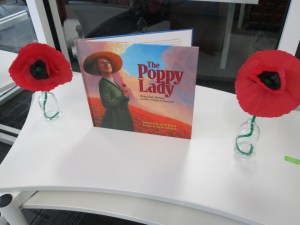
Last year, we were honored to have Barbara Walsh, author of The Poppy Lady, visit our school and share her book about Moina Michael’s vision for honoring veterans with the poppy.  Now, last year’s fourth graders that attended that visit are in the 5th grade.   They are about to host several veterans at our school for Veteran’s Day on Tuesday.

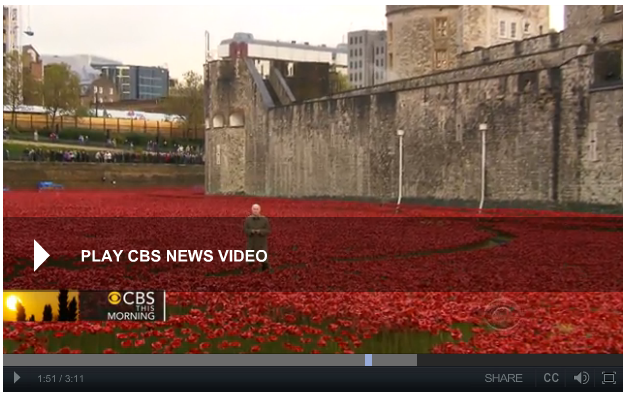
British use poppies to commemorate WWI

To prepare for our luncheon, the 5th grade classes each came to the library.  We read The Poppy Lady again.  We also watched a video from CBS news.  The video gave the students some great context on why the poppy is so important and what it really symbolizes.  This paired nicely with the advocacy story of Moina Michael.

We also had a great discussion about the importance of honoring veterans and what students might ask when they sit at a table with a veteran.  They brainstormed questions/statements like: “Tell me more about your time of service”, “What division of the military did you serve in”, “What were some of your biggest challenges in the military”, etc.

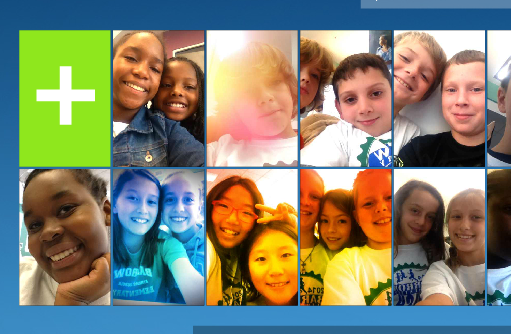
Then, students took time to visit 2 centers in the library.  I setup multiple iPads as a Flipgrid recording station.  With Flipgrid, students reflected on how we could continue to honor veterans just like the poppy lady did.

Flipgrid. Relax and discuss.


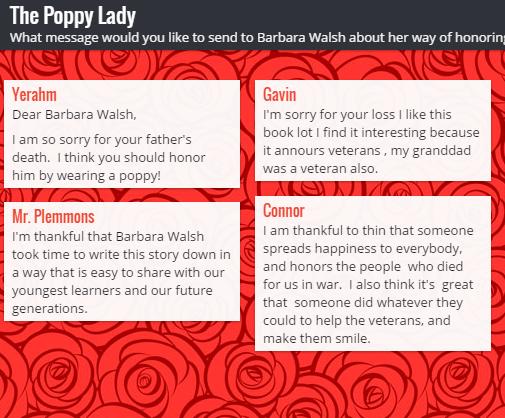
The 2nd station was a padlet where students could send messages to author Barbara Walsh about their appreciation for honoring the work of Moina Michael.  I pulled the site up on both projection screens and three other computers in the library for students to visit.

The Poppy Lady

Now the 5th graders will continue to work on poems, artwork, letters, and speeches for Tuesday’s luncheon.  During the luncheon, they will sit with veterans and have meaningful conversations.  I hope that they will take time to bring up the Poppy Lady while they talk.


Barriers to Bridges: Using Tripline to Document the Civil War

Tripline

I love using Google tools.  Our district is a Google Apps for Education district. We have numerous kinds of devices in student hands from Asus netbooks to Samsung Chromebooks to HP laptops to Lenovo Thinkpads. Each of our 3rd-5th grade has their own device supplied by the district and in 5th grade these devices are predominantly Chromebooks and HP laptops. We mix devices in grade levels for 2 reasons. We don’t have enough of one devices to give one grade level the same device and not all of our programs run on all of the devices. This causes problems for us from time to time, but a big part of my philosophy is that when you come to a barrier you have to build a bridge to get over it.  Roadblocks are a nuisance and they slow down productivity, but they aren’t reason for giving up.

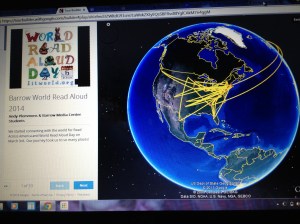
Recently, I had a great planning session with Ms. Shelley Olin in 5th grade to plan a Civil War project with her students. She wanted a way for students to remember the many events of the war as well as visualize where all of the events took place.  I’ve used Google Tour Builder several times to document virtual connections with classrooms around the world. I love that you automatically have an account if you have a Google account and that you can easily integrate your Youtube videos and Google drive photos into the tour.  I used this tool last year to document the 36 connections we made during World Read Aloud week and it is so nice to see all of the connections and play through the summary of where we traveled each day. I thought this would be a perfect tool for Ms. Olin.  Students already had an account through their Google apps accounts.  Our plan was for Ms. Olin to use this tool in her closing of her lesson each day.  Students would visit their Google tour and add new locations to a Civil War tour.  They would write summaries of each location or event and search for images on public domain sites such as the National Archives or Library of Congress.

Then, we faced a major road block.  Google Tour Builder requires a plugin that can only be installed on IOS or Windows.  Why was this a road block?  None of our Chromebooks could install the plugin.  How ridiculous that a Google computer couldn’t even use a Google tool!  Even though we were both frustrated, I didn’t want this one road block to keep us from carrying out our plan. I searched for another tool and stumbled upon Tripline.

tripline (5)

Tripline does many of the things that Google Tour Builder can do. You can create a map in a sequence of events, list specific dates and times, add summaries of what took place in each location, upload photos, and add links to other content.  It doesn’t integrate into Google apps, but it was the closest match that I could find.

tripline (4)

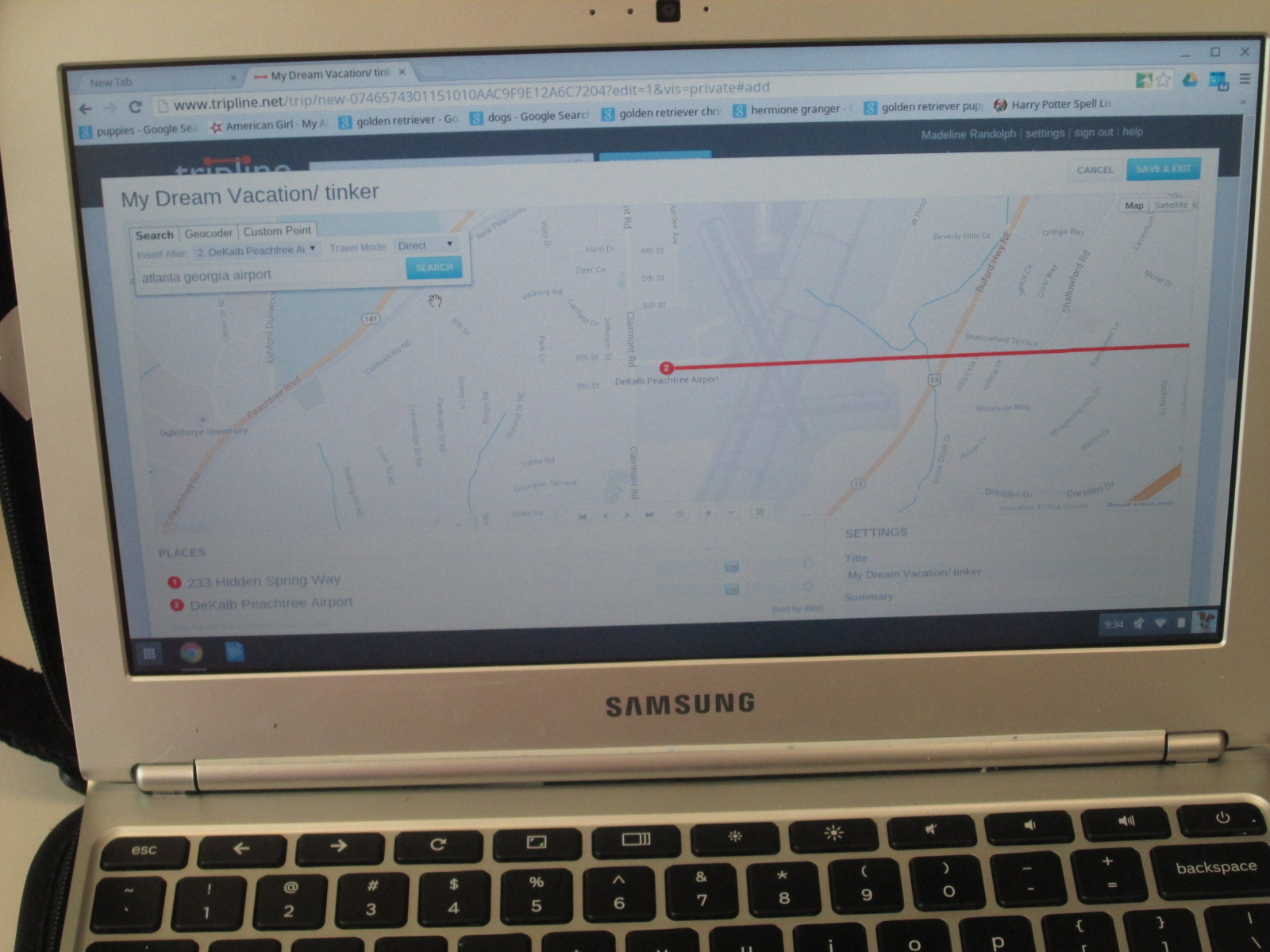
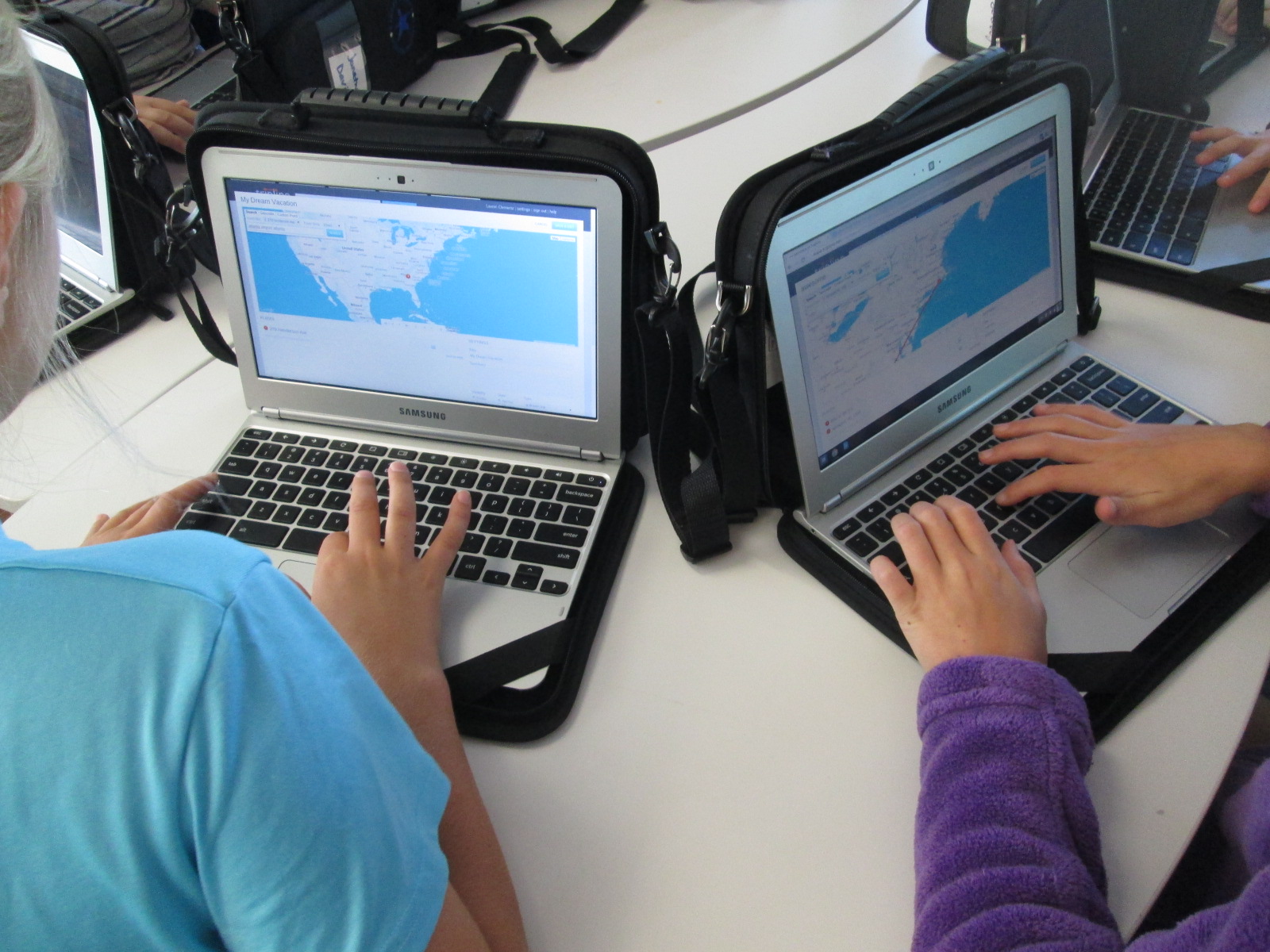
Ms. Olin scheduled each of her classes to come to the library to get started.  I did a quick demo on the board and then we got students setup with accounts.  Once they had accounts, each student created a tinker map.  This was a space for them to just mess around and explore all of the functions of Tripline.  Their map could be about anything and they could travel anywhere.  They would always have this map to come back to in order to tinker if they needed to during the course of their social studies project.

tripline (2)

It was fascinating to see what students decided to do during their tinkering time.  One student had moved to our school from Rome, GA. He located his old house and made a map of several important places to him while he lived there.  Another student made a dream vacation map and traveled to several countries that she only knew the names of.  She then pulled up a Google search to look for cities within those countries and added specific cities to her trip.  Each map was different but all students accomplished the same thing.  They got familiar with how Tripline functions.

tripline (1)

At the close of our time, we opened up a new map and got their Civil War map created and saved.  Now, they are ready to begin their study of the Civil War.  They will document major locations of the war through pinpoints on the map, pictures, and summaries of what happened at each location.  I can’t wait to see what they create.


Exploring Civil Rights through Blackout and Magnetic Poetry

IMG_30815th grade has a massive social studies curriculum.  It spans from the civil war all the way up to the present.  One of the things that they have been doing for the past 2 years that I love is using Christopher Paul Curtis’s books to tie in to the curriculum.  They start with Elijah of Buxton, move to Bud Not Buddy, and finish with the Watsons Go to Birmingham 1963.

IMG_3067

The civil rights movement is where they have been spending a lot of time recently, so the teacher emailed me to see what we might do in the library to focus on this time period in her language arts class. The standards they are working on are:

SS5H8 The student will describe the importance of key people, events, and developments between 1950-1975.

b. Explain the key events and people of the Civil Rights movement; include Brown v. Board of Education (1954), the Montgomery Bus Boycott, the March on Washington, Civil Rights Act, Voting Rights Act, and civil rights activities of Thurgood Marshall, Rosa Parks, and Martin Luther King, Jr.

IMG_3065

Since it’s poetry month, I wanted to pull poetry into our time together, and I knew that 5th graders would be able to handle some complex text and concepts.

IMG_3064

Just like with 3rd grade, we read Freedom Summer by Deborah Wiles, but their background information was much deeper than what 3rd graders knew.  They had connections and stories to share about the riots and peaceful marches that took place during the civil rights movement.  It was the perfect opportunity for me to also pull in Revolution by Deborah Wiles.  This book doesn’t publish until May 27th, but I have an advance reader’s copy from the Texas Library Association Conference.  I was able to show them some of the speeches, music, advertisements, etc from the time period to accompany the picture book, Freedom Summer. 


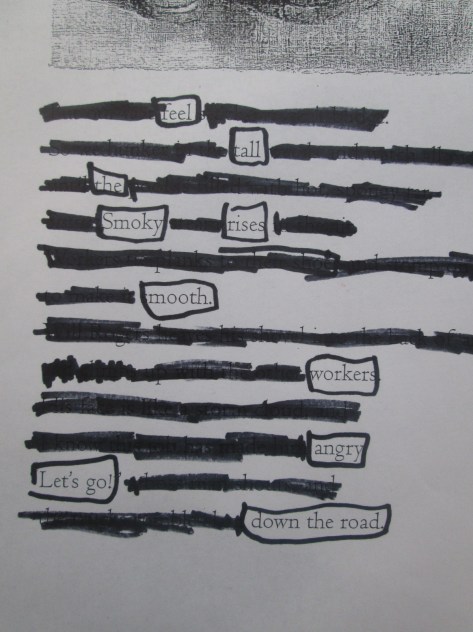
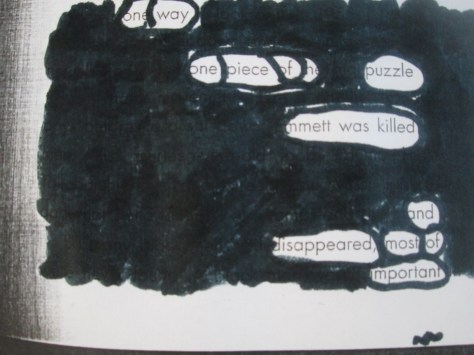
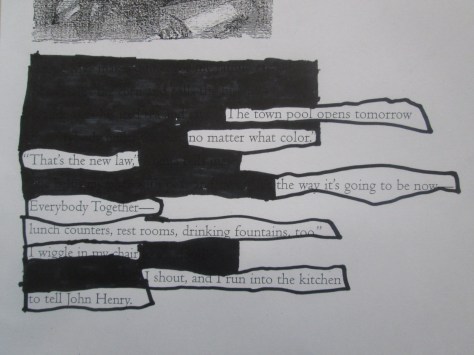
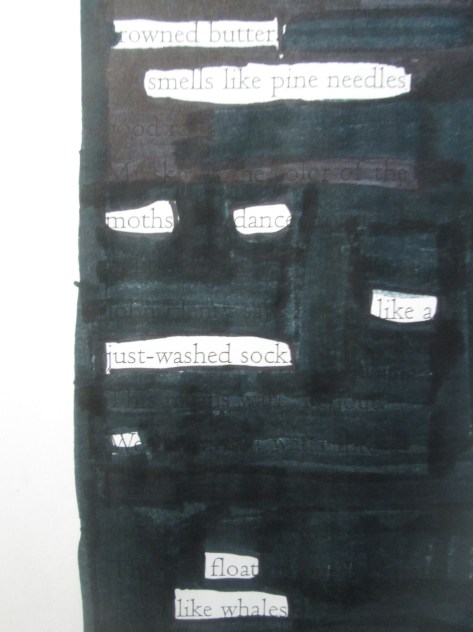
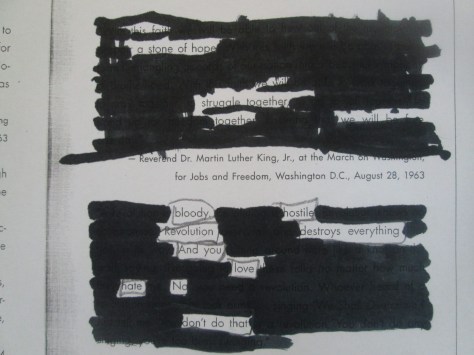
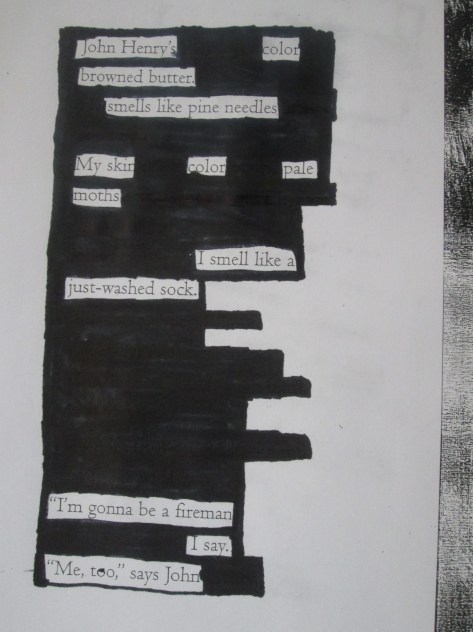
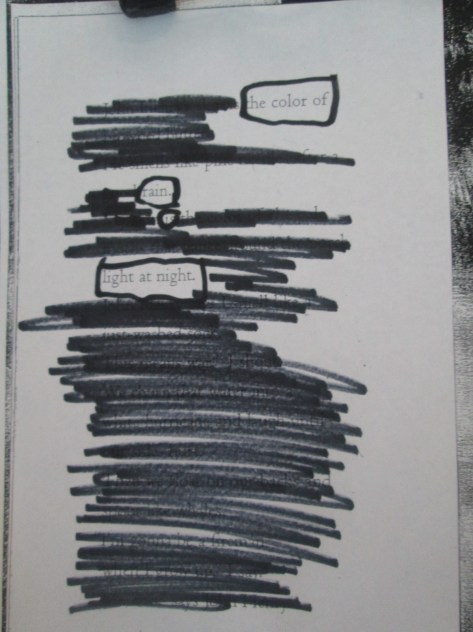
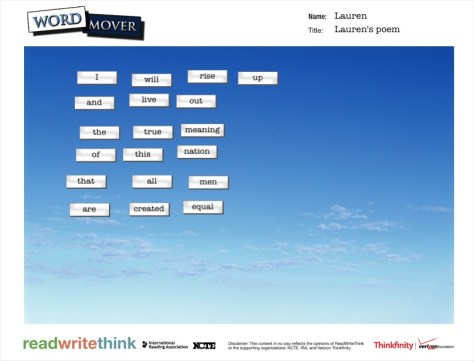
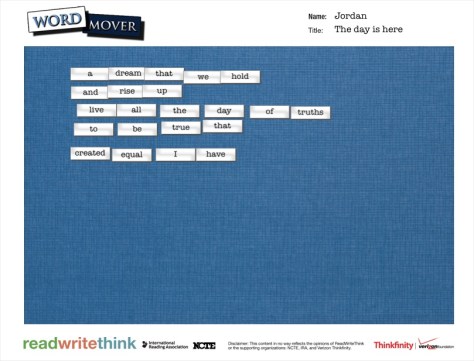
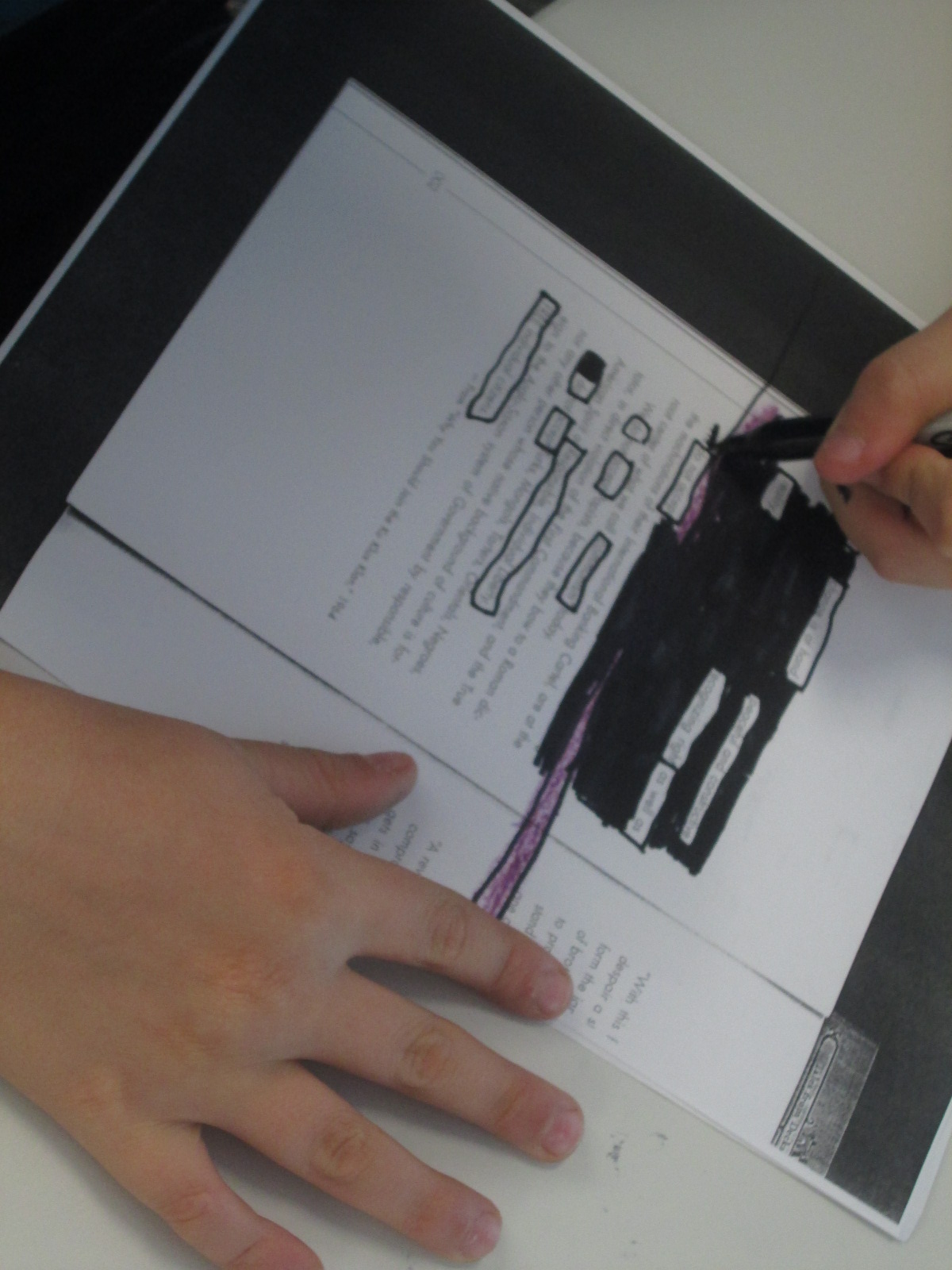
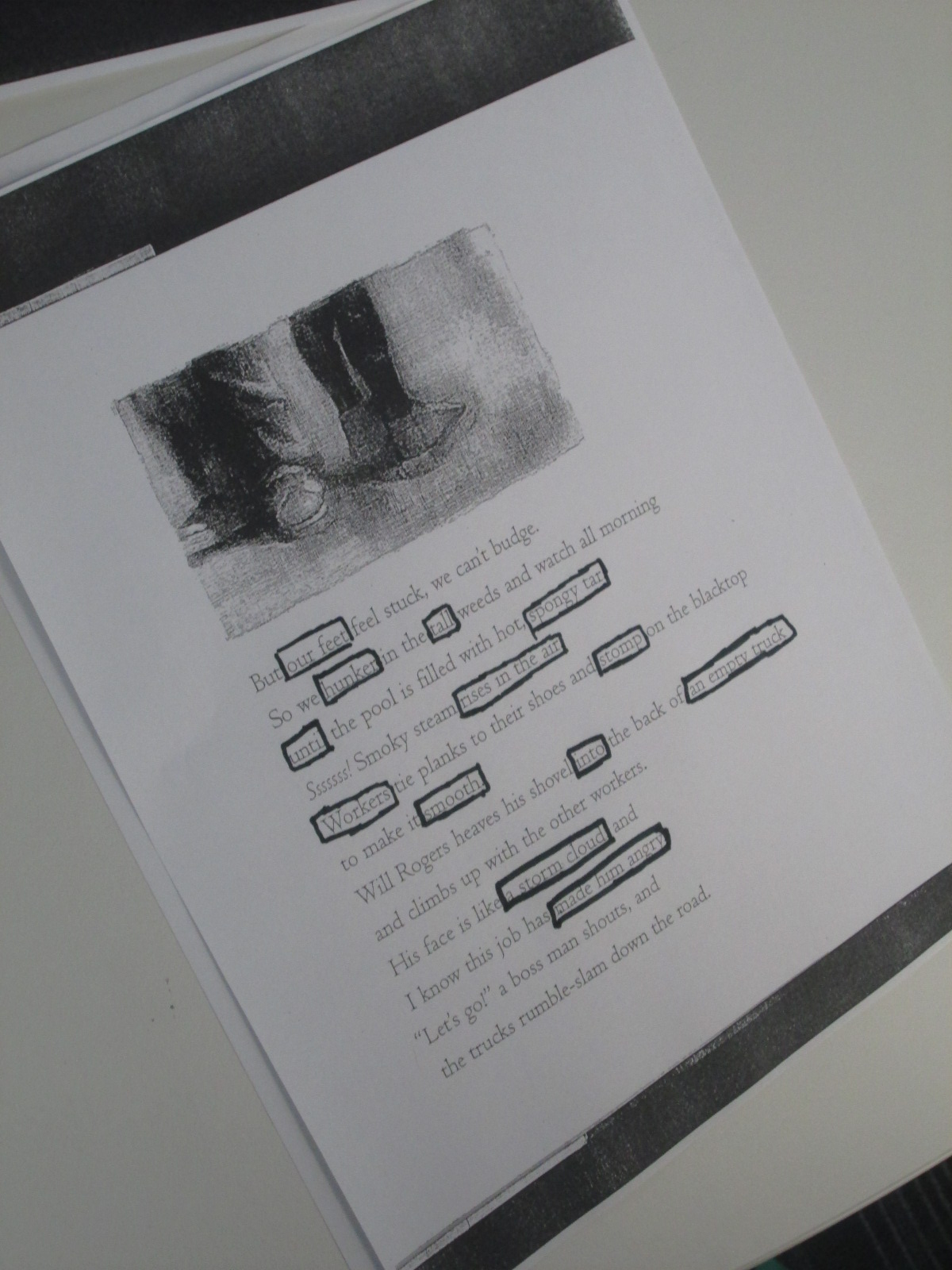
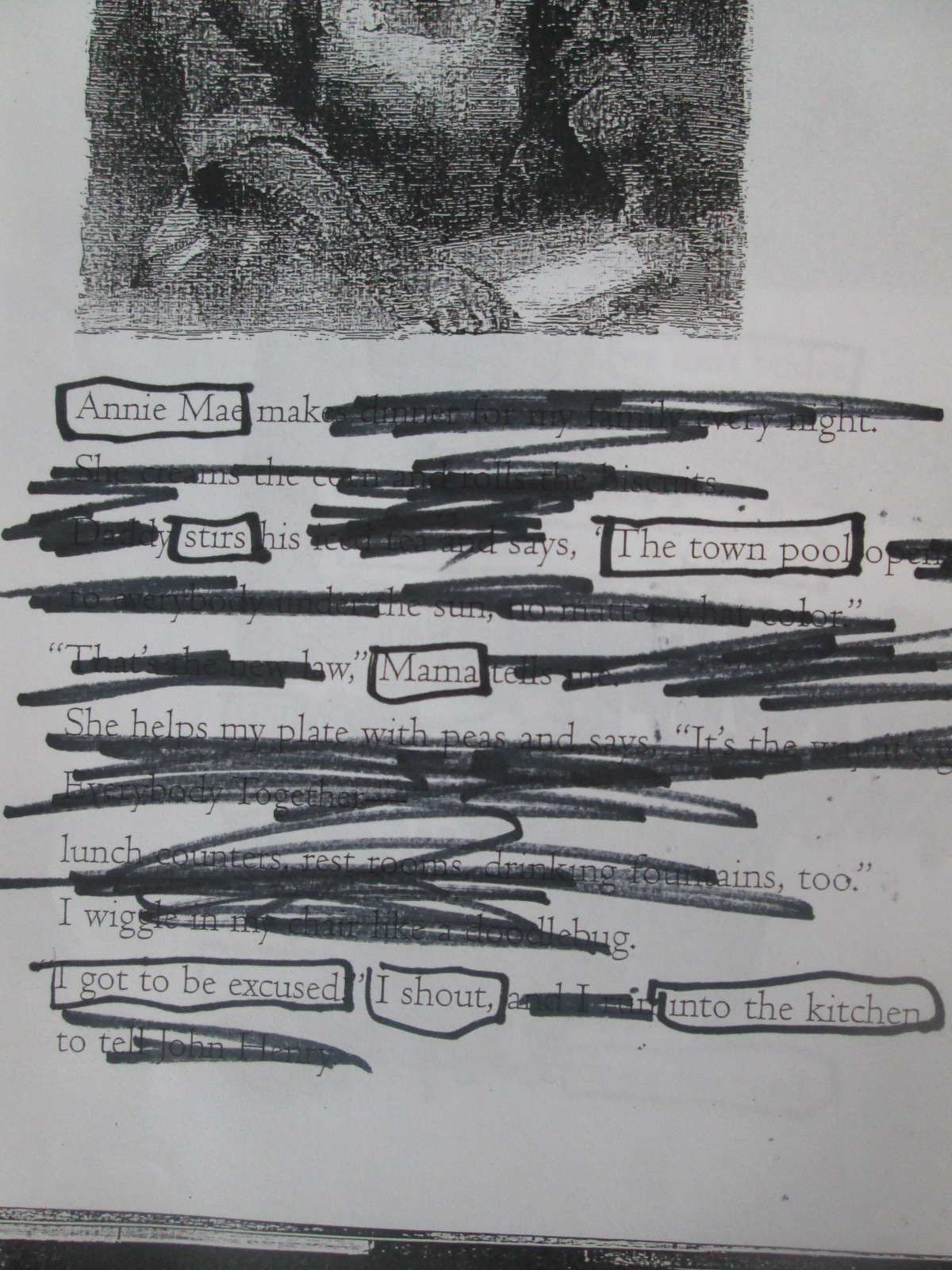
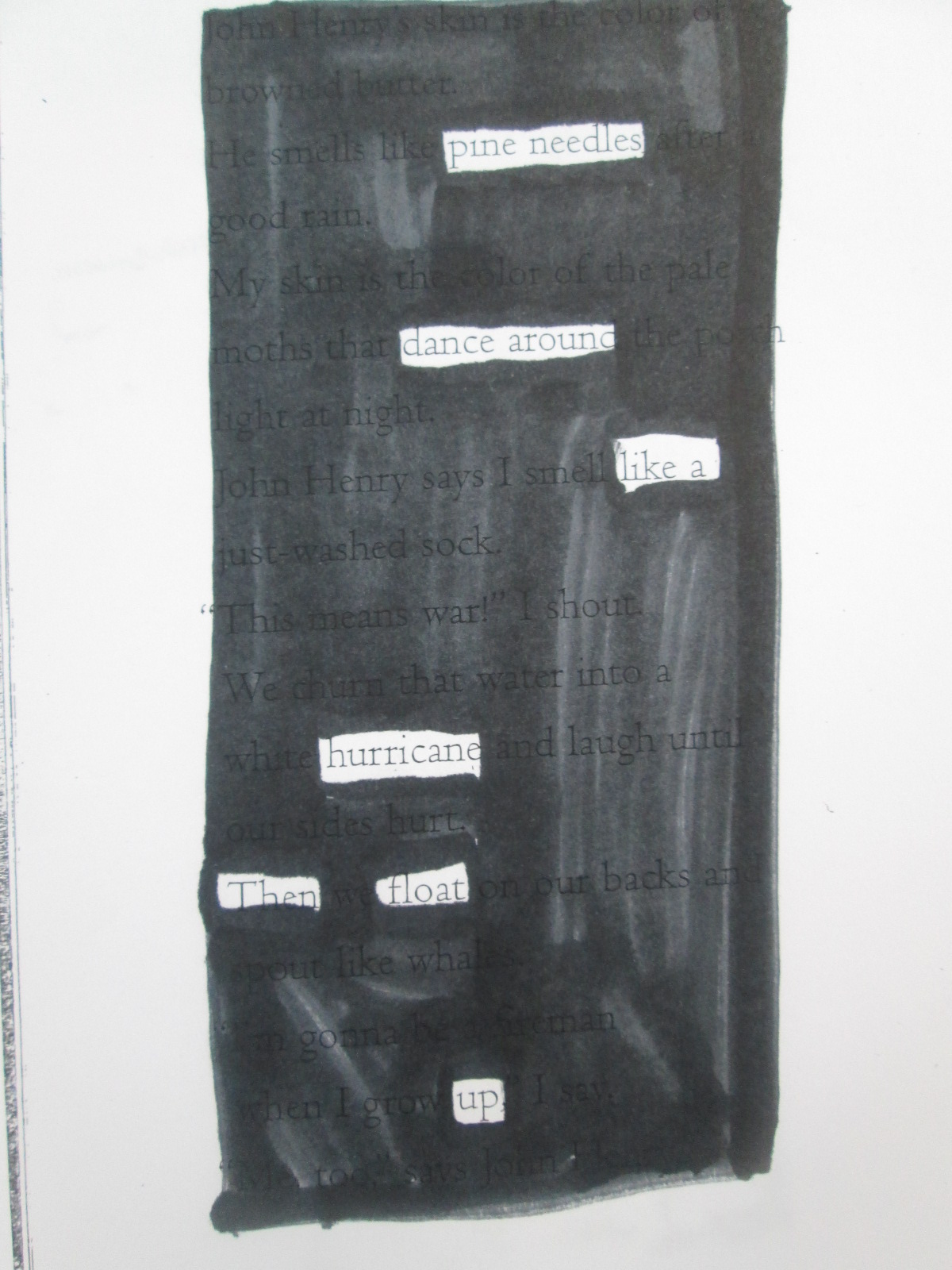
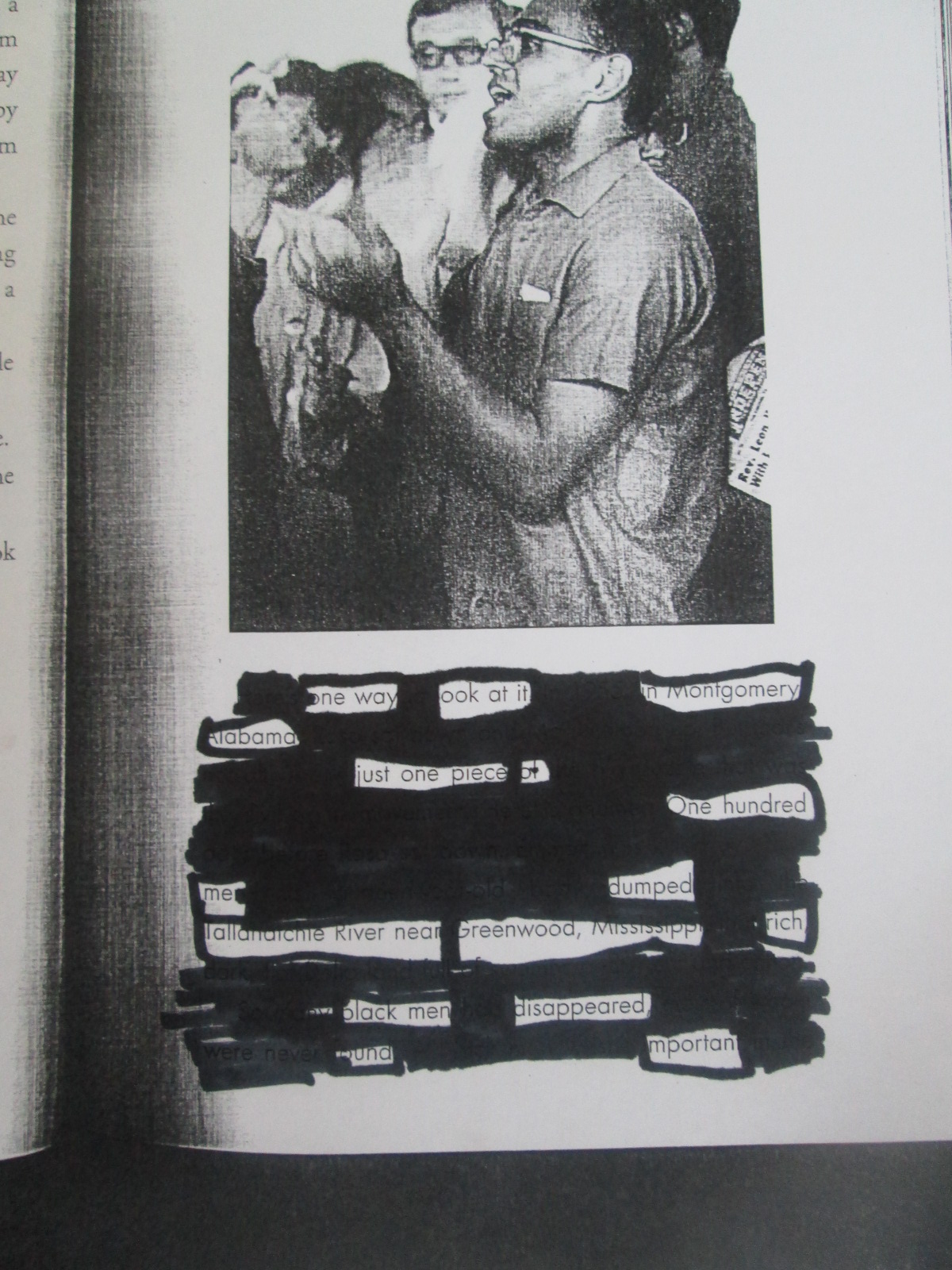
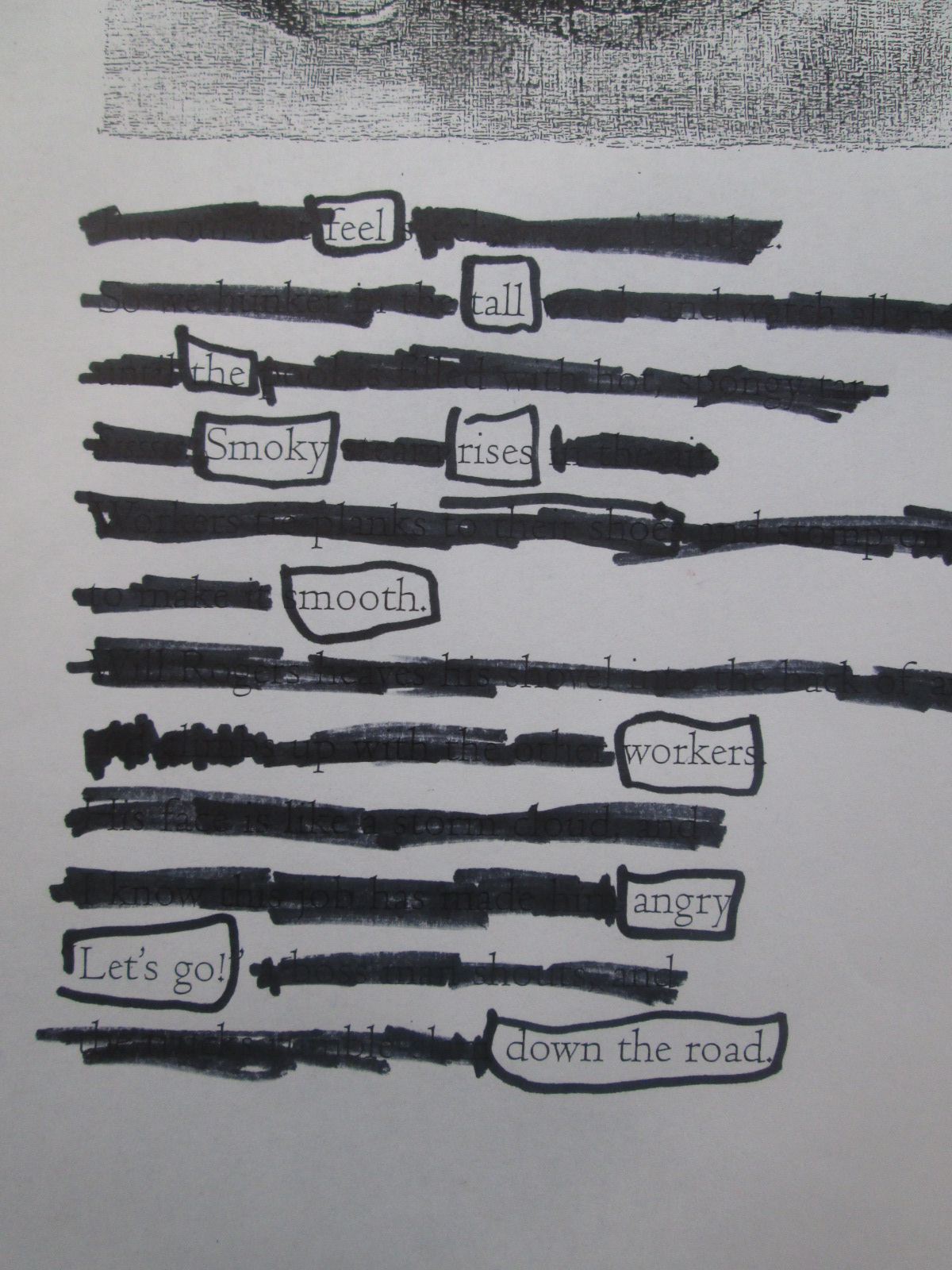
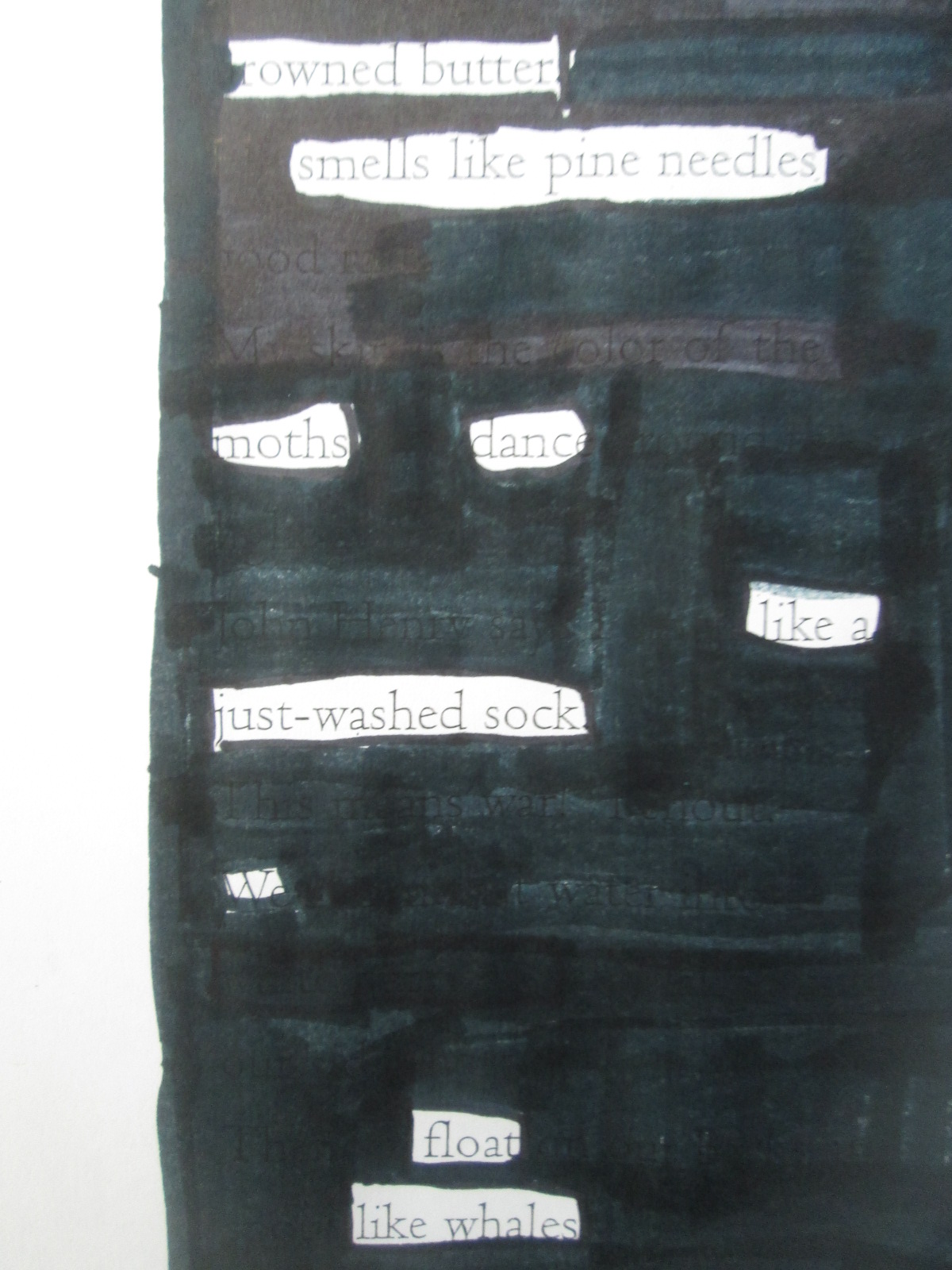
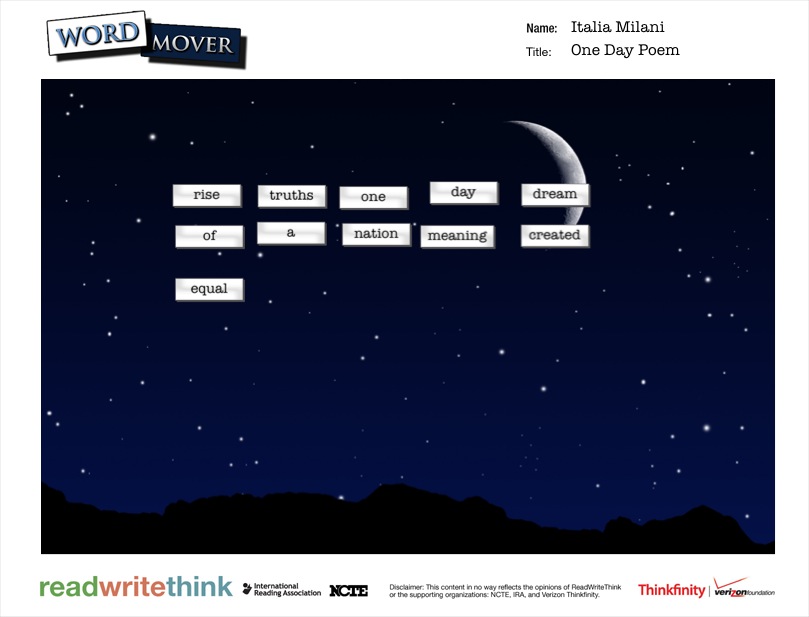
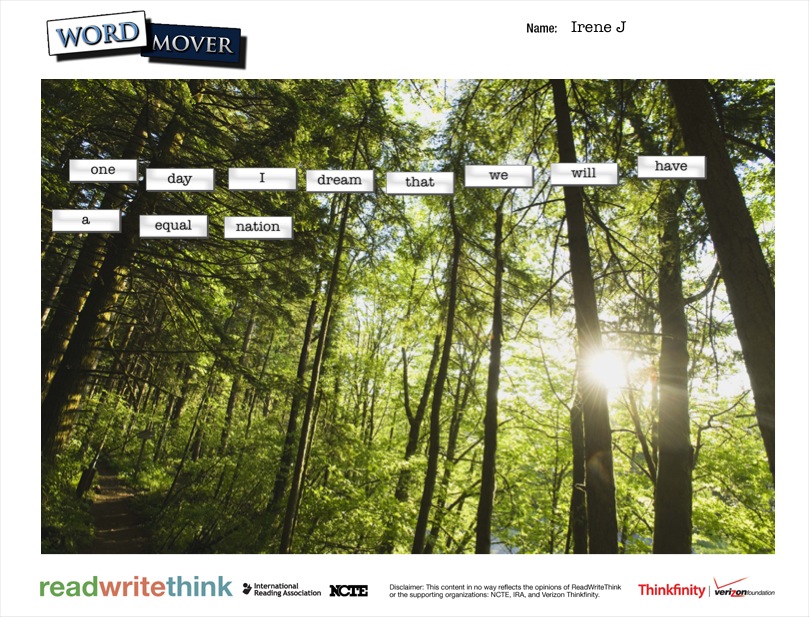
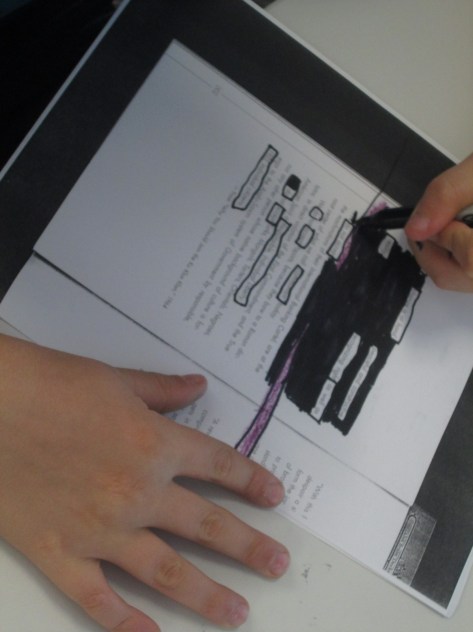
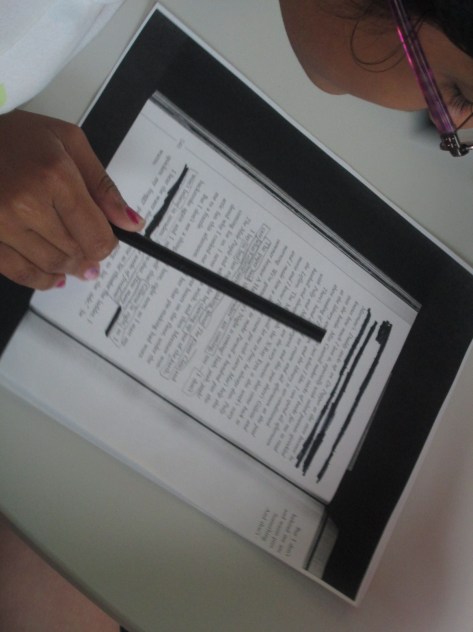
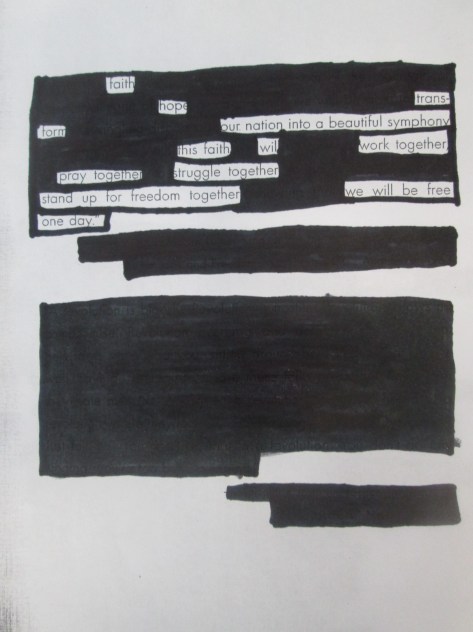
For poetry, the 5th graders created 2 kinds of found poetry.  They used the Word Mover app on the iPad to create magnetic poetry.  The app has a word bank that is words from Dr. Martin Luther King Jr.’s I Have a Dream speech.  They also used pages from Freedom Summer and a couple of pages from Revolution to create blackout poetry.

Searching for Poetry in Prose   NYTimes.com

This time for blackout poetry, we used the New York Times interactive site to create blackout poetry together.  The site makes it very easy to select & deselect words from articles to create 15-word blackout poems.  We did an example together on the board.  The teacher also helped demonstrate how to mark words on their own paper by putting boxes around words in the NY Times article on the board.

We found that a good first step for students in making blackout poetry is to read or skim the page and then put boxes around words or phrases that stand out.  Once you are sure of the words you want in your poem, then you blackout the rest of the page.  Modeling this on the board was important today.  We had very few students in 3 classes who needed to start over.
IMG_3066

I randomly gave students pages  from the books and they started the process.  For the most part, it was a very quiet process.  Students methodically chose their words and then quietly shared their work at their tables.  A few students paired up to help each other decide on words and phrases.

As students finished their blackout poems, they grabbed an iPad and created their Word Mover poems.  Just like with 2nd grade, most students arranged their words into solid sentences rather than shaping them up like a poem.  If time allowed, I conference with students and they went back into their poem to shape it into line breaks.

IMG_3079


Almost every poem was a reflective synthesis of student understanding about events of the civil rights movement and freedom summer.  Some students had some humorous twists to their poems, but most were solemn, serious, and reflective.

Take a look at their gallery.  Just like Revolution immerses us in the time period through story, music, advertisements, speeches, and other documentary pieces, the student poetry immersed us in the positive and negative feelings of the civil rights movement and freedom summer through multiple perspectives.
IMG_3096

IMG_3095

IMG_3094

IMG_3093

IMG_3091

IMG_3090

IMG_3089

IMG_3087

IMG_3082

IMG_3083

IMG_3084

IMG_3085

IMG_3086

IMG_3073

IMG_3071

IMG_3077

IMG_3075

IMG_3057

IMG_3055


IMG_0290


dream

dream (4)

dream (5)

dream (6)

dream (7)

dream (3)

dream (2)


5th Grade Cell-a-bration

Star lab, checkout, computer/iPads were all used simultaneously in our space

Star lab, checkout, computer/iPads were all used simultaneously in our space

Today our 5th graders participated in 5 centers throughout the school to learn about cells.  This was another example of transliteracy in action.  Across the centers students:

  • heard a guest speaker talk about the USDA and tracking outbreaks of food sickness
  • looked at projected images of cells underneath a microscope
  • entered the Starlab to actually sit inside a cell that was projected on the planetarium ceiling
  • used a Sqworl pathfinder and iPad apps to interact with cells in multiple ways from games to videos to ebooks to interactive tours of the cell

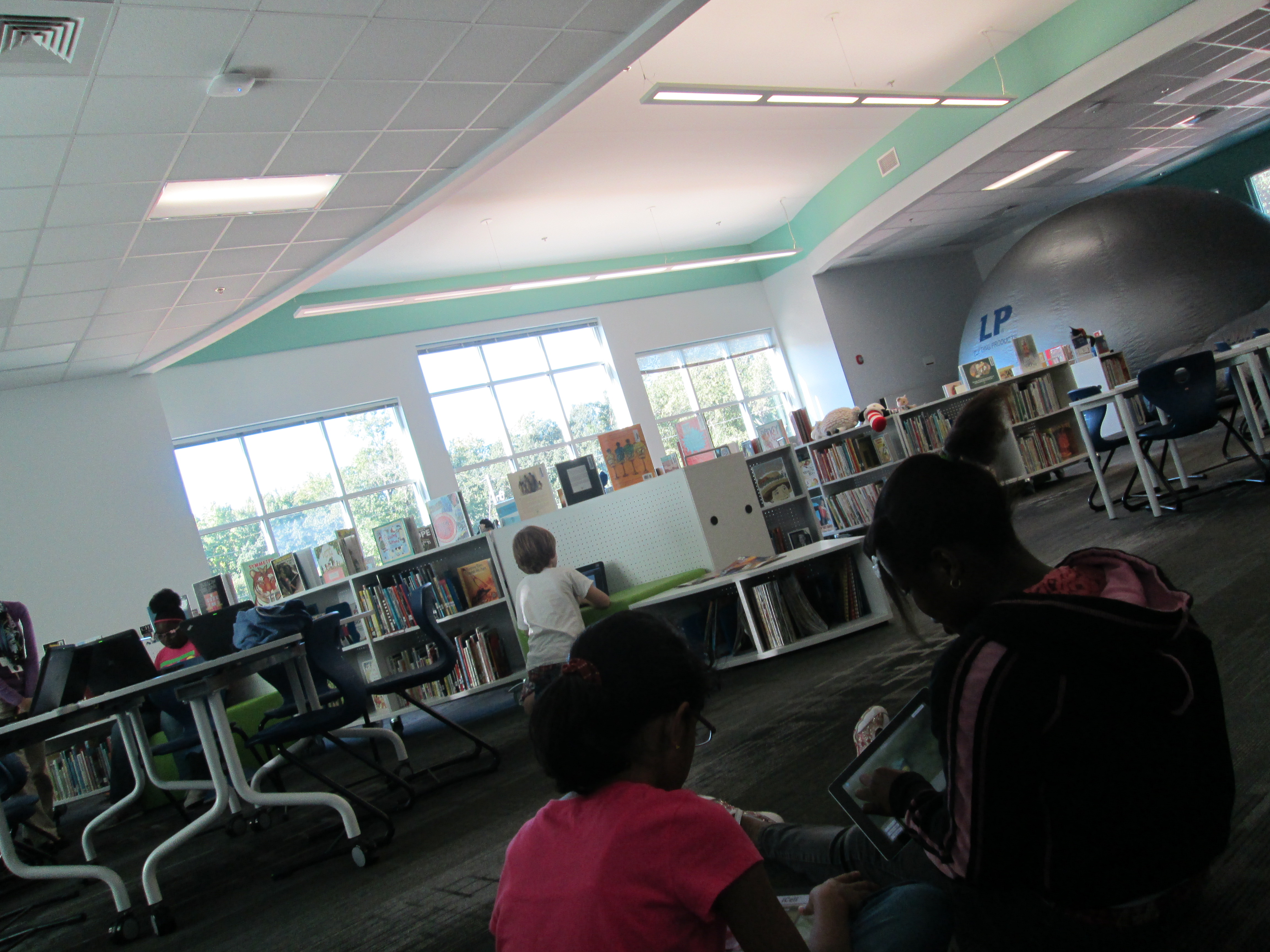
In the media center, we hosted 2 of the rotations.  Once again, I was excited to see that the design of the space supported multiple things going on at once.  The Starlab was inflated where our tables are usually located.  This massive planetarium did not block a single shelf from being accessible to students who were coming to checkout.  The tables were moved to the other projection area so that students could use iPads and computers for the pathfinder and app center.

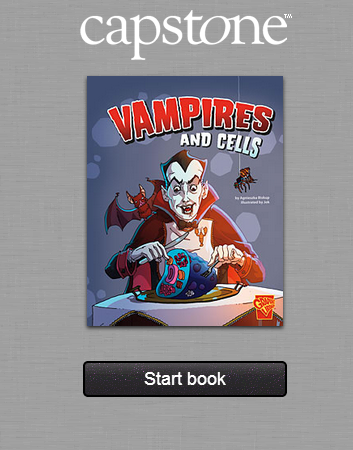
I started the students in the floor to intro the apps and pathfinder.  They grabbed the device they needed and then found the best space that worked for their learning.  On the pathfinder, the students most enjoyed the Capstone Interactive ebooks, Vampires and Cells and The Basics of Cell Life.  

vampires and cells

They also enjoyed the University of Utah’s Inside a Cell, which allowed them to zoom into different parts of a cell and read additional information about that part.


More Great Little Free Library News

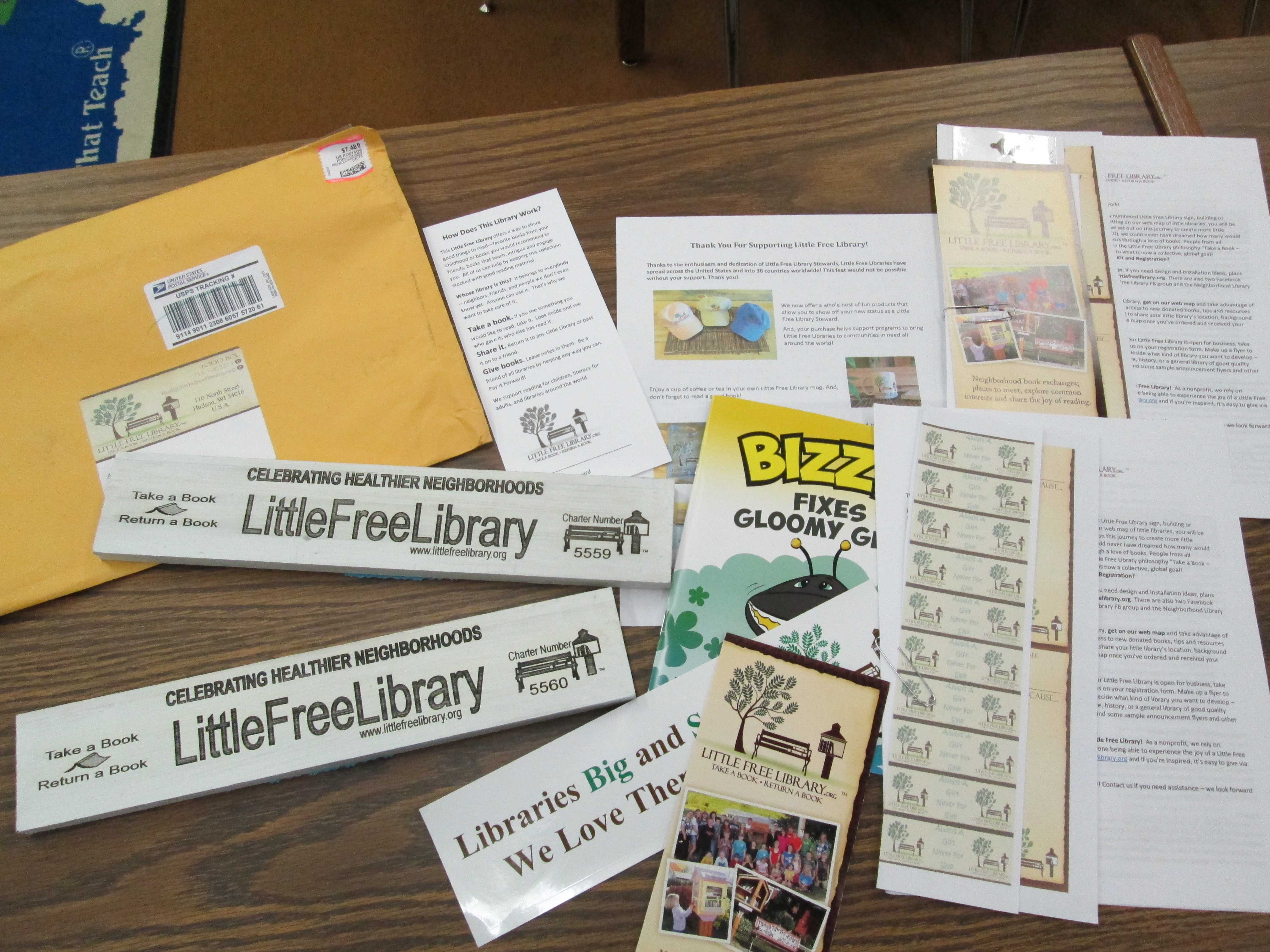
Labels, bumper stickers, ideas, and more were in our package from Little Free Libraries.

Labels, bumper stickers, ideas, and more were in our package from Little Free Libraries.

I love that I get to continue to share great news from our Little Free Library Project.  Here are some more great things that have happened:

  • We were approved to put our library at Lay Park.  This was in response to a student letter and a great phone call with Randy Haygood, facility supervisor
  • Camilla Bracewell, amazing superhero library volunteer & Barrow grandparent, became a supporter of our project through a donation and conversations with people in the community.
  • Our Little Free Libraries are now registered.  We received our signs in the mail!
  • Our libraries are now in art waiting to be painted once we have a design decided.
Our official signs will be mounted on our libraries once they are painted.

Our official signs will be mounted on our libraries once they are painted.

I love that the signs are made from reclaimed wood from Wisconsin's Amish Country.

I love that the signs are made from reclaimed wood from Wisconsin’s Amish Country.

Exciting Little Free Library News

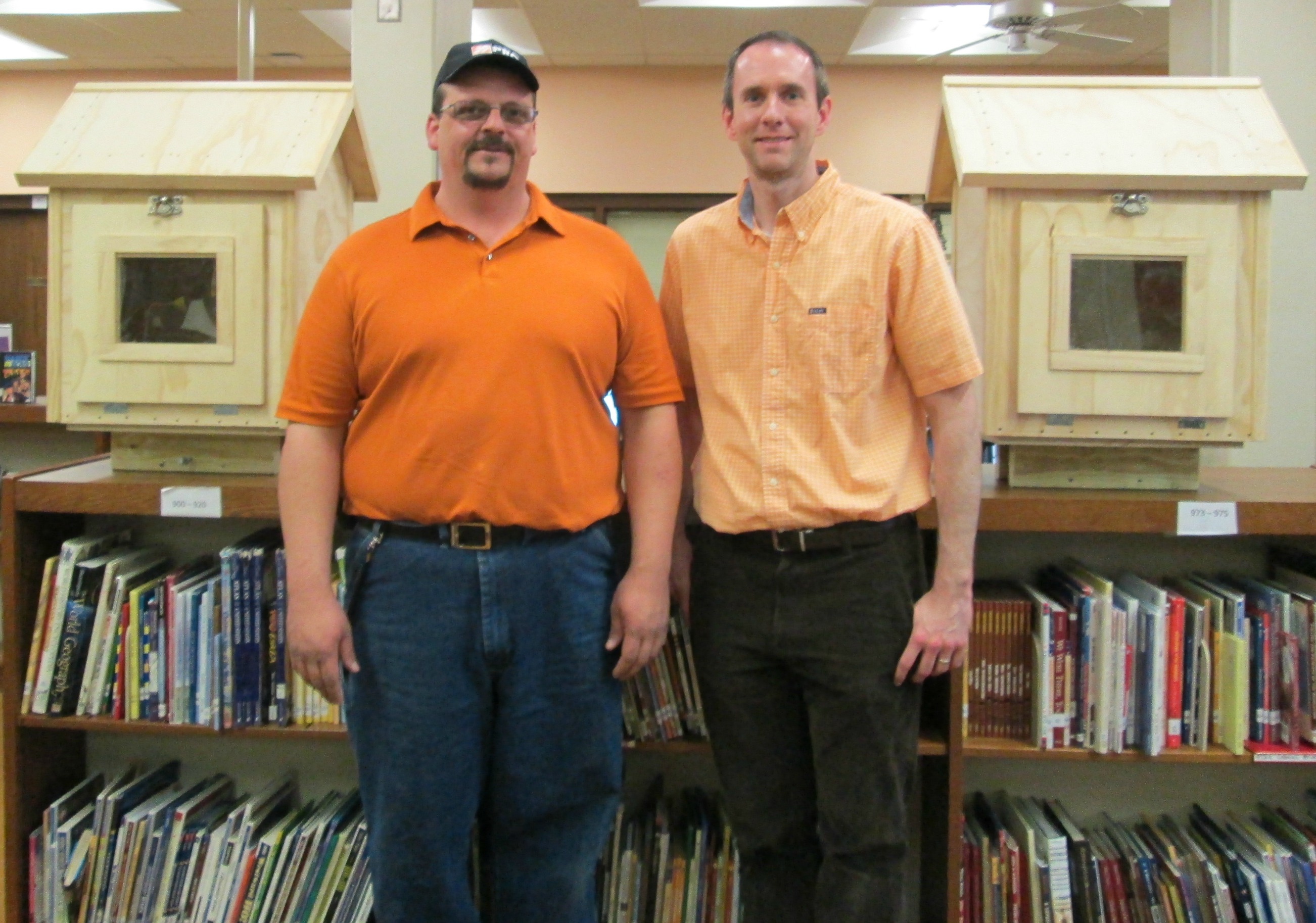
Kenny Sims, Operations Manager with Athens Home Depot, donates the 2 Little Free Libraries to Barrow

Kenny Sims, Operations Manager with Athens Home Depot, donates the 2 Little Free Libraries to Barrow

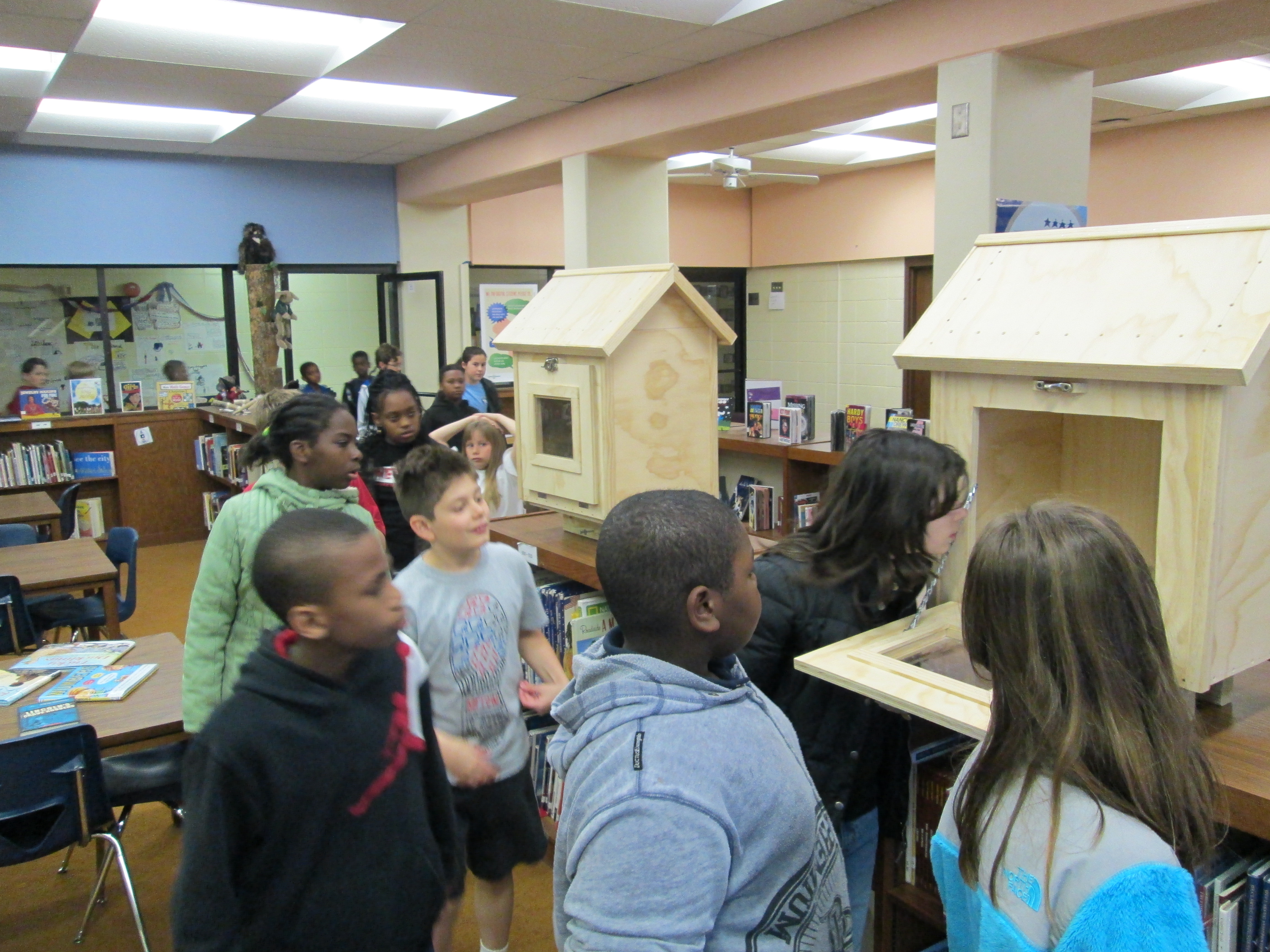
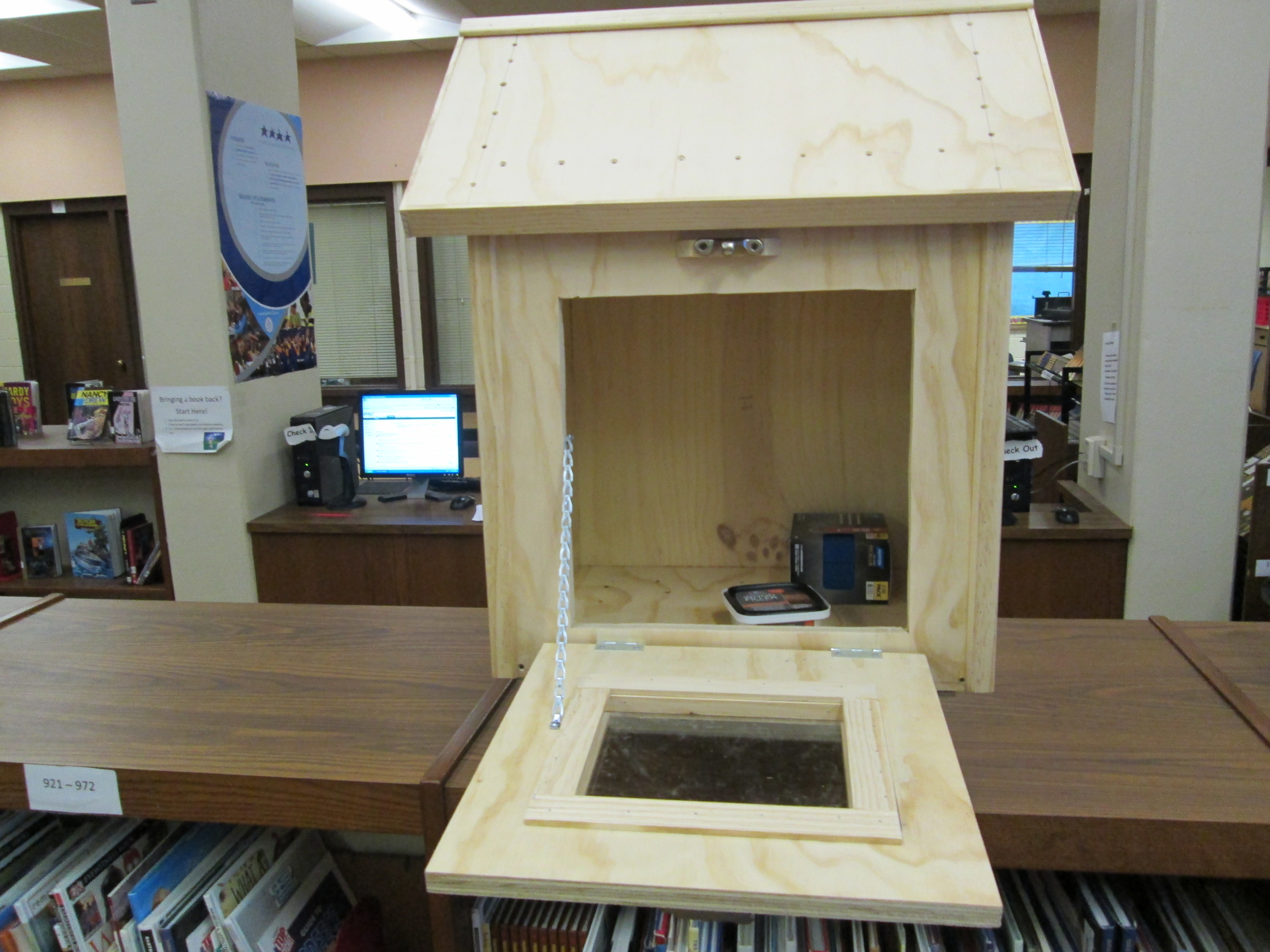
Two major things happened today with our Little Free Libraries.  I began talks with a possible location for our 2nd library and our 2 libraries were delivered by Home Depot!

I have to say again that we went into this project with a lot of faith in our community and amazing things are happening.  Here are a few recent things:

  • Several students from other grades have come to tell me that they are cleaning out their home libraries to bring us books that they no longer need.
  • Several people have brought in books to fill the libraries already.
  • People donated money during the book fair which was almost enough to register both of our libraries.  The 5th graders are about to each bring in $1, which will help us reach that goal.  Our library numbers will be 5559 and 5560
  • A student who wrote a persuasive letter was beaming when he found out that his letter had been received by the recipient.
  • Home Depot #0129 continues to be a very generous donor to this project.  They have built and donated both libraries and are now working with our art teacher to get supplies for painting the 2 libraries.  They will also help us with the final supplies for installing both libraries.  I can’t thank them enough for their generosity.  They definitely have my future home improvement business!
IMG_0367

5th graders immediately came to see the 2 libraries

IMG_0366 IMG_0365

Second Little Free Library

Joel typed his letter, conference with me and his teachers, addressed his envelope, and dropped it in the mail

Joel typed his letter, conference with me and his teachers, addressed his envelope, and dropped it in the mail

We are currently looking for a home for our 2nd Little Free Library that is being built by Home Depot.  Our school attendance zone stretches from Five Points into downtown Athens, so the students wanted a library to go in each end of our zone.  Many of our students live near Lay Park, Lyndon House, and the downtown fire department so they really want our 2nd library to go near that area.  Today, a letter was mailed out to Lay Park by a student who goes to Lay Park a lot.  Many of our students use this space during the summer and after school, so it really would be a perfect spot for our 2nd library.  Students who live in that area could take books from our school donation site and make sure the library stays full.  It would be a great source of community service and responsibility for our students.  I’m sure that there will be many steps to get approval to put a library in a spot like this.  Now, we will wait and see what the response is from the county and Lay Park, but we are going o think positive thoughts for now.

Joel's letter explains LFL and makes a personal connection

Joel’s letter explains LFL and makes a personal connection


Little Free Library Update

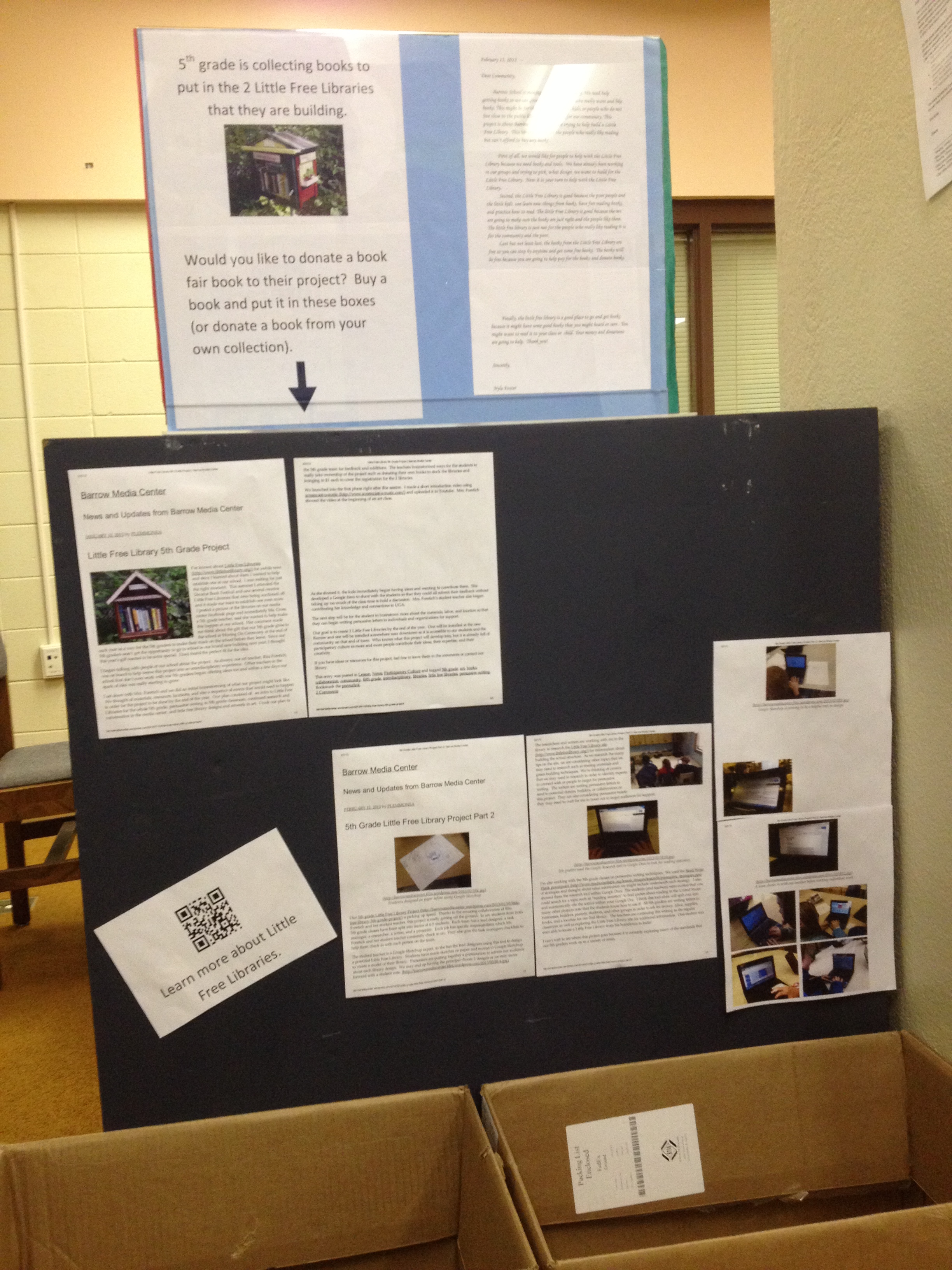
A display is ready to inform shoppers at our book fair about our Little Free Library project

A display is ready to inform shoppers at our book fair about our Little Free Library project

We have very exciting news in our 5th grade Little Free Library project.  Before spring break about 14 kids mailed letters to Home Depot in Athens to ask if they could support our project with some materials.  Kenneth Sims, operation manager, emailed me back to ask for a specific list of what we needed.  After some more research on the Little Free Library site and consulting with my talented Dad, I sent him a list of what we would need.  I knew the list was a lot to ask for, so I told him that we would appreciate anything that they could do.

He emailed me back with great news.  Home Depot is donating all of the materials we need to build the libraries, building both libraries for us, delivering them to our school for the kids to decorate, and helping us install them when the time comes.  I was absolutely floored.  I even got a call from the builder before he started the project to just make sure that all of the plans that they were doing fit with what we needed.  I can’t wait to share pictures with you of our project.

We went into this project with a lot of faith that our community would come through for us to make this project happen.  It is so great to know that a major business in the community is so giving of their resources in the name of children, community, and literacy.

Now, we have a lot of work to do, but one major weight is lifted off our shoulders.  The kids were beaming when I went to their classes to share the news with them.  One student in particular was very excited because we realized that she included my email address in her letter in order for the manager to contact us.  She was the only student to do this.

Our next steps include:

  • Painting the designs on our libraries
  • Nailing down our second location with some more persuasive letters
  • Raising money for the registration of the libraries
  • Doing a book drive to fill the libraries and have a stock pile of books to replenish the libraries
  • Writing speeches to present the libraries at the Moving On Ceremony.
  • Installing the downtown library in its location
  • Probably some things we haven’t thought of!

If you would love to help us with our project, we are wide open for help.  One way you could help us is by purchasing a book at our book fair next week or shopping our wishlist at our online book fair through April 5th.  Here’s info on our online fair:

It’s Book Fair time at our school! I’ve created a classroom wish list to add new books to our classroom library. You can view my classroom wish list and purchase books from our school Book Fair website. These books will be treasured by students for years to come.

You can visit our online Book Fair anytime until 04/05/2013. All books purchased will be shipped directly to me at school with no shipping charge. Thanks for getting our class excited about reading.

Your support is appreciated,

Andy Plemmons

Scholastic Book Fairs inspire a lifetime love of reading. A percentage of the total proceeds raised during the Book Fair will stay with the school and help get more kids reading, kids reading more! Visit the Book Fair Web site for detailed information.


Little Free Library 5th Grade Project

I’ve known about Little Free Libraries for awhile now, and since I learned about them I wanted to help establish one at our school.  I was waiting for just the right moment.  This summer I attended the Decatur Book Festival and saw several creative Little Free Libraries that were being auctioned off and it made me want to establish one even more.  I posted a picture of the libraries on our media center facebook page and immediately Ms. Cross, a 5th grade teacher, said she wanted to help make this happen at our school.  Her comment made me think about the gift that our 5th grade gives to the school at Moving On Ceremony at the end of each year as a way for the 5th graders to make their mark on the school before they leave.  Since our 5th graders won’t get the opportunity to go to school in our brand new building next year, I thought this year’s gift needed to be extra special.  I had found the perfect fit for the idea.

I began talking with people at our school about the project.  As always, our art teacher, Rita Foretich, was on board to help weave this project into an interdisciplinary experience.  Other teachers in the school that don’t even work with our 5th graders began offering ideas too and within a few days our spark of idea was really starting to grow.

I sat down with Mrs. Foretich and we did an initial brainstorming of what our project might look like.  We thought of materials, resources, locations, and also a sequence of events that would need to happen in order for the project to be done by the end of the year.  Our plan consisted of:  an intro to Little Free Libraries for the whole 5th grade, persuasive writing in 5th grade classroom, continued research and conversation in the media center, and little free library designs and artwork in art.  I took our plan to the 5th grade team for feedback and additions.  The teachers brainstormed ways for the students to really take ownership of the project such as donating their own books to stock the libraries and bringing in $1 each to cover the registration for the 2 libraries.

We launched into the first phase right after this session.  I made a short introduction video using screencast-o-matic and uploaded it to Youtube.  Mrs. Foretich showed the video at the beginning of an art class.

https://www.youtube.com/watch?v=n8ojwb-tYYY

As she showed it, the kids immediately began having ideas and wanting to contribute them.  She developed a Google form to share with the students so that they could all submit their feedback without taking up too much of the class time to hold a discussion.  Mrs. Foretich’s student teacher also began contributing her knowledge and connections to UGA.

The next step will be for the student to brainstorm more about the materials, labor, and location so that they can begin writing persuasive letters to individuals and organizations for support.

Our goal is to create 2 Little Free Libraries by the end of the year.  One will be installed at the new Barrow and one will be installed somewhere near downtown so it is accessible to our students and the community on that end of town.  Who knows what this project will develop into, but it is already full of participatory culture as more and more people contribute their ideas, their expertise, and their creativity.

If you have ideas or resources for this project, feel free to leave them in the comments or contact our library.

Gaming in Education w/Xbox: NatGeo TV

This year, we are exploring ways that gaming can be used in education.  I’ve previously mentioned that a group of 14 boys are exploring the xbox, Nintendo DS, and Minecraft during an enrichment cluster.  This week, a 5th grader used our xbox 360 with Kinect to research wolverines for his animal research project.

One of the games that we purchased for our xbox is Kinect NatGeo TV.  This 2-disc set includes multiple NatGeo 30-minute episodes on a variety of animals and places.  As you watch the episode there are sidetracks where you can take pictures of the animals, discover hidden facts, take short quizzes, and play games that help demonstrate an animal behavior.

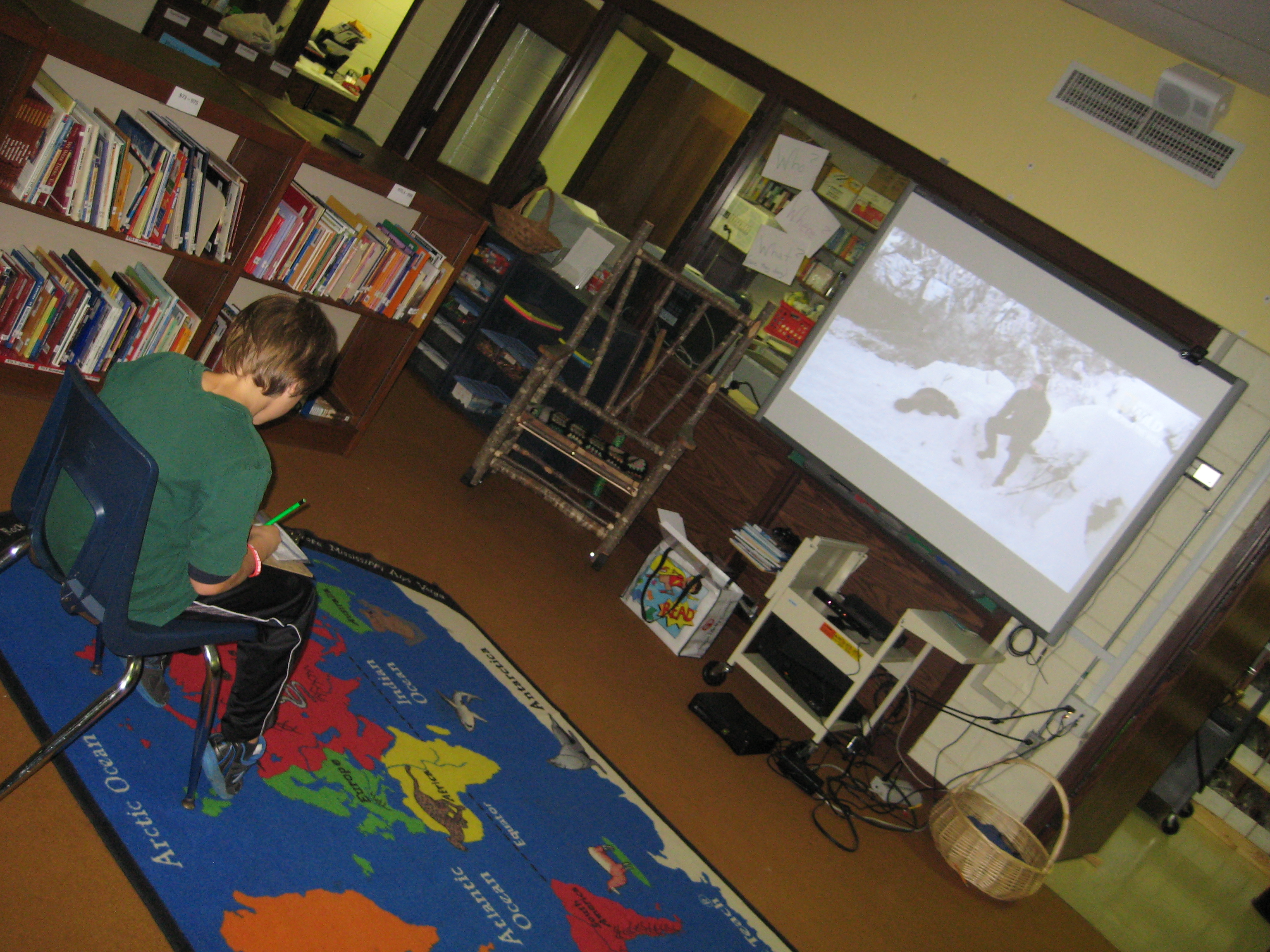
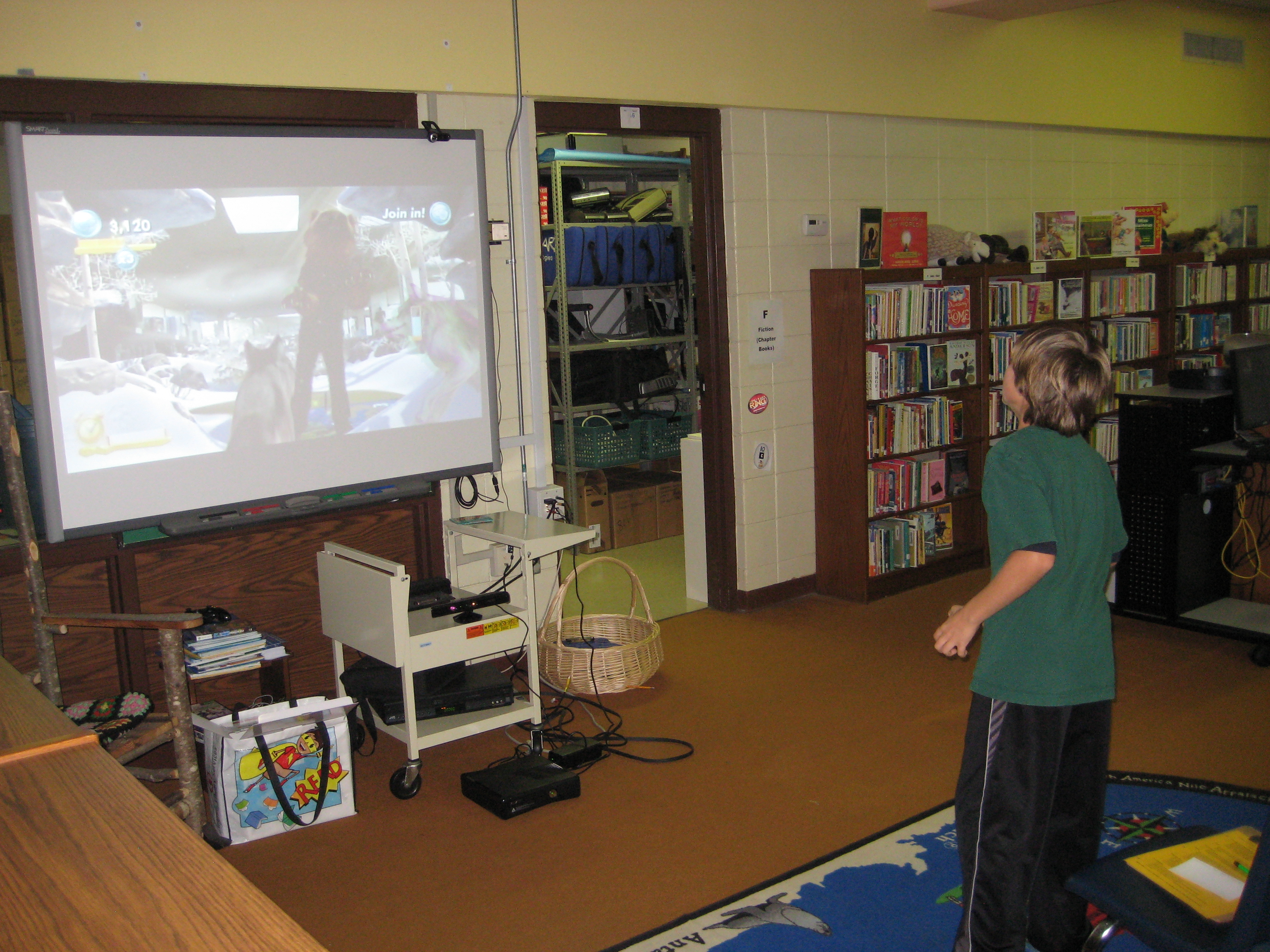
Henry is a 5th grader who did not find a book in our library about his topic, wolverines.  He has been relying on digital resources, databases, and encyclopedias to get his information.  I was so excited when I looked at the table of contents on the NatGeo TV game and saw wolverines as a topic.  Mrs. Mullins, a spectrum teacher, worked out arrangements for Henry to come to the library during language arts to do his research on the xbox.  I setup the machine, dimmed the lights, and helped Henry get setup with his notecards and floor space to interact.  As he watched the episode, he added several notes to his notecards.  When a sidetrack popped up, he put everything down to interact.  I was impressed by how the facts in the episode were reinforced through the games.  When Henry learned that wolverines dig through snow to locate dead carcasses, he was able to practice digging by becoming a virtual wolverine and digging through snow to find meat.  When he left, this was a fact that stood out to him.  It made me wonder about how we can bring facts to life for students when they discover them in books, websites, videos, or other resources.  The active game element seemed to reinforce the facts and help Henry retain them.  I know that the amount of NatGeo content on these discs is limited and will only support specific students and projects, but the concept makes me think beyond the xbox and how it might inform future lessons.

http://youtu.be/xiX6HL4htw0