How to teach 3 social studies units covering over half a century in 4 weeks: A 5th Grade Glogster Project

Last year, I began a journey with 5th grade that integrated multiple social studies standards into one big project.  The teachers put students in cross-classroom groups and assigned them social studies topics for a unit on the turn of the century.  Each group made a glog about their topic after using print and digital resources to gather information.  We were amazed by the leadership, collaboration, and innovation that took place in that project, but we made a lot of mistakes along the way too.  You can read more about last year here and here.
This year, we almost didn’t do this project.  The teachers were feeling even more overwhelmed by the content this year because they had to teach 3 social studies units and 2 science units in 9 weeks.  You would probably feel overwhelmed too if you knew you had to teach these units in that amount of time:

Even the district planner recommends a total of 12 weeks for the units, but requires that it be done in the 3rd quarter (9 weeks).

After multiple combinations of meetings between me, the 5th grade social studies teacher, the gifted collaboration teacher, and the instructional coach, we developed a plan for how this year’s content might look.  Each of the 3 social studies classes were assigned a unit.  Within each class, topics were assigned to individuals as well as groups of students.  These students made plans of how to divide the content among their group.  On Mondays and Fridays, the social studies teacher and gifted teacher did direct teaching of some of the content from all 3 units.  On Tuesday-Thursday, students came to the media center to research their topics in online databases, websites, and books.  Last year, students just took notes as they read, but this year we wanted students to have a better structure that was based in questions that came from the standards.  The gifted teacher combed through the standards and created 2 different graphic organizers with questions for students to consider.  The organizer also had space to document resources used.  Some students chose to use digital copies of this organizer while others chose to print it out and write their notes.

Once again, I pulled together a pathfinder divided up by topics.  This pathfinder gave each student a handful of websites about their topic.  I also showed them how to search the databases found in Georgia’s Galileo collection.  My paraprofessional took the topics and searched through our print collection.  If a book matched one group’s topic, she put a post-it with their names on the book.  If a book spanned multiple topics, she put it in a shared stack.

To begin our journey, I briefly introduced the pathfinder, graphic organizers, and how to take notes (not copying and pasting entire paragraphs of information from websites).  I also showed a glog from last year’s students to give them an idea of what they would ultimately be doing.  We chose not to introduce how Glogster works at the beginning.  We also chose to not give students logins and passwords to Glogster.  Students then began a week of research.  The social studies teacher, gifted teacher, student teacher, my paraprofessional, some college students, and me began working with students as much as possible to support them in their search.

After a week, I introduced how Glogster works by showing a very basic run-through of the kinds things it can do.  Students continued to research, but as they finished, they checked in with one of the adults.  Most of the time we offered additional guiding questions and support so that they had the most complete information possible.  Once students reached a point where they had enough information, they received their username and password to Glogster.

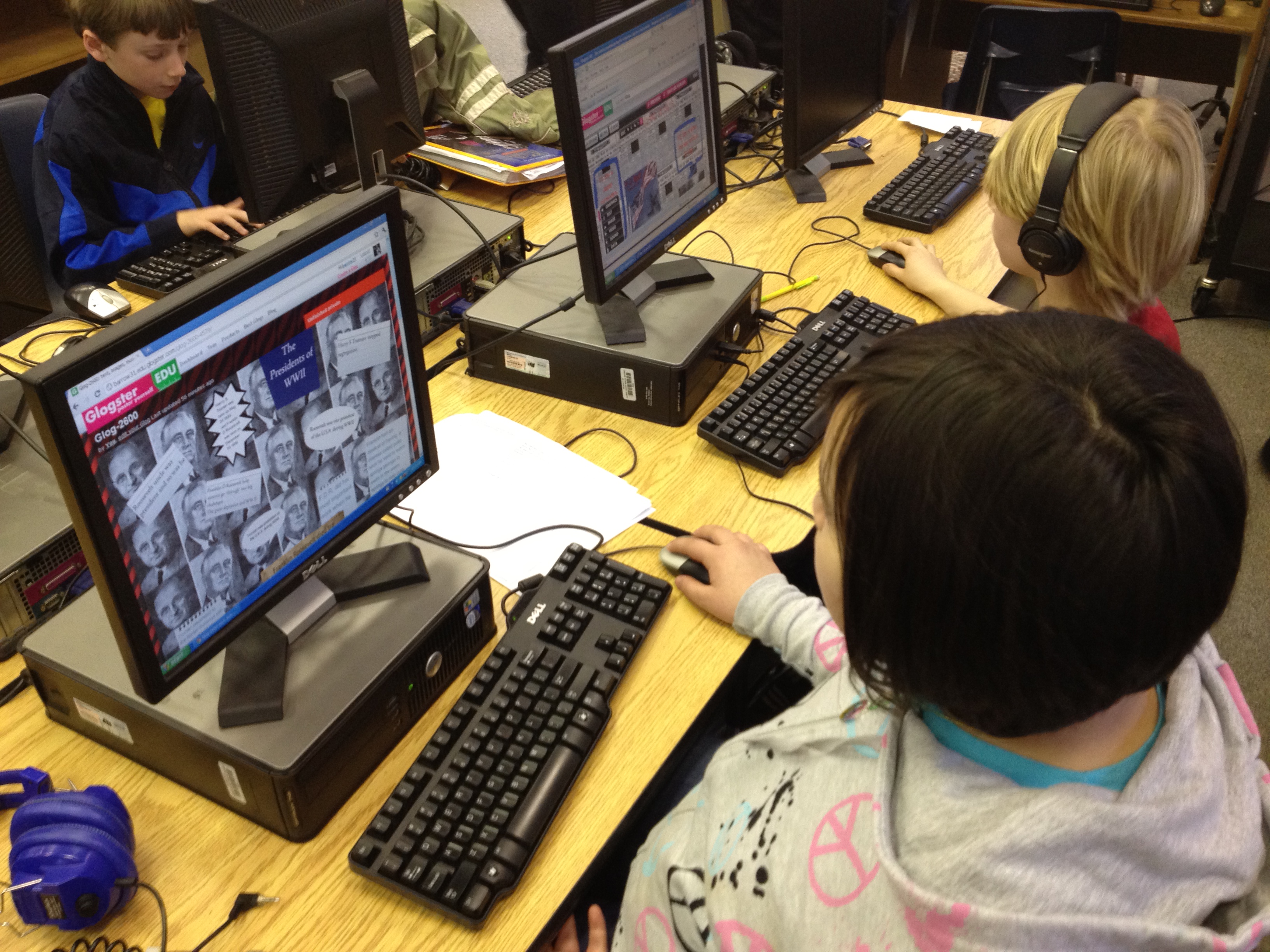
Most students began Glogster with deciding on their wall background.  Then, they moved to adding text from their organizer.  Eventually, students branched out to include photographs from public domain searches and linked their pictures to the sources they came from.  Some students also did audio introductions to their glog or recorded audio for various parts of their glogs.  Some students used Screencast-o-matic to do screencasts of timelines from PebbleGo or tours in Google Earth.  A few students used webcams to record themselves talking.  One group even did a webcam video of their resource list rather than just creating a text box for it.

You can view some of the finished or in progress glogs here:

Recovering from the Great Depression

Black Cowboys

Wright Brothers

George Washington Carver

Alexander Graham Bell

Thomas Edison

Spanish American War

McKinley & Roosevelt

Panama Canal

Immigration

Voting Rights

US Contributions and Treaty of Versailles

Lusitania and Other Ships

Duke Ellington

Louis Armstrong

Harlem Renaissance

Babe Ruth

Charles Lindbergh

Henry Ford

The Great Depression

Jesse Owens

Stalin, Mussolini, Roosevelt, & Churchill

Holocaust

Presidents of WWII

Bombing of Japan

Changing Role of Women

Tuskegee Airmen

Cold War

Khrushchev & McCarthy

D-Day, VJ, & VE Days

Pearl Harbor, Iwo Jima, & Hirohito

Panama Canal 2

Once students finalize their glogs, they will present them to the rest of the 5th grade to share the responsibility of teaching and learning this massive amount of content.
This slideshow requires JavaScript.

Buddy iPad Math: A First Grade & Fifth Grade Collaboration

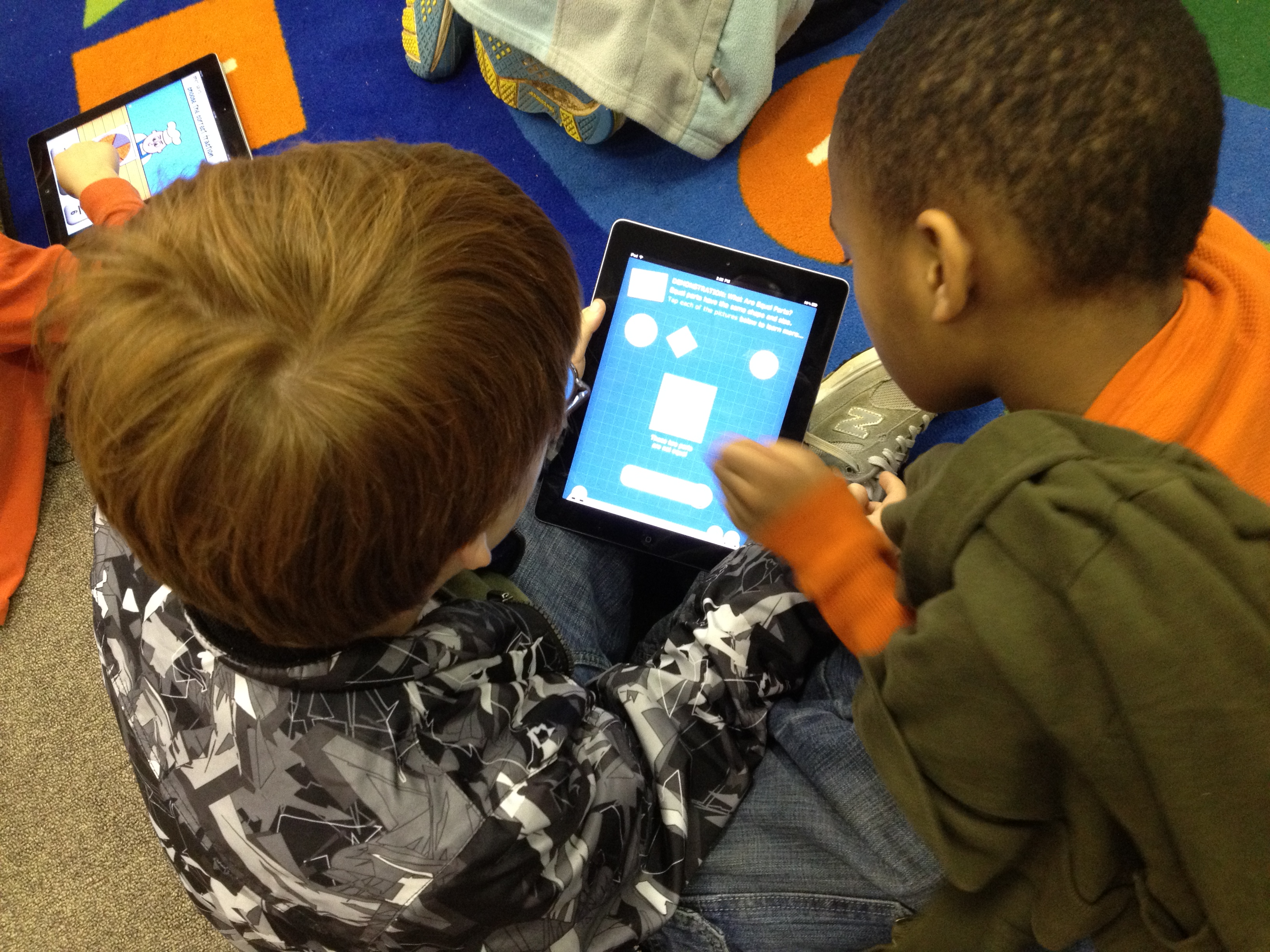
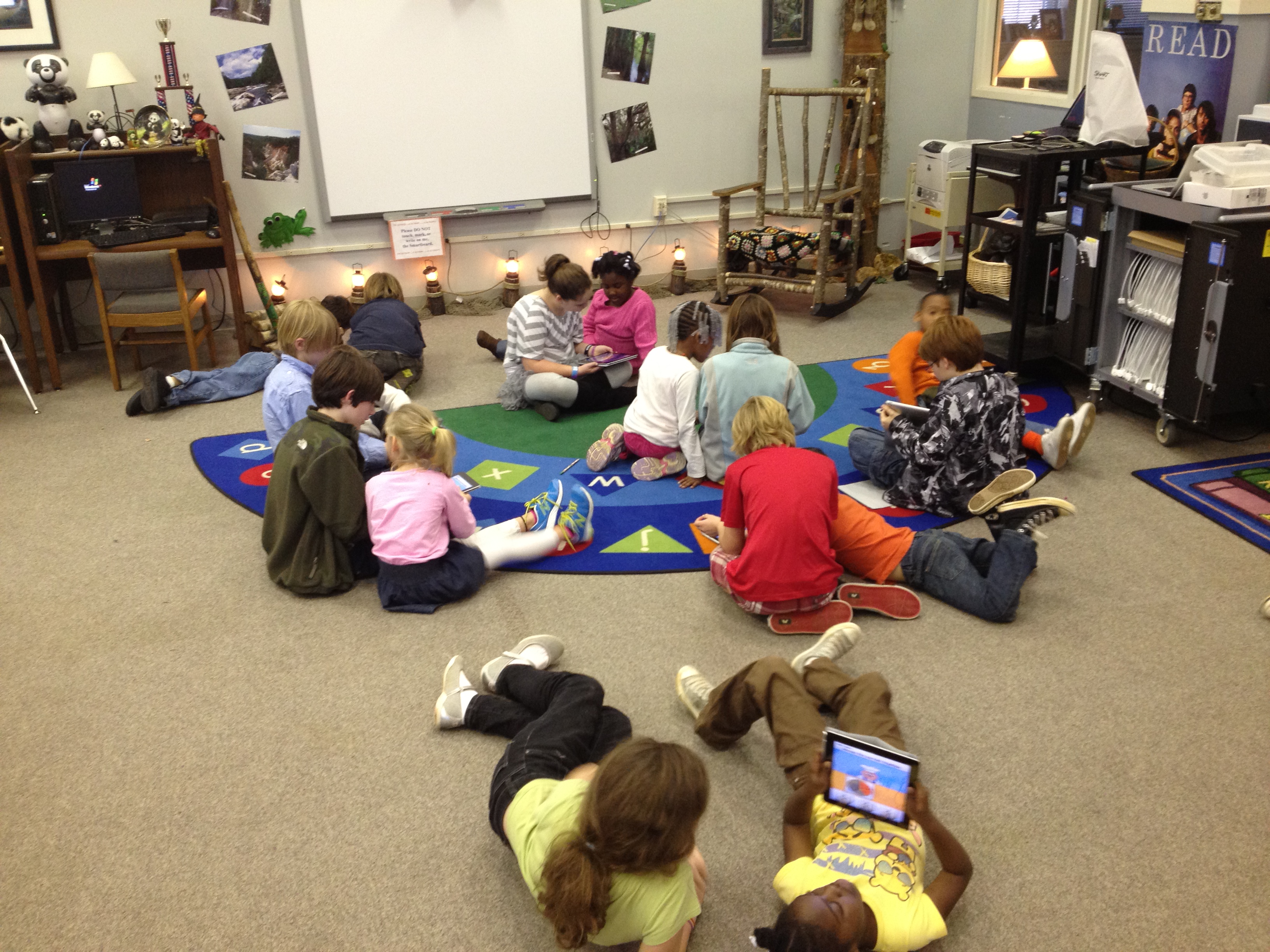
Our 5th grade and 1st grade buddies returned to the media center today for another round of media center collaboration on math standards.  Now the 1st graders are working on fractions.  The 5th graders worked with their own teacher ahead of time to view the 1st grade fraction standards and familiarize themselves with what was expected of 1st graders.  Their teacher encouraged them to stretch the 1st graders thinking within reason.

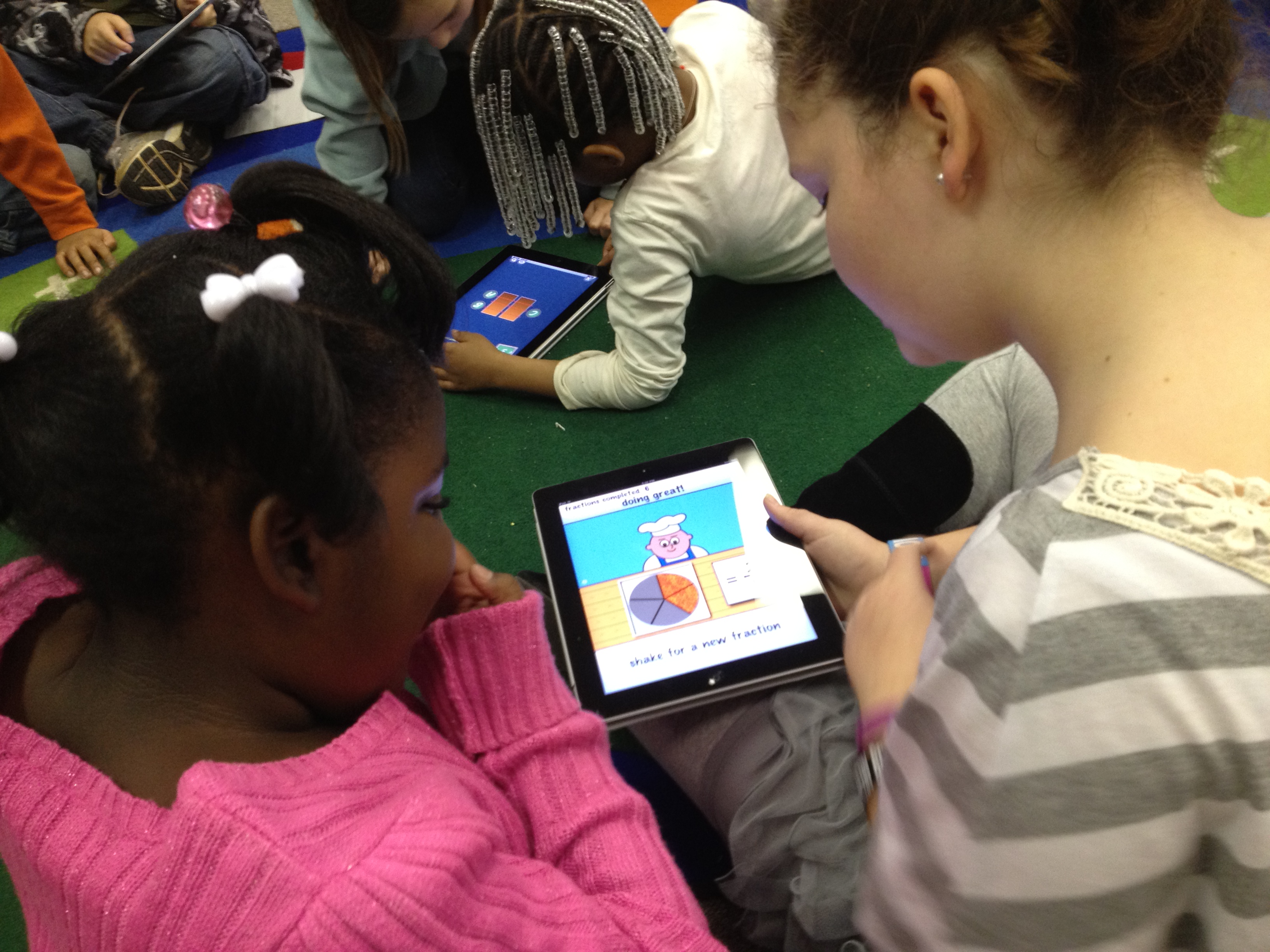
Today, we started on the carpet in the media center.  I used the document camera to display the book Fraction Action by Loreen Leedy.  I only showed pieces of the book at a time because I paused and allowed the students to work with their buddies to draw representations of the various fractions from the book on the iPad.  They used any of the drawing apps that were installed.  Once they drew their representation, students closed iPads and we looked at the representations in the book before moving to another fraction.  We looked at 1/2, 1/3, and 1/4 in the book.

Next, the groups split.  Half of the students used a pizza fraction app on the iPads while the other half went to the computer lab and used several fraction websites that were compiled by the teachers.  I stayed with the students on the iPads and had conversations with them about the fraction app.  When they reached a point where they were getting bored with the app, we moved to other math apps to practice basic 1st grade math facts.

We plan to continue the fraction lesson on another day by incorporating some fractions that move beyond the 1st grade fractions.

5th grade Student Math Tutorials

Three students filming their tutorials

Ms. Cross’ 5th grade ELT class has been doing some amazing work demonstrating various aspects of their math standards.  Each student took a different standard and found ways of demonstrating that standard through drawings, manipulatives, and explanation.  She was so impressed by their work that she thought it would be helpful for the students to create tutorials on their math components that could be used as mini-lessons or review sessions throughout the year in class.  The tutorials could even be used by other classes.

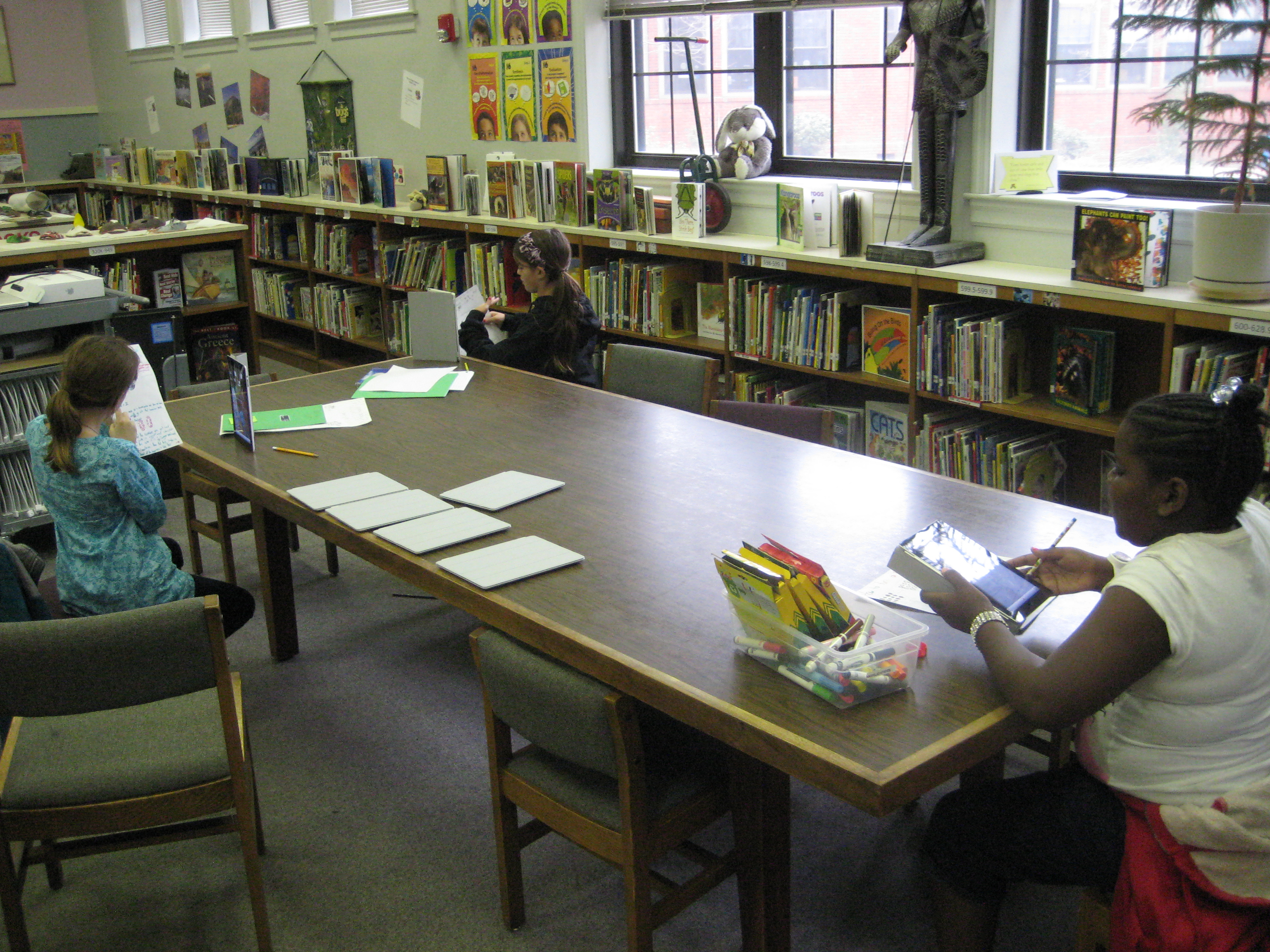
In planning for this, we thought that students should have options for how they might document their process in solving various math problems.  One option was using Glogster to create a review poster.  Students would have written components, video or audio components, and possibly images of their work.  Another option was to use the iPad to film a tutorial using all the pieces that had been created during the project.

Clare sets up her recording booth on a media center table

So far, one student has chosen Glogster & iPad and 5 students have chosen the iPad.  These 6 students explored their options on these tools and did some initial experimenting to see how each tool worked best.  Then, students spread out around the media center and used their tool to begin creating.  I conferenced with each one to talk about what was working, what they had questions about, and what they might consider trying.  On their own, students met with one another to show their work in progress and give one another feedback.

After getting all the pieces in place for creating their final product, the six students worked one final time in the media center to create their videos on the iPads.  Their videos were uploaded to dropbox on the iPad, downloaded into My Videos under their accounts, and then put into their teacher’s network dropbox.  I took the videos and also uploaded them to our media center YouTube page.  Much of my time during these final steps was spent troubleshooting and also showing a few of the students how to do the many steps to get the videos to where they needed to be.  After that, these students helped the other students.  I love how quickly students figure things out and how willing they are to teach and support one another!

This slideshow requires JavaScript.

Autobiographical Poetry: A 5th grade collaborative art project

The art teacher, Mrs. Foretich, and I love to collaborate with one another.  Recently, we wrapped up a collaborative unit focused on digital photography, using technology to transform a photograph, and autobiographical poetry.

Students spent 2 days rotating through a center taught by Mrs. Foretich taking digital pictures of themselves and using Picnik.com to edit their photos and center taught by me about the many elements of poetry including personification, similes, strong verbs, and repetition.  Then students spent 2 sessions in a writing workshop using their photograph to write an autobiographical poem that included some of the poetry elements learned in my center.  Students typed their poems in word and printed them.

Mrs. Foretich had all of the student images printed at Snapfish, and she mounted these pictures on matting board.  Now, an amazing display sits atop the shelves of the media center.  Today was the debut, and students and teachers have been reading the poems all day.  If you can’t stop by the media center during poetry month, take a moment to view the pictures of the display and watch a video tour given by two students, Maggie and Delia.

This slideshow requires JavaScript.