Regions of Georgia Commercials

For the past 4 years, I’ve collaborated with 2nd grade on a Regions of Georgia center rotation.  We usually setup one center for each region of Georgia and the teachers and I lead each region.  Over a several days, the students rotate through the stations, and the main goal has been for students to gain more understanding of the regions.

This year we decided to try something new.  As a culminating project, students were placed into groups in every classroom and assigned one of the regions of Georgia.  The goal was for students to work together to create a commercial advertising their region.  They included things like land features, attractions, animal life, plant life, and persuasive reasons to visit their region.

Once scripts were written and a few props were made, students came to the library to record their commercials using the iPads.  Our temporary media center has several small rooms attached to it, so 3 groups at a time were able to record their commercials.  We used students to do the actual filming as much as possible, although a few student teachers and the classroom teachers did some of the filming.

Since our district decided to open Youtube to both teachers and students, uploading the videos took a matter of seconds rather than the hours it took when we would have to download the videos onto a PC, convert the videos to WMV, and then edit the videos in Movie Maker, and upload to Youtube at home.

Instantly uploading the videos also allowed me to show the next classes what the previous class had done.  As they watched videos from their peers, they critiqued them by thinking about what they would congratulate the class on and what they would want to improve about the videos if the groups had a chance to record again.  This surfaced a lot of the reminders that I would have given anyway, but it meant more coming from the active thinking of the students.

This was 2nd grade’s first time using the iPads to film.  It certainly wasn’t perfect, and there were many logistics that could have been better.  However, overall I would call it a success that will hopefully inform the future video projects we do together in 2nd grade.

This slideshow requires JavaScript.

Take a look at their work below.
Fetch! Lunch Rush! App

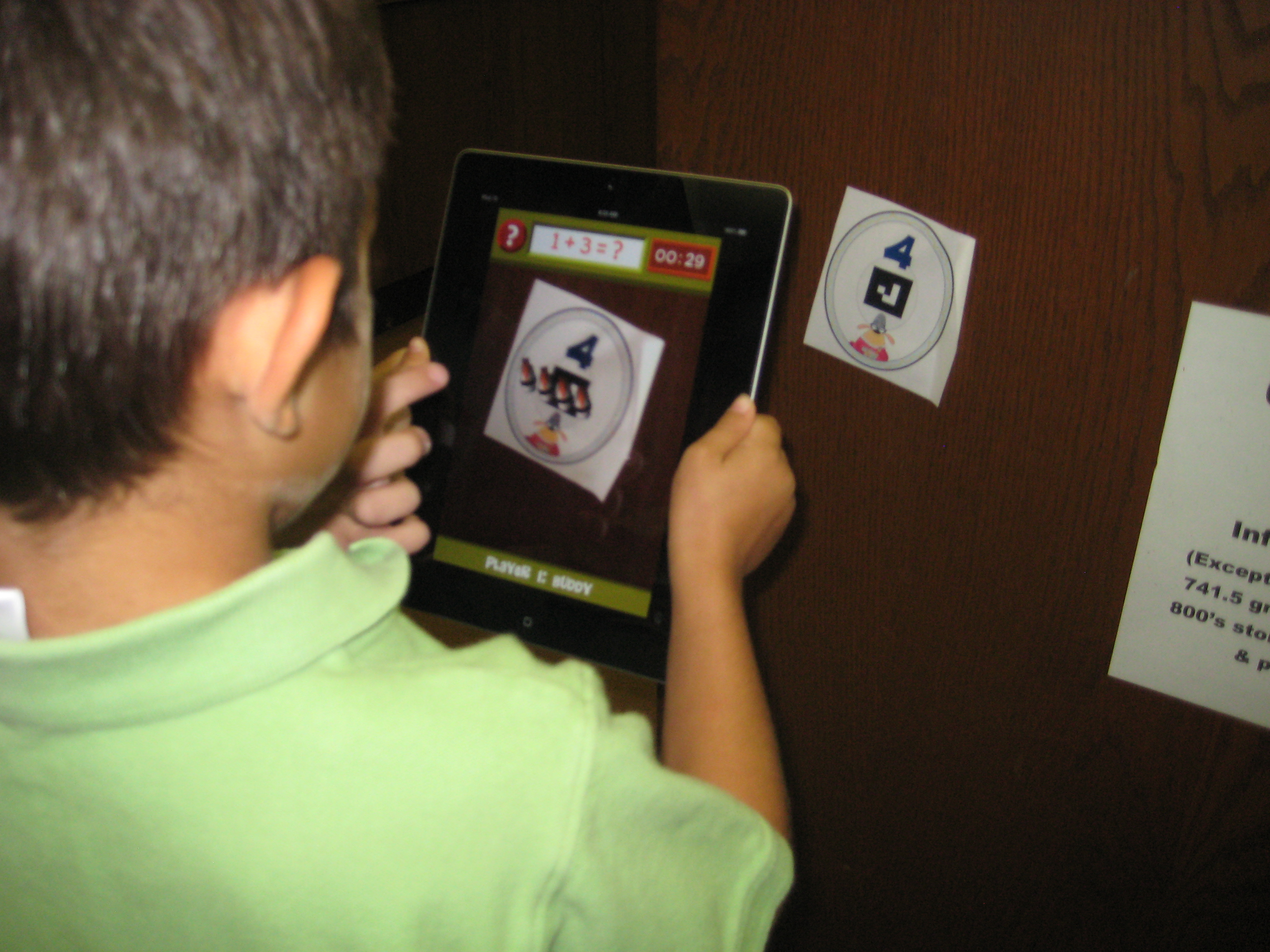
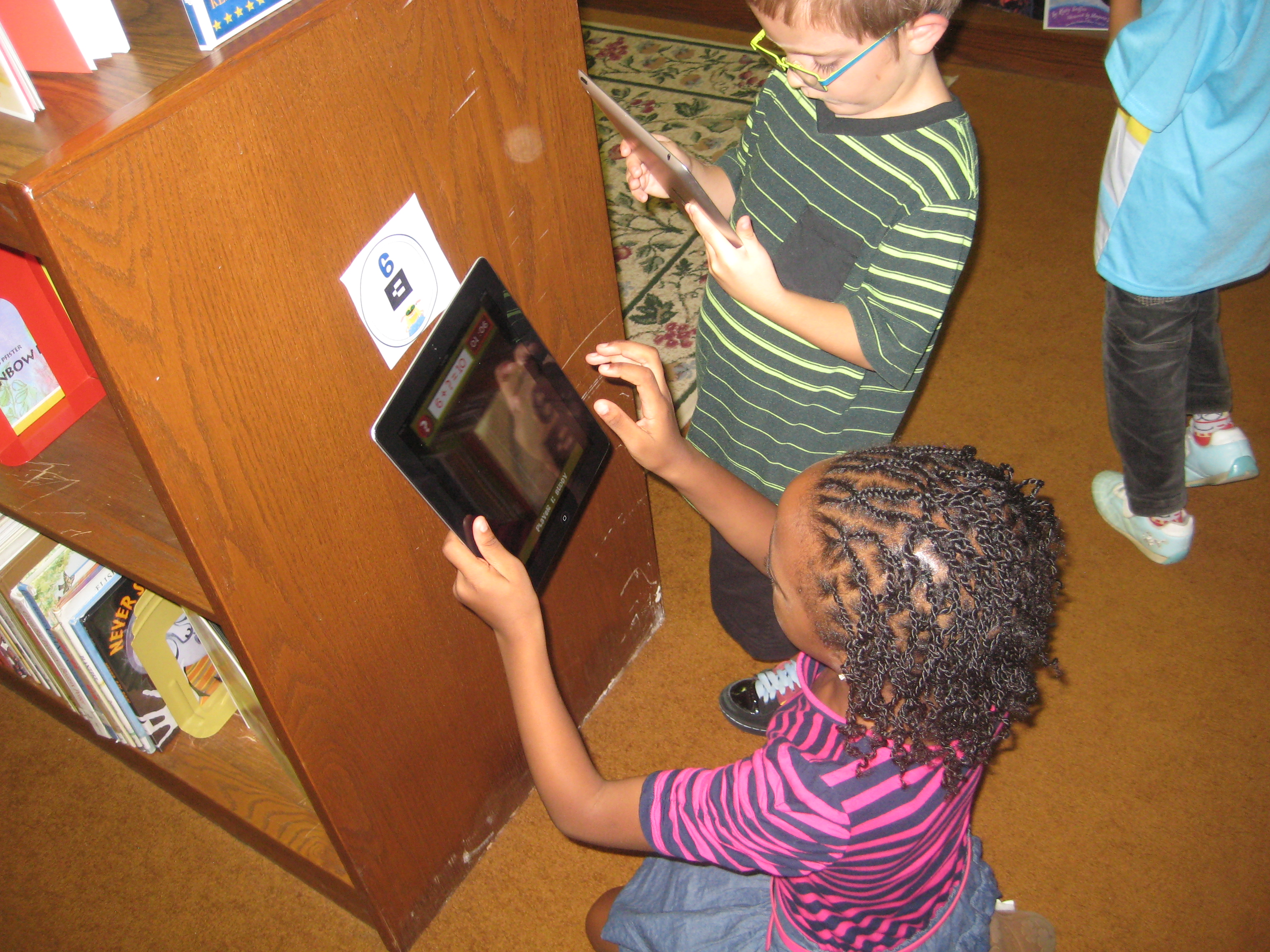
Recently, on one of my favorite blogs, Free Technology for Teachers, Richard Byrne featured the app Fetch! Lunch Rush! for iPhone (also can be for iPad).   I immediately downloaded it, played around with it, and loved it.  I emailed all lower grade teachers to see if it might benefit their students with practicing some basic math facts, and the entire 1st grade team signed up to give it a try.  I printed out the cards  and posted them around the media center so that the game took on a true scavenger hunt feel.  The basics of the game are that you have basic math facts that add or subtract up to 10.  You have 10 printed cards with numbers and symbols on them to post around the room.  The app gives you a fact, you find the answer, you point the iPad at the picture, a picture of sushi appears on your screen, and you tap it to send it to lunch.  The app times how long it takes to answer the problems and increases in difficulty as accuracy and speed increase.

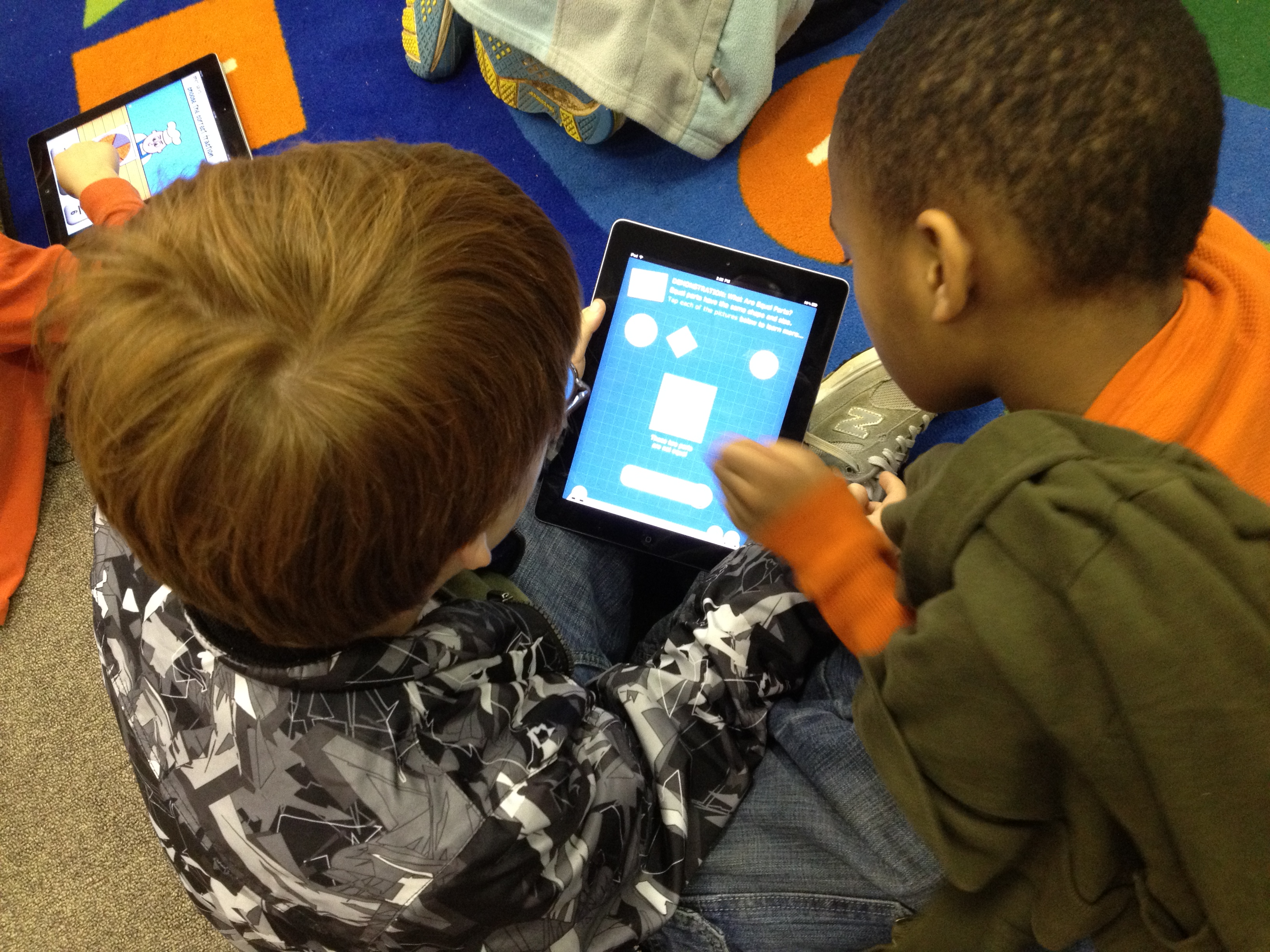
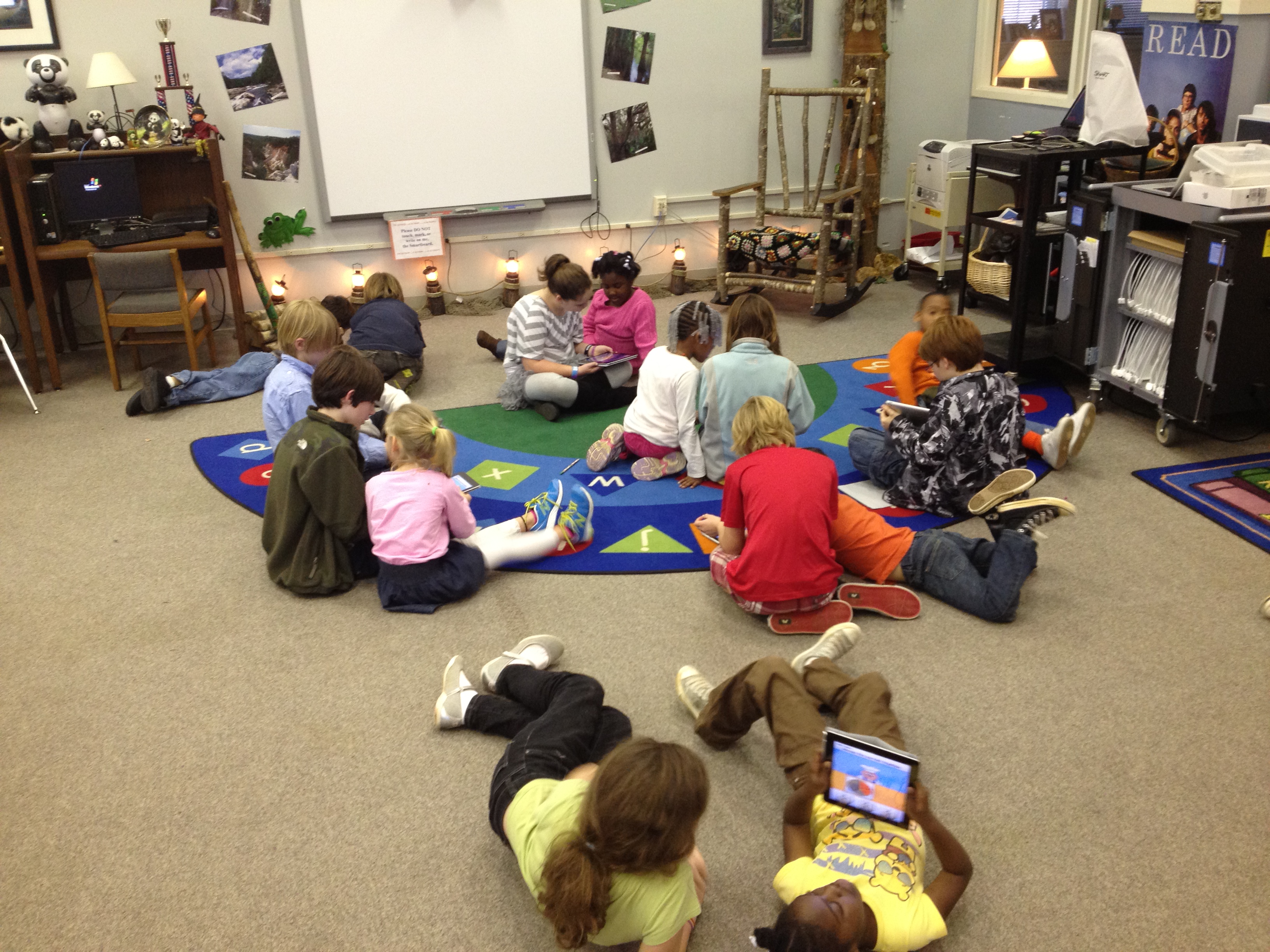
Students began on the carpet for a very brief demo of how the app worked.  Some students were paired together on 1 iPad (up to 4 players can play on 1 device).  Other students worked alone.  It was amazing to watch how active the students were.  They were scurrying about the media center looking for answers, pointing their iPads at the answer, tapping the augmented reality sushi, and moving on to the next problem.  Along the way, students got problems that were challenging to them.  The teacher and I gave them tangible objects to help them (fingers, popsicle sticks, markers, etc).  They stopped on the floor or at tables to figure out the answer before moving to find the card on the wall.  Students also began to get missing integer problems like 3 + ____ = 9.  These were the most challenging for first graders, but the challenge didn’t stop them.  They were eager to get an answer and continue the game.  

This app pulled together so many great learning pieces for students.  There was gaming, movement, problem solving, the cool factor, and technology.  The teacher made observations and then went back to the classroom to practice more strategies that will help students develop their math fact fluency.  I hope more apps like this one cross our path because it was fun, engaging, and took boring math fact practice to a whole new level!

This slideshow requires JavaScript.


Exploring the Solar System

Right now our 4th grade is working on the Georgia Performance Standards dealing with the solar system and stars.  They kicked off their unit of study in class with a KWL chart.  With that knowledge named and questions formed, they came to the library for an exploratory lesson to further expand their knowledge and spark additional questions before they continue their unit of study in the classroom.

We began our time together as a whole group.  I sparked their interest with my own research of the end of the shuttle program, the price tag for a seat on a Russian shuttle, and updates on the Mars Rover.  Next, students got to choose from two books to read aloud:  You Are the First Kid On Mars by Patrick O’Brien and The Planet Hunter: The Story Behind What Happened to Pluto by Elizabeth Rusch.  I was actually surprised that they picked The Planet Hunter because we had talked so much about the Mars rover and they were excited about it.  Nevertheless, we read the story and they were amazed to learn that scientists could change the definition of what a planet is and things we once called planets are now called something different. They wondered if there would ever be a day that Earth would not be a planet anymore.

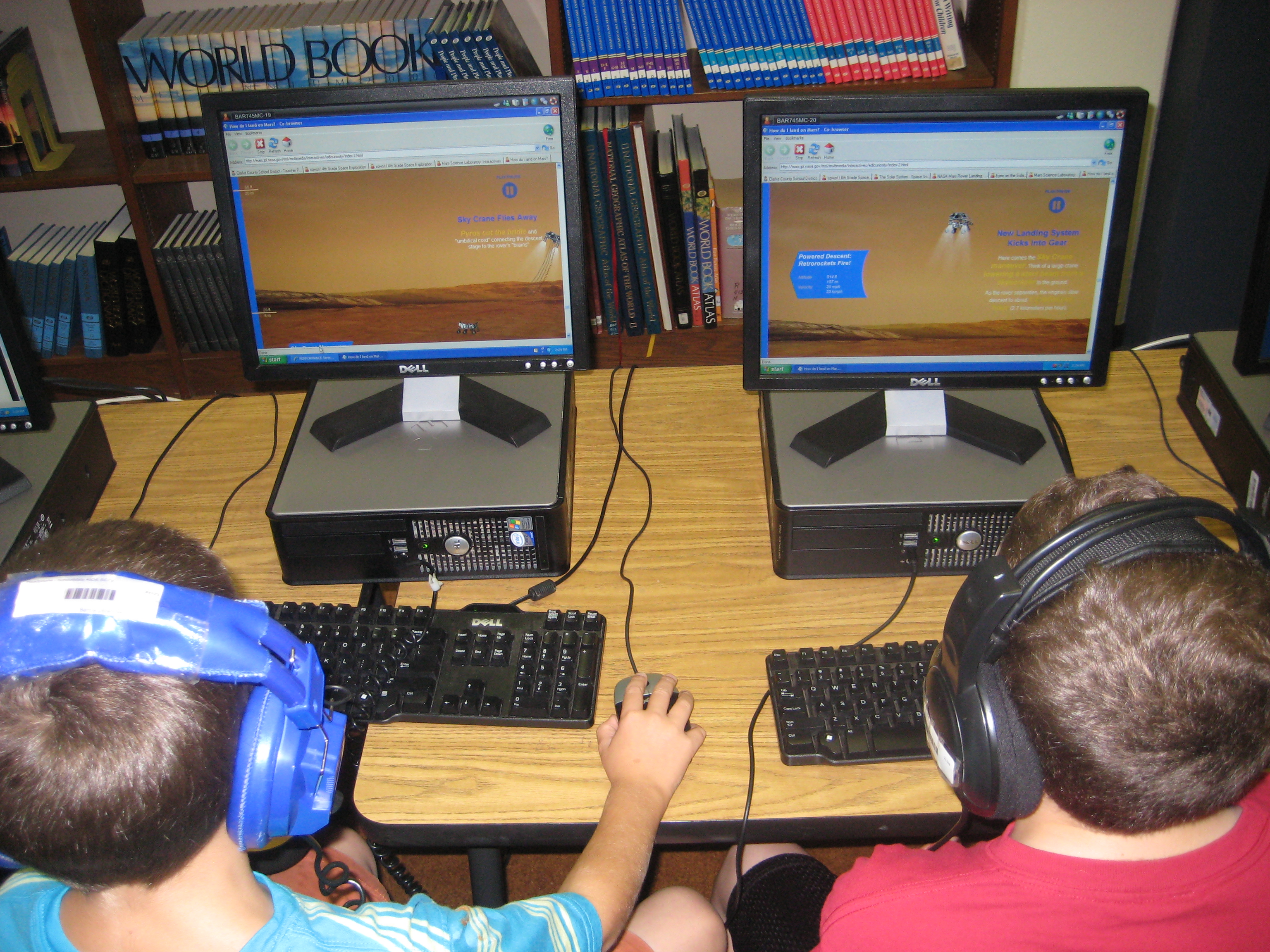
After our book exploration, students split into 2 groups.  One group went to the desktop computers and used a pathfinder created with Sqworl to explore YouTube videos and interactive sites.  The other group used our 10 iPads to explore a variety of free solar system and constellation apps such as Distant Suns, Moon, Solar System, NASA Viz, Stellarium, GoSkyWatch, and Planets.  Groups switched halfway through our time so that they went to both centers.

The students left with excitement about the solar system.  They left with questions and a desire to continue learning.  When one student discovered something in an app, video, or interactive site, they immediately wanted to share it with other students in the class.  Without any prompting, they were teaching one another how to use the tools.  The teacher and I served as facilitators in both groups.  One student even said he wanted to go build a model rocket after watching one of the YouTube videos.  They will carry this new knowledge and energy back into their classroom to continue their unit of study on the solar system.

In total, this took about 45-60 minutes, but I feel like the energy that was created in the students at the front end of their unit will be well worth the time and exploration.


This slideshow requires JavaScript.

Buddy iPad Math: A First Grade & Fifth Grade Collaboration

Our 5th grade and 1st grade buddies returned to the media center today for another round of media center collaboration on math standards.  Now the 1st graders are working on fractions.  The 5th graders worked with their own teacher ahead of time to view the 1st grade fraction standards and familiarize themselves with what was expected of 1st graders.  Their teacher encouraged them to stretch the 1st graders thinking within reason.

Today, we started on the carpet in the media center.  I used the document camera to display the book Fraction Action by Loreen Leedy.  I only showed pieces of the book at a time because I paused and allowed the students to work with their buddies to draw representations of the various fractions from the book on the iPad.  They used any of the drawing apps that were installed.  Once they drew their representation, students closed iPads and we looked at the representations in the book before moving to another fraction.  We looked at 1/2, 1/3, and 1/4 in the book.

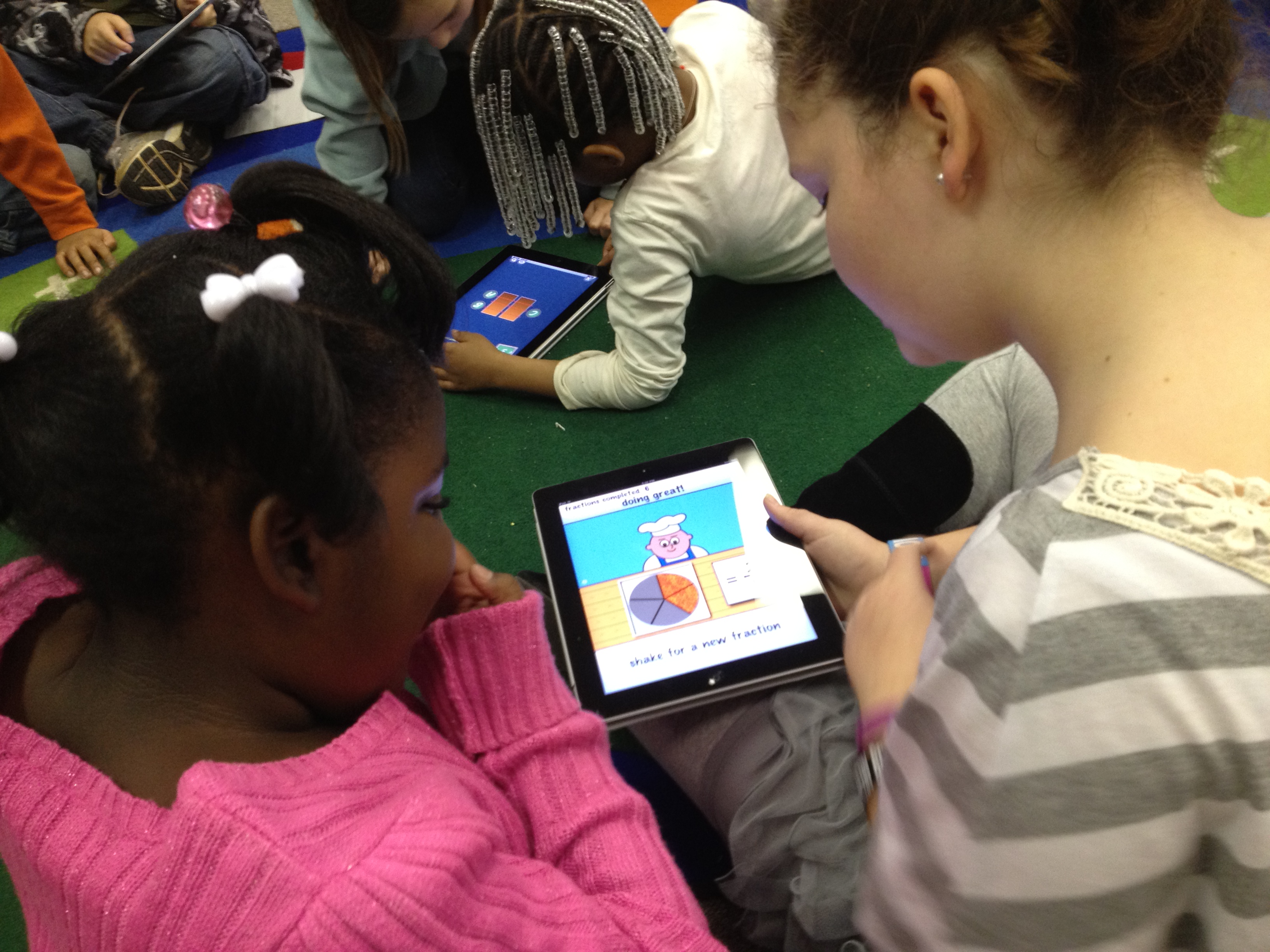
Next, the groups split.  Half of the students used a pizza fraction app on the iPads while the other half went to the computer lab and used several fraction websites that were compiled by the teachers.  I stayed with the students on the iPads and had conversations with them about the fraction app.  When they reached a point where they were getting bored with the app, we moved to other math apps to practice basic 1st grade math facts.

We plan to continue the fraction lesson on another day by incorporating some fractions that move beyond the 1st grade fractions.

Digital Quilts

Each year, I do a lesson about Harriet Powers, a local famous American who created story quilts about the Bible.  I bring in a replica of her 1st Bible quilt, invite students to imagine the stories it might tell, share the story of Harriet Powers, read excerpts of the book Stitching Stars, and explain some of the panels of the quilt.  This year, I wondered how I might incorporate technology into the lesson, so I decided to try making a digital quilt.

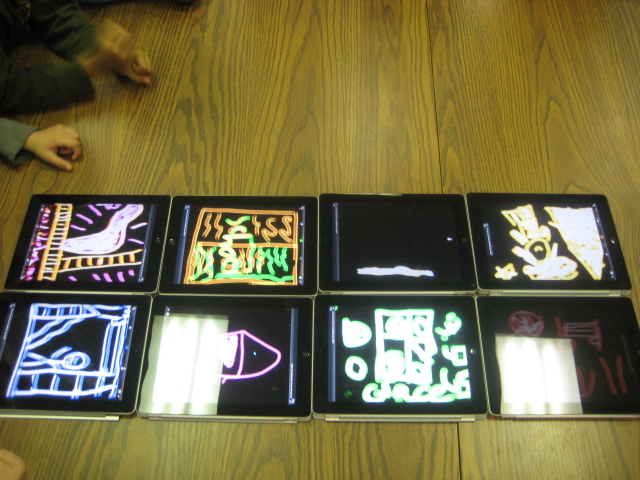
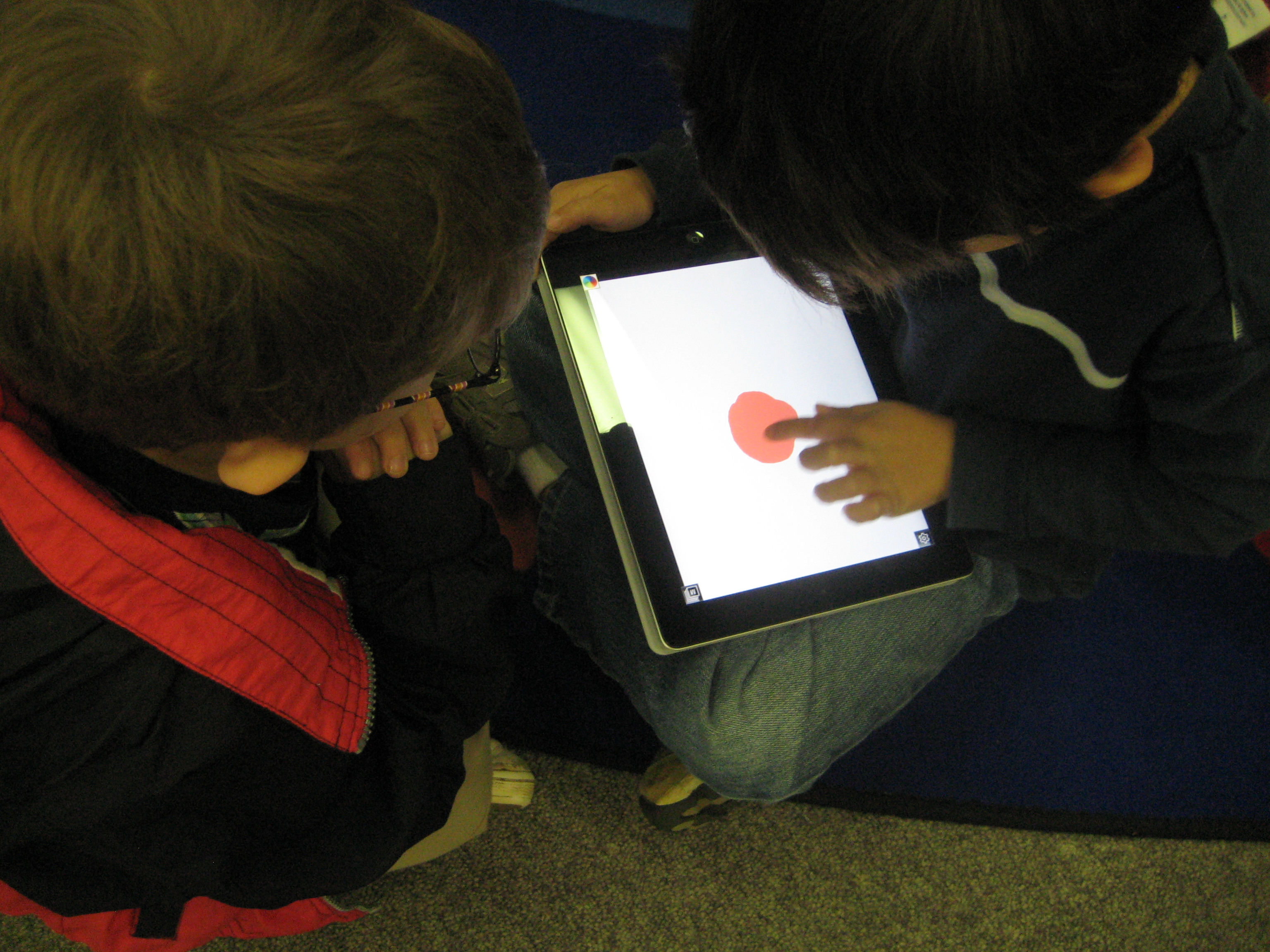
At the conclusion of the lesson, students in the 1st grade class paired up and thought about what a quilt square might look like that told a story about Barrow School.  Then, they each got an iPad with the Glow Coloring app open.  They used the black background and glowing colors to quickly draw their square.  Finally, students placed their iPads on a table to make one large iPad digital quilt.

One of the funniest things that happened during this lesson was when a student drew on the iPad in glowing blue and then held up his finger to check to see if the blue paint was on his finger.  🙂

I really liked the end product, but I wish that I had more time for the lesson.  We didn’t really have time to finish the quilt squares.  I also would have liked for each student to tell the story of their square to another partner group.  We also could have looked at the collective quilt and thought about how it represented our school as a whole and what other stories might have been included.

All in all it was a good first attempt that I will definitely replicate and expand.

This slideshow requires JavaScript.

Persuasive Writing Contest Kickoff

This week we’ve been kicking off our first persuasive writing contest in the media center.  Students are writing persuasive essays about whether or not picture books are important for today’s kids.  You can learn more about the contest in this video.

<iframe width=”560″ height=”315″ src=”http://www.youtube.com/embed/htyiaeHCKds&#8221; frameborder=”0″ allowfullscreen>

We’ve talked about the contest on our morning BTV show, but we’re also holding lessons on persuasive writing in the media center.  A first grade class came and imagined what the library would be like without picture books.  They made a brainstorm list about what might be good or bad about this.  That list was a spark to begin thinking about their writing.  We also read Keiko Kasza’s Ready for Anything and pointed out persuasive techniques used in the story.

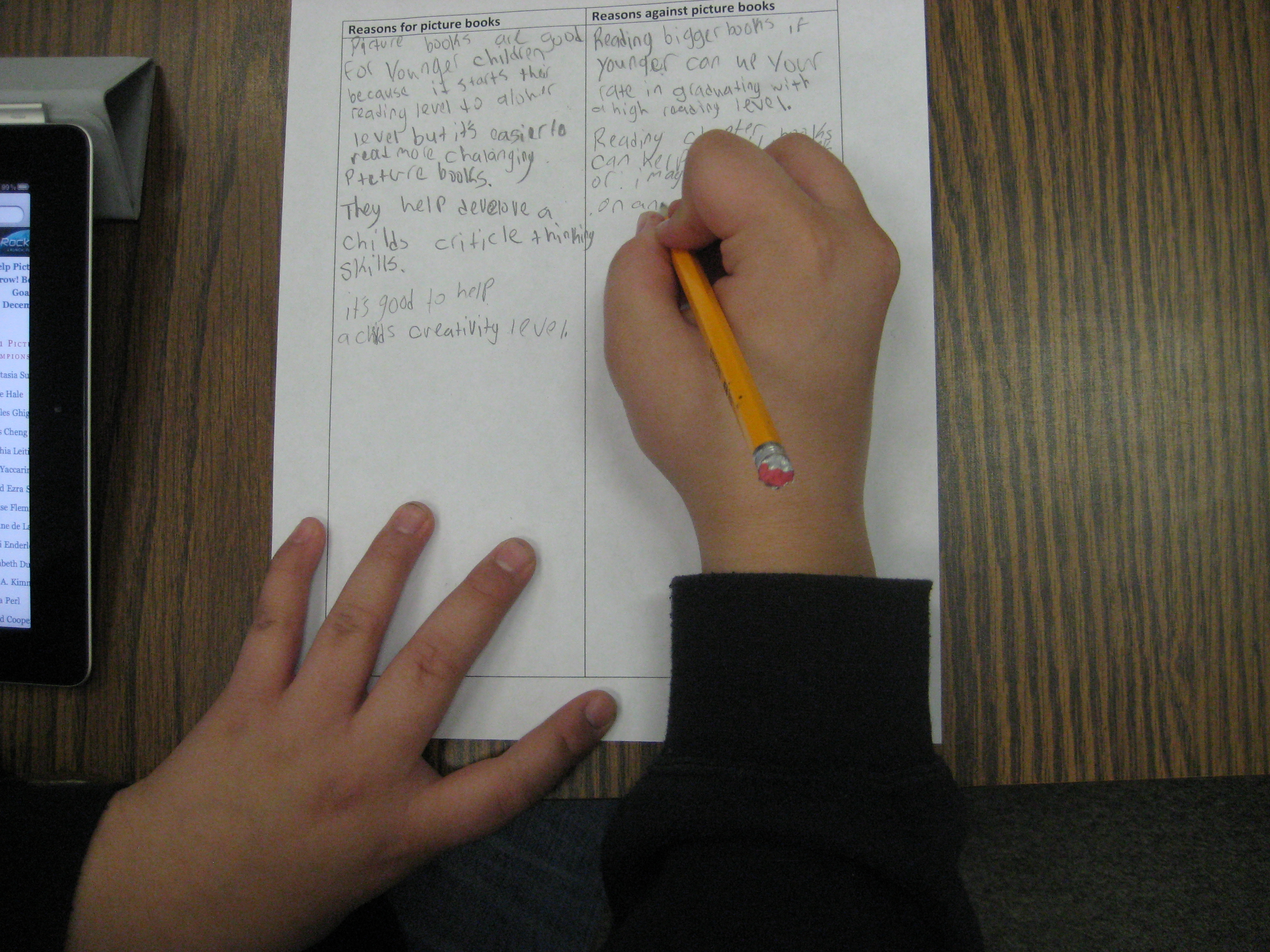
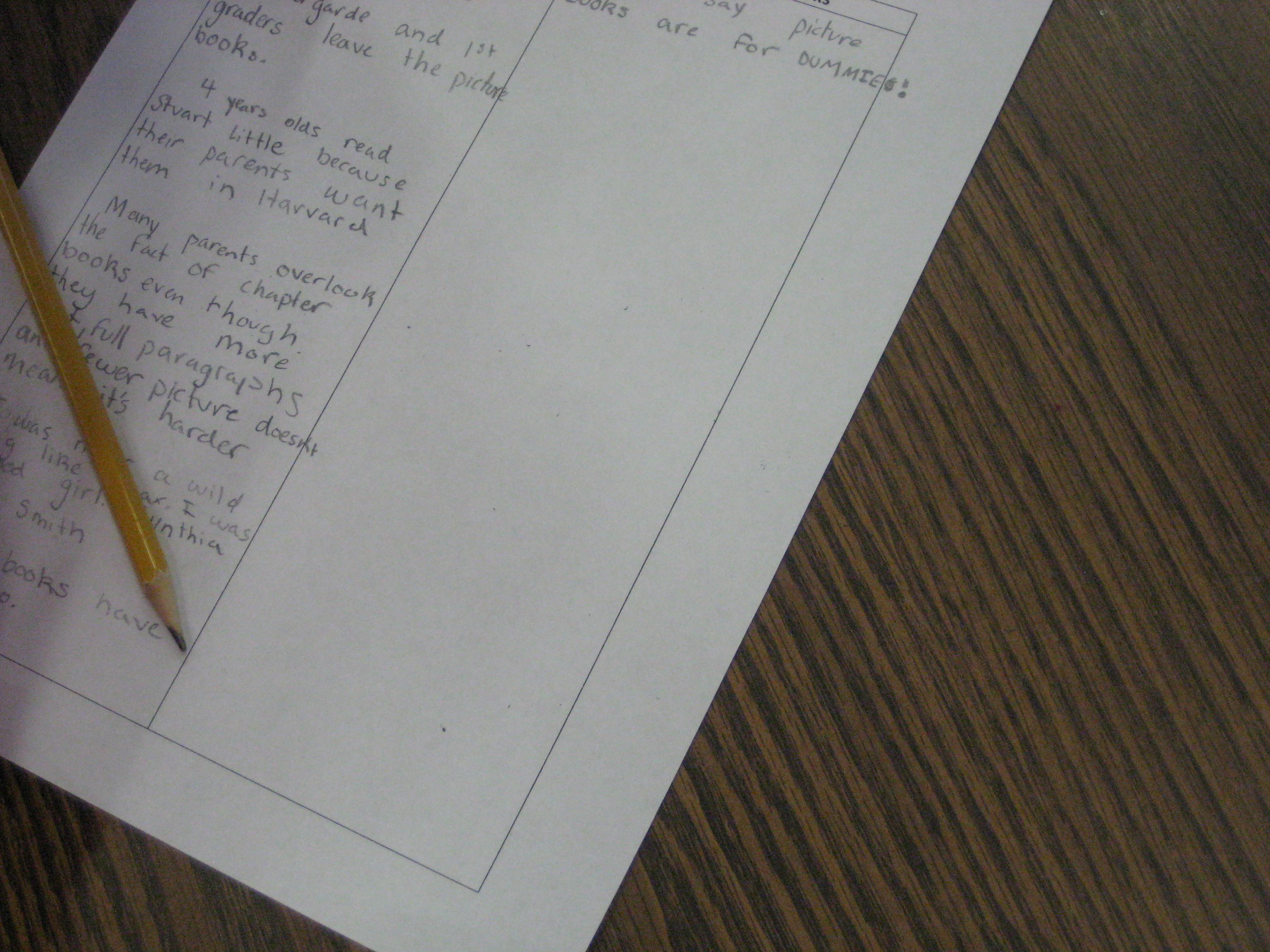
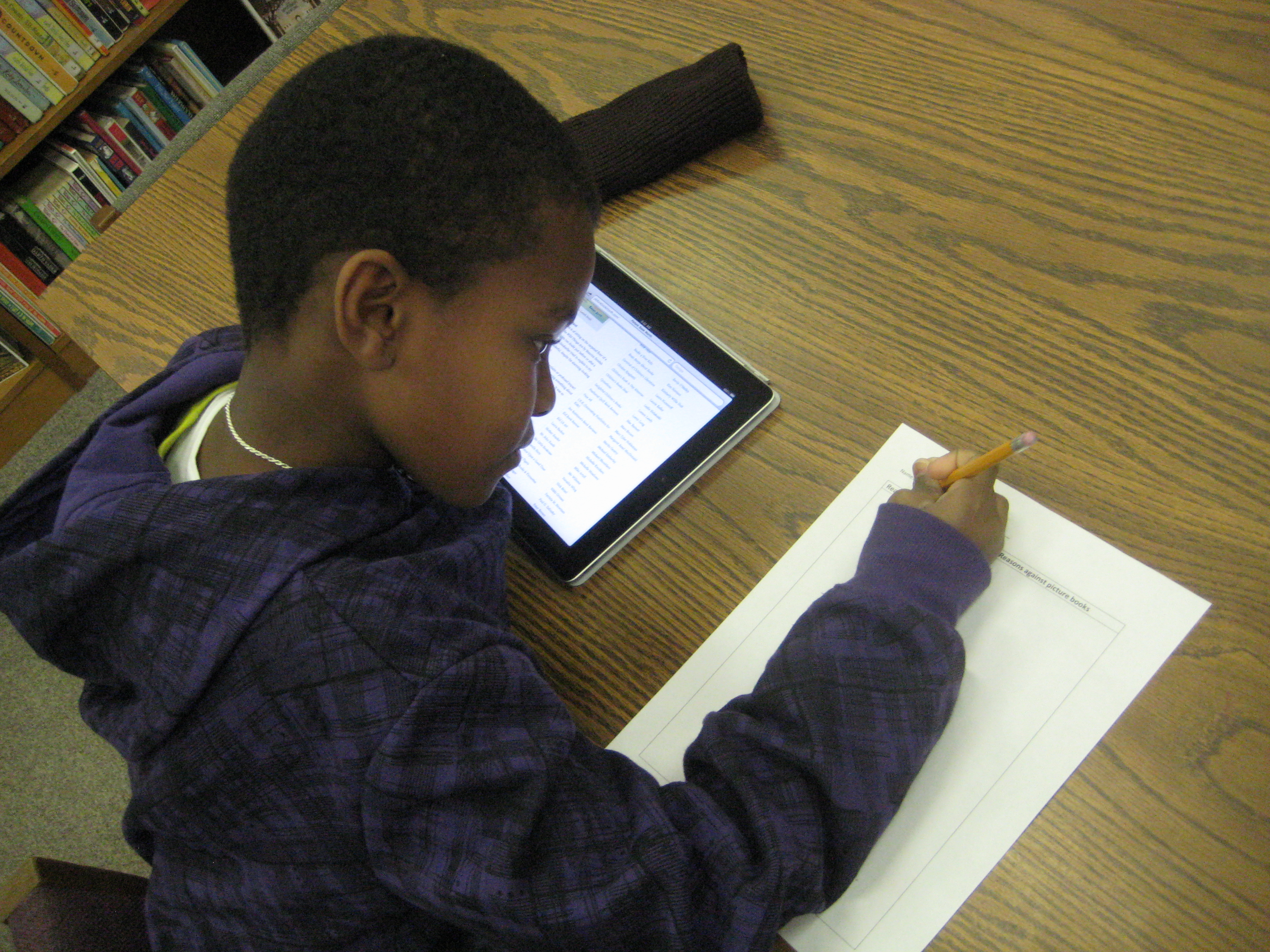
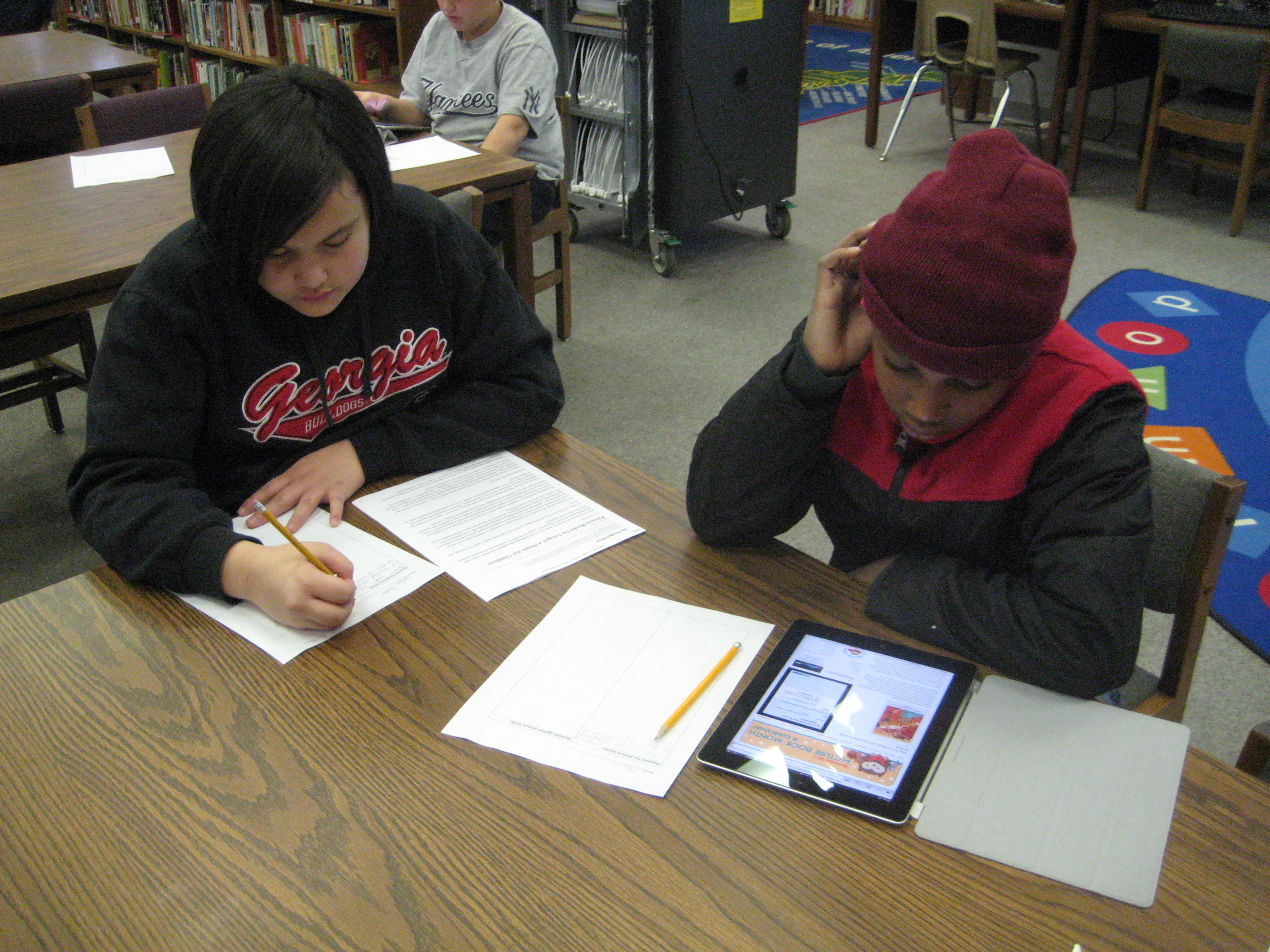
Today, a 5th grade class came and viewed a slideshow of persuasive strategies. Then, they split at tables and read the NY Times article about picture books and essays on the Picture Book Month website using the iPad.  They organized their research into a 2-column chart, for picture books and against picture books.  Many of them said they would continue this research at home.  The teacher plans to schedule a writing workshop time with the media center for students who are interested in the contest.  These students will have time to do more research, write, and conference with me about their writing.

A kindergarten teacher has also scheduled time for a small group to meet with me to work on their writing for the contest.

The persuasive writing is flowing at Barrow.  We’re so honored to be able to support this writing standard that grades 1-5 are working on this quarter.

Football Double Threat: An ebook triple review

Three 5th grade boys just finished a book study with me in the library using our e-readers.  The boys were interested in reading something football-related, so we looked at several options before deciding on Matt Christopher’s Football Double Threat.  Three days each week, the boys came to the library, read aloud at a table, and discussed the book.  They also used the e-readers to highlight text and to look up words that they didn’t understand.  At the end, the boys each wrote a review and used the iPads to record their reviews.  Here they are for your enjoyment:


5th grade Student Math Tutorials

Three students filming their tutorials

Ms. Cross’ 5th grade ELT class has been doing some amazing work demonstrating various aspects of their math standards.  Each student took a different standard and found ways of demonstrating that standard through drawings, manipulatives, and explanation.  She was so impressed by their work that she thought it would be helpful for the students to create tutorials on their math components that could be used as mini-lessons or review sessions throughout the year in class.  The tutorials could even be used by other classes.

In planning for this, we thought that students should have options for how they might document their process in solving various math problems.  One option was using Glogster to create a review poster.  Students would have written components, video or audio components, and possibly images of their work.  Another option was to use the iPad to film a tutorial using all the pieces that had been created during the project.

Clare sets up her recording booth on a media center table

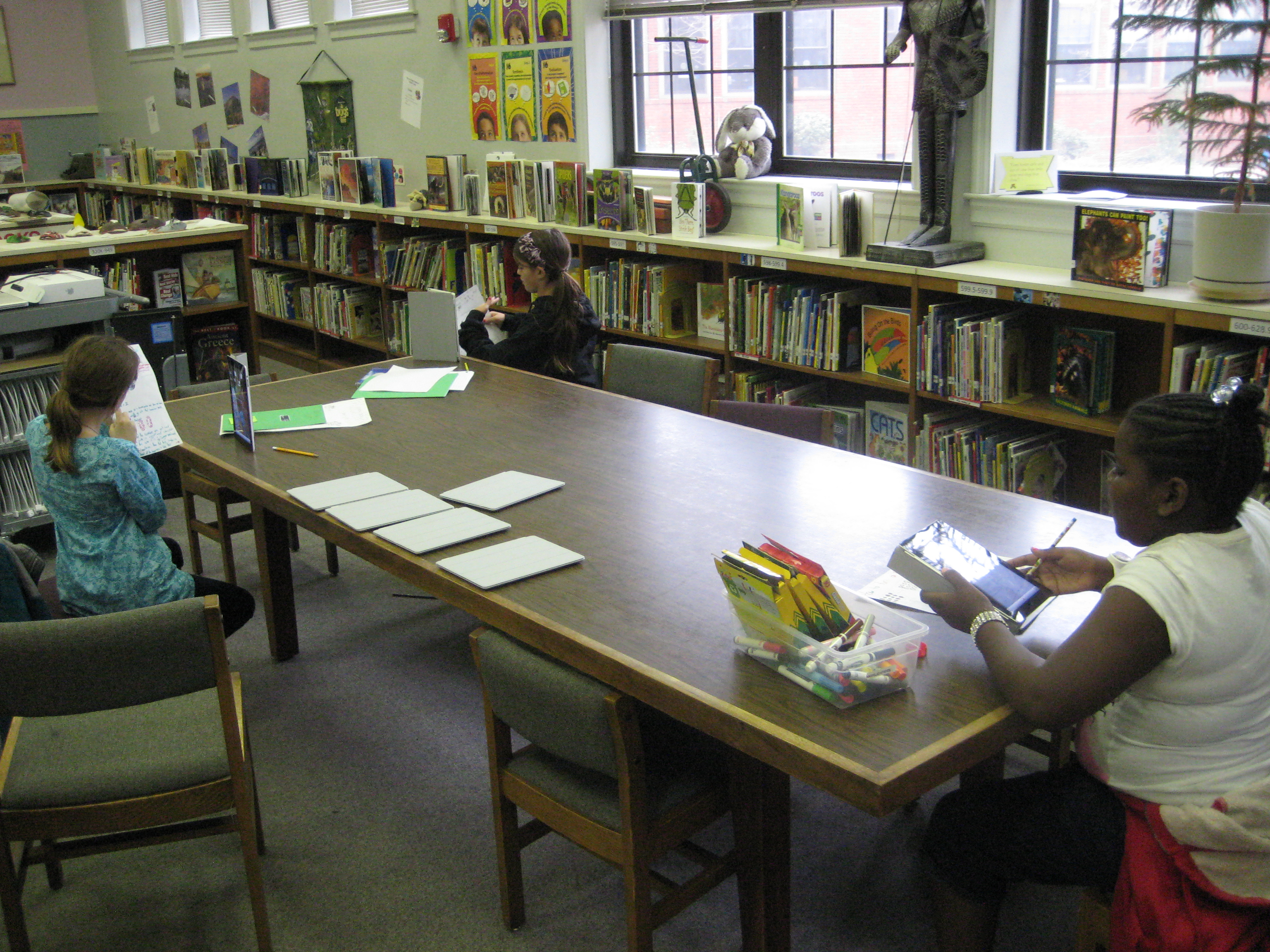
So far, one student has chosen Glogster & iPad and 5 students have chosen the iPad.  These 6 students explored their options on these tools and did some initial experimenting to see how each tool worked best.  Then, students spread out around the media center and used their tool to begin creating.  I conferenced with each one to talk about what was working, what they had questions about, and what they might consider trying.  On their own, students met with one another to show their work in progress and give one another feedback.

After getting all the pieces in place for creating their final product, the six students worked one final time in the media center to create their videos on the iPads.  Their videos were uploaded to dropbox on the iPad, downloaded into My Videos under their accounts, and then put into their teacher’s network dropbox.  I took the videos and also uploaded them to our media center YouTube page.  Much of my time during these final steps was spent troubleshooting and also showing a few of the students how to do the many steps to get the videos to where they needed to be.  After that, these students helped the other students.  I love how quickly students figure things out and how willing they are to teach and support one another!

This slideshow requires JavaScript.

International Dot Day (Extreme September 15-ish)

Students using Drawcast to make dots on the iPad

I thoroughly enjoy collaborating with preK.  They have a very organic planning process that comes from the things that the students get energized about or the things that come up naturally in their classrooms.  Last week, a preK teacher asked me if I would read The Dot by Peter Reynolds to her class.  Her class had been examining what it means to be an artist and she is pulling in multiple ways of discussing the topic through activities and literature.

As soon as she mentioned The Dot, I remember International Dot Day on September 15th and how sad I was that I missed the celebration this year at our school (I have big plans for next year!).  So…I thought, why not just celebrate now instead of waiting.  I examined the Dot day resources online and discovered the Dot Project  using iPads to create dots.  I took this idea and looked for a free app rather than the drawing app that the students in the Dot Project used.

In the lesson, we read the book and discussed what it means to be an artist.  Following the lesson, each student took a turn to make a dot using the app Drawcast.  I gave very little instruction on Drawcast so that students could discover things for themselves.  I only showed them how to change their colors and brush sizes.  Students got busy making their dots, and I circulated and gave them tips when they needed to erase or when they couldn’t figure out how something worked.  Each finished dot was saved on the iPad and then uploaded to Dropbox.  On my own computer, I pullled the images from Dropbox and imported them into Animoto to make a video of all of the dots.

This same process repeated for 2 other classes and the final video was shown on our morning broadcast.

This trial run gave me some experience with dots on the iPad for next September’s Dot Day and at the same time gave students an opportunity to use a new technology while expressing their artistic selves to an authentic audience.

This slideshow requires JavaScript.

Summarizing with Sock Puppets

Brainstorming for the script

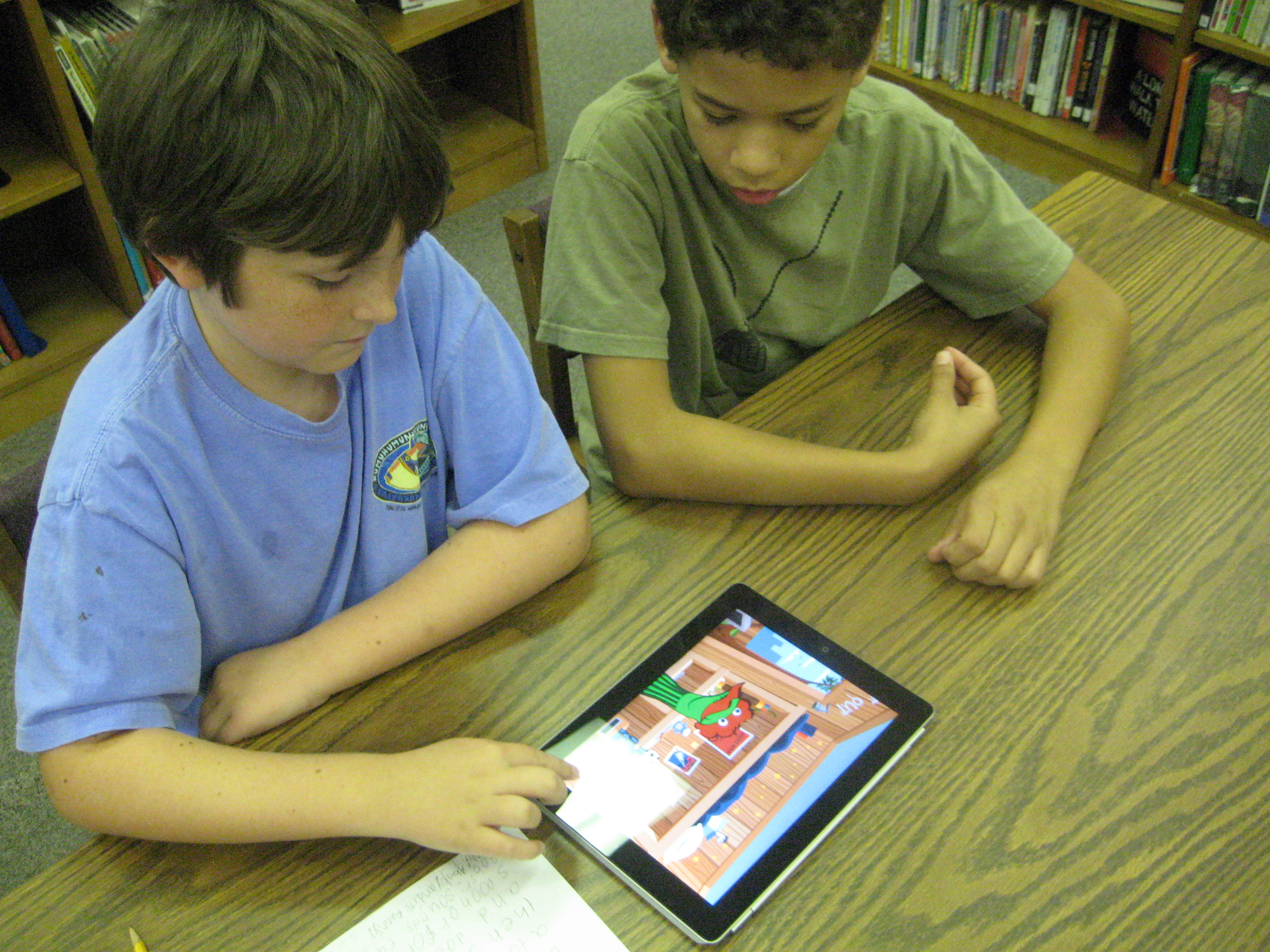
I recently blogged for the Georgia Library Media Association about using the Sock Puppets app on the iPad.  Since that post, I introduced the app at a faculty meeting.  I recorded a quick, light-hearted puppet show to introduce our faculty meeting.  Then, a couple of teachers came up and did an impromptu puppet show to show how easy sock puppets is to use.  We finished by having teachers think about how this app might be used with their students.

During the faculty meeting, Mrs. Freeman emailed me to collaborate on a summarizing lesson using sock puppets.  Her 4th grade class has been working on summarizing skills during reading, and she thought that the 30-second time restraint of this app would encourage students to carefully think about how to summarize a story.

Checking in with Mrs. Freeman

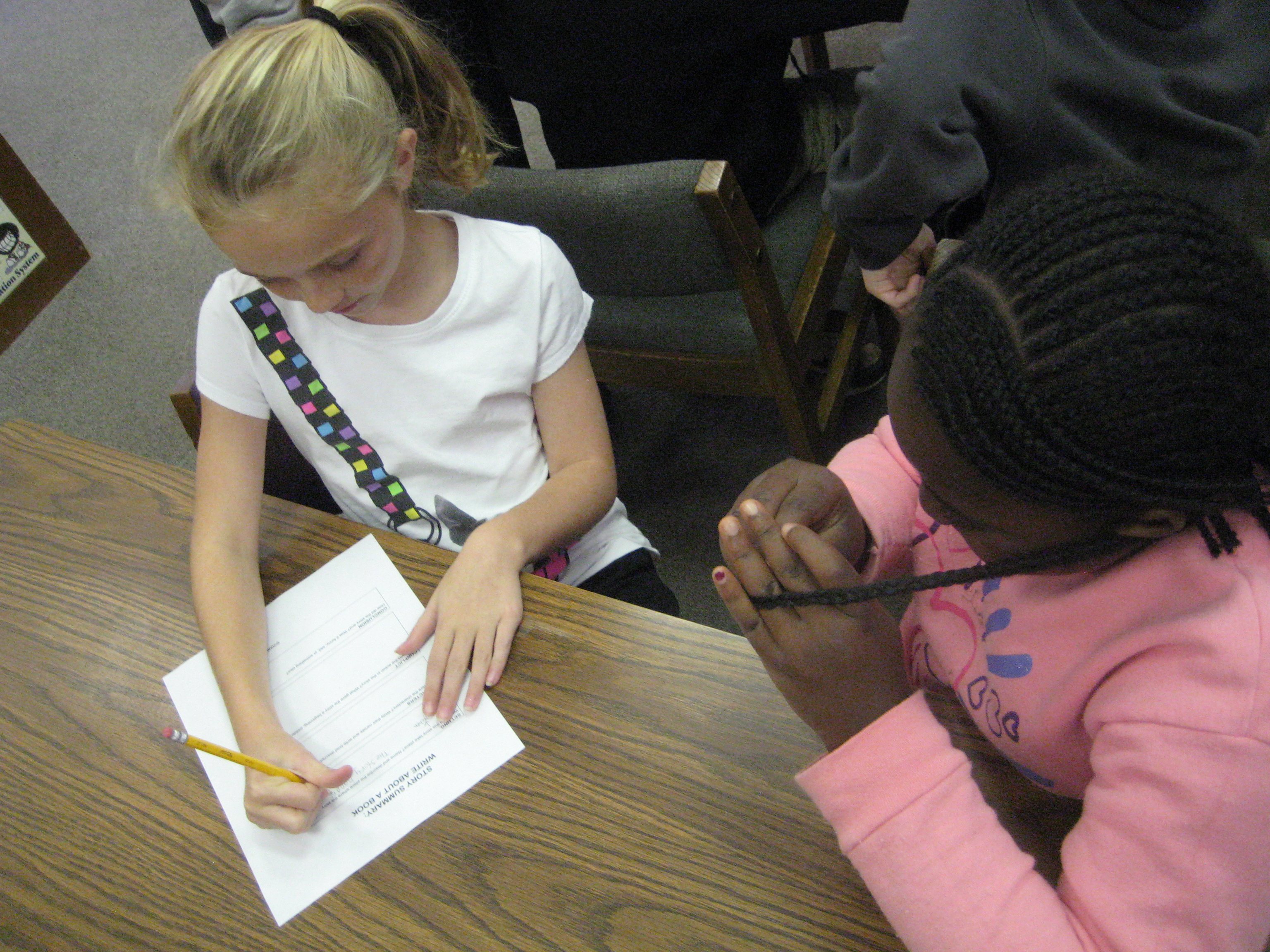
We read Spork by Kyo Maclear.  Students worked with partners to fill out a graphic organizer to help them think about summarizing the story.  The organizer included setting, characters, beginning/middle/end, and conclusion.  On the back of the organizer, partners created a script for their sock puppets.  I encouraged them to be as creative as they wanted to with the script, but that the one thing that had to be in the script was a summary of the story.

Most groups wrote scripts that had the puppets talk back forth in this manner:

Sock puppet 1:  What are you reading?

Sock puppet 2:  Spork.

Sock puppet 1:  What’s it about?

Sock puppet 2:  It’s about….

Other groups had the puppets do a summary but then ended with the sock puppets getting into an argument or singing a song.  Other groups tried to get the sock puppets to become actual characters from the book and act out the events of the story.  Each group had their own take on how to weave in a summary while still being creative with their scripts.

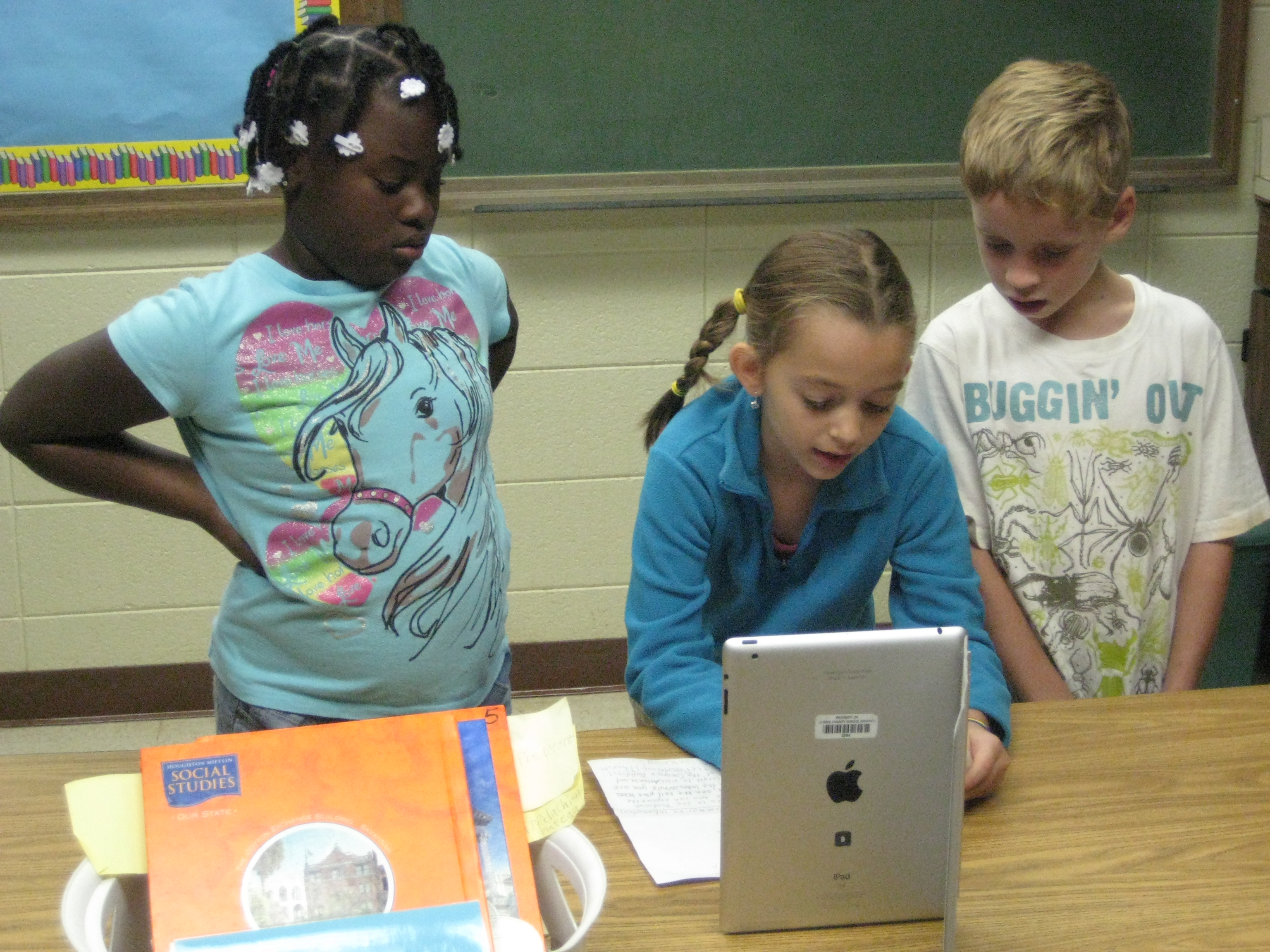
Before each group could get an iPad to begin recording, students showed their script to an adult:  Me (the media specialist), Mrs. Freeman, our instructional coach, and two paraprofessionals.  Finally students recorded and saved their sock puppet stories.  While they were recording, I walked around and gave tips on features of the app that students were forgetting to use.

Recording the script

At the end, we sat in front of the smart board and used an adapter to display the puppet shows.  We had fun and laughed together, but we also pointed out things in the puppet shows that could be improved for next time.  Students noticed how background noise affected the recording and how the pitch of each student’s voice affected the way the sock puppet talked in the end.

All in all, I felt like it was a creative, successful lesson that we learned from for future lessons.  I loved that students were creators of new content and that their work had an immediate audience ready to give feedback.

This slideshow requires JavaScript.