A Virtual Google Earth Field Trip with 1st Grade

virtual field trip (1)1st grade is getting ready to go on a walking field trip.  They have been learning about community helpers, so they will walk from our school to 5 Points to visit several businesses.  I met with the team early in the year and we brainstormed how we might bring technology in to support the trip.  I suggested having the students walk the actual trip in a Google Earth tour before they go.  Of course, at the time, I had no idea how to even create a tour, but I knew it could be done.  They were eager to try this, so I got to work.
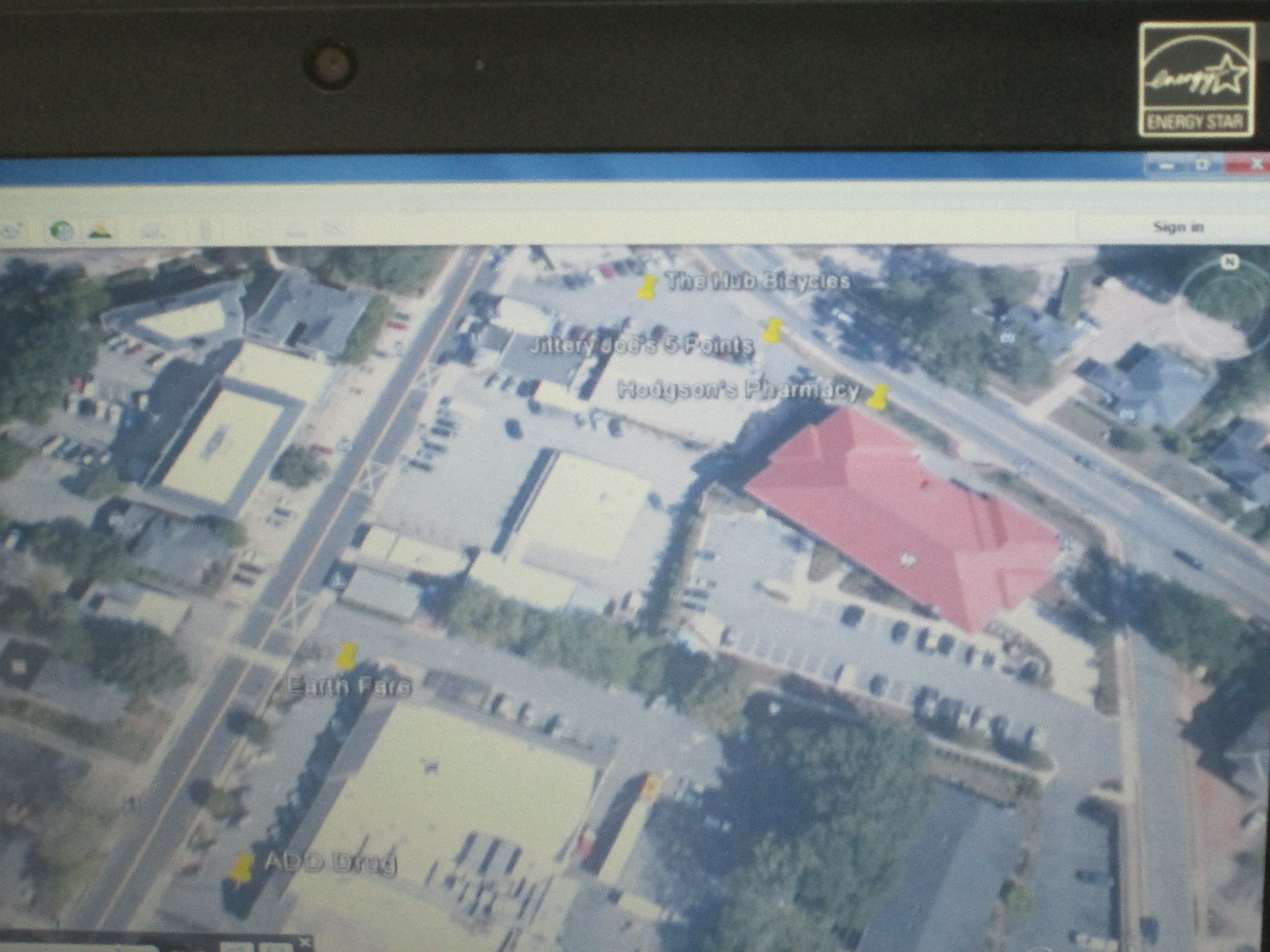
virtual field trip (4)I watched an online tutorial of how to make a tour.  There were a couple of options, but I chose the one that was simple.  You basically create a folder in your places on Google Earth, start searching for the places that you want to visit, add pins with any info you want to include at each place, and then you click the play button to start the tour.  You save the tour as a kmz file that Google Earth can read.

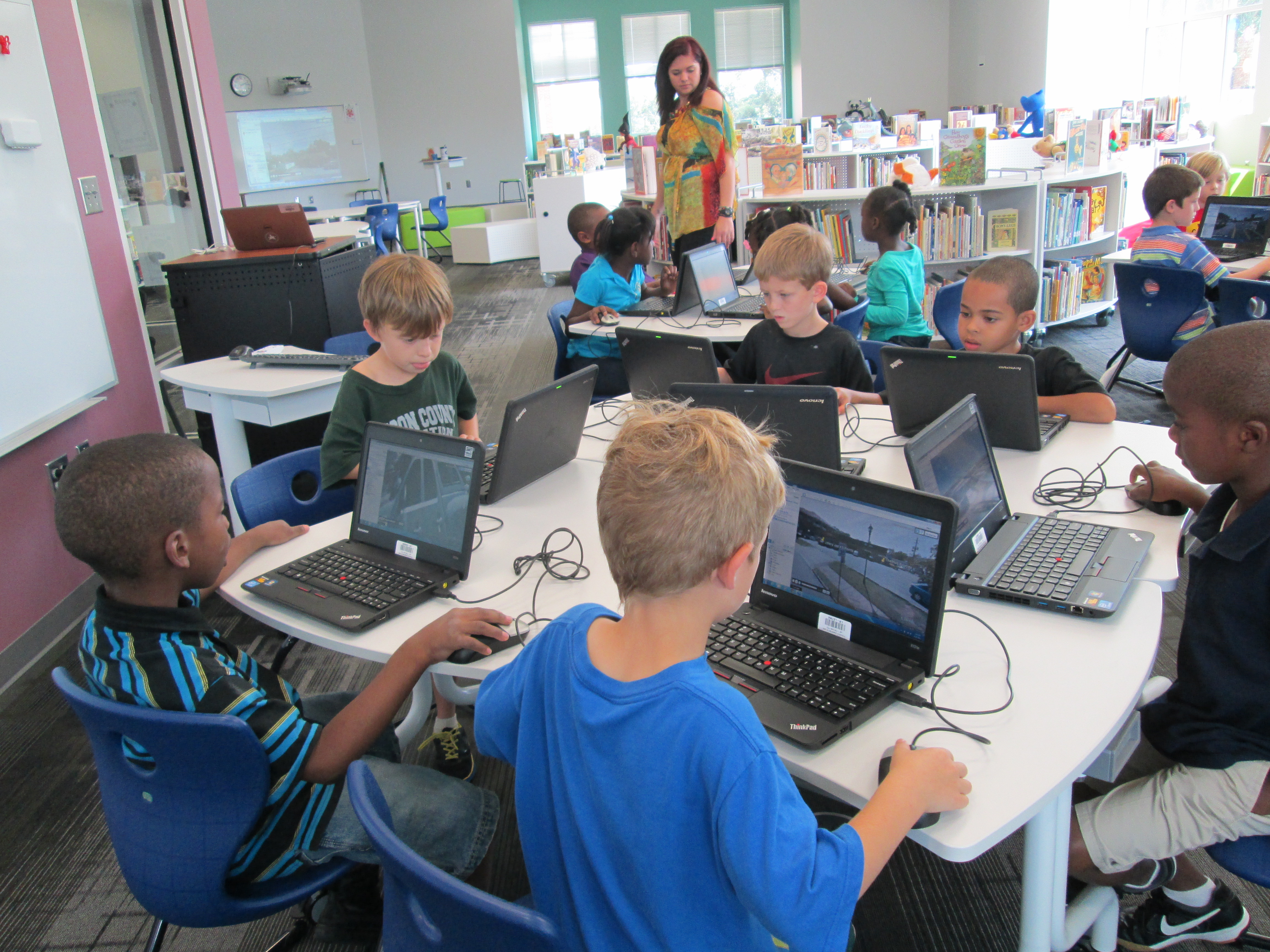
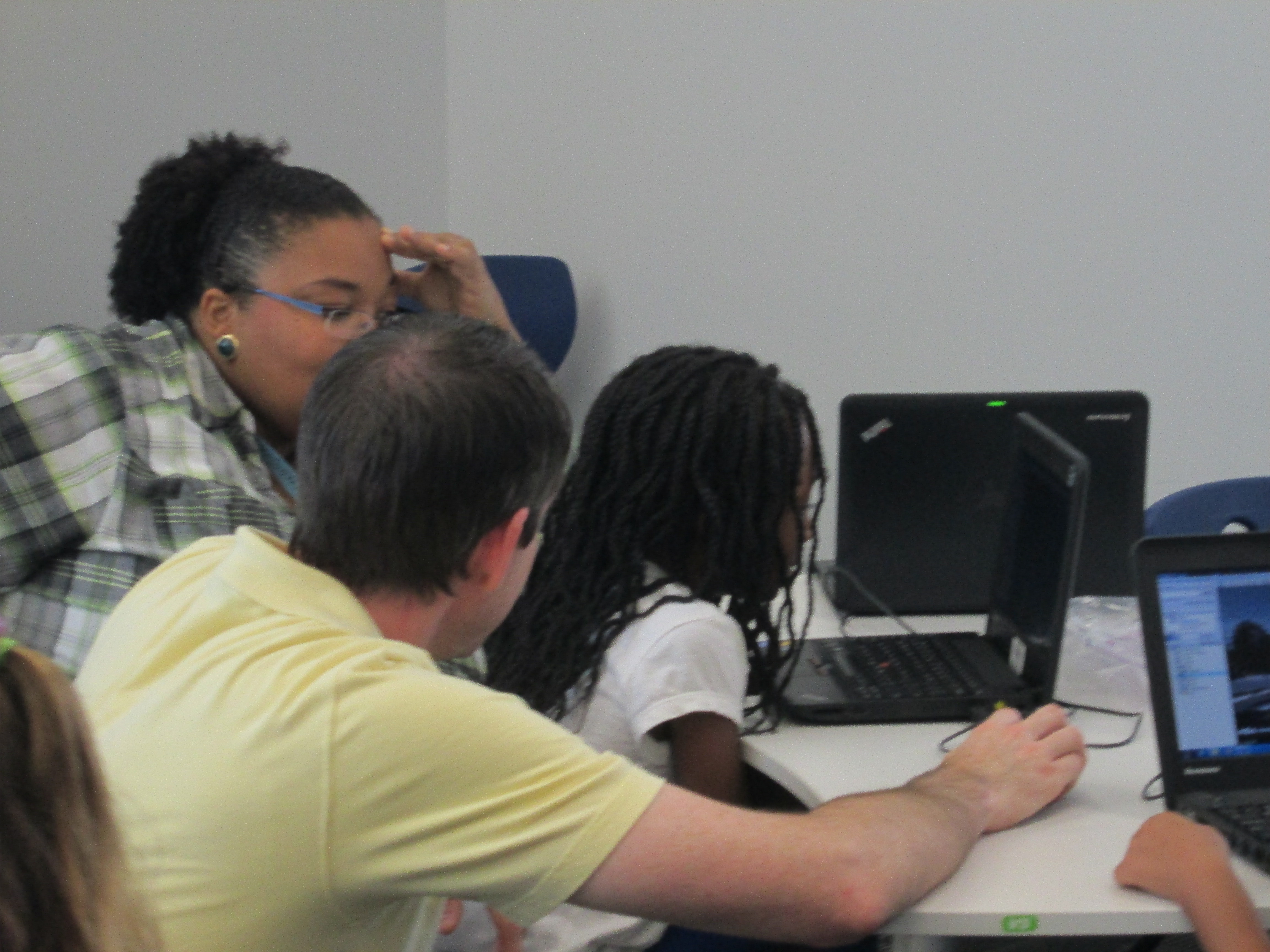
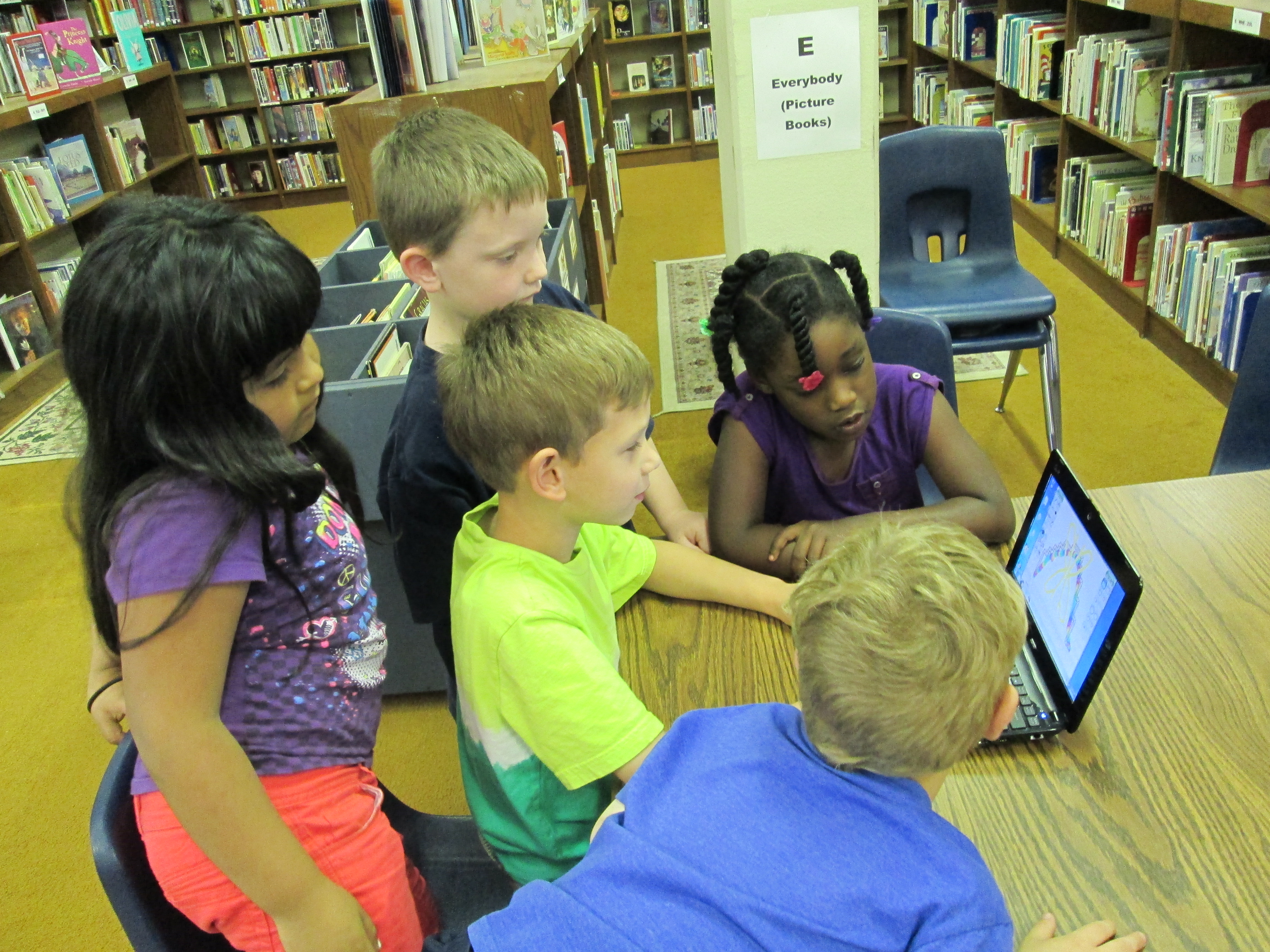
I put our file on my website so that students could click the link and download the kmz file.  To make the process even smoother, I used LanSchool, our monitoring software, to push the file out to computers.  It created a folder on each student desktop.  They opened the folder and clicked on the link.  Google Earth automatically opened and they clicked play to begin.  I showed students how they could pause the tour at any time and drag the little person out of the toolbar in order to switch to streetview.  This was really helpful because students could actually see the place that they were about to visit.  To continue the tour, students pressed play again and it went out of streetview and moved to the next location.  Students had fun seeing familiar places and also took a few detours to look for their house or other Athens landmarks.  I could tell they were engaged when they didn’t want to get up to checkout a book.virtual field trip (2)
On the actual field trip, teachers are going to let the students tweet about their experiences.  They will use the hashtag #barrowbuddies so that classrooms at school can follow along with the field trip, ask questions, and feel a part of the trip while here at school.  We hope to do this on several of our trips this year.

September 11th: Reflecting and Connecting with Barrow and Van Meter

IMG_1016Each year as a part of their social studies standards, our 5th graders learn about September 11th.  We try to take an entire day and explore September 11th from multiple perspectives and angles so that our students understand the tragedy but also how tragedy can lead us to take action in the world.  This year, we were excited to collaborate with Shannon Miller and her students in Van Meter, Iowa on this project.

Today at Barrow, students began their day in their classrooms.  They discussed heroes and set a tone of seriousness and reflection for the day.  Then students launched into four 30-minute rotations.

1.  With Ms. Olin, students read the book Fireboat, discussed the many heroes that responded on 9/11, and learned about ways that heroes are honored.  Students designed a postage stamp for heroes.

2.  With Mrs. Selleck, students read some reflections that were written by New York students after the tragedy happened.  Students learned about how people respond to tragedy in many ways.  They also read 14 Cows for America by Carmen Deedy to see that even people in far away countries wanted to support America in any way that they could because of this tragedy.

3.  With Mrs. Mullins, students looked at other heroes of 9/11 from the rescue dogs to the everyday citizens aboard the United 93 that took over the hijackers and saved the US from another potential large scale disaster.  Students also learned about the poetry form haiku and how it can be a way to reflect upon a tragedy or honor someone.  Students wrote haikus for heroes.  Mrs. Freeman recorded several students reading their poems.

4.  With me in the media center, students viewed a video about remembering the tragedy and taking a stand on 9/11 to do something positive for the world.IMG_0999

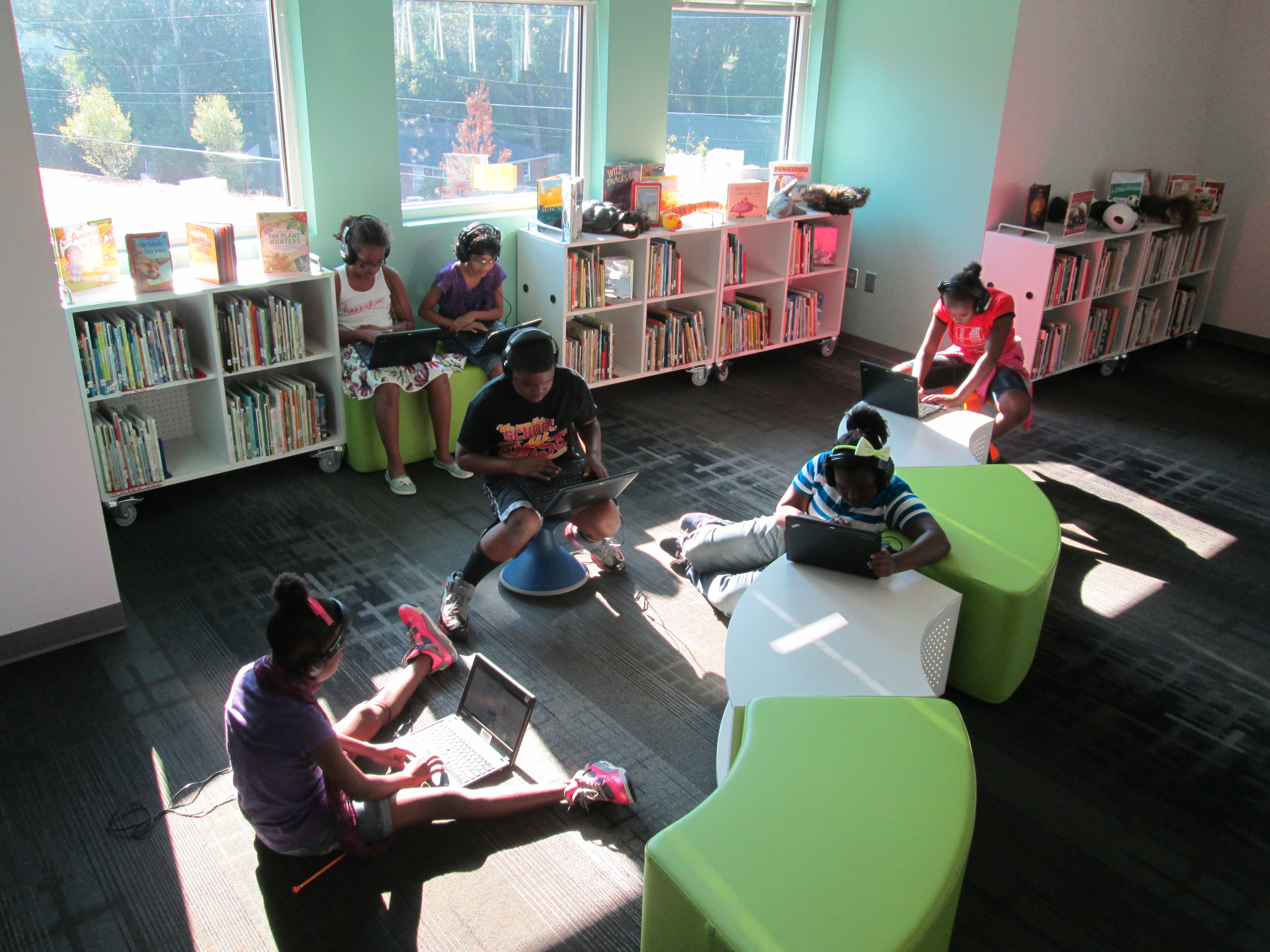
Students then went to a pathfinder on computers and sat all over our media center in complete silence as they viewed multiple websites about 9/11.  The sites ranged from video footage of the tragedy to interactive timelines to audio recordings of memories from victims’ family members.  At the close, students thought about what they might do to honor 9/11.  Along with students from Van Meter, we created a padlet where each student wrote an “I will” statement.

At the close of the day, students wrote reflections using 2 prompts:  1.  September 11th makes me think about…. and 2.  My hope for the future is…  We filmed these students and added their reflections to a collaborative video between Barrow and Van Meter.


September 11th is a tough subject with disturbing content.  We made sure that every student had multiple options for how they might learn about the day.  Students also had permission to no watch anything that disturbed them and could take a break at any time to do something else or to read books or write.  After doing this each year, I feel like this format really explores more than the tragedy and helps students see that in tragedy heroes emerge and any person can make a positive difference in the world.

Our students will continue to talk about this with families, explore the pathfinder sites in their classrooms, and contribute to our padlet wall.  We invite anyone reading this to contribute to the “I will” wall too.  http://padlet.com/wall/wewill

Dot Day Fun with colAR Mix App

Every year, I enjoy celebrating International Dot Day, and it seems that every year we discover new ways to celebrate.  This year, I was excited to discover colAR Mix 3D coloring book.  I discovered the app while reading Fablevision’s posts about Dot Day.  colAR Mix is an augmented reality app that takes 2D coloring pages and brings them to life.  You can see the amazing video here:

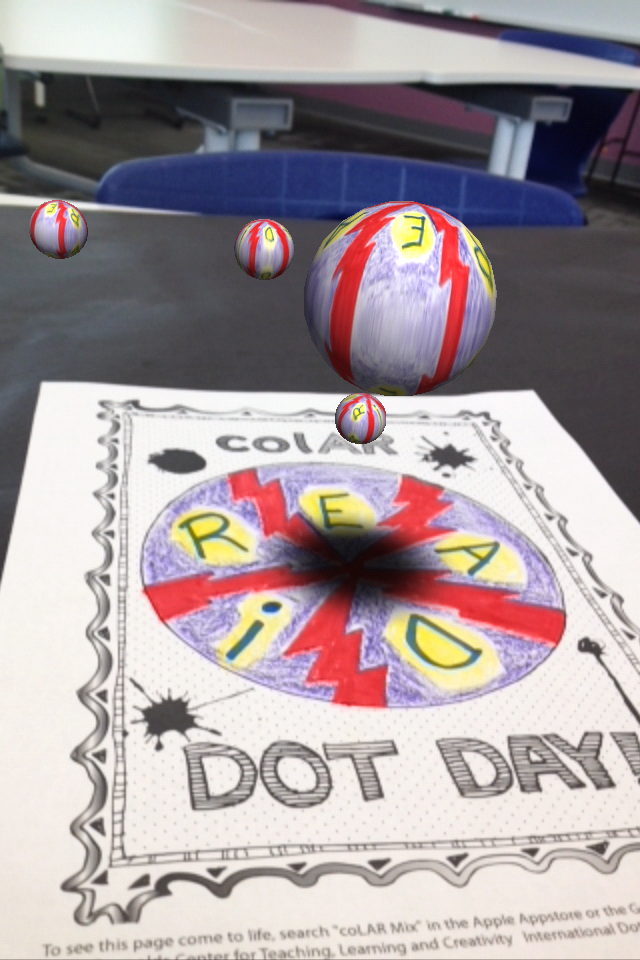
For Dot Day, they made a special free page that allows students to design their own dots and turn them into rotating discs, falling balls, rotating solar systems, and revolving globes.  The app has a built in camera so you can take pictures of your creation, pretend that you are holding your creation in your hand, or even work with a partner to take your picture with your creation.

The students have been blown away by the coolness of this app.  Every adult that has seen it has immediately downloaded it on their phones and iPads to try it out for themselves.  Other than the coolness, I could really see this being used for multiple purposes.  When you study maps, you often have to think about something that is 3D in a flat format.  This app allows students to design something flat and see what it looks like in 3D.  Perhaps by working through this several times students would gain some understanding about how our flat maps of the world actually translate into the actual 3D world we live in.  It would be interesting to connect this with the upcoming explorers study that I am doing with 4th grade.  I would love to hear others’ ideas of how it might be used beyond dot day.


Book Tasting with Kindergarten Using IPICK

ipick kinder (3) The Daily 5 I-PICK Strategy is a tool that many of our teachers use with students to find a “just right” book.  I’ve found this strategy to be so much better than using the 5-finger rule because it takes into account the many ways that we all choose books.  Usually 1st grade teachers are among the first to teach this strategy, but this year Kindergarten is very interested in what this might look like for our youngest students.

I-PICK stands for:

  • I choose my books
  • Purpose:  Why am I reading?
  • Interest:  What do I like to read?
  • Comprehend:  Do I understand?
  • Know:  Do I know most of the words?ipick kinder (4)

For Kindergarten, most of these pieces are obtainable except for knowing most of the words.  We’ve also been teaching the students the ways that we read which have included reading the pictures, reading the words, and retelling the story.

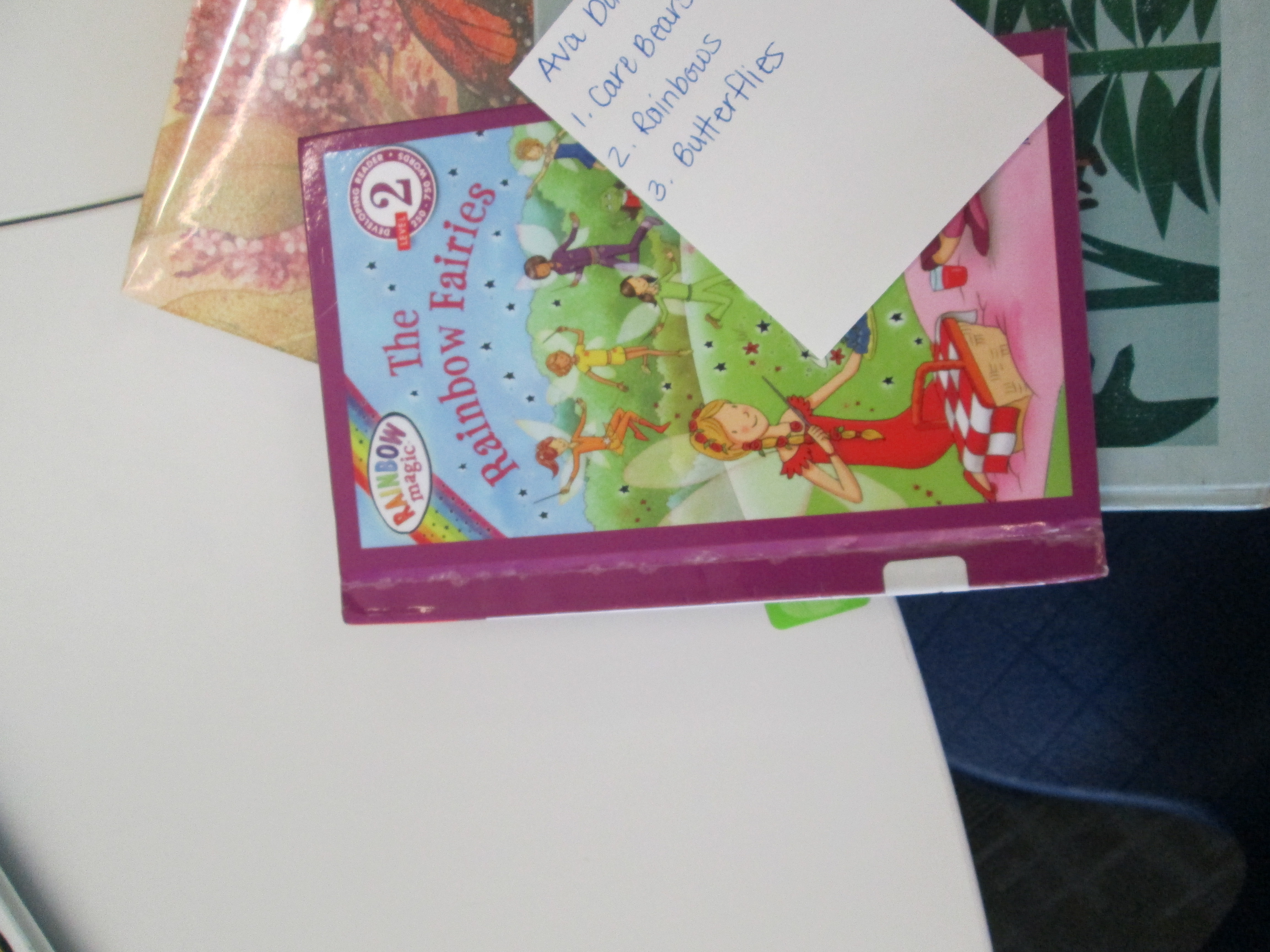
After some email conversation with a Kindergarten teacher, I proposed that we leave off the “know” part of IPICK for most of the students.  In class, students reviewed all of the steps of IPICK, but they specifically focused on “interest”.  Each student was interviewed about what they like to read and the teacher and other helpers wrote down about 3 interests for each student.  These cards were then given to me in the media center.

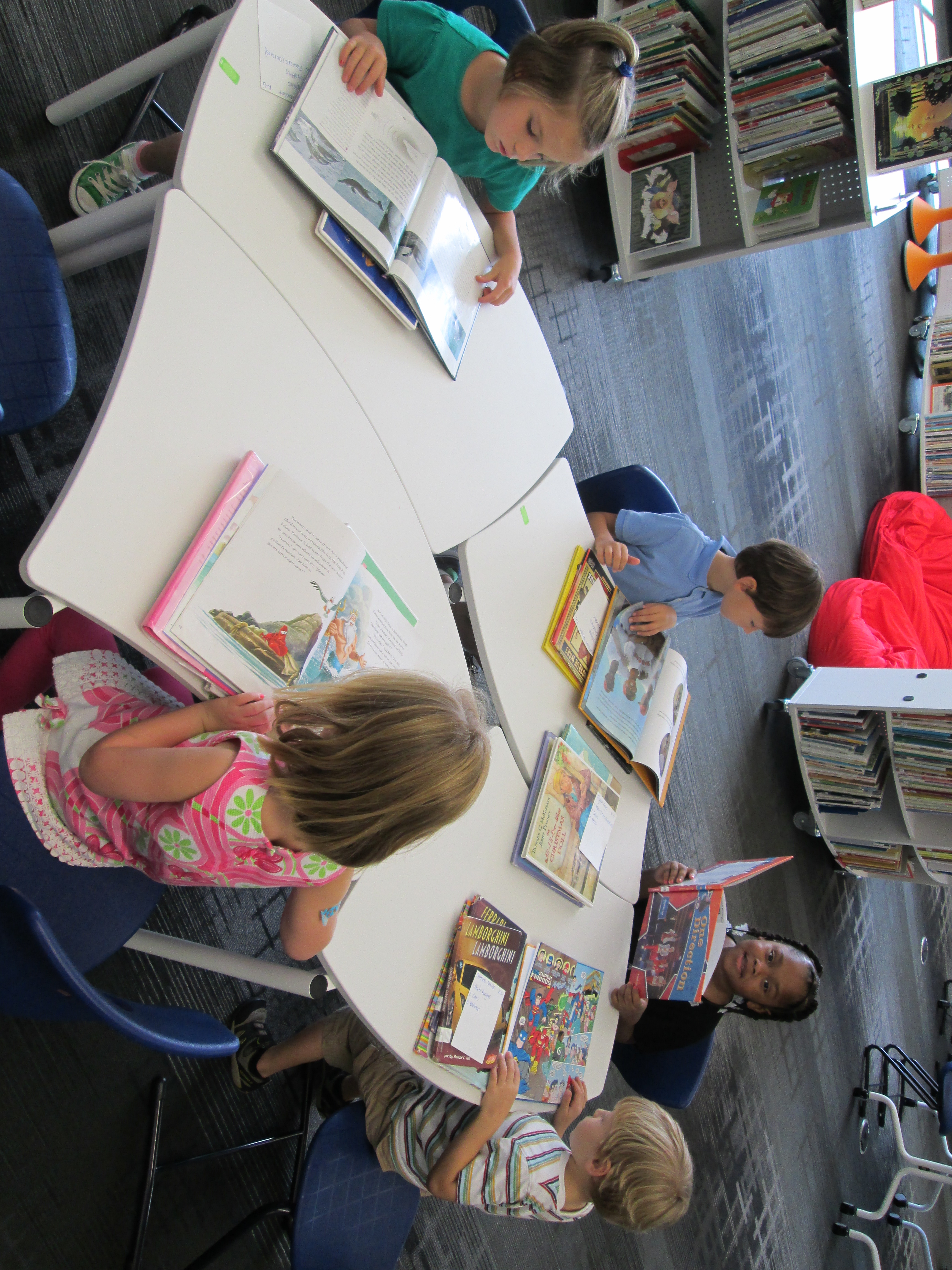
IPICK Kinder (10)I took each card and created a personal stack of books for each student.  I tried to find books that matched the interest and had plenty of pictures for students to practice reading pictures in a book.  I won’t lie.  This was very time consuming.  It took me about 45 minutes per class to pull books.  However, for the first time I could honestly say that I helped every student in a class find the books that they were interested in.

We kept our lesson very short.  On the floor, I reviewed IPICK and set our focus on comprehension.  We looked at some previously read books like Chalk to remind ourselves how to read the pictures in a book.  We also looked at informational text to practice reading a photograph and attempting to read the captions on pictures.

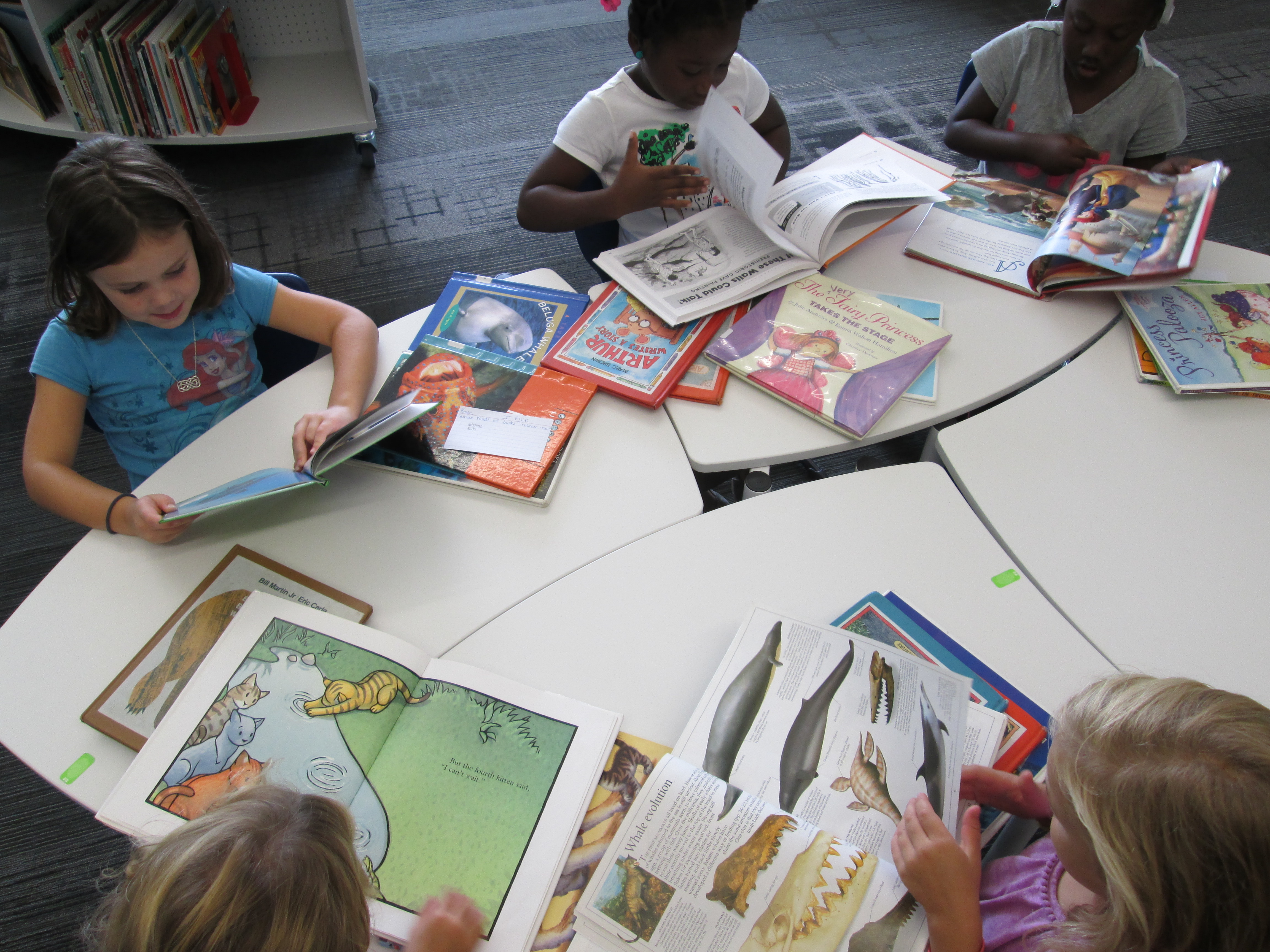
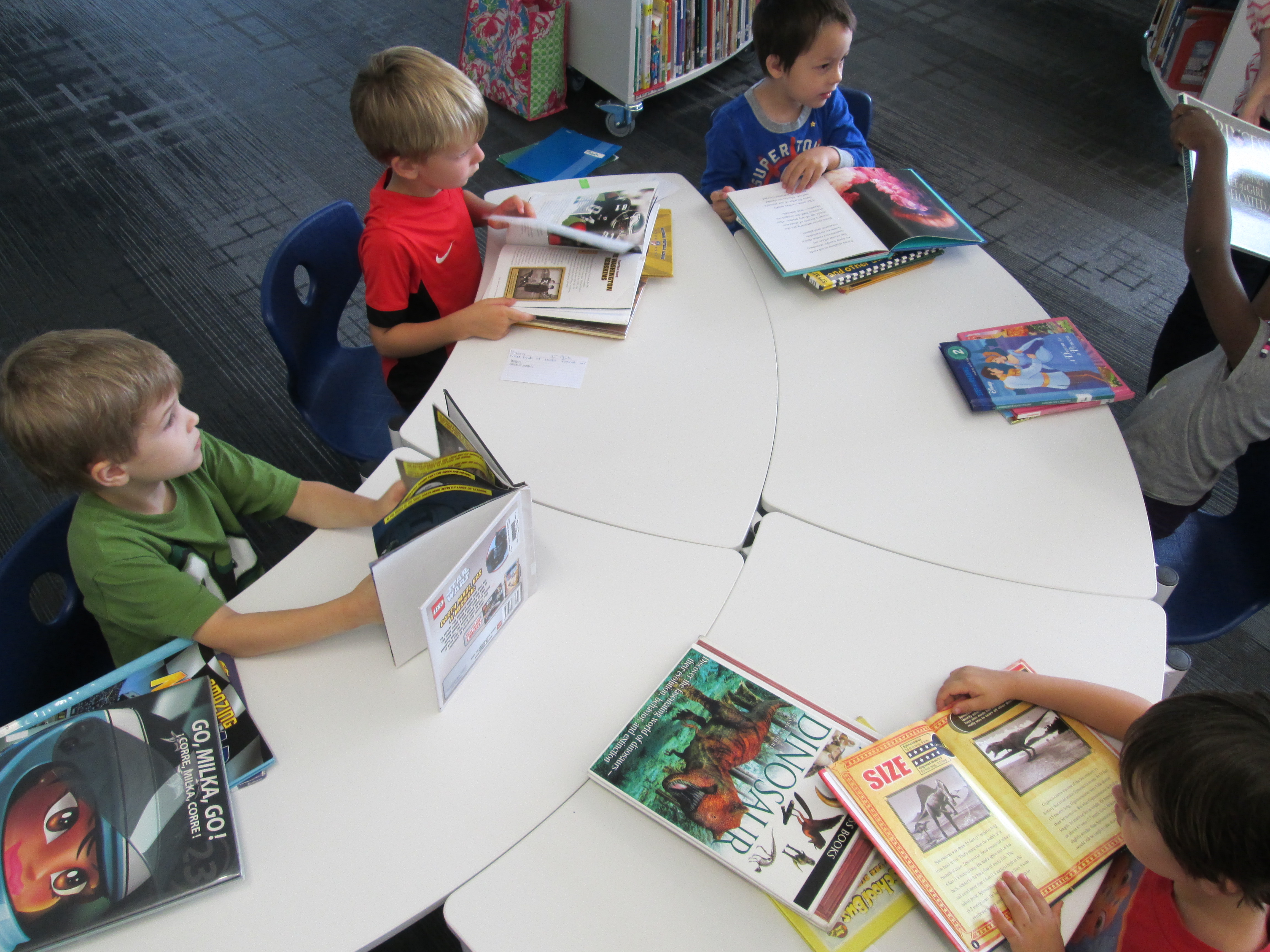
Just like in a cafe where you place your order and they call out your name, I called each student’s name and handed them the stack of books.  I reminded them that sometimes in restaurants we don’t like what we ordered and that it is ok to send it back or spit it out.  I reminded them that they would probably find several books that they liked but they needed to pick the one that tasted the best.IPICK Kinder (9)

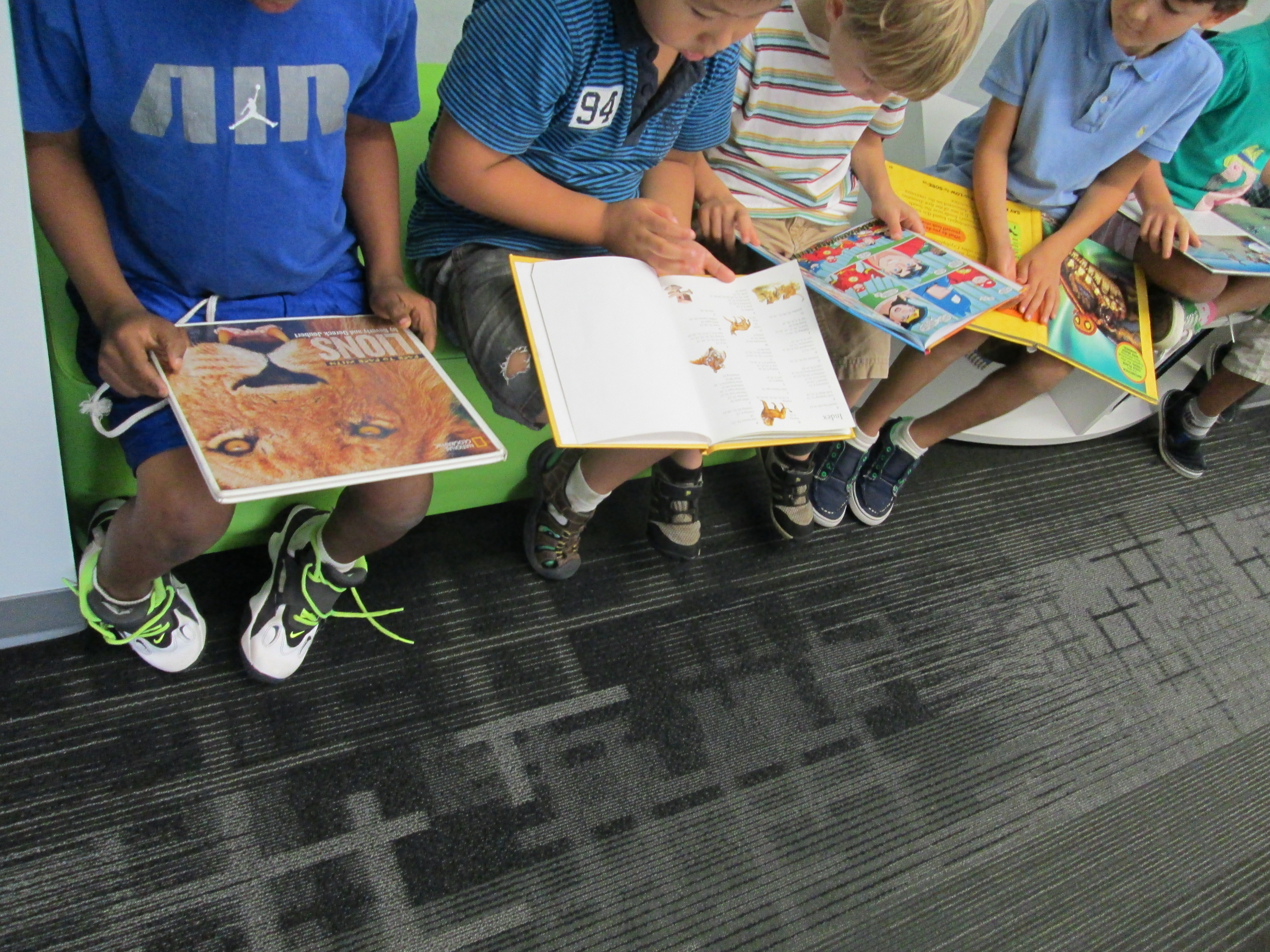
As students sat at tables, the teachers and I walked around and had conversations with students about their books.  They told us what they were reading in the pictures.  If we saw a student quickly breezing through pages, we had a longer conversation and modeled how to slow down and carefully read a picture.  I loved how finding the book didn’t get in the way and we were actually able to have quality conversations rather than spending our time running around the shelves looking for books.

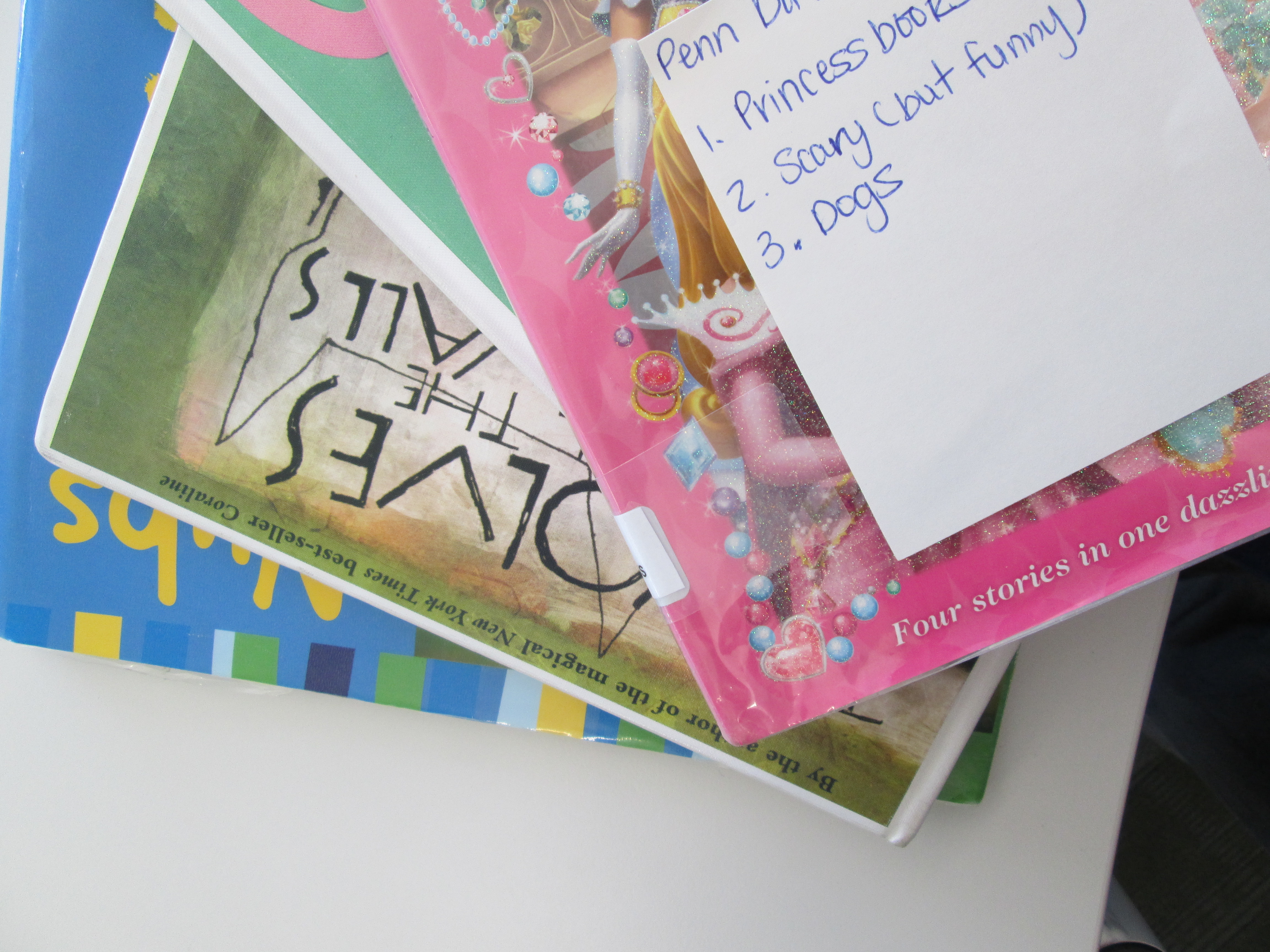
ipick kinder (6)In the end, each student chose a book.  When we asked them why they chose the book, interest was usually the winning reason.  It just reminded me of how important it is for students to find the books that they love to read even if it is Spongebob or Disney Princesses.  Every student left with a smile on their face.  I know that students missed the experience of actually finding the book on the shelf, but in the end, I felt like this experience was positive and rewarding in other ways for the students.  This is not something that I would or could do for every session, but I think it’s important for students to come to the library and find the perfect match of a book at least part of the time.ipick kinder (1)

International Dot Day: First Steps

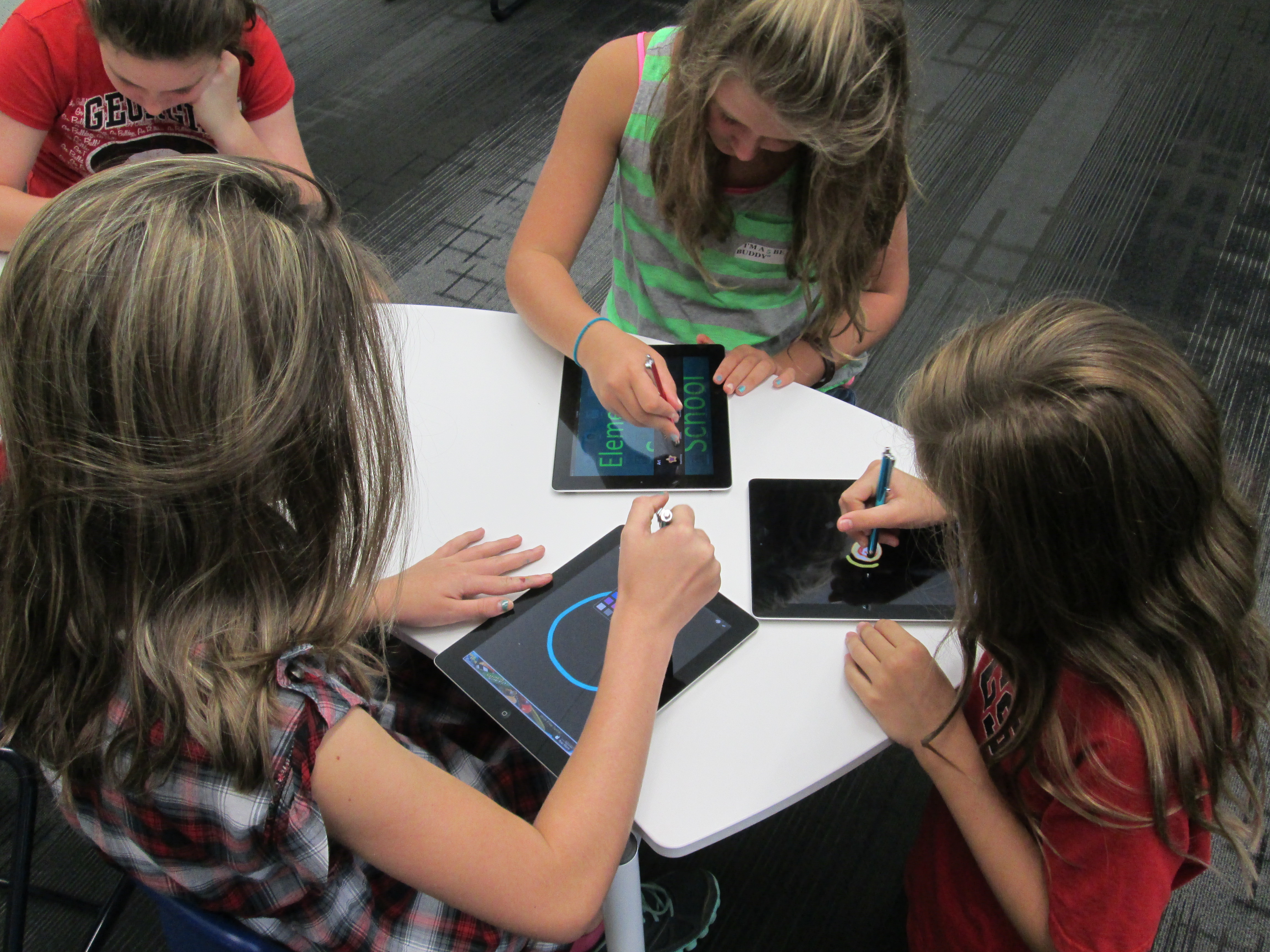
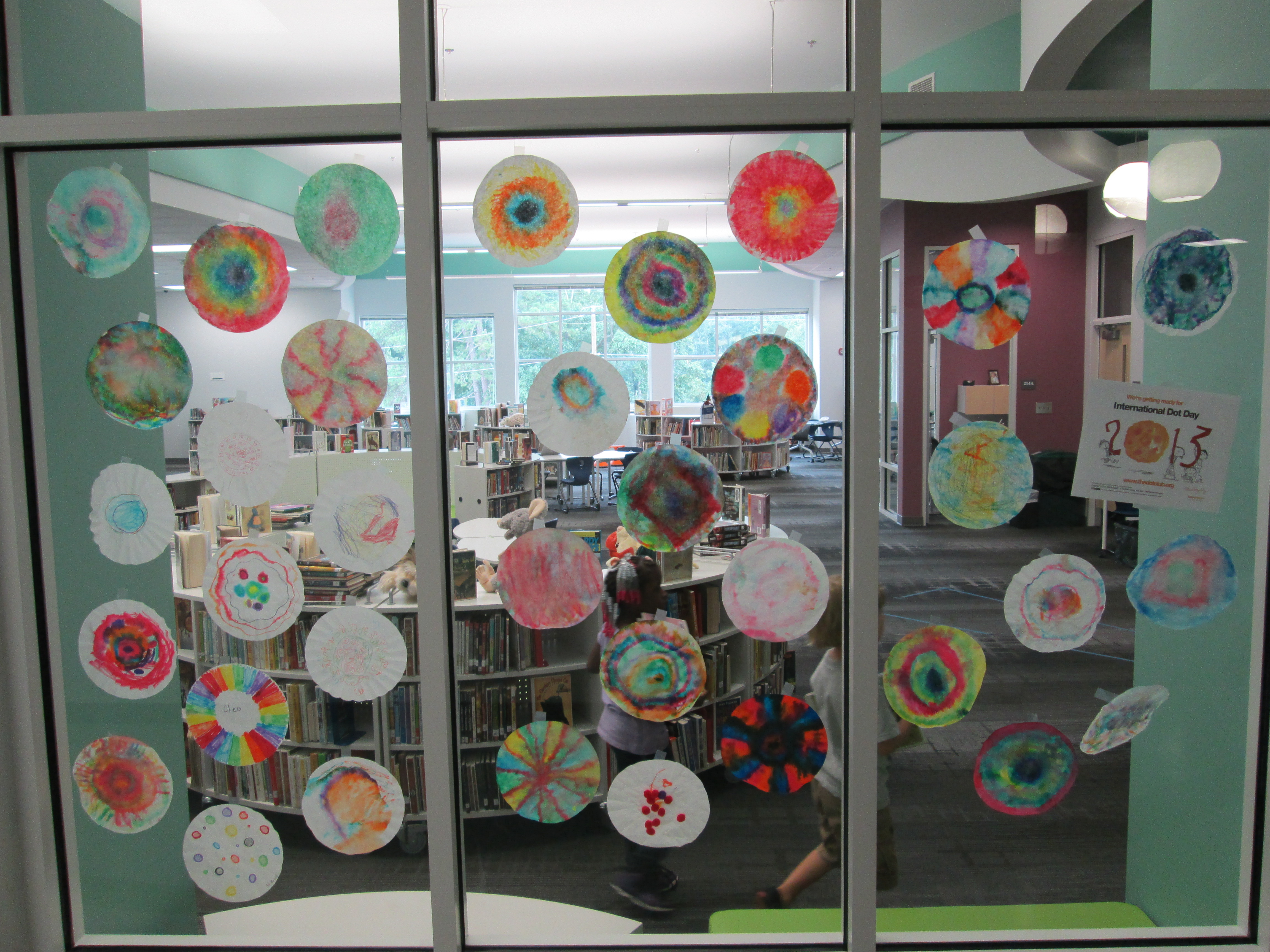
dot day (14)Today, the very first classes came to participate in International Dot Day lessons.  Ms. Olin’s 5th grade class read The Dot by Peter Reynolds.  We talked about what it means to make your mark on the world.  I loved hearing their ideas because they really had a sense of how they could make a difference.  I had 2 separate areas setup for them.  One area had coffee filters, a variety of coloring supplies, a water bottle, and tables covered in black butcher paper.  They could use the materials in any way they wanted to be creative making a dot.  The other area had iPads loaded with Glow Coloring and Drawcast.  Students who chose iPads used a stylus to draw a dot and save it to the camera roll on the device.

Students chose where they went.  I made no requirements about doing a dot at both locations.  Some students chose to make several coffee filters dots by trying different techniques of using markers, crayons, color pencils, and water.  Others chose to make multiple iPad dots.  A few chose to do both.  Once students’ dots dried, I started making our dot gallery on the windows of the library.dot day (15)

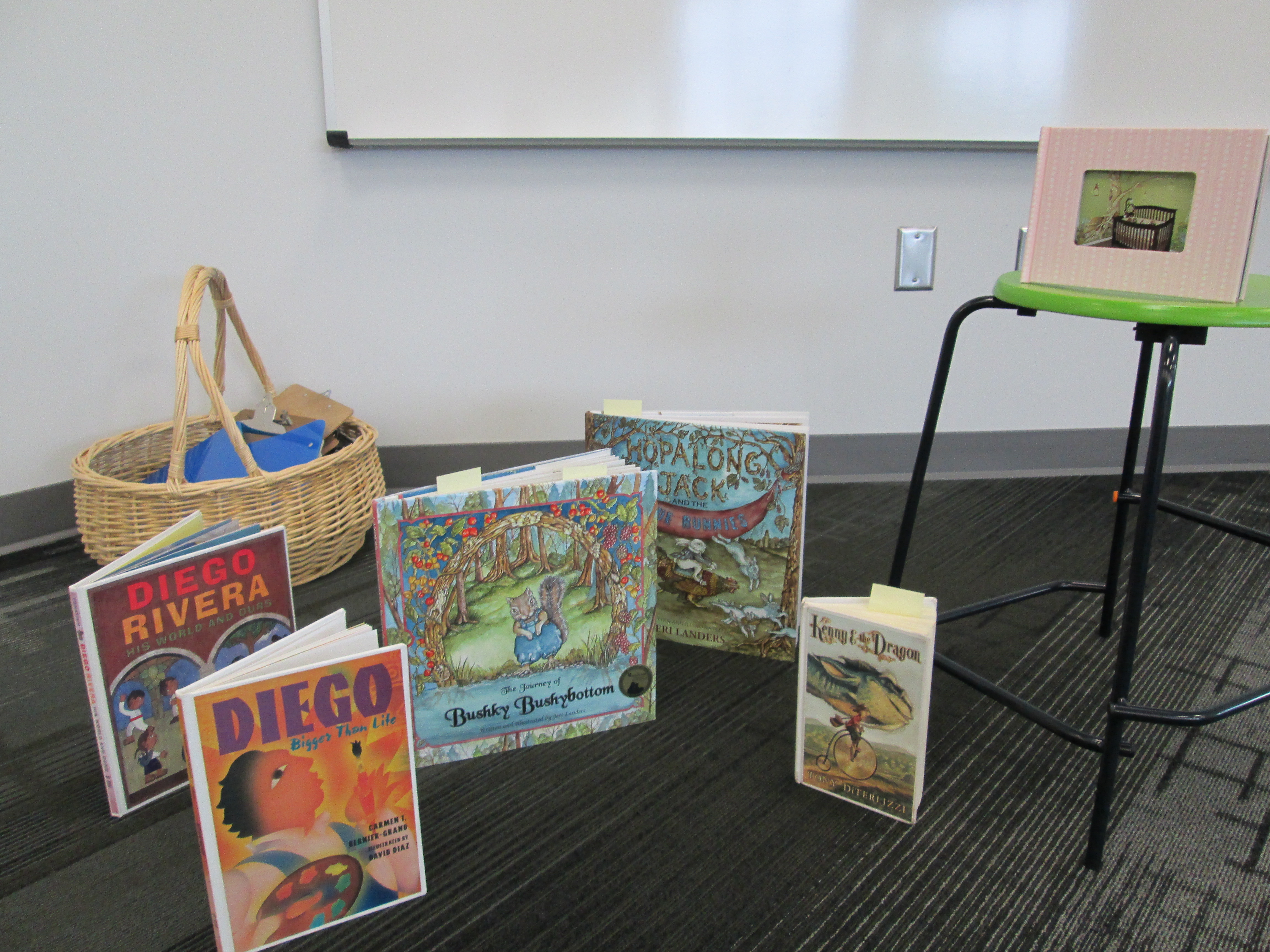
dot day (16)Later in the day, Mrs. Kelly Hocking’s Kindergarten class came to begin a dot project.  They are going to be studying several artists and learning how they can express themselves through art.  One of the artists they will learn about is Chuck Close.  This is a perfect tie-in to Dot Day since Chuck Close creates paintings that are made of numerous dots that come together to make a larger picture.  I had already read Sky Color to her class and they became very interested in painting murals.  Today, I showed them pictures of a mural in my daughter and son’s room and how the idea for the mural came from several children’s books.  Then, we read Diego Rivera His World and Ours.  The book details how Rivera traveled Mexico to get ideas for his murals.  It also raises the question about what Rivera would paint if he were alive today.  I love that the book ends by saying, “Today Diego is not around to make this happen.  So it is up to us to make our own murals and bring them to life.”  This was Mrs. Kelly’s lead-in to the mural that they will now create using dots in their classroom.  The mural will be displayed in the library, and we will probably have some more lessons before it is done.

dot day (17)I also discovered a great new iPad app after reading about it on Fablevision.  colAR Mix is an augmented reality app that brings coloring pages to life in 3D.  They have made a special coloring page just for dot day.  I made a practice dot, and it was so much fun seeing it pop off the page on the iPad.  You can take a picture of your 3D dot and save it to the camera roll.  I’m sure several classes will try this one out.dot day

And We’re Off! (with a new take on library orientation)

IMG_0856I’ve always wanted to try something different for library orientation rather than have the students sit on the carpet for 30-45 minutes while I talk on and on about how to use the library, check out books, and take care of books.  This year, especially, I knew that students would be eager to explore their new library space rather than sit and stare at it from a distance.  So….I made a plan for 2nd-5th grade and a plan for K-1.

For K-1, we stayed as a whole group and watched a few of the videos together.  I may try letting 1st grade scan one of the QR codes just for practice, but I felt like whole group with a story was still the way to go for the younger students.  We read the book Sky Color by Peter Reynolds to make connections to the library being a place to be creative and think outside the box.

For 2-5, I made a list of the major topics that I wanted students to think about when learning about the spaces in the library and the basic functions such as checking out a book.  From there, I made a video for each of those topics using an iPad and  uploaded it to Youtube.

I took each link and generated a QR code.  I put each QR code on its own piece of paper with some brief instructions.  For example, the check out QR code said to scan the code and go to the circulation desk before watching.  On our iPad cart, I downloaded a QR reader and tested all of my codes to make sure they worked.IMG_0833

During orientation, I put out the QR codes that I felt like that grade level needed the most.  Lower grades had fewer QR codes to scan while the upper grades had them all.  For some classes I made a table of codes that were the “must scan” codes and then a table of codes for “if you have time”.  We started our time on the carpet in order to do a welcome, refresh using iPads safely, and to demo scanning a QR code.  Next students got an iPad and plugged in some headphones from the library (or their own) and began scanning codes.  I would love to say that it was perfectly smooth, but of course students had trouble adjusting sound, some headphones weren’t plugged in all the way, and some headphones weren’t working.  However, once the glitches smoothed out, it was amazing to see students productively wandering around the library with iPads doing a self-guided tour just as they would do in a museum.  In the process, they walked the entire library, tried out multiple places to sit, found out about technology they would use throughout the year, and saw books that they wanted to checkout.  I felt like even though they heard the same information each student gained something different out of the orientation.

At the close, we came back together to share some things that they learned about our library.  I wish that we had more time for this reflection because it gave me so many insights into what students valued in the library and what they were still wondering about.  At checkout, I saw students doing some of the exact same things that I did in the video.  I also saw students looking for books that they saw on shelves in the videos.  Overall, students got a lot of the same information, but this was much more engaging,  involved movement, and gave students the option to watch something again if they didn’t understand.  We’ll see how this translates into library use during the year, but I felt much better about how this new take on orientation went.

Today was exciting.  For the first time, I saw 2 years of planning a library space begin springing into action.  I saw how much the students are going to move this furniture around to meet their needs.  I saw how visible the books were on the shelves, which leads me to think we’ll have even more circulations this year.  This was only day one of classes.  I can’t wait to see how the space grows, evolves, and becomes useful to the students and the kinds of learning they will take on for years to come.

El dia de los ninos: Connecting Libraries and Making Connections

IMG_0570Over the weekend, an opportunity popped up on Twitter.  Mrs. Crook, elementary librarian in Gastonia NC, tweeted that she wanted to connect with some class in honor of El dia de los ninos.  This day, celebrated on April 30, honors many cultures, children, and books.  It’s a day to celebrate reading, celebrate our uniqueness, and celebrate the joy of reading in many languages.  Mrs. Crook had many great ideas for celebrating the day.
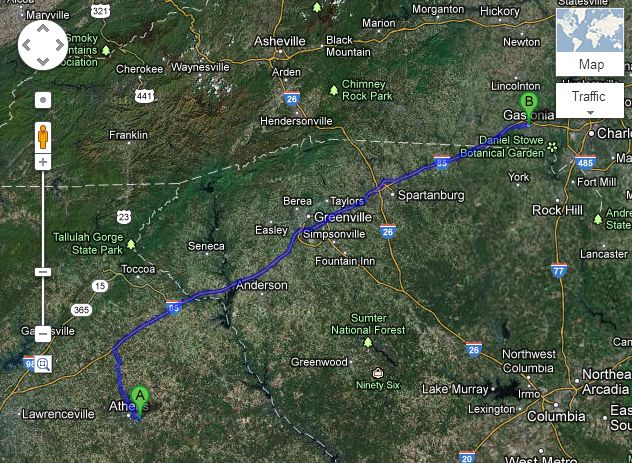
Athens, GA to Gastonia, NC

Athens, GA to Gastonia, NC


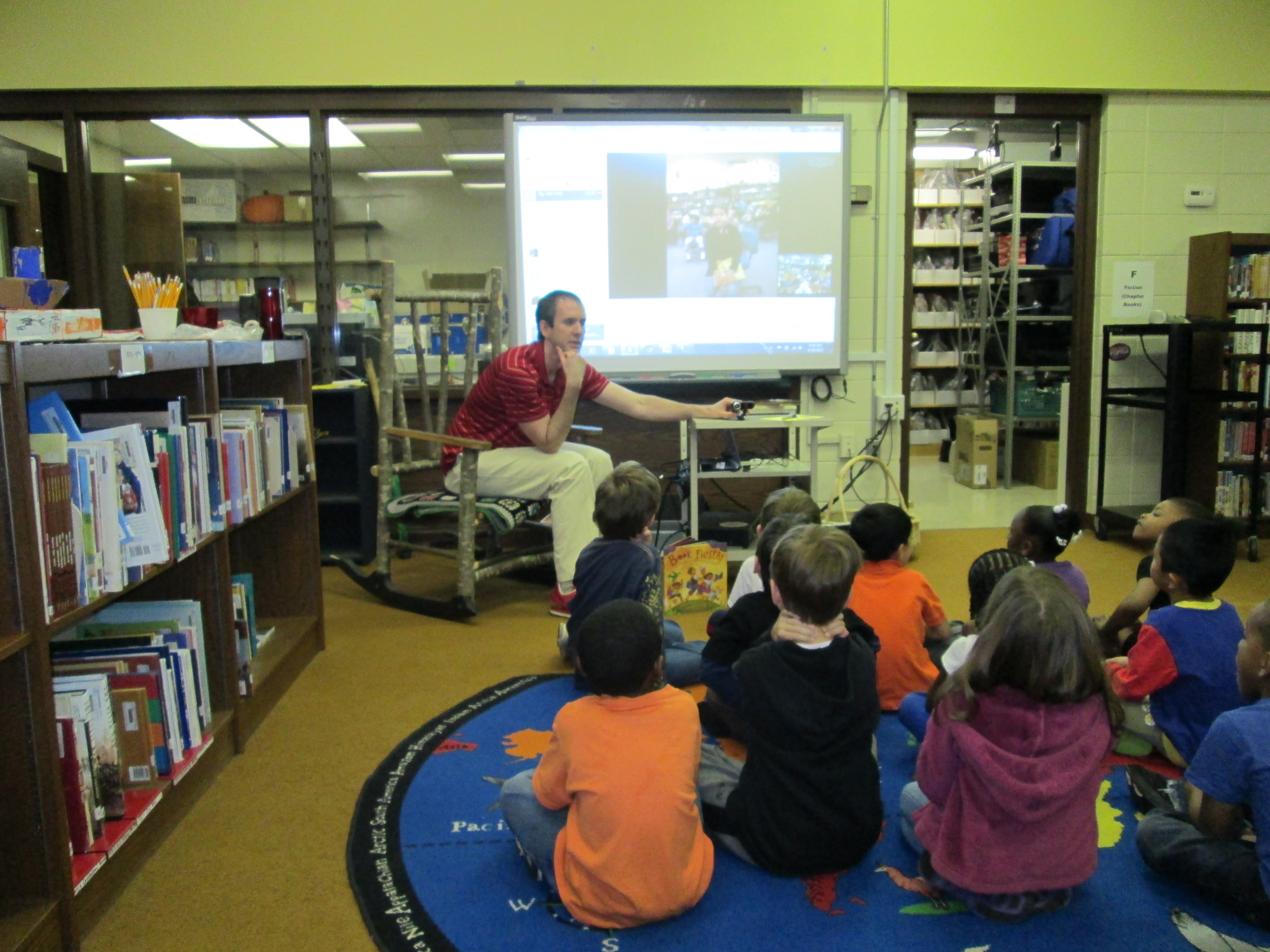
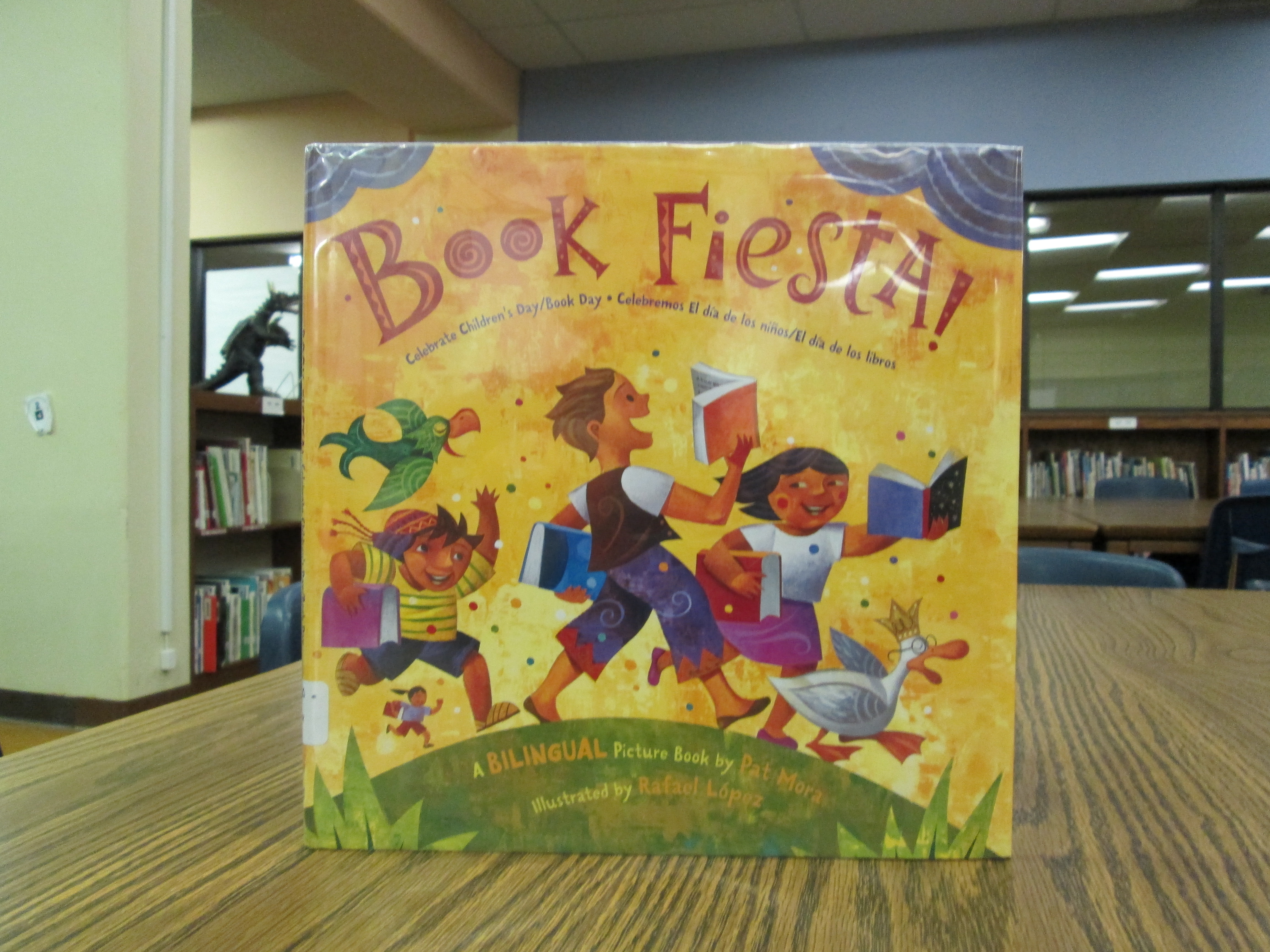
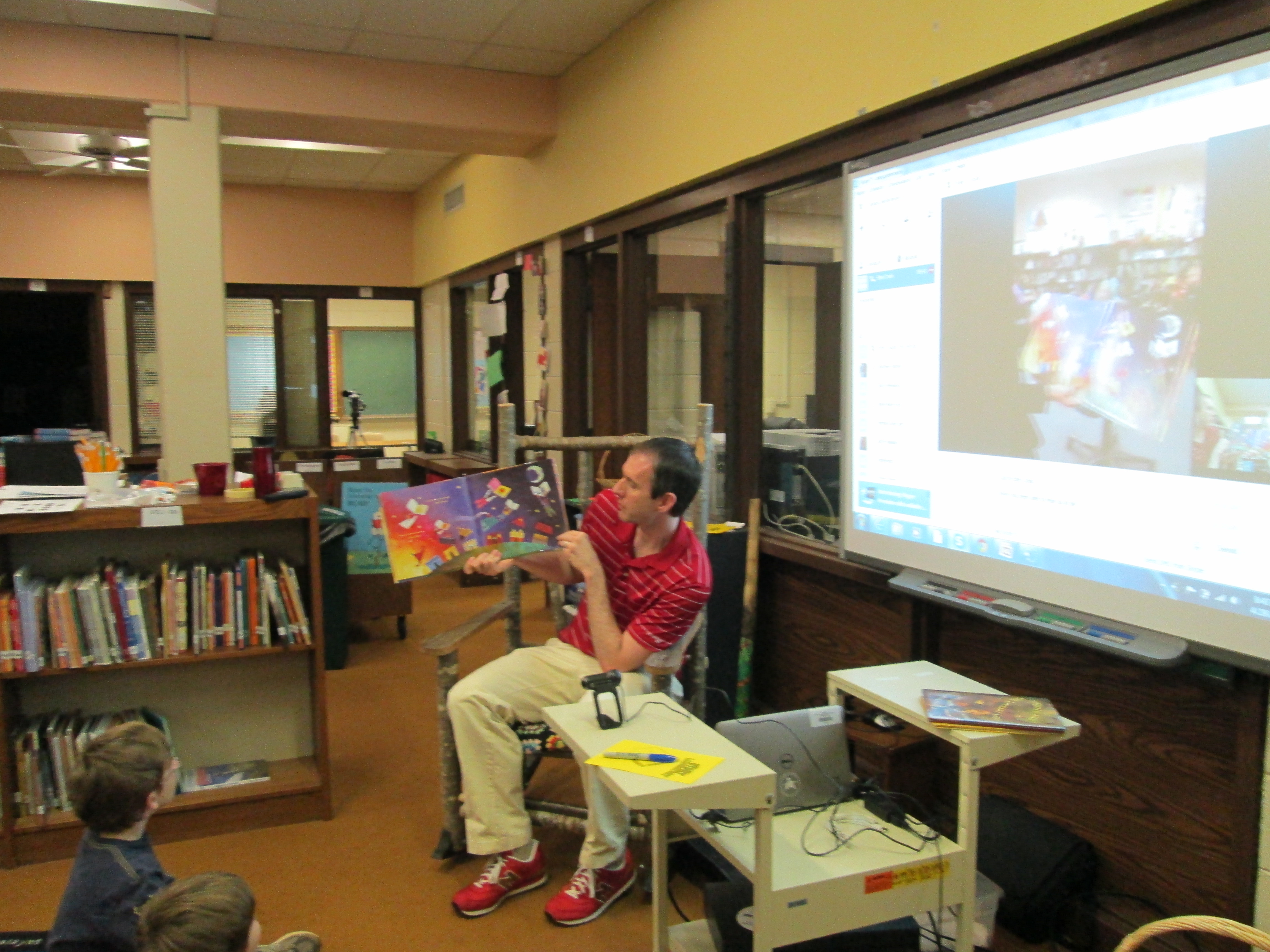
IMG_0578We chose to celebrate with her by connecting 2 Kindergarten classes through Skype and doing a shared reading of Book Fiesta by Pat Mora.  Before our Skype, I showed Mrs. Li’s Kindergarten class a Google map of the distance from Athens, GA to Gastonia, NC.  We learned it was about 181 miles away and would take about 2 hours 50 minutes to drive there.  In our connection, I read the English pages of the book, and one of Mrs. Crook’s students read the Spanish pages.  It was so much fun to hear the pages spoken in 2 languages.  Mrs. Crook had several students who spoke Spanish and many of them began sharing their words in a chorus of voices.  Mrs. Li had 2 students who spoke Chinese.  I was so happy when Mrs. Li stepped up to the camera and said hello in Chinese to all of Mrs. Crook’s students.  She even taught them a few words and had them repeat them back.  We said “adios” to one another and disconnected.IMG_0569

After our Skype, we talked about several other books in our library collection that are bilingual.  We also listened to this Dia Day song.

IMG_0576Later in the day, Ms. Spurgeon’s 3rd grade class came to read the book Tomas and the Library Lady.  This book had a wonderful connection with Ms. Spurgeon’s work this year with diverse literature and literature that raises discussions about poverty and still achieving your dreams.  The book also connected with their discussions of Cesar Chavez and migrant workers.  I have my own connection to the book because I am friends with Tomas Rivera’s daughter.  As I read the story, I couldn’t help but think of Ileana on every page and how grateful I was to the library lady in Iowa that gave her dad access to books no matter what the circumstance.  I was also grateful to Tomas Rivera for persevering to bring new stories to his family and becoming such a leader in education.  This story gave many of our students a positive example of someone striving for their dreams in life no matter their background, living conditions, or social status.  We read the book to celebrate Dia and to talk about the importance of summer reading, but I think we left the lesson with many more conversations flowing in our minds that could not have been predicted in advance.
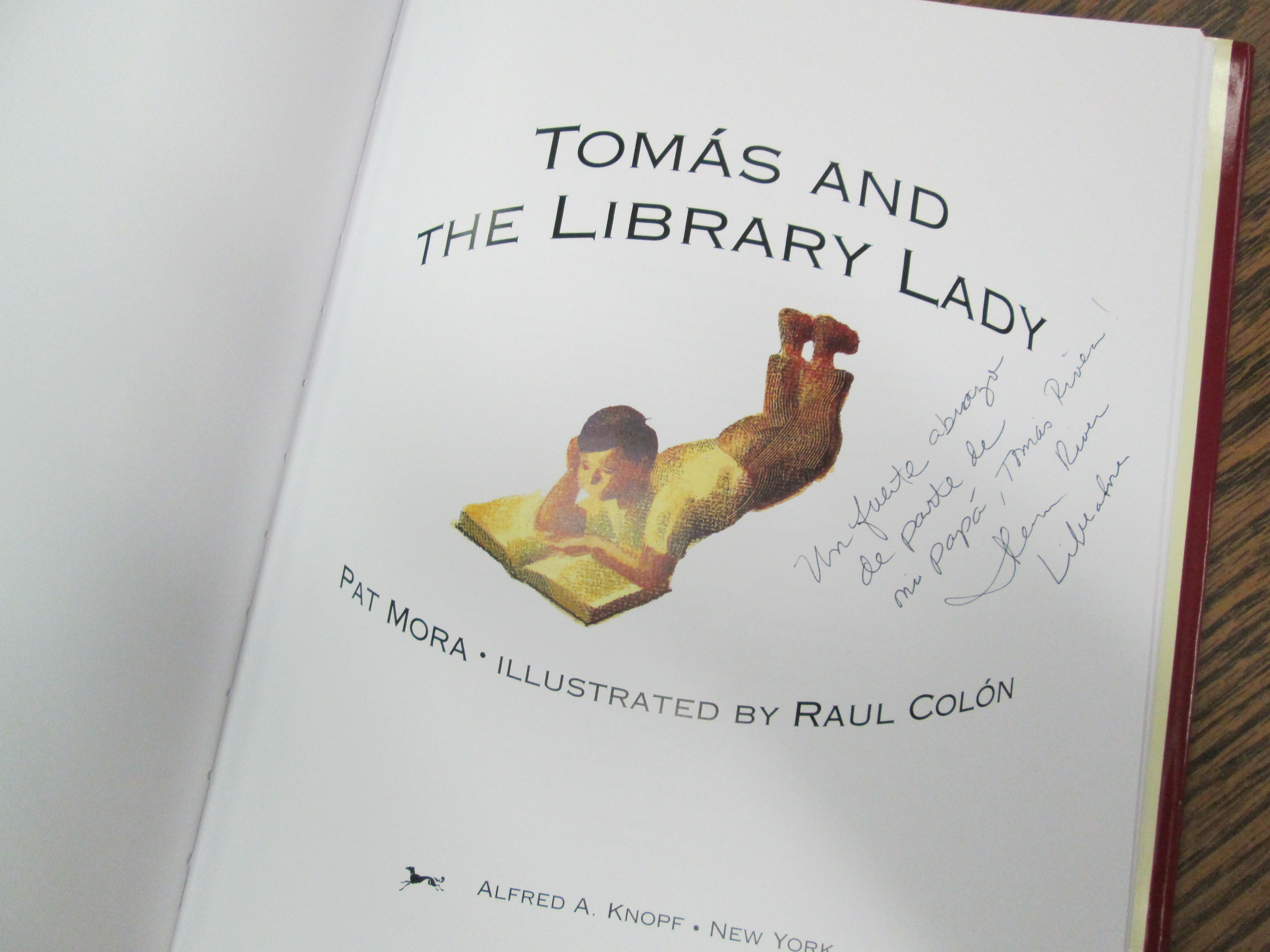
Tomas Rivera's daughter, Ileana Liberatore signed this copy of the book.

Tomas Rivera’s daughter, Ileana Liberatore signed this copy of the book.


Kindergarten Experts: A Tux Paint Instructional Video

Students gathered around the netbook to plan out what they would share on the screencast.

Students gathered around the netbook to plan out what they would share on the screencast.

I was so impressed by the work that Mrs. Kelly Hocking’s Kindergarten students did on their Tux Paint stories.  You can read more about that adventure here.  We wanted to continue their work in some way so that it might inspire and support other classes in trying Tux Paint.  After some planning, we decided to have the kids make an instructional video.  Mrs. Hocking brought her whole class to the library.  We talked about how instructional videos are a kind of informational text just like they are reading in their classrooms.  We also talked about being a leader and sharing expertise.  I made a screencast to show how to make an Animoto and we watched a part of that.

Along the way, I paused and had students talk about things that they noticed.  They shared things like

  • You clicked on things.
  • You talked about what you were clicking on.
  • You didn’t use a silly voice.  You used a serious voice.

We continued this pattern of watching and sharing for a few minutes.  Mrs. Hocking and I both added our own observations of what to include in an instructional video, too.  I told the students that they had to take themselves all the way back to the beginning and think about what they did first, second, third, etc.  Then they had to think about what they would say and what they would click.

Our Google doc captured what students would talk about on the screencast.

Our Google doc captured what students would talk about on the screencast.

A small group of 5 students stayed behind in the media center while Mrs. Hocking took the rest of the class back to Kindergarten to talk some more.  The small group and I took a netbook and started looking at Tux Paint.  I had them show me things they knew how to do.  As they did that, I started typing their words and expertise into a Google doc.  I also started pushing them to think about order.  What would someone do first? second? third?  I rearranged our doc to have a better sequence and put student names by each piece of tux paint that they would demo.  Then, we practiced.  Each student showed his/her knowledge of a certain aspect of Tux Paint.  Their tendency was to just click without talking.  I had them start again and say what they were doing as they clicked.  They also all wanted to talk while someone was clicking, so we had to discuss one person being allowed to speak without being interrupted.

On a separate day, the small group came back and we recorded their screencast using Screecast-o-matic.  In between each speaker, we paused the screencast and prepared the screen for the next student.  It was a challenge to stay quiet while someone was recording, but they did so much better after our practice in the 1st lesson.  Here’s what they created:

Our next step will be to send this video to Shannon Miller in Van Meter, Iowa so that her students can watch it and learn how to use Tux Paint.  Then, we will Skype with her students for them to ask follow-up questions about using Tux Paint.  The video will also be shared with teachers at our school so that they might consider using Tux Paint with their own classes.

I love the potential of this.  It is empowering for students to be able to share their expertise with the world, become leaders and teachers, and take time to reflect back on what they have actually learned about a particular technology tool.  I want to do more of this in the coming year, especially now that our students have access to Youtube.  Imagine the possibilities of students creating videos about what they have expertise in and sharing that with other students in the school.  The collaboration potential is mind-boggling!

Cloning Myself: A Solution for Being Absent

It is so hard to be out sick with the busy media center schedule that we have.  Our schedule books up weeks in advance, so when I’m out it makes it really hard to reschedule things.  Although the solution I’m going to share won’t work every time, it does offer a way to still offer similar instruction that I would have done if I was here.

Mrs. Ramseyer and Mrs. Wright’s classes are blogging with students in Iowa.  Their next step is to write a book review post.  We were scheduled to do a model book review shared writing experience.  Since I will be out tomorrow, I made a screencast today for the teachers to play in their classrooms.  They can pause during the video and have students give ideas for the shared writing.  I also created a skeleton Google doc with the pieces of a book review:  hook, summary, opinions/connections, closing/recommendations.  They can add to this doc during the video as well.

Using Screencast-o-matic made this very quick and easy to do and upload to Youtube.  Now, we can move forward with our schedule after spring break without having to reschedule.

Skyping with Little Free Library

IMG_0082Our 5th grade Little Free Library Project is moving ahead.  You can read about our progress here and here.  A few weeks ago, I talked with Rick Brooks, co-founder of the Little Free Library movement, on the phone.  He contacted me after seeing my Youtube video introducing the project to our 5th graders.  After a few emails and facebook posts back and forth, we finally had a long phone conversation where we discussed other Little Free Library projects in schools as well as some potential ways that technology could be incorporated into our Barrow project.  I shared with him how our students were working in teams where each student had a specific job to do such as researching, writing, designing, and presenting.  During our call, he offered to help us in any way he was able to, so I suggested a Skype session with our students.  He was happy to do this.IMG_0080

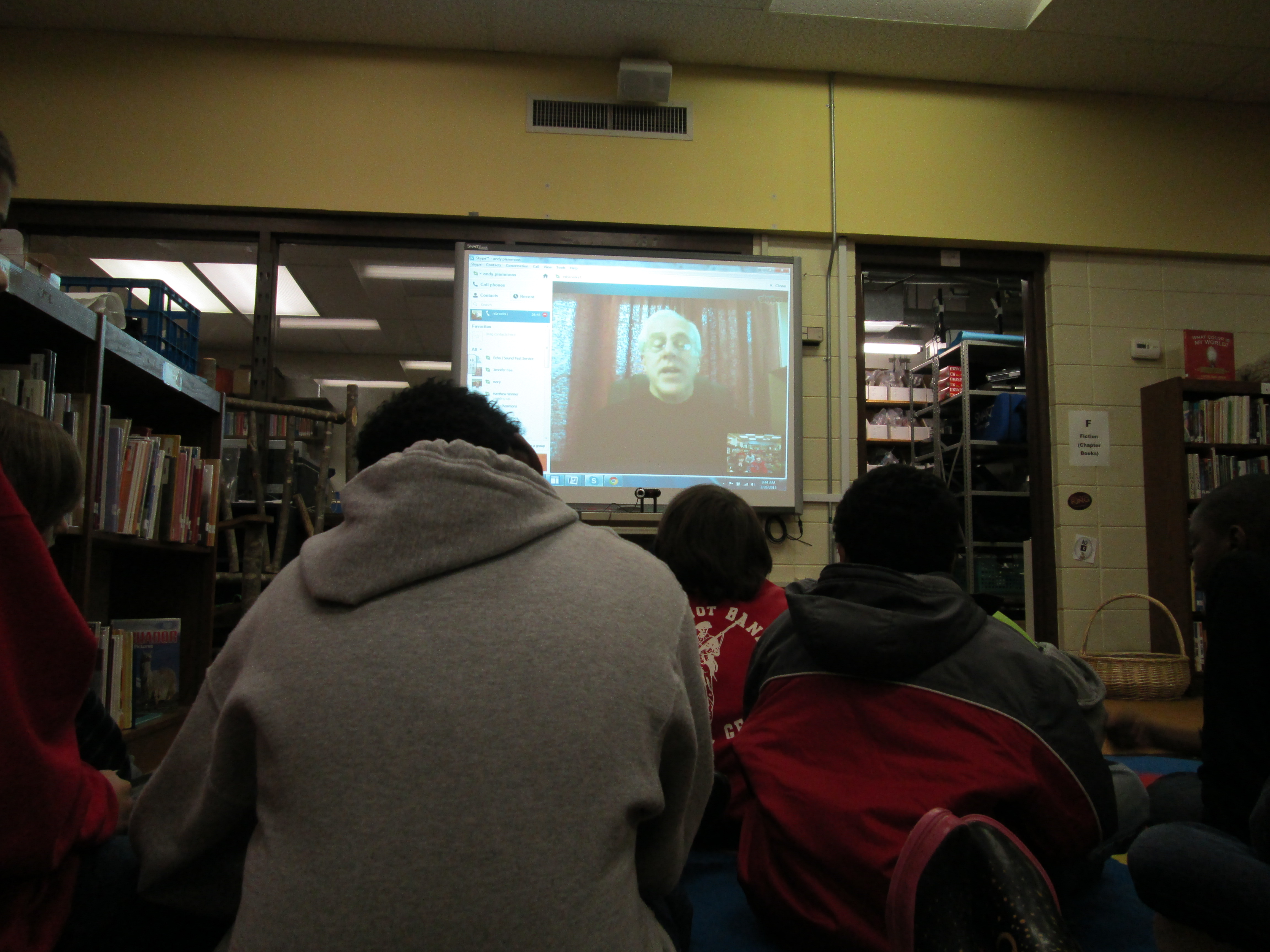
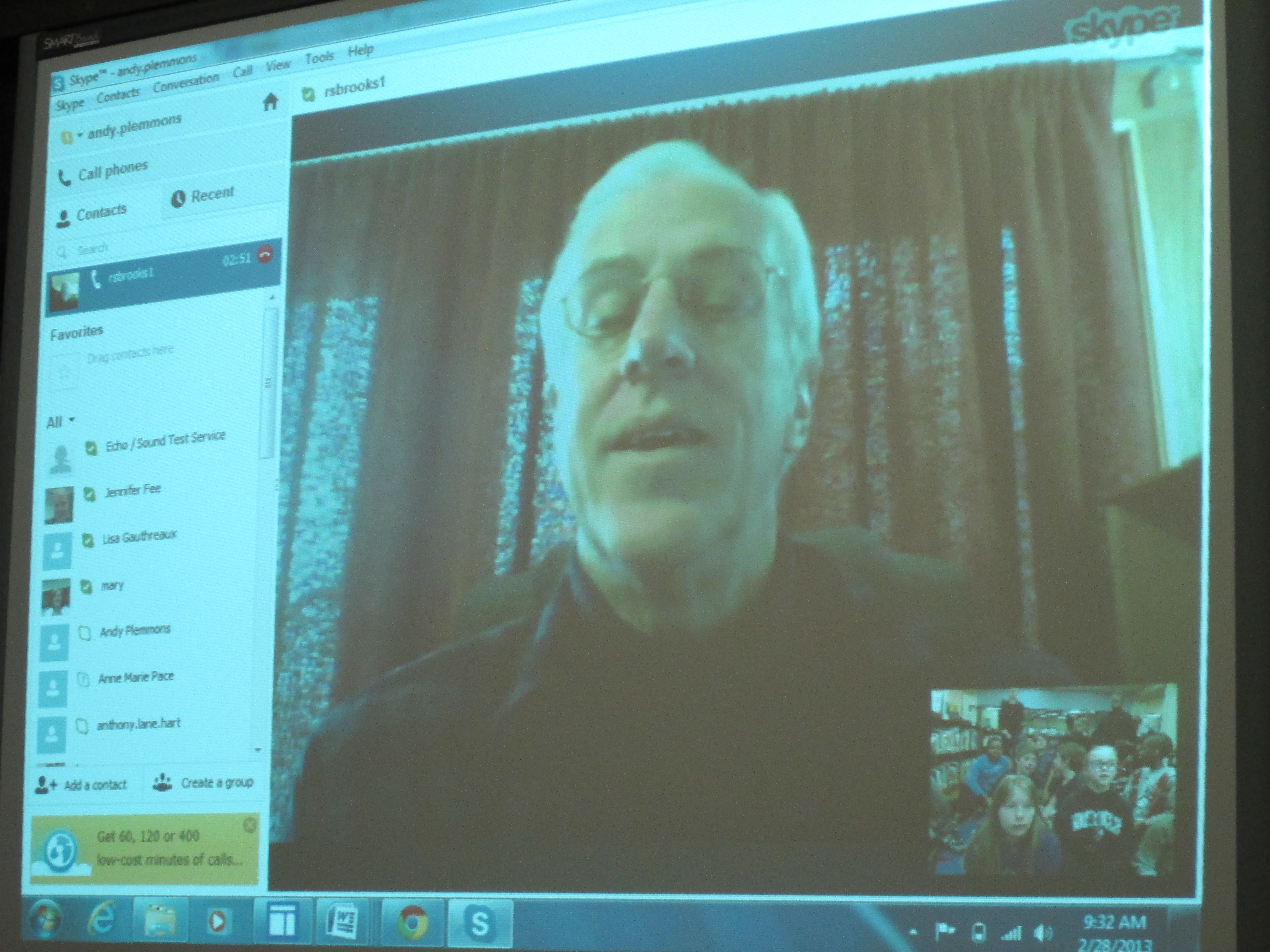
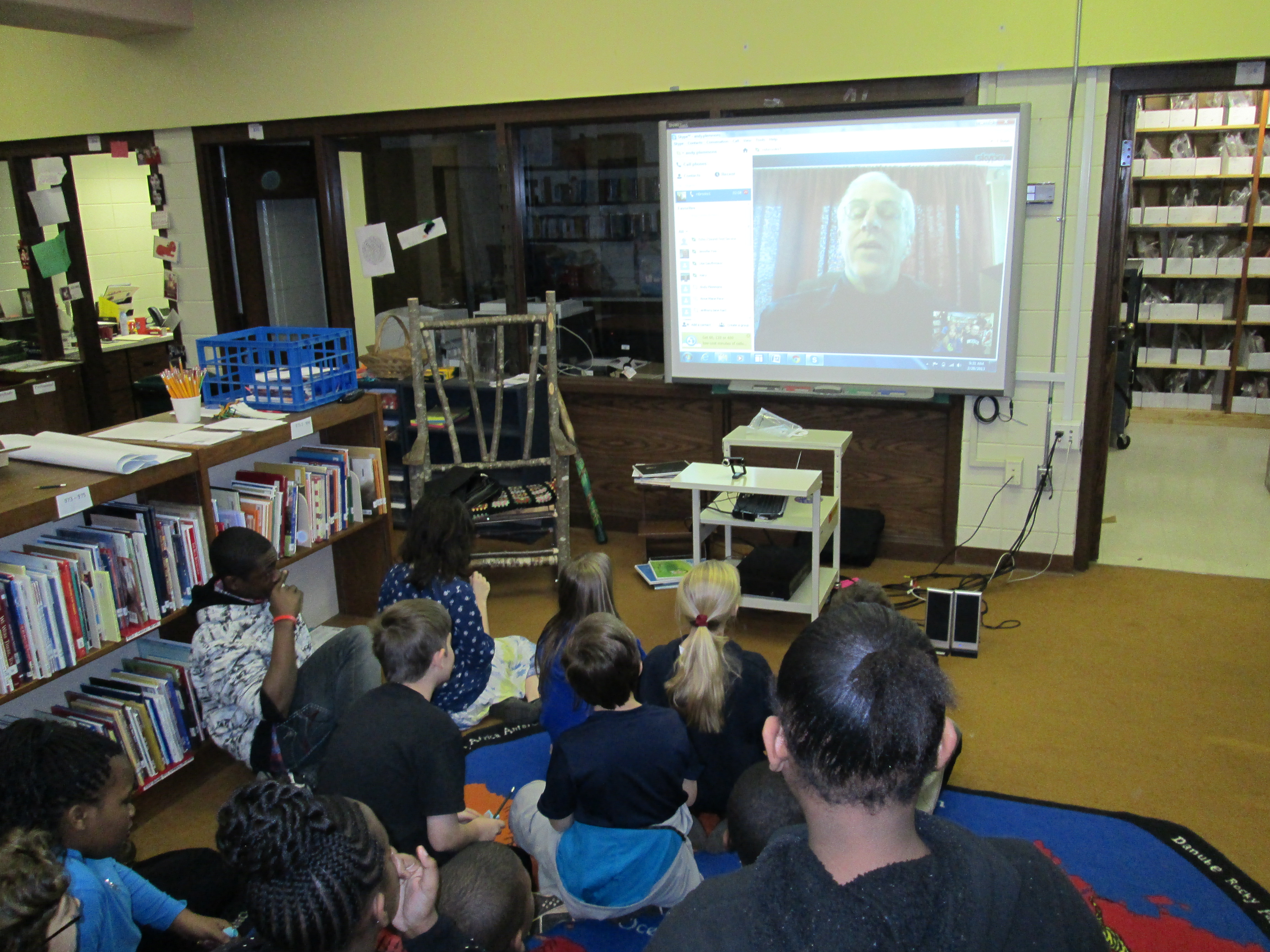
On Tuesday and Thursday, Rick skyped with researchers, writers, and task managers from Ms. Cross and Ms. Slongo’s Class.  He told them a bit about the mission and vision of Little Free Libraries, shared specific parts of the website students might visit, and suggested some videos for them to watch.  The kids were able to ask Rick questions about things like green building techniques, location of little free libraries, and which libraries seemed to be more popular than others.  We even had a student have a conversation with Rick in Spanish.IMG_0084

IMG_0081More than anything, this Skype session made the project more “real” for the students.  They left the session with a new energy for the project.  Rick is following what we do, and we appreciate the time and energy that he has put into this worldwide movement and especially for taking time out of his busy schedule to support our small project here in Athens!