Goal 4: Supporting the Reading Habits and Curiosities of Students with Wandoo Reader

Wandoo Reader Kickoff (18)

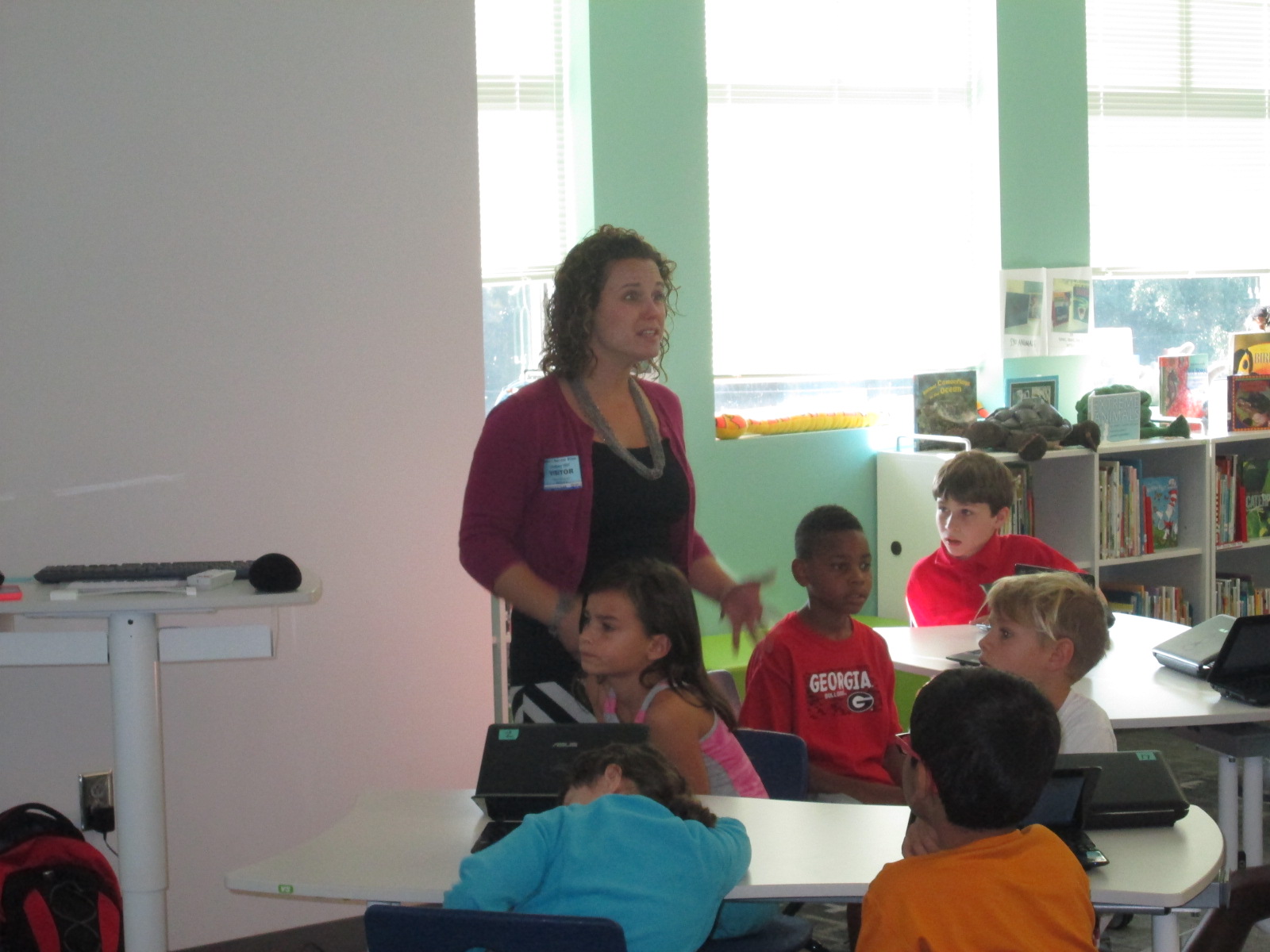
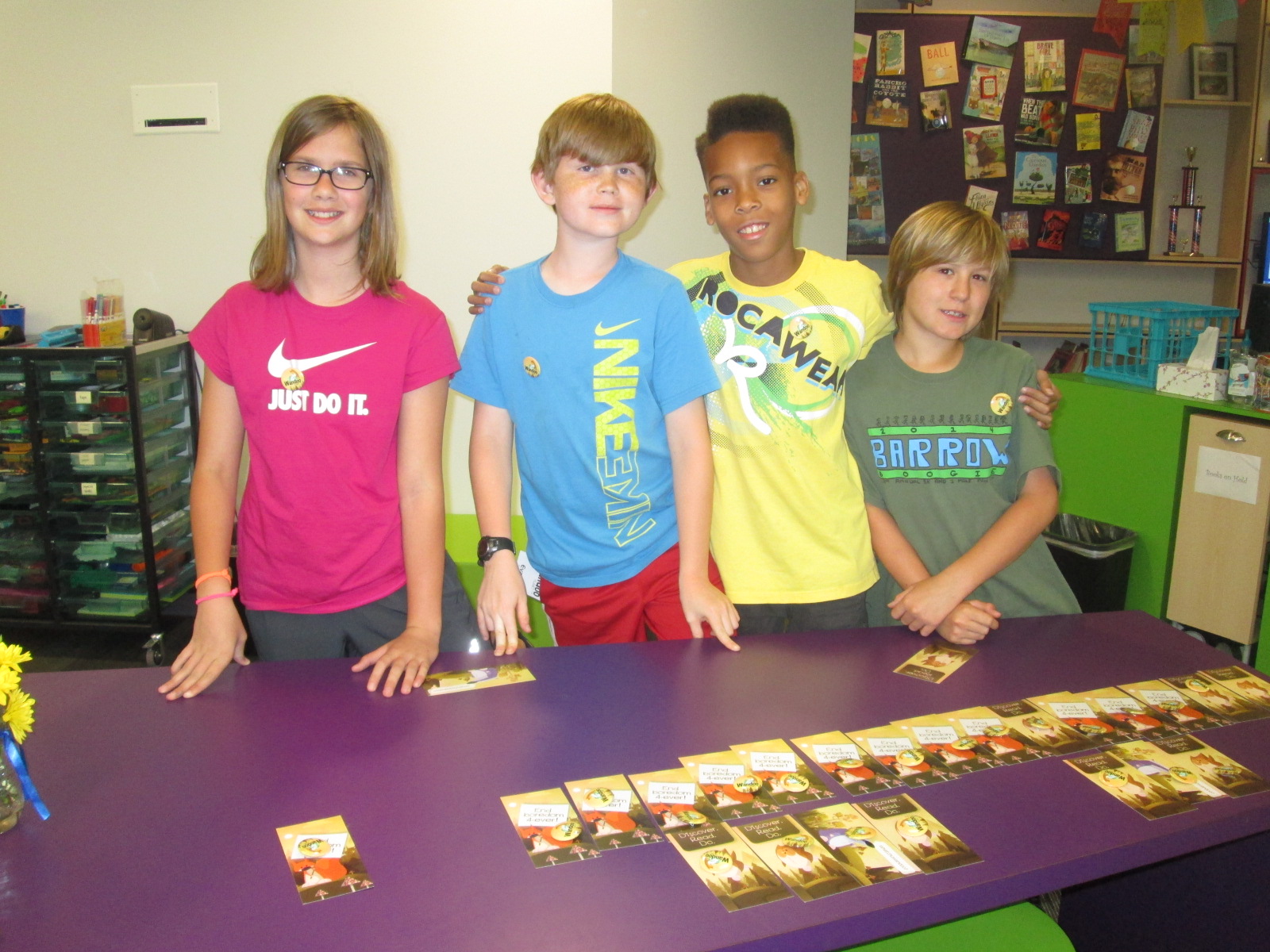
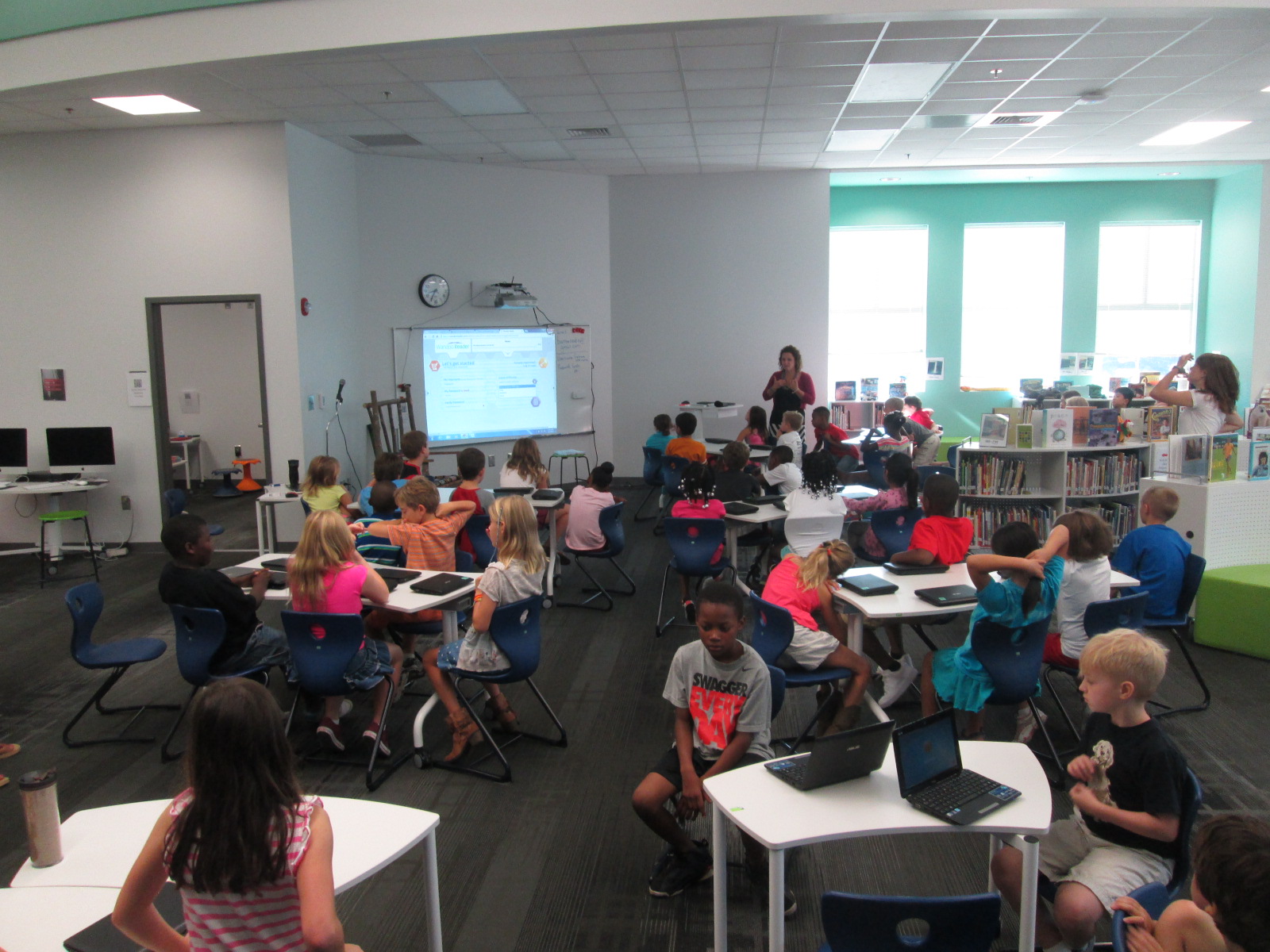
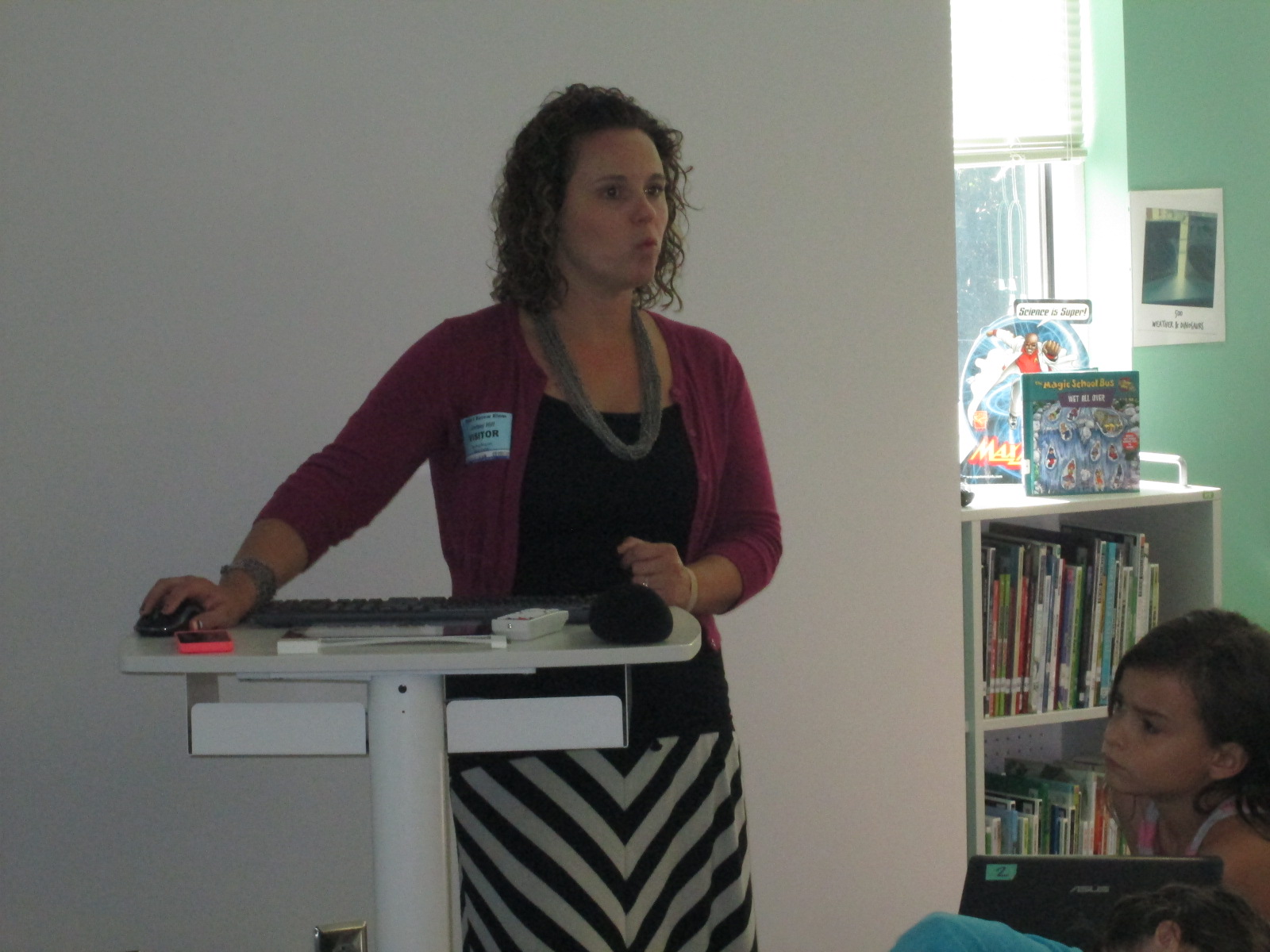
Lindsey Hill, educator superstar from Evanced Solutions, visited our library to help us with goal 4 for the library this year, “Supporting the reading habits and curiosities”.  In fact, this goal is so important that it is a part of our school improvement plan.  We believe that one of the best ways to become better readers is to read, read, read.  More importantly, we believe that finding books that we are interested in that match us as readers is an essential part of building stamina as a reader.  This year we are piloting a tool called Wandoo Reader to see how it supports us in tracking our reading habits and curiosities.  This tool is still in development for schools so we are figuring out what works well and what needs to be adjusted.
Wandoo Reader Kickoff (2)


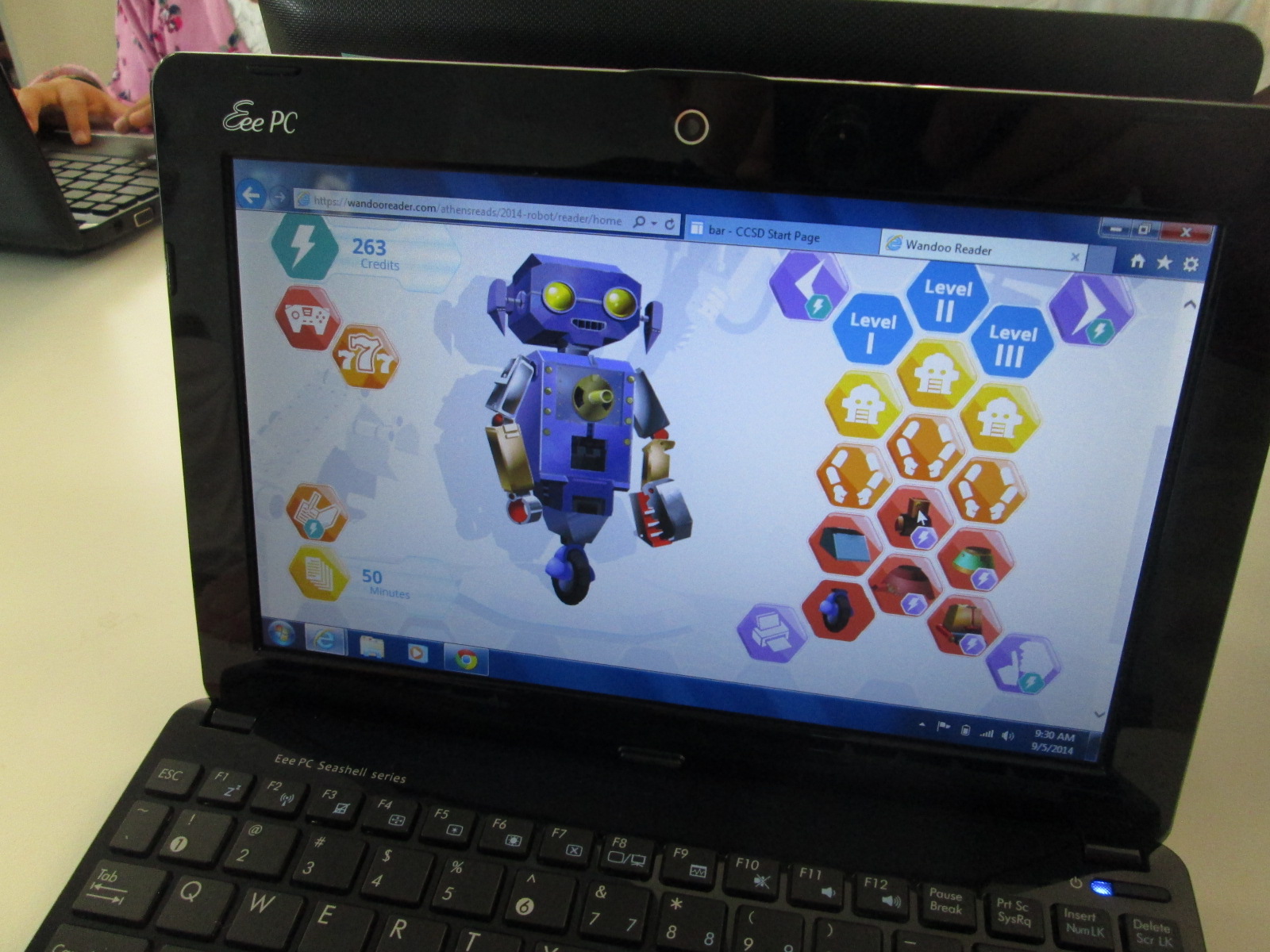
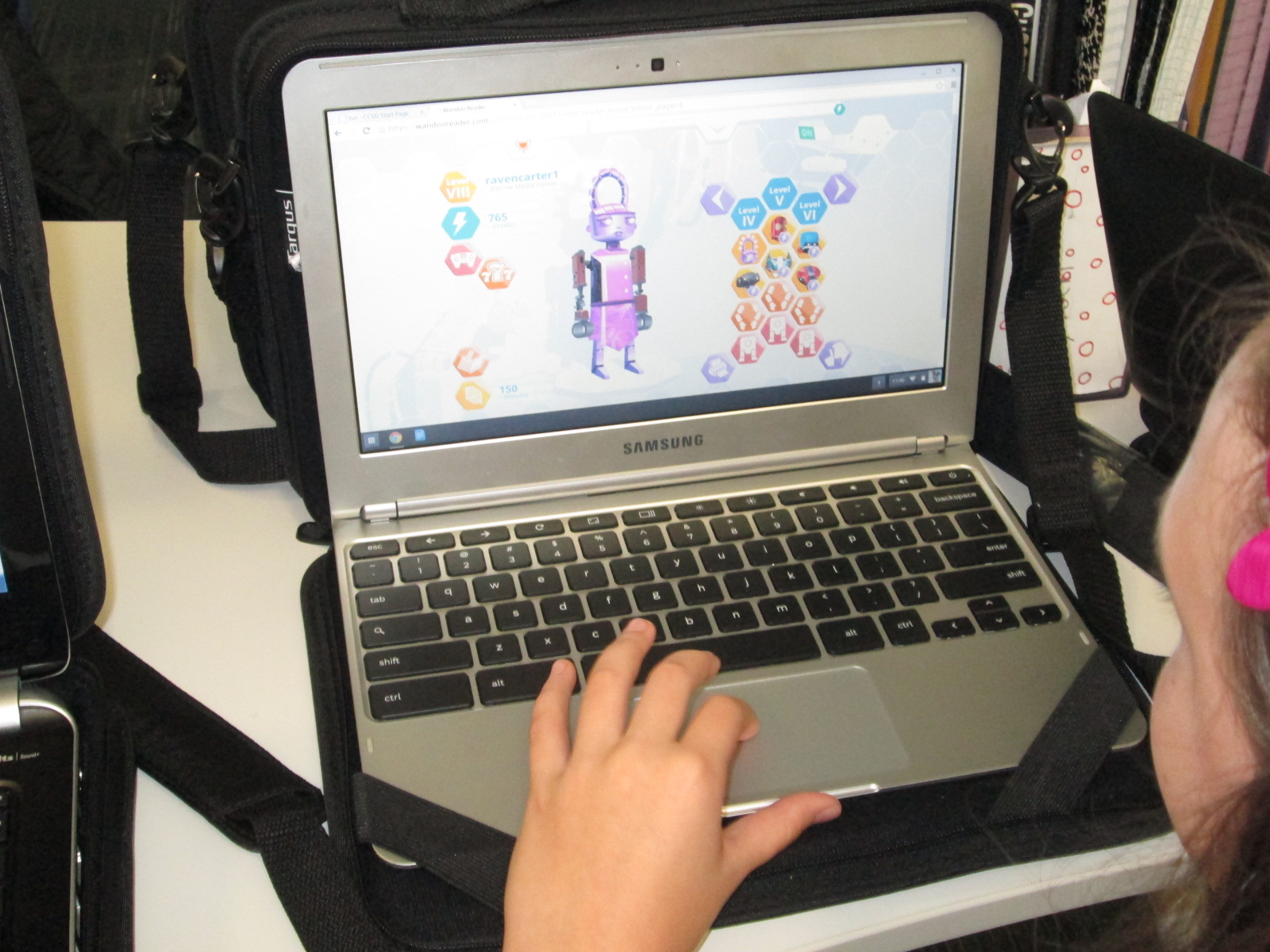
Wandoo reader is a “game and a reading tracker”.  It follows the story line of a robot who stumbles into a library but is low on power.  In order for the robot to power up, the robot needs kids to read books.  Students read books or really anything of their choosing.  In the online reading log, students submit the reading material title, amount of time read, and whether or not they finished reading the material.  Each time they log reading, they earn credits which allows them to purchase parts to the robot.  There are over 8,000 combinations of parts, so it’s pretty difficult for students to ever be truly “finished”.  Wandoo Reader also allows the administrator to setup incentives or prizes as well as secret codes for completing various challenges.

Our goal for Lindsey’s visit (and next week) was to get all of our 3rd-5th graders setup with accounts in Wandoo Reader.  Lindsey and I met with many classes.  I kicked off each session by sharing the news with students that we are the only school in the world currently using Wandoo Reader.  I wanted to emphasize the potential in this.  I brought in a conversation about empowering student voice in this opening (goal 3 for this year).  Students have an opportunity to test out a tool, figure out what they love, get frustrated with what doesn’t work, and point out what they just don’t like.  Each observation or failure that they make goes directly to Evanced Solutions for consideration in improving Wandoo Reader for future schools, so our student voice really matters and makes a difference.

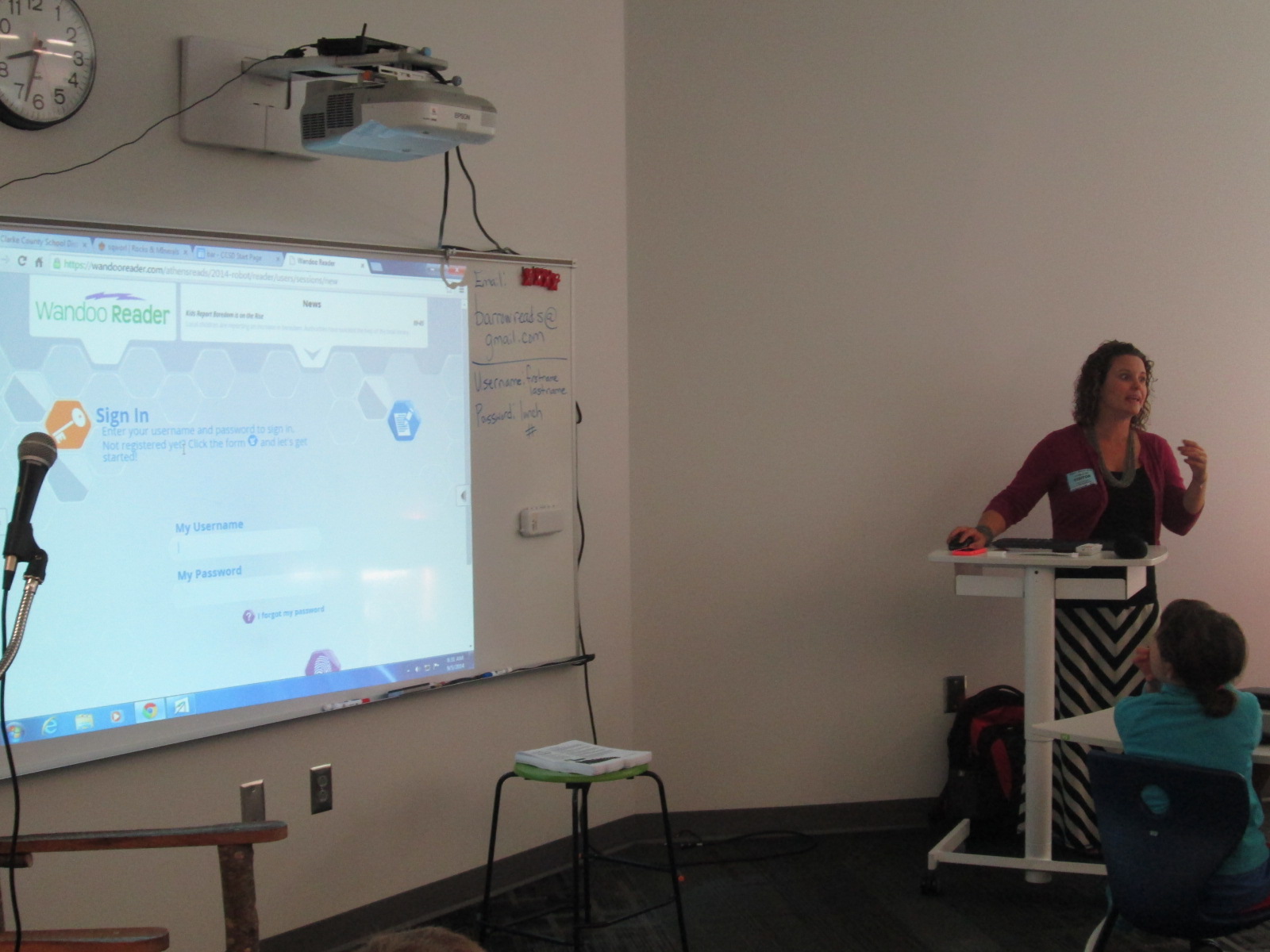
Lindsey did a demo of what Wandoo Reader would look like once students registered.  She show them how to log their minutes, how to earn credits, and how to purchase a robot part.
Wandoo Reader Kickoff (11) Wandoo Reader Kickoff (12)

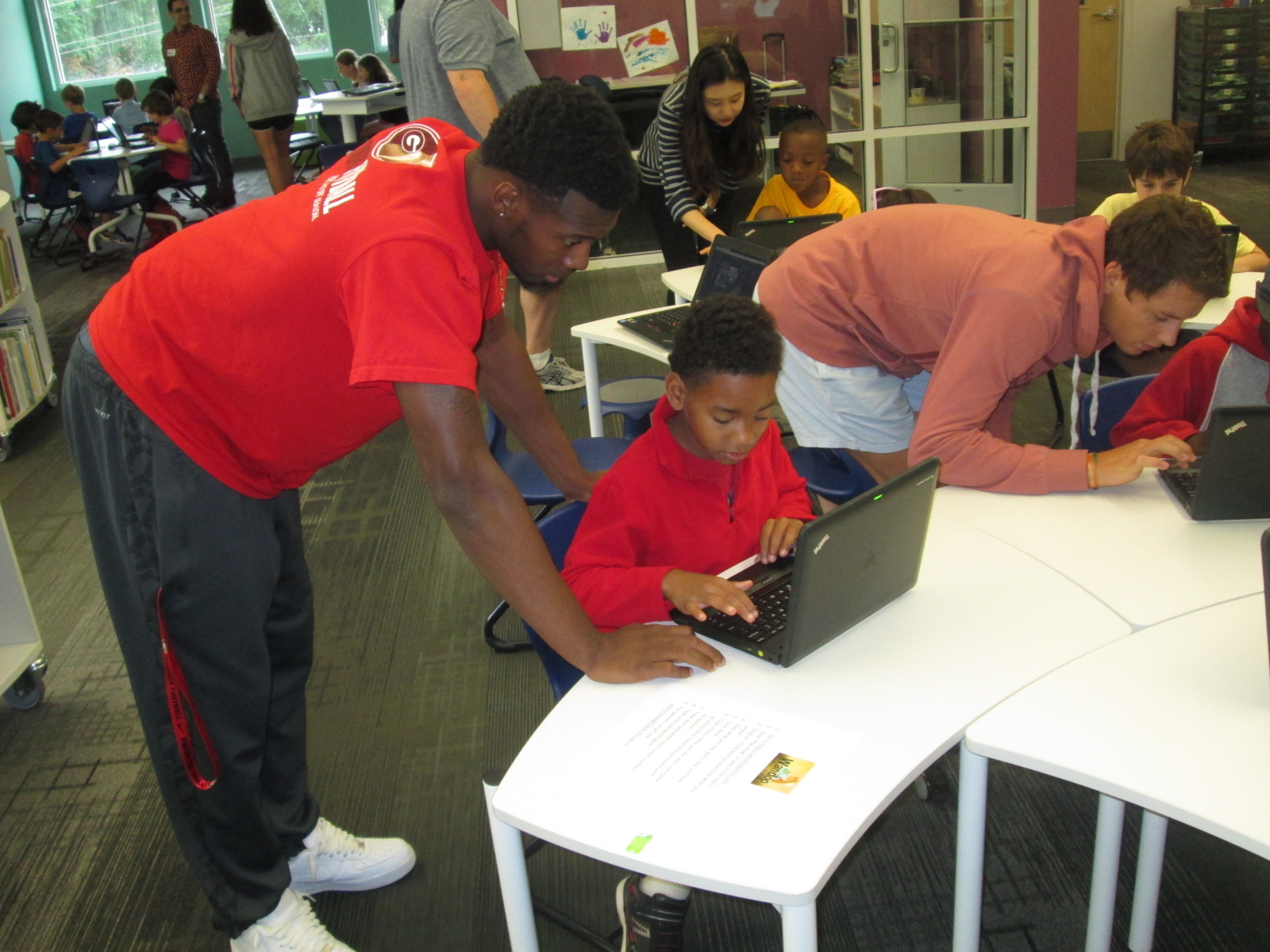
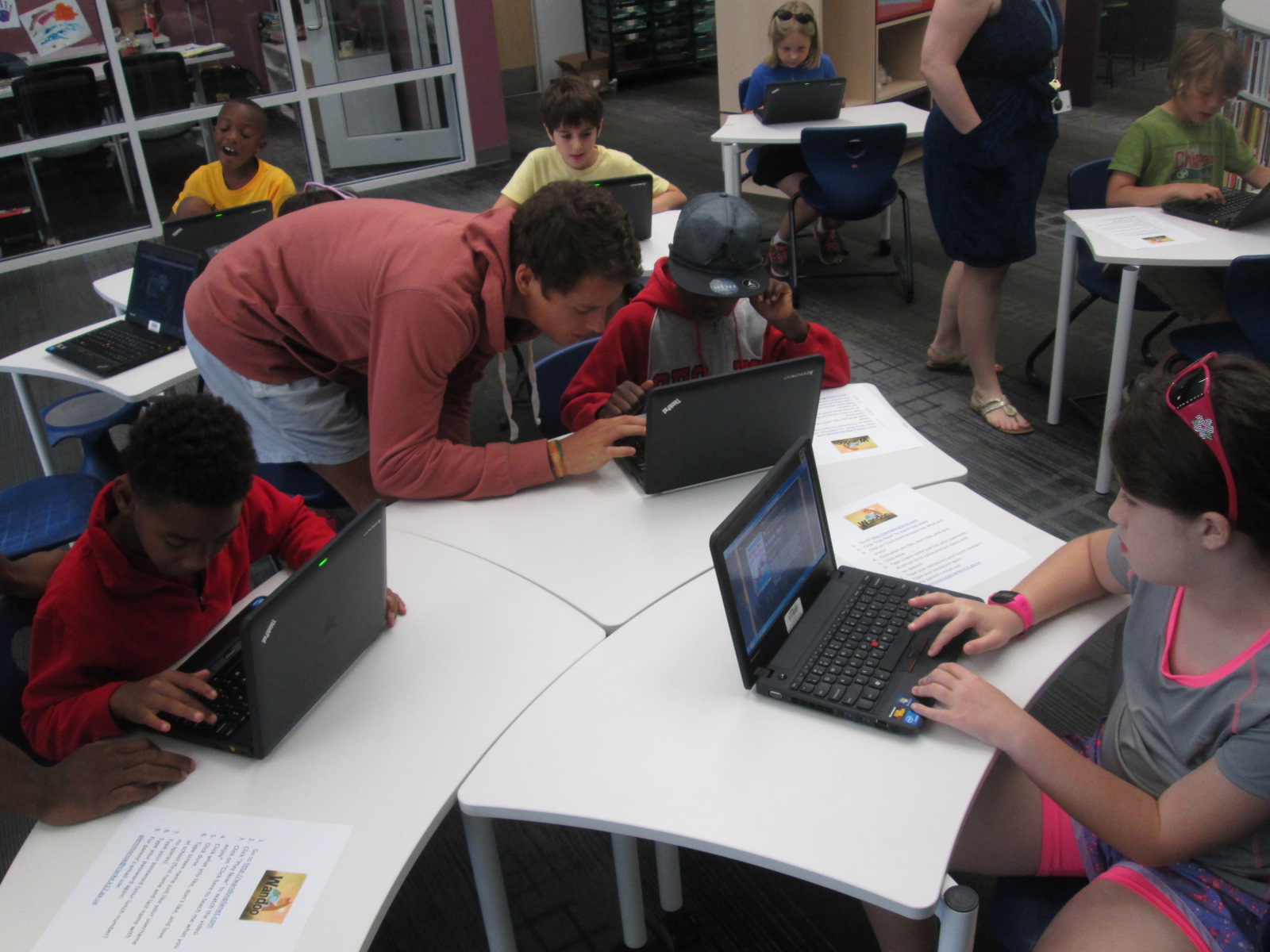
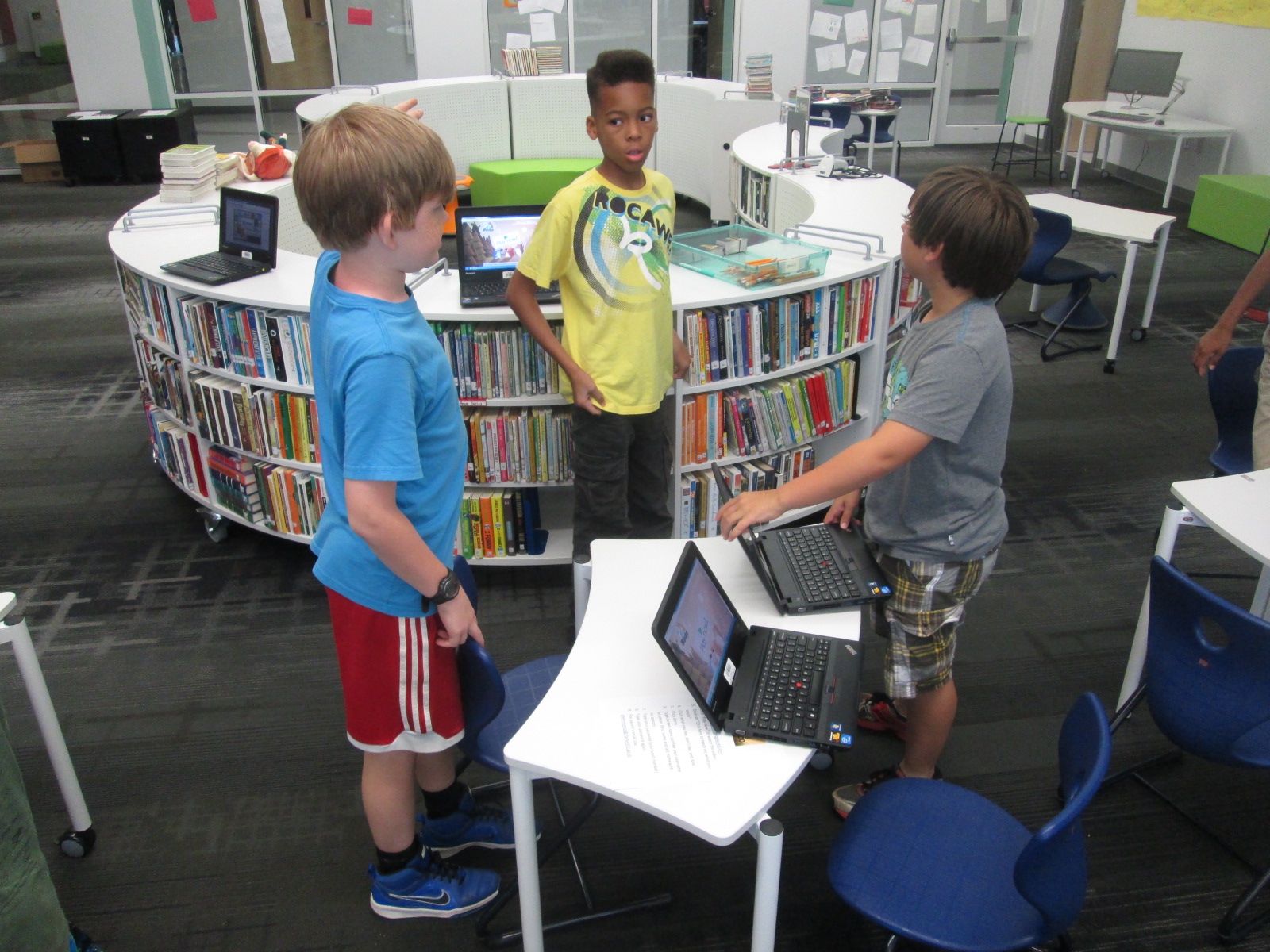
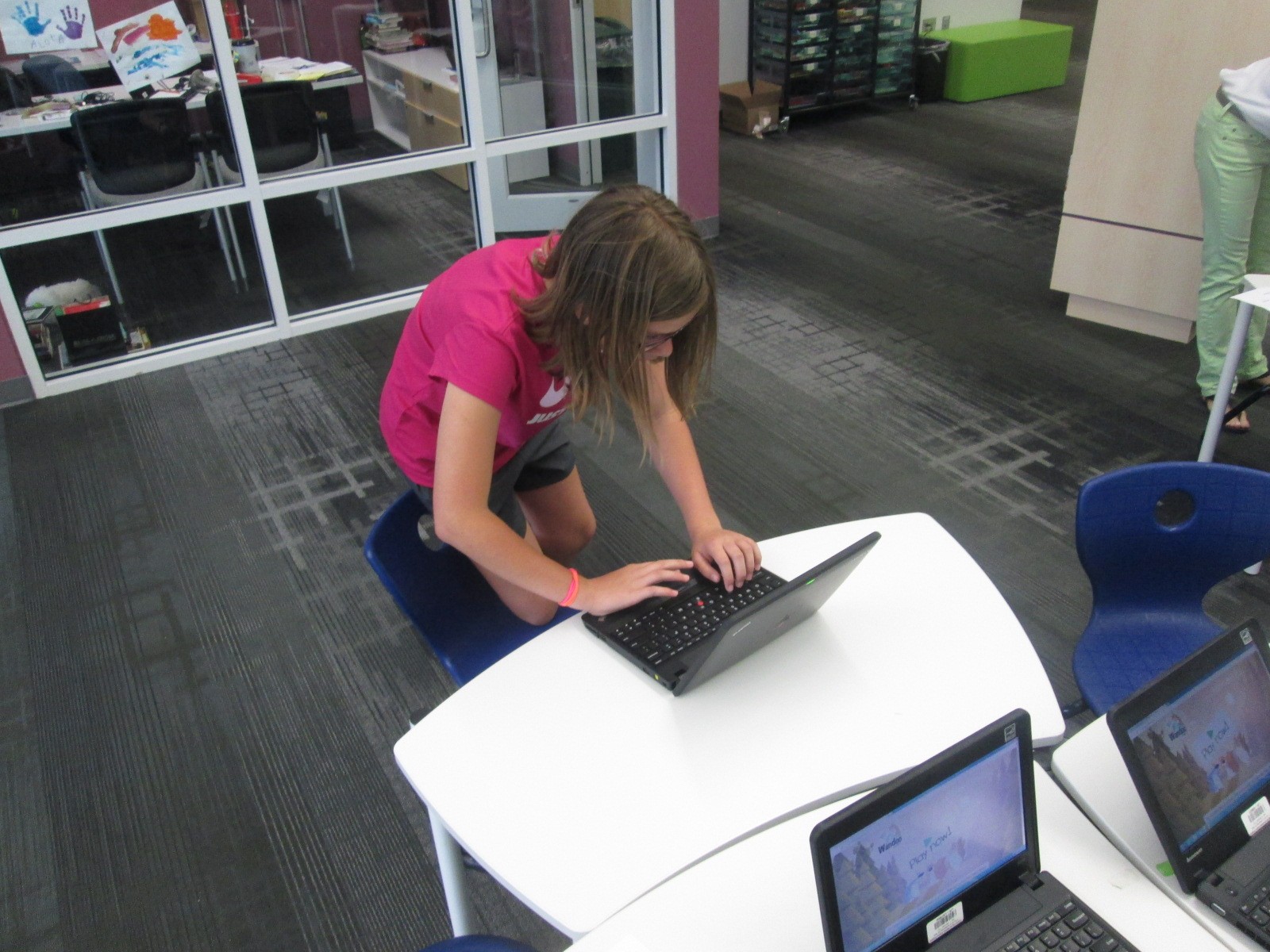
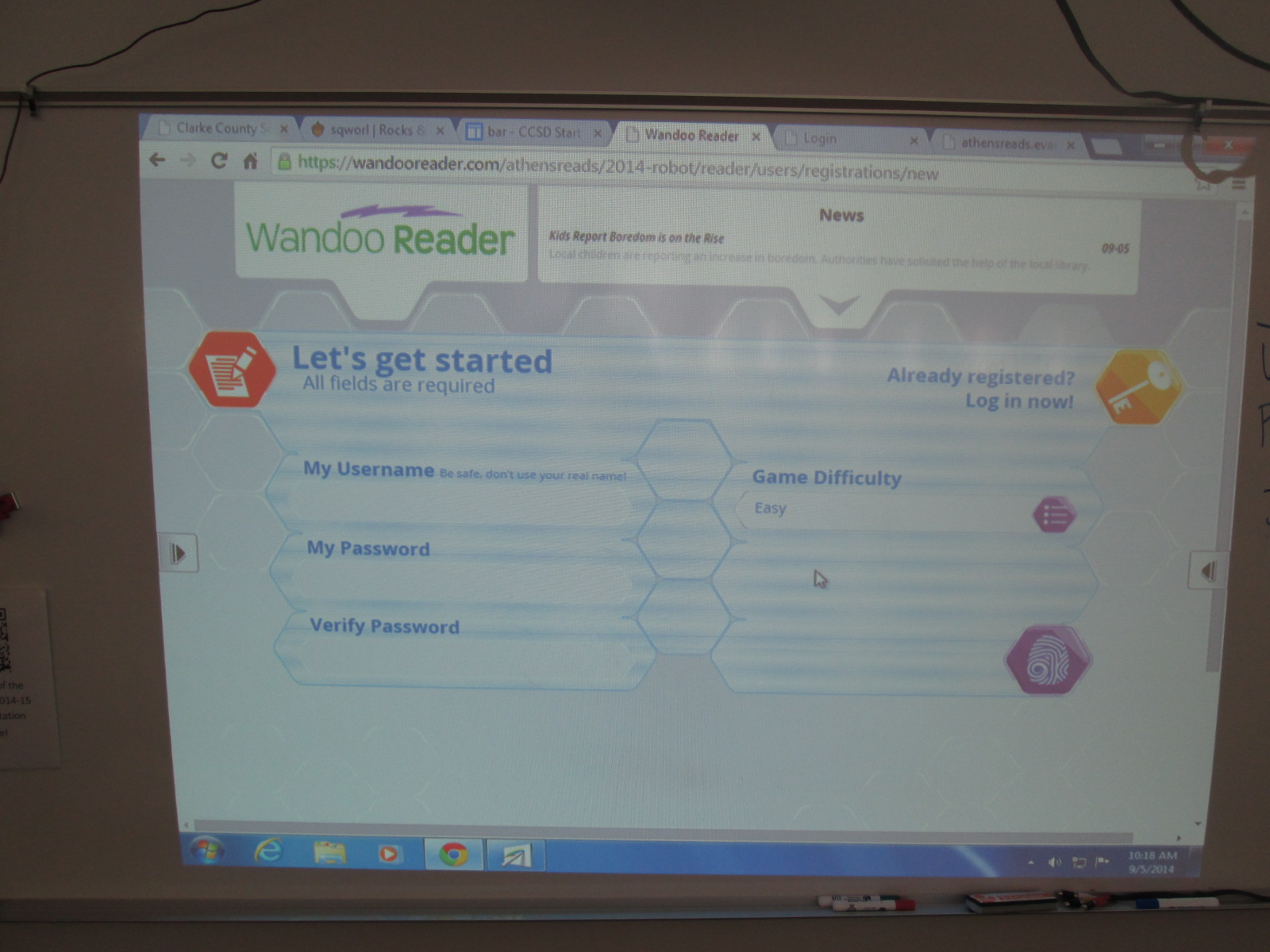
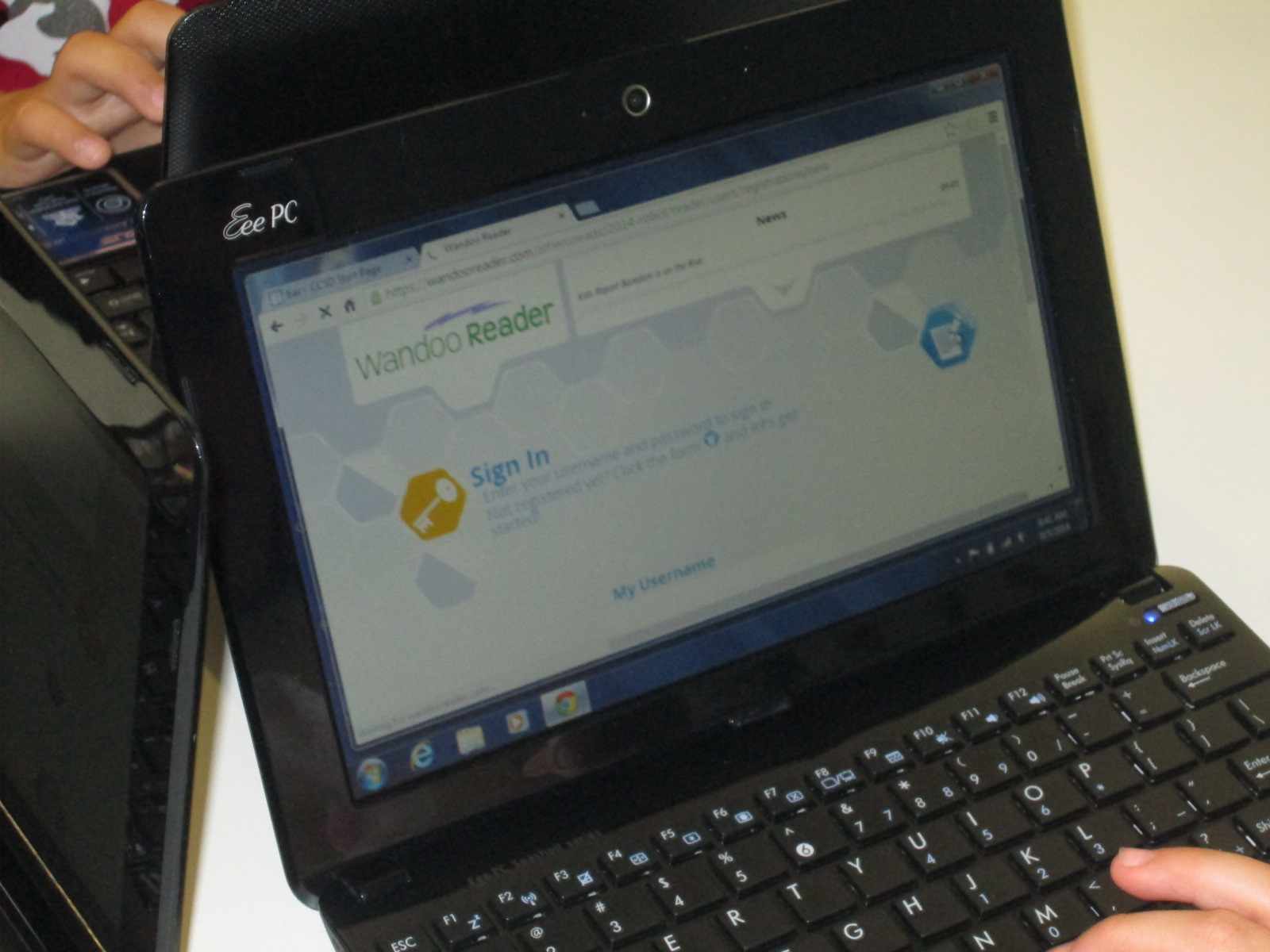
Then, we started the long process of getting students registered.  It didn’t take us long to discover that this process is not quite ready for schools and will need some adjustment.  Each student had to create a username, password, confirm password, and select the difficulty level for the game.  Then, students had to type my email address to send an email confirmation.  Each email had to be clicked on to activate each student account before they could proceed.  Bulk uploading is already in development and it is essential for schools to have this feature because the wait time students felt while I clicked on each email was too long.
Wandoo Reader Kickoff (20) Wandoo Reader Kickoff (25)

Once students have accounts activated, Wandoo Reader takes them through a tutorial which reveals the story line of the game and shows students the different buttons they will click to log reading, purchase parts, build a robot, etc.  This tutorial is text-only for now.  Some students read every word, others clicked through without reading at all, and others really tried to read but got frustrated without the support of audio or an adult’s help.  Again, this was an area where students and teachers offered feedback about their experience and observations and would really love to see an audio feature or simpler text.
Wandoo Reader Kickoff (8)

After the tutorial, students come to another screen where they have to put in their name, birthday, zip code, gender, and select their teacher.  There was a lot of learning here for students because it revealed that most students had no idea what a zip code is.  It was a great lesson, but it did slow down the registration process.  Our suggestion for this page was to cut out much of this page.  The essential information is the student name and the teacher.  These are the two pieces that will be used the most when running reports for data from Wandoo Reader.
Wandoo Reader Kickoff (16)

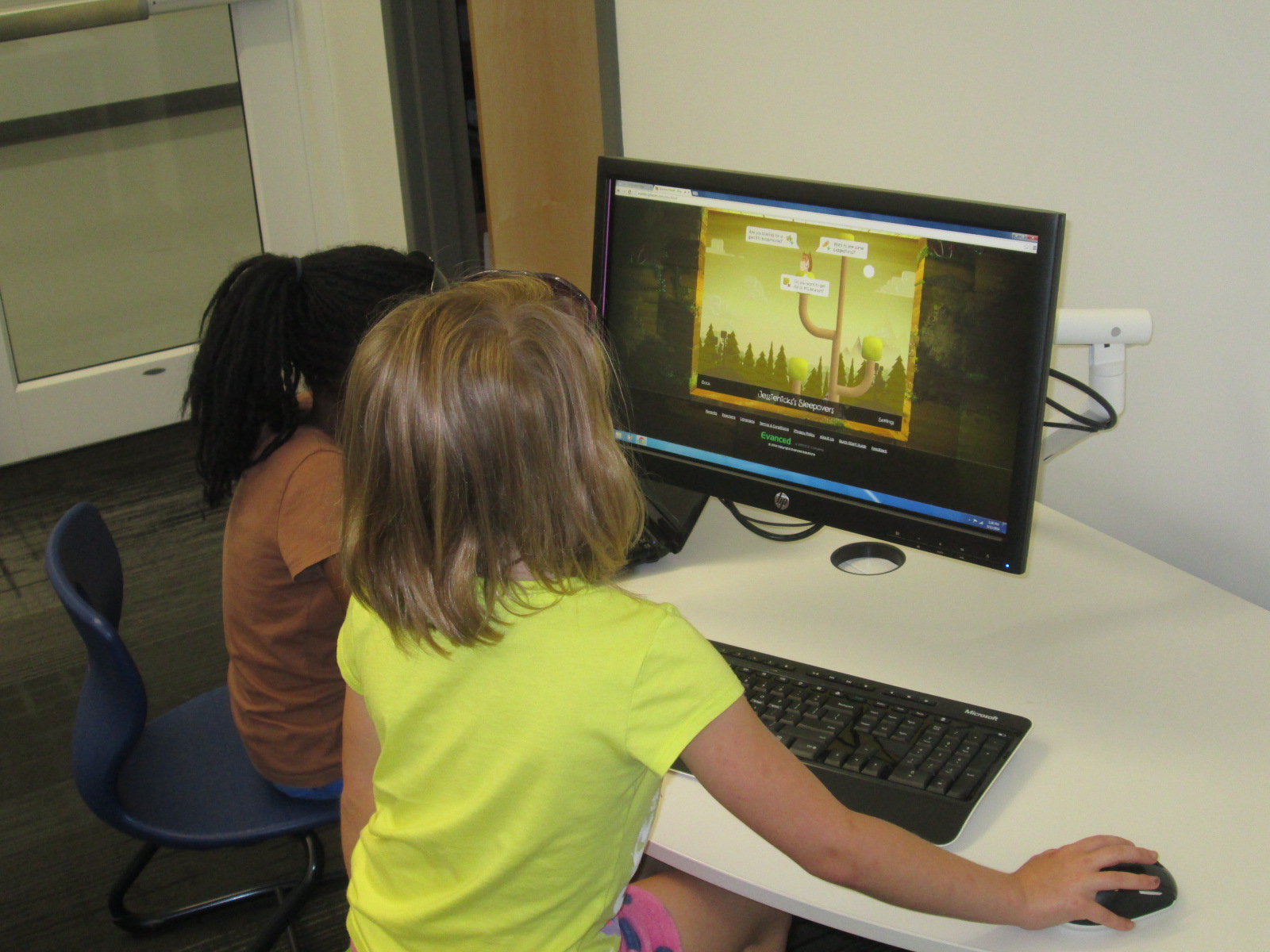
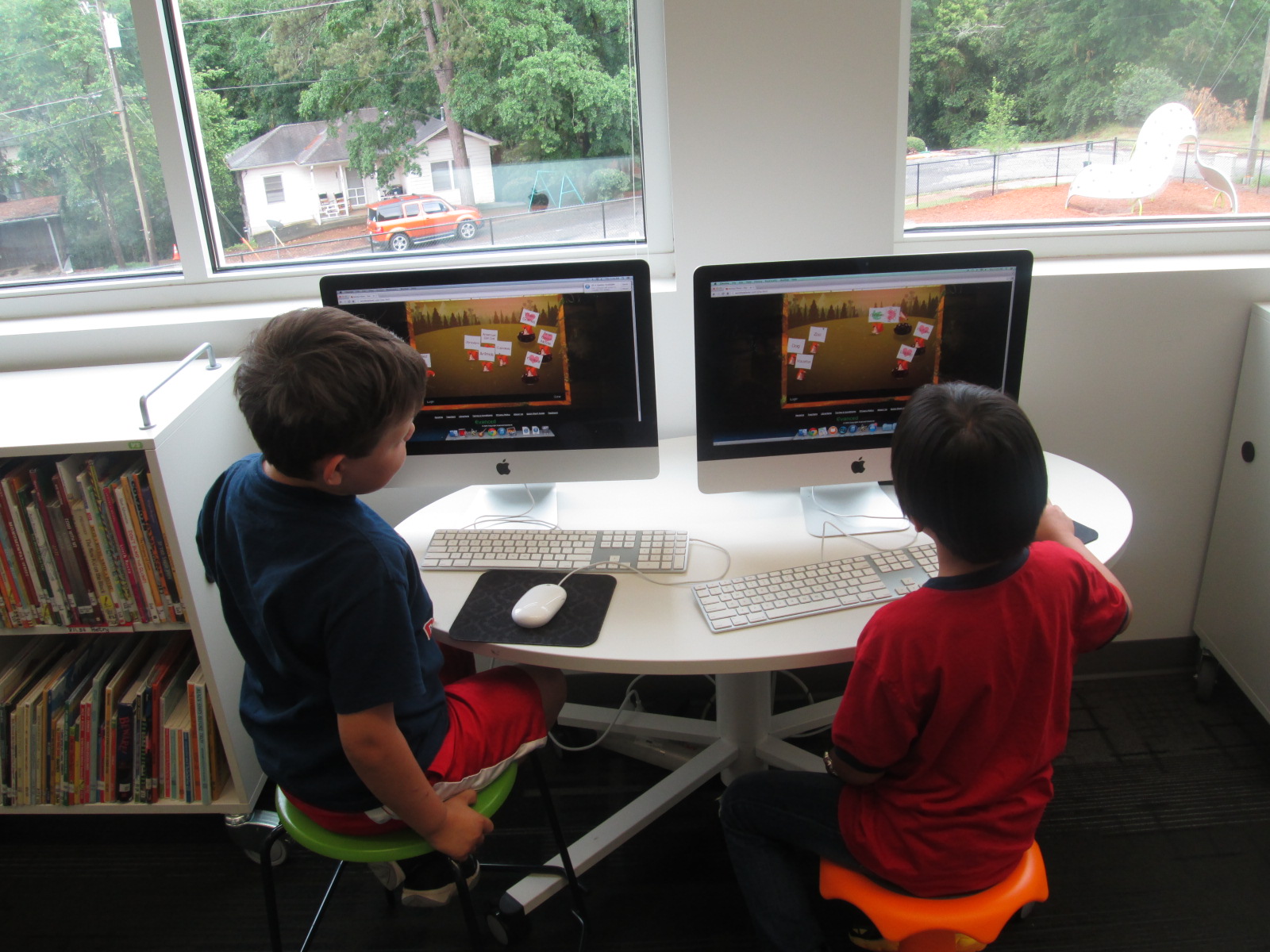
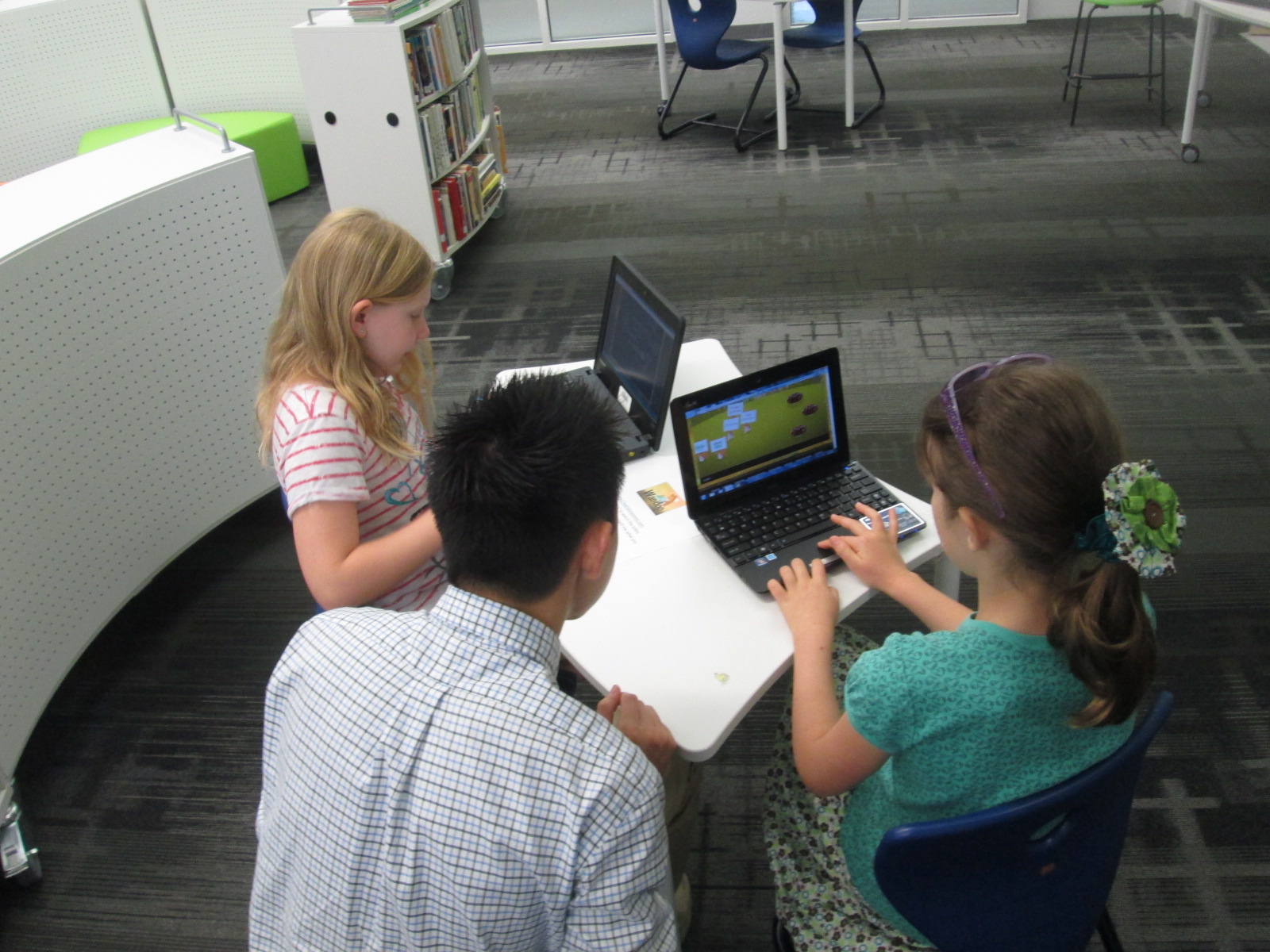
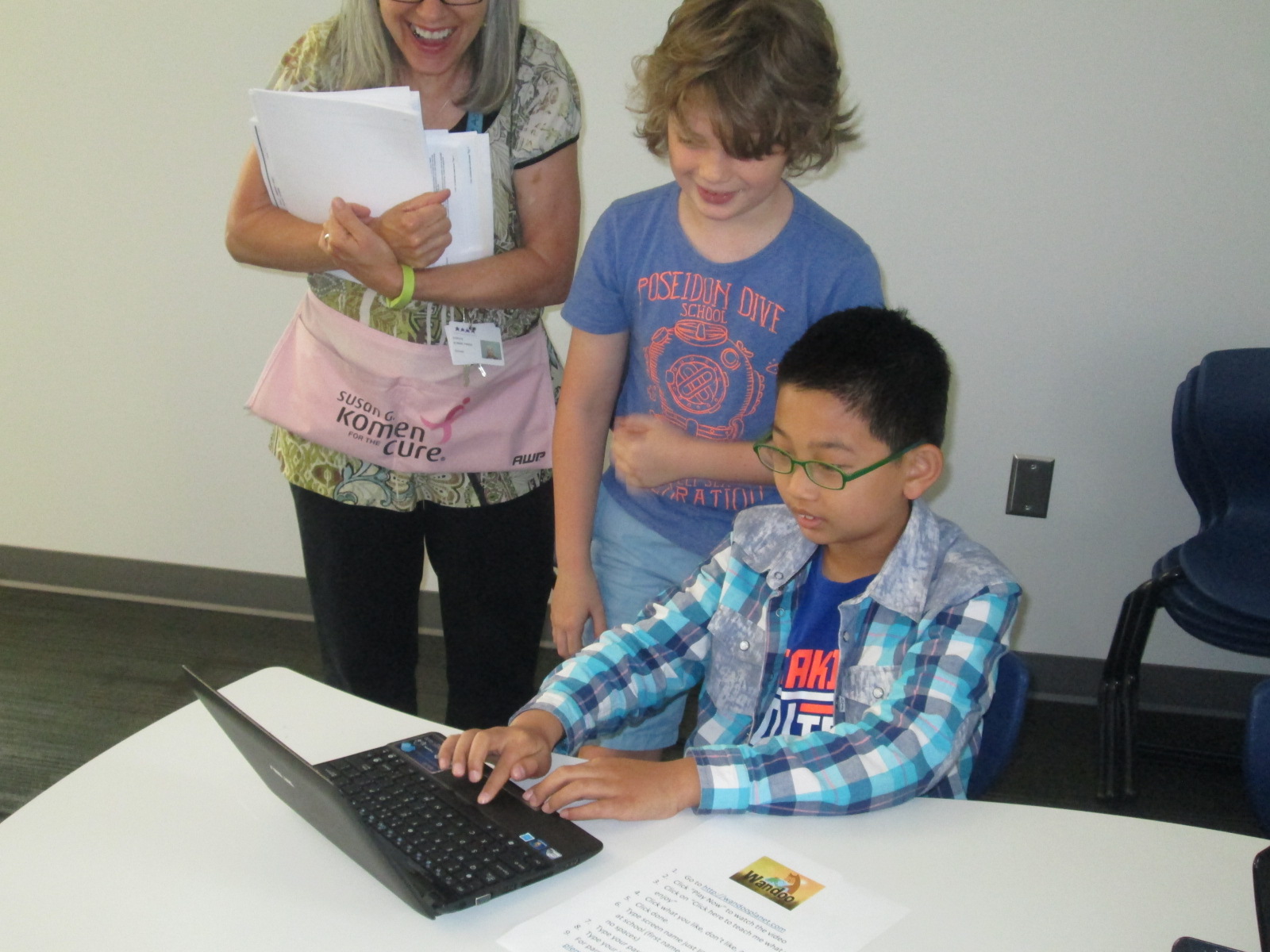
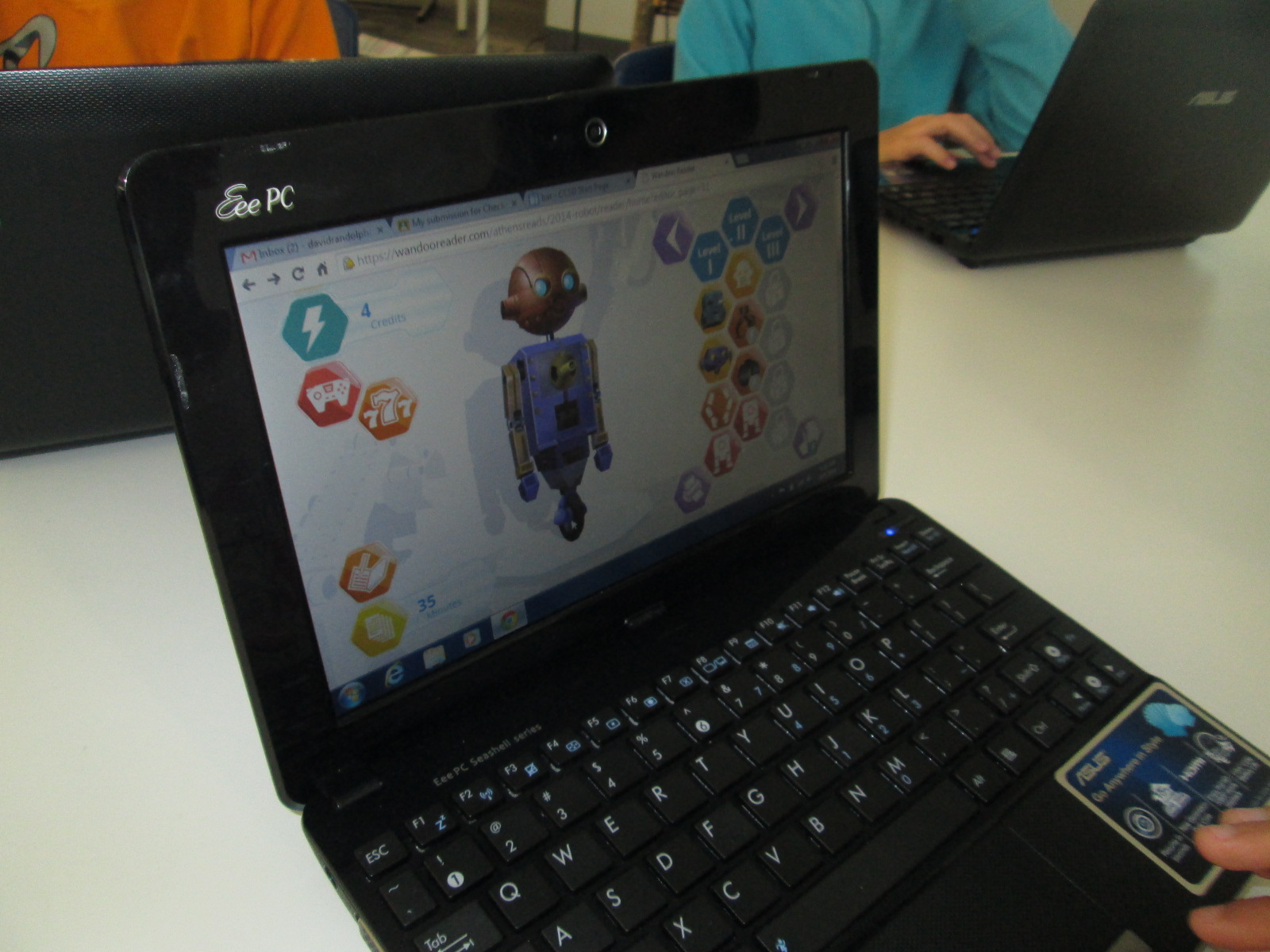
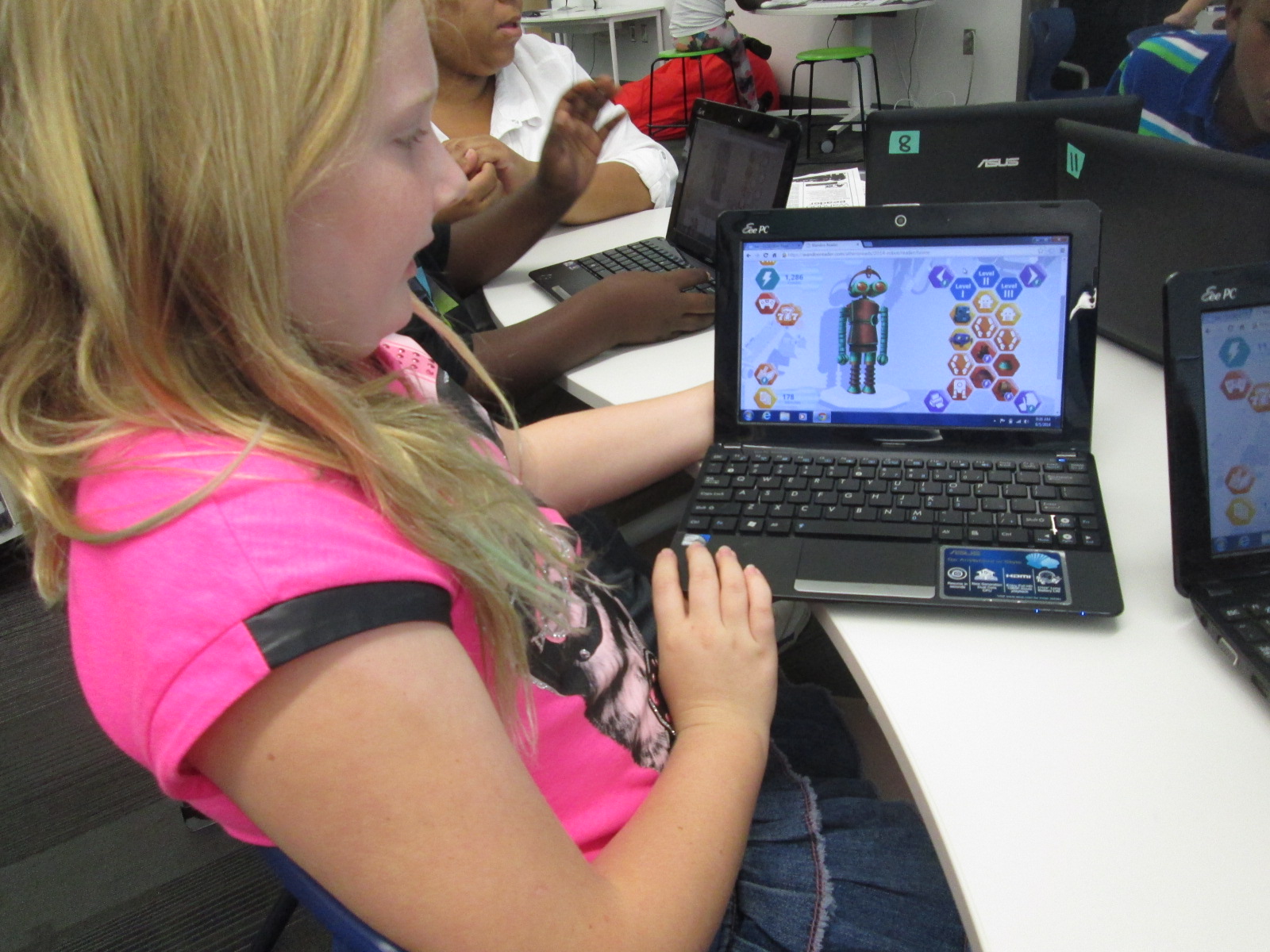
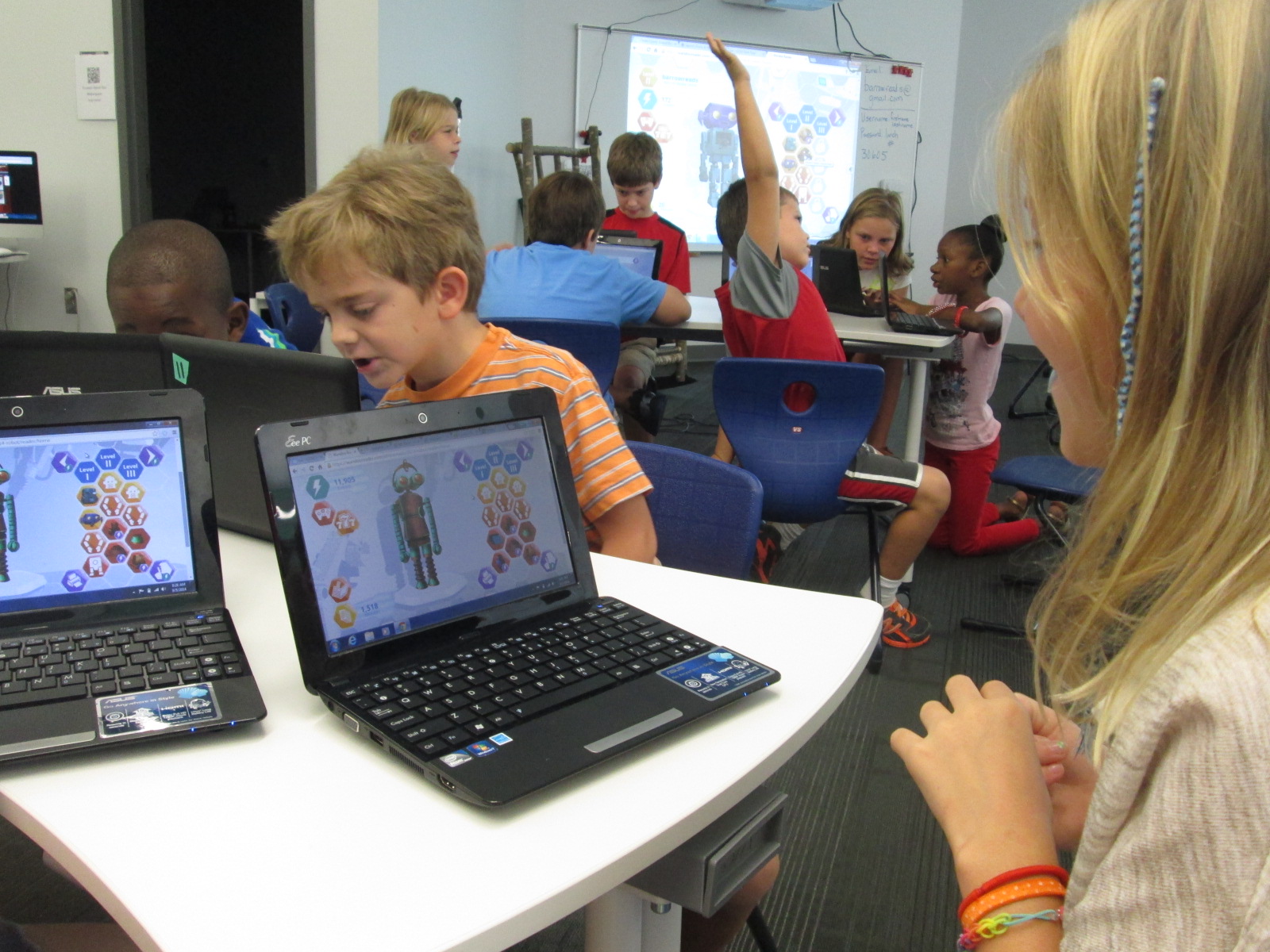
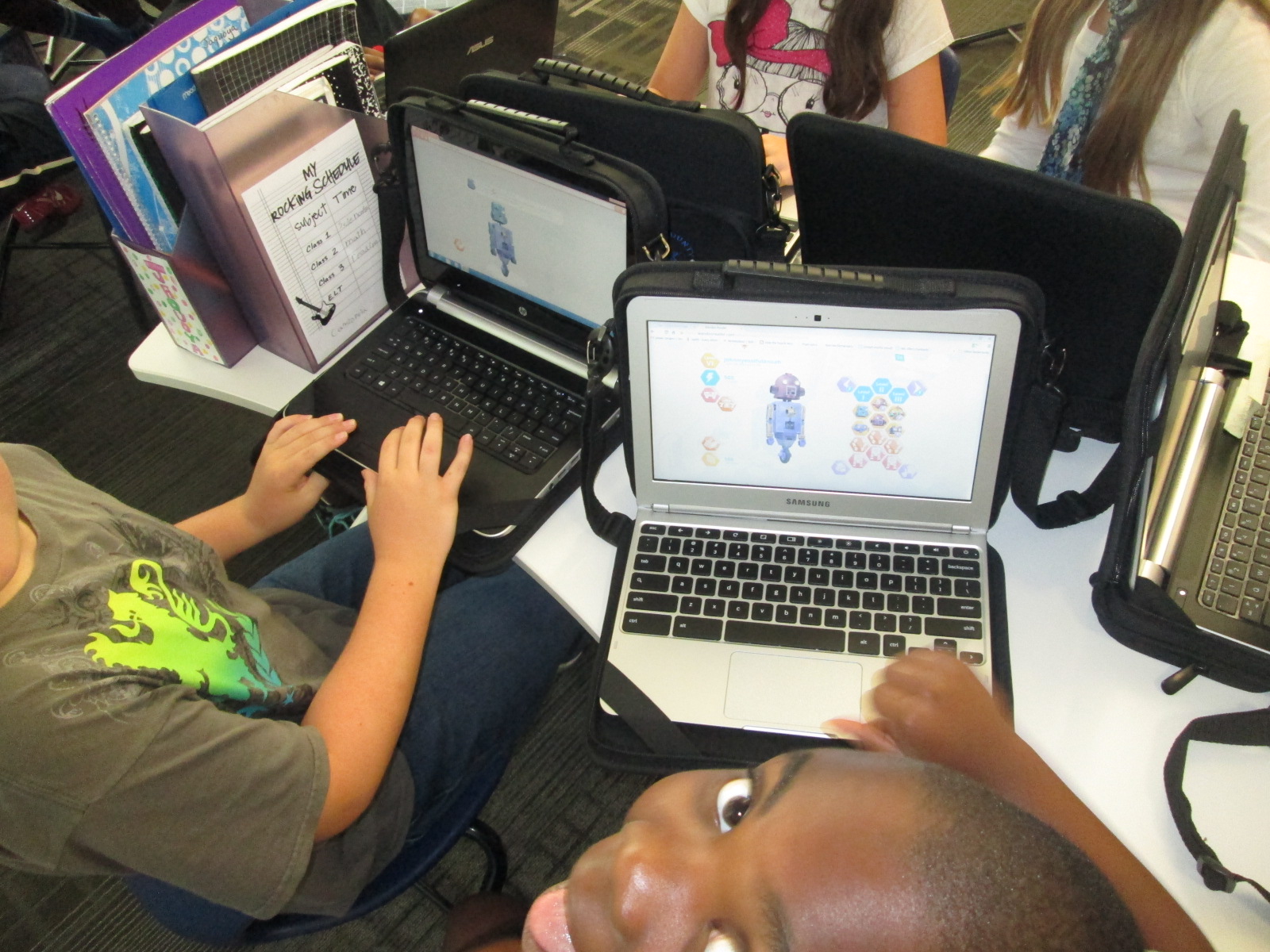
Once students made it through registration, the fun began.  Students practiced logging some books that were recently read, earned points, and started building robots.  Every student logged “Wandoo Reader” as a book if they read the tutorial.  There were smiles all around as each robot looked a little bit different than the next.  I loved how this feature gives students a sense of personalization, which is so important to students.  Once kids got into the program, we heard things like:

and

Students were really engaging in goal 1 from the library this year, “dreaming, tinkering, creating, and sharing”.  Of course, some students started testing the system to see how many points they could earn for more parts.  We can always clear that out through the administration portal, but they had permission to tinker.  They figured out how things worked, how things didn’t work, and also revealed to us what Wandoo Reader might need in order to focus kids on the true goal of the tool which is increasing student reading ability.
Wandoo Reader Kickoff (14)

Students were so proud of their robots
Wandoo Reader Kickoff (24)

We closed our time by talking about the importance of the data that Wandoo Reader will produce for our school.  I gave specific examples.  For example, if I see that a student clicks “still reading” on multiple books and never clicks “finished reading”, it might reveal to me that the student isn’t finding a good match for reading.  If a student reads the exact same book over and over, it might reveal to me that I need to have a conversation with that student to find similar books to the trusted favorite.  If I notice that several students are reading a lot in a particular genre, it might reveal to me that I need to purchase more of that genre for our library collection.  The list could go on and on because the data that Wandoo Reader can produce for me as the librarian as well as for classroom and collaborating teachers is something we have never had access to in a single location shared across the school.  If kids use it with “fidelity” as our superintendent says, then we can start to notice and really pay attention to the amount of time that our students are spending reading.  If we want to close the achievement gaps in reading, then one of the most important steps is getting the right books in kids’ hands and giving them time to read and have fun with that reading.  Wandoo Reader has great potential for this.
Wandoo Reader Kickoff (19)

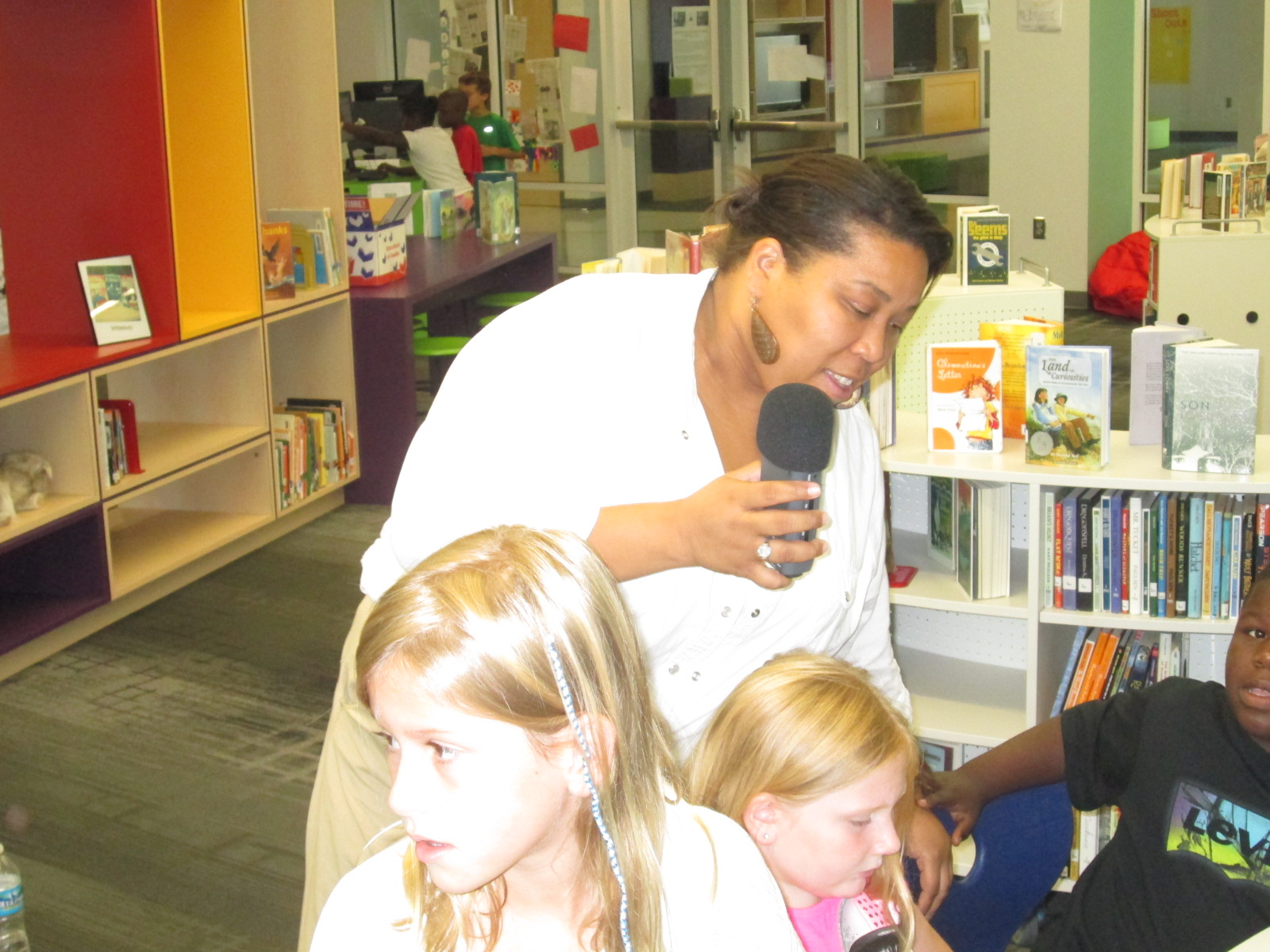
Ms. Spurgeon record feedback for Evanced while supporting a student

Looking back over the day, there were many frustrating moments in the registration process.  In fact, there were times that it was that level of frustration where you just want to say “no thanks” and move on.  For students, there were moments where meltdowns, shut downs, and giving up could have happened.  However, the thing that sticks out to me most about the day is that there weren’t any tears.  Not a single student gave up.  I won’t pretend that they didn’t get frustrated because they did.  However, it is more important to me to see what they did with that frustration and it makes me ask “why?”.  Why didn’t they crawl under tables, cry, close their computer screens, or say I don’t like this?

I can’t prove why at the moment, but I can’t help but wonder about the library goals for this year.  We began each session by giving students permission to tinker and fail (goal 1 dream, tinker, create, and share).  We established a sense of purpose by helping them realize that their failure and feedback was contributing to the greater good of the world (Goal 2 global thinking & collaboration).  We empowered them to notice what wasn’t working as well as what they loved and share that into Lindsey’s recorder to take back to the developers (Goals 3 empowering student voice).  We talked about reading multiple kinds of text and logging everything and even gave them permission to log Wandoo Reader as a book (Goals 4 supporting reading habits).
Wandoo Reader Kickoff (15) Wandoo Reader Kickoff (21)

When I started the day, I really didn’t plan for every library goal to be evident in this one lesson.  As we moved through the first session, it became very clear to me that I needed to be transparent with students about the multiple layers of why we were using Wandoo Reader.  When I did that, the library goals naturally came to life because they are a part of my thinking every day.  If I can continue to replicate experiences like today, I feel like our students will continue to develop perseverance and stamina as well as feel like their voice matters in our school as well as the world.

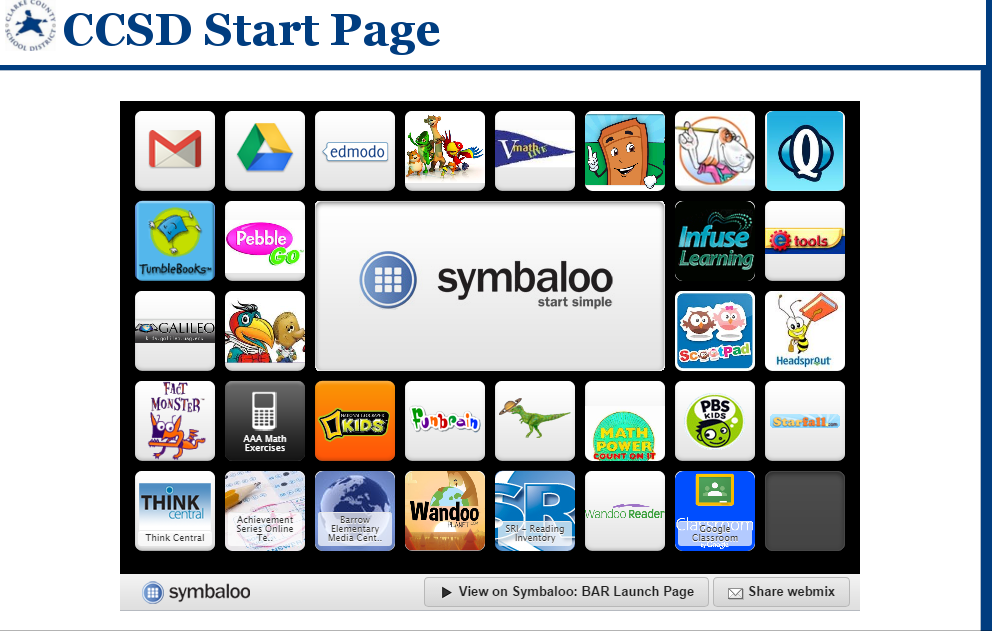
Now the students who are setup are ready to start logging everything they read and building robots.  I told them to not worry about what they have read in the past but instead start with what they are reading right now.  Many will probably log minutes this weekend by visiting our Symbaloo page where we keep all of our resources.  Others will start logging minutes at school next week.  Regardless, the task now is to continue to tinker for a bit until we all figure out the best process for having kids log their minutes.  I will also follow up with teachers to see how they are feeling about Wandoo Reader and see what our next steps really are.
bar   CCSD Start Page

Even with the frustrations of registration, I feel like we all gained so much from this day to support us throughout this school year.  Thank you Evanced for this opportunity, and we can’t wait to see the changes to Wandoo Reader based on what was learned from these first student users.

Barrow Students are Banishing Boredom with Wandoo Planet

BnrkJhaIMAAhM3L

Back in early February, a group of 5th graders became beta testers for a new tool from Evanced Kids called Wandoo Planet.  It is a kid-powered interest genome project similar to Spotify, Pandora, or Netflix.  Through a visually-stunning, game-like interface, students train the system to understand what their interests are and Wandoo Planet offers book and movie recommendations.

lindsey 1

Since our beta testing began, Evanced has released the beta version to anyone who wants to register for an account.  The polished version will be released in summer or early fall.  I thought this would be the perfect launch to summer reading.  In the past, I’ve tried to get students to think about their interests and begin making lists of possible reading topics, but I felt like it was difficult to carry those initial plans into the summer.  With Wandoo Planet, kids can start thinking about their interests and continue to grow and develop their interests throughout the summer and beyond.  They can take the books and movies that are recommended to the public library or bookstores and gather their summer reading materials.

lindsey

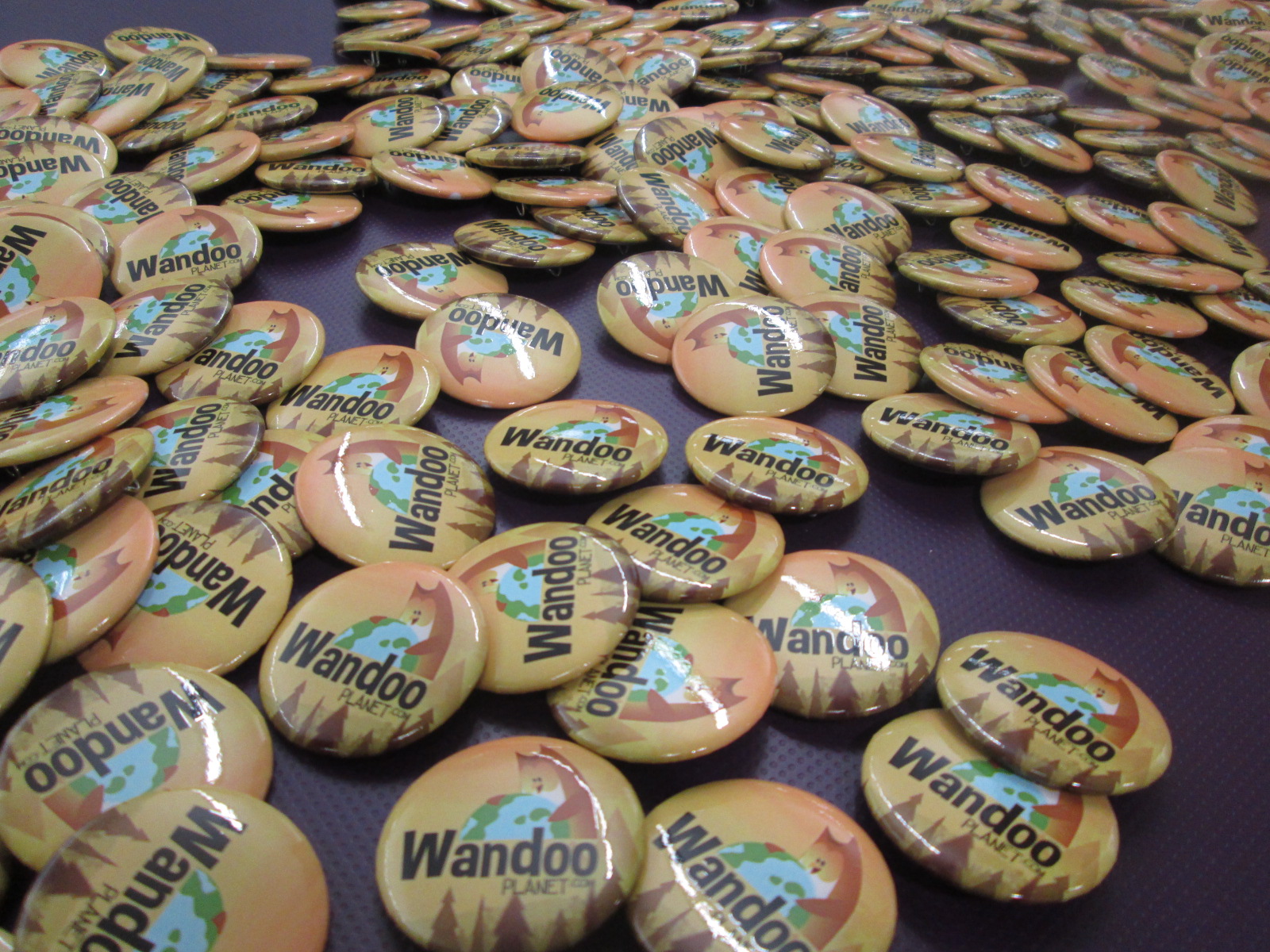
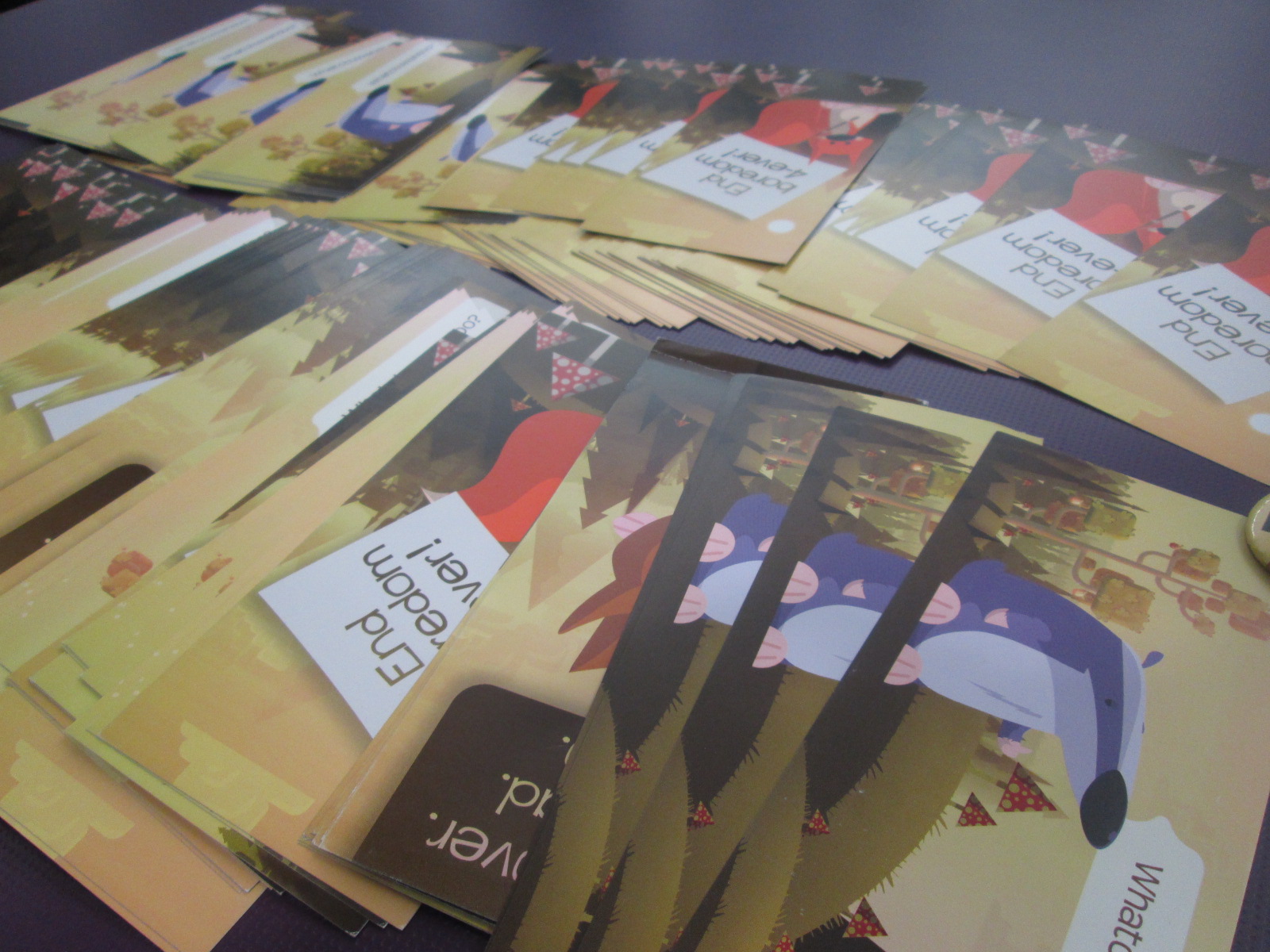
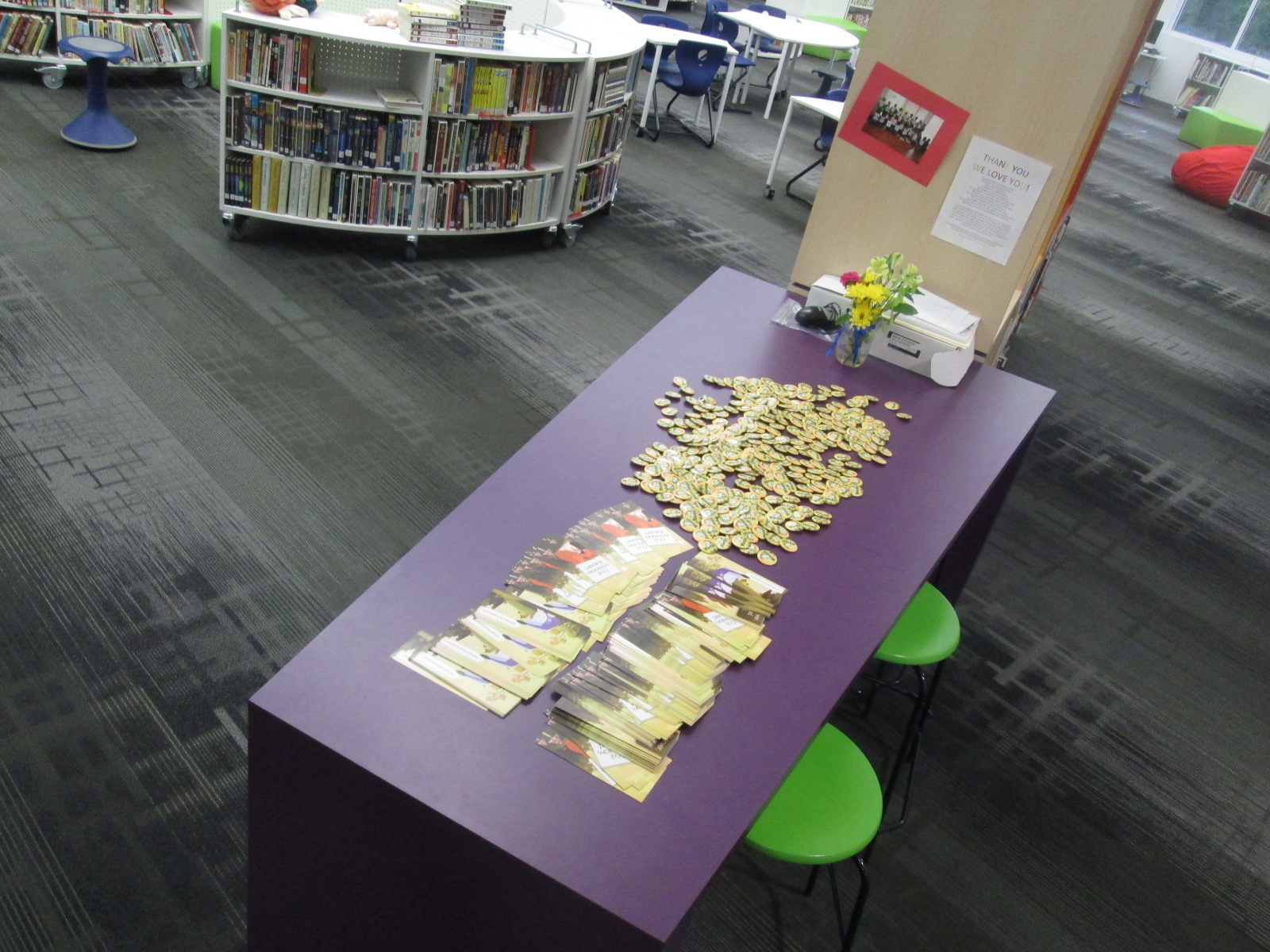
Lindsey Hill at Evanced began brainstorming with me on Twitter and email to plan a virtual visit right before we leave for the summer.  She mailed me bookmarks, username/password cards, and buttons to give to all of the students.

IMG_3414 IMG_3415 IMG_3416

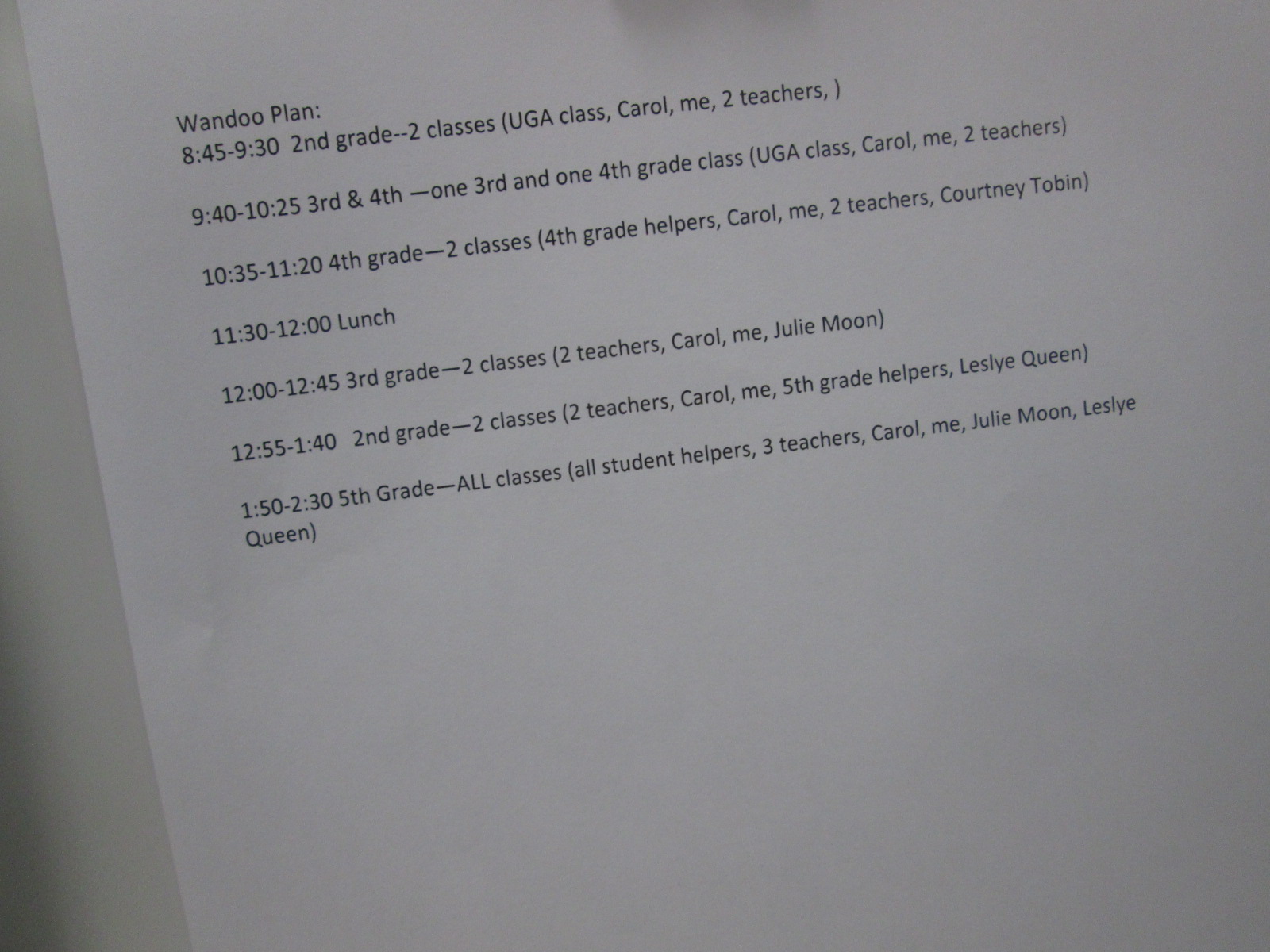
We thought through which classes would come, a schedule that made sense, how to structure the virtual components, and how to best use student time in the library.  We decided on having 2 classes for 45 minute intervals with a 10 minute cushion of time in between sessions.  This allowed us to see all 2nd-5th grade classes.

IMG_3418

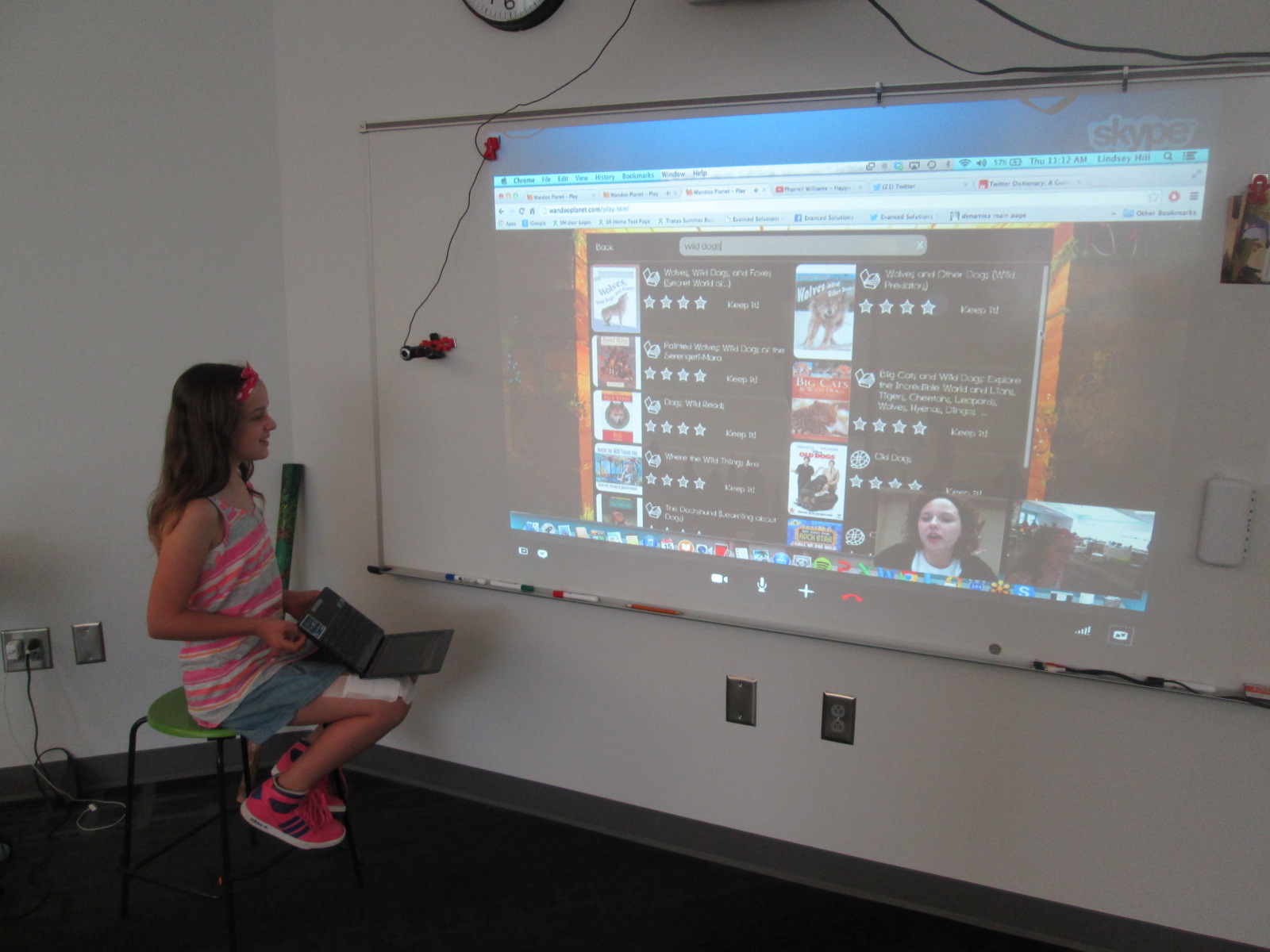
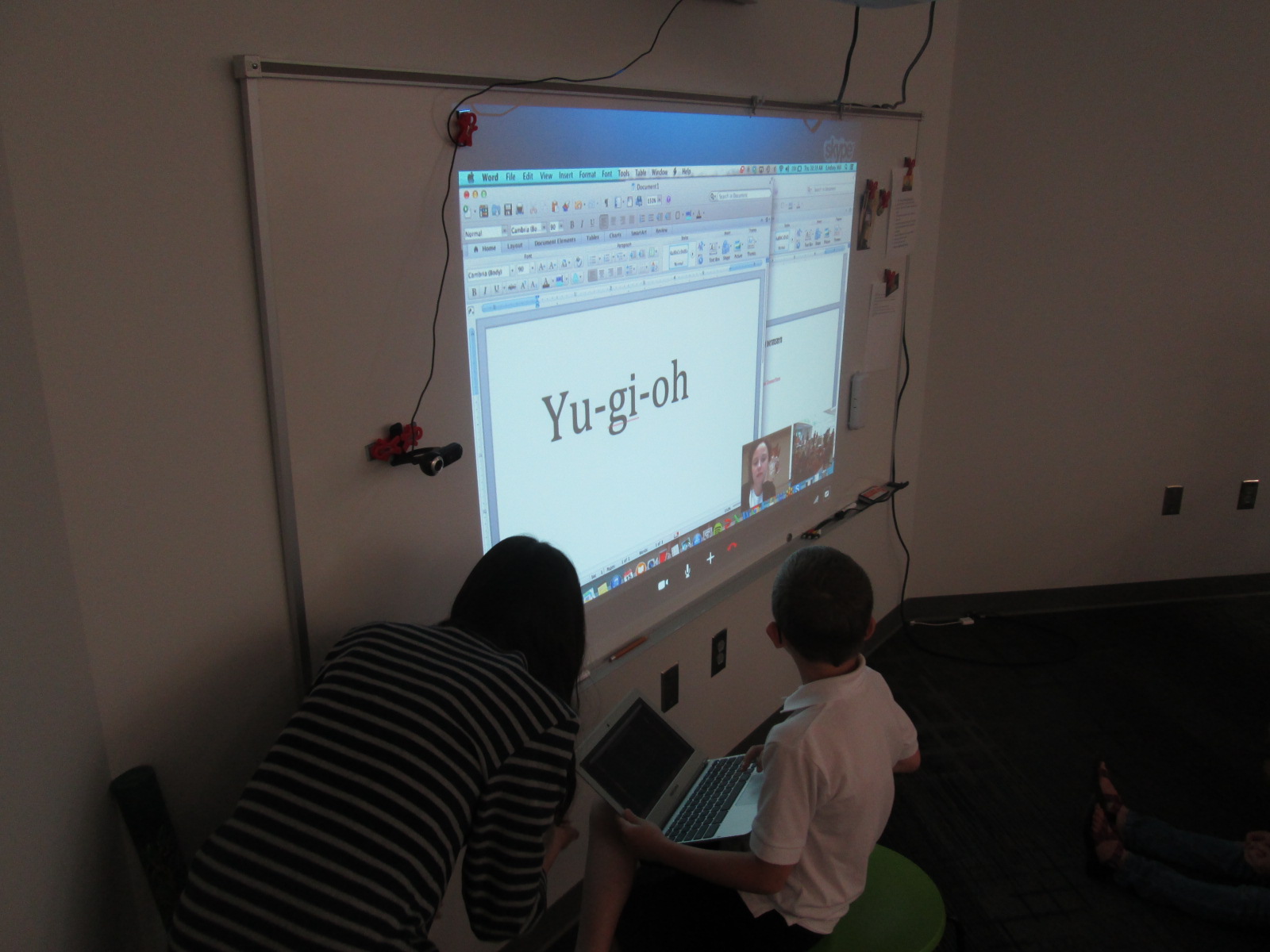
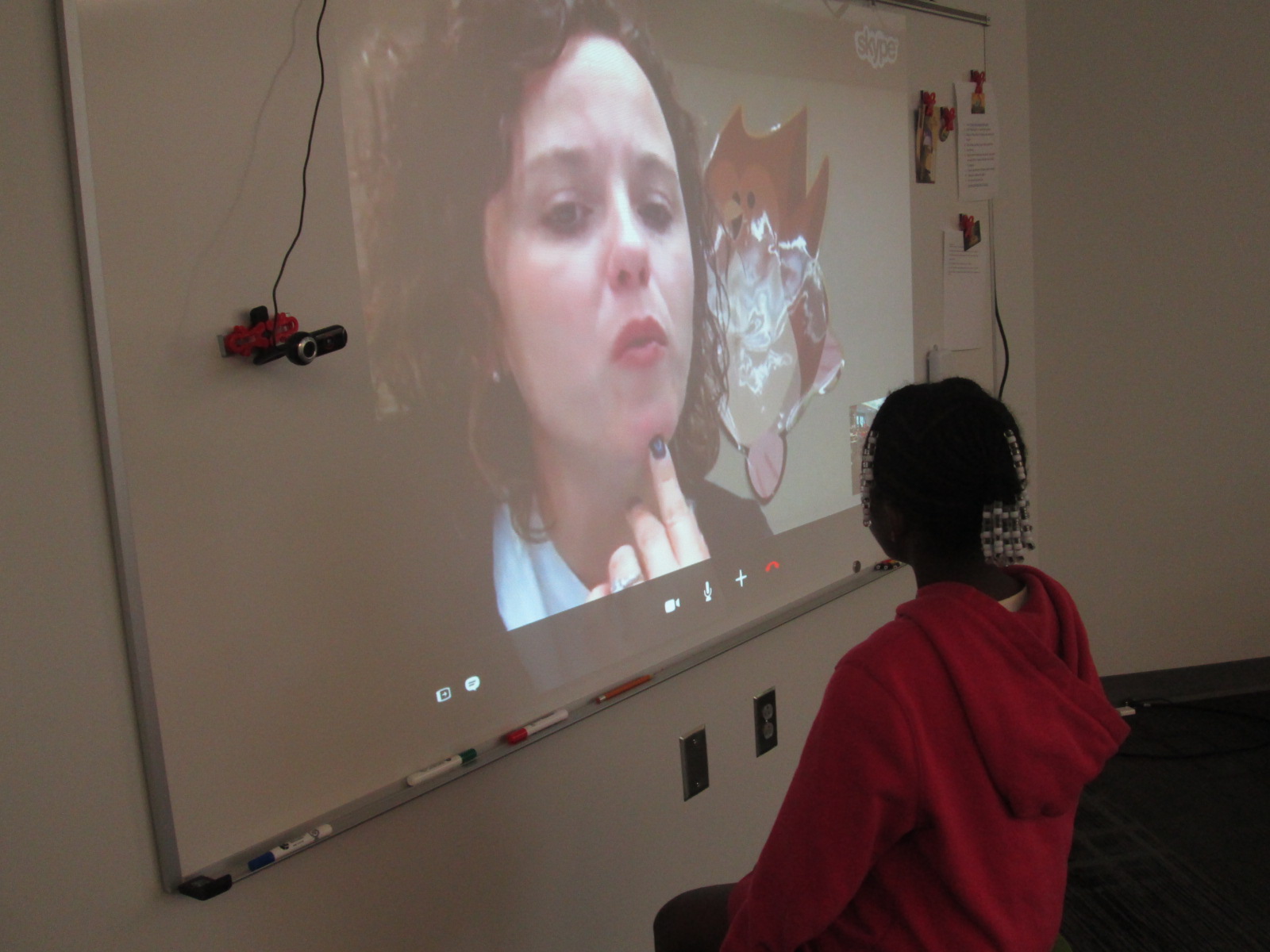
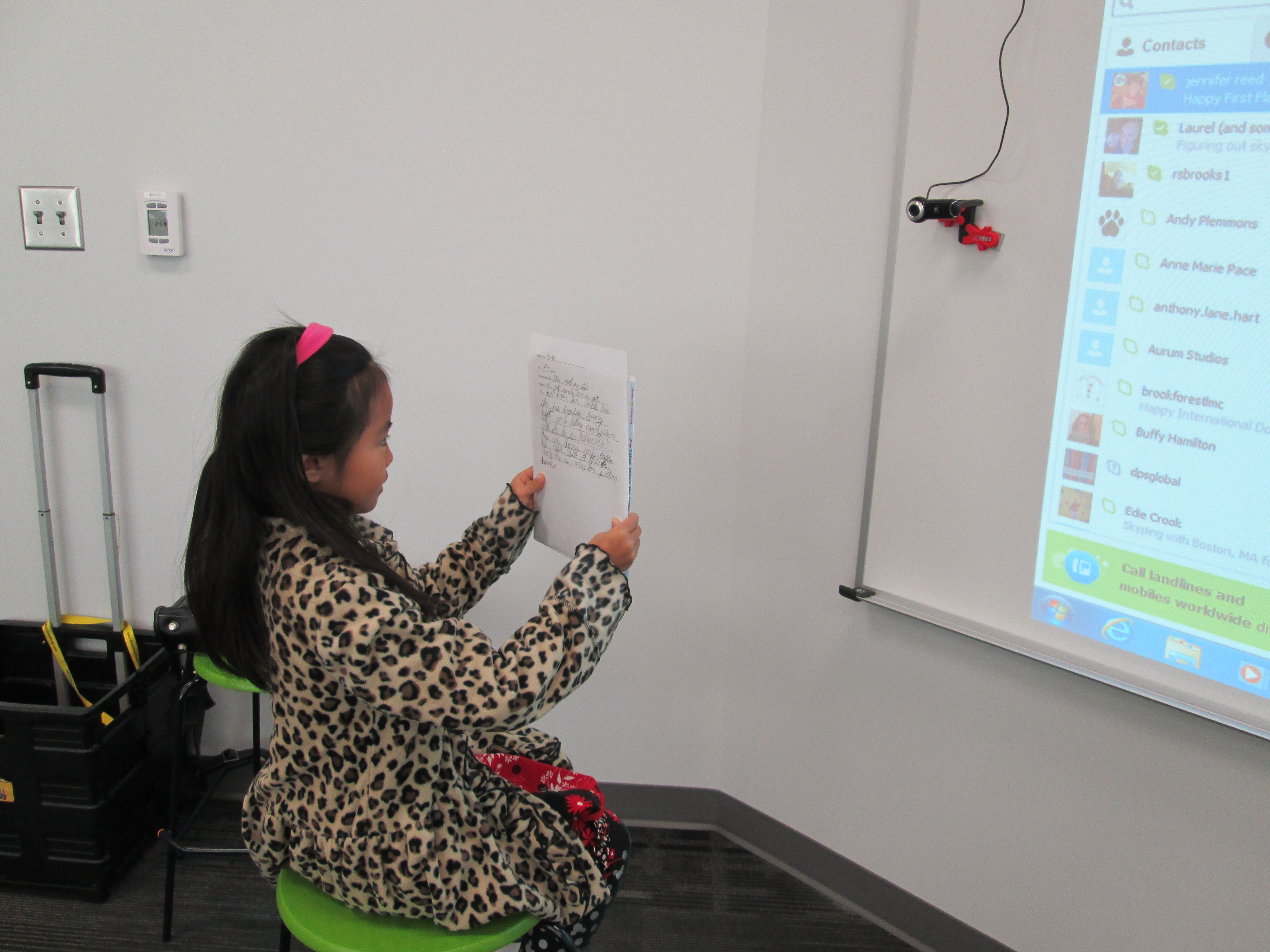
Lindsey agreed to Skype with each group and explain Wandoo.  She used this time to explain how Wandoo works as well as how to setup an account.

She also agreed to stay online all day so that students could give her feedback about Wandoo and ask questions.  I loved watching students walk up and have genuine conversations with her.

IMG_3460 IMG_3452 IMG_3447 IMG_3446

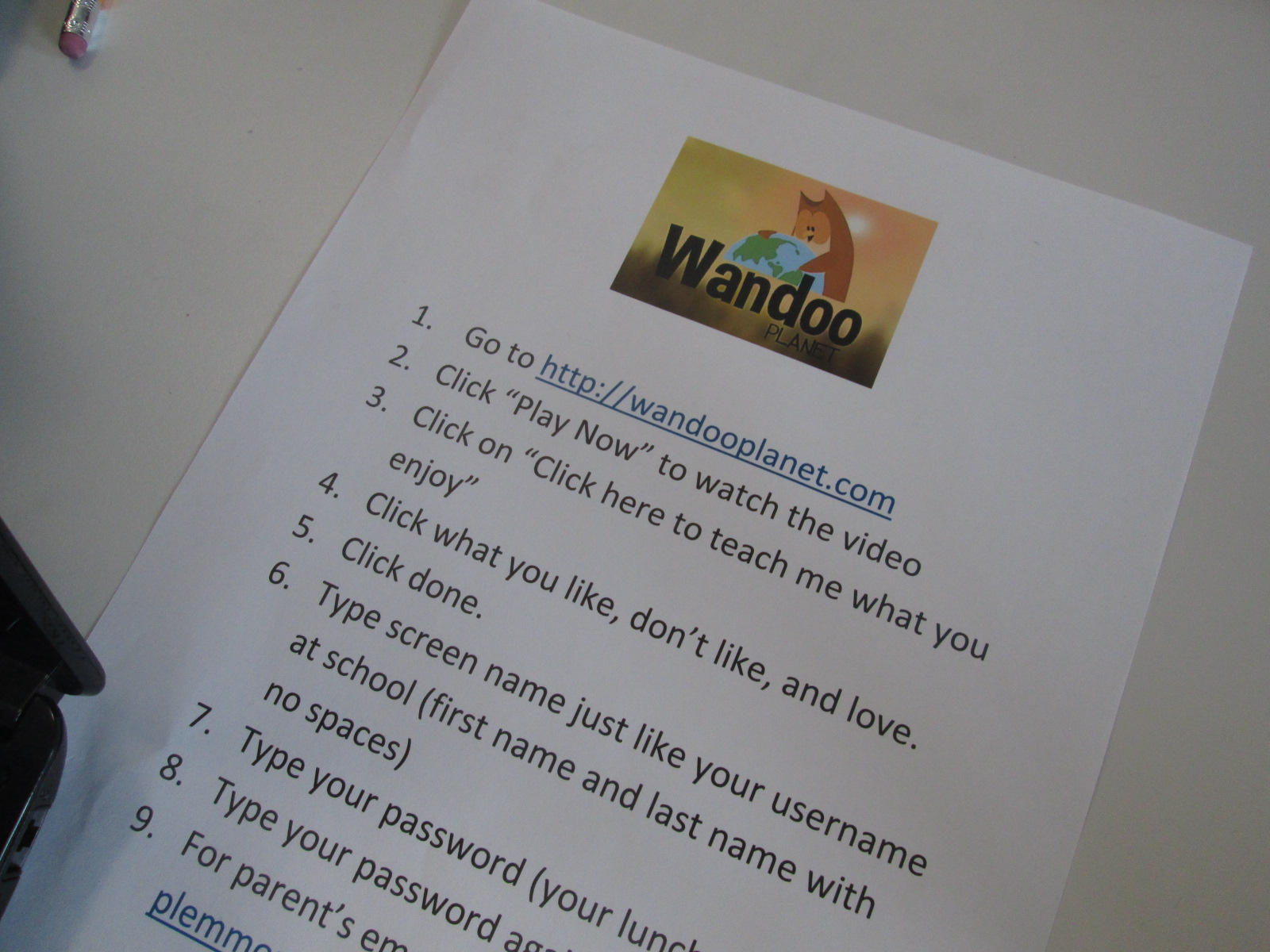
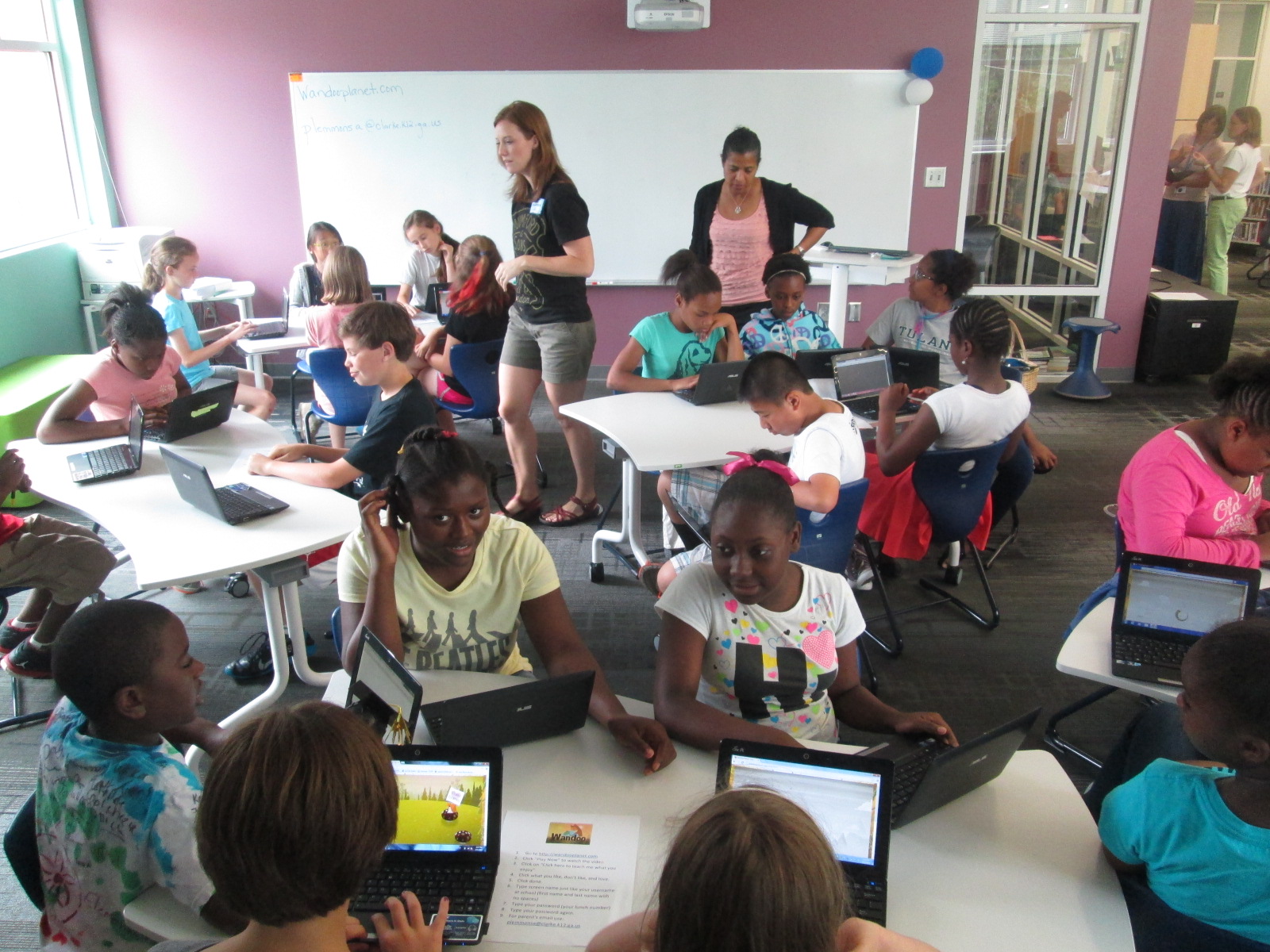
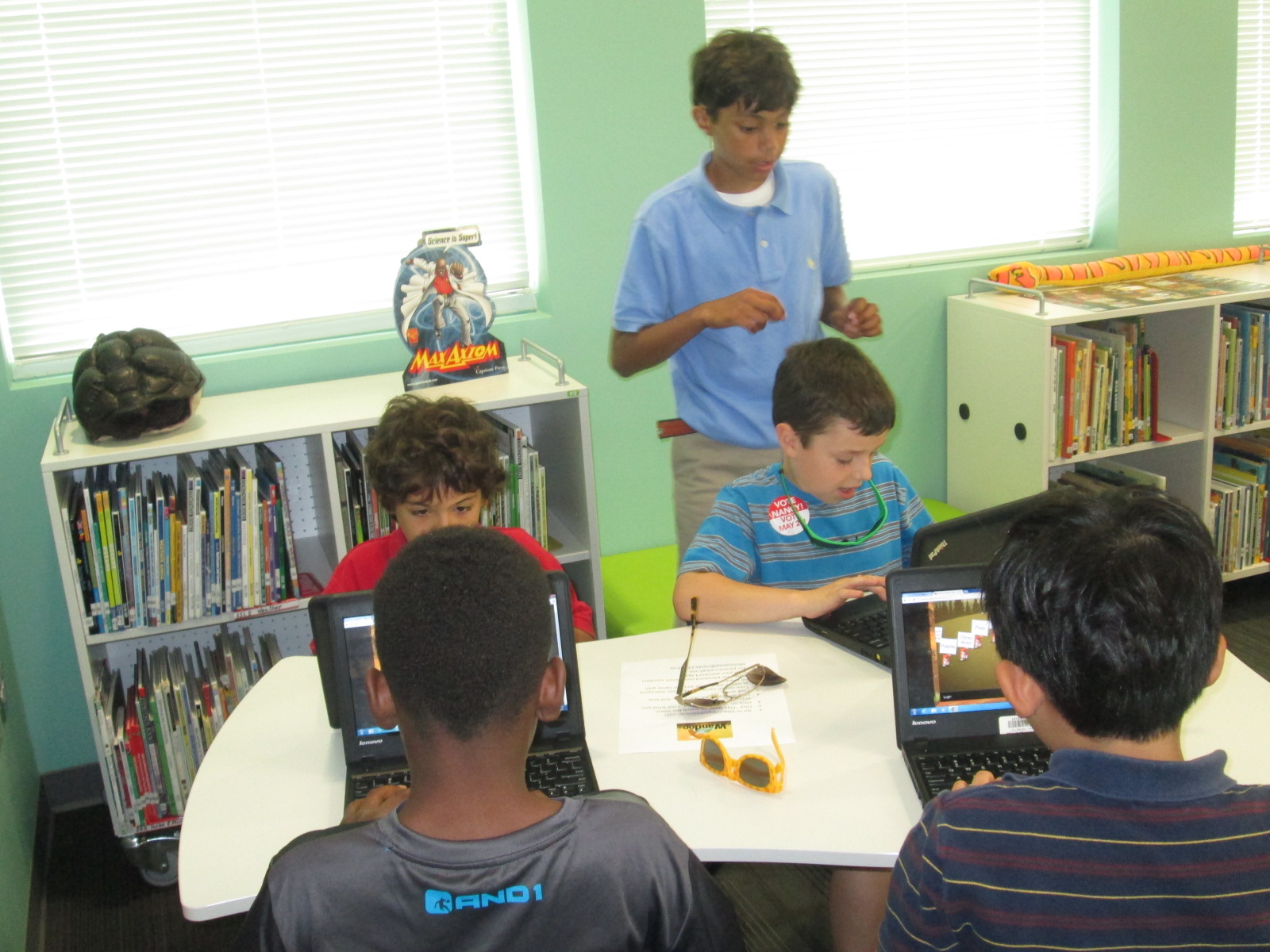
The goal for students during the work session portion of the 45-minute segments was to view the “squirrel parade” on Wandoo planet and begin teaching Wandoo what they like, dislike, and love.  After about 5-10 minutes, they setup an account and begin building their Wandoo tree.  The tree gives students recommendations for books.  If they mark a book to keep, it puts a bud on their virtual tree.  After they read and rate the book, the bud turns into leaves on the tree.  Students can also add interest branches to their tree by revisiting the squirrel parade or typing a topic directly onto a branch.  Students had a small amount of time to do this today.  I put a sheet on every table to remind students about all of the steps.

IMG_3456

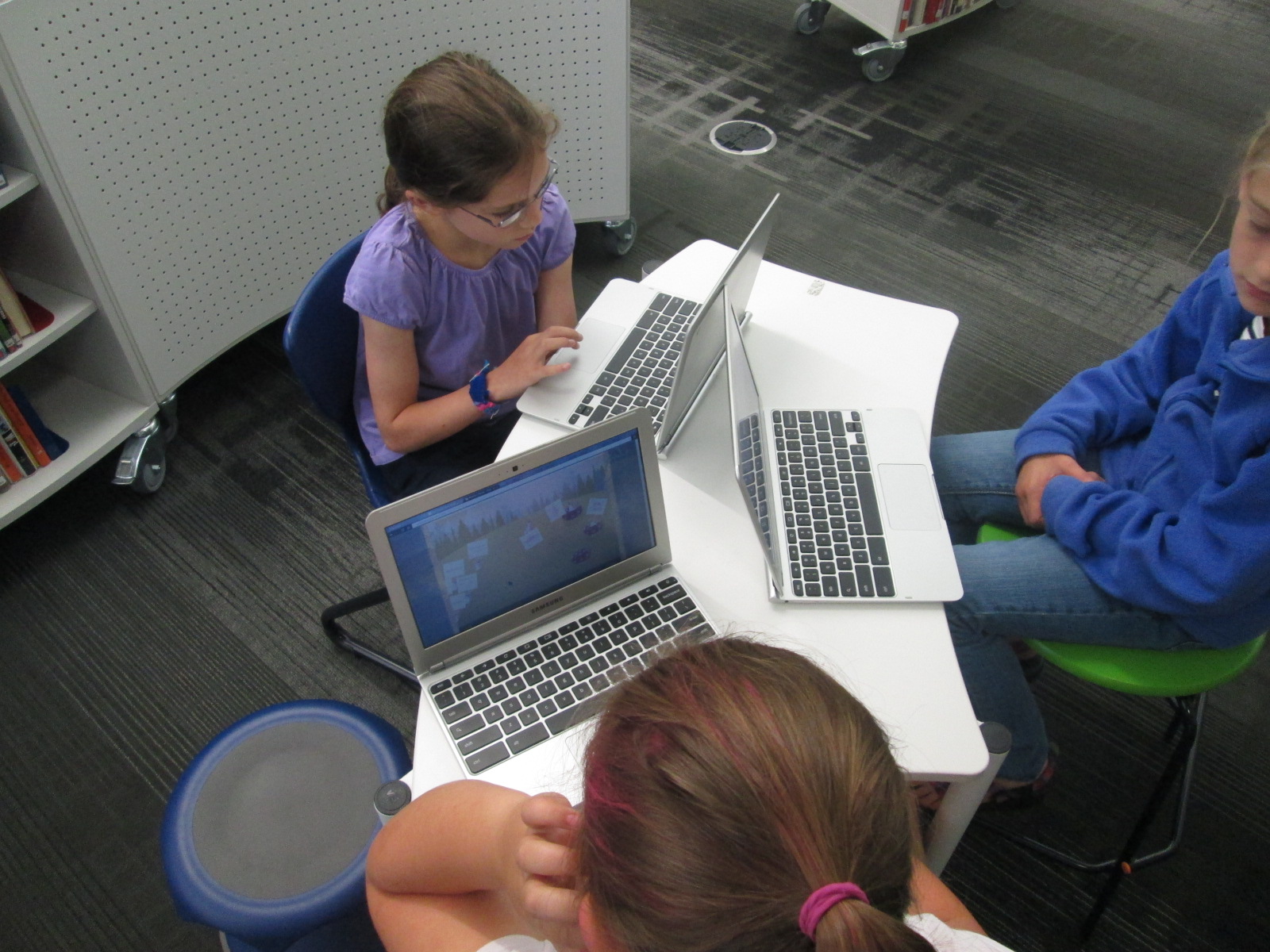
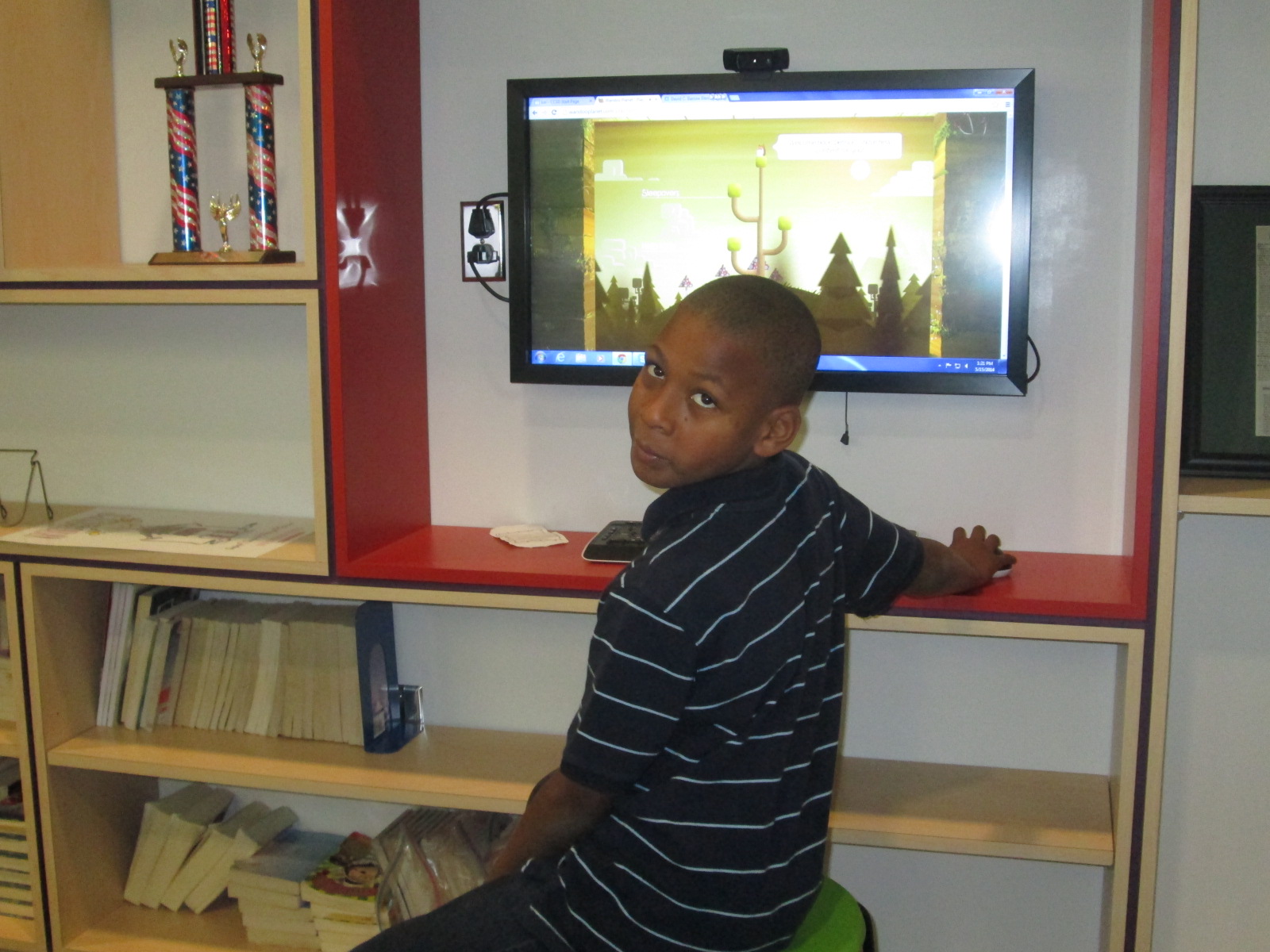
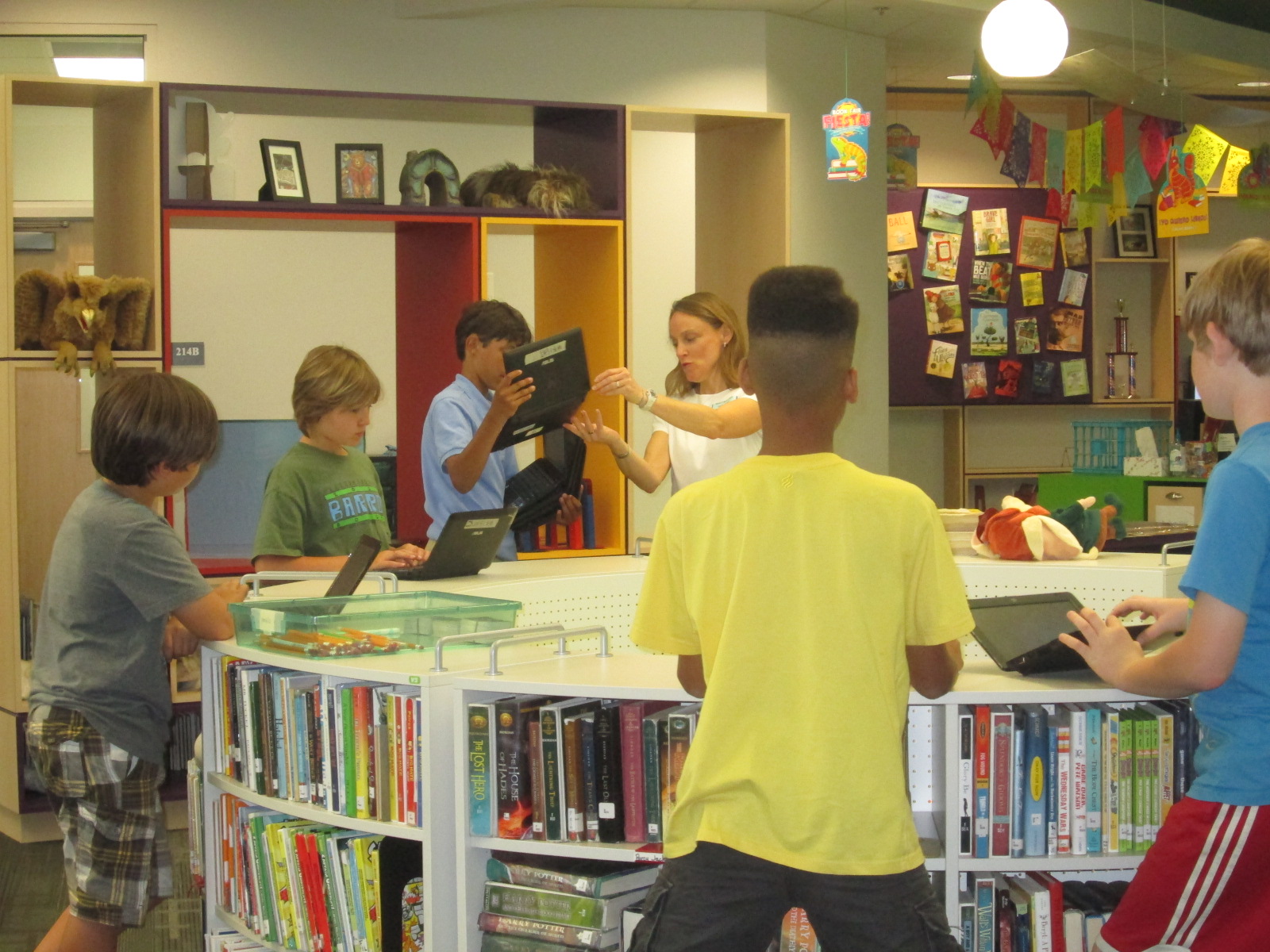
Students brought their classroom computers with them, but for 2nd grade we had to use the library laptop cart and other library computers.  It was interesting to look around and see all of the ways that students were accessing Wandoo.

IMG_3440 IMG_3483 IMG_3482 IMG_3481

While students were working, we had quite an extensive team of helpers during the day. For the most part, students were independent.  We scheduled helpers to assist students with typing, following directions, and thinking of feedback to go to the camera and give to Lindsey at Evanced.

IMG_3431 IMG_3430 IMG_3428

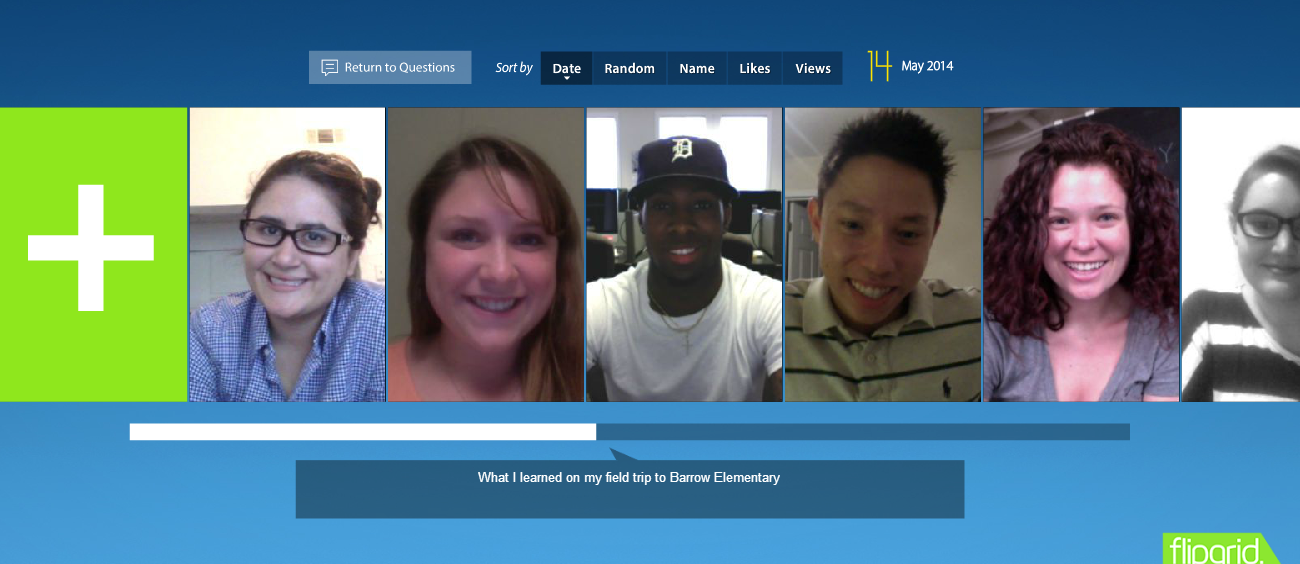
During our 1st two session, we had Gretchen Thomas’s maymester EDIT2000 class.  These students were extremely helpful in getting extra computers setup for 2nd grade and having individual conversations with students.  Even if they didn’t feel like they “helped”, their conversations pushed students’ thinking about reading interests.  I loved that these students used Flipgrid to reflect on their visit to Barrow.

Flipgrid. Relax and discuss.

We also had fantastic parent volunteers during the day that helped us as well.  Having these parents seeing how kids are using technology and how we encourage continued connection over the summer was so valuable to our school and library program.

IMG_3489 IMG_3476

Finally, we had a great team of student ambassadors to help throughout the day.  These students included my original beta testers as well as members of my student book budget group.  Each student had already created an account in Wandoo and tried it out for themselves.  I loved seeing their leadership as they setup computers, gently nudged peers to stay focused, and problem-solved technical difficulties.

IMG_3492 IMG_3479 IMG_3474 IMG_3475 IMG_3478 IMG_3458

Hosting this many students in one day in the library was exhausting, but the help of all of these UGA students, parents, and student ambassadors made all the difference in the world.

We closed each session by connecting once again with Lindsey.  She encouraged students to use Wandoo all summer long and each group had a special visit from Winston, the Wandoo Planet mascot.  We all had fun watching Winston’s dance moves and joining in.

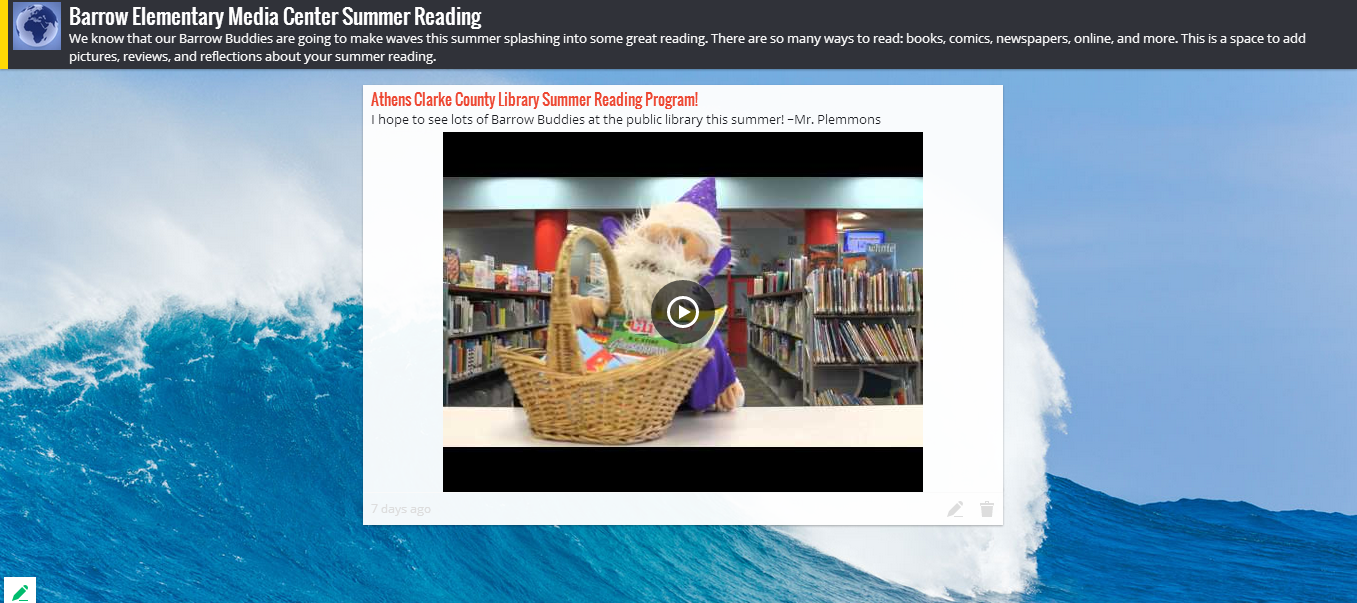
After saying goodbye to Lindsey, I showed students how they can continue to connect with our library all summer long by using our digital resources.  I also created a Padlet for them to post to throughout the summer.  Lindsey and Winston are going to add to the Padlet too!

Barrow Elementary Media Center Summer Reading

I also gave students a strongly worded statement that there’s not really an excuse to not access books and digital resources during the summer.  We have an incredible public library system that is within walking distance of most of our students. I hope they will take advantage of our public library’s many resources this summer.

Thank you Evanced Kids for creating a great tool for kids to think about their reading interests and for listening to kids in order to improve your system.  I can’t wait to see what our kids experience this summer!

Read Across America and World Read Aloud Day 1

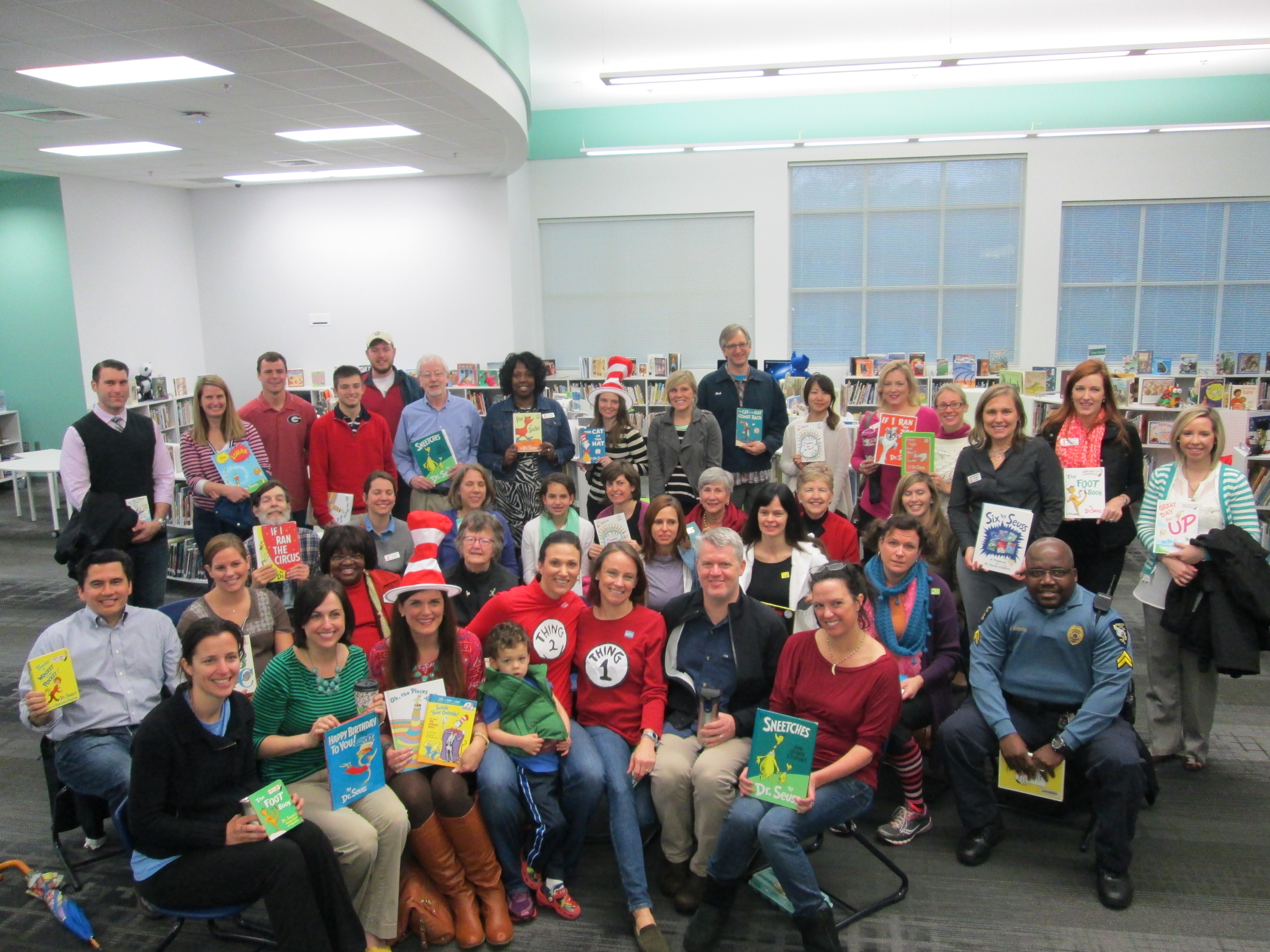
What a way to start the week for Read Across America and World Read Aloud Day.  Our morning kicked off with about 40 guest readers (2 in every classroom PreK-5th).  First, these readers gathered in the library to select books.  Many thanks to Kim Ness for checking all of the readers in and Julie Moon for setting up our Signup Genius which kept us organized.  They were full of energy and spent time connecting with one another, sharing stories, and getting pumped up to read to classrooms.

Seuss (11)


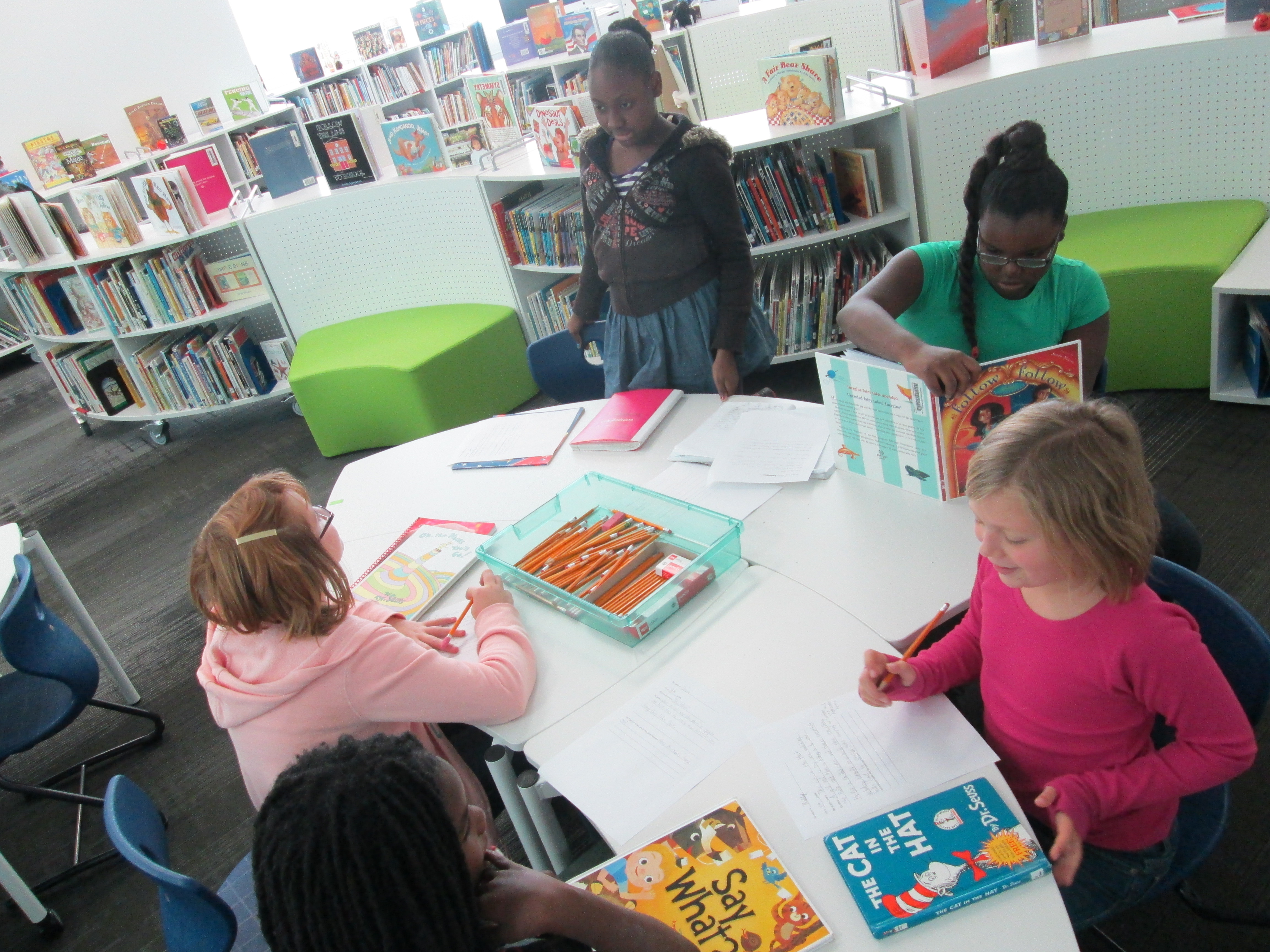
After a group picture, our 5th grade BTV crew escorted readers to classrooms and they got started sharing Dr. Seuss books, laughing, and learning with our students.  It was so much fun to go around the school and hear Seuss words filling the air, seeing kids smiling, and hearing their laughter.

Following this, we started the first of 36 Skype sessions to celebrate Read Across America and World Read Aloud Day.  We are creating a Google Earth Tour as we connect, so I will post that at the end of the week.  For now, I’ll share some images and video from our week.  Today, we connected with:

Okle Miller 2nd grade, Tampa FL
Crystal Hendrix Asheville, NC
Wendy Garland 4th grade Massachussetts
Jennifer Reed 3rd grade Massachussetts & Peter Reynolds
Jenny Lussier 2nd grade Connecticut & Ame Dyckman
Nancy Edwards 6th grade, Seattle
Shannon Miller K/1 Iowa
Kathy Schmidt Gwinnett GA 1st


World Read Aloud Day Blogging Challenge Week 4: Raising Our Voices with Flipgrid

World-Read-Aloud-Day-2014

I’m participating in the World Read Aloud Day blogging challenge.  Each week, I will respond to a question along with many other bloggers participating in this global celebration of reading aloud.  Our students, teachers, and families will also be involved with these questions each week as I invite them to respond through Flipgrids, Thinglinks, and more.

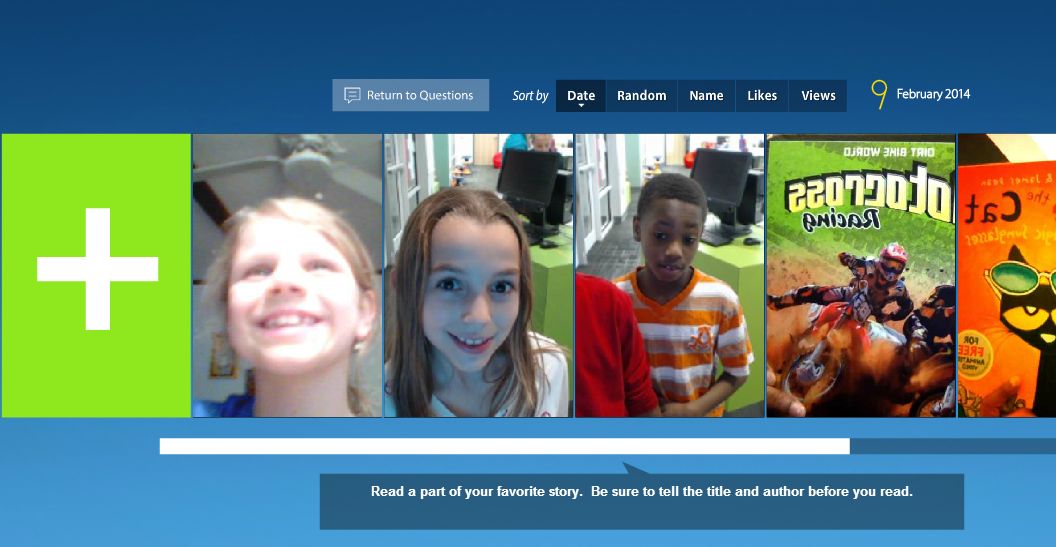
For the final week, I’m asking students, teachers, and families to raise their voices by reading aloud parts of their favorite books.  We are using a Flipgrid to capture these read alouds because it gives students 90 seconds to read aloud.  To get them ready, I made a Youtube video of myself reading my favorite part of this year’s Newbery-winning book, Flora & Ulysses: The Illuninated Adventures.

Kate DiCamillo’s writing speaks to me in so many ways, but this particular part of Flora & Ulysses has proven to be inspiration for our whole school this year as well as our library.  We are expecting the miraculous every day!

Flipgrid Read Aloud

Visit our Flipgrid to hear more readers share their favorite stories, and feel free to try out Flipgrid by adding your own.

http://flipgrid.com/#f4ad9b3e

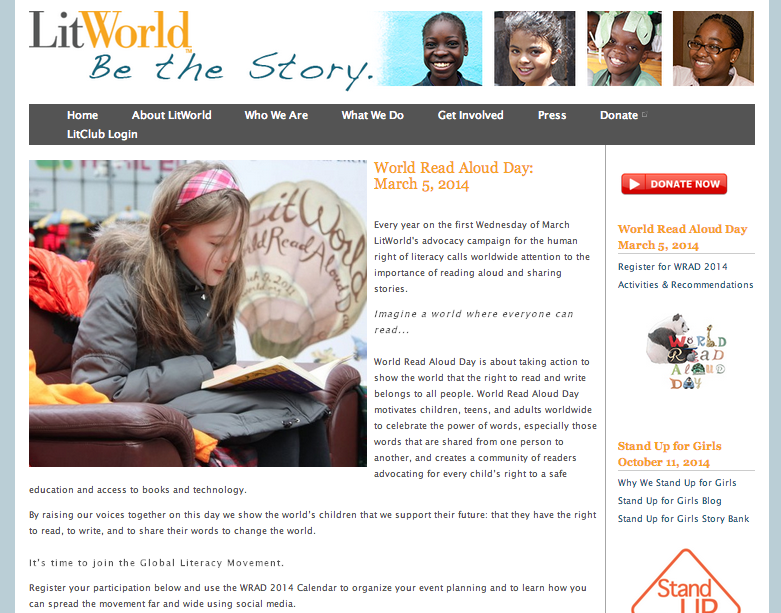
For more information on World Read Aloud Day visit http://litworld.org/worldreadaloudday 

To connect with other libraries and classrooms, visit our shared Google Doc.

Chatterpix Book Talks with 2nd Grade

A few weeks ago, Okle Miller, a librarian near Tampa FL, shared a great iPad app with me that she had discovered on Richard Byrne’s site iPad Apps for School.   Chatterpix allows you to take a photograph with your iPad, draw a mouth on that photo, and record up to 30 seconds of dialogue for the photo.  The mouth moves in sync with your voice.  This app could have many implications for short classroom projects from historical figures to summarizing strategies to book talks and more.

I recently sent out an email to teachers with some ideas for technology projects that we might do together.  Each of the ideas was based in the subjects and standards that classrooms are working on with some suggestions of technology tools that might support those standards.  Many of the classrooms are currently working on opinion writing about books along with persuasive techniques.  I suggested Chatterpix as an option for students to quickly tell about a book, give an opinion, and try to persuade a reader in less that 30 seconds.

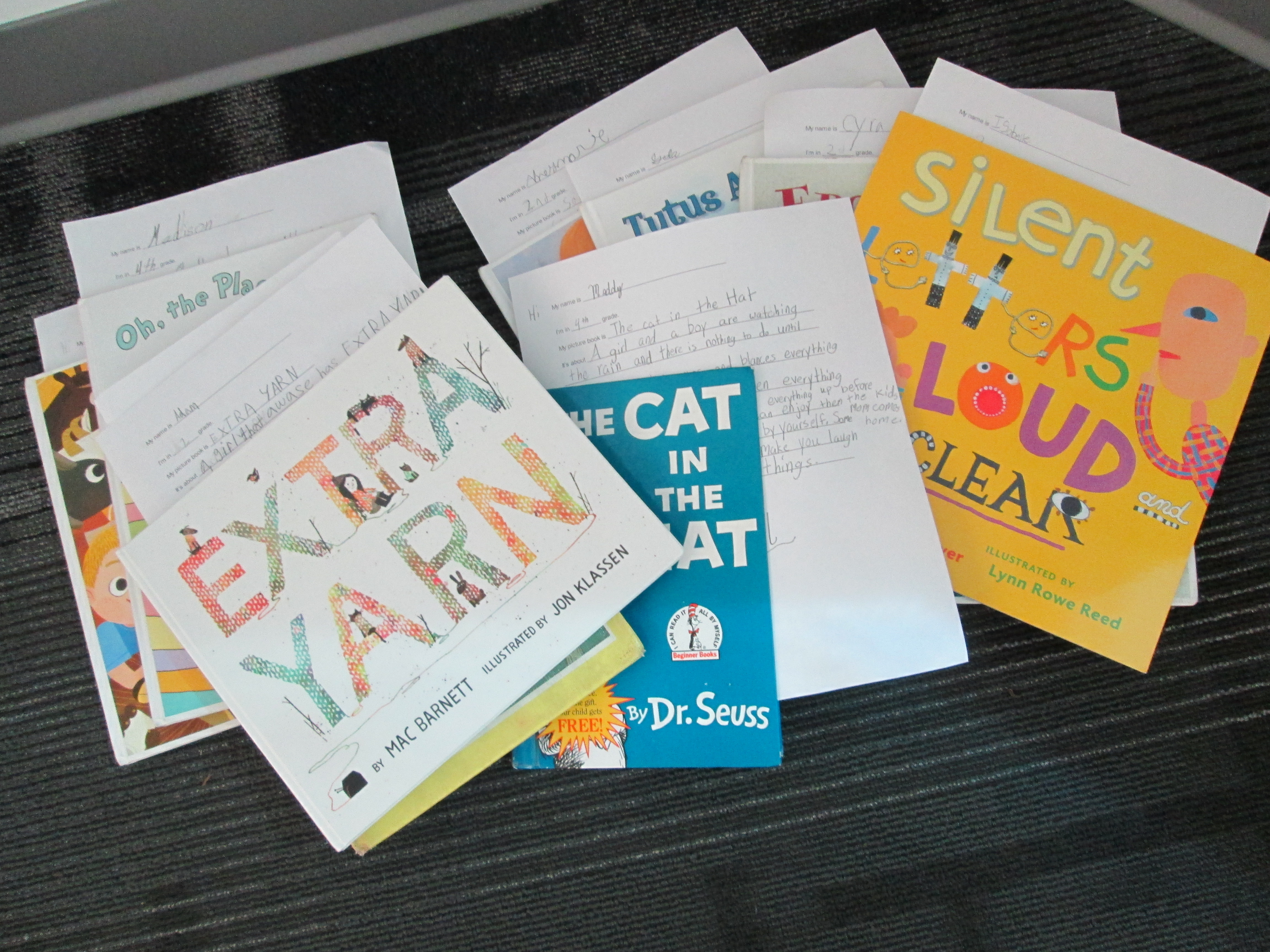
Second grade had already worked with me on writing book reviews for their blogs, so Caitlin Ramseyer, 2nd grade teacher, decided to incorporate Chatterpix into this mix.  Her students each chose a book, read the book, and used an index card to write a script that they could finish reading in less than 30 seconds.

Today, they came to the library so that Caitlin and I could work with them on using the iPads.  Students brought their index cards and books with them.  First, we watched this video.

Then, we looked at my Chatterpix example.

Next, students dispersed throughout the library to use the iPads.  Caitlin and I walked around and helped as needed, but the students were very capable of figuring things out and helping one another.

chatterpix (3)


One student didn’t have her book, so she pulled up the book in Destiny on the computer and took a picture of the screen.  Other students had very tiny people on their covers, so they put the iPad close to the cover in order to take a closeup picture of the character.  There was a lot of problem solving going on as students tried to figure out how to create the best video.  Many of them quickly figured out the different filters that they could use on their picture, but most chose not to explore the stickers (this time!).

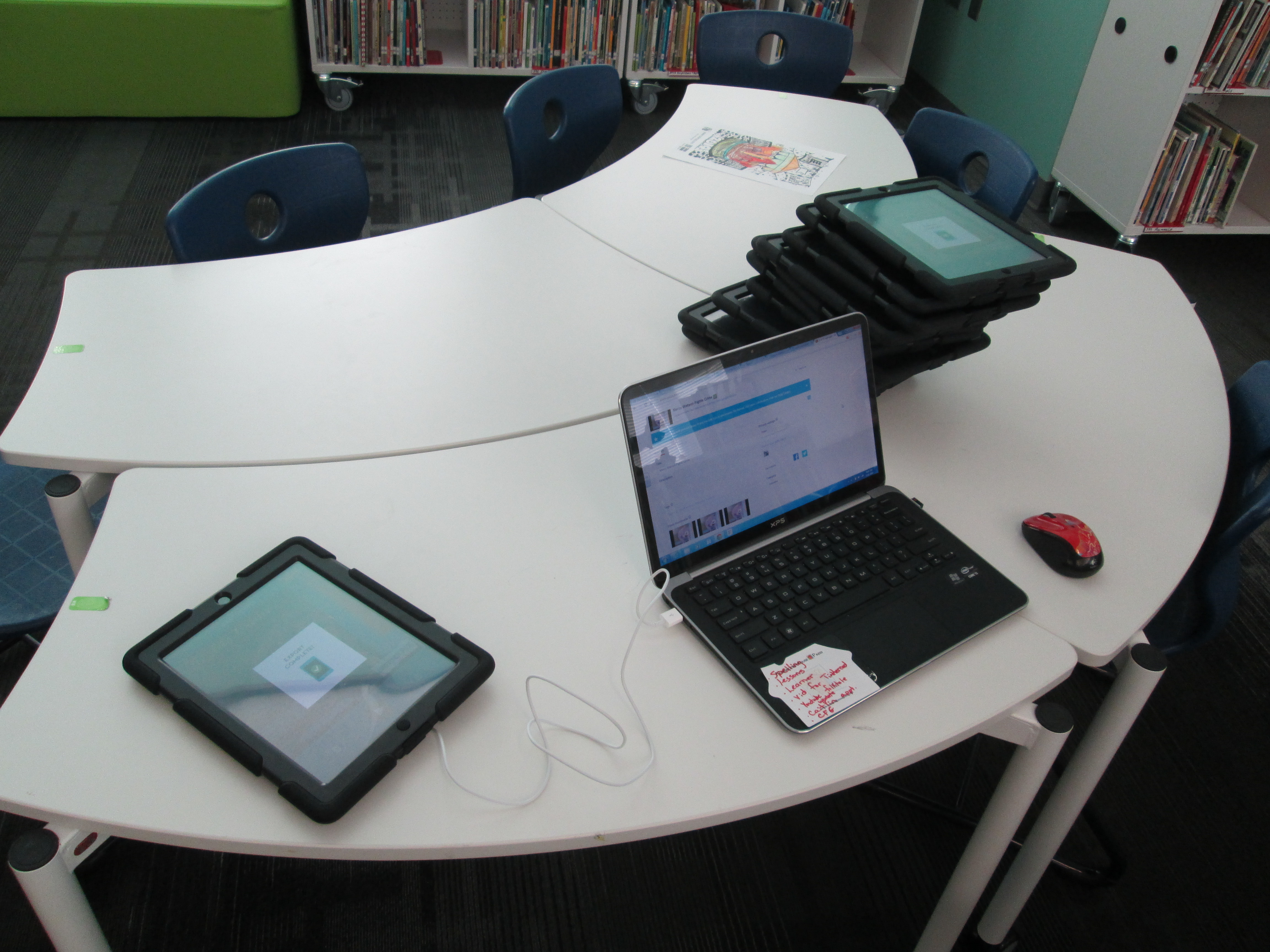
chatterpix (6)Once they were finished, they saved the video to the camera roll on the iPad and brought it to me.  At first, I was trying to login to each iPad and upload to Youtube, but it was taking too long.  Instead, I plugged a cord into my laptop and imported the video straight into Youtube.  Caitlin helped them make sure their video was exported to the camera roll and I uploaded to Youtube.

chatterpix (1)

Finally, we gathered on the carpet to view our videos.  During this time, we paused a lot and students gave tips for future use of Chatterpix.  They suggested things like:

  • Since Chatterpix reverses words, try to take a picture of a character on the cover and avoid the text
  • Have your script written down
  • If you finish before 30 seconds, don’t forget to press stop
  • Rustling your paper makes the character’s mouth move, so be still
  • If you have trouble drawing the mouth with your finger, use a stylus
  • Hold the iPad in portrait view rather than landscape

We reminded them that they had developed some expertise with this app and that we might call on them sometime to help others.  Even this list of tips is a way for them to pass on their expertise.  Now that we worked out some logistics with how this type of lesson can flow, I think Chatterpix will be an app we will revisit many times.

Here are their book talks:


Let’s Connect For LitWorld’s World Read Aloud Day During The Week Of March 5th

On March 5th, we will celebrate World Read Aloud Day with LitWorld again.

We will actually celebrate all week long….March 3rd through the 7th.

One of my favorite connected educator friends, Shannon Miller, and I have been planning our collaboration and teaching plans for 2014 so of course World Read Aloud Day was a very important part of this. We decided to write this post and start planning, connecting, and sharing the excitement for this day.

This is always such a special day for celebrating the power of literacy….and one of the best for our libraries, schools, and students too.
IMG_0182
You can read about all of our connections at Barrow at the post from last year, World Read Aloud Day 2013.  Also check out Shannon’s post at Van Meter, Our World Read Aloud Day Celebration Connected Us 21 Times During The Week That Made A Difference.

This year we are excited for even more of these special connections.

If you are interested in connecting with others on this day, please add your name, schedule, and ideas to the information in the Google Doc that we started. This will begin to fill up with others around the world as they want to connect their students and schools too.
We plan to celebrate throughout that entire week….March 3-7th.
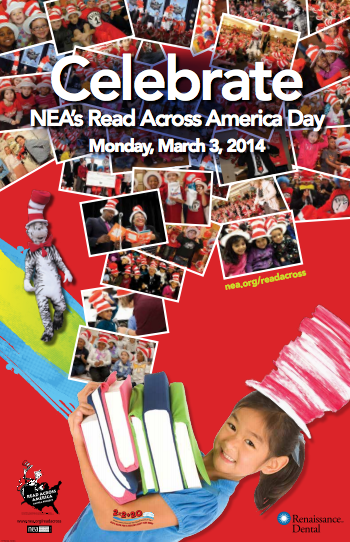
On March 3, it is also NEA’s Read Across America Day so we will tie this together with World Read Aloud Day too.

Also, check out all the wonderful activity ideas and resources that LitWorld has included on their website here.

The classroom kit is great! We love how it contains suggestions for read-aloud, suggestions for group activities, and a fundraising guide to support LitWorld and their programs.

Let us know if you have any questions on how this works. One of the fun parts is collaborating and throwing around ideas with each other.

Have fun and get connected for World Read Aloud Day this year too.

IMG_0148
Many thanks to Shannon Miller for creating this post for us to share.

A Picture Book Smackdown is Coming!

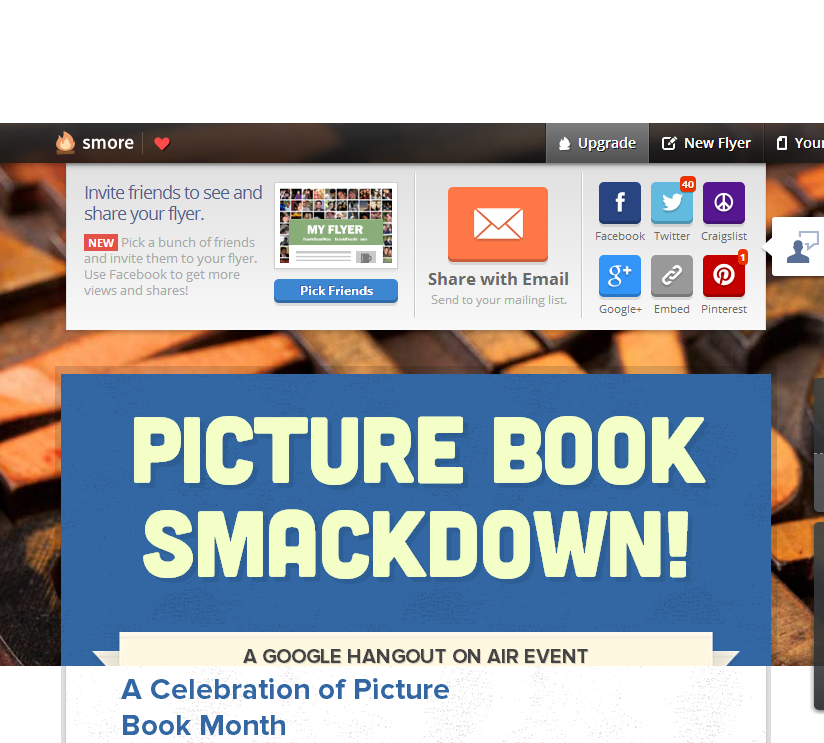
Picture Book Smackdown! - SmoreI am so excited about a Picture Book Month event that I have planned on Thursday.  From 10-11:00AM EST, 6 schools in 5 different states and 2 authors in 2 different states will come together in a Google Hangout on Air to share favorite picture books as well as why picture books are for everyone.  The hangout will broadcast live on Youtube, but it will also be recorded.

How did this come about?

prep (7)November is National Picture Book Month.  It’s a month where I ask students, teachers, and families to read as many picture books as possible and to think about the importance of picture books in our world.  It’s also a month where a lot of educators make connections with one another to celebrate and explore together.  At the beginning of the month, Laura D’Elia, school librarian in Massachusetts, organized a Google Doc for librarians across the country to make connections with one another by having access to one another’s schedules.  The Doc also became a space for brainstorming  other ways to celebrate.

I suggested that we hold a picture book Google Hangout and share favorite picture books among schools.  This immediately started some focused brainstorming on Thursday’s event.  Several schools were on board and we pledged to meet together in Hartford, CT face to face at the American Association of School Librarians Conference.  Even before we arrived there, we had started our plan of how to advertise the event, how to structure it, how to involve students, and how to bring in authors.  Our Smore page began to populate with our ideas as they came together.  Each one of us had additional connections with other schools and authors, so we each invited others to join our hangout.  Cathy Potter invited Ame Dyckman, author, to join us.  I invited Laurel Snyder, author, to join us.  We are so excited that they will both be able to attend.

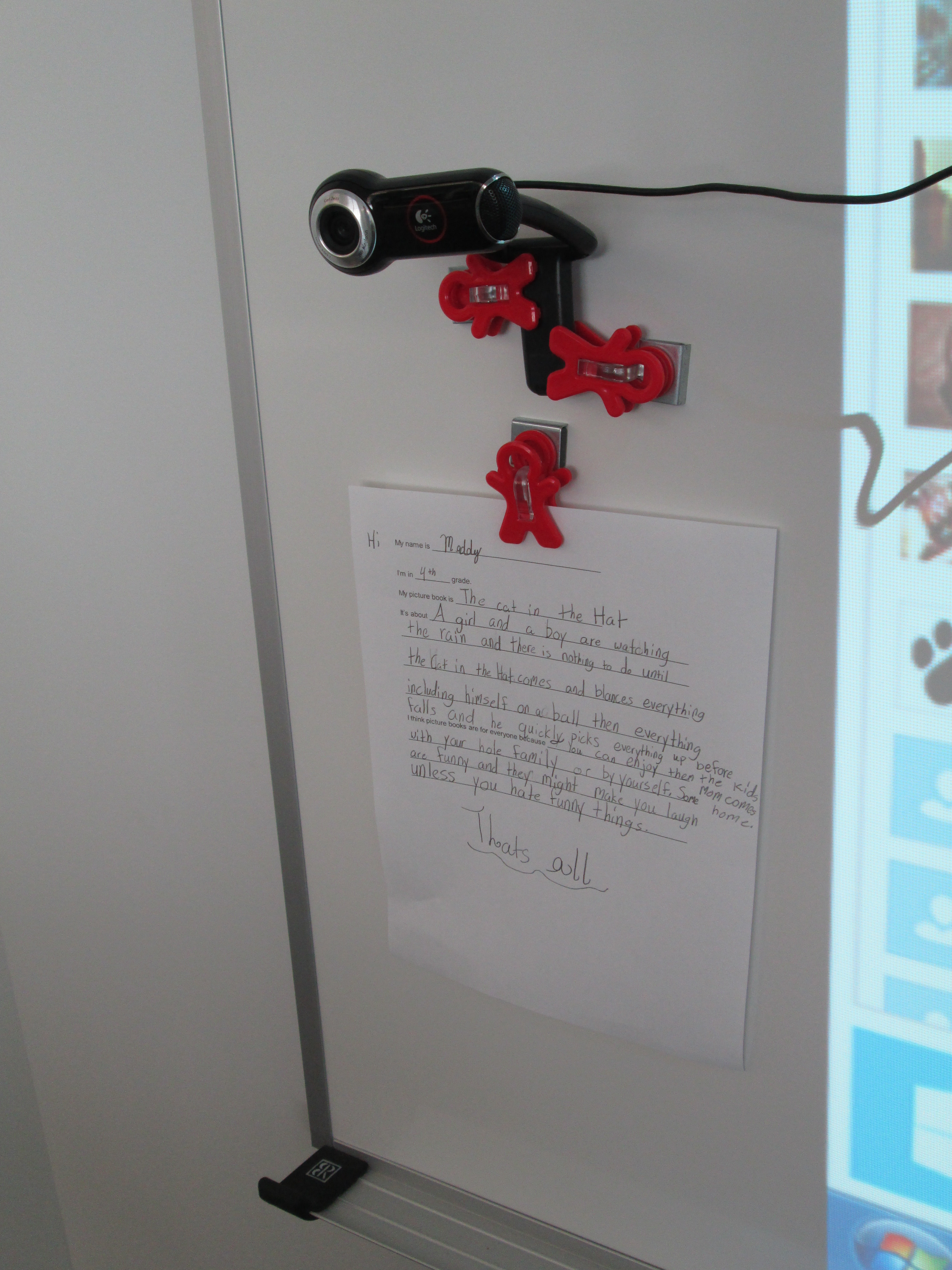
prep (6)In advance, students at each of our schools are preparing in different ways for the event.  My students filled out a short script to help them remember what to say.  They basically had to remember things like the title, what the book was about, why they liked it, and why picture books are for everyone.  They also practiced sitting in front of the camera and reading their script.  Their books are waiting in a stack for our hangout.  prep (1)

We’ve read.  We’ve recruited.  We’ve prepared.  We’ve organized.  Now, we are ready to connect and have a full hour of sharing as many picture books as we can.  It’s a smackdown!  We hope that you will join us by visiting the Smore page at 10:00AM EST on Thursday November 21st.  Just click on the video feed that will appear on the page at that time and enjoy.  You can also tweet about our smackdown using #pbsmkdwn as the hashtag.  If you can’t watch live, consider visiting the page and watching the archive of our hangout.  You’ll also find a post on my blog later this week detailing how much fun we had during our connection.

prep (5)This was so much fun to organize, and it really wasn’t extremely difficult.  I can’t wait to see how it turns out!

Visit Our Smore Page for More Information!

Connecting Libraries through some “Extra Yarn”

Shannon and I took turns reading pages of Extra Yarn.

Shannon and I took turns reading pages of Extra Yarn.

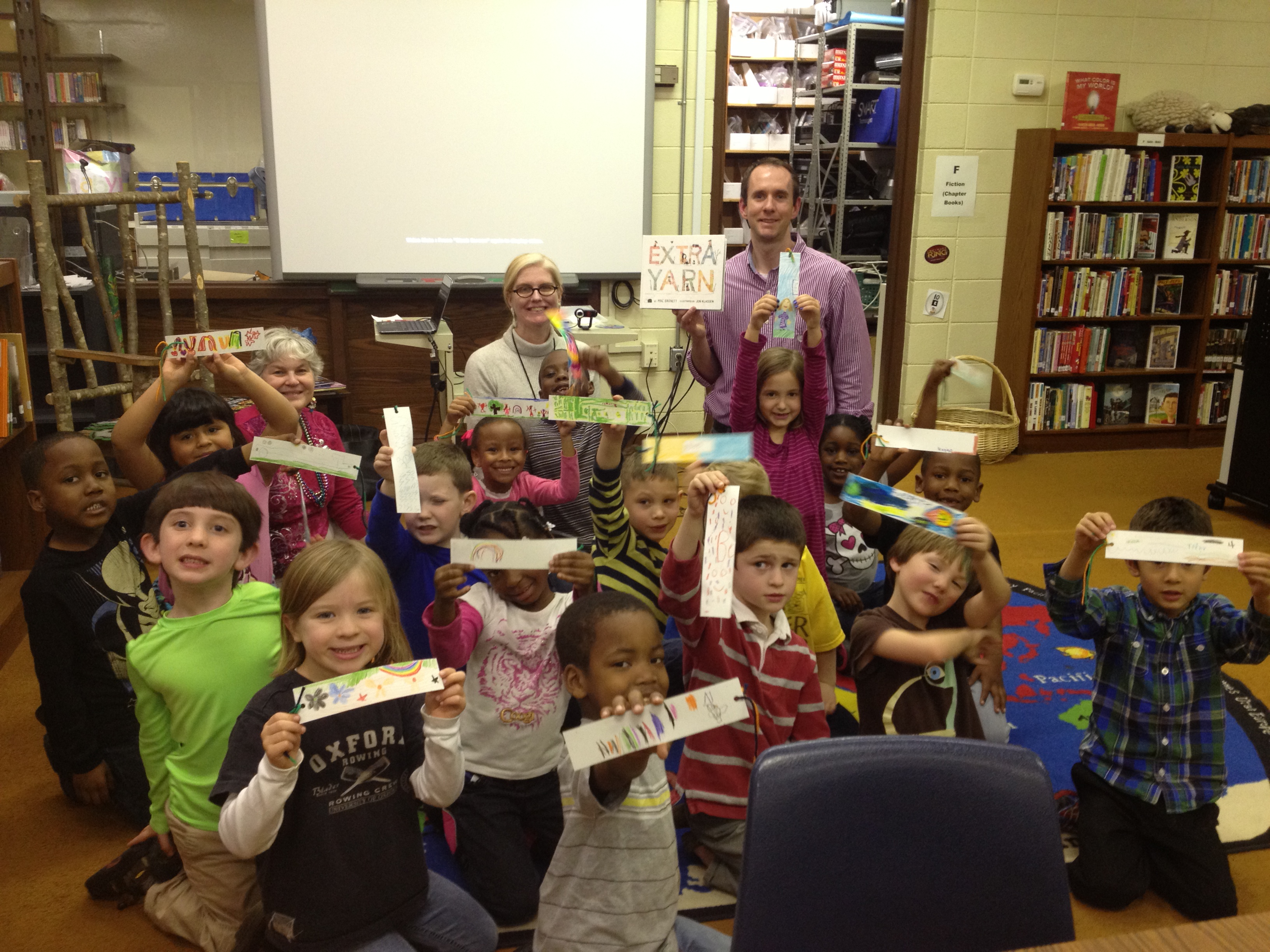
What a fun day!  After lots of tweeting, collaborating via a Google Doc, and emailing, Ms. Hocking’s Kindergarten Class connected today with Shannon Miller’s Kindergarten students in Van Meter, Iowa.  In the spirit of World Read Aloud Day #WRAD13, we read a book that connected with the theme of “Reading it Forward” and used the book Extra Yarn by Mac Barnett and illustrated by Jon Klassen.  This book was just honored with the Caldecott Honor Award at the ALA Youth Media Awards.  So far, I’ve read the book to all 1st grade classes and every class falls in love with this text and the illustrations.  It also generates some great discussion about the mysterious yarn box.

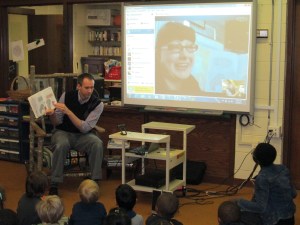
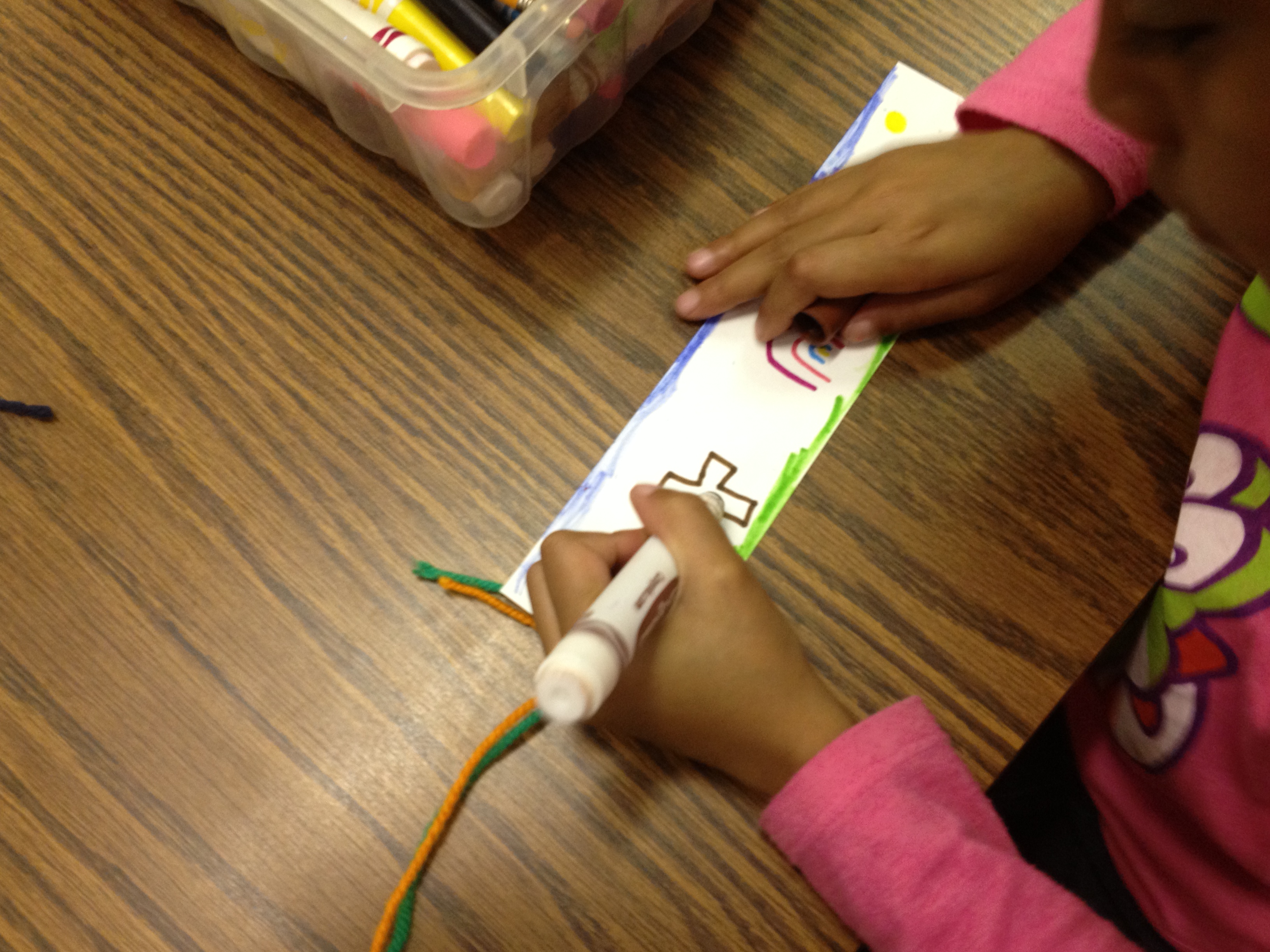
In today’s session, Ms. Hocking’s Class gathered in the library.  We talked about etiquette during the Skype session and looked at a map of where Van Meter Iowa is located.  We also did a quick intro of what we would be doing together.  Then, we made the call via Skype.  Shannon Miller introduced her students and we enjoyed waving at one another and saying hello.  Then, Shannon and I launched into reading the book.  We each read a 2-page spread of the book, and it was so much fun to hear 2 different voices reading the text.  The kids enjoyed joining in by saying “extra yarn” every time that appeared in the text.  It was great to hear voices in 2 different states shouting “extra yarn”.  We stopped a little bit along the way to look at how the illustrations were changing and to make some predictions.  Our last step was to make yarn bookmarks to send to one another.  Shannon’s students had already made their bookmarks before the call, so they were able to show us their work.  This really inspired my students to do their best work and to make connections to what Shannon’s students had already started.  We said goodbye and got to work on our bookmarks.  Each student had a card stock bookmark with yarn attached at the end.  They put their name on the bookmark and decorated both sides.  Now we will mail our bookmarks to Iowa and eagerly await bookmarks to arrive from Iowa.  We plan to continue to connect these 2 classes through a follow-up project in book making.

You can read Shannon’s post about the experience on her Van Meter Library Voice Blog!

Student bookmarks had yarn attached to the end in honor of the book.

Student bookmarks had yarn attached to the end in honor of the book.

Our students are read to send their bookmarks to Iowa

Our students are ready to send their bookmarks to Iowa

This was such a fun time.  It meant a lot to the students, and it was really super easy to do through so many virtual tools.  I look forward to many more collaborations with Shannon and other librarians across the country (and world)!

skype11

skype 4

Books are like a Box of Chocolates

blind date

About a week ago, I saw this picture on twitter and Facebook.  It was getting tons of attention and it made me very curious about the impact this sort of mystery might have on readers.  So…..I shared the picture on our Barrow Media Center Facebook page, and a few fans had some great ideas about connecting this to Valentine’s Day or to a box of chocolates since elementary students don’t really go on blind dates.

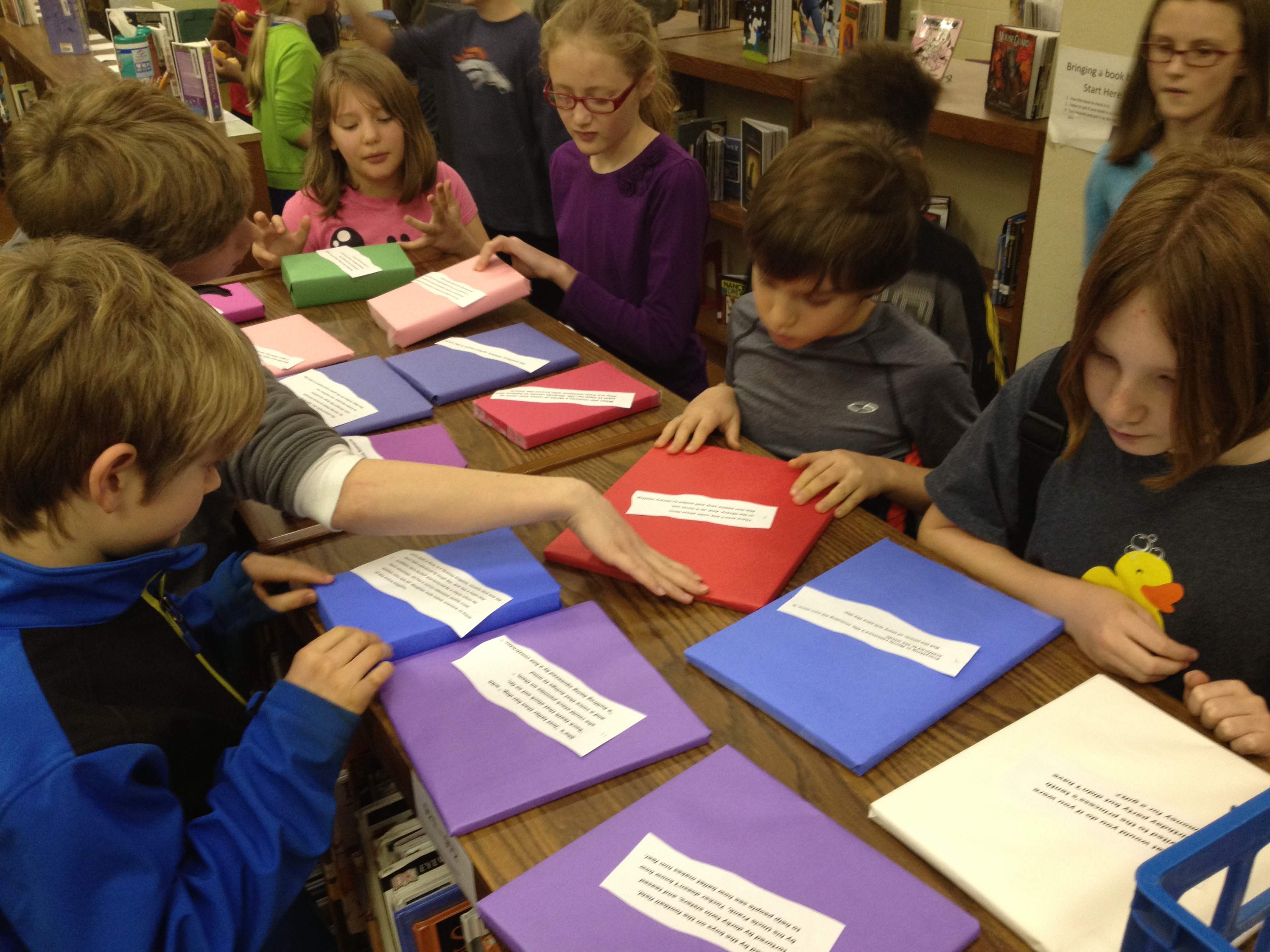
I took these ideas and passed them off to our wonderful library volunteers, Leslye Queen, Jen McDowell, and Hester Meyers who got the pieces in place.  Leslye pulled books that were new or hadn’t circulated in awhile, wrapped the books in butcher and construction paper, wrote the barcode numbers on the back of the wrapping, and made a master list of the books that had been wrapped.  Jen cutout hearts in preparation for a student creation area.  Hester continued wrapping books and labeling the back.  I found short blurbs for each of the books, printed them out, and glued them to the wrapping.  I also made a small poster explaining the promotion.  wrapped books 2

All day today, the wrapped books have been sitting on top of a bookshelf and all day students have been asking what they are.  I’ve just responded with “Listen to BTV tomorrow morning”.  This has peaked their curiosity even more and they’ve started begging me to tell them why the books are wrapped.  I love it!

Just look at how these students were acting!

wrapped books 4Tomorrow on BTV, I will let them know the details.

  • Each book is wrapped with only a blurb about it.
  • Students are invited to check out a wrapped book and give it a taste because books are like a box of chocolates….you never know what you’re going to get.  They will check out the books by typing in the barcode on the back.
  • If they love the book, they should consider doing a review for the book so that it gets more promotion.
  • If they know of a book in the library that should be wrapped, they are invited to wrap it, put a blurb on the book, add it to the master list, and put it on the shelf.  There will be a “making station” available for them which will include paper, hearts cut-outs, glue, scissors, crayons, and markers.

I’m hoping that this catches on and becomes something that the students manage themselves.  It offers one more way for students to connect with and participate in their library.  It also brings attention to books that are new or haven’t been checked out while also challenging our tendency to choose books based on the cover or popularity.  I can’t wait to see what happens tomorrow!  wrapped books 3
 

Our Staff Recommends: A Participatory Idea for Picture Book Month

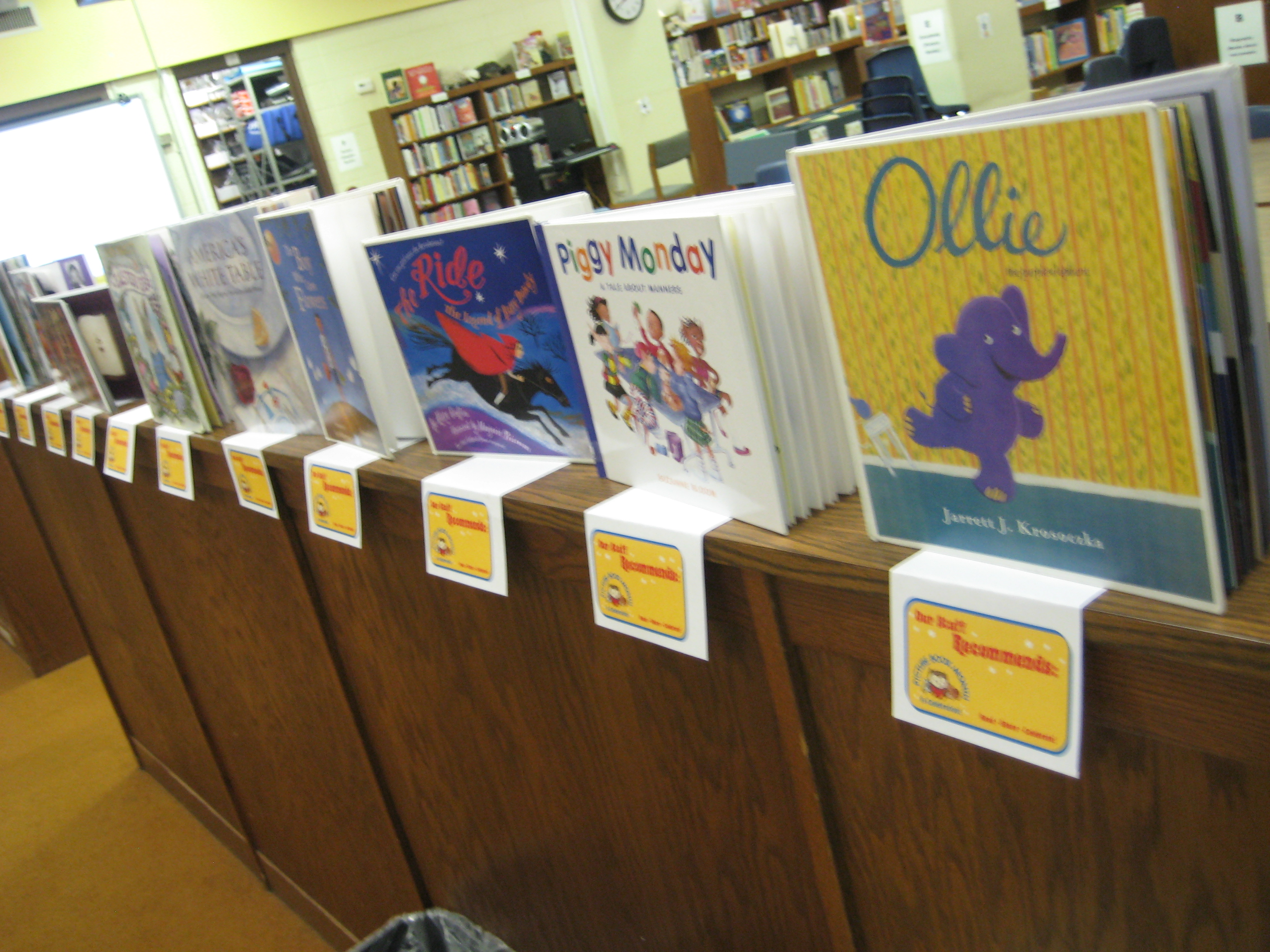
November is Picture Book Month.  This is the 2nd year of the event, and we kicked things off on day one by starting a reading incentive.  Students & teachers are trying to see how many picture books they can read during the month of November.  To encourage their participation, each student and teacher received a sheet explaining the incentive with blanks for writing down each picture book read this month.  Each grade level had their own number of books with smaller numbers for lower grades and 25 picture books for upper grades.  All students who finish their sheet will receive a cool bookmark:  Scaredy Squirrel, Ladybug Girl, Elephant & Pigge, Babymouse, or Duck for President.  Students will also receive a certificate and be entered into a drawing to win autographed books by:  Kevin Henkes, Suzanne Bloom, Eric Litwin & James Dean, and Meghan McCarthy.  These incentives really inspired students because we have several sheets already turned in on this mid-way point of November.

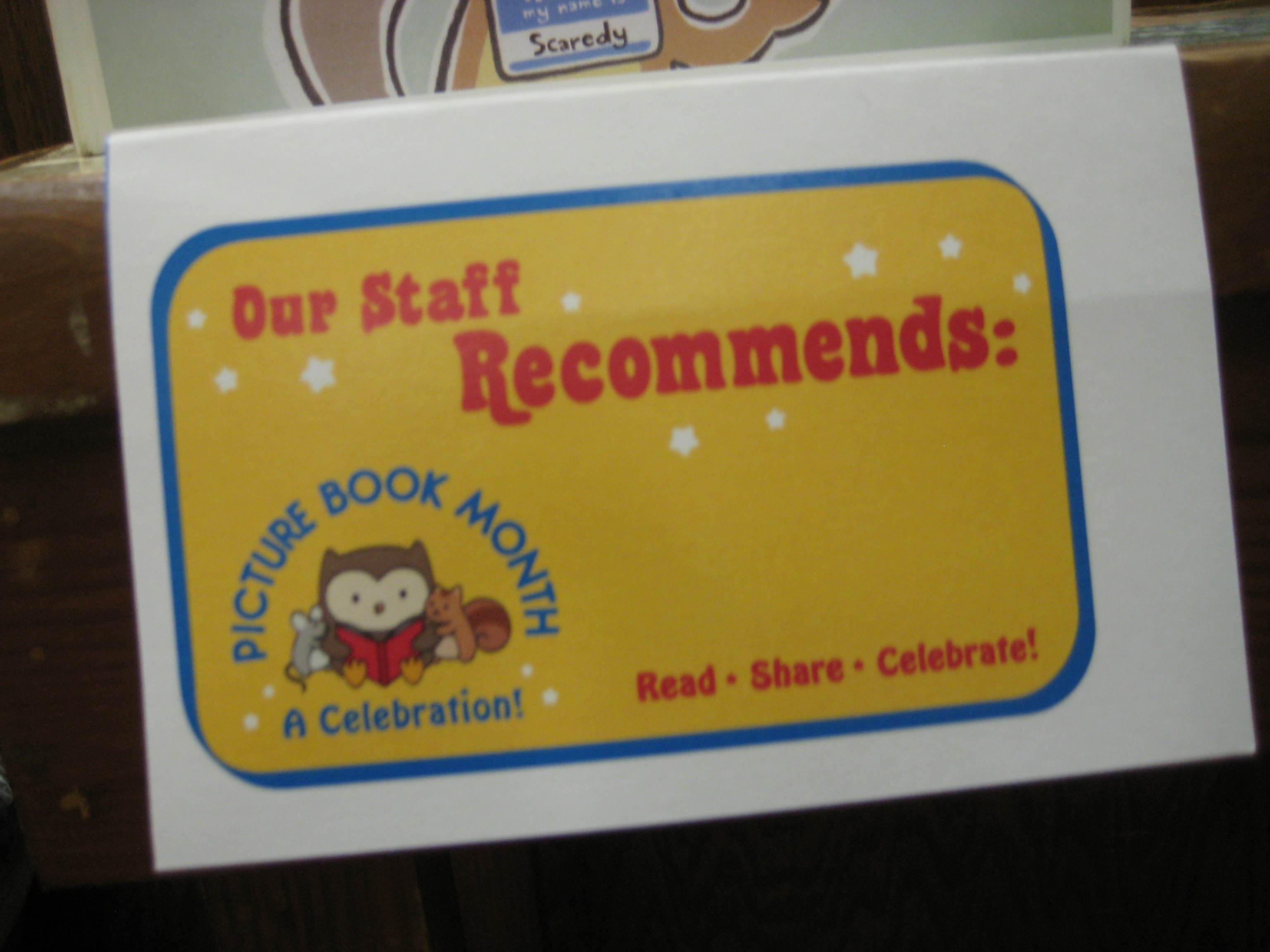
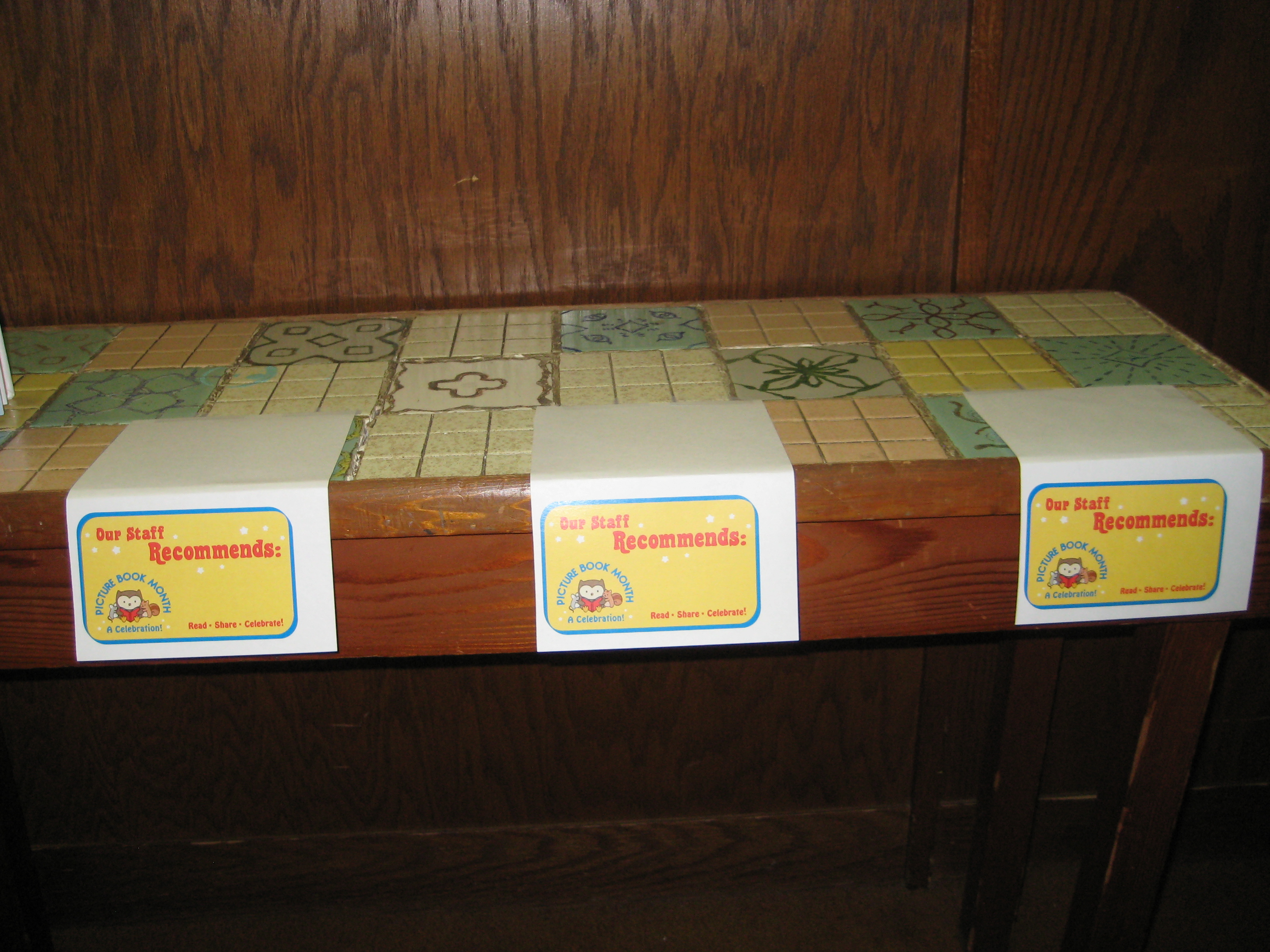
On the Picture Book Month website, there are multiple resources for celebrating picture book month.  One of the tools is a shelf talker that says, “Our Staff Recommends”.  These can be displayed along a shelf for library staff to place books that they recommend to students.  At first, I wanted the shelf talkers to say something besides “library staff”, but the more I thought about it the more I realized that as part of the participatory culture of our library, I really consider every person who enters our library a part of our staff.  I ask students to be accountable for checking books in and out, placing books in the reshelving area, teaching other students how to use technology, etc, so why not consider everyone staff?

So….I made a quick video with iMovie and advertised to the school that anyone could put books on the shelf talkers just inside the library doors.

The shelf sat empty the first day, but it didn’t take long for people to start recommending picture books to one another.  Several students have checked out books from this area and several have replaced the books that they have selected.  It’s a small thing, but it gives one more opportunity for our school community to participate in our library.

Happy Picture Book Month!