International Dot Day 2013 @ Barrow

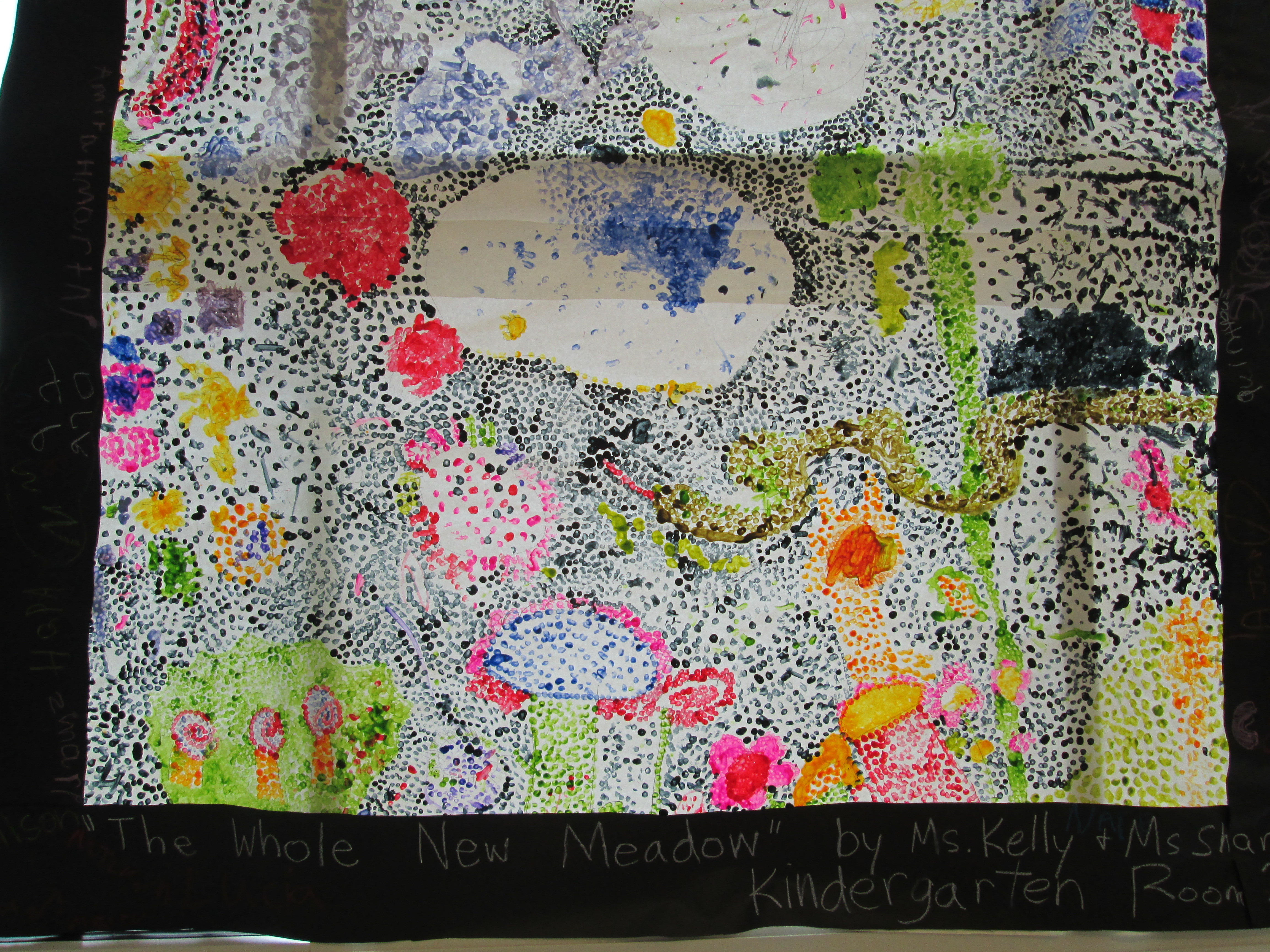
Ms. Kelly Hocking's class mural inspired by Chuck Close

Ms. Kelly Hocking’s class mural inspired by Chuck Close

International Dot Day has become a special day at our school and it seems to grow a bit each year.  This day was created by author/illustrator Peter Reynolds.  Each of Peter’s books focus in some way on creativity, expressing your individuality, and making your mark on the world.  It’s so much more than a day to create dots.  It’s a day to embrace your own uniqueness and express the things that you truly love.  It’s a day to establish an environment of innovation and encourage students to express their ideas through multiple formats.

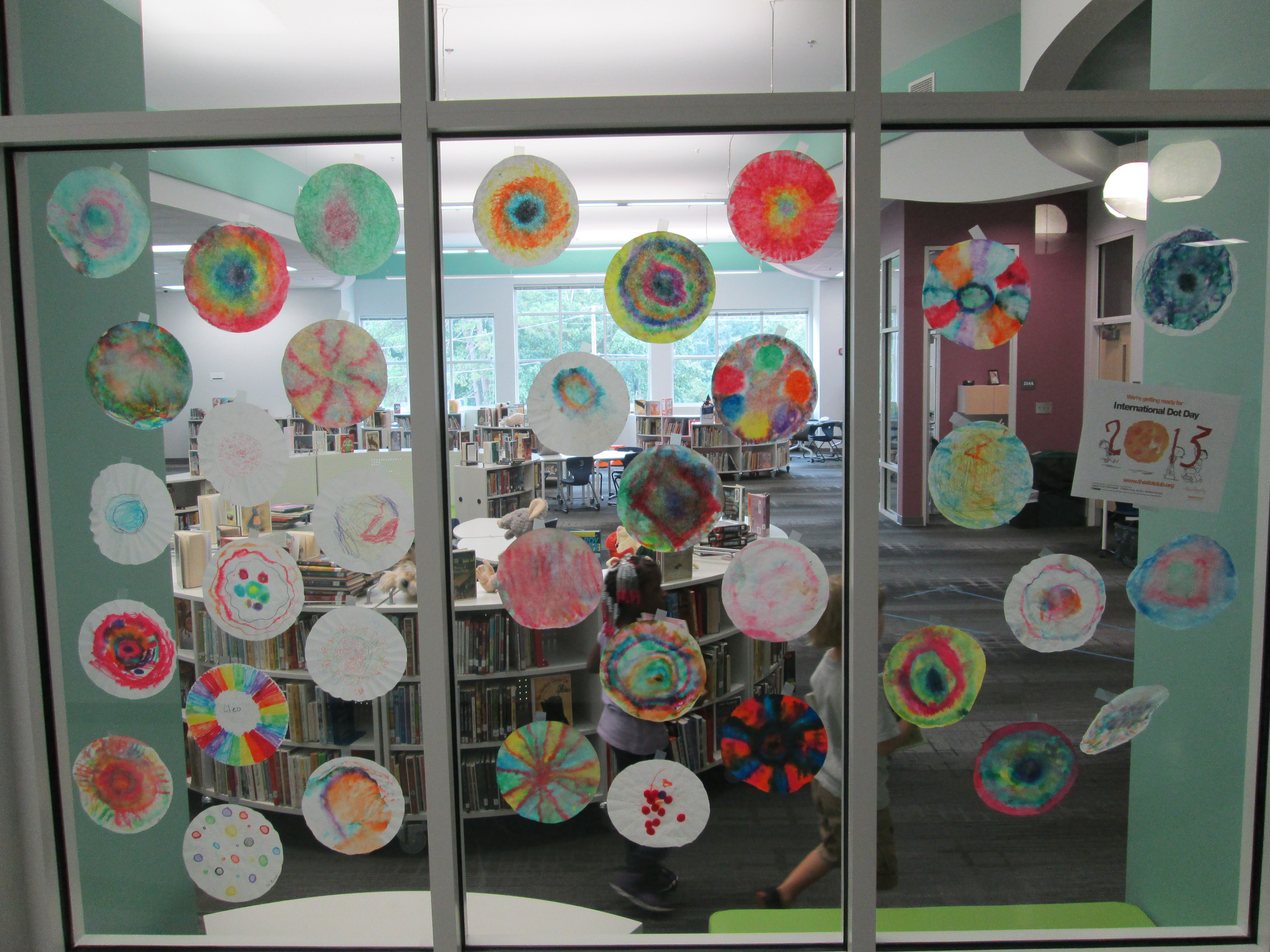
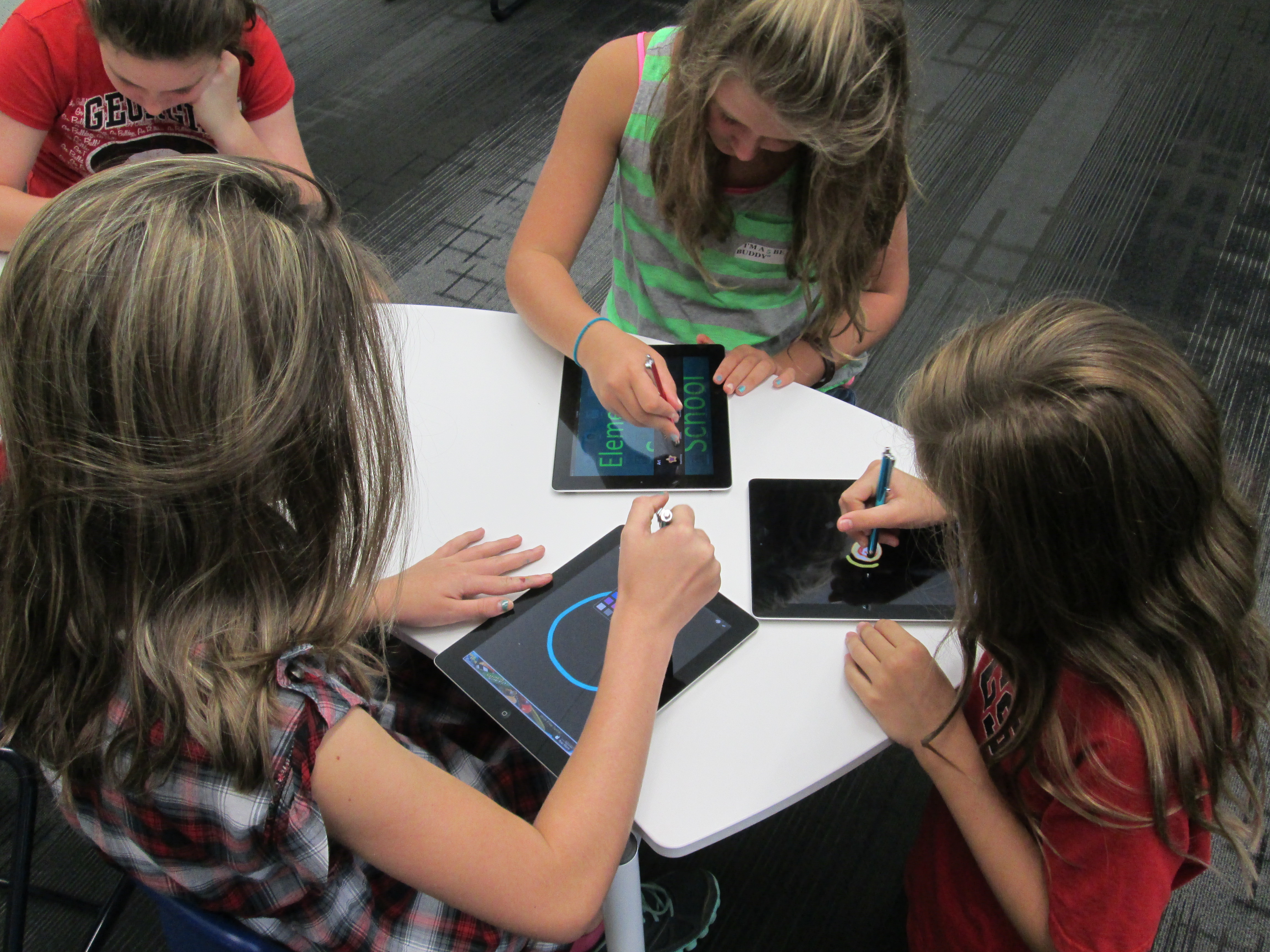
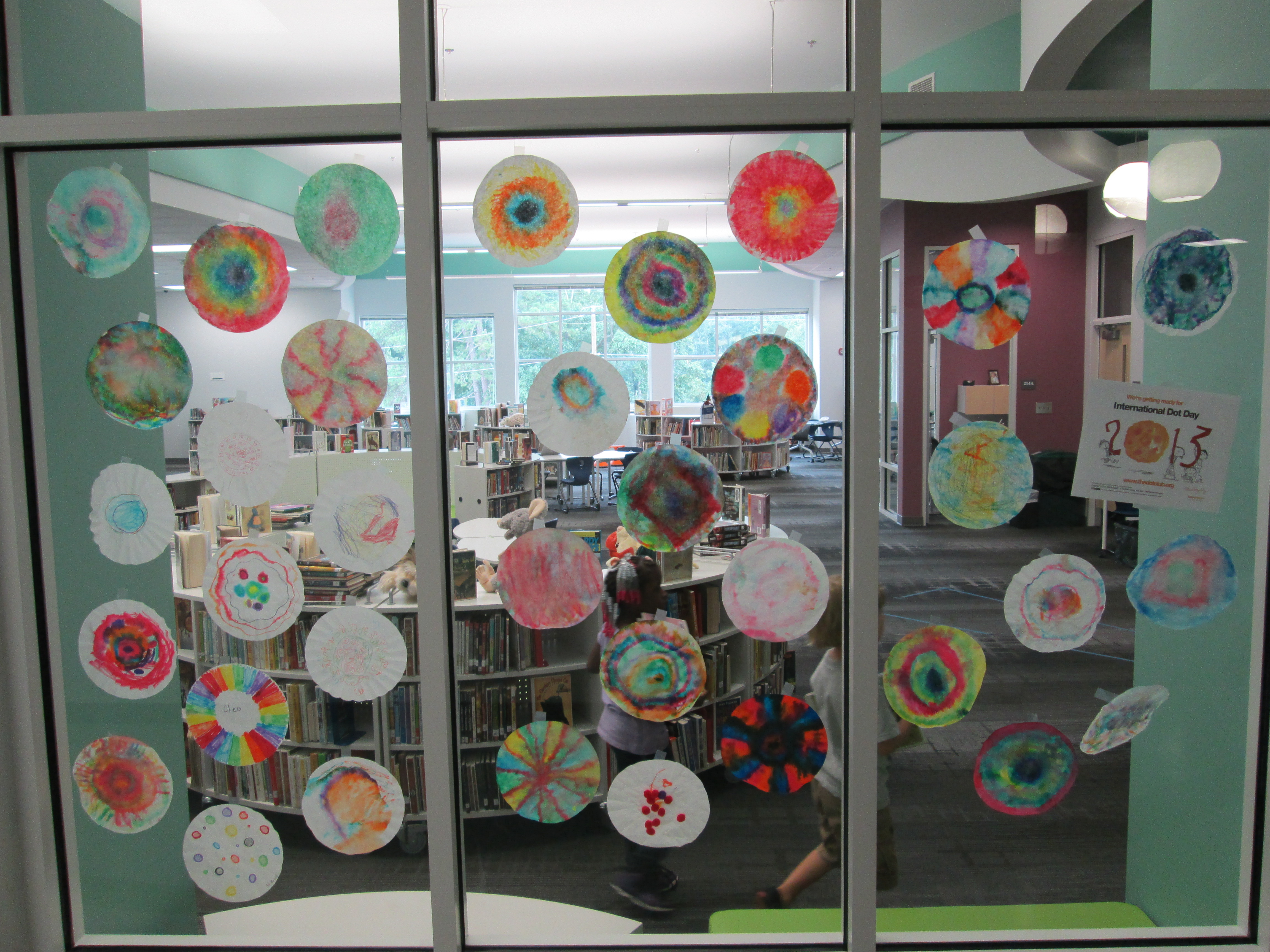
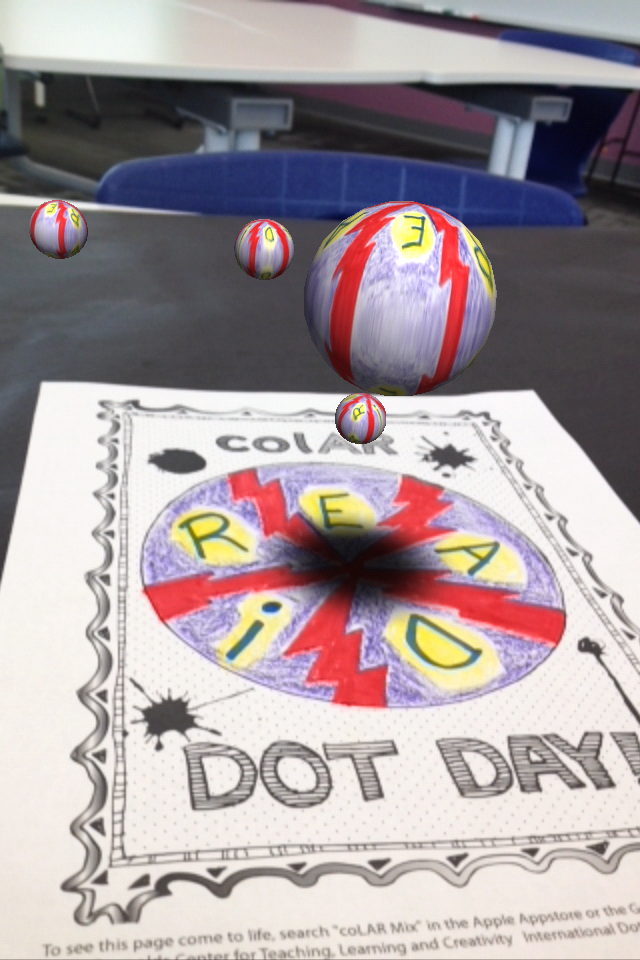
This year at Barrow many classes came to the library to read The Dot by Peter Reynolds and Press Here by Herve Tullet.  Students made digital dots using Drawcast and Glow Coloring on the iPads.  They made coffee filter dots with markers and water.  They used the super cool app colAR Mix to create augmented reality dots.  The media center windows have filled with dots throughout the past week to the point that you can barely see in.  Our principal even let us have a Dot Dress-up Day today.  It was so much fun to look down the halls and see dots everywhere.
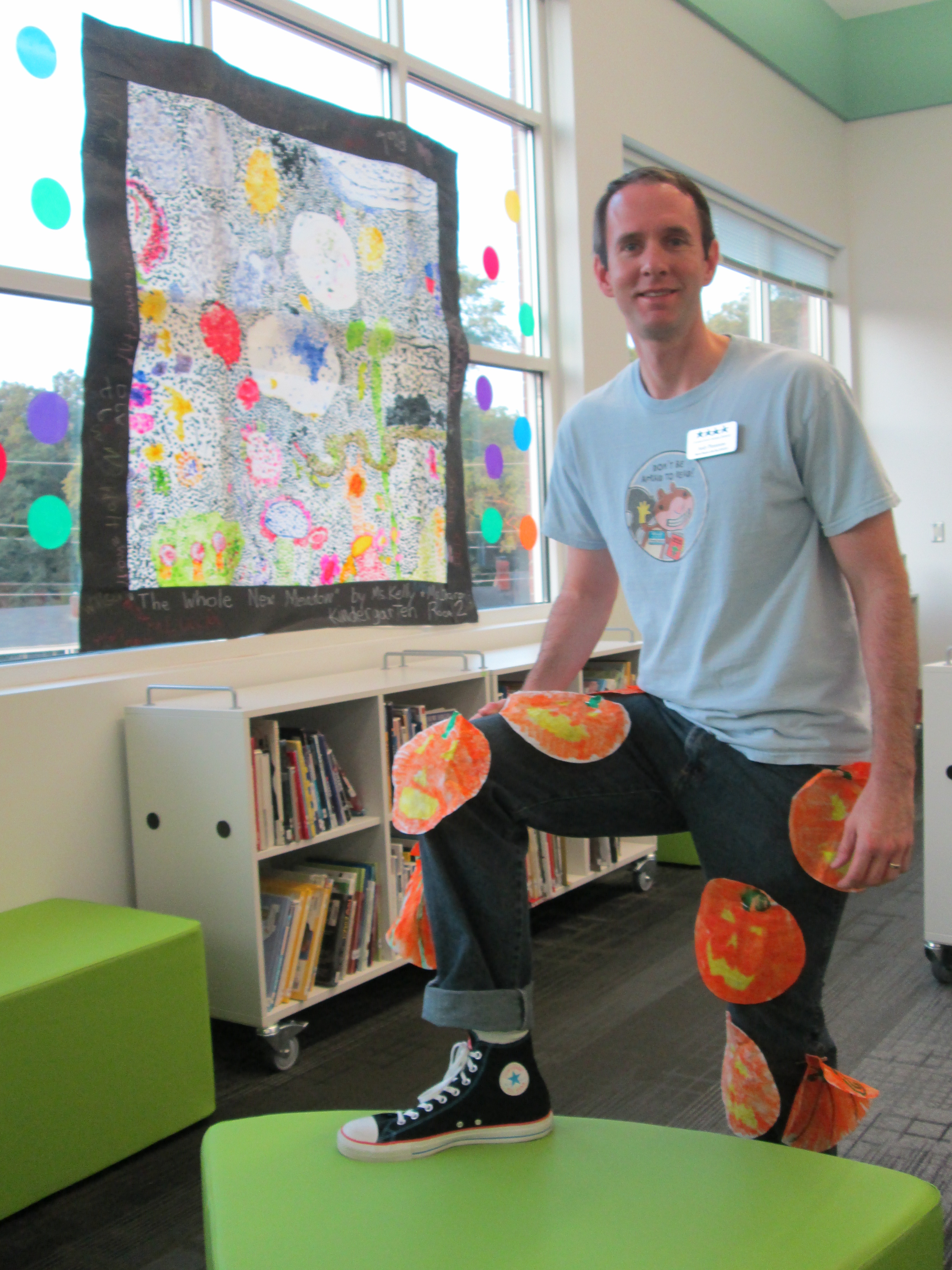
Mr. Plemmons with pumpkin dots, converse dot, and Scaredy Squirrel dot.

Mr. Plemmons with pumpkin dots, converse dot, and Scaredy Squirrel dot.

hocking mural (2)A unique project that emerged was Ms. Kelly Hocking’s Kindergarten class.  Kelly always listens carefully to her students’ interests and this year she has heard their interest in art.  They are looking carefully at multiple artists and recently started looking at Chuck Close.  His artwork had a direct connection to dot day with its many dots to make a larger image.  This spark took us on a great journey.  We read Sky Color by Peter Reynolds where students were introduced to murals.  We spent time learning about Diego Rivera’s murals.  I shared my own mural that is in my son’s room and how it was designed and painted.  Students started looking in the community for murals.  Some even began to report back about the murals that they saw while in Atlanta.  Ms. Hocking facilitated her students in deciding what kind of mural they could make and over several class periods they penciled in their mural onto a large piece of paper and began filling it with dots just like they had seen in Chuck Close’s art.  Today, their dot mural was displayed on the large window of our media center.  The sunlight gave the mural a stained glass effect.  It was breathtaking and so many people were in awe as they saw it.  When I posted the picture of the mural on our media center facebook page, it immediately was showered with likes.  The mural was surrounded by window cling dots that a Barrow parent discovered and collaborated with other parents to purchase some for the library.hocking mural (1)
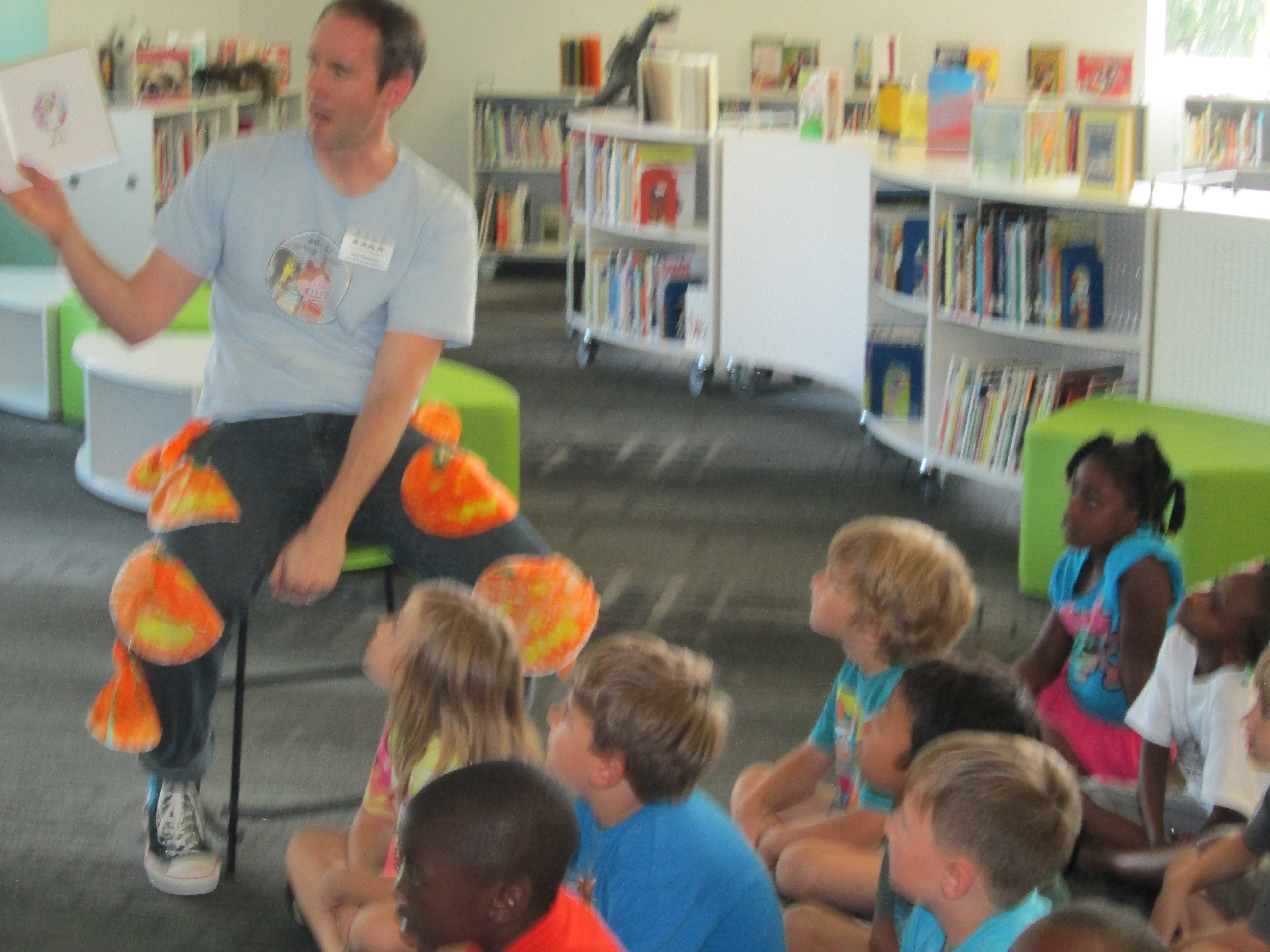
dot day (15)Today was also a day for students to come and tour the dot gallery on the media center windows.  I had all of our iPads available for classes to come and interact with the colAR dots on the inside and outside of the windows.  Ms. Li’s Kindergarten class was here bright and early to look at the dots.  Look at how much fun they had!
 

Reading The Dot with Van Meter

Reading The Dot with Van Meter

At the end of the day, Mrs. Wyatt’s 1st grade class skyped with Shannon Miller’s students in Van Meter Iowa.  We read the dot together.  Then, Mrs. Wyatt’s class used Google Earth to go on a virtual tour of a walking field trip that they will soon take in 5 Points.  Each stop on the tour was of course a dot on the map!
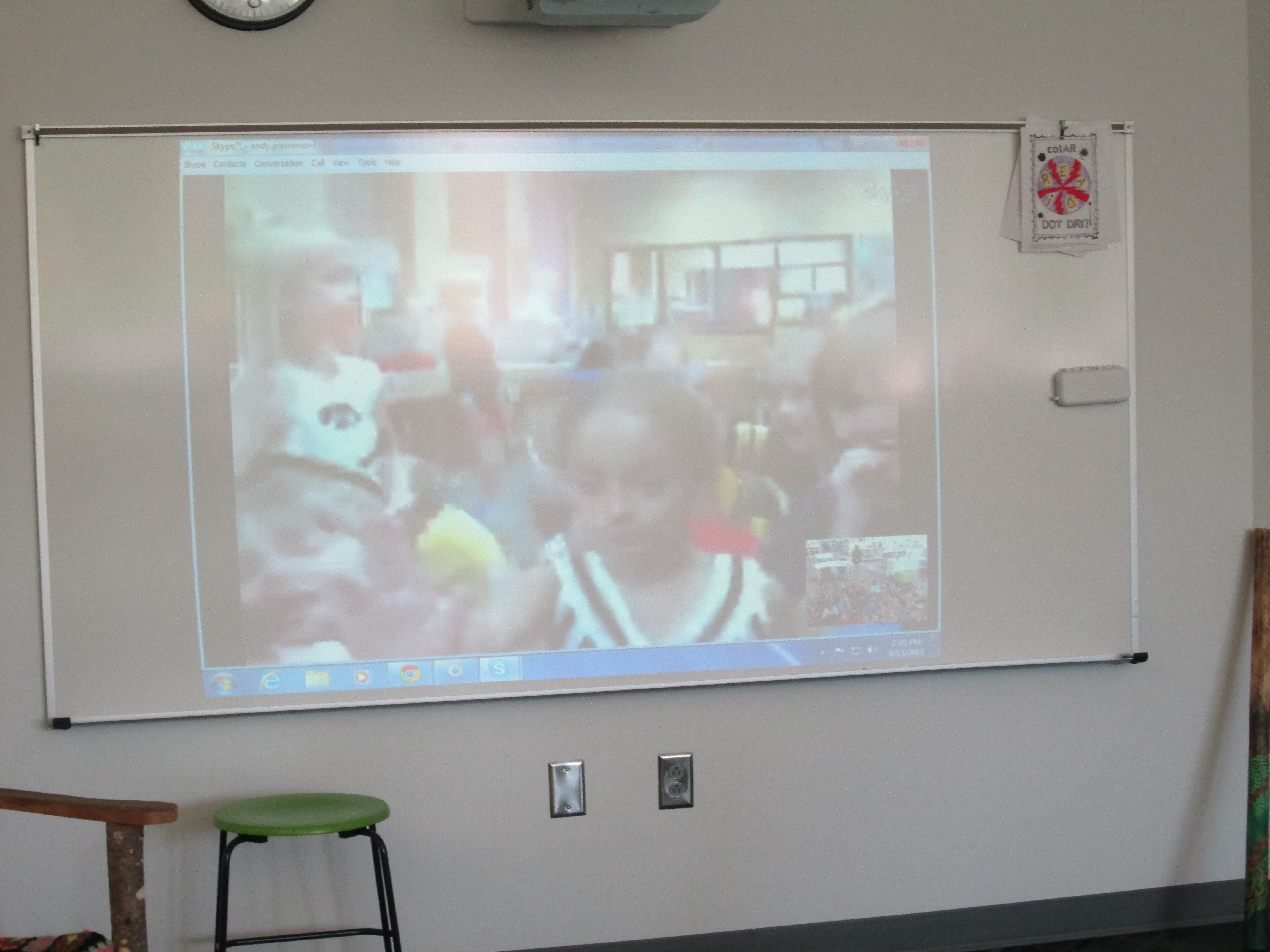
Our Van Meter dot friends

Our Van Meter dot friends

I look forward to next year and how we might celebrate even bigger when we aren’t in the middle of moving in to a new school.


Little Free Libraries Open for Business

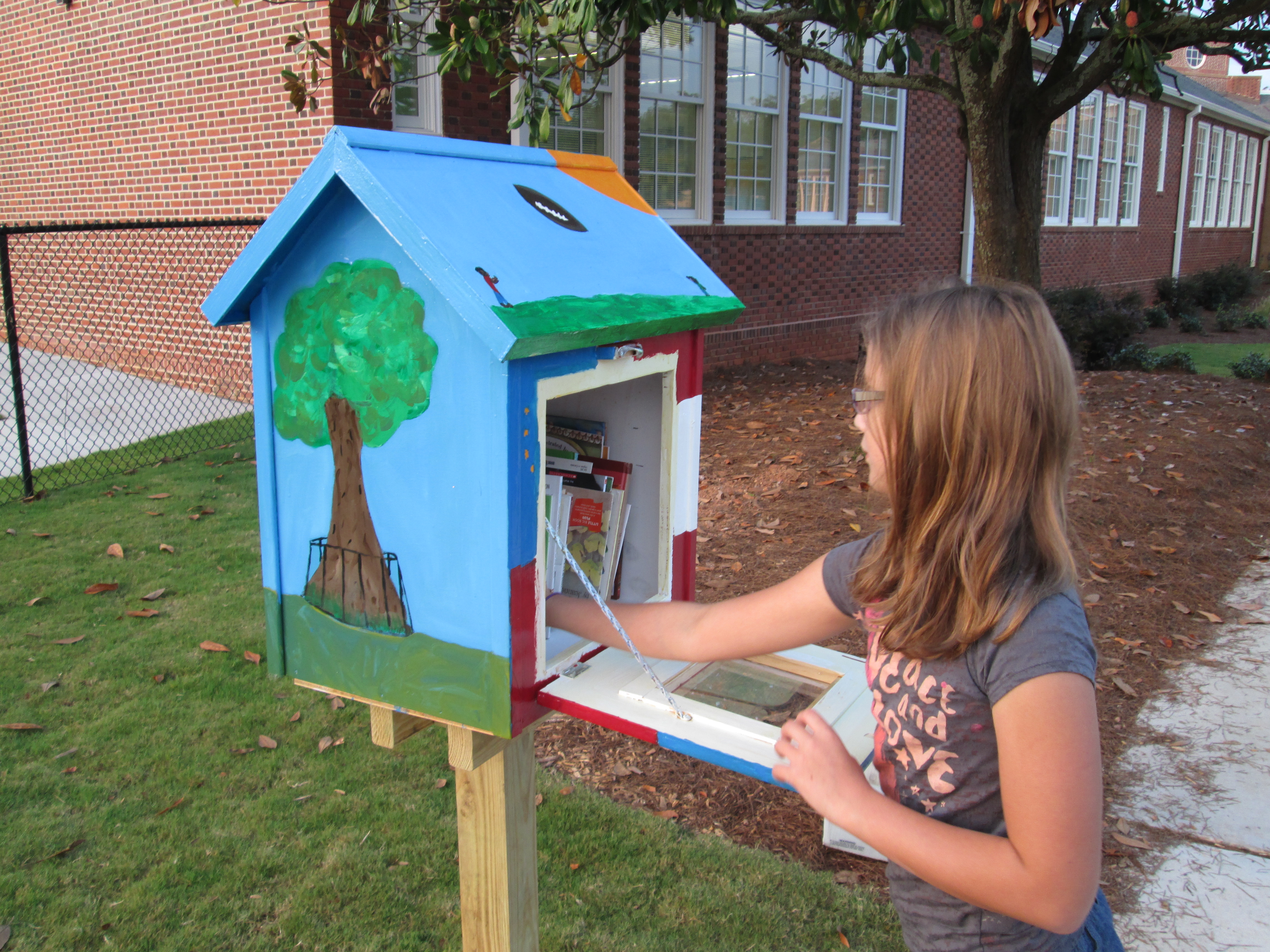
Barrow Little Free Library

Barrow Little Free Library

After a year long project with last year’s 5th graders, our 2 Little Free Libraries are finally open for business.  This project has been one of the most meaningful ones that I have been a part of.  Just to highlight a few accomplishments of everyone involved:

  • After a post on the Barrow Media Center Facebook page that simply described a wish to have a LFL, teacher Sara Cross jumped on board to make this project happen in 5th grade.
  • Art teacher, Rita Foretich, along with her student teacher took a huge leadership role in creating multiple jobs for students, using Google sketchup to design libraries, and committing to painting the libraries in art.
  • Co-founder Rick Brooks took time out of his busy schedule to skype with our students to answer their questions and encourage them on their project.
  • Students in 5th grade wrote persuasive letters to multiple places which resulted in Lay Park becoming our 2nd location and Home Depot built and donated the 2 libraries and paint.
  • Students in 5th grade encouraged students in the whole school to donate books which resulted in about 18 boxes of used books to fill the libraries.  Other incredible supporters like Barrow grandparent, Camilla Bracewell, donated money to support the registration of the libraries and additional supply & book purchases.
  • Our project won the Eve Carson Service Learning Award at the 5th grade moving on ceremony

Our move into our new school delayed our installation a bit.  Mrs. Foretich kept the libraries over the summer and gave them some coats of clear coat to protect them from the weather.  Her husband also spent time making sure that the doors on the libraries opened smoothly after getting a bit sticky from the clear coat.

We entered this year with one big final step:  installation.  I should have known that once again our community would step up to support this project.  Susan Henderson, librarian at Fowler Drive, suggested that her neighbor Chase Cook, who is a Barrow parent, would be a good person to contact.  She even took time to ask him herself.  Chase was more than happy to help.  Another Barrow parent, Chris Adams, was suggested, and without hesitation he also agreed to help.  I was amazed that two parents who weren’t even involved in the project along the way were so willing to step up and offer their talents and service to this project.  Chase and Chris spent a hot Friday afternoon digging the holes at Barrow and Lay Park and installing both libraries.  I can’t thank them enough for their time and hard work.

Refilling the Barrow Little Free Library

Refilling the Barrow Little Free Library

On Sunday September 8, I filled the Barrow Little Free Library with books.  The Barrow library features our school theme of “Where am I in the world?”  You’ll find the tree that owns itself, Georgia peaches and peanuts, the GA flag & US flag, and GA football.  This week on our morning news show, I showed a video to all students explaining what this new mysterious box was all about.

The afternoon after the video was shown was a busy time for our library and it was almost empty that day as students were eager to take home a book.  We’ve already had to refill it once.

Lay Park Library

Lay Park Library

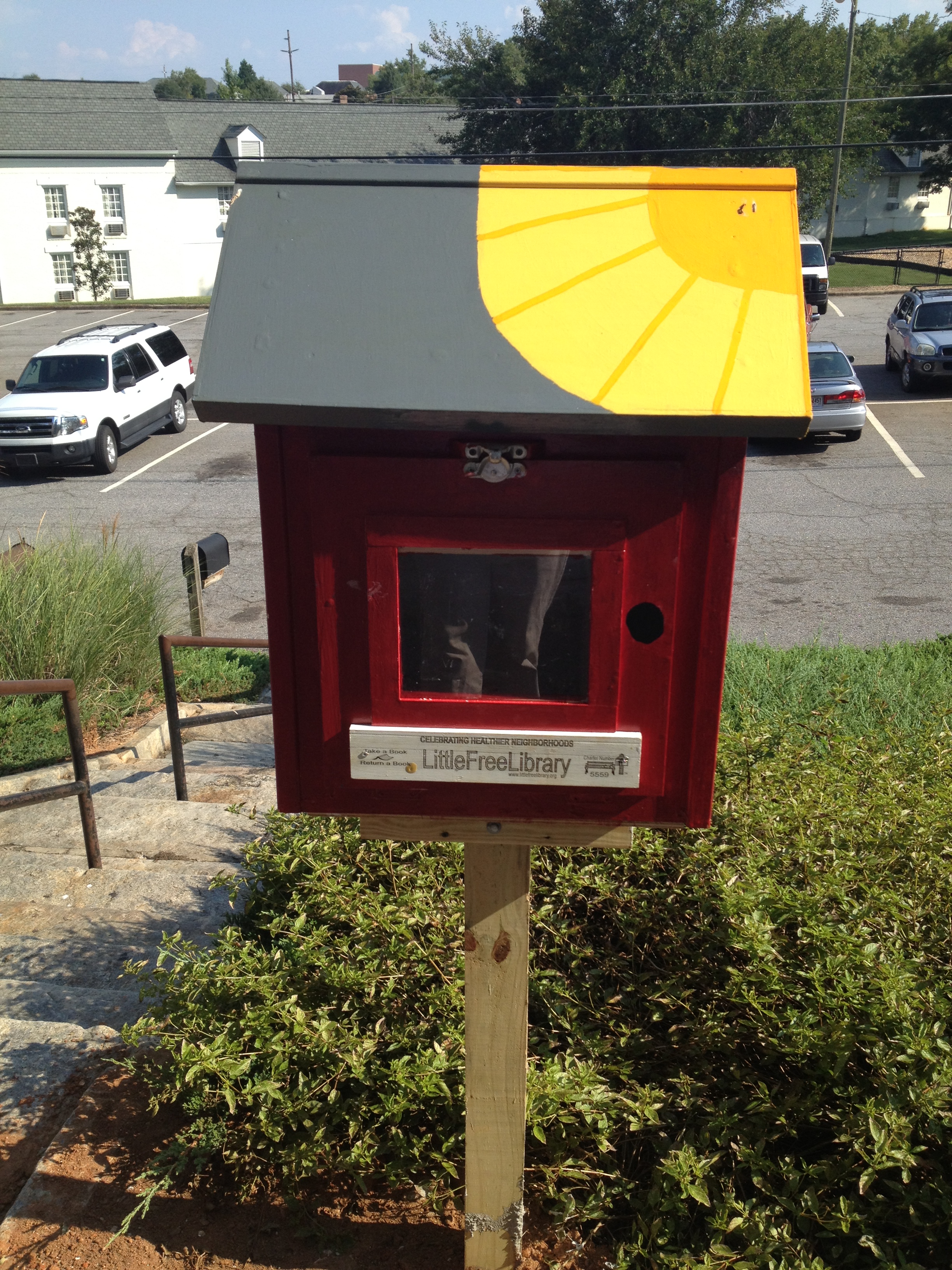
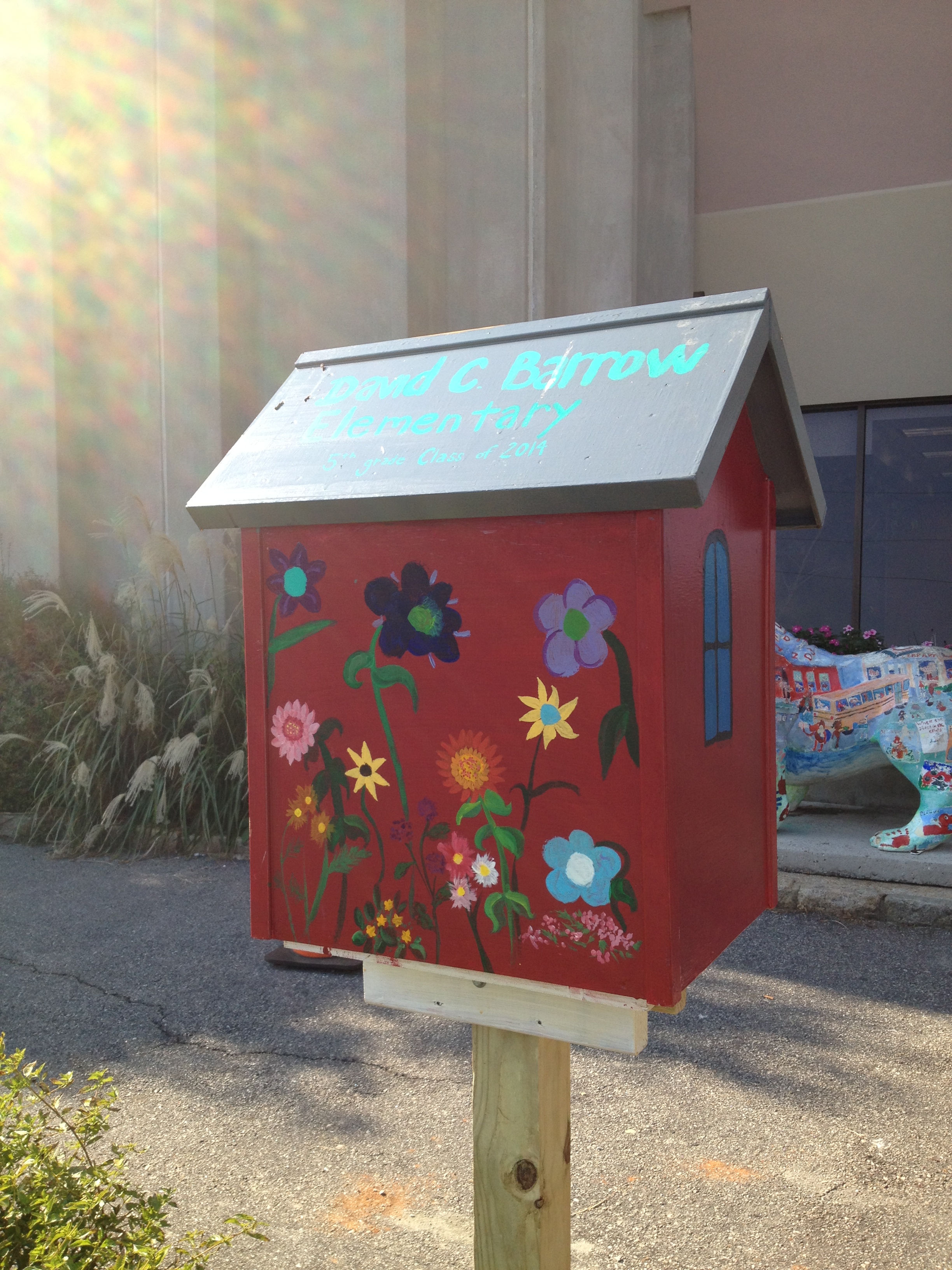
On Monday September 9, Randy Haygood opened the Lay Park Little Free Library.  This library features an old Barrow school look.  A giant sun radiates from the roof and the back features a beautiful flower garden.  I delivered 6 boxes of books to him so that he would have books to refill the library for a few weeks.  I can’t wait to see how this little library supports reading at Lay Park and the surrounding communities.

Lay Park Library back view

Lay Park Library back view

These libraries are truly a gift.  They represent so many voices, ideas, and creativity from students, parents, grandparents, and our community.  Thank you Athens community for supporting this project.  Enjoy these libraries for years to come.


September 11th: Reflecting and Connecting with Barrow and Van Meter

IMG_1016Each year as a part of their social studies standards, our 5th graders learn about September 11th.  We try to take an entire day and explore September 11th from multiple perspectives and angles so that our students understand the tragedy but also how tragedy can lead us to take action in the world.  This year, we were excited to collaborate with Shannon Miller and her students in Van Meter, Iowa on this project.

Today at Barrow, students began their day in their classrooms.  They discussed heroes and set a tone of seriousness and reflection for the day.  Then students launched into four 30-minute rotations.

1.  With Ms. Olin, students read the book Fireboat, discussed the many heroes that responded on 9/11, and learned about ways that heroes are honored.  Students designed a postage stamp for heroes.

2.  With Mrs. Selleck, students read some reflections that were written by New York students after the tragedy happened.  Students learned about how people respond to tragedy in many ways.  They also read 14 Cows for America by Carmen Deedy to see that even people in far away countries wanted to support America in any way that they could because of this tragedy.

3.  With Mrs. Mullins, students looked at other heroes of 9/11 from the rescue dogs to the everyday citizens aboard the United 93 that took over the hijackers and saved the US from another potential large scale disaster.  Students also learned about the poetry form haiku and how it can be a way to reflect upon a tragedy or honor someone.  Students wrote haikus for heroes.  Mrs. Freeman recorded several students reading their poems.

4.  With me in the media center, students viewed a video about remembering the tragedy and taking a stand on 9/11 to do something positive for the world.IMG_0999

Students then went to a pathfinder on computers and sat all over our media center in complete silence as they viewed multiple websites about 9/11.  The sites ranged from video footage of the tragedy to interactive timelines to audio recordings of memories from victims’ family members.  At the close, students thought about what they might do to honor 9/11.  Along with students from Van Meter, we created a padlet where each student wrote an “I will” statement.

At the close of the day, students wrote reflections using 2 prompts:  1.  September 11th makes me think about…. and 2.  My hope for the future is…  We filmed these students and added their reflections to a collaborative video between Barrow and Van Meter.


September 11th is a tough subject with disturbing content.  We made sure that every student had multiple options for how they might learn about the day.  Students also had permission to no watch anything that disturbed them and could take a break at any time to do something else or to read books or write.  After doing this each year, I feel like this format really explores more than the tragedy and helps students see that in tragedy heroes emerge and any person can make a positive difference in the world.

Our students will continue to talk about this with families, explore the pathfinder sites in their classrooms, and contribute to our padlet wall.  We invite anyone reading this to contribute to the “I will” wall too.  http://padlet.com/wall/wewill

Dot Day Fun with colAR Mix App

Every year, I enjoy celebrating International Dot Day, and it seems that every year we discover new ways to celebrate.  This year, I was excited to discover colAR Mix 3D coloring book.  I discovered the app while reading Fablevision’s posts about Dot Day.  colAR Mix is an augmented reality app that takes 2D coloring pages and brings them to life.  You can see the amazing video here:

For Dot Day, they made a special free page that allows students to design their own dots and turn them into rotating discs, falling balls, rotating solar systems, and revolving globes.  The app has a built in camera so you can take pictures of your creation, pretend that you are holding your creation in your hand, or even work with a partner to take your picture with your creation.

The students have been blown away by the coolness of this app.  Every adult that has seen it has immediately downloaded it on their phones and iPads to try it out for themselves.  Other than the coolness, I could really see this being used for multiple purposes.  When you study maps, you often have to think about something that is 3D in a flat format.  This app allows students to design something flat and see what it looks like in 3D.  Perhaps by working through this several times students would gain some understanding about how our flat maps of the world actually translate into the actual 3D world we live in.  It would be interesting to connect this with the upcoming explorers study that I am doing with 4th grade.  I would love to hear others’ ideas of how it might be used beyond dot day.


Book Tasting with Kindergarten Using IPICK

ipick kinder (3) The Daily 5 I-PICK Strategy is a tool that many of our teachers use with students to find a “just right” book.  I’ve found this strategy to be so much better than using the 5-finger rule because it takes into account the many ways that we all choose books.  Usually 1st grade teachers are among the first to teach this strategy, but this year Kindergarten is very interested in what this might look like for our youngest students.

I-PICK stands for:

  • I choose my books
  • Purpose:  Why am I reading?
  • Interest:  What do I like to read?
  • Comprehend:  Do I understand?
  • Know:  Do I know most of the words?ipick kinder (4)

For Kindergarten, most of these pieces are obtainable except for knowing most of the words.  We’ve also been teaching the students the ways that we read which have included reading the pictures, reading the words, and retelling the story.

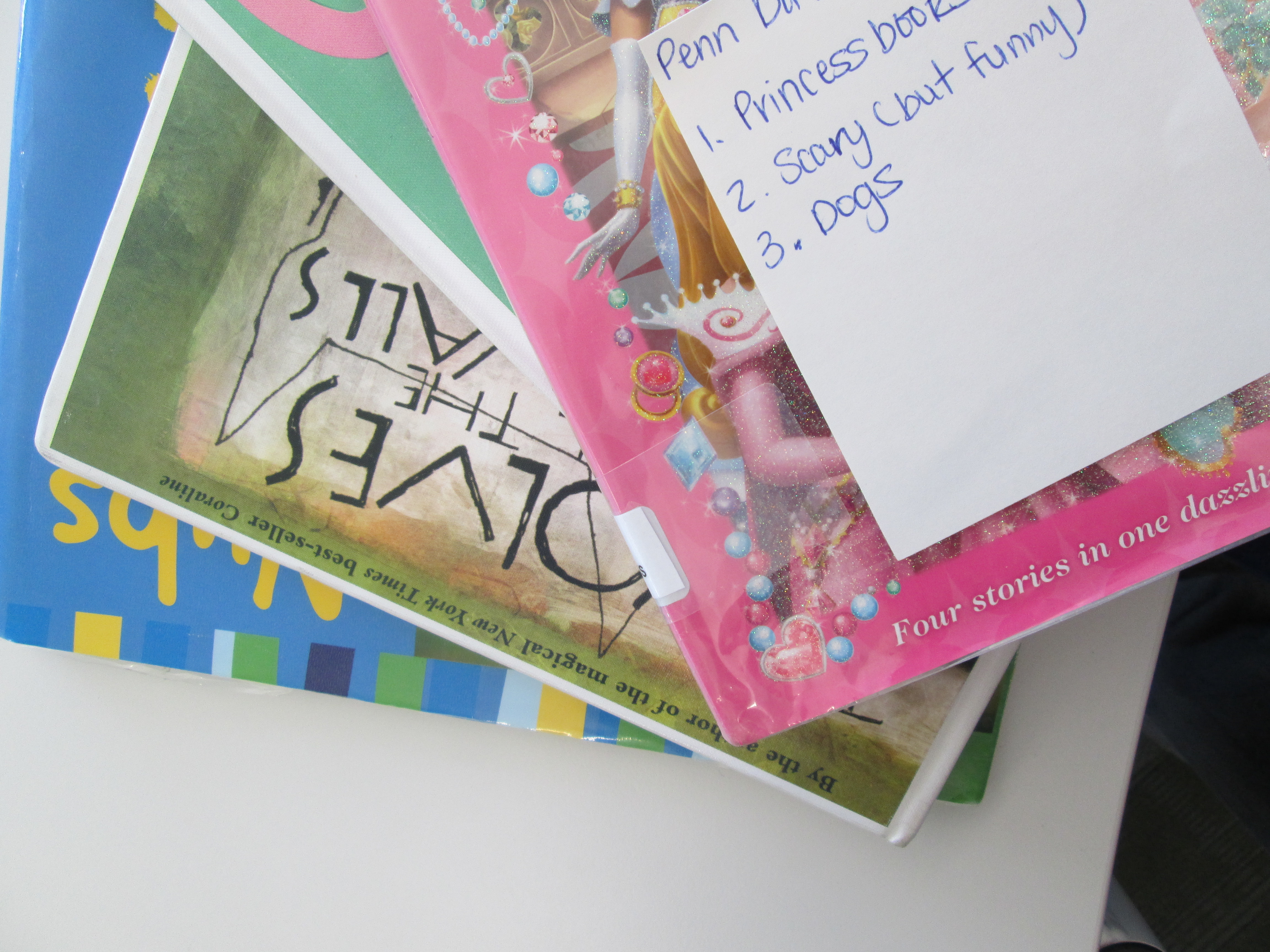
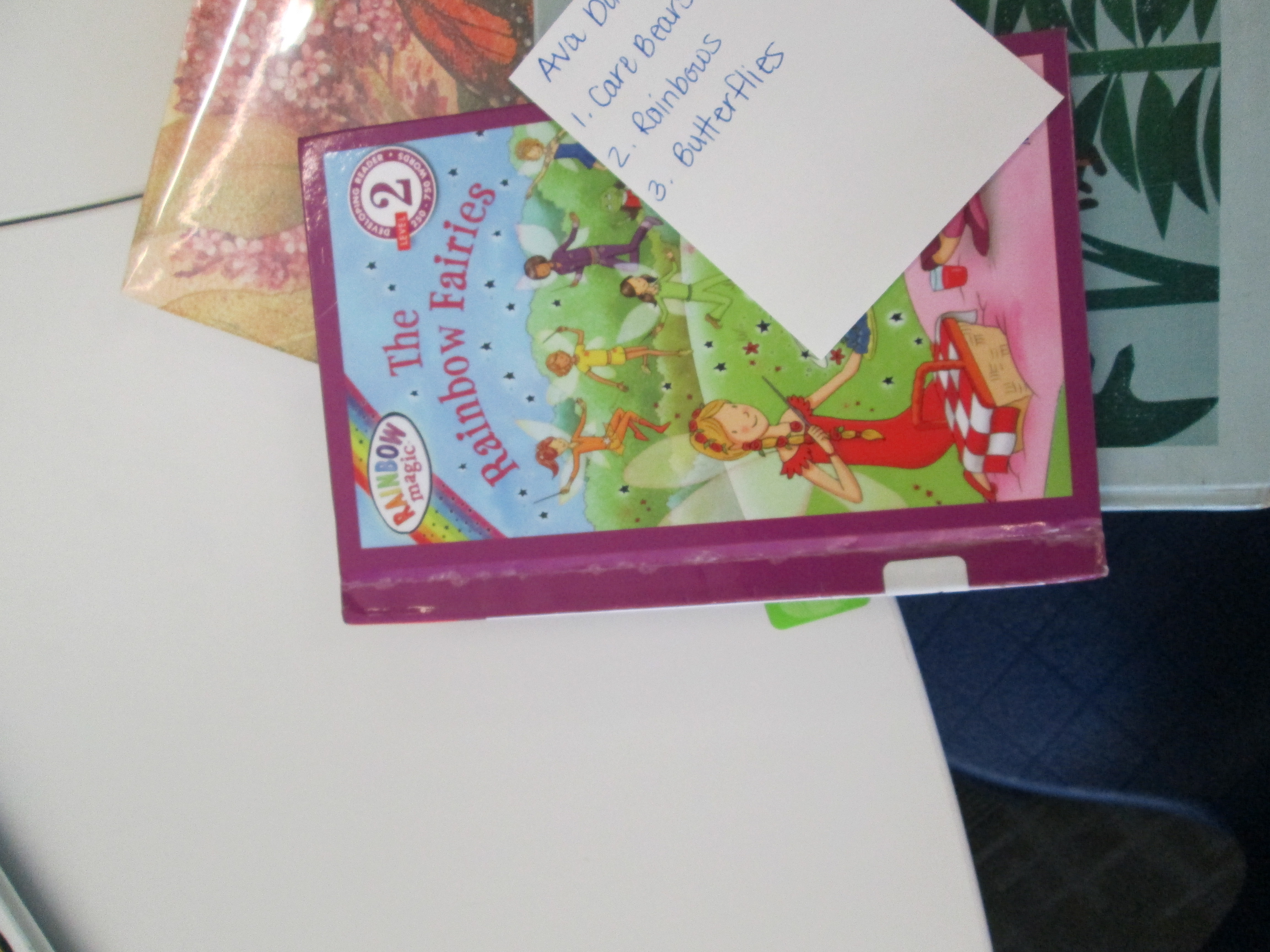
After some email conversation with a Kindergarten teacher, I proposed that we leave off the “know” part of IPICK for most of the students.  In class, students reviewed all of the steps of IPICK, but they specifically focused on “interest”.  Each student was interviewed about what they like to read and the teacher and other helpers wrote down about 3 interests for each student.  These cards were then given to me in the media center.

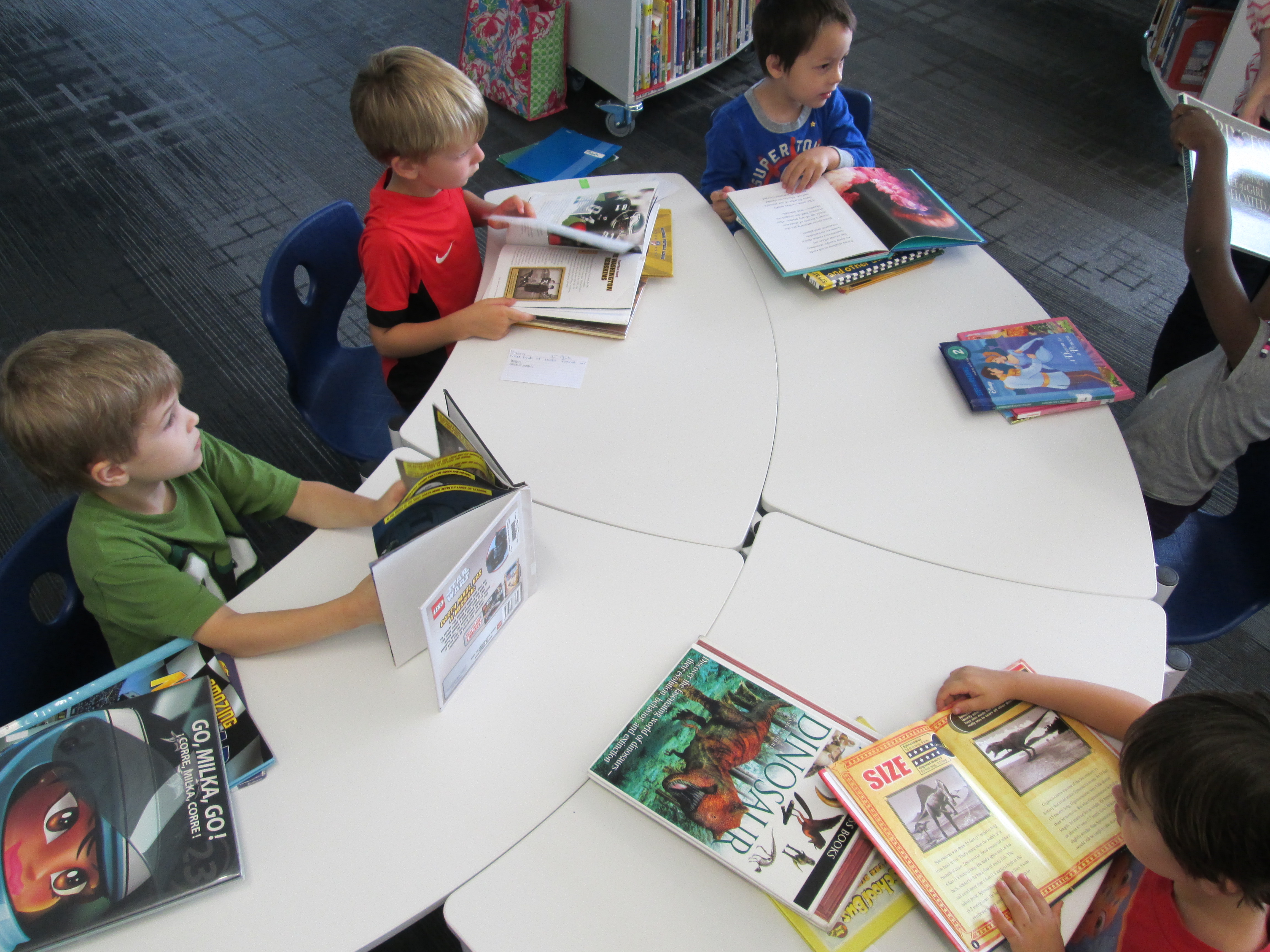
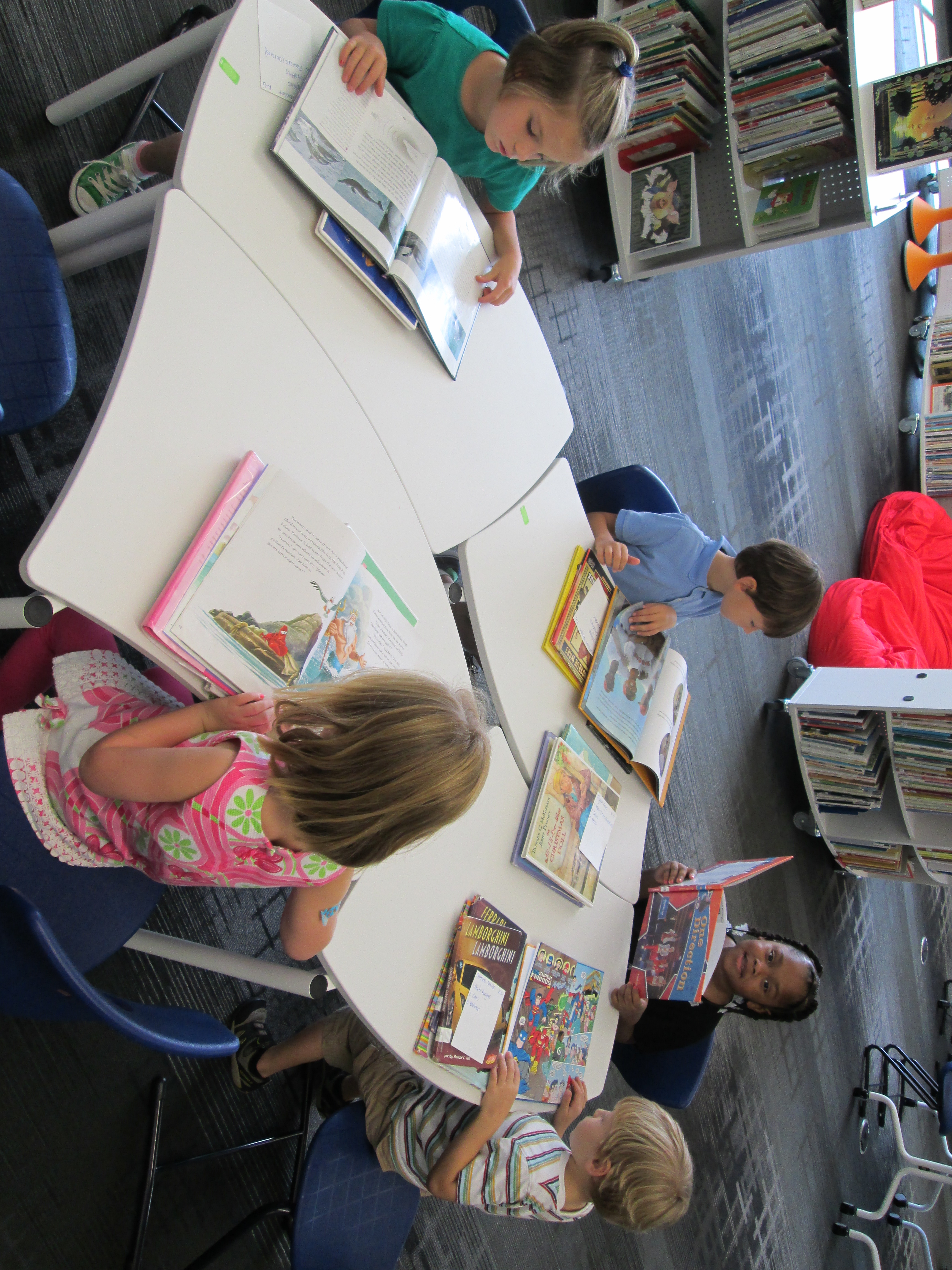
IPICK Kinder (10)I took each card and created a personal stack of books for each student.  I tried to find books that matched the interest and had plenty of pictures for students to practice reading pictures in a book.  I won’t lie.  This was very time consuming.  It took me about 45 minutes per class to pull books.  However, for the first time I could honestly say that I helped every student in a class find the books that they were interested in.

We kept our lesson very short.  On the floor, I reviewed IPICK and set our focus on comprehension.  We looked at some previously read books like Chalk to remind ourselves how to read the pictures in a book.  We also looked at informational text to practice reading a photograph and attempting to read the captions on pictures.

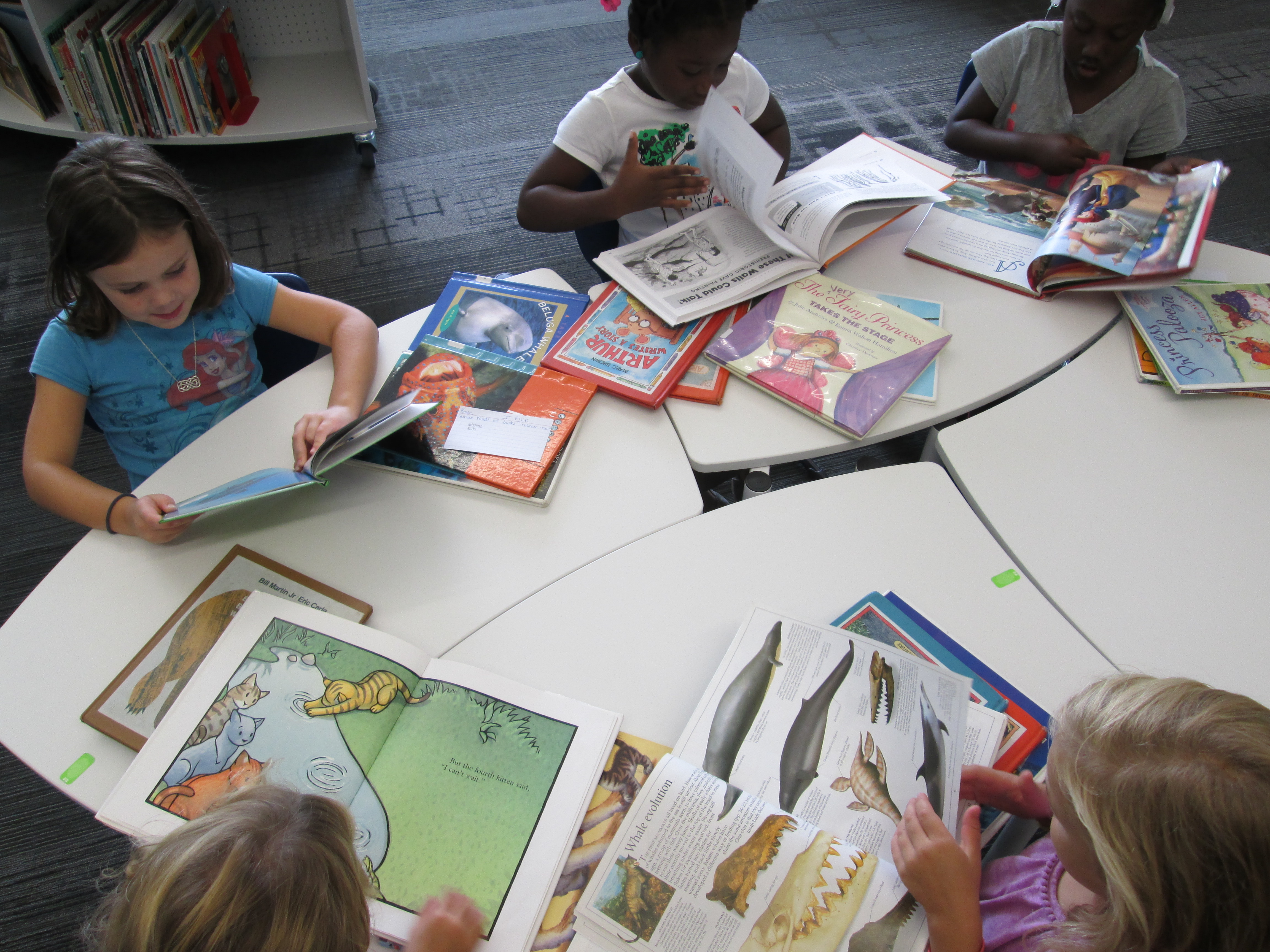
Just like in a cafe where you place your order and they call out your name, I called each student’s name and handed them the stack of books.  I reminded them that sometimes in restaurants we don’t like what we ordered and that it is ok to send it back or spit it out.  I reminded them that they would probably find several books that they liked but they needed to pick the one that tasted the best.IPICK Kinder (9)

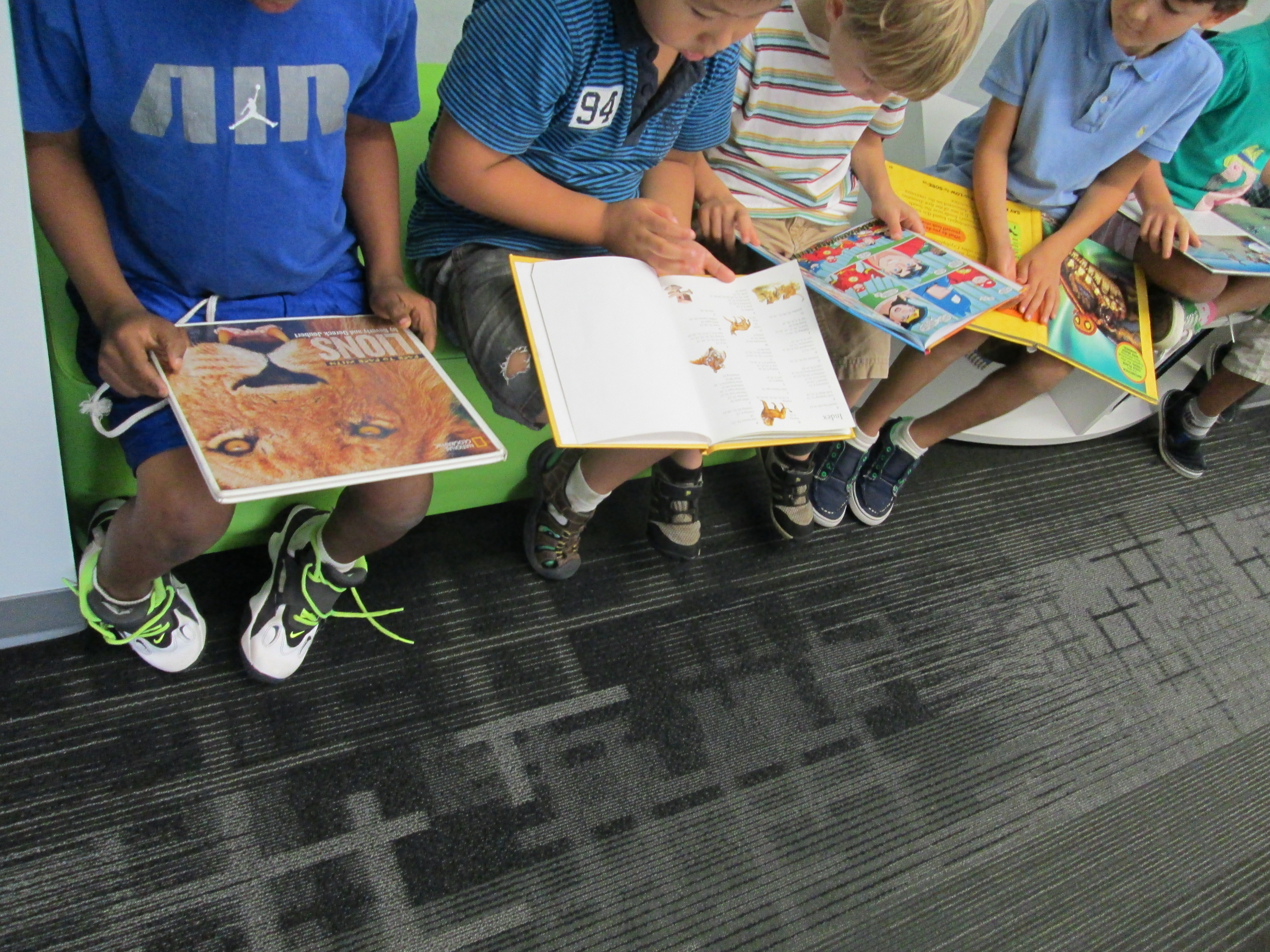
As students sat at tables, the teachers and I walked around and had conversations with students about their books.  They told us what they were reading in the pictures.  If we saw a student quickly breezing through pages, we had a longer conversation and modeled how to slow down and carefully read a picture.  I loved how finding the book didn’t get in the way and we were actually able to have quality conversations rather than spending our time running around the shelves looking for books.

ipick kinder (6)In the end, each student chose a book.  When we asked them why they chose the book, interest was usually the winning reason.  It just reminded me of how important it is for students to find the books that they love to read even if it is Spongebob or Disney Princesses.  Every student left with a smile on their face.  I know that students missed the experience of actually finding the book on the shelf, but in the end, I felt like this experience was positive and rewarding in other ways for the students.  This is not something that I would or could do for every session, but I think it’s important for students to come to the library and find the perfect match of a book at least part of the time.ipick kinder (1)

A Visit with Barbara Walsh: Author of The Poppy Lady


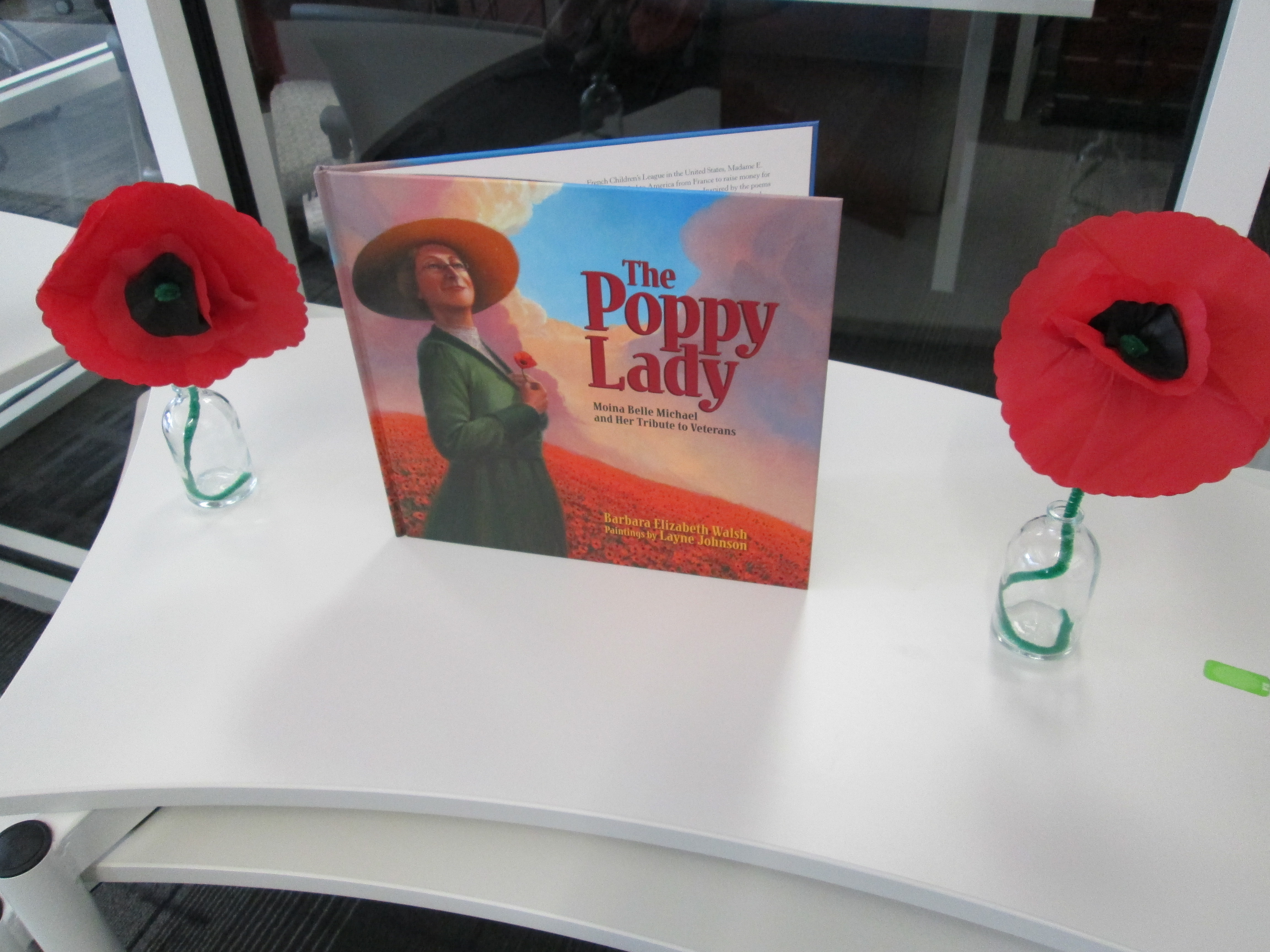
Barbara Walsh (19)Over the summer, I received an email from Carole Langley, wife of a Barrow alumni.  She introduced me to the incredible story of Moina Belle Michael, an Athens area woman who is credited with making the poppy the symbol of remembrance for soldiers.  The children’s book is called The Poppy Lady:  Moina Belle Michael and her Tribute to Veterans by Barbara Walsh.  Until this book, I really didn’t know the story of Moina and her ties to Athens, Georgia and the world, but I am so thankful that Carole introduced me to this book and I’m even more grateful to Barbara Walsh for creating it.

After that email, I contacted Barbara and her publisher and began a long collaborative journey to bring her to our school.  Luckily, Barbara was already going to be in Decatur for the Decatur Book Festival.  She graciously agreed to come to Athens and present her work to our 4th and 5th graders, but just like Moina, Barbara wanted to do more.  She offered to visit as many schools as she could while she was in Georgia.  I arranged for her to visit 7 other elementary schools in Clarke County and Carole Langley agreedto be her chauffeur.

Before her visit, I read the book to all 4th and 5th grade classes.  We also watched the book trailer:

And we watched the video from the Georgia Women of Achievement:

All of this information was fascinating to the students and was a great tie-in to the 5th grade Veteran’s Day Luncheon that they do every November.  The students couldn’t wait to hear Barbara talk.

Barrow was honored to be  Barbara’s first ever school visit, and she did an incredible job sharing Moina’s story and the long process it took to write a work on nonfiction.  In all, it took 7 years to bring this book into the printed copy that we hold into our hands today.  Barbara shared how she interviewed numerous people, dug through archives at UGA and Columbia University, and used Moina’s autobiography as a resource.  She shared how her editor wanted her to be extremely thorough in her research.  I loved having this information emphasized for students so that they could see how hard authors have to work to research their topic.  Having this at the front end of the year will allow this visit to inspire our work for the rest of the year.  Barbara also shared many pictures of artifacts and the story of her 99 year old father who has a personal connection with Moina.

Barbara Walsh (6)As students left, Barbara gave each student a poppy that was made by a veteran.  She also gave them each a bookmark from her book.  Avid Bookshop sold copies of her book and those will be autographed and delivered to students soon.Barbara Walsh (24)

In the spirit of Moina Michael, Barbara Walsh doesn’t keep a penny of the profits from her books.  She donates everything to Operation Purple, which benefits the children of those serving in the military.  Barbara’s passion for Moina Michael’s mission is evident in every conversation that you have with her.  She truly lives up to Moina’s own phrase:  “Whatsoever the hands find to do, do it with all your might.”  Thank you Barbara Walsh for giving this gift of a story to all children, and thank you for your generosity in coming to speak to our Barrow and CCSD students.

International Dot Day: First Steps

dot day (14)Today, the very first classes came to participate in International Dot Day lessons.  Ms. Olin’s 5th grade class read The Dot by Peter Reynolds.  We talked about what it means to make your mark on the world.  I loved hearing their ideas because they really had a sense of how they could make a difference.  I had 2 separate areas setup for them.  One area had coffee filters, a variety of coloring supplies, a water bottle, and tables covered in black butcher paper.  They could use the materials in any way they wanted to be creative making a dot.  The other area had iPads loaded with Glow Coloring and Drawcast.  Students who chose iPads used a stylus to draw a dot and save it to the camera roll on the device.

Students chose where they went.  I made no requirements about doing a dot at both locations.  Some students chose to make several coffee filters dots by trying different techniques of using markers, crayons, color pencils, and water.  Others chose to make multiple iPad dots.  A few chose to do both.  Once students’ dots dried, I started making our dot gallery on the windows of the library.dot day (15)

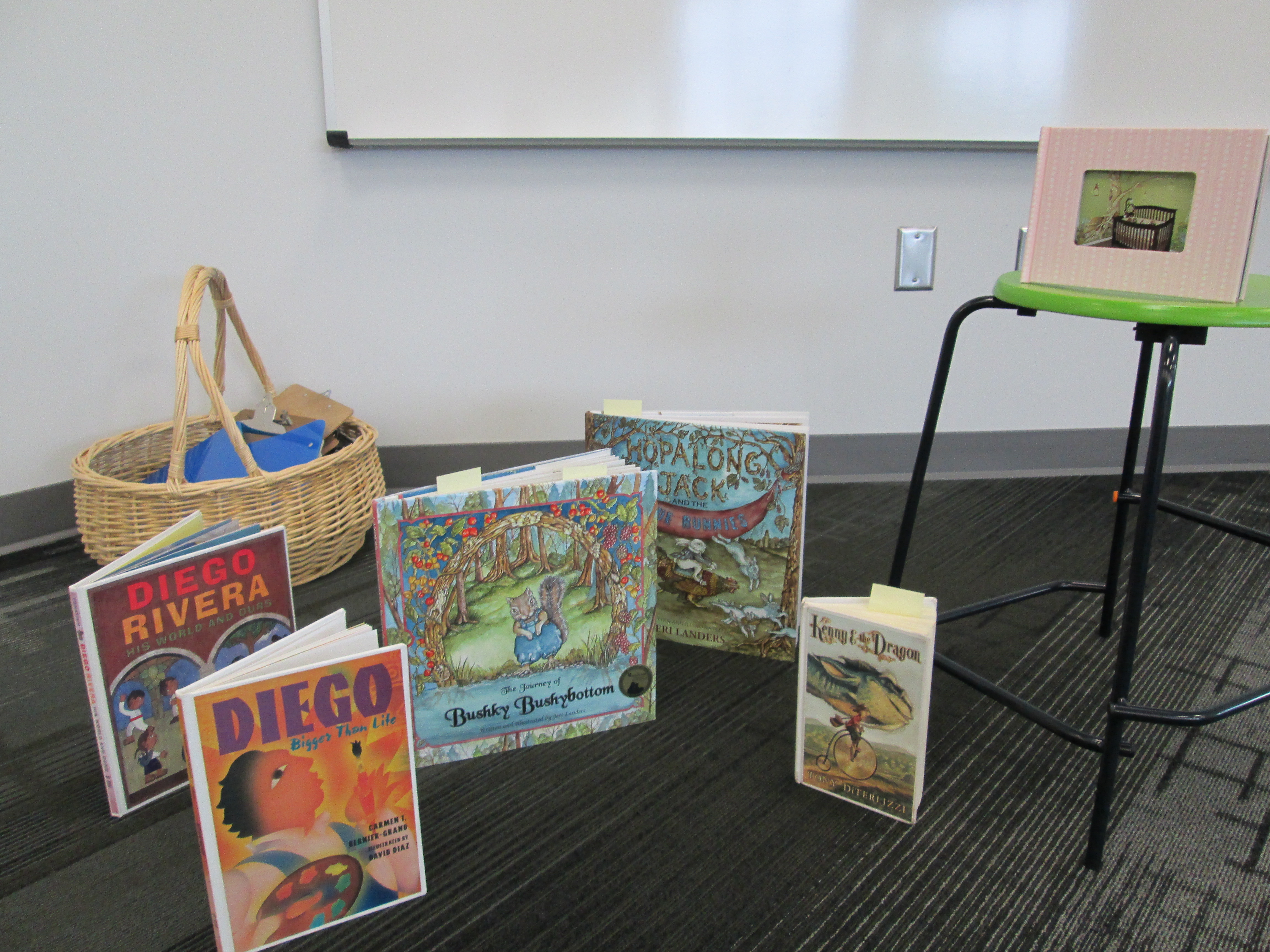
dot day (16)Later in the day, Mrs. Kelly Hocking’s Kindergarten class came to begin a dot project.  They are going to be studying several artists and learning how they can express themselves through art.  One of the artists they will learn about is Chuck Close.  This is a perfect tie-in to Dot Day since Chuck Close creates paintings that are made of numerous dots that come together to make a larger picture.  I had already read Sky Color to her class and they became very interested in painting murals.  Today, I showed them pictures of a mural in my daughter and son’s room and how the idea for the mural came from several children’s books.  Then, we read Diego Rivera His World and Ours.  The book details how Rivera traveled Mexico to get ideas for his murals.  It also raises the question about what Rivera would paint if he were alive today.  I love that the book ends by saying, “Today Diego is not around to make this happen.  So it is up to us to make our own murals and bring them to life.”  This was Mrs. Kelly’s lead-in to the mural that they will now create using dots in their classroom.  The mural will be displayed in the library, and we will probably have some more lessons before it is done.

dot day (17)I also discovered a great new iPad app after reading about it on Fablevision.  colAR Mix is an augmented reality app that brings coloring pages to life in 3D.  They have made a special coloring page just for dot day.  I made a practice dot, and it was so much fun seeing it pop off the page on the iPad.  You can take a picture of your 3D dot and save it to the camera roll.  I’m sure several classes will try this one out.dot day

An Author Visit in the 1st Three Weeks of School….Why Not?: Our visit with Gennifer Choldenko

These books will all be gone tomorrow!

These books will all be gone tomorrow!

I love our local bookshop, Avid Bookshop.  Over the summer, they contacted me about a possible author visit prior to the Decatur Book Festival.  This book festival brings in some of the top authors from around the world for 2 days of book celebrations.  This festival is actually connecting us with  2 authors in the 1st three weeks of school since they will already be in Georgia!

Today, thanks to Avid, Gennifer Choldenko visited our 4th and 5th graders.  Gennifer is the Newbery Honor award-winning author of the Al Capone series, Notes from a Liar and Her Dog, No Passengers Beyond this Point, and more.  Before her visit, I held a session for all 4th and 5th graders to get familiar with her books as well as the book of our other visiting author, Barbara Walsh.  I used two different Blendspace (formally Edcanvas) links to share excerpts from books, book trailers, and biographies of the authors.  Students also had an opportunity to pre-order books for signing.

During her talk, Gennifer talked about:

  • her inspiration for the Al Capone books from her time as a docent on Alcatraz
  • her research of looking at the most notorious prisoners to see who would be the most fun character
  • details of what she learned about Al Capone while he was a prisoner.  Her photos of his prison experience with antique furniture was amazing!
  • photographs of convicts doing laundry on Alcatraz and how that came into her books
  • cockroaches helping to make exchanges between prisoners
  • convicts coming to brunch at her house and sharing their stories
  • how she keeps a notebook with her ideas, including kids’ names
  • how she writes other books in between the Alcatraz books
  • going to Alcatraz Alumni Day
  • what historical fiction is…..like can you include an iPhone in a story set on Alcatraz?
  • how many books she is in the process of writing.  She’s a busy person!
  • And so much more
Gennifer spent time before and after her talk chatting with students.  Love this!

Gennifer spent time before and after her talk chatting with students. Love this!

As always, the kids left this session pumped up about reading an author’s books.  I have no doubt that kids will be knocking on the door in the morning to get these stories.  I can’t thank Avid Bookshop enough for making this visit happen for us and for Chase Street Elementary.  Bringing in authors is always inspiring, but it’s also very expensive.  Having the support and connections of our local bookshop is fantastic!  Also, a huge thank you to Gennifer Choldenko for sharing her time and talents with our students.  They were so engaged and probably could have asked questions for another hour.

And We’re Off! (with a new take on library orientation)

IMG_0856I’ve always wanted to try something different for library orientation rather than have the students sit on the carpet for 30-45 minutes while I talk on and on about how to use the library, check out books, and take care of books.  This year, especially, I knew that students would be eager to explore their new library space rather than sit and stare at it from a distance.  So….I made a plan for 2nd-5th grade and a plan for K-1.

For K-1, we stayed as a whole group and watched a few of the videos together.  I may try letting 1st grade scan one of the QR codes just for practice, but I felt like whole group with a story was still the way to go for the younger students.  We read the book Sky Color by Peter Reynolds to make connections to the library being a place to be creative and think outside the box.

For 2-5, I made a list of the major topics that I wanted students to think about when learning about the spaces in the library and the basic functions such as checking out a book.  From there, I made a video for each of those topics using an iPad and  uploaded it to Youtube.

I took each link and generated a QR code.  I put each QR code on its own piece of paper with some brief instructions.  For example, the check out QR code said to scan the code and go to the circulation desk before watching.  On our iPad cart, I downloaded a QR reader and tested all of my codes to make sure they worked.IMG_0833

During orientation, I put out the QR codes that I felt like that grade level needed the most.  Lower grades had fewer QR codes to scan while the upper grades had them all.  For some classes I made a table of codes that were the “must scan” codes and then a table of codes for “if you have time”.  We started our time on the carpet in order to do a welcome, refresh using iPads safely, and to demo scanning a QR code.  Next students got an iPad and plugged in some headphones from the library (or their own) and began scanning codes.  I would love to say that it was perfectly smooth, but of course students had trouble adjusting sound, some headphones weren’t plugged in all the way, and some headphones weren’t working.  However, once the glitches smoothed out, it was amazing to see students productively wandering around the library with iPads doing a self-guided tour just as they would do in a museum.  In the process, they walked the entire library, tried out multiple places to sit, found out about technology they would use throughout the year, and saw books that they wanted to checkout.  I felt like even though they heard the same information each student gained something different out of the orientation.

At the close, we came back together to share some things that they learned about our library.  I wish that we had more time for this reflection because it gave me so many insights into what students valued in the library and what they were still wondering about.  At checkout, I saw students doing some of the exact same things that I did in the video.  I also saw students looking for books that they saw on shelves in the videos.  Overall, students got a lot of the same information, but this was much more engaging,  involved movement, and gave students the option to watch something again if they didn’t understand.  We’ll see how this translates into library use during the year, but I felt much better about how this new take on orientation went.

Today was exciting.  For the first time, I saw 2 years of planning a library space begin springing into action.  I saw how much the students are going to move this furniture around to meet their needs.  I saw how visible the books were on the shelves, which leads me to think we’ll have even more circulations this year.  This was only day one of classes.  I can’t wait to see how the space grows, evolves, and becomes useful to the students and the kinds of learning they will take on for years to come.

Setting Up a New Elementary School Library (Part 3)

It’s hard to believe that the unpacking and arrangement of our new school library began only one week ago!  As of today, every box has been unpacked thanks to many hours of work from me and some dedicated volunteers.  This included working on 2 furlough days and the weekend.  There’s still a lot to do, but it’s nice to know that everything has been unpacked!

When people walk by, I often hear, it looks like you are all ready.  I’m glad that the library looks like a library as our kids enter the building tomorrow, but there are many things left to do like:

  • Setup our iMac computers for video editing
  • Setup up our morning broadcast equipment and prepare the schedule/contracts of the new crew
  • Get power and data installed to the circulation island and have technology image the new circulation computers
  • Install a wall case which includes 2 white boards and a touchscreen for ebooks
  • Finish putting together 2 computer tables
  • Put together our lego robotics area
  • Update 30 ipads and make sure they are working for the new year.  Install apps that have already been requested
  • Re-label and re-catalog over 200 books that were pulled from fiction in order to move to everybody, graphic novels, and series sections
  • Distribute 250+ netbooks to classroom teachers after shuffling them among the carts to make grades 3-5 one to one
  • Test out media center equipment and how it interacts with our new projectors before releasing it to teachers to check out
  • Create some type of signage to help students in locating the books they need.  I may get students involved with this piece soon!
  • Create orientation videos that students may use to make orientation more individualized
  • Finish setting up the teacher book room which includes guided reading books and professional books.  Also setup a self check-out/check-in area in this room
  • And several more things……

Today I want to highlight some of our areas of the library that I haven’t talked about yet.  One is circulation.  Throughout the planning of our library, I repeatedly said that I did not want a circulation desk.  We don’t have a library paraprofessional at the moment, and even if we did, we don’t sit behind a desk all day.  Instead, I wanted a self check-in area and a self check-out area with places for students to easily store books that were checked-in.  We went through many rounds of discussions and drawings, but this is what we came up with:  a circulation island.

Circulation island instead of a clunky circulation desk

Circulation island instead of a clunky circulation desk

As students enter the library, they will turn right, check in their books at the check-in computer, and store their books on one of two rolling carts stored underneath the circulation island.  If both of these carts fill up, a third rolling cart can be pulled out to replace one of the filled cart.  This third cart also stores within the island.  Once students find their books, they will stop by the opposite side of the island to check-out their books as they leave.  On the wall right behind the island, there will be casework with multiple opportunities for displaying student work and books.  There will also be a touch screen where students can browse the ebooks in our collection.  I hope that this becomes a user-friendly area for our students.


Some shelves have stools within the curves where students can sit and read or use the shelf as a counter/work space

Some shelves have stools within the curves where students can sit and read or use the shelf as a counter/work space

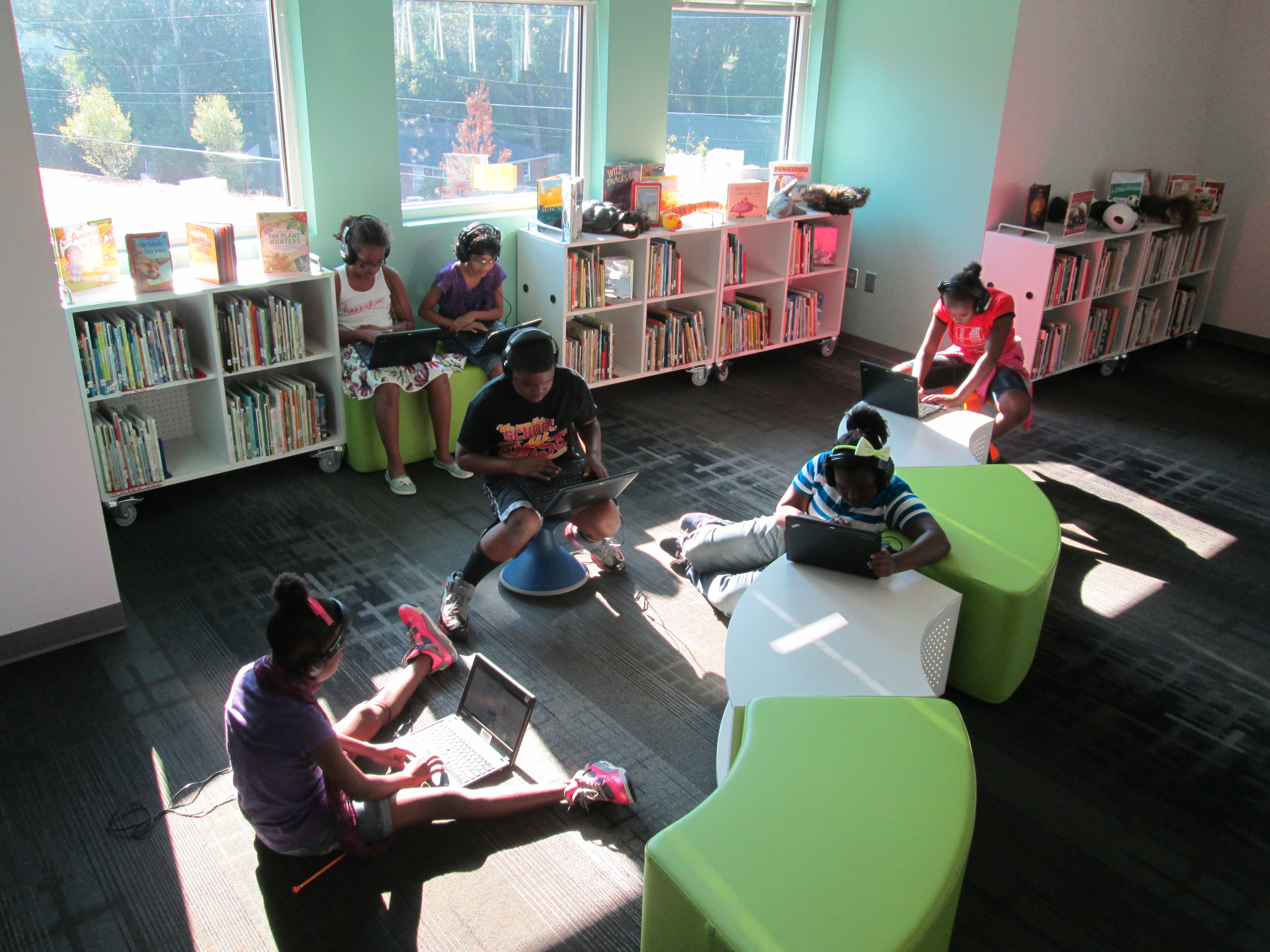
Another item I want to feature in our library is the multiple ways that students can sit and interact with the space.  The curves of the shelves provide opportunities to put stools, bean bags, or soft curved seating.  With stools, students can sit and read or they can face the shelf and use it as an additional workspace.  As I display books on the tops of shelves, I’ll try to leave spaces open so that students can take advantage of these workspaces without having to move all the books.

At our iMac video editing stations, students can sit on the rectangular soft seating, wobble around on a Hokki stool, or pull up a chair that can face forward or backward.  It will be interesting to see which seating gets used more than the other.

iMac video editing stations

iMac video editing stations


There are many more features that I look forward to sharing in the coming days and weeks, especially as students start to use them.