
This year, I’m trying to model transliteracy & transmedia in my monthly reports. Hopefully, I’ll get better at this as the months progress rather than get overwhelmed by all that is going on. I used Simplebooklet to make this month’s report.

This year, I’m trying to model transliteracy & transmedia in my monthly reports. Hopefully, I’ll get better at this as the months progress rather than get overwhelmed by all that is going on. I used Simplebooklet to make this month’s report.
 Two of the goals for our library program this year are to explore how MakerSpaces, or the culture of MakerSpaces, could influence the structures and happenings in our library and to increase the participatory culture of our library program. Two of the things that I emphasized in our library orientations this year were the idea that the library is a place to create just as much as it is a place to get books and that if students have an idea for our library program they need to help me think about how to make it happen.
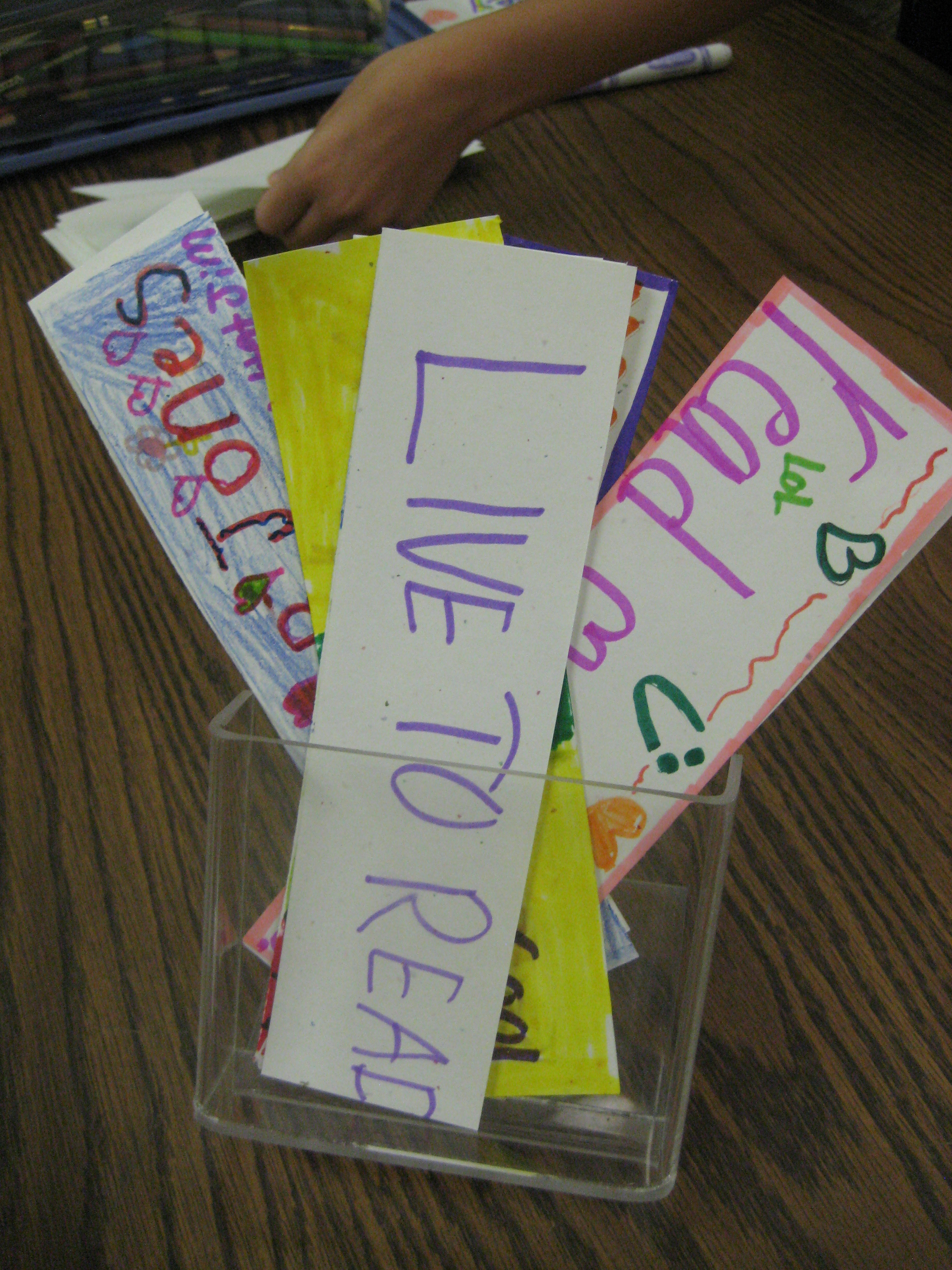
While the following idea is not one of the most significant examples of participatory culture or MakerSpaces, it is a small piece that serves to spark other happenings during the year. During orientation I suggested several examples of things that students might “make happen” during the year: create book trailers, shelve books, become a technology consultant, etc. One of those suggestions was to make bookmarks for other people to take. I suggested that if you want to see bookmarks in the library why not make that happen by making your own and putting them in the bookmark holder. Of course, with the busy start of the year, students forgot about it. This week students have been coming to the library for Scantron testing on the computers. When they finish, they just sit or read a book. Today, I pulled out markers, color pencils, crayons, and chopped-up card stock and told them they also had an option of making bookmarks. Almost every student chose to make a bookmark and their energy and excitement almost got out of control and disturbed testing! Imagine that! I documented their time through photographs and made an Animoto to play on our morning broadcast. Some of the students took blank bookmarks with them to make and bring back later. My hope is that their initial start will spark other students to want to participate. Not all students have to participate, but they need to feel that if they do contribute that their participation matters. I plan to do a quick talk on BTV after the video and see if this catches on spontaneously. I want our participatory culture to become more organic where students are coming up with ideas themselves, making suggestions, and taking action, but I don’t think that can happen all of a sudden. I’ll keep you posted!
Every year at the beginning of the year, teachers ask me to do lessons on choosing a “just right book”. While sometimes the focus is just on finding words that you know using the “five finger rule”, I like using the IPICK model because it is more inclusive of all of the pieces it takes to find a just right book. IPICK stands for:
Each year, I show videos of students singing a song about IPICK. There are several examples on Youtube. However, I know that our students are using this strategy in various classes, so when I heard a 3rd grade teacher reminding her students to use IPICK, I asked her if she had some students who might be interested in making a video. Of course, they were very interested!
For about 45 minutes, 3 students and I met together. We planned what we might do during the video. Then, we started recording with an iPad. After we filmed one take, we watched it and thought about what we needed to change. Each time, the students made more and more suggestions and their video improved every time. Here’s the video they created during our time together.
This year, I want to continue to listen for opportunities for students to participate in creating content in our library and be a bridge builder to get that content to a global audience for our students.

A sketch of how water is used in our lives
Today, first grade continued their exploration of culture, which is a part of their social studies standards. In our first lesson, we thought about our day from the time we get up until the time we go to bed. Then, we read the book One World, One Day. We used the photographs and text to compare and contrast the day around the world with what a day is like in our own cultures.
Today’s lesson focused on water around the world. Students began by drawing and writing how they use water in their own lives. We move to the floor and read the introduction to Our World of Water: Children and Water Around the World. Then, we moved to computers and used PebbleGo to explore all of the resources available in the earth database about water. 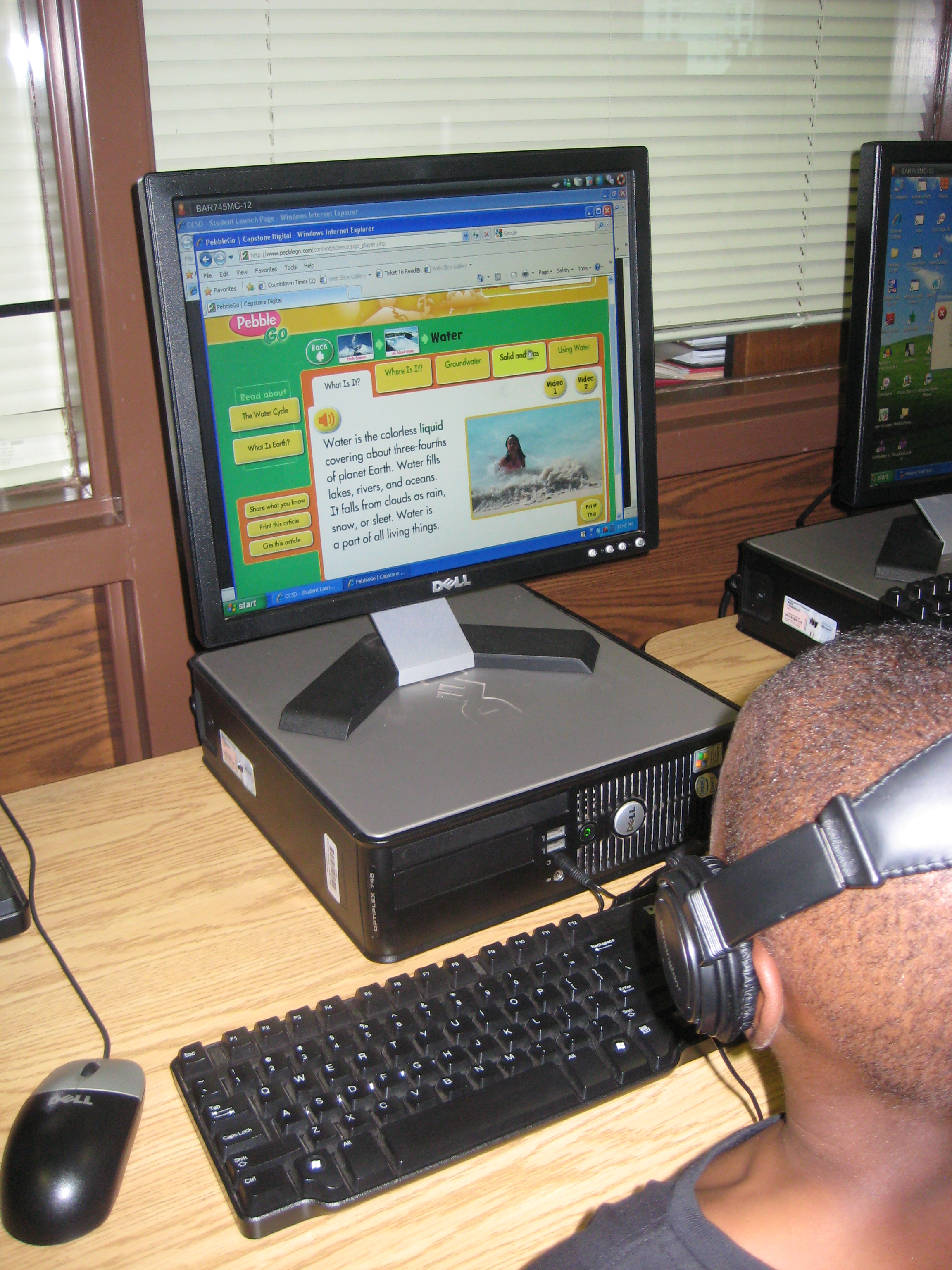
I really liked the movement from drawing/writing to listening to using technology to read/listen. These kinds of experiences are what I hope to repeat in many lessons this year as I try to provide transliterate experiences for the learners in our library.
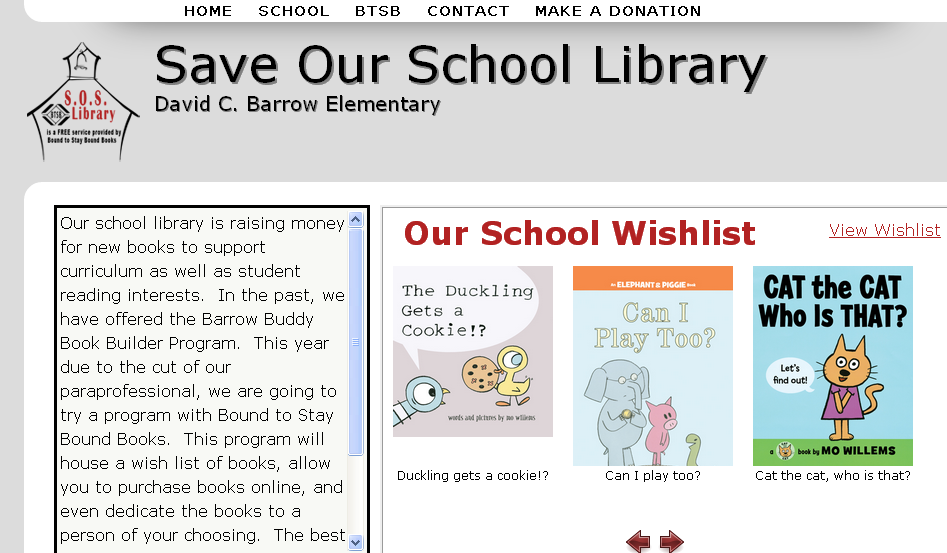
For the past 4 years, we have had a program at Barrow called the Barrow Buddy Book Builders. This program has allowed families and community members to purchase new books for our library from a wishlist and dedicate those books to someone special or in memory of someone. When orders were made, I had conversations with the students involved so that the book that was chosen matched an interest that they had. I also handled all of the financial records, wrote receipts, made the dedication labels and certificates, placed the order, processed the books when the came in, and more. Now that I no longer have a paraprofessional this program was one that I had to look at closely. Thankfully, Bound to Stay Bound Books, one of our main vendors, started a program called S.O.S Library. This program is essentially the same thing I was already doing, but BTSB does all of the work!
I just bought the first book for our library, Elephant and Piggie: Let’s Go for a Drive!, in honor of my daughter and son, and the process was really easy to follow.
Here’s how it works:
Even if you can’t afford to purchase a whole book, you can make a monetary donation on the site as well. Donated money will be pooled together to purchase books from the list. You can even add a monetary donation to your book order if you want to give a little more.
I’m so glad that we are able to continue the Book Builder Program in a new way. I hope you’ll visit our site today to make your donation and share with anyone and everyone.
 Right now our 4th grade is working on the Georgia Performance Standards dealing with the solar system and stars. They kicked off their unit of study in class with a KWL chart. With that knowledge named and questions formed, they came to the library for an exploratory lesson to further expand their knowledge and spark additional questions before they continue their unit of study in the classroom.
We began our time together as a whole group. I sparked their interest with my own research of the end of the shuttle program, the price tag for a seat on a Russian shuttle, and updates on the Mars Rover. Next, students got to choose from two books to read aloud: You Are the First Kid On Mars by Patrick O’Brien and The Planet Hunter: The Story Behind What Happened to Pluto by Elizabeth Rusch. I was actually surprised that they picked The Planet Hunter because we had talked so much about the Mars rover and they were excited about it. Nevertheless, we read the story and they were amazed to learn that scientists could change the definition of what a planet is and things we once called planets are now called something different. They wondered if there would ever be a day that Earth would not be a planet anymore.
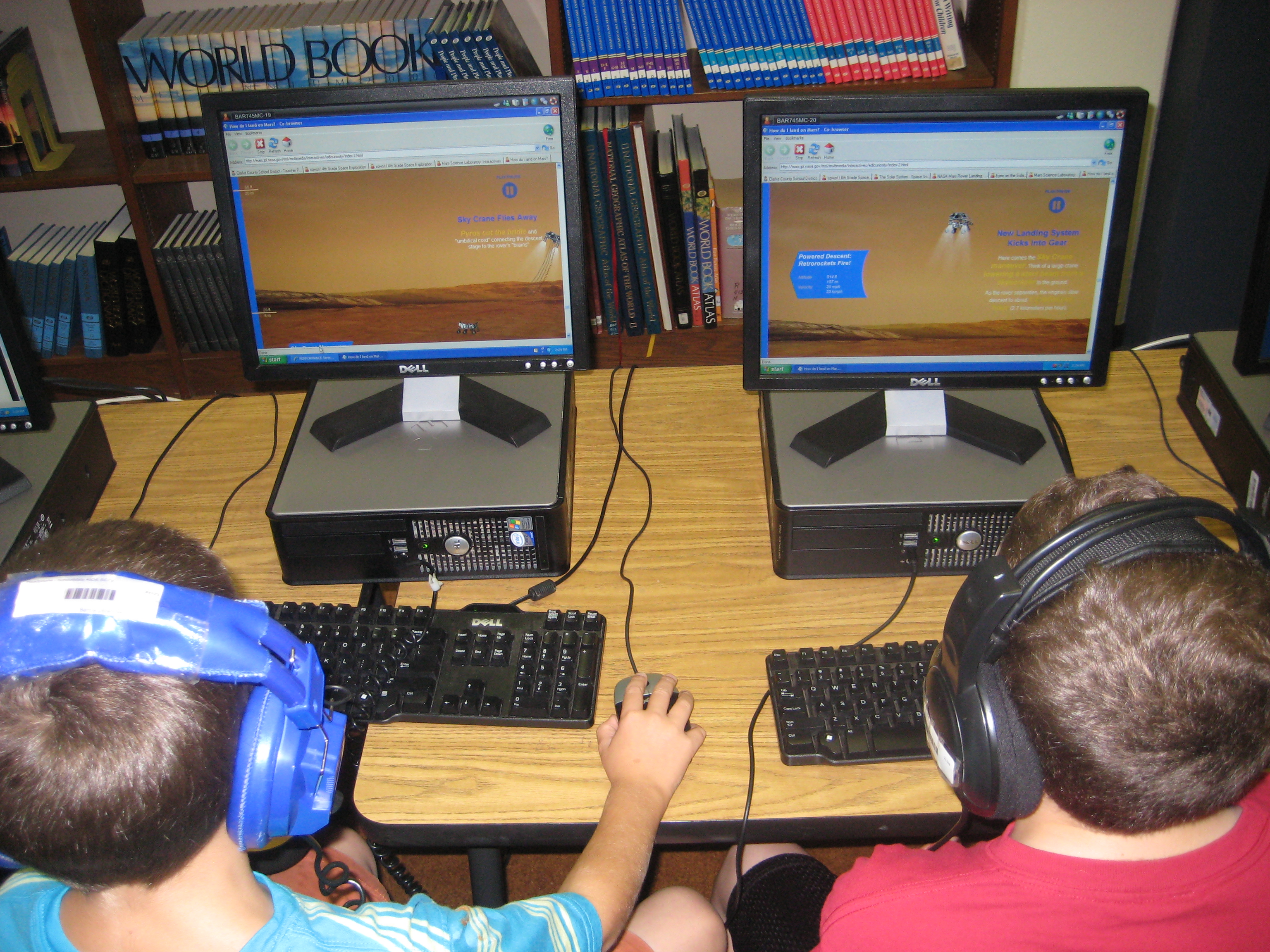
After our book exploration, students split into 2 groups. One group went to the desktop computers and used a pathfinder created with Sqworl to explore YouTube videos and interactive sites. The other group used our 10 iPads to explore a variety of free solar system and constellation apps such as Distant Suns, Moon, Solar System, NASA Viz, Stellarium, GoSkyWatch, and Planets. Groups switched halfway through our time so that they went to both centers.
The students left with excitement about the solar system. They left with questions and a desire to continue learning. When one student discovered something in an app, video, or interactive site, they immediately wanted to share it with other students in the class. Without any prompting, they were teaching one another how to use the tools. The teacher and I served as facilitators in both groups. One student even said he wanted to go build a model rocket after watching one of the YouTube videos. They will carry this new knowledge and energy back into their classroom to continue their unit of study on the solar system.
In total, this took about 45-60 minutes, but I feel like the energy that was created in the students at the front end of their unit will be well worth the time and exploration.
 I am energized by the start of our orientations in the Barrow Media Center. Today, all of 5th grade and a 1st grade class came for orientation. This year we’ve embraced the theme “Make It Happen….@ Your Library!” This theme has many meanings for our program. The most obvious is that this year will be our first year without a media paraprofessional. I’m calling on all members of our library (teachers, students, families, community) to come together to make our space work this year with less paid help.
“Make It Happen” also means that our space is going to be a space for creating. This year, many collaborative lessons and projects will happen in our space and a main goal will be to facilitate students in creating their own projects. Even though students will be creating within these lessons, I also want them to have choices and opportunities for creating on their own. On the bulletin board, I’ve listed things such as design a bookmark, compose a library theme song, teach someone your technology expertise, film a book trailer, and more. In orientation, I’m openly inviting students to think about which of these ideas speaks to them and what other ideas they might have in their own minds and to make those happen somehow this year.
Our orientation itself is much more interactive this year. Rather than talk about all of the rules and expectations, we’ve been reading Ish by Peter Reynolds and Not a Box by Antoinette Portis. I’ve asked students to think about what they can take away from these stories to help us this year. They have named things such as be creative, dream, pretend, encourage, imagine, and more. I can’t think of better words to fill our library space this year!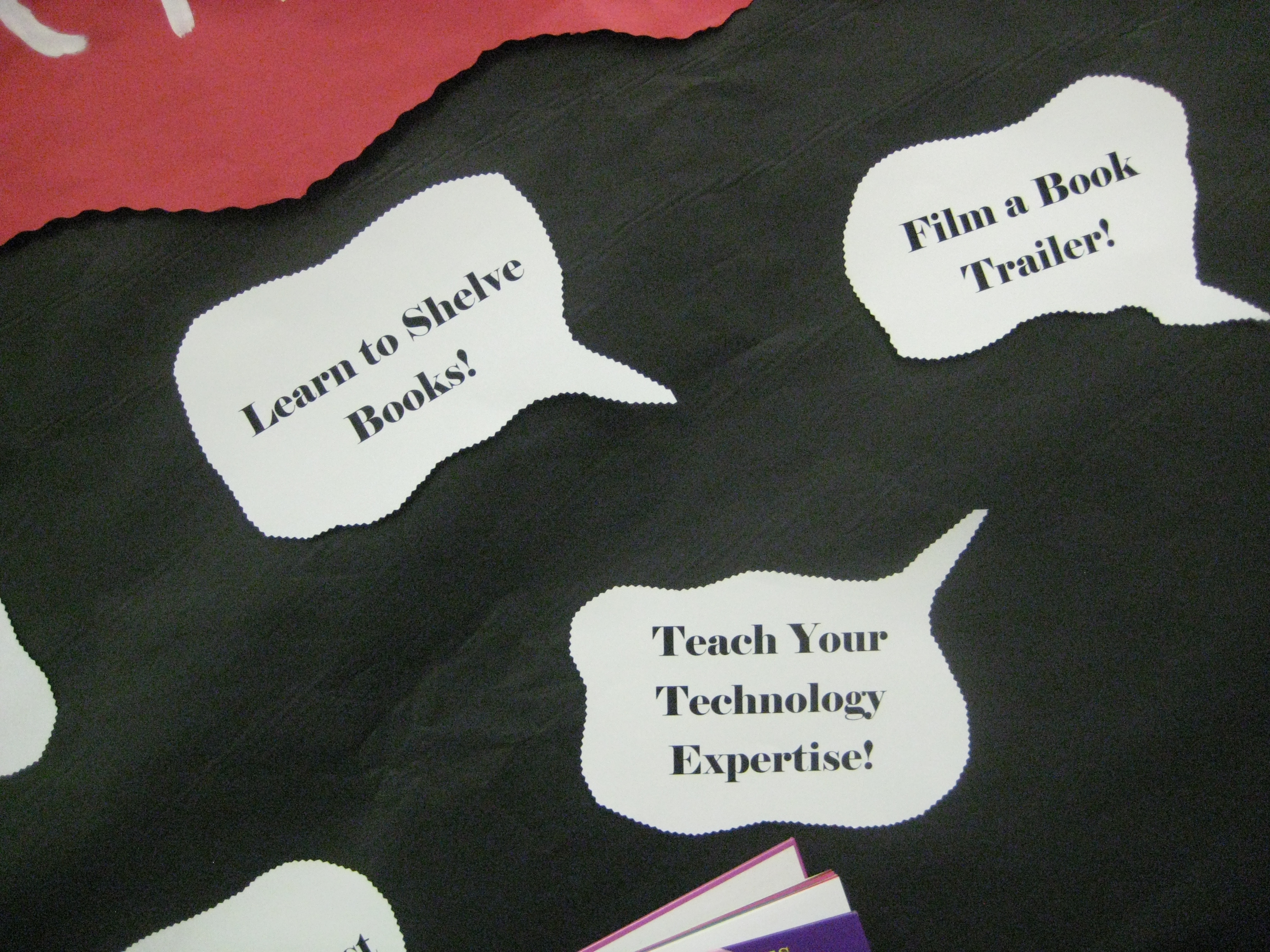
After connecting those thoughts to the theme of “Make It Happen”, we do go over a few details about the library that students need to know. Then in grades 2-5, students participate in a scavenger hunt to locate several parts of the library as well as do many of the things they will do this year on their own like looking up a book in Destiny. I also have students name themselves as experts or consultants in a variety of areas:
As students identify themselves as experts, students who are unsure about these questions can write down their names and call on them for help when checkout time comes. Since one of my goals is to build the participatory culture of our library, I’m immediately calling on the students to start participating rather than looking to me for all of the help.
In the lower grades, we do the scavenger hunt together, but the basic idea is still the same: setup the theme of the year and let students start to take ownership.
This was such a freeing process. I felt like I could give more quality attention to some of the students while I knew that other students were taking care of other students with questions in the class. I can’t wait to see how this different orientation style supports what we will do this year. I feel like we’re off to a great start.
Cherry Lake Publishing has a new and exciting book coming out called, Navigating the Information Tsunami: Engaging Research Projects that Meet the Common Core Standards, K-5. This text offers 18 projects, three from each grade level K-5, that go well-beyond fact recall. These lessons are all grounded in the new Common Core Standards and focus on quality student research from our earliest learners to our older elementary students. Each lesson is written by an educator who is an expert on the many literacies involved in research projects, the school teacher-librarian. While the lessons are written for classroom teachers, they all incorporate collaboration with the school librarian at some point during the project. Also within the pages of the book, there are many graphic organizers and tips on topics such as citing sources in a multimedia world, creative commons images, what to do when Youtube is blocked, and more. I encourage every elementary library to own at least one copy of this book. I have a featured 1st grade project about the 4 seasons and fellow school librarian, Linda Martin, from Hall County has a featured 1st grade project about animals. Check out the attached flyer and order your copy today!
Several parents have asked me for the 5th Grade Candid Slideshow I did on Animoto for this year’s Moving On Ceremony. Here it is!
 What does learning in a 21st century classroom look like? We had the opportunity to visit the Georgia Department of Education’s Center for Classroom Innovation. The room is setup with different spaces depending on the kinds of learning and collaboration taking place. The room also offers flexibility with some mobile furniture such as rolling chairs, rolling tables, and screens that divide the space into different learning areas. The spaces include:
This visit began taking shape several weeks ago when we were invited to bring a class to the space to engage in a lesson and be filmed. Our collaborative wheels immediately began turning as me, Mrs. Selleck (fourth grade teacher), Mrs. Foretich (art teacher), Mrs. Yawn (2nd grade teacher), and Mrs. Hunter (gifted teacher) began planning. We chose a 4th grade unit focusing on the social studies standards about how price incentives affect people’s behavior and choices. Ultimately, students would design a t-shirt for our temporary home at Barrow 2.0 while our new school is being built. Their role would be to establish themselves as a business, create a design, consider wants/needs/cost, and create a marketing plan for their new shirt.
 Several pieces of our project took place at our school before we made the journey to Atlanta. Our principal created a video charging Mrs. Selleck’s class with the task of designing a new shirt.
In class, Mrs. Selleck established 4 groups of students. Each group had a manager, an accountant, a designer, a technology specialist, and an advertiser. The groups created names and logos for their companies. Mrs. Selleck also did a lot of work with wants and needs as well as developing products and advertising slogans. In art, Mrs. Foretich worked with the students on their designs and discussed multiple art elements that they might consider in creating an effective design for a shirt. In the media center, the technology specialists met with Mr. Plemmons and Mrs. Hunter to go over many technology options that the groups might consider while developing their advertising components of the project. These included Glogster, Animoto, and Prezi.
At the Center for Classroom Innovation, several things happened:
While all of this was going on, the Department of Education had 2 videographers documenting the day. They will  eventually edit this video into a model video for how this space can be used with students. It was an exciting day. Our next steps will be to continue the project, but also to reflect on how this space served us in the kinds of work that we want to do with students. This will inform the design of our new classrooms in our new school. We loved how productive students were in this space. The flexible divisions of the space allowed students to create their own private nooks and work spaces. Even though there was a rumbling energy in the room, groups did not distract one another from the tasks their group was trying to accomplish. The space was a big component responsible for this success. The space also supported students with a strong infrastructure for technology. We did not have any problems with computers connecting and staying connected to wireless. The large Mondo boards were very dependable for displaying student work as well as video conferencing through Skype. We had one of the best Skype connections I’ve every experienced. The size of the room wasn’t extremely large, but again, the divisions of the space provided multiple ways for students to be productive and engage with technology and other forms of documentation. Seeing students work in this space is inspiring. We have already been doing this kind of learning in our media center and classrooms, but today showed us how a space and tools can strengthen 21st century learning.
Here are the 3 Animoto videos created by groups today:
Here’s a link to the Glog created by one group:
 Expect the Miraculous