Problem Solving and Science in Action with the Rube Works App

RubeWorks (2)Back in December, Kate Wright, 2nd grade teacher, told me that the grade level would be studying force, motion, pushes, pulls, and simple machines in the late part of 3rd quarter and they wanted to incorporate the art and inventions of Rube Goldberg.  It was a seed of an idea which I absolutely love.  I love when a seed is planted early enough that it has time to grow and expand with new opportunities.

Over the winter break, I had a follow on Twitter from Electric Eggplant , and in miraculous fashion, the seed idea began to develop.  Electric Eggplant is the developer of a new iPad app called Rube Works.  It’s the official invention game of Rube Goldberg.  I started having a Twitter conversation with them and found out that the app was on sale until the end of December.  I went ahead and purchased 30 copies knowing that it was going to be a perfect fit with the seed of an idea.

My Twitter conversation continued and I was connected with David Fox, the developer of Rube Works.  He agreed that once we got the project going, he would love to connect with us and see what the kids thought of the app.

Since that conversation, a page on Skype in the Classroom has been created for Rube Goldberg which includes the chance to Skype with David as well as Rube Goldberg’s granddaughter, Jennifer.  We added both of these to our growing seed of an idea.
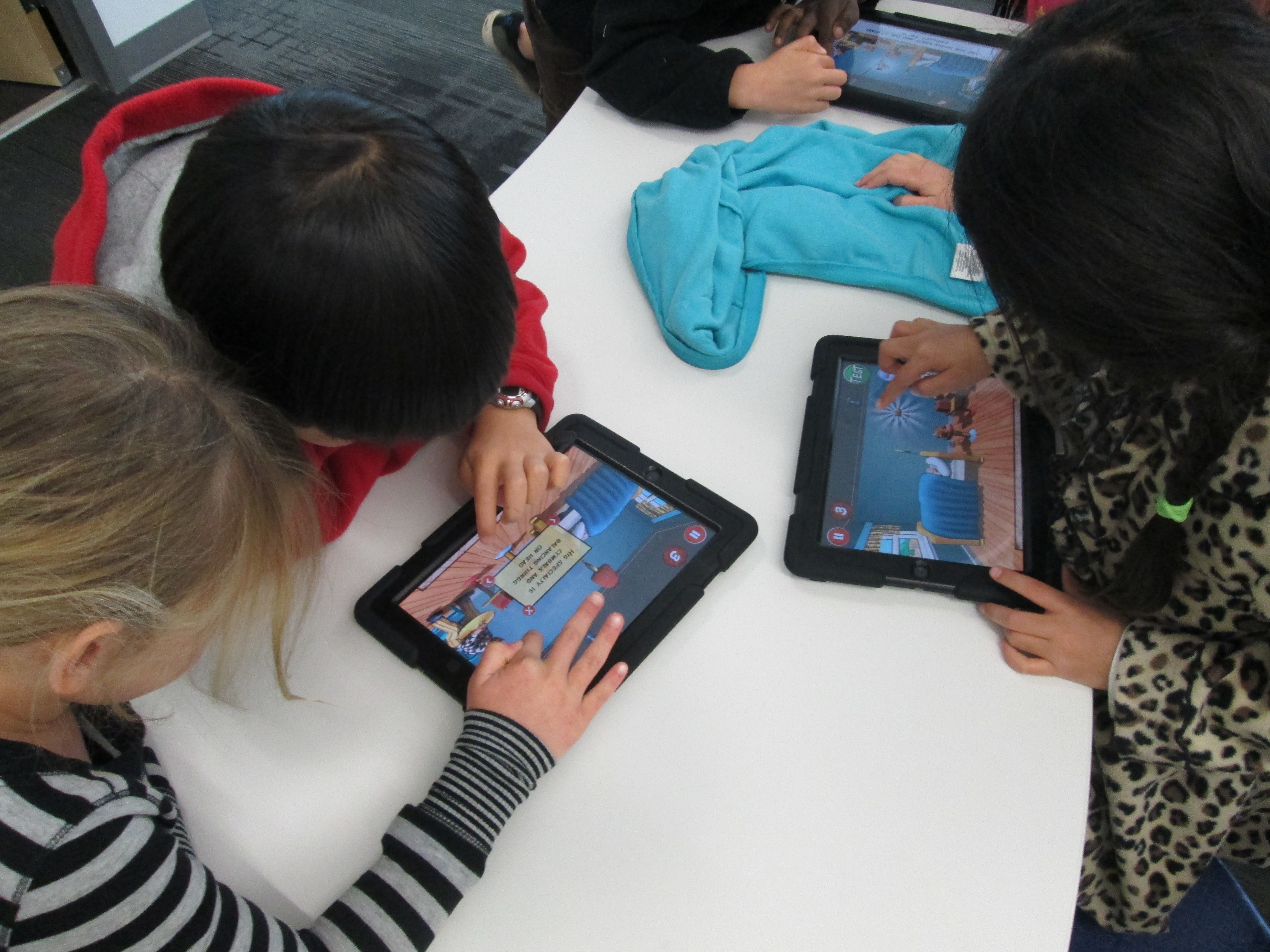
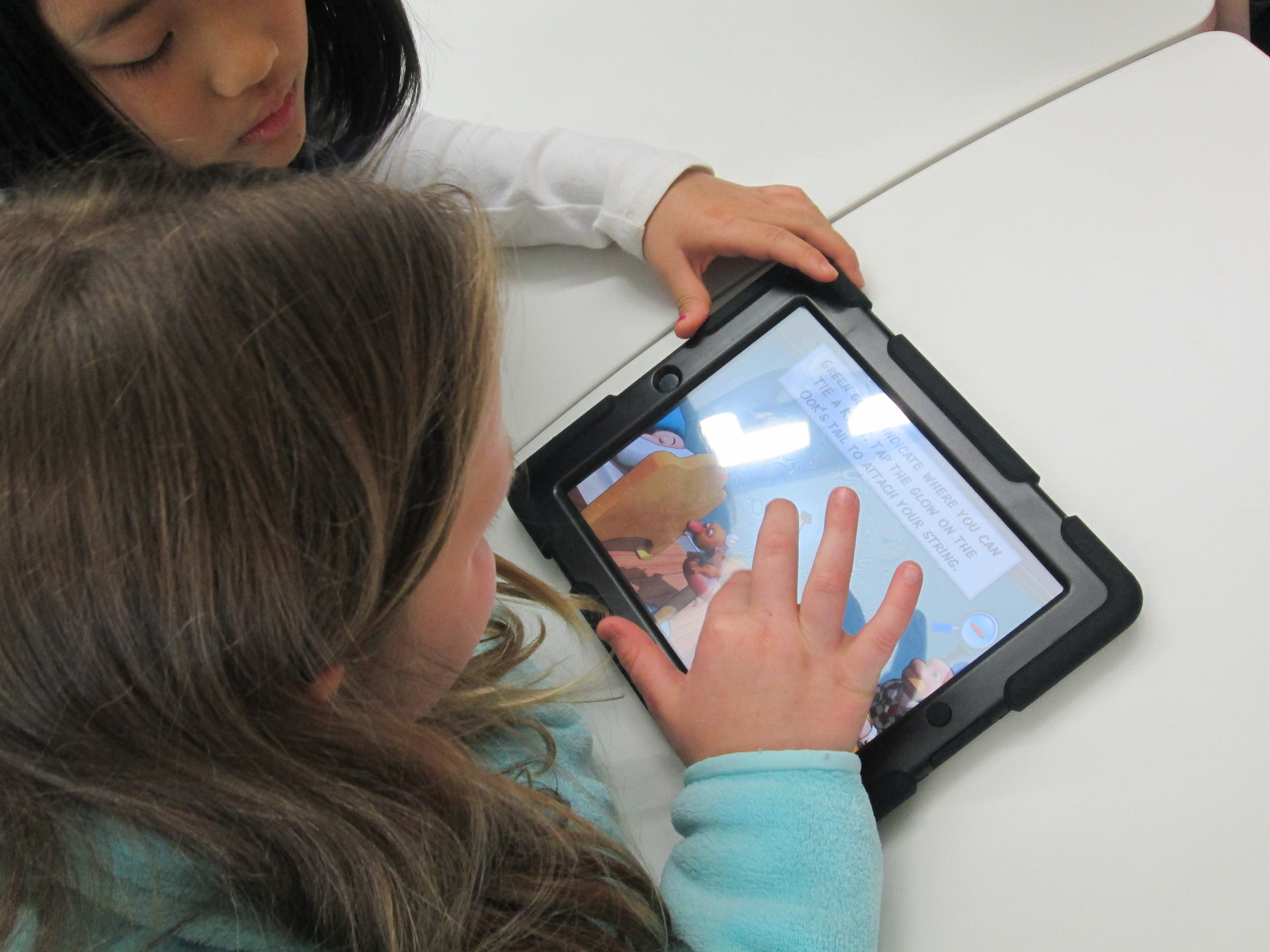
RubeWorks (3)Over the past 2 days, the 2nd grade has been working in the library to use the Rube Works game.  This is a kickoff to their study of force, push, pull, and motion.  We started by watching some videos of Rube Goldberg inventions because most of the students had no idea who he was.  They were fascinated by the zany inventions to do simple, everyday things.  Some of them even launched into a brainstorm of what they would invent (which is coming as a part of our seed of an idea!)

Next, I showed students the Rube Works trailer.

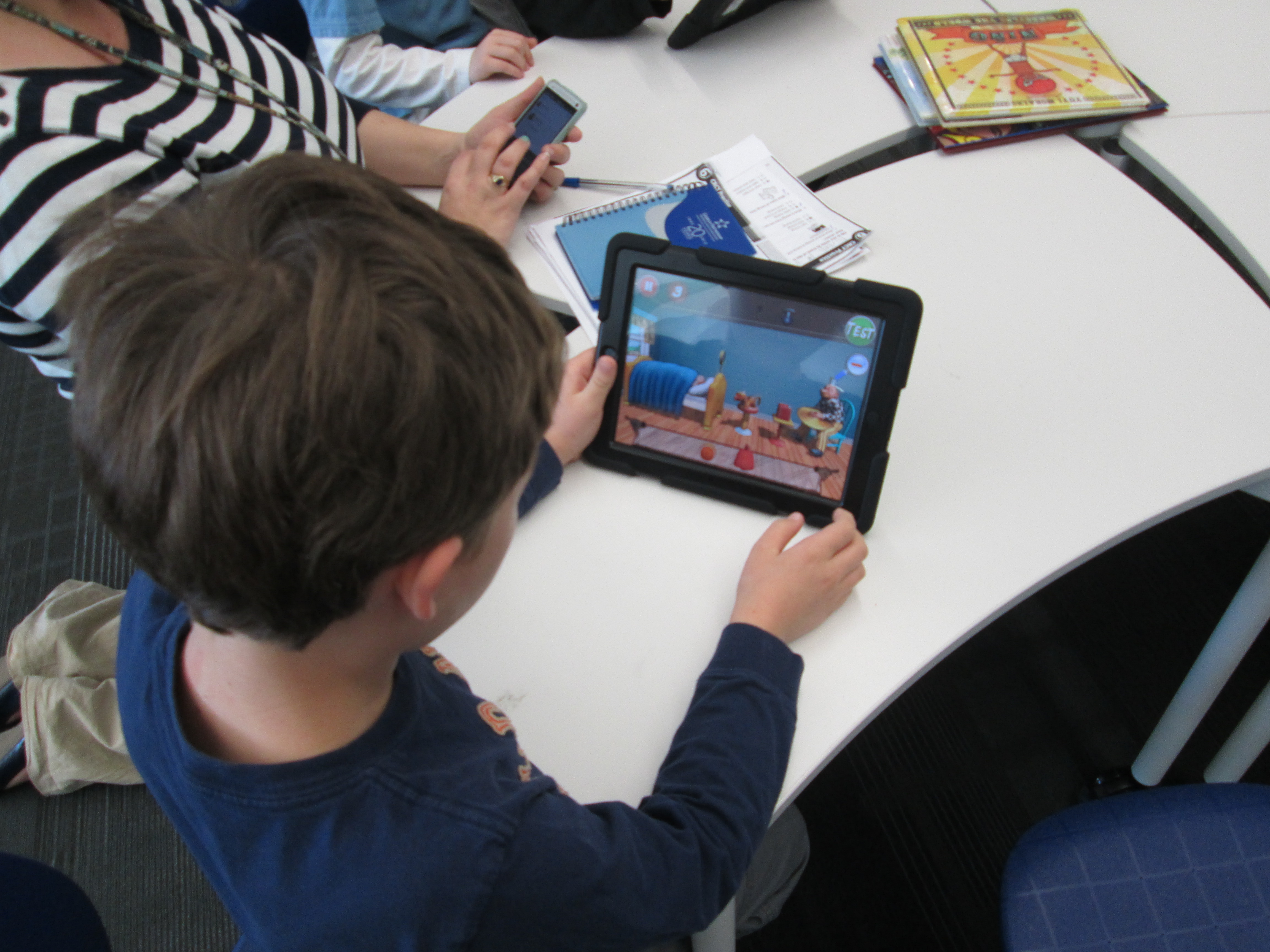
They were eager to get started.  Because the Rube Works app has a reading component that does not have text to speech, the teachers paired students together so that a stronger reader was in each pair.  This helped lift this reading barrier for students, but it also gave students a brainstorming partner.  Students quickly saw that creating a Rube Goldberg invention is not a piece of cake.  It takes trial and error, risk taking, failure, problem solving, perseverance, working through frustration, and creativity to make these inventions work.  In our 35-40 minutes of work time, most pairs managed to finish the first scenario and some made great progress on the 2nd.  A few even made it to the 3rd level.
RubeWorks (5)

Even though there were moments where students could be heard saying, “This is so frustrating!” and “I just can’t get this to work!”, I didn’t see a single group stop working.  I overheard one student say, “I thought first levels were supposed to be easy!”, but she didn’t give up.  When we gathered back on the floor, we talked about how we all get frustrated, but it’s what we do with that frustration that matters.  The teachers brought up a classroom discussion that they have been having with students about perseverance, and this was such a great connection to help them feel what it’s like to persevere through something even when it’s hard. It was so rewarding to students be successful after multiple attempts.

I encouraged students to keep their solutions a secret but to feel free to give one another hints, which is yet another skill that we pulled into this lesson.  We wanted every person to work to figure out these puzzles without someone just giving away the solution.  Students didn’t want to quit after our hour together and they are eager to continue working with this app in their classroom.

When I asked students and teachers about some things that they love, they mentioned things like:

  • clear instructions
  • hints
  • the ability to test your invention multiple times along the way
  • that the app shows you the actual drawing that Rube Goldberg made after you finish a level
  • that it was challenging but fun

We look forward to continuing to explore this app and incorporate what we’ve learned into our own Rube Goldberg inventions.

RubeWorks (6)

Our 2nd Student-designed 3D Print on Our Makerbot Replicator

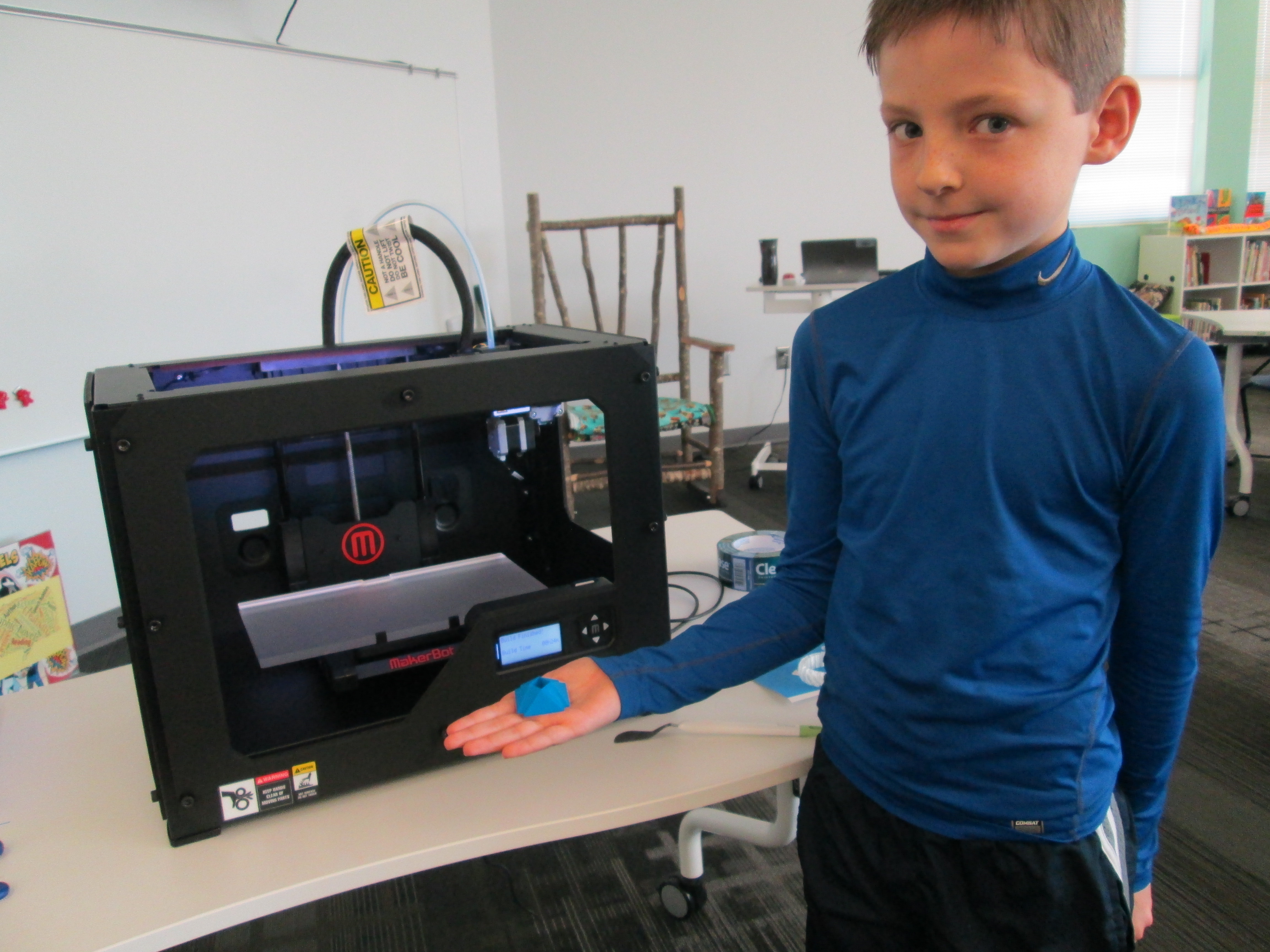
Danny Gem (16)Today, the second student who designed a gem using Sketchup was able to print his gem our our Makerbot replicator.  In case you missed the 1st print, you can read about Grant’s history-making print here.

http://www.youtube.com/watch?feature=player_embedded&v=MECvE__EN3E

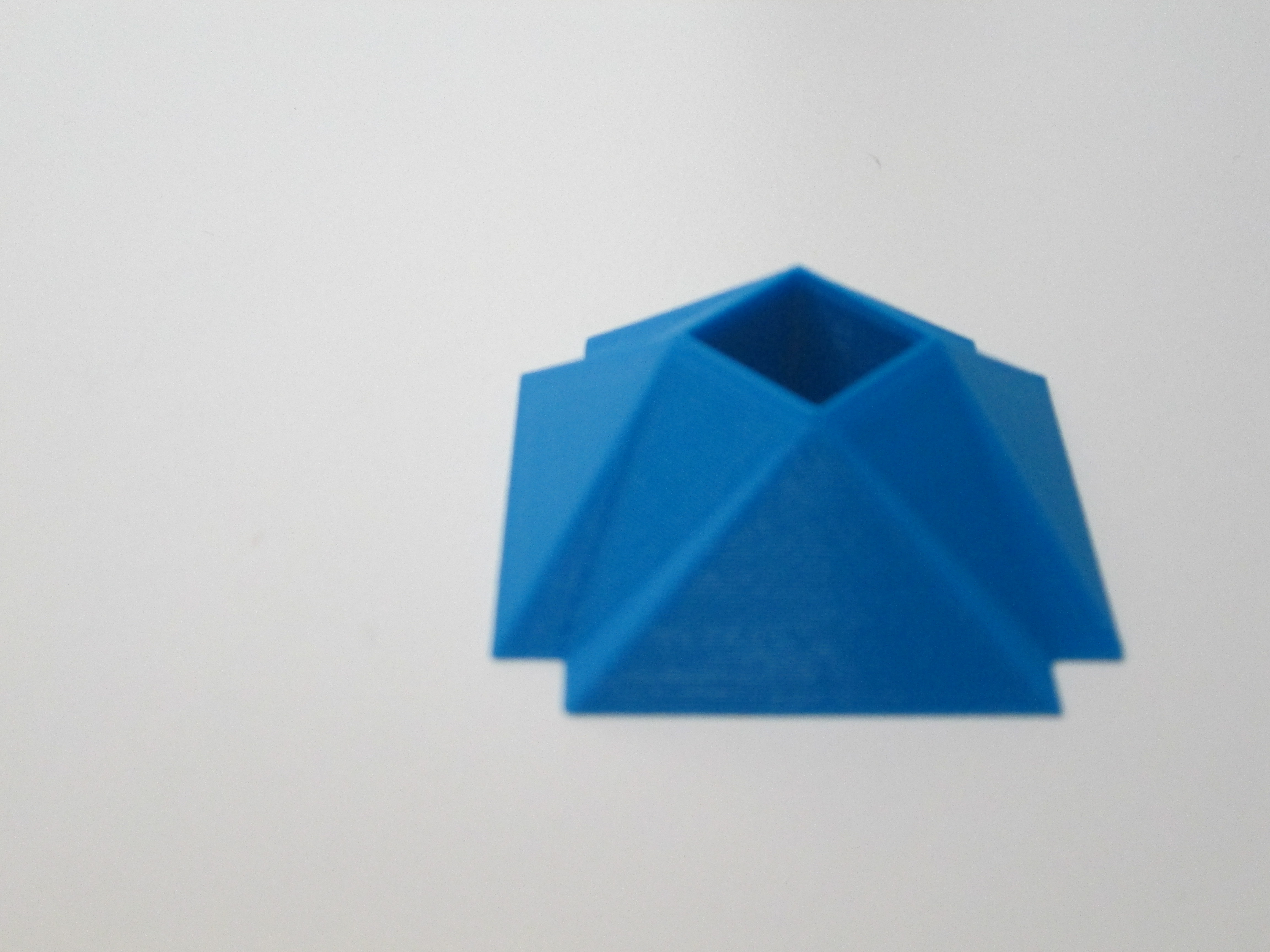
Danny’s gem was quite different from Grant’s.  Danny figured out how to make a square hole right through the middle of his gem.  It was something we had wondered how to do, and he figured it out.  This again brings to my mind the importance of letting go of the feeling of being an expert in everything before we allow our students to explore.  Because Danny was given the freedom to explore Sketchup, he figured out how to do so much more than his teacher and I could have ever figured out on our own.  Now his expertise can support others who want to try a similar design.

Danny Gem (13)Before Danny pressed the bright red M to start the print, we made sure he got to choose the filament color that he wanted.  We now have a selection of filament to choose from:  blue, red, white, clear, black, yellow, orange, green, purple, and black.  Danny’s gem took about 24 minutes to print.  Now that we have an approximate time frame for printing these gems, we are going to try to get 2 printed during each class period over the next few days.  Once again, students flocked around the printer and begged for their gem to be next.

You can watch is gem print process here:

http://www.youtube.com/watch?v=kBY04c0tuww

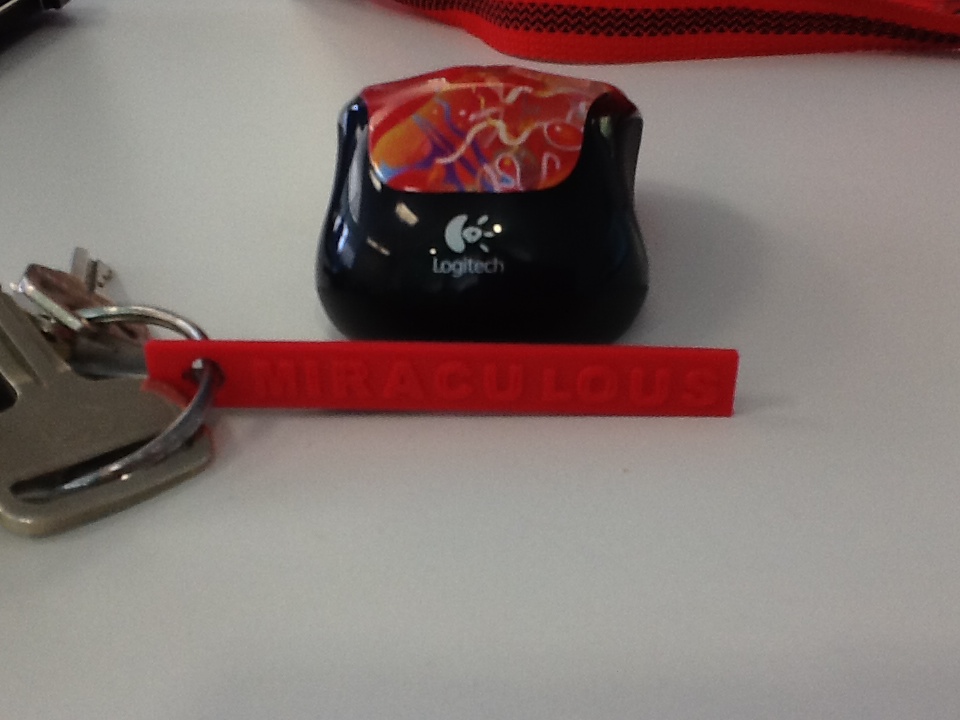
IMG_0280I’ve also been experimenting with a couple of tools that will hopefully inspire some new projects with several classrooms.  One tool is Tinkercad.  I recently used Tinkercad to make a words with wings keychain.  In her new book, Words with Wings, Nikki Grimes has some incredible poems that detail how a single word can help us take flight through its meaning in our lives.  I hope that I can share this poetry with students, have them select their own “words with wings”, and create backpack pulls using Tinkercad.

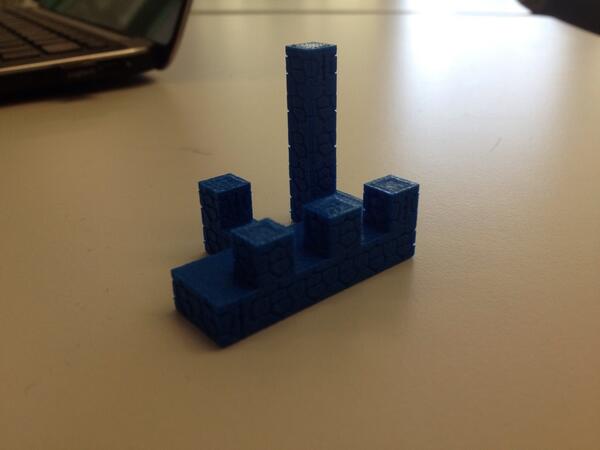
blokify castleAnother new tool is Blokify.  With this easy-to-use iPad app, students use a series of blocks to make pretty much anything they want.  While the blocks are designed to look like a castle, space ship, or pirate ship, they can really be stacked into anything in a Minecraft-like style.  The files can be emailed from the iPad to be imported into Makerware.  I hope to do storytelling projects with teachers around student-designed settings and/or characters.  With the blocks all being the same size, there is also great potential to use this for perimeter and area in math.

I love how ideas keep naturally surfacing within our standards and explorations.  It’s not about what we can 3D print.  It’s about what we are learning about, what we want to create, and how 3D printing might support that.
Angry Birds Action Research (Part 2)

IMG_0055Mrs. Shealey’s 3rd grade class is still investigating our bird problem at Barrow.  They have made observations, developed questions, tracked suggestions and research findings, and made hypotheses about what they might try to stop the birds from flying into the window while still making our campus a bird-friendly place.  Last week, Ms. Hicks and I reached out to several people through email, Facebook, and Twitter to try to find people to connect with our students through Skype.

IMG_0051

Expert 1: Claire Wislar, Middle School Student

IMG_0065

Expert 2: Jennifer Fee, Cornell University

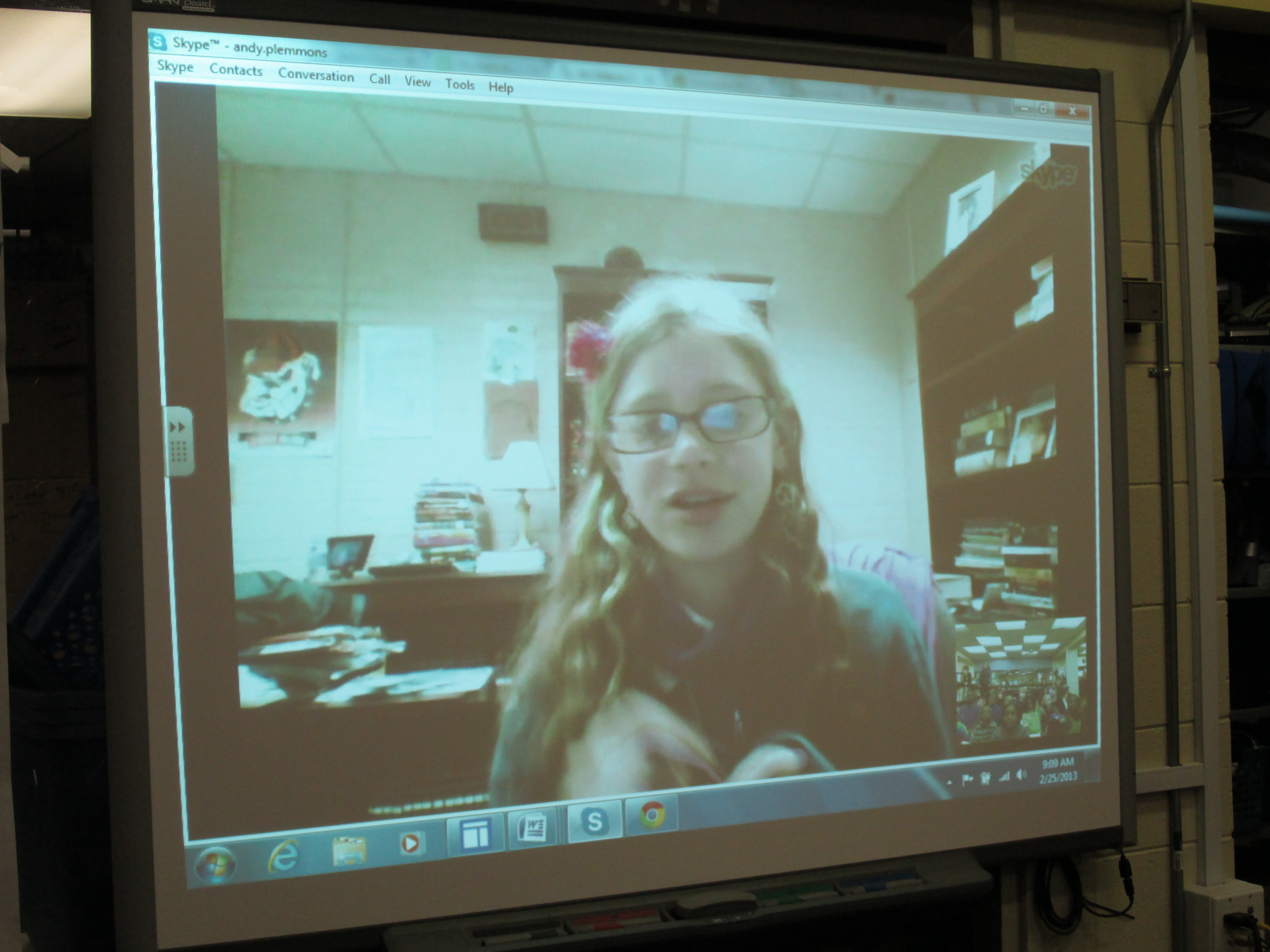
Today, Mrs. Shealey’s class came to hear from 2 experts.  Expert 1 was Claire Wislar, a former Barrow student.  She is a middle school student and aspires to be an ornithologist.  Over the weekend, she did some research on the topic for us as well as thought about her own knowledge and experiences with birds and windows.  Shawn Hinger, Clarke Middle Media Specialist, setup a computer in her office for Claire to use.  During her short Skype session, Claire let the students ask questions as well as shared to things that the students might try: wind chimes to scare the birds,electrical tape in lines on the window, and putting Saran wrap on the windows.  It was so much fun to have a connection to a student who used to go to our school who was able to share her expertise with students.

As info was learned, students wrote notes and Mrs. Shealey captured ideas on chart paper.

As info was learned, students wrote notes and Mrs. Shealey captured ideas on chart paper.

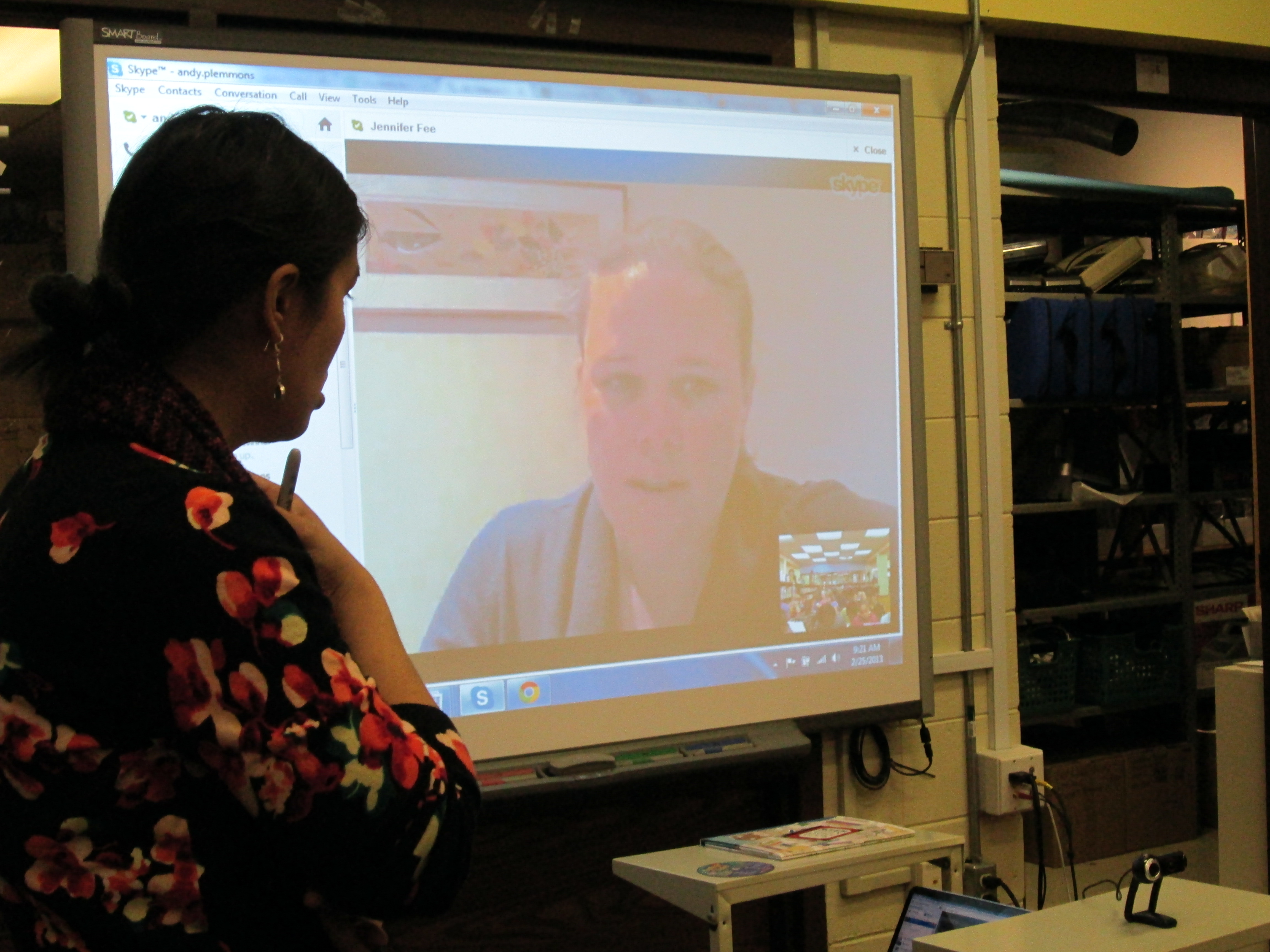
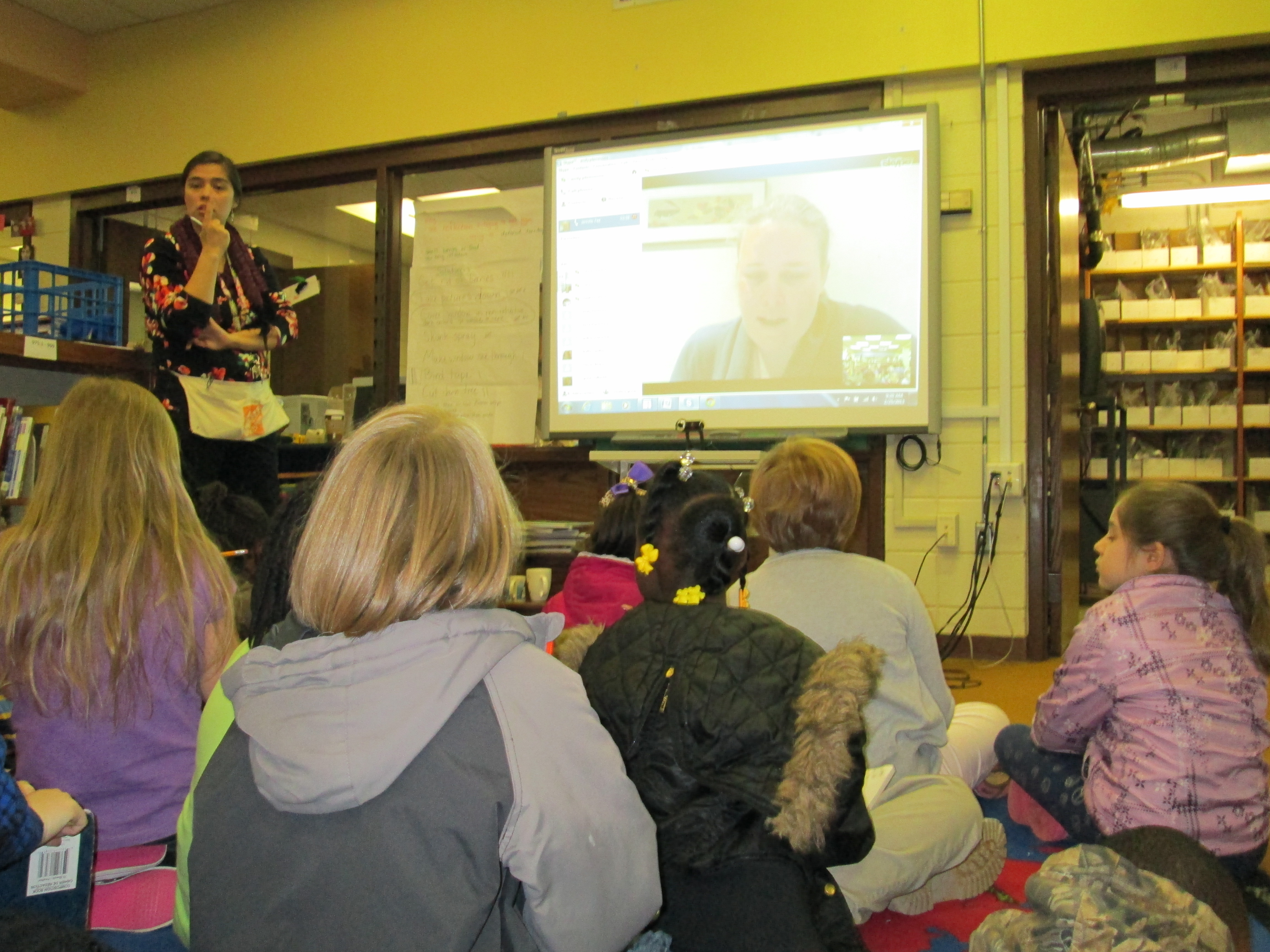
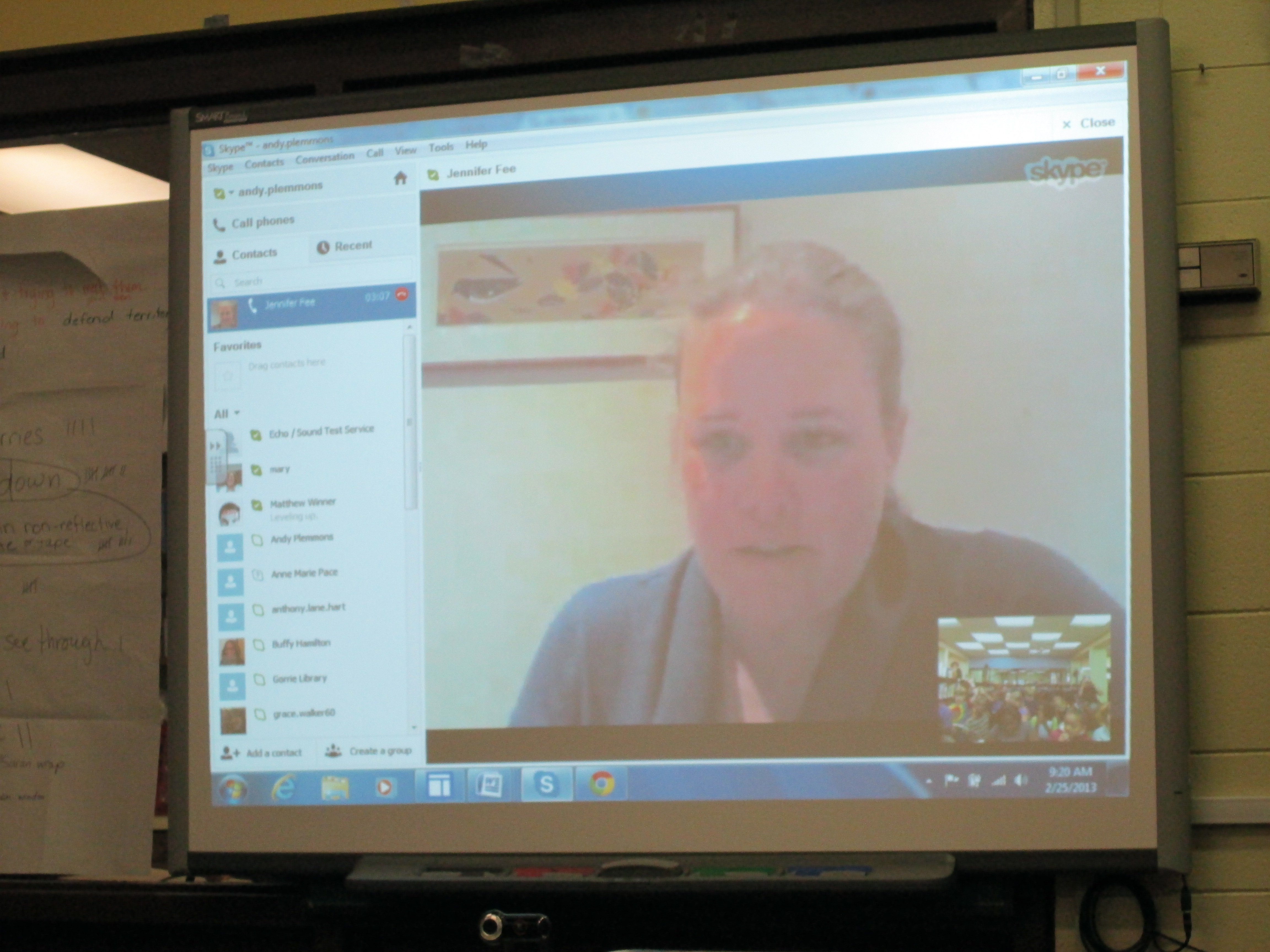
Expert 2 was Jennifer Fee with Cornell University in Ithaca, New York.  Cornell has an impressive program in Ornithology and a great website resource that we have already been using.  It was really interesting because Jennifer has experience with this same problem at her building at Cornell.  She and her colleagues did an action research project, too, and tried several solutions and collected data.  She explained this process to the students.  She also made some suggestions about what students might try:  shiny decals, hang CDs by windows, bird feeders that stick to windows or bird feeders that aren’t right by the windows, and bird shape cutouts.  She also encouraged the students to keep trying the things that they are trying and to constantly collect data on what was happening.  We were so excited that at the end of our time together she told us that she would be sending a window bird feeder for us to try!

http://www.youtube.com/watch?v=Yr5WKoUo2a0

IMG_0063Expert 3 did not connect with us in real-time but sent us an email instead.  Richard Hall is the president of the local Audubon Society.  He suggested that student visit this website and also try cross-hatching the window with a yellow hi lighter.  He also invited the students to write about their experience in the local Audubon Society newsletter!  They are so excited about this opportunity.

IMG_0053This is such an exciting project.  It is full of higher order thinking, student ownership, multiple standards, and authenticity.  I was sure to be transparent with students about how we connected with so many fantastic people.  The power of social media and technology “for good” is incredible.

Real-Life Angry Birds: A 3rd Grade Action Research Project

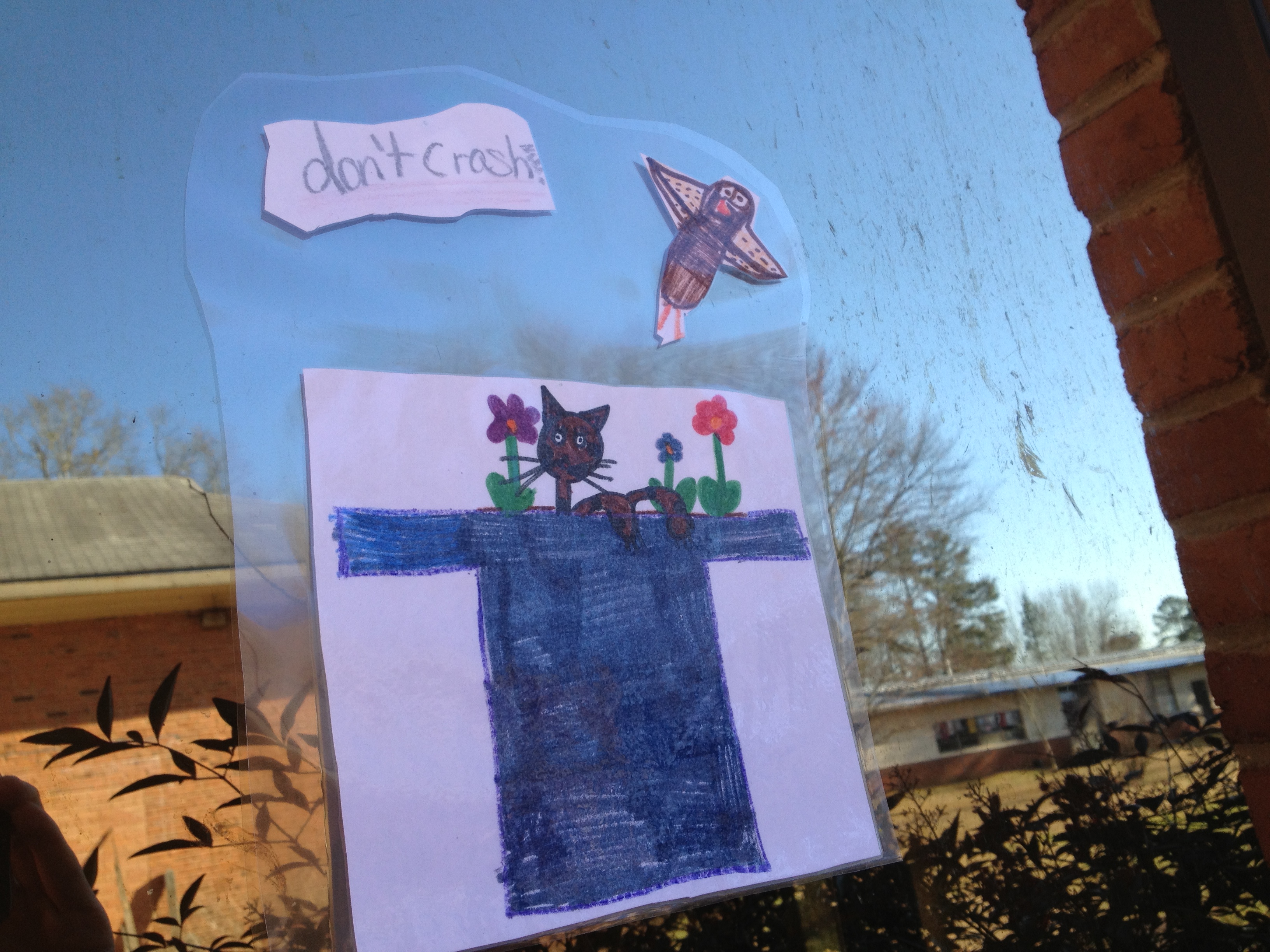
Our school has a problem that I’m sure many of you have seen or have experience with.  We have angry birds.  Not the ones that live on an iPhone, iPad, or other device.  These are ones that take a crash dive into the windows of the school and either knock themselves out or something a little more grimm.  Our students, of course, notice this every time they pass by a window.

Mrs. Shealey’s 3rd grade students have decided to do something about this, so they have launched into an action research project which ties to many of their curriculum areas including habitats, research, information writing, data collection & interpretation, and more.  It would be easy for a small group of adults to sit down and figure this out, but it is much more meaningful when the students are involved.  It is also our hope that the process of this project will carry over into the lives of students outside of school to notice problems, investigate, and take action.

Mrs. Shealey is doing a tremendous amount of work for this project within her classroom, but the library has been one small piece of this larger initiative.  Mrs. Shealey, Ms. Hicks (spectrum teachers), and I met to brainstorm and map out a timeline.

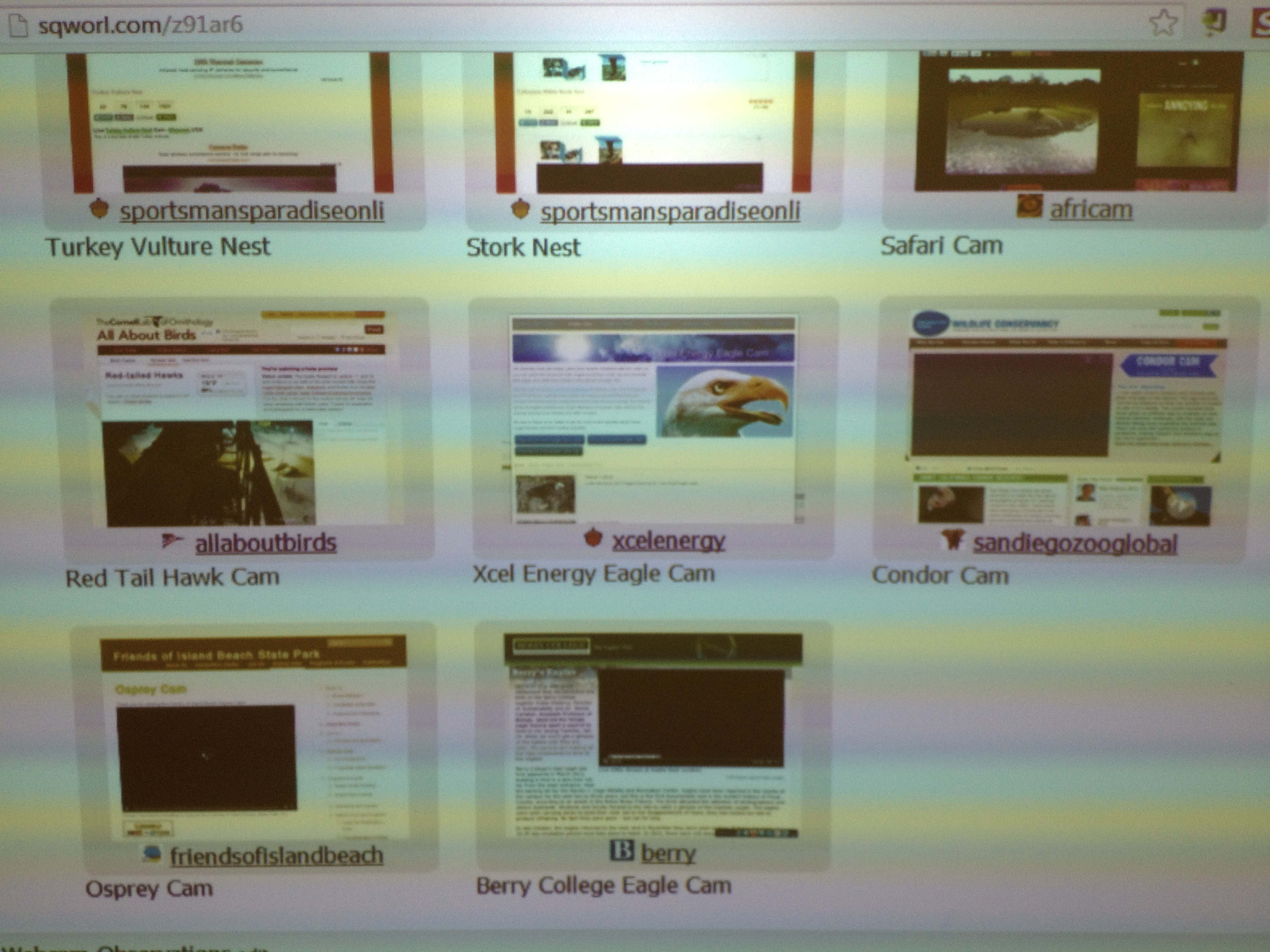
Our webcam pathfinder

Our webcam pathfinder

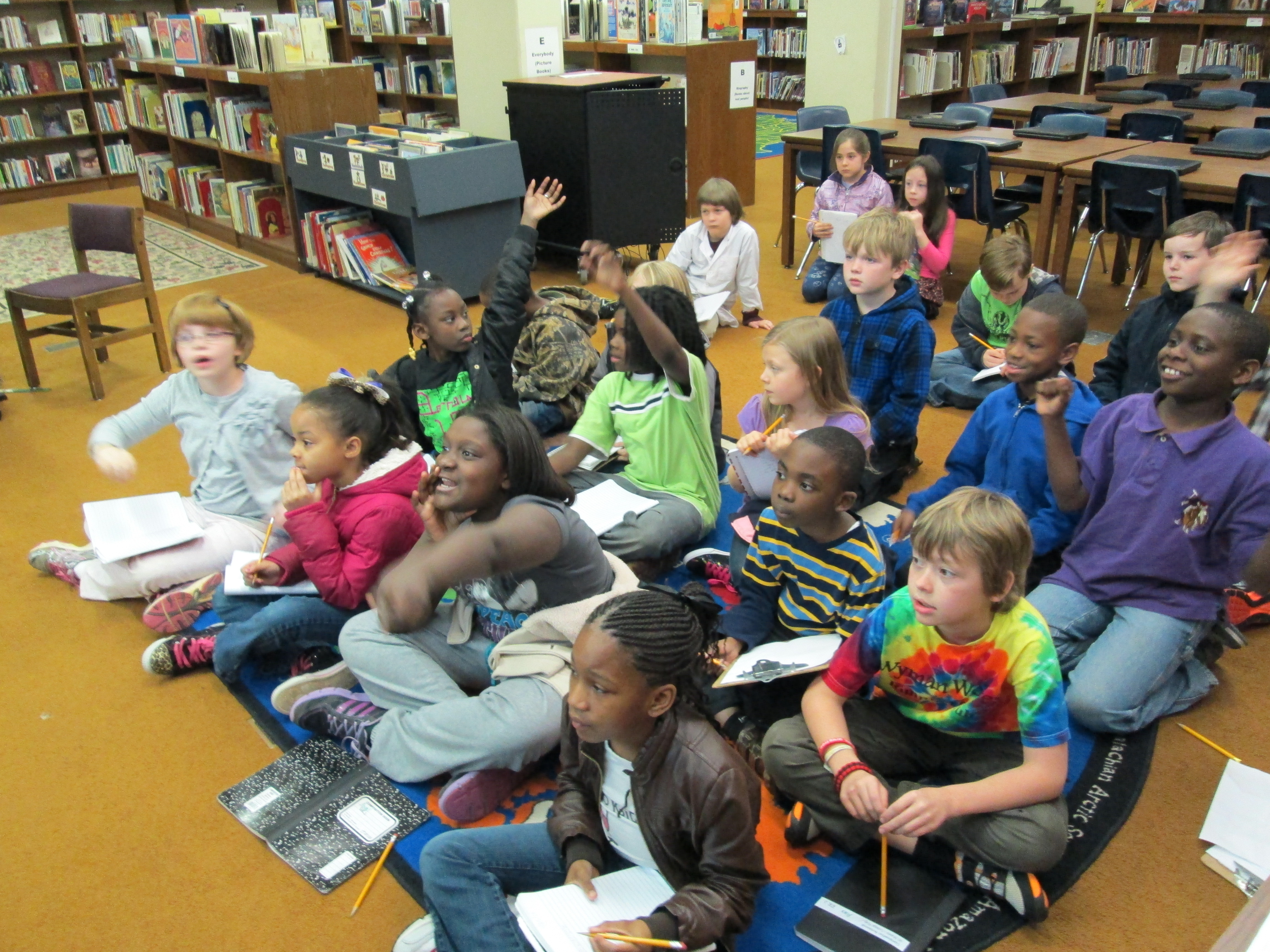
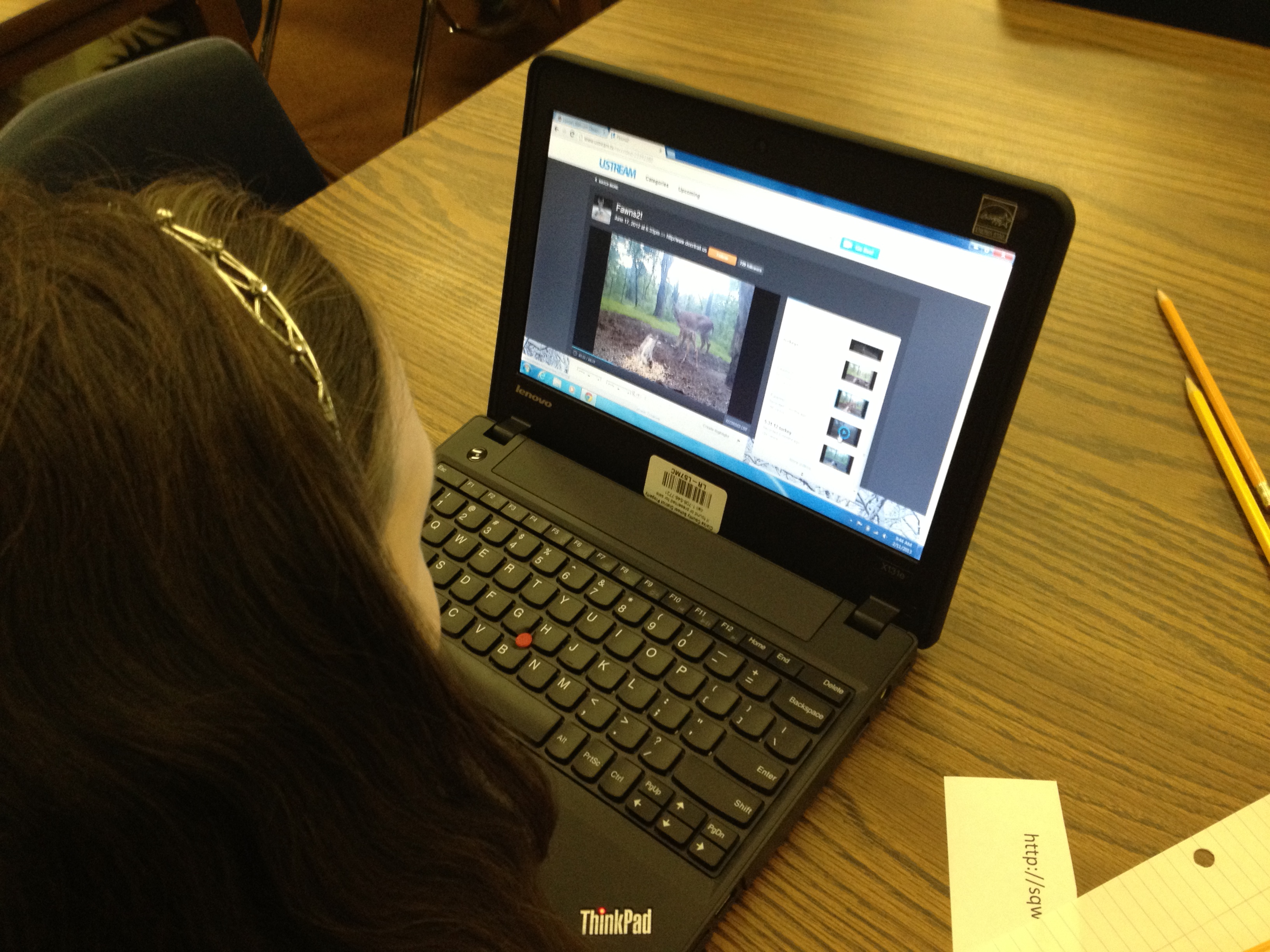
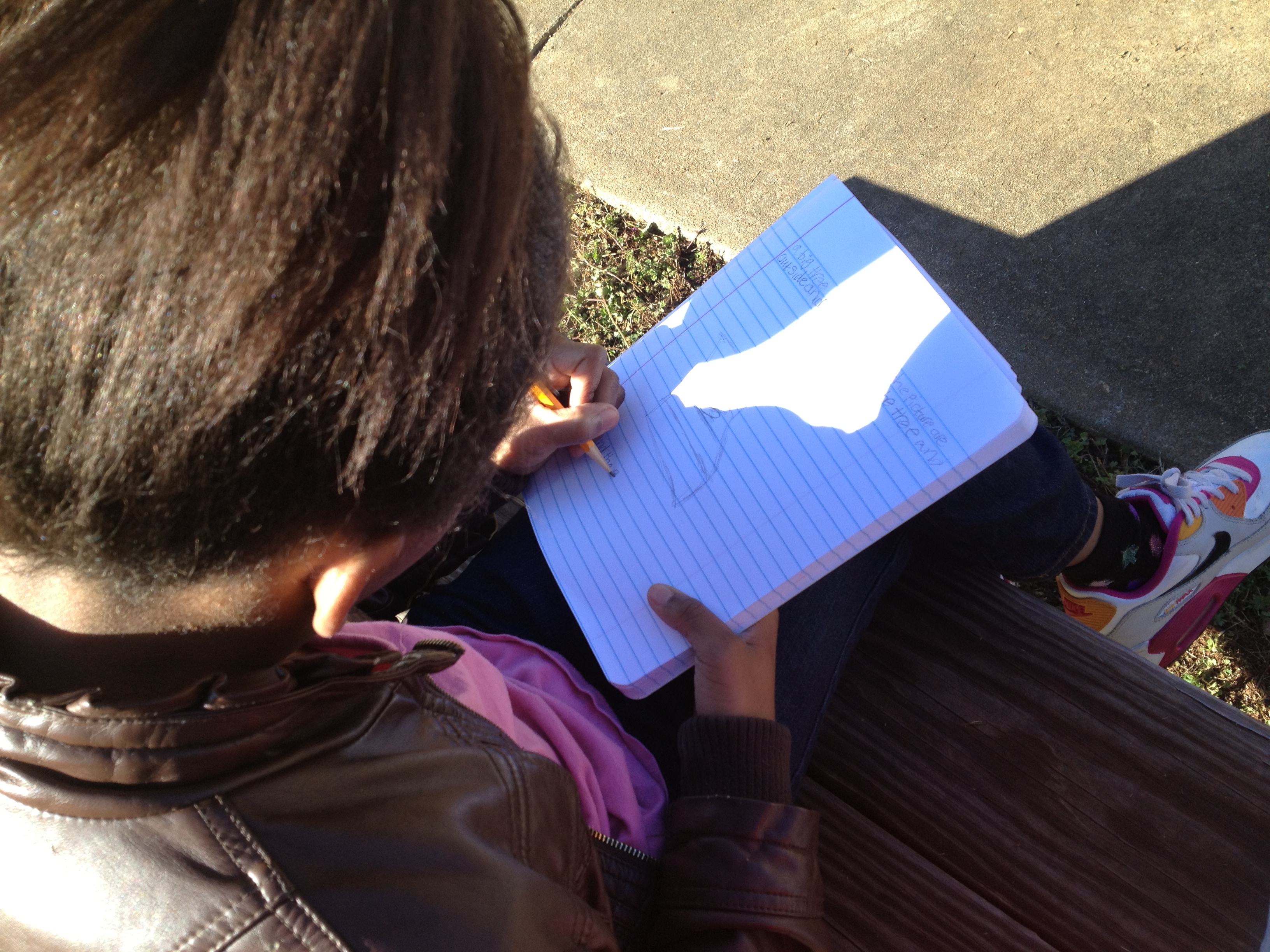
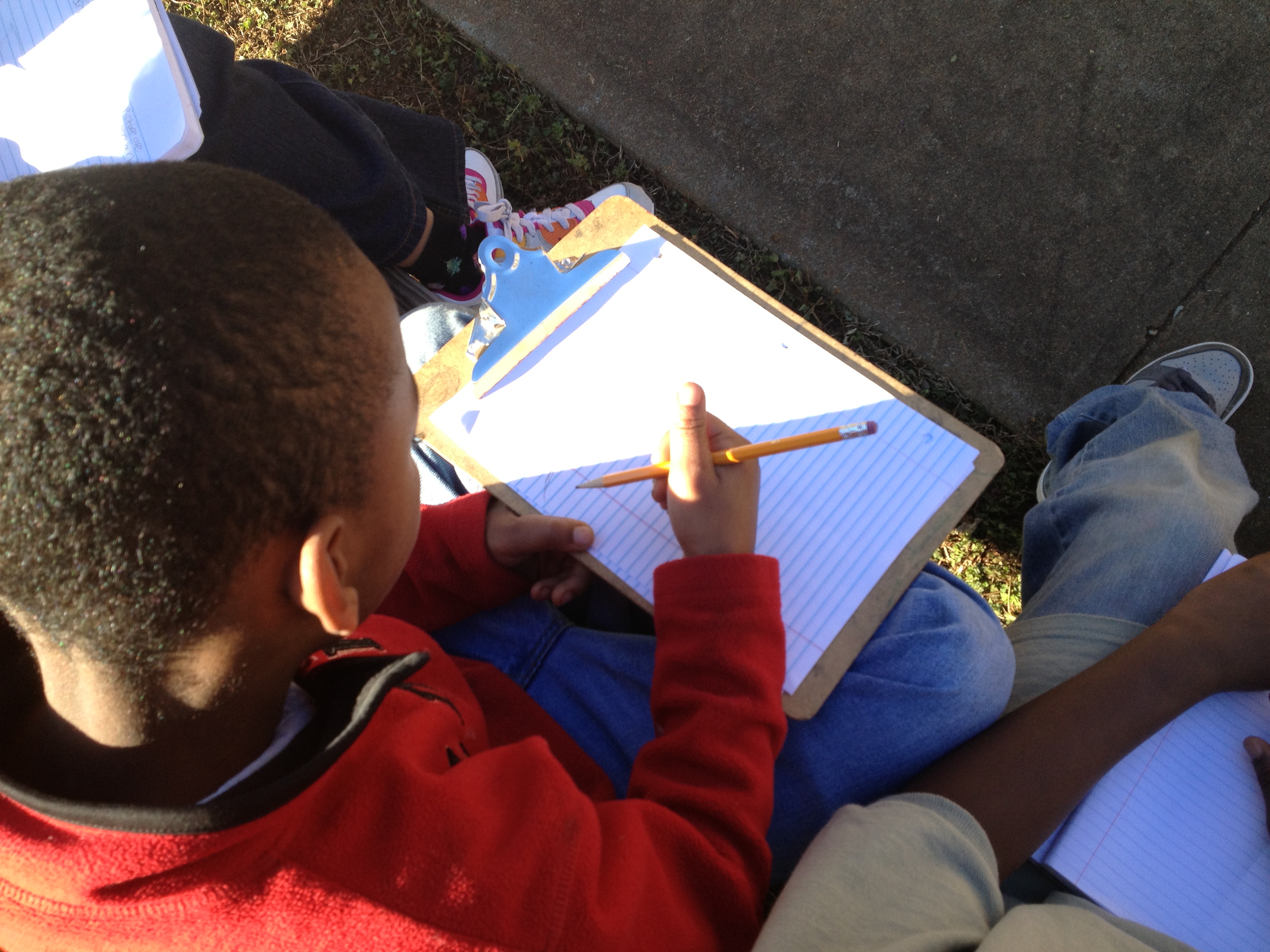
I wanted to help the students with observational skills.  When I stayed on Skidaway Island for 2 weeks a few years ago, I practiced careful observation in a field journal.  We decided to have one lesson in the library that explored careful observation.  I shared my journal including the sketches, quick notes, and deep reflection that I did on various pages.  I talked about the importance of being still, staying focused, noticing the small things, and observation stamina.  Then, students moved to computers where they used multiple live and recorded webcams to practice observing.  While students observed, the three of us made note of what they were doing well, what needed to be worked on, and what we might need to focus on as we did our actual observations of the birds at Barrow.  I think this practice session was really helpful to the process.

Using webcams to practice observation

Using webcams to practice observation

In class, students began making bird feeders that they plan to put outside the windows that birds are crashing into.

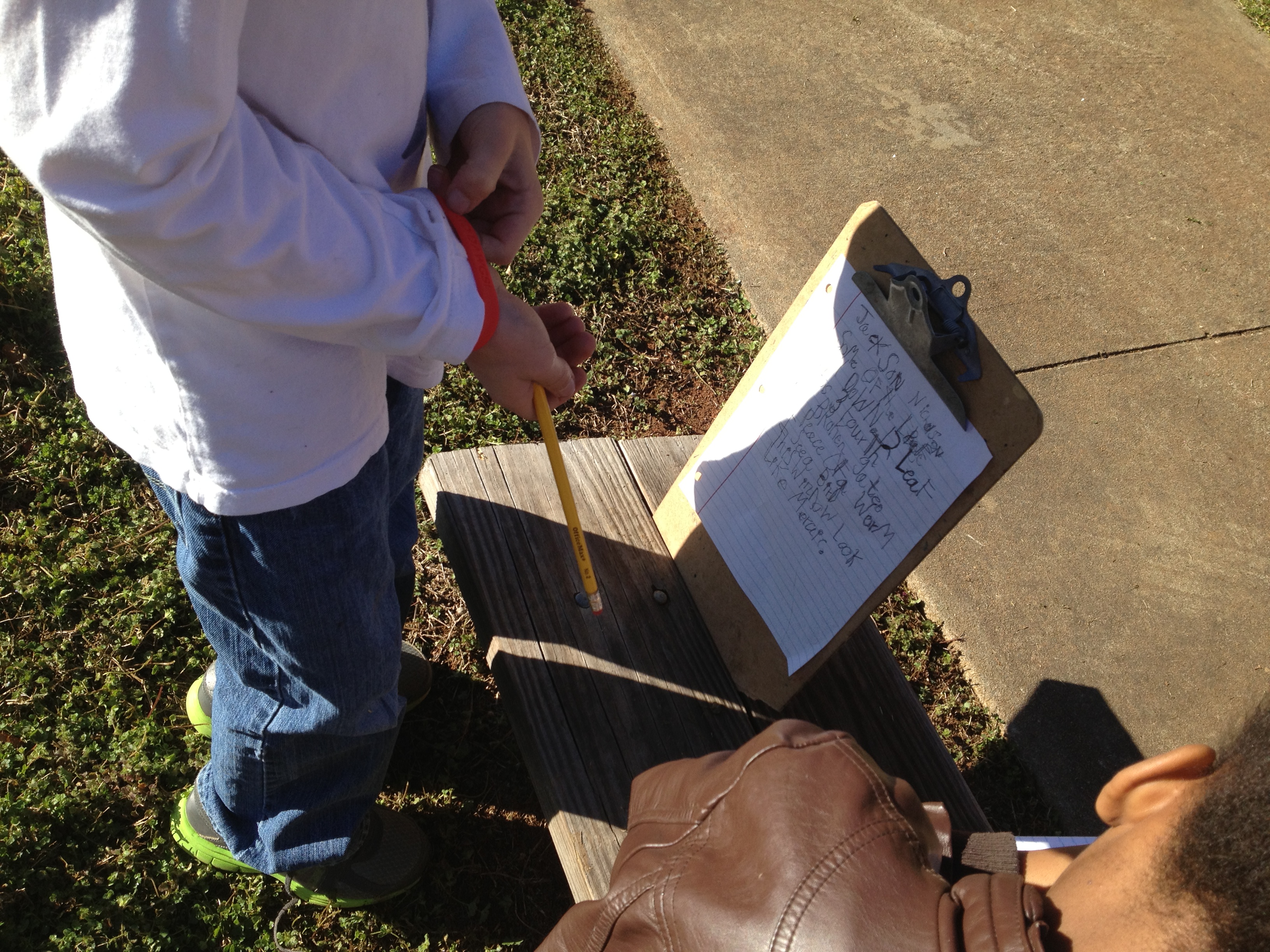
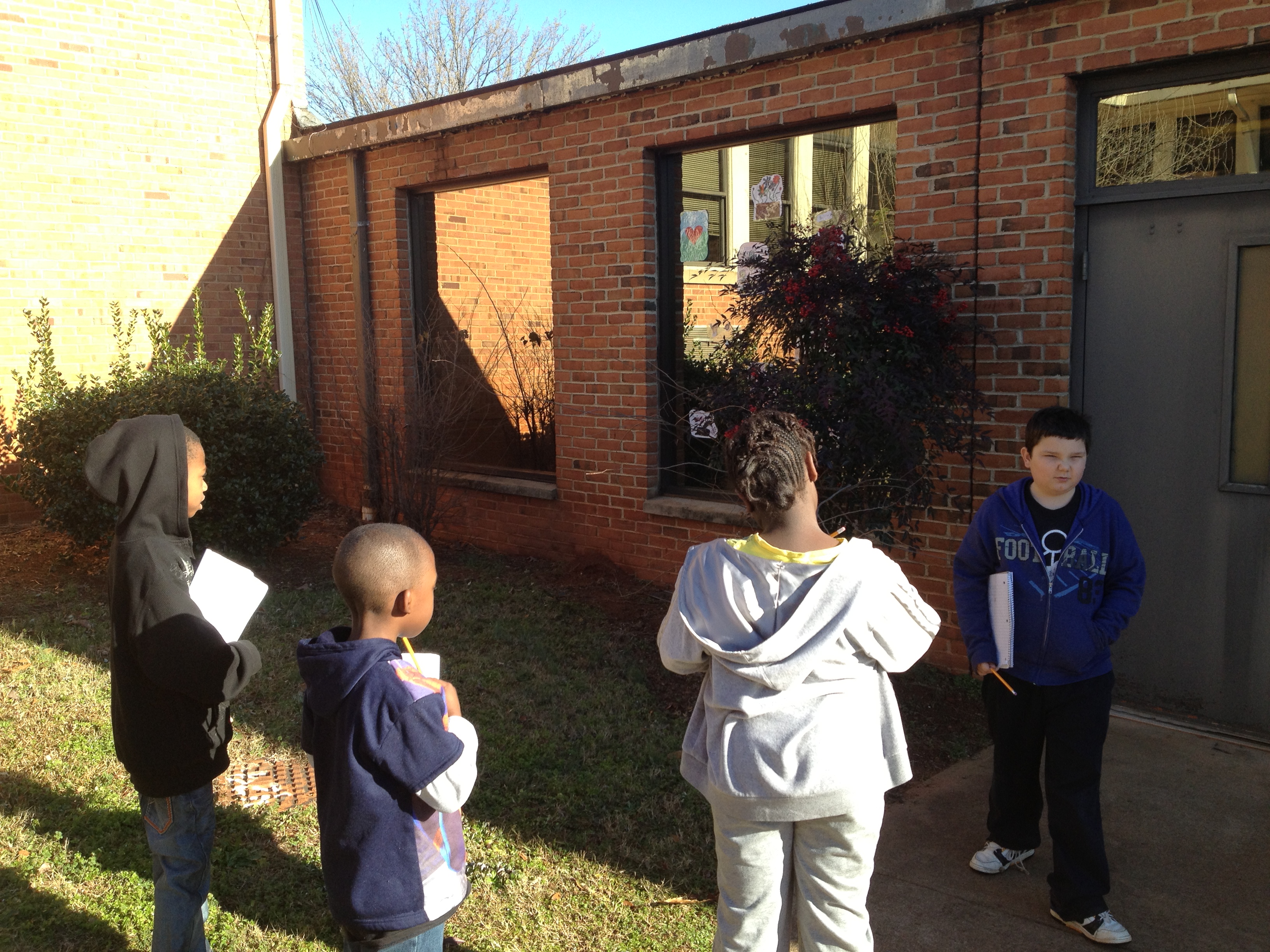
Mrs. Shealey also split the class into 4 small observation groups that both me and Ms. Hicks took to observe at the windows in the hallway leading down to the media center.

Here’s a quick look at what we saw:

http://www.youtube.com/watch?v=4n_2itZMFAE&feature=youtu.be

I was amazed by the noticings the kids made after 30 minutes of careful observations and prompting from me and Ms. Hicks.  Some examples are:

  • Birds were more attracted to the tree that had berries and leaves on it outside the window than to the tree that was bare.
  • Some students had put laminated colorful pictures of flowers on the outside of the window and birds were flying straight into those pictures.
  • The window is different than other windows because the outside is exactly like a mirror.
  • Birds did not fly into the window when we were outside watching, but they did fly into the window when we were inside.
  • The tree with the berries seemed to have a smell that some students thought might attract birds.
  • Students noticed that birds were not flying into the windows of other hallways and wondered if it was the height of those windows that caused that.
  • Students began to wonder if bird feeders, statues, dark colored window decals, and perches might deter the birds from the window.

I think that these students crafted some wonderful, authentic questions that they can now research and create things to test out in this space.  As we observed, several teachers stopped and thanked the students for working on this project and asked them to share their findings with the whole school because some teachers are having the same problem at their classroom windows.

birds8 birds7 birds6 birds3 birds2 birds


Here are a few of the student reflections about what they saw:

http://youtu.be/3_rkHB2QR3E

http://youtu.be/aB-Hy2jJqPk


Third Grade Rockhounds

Our third grade is just beginning a study of rocks and minerals in their standards.  We are taking an inquiry approach to this study and using the lens of transliteracy as we plan.

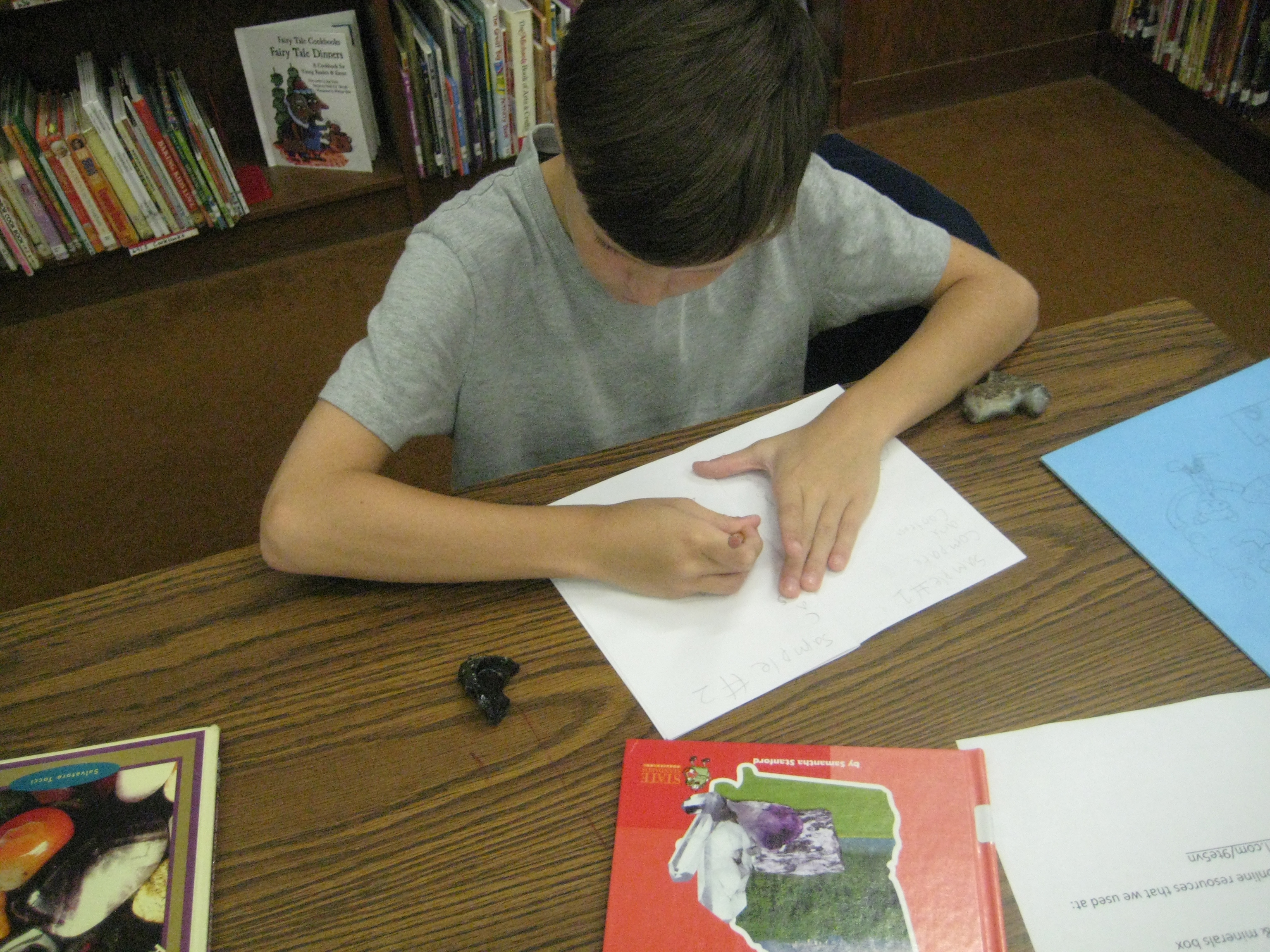
In class, students began a KWL in their science journals.  They wrote what they know about rocks and what they wonder about before coming to the library.  I planned groupings of experiences to give them multiple platforms for looking at rocks.  One stations was a big box of rocks and minerals that I collected in my childhood during yearly visits to Santa’s Land in Cherokee, NC where we always stopped at the “ruby mine”.  Students could explore the rocks and minerals using hand lenses and write observations or sketches in their journals.  Another station had multiple informational books about rocks and minerals as well as poetry using photographs of rocks.  The final station was at the computer where I created a pathfinder of games, videos, interactive sites, ebooks, and informational sites about rocks and minerals.

Students started in the floor where I talked about transliteracy and the natural flow in and out of different platforms of information.  We talked about how more questions will develop the more that you research and how to document those new questions in the science journals.  Rather than ask students to switch every 20 minutes or so to a different center, I gave them the freedom to move in and out of centers as they chose.

I gave them a little structure by providing a sheet that asked them to visit 4 books, 7 websites, and the box of rocks and minerals.  Students were welcome to move back and forth between the stations as many times as they needed.  For example, a student might make an observation of a rock in the box, look in books to identify the rock, go back to the box to clarify observations, and visit websites to confirm the identification.  The classroom teacher, spectrum teacher, and I floated among the groups and conferenced with students to encourage them to be curious and to document their learning.  As always, some students had a natural curiosity and freely documented their learning, while others needed more guidance and support.

Now the classes will return to their rooms to use the information they gathered to support their study of rocks and minerals.  They will revisit the resources I’ve gathered throughout the study.

This is a model I am starting to replicate in more and more lessons.  I love the freedom that it offers students and the support it offers for individualized instruction.

This slideshow requires JavaScript.