Many Kindergarten classes have been using Storybird to create digital stories using artwork. Here are Ms. Li’s Storybirds:

Many Kindergarten classes have been using Storybird to create digital stories using artwork. Here are Ms. Li’s Storybirds:
Fourth graders have been working on a poetry project for a few weeks now. The goal was to write poem based in the science standards of light and sound and incorporate figurative language. The teachers also wanted students to use some kind of technology for the project. I decided to use a tool called Thinglink because it allows you to take an image and make it interactive. You can put multiple related links on one image to create a transmedia experience, which means that the poem is experienced across multiple platforms. We thought students could explore their poem in different ways: informational text, video, image, and poetry text. Other options could have included song, online games, and ebooks related to the poem’s topic.
The sequence of lessons looked something like this:
This was a fun project, but because there were so many accounts to log in to, it made the progress slow down significantly. Students had a hard time remembering all of the steps that it took to login to multiple accounts at the same time and navigate back and forth between multiple tabs to get the links that they needed. I think it really opened our eyes to some skills we need to focus on at the beginning of the year in order to make projects like this successful.
As students finished their work, they submitted their poem in a Google form and I added it to our Smore webpage of interactive poetry images. Smore was very easy to use and a great way to collect and display a whole grade level’s work. As students submitted their links, I copied the link and then embedded it on the Smore page with one click. Then, on the Google spreadsheet, I highlighted the student’s name so that I knew I had already added their work.
I encourage you to take a look at the students’ work on our Smore page. We could have made this project much more complex, but it was a great first step. I think a second round of Thinglink would be much smoother.
 A small group of five 1st graders have worked with me during their writing time to create a Google Form Choose Your Own Adventure. This year, some 4th graders tried this with some social studies standards. These 1st graders were free to write about anything that they wanted to. We met during 4 one-hour sessions that looked something like this:
Session 1: I showed a completed Google Form Choose Your Own Adventure as a model. Then, I showed the first steps of creating the story which were to create a title, a beginning, and the first 2 choices the reader had to make.
Session 2: We made new pages for each of our 2 choices and created 2 new choices for each of those choices. We linked the choices from the beginning of the story to the correct pages.
Session 3: We made 4 endings for each of our choices from the middle of the story. We also made a “The End” page. We linked each choice to its correct page.
Session 4: Students used Google to correct spelling, added details to their stories, traded computers with a friend to test their story out, chose a theme for their form, and emailed their final form to me for this post.
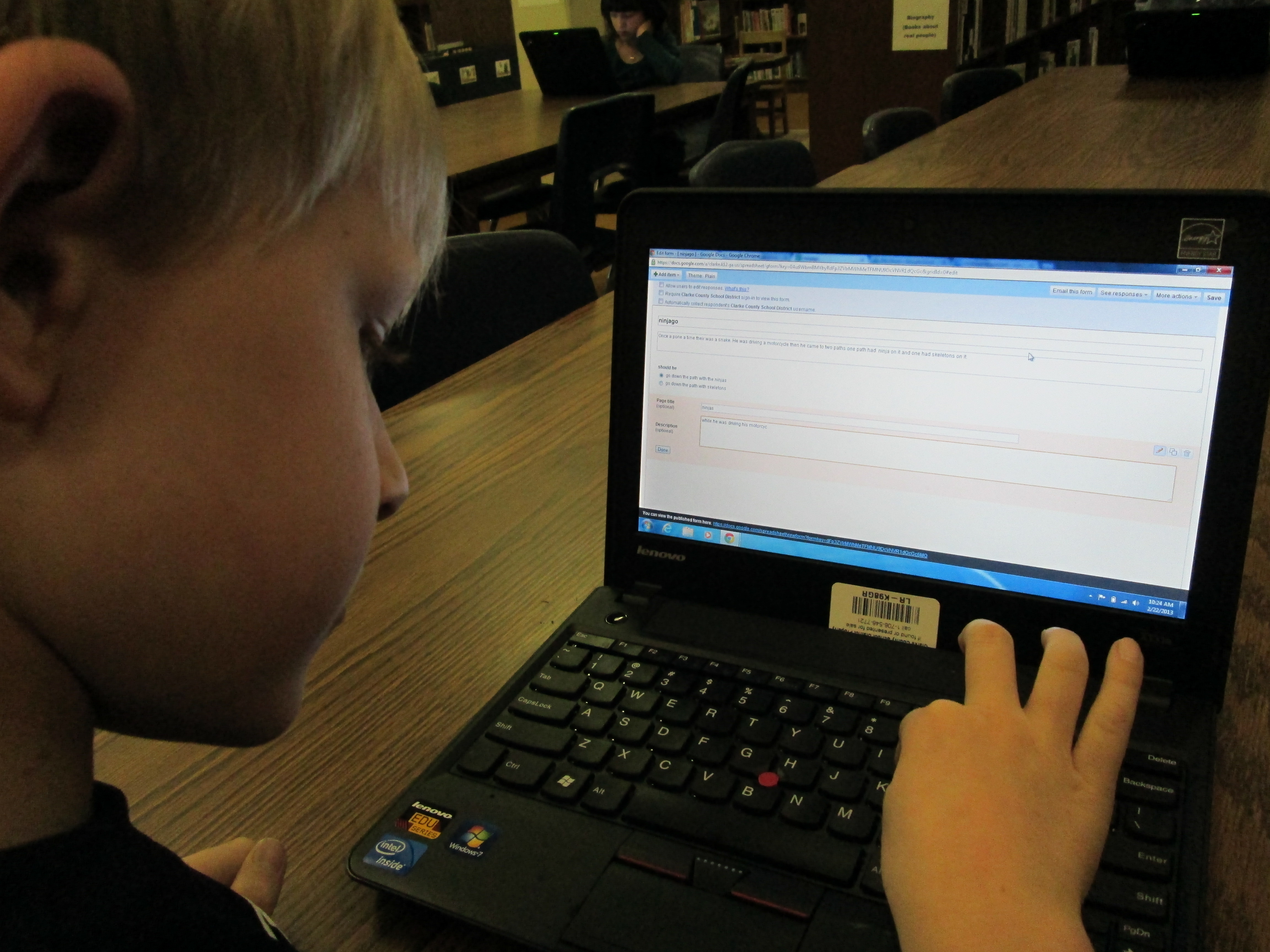 These students needed a lot of assistance during this project, so I feel like this is something that would work better in small group settings with adult support for younger students. I do think that the structure of these 4 sessions was very obtainable for these students and 1 adult. These students now have a lot of expertise that they can now share with students in their class. I’m not sure that they could fully create one of these on their own yet, but they definitely developed their skills in Google docs and forms.
You can read their stories here:
The Apple and the Chocolate Trainer by Kyusung
The Clouds by Katie
The Fairy by Adaline
Ninjago by Bo
This story was still in progress at the time of this post:
Tinya the Teacher Fairy by Carinne
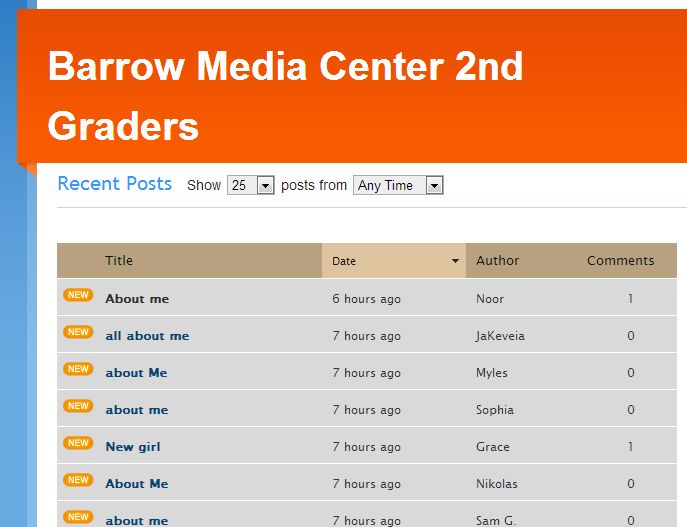 Two 2nd grade classes have embarked on a blogging project with Shannon Miller’s students in Van Meter, Iowa. We’ve connected with one another via skype and read the book Same Same but Different. Our students have been working on writing their first blog posts on KidBlog to introduce themselves. My students did this on paper, but Shannon’s students did their work in Google Docs.
 For the past 2 days, my students have been busy typing their first “About Me” blog post. While they typed, the teachers and I conferenced with students on their posts to check for details, spelling, and punctuation. Then, we gave them the thumbs up to publish their post. After publishing, students could personalize their blog with one of the KidBlog themes. Both days, the teachers and I were amazed by the students’ focus. They worked diligently for 45 minutes each day and were very willing to go back and check spelling and edit their punctuation. Again, I think that the idea of having an authentic audience is very motivating to the students.
Our next step will be to mail our rough drafts to Iowa where Shannon will have her students practice commenting on post-it notes before commenting online. Her students will mail paper copies of their posts as well so that we can practice too. From there, we will continue to post a variety of posts and comment on one another’s writing. 
The students and teachers are fully of energy for this project, and we are excited to see the work that they are eager to produce.
Their blogs are located at Barrow Media Center 2nd Grade KidBlog. We invite you to read and comment on their posts.

Our very first blogger posted his “About Me” post

983 miles to Van Meter
I’m so excited about the project that two 2nd grade classes are working on right now. Mrs. Ramseyer and Mrs. Wright’s classes are connecting with Shannon Miller’s 2nd grade students in Van Meter, Iowa. Right now, our 2nd graders are working on opinion writing. The idea for this project started there, but it has grown into so much more through email and face-to-face conversations with the teachers and tweets, emails, and Google Docs with Shannon Miller.
Yesterday, the 2 second grade classes came to the library to kickoff the project. We looked at Google Earth and mapped the distance from our school to Van Meter Elementary in Van Meter, Iowa. It is 983 miles and would take over 15 hours to drive there. Students were also curious about how long it would take to walk there, so Google Earth showed us it would take about 304 hours! With the approaching snow storm, I’m not sure I want to try that one!
Next we talked about what it means to blog. I showed them the library blog and how it is read by people all around the world. We even looked at the Clustr map showing where our blog readers come from. I was trying to build their understanding of how large your audience is when you publish your writing online.
The students will use Kid Blog to create their blogs. This tool allows you to quickly create multiple accounts through an Excel spreadsheet upload. No email addresses are required. Then, all students have to do is go to the blog, select their name, and type in their password to type their posts. We took a look at this, and you should have heard the excitement when they saw that their names were already on the screen.

Writing our paper blogs
 Finally, we had the kids brainstorm with a partner what they might write about in a first post. We wanted the focus to be “About Me”. Before we sent them to tables to write, I reminded them of the importance of not including personal information such as full names, addresses, phone numbers, etc. At tables, each student wrote a paper blog post about themselves. Mrs. Wright, Mrs. Ramseyer, and I all walked around and conferenced with students on their posts. We were impressed with how much students were willing to write. I was reminded of the importance of kids having an authentic audience for their work and how motivating that audience can be to even the most reluctant of writers.

Same, Same but Different will be a theme for our conversations
Today, we connected via Skype with Shannon and her students. We read the book Same, Same but Different by Jenny Sue Kostecki-Shaw. It was such a perfect book because it pushes the notion that all over the world we do things that are the same but they might look a little different. During our Skype, we paused and let the kids talk about Iowa and Georgia. They stepped up to the camera and asked questions about one another about the weather, activities, and school population. They made several connections to the story. For example, in Iowa it is about to snow a lot. It takes a major snow for them to get out of school. We get snow here in GA, too, but we get out of school if there is just a dusting. Same, same but different! As we blog with one anther, it is our hope to share our favorite books and opinions as well as continue to explore the idea of how connected we are in the world even though things might look and sound a little different. I have a feeling students will continue to say “Same, same but different”.
On Monday and Tuesday, our 2nd graders will type and post their blogs. We will mail our paper versions of our writing to Iowa so that Shannon’s students can practice commenting on them before they actually comment online. She will do the same with her students’ writing so that we can practice commenting, too.
 From there, we hope to connect some more through Skype and through the continued writing of our blogs.
This is going to be a very rich experience for these students, teachers, and librarians!

Students stepped up to ask one another about living in Iowa and Georgia
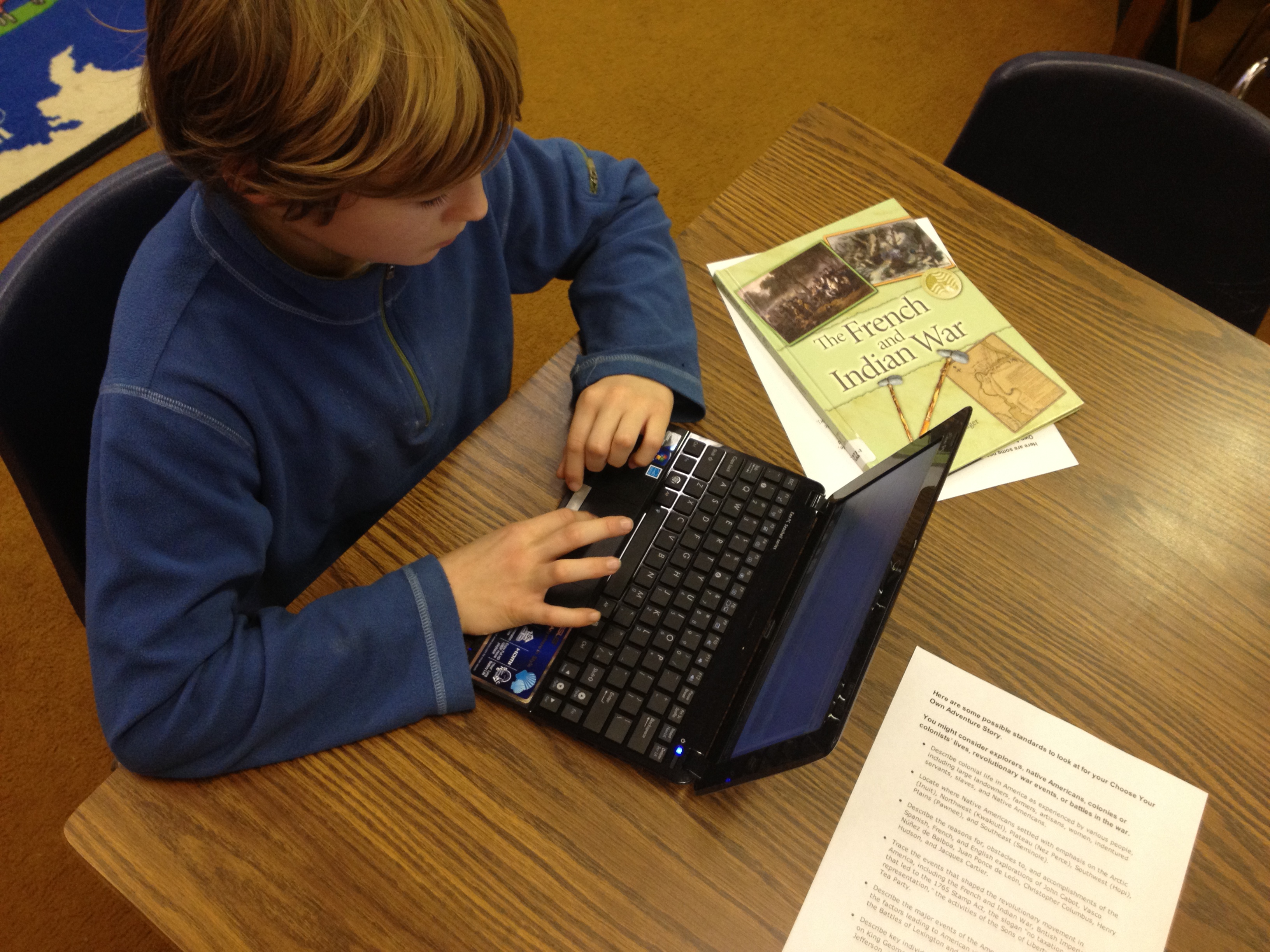 I had heard about how you could write a Choose Your Own Adventure story using a Google form, but I had not been brave enough to give it a try until this year. The idea got placed back in front of me at one of our media specialist professional learning meetings by Tanya Hudson. Then, I went into Google forms and gave it a try. I made a very short, basic fiction story. I won’t go into detail in this post about how the story is made, but it is all about adding multiple page breaks in a form and then directing answers to go to those pages based on the response of the reader.
Mr. Plemmons’s very rough practice story!
Then, at our school level professional learning day in January, I did a session on using Google forms. I shared some very basic uses of forms and also included this advanced idea. Our 4th grade teachers were very interested in how this might be used by their students. After some brainstorming, we decided on writing historical fiction choose your own adventure using some of the 4th grade standards. In the library, I have several nonfiction choose your own adventure stories from Capstone Press, so these became mentor texts for the project.
The teachers gave me a small group of students from each of their classrooms. The reason we started with a small group was so that I could work with them in a smaller setting to explore the possibilities of creating this kind of story. Then, these students could pair with other students in the class to show them the steps to making the stories. The students worked with me during 5 hour-long sessions.
In session 1, we read some excerpts from the informational Capstone Press books. Then, I walked them through the story I made and how it was created. They ended this session by “messing around” in Google forms to practice some of the things I modeled.
In session 2, students looked at the standards and chose their topics to begin researching. They chose from:
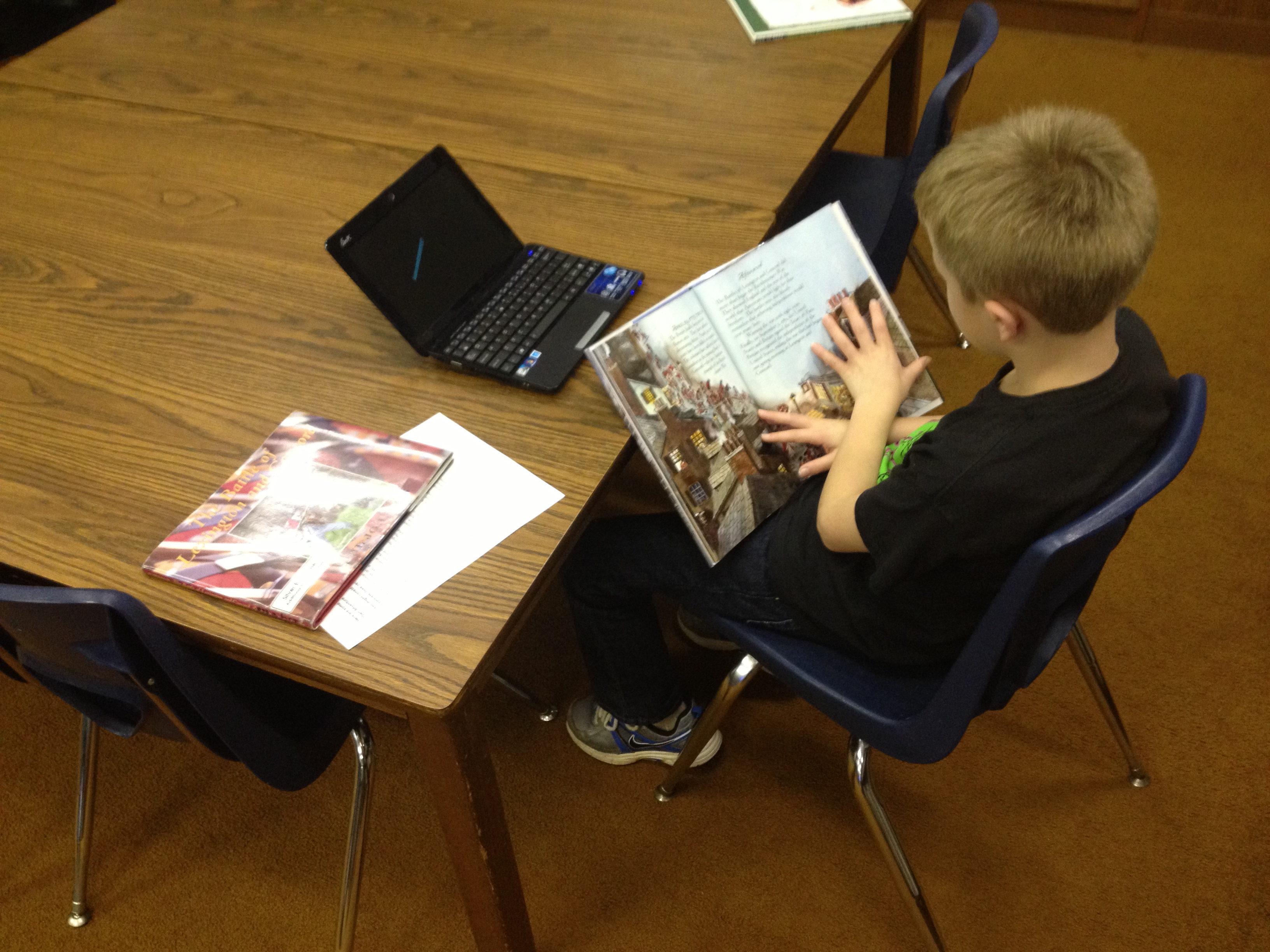 In all of the other sessions, students mixed research from books, websites, ebooks, and the research tool in Google Docs with actually creating their form. Students supported one another as they figured out things, but students also conferenced with me on their stories. About mid-way through their sessions, I had students go ahead and submit the link to their form to me. I used a Google form to gather all of their links. Then, I could easily check-in on students without disturbing their writing.
As I look back at what we’ve done so far, it has been a very messy process with lots of different kinds of learning going on simultaneously. If I had it to do again, I think it would be easier to start with a fiction story than weaving in history. Just making the structure of the Google form and getting it to work took a lot of time and students were also trying to research facts. When they moved to research, their skills at creating their forms were getting a little rusty. I think if students started with fiction where they could just make everything up, they could spend more time being creative and actually getting the form to work. We learned a lot about the process, and I definitely think that these students will be able to show others the steps it would take to create their own.
All of their stories are still works in progress, but you can try them out here:
Dmitri’s French and Indian War
Will’s Battle of Lexington and Concord
Lilli’s Battle of Lexington and Concord
Graham’s French and Indian War
Feel free to leave feedback on any of the stories as a comment and I’ll pass it along to the students to celebrate and improve their stories.


These cards were used prior to moving into Storybird.
You may remember from earlier in the year that Ms. Hocking’s Kindergarten class worked on a sequence of lessons in the library and in their classroom to eventually produce their own story inspired by art using Storybird. Now, even more of the Kindergarten classes are working on a similar sequence of lessons. We have spent time on the common core standard:
ELACCKRL7: With prompting and support, describe the relationship between illustrations and the story in which they appear (e.g., what moment in a story an illustration depicts).
This has been done through wordless picture books, picture books where part of the story is told in text and part in pictures, and picture books where the pictures support the text. Students read these books in class lessons as well as in the library.
To prepare for Storybird, we started by using storytelling cards from a set of cards called “Tell Me a Story“. I chose a sequence of cards and then had the kids begin telling the story and linking the story from one card to another. As we transitioned to Storybird, I told them that it was like pulling illustrations from a big deck of cards and figuring out how the story connected together across cards. We wrote a Storybird together as a class to model the thinking it takes to select a sequence of pictures as well as create text that ties together the pictures.
Finally, in small groups with an adult, students wrote their own storybird. The role of the adult was to lower the barriers to artistic expression by helping students with things like typing, taking turns, etc. Today, Ms. Seeling’s class (Mrs. Boyle’s Class), created their stories in small groups. We had 5 groups led by me, Ms. Seeling, the parapro, a student teacher, and a parent volunteer. Here are their final stories:
Ms. Seeling also hopes to have some students make individual stories and then use Screencast-o-matic to record the students reading their stories. I love how each teacher and class is learning from what previous classes did and building onto what was accomplished.
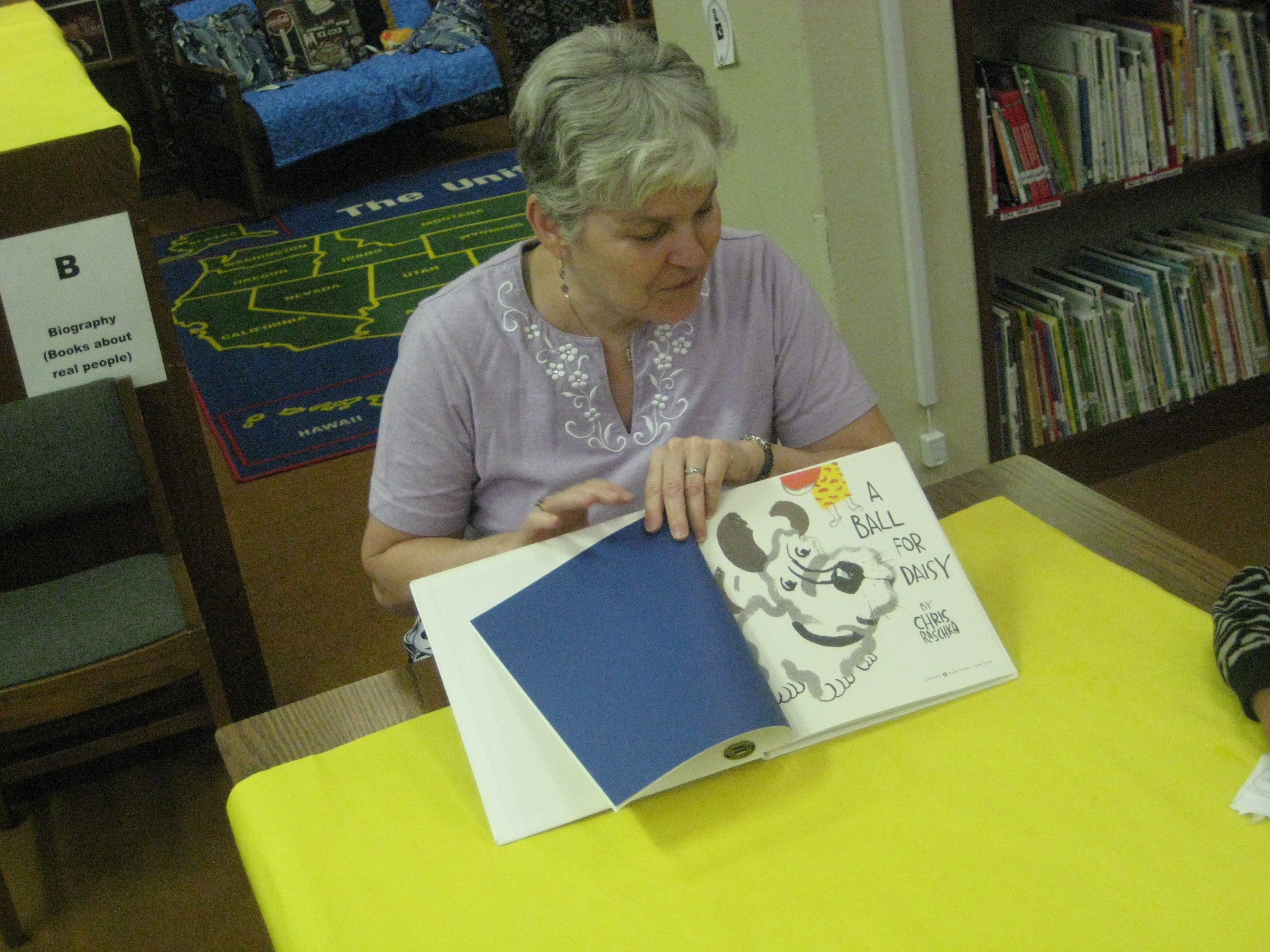 Mrs. Kelly Hocking’s Kindergarten class has been hard at work collaborating with me in the media center on writing stories from art. This idea was initiated in their classroom, and Mrs. Hocking asked me how I might support their class in doing this exploration using some kind of technology.
To start, I showed the class Storybird very briefly. Storybird offers collections of artwork that inspire stories. You select images from a collection and add your story. Then, you publish your digital book to the web.
We spent the remainder of the first session looking at a wordless picture book under the document camera. We used Andy Runton’s Owly and Wormy: Friends All Aflutter. On each page, we asked ourselves who is in the picture?, where are they?, and what are they doing? We split into 4 groups to look at even more wordless books in a smaller setting. The classroom teacher, paraprofessional, special education teacher, and EIP teacher all supported a group. I rotated between all 4 groups and took over groups if the teacher needed to give a particular student more support.
A couple of weeks went by where the students continued to use wordless books in their classroom to practice telling stories from art. When they returned to the media center, I did a whole group modeling of how to use Storybird. We looked at features like how to add a page, how to drag and drop a picture, and where to type the words. We also talked about putting together a story and how you have to think carefully about which picture makes the most sense to come next in the story. Finally, we talked about how to go back and re-read your story and make changes if needed.
The final lesson was back in small groups in the media center. Each group had the same adult leaders and a laptop logged into storybird. Each group had a different account. The adult facilitated each group in creating their own storybird, but the students were expected to interact with the technology and construct the story. The adult did most of the typing while the students selected pictures, typed limited text, and added pages. Even in small groups, it was a challenge to maintain focus, but each group completed their story in our 45 minute time block.
These students are the only students in the school to have used Storybird, so they are now available to show other students and teachers in the school how it works. I look forward to trying this again with many more classes.
Read their Storybirds here:
Dragon Bat Girl Attacks Creepy Girl
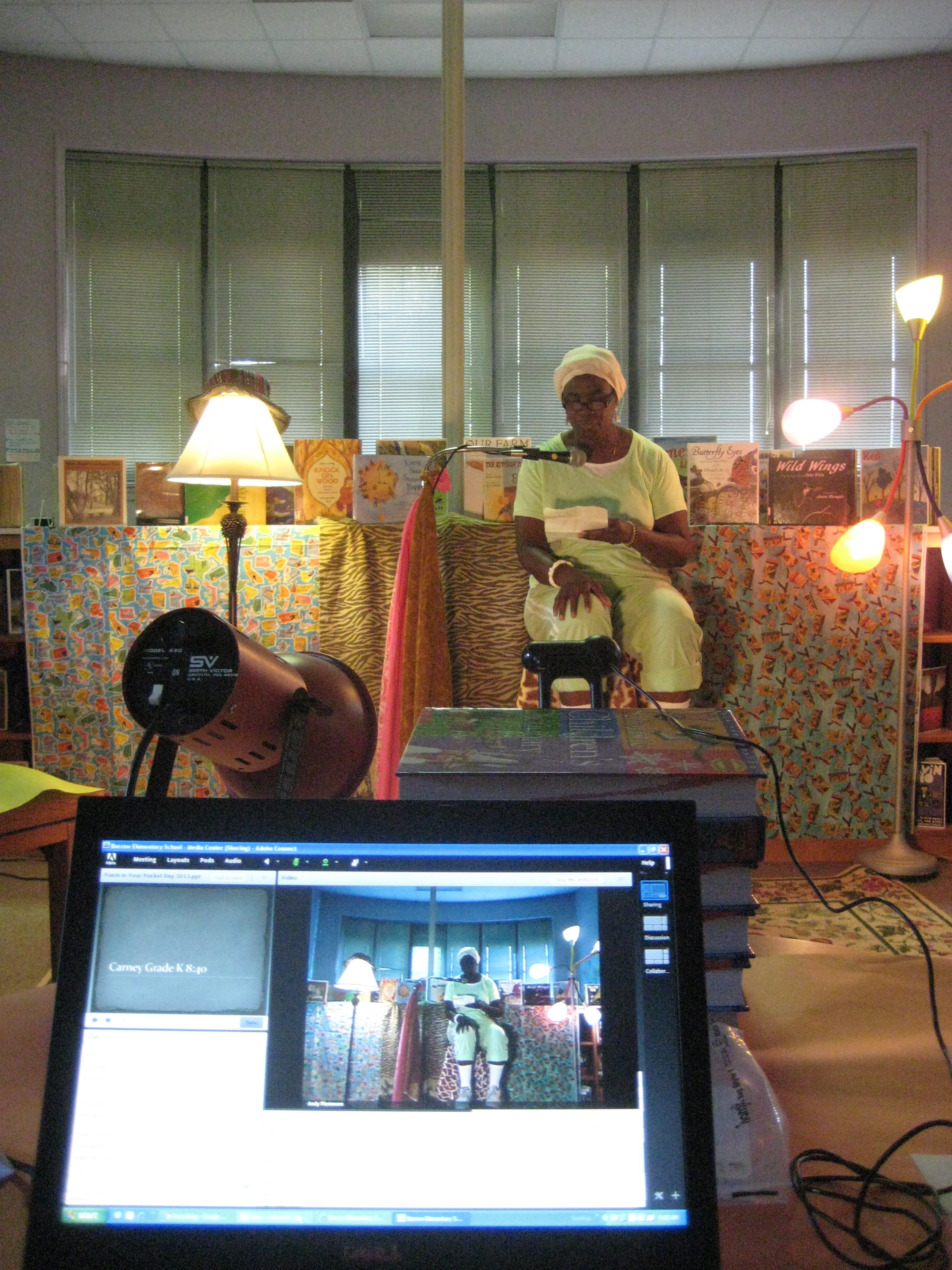 We had more wonderful poetry readings today. We also had guests tuning in from India, Seattle, Chicago, Belvidere, Florida, North Carolina, and a media center in Lexington, KY. The students loved extending their listening audience and hearing their warm comments. You can listen to today’s archives at the links below:
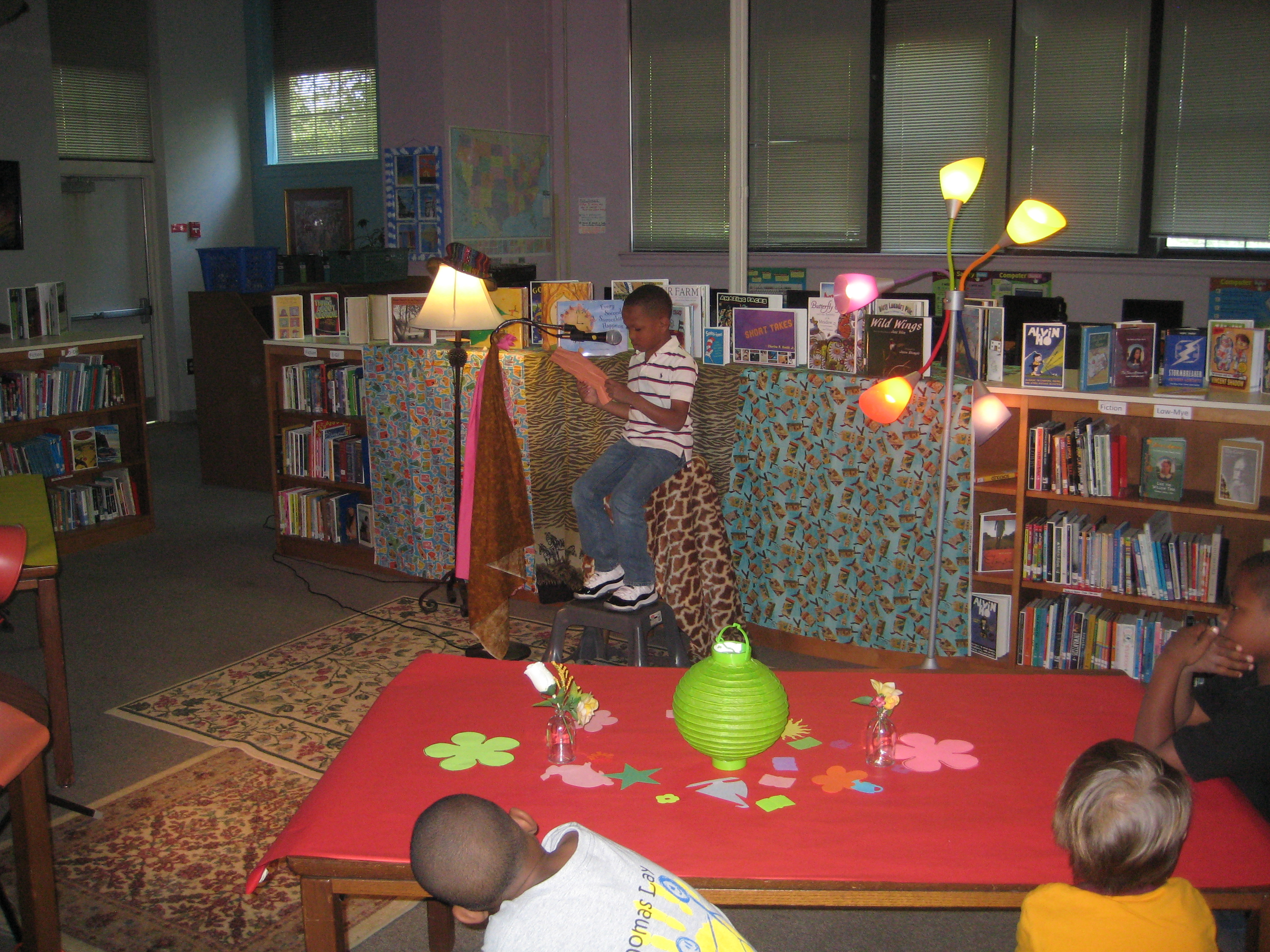 Today, 14 classes came to our poetry cafe to read their original and favorite poems. Many people attended via Adobe Connect: parents, grandparents, other Barrow classrooms, and more. If you missed the day or want to relive it, you can view the archives below.
 Expect the Miraculous