Kindergarten Experts: A Tux Paint Instructional Video

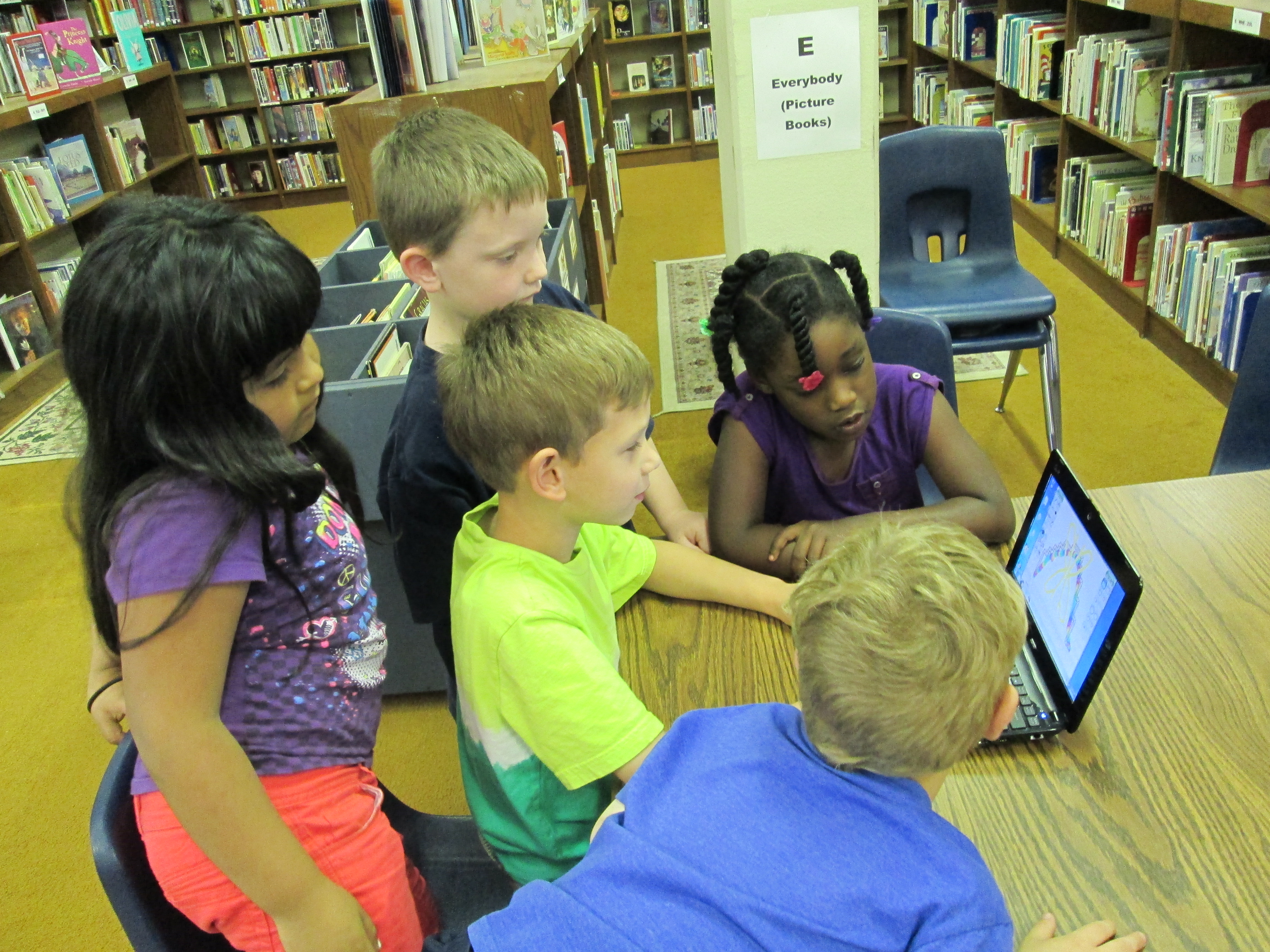
Students gathered around the netbook to plan out what they would share on the screencast.

Students gathered around the netbook to plan out what they would share on the screencast.

I was so impressed by the work that Mrs. Kelly Hocking’s Kindergarten students did on their Tux Paint stories.  You can read more about that adventure here.  We wanted to continue their work in some way so that it might inspire and support other classes in trying Tux Paint.  After some planning, we decided to have the kids make an instructional video.  Mrs. Hocking brought her whole class to the library.  We talked about how instructional videos are a kind of informational text just like they are reading in their classrooms.  We also talked about being a leader and sharing expertise.  I made a screencast to show how to make an Animoto and we watched a part of that.

http://www.youtube.com/watch?v=PUPNdRD6Q2g

Along the way, I paused and had students talk about things that they noticed.  They shared things like

  • You clicked on things.
  • You talked about what you were clicking on.
  • You didn’t use a silly voice.  You used a serious voice.

We continued this pattern of watching and sharing for a few minutes.  Mrs. Hocking and I both added our own observations of what to include in an instructional video, too.  I told the students that they had to take themselves all the way back to the beginning and think about what they did first, second, third, etc.  Then they had to think about what they would say and what they would click.

Our Google doc captured what students would talk about on the screencast.

Our Google doc captured what students would talk about on the screencast.

A small group of 5 students stayed behind in the media center while Mrs. Hocking took the rest of the class back to Kindergarten to talk some more.  The small group and I took a netbook and started looking at Tux Paint.  I had them show me things they knew how to do.  As they did that, I started typing their words and expertise into a Google doc.  I also started pushing them to think about order.  What would someone do first? second? third?  I rearranged our doc to have a better sequence and put student names by each piece of tux paint that they would demo.  Then, we practiced.  Each student showed his/her knowledge of a certain aspect of Tux Paint.  Their tendency was to just click without talking.  I had them start again and say what they were doing as they clicked.  They also all wanted to talk while someone was clicking, so we had to discuss one person being allowed to speak without being interrupted.

On a separate day, the small group came back and we recorded their screencast using Screecast-o-matic.  In between each speaker, we paused the screencast and prepared the screen for the next student.  It was a challenge to stay quiet while someone was recording, but they did so much better after our practice in the 1st lesson.  Here’s what they created:

http://www.youtube.com/watch?v=uTwGjinM-nY

Our next step will be to send this video to Shannon Miller in Van Meter, Iowa so that her students can watch it and learn how to use Tux Paint.  Then, we will Skype with her students for them to ask follow-up questions about using Tux Paint.  The video will also be shared with teachers at our school so that they might consider using Tux Paint with their own classes.

I love the potential of this.  It is empowering for students to be able to share their expertise with the world, become leaders and teachers, and take time to reflect back on what they have actually learned about a particular technology tool.  I want to do more of this in the coming year, especially now that our students have access to Youtube.  Imagine the possibilities of students creating videos about what they have expertise in and sharing that with other students in the school.  The collaboration potential is mind-boggling!

Tux Paint Digital Stories with Kindergarten

A few months ago, Mrs. Kelly Hocking, Kindergarten teacher, emailed me with an idea.  She wanted to modify an idea that she found online that used KidPix.  Since we don’t have KidPix, our first step was to find an alternative.  The one that we liked the best was Tux Paint.

I met with Mrs. Hocking to talk about the logistics of installing Tux Paint on all of her netbooks and what that might look like in her center time.  She took this and ran with it as usual.  In centers, students explored Tux Paint and developed some expertise with the tool.  They figured out what worked and what didn’t.

Then, she put the students into work groups.  Each group used long rolls of paper to plan out a story and did quick sketches of their illustrations.  They used these planning sheets to draw their digital pictures in Tux Paint and type the text.  Students practiced their stories in class.

Mrs. Rockholt, the paraprofessional, brought small groups of students to the library to use Screencast-o-matic to record their stories.  We saved each screencast on a flash drive and then I uploaed them to Youtube to share with the world.  Enjoy!


http://www.youtube.com/watch?v=JsYMlM4T6ao&feature=youtu.be


http://www.youtube.com/watch?v=pYu3s9tqMB4&feature=youtu.be


http://www.youtube.com/watch?v=aB4GI2eHorg&feature=youtu.be


http://www.youtube.com/watch?v=S6hqQG7m53o&feature=youtu.be


http://www.youtube.com/watch?v=0Yh8g0Zscb4&feature=youtu.be


Two groups of students also took some time to talk about the process of the project.  Here are there thoughts.

http://www.youtube.com/watch?v=5TE_Corkspg&feature=youtu.be

http://www.youtube.com/watch?v=7qsk1_idRbM&feature=youtu.be


Next, we plan to share these with our friends at Van Meter Elementary in Van Meter, IA.  We are hoping that some of these students can show the students in Iowa how to use Tux Paint.


Not A Box Display

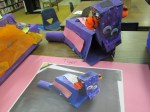
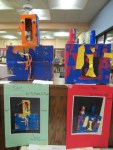
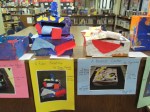
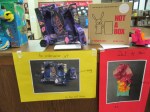
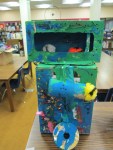
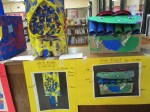
IMG_0400As part of the participatory culture of the Barrow Media Center, we like to feature student art exhibits.  We haven’t had as many this year due to our temporary space while our school is rebuilt.  However, today one of my favorite displays returned.  Ms. Foretich, our fabulous art teacher, setup the PreK Not a Box display.  Students read the book Not a Box by Antoinette Portis and designed their own artistic creations out of boxes.  This book always inspires creativity.  One of the things I love about this display is how each design is accompanied by a digital photograph of the creation that is labeled so that visitors can understand what each box represents.   In the future I could see this project evolving to include some QR codes to make the exhibit more interactive.  There’s always something new and innovative that we could include.  Time always creates some limitations on what we can do.  If you happen to be near the Barrow Media Center, please stop by and take a look.  If not, then take a look at the gallery below and feel free to leave comments for Ms. Foretich and her students.

More Great Little Free Library News

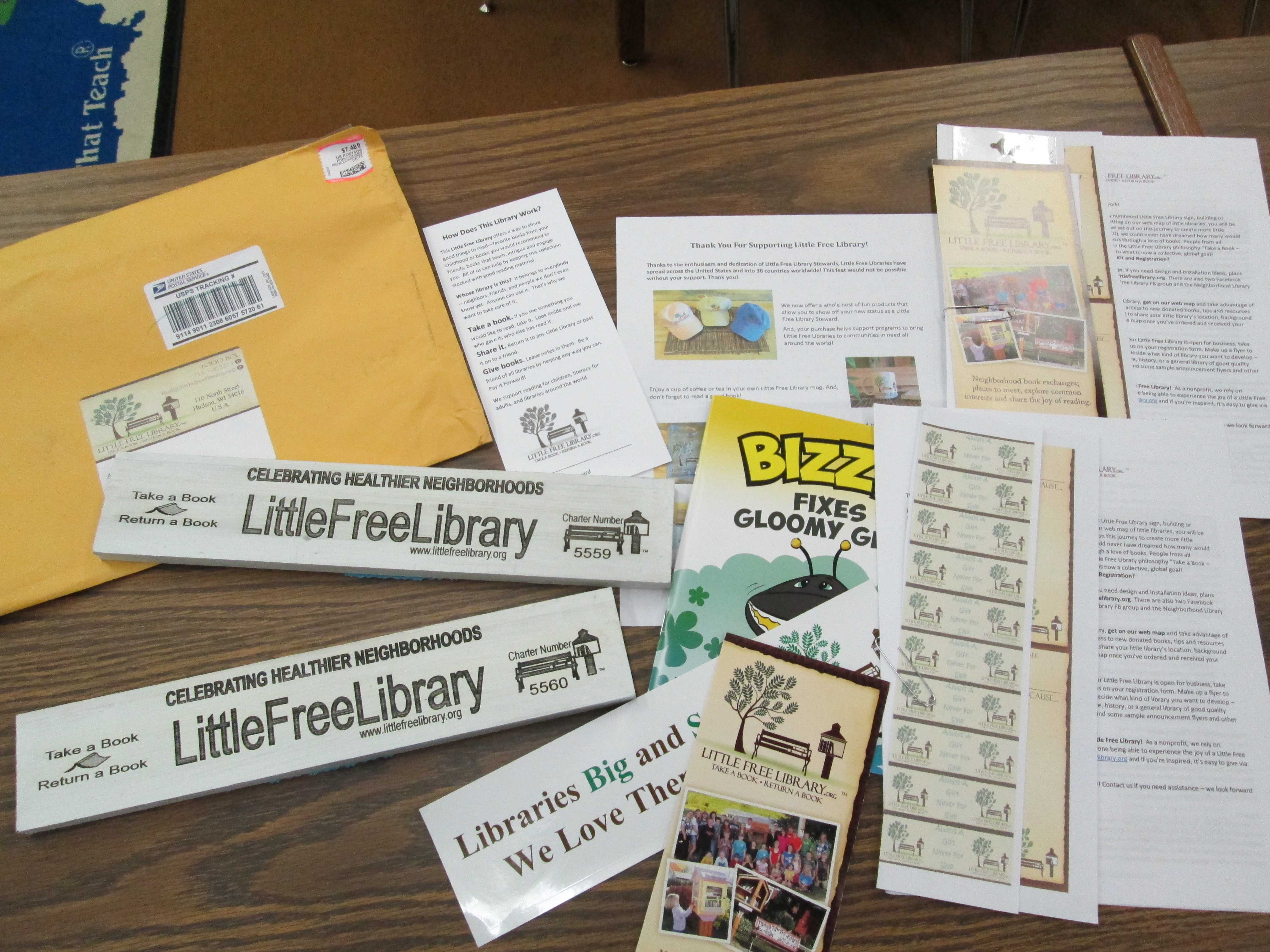
Labels, bumper stickers, ideas, and more were in our package from Little Free Libraries.

Labels, bumper stickers, ideas, and more were in our package from Little Free Libraries.

I love that I get to continue to share great news from our Little Free Library Project.  Here are some more great things that have happened:

  • We were approved to put our library at Lay Park.  This was in response to a student letter and a great phone call with Randy Haygood, facility supervisor
  • Camilla Bracewell, amazing superhero library volunteer & Barrow grandparent, became a supporter of our project through a donation and conversations with people in the community.
  • Our Little Free Libraries are now registered.  We received our signs in the mail!
  • Our libraries are now in art waiting to be painted once we have a design decided.
Our official signs will be mounted on our libraries once they are painted.

Our official signs will be mounted on our libraries once they are painted.

I love that the signs are made from reclaimed wood from Wisconsin's Amish Country.

I love that the signs are made from reclaimed wood from Wisconsin’s Amish Country.

Exciting Little Free Library News

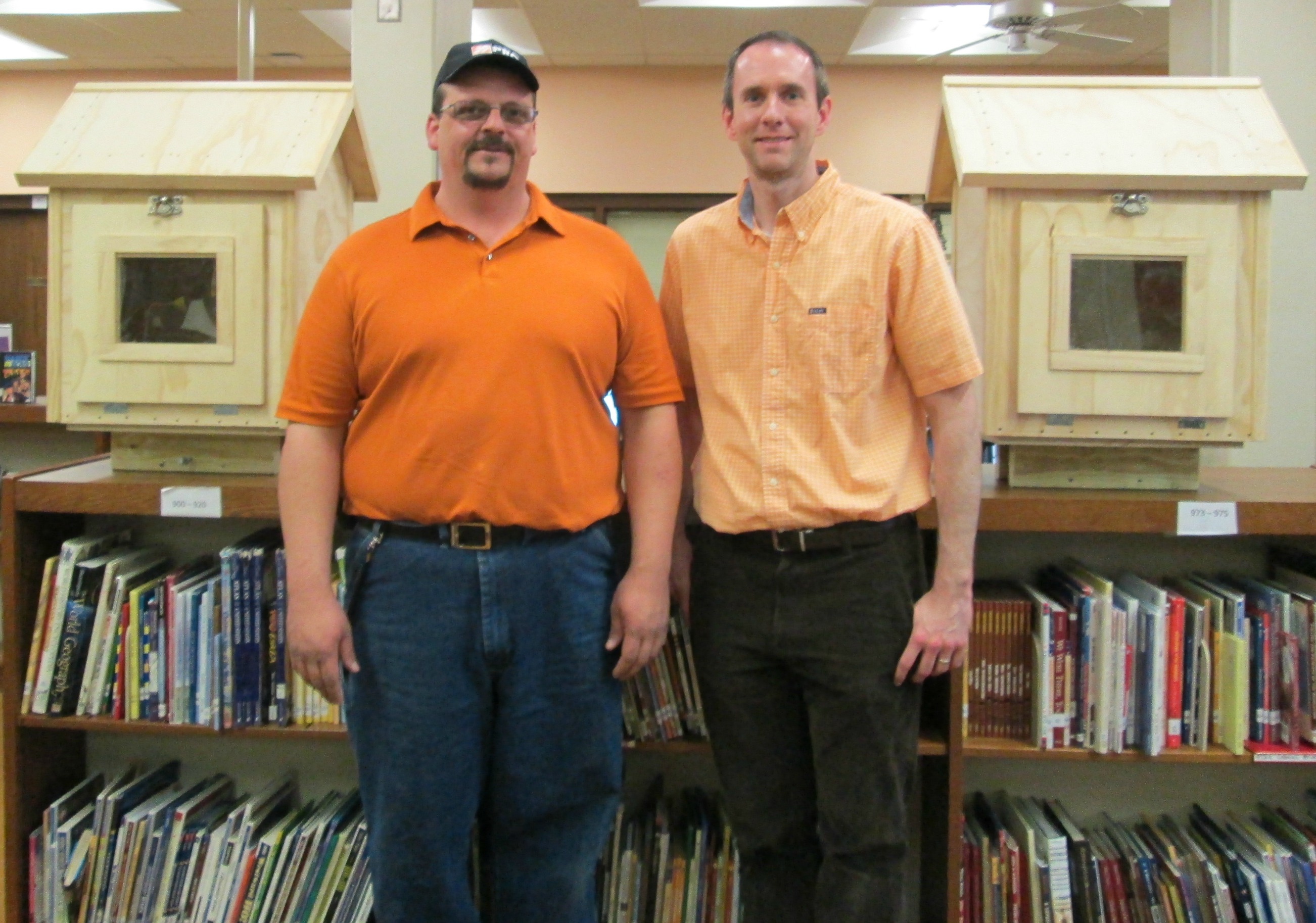
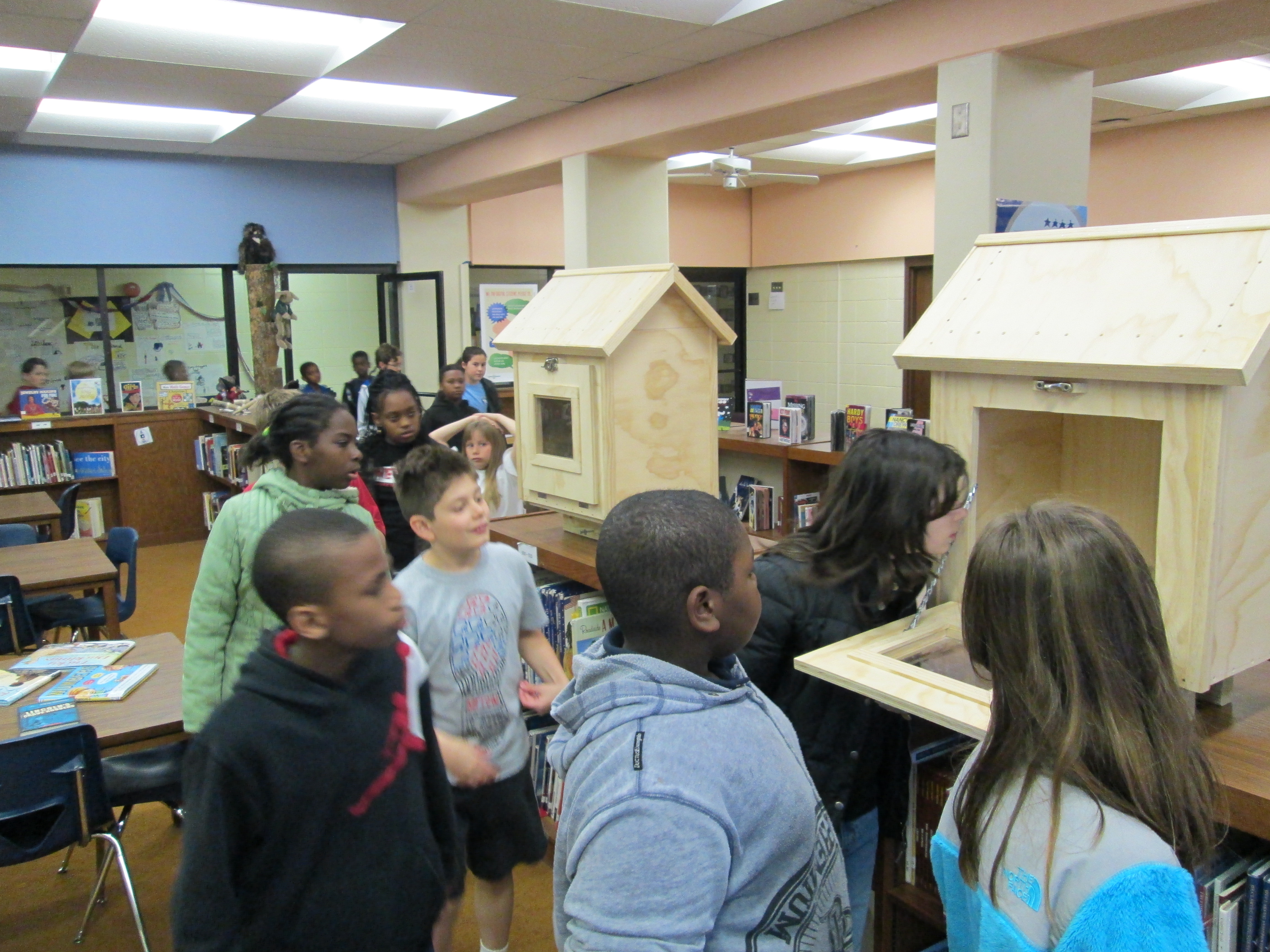
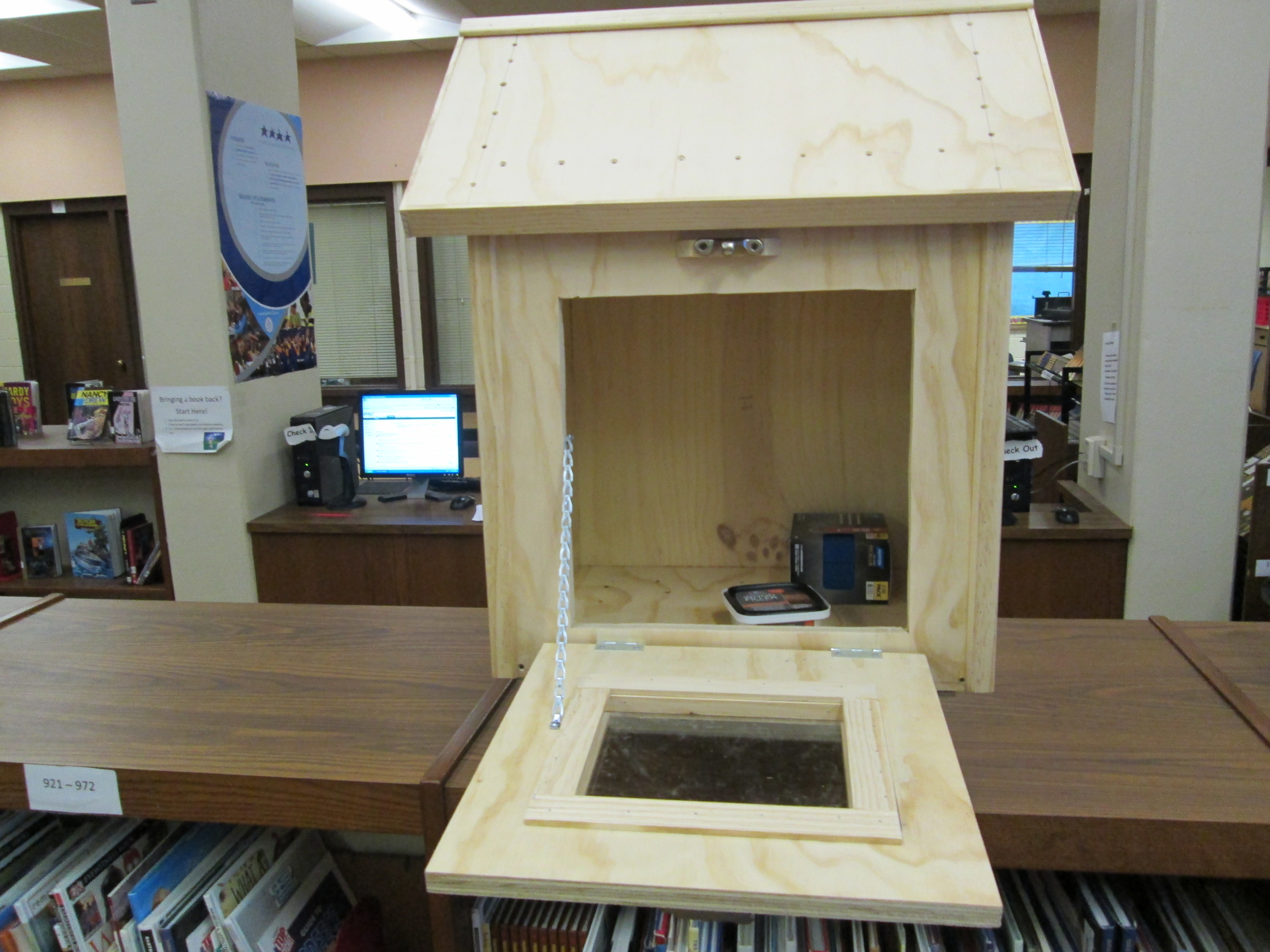
Kenny Sims, Operations Manager with Athens Home Depot, donates the 2 Little Free Libraries to Barrow

Kenny Sims, Operations Manager with Athens Home Depot, donates the 2 Little Free Libraries to Barrow

Two major things happened today with our Little Free Libraries.  I began talks with a possible location for our 2nd library and our 2 libraries were delivered by Home Depot!

I have to say again that we went into this project with a lot of faith in our community and amazing things are happening.  Here are a few recent things:

  • Several students from other grades have come to tell me that they are cleaning out their home libraries to bring us books that they no longer need.
  • Several people have brought in books to fill the libraries already.
  • People donated money during the book fair which was almost enough to register both of our libraries.  The 5th graders are about to each bring in $1, which will help us reach that goal.  Our library numbers will be 5559 and 5560
  • A student who wrote a persuasive letter was beaming when he found out that his letter had been received by the recipient.
  • Home Depot #0129 continues to be a very generous donor to this project.  They have built and donated both libraries and are now working with our art teacher to get supplies for painting the 2 libraries.  They will also help us with the final supplies for installing both libraries.  I can’t thank them enough for their generosity.  They definitely have my future home improvement business!
IMG_0367

5th graders immediately came to see the 2 libraries

IMG_0366 IMG_0365

Little Free Library Progress Update

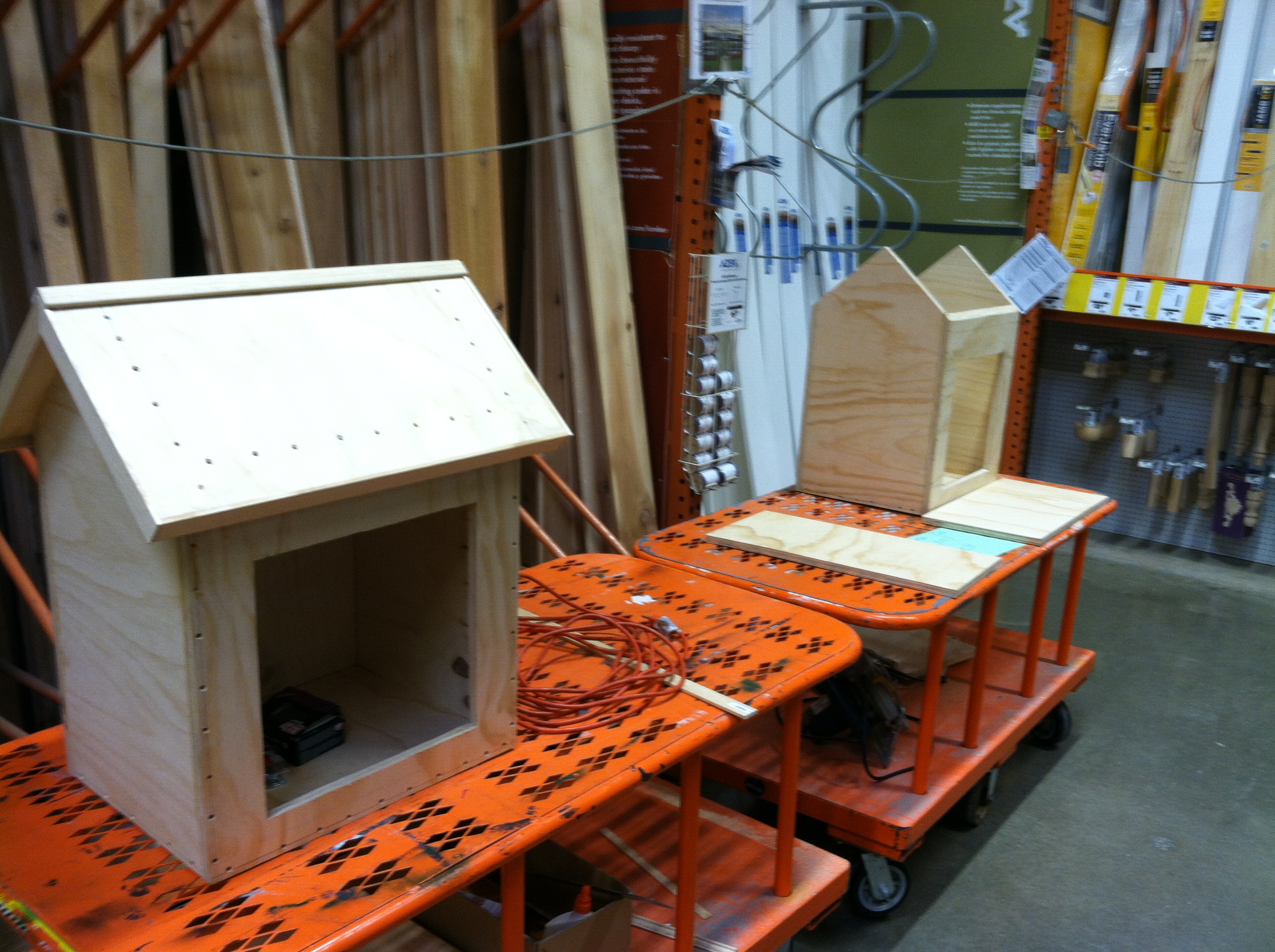
Athens Home Depot is building and donating 2 Little Free Libraries for us to decorate

Athens Home Depot is building and donating 2 Little Free Libraries for us to decorate

Very exciting news! We just heard from Home Depot in Athens that our 2 Little Free Libraries are almost ready for delivery to the school. Kenneth Simms, Operations Manager, sent us a photo of the progress late last night. We can’t wait to get these libraries to our school to begin decorating them in art!  We can’t thank Home Depot enough for all they are doing!

Second Little Free Library

Joel typed his letter, conference with me and his teachers, addressed his envelope, and dropped it in the mail

Joel typed his letter, conference with me and his teachers, addressed his envelope, and dropped it in the mail

We are currently looking for a home for our 2nd Little Free Library that is being built by Home Depot.  Our school attendance zone stretches from Five Points into downtown Athens, so the students wanted a library to go in each end of our zone.  Many of our students live near Lay Park, Lyndon House, and the downtown fire department so they really want our 2nd library to go near that area.  Today, a letter was mailed out to Lay Park by a student who goes to Lay Park a lot.  Many of our students use this space during the summer and after school, so it really would be a perfect spot for our 2nd library.  Students who live in that area could take books from our school donation site and make sure the library stays full.  It would be a great source of community service and responsibility for our students.  I’m sure that there will be many steps to get approval to put a library in a spot like this.  Now, we will wait and see what the response is from the county and Lay Park, but we are going o think positive thoughts for now.

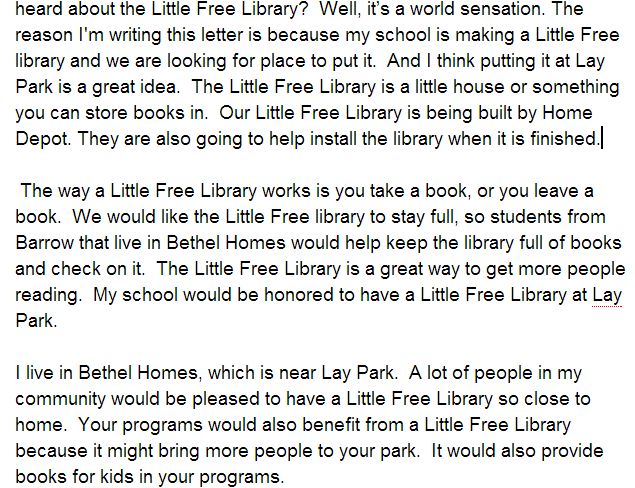
Joel's letter explains LFL and makes a personal connection

Joel’s letter explains LFL and makes a personal connection


Student Book Budget 2012-2013 Finale

IMG_0331 IMG_0332 IMG_0333 IMG_0334 IMG_0335Today was an exciting day.  The 105 books purchased by the students in this year’s book budget groups went into circulation.  I announced on BTV that the books were ready.  Teachers played this video in class.

http://www.youtube.com/watch?v=1yaj5TeQG0Q

IMG_0337It didn’t take long until students began pouring into the library on their own and in classes to checkout the books.  Almost every student who visited the library got one of the new books, and by lunch, there were only 5 books left!

Only 5 books remained at Noon.

Only 5 books remained at Noon.

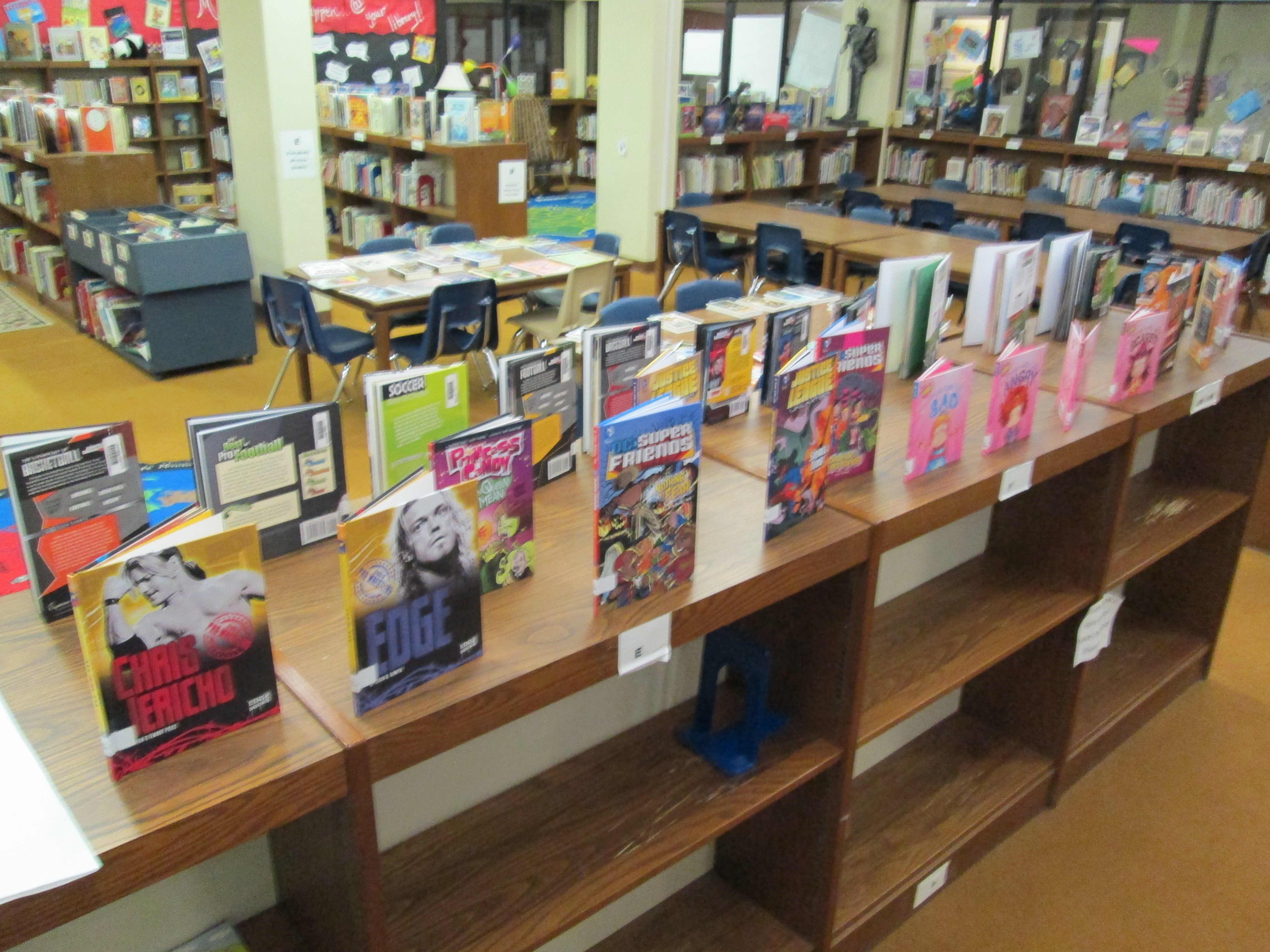
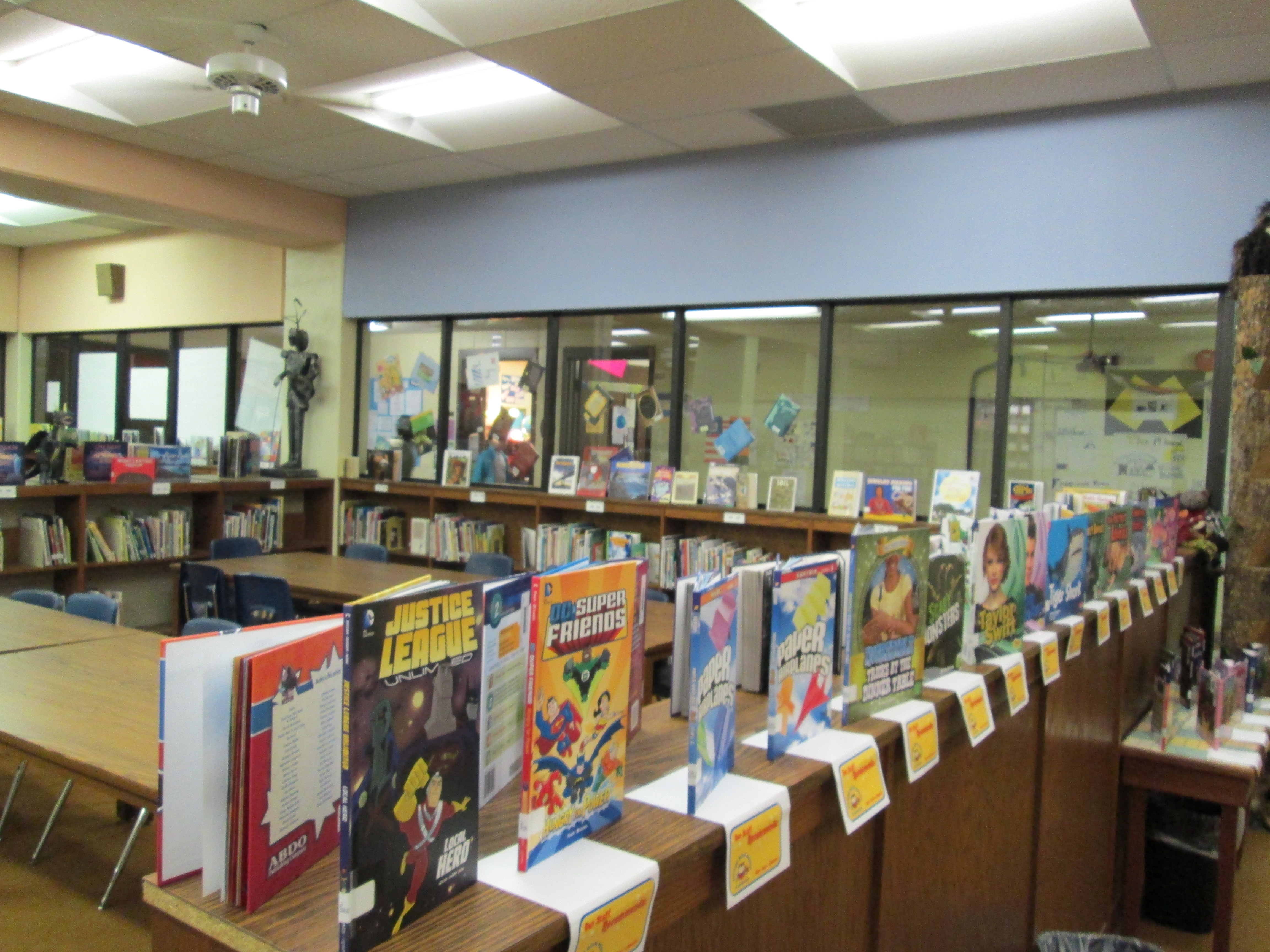
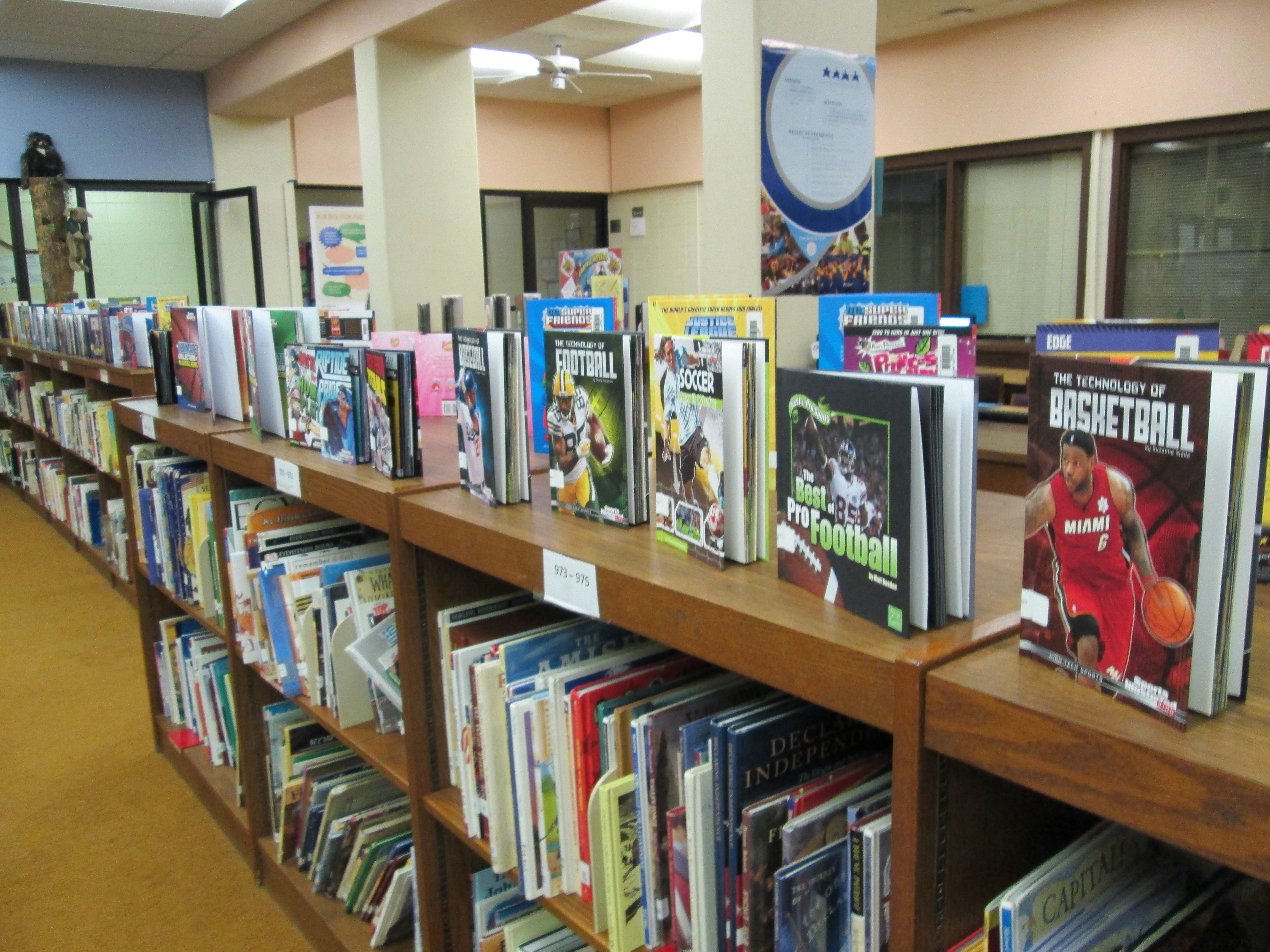
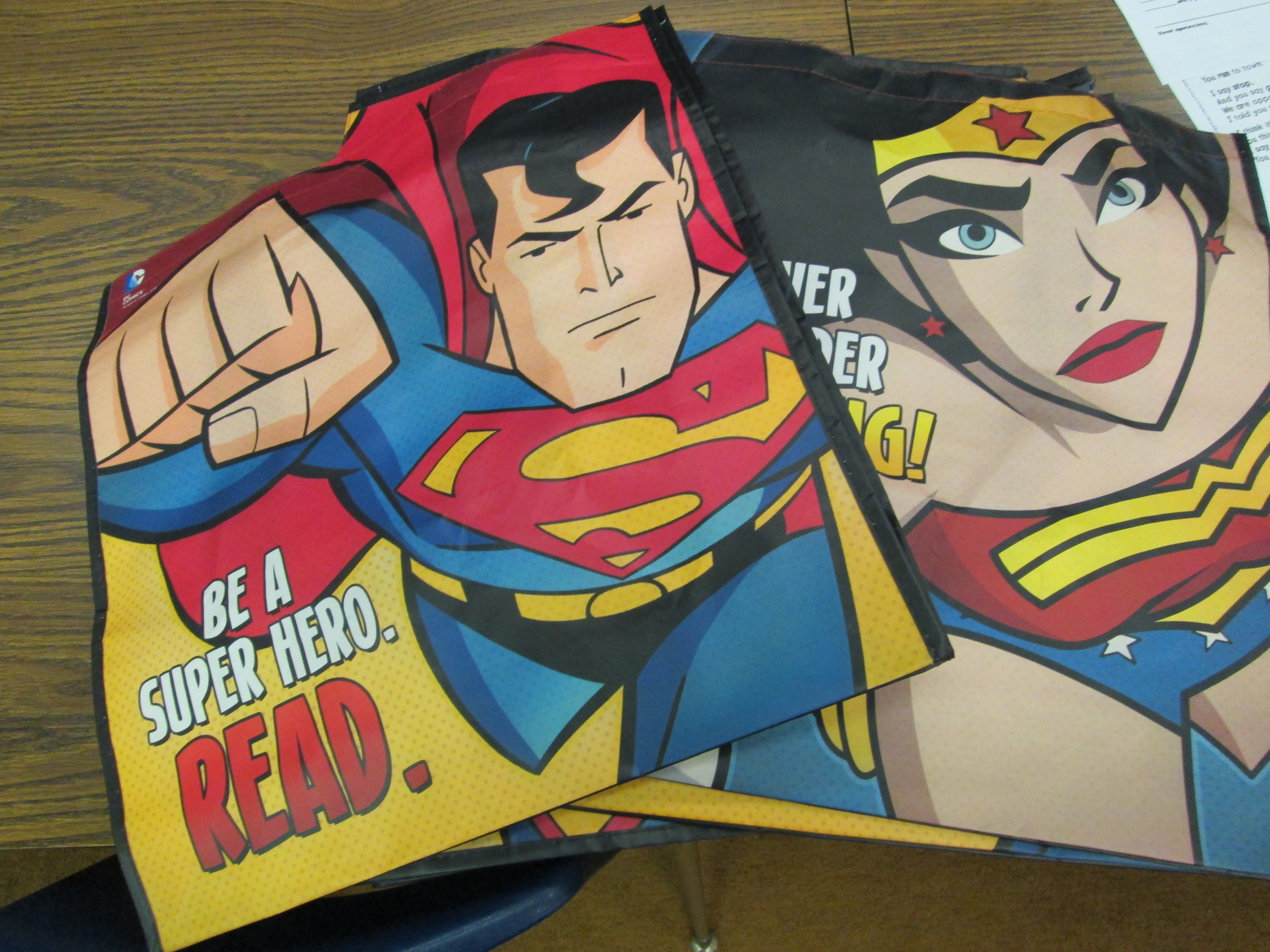
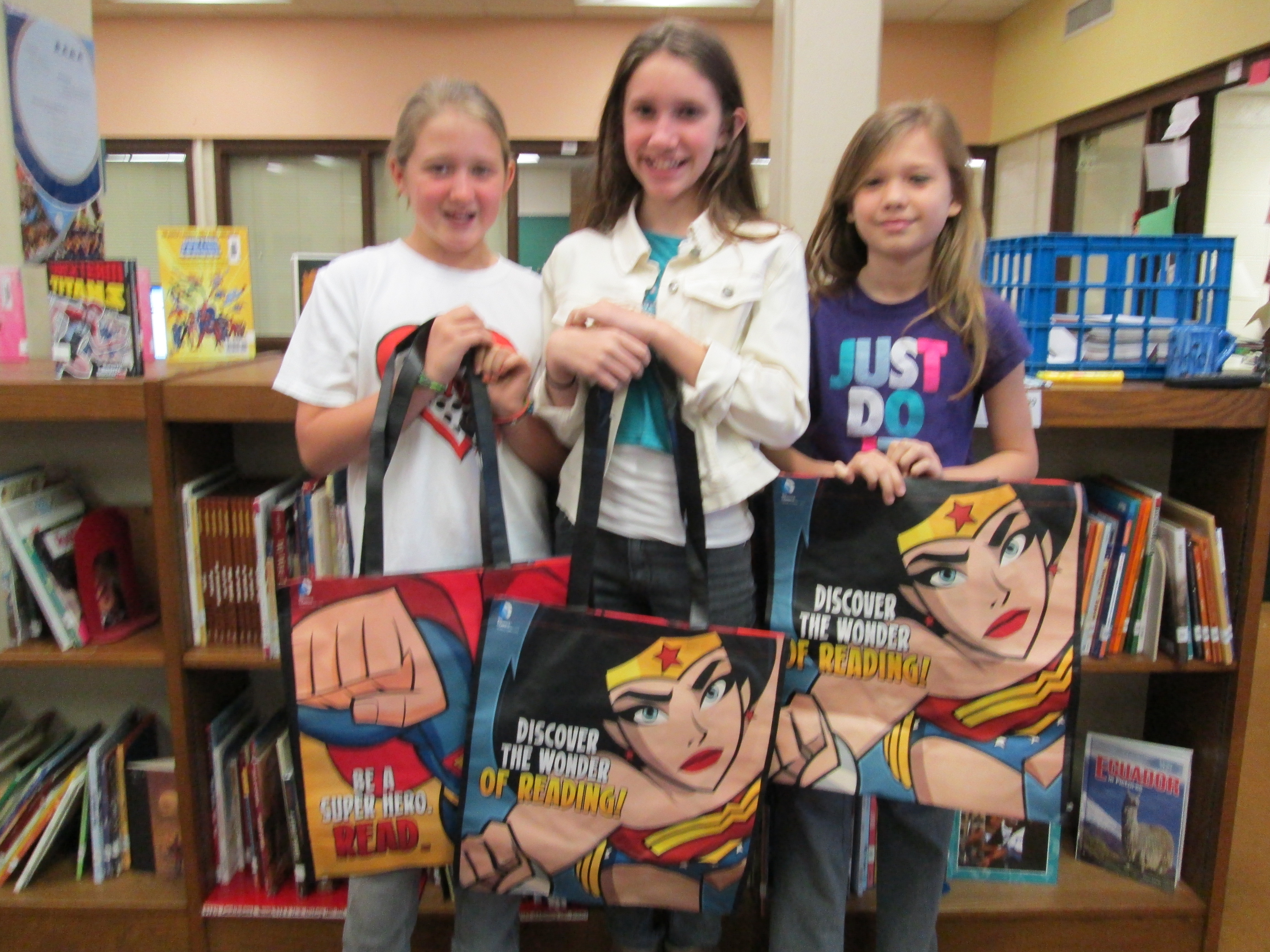
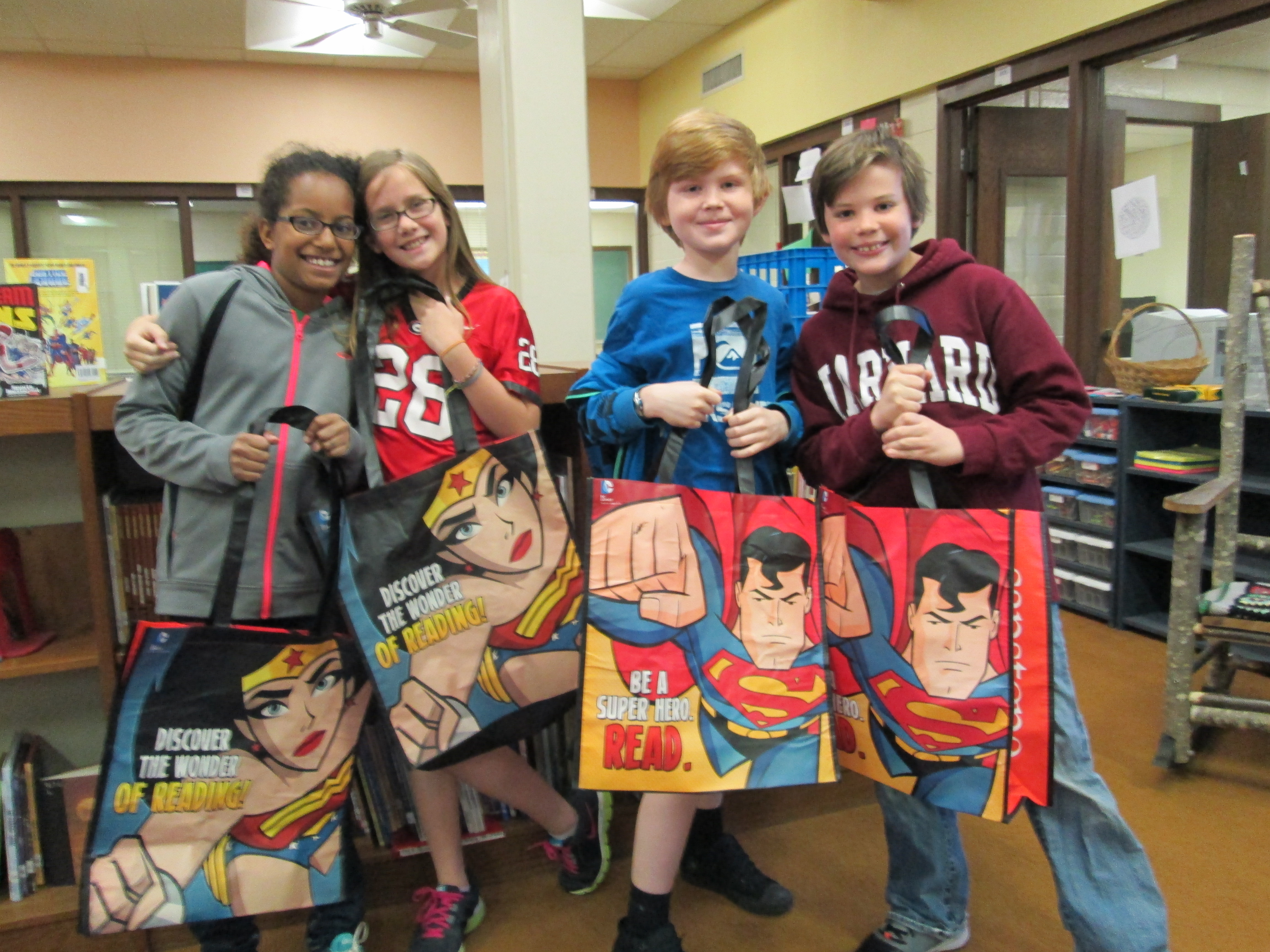
It was also an exciting day for the book budget students because they got to see their hard work pay off with students getting excited about reading their selections and they were surprised with superhero bags donated by Capstone Press.  As always, I was amazed by the customer service of Capstone and how they responded to the work of these students.  They featured the students’ on their blog, sent us 4 new princess books, and gave all of the students a Capstone bag.IMG_0336 IMG_0339 IMG_0338

Once again, this process has proved to be very effective in matching books to student interests.  I think the participatory aspect of this along with the student ownership is what drives this to be so successful each year.  It’s a great way to give back to the students what they put into the library program each year through lessons, reading, contests, and book fairs.  It will be interesting to see if student interests change through the coming years as our books on princesses, sports, superheroes, etc continue to grow.


Game On: Gaming Enrichment Cluster

game on! 003For 14 weeks, 15 boys have explored how gaming can be used in education.  They have used xbox with Kinect, Nintendo DS, Gamestar Mechanic, and Minecraft.  They also skyped with Matthew Winner, librarian in Ellicott City Maryland, who uses Nintendo Wii with his students.  Tonight at our enrichment cluster fair, they will share their great learning.

As the boys have played games, they have thought carefully about how each game might be used in classrooms around our school. Their main goal was to develop a Google Doc that lists all of the games that they played and how they might be used.  I was responsible for typing into the doc as they talked after playing each game.game on! 002

A small group of boys played Gamestar Mechanic, which teaches game design.  Their exploration has peaked the interest of a few teachers in using this tool for critical thinking, problem solving, and game design in order to support other game design projects in those classrooms.

Two students worked together in Minecraft to create a math-based game.  They plan to set this up for classrooms to try and hopefully will think about how they might tweak the game to be more  user-friendly.

Each boy sat down with me to tell me what they loved about gaming in education.

I saw tremendous focus from these boys.  They were fully engaged with few behavior issues coming up.  They found many uses for games in math, but they also saw how the games could spark creative writing, physical activity, problem solving, and teamwork.  They are now releasing their learning into our school by sharing their Google doc and video.  I hope that their exploration will pay off in many classes and small groups signing up to use the xbox and other games in creative ways in the classroom.

First Grade Google Form Choose Your Own Adventure

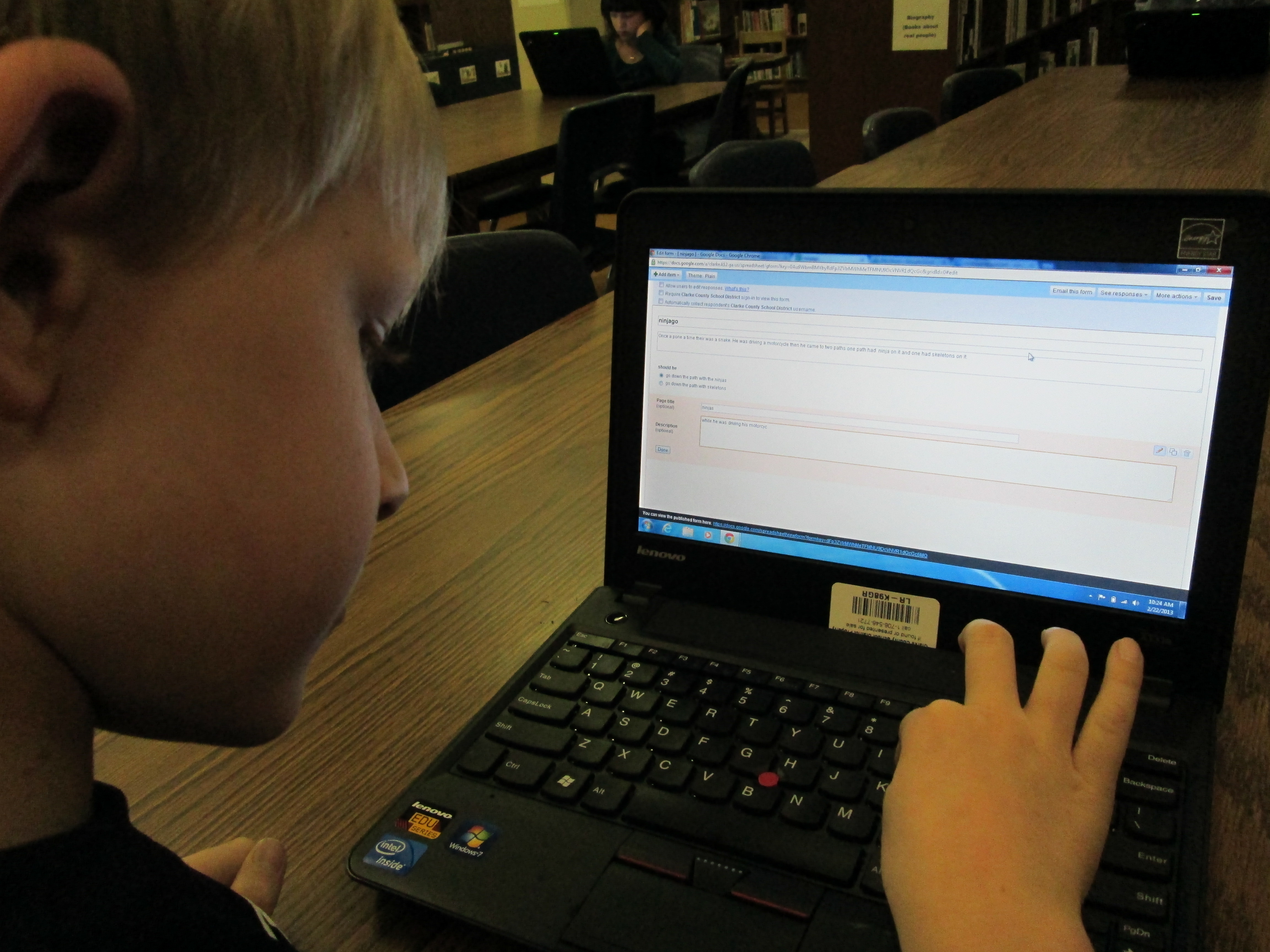
IMG_0050A small group of five 1st graders have worked with me during their writing time to create a Google Form Choose Your Own Adventure.  This year, some 4th graders tried this with some social studies standards.  These 1st graders were free to write about anything that they wanted to.  We met during 4 one-hour sessions that looked something like this:

Session 1:  I showed a completed Google Form Choose Your Own Adventure as a model.  Then, I showed the first steps of creating the story which were to create a title, a beginning, and the first 2 choices the reader had to make.

Session 2:  We made new pages for each of our 2 choices and created 2 new choices for each of those choices.  We linked the choices from the beginning of the story to the correct pages.IMG_0049

Session 3:  We made 4 endings for each of our choices from the middle of the story.  We also made a “The End” page.  We linked each choice to its correct page.

Session 4:  Students used Google to correct spelling, added details to their stories, traded computers with a friend to test their story out, chose a theme for their form, and emailed their final form to me for this post.

IMG_0048These students needed a lot of assistance during this project, so I feel like this is something that would work better in small group settings with adult support for younger students.  I do think that the structure of these 4 sessions was very obtainable for these students and 1 adult.  These students now have a lot of expertise that they can now share with students in their class.  I’m not sure that they could fully create one of these on their own yet, but they definitely developed their skills in Google docs and forms.


You can read their stories here:

The Apple and the Chocolate Trainer by Kyusung

The Clouds by Katie

The Fairy by Adaline

Ninjago by Bo

This story was still in progress at the time of this post:

Tinya the Teacher Fairy by Carinne