List Poetry Google Hangout with 2nd Grade

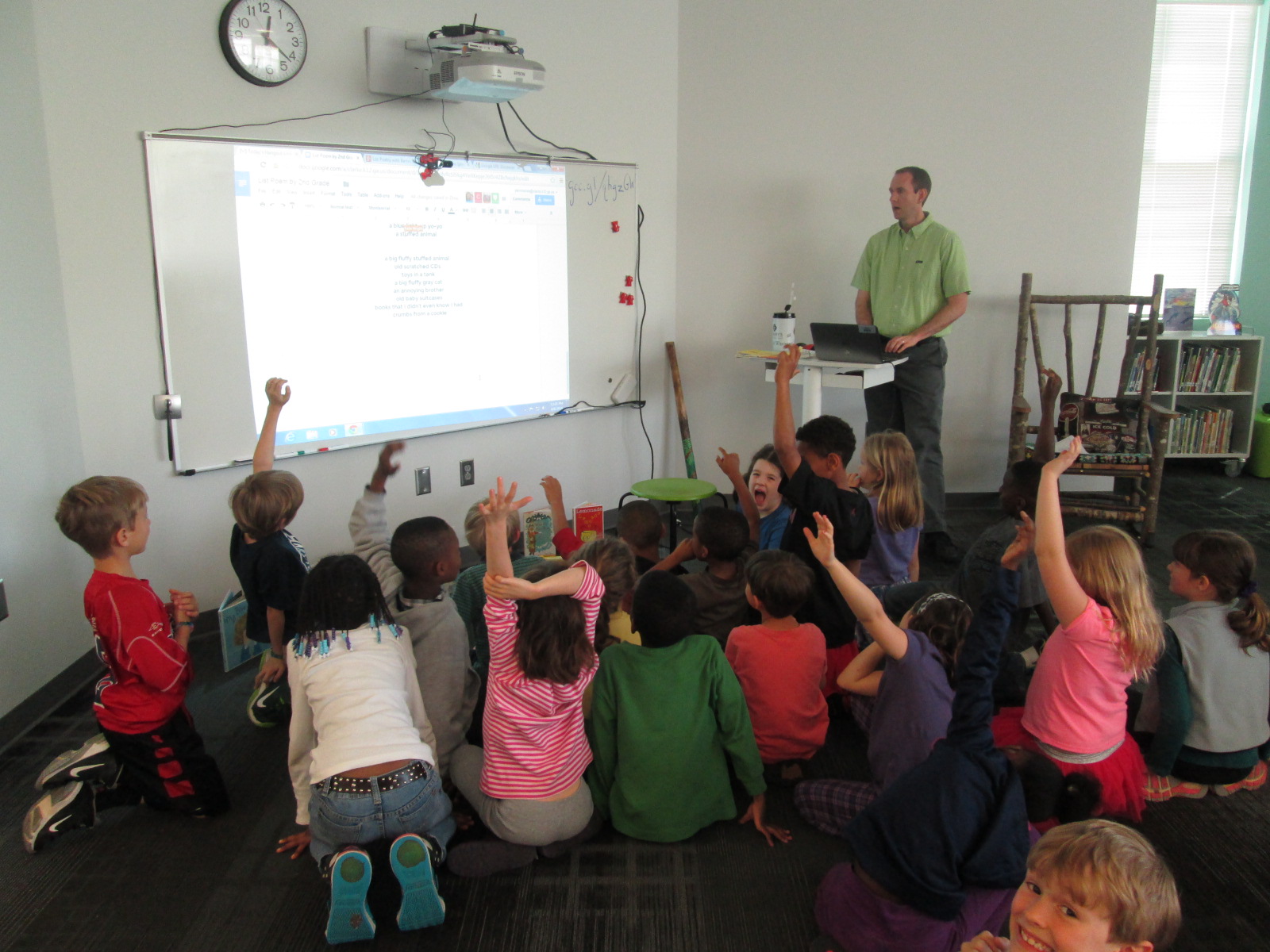
list poems (1)During a collaborative planning meeting at the beginning of the quarter, 2nd grade all wanted to come to the library to learn about list poetry.  We love to use the book Falling Down the Page: A Book of List Poems edited by Georgia Heard.  We had a problem, though.  It was hard to find a time on the calendar for each of the 4 classes to come.  Rather than only serve a few of the classes or abandoning the project all together, I suggested that we use a Google Hangout to bring us all together for the same lesson and that we collaborate with one another on a Google Doc.

This was a perfect solution because it really served multiple purposes.  All of these teachers were able to experience a Google Hangout for the first time.  The students all heard the same information from me.  All of the students saw how multiple people can collaborate on a Google doc without erasing one another’s work.  It created more time on the library calendar for more classes to come for other projects rather than one project taking up 4 hour-long slots.

Yesterday, the teachers and I practiced after school for about 10 minutes.  I’m glad we did this because it allowed me to work on some issues with sharing the hangout with them.  I found that emailing teachers the link to join the hangout was much easier than inviting them via their Google Plus.  We also had to install the Google Hangout plugin on all of their projectors.  This didn’t take long, but it was much better to do without a group of students waiting.

list poems (6)

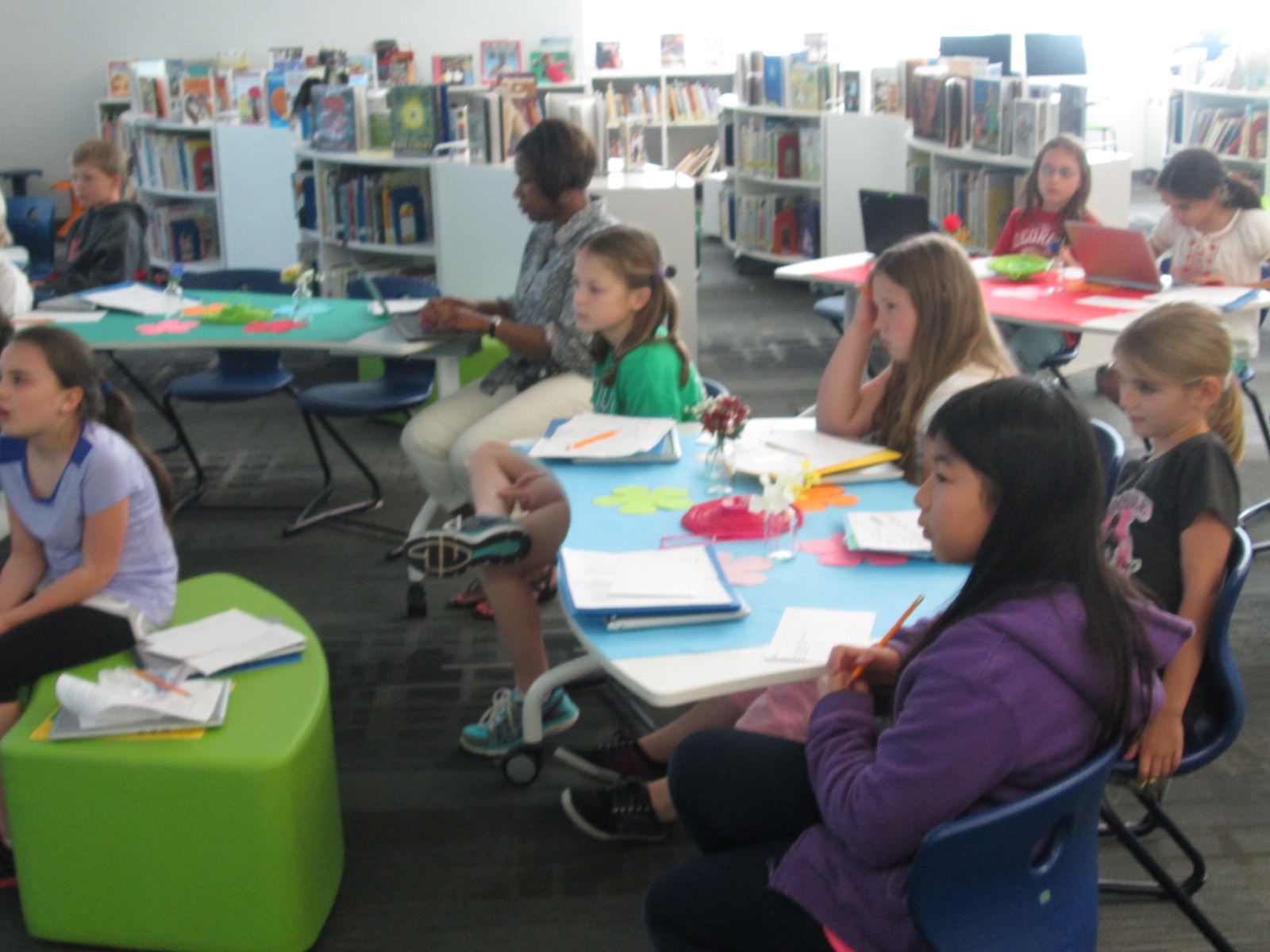
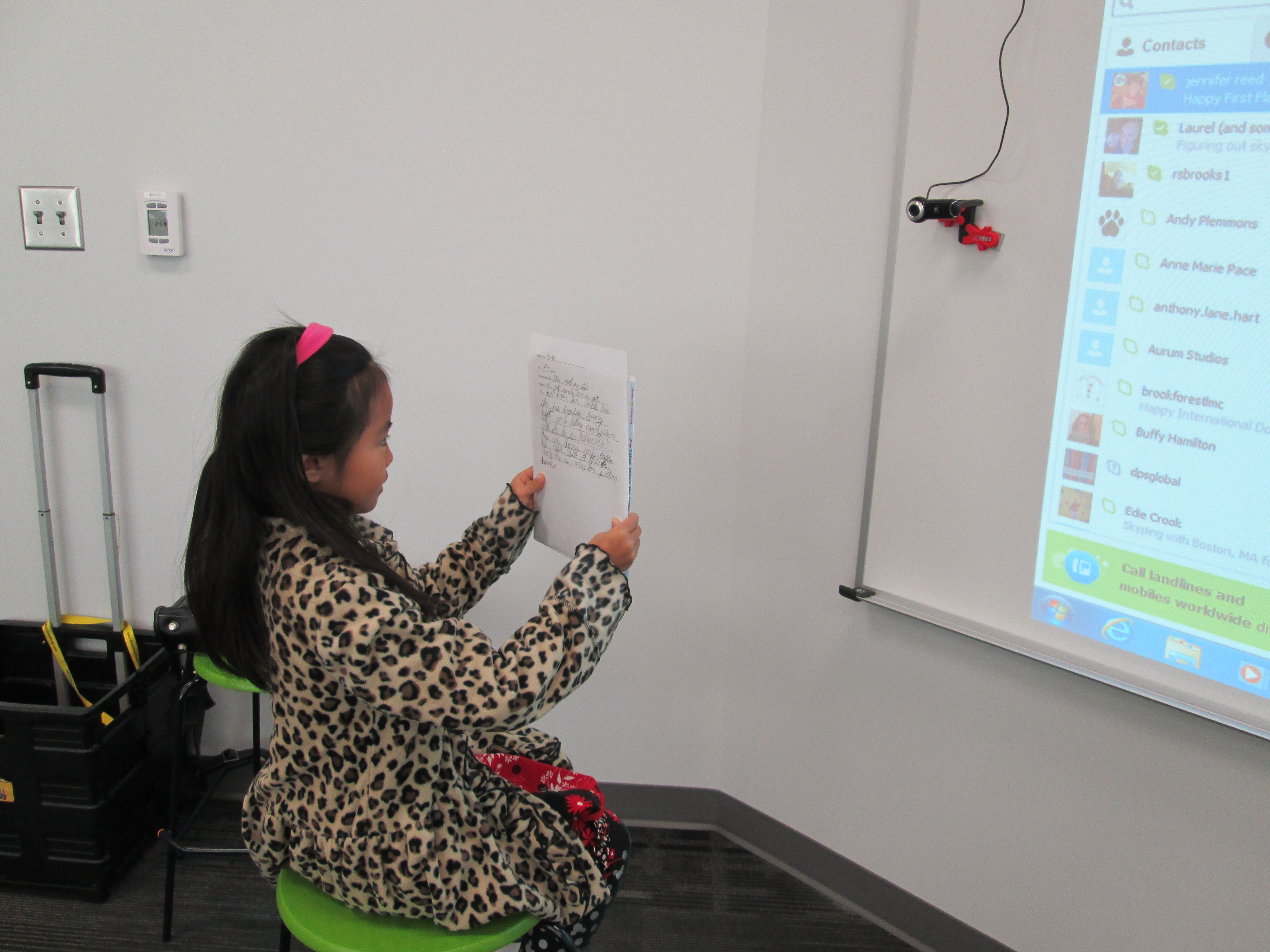
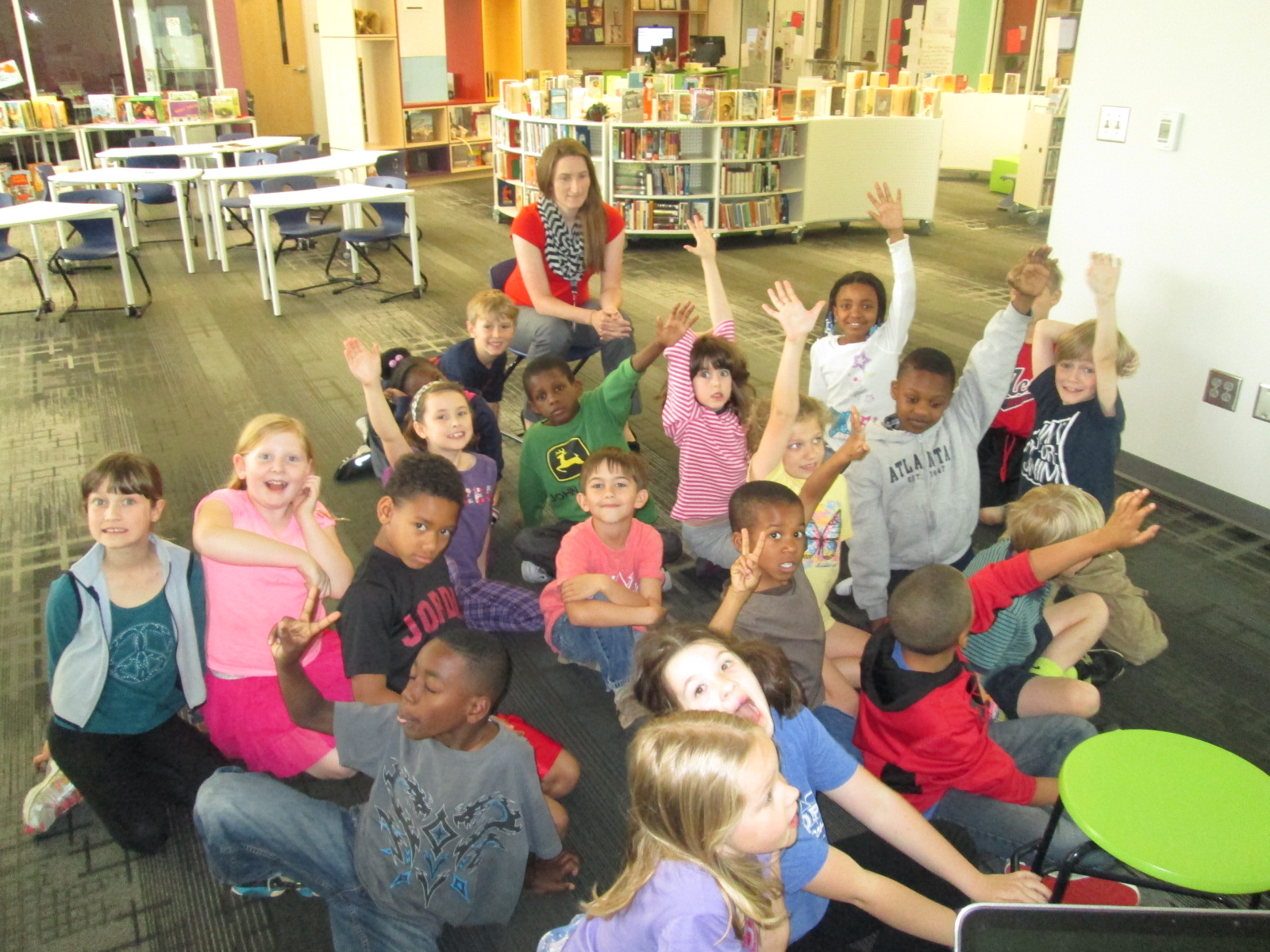
Today, I sent out the link to the hangout.  I also emailed the link to the shared Google doc so that teachers could have it pulled up on their screens.  Mrs. Yawn’s class came to the library since they have a longterm sub.  The other 3 classes tuned in from their own rooms.  As the creator of the hangout, I had the hangout controls pulled up so that I could mute all microphones.  This eliminates feedback from the projector speakers.  If a class needs to speak, I (or even the teacher) can unmute the microphone.  We could also communicate with one another via the chat.

https://www.youtube.com/watch?v=7brDc27haO8

I did a short mini lesson for all of the classrooms.  I talked about the kinds of lists that we all make and how those can turn into poems with just a few added adjectives.  I read Jane Yolen’s “In My Desk”.  Then, I muted my microphone, shared my screen, and we all started writing lines to a new list poem called “Under My Bed”.
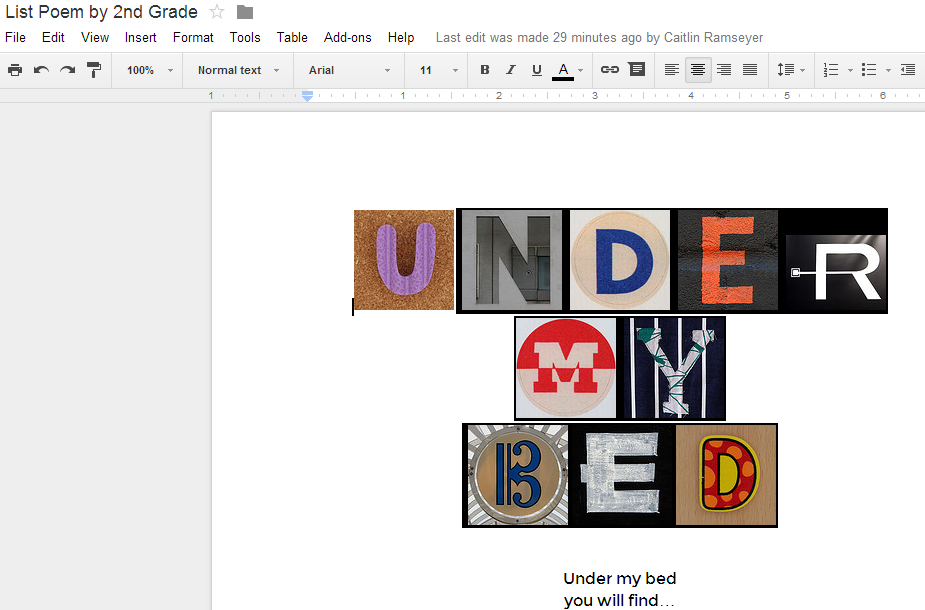
List Poem by 2nd Grade   Google Drive

I shared the link to the document on Twitter, and we instantly had viewers watching our poem develop.  This created a great discussion about how quickly something that is posted on the Internet can be seen because we literally had 8 viewers the second that I pressed “tweet”.  Many more viewers came in and out of the document while we worked.  The kids really liked knowing that they had an audience watching their poem come to life.
list poems (5) list poems (4) list poems (3)

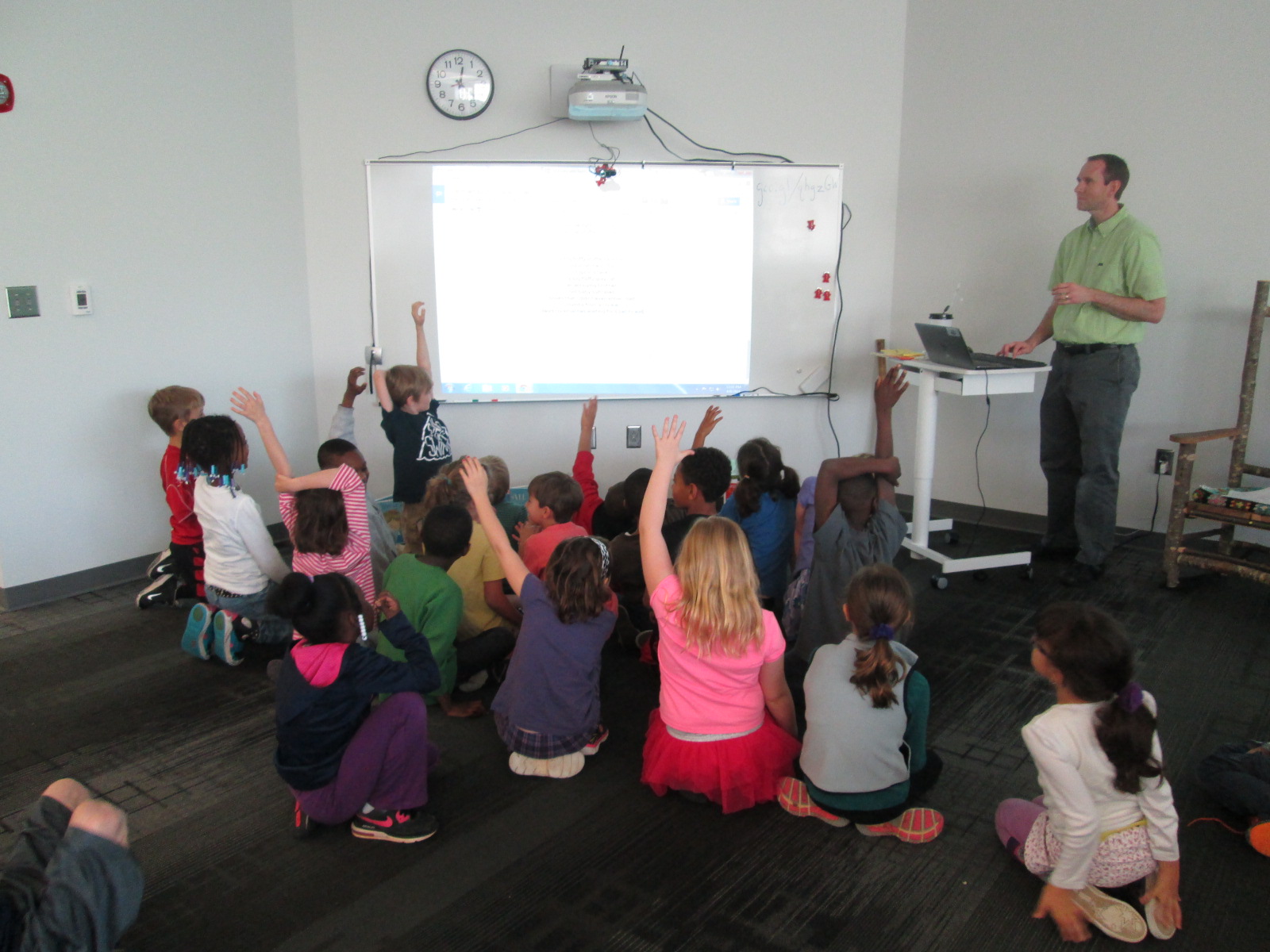
The students also loved watching the lines magically appear on the screen from all of the classrooms.

list poems (2)

At the end, I called us all back together and read the poem aloud.  It was amazing to hear how creative their lines were!  To close, I invited students to spend some time in their classrooms revising the poem.  There were several lines that were very similar so it was a natural follow-up to spend time deleting or combining lines.

Many students seemed interested in writing this kind of poetry in for our media center poetry contest.  Students have 2 more weeks to submit a poem.  I’m sure I’ll be reading several more list poems in the future.  Here is our poem as it looked at the end of our hangout:

 

Foam Letter U letter N Vintage Sticker Letter D letter E R

 Vintage Sticker Letter M letter Y

Britten Shopping Centreletter EFret Saw Letter D

Under my bed

you will find…


Three old pacifiers from when we were babies.

Two pairs of stinky, dirty socks from my last soccer game.

A box of last years Christmas wrapping paper.

Last night’s dinner that I didn’t like.

My little brother.

A pair of destroyed Jordan’s.

My shiny diamond.

A toy skeleton that I bought last year for school.

Old, yucky trash.

A little brown shoebox with really old seashells.

My tiny puppy.

A Kidz Bop 25 CD.

Motorcycles, cars, crayons, American Girl Dolls, and stuffed animals.

A peach, toy train track,

Hidden laundry like dirty jeans and shirts.

New, blue jewelry I just bought.

Cheetah printed sneakers.

A very old picture of a dog I drew.

Old chewing gum.

Brown Pokemon cards covered in dust.

moldy, blue  roller skates that don’t fit anymore

thousands of stuffed animals that belong to my dog

three feathery pillows that my dog chewed up

a beach ball that popped on a pointy shell at the beach

old shark teeth that are at least 500 years old

nasty, dead cockroaches smooched onto the floor

old baseball cards

five old socks, moldy carrots and clementines, and an old water bottle

muddy shoes from playing outside on the last rainy day

a scratched torn up bookbag that my cat ripped apart

a wrinkly gum wrapper

the teeth that I lost in kindergarten

some thank you cards I was supposed to send to my relatives last year

lots of old baby toys

big mushy bags of clothes I don’t wear anymore

crumply old pieces of paper

red and white basketballs

a black old tissue box

a humongous collection of cars

posters of basketball and soccer players

a nerf gun

the toon collection of children’s comics

a blue light-up yo-yo

a cow stuffed animal

pizza leftover from my sleepover

a huge broken clock

two bags of books

canvas travel bags

two huge blood shot eyes

old notebooks

a big fluffy stuffed animal

old scratched CDs

toys in a tank

a big fluffy gray cat

an annoying brother

old baby suitcases

books that I didn’t even know I had

crumbs from a cookie

dead cockroaches waiting for a pet to eat

an old collection of cricket heads


It’s amazing to discover

what’s under my bed


Scratch Google Hangout with Barrow and Van Meter

GHO (4)Mrs. Hicks’s 3rd grade students have been working on building Scratch programs for several weeks now.  Originally, their journey was going to lead them to creating some scratch programs around a math standard or possibly environmental standards, but the project grew into so much more.

GHO (13)

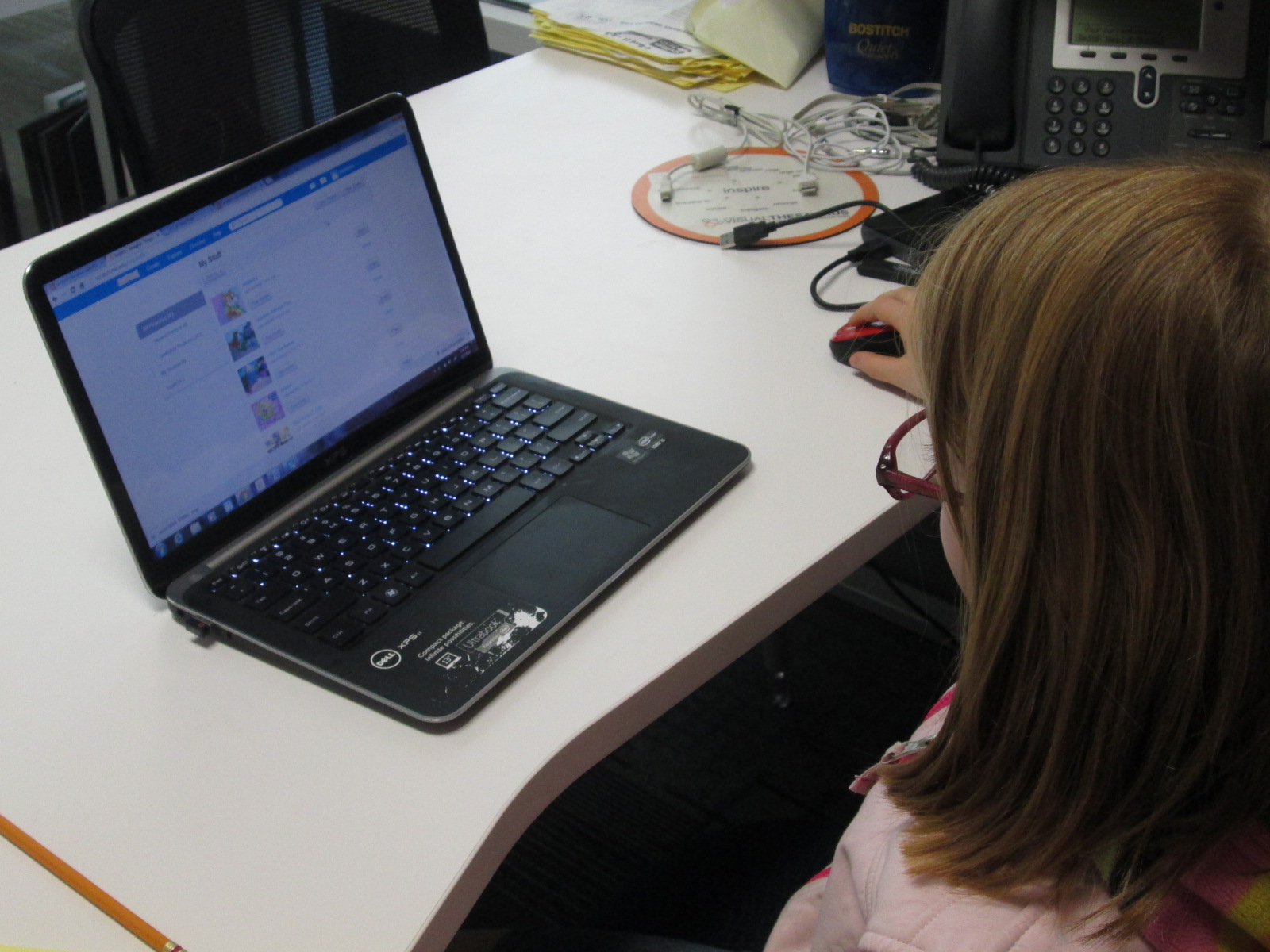
These students started out by creating their own Scratch accounts and exploring.  I showed them how to use the tutorial built into Scratch as well as the video tutorials from Hour of Code.  From there, students got to work.  It seemed that every day these students came into class, they had learned something new.  Many of them loved using Scratch so much, that they went home and continued their projects on their own.  When a student learned something new, they came in and shared it with others.  At the close of each lesson, Mrs. Hicks had students write reflections on a Padlet.  This wall became a collective list of tips, new learning, and frustrating moments as students shared their thoughts each day.  Students often went back to review their standards, used checklists, and reviewed their work with rubrics throughout the creation process.

GHO (2) GHO (3)

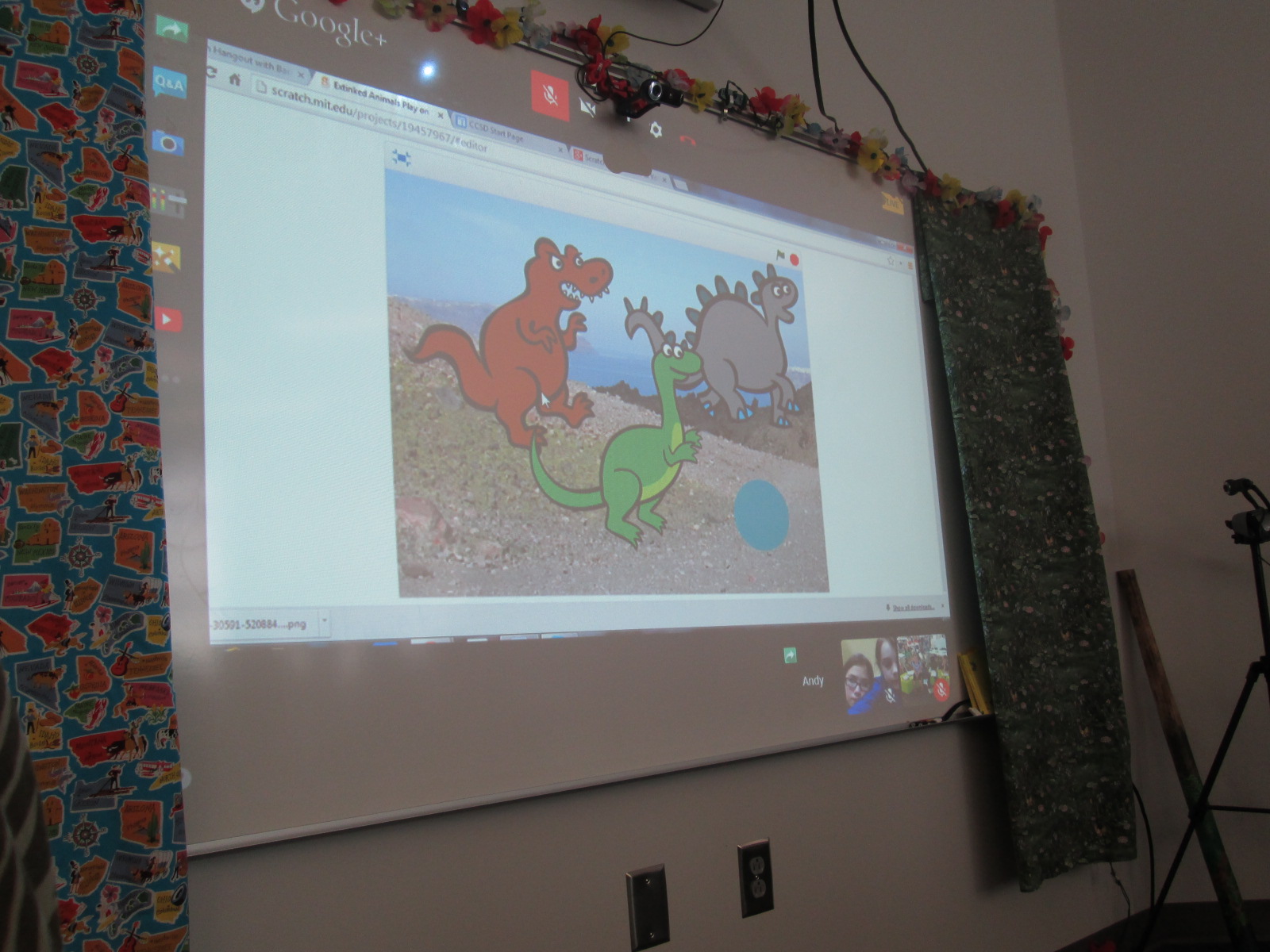
Today, several students came together to share their work in progress in a Google Hangout with Shannon Miller’s students in Van Meter, Iowa.  The students were very nervous about sharing their work, but they had a lot to be proud of.  Students’ projects had branched out to projects in every subject area:  a multiplication program that solves multiplication problems, a social studies program about the regions of Georgia, a science program about dinosaurs, a math program about data, and more.  It was truly amazing to see what these students have created in Scratch knowing that they all started on the same page.  None of them were users of Scratch prior to this project.

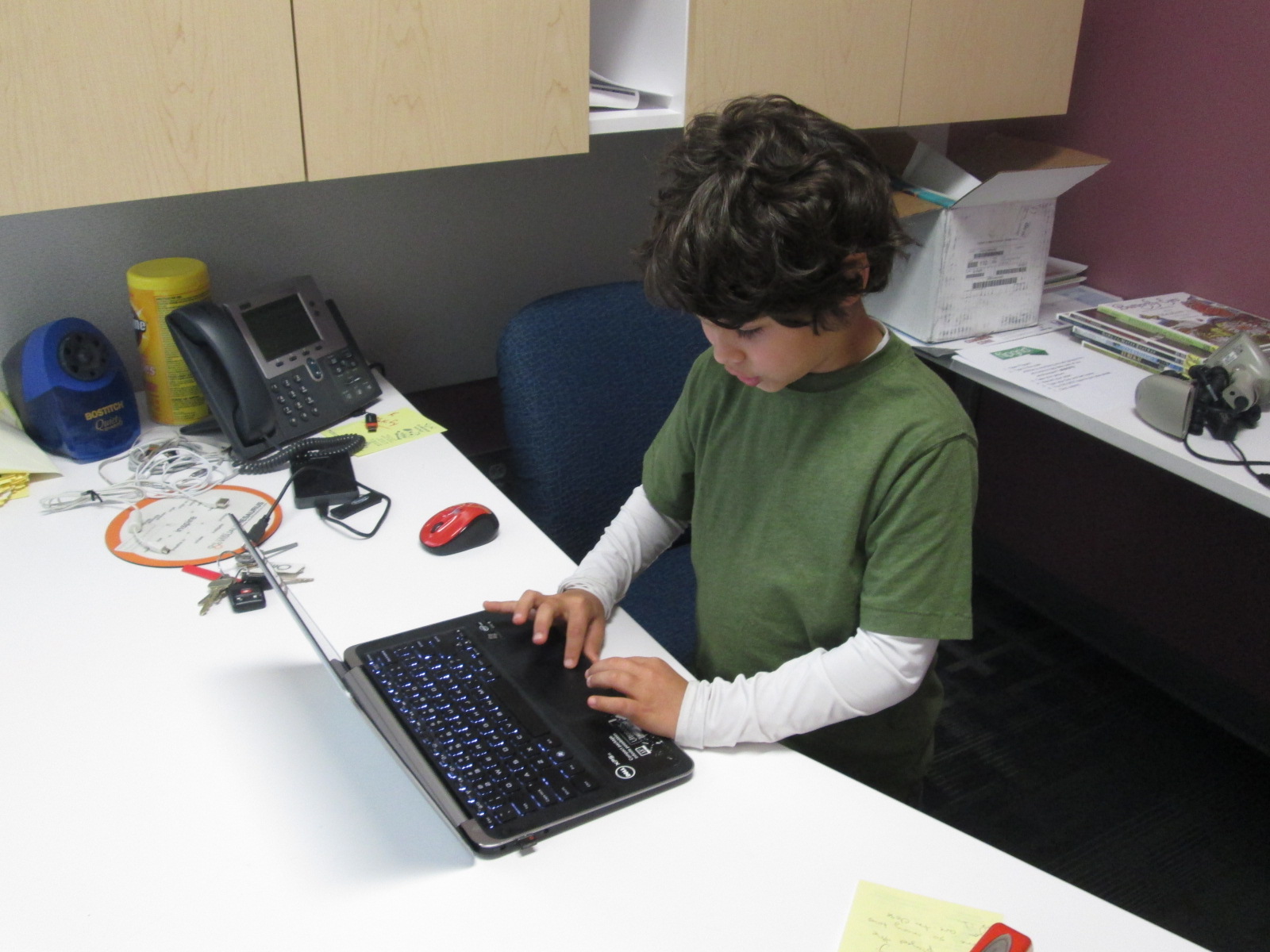
To prepare for our Google Hangout, we talked about how to present work online.  This included reminders about talking through each step that you are doing rather than just clicking on things in silence.  Students went into my office to present their work, while the rest of the students sat in front of the projector to watch.  During the practice, students gave one another feedback on how they presented.

GHO (5) GHO (14)

Today’s live Google Hangout On Air had some glitches at the beginning when we couldn’t get everyone connected in the hangout, but once we got rolling, the process was smooth.  A student screenshared their Scratch project, while students at Barrow and Van Meter listened.  Barrow students wrote feedback on paper to give to the presenters during tomorrow’s class.  Todd Hollett, our tech integration specialist, helped facilitate the hangout at the projector while I facilitated the student presenting in my office.  Van Meter’s students gave verbal feedback during and after each presentation.

GHO (12) GHO (8)

I think today gave our 3rd graders confidence in presenting their work online.  The positive feedback from Van Meter boosted their confidence as well.  Here’s a look at how our Hangout went.  It’s a long video, but the projects are amazing for our 1st attempt.

I was excited to hear after the hangout that the students in Van Meter have an idea for a project between Barrow students and Van Meter.  I can’t wait to hear more!

GHO feedback


Connecting Libraries: Using Tinkercad with Students in Van Meter, IA

Hanging out in Iowa from my kitchen!

Hanging out in Iowa from my kitchen!

I had so much fun today spending some time in Van Meter, IA from my kitchen.  Shannon Miller and her students just received their Makerbot 3D Printer from Donors Choose.  Her students are starting an Olympic project where they will be designing new symbols for the Olympics.  Students will eventually use Tinkercad for their designs.  Since this is a new tool for her students, Shannon thought it would be a good idea for us to connect and share what we’ve learned.  I had a group of 5th graders eager to share their expertise, but the GA ice and snow caused us to be out of school today.  Rather than keep her students waiting, I went ahead and shared my own learning about Tinkercad.  We plan to reconnect when we are back in school so that students can share.  I’m sure that her students will have just as much to share with mine by the time we reconnect next week.

Here’s our Google Hangout from today:

After the Hangout, I realized that I forgot to tell them an important step, so I made a quick screencast to fill in the hole I missed.  I also share with them the steps that wouldn’t screen share through hangouts.

http://youtu.be/YgQ_fN7WQwY

It was wonderful to be a part of another library.  We all have expertise to share, so why not share beyond our walls.  Happy making, friends!

Hour of Code Days 3-5

Day 5 (3)This week has just been incredible.  It’s hard to believe that just a couple of weeks ago the planning for this week began.

Even with lots of benchmark tests and wrapping up the end of the quarter, our Barrow teachers found time to bring students to the library to participate in Hour of Code.

No matter which class came, I saw similar results:  engaged students, problem solving, collaboration, suspension of time, perseverance.  Exposing students to coding has opened up a new world for them.  I loved having a conversation with students during every session about the importance of coding knowledge in their future.  Who knows what jobs will be out there when these students join the workforce, but coding is very likely going to be a part of it.

During the week, our internet has  been extremely slow, which has given us lots of problems.  It hasn’t stopped us though.  We did have to abandon some of the computer programs like Tynker because they just wouldn’t load on our machines.

Kindergarten and 1st grade continued to explore Kodable.  Second grade started exploring Light-bot on the iPad instead of Tynker.  An interesting thing started to happen with these students because they got up out of their seats and acted out the moves that their robot needed to make in order to visualize the code they needed to put in.  I loved watching the strategies that students developed to figure out the code they needed.

Students have recorded some of their thinking using a Fligrid this week, which was yet another new tool to many students.  They loved making these short videos about their learning.

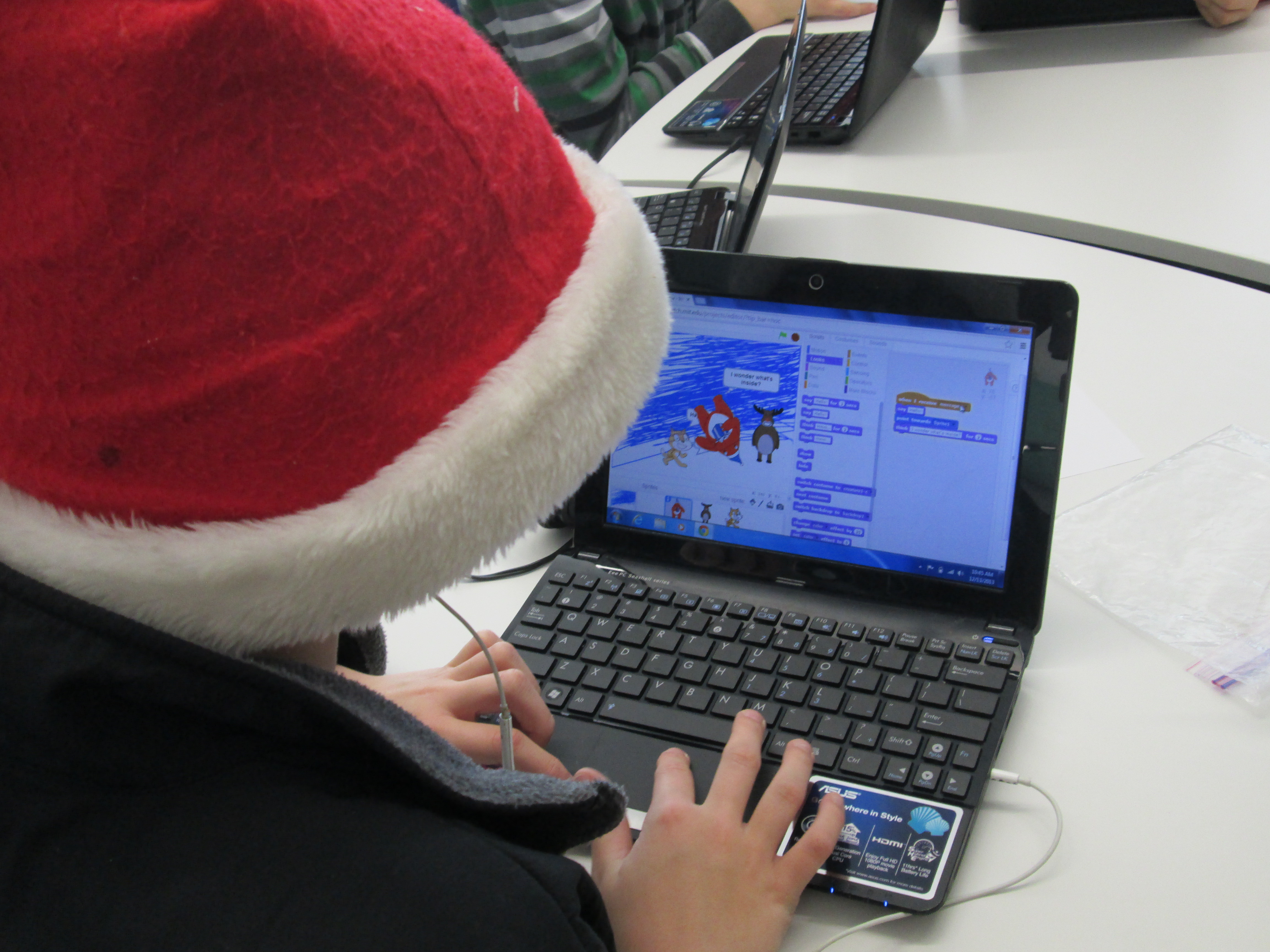
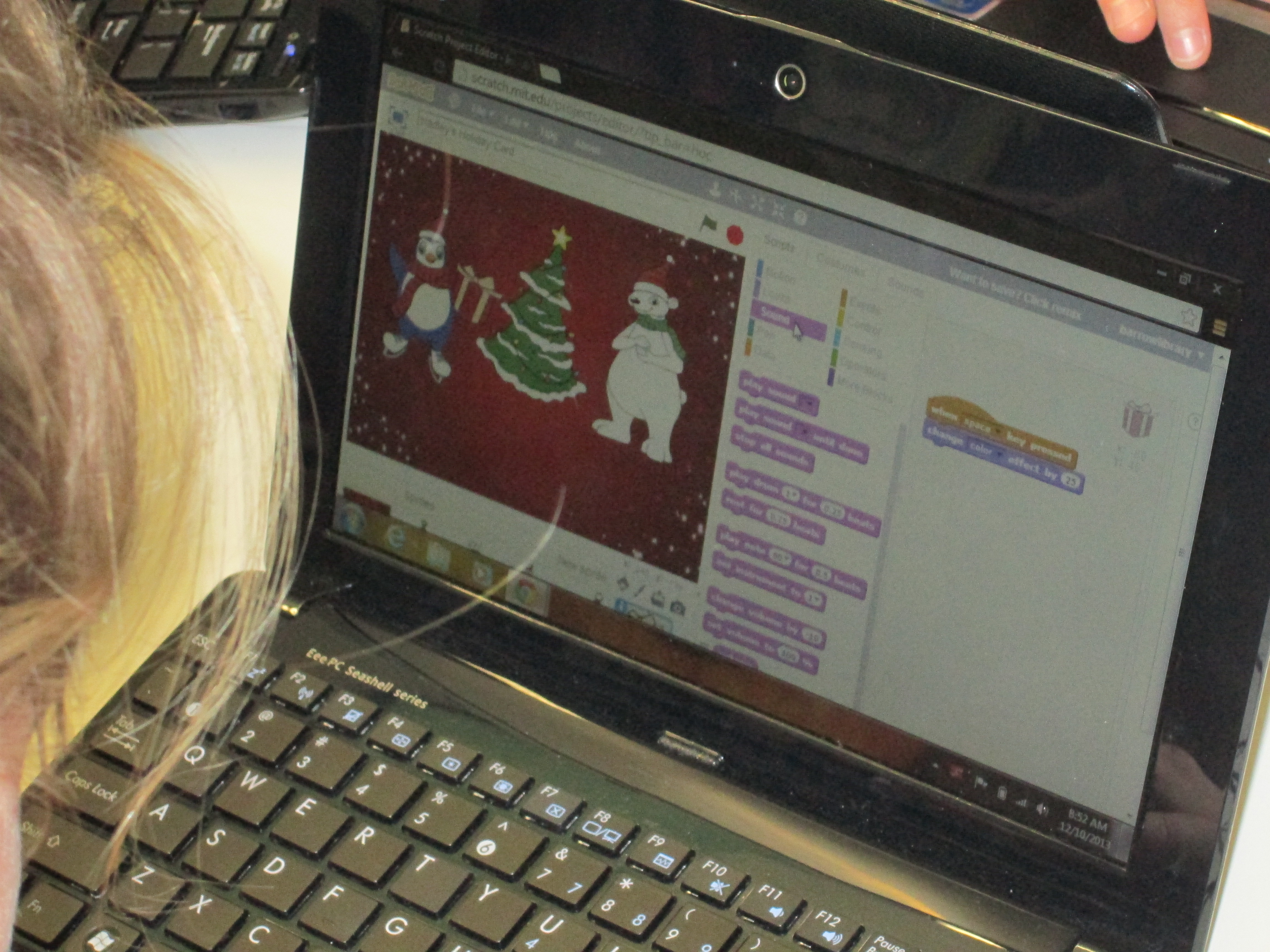
Day 2 (11)A group of third graders along with the whole 4th and 5th grade explored Scratch to make an interactive holiday card.  The 4th and 5th grade groups were huge because the entire grade level came together.  I kept our whole group time very short.  I stressed the importance of not giving up, messing around to see how things work, using tutorials, and collaborating.  It was amazing to watch a group of 75+ students disperse, find their own work spaces, and get to work.  When they figured things out, they shared.  For the 4th grade group, we did a Google Hangout on Air with Sherry Gick (@LibraryFanatic) and her students who were using Blockly.  During the hangout, we each setup a computer and headset and students were able to talk to one another about what they were doing.  I picked up our laptop and walked around our library to show her students what my students were doing.  Sherry got on the microphone several times and helped some of my students with their questions too.  It was a great experiment that I definitely want to try again because it opened up our walls to student-to-student collaboration across states.  I wanted to try the idea of coders on call, and this was a step toward that for the future.  You can see how the conversations turned out in this video:

Next week, we hope to connect students again with Sherry Gick’s students in Indiana and Shannon Miller’s students in Iowa to share some of their learning and creations.  This week has sparked interest in coding, and I’m sure that coding will make its way into many of the collaborative projects during the year.  Thank you Code.org and Computer Science Education Week for putting together such a great program, inspiring videos, and helpful tutorials.  The word is out that coding is a critical skill needed by our students.

Here’s a glimpse of what happened at Barrow this week:

http://www.youtube.com/watch?v=p9t5MVRz0I4

A Picture Book Smackdown is Coming!

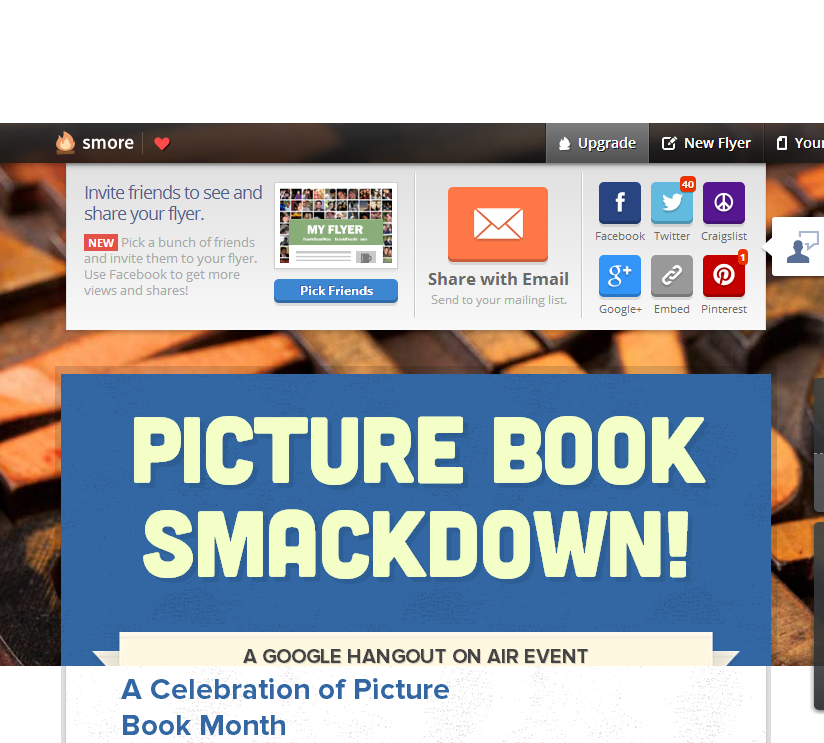
Picture Book Smackdown! - SmoreI am so excited about a Picture Book Month event that I have planned on Thursday.  From 10-11:00AM EST, 6 schools in 5 different states and 2 authors in 2 different states will come together in a Google Hangout on Air to share favorite picture books as well as why picture books are for everyone.  The hangout will broadcast live on Youtube, but it will also be recorded.

How did this come about?

prep (7)November is National Picture Book Month.  It’s a month where I ask students, teachers, and families to read as many picture books as possible and to think about the importance of picture books in our world.  It’s also a month where a lot of educators make connections with one another to celebrate and explore together.  At the beginning of the month, Laura D’Elia, school librarian in Massachusetts, organized a Google Doc for librarians across the country to make connections with one another by having access to one another’s schedules.  The Doc also became a space for brainstorming  other ways to celebrate.

I suggested that we hold a picture book Google Hangout and share favorite picture books among schools.  This immediately started some focused brainstorming on Thursday’s event.  Several schools were on board and we pledged to meet together in Hartford, CT face to face at the American Association of School Librarians Conference.  Even before we arrived there, we had started our plan of how to advertise the event, how to structure it, how to involve students, and how to bring in authors.  Our Smore page began to populate with our ideas as they came together.  Each one of us had additional connections with other schools and authors, so we each invited others to join our hangout.  Cathy Potter invited Ame Dyckman, author, to join us.  I invited Laurel Snyder, author, to join us.  We are so excited that they will both be able to attend.

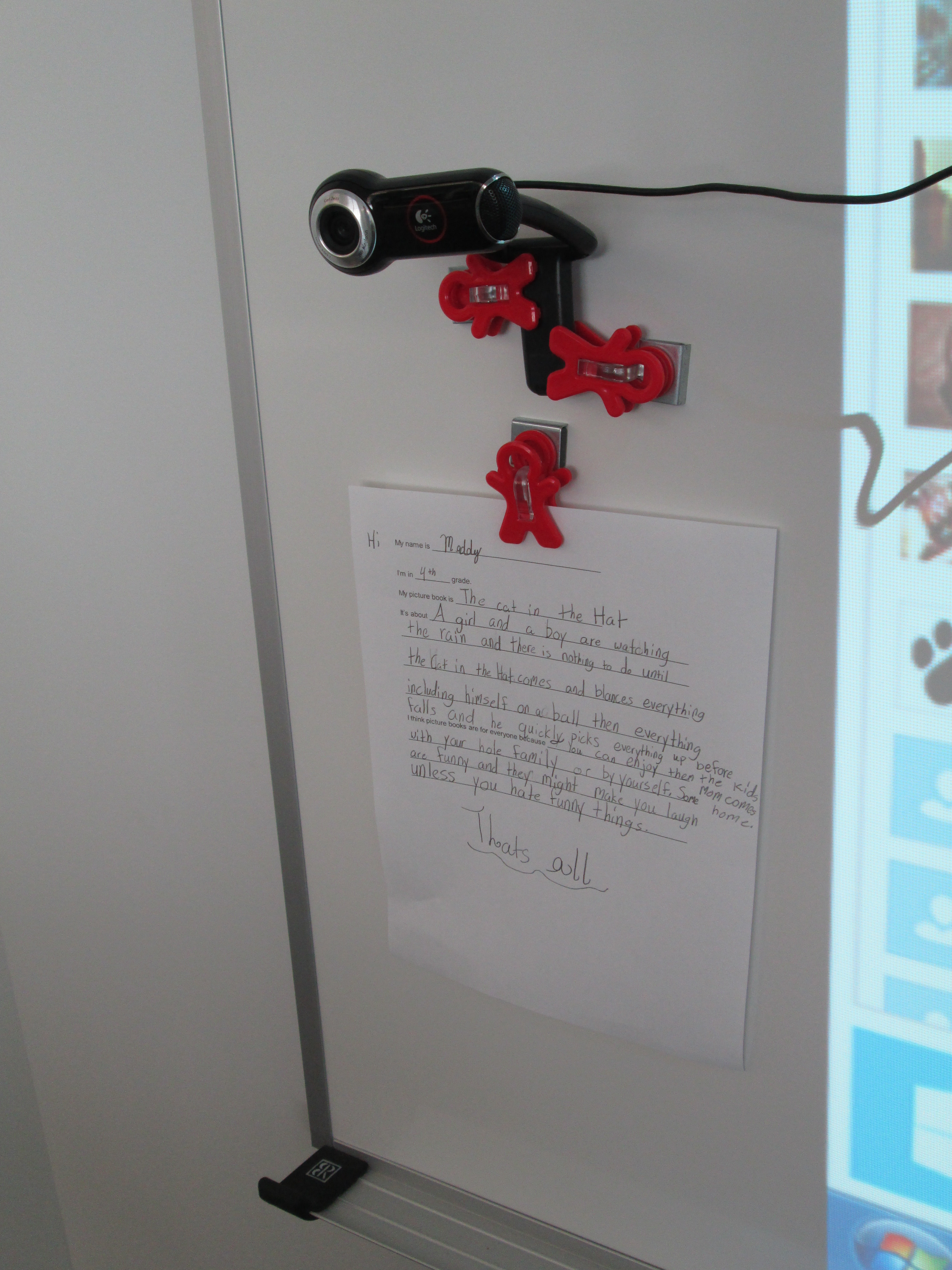
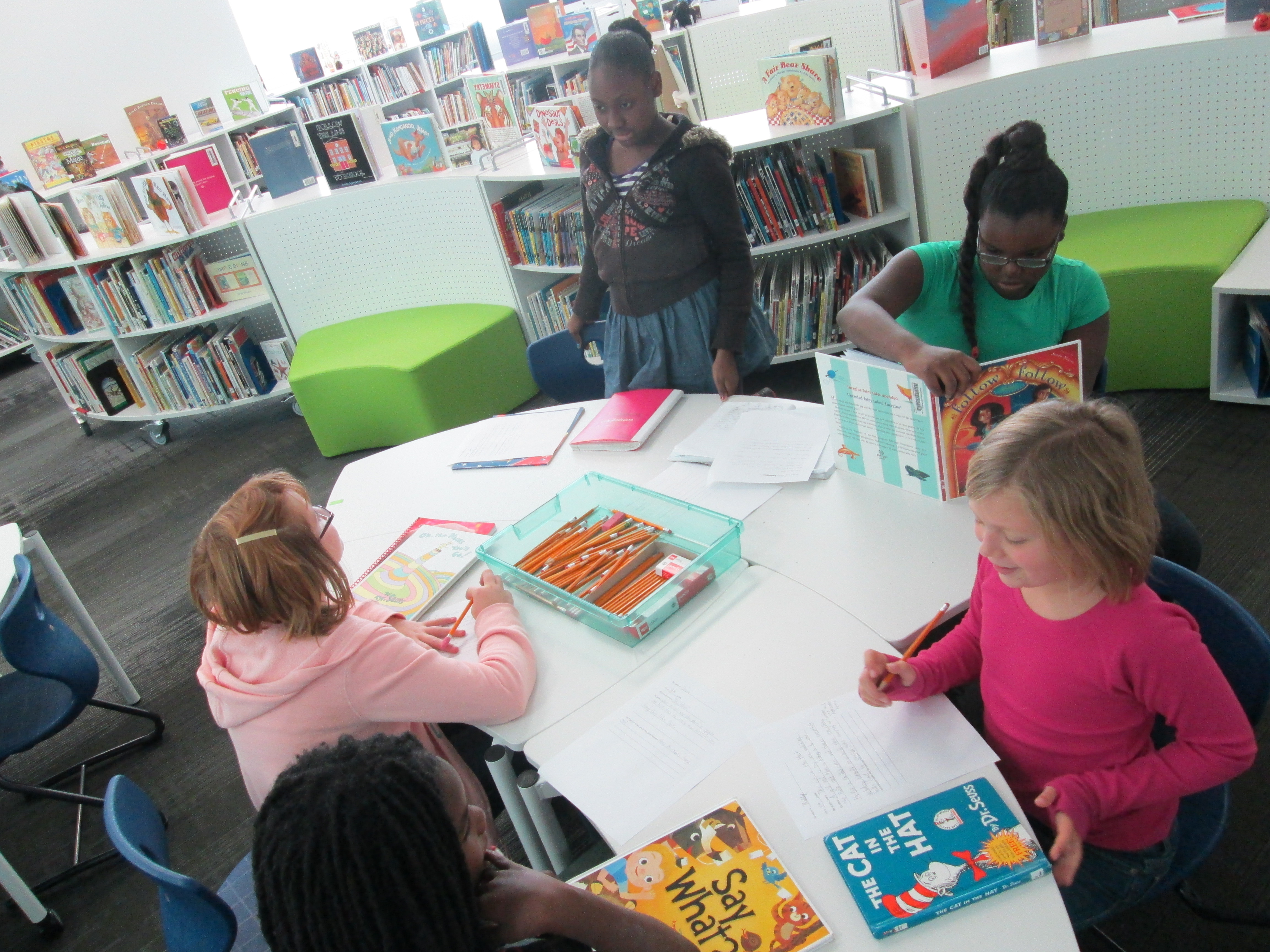
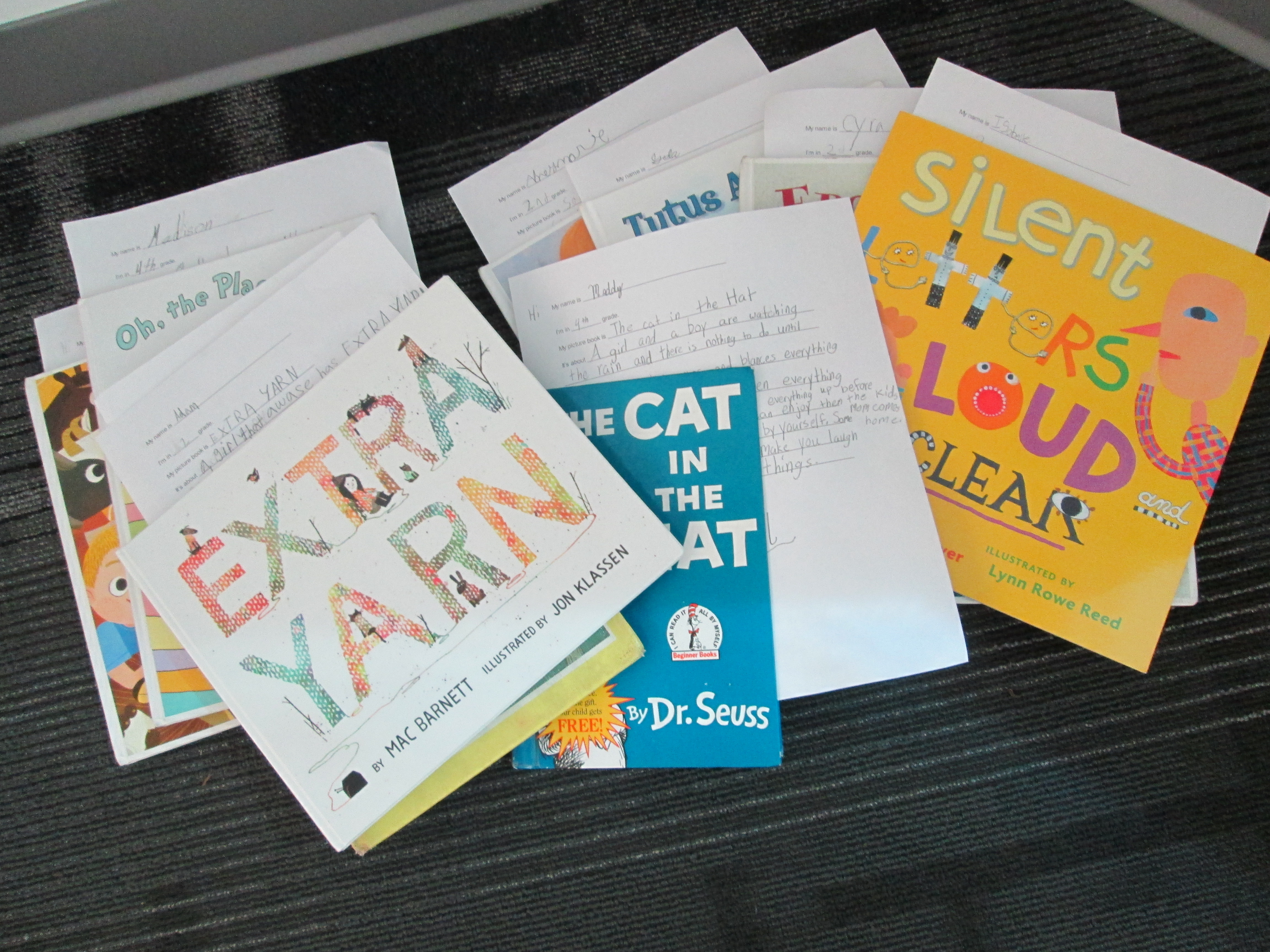
prep (6)In advance, students at each of our schools are preparing in different ways for the event.  My students filled out a short script to help them remember what to say.  They basically had to remember things like the title, what the book was about, why they liked it, and why picture books are for everyone.  They also practiced sitting in front of the camera and reading their script.  Their books are waiting in a stack for our hangout.  prep (1)

We’ve read.  We’ve recruited.  We’ve prepared.  We’ve organized.  Now, we are ready to connect and have a full hour of sharing as many picture books as we can.  It’s a smackdown!  We hope that you will join us by visiting the Smore page at 10:00AM EST on Thursday November 21st.  Just click on the video feed that will appear on the page at that time and enjoy.  You can also tweet about our smackdown using #pbsmkdwn as the hashtag.  If you can’t watch live, consider visiting the page and watching the archive of our hangout.  You’ll also find a post on my blog later this week detailing how much fun we had during our connection.

prep (5)This was so much fun to organize, and it really wasn’t extremely difficult.  I can’t wait to see how it turns out!

Visit Our Smore Page for More Information!