
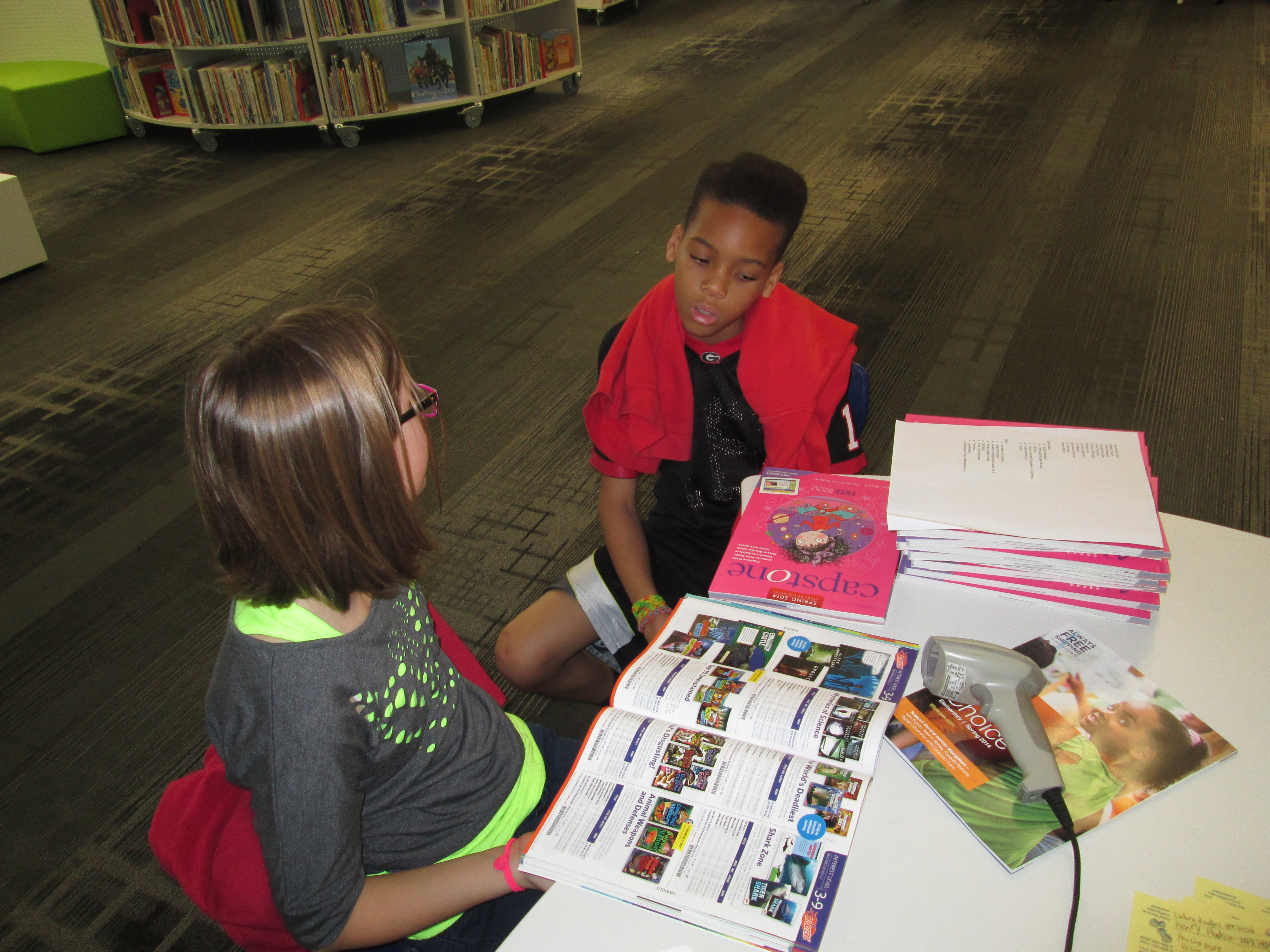
 Each year, I dedicate a portion of library funding for students to control. Since the library is for all of our school community, I feel strongly that students should have a voice in what goes into the collection. Here’s what has happened so far:
- Students developed a Google form survey and surveyed most of the school on their reading interests
- Students analyzed the results and developed a list of goals to focus on which included sports, graphic novels, humor, scary, world records, and action/adventure.
- Students met with Jim Boon from Capstone Press and Gret Hechenbleikner from Gumdrop books to look at book samples and catalogs.
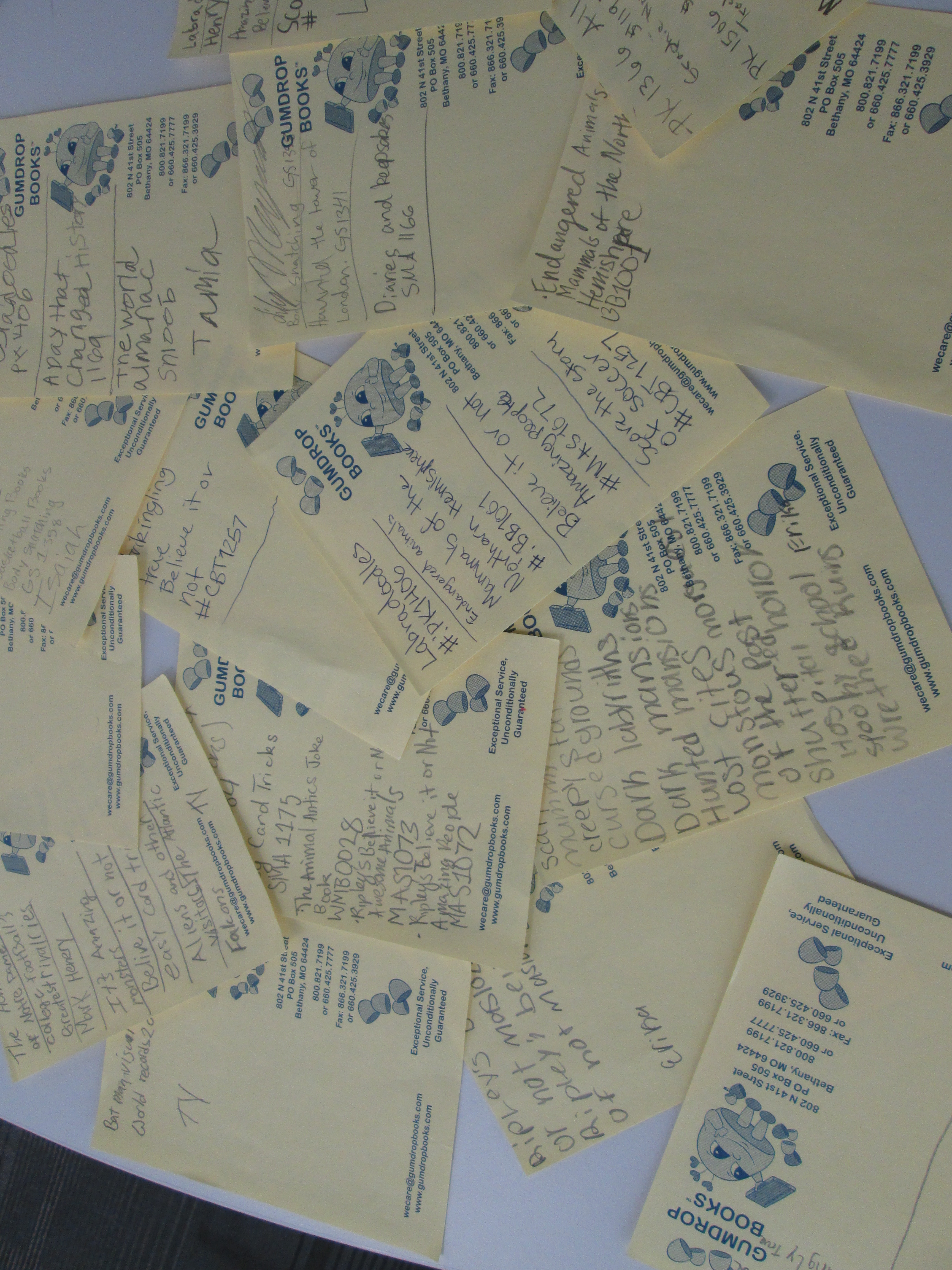 Since the visit with the vendors, the student book budget group has been coming into the library on Mondays and Wednesdays during their recess to continue looking at catalogs. Much of what they wanted was in Capstone’s catalog, so their first step was to finalize what they wanted to order from Gumdrop. They decided on a Ripley’s Believe It or Not series, a how to draw graphic novel series, a graphic mythical heroes series, and a history’s most haunted series.
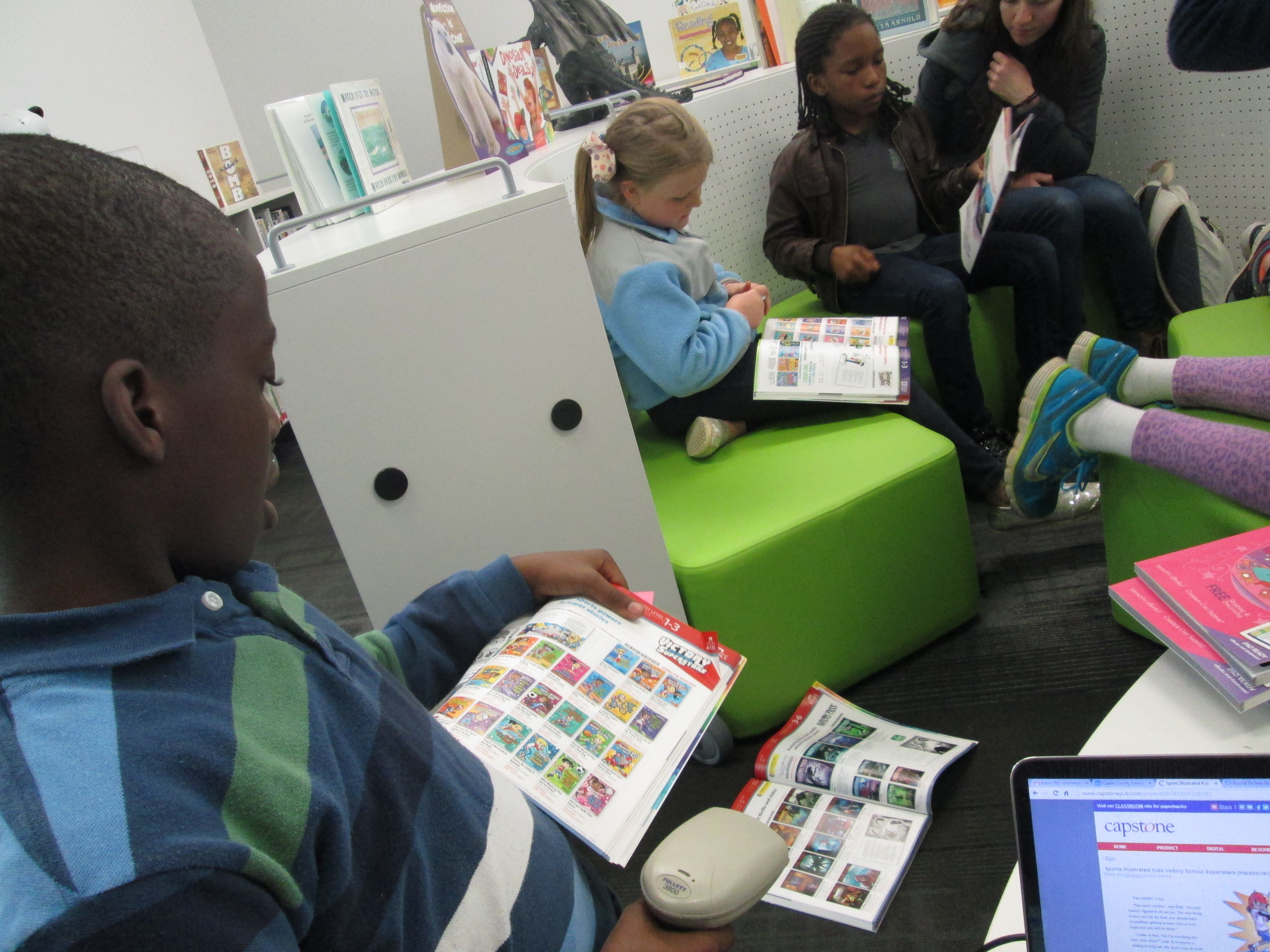
 When that was done, I hooked up the scanner to my computer and gave all of the students a Capstone catalog. Capstone has a great feature where there is a barcode next to each set of books in the catalog. You can scan the set straight into your cart, or you can scan the set and select the books that you want. As students found books that matched our goals, they scanned the barcode and told me which books to add. At that point, we didn’t worry about cost. We wanted to add all of the books that we were interested in and then start narrowing. This adding process was so smooth thanks to this scanning feature. In the past, students have circled items in catalogs, written on pieces of paper, etc. and it took a lot of time to compile everything. I loved that we were all adding to the same list as we worked.
 Right now, Capstone is offering an incentive like they often do. If you spend at least $1750, you get 30% back in Capstone Rewards. If you spend less that $1750, you only get 10%. This was a great math discussion. Our original budget was $1500 for all of the book budgets. However, if we spend just $250 more with Capstone, then we get $525 in free books. I’ve really pushed the group to think about budget, but this was a great real-world example where you sometimes have to spend beyond your budget if it helps you in the long run. The students unanimously agreed that we needed to spend the $1750 since we already had well beyond that amount in our wish list cart. I pulled out all of the numbers that I had to think about in order to make this happen. We looked at the remaining dollar amount in our district budget which was about $375. Then, we looked at the remaining balance in our local account, which holds profits from our book fairs along with any donations we receive. I told them about remaining expenses that I knew about for the year such as battle of the books. We agreed that there was enough money to purchase our list from Gum Drop and extend our Capstone Budget to $1750.
 The final task, which we are still working on, is to narrow our cart. We started with a cart totaling almost $3000. We knew that we needed to reduce the cart to about $2200 in order to spend $1750 in cash and use $525 in rewards dollars. By the time we stopped talking about the math, students were all commenting on how hard this is. One of them said, “You mean this is just a small part of what you do?” I love that they keep bringing this up. I love buying new materials, but I’ve been very honest with them about what a small fraction of my time this actually is. As always, it was interesting to hear them wrestle with decisions about which books to cut from the list:
- We have 3 books about drawing horses. Let’s pick the one with the most horses that people are probably interested in.
- Three of our war books cost $27. Let’s pick something that doesn’t cost that much.
- That book looks like it would only be for 5th graders. It might scare other kids. Let’s take it off the list.
- We can’t buy every Jake Maddox book this time. Let’s choose a few of them.
 Every struggle they were having is the same struggles that I go through alone. I loved being able to share this frustration with them, and they had a much better understanding of how I use math and decision making in my job. My only wish is that more students could walk through this process with me. Each year, I find new ways to involve different groups of students, but I would love to have larger groups of students involved in the math aspect.
Once we get our carts narrowed down, we will place our order and wait for the books to arrive. Since I have extra Capstone Rewards dollars, I’ll also be able to add in some historical perspective books that I’ve been wanting to get for our many social studies projects. While we wait, students will think about how to advertise the books to the school.



 Expect the Miraculous