iPad Photography

A group of 4th grade ELT students have been studying photography with their spectrum teacher, Mrs. Hunter.  They have also been working in the library to learn about digital photography and tips for taking great photos.  They collaborated on a Google doc to crowdsource a list of tips for taking digital photos, and they have explored many artistic ways to take photos around our school.

Over the past 2 days, these students have used our iPads to try even more ways of taking photographs.  Students explored the following apps:

  • Photobooth-Take a photo with many fun options.
  • Camera!-Take a photo and apply many options to edit it.
  • Pic Stitch-make collages and apply filters, stickers, and many other effects to each picture.
  • Panorama-take a panoramic photo and apply filters to it.
  • Pic Collage-Make a collage of photos from the camera roll, add text & stickers & backgrounds.
  • Tap FX-Take a photo or use the camera roll and apply effects & filters
  • PS Express-Use a picture from the camera roll and do basic to advanced photo editing.
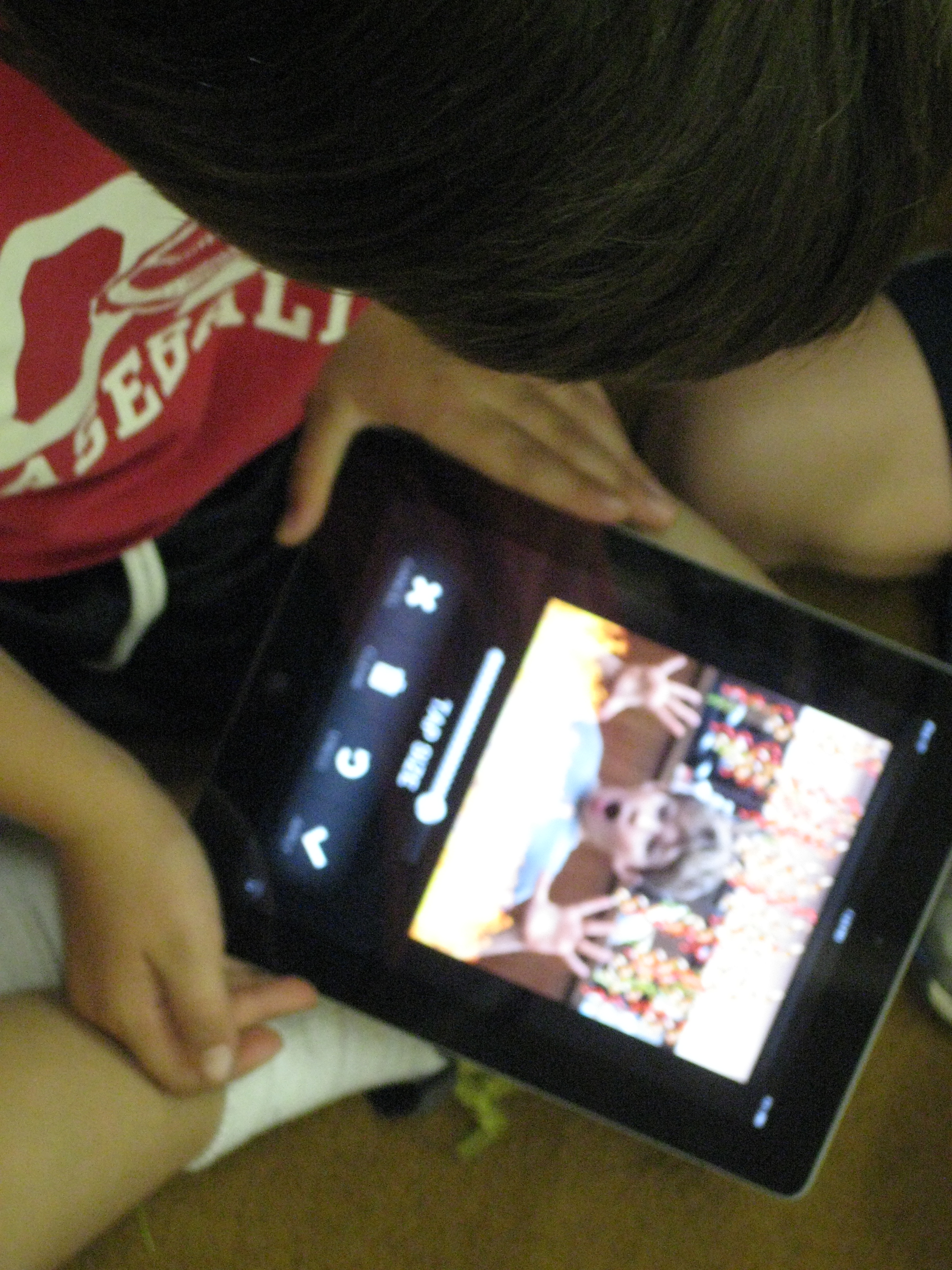
The favorite by far was Tap FX because of the many explosions and fire effects you could add to a picture.

Once students tried several apps for taking photos and editing them, I asked them to select their favorite and email it to me.  They used their school Google accounts to attach their picture.  For many, email was still a new task, so this did slow us down a bit.  I loved seeing their creativity in taking photographs but also in using apps to apply filters and effects to their pictures.  I think their work has a lot of implications for future projects.  These students could become consultants that teach others how to use the various photography apps for projects.

Take a look at their favorites in this gallery:

This slideshow requires JavaScript.

GPEE Bus Tour Across Georgia


Winning t-shirt design from Smiley Face Graphics

Remember this post about 4th graders traveling to the state department of education to model 21st century learning?  A part of this lesson was students designing a new t-shirt for our school.  This year, the designs were voted on and every student and teacher in the school received their very own shirt.  Today, we all wore them for a special event, the Georgia Partnership for Excellence in Education Bus Tour Across Georgia.  This trip brings together influential people from around the state and tours them through multiple Georgia schools across Georgia.  This year the theme was “Georgia’s Public Schools: Using Technology, Creating Pathways for Student Success.”  Our school was selected as a stop on the tour based on the innovative work that occurs in our library and classrooms.

Over 100 guests arrived at our school and were split into 14 groups.  These groups were escorted by student tour guides to 5 different stops in our school.  Bus riders saw incredible instruction and technology use in multiple classrooms.  They also stopped by our library where select students from K-5 were showcasing projects that had already been completed.

For example:

  • Kindergarten students showed their digital alphabet books and photo stories
  • 1st graders showed how to use PebbleGo.
  • 2nd graders showed their Regions of Georgia commercials on Youtube.
  • 3rd graders showed digital inquiry projects about rocks as well as a rock pathfinder
  • 4th graders showed how we used a gadget in a Google form to collect data about locations of various Native American locations
  • 5th graders showed digital inquiry projects using Animoto, Glogster, Prezi, Simplebooklet, and Power Point.

It was truly amazing to step back and watch students from every grade talk about what they had learned from their technology projects.  They taught many of our guests about tools that they had never heard of, and many of the educators within the group plan to go back to their school to begin using some of the Web 2.0 tools featured today.

I was once again reminded of the expertise that hides within our buildings and how we need to give students the space to play, explore, create, and share their knowledge both about content and technology.

This slideshow requires JavaScript.

Opening the Space: School Libraries as Places of Participatory Culture

On Tuesday October 9th, I presented a webinar for the American Association of School Librarians called Opening the Space:  School Libraries as Places of Participatory Culture.  This webinar was a part of the September/October issue of Knowledge Quest.  The slides from this webinar are posted below and the archive of the webinar will be available soon to those who registered.

Upcoming Knowledge Quest Webinar

I am very honored to be a part of the September/October issue of Knowledge Quest, the professional journal of the American Association of School Librarians.  The theme of the issue is Participatory Culture and Learning and my article Opening the Space:  Making the School Library a Site of Participatory Culture can be found on p. 8.  This article was a joy to write, even though it took hours and hours to create.  I hope that the article inspires other school libraries to think about how their programs can embrace participatory culture as well.

If you would like to know more about the article and our Barrow Media Center program, I invite you to attend a webinar that I am presenting this Tuesday, October 9th, at 7PM EST.  I will expand upon what I wrote in the article as well as offer pieces that didn’t make it into the text.

The following October webinar is FREE to anyone wishing to attend. Members and non-members are welcome to register!

kq headphones iconOpening the Space: Libraries as a Site of Participatory Culture
Tuesday, October 9, 2012
7 p.m. EDT/6 p.m. CDT/5 p.m. MDT/4 p.m. PDT

Participatory culture is grounded in low barriers to artistic expression and allows students to be creators of content as well as pass on their experiences and knowledge to others. The Barrow Media Center is a site of participatory culture through elements such as student book budgets, collaborative projects that culminate in student product creation, opportunities for students to showcase their creations to others in a variety of ways, and students taking leadership in teaching one another how to use technology to create. This year, developing the participatory culture of the library is a specific goal that has been made public to all students, teachers, and families in the school and all members of the library have been invited to find their place in the library and make things happen. This webinar will explore participatory culture and how the library can be a space of participation.

Andy Plemmons is a school librarian in Athens, Georgia.  He teaches students in PreK-5th grade at David C. Barrow Elementary.  The participatory culture and collaborative projects of the Barrow Media Center are regularly featured on his blog Barrow Media Center

Register by clicking HEREThis webinar is FREE to anyone wishing to attend.

Storybird with Kindergarten

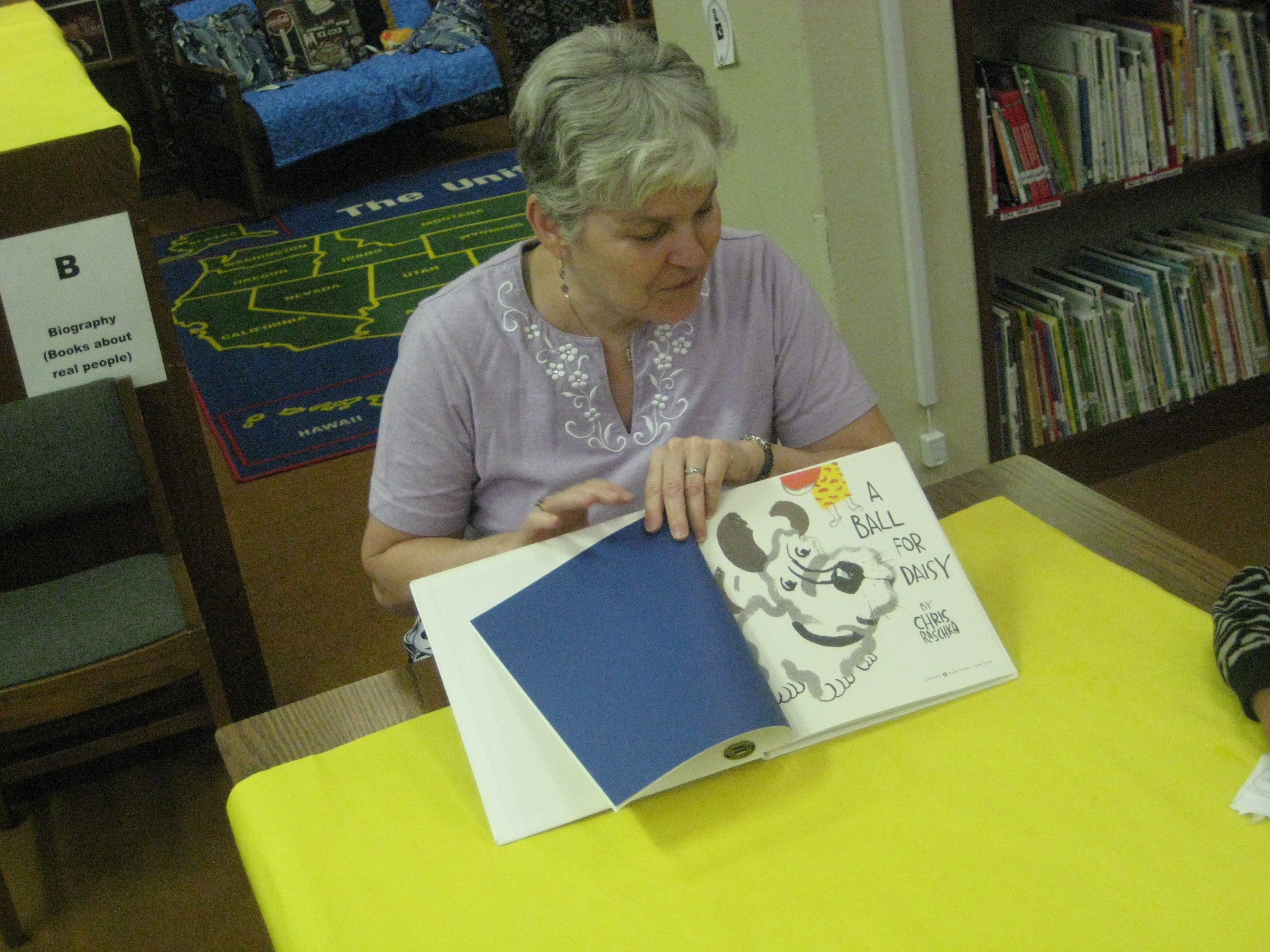
Mrs. Kelly Hocking’s Kindergarten class has been hard at work collaborating with me in the media center on writing stories from art.  This idea was initiated in their classroom, and Mrs. Hocking asked me how I might support their class in doing this exploration using some kind of technology.

To start, I showed the class Storybird very briefly.  Storybird offers collections of artwork that inspire stories.  You select images from a collection and add your story.  Then, you publish your digital book to the web.

We spent the remainder of the first session looking at a wordless picture book under the document camera.  We used Andy Runton’s Owly and Wormy: Friends All Aflutter.  On each page, we asked ourselves who is in the picture?, where are they?, and what are they doing?  We split into 4 groups to look at even more wordless books in a smaller setting.  The classroom teacher, paraprofessional, special education teacher, and EIP teacher all supported a group.  I rotated between all 4 groups and took over groups if the teacher needed to give a particular student more support.

A couple of weeks went by where the students continued to use wordless books in their classroom to practice telling stories from art.  When they returned to the media center, I did a whole group modeling of how to use Storybird.  We looked at features like how to add a page, how to drag and drop a picture, and where to type the words.  We also talked about putting together a story and how you have to think carefully about which picture makes the most sense to come next in the story.  Finally, we talked about how to go back and re-read your story and make changes if needed.

The final lesson was back in small groups in the media center.  Each group had the same adult leaders and a laptop logged into storybird.  Each group had a different account.  The adult facilitated each group in creating their own storybird, but the students were expected to interact with the technology and construct the story.  The adult did most of the typing while the students selected pictures, typed limited text, and added pages.  Even in small groups, it was a challenge to maintain focus, but each group completed their story in our 45 minute time block.

These students are the only students in the school to have used Storybird, so they are now available to show other students and teachers in the school how it works.  I look forward to trying this again with many more classes.

This slideshow requires JavaScript.


Read their Storybirds here:

Dragon Bat Girl Attacks Creepy Girl

Super Lightening Boy Saves the Day

The Party

The Happy Fairy and the Five Birds

Game On: Gaming in the Media Center

Enrichment clusters have kicked off again and this year our clusters will meet 14 times across the entire school year.  During enrichment clusters, teachers offer topics on a variety of topics.  Students self-select their top choices, and then they are assigned to one of their choices.  The clusters are student-driven, so although the teacher offers the topics, the students are really the ones that make the decisions about what takes place.  During clusters, students are expected to make a product, service, or performance related to their topic and they also showcase their learning at a cluster fair at the conclusion of clusters.

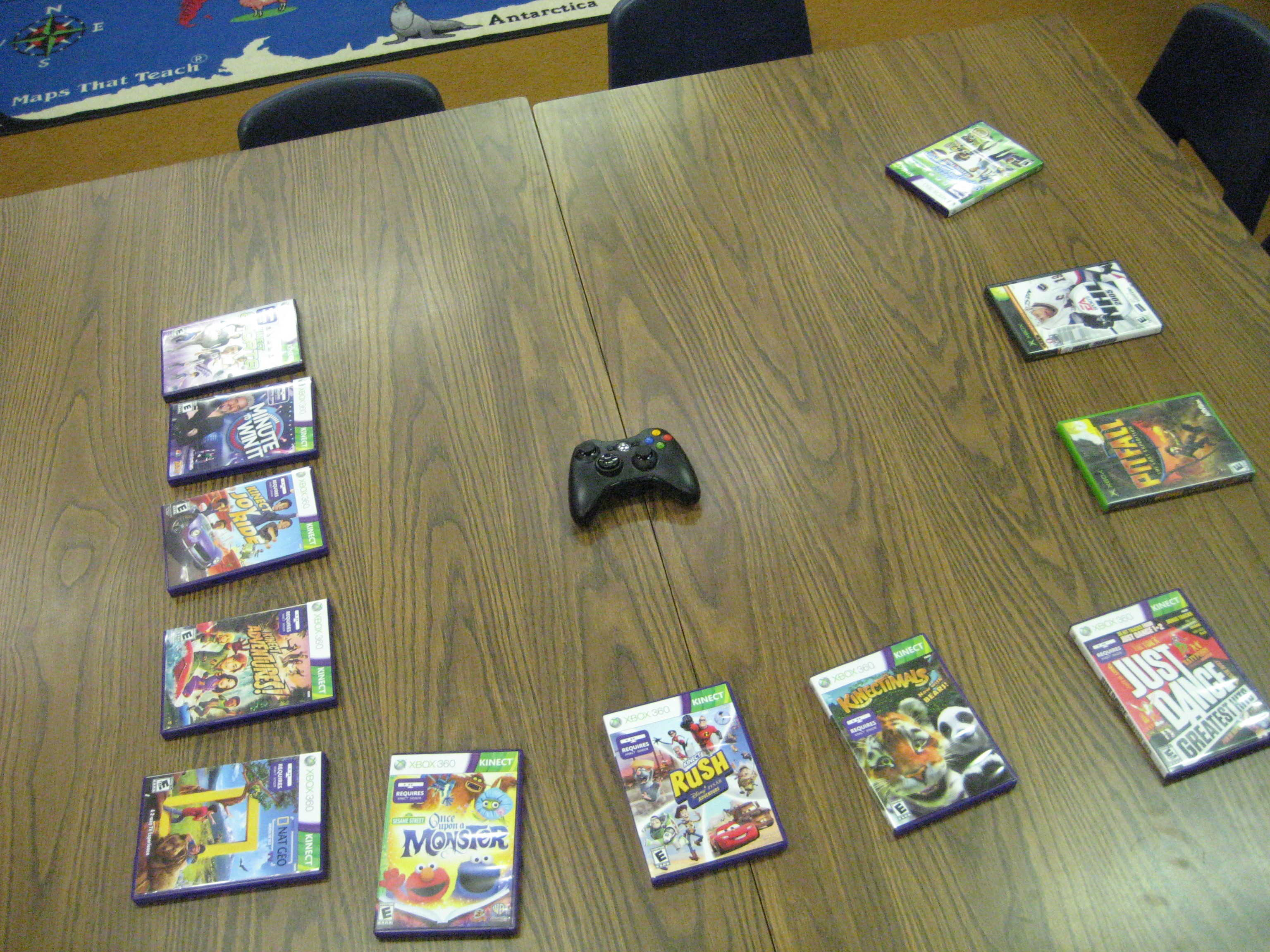
This year, I am offering gaming in education as a cluster.  We now have an Xbox with Kinect in the media center thanks to profits from last year’s book fairs.  This gaming system will be available to all students in the school, but my cluster will specifically look at how this system and others can be used in education.  Our cluster is made up of 14 boys in grades 2-5.  We had an overwhelming response from boys, so it was decided to keep the cluster all male.  I definitely don’t want the girls to be left out, so we’ll be looking at ways to create opportunities for girls as well.

Today, the boys introduced themselves and shared their own experiences with gaming.  We named a few ground rules we should consider as we play video games in the library.  Many of these ground rules had to do with safety such as no body contact with others and keeping the gaming area clear.  We also talked about what it means to take turns and how we handle the adrenaline rushes we sometimes get when we play games.

Students each had a chance to play Xbox sports.  We chose a mini game of soccer to give every student a quick chance to play.  Then, we met back together to discuss how we handled our ground rules and what we need to remember for next time.

I have a couple of students who are already excited about the possibility of other kinds of gaming, specifically Minecraft. There are several schools who use Minecraft in education, and I think the boys that are interested in this are going to do some great things over the next 13 sessions.

At the next cluster session, we will Skype with the busy librarian, Matthew Winner, who already is well-established with gaming in his library.  He will share his expertise and students will have a chance to ask him questions.

I’ll post more as things develop.

This slideshow requires JavaScript.

http://youtu.be/vRS9ZkPR5Ew

International Dot Day 2012 @barrowmc

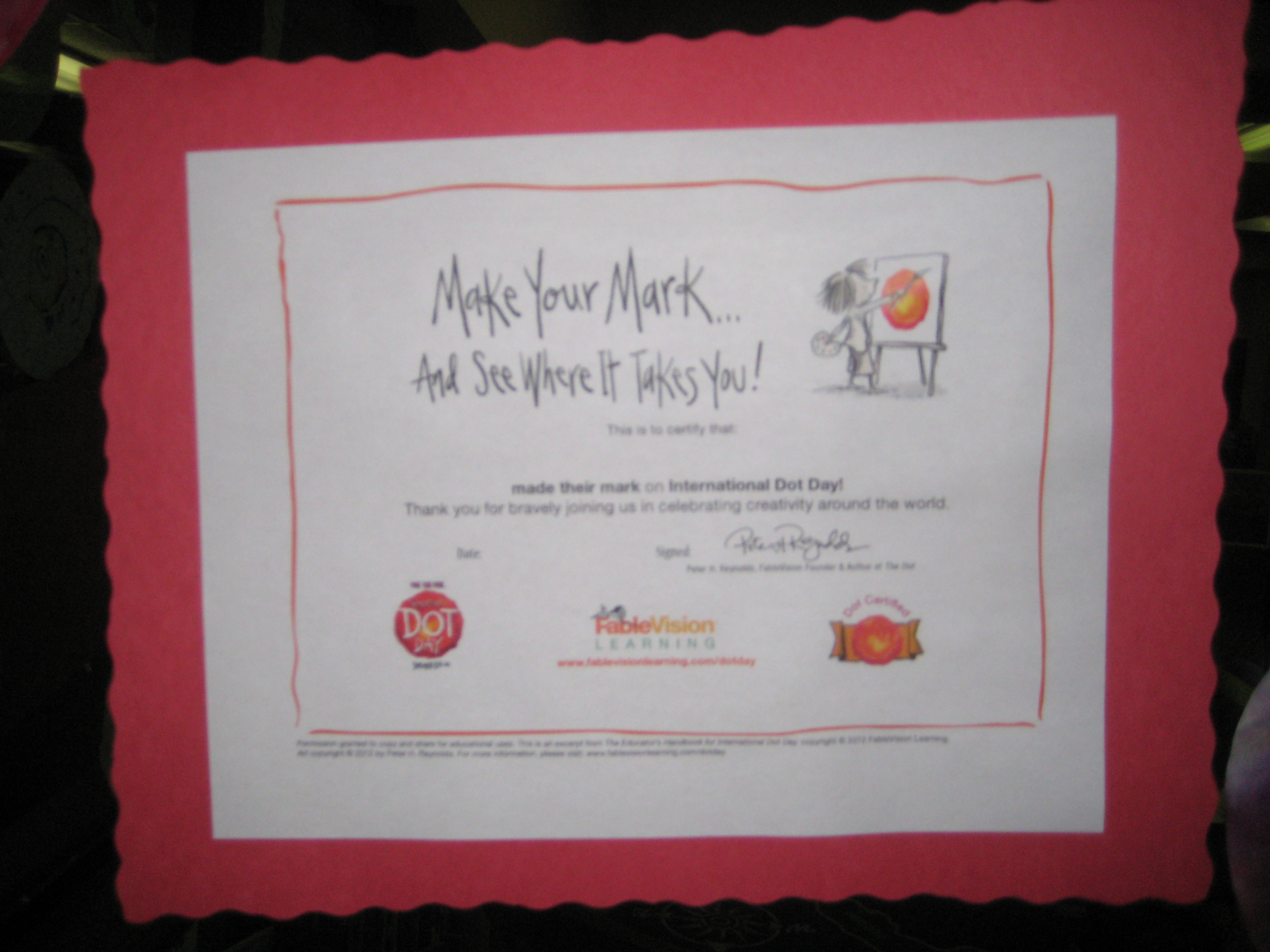
September 15(ish) is International Dot Day.  We’ve been celebrating for the past week in the Barrow Media Center.  Numerous classes came to listen to The Dot by Peter Reynolds.  We talked about the importance of making your mark on the world and avoiding the words “I can’t”.  After our discussion, students moved to tables and made dots in 2 different ways.

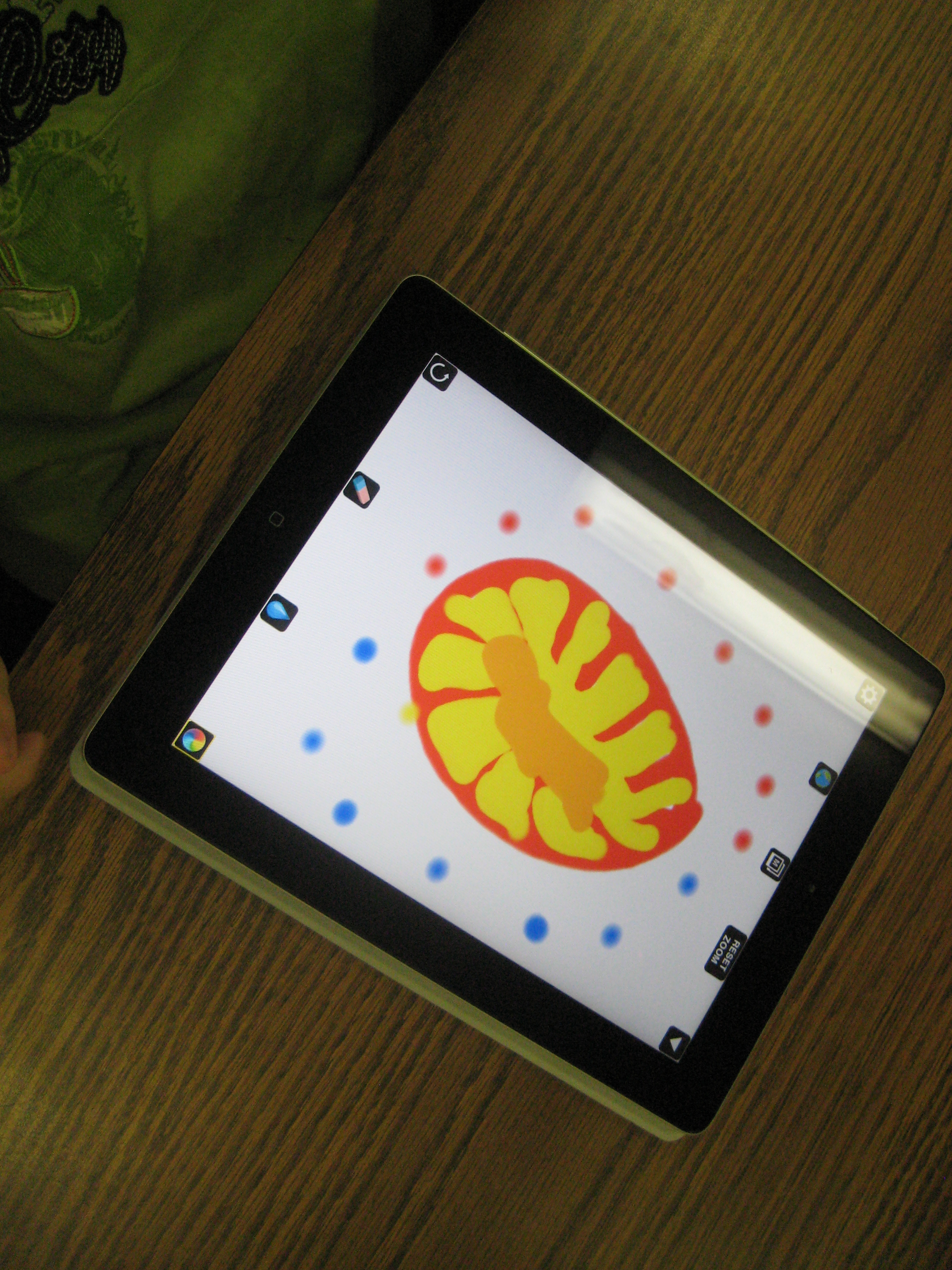
Using Drawcast on the iPad, students made digital dots in a variety of ways.  They saved their images to the iPad photo gallery.  We took those dots and imported them into a collective dot folder and used Animoto to make a digital dot gallery.  We also made a QR code and displayed it outside the library to link to our Animoto video.

At the other tables, student had access to coffee filters, markers, crayons, and color pencils.  They decorated their coffee filters in creative ways.  All of the paper dots filled the windows of the media center to the point that you almost couldn’t see in!  Some students used a spray bottle of water to spray their filters so that the color ran together.  After many classes came, we realized that our sprayed dots had created even more dots in the drying area.  The final class, Ms. Olin’s class, wrote on the drying paper “Barrow School Made Their Mark” and we displayed this in the hallway as well.

We hope our creativity will inspire others to make their mark on the world!


http://www.youtube.com/watch?v=xs37blo4nPk


http://www.youtube.com/watch?v=O4MrbMI7Oxk

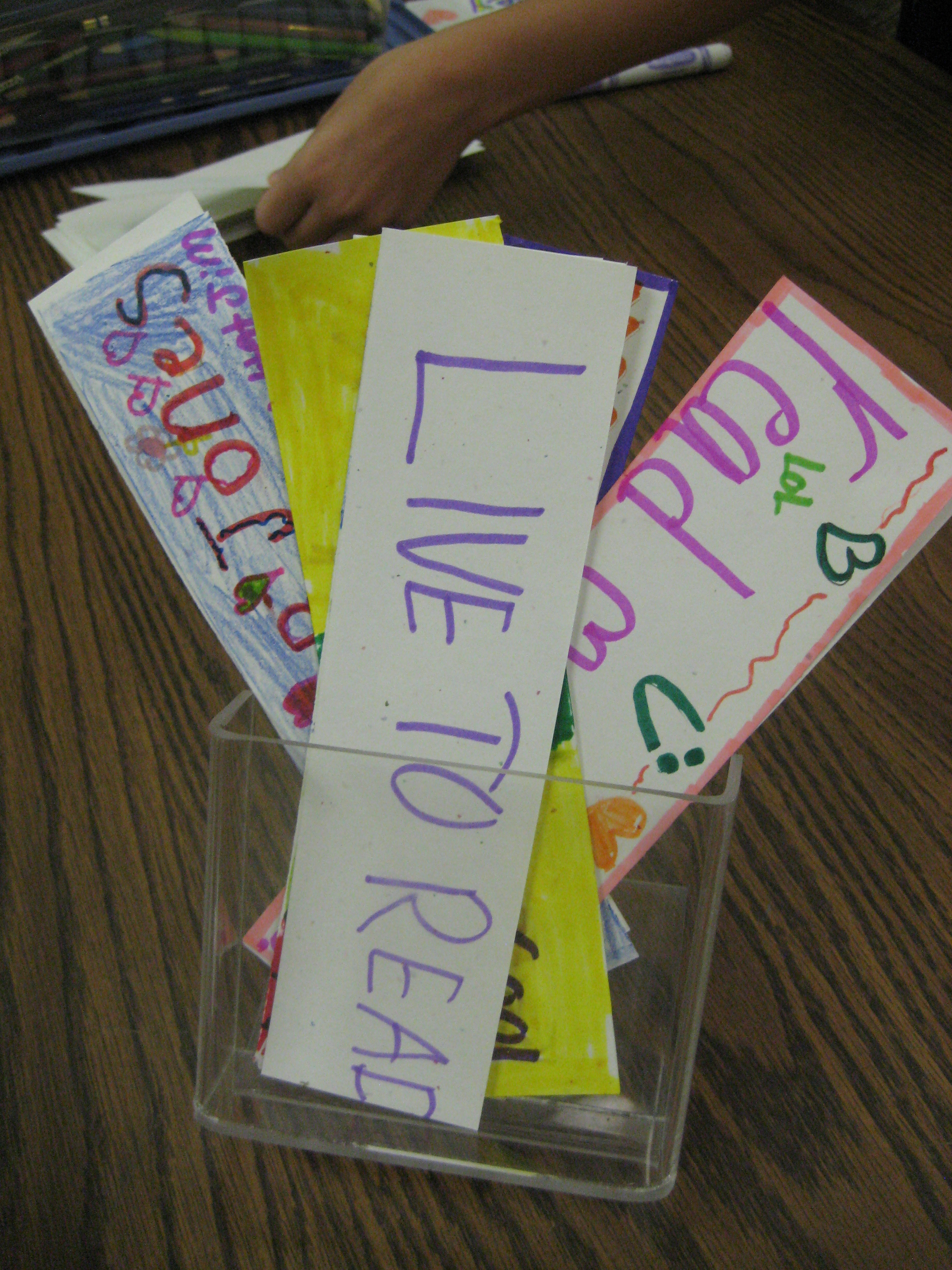
Student-made bookmarks: a piece of Participatory & MakerSpace Culture

Two of the goals for our library program this year are to explore how MakerSpaces, or the culture of MakerSpaces, could influence the structures and happenings in our library and to increase the participatory culture of our library program.  Two of the things that I emphasized in our library orientations this year were the idea that the library is a place to create just as much as it is a place to get books and that if students have an idea for our library program they need to help me think about how to make it happen.

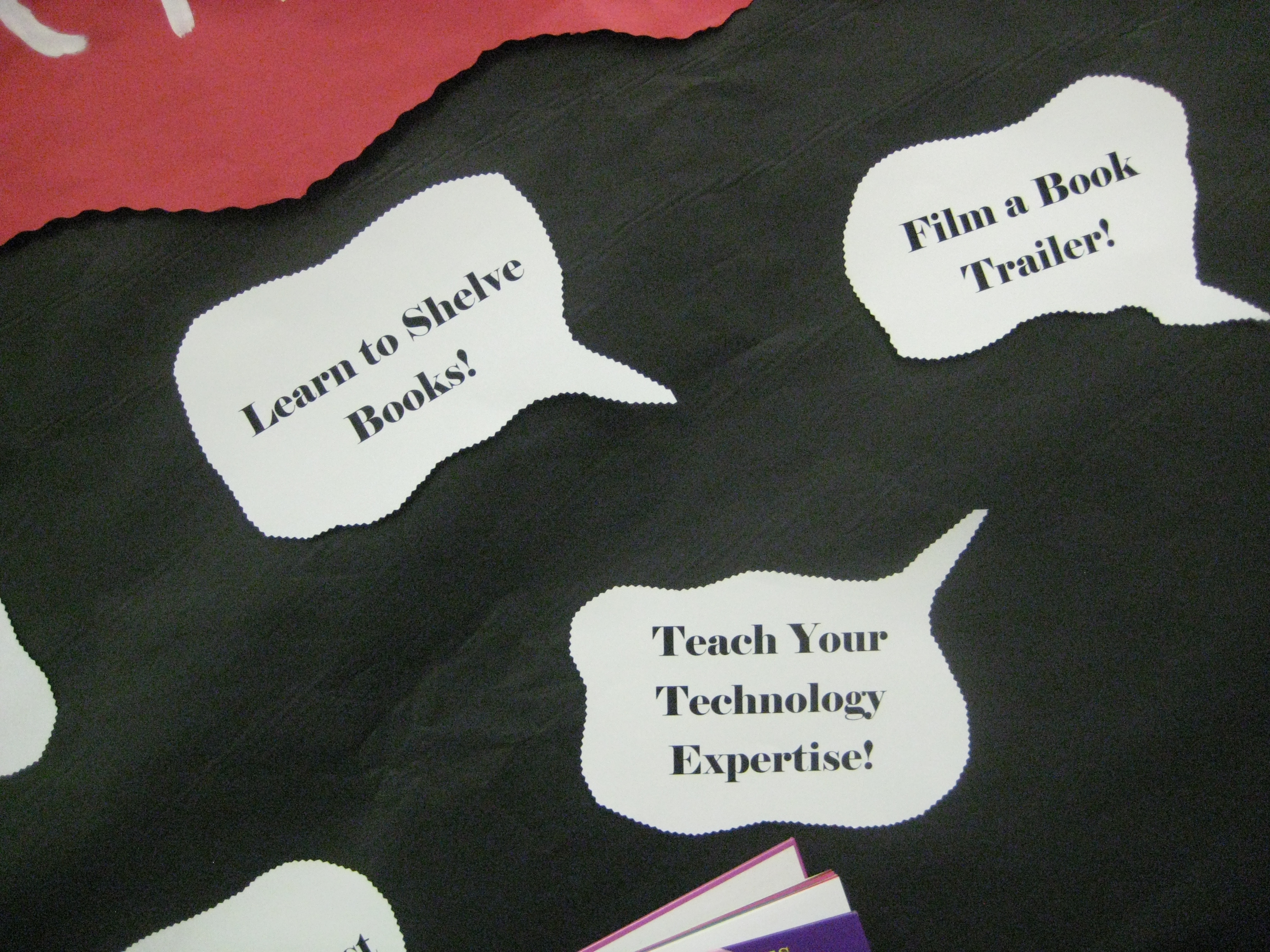
While the following idea is not one of the most significant examples of participatory culture or MakerSpaces, it is a small piece that serves to spark other happenings during the year.  During orientation I suggested several examples of things that students might “make happen” during the year:  create book trailers, shelve books, become a technology consultant, etc.  One of those suggestions was to make bookmarks for other people to take.  I suggested that if you want to see bookmarks in the library why not make that happen by making your own and putting them in the bookmark holder.  Of course, with the busy start of the year, students forgot about it.  This week students have been coming to the library for Scantron testing on the computers.  When they finish, they just sit or read a book.  Today, I pulled out markers, color pencils, crayons, and chopped-up card stock and told them they also had an option of making bookmarks.  Almost every student chose to make a bookmark and their energy and excitement almost got out of control and disturbed testing!  Imagine that!  I documented their time through photographs and made an Animoto to play on our morning broadcast.  Some of the students took blank bookmarks with them to make and bring back later.  My hope is that their initial start will spark other students to want to participate.  Not all students have to participate, but they need to feel that if they do contribute that their participation matters.  I plan to do a quick talk on BTV after the video and see if this catches on spontaneously.  I want our participatory culture to become more organic where students are coming up with ideas themselves, making suggestions, and taking action, but I don’t think that can happen all of a sudden.  I’ll keep you posted!

http://www.youtube.com/watch?v=jPjFuL6x2hA

IPICK: Choosing a Just Right Book

Every year at the beginning of the year, teachers ask me to do lessons on choosing a “just right book”.  While sometimes the focus is just on finding words that you know using the “five finger rule”, I like using the IPICK model because it is more inclusive of all of the pieces it takes to find a just right book.  IPICK stands for:

  • I=I choose my books
  • P=Purpose
  • I=Interest
  • C=Comprehend
  • K=Know most of the words  (this is really where the five finger rule fits)

Each year, I show videos of students singing a song about IPICK.  There are several examples on Youtube.  However, I know that our students are using this strategy in various classes, so when I heard a 3rd grade teacher reminding her students to use IPICK, I asked her if she had some students who might be interested in making a video.  Of course, they were very interested!

For about 45 minutes, 3 students and I met together.  We planned what we might do during the video.  Then, we started recording with an iPad.  After we filmed one take, we watched it and thought about what we needed to change.  Each time, the students made more and more suggestions and their video improved every time.  Here’s the video they created during our time together.

http://youtu.be/330fLsL0ncM


This year, I want to continue to listen for opportunities for students to participate in creating content in our library and be a bridge builder to get that content to a global audience for our students.

Make It Happen @ Your Library: Orientation 2012-13

I am energized by the start of our orientations in the Barrow Media Center.  Today, all of 5th grade and a 1st grade class came for orientation.  This year we’ve embraced the theme “Make It Happen….@ Your Library!”  This theme has many meanings for our program.  The most obvious is that this year will be our first year without a media paraprofessional.  I’m calling on all members of our library (teachers, students, families, community) to come together to make our space work this year with less paid help.

“Make It Happen” also means that our space is going to be a space for creating.  This year, many collaborative lessons and projects will happen in our space and a main goal will be to facilitate students in creating their own projects.  Even though students will be creating within these lessons, I also want them to have choices and opportunities for creating on their own.  On the bulletin board, I’ve listed things such as design a bookmark, compose a library theme song, teach someone your technology expertise, film a book trailer, and more.  In orientation, I’m openly inviting students to think about which of these ideas speaks to them and what other ideas they might have in their own minds and to make those happen somehow this year.

Our orientation itself is much more interactive this year.  Rather than talk about all of the rules and expectations, we’ve been reading Ish by Peter Reynolds and Not a Box by Antoinette Portis.  I’ve asked students to think about what they can take away from these stories to help us this year.  They have named things such as be creative, dream, pretend, encourage, imagine, and more.  I can’t think of better words to fill our library space this year!

After connecting those thoughts to the theme of “Make It Happen”, we do go over a few details about the library that students need to know.  Then in grades 2-5, students participate in a scavenger hunt to locate several parts of the library as well as do many of the things they will do this year on their own like looking up a book in Destiny.  I also have students name themselves as experts or consultants in a variety of areas:

  • Who knows how to use Destiny Quest?
  • Who knows how to check themselves out?
  • Who knows how to use a shelf marker?
  • Who knows how to put a book on hold?
  • Who can locate a book on the shelf after finding it in Destiny?

As students identify themselves as experts, students who are unsure about these questions can write down their names and call on them for help when checkout time comes.  Since one of my goals is to build the participatory culture of our library, I’m immediately calling on the students to start participating rather than looking to me for all of the help.

In the lower grades, we do the scavenger hunt together, but the basic idea is still the same:  setup the theme of the year and let students start to take ownership.

This was such a freeing process.  I felt like I could give more quality attention to some of the students while I knew that other students were taking care of other students with questions in the class.  I can’t wait to see how this different orientation style supports what we will do this year.  I feel like we’re off to a great start.

This slideshow requires JavaScript.