Kindergarten Authors, Illustrators, and Storytellers using the StoryKit App

ICDL   International Children s Digital Library

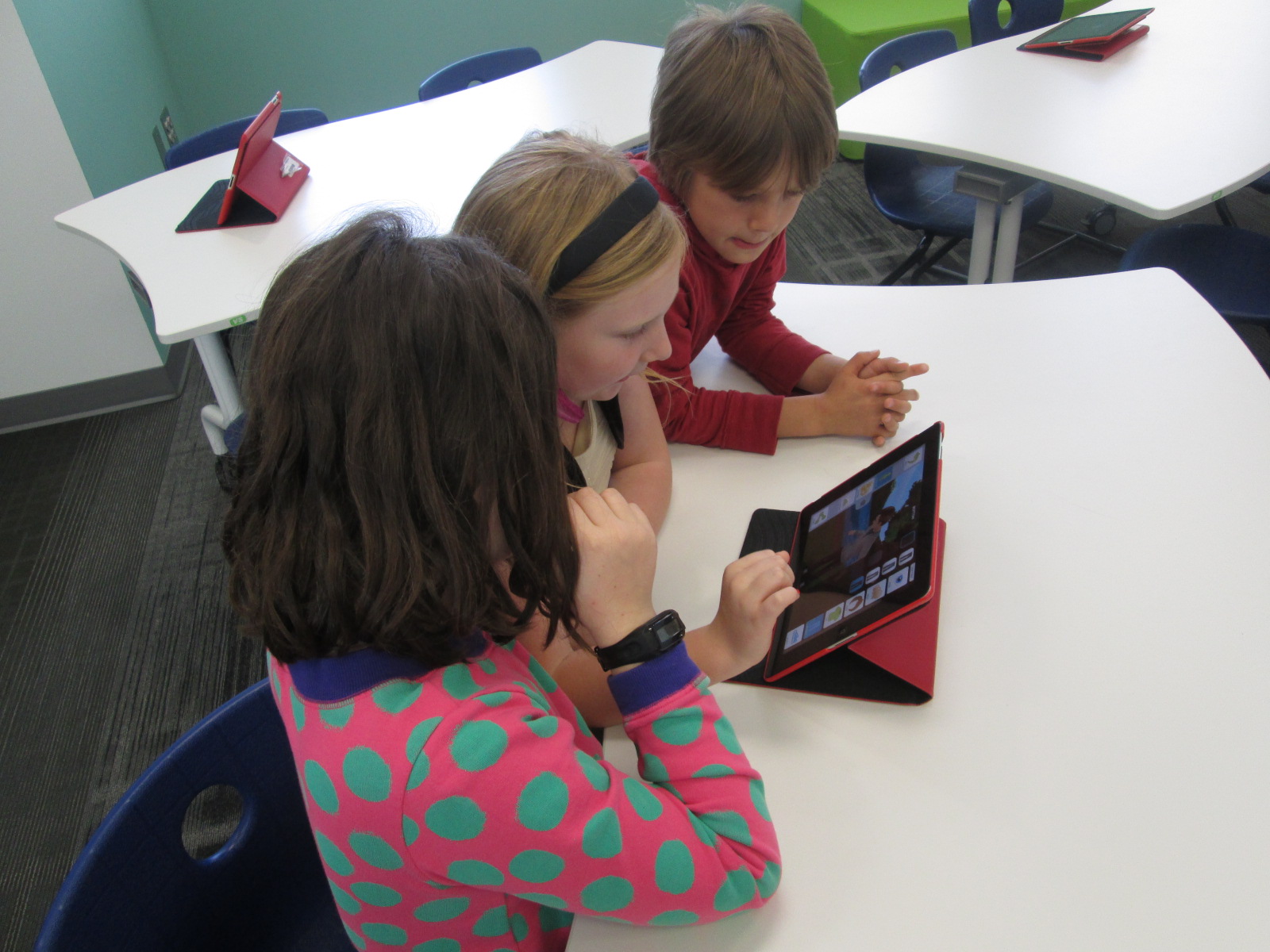
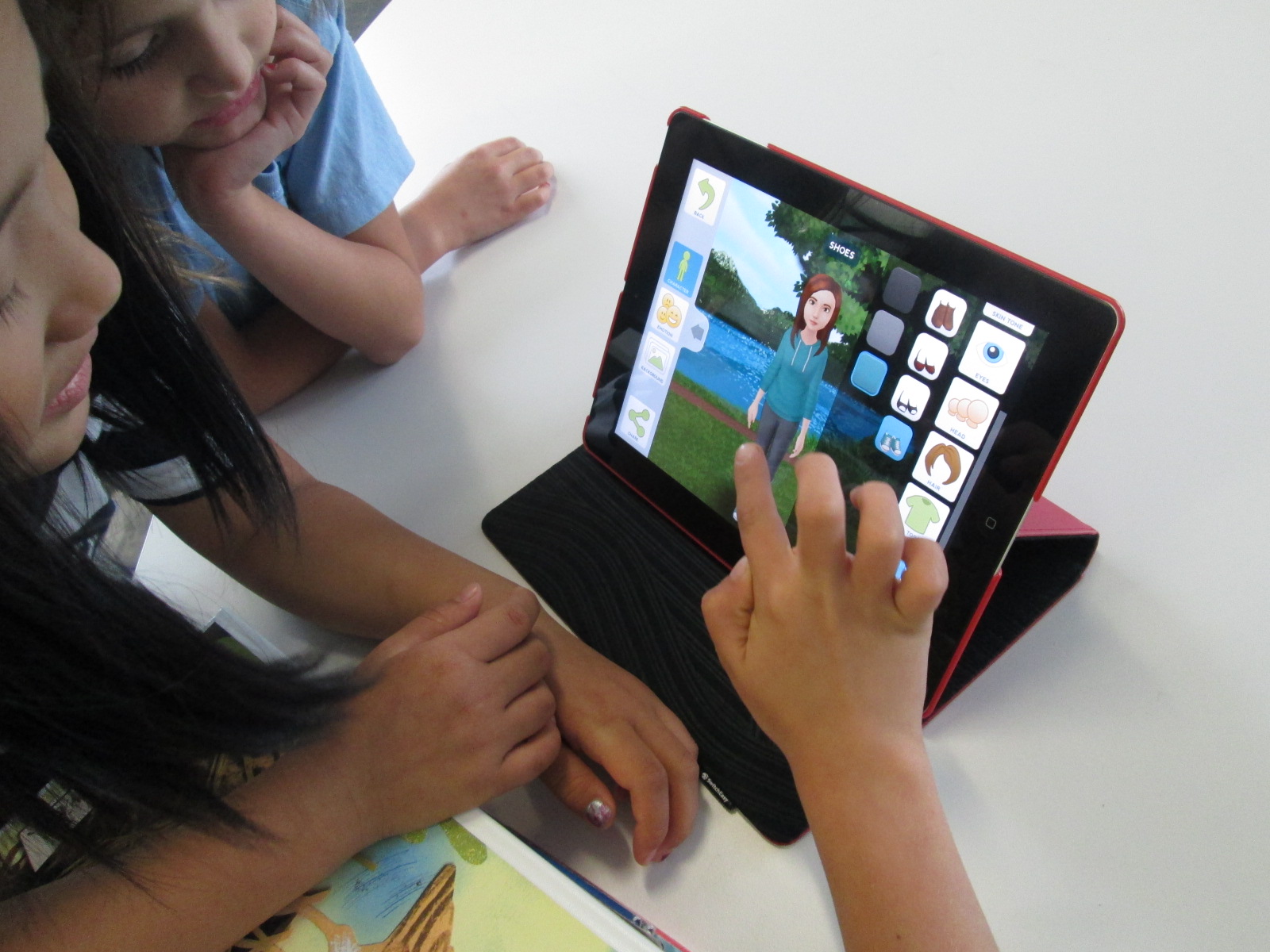
Ms. Hocking is a Kindergarten teacher at our school who is always discovering new tools that she wants to try with her students.  She recently showed me the StoryKit app for iPhone.  This app uses some of the texts from the International Digital Children’s Library .  Readers can read the books as they are, but they can also edit them.

Ms. Hocking’s class has been reading multiple versions of the same folktales and stories this year, so this type of app was a great fit to extend their curiosities and noticings in reading into something that they could create.
storykit (1) storykit (4)

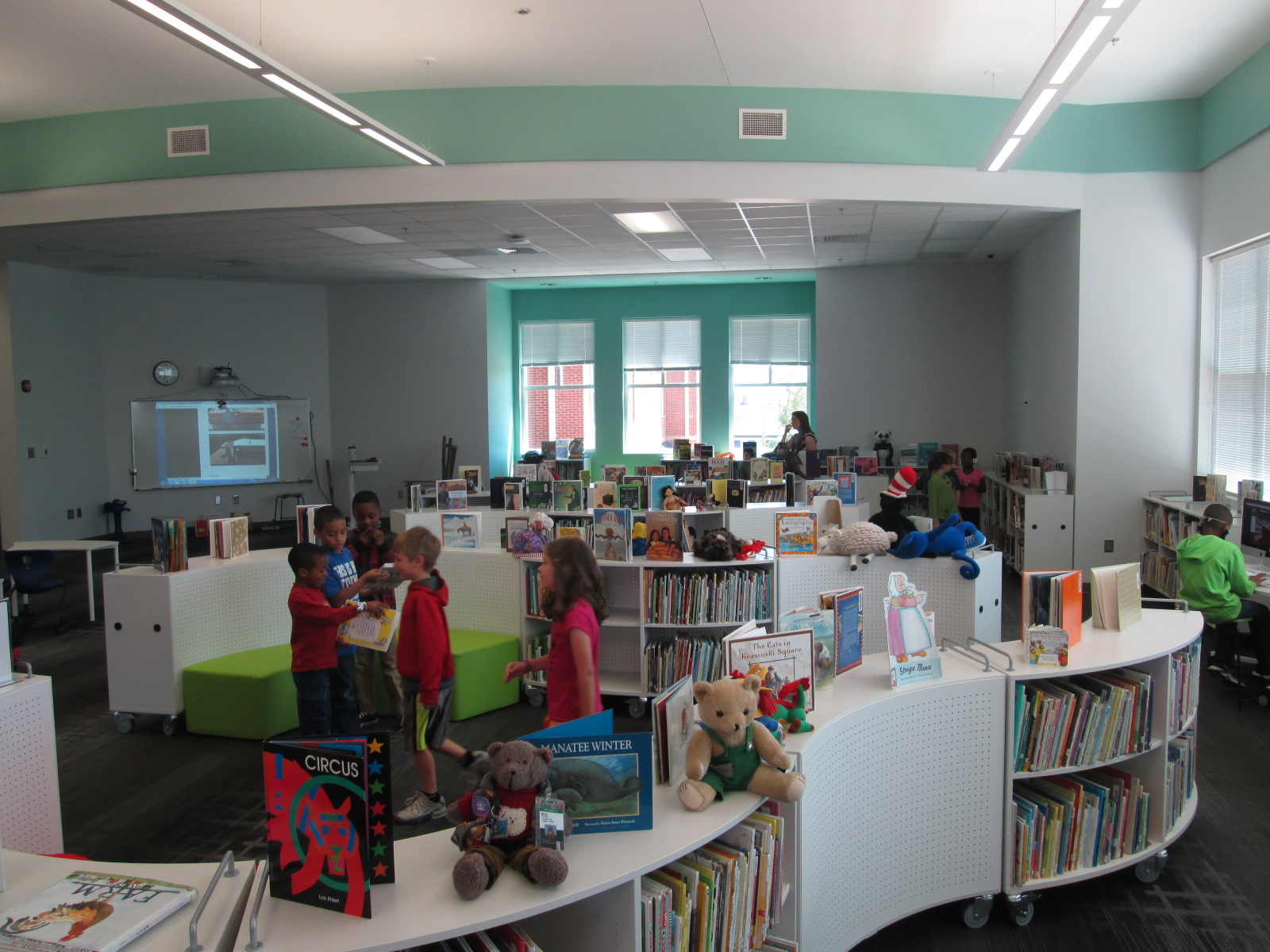
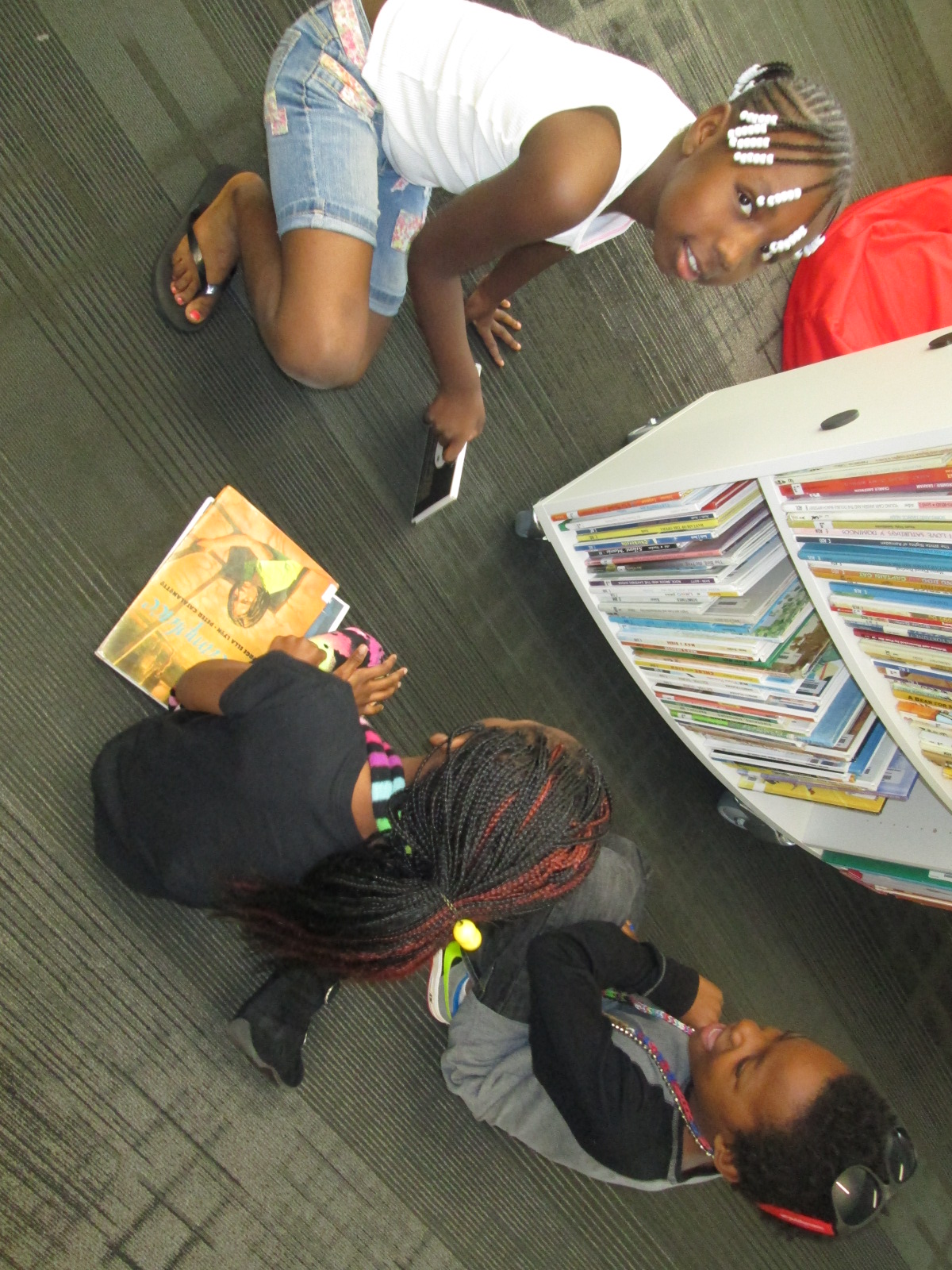
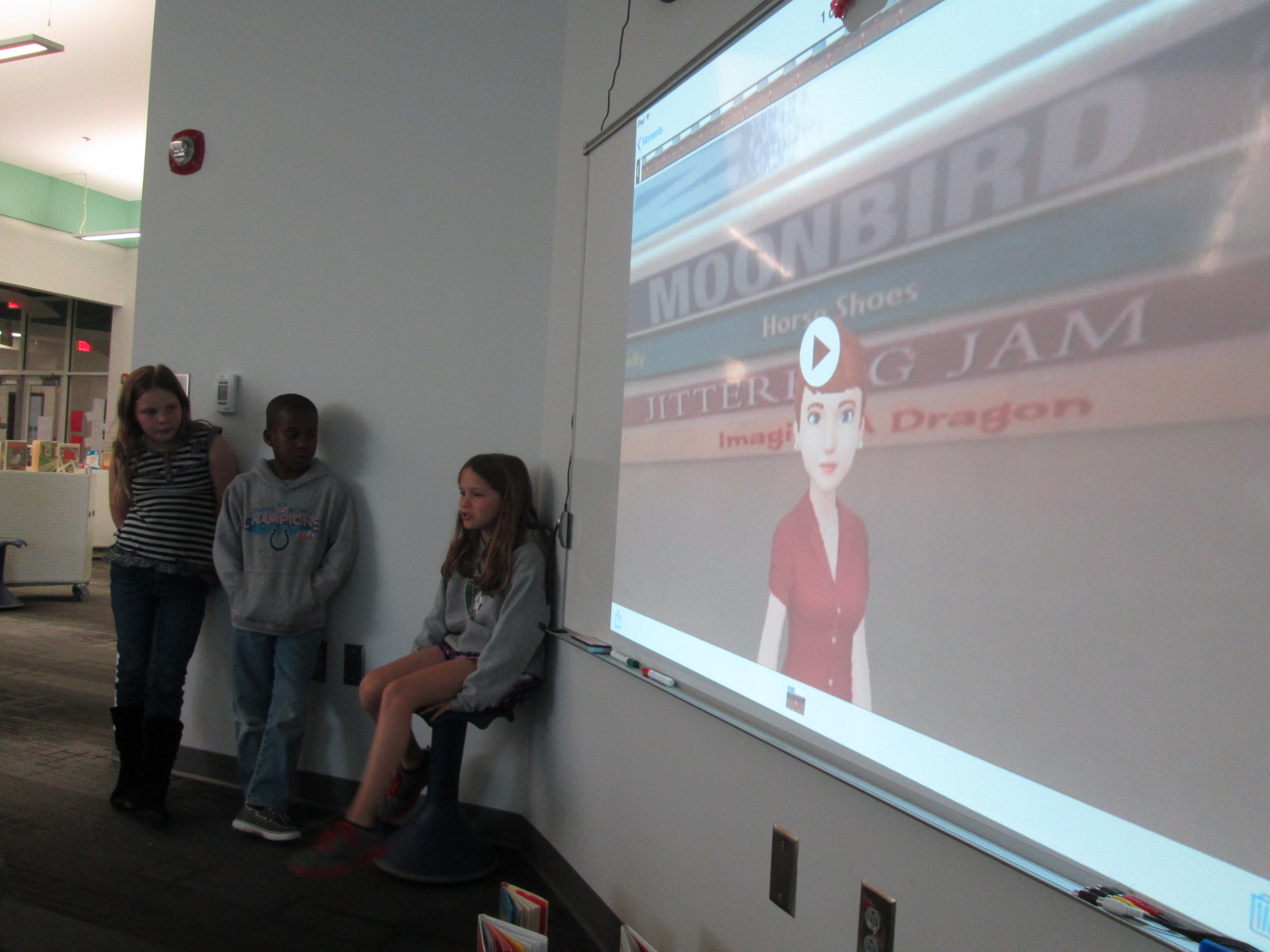
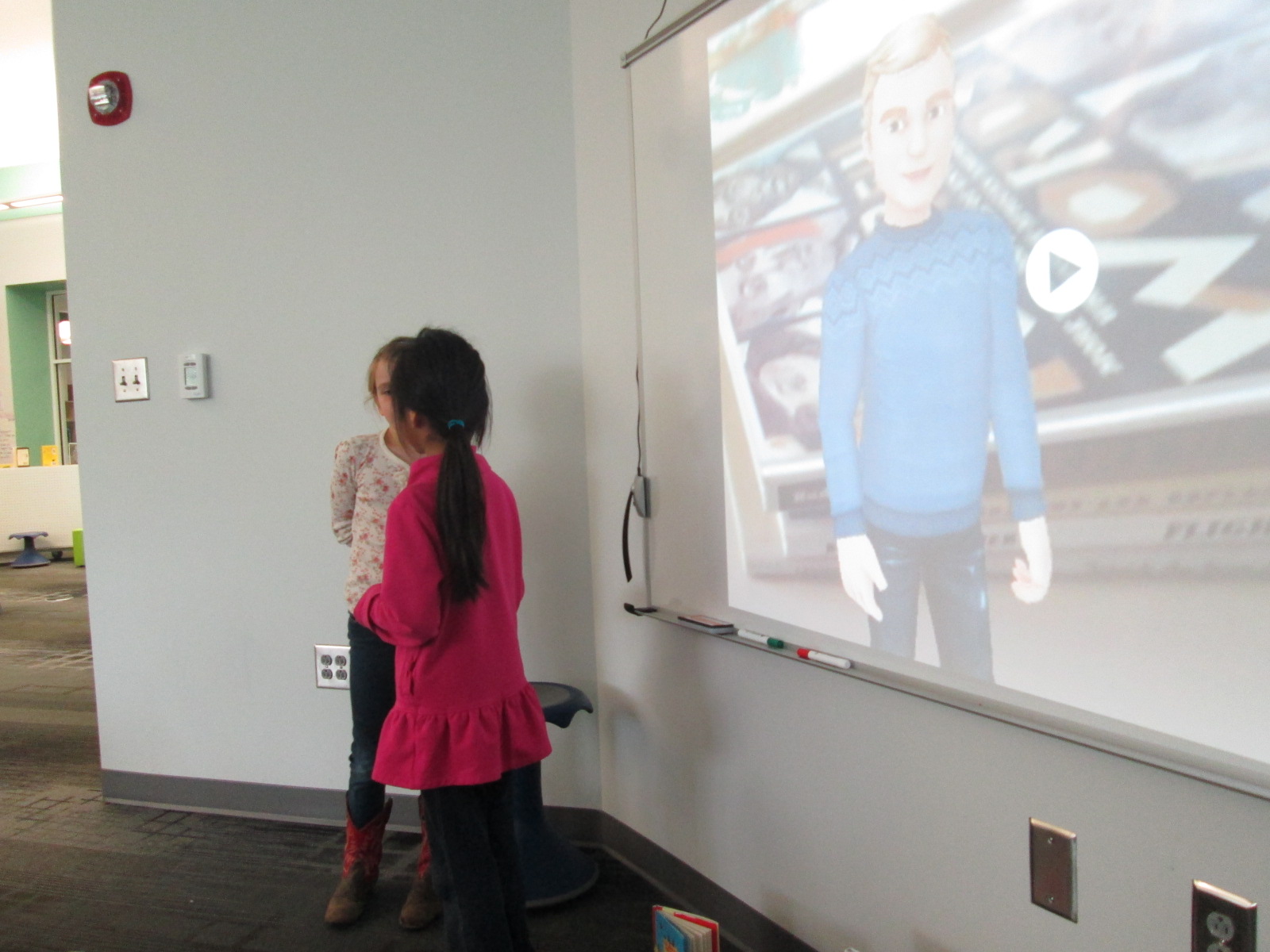
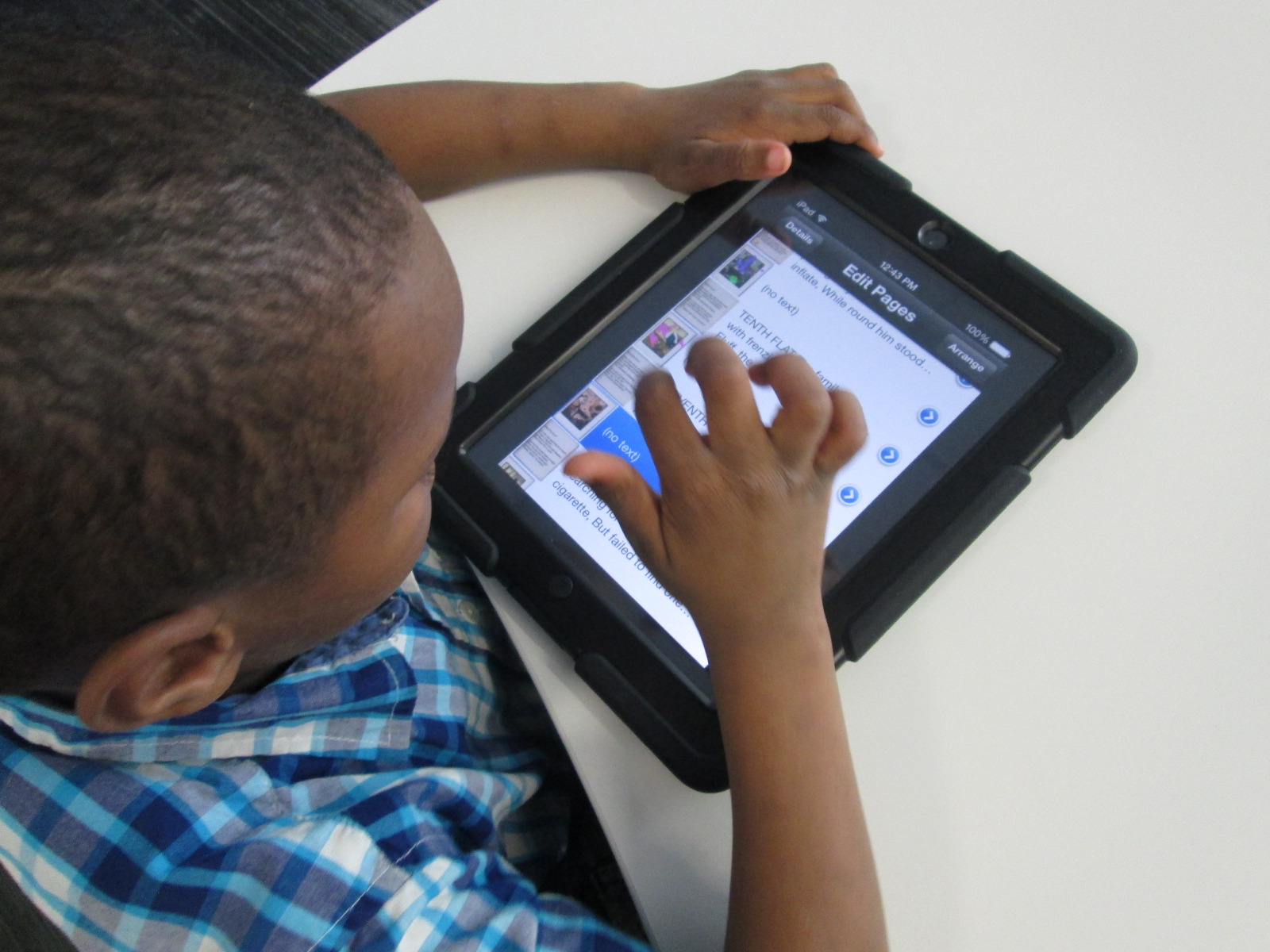
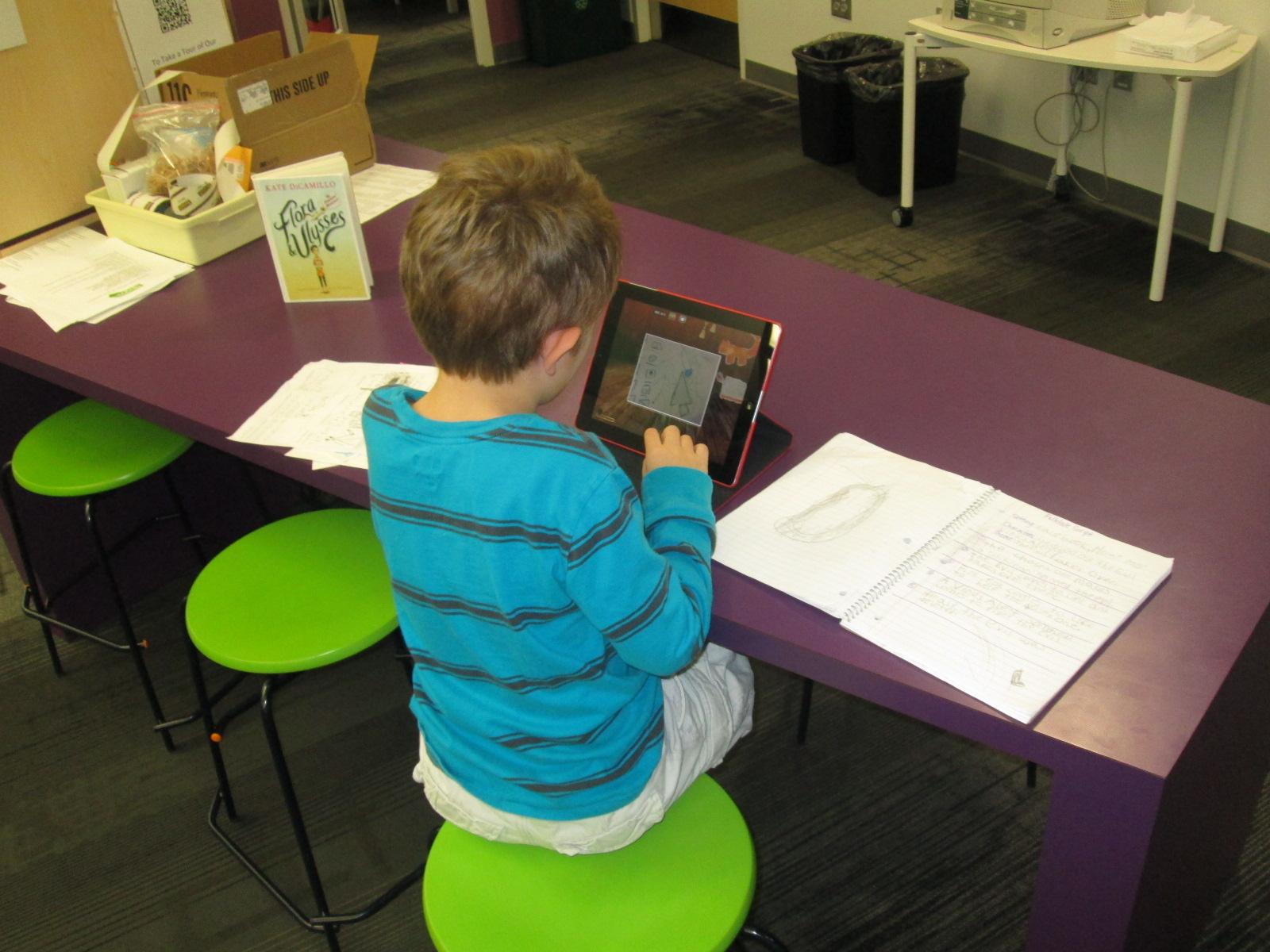
In class, she continued to have students read multiple versions of the same type of story such as The Gingerbread Boy and The Three Little Pigs.  In the library, students came for a whole hour of tinkering with the app.  Students started on the carpet, and I projected an iPad onto the screen.  I showed them the app and we started exploring the tools and menus together.  Then, students used an iPad to explore on their own.

storykit (3)

Through our modeling and tinkering, students discovered:

  • how to take a picture and add it to the story
  • how to draw on illustrations
  • how to delete text
  • how to add their own text
  • how to resize images inserted into the story
  • how to delete pages
  • how to find and add images already on the iPad camera roll

This tinkering was very important because it allowed students to figure out the workings of the app before they had to produce something.  In class, Ms. Hocking had them select one of the stories from the app and work in a collaborative group to brainstorm changes to the story.  These changes were written by Ms. Hocking or Ms. Rockholt, the parapro, onto a notecard.  Students also went in and deleted all of the text from the story in their classroom.

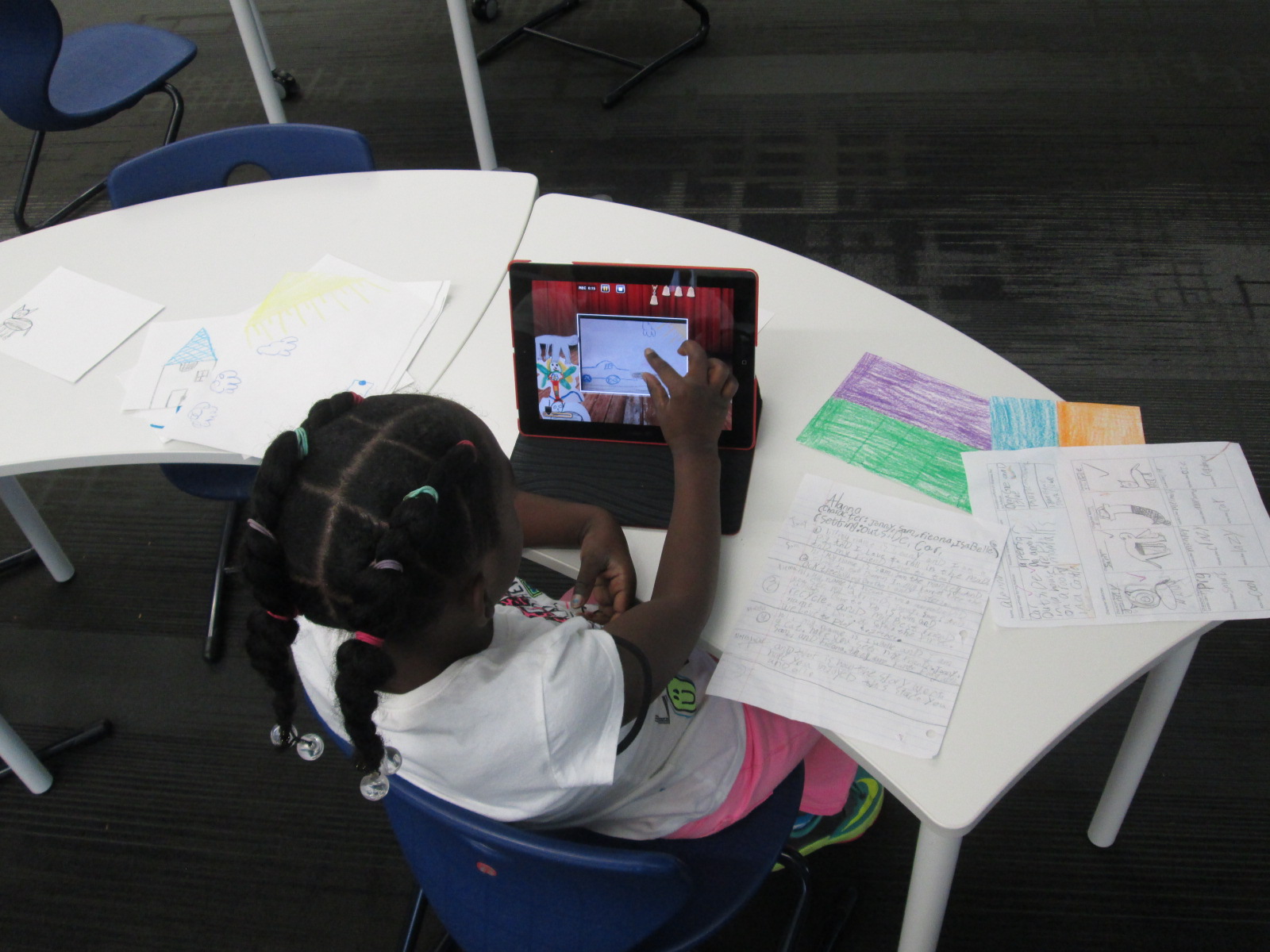
In the library, the groups came back for a work session.  Each adult worked with 2 groups.  Students took turns modifying the images in the story to match their plans for the story.  Then, some students wrote out new text for the story while other groups told their text to the adult in the group.  We tried to put as much control and creation into the hands of the students.

Back in class, Ms. Hocking is looking over their stories and they will continue to work before finalizing and sharing their work.

I loved seeing what Kindergartners could create.  I also loved the tinkering and creativity built into this project.
 

Coding and Beyond with PreK Using Sphero, Osmo, iPads, Computers, and Books

PreK Coding (27)

I love it when a small seed of an idea turns into something much more.  A few weeks ago, I approached PreK about using our Sphero to practice writing letters.  I knew that PreK was working on forming the letters of the alphabet and I thought that the Sphero Draw and Drive app would be a perfect way to merge letter practice with some programming.  I originally thought that small groups might come to the library and use the Sphero with me, but further brainstorming with Ms. Heather resulted in us deciding to do 5 centers that students would rotate through in order to experience many technology, math, and literacy experiences.

Ms. Heather’s class has been bubbling with excitement about coming to the library to try out all of these centers.  Ms. Heather split the class up into 5 groups which was 4-5 students per group.  Ms. Heather, Ms. Melissa (parapro), Ms. Callahan (parent), and I all led a center and one center was independent.  Each center lasted about 10 minutes and took up about an hour with transitions. Here’s what they did.

Center 1:  Hour of Code programming with Sphero

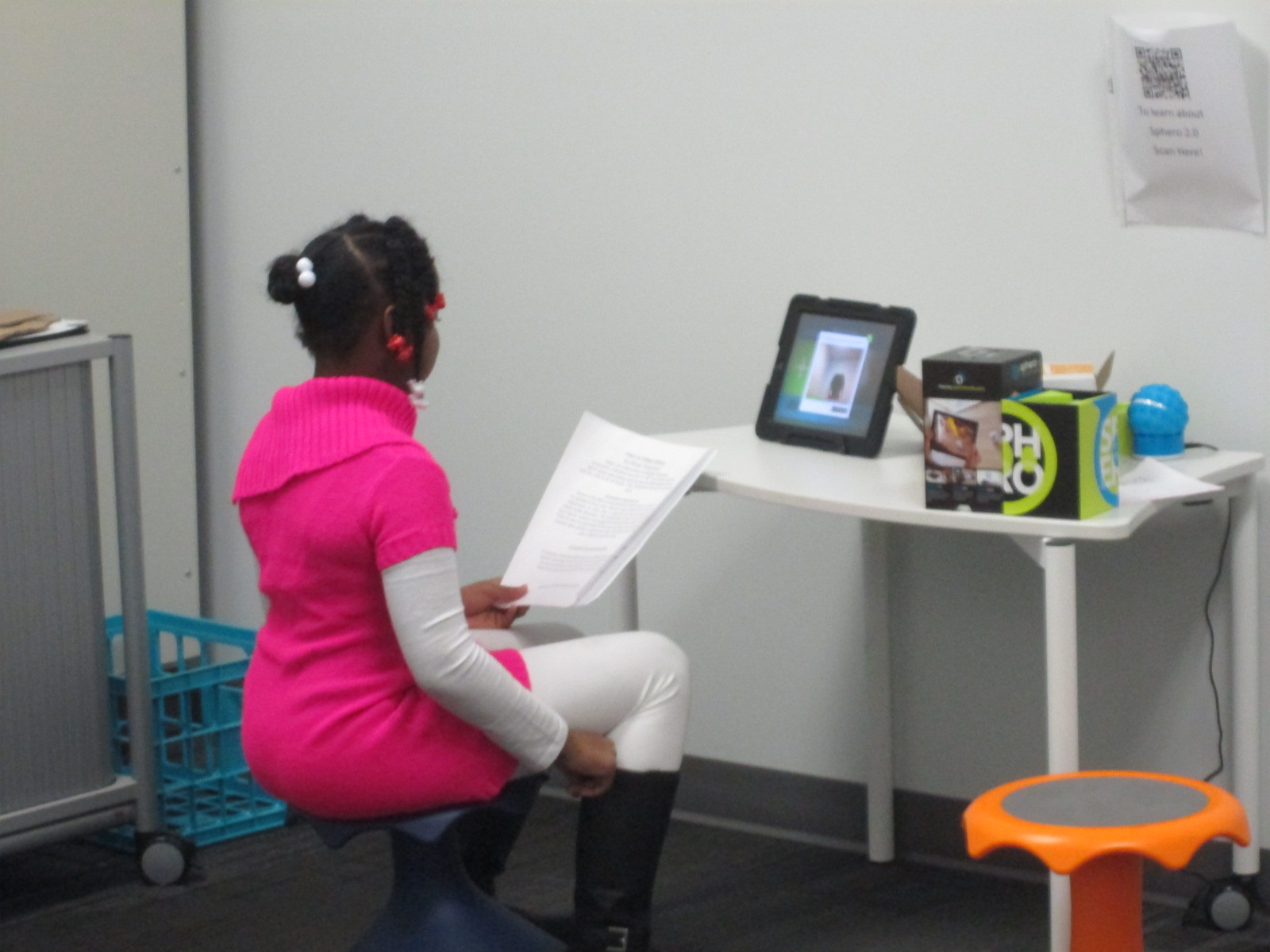
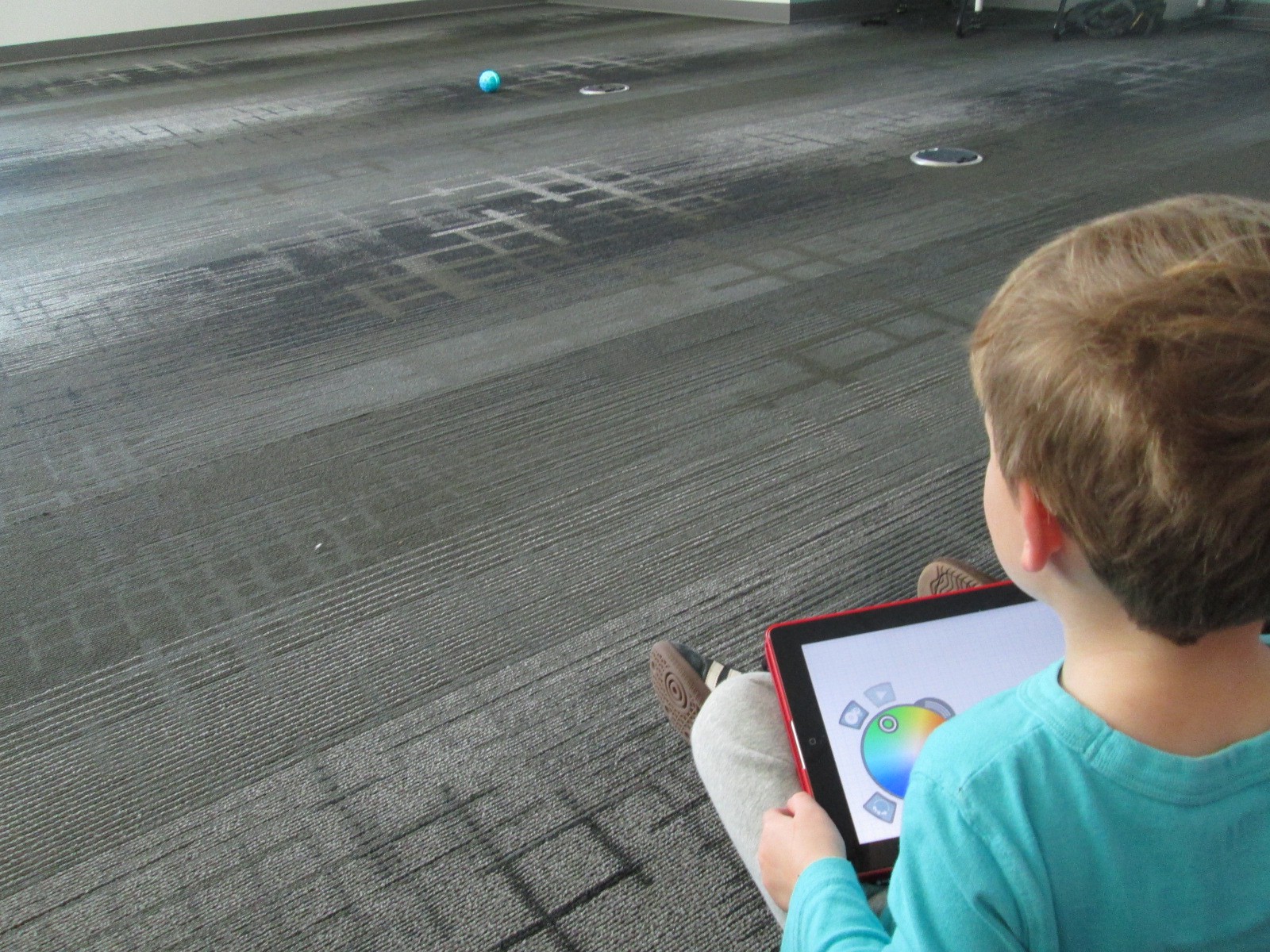
Since this week is our hour of code, I was so glad that PreK got to experience an aspect of coding.  While coding didn’t fill up our hour, it certainly sparked their interest in how to make a computer or robot do what you want it to.  Students sat in a row and each took a turn to think of a letter to practice drawing.  Using the Draw and Drive app on iPad, students drew a letter and pressed play.  The Sphero drove around the carpet in the shape of that letter.  With a shake of the iPad, the letter was erased and the next student had a turn.

We repeated this process over and over until we were out of time.  Each time the robot rolled around the floor there was a burst of excitement.  As the facilitator, I asked students about the letters that they were drawing to make sure that they understood what they were trying to draw.

Center 2:  Osmo Tangrams and Words

Our Osmo devices are one of our favorite tools in the library.  The Osmo is came out this summer.  It includes a base to put the iPad in and a red attachment to place over the camera.  Osmo comes with 2 sets of tools to use with the apps: a set of letter tiles and a set of tangrams.  The three apps are free to download but you must have the base and attachment for them to work.  For this center, students used the Junior version of the Words app.  This app gives students a picture with a matching word.  The beginning sound of the word is missing and students have to lay the correct letter tile in front of the iPad.  If it is correct, the red attachment “sees” the letter tile and magically adds it to the word on the screen.  If it is incorrect, students have to try again.

Students also used the Introduction to Tangrams in the tangrams app.  This app shows students 2-3 tangram pieces pushed together.  For this beginning phase, the colors of the tangrams on the screen match the colors of the actual tangrams.  As students correctly place the tangrams on the table in front of the iPad, the red attachment “sees” them and fills in with black on the screen.  When they are all correct, a new combination is shown.

This center was one that needed adjustment as we went along depending on student needs and strengths. Some needed to focus more on the shapes while others were ready to think about letter sounds in words.  All students had a blast watching the magic of the Osmo happen on the screen and table.

Center 3: Starfall on Computers

Ms. Heather facilitated the computer center.  I put out a computer, mouse, and headphones for each student in the group.  One part of this center was simply using fine motor skills to practice using a mouse.  The other part was to use Starfall to continue practicing letters and sounds.

Center 4: Reading

A parent volunteer read aloud stories that I pulled.  The selections were Peanut Butter and Jellyfish, Job Site, and Stars.  She had students engaged in discussion about the story and the pictures all along the way.

Center 5: iPads

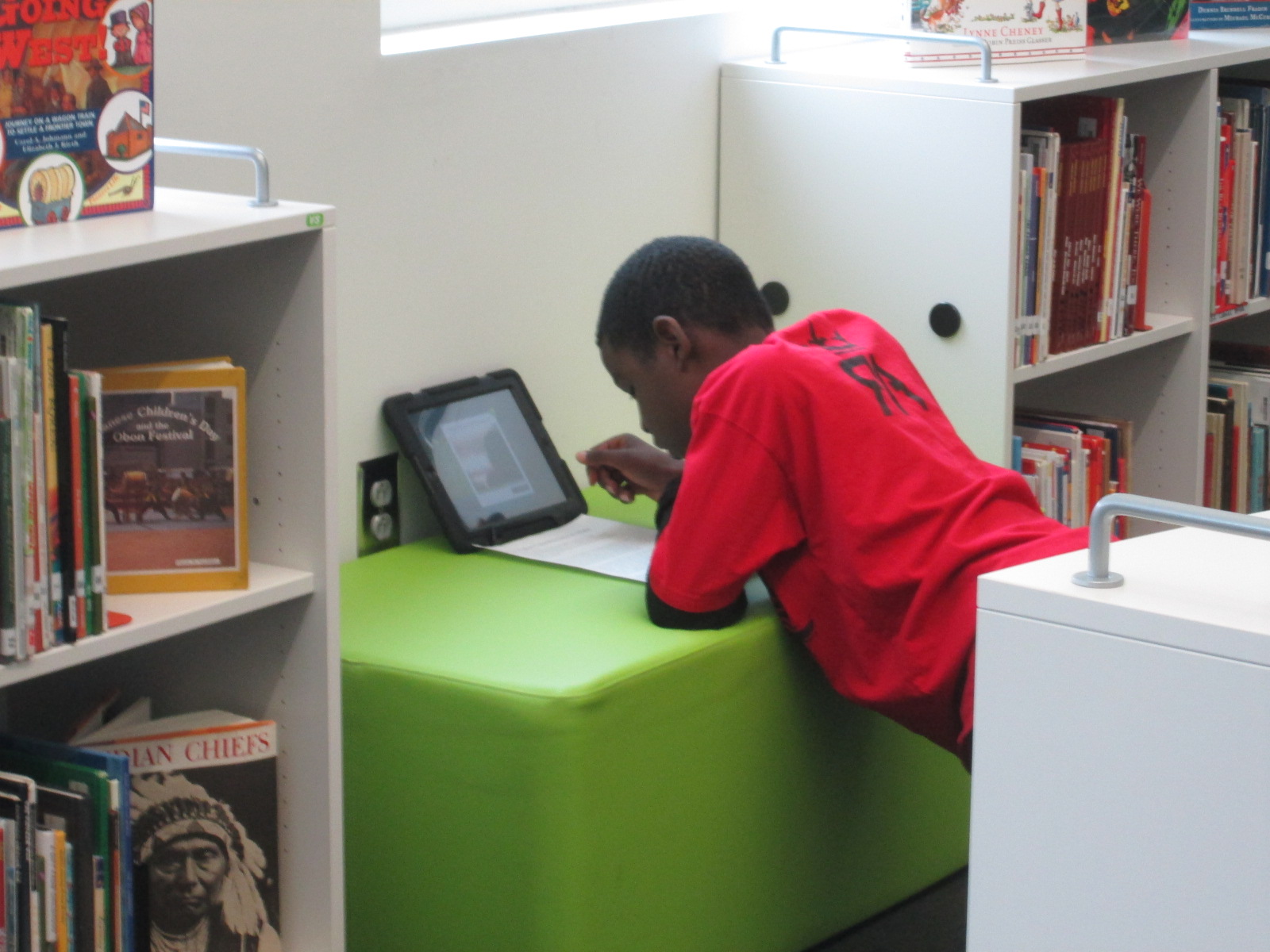
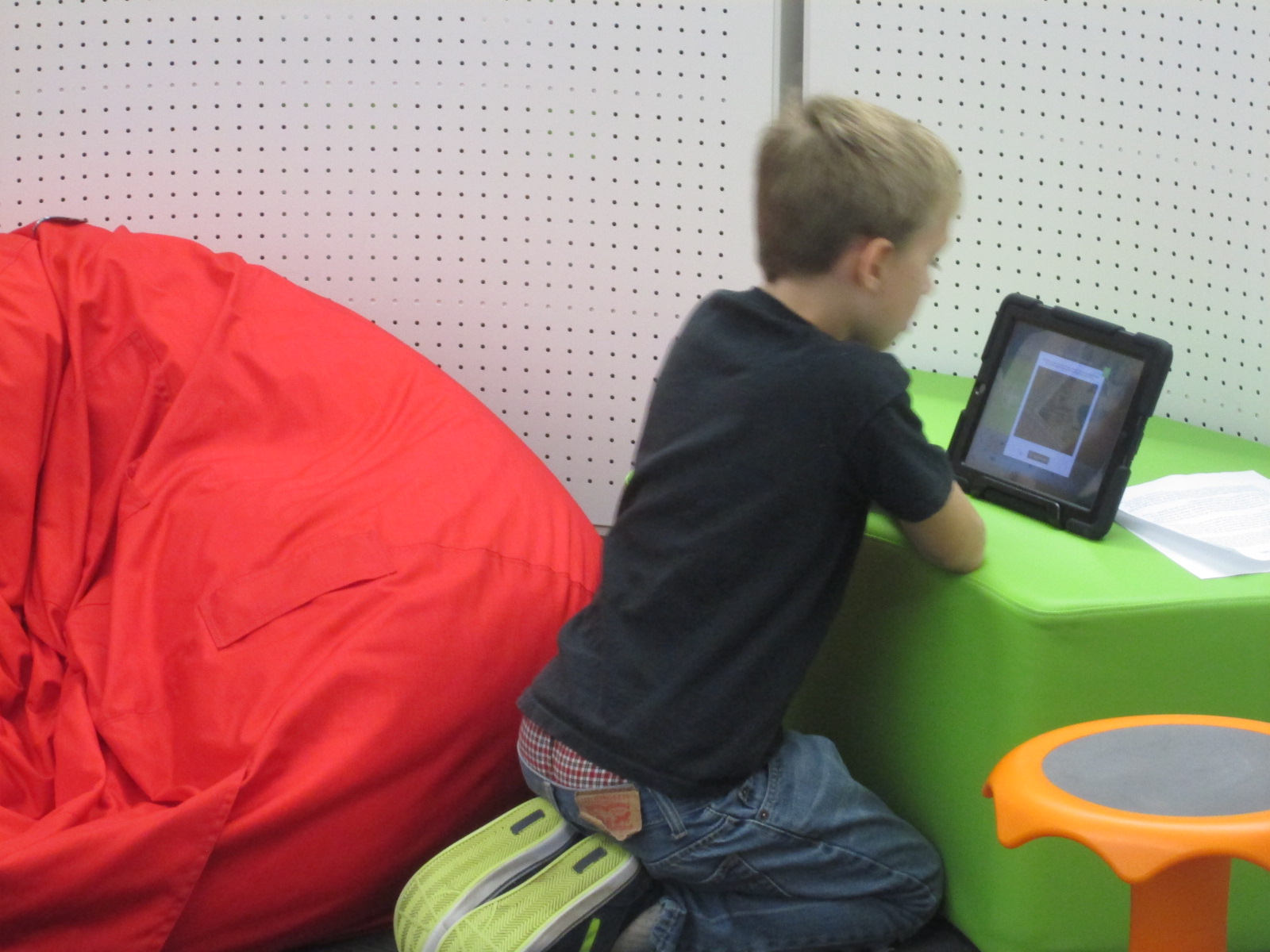
PreK has 5 iPads in each classroom.  Students have a variety of word apps that they can use at their own center time in class, so they are used to using these apps independently.  This made the perfect independent center since we didn’t have 5 adults.  Students sat on the bean bags by the windows and used the iPads by themselves for the 10 minutes of this center.

I think many times people think that our younger students can’t use technology or they are unsure of what to do with younger students.  I love giving things a go and seeing what happens.  We were amazed by students’ engagement and excitement today.  Some asked, “Can we do this every day?”  That was a sure sign of success.  When working with younger students, you have to think about what your barriers might be.  For us, we wanted smaller groups in order to have more adult support if needed.  We also wanted smaller groups so that students wouldn’t be waiting around since we only have 1 Sphero and 3 Osmos.  Using the teacher, parapro, parent volunteer, and me helped to make this possible.  You might have a different barrier, but I hope that you will consider what you might leap into with your youngest learners in your building.

We Need You to Vote on Whether these Explorers are Heroes or Villains!

IMG_4397

Fourth grade has been hard at work.  They have been researching multiple explorers in their social studies standards and considering whether those explorers are heroes or villains.  It all started with a lesson in the library using a video about Christopher Columbus, Encounter by Jane Yolen, and Tagxedo.

IMG_4399

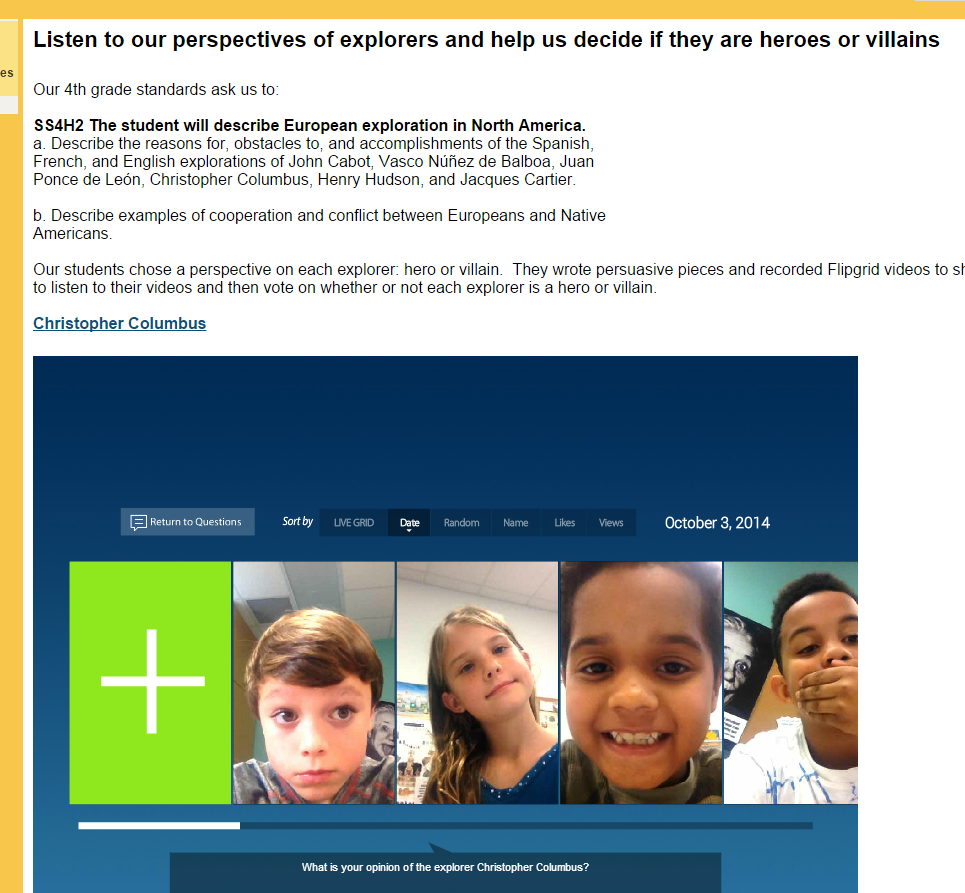
After that, students selected an explorer and began their research.  They took their information and used that to write a persuasive piece convincing an audience that their explorer is a hero or villain.  They used Flipgrid to record themselves reading their persuasive piece.  All of the Flipgrid videos are housed on an Google Site for easy access and each explorer has a Google form voting tool to indicated whether that explorer is a hero or a villain.

IMG_4398

Now, this is where you come in!  We need you to watch our videos and vote on our heroes or villains.  You can choose an explorer and spend some time on that one explorer or you can watch them all!  You can share this project with other classrooms or educators and ask them to share.

If you choose to do this with a class, we would love to hear about it!  You can tweet pictures or comments to @plemmonsa  Most importantly we want you to vote and share.


Soon after our Thanksgiving break, we will take a look at the results and most likely connect with our friends at Flipgrid to talk about coding and our project’s reach.

We hope that our project makes you think about the many perspectives in our world’s history and that you enjoy hearing our voices.

Barrow Explorers

Click here to access our Explorer Google Site!  Tip:  If you are in Google Chrome, you will need to click on the shield in your address bar to load the “unsafe script”. This will show you the embedded grids.  Otherwise, just click on the link on each explorer’s name to access the Flipgrid on a separate page.  Feel free to “like” student videos by clicking the hearts, but don’t forget to vote on the Google forms on our site.

Writing Folktales with Puppet Pals

IMG_4418 IMG_4416

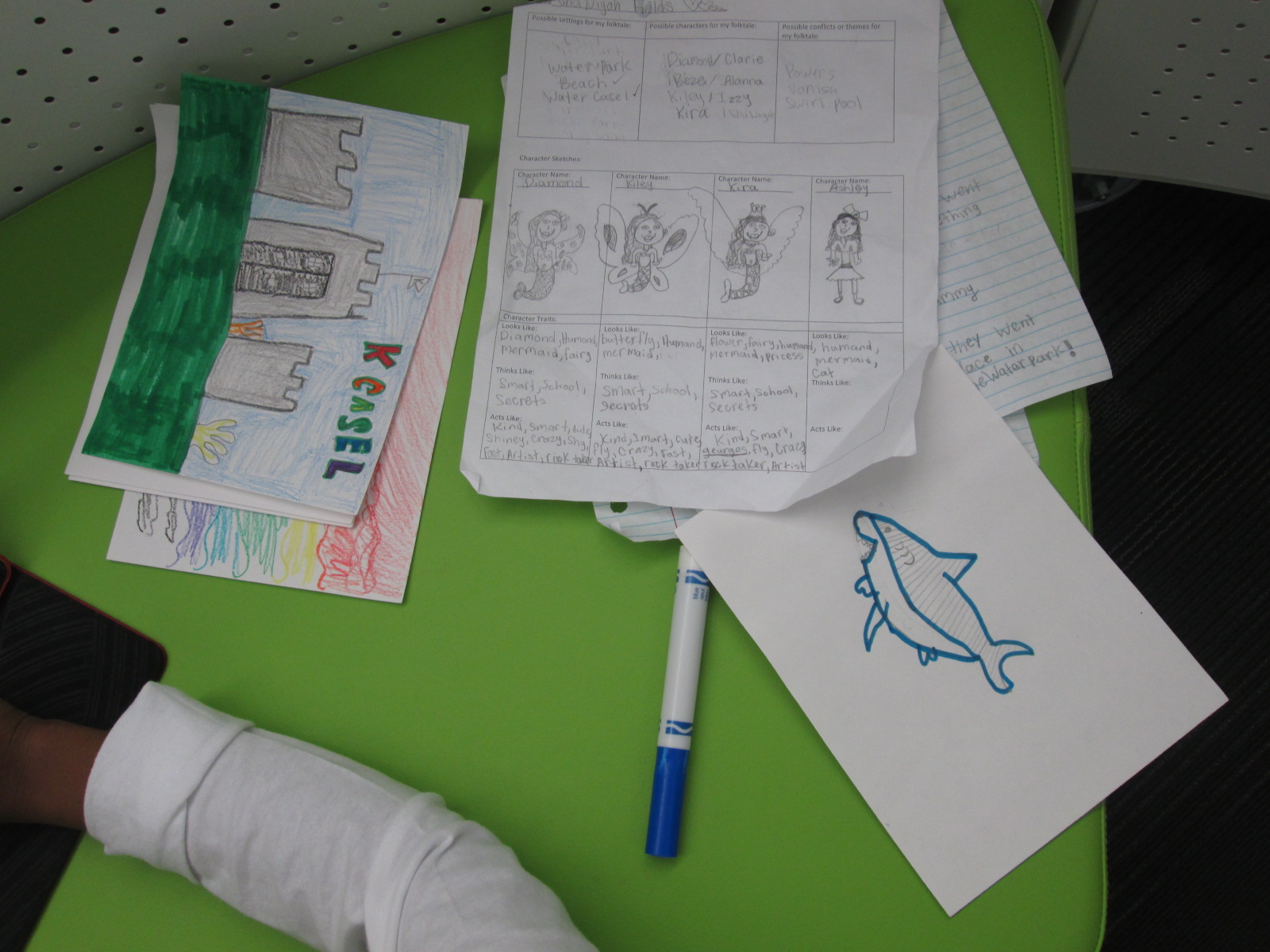
A few weeks ago, I introduced the iPad app, Puppet Pals, to 3rd grade through a tinkering lesson connected with an author study.  After that lesson, the teachers and I started planning an extension of their folktale unit using this app.  Each class chose a folktale to read multiple version of such as Cinderella, Goldilocks, Three Little Pigs, etc.  Then, students wrote their own story using some of the elements that they had noticed in their study of folktales.  In art, students designed characters and settings for the stories that they wrote in writing time.

IMG_4419

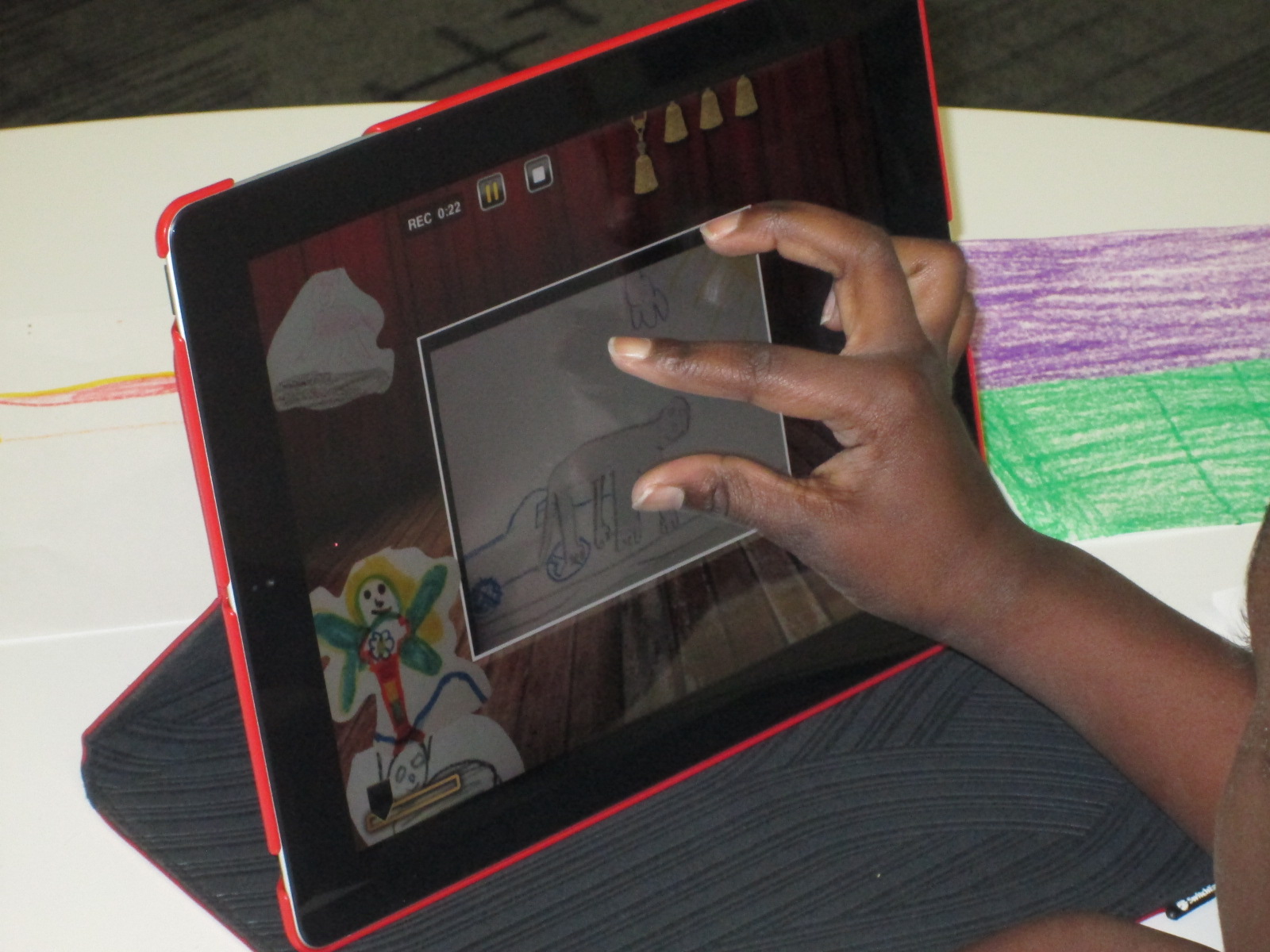
Puppet Pals HD is a free app, but if you upgrade the app for $4.99, you have access to so many more features.  My favorite feature is the ability to take photographs of anything and turn it into a character or a setting for your story.  Students used their artwork from art to create the characters and settings in the app.  From there, students took their script and recorded their folktales.  Some students had multiple characters and settings, so it was nice that they could pause the recording to switch out settings or characters.

IMG_4420

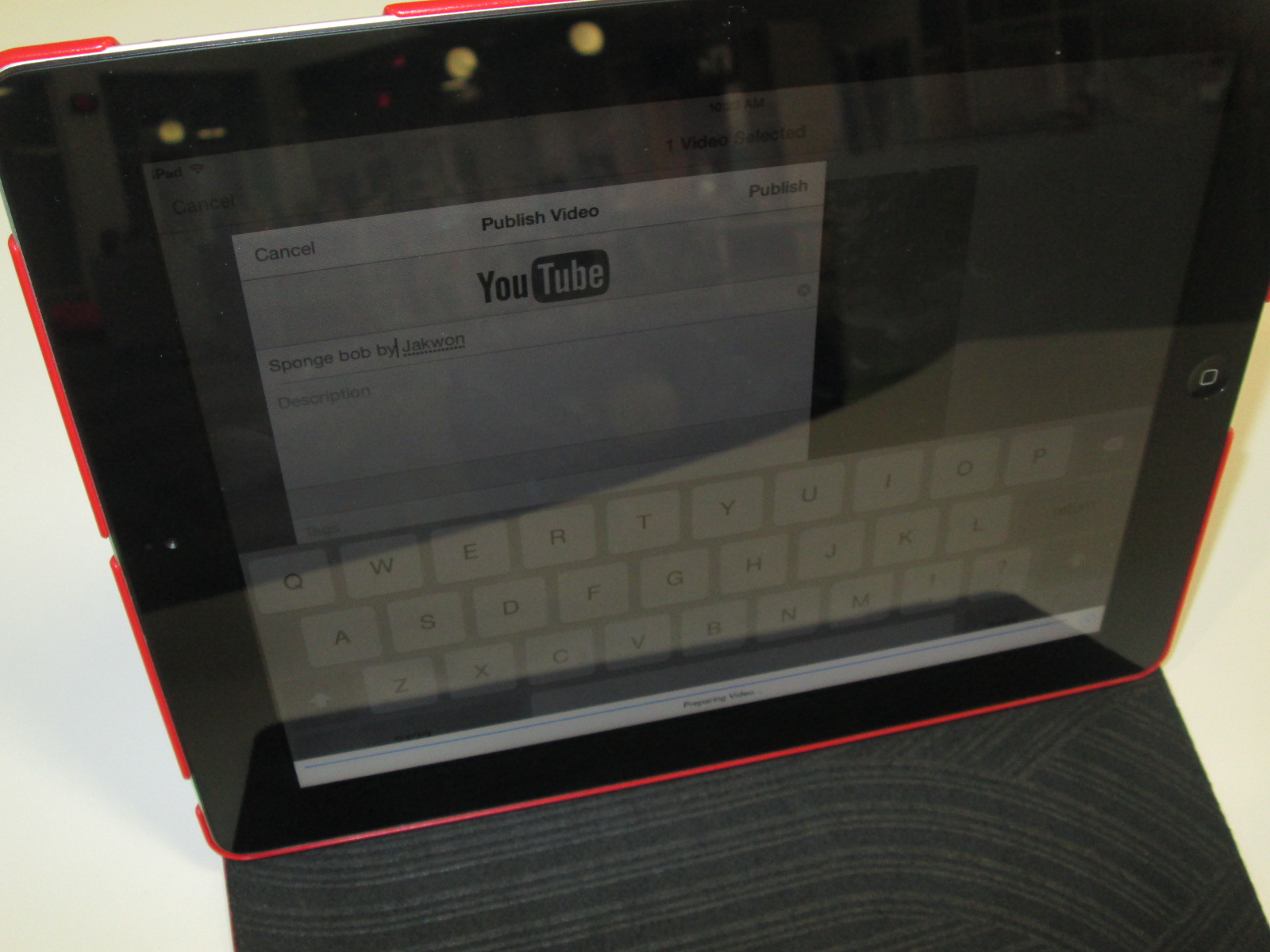
Once the recordings were done, we exported them to the camera roll and uploaded them to Youtube.  The app does allow you to name each story, but it doesn’t transfer the name into the camera roll.  I wish we had done the Youtube upload as part of recording because I couldn’t tell which story belonged to which student.  For now, all of the stories are just called “Puppet Pals” in Youtube. We’ll go back later and add the student titles and names.

IMG_4416 IMG_4415 IMG_4414

3rd Grade Environmental Projects with Flipgrid, Story Me, and Blackout Poetry

IMG_3405Third grade has been revisiting their environmental science standards at the end of this year.

S3L2. Students will recognize the effects of pollution and humans on the environment.
a. Explain the effects of pollution (such as littering) to the habitats of plants and
animals.
b. Identify ways to protect the environment.
• Conservation of resources
• Recycling of material


In the library, I pulled tons of environmental print books and made a pathfinder of ebooks, database resources, and websites around the environment.

IMG_3389

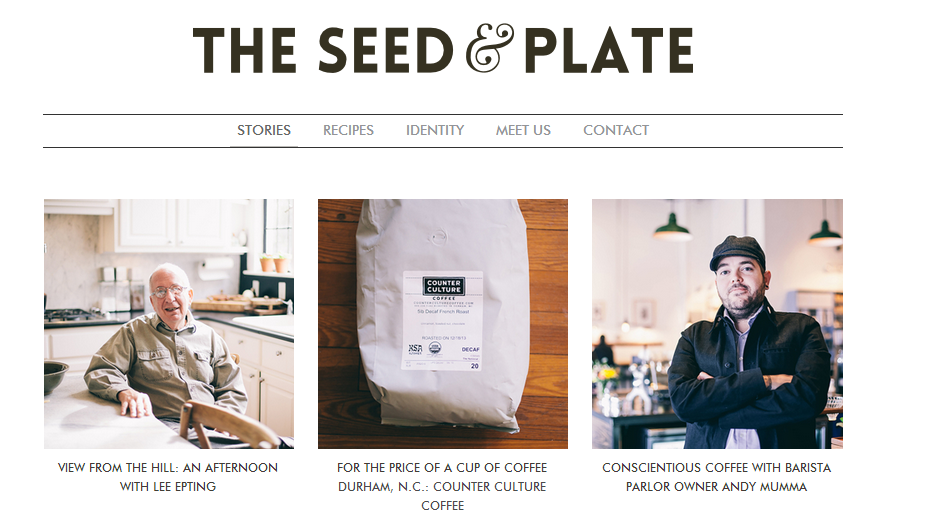
We’ve also had guest speakers from The Seed and Plate   What is The Seed and Plate?

We are an independent magazine in Athens, Ga. with a focus on food, farming and community in the Southeast. We hope to educate and inspire using our surroundings and the amazing people we’ve met along the way. We begin now as an online media publication, with an eye towards a print version in the future. Enjoy.

The Seed and Plate

The Seed and Plate has been fantastic because they have presented to the students several times on composting, community farming, and being friendly to our earth.  They have also supported students as they work on environmental projects and plan to give our students an outlet for publishing their work.

We’ve also hosted the Athens Clarke County Recycling Department to talk to the students about composting.  Students have been using compost bins and paying attention to the amount of food that is being thrown away in our cafeteria.  Since students are watching this closely, they are really starting to think about what we can do as a school to be friendly to our Earth.

IMG_3404

After our exploration of print and digital resources as well as our guest speakers, I sent all of the resources into classrooms for students to continue using. Students chose a focus area to learn more about.  Then, they came back to the library to learn about 3 options for final projects during the last week of school.

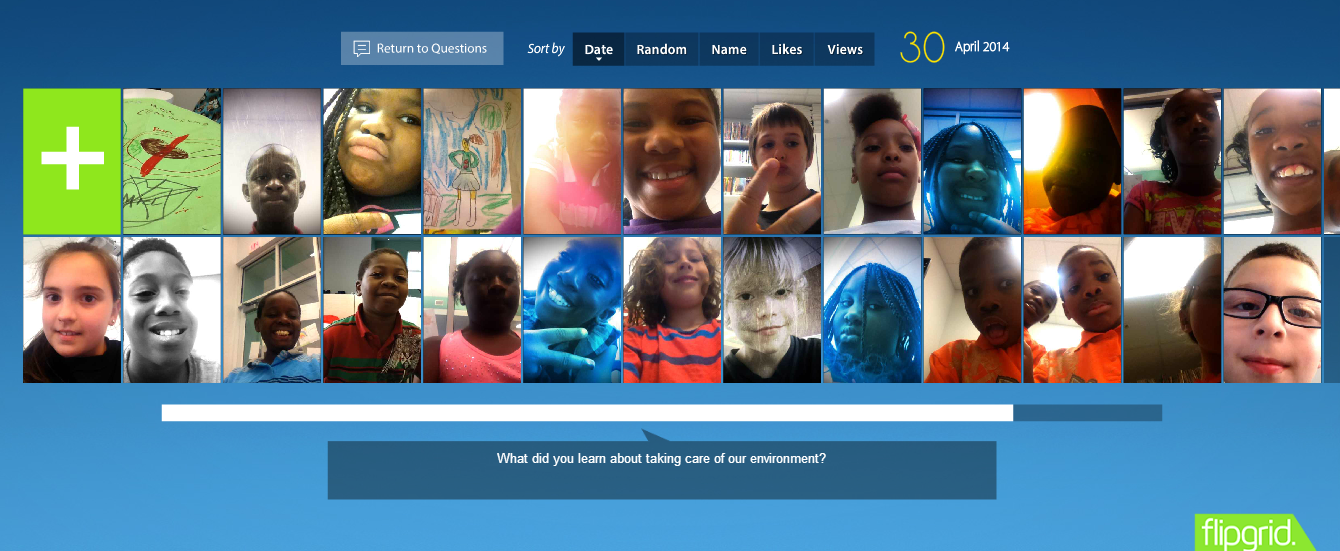
Option 1: Students could write a script with or without props and record it on our environmental Flipgrid.

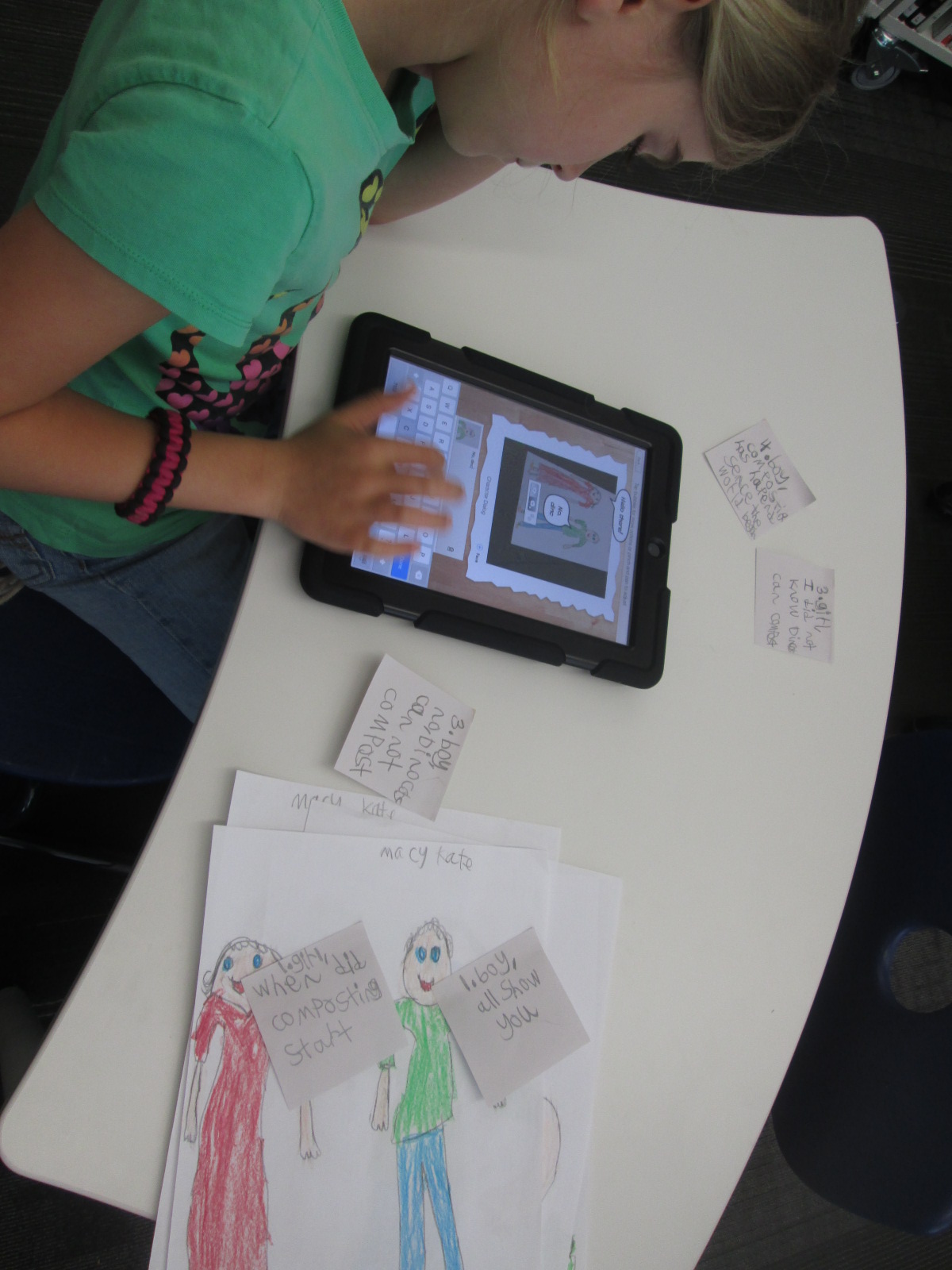
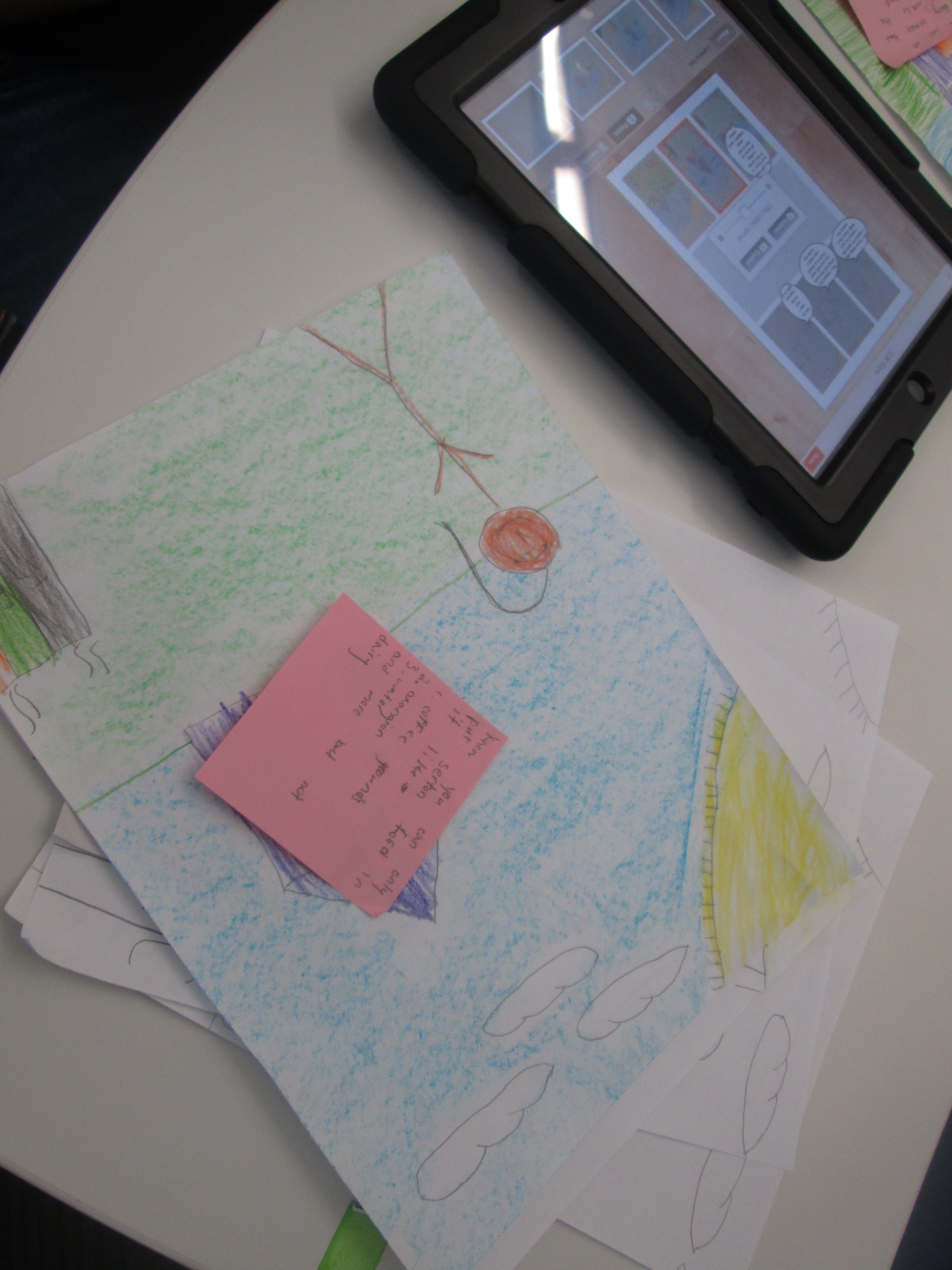
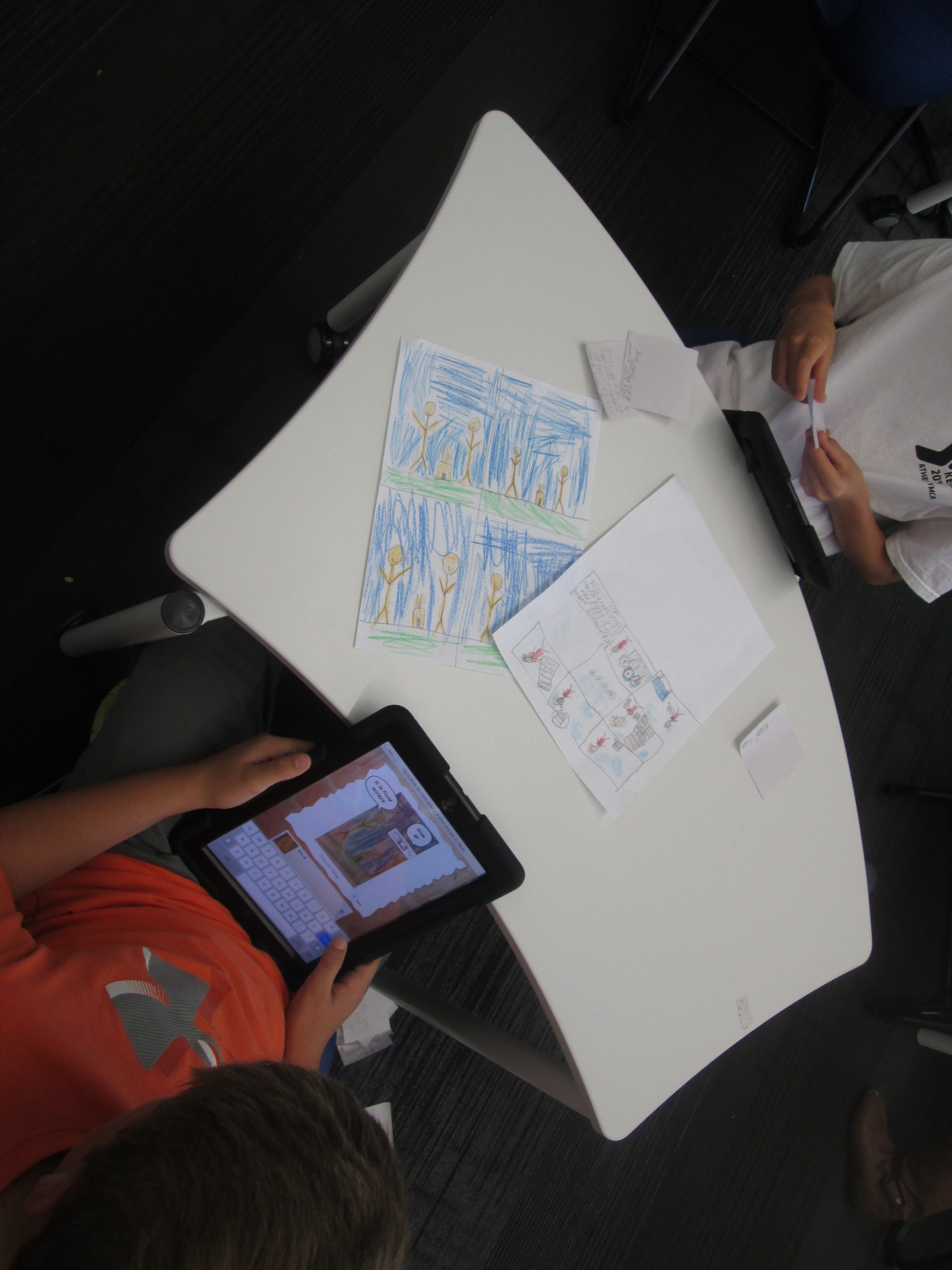
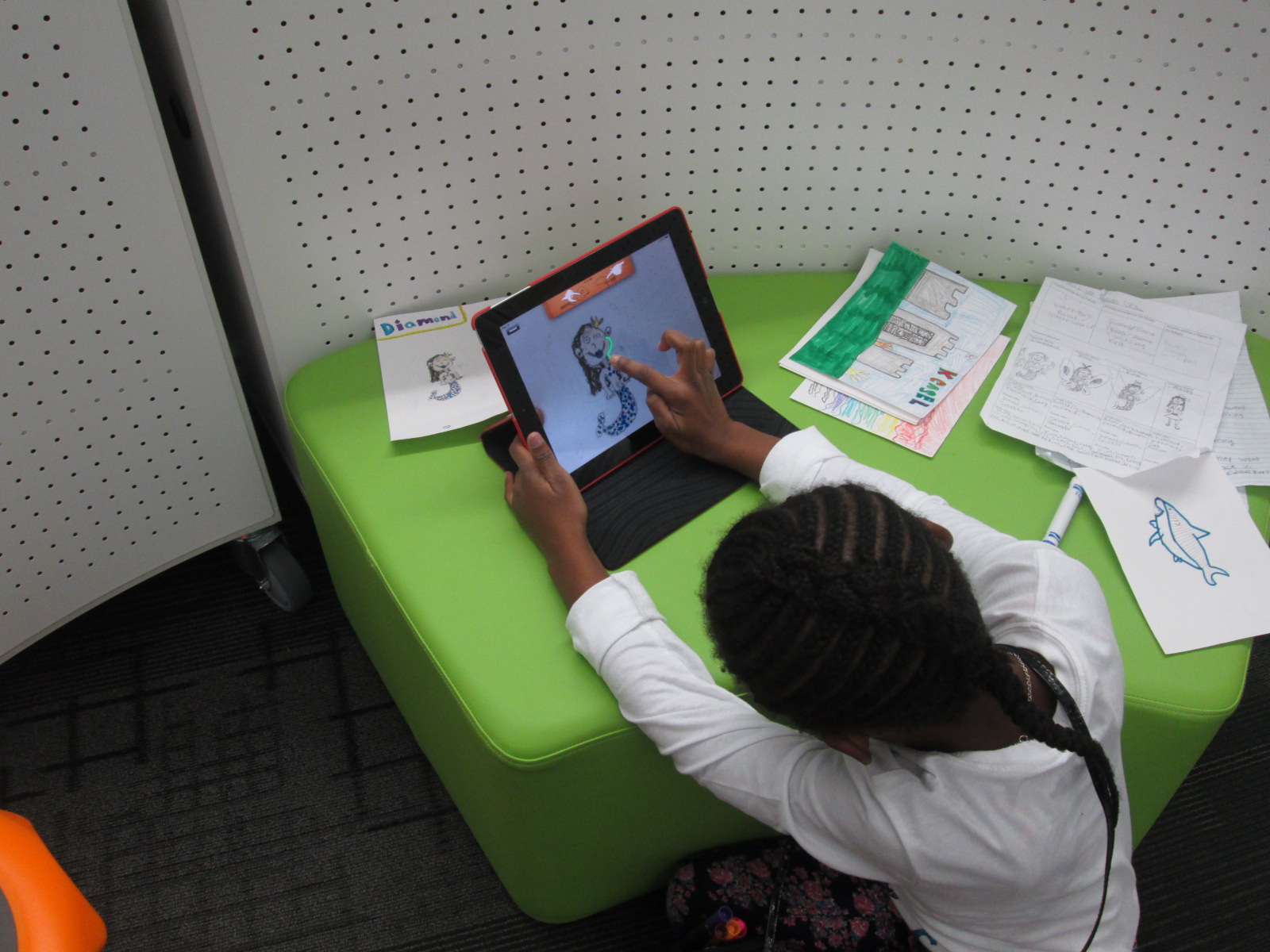
Option 2: Students could use the Story Me app on the iPad to create a comic strip about their chosen topic.

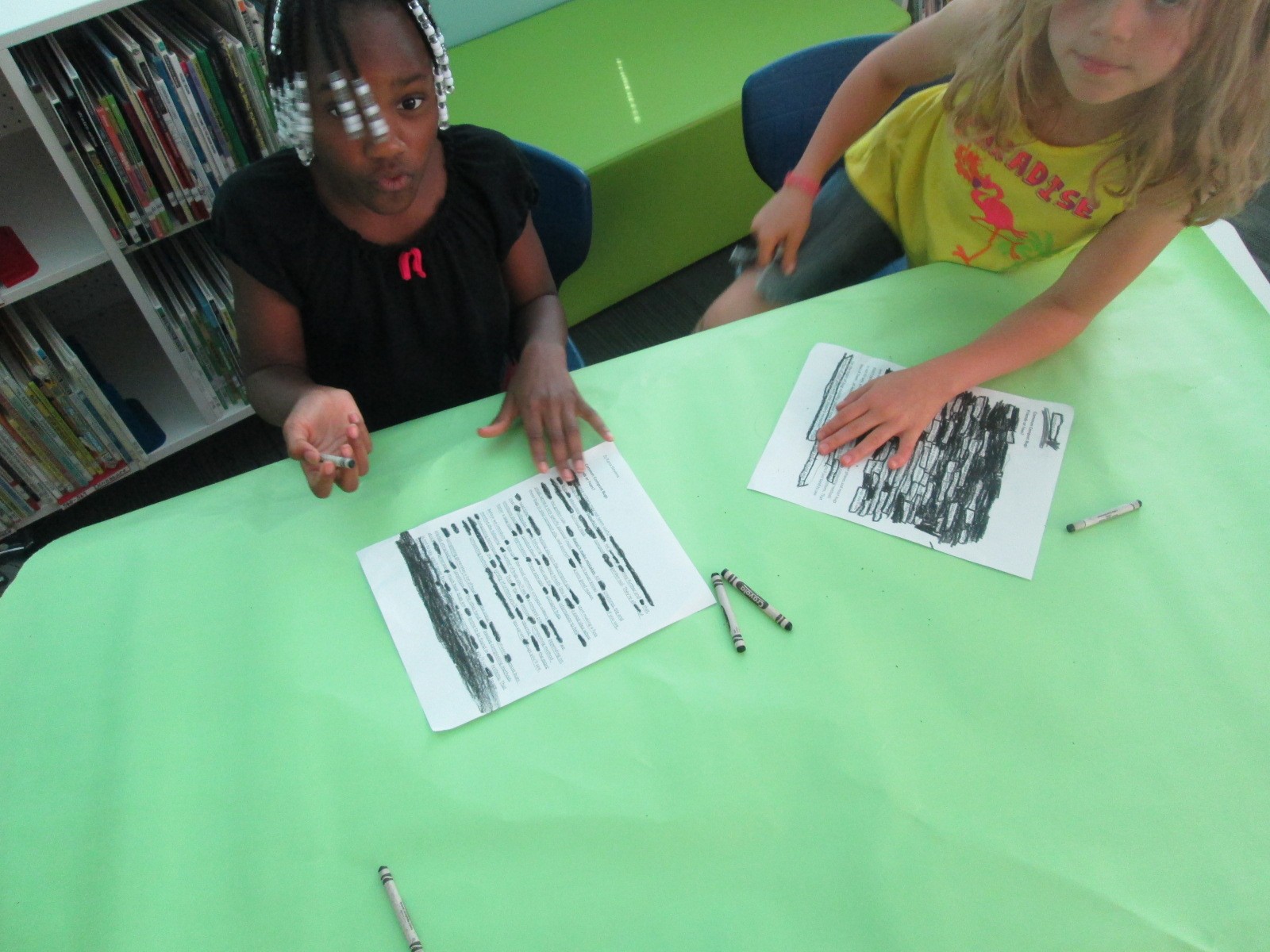
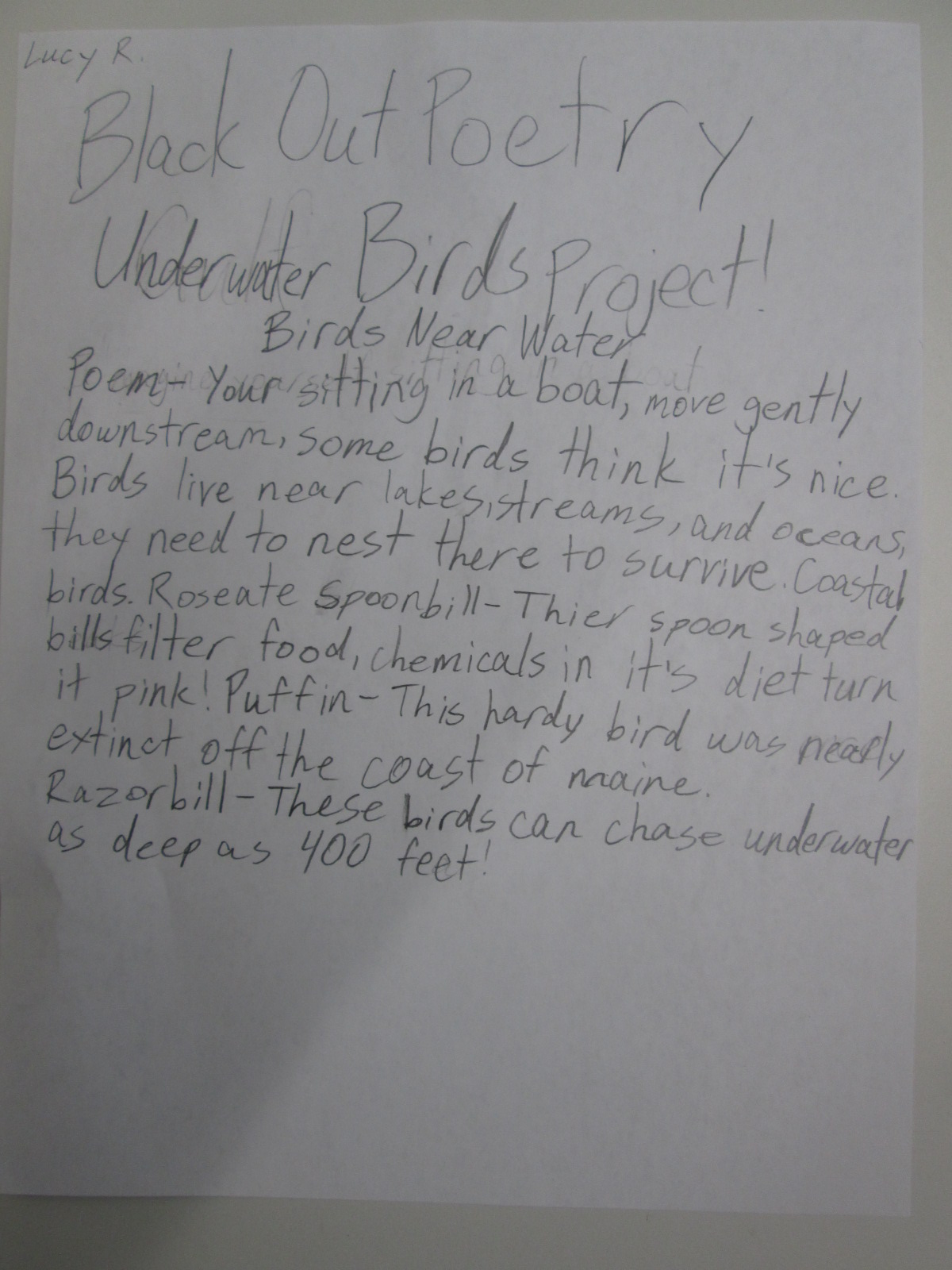
Option 3: Students could create a blackout poem using text from a web resource or a copied page from an environmental book.

As I shared each option with students, I let them know what they would need to prepare in order to create their final product in one work session.  For Flipgrid, students would need their scripts and prop.  For Story Me, students would need drawings that they wanted to include in their comic and possible text that would go into speech bubbles written on post it notes.  For blackout poetry, students needed to print the page from the web or have teachers copy a page from a book to use.  Students spent 2 days in class preparing their materials.

IMG_3397

Today, students came to the library with their materials ready.  I gave one more quick overview of the projects and we designated areas for record, areas for coloring for blackout poetry, and areas for spreading out to take photographs for Story Me.  The classroom teacher, Natalie Hicks (spectrum teacher), folks from The Seed and Plate, and I all walked around and helped students think through the process of creating their product.
IMG_3399

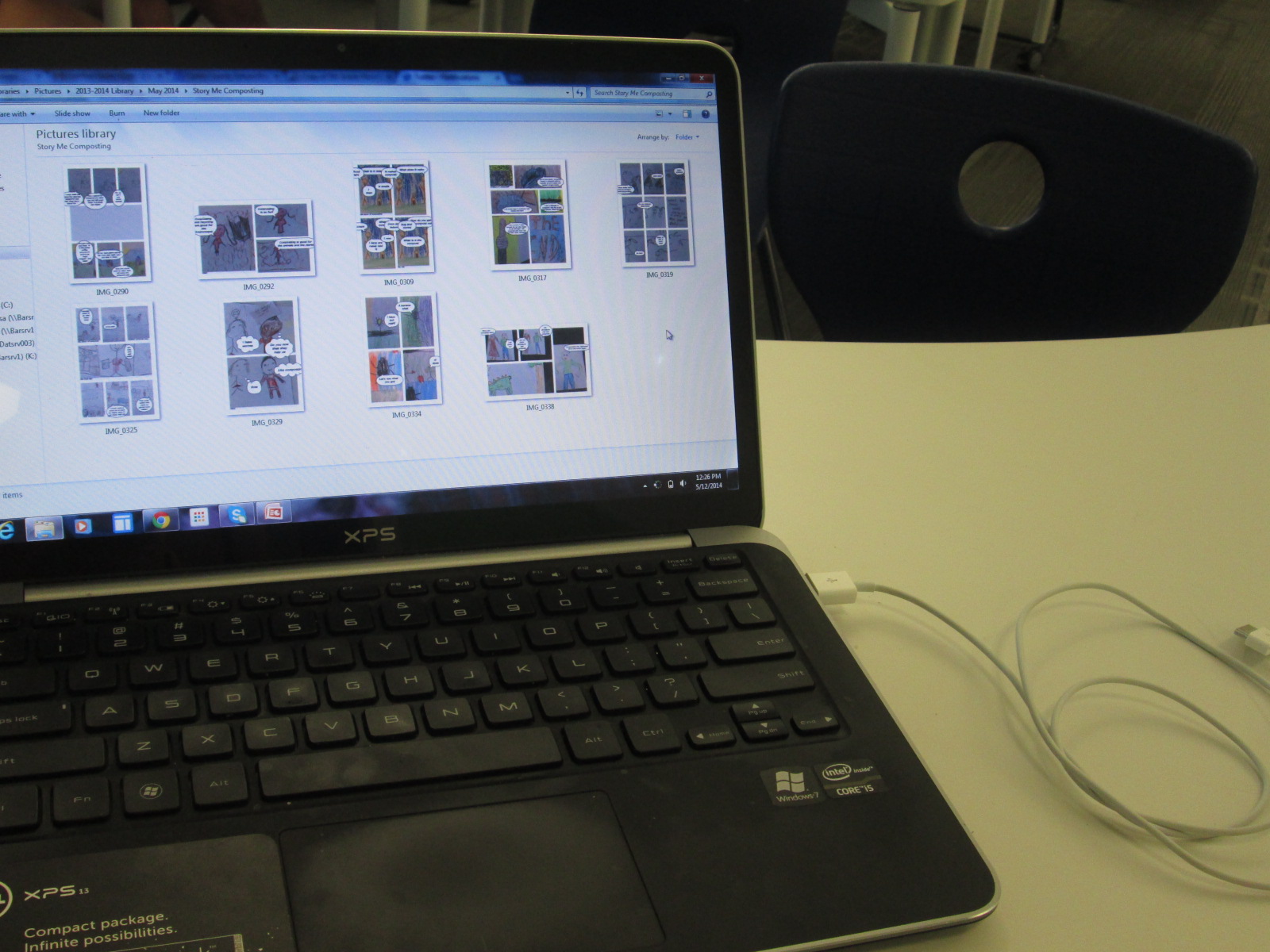
Eventually, I stopped roaming around so that I could focus on collecting work from students.  Each Story Me comic was saved to the camera roll on the iPad and then downloaded to a folder on my computer. Each blackout poem was photographed and downloaded to a separate folder.  Flipgrids were automatically added to the online grid as students submitted.

IMG_3388

The students were truly prepared when they came to the library today. This allowed them to really focus on putting together their final product rather than focus on trying to create all of the content.  Students supported one another and adults were able to focus on students who needed extra support.
IMG_3391 IMG_3392

Now our work is ready to show to the world.  We’re sharing it all with our new friends at The Seed and Plate to highlight on their website but we also have a gallery to share with you here.

IMG_3410

Flipgrid:

Flipgrid. Relax and discuss.

Blackout Poetry:

Story Me Comics:

Exploring Civil Rights through Blackout and Magnetic Poetry

IMG_30815th grade has a massive social studies curriculum.  It spans from the civil war all the way up to the present.  One of the things that they have been doing for the past 2 years that I love is using Christopher Paul Curtis’s books to tie in to the curriculum.  They start with Elijah of Buxton, move to Bud Not Buddy, and finish with the Watsons Go to Birmingham 1963.

IMG_3067

The civil rights movement is where they have been spending a lot of time recently, so the teacher emailed me to see what we might do in the library to focus on this time period in her language arts class. The standards they are working on are:

SS5H8 The student will describe the importance of key people, events, and developments between 1950-1975.

b. Explain the key events and people of the Civil Rights movement; include Brown v. Board of Education (1954), the Montgomery Bus Boycott, the March on Washington, Civil Rights Act, Voting Rights Act, and civil rights activities of Thurgood Marshall, Rosa Parks, and Martin Luther King, Jr.

IMG_3065

Since it’s poetry month, I wanted to pull poetry into our time together, and I knew that 5th graders would be able to handle some complex text and concepts.

IMG_3064

Just like with 3rd grade, we read Freedom Summer by Deborah Wiles, but their background information was much deeper than what 3rd graders knew.  They had connections and stories to share about the riots and peaceful marches that took place during the civil rights movement.  It was the perfect opportunity for me to also pull in Revolution by Deborah Wiles.  This book doesn’t publish until May 27th, but I have an advance reader’s copy from the Texas Library Association Conference.  I was able to show them some of the speeches, music, advertisements, etc from the time period to accompany the picture book, Freedom Summer. 


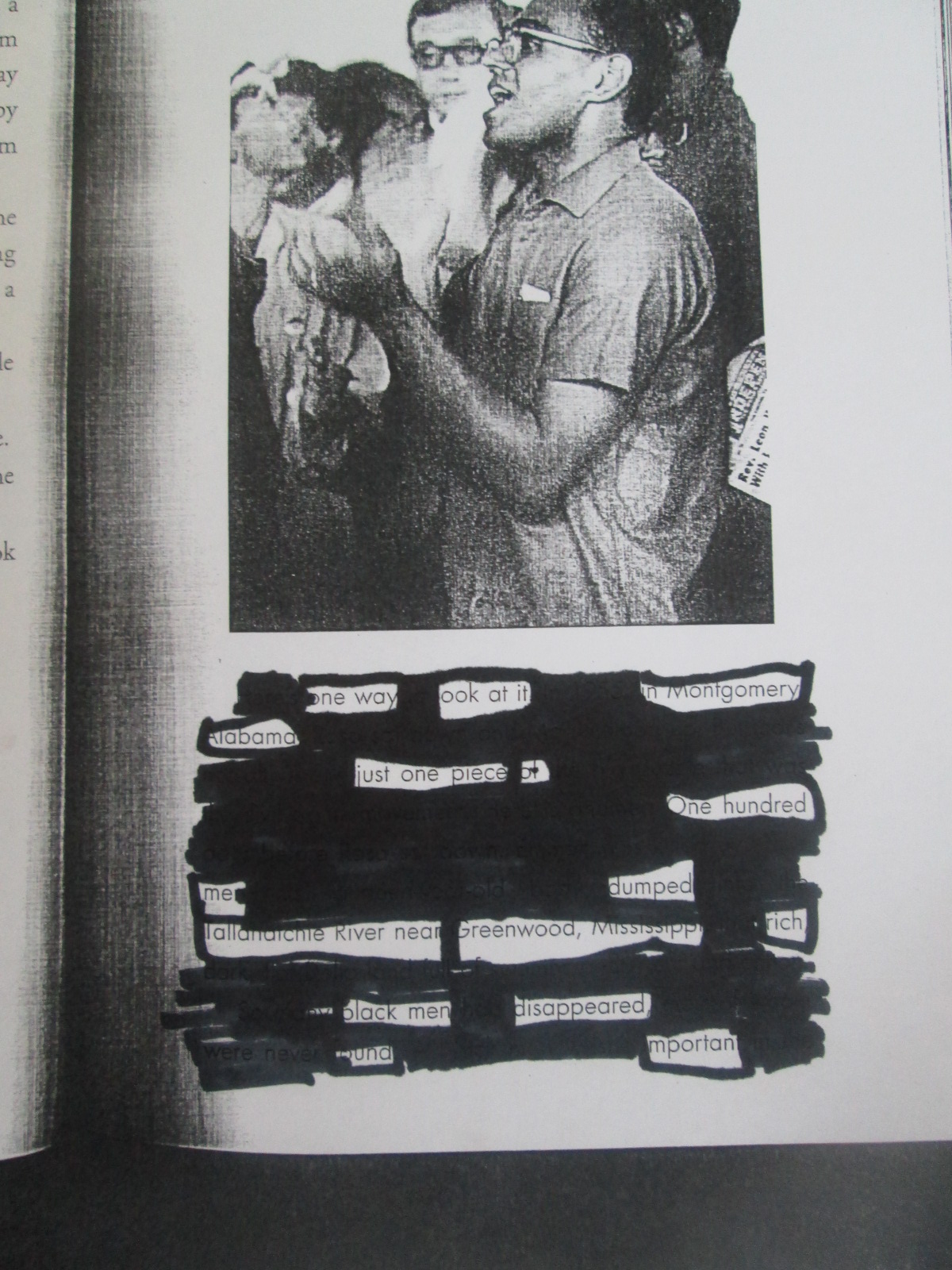
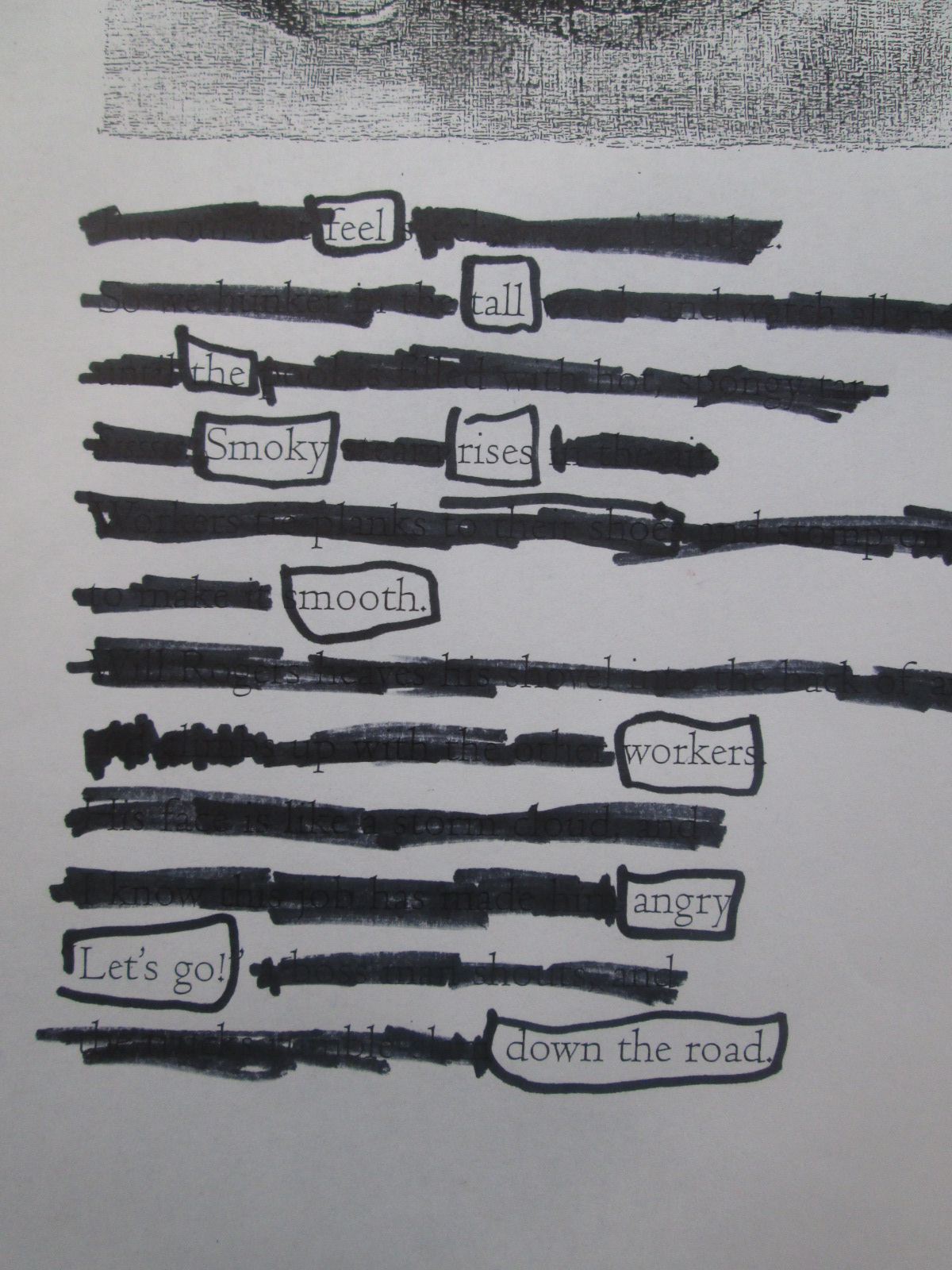
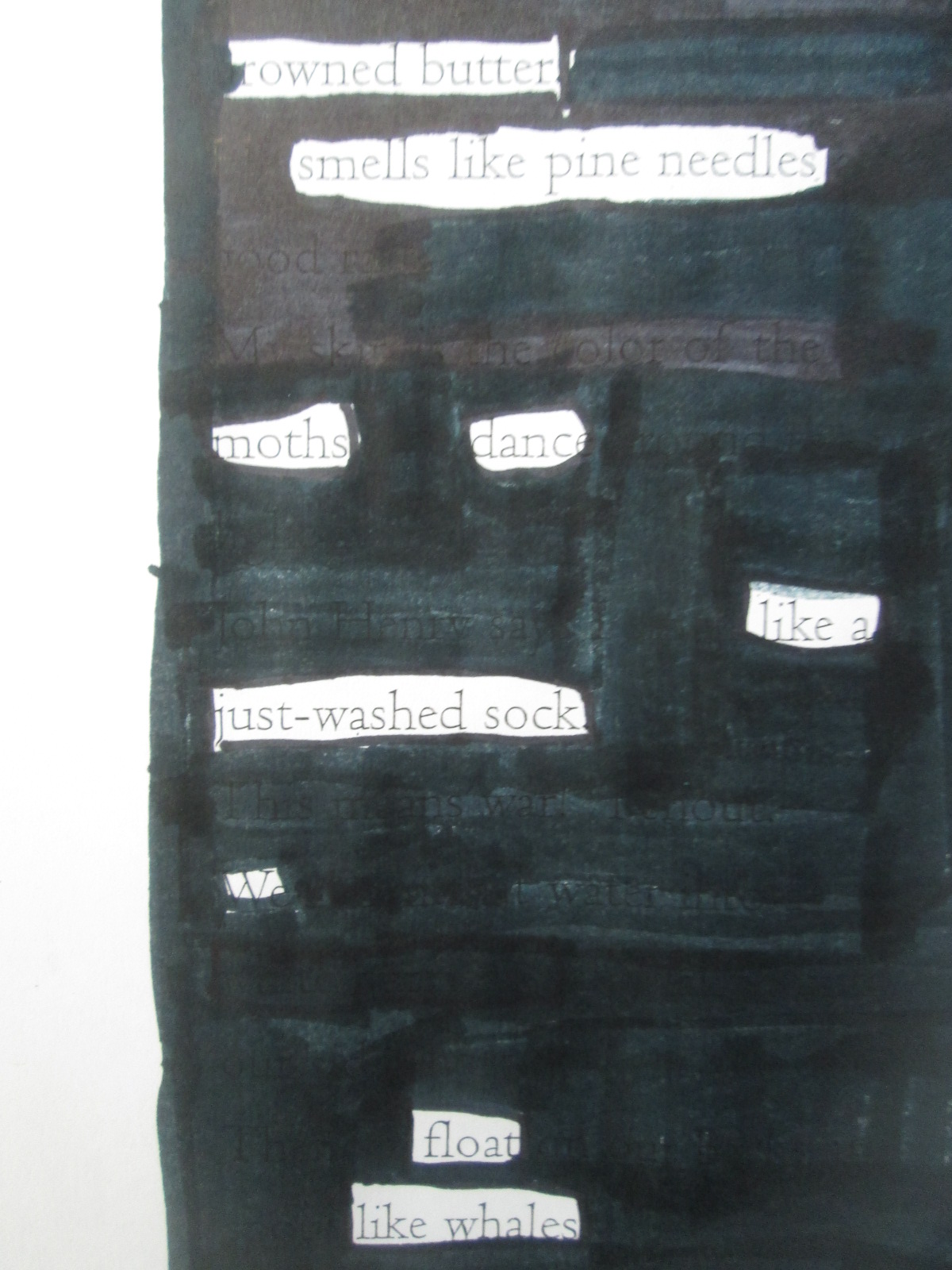
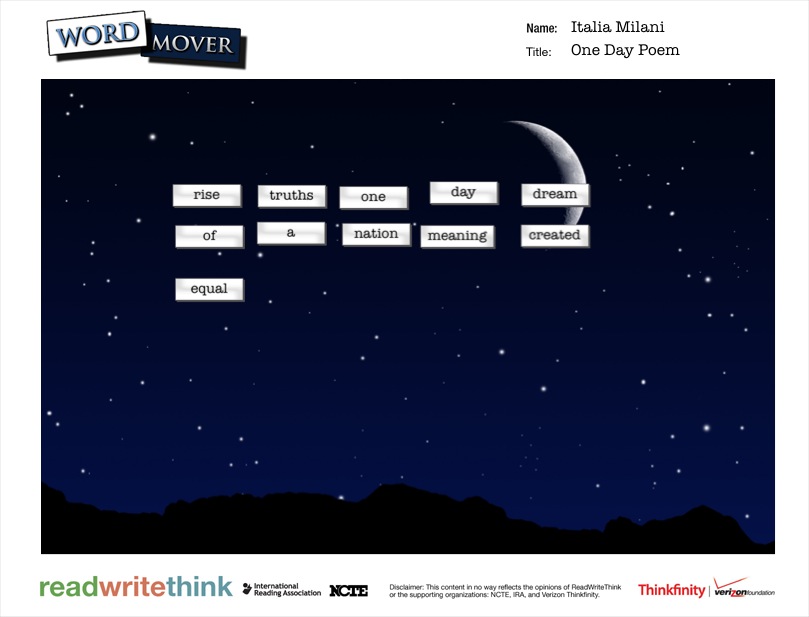
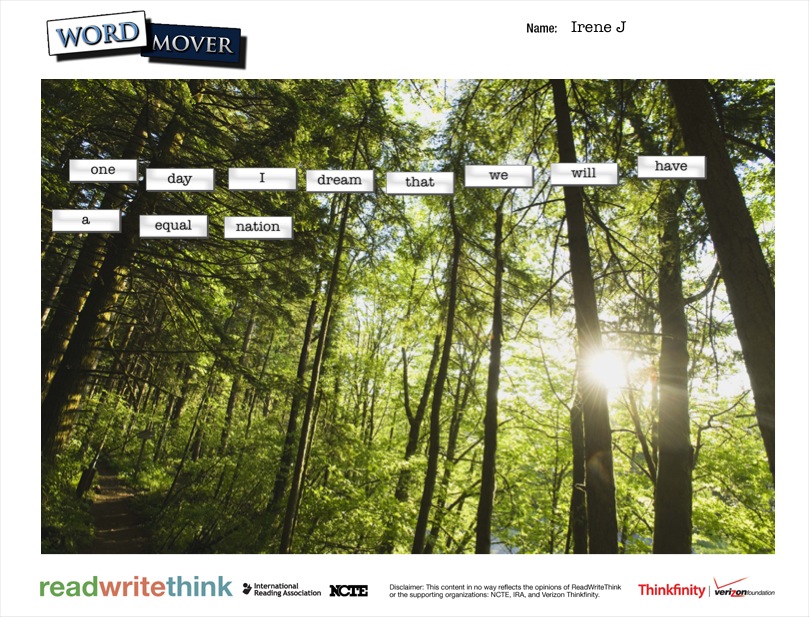
For poetry, the 5th graders created 2 kinds of found poetry.  They used the Word Mover app on the iPad to create magnetic poetry.  The app has a word bank that is words from Dr. Martin Luther King Jr.’s I Have a Dream speech.  They also used pages from Freedom Summer and a couple of pages from Revolution to create blackout poetry.

Searching for Poetry in Prose   NYTimes.com

This time for blackout poetry, we used the New York Times interactive site to create blackout poetry together.  The site makes it very easy to select & deselect words from articles to create 15-word blackout poems.  We did an example together on the board.  The teacher also helped demonstrate how to mark words on their own paper by putting boxes around words in the NY Times article on the board.

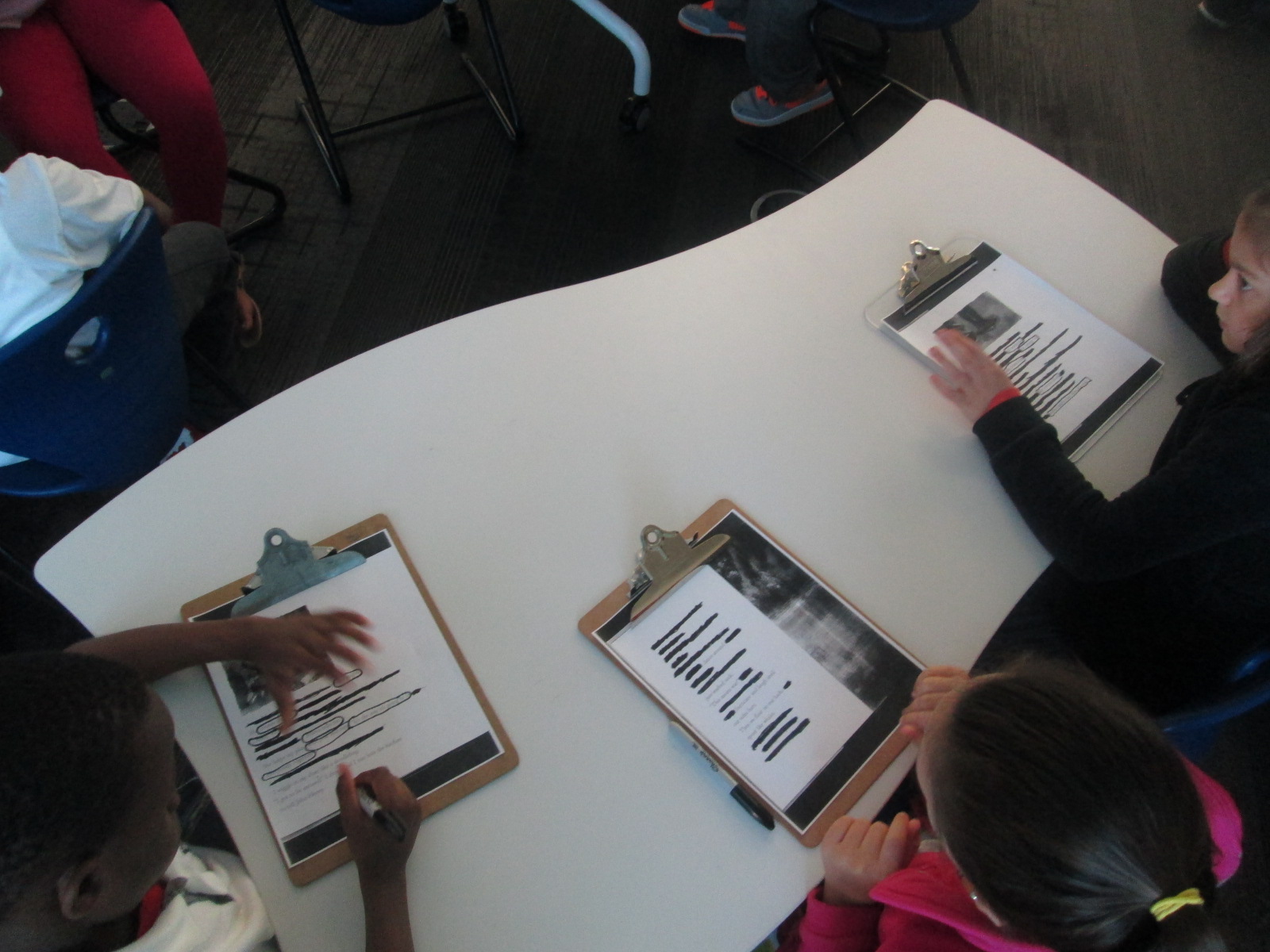
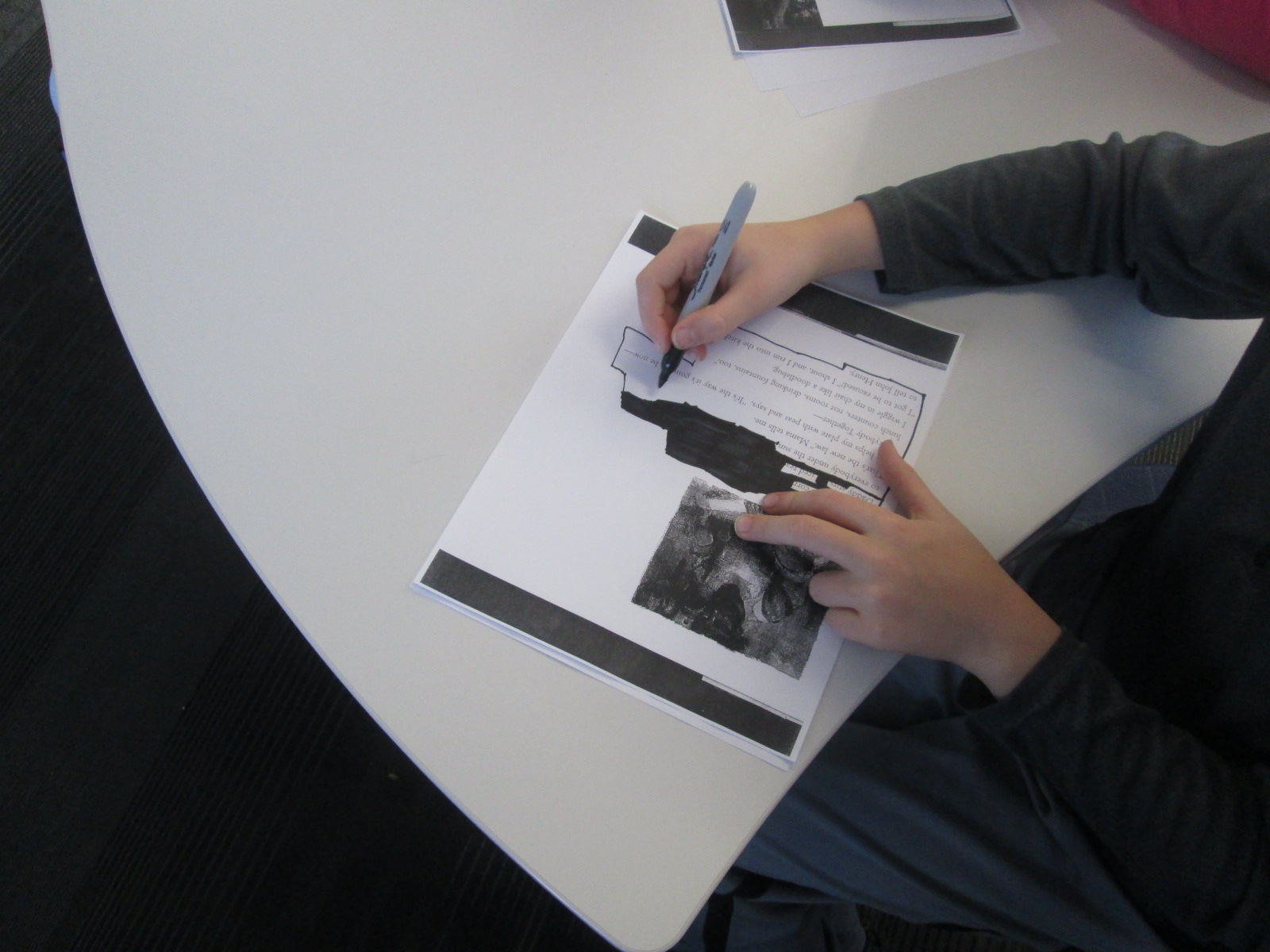
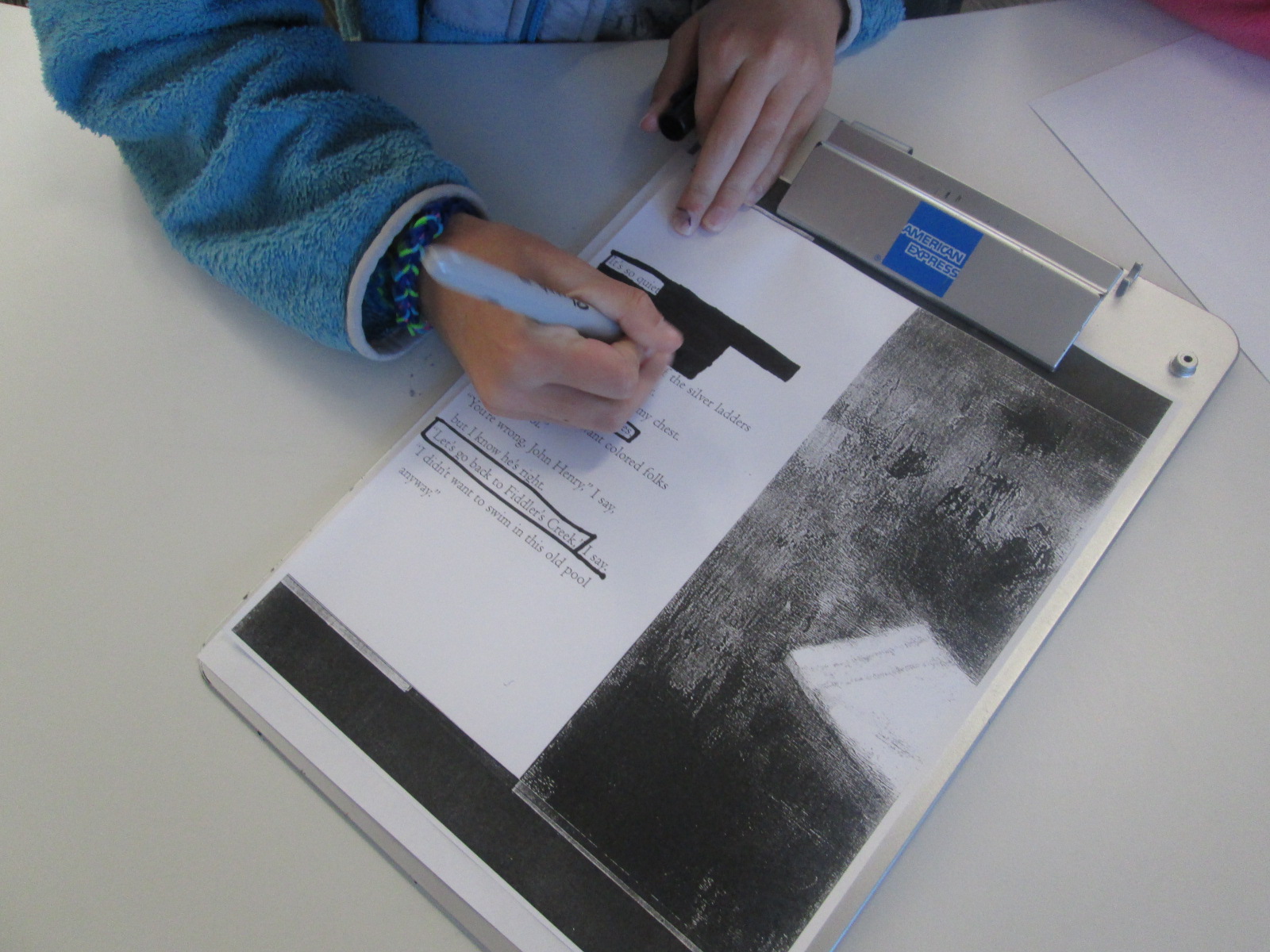
We found that a good first step for students in making blackout poetry is to read or skim the page and then put boxes around words or phrases that stand out.  Once you are sure of the words you want in your poem, then you blackout the rest of the page.  Modeling this on the board was important today.  We had very few students in 3 classes who needed to start over.

IMG_3066

I randomly gave students pages  from the books and they started the process.  For the most part, it was a very quiet process.  Students methodically chose their words and then quietly shared their work at their tables.  A few students paired up to help each other decide on words and phrases.

As students finished their blackout poems, they grabbed an iPad and created their Word Mover poems.  Just like with 2nd grade, most students arranged their words into solid sentences rather than shaping them up like a poem.  If time allowed, I conference with students and they went back into their poem to shape it into line breaks.

IMG_3079


Almost every poem was a reflective synthesis of student understanding about events of the civil rights movement and freedom summer.  Some students had some humorous twists to their poems, but most were solemn, serious, and reflective.

Take a look at their gallery.  Just like Revolution immerses us in the time period through story, music, advertisements, speeches, and other documentary pieces, the student poetry immersed us in the positive and negative feelings of the civil rights movement and freedom summer through multiple perspectives.

IMG_3096

IMG_3095

IMG_3094

IMG_3093

IMG_3091

IMG_3090

IMG_3089

IMG_3087

IMG_3082

IMG_3083

IMG_3084

IMG_3085

IMG_3086

IMG_3073

IMG_3071

IMG_3077

IMG_3075

IMG_3057

IMG_3055


IMG_0290


dream

dream (4)

dream (5)

dream (6)

dream (7)

dream (3)

dream (2)


Using Freedom Summer to Create Blackout Poetry

blackout poetry (14)In third grade, students learn about civil rights through the standard:

SS3H2 The student will discuss the lives of Americans who expanded people’s
rights and freedoms in a democracy.

Students specifically learn about Mary McLeod Bethune, Frederick Douglas, and Thurgood Marshall.  When these students get to 5th grade, they will spend a larger amount of time studying the civil rights movement, but I thought this would be a good time to explore some text that connected with their current understanding of civil rights.

Students spent a small amount of time sharing what they currently understand about segregation and civil rights.  They brought up things like drinking from separate fountains, riding in the back of the bus, and holding boycotts of the transportation system.

blackout poetry (13)

Then, we read Freedom Summer by Deborah Wiles.  Students immediately noticed the connections to their own understanding of segregation as the 2 main characters could not do the same things together.  They were shocked when they got to the part in the story where the two boys couldn’t go to the pool because it was closed and filled in with asphalt.  The students used words like unfair, lunatics, and furious when describing their feelings and the idea of closing things rather than follow the law.

blackout poetry (12)

After discussing the book, I showed them how some artists and poets use text that they find in the world and turn it into something new.  Austin Kleon, in Austin Texas, is one of these writers and artists.  We looked at a few of his poems called “blackout poems”.  He takes pages from newspapers or other texts and blacks out all of the words on the page except for the words in the poem.

blackout poetry (2)

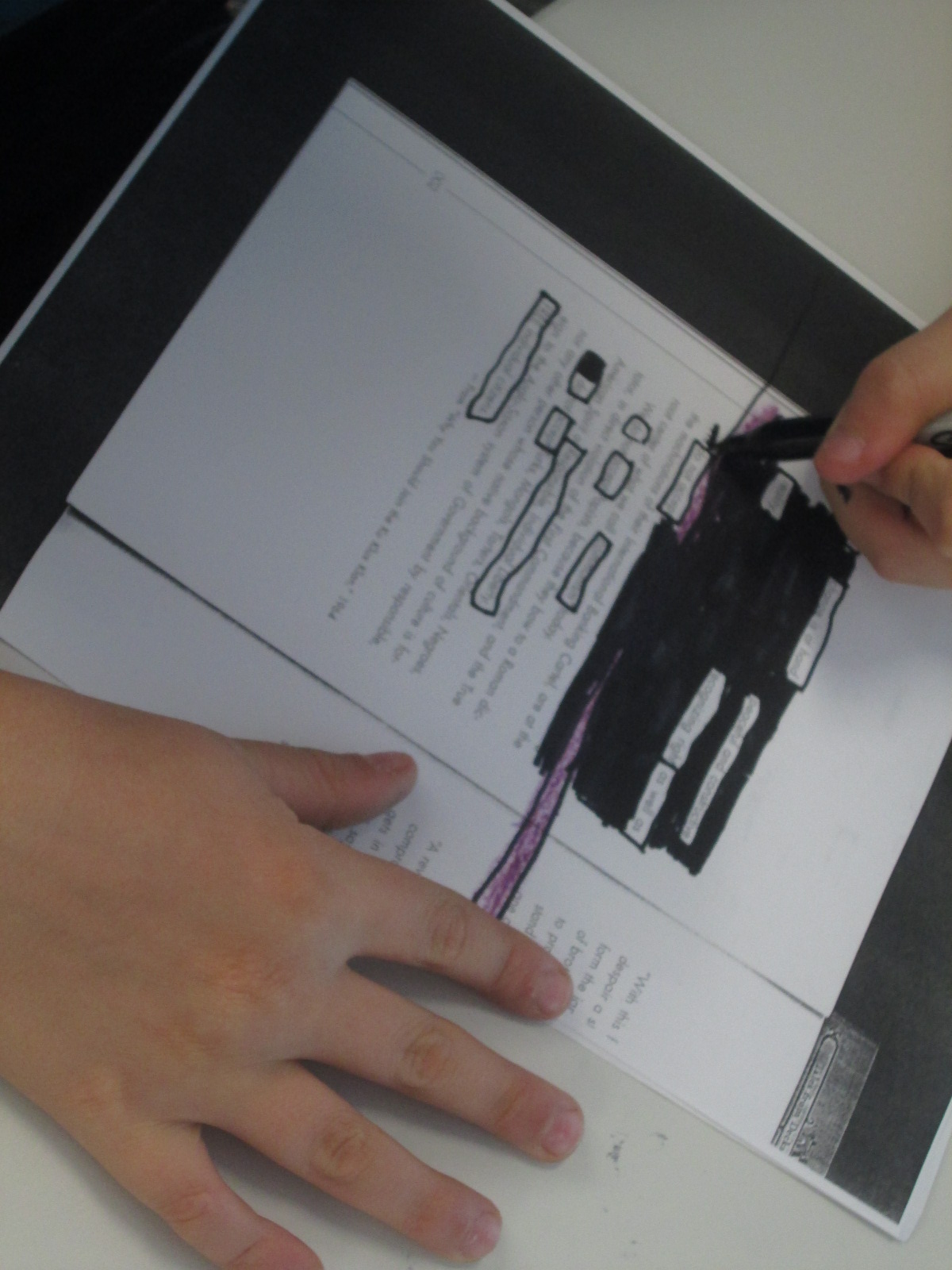
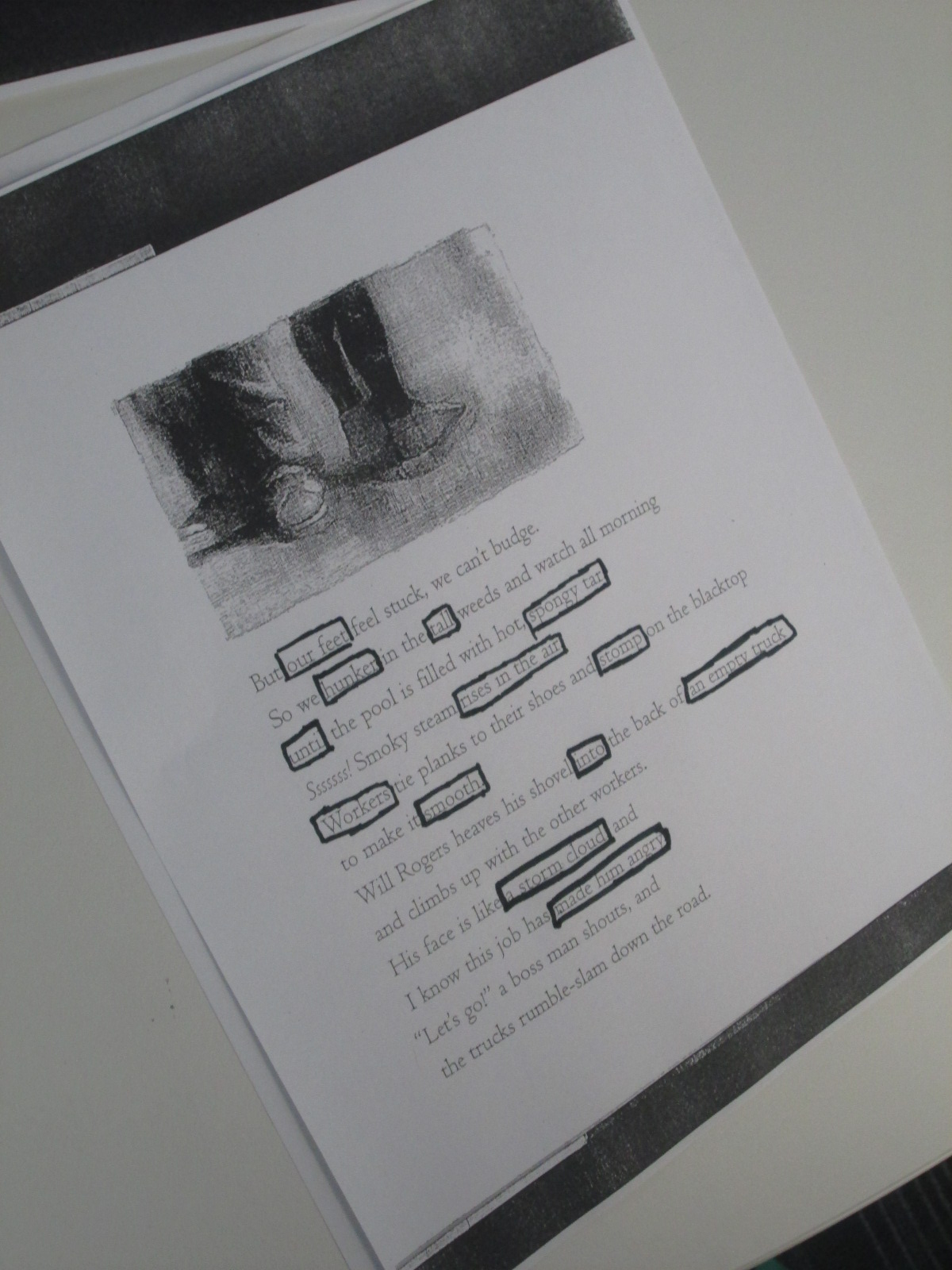
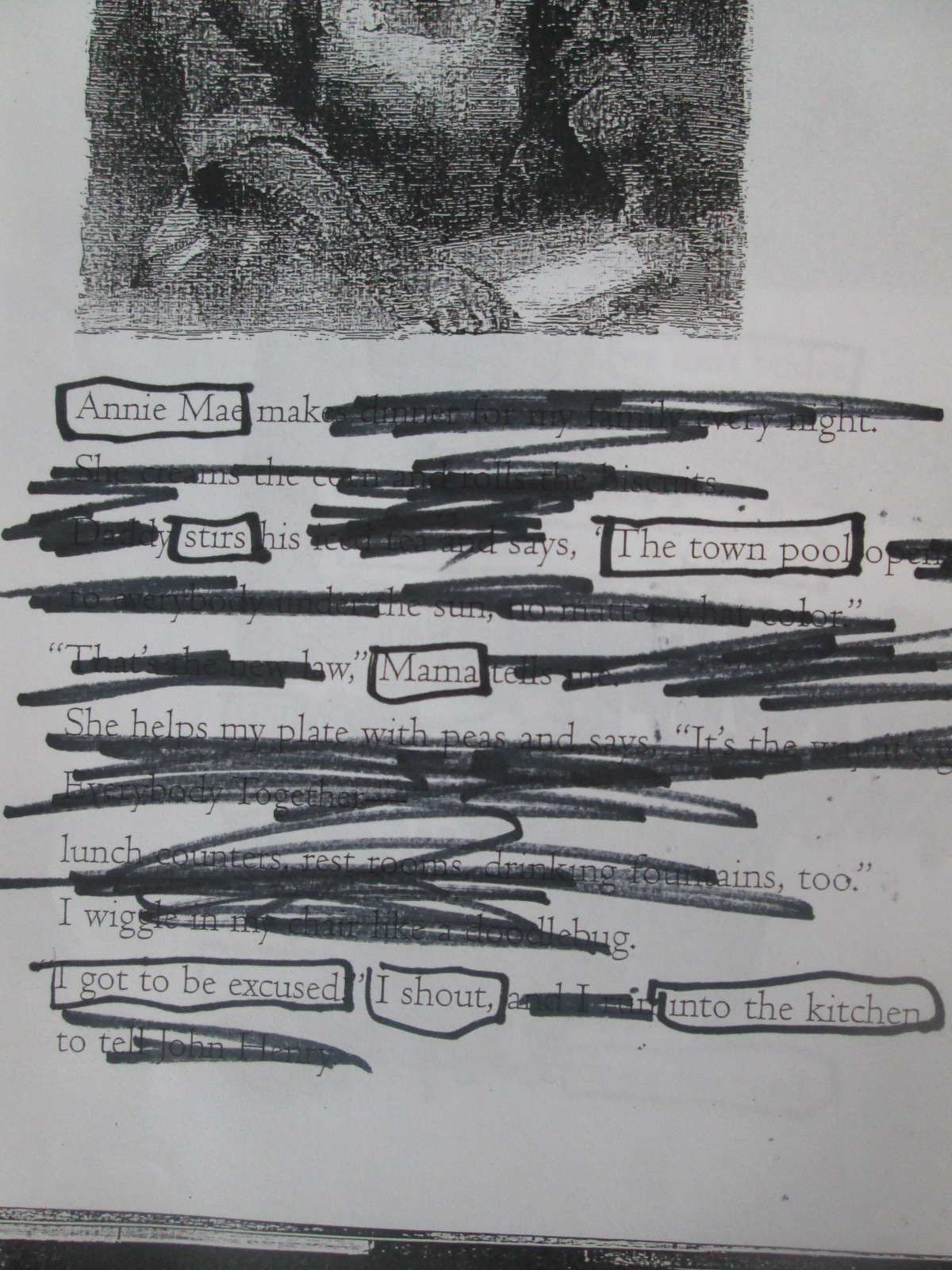
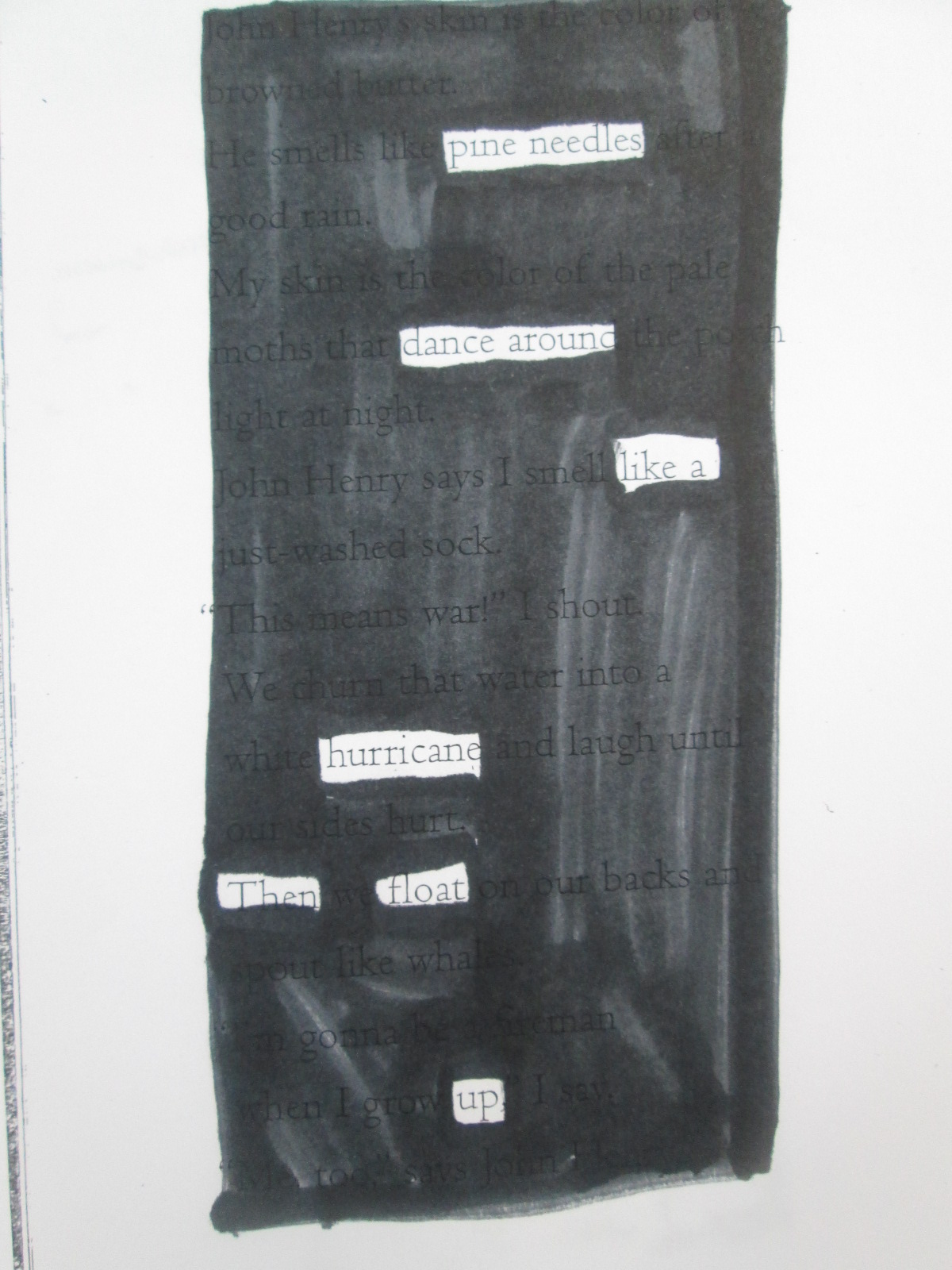
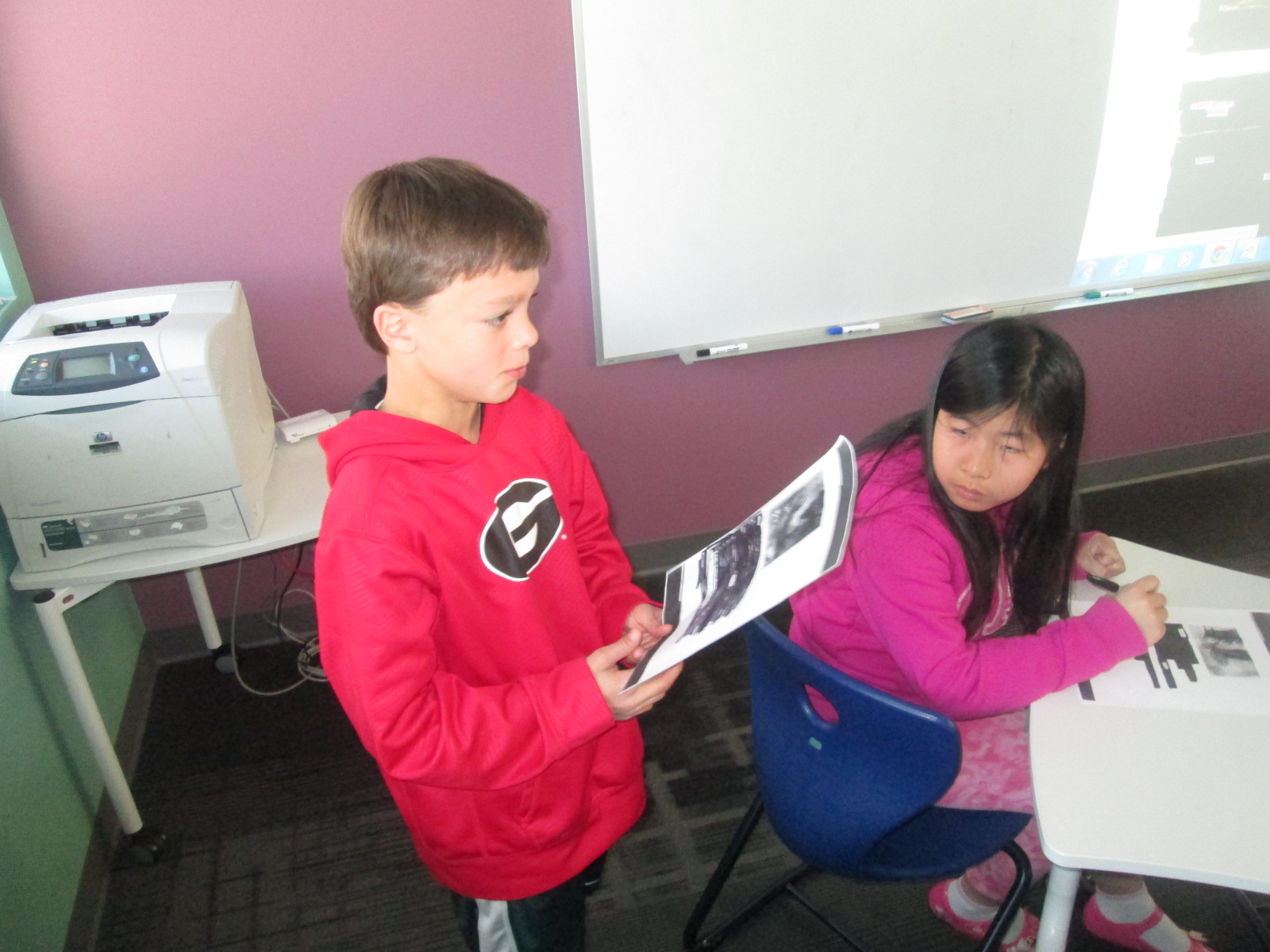
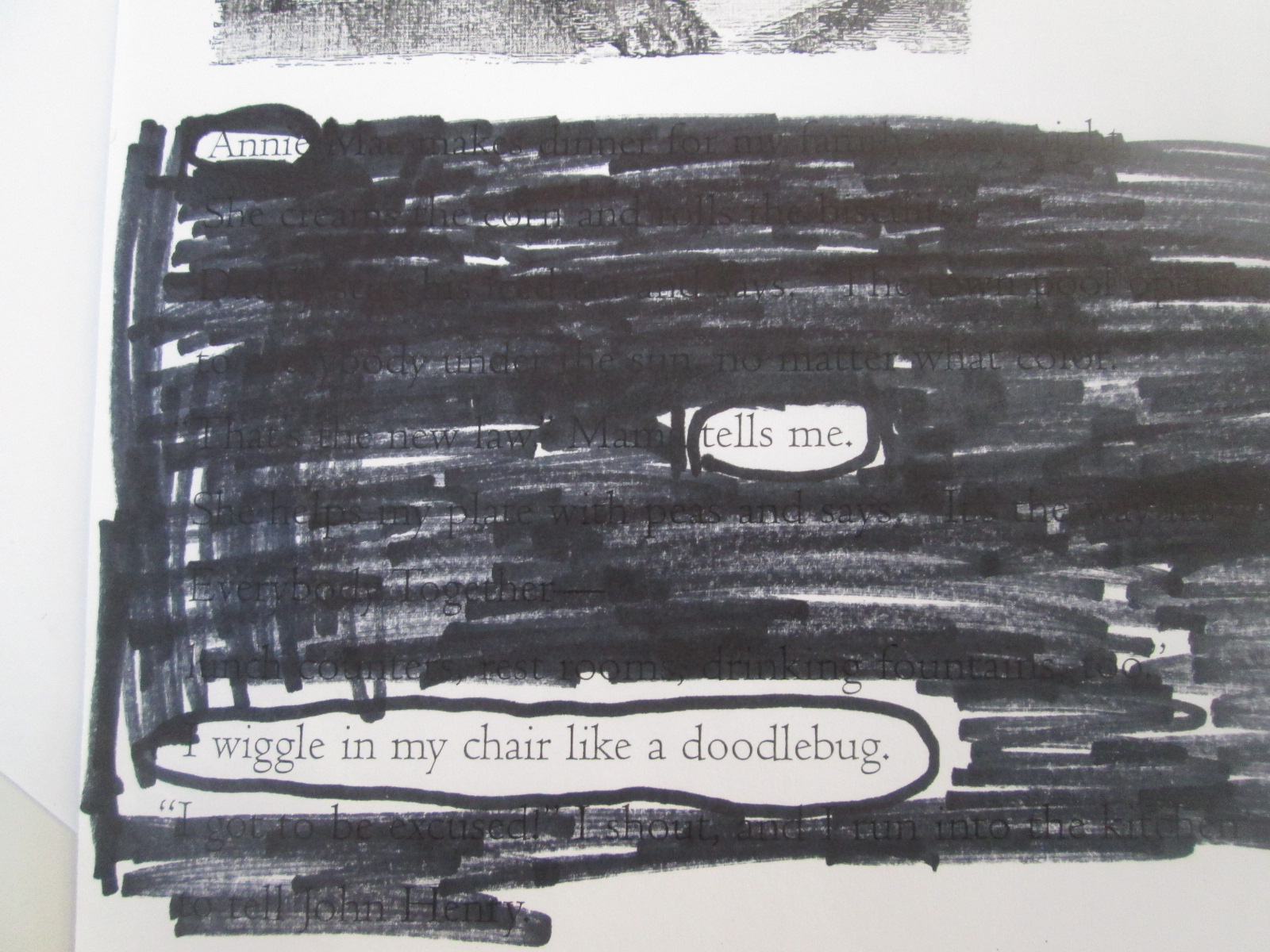
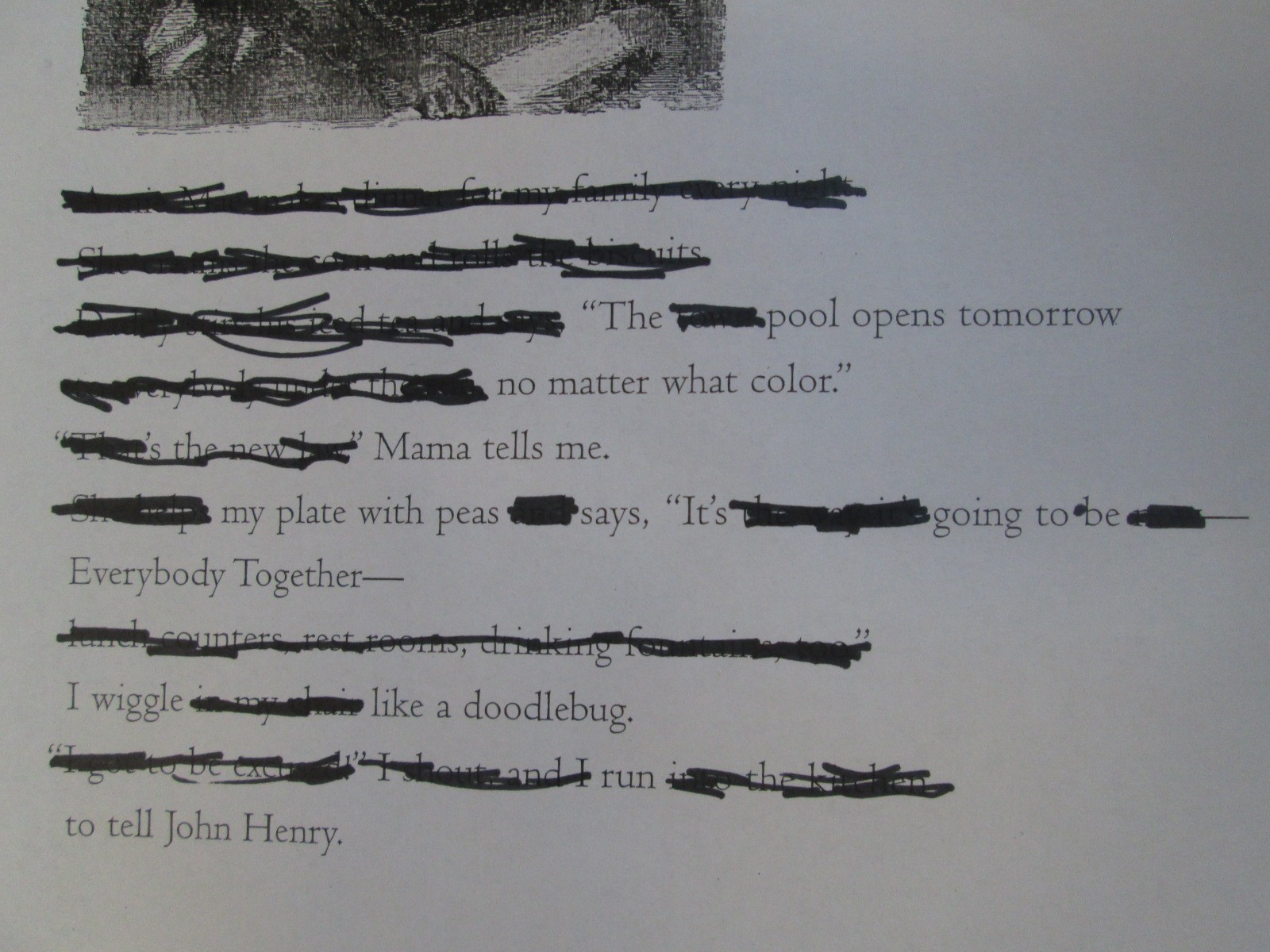
I gave the students one of three pages from Freedom Summer.  They spent time looking for words that stood out to them as a possible poem.  When they decided on the words of their poem, they circled them or drew boxes around them with a black marker.  Next, they used that same marker to blackout the rest of the words on the page.

blackout poetry (1) blackout poetry (3) blackout poetry (4)

It was interesting to see how students interpreted the exact same page in a different way.

blackout poetry (5)

We had students share their poems at the end, and it gave us a new understanding of what stood out on the page and in the story for students.  It was as if the poem helped us to look more closely at the meaning that we might all take from the text.  As usual, this was more difficult for some students than others, but we noticed that this kind of poetry did take away the barrier of spelling or deciding what to write.  We could instead focus on the meaning of the words on the page and use those words to interpret the story as a poem.

blackout poetry (1)

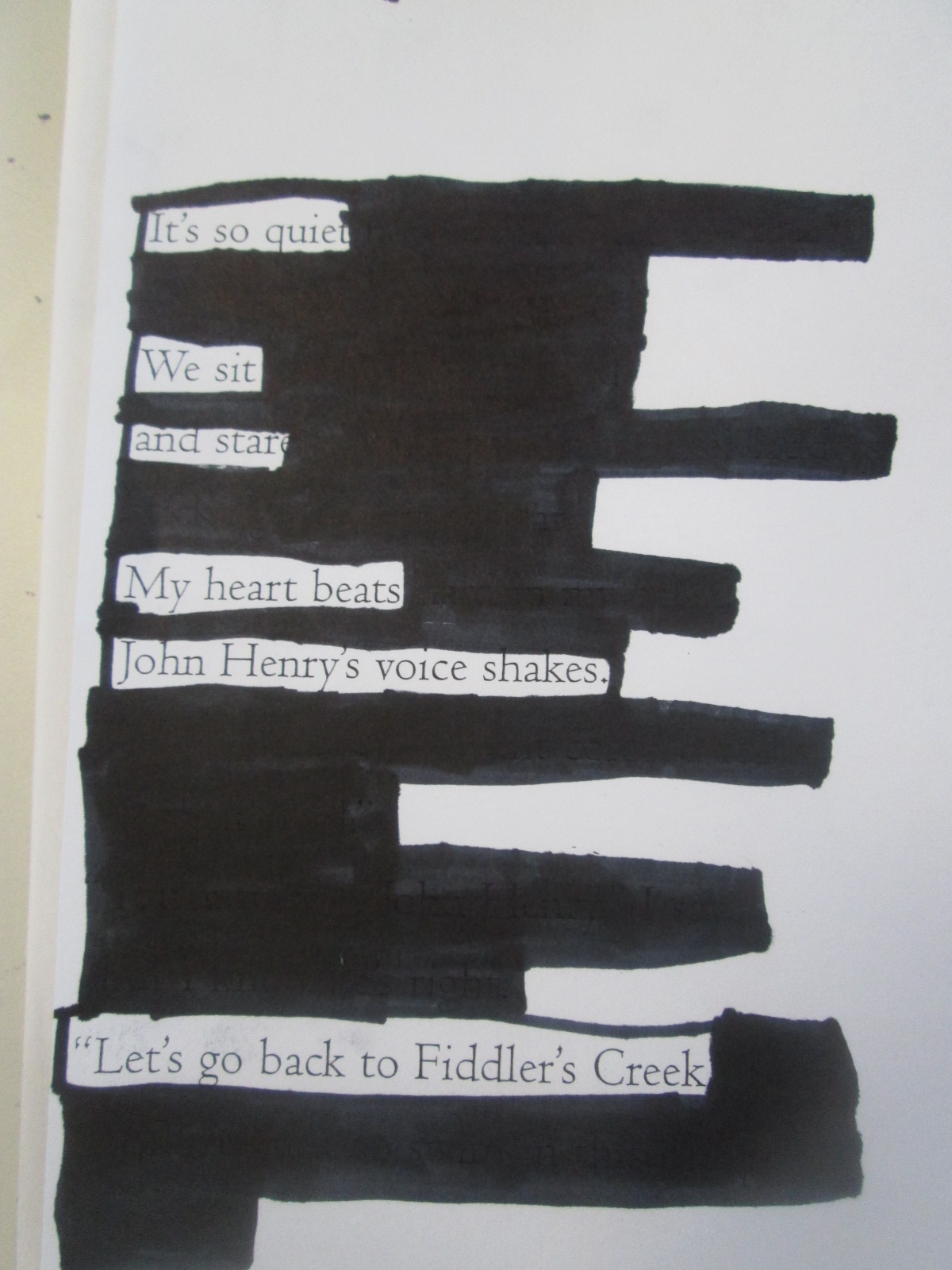
Here are a few of the poems that students created.

blackout poetry (9) blackout poetry (8) blackout poetry (7) blackout poetry (11) blackout poetry (10)


Book Spine Poetry with Tellagami (Day 4)

IMG_2914Today was my final day working with 2nd graders on Tellagami.  Mrs. Yawn’s class went through the same process as the other classes.  I’m really glad that I decided to do this in groups.  My original plan was to do individual book spine poems, but I think it would have been very hard to manage on the technology side of things.  Getting 7 poems created and recorded in one class period was an ideal number.

IMG_2913 IMG_2912 IMG_2911 IMG_2910 IMG_2908 IMG_2907

Here’s a look at Mrs. Yawn’s poems.


Don’t forget to view the poems from:

Mrs. Brink’s Class

Mrs. Wright’s Class

Mrs. Ramseyer’s Class

Book Spine Poetry with Tellagami (Day 3)

IMG_2896Today Mrs. Ramseyer’s class came to work on book spine poetry.  The past 2 days, I’ve had a graduate assistant and sometimes a special education teacher or other support teacher along with the teacher and I.  However, today it was just me and Mrs. Ramseyer.  It still worked great, but it was definitely a little more on our plates to manage with 6 groups roaming the library and working in about 5 different locations in the library.  We still had fun, and in the end, the kids still wrote some fantastic poetry.

IMG_2895

IMG_2901 IMG_2899 IMG_2897 IMG_2894 IMG_2892

Book Spine Poetry with Tellagami (Day 2)

IMG_2889After yesterday’s fun time with Tellagami and book spine poetry, I was really hoping that today would be just as great!  We’ve had some troubles with updating our iPads, so I almost thought that today might be a day where we had to change plans.  However, it worked out for us to have 6 iPads to use during Mrs. Wright’s 2nd grade class.

IMG_2887 IMG_2884 IMG_2883

Once again, students worked in small groups of 3 to put together their poems.  Once again, I was amazed.  There was absolutely no rush to get these poems done.  Students were critically thinking about each book that went into their stack.

IMG_2880 IMG_2879 IMG_2877

I’m so glad that I added the piece at the end of the lesson for students to tell their story of how they made their poem.  I initially did this just to fill the time while I switched iPads for displaying on the screen.  However, each story revealed the thought process that students went through to craft their poem and revealed new strategies that students might try next time.

IMG_2891 IMG_2890

Here’s a look at Mrs. Wright’s class book spine poem gallery: