Writing Folktales with Puppet Pals

IMG_4418 IMG_4416

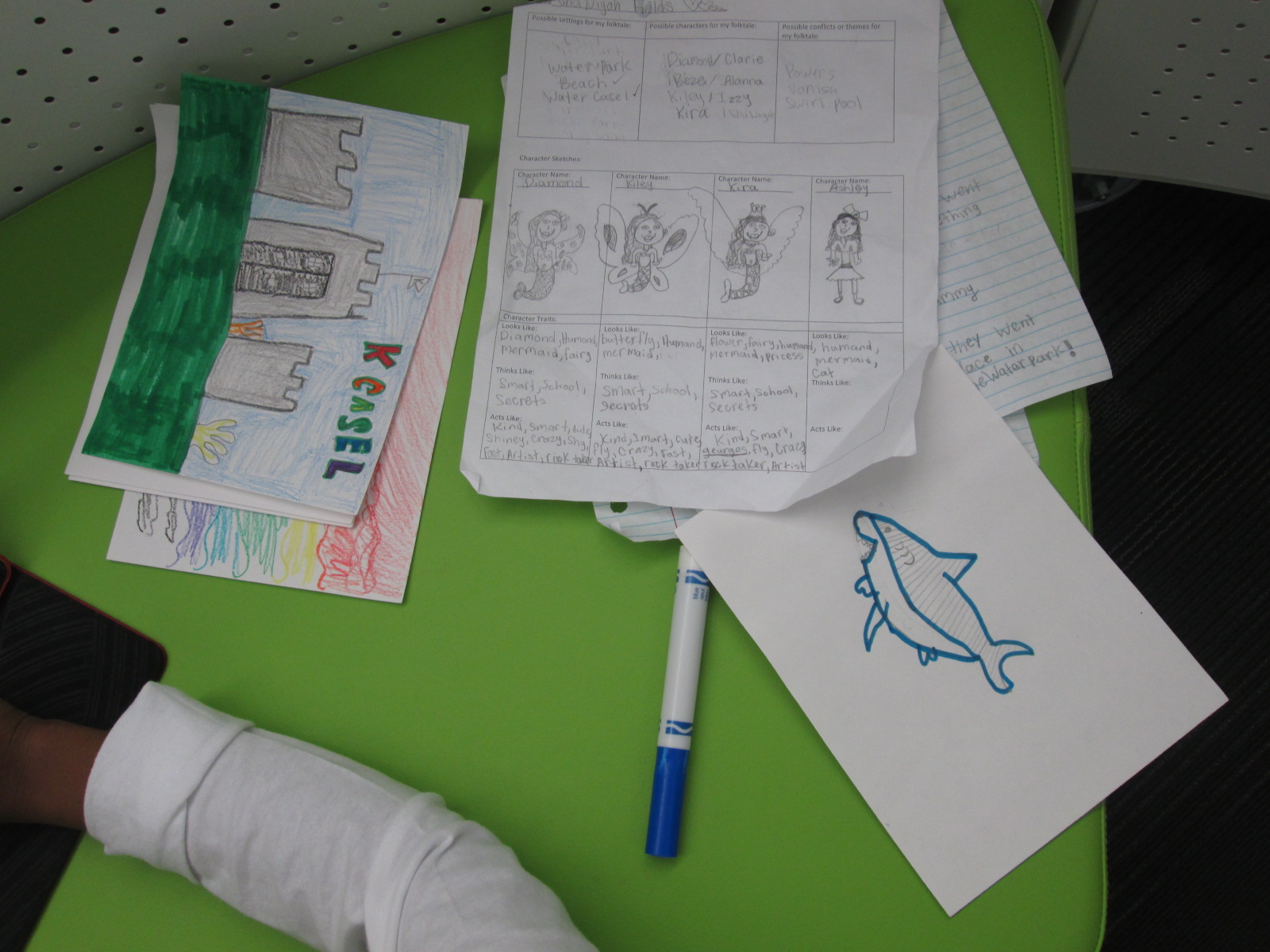
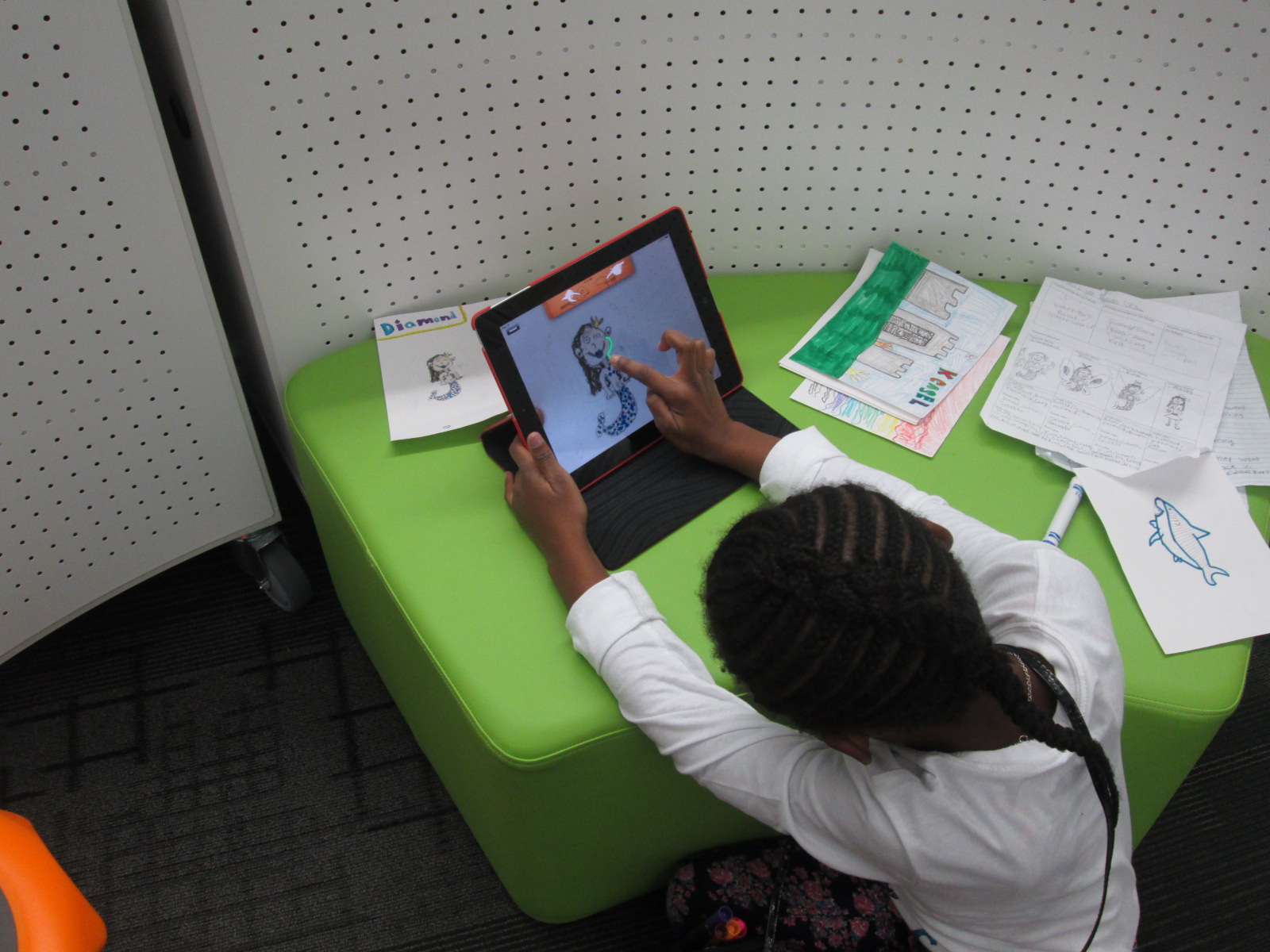
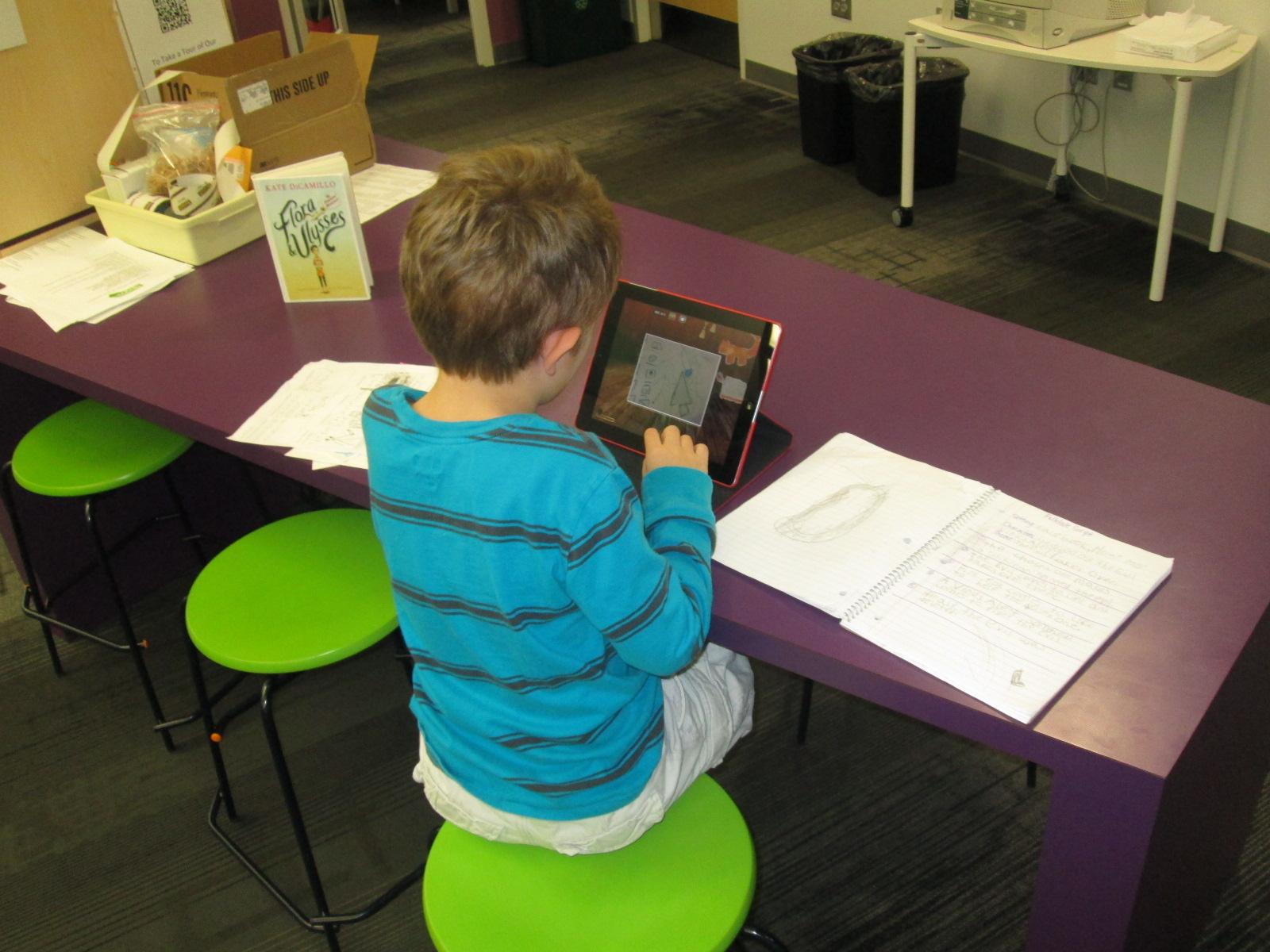
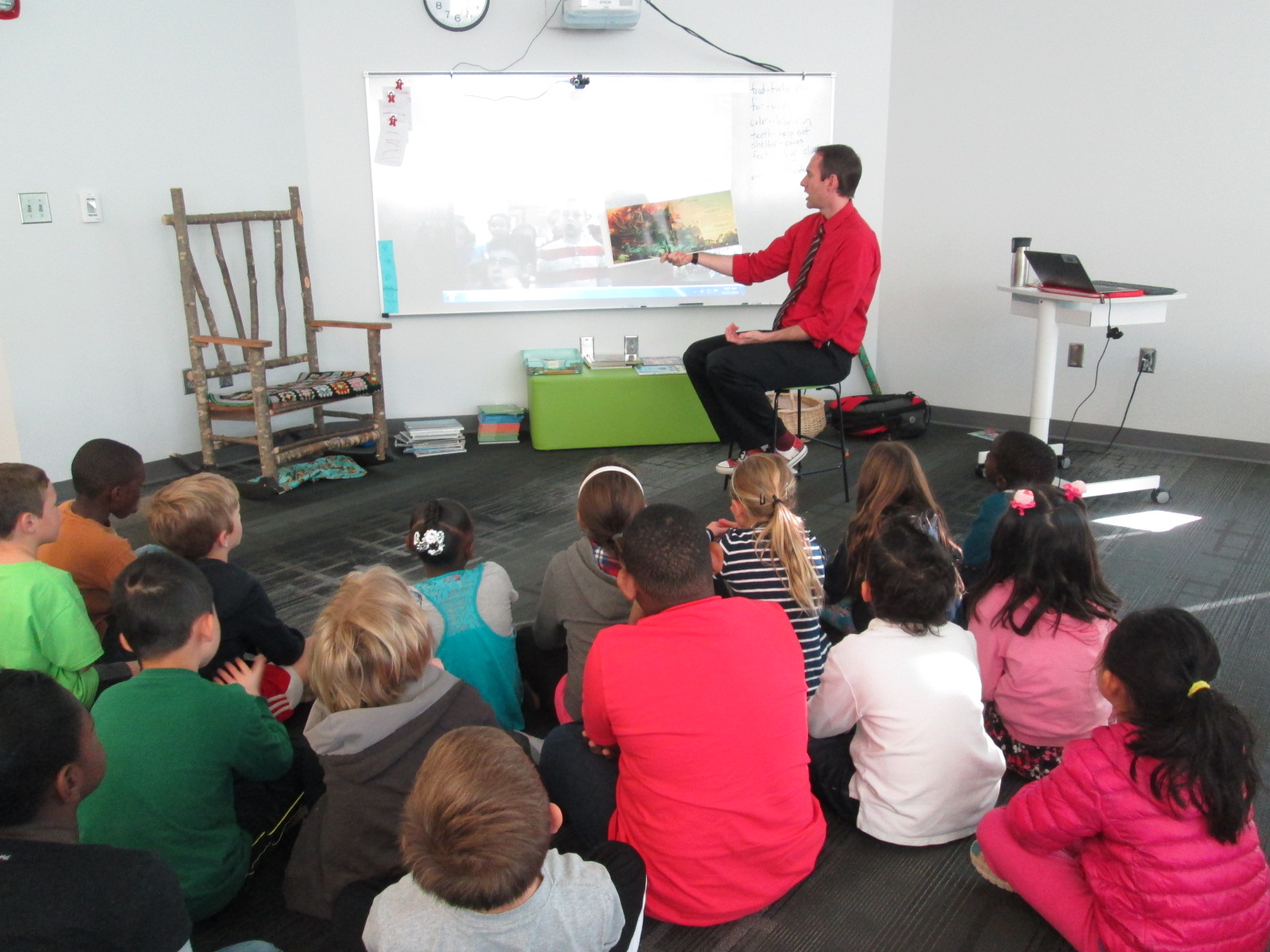
A few weeks ago, I introduced the iPad app, Puppet Pals, to 3rd grade through a tinkering lesson connected with an author study.  After that lesson, the teachers and I started planning an extension of their folktale unit using this app.  Each class chose a folktale to read multiple version of such as Cinderella, Goldilocks, Three Little Pigs, etc.  Then, students wrote their own story using some of the elements that they had noticed in their study of folktales.  In art, students designed characters and settings for the stories that they wrote in writing time.

IMG_4419

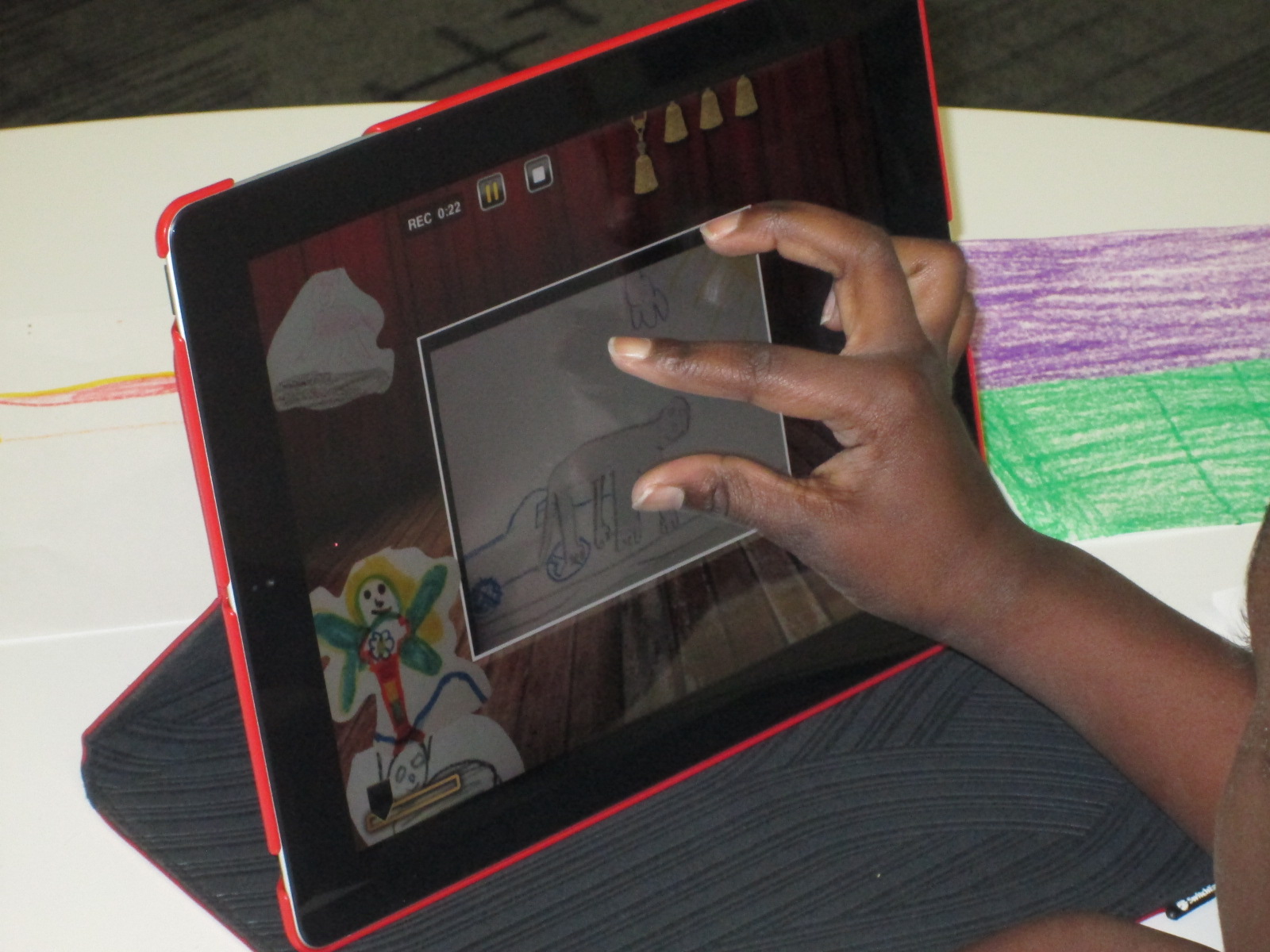
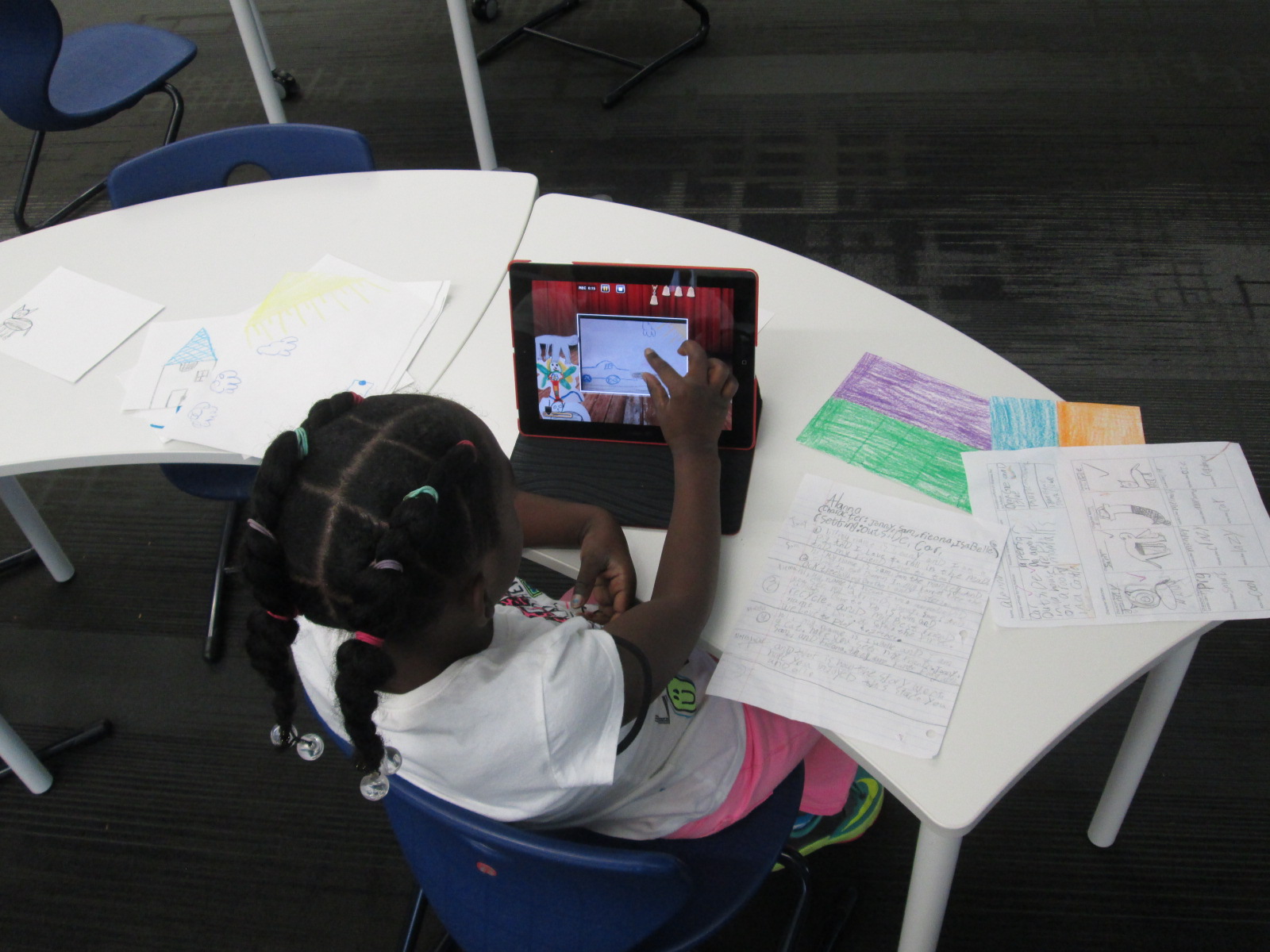
Puppet Pals HD is a free app, but if you upgrade the app for $4.99, you have access to so many more features.  My favorite feature is the ability to take photographs of anything and turn it into a character or a setting for your story.  Students used their artwork from art to create the characters and settings in the app.  From there, students took their script and recorded their folktales.  Some students had multiple characters and settings, so it was nice that they could pause the recording to switch out settings or characters.

IMG_4420

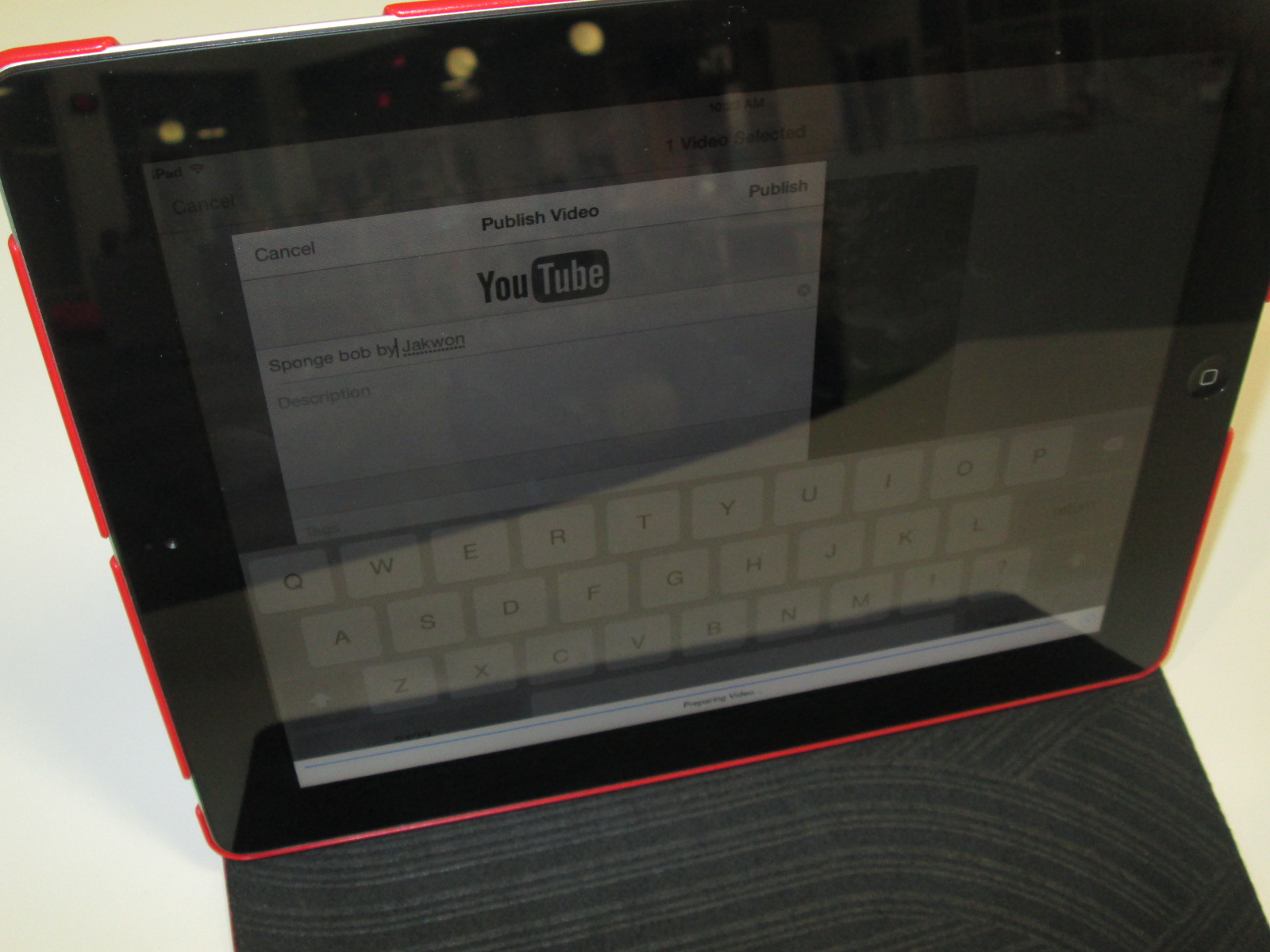
Once the recordings were done, we exported them to the camera roll and uploaded them to Youtube.  The app does allow you to name each story, but it doesn’t transfer the name into the camera roll.  I wish we had done the Youtube upload as part of recording because I couldn’t tell which story belonged to which student.  For now, all of the stories are just called “Puppet Pals” in Youtube. We’ll go back later and add the student titles and names.

IMG_4416 IMG_4415 IMG_4414

America Recycles Day: Connecting with the World and Making a Difference

IMG_4370

This year, I’ve been thinking a lot about what it means to collaborate globally.  In the past, I’ve participated in amazing events such as Dot Day, Talk Like a Pirate Day, and World Read Aloud Day.  Each of those events has connected our students to classrooms and authors around the globe, and I’ve found so many collaborative colleagues through these events.  It’s these very events that have pushed me to wonder what more we can do with our students.  I’ve been pondering how we can have collaborations that allow our students to make a difference in the world and share their ideas, their questions, their problems, and their solutions.

When our spectrum teacher, Natalie Hicks, came to me with a flyer about America Recycles Day, I knew that this day had potential to spark some action projects with our students and students around the globe.  I made a Google doc, crafted a blog post, and started inviting anyone and everyone to connect for America Recycles Day.  It didn’t take long for some of the very people I’ve connected with for other events to start posting their own schedules in the doc and making connections.  I want to thank Shawna Ford, Jenny Lussier, Cathy Potter, Donna MacDonald, Misti Sikes, Ly Phan, Kathy Schmidt, and Craig Seasholes for taking a risk with me and trying something new.  These people put their schedules out there and started making connections.

This week, my own students started making connections for America Recycles Day.  Each Skype or Google Hangout offered a little something different.

Ms. Clarke and Ms. Haley’s 3rd grade class connected with Kathy Schmidt and her 3rd graders in Gwinnett County, GA.  We learned about how her students are collecting items from home to put in the library’s tinker lab rather than throw them away.

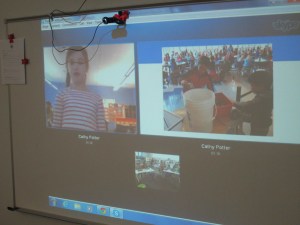
Ms. Wright’s 2nd grade class connected with Cally Flickinger in South Burlington, Vermont.  We read the book Here Comes the Garbage Barge by Jonah Winter.  The story sparked a great conversation about how our trash can take over our world and how important it is to recycle or reuse instead of throw things away.

Ms. Ramseyer’s 2nd grade class connected with Donna MacDonald in South Burlington, Vermont.  Her students shared how they are using Drew Daywalt’s The Day the Crayons Quit to inspire a save the crayons campain.  Students are collecting crayons and sending them to be melted into new crayons.  Our students took time to offer some other ways that the crayons might be used such as making candles, melting crayons for artwork, fusing crayons together to make two-sided crayons, and investigating what crayons are made of so that they might discover even more things that crayons could make.

Ms. Li’s Kindergarten connected with Misti Sikes and her Kindergarten in Forsyth, Georgia.  They shared how they recycle at their school by separating white paper and color paper as well as other ways that recycling has to be prepared before it goes into the bin such as removing paper clips and staples.

Ms. Boyle’s Kindergarten connected with Holly Esterline & Katie LeFrancois’s grade 1 & 2 class in Bolton, Vermont.  We shared the book Compost Stew and heard about how their school is doing TerraCycling.  Even with our connection issues, we still learned a lot about something we don’t do much of at our school.

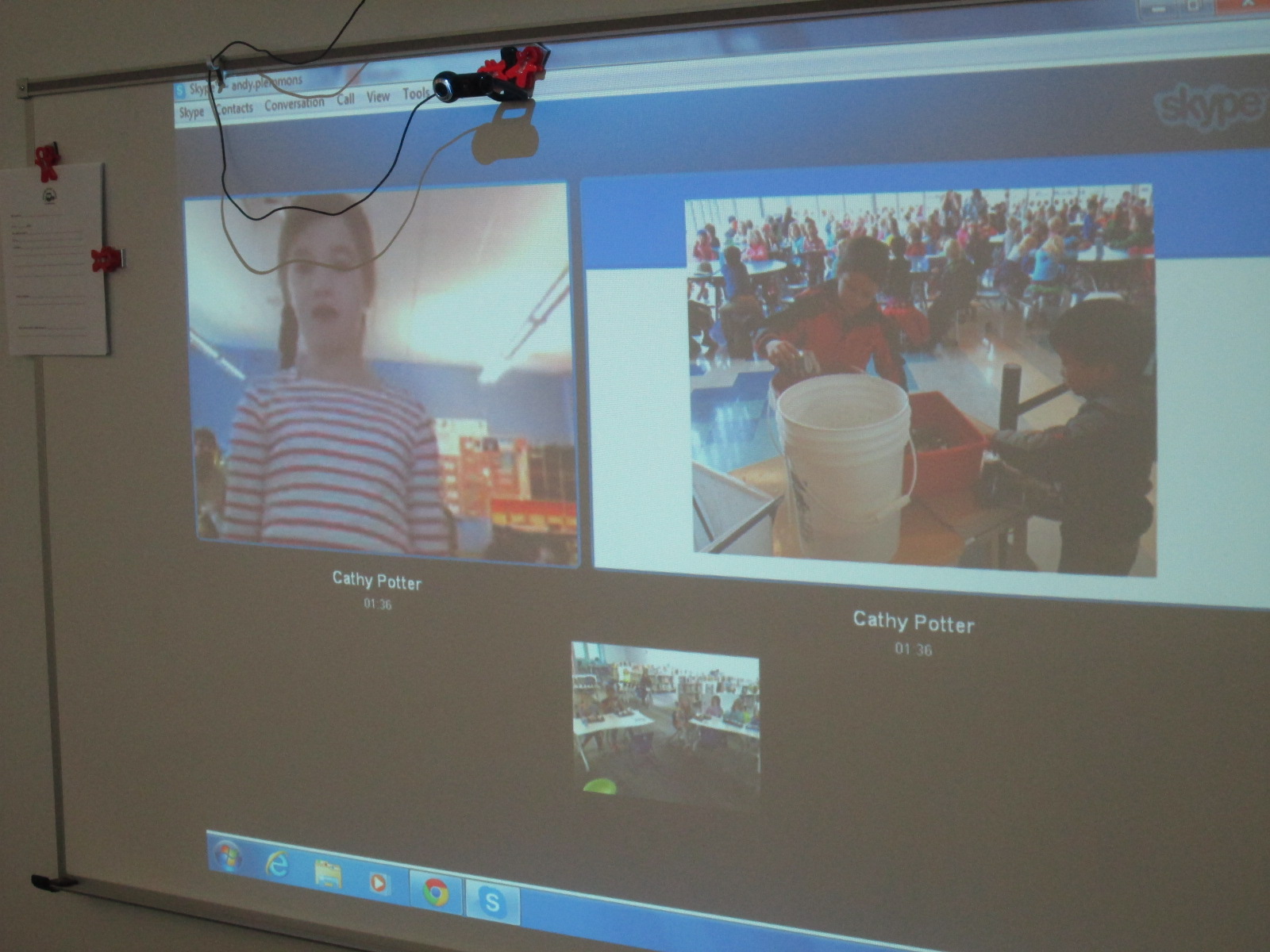
Ms. Tesler’s 4th grade students gathered a lunch bunch together to connect with Cathy Potter and her students in Falmouth, Maine.  The 1st graders at her school showed us a Google presentation with pictures of recycling and composting efforts in their school.  They have a whole process of how their scraps at lunch get put into a bucket to go to the composting bin.
IMG_4405

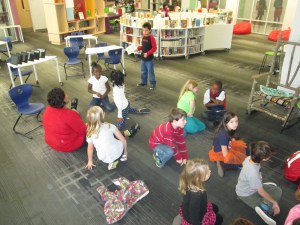
Finally, Ms. Spurgeon’s 3rd grade class connected with Karre Sloan’s 6th grade students in Nashville, Tennessee.  They shared the recycling program from their school and how their 3rd graders are in charge of recycling.  They also shared their ideas and tips for our own recycling problem at our school.
IMG_4410

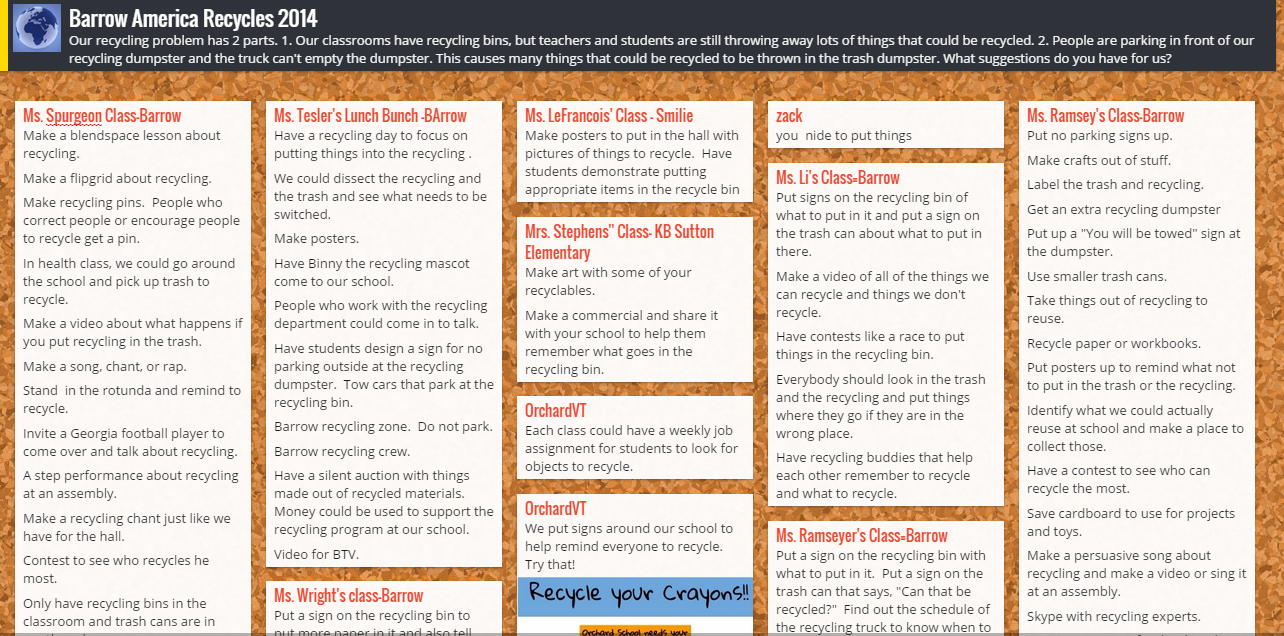
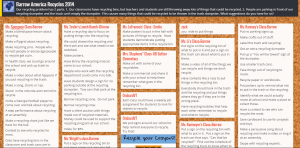
In every connection, our students shared our own school problem.  We have recycling bins in every classroom, but we are finding that people are still throwing away recyclable things.  Even when we recycle, we have an additional problem.  People are parking in front of our recycling dumpster and the recycling truck can’t get to the recycling to empty it.  We posted these problems onto a Padlet.  We showed each connecting class the bins that we have in our classrooms and read the recycling instructions that can be found on the bag inside.  Sometimes our connecting classes gave us new ideas right on the spot or shared what their own school is doing that might support our problem.  Other classes added to our Padlet after we disconnected.  We also added to the Padlet.
Barrow America Recycles 2014

Our next step is to take this Padlet and share the ideas with our environmental committee which is chaired by Natalie Hicks.  We also have 2 enrichment clusters that we can share the Padlet with.  Our hope is that some of the ideas that came from so many perspectives will spark change within our school problem.  We want to connect back with some of the classes we met this week and share what we’ve done to improve our problem, and we want to see what they have done since our connection.

I loved that during our very last connection, students arrived in the library to put signs on our recycling bin that were sent by our recycling department.


Miraculous things came out of our connections:

  • We saw that we weren’t alone with our problem and that there were multiple things to test out to try to reach a solution.
  • We learned that recycling is very different from place to place.  We are so fortunate in Athens to have a state of the art recycling facility and single stream recycling.  Some communities have to put forth a lot of effort to recycle, and it is so easy for us.
  • We realized that there were so many things we could do with our “recycling” other than put it in the bin.  The concept of makerspaces is really causing a lot of us to think about turning trash into functional creations.
  • We saw that together we could come up with out-of-the-box ideas.  We often started with “put up posters about recycling”, but with the energy of collaboration, new ideas surface such as make smaller trash cans, create a recycling contest, write a catchy song about recycling to sing on morning announcements, and more.

My hope is that this week of connections really does spark change in our school and others.  At the very least, I think it made us more aware of what we are throwing away.  These types of connections have the potential to grow into large-scale collaborations around the globe.  The combination of powerful texts such as Here Comes the Garbage Barge and Eyes Wide Open along with the innovative ideas of students, teachers, and families fosters a healthy environment for long-lasting collaboration.  Our students are the future of our world, and when we allow them to unite with one another around authentic dilemmas in our world, we are equipping them with problem solving skills to keep our world a peaceful place.



It’s Picture Book Month….Let’s Have a Smackdown

November is Picture Book Month.  It’s a time to celebrate the power of picture books and why the matter in our lives no matter what our age.  Picture Book Month was started by author Dianne de Las Casas to bring awareness to the role of picture books in our lives.  Each year, multiple authors and illustrators contribute daily posts about why they think picture books matter.  The Picture Book Month website has a wealth of resources for you to celebrate picture book month with your students, including a calendar, logos, bookmarks, and certificate.

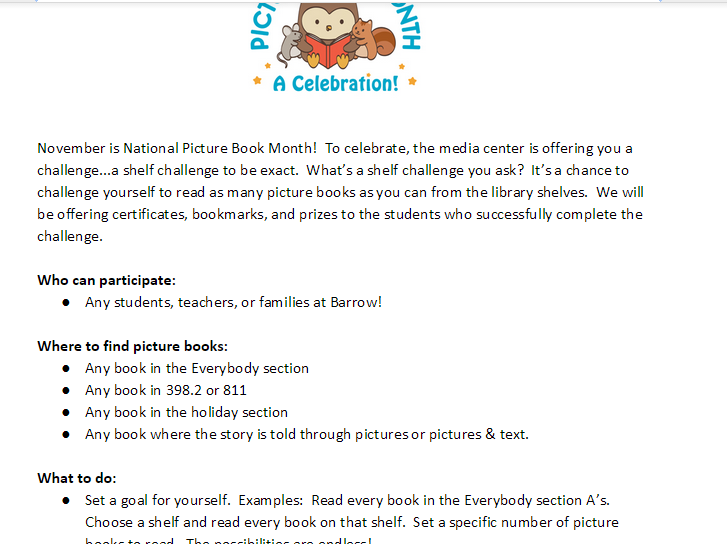
At our school, we host a Picture Book Month Shelf Challenge.  Students set their own goal for how many picture books they will read during November.  I like allowing students to set their own goal because it allows for differentiation and also allows for surprising goals from students.  Each student receives a sheet to document their reading for the month.

Shelf Challenge   Google Docs

At the end of the month, students turn in this sheet.  They receive a certificate, a bookmark, and get entered into a drawing to win picture books that I’ve collected for prizes.

picturebookmonth.com wp content uploads 2011 11 pbm certificate color.pdf

For the 2nd year, we will host our annual Picture Book Smackdown.  On November 18th from 1:30-2:30PM EST, students in multiple schools across multiple states will gather online with authors in a Google Hangout to share favorite picture books and why they matter in our lives.  The event will be a Hangout On Air, so it will also be archived for future enjoyment.

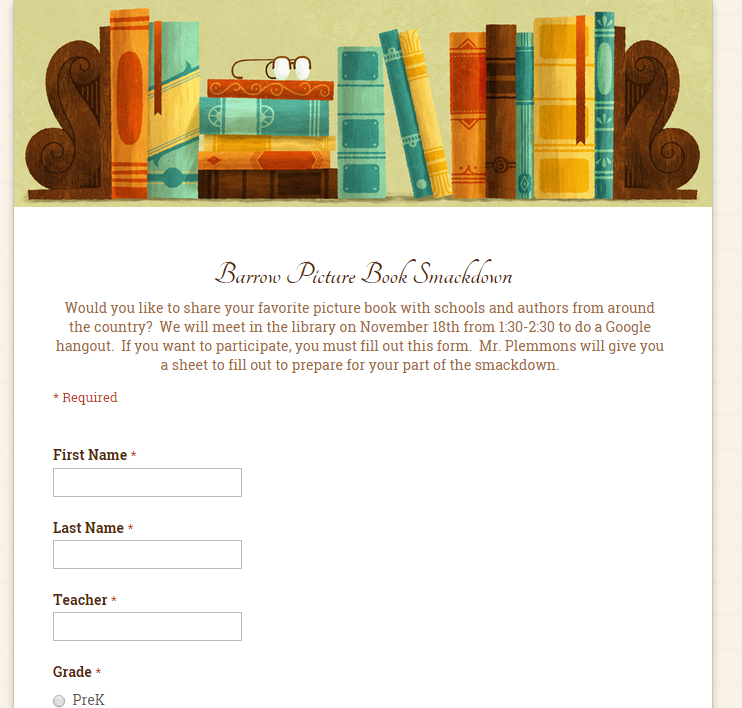
To prepare for the event, I’ve sent a Google form to students to identify students in various grades who want to participate.

Barrow Picture Book Smackdown

As students share their interest, I’m sending them a script to help them prepare for their sharing during the smackdown.  They don’t have to use this script, but many find it helpful to remember all of the pieces of sharing.  The day before the smackdown, they will gather in the library to do a quick practice.

Picture Book Month Smackdown Script   Google Docs

I hope you will join us on November 18th to watch the smackdown and help spread the word about the event in advance.  During the smackdown, students and authors will step to the microphone in their own states and share a favorite picture book.  We also hope to capture all of these recommendations in a Google doc.

Here are some things to know:

  • Tweet about the event and your favorite picture books.  Even if your class isn’t in the smackdown, they can still share their favorite picture books with the hashtag #pbsmkdwn  as well as leave comments for our authors and students.  You can also include the picture book month hashtag #picturebookmonth

Many thanks to all of the schools and authors who are participating in the smackdown so far this year:

Participating schools include:
Andy Plemmons, school librarian in Athens, Georgia
Jenny Lussier, school librarian in Durham, Connecticut
Cathy Potter, school librarian in Falmouth, Maine
Kathy Kaldenberg, school librarian in Solon, Iowa
Shawna Ford, school librarian in Weatherford, Texas
Julee Murphy, school librarian in Texas
Christina Brennan, school librarian in Pennsylvania

Participating authors include:
Dianne de Las Casas, founder of picture book month
Anne Marie Pace, author of Vampirina Ballerina

How are you celebrating Picture Book Month?  It’s not too late to get a plan together and promote the power of picture books with your students.

Mini Maker Faire with UGA EDIT 2000

IMG_4327

Today Gretchen Thomas from the University of Georgia brought one of her EDIT 2000 classes to the library for a mini maker faire.  She and I have been brainstorming about how to give students more opportunities to come and use the makerspace in the library for tinkering and exposing students to various types of making.  These conversations have come from my constant requests from students to come and use the makerspace.  I struggle with finding a balance between the standards-based lessons and projects that I offer in the library, weaving in the makerspace into curriculum, and the students’ desire to just mess around with the tools in the space.  Gretchen has been coming to lead maker recess times with me.

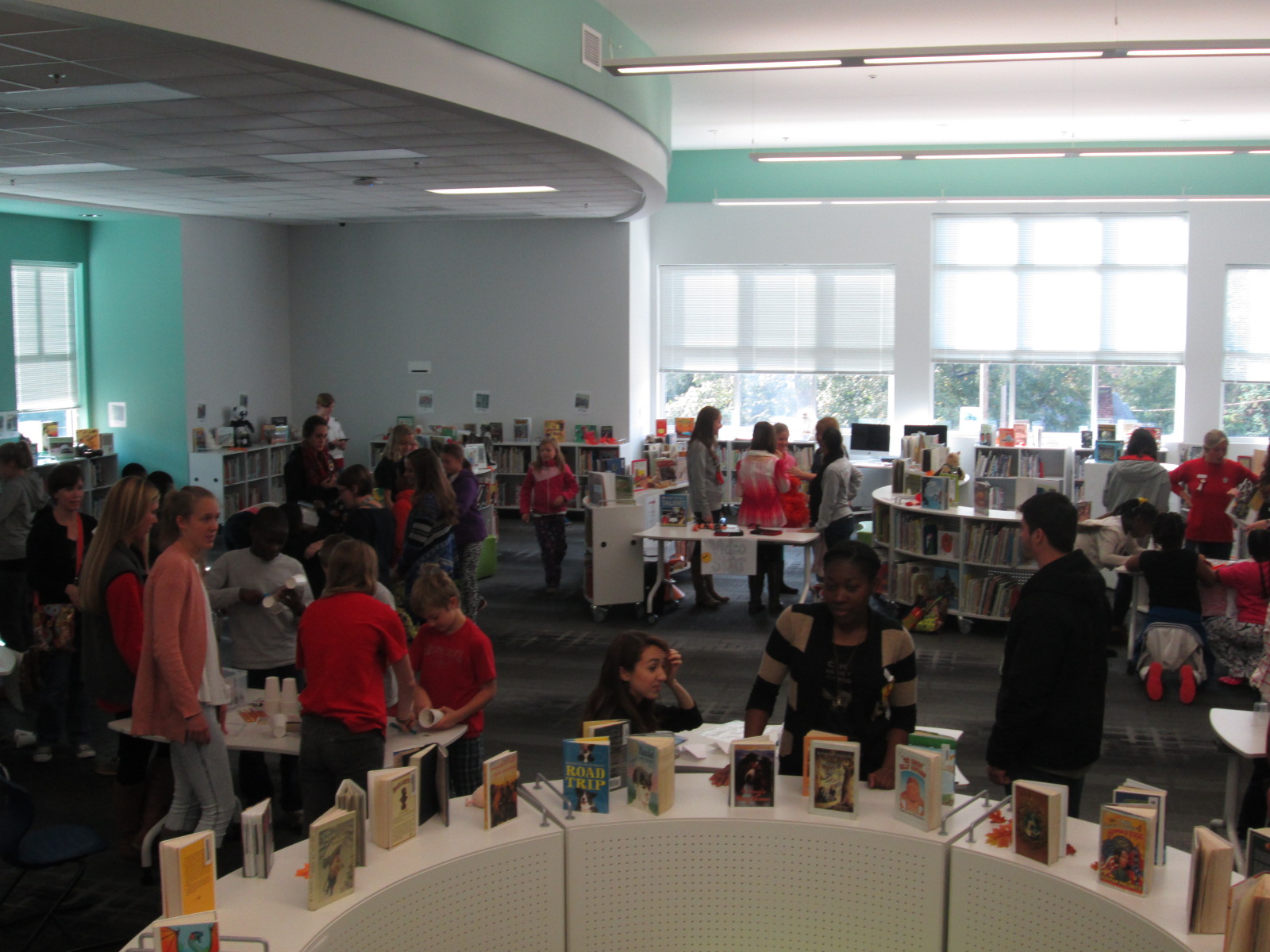
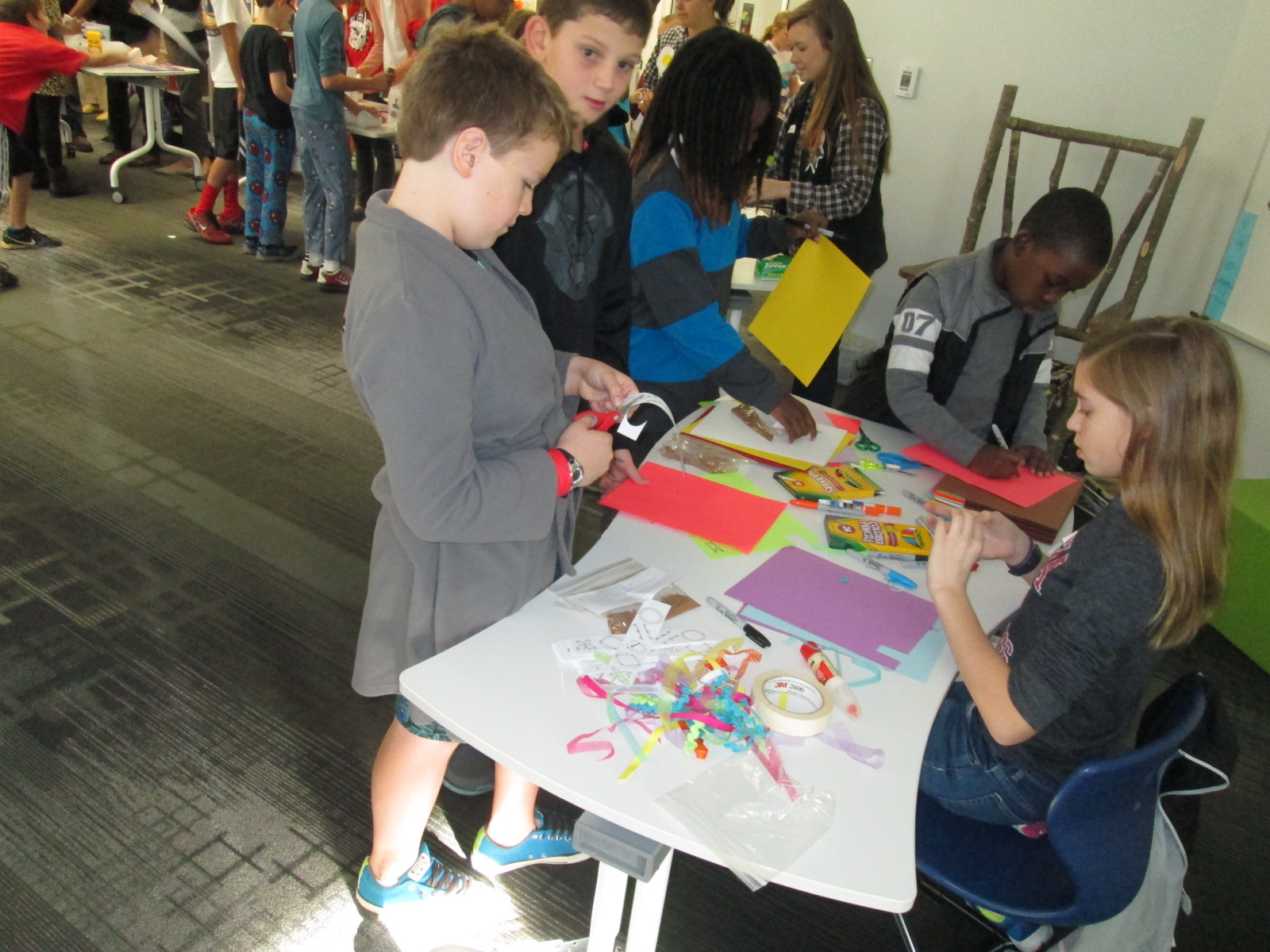
Today, her EDIT 2000 students brought multiple maker centers for students to explore.  These UGA students are mostly undergraduate students from a variety of backgrounds.  Some of them plan to be education majors while others have a range of other majors.  I love the range of expertise and interests that live within these classes.  Gretchen’s students designed a center that would explore some aspect of making.

IMG_4290


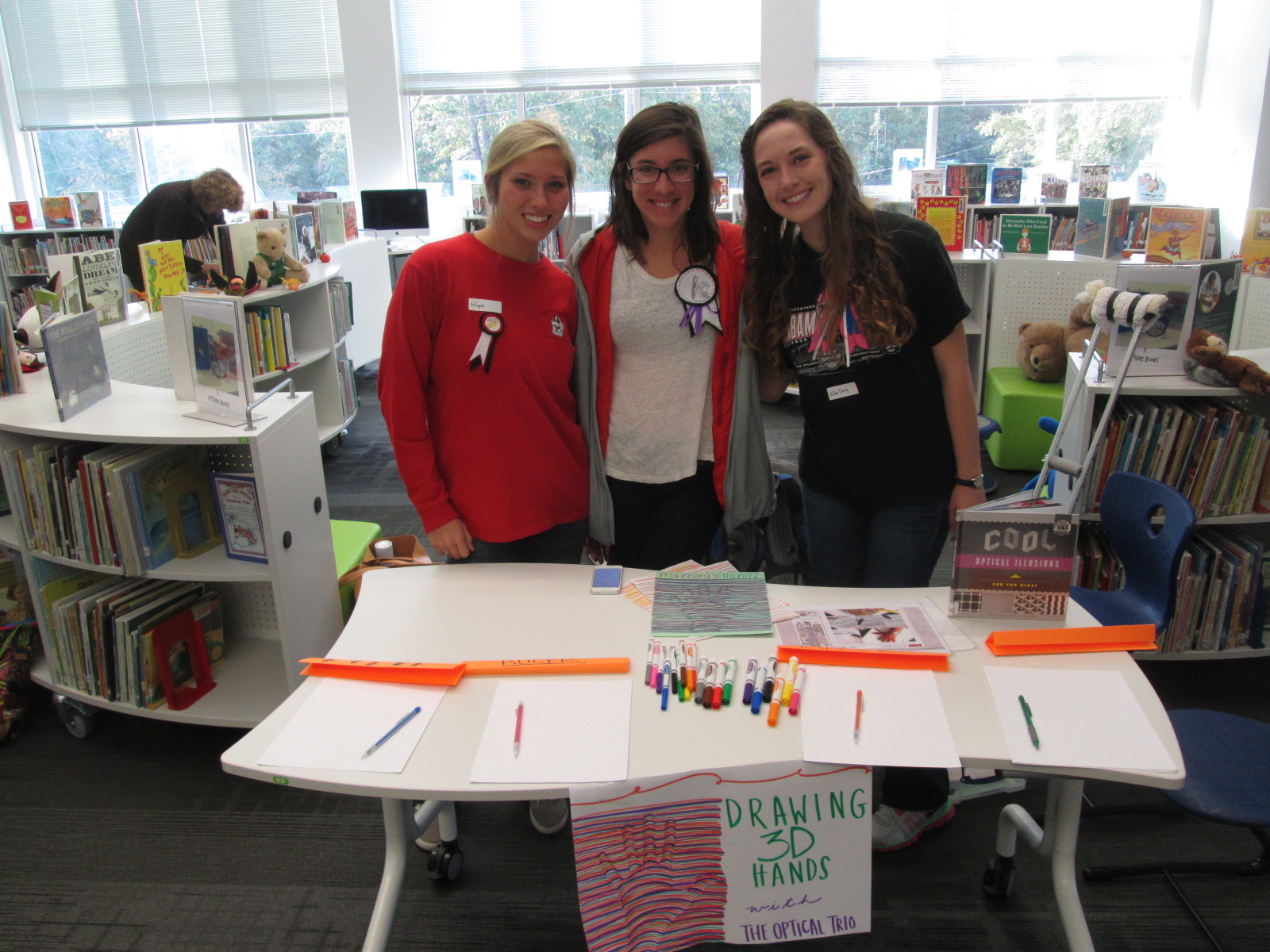
One center explored optical illusions.  These students displayed a book of optical illusions and helped students create a drawing of their hand that looked like it was lifting off the page.

IMG_4291


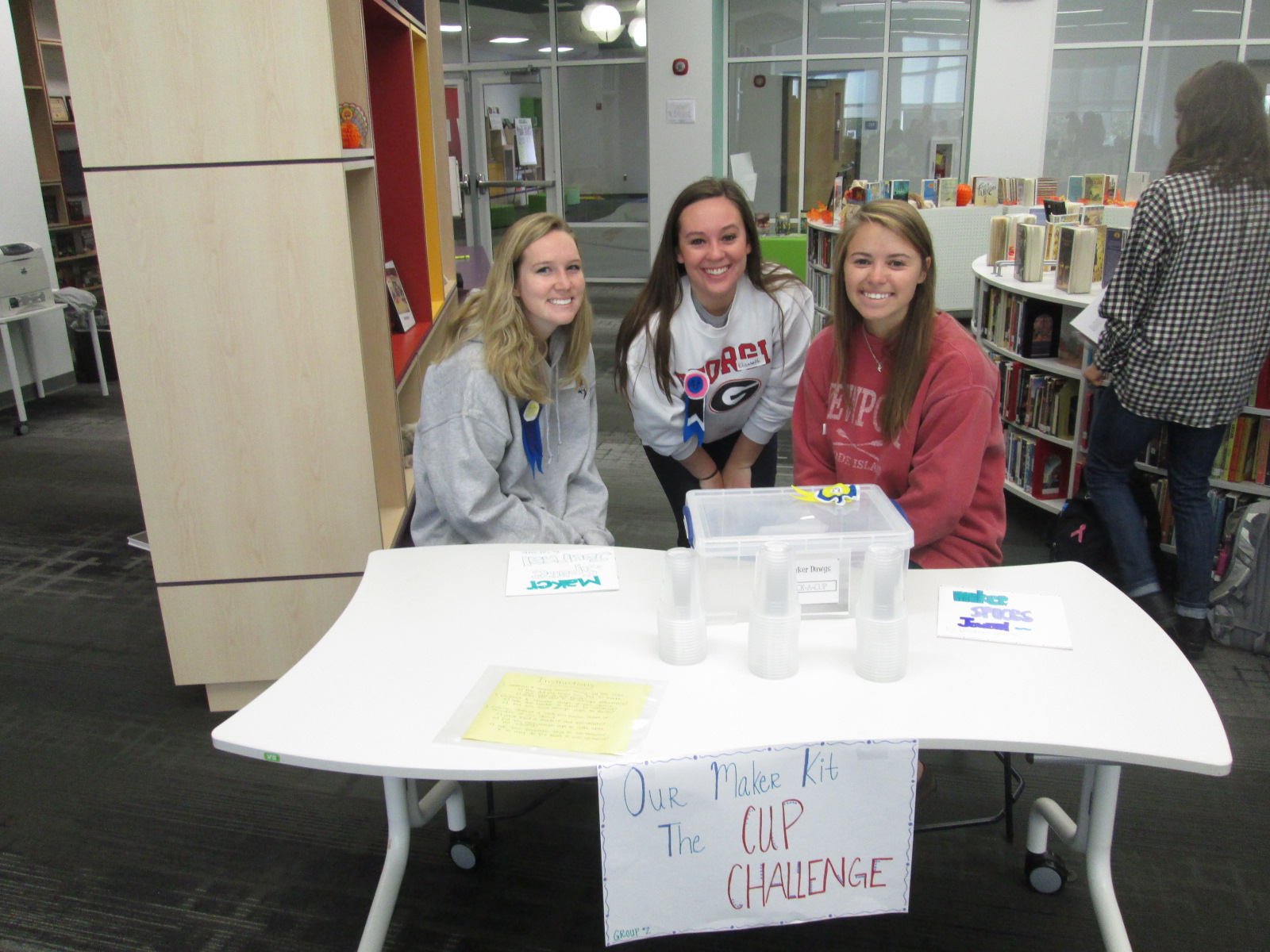
Another center was a cup stacking challenge.  These students had multiple clear plastic cups and students spent time stacking the cups into different formations to see how tall they could stack as well as which shapes seemed to hold up better.  I loved seeing all the strategies that students tried in order to stack and unstack the cups.  They were fearless and really demonstrated what it means to tinker, fail, and try again.

IMG_4292


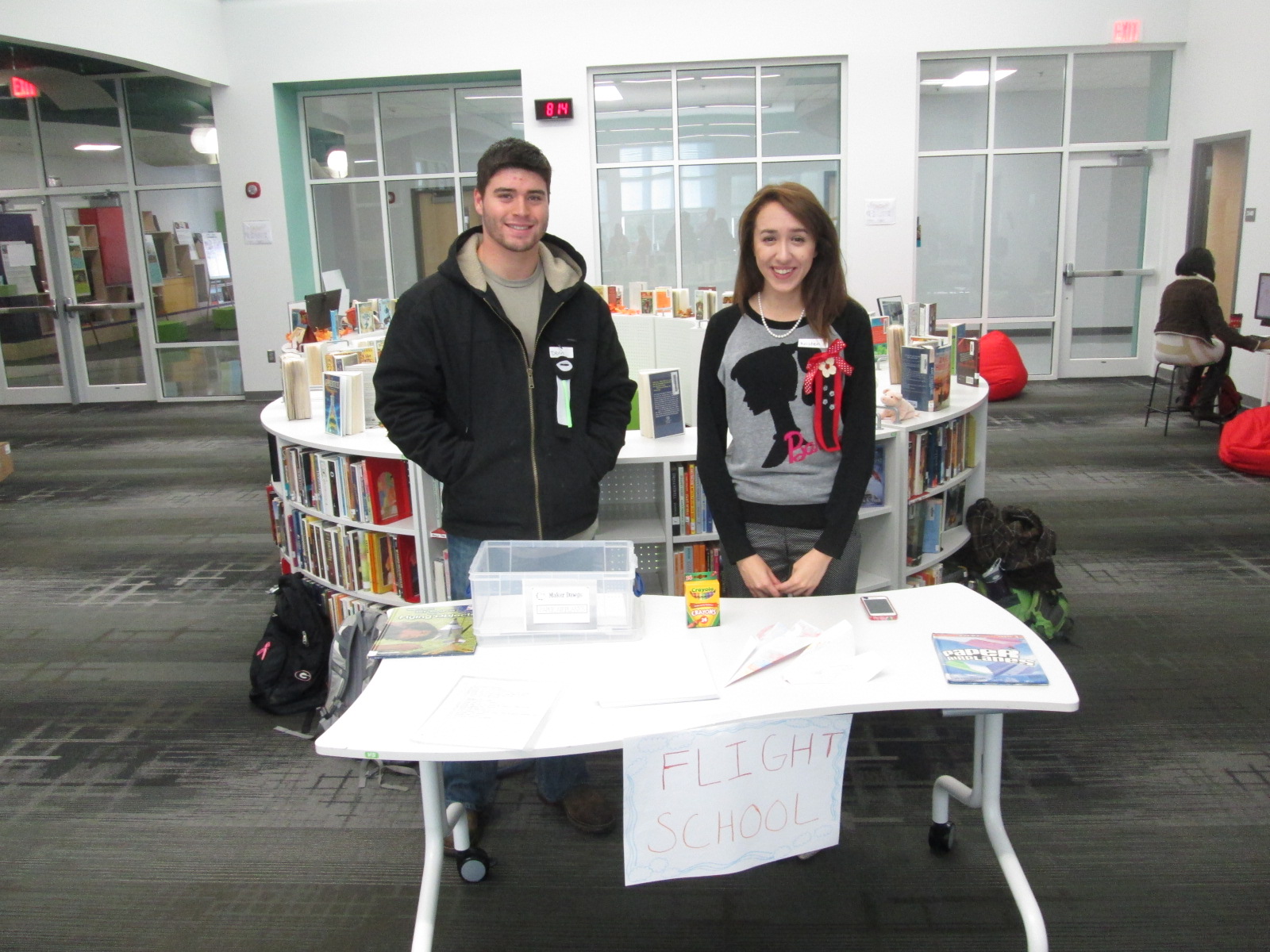
Students loved the paper airplane center.  These UGA students had books about paper airplanes and materials for making planes.  Students spent time making their planes and then testing them out in the library.  I loved watching planes flying around the library and hearing teachers ask “are students supposed to be flying airplanes around?”.

IMG_4329

I saw several students refold their airplane to try something new in their design, so once again there was a strong demonstration of tinkering, failure, and perseverance.

IMG_4293


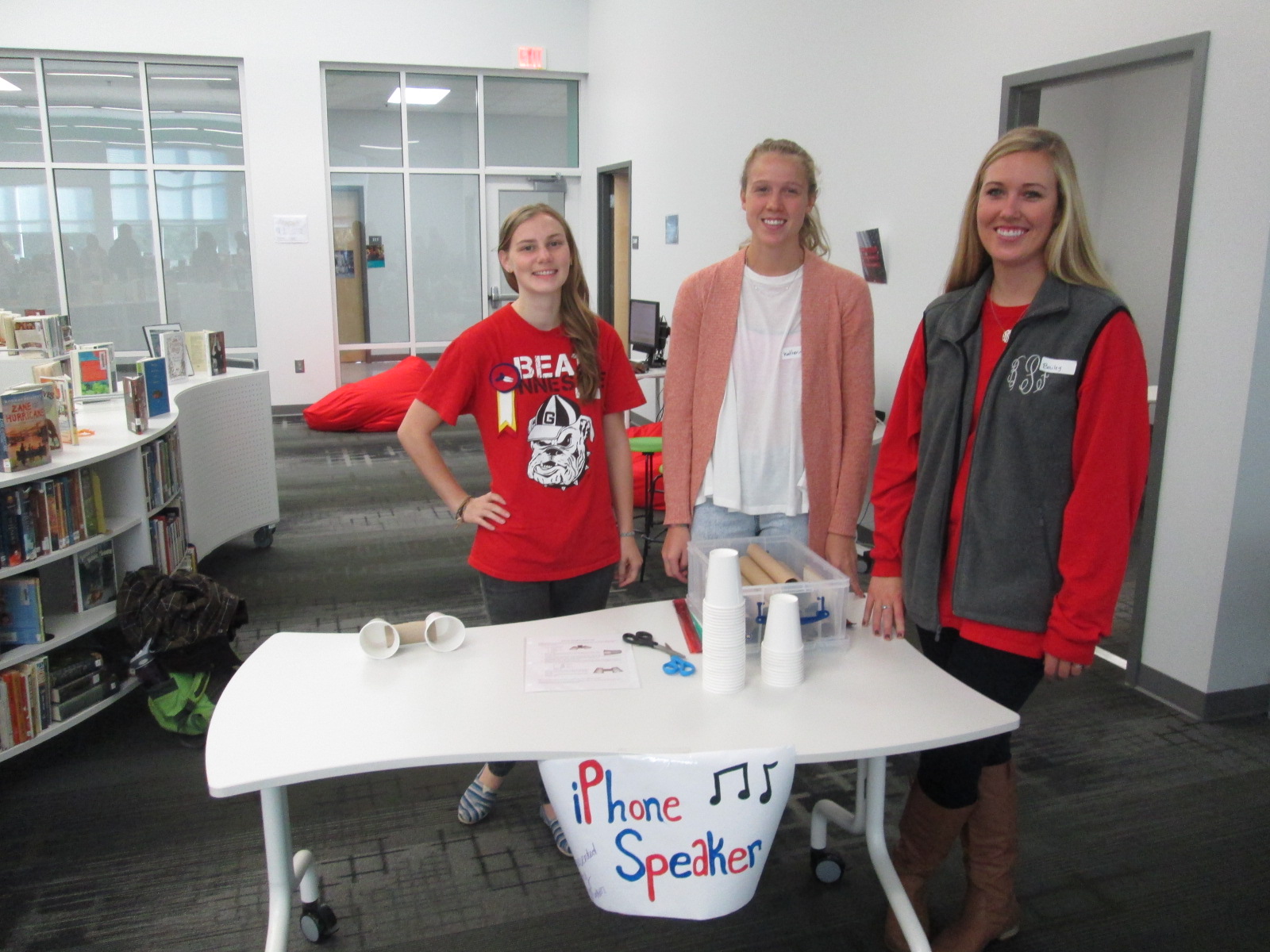
Some of our stations involved technology or could be incorporated into technology.  One station was space for students to explore how to create speakers for iPods or iPhones using cups and paper towel rolls.  Students were eager to take their creations home and try them with their own devices.

IMG_4294


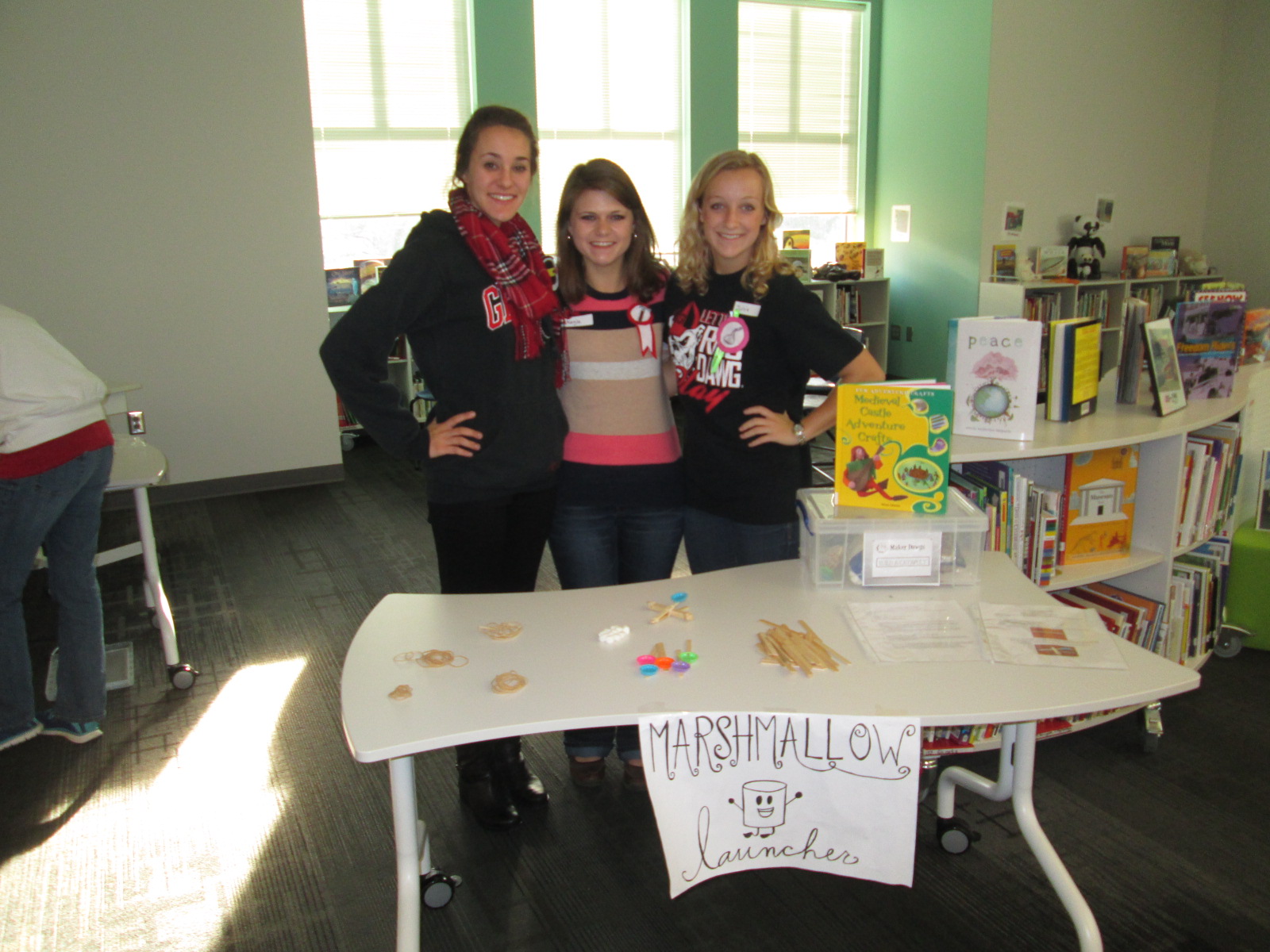
One of the most lively centers was the marshmallow launcher.  Students used rubber bands and Popsicle sticks to create a tool to launch marshmallows.  They tested their creations and made adjustments to see how they could make their marshmallows launch higher and farther.  Again, it was fun to see marshmallows flying through the air along with the planes.

IMG_4295


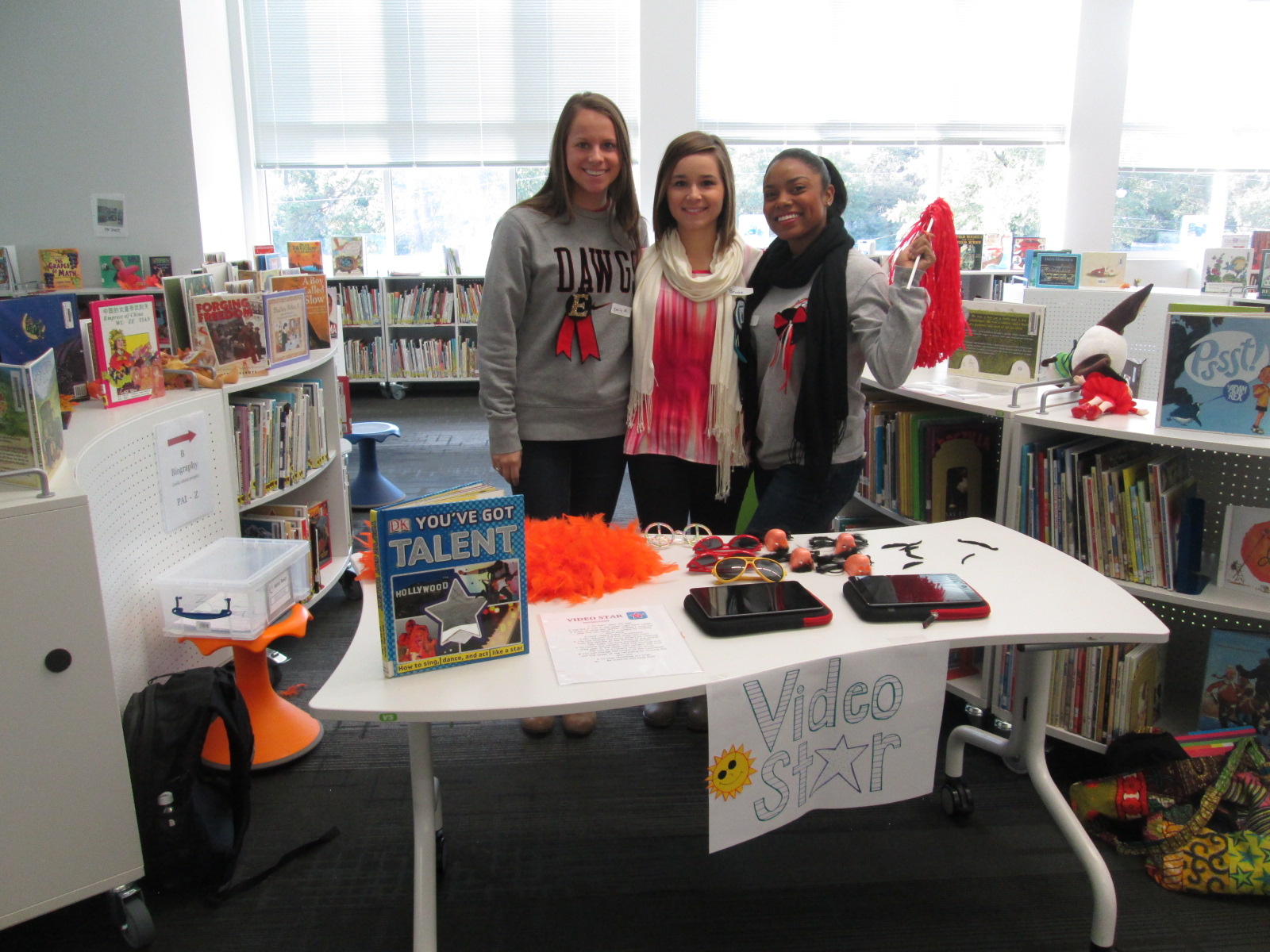
Another lively center was Video Star where students got to create their own costumes and form a mini flash mob dance to be recorded in the Video Star app.  These videos will be coming soon, so I hope to add a few to this blog post when they are ready.  It was interesting to see some students show their personality, come out of their shell, and be totally engaged when given an opportunity to make a music video.

IMG_4296

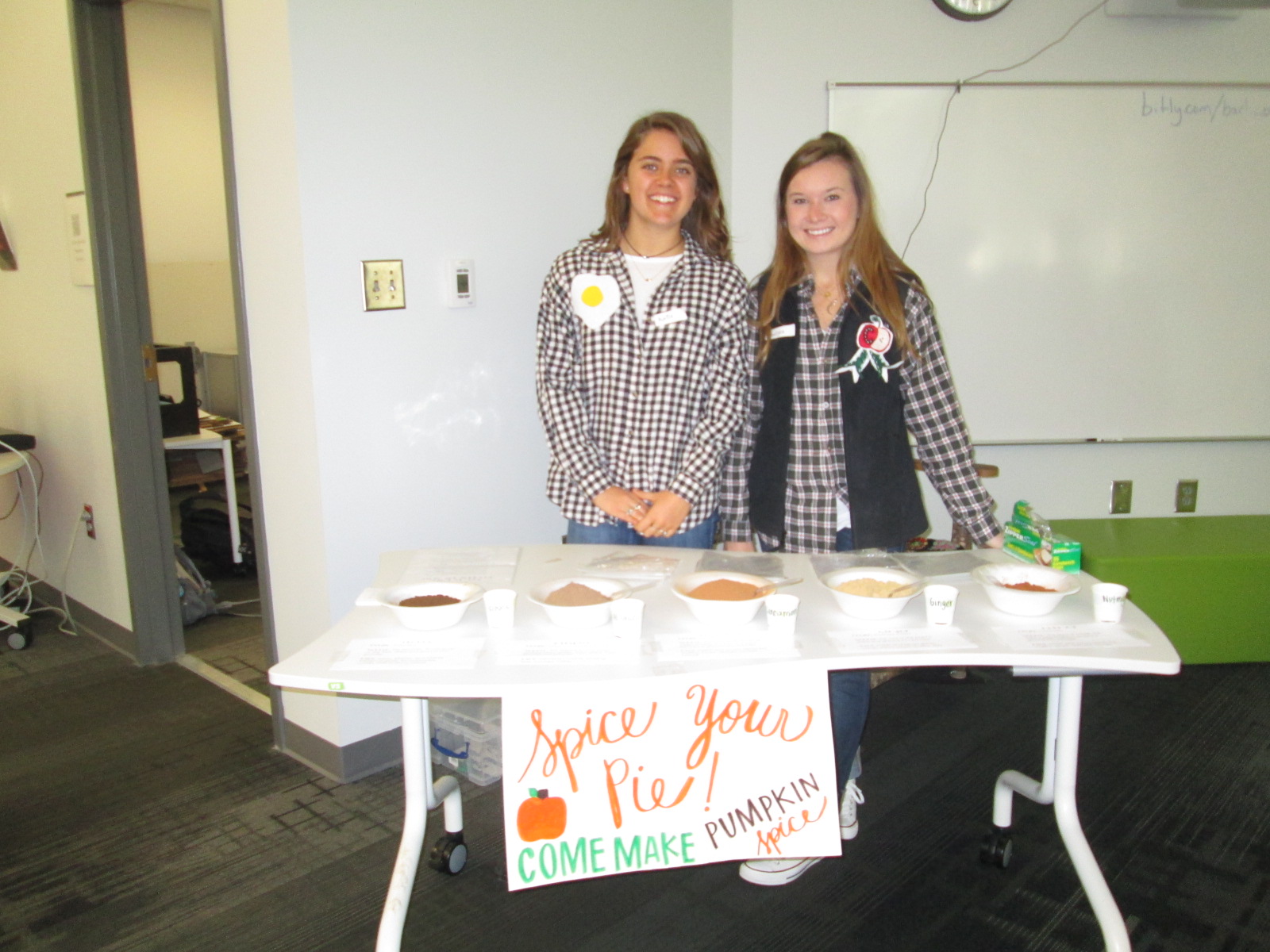
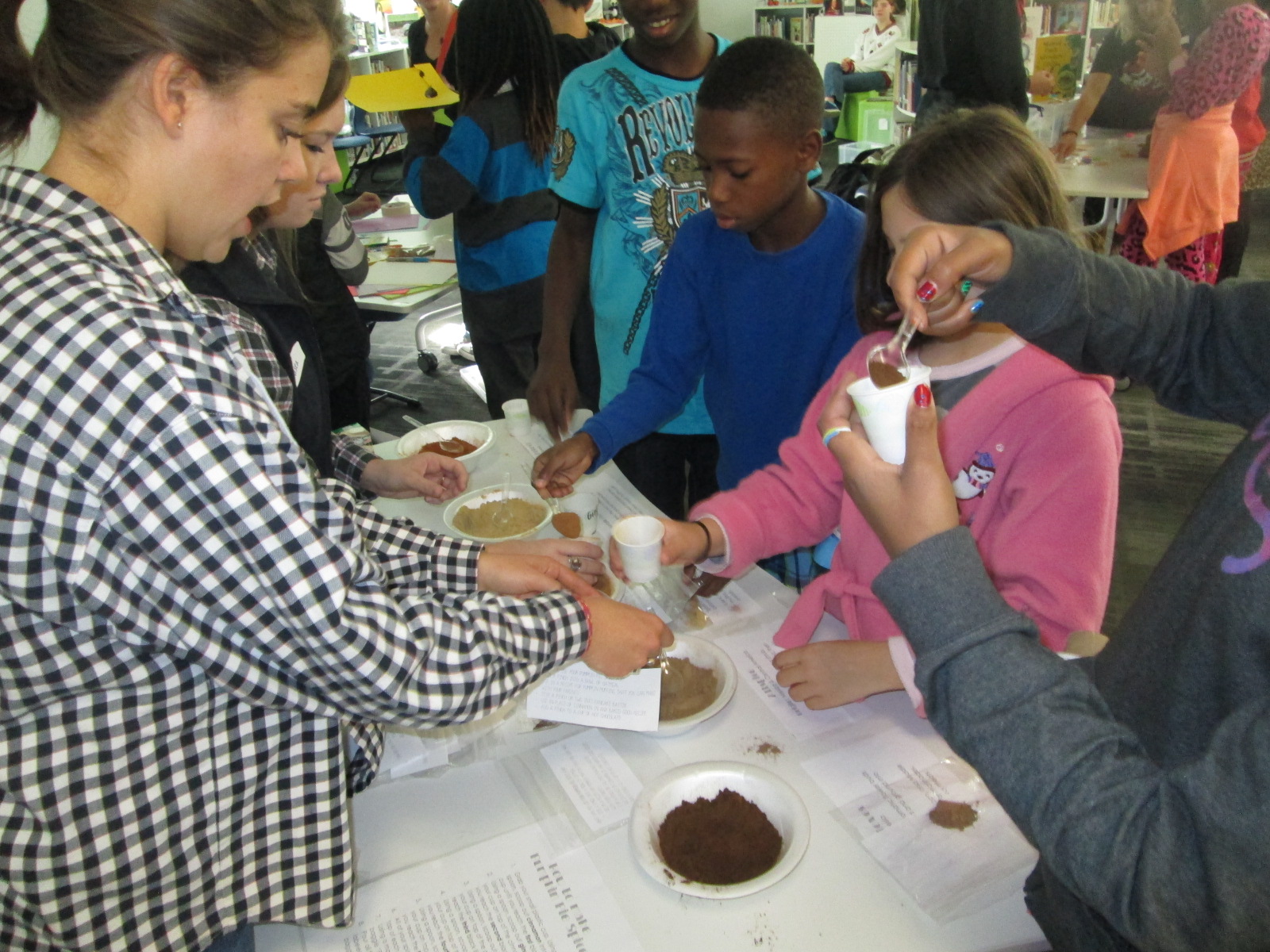
A different take on making was the center that explored spices.  These students had a variety of spices that you might put in fall pies and students spent time examining the spices and creating their own mix.

IMG_4315

I loved hearing what they planned to do with the spices when they get home.  One boy wanted to make a cake for his teacher and even talked about making a new fried chicken recipe.

IMG_4302 IMG_4312 IMG_4297

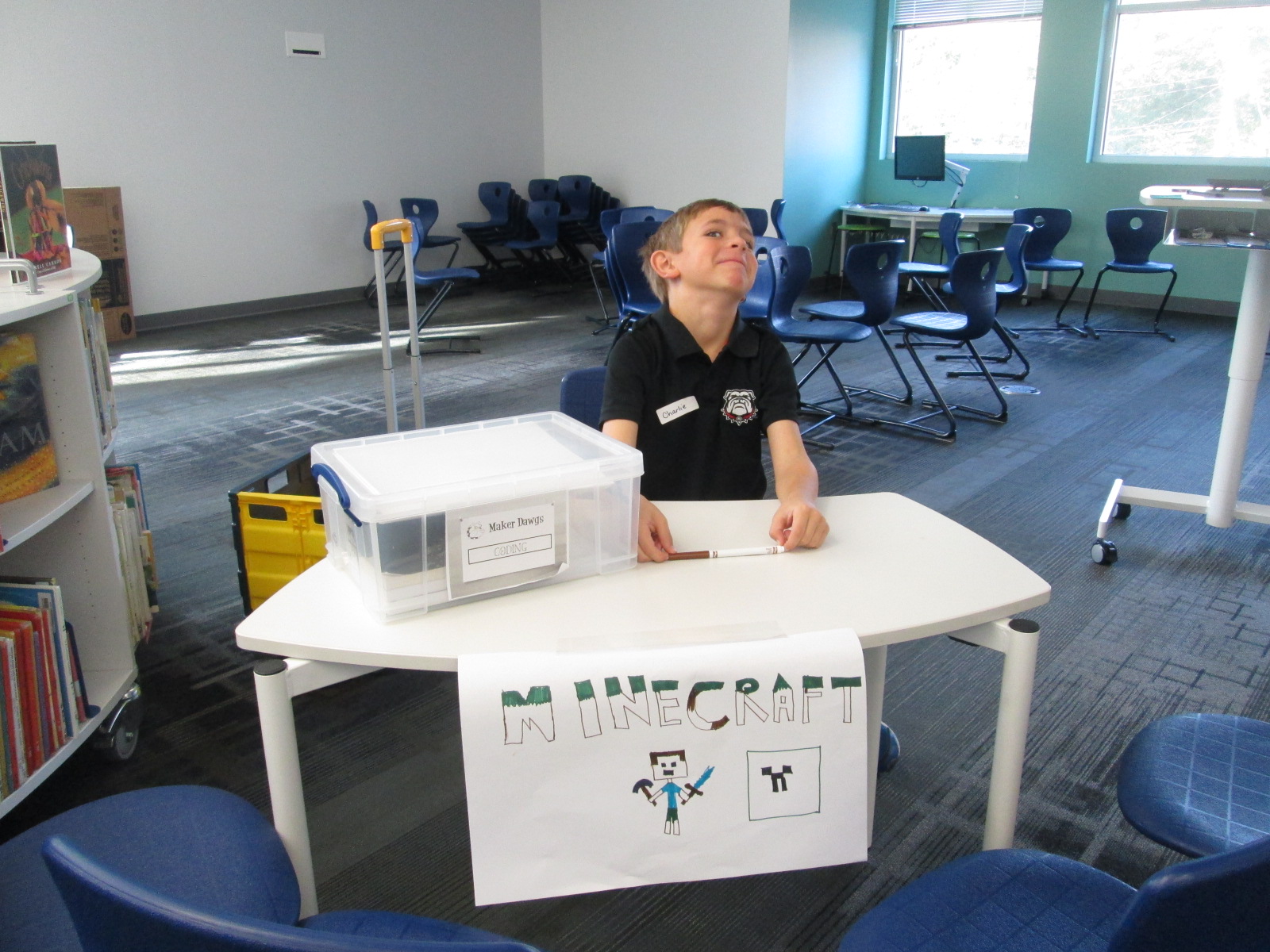
Three of our centers were facilitated by kids.  Two kids were Gretchen’s own kids and one was a neighbor.  They had centers on Minecraft, Goldieblox, and badge making.  They ran their centers like pros and I was reminded of how powerful it is when we give kids a voice to share their expertise with others.

Our entire 5th grade rotated through this experience across the course of an hour.  Students were able to visit about 3 centers.  After the centers are assessed and used at another school, they will be making their way back to our school for students to use in our makerspace.  I am so thankful to have Gretchen and her students so close to us.  She is willing to give any crazy idea a try and see what happens.  In this case, I think there were many miraculous moments.

As students left, they had smiles on their faces, energy in their bodies, and ideas flowing in their minds.  I invited them to think about how what they discovered fit into what they are doing in their classrooms.  I wish that I had been able to have them express some of these ideas before they left, but perhaps I can capture some of these reflections in another way such as a Flipgrid or Google form.


Perspective on Explorers

I’m very excited about a project with our 4th graders this month.  This project is a spinoff of something we did last year with explorers and Native Americans.  This year, we are just focusing on explorers.

To kickoff the lesson, we did a very similar kickoff to last year’s project.  The entire fourth grade came, which was about 65 students.  We used a video from Biography.com about Christopher Columbus.  We only watched the first two minutes of the video.

http://www.biography.com/people/christopher-columbus-9254209/videos/christopher-columbus-mini-biography-6831683604

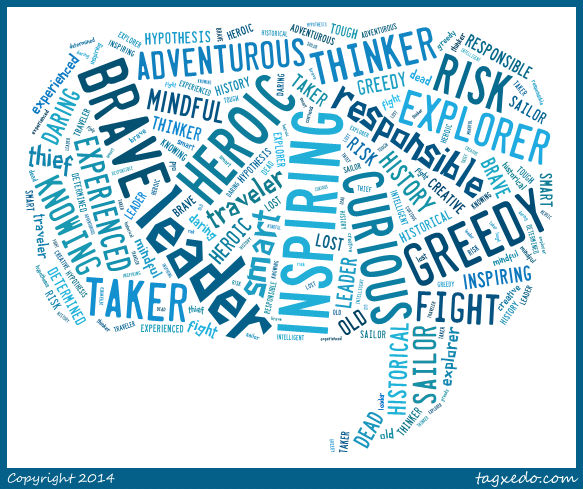
Following the video, I asked students to tell me what words they would use to describe Columbus.  They turned and shared with a neighbor first and then I used Tagxedo to capture several of their words into an image.

columbus video

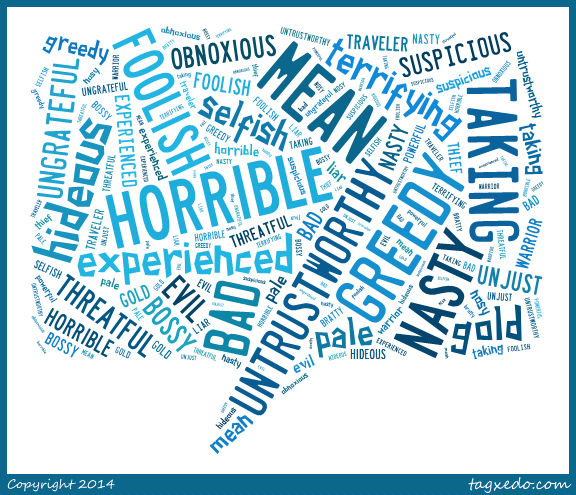
Then, we read the book Encounter by Jane Yolen.  I love pairing this book with what students are already thinking about Columbus because it typically flips their outlook on Columbus and explorers in general.  I asked them the same question about Columbus, to describe him based on the book they just heard.  Here’s how their words changed.

columbus encounter


This lesson was meant to setup the whole research process that students will now embark on.  They will each select one of the explorers from the 4th grade standards:

SS4H2 The student will describe European exploration in North America.

a. Describe the reasons for, obstacles to, and accomplishments of the Spanish,
French, and English explorations of John Cabot, Vasco Núñez de Balboa, Juan
Ponce de León, Christopher Columbus, Henry Hudson, and Jacques Cartier.

b. Describe examples of cooperation and conflict between Europeans and Native
Americans

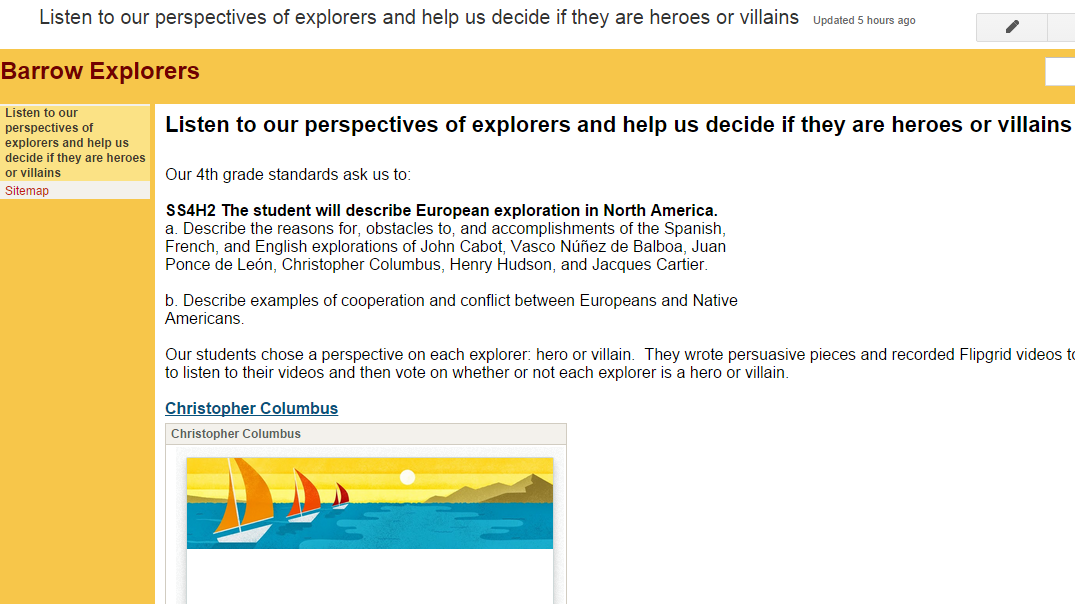
They will ask themselves, “Is this explorer a hero or a villain?”  Some teachers may even assign a perspective for students to take even if they disagree with that perspective.  I told them to think back to Columbus.  Even though many of us think he’s a villain after reading Encounter, we were still able to come up with all kinds of words to describe why he was a hero.  Students will use a Sqworl pathfinder along with other databases and print books to research. They will write a short persuasive piece convincing an audience to believe that their chosen explorer is a hero or a villain.

Barrow Explorers

We will use Flipgrid to create videos of all of these writing pieces.  I made one grid for each explorer so that we hear both perspectives in one place.  They will be stored on a Google site so that we can easily view all of the videos.  I also made a Google form so that viewers can easily vote for whether they think each explorer is a hero or a villain.

Our plan is to share this with our entire school as well as share on social media and this blog when we have everything ready to go.

Be on the lookout for your opportunity to give the students feedback on their work and participate in this project.


Barriers to Bridges: Using Tripline to Document the Civil War

Tripline

I love using Google tools.  Our district is a Google Apps for Education district. We have numerous kinds of devices in student hands from Asus netbooks to Samsung Chromebooks to HP laptops to Lenovo Thinkpads. Each of our 3rd-5th grade has their own device supplied by the district and in 5th grade these devices are predominantly Chromebooks and HP laptops. We mix devices in grade levels for 2 reasons. We don’t have enough of one devices to give one grade level the same device and not all of our programs run on all of the devices. This causes problems for us from time to time, but a big part of my philosophy is that when you come to a barrier you have to build a bridge to get over it.  Roadblocks are a nuisance and they slow down productivity, but they aren’t reason for giving up.

Recently, I had a great planning session with Ms. Shelley Olin in 5th grade to plan a Civil War project with her students. She wanted a way for students to remember the many events of the war as well as visualize where all of the events took place.  I’ve used Google Tour Builder several times to document virtual connections with classrooms around the world. I love that you automatically have an account if you have a Google account and that you can easily integrate your Youtube videos and Google drive photos into the tour.  I used this tool last year to document the 36 connections we made during World Read Aloud week and it is so nice to see all of the connections and play through the summary of where we traveled each day. I thought this would be a perfect tool for Ms. Olin.  Students already had an account through their Google apps accounts.  Our plan was for Ms. Olin to use this tool in her closing of her lesson each day.  Students would visit their Google tour and add new locations to a Civil War tour.  They would write summaries of each location or event and search for images on public domain sites such as the National Archives or Library of Congress.

Then, we faced a major road block.  Google Tour Builder requires a plugin that can only be installed on IOS or Windows.  Why was this a road block?  None of our Chromebooks could install the plugin.  How ridiculous that a Google computer couldn’t even use a Google tool!  Even though we were both frustrated, I didn’t want this one road block to keep us from carrying out our plan. I searched for another tool and stumbled upon Tripline.

tripline (5)

Tripline does many of the things that Google Tour Builder can do. You can create a map in a sequence of events, list specific dates and times, add summaries of what took place in each location, upload photos, and add links to other content.  It doesn’t integrate into Google apps, but it was the closest match that I could find.

tripline (4)

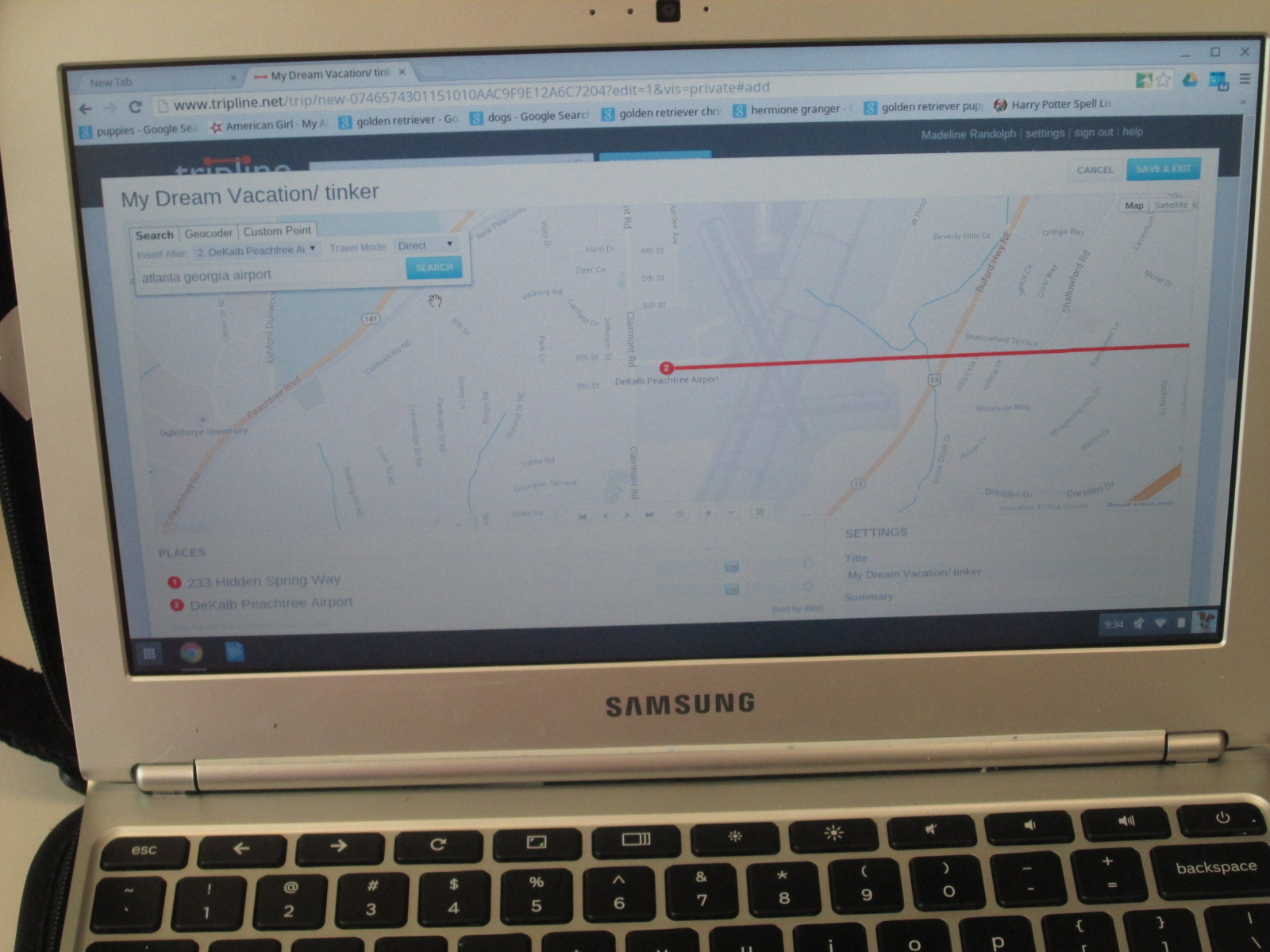
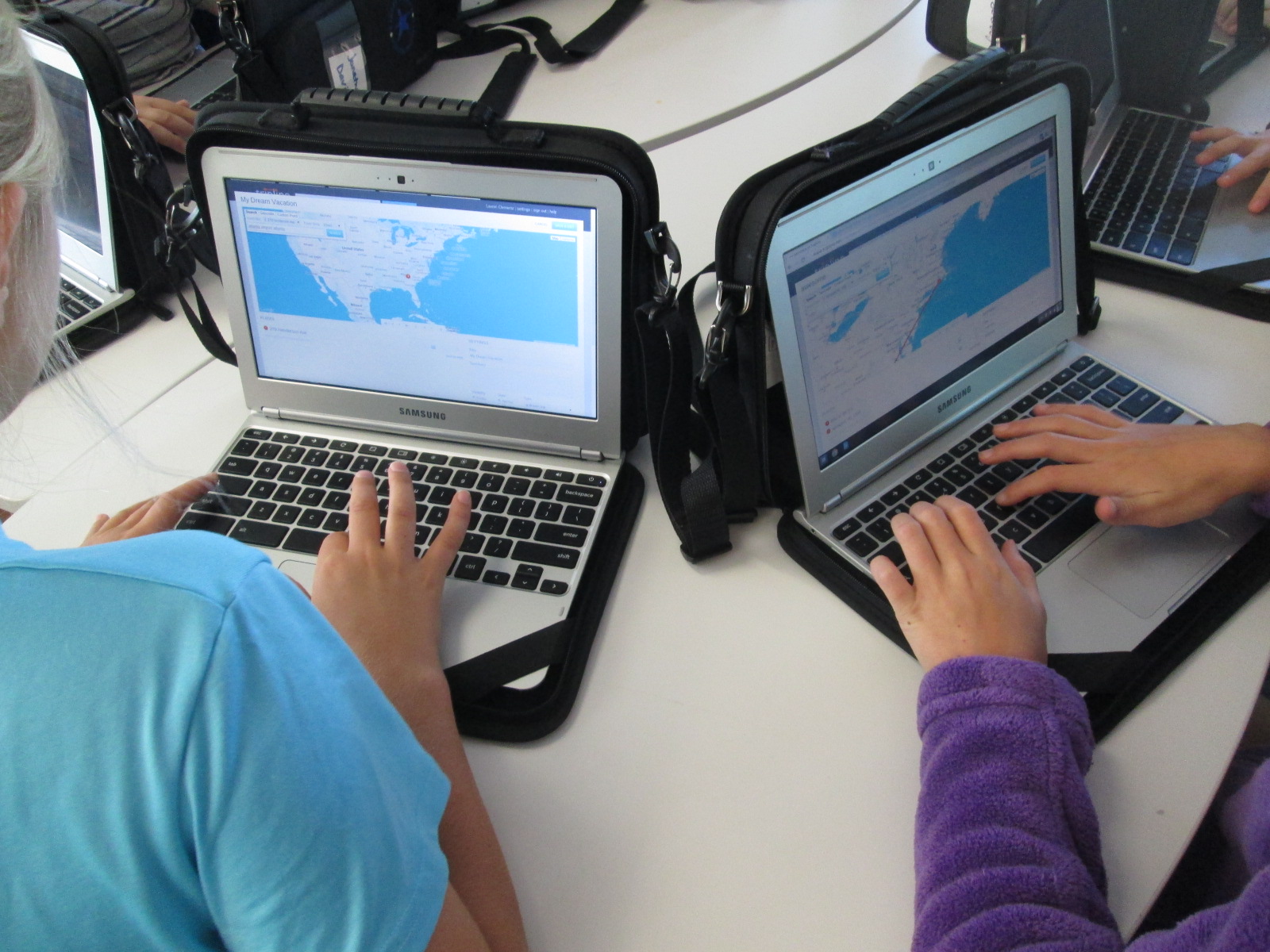
Ms. Olin scheduled each of her classes to come to the library to get started.  I did a quick demo on the board and then we got students setup with accounts.  Once they had accounts, each student created a tinker map.  This was a space for them to just mess around and explore all of the functions of Tripline.  Their map could be about anything and they could travel anywhere.  They would always have this map to come back to in order to tinker if they needed to during the course of their social studies project.

tripline (2)

It was fascinating to see what students decided to do during their tinkering time.  One student had moved to our school from Rome, GA. He located his old house and made a map of several important places to him while he lived there.  Another student made a dream vacation map and traveled to several countries that she only knew the names of.  She then pulled up a Google search to look for cities within those countries and added specific cities to her trip.  Each map was different but all students accomplished the same thing.  They got familiar with how Tripline functions.

tripline (1)

At the close of our time, we opened up a new map and got their Civil War map created and saved.  Now, they are ready to begin their study of the Civil War.  They will document major locations of the war through pinpoints on the map, pictures, and summaries of what happened at each location.  I can’t wait to see what they create.


Allen Say’s Kamishibai Man and Tinkering with Puppet Pals

IMG_4164

Third grade has been working on an Allen Say author study.  In class, they have read multiple books, compared and contrasted, and started identifying what marks a book as Allen Say’s work.  In the library, we also read a book by Allen Say to fold into this class conversation, but we used the library lesson for another purpose, too:  tinkering.

Our read aloud was Kamishibai Man, which tells the story of an old man who has retired from his work of traveling into the city to sell candy and tell stories.  A kamishibai uses a wooden box mounted on a bicycle to display beautiful paintings which inspire oral stories.  The stories are told in a series so that audience members want to come again and again.  At each storytelling session, the kamishibai man would sell homemade candies which was how he made his living.  During the story, we had great discussions about how technology has impacted our lives in positive and negative ways because in the story the kamishibai man has to quit his job because people would rather watch tv.

IMG_4158 IMG_4163

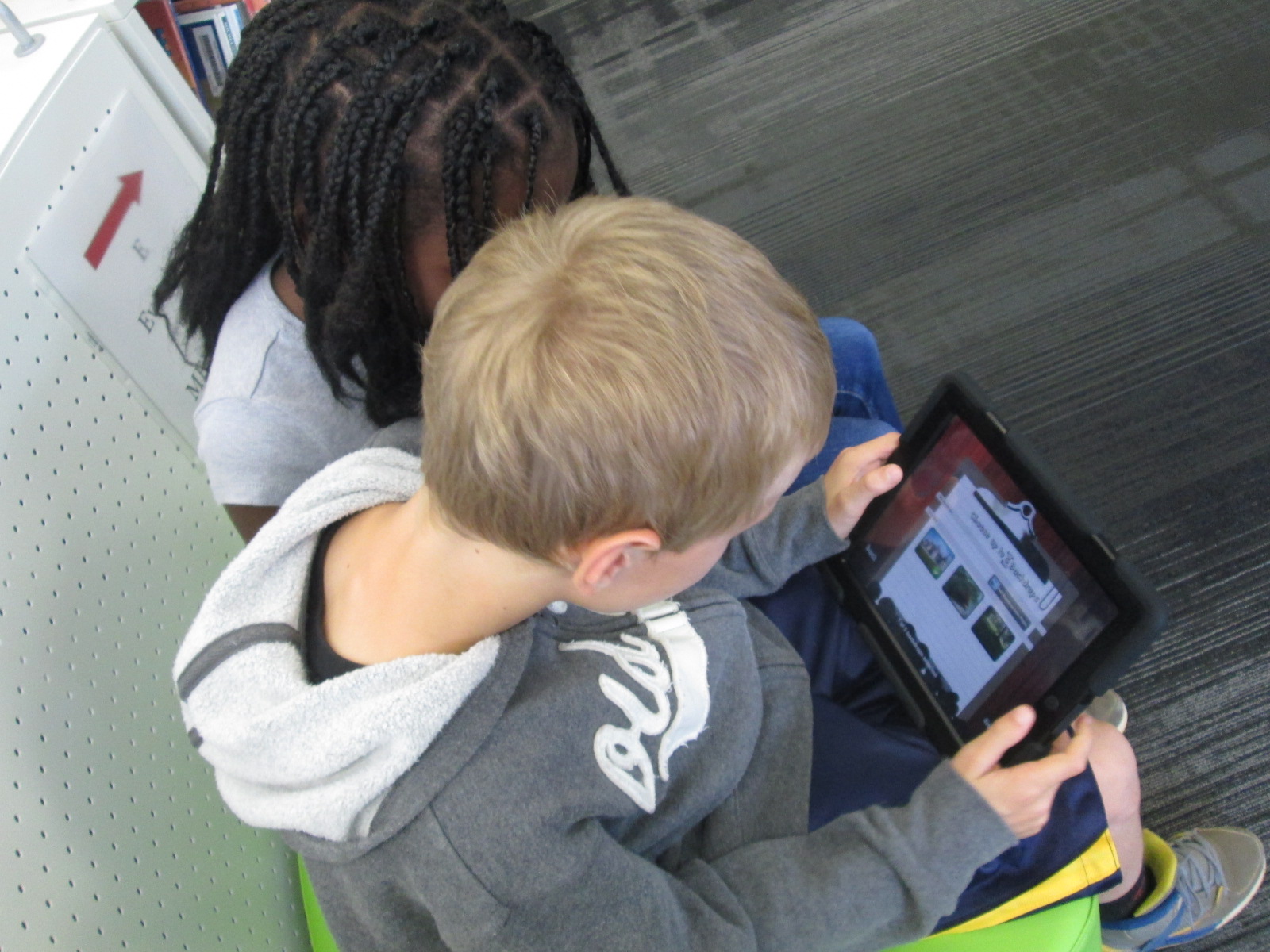
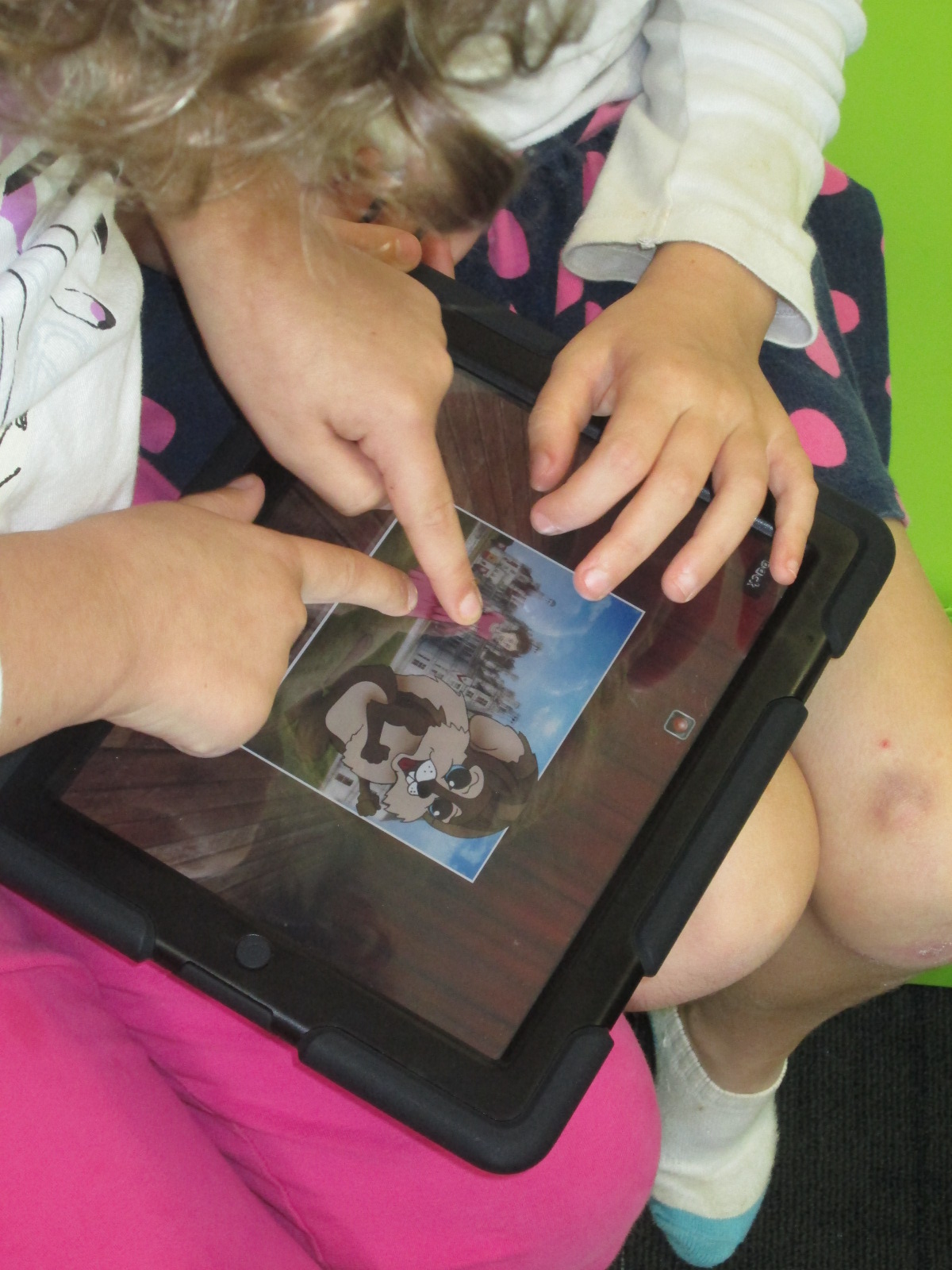
Following the story, we practiced our own way of oral storytelling using puppet stages, characters, and backdrops in an iPad app called Puppet Pals.  This app allows you to select up to 8 characters and 5 scenes.  You can upload your own images for the characters and scenes or choose from the library of options.  Users can move their scenes and characters off stage when they are not in use.  With a record button, every movement and voice is recorded as long as it takes place in front of the backdrop.  Puppet Pals lets you record up to 2 minutes of audio which sets it apart from some other apps that only let you record for 30 seconds.

We did a quick demo on the board by having 2 students come up and make a quick story in the moment.  Then, students split into groups of 2 or 3 with an iPad and spread out throughout the library.  They quickly got to work figuring out how puppet pals worked.  Most groups made multiple stories because they would think about something else they wanted to try once they finished one story.  It was fun to step back and listen to all of the voices that students were creating for characters as well as how they were moving characters in and out of the set and making them larger and smaller on the screen.  The students were trying this app without fear of failure, and they were learning so much about how the app functioned.  Some of them even created some pretty decent videos in the short time that they had to tinker.

Our closing time was once of my favorite times.  I asked students to think for a moment about what they might want to do if they made a longer video and had a longer time to work on it.  They listed out several things that probably would have come from a teacher checklist or instructions, but the difference was that they came to the realization of why these checklist items were needed because of their tinkering.  It wasn’t just something the teacher or I was asking them to do.  Instead, the checklist served to improve their work and organize their product.  They named things like:

  • Write a script for the characters.
  • Include instructions about when to change the backdrop
  • Write notes about when to shrink or enlarge a character.
  • Pause the recording in order to switch out characters or scenes. Put this in the script too.
  • Practice before recording.
  • and much more.

Third grade is about to launch into a study of folktales.  I think Puppet Pals has great potential to be a part of this project, so I intentionally used this tool as part of our Allen Say project to have a purpose for tinkering but also to make sure that tinkering happened before we asked students to create a more polished product.  Now, I feel like the stage is set for all 3rd grade classes to create a folktale Puppet Pal project if they want to.  I want to think more about how tinkering opportunities can be built naturally into lessons prior to larger projects beginning.  This type of model takes knowledge of the upcoming curriculum and early conversations about the kinds of collaborative projects that will be taking place each quarter.  I love this new thinking that has potential for future planning with teachers and students.


Creating Star Charts with LittleBits

Star Charts (13)

Last week, Mr. Coleman, 4th grade teacher, asked me if I had any extension lessons to support 4th grade’s study of stars and constellations.  Specifically, their standard is:

S4E1. Students will compare and contrast the physical attributes of stars, star patterns, and
planets.

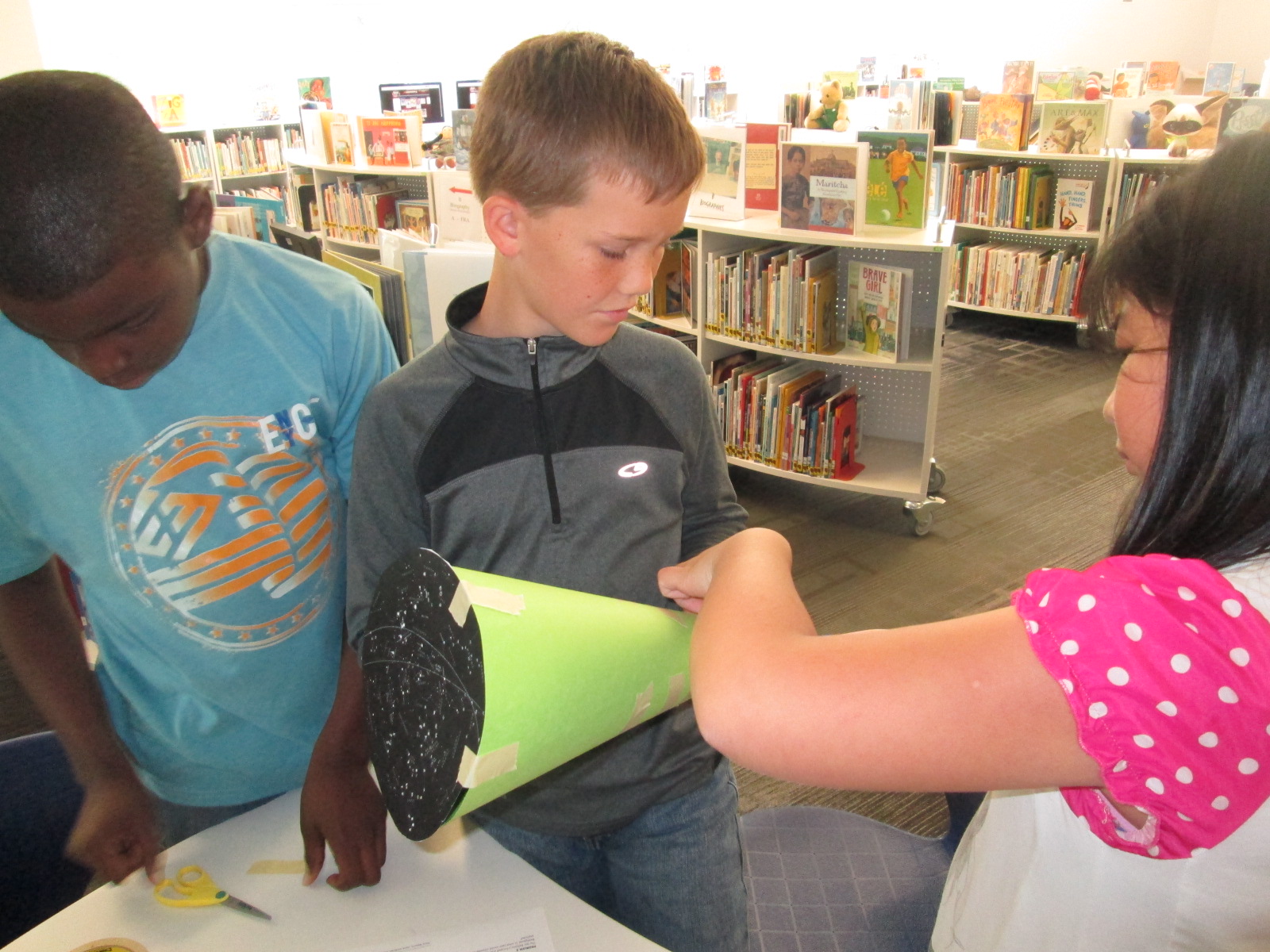
I suddenly remembered that a part of he littleBits workshop kit that I purchased this summer was a free space module.  As I flipped through the book, I saw that you could use littleBits to make a start chart.  This was the perfect opportunity for students to explore littleBits in a standards-based lesson with enough structure to give them a goal but still have an opportunity to do a bit of tinkering.

Star Charts (1)

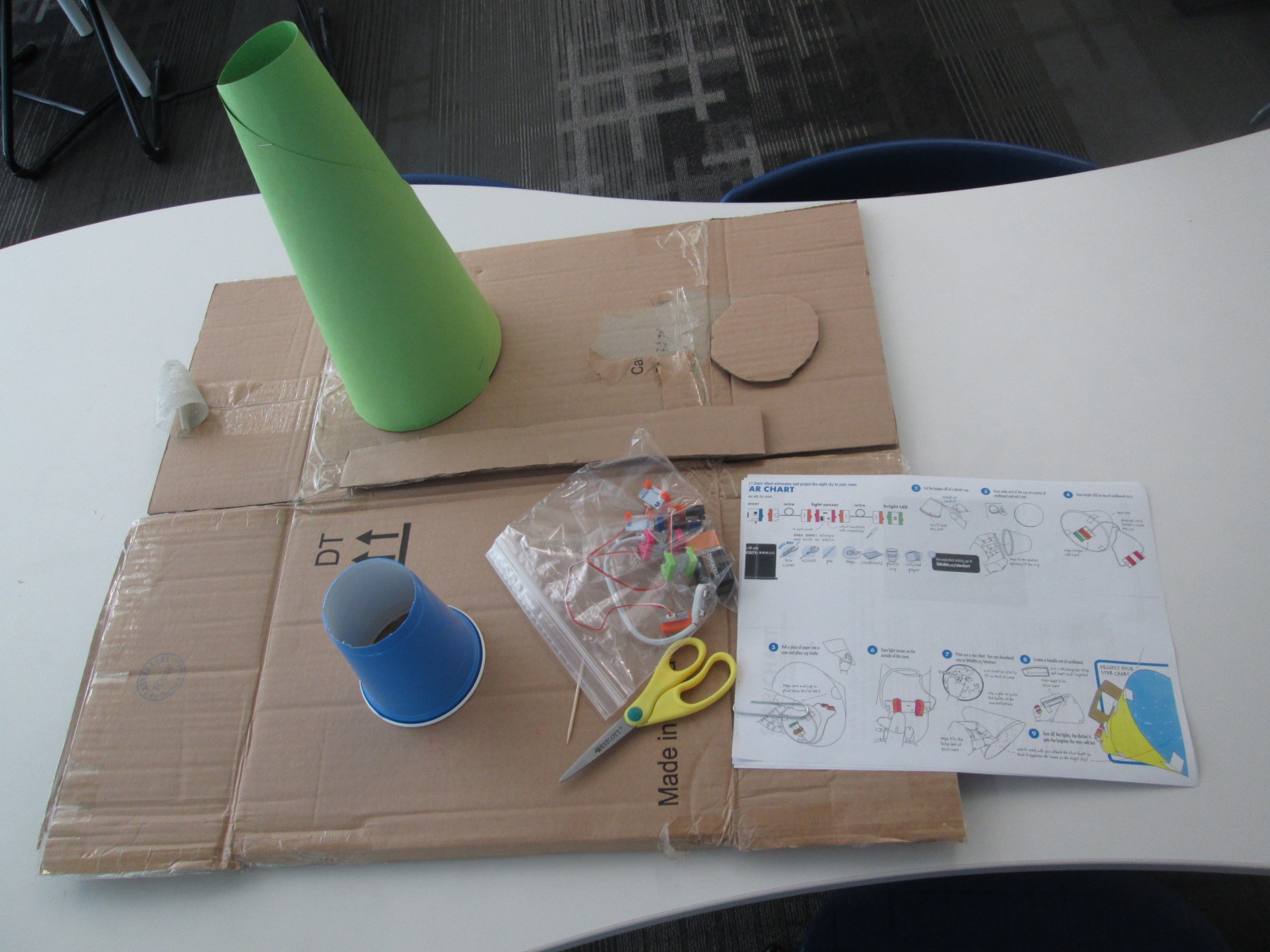
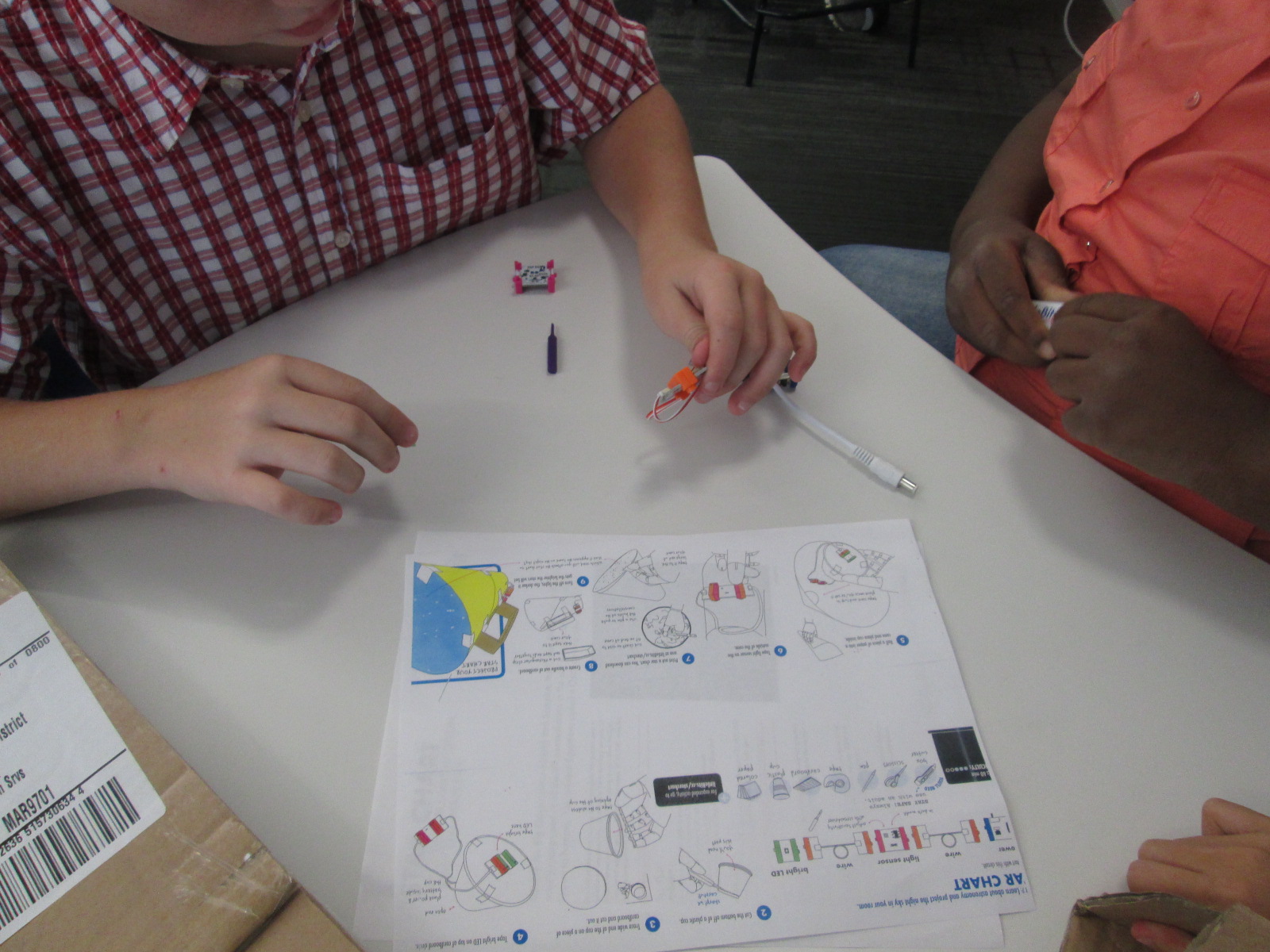
Because some of the steps involved using a box cutter to cut holes in a cup and a cardboard circle, I did a few steps ahead of time for them.  On a large piece of cardboard, I gathered materials for each group:

  • a ziploc bag of the littleBits needed, including the battery
  • a littleBits screwdriver
  • scissors
  • tape
  • a toothpick
  • a pen
  • a cone made out of construction paper (many thanks to Gretchen Thomas for helping me figure out how to make a cone!)
  • a plastic cup with the bottom cut out
  • a cardboard circle the size of the mouth of the cup
  • a strip of cardboard
  • a set of instructions
  • a copy of a star chart

We started the lesson together on the carpet.  We watched a short intro video:

I told them that our goal was to make a device that lit up when it was in a dark room and projected stars onto the ceiling.

Star Charts (6)

We talked about failure.  I emphasized that this class was the first class in the school to use littleBits.  We talked about failing, taking a deep breath, backing up, and trying again when something didn’t work.  I also talked about teamwork and time management.  This was to emphasize that the more they worked together and didn’t give up the more likely they were to be successful in making their chart.

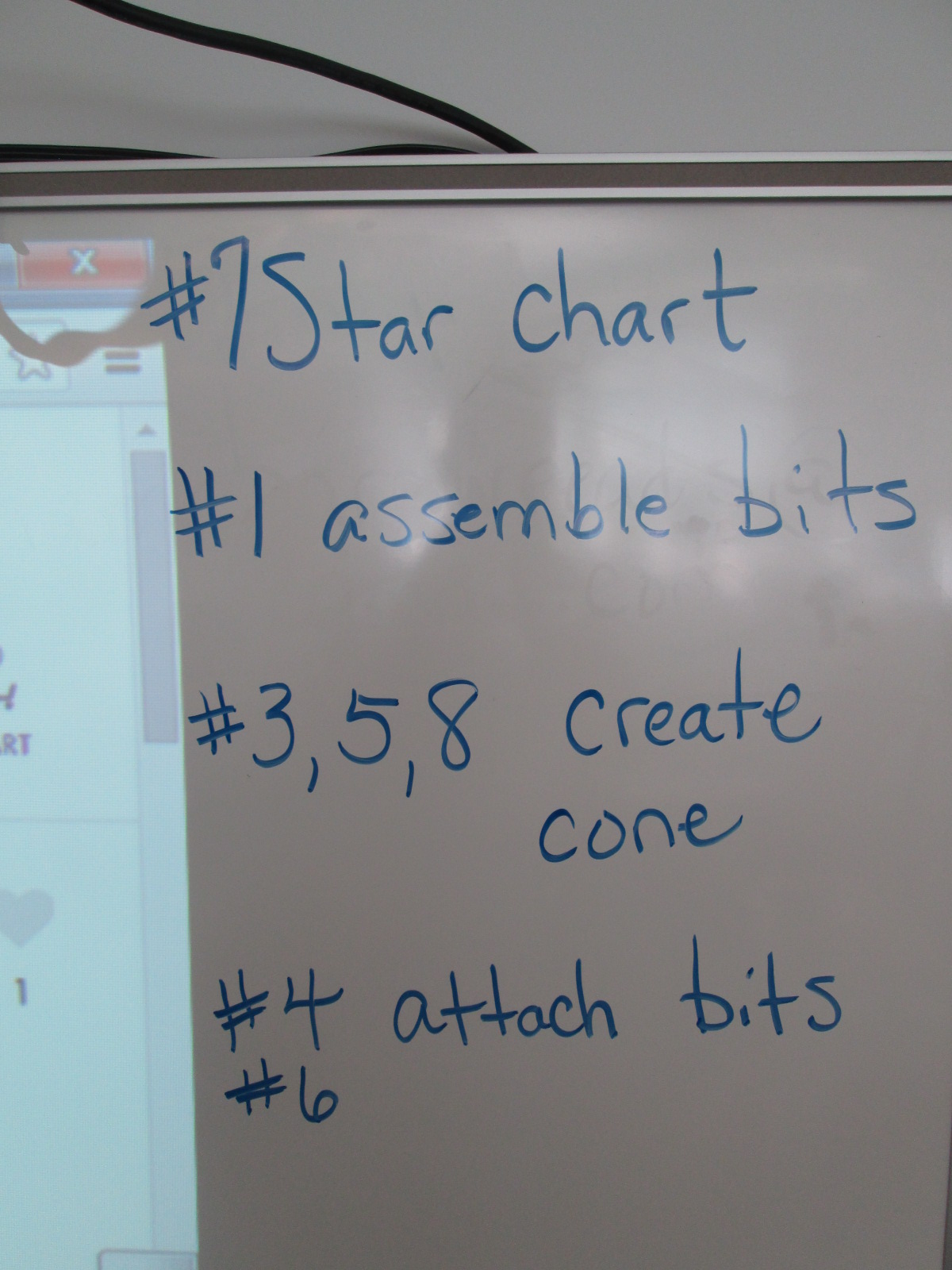
I also made suggestions about how teams might think about dividing up the work load.  For example,

  • 1 person might try step #7 and prepare the star chart
  • 1 or 2 people might try step #1 to assemble the bits
  • 1 or 2 people might try steps #3, 5, and 8 to create the cone
  • 1 or 2 people might try step #4 & 6 to attach the bits and test the device

This was only a suggestions.  Teams were welcome to do every step together or divide the work up in other ways.

Notice that I didn’t say anything about explaining littleBits, what each bit was called, what their function was, or how to put them together.  I knew that the kids were perfectly capable of figuring this out on their own, and they proved me right.

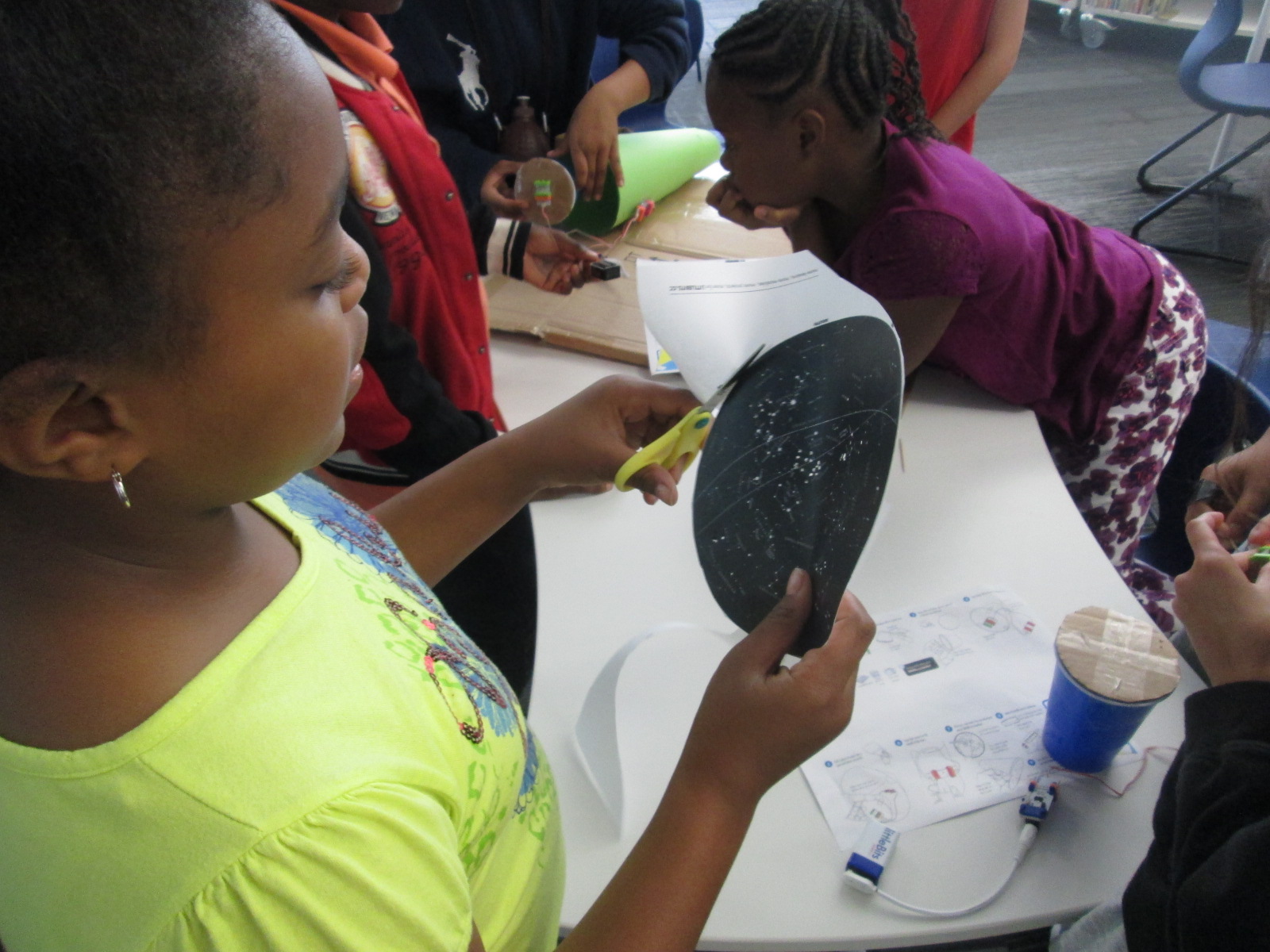
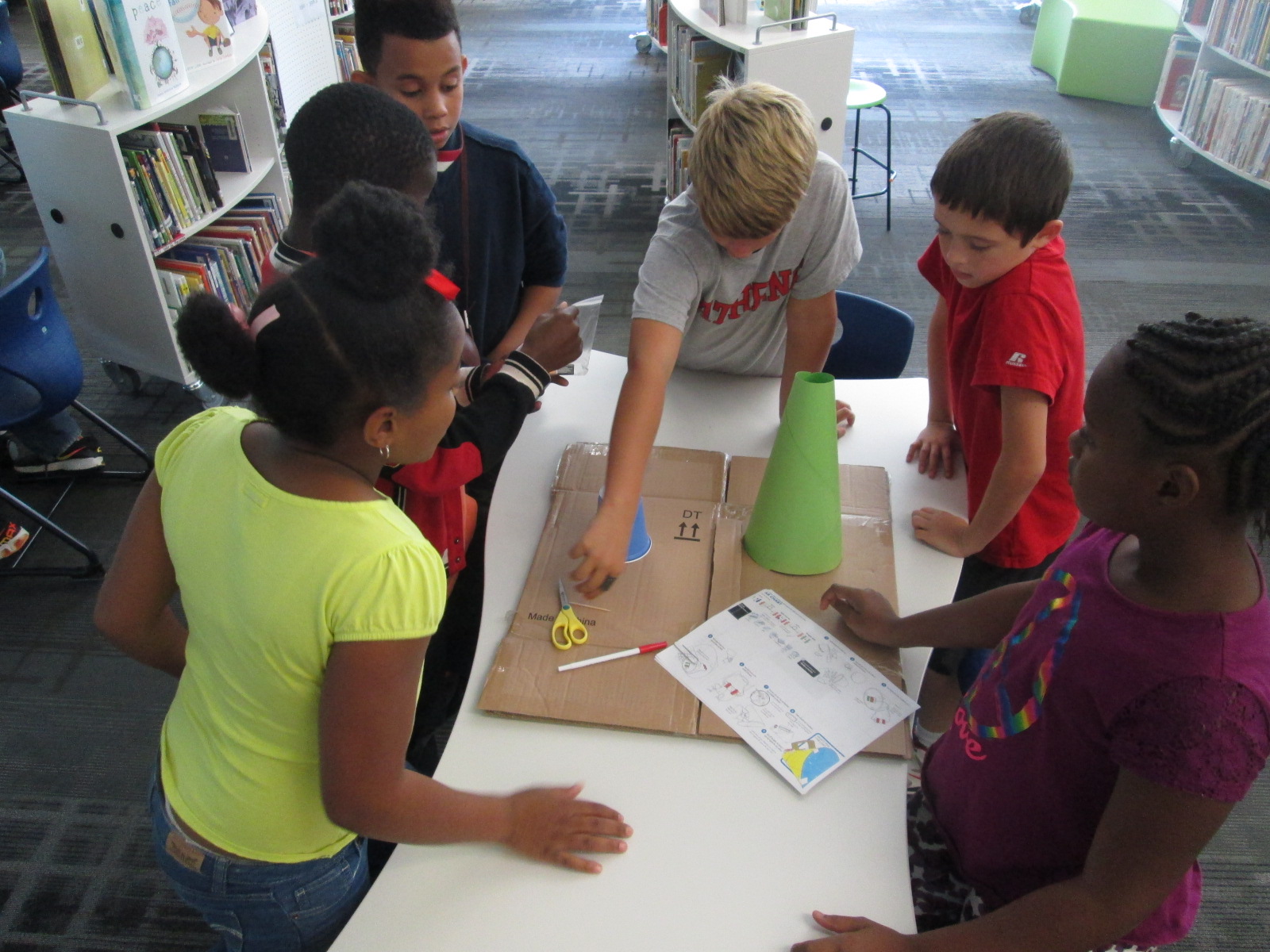
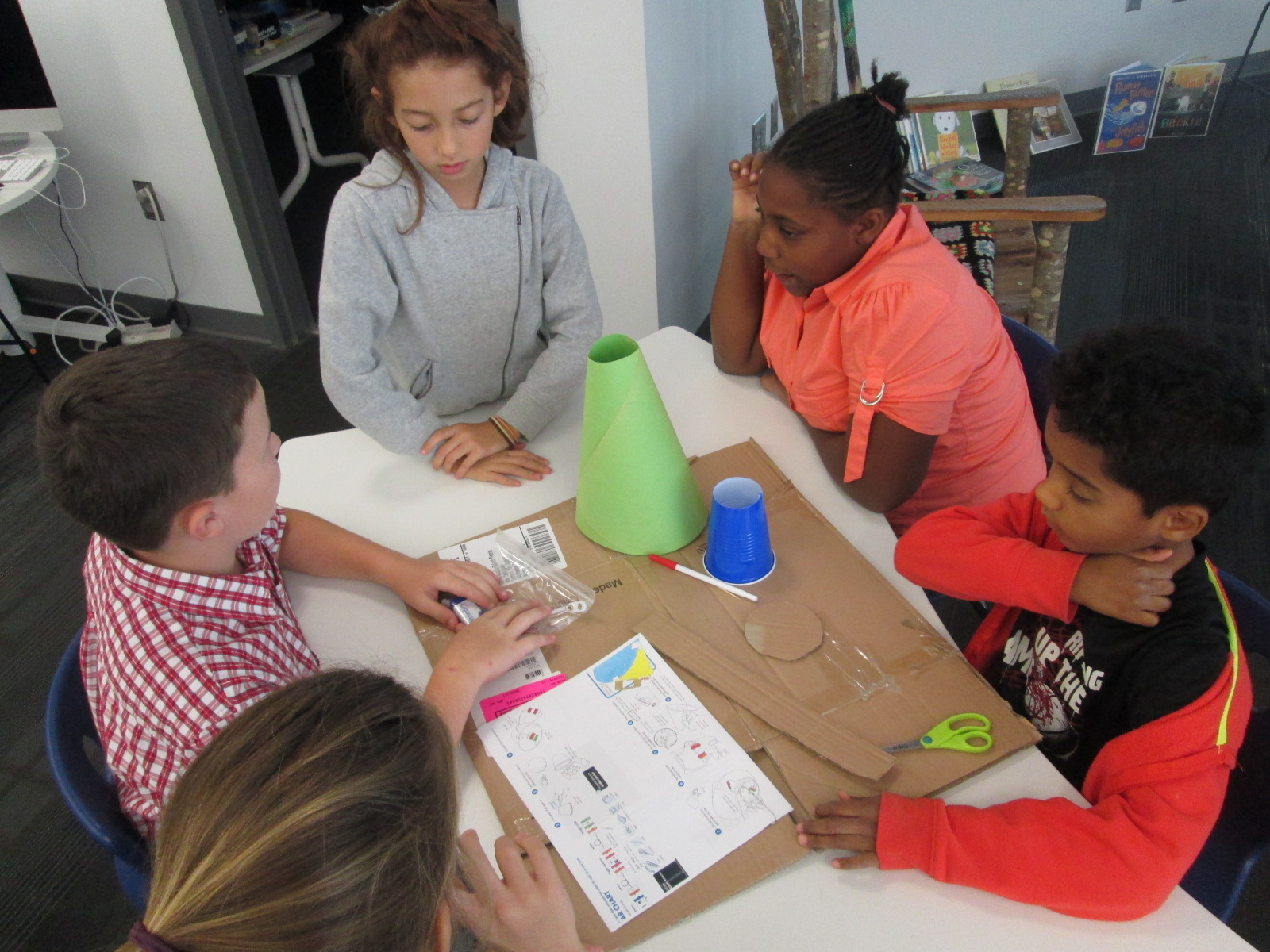
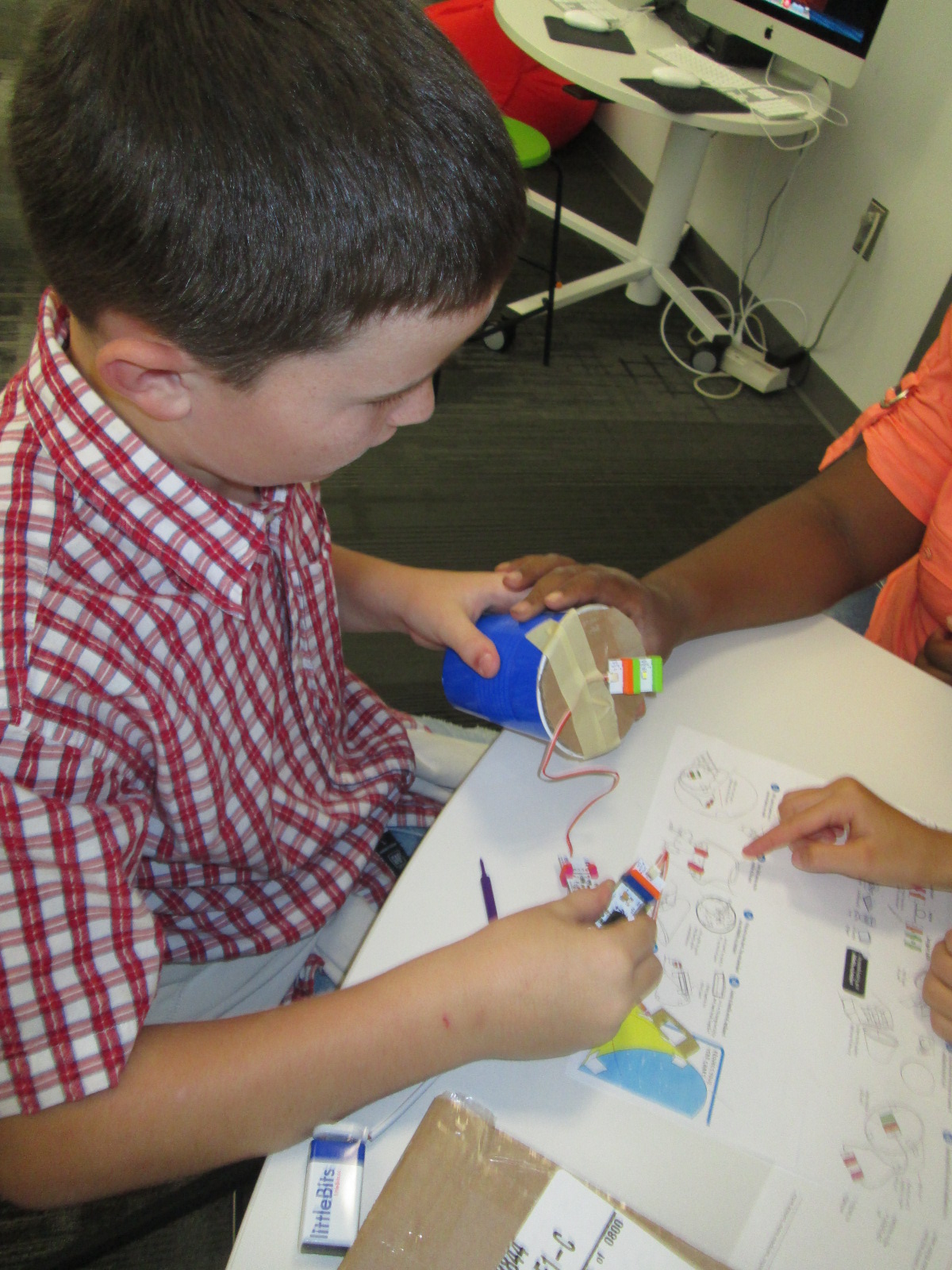
Mr. Coleman helped divide the students into groups and they got right to work.  I was amazed by how the groups took time in the beginning to assign roles before working.  It was a rare moment to look at a table and not see someone working on some aspect of the star chart.

Star Charts (8)

Mr. Coleman and I walked around and encouraged groups to read directions, try new things, work together, and gave a few helpful nudges as needed.  However, we did not create the star charts for any group because we wanted students to experience tinkering, failure, and the power of reading and following directions.

Star Charts (7)

There was a definite energy in the room and it was by no means quiet.  Each time something started working, the energy level increased.  Groups started taking their devices into our makerspace and equipment room so that they could turn off the light and test their invention.  As pieces worked, they screamed with excitement, but as they failed they hurried out, disassemble their work, and started over.

Star Charts (17)

Once again, I was amazed by how no students stopped working and no students reached a point of frustration where they shut down.

We even had a group who were still working when we were debriefing the whole experience because they wanted to make their star chart work.  They didn’t give up for a second.

Star Charts (11) Star Charts (12)

When the charts worked, students spent a bit of time looking at their constellations on the wall and ceiling.

During our debrief, we talked about what we learned about littleBits as well as what next steps students might take to learn about constellations.  I encouraged them to learn some of the stories of the constellations and to actually look for them in the night sky.

For the littleBits, students figured out that you could adjust the sensitivity of the light sensor to come on when it was light or dark.  This was a point of failure for some groups.  Others talked about reading the words on the bit including the power bit that says “on” or “off”.  Missing that one simple word “on” could be the difference between failure and success, and many groups forgot to turn their power on before testing their device.

Before students left, I told them that this was only a small taste of what littleBits can do, and I encouraged them to think about other inventions they might create during the year and to come and explore the other bits and their possibilities.

Talk Like a Pirate Day 2014

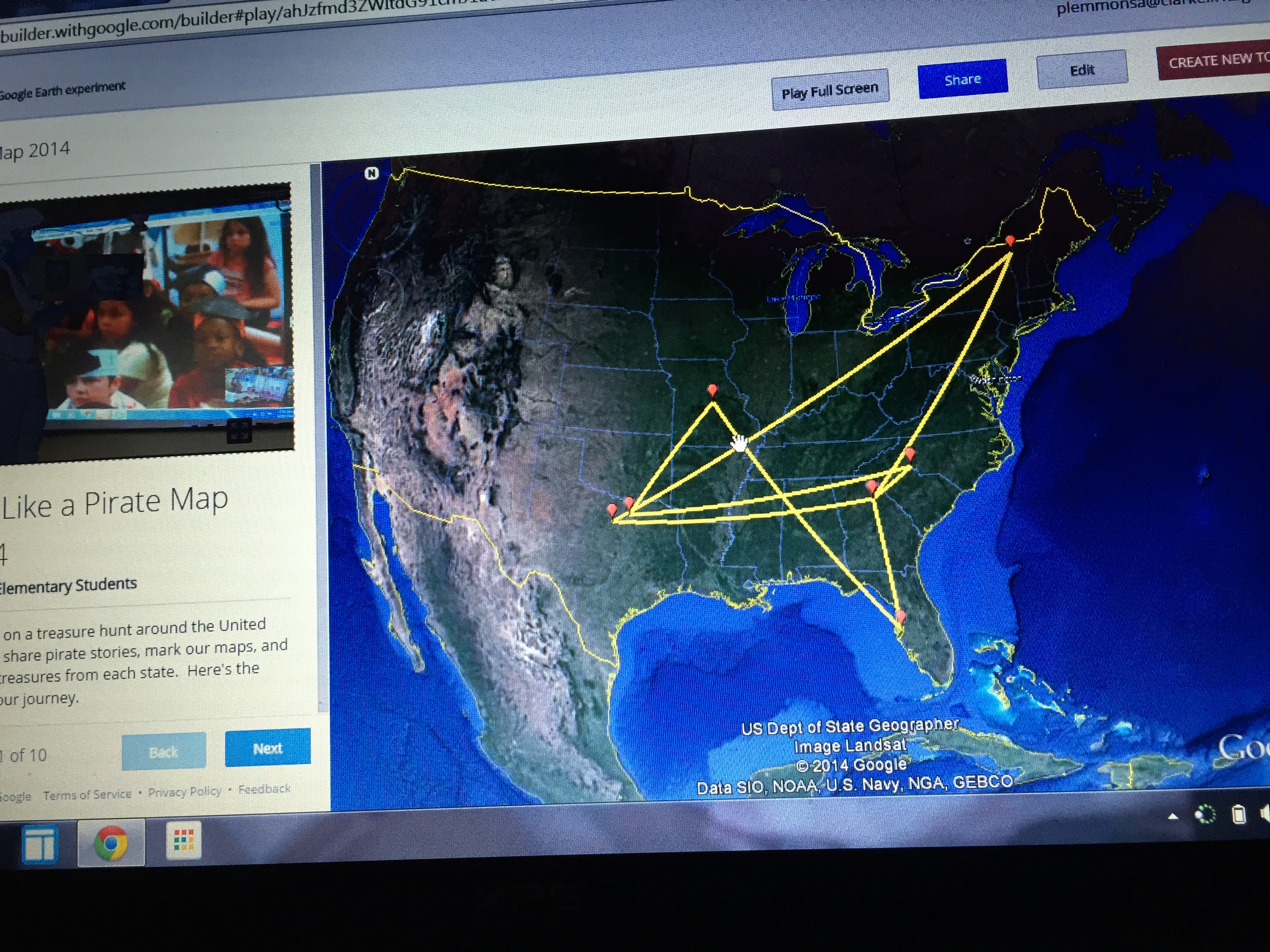
Our pirate map of connections

Our pirate map of connections

September 19th is Talk Like a Pirate Day.  There are so many fun pirate stories out there, and each year we seem to discover a few more thanks to the connections we make around the globe through Google Hangouts and Skype.  Planning a day of connections like this definitely takes some time but students love talking with people around the globe, sharing a story, and learning a bit about one another.  It always seems to reinforce the idea that we aren’t alone in our bubble of routines of day to day life.  There are other people out there doing the same things that we are and quite possibly they are doing those things in different ways.  I love the spontaneous conversations that take place on days like this that you could never plan through a standard or a lesson plan.  Students always bring up a question or a comment that makes the day special.

This year, 8 classes came to the library for Talk Like a Pirate Day and we connected with 6 different schools in 5 different states.

  • We connected with Edie Crook in Gastonia North Carolina to read the book No Pirates Allowed Said Library Lou.  We had a great conversation about “treasure” and students took turns stepping up to say what treasure meant to them.  We were delighted with words such as being kind, family, friends, Skylanders, and baseball.
  • We connected with Jan Pelias through Google Hangouts in Frisco Texas to read the book How I Became a Pirate.  It was fun to connect with someone in another time zone because we could talk about how time is different at the same moment around the world.
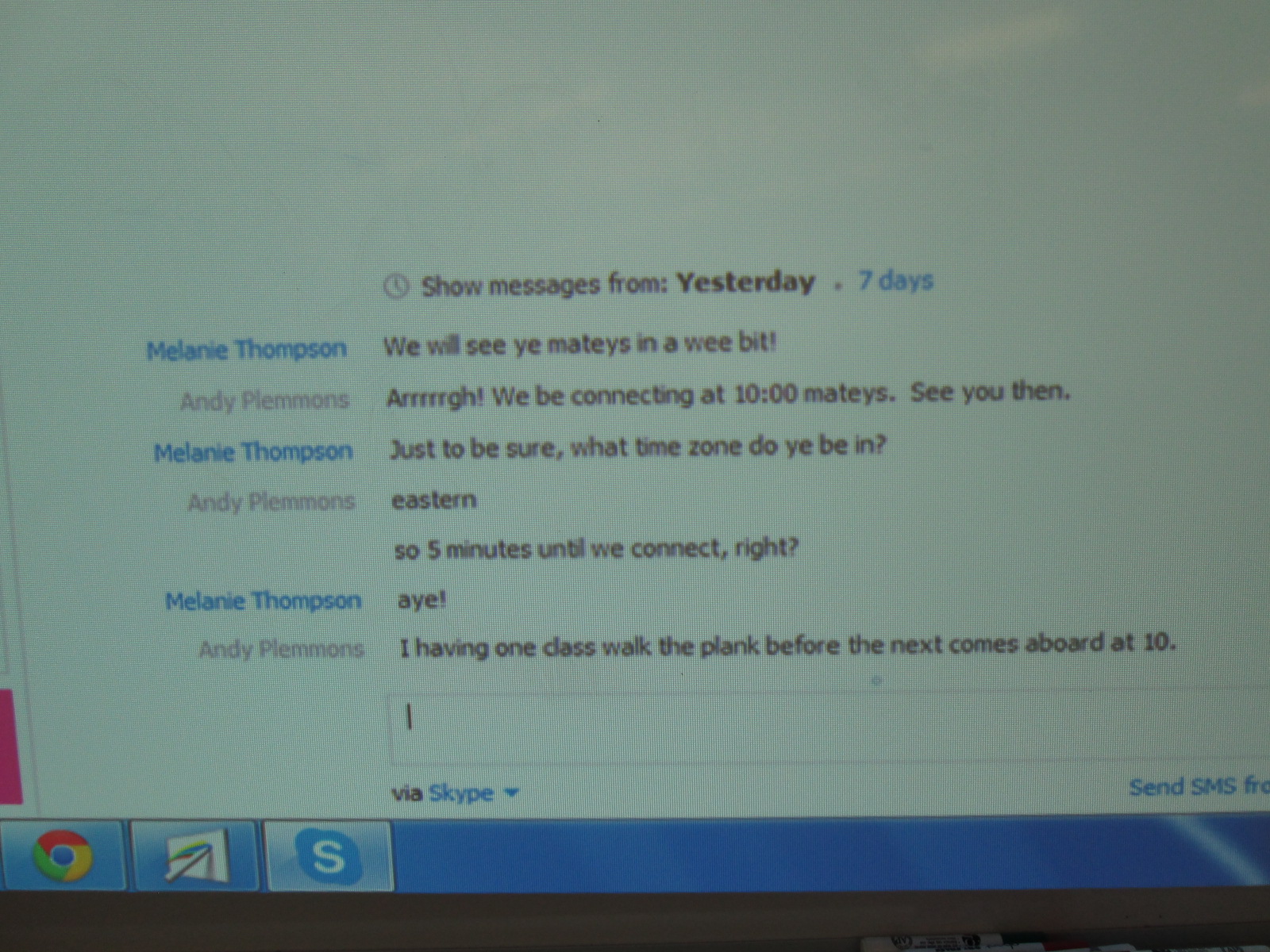
  • We connected with Melanie Thompson in Jefferson City, Missouri to read the book How I Became a Pirate.  Melanie’s students had researched pirates and they took time to share all of their facts.  This made our students very curious about pirates as well.  I have a feeling all of our nonfiction pirate books will be checked out for a long time.  I also love how Melanie embraced her inner pirate as we chatted with each other through Skype chat prior to our connection!

Pirates (11)

  • We connected with Okle Miller in Tampa, Florida to read the book No Pirates Allowed Said Library Lou.  Tampa has a pirate festival called Gasparilla .  Students loved hearing how pirates take over Tampa during this festival and kidnap the mayor (all for fun).  The class we connected with even called themselves pirates and used the word “pirate” as an acronym for their classroom expectations and beliefs.
  • Both of our PreK classes came to the library for their first visit of the year.  In class, they made pirate hats and hooks as well as added some pirate mustaches to their faces.  We read the book Pirates Go to School and made a class video chanting the pirate chant at the end of the book.
  • We connected with Carol Scrimgeour in Essex Town, Vermont to read the book No Pirates Allowed Said Library Lou.  We noticed that all of the kids were wearing warm clothes, so we had a great conversation about how cold it had been in the northeast.  It was sunny in both places but with a very different temperature.
  • Finally, we connected with Shawna Ford in Texas and she read a new pirate book we had not heard before: No Bath No Cake Polly’s Pirate Party.  Now the students want to get it for our library.

Before each connection, we looked at a map from our school to the school we were connecting with.  We talked about distance, travel time, and also all of the decisions that go into choosing your route for a trip.  We also created a Google tour of our trip using Google Tour Builder.  After each connection, we wrote a summary together.

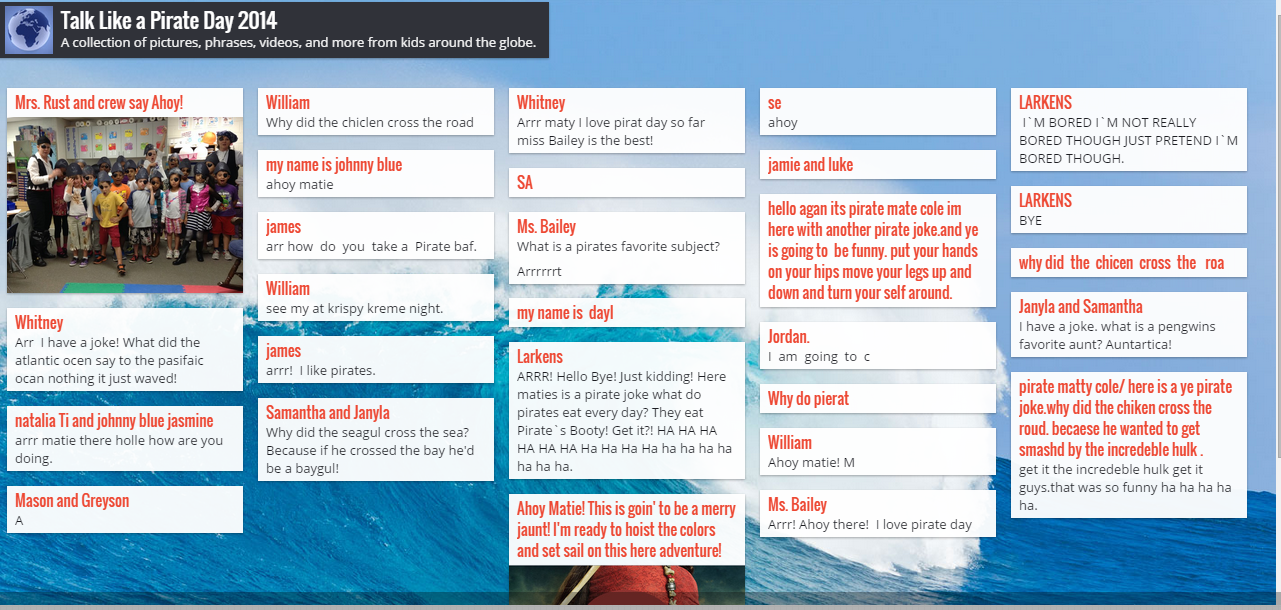
We also created a Padlet to write pirate sentences.  This was shared with our friends around the country and became a place to crowdsource our words.

Finally, we spent a lot of time creating pirate sentences, phrases, and even conversations and practicing them aloud.  Students had access to a list of pirate vocabulary words as well as multiple pirate stories to get ideas.

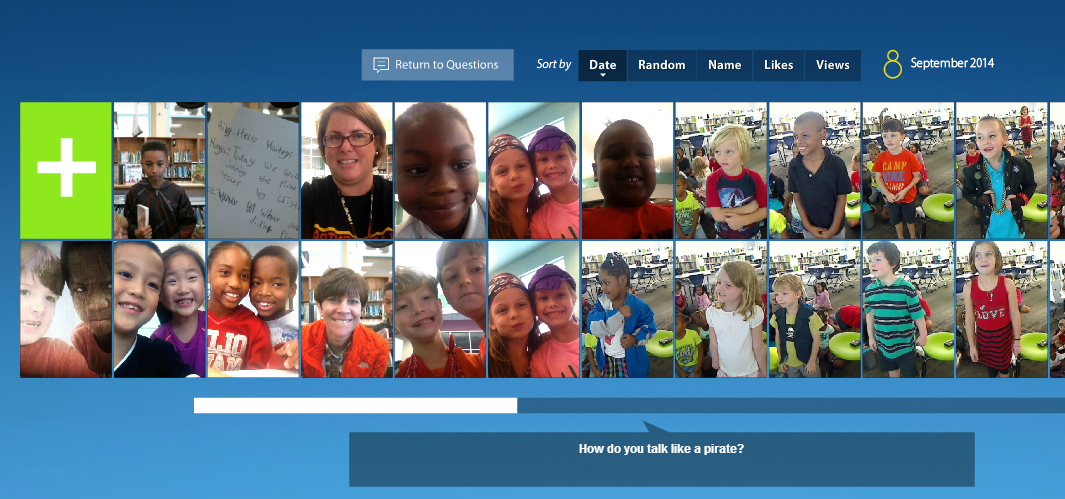
We used Flipgrid as a place to record our favorite pirate expressions.  Students also had a great time trying to imitate a pirate voice and pirate faces and gestures.  Take a moment to listen to them because they are quite entertaining!  I loved how this evolved from a sentence writing activity into a practice of fluency, oral speaking, and performance.  Again, Flipgrid became a place for us to crowdsource our voices with the voices of our connecting schools.

I love how these events connect us with new people around the world.  This year we connected with some old friends, but we also met some new teachers, librarians, and students we hope to connect with again.  I also want to continue to think about days like this to build long term collaborative relationships.

Making Our Mark with Dot Day 2014 (and I hope well beyond)

Dot Day (42)

International Dot Day is one of our favorite days (weeks) of the year.  It gives us permission to be creative and see what we can do just by making a mark.  It also connects us with so many classrooms around the world.  Classes are always looking to connect on this day, and we have made many collaborative relationships with schools because of this one day of the year.

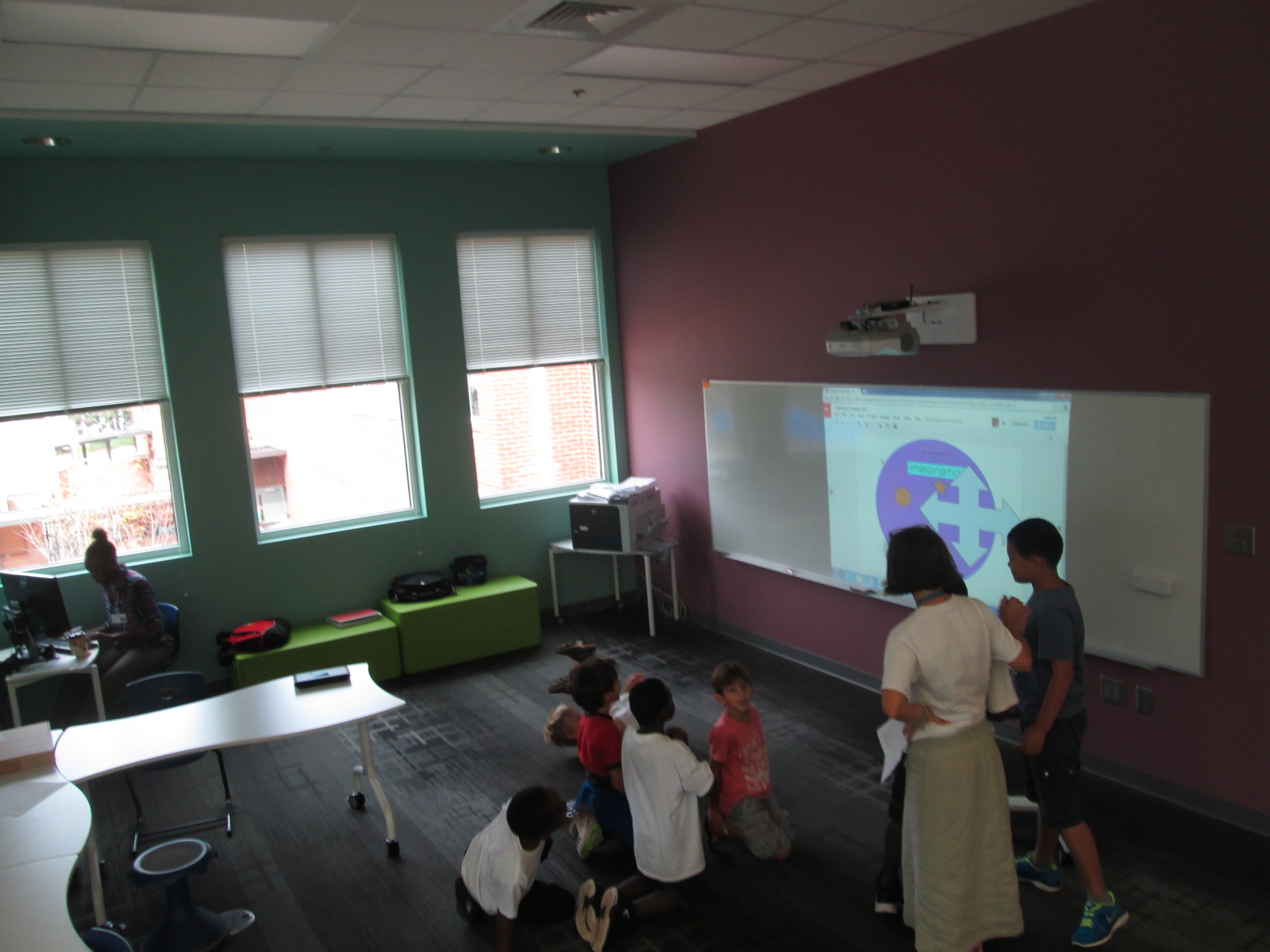
This year, we used Dot Day as a way to explore our goal of dreaming, tinkering, creating, and sharing.  We explored Google Drawing, which was a new tool for most students.  We used Dot Day as a time to tinker and see how Google Drawing functioned as well as how to collaborate on a drawing with another student or class.

We also used colAR mix again this year to make augmented reality dots.  This year, I encouraged students to think more globally as they made their dots by embracing the them of “making your mark on the world” that is the essence of The Dot.  Students were encouraged to design a dot that represented their talents, hopes, dreams, and passions.  I loved this new twist on a tool that we used last year because it revealed so many stories from students.  One student drew a picture of an airplane flying through the clouds because of his dream to be a pilot when he grows up.  Another student drew an astronaut and UFOs because of his desire to explore space.  Another drew her whole family because they are what she loves in life.  Some students chose to highlight their creativity as a way that they make their mark by designing unusual dots with their favorite colors.  These were empowering stories because they allowed students to have a voice to share something personal about themselves in a way that they might now have shown before.
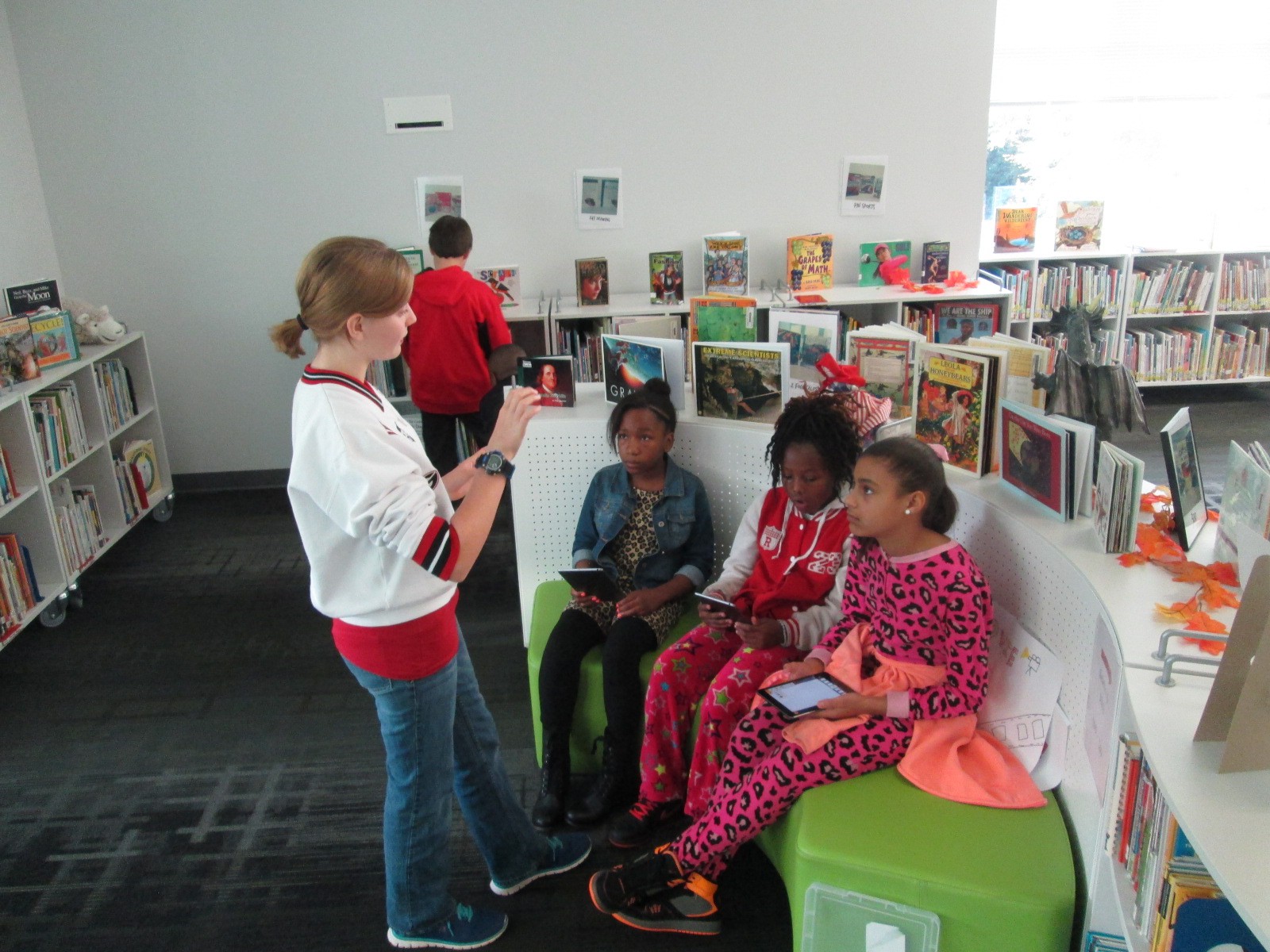
One amazing thing that happened while students were using the colAR app was how they discovered different ways to scan their dot. It started out as what some people might see as a mistake.  A student’s hand was on top of their dot while they were scanning their image, and the hand became a part of the rotating sphere on the iPad screen.  This resulted in an uproar of excitement as sharing began and the idea spread like wildfire.  Soon students were trying to put their faces on their spinning spheres.  Others stacked towers of crayons on top of their dot and tried to see if that would scan into the 3D image.  All of this happened because of an opportunity to tinker.  When we give kids a space to explore, they figure out amazing things and they willingly share and teach others what they learned.  They get excited about their learning and they want to do more.  I bet that these students would have spent an extended period of time continuing to experiment with colAR mix to see what else they could figure out, and they would have done this without getting tired or bored.  These are the things that days like Dot Day reveal.
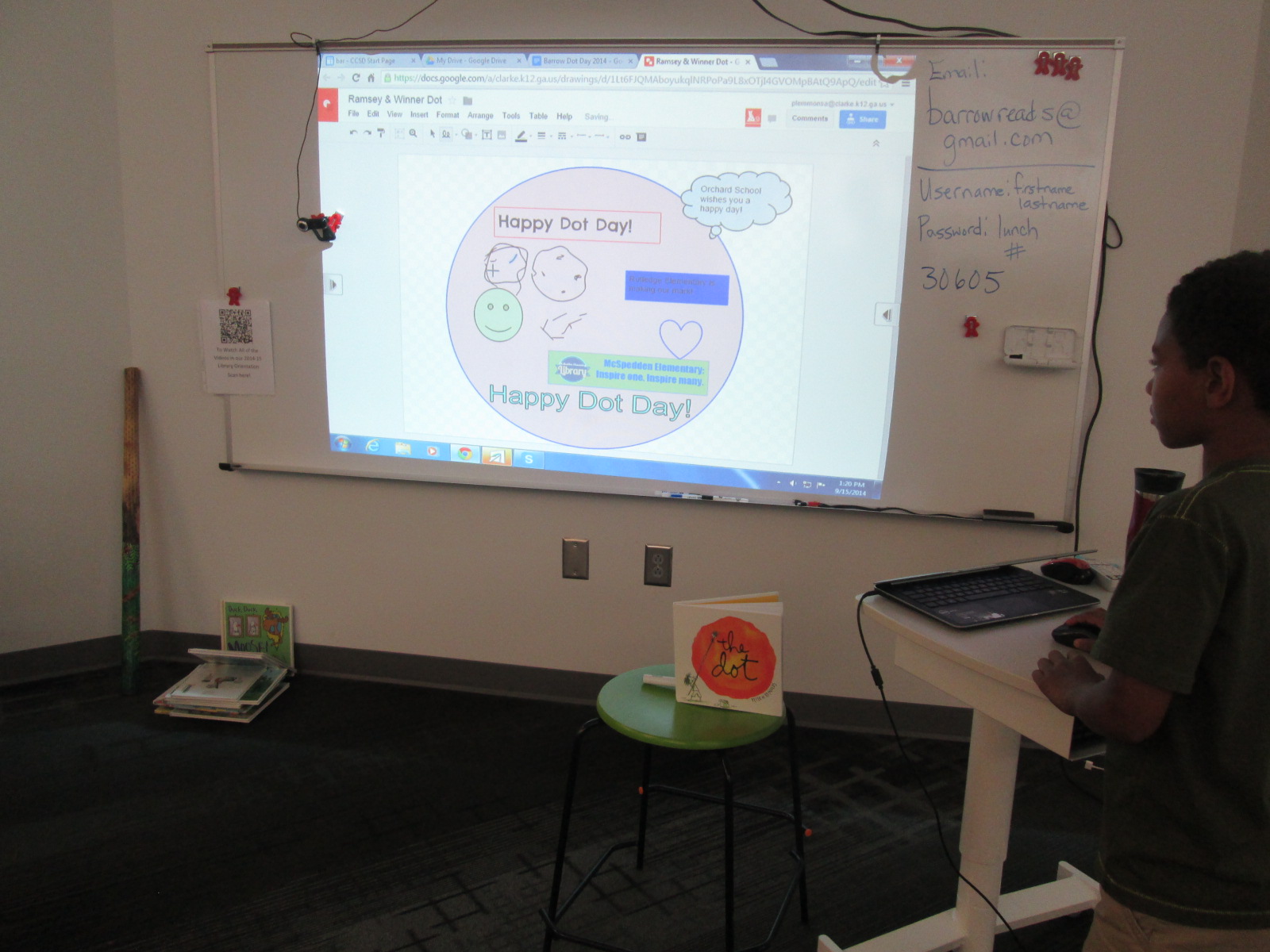
We had numerous Skype connections.  Each one had its own unique twists and conversations between students and teachers.  In many of these Skypes, we collaborated on a Google Drawing dots after reading the book.  This included dots with our friend Okle Miller in Tampa, Edie Crook in North Carolina, and Crystal Hendrix in North Carolina (just to name a few).  Sometimes this was live during a Google Hangout or Skype and other times it was after we disconnected.  One of our hangouts was a large hangout between Matthew Winner in Maryland, Nancy Jo Lambert in Texas, Donna MacDonald in Vermont, and Esther Uribe in Texas.  It was fun to read The Dot to students in so many states at one time, but what was even more fun was drawing with all of them at the same time!  We definitely did some tinkering with this one.  Many of us learned of the challenges of younger students but found ways to involved them even with computer-use difficulties.  The students loved seeing drawings “magically” appear on our shared dot.

Ramsey & Winner Dot

Our multi-school collaborative dot

With Jennifer Reed in Massachusetts, we accidentally deleted all of our work on our collaborative dot.  The kids were in a panic, but it was a fantastic opportunity to do an impromptu lesson on the power of revision history in Google Drive.  We were able to recover our work and learn an important trick.  We even talked about how revision history is one way that work is never deleted, which can be a positive but also a negative if you have written something that you wished you hadn’t.

Wright & Reeder Dot

Our dot with Jennifer Reed that was almost lost!

Mrs. Clarke’s class had a Skype connection, but we weren’t able to do a collaborative dot with our connecting class.  Instead, we split the class in half at our 2 projection boards and they created a dot together as a class.  They got just a bit competitive as they tried to cover up each other’s work, but even this was a great opportunity to talk about how to work with others on a doc without being disrespectful of the contributions.

Clarke & Lussier Dot

Mrs. Clarke’s class competitive dot

Some classes that we connected with had already spent a great deal of time being creative, and they shared with us dots that they are going to physically mail to us.  Jenny Lussier in Connecticut had colAR dots as well as Morse code greeting cards.  We can’t wait to decode what they say!  We also discovered with Jenny that there’s more than one version of The Dot floating around out there.

Cathy Potter’s students in Maine read the book Ish to our students and shared their own illustrations for the book.  We had a great conversation about the connections between both books.

Dot Day (60)

Students and teachers alike love this day, but I do leave this day with a wondering.  I’m thinking so much this year about global thinking and global collaboration.  This day is filled with thousands of Skype and Google Hangout connections around the world.  We connect.  We read.  We dream.  We create.  But then what?  We leave one another until the next big event.  I’m by no means being negative about Dot Day.  I’m a huge advocate, but I do wonder about why we don’t build upon these connections we make.  If we are really going to “make our mark” on the world, shouldn’t we be taking some actions together beyond connecting, reading, and creating?  I would like to gently nudge us all to think about this.  I’m just as guilty.  I connect every year and then I move on, but I can’t help but carry this on my mind, reflect on it, and consider what more we might do beyond today.  Think with me!  Let’s keep our dots connected.

Dot Day (43)