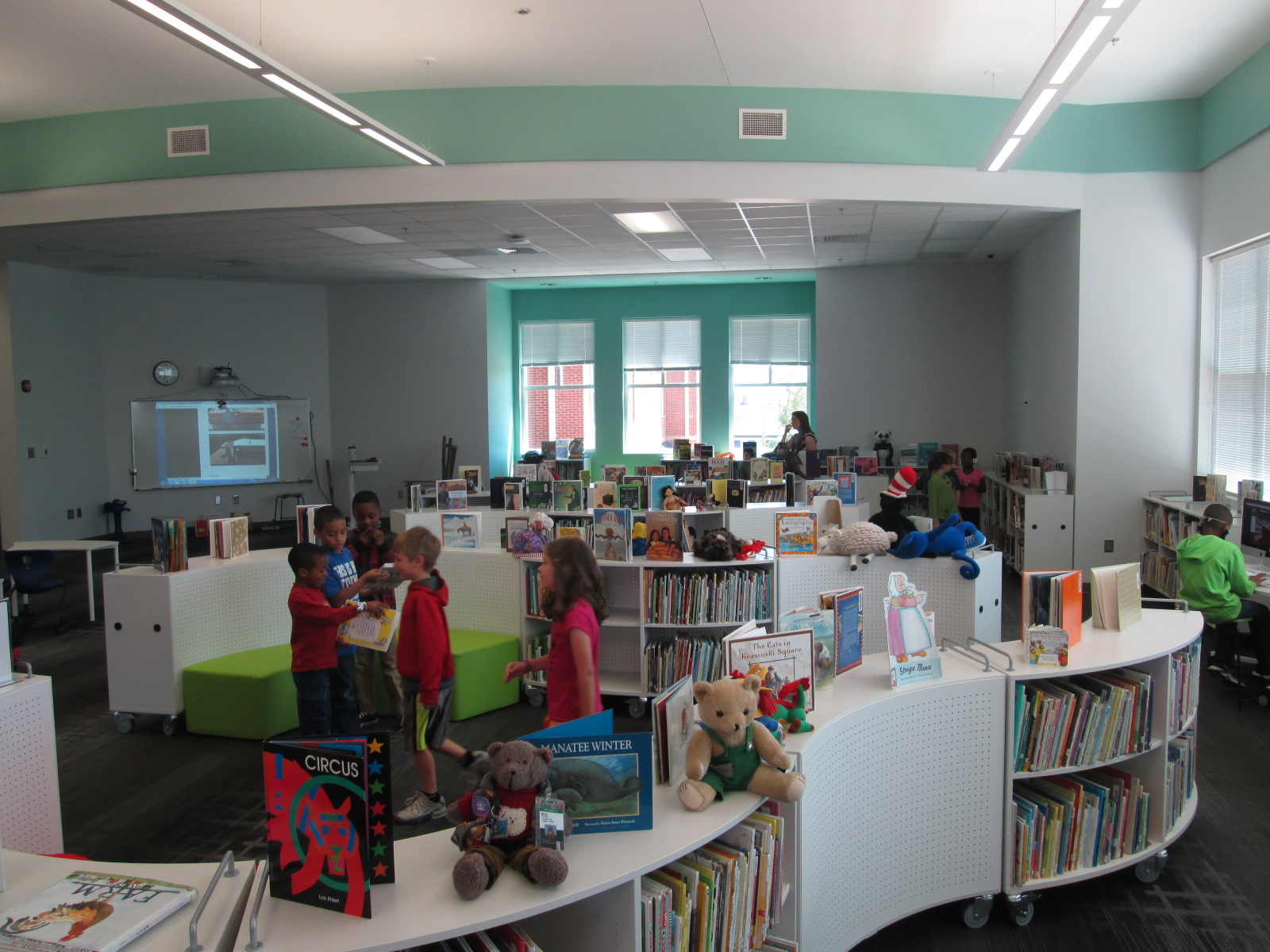
September 11th: A Global Perspective

September 11 (3)

Each year our 5th graders take an entire day to explore the tragic events of September 11, 2001.  Each year, the students become more and more removed from the topic because they weren’t even born at the time of the tragedy.  The events of September 11 and the impact they had on our war on terrorism are part of the 5th grade social studies standards, but we also spend a great deal of time at our school on social emotional learning and how we support one another in a community.
September 11 (22)

Each year I write a blog post about how we teach September 11th, and each year there is a new addition or a new angle in which to explore the day.  This year, students opened the day in their classrooms by talking about everyday heroes.  They shared where their own families work and how each of us can be an everyday hero.

September 11 (17)

Then, students split into 4 groups and rotated through 4 experiences every 30 minutes which were facilitated by me and the classroom teachers.

Experience 1:  Haiku poetry.  With Ms. Mullins, students learned about the unlikely heroes of the day including dogs.  They studied the poetry form of haiku and how a brief 3-line poem with 17 syllables can magically express a feeling or an image.  They focused their haiku on heroes.  They didn’t have to specifically write about the heroes of 9/11, but many chose to.

September 11 (28)

Experience 2:  Response to tragedy from afar.  With Ms. Selleck, students looked at how people around the country and the world responded to the tragic events of 9/11.  It was a time that people wanted to take action and do something to help.  Children wrote letters, drew pictures, and made cards.  The Maasai people of Africa offered 14 cows as a gift for America.  Ms. Selleck shared Carmen Agra Deedy’s story 14 Cows of America and students considered how people who weren’t even in our country wanted to help.  This posed an interesting question of how we might respond to the tragedies taking place every day in other countries.
September 11 (20)

Experience 3:  Heroes of 9/11.  There were so many heroes that stepped forward on 9/11 and many of those heroes lost their lives in the process.  At this experience, students took a look at many example of heroes and read the story Fireboat by Maira Kalman.  Students learned about this old fireboat first launched in 1931 and how it was called to duty on 9/11 to help pump water to fight the fires.  Students designed a drawing to represent the many heroes that took action on 9/11.

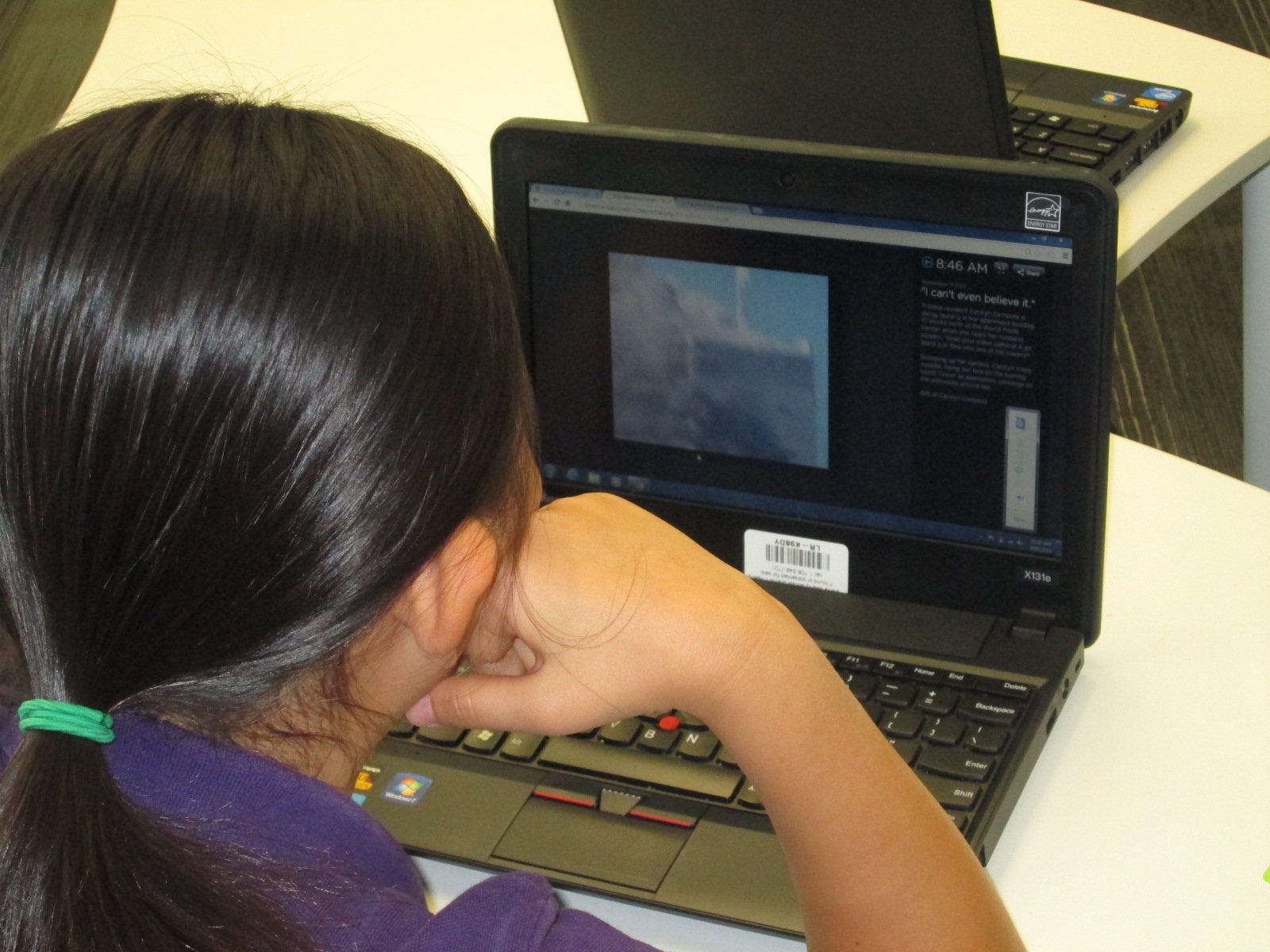
Experience 4: The events of 9/11.  This is the most sensitive of the experiences for students because we all react differently to seeing the tragedy of 9/11.  Over the years, I’ve developed a pathfinder of sites that explore 9/11 from multiple angles.  There are interactive timelines, eyewitness accounts, actual video footage of the day, oral histories of memories from victims’ family members, virtual tours of the memorials, and cartoon videos explaining the events in kid-friendly language.  We start with a video:

This video frames that on 9/11 we remember but we also take action to create good in the world.  I invite students to view the various resources and reflect on what they might do to create good instead of evil.  At the bottom of the pathfinder there is a padlet where students can record their actions that they want to take.  During this experience, I always tell students that they don’t have to watch any of the videos.  They can also take a break at any moment if the tragedy just becomes too much to handle.

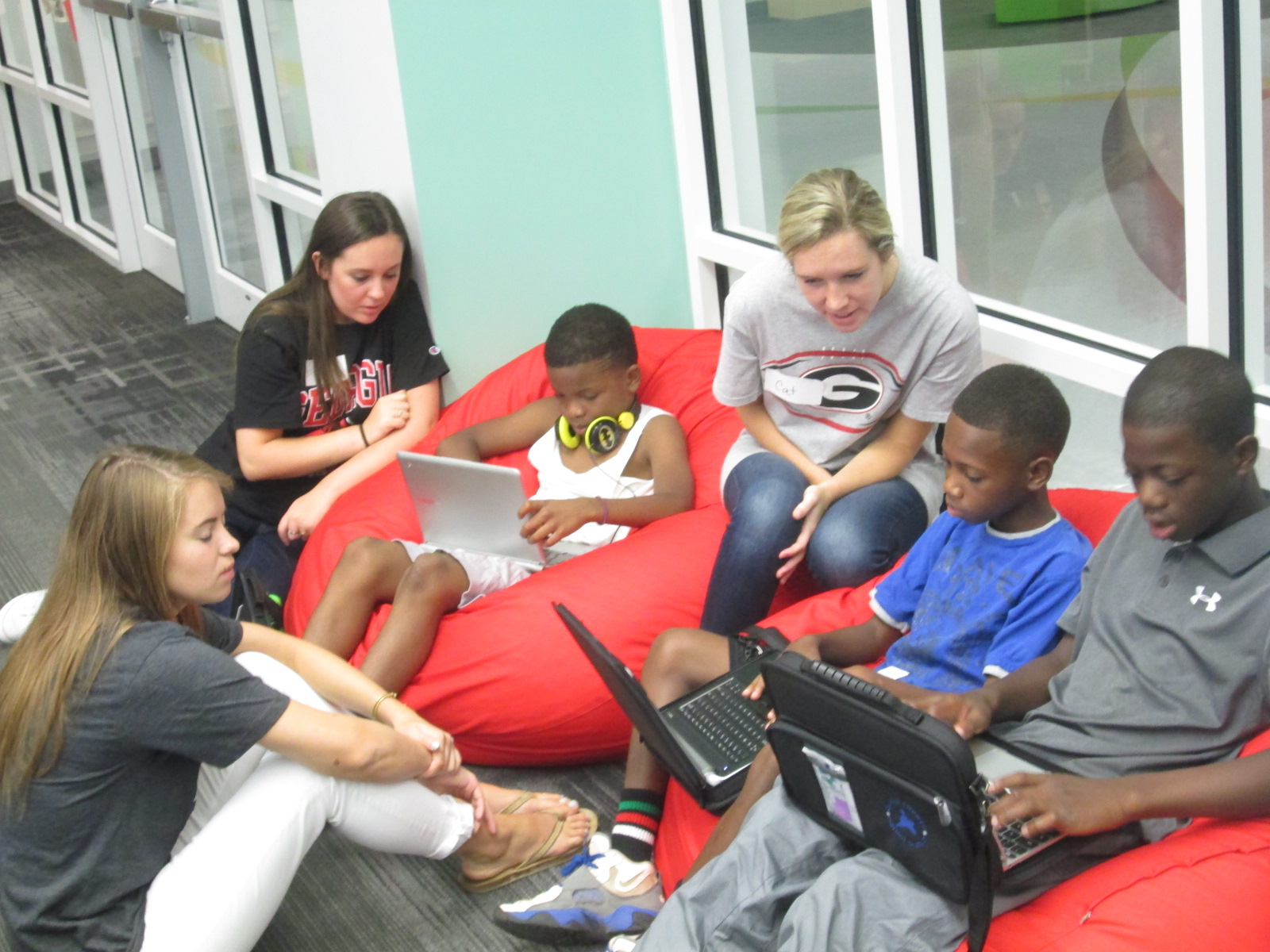
This year, 2 new pieces were added to this experience.  First, Gretchen Thomas, a UGA teacher in instructional technology, brought one of her #EDIT2000 classes to support students.  This was a piece that I’ve always felt was missing from the pathfinder experience.  September 11th is such a heavy topic, and I do worry about how kids are processing the information.  With these UGA students, we were able to pair every 5th grader with a UGA student to have reflective conversation about each website, video, and story that students experienced.  UGA students shared their own understanding of 9/11 as well as their own memories of being in elementary school when it happened.
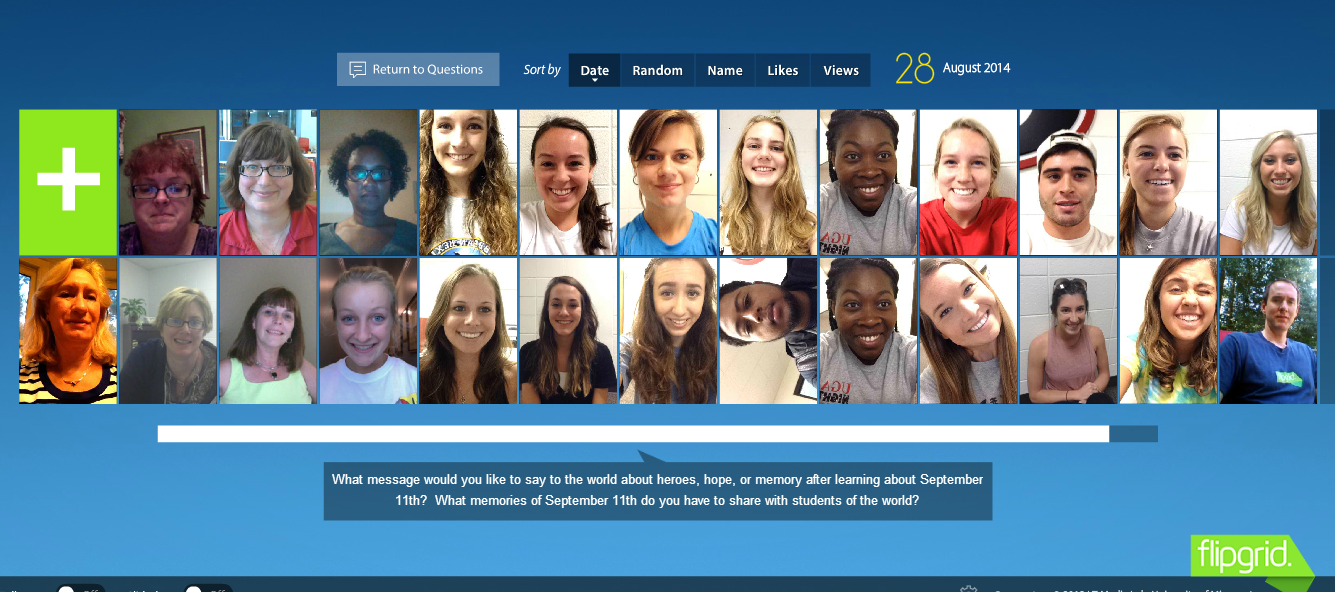
 

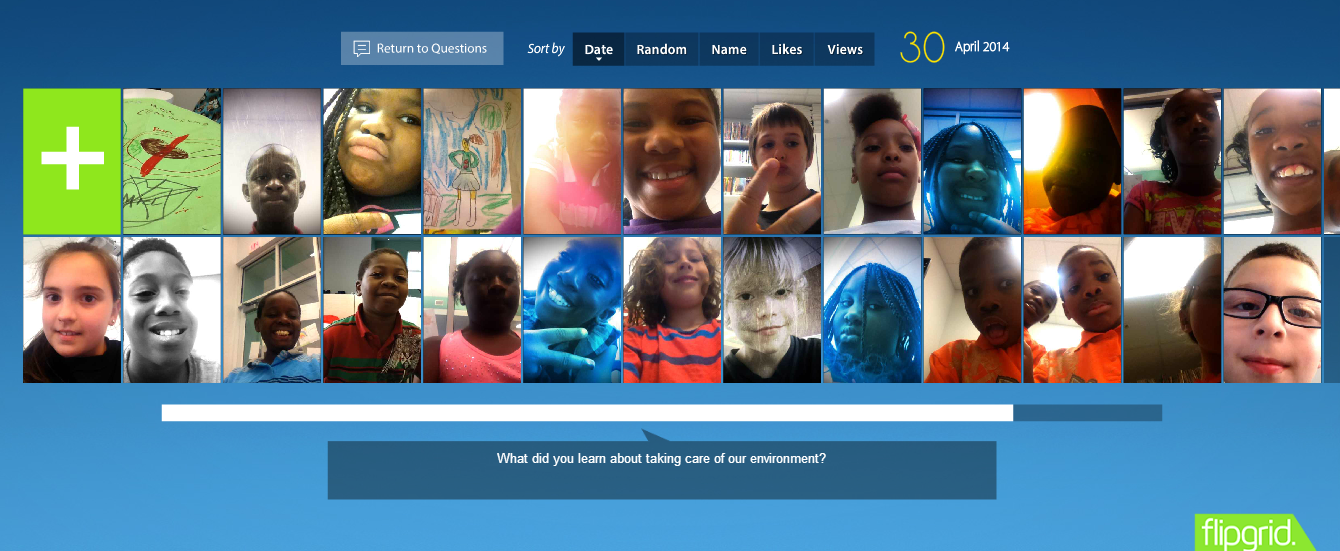
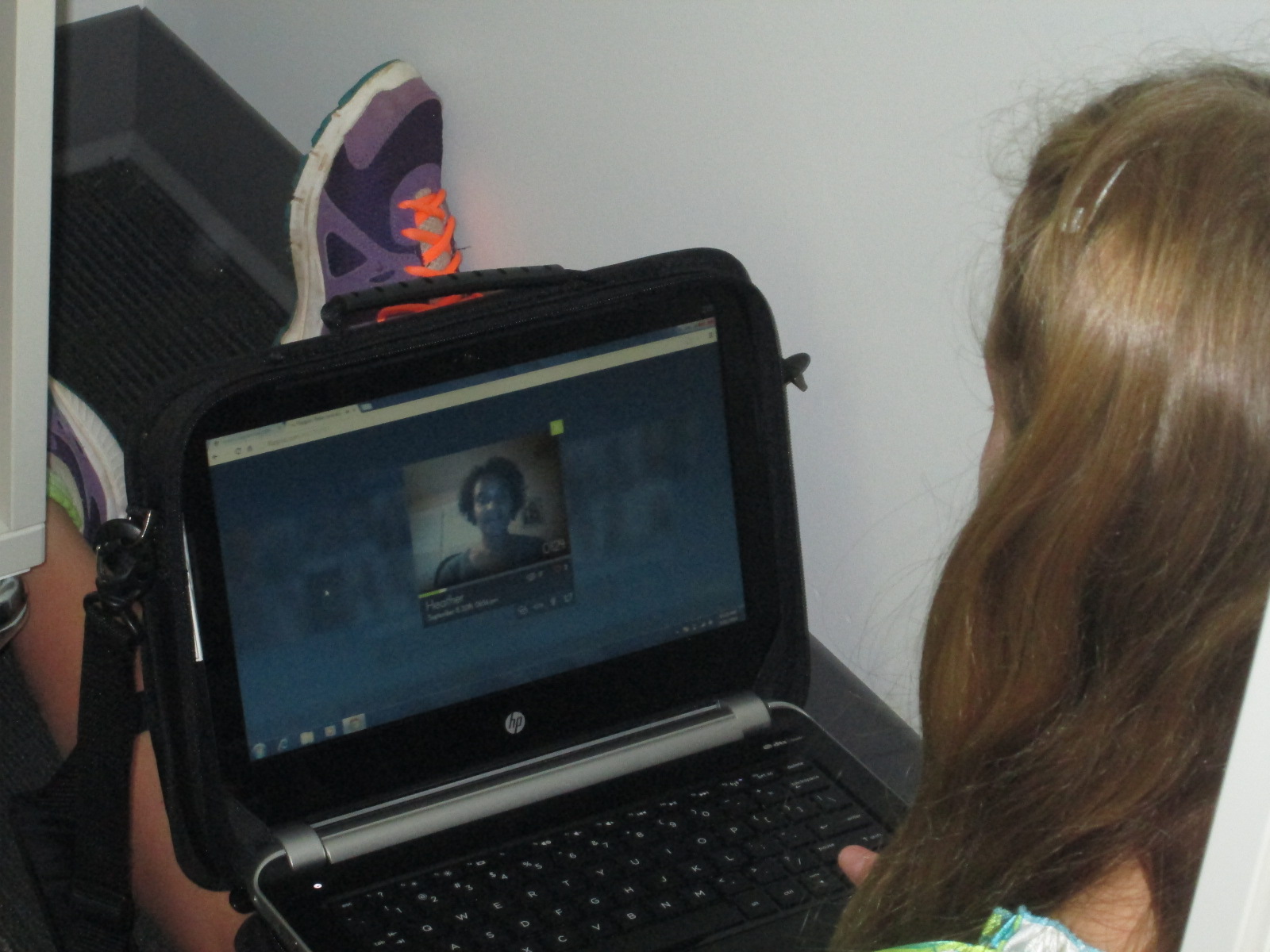
I’ve also been thinking a lot about global thinking, global collaboration, and global perspectives.  This year, I decided to make a Flipgrid well in advance of today.  Through social media, I’ve been sharing the Flipgrid in the hopes that multiple people will share their own perspectives of 9/11.  While there wasn’t an overwhelming response to share stories, the stories that were shared were powerful.  The students in Gretchen Thomas’s class shared their own memories of being in elementary school at the time.  These stories included very personal connections to the tragedy such as family members who were in New York on the day of the tragedy and a student coming into New York on a plane from another country and being diverted to Canada.  Several librarians stepped up to share stories as well.  Beth Miller of Georgia shared her story of working in the World Trade Center during the bombing in the 1990’s and how she had family and friends who were in the towers on 9/11.  Her family made it but several friends did not.  Elissa Malespina of New Jersey shared the story of her husband being in New York on 9/11.  He was on one of the last trains coming into the city.  It was chilling to think how many people have been affected by 9/11 in very personal ways.  Even if you don’t have a personal connection, there are many stories about where people were when the tragedy happened.  I wish that I could talk about every story on this Flipgrid because each one is meaningful in its own way.  Please take time to listen to these stories and feel free to add your own.
September 11 (25)

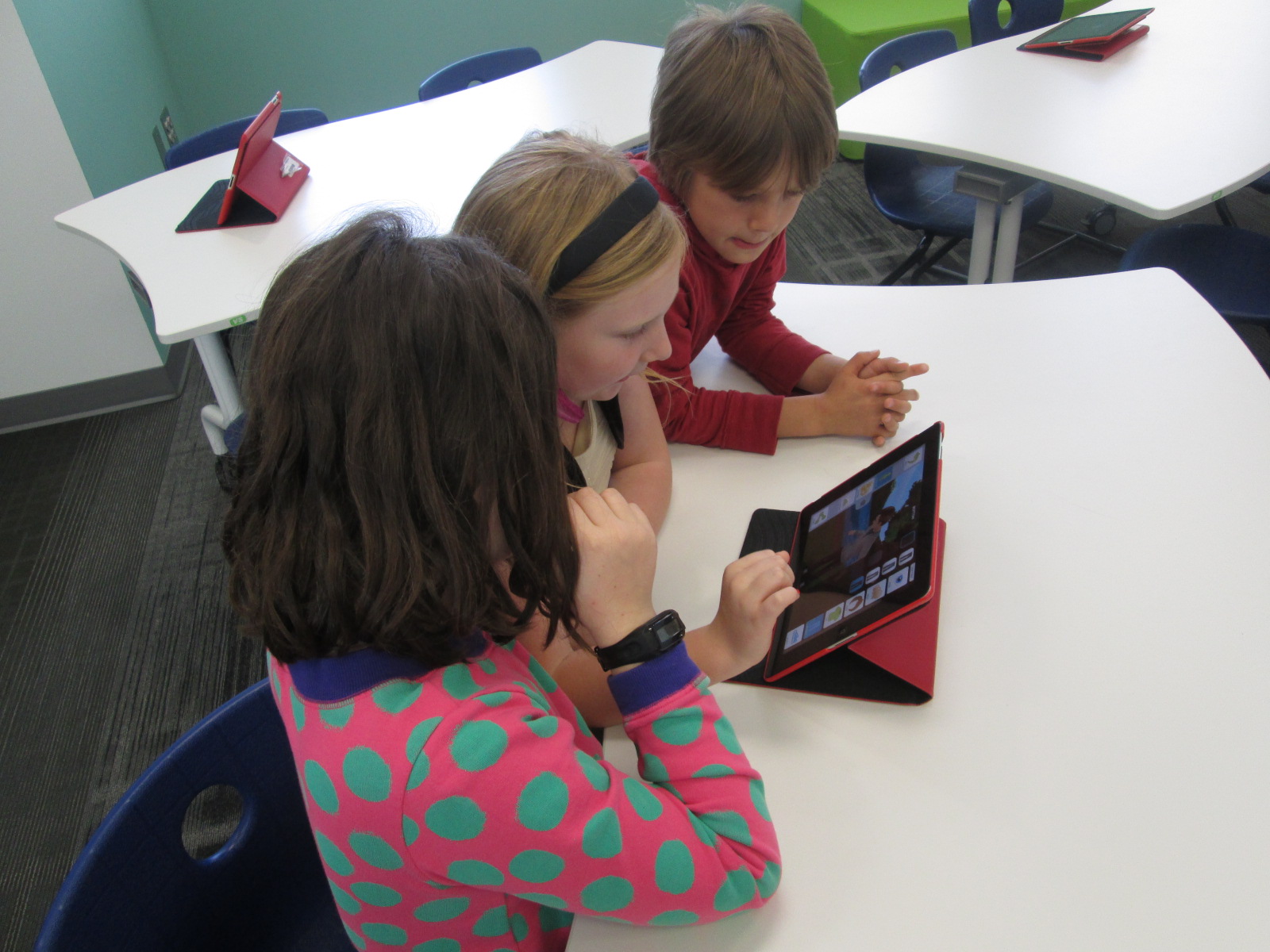
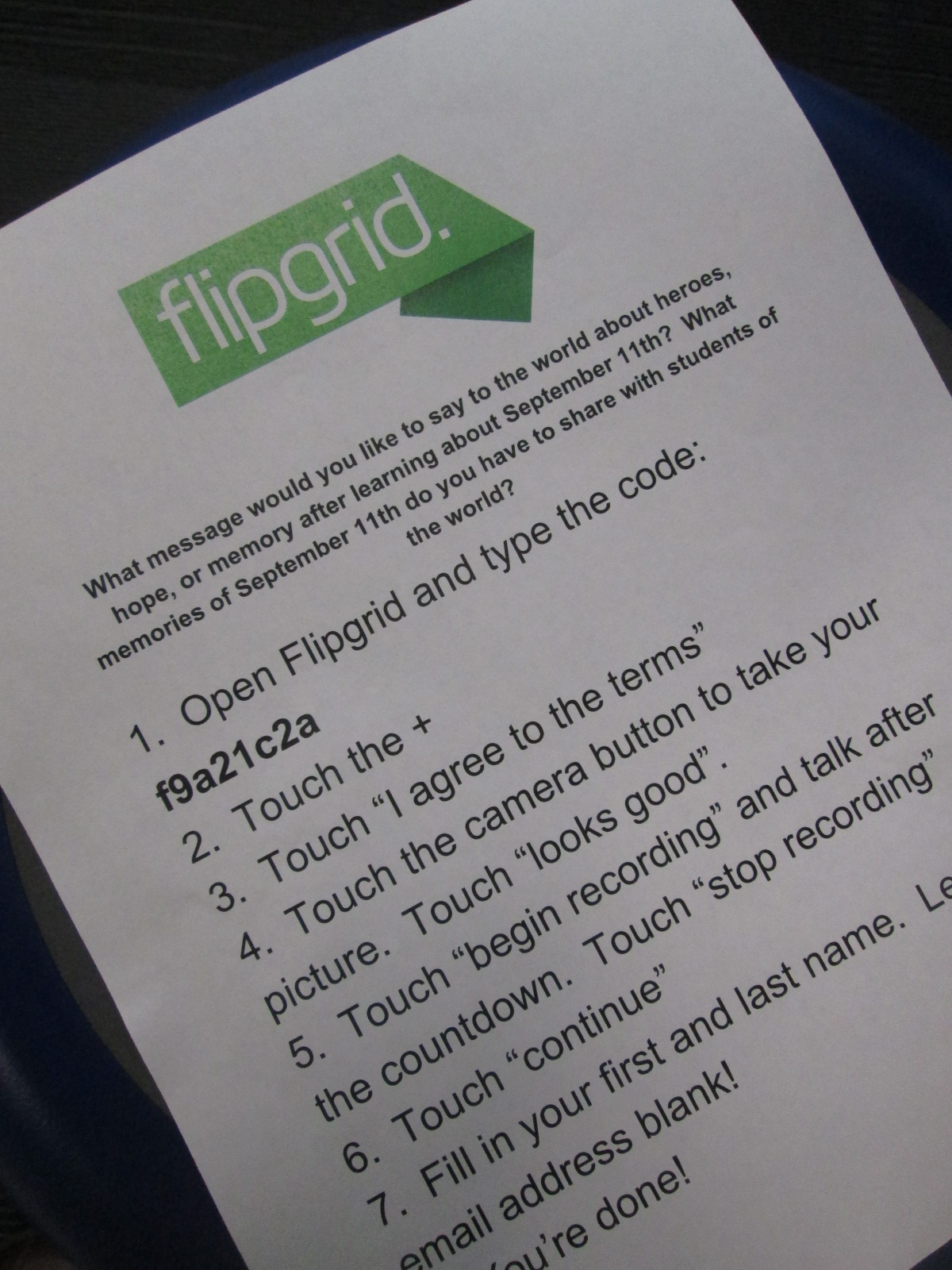
This Flipgrid was a part of the pathfinder but it was also a place that students recorded their own thoughts at the end of the day.  Students spent some time reflecting in classrooms.  Then, they came out into the 5th grade hallway with iPads to record their reflections on the Flipgrid.  Another of Gretchen’s UGA classes came to assist with this process.  I had instructions typed up with the Flipgrid code and we got as many students recorded as possible at the end of the day.  Students loved collaborating with students from UGA to create their videos.

I think that this project has such potential for a global collaborative project.  What would it be like if students in another country shared the tragedies taking place in their own countries?  What would happen if our students in the  US considered how they could respond to the tragedies taking place in other countries?  What are people’s perspectives on 9/11 from other countries around the world?  What do everyday heroes look like around the globe?

My hope is that this project can continue in some way this year.  If it doesn’t, I hope that next year’s layer that gets added on is developing a more global perspective on tragedies around our world and how we respond to those tragedies as a global society.

 

Our 1st #3dprinting Project of 2014-15: Native American Hopes and Dreams stamps

native american stamps (15)

Fourth grade has launched into an incredible project for the 1st quarter of the year.  I’m so excited to be a small part of the project in the library.  In social studies, they are studying Native Americans.  Their standards include:

SS4H1 The student will describe how early Native American cultures developed in
North America.
a. Locate where Native Americans settled with emphasis on the Arctic (Inuit),
Northwest (Kwakiutl), Plateau (Nez Perce), Southwest (Hopi), Plains (Pawnee),
and Southeast (Seminole).
b. Describe how Native Americans used their environment to obtain food, clothing,
and shelter.

During this study, they are exploring the folklore of Native Americans through several folktales.  The brought them to the idea of a grade level dream catcher.  The beginning of the school year is a time full of hope.  It’s a time where students, teachers, and families set goals for what they hope to accomplish throughout the year, and many spend time writing about hopes and dreams.  The teachers in collaboration with the art teacher decided to design a project to capture the hopes of dreams of students in the form of meaningful symbols on a dream catcher.

native american stamps (1)

Working together, students will creative a massive dream catcher.  In art, they are designing symbols that represent their hopes for the year.  They are designing shapes that can be drawn in one continuous line.

native american stamps (2)


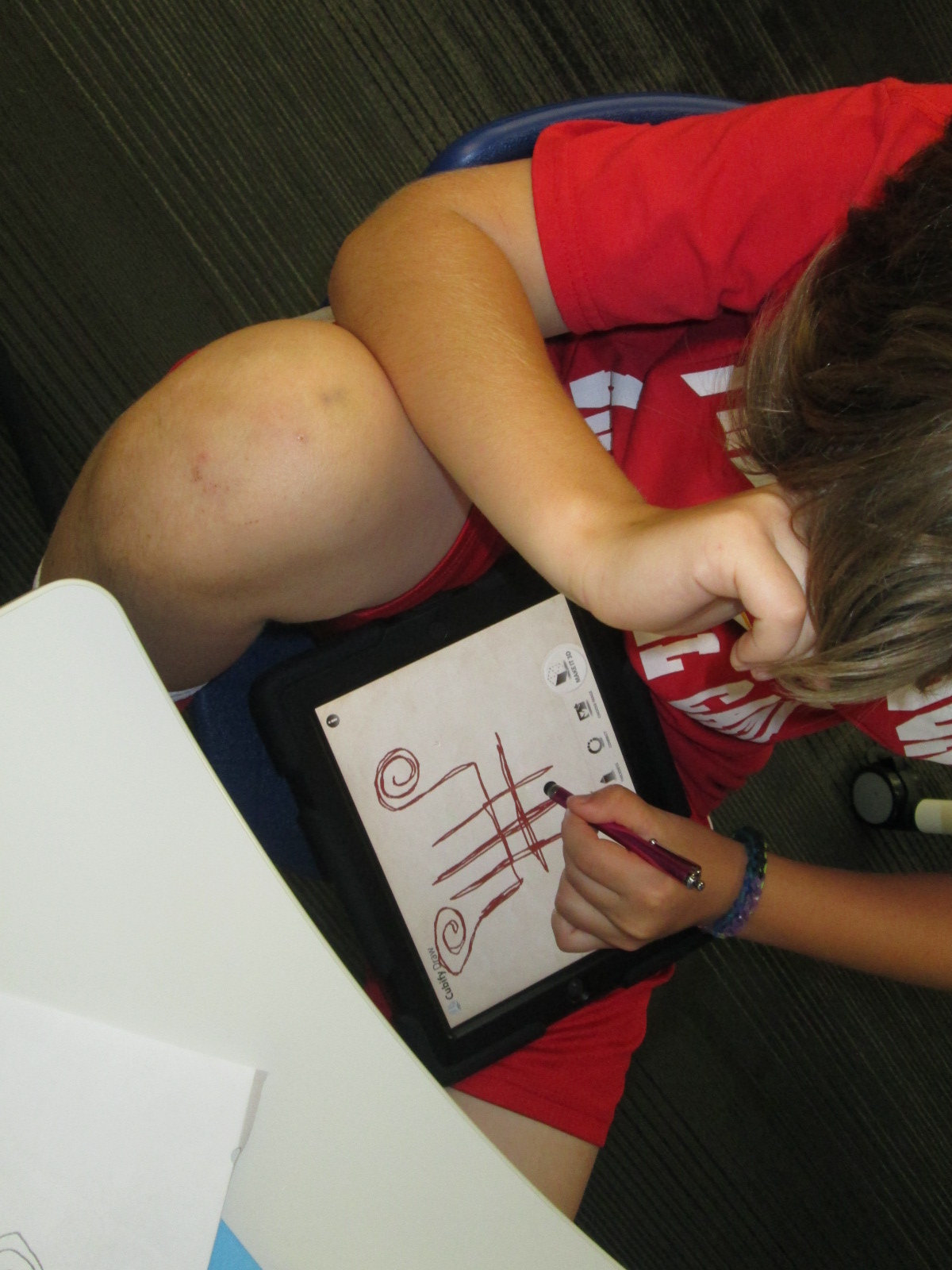
With me, students are using an iPad app called Cubify Draw which is designed by 3D Systems.  The app is very simple to use.  With your finger or a stylus, you draw one continuous line to create pretty much anything you can dream up.  You can adjust the thickness of the line and then touch “make 3d”.  The shape automatically turns 3D and you can adjust the height and thickness.  Once your design is ready, you can email the file to a central location to prep for 3D printing.

native american stamps (10)

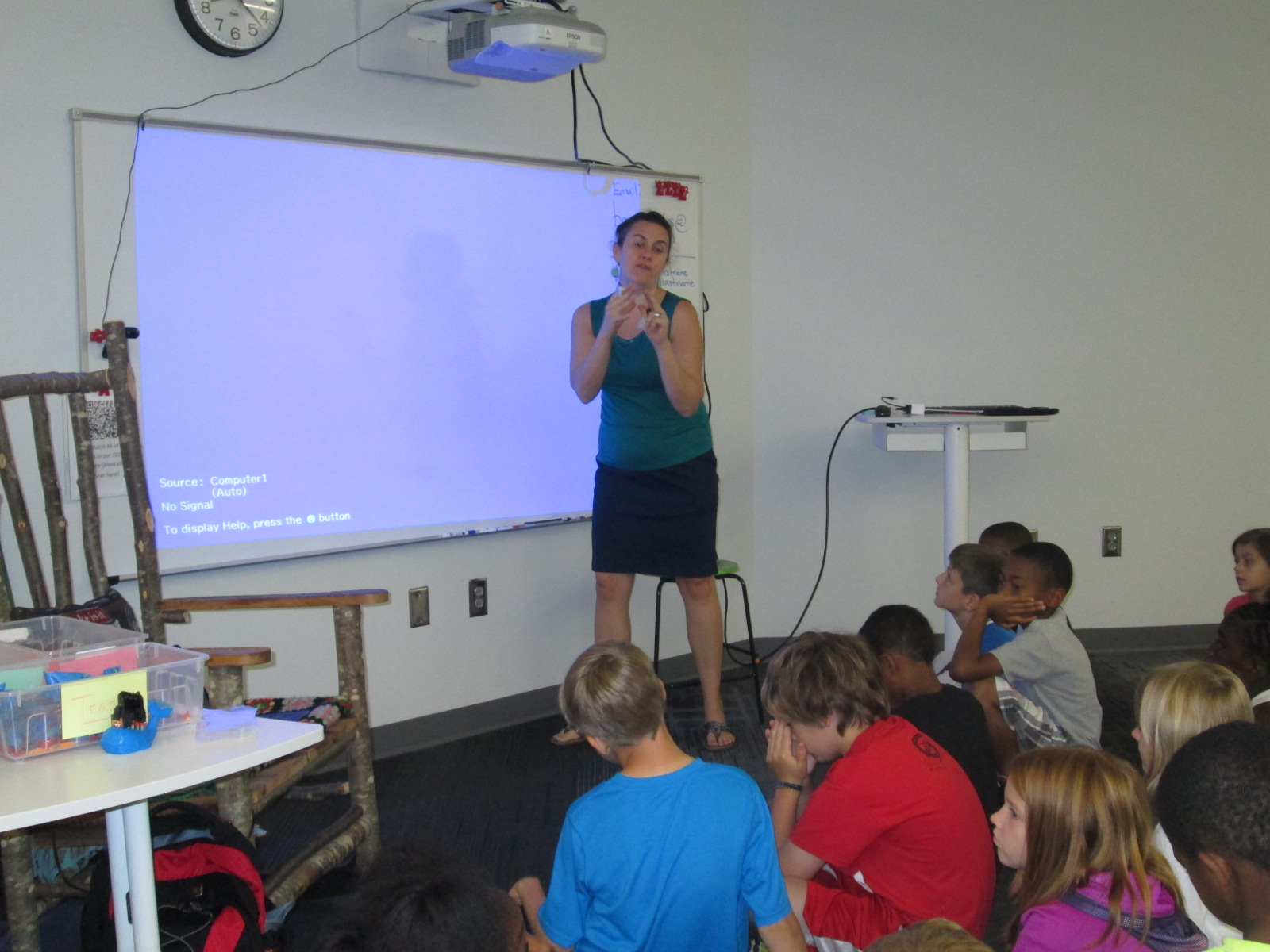
For the lesson in the library, I gave a very brief intro to the app and shared some tips that I discovered through my own tinkering.  Big open swirls seem to print better than lines that are close together.  The shortest height and thickest line tends to print best.

native american stamps (4)

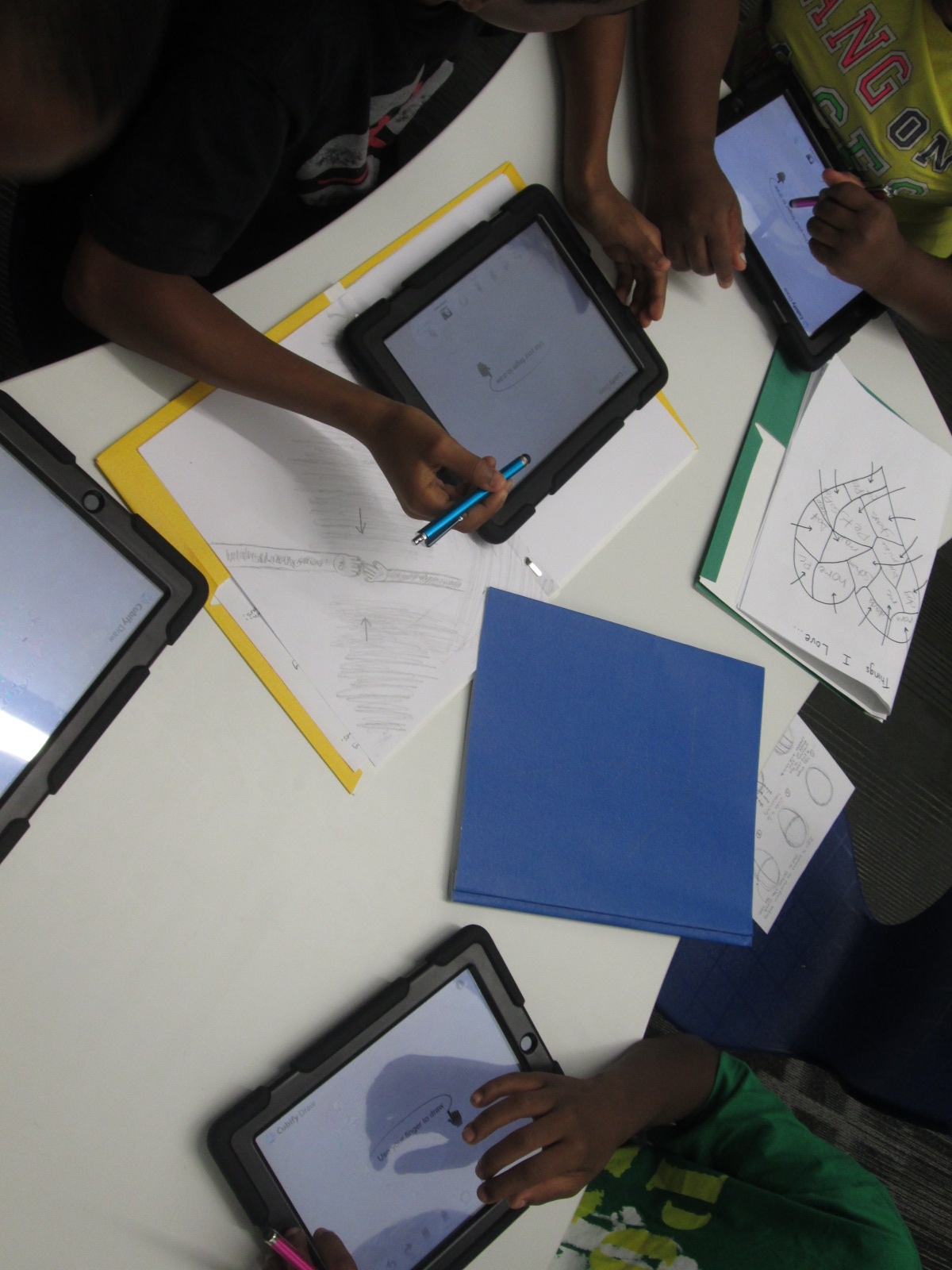
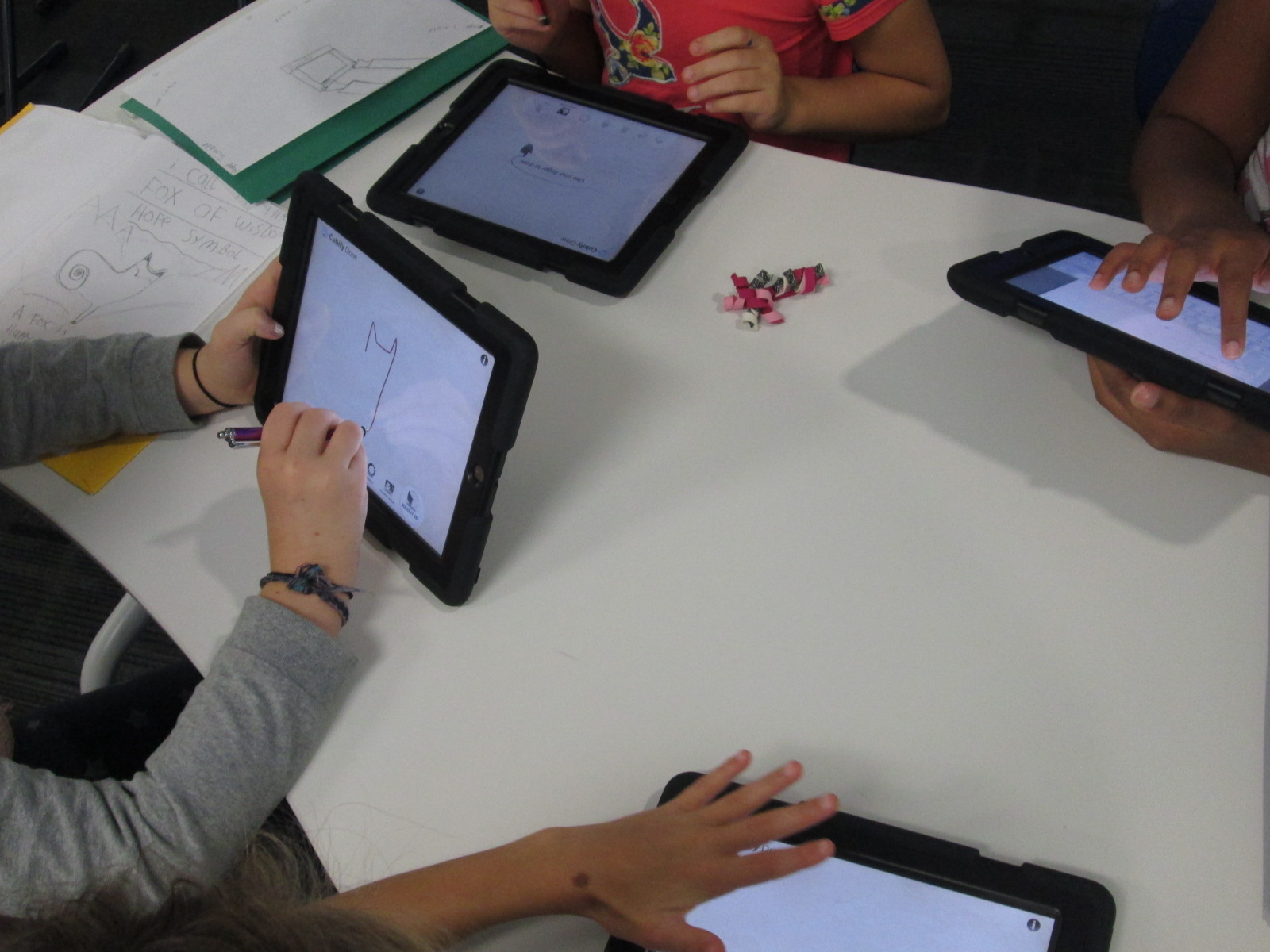
Mrs. Foretich, our art teacher, passed out the paper designs students made in art and gave students another opportunity to make adjustments to their designs and practice tracing the design with their finger.  I passed out iPads and the tinkering began.  Most students made several designs until they got the design just the way they wanted it.  Mrs. Foretich and I walked around and conferenced with students about adjustments they might need to make to their designs as well as helped troubleshoot problems.  Students emailed their designs to me with their teacher name and first name in the subject line.

native american stamps (5)

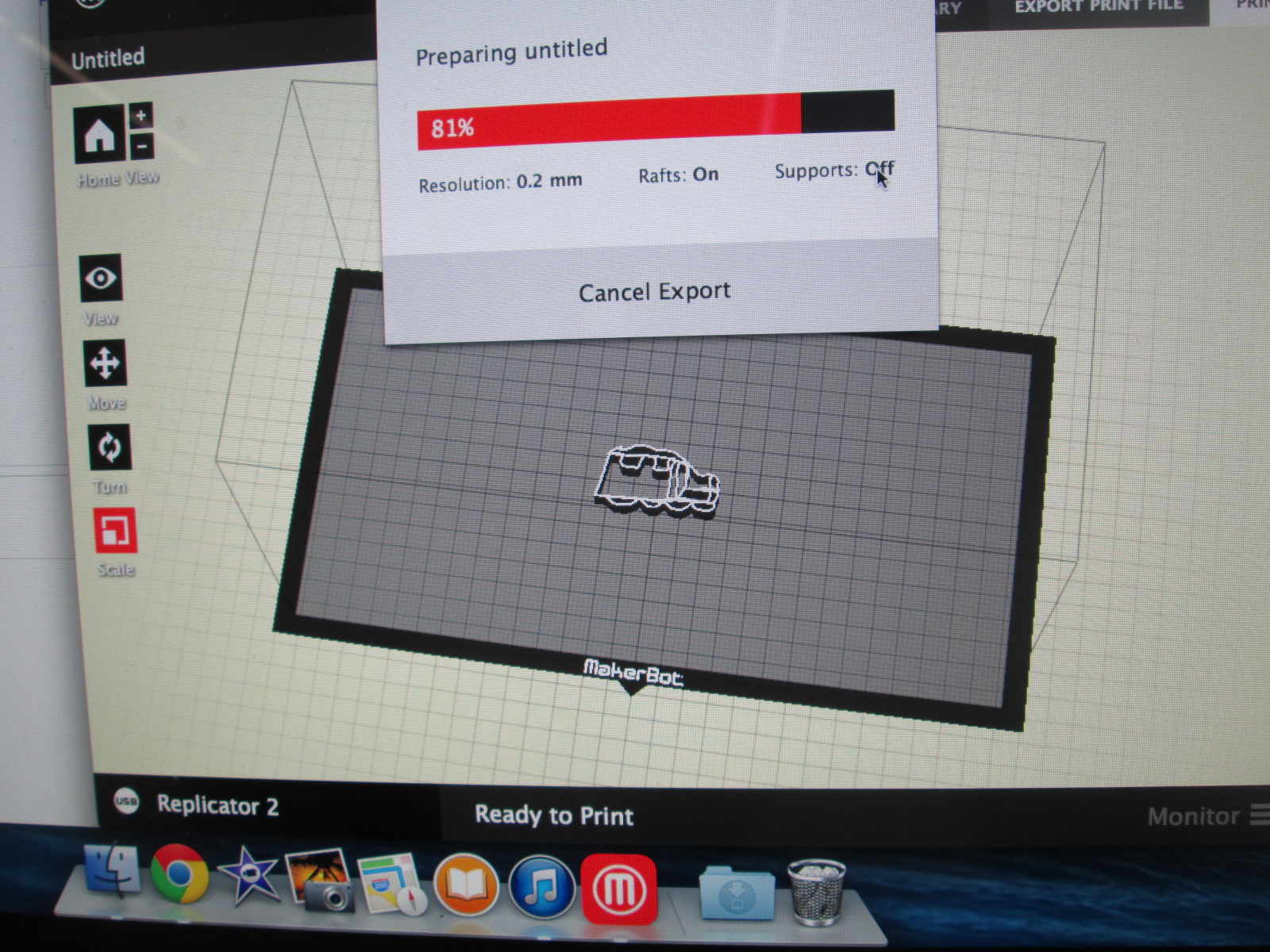
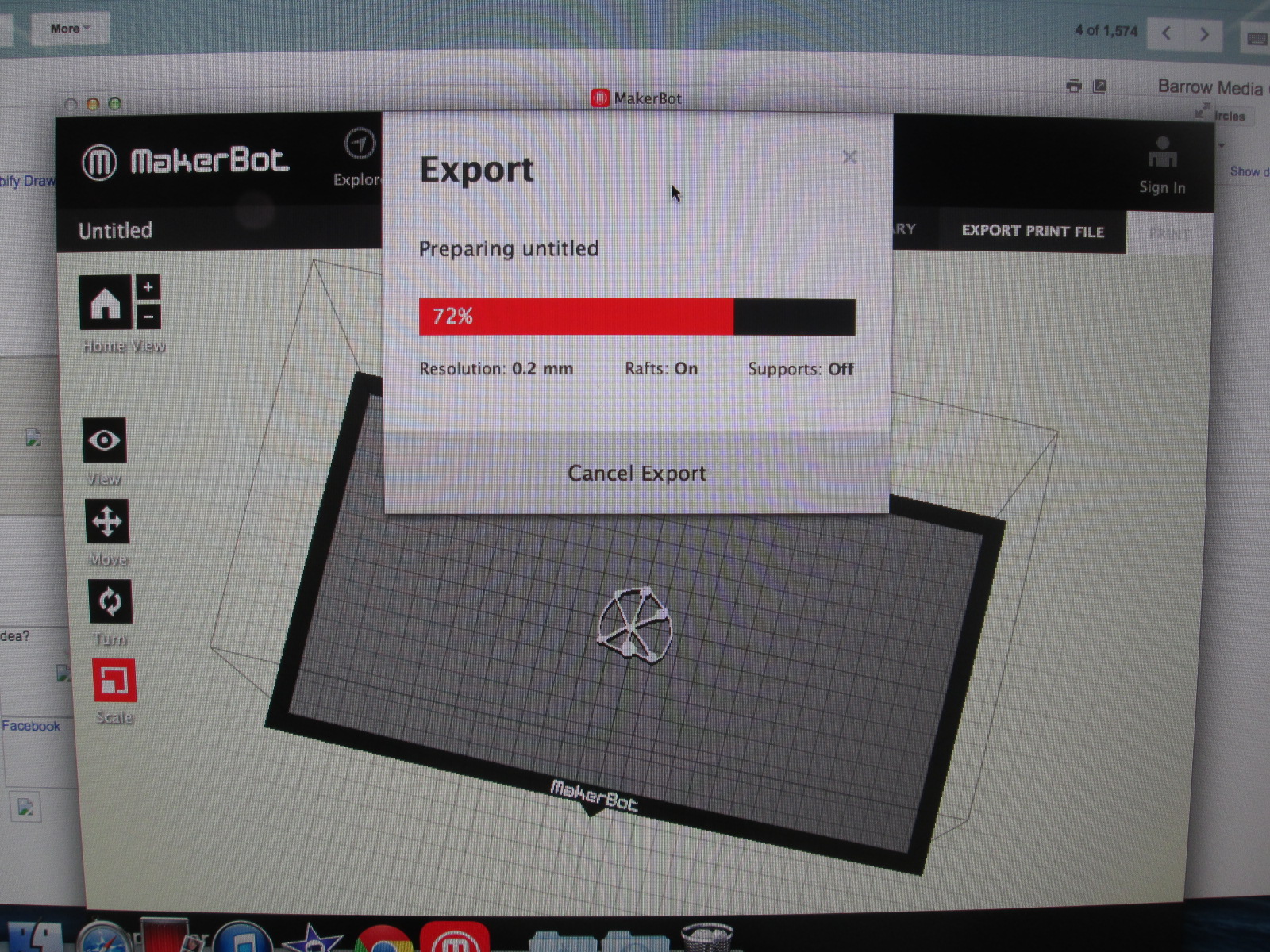
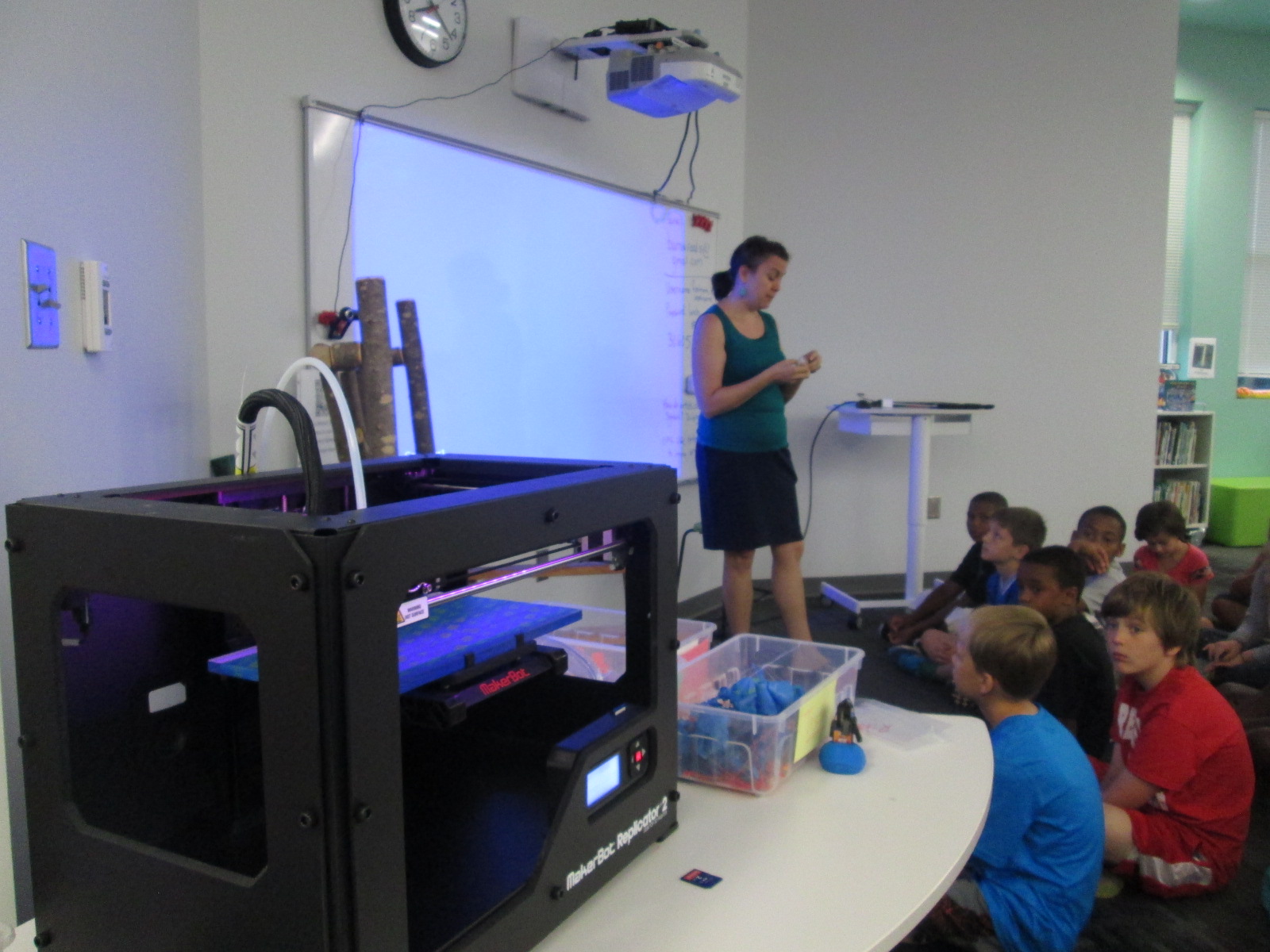
We are doing this lesson with the entire 4th grade, so that makes for roughly 60 designs.  Each design has to be imported into Makerware, reduced in size, and exported as a file for our Makerbot Replicator.  These files are being placed onto SD cards.  To speed up the file prep progress I used multiple computers and multiple SD cards.

native american stamps (12) native american stamps (11)

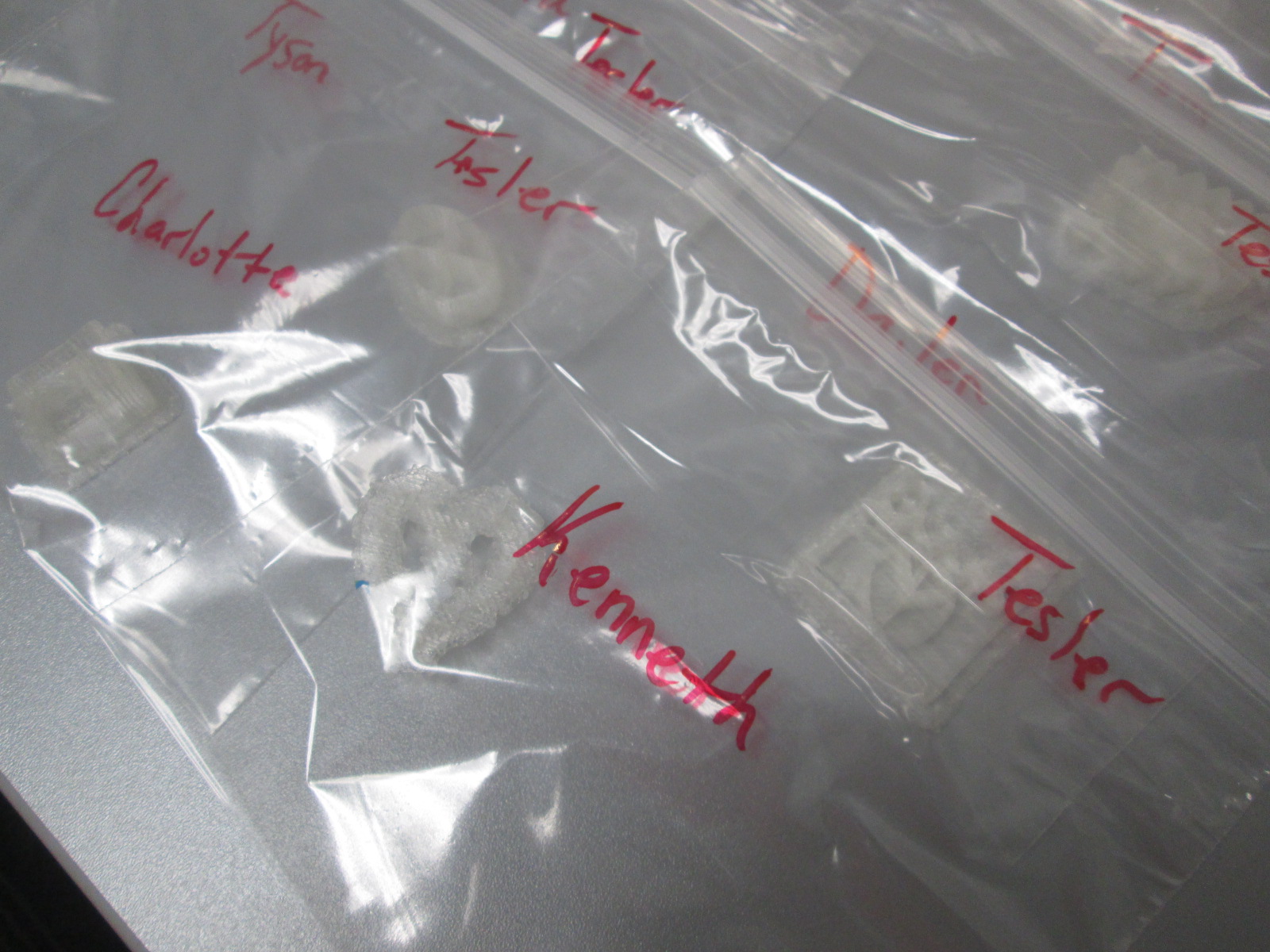
Then, the printing began.  Print after print is now running in the library.  It took about a day and half to print the first class batch.  Now I have 2 more to go.  Each student print is being placed in a ziploc bag with the student and teacher name on the bag for easy distribution.

native american stamps (14) native american stamps (13)

The next step will be for students to create a vessel out of clay in art.  They will use their 3d stamp to press designs into their vessel.  All of the vessels will hang from  the grade level dream catcher, including vessels designed by all of the teachers involved in the project.  This will serve as a symbol for the year to represent our connectedness and our common goal of working together to achieve many hopes and dreams this school year.  Our vessels and dream catcher will hold these safe throughout the year.

Thank you Mrs. Foretich and the 4th grade team for an incredible project for our students that allows them to dream, tinker, create, and share.


Goal 4: Supporting the Reading Habits and Curiosities of Students with Wandoo Reader

Wandoo Reader Kickoff (18)

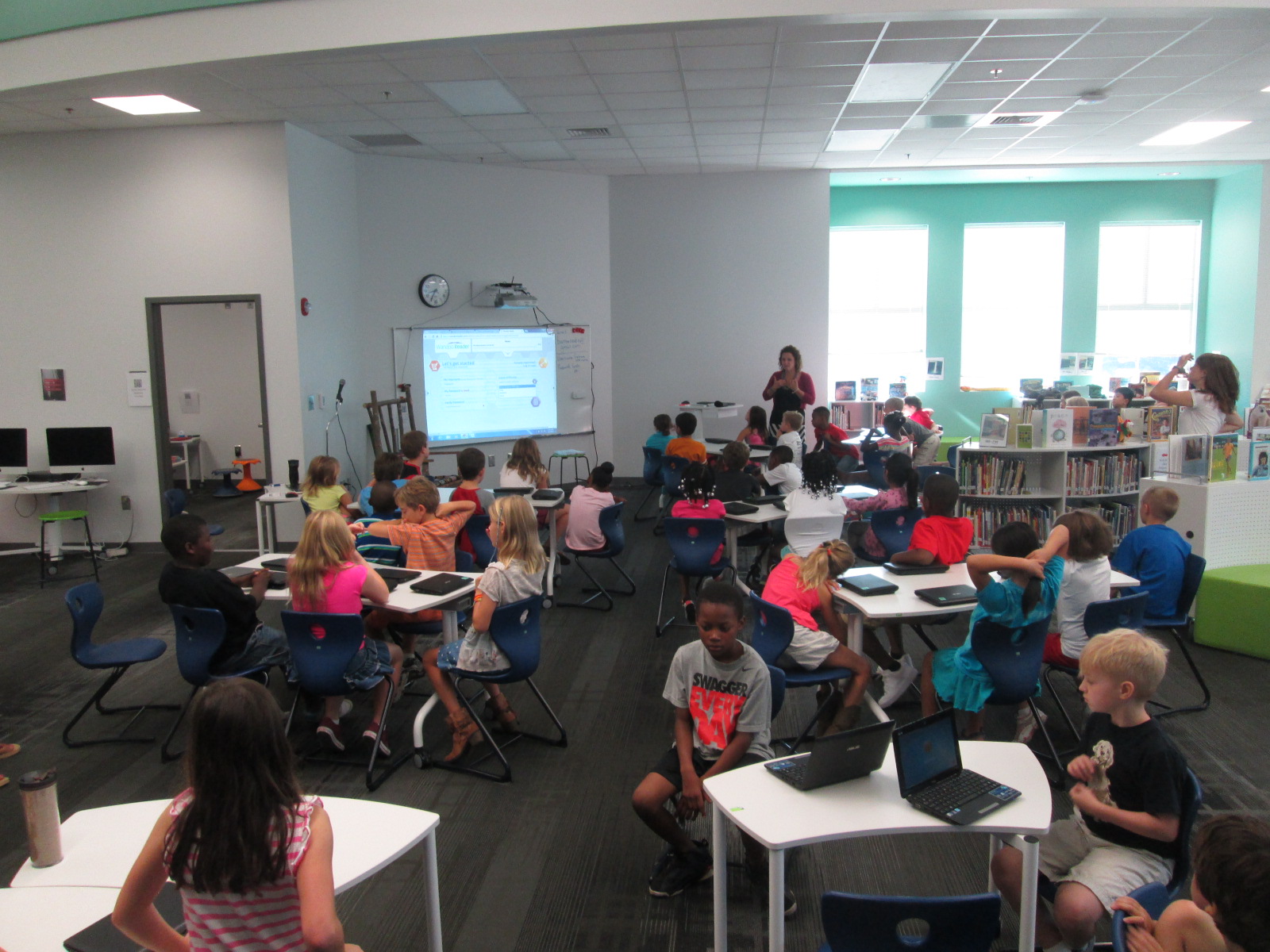
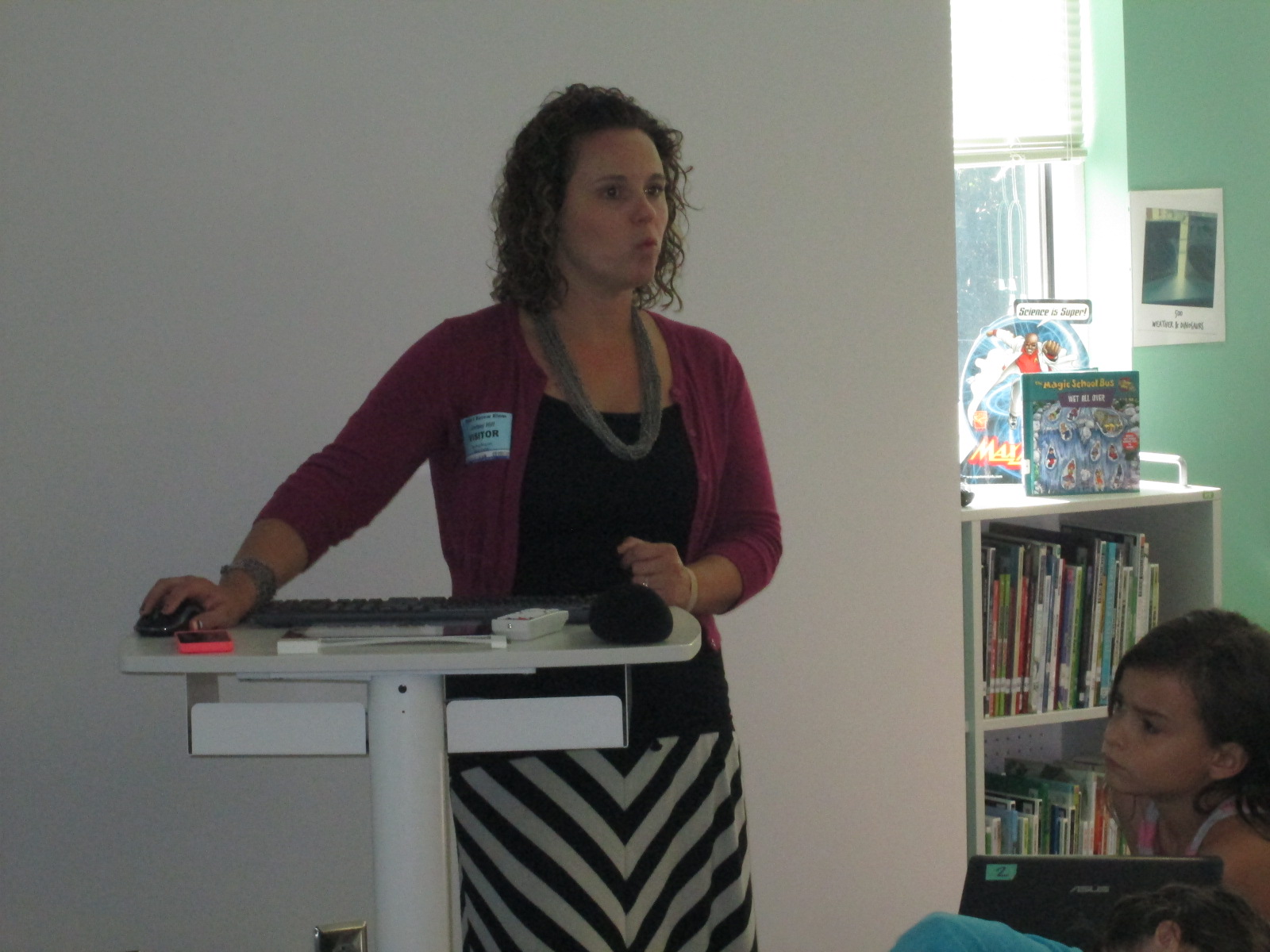
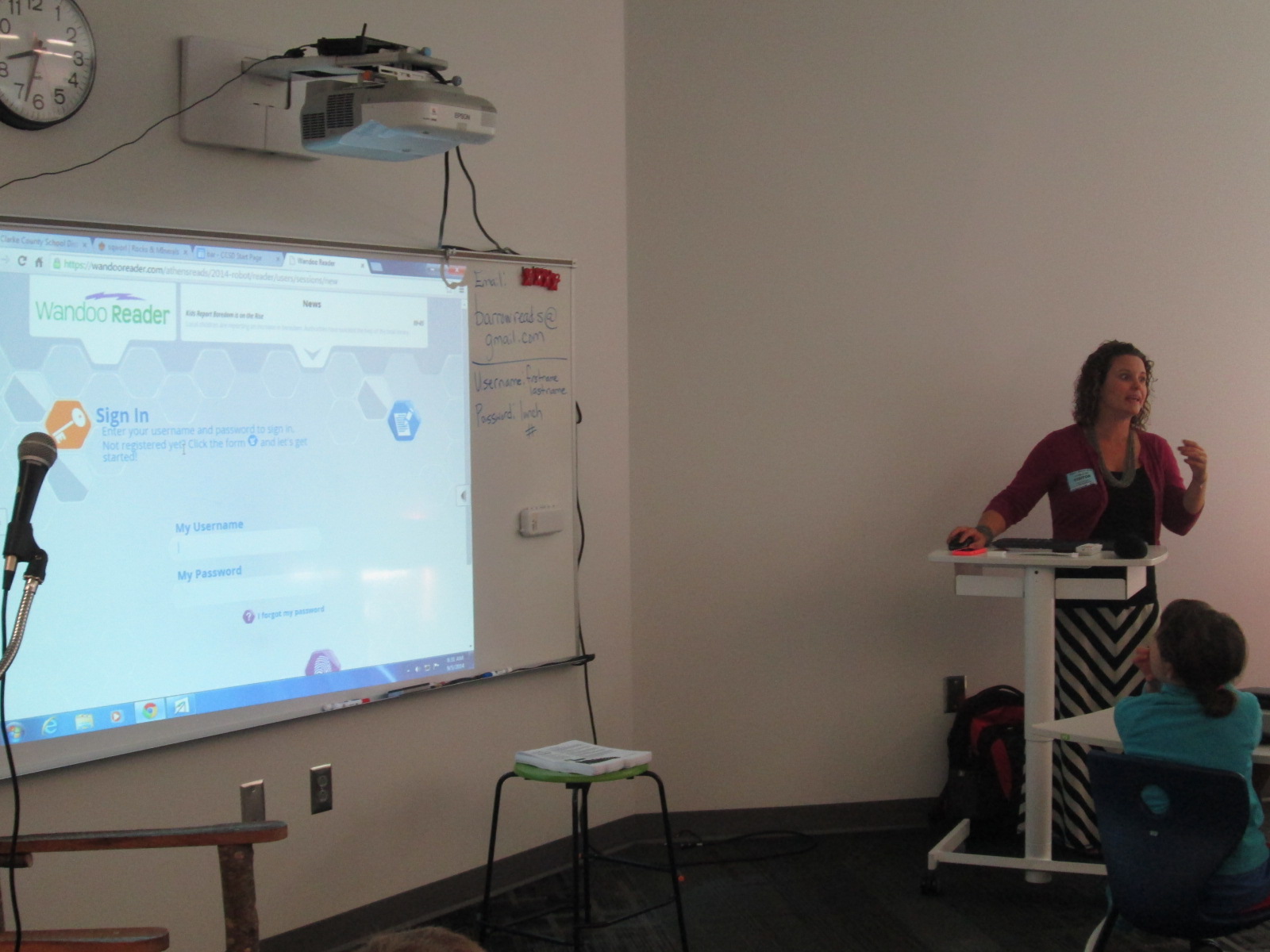
Lindsey Hill, educator superstar from Evanced Solutions, visited our library to help us with goal 4 for the library this year, “Supporting the reading habits and curiosities”.  In fact, this goal is so important that it is a part of our school improvement plan.  We believe that one of the best ways to become better readers is to read, read, read.  More importantly, we believe that finding books that we are interested in that match us as readers is an essential part of building stamina as a reader.  This year we are piloting a tool called Wandoo Reader to see how it supports us in tracking our reading habits and curiosities.  This tool is still in development for schools so we are figuring out what works well and what needs to be adjusted.

Wandoo Reader Kickoff (2)


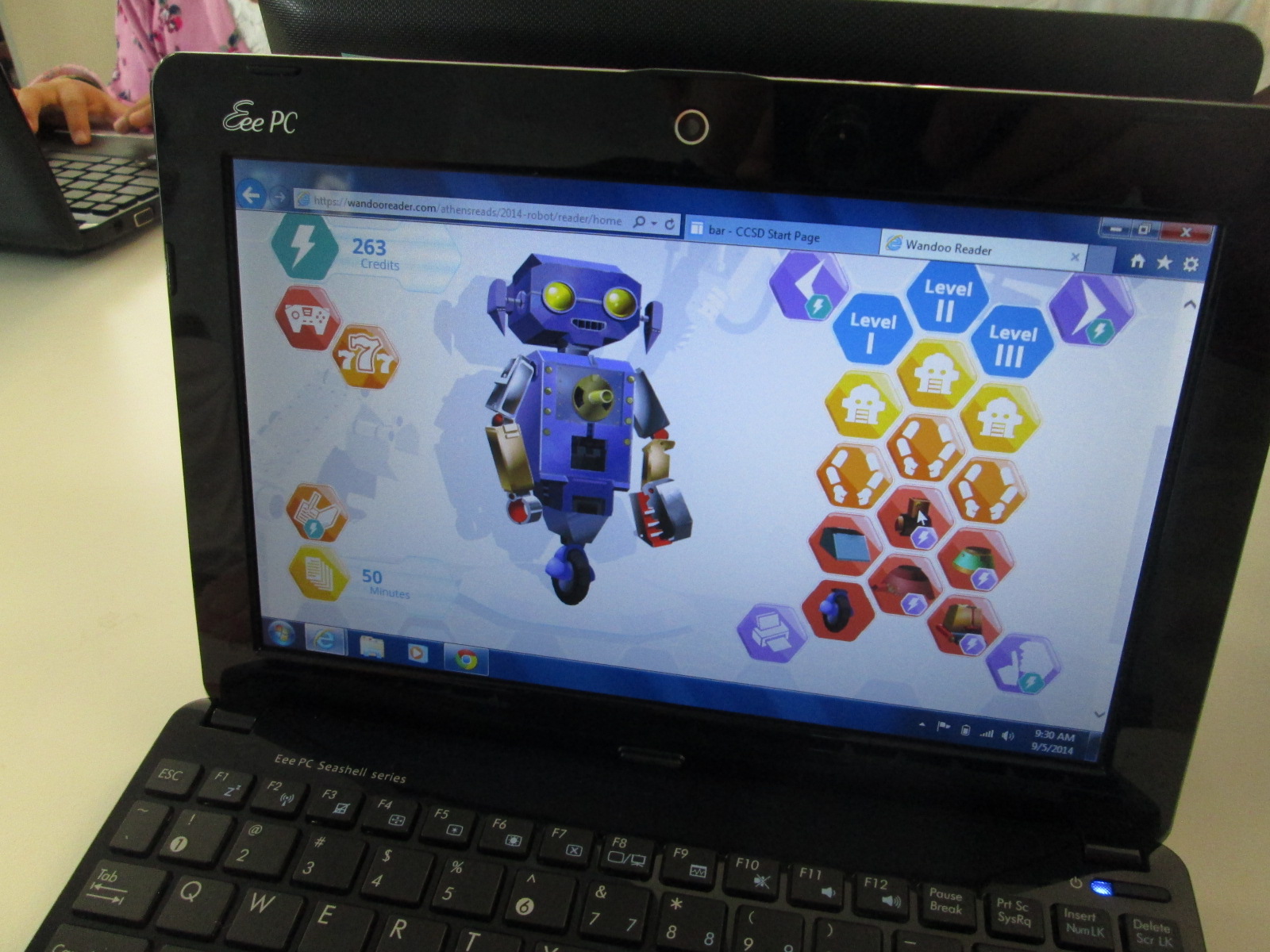
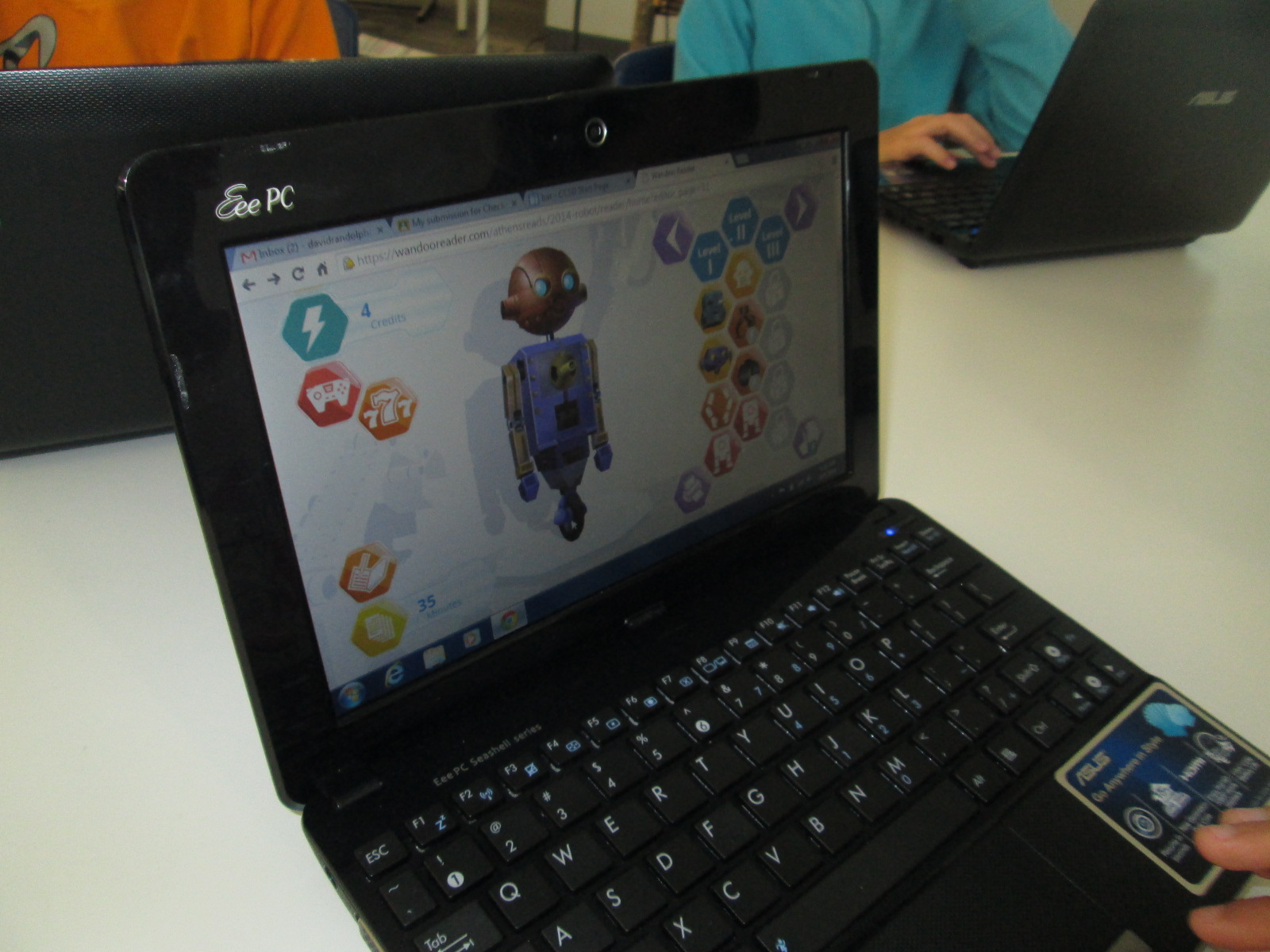
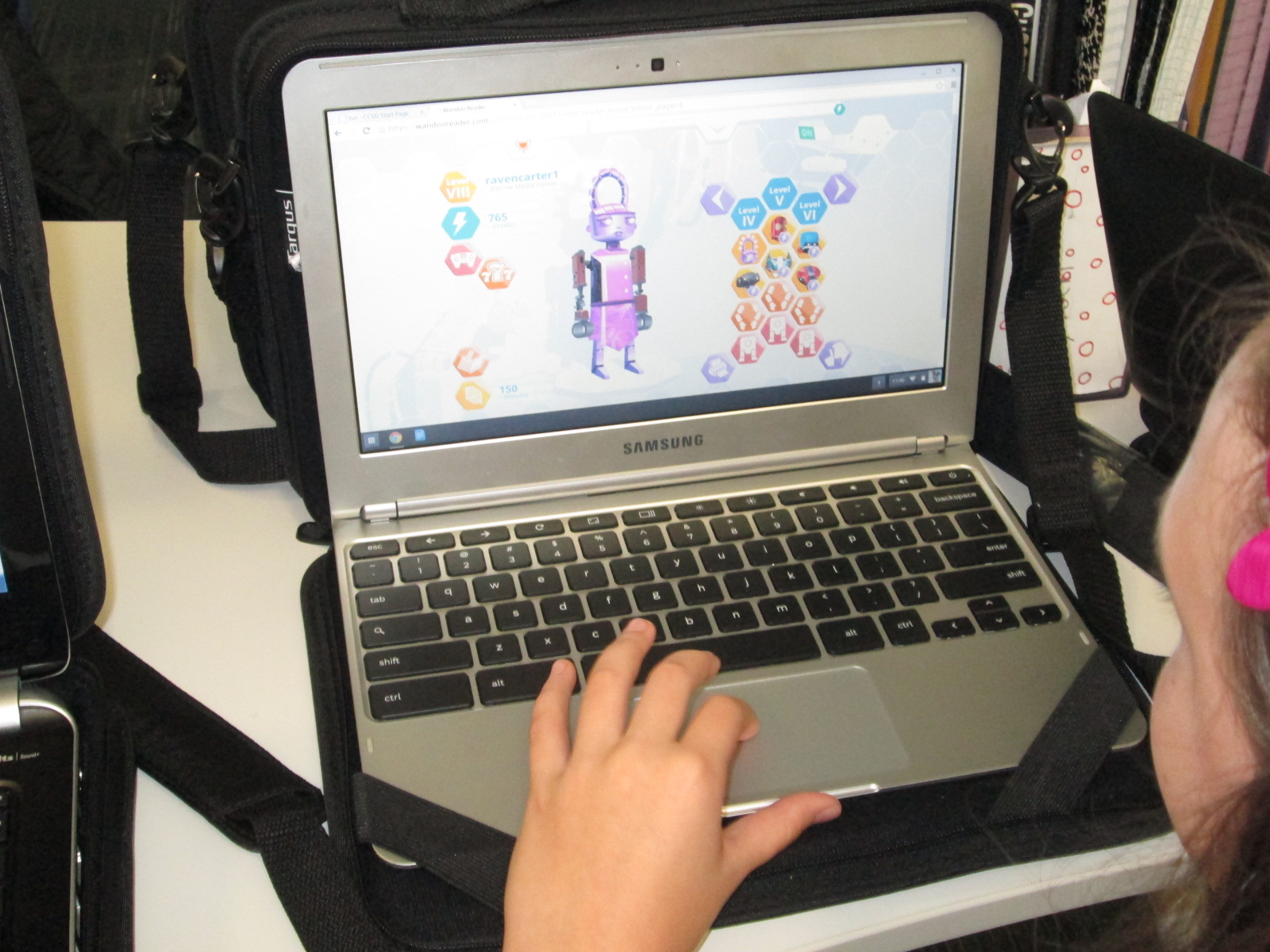
Wandoo reader is a “game and a reading tracker”.  It follows the story line of a robot who stumbles into a library but is low on power.  In order for the robot to power up, the robot needs kids to read books.  Students read books or really anything of their choosing.  In the online reading log, students submit the reading material title, amount of time read, and whether or not they finished reading the material.  Each time they log reading, they earn credits which allows them to purchase parts to the robot.  There are over 8,000 combinations of parts, so it’s pretty difficult for students to ever be truly “finished”.  Wandoo Reader also allows the administrator to setup incentives or prizes as well as secret codes for completing various challenges.

Our goal for Lindsey’s visit (and next week) was to get all of our 3rd-5th graders setup with accounts in Wandoo Reader.  Lindsey and I met with many classes.  I kicked off each session by sharing the news with students that we are the only school in the world currently using Wandoo Reader.  I wanted to emphasize the potential in this.  I brought in a conversation about empowering student voice in this opening (goal 3 for this year).  Students have an opportunity to test out a tool, figure out what they love, get frustrated with what doesn’t work, and point out what they just don’t like.  Each observation or failure that they make goes directly to Evanced Solutions for consideration in improving Wandoo Reader for future schools, so our student voice really matters and makes a difference.

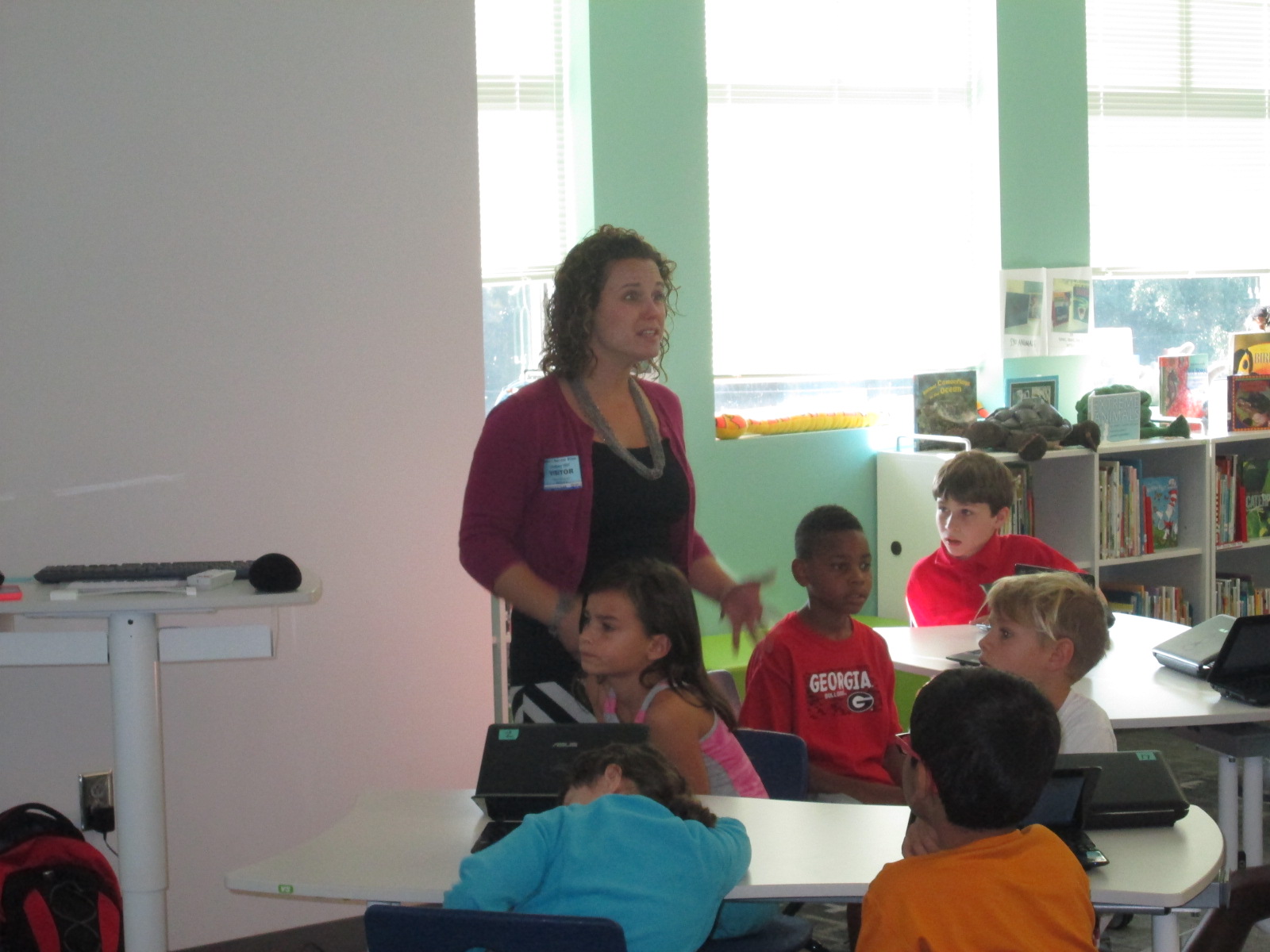
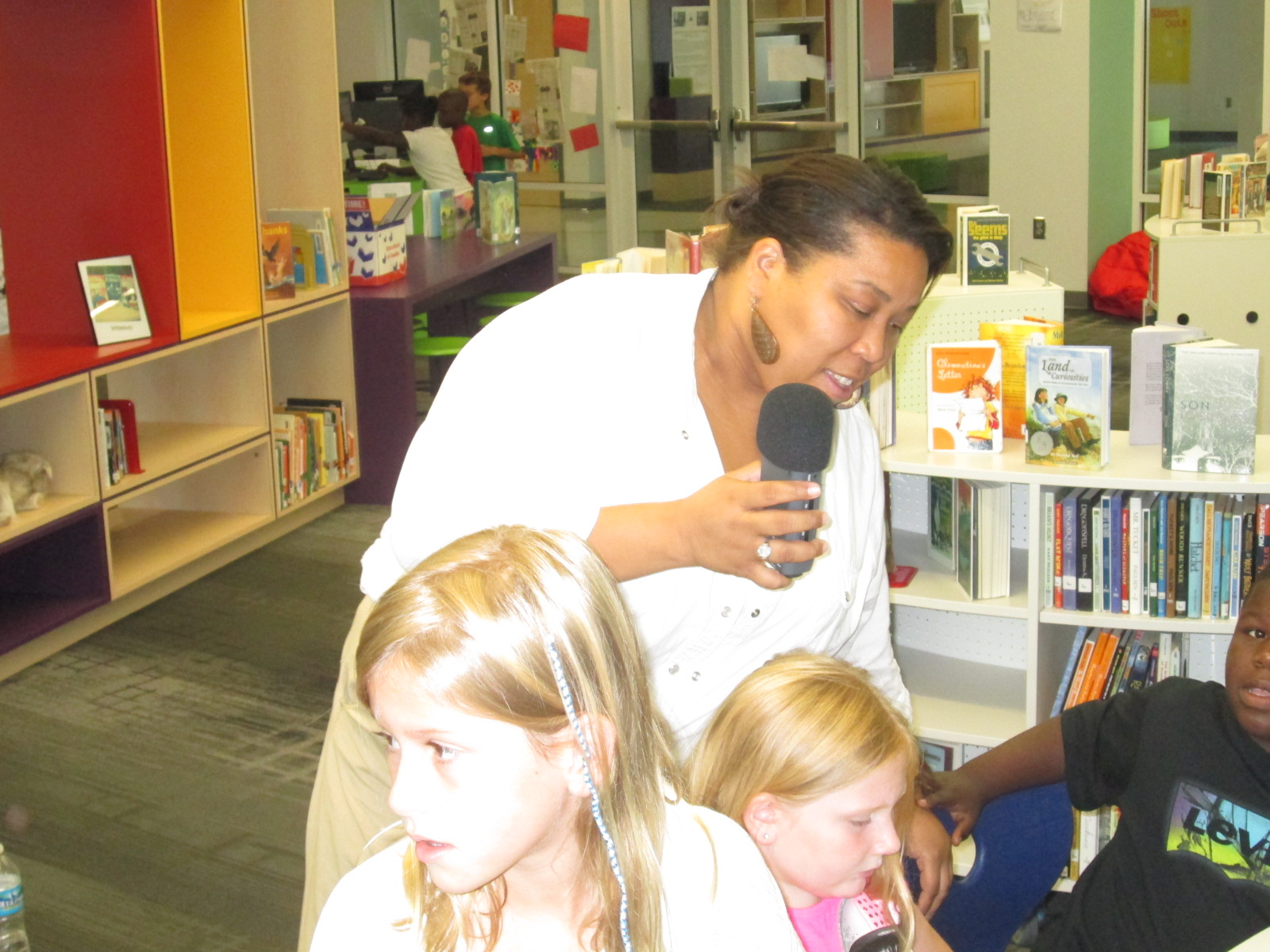
Lindsey did a demo of what Wandoo Reader would look like once students registered.  She show them how to log their minutes, how to earn credits, and how to purchase a robot part.

Wandoo Reader Kickoff (11) Wandoo Reader Kickoff (12)

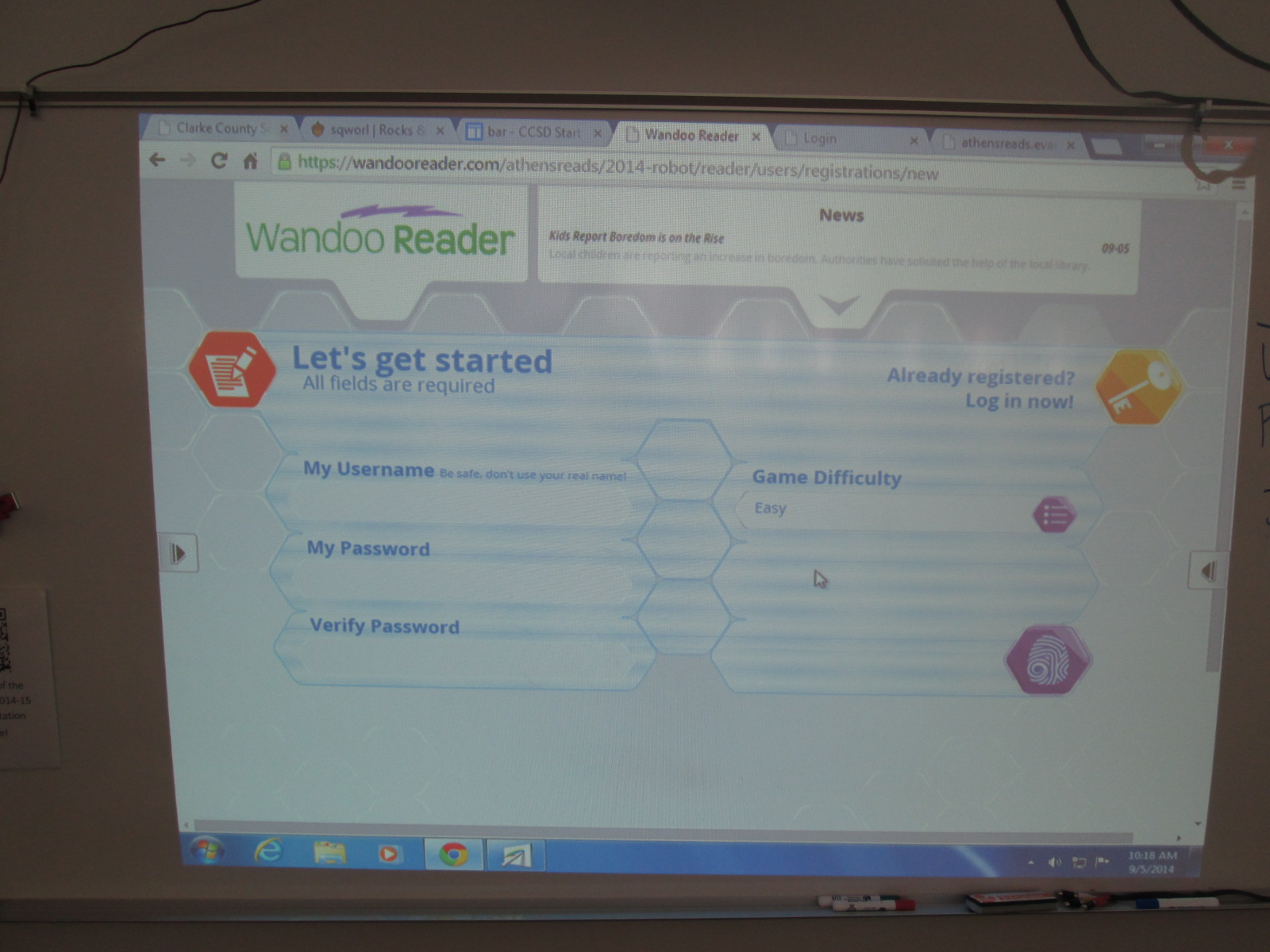
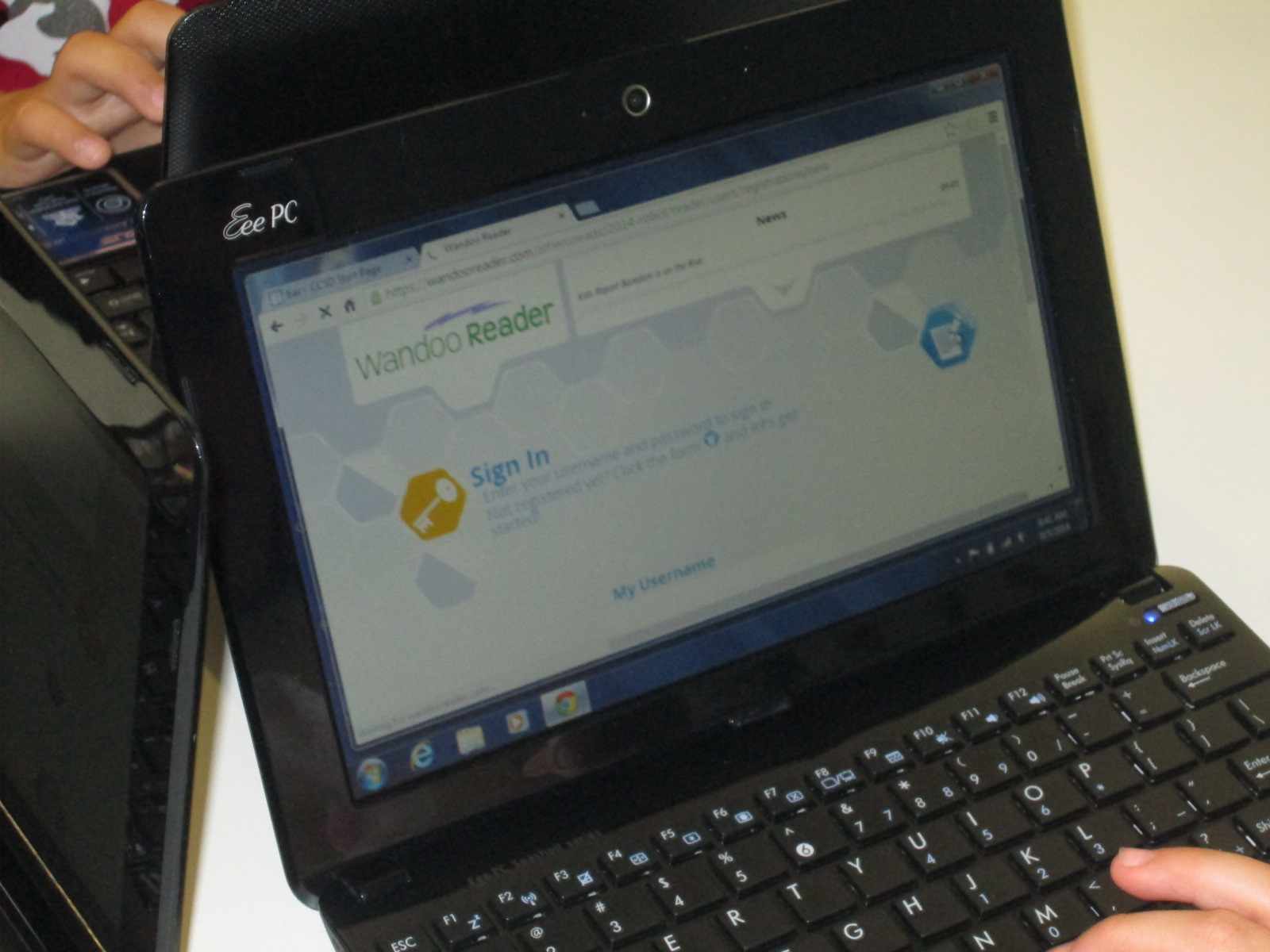
Then, we started the long process of getting students registered.  It didn’t take us long to discover that this process is not quite ready for schools and will need some adjustment.  Each student had to create a username, password, confirm password, and select the difficulty level for the game.  Then, students had to type my email address to send an email confirmation.  Each email had to be clicked on to activate each student account before they could proceed.  Bulk uploading is already in development and it is essential for schools to have this feature because the wait time students felt while I clicked on each email was too long.

Wandoo Reader Kickoff (20) Wandoo Reader Kickoff (25)

Once students have accounts activated, Wandoo Reader takes them through a tutorial which reveals the story line of the game and shows students the different buttons they will click to log reading, purchase parts, build a robot, etc.  This tutorial is text-only for now.  Some students read every word, others clicked through without reading at all, and others really tried to read but got frustrated without the support of audio or an adult’s help.  Again, this was an area where students and teachers offered feedback about their experience and observations and would really love to see an audio feature or simpler text.

Wandoo Reader Kickoff (8)

After the tutorial, students come to another screen where they have to put in their name, birthday, zip code, gender, and select their teacher.  There was a lot of learning here for students because it revealed that most students had no idea what a zip code is.  It was a great lesson, but it did slow down the registration process.  Our suggestion for this page was to cut out much of this page.  The essential information is the student name and the teacher.  These are the two pieces that will be used the most when running reports for data from Wandoo Reader.

Wandoo Reader Kickoff (16)

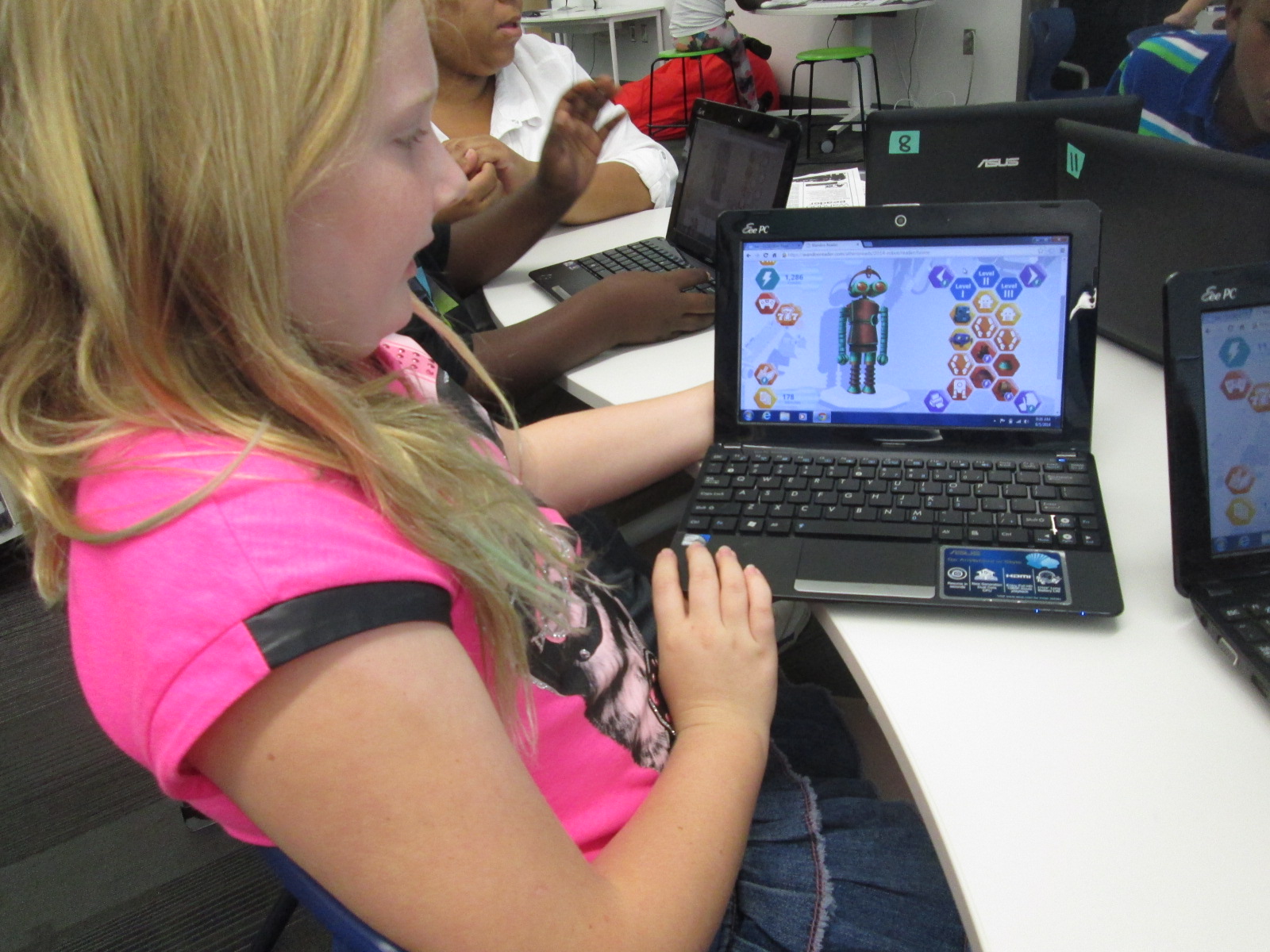
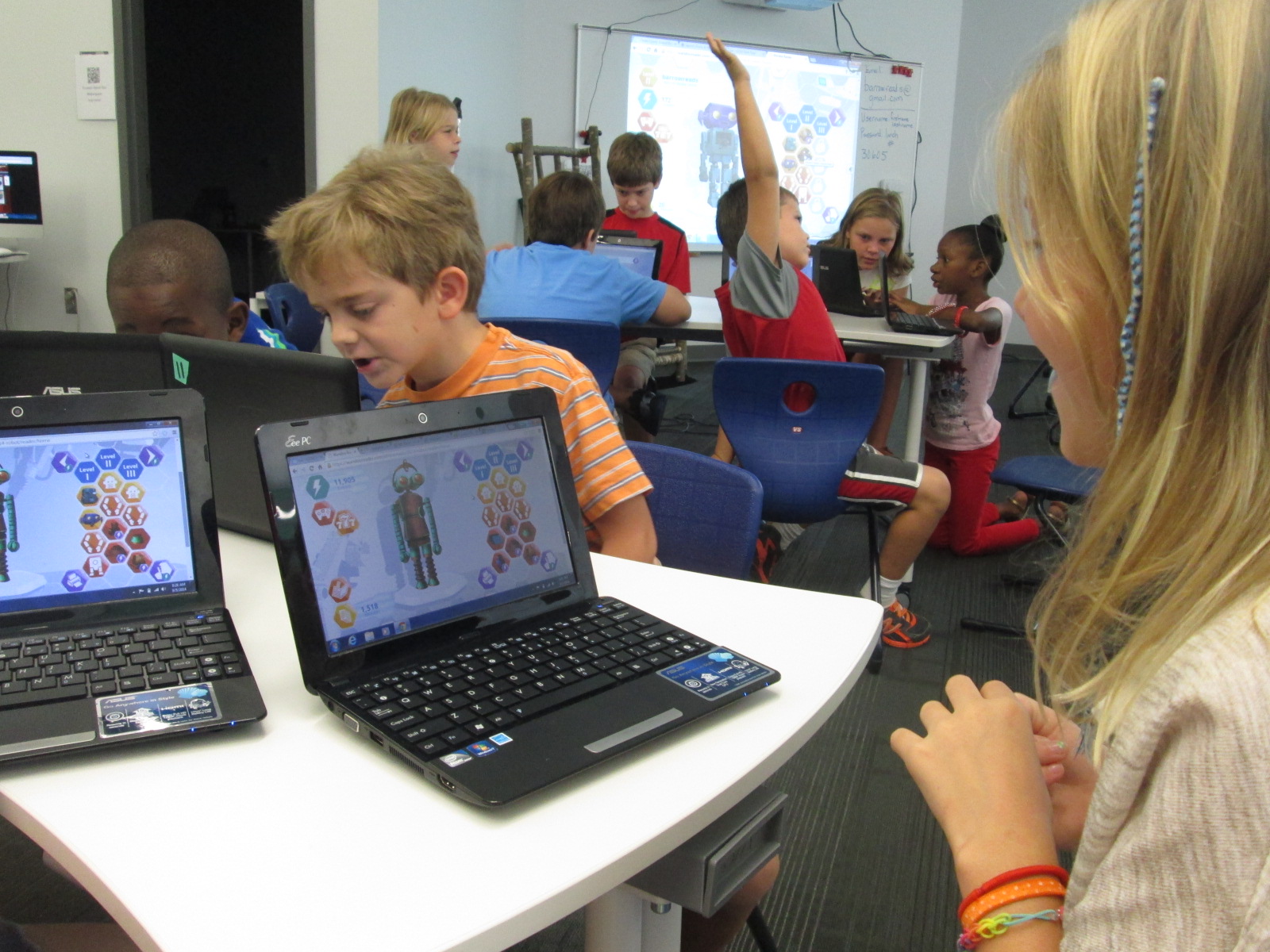
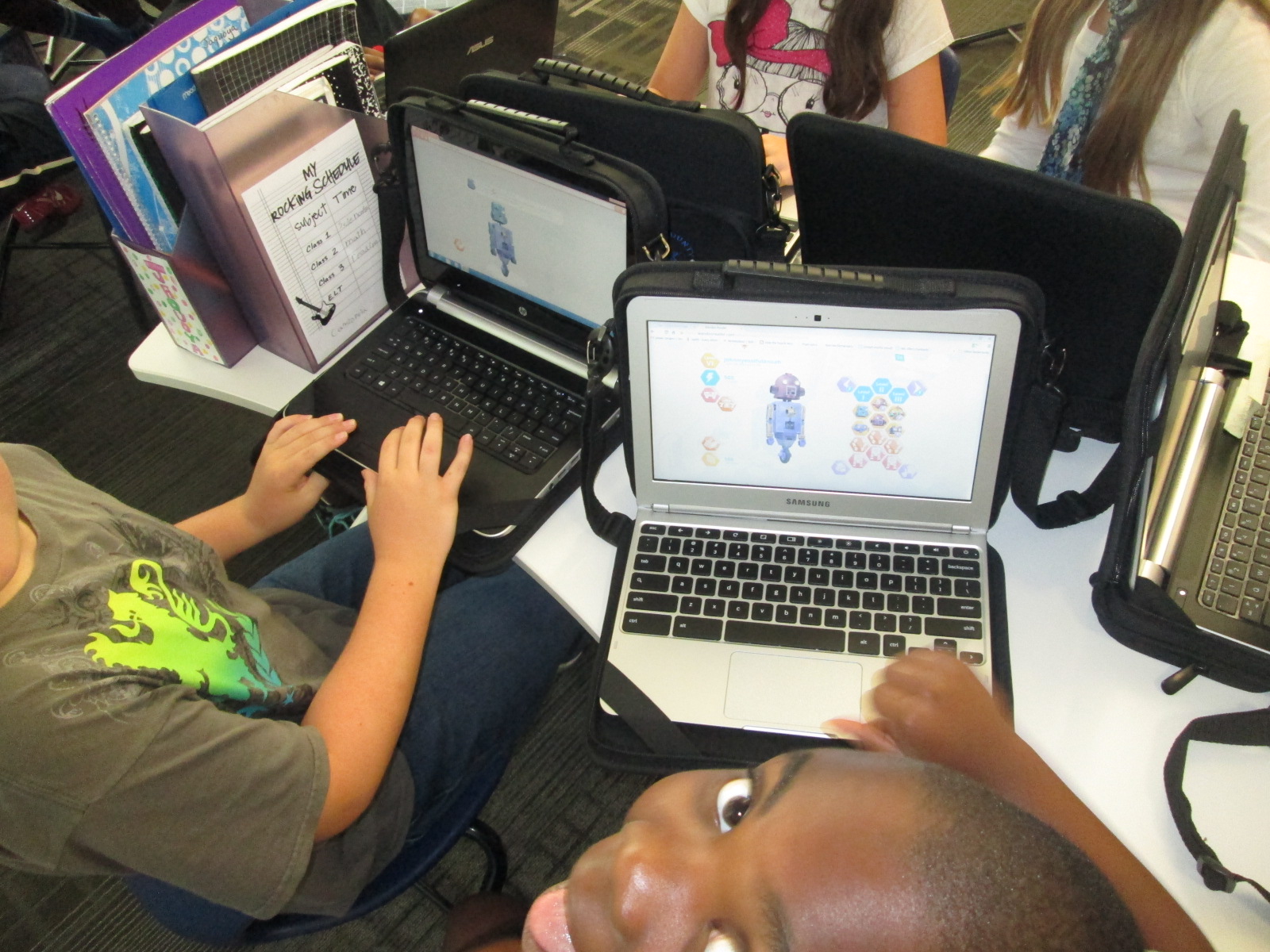
Once students made it through registration, the fun began.  Students practiced logging some books that were recently read, earned points, and started building robots.  Every student logged “Wandoo Reader” as a book if they read the tutorial.  There were smiles all around as each robot looked a little bit different than the next.  I loved how this feature gives students a sense of personalization, which is so important to students.  Once kids got into the program, we heard things like:

and

Students were really engaging in goal 1 from the library this year, “dreaming, tinkering, creating, and sharing”.  Of course, some students started testing the system to see how many points they could earn for more parts.  We can always clear that out through the administration portal, but they had permission to tinker.  They figured out how things worked, how things didn’t work, and also revealed to us what Wandoo Reader might need in order to focus kids on the true goal of the tool which is increasing student reading ability.
Wandoo Reader Kickoff (14)

Students were so proud of their robots

Wandoo Reader Kickoff (24)

We closed our time by talking about the importance of the data that Wandoo Reader will produce for our school.  I gave specific examples.  For example, if I see that a student clicks “still reading” on multiple books and never clicks “finished reading”, it might reveal to me that the student isn’t finding a good match for reading.  If a student reads the exact same book over and over, it might reveal to me that I need to have a conversation with that student to find similar books to the trusted favorite.  If I notice that several students are reading a lot in a particular genre, it might reveal to me that I need to purchase more of that genre for our library collection.  The list could go on and on because the data that Wandoo Reader can produce for me as the librarian as well as for classroom and collaborating teachers is something we have never had access to in a single location shared across the school.  If kids use it with “fidelity” as our superintendent says, then we can start to notice and really pay attention to the amount of time that our students are spending reading.  If we want to close the achievement gaps in reading, then one of the most important steps is getting the right books in kids’ hands and giving them time to read and have fun with that reading.  Wandoo Reader has great potential for this.

Wandoo Reader Kickoff (19)

Ms. Spurgeon record feedback for Evanced while supporting a student

Looking back over the day, there were many frustrating moments in the registration process.  In fact, there were times that it was that level of frustration where you just want to say “no thanks” and move on.  For students, there were moments where meltdowns, shut downs, and giving up could have happened.  However, the thing that sticks out to me most about the day is that there weren’t any tears.  Not a single student gave up.  I won’t pretend that they didn’t get frustrated because they did.  However, it is more important to me to see what they did with that frustration and it makes me ask “why?”.  Why didn’t they crawl under tables, cry, close their computer screens, or say I don’t like this?

I can’t prove why at the moment, but I can’t help but wonder about the library goals for this year.  We began each session by giving students permission to tinker and fail (goal 1 dream, tinker, create, and share).  We established a sense of purpose by helping them realize that their failure and feedback was contributing to the greater good of the world (Goal 2 global thinking & collaboration).  We empowered them to notice what wasn’t working as well as what they loved and share that into Lindsey’s recorder to take back to the developers (Goals 3 empowering student voice).  We talked about reading multiple kinds of text and logging everything and even gave them permission to log Wandoo Reader as a book (Goals 4 supporting reading habits).

Wandoo Reader Kickoff (15) Wandoo Reader Kickoff (21)

When I started the day, I really didn’t plan for every library goal to be evident in this one lesson.  As we moved through the first session, it became very clear to me that I needed to be transparent with students about the multiple layers of why we were using Wandoo Reader.  When I did that, the library goals naturally came to life because they are a part of my thinking every day.  If I can continue to replicate experiences like today, I feel like our students will continue to develop perseverance and stamina as well as feel like their voice matters in our school as well as the world.
Now the students who are setup are ready to start logging everything they read and building robots.  I told them to not worry about what they have read in the past but instead start with what they are reading right now.  Many will probably log minutes this weekend by visiting our Symbaloo page where we keep all of our resources.  Others will start logging minutes at school next week.  Regardless, the task now is to continue to tinker for a bit until we all figure out the best process for having kids log their minutes.  I will also follow up with teachers to see how they are feeling about Wandoo Reader and see what our next steps really are.

bar   CCSD Start Page

Even with the frustrations of registration, I feel like we all gained so much from this day to support us throughout this school year.  Thank you Evanced for this opportunity, and we can’t wait to see the changes to Wandoo Reader based on what was learned from these first student users.

Library Orientation: Starting the Year with Failure

QR orientation (6)

Last year, I decided to try something new for my library orientation.  Rather than have students sit and listen to me go on and on about how the library works, I let them explore the library with QR codes.  I loved this change so much that I decided to try this again this year and add some new twists.

First, I thought about all of the main questions that pop up during the year about using the library and made a list.  Then, I took this list and tried to make videos that were concise and addressed one task rather than weaving in multiple topics into one video.  This included topics such as how to search in Destiny, how to check out with and without a student id, how to check in, how to use a shelf marker, how to place a hold, and where supplies are located.  I also had some pieces of the library that I wanted students to know about such as areas where participatory opportunities would be displayed and what was new in our makerspace.

I took each video, improved the sound quality in iMovie, and uploaded to Youtube.  Using Kaywa QR Code generator, I made a QR code to each video, labeled it, printed it, and put it in a sleeve to hang in the library.

When 2nd-5th grade came to the library, they entered to a rolling slideshow of our 4 library goals.

1dream

2global

3empower

4reading

I wanted our first focus to be what we hope our library is about this year.  The procedures are important because they affect the flow of the year, but the goals are what drive us every day.

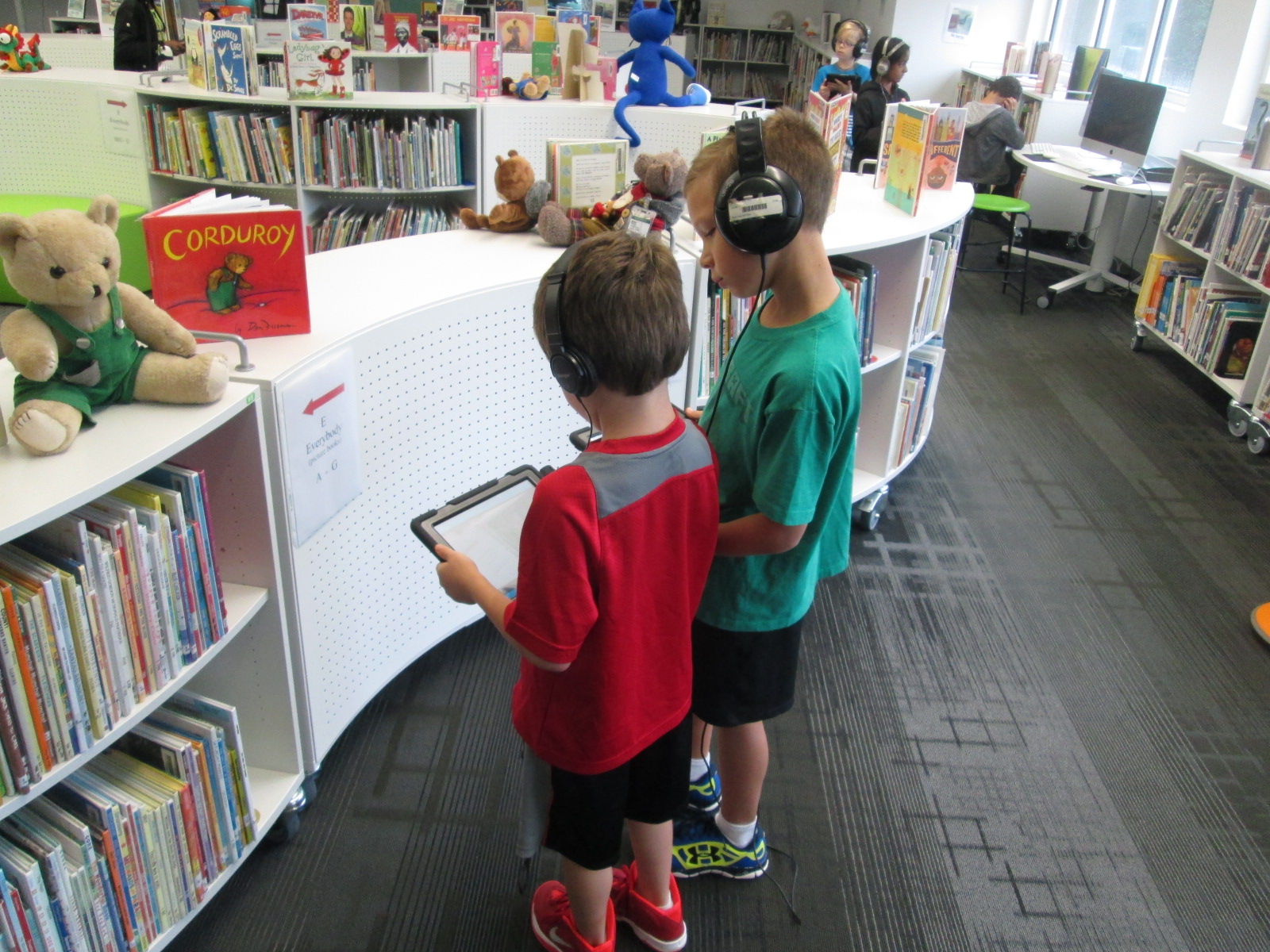
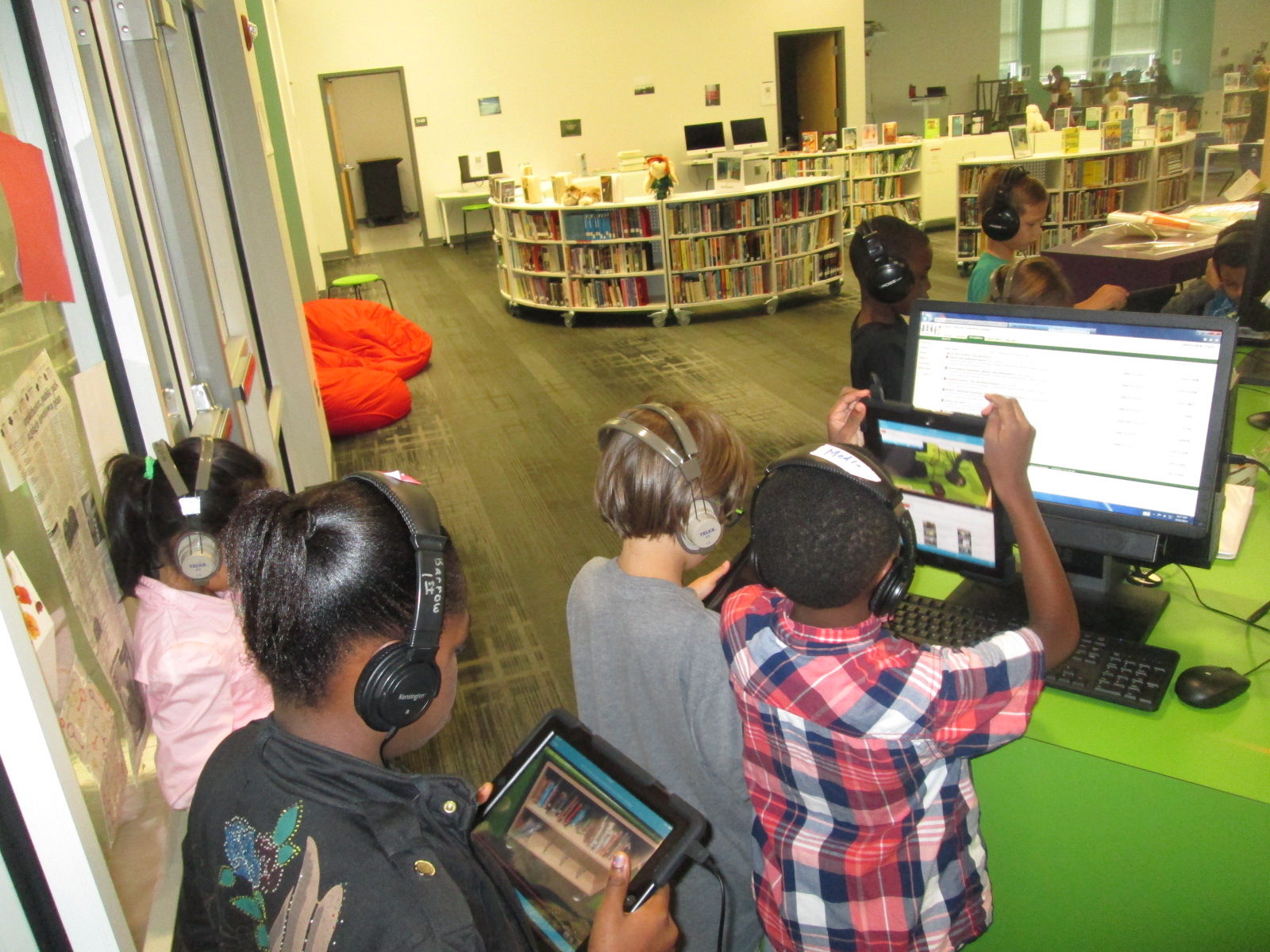
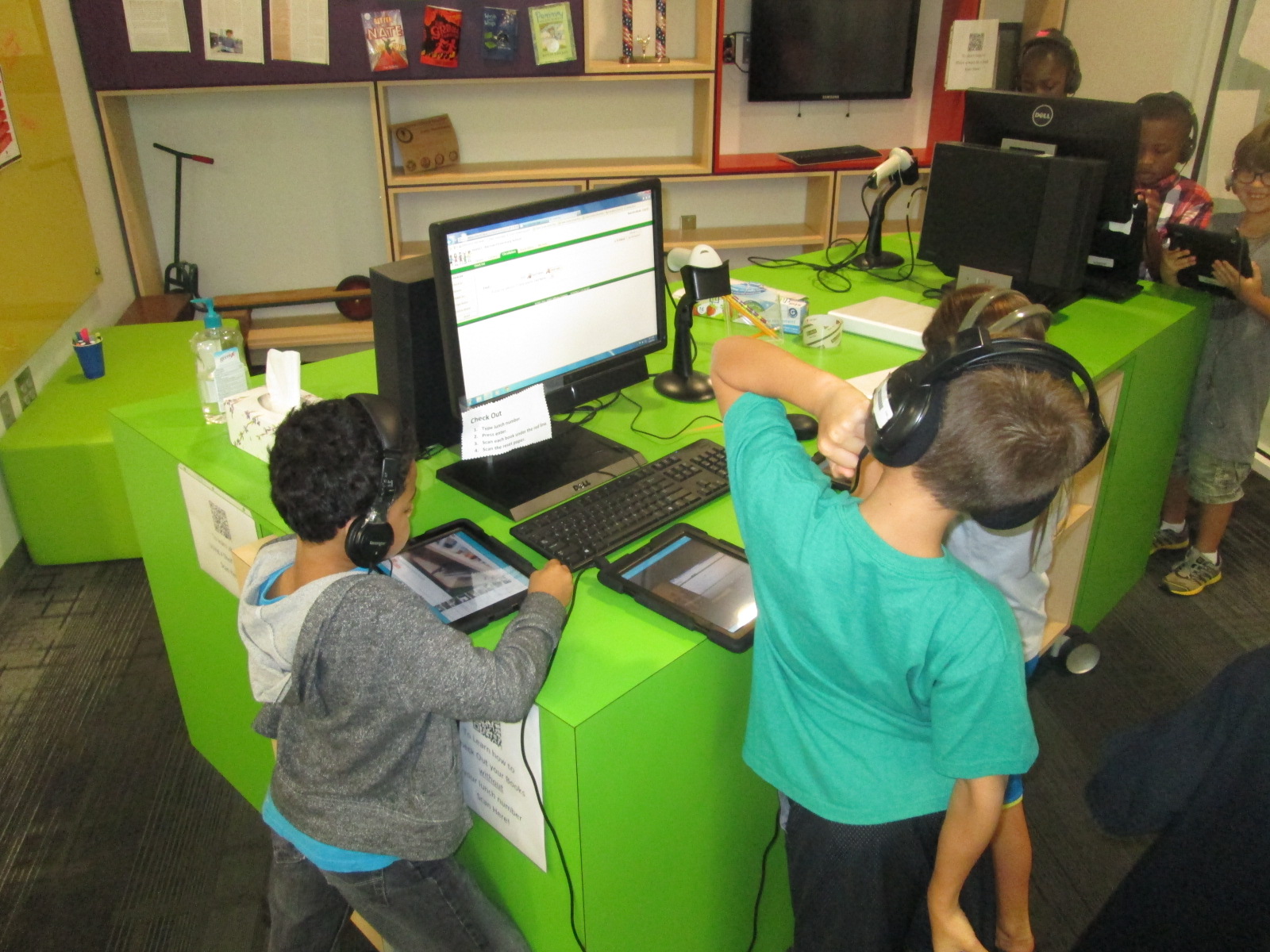
After talking about the 4 goals, I showed students how the orientation would work.  Each student would have an iPad with headphones.  Using the Layar app, students would scan each QR code and tap on the video to begin listening.  There were 4 videos that I wanted every student to review:  how to check out, how to check in, how to use Destiny, and a tour of the library sections.  I placed these 4 codes on 4 tables so that students could easily keep track of which videos they needed to watch first.  Following the 4 videos, students could scan a QR code on the project board that took them to a playlist so that they could choose any of the other videos to watch.

QR orientation (5)QR orientation (8)Once students scanned a video, I encouraged them to carry their iPad and go to that section of the library so that they could physically see the things that I was talking about in the video.  Once again, this was a wonderful experience because it allowed students to move, replay videos if needed, and actually see the library spaces rather than sit and listen.

QR orientation (4) QR orientation (2)

This worked beautifully some of the time, but here’s where the failure comes in.  On the 2nd week of school, our district implemented a new filter.  Filters can be wonderful things to protect our students, but anytime something new is implemented the bugs have to be worked out.  On day 1, every Youtube video was blocked on the iPads.  As soon as students started scanning, they got the no access screen.  Luckily, I could still access Youtube on my own computer so I decided we could just watch some of the videos on the projector.  Then, the internet speed became so slow that no videos would work.  Finally, we just got in a line and did an old-fashioned tour around the library.  The coolness of the QR codes was gone, but we still accomplished learning about the library.

While this experience was very frustrating, it allowed me to model what it means to not give up, to persevere through failures, and to expect that great things will happen even when things don’t work.  Rather than bottle all of my thinking in my head, I began to share it with the kids.  I said things like, “This was an epic failure, so let me back up and rethink this” and “Why don’t we try…”.  In future lessons, I built this conversation into our mini-lesson.  I prepped the kids by sharing the failures we had already encountered and how we worked through them together.  What I started to see was kids who were being more patient and were trying different strategies when the internet was slow or a code didn’t scan rather than kids who were giving up or kids who were yelling out about something not working and asking for an adult’s help.  I was reminded of the importance of sharing that it’s ok to fail as long as you use that failure to learn what you might do differently.

QR orientation (3)

In Kindergarten and 1st grade, we used the book Awesome Dawson by Chris Gall.  I chose this book because Dawson is a “maker”.  I felt like he embodied what I hoped that all of us would consider ourselves across the course of the year.  During our reading of this book, we paused to notice how Dawson never gave up.  We pointed out his epic failures along the way and how he took those failures, backed up, and tried something new.  He never lost his cool.  Instead, he took a different path or split a huge invention into 3 smaller ones.  As we made these noticings, we made connections to our own learning and the goals that we had for this year in the library.

QR orientation (1)

Following our read aloud and/or QR code tour, we used Kahoot to review a few of the library procedures.  I chose Kahoot for a few reasons.  One was to put it in front of teachers at the very beginning of the year as an engaging tool to use with students to check for understanding.  Several teachers were eager to try it in their classrooms.  Another reason was to make the really boring topic of library procedures fun and get us all on the same page.  It worked.  Even another reason was to throw a tool at students that was new to just about all of them and once again practice our acceptance of failure.  Several students couldn’t login.  Others had games that didn’t load as fast as other i Pads.  Still others got kicked out in the middle of the game and had to log back in.  Did any of these failures stop of us from learning? No.  We used each and every barrier, glitch, and student error as a learning tool for how we will work together this year.

Now that our orientations are over. We are ready for a year of miraculous projects.  The QR codes are now hanging all over the library for students to continue to reference throughout the year as they forget how to check out or place a hold.  The videos are also being sent to all of the library volunteers so that they can also review the different ways the library works before assisting students and shelving books.

I’m sure I will make even more changes to next year’s orientation, but I love how this one set the stage for our year.


3rd Grade Environmental Projects with Flipgrid, Story Me, and Blackout Poetry

IMG_3405Third grade has been revisiting their environmental science standards at the end of this year.

S3L2. Students will recognize the effects of pollution and humans on the environment.
a. Explain the effects of pollution (such as littering) to the habitats of plants and
animals.
b. Identify ways to protect the environment.
• Conservation of resources
• Recycling of material


In the library, I pulled tons of environmental print books and made a pathfinder of ebooks, database resources, and websites around the environment.

IMG_3389

We’ve also had guest speakers from The Seed and Plate   What is The Seed and Plate?

We are an independent magazine in Athens, Ga. with a focus on food, farming and community in the Southeast. We hope to educate and inspire using our surroundings and the amazing people we’ve met along the way. We begin now as an online media publication, with an eye towards a print version in the future. Enjoy.

The Seed and Plate

The Seed and Plate has been fantastic because they have presented to the students several times on composting, community farming, and being friendly to our earth.  They have also supported students as they work on environmental projects and plan to give our students an outlet for publishing their work.

We’ve also hosted the Athens Clarke County Recycling Department to talk to the students about composting.  Students have been using compost bins and paying attention to the amount of food that is being thrown away in our cafeteria.  Since students are watching this closely, they are really starting to think about what we can do as a school to be friendly to our Earth.

IMG_3404

After our exploration of print and digital resources as well as our guest speakers, I sent all of the resources into classrooms for students to continue using. Students chose a focus area to learn more about.  Then, they came back to the library to learn about 3 options for final projects during the last week of school.

Option 1: Students could write a script with or without props and record it on our environmental Flipgrid.

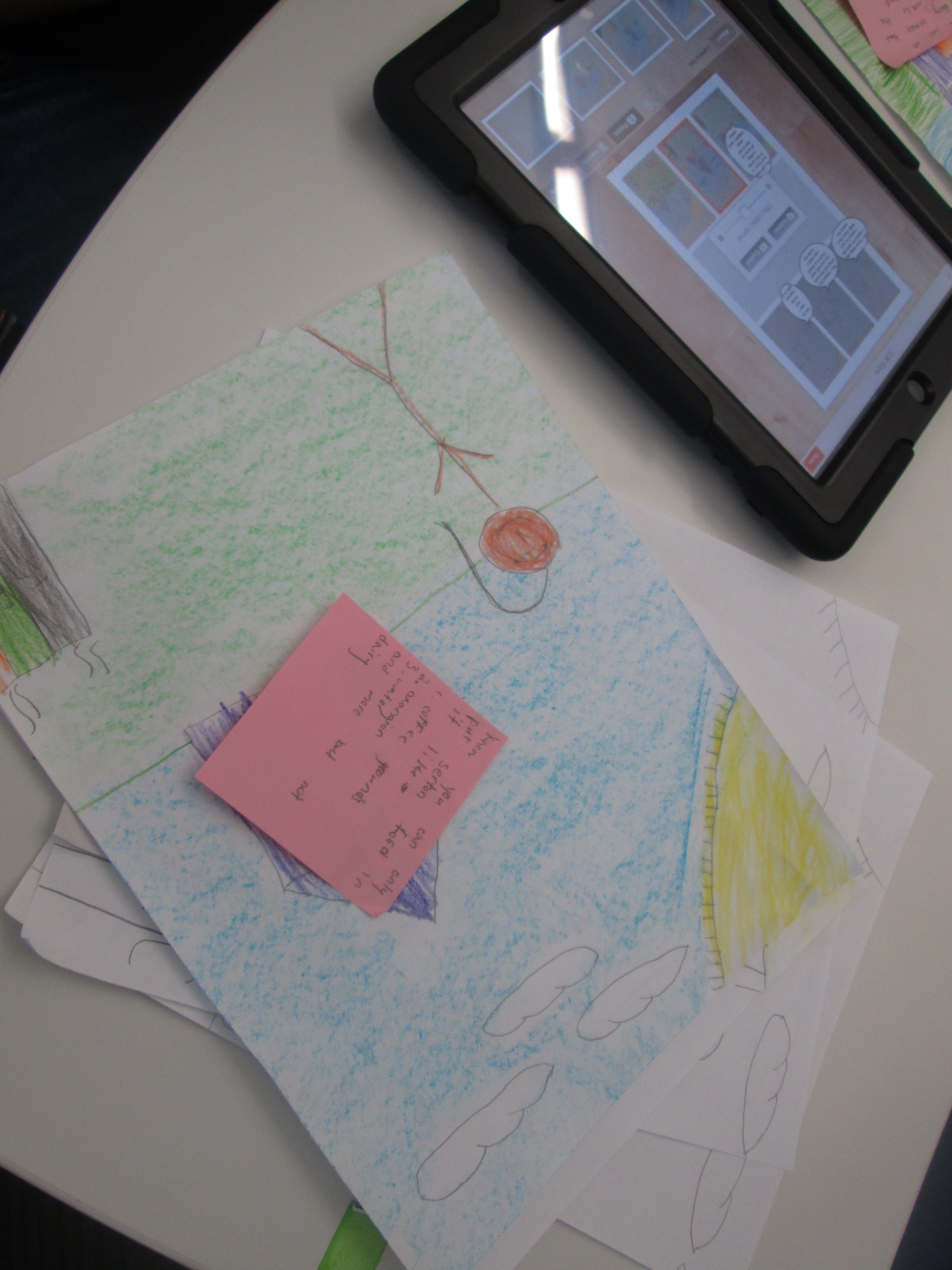
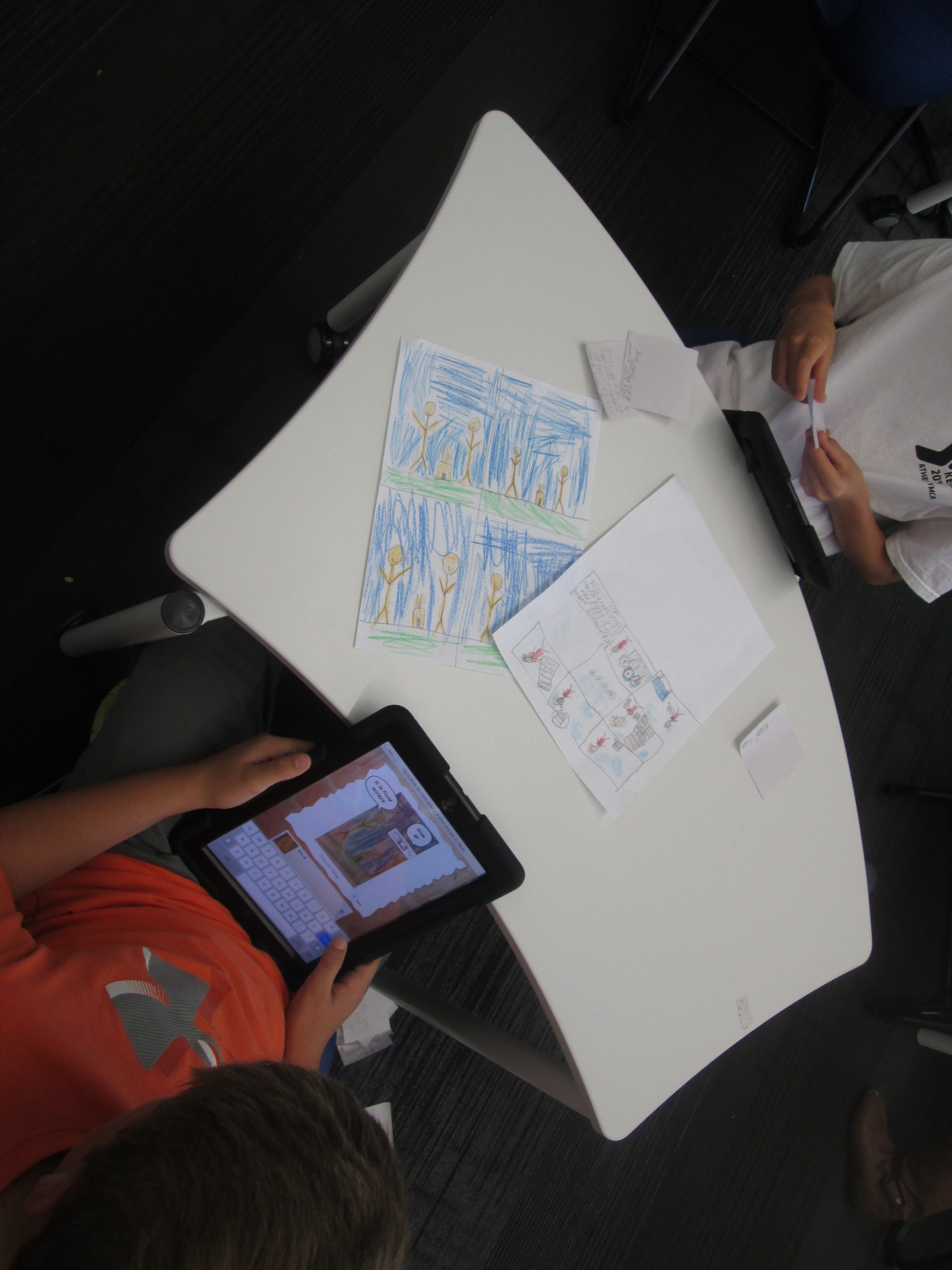
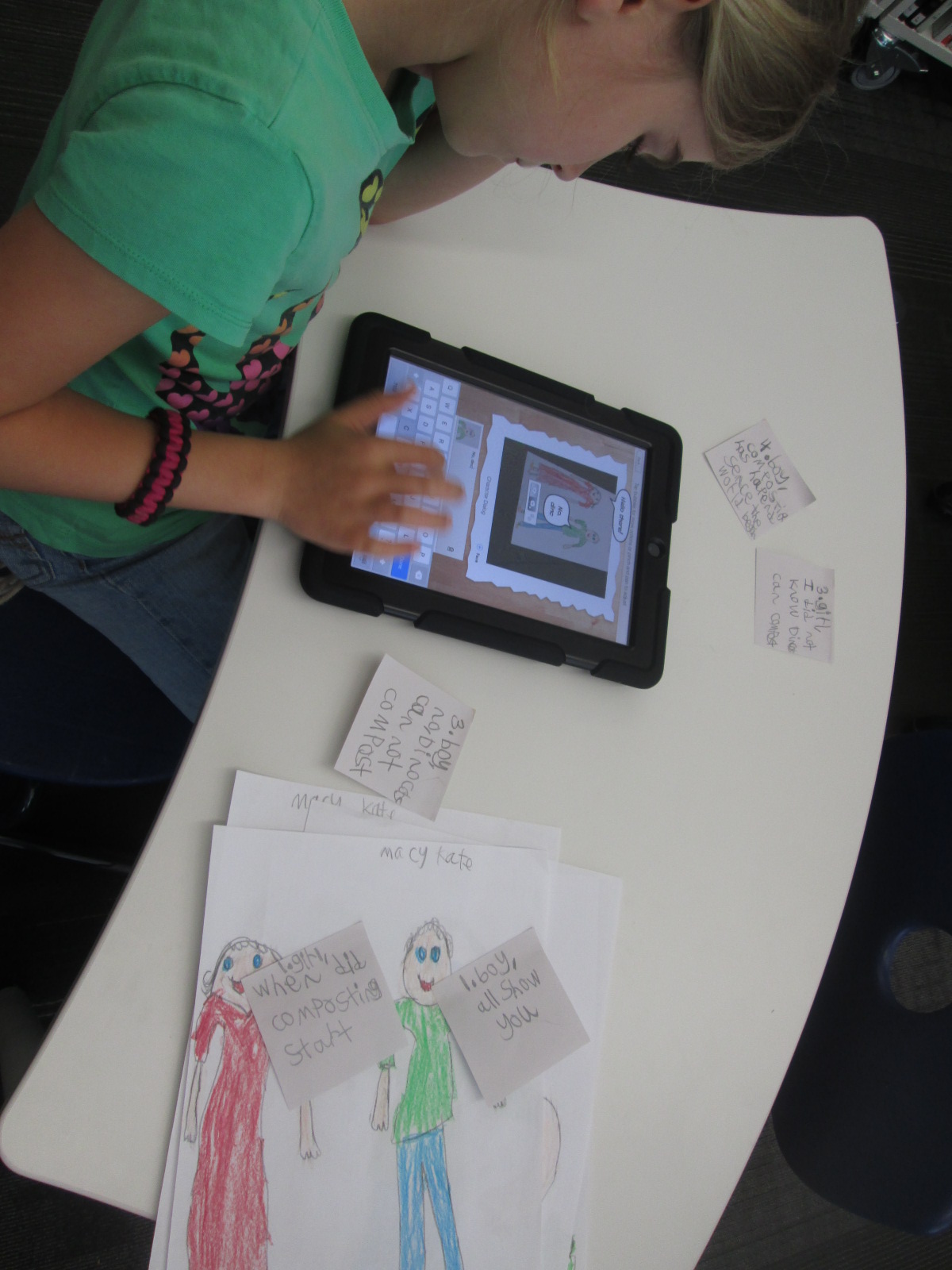
Option 2: Students could use the Story Me app on the iPad to create a comic strip about their chosen topic.

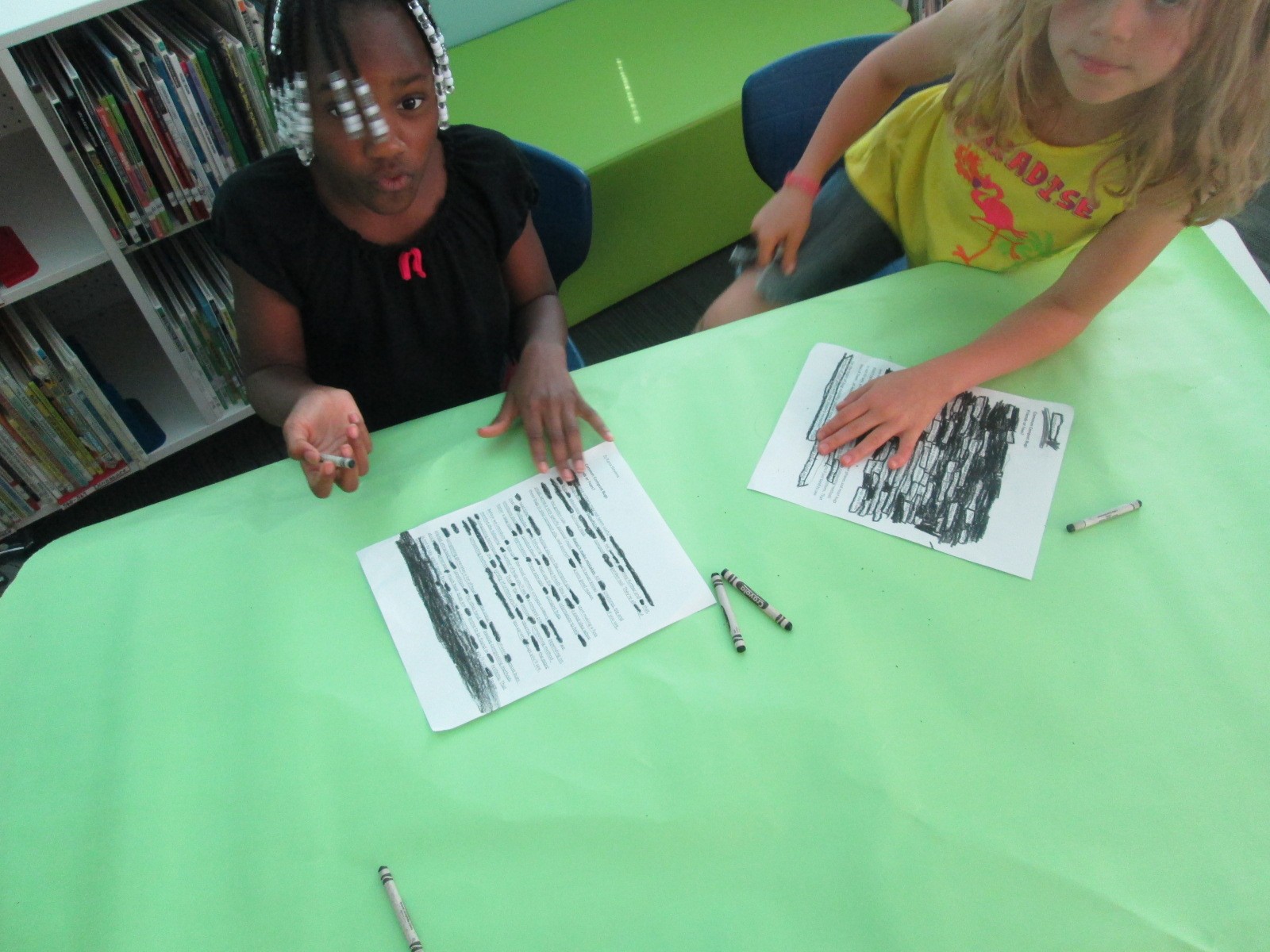
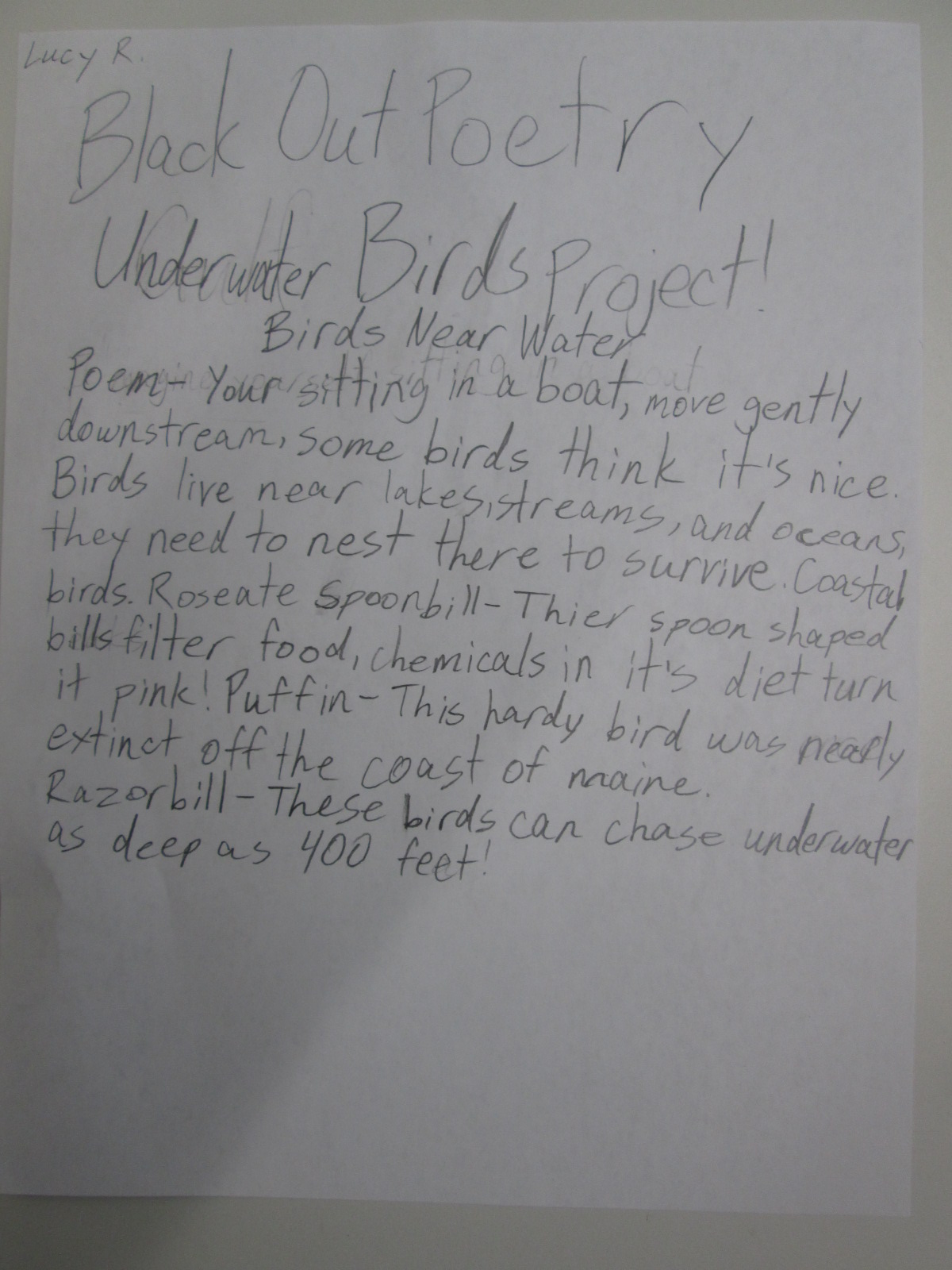
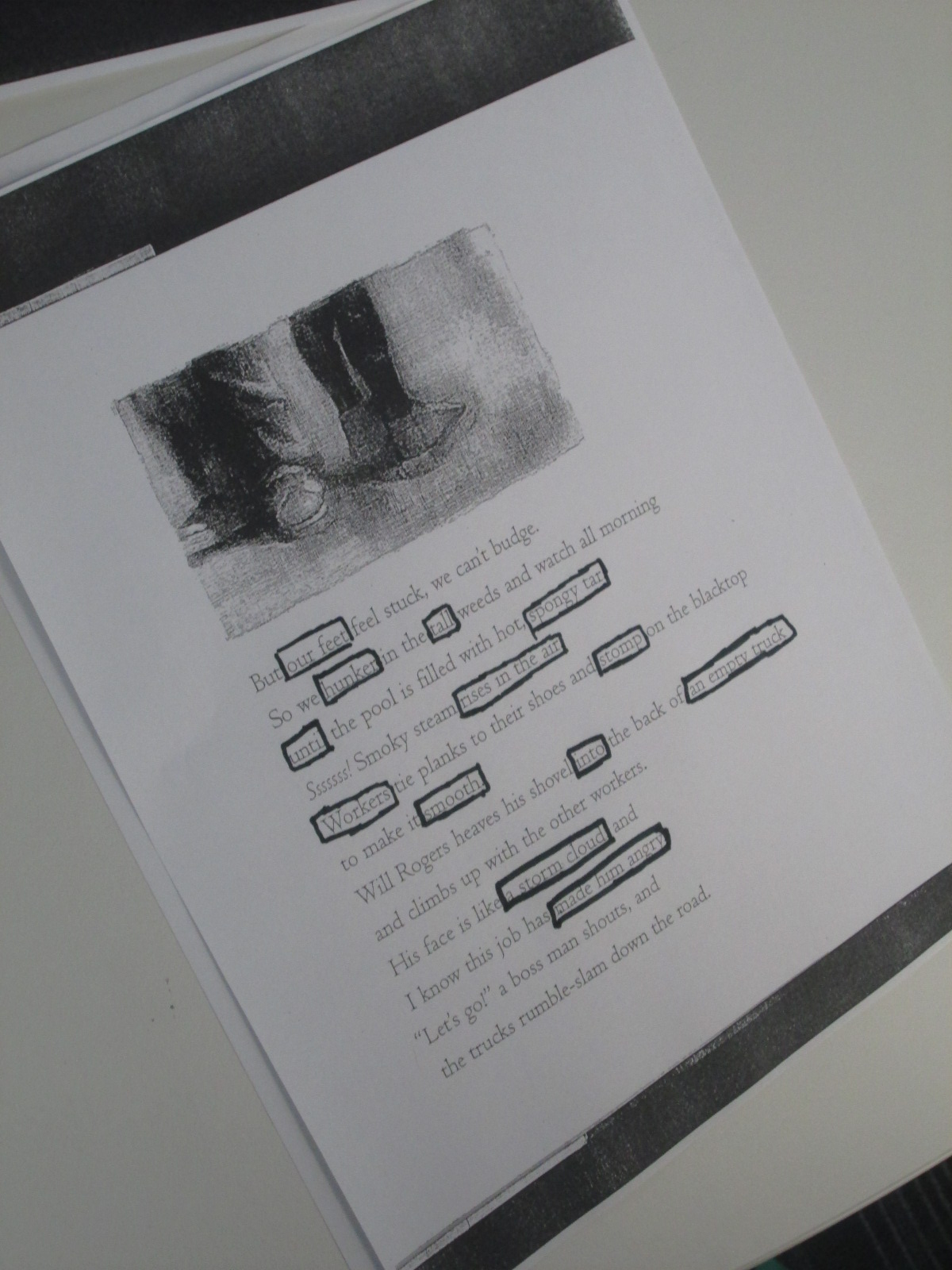
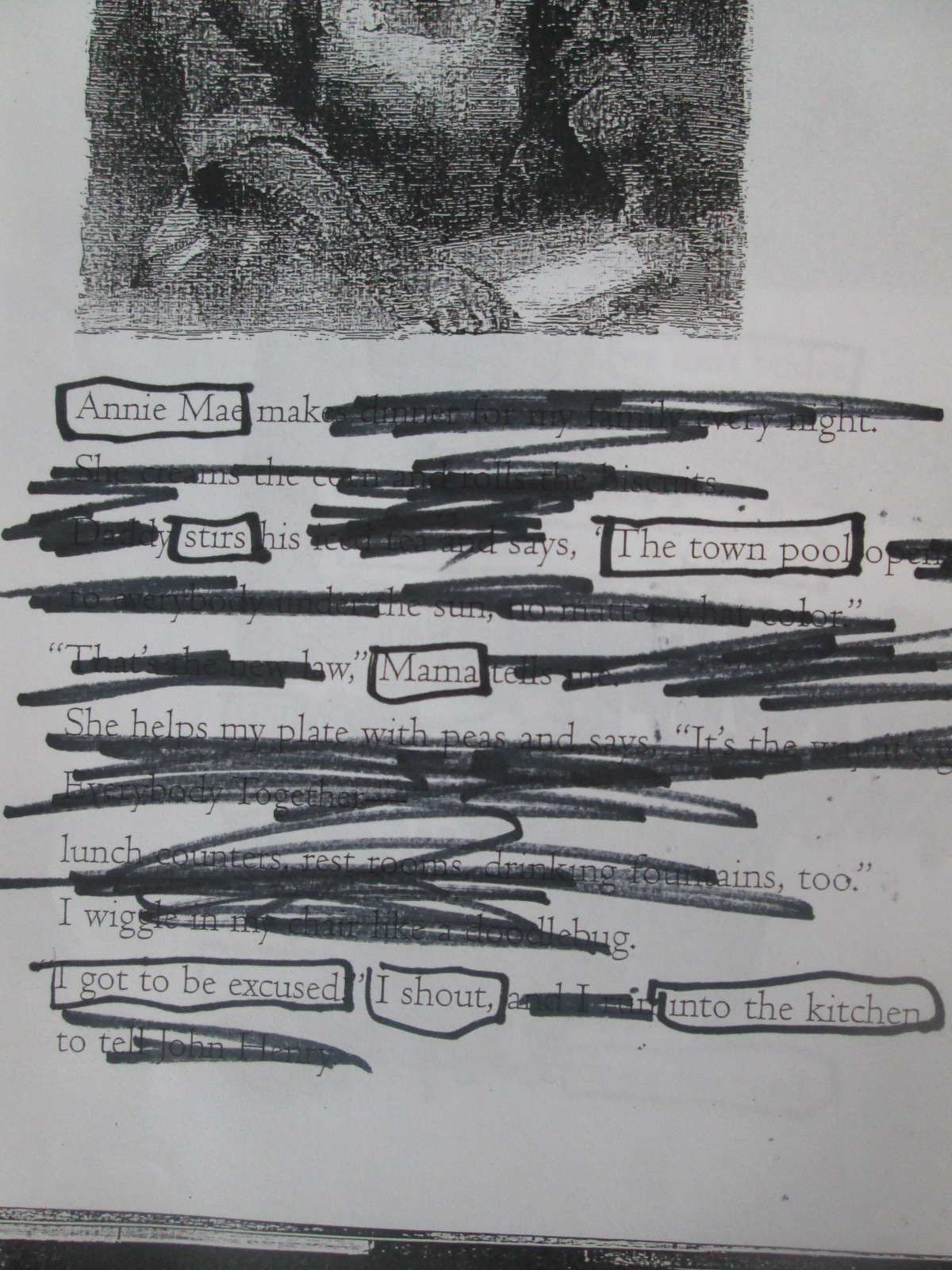
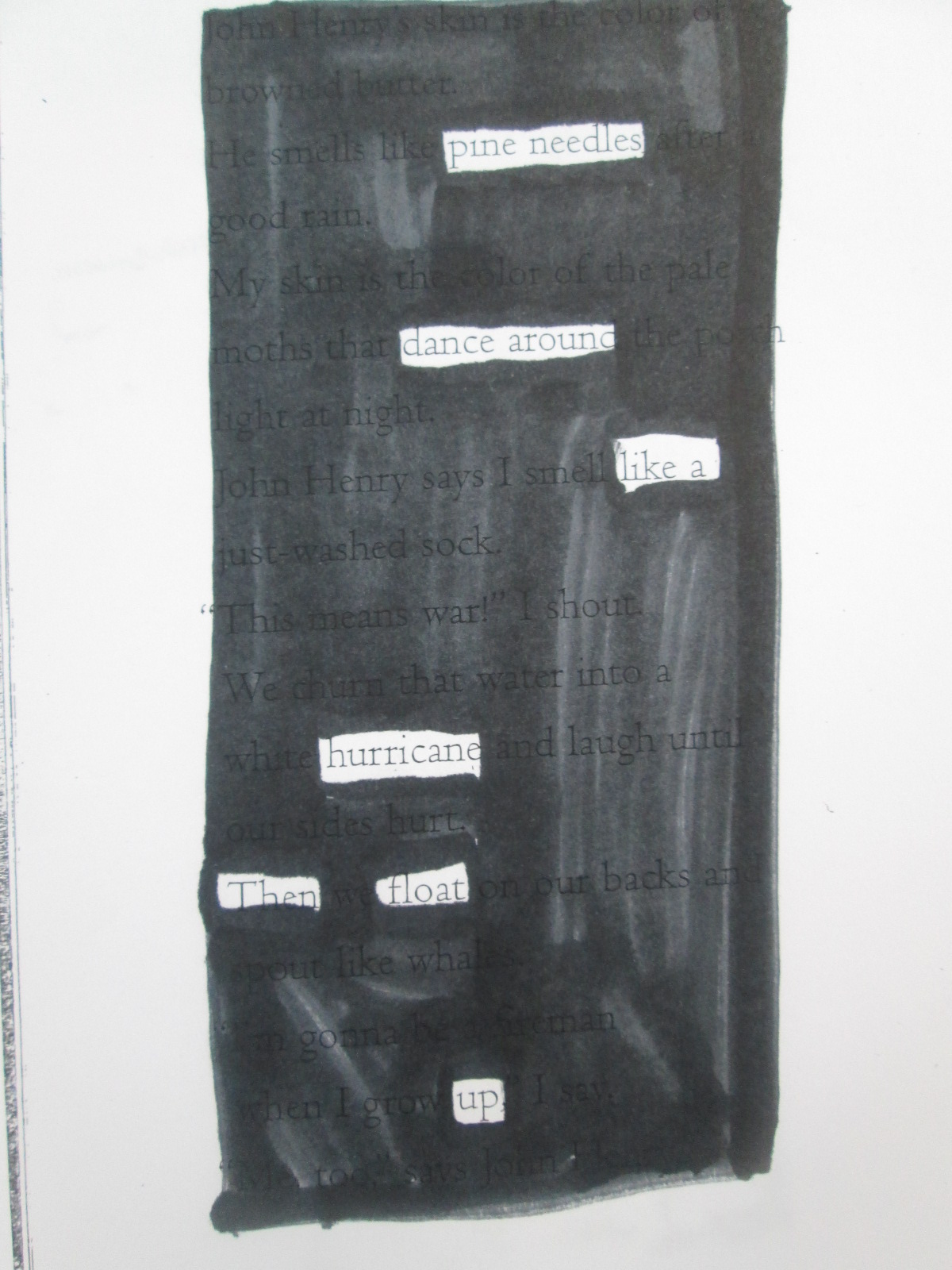
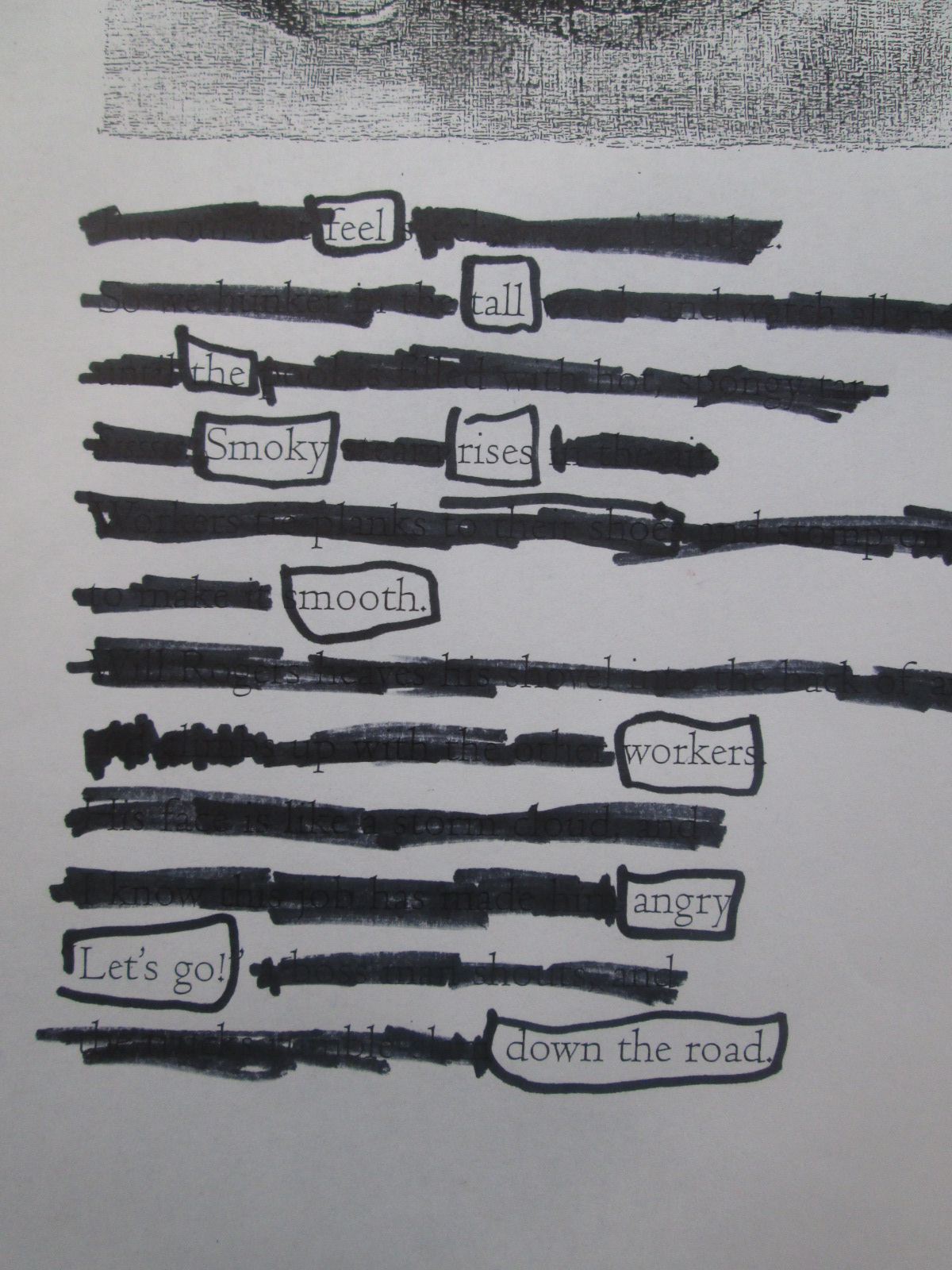
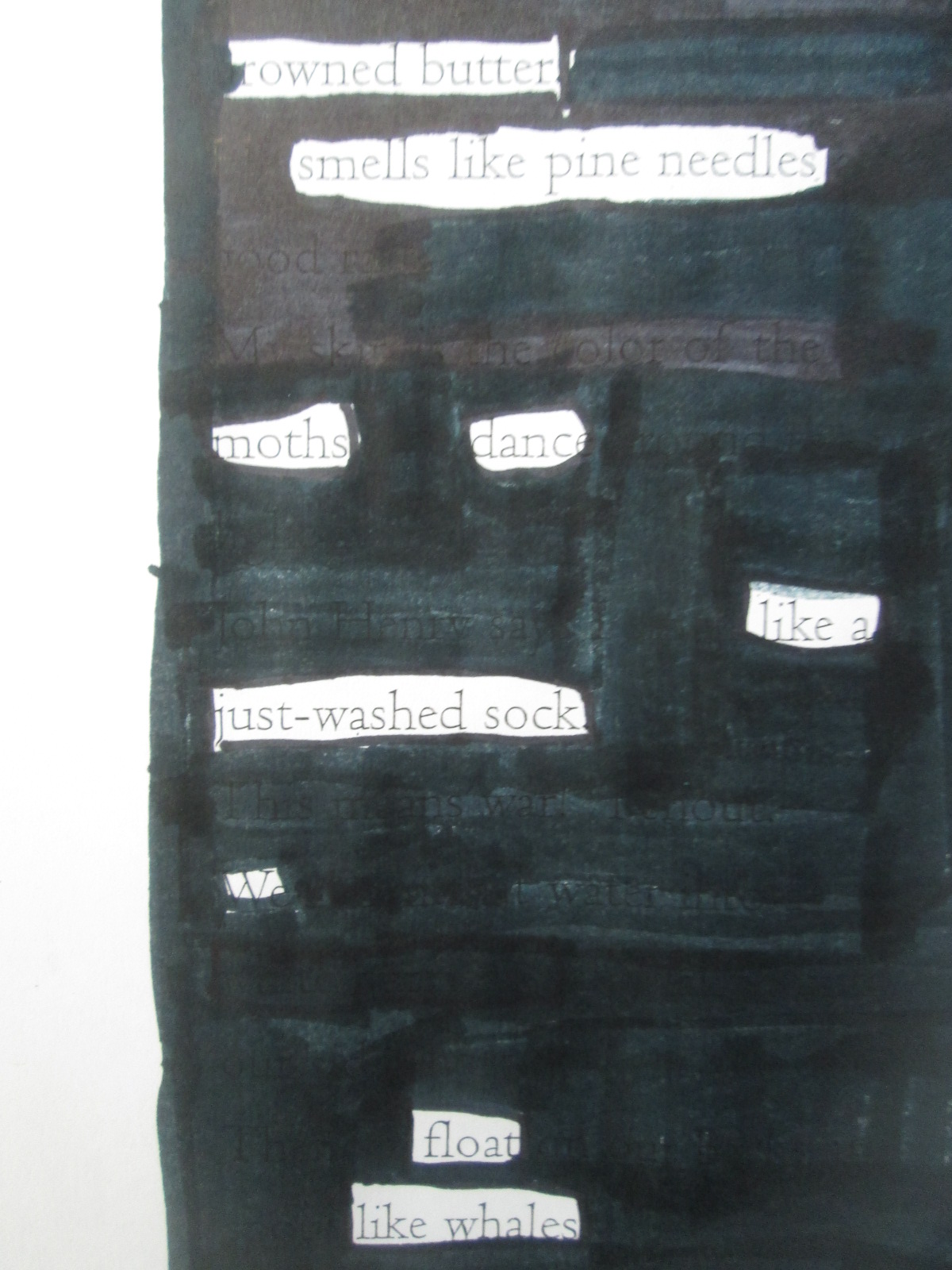
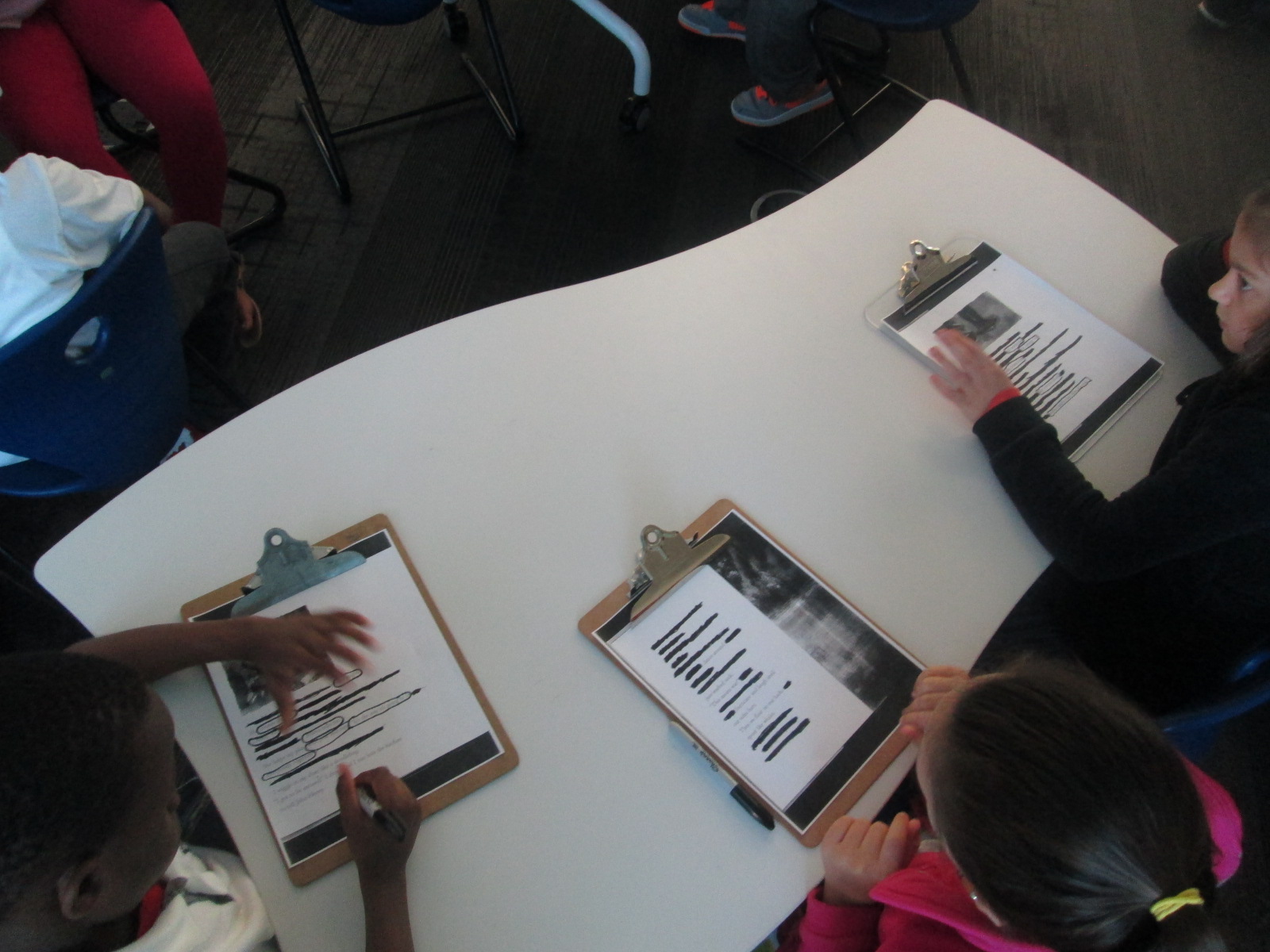
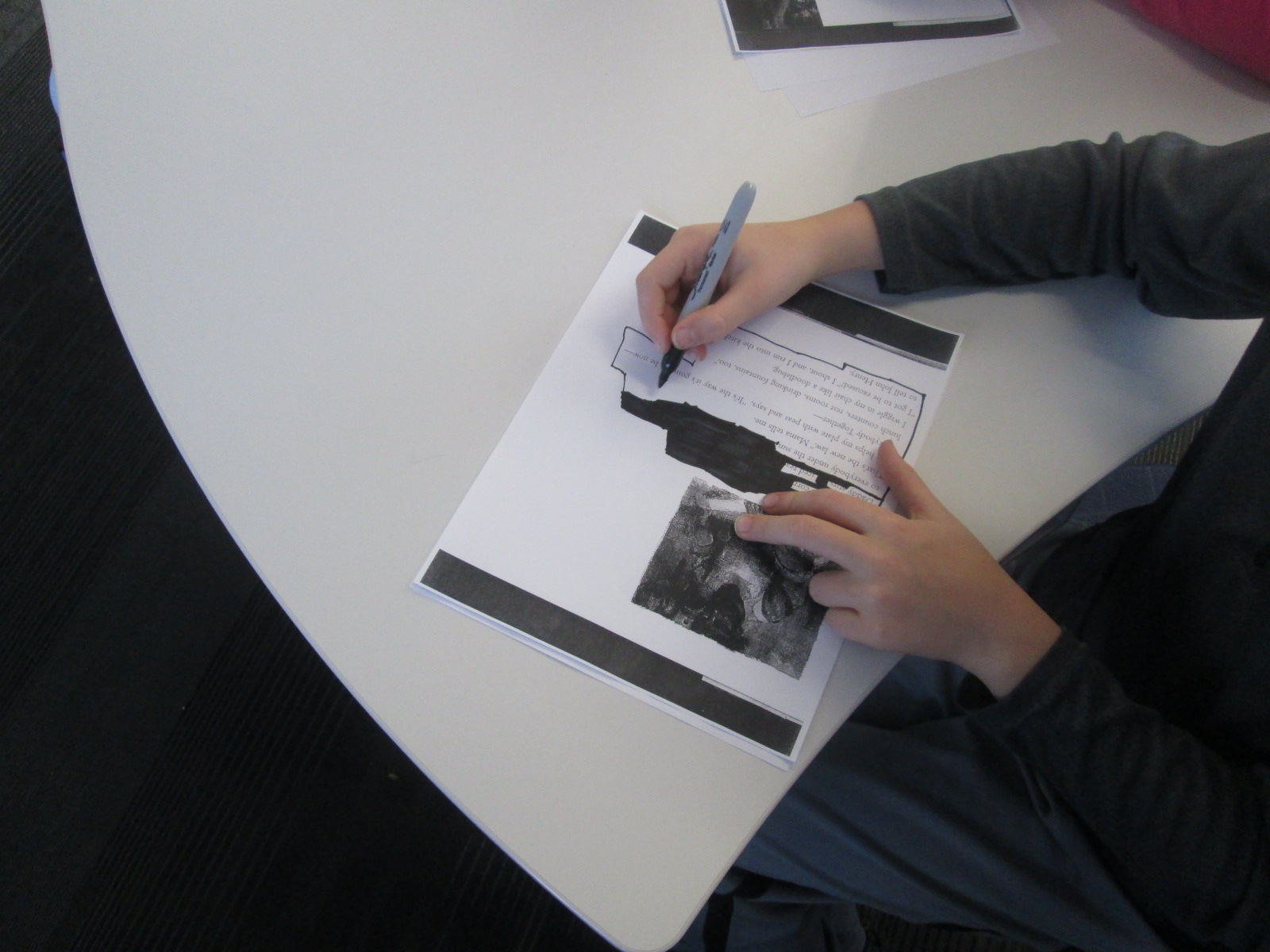
Option 3: Students could create a blackout poem using text from a web resource or a copied page from an environmental book.

As I shared each option with students, I let them know what they would need to prepare in order to create their final product in one work session.  For Flipgrid, students would need their scripts and prop.  For Story Me, students would need drawings that they wanted to include in their comic and possible text that would go into speech bubbles written on post it notes.  For blackout poetry, students needed to print the page from the web or have teachers copy a page from a book to use.  Students spent 2 days in class preparing their materials.

IMG_3397

Today, students came to the library with their materials ready.  I gave one more quick overview of the projects and we designated areas for record, areas for coloring for blackout poetry, and areas for spreading out to take photographs for Story Me.  The classroom teacher, Natalie Hicks (spectrum teacher), folks from The Seed and Plate, and I all walked around and helped students think through the process of creating their product.

IMG_3399

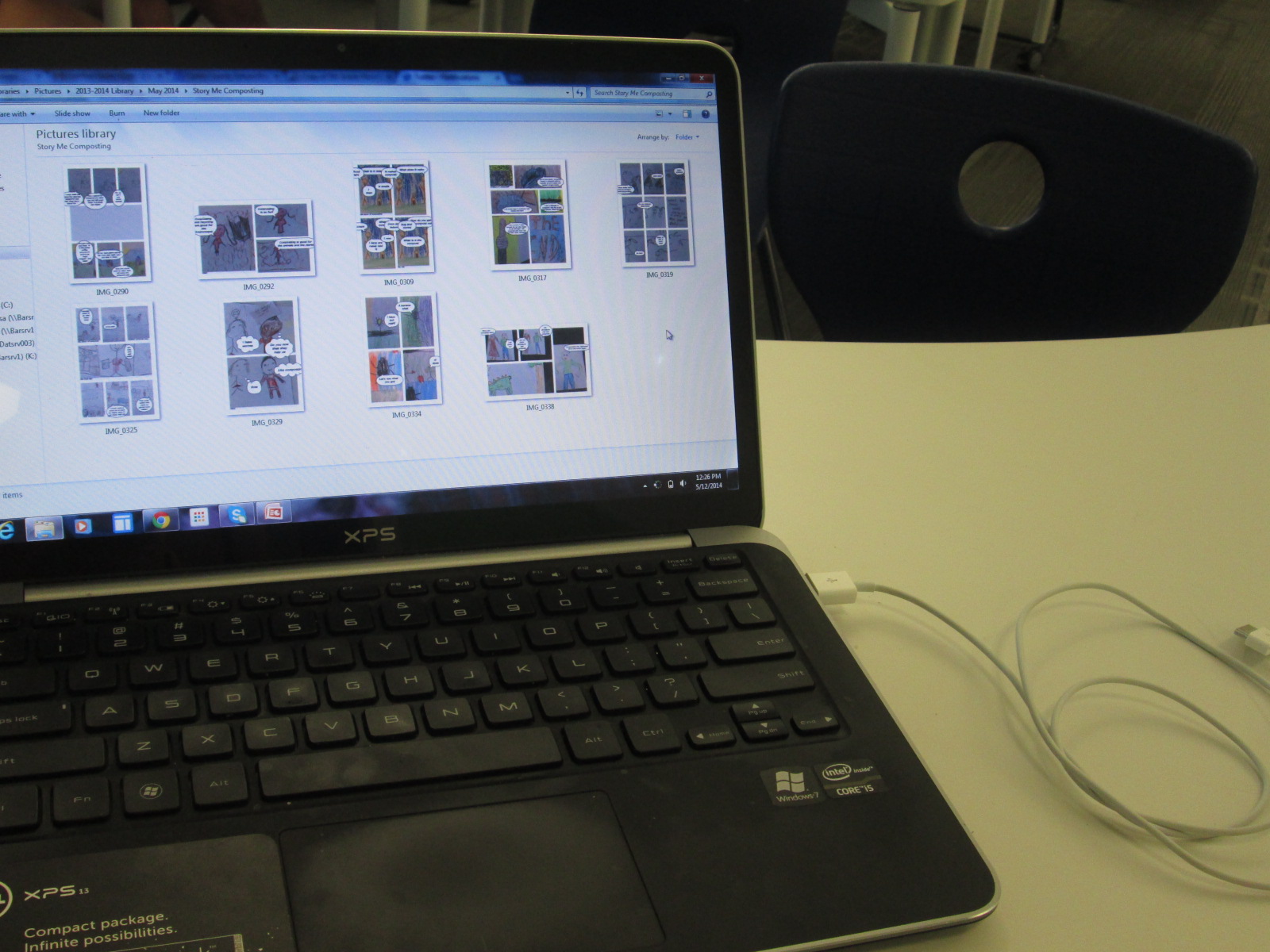
Eventually, I stopped roaming around so that I could focus on collecting work from students.  Each Story Me comic was saved to the camera roll on the iPad and then downloaded to a folder on my computer. Each blackout poem was photographed and downloaded to a separate folder.  Flipgrids were automatically added to the online grid as students submitted.

IMG_3388

The students were truly prepared when they came to the library today. This allowed them to really focus on putting together their final product rather than focus on trying to create all of the content.  Students supported one another and adults were able to focus on students who needed extra support.

IMG_3391 IMG_3392

Now our work is ready to show to the world.  We’re sharing it all with our new friends at The Seed and Plate to highlight on their website but we also have a gallery to share with you here.

IMG_3410

Flipgrid:

Flipgrid. Relax and discuss.

Blackout Poetry:

Story Me Comics:

Exploring Civil Rights through Blackout and Magnetic Poetry

IMG_30815th grade has a massive social studies curriculum.  It spans from the civil war all the way up to the present.  One of the things that they have been doing for the past 2 years that I love is using Christopher Paul Curtis’s books to tie in to the curriculum.  They start with Elijah of Buxton, move to Bud Not Buddy, and finish with the Watsons Go to Birmingham 1963.

IMG_3067

The civil rights movement is where they have been spending a lot of time recently, so the teacher emailed me to see what we might do in the library to focus on this time period in her language arts class. The standards they are working on are:

SS5H8 The student will describe the importance of key people, events, and developments between 1950-1975.

b. Explain the key events and people of the Civil Rights movement; include Brown v. Board of Education (1954), the Montgomery Bus Boycott, the March on Washington, Civil Rights Act, Voting Rights Act, and civil rights activities of Thurgood Marshall, Rosa Parks, and Martin Luther King, Jr.

IMG_3065

Since it’s poetry month, I wanted to pull poetry into our time together, and I knew that 5th graders would be able to handle some complex text and concepts.

IMG_3064

Just like with 3rd grade, we read Freedom Summer by Deborah Wiles, but their background information was much deeper than what 3rd graders knew.  They had connections and stories to share about the riots and peaceful marches that took place during the civil rights movement.  It was the perfect opportunity for me to also pull in Revolution by Deborah Wiles.  This book doesn’t publish until May 27th, but I have an advance reader’s copy from the Texas Library Association Conference.  I was able to show them some of the speeches, music, advertisements, etc from the time period to accompany the picture book, Freedom Summer. 


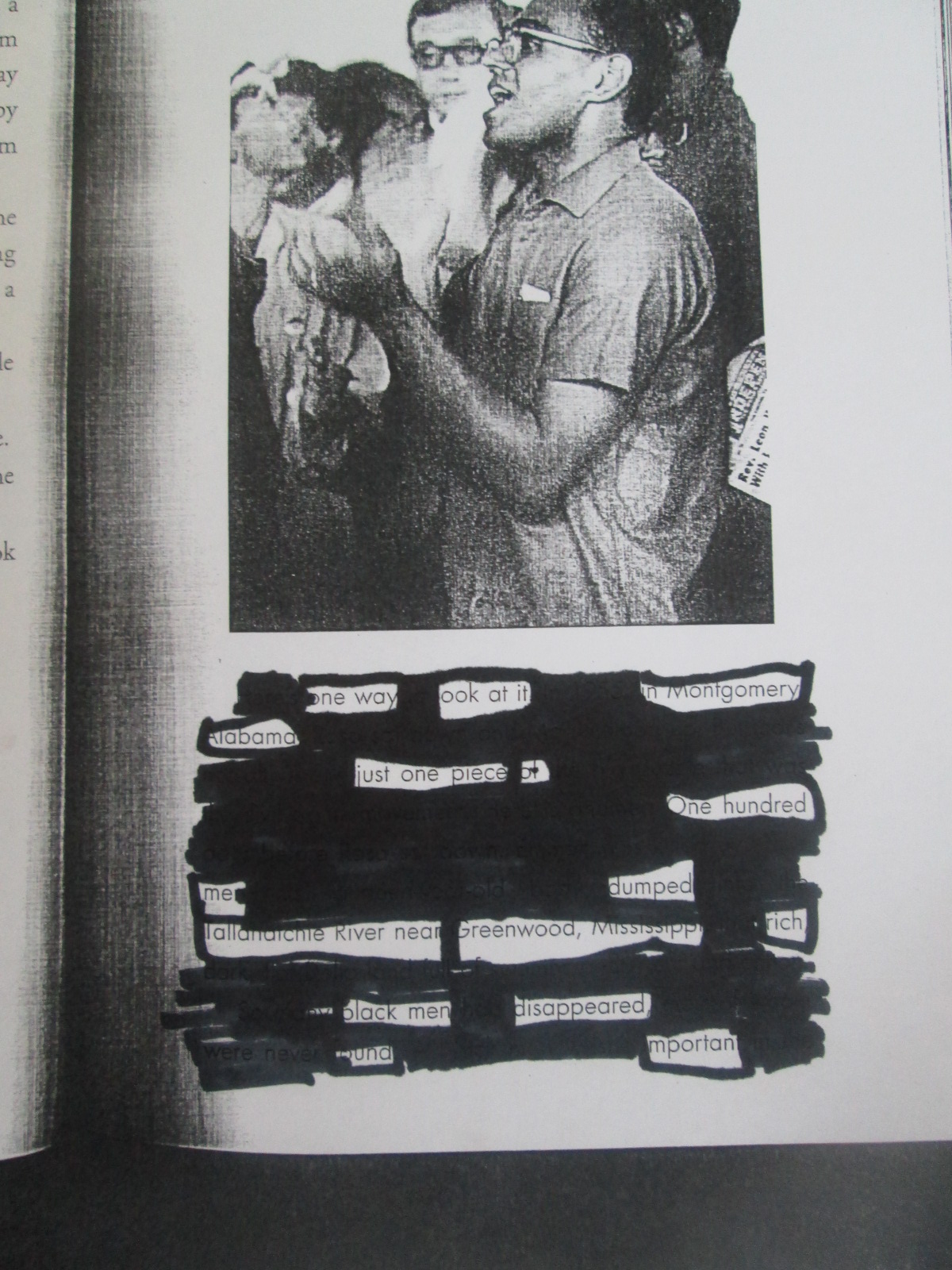
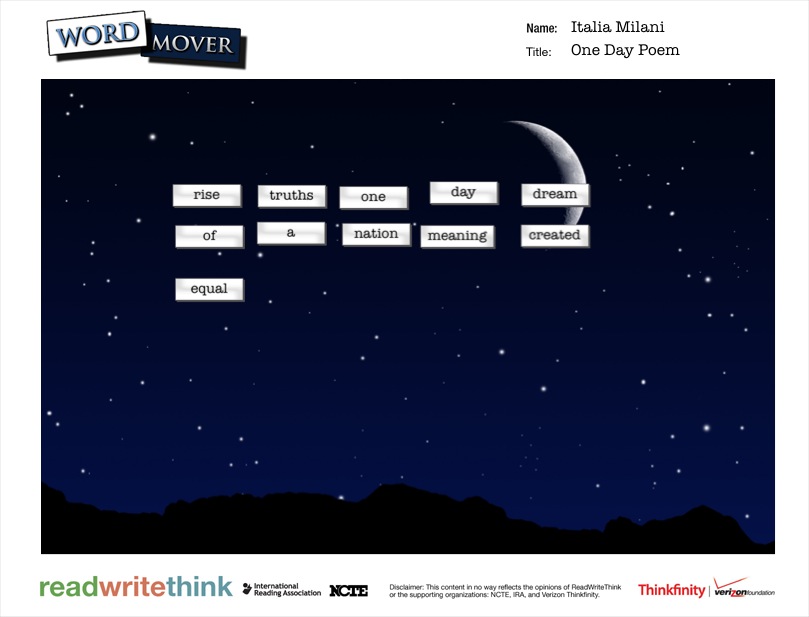
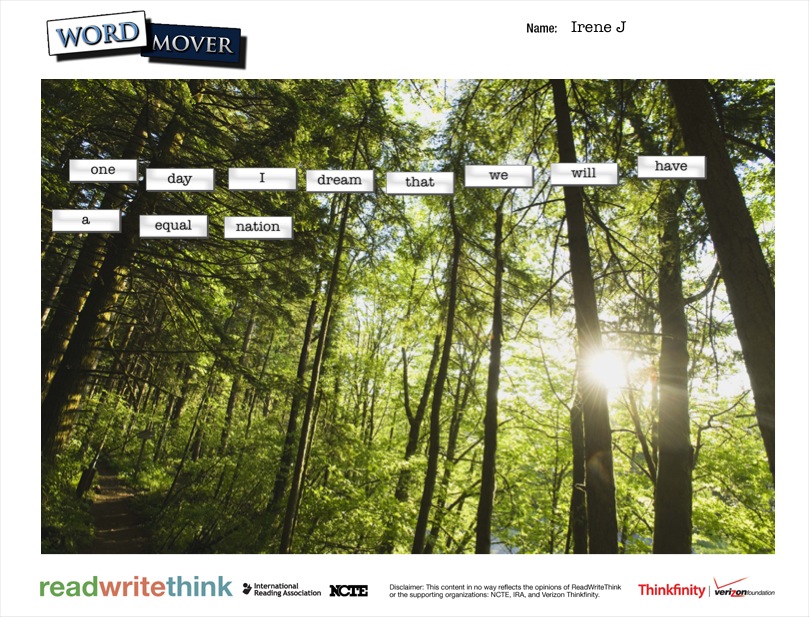
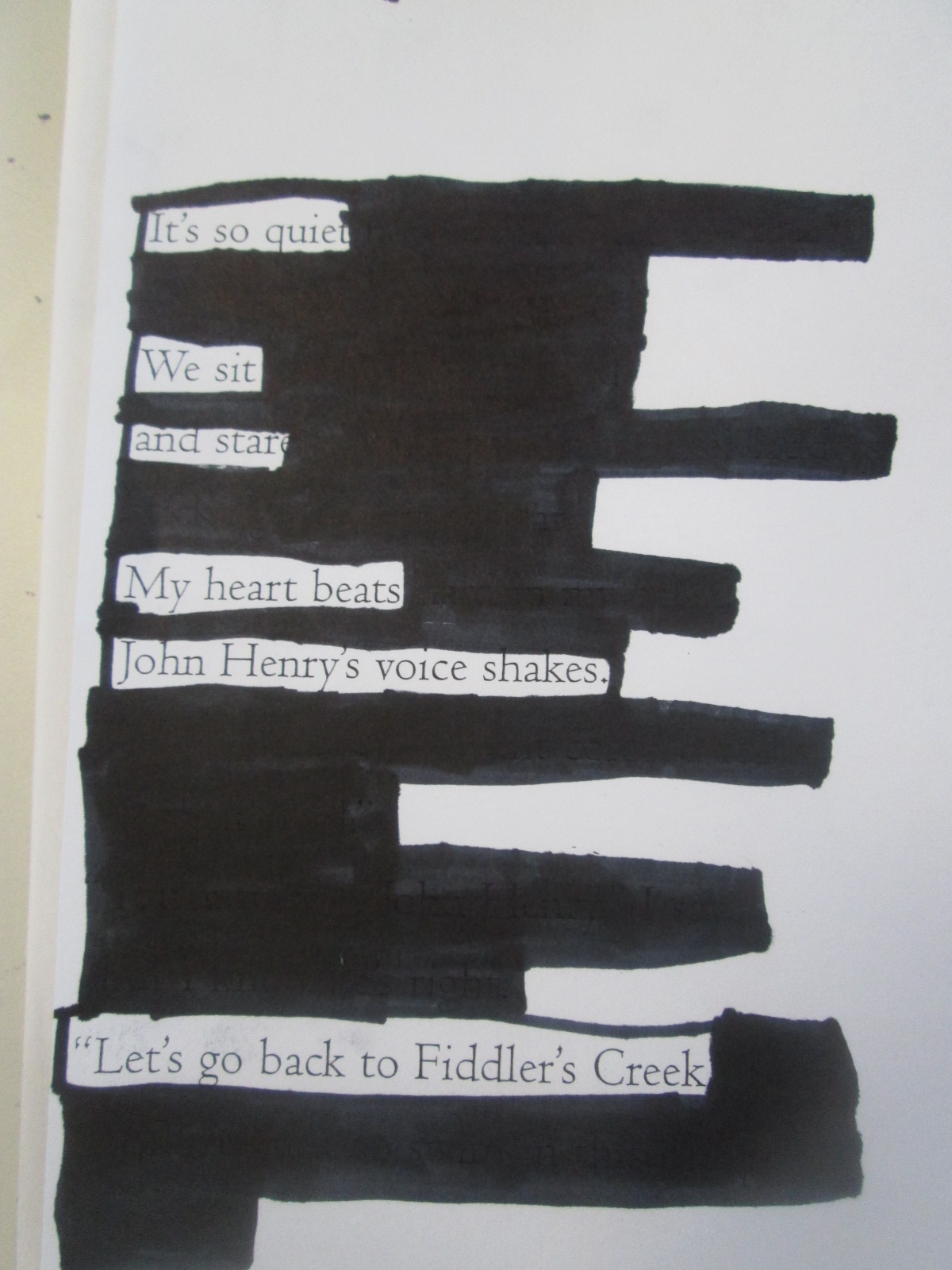
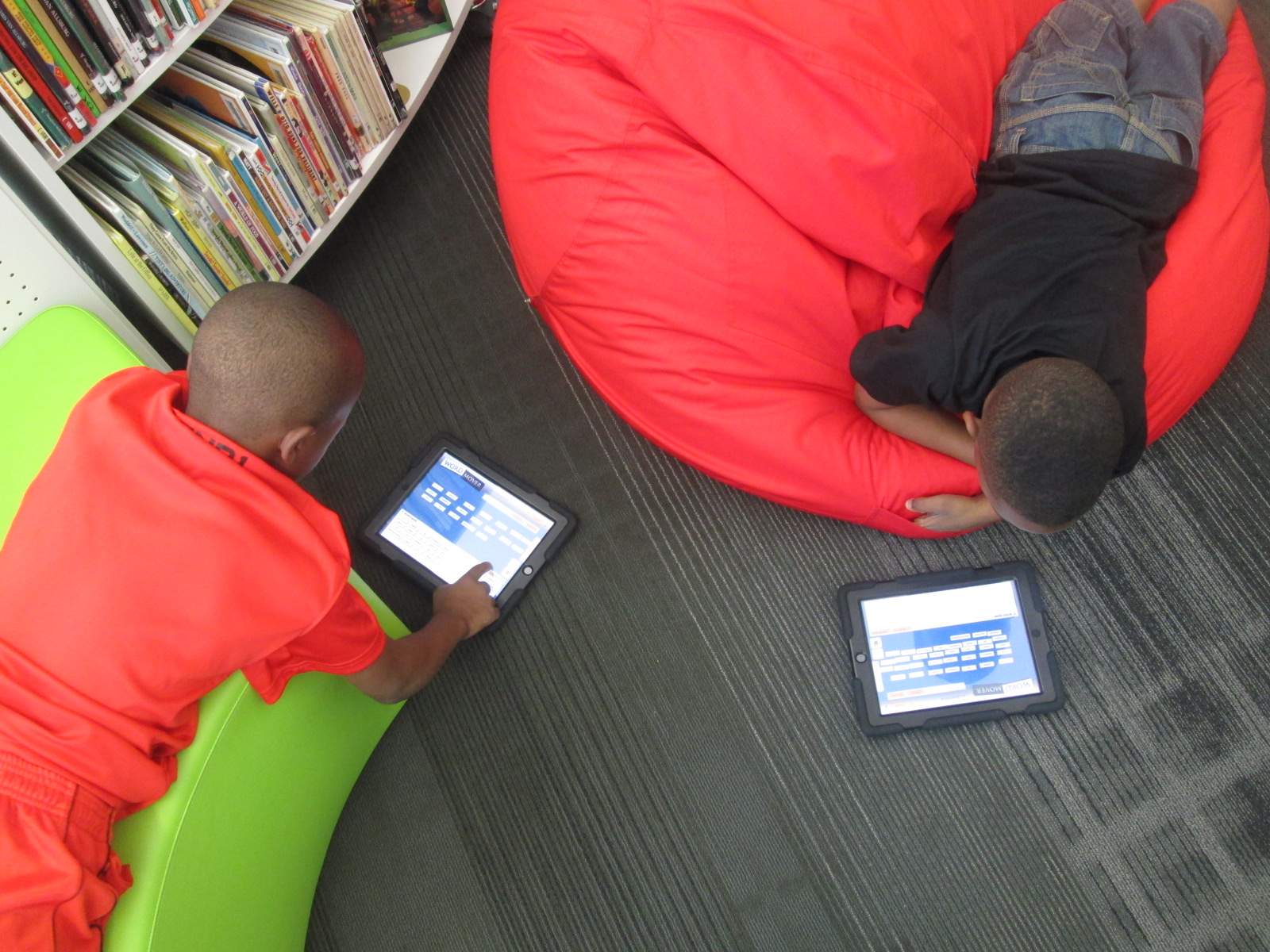
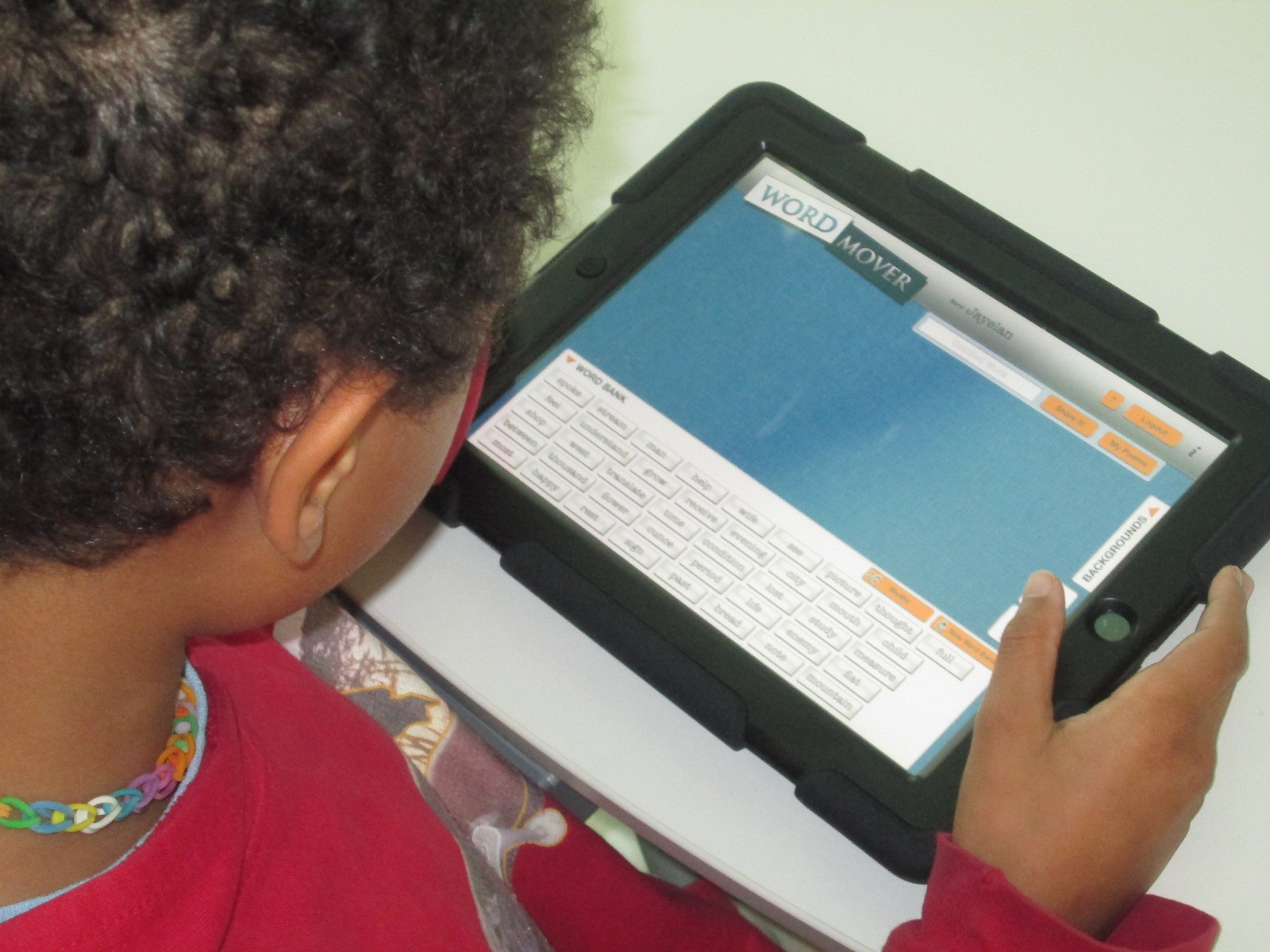
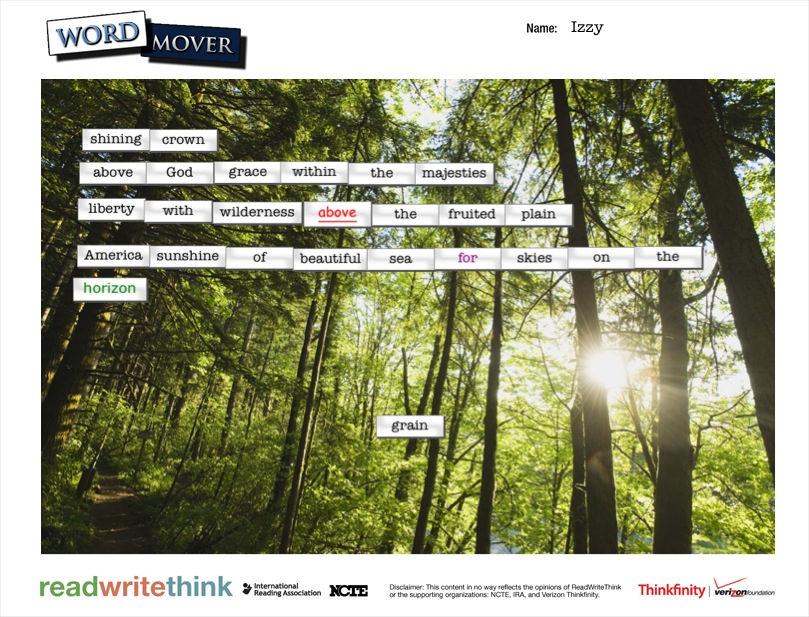
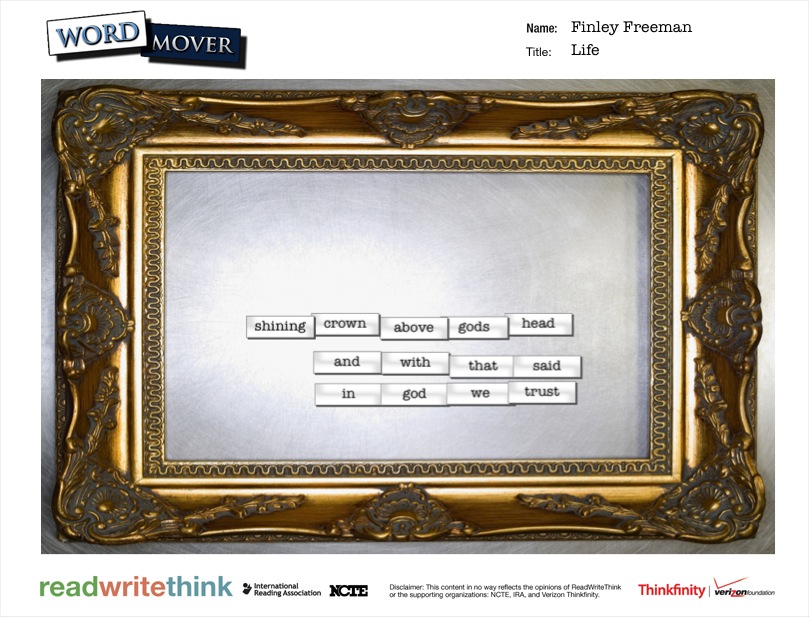
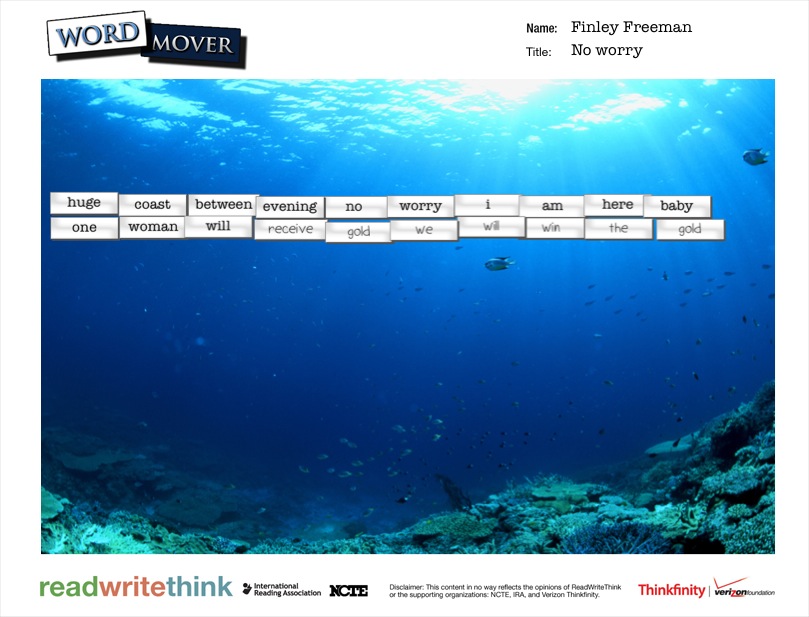
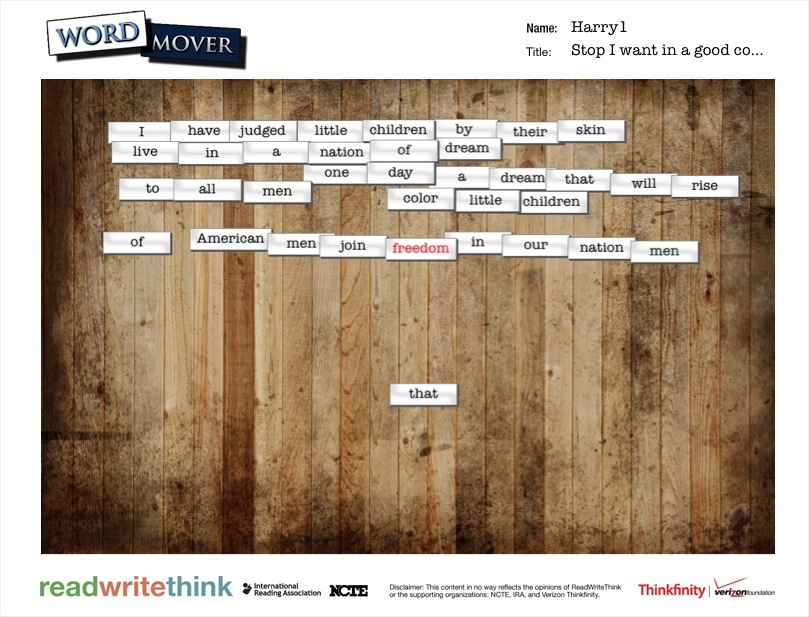
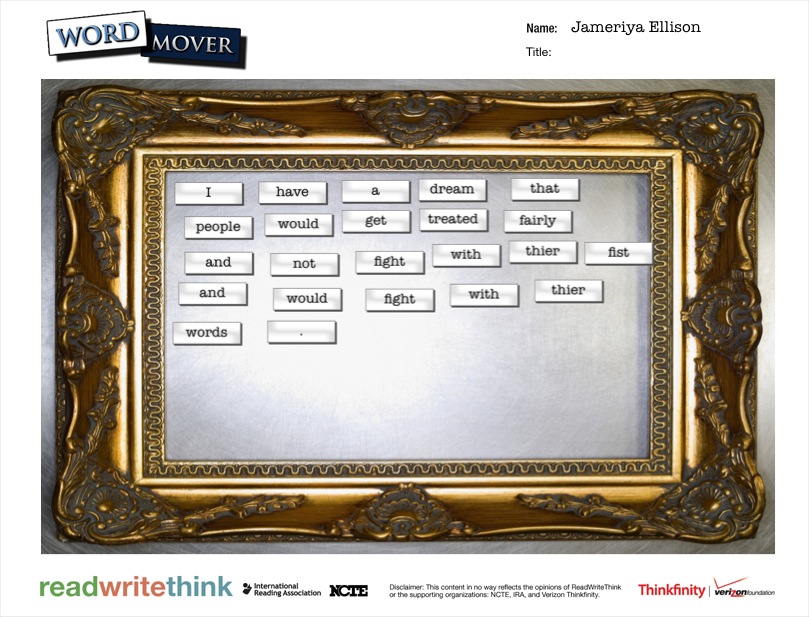
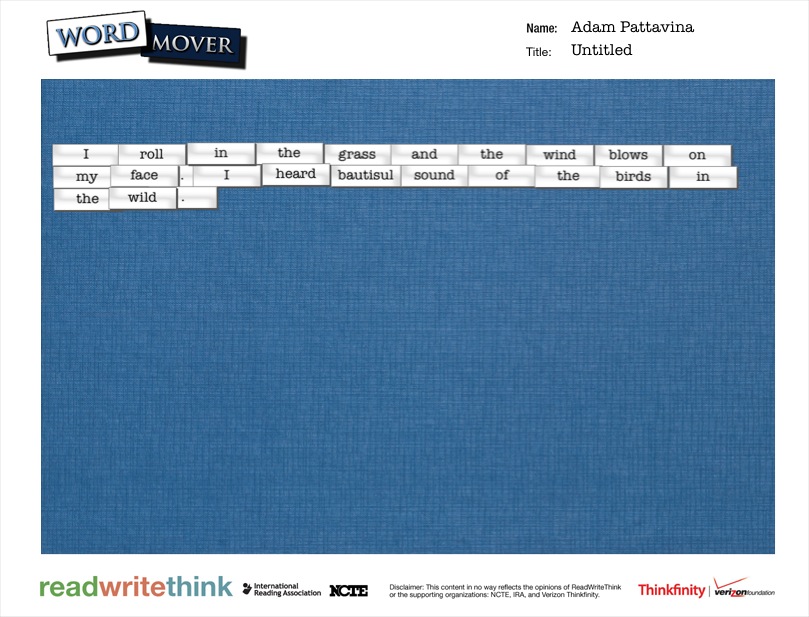
For poetry, the 5th graders created 2 kinds of found poetry.  They used the Word Mover app on the iPad to create magnetic poetry.  The app has a word bank that is words from Dr. Martin Luther King Jr.’s I Have a Dream speech.  They also used pages from Freedom Summer and a couple of pages from Revolution to create blackout poetry.

Searching for Poetry in Prose   NYTimes.com

This time for blackout poetry, we used the New York Times interactive site to create blackout poetry together.  The site makes it very easy to select & deselect words from articles to create 15-word blackout poems.  We did an example together on the board.  The teacher also helped demonstrate how to mark words on their own paper by putting boxes around words in the NY Times article on the board.

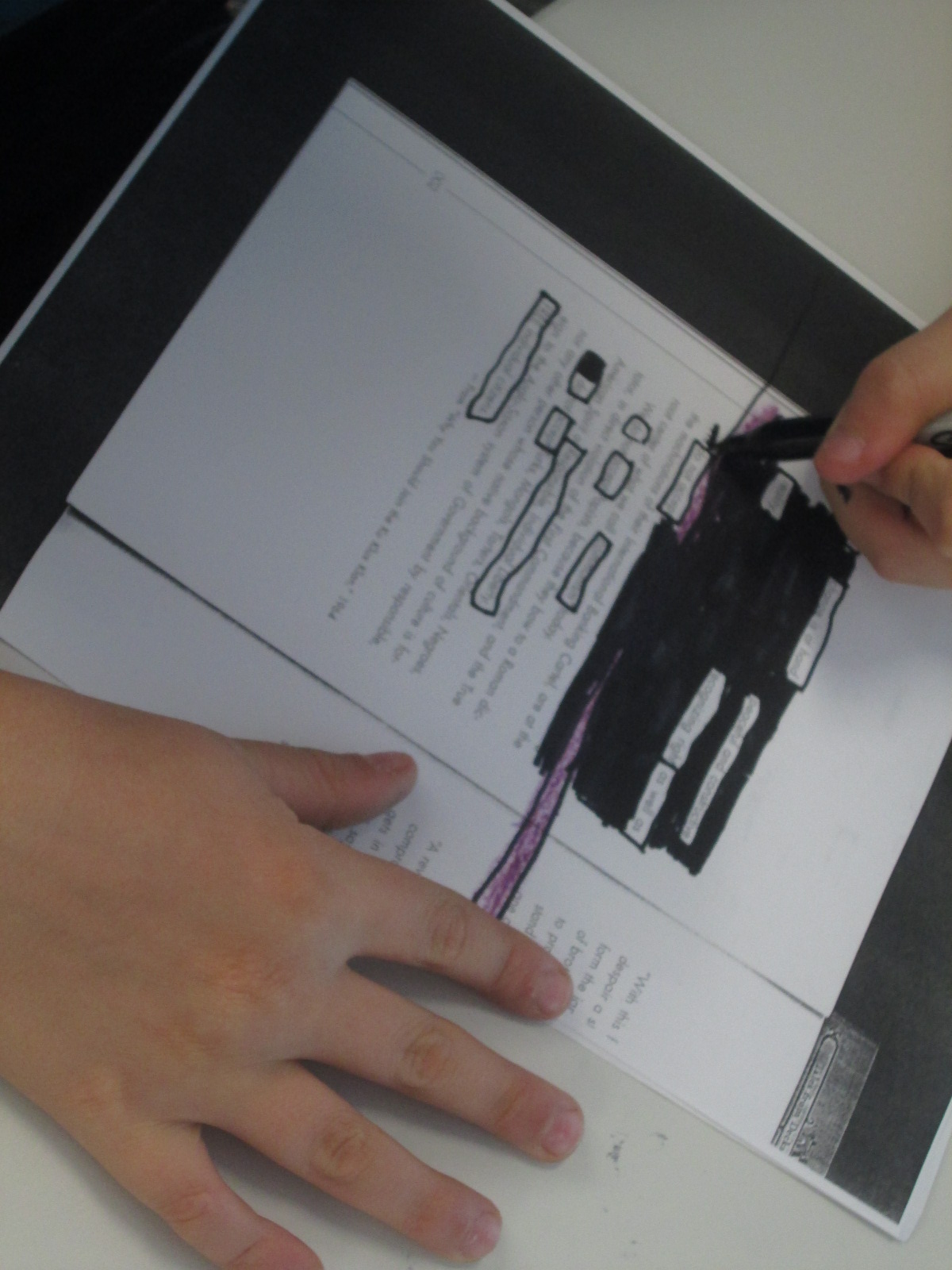
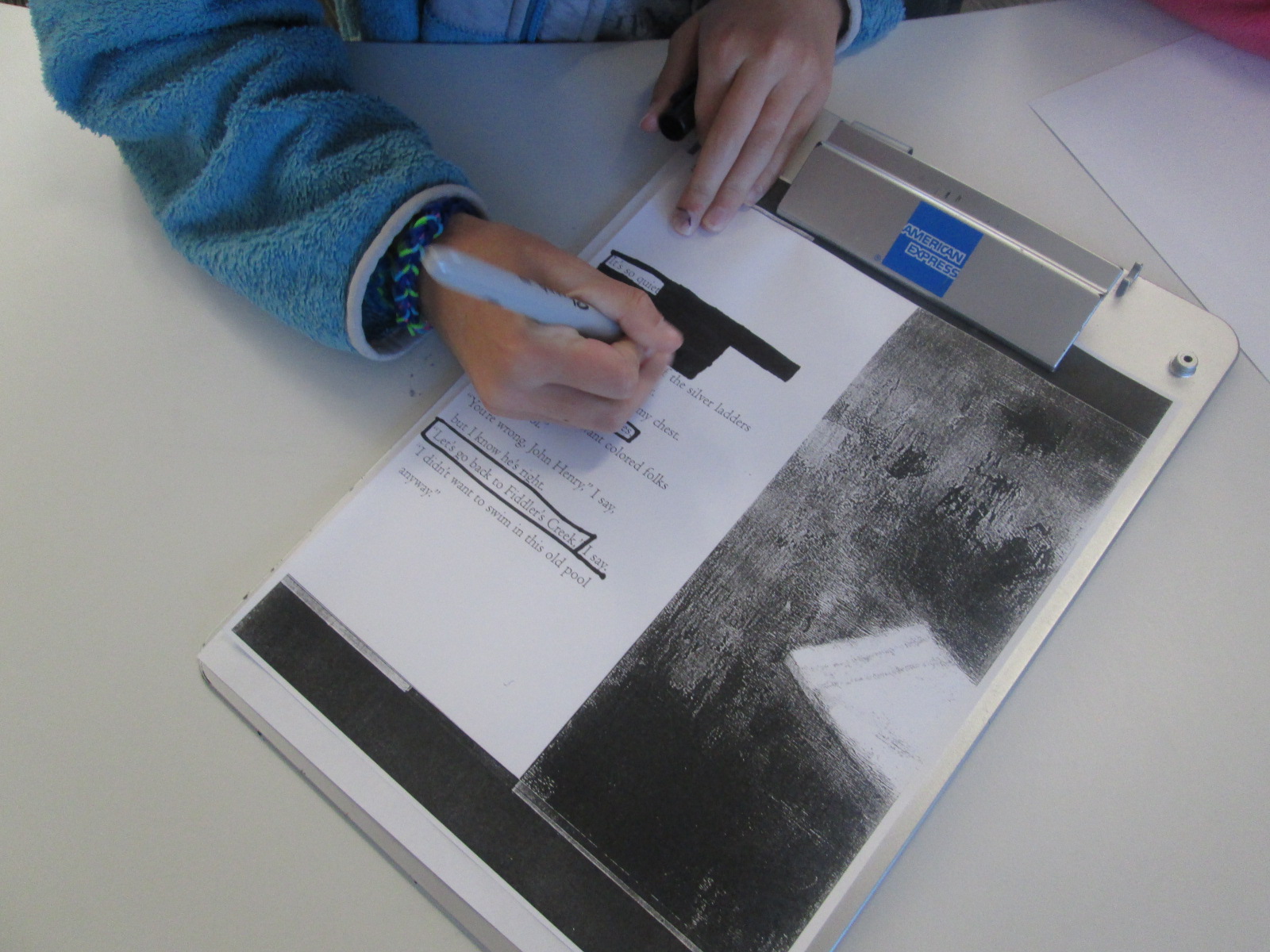
We found that a good first step for students in making blackout poetry is to read or skim the page and then put boxes around words or phrases that stand out.  Once you are sure of the words you want in your poem, then you blackout the rest of the page.  Modeling this on the board was important today.  We had very few students in 3 classes who needed to start over.

IMG_3066

I randomly gave students pages  from the books and they started the process.  For the most part, it was a very quiet process.  Students methodically chose their words and then quietly shared their work at their tables.  A few students paired up to help each other decide on words and phrases.

As students finished their blackout poems, they grabbed an iPad and created their Word Mover poems.  Just like with 2nd grade, most students arranged their words into solid sentences rather than shaping them up like a poem.  If time allowed, I conference with students and they went back into their poem to shape it into line breaks.

IMG_3079


Almost every poem was a reflective synthesis of student understanding about events of the civil rights movement and freedom summer.  Some students had some humorous twists to their poems, but most were solemn, serious, and reflective.

Take a look at their gallery.  Just like Revolution immerses us in the time period through story, music, advertisements, speeches, and other documentary pieces, the student poetry immersed us in the positive and negative feelings of the civil rights movement and freedom summer through multiple perspectives.

IMG_3096

IMG_3095

IMG_3094

IMG_3093

IMG_3091

IMG_3090

IMG_3089

IMG_3087

IMG_3082

IMG_3083

IMG_3084

IMG_3085

IMG_3086

IMG_3073

IMG_3071

IMG_3077

IMG_3075

IMG_3057

IMG_3055


IMG_0290


dream

dream (4)

dream (5)

dream (6)

dream (7)

dream (3)

dream (2)


Using Freedom Summer to Create Blackout Poetry

blackout poetry (14)In third grade, students learn about civil rights through the standard:

SS3H2 The student will discuss the lives of Americans who expanded people’s
rights and freedoms in a democracy.

Students specifically learn about Mary McLeod Bethune, Frederick Douglas, and Thurgood Marshall.  When these students get to 5th grade, they will spend a larger amount of time studying the civil rights movement, but I thought this would be a good time to explore some text that connected with their current understanding of civil rights.

Students spent a small amount of time sharing what they currently understand about segregation and civil rights.  They brought up things like drinking from separate fountains, riding in the back of the bus, and holding boycotts of the transportation system.

blackout poetry (13)

Then, we read Freedom Summer by Deborah Wiles.  Students immediately noticed the connections to their own understanding of segregation as the 2 main characters could not do the same things together.  They were shocked when they got to the part in the story where the two boys couldn’t go to the pool because it was closed and filled in with asphalt.  The students used words like unfair, lunatics, and furious when describing their feelings and the idea of closing things rather than follow the law.

blackout poetry (12)

After discussing the book, I showed them how some artists and poets use text that they find in the world and turn it into something new.  Austin Kleon, in Austin Texas, is one of these writers and artists.  We looked at a few of his poems called “blackout poems”.  He takes pages from newspapers or other texts and blacks out all of the words on the page except for the words in the poem.

blackout poetry (2)

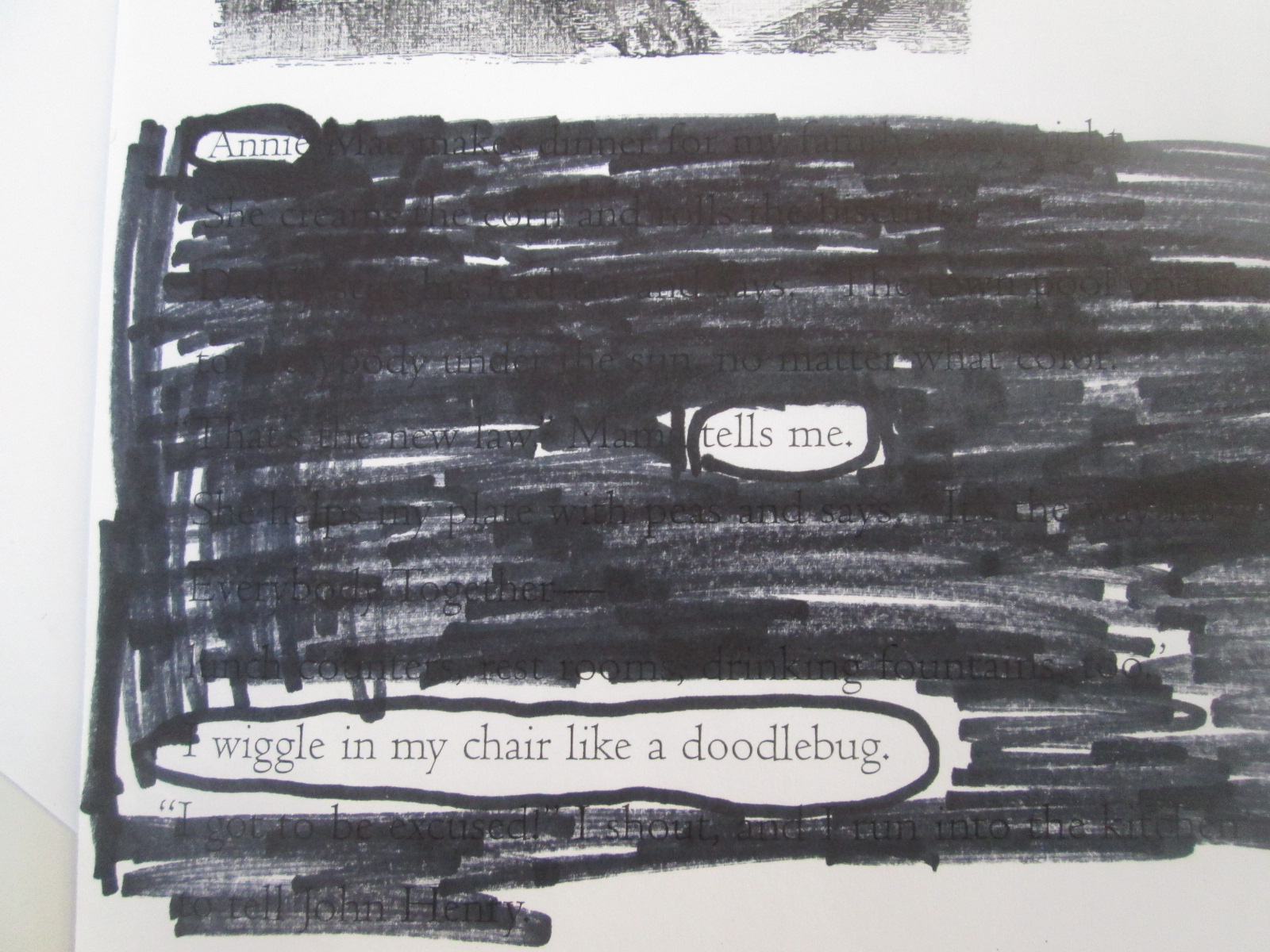
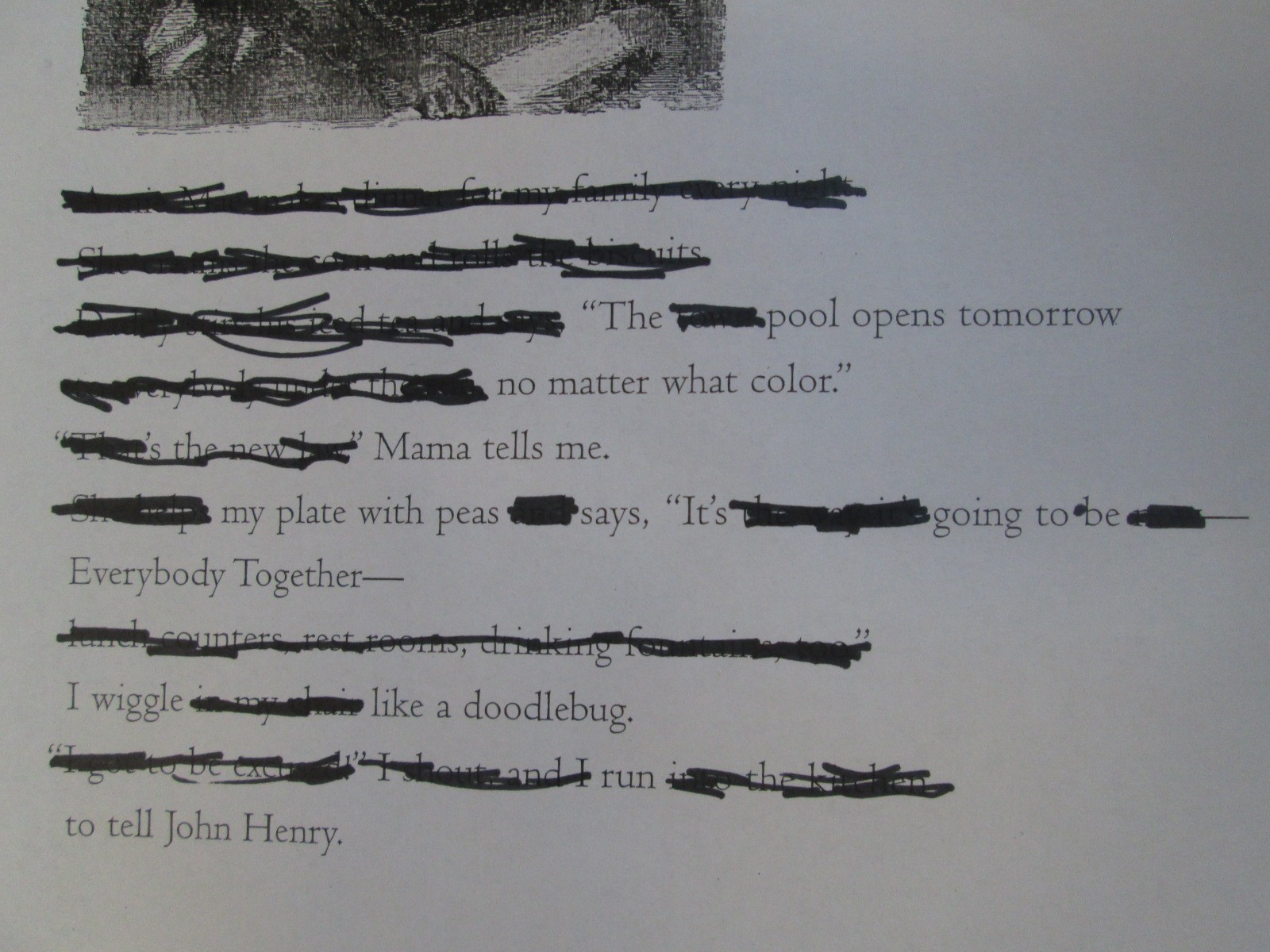
I gave the students one of three pages from Freedom Summer.  They spent time looking for words that stood out to them as a possible poem.  When they decided on the words of their poem, they circled them or drew boxes around them with a black marker.  Next, they used that same marker to blackout the rest of the words on the page.

blackout poetry (1) blackout poetry (3) blackout poetry (4)

It was interesting to see how students interpreted the exact same page in a different way.

blackout poetry (5)

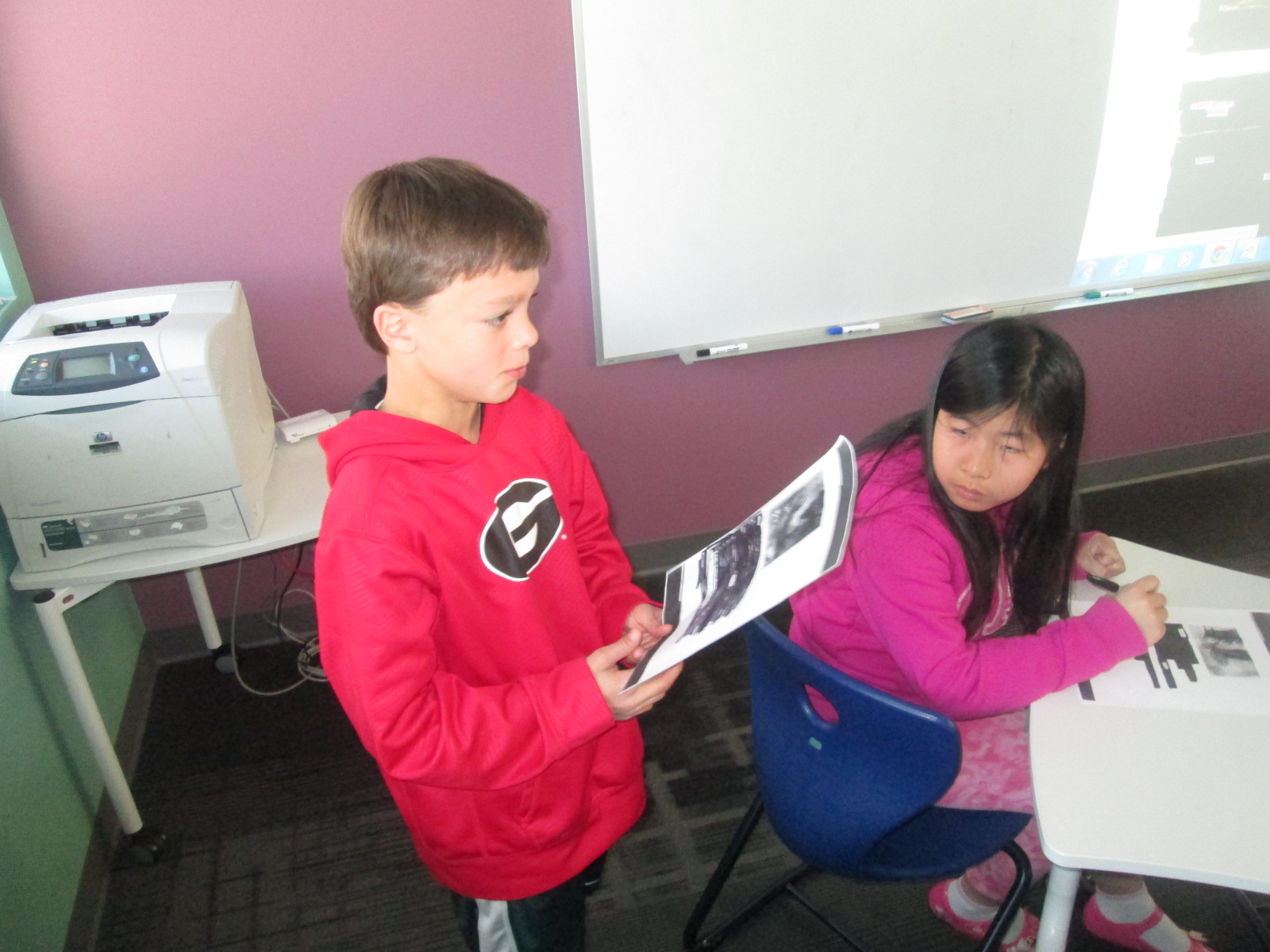
We had students share their poems at the end, and it gave us a new understanding of what stood out on the page and in the story for students.  It was as if the poem helped us to look more closely at the meaning that we might all take from the text.  As usual, this was more difficult for some students than others, but we noticed that this kind of poetry did take away the barrier of spelling or deciding what to write.  We could instead focus on the meaning of the words on the page and use those words to interpret the story as a poem.

blackout poetry (1)

Here are a few of the poems that students created.

blackout poetry (9) blackout poetry (8) blackout poetry (7) blackout poetry (11) blackout poetry (10)


Digital Magnetic Poetry with the Word Mover App

IMG_3022We’ve been having a lot of fun with found poetry during poetry month.  We started with book spine poems, and we will try some blackout poems very soon.  Today we explored magnetic poetry.  When students were making book spine poems, there were several times that they really wanted to move one or two words around or there was one word that was missing that they really wanted to add.  Magnetic poetry gave them so much more flexibility in that aspect.

Mrs. Ramseyer’s 2nd grade was the first class to try this poetry this year.  We started by using the nature poetry on the magnetic poetry website.  I liked doing this type of poetry after book spine because students quickly saw that they really had to think about how to put groups of words together that made sense.  Books already had the words put together and students just had to decide which books and what order.  Magnetic poetry requires students to start with a bank of words and somehow make sense out of them.  We played around on the board trying to put groups of words together.  We knew that we could throw words back into the bank if we didn’t need them.  Students had many ideas of what should go together, which meant many disagreements as well.  This was a great type of poetry to do alone.

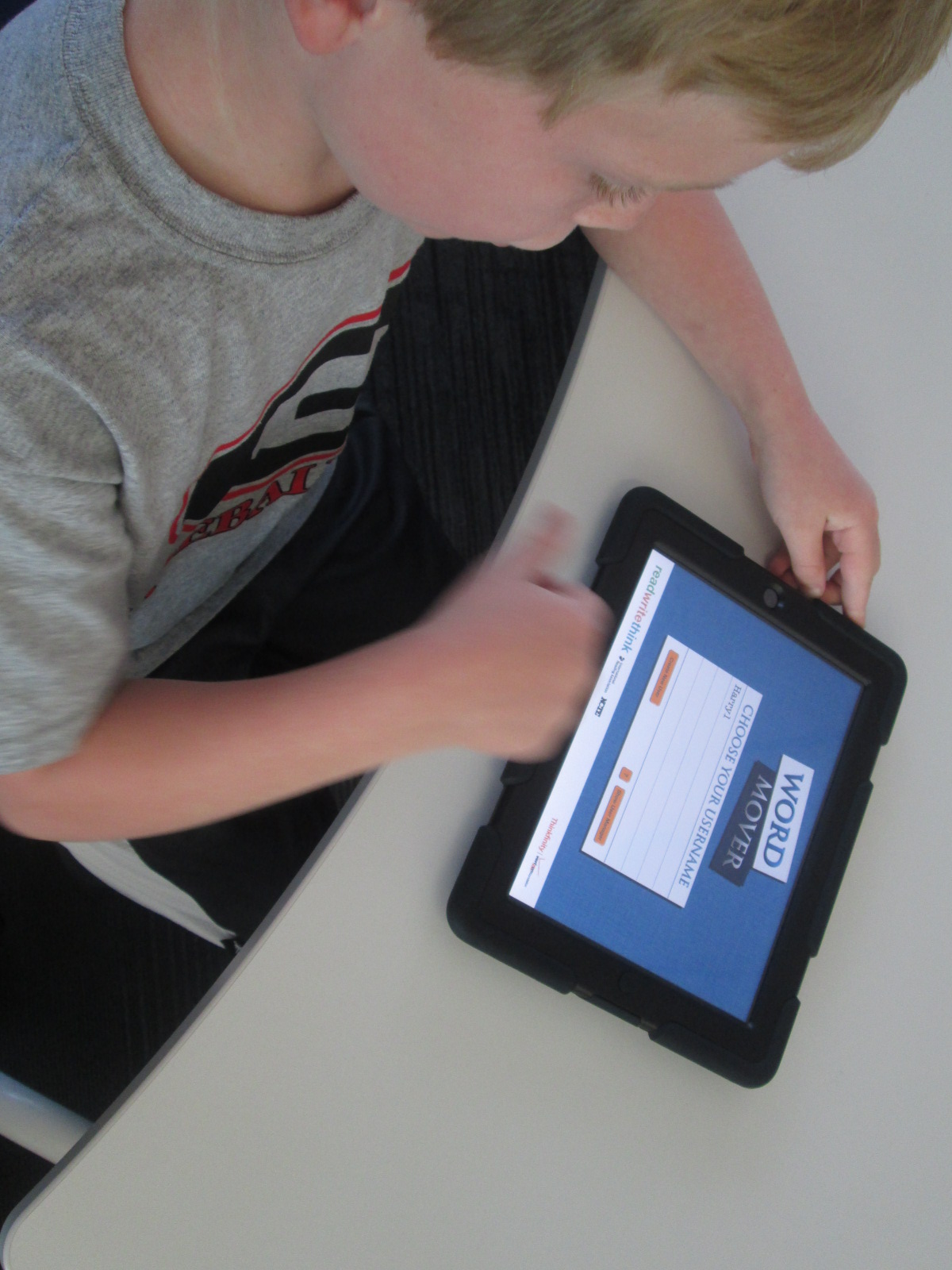
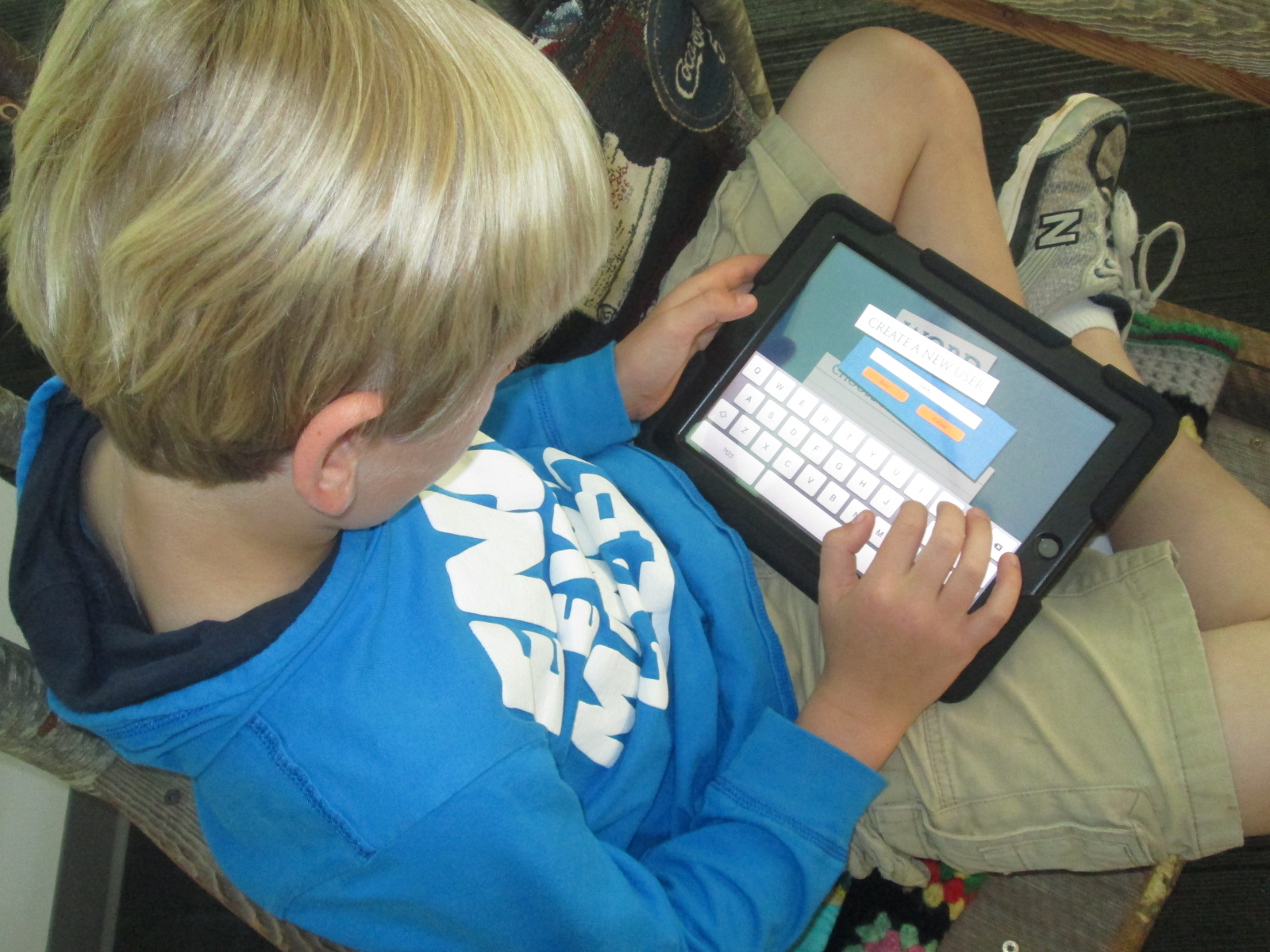
I showed students the Word Mover app on the iPad, which essentially is like magnetic poetry.  Word Mover has an iPad and android version and comes to us from Read Write Think.  There are a few options.  Students can choose a word bank or choose from several famous speeches and songs that can be remixed into a poem.  There is also an option to make your own words, but I discouraged students from starting with the “my own words” category since that would stray from the idea of found poetry.  What we all loved was that you could add any word no matter which word bank you chose.

IMG_3021 IMG_3018

Once students selected their word bank, they started dragging words onto the work space and arranging them.  Any words could go into the trash can to put them back in the bank.  Students could shuffle the words in the word bank or even get a bank of new words.

The teacher and I wandered around the media center chatting with students about what they were thinking.  As with any kind of writing, some students were naturals at this kind of poetry while others had to start over a few times.  Some of the students who chose speeches and songs like America the Beautiful and I Have a Dream had a hard time remixing rather than just copying the original.

IMG_3017 IMG_3016 IMG_3015

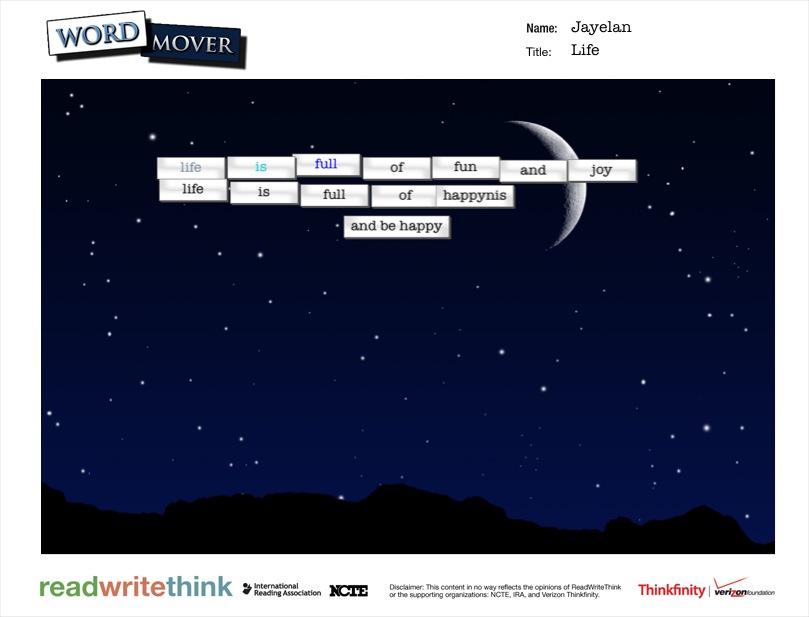
Mrs. Ramseyer and I both noticed that students were writing their poetry as if it was one long sentence or paragraph.  Once students told us “I’m done”, we asked them to read their poem aloud.  As we heard them pause in their reading, we suggested that those pauses might be where their line breaks should go.  Students spent a bit of time rearranging their poem so that it was in lines that naturally flowed for the reader.

If time allowed, students chose a background and added a title to their poem.  Some students even figured out that you could change the color and font of the words.

Once poems were done, students saved them to the camera roll on the iPads so that you could enjoy them here.

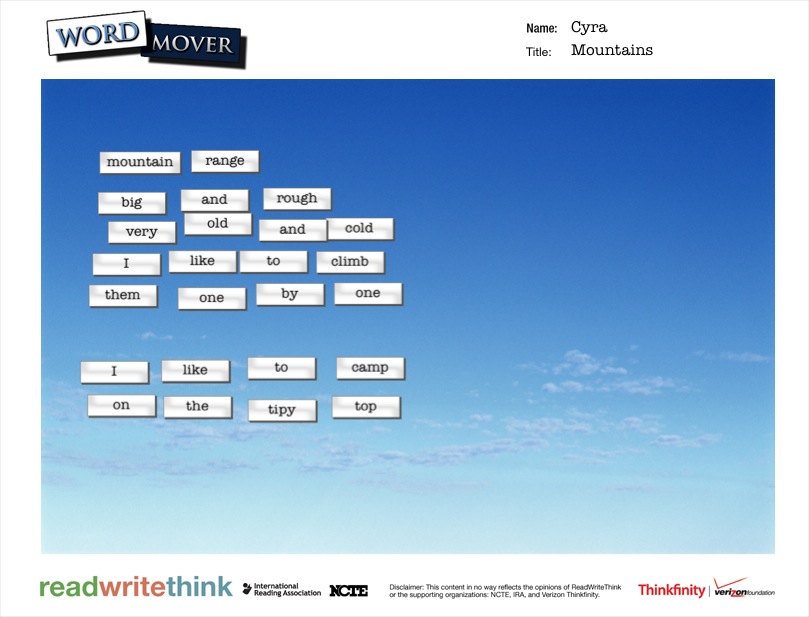
word mover (1) word mover (2) word mover (3) word mover (4) word mover (5) word mover (6) word mover (7) word mover (8) word mover (9) word mover (10) word mover (11) word mover (12) word mover (13) word mover (14) word mover (15) word mover (16) word mover (17) word mover (18) word mover (19) word mover (20) word mover (21) word mover (22) word mover (23) word mover (24) word mover (25) word mover

Book Spine Poetry with Tellagami (Day 4)

IMG_2914Today was my final day working with 2nd graders on Tellagami.  Mrs. Yawn’s class went through the same process as the other classes.  I’m really glad that I decided to do this in groups.  My original plan was to do individual book spine poems, but I think it would have been very hard to manage on the technology side of things.  Getting 7 poems created and recorded in one class period was an ideal number.

IMG_2913 IMG_2912 IMG_2911 IMG_2910 IMG_2908 IMG_2907

Here’s a look at Mrs. Yawn’s poems.


Don’t forget to view the poems from:

Mrs. Brink’s Class

Mrs. Wright’s Class

Mrs. Ramseyer’s Class

Using Layar Augmented Reality App for a Digital Wax Museum

IMG_2902Our 4th grade team does a huge wax museum project each year for their study of the Colonial Period.  Kids get assigned a person from colonial times and spend several days researching their person and taking notes.  The notes get condensed into a short script that they memorize.  Then, they dress up as the character, stand in the halls of Barrow, and families and classes walk through and listen to the “wax figures” come to life and talk.

It’s a great project, but I’ve always wondered about bringing in some digital components for many reasons.  One reason is the fact that many families don’t get to come and listen to their child perform something that he or she has spent a lot of time working on.  Another reason is that many students are overwhelmed by the volumes of people walking up and waiting to hear a monologue.  Traditionally, boys have chosen males from the colonial period and girls have chosen females, but I’m sure that there are 4th graders who would love to research the other gender and not necessarily dress up as that character.

IMG_2906

We have a big project in the works to the end the year in 4th grade.  We’ve extended the wax museum to include the entire year’s social studies curriculum and revisit many of the famous people from history in the 4th grade standards.  We’ve also decided to give the students many choices about what they will create as their final product.  The art teacher is also working with us on this project and having kids research images of their chosen person and create new images or collages with the found images.  Whatever students decide to create, it will become digital through a video uploaded to youtube or a link to the project that they create online.

IMG_2905

Before I had even tried it, I suggested that the wax museum be a display of all of the pictures that students created or compiled and that we could use the augmented reality app Layar to link those images to the digital wax museum projects.  The teachers were thrilled and excited, but I was a little nervous trying something I have never done before.  A fantastic opportunity came up for me to try this same project on a much smaller scale with 12 third grade students in Ms. Spurgeon’s ELT class before doing the project with 70 4th graders.

IMG_2903

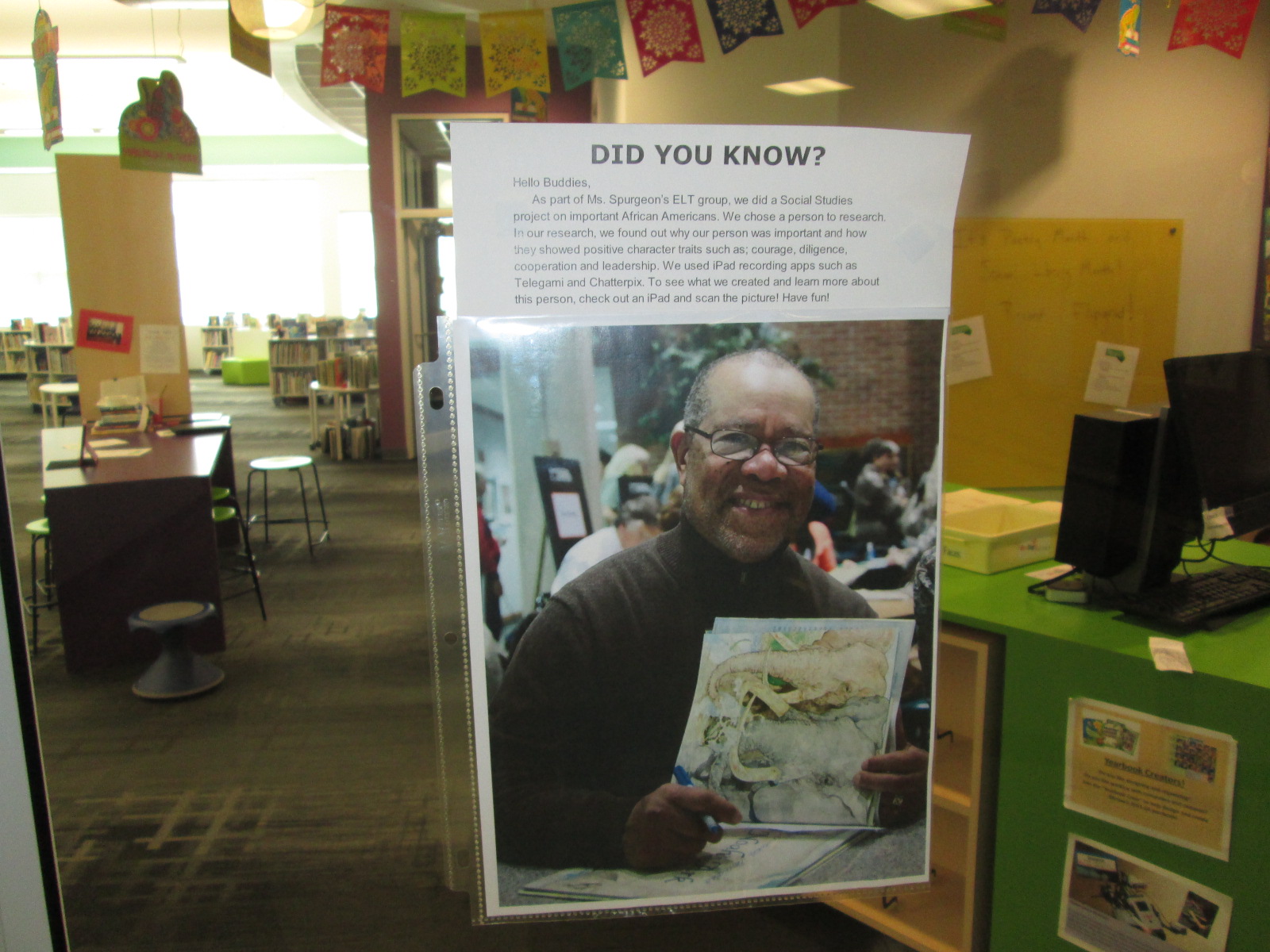
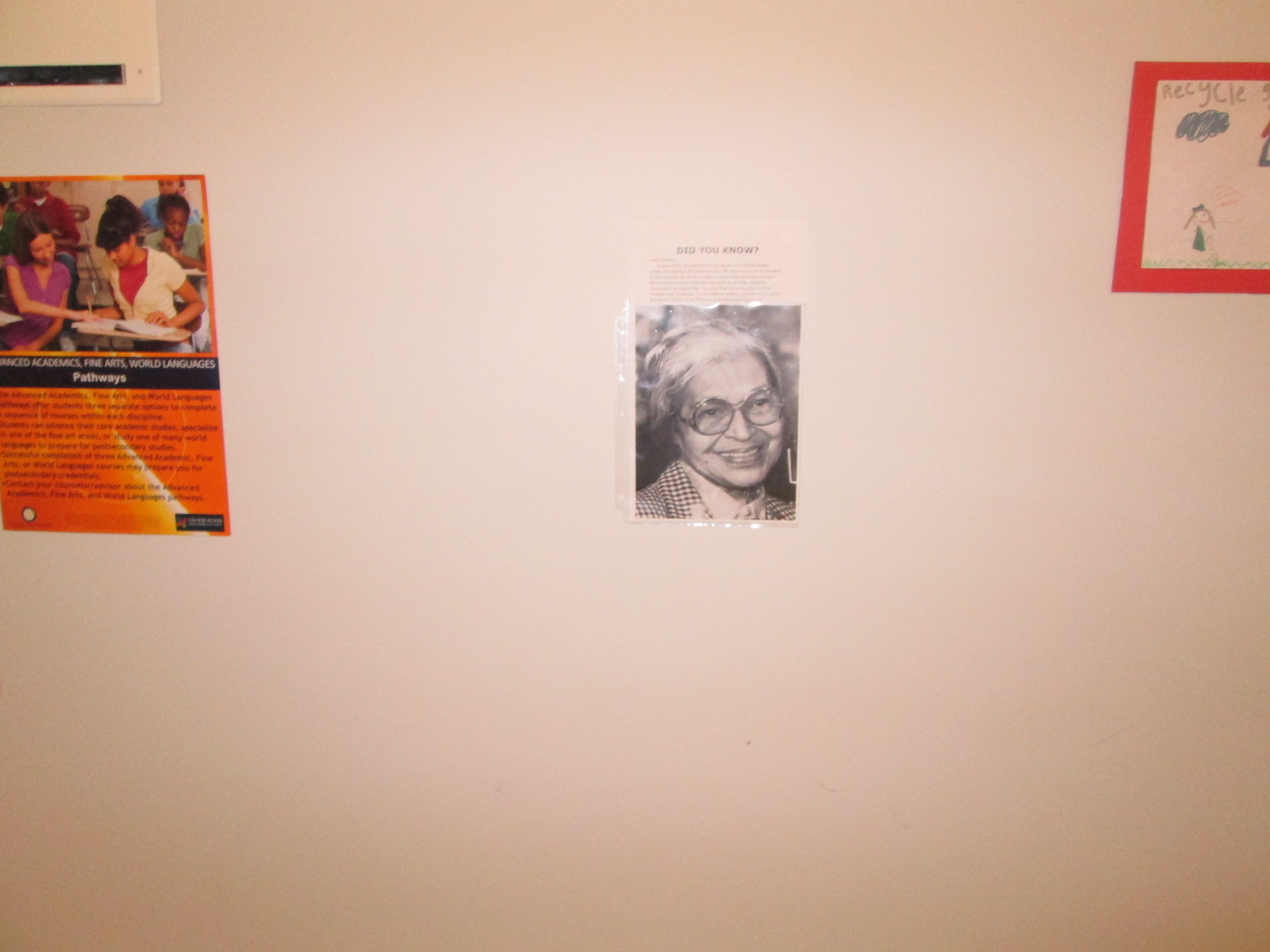
The third graders chose an African American to research, wrote a script, and filmed themselves or created a video using Tellagami or Chatterpix.  We uploaded those videos to Youtube.  Students searched online for images of their person.  We uploaded those to Layar and then linked the videos to each picture.  I published our “campaign” in Layar Creator.

IMG_2904

Layar is loaded onto all of our iPads.  Mrs. Spurgeon took the images we used in Layar and displayed them in the rotunda, library, and third grade hall.  Students and families can check out an iPad in the library to go and scan the images.  When they scan, the student videos pop up right on top of the picture on the wall and students and families can listen to the video about the person.  Here are a few of the videos that pop up through augmented reality:

I think it’s going to be a messy process to do this with the whole fourth grade with only 5 weeks of school left, but it will be fun and we will learn so much about continuing to upgrade this fantastic project into something that reaches a wider audience.