Celebrating Our Genius with a 4-State Geniuscon Google Hangout

IMG_3385 IMG_3376

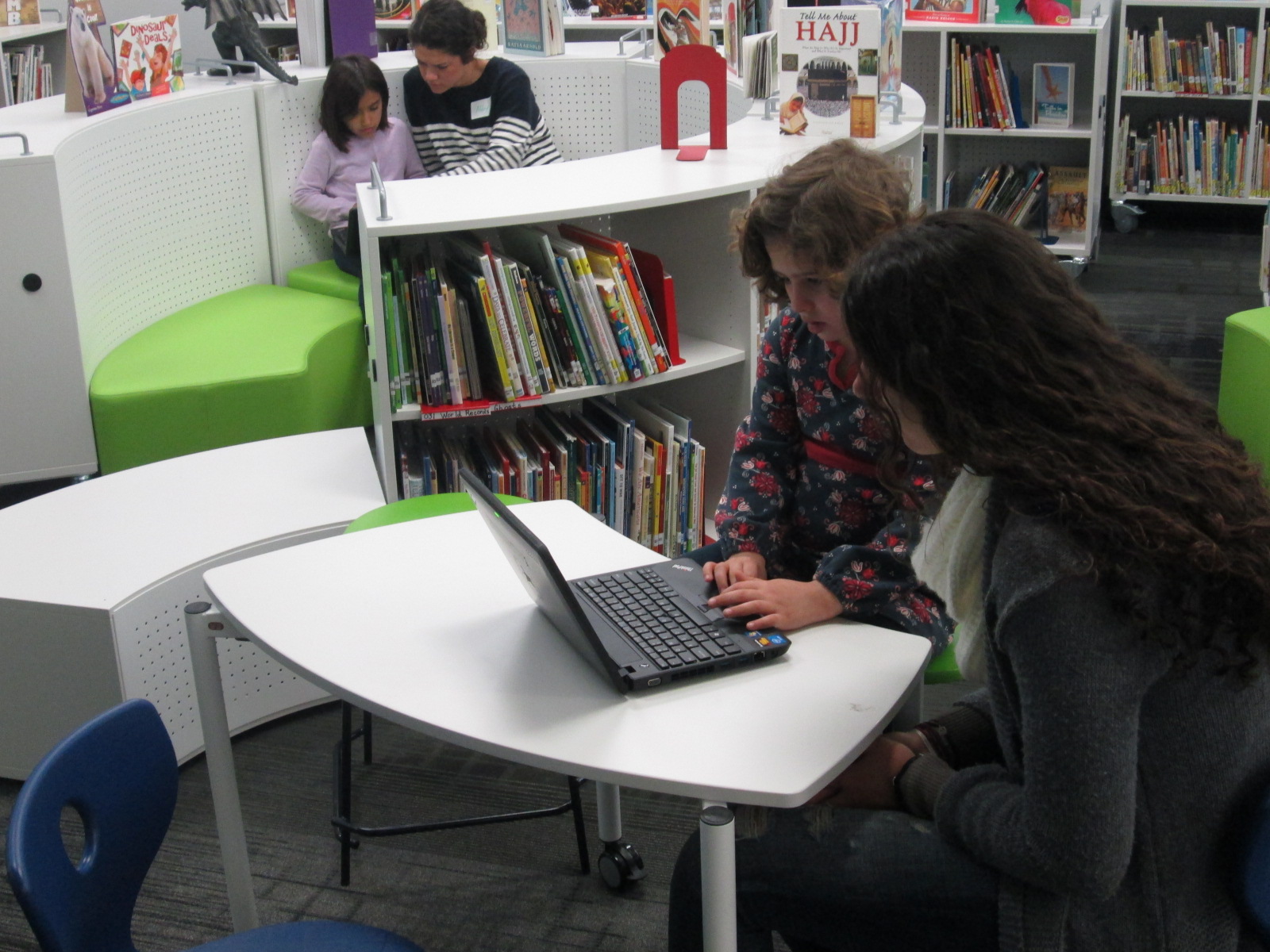
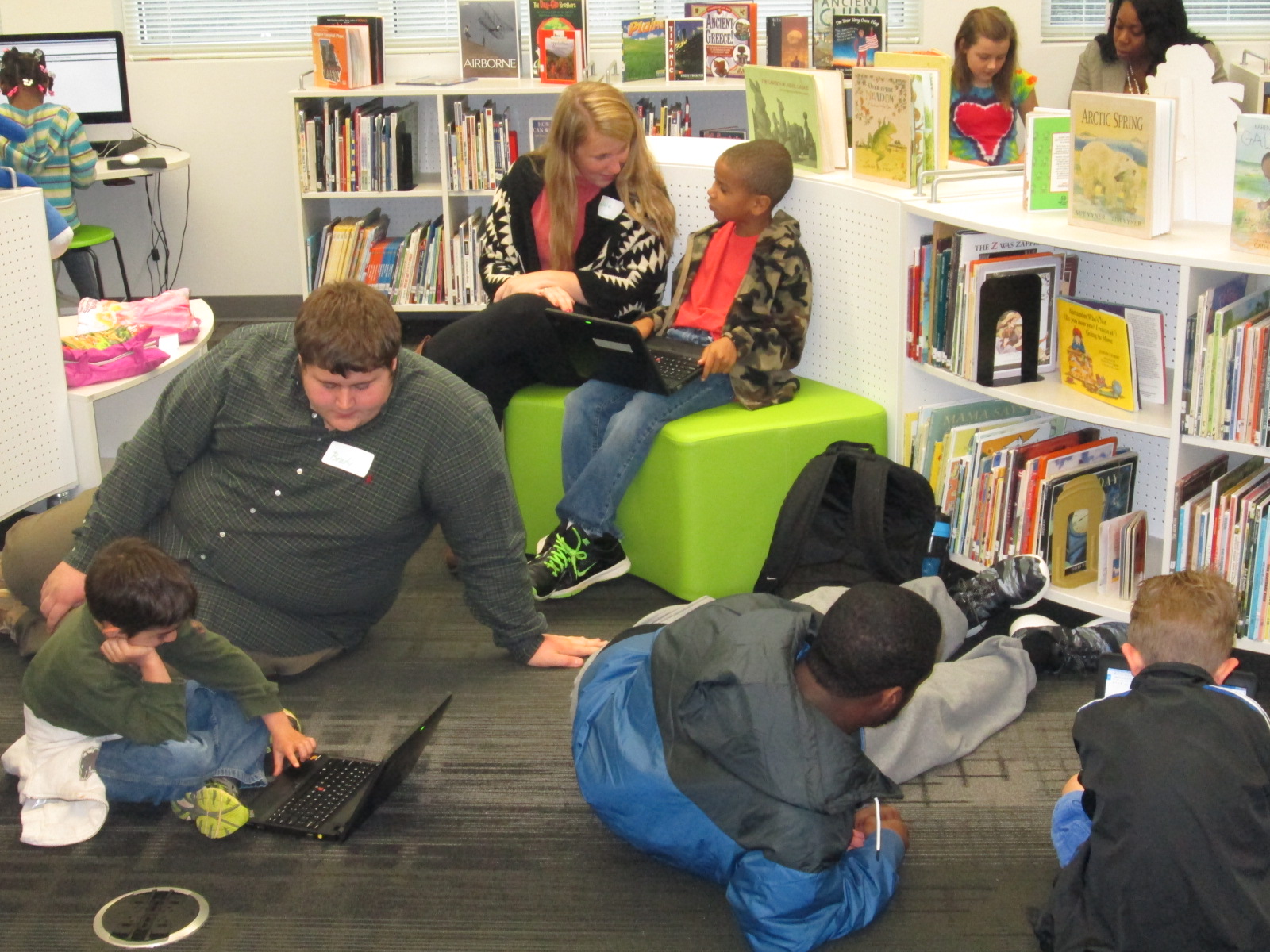
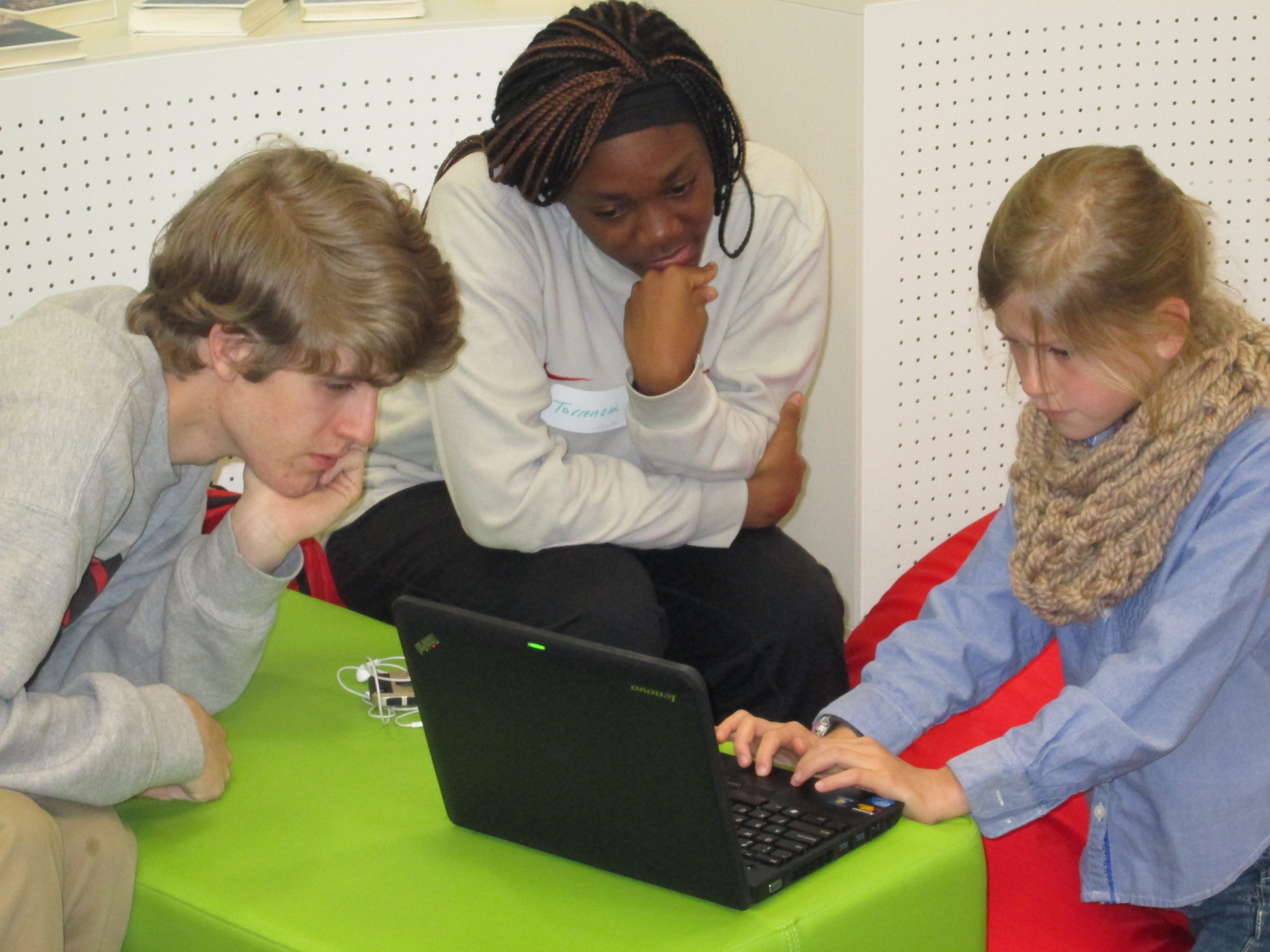
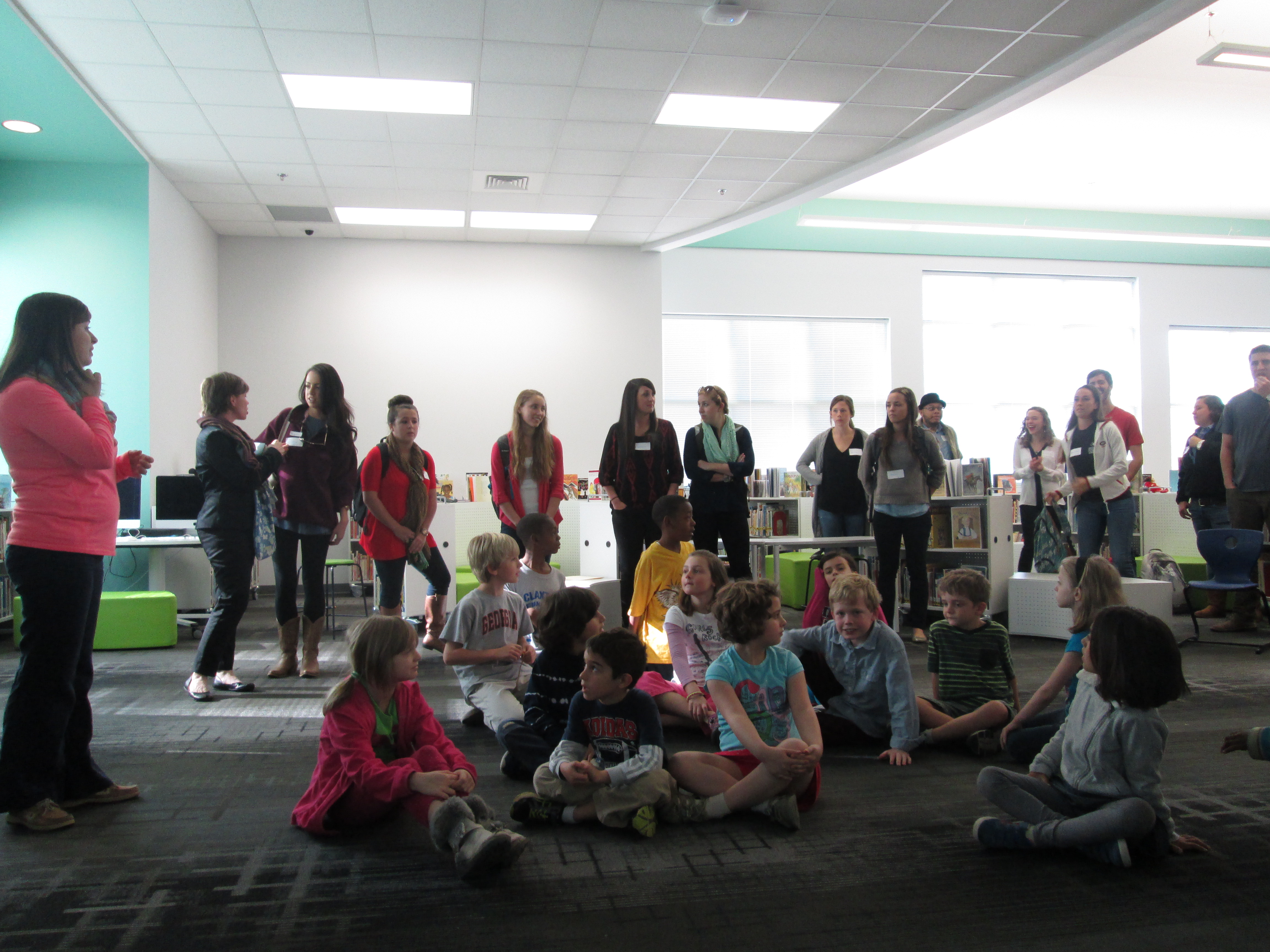
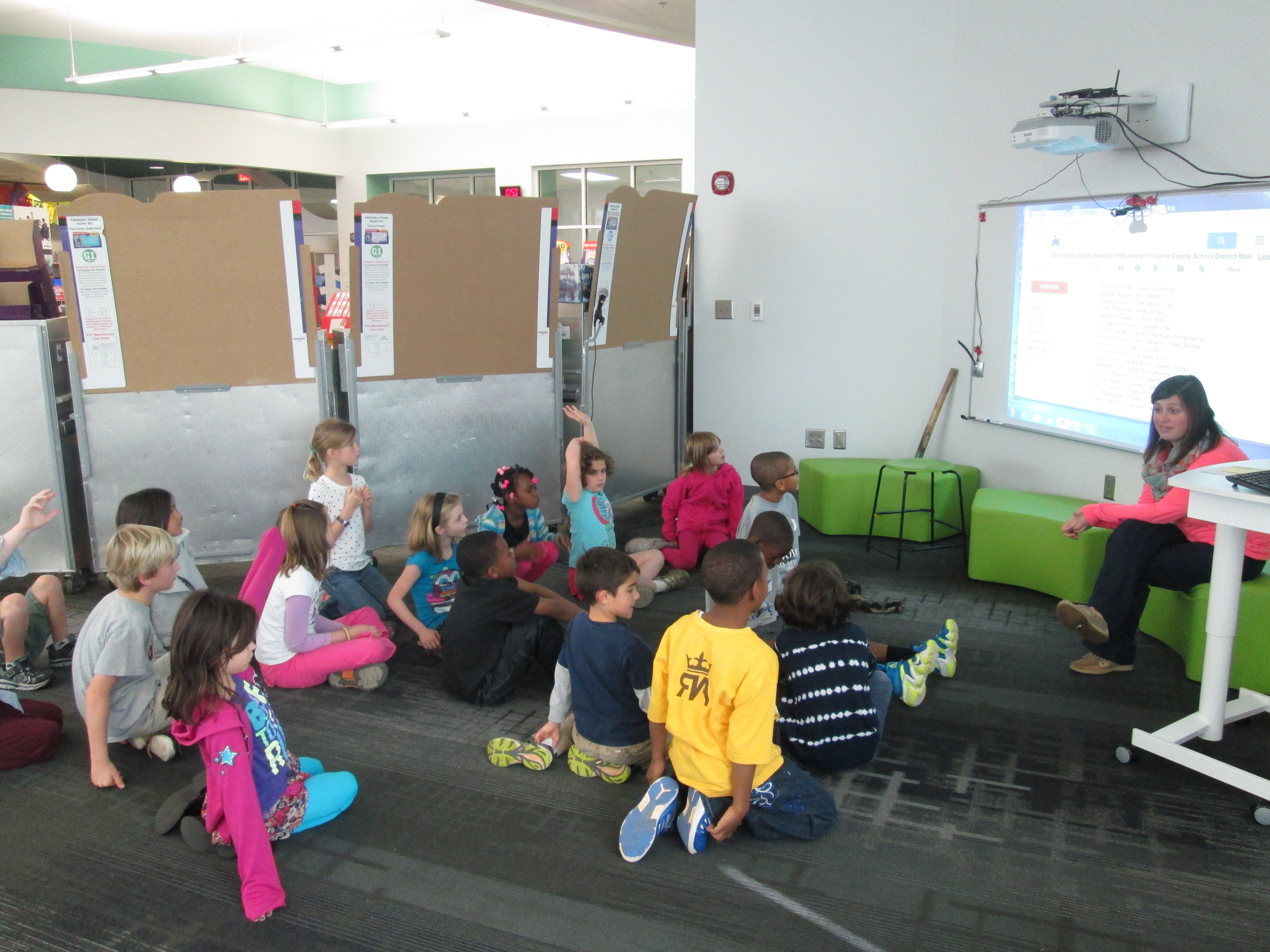
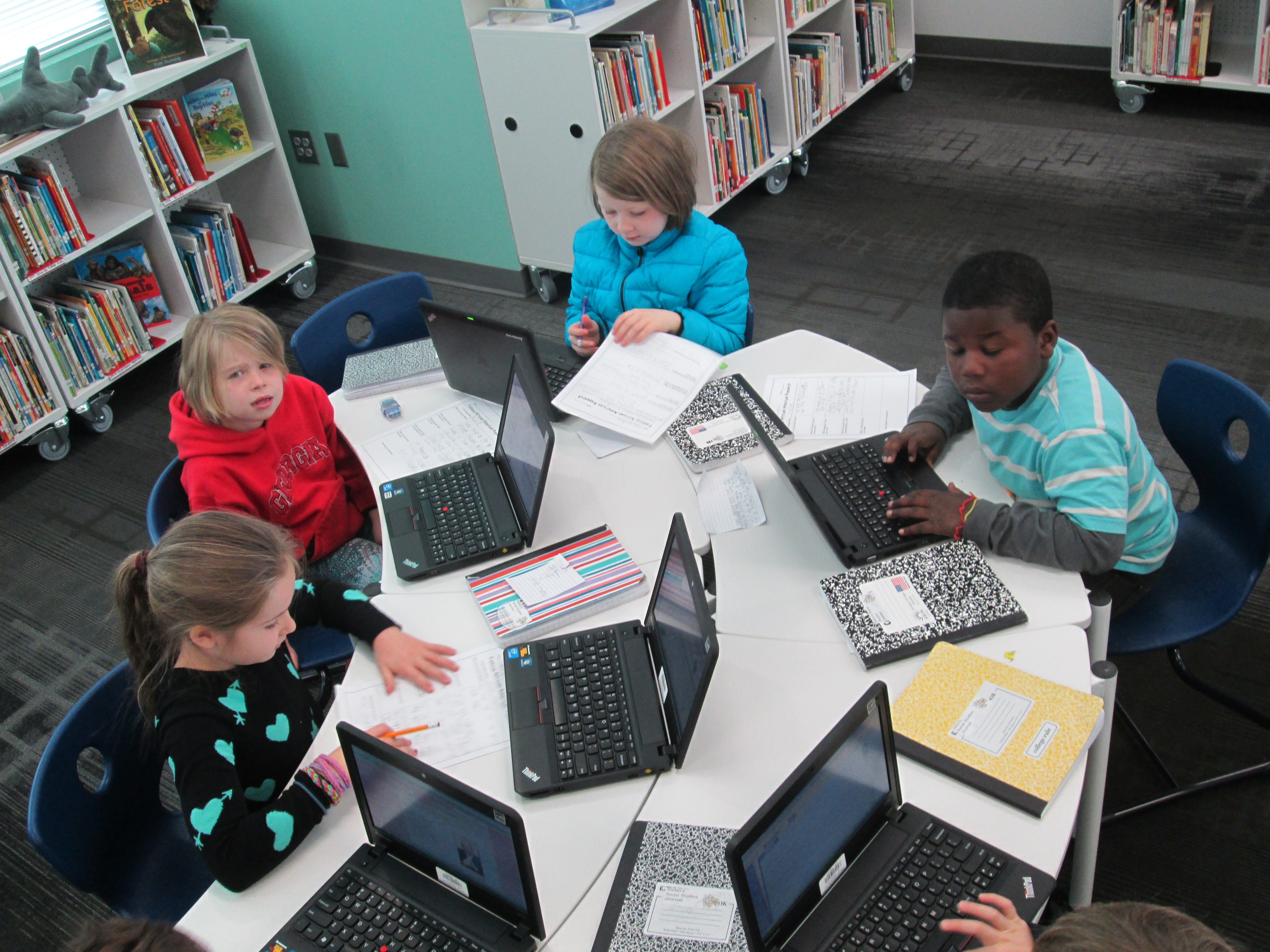
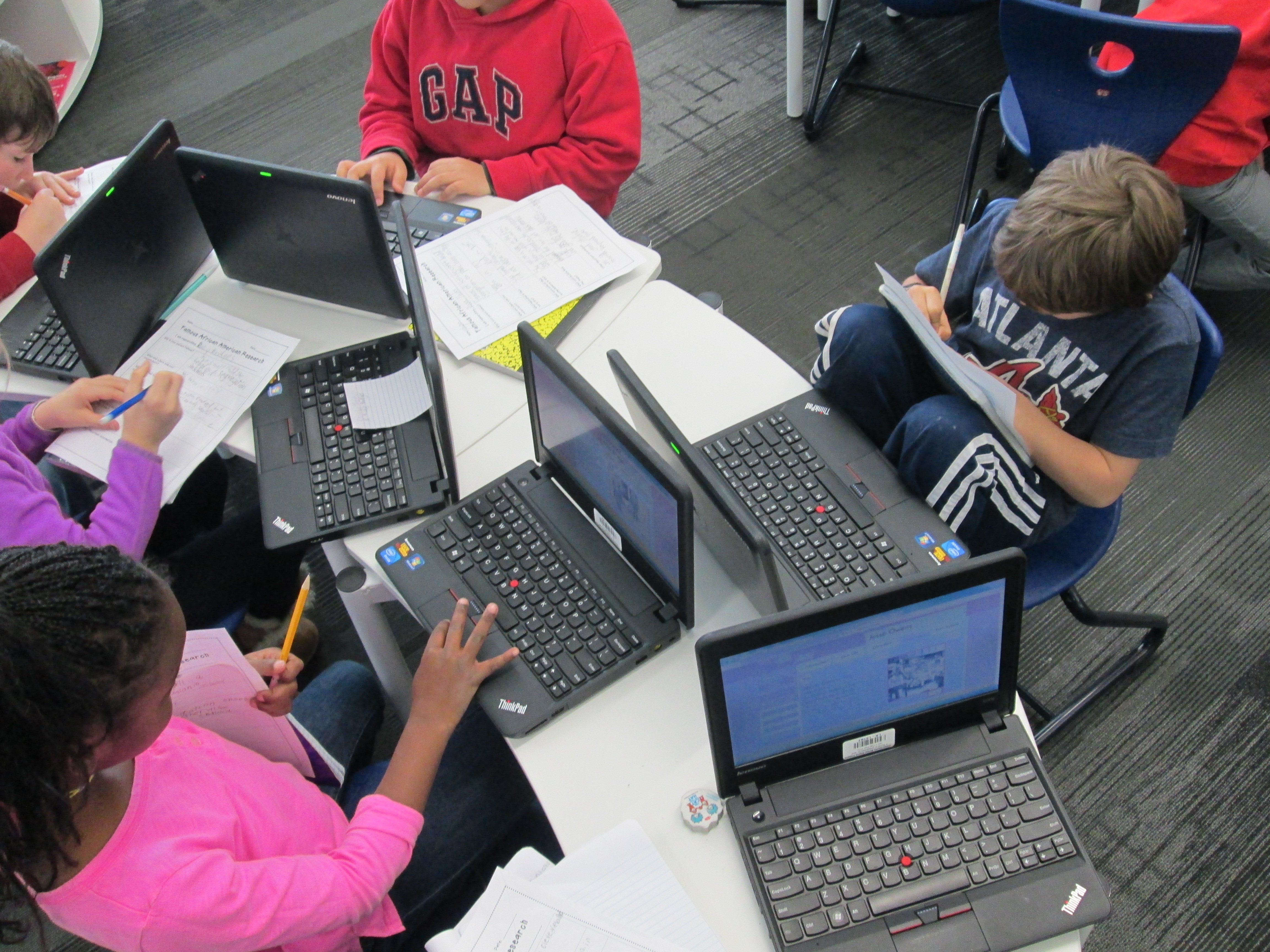
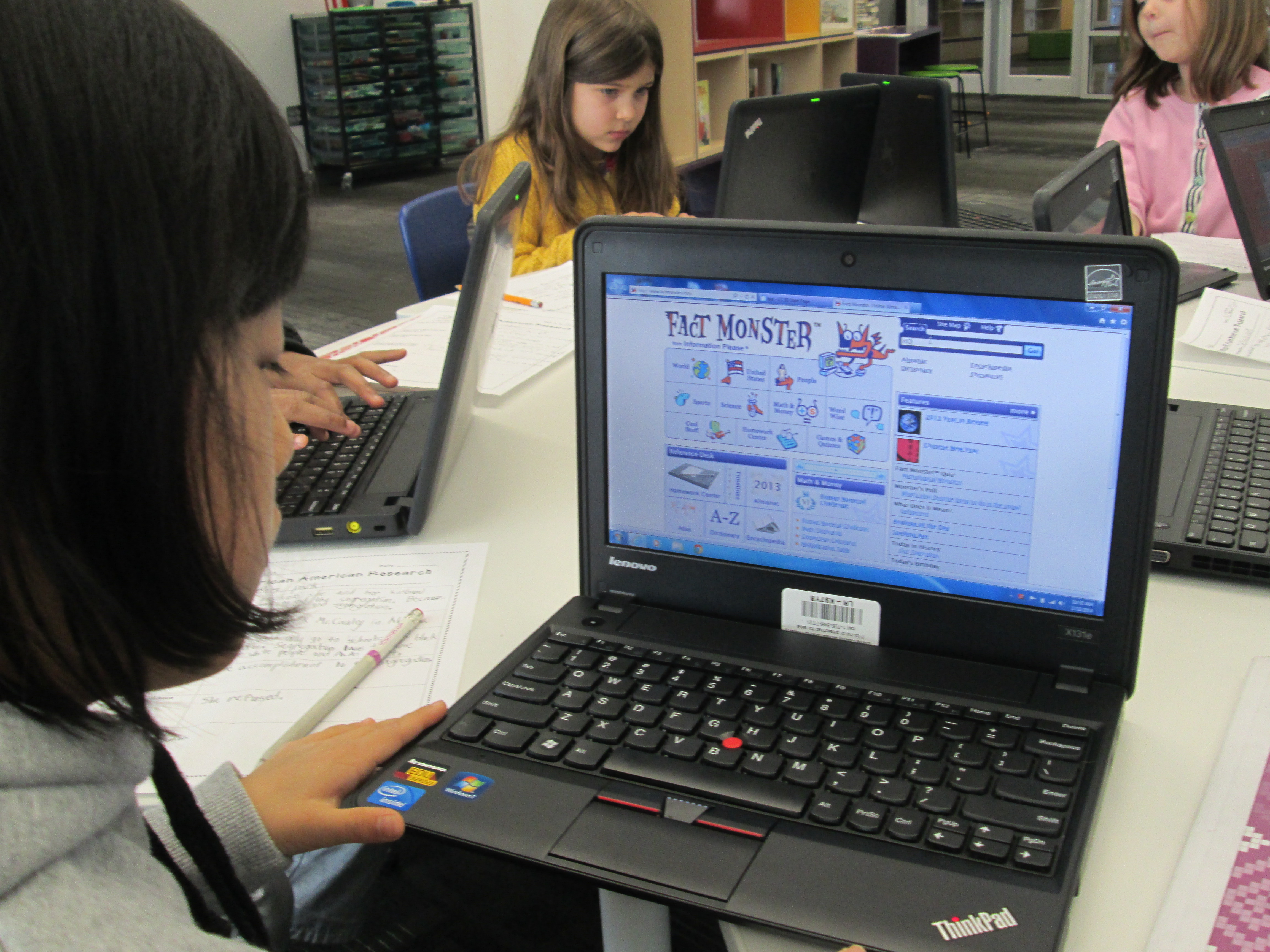
Since January, Mrs. Ramseyer’s 2nd graders have been working in the library and in their classroom on Geniuscon projects.  They have explored the question: “If I could change one thing about my school, what would it be?”

We started our project with brainstorming and some inspiration from Peter Reynolds.

Then, we worked on selecting topics and developing questions.

We partnered with Gretchen Thomas’s EDIT2000 students at UGA to work on researching our topics.

We continued working with our UGA partners to finish research and begin Google presentations on our topics.

Now we’ve arrived at the end of the year with only 4 days of school left.  Students are still finishing up their presentations and thinking about their questions.  Mrs. Ramseyer and I are working to schedule meetings with students and adults in the school who can create change based on their topics.  For example, one student wants more enrichment clusters at our school so he will meet with Ms. Maher, the enrichment cluster coordinator.  One student wants devices to go home and another wants more use of the 3D printer, so they will meet with me in the library.
IMG_3377

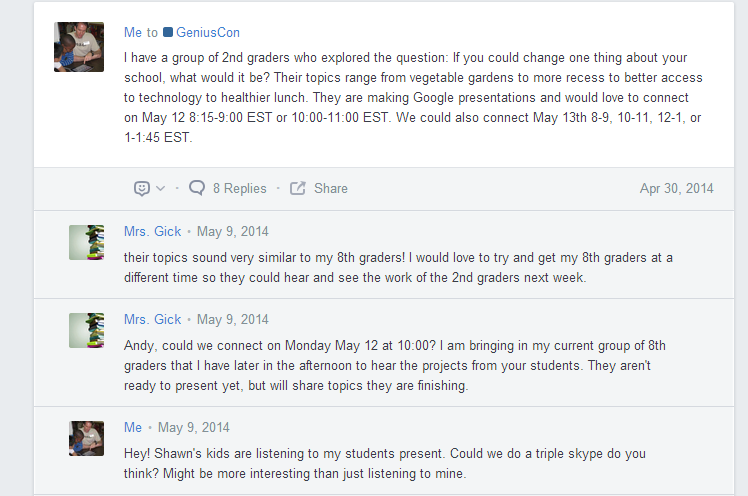
We also wanted students to have a chance to share their genius ideas and projects with a larger audience.  Sherry Gick and Matthew Winner have established an Edmodo group for Geniuscon.  This is from Sherry & Matthew’s blog post:

Join the Edmodo group by logging into www.edmodo.com, clicking on “+” symbol next to GROUPS, selecting JOIN, and typing in the code ru9b7d. This will make you a member of our Edmodo GeniusCon group, which is a private community. The advantage of keeping this community private is that we can also keep the work and identities of our participating students private. However, we have the option of also sharing posts publically, allowing the whole world to see what your students have created. These public posts are viewable through our GeniusCon homepage under the PROJECTS tab.

I posted some possibilities for when our 2nd graders would be able to connect.  Then, I looked at the members of the Edmodo group and sent some messages on Twitter.  Shawna Ford in Weatherford Texas had a group of students ready to listen to our 2nd graders.  We started planning a connection and Sherry and Matthew jumped on board with their students too.
Edmodo   Home

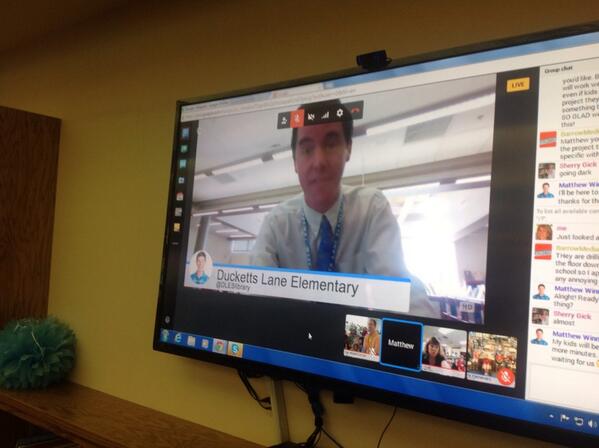
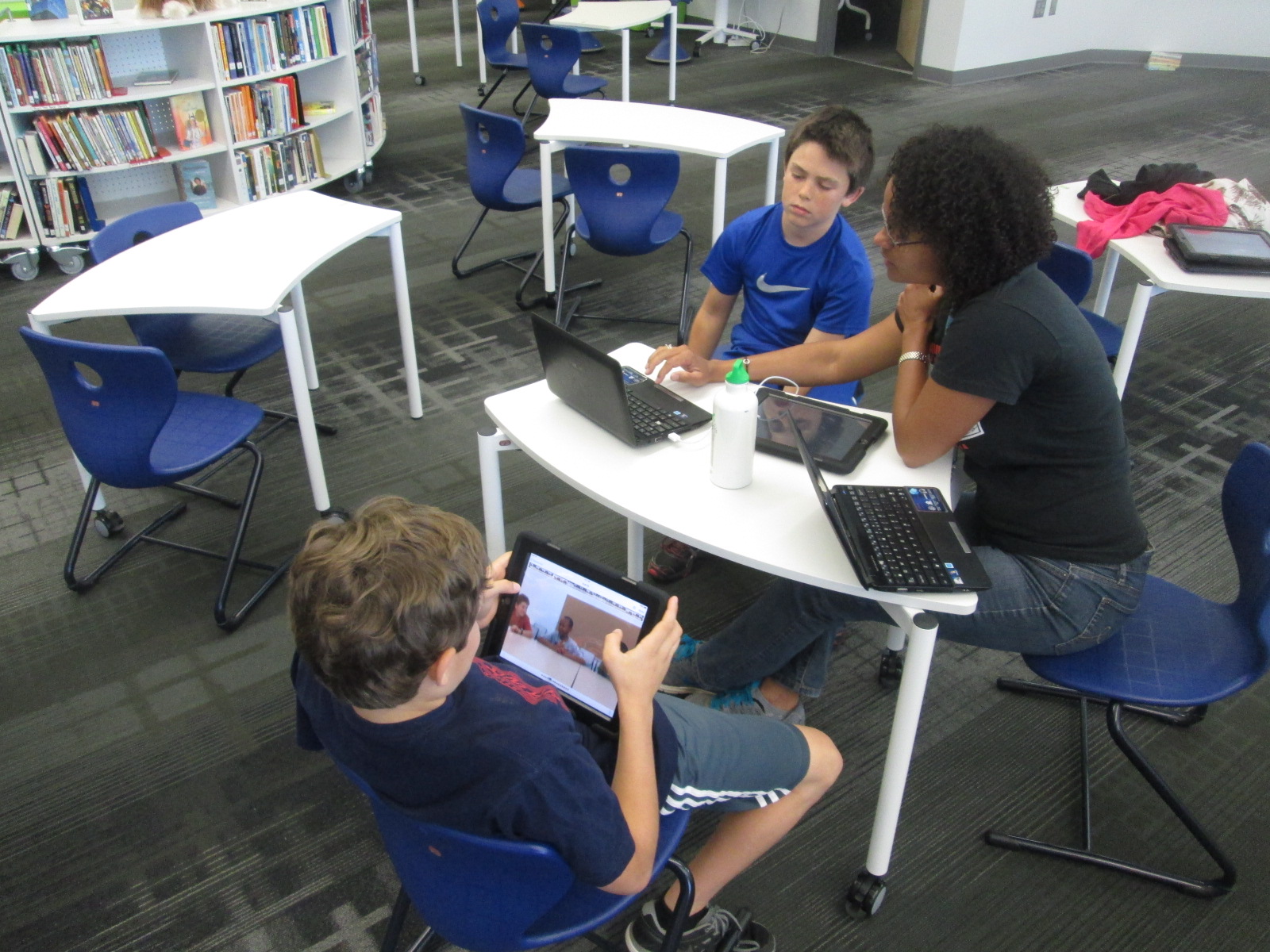
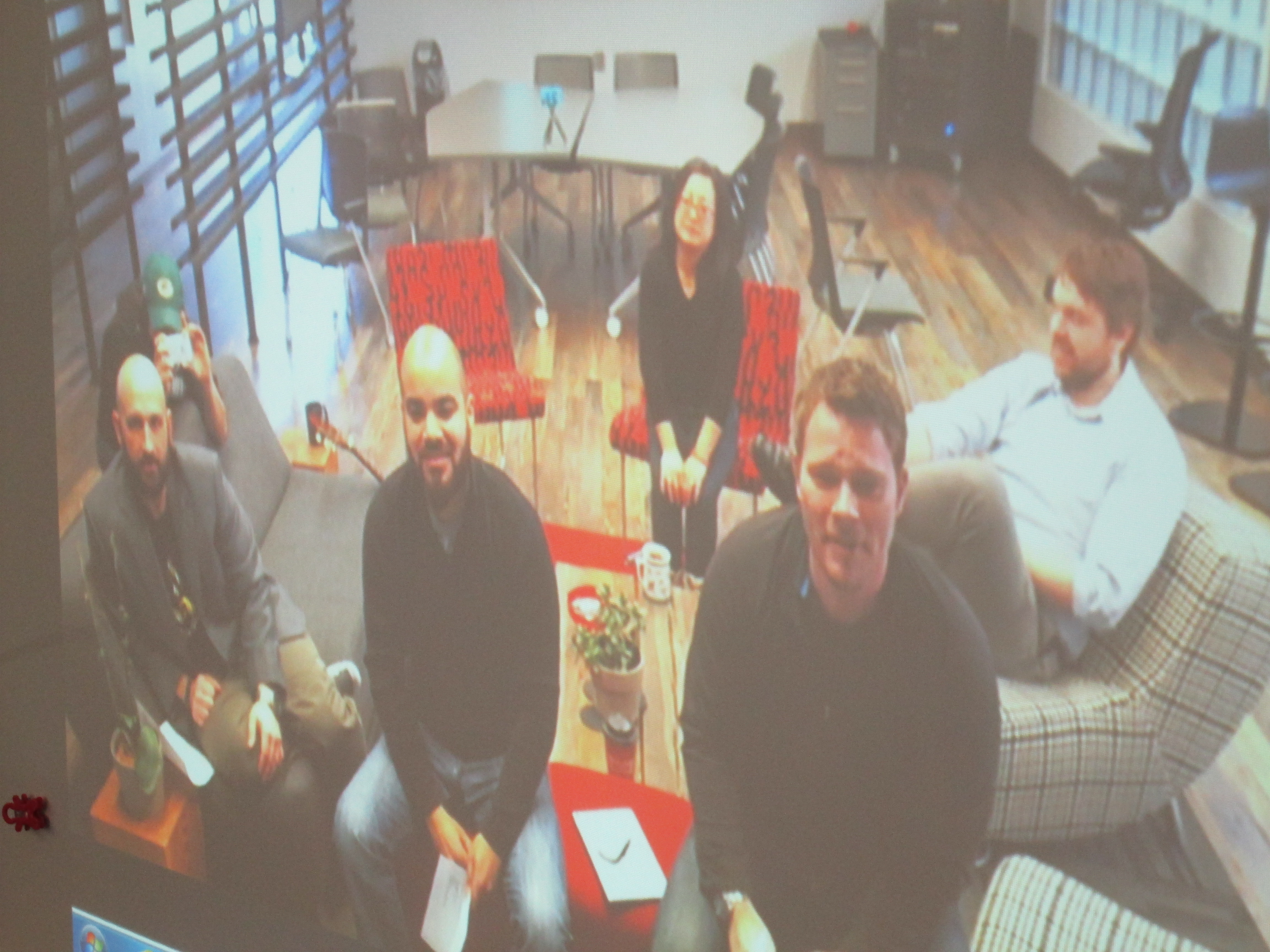
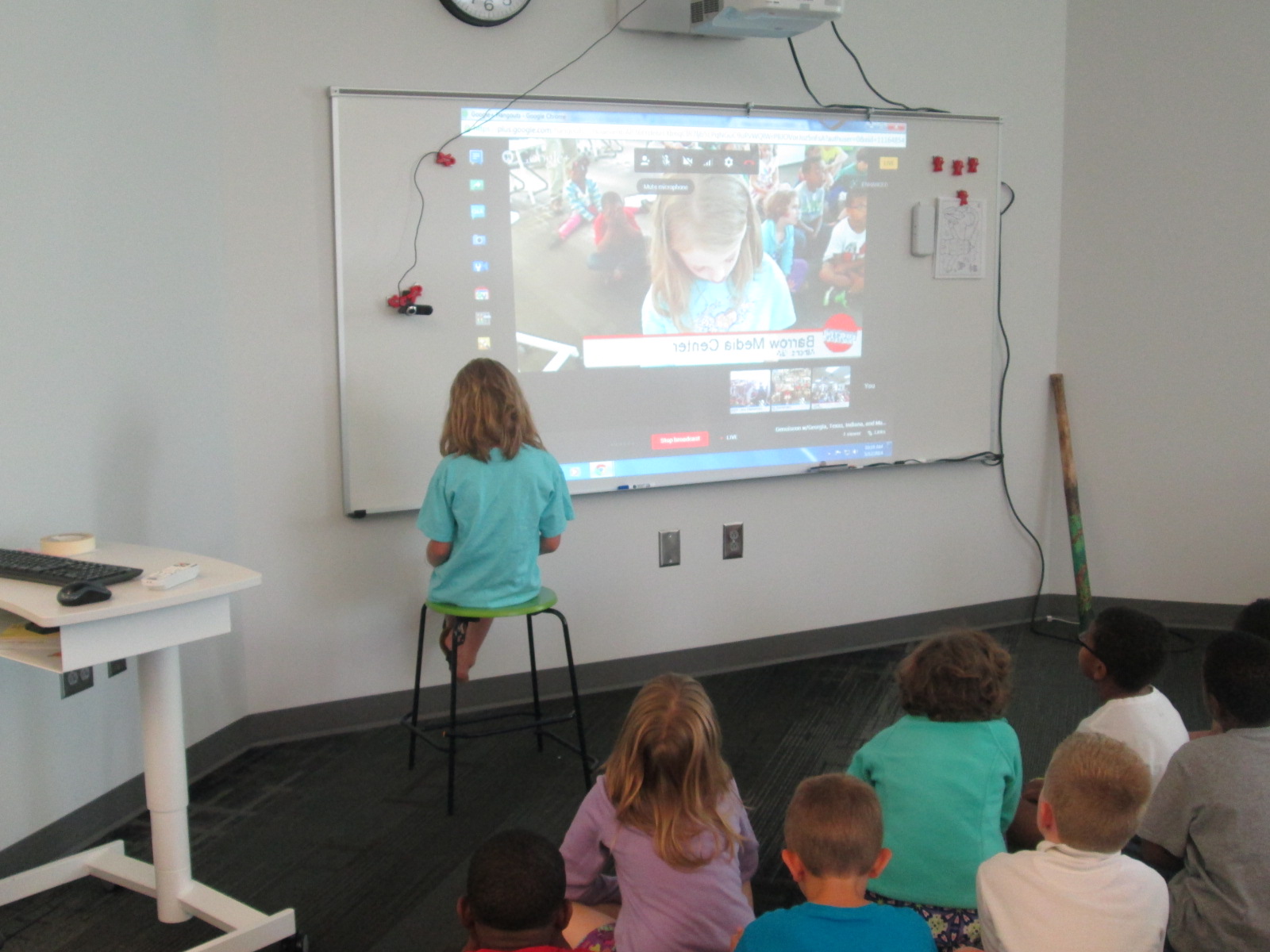
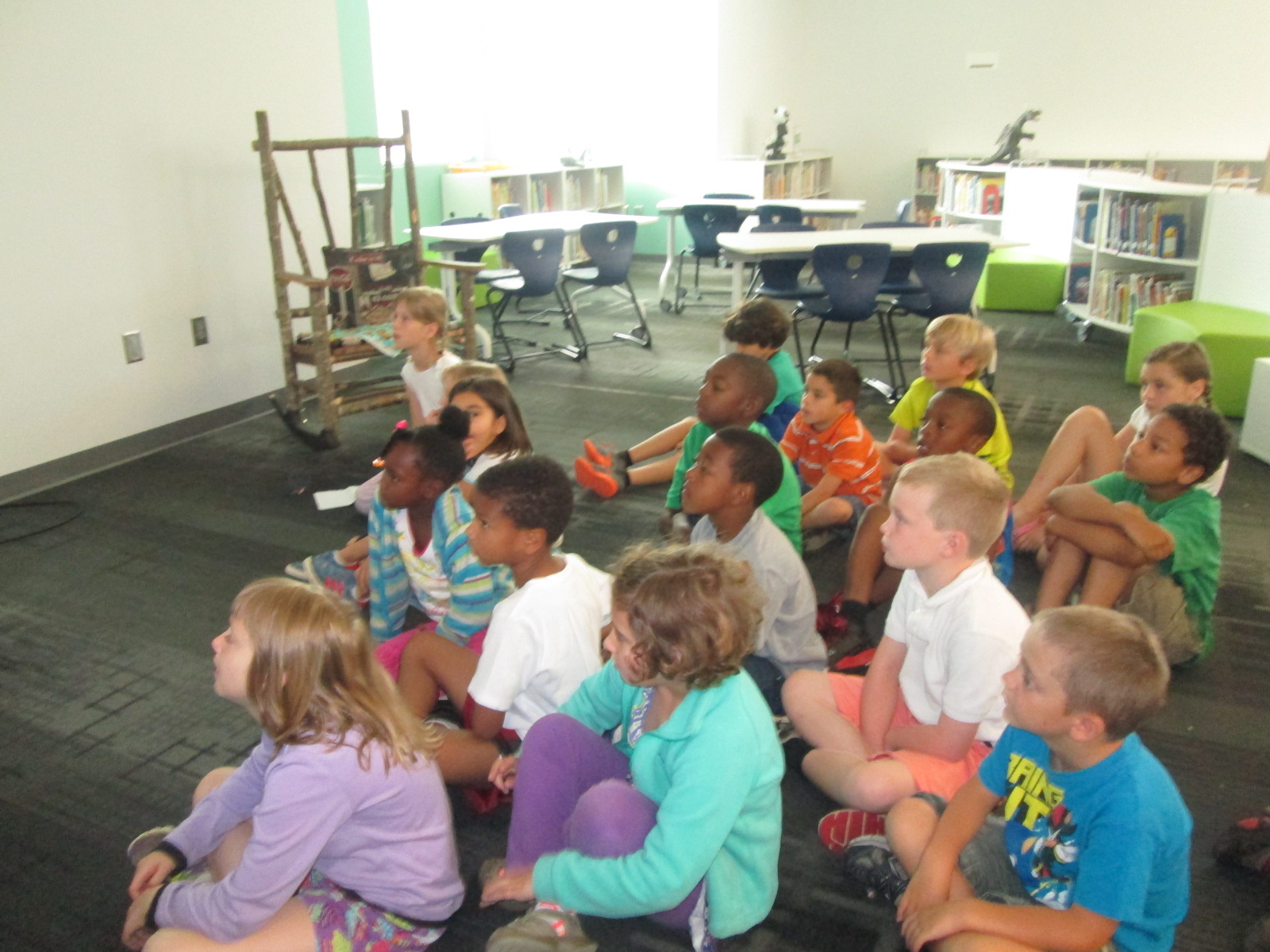
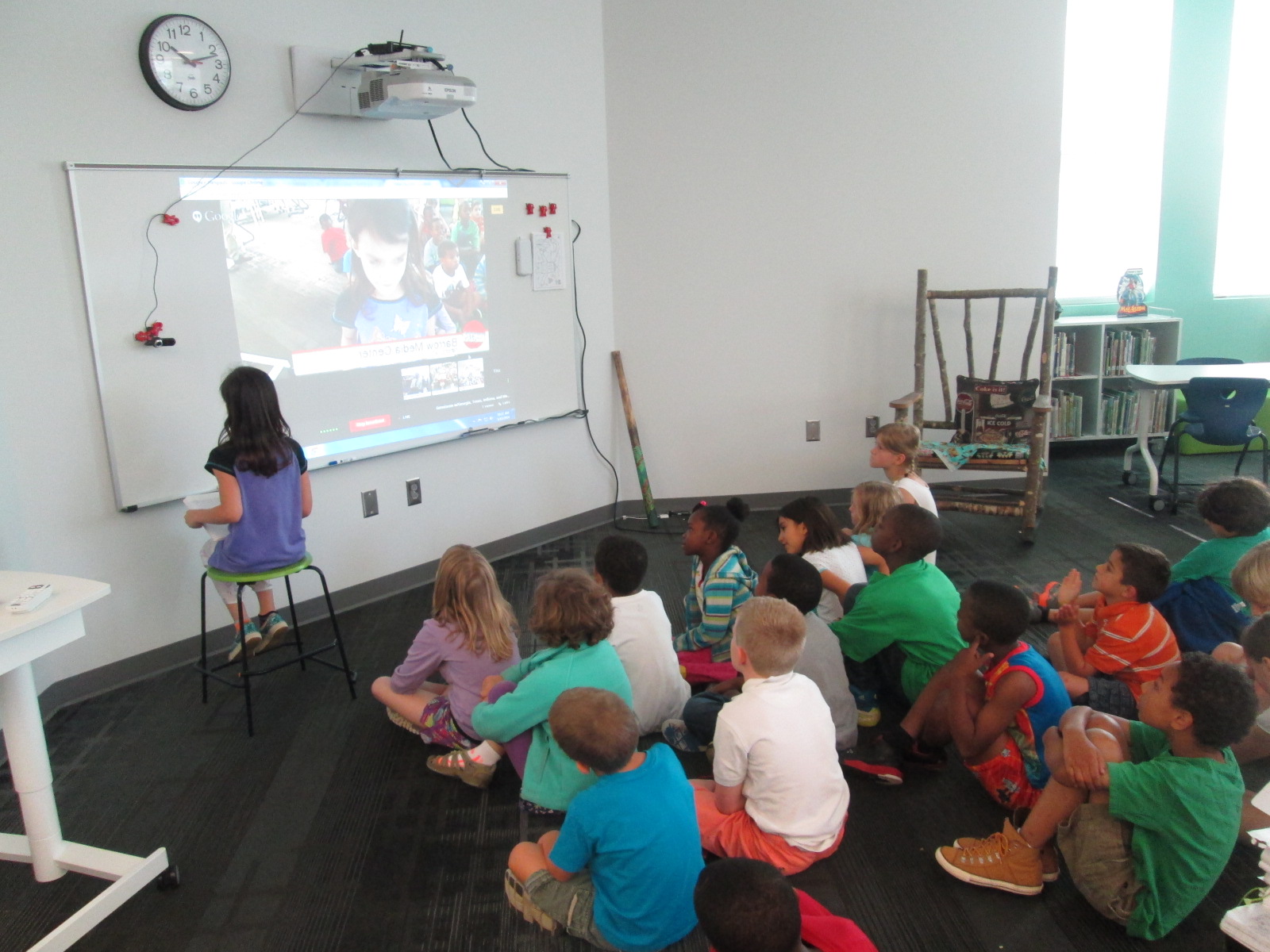
We decided to hold a Google Hangout On Air so that others could watch our students share their genius live, but we could also archive the event for people who couldn’t attend.  My 2nd graders and Sherry’s 8th graders had topics and projects to share.

Our format looked something like this:

  • Introductions from Georgia, Texas, Indiana, and Maryland
  • Matthew Winner set the stage for what Geniuscon is all about since 2 of the classes in the hangout had not participated in the project yet.
  • I gave an introduction to what my students, and then one of my second graders kicked off the event.  Each of my students shared their topic, what their solutions were, and how they felt about what they found out.
  • My students alternated with Sherry’s students sharing.
  • Then, we closed by letting each school give some closing thoughts.
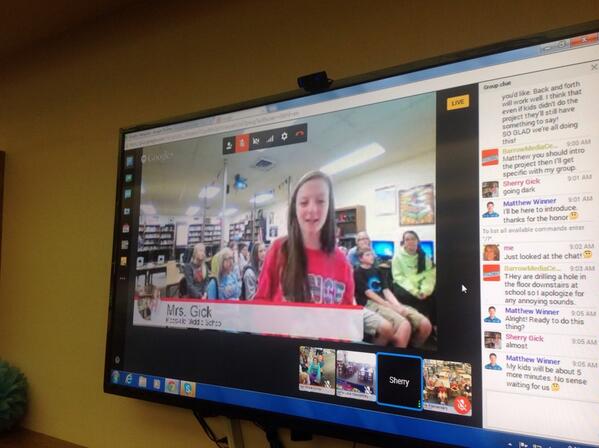
BncOie9CAAEIMyh BncNgLiCYAAjX9P

First, I was amazed by how professional all of the students were in their presentations whether they were in 2nd grade or 8th grade.  I was inspired by the variety of topics and how some of the 2nd graders had some of the same topics as the 8th graders.  It made me wonder about next time and the potential for collaborating between schools on the same topic.  I also loved the different approaches that students took to completing their projects.  Sherry’s students worked in groups while Matthew’s students were tackling one big topic together: bullying.
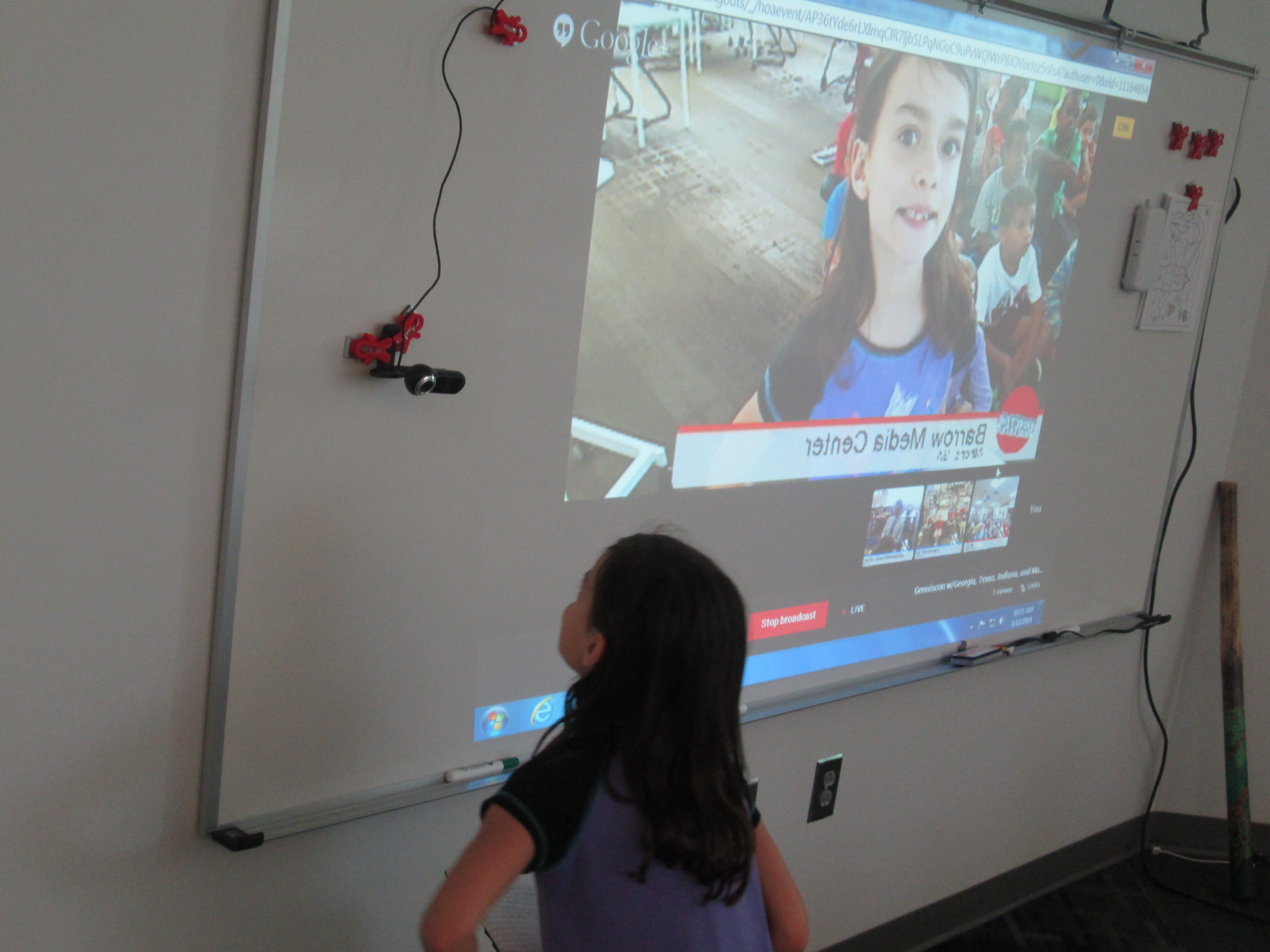
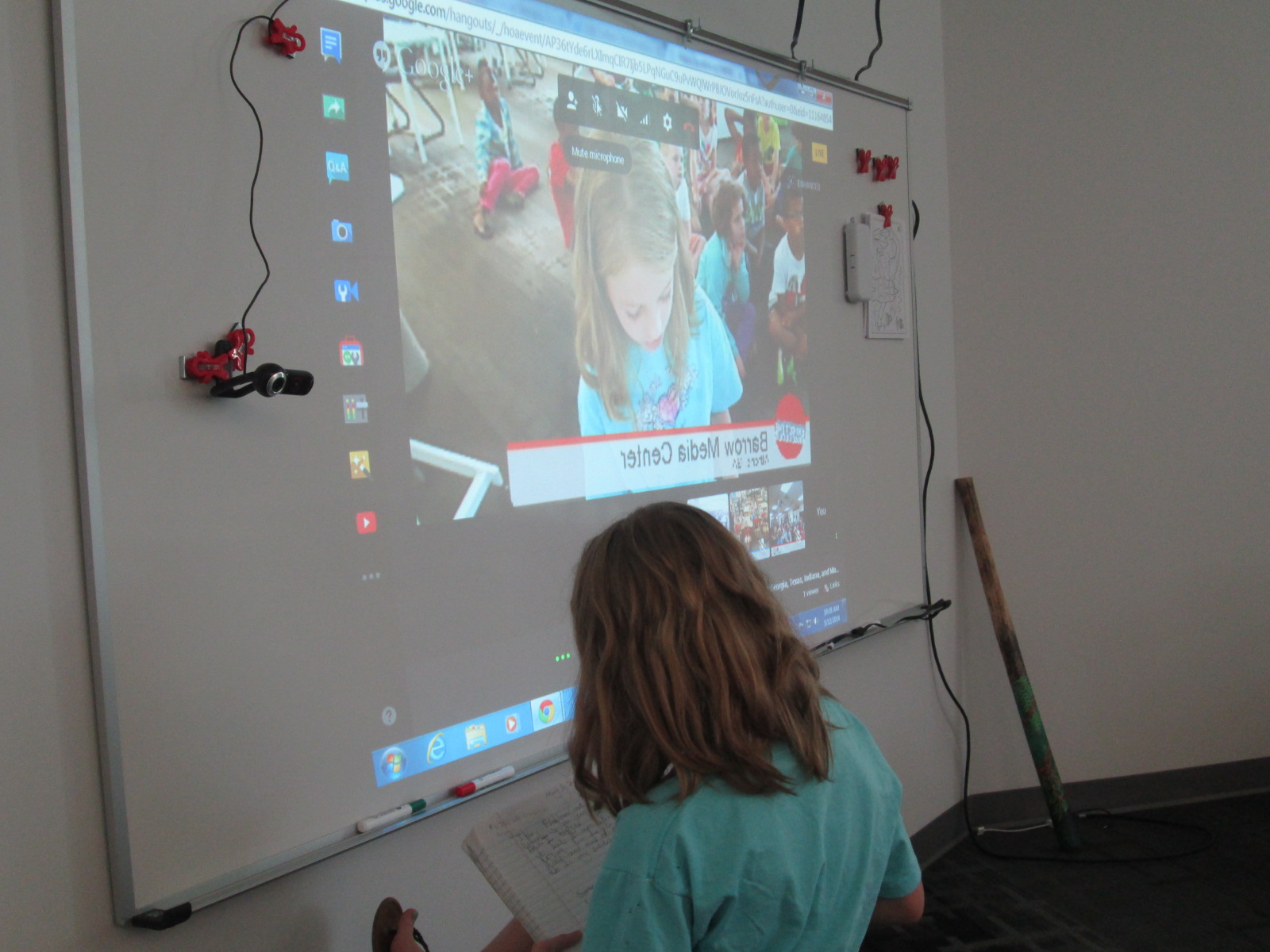
IMG_3378 IMG_3383


It was also fun to know that our students’ voices were being heard by a global audience.  Our librarian friend, Randie Groden, in MA watching live.
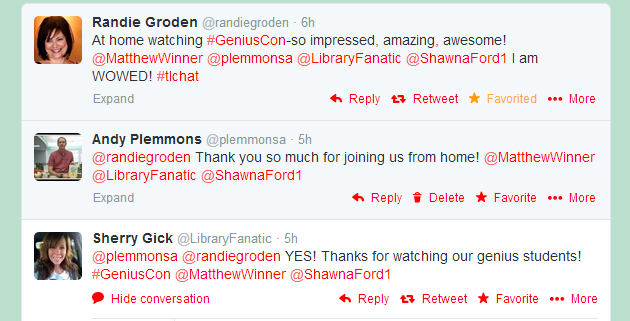
Randie

We also had some encouragement from our friends at Capstone Press.
capstone

Uniting our voices in 4 different states was powerful.  Thinking about the power of students stepping up and sharing their genius in multiple states made me proud to be an educator.

My students closed our time with some reflection on our project.  We talked about what we loved about the project.  I loved that one student brought up the idea that even if our projects didn’t turn out the way we wanted them to, we had the chance to learn about so many kinds of technology like Google forms and Google presentation and working together.  There were many meaningful pieces of this project, and I’m grateful to Sherry Gick and Matthew Winner for encouraging us all to help our students share their genius.


4th Grade Created an Augmented Reality Wax Museum using Layar and Multiple Digital Tools

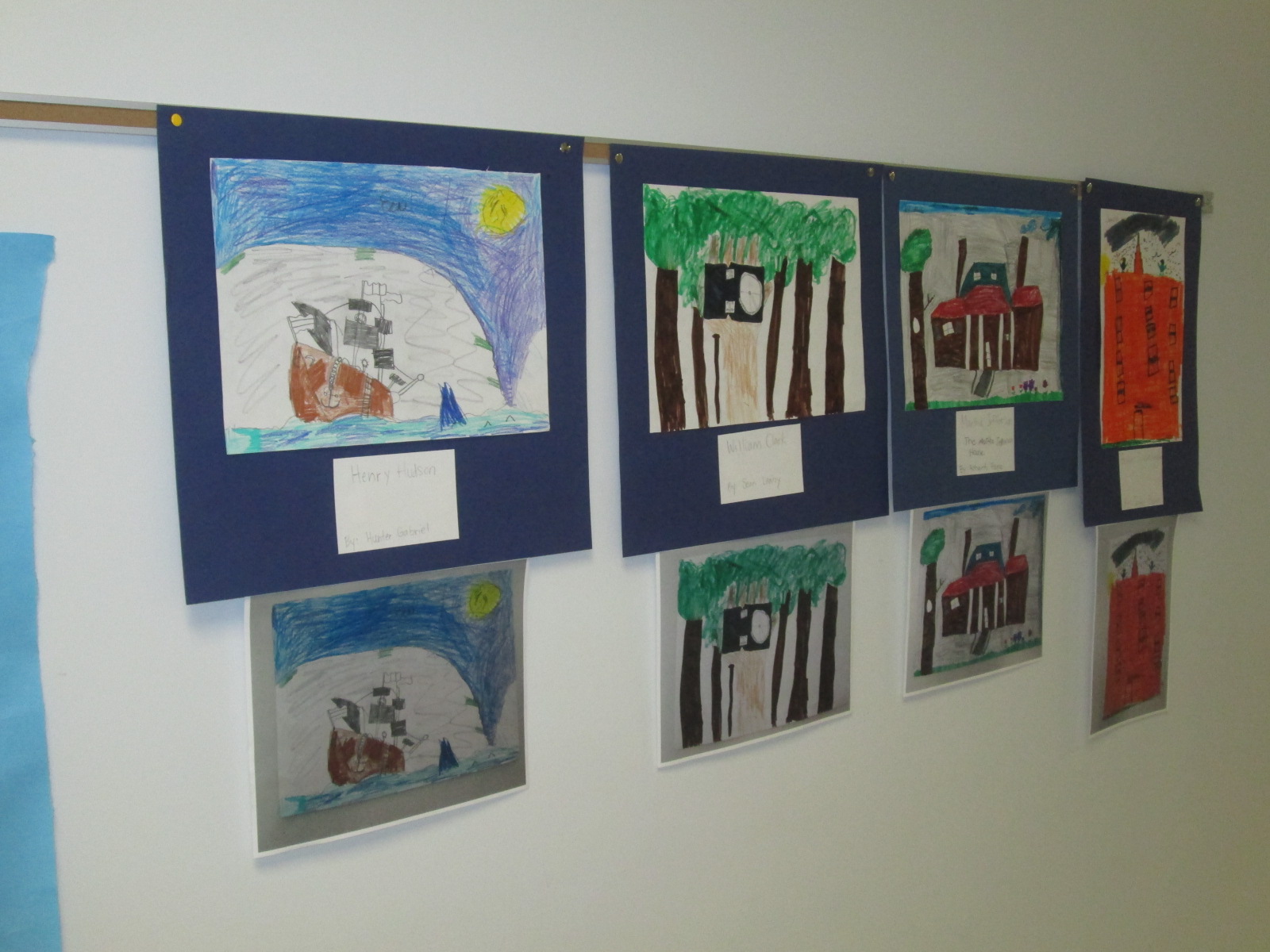
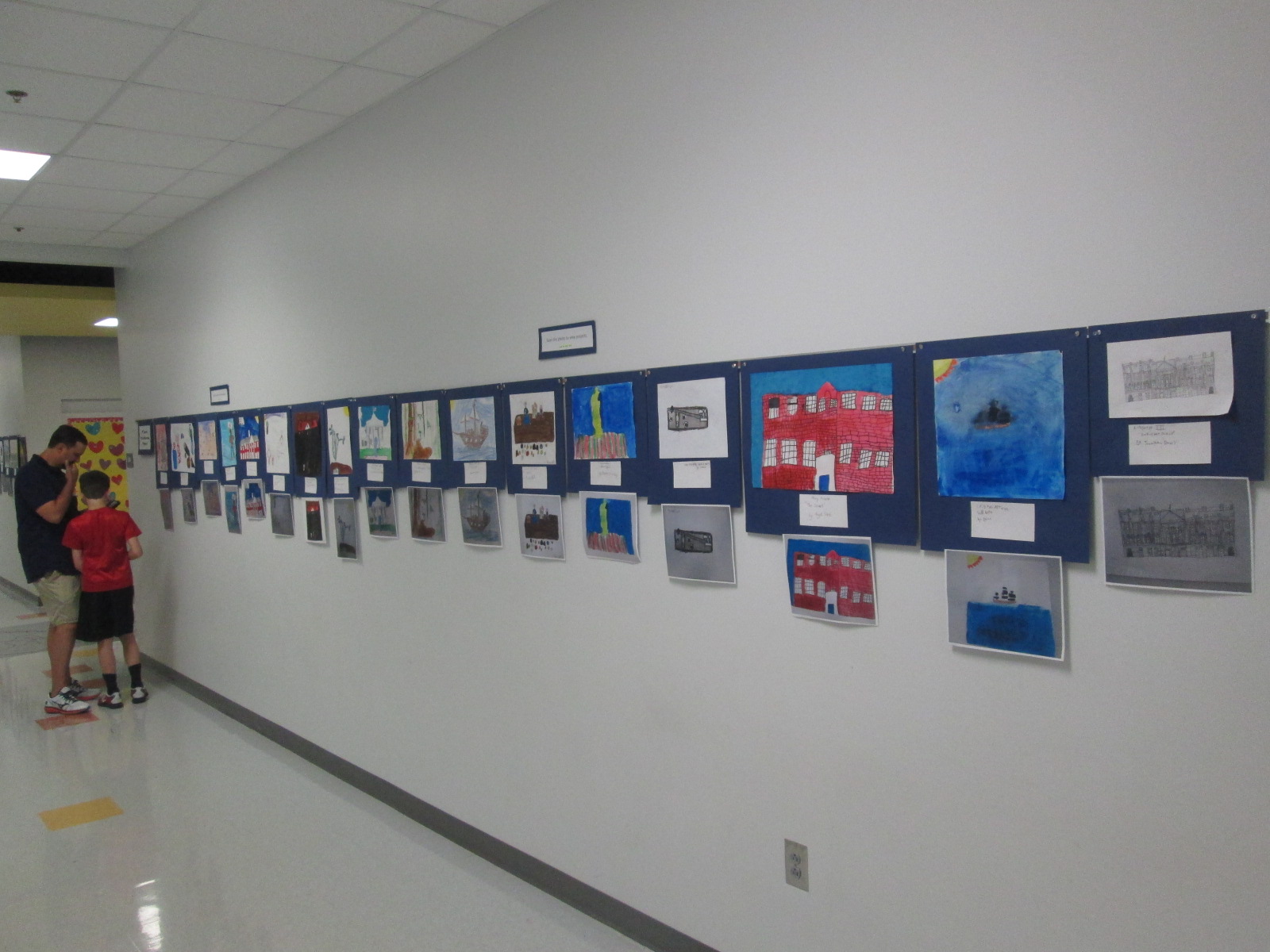
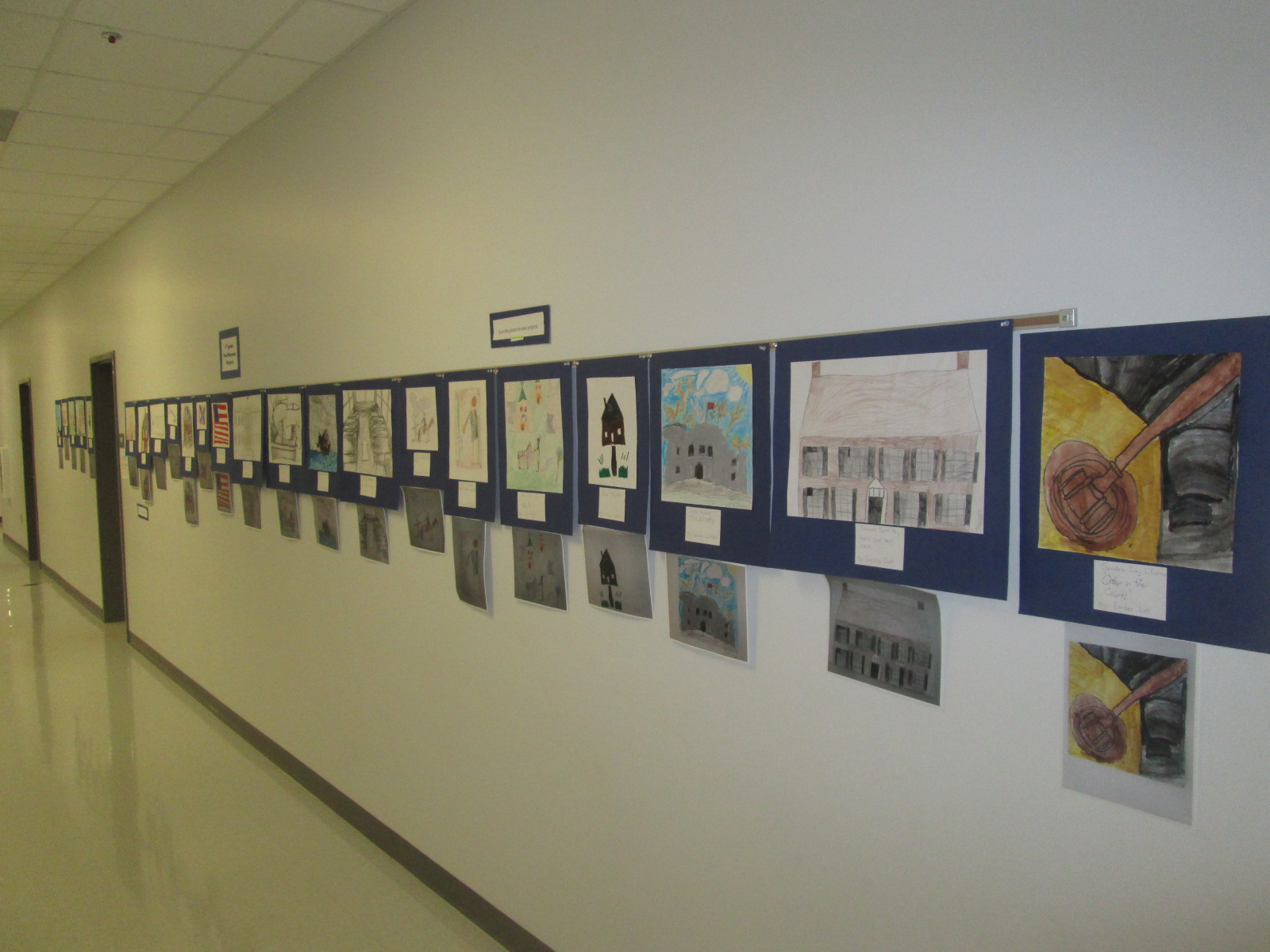
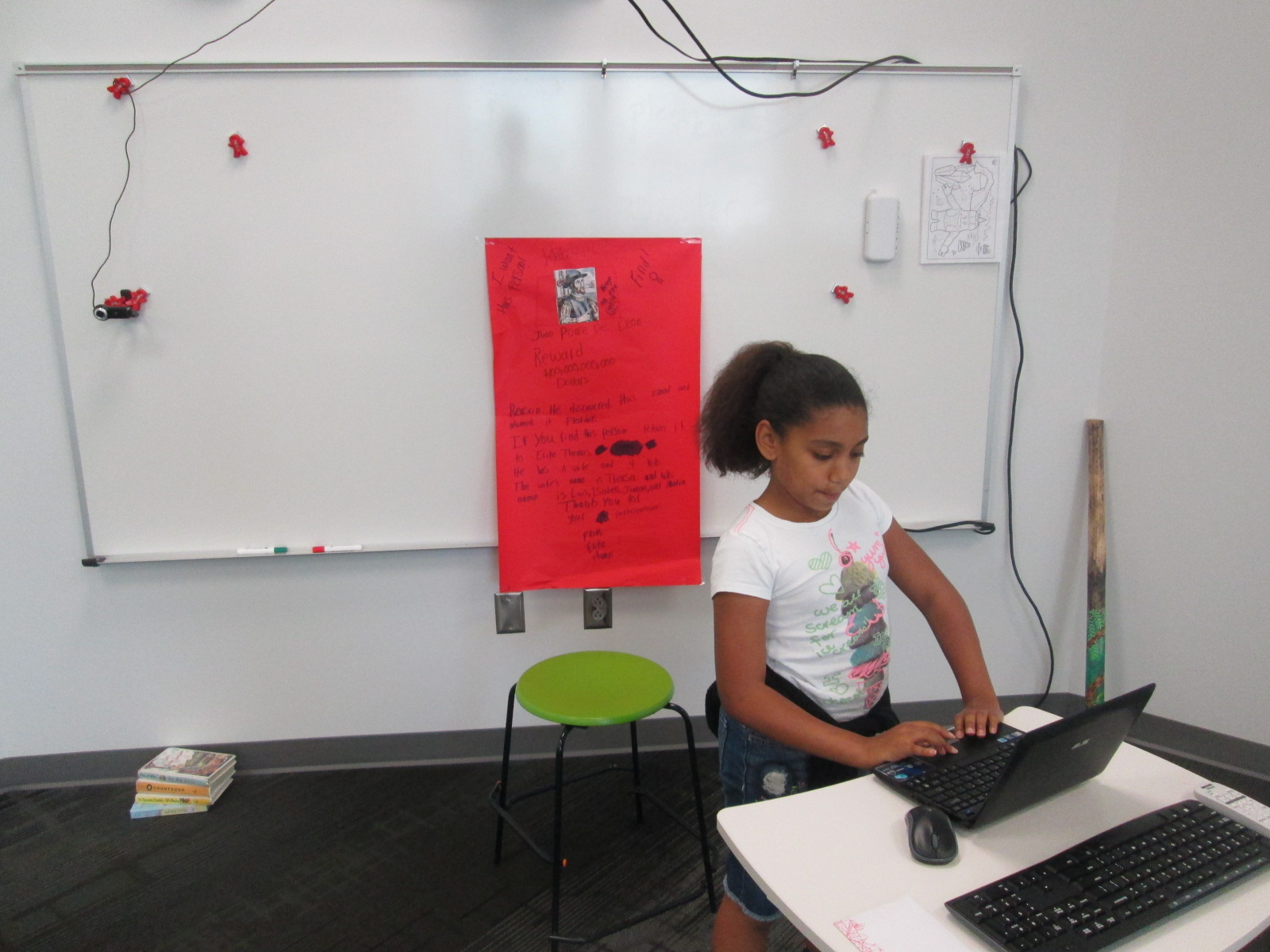
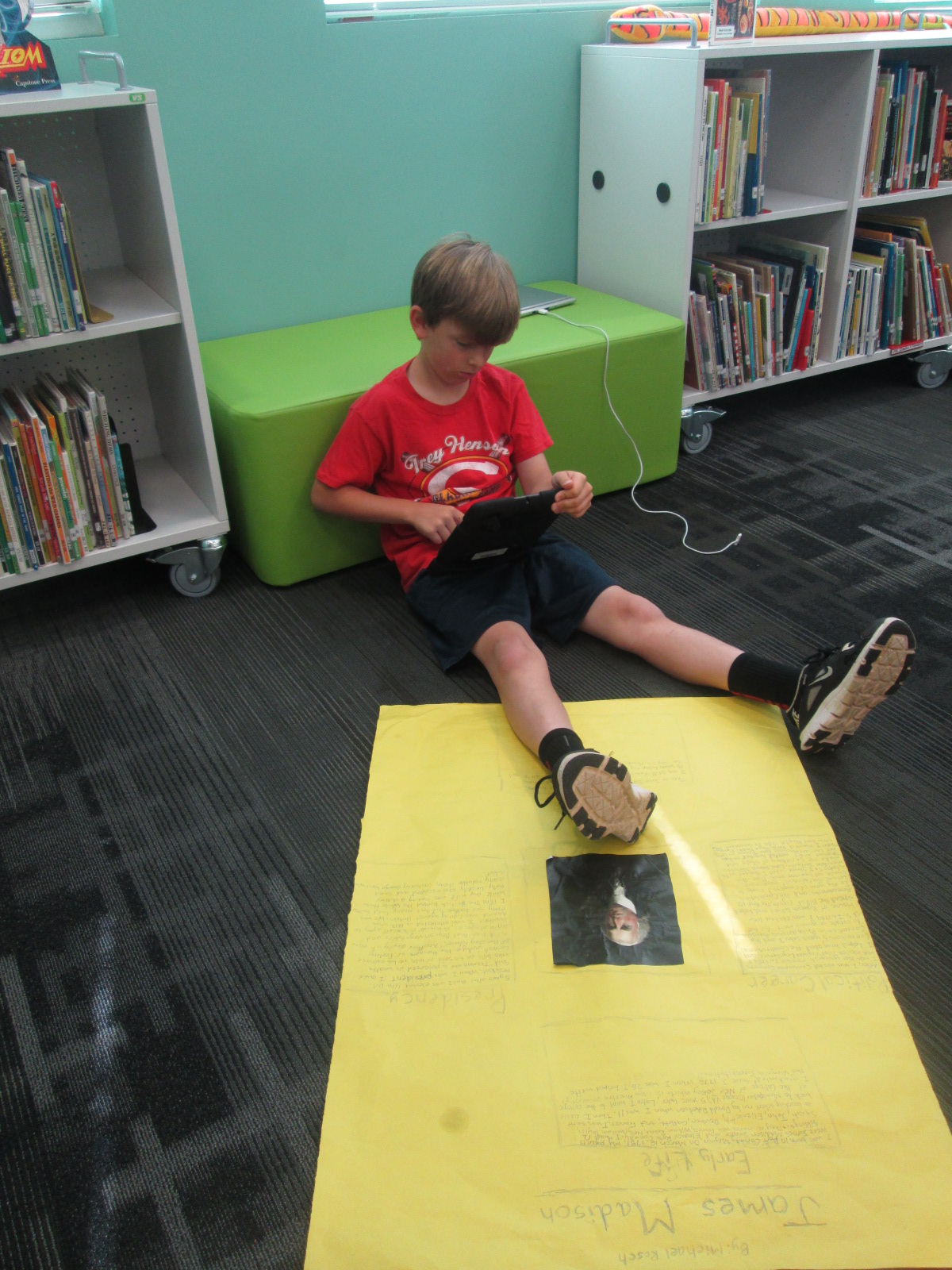
IMG_3325Each year, our 4th grade creates a wax museum for their colonial period social studies standards.  Students research a person from that time, write and memorize a script, dress as that character, stand throughout the school, and give their speech multiple times to visitors.  This year the 4th grade team and I decided to try something different.  We wanted to create a digital wax museum and expand the standards beyond the colonial period to the entire 4th grade social studies standards. This new project would use the augmented reality app, Layar, to unlock all of the digital projects that students created about their person from history.  It would also be a collaborative project between 4th grade, art, and the media center.

IMG_3320 IMG_3321 IMG_3322

Updating this project was a big undertaking, but we created a process that I think can grow and expand next year.

IMG_3323 IMG_3324

First, students came to the library and learned about the project.  I showed them various digital resources that they might use for their research including Pebble Go and our state Galileo database which includes Encyclopedia Britannica.  I showed them how they could search for websites within Destiny when they are logged in.

Wax Museum Research   Google Docs

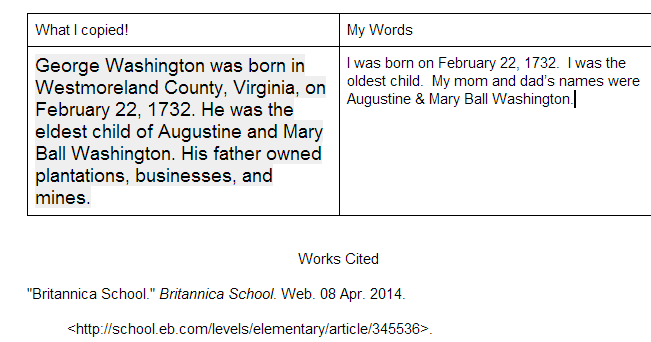
Next, I showed them how they could create a double column table in a Google doc.  One side would be a space to copy and paste information from digital resources and the other side would be for putting the information into their own words.  I showed them how to use the Easybib add-on within Google docs to document where their information was coming from.  They loved this feature and so did the teachers.

Barrow Elementary  Wax Museum   4th Grade

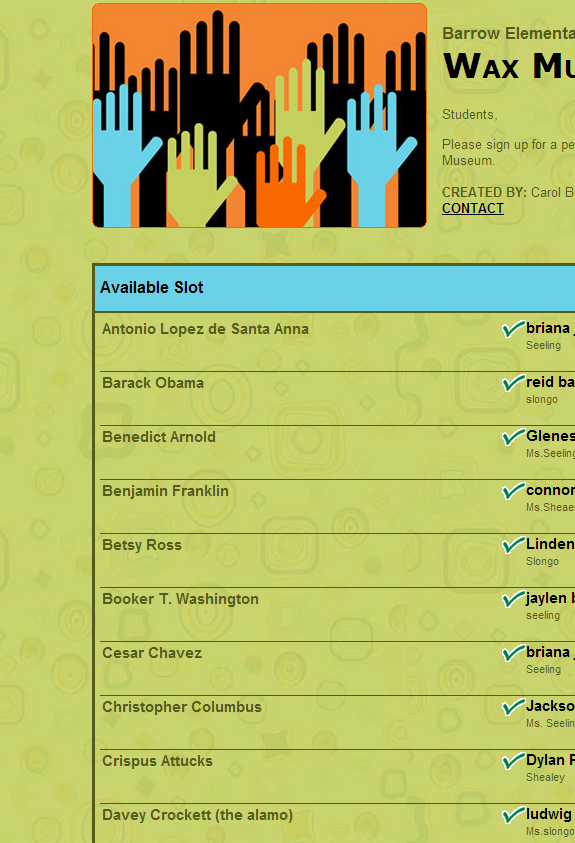
Finally, students used a Signup Genius to sign up for their topics.  This made topic selection fast and teachers were able to give a final approval to the person that students signed up for.

After that, students started their research.  Most used their gathered facts to write scripts for various projects.

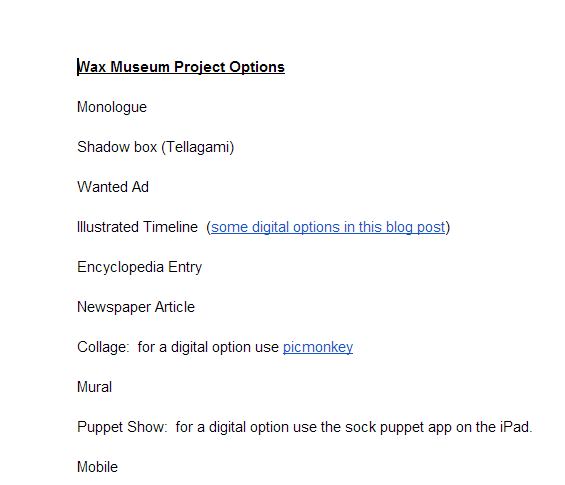
Wax Museum Project Options   Google Docs

Then, they all returned to the library to learn about their project options.  Students did not have to use technology to create their project, but they did have to use technology to document their project.  For example, if they made a physical poster, they had to use some type of technology tool to record some information about their poster using their script. Many digital tools were suggested to students, but students were welcome to find and try their own tools.  We suggested Chatterpix, Tellagami, and iMovie as main options. Students chose projects and continued working in class.

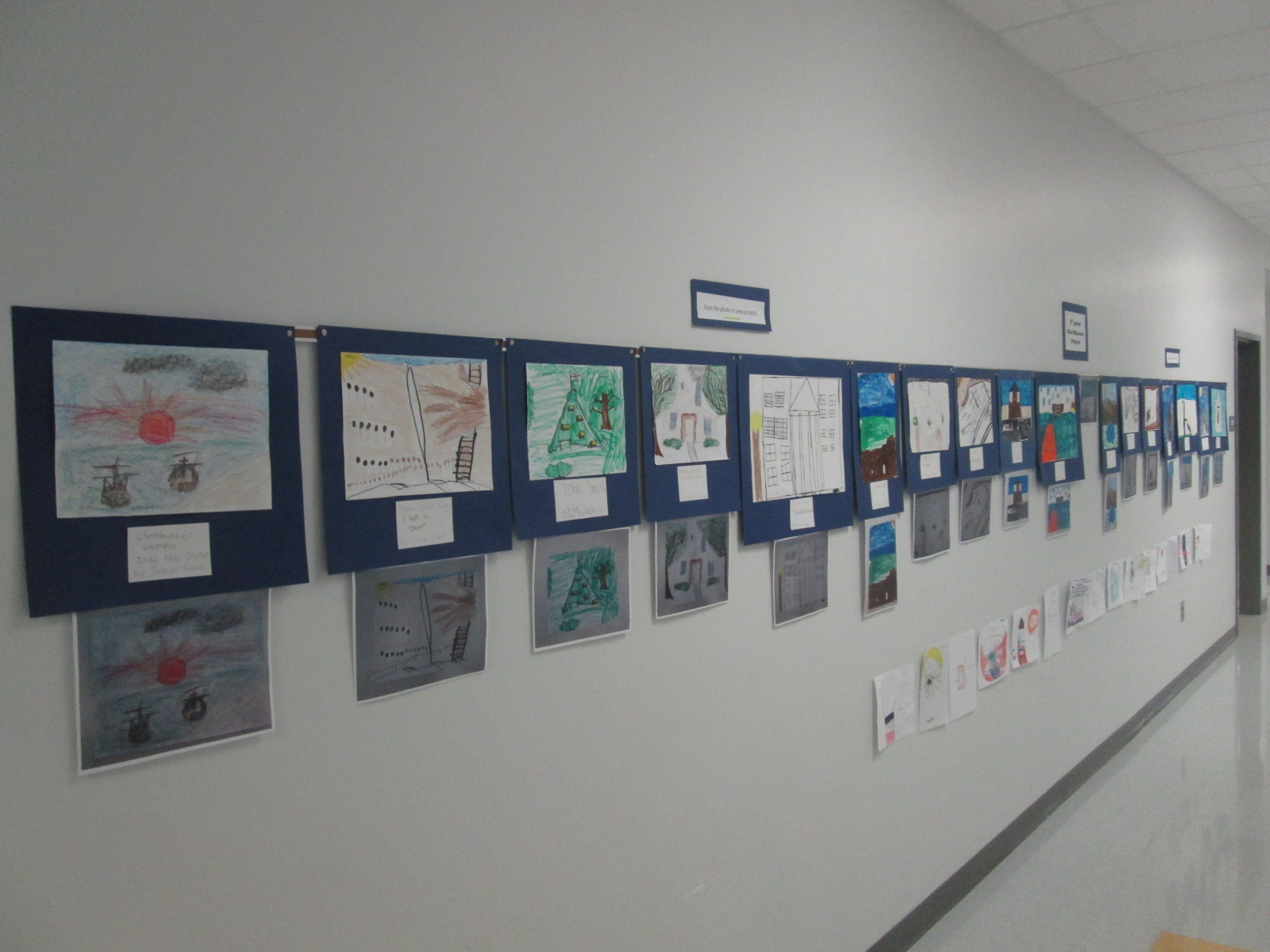
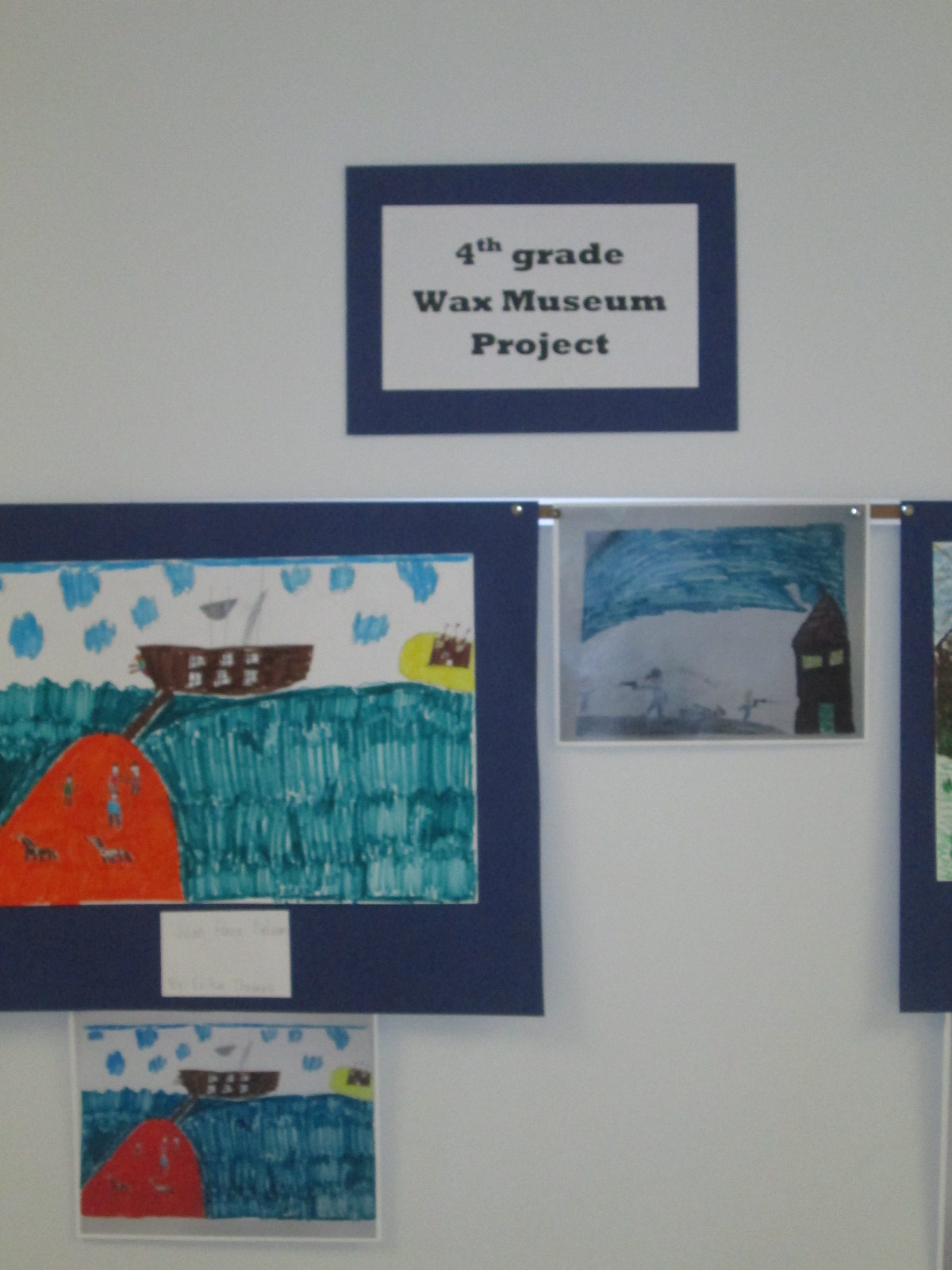
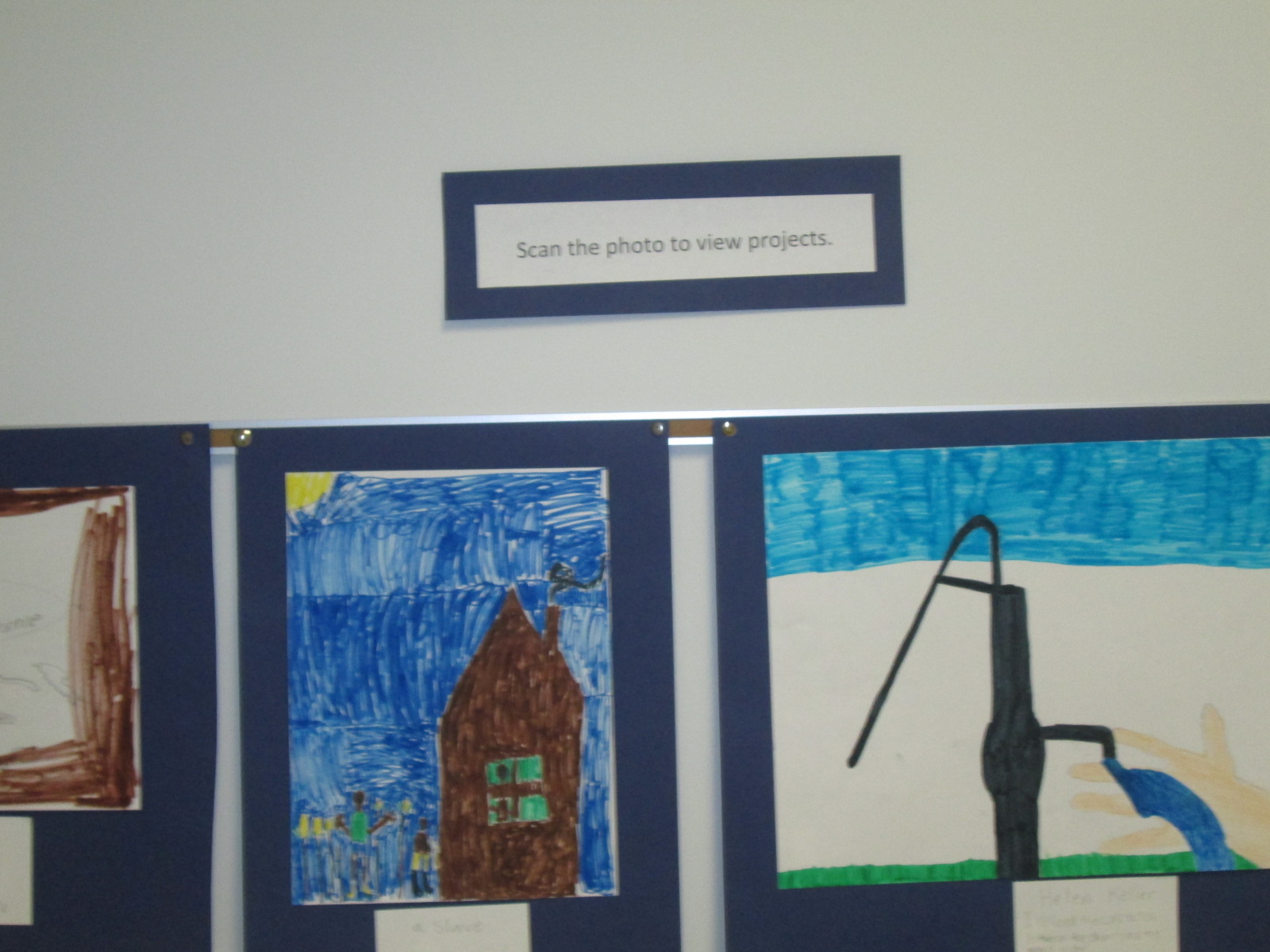
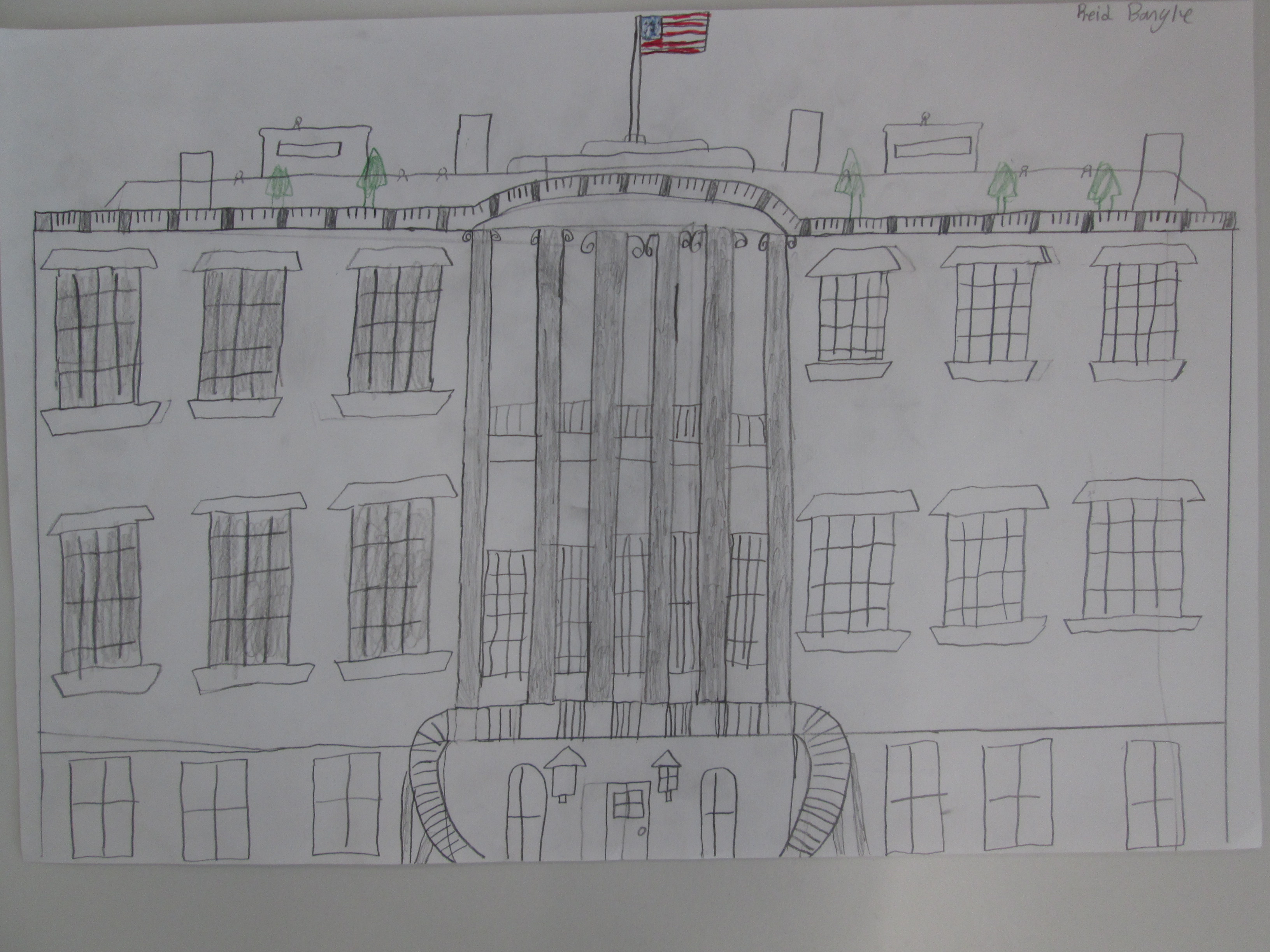
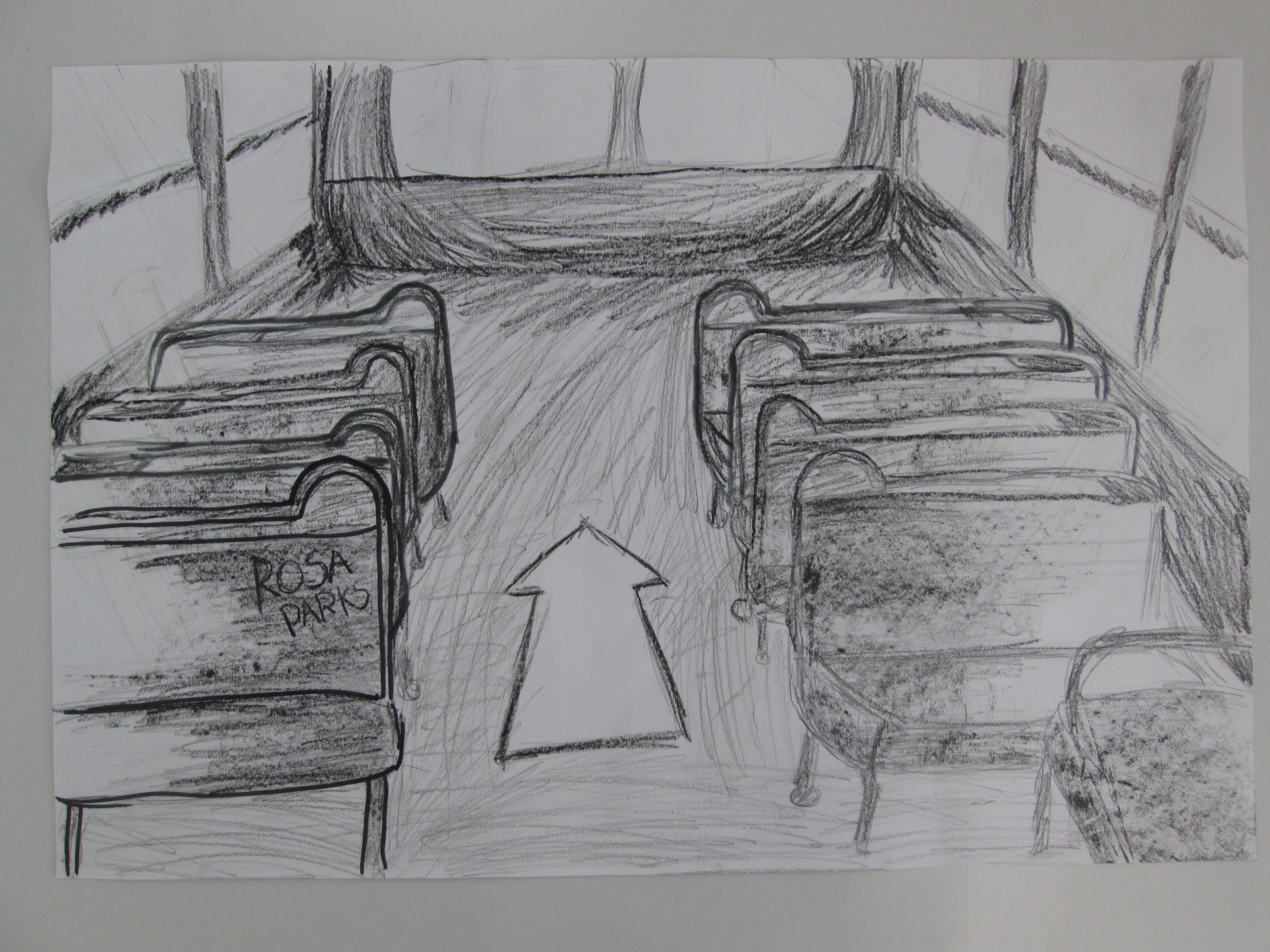
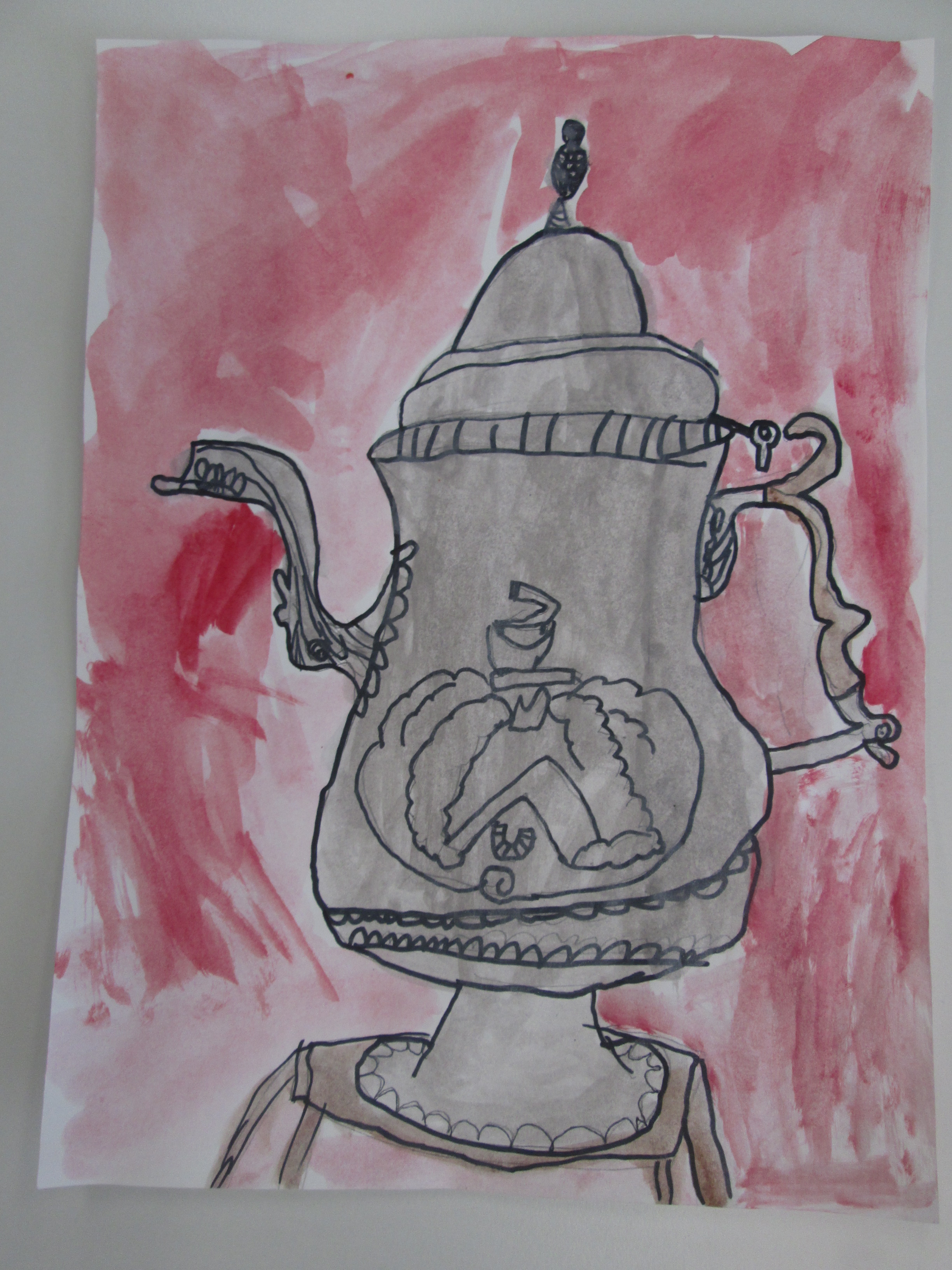
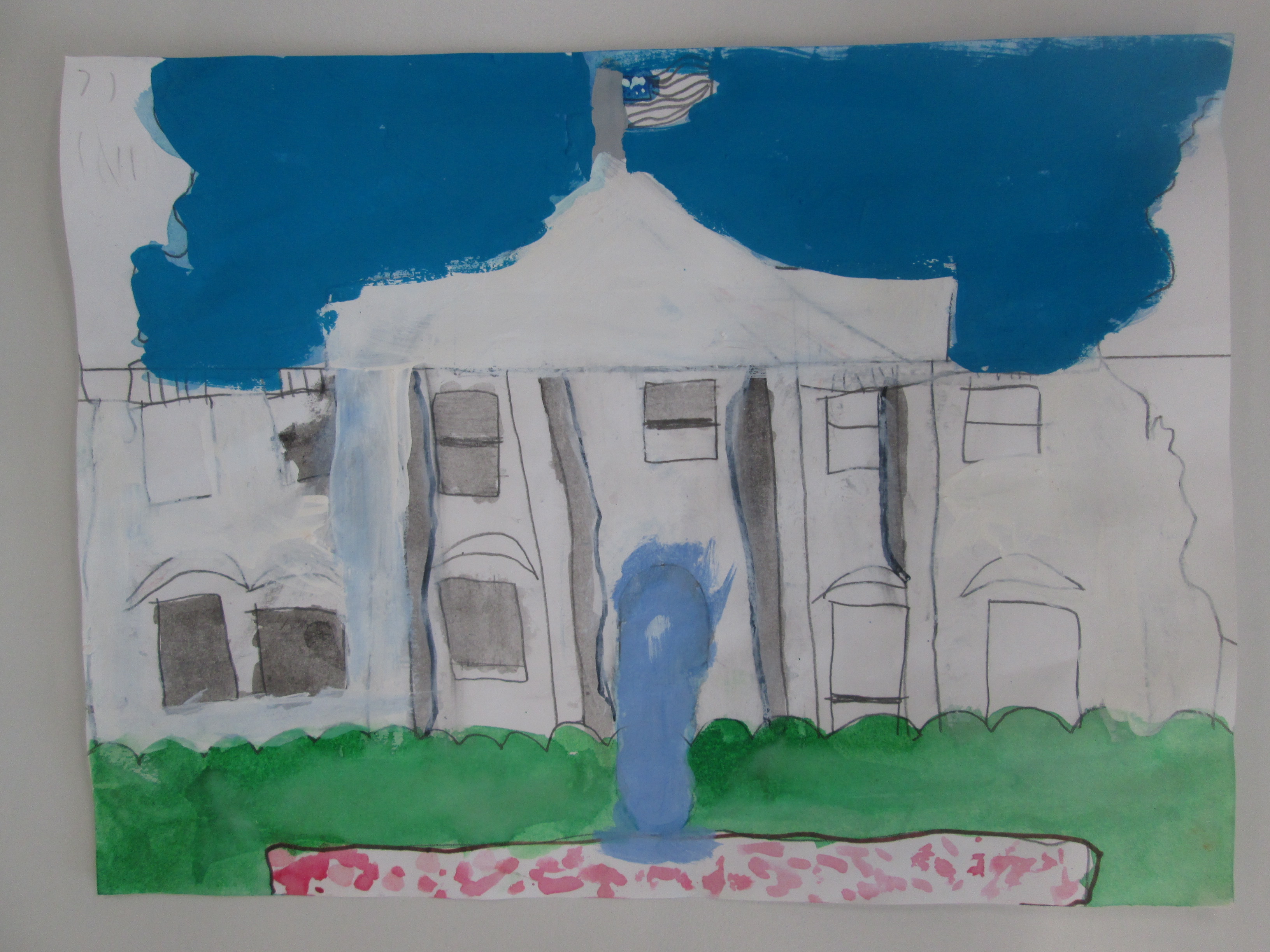
In art, students researched images of the historical events their person was involved in and created an image to serve as the trigger image for the Layar augmented reality app.  The images were created with water colors, pencils, crayons, markers, and various other tools.

IMG_3132 IMG_3133 IMG_3136 IMG_3137


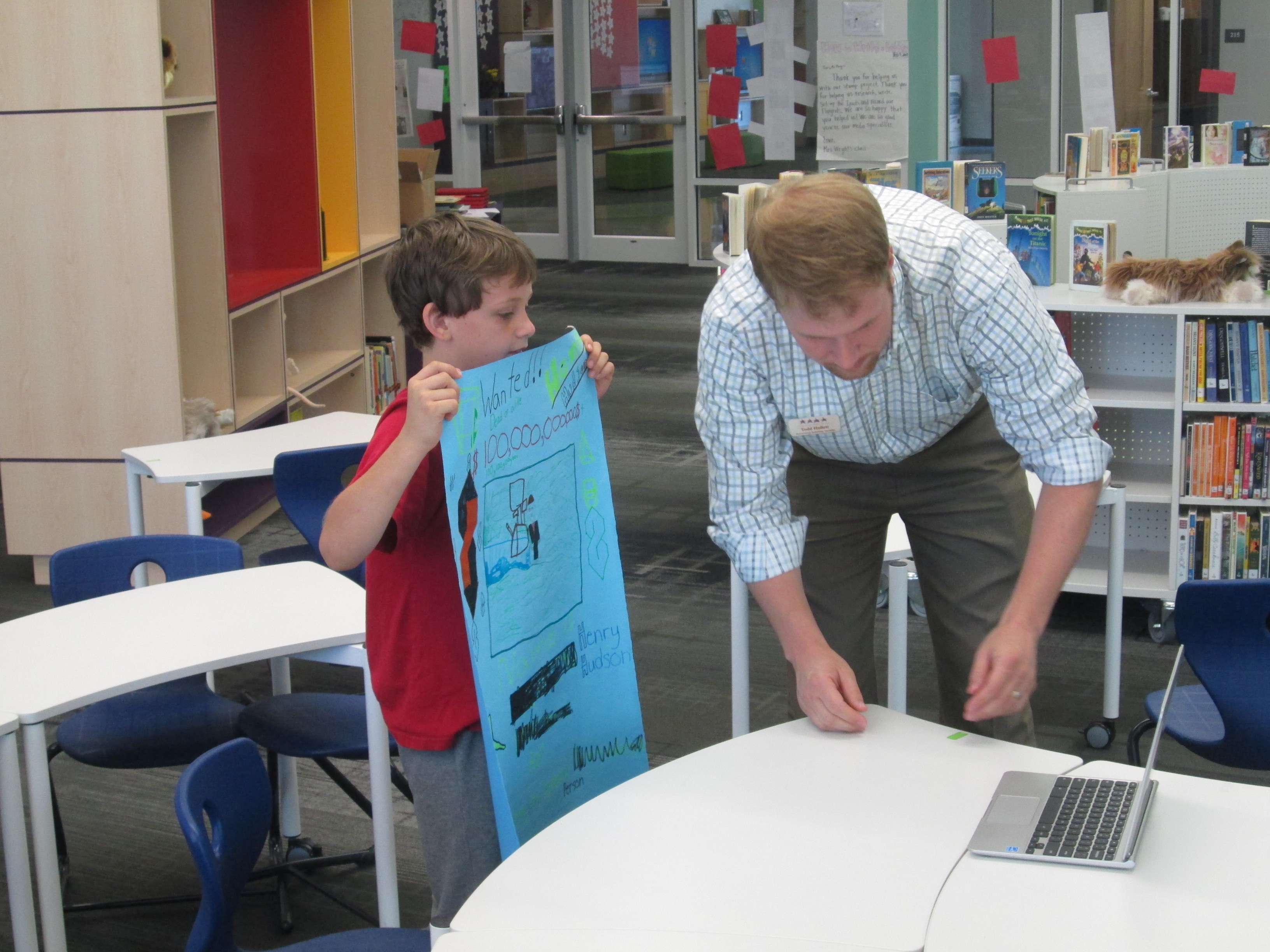
As images were finished, they came to me in the library so that they could be photographed and uploaded to Layar.  I also printed each photograph so that we had a uniform size picture to scan in the hallway.  This wasn’t necessary, but it was nice to have a smaller image to scan since some were large.

IMG_3312 IMG_3306 IMG_3304 IMG_3298 IMG_3296 IMG_3295

Students made multiple kinds of projects to attach to their image in Layar.  Some chose to make gamis in Tellagami.  Because this app lets you make 30-second clips, some students chose to make multiple videos to upload to Youtube while others used iMovie to compile their videos.

Some students used Chatterpix to make a picture of their character talk.  Once again, they either created multiple files or compiled them.

Some students chose to do the traditional wax museum project of dressing up as your person, but this time, they filmed themselves and uploaded to Youtube.


A few students created unique projects that no one else attempted.  One student used Powtoon to make a Common Craft-like video about indentured servants.

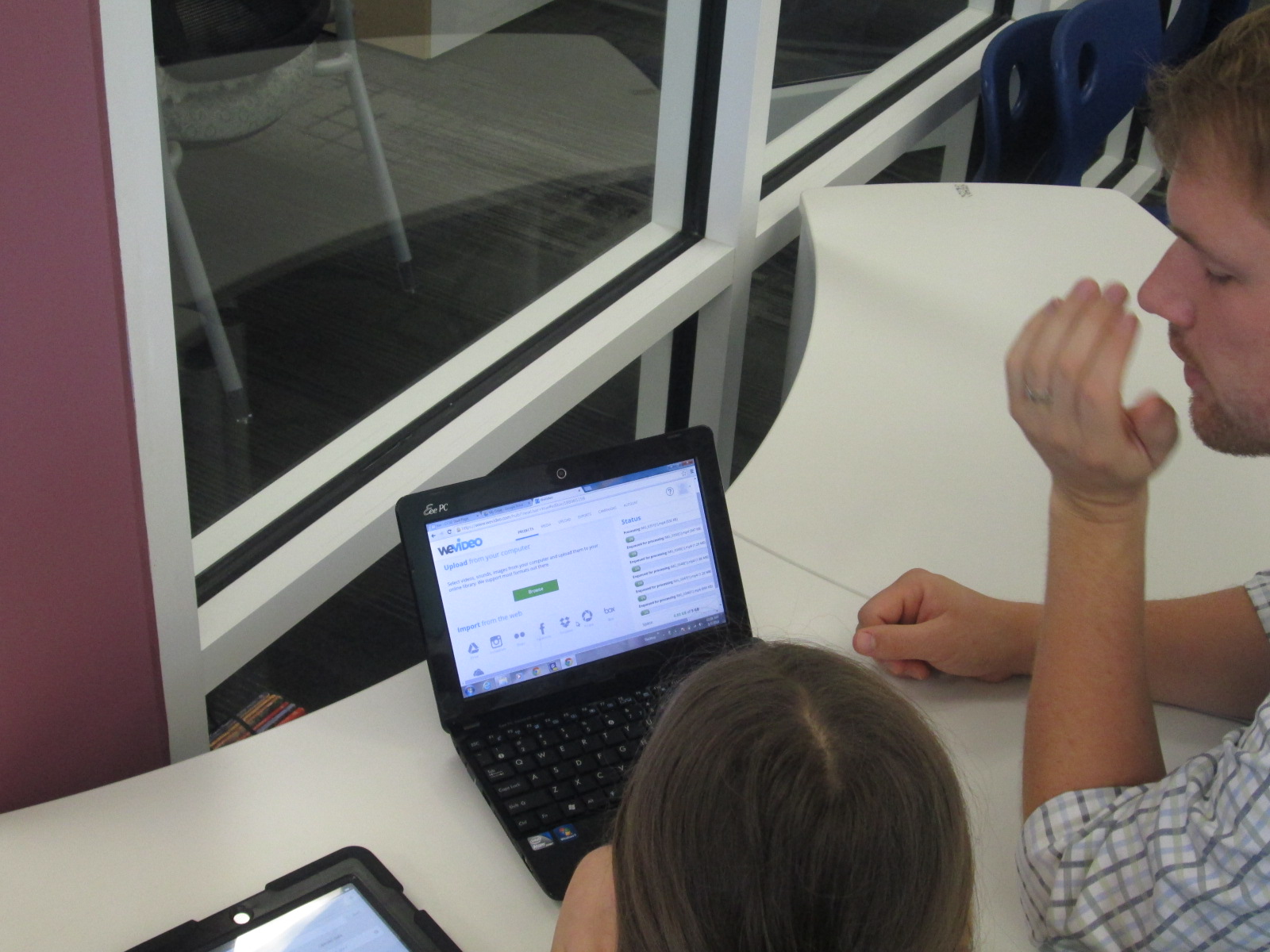
Another student wanted to do an interview, so she filmed clips of herself as a news reporter asking questions and made response videos using Chatterpix.  Then, she used WeVideo to put them together.  Because the free version of WeVideo doesn’t upload to Youtbe, we had to do a screencast of her project in order to view on the iPad.

Another student used Songify to record a rap song about Martin Luther King.  We converted his file in Any Video Converter and put it into iMovie so that it could be uploaded to Youtube.


Once students had a video or link to their project, they emailed it to me to upload to Layar.  They could have done the uploading to Layar themselves but we wanted to test most of the Layar pages before we put them in the hall.  Many people helped students with the creation and uploading of their projects.  Many thanks to the 4th grade teachers, our grad assistant Carol Buller-McGee, our instructional tech specialist Todd Hollett, gifted teacher Heather Carlson, special ed teacher Haley Beaver, an EIP teacher Lee Rogers for assisting me with getting students videos uploaded and emailed.

IMG_3307

Students worked with me to connect their links in Layar, put them in right spots on the image, and test them out.  I went ahead and published our “campaign” in the Layer creator.  You have to “publish” before the images will work when they are scanned.  You can still add pages and links even after you have published.

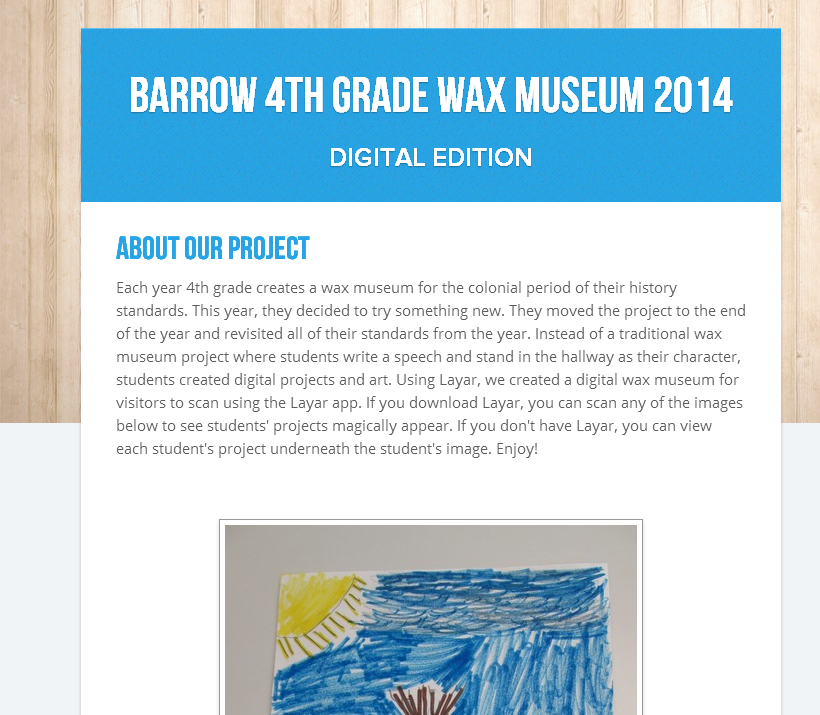
Barrow 4th Grade Wax Museum 2014   Smore

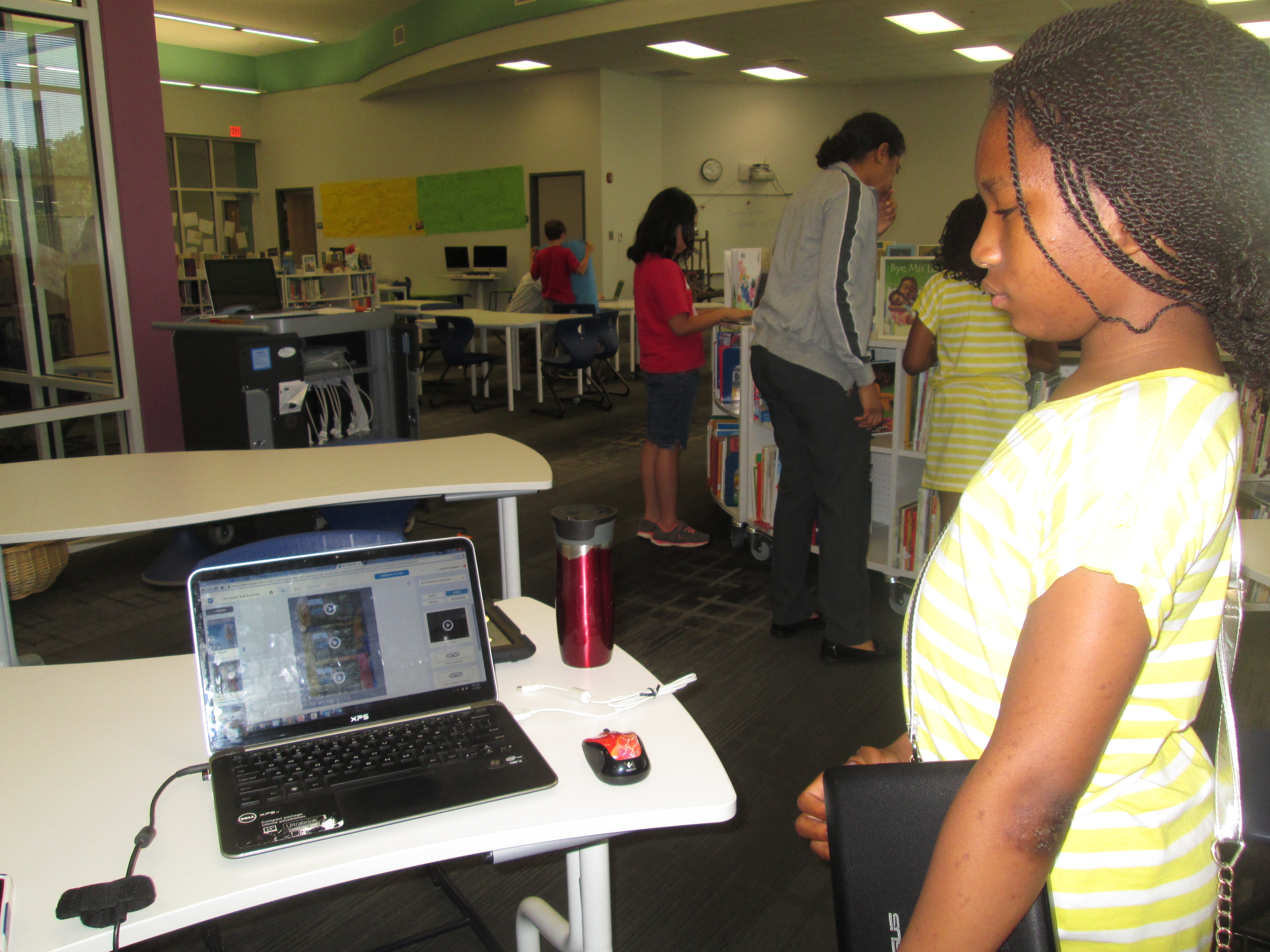
We also uploaded all of the content to a Smore page so that families (and the world) could view the projects from home without Layar.

IMG_3327 IMG_3328 IMG_3335

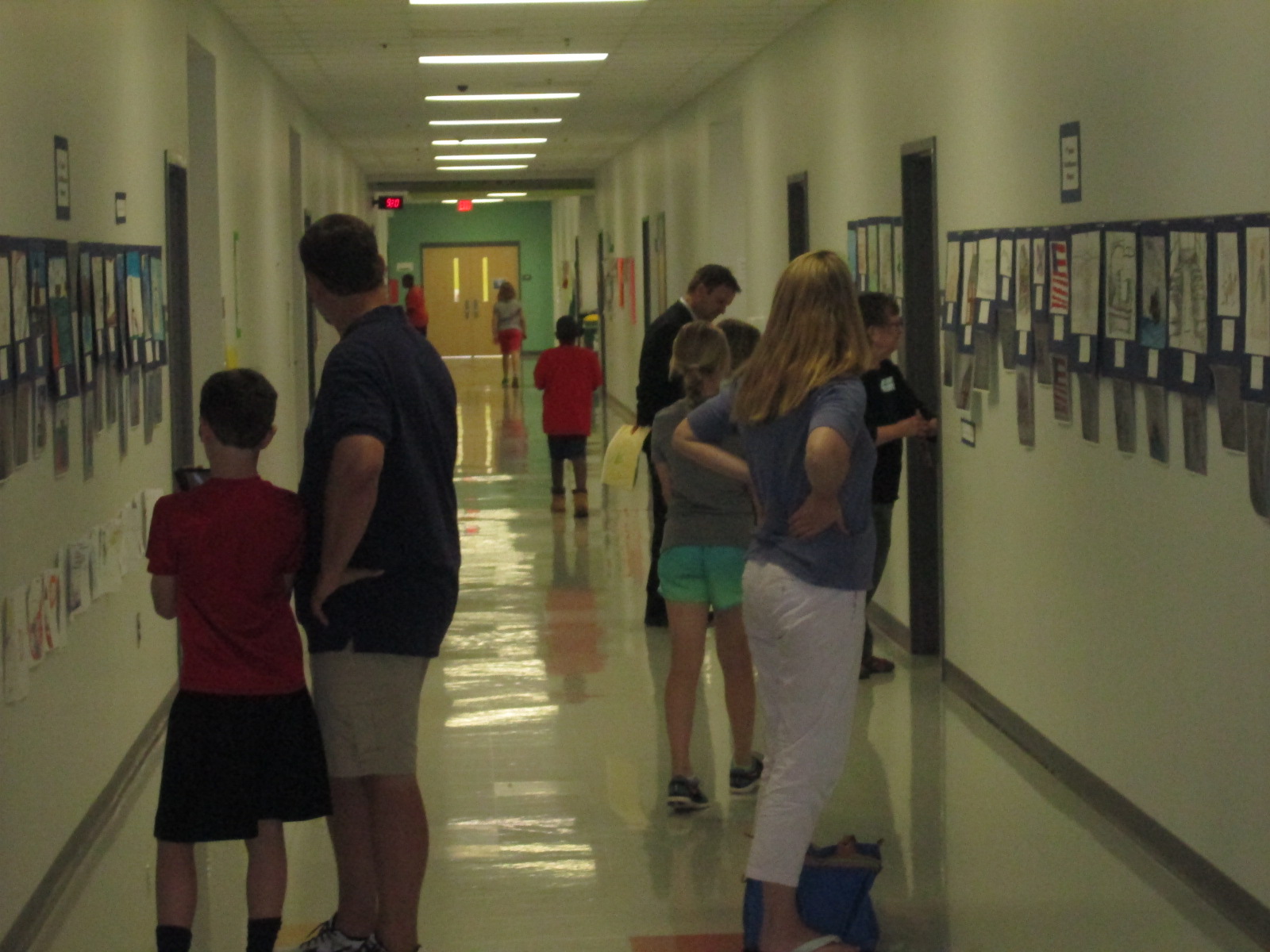
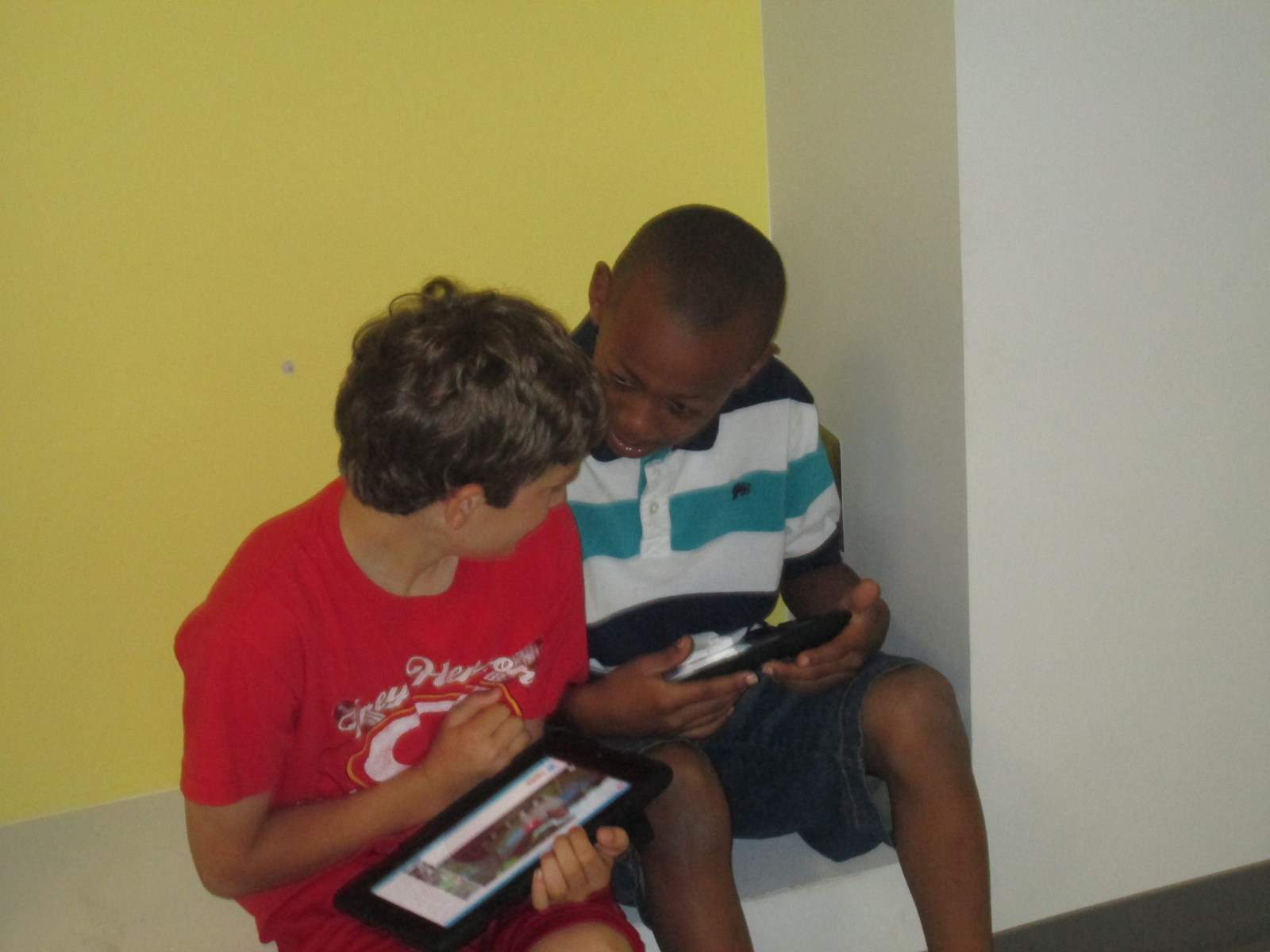
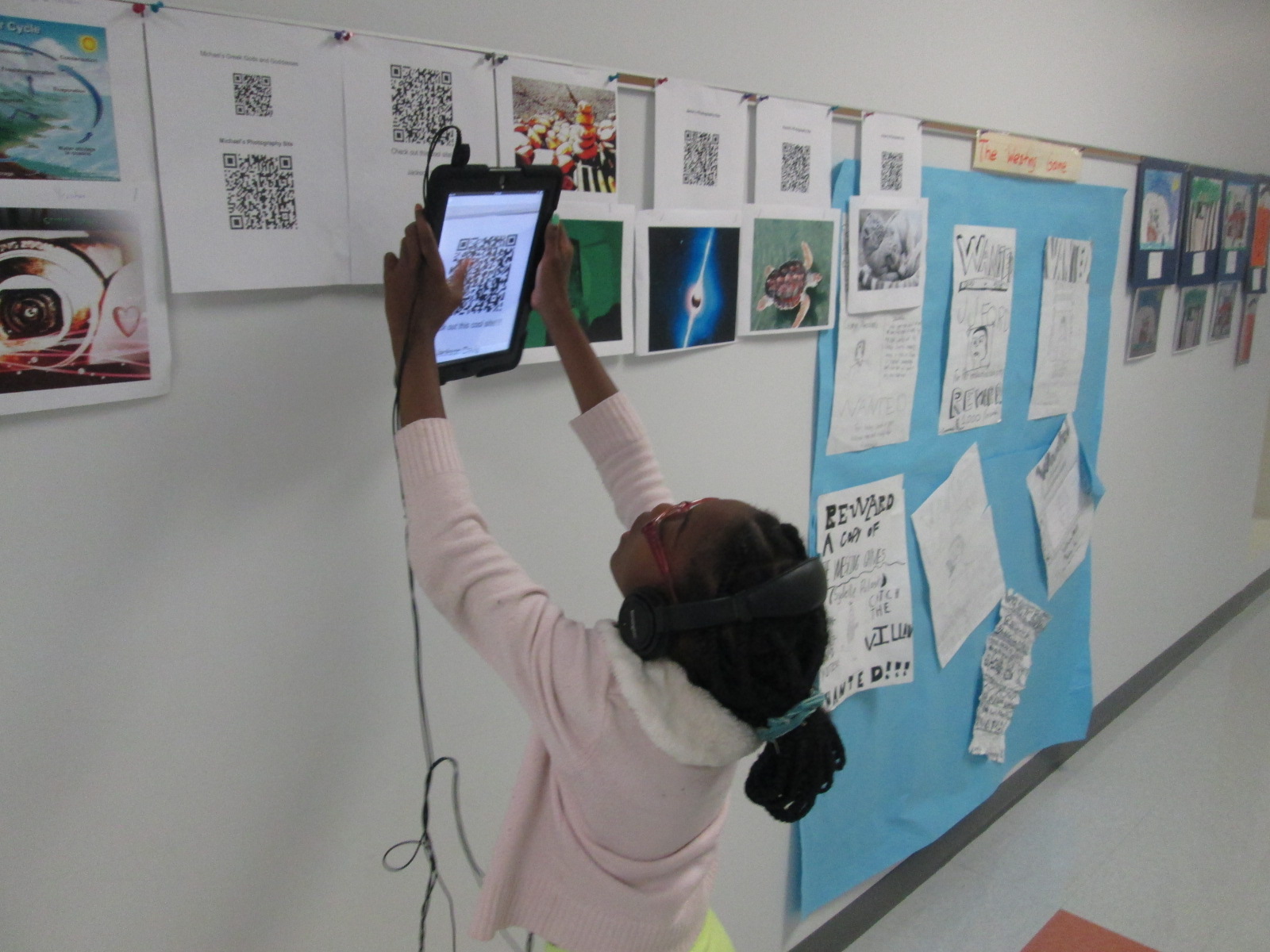
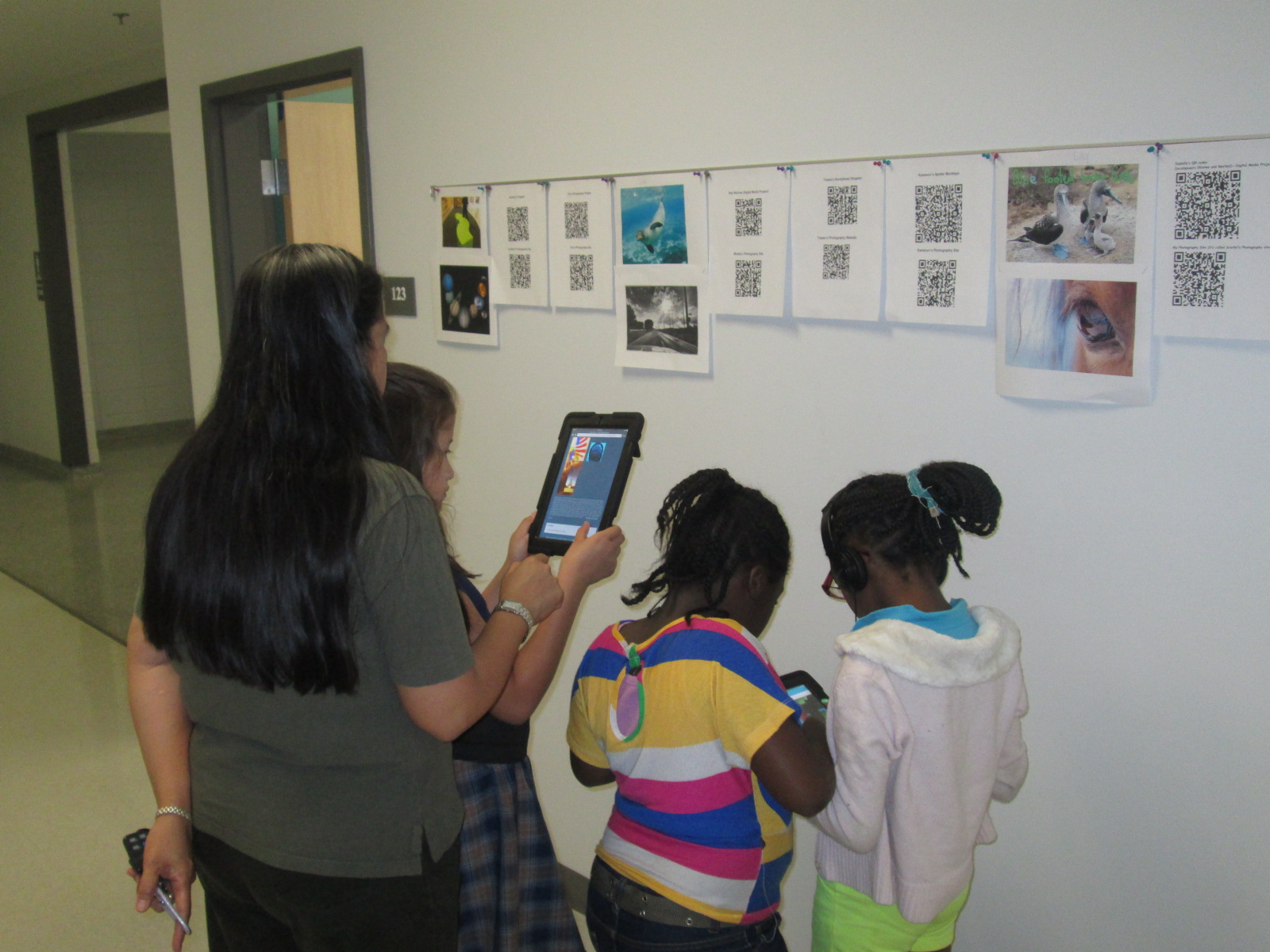
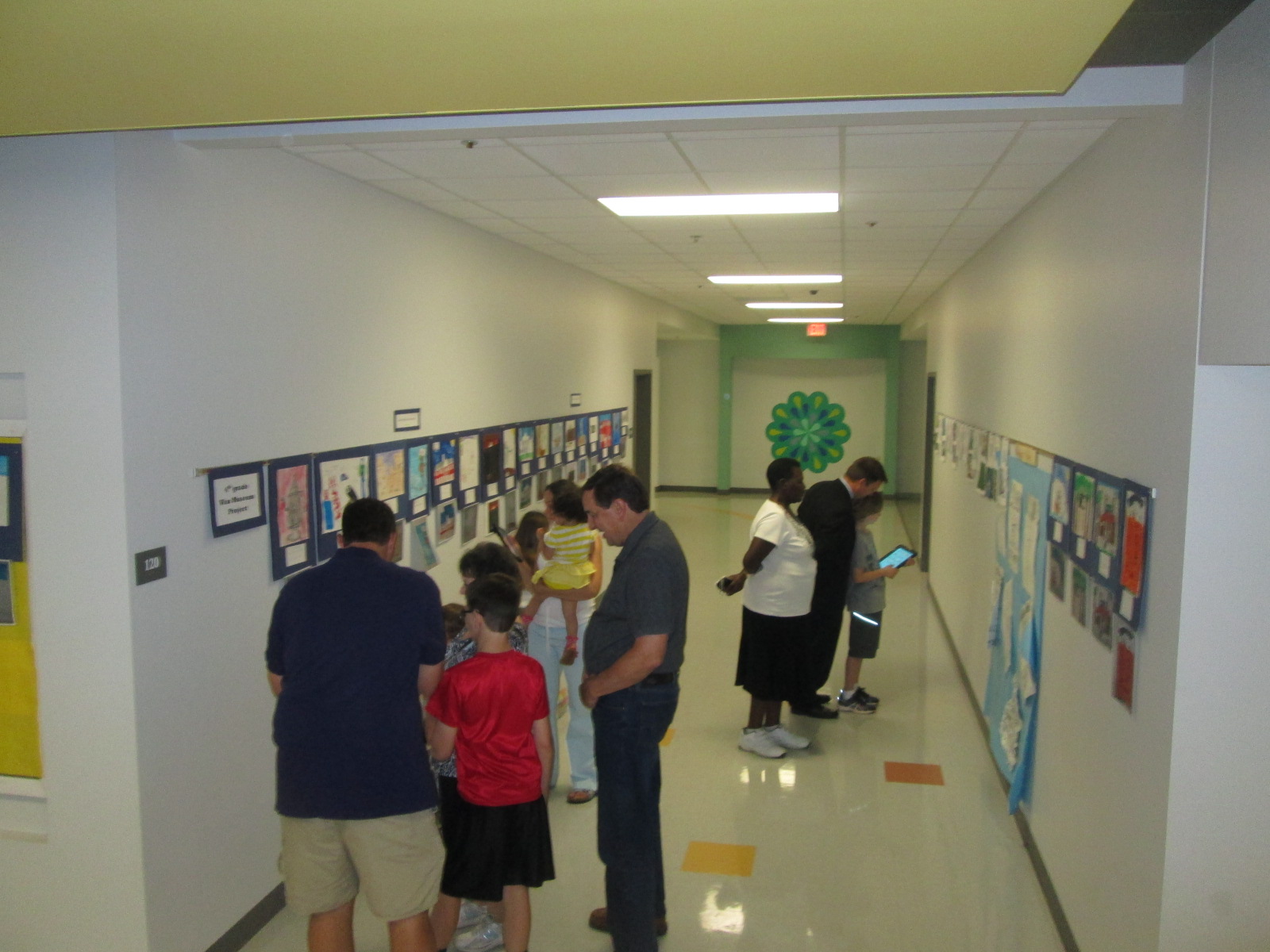
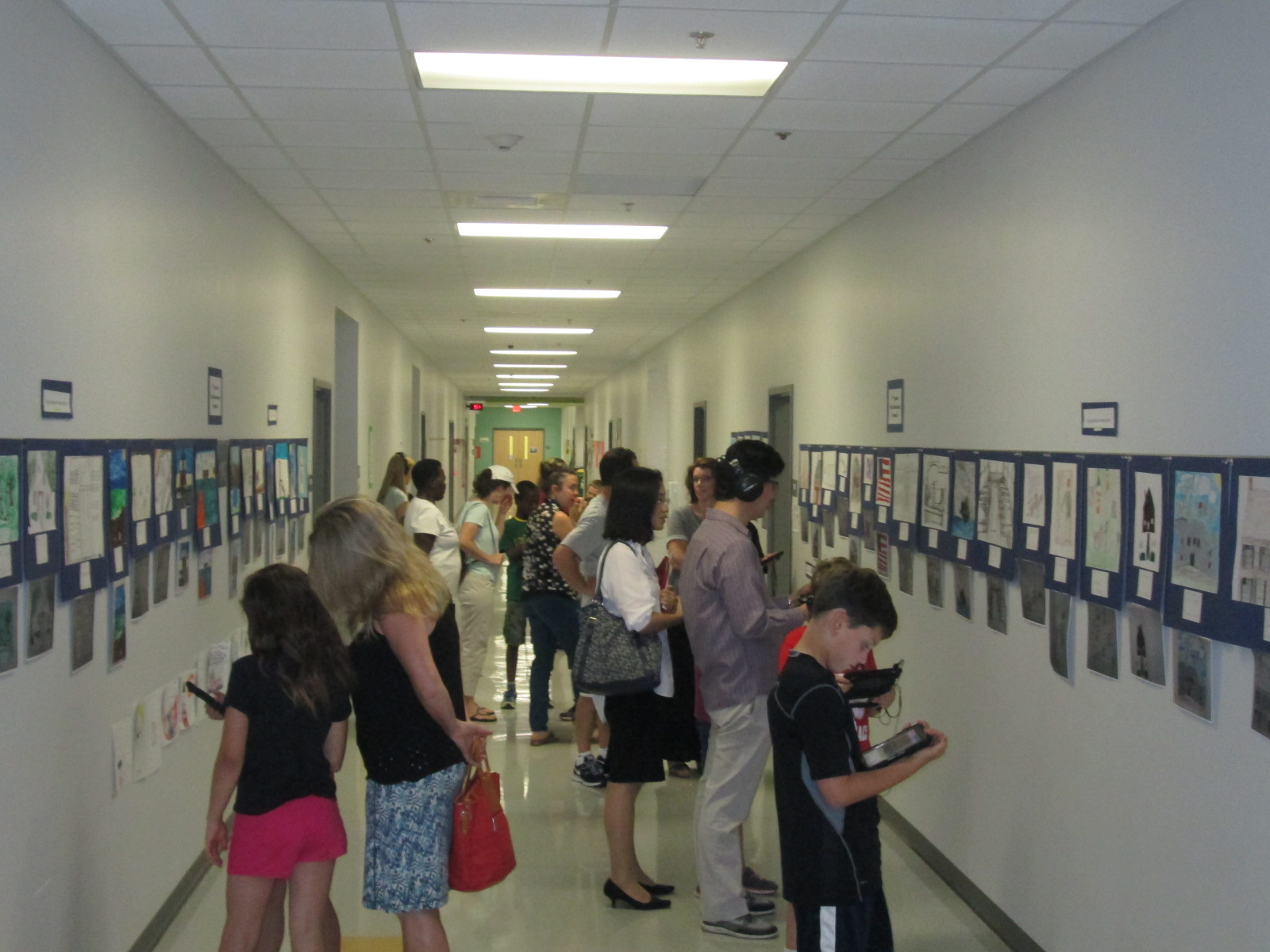
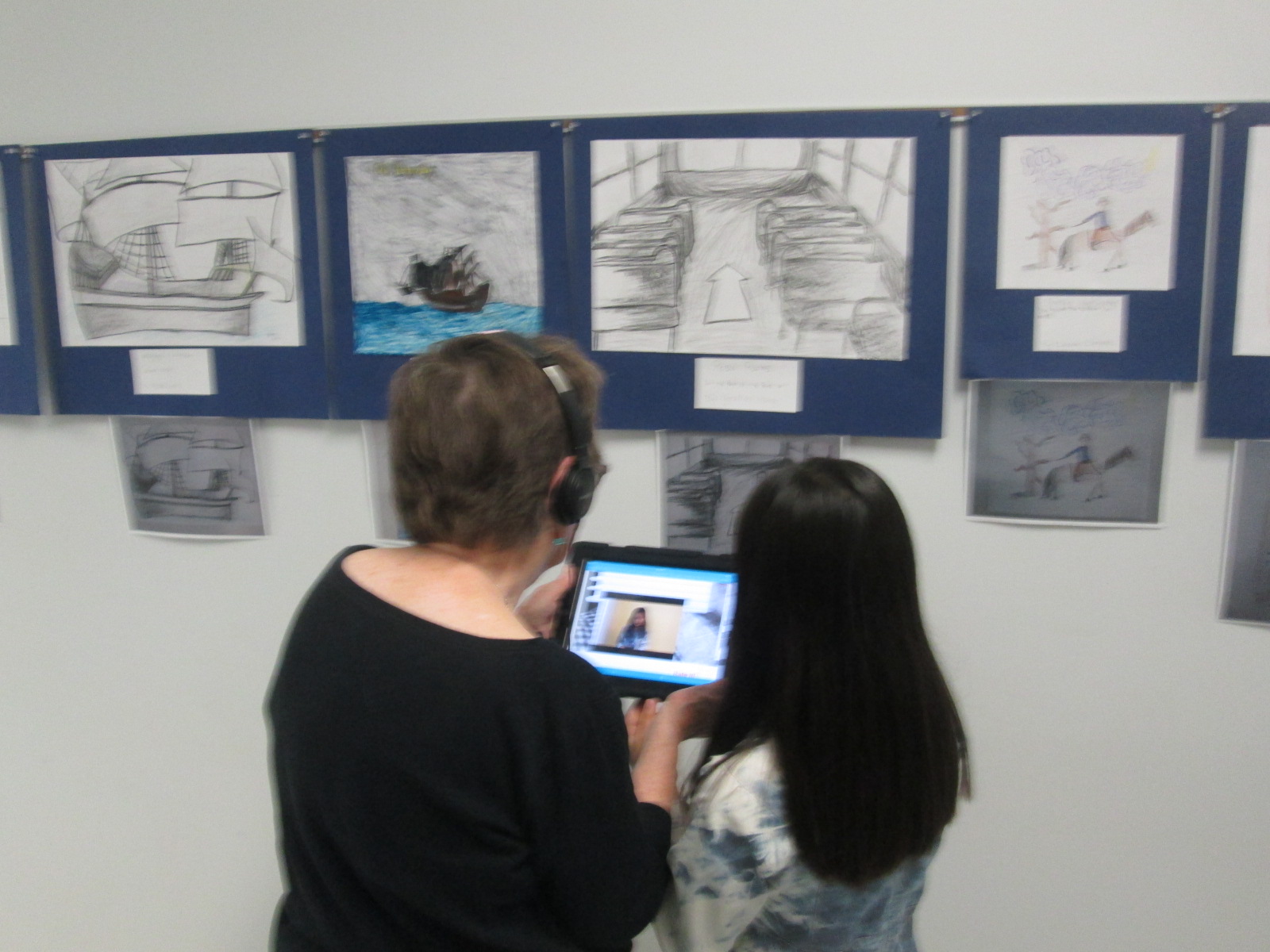
The 4th grade team and art teacher displayed all of the art in the hallway.  Today, families were invited to stop by and view the gallery.  I rolled the iPads to classrooms and took headphones too.  Students came out with their families and showed off their projects and the projects of their friends. They showed parents how to open the Layar app, point the iPad at the image, tap the screen to let Layar scan the image, and watch the content magically pop up on the iPad screen. Several parents had already downloaded Layar on their phones too.  There was excitement in the air as families experienced augmented reality for the first time.  I overheard some of them saying how they wanted to go home and try it themselves.  Others were amazed by the variety of projects that students made.  I overheard conversations about social studies content but also conversations on how to use all of the tool that were needed to make this project happen.  I loved seeing the students taking a leadership role in sharing with their families how to use the technology that they use at school.

IMG_3339 IMG_3336 IMG_3337 IMG_3330 IMG_3333

Next week, classrooms will be invited to tour the gallery.  I think we learned a lot from this project.  One of the things that I loved most was how differentiated it was.  Some students created multiple projects for their person while others focused really hard on one project.  Students were able to showcase their strengths and interests, and I felt that every single student was fully engaged in this project.  I hope that others found value in this project as well so that we can continue and expand upon this type of experience for projects next year.

You can see all of the projects without Layar by visiting our Smore.

Also, take a look at what our augmented reality wax museum looked like in action today.

More University of Georgia #GeniusCon Research Partners

Geniuscon Day 2 (1)Last week a group from Gretchen Thomas’s EDIT 2000 class at the University of Georgia partnered with Caitlin Ramseyer’s 2nd grade class to work on research for the students’ GeniusCon projects.  Students are answering the question:  If you could change one thing about your school, what would it be?

Students topics range from improving the lunch menu to healthier options to adding additional playground equipment to eliminating homework to starting school later in the day.  Even students who share the same topic are taking different approaches to what they would change and how they would do it.

Geniuscon Day 2 (10)

Today, a new group of Gretchen’s students came to work with the 2nd graders.  Last time, most 2nd graders went through their lists of questions and answered them with their own thinking.  Today’s focus was to move to researching online and in books as well as developing next steps.

Geniuscon Day 2 (11)

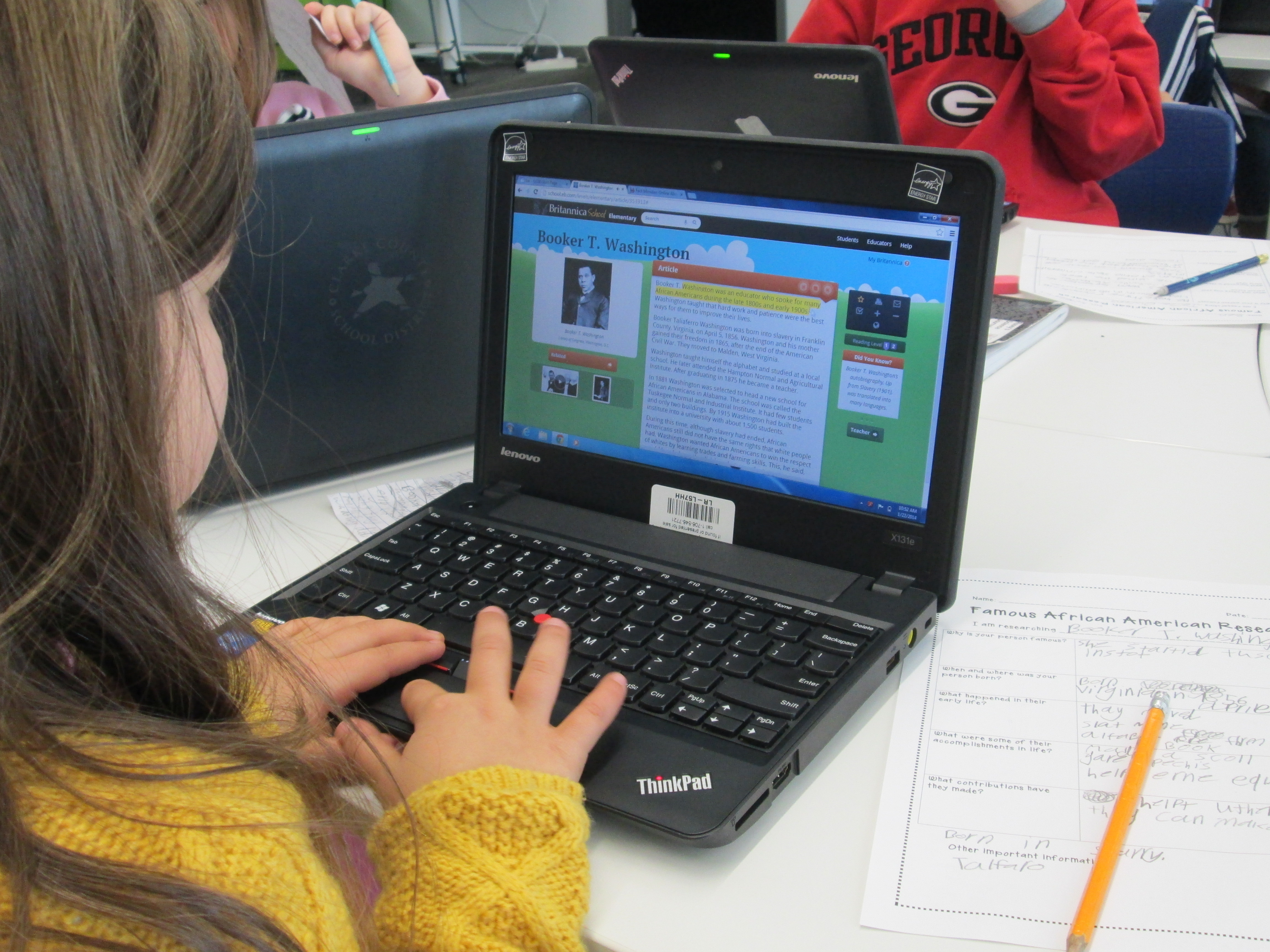
I loved walking around and seeing some of the online reading that students were doing with their partners.

I also loved seeing how the UGA students interacted with the 2nd graders and how they helped to keep our students focused and thinking.  Of course, the UGA students learned a lot too about how much our students know about using technology.

Geniuscon Day 2 (8) Geniuscon Day 2 (12)

Some of those next steps involved created Google form surveys that could be emailed out.  Some students crafted emails to send out to the lunchroom or the principal.  We asked students to wait before sending anything out.  The main reason in doing this was to spend a little more time thinking through the content of the email or the survey.  For example, one student had one question in her Google form asking students if they would like more access to the 3D printer.  She was ready to send it out, but after talking with me, she realized that if students wanted access to the 3D printer, we would have no idea what they wanted to do with it.  Our conversation pushed her to think more about her survey before sending it out.  Similar conversations were taking place all over the library.

Geniuscon Day 2 (9) Geniuscon Day 2 (5) Geniuscon Day 2 (4) Geniuscon Day 2 (3) Geniuscon Day 2 (2)

At the end, Caitlin pulled her class together to debrief what they had accomplished.

Catilin’s students will continue working on this project and our UGA partners will return again.


University of Georgia #Geniuscon Research Partners

geniuscon uga (2)Mrs. Ramseyer’s 2nd grade class has been participating in #Geniuscon since January.  Geniuscon is an opportunity for students to show their “genius” by exploring a real-world topic that matters to them.  Students go through an inquiry research process that centers around their interests and questions.  This year, the overall question for Geniuscon is “If you could change one thing about your school, what would it be?”

First, students kicked off the project with some brainstorming.

Then, they chose topics and spent time developing questions around those topics.

Next, they continued to develop their questions, fine tune their topics, and make a plan of where to find information or who to ask questions.

While this step was going on, Mrs. Ramseyer and I started having a conversation with Gretchen Thomas, teacher at the University of Georgia.  Gretchen first reached out to me on Twitter for another project at our school, and our conversations led us to Geniuscon.  Her undergraduate students do 20% projects, which is very similar to what our students are doing.  We thought that it would be wonderful for her UGA students to partner with our 2nd graders.  Her UGA students would learn about working with kids as well as how we were journeying through this type of research project, and our students would benefit from having an older learner facilitating the research process.  Gretchen’s class is not all education majors, which actually brings even more interesting perspectives and connections to our project.  Some of her students are football and basketball players at UGA, so the students really liked that too.

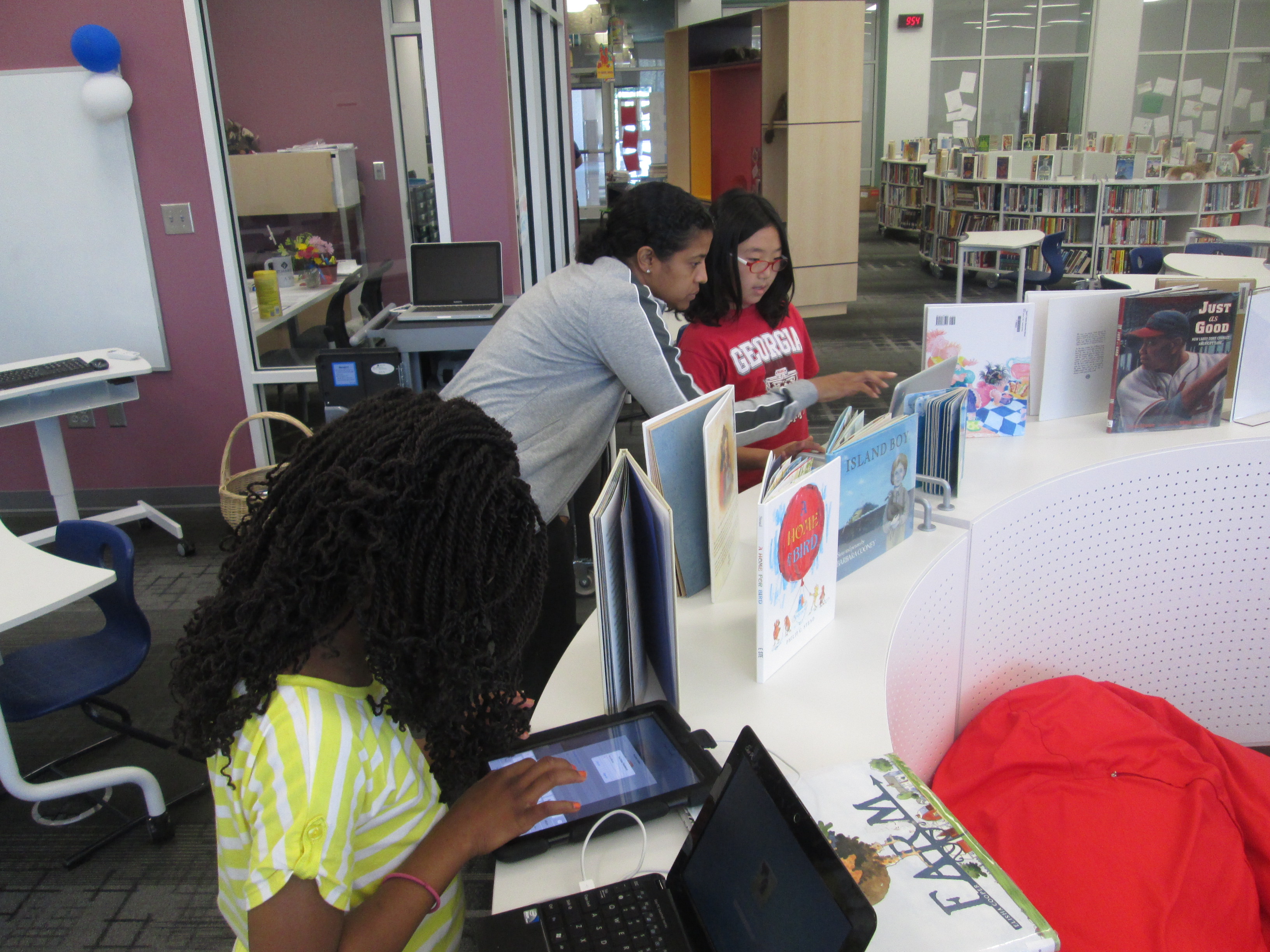
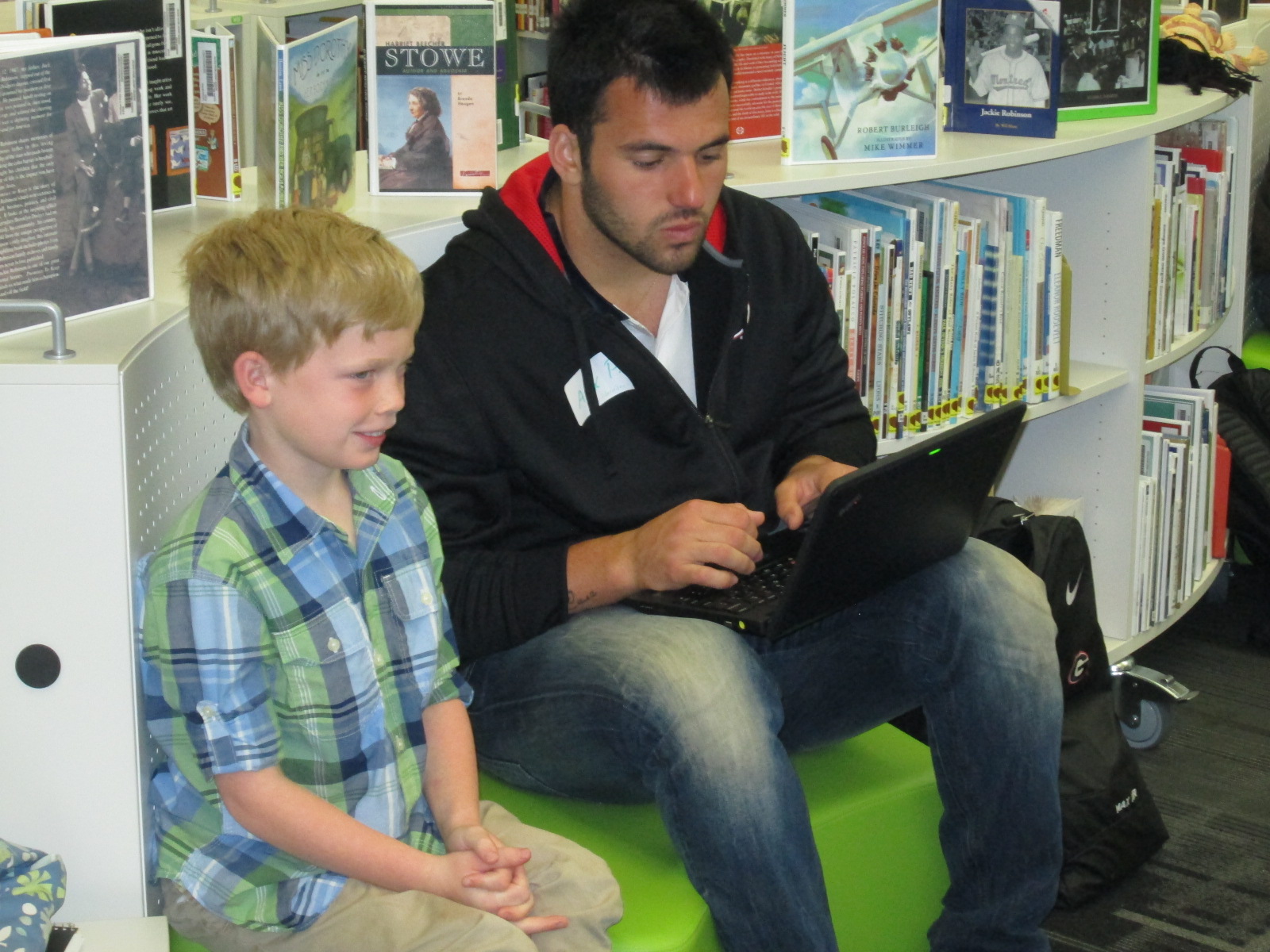
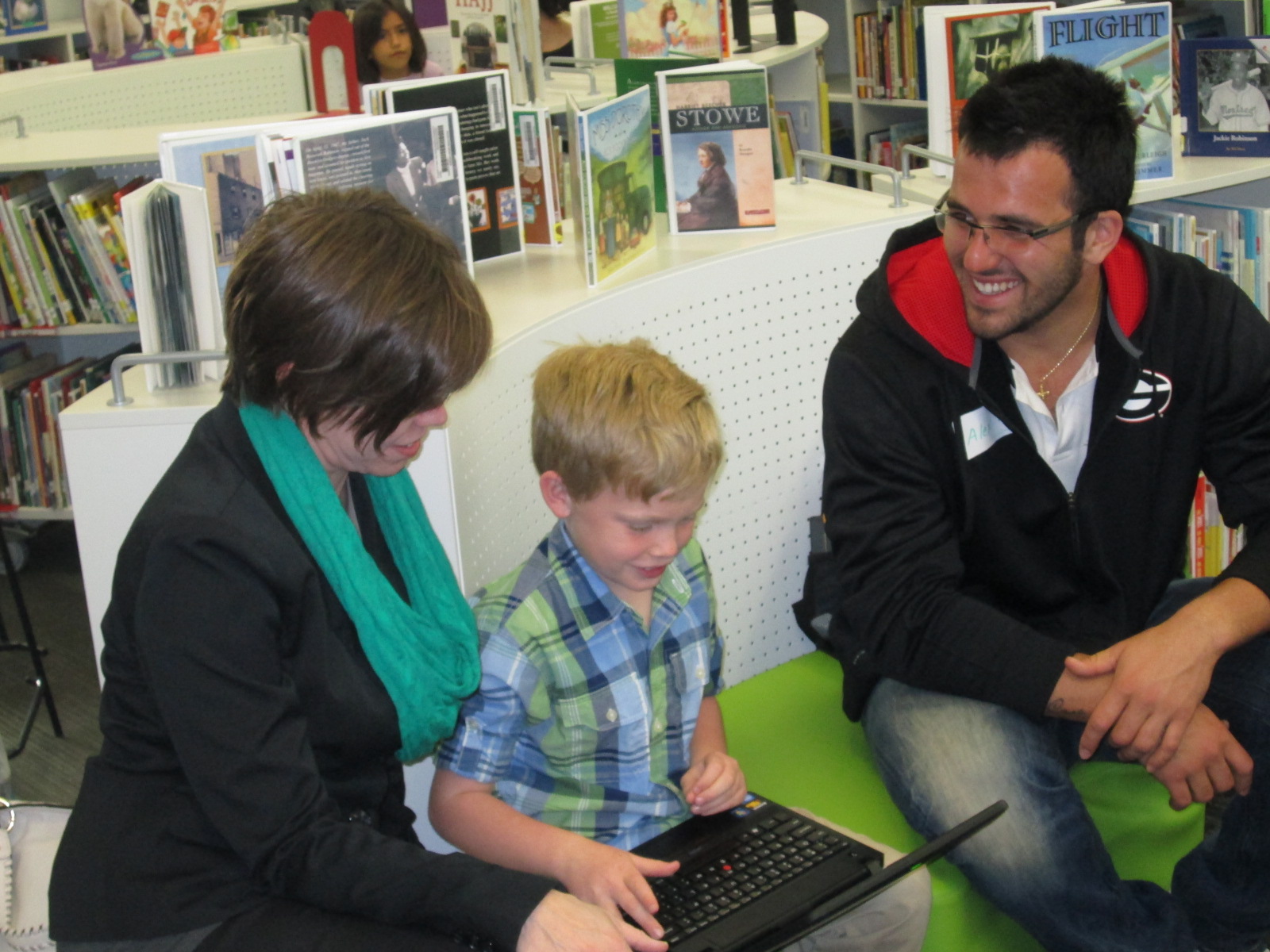
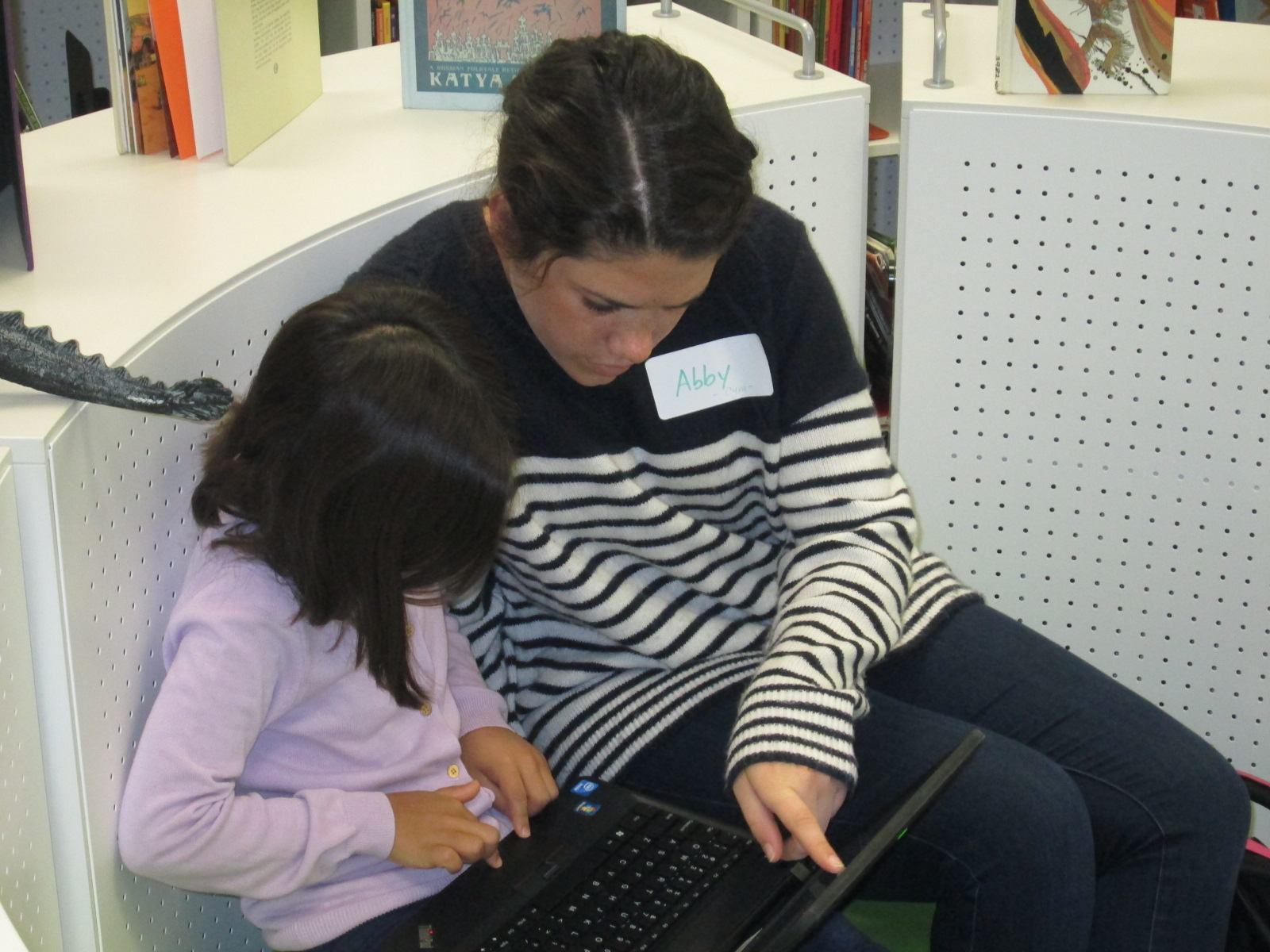
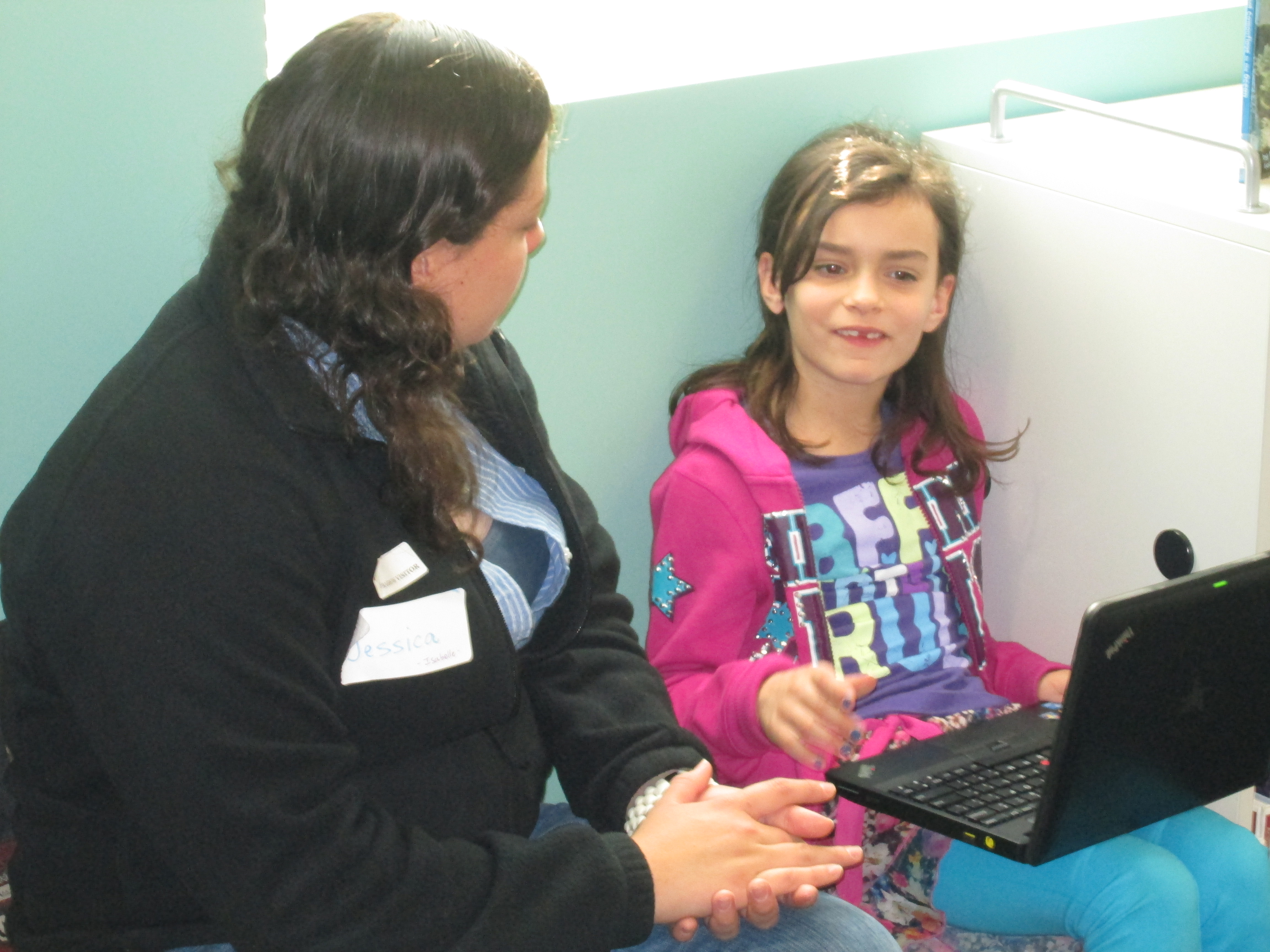
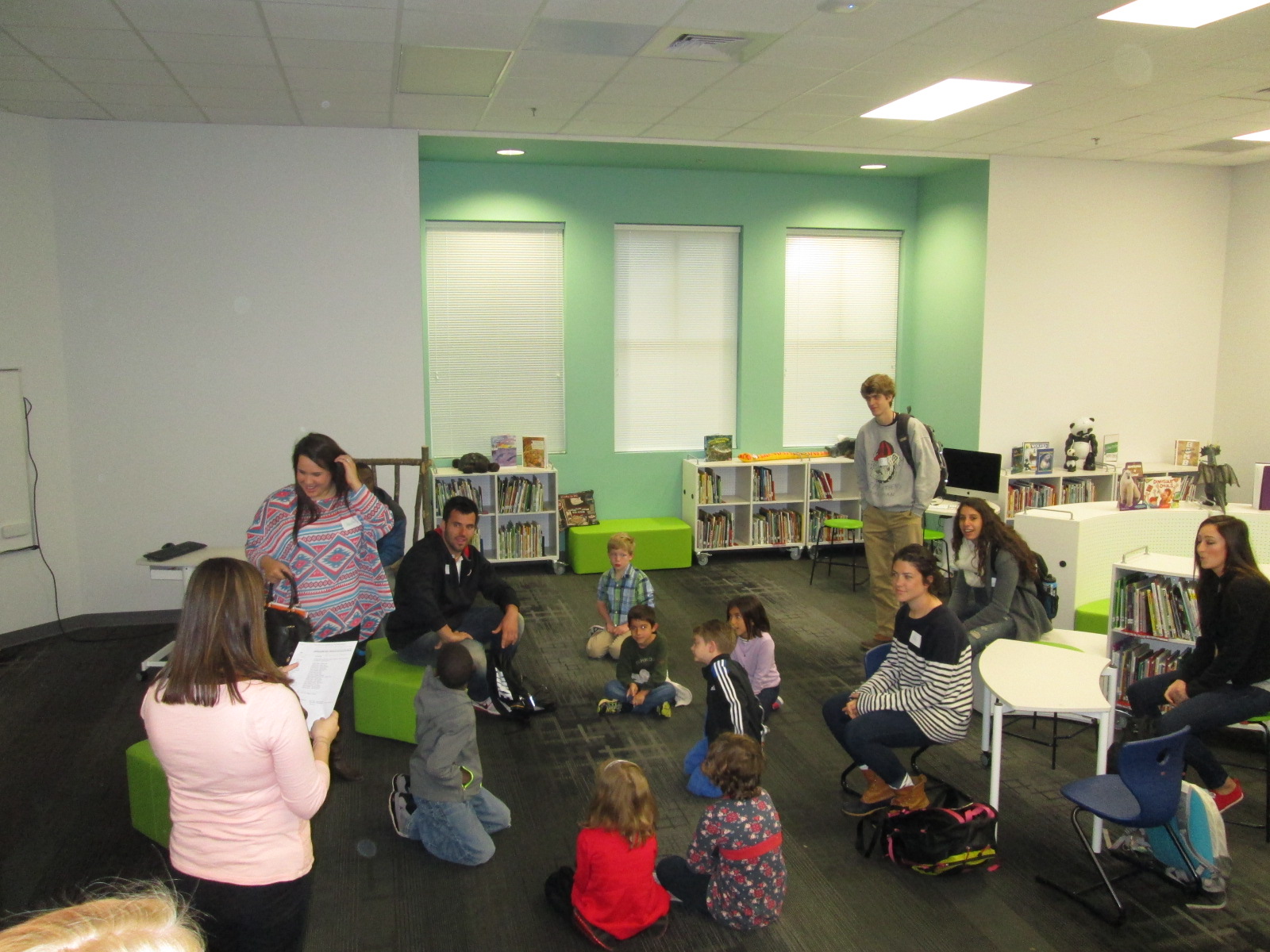
Gretchen actually teaches 2 different groups of UGA students who are able to come to our school, so Mrs. Ramseyer worked with her through email to pair up UGA students and Barrow students.  Today, the first group of UGA students arrived.  We briefly met on the carpet to set the focus and then UGA and Barrow students paired and moved throughout the library to work.  Students grabbed a computer from cart and logged into their Google drive.

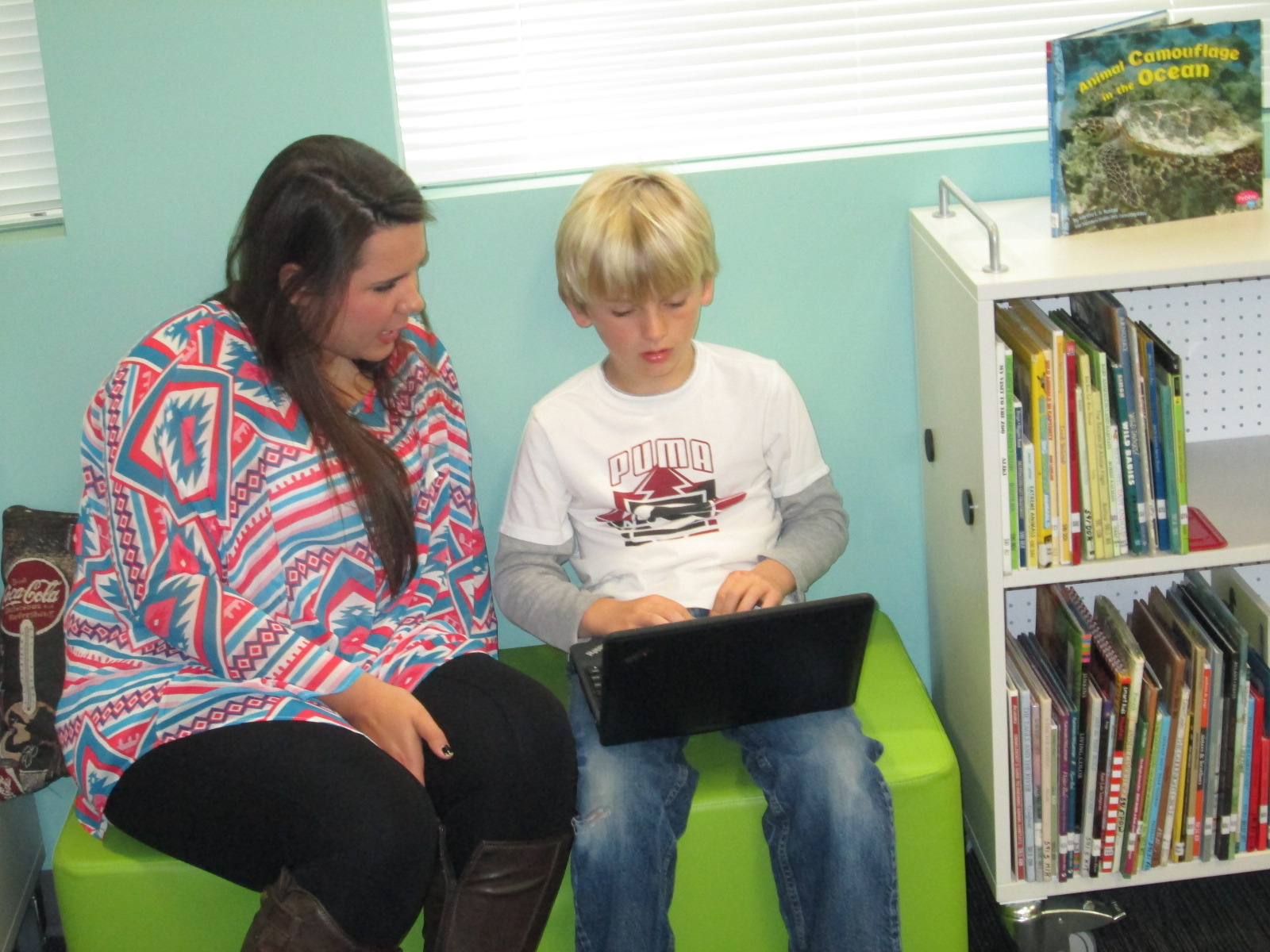
This is what it looked like:

Using their list of topic questions, they had a conversation with their UGA partner.  We quickly saw that many of our Barrow students just wanted to answer their research questions with their own words.  This is certainly a valid piece of the process, but students weren’t all thinking about where they might go to research beyond themselves.

geniuscon uga (11) geniuscon uga (10)

Mrs. Ramseyer, Gretchen, and I all walked around and checked in with groups and nudged them to start thinking about where they might go to find more information.  There were some amazing things happening in a short amount of time.  During the debrief at the end, students shared what they accomplished during the work time.

geniuscon uga (16)

Here are some examples of what students said:

  • I learned how to make a spreadsheet and started adding things to it
  • I’m making a Google form survey to send to teachers
  • I learned that playground equipment is expensive.  Some of the pieces are thousands of dollars.
  • I sent an email to our principal and assistant principal
  • I looked at our daily schedule to see where we could put another recess

geniuscon uga (14) geniuscon uga (13)

I wish that I could have sat in every conversation because it was amazing to see the variety of learning going on.  One of the great things is that there will be so many students experts on so many different tools and strategies that it will support further learning in the class this year.  Students who learned Google forms can teach others.  Students who don’t know what a spreadsheet is or how to make it now have someone to ask.

geniuscon uga (5)

I also checked in with our principal because I had not told her that she might get some emails.  She had already read the emailed and is planning to give the student a menu and suggest that she analyze the nutritional facts for the items on the menu.  She was very excited about the potential of the project and collaboration with UGA.

geniuscon uga (3)

We are so fortunate to have a university right next to our school.  Thank you, Gretchen Thomas, for sharing your UGA students with us.  I hope they learn as much from us as we learn from them.


A Flipgrid Celebration with 2nd Grade and the Flipgrid Team

Flipgrid Skype (1)

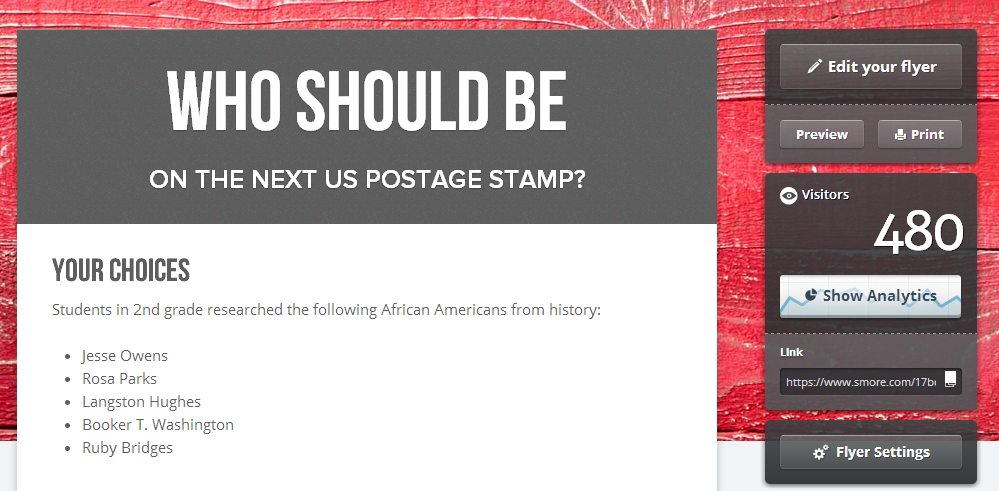
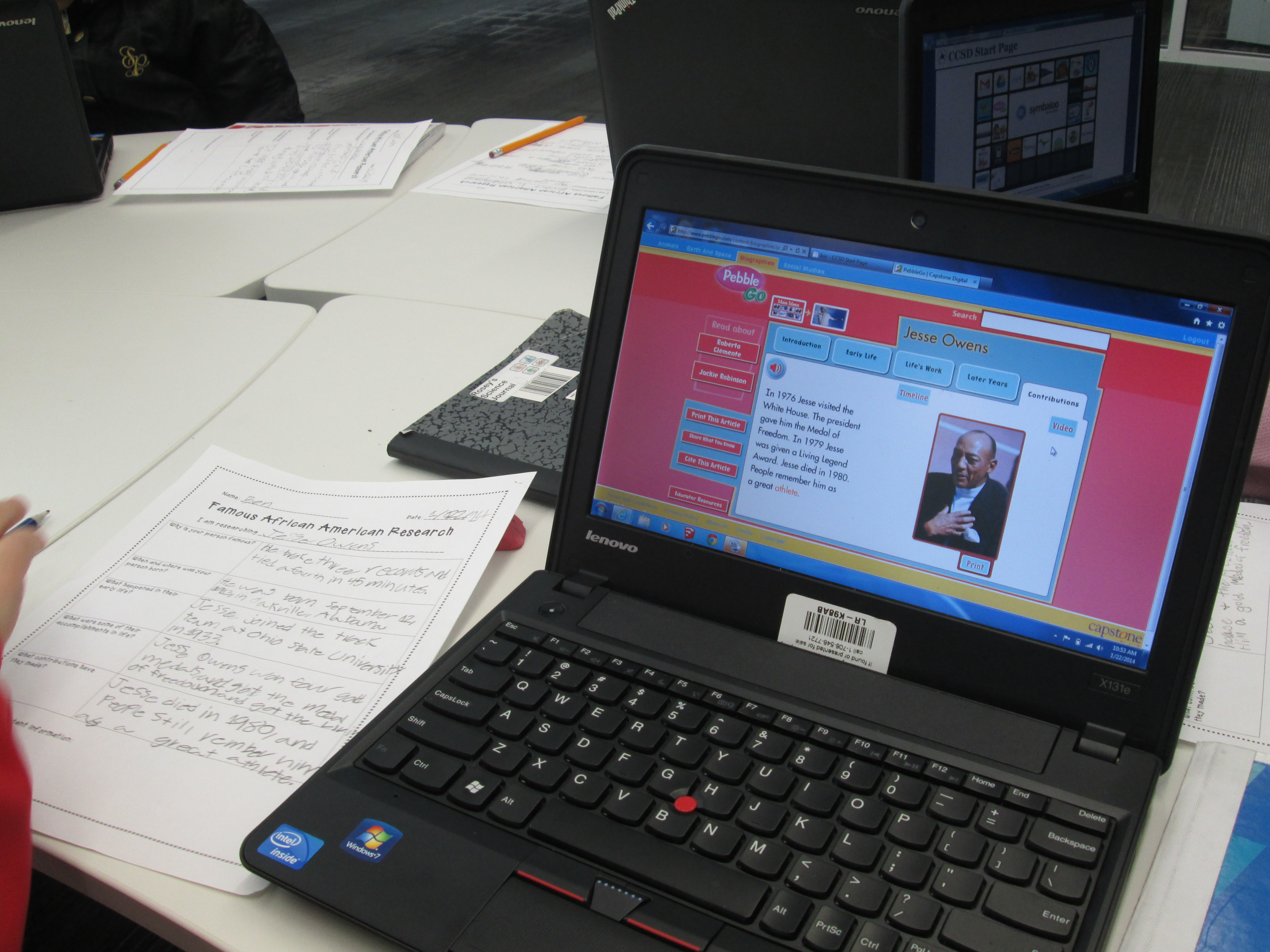
Our 2nd graders just wrapped up a huge research project.  During the project, they chose a leader from black history, researched that person, wrote a short persuasive piece about their person, designed a US postage stamp, and recorded a video using Flipgrid.  Their videos were pulled together on a Smore which included a Google Form for people to vote on their favorite leader from black history to be featured on a postage stamp.   Read more about our project:

Post 1

Post 2

Along the way, the students had several connections to an authentic audience.  They started the voting portion of the project by sharing at our schoolwide assembly.  Students stood in front of the entire school and told about the project as well as shared a video from each question of the grid.  The Smore was emailed to every teacher and student in the school.

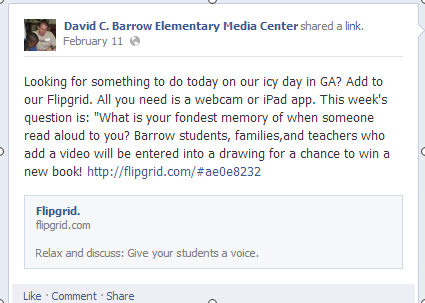
I also shared the Smore on Twitter and our library Facebook page.

facebook post


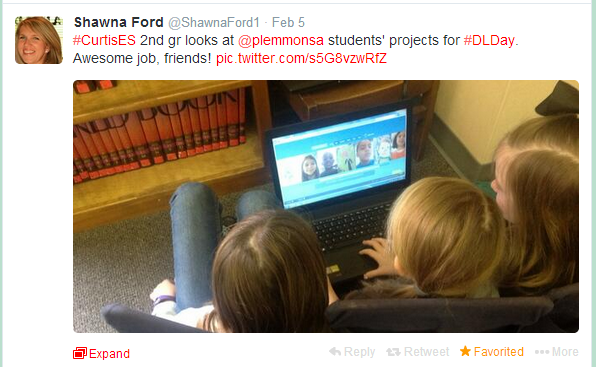
Shawna Ford, librarian in Weatherford Texas, saw my tweet and had her 2nd grade students view the project.

Shawn Ford Students


As the project continued, my posts and tweets were shared and retweeted until our Smore had 480 views and counting.

smore hits

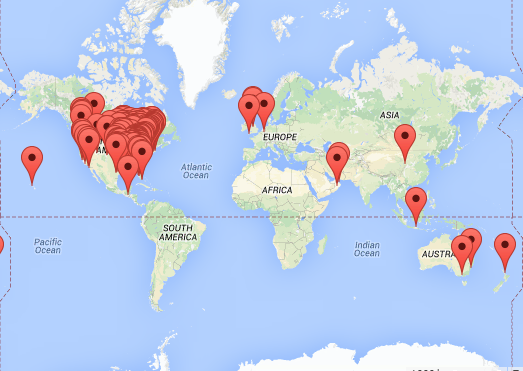
Our project was viewed in 161 locations and counting.

Smore Map


Throughout the project, Charles Miller and Bradford Hosack, our friends at Flipgrid, were following along and sharing our work as well.  It has been an incredible experience for students to use a tool, encounter success and frustrations, and be able to offer feedback to developers that respond to that feedback.  The Flipgrid team has been so responsive to all of the feedback we have provided to them, and they consistently work on Flipgrid to make it better.

Flipgrid Skype (9)

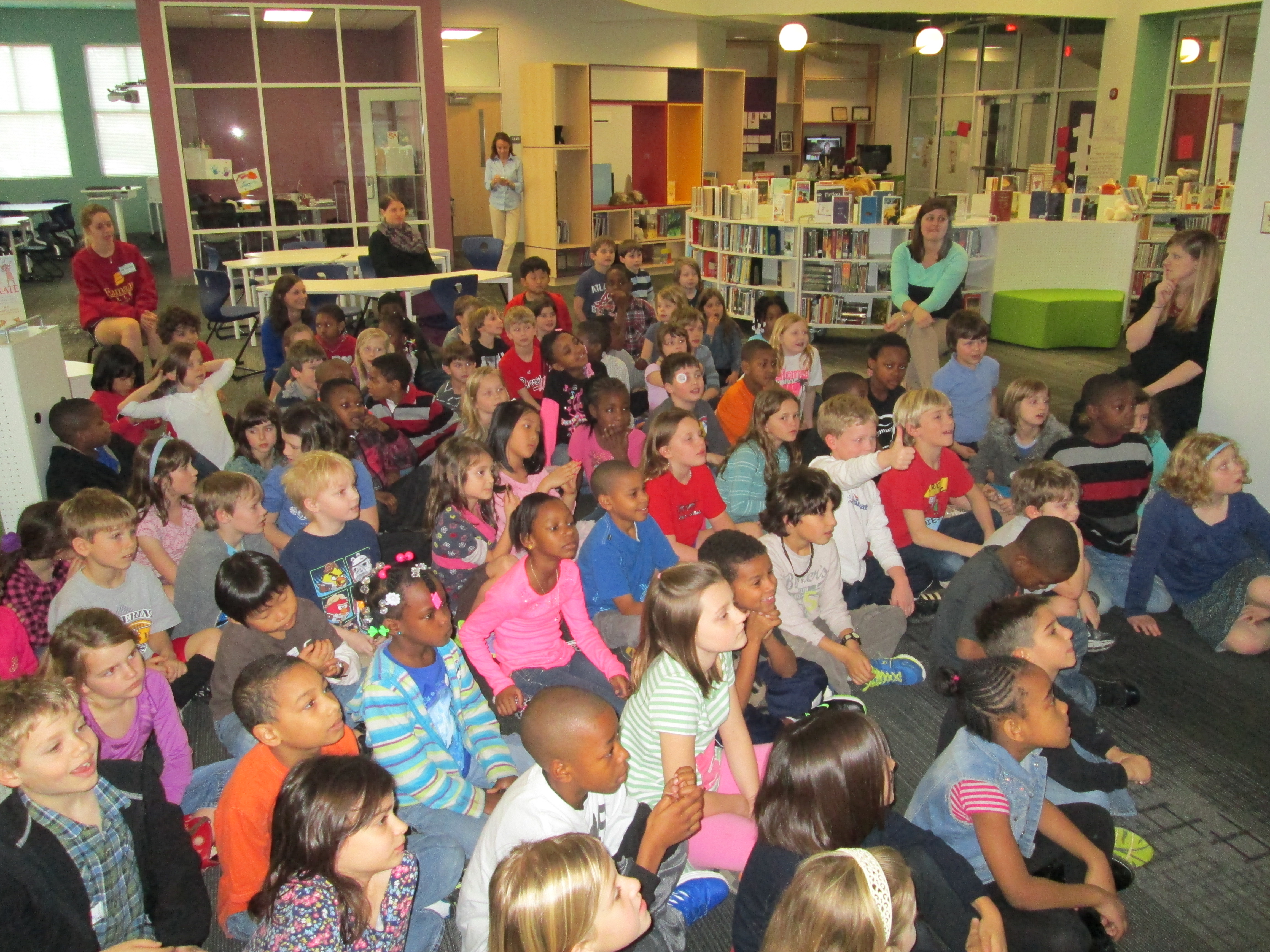
Today, our 2nd graders came together in the library to connect with the Flipgrid team via Skype.  The team shared information about how Flipgrid was developed and talked to the kids about coding.  All of the 2nd graders had background in this concept because they all participated in the Hour of Code back in December.  I loved how the Flipgrid team reiterated what I had told the students many times.  You have to work through the frustration.  You have to be willing to fail and learn from your failures to make things better.  The team said more than one time that they wanted to create a tool that works for users, so they are constantly listening to users of Flipgrid to improve their product.  I hope that the students carry these ideas into all area of their lives to be willing to take risks and work hard at what they are passionate about.

Flipgrid Skype (3)

Charles and the Flipgrid team then gave us some stats about our videos.

  • 1875 people watched the student videos
  • 699 people clicked on the heart to like videos that the students made
  • students created 1 hr 15 minutes of video all together

During this presentation of facts, Charles reminded students that when they make a project like this and share it with the world it really is giving them a global voice.  I loved that he said this because it is something we strive for in our library:  giving students a global voice.

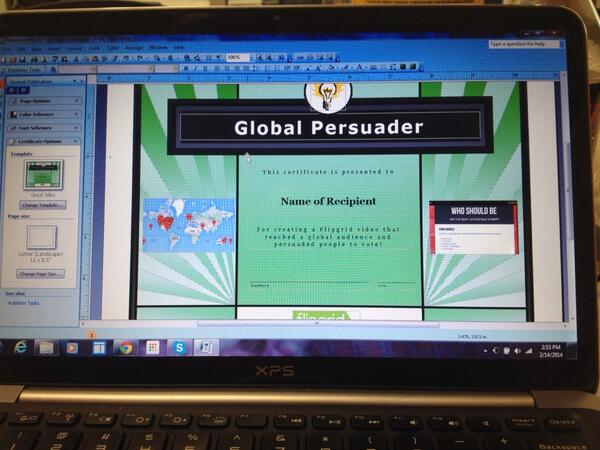
One of my favorite parts of our Skype was the awards.  We wanted to honor several students during this segment.  Because each video was “liked” by viewers of the video, I could easily see which videos had the most likes.  This became an award category.  We also had specific students who received shout-outs on Twitter because people watched the videos and cared enough to specifically name a student video that they loved.  Finally, we had some students who worked really hard to express themselves in their writing and persuade people to vote.  I created a certificate to use.

certificate


After selecting all of the students, I sent a list of the awards to the Flipgrid team and they announced the winners via Skype.  It felt like the Academy Awards as the Flipgrid team cheered for students as I handed out the certificates, and it was amazing to hear the shouts and claps of all of the 2nd graders cheering on their peers.

Flipgrid Skype (8) Flipgrid Skype (6)


Mixed in with our connection the kids had a chance to ask the Flipgrid team questions.  I loved the moments where one student said “sometimes it doesn’t work” and another student said “I think you need to be able to turn up the volume for people who talk soft”.  These weren’t questions, but the Flipgrid team let the students know that because of their videos they were already thinking about volume and that they were working to make sure Flipgrid always worked for users.

During and after our Skype, the Flipgrid team and I shared several pictures from both sides of the Skype: Georgia & Minnesota.

We closed our time together by revealing the results of the overall voting for the favorite leader from black history to be on a postage stamp.  The votes were extremely close, but Rosa Parks came in just 1 vote ahead of Jesse Owens.  By this point, the kids were so excited about all that had happened with their project that the vote didn’t even seem to matter anymore.

Thank you to Charles Miller, Bradford Hosack, and the entire Flipgrid team for helping us celebrate this project today before we move on to our next adventures in the library.  Thank you!


It’s Time to Vote for Your Favorite Historical Figure from Black History with Our 2nd Graders!

flipgrid 2nd (7)Second grade has been hard at work.  For the past few weeks, they have explored the art of persuasion, researched 5 historical figures from black history, designed potential US Postage Stamps featuring these historical figures, and writing persuasive scripts to convince an authentic audience that their historical figure is the most deserving of a US Postage Stamp.  You can read more about the beginnings of this project here.  

flipgrid 2nd (6)

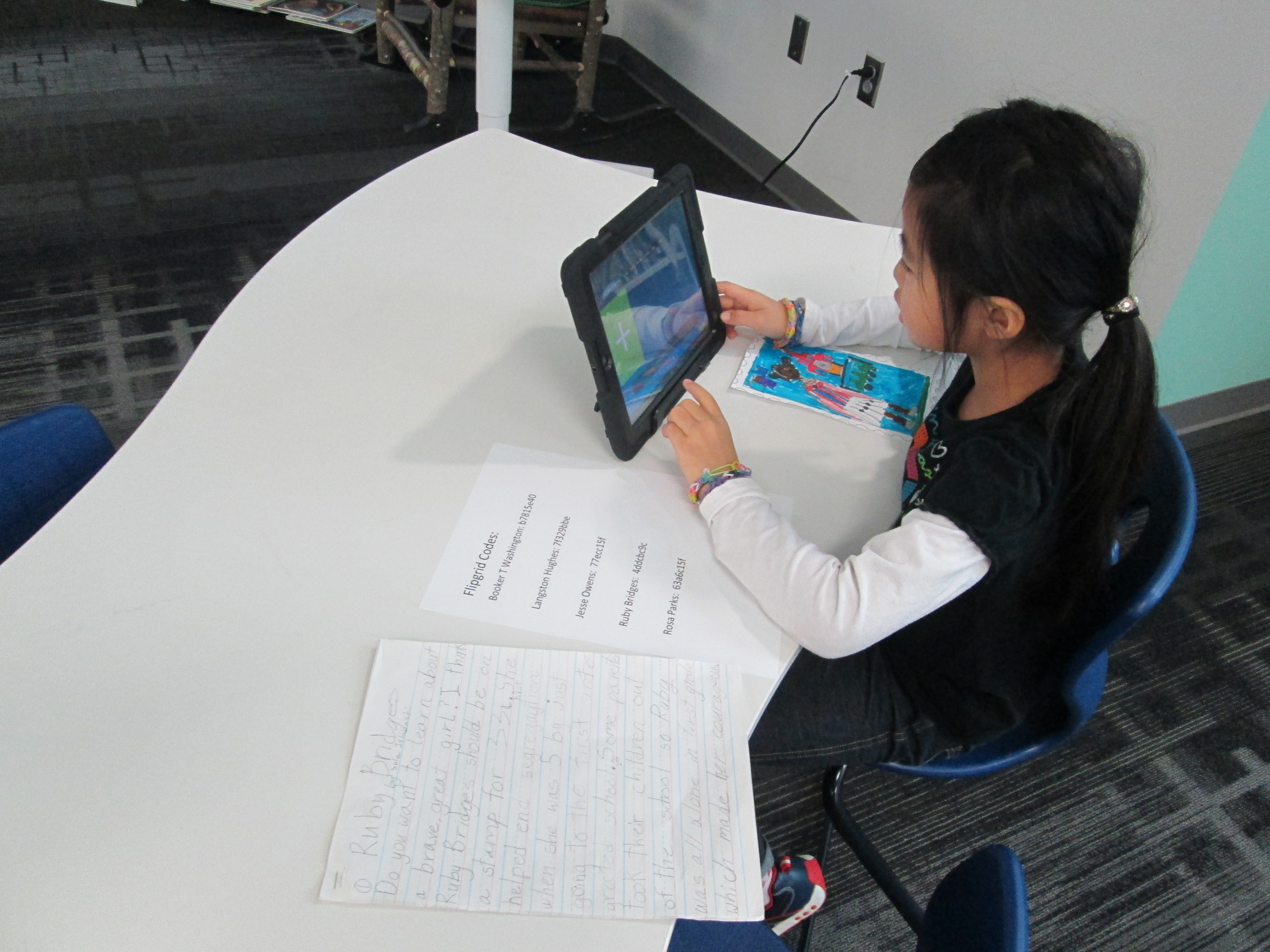
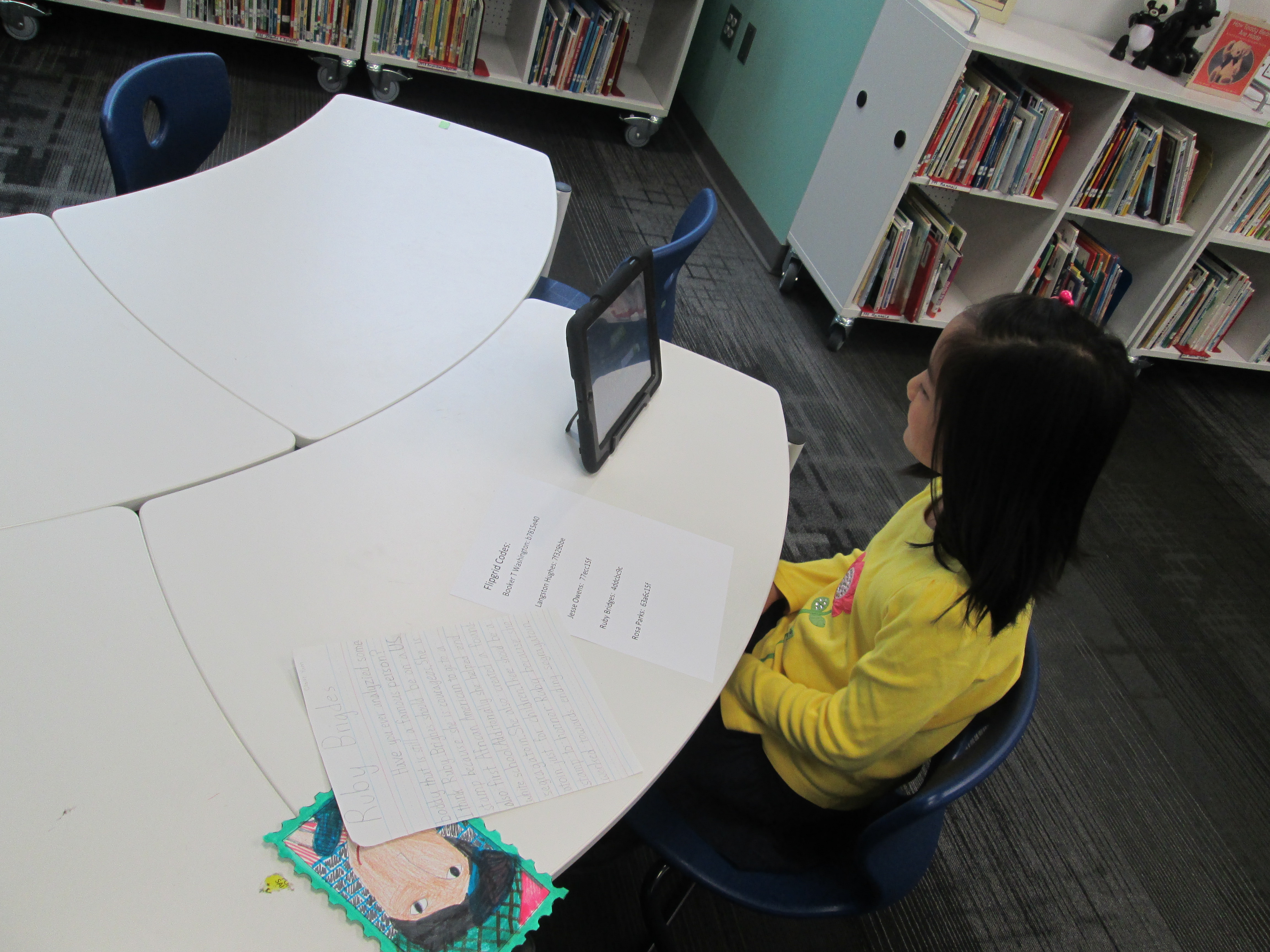
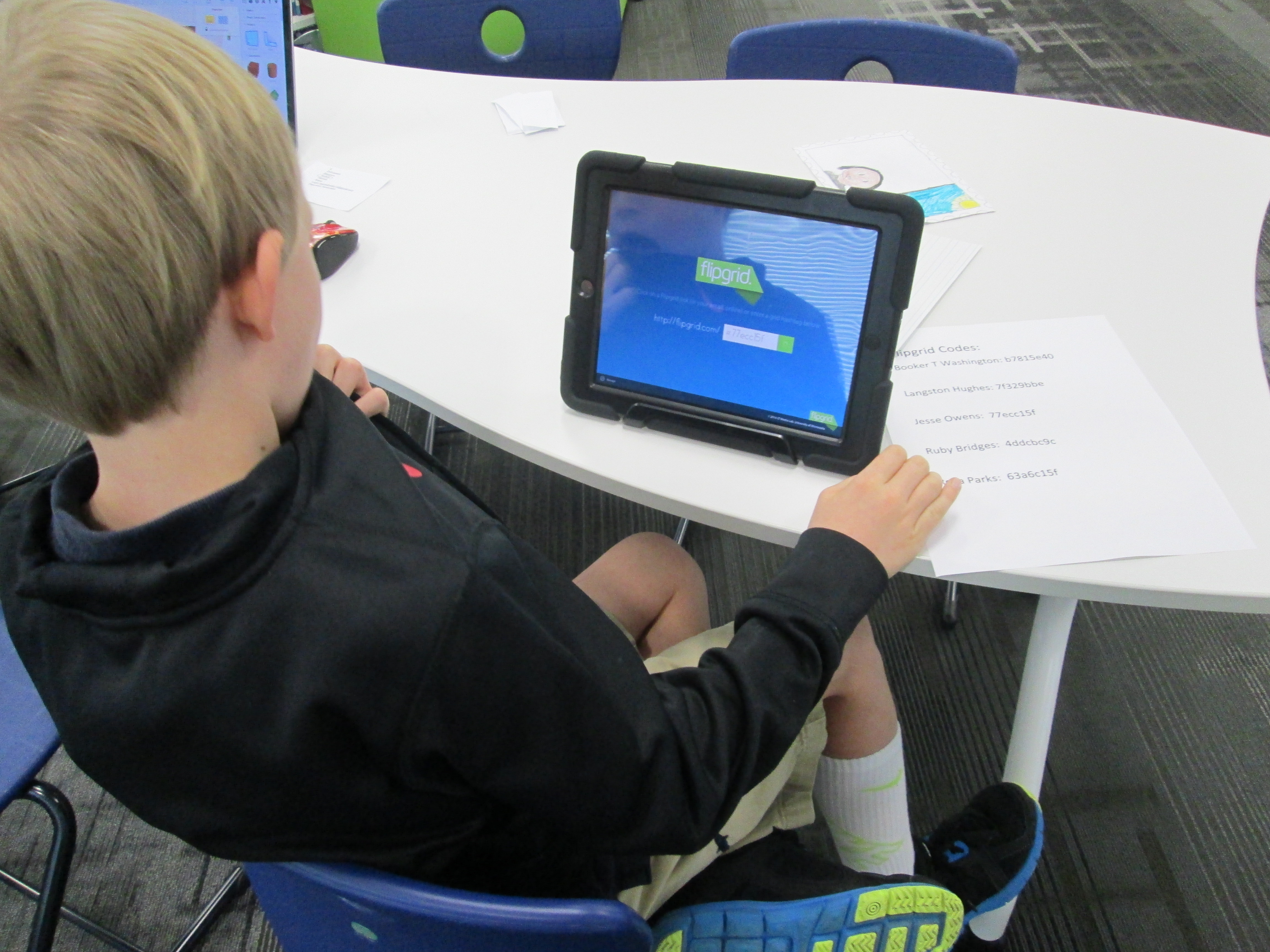
Over the past 3 days, students have been coming to the library with their persuasive scripts and stamp designs to record a persuasive commercial using Flipgrid.  This tool, which is web-based or available as an iPad app, allows you to create up to 90 seconds of video in response to a question.  I setup a question for each historical figure that was researched.  To record in Flipgrid, you just need the special code that takes you straight to the question where you will record your message.  I made a sheet of codes and placed them by iPads in the library.  Students entered the library, chose a recording spot, and entered their code.

flipgrid 2nd (5)

Next, they had a few steps to complete in order to create their video.  They had to:

  • Click the +
  • Click “I agree”
  • Take a picture.  Some took a picture of themselves and others took a picture of their stamp
  • Record their video
  • Review the video
  • Submit the video to the grid.  Students had to put their first name, last initial, and an email address.  For speed, I put my own email address in the box, copied it, and then pasted it in each time a student recorded.
historical figure smore

Visit our Smore to watch videos and vote! https://www.smore.com/17bq3

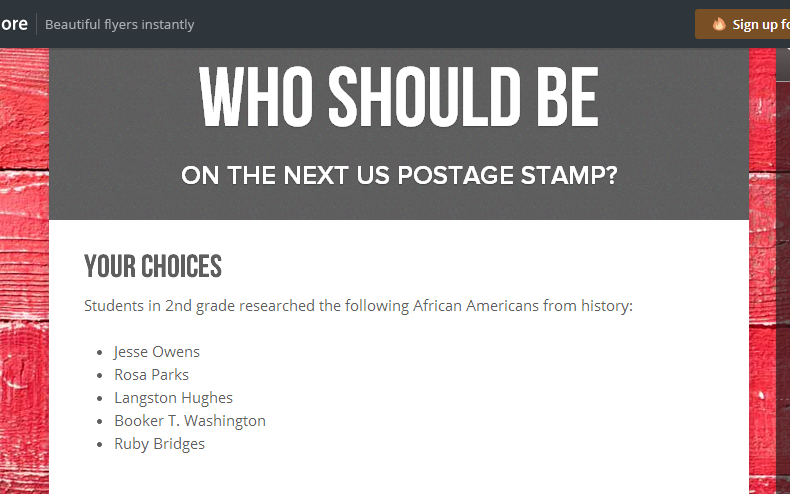
Now, students are collectively trying to persuade you to vote for their historical figure.  We have created a Smore to pull all of the information together.  On this Smore, you can visit each set of videos for a historical figure.  Please take some time to listen to the students’ hard work.  If you love one of their videos, click on the heart on Flipgrid which is similar to “liking” something on Facebook.  This will show the students some appreciation for their efforts.  After watching some videos for each person, we invite you think about which historical figure you were the most persuaded to vote for.  Then, use the Google Form at the bottom of the Smore, cast your vote.

flipgrid 2nd (4)

We’ll be asking all students in our school to vote.  In addition, we’ll be posting our Smore to our Barrow Media Center Facebook page and Mr. Plemmons’s Twitter account.  We want as many votes as possible to show students how far reaching their audience is when they put their work out to the world.

flipgrid 2nd (2)

The students have worked so hard on this project.  I can’t wait to tally the results and analyze the data with them.

Visit Our Smore to participate and feel free to share!

flipgrid 2nd (1)

Black History Month Research and Persuasive Commercials in 2nd Grade

IMG_1815Second grade has been working on a big research project.  Each student selected one of five African Americans to research.  Rather than write a traditional informational paper on their person, the 2nd grade teachers and I decided to weave persuasive writing into the project.  Students would think about which historical figure should be on a next US postage stamp and would create a persuasive commercial to convince an authentic audience to vote for their historical figure.

We actually began our project with persuasion.  Students spent time talking with one another about what it means to persuade.  They mentioned things like:

  • convince someone to do something
  • get someone to get something for you
  • make someone change their mind

Anytime I teach persuasive writing, I want kids to leave with an understanding that persuasive writing isn’t just about getting someone to get something for you.  It’s one of the most powerful kinds of writing that can bring about change.  However, many kids connect with the idea of commercials and convincing their families to buy something for them, so we often start there and expand.

We watched a commercial of one of this year’s hot holiday toys, the Flutterbye Fairy.

IMG_1814We used this commercial to think about a structure for persuasion.  Students first noticed what we called a hook at the beginning.  “Can you keep a secret?” was a phrase that hooked our attention to want to watch the rest of the commercial.  We noticed that the rest of the commercial showed us just how easy it is to use the fairy, so this was like giving the facts about what you are writing about.  Finally, we noticed the closing line “the magic is in your hands”.  This was a phrase that would stick with us long after we watched the commercial.  In fact, I told the students that my own daughter uttered this phrase the first time she flew her own Flutterbye fairy, so I knew it was a phrase that stuck in your head.

To continue our exploration of persuasion, we read Melanie Watt’s Have I Got a Book For You.  This book uses just about every persuasive technique that you can think of.  We noticed these techniques along the way and folded them in to our noticings from the fairy commercial.

After this initial exploration of persuasion, students worked some in their classrooms.  They selected the African American they would research and got a graphic organizer to located some basic facts about their person.  We referenced the fairy video and how important facts are when you are persuading.

IMG_1813Students spent time in class and in the library using several tools to research.  I did a quick mini-lesson on using PebbleGo, Galileo’s SIRS Discoverer, and Galileo’s Britannica.  All of these tools had text to speech features to support learners of all reading levels.  During this mini-lesson, I also stressed how research is never really “done”.   You just reach a point where you feel like you have enough to tell your story.  Adults circulated and conferenced with students on their progress as they researched.  I loved that not many said “I’m done”, but when they did, we gently reminded them that research is never really done.

IMG_1812Now students are pulling their facts together, creating hooks, and coming up with a great closing like “the magic is in your hands”.  Once they have these scripts written, we will move forward with the next part of this project which will involve recording commercials in Flipgrid and creating a Google form for voting on which commercials are the most persuasive.  I’m compiling all of this onto a Smore which will populate with information in the coming days.

IMG_1811

Kicking Off Our #Geniuscon Project with Peter Reynolds

IMG_1849A few months ago, Matthew Winner and Sherry Gick, superhero librarians, put out a call for schools to join them in a project called #Geniuscon.

In the words of Matthew and Sherry:

“Kids are genius. They don’t perceive limits or boundaries in the ways that hinder most adults. Their solutions to life’s problems can seem convoluted, indirect, and unnecessary, but often the ideas of kids can be the most profound.”
#Geniuscon gives kids the freedom to explore one question:  If you could change one thing about your school, what would you do?

Mrs. Ramseyer’s 2nd grade classroom has teamed up with me in the library to explore this question.  Mrs. Ramseyer and I sat down and mapped out some times, topics, and standards on the media center calendar.  We wanted time for:  brainstorming, question development, research, product development, and sharing.  Our timeline spans from now until May.  We devoted most of our time to research and product development.

I also met with Gretchen Thomas, who teaches at the University of Georgia.  She has several of her students who are interested in partnering with us throughout this project.  Their main role will be to facilitate students during the research process to help them think of all of the possibilities of where to find the answers to their burning questions.  They aren’t there to give answers but rather to build bridges over barriers that students might face.

IMG_1849

Today was our official kickoff.  To start, we watched this video:

The kids immediately began yelling “Why don’t you just walk up the stairs?”  It was hilarious.  The whole point of watching the video was to bring up the idea that we often hold the solutions to our problems if we take the time to look inside ourselves rather than immediately yelling for help.  We spent some time talking about the word “genius” and how we all have genius ideas within us.

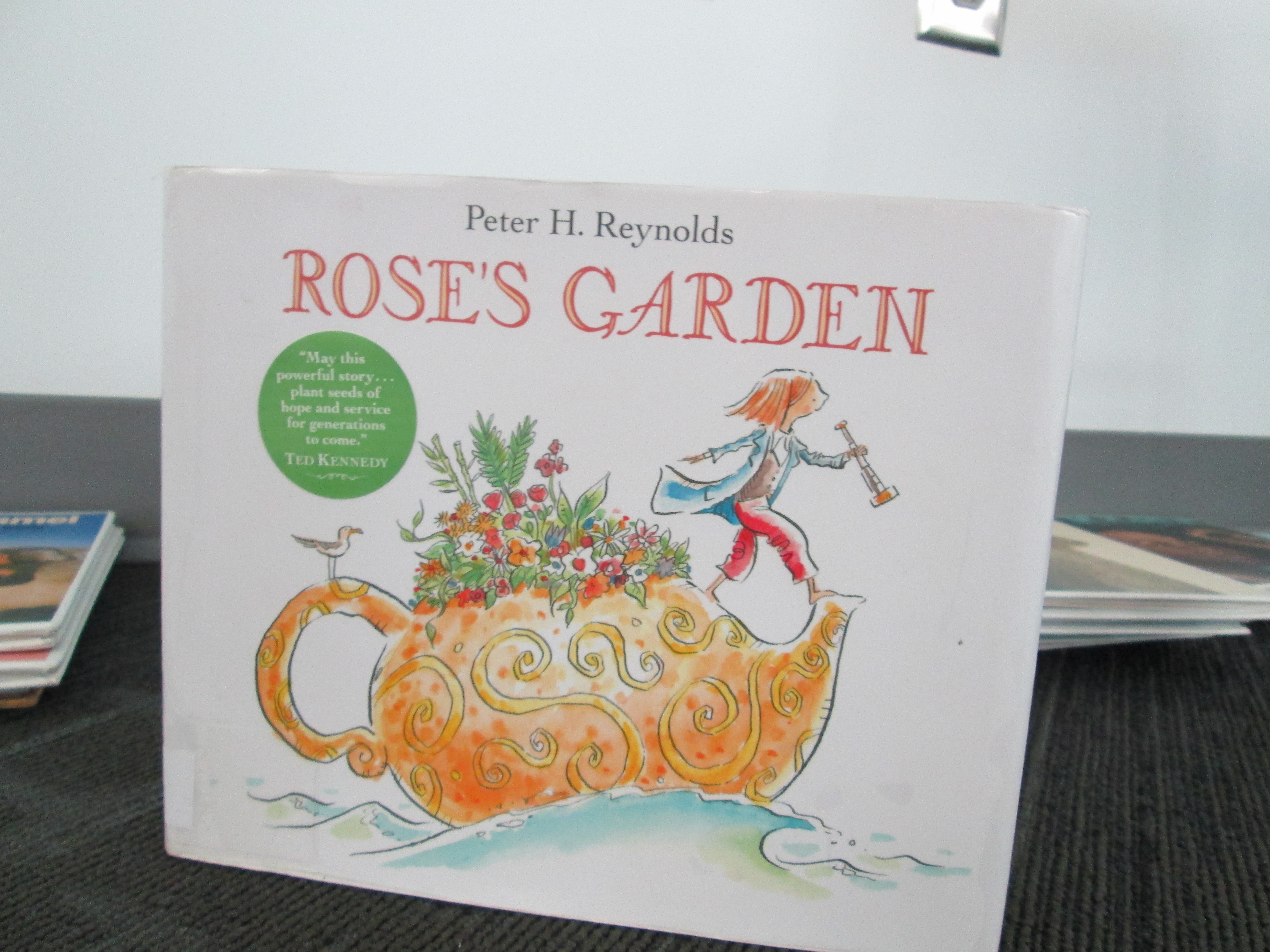
Next, we read Rose’s Garden by Peter H. Reynolds.  In this story, Rose travels the world collecting seeds.  She finally decides to stop and explore a city where she discovers a patch of land in need of color.  This is where she decides to start making her mark on the world by planting her seeds.  Without giving too much away, her efforts inspire a community with her genius idea.

IMG_1855 IMG_1857

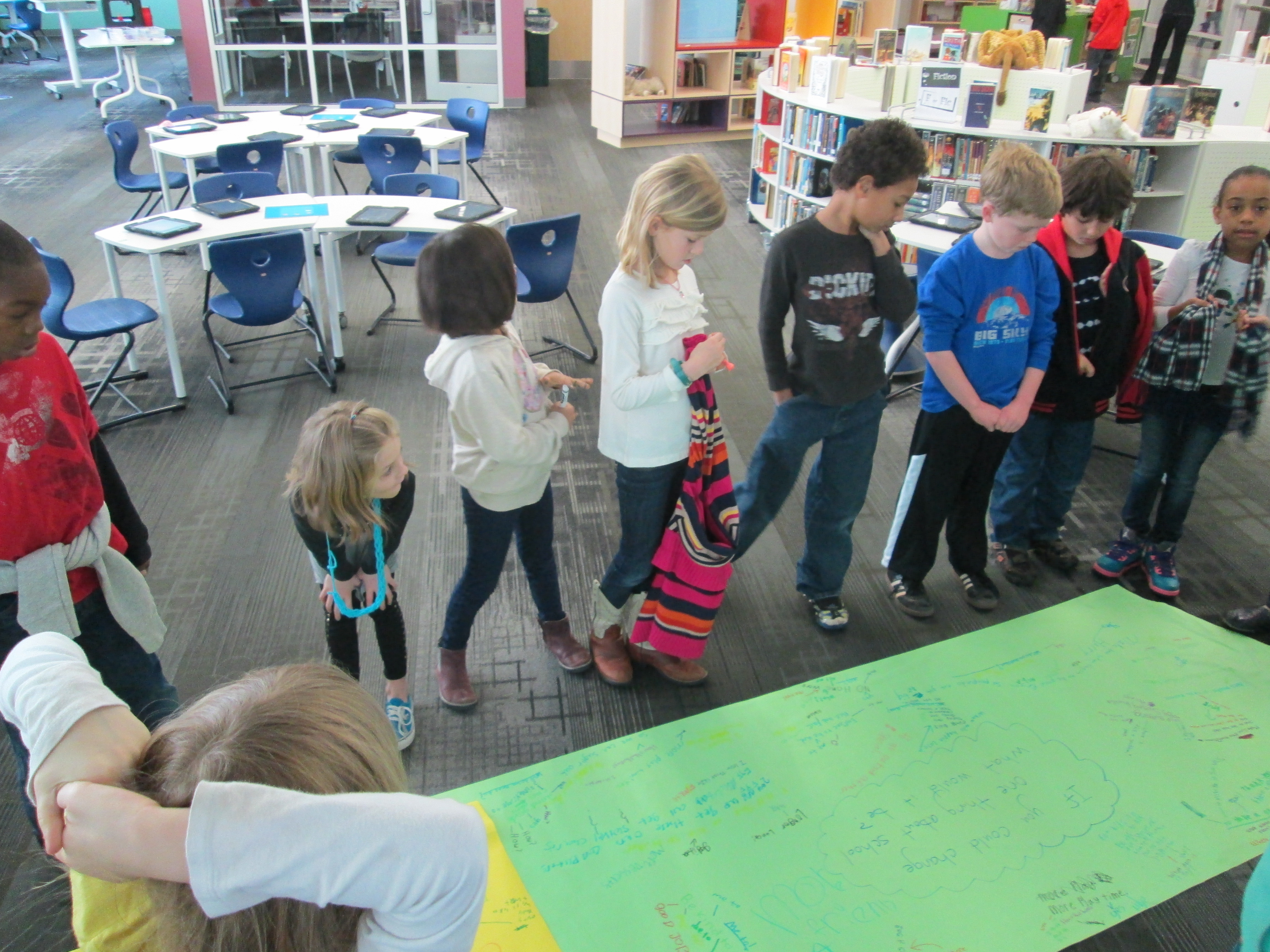
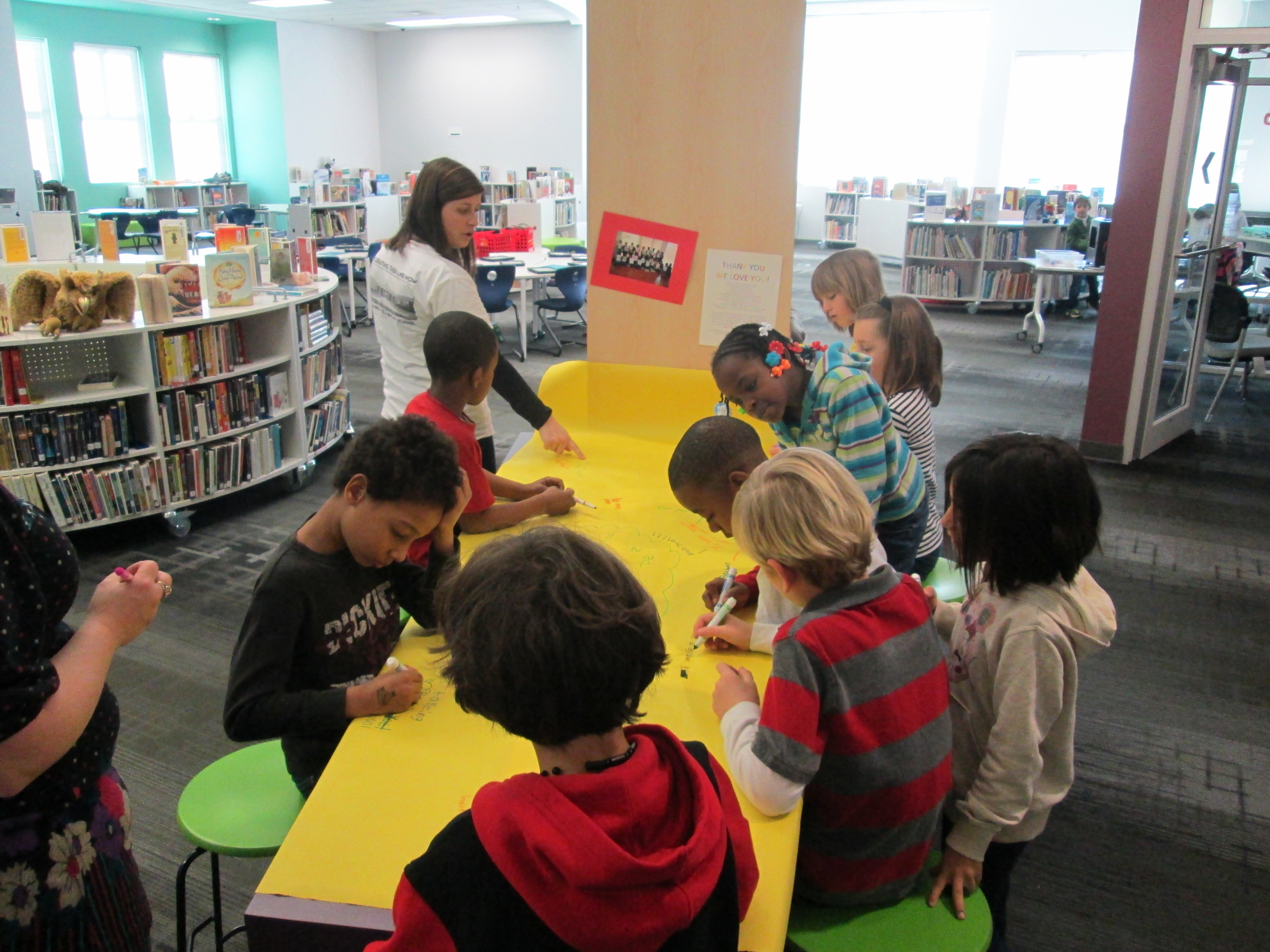
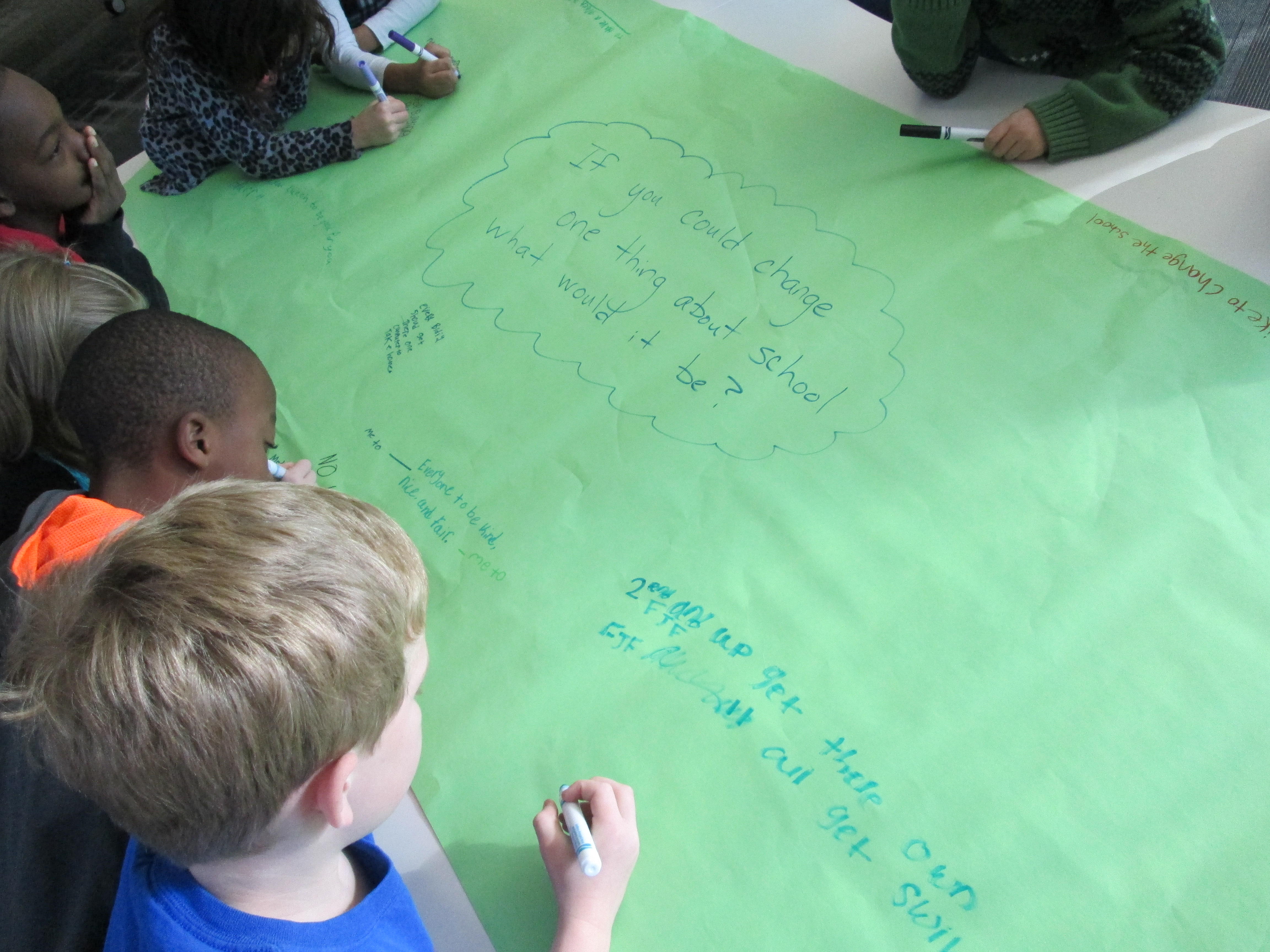
I loved how this book fit into our discussion of what it means to be genius.  It moved us straight into our #Geniuscon question.  Mrs. Ramseyer and I had already talked about how we didn’t want to influence how the kids answered the question, but we did want to give them an opportunity to brainstorm before they chose their focus topic.  We put the question on 2 big pieces of paper and split the class in half.  Each student had a marker to participate in a Chalk Talk, a silent conversation.  All students began writing their responses to the questions as well as asked one another questions about their ideas.  All of this was done in writing.  Mrs. Ramseyer, Mrs. Vaughn (EIP teacher), and I all added to the conversation too.
After about 10 minutes, students mingled between the two chalk talks to cross pollinate their ideas.

IMG_1862

We moved our 2 chalk talks to the floor and all stood around them.  As we looked at or responses, I asked students to look for ideas that stood out to them or topics that seemed to be coming up.  We identified ideas such as:

  • Additions to our school:  adding more playground equipment, building a garden, expanding our school
  • Changes to rules:  additional books on the max checkout in the library, additional “be’s” to our 5 be’s,
  • Technology:  taking home iPads and netbooks, being able to bring technology from home, using our 3D printer
  • Behavior:  addressing the bullying in our school, being kind
  • And more!

The pages were so filled with ideas that we couldn’t really talk about them all.  After this discussion, we sat down for a big surprise:  a Skype with Peter H. Reynolds!  Peter was in Florida doing some work, and he took time out of his busy day to join us.  After saying a quick hello, students took turns stepping up to the webcam and saying what they wanted to change about our school.  Peter validated each student’s idea and even expanded upon the idea with his own thoughts.  He encouraged students to think about how they could illustrate each of their ideas and turn it into a book, which the students are very interested in doing now.  We will probably make this an additional piece to our project:  possibly even an extension into the art room!
We closed out our time with Peter Reynolds with a friendly goodbye and the encouraging words of “connecting the dots” and “making our mark on the world”.  We can’t think him enough for taking time to visit with us.  He is such an advocate for allowing students to show off their genius and let their creative energy flow.
In class, students will begin to finalize their topics and next week they will return to the library to develop questions to prompt their research.  What an exciting start!

If you want to learn more about #Geniuscon, I encourage you to attend the TL Cafe Webinar on Monday February 3 at 8PM EST.  


Exploring Chinese New Year with Kindergarten: Google Voice Search, Pebble Go, colAR Mix, and More

BeghKH6IAAAZUVXMrs. Li’s Kindergarten class has been exploring the Chinese New Year with me in the library.  During our exploration, we’ve tried out several resources for information.  First, we used Capstone’s PebbleGo database to do some pre-reading for background information.  We did this with little discussion about the holiday, but instead just focused on listening to the information to build some shared knowledge.
pebble go

Next, we thought of questions that we had about the Chinese New Year that were possibly not answered by PebbleGo.  We asked things like:

  • When is Chinese New Year this year?
  • When is the lantern festival?
  • Where is it celebrated?
  • How is it celebrated?

Before students came, I installed the Google Voice Hotword Search extension in Chrome.  This allowed us to control a Google search with our voice.  For Kindergarten students who aren’t fluent in typing, this lifted a big search barrier for them.  We took our list of questions and took turns saying:

  • “OK Google”
  • When is the Chinese New Year?

Google searched and spoke to us telling us that this year Chinese New Year begins on January 31st.  We continued this process to answer many of our questions.

IMG_1806[1]

Next, we used Grace Lin’s book Bringing in the New Year to continue our exploration.  Many facts that we had already discovered were confirmed in the text, but the book allowed us to learn some of the family structure in China and what different family member roles are.  Mrs. Li was able to help us with this part of the lesson.  Since I wasn’t sure how to pronounce some of the words, she pronounced them for us and also explained the meaning of each family member’s name.  We certainly could have used Google for this, but we had a conversation about choosing resources to answer our questions.  Since Mrs. Li was with us in the room and is an expert in Chinese culture, she was a faster option for us than taking the time to go to Google.  It’s never too early to begin surfacing the thinking process that we go through as learners when we are trying to find the answers to our questions.

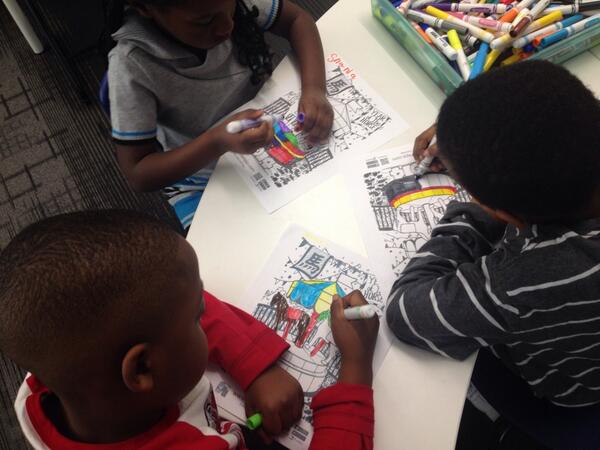
During the 2nd lesson, we once again used the Google Voice Hotword Search to explore the Chinese Zodiac.  We learned that 2014 is the “Year of the Horse”.  Students were curious about their own birth years, so we used Google to look for the signs for each of their years too.  From here, we spent some time coloring a colAR mix coloring page for Chinese New Year.  Students used the iPad app to view their carousel creations.  The app uses augmented reality to bring coloring pages to life.  The carousel pops off the page and rotates to music with they year 2014 in front of the carousel.  Students were mesmerized by their coloring page brought to life.

We explored so many skills and tools in just 2 lessons.  I want to continue this transliterate thinking of how our students can experience content across multiple platforms.  In these 2 lessons, we examined print, databases, websites, search engines, crayons/markers/paper, and augmented reality.  I’m curious to ask students later what they remember about Chinese New Year and see what stands out in their minds from these 2 days.

A Virtual Google Earth Field Trip with 1st Grade

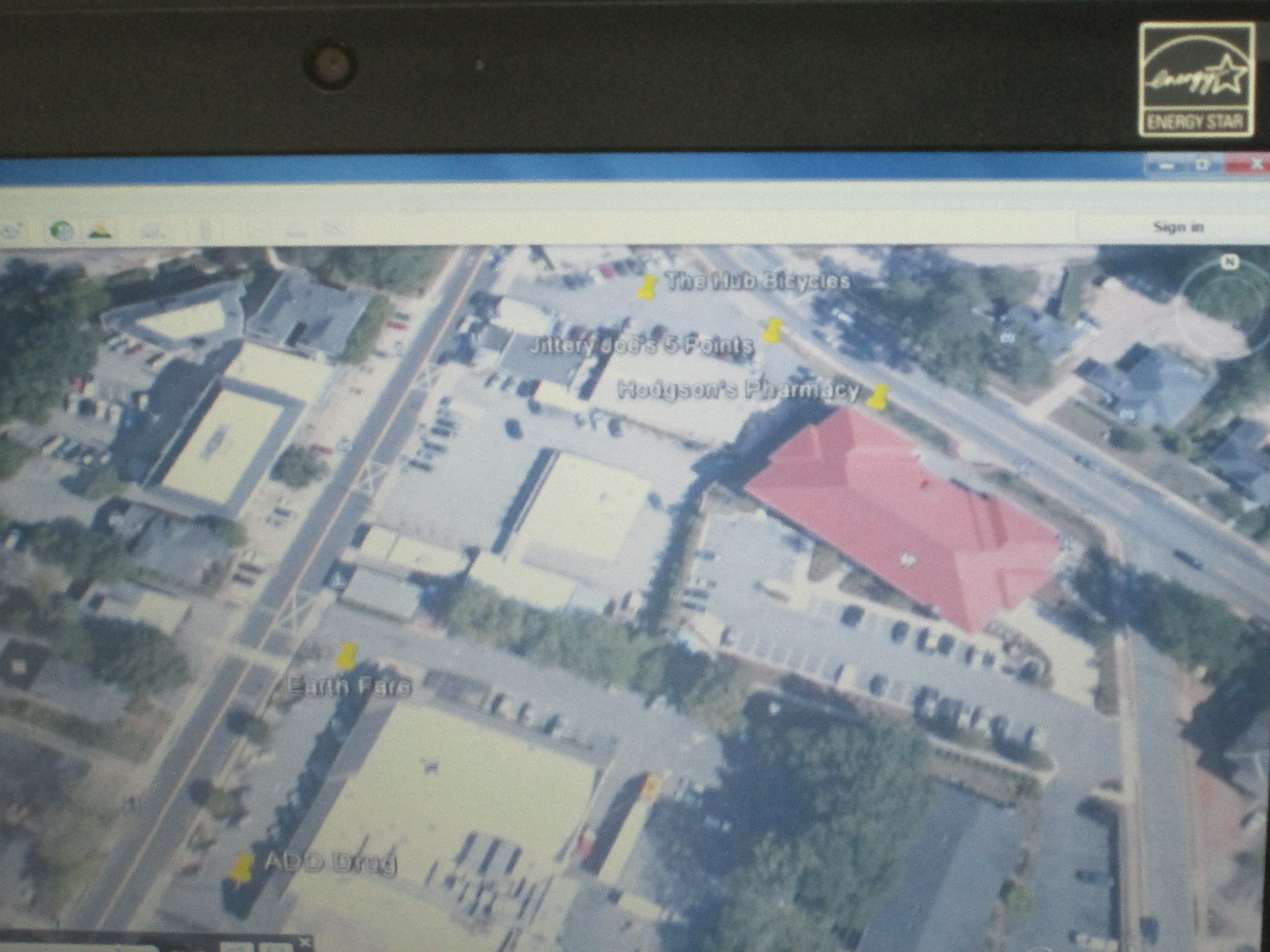
virtual field trip (1)1st grade is getting ready to go on a walking field trip.  They have been learning about community helpers, so they will walk from our school to 5 Points to visit several businesses.  I met with the team early in the year and we brainstormed how we might bring technology in to support the trip.  I suggested having the students walk the actual trip in a Google Earth tour before they go.  Of course, at the time, I had no idea how to even create a tour, but I knew it could be done.  They were eager to try this, so I got to work.

virtual field trip (4)I watched an online tutorial of how to make a tour.  There were a couple of options, but I chose the one that was simple.  You basically create a folder in your places on Google Earth, start searching for the places that you want to visit, add pins with any info you want to include at each place, and then you click the play button to start the tour.  You save the tour as a kmz file that Google Earth can read.

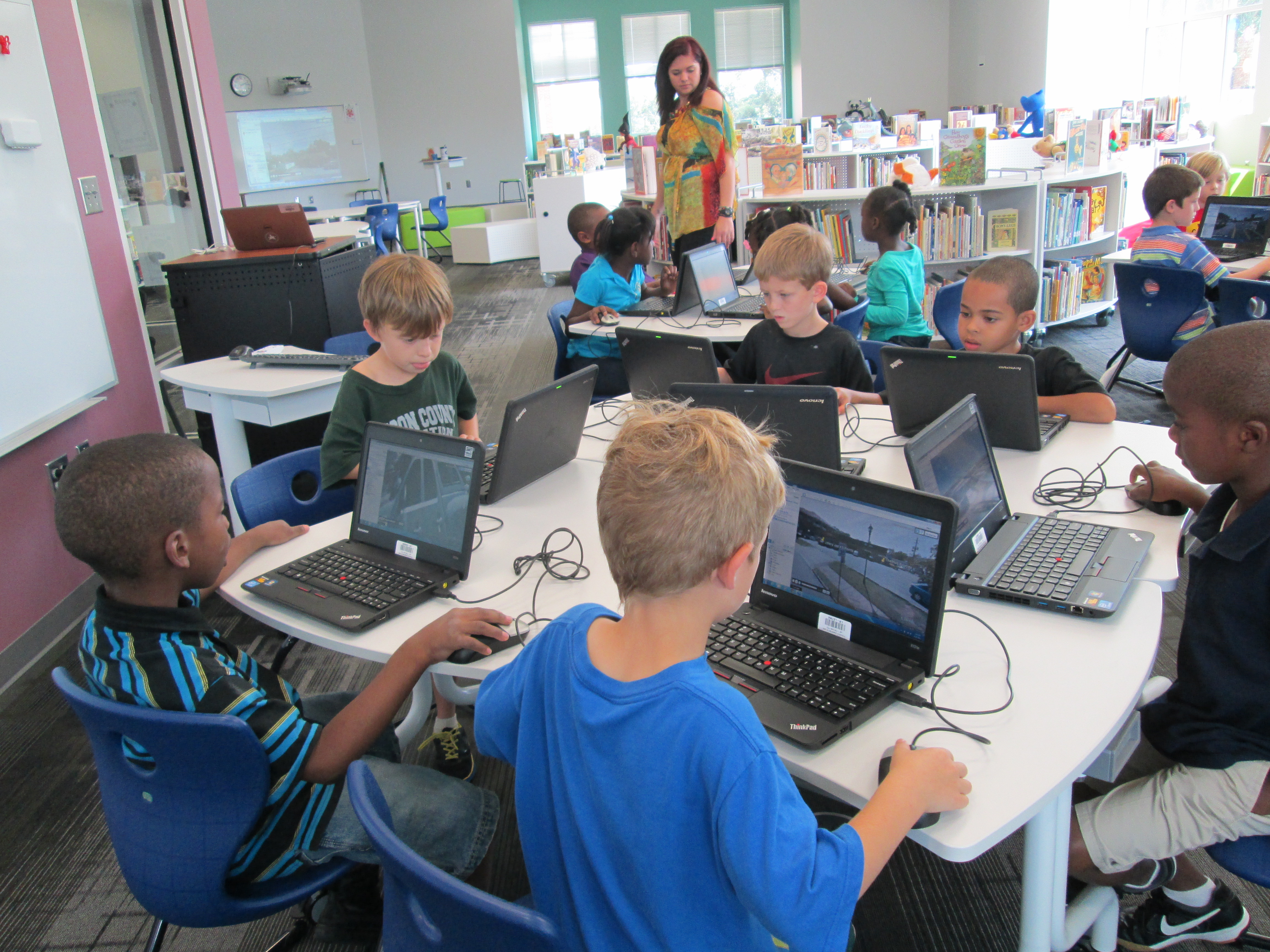
I put our file on my website so that students could click the link and download the kmz file.  To make the process even smoother, I used LanSchool, our monitoring software, to push the file out to computers.  It created a folder on each student desktop.  They opened the folder and clicked on the link.  Google Earth automatically opened and they clicked play to begin.  I showed students how they could pause the tour at any time and drag the little person out of the toolbar in order to switch to streetview.  This was really helpful because students could actually see the place that they were about to visit.  To continue the tour, students pressed play again and it went out of streetview and moved to the next location.  Students had fun seeing familiar places and also took a few detours to look for their house or other Athens landmarks.  I could tell they were engaged when they didn’t want to get up to checkout a book.virtual field trip (2)

On the actual field trip, teachers are going to let the students tweet about their experiences.  They will use the hashtag #barrowbuddies so that classrooms at school can follow along with the field trip, ask questions, and feel a part of the trip while here at school.  We hope to do this on several of our trips this year.