Angry Birds Action Research (Part 2)

IMG_0055Mrs. Shealey’s 3rd grade class is still investigating our bird problem at Barrow.  They have made observations, developed questions, tracked suggestions and research findings, and made hypotheses about what they might try to stop the birds from flying into the window while still making our campus a bird-friendly place.  Last week, Ms. Hicks and I reached out to several people through email, Facebook, and Twitter to try to find people to connect with our students through Skype.
IMG_0051

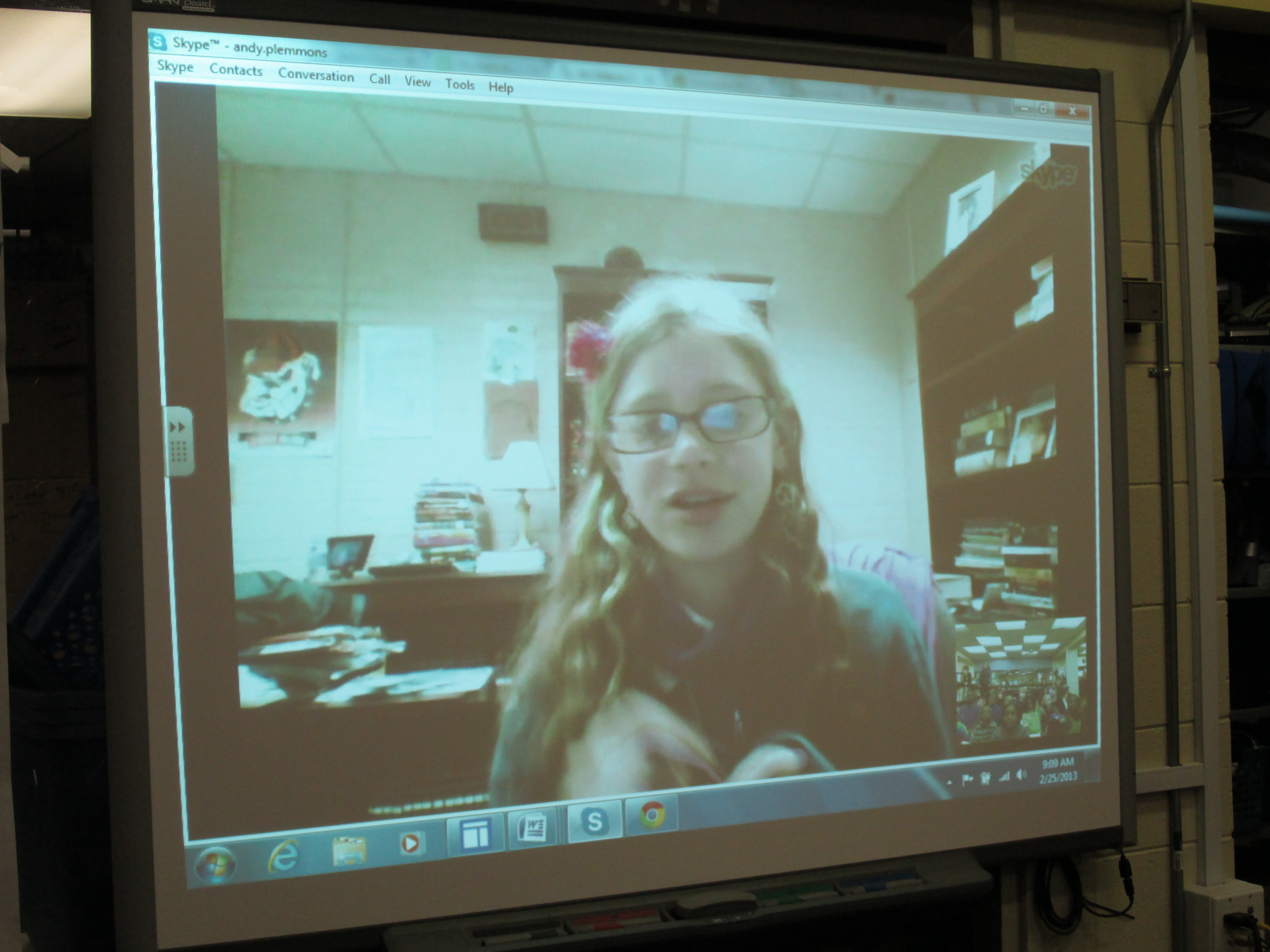
Expert 1: Claire Wislar, Middle School Student
IMG_0065

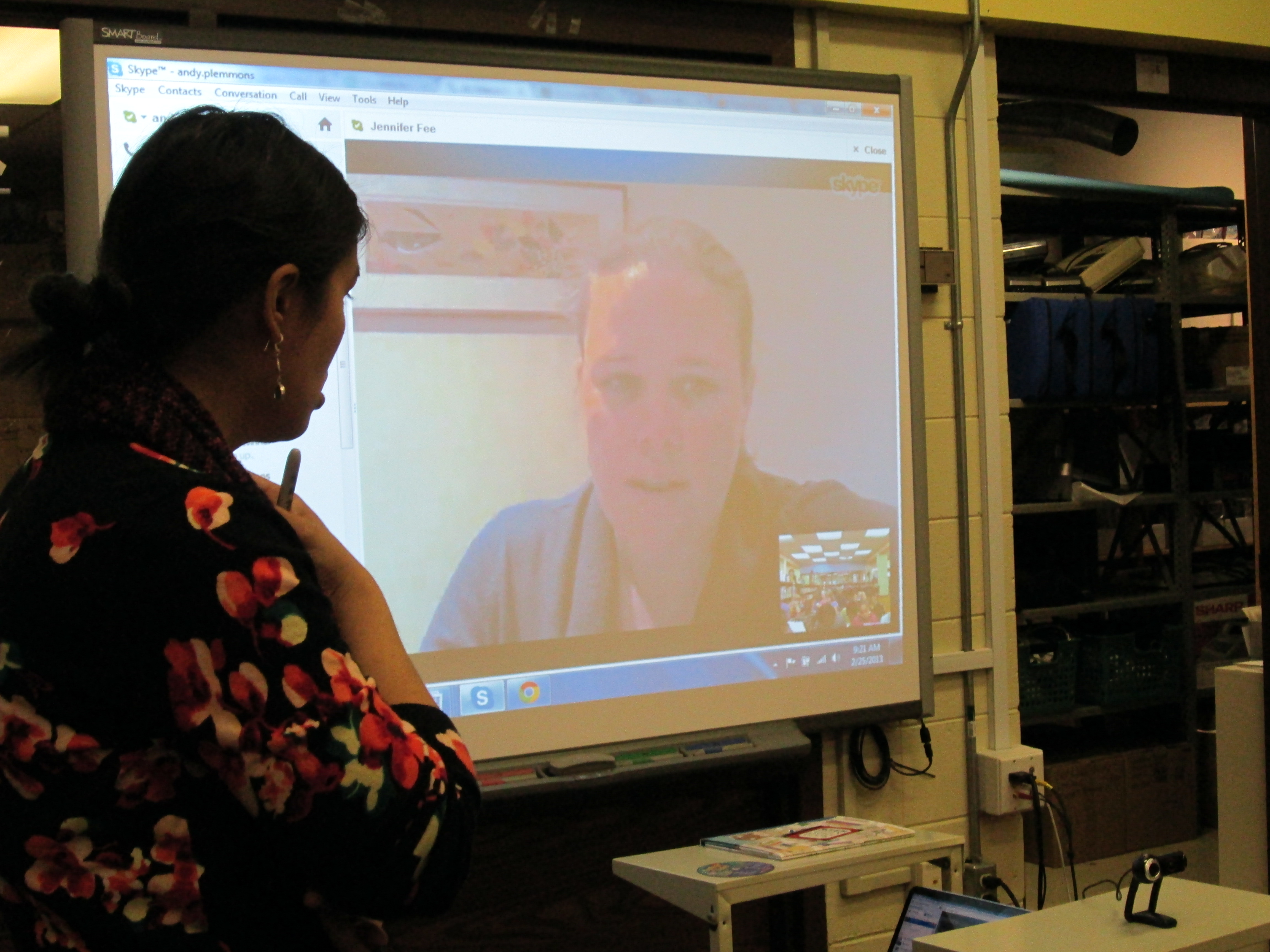
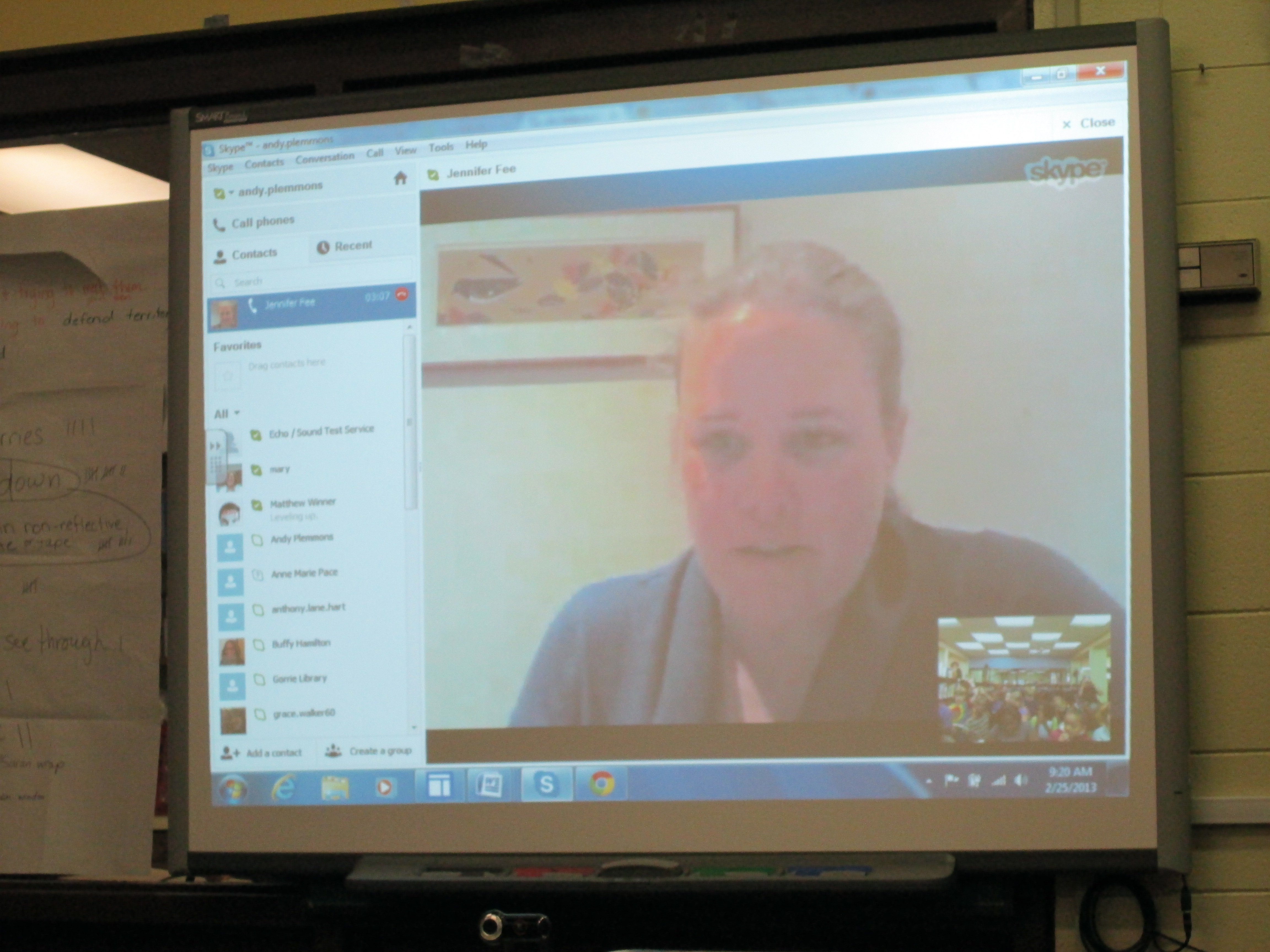
Expert 2: Jennifer Fee, Cornell University

Today, Mrs. Shealey’s class came to hear from 2 experts.  Expert 1 was Claire Wislar, a former Barrow student.  She is a middle school student and aspires to be an ornithologist.  Over the weekend, she did some research on the topic for us as well as thought about her own knowledge and experiences with birds and windows.  Shawn Hinger, Clarke Middle Media Specialist, setup a computer in her office for Claire to use.  During her short Skype session, Claire let the students ask questions as well as shared to things that the students might try: wind chimes to scare the birds,electrical tape in lines on the window, and putting Saran wrap on the windows.  It was so much fun to have a connection to a student who used to go to our school who was able to share her expertise with students.
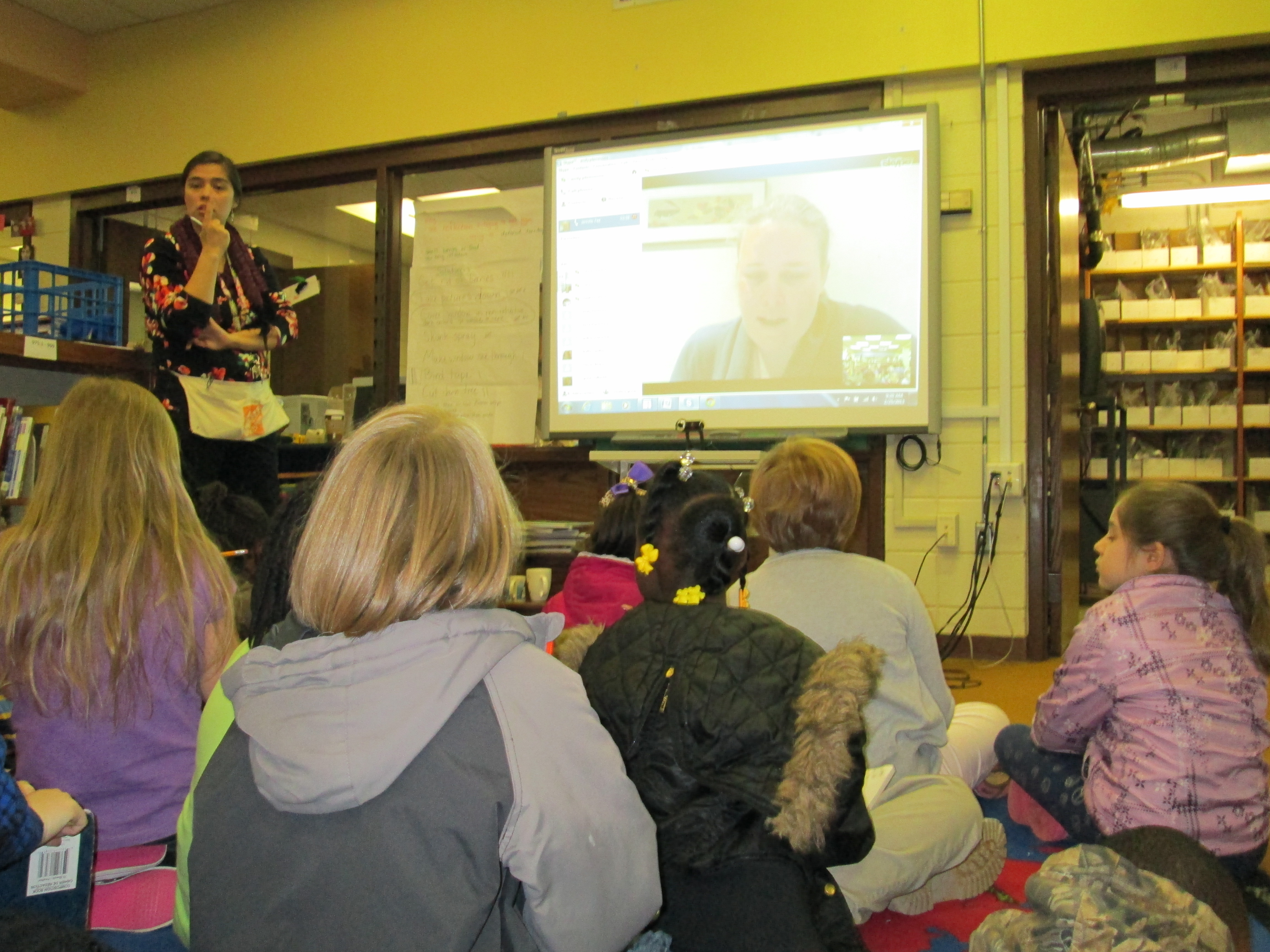
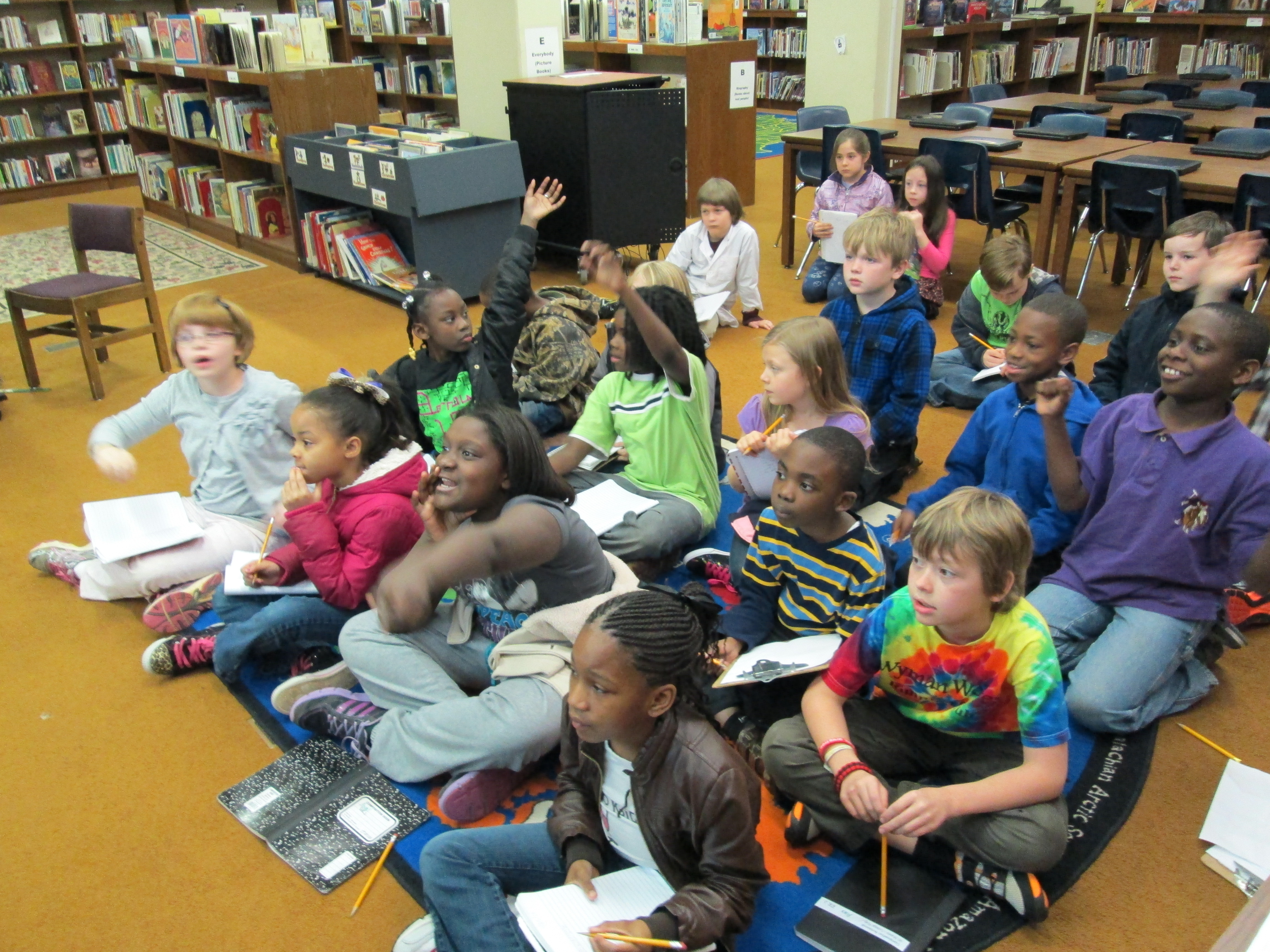
As info was learned, students wrote notes and Mrs. Shealey captured ideas on chart paper.

As info was learned, students wrote notes and Mrs. Shealey captured ideas on chart paper.

Expert 2 was Jennifer Fee with Cornell University in Ithaca, New York.  Cornell has an impressive program in Ornithology and a great website resource that we have already been using.  It was really interesting because Jennifer has experience with this same problem at her building at Cornell.  She and her colleagues did an action research project, too, and tried several solutions and collected data.  She explained this process to the students.  She also made some suggestions about what students might try:  shiny decals, hang CDs by windows, bird feeders that stick to windows or bird feeders that aren’t right by the windows, and bird shape cutouts.  She also encouraged the students to keep trying the things that they are trying and to constantly collect data on what was happening.  We were so excited that at the end of our time together she told us that she would be sending a window bird feeder for us to try!
http://www.youtube.com/watch?v=Yr5WKoUo2a0

IMG_0063Expert 3 did not connect with us in real-time but sent us an email instead.  Richard Hall is the president of the local Audubon Society.  He suggested that student visit this website and also try cross-hatching the window with a yellow hi lighter.  He also invited the students to write about their experience in the local Audubon Society newsletter!  They are so excited about this opportunity.
IMG_0053This is such an exciting project.  It is full of higher order thinking, student ownership, multiple standards, and authenticity.  I was sure to be transparent with students about how we connected with so many fantastic people.  The power of social media and technology “for good” is incredible.
Connecting Libraries with Extra Yarn (Part 2)

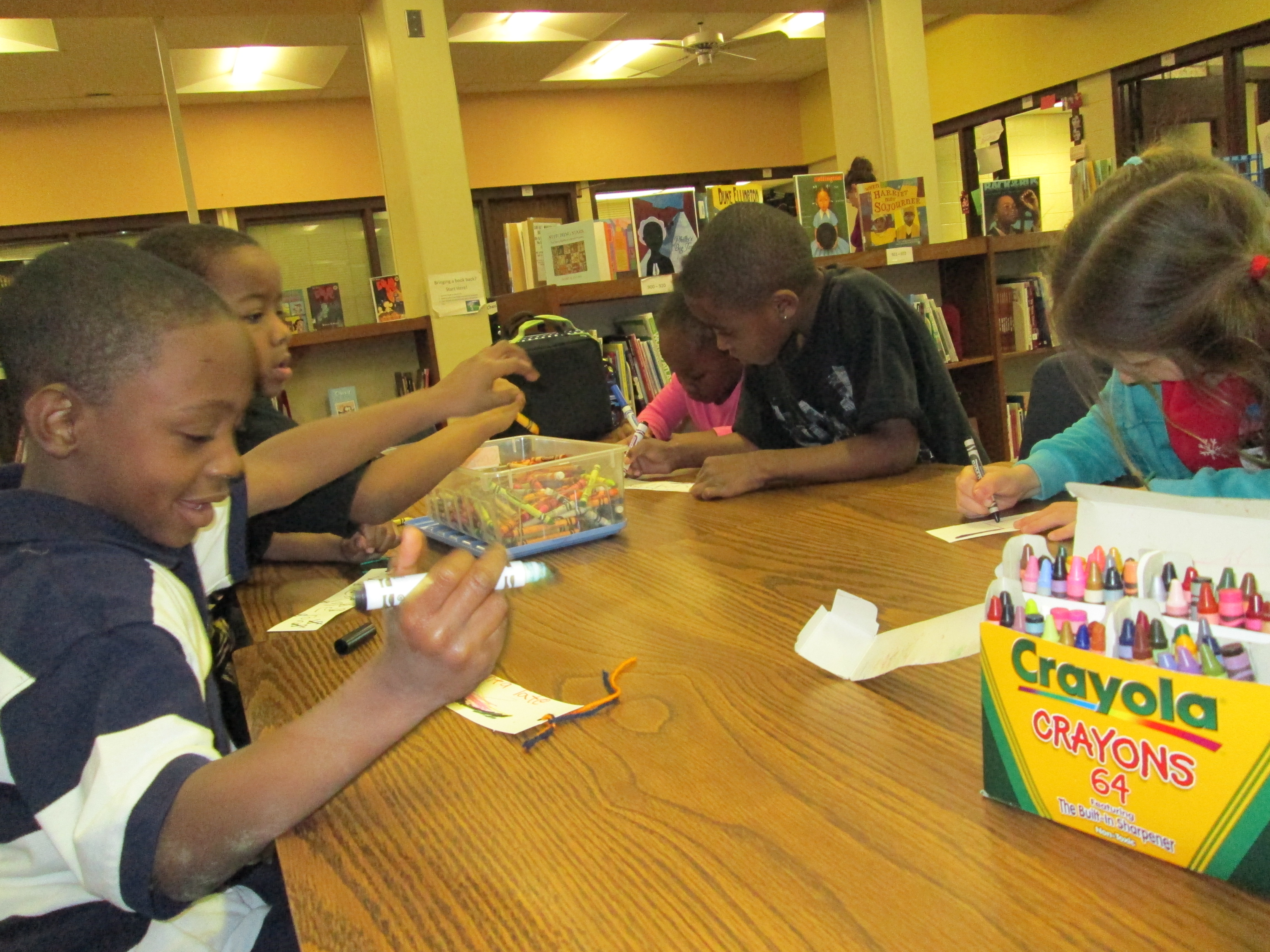
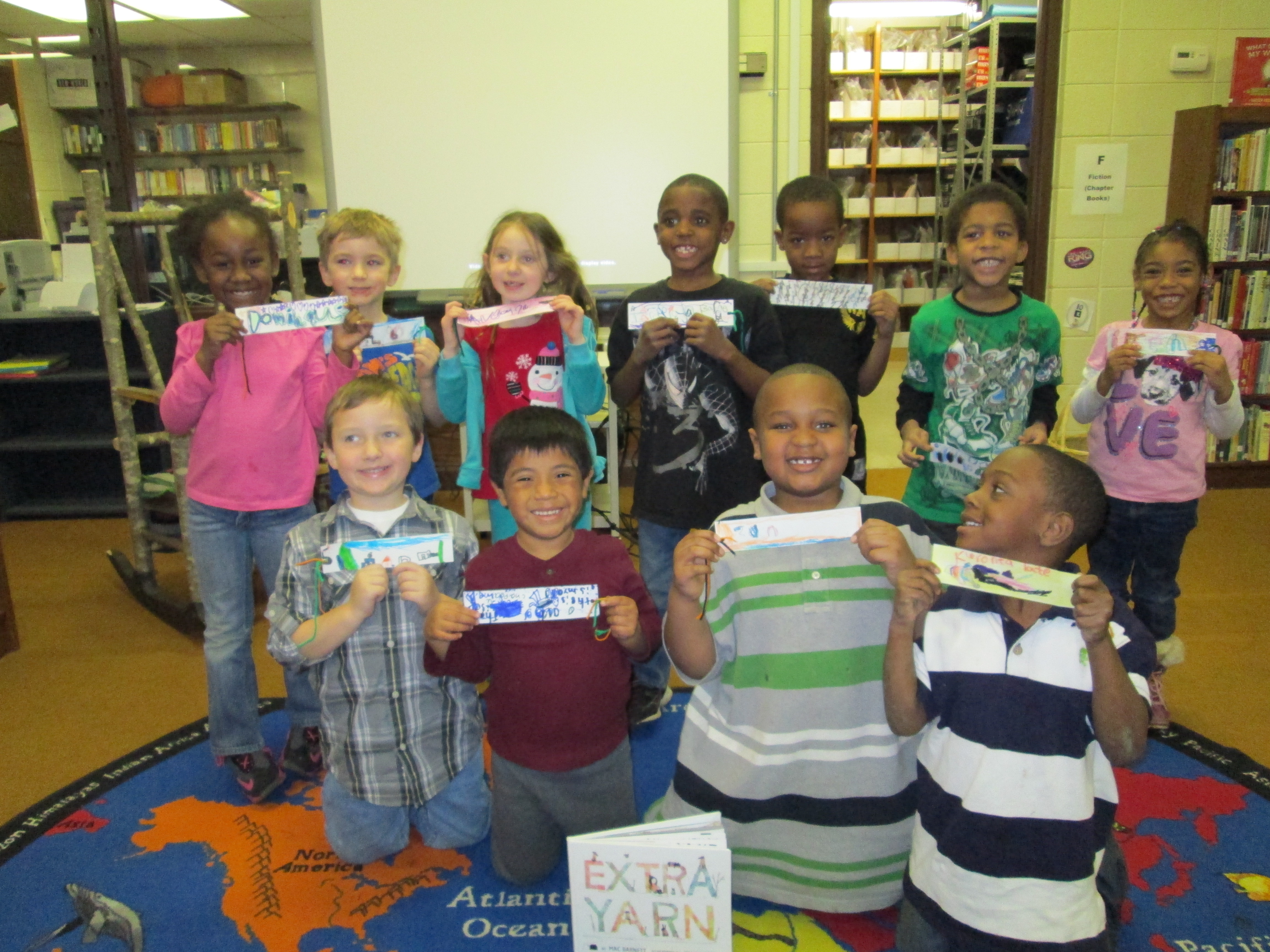
IMG_0001Today, Ms. Seeling’s students had the chance to connect with another Kindergarten class in Van Meter, Iowa.  Librarian Shannon Miller and I read the book Extra Yarn once again and students made bookmarks to send to one another.  It was another magical time.

I made some fun observations this time:

  • Students wondered if Shannon’s students could read the same letters that they do.
  • Students wondered if they would get their bookmarks in the mail by this afternoon.
  • Students wondered if Shannon’s students were in another country.
  • Students had personal stories for each of their bookmarks.IMG_0010

Any of these wonderings would have been great next steps of investigation in the library or in the classroom.  The personal stories really made me curious, so I grabbed my phone and tried to capture a few of the stories.  Each student had a reason they were using particular color and shapes.  Many were trying to tell the Van Meter students something about themselves through their artwork.  It really made me wonder how many stories we miss from students about the work that they create when we don’t stop to listen.  I want to do better capturing these kinds of stories.

http://www.youtube.com/watch?v=qRSiZPZKQZk

http://www.youtube.com/watch?v=UO7UcFu1CRc

http://www.youtube.com/watch?v=9Vah4vM2nPc


Bookmarks are almost ready to mail to Iowa.

Bookmarks are almost ready to mail to Iowa.

Since Shannon and I connected our 2 classes, I’ve had some brainstorming going on with teachers and other librarians about other activities to do with the book Extra Yarn.  Today, Ms. Seeling talked about doing a compliment web using yarn.  A student gives another student a compliment and then tosses the yarn to that student.  This continues until students have made a big web of yarn.  Kathy Schmidt in Gwinnett County brainstormed with me on twitter.  Now I really want to read the book again and try some of these new activities.  There’s always next year.  Who wants to connect?  It’s not too early to start planning 🙂


Kathy and I brainstormed on Twitter.

Kathy and I brainstormed on Twitter.

After our brainstorm, Kathy extended the lesson Shannon and I did and shared on Twitter.

After our brainstorm, Kathy extended the lesson Shannon and I did and shared on Twitter.


Student Book Budgets 2012-2013 (Part 2)

The lists are done and the orders are placed!  Twenty-seven 3rd-5th graders have worked very hard during their lunch time for the past week to create lists of books that are grounded in the results of their school-wide reading interest survey data.  Rather than type everything out here, I’ve made a screencast that shows you the survey, the data, the focus categories, and the final lists.  I invite you to listen:

http://www.youtube.com/watch?v=MFmznHd1XTo

I’m very proud of these students.  Although, doing this during lunch across multiple times and groups of students was literally and figuratively very messy, I liked the overall results.  As always, some amazing moments happened along the way like:

  •  A student standing up and telling the whole group not to think of themselves.  That they needed to keep in mind all of the students of the school.
  • A male student taking a stand for princess books being on the list because he personally heard from multiple students who desperately wanted more of those books in the library.
  • A group of 3 fifth graders debating whether or not to cut a graphic novel off of the list because it cost $26.00.  They talked for 15 minutes just about that one book.  They read reviews, considered popularity, examined quality, and checked circulation statistics for other books in that series.  (They decided to keep it on the list!)
  • Several students repeatedly went into Destiny to search for how many books we had in particular categories, which books were lost in a particular series, and how many copies we had of certain books like Wimpy Kid.

I’m thankful for Capstone Rewards, too, because I helped out some of our tough decisions by using $500 of free book credit to bump up our budget from $1200 to $1700.  Even with that bump, some very tough decisions were made to cut books that would have been equally as popular.  I look forward to seeing what this group comes up with to market these books to the school and how fast they get checked out!

5th Grade Little Free Library Project Part 2

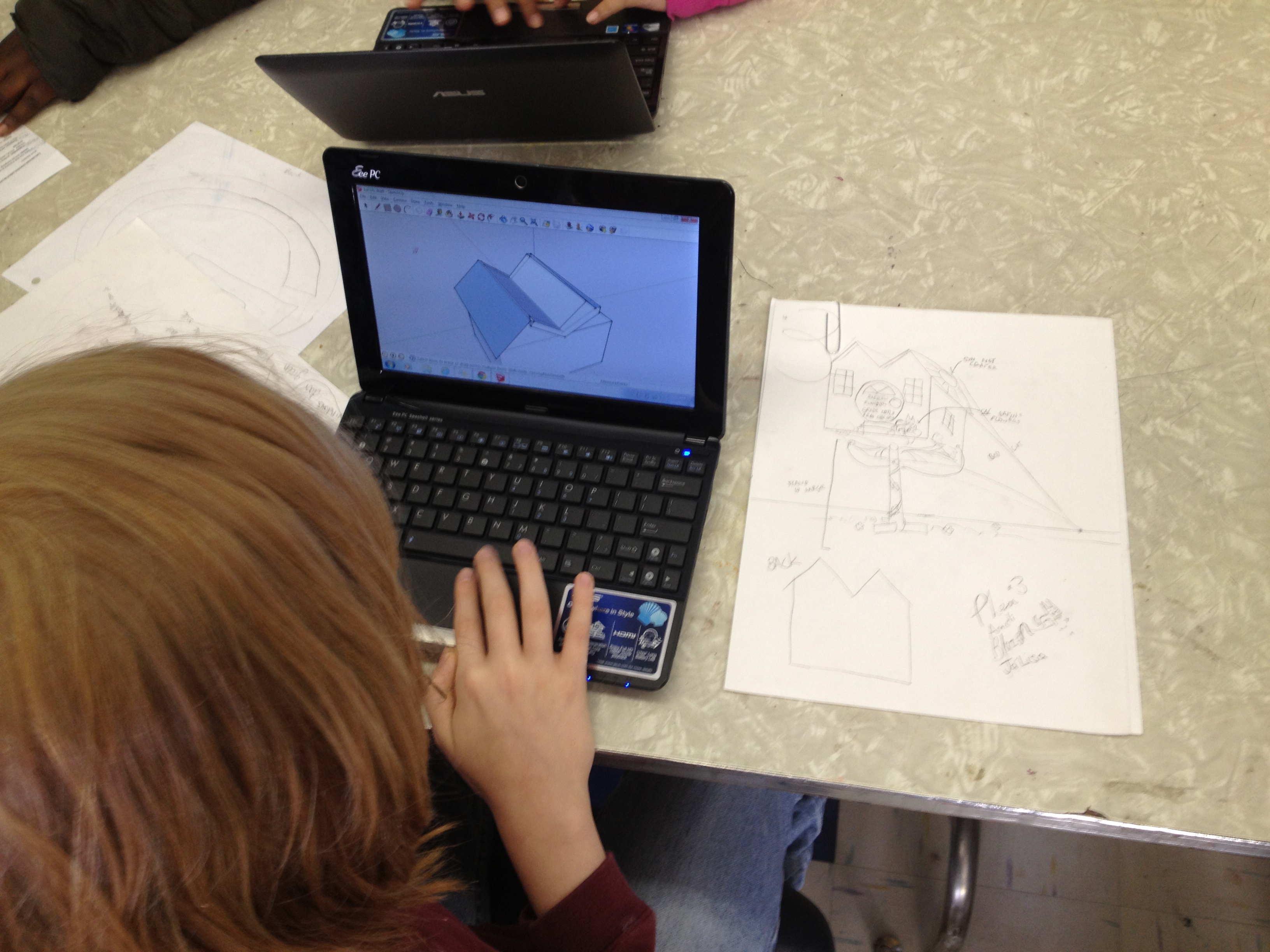
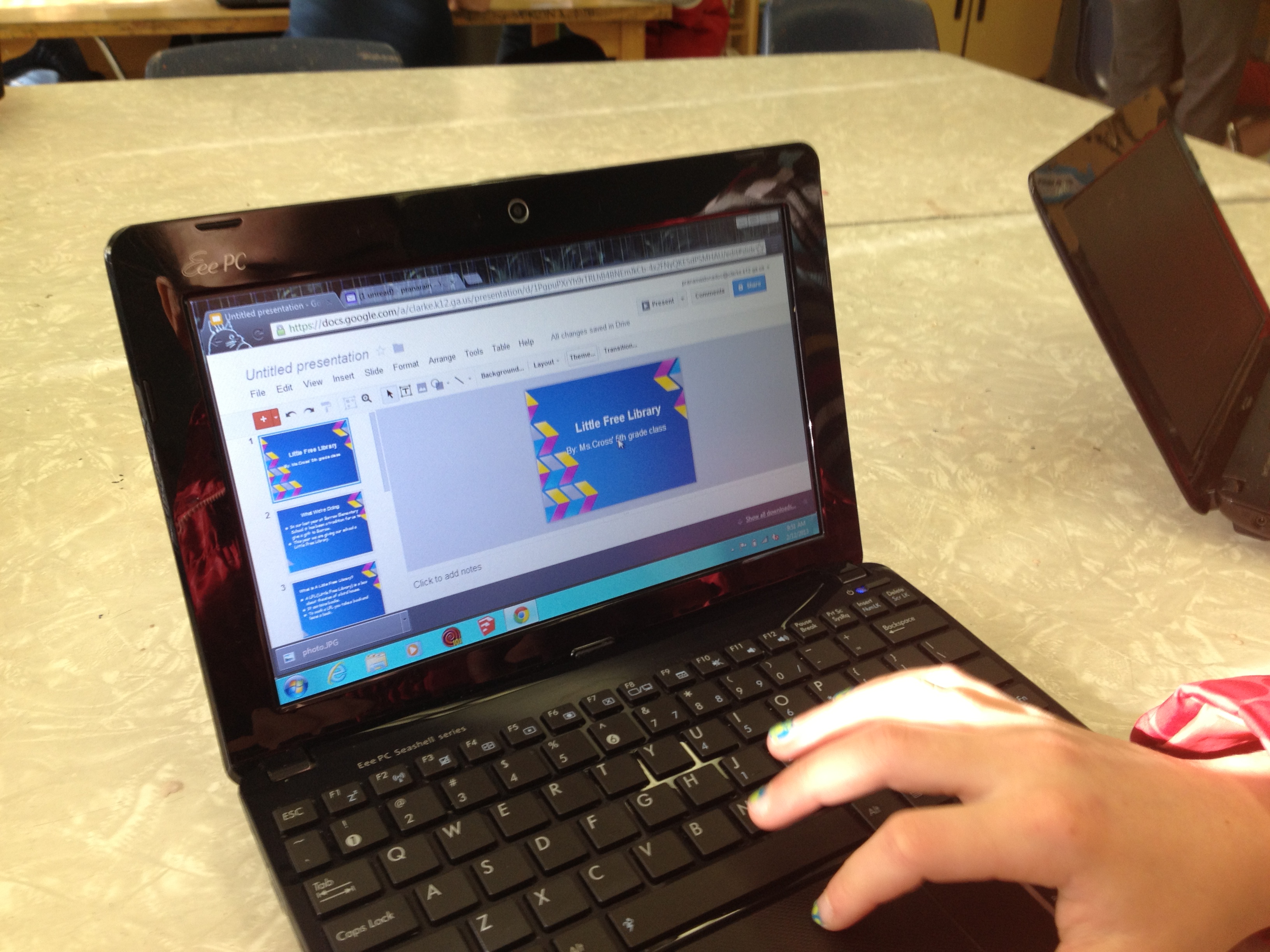
Students designed on paper before using Google Sketchup

Students designed on paper before using Google Sketchup

Our 5th grade Little Free Library Project is picking up speed.  Thanks to the amazing collaboration of Rita Foretich and her student teacher, this project is really getting off the ground.  In art, students from both 5th grade classes have been split into teams of 4-5 students.  Each team has a lead designer, a task manager, a researcher, a writer, and a presenter.  Each job has specific responsibilities which Ms. Foretich and her student teacher constantly check in on.  They also give the task managers checklists to help them check in with each person on the team.

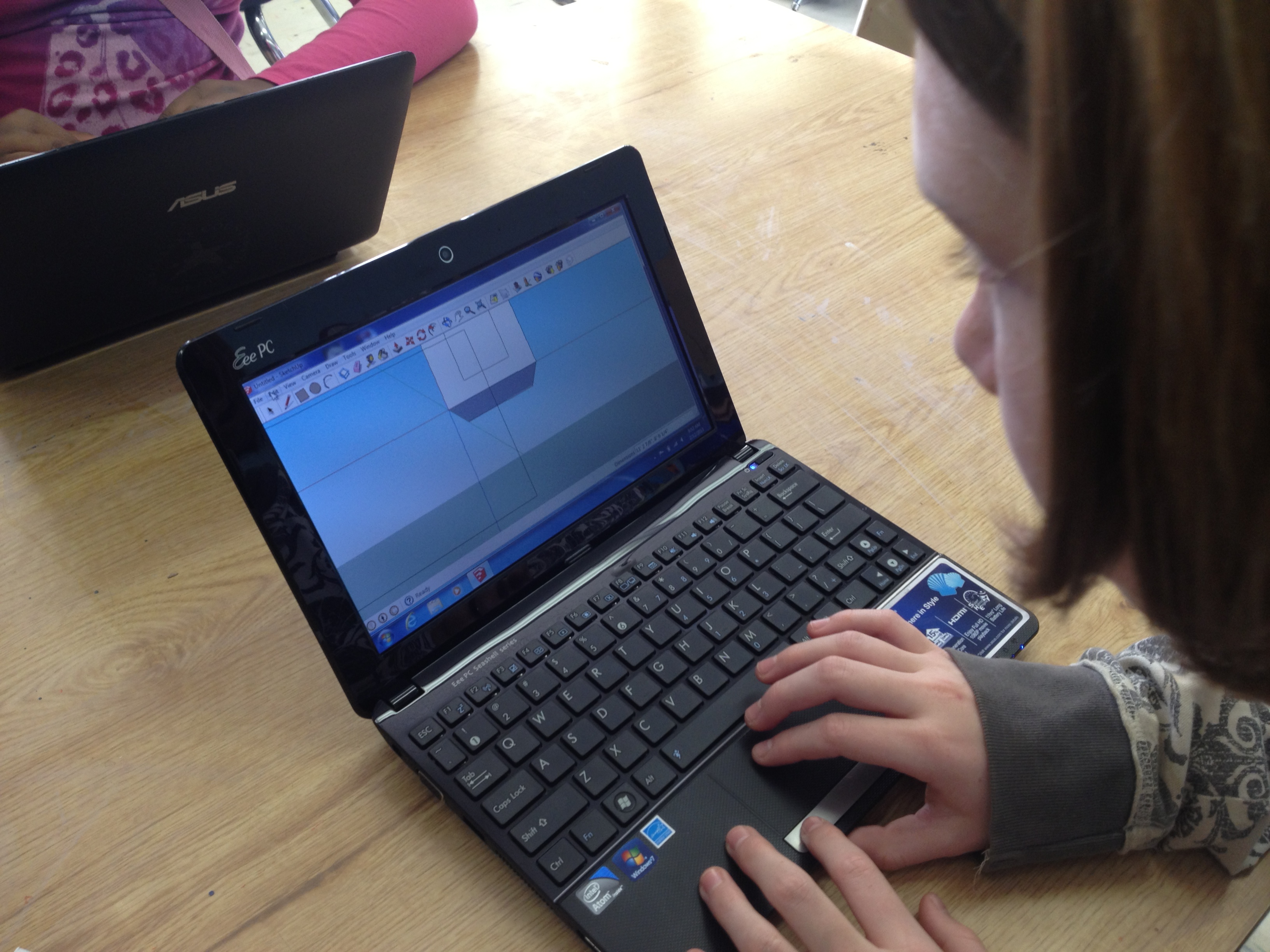
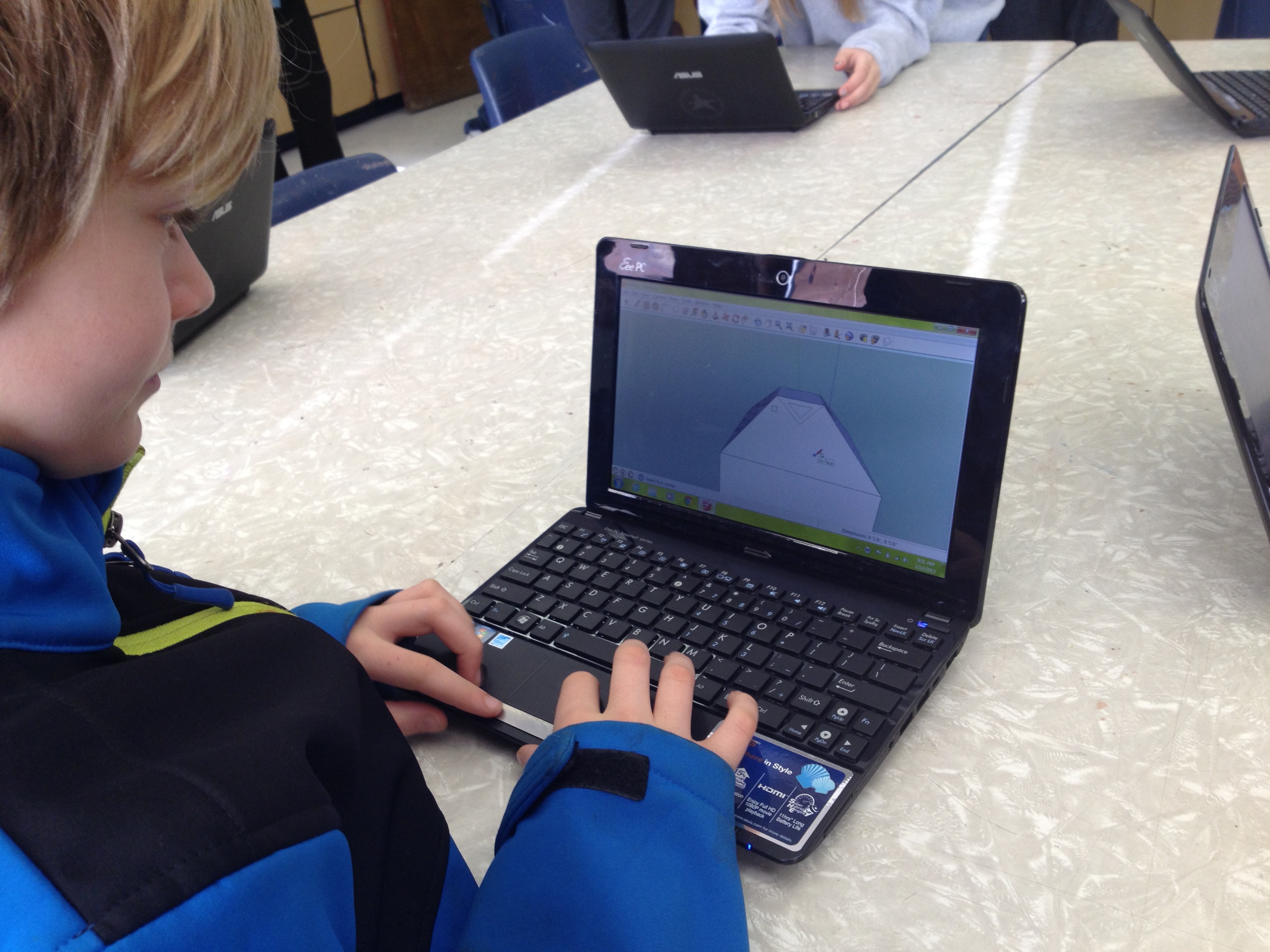
The student teacher is a Google Sketchup expert, so she has the lead designers using this tool to design a potential Little Free Library.  Students have made sketches on paper and moved to Google Sketchup to create a model of their library.  Presenters are putting together a presentation to inform our audience about each library design.  We may end up having the principal choose 2 designs or we may move forward with a student vote. LFL 4

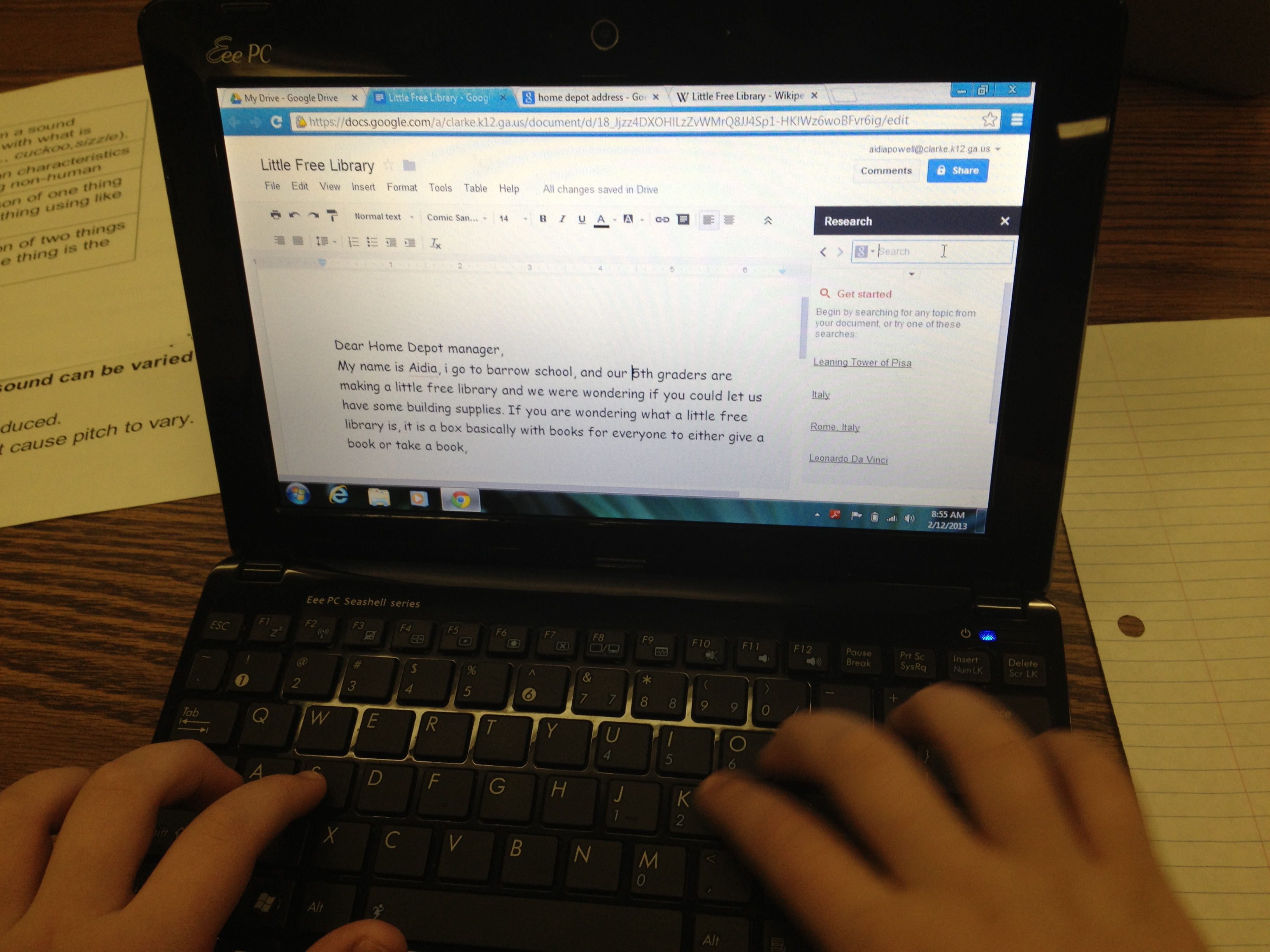
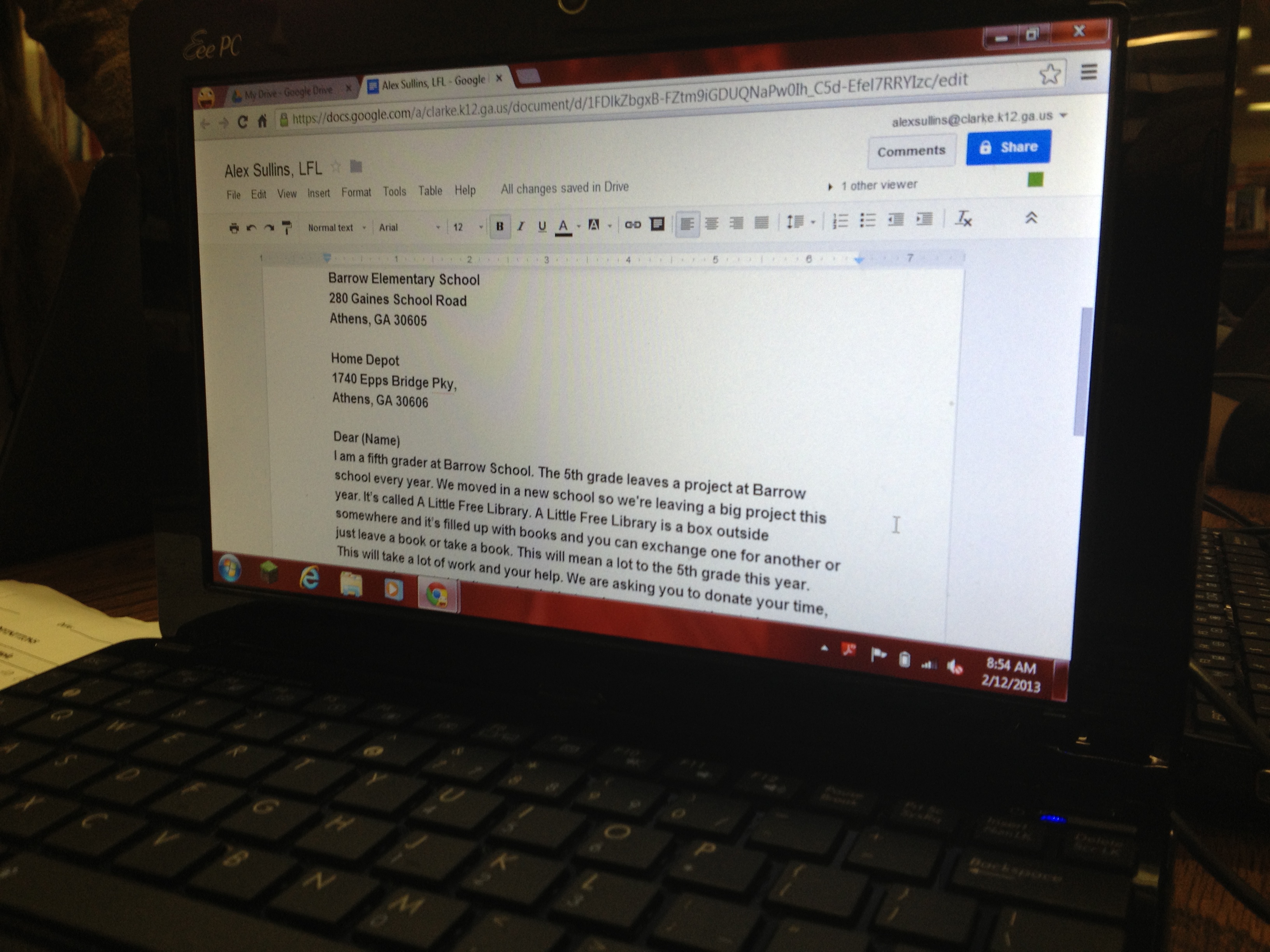
The researchers and writers are working with me in the library to research the Little Free Library site for information about building the actual structure.  As we research the many tips on the site, we are considering other topics that we may need to research such as reusing materials and green building techniques.  We’re thinking of careers that we may need to research in order to identify experts to connect with or people to target for persuasive writing.  The writers are writing persuasive letters to send to potential donors, builders, or collaborators on this project.  They are also considering persuasive tweets they may need to craft for me to tweet out to target audiences for support.

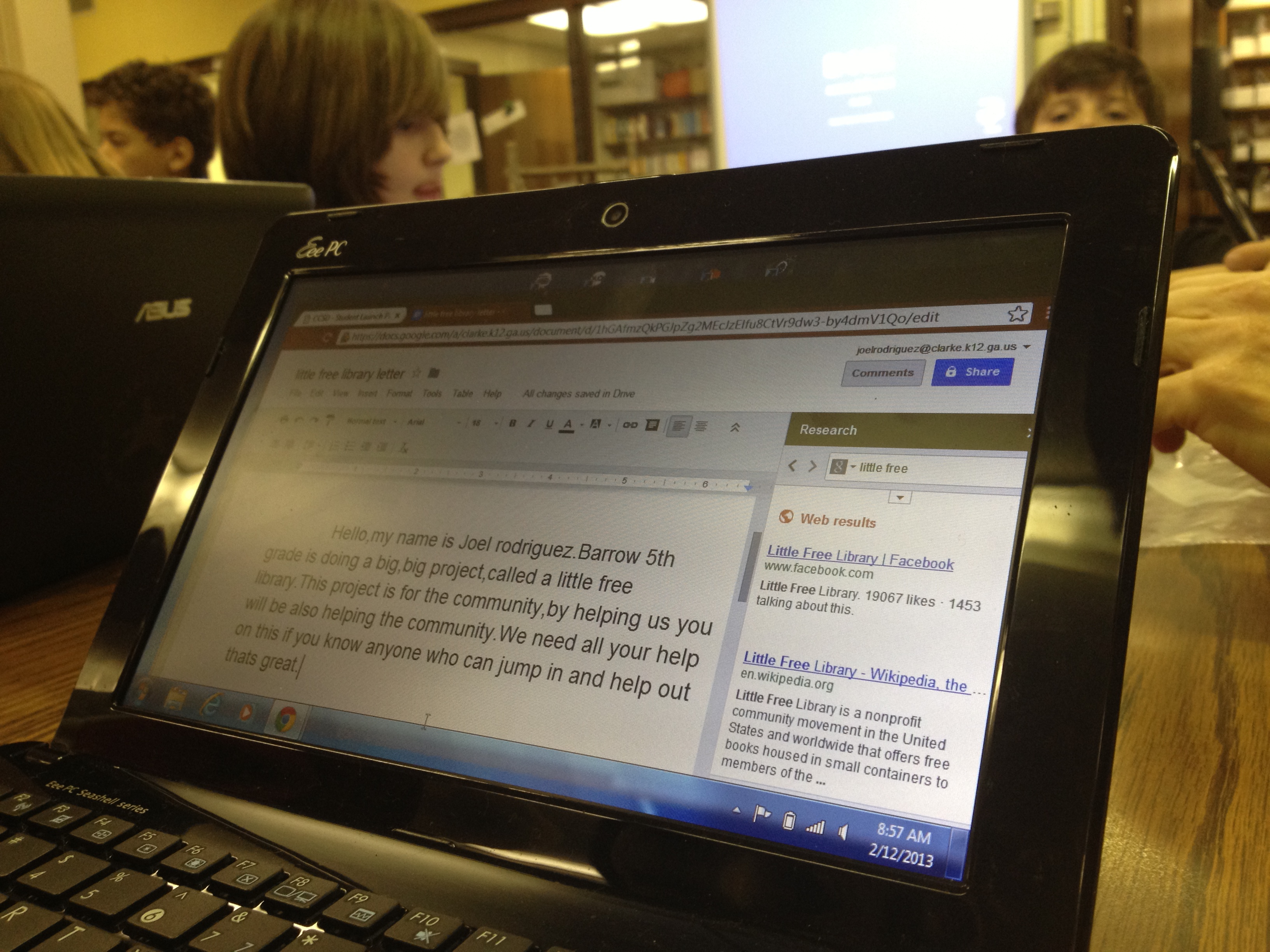
5th graders used the Google Research tool in Google Docs to look for reading statistics

5th graders used the Google Research tool in Google Docs to look for reading statistics

I’m also working with the 5th grade classes on persuasive writing techniques.  We used the Read Write Think powerpoint of strategies and thought about what information we might include underneath each strategy.  I also showed them the research tool within Google Docs.  The students (and teachers) were excited that you could search for a topic such as “reading statistics” to find quotes about reading in the United States and automatically cite the source within your Google Doc.  I think this tool alone will spill over into many other projects now that the students know how to use it!  All 5th graders are writing letters to businesses, builders, parents, students, and other groups in order to ask for money, labor, supplies, books, and a location for our 2nd library.  The teachers are continuing this writing in the regular classroom as well as exploring the Little Free Library site for additional information.  One student was even able to locate a Little Free Library from his hometown in India!

Google Sketchup is proving to be a helpful tool in design

Google Sketchup is proving to be a helpful tool in design

I can’t wait to see where this project goes because it is certainly exploring many of the standards that our 5th graders work on in a variety of areas.


lfl8

A team checks in with one another before starting individual work

A team checks in with one another before starting individual work

LFL7 LFL 8 LFL 6 LFL 5

Connecting Libraries through some “Extra Yarn”

Shannon and I took turns reading pages of Extra Yarn.

Shannon and I took turns reading pages of Extra Yarn.

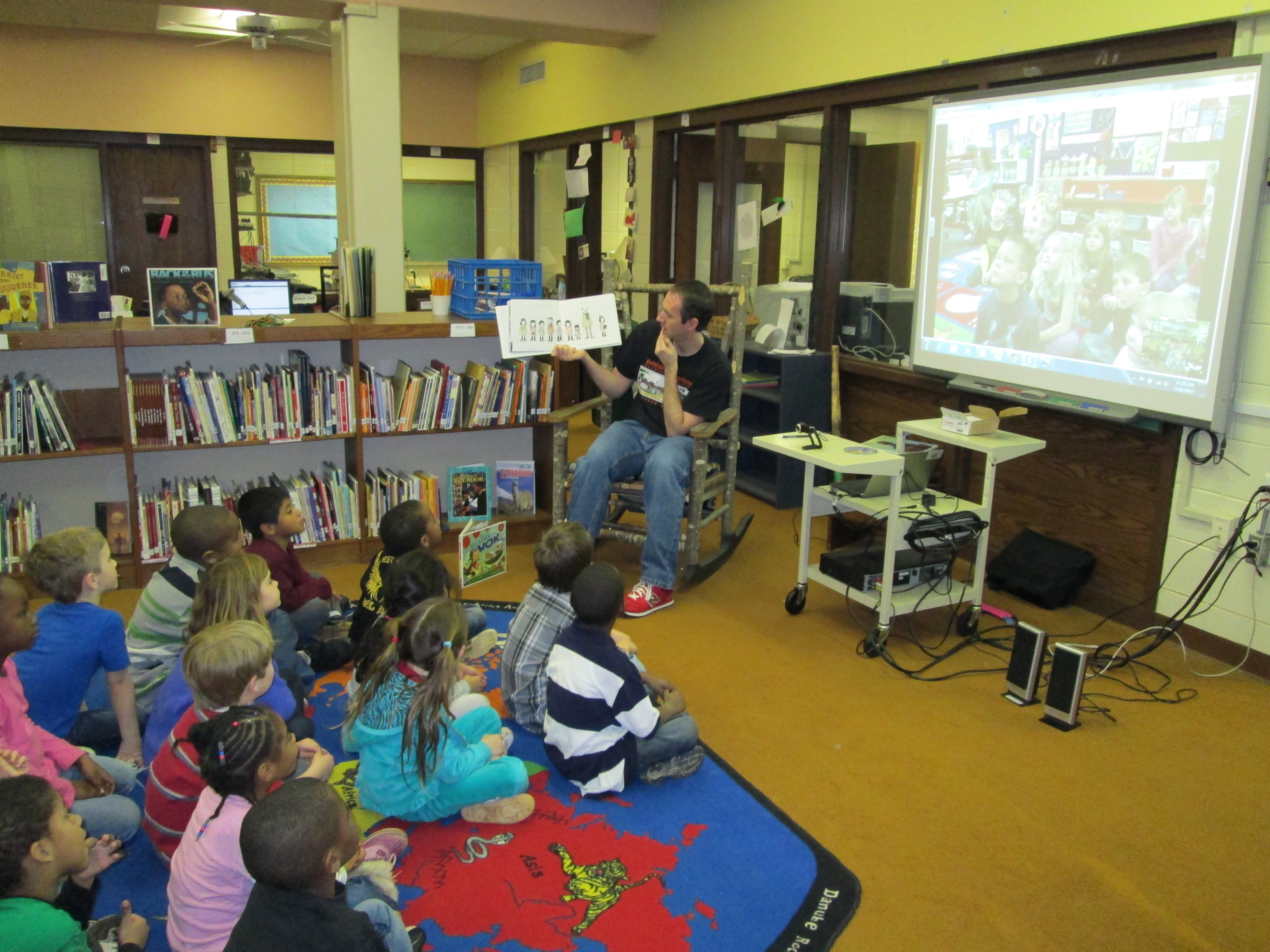
What a fun day!  After lots of tweeting, collaborating via a Google Doc, and emailing, Ms. Hocking’s Kindergarten Class connected today with Shannon Miller’s Kindergarten students in Van Meter, Iowa.  In the spirit of World Read Aloud Day #WRAD13, we read a book that connected with the theme of “Reading it Forward” and used the book Extra Yarn by Mac Barnett and illustrated by Jon Klassen.  This book was just honored with the Caldecott Honor Award at the ALA Youth Media Awards.  So far, I’ve read the book to all 1st grade classes and every class falls in love with this text and the illustrations.  It also generates some great discussion about the mysterious yarn box.

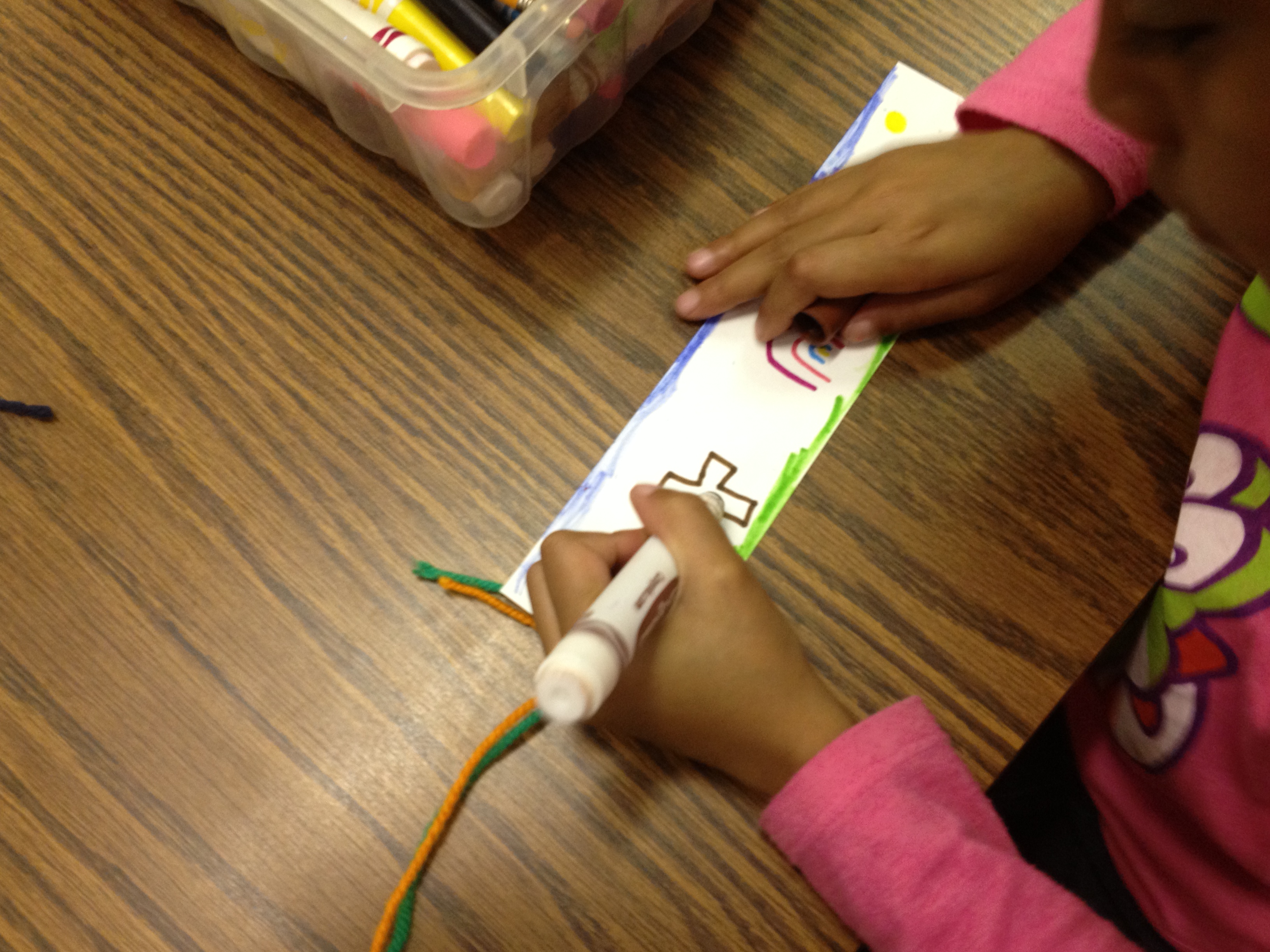
In today’s session, Ms. Hocking’s Class gathered in the library.  We talked about etiquette during the Skype session and looked at a map of where Van Meter Iowa is located.  We also did a quick intro of what we would be doing together.  Then, we made the call via Skype.  Shannon Miller introduced her students and we enjoyed waving at one another and saying hello.  Then, Shannon and I launched into reading the book.  We each read a 2-page spread of the book, and it was so much fun to hear 2 different voices reading the text.  The kids enjoyed joining in by saying “extra yarn” every time that appeared in the text.  It was great to hear voices in 2 different states shouting “extra yarn”.  We stopped a little bit along the way to look at how the illustrations were changing and to make some predictions.  Our last step was to make yarn bookmarks to send to one another.  Shannon’s students had already made their bookmarks before the call, so they were able to show us their work.  This really inspired my students to do their best work and to make connections to what Shannon’s students had already started.  We said goodbye and got to work on our bookmarks.  Each student had a card stock bookmark with yarn attached at the end.  They put their name on the bookmark and decorated both sides.  Now we will mail our bookmarks to Iowa and eagerly await bookmarks to arrive from Iowa.  We plan to continue to connect these 2 classes through a follow-up project in book making.

You can read Shannon’s post about the experience on her Van Meter Library Voice Blog!

Student bookmarks had yarn attached to the end in honor of the book.

Student bookmarks had yarn attached to the end in honor of the book.

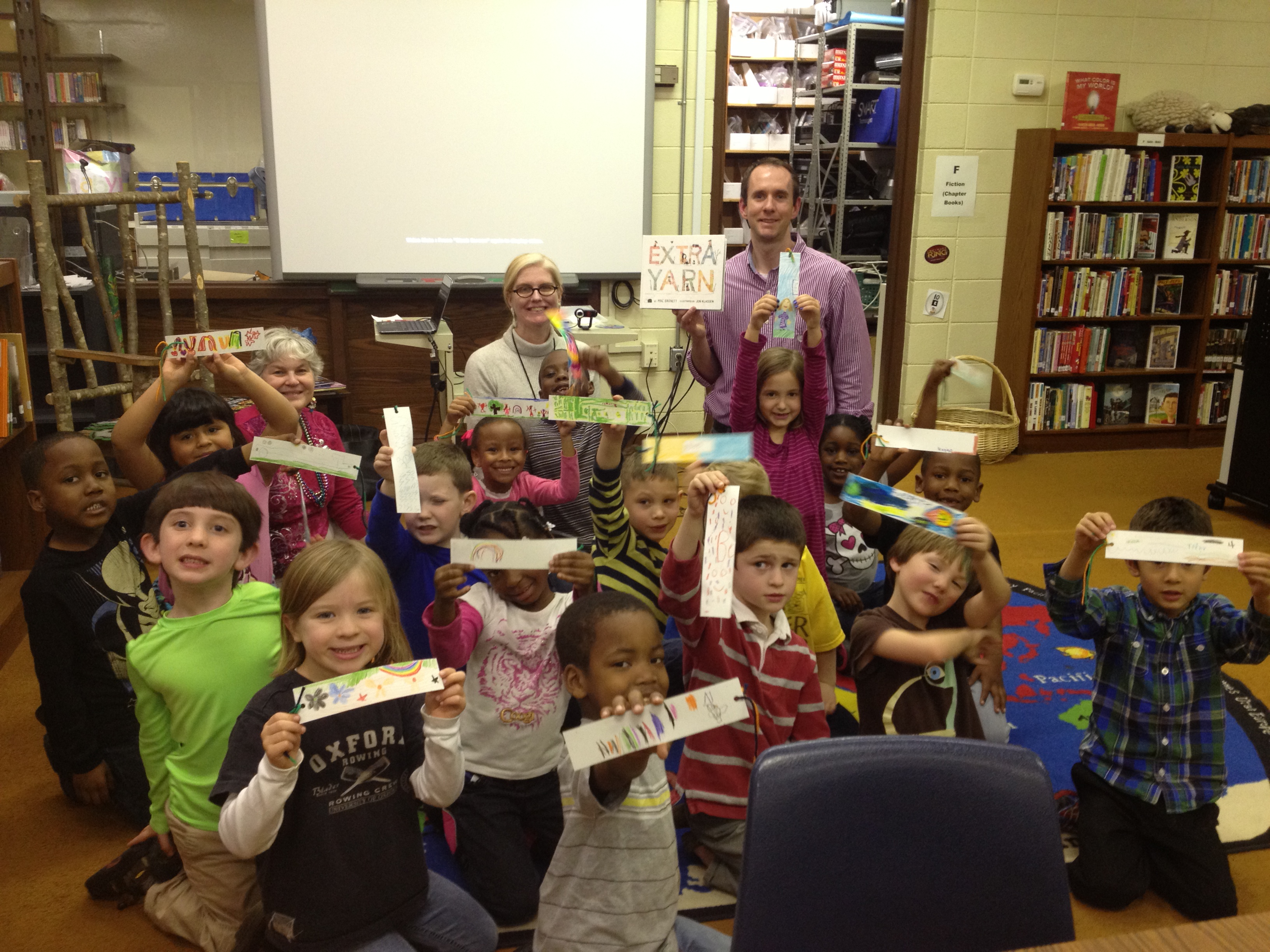
Our students are read to send their bookmarks to Iowa

Our students are ready to send their bookmarks to Iowa

This was such a fun time.  It meant a lot to the students, and it was really super easy to do through so many virtual tools.  I look forward to many more collaborations with Shannon and other librarians across the country (and world)!

skype11

skype 4

Student Book Budgets 2012-13 (Part 1)

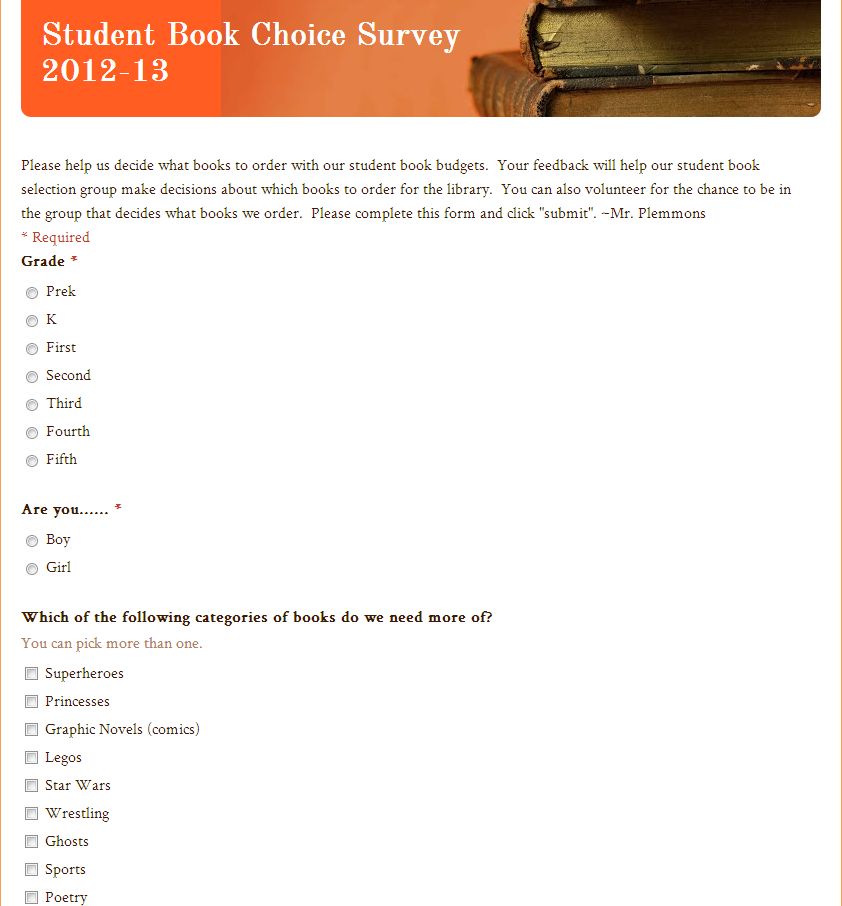
A snapshot of the form that students used to survey other students

A snapshot of the form that students used to survey other students

Once again, I have reserved a portion of our library budget for complete student control.  I have done this over the past three years and have come to value it so much that I plan to continue and improve upon the process.  So far, this year is proving to be one of the most interesting so far.  In the past, I’ve worked with groups of students as large as 40 and as small as 12.  This year, we have 27 students in grades 3-5 who have agreed to participate in this process.

This year, I created a Google form asking about some reading interests and gauging student interest in being a part of the book budget group.  I emailed the form to all students in the school.  In general, our 3rd-5th graders are the main students who check their email, so those were the students who responded.  Out of about 60 responses, I had about 40 students who were interested in being in the group.  I went through the list and tried to select a mix of boys, girls, grade levels, classrooms, backgrounds, and reading interests.  This narrowed the list to the 27 students.

I then got permission from the students’ teachers to allow them to be in the group.  Next, I blocked out some times on the library calendar.  Here’s the rough outline of what I did/planned to do:

  • 1/25:  Initial meeting with the whole group to lay the foundation of our work and edit the Google form that I started. We also claimed which grade levels we would each survey. This was done at the very beginning of the day when students would have been doing their morning meeting in the classroom.
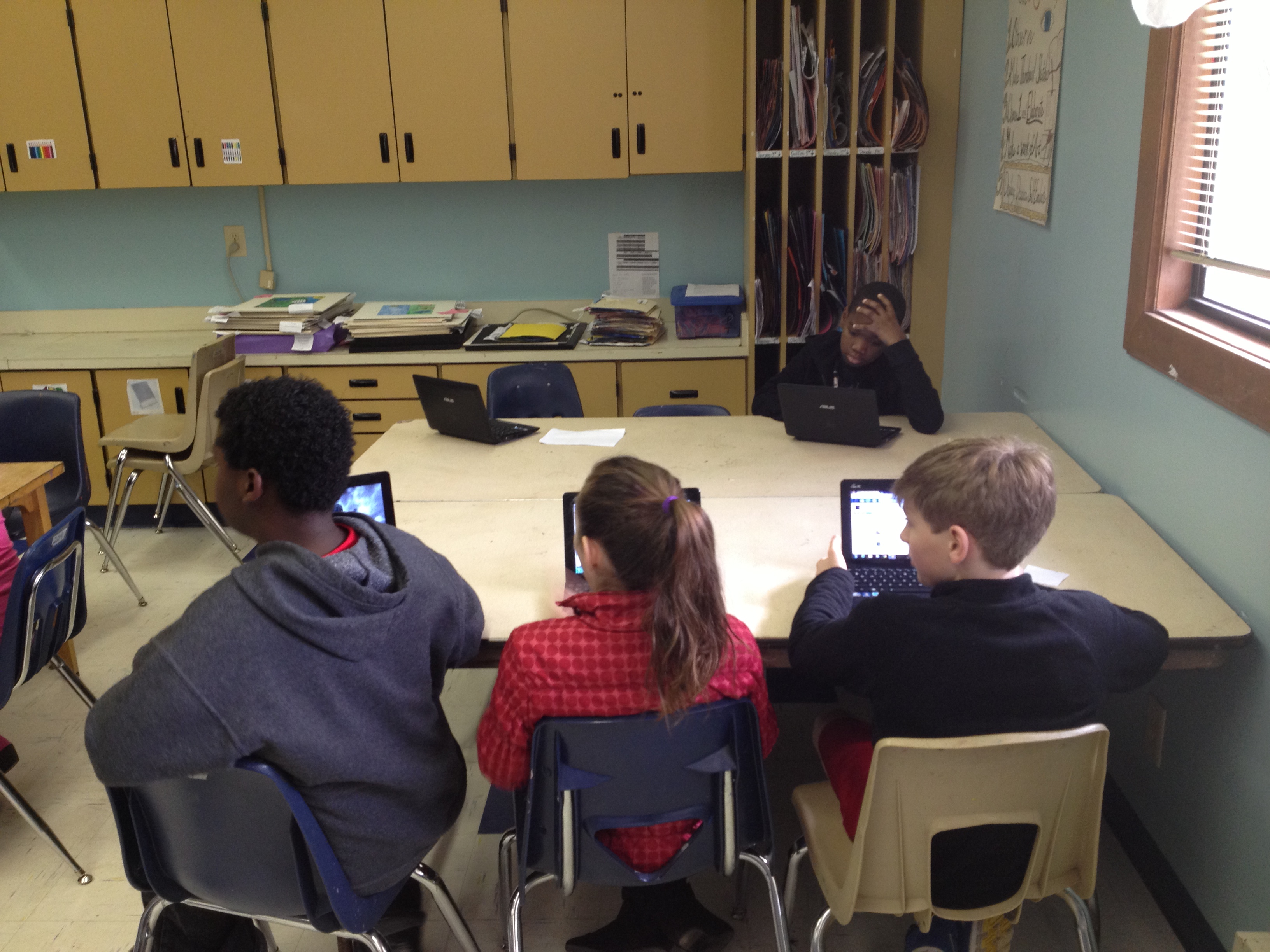
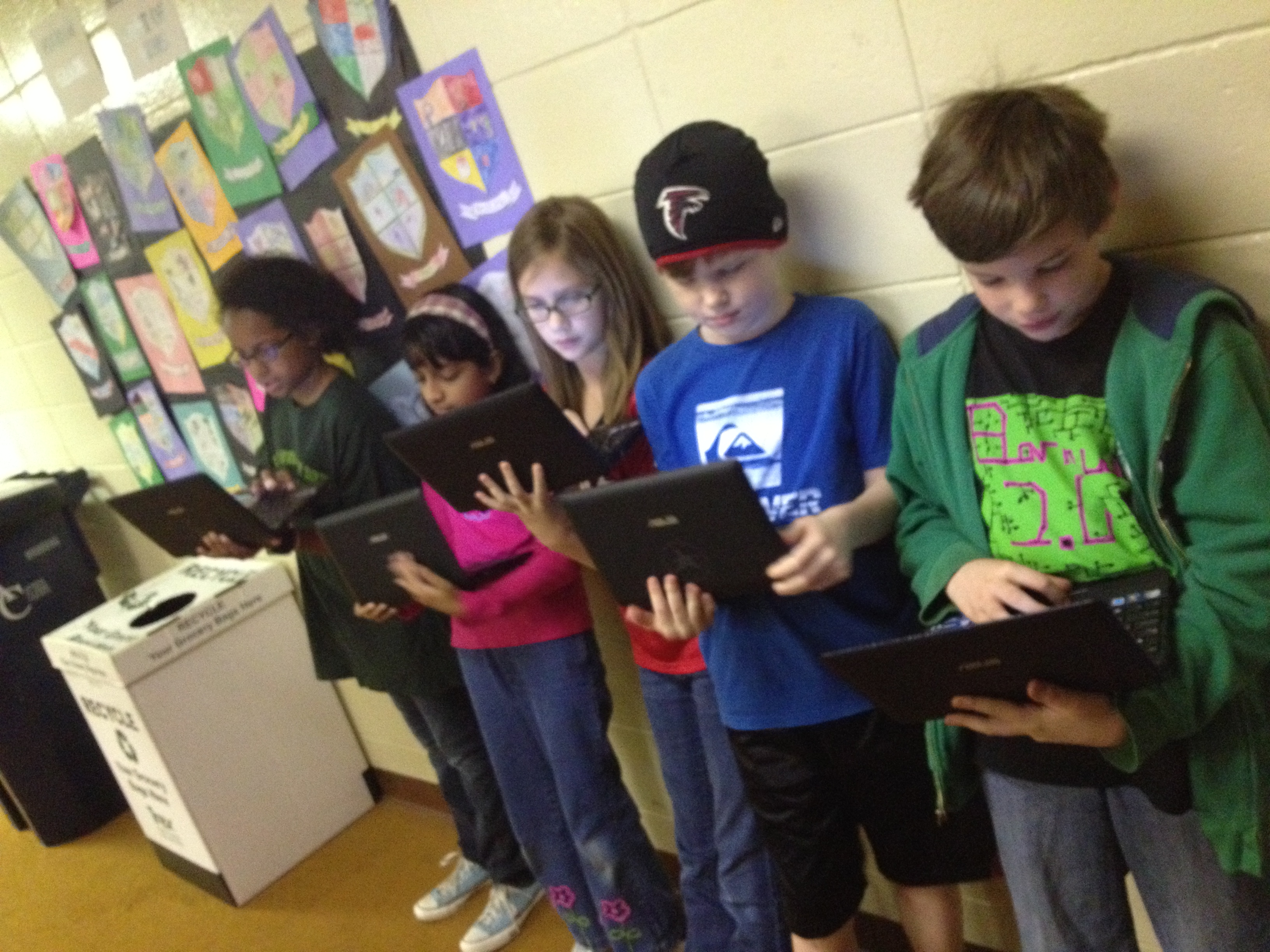
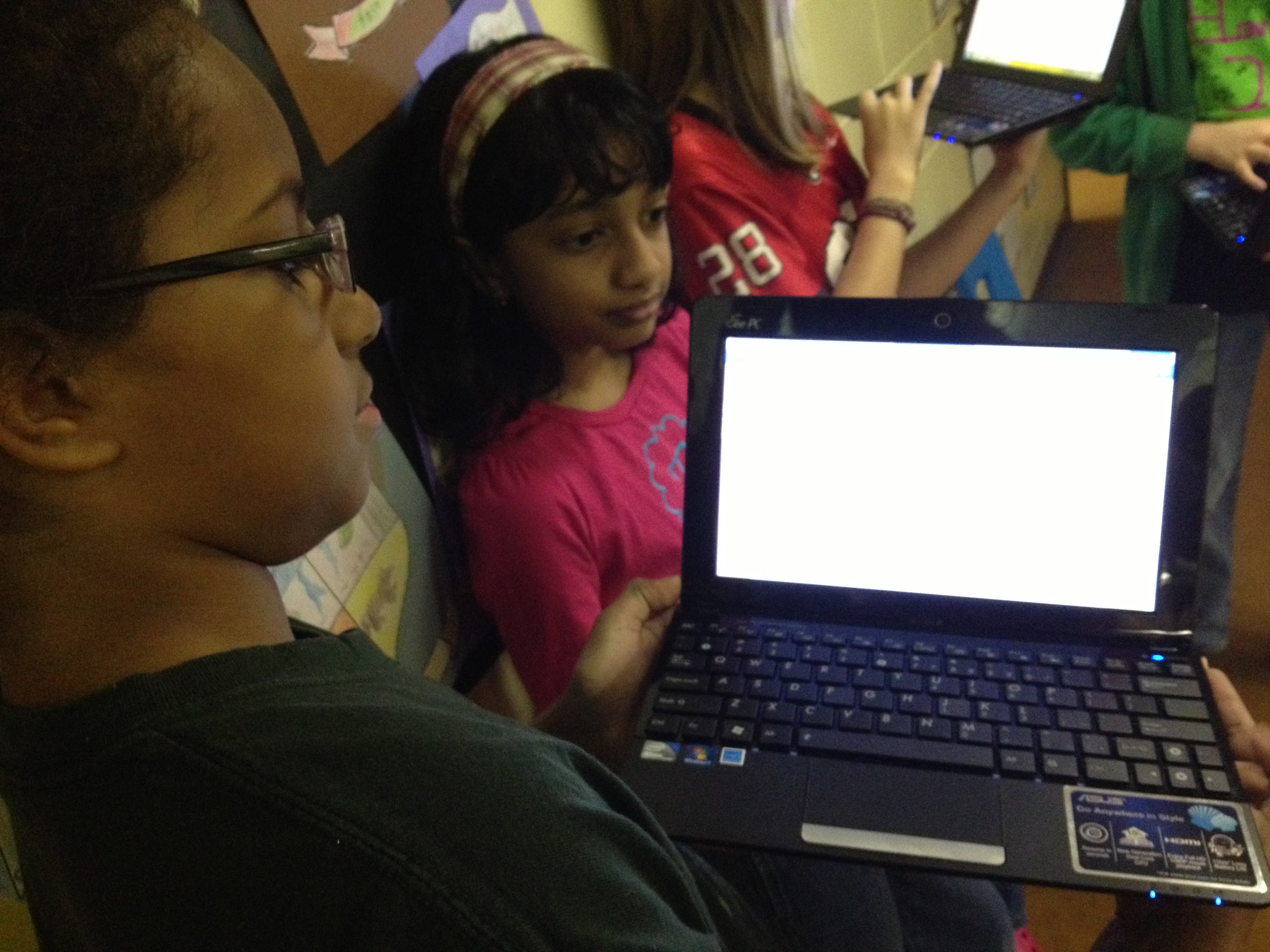
  • 1/28-2/1:  As soon as students arrived at school, they got their netbooks out and pulled up our Google form.  Then, they surveyed their own class as well as one other grade level that they had chosen.
  • 2/1:  After surveying is done, email the results to all of the students so that they can begin looking at patterns.
  • 2/4, 2/8, & 2/11:  Students will meet in the library during their lunch.  We will narrow down the survey results and determine which specific books and categories of books we want to focus on.  Then, students will begin creating lists of books with our favorite vendors including:  Bound to Stay Bound, Capstone Press, and Follett
  • 2/12:  Finalize the lists and order the books.
  • While we wait on the books to arrive, some students might choose to work on some marketing strategies, but I won’t do this with every student in the group.
  • When the books arrive, schedule a meeting to unpack, stamp the books, and double check the packing slips.
  • Advertise the books on BTV and put them into circulation.
Students pulling up their Google Form to begin roaming the school.

Students pulling up their Google Form to begin roaming the school.

At our initial meeting, students did a great job adding to the form I had already started.  In the form, I asked about specific series of books, genres of books, and created a space for students to list specific books.  This was all based on what students are constantly asking for in the library so there were things like:  The Hunger Games, Diary of a Wimpy Kid, World Records, Rainbow Fairies, Ninjago, Lego, Princesses, etc.  The students decided to add a question about grade level and gender so that we could balance how many boys, girls, and students from different grade levels we surveyed.  They also added their own series and genres that I completely missed.  This is what I love about this participatory aspect.  It’s impossible for one person to know the reading needs of the entire school.  It has to be a collaborative effort.

During the week of 1/28-2/1, students surveyed as many students as possible.  I was amazed that by the end of the week they had surveyed over 400 students, which is almost every student in the school!  This is highest amount of students we have ever been able to survey in this project.  Almost every day, I emailed the students an update on how many students in each grade level we had surveyed.  This helped them focus their time.  I was also amazed by the decision making of many of the students.  They were careful not to disturb a classroom if the teacher had already started a morning meeting or a lesson.  They also came to the library to ask me my thoughts about where they might go next.  In the library, I watched the number of surveys steadily climb in the spreadsheet that Google Forms automatically creates.IMG_1689

On 2/1, I emailed the students the final results so that they can hopefully look over it before we  begin the messy process of making decisions this week.  I’ll do another post about the decision making process and book ordering, but for now here’s what we have to work with.  How would YOU narrow this down?

Prek 42 10%
K 58 14%
First 69 16%
Second 73 17%
Third 46 11%
Fourth 45 11%
Fifth 33 8%


Boy 207 49%
Girl 159 37%


Superheroes 129 31%
Princesses 92 22%
Graphic Novels (comics) 170 40%
Legos 172 41%
Star Wars 141 34%
Wrestling 96 23%
Ghosts 165 39%
Sports 206 49%
Poetry 124 30%
History 145 35%
Animals 232 55%
Paper airplanes 149 35%
Cars 144 34%
World Records 201 48%
Drawing 197 47%
Mystery 167 40%
TV shows 149 35%
How to 126 30%
Action 159 38%
Scary 177 42%
Myths & Legends 159 38%
Picture books 187 45%
Movies 185 44%


Hunger Games 161 39%
Rainbow Fairies 113 27%
Diary of a Wimpy Kid 211 51%
Guinness World Records 168 40%
Ninjago 174 42%
Disney Princesses 87 21%
Sisters Grimm 59 14%
Mo Willems books 90 22%
Captain Underpants 145 35%
Geronimo Stilton 104 25%
Magic Tree House 191 46%
Junie B. Jones 168 40%
Lunch Lady 141 34%
Babymouse 139 33%
Goosebumps 100 24%
Dr. Seuss 190 46%
Fashion Kitty 114 27%
Bad Kitty 142 34%
39 Clues 109 26%
Eragon 73 18%
Bone 111 27%
Genius Files 75 18%
Nancy Drew 95 23%
Corduroy 89 21%
Hardy Boys 114 27%
Percy Jackson 100 24%
Archie Comics 92 22%


LL8 Virtual Comic Workshop with Jarrett Krosoczka

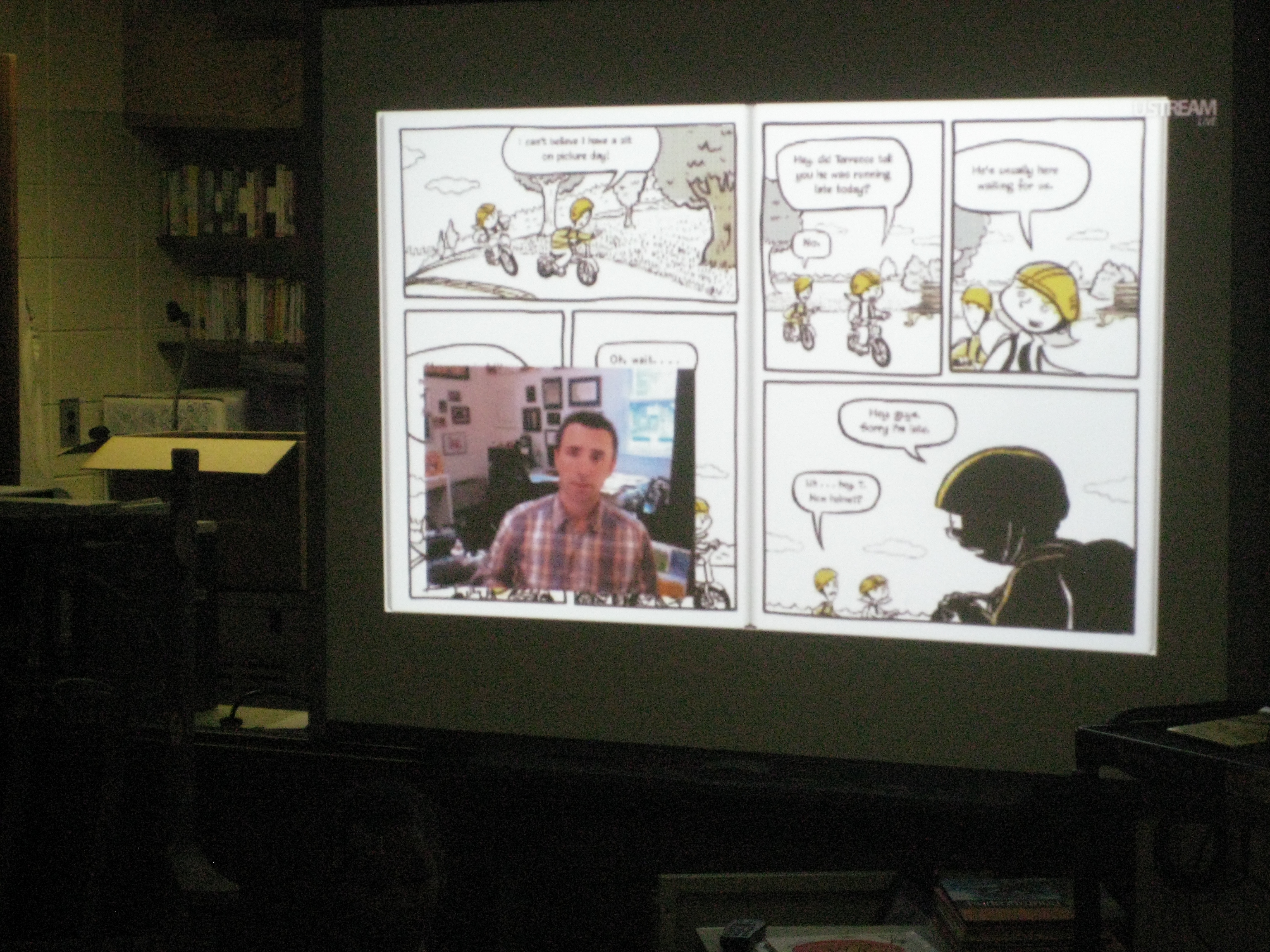
I have long been a fan of Jarrett Krosoczka’s illustrations and writing.  His Lunch Lady comics are among the most popular comics in our library.  I was thrilled to learn that he was doing a virtual comic workshop today via Ustream for free!  I advertised this to teachers a few weeks ago so that they could watch in their classroom or in the media center.

Today a small group of 3 students and their teacher came for the 10:00 session.

My largest group came for the 12:00 session.  In this group, I had 2nd grade Spectrum students who will be studying graphic novels very soon.  Last week, I did an exploration lesson with their class to identify some of the elements of graphic novels.  They began constructing some of their questions for Jarrett.  Later, they will read multiple graphic novels before constructing their own.  Another group that came at 12:00 came by choice.  One of Jarrett’s biggest fans, Marquavious, is a 5th grader at our school.  Marquavious re-read all of the Lunch Lady books to gear up for today’s webcast.  His teacher gave him permission to leave class to come, but he did some detective work and found several other 5th graders who wanted to participate in the workshop, too.  All of these students brought their lunch to the library and ate while they watched.  I also put drawing materials out on tables for them to draw their own comics along with Jarrett.  

All of this setup really helped us when Jarrett had technical difficulties at the 12:00 session.  Since the session was delayed until 12:30PM, I had time to have the students eat lunch, create mini-comics, and read some of Lunch Lady and the Author Visit Vendetta.  Even though the food ended up all over the tables and carpet, it just seemed appropriate to have lunchroom food during our virtual comic workshop.

Jarrett showed the kids some pages from his newest book, a sneak peak of the cover of his book coming out in April, and ended by creating a comic using ideas from all of the viewers tuning in.  The kids had a great time, and they were thrilled when they heard their suggestions read aloud by Jarrett and were even more over-the-top with excitement when he used one of their ideas in his comic.  Thanks for a great FREE event, Jarrett Krosoczka!

This slideshow requires JavaScript.

IPICK: Choosing a Just Right Book

Every year at the beginning of the year, teachers ask me to do lessons on choosing a “just right book”.  While sometimes the focus is just on finding words that you know using the “five finger rule”, I like using the IPICK model because it is more inclusive of all of the pieces it takes to find a just right book.  IPICK stands for:

  • I=I choose my books
  • P=Purpose
  • I=Interest
  • C=Comprehend
  • K=Know most of the words  (this is really where the five finger rule fits)

Each year, I show videos of students singing a song about IPICK.  There are several examples on Youtube.  However, I know that our students are using this strategy in various classes, so when I heard a 3rd grade teacher reminding her students to use IPICK, I asked her if she had some students who might be interested in making a video.  Of course, they were very interested!

For about 45 minutes, 3 students and I met together.  We planned what we might do during the video.  Then, we started recording with an iPad.  After we filmed one take, we watched it and thought about what we needed to change.  Each time, the students made more and more suggestions and their video improved every time.  Here’s the video they created during our time together.

http://youtu.be/330fLsL0ncM


This year, I want to continue to listen for opportunities for students to participate in creating content in our library and be a bridge builder to get that content to a global audience for our students.

Book Tasting

Recently I saw my fellow colleague, Buffy Hamilton, talk about “book tastings” in the Unquiet Library.  Just the words “book tasting” sparked a plan to share books with our students that they might normally miss on the media center shelves.  I often see students picking the same kinds of books:  comics, football, sharks, princesses, etc.  While I think that is completely ok for them to read, I do think it is important to explore other genres and push yourself as a reader.  I offered teachers the opportunity to bring their classes to the media center for a book tasting to allow students to see several books in a short amount of time in order to find something new.

Today, Ms O’Prey brought the first group of 5th graders.  We set the media center tables with flowers, turned on some jazz and classical music, and placed “menus” and books and pencils at each seat.  I did a quick intro and explained to them that they would have between 2-3 minutes with a book.  Their job was to read some of the book: the back cover, the first pages, etc.  Then, on their menu, which was a list of all the books, they had to make notes about the books that they experienced.  This could range from a frowny face for a book that was just terrible to a longer description of why the book was a good match for them.

Students chose their first place at the tables.  From there, students spent 2-3 minutes with a book before hearing a train whistle blow.  At that time, they passed the book to the next person at the table and started the process again.  We immediately noticed how engaged students were in the process.  It was fast-paced and fun, and they were eager to see what they got.  We did run into some students who had already read the book they received, so we placed replacement stacks in the middle of each table.  Students could swap a book out if they had already read it.  I circulated and had a few conversations with students or redirected them if they were off track.  Periodically, I checked in with the whole group and got a feel for how the time was working for them, whether or not they had found a book they were interested in, and if they had found a book they couldn’t wait to get rid of.

As our time came to an end, I asked them to revisit their menu and choose their top 3 books.  We spread the books out on the tables.  Each student walked to their top pick.  If they were the only person there, they checked out that book.  If there were several people, they negotiated and some moved on to other books.  In the end, every student left with one new book and several left with more than one.

I was pleased to see books leave the media center that are new and have not circulated as much as I would like them to.  I told the students that I would check back in with them to see how the books were going.  Before they left, a few students recorded why they chose the books that they chose.  I have 2 more 5th grade classes coming to do this, and all of the 4th grade will be coming to do “author tastings” for author studies they will do at the end of the year.

http://youtu.be/zcM6pQDIUhA

http://youtu.be/ZujdbkjDEsA

http://youtu.be/RQP_YbsQY-A

http://youtu.be/oXUbxg42JJQ

http://youtu.be/qVe5yDYMe4U

http://youtu.be/u2RTPBm0yDU

http://youtu.be/TRF7FdnrPzk

http://youtu.be/y23kZV28R6c

International Dot Day (Extreme September 15-ish)

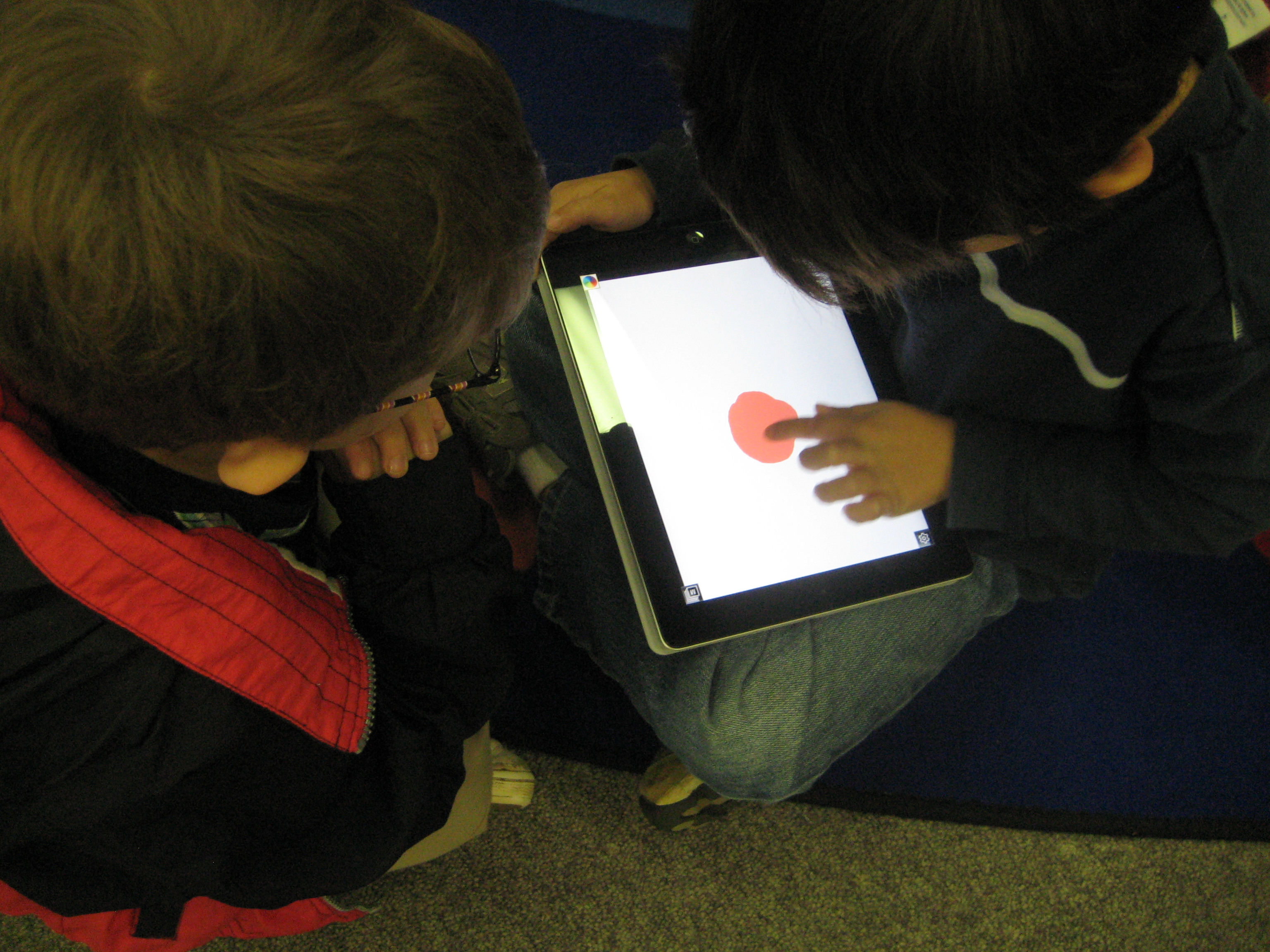
Students using Drawcast to make dots on the iPad

I thoroughly enjoy collaborating with preK.  They have a very organic planning process that comes from the things that the students get energized about or the things that come up naturally in their classrooms.  Last week, a preK teacher asked me if I would read The Dot by Peter Reynolds to her class.  Her class had been examining what it means to be an artist and she is pulling in multiple ways of discussing the topic through activities and literature.

As soon as she mentioned The Dot, I remember International Dot Day on September 15th and how sad I was that I missed the celebration this year at our school (I have big plans for next year!).  So…I thought, why not just celebrate now instead of waiting.  I examined the Dot day resources online and discovered the Dot Project  using iPads to create dots.  I took this idea and looked for a free app rather than the drawing app that the students in the Dot Project used.

In the lesson, we read the book and discussed what it means to be an artist.  Following the lesson, each student took a turn to make a dot using the app Drawcast.  I gave very little instruction on Drawcast so that students could discover things for themselves.  I only showed them how to change their colors and brush sizes.  Students got busy making their dots, and I circulated and gave them tips when they needed to erase or when they couldn’t figure out how something worked.  Each finished dot was saved on the iPad and then uploaded to Dropbox.  On my own computer, I pullled the images from Dropbox and imported them into Animoto to make a video of all of the dots.

This same process repeated for 2 other classes and the final video was shown on our morning broadcast.

This trial run gave me some experience with dots on the iPad for next September’s Dot Day and at the same time gave students an opportunity to use a new technology while expressing their artistic selves to an authentic audience.

This slideshow requires JavaScript.