3rd Grade Kinetic Sculptures with Tinkercad, Makerbot, Collaboration, and Imagination

Tinker Ramsey (12)As soon as we received our new Makerbot Replicator, Rita Foretich, our art teacher, began brainstorming ideas with me about how this tool could support the standards that she teaches our students in art.  Rita is a great collaborator.  She weaves in standards from students’ classroom curriculum into her art standards.  Often, these projects involve the media center as well.

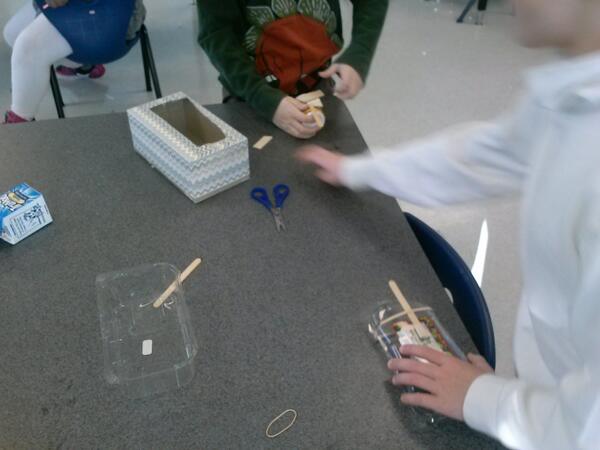
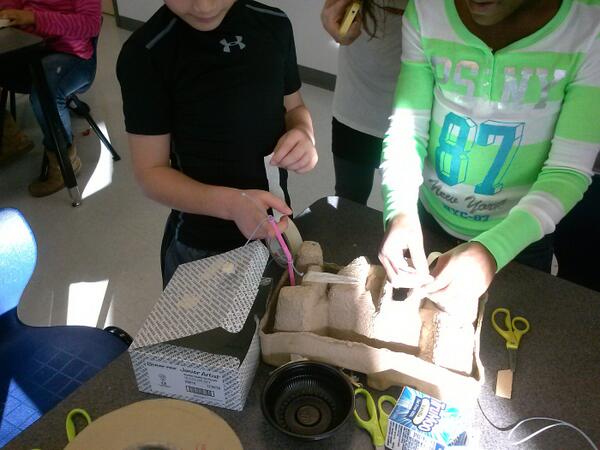
Currently, Rita and her student teacher are exploring kinetic sculptures with students.  In art, they have spent time tinkering with a variety of materials that they might use to make a larger, movable sculpture.
tinkering 2

Tinkering in art

tinkering

A piece of these sculptures that students will create will be designed using Tinkercad and printed on our Makerbot Replicator 3D printer.  We scheduled a session in the library to work on the Tinkercad design.  Working in the media center allowed us to have plenty of room to spread out as well as maximize adult support.  During each lesson, there were 3-4 adults (media specialist, art teacher, student teacher, and tech integration) to support students as they had questions.  Of course, we encourage students to support one another, but it is nice to have adults supporting students as well with problem solving and collaborating.  Also, to maximize our time in the media center, students did some flipped learning by watching this Tinkercad tutorial in advance at the closing of their last time in art.

https://www.youtube.com/watch?v=MwjWT-EvKSU

Here’s what our time in the media center looked like:

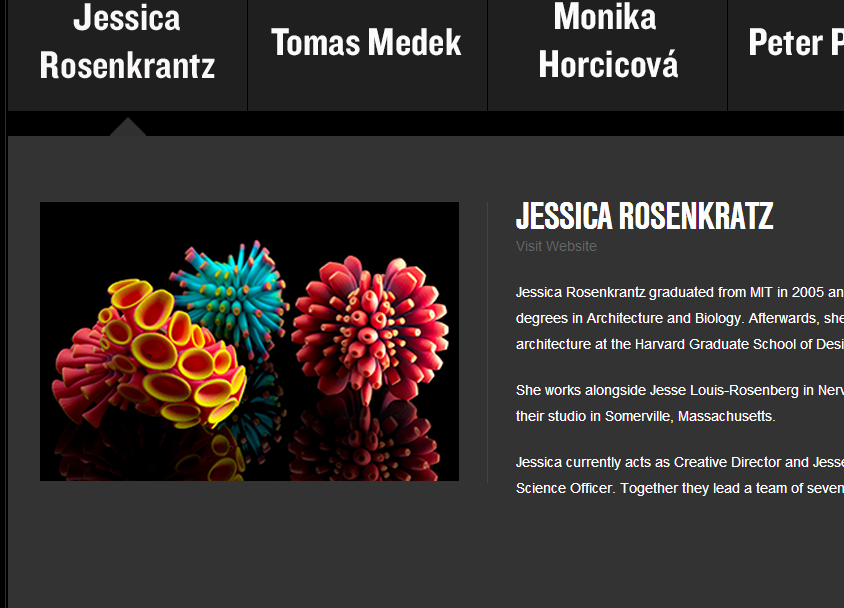
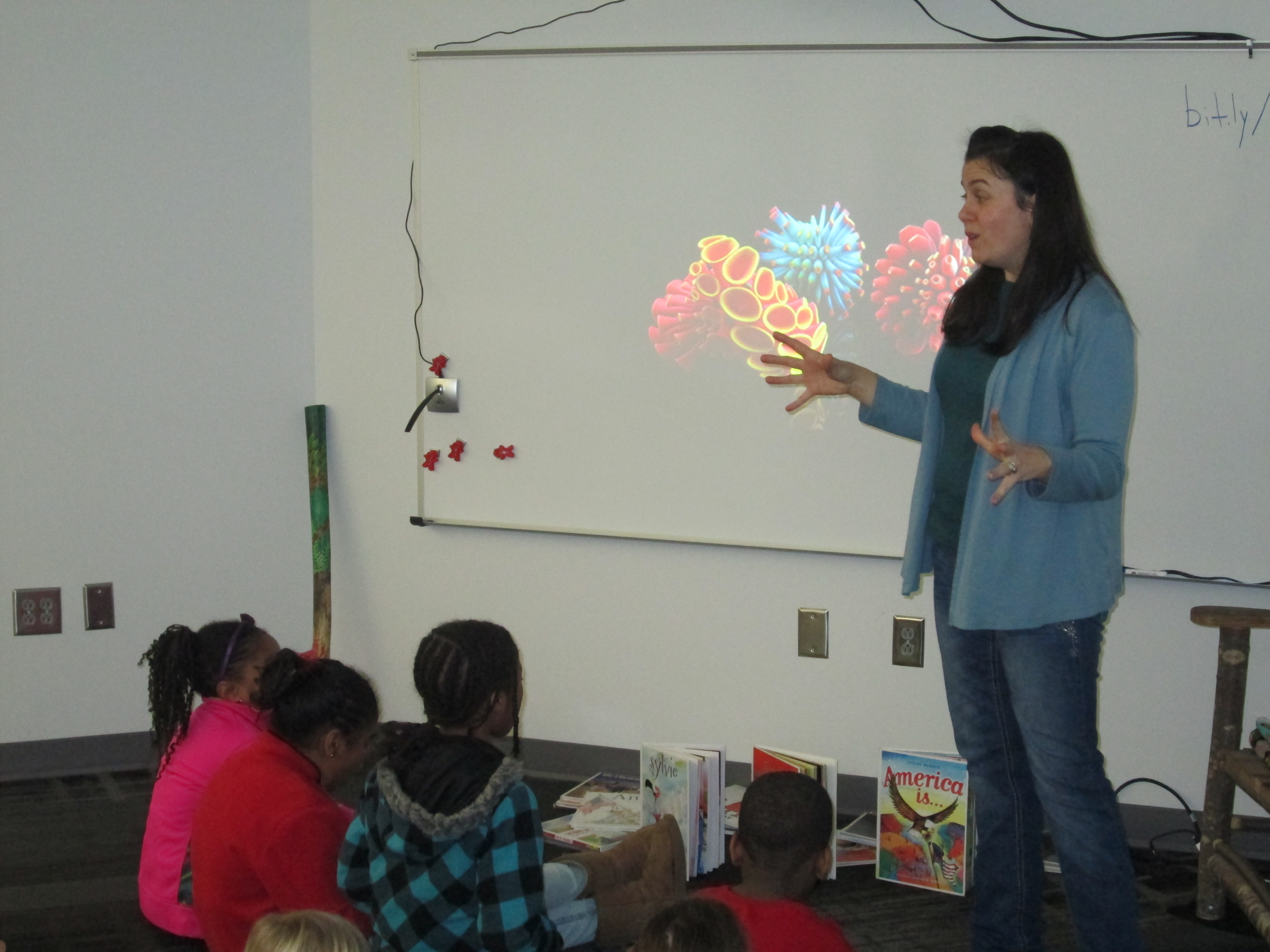
1.  Students met on the carpet for a quick reminder of our plan for the day.  Mrs. Foretich gave them the standards we would work on:  Creating sculpture using a variety of forms and working in teams.  She also showed them how artists use technology to create their art as well as some images from the 3Dprintshow site.
Tinker Ramsey (1)

A quick intro to how artists use technology to create

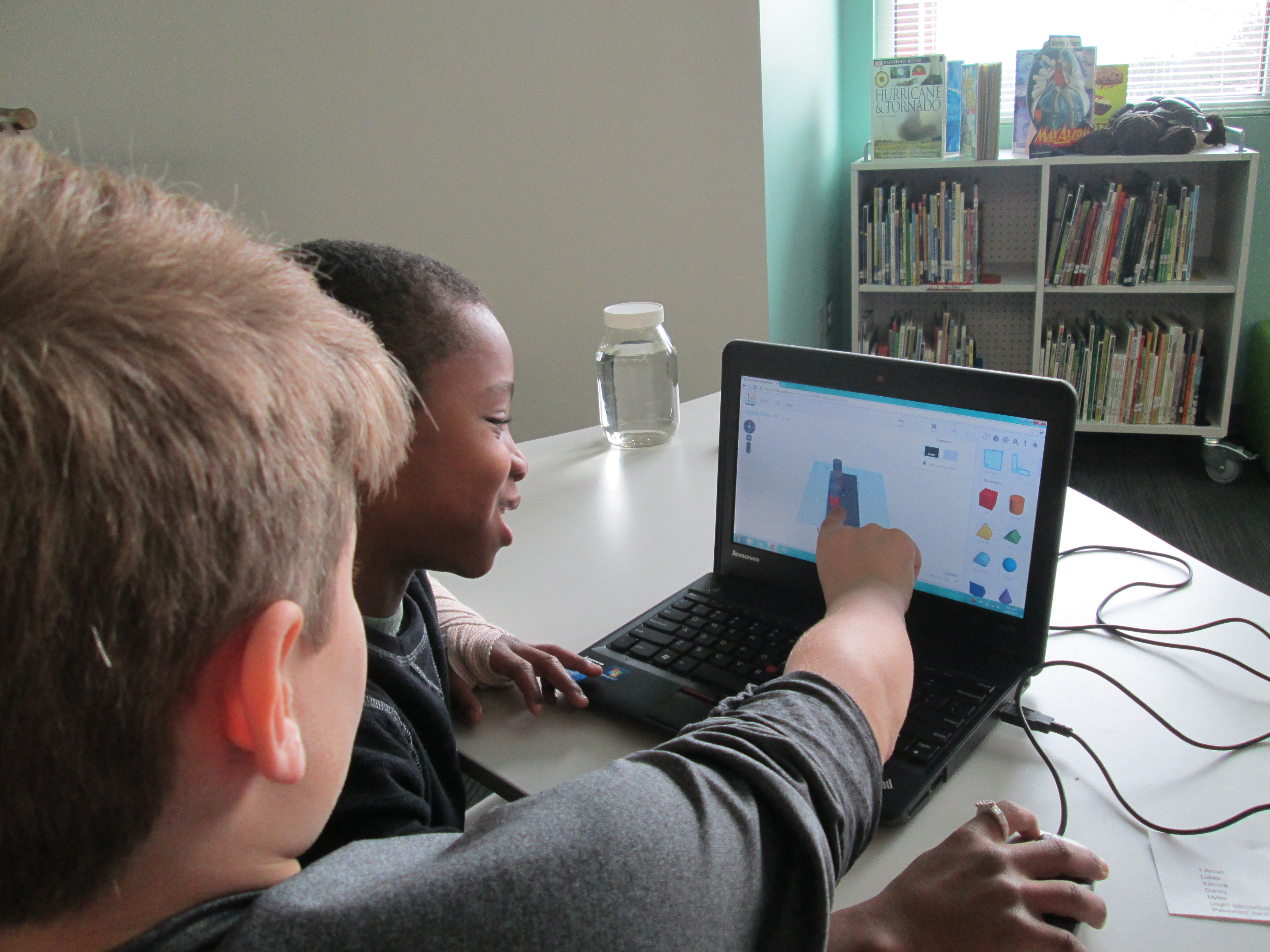
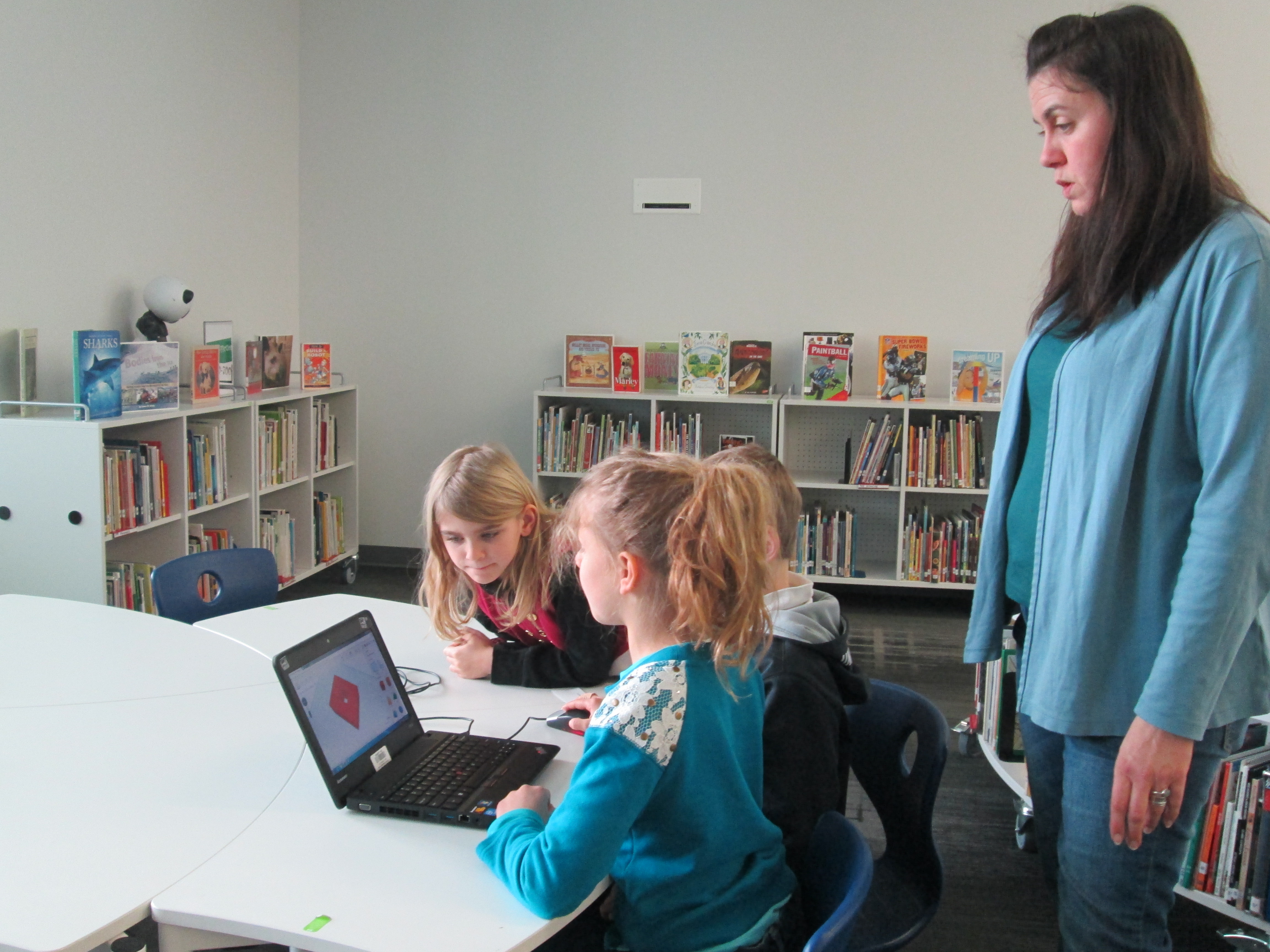
2.  Students were organized into 5 collaborative groups.  Each group had a Lenovo Thinkpad computer with a mouse.  Tinkercad was already pulled up on the computer and each group had a username and password to use.
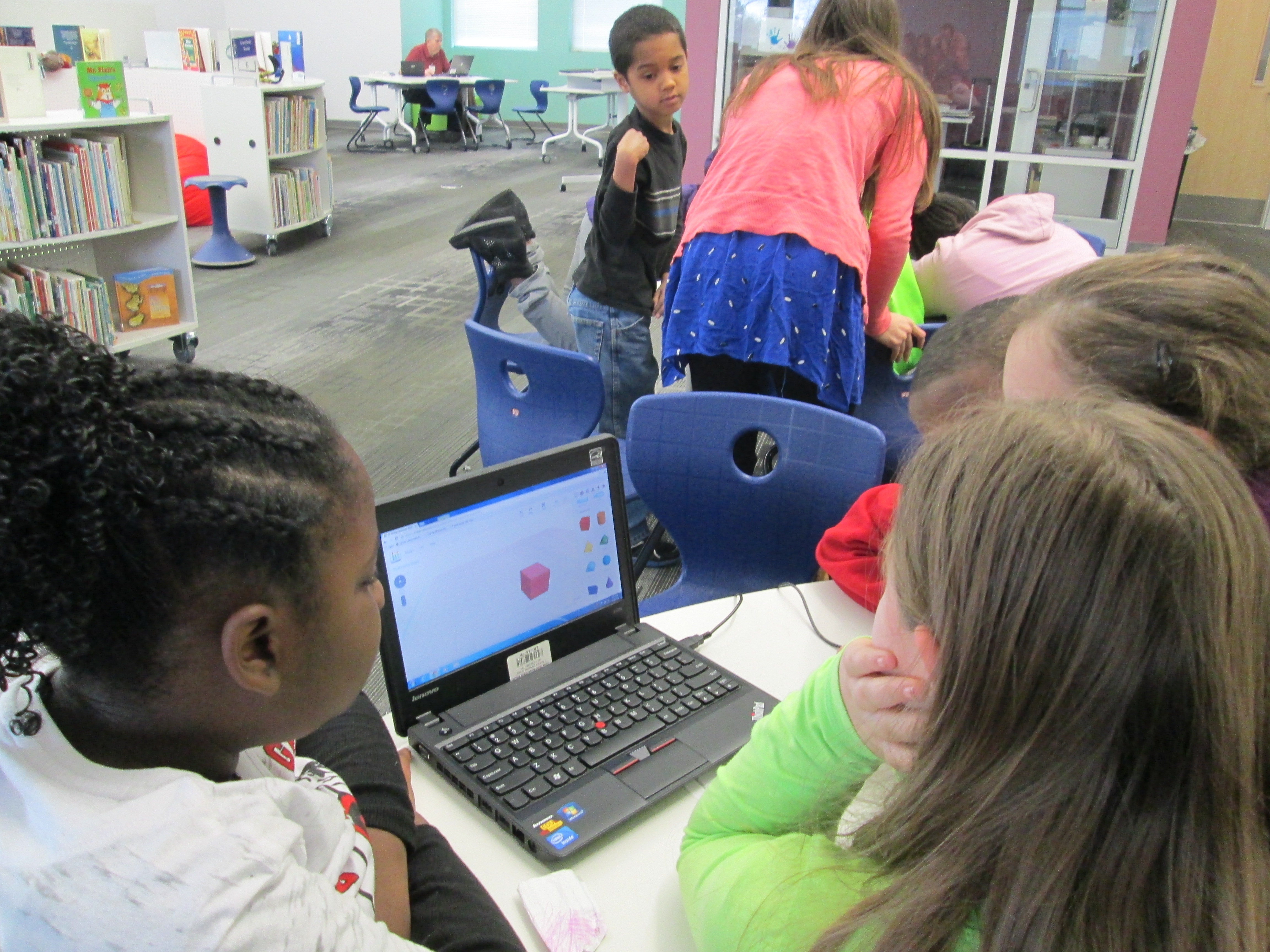
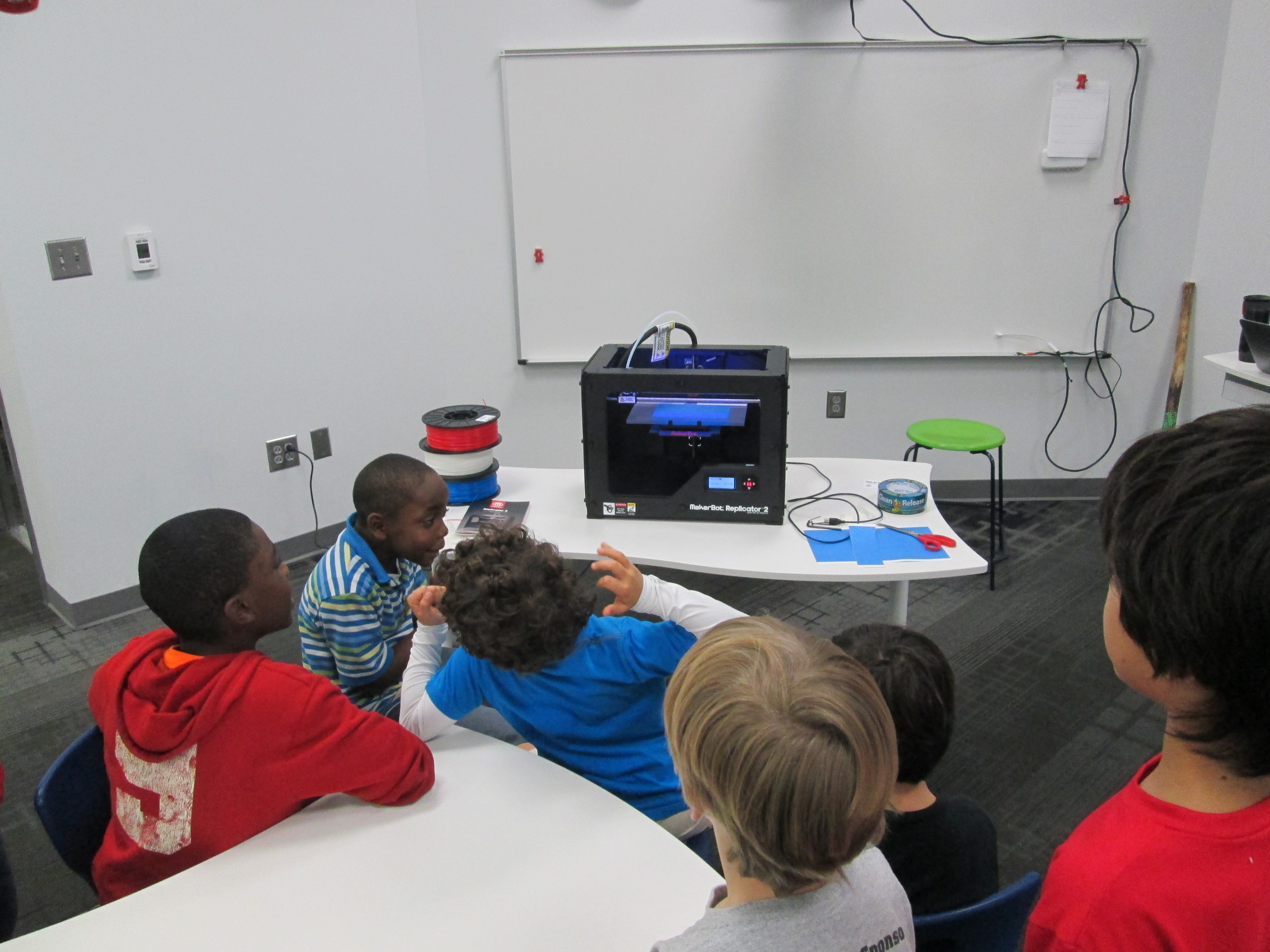
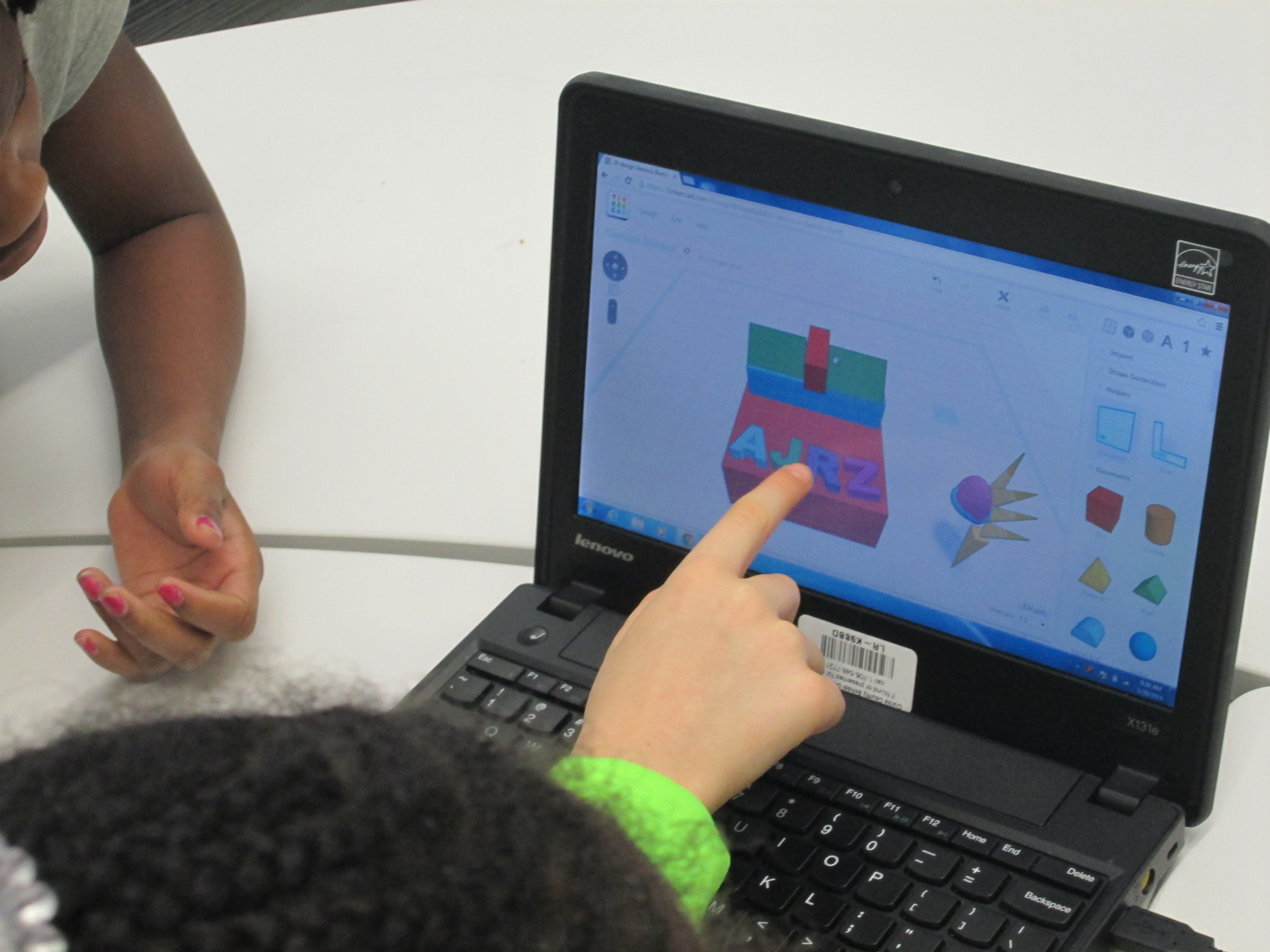
Tinker Ramsey (9)3.  Students brainstormed their concept for a piece to add to their kinetic sculpture and took turns controlling the mouse.  Adults guided students through problem solving and working together.  As students had ideas for their designs, adults helped them think through their ideas and take risks to try to get their idea onto the drawing board.
Tinker Ramsey (7)

Students quickly learned how to work together to problem solve

4.  Students named their file before leaving.

5.  I took student files and saved them as an STL file, imported those files into Makerware, and saved the file for 3D printing on the Makerbot.
Tinker Ramsey (13)

We will repeat this process with all three 3rd grade classes.  Students will continue to work on the rest of their kinetic sculptures in art.  Mrs. Fortetich will create a schedule with me in the media center for students to come and 3D print their designs.  We want each student to have the experience of pressing the red M on the 3D printer and watching their design magically appear on the build platform.  Although all students probably won’t be able to stay from start to finish during the printing process, they will at least activate the print and see the beginnings.
Tinker Ramsey (14)

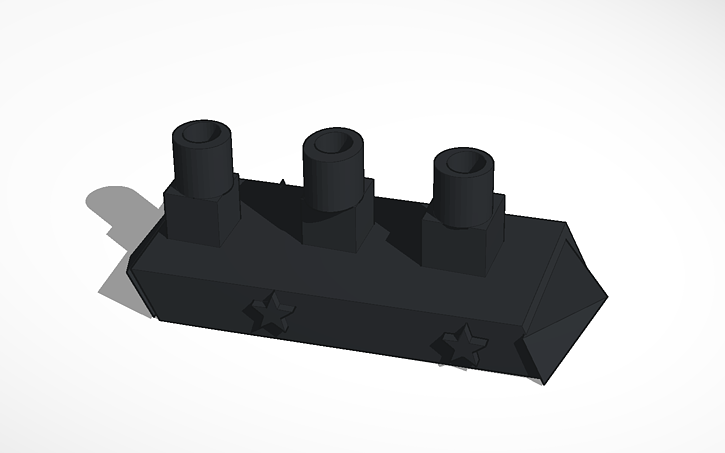
As always, I was amazed by what students figured out in such a short time.  One group really wanted to put holes in the top of the smoke stacks on a boat they were making.  They tried several different things and never once got frustrated.  I was fortunate enough to be with them at that moment of exploration and encouraged them to keep trying.  After several attempts, they figured out how to put one cylinder inside another and make the inside cylinder a hole.  It looks great in Tinkercad, so we’ll see how it translates to 3D printing.  These same types of conversations were happening in every group.
Deep in thought
Deep in thought

amuns_titanic

Ship with holes in the smoke stack

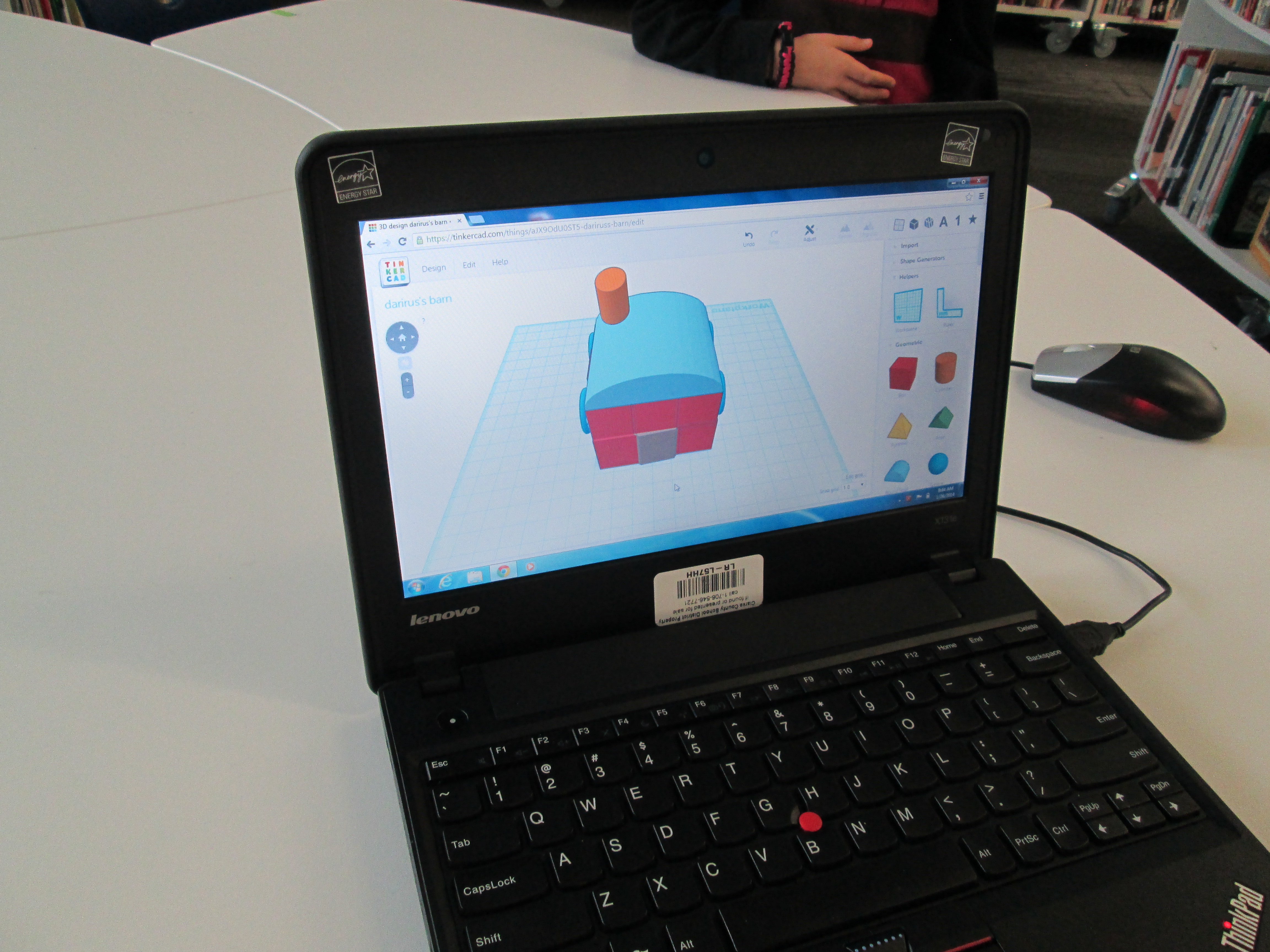
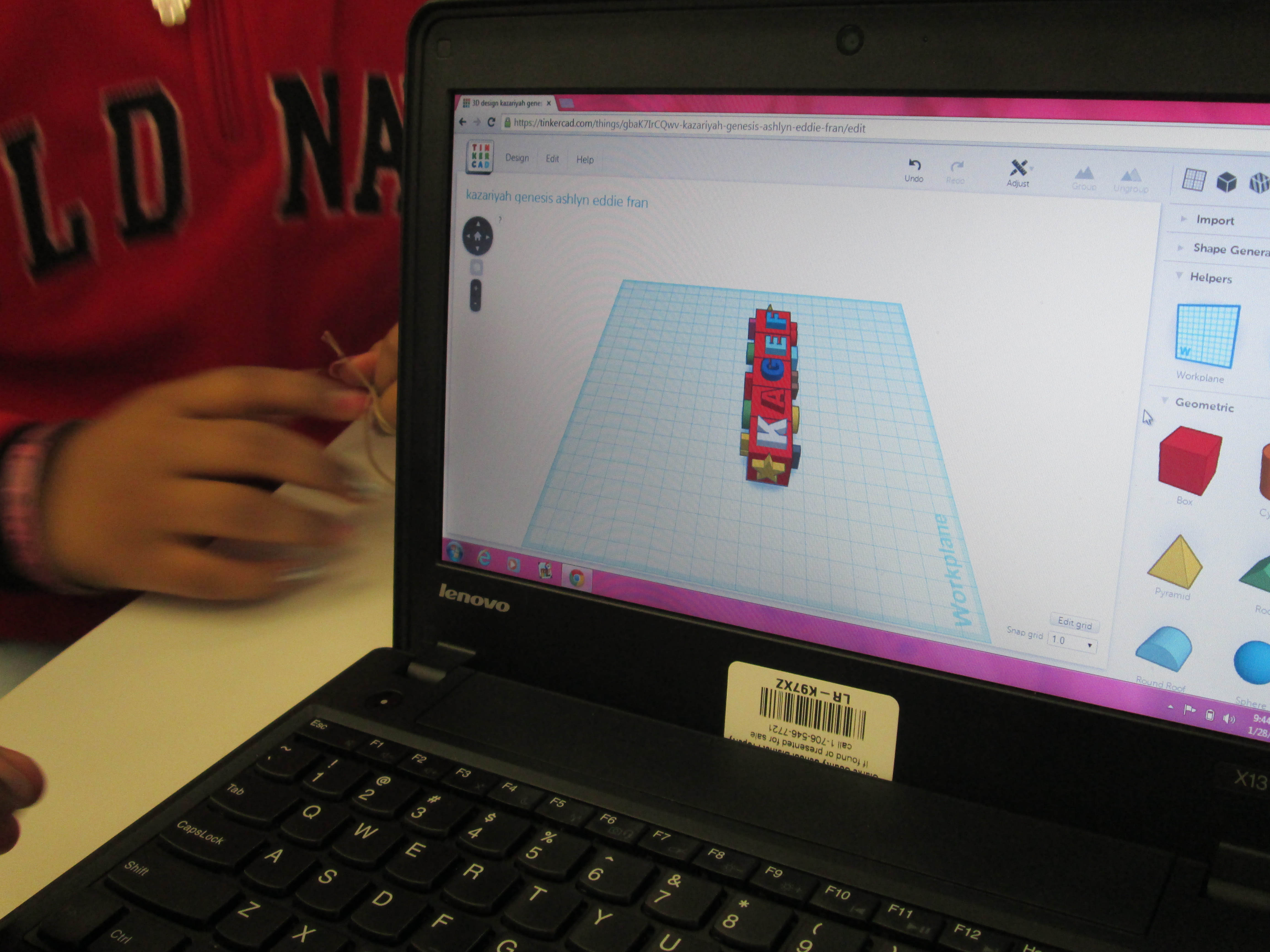
I also loved that we did not tell students what they had to create.  The only guideline was that students work together to create something for their larger kinetic sculpture.  Every group created something totally different from a block filled with words to a barn to a ship.
Tinker Ramsey (8)

As usual, we are always crunched for time in school.  This was a great first pass at using Tinkercad with an entire grade level.  I’m hopeful that in the future we will figure out ways to increase the amount of time that students get to spend on their designs.
Maker Maniacs Enrichment Cluster Update: 3D Printing and Robotics

blokify (5)We are a little over halfway done with our enrichment clusters this year.  Every Friday, students across the school go to an interest-based cluster of their choosing for one hour.  During this time, students explore a topic and develop products or services related to their topic.  My cluster is called Makerspace Maniacs.  So far this year, we have explored making with duct tape, building with cardboard, lego robotics, and 3D printing.  After lots of explorations, students  are making decisions about where they want to focus.

A small group of students is focused on lego robotics.  Monica and Omarion are both committed to building a robot and programming it.  They both have varying levels of expertise.  Today, I asked another student, Ludwig, to come and work with them.  Ludwig has a lot of experience with Lego Mindstorms.  During clusters today, he worked with them to build a robot and program it.  Although they didn’t get far with the programming, he was able to show the students some tips and tricks to get the robots to work the way they wanted to.  I love using students as experts.  They hold so much knowledge that we don’t even know about.  Ludwig just happened to talk to me one day about Lego Mindstorms because he knew that I bought some.  He used Lego WeDo and Lego Mindstorms in other settings and told me he was willing to help me any way he could with them.  How exciting that a student offered his expertise without even being asked!

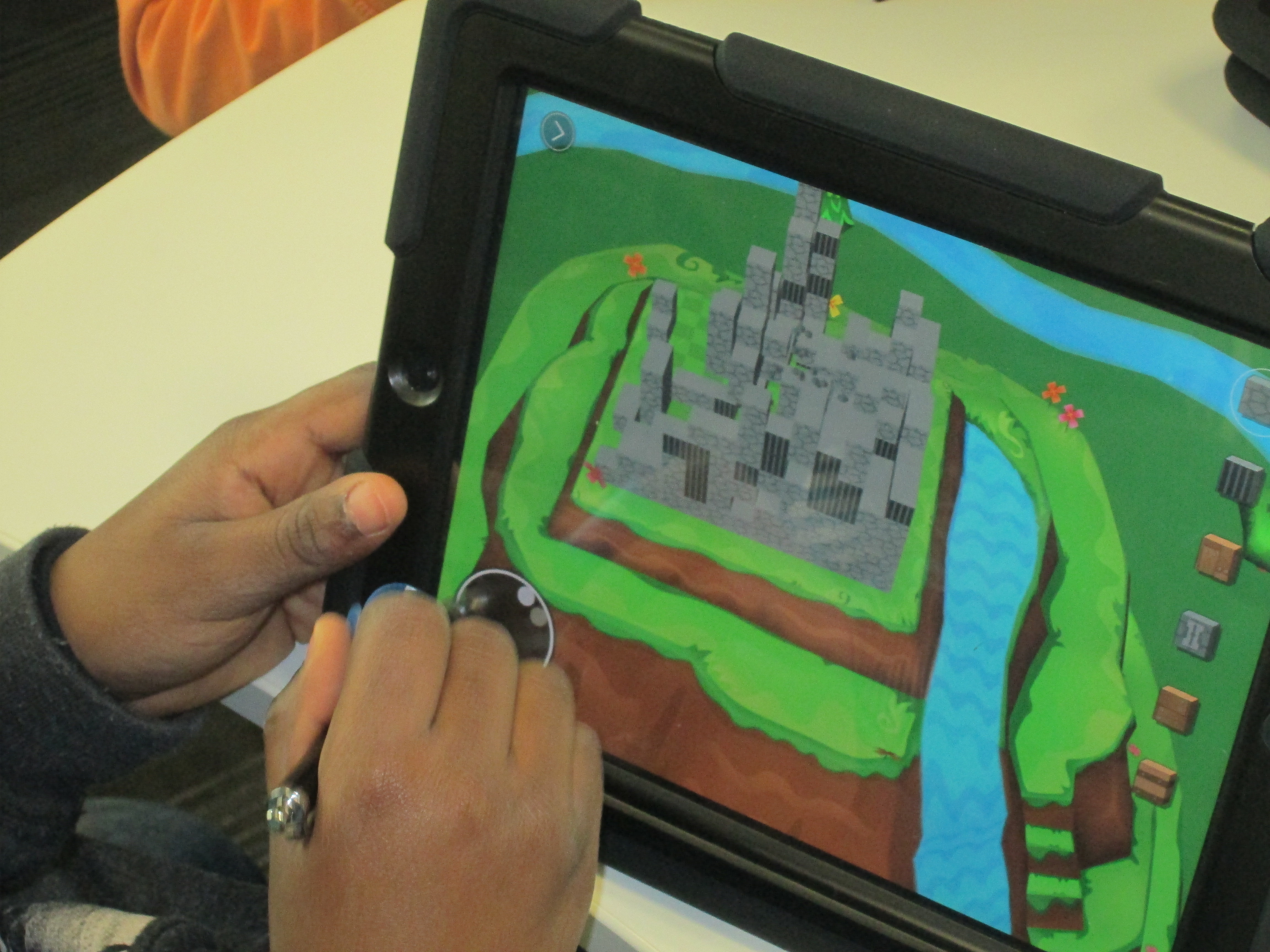
Other students in the cluster have decided to work on 3D printing.  Over the past 2 weeks, they have used a new iPad app called Blokify.  This app uses blocks to build a 3D object.  It is very user-friendly to build a 3D object in very little time.  Once built, the object can be ordered or emailed for 3D printing on your own device.  Today, students really focused on coming up with an idea and using the blocks to build.  While they were using the app, I started a Google Doc, which I will share with them, to collect what we love, wonder, and want to change about the app.  One service they will offer as a part of the cluster is to share this info with Blokify.


Today, we were also tweeting with Blokify and students were able to respond to their tweets.  Such fun!

Twitter   blokify   plemmonsa What they like most ...

Students prepared several files that they emailed to me.  I have them ready to go for 3D printing next week.  We’ll be printing a pirate ship, a Trojan pig, and a castle among other things.  As we progress, these students will also think about how they see this app fitting into what they are already doing in class.  We’ll come up with some lesson ideas for teachers to consider.

We only have a few weeks to go, but our speed is picking up and our focus is narrowed.  I know incredible things are going to happen with these students.

Our 2nd Student-designed 3D Print on Our Makerbot Replicator

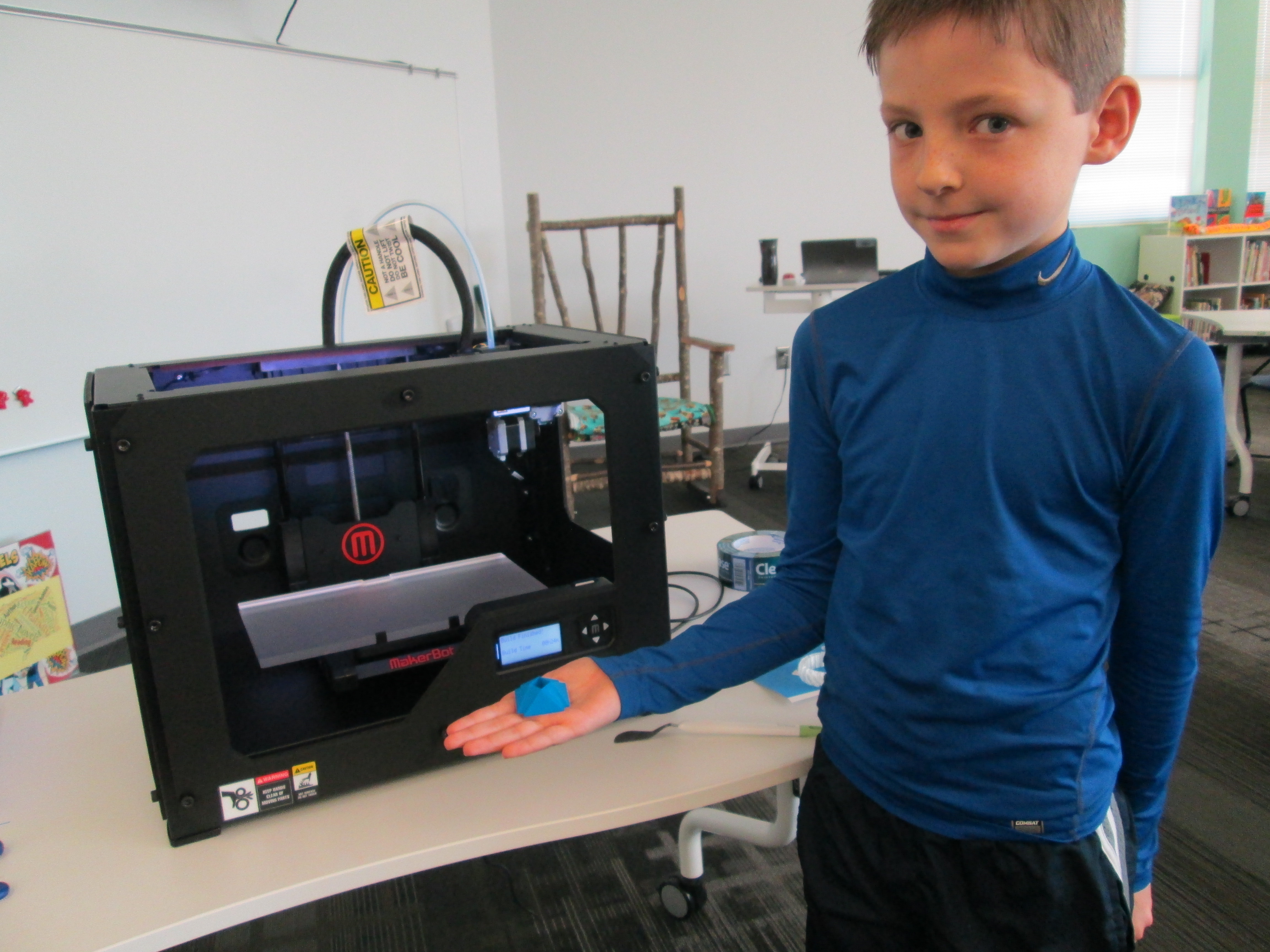
Danny Gem (16)Today, the second student who designed a gem using Sketchup was able to print his gem our our Makerbot replicator.  In case you missed the 1st print, you can read about Grant’s history-making print here.

http://www.youtube.com/watch?feature=player_embedded&v=MECvE__EN3E

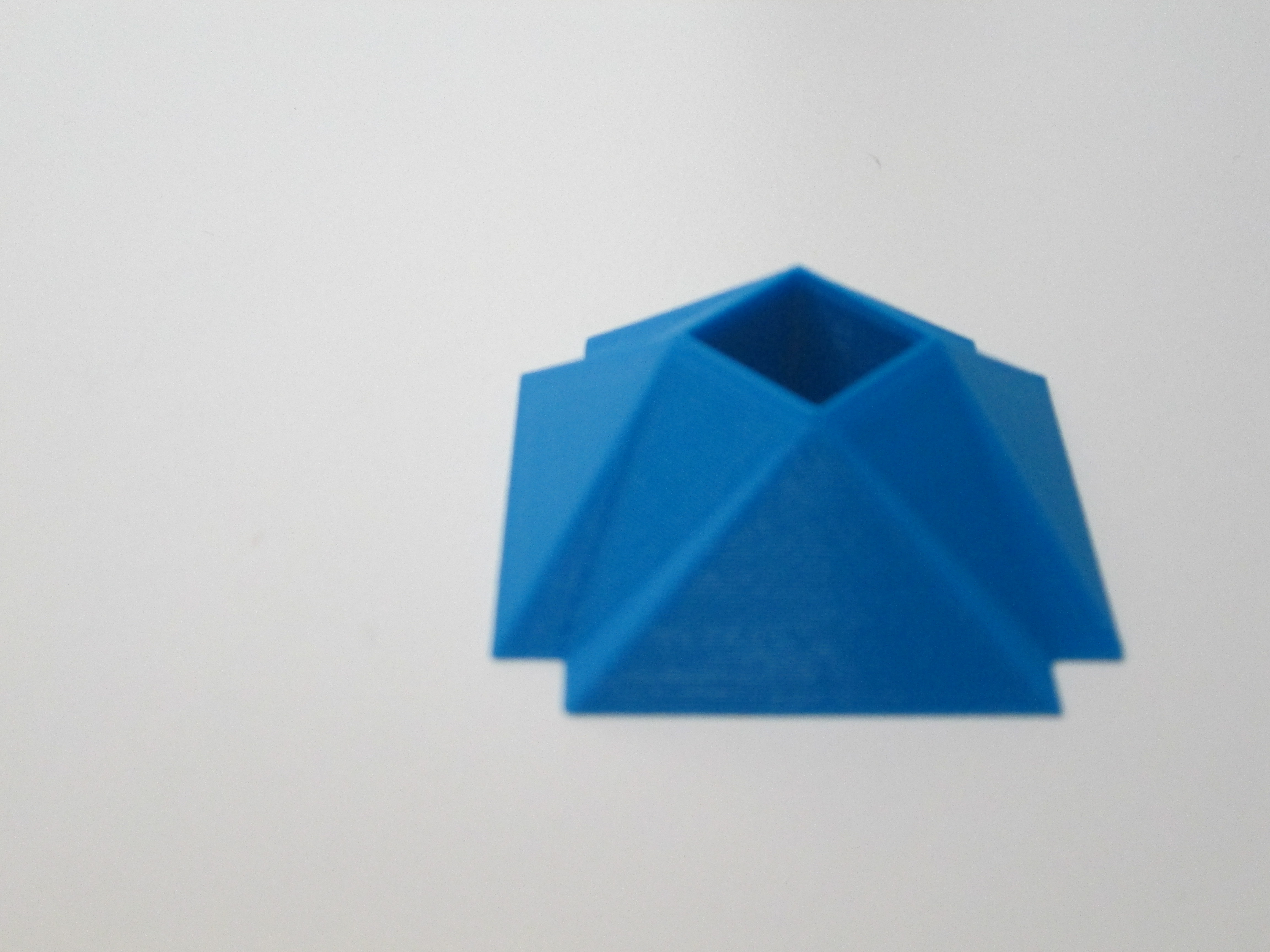
Danny’s gem was quite different from Grant’s.  Danny figured out how to make a square hole right through the middle of his gem.  It was something we had wondered how to do, and he figured it out.  This again brings to my mind the importance of letting go of the feeling of being an expert in everything before we allow our students to explore.  Because Danny was given the freedom to explore Sketchup, he figured out how to do so much more than his teacher and I could have ever figured out on our own.  Now his expertise can support others who want to try a similar design.

Danny Gem (13)Before Danny pressed the bright red M to start the print, we made sure he got to choose the filament color that he wanted.  We now have a selection of filament to choose from:  blue, red, white, clear, black, yellow, orange, green, purple, and black.  Danny’s gem took about 24 minutes to print.  Now that we have an approximate time frame for printing these gems, we are going to try to get 2 printed during each class period over the next few days.  Once again, students flocked around the printer and begged for their gem to be next.

You can watch is gem print process here:

http://www.youtube.com/watch?v=kBY04c0tuww

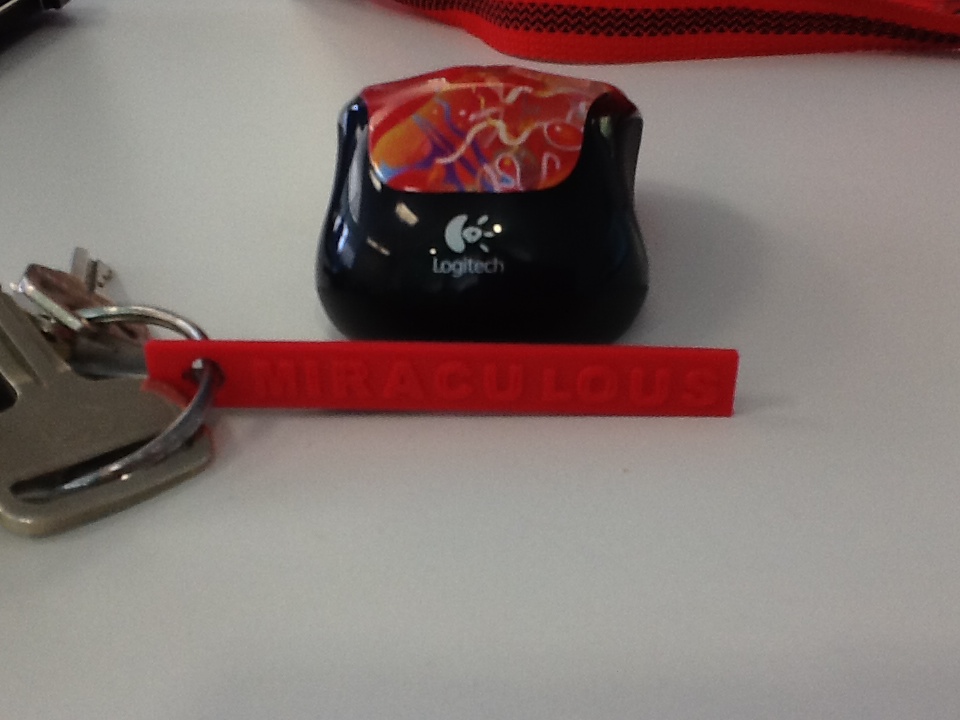
IMG_0280I’ve also been experimenting with a couple of tools that will hopefully inspire some new projects with several classrooms.  One tool is Tinkercad.  I recently used Tinkercad to make a words with wings keychain.  In her new book, Words with Wings, Nikki Grimes has some incredible poems that detail how a single word can help us take flight through its meaning in our lives.  I hope that I can share this poetry with students, have them select their own “words with wings”, and create backpack pulls using Tinkercad.

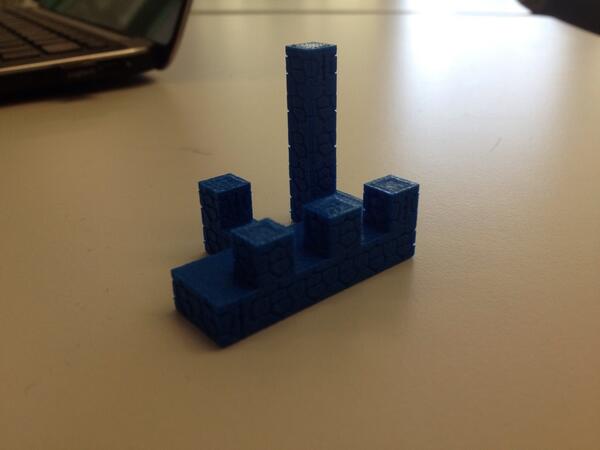
blokify castleAnother new tool is Blokify.  With this easy-to-use iPad app, students use a series of blocks to make pretty much anything they want.  While the blocks are designed to look like a castle, space ship, or pirate ship, they can really be stacked into anything in a Minecraft-like style.  The files can be emailed from the iPad to be imported into Makerware.  I hope to do storytelling projects with teachers around student-designed settings and/or characters.  With the blocks all being the same size, there is also great potential to use this for perimeter and area in math.

I love how ideas keep naturally surfacing within our standards and explorations.  It’s not about what we can 3D print.  It’s about what we are learning about, what we want to create, and how 3D printing might support that.

Our 1st Student-designed Print on Makerbot Replicator 2

1st print (22)Today was a Barrow milestone.  Grant, a 3rd grader, became the 1st student to print his own design on our new Makerbot Replicator 2.  Grant’s class has been studying rocks and minerals.  As a part of the study, they skyped with Aurum Studios, a jewelry store in downtown Athens.  During the Skype, Aurum toured students through the design process of a piece of jewelry.  One piece of designing is to use 3D software to create a model.

Students used a free tool called Sketchup and began to design their own gems with all of the cuts that they would design into a piece of jewelry.  Ashley Maher, Spectrum teacher, worked with these students and gave them space to explore the many functions of Sketchup.  Many of them figured out several functions of the tools within Sketchup by just exploring on their own.  The students started this project before we even knew we were getting a 3D printer, but when we did, they had an ultimate goal of holding their gems in their hands.

Ms. Maher took Grant’s Sketchup gem as an experiment to see if we could print it.  We used this post for guidance.  Basically, a plugin had to be downloaded into Sketchup in order to save the Sketchup files as an STL file.  Next, the STL file was imported into Makerware.  The gem was rotated so that the flattest side was on the build plate.  We set the file to a 15% infill with no raft.  Finally, the file was loaded onto the SD card ready for Grant to print.

Today, I checked in with Grant to see what color he wanted his gem to be.  I had his natural filament loaded and ready when he came to the library for ELT.  He was eager to see what happened.  I reminded him before we started that this was all an experiment.  If it didn’t work, we would look at our mistakes and try again.  We pulled up his file on the Makerbot and he pressed the red M to begin.  The rest of his classmates were in the library working and they frequently came over to visit.  We watched as the 3D printer built layer upon layer perfectly.  It took about 35 minutes for his gem to print.  Along the way, we made some video and Grant talked about his design as he watched it appear.  As the gem neared completion, Grant was bouncing around shouting out the percentage because he knew we were so close to finishing the print without a mistake.  When the build plate lowered and his gem that he designed was sitting their, he was ecstatic.  His classmates rushed over and everyone wanted to hold it.  He passed it around and then took it to show a few adults in the building.

http://www.youtube.com/watch?v=MECvE__EN3E

Immediately, all of his classmates began asking when they would get to print.  We probably won’t print any more until January, but now we know that the process works.  After winter break, students will continue designing and printing.  I have a feeling that now that students have seen the final product, they are going to get even more creative with the cuts in their gems.  I’m also excited that we have so many young experts in our building that will be with us for 2 more years.  These students will be leaders in teaching others how to use Sketchup and other modeling tools.  This is only the beginning.  It’s exciting to think about what is to come.  I am so grateful to the donors, Donors Choose, and Makerbot for making 3D printing a reality in our school

Makerbot Replicator 3D Printer First Prints!

IMG_1471Today my Makerspace Maniacs group met for enrichment clusters.  This group is made up of 9 students in grades 2-5.  They had already heard that the 3D printer had arrived and they were eager to give it a try.  For demonstration purposes, we used the files that were pre-loaded on the SD card that came with the Makerbot in order to print.  They voted on what to print and chose Mr. Jaws, a shark that can serve as a paper holder.  We went through the menu screens and selected our print and pressed the red M button.  We were ready to be amazed, but our print failed!  So what happened?  It seemed that the filament began to ooze out of the extruder before moving onto the build plate.  This caused some buildup that interfered with the actual print file sticking to the build plate.  Instead, it got tangled up in itself and made a ball of filament on the plate instead of a shark.  Did we give up?  Of course not.  We used a Rachel Ray silicone spatula to catch the filament oozing out before it moved onto the build plate, and our shark printed great.  In the process, we had a great conversation about how makers don’t give up.  They learn from mistakes, and they expect that things rarely go right on the first try.

The students were amazed by what the printer could do, and they already starting talking about what they wanted to design.  We really have our work cut off for us because we know the process is going to be filled with learning curves.  Today, the Athens Banner Herald also came and interviewed me and the students.  They were eager to tell the paper their stories of how they plan to use the printer.  I hope some of their stories come across in the article.

IMG_1477Today, throughout the day I’ve printed the nut & bolt, the chain links, and another stretchy bracelet.  I wanted to practice changing filament, so I switched to red for the bracelet.  I was surprised at how easy it is to change the filament, and I loved that the Makerbot walks you through each step on the menu screens as well as in the printed manual.  I also experimented with how to remove items from the build plate.  The painters tape really does help, and so far, I like the flexible Rachel Ray spatulas that I’m using.  It was also suggested to me by TimeOutDad to use this Cricut tool from Amazon.

Throughout the day, several students and teachers have stopped by to watch the printer print and to talk with me about how we might use it this year.  I called Makerbot and got a quote for 12 more rolls of filament as well.  Ideas are brewing.  We’re already learning lots, and we’re almost ready to venture out into the waters of the unknown.

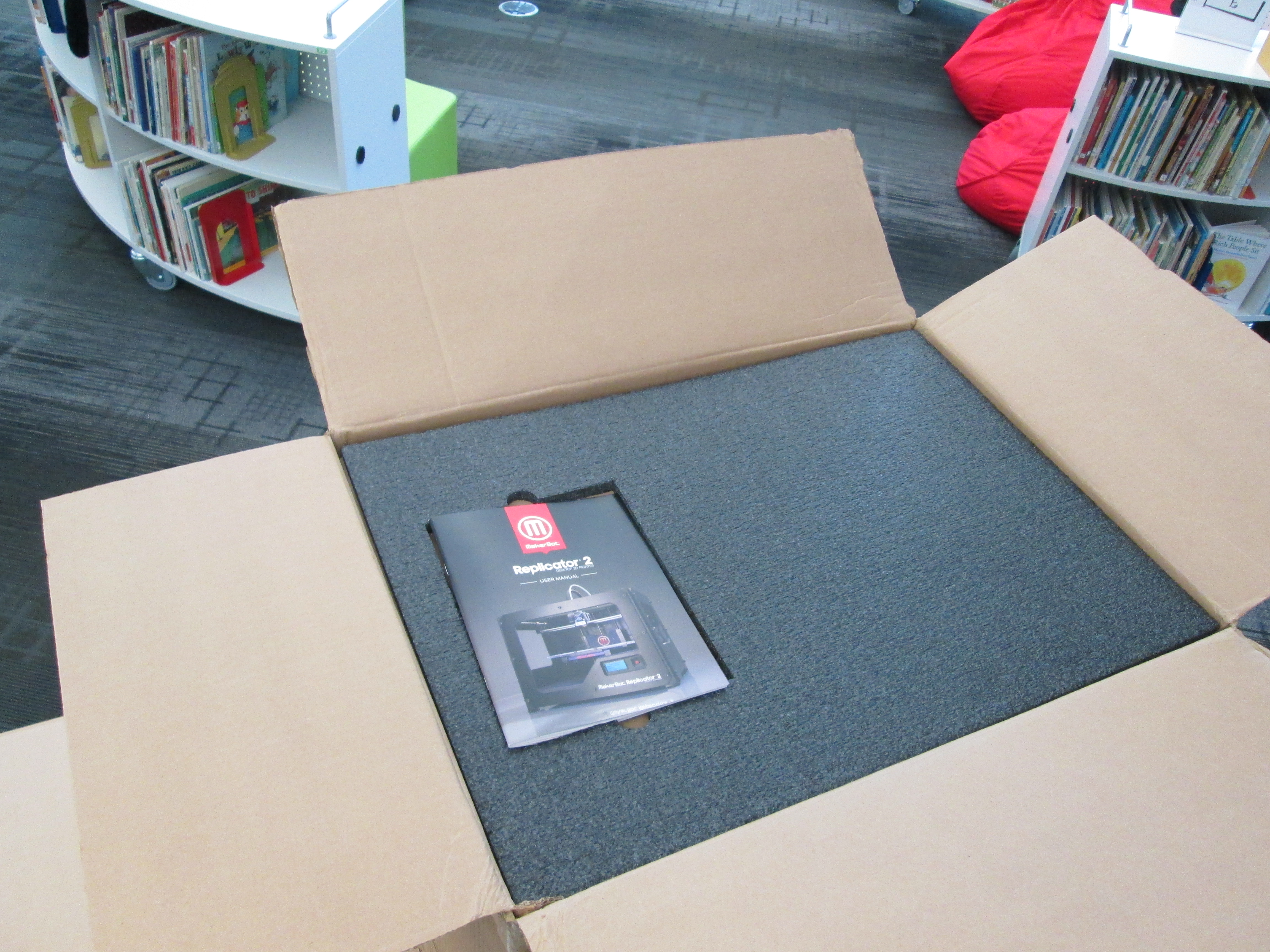
Our Makerbot Replicator 3D Printer is Here!

IMG_1428It’s here!  A lot has happened since our project was funded through Donors Choose.  I attended the American Association of School Librarians Conference in Hartford, CT.  While there, I attended several sessions on Makerspaces.  During one of my conversations, I had the pleasure of connecting with Shelley Diaz at School Library Journal.  She was very interested in our 3D Printer project and wanted to interview me about it.  You can read the article here.

Our local newspaper, the Athens Banner Herald is also in the process of writing an article about our 3D printer adventure.  In addition, Stroud Elementary and Hilsman Middle here in Clarke County are both getting 3D printers thanks to Donors Choose projects posted by their school library media specialists, Shannon Thompson and Leslie Gonzalez.

IMG_1429When the boxes arrived today, I was extremely excited but extremely nervous to leap into something new.  I reminded myself of how I always tell the kids to take risks, so I modeled my own philosophy.  However, I carefully read the instructions along the way.  The instructions were fairly easy to follow with photographs, clear descriptions, and on-screen instructions.

I loaded our first spool of clear filament and used the SD card to print a stretchy bracelet.  With each pass of the extruder, the bracelet magically appeared on the print plate.  The hardest part was getting the bracelet off of the build plate.  With some carefully prying and pulling, we were able to break it loose.  My second print, a comb, broke when we tried to remove it.  Later, I learned that it really is helpful if you use blue painters tape on the build plate.  I reprinted the comb and removed it fairly easily from the plate.    I’m sure there are some other tips and tricks that I will learn, but getting the print off the plate is definitely tricky.

Excitement was in the air as students and teachers came into the library to watch the printer go.  Even though it was printing pre-loaded items, it was extremely cool to watch and imagine possibilities.  A group of third graders is eagerly awaiting their chance to print their gems that they are designing.

I could see the wheels turning for several students and teachers, and I’m sure we will be printing all sorts of things before the year is over.

3D Printing: A Huge Opportunity from Donors Choose and Makerbot

MakerBot News (MakerBotNews) on TwitterThose of you who know me know that I’ve been wanting a 3D printer in our library for awhile.  It seems that just when I think we’re about to get one, something happens that puts a barrier in our way.  This isn’t just about having cutting edge technology.  This is about allowing kids to experience another level of creating.  It’s about allowing kids to explore a technology that is possibly a piece of technology that we will all eventually have in our homes.  It’s about giving kids the power to dream something up, design it, print it, and  hold it in their hands.  It’s about bringing STEAM education to life for our students.  For these reasons, I haven’t given up hope that we will have a 3D printer in our library.  Recently, we started a conversation with UGA to partner with them and use the 3D printers that they have.  We are very grateful for this opportunity, but we know that if we truly want to have a 3D printer as a part of our daily resources available to students, then we need to have one in our building all the time.

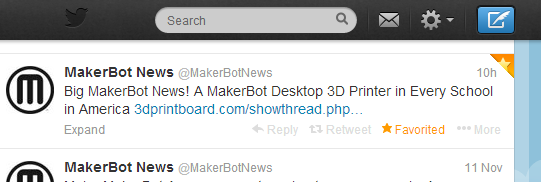
Today, Makerbot announced a partnership with Donors Choose to put a 3D printer in every classroom.  This is a bold claim, but it is a step toward thinking that 3D printers aren’t just for colleges, public libraries, or industry.  Each time I’ve mentioned putting a 3D printer in an elementary library, I’ve been met with the “why” questions.  I’ve also been met by the “I can’t see elementary students doing that…” statements.  My philosophy that I have embraced since reading Flora and Ulysses by Kate DiCamillo is to “Expect the Miraculous”.  I have faith that if students have access to a cutting edge tool such as a 3D printer paired with expertise from mentors over Skype & Google Hangouts paired with expertise from our community who already use 3D printers, then miraculous things will happen for students.  I don’t have all of the answers of what this should look like in an elementary school, but someone has to be willing to step up and walk into the unknown and trust that students and multiple experts will learn together, figure things out, and shape how this technology can support what we do and hope to do in schools.

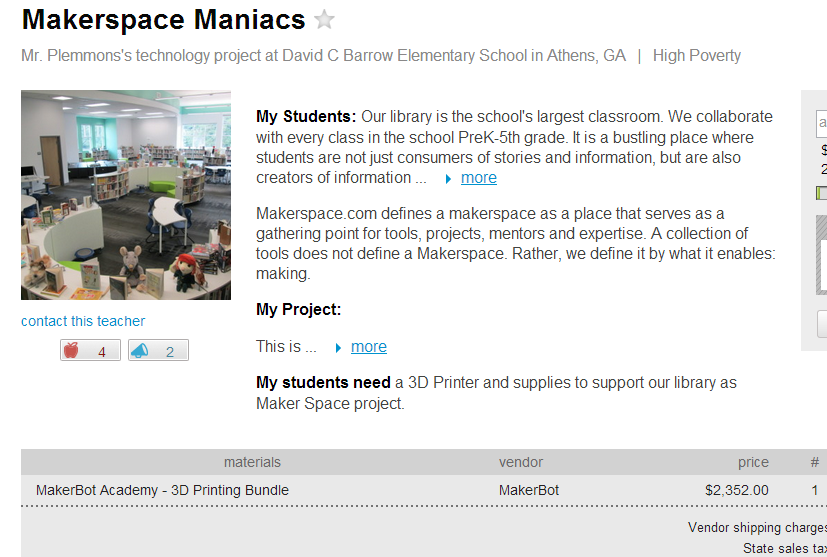
As soon as I saw the Donors Choose opportunity, I submitted a project.  By the end of the day, our project was approved and we already had a matching grant.  This match brought our project down to approximately $1500.  If what Makerbot says is true, as more donors donate to the project, other business and private donor contributions will fulfill this project.  Once again, I’m taking a leap of faith that this project will be filled for our school and we can begin exploring and leading the way for 3D printing in schools.   

Two donors have already contributed to our project along with our matching donation.  I invite you all to take a look at our project, consider donating, or at the very least, consider sharing our project with your circles.  Giving kids the opportunity to create, share, and contribute to the current conversation on 3D printing in education is a great gift to give, especially this time of year.

Makerspace Maniacs