Exploring Georgia Habitats with 3rd Grade

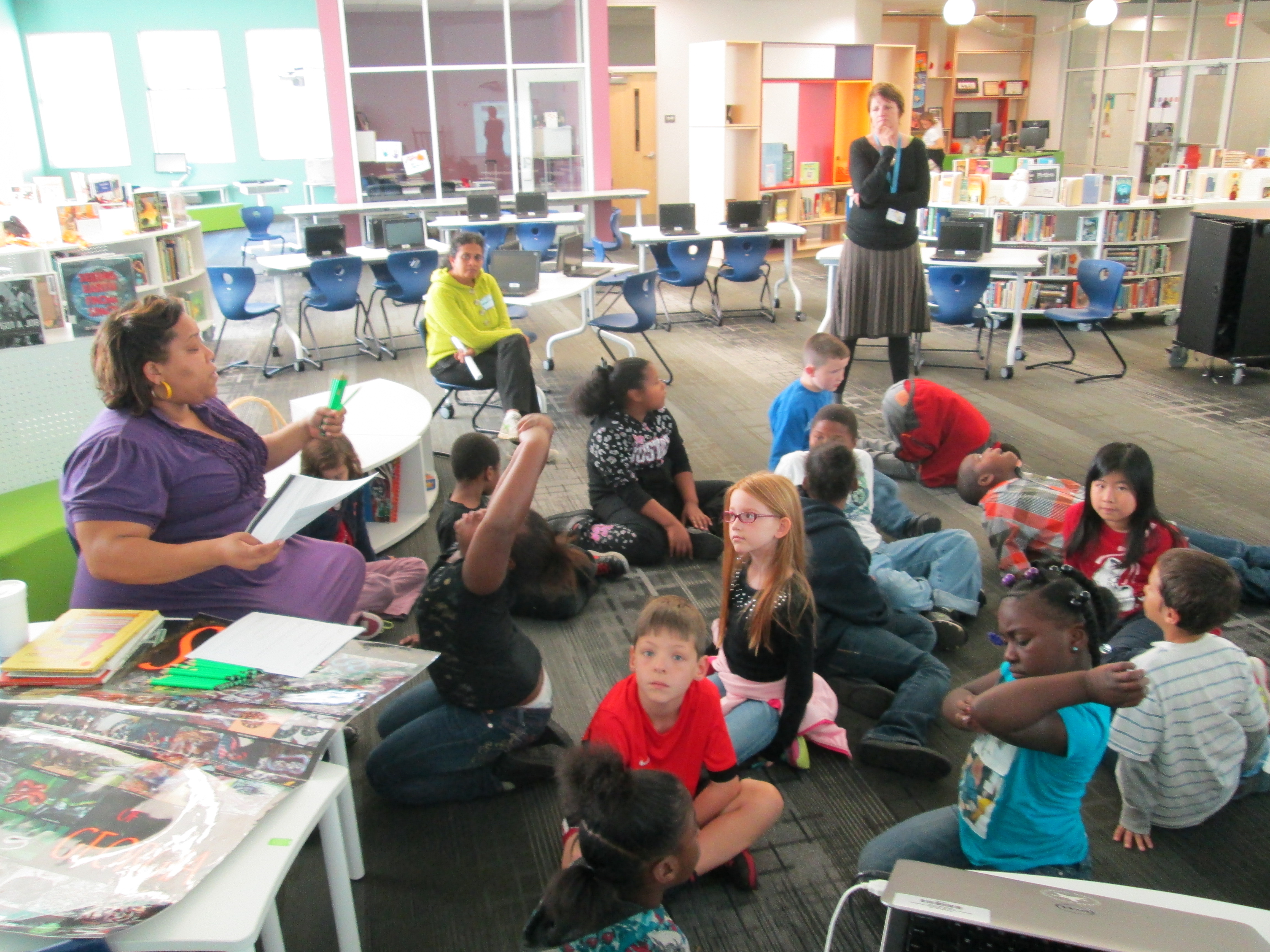
IMG_1351Each of our 3rd grade classes have booked time in the media center to research the habitats of Georgia.  Here’s what they need to know:

S3L1. Students will investigate the habitats of different organisms and the dependence of
organisms on their habitat.
a. Differentiate between habitats of Georgia (mountains, marsh/swamp, coast,
Piedmont, Atlantic Ocean) and the organisms that live there.
b. Identify features of green plants that allow them to live and thrive in different regions
of Georgia.
c. Identify features of animals that allow them to live and thrive in different regions of
Georgia.
d. Explain what will happen to an organism if the habitat is changed.

S3L2. Students will recognize the effects of pollution and humans on the environment.
a. Explain the effects of pollution (such as littering) to the habitats of plants and
animals.
b. Identify ways to protect the environment.
• Conservation of resources
• Recycling of materials

During their library time, I set the stage by doing a brief mini-lesson.  We looked at the standard and talked about the word “feature”.  We tied this to the word “adaptation” and looked up the definition online.

a change or the process of change by which an organism or species becomes better suited to its environment.

Then we looked at a National Geographic video on owls.  We didn’t watch the entire video, but we paused each time a new feature of the owl was mentioned:  its satellite head, its huge eyes, its large wings, etc.  We tied this back to the word “feature” an the word “adaptation” so that students would know the kinds of things they were looking for in their research.

Next, I posed the question:  Why does all of this matter to us?  why do we need to learn about animals, plants, and their habitats?  Before they answered, we watched a news clip that aired this morning.  It was a perfect fit to our topic because it showed a black bear roaming around near an elementary school’s dumpster in Hall County.  IMG_1346
http://www.wsbtv.com/videos/news/hall-county-schools-cancels-after-hours-activities/vCHZXM/

After watching this clip, I posed the question again.  Students said things like:

  • If we know about plants and animals, then we’ll know how to take care of them.
  • If we know about habitats, then we’ll know how to not pollute them.
  • We’ll know how to keep animals alive and where they belong.
  • and more.

I was really glad that I watched the news this morning at the gym instead of rushing in to school because that clip really set the stage for our research.

For about 30 minutes, students used a graphic organizer to gather information about the habitats, plants, and animals of Georgia in a variety of ways.  They could freely float between 3 different areas in the library.

  • Books:  I used the State Standards Publishing series for regions, rivers, and habitats of Georgia.
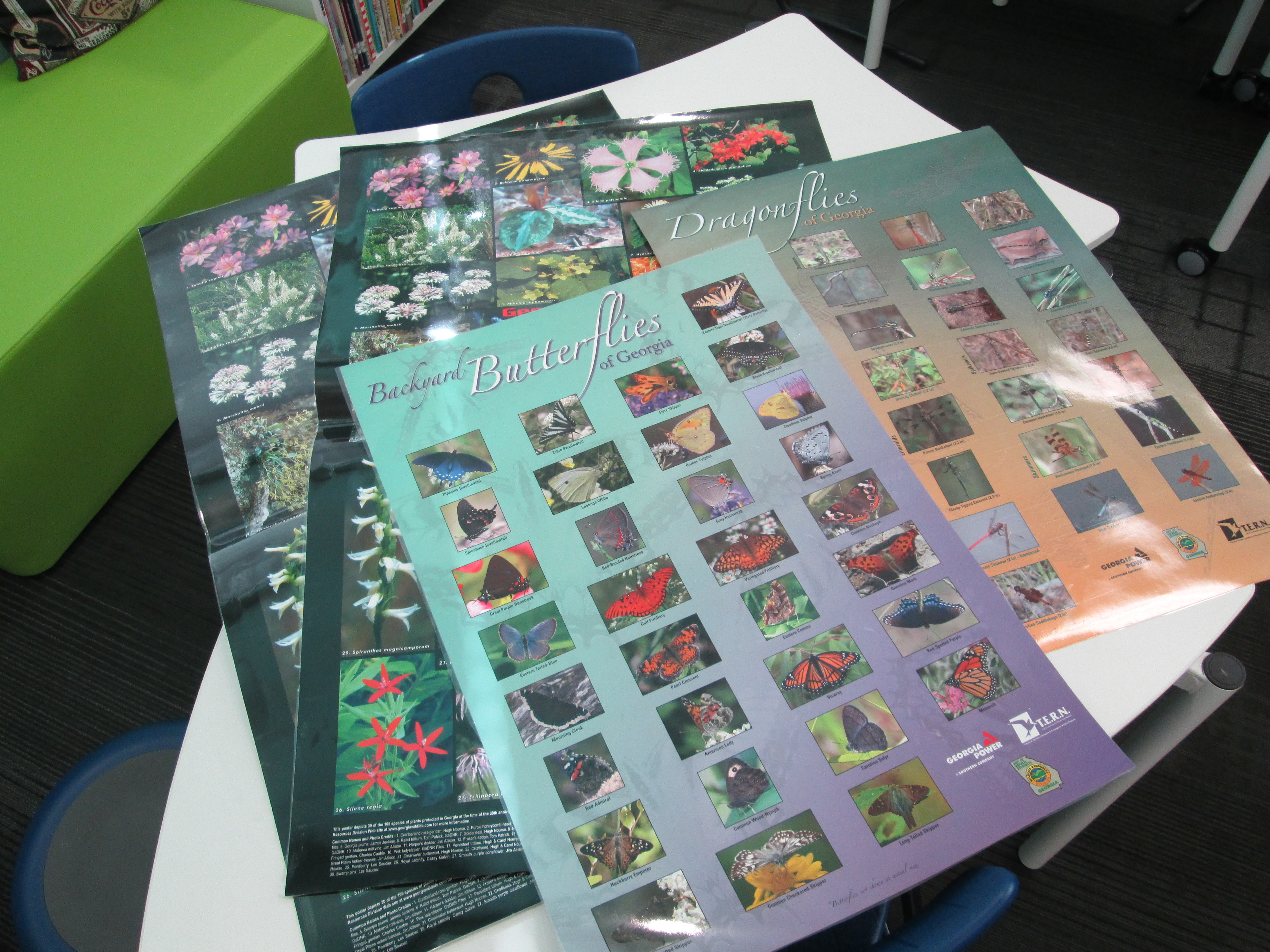
  • Posters:  These posters featured different kinds of animals along with a map of where they were found in Georgia.  Students had to identify an animal, look at what region of Georgia it was found in, and then think about what habitat that would fall under on their graphic organizer.
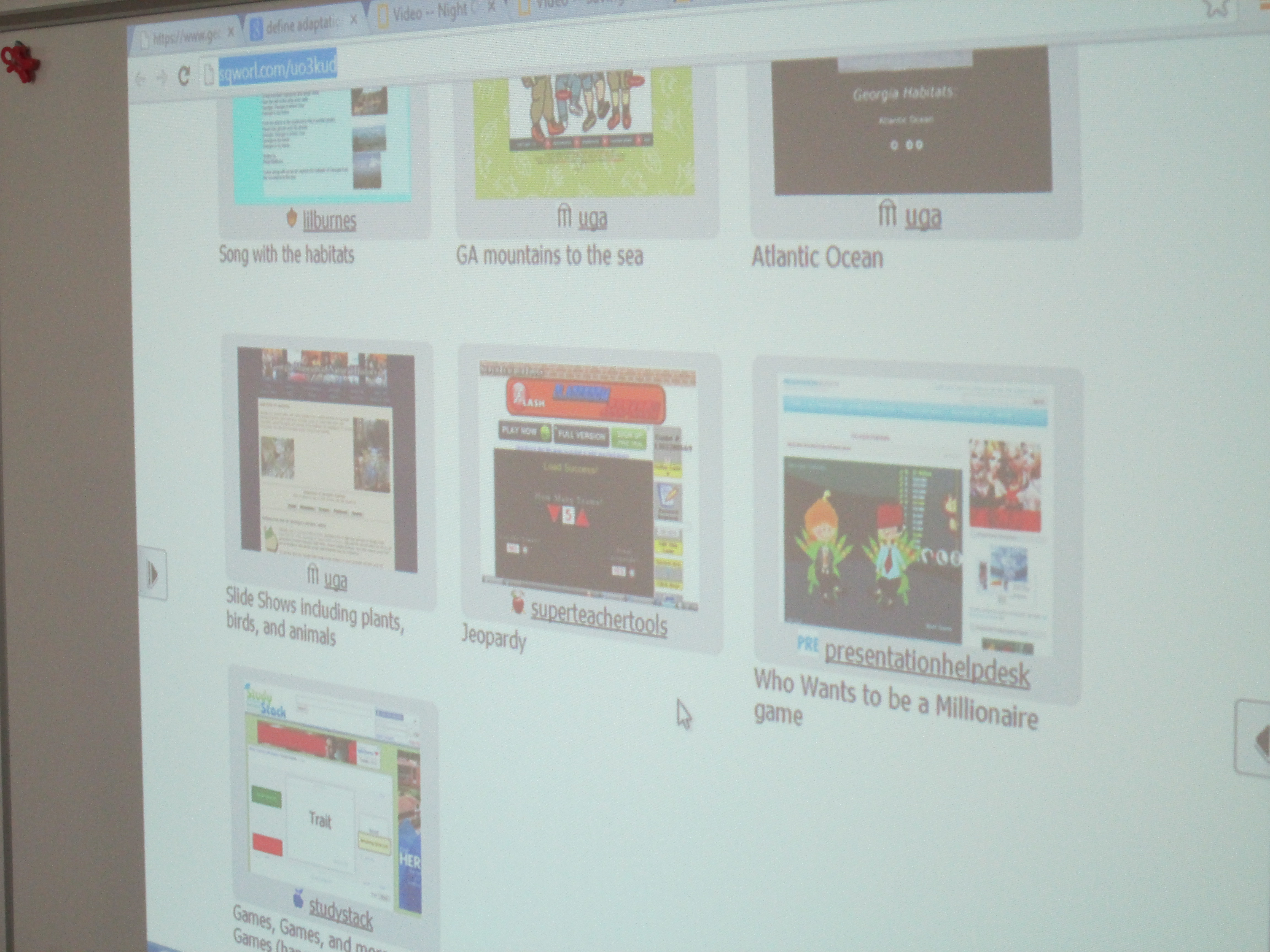
  • Websites:  Students had access to a Sqworl site that had songs, informational sites, and games about the habitats and regions of Georgia.  http://sqworl.com/uo3kud IMG_1352
As usual, it was interesting to see where students chose to go.  Some went directly to games.  Others went to posters.  Other chose books.  It really said a lot about what kinds of media our students need access to in order to match their needs as learners.  Some students stayed at the same station or site for the entire 30 minutes while others moved to several stations.  During this time, the teacher, student teacher, special education teacher, and I were able to walk around and facilitate learning.  We asked questions to nudge students thinking or spent time showing students how they might pay close attention to a game and gather facts while still maintaining momentum in their game.  As usual, it was very freeing and individualized.  This has come to be one of my favorite models for gathering information.  My regret is that we don’t have more day scheduled to find information.  Now, the students will use their 1 to 1 netbooks to continue to explore the Sqworl site on their own.

Paul Revere Transliteracy: A Third Grade Collaborative Project

Back in September, third grade took a transliteracy approach to exploring rocks and minerals.  After participating in this experience, Mrs. Shealey, 3rd grade teacher, had some ideas for how the transliteracy approach could inspire the Paul Revere standards that 3rd grade was about to work on.  She scoured the internet for resources and developed her own Sqworl pathfinder to share with students.  She also developed a menu of projects that students could choose from.  After introducing the idea to her team, we all met together to continue brainstorming and think about how technology could be incorporated with the menu ideas.

Ideas included:

  • Make a map of Paul Revere’s ride with important events, photos, and videos using Google Earth & Google maps
  • Create a newscast of Paul Revere’s ride with eyewitness accounts.  Use the iPad to film the newscast and iMovie to edit.
  • Use Museumbox to create various cubes about Paul Revere:  his ride, his character traits, events leading to American Revolution, etc.
  • Create a piece of art related to Paul Revere.  Use Photo Story, iPad, or Glogster to display the art and talk about it.
  • Write a poem or a song about Paul Revere.  Use the iPad to film a performance of the song/poem.

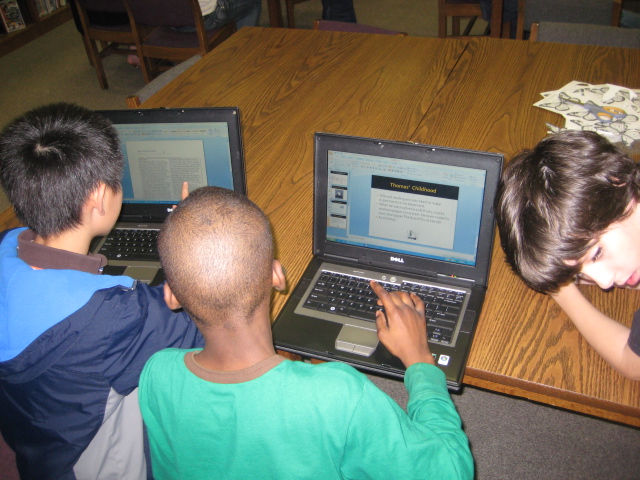
Ideas continue to be added to this menu.  We decided to narrow the technology focus to just a few tools:  Glogster, Museumbox, Photo Story, Animoto, iPad & iMovie, and Google Earth/Maps.  Many of these tools were new to students so we wanted students to have a chance to explore each tool before committing to a project or tech tool.  We decided to have a technology fair where each class could come and tour through the tech tools to gain some familiarity with each tool to inform their decisions.  I saw this as the perfect opportunity to bring in student expertise, so Ms.  Hicks, a spectrum teacher, helped identify students who could teach other students about each of the tools.  Google Maps and Museumbox were new to all students, so I led the station on Museumbox and Todd Hollett, technology integration specialist, led the station on Google Maps.  

The students and adults setup their stations, and each class came through the library for about 30-40 minutes to see mini-presentations and play around with each tech tool.  Students freely moved from table to table and at times needed encouragement to move on.  Many students wanted to stay at one table to become an expert in a tool, but that was not the point of the tech fair.  Expertise will develop later.  We just needed them to be familiar enough with each tool to know what it was capable of doing.  Even though all students did not make it to all stations, each class had a good representation of students who visited enough of the stations to be able to share back in class.

Our next step is for students to decide on their project and tech tool.  The teachers will then group these students into groups based on their tech tool.  Then, during a block of time each day, students using the same tech tool will meet in the same room so that they can support one another as needed.  I’ve seen amazing things happen when a large group of students using the same tool are in the same room.  They discover things that I would have never had time to figure out or teach to everyone and they willingly share their learning with other students.  I think we will be pleasantly surprised by the knowledge that students gain about these tools during this process.

The teachers and I will also support students with the technology, but we also want our focus to be on supporting students in locating quality information for their projects.  We will rely on the pathfinder as well as books from our library for this endeavor.  I can’t wait to see what students come up with!

This slideshow requires JavaScript.

Election Centers 2012

October was busy!  I had big plans to do multiple kinds of election lessons with classes and time just slipped away from me.  Our school did a mock election through Youth Leadership Initiative.  I also did a storybook character election using “for president” books and a Google form.  Several classes are still completing that lesson this week and we’ll announce the storybook president on Friday.

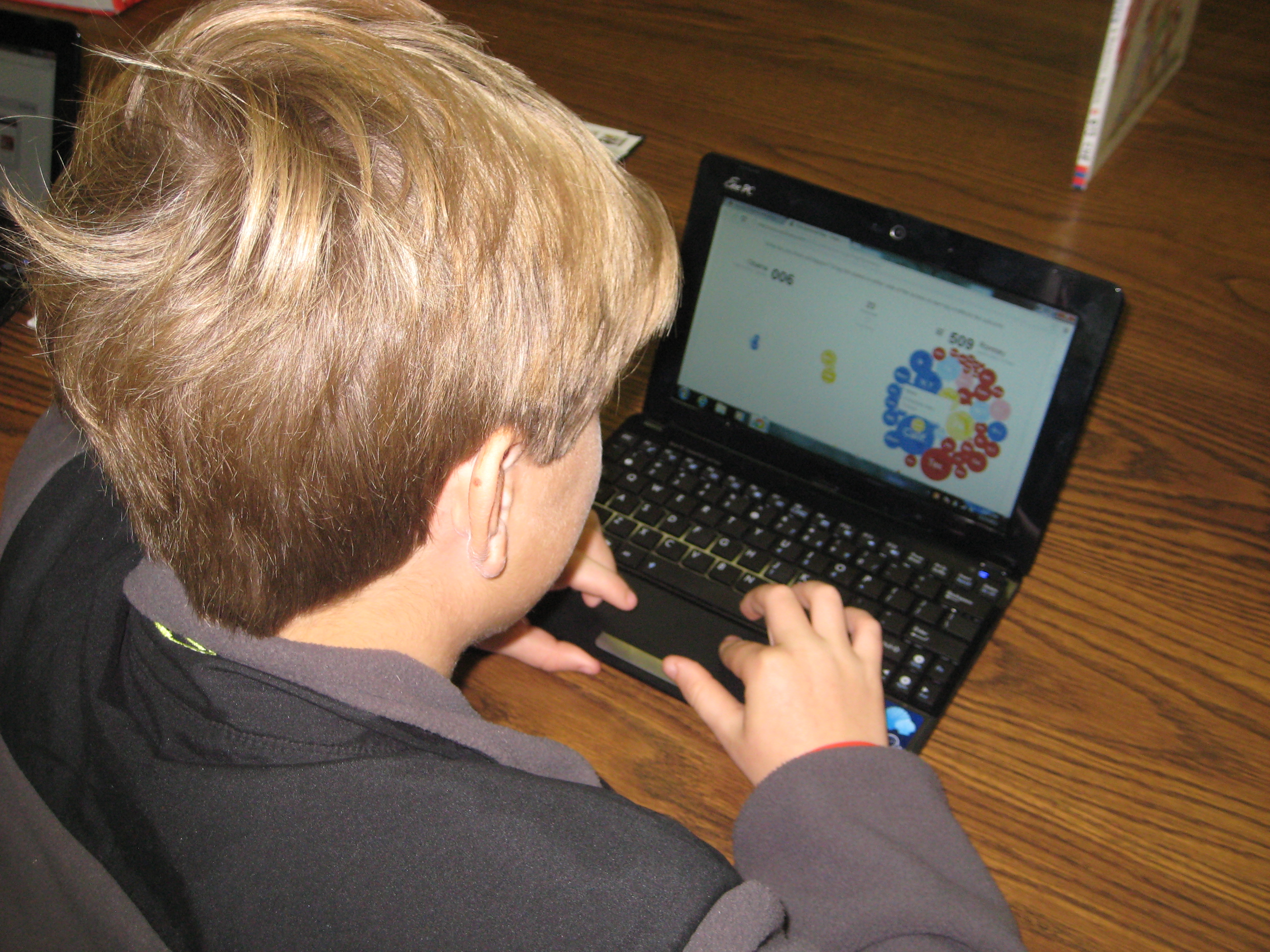
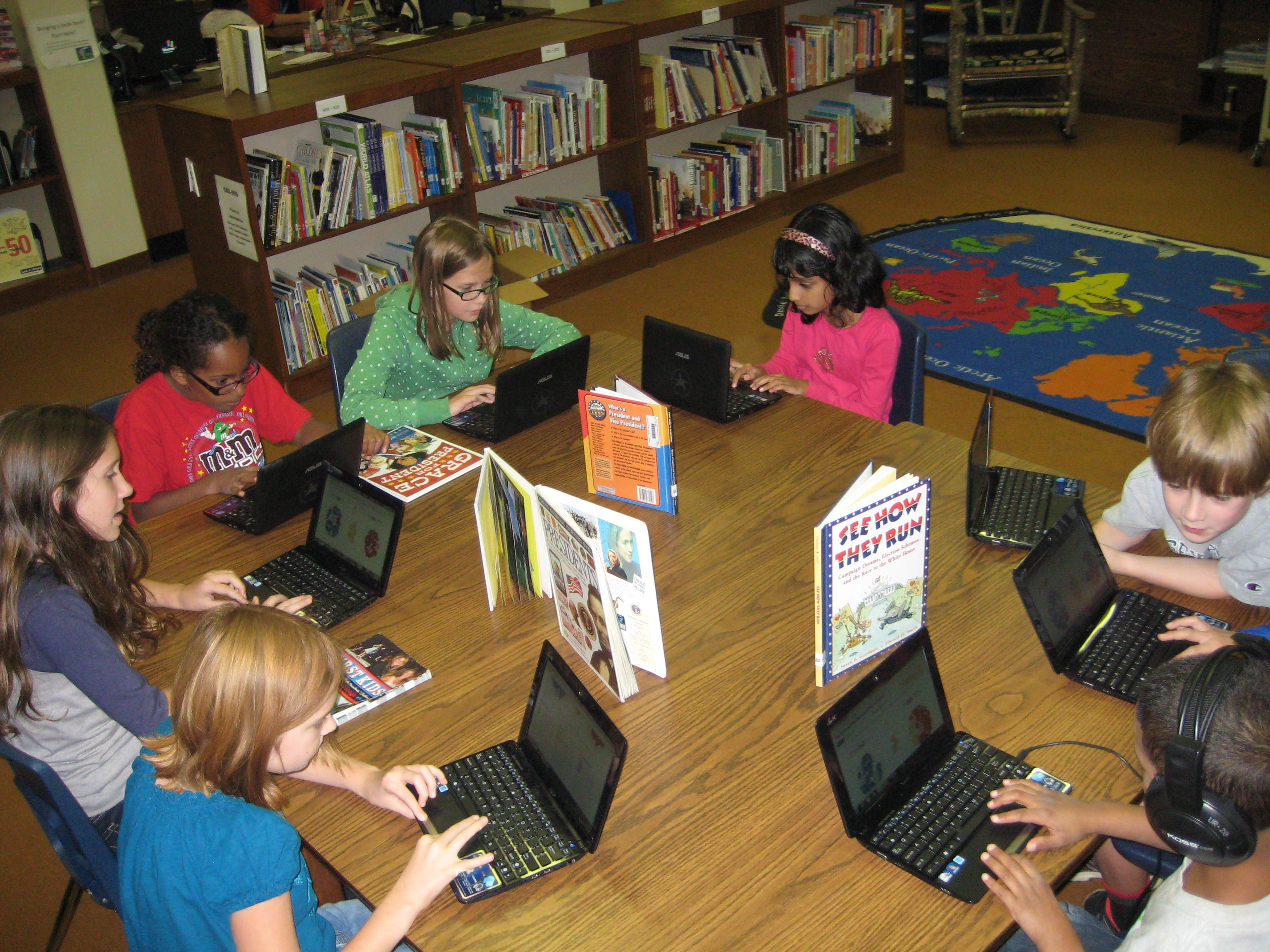
Today, all of 4th grade came for an election lesson.  I put together an election pathfinder with various links:  information about the election, Youtube videos of the candidates and election analysis, interactive election games, electoral college interactive maps, candidate-matching surveys, and campaign sites.  Since our 4th graders now have 1 to 1 netbooks, they brought those to the library.  I did a quick intro on the carpet and previewed a few of the sites.  Then, students went to tables to choose which sites they focused on.

One of the most popular sites was the NY Times electoral college floating bubbles.  This site showed states that had already chosen their candidate vs states that were undecided.  For each state, the site listed reasons the state was decided or undecided.  Students could move the undecided bubbles to either candidate to see how that would impact the election.  Many were amazed at the number of states already decided based on previous voting and polls.

Another popular site was USA Today’s Candidate Match.  This site allowed students to take a stance on a variety of topics and see how that matched with candidates beliefs.  Students could even look at what the 2 candidates have said about the topic.  I loved seeing kids having discussions with adults and peers about the issues and choosing their candidates based on the issues rather than on popularity or what their peers were choosing.

Again, I was amazed at the level of engagement these students were able to sustain for an extended amount of time when they were offered choice and variety.  I even had election, president, and voting books on the table for those who were waiting on sites to load or those that were tired of the technology.  Very few of the books were used, but some students did find them valuable.

At the close of the exploration, I had students answer a Google form (also found on the pathfinder).  Students had to tell something they learned, tell if their opinion on the candidates had changed, and tell how many electoral votes it took to win.  I wanted a mixture of fact and opinion questions for the closing.  After students completed the survey, we came back to the carpet to see the results.  It was nice to quickly grab some facts from the spreadsheet to share rather than having students tell facts aloud.  It saved time and allowed students to be anonymous.  We ended with a brief conversation on being an informed voter.

Even though I didn’t get to do as much with as many classes as I wanted, I was proud of the impact that these resources had with our 4th grade students.  Now, I have sent the pathfinder link to the classroom teacher to push out to students through Edmodo.  They will continue to use these resources in class.

This slideshow requires JavaScript.

09

Gaming in Education w/Xbox: NatGeo TV

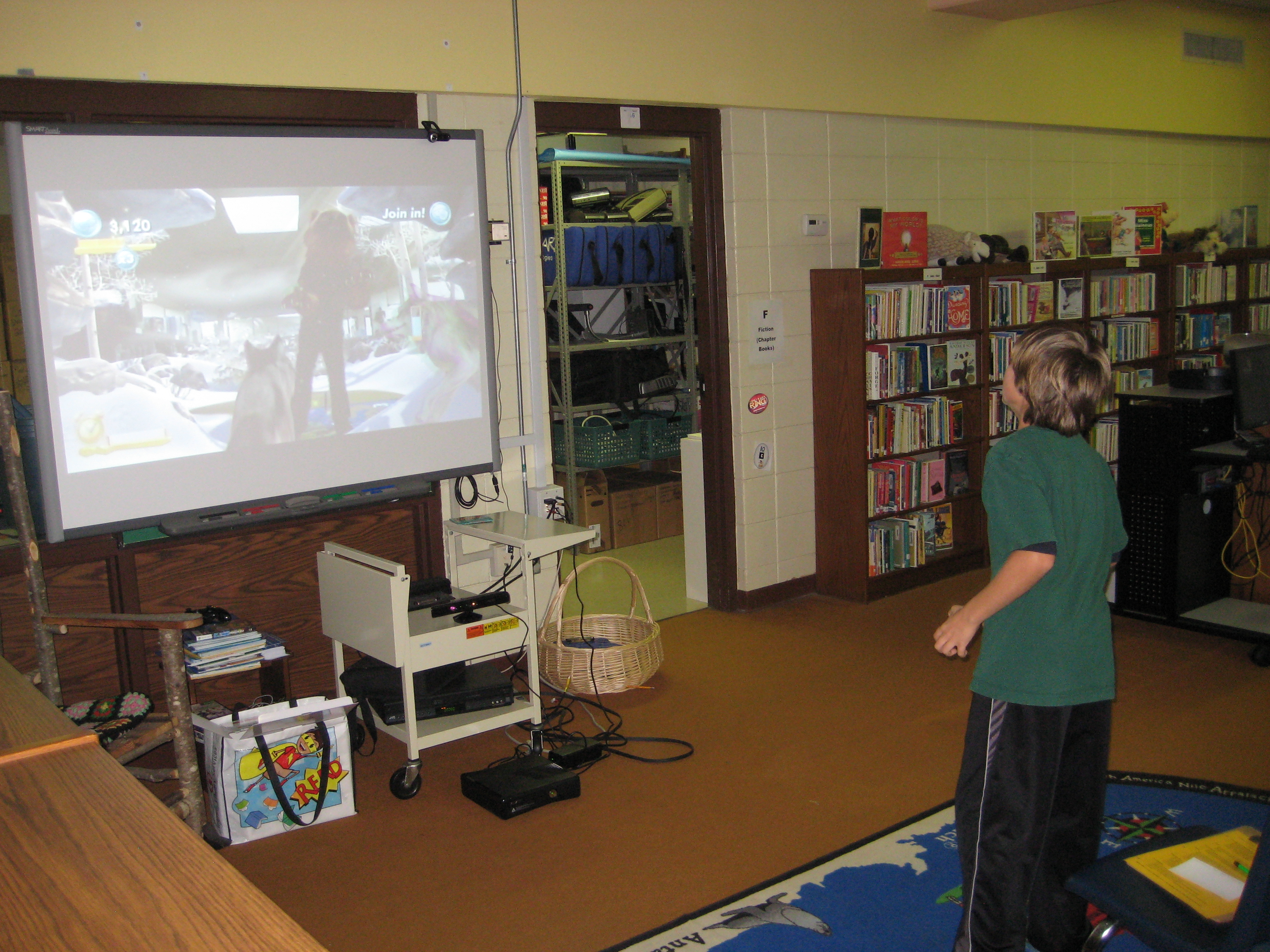
This year, we are exploring ways that gaming can be used in education.  I’ve previously mentioned that a group of 14 boys are exploring the xbox, Nintendo DS, and Minecraft during an enrichment cluster.  This week, a 5th grader used our xbox 360 with Kinect to research wolverines for his animal research project.

One of the games that we purchased for our xbox is Kinect NatGeo TV.  This 2-disc set includes multiple NatGeo 30-minute episodes on a variety of animals and places.  As you watch the episode there are sidetracks where you can take pictures of the animals, discover hidden facts, take short quizzes, and play games that help demonstrate an animal behavior.

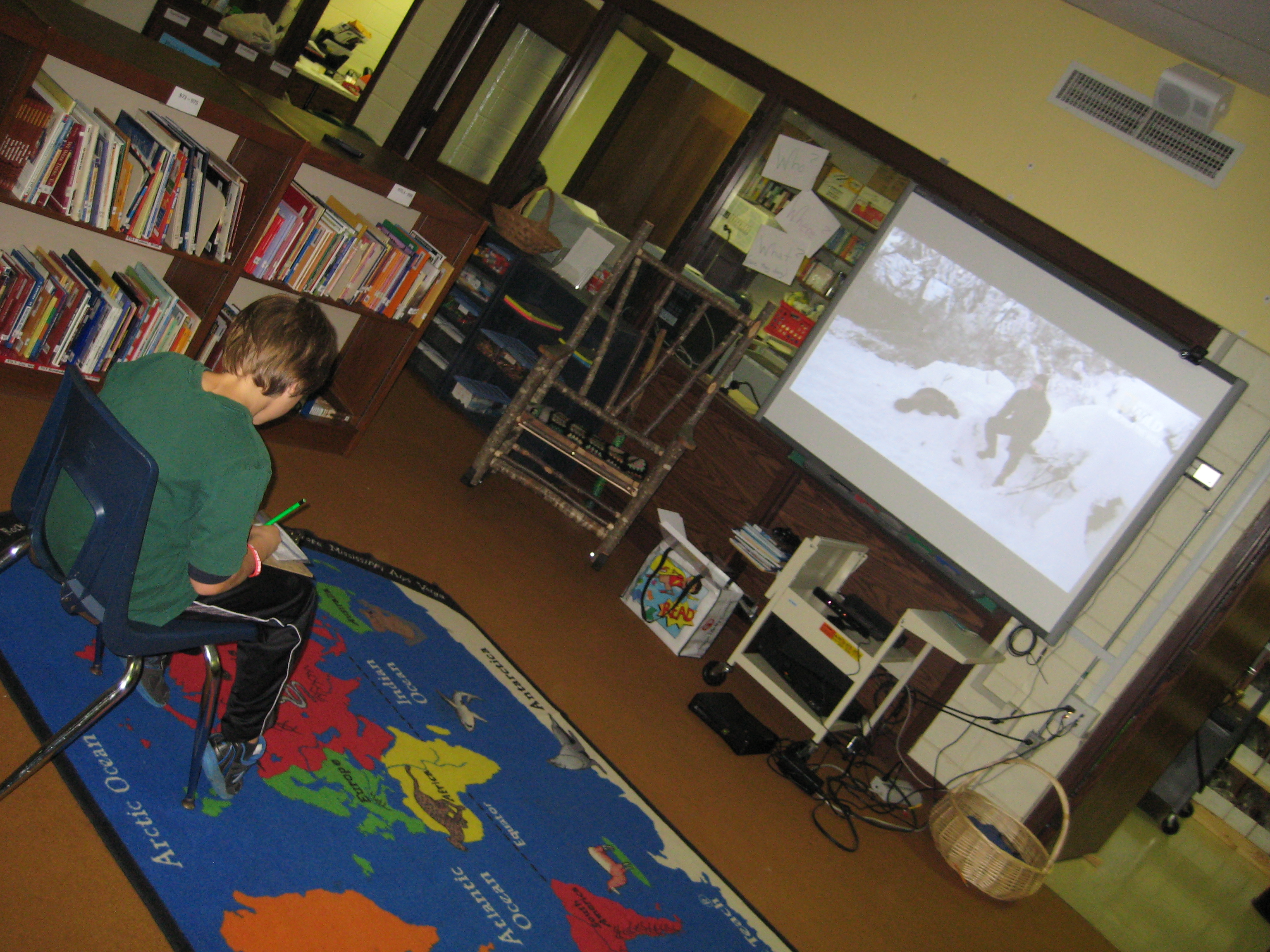
Henry is a 5th grader who did not find a book in our library about his topic, wolverines.  He has been relying on digital resources, databases, and encyclopedias to get his information.  I was so excited when I looked at the table of contents on the NatGeo TV game and saw wolverines as a topic.  Mrs. Mullins, a spectrum teacher, worked out arrangements for Henry to come to the library during language arts to do his research on the xbox.  I setup the machine, dimmed the lights, and helped Henry get setup with his notecards and floor space to interact.  As he watched the episode, he added several notes to his notecards.  When a sidetrack popped up, he put everything down to interact.  I was impressed by how the facts in the episode were reinforced through the games.  When Henry learned that wolverines dig through snow to locate dead carcasses, he was able to practice digging by becoming a virtual wolverine and digging through snow to find meat.  When he left, this was a fact that stood out to him.  It made me wonder about how we can bring facts to life for students when they discover them in books, websites, videos, or other resources.  The active game element seemed to reinforce the facts and help Henry retain them.  I know that the amount of NatGeo content on these discs is limited and will only support specific students and projects, but the concept makes me think beyond the xbox and how it might inform future lessons.

http://youtu.be/xiX6HL4htw0

Third Grade Rockhounds

Our third grade is just beginning a study of rocks and minerals in their standards.  We are taking an inquiry approach to this study and using the lens of transliteracy as we plan.

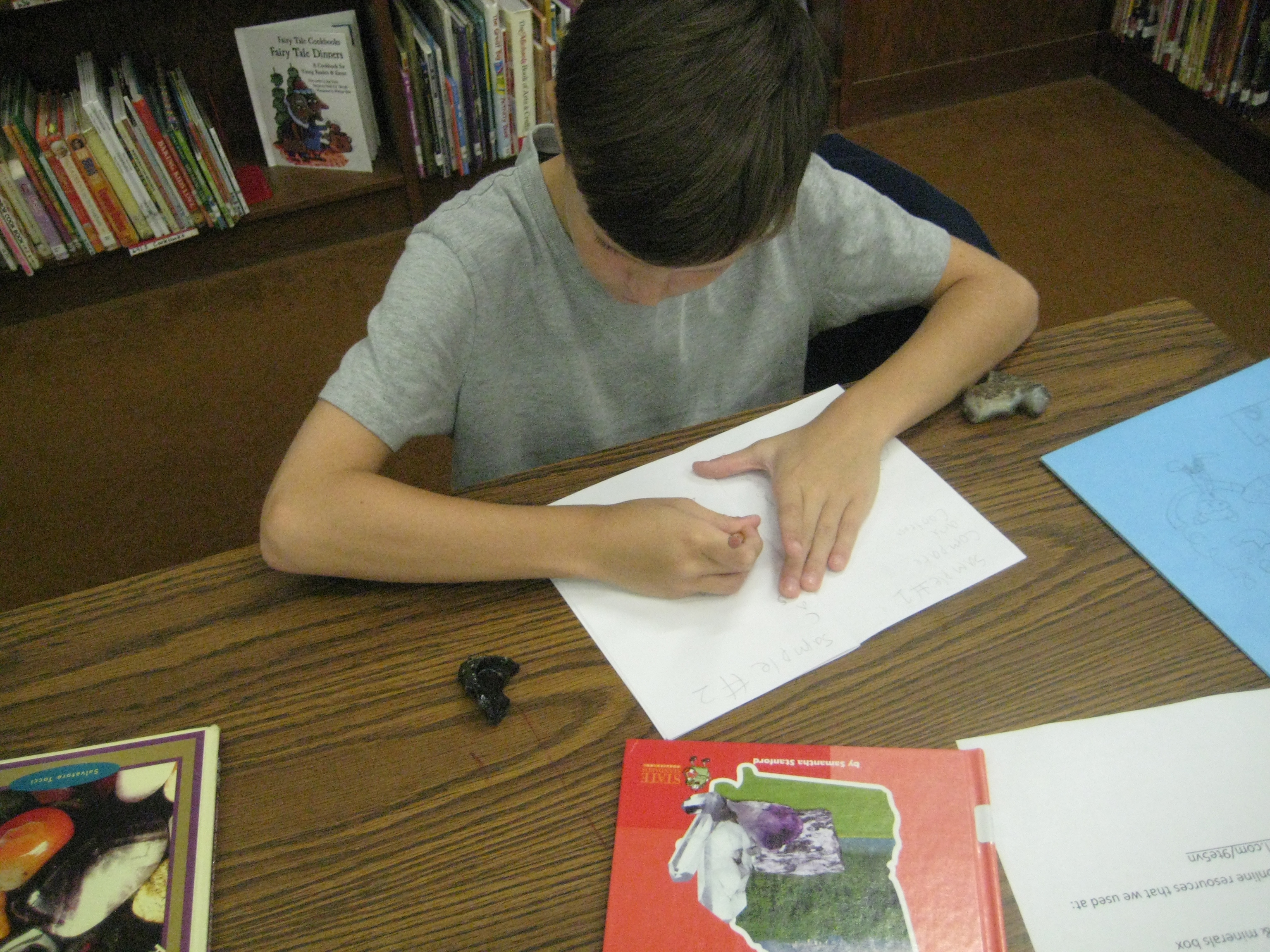
In class, students began a KWL in their science journals.  They wrote what they know about rocks and what they wonder about before coming to the library.  I planned groupings of experiences to give them multiple platforms for looking at rocks.  One stations was a big box of rocks and minerals that I collected in my childhood during yearly visits to Santa’s Land in Cherokee, NC where we always stopped at the “ruby mine”.  Students could explore the rocks and minerals using hand lenses and write observations or sketches in their journals.  Another station had multiple informational books about rocks and minerals as well as poetry using photographs of rocks.  The final station was at the computer where I created a pathfinder of games, videos, interactive sites, ebooks, and informational sites about rocks and minerals.

Students started in the floor where I talked about transliteracy and the natural flow in and out of different platforms of information.  We talked about how more questions will develop the more that you research and how to document those new questions in the science journals.  Rather than ask students to switch every 20 minutes or so to a different center, I gave them the freedom to move in and out of centers as they chose.

I gave them a little structure by providing a sheet that asked them to visit 4 books, 7 websites, and the box of rocks and minerals.  Students were welcome to move back and forth between the stations as many times as they needed.  For example, a student might make an observation of a rock in the box, look in books to identify the rock, go back to the box to clarify observations, and visit websites to confirm the identification.  The classroom teacher, spectrum teacher, and I floated among the groups and conferenced with students to encourage them to be curious and to document their learning.  As always, some students had a natural curiosity and freely documented their learning, while others needed more guidance and support.

Now the classes will return to their rooms to use the information they gathered to support their study of rocks and minerals.  They will revisit the resources I’ve gathered throughout the study.

This is a model I am starting to replicate in more and more lessons.  I love the freedom that it offers students and the support it offers for individualized instruction.

This slideshow requires JavaScript.

Navigating the Information Tsunami: Engaging Research Projects that Meet the Common Core Standards, K-5

Cherry Lake Publishing has a new and exciting book coming out called, Navigating the Information Tsunami:  Engaging Research Projects that Meet the Common Core Standards, K-5.  This text offers 18 projects, three from each grade level K-5, that go well-beyond fact recall.  These lessons are all grounded in the new Common Core Standards and focus on quality student research from our earliest learners to our older elementary students.  Each lesson is written by an educator who is an expert on the many literacies involved in research projects, the school teacher-librarian.  While the  lessons are written for classroom teachers, they all incorporate collaboration with the school librarian at some point during the project.  Also within the pages of the book, there are many graphic organizers and tips on topics such as citing sources in a multimedia world, creative commons images, what to do when Youtube is blocked, and more.  I encourage every elementary library to own at least one copy of this book.  I have a featured 1st grade project about the 4 seasons and fellow school librarian, Linda Martin, from Hall County has a featured 1st grade project about animals.  Check out the attached flyer and order your copy today!

Media Center Persuasive Writing Contest 2012

The Barrow Media Center is sponsoring our very first persuasive writing contest.   The contest starts now through February 10th.  All entries are due by 3PM on February 10th.  Students in any grade at Barrow may enter.  This contest supports the Georgia Performance Writing Standards that grades 1-5 are working on during 3rd quarter and it is an extension of our Picture Book Month celebration from November.  Students are asked about the following topic:  Picture books….important for today’s kids or not?  Essays must be 500 words or less and preferably typed.  Students can use any resources as inspiration, but we recommend the picture book month website and the New York Times article, Picture Books No Longer a Staple for Today’s Kids.    Consider using persuasive writing techniques such as big names, playing into emotions, building trust, using facts and numbers, and backing up your stance with reputable research.  We will award certificates to the top essays in Prek-1st, 2nd-3rd, and 4th-5th.  The top essays will also be recorded for our blog and morning broadcast.  The media center will also hold writing workshops for whole classes and small groups on persuasive writing and conference with students on their writing prior to entering the contest.  We can’t wait to see what students come up with.


Bigger, Better, Faster: Our Changing Nation

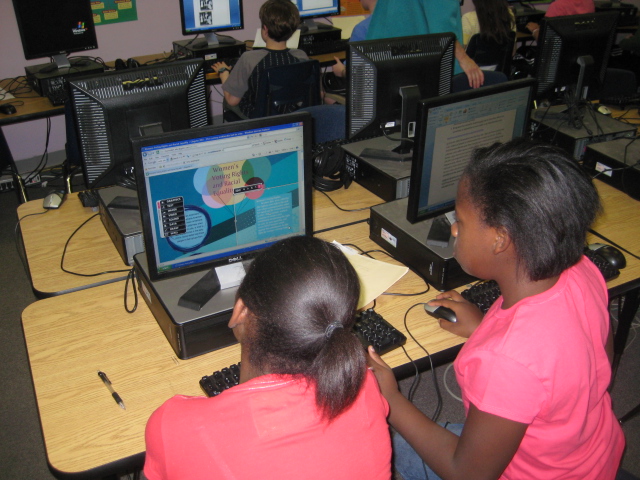
This week me and three fifth grade teachers are working with about 60 5th graders in the media center as they create final products for the Bigger, Better, Faster unit.  Students have spent several weeks researching their topics using a variety of print materials and online resources, including multiple websites and Galileo.  Students have also created their own united streaming accounts and watched videos about their topics.  Now students are working to create their final products using a variety of digital resources.  Most students have chosen to do Glogsters or Power Points, and a few have opted to make Animotos that they will link in their other products.  We explored Creative Commons as a resource for finding images to include in products, and students got to work creating.

This was my first venture into Glogster, and while it hasn’t been a perfect experience, I’ve been amazed at what the students have figured out how to do by just going in and exploring.  I showed them Glogster as one option for their final products, but I did not go into great detail about how to use it.  Students quickly figured out the features of the tool and began sharing it with one another.  The most frustrating thing for them so far has been that the free basic educator account does not allow them to upload files.  I’ve temporarily fixed that by subscribing to a one-month trial of the premium account so that we can see how well we actually like using Glogster.  

All in all, using tools like Glogster to create a final product has been a motivating experience for most students.  Instead of creating tri-boards and paper brochures and posters, they are creating digital content that can be easily shared with a winder audience.  They have worked collaboratively in groups of 3, and we’ve seen that each student is bringing his or her strengths to the groups.  I’ve stood in awe as I’ve watched one student pull up a double entry journal from the research phase of the project, which contains both quotes directly from the source and information in student words, while the other students had the final product pulled up to input the information.  I’ve watched students split themselves between 3 computers to do individual work, email their work to one another, and then find ways of putting it all together.  It has just reaffirmed the power of doing initial instruction and then giving students a space to create, at which point the teachers and media specialist become facilitators and supporters of learners as students need guidance or run into barriers.

I’ll spend the next 3 days working with these students to finish their products, but in the meantime, you can enjoy some of the early versions of their work and see how they progress.

Glogster 1

Glogster 2

Glogster 3

4th Grade Colonial Wax Museum

Each year, the entire 4th grade works on a huge project called the Colonial Wax Museum.  This project incorporates all of the social studies standards related to Colonial America.  Students spend many sessions in the media center and in their classroom researching one historic figure from the Colonial period.  Some of these people are well-known, but some are very obscure, so it makes for a very interesting search online for information that is reliable.  Students used many search engines found on our research tools pathfinder that was created by the great Joyce Valenza.

The culminating project is to host  a wax museum.  Students dress up in costume and pose around the media center and in classrooms.  They place a construction paper “push” button in front of them.  Teachers, students, and community members come and step on the push buttons and the characters come to life and recite a short speech about themselves that comes from their extensive research.  This is always a fun project to be a part of in the media center.  The 4th grade teachers and students did an outstanding job in this year’s museum.

Check out a glimpse of what the museum looked like here.