Connecting through Stories: 2015 World Read Aloud Day Part 1

FullSizeRender

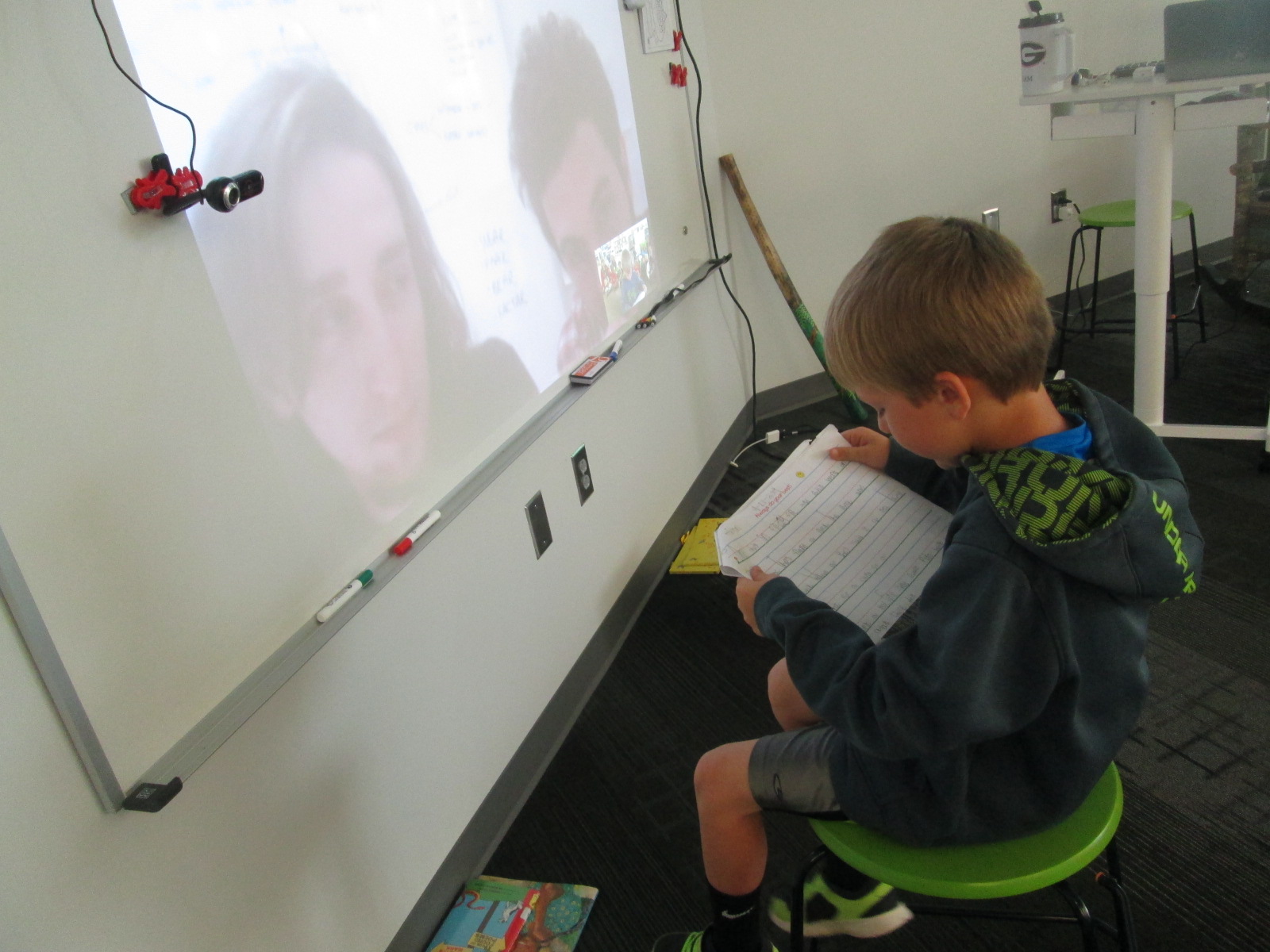
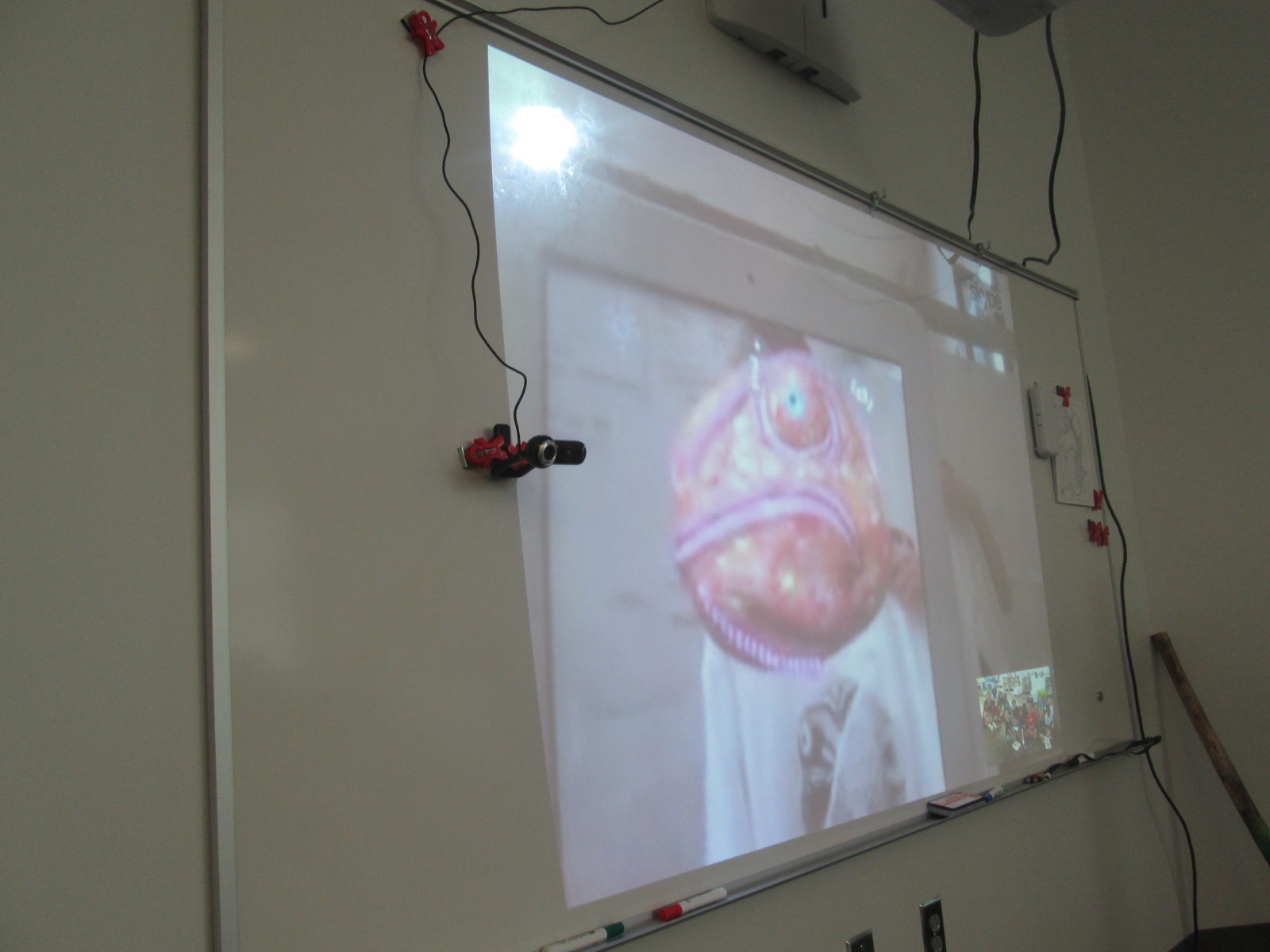
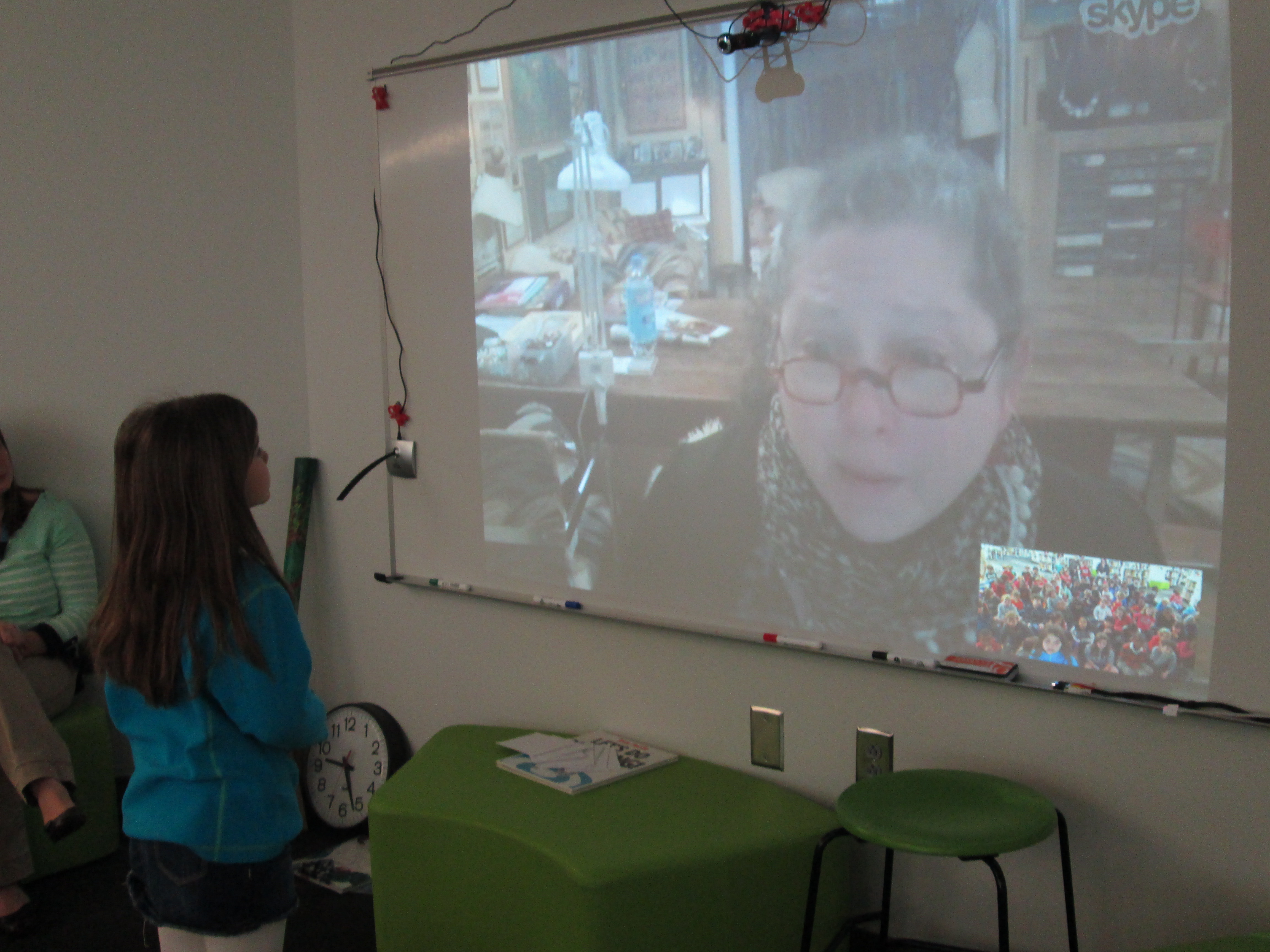
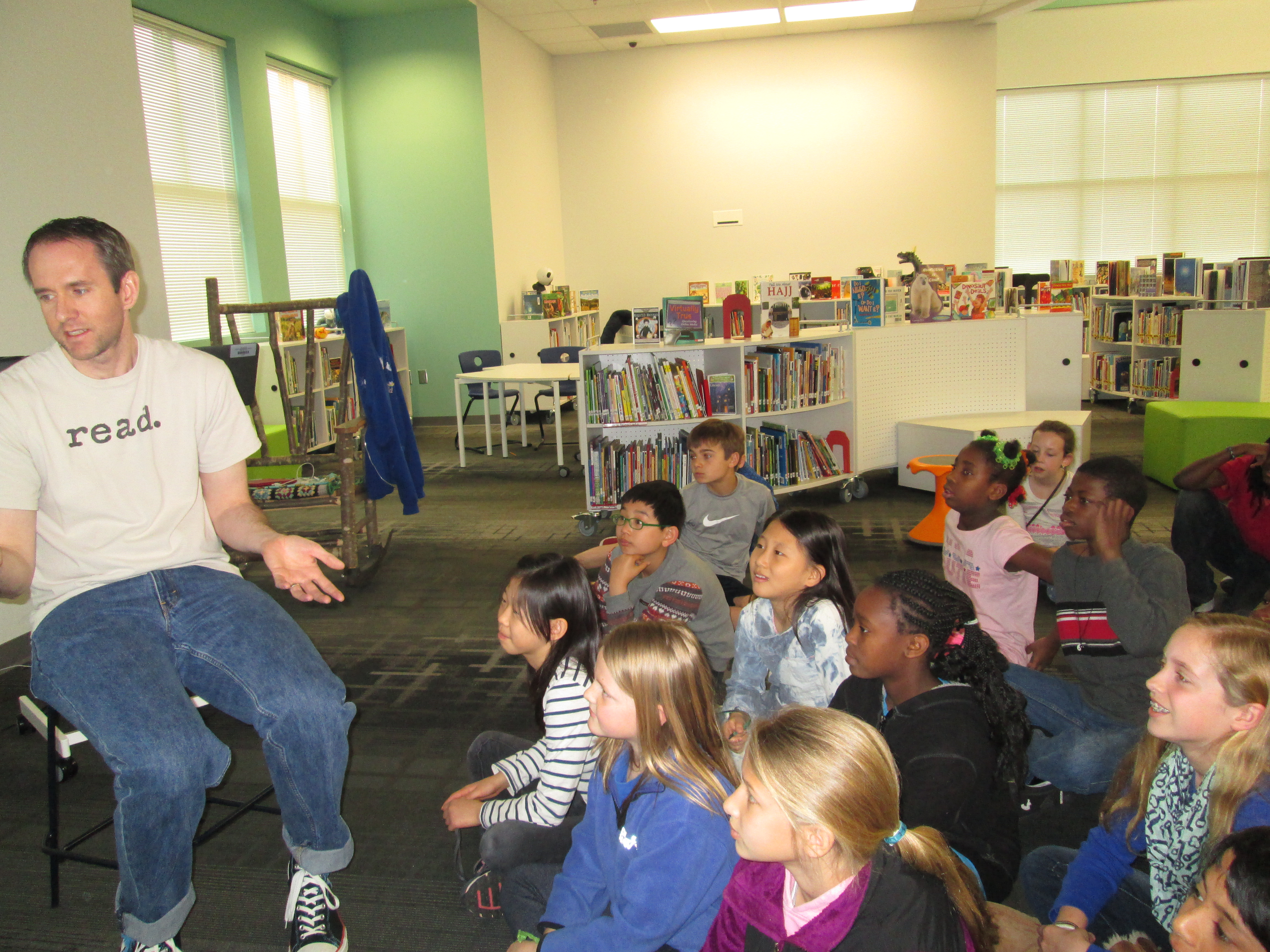
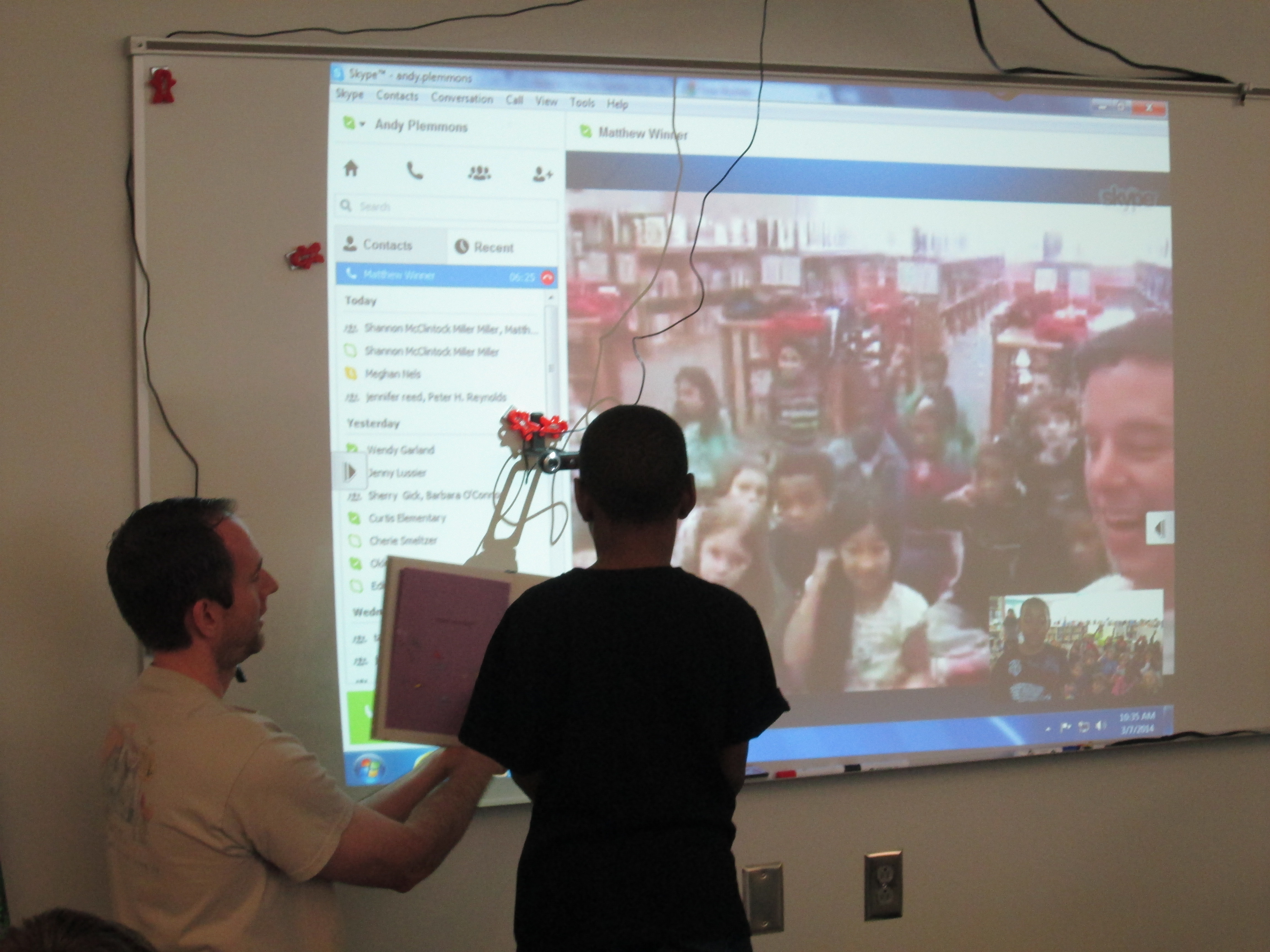
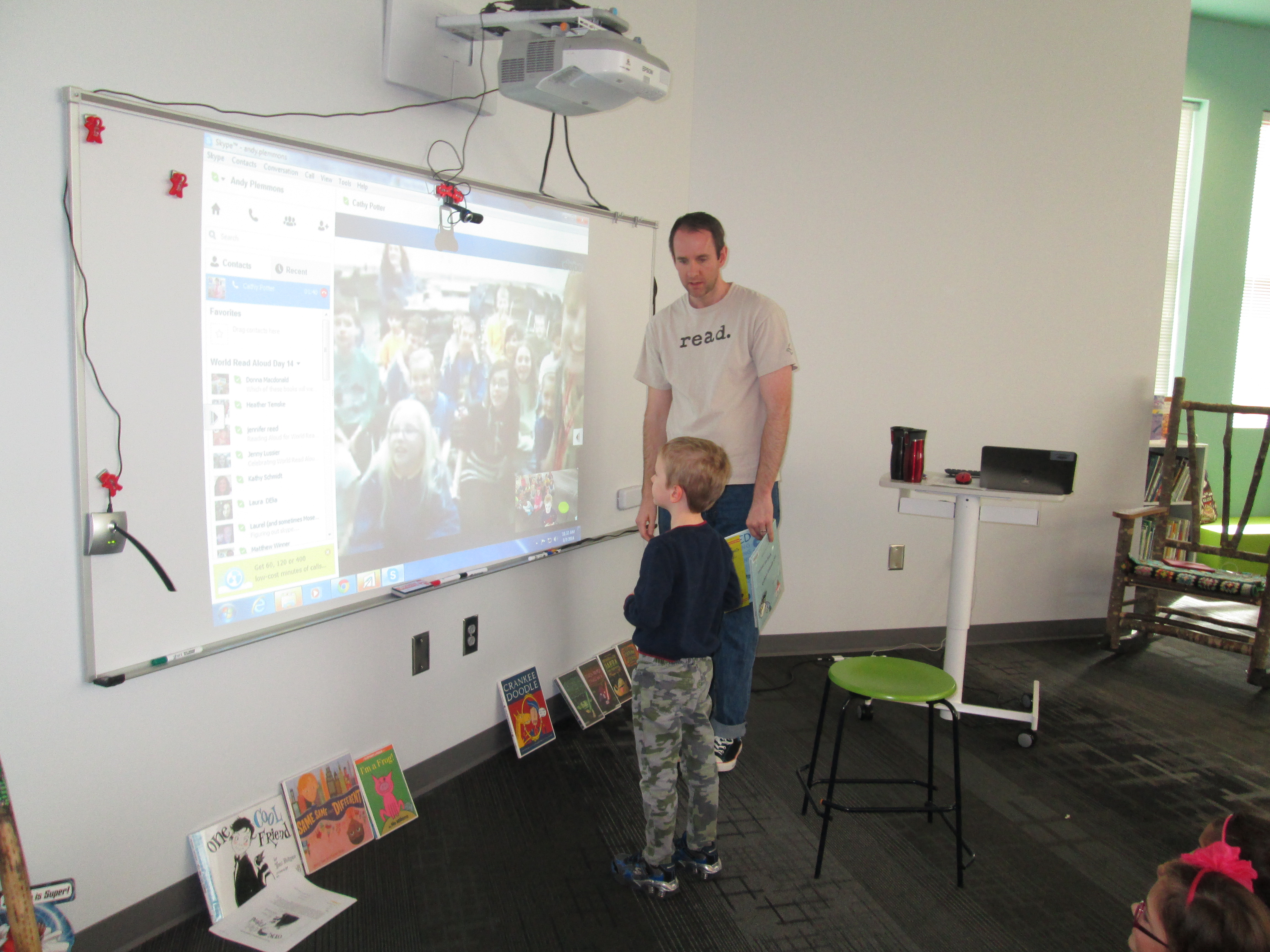
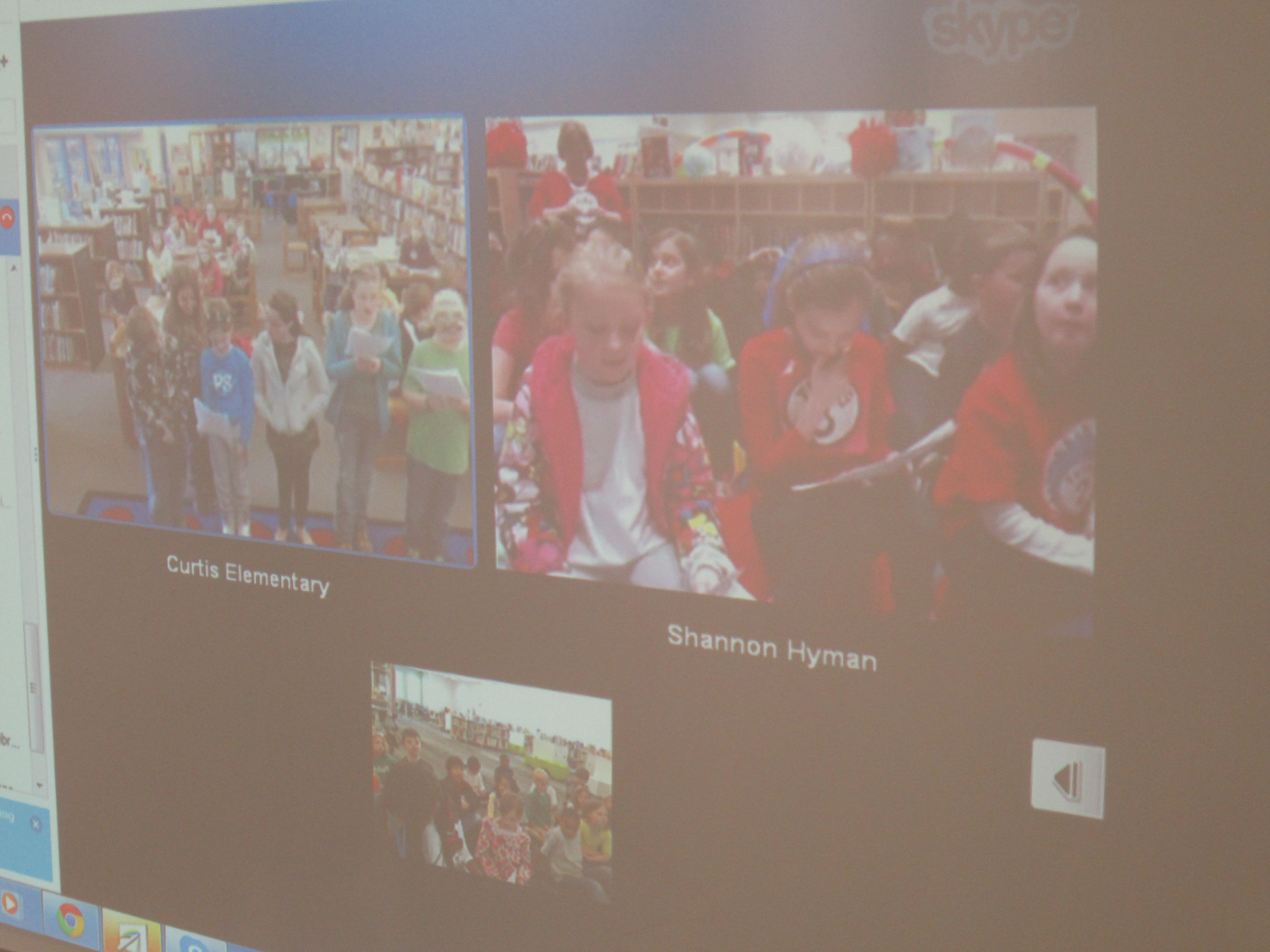
Our first day of Read Across America and World Read Aloud was filled with wonderful stories and plenty of technical difficulties, but we didn’t let the technical difficulties prevent us from connecting through stories.

The day began with my first cancellation emails.  Since World Read Aloud Day is right at the beginning of March, many states are still experiencing winter weather.  Two connections were cancelled before we could even begin due to snow.  Did this stop us? No.  Ms. Wyatt’s 1st grade class still came, and we read aloud Goodnight Already and Waiting Is Not Easy and noticed many similarities between the two books.  We just didn’t have a Skype connection to go with it.

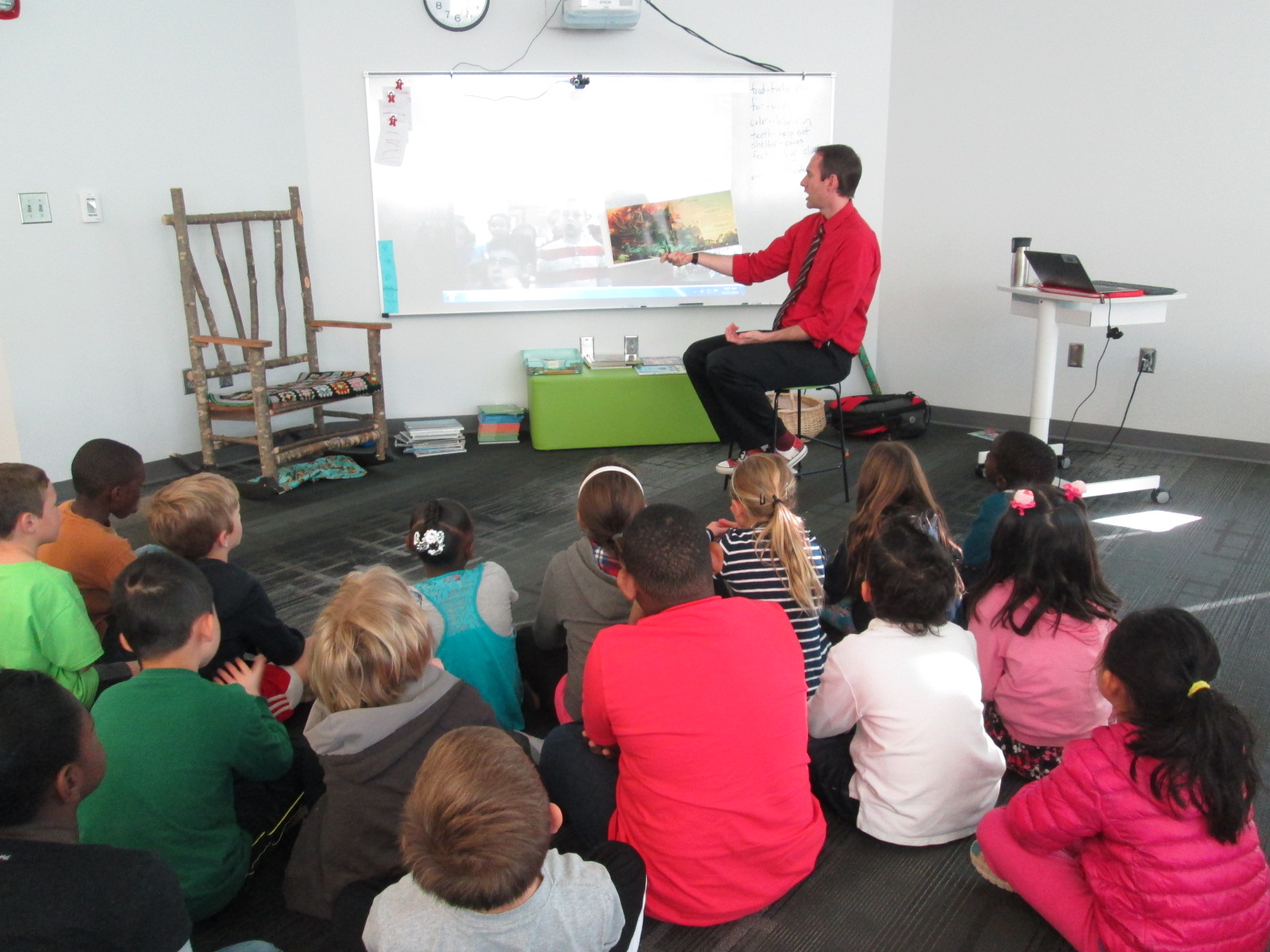
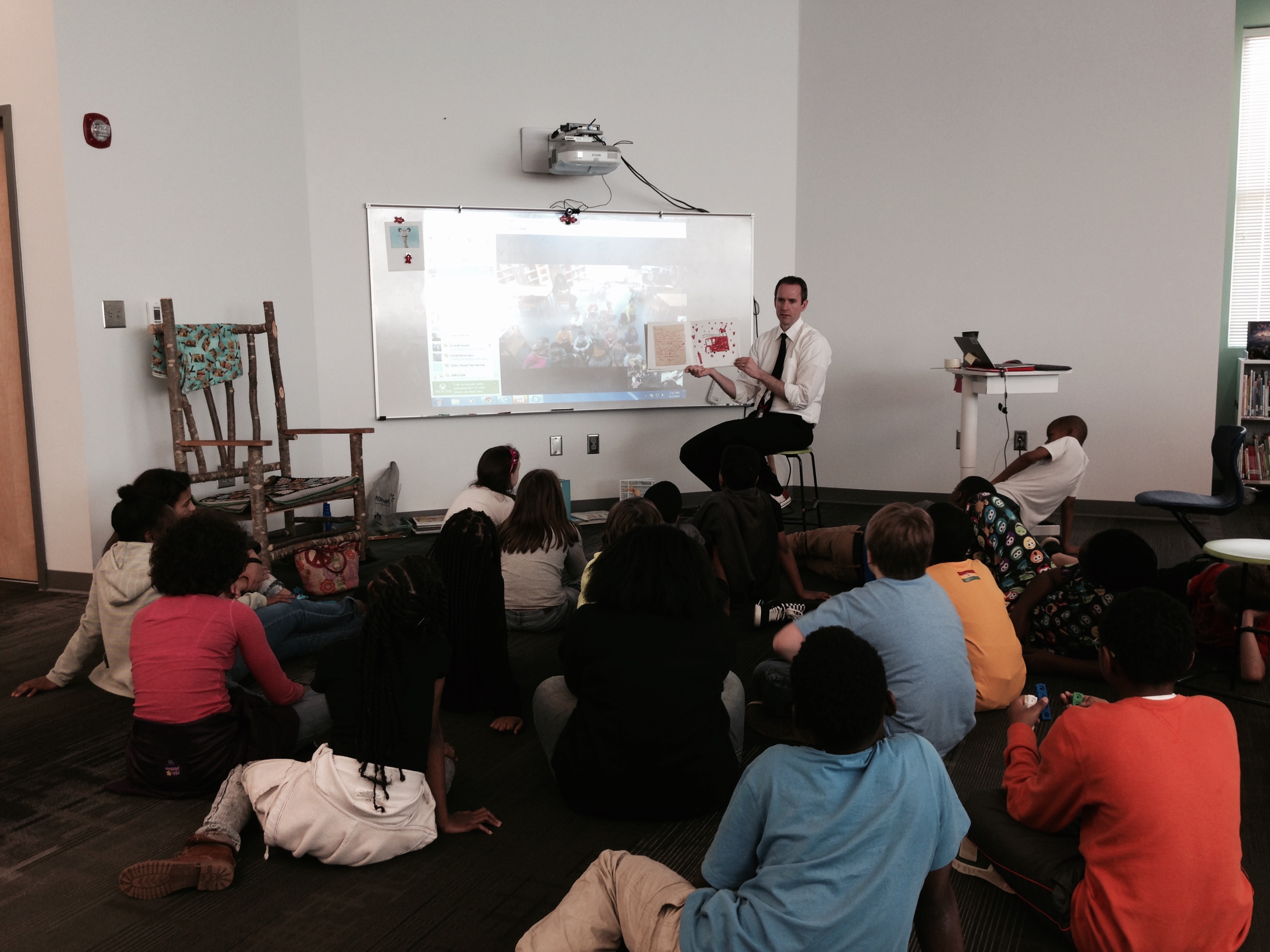
Ms. Freeman’s 5th grade students came to connect with Cassandra Ogletree and her students in Forsyth, GA.  Before we connected, our students made predictions about where they thought Forsyth, GA was located.  Then, we used Google Maps to take a look.  During our connection, we read Goodnight Already with Cassandra and her students.  I was Bear and Cassandra was Duck.  Since our 5th graders are studying perspective, they noticed how the book showed the different perspectives of bear and duck.  As usual, students had time to ask one another questions about where they live.  We often take for granted that students realize how connected we are around the world, but these Skypes surface that our students have lots of wonderings about the day to day lives of others around the world.  When we disconnected, we took time to look at a street view in Google Maps to see the school that we had just Skyped with.  Student were amazed by the lack of buildings around the school.  It seemed to be way out in the country surrounded by pastures and trees.  This is very different from our school that is right next to UGA.

Ms. Boyle’s class skyped with Colleen Friel and her 1st grade in Long Island, NY.  We shared The Story of Fish and Snail.  Our Skype calls kept freezing or dropping, so we reached a point where we just had to stop the call and finish the story on our own.  Once again, the students were so patient during the technical difficulties and we didn’t let it stand in the way of the story.

Ms. Haley’s class had an opportunity to connect with Elizabeth Garton Scanlon, author of wonderful treasures such as All the World and The Good Pie Party.  The downside was that we couldn’t get Skype to work at all in order to connect with her.  I tried every trick I could think of to make the connection better and faster and nothing worked.  Finally, I took out my phone and we huddled around my phone for over 30 minutes listening to her share about her books, her ideas, her dog, and her upcoming work.  We had the treat of hearing the first few pagers of her upcoming book The Great Good Summer.  Within just a few pages, several of our students started opening up about connections they had to the book.  One student shared about losing her dad.  Another talked about her dad being gone on tour.  I love how stories help us make connections to the emotions we wrestle with and give us a pathway to conversation with one another.  It must be amazing as an author to hear how your words open up conversations for readers.

Ms. Freeman’s 5th grade returned at the end of the day to connect again with Colleen Friel in Long Island, NY.  This time, our Skype connection was much better since the district worked on the network.  We read the book The Day the Crayons Quit.  Students loved finding out that even though there were 7 inches of snow on the ground, the New York students were still in school.

Finally, we closed our day by doing a triple Google Hangout with Donna MacDonald in South Burlington, VT and Craig Seasholes in Seattle, WA.  Ms. Carney’s Kindergarten class joined their Kindergarten classes in reading 3 Elephant and Piggie stories.  It was fun to connect across the country and hear words being spoken between thousands of miles of the United States.  We had fun, engaged in some silliness while we read, and made some new friends.  Even though Donna had some technical difficulties, we still made it work.  We could hear her, but not see her.

I won’t lie that I was a bit flustered today with all of the problems, but I have to say how important it is to persevere.  I could have easily given up and called it all off, but we made things work with what we had.  Because of that, our students had an amazing first day of connections through stories.

Let’s All Connect For LitWorld’s World Read Aloud Day Again In March

World Read Aloud Day — LitWorld

On March 4th, we will celebrate World Read Aloud Day with LitWorld.  This special day “calls global attention to the importance of reading aloud and sharing stories”.

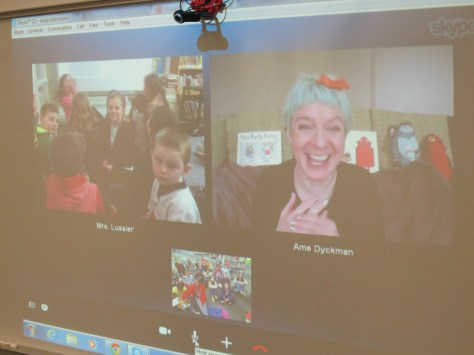
For teacher librarians and other educators, it has come to be a week-long celebration of sharing stories through Skype and Google Hangouts. This year, these connections will happen on March 2-6.Jenny & Ame (2) small

Connecting through stories is always such a rewarding experience for our students.  Students often discover that we are all very much the same even though we are different.

Shannon McClintock Miller and I invite you to post your schedule to our shared Google Doc and start making connections for this special week.  You may even discover a long-time collaborative partner through this one experience.

2015 World Read Aloud Day Blog   Google Docs

You can read about our 2014 World Read Aloud Day experiences in my post “World Read Aloud Day Final Thoughts” as well as others on the Barrow Media Center Blog.  Shannon shares how she documented her school’s World Read Aloud Week via a Smore journal.

Be sure to check out the LitWorld site for more information on planning for World Read Aloud Day.  They even have a special classroom kit with ideas for schools.

World Read Aloud Day — LitWorld (1)

If you are interested in connecting with others on this day, please add your name, schedule, and ideas to the informations in the Google Doc that we started.  This will begin to fill up with others around the world as they want to connect their students and schools too.  We plan to celebrate throughout the entire week of March 2-6th.


Google Tour

We think it’s important to know that there’s no “right” way to plan for World Read Aloud Day.  Whatever you decide to do will be the right plan for your school and your students.  Whatever you do, your life will be richly rewarded with the power of spoken word and voices connecting together across the miles to lift up our right to read!

In the words of Kate DiCamillo, National Ambassador for Young People’s Literature, “Stories Connect Us”.  We can’t wait to connect students around the world through story.

Celebrating Our Explorer Project with the Flipgrid Team

Flipgrid Skype (1)

Today our 4th graders had the chance to Skype with Charlie Miller and the rest of the Flipgrid team in Minneapolis, Minnesota.  This was the conclusion of the explorers project that 4th grade students have worked on for the past few weeks.  As part of the project, we encouraged people around the world to watch our Flipgrid videos and vote on whether explorers were heroes or villains.

The team congratulated our students on their hard work on this project and also took questions and suggestions from students.  Several 4th graders stepped to the microphone and shared suggestions such as:

  • Extending the 90 second time limit by offering a choice of time limits
  • Allowing you to categorize your video with tags

Other students shared what they liked about Flipgrid such as:

  • the ability to watch other people’s videos before making your own
  • the like button
  • being able to film your video again if you weren’t happy with it

Since this Skype came the week after our hour of code lessons, it was also a great time to hear about how an app was developed.  It sounded like developing an app is a much longer process that developing a website because in one of the student questions we learned that the app took about 6 months to create while the website took 2 really long weekends.  We also heard how an app is never really done because you are always trying to make it better.  I loved how this connected both with our hour of code sessions but also to other areas such as writing instruction.  Students also learned about how the name Flipgrid was chosen since the videos are on a grid and they flip when you play them, but they also heard other considerations that go into a name such as web domain registration and what is actually available.

Flipgrid Skype (11)

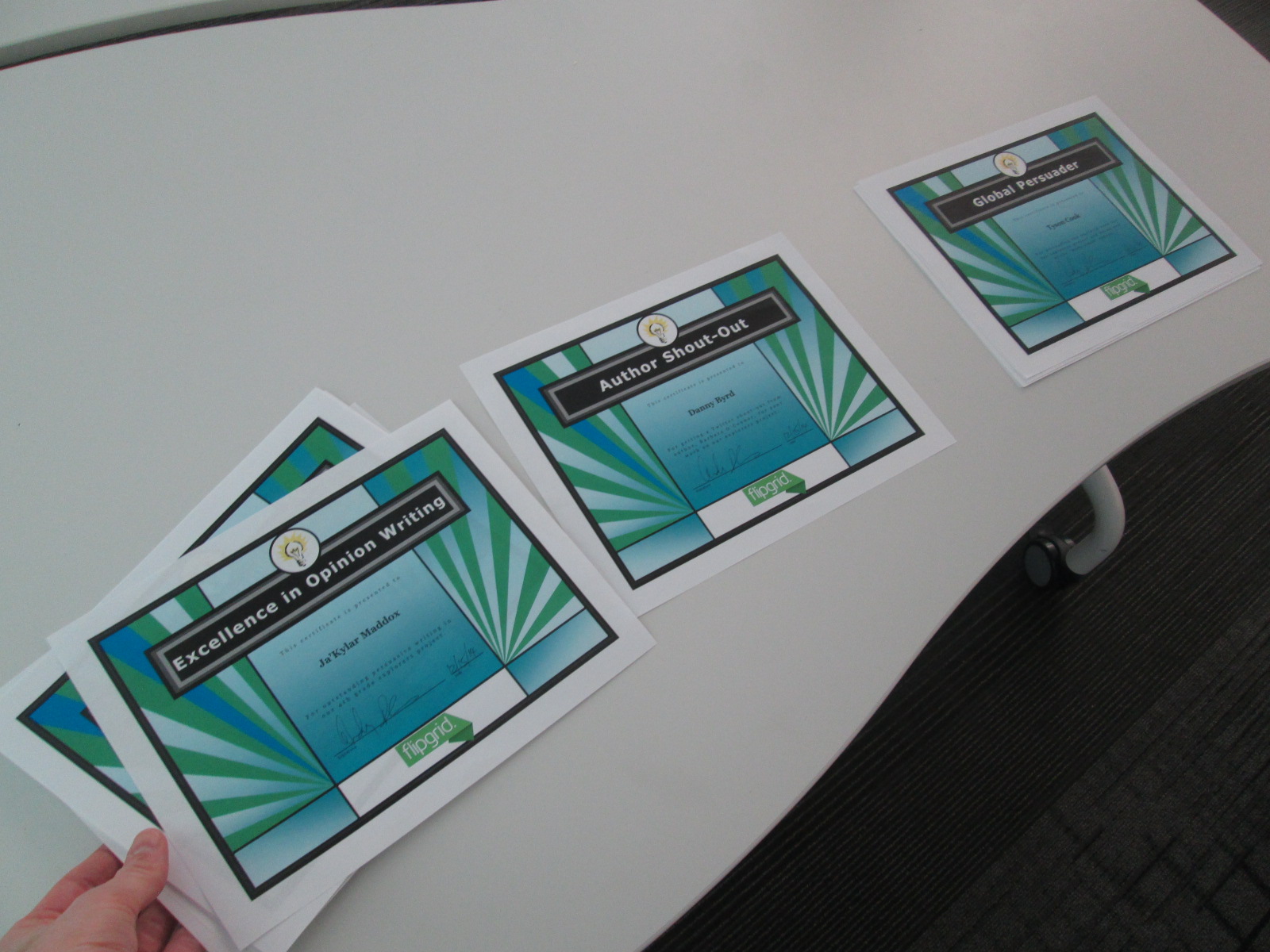
One of the most fun parts of the Skype was the announcement of awards.  Several students received awards for Excellence in Writing, Shout-outs from authors, and Global Persuader awards.  I sent these names to the Flipgrid team and they took turns calling out student names as I handed out the certificates.  Students had fun giving silent cheers for their classmates as awards were handed out.

I also took time to share with the students the results of all of the voting that had taken place for their project.  It was interesting to see their reactions as they heard that Christopher Columbus was the only explorer voted to be a villain.

Just for fun, we closed out our Skype with a Christmas singalong of Rudolph.  Luke performed on the guitar and we belted out our best Rudolph even through the time delay on Skype.  It may not have sounded like it was together, but it was still fun.

Thank you to the entire Flipgrid team for creating a tool that has helped our student voices to reach a global audience, and thank you for taking time to celebrate with us.

America Recycles Day: Connecting with the World and Making a Difference

IMG_4370

This year, I’ve been thinking a lot about what it means to collaborate globally.  In the past, I’ve participated in amazing events such as Dot Day, Talk Like a Pirate Day, and World Read Aloud Day.  Each of those events has connected our students to classrooms and authors around the globe, and I’ve found so many collaborative colleagues through these events.  It’s these very events that have pushed me to wonder what more we can do with our students.  I’ve been pondering how we can have collaborations that allow our students to make a difference in the world and share their ideas, their questions, their problems, and their solutions.

When our spectrum teacher, Natalie Hicks, came to me with a flyer about America Recycles Day, I knew that this day had potential to spark some action projects with our students and students around the globe.  I made a Google doc, crafted a blog post, and started inviting anyone and everyone to connect for America Recycles Day.  It didn’t take long for some of the very people I’ve connected with for other events to start posting their own schedules in the doc and making connections.  I want to thank Shawna Ford, Jenny Lussier, Cathy Potter, Donna MacDonald, Misti Sikes, Ly Phan, Kathy Schmidt, and Craig Seasholes for taking a risk with me and trying something new.  These people put their schedules out there and started making connections.

This week, my own students started making connections for America Recycles Day.  Each Skype or Google Hangout offered a little something different.

Ms. Clarke and Ms. Haley’s 3rd grade class connected with Kathy Schmidt and her 3rd graders in Gwinnett County, GA.  We learned about how her students are collecting items from home to put in the library’s tinker lab rather than throw them away.

Ms. Wright’s 2nd grade class connected with Cally Flickinger in South Burlington, Vermont.  We read the book Here Comes the Garbage Barge by Jonah Winter.  The story sparked a great conversation about how our trash can take over our world and how important it is to recycle or reuse instead of throw things away.

Ms. Ramseyer’s 2nd grade class connected with Donna MacDonald in South Burlington, Vermont.  Her students shared how they are using Drew Daywalt’s The Day the Crayons Quit to inspire a save the crayons campain.  Students are collecting crayons and sending them to be melted into new crayons.  Our students took time to offer some other ways that the crayons might be used such as making candles, melting crayons for artwork, fusing crayons together to make two-sided crayons, and investigating what crayons are made of so that they might discover even more things that crayons could make.

Ms. Li’s Kindergarten connected with Misti Sikes and her Kindergarten in Forsyth, Georgia.  They shared how they recycle at their school by separating white paper and color paper as well as other ways that recycling has to be prepared before it goes into the bin such as removing paper clips and staples.

Ms. Boyle’s Kindergarten connected with Holly Esterline & Katie LeFrancois’s grade 1 & 2 class in Bolton, Vermont.  We shared the book Compost Stew and heard about how their school is doing TerraCycling.  Even with our connection issues, we still learned a lot about something we don’t do much of at our school.

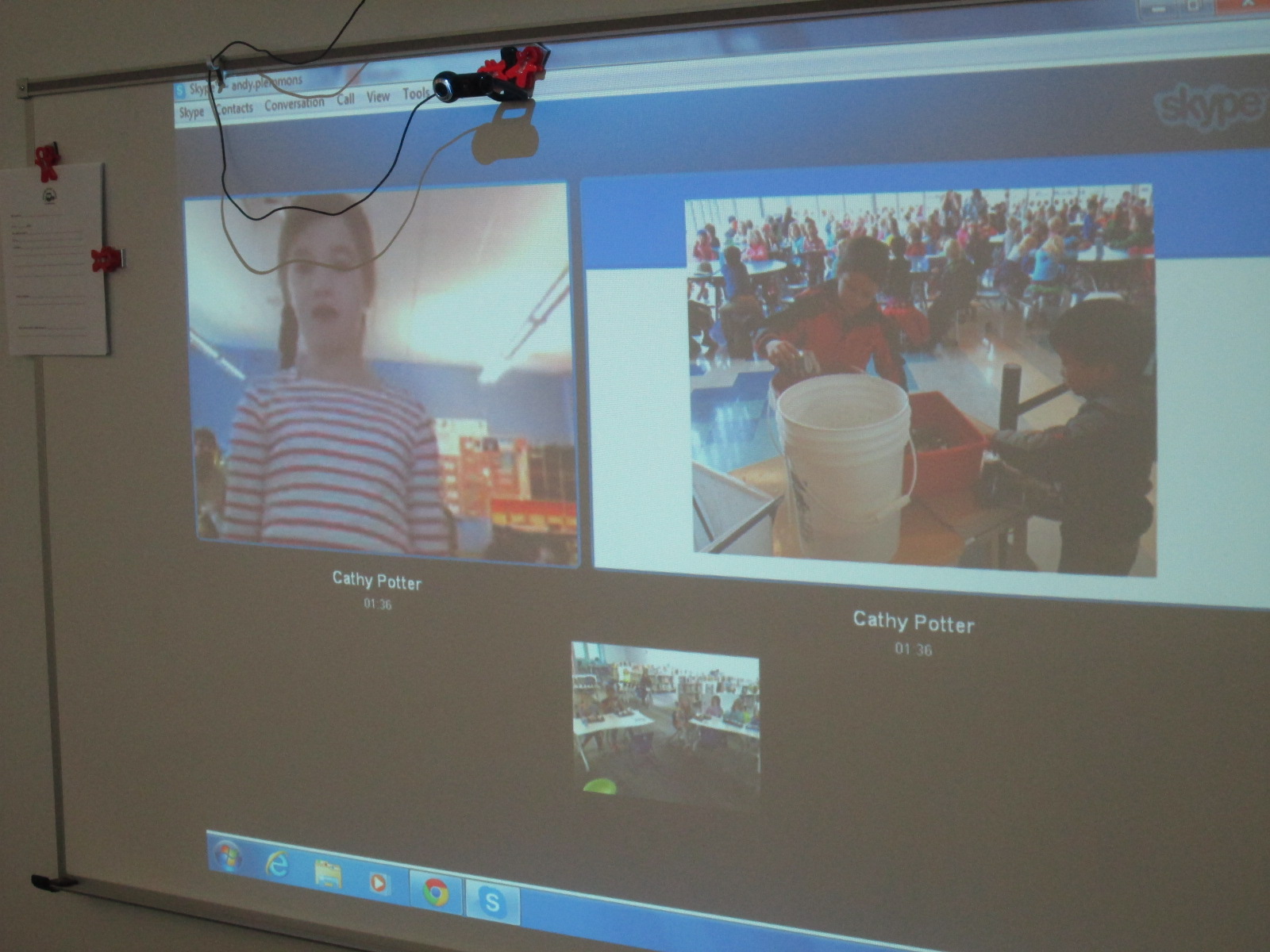
Ms. Tesler’s 4th grade students gathered a lunch bunch together to connect with Cathy Potter and her students in Falmouth, Maine.  The 1st graders at her school showed us a Google presentation with pictures of recycling and composting efforts in their school.  They have a whole process of how their scraps at lunch get put into a bucket to go to the composting bin.

IMG_4405

Finally, Ms. Spurgeon’s 3rd grade class connected with Karre Sloan’s 6th grade students in Nashville, Tennessee.  They shared the recycling program from their school and how their 3rd graders are in charge of recycling.  They also shared their ideas and tips for our own recycling problem at our school.

IMG_4410

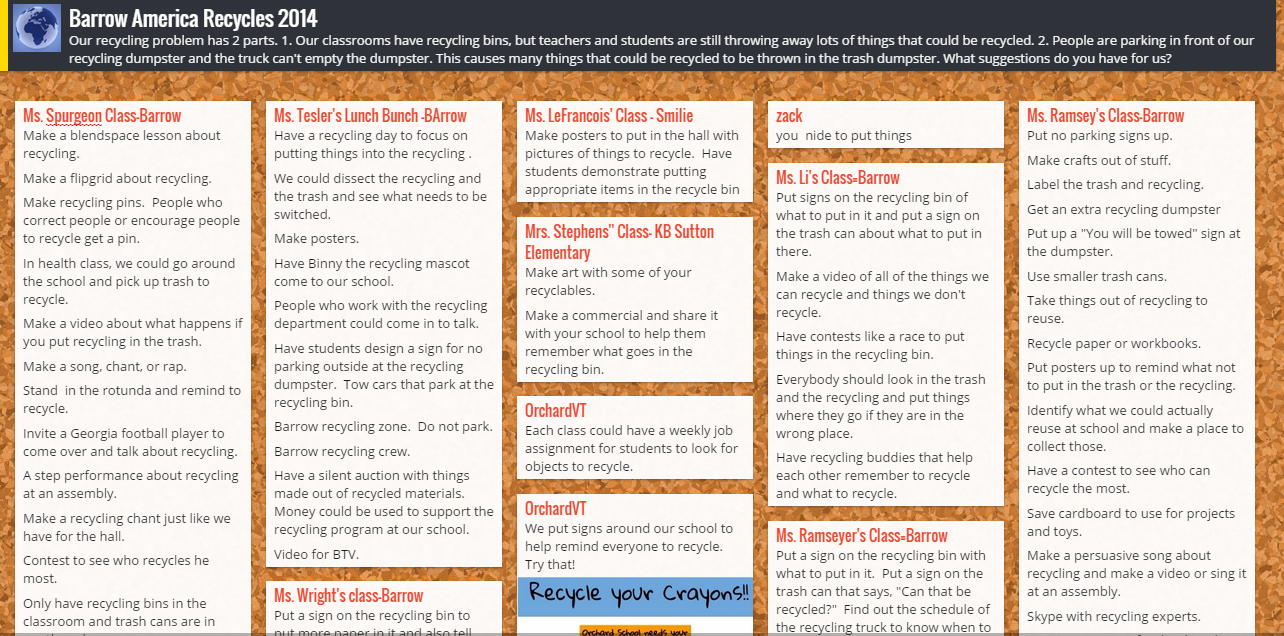
In every connection, our students shared our own school problem.  We have recycling bins in every classroom, but we are finding that people are still throwing away recyclable things.  Even when we recycle, we have an additional problem.  People are parking in front of our recycling dumpster and the recycling truck can’t get to the recycling to empty it.  We posted these problems onto a Padlet.  We showed each connecting class the bins that we have in our classrooms and read the recycling instructions that can be found on the bag inside.  Sometimes our connecting classes gave us new ideas right on the spot or shared what their own school is doing that might support our problem.  Other classes added to our Padlet after we disconnected.  We also added to the Padlet.

Barrow America Recycles 2014

Our next step is to take this Padlet and share the ideas with our environmental committee which is chaired by Natalie Hicks.  We also have 2 enrichment clusters that we can share the Padlet with.  Our hope is that some of the ideas that came from so many perspectives will spark change within our school problem.  We want to connect back with some of the classes we met this week and share what we’ve done to improve our problem, and we want to see what they have done since our connection.

I loved that during our very last connection, students arrived in the library to put signs on our recycling bin that were sent by our recycling department.


Miraculous things came out of our connections:

  • We saw that we weren’t alone with our problem and that there were multiple things to test out to try to reach a solution.
  • We learned that recycling is very different from place to place.  We are so fortunate in Athens to have a state of the art recycling facility and single stream recycling.  Some communities have to put forth a lot of effort to recycle, and it is so easy for us.
  • We realized that there were so many things we could do with our “recycling” other than put it in the bin.  The concept of makerspaces is really causing a lot of us to think about turning trash into functional creations.
  • We saw that together we could come up with out-of-the-box ideas.  We often started with “put up posters about recycling”, but with the energy of collaboration, new ideas surface such as make smaller trash cans, create a recycling contest, write a catchy song about recycling to sing on morning announcements, and more.

My hope is that this week of connections really does spark change in our school and others.  At the very least, I think it made us more aware of what we are throwing away.  These types of connections have the potential to grow into large-scale collaborations around the globe.  The combination of powerful texts such as Here Comes the Garbage Barge and Eyes Wide Open along with the innovative ideas of students, teachers, and families fosters a healthy environment for long-lasting collaboration.  Our students are the future of our world, and when we allow them to unite with one another around authentic dilemmas in our world, we are equipping them with problem solving skills to keep our world a peaceful place.


Talk Like a Pirate Day 2014

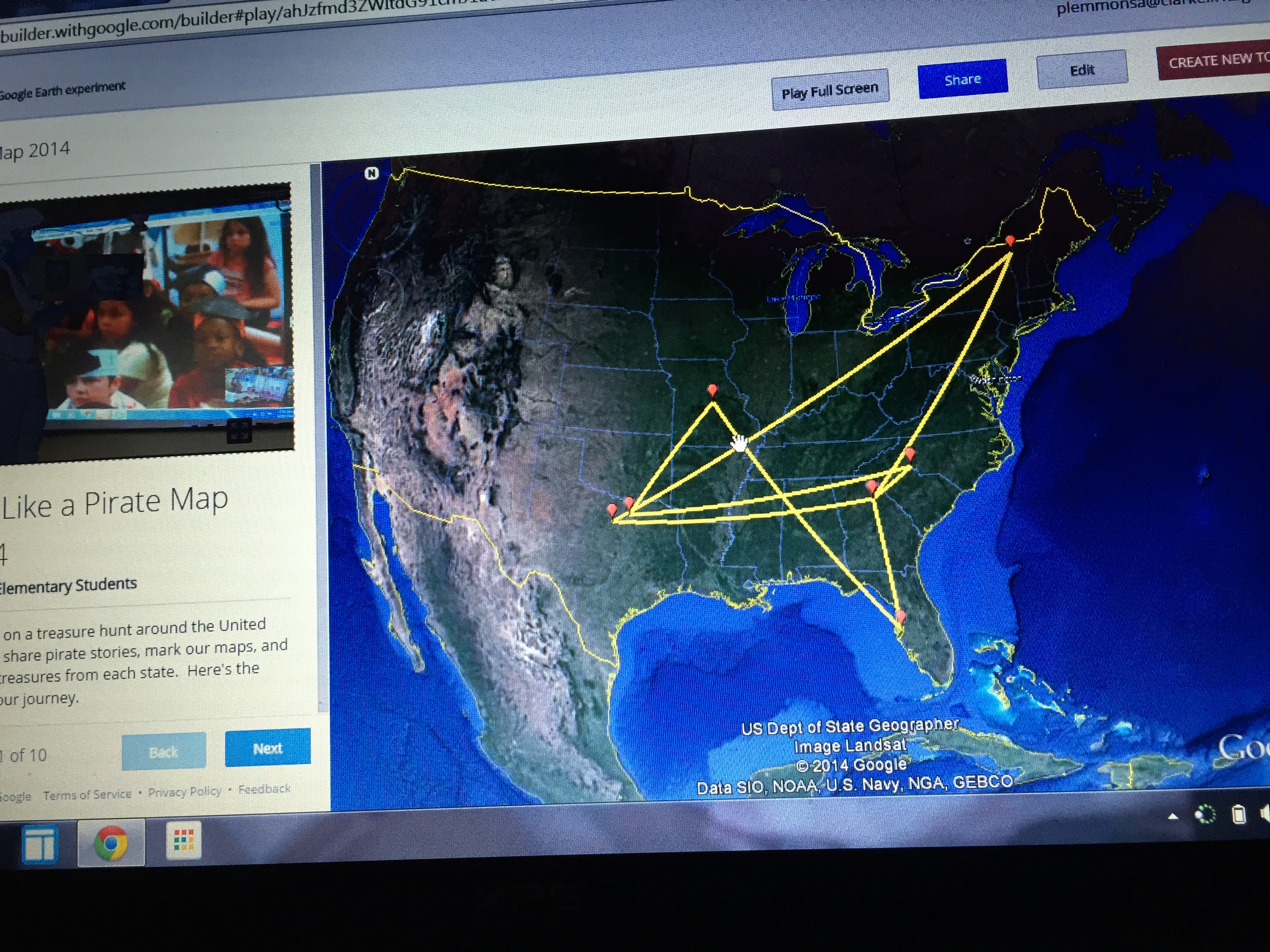
Our pirate map of connections

Our pirate map of connections

September 19th is Talk Like a Pirate Day.  There are so many fun pirate stories out there, and each year we seem to discover a few more thanks to the connections we make around the globe through Google Hangouts and Skype.  Planning a day of connections like this definitely takes some time but students love talking with people around the globe, sharing a story, and learning a bit about one another.  It always seems to reinforce the idea that we aren’t alone in our bubble of routines of day to day life.  There are other people out there doing the same things that we are and quite possibly they are doing those things in different ways.  I love the spontaneous conversations that take place on days like this that you could never plan through a standard or a lesson plan.  Students always bring up a question or a comment that makes the day special.

This year, 8 classes came to the library for Talk Like a Pirate Day and we connected with 6 different schools in 5 different states.

  • We connected with Edie Crook in Gastonia North Carolina to read the book No Pirates Allowed Said Library Lou.  We had a great conversation about “treasure” and students took turns stepping up to say what treasure meant to them.  We were delighted with words such as being kind, family, friends, Skylanders, and baseball.
  • We connected with Jan Pelias through Google Hangouts in Frisco Texas to read the book How I Became a Pirate.  It was fun to connect with someone in another time zone because we could talk about how time is different at the same moment around the world.
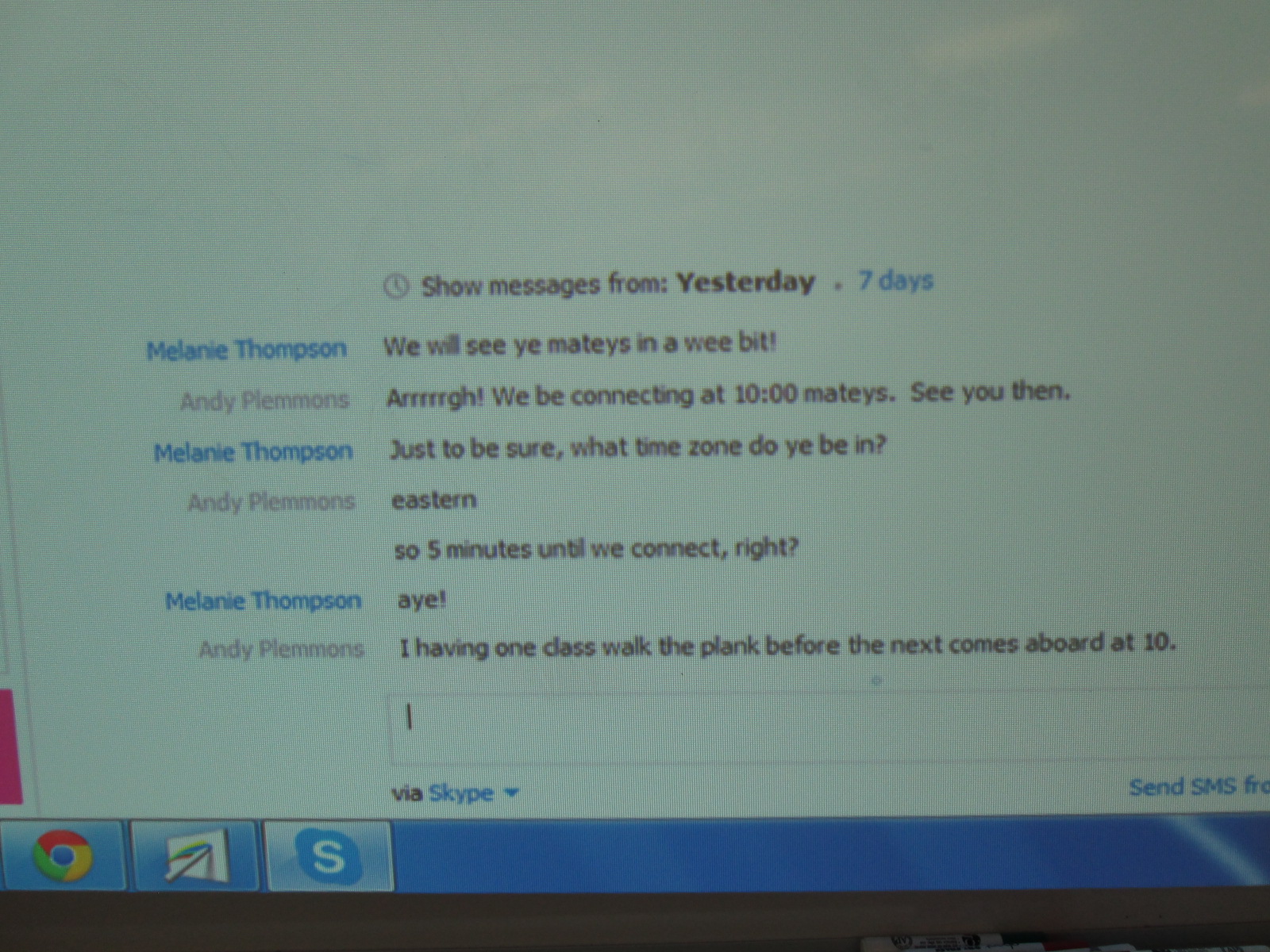
  • We connected with Melanie Thompson in Jefferson City, Missouri to read the book How I Became a Pirate.  Melanie’s students had researched pirates and they took time to share all of their facts.  This made our students very curious about pirates as well.  I have a feeling all of our nonfiction pirate books will be checked out for a long time.  I also love how Melanie embraced her inner pirate as we chatted with each other through Skype chat prior to our connection!

Pirates (11)

  • We connected with Okle Miller in Tampa, Florida to read the book No Pirates Allowed Said Library Lou.  Tampa has a pirate festival called Gasparilla .  Students loved hearing how pirates take over Tampa during this festival and kidnap the mayor (all for fun).  The class we connected with even called themselves pirates and used the word “pirate” as an acronym for their classroom expectations and beliefs.
  • Both of our PreK classes came to the library for their first visit of the year.  In class, they made pirate hats and hooks as well as added some pirate mustaches to their faces.  We read the book Pirates Go to School and made a class video chanting the pirate chant at the end of the book.
  • We connected with Carol Scrimgeour in Essex Town, Vermont to read the book No Pirates Allowed Said Library Lou.  We noticed that all of the kids were wearing warm clothes, so we had a great conversation about how cold it had been in the northeast.  It was sunny in both places but with a very different temperature.
  • Finally, we connected with Shawna Ford in Texas and she read a new pirate book we had not heard before: No Bath No Cake Polly’s Pirate Party.  Now the students want to get it for our library.

Before each connection, we looked at a map from our school to the school we were connecting with.  We talked about distance, travel time, and also all of the decisions that go into choosing your route for a trip.  We also created a Google tour of our trip using Google Tour Builder.  After each connection, we wrote a summary together.

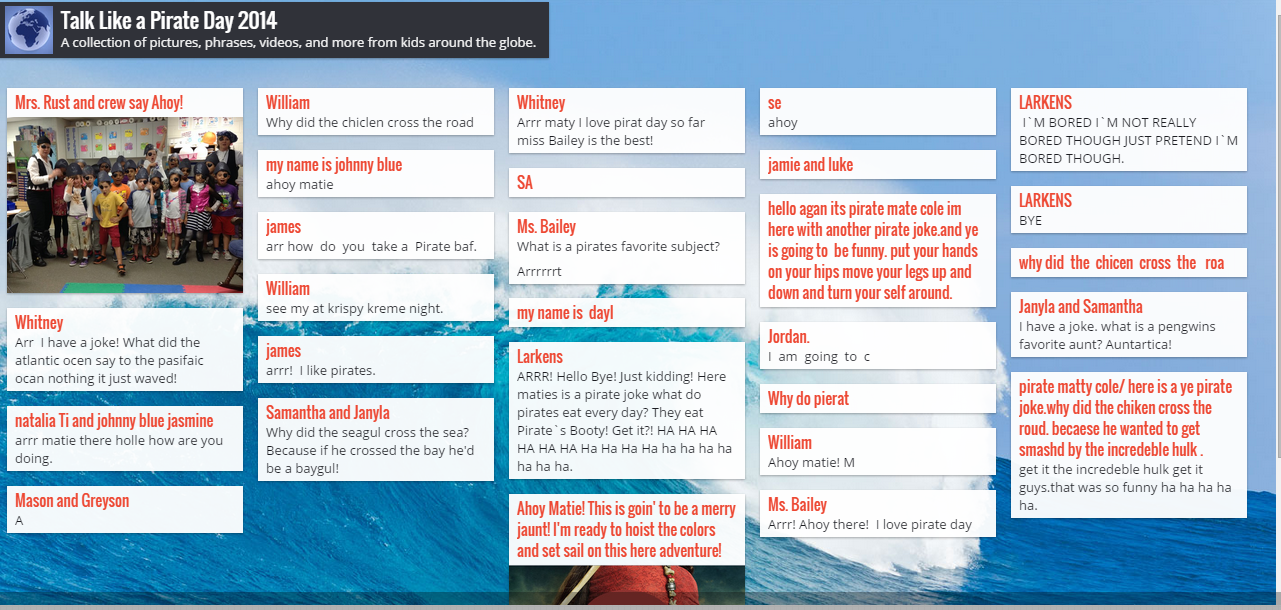
We also created a Padlet to write pirate sentences.  This was shared with our friends around the country and became a place to crowdsource our words.

Finally, we spent a lot of time creating pirate sentences, phrases, and even conversations and practicing them aloud.  Students had access to a list of pirate vocabulary words as well as multiple pirate stories to get ideas.

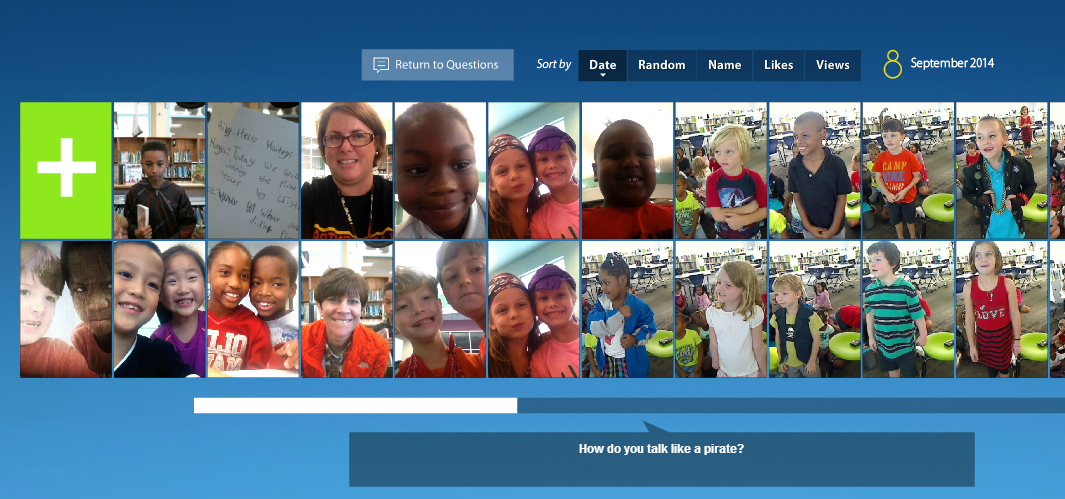
We used Flipgrid as a place to record our favorite pirate expressions.  Students also had a great time trying to imitate a pirate voice and pirate faces and gestures.  Take a moment to listen to them because they are quite entertaining!  I loved how this evolved from a sentence writing activity into a practice of fluency, oral speaking, and performance.  Again, Flipgrid became a place for us to crowdsource our voices with the voices of our connecting schools.

I love how these events connect us with new people around the world.  This year we connected with some old friends, but we also met some new teachers, librarians, and students we hope to connect with again.  I also want to continue to think about days like this to build long term collaborative relationships.

Making Our Mark with Dot Day 2014 (and I hope well beyond)

Dot Day (42)

International Dot Day is one of our favorite days (weeks) of the year.  It gives us permission to be creative and see what we can do just by making a mark.  It also connects us with so many classrooms around the world.  Classes are always looking to connect on this day, and we have made many collaborative relationships with schools because of this one day of the year.

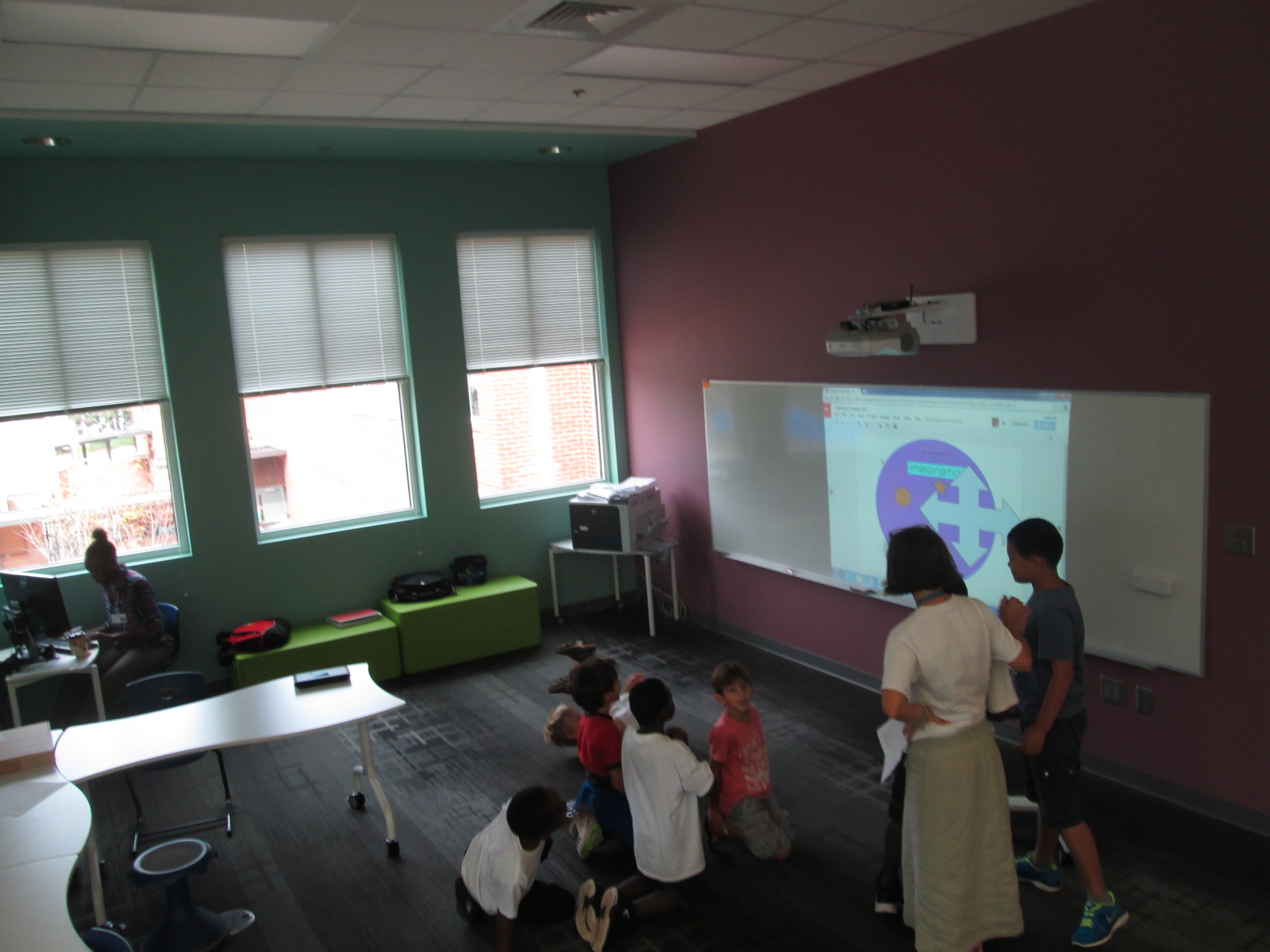
This year, we used Dot Day as a way to explore our goal of dreaming, tinkering, creating, and sharing.  We explored Google Drawing, which was a new tool for most students.  We used Dot Day as a time to tinker and see how Google Drawing functioned as well as how to collaborate on a drawing with another student or class.

We also used colAR mix again this year to make augmented reality dots.  This year, I encouraged students to think more globally as they made their dots by embracing the them of “making your mark on the world” that is the essence of The Dot.  Students were encouraged to design a dot that represented their talents, hopes, dreams, and passions.  I loved this new twist on a tool that we used last year because it revealed so many stories from students.  One student drew a picture of an airplane flying through the clouds because of his dream to be a pilot when he grows up.  Another student drew an astronaut and UFOs because of his desire to explore space.  Another drew her whole family because they are what she loves in life.  Some students chose to highlight their creativity as a way that they make their mark by designing unusual dots with their favorite colors.  These were empowering stories because they allowed students to have a voice to share something personal about themselves in a way that they might now have shown before.

One amazing thing that happened while students were using the colAR app was how they discovered different ways to scan their dot. It started out as what some people might see as a mistake.  A student’s hand was on top of their dot while they were scanning their image, and the hand became a part of the rotating sphere on the iPad screen.  This resulted in an uproar of excitement as sharing began and the idea spread like wildfire.  Soon students were trying to put their faces on their spinning spheres.  Others stacked towers of crayons on top of their dot and tried to see if that would scan into the 3D image.  All of this happened because of an opportunity to tinker.  When we give kids a space to explore, they figure out amazing things and they willingly share and teach others what they learned.  They get excited about their learning and they want to do more.  I bet that these students would have spent an extended period of time continuing to experiment with colAR mix to see what else they could figure out, and they would have done this without getting tired or bored.  These are the things that days like Dot Day reveal.

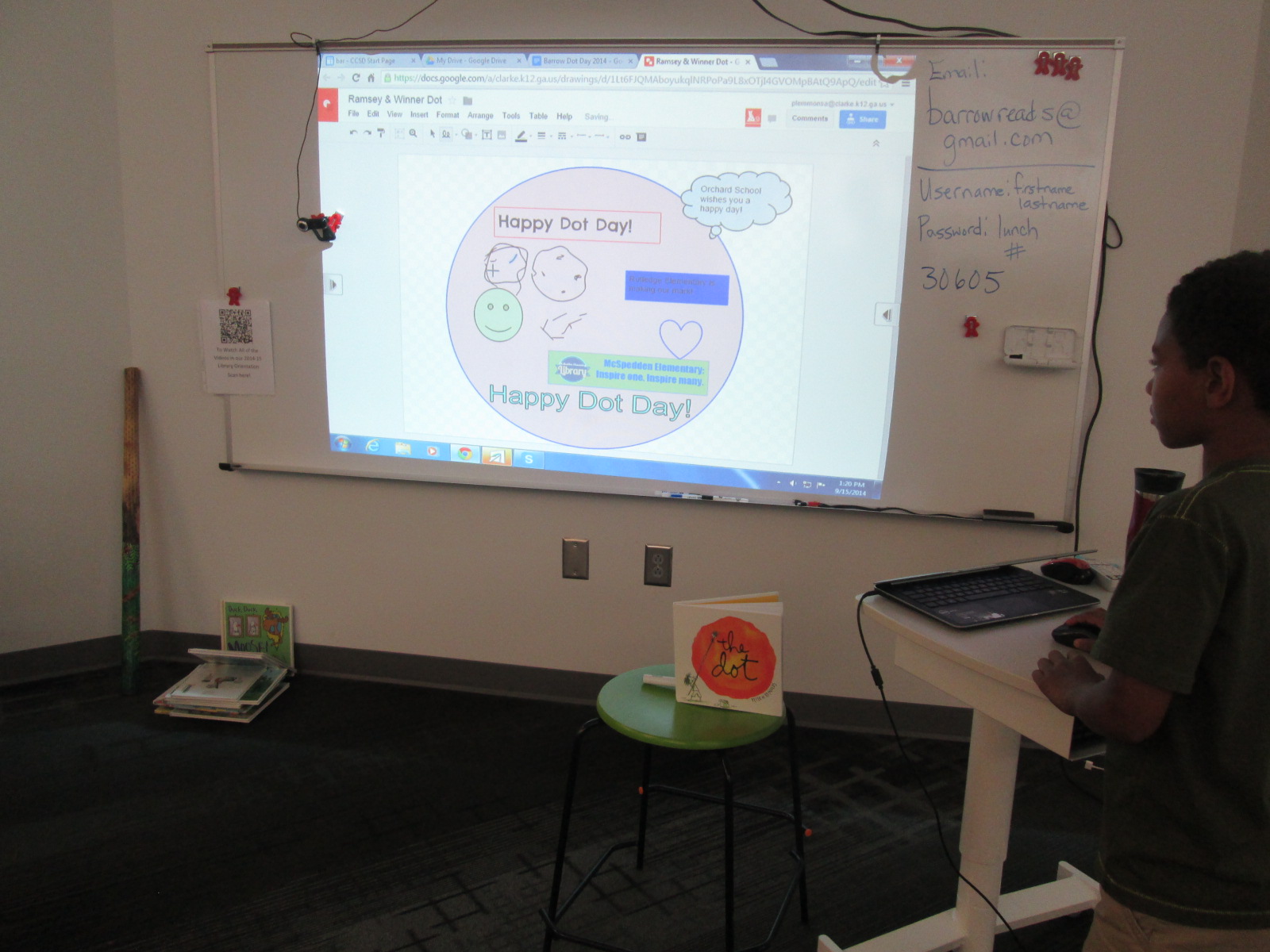
We had numerous Skype connections.  Each one had its own unique twists and conversations between students and teachers.  In many of these Skypes, we collaborated on a Google Drawing dots after reading the book.  This included dots with our friend Okle Miller in Tampa, Edie Crook in North Carolina, and Crystal Hendrix in North Carolina (just to name a few).  Sometimes this was live during a Google Hangout or Skype and other times it was after we disconnected.  One of our hangouts was a large hangout between Matthew Winner in Maryland, Nancy Jo Lambert in Texas, Donna MacDonald in Vermont, and Esther Uribe in Texas.  It was fun to read The Dot to students in so many states at one time, but what was even more fun was drawing with all of them at the same time!  We definitely did some tinkering with this one.  Many of us learned of the challenges of younger students but found ways to involved them even with computer-use difficulties.  The students loved seeing drawings “magically” appear on our shared dot.

Ramsey & Winner Dot

Our multi-school collaborative dot

With Jennifer Reed in Massachusetts, we accidentally deleted all of our work on our collaborative dot.  The kids were in a panic, but it was a fantastic opportunity to do an impromptu lesson on the power of revision history in Google Drive.  We were able to recover our work and learn an important trick.  We even talked about how revision history is one way that work is never deleted, which can be a positive but also a negative if you have written something that you wished you hadn’t.

Wright & Reeder Dot

Our dot with Jennifer Reed that was almost lost!

Mrs. Clarke’s class had a Skype connection, but we weren’t able to do a collaborative dot with our connecting class.  Instead, we split the class in half at our 2 projection boards and they created a dot together as a class.  They got just a bit competitive as they tried to cover up each other’s work, but even this was a great opportunity to talk about how to work with others on a doc without being disrespectful of the contributions.

Clarke & Lussier Dot

Mrs. Clarke’s class competitive dot

Some classes that we connected with had already spent a great deal of time being creative, and they shared with us dots that they are going to physically mail to us.  Jenny Lussier in Connecticut had colAR dots as well as Morse code greeting cards.  We can’t wait to decode what they say!  We also discovered with Jenny that there’s more than one version of The Dot floating around out there.

Cathy Potter’s students in Maine read the book Ish to our students and shared their own illustrations for the book.  We had a great conversation about the connections between both books.

Dot Day (60)

Students and teachers alike love this day, but I do leave this day with a wondering.  I’m thinking so much this year about global thinking and global collaboration.  This day is filled with thousands of Skype and Google Hangout connections around the world.  We connect.  We read.  We dream.  We create.  But then what?  We leave one another until the next big event.  I’m by no means being negative about Dot Day.  I’m a huge advocate, but I do wonder about why we don’t build upon these connections we make.  If we are really going to “make our mark” on the world, shouldn’t we be taking some actions together beyond connecting, reading, and creating?  I would like to gently nudge us all to think about this.  I’m just as guilty.  I connect every year and then I move on, but I can’t help but carry this on my mind, reflect on it, and consider what more we might do beyond today.  Think with me!  Let’s keep our dots connected.

Dot Day (43)


First Grade’s Fun Skype with Crabtree Co-creator, Jon Nichols

IMG_3166Our community amazes me.  Every year, new people within our school community step forward with ideas for our library program.  People share their talents, their connections, and their love of education.

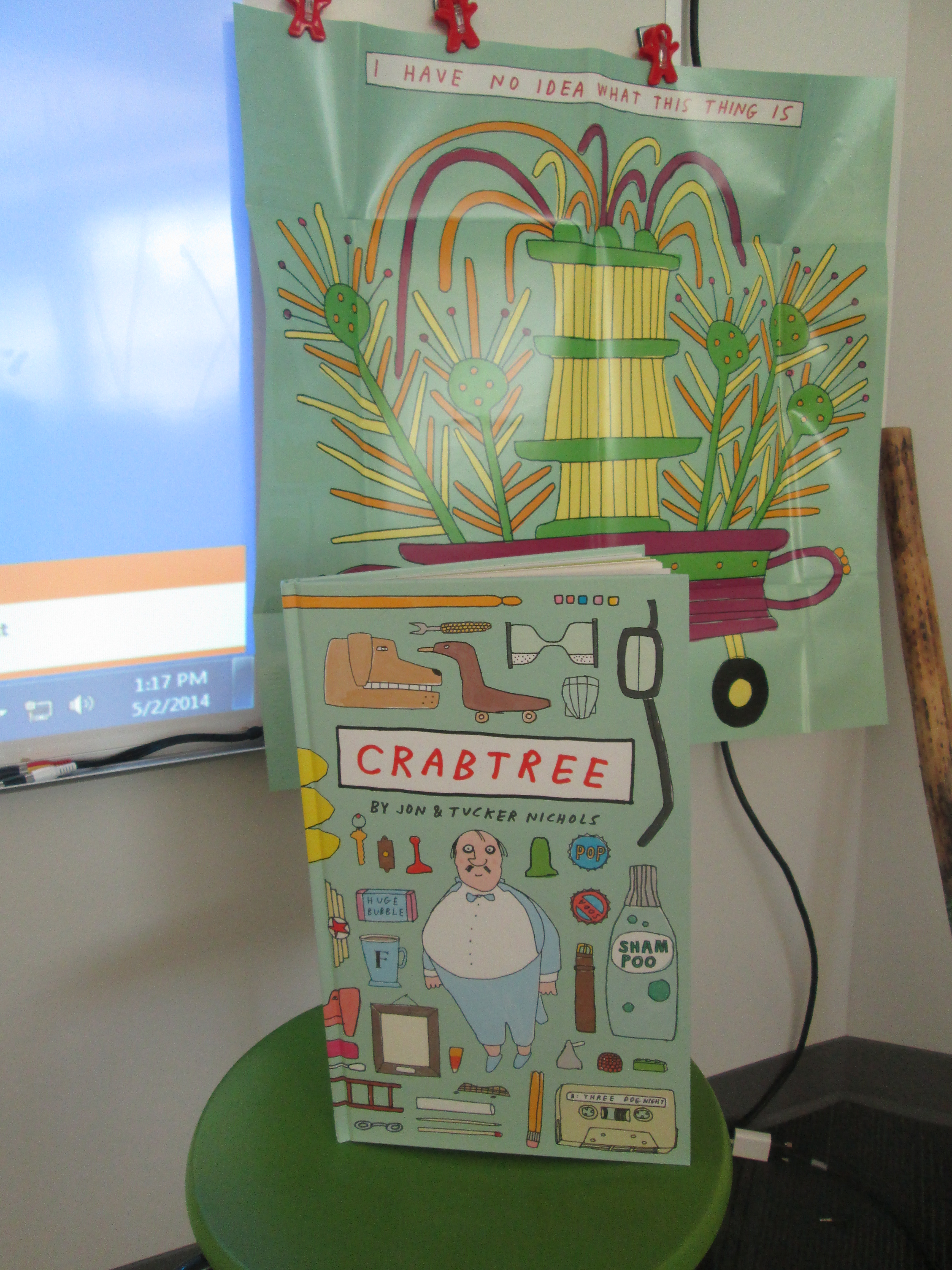
This year, Rachel Gabara, a parent of a 1st grader, introduced me to a new book called Crabtree by brothers Jon and Tucker Nichols.  I’ll admit that it was my first time hearing of the book, but when I looked at the praise for Crabtree on the McSweeney’s website, I was floored.  Authors like Jon Klassen, Maira Kalman, Lemony Snickett, and Jon Agee all raved about the book.  I immediately ordered it from Avid Bookshop.  When I got it, I was raving about the book as much as the reviews.  It is jam packed with illustrations of all kinds of things.

Here’s the official trailer:

Crabtree loves to collect things.  The problem is that he has so much stuff he can’t find anything.  He begins to organize his collections of stuff in order to find his false teeth.  Each object on the page is labeled with its name, so kids are introduced to all kinds of tools and gadgets that they’ve probably never heard of.  It’s a great books just for the sorting, vocabulary, and potential research opportunities.  However, the humor and gadgets of the book are what really make it so much fun to read over and over again.  Even the dust jacket of the book has a collection of gadgets and unfolds into a poster.  At the end of the book, there’s a game where you can go back through the book finding various objects.  You need to order a copy of this book today.  It’s so much fun.

IMG_3169 IMG_3170

When Rachel introduced me to the book, she told me that she was friends with the co-creator, Jon Nichols.  She offered to reach out to him to see if he would Skype with us.  He agreed, so we got to work preparing for our visit.  All of the 1st grade classes read the book in advance and pulled in some categorizing and math standards along the way.  Students also spent some time writing out questions for Jon.

IMG_3173 IMG_3175

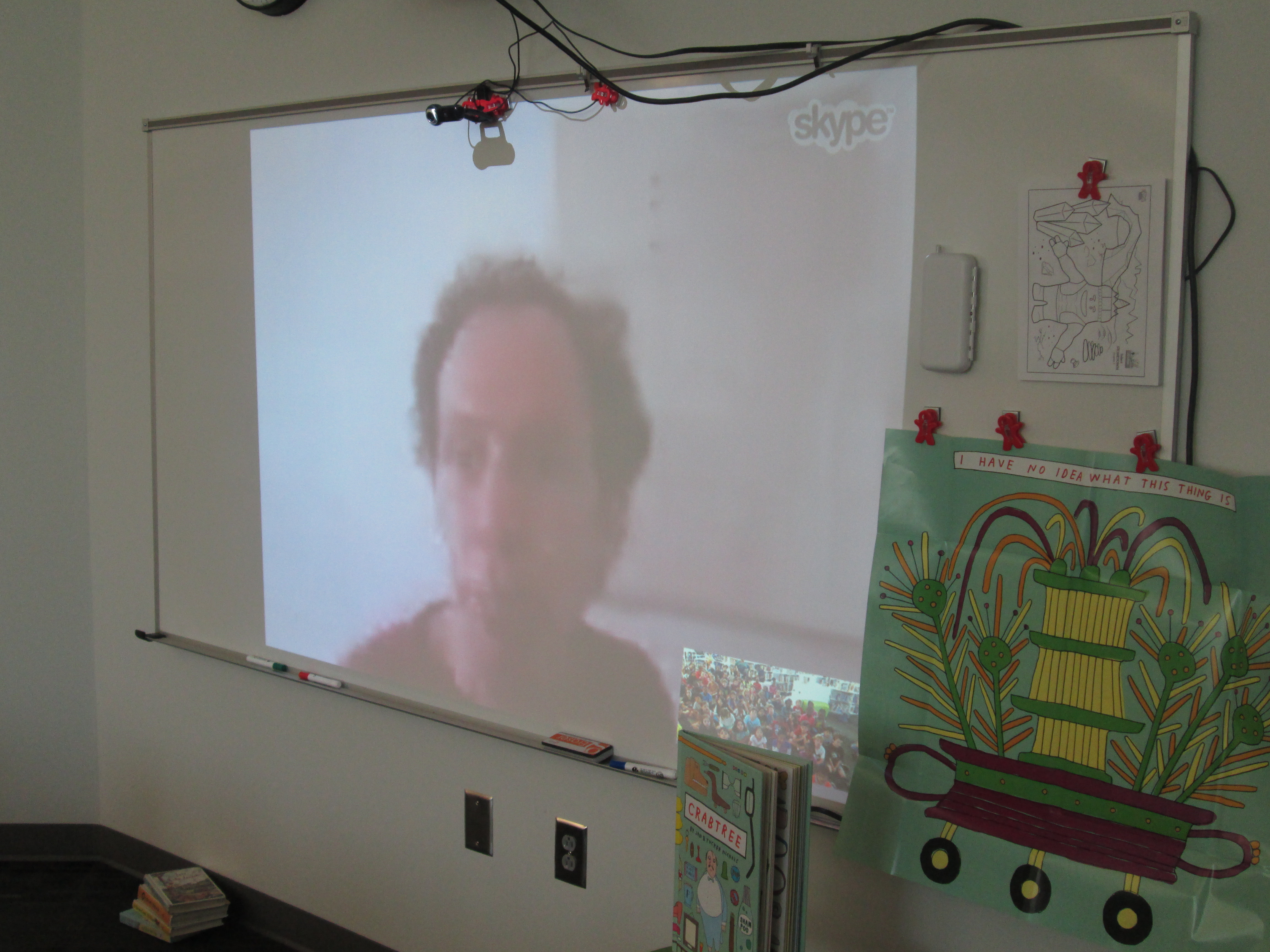
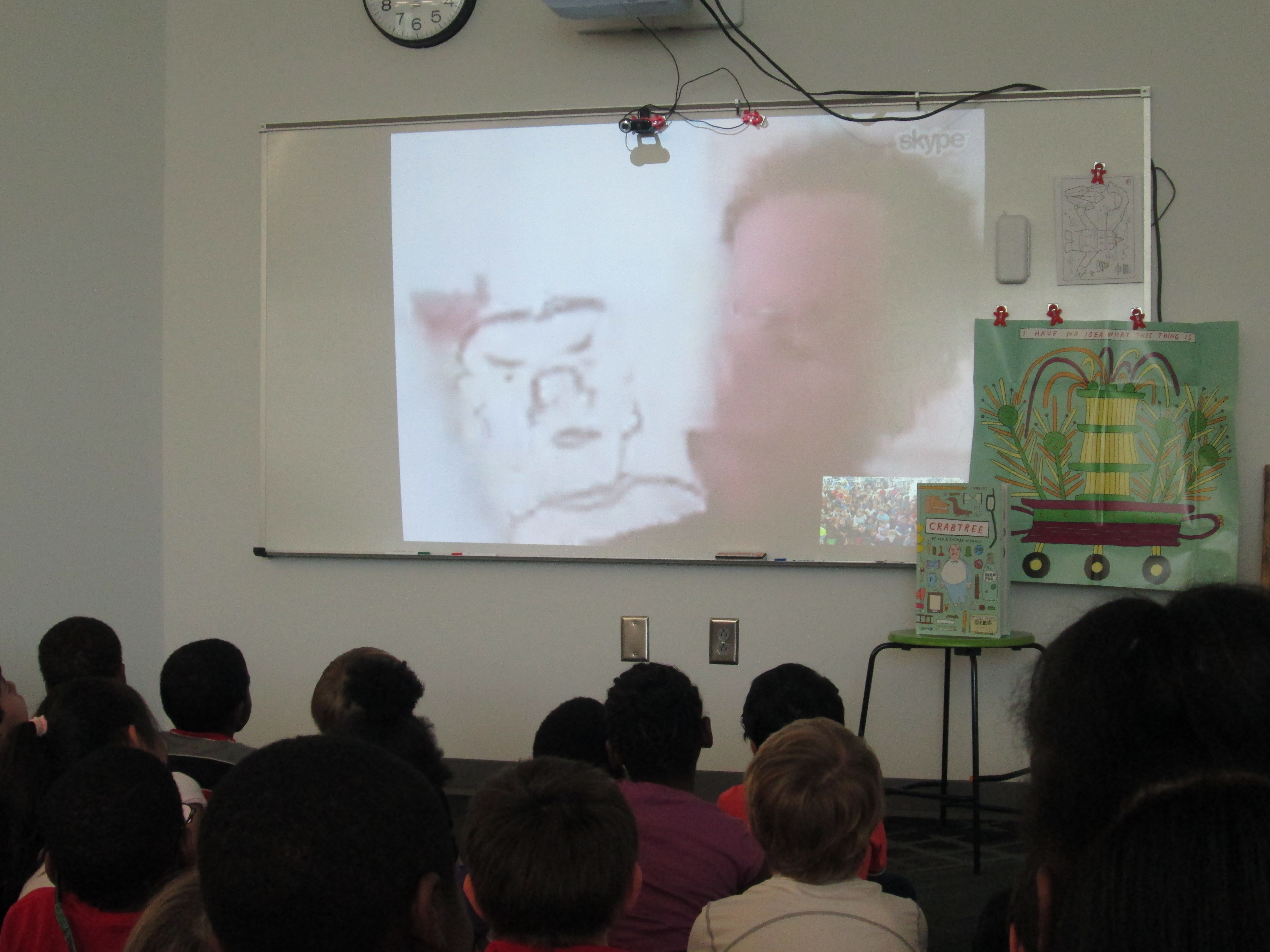
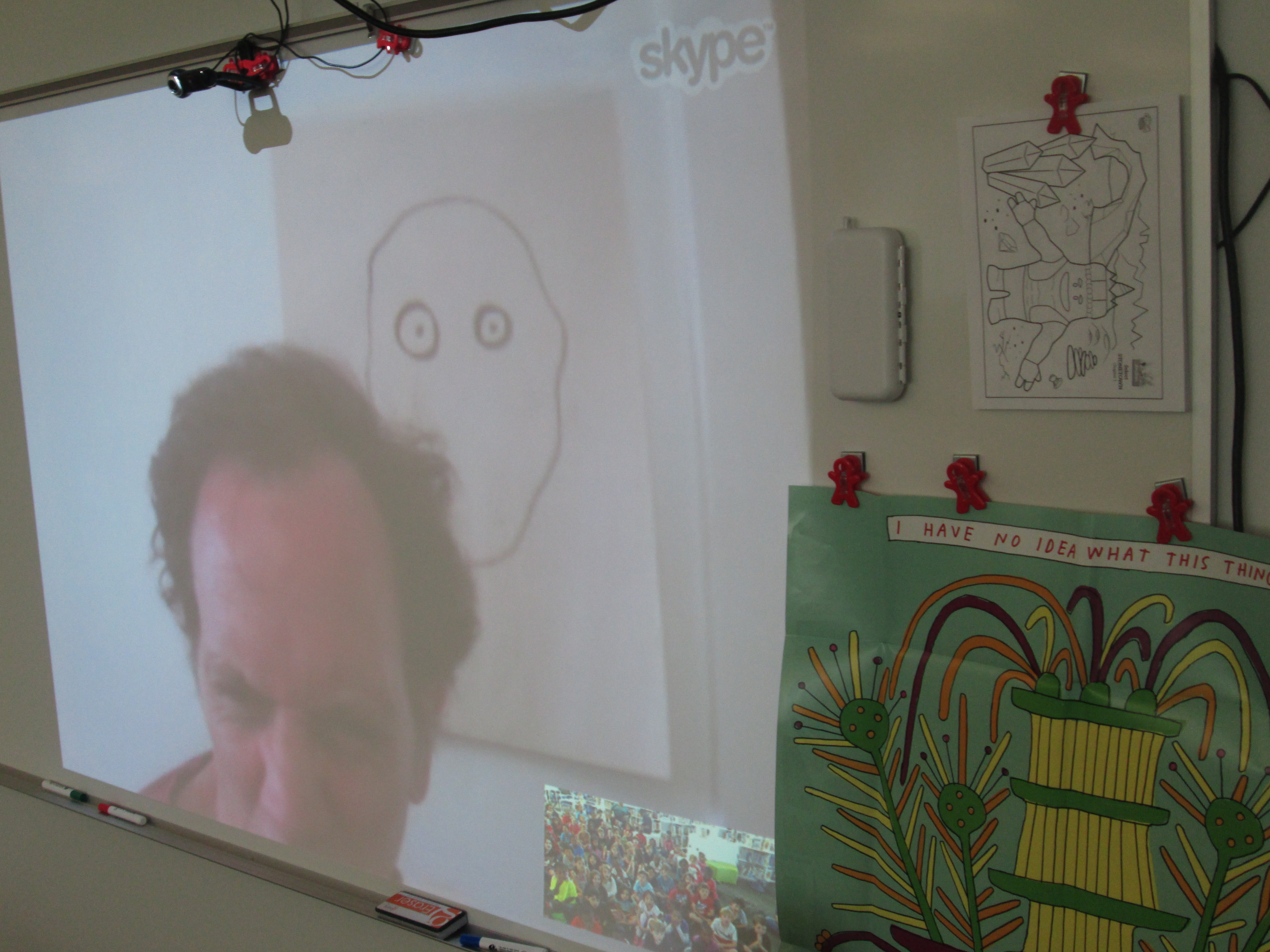
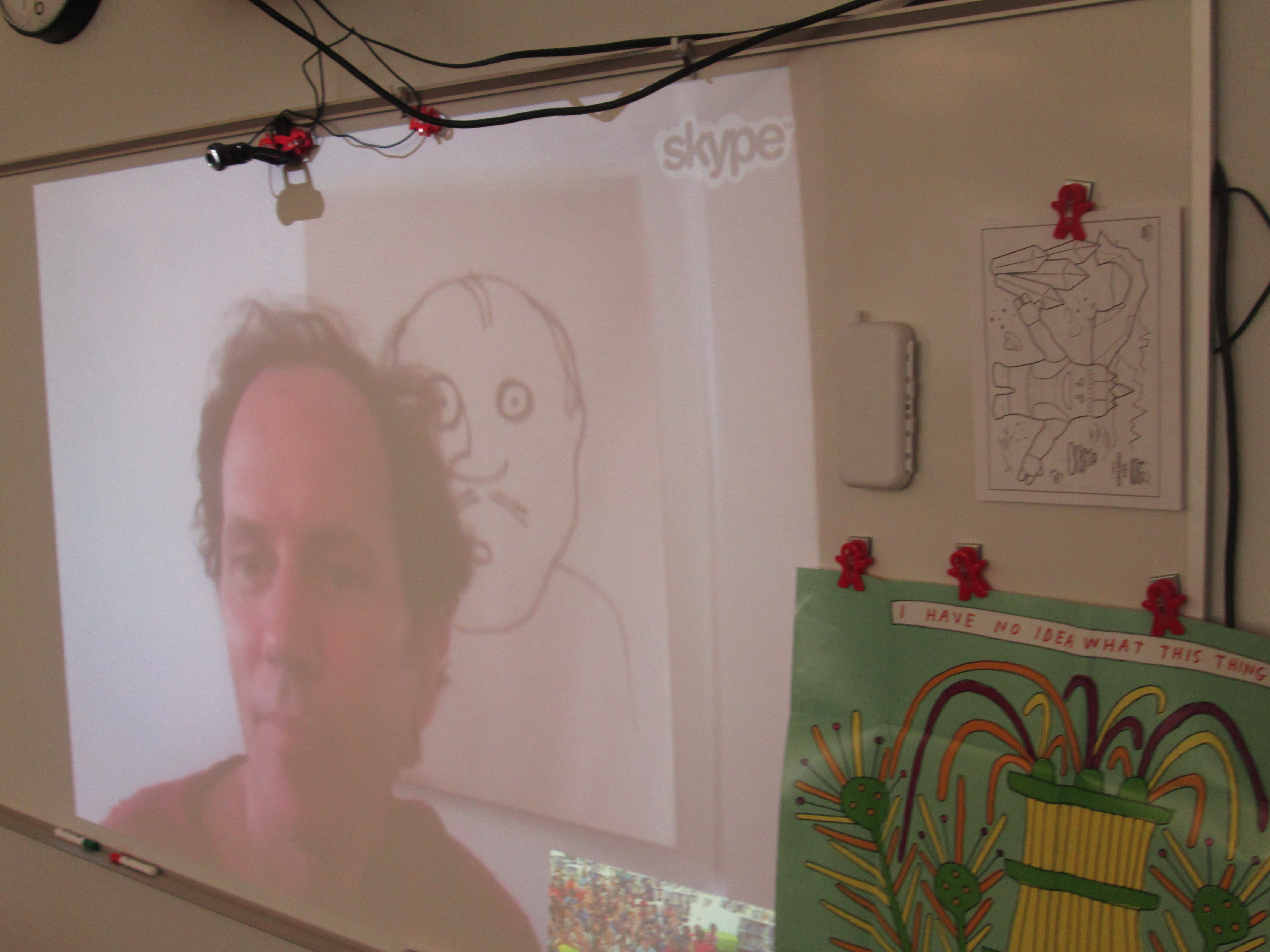
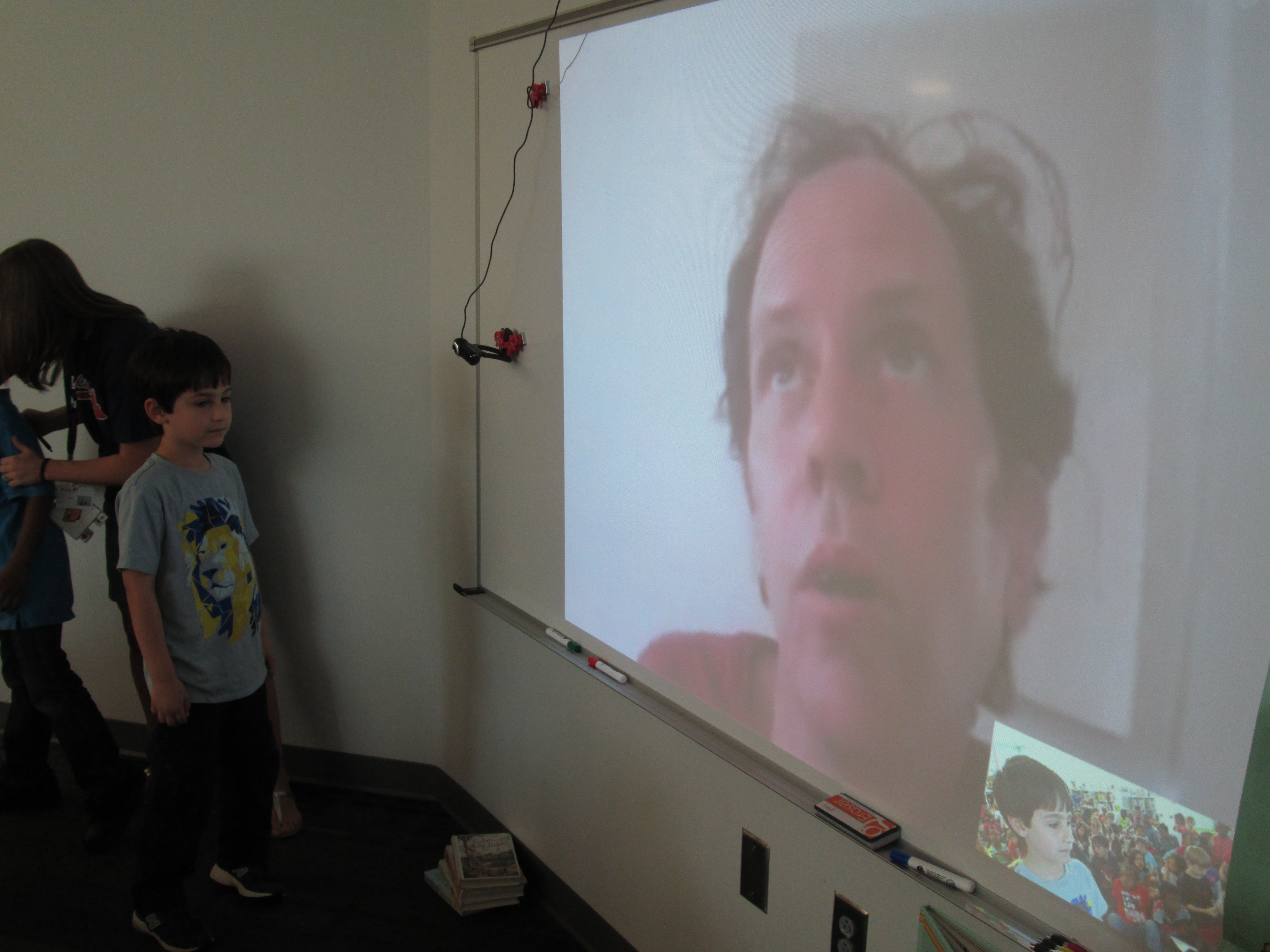
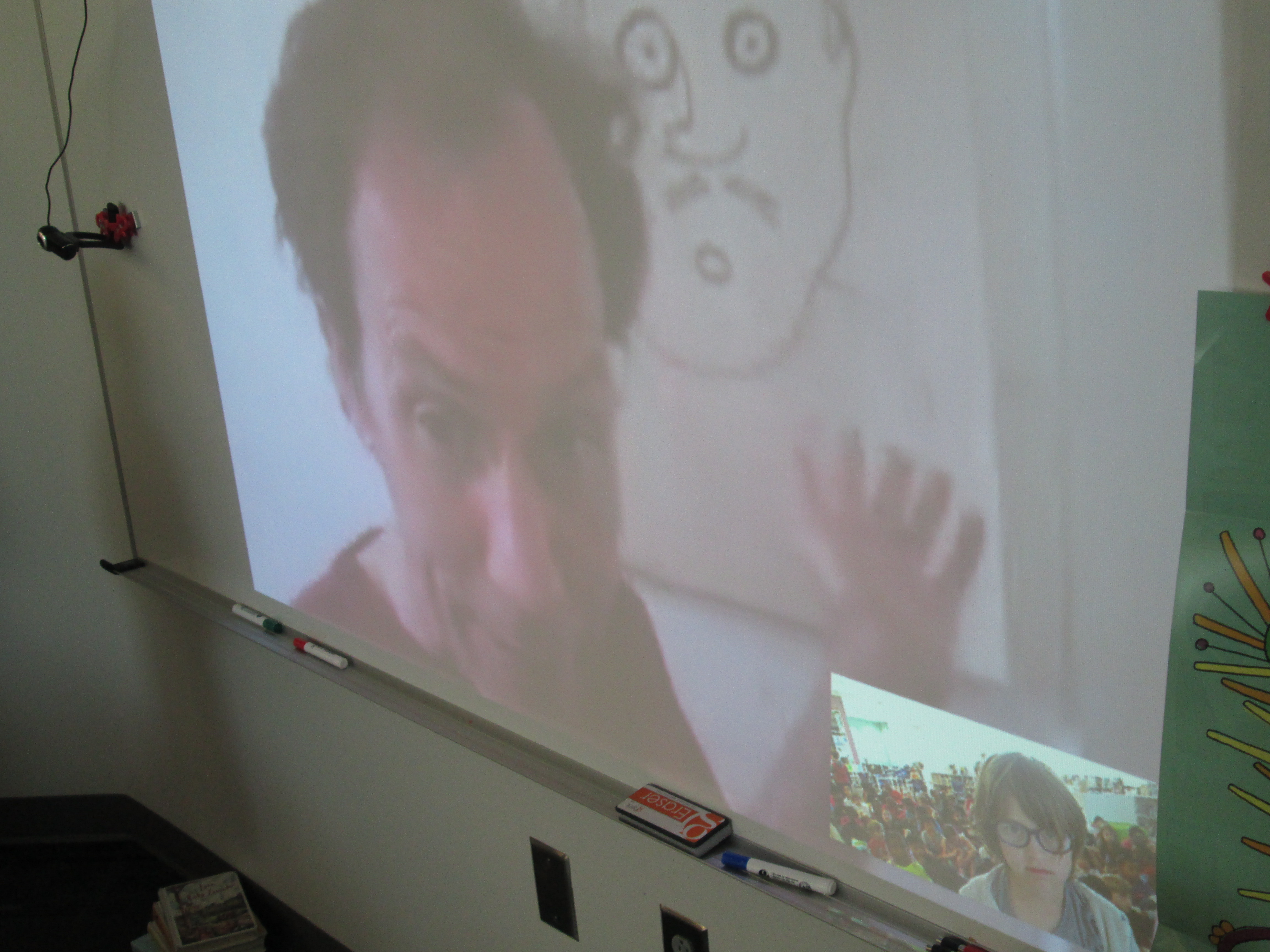
Today, the whole 1st grade came to the library and we connected with Jon in California.  He was a fantastic Skype author full of energy.  He told the kids a bit about how he and his brother made the book together.  Both of them were involved in the writing and illustrating process, and it was their first book.

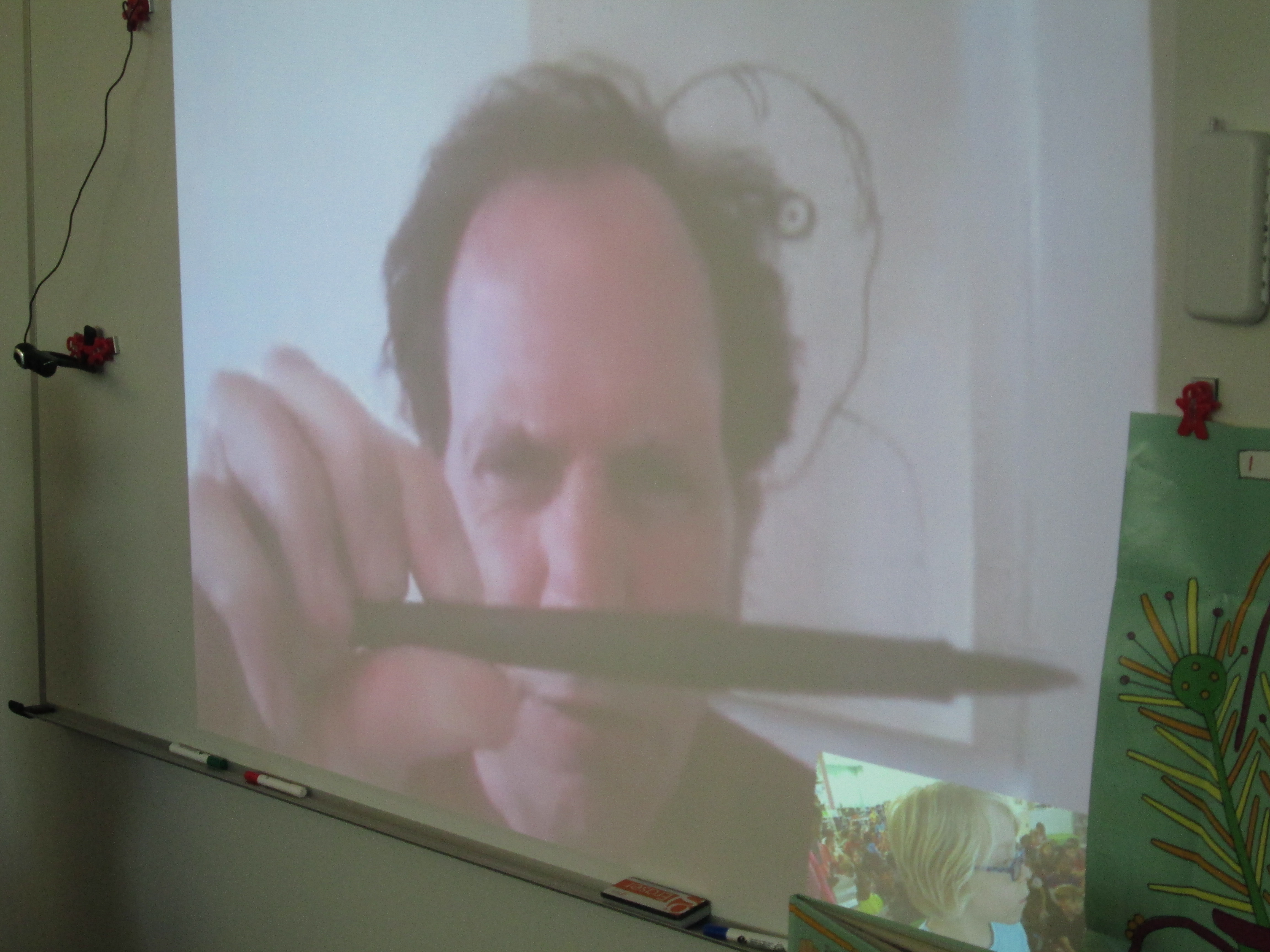
Then, Jon showed the kids how he draws Crabtree.

IMG_3176 IMG_3177 IMG_3178

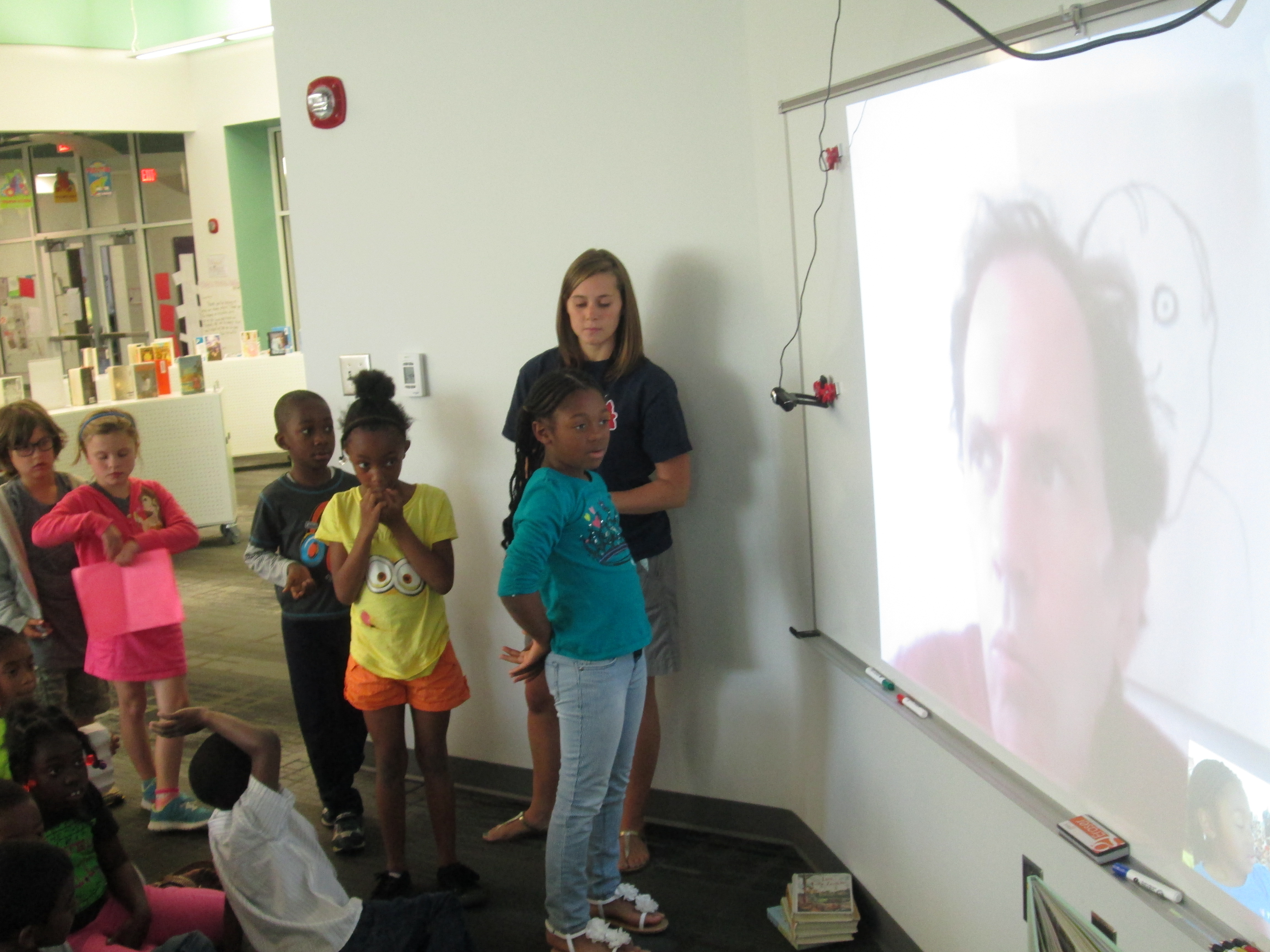
The students loved it when Jon let them ask him some questions.  When authors do this, the teachers help me a lot.  They start choosing students from the audience to start forming a line to the side of the screen and camera.

IMG_3186

As they get in line, we try to check to make sure the questions are all different and are actually questions.  I move the camera down to student-level.  Then, students take turns speaking to the author directly into the camera.

Today, students asked Jon questions like:

  • What kind of paint did you use?  He showed us the pens used to draw the illustrations and we learned that the colors were created by computer at the publisher because they didn’t like how real paint looked on the paper.

IMG_3183

  • Why did you call him Crabtree?  We learned that it was a mixture of a favorite place to visit but also the idea of 2 things that don’t really go together: crabs and trees.
  • Can 1st graders write books?  Jon was so enthusiastic in his answer and told them that they could absolutely write books.  He ran through the whole writing process and got them excited about their ideas for stories.
IMG_3459 IMG_3189 IMG_3188

There were many more wonderful questions.  I was really surprised by how well 1st graders asked questions.  The teachers did a wonderful job giving students time to think and write their questions down before they came.

We are so thankful to Jon for taking time out of his busy day to connect with us.  If you haven’t read Crabtree yet, we highly recommend it.


Kindergarten Narrative Writing Using Chromville Augmented Reality (and a little Skype too)

IMG_2789 IMG_2804Kindergarten is revisiting narrative writing at the close of the year.  This year, they have also worked very hard on the standard

ELACCKW6 Production and distribution of writing: With guidance and support from adults, explore a variety of digital tools to produce and publish writing, including in collaboration with peers.

With this standard as our guide, we have explored tools such as Storybird, Padlet, and Flipgrid to publish our writing.  We’ve also used digital tools such as Pebble Go and the Capstone Interactive Library to gather information for our writing.

The Kindergarten teachers wanted to try one more digital tool, so I met with them to brainstorm.  We tossed around a lot of ideas, but we ended up deciding to try a brand new tool called Chromville.  Chromville is an augmented reality app that was just released this year.  It offers 6 different coloring pages.  Five of the coloring pages have a setting and a character and the sixth coloring page is a “create your own” character with no setting.  First you color your page.  Then, you use the Chromville app to select the matching setting and scan the page.  Once the screen turns green and you wait 3 seconds, the character and setting come to life on the iPad and the character begins to move around and interact with the setting.

IMG_2928 IMG_2933

From my own experience with Kindergarten students, I’ve seen how visual they are, and I thought that seeing their character and setting in an interactive way might give them enough ideas to begin imagining their own stories.  The teachers and I mapped out what we would do in the library and in class.  It looked something like this:
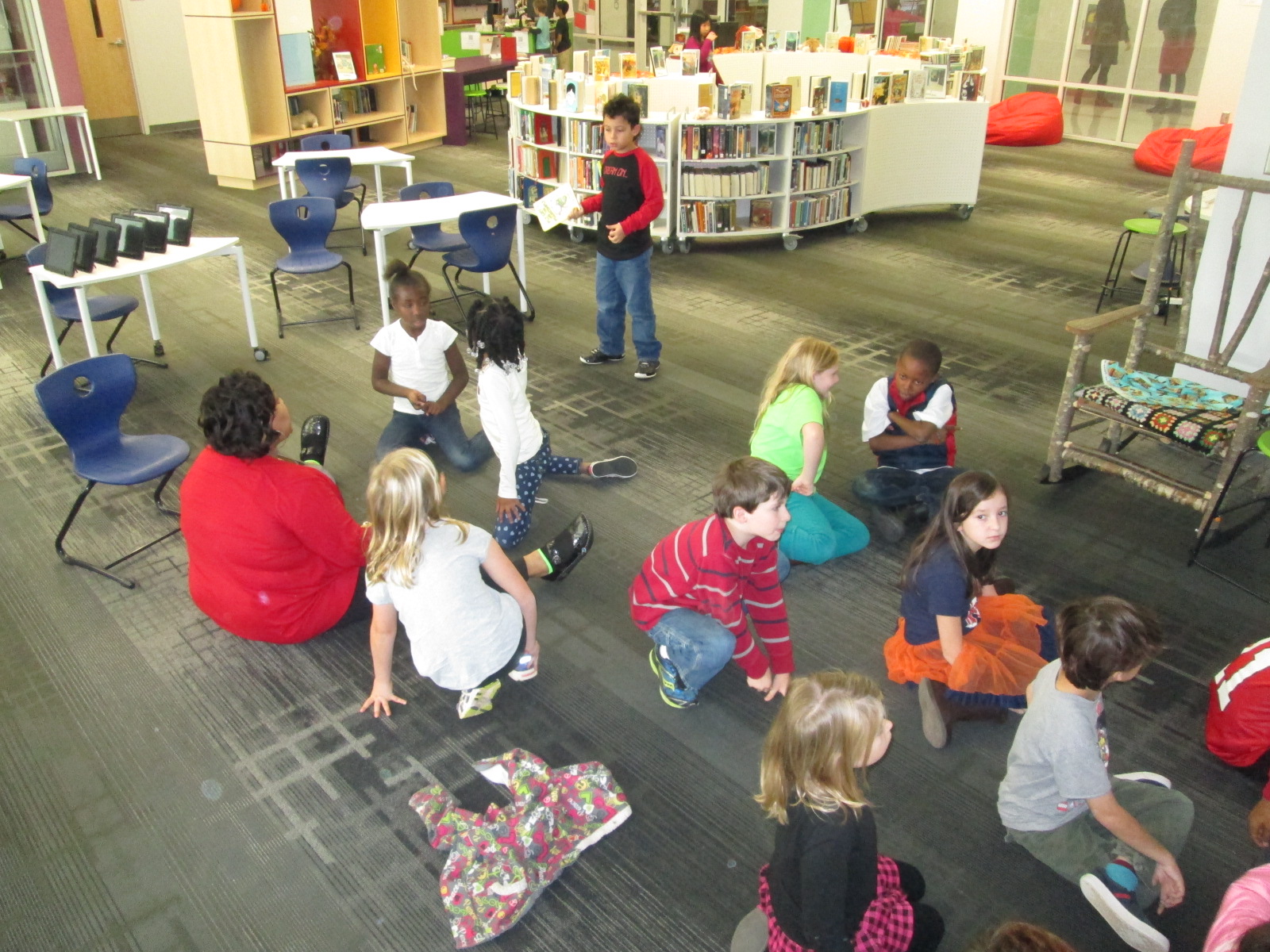
  • In class, choose a setting and color it.
  • In the library, use the iPads and the Chromville app to see the setting come to life and brainstorm what to write about.
  • In class, begin the writing process by describing the character and setting as well as thinking about 3 events and a reaction that might happen in the story.
  • In the library, use the iPads to look at the Chromville character and setting again for more brainstorming and continue the writing process, including revision and publishing.
  • In class and in the library, share the final stories.
  • In the library, do a gallery walk of the all the stories by scanning the Chromville setting and reading the accompanying story

Four of the Kindergarten classes went through this process and it was very exciting to watch.  I saw some of the longest stories by Kindergarten students that I have ever seen.  Chromville was an exciting and motivating tool for them to use and they were full of energy when using it.

IMG_2932 IMG_2921 IMG_2778

We did learn a lot about what to do differently next time.  For example, we will probably opt to use crayons or color pencils next time rather than markers.  We will also avoid black as a color since the lines of the coloring page are black.  These black lines are the instructions for the iPad to read in order to generated the augmented reality scene.  Students also need to be careful not to cross over too many of the lines or color so dark that the black lines can no longer be seen.

IMG_3053 IMG_3052

Along the way, we shared our success (and our failures) with Chromville, and they were eager to learn with us.  We sent them images of pictures that didn’t scan for us and they started taking a look at them to better improve the app.

chromville skype (2)

Today, Mrs. Boyle’s class Skyped with them all the way in Spain.  It was so much fun to Skype with someone in another country, but it was even cooler to see the improvements that they are working hard to create for the next update of Chromville.  We even got to see some upcoming Chromville projects as well as other augmented reality projects that the team is working on.  We loved seeing how even a t-shirt could be a part of an augmented reality project.  During the Skype, we also heard them talk about the improvements that they are making to the app.  This was such a great connection to the writing revision that students had just gone through.  It also validated all of the feedback that students have given about the app over the past few weeks.  They heard from the developers that their feedback was making a difference.

chromville skype (4) chromville skype (5)

We selected one student from each of the Chromville settings to share their stories with the Chromville team.  Each student showed his/her coloring page first and then read the story.

chromville skype (10) chromville skype (15) chromville skype (13) chromville skype (12) chromville skype (17)

Chromville currently has a narrative writing contest going on using the Greenland setting but Kindergarten is not eligible to enter.  This was a way to still honor their work and let the good people at Chromville hear how fantastic a Kindergarten story can be too.

chromville skype (19)

This is definitely a project we will try again.  I’m thankful for Kindergarten teachers who took a risk with me to try something totally new.  As usual, things didn’t work perfectly along the way, but that’s usually where some of the best learning happens.  Even though there were some tears, it was a great lesson that things aren’t always perfect and we have to push through failure and learn from it in order to be innovative.


Using Skype in the Classroom to Connect with Rube Goldberg’s Granddaughter

jennifer george (4)Second grade has been studying force and motion as a part of their science standards.  We kicked off this unit in the library by learning about the inventions of Rube Goldberg and exploring the Rube Works app for iPad.

In class, students explored force and motion through a Picture Perfect Science lesson about roller coasters.  During this exploration, they learned key vocabulary and concepts for force and motion.  After exploring, they learned even more about force and motion through informational text.  Finally, students worked in collaborative groups to build their own Rube Goldberg invention.  During this process, students were able to apply many of the concepts and vocabulary that they learned through the other experiences.  I loved peering into their classrooms from time to time to watch them try to get their inventions to work.  I loved how they tried something, failed, and then tried again.  This is something we’ve had a lot of conversations about.

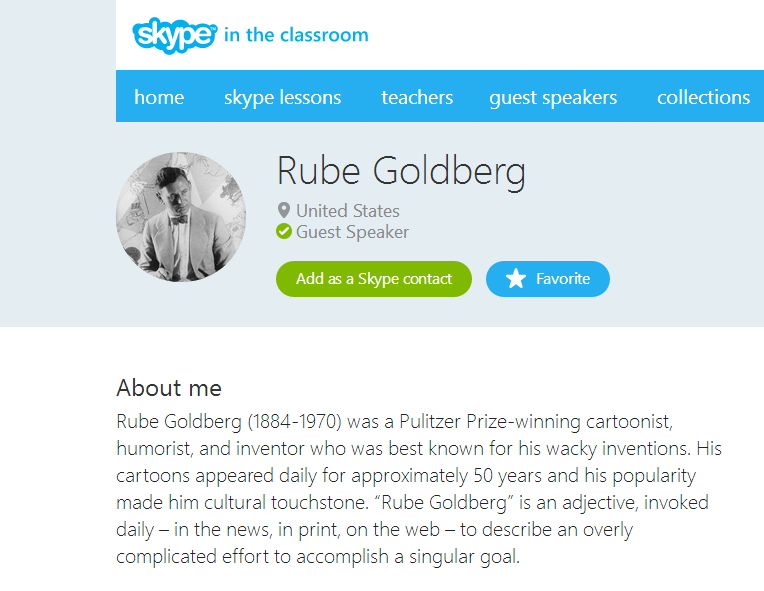
Today, thanks to Skype in the Classroom, students had the chance to Skype with Rube Goldberg’s granddaughter, Jennifer George.  If you haven’t taken a look at Skype in the Classroom, you should!  Teachers and guest speakers can post topics or lessons and classrooms can sign up to participate in those lessons.  Once you sign up, you go through a process of communicating with the creator of the lesson or topics in order to schedule your Skype connection.  Also, educators get a free Skype premium account for signing up.

Rube Goldberg   Skype in the classroom

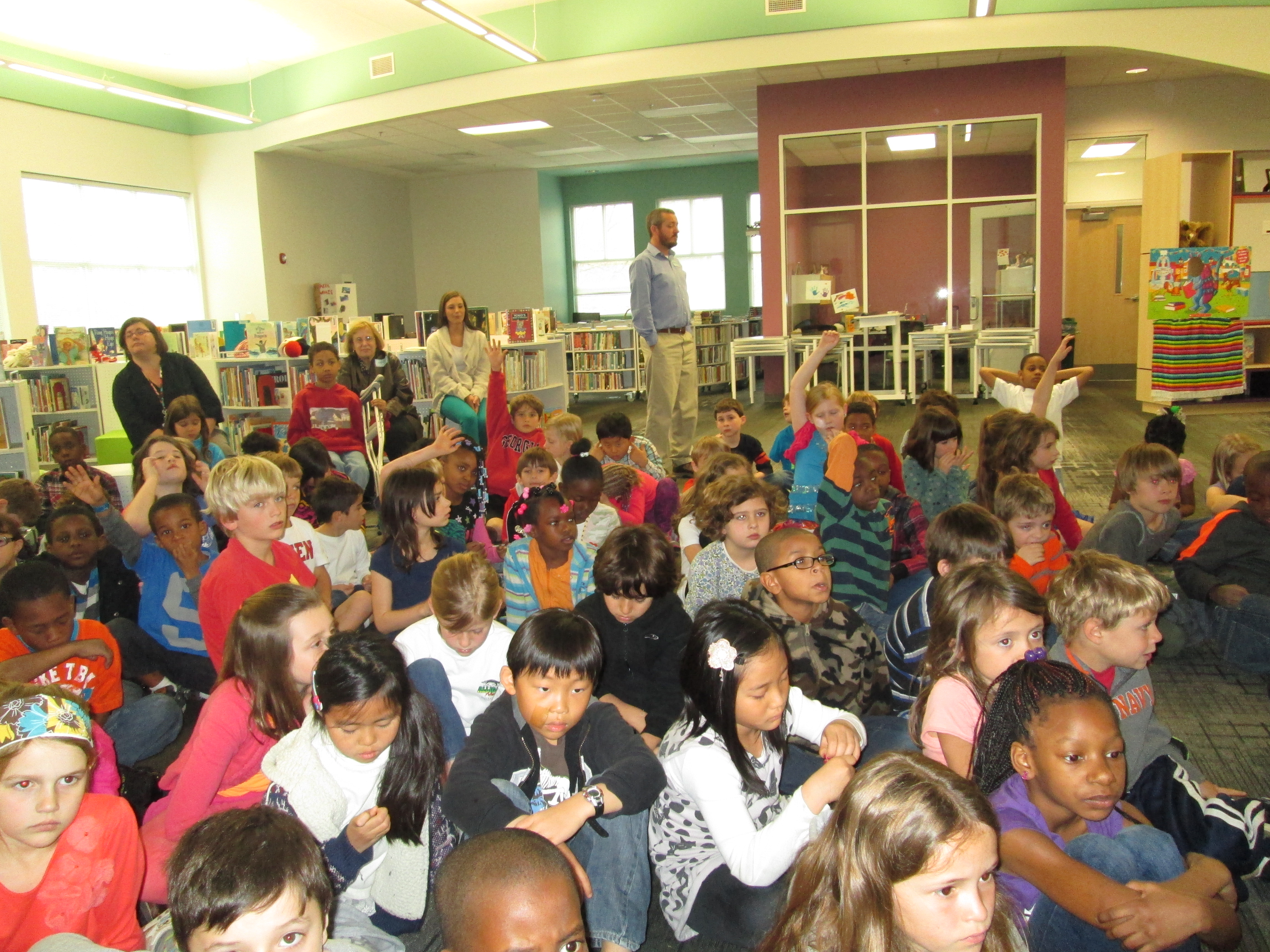
Our connection lasted from about 40 minutes.  During our time, Jennifer George shared some Rube Goldberg facts that only a granddaughter would know.  For example:

  • he wore shoes when he went swimming
  • he was always on time
  • he ate whip cream for dessert and when cool whip came out he ate it by the bowl
  • when he got his 1st car, there were only 12 cars in New York City

She talked about how Rube Goldberg never built the inventions that he drew, but many people have taken his drawings and built the machines or designed their own.  I loved how this fact fit in with our collaborative project and how each member of the team brings something different.

jennifer george (6)

We also loved meeting Jennifer’s cat.  The students couldn’t contain their excitement when the cat jumped up behind her on the counter.  Jennifer gave us a close up view of him.

jennifer george (12)

After Jennifer gave us some facts, she spent some time letting students ask questions.  They love to do this.  I loved how she listened to each student’s name and repeated it in her response.  It made the conversation connected and personal.

It was during these questions that we learned things like:

  • Rube Goldberg created over 50,000 cartoons
  • He started drawing when he was about the age of our 2nd graders
  • Jennifer is a fashion designer who has designed clothing for several big celebrities like Madonna and Aretha Franklin

The students really wanted to see some of Rube Goldberg’s drawings, but thankfully thankfully many of them are available in a new book called The Art of Rube Goldberg.  I think that students are going to be demanding that we get this book in our library.  Thank you Jennifer George for sharing the stories and inventions of your grandfather with us.   Thanks Skype in the Classroom for this fun time.  

You can learn more about Rube Goldberg at http://www.rubegoldberg.com/

jennifer george (10)

We have another Skype in the Classroom connection coming up soon with David Fox, developer of the Rube Works app that we have been playing.  We can’t wait!

World Read Aloud Day 2014 (Day 5): Final Thoughts

Our final day of Read Across America and World Read Aloud Day was once again filled with special memories.

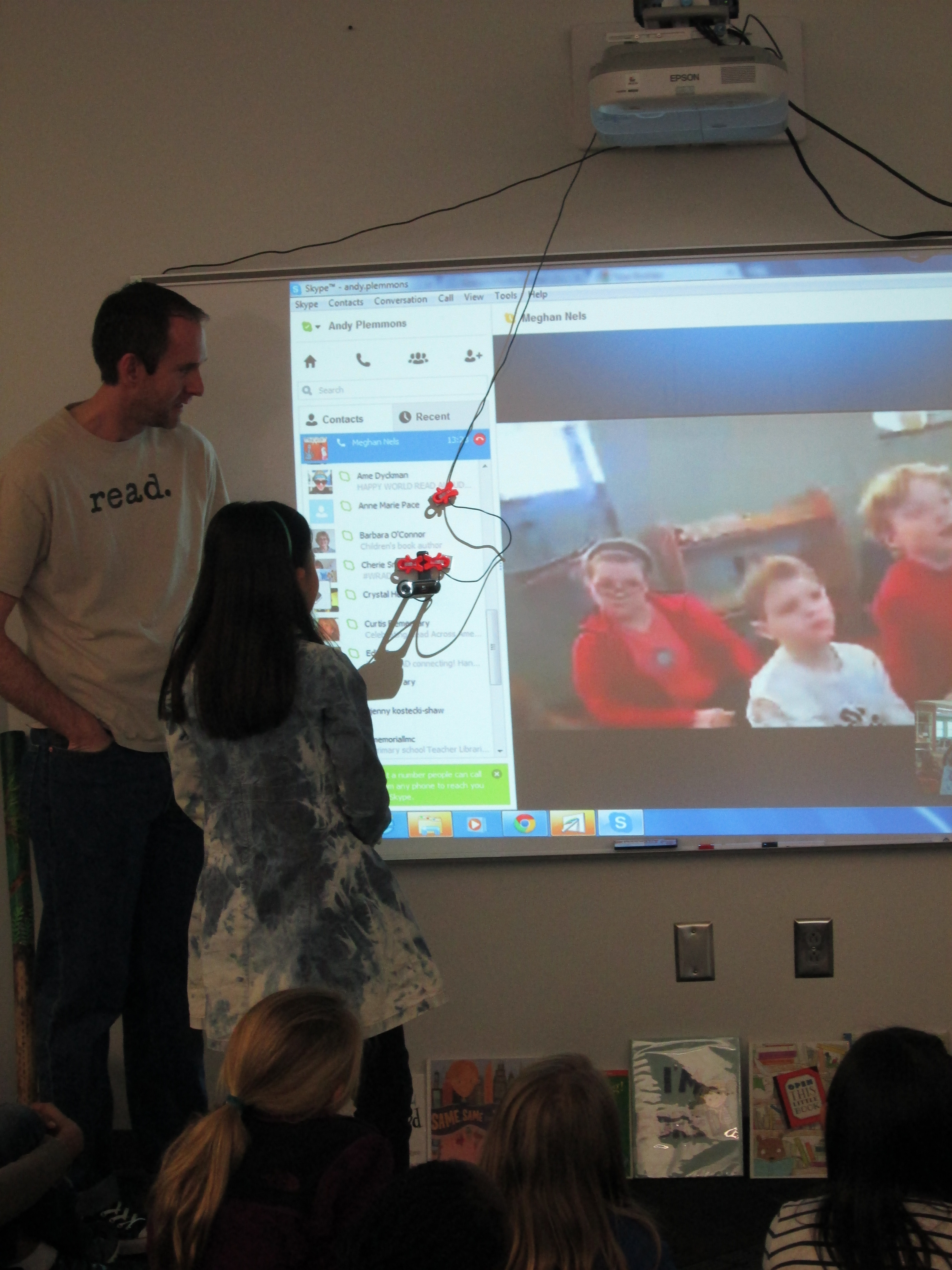
We read Crankee Doodle with Meghan Nels and her students.

Meghan Nels (19) Meghan Nels (4)

Matthew Winner and I got creative about how to read Open This Little Book with our students.

Matthew Winner (6) Matthew Winner (2)

Cathy Potter and I had fun reading I’m Bored and letting our students show the many ways you can say “boring”.

Cathy Potter (3) Cathy Potter (2)

Shawna Ford, Shannon Hyman, and I all found students to read parts of a reader’s theater of One Cool Friend.  We loved hearing voices in 3 states reading the story.

Shawna & Shannon (5) Shawna & Shannon (1)

Stacy Ford and I had a great time being Elephant and Piggie with our students as we read I’m a Frog.

Stacy Ford (5)

Randie Groden and I had some impromptu skyping as I had a class cancel!  Several 5th graders who were checking out books gathered around the projection area to meet her first graders and read Same, Same but Different.  Sometimes the unexpected is fun!

Randie Groden (4) Randie Groden (2) Randie Groden (1)

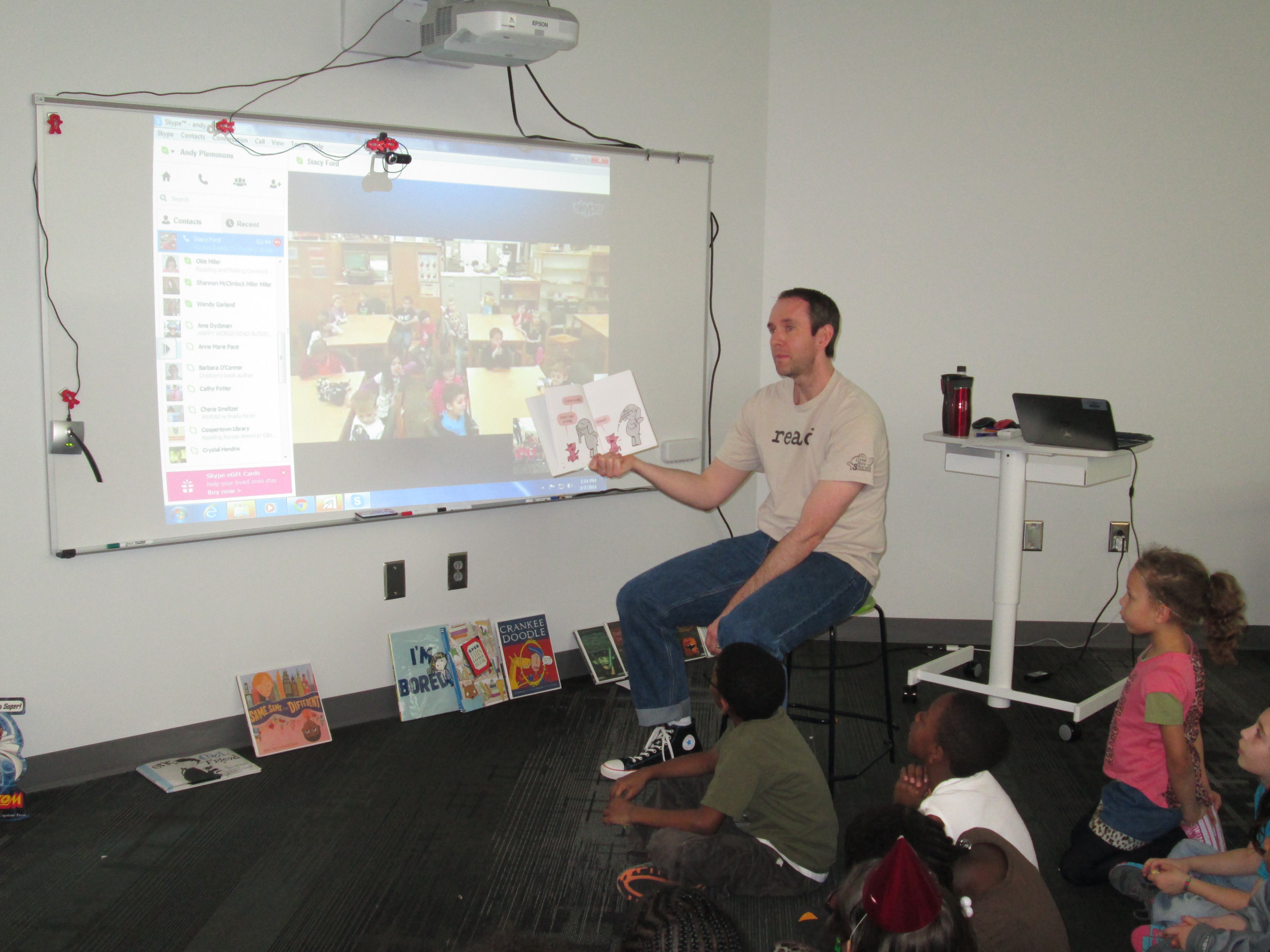
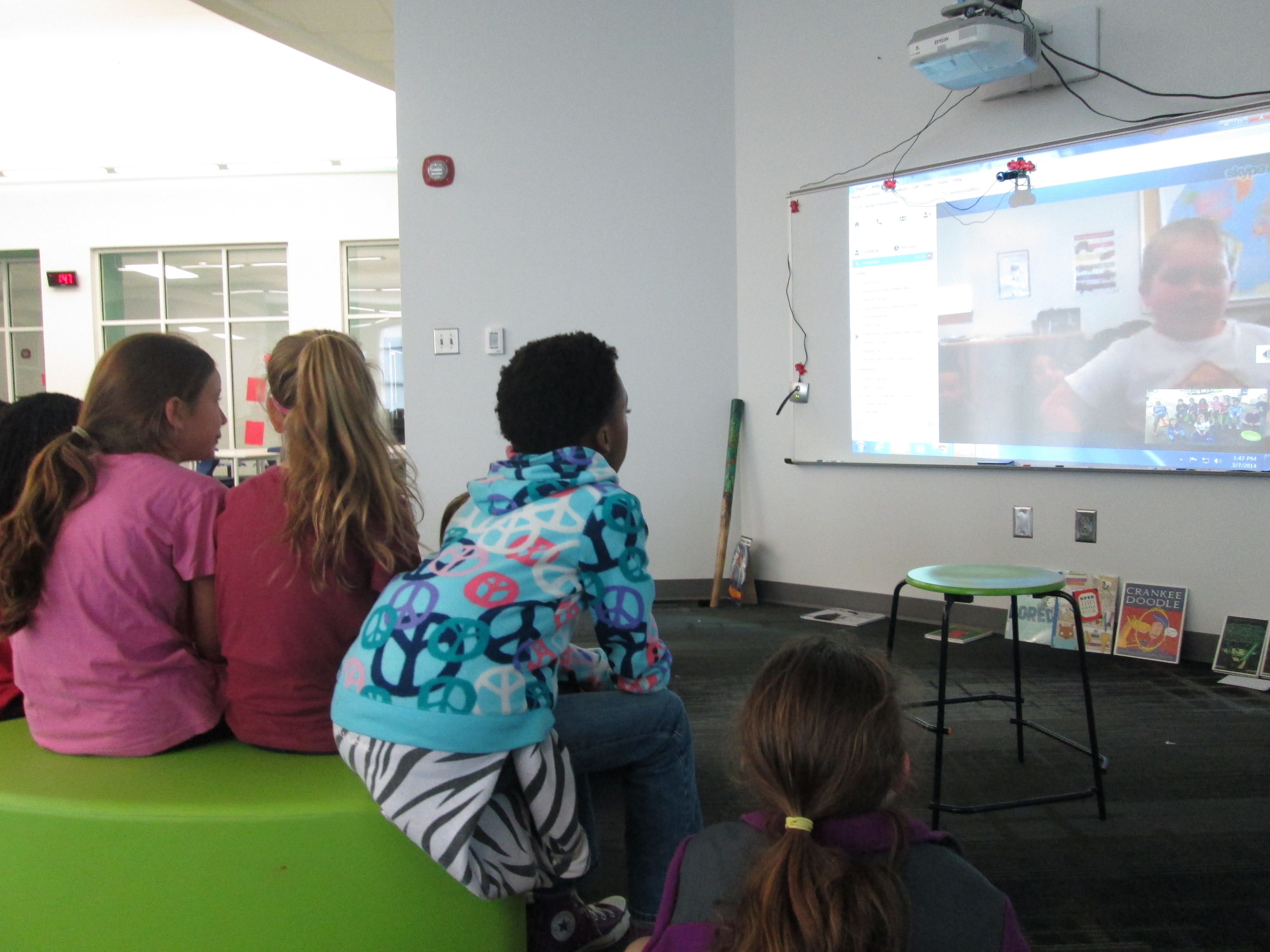
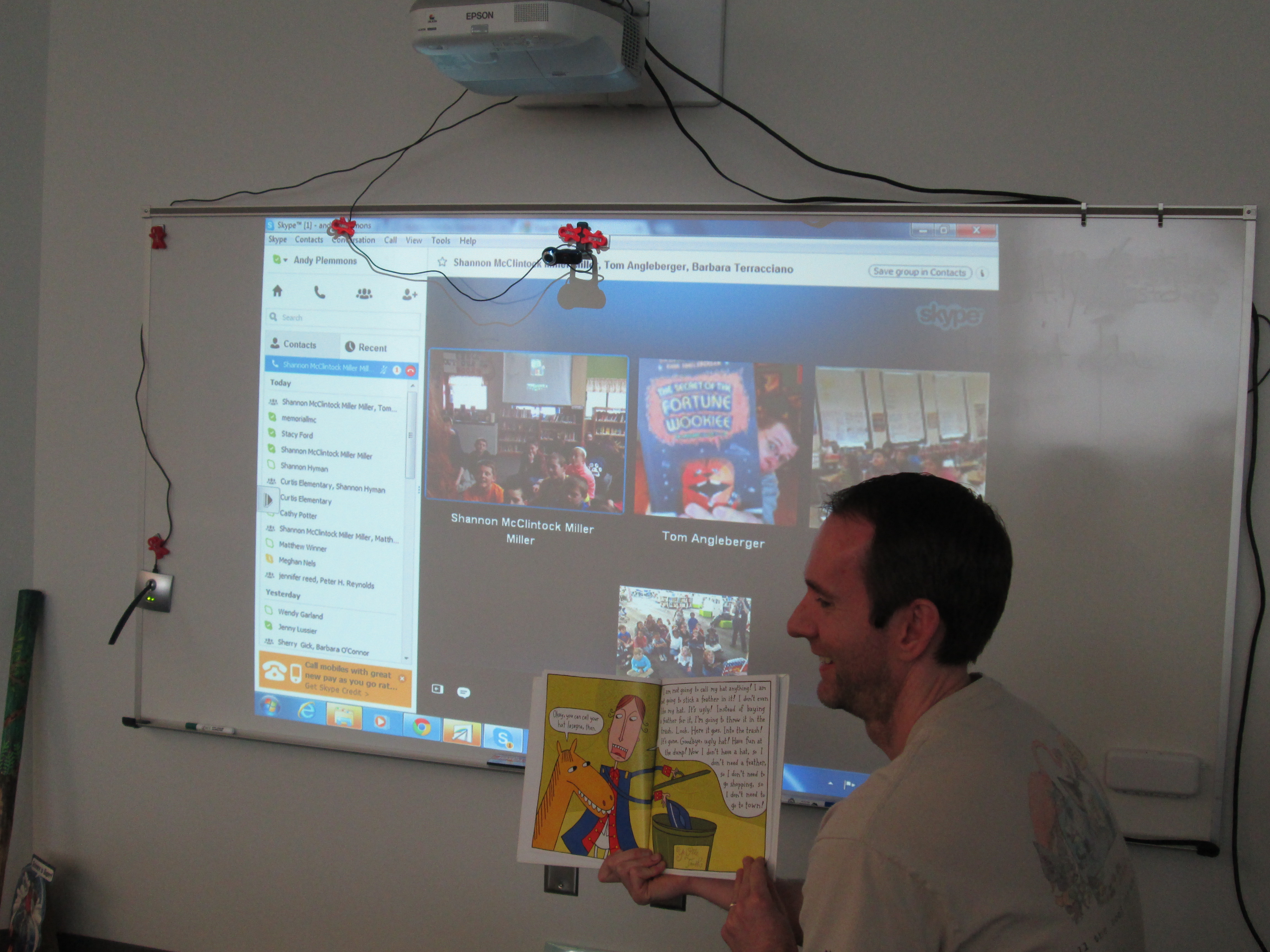
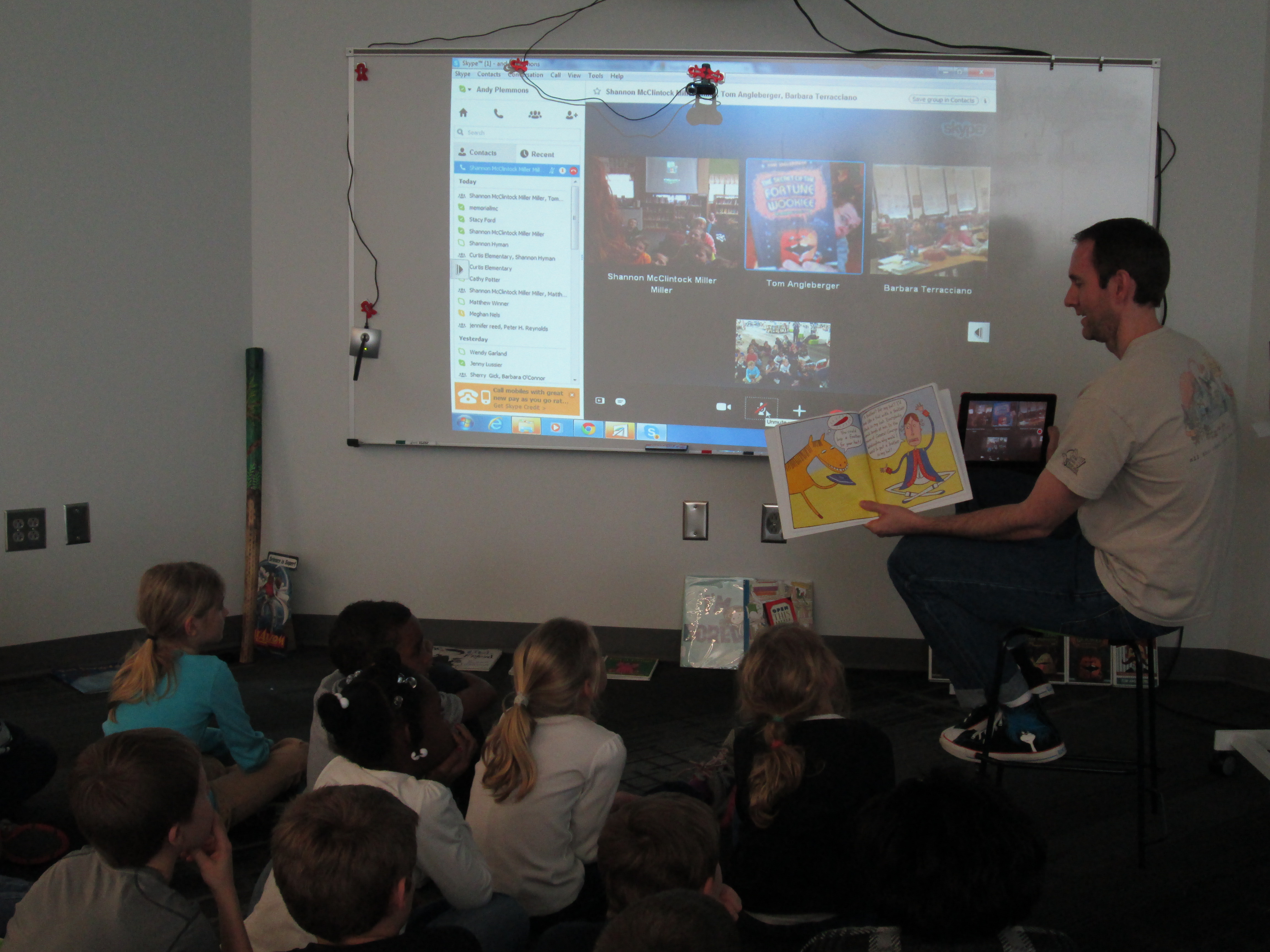
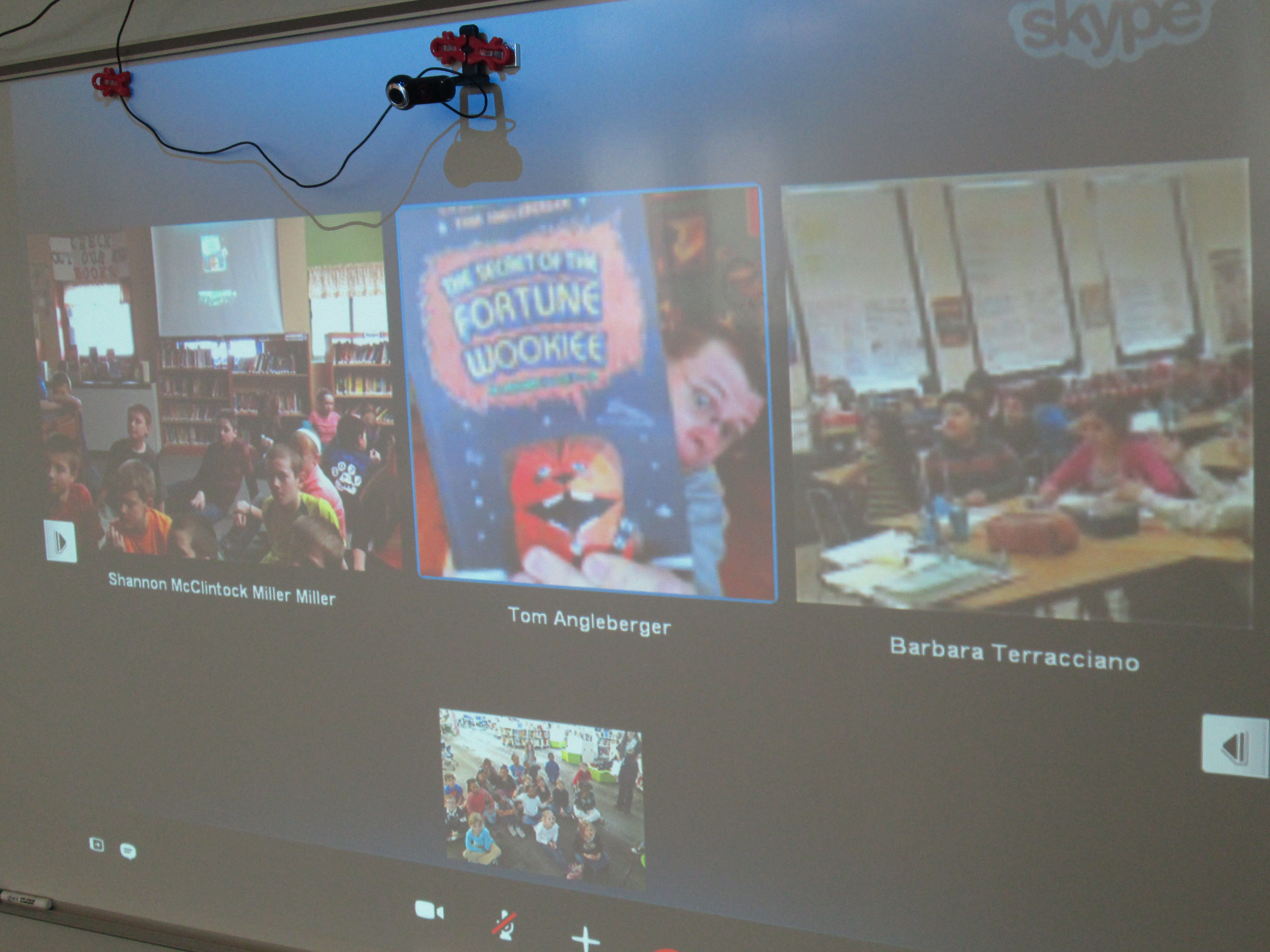
We ended our WRAD week with a connections between Shannon Miller and Barbara Terracciano along with author, Tom Angleberger.  He read aloud the part of Crankee in Crankee Doodle, and it was the perfect ending to our week.

Tom Angelberger (7) Tom Angelberger (2) Tom Angelberger (1)

There is not a day that goes by that I don’t read aloud.  Every day is read aloud day.

When I think of World Read Aloud Day, I think of connections.

Kate DiCamillo, National Ambassador for Young People’s Literature and 2-time Newbery winner, says “Stories Connect Us”.  In Extra Yarn by Mac Barnett and illustrated by Jon Klassen, all of the characters are connected to one another through strands of yarn as the main character knits sweaters for everything and everyone in sight.  In Same, Same but Different by Jenny Sue Kostecki-Shaw, we learn that we really are all connected in the world by common strands of life even if those strands might look a bit different based on our cultures, locations, and beliefs.
World Read Aloud Day is about all of these things.  Even though we should read aloud every day, World Read Aloud Day raises our awareness of the importance of reading aloud.  It reminds us that when we read aloud, we connect.  When we read aloud, we expand our world.  When we read aloud, we learn that the world really isn’t as big as it seems.  We are all united through power of story and spoken word.

This year, our planning for World Read Aloud Day/Week began in December.  My wonderful friend and collaborator, Shannon Miller, created a Google Doc for educators around the world to use as a space to share their schedules and ideas.  The two of us shared the doc through blog posts, twitter, facebook, and conversations.  Over 3 months later, the doc is filled with conversations that each tell a story of a connection between multiple groups of students.  When you look at this single document, you know that students, teachers, teacher librarians, and families around the world are being impacted by powerful experiences of hearing stories read aloud, participating in conversations about books, and building connections to new friends around the world.

Our school:

  • engaged in 36 skype sessions
  • made 50 connections in these sessions
  • met new friends in 22 states and 2 other countries

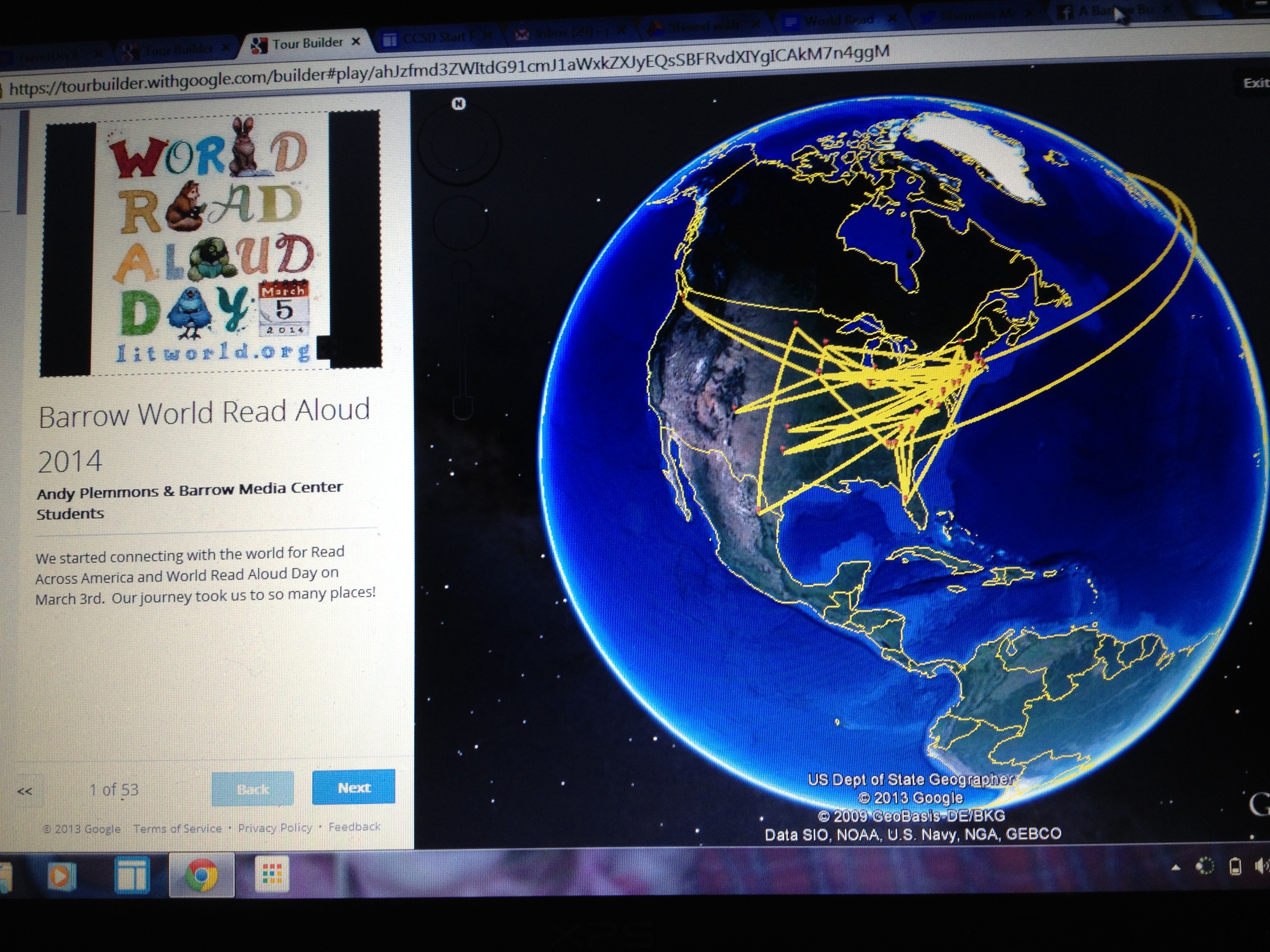
Along the way, we built a Google Earth Tour using Google’s tour builder.  This tool allowed us to quickly add pins to a world map, add photographs and videos, and write a summary of each skype session and what we loved and learned.  I love how at the end of the week, we instantly have documentation that allows us to remember, reflect, and celebrate the fun that we have had during this week.

Google Tour

View our Google Tour Here!

Today, I received several thank you letters from students.  Organizing this many Skype sessions is exhausting.  I won’t lie about that, but the rewards that come from the hard work make up for all of the time I spent organizing this week.  Receiving these letters reminded me why I advocate for World Read Aloud Day and why I believe in the power of connecting with one another through story.  Thank you Litworld for creating such an amazing world-wide event.