Keeping Project Momentum When the Schedule Gets in the Way: One Use of Google Hangouts

Barrow Peace Prize Criteria   Google Docs

Our 2nd grade is deep into their project on six people from Black History.  Most classes are finishing up their research for our Barrow Peace Prize Flipgrid project.  Before students begin the writing process, we want them to understand what the Nobel Peace Prize is and consider the character traits that someone might have who receives this award.  Every class needs the exact same lesson, but they need the lesson before students can really move forward with their writing.  Sometimes the library schedule can get in the way of these kinds of projects.  I don’t want the library schedule to cause a project to be delayed simply because we can’t fit everyone into 30 minute slots across a day or two.  This is the perfect time to use technology to maximize our time.

For the 2nd time, I did a Google hangout with an entire grade level in order to save time.  Before the hangout, I setup a Google Hangout on Air and sent the participation link to all of the teachers via email.  I also created a Google doc where we could do some brainstorming and invited all four of the 2nd grade teachers to be collaborators.  I made sure that the link to the doc was “view only” for anyone else with the link.

Before the hangout started, I opened the hangout, turned on my cam, and muted my microphone.  As the four classes joined, I could easily hear if their microphone and video was working or not.  Then, I could use the control room tool to mute each teacher’s microphone while we waited on all classes to join.  Periodically, I came back on the microphone to update the classes who were waiting and remind teachers to open our shared Google doc.

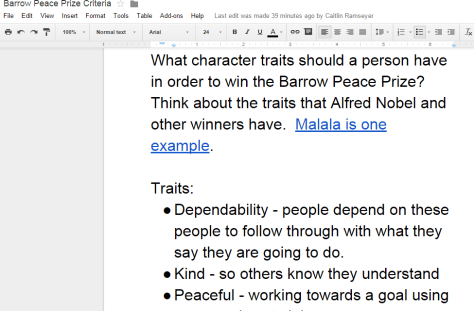
The purpose of the hangout was to help 2nd graders get familiar with Alfred Nobel and the Nobel Peace Prize as well as to develop a list of characteristics for our own Barrow Peace Prize.  After a quick intro, I read the book Alfred Nobel: The Man Behind the Peace Prize by Kathy-jo Wargin and illustrated by Zachary Pullen.  Then, I told the students just a bit about Malala Yousafzai, the youngest winner of the Nobel Peace Prize.  We watched just the beginning of a CNN video of her acceptance.

Then, I invited each class to look a the shared Google doc and brainstorm the qualities that we hoped would represent the Barrow Peace Prize.  I muted all microphones while classes discussed and added to the doc.  While that was happening, I shared the viewable link to the doc on Twitter so that an audience could watch the list be constructed.

We immediately had multiple viewers of our work in progress.

Each class had an opportunity to step the microphone and share just a bit of what they discussed.  I was in charge of calling on each classroom and muting and unmuting each teacher’s microphone.

Finally, I closed by reminding students to use their research as well as the character trait list when writing their piece about their person from Black History.

https://www.youtube.com/watch?v=2ljM_kdkdnc

What would have taken 3-4 hours on the library calendar took only 30 minutes and now the 2nd grade can move forward with the writing process.  I want to check in with the 2nd grade teachers to see how things felt on the other side of the camera, but from my side, this seemed like a great model for whole grade lessons that lend themselves to a hangout.  I certainly wouldn’t want all lessons to be like this one, but this format felt right for this situation.
Collaborating Globally with Perspectives on Explorers: The Results are In!

Barrow Explorers

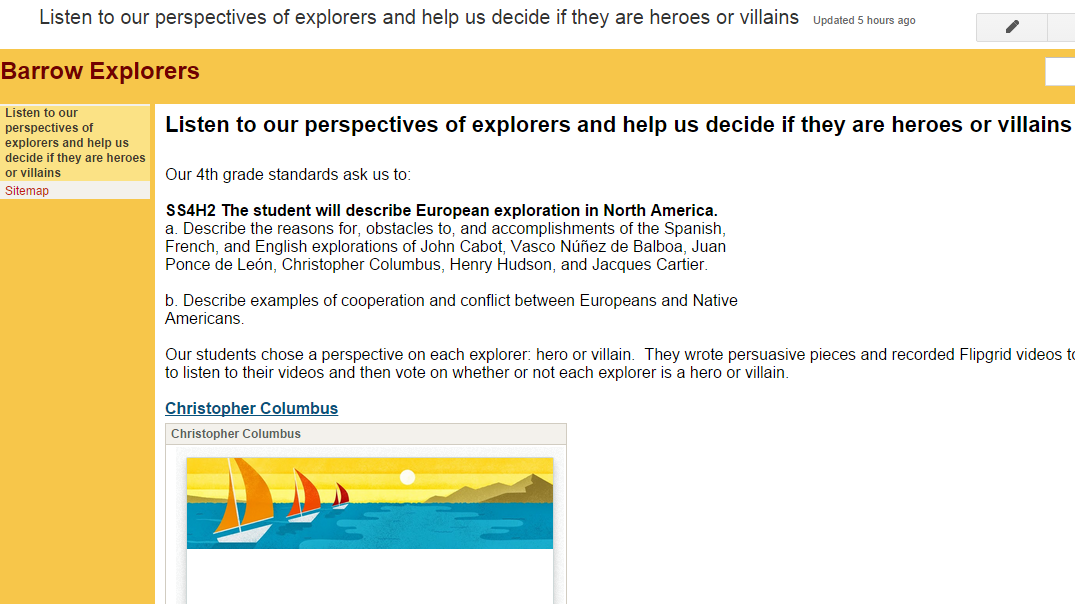
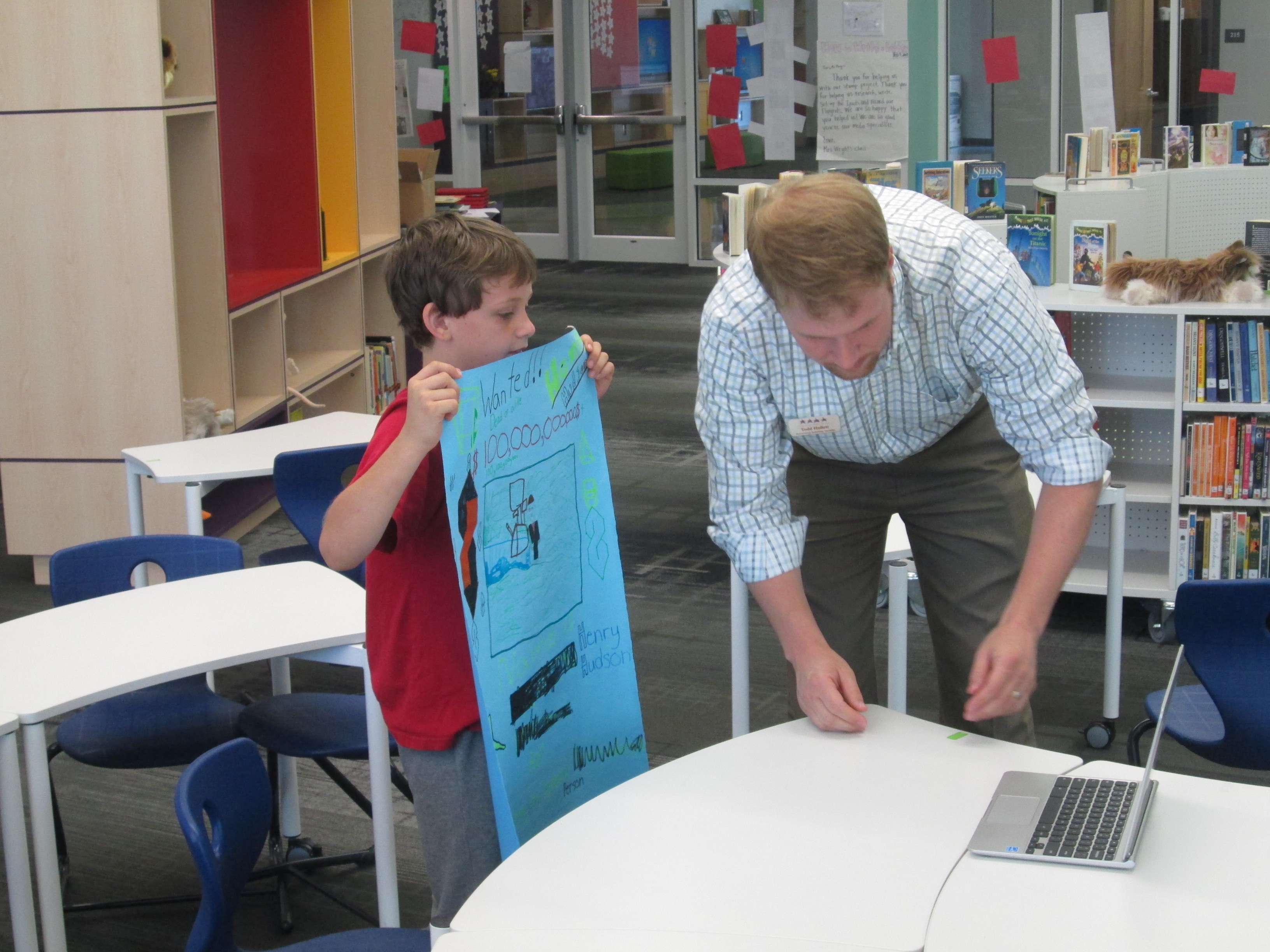
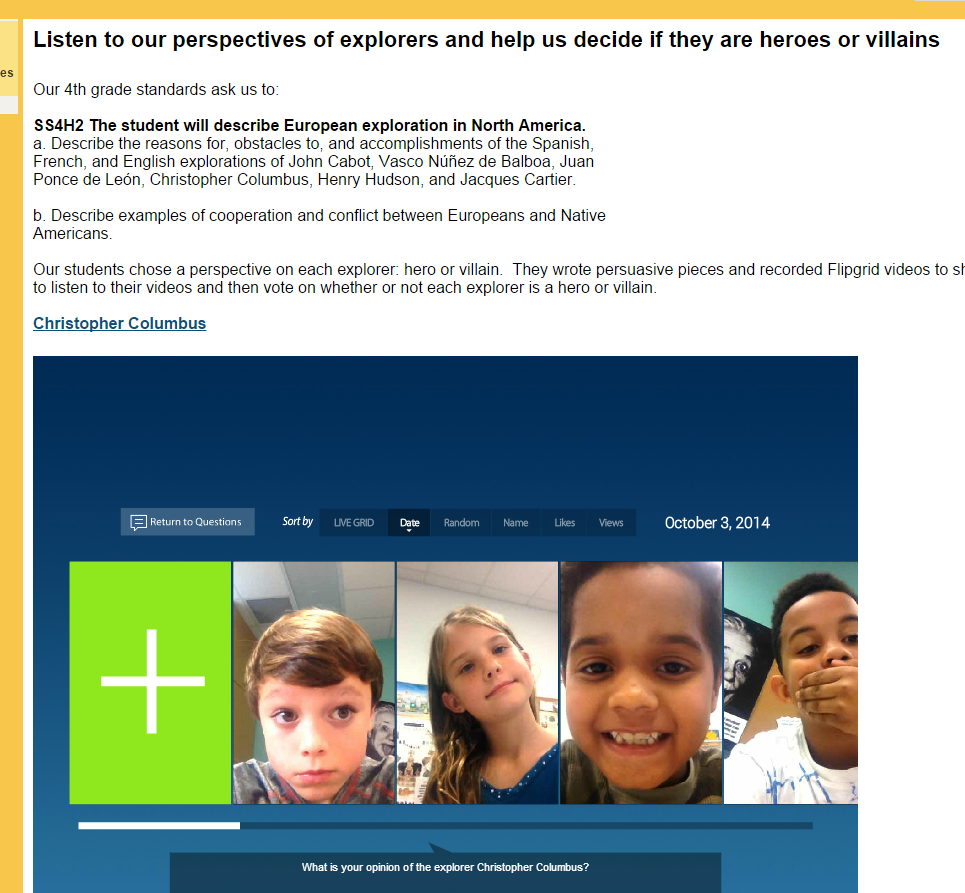
Two big library goals for this year are to give students time to dream, tinker, create, and share as well as collaborate globally.  Our fourth grade is wrapping up their explorers perspective project.  They considered six explorers and whether these explorers were in fact heroes or villains.  This project has spanned a few weeks and has involved research on six explorers in the social studies standards, persuasive writing, thinking from alternative perspectives, and creating persuasive Flipgrid videos.

You can read about how the project started here.

You can read about our videos and voting procedure here.

Students recorded their persuasive videos using Flipgrid.  We put all of those videos onto a Google site along with forms for voting whether or not each explorer was a villain or a hero.  Over the past few weeks, I have invited people around the world to interact with the project and vote.  I’ve shared through this blog, Twitter, Facebook, and Google Plus communities.  It has been amazing to see how many classrooms have viewed the projects and sent us positive tweets and messages about our students’ work.

https://twitter.com/KarenHeathcock/status/539443498232348673

https://twitter.com/KarenHeathcock/status/539188364461608960

https://twitter.com/rdgrooter/status/536928155878297600

After sharing their work with the world, the results are in.

Is Christopher Columbus a hero or a villain?

Christopher Columbus   Google Forms


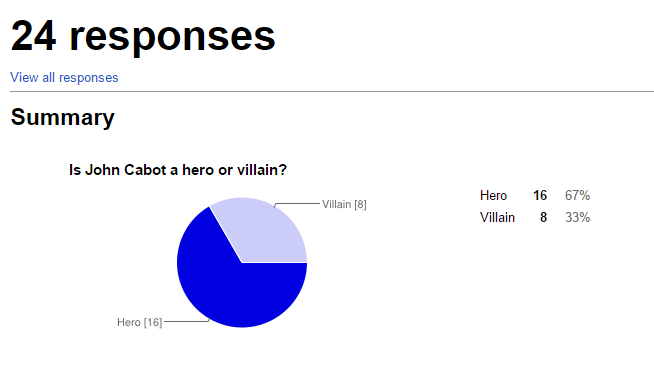
Is John Cabot a hero or a villain?

John Cabot   Google Forms

Is Vasco Nunez de Balboa a hero or a villain?

Vasco Nunez de Balboa   Google Forms

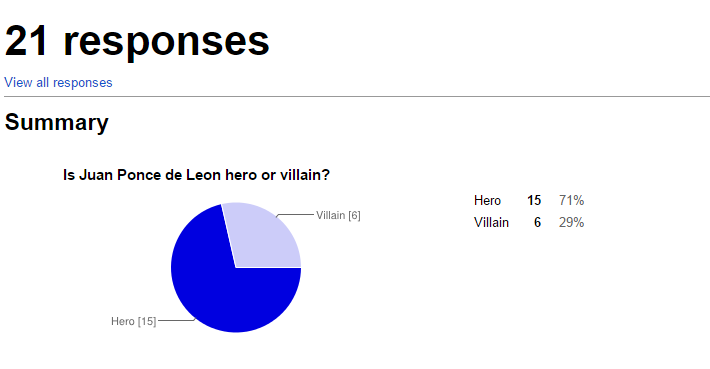
Is Juan Ponce de Leon a hero or a villain?

Juan Ponce de Leon   Google Forms


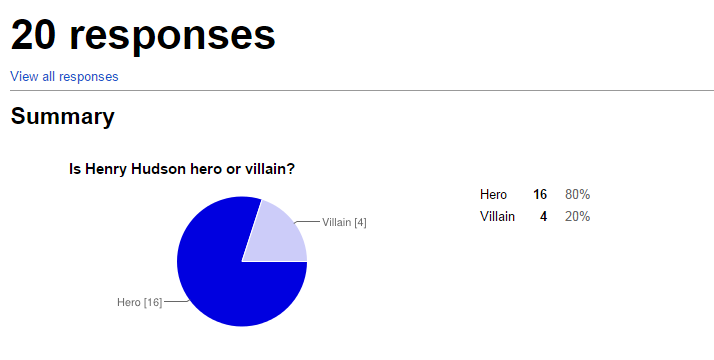
Is Henry Hudson a hero or a villain?

Henry Hudson   Google Forms


Is Jacques Cartier a hero or a villain?

Jacques Cartier   Google Forms

It looks like most of us look to the explorers as heroes with a big exception for Christopher Columbus.

In addition, our Flipgrid had some very interesting data.  As of this posting:

  • The Christopher Columbus question was viewed 530 times and had 186 likes
  • The Jacques Cartier question was viewed 148 times and had 65 likes
  • The Henry Hudson question was viewed 99 times and had 52 likes
  • The Juan Ponce de Leon question was viewed 139 times and had 68 likes
  • The Vasco Nunez de Balboa question was viewed 94 times and had 47 likes
  • The John Cabot question was viewed 120 times and had 45 likes

This has been such a special project.  I hope that we can do more work like this where classes are viewing one another’s projects, offering feedback, and considering different views.  We will end this project with a connection with the Flipgrid team very soon.

If you want to view the student projects, you can still visit their site.


We Need You to Vote on Whether these Explorers are Heroes or Villains!

IMG_4397

Fourth grade has been hard at work.  They have been researching multiple explorers in their social studies standards and considering whether those explorers are heroes or villains.  It all started with a lesson in the library using a video about Christopher Columbus, Encounter by Jane Yolen, and Tagxedo.

IMG_4399

After that, students selected an explorer and began their research.  They took their information and used that to write a persuasive piece convincing an audience that their explorer is a hero or villain.  They used Flipgrid to record themselves reading their persuasive piece.  All of the Flipgrid videos are housed on an Google Site for easy access and each explorer has a Google form voting tool to indicated whether that explorer is a hero or a villain.

IMG_4398

Now, this is where you come in!  We need you to watch our videos and vote on our heroes or villains.  You can choose an explorer and spend some time on that one explorer or you can watch them all!  You can share this project with other classrooms or educators and ask them to share.

If you choose to do this with a class, we would love to hear about it!  You can tweet pictures or comments to @plemmonsa  Most importantly we want you to vote and share.


Soon after our Thanksgiving break, we will take a look at the results and most likely connect with our friends at Flipgrid to talk about coding and our project’s reach.

We hope that our project makes you think about the many perspectives in our world’s history and that you enjoy hearing our voices.

Barrow Explorers

Click here to access our Explorer Google Site!  Tip:  If you are in Google Chrome, you will need to click on the shield in your address bar to load the “unsafe script”. This will show you the embedded grids.  Otherwise, just click on the link on each explorer’s name to access the Flipgrid on a separate page.  Feel free to “like” student videos by clicking the hearts, but don’t forget to vote on the Google forms on our site.

Honoring Our Veterans with The Poppy Lady, Padlet, and Flipgrid

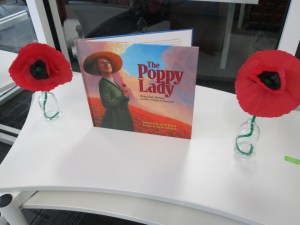
Last year, we were honored to have Barbara Walsh, author of The Poppy Lady, visit our school and share her book about Moina Michael’s vision for honoring veterans with the poppy.  Now, last year’s fourth graders that attended that visit are in the 5th grade.   They are about to host several veterans at our school for Veteran’s Day on Tuesday.

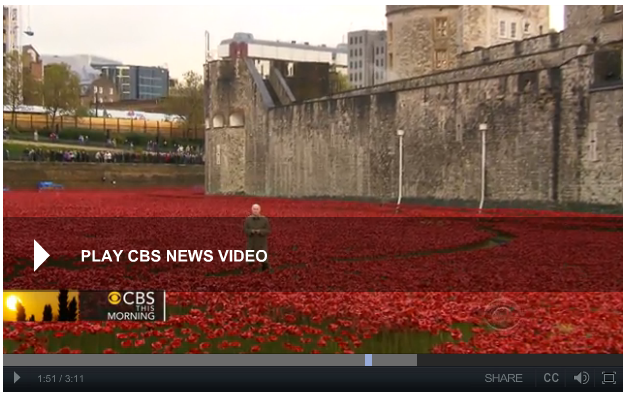
British use poppies to commemorate WWI

To prepare for our luncheon, the 5th grade classes each came to the library.  We read The Poppy Lady again.  We also watched a video from CBS news.  The video gave the students some great context on why the poppy is so important and what it really symbolizes.  This paired nicely with the advocacy story of Moina Michael.

We also had a great discussion about the importance of honoring veterans and what students might ask when they sit at a table with a veteran.  They brainstormed questions/statements like: “Tell me more about your time of service”, “What division of the military did you serve in”, “What were some of your biggest challenges in the military”, etc.

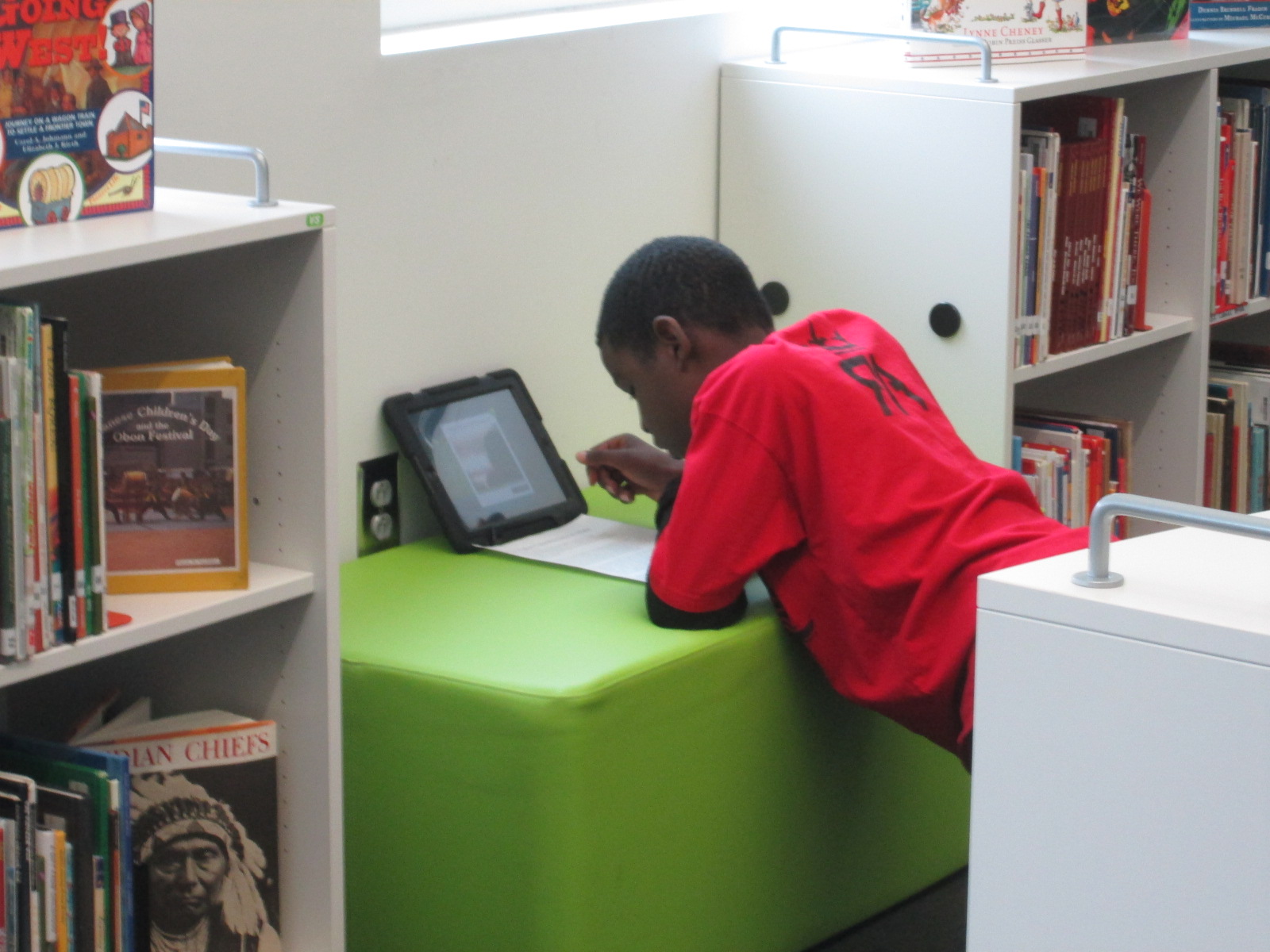
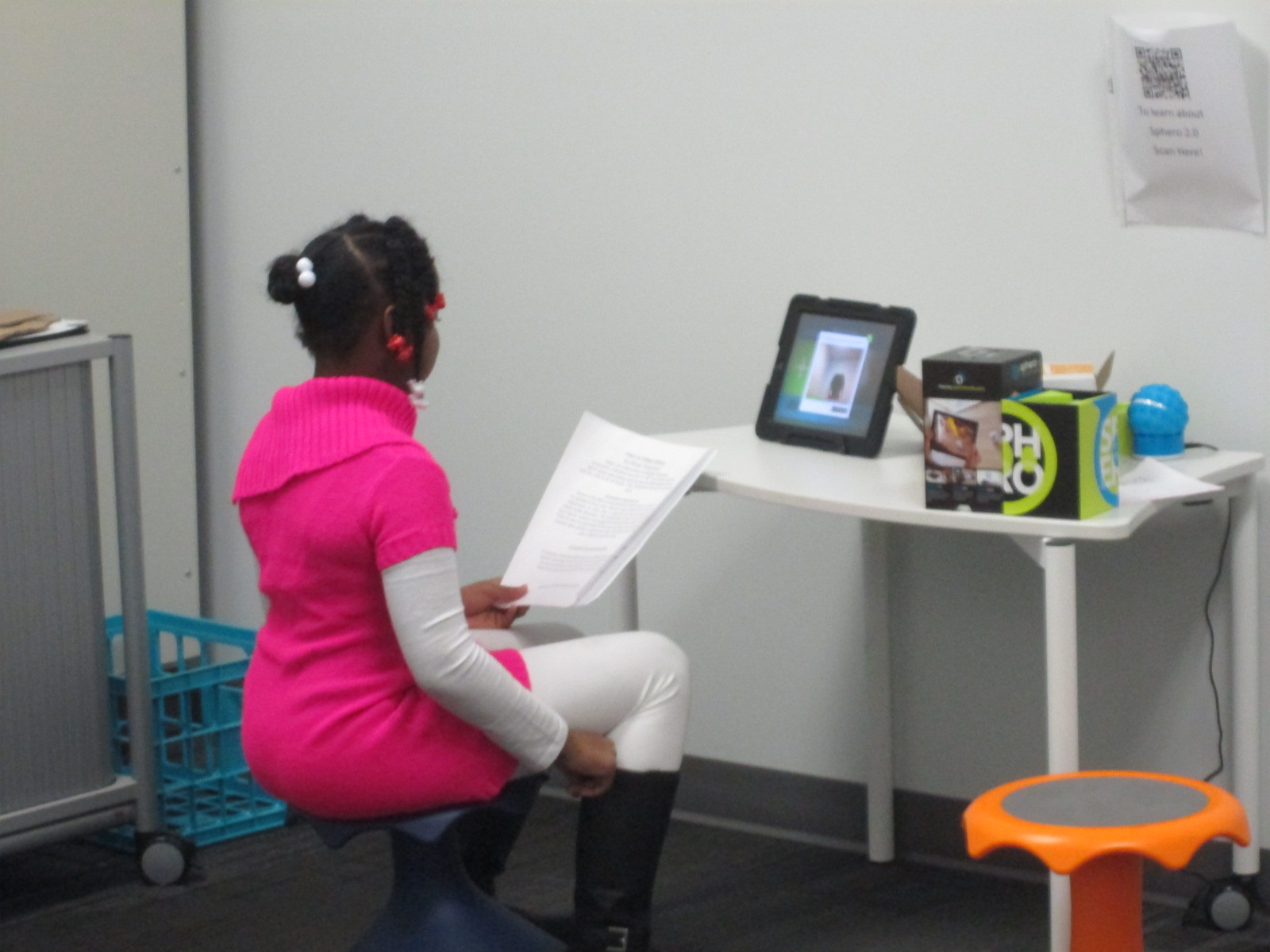
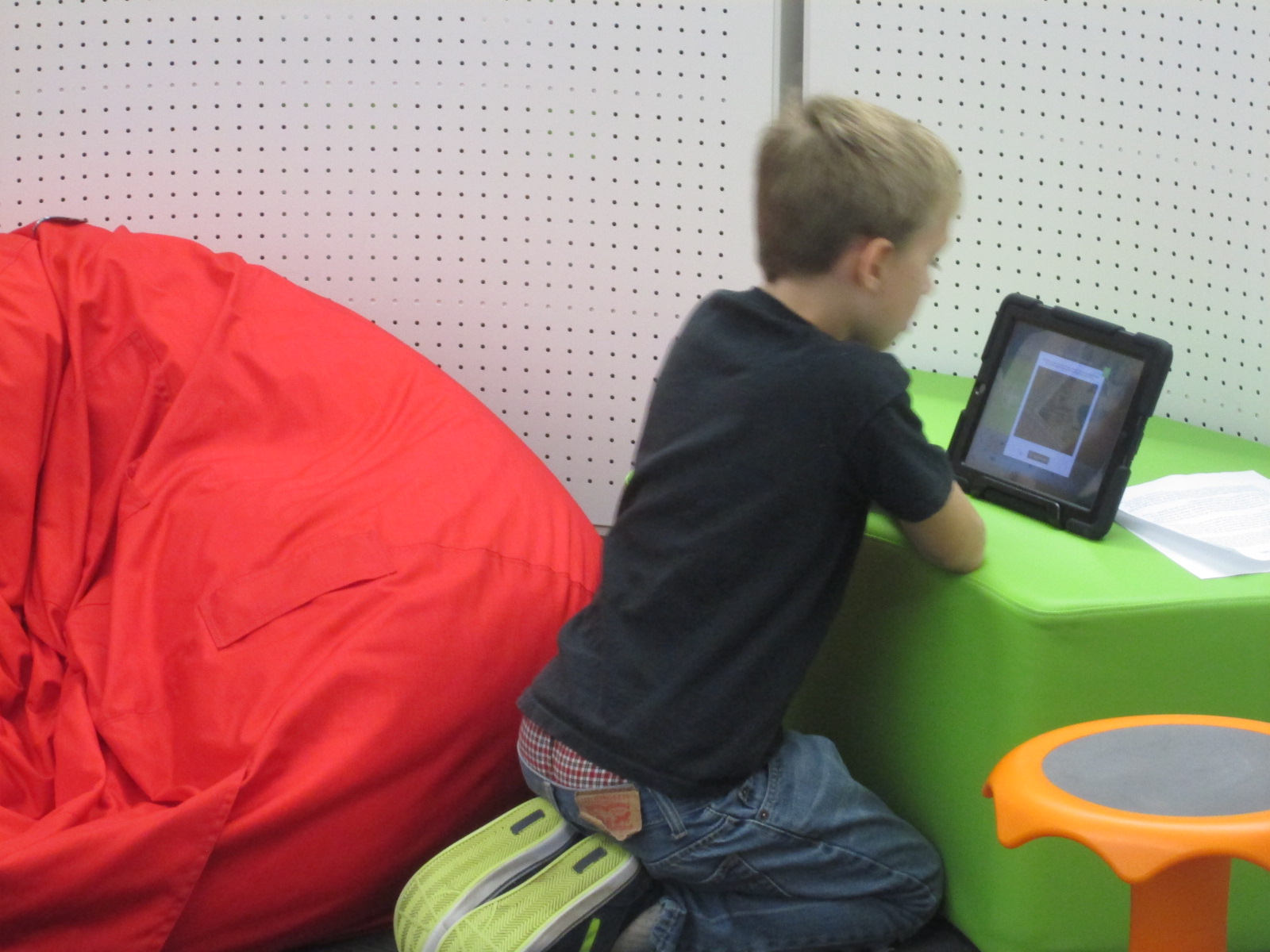
Then, students took time to visit 2 centers in the library.  I setup multiple iPads as a Flipgrid recording station.  With Flipgrid, students reflected on how we could continue to honor veterans just like the poppy lady did.
Flipgrid. Relax and discuss.


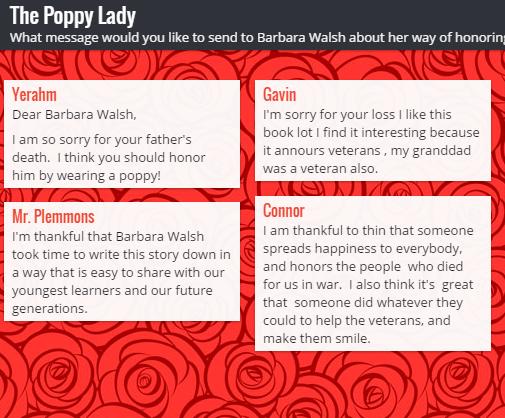
The 2nd station was a padlet where students could send messages to author Barbara Walsh about their appreciation for honoring the work of Moina Michael.  I pulled the site up on both projection screens and three other computers in the library for students to visit.

The Poppy Lady

Now the 5th graders will continue to work on poems, artwork, letters, and speeches for Tuesday’s luncheon.  During the luncheon, they will sit with veterans and have meaningful conversations.  I hope that they will take time to bring up the Poppy Lady while they talk.


Perspective on Explorers

I’m very excited about a project with our 4th graders this month.  This project is a spinoff of something we did last year with explorers and Native Americans.  This year, we are just focusing on explorers.

To kickoff the lesson, we did a very similar kickoff to last year’s project.  The entire fourth grade came, which was about 65 students.  We used a video from Biography.com about Christopher Columbus.  We only watched the first two minutes of the video.

http://www.biography.com/people/christopher-columbus-9254209/videos/christopher-columbus-mini-biography-6831683604

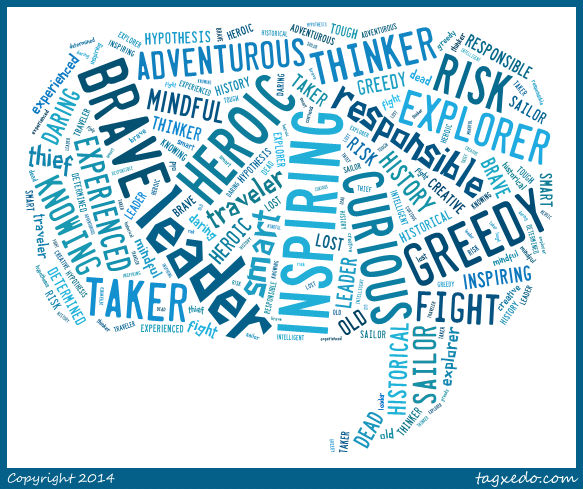
Following the video, I asked students to tell me what words they would use to describe Columbus.  They turned and shared with a neighbor first and then I used Tagxedo to capture several of their words into an image.

columbus video

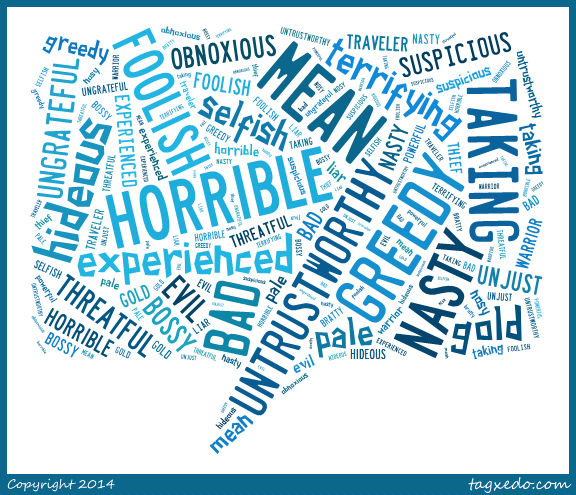
Then, we read the book Encounter by Jane Yolen.  I love pairing this book with what students are already thinking about Columbus because it typically flips their outlook on Columbus and explorers in general.  I asked them the same question about Columbus, to describe him based on the book they just heard.  Here’s how their words changed.

columbus encounter


This lesson was meant to setup the whole research process that students will now embark on.  They will each select one of the explorers from the 4th grade standards:

SS4H2 The student will describe European exploration in North America.

a. Describe the reasons for, obstacles to, and accomplishments of the Spanish,
French, and English explorations of John Cabot, Vasco Núñez de Balboa, Juan
Ponce de León, Christopher Columbus, Henry Hudson, and Jacques Cartier.

b. Describe examples of cooperation and conflict between Europeans and Native
Americans

They will ask themselves, “Is this explorer a hero or a villain?”  Some teachers may even assign a perspective for students to take even if they disagree with that perspective.  I told them to think back to Columbus.  Even though many of us think he’s a villain after reading Encounter, we were still able to come up with all kinds of words to describe why he was a hero.  Students will use a Sqworl pathfinder along with other databases and print books to research. They will write a short persuasive piece convincing an audience to believe that their chosen explorer is a hero or a villain.

Barrow Explorers

We will use Flipgrid to create videos of all of these writing pieces.  I made one grid for each explorer so that we hear both perspectives in one place.  They will be stored on a Google site so that we can easily view all of the videos.  I also made a Google form so that viewers can easily vote for whether they think each explorer is a hero or a villain.

Our plan is to share this with our entire school as well as share on social media and this blog when we have everything ready to go.

Be on the lookout for your opportunity to give the students feedback on their work and participate in this project.


Barriers to Bridges: Using Tripline to Document the Civil War

Tripline

I love using Google tools.  Our district is a Google Apps for Education district. We have numerous kinds of devices in student hands from Asus netbooks to Samsung Chromebooks to HP laptops to Lenovo Thinkpads. Each of our 3rd-5th grade has their own device supplied by the district and in 5th grade these devices are predominantly Chromebooks and HP laptops. We mix devices in grade levels for 2 reasons. We don’t have enough of one devices to give one grade level the same device and not all of our programs run on all of the devices. This causes problems for us from time to time, but a big part of my philosophy is that when you come to a barrier you have to build a bridge to get over it.  Roadblocks are a nuisance and they slow down productivity, but they aren’t reason for giving up.

Recently, I had a great planning session with Ms. Shelley Olin in 5th grade to plan a Civil War project with her students. She wanted a way for students to remember the many events of the war as well as visualize where all of the events took place.  I’ve used Google Tour Builder several times to document virtual connections with classrooms around the world. I love that you automatically have an account if you have a Google account and that you can easily integrate your Youtube videos and Google drive photos into the tour.  I used this tool last year to document the 36 connections we made during World Read Aloud week and it is so nice to see all of the connections and play through the summary of where we traveled each day. I thought this would be a perfect tool for Ms. Olin.  Students already had an account through their Google apps accounts.  Our plan was for Ms. Olin to use this tool in her closing of her lesson each day.  Students would visit their Google tour and add new locations to a Civil War tour.  They would write summaries of each location or event and search for images on public domain sites such as the National Archives or Library of Congress.

Then, we faced a major road block.  Google Tour Builder requires a plugin that can only be installed on IOS or Windows.  Why was this a road block?  None of our Chromebooks could install the plugin.  How ridiculous that a Google computer couldn’t even use a Google tool!  Even though we were both frustrated, I didn’t want this one road block to keep us from carrying out our plan. I searched for another tool and stumbled upon Tripline.

tripline (5)

Tripline does many of the things that Google Tour Builder can do. You can create a map in a sequence of events, list specific dates and times, add summaries of what took place in each location, upload photos, and add links to other content.  It doesn’t integrate into Google apps, but it was the closest match that I could find.

tripline (4)

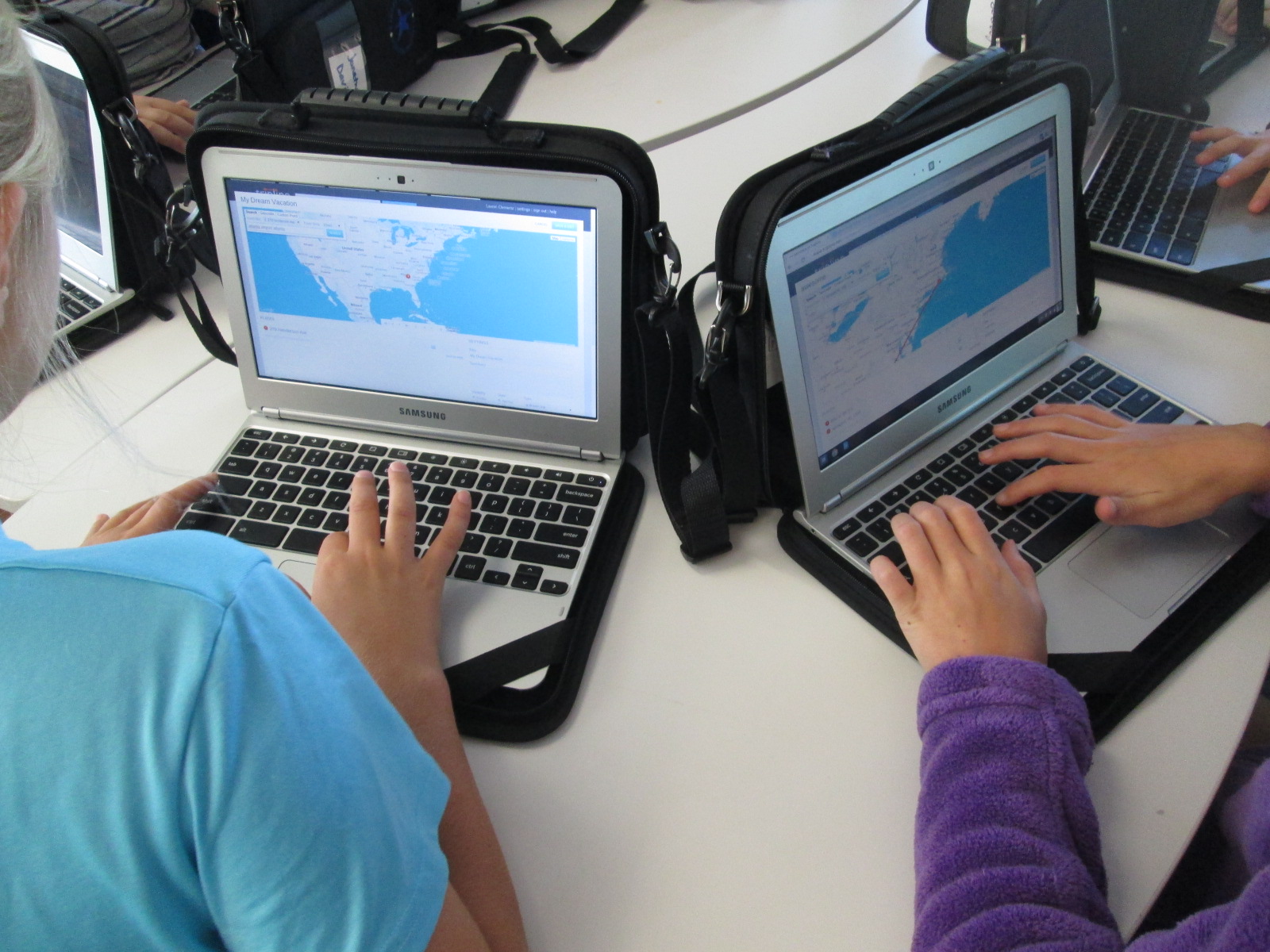
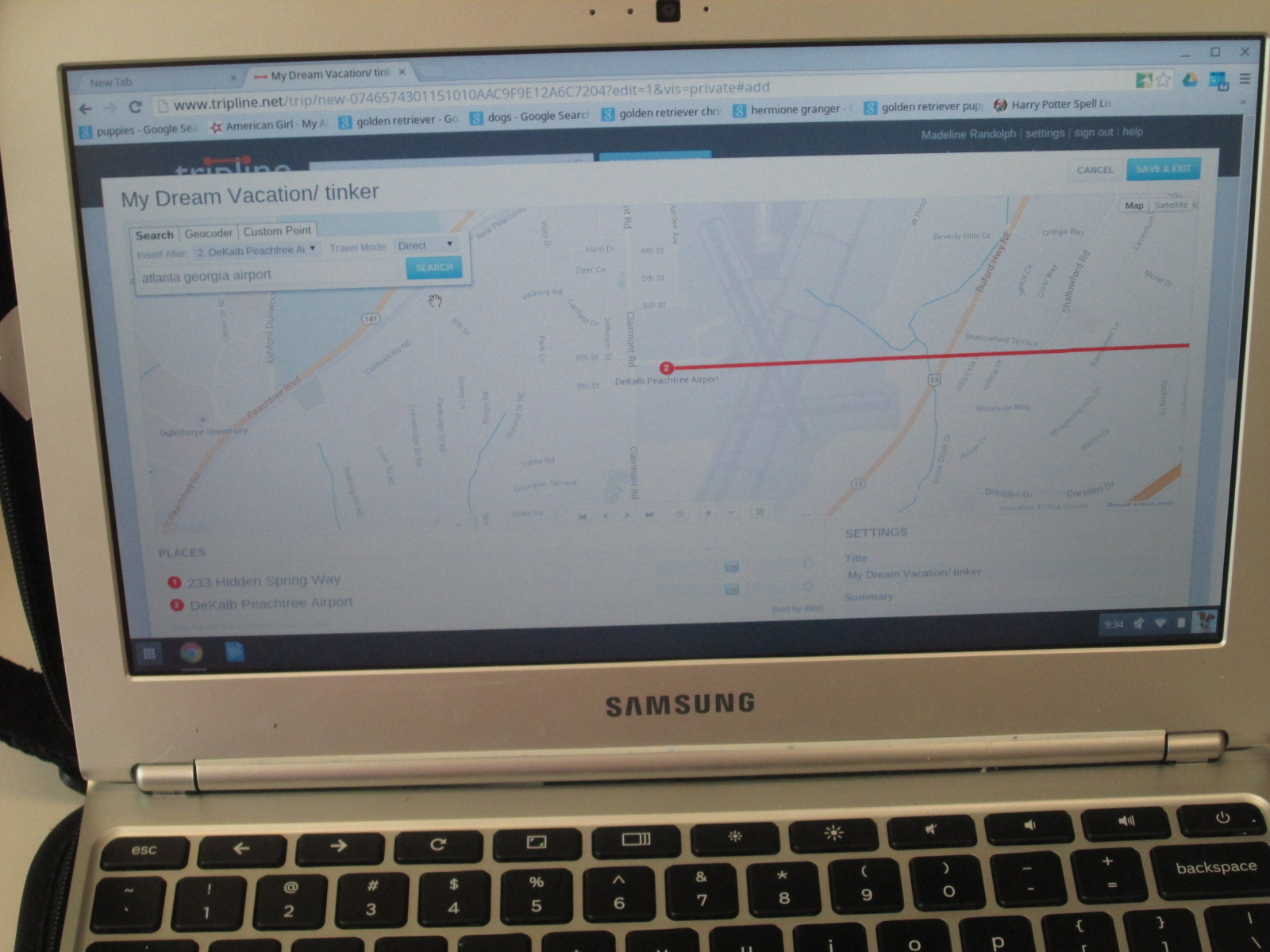
Ms. Olin scheduled each of her classes to come to the library to get started.  I did a quick demo on the board and then we got students setup with accounts.  Once they had accounts, each student created a tinker map.  This was a space for them to just mess around and explore all of the functions of Tripline.  Their map could be about anything and they could travel anywhere.  They would always have this map to come back to in order to tinker if they needed to during the course of their social studies project.

tripline (2)

It was fascinating to see what students decided to do during their tinkering time.  One student had moved to our school from Rome, GA. He located his old house and made a map of several important places to him while he lived there.  Another student made a dream vacation map and traveled to several countries that she only knew the names of.  She then pulled up a Google search to look for cities within those countries and added specific cities to her trip.  Each map was different but all students accomplished the same thing.  They got familiar with how Tripline functions.

tripline (1)

At the close of our time, we opened up a new map and got their Civil War map created and saved.  Now, they are ready to begin their study of the Civil War.  They will document major locations of the war through pinpoints on the map, pictures, and summaries of what happened at each location.  I can’t wait to see what they create.


Our 1st #3dprinting Project of 2014-15: Native American Hopes and Dreams stamps

native american stamps (15)

Fourth grade has launched into an incredible project for the 1st quarter of the year.  I’m so excited to be a small part of the project in the library.  In social studies, they are studying Native Americans.  Their standards include:

SS4H1 The student will describe how early Native American cultures developed in
North America.
a. Locate where Native Americans settled with emphasis on the Arctic (Inuit),
Northwest (Kwakiutl), Plateau (Nez Perce), Southwest (Hopi), Plains (Pawnee),
and Southeast (Seminole).
b. Describe how Native Americans used their environment to obtain food, clothing,
and shelter.

During this study, they are exploring the folklore of Native Americans through several folktales.  The brought them to the idea of a grade level dream catcher.  The beginning of the school year is a time full of hope.  It’s a time where students, teachers, and families set goals for what they hope to accomplish throughout the year, and many spend time writing about hopes and dreams.  The teachers in collaboration with the art teacher decided to design a project to capture the hopes of dreams of students in the form of meaningful symbols on a dream catcher.

native american stamps (1)

Working together, students will creative a massive dream catcher.  In art, they are designing symbols that represent their hopes for the year.  They are designing shapes that can be drawn in one continuous line.

native american stamps (2)


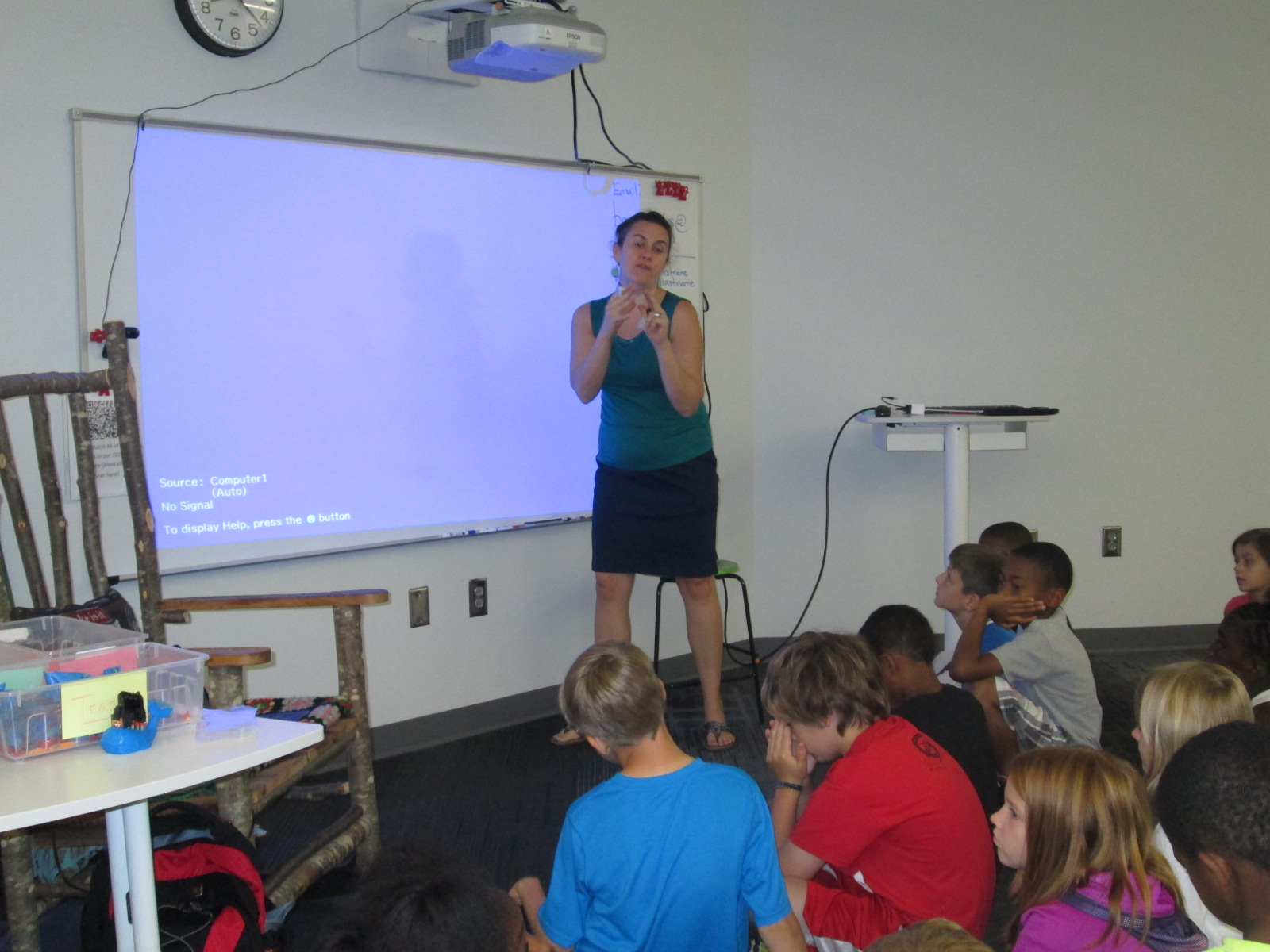
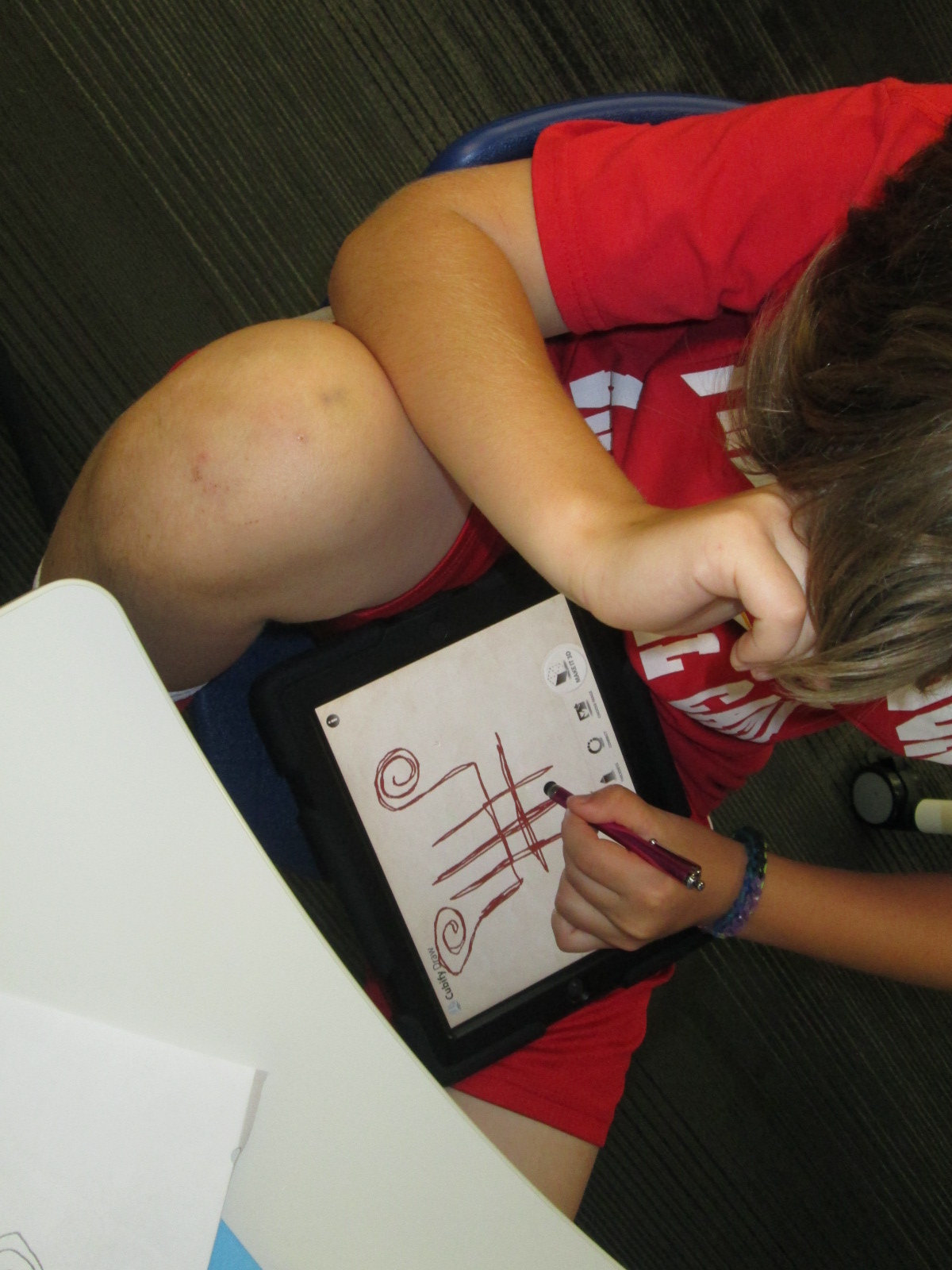
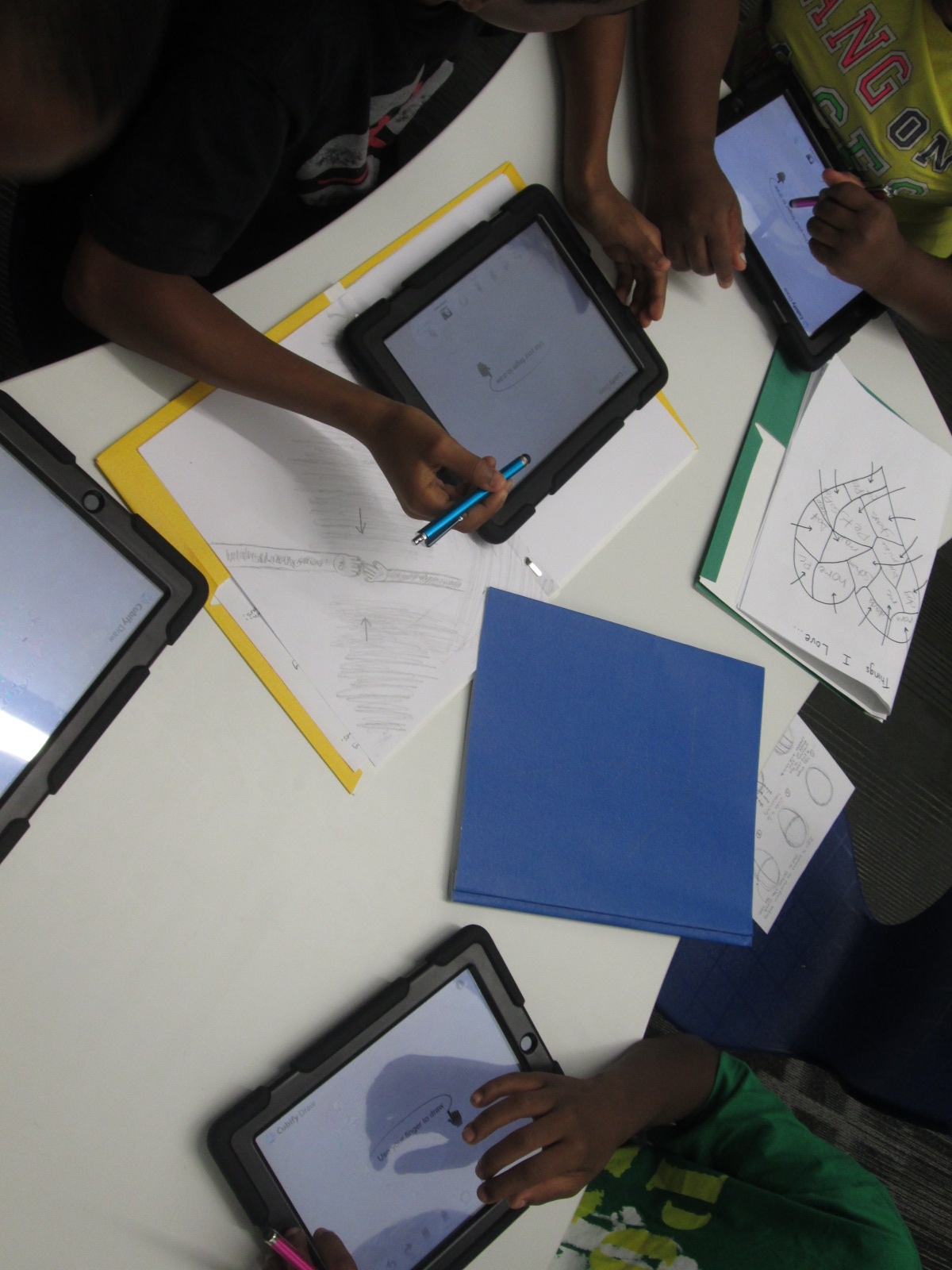
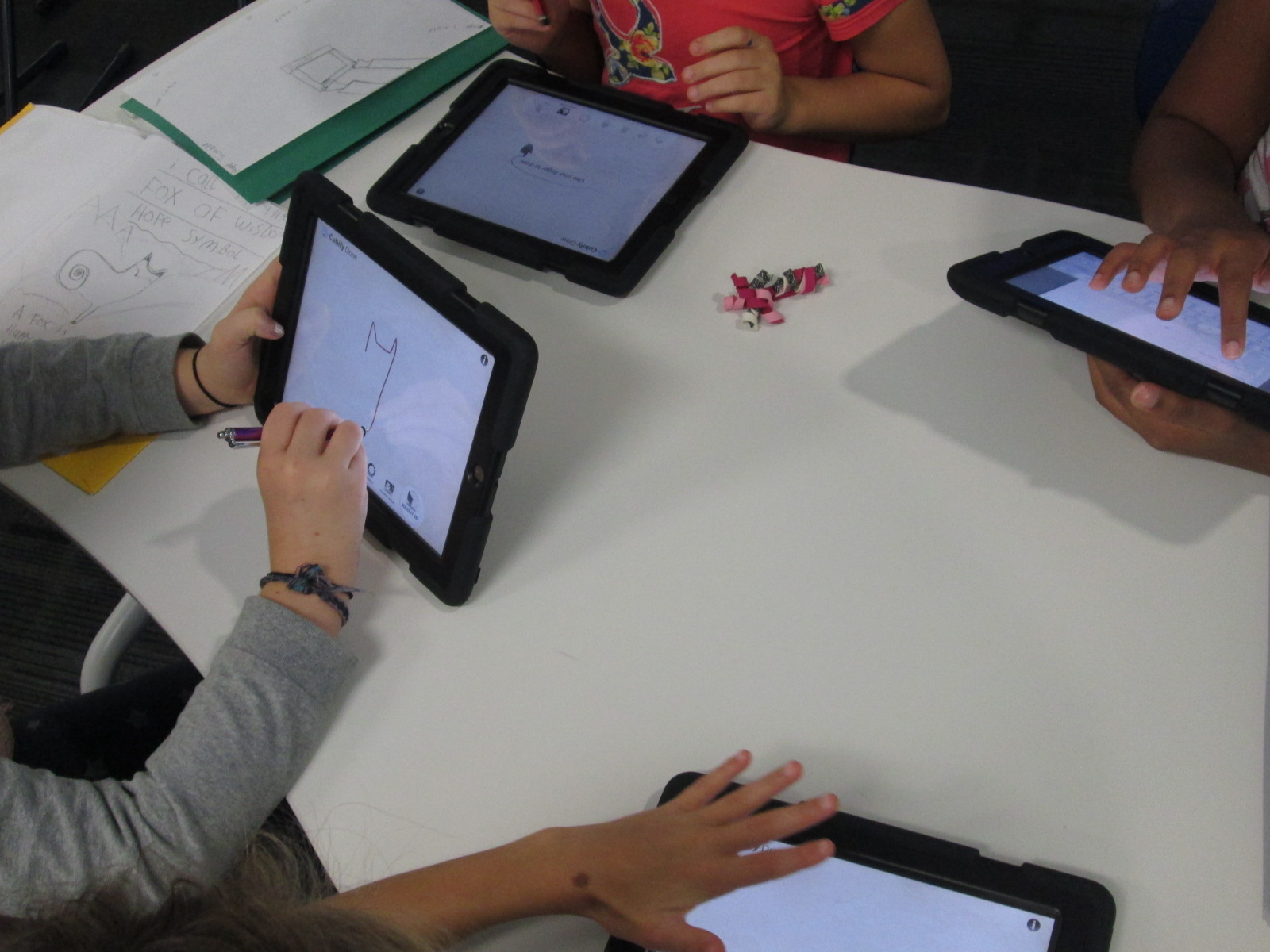
With me, students are using an iPad app called Cubify Draw which is designed by 3D Systems.  The app is very simple to use.  With your finger or a stylus, you draw one continuous line to create pretty much anything you can dream up.  You can adjust the thickness of the line and then touch “make 3d”.  The shape automatically turns 3D and you can adjust the height and thickness.  Once your design is ready, you can email the file to a central location to prep for 3D printing.

native american stamps (10)

For the lesson in the library, I gave a very brief intro to the app and shared some tips that I discovered through my own tinkering.  Big open swirls seem to print better than lines that are close together.  The shortest height and thickest line tends to print best.

native american stamps (4)

Mrs. Foretich, our art teacher, passed out the paper designs students made in art and gave students another opportunity to make adjustments to their designs and practice tracing the design with their finger.  I passed out iPads and the tinkering began.  Most students made several designs until they got the design just the way they wanted it.  Mrs. Foretich and I walked around and conferenced with students about adjustments they might need to make to their designs as well as helped troubleshoot problems.  Students emailed their designs to me with their teacher name and first name in the subject line.

native american stamps (5)

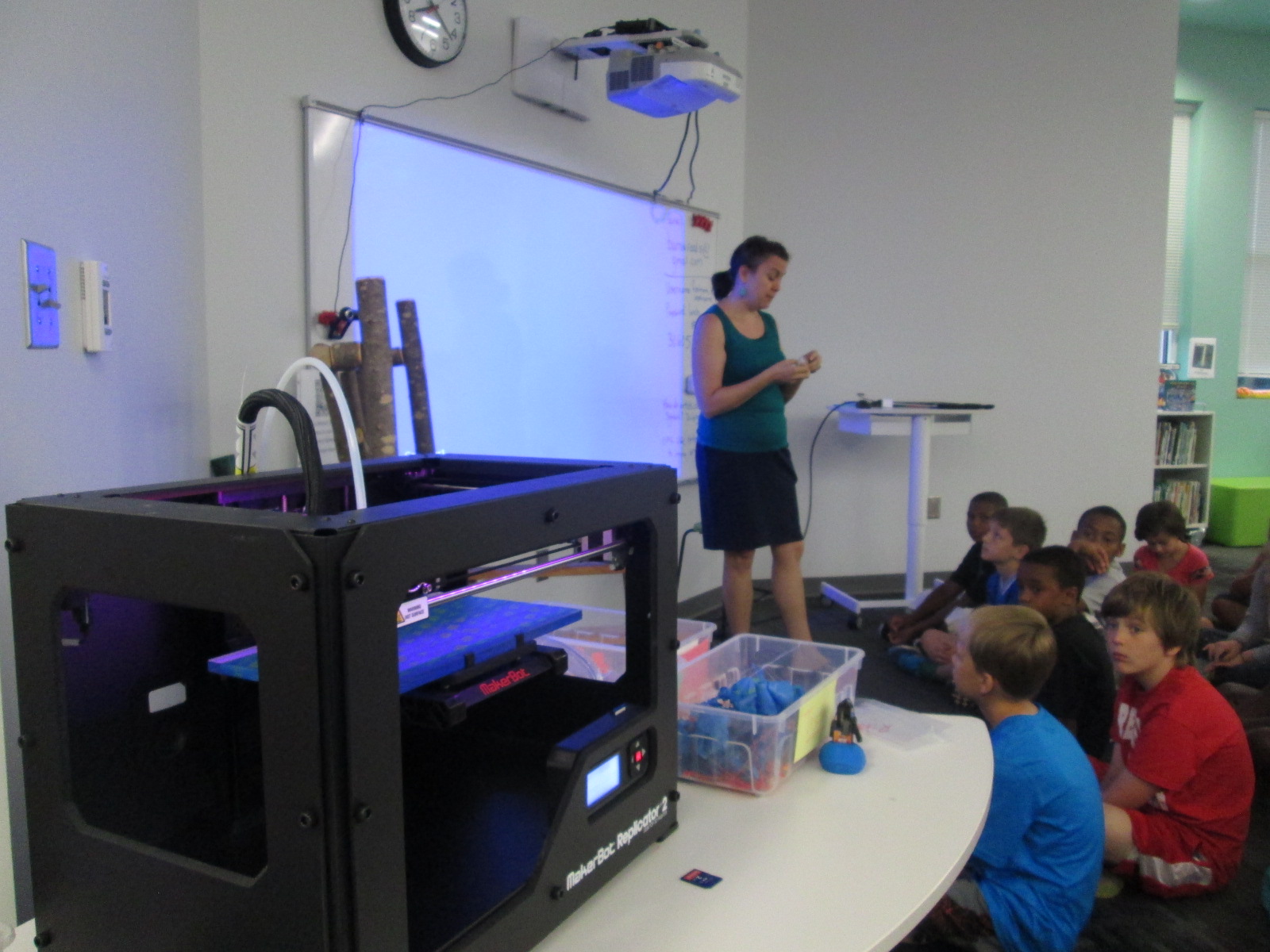
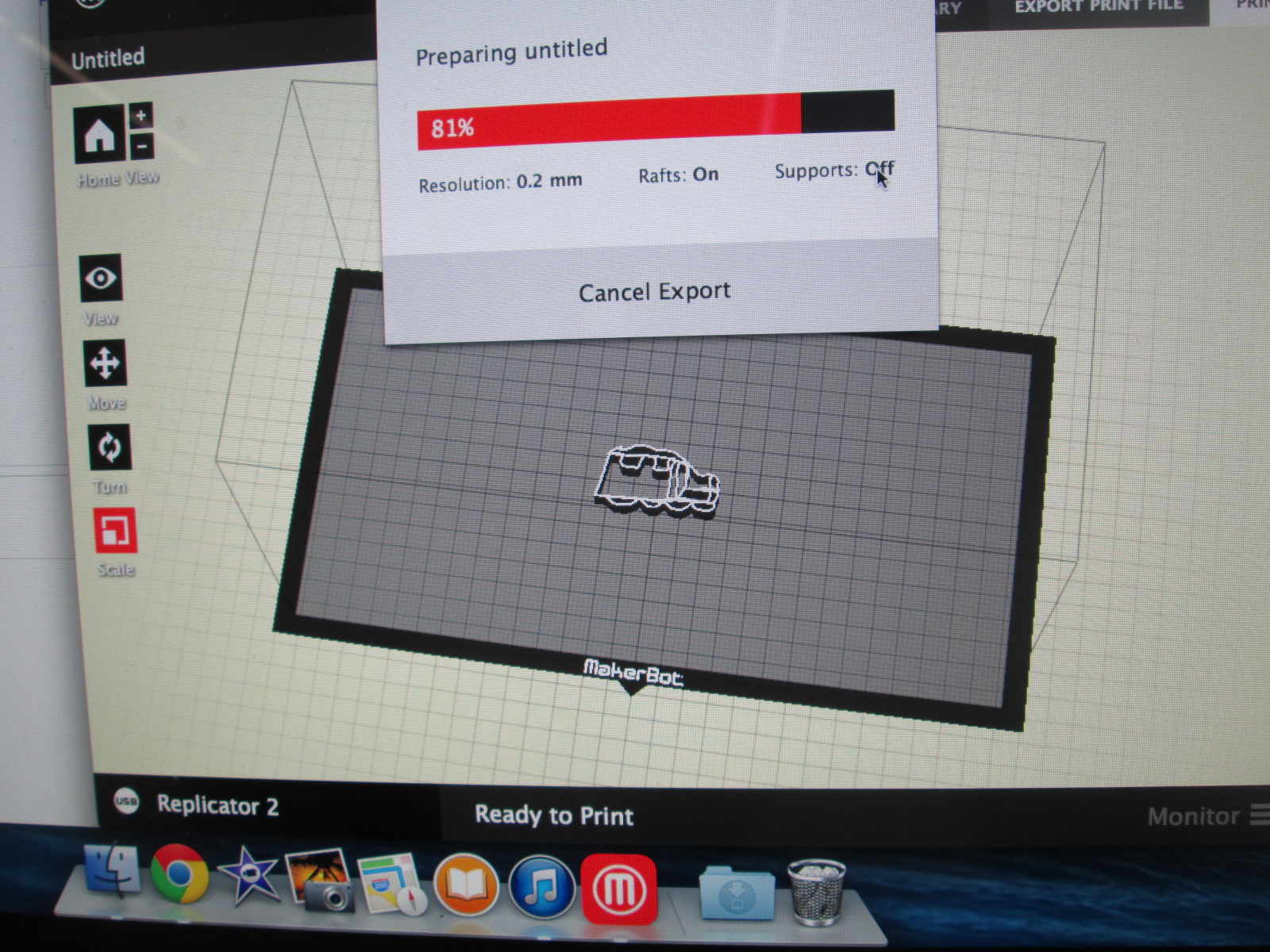
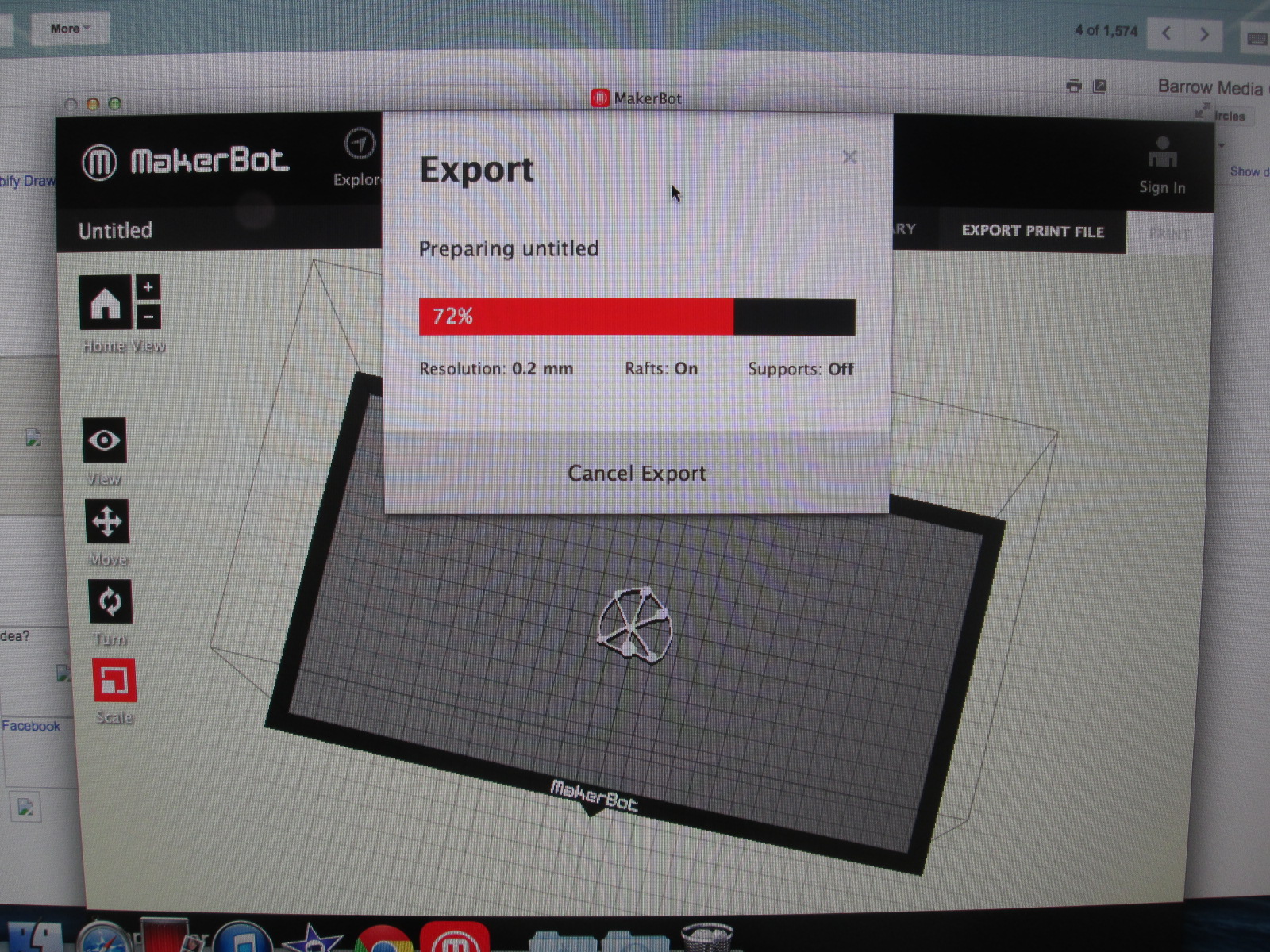
We are doing this lesson with the entire 4th grade, so that makes for roughly 60 designs.  Each design has to be imported into Makerware, reduced in size, and exported as a file for our Makerbot Replicator.  These files are being placed onto SD cards.  To speed up the file prep progress I used multiple computers and multiple SD cards.

native american stamps (12) native american stamps (11)

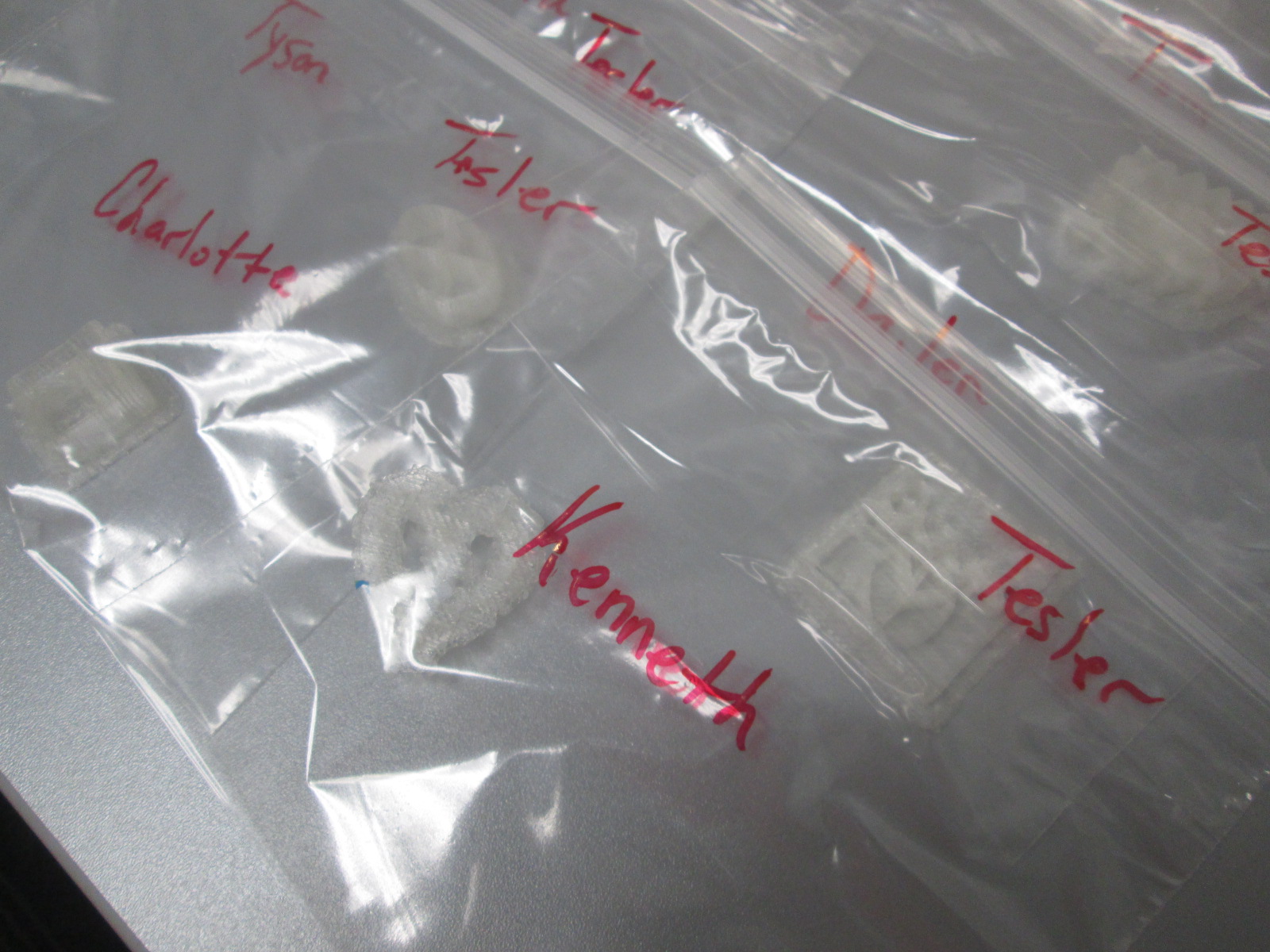
Then, the printing began.  Print after print is now running in the library.  It took about a day and half to print the first class batch.  Now I have 2 more to go.  Each student print is being placed in a ziploc bag with the student and teacher name on the bag for easy distribution.

native american stamps (14) native american stamps (13)

The next step will be for students to create a vessel out of clay in art.  They will use their 3d stamp to press designs into their vessel.  All of the vessels will hang from  the grade level dream catcher, including vessels designed by all of the teachers involved in the project.  This will serve as a symbol for the year to represent our connectedness and our common goal of working together to achieve many hopes and dreams this school year.  Our vessels and dream catcher will hold these safe throughout the year.

Thank you Mrs. Foretich and the 4th grade team for an incredible project for our students that allows them to dream, tinker, create, and share.


4th Grade Created an Augmented Reality Wax Museum using Layar and Multiple Digital Tools

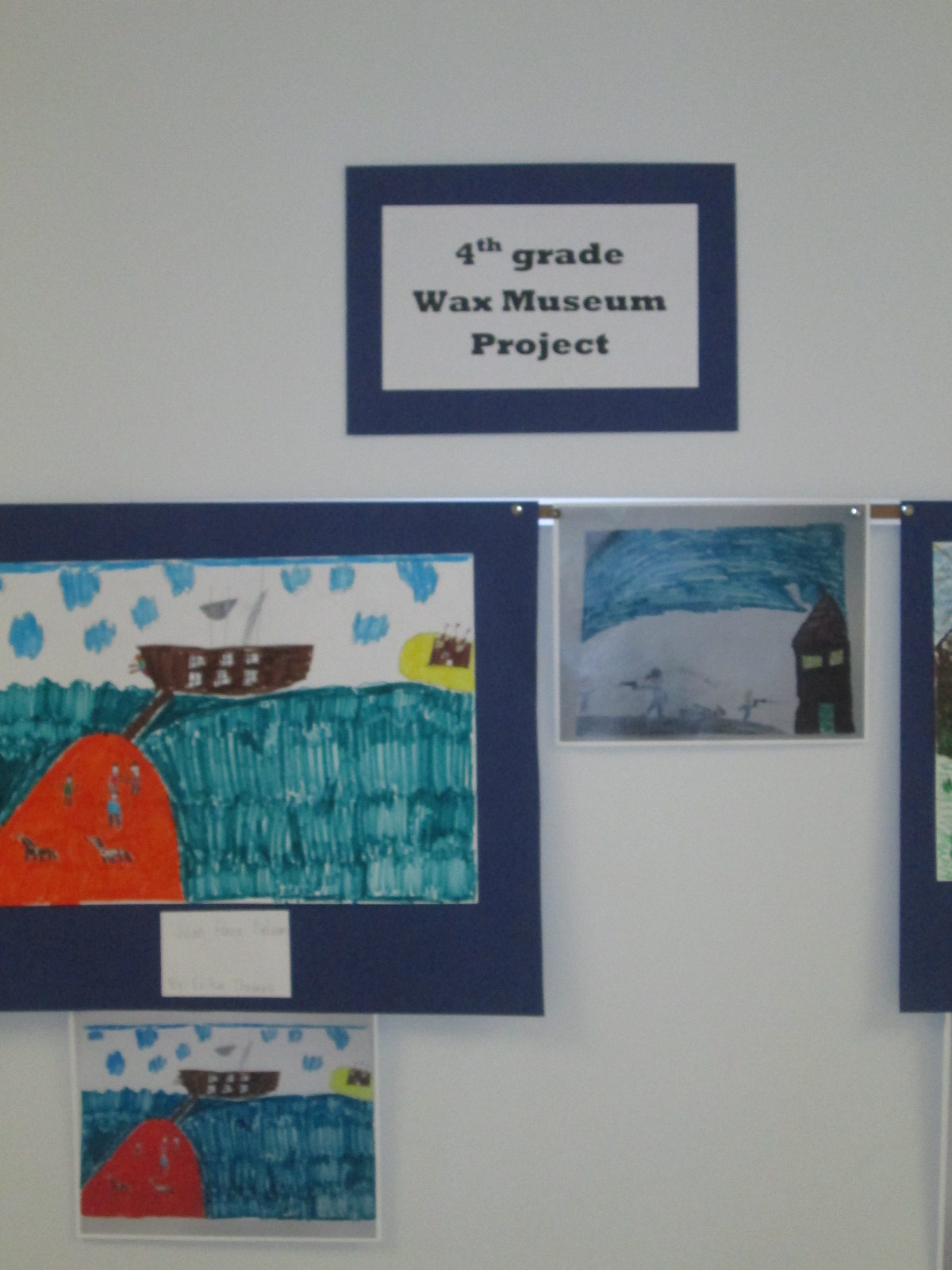
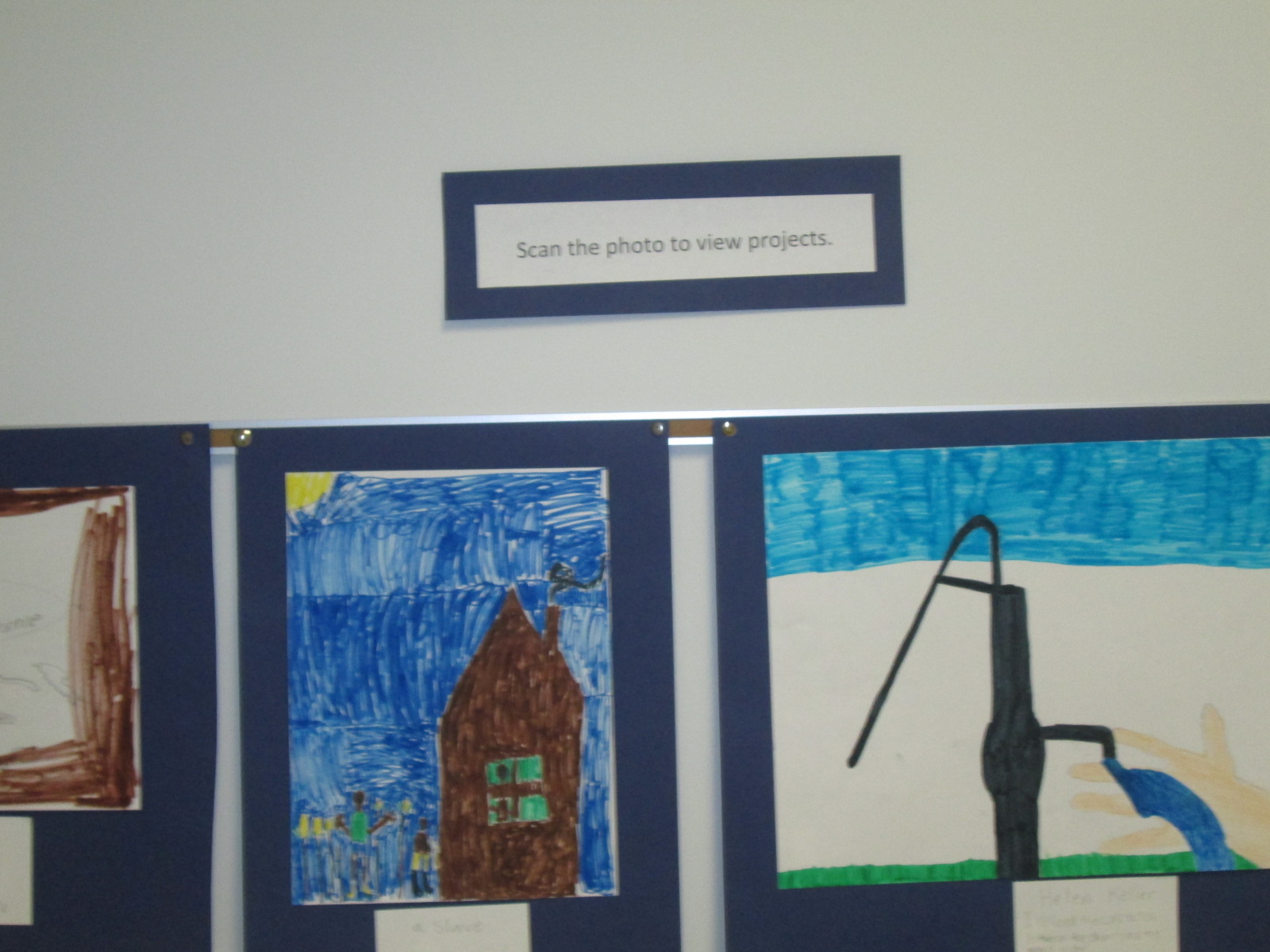
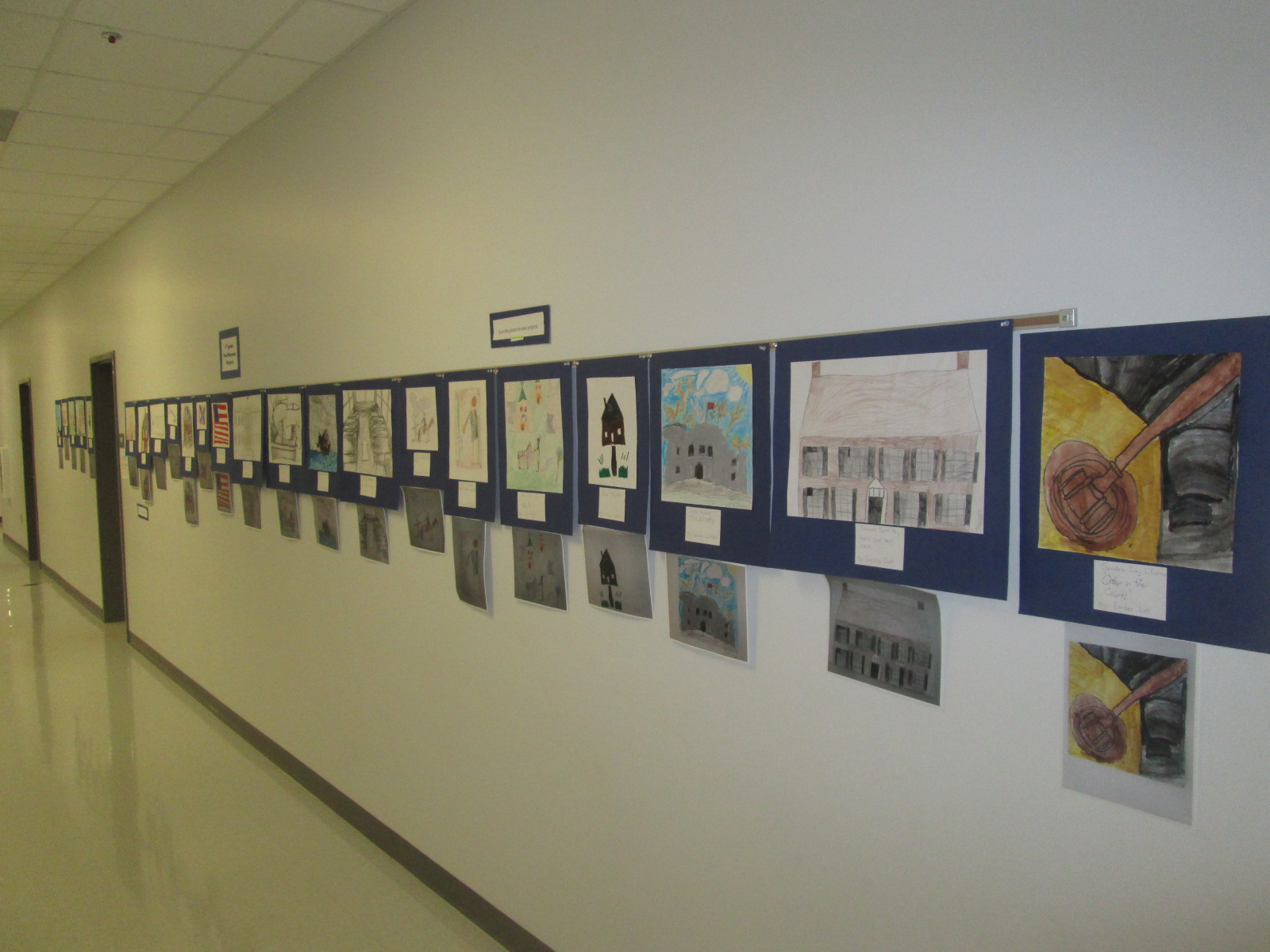
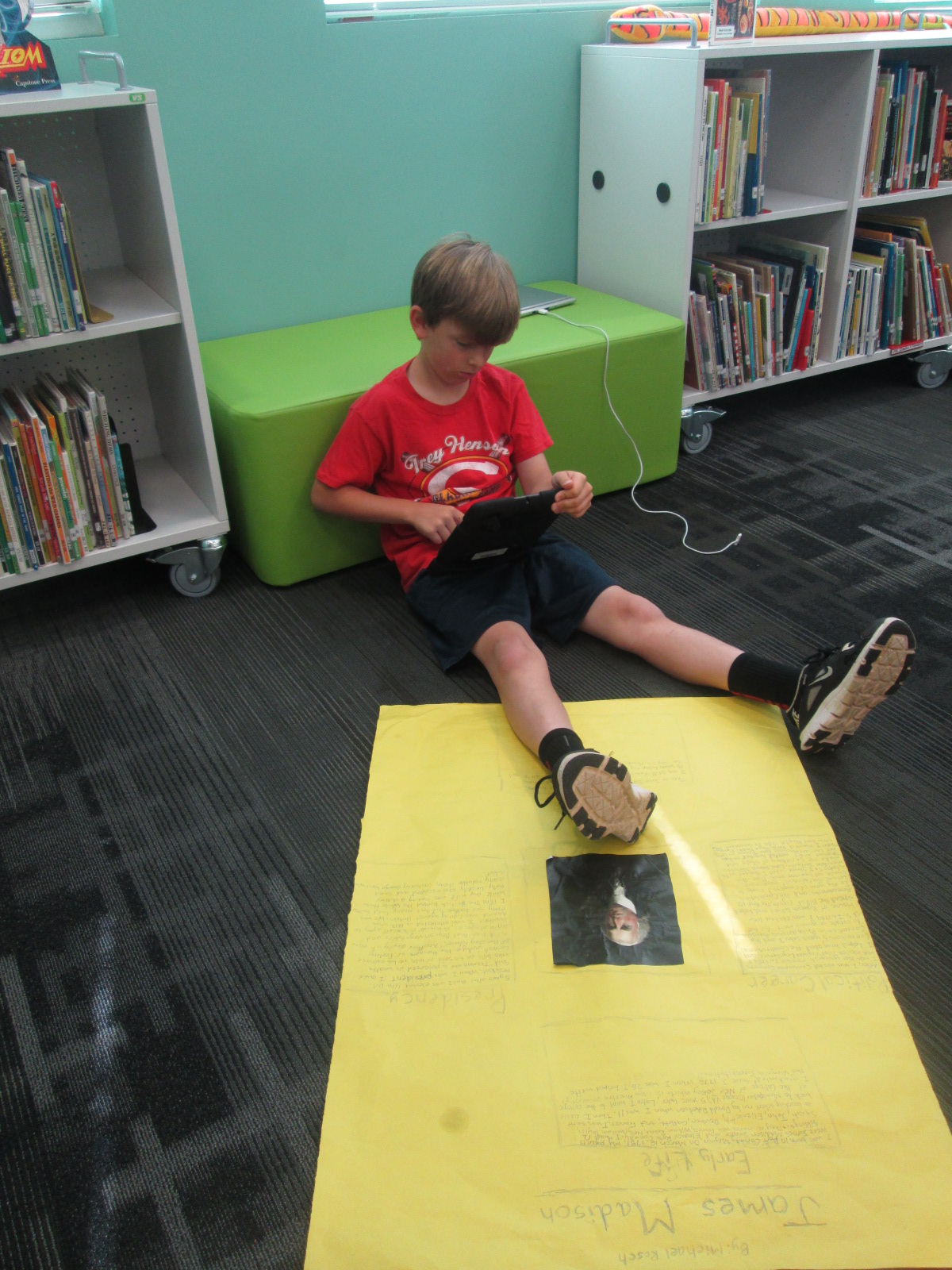
IMG_3325Each year, our 4th grade creates a wax museum for their colonial period social studies standards.  Students research a person from that time, write and memorize a script, dress as that character, stand throughout the school, and give their speech multiple times to visitors.  This year the 4th grade team and I decided to try something different.  We wanted to create a digital wax museum and expand the standards beyond the colonial period to the entire 4th grade social studies standards. This new project would use the augmented reality app, Layar, to unlock all of the digital projects that students created about their person from history.  It would also be a collaborative project between 4th grade, art, and the media center.

IMG_3320 IMG_3321 IMG_3322

Updating this project was a big undertaking, but we created a process that I think can grow and expand next year.

IMG_3323 IMG_3324

First, students came to the library and learned about the project.  I showed them various digital resources that they might use for their research including Pebble Go and our state Galileo database which includes Encyclopedia Britannica.  I showed them how they could search for websites within Destiny when they are logged in.

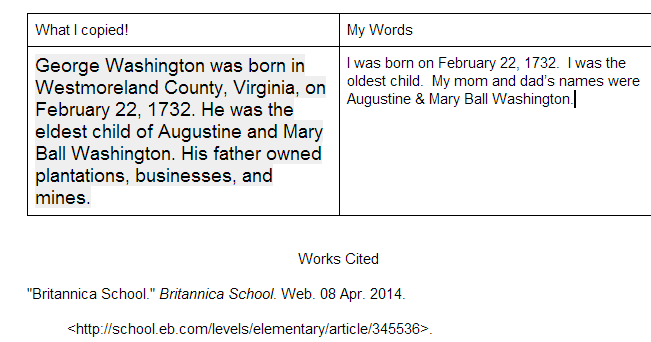
Wax Museum Research   Google Docs

Next, I showed them how they could create a double column table in a Google doc.  One side would be a space to copy and paste information from digital resources and the other side would be for putting the information into their own words.  I showed them how to use the Easybib add-on within Google docs to document where their information was coming from.  They loved this feature and so did the teachers.

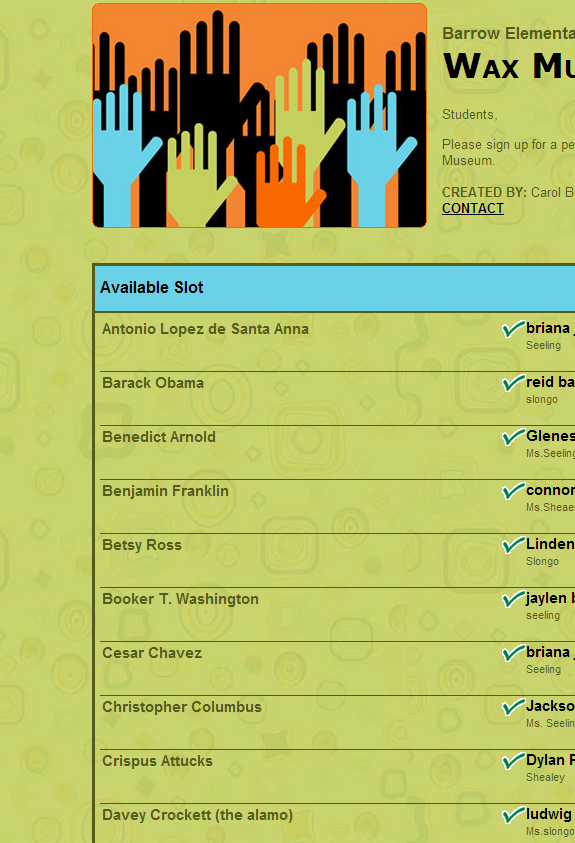
Barrow Elementary  Wax Museum   4th Grade

Finally, students used a Signup Genius to sign up for their topics.  This made topic selection fast and teachers were able to give a final approval to the person that students signed up for.

After that, students started their research.  Most used their gathered facts to write scripts for various projects.

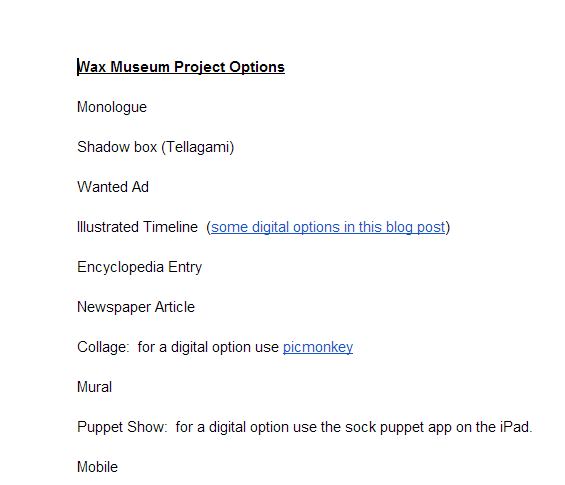
Wax Museum Project Options   Google Docs

Then, they all returned to the library to learn about their project options.  Students did not have to use technology to create their project, but they did have to use technology to document their project.  For example, if they made a physical poster, they had to use some type of technology tool to record some information about their poster using their script. Many digital tools were suggested to students, but students were welcome to find and try their own tools.  We suggested Chatterpix, Tellagami, and iMovie as main options. Students chose projects and continued working in class.

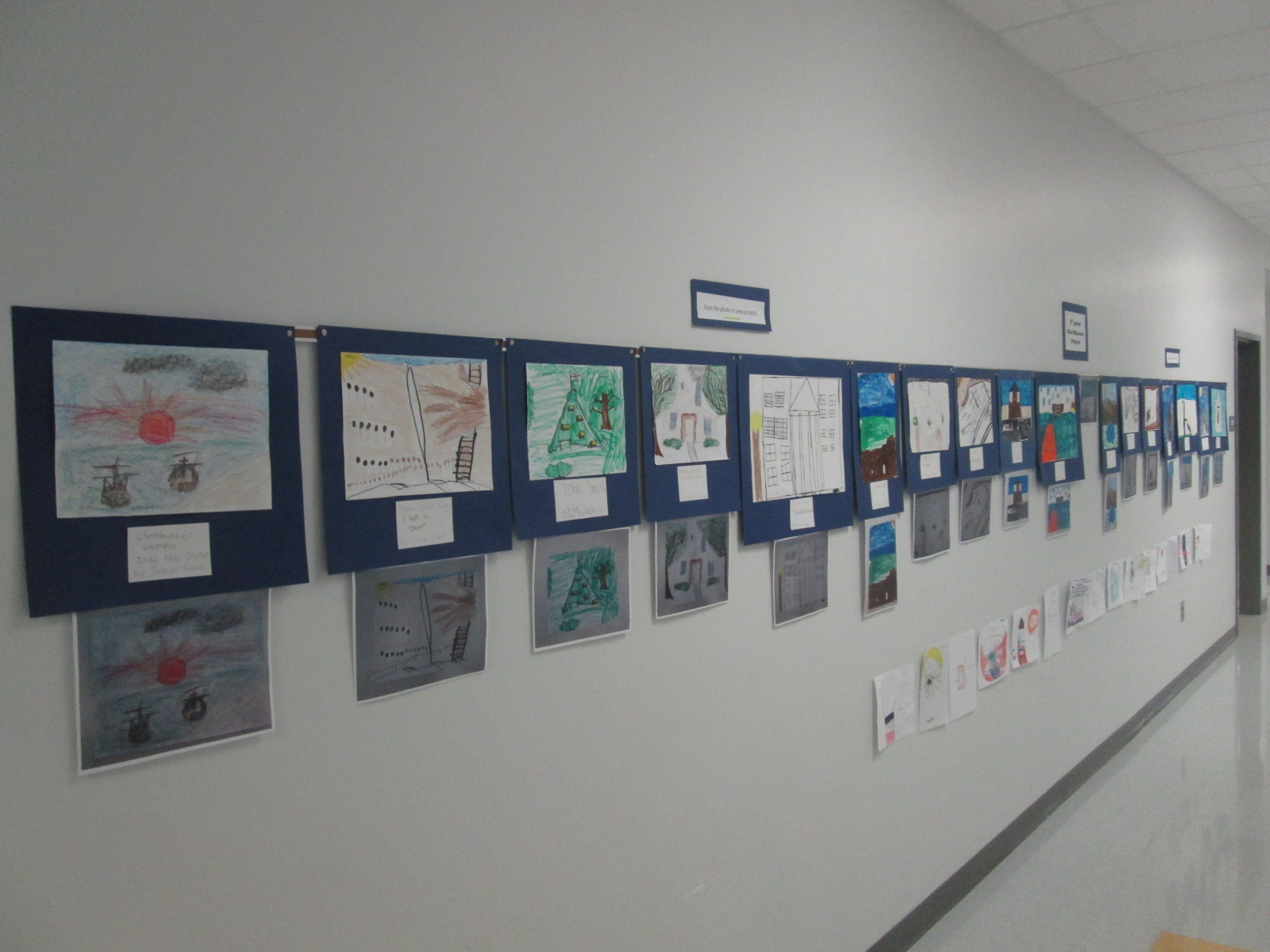
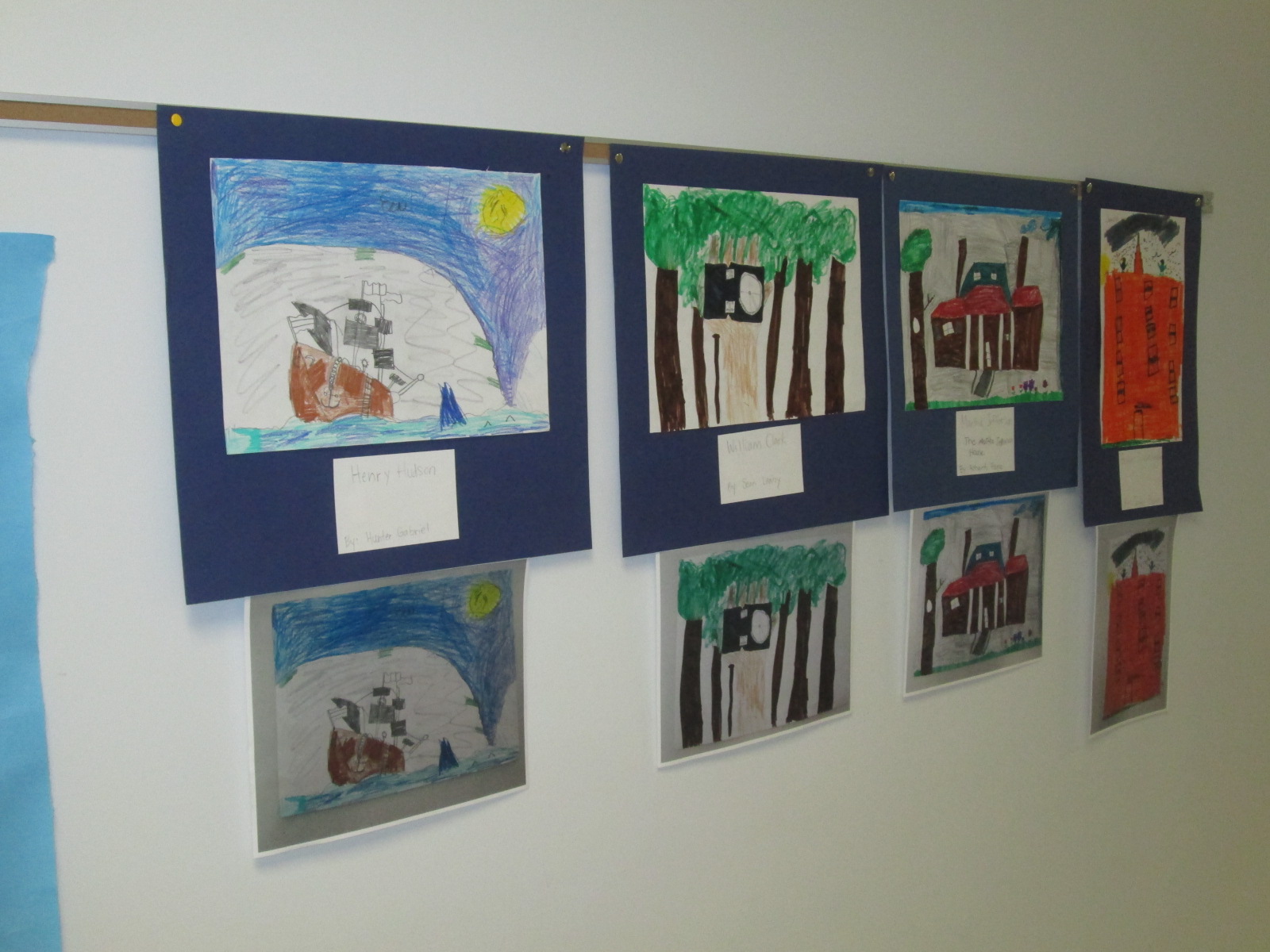
In art, students researched images of the historical events their person was involved in and created an image to serve as the trigger image for the Layar augmented reality app.  The images were created with water colors, pencils, crayons, markers, and various other tools.

IMG_3132 IMG_3133 IMG_3136 IMG_3137


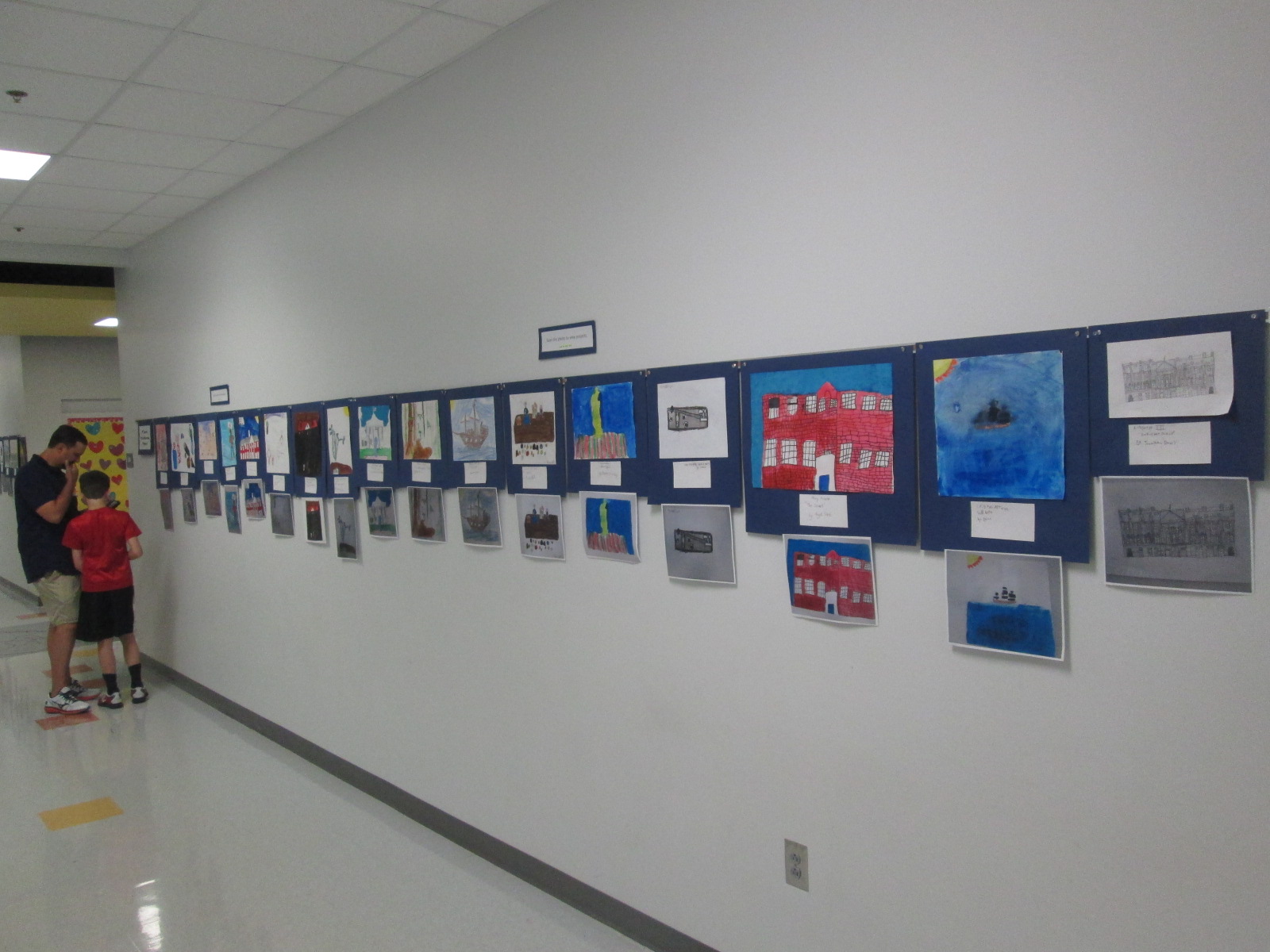
As images were finished, they came to me in the library so that they could be photographed and uploaded to Layar.  I also printed each photograph so that we had a uniform size picture to scan in the hallway.  This wasn’t necessary, but it was nice to have a smaller image to scan since some were large.

IMG_3312 IMG_3306 IMG_3304 IMG_3298 IMG_3296 IMG_3295

Students made multiple kinds of projects to attach to their image in Layar.  Some chose to make gamis in Tellagami.  Because this app lets you make 30-second clips, some students chose to make multiple videos to upload to Youtube while others used iMovie to compile their videos.

https://www.youtube.com/watch?v=fQDJfBoSqdQ

Some students used Chatterpix to make a picture of their character talk.  Once again, they either created multiple files or compiled them.

https://www.youtube.com/watch?v=0VwlwdVob7w

Some students chose to do the traditional wax museum project of dressing up as your person, but this time, they filmed themselves and uploaded to Youtube.

https://www.youtube.com/watch?v=Txzcp2GTPi4


A few students created unique projects that no one else attempted.  One student used Powtoon to make a Common Craft-like video about indentured servants.

https://www.youtube.com/watch?v=LNV_qPUBGHk

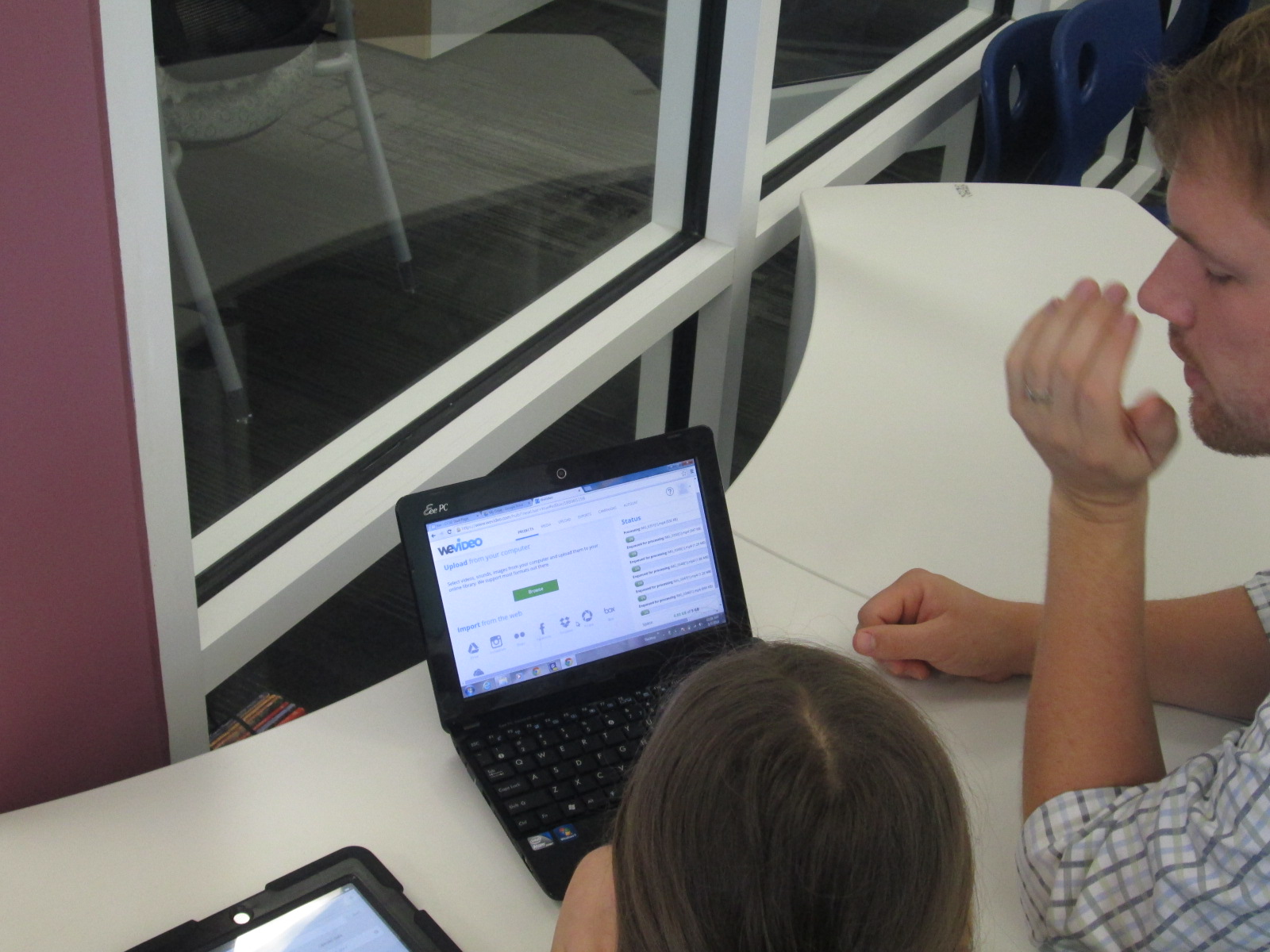
Another student wanted to do an interview, so she filmed clips of herself as a news reporter asking questions and made response videos using Chatterpix.  Then, she used WeVideo to put them together.  Because the free version of WeVideo doesn’t upload to Youtbe, we had to do a screencast of her project in order to view on the iPad.

https://www.youtube.com/watch?v=d8RNiZOJ1QY

Another student used Songify to record a rap song about Martin Luther King.  We converted his file in Any Video Converter and put it into iMovie so that it could be uploaded to Youtube.

https://www.youtube.com/watch?v=bKSLwheRgtI


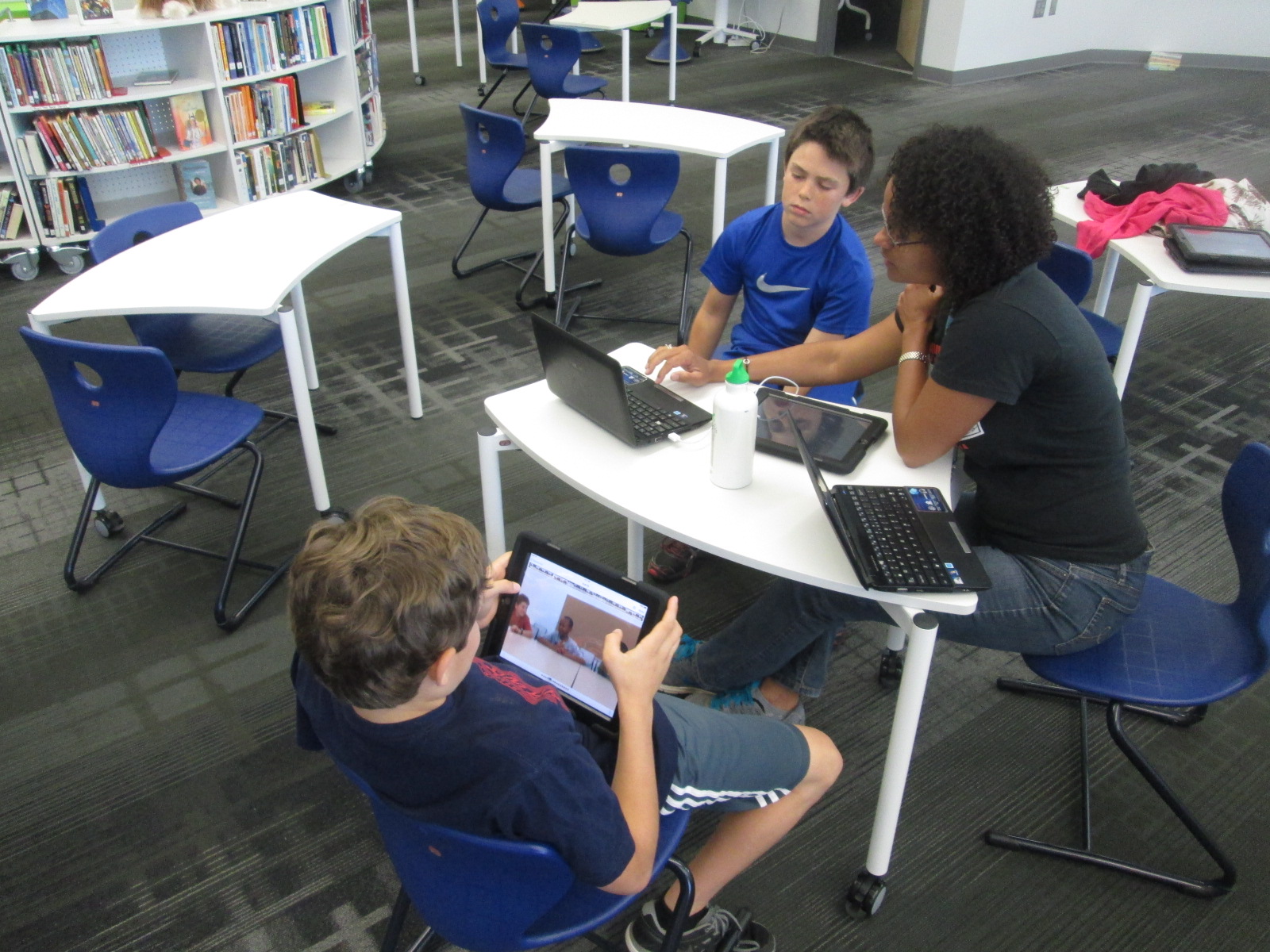
Once students had a video or link to their project, they emailed it to me to upload to Layar.  They could have done the uploading to Layar themselves but we wanted to test most of the Layar pages before we put them in the hall.  Many people helped students with the creation and uploading of their projects.  Many thanks to the 4th grade teachers, our grad assistant Carol Buller-McGee, our instructional tech specialist Todd Hollett, gifted teacher Heather Carlson, special ed teacher Haley Beaver, an EIP teacher Lee Rogers for assisting me with getting students videos uploaded and emailed.

IMG_3307

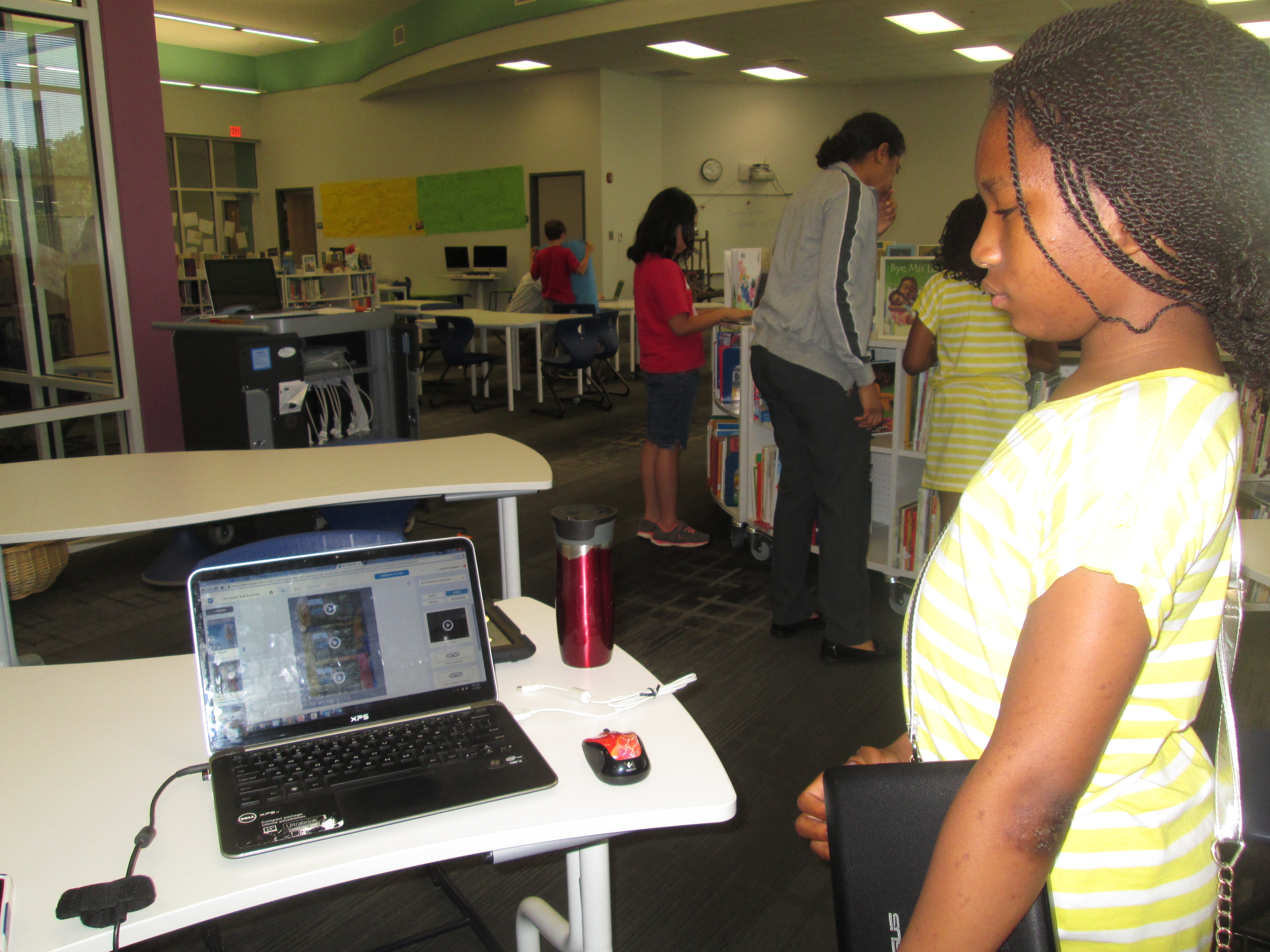
Students worked with me to connect their links in Layar, put them in right spots on the image, and test them out.  I went ahead and published our “campaign” in the Layer creator.  You have to “publish” before the images will work when they are scanned.  You can still add pages and links even after you have published.

Barrow 4th Grade Wax Museum 2014   Smore

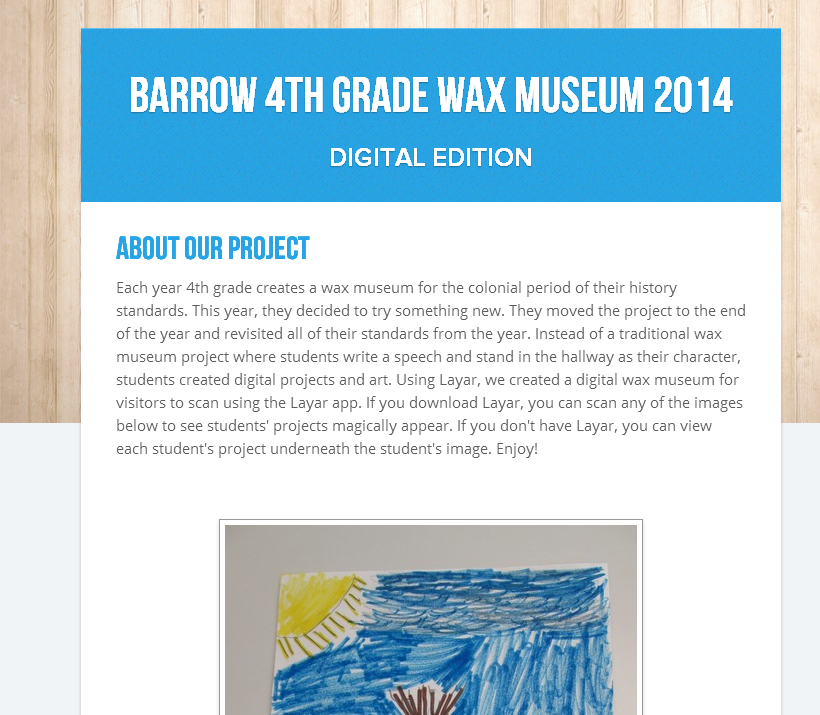
We also uploaded all of the content to a Smore page so that families (and the world) could view the projects from home without Layar.

IMG_3327 IMG_3328 IMG_3335

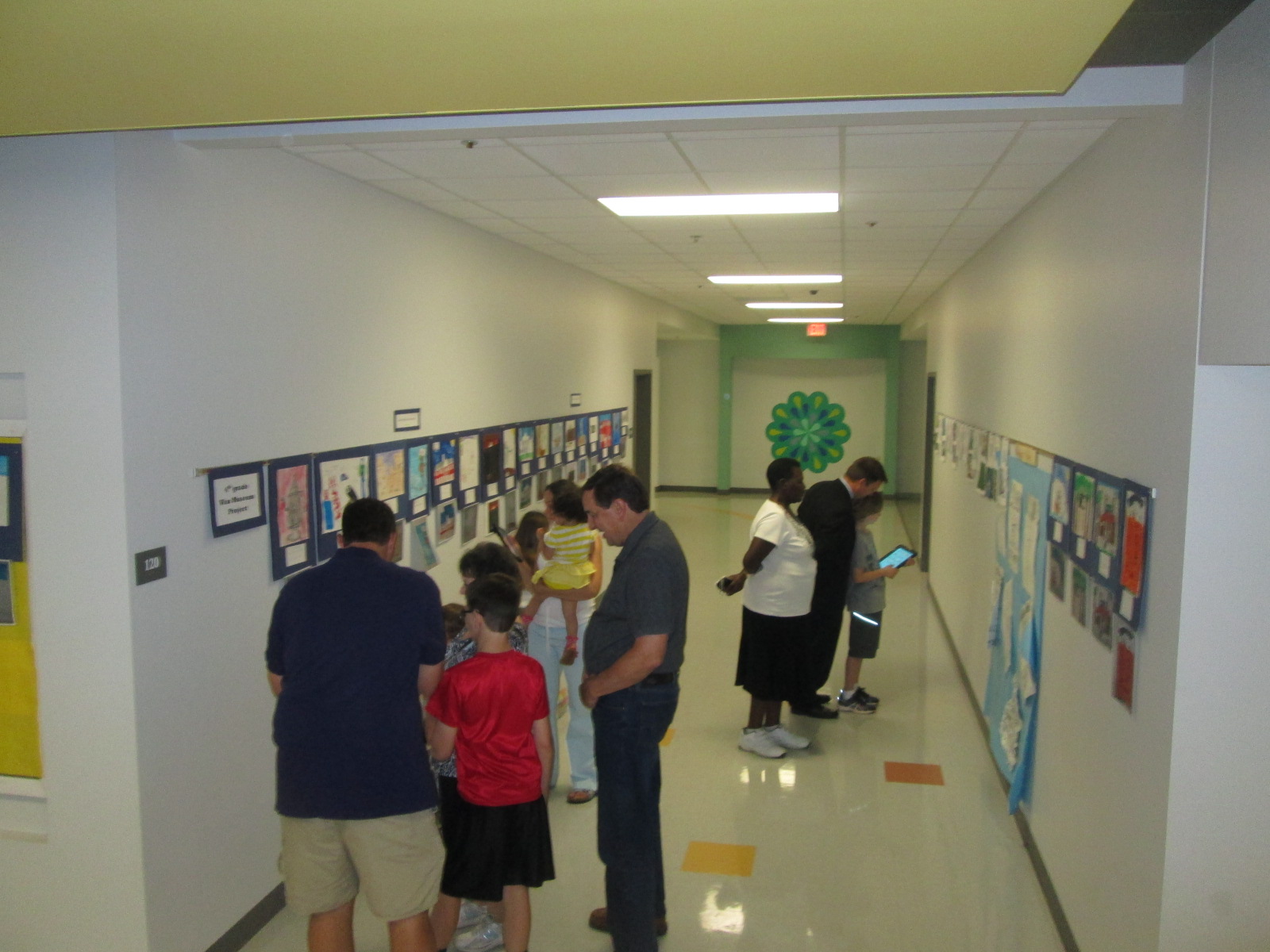
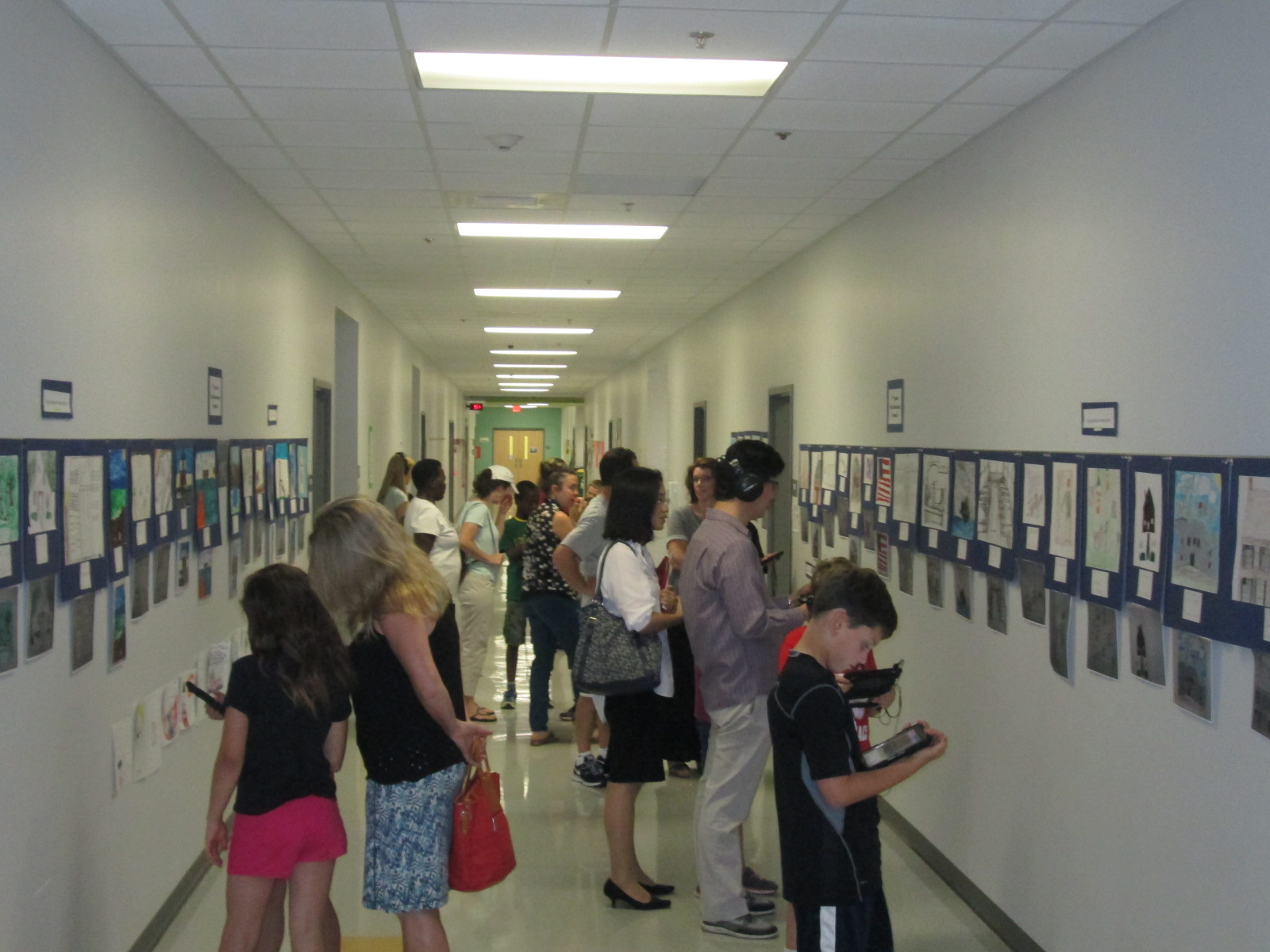
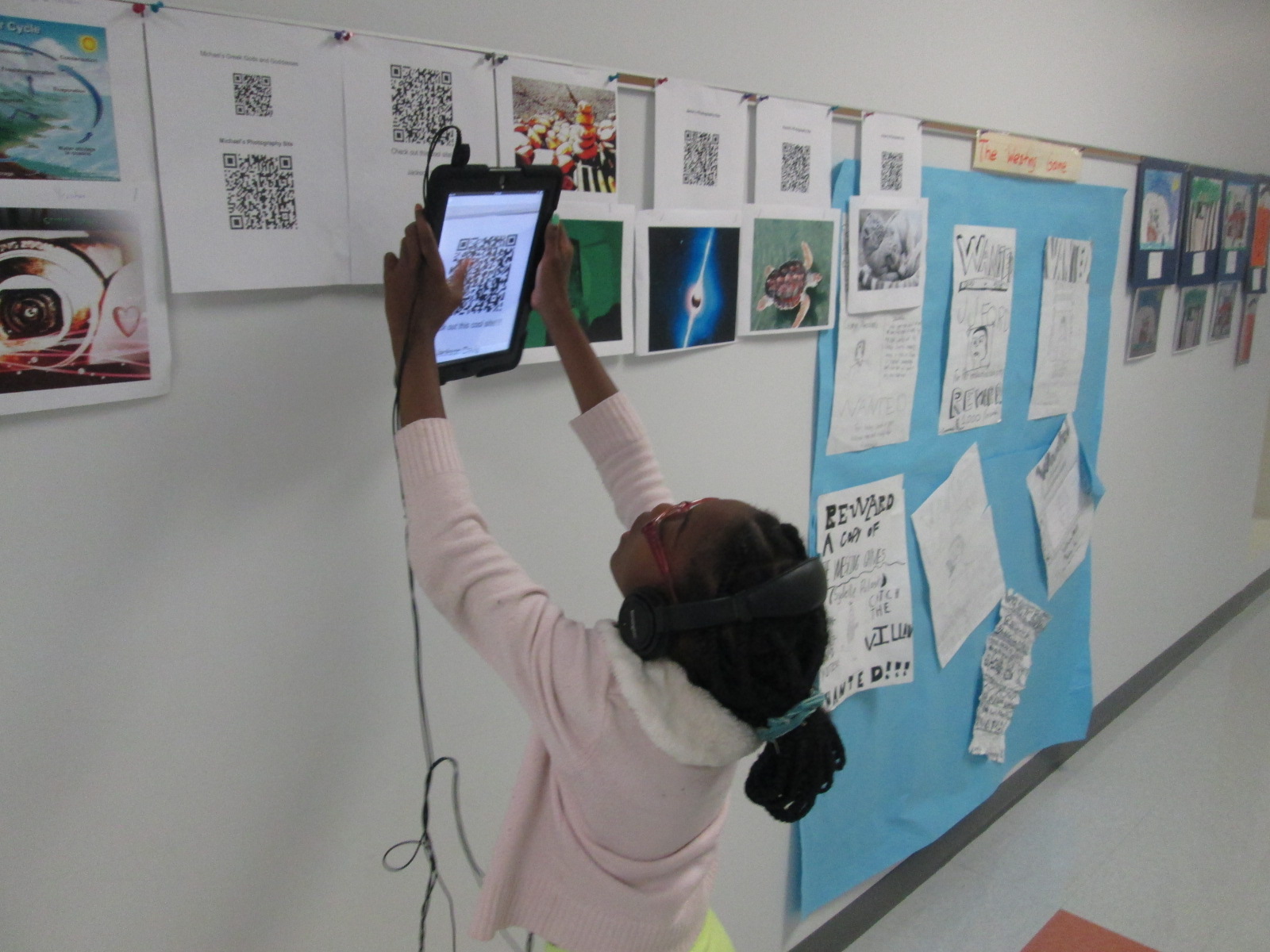
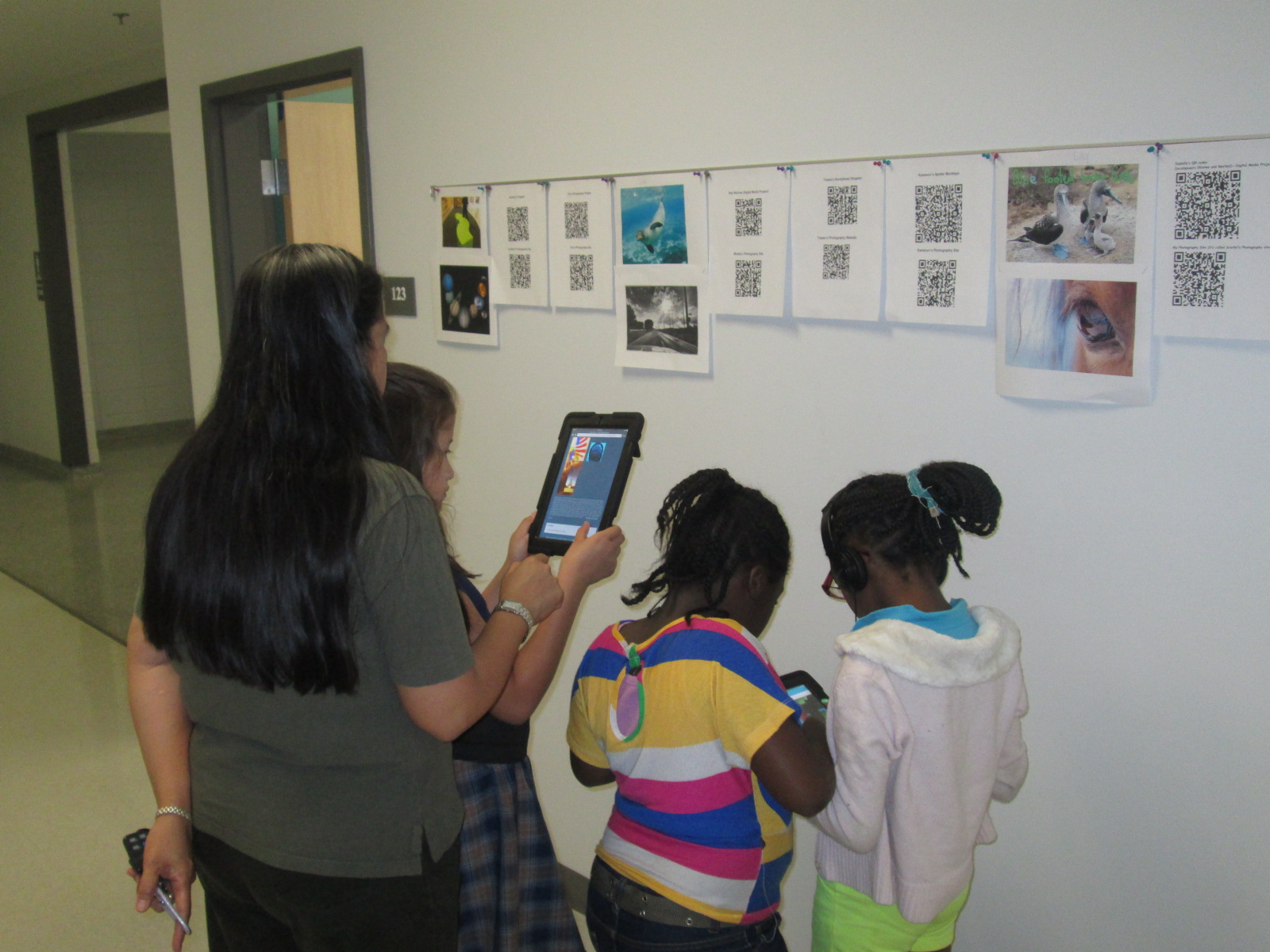
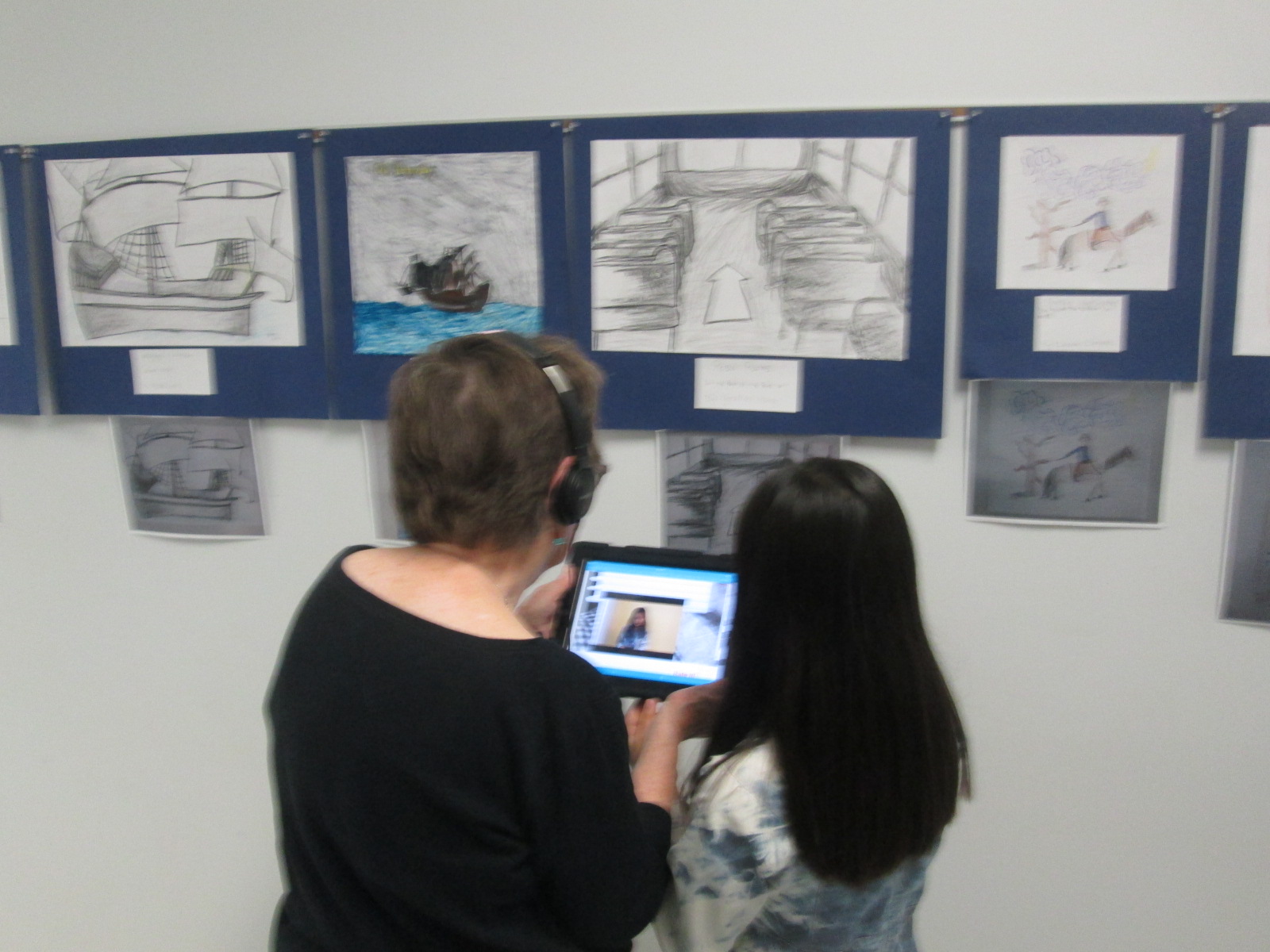
The 4th grade team and art teacher displayed all of the art in the hallway.  Today, families were invited to stop by and view the gallery.  I rolled the iPads to classrooms and took headphones too.  Students came out with their families and showed off their projects and the projects of their friends. They showed parents how to open the Layar app, point the iPad at the image, tap the screen to let Layar scan the image, and watch the content magically pop up on the iPad screen. Several parents had already downloaded Layar on their phones too.  There was excitement in the air as families experienced augmented reality for the first time.  I overheard some of them saying how they wanted to go home and try it themselves.  Others were amazed by the variety of projects that students made.  I overheard conversations about social studies content but also conversations on how to use all of the tool that were needed to make this project happen.  I loved seeing the students taking a leadership role in sharing with their families how to use the technology that they use at school.

IMG_3339 IMG_3336 IMG_3337 IMG_3330 IMG_3333

Next week, classrooms will be invited to tour the gallery.  I think we learned a lot from this project.  One of the things that I loved most was how differentiated it was.  Some students created multiple projects for their person while others focused really hard on one project.  Students were able to showcase their strengths and interests, and I felt that every single student was fully engaged in this project.  I hope that others found value in this project as well so that we can continue and expand upon this type of experience for projects next year.

You can see all of the projects without Layar by visiting our Smore.

Also, take a look at what our augmented reality wax museum looked like in action today.

https://www.youtube.com/watch?v=KVs0XFi8zUs

Exploring Civil Rights through Blackout and Magnetic Poetry

IMG_30815th grade has a massive social studies curriculum.  It spans from the civil war all the way up to the present.  One of the things that they have been doing for the past 2 years that I love is using Christopher Paul Curtis’s books to tie in to the curriculum.  They start with Elijah of Buxton, move to Bud Not Buddy, and finish with the Watsons Go to Birmingham 1963.

IMG_3067

The civil rights movement is where they have been spending a lot of time recently, so the teacher emailed me to see what we might do in the library to focus on this time period in her language arts class. The standards they are working on are:

SS5H8 The student will describe the importance of key people, events, and developments between 1950-1975.

b. Explain the key events and people of the Civil Rights movement; include Brown v. Board of Education (1954), the Montgomery Bus Boycott, the March on Washington, Civil Rights Act, Voting Rights Act, and civil rights activities of Thurgood Marshall, Rosa Parks, and Martin Luther King, Jr.

IMG_3065

Since it’s poetry month, I wanted to pull poetry into our time together, and I knew that 5th graders would be able to handle some complex text and concepts.

IMG_3064

Just like with 3rd grade, we read Freedom Summer by Deborah Wiles, but their background information was much deeper than what 3rd graders knew.  They had connections and stories to share about the riots and peaceful marches that took place during the civil rights movement.  It was the perfect opportunity for me to also pull in Revolution by Deborah Wiles.  This book doesn’t publish until May 27th, but I have an advance reader’s copy from the Texas Library Association Conference.  I was able to show them some of the speeches, music, advertisements, etc from the time period to accompany the picture book, Freedom Summer. 


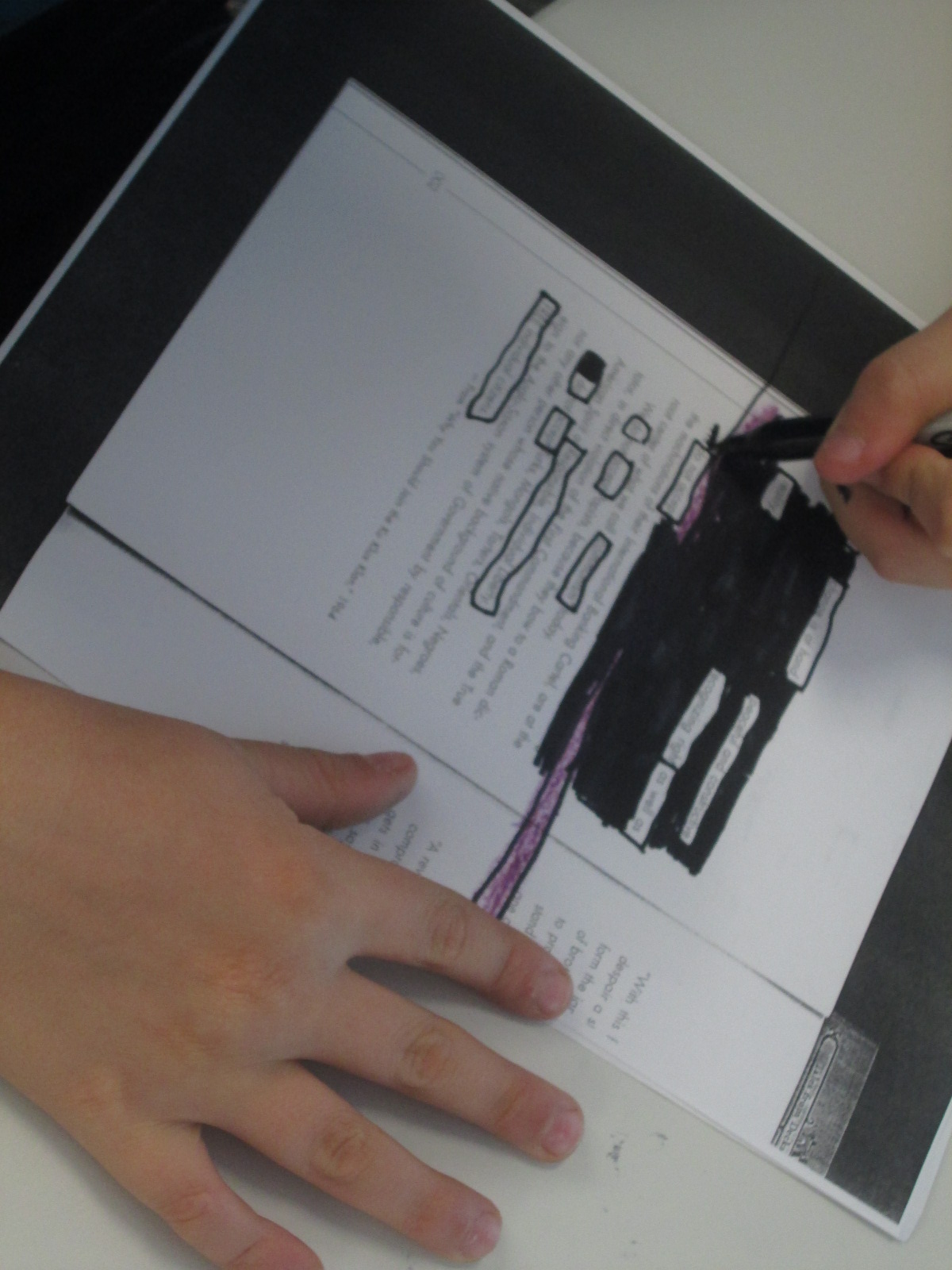
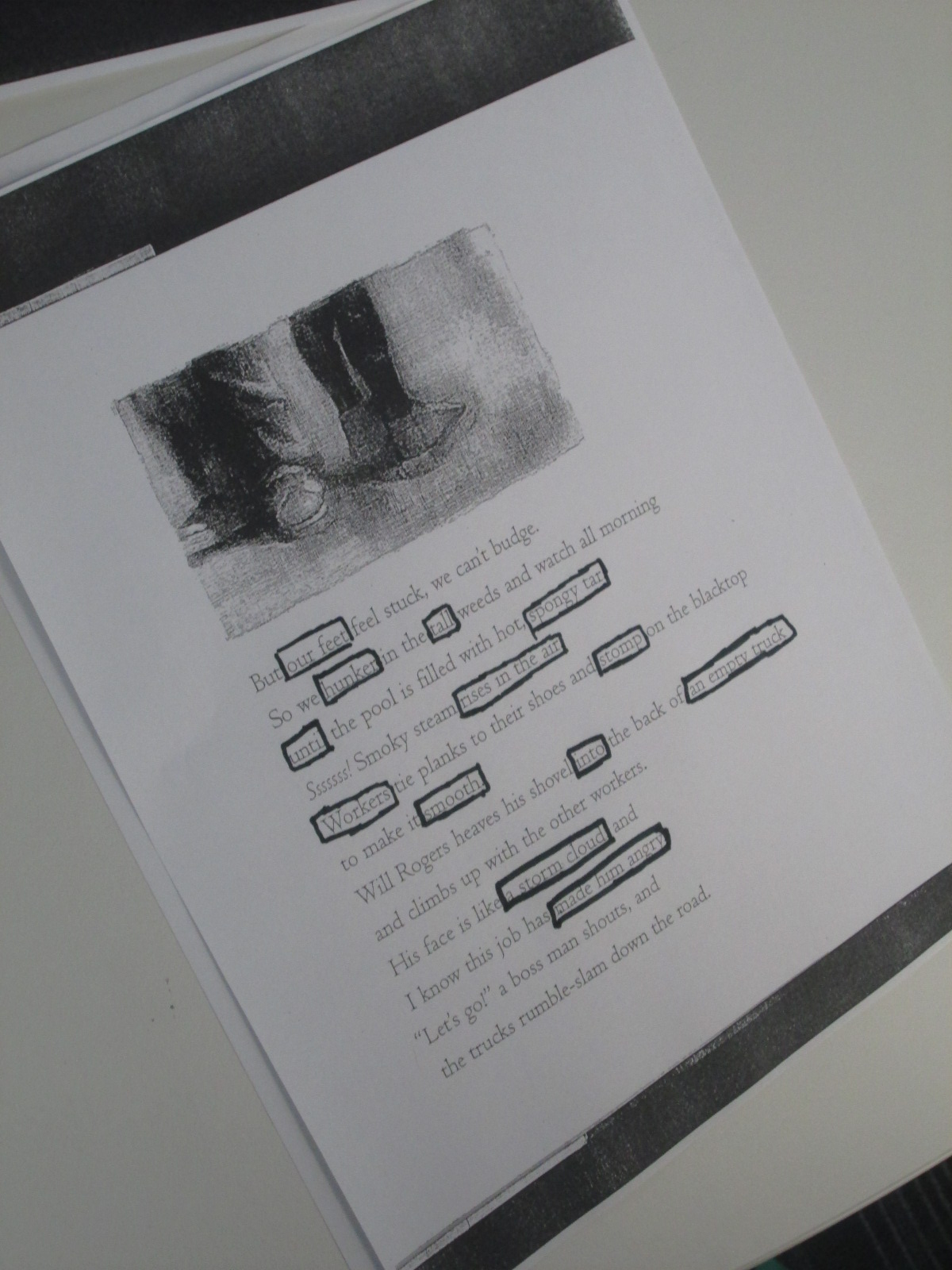
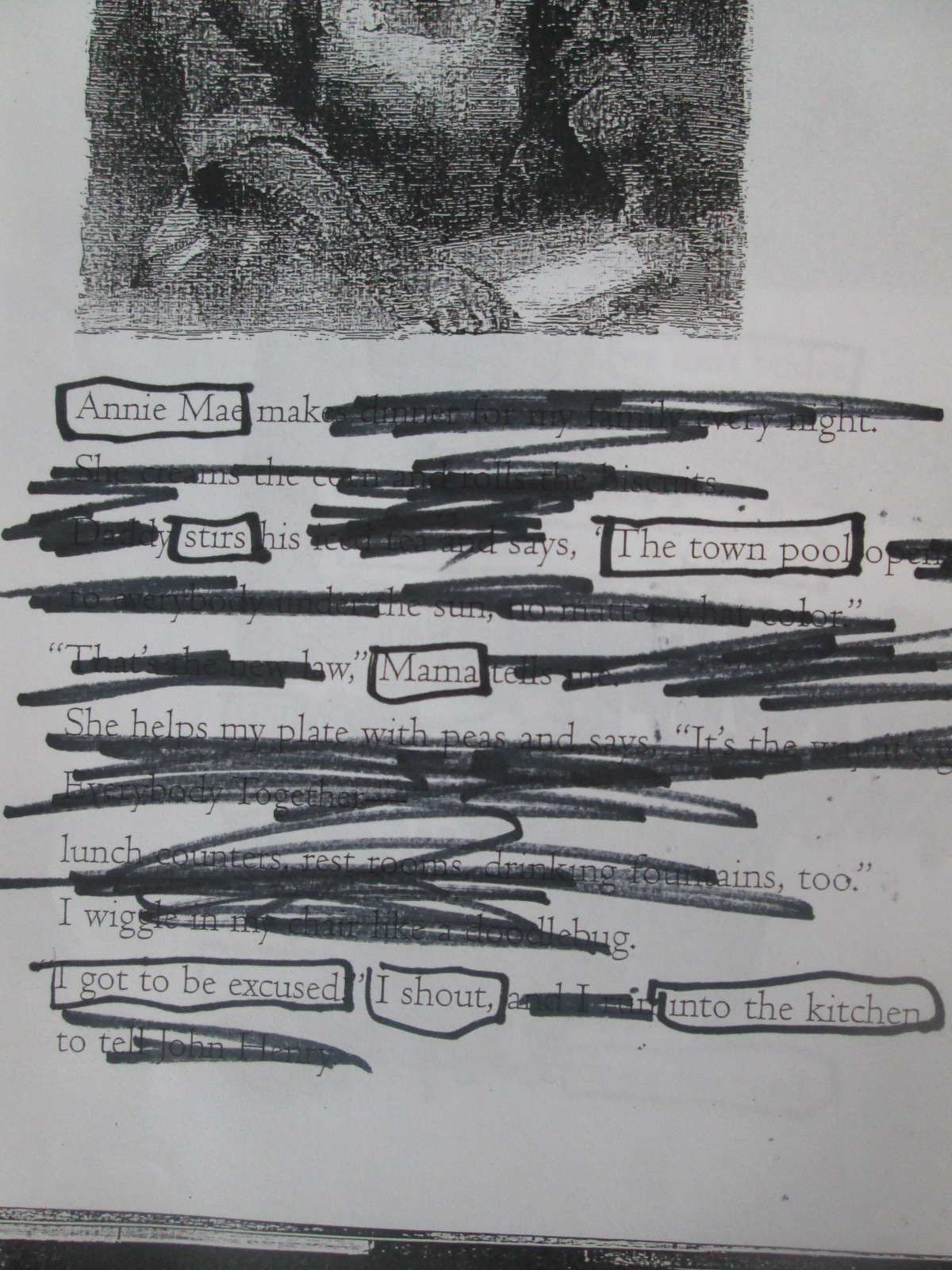
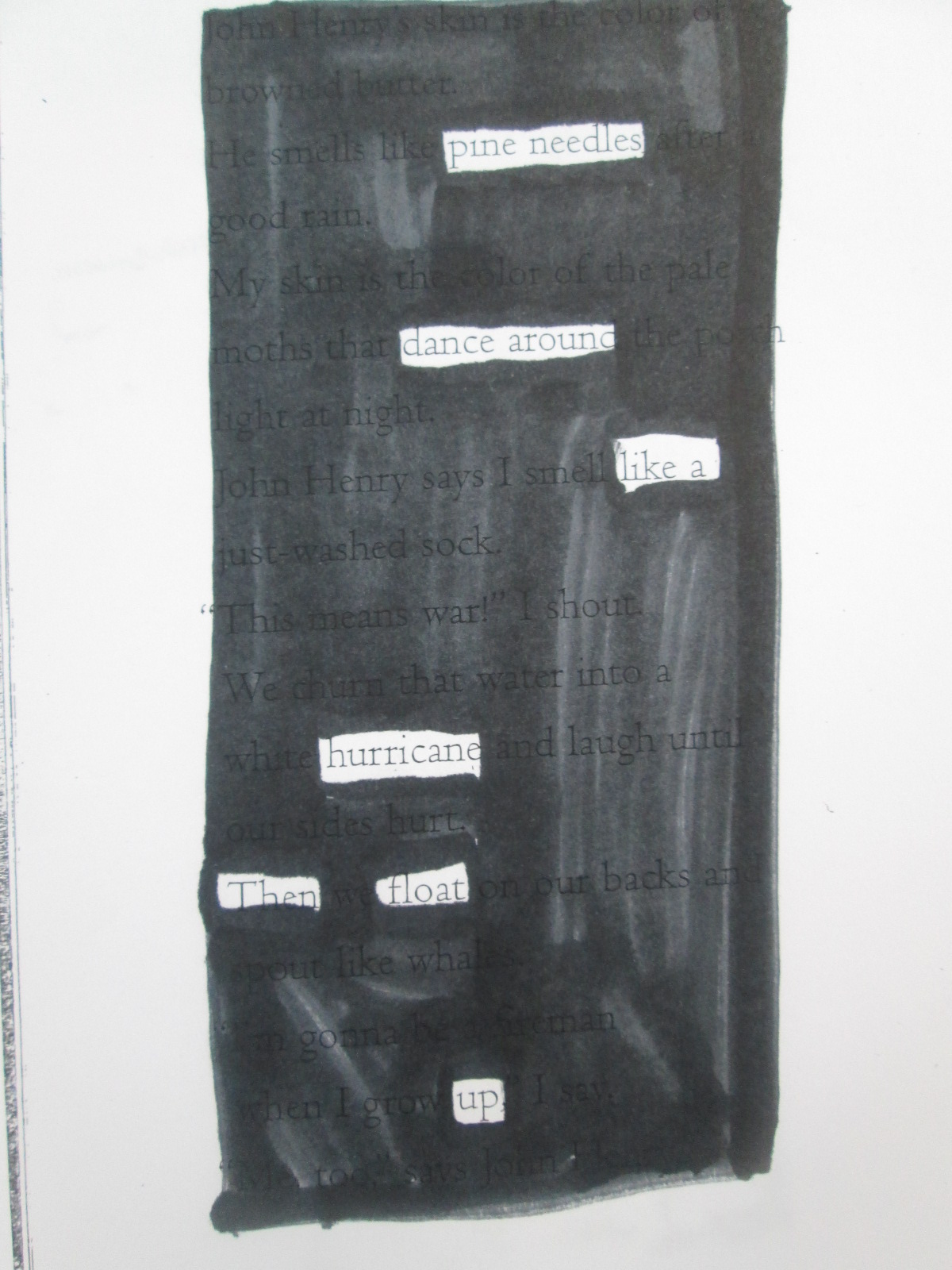
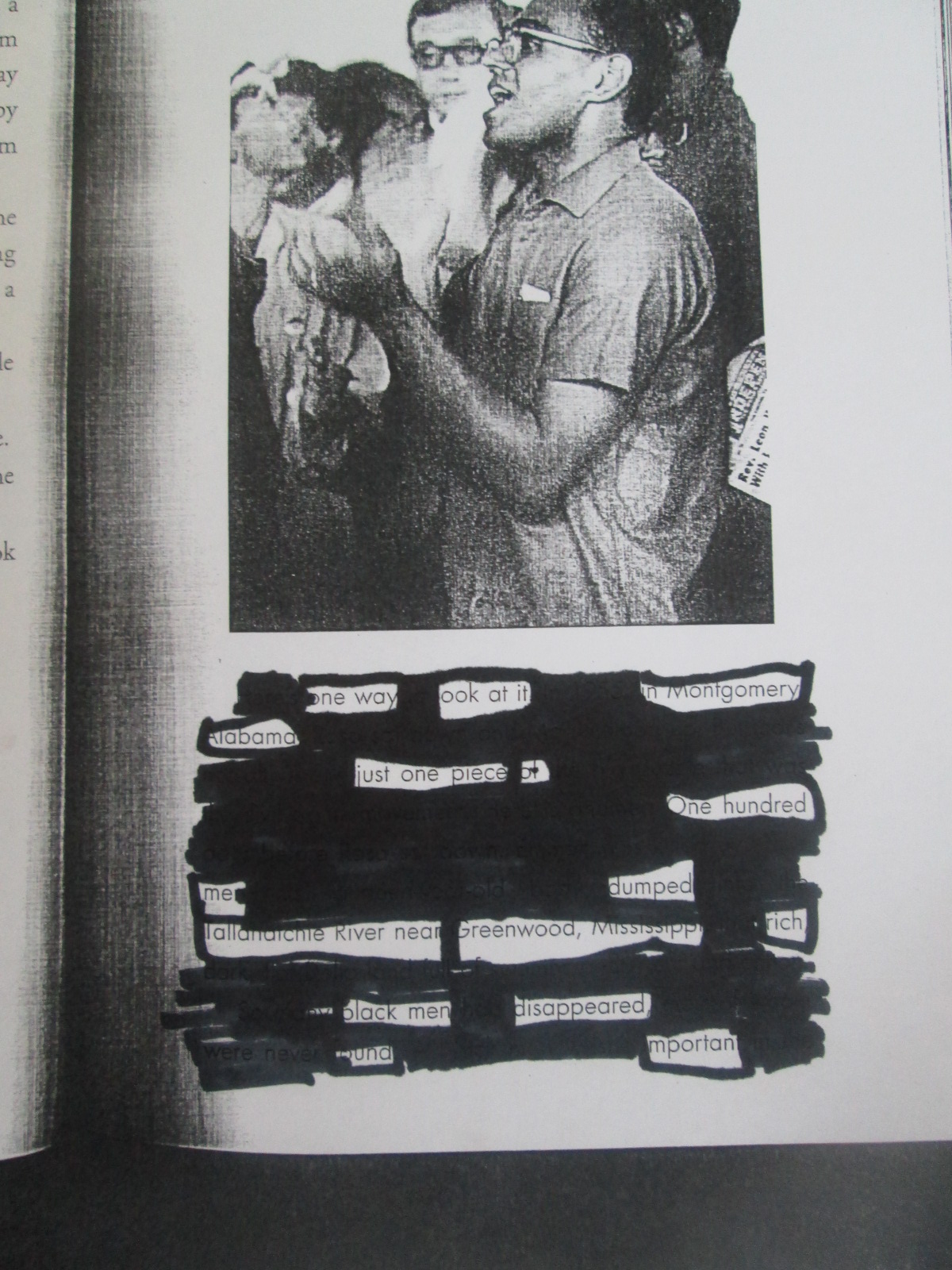
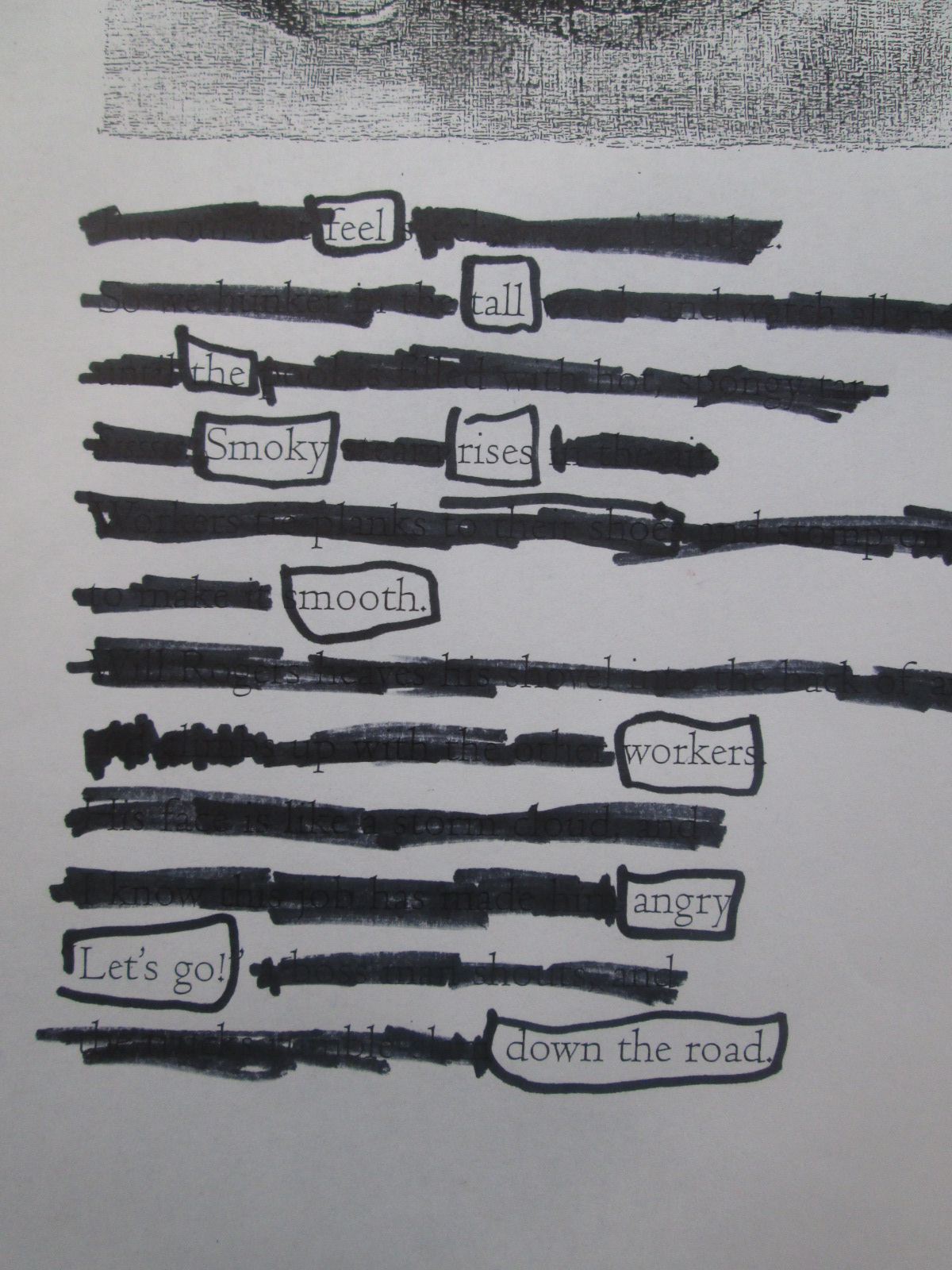
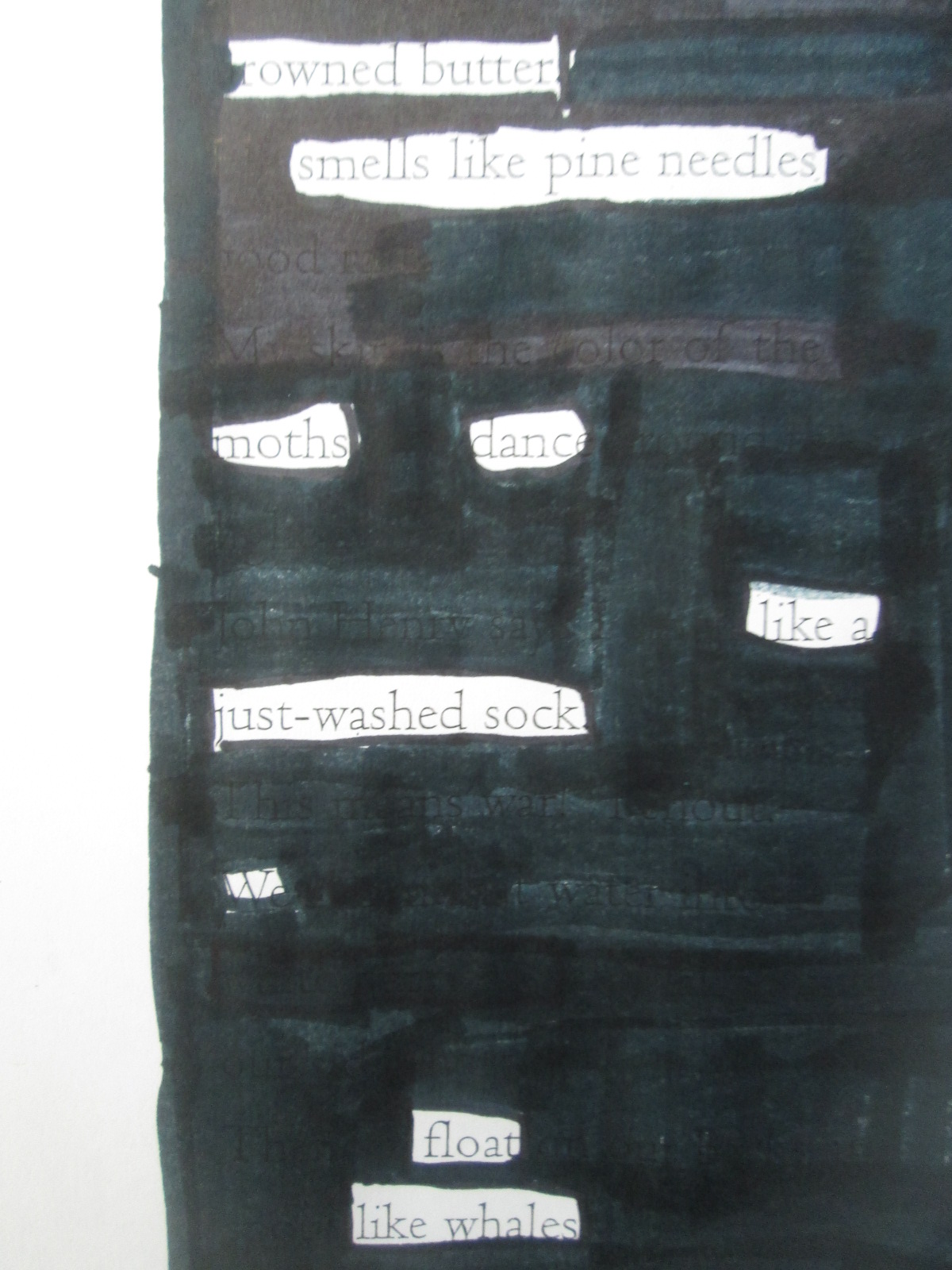
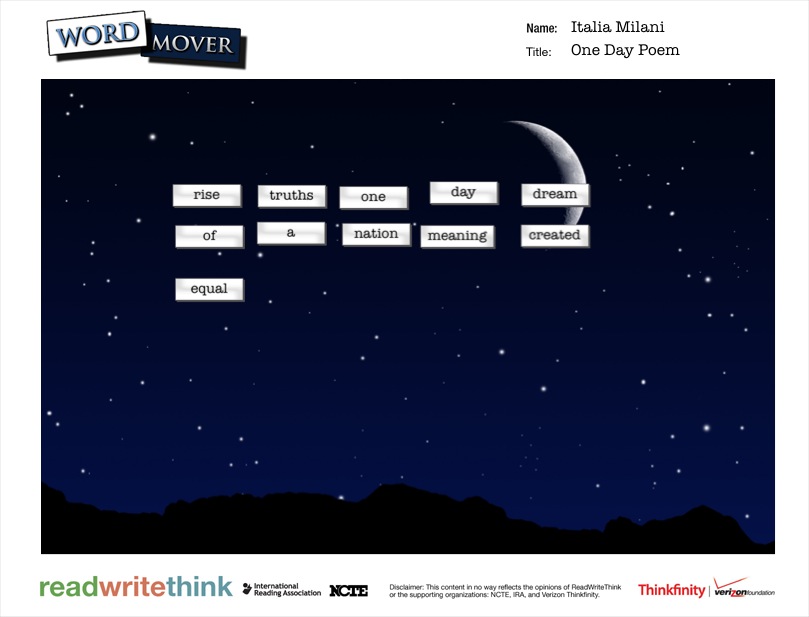
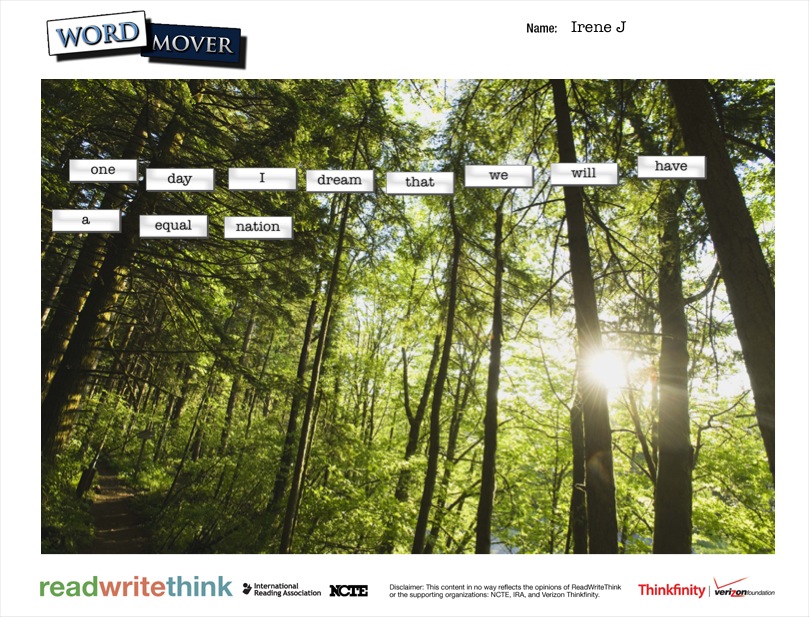
For poetry, the 5th graders created 2 kinds of found poetry.  They used the Word Mover app on the iPad to create magnetic poetry.  The app has a word bank that is words from Dr. Martin Luther King Jr.’s I Have a Dream speech.  They also used pages from Freedom Summer and a couple of pages from Revolution to create blackout poetry.

Searching for Poetry in Prose   NYTimes.com

This time for blackout poetry, we used the New York Times interactive site to create blackout poetry together.  The site makes it very easy to select & deselect words from articles to create 15-word blackout poems.  We did an example together on the board.  The teacher also helped demonstrate how to mark words on their own paper by putting boxes around words in the NY Times article on the board.

We found that a good first step for students in making blackout poetry is to read or skim the page and then put boxes around words or phrases that stand out.  Once you are sure of the words you want in your poem, then you blackout the rest of the page.  Modeling this on the board was important today.  We had very few students in 3 classes who needed to start over.

IMG_3066

I randomly gave students pages  from the books and they started the process.  For the most part, it was a very quiet process.  Students methodically chose their words and then quietly shared their work at their tables.  A few students paired up to help each other decide on words and phrases.

As students finished their blackout poems, they grabbed an iPad and created their Word Mover poems.  Just like with 2nd grade, most students arranged their words into solid sentences rather than shaping them up like a poem.  If time allowed, I conference with students and they went back into their poem to shape it into line breaks.

IMG_3079


Almost every poem was a reflective synthesis of student understanding about events of the civil rights movement and freedom summer.  Some students had some humorous twists to their poems, but most were solemn, serious, and reflective.

Take a look at their gallery.  Just like Revolution immerses us in the time period through story, music, advertisements, speeches, and other documentary pieces, the student poetry immersed us in the positive and negative feelings of the civil rights movement and freedom summer through multiple perspectives.

IMG_3096

IMG_3095

IMG_3094

IMG_3093

IMG_3091

IMG_3090

IMG_3089

IMG_3087

IMG_3082

IMG_3083

IMG_3084

IMG_3085

IMG_3086

IMG_3073

IMG_3071

IMG_3077

IMG_3075

IMG_3057

IMG_3055


IMG_0290


dream

dream (4)

dream (5)

dream (6)

dream (7)

dream (3)

dream (2)


It’s Time to Vote for Your Favorite Historical Figure from Black History with Our 2nd Graders!

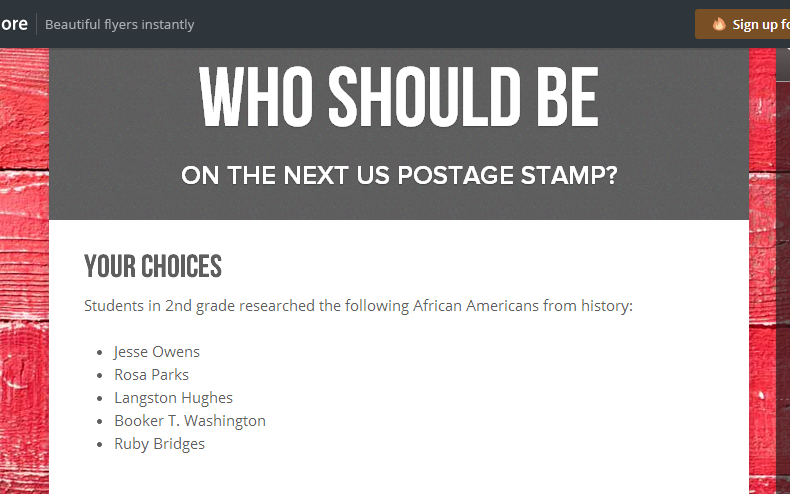
flipgrid 2nd (7)Second grade has been hard at work.  For the past few weeks, they have explored the art of persuasion, researched 5 historical figures from black history, designed potential US Postage Stamps featuring these historical figures, and writing persuasive scripts to convince an authentic audience that their historical figure is the most deserving of a US Postage Stamp.  You can read more about the beginnings of this project here.  

flipgrid 2nd (6)

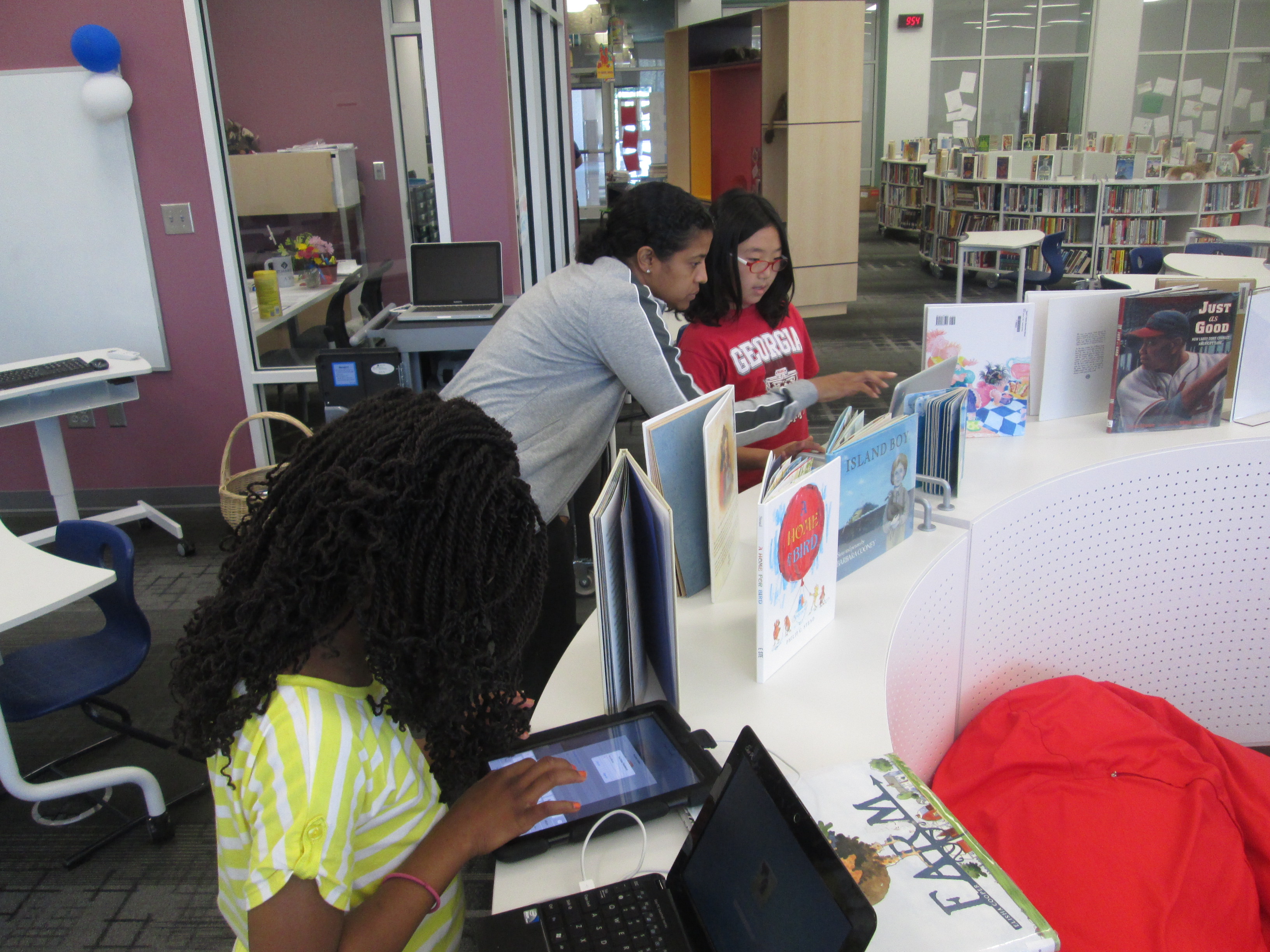
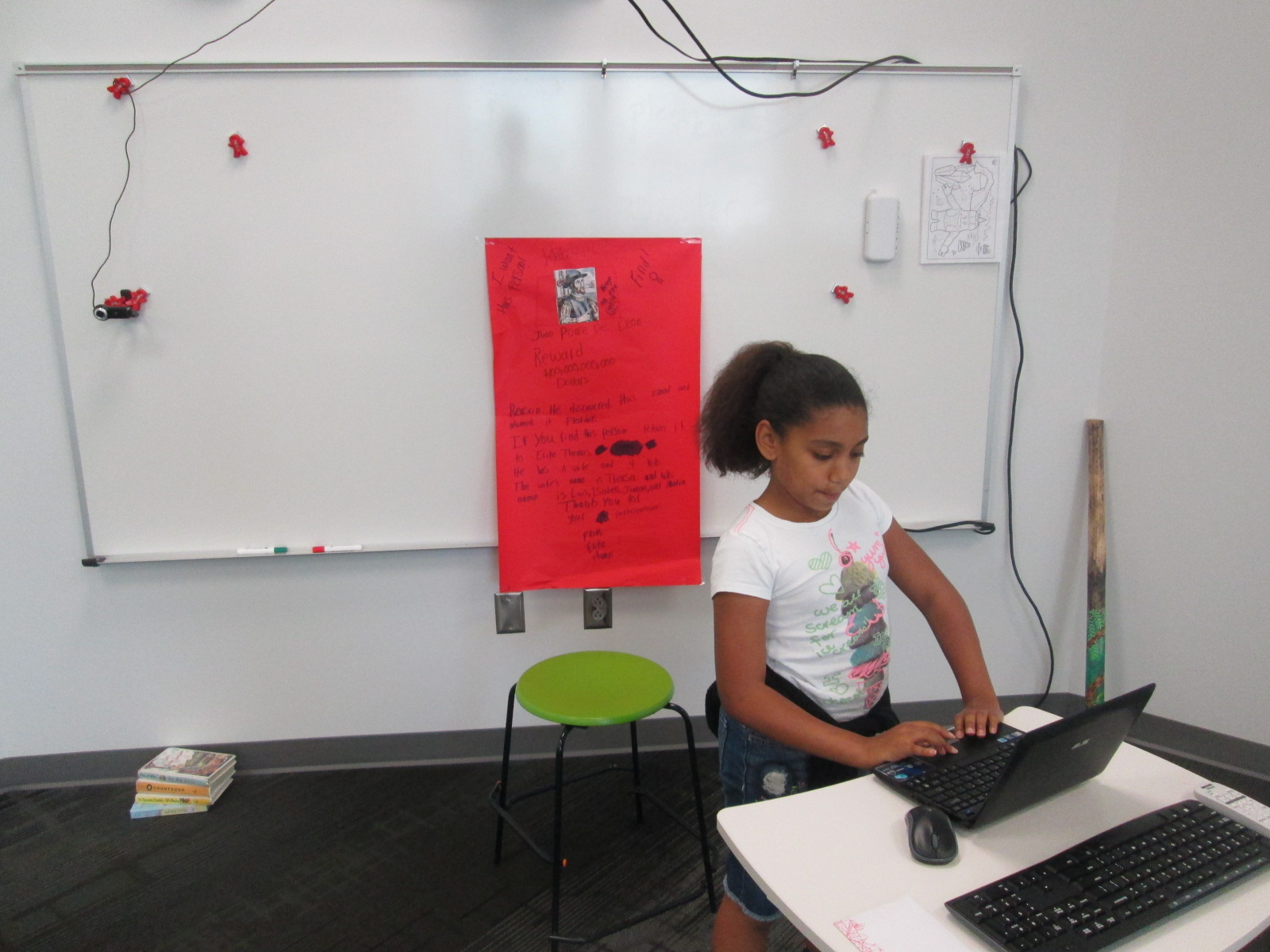
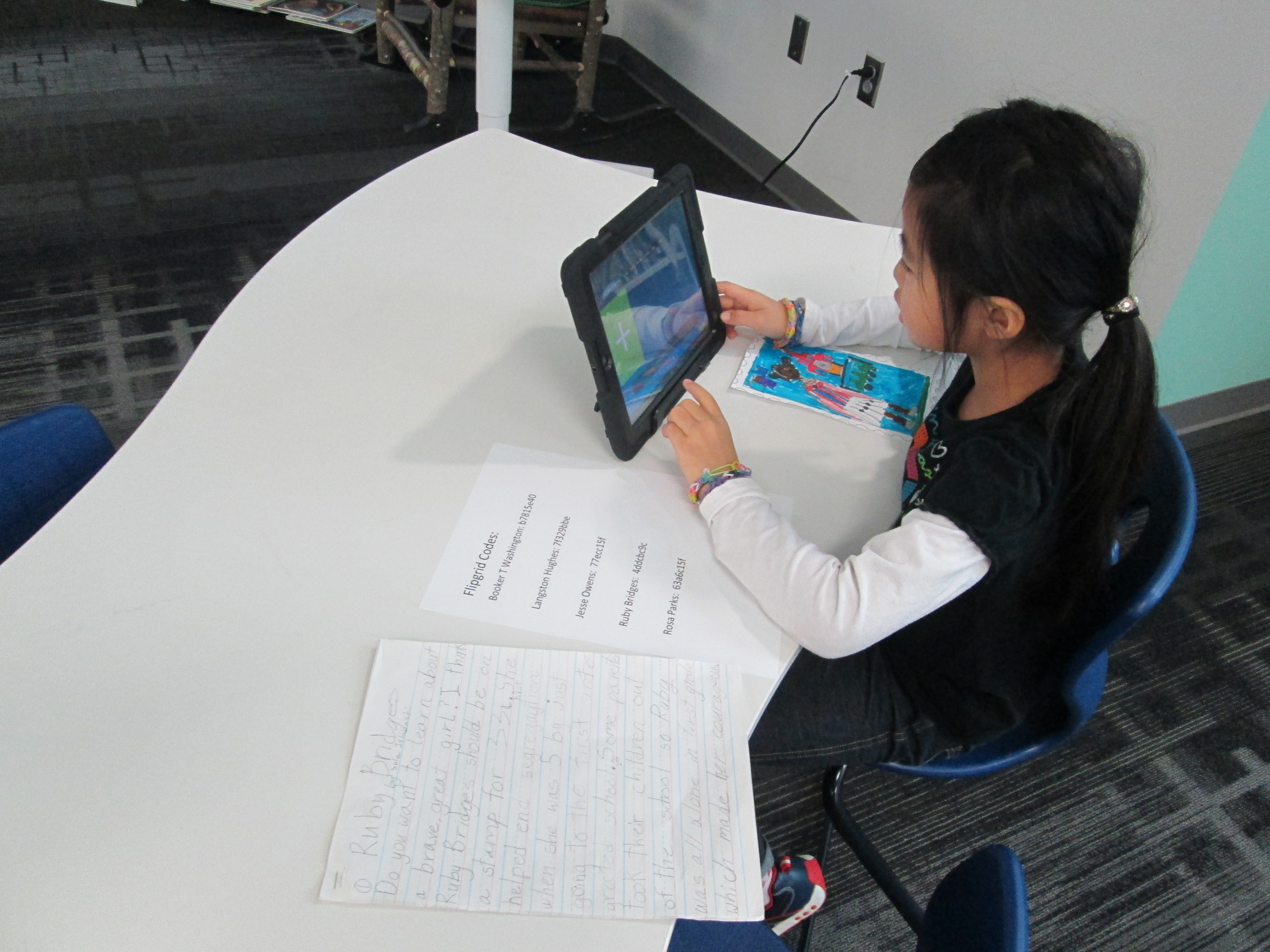
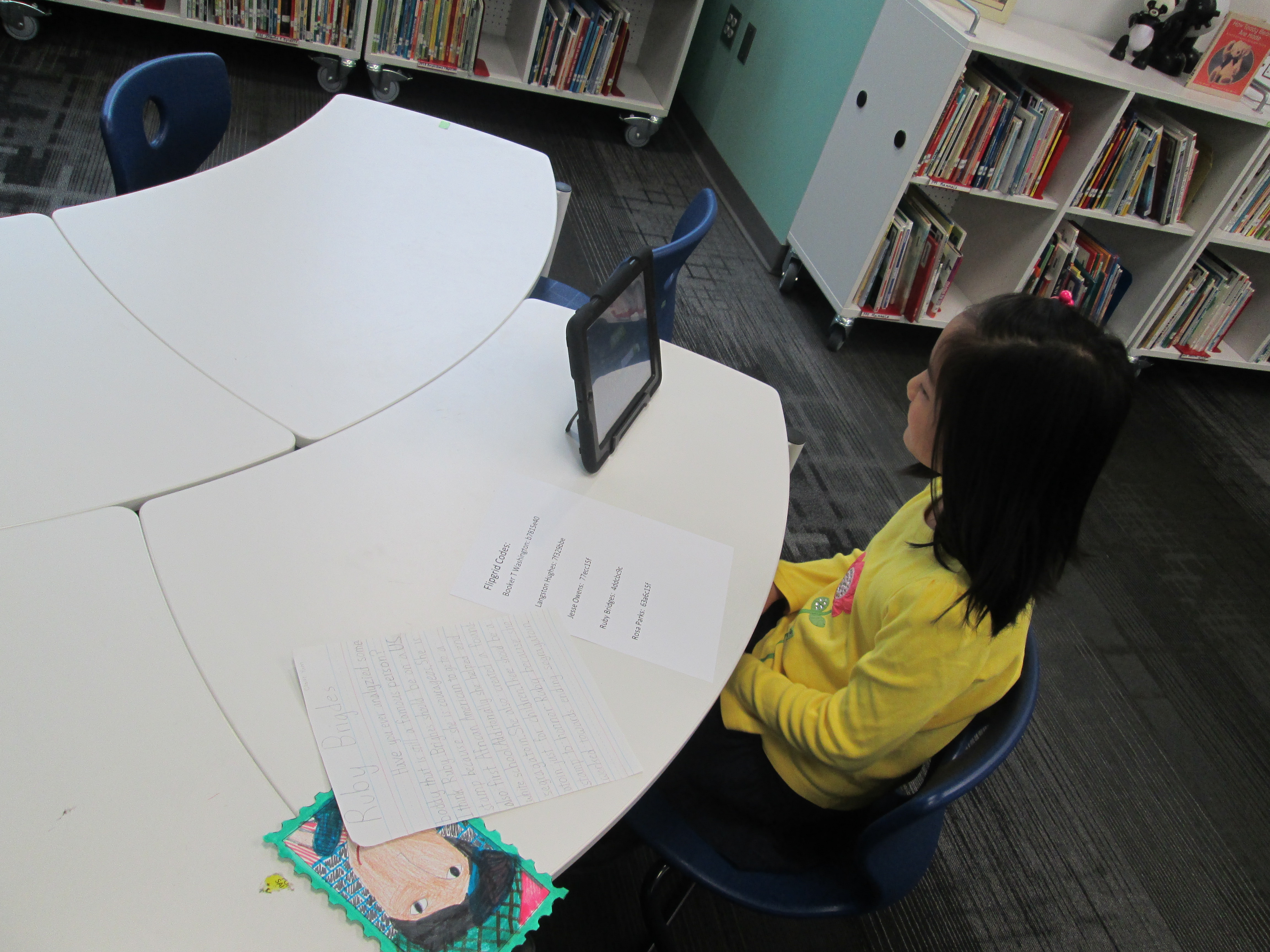
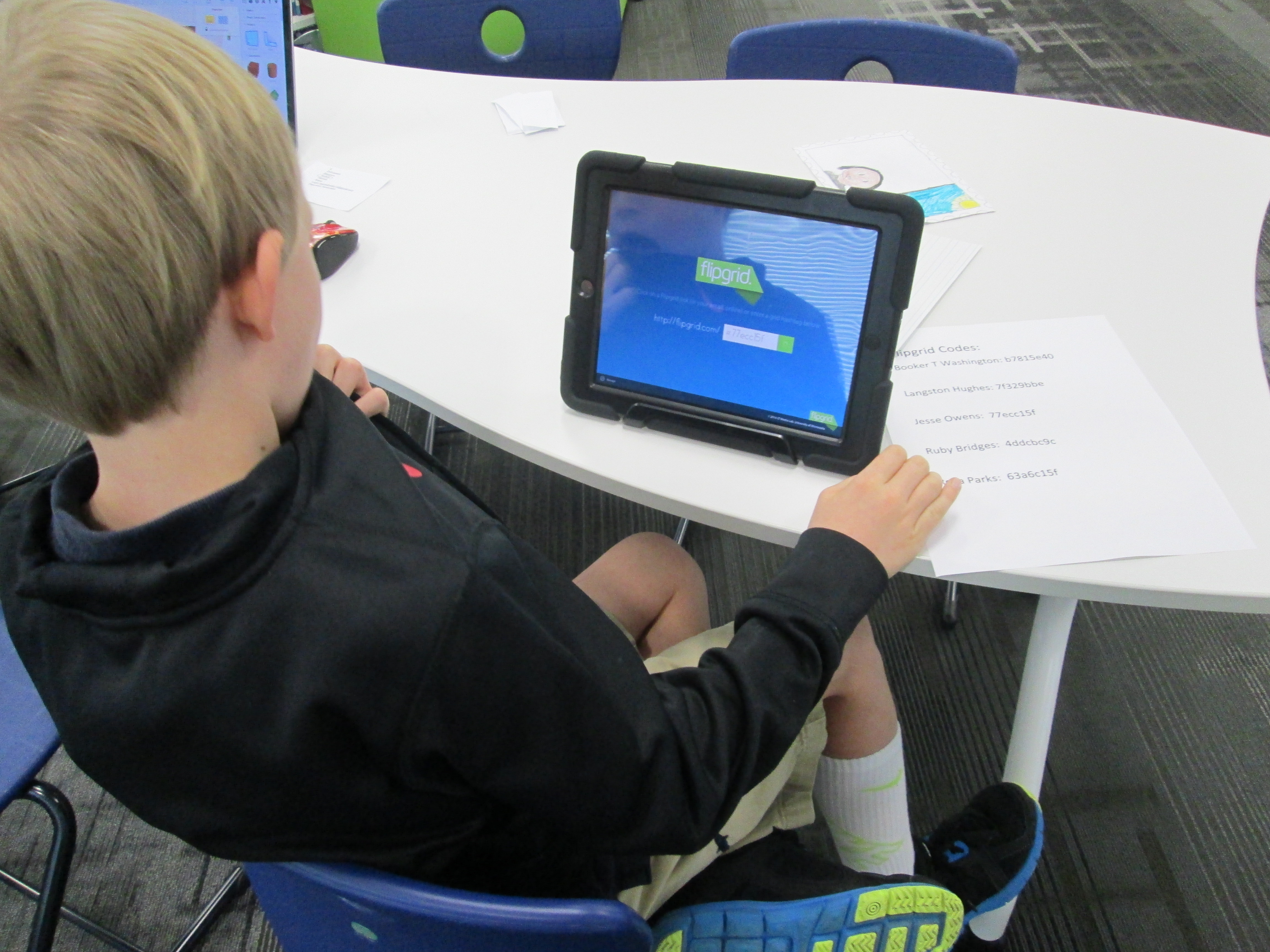
Over the past 3 days, students have been coming to the library with their persuasive scripts and stamp designs to record a persuasive commercial using Flipgrid.  This tool, which is web-based or available as an iPad app, allows you to create up to 90 seconds of video in response to a question.  I setup a question for each historical figure that was researched.  To record in Flipgrid, you just need the special code that takes you straight to the question where you will record your message.  I made a sheet of codes and placed them by iPads in the library.  Students entered the library, chose a recording spot, and entered their code.
flipgrid 2nd (5)

Next, they had a few steps to complete in order to create their video.  They had to:

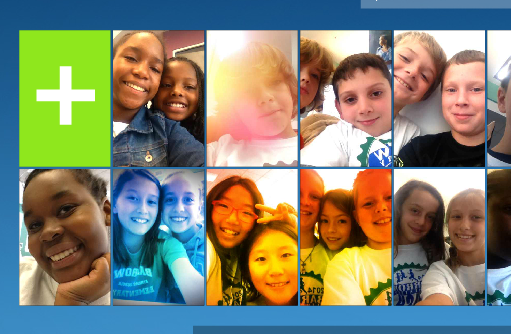
  • Click the +
  • Click “I agree”
  • Take a picture.  Some took a picture of themselves and others took a picture of their stamp
  • Record their video
  • Review the video
  • Submit the video to the grid.  Students had to put their first name, last initial, and an email address.  For speed, I put my own email address in the box, copied it, and then pasted it in each time a student recorded.
historical figure smore

Visit our Smore to watch videos and vote! https://www.smore.com/17bq3

Now, students are collectively trying to persuade you to vote for their historical figure.  We have created a Smore to pull all of the information together.  On this Smore, you can visit each set of videos for a historical figure.  Please take some time to listen to the students’ hard work.  If you love one of their videos, click on the heart on Flipgrid which is similar to “liking” something on Facebook.  This will show the students some appreciation for their efforts.  After watching some videos for each person, we invite you think about which historical figure you were the most persuaded to vote for.  Then, use the Google Form at the bottom of the Smore, cast your vote.

flipgrid 2nd (4)

We’ll be asking all students in our school to vote.  In addition, we’ll be posting our Smore to our Barrow Media Center Facebook page and Mr. Plemmons’s Twitter account.  We want as many votes as possible to show students how far reaching their audience is when they put their work out to the world.

flipgrid 2nd (2)

The students have worked so hard on this project.  I can’t wait to tally the results and analyze the data with them.

Visit Our Smore to participate and feel free to share!

flipgrid 2nd (1)