Keeping Project Momentum When the Schedule Gets in the Way: One Use of Google Hangouts

Barrow Peace Prize Criteria   Google Docs

Our 2nd grade is deep into their project on six people from Black History.  Most classes are finishing up their research for our Barrow Peace Prize Flipgrid project.  Before students begin the writing process, we want them to understand what the Nobel Peace Prize is and consider the character traits that someone might have who receives this award.  Every class needs the exact same lesson, but they need the lesson before students can really move forward with their writing.  Sometimes the library schedule can get in the way of these kinds of projects.  I don’t want the library schedule to cause a project to be delayed simply because we can’t fit everyone into 30 minute slots across a day or two.  This is the perfect time to use technology to maximize our time.

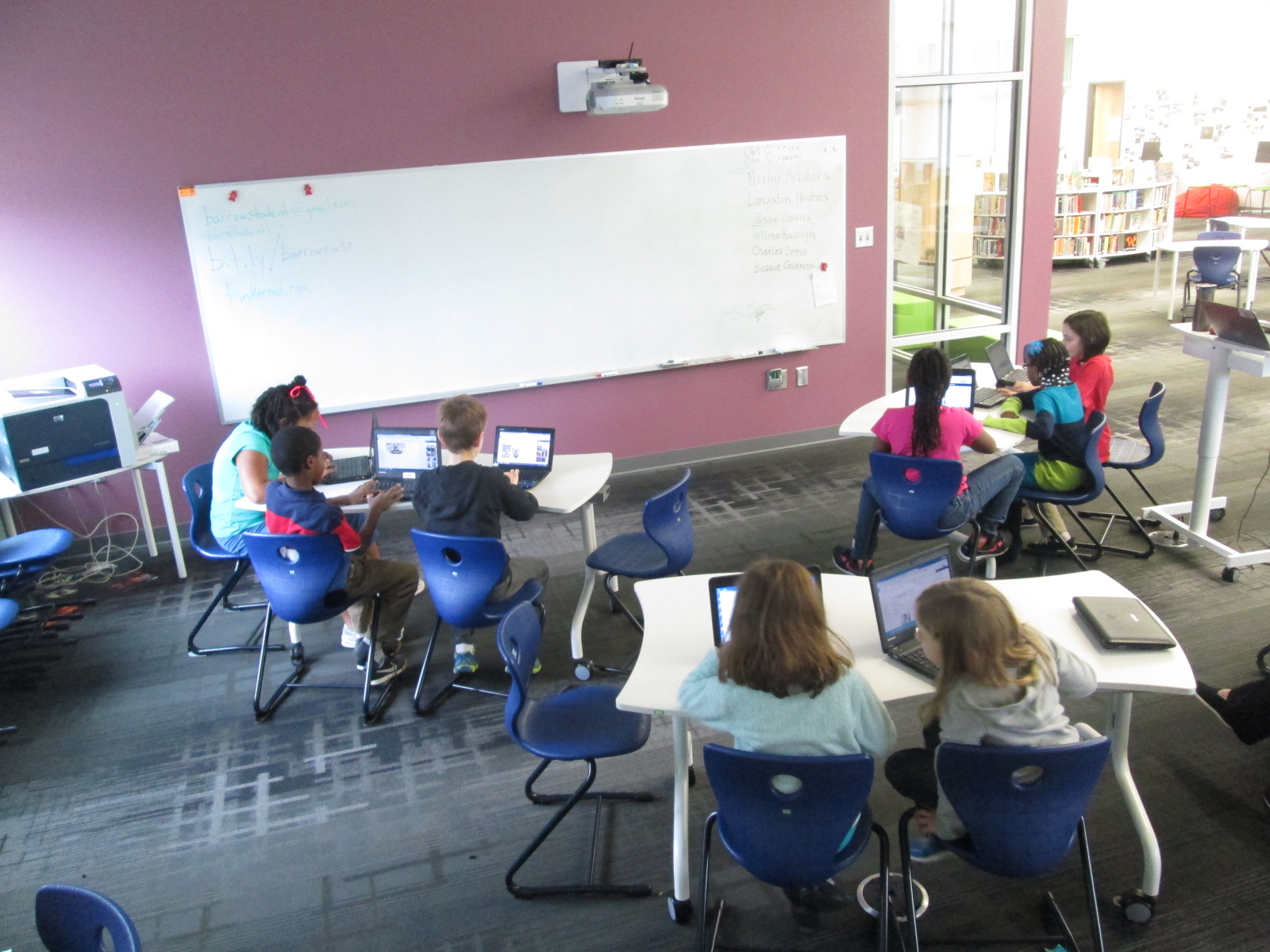
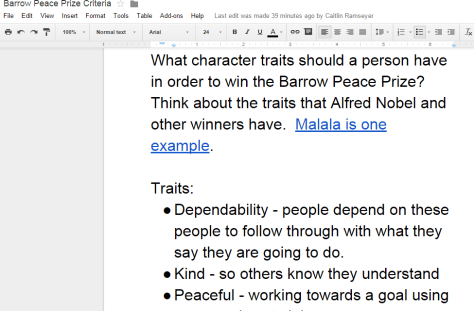
For the 2nd time, I did a Google hangout with an entire grade level in order to save time.  Before the hangout, I setup a Google Hangout on Air and sent the participation link to all of the teachers via email.  I also created a Google doc where we could do some brainstorming and invited all four of the 2nd grade teachers to be collaborators.  I made sure that the link to the doc was “view only” for anyone else with the link.

Before the hangout started, I opened the hangout, turned on my cam, and muted my microphone.  As the four classes joined, I could easily hear if their microphone and video was working or not.  Then, I could use the control room tool to mute each teacher’s microphone while we waited on all classes to join.  Periodically, I came back on the microphone to update the classes who were waiting and remind teachers to open our shared Google doc.

The purpose of the hangout was to help 2nd graders get familiar with Alfred Nobel and the Nobel Peace Prize as well as to develop a list of characteristics for our own Barrow Peace Prize.  After a quick intro, I read the book Alfred Nobel: The Man Behind the Peace Prize by Kathy-jo Wargin and illustrated by Zachary Pullen.  Then, I told the students just a bit about Malala Yousafzai, the youngest winner of the Nobel Peace Prize.  We watched just the beginning of a CNN video of her acceptance.

Then, I invited each class to look a the shared Google doc and brainstorm the qualities that we hoped would represent the Barrow Peace Prize.  I muted all microphones while classes discussed and added to the doc.  While that was happening, I shared the viewable link to the doc on Twitter so that an audience could watch the list be constructed.

We immediately had multiple viewers of our work in progress.

Each class had an opportunity to step the microphone and share just a bit of what they discussed.  I was in charge of calling on each classroom and muting and unmuting each teacher’s microphone.

Finally, I closed by reminding students to use their research as well as the character trait list when writing their piece about their person from Black History.

What would have taken 3-4 hours on the library calendar took only 30 minutes and now the 2nd grade can move forward with the writing process.  I want to check in with the 2nd grade teachers to see how things felt on the other side of the camera, but from my side, this seemed like a great model for whole grade lessons that lend themselves to a hangout.  I certainly wouldn’t want all lessons to be like this one, but this format felt right for this situation.
Black History Research Using Encyclopedia Britannica and the Google Research Tool

google doc research (9)

Our 2nd grade is once again developing a Black History research project.  We took some innovative steps last year to connect this project with an authentic audience around the globe.  This year, we are trying to add a few new layers.  One of the pieces that we weren’t happy with last year was the idea of a postage stamp.  Students were trying to persuade an audience to vote on whether or not a famous person from Black History should be on the next postage stamp.  While we loved the project, we knew that the postage stamp was out of our control and not realistic.  This year, we decided to create our own prize that we could award to one of the people from Black History, and we are calling it the Barrow Peace Prize.  As part of our project, we will learn about Alfred Nobel and the Nobel Peace Prize.  That part of the project will come soon.

google doc research (8) google doc research (7)

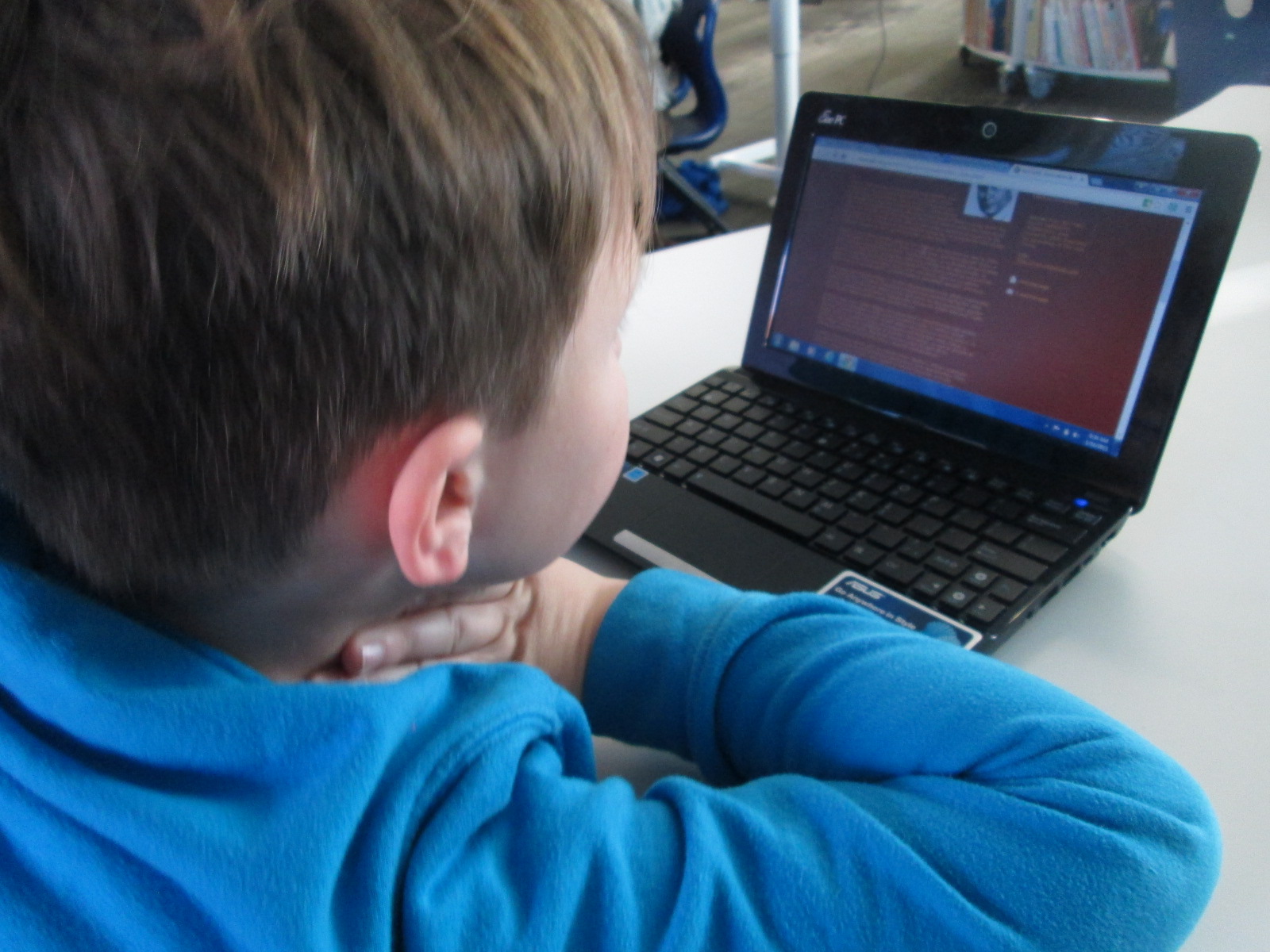
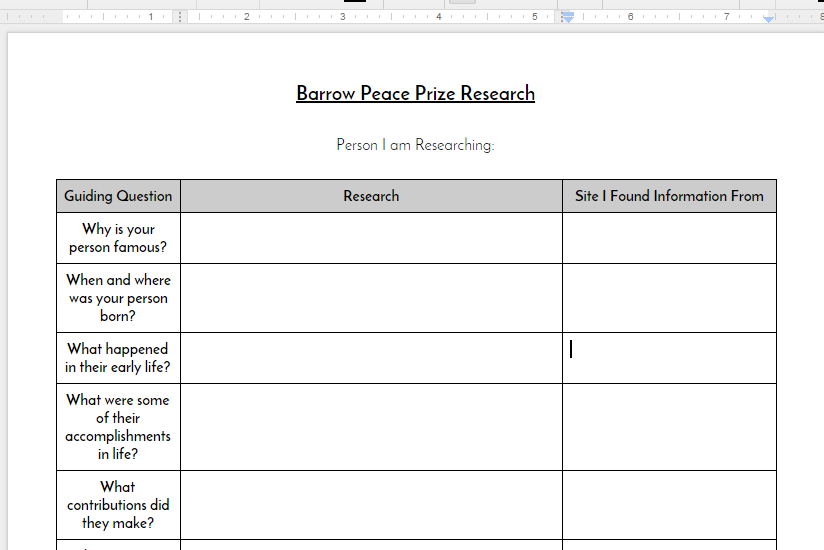
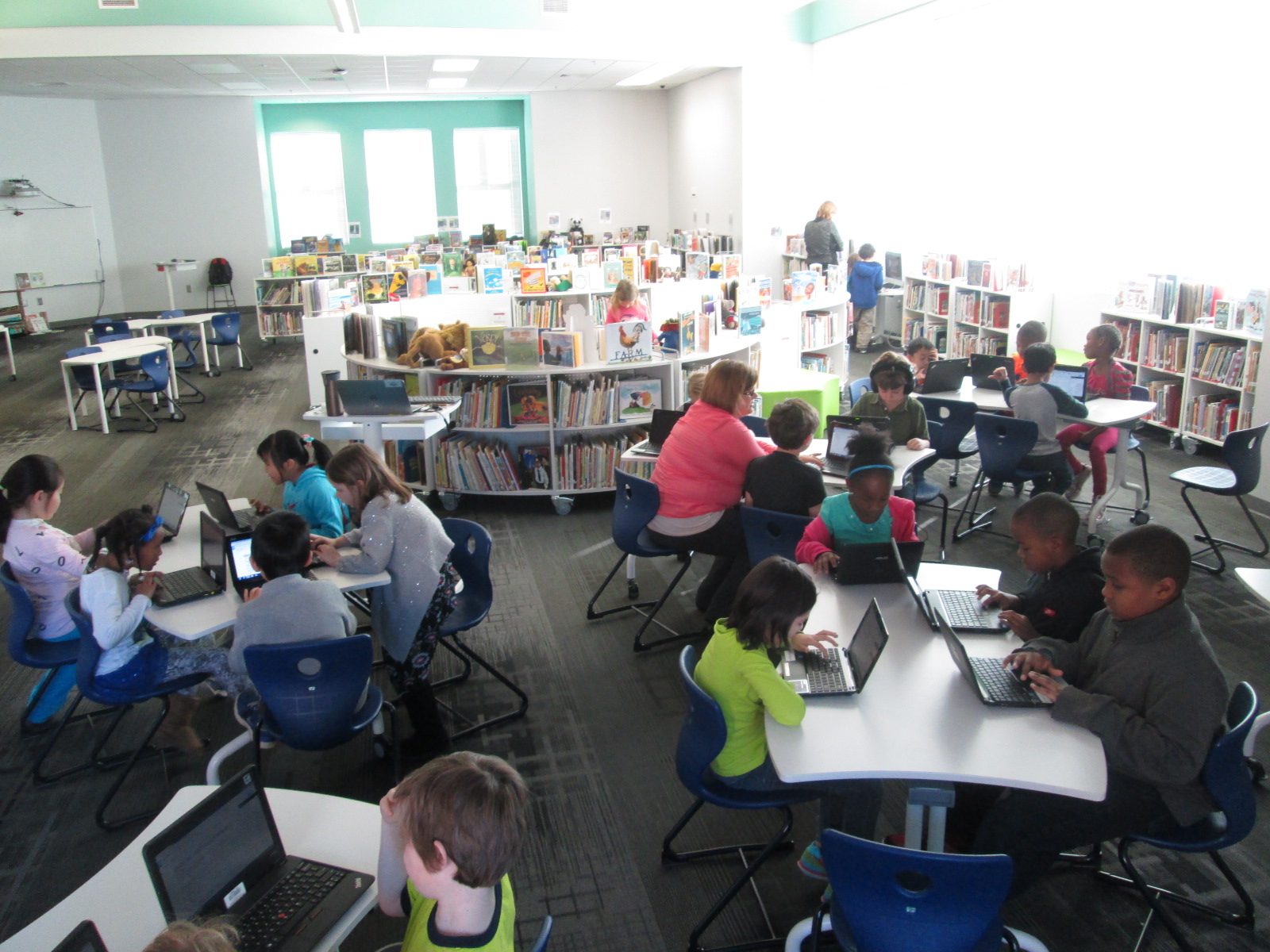
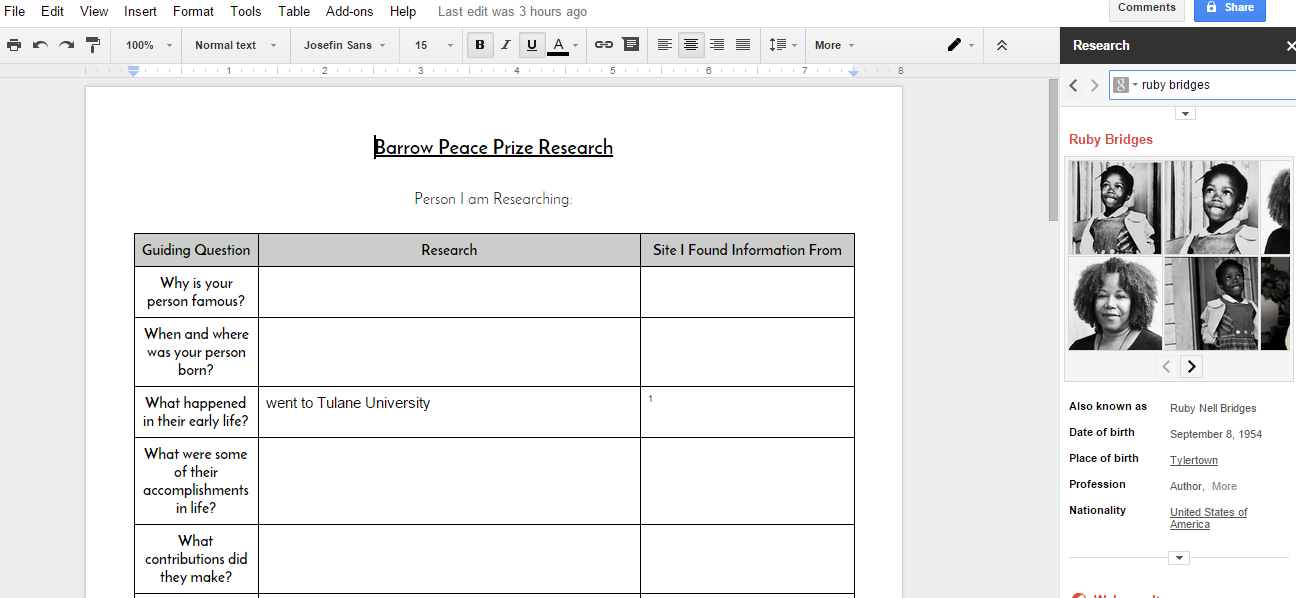
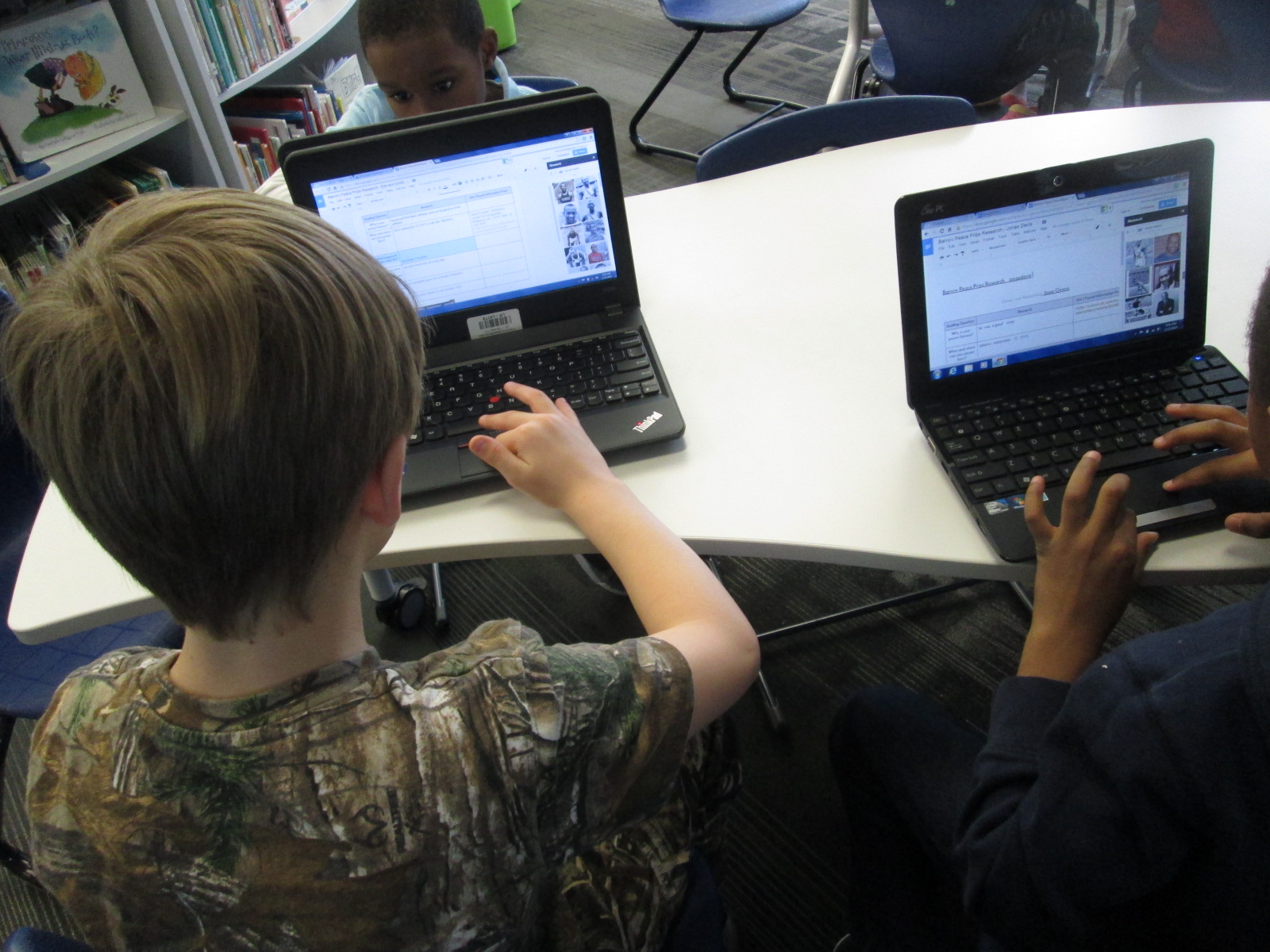
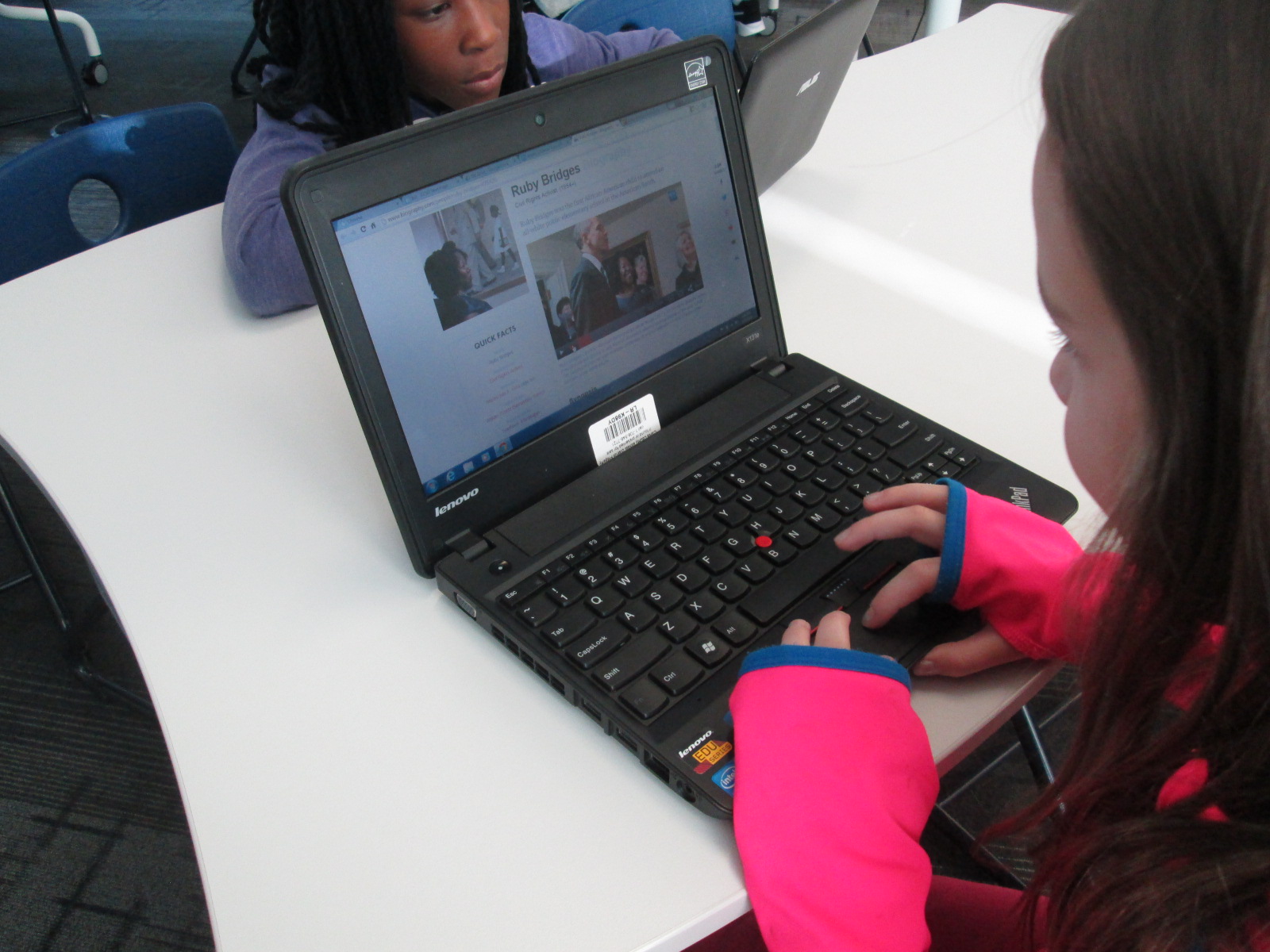
At the moment, we are deep in research.  Each teacher scheduled 2 hour-long sessions with me.  We decided to focus on 2 research tools in the library and 1 research tool in class.  In class, students will use PebbleGo.  It is the most familiar database to our teachers and students and a great tool for independent research.  We wanted the library research tools to be a bit more involved with the support of me, the classroom teacher, and any collaborating teachers.  The 2nd grade teachers developed a Google Doc graphic organizer with some framing questions.  There was a space for students to add their research as well as cite their source.  At the bottom of the organizer was a space for images.

Practice Barrow Peace Prize Research   Google Docs 2

Most teachers shared this doc with students through Google Classroom, but if they weren’t using Google Classroom, they shared via Drive and students made their own copy.  This step was done before coming in the library.

google doc research (7) google doc research (6) google doc research (5)

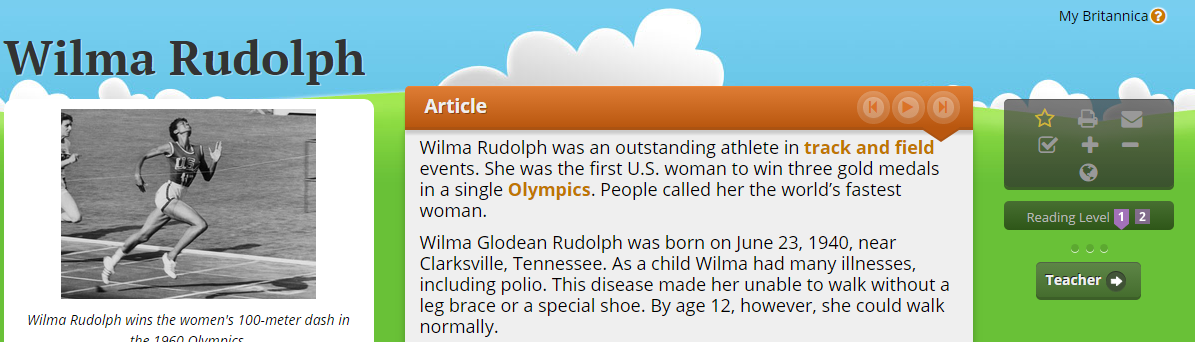
In the library, we started with Galileo, our state research databases, for session 1.  We focused specifically on Britannica Elementary.  I did a brief mini lesson for students on how to search for a person, how to read to find answers to questions, how to change the levels of the text, how to turn on text to speech, and how to cite a source.  Then, students had time to research with the support of peers and the teachers in the room.

Wilma Rudolph    Britannica School

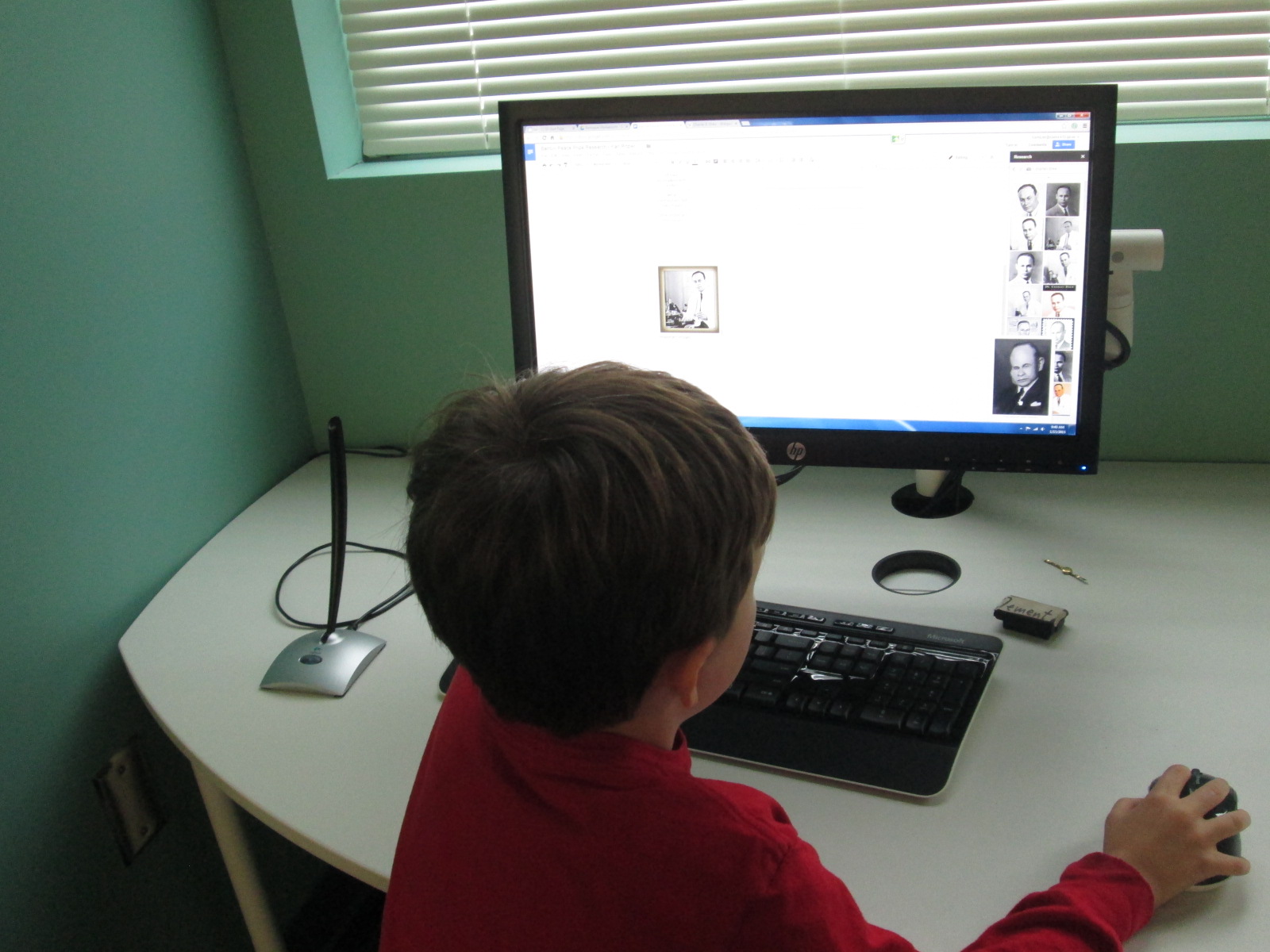
During session 2, we focused on using the research tool in Google Docs.

Practice Barrow Peace Prize Research   Google Docs

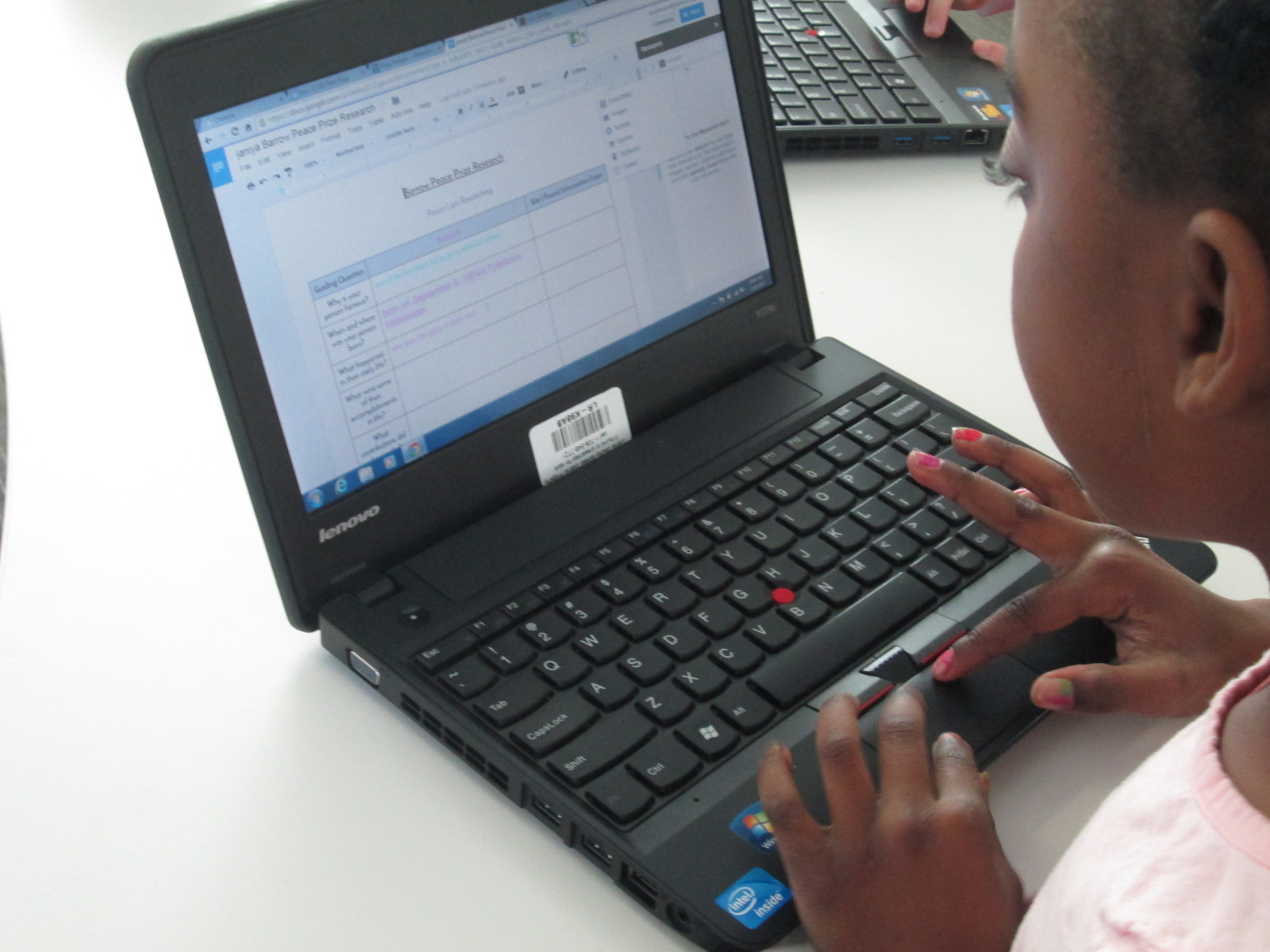
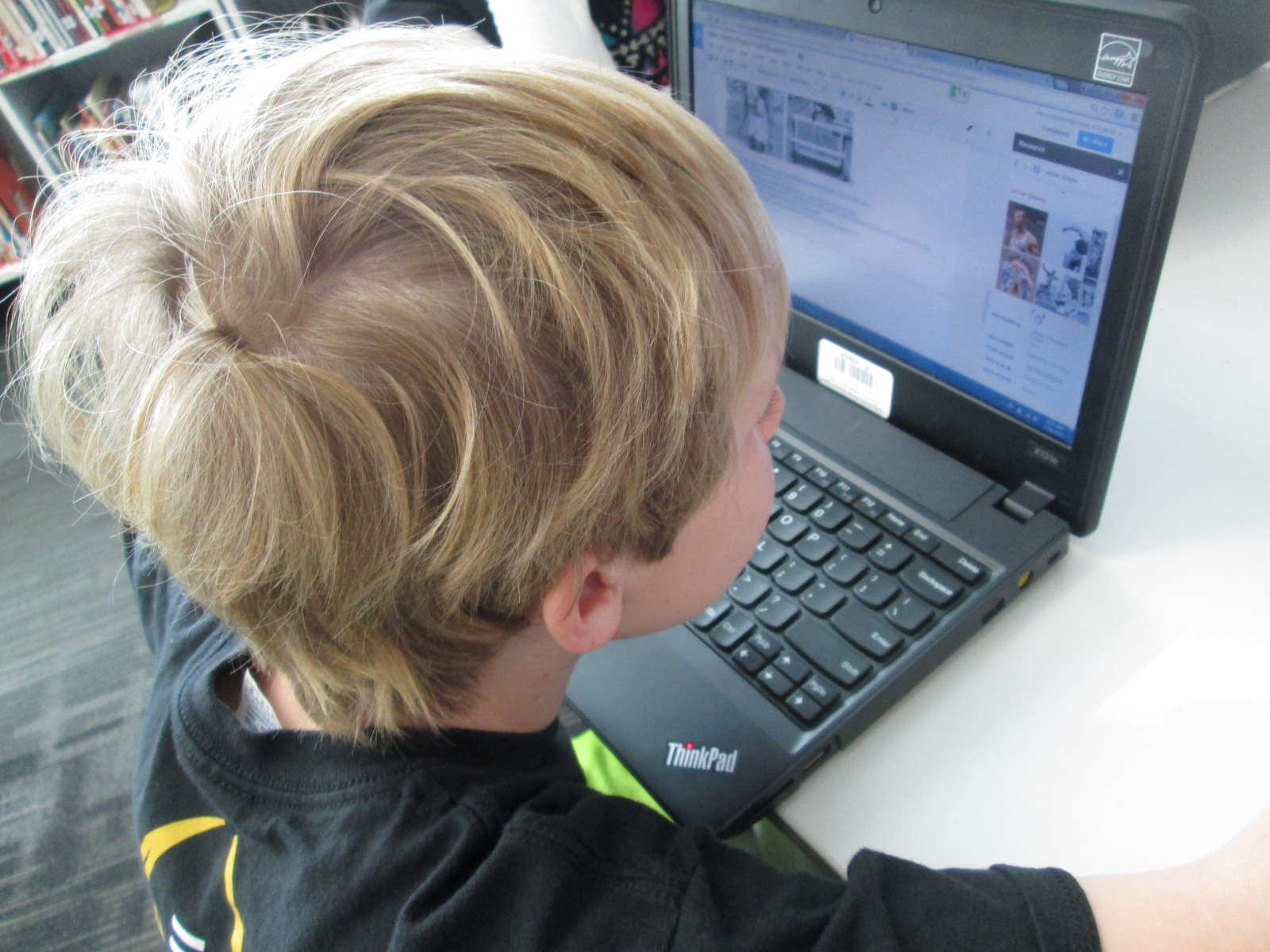
I LOVE this tool, but I did feel like it was a step up for the trustworthiness of a database.  We had to add a layer of conversation about evaluating the sources we were using.  I showed students how to open the research tool under the tools menu.  Then, we practiced a search together.  I showed them how to look at images, quick facts, and specific websites.  They loved how you can do a preview of a website before you actually open it.  Finally, I showed them how the research tools makes citations so easy.  By simply dragging pictures into the doc, the images are cited.  By clicking on “cite” on a website, the website is added to the doc.  They loved the simplicity of this.

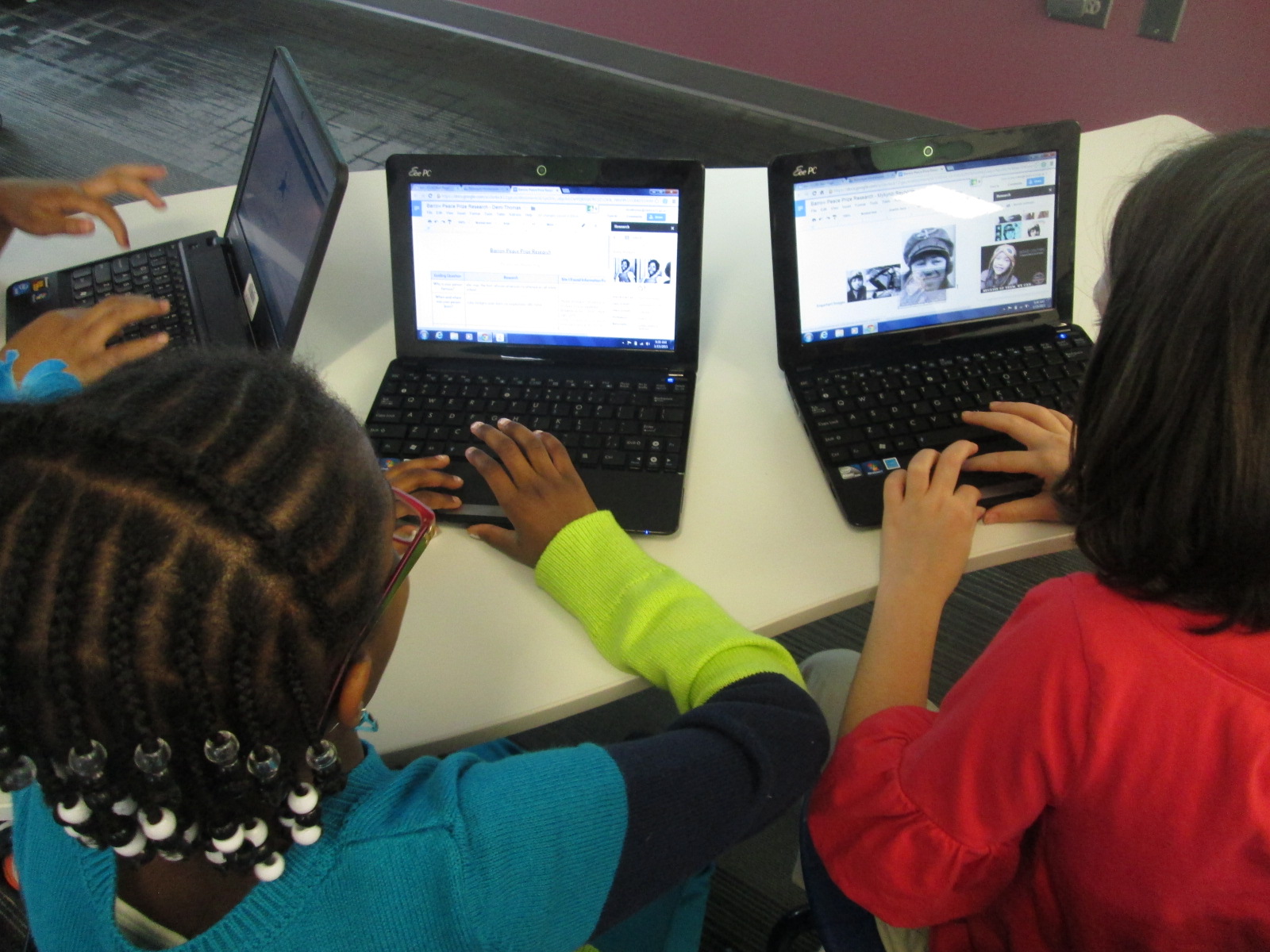
Again, students went to work answering their questions and citing sources.  The teachers and I had individual conferences to help students search for information, clarify terminology like “contributions” and “accomplishments”, and wordsmith with students to put facts into their own words.

google doc research (5) google doc research (4)

Our next step is to spend time writing persuasive pieces about our people.  We will also identify the criteria for the Barrow Peace Prize so that students can work that into their writing as well.

google doc research (1) google doc research (2)

Students are also taking their images that they found during my session into the art classroom.  Our art teacher is working with students to create images that represent their chosen person.  The image might be a drawing of the person, but it might also be something that represents that person.

google doc research (3)

I love projects that pull together so many standards, skills, and subject areas.  This is shaping up to be another standout project of the year.

Crowdsourced Rockology with Blendspace and Thinglink

3 ELT Rockology   ThingLink

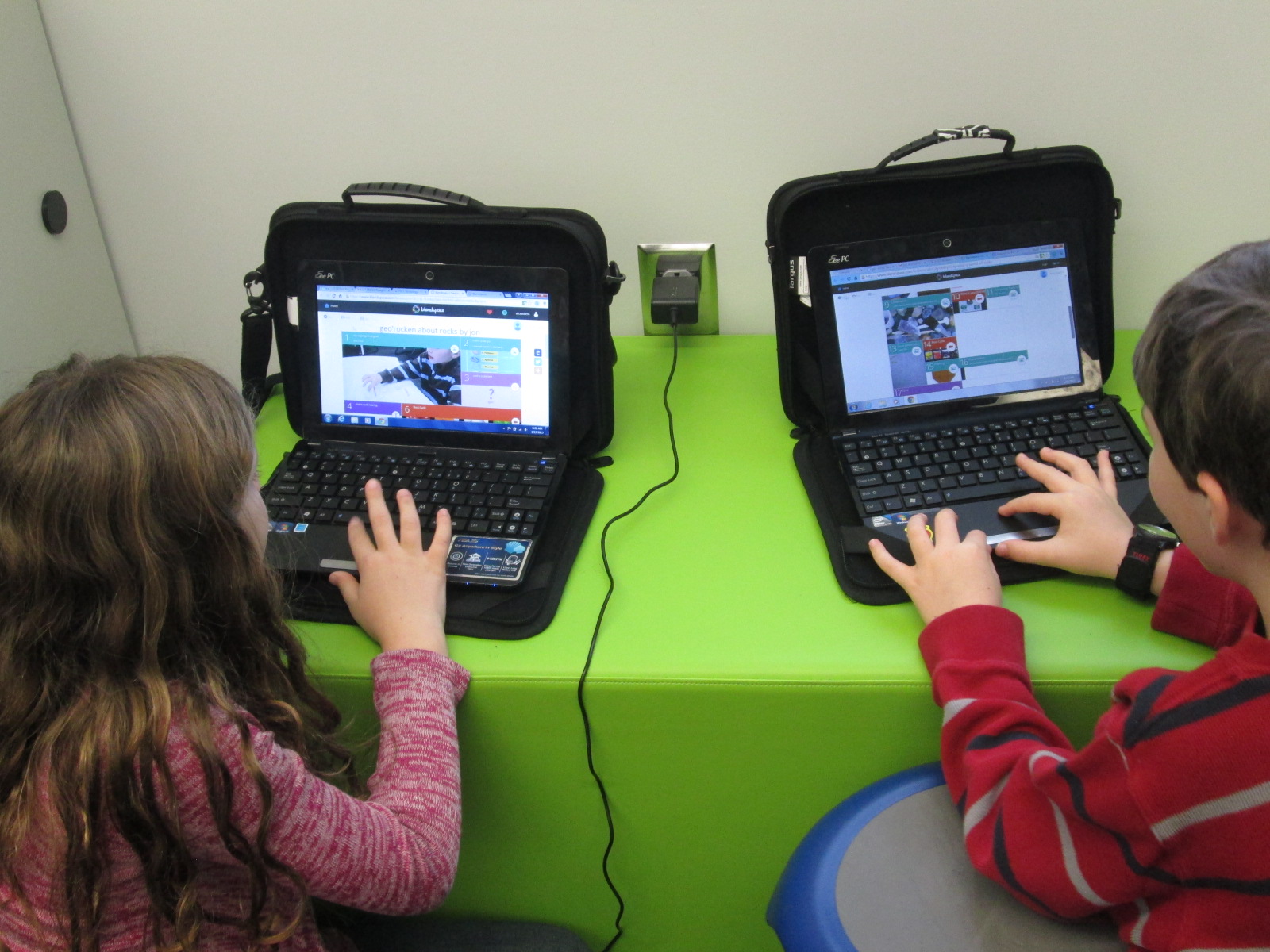
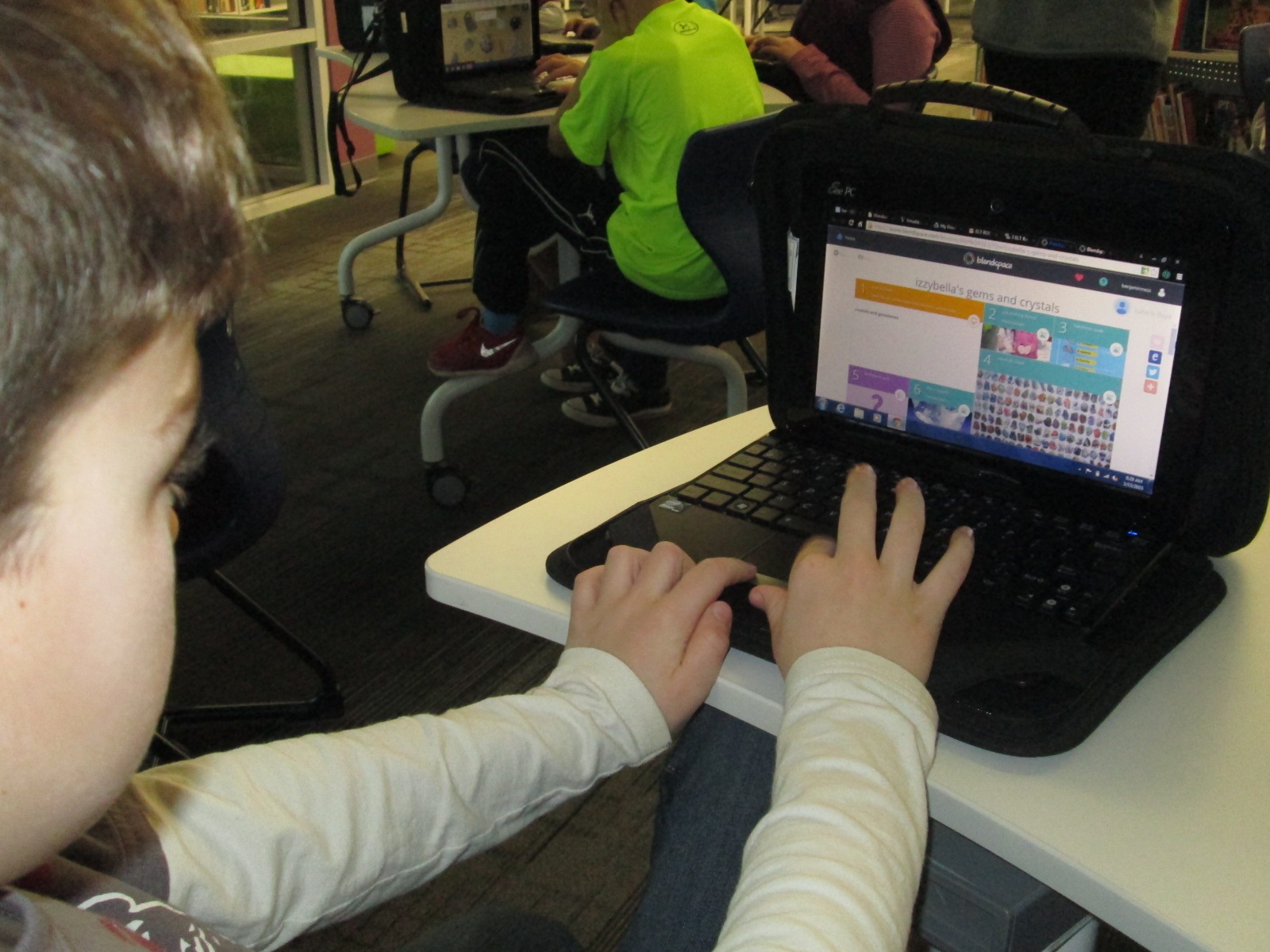
A group 3rd graders have been working for several weeks on a project in Blendspace.  They are using this tool to combine their notes and photographs from class along with research and instructional videos they are finding online.  They are also creating their own pretests and post tests within the Blendspace lessons as well.

thinglink (8)

Ms. Hicks, the Spectrum teacher, and I wanted their projects to be crowdsourced into one location so that an audience could easily access all of their lessons on rocks and minerals.  Crowdsourcing the Blendspace lessons would also make it efficient when sharing their work with one another for peer review as well as sharing with families.  There’s even potential to share this work with other schools who might use their content or offer feedback to improve the work even more.

thinglink (7)

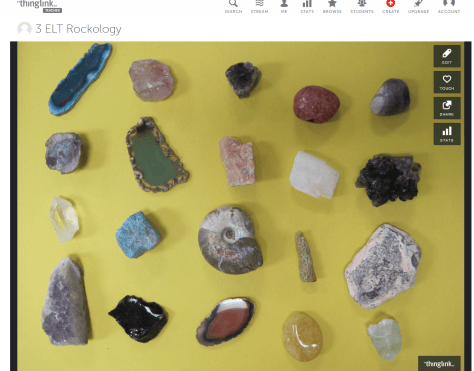
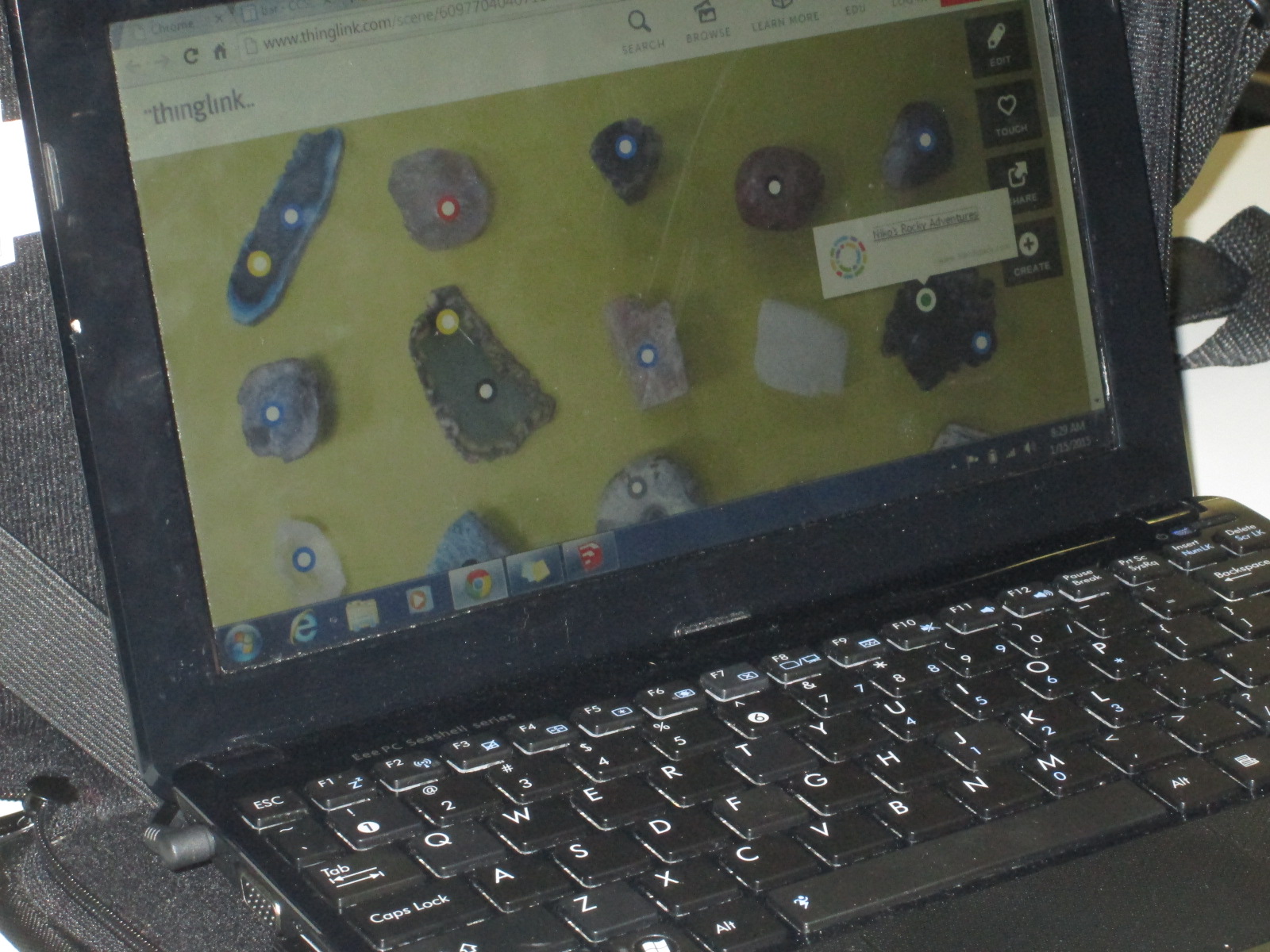
To crowdsource, we used Thinglink.  Ms. Hicks selected an image of rocks and minerals positioned in rows.  Then, she assigned students to the various rocks or minerals.  I uploaded the image to Thinkglink and made it unlisted.  Then, I allowed anyone to be able to edit it.

thinglink (5)

Ms. Hicks emailed the link to the image to all of the students.  They went to their Blendspace lessons and selected all of the privacy permissions that they wanted to.  Then, they copied the link to their Blendspace lessons and connected them to the Thinglink image.  We did run into a problem with several students trying to edit the image at the same time, but as long as they kept retrying, they eventually were able to edit the image.

thinglink (3) thinglink (4)

Now, students are looking at the image to access all of the projects in their class. They are viewing the work and offering feedback to their peers.  Since the links are active, any changes they make to their Blendspace is automatically connected to the Thinglink.

thinglink (2) thinglink (1)

I love this way of getting student work out to an authentic audience and I invite you to take a look at their work.  Feel free to leave them a comment here on the blog.

Kindergarten Authors, Illustrators, and Storytellers using the StoryKit App

ICDL   International Children s Digital Library

Ms. Hocking is a Kindergarten teacher at our school who is always discovering new tools that she wants to try with her students.  She recently showed me the StoryKit app for iPhone.  This app uses some of the texts from the International Digital Children’s Library .  Readers can read the books as they are, but they can also edit them.

Ms. Hocking’s class has been reading multiple versions of the same folktales and stories this year, so this type of app was a great fit to extend their curiosities and noticings in reading into something that they could create.

storykit (1) storykit (4)

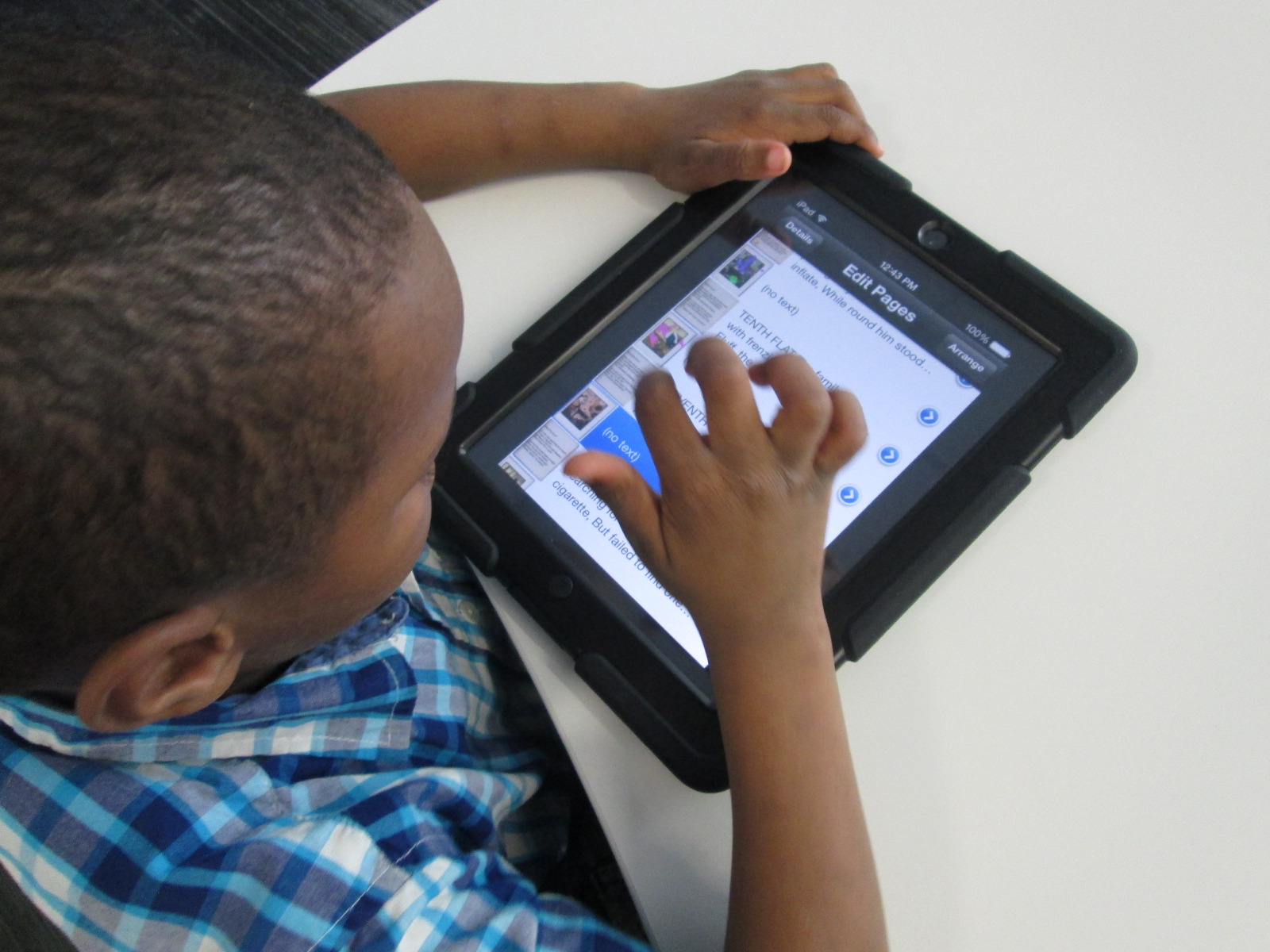
In class, she continued to have students read multiple versions of the same type of story such as The Gingerbread Boy and The Three Little Pigs.  In the library, students came for a whole hour of tinkering with the app.  Students started on the carpet, and I projected an iPad onto the screen.  I showed them the app and we started exploring the tools and menus together.  Then, students used an iPad to explore on their own.

storykit (3)

Through our modeling and tinkering, students discovered:

  • how to take a picture and add it to the story
  • how to draw on illustrations
  • how to delete text
  • how to add their own text
  • how to resize images inserted into the story
  • how to delete pages
  • how to find and add images already on the iPad camera roll

This tinkering was very important because it allowed students to figure out the workings of the app before they had to produce something.  In class, Ms. Hocking had them select one of the stories from the app and work in a collaborative group to brainstorm changes to the story.  These changes were written by Ms. Hocking or Ms. Rockholt, the parapro, onto a notecard.  Students also went in and deleted all of the text from the story in their classroom.

In the library, the groups came back for a work session.  Each adult worked with 2 groups.  Students took turns modifying the images in the story to match their plans for the story.  Then, some students wrote out new text for the story while other groups told their text to the adult in the group.  We tried to put as much control and creation into the hands of the students.

Back in class, Ms. Hocking is looking over their stories and they will continue to work before finalizing and sharing their work.

I loved seeing what Kindergartners could create.  I also loved the tinkering and creativity built into this project.


Hour of Code 2014: Scenes from Day 5

2014 Day 5 (22)

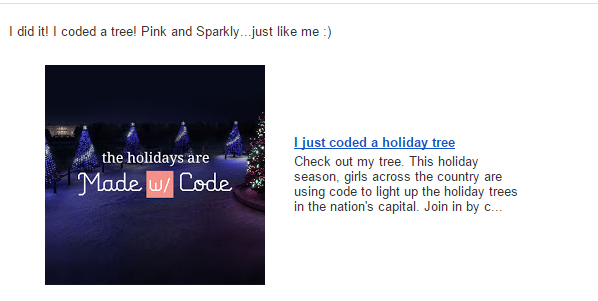
Today has been filled with 3rd grade coding.  Ms. Hicks brought her Spectrum class to start the day off, and then those same students returned with their own class later in the day.  This gave these particular students 2 hours of code, so they were able to do both the Made with Code site and then launch into making Scratch projects by following the tutorials and then branching off on their own.  I love the structure of the Made with Code site and how it builds up to the openness of a tool like Scratch.  Students seem to better understand the concept of block coding after using the structure of Made with Code.

I know that the Made with Code site was made with girls in mind, but my own wish is that the site didn’t specifically talk about girls.  So many of our boys loved the site as well, but they were a little turned off when they saw the text on the site that specifically labeled the site for girls.  As long as they didn’t read the text, they were happily coding together.

Something else happened during today’s coding sessions.  Some of the teachers gave themselves permission to sit down and code with students.  All week, teachers have walked around and had great conversations with students about perseverance, coding, failure, and innovation.  However, very few have allowed themselves to code.

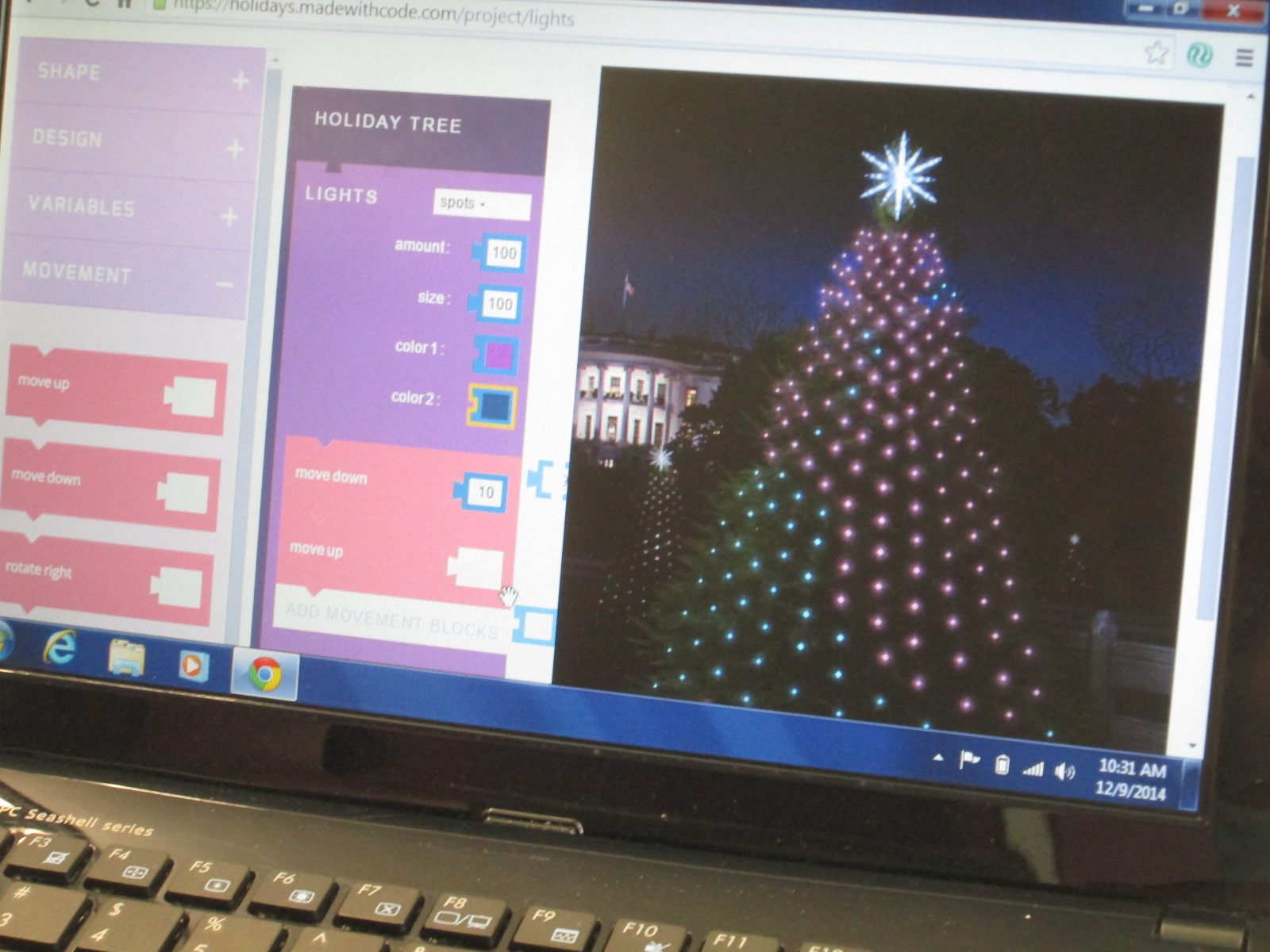
Sparkly Tree

Ms. Spurgeon was bubbling with excitement today as she coded the White House Christmas tree in her favorite color of pink.  Her excitement spilled over into the students at her table as they tried some of the things she was trying and watched her try different pieces of code.

It reminded me of the importance of learning along with our students and really showed me that I probably need to explicitly invite teachers to sit and code with their classes.  I can do all of the running around, talking, and nudging, but teachers should learn along with their students and consider how coding comes into their own curriculum.

Another new thing that happened today was that some students really stuck to the Scratch tutorials without trying to branch off on their own too early.  The ones that stuck with the tutorials really got some functioning projects off the ground during their hour of work.

Several of the 3rd graders branched off from the 3 holiday projects on Made with Code and tried some of the other projects.  They loved the beat creator.

As students made beats, they were naturally starting to think about lyrics or dances to go with their beats.  Their teacher happened to be standing nearby when I observed this so I suggested that they might write a rap that connected with some of their classwork.  Then, the teacher got excited and suggested a rap about habitats in science.  It will be interesting to see if this takes off in class or not, but students were certainly interested in creating beats and putting in some work to write a song.

4th grade closed out our day with all kinds of coding.  The experience with coding was the most varied in this grade because several students had used coding in projects last year.  I showed several resources and turned them loose to see what they could do.

This year’s hour of code has been so much fun and was a big improvement over last year.  Next year, I hope to do even more.  I would love to involve families at some point.  I’ve seen several schools hosting parent coding nights, so perhaps we will look at that for next year.


Hour of Code 2014: Scenes from Day 3 & 4

2014 Day 4 (7)

Days 3 and 4 have been filled with lots of young learners for hour of code.

Kindergarten class have continued to come to use the iPad app The Foos.  In each session, we start by talking about the word “code”.  Lots of them mention passcodes on iPhones and codes to get into gates or buildings.  We link this to the idea of giving a computer a code.  Then, we watch the video from President Obama.

Before we start the app, we talk a lot about how coders don’t give up, they try small pieces and test, and they collaborate when needed.  The teachers and I have made some interesting observations about students while they are coding with The Foos and other coding tools.

1.  Students who might easily give up or struggle with other subject areas in school are fully engaged and putting forth tremendous effort when coding, while others who like to get things right the first time are easily frustrated.

2.  We talk a lot about stamina at our school and how long you can spend working at a task whether it’s math, reading, or something else.  The stamina of students in coding is very high.  Working for almost an hour was easily obtainable by most students regardless of age.

3.  Students who might not normally share their thinking with other students in order to help or collaborate were very willing to share their coding strategies.

4.  Some students still needed some direct instruction or nudges.  With the Foos in particular, I noticed students repeatedly pressing the run button in order to get a character to move rather than write enough code to make it happen with one click.  I observed students repeating the same code over and over that wasn’t working and never trying something new.  There is a lot to learn from tinkering, but it is still essential and necessary for a teacher facilitator to step in with some instruction, tips, or nudges.

In addition to the Foos, we had 2nd graders who continued to enjoy using the Made with Code site.  They loved programming a yeti to dance, but they thought it was super cool to be able to program the lights on the White House Christmas tree and actually schedule their code to light up in Washington.

Our preK students had a blast using the Sphero draw app to practice drawing shapes and programming Sphero to drive around the carpet in their shape.  You can read more about that here. 

Finally, we’ve been having an interesting occurrence in our makerspace.  It started with a couple of students asking if they could come in during their recess to build and program a robot.  Then, another student asked.  Before I knew it, the word was spreading and more students who were new to making were showing up during recess.  It’s sort of like an underground movement.  It’s exciting, but I’m trying to figure out how to manage it.  Just today, a student came in on her own, designed an object in Tinkercad, exported it to Makerware, uploaded it to an SD card, and began printing it on the 3D printer.  Another student uploaded a file to Thingiverse that he made at home and prepped his own file for printing.  Two students started assembling a robot and pooling their knowledge to create the code that lived up to their vision for what the robot can do.  Another new student appeared, and started tinkering with how to program Sphero.

Students want to dream, tinker, create, and share.  I’m thankful that our library is a place that they can do that.  Hour of code once again opens my eyes and teachers’ eyes to what students can do.

Hour of Code 2014: Scenes from Day 2

2014 Day 2 (29)

Day 2 was a whirlwind with back to back class all day from 8AM until 2:30PM.  Once again, it was a day filled with perseverance, collaboration, and celebration as students figured out how to create pieces of code in apps and websites and run them.

Kindergarten and 1st grade continued to use the app “The Foos” by CodeSpark.  Today, I gave better instruction encouraging them to write the shortest code they could think of in order to get their character to capture the star.  We also did a few examples together by displaying the iPad on the screen.  This helped us to think about problem solving, trying something different, and visualizing the actions we wanted our character to take before we wrote code.

Our 2nd grade classes tried out block coding by using the Anna and Elsa snowflake game on Code.org as well as the Angry Bird and Flappy Bird game.  Once again today, the Code.org site was slow.  It didn’t crash, but it was still so slow that students were discouraged.  We visited it when we could, but we focused more of our time on Google’s Made with Code site.  This site was created to encourage girls to code, but we’ve found that it’s really a site for everyone.

Made with Code_Google

Students chose from 3 block coding activities:  making a yeti dance, creating a White House light show, and designing an animated snowflake.

Made with Code_Google choices

This was such a great tool for 2nd grade because it walked them through each step of adding blocks and then they could make adjustments to create various effects.  It was a great stepping stone to move on to something like Scratch or Scratch Jr.  In fact, we looked at Scratch at the end of each session and students better understood all of the menus in Scratch because of what they learned on this coding site.


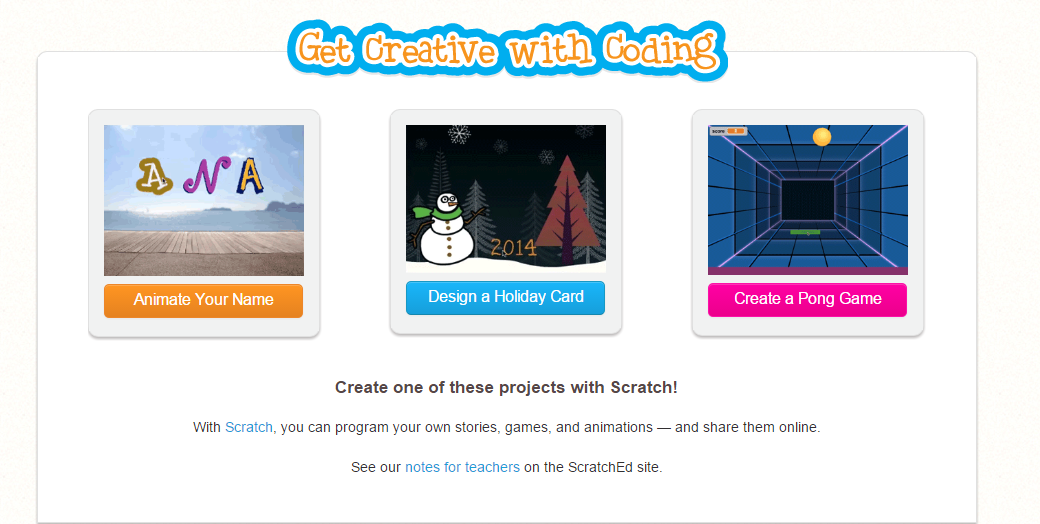
Finally, the entire 5th grade came in for a coding extravaganza.  It was loud and productive.  They tried the three Scratch tutorials on Code.org

Get Creative with Coding   Imagine  Program  Share

Several students also used Made with Code to create more dancing yetis and lights.  I have a feeling that many of these students will be coding on their own tonight, in class, and over the winter break.

Teaching Fractals in PreK with “Let It Go”

My daughter is in PreK, so the other day when I picked her up from her classroom to leave school early I saw her class busy exploring shapes at various centers in the classroom.  I saw Ms. Melissa holding up familiar objects like cans and bottles and talking about what 3-D shape these objects were.  My daughter ran up to me so excited to tell me about some new shapes that she was learned.  I was reminded how important it is for us to step into one another’s classrooms, especially when we collaborate with one another.  Taking just a moment to stop, look, and listen in a classroom can open your eyes to what students are learning and how they are learning it within a room.  I love how preK is full of curiosity and wonder.  They get excited about every new discovery and immediately start looking for that new knowledge all around them.

I also know how much PreK loves the movie Frozen.  I’ve seen them using GoNoodle to sing the song together.  They belt out the lyric “in frozen FRACTALS all around”, but they have no idea what a fractal is.  This was a perfect opportunity to weave together some informational text, video, music, vocabulary, science, and math since the teacher was already signed up for a read aloud.

We opened the lesson by watching the “Let It Go” video where the word “fractal” comes up.

We wrote the word fractal on the board and then asked ourselves what a fractal might be and how it was connected to our study of shapes.  Next, I read the book Mysterious Patterns: Finding Fractals in Nature by Sarah C. Campbell.

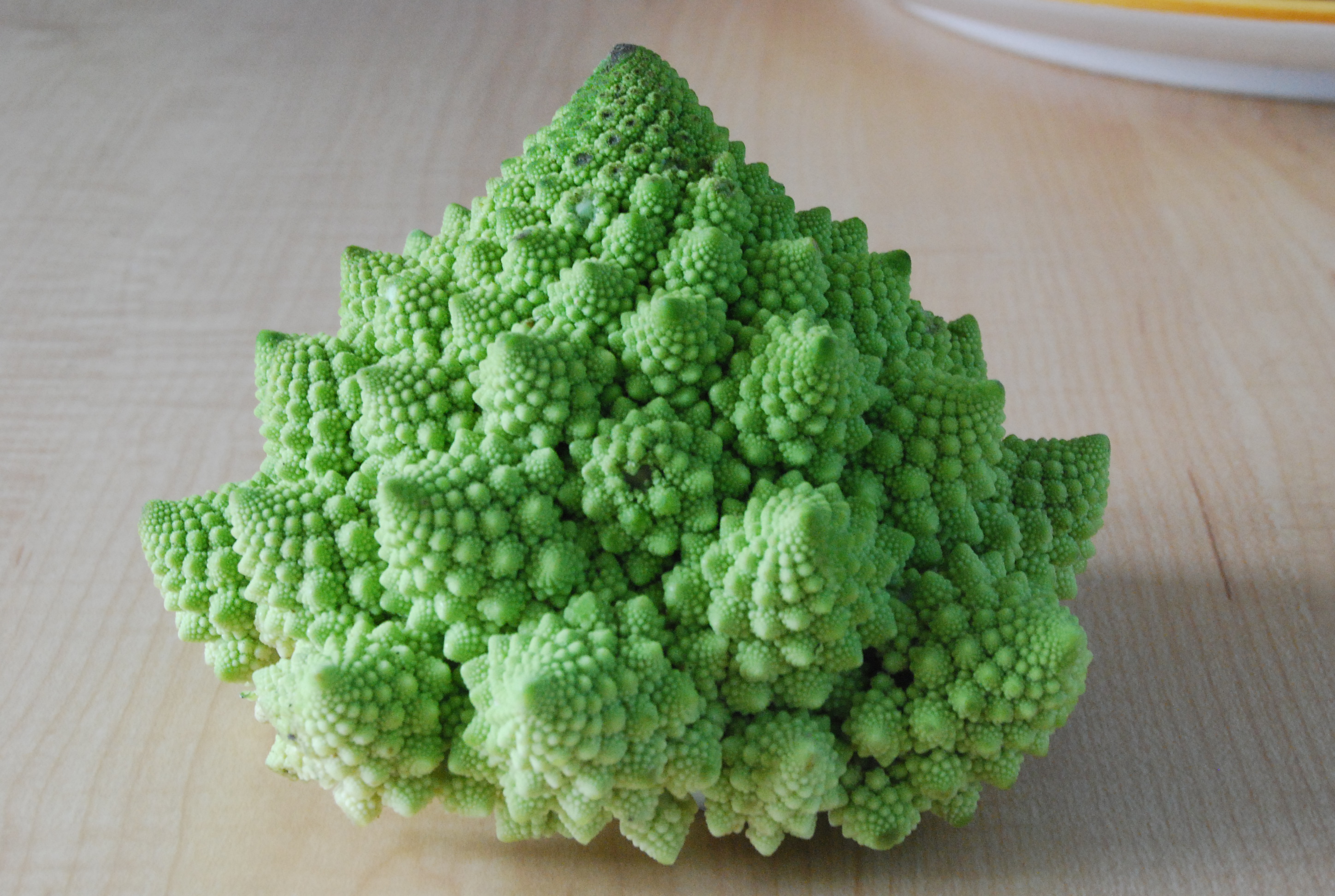
This book explains how 3-D shapes are all around us and tells how Benoit Mandelbrot made up the word fractal to describe shapes that are made up of the same pattern.  One piece of the shape looks the same as the whole shape.  The book has photographs of things like broccoli broken into different pieces all the way down to a single piece of broccoli to show that it looks the same.  There are also pictures of Queen Anne’s lace, trees, lightning, and more.

Following this, we continued thinking about shapes in nature by reading Joyce Sidman’s Swirl by Swirl.  It was interesting to think about fractals and swirls and whether or not they were the same thing or different.  The teacher, Ms. Heather, checked out both books to take back to class to add to their explorations of shapes.  She plans to branch off of the excitement that kids had from the photographs and illustrations in both books and continue to look around outside for these patterns.  For example, the class already knows that there is a swirl shape within our playground equipment, so they plan to walk out there to take a look.

Now, when this class belts out “Let It Go”, they will have a new understanding of frozen fractals.


Celebrating Thanksgiving Traditions with Balloons Over Broadway and Looking Ahead

Second grade signed up for a rotation through the library as part of their Thanksgiving feast celebration on the day before our holiday break.  Their request was to read the book  Balloons Over Broadway by Melissa Sweet.  If you’ve never read this book, it is amazing!  The illustrations are filled with details that you can search through for hours and it is packed full of information while being very readable as a read aloud.  While I love biographies, sometimes it is hard to read a biography aloud because of the length.  Balloons Over Broadway is just right.

Before we read the book, we looked at information about the Macy’s Thanksgiving Day Parade.  Watching this parade has always been a part of my Thanksgiving tradition.  I was very surprised to see how many students had never watched the parade or even heard of it.  I was reminded of the importance of the picture book and how it brings out conversations that might never have happened without the sharing of a story.  Some of our conversations included perseverance, immigration, failure, and growth mindset along with some other Thanksgiving traditions.

There are numerous resources you can use to share about the parade and the book:

After we read the story, we used on of the pages out of the activity kit to design our own balloons.

www.hmhbooks.com kids resources BalloonsOverBroadway_ActivityKit.pdf

I loved watching what students came up with.  Once they finished, they had the option of sharing their balloon on a Flipgrid.

Students came up to the webcam on the projection board and I helped them click through the Flipgrid menus to take a picture and record.  Then, students came up to type their name.  I normally use the iPad app for Flipgrid, but this was a fast way of doing a lesson closing as students finished their coloring on their own time.


balloons

Click here to see and here about their balloon designs!

The book also made me think ahead.  Last year in 2nd grade, we did a great project with the force and motion standards in science where students investigated Rube Goldberg and made their own inventions.  Balloons Over Broadway was a perfect introduction to the idea of tinkering and using everyday objects and simple machines to take mundane tasks and make them interesting.  I want to revisit the opening pages of the book where Tony Sarg invents a way t feed the chickens when we do the simple machine project later this year.

I also thought about the Hour of Code and how that event brought about so many conversations about failure and perseverance.  This book would be a great example to share ahead of Hour of Code to think about a growth mindset and prep students for the failure that comes with coding and how you handle that failure as a learning experience.

Who knew that so many thoughts would come about from a simple request to read a story.


We Need You to Vote on Whether these Explorers are Heroes or Villains!

IMG_4397

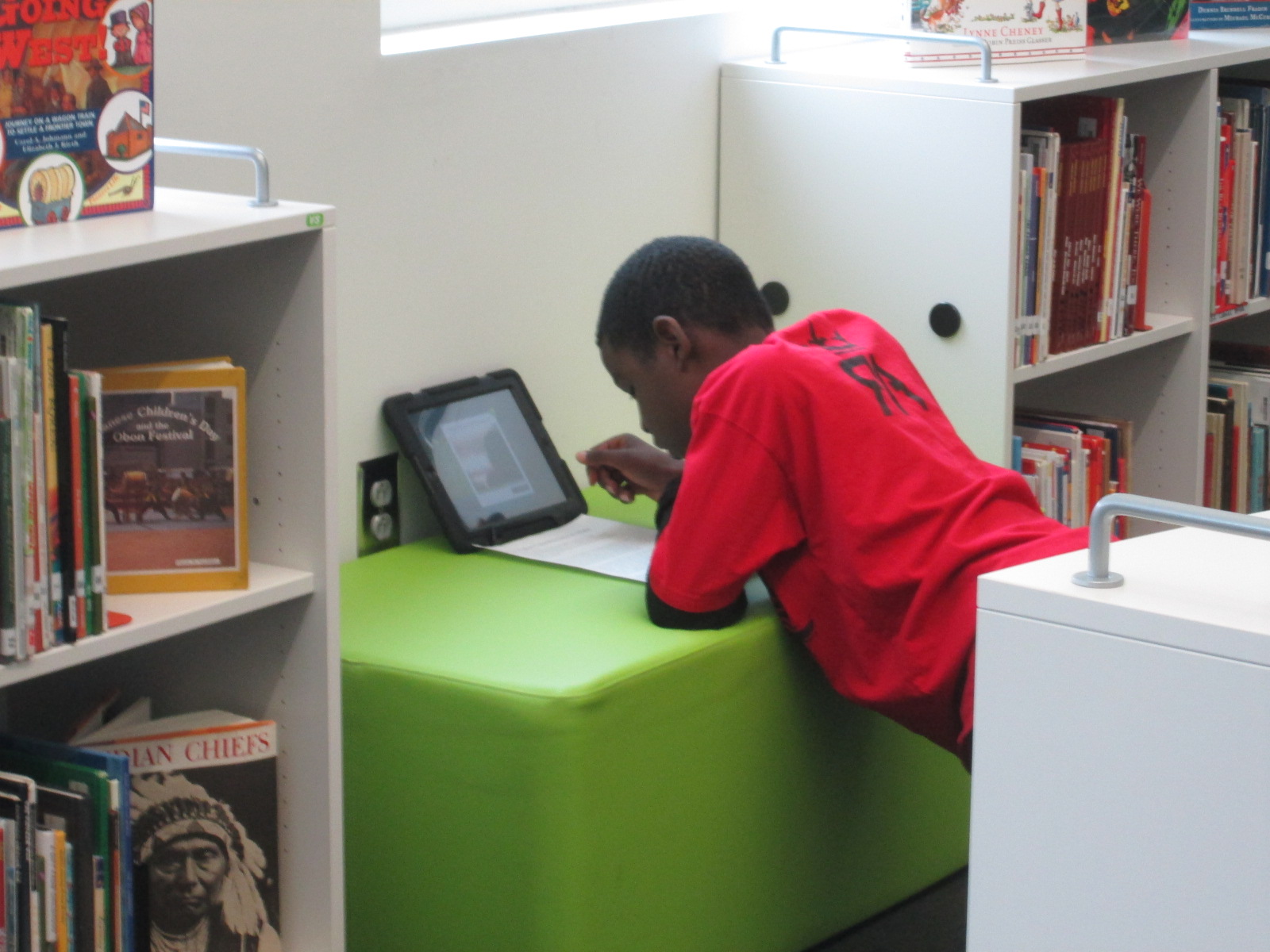
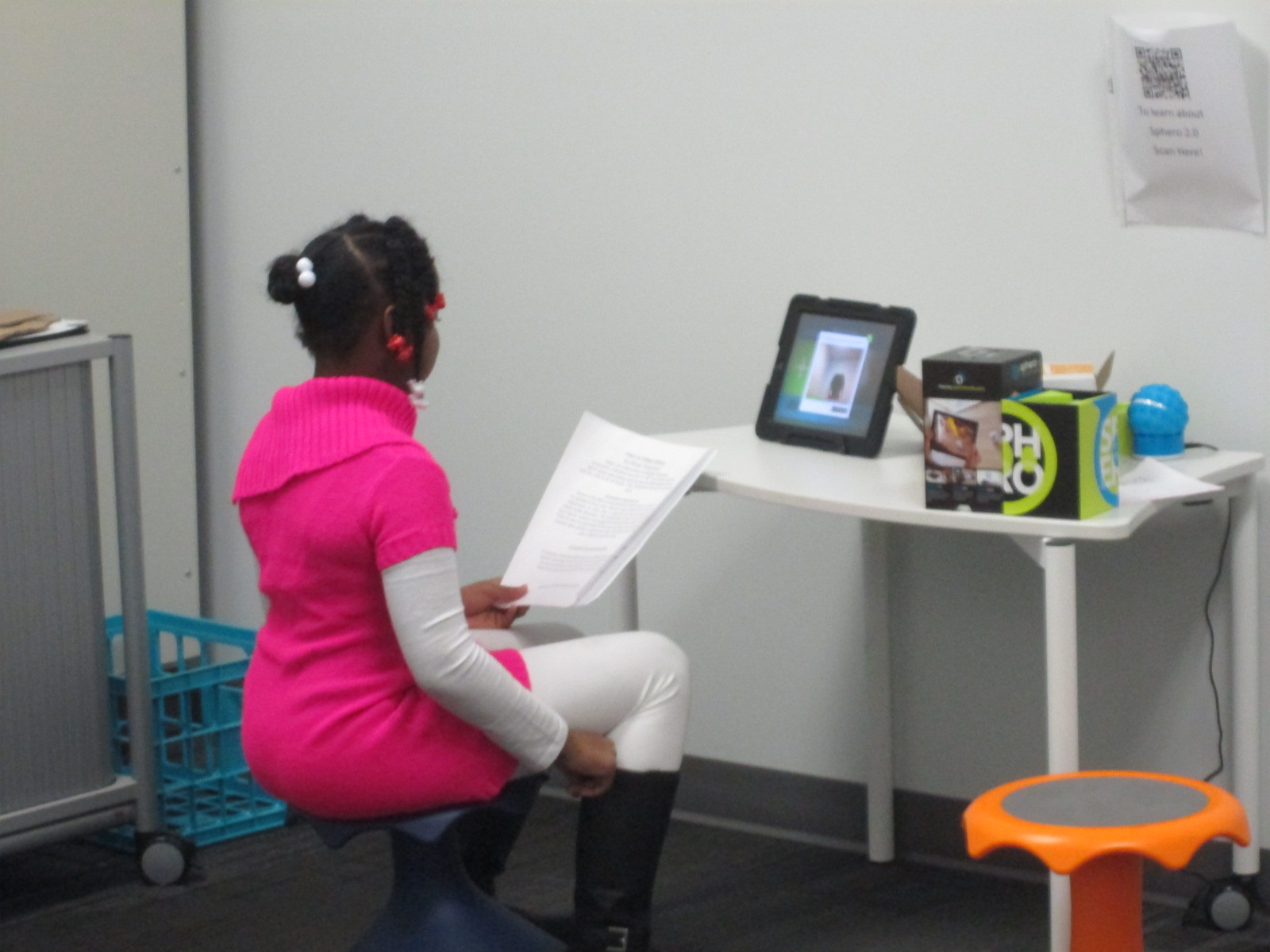
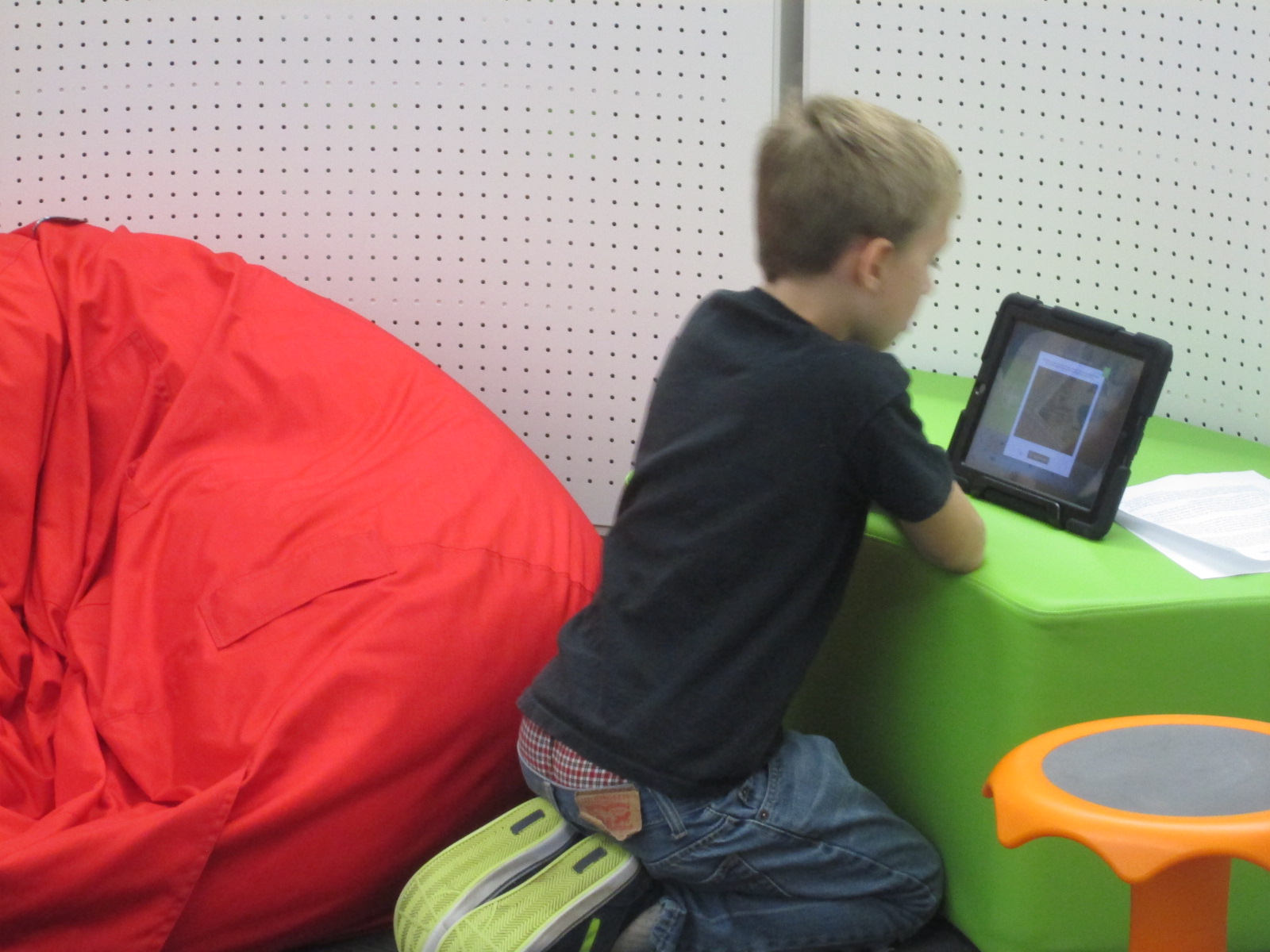
Fourth grade has been hard at work.  They have been researching multiple explorers in their social studies standards and considering whether those explorers are heroes or villains.  It all started with a lesson in the library using a video about Christopher Columbus, Encounter by Jane Yolen, and Tagxedo.

IMG_4399

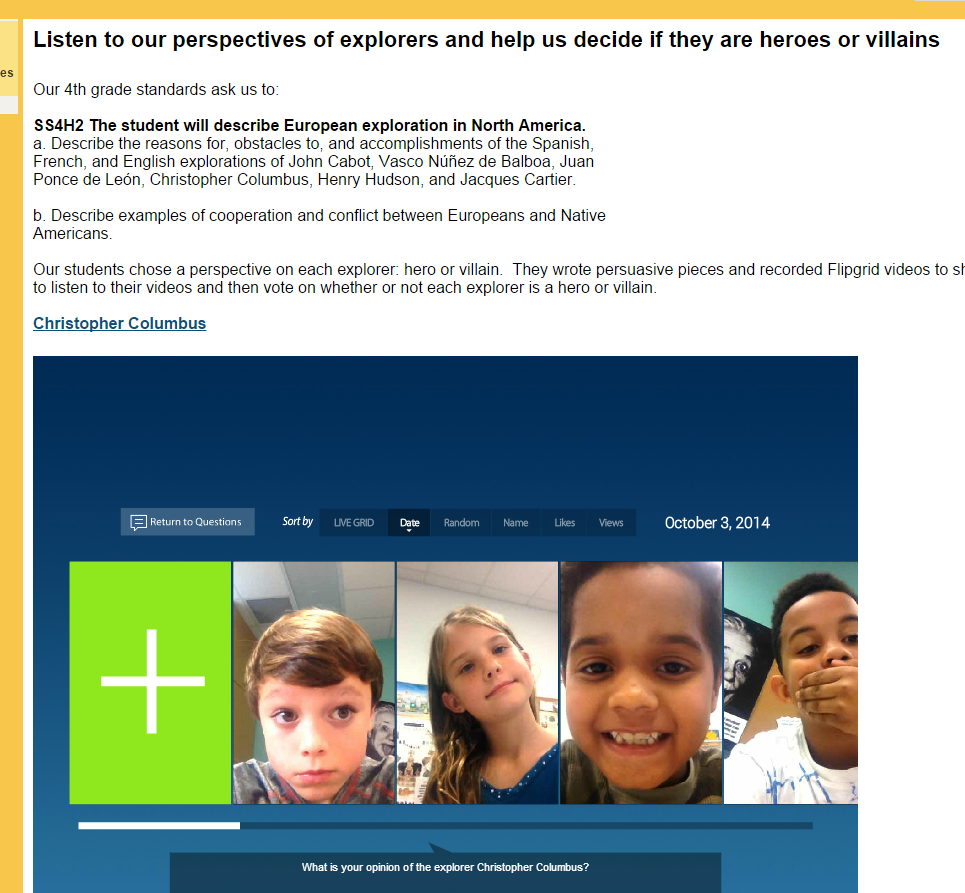
After that, students selected an explorer and began their research.  They took their information and used that to write a persuasive piece convincing an audience that their explorer is a hero or villain.  They used Flipgrid to record themselves reading their persuasive piece.  All of the Flipgrid videos are housed on an Google Site for easy access and each explorer has a Google form voting tool to indicated whether that explorer is a hero or a villain.

IMG_4398

Now, this is where you come in!  We need you to watch our videos and vote on our heroes or villains.  You can choose an explorer and spend some time on that one explorer or you can watch them all!  You can share this project with other classrooms or educators and ask them to share.

If you choose to do this with a class, we would love to hear about it!  You can tweet pictures or comments to @plemmonsa  Most importantly we want you to vote and share.


Soon after our Thanksgiving break, we will take a look at the results and most likely connect with our friends at Flipgrid to talk about coding and our project’s reach.

We hope that our project makes you think about the many perspectives in our world’s history and that you enjoy hearing our voices.

Barrow Explorers

Click here to access our Explorer Google Site!  Tip:  If you are in Google Chrome, you will need to click on the shield in your address bar to load the “unsafe script”. This will show you the embedded grids.  Otherwise, just click on the link on each explorer’s name to access the Flipgrid on a separate page.  Feel free to “like” student videos by clicking the hearts, but don’t forget to vote on the Google forms on our site.