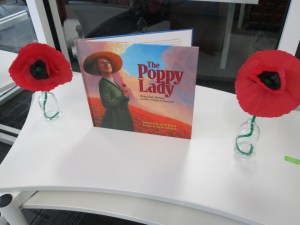
Last year, we were honored to have Barbara Walsh, author of The Poppy Lady, visit our school and share her book about Moina Michael’s vision for honoring veterans with the poppy. Now, last year’s fourth graders that attended that visit are in the 5th grade. They are about to host several veterans at our school for Veteran’s Day on Tuesday.
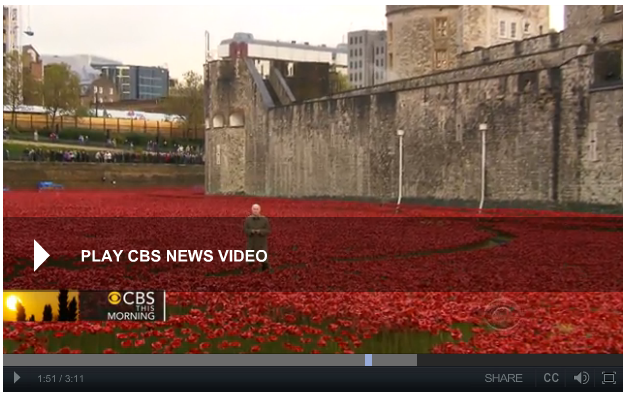
To prepare for our luncheon, the 5th grade classes each came to the library. We read The Poppy Lady again. We also watched a video from CBS news. The video gave the students some great context on why the poppy is so important and what it really symbolizes. This paired nicely with the advocacy story of Moina Michael.
We also had a great discussion about the importance of honoring veterans and what students might ask when they sit at a table with a veteran. They brainstormed questions/statements like: “Tell me more about your time of service”, “What division of the military did you serve in”, “What were some of your biggest challenges in the military”, etc.
Then, students took time to visit 2 centers in the library. I setup multiple iPads as a Flipgrid recording station. With Flipgrid, students reflected on how we could continue to honor veterans just like the poppy lady did.
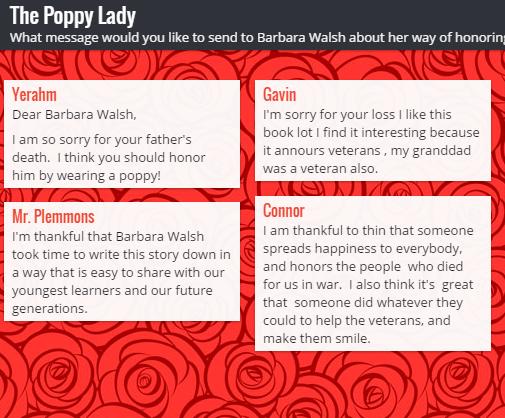
The 2nd station was a padlet where students could send messages to author Barbara Walsh about their appreciation for honoring the work of Moina Michael. I pulled the site up on both projection screens and three other computers in the library for students to visit.
Now the 5th graders will continue to work on poems, artwork, letters, and speeches for Tuesday’s luncheon. During the luncheon, they will sit with veterans and have meaningful conversations. I hope that they will take time to bring up the Poppy Lady while they talk.
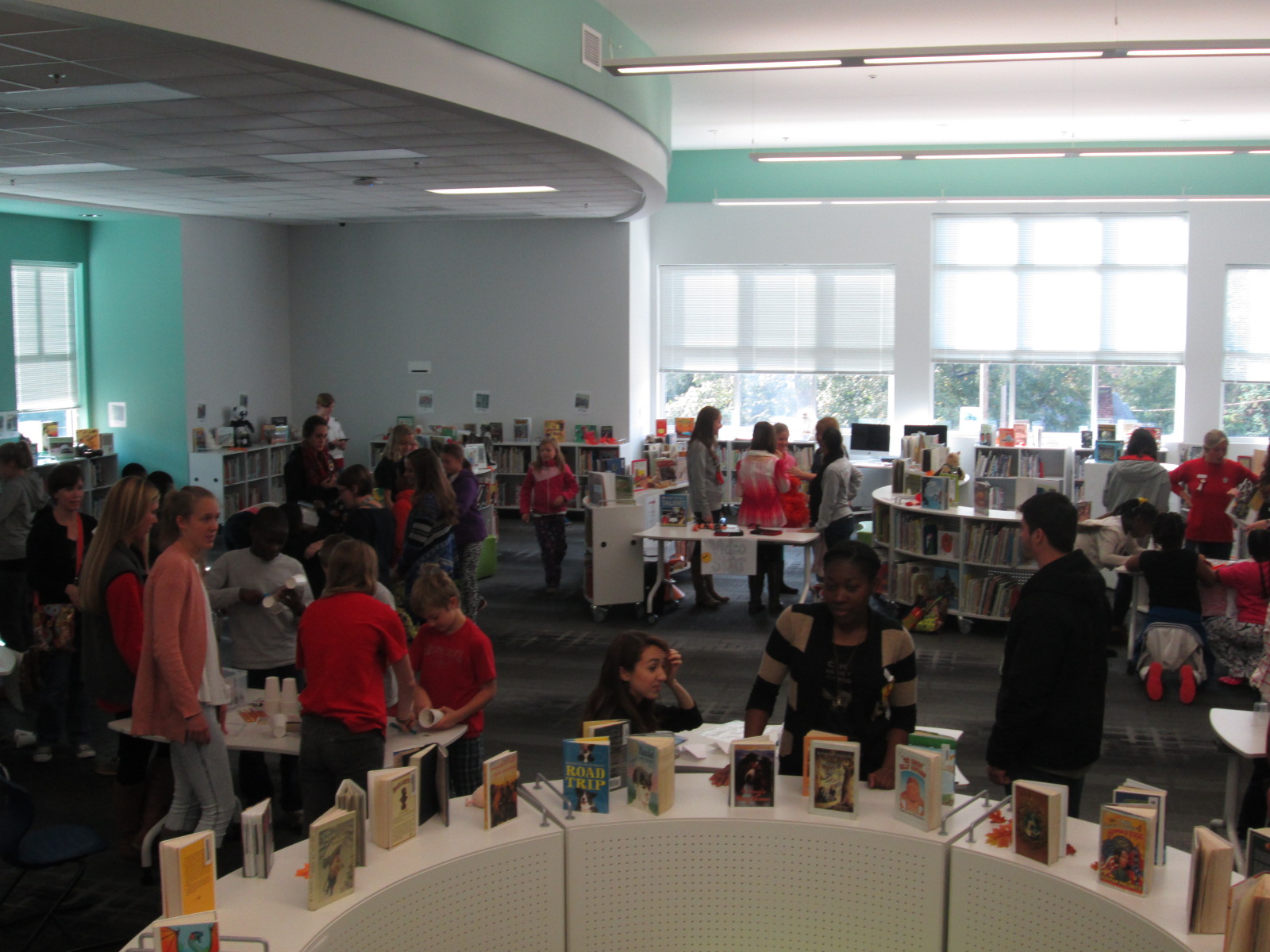
Today Gretchen Thomas from the University of Georgia brought one of her EDIT 2000 classes to the library for a mini maker faire. She and I have been brainstorming about how to give students more opportunities to come and use the makerspace in the library for tinkering and exposing students to various types of making. These conversations have come from my constant requests from students to come and use the makerspace. I struggle with finding a balance between the standards-based lessons and projects that I offer in the library, weaving in the makerspace into curriculum, and the students’ desire to just mess around with the tools in the space. Gretchen has been coming to lead maker recess times with me.
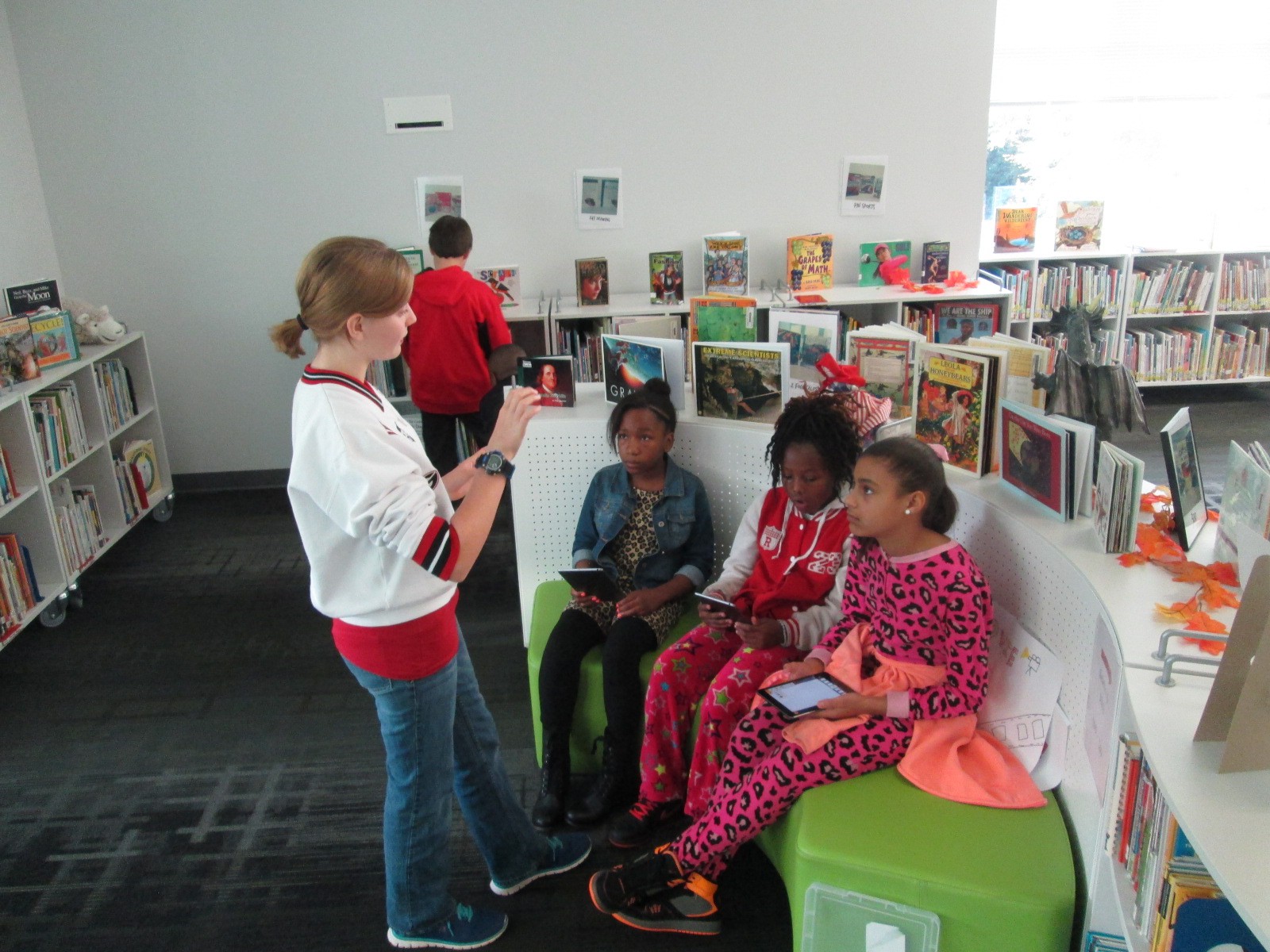
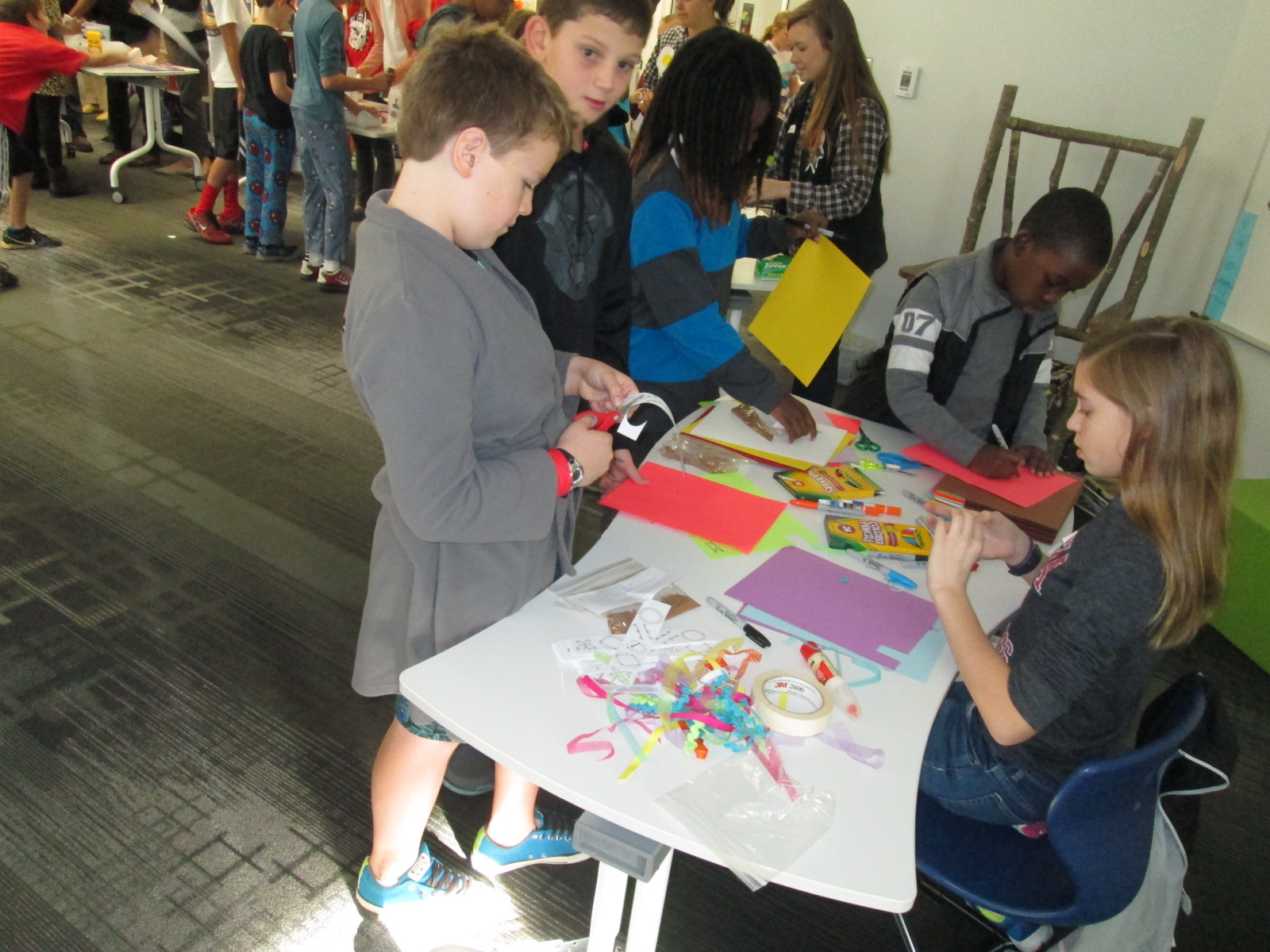
Today, her EDIT 2000 students brought multiple maker centers for students to explore. These UGA students are mostly undergraduate students from a variety of backgrounds. Some of them plan to be education majors while others have a range of other majors. I love the range of expertise and interests that live within these classes. Gretchen’s students designed a center that would explore some aspect of making.
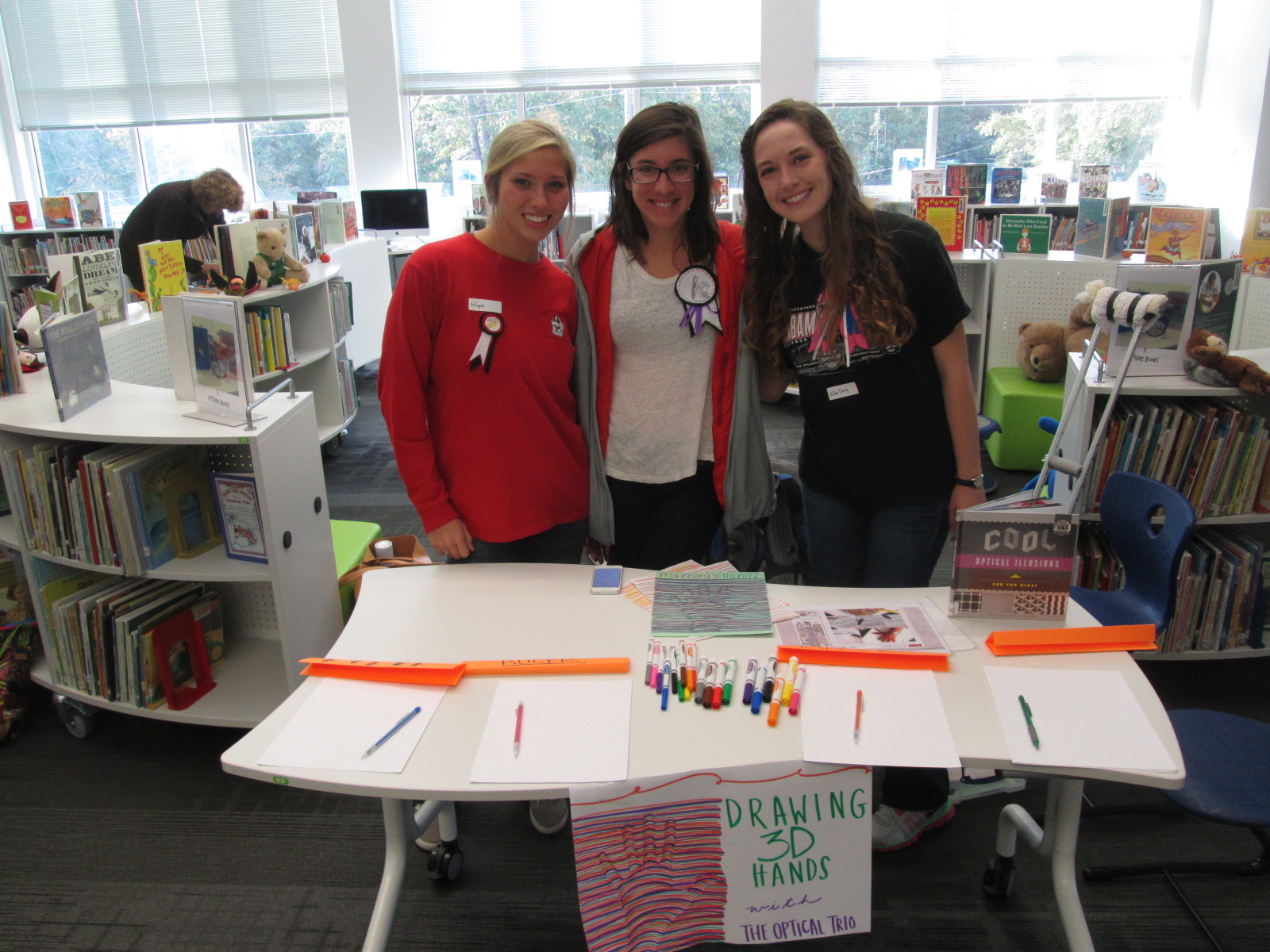
One center explored optical illusions. These students displayed a book of optical illusions and helped students create a drawing of their hand that looked like it was lifting off the page.
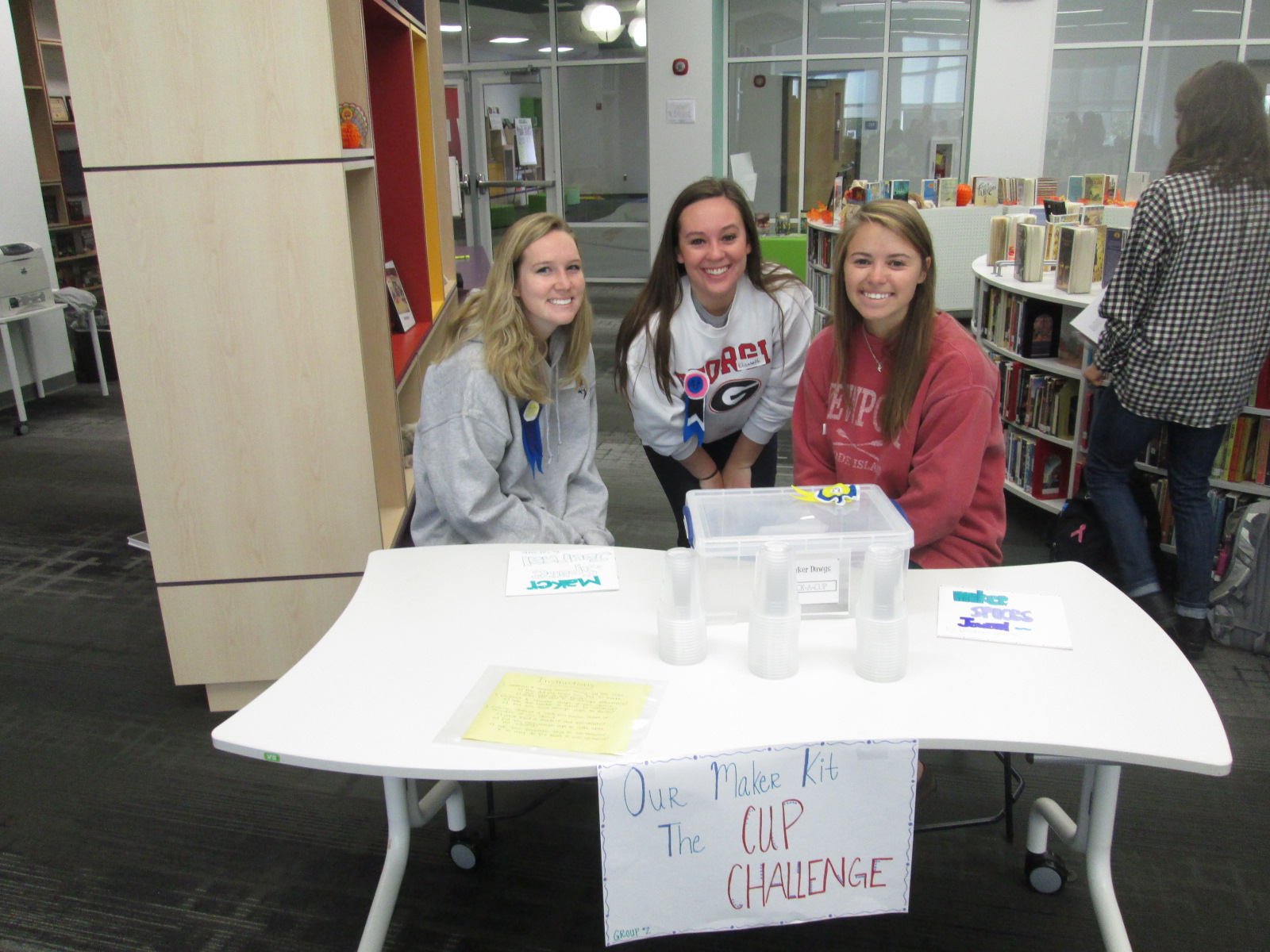
Another center was a cup stacking challenge. These students had multiple clear plastic cups and students spent time stacking the cups into different formations to see how tall they could stack as well as which shapes seemed to hold up better. I loved seeing all the strategies that students tried in order to stack and unstack the cups. They were fearless and really demonstrated what it means to tinker, fail, and try again.
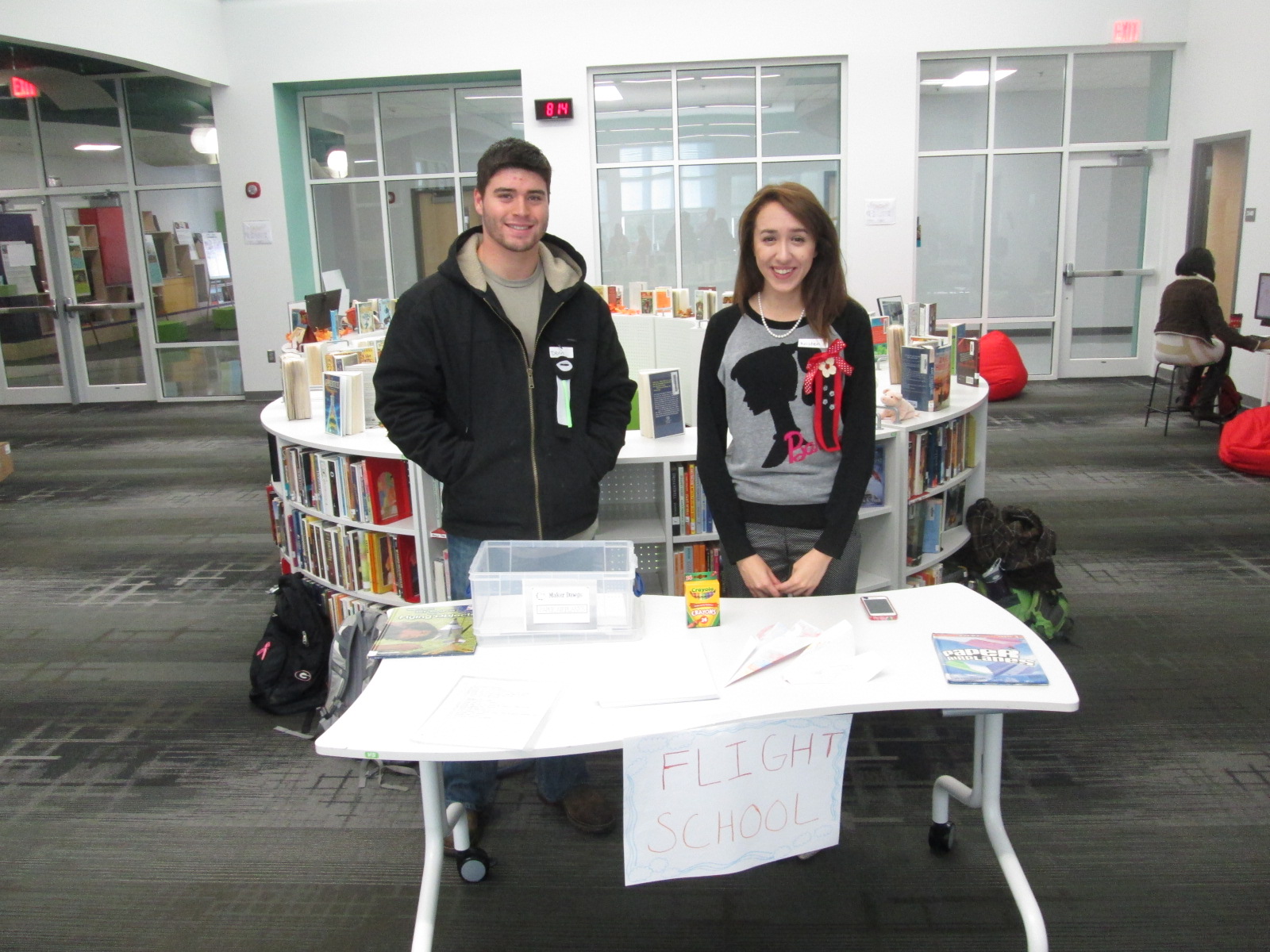
Students loved the paper airplane center. These UGA students had books about paper airplanes and materials for making planes. Students spent time making their planes and then testing them out in the library. I loved watching planes flying around the library and hearing teachers ask “are students supposed to be flying airplanes around?”.
I saw several students refold their airplane to try something new in their design, so once again there was a strong demonstration of tinkering, failure, and perseverance.
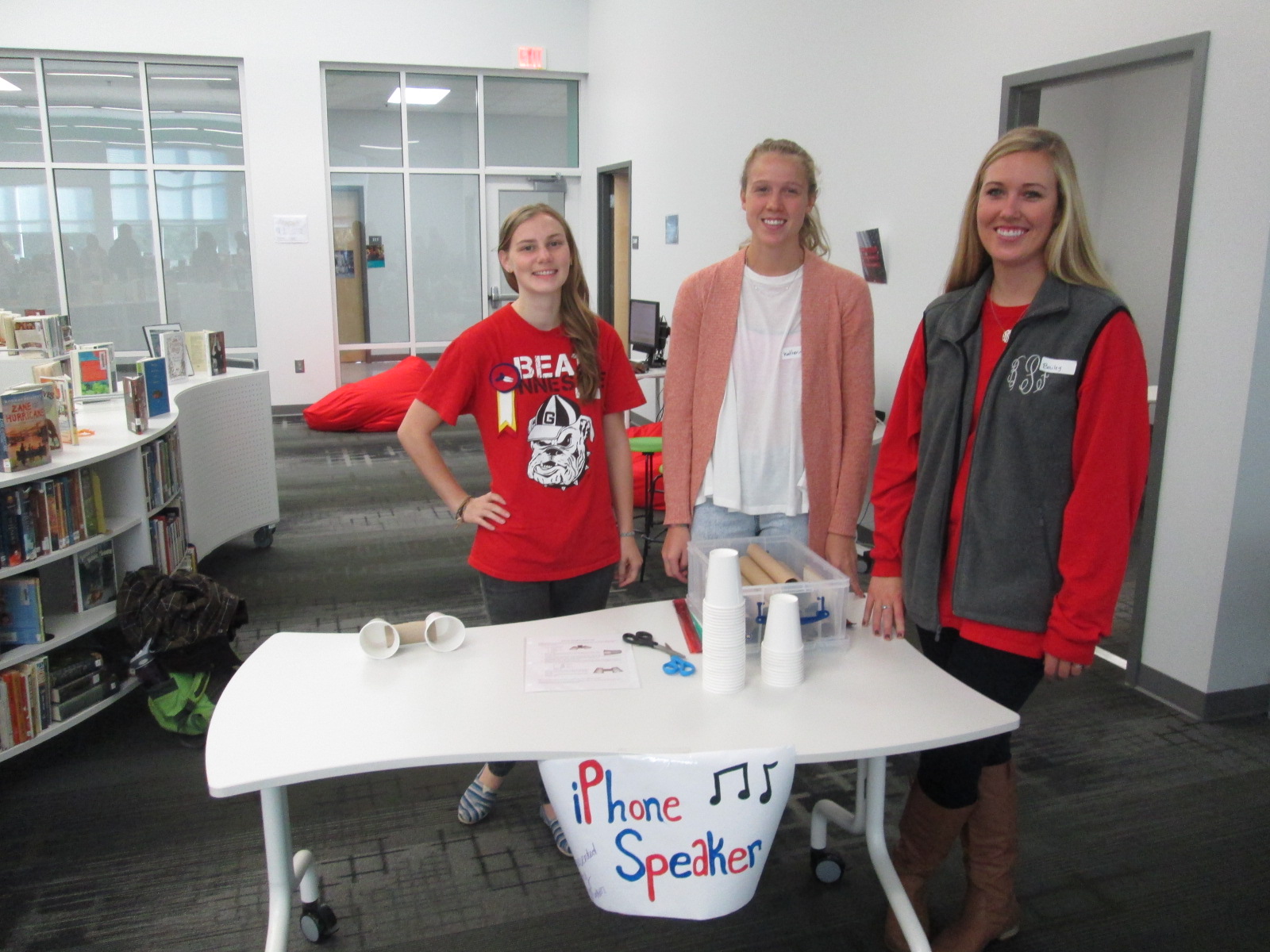
Some of our stations involved technology or could be incorporated into technology. One station was space for students to explore how to create speakers for iPods or iPhones using cups and paper towel rolls. Students were eager to take their creations home and try them with their own devices.
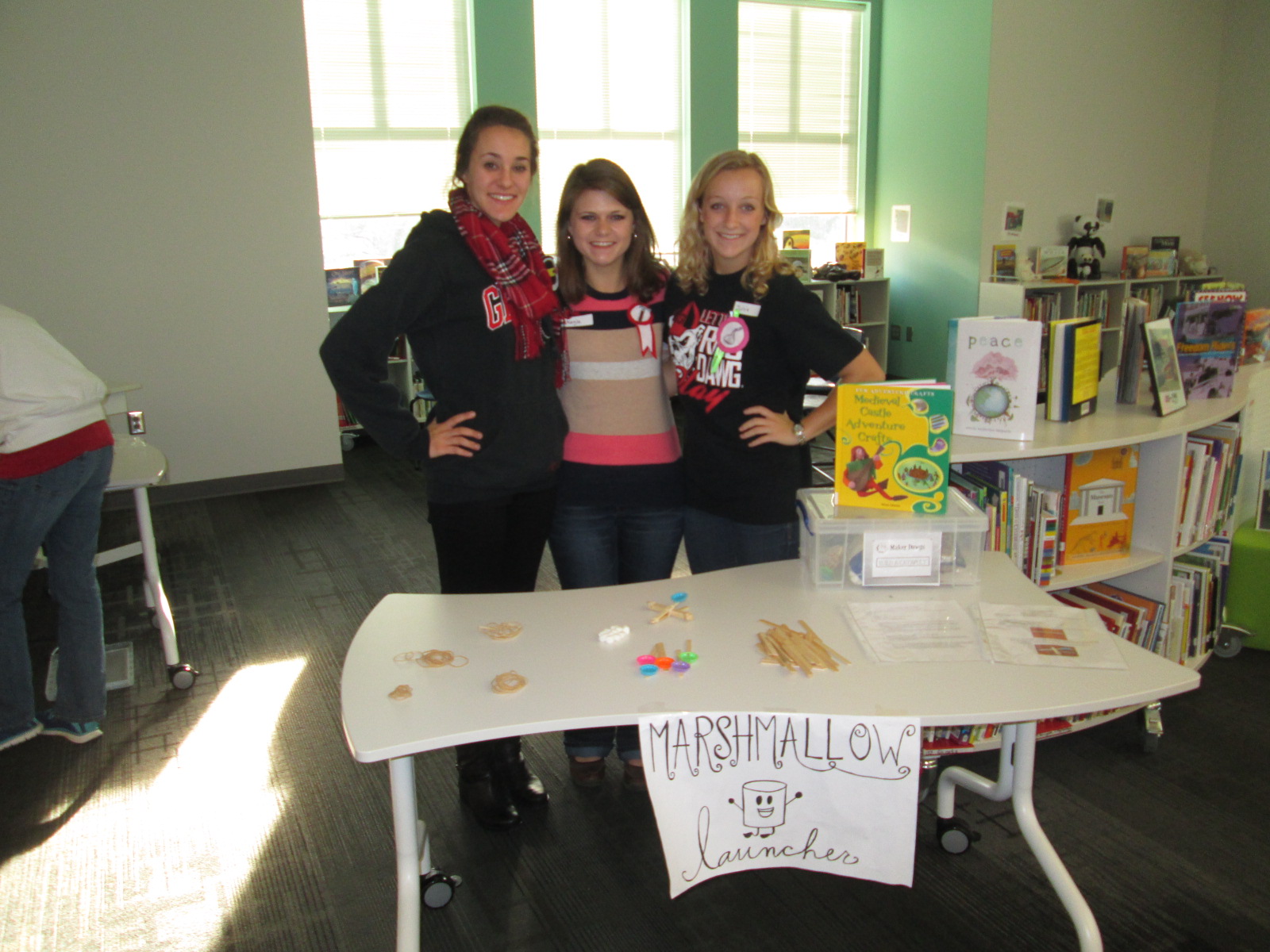
One of the most lively centers was the marshmallow launcher. Students used rubber bands and Popsicle sticks to create a tool to launch marshmallows. They tested their creations and made adjustments to see how they could make their marshmallows launch higher and farther. Again, it was fun to see marshmallows flying through the air along with the planes.
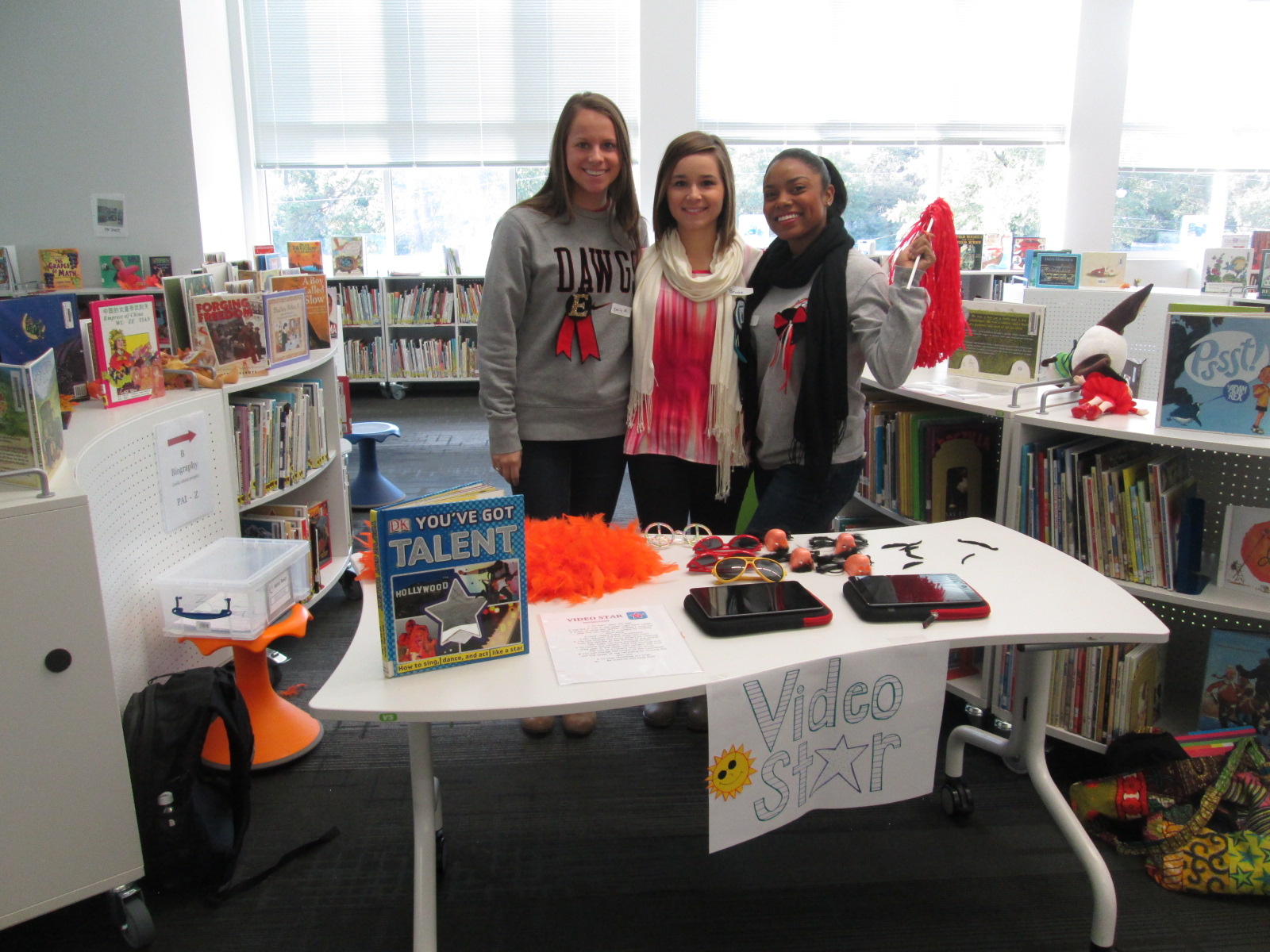
Another lively center was Video Star where students got to create their own costumes and form a mini flash mob dance to be recorded in the Video Star app. These videos will be coming soon, so I hope to add a few to this blog post when they are ready. It was interesting to see some students show their personality, come out of their shell, and be totally engaged when given an opportunity to make a music video.
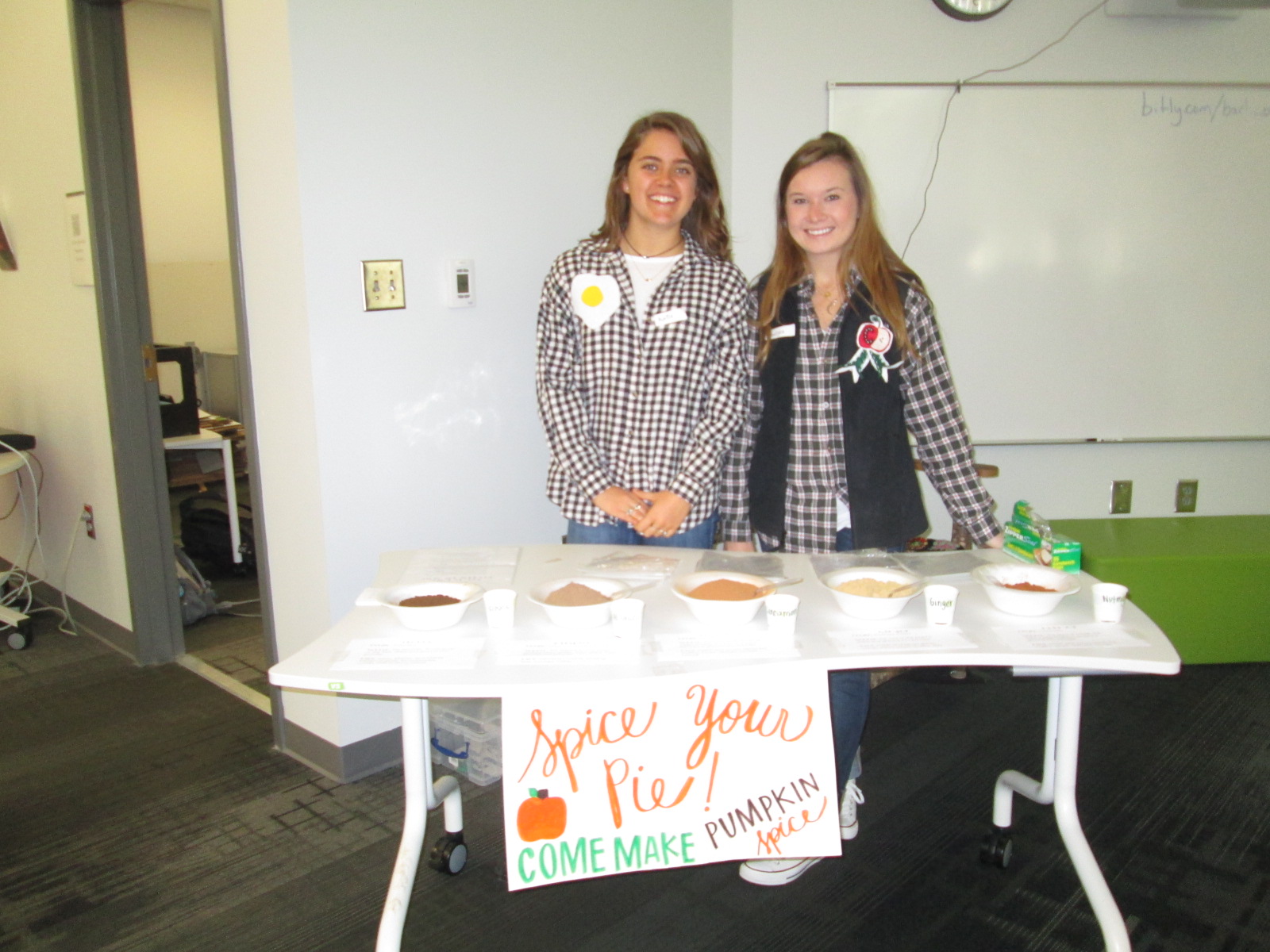
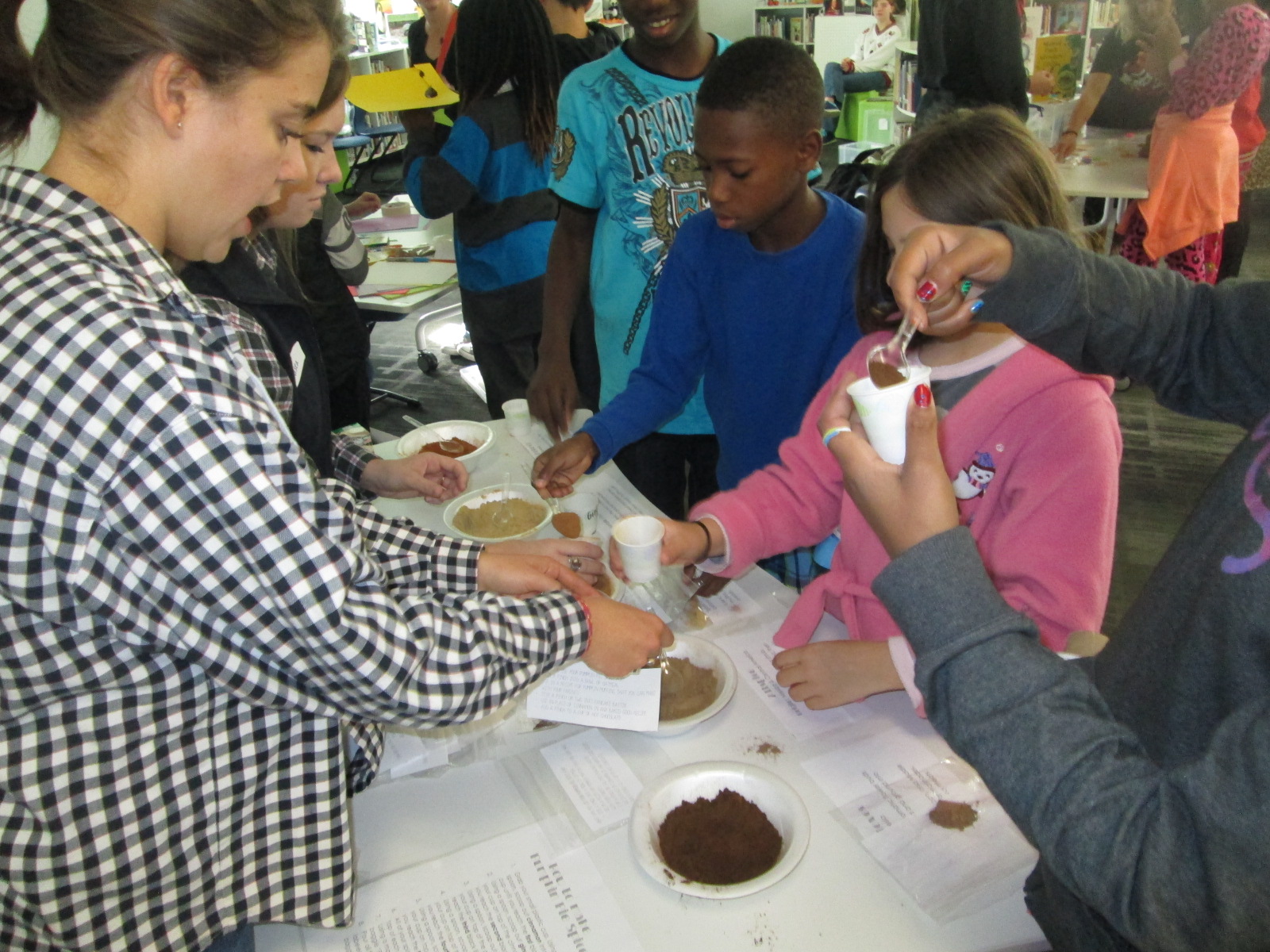
A different take on making was the center that explored spices. These students had a variety of spices that you might put in fall pies and students spent time examining the spices and creating their own mix.
I loved hearing what they planned to do with the spices when they get home. One boy wanted to make a cake for his teacher and even talked about making a new fried chicken recipe.
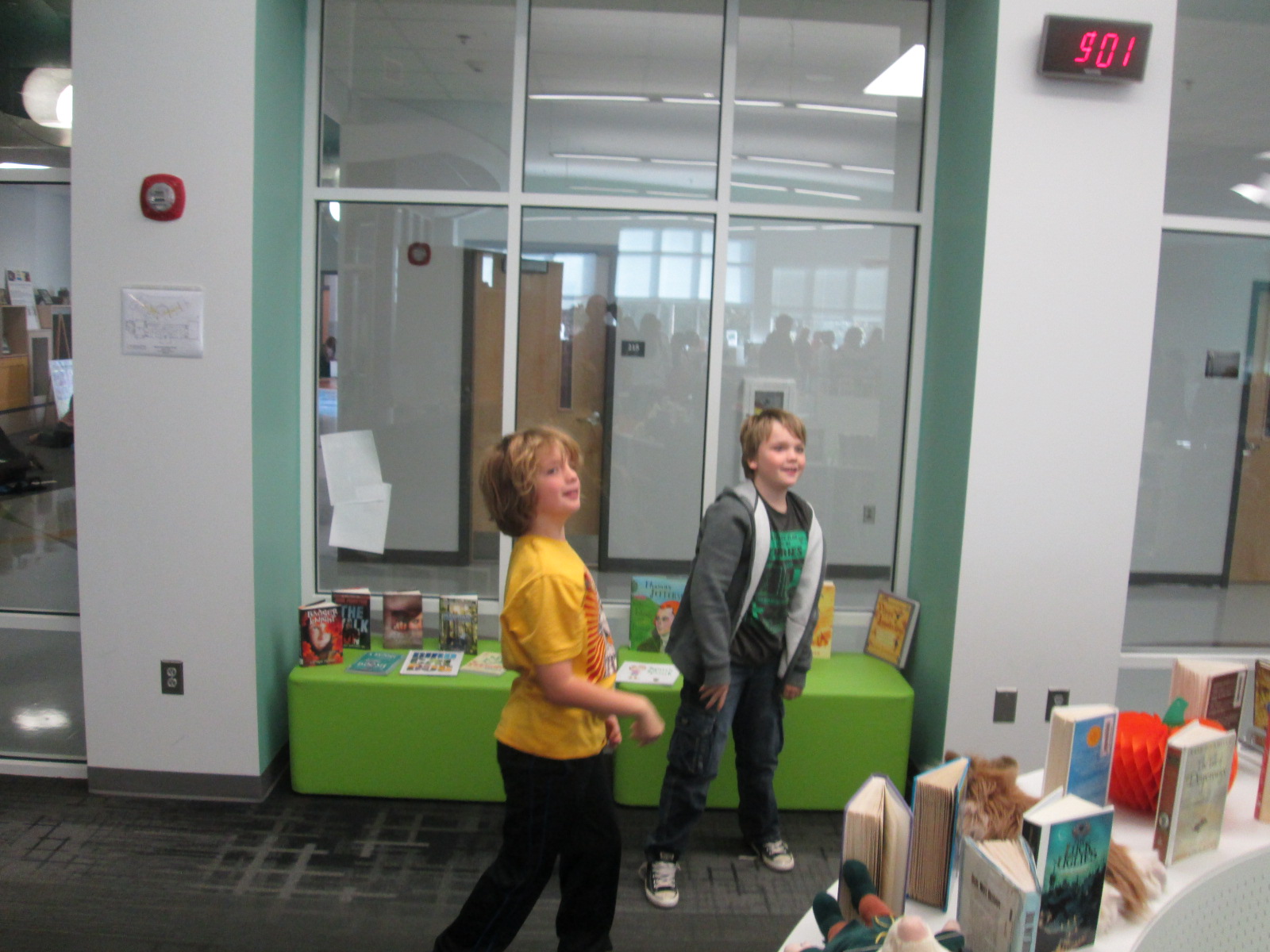
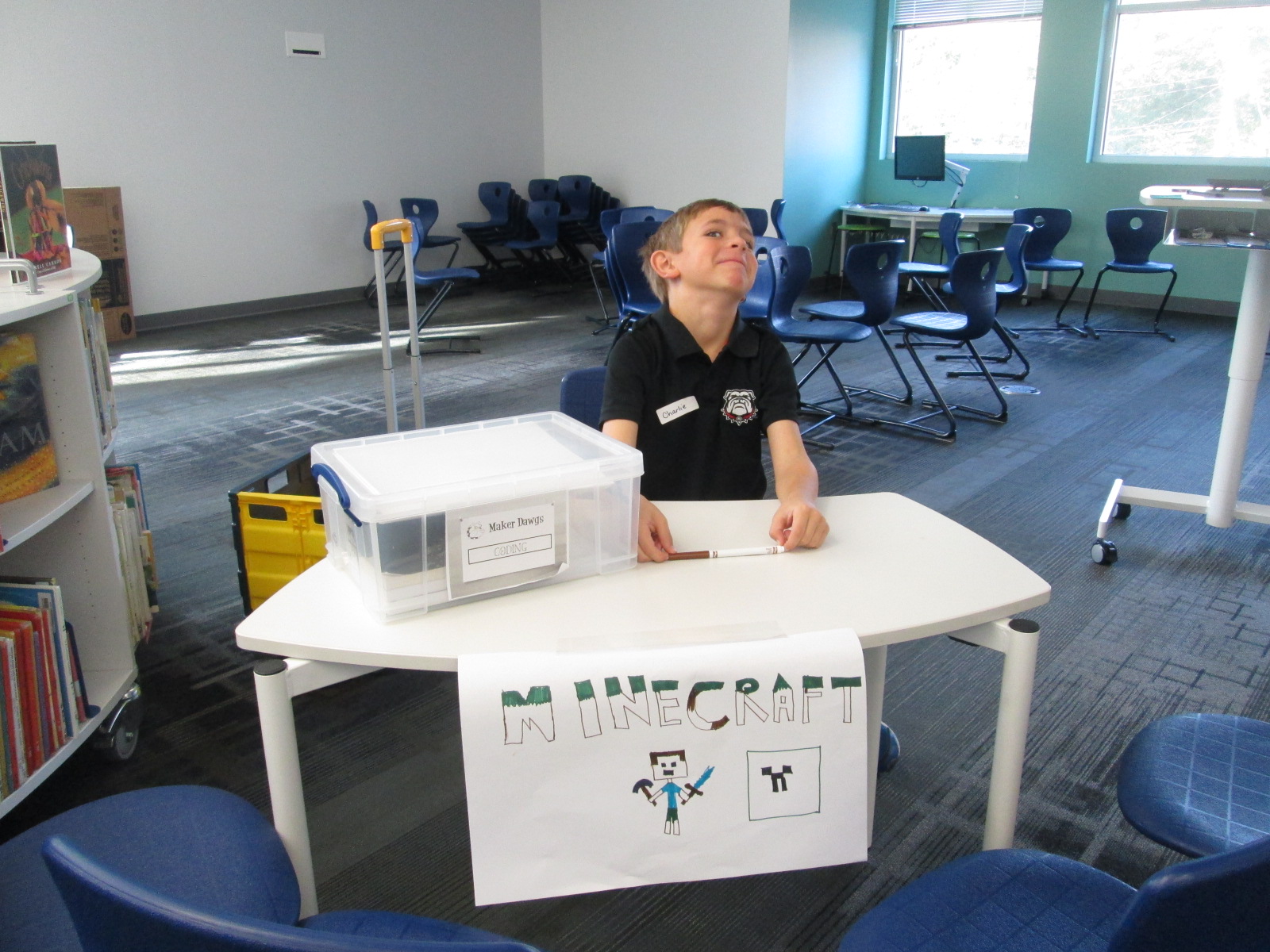
Three of our centers were facilitated by kids. Two kids were Gretchen’s own kids and one was a neighbor. They had centers on Minecraft, Goldieblox, and badge making. They ran their centers like pros and I was reminded of how powerful it is when we give kids a voice to share their expertise with others.
Our entire 5th grade rotated through this experience across the course of an hour. Students were able to visit about 3 centers. After the centers are assessed and used at another school, they will be making their way back to our school for students to use in our makerspace. I am so thankful to have Gretchen and her students so close to us. She is willing to give any crazy idea a try and see what happens. In this case, I think there were many miraculous moments.
As students left, they had smiles on their faces, energy in their bodies, and ideas flowing in their minds. I invited them to think about how what they discovered fit into what they are doing in their classrooms. I wish that I had been able to have them express some of these ideas before they left, but perhaps I can capture some of these reflections in another way such as a Flipgrid or Google form.
Our annual storybook celebration was another huge success. I often get questions about how our storybook celebration is organized and what we do throughout the day.
Planning for this day begins in early October. It takes multiple steps and multiple people for this day to be successful.
Storybook celebration begins with guest readers in every classroom. To organize readers, we create a Signup Genius to easily share the signup as well as send out updates and reminders to those who have signed up. My volunteer coordinator, Courtney Tobin, from PTA helped with this. She created the signup and she and I began sharing it. She contacted parent representatives at each grade level to also send out the link to families.
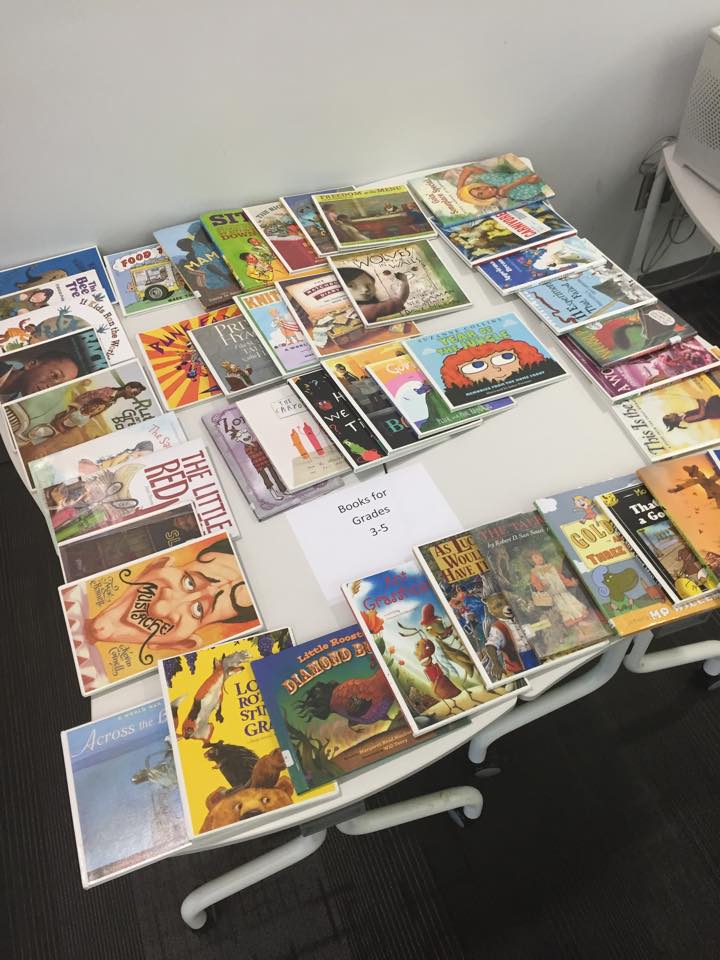
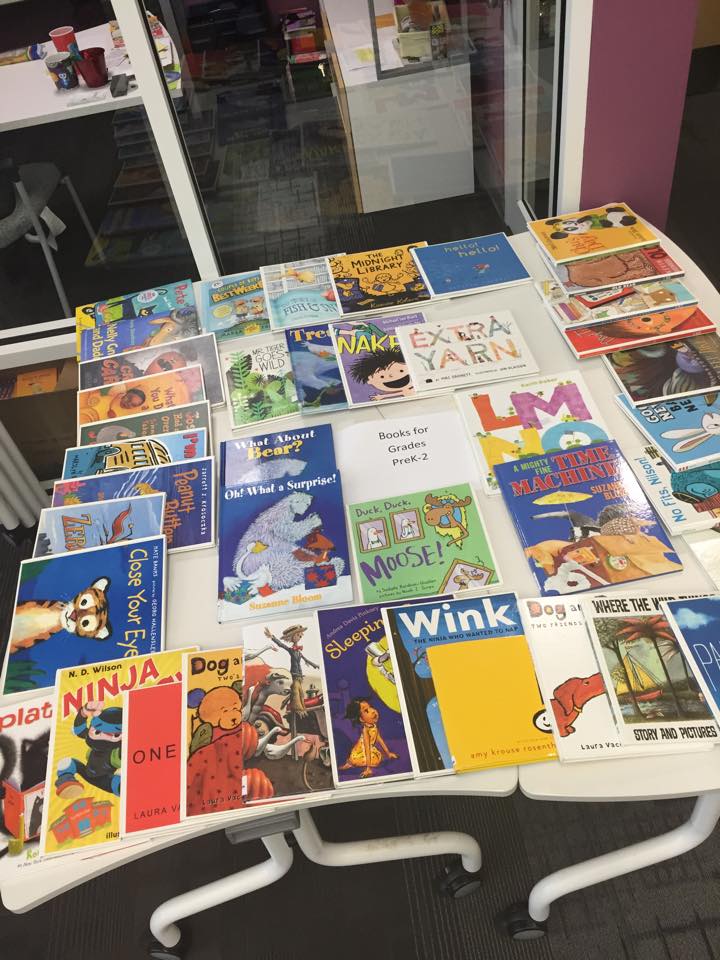
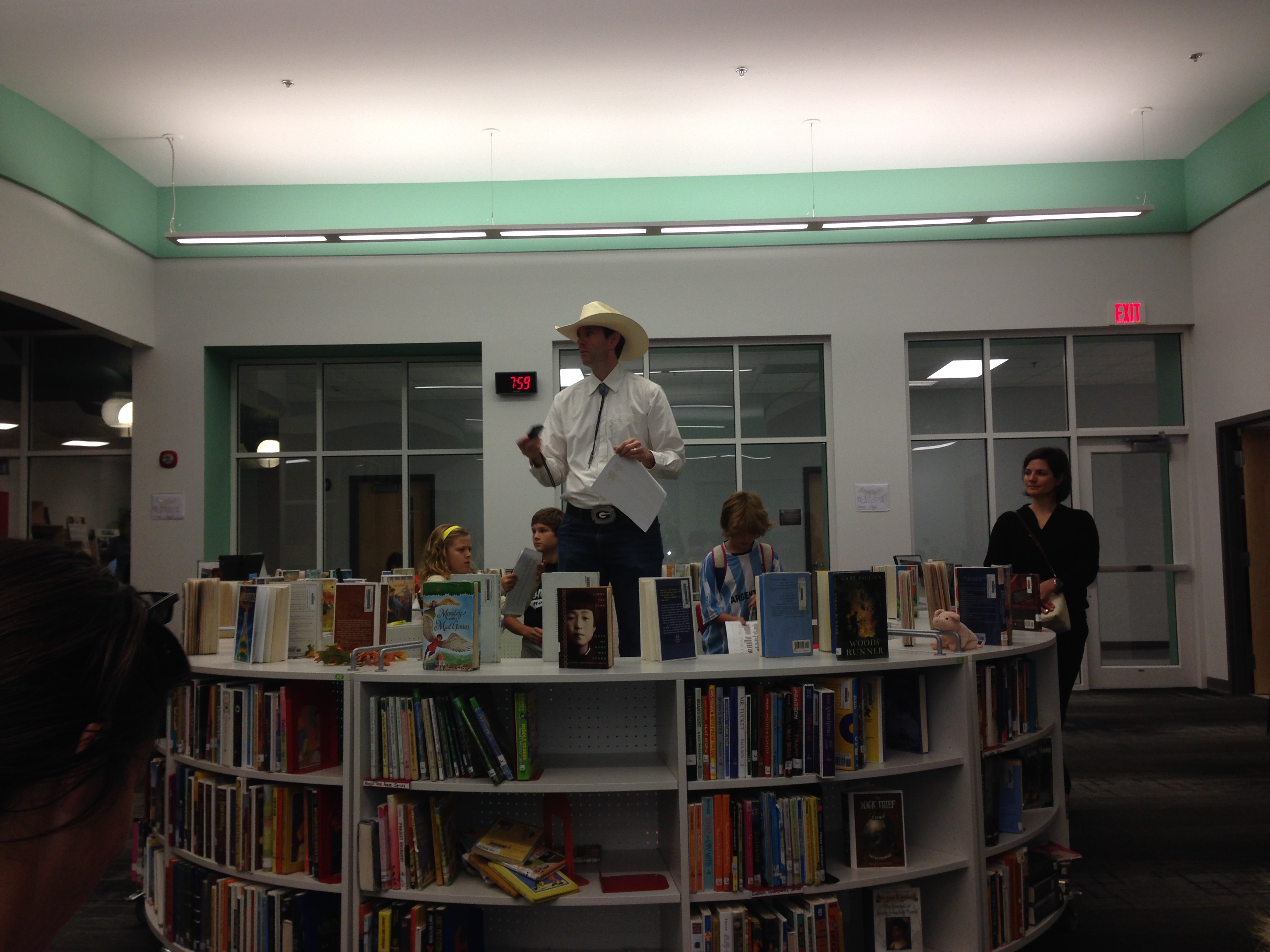
On the morning of storybook celebration, guest readers arrive in the library between 7:30-7:50. They sign in at the counter and select a book from 2 tables that are organized by books for PreK-2 and 3-5. All of these books are pulled by me ahead of time. Some readers bring their own book.
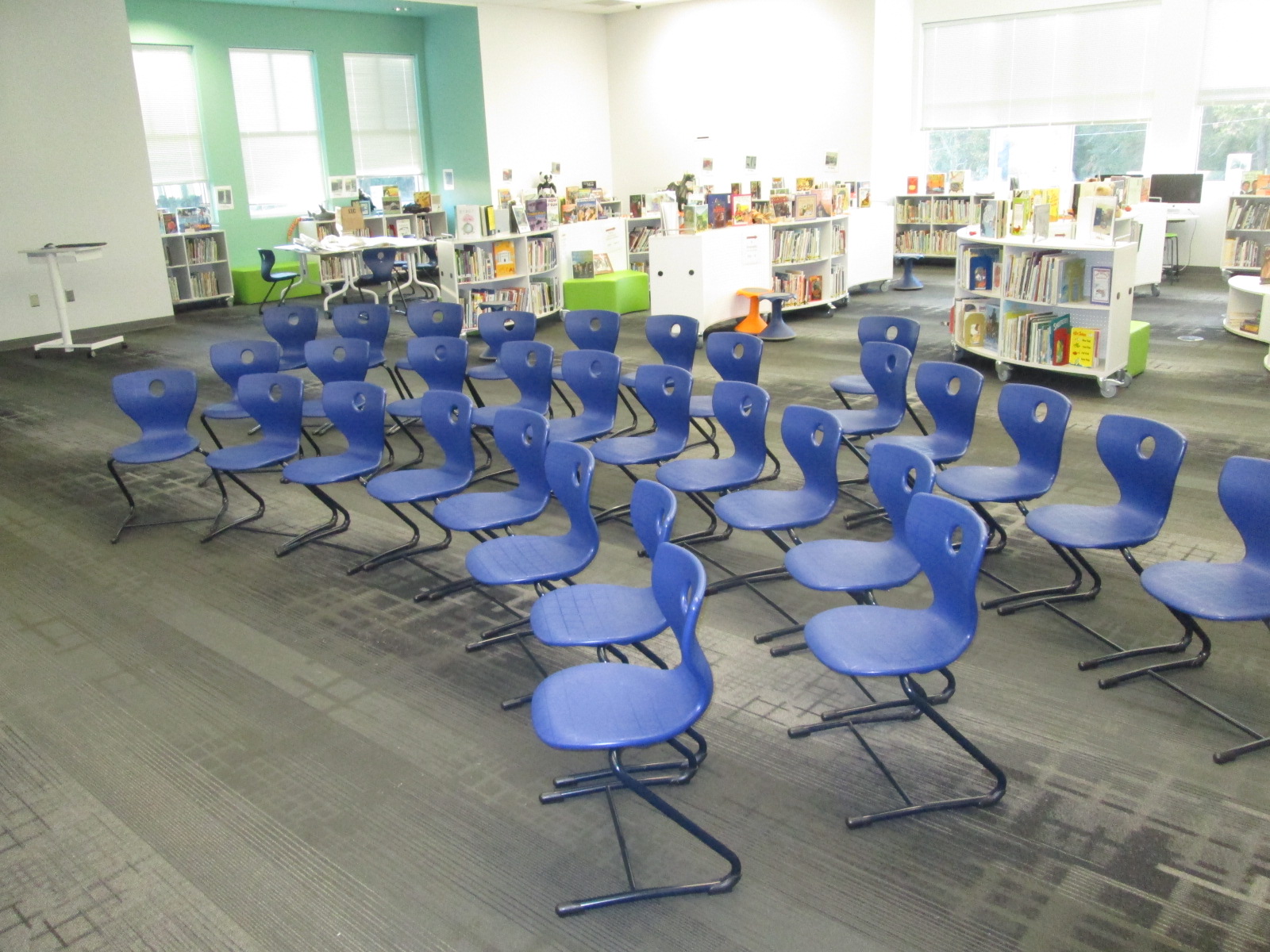
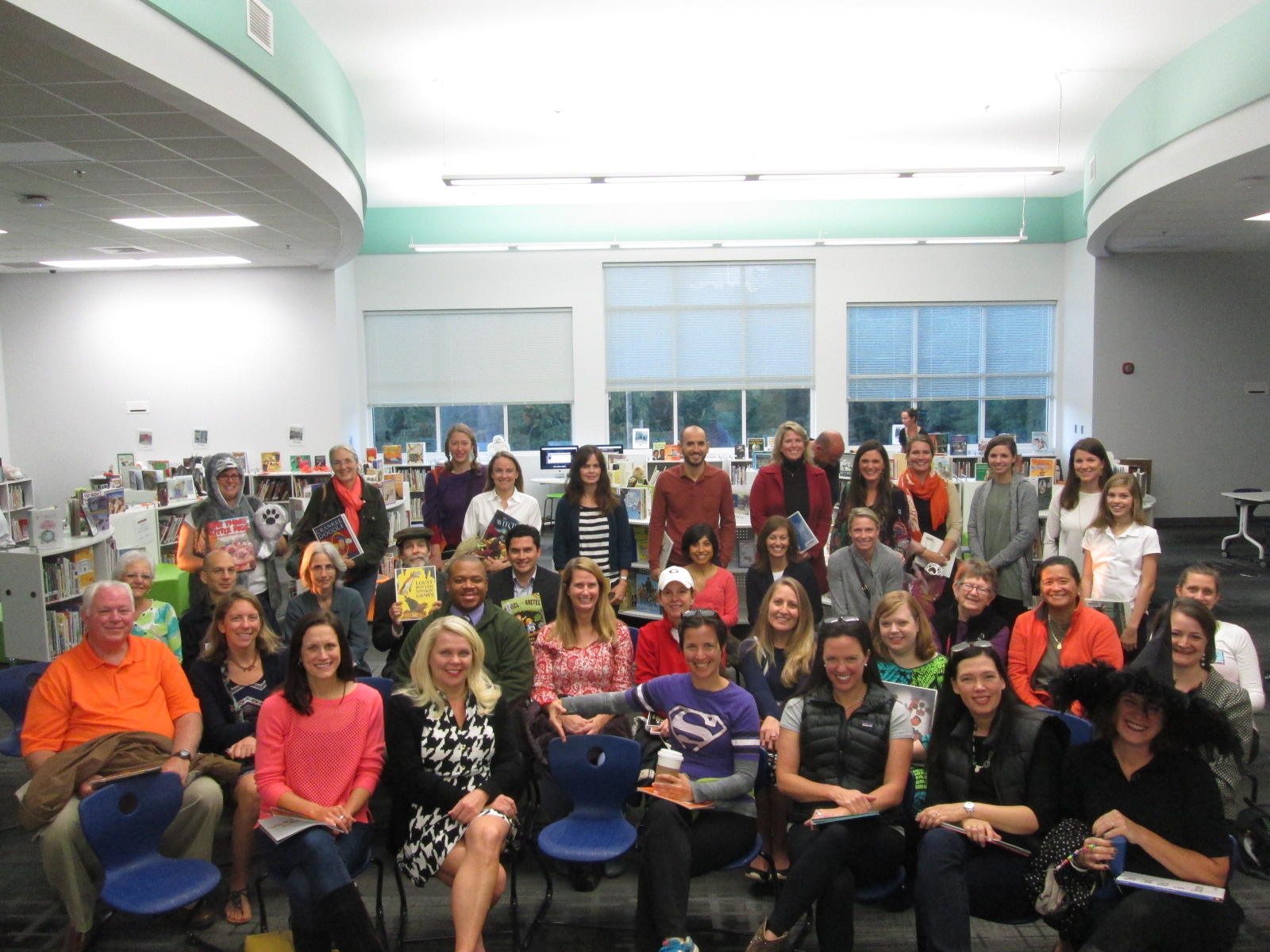
While readers wait to go to classes, they mingle, pre-read their books, and find a place to sit in the chairs that are ready for a group photo.
At 7:55, we all gather and I give a quick welcome.
Then we take a group photo.
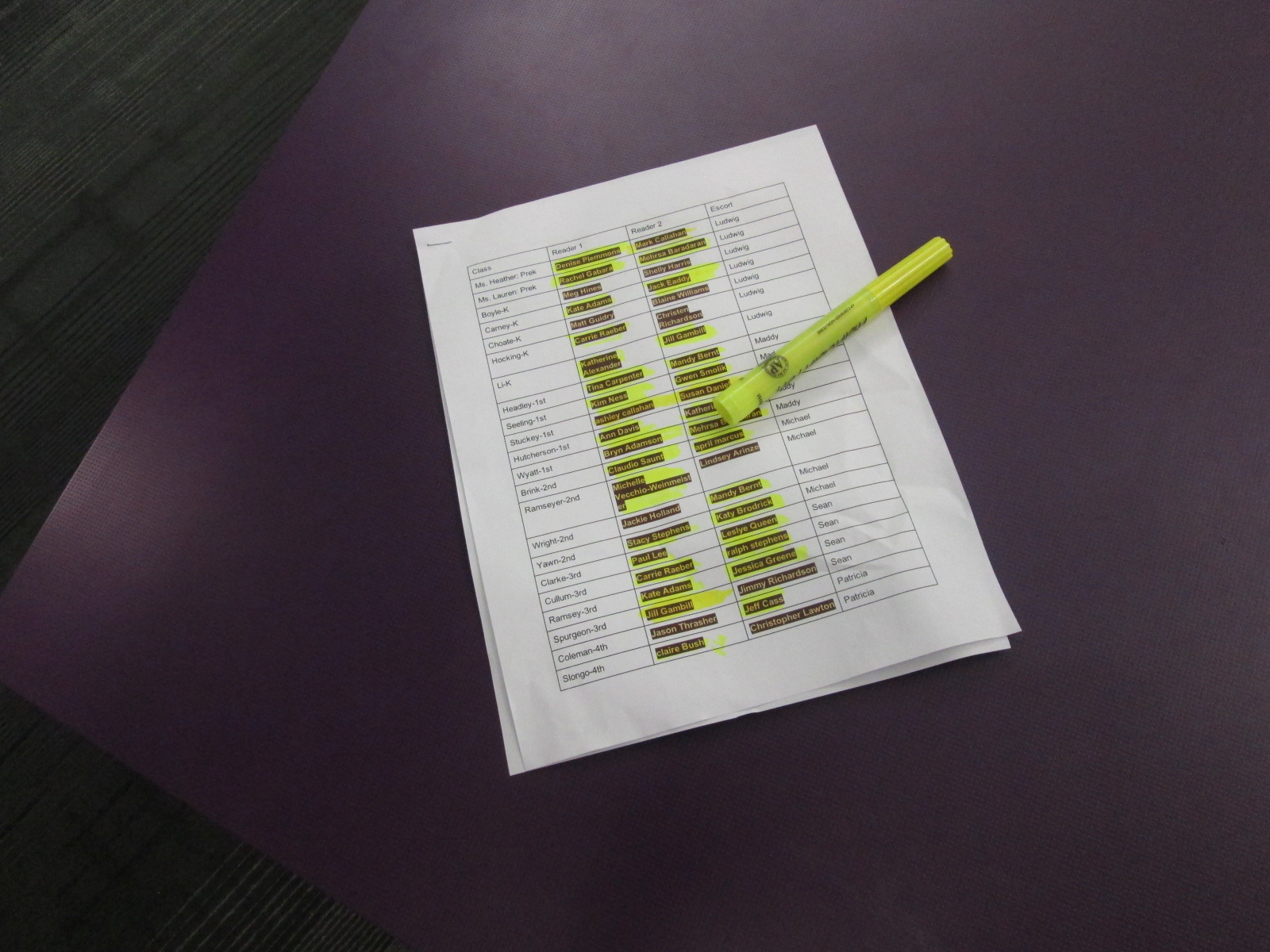
My morning BTV crew escorts readers to classrooms by grade level, so I have a sheet with all of the readers and their assigned classes that I give to each crew member.
Once all readers make it to their rooms, I race around the school to take pictures of as many readers as I can. There are about 2 readers for every classroom. They read and talk with the kids about their book. Some even leave the book in the room so that kids can keep enjoying it during the day, but most bring the book back to the library.
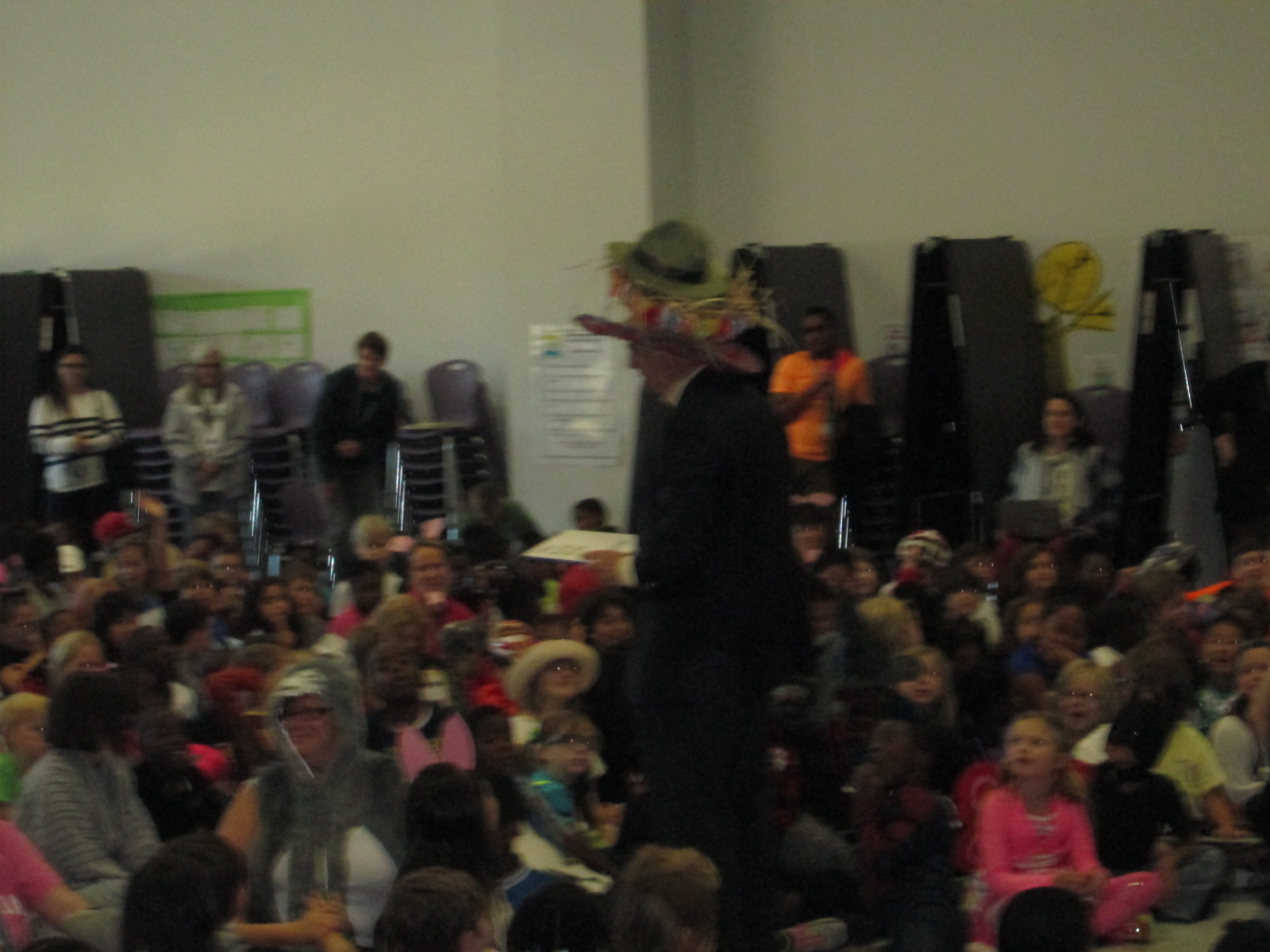
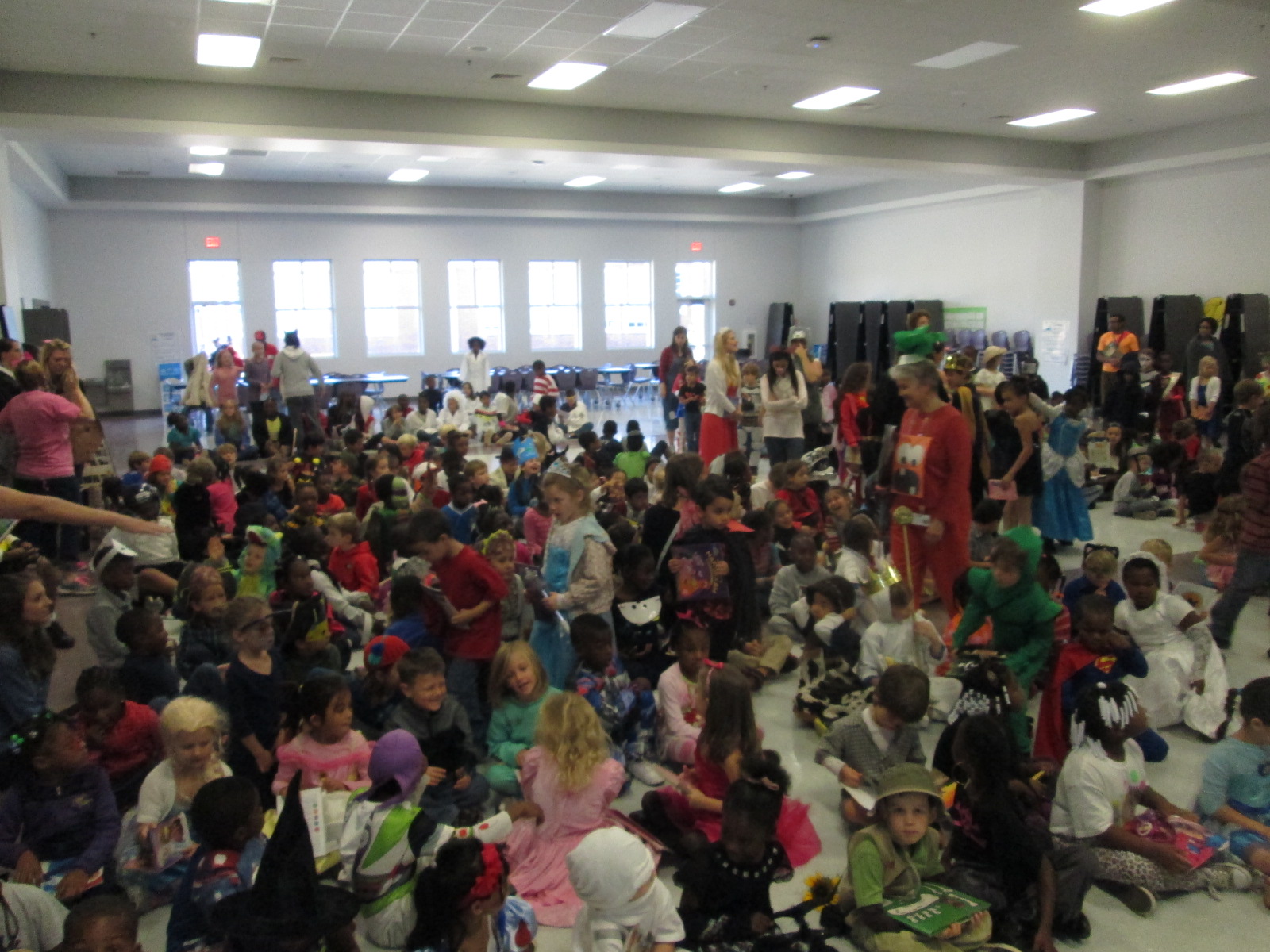
At 9:00, we gather in the cafeteria for the assembly. This year, we tried some new things in the assembly, which required some organization in advance. We had an assembly guest reader. Our family engagement specialist helped a lot with the assembly. She contacted and organized Dan Coenen, a UGA professor and community member. He read The Book with No Pictures and had the kids laughing and engaged.
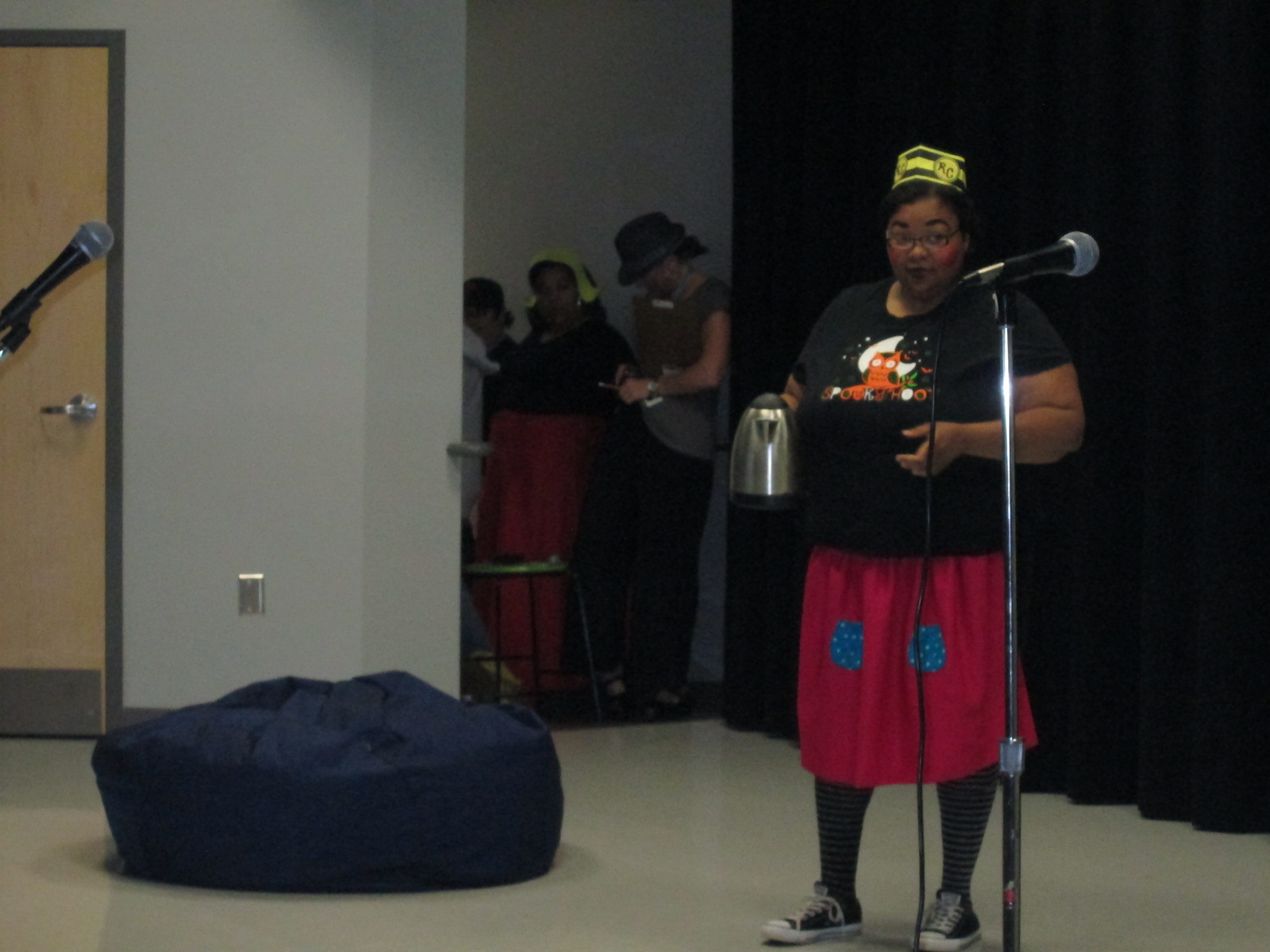
We also had a skit performed by teachers. It was written by the teachers and reviewed many of the Daily 5 strategies that kids use in class. One again, Mimi Elliott-Gower, our family engagement specialist, got this organized along with Carrie Yawn, 2nd grade teacher.
In the past, all students have walked across the stage to show off their costume. This has been very time consuming, so this year we tried something new. Each row of students stood, twirled, and sat down facing the back of the cafeteria. We did this until every student was facing the back.
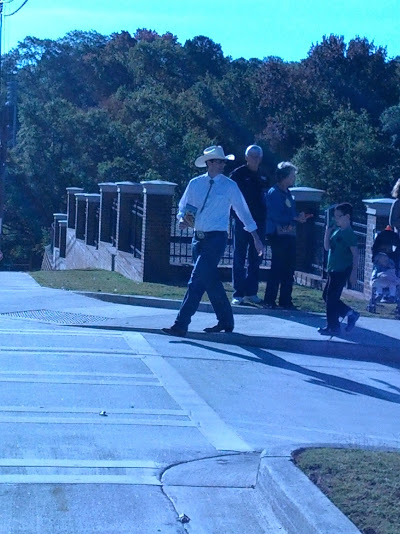
Then we were ready for a parade! The parade is outside on the sidewalks of our community. I send out the parade route to families in my newsletter and via facebook. Our principal emails UGA and lets them know so that they can come out of their buildngs and wave.
Taking almost 600 kids on a walk is a big task, and safety is one our biggest concerns. I drive around to make sure that the route we plan to take is all clear before we decide the way to go. Our family engagement specialist contacts the police and they help us cross streets and watch for unsafe drivers to pull over. We talk to the kids about staying away from the road while they are on the sidewalk and we want them to walk in a single line.
I lead the parade so that we make the right turns, but I communicate the route to all of the teachers as well so that they know where we are going.
The kids chant “Read more books!” as we go down the sidewalks and we usually get lots of waves and honks as we walk.
Our 5th graders break off of the parade route and stop at the GA Center for hot chocolate while the rest of the parade returns to Barrow. Once again, several people help with buying, prepping, and pouring the hot chocolate. This is a special treat for our 5th graders’ final storybook parade.
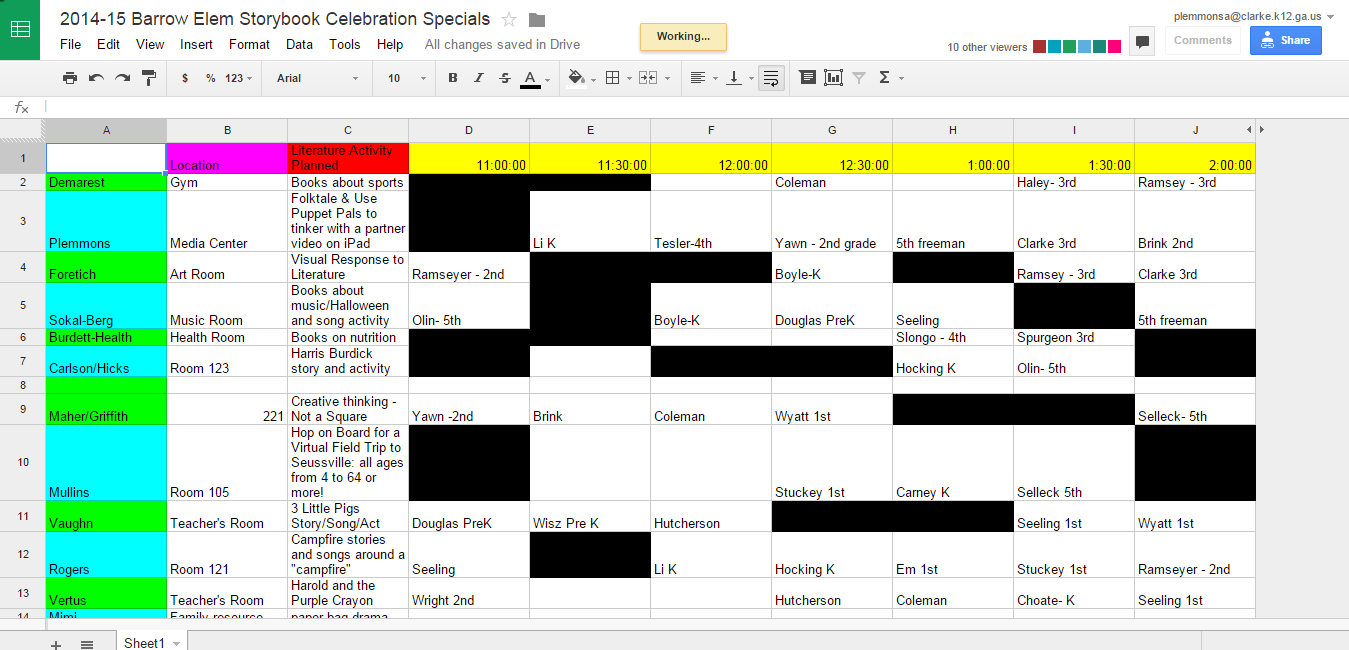
Once we are all back at school, classes carry on with their normal lunch schedule and literature activities in their classrooms. We also have a specials schedule that teachers sign up for. Because teachers miss their planning period, we create some 30-minute segments that they sign up for. Art, music, PE, resource teachers, and I all offer literature-based activities. I create a Google spreadsheet with times and each teacher posts what he/she will be offering. This is done a few weeks before storybook celebration. The week before, I send out the schedule for people to signup.
This year I read the book Ol’ Clip Clop to some classes and Precious and the Boo Hag to other classes. Then, we used the Puppet Pals app on the iPad to create our own stories.
Days like these are filled with learning opportunities, collaboration, tinkering, dreaming, and community. It is a difficult kind of event to pull off by yourself. It can be done, but I’m very thankful to have the support that I do to create days like these for our students.
I’m very excited about a project with our 4th graders this month. This project is a spinoff of something we did last year with explorers and Native Americans. This year, we are just focusing on explorers.
To kickoff the lesson, we did a very similar kickoff to last year’s project. The entire fourth grade came, which was about 65 students. We used a video from Biography.com about Christopher Columbus. We only watched the first two minutes of the video.
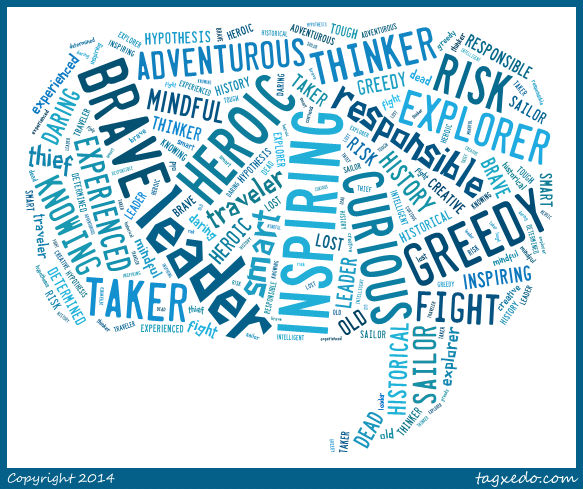
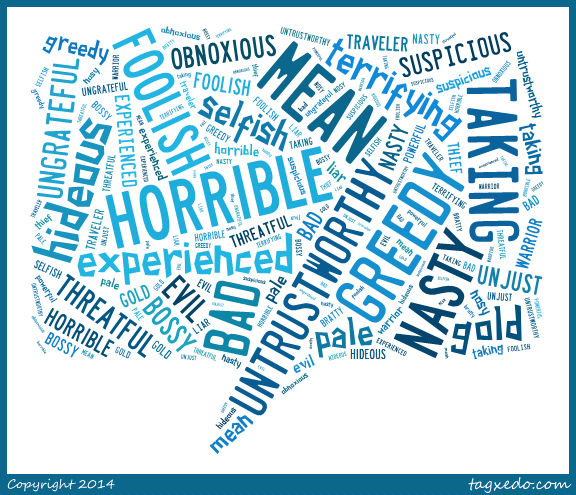
Following the video, I asked students to tell me what words they would use to describe Columbus. They turned and shared with a neighbor first and then I used Tagxedo to capture several of their words into an image.
Then, we read the book Encounter by Jane Yolen. I love pairing this book with what students are already thinking about Columbus because it typically flips their outlook on Columbus and explorers in general. I asked them the same question about Columbus, to describe him based on the book they just heard. Here’s how their words changed.
This lesson was meant to setup the whole research process that students will now embark on. They will each select one of the explorers from the 4th grade standards:
SS4H2 The student will describe European exploration in North America.
a. Describe the reasons for, obstacles to, and accomplishments of the Spanish,
French, and English explorations of John Cabot, Vasco Núñez de Balboa, Juan
Ponce de León, Christopher Columbus, Henry Hudson, and Jacques Cartier.
b. Describe examples of cooperation and conflict between Europeans and Native
Americans
They will ask themselves, “Is this explorer a hero or a villain?” Some teachers may even assign a perspective for students to take even if they disagree with that perspective. I told them to think back to Columbus. Even though many of us think he’s a villain after reading Encounter, we were still able to come up with all kinds of words to describe why he was a hero. Students will use a Sqworl pathfinder along with other databases and print books to research. They will write a short persuasive piece convincing an audience to believe that their chosen explorer is a hero or a villain.
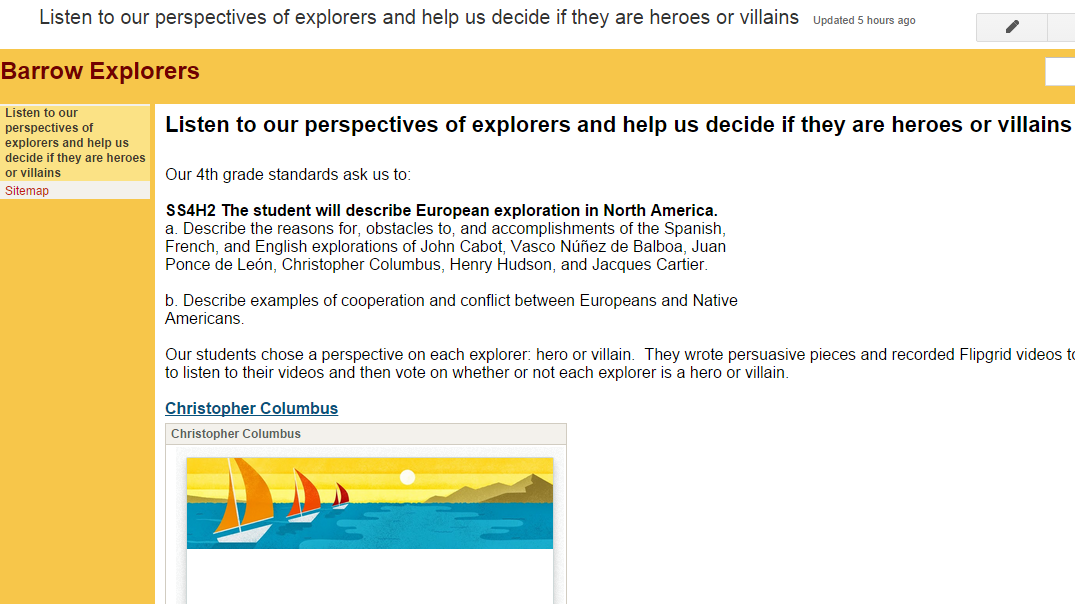
We will use Flipgrid to create videos of all of these writing pieces. I made one grid for each explorer so that we hear both perspectives in one place. They will be stored on a Google site so that we can easily view all of the videos. I also made a Google form so that viewers can easily vote for whether they think each explorer is a hero or a villain.
Our plan is to share this with our entire school as well as share on social media and this blog when we have everything ready to go.
Be on the lookout for your opportunity to give the students feedback on their work and participate in this project.
Since the beginning of the year, students have been itching to get into our library makerspace to use the many tools housed there. As the librarian, I try to weave as many of these maker tools into curriculum as I can, but the truth is that it’s just not fast enough for our students. Telling them, “I’m waiting to find the right piece of the curriculum to use the littlebits with”, is not acceptable. They want to tinker and explore and see how things work.
Recognizing this, I had to find a way to give them more access. I can’t say that I’ve found the perfect solution, but I’m working on it. I’m blessed to have the University of Georgia right next to our school. I’m even more blessed that the College of Education is within walking distance and Gretchen Thomas teaches in the instructional technology department. Gretchen is an educator who truly gets the realities and challenges of school. She wants her students to have experiences with what instructional technology really looks like in a school rather than guess about it in the college setting. She and I have been brainstorming about challenges that I face in the library and the makerspace has come up a lot in our conversations. We’re trying to create a plan to have adult support in the makerspace on a regular basis for students to explore during their recess time. This alternative to going outside isn’t the only solution, but it’s one that many of our students are willing to do in order to get their hands on the makerspace tools.
Even though we don’t have details worked out for Gretchen’s students to be in the makerspace, she has volunteered her own time once per week to come in and help. For the past 3 weeks, we have offered makerspace recess to our 4th graders. A whole range of students have shown up. I was very excited to see such a mix of boys and girls as well as several other kinds of diversity within the group as well.
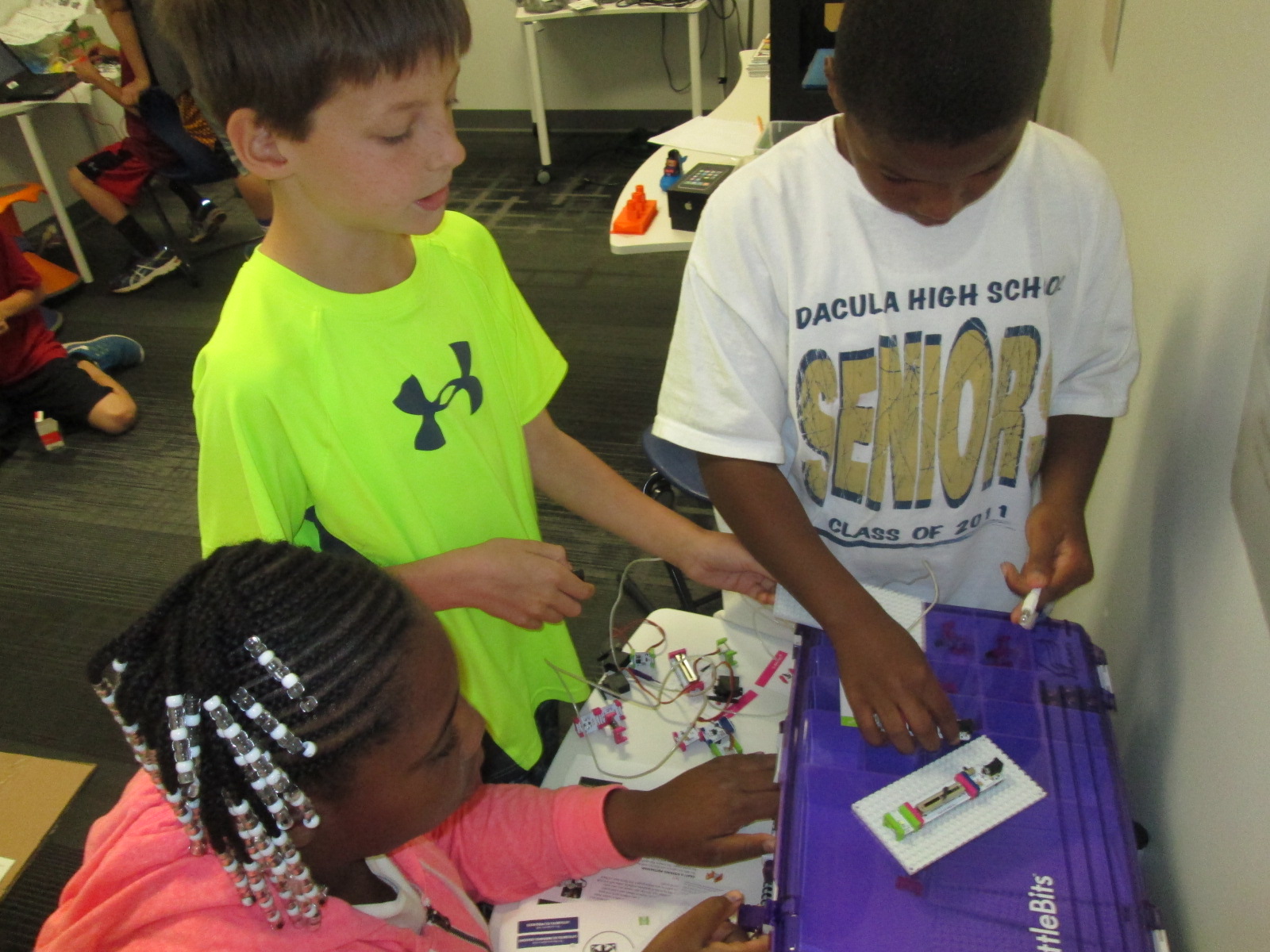
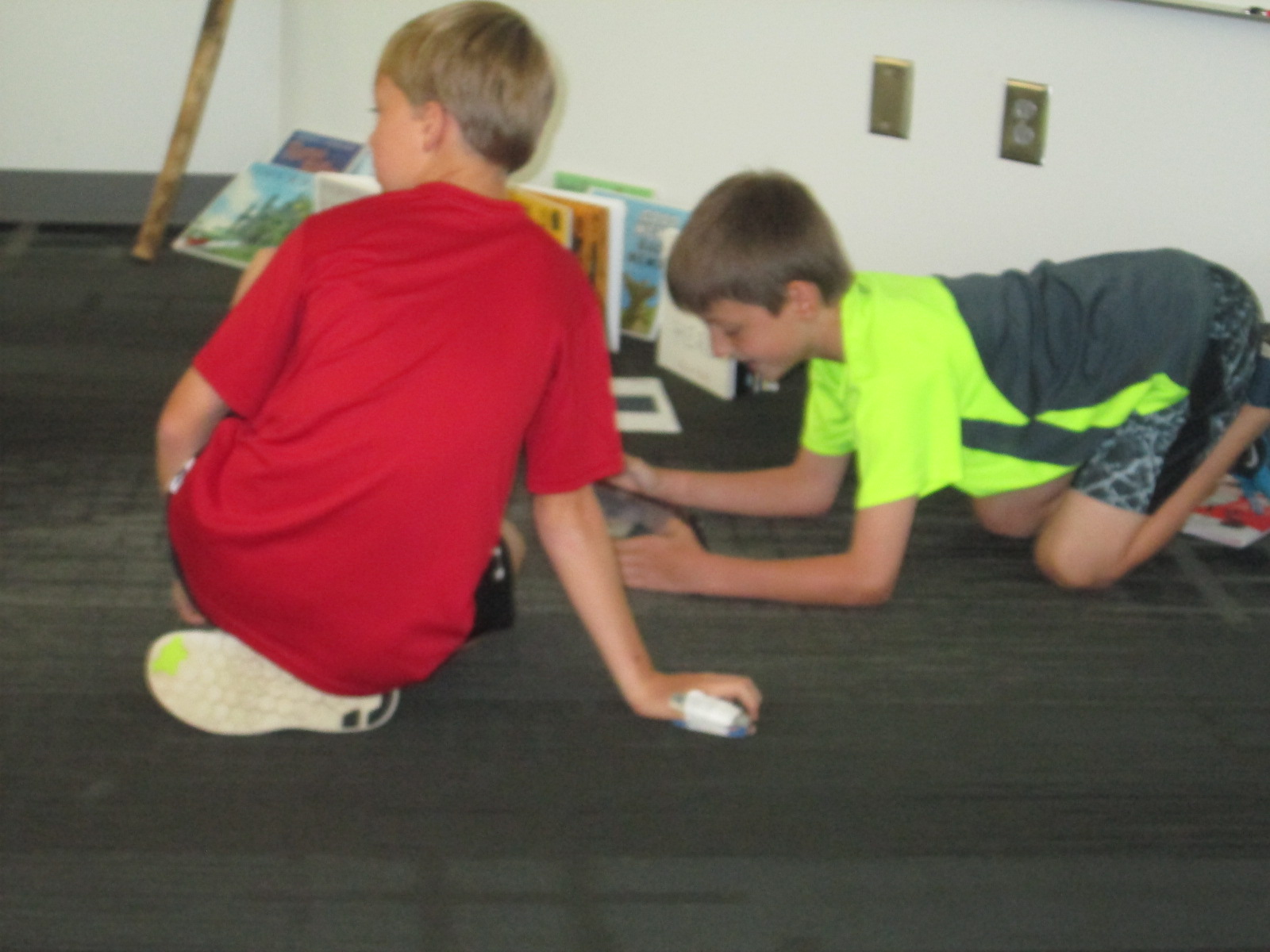
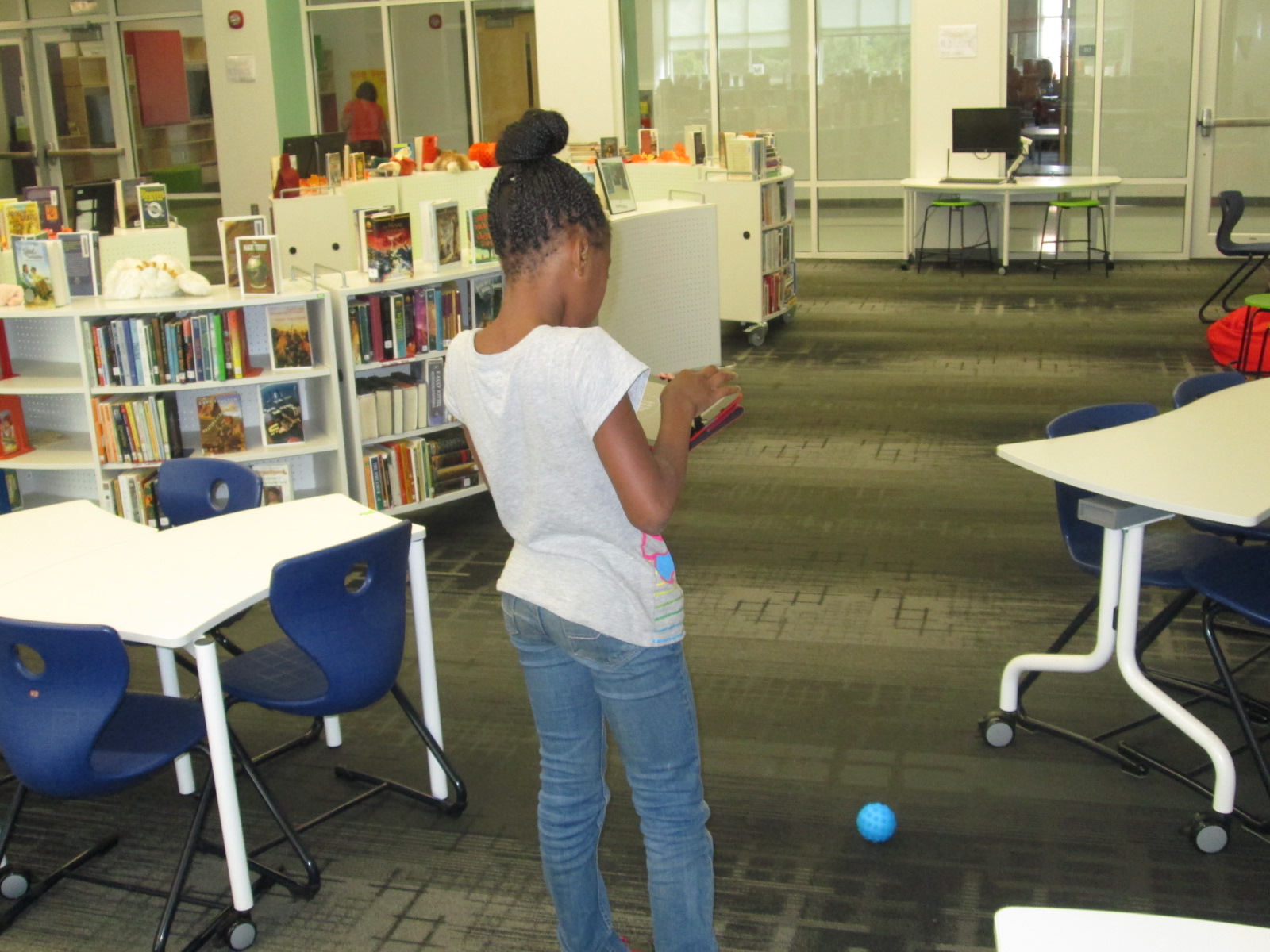
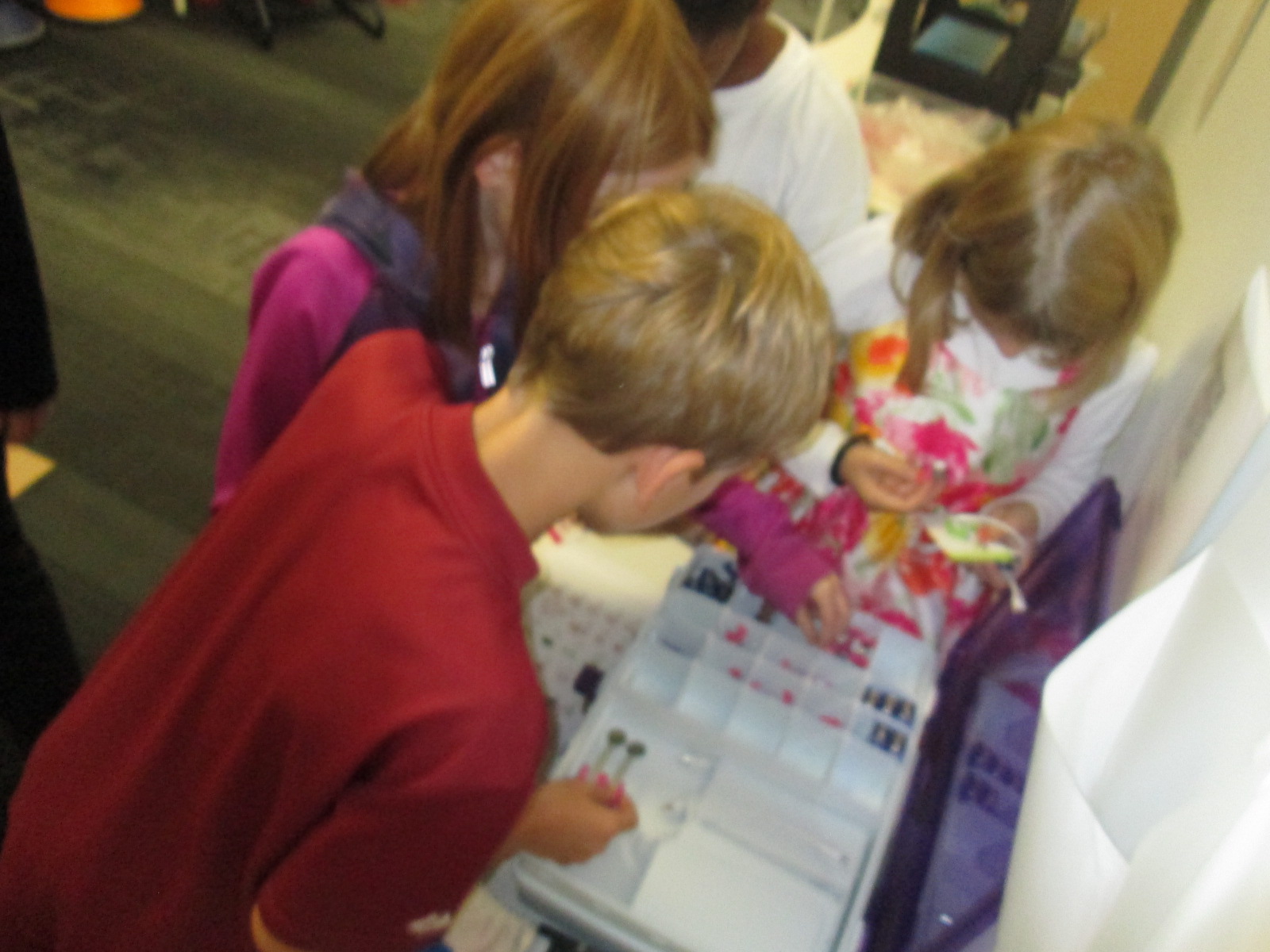
During the 1st recess, Gretchen and I quickly showed the tools in the space: Sphero, littlebits, and MaKey MaKey. Students chose a starting place and jumped in. It didn’t take long until the Sphero was being driven around the library, being programmed to drive and jump over a ramp of books, and a maze of books, shoes, and legs was being created on the floor.
Students used the littlebits cards to snap together several suggested circuits, but it didn’t take long for students to start snapping random bits together to see what would happen.
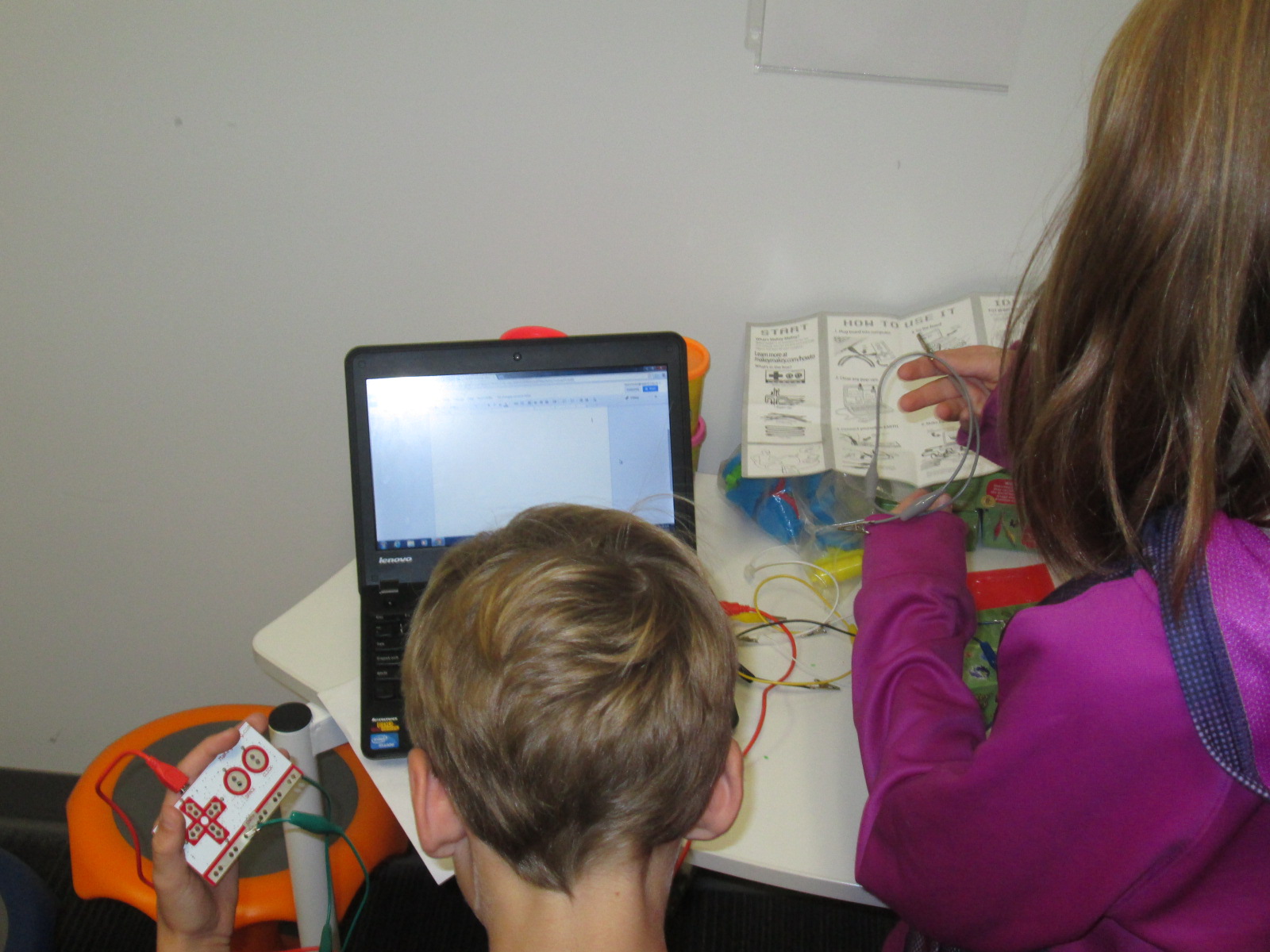
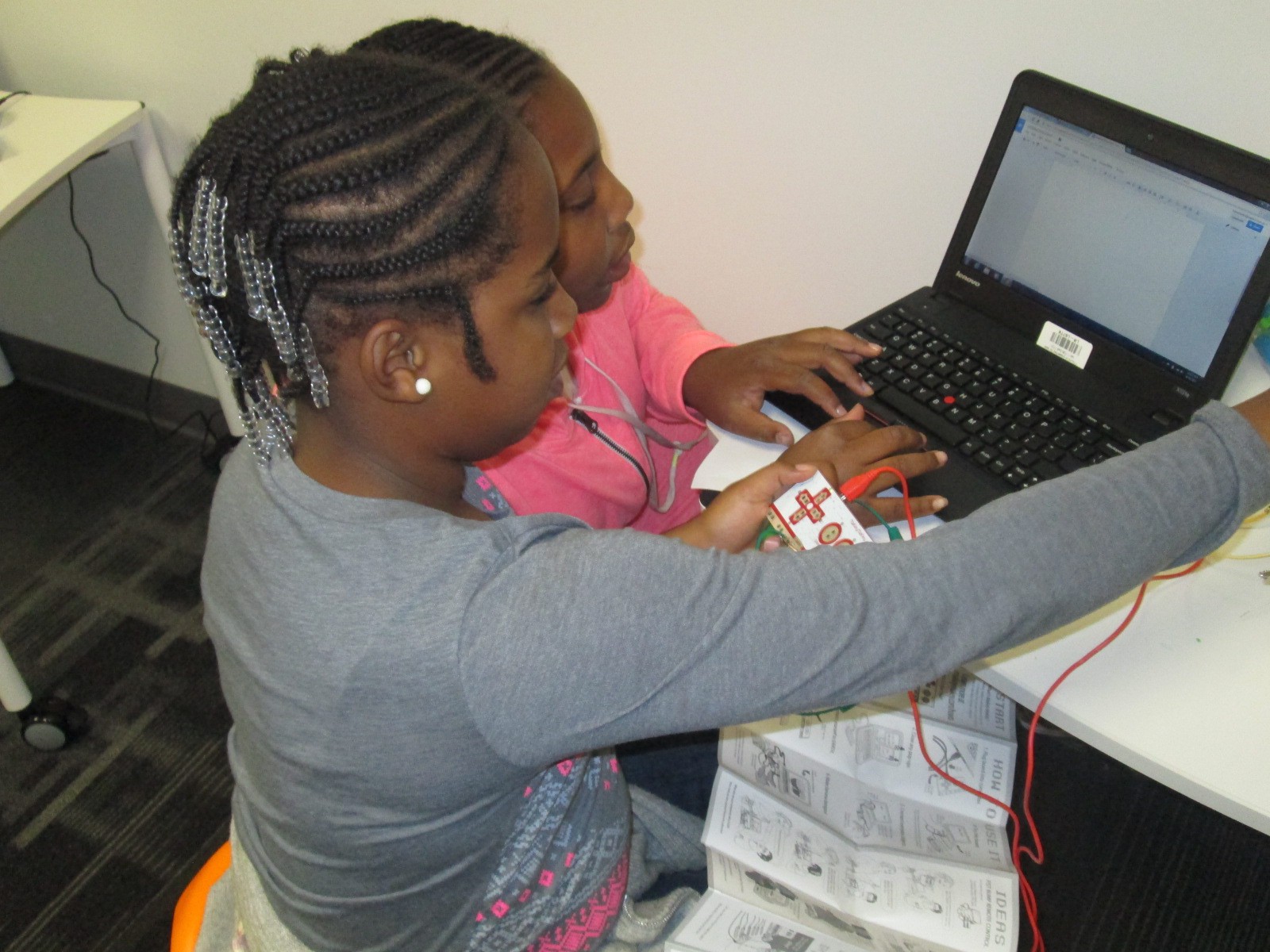
Students at the MaKey MaKey got out balls of Playdoh and started plugging in alligator clips. Gretchen showed them how they could type using the balls of Playdoh, and they also explored how to play the piano on the MaKey MaKey site.
This alternative recess is certainly supporting my library goal of allowing students to dream, tinker, create, and share. This free time to dream and tinker will only strengthen the curriculum work we do within the makerspace in grade level projects.
At some point, I’m sure we’ll create some structure to our alternative recess, but for now it just seems right to explore.
I love using Google tools. Our district is a Google Apps for Education district. We have numerous kinds of devices in student hands from Asus netbooks to Samsung Chromebooks to HP laptops to Lenovo Thinkpads. Each of our 3rd-5th grade has their own device supplied by the district and in 5th grade these devices are predominantly Chromebooks and HP laptops. We mix devices in grade levels for 2 reasons. We don’t have enough of one devices to give one grade level the same device and not all of our programs run on all of the devices. This causes problems for us from time to time, but a big part of my philosophy is that when you come to a barrier you have to build a bridge to get over it. Roadblocks are a nuisance and they slow down productivity, but they aren’t reason for giving up.
Recently, I had a great planning session with Ms. Shelley Olin in 5th grade to plan a Civil War project with her students. She wanted a way for students to remember the many events of the war as well as visualize where all of the events took place. I’ve used Google Tour Builder several times to document virtual connections with classrooms around the world. I love that you automatically have an account if you have a Google account and that you can easily integrate your Youtube videos and Google drive photos into the tour. I used this tool last year to document the 36 connections we made during World Read Aloud week and it is so nice to see all of the connections and play through the summary of where we traveled each day. I thought this would be a perfect tool for Ms. Olin. Students already had an account through their Google apps accounts. Our plan was for Ms. Olin to use this tool in her closing of her lesson each day. Students would visit their Google tour and add new locations to a Civil War tour. They would write summaries of each location or event and search for images on public domain sites such as the National Archives or Library of Congress.
Then, we faced a major road block. Google Tour Builder requires a plugin that can only be installed on IOS or Windows. Why was this a road block? None of our Chromebooks could install the plugin. How ridiculous that a Google computer couldn’t even use a Google tool! Even though we were both frustrated, I didn’t want this one road block to keep us from carrying out our plan. I searched for another tool and stumbled upon Tripline.
Tripline does many of the things that Google Tour Builder can do. You can create a map in a sequence of events, list specific dates and times, add summaries of what took place in each location, upload photos, and add links to other content. It doesn’t integrate into Google apps, but it was the closest match that I could find.
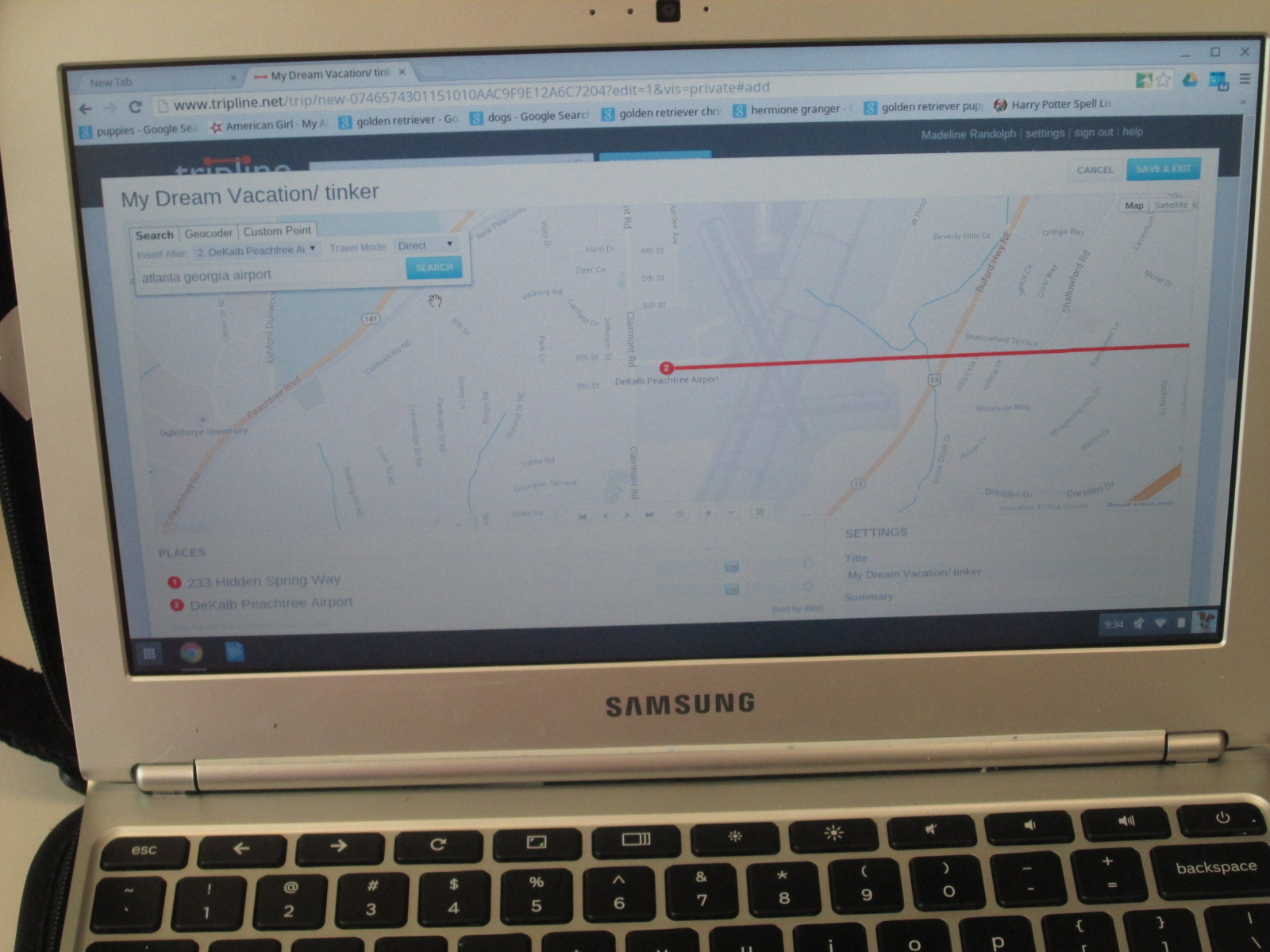
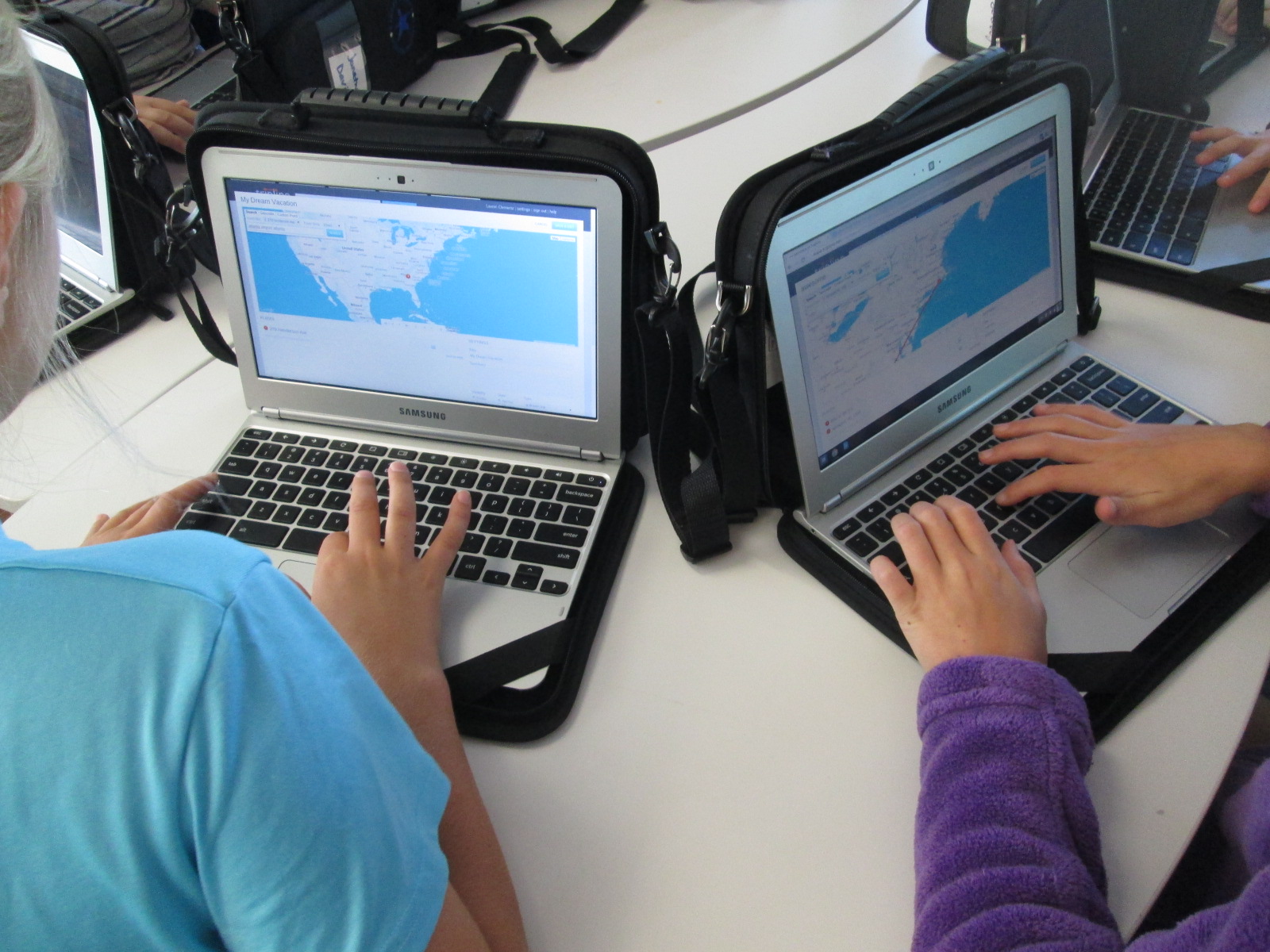
Ms. Olin scheduled each of her classes to come to the library to get started. I did a quick demo on the board and then we got students setup with accounts. Once they had accounts, each student created a tinker map. This was a space for them to just mess around and explore all of the functions of Tripline. Their map could be about anything and they could travel anywhere. They would always have this map to come back to in order to tinker if they needed to during the course of their social studies project.
It was fascinating to see what students decided to do during their tinkering time. One student had moved to our school from Rome, GA. He located his old house and made a map of several important places to him while he lived there. Another student made a dream vacation map and traveled to several countries that she only knew the names of. She then pulled up a Google search to look for cities within those countries and added specific cities to her trip. Each map was different but all students accomplished the same thing. They got familiar with how Tripline functions.
At the close of our time, we opened up a new map and got their Civil War map created and saved. Now, they are ready to begin their study of the Civil War. They will document major locations of the war through pinpoints on the map, pictures, and summaries of what happened at each location. I can’t wait to see what they create.
One of my goals this year in our library is to foster global thinking and global collaboration. To connect with these types of opportunities for our students, I seek out connections on Twitter as well as in Google Plus communities such as GlobalTL and Connected Classrooms. I also offer opportunities within the projects taking place in my own school for other people around the world to join in.
This summer, I became involved in a conversation with Joyce Valenza, Shannon Miller, and Paul Fleischman about how books could live beyond the closing of the cover. What if a book inspired us to take action in the world? What would those actions look like around the globe? How could they be documented? How could they be shared? What would it look like if the author engaged in conversations about the actions being inspired by the book?
This September, Paul Fleischman’s book Eyes Wide Open: Going Beyond the Environmental Headlines was published. It’s a different kind of book because it doesn’t give our young people a prescriptive list of answers to solve the environmental problems of the world but instead to take an inquiry stance. It inspires our young people to listen closely to the environmental stories being shared about our world and to uncover stories of their own. It calls our young people to take action on those world problems and realize that even at a young age they can make a difference in our world.
We’re living in an Ah-Ha moment. Take 250 years of human ingenuity. Add abundant fossil fuels. The result: a population and lifestyle never before seen. The downsides weren’t visible for centuries, but now they are. Suddenly everything needs rethinking–suburbs, cars, fast food, cheap prices. It’s a changed world.
Eyes Wide Open explains it. Not with isolated facts, but the principles driving attitudes and events, from vested interests to denial to big-country syndrome. Because money and human behavior are as important as molecules in the environment, science is joined with politics, history, and psychology to give altitude on this unprecedented turning point. It’s a time of bold advances and shameful retreats, apathy and stunning innovation.
What better time to have our eyes wide open?
An Eyes Wide Open Google Plus Community has been established to make connections for global collaboration around the book. Paul Fleischman has also created a site to house headlines, projects, and conversations about the book. He wants this to be more than a book that you read and close, but instead for it to be a book that inspires action in the world.
Also from Joyce’s blog, there’s a great list of ideas of how you might use Paul’s book with students.
What sort of reports might students contribute?
Take photos (and create a gallery) that document population rise or consumption levels or innovations being used to address these challenges. Attempt to document how your eggs, milk, farmed fish, and meat are made.
Make a video describing a local citizen science project. Document a plastic bag banning campaign, a local pollution issue, or your own attempt to go vegan for 30 days.
Interview someone in city government connected with water, transit, city planning, or emergency services. Or a biologist, park ranger, or science teacher. Or a religious leader whose church has taken a stand on the environment. Or your state senator, state assembly representative, or an aide to your congressperson. Or fellow students or neighbors to get a sense of how average citizens view the situation. Google+ Hangouts might be a perfect venue for archiving these interviews!
Write a description of one of your area’s key issues and how it’s being dealt with. Join with one or two others, each tackling one part of the project: research, interviewing, editing. Would your local newspaper be interested in the result?
Do a survey of your city, finding out where your water comes from, how your electricity is made, where your trash goes. Prepare to make many phone calls and to ask follow-up questions. More fun with a friend.
Annotate local newspaper stories, adding commentary that lets us see how the global trends and mental habits described in the book are playing out locally. Feel free to refine my thinking.
Remix media and create digital stories around an area of local interest.
Inspire a meme to invite continual, global reinterpretation around an environmental prompt
Submit a field report. Work prepared for school assignment is fine. Take time to review and revise. Once you’ve posted it on Google Docs, YouTube, or another platform that all can access, send a description to fieldreports@eyeswideopenupdates.com. Include a bit about yourself, how you came to the topic, and a photo of yourself or something connected to the report. If Paul finds it well done, he will add it to the roster, put a pin in the map, and maybe even give it a shout out in his blog.
Connected librarians have a huge opportunity with this book and the many communities that are available to us. We are the people within our buildings who work with every student, teacher, and family member within our school. If we collaborate, then we connect our entire school communities with one another.
November 15 is America Recycles Day. The week of November 10-14 would be a great week for us to begin to connect our voices with one another around an issue that really affects us globally. Paul’s amazing book Eyes Wide Open could be a piece that we could use to spark conversations around the globe. It could also be paired with a plethora of other picture books and informational texts on environmental action. More than a conversation, our connections could push our young students to take action in our world, and those initial connections could lead to a continued connection between schools around the world in the name of environmental action.
Here’s what I hope to do:
Connect with schools throughout the week of November 10-14 via Skype or Google Hangouts
Read an environmental text together
Have each school identify and explain an environmental issue in our school or community. For us, it will most likely be the amount of waste being thrown away in our classrooms.
Have each school exchange their issue and brainstorm possible next steps for one another. Wouldn’t it be nice to hand your problem over to someone for a few minutes to see the problem through their eyes? That perspective might be the very thing you need in order to take a next step in your problem.
Share our brainstorming with one another and document suggestions in a digital format such as a Google doc or Padlet.
Commit to reconnect at some point to share what actions we have taken, what has been successful, or what new problems have surfaced.
Let’s do more than just connect our students for a day. Let’s connect our students to work on an issue that has an impact on our world. As part of Connected Educators Month, let’s start thinking of how we can connect our students in meaningful ways throughout the year and begin planning those connections now.
As you make connections, create action steps, and make an impact on your world, share it!
Third grade has been working on an Allen Say author study. In class, they have read multiple books, compared and contrasted, and started identifying what marks a book as Allen Say’s work. In the library, we also read a book by Allen Say to fold into this class conversation, but we used the library lesson for another purpose, too: tinkering.
Our read aloud was Kamishibai Man, which tells the story of an old man who has retired from his work of traveling into the city to sell candy and tell stories. A kamishibai uses a wooden box mounted on a bicycle to display beautiful paintings which inspire oral stories. The stories are told in a series so that audience members want to come again and again. At each storytelling session, the kamishibai man would sell homemade candies which was how he made his living. During the story, we had great discussions about how technology has impacted our lives in positive and negative ways because in the story the kamishibai man has to quit his job because people would rather watch tv.
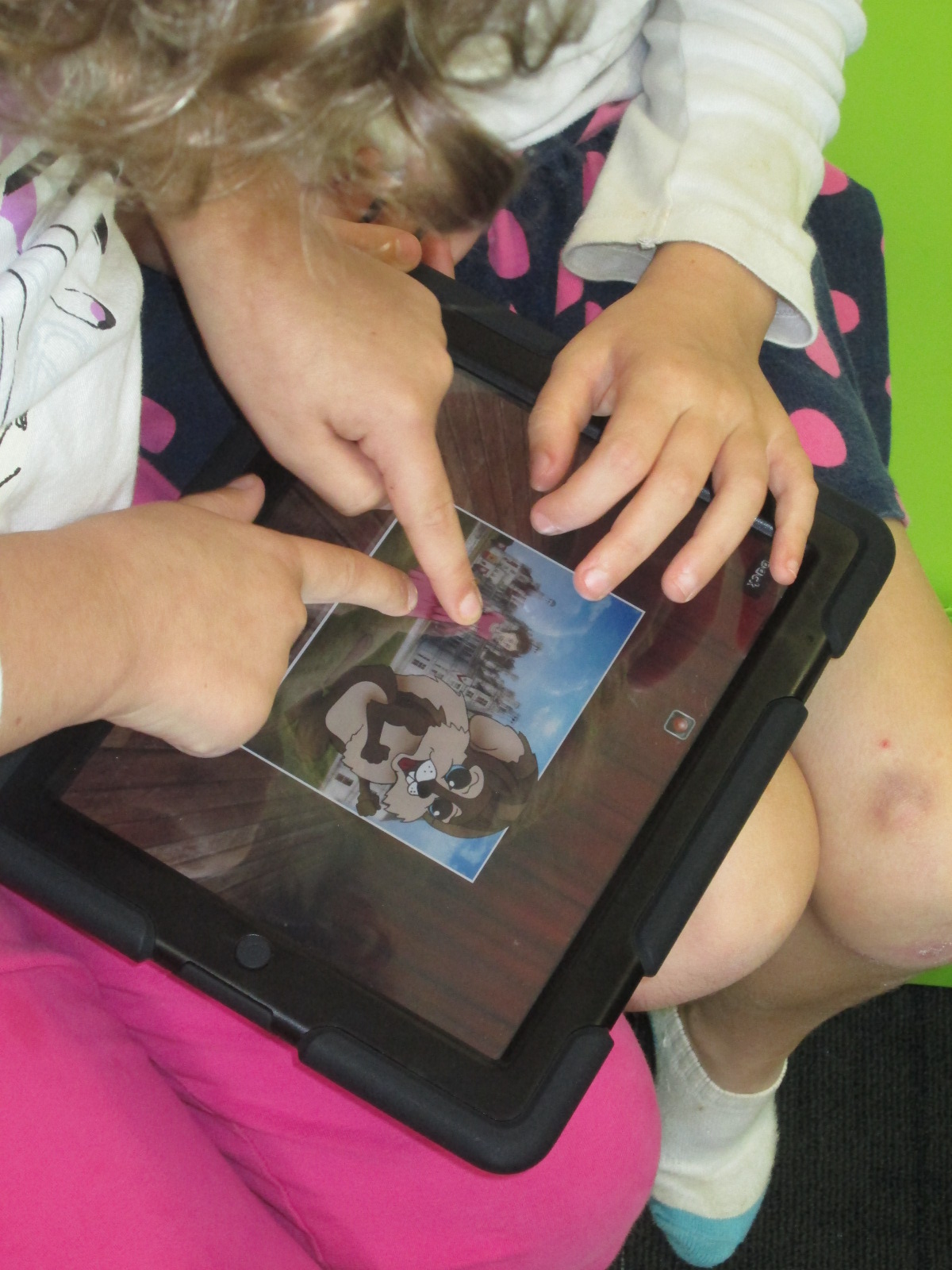
Following the story, we practiced our own way of oral storytelling using puppet stages, characters, and backdrops in an iPad app called Puppet Pals. This app allows you to select up to 8 characters and 5 scenes. You can upload your own images for the characters and scenes or choose from the library of options. Users can move their scenes and characters off stage when they are not in use. With a record button, every movement and voice is recorded as long as it takes place in front of the backdrop. Puppet Pals lets you record up to 2 minutes of audio which sets it apart from some other apps that only let you record for 30 seconds.
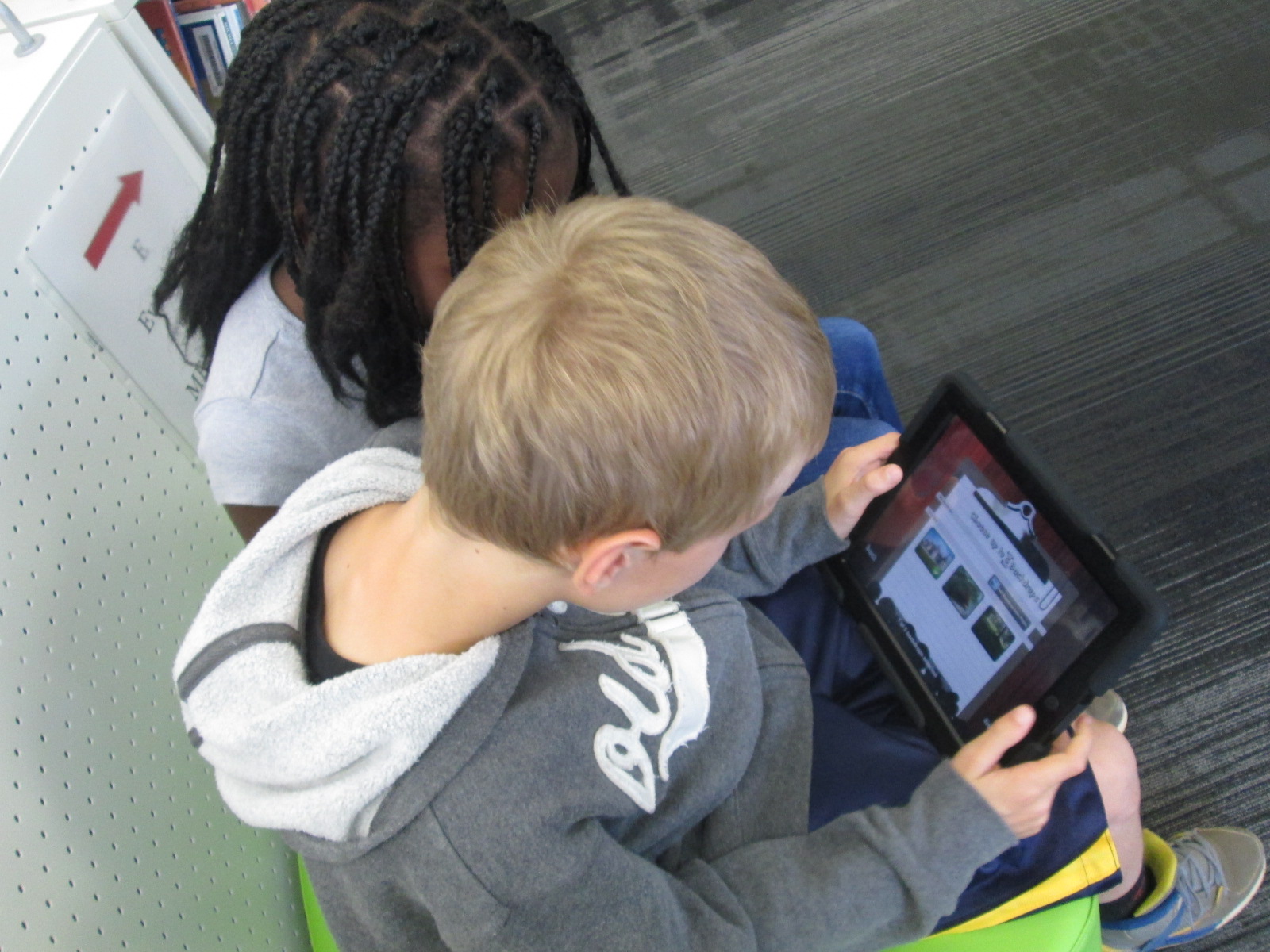
We did a quick demo on the board by having 2 students come up and make a quick story in the moment. Then, students split into groups of 2 or 3 with an iPad and spread out throughout the library. They quickly got to work figuring out how puppet pals worked. Most groups made multiple stories because they would think about something else they wanted to try once they finished one story. It was fun to step back and listen to all of the voices that students were creating for characters as well as how they were moving characters in and out of the set and making them larger and smaller on the screen. The students were trying this app without fear of failure, and they were learning so much about how the app functioned. Some of them even created some pretty decent videos in the short time that they had to tinker.
Our closing time was once of my favorite times. I asked students to think for a moment about what they might want to do if they made a longer video and had a longer time to work on it. They listed out several things that probably would have come from a teacher checklist or instructions, but the difference was that they came to the realization of why these checklist items were needed because of their tinkering. It wasn’t just something the teacher or I was asking them to do. Instead, the checklist served to improve their work and organize their product. They named things like:
Write a script for the characters.
Include instructions about when to change the backdrop
Write notes about when to shrink or enlarge a character.
Pause the recording in order to switch out characters or scenes. Put this in the script too.
Practice before recording.
and much more.
Third grade is about to launch into a study of folktales. I think Puppet Pals has great potential to be a part of this project, so I intentionally used this tool as part of our Allen Say project to have a purpose for tinkering but also to make sure that tinkering happened before we asked students to create a more polished product. Now, I feel like the stage is set for all 3rd grade classes to create a folktale Puppet Pal project if they want to. I want to think more about how tinkering opportunities can be built naturally into lessons prior to larger projects beginning. This type of model takes knowledge of the upcoming curriculum and early conversations about the kinds of collaborative projects that will be taking place each quarter. I love this new thinking that has potential for future planning with teachers and students.
Last week, Mr. Coleman, 4th grade teacher, asked me if I had any extension lessons to support 4th grade’s study of stars and constellations. Specifically, their standard is:
S4E1. Students will compare and contrast the physical attributes of stars, star patterns, and
planets.
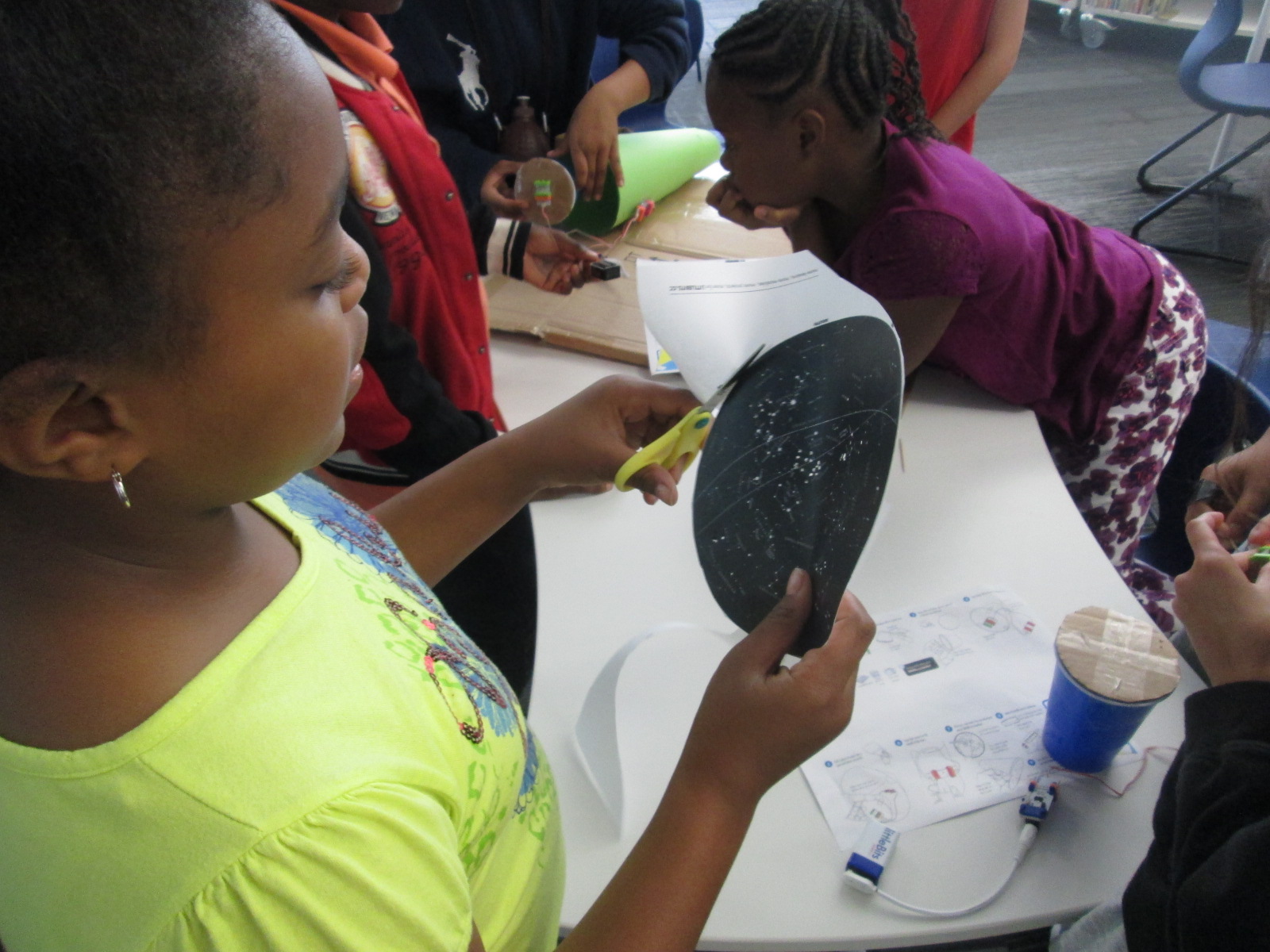
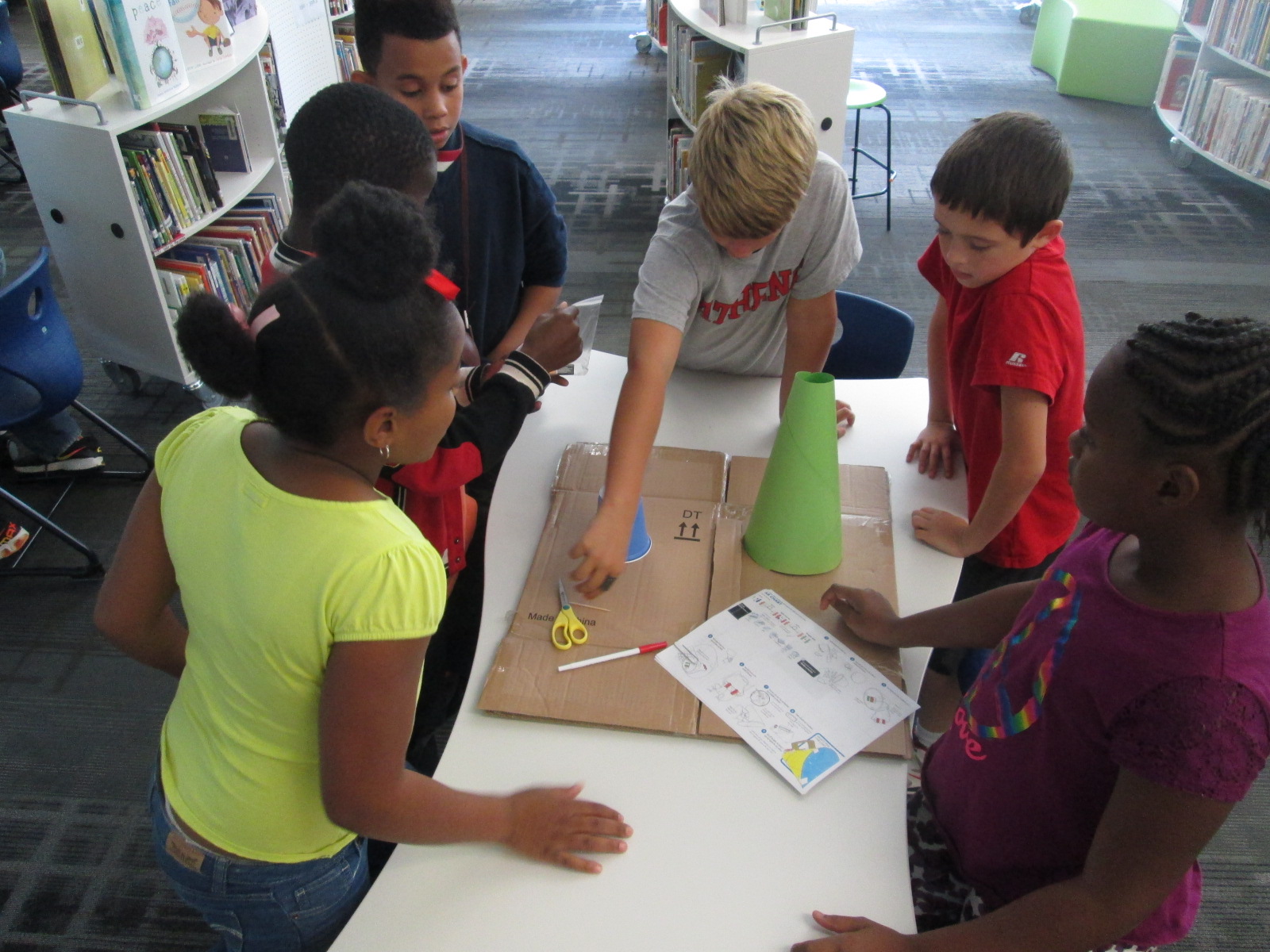
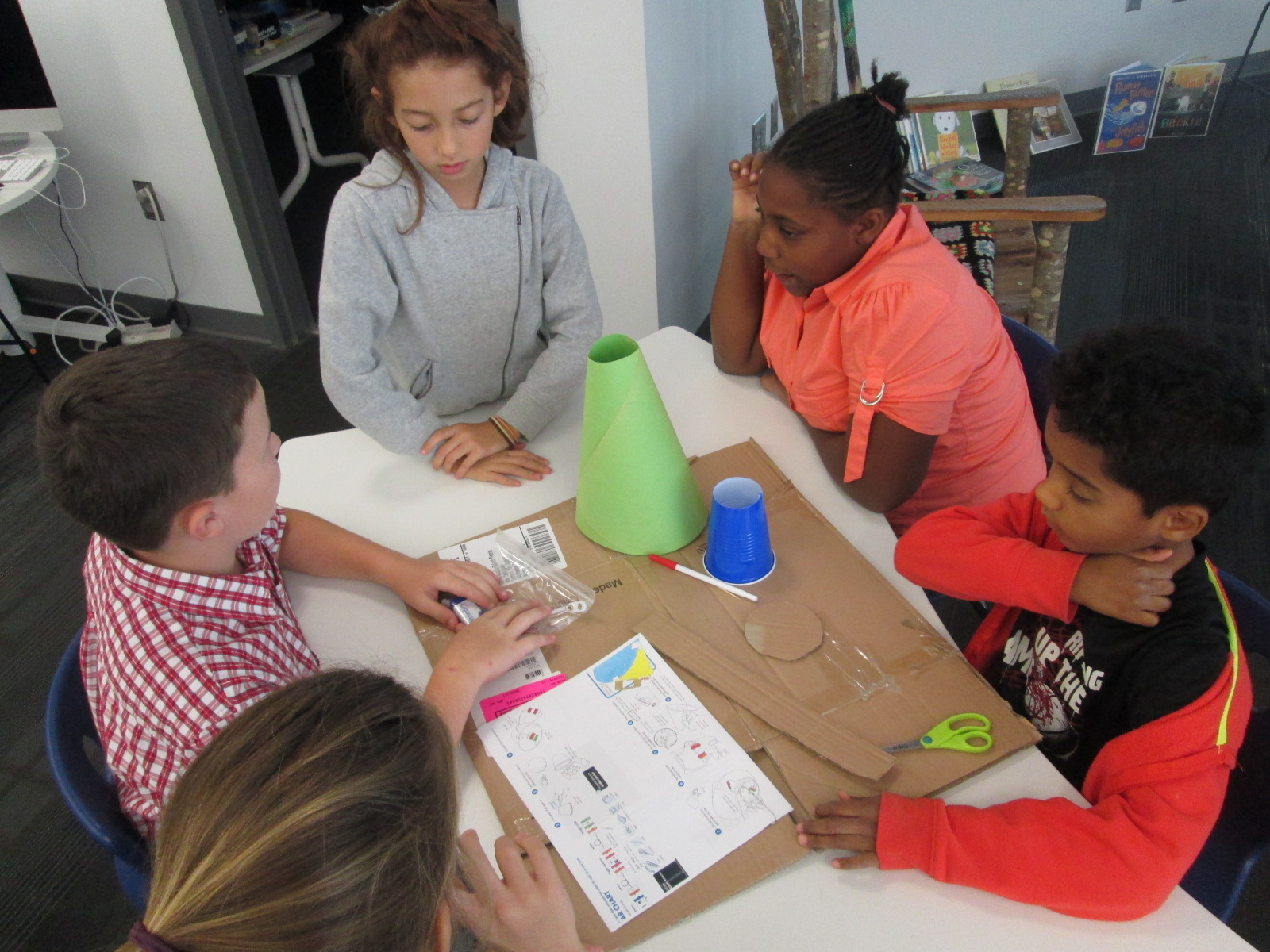
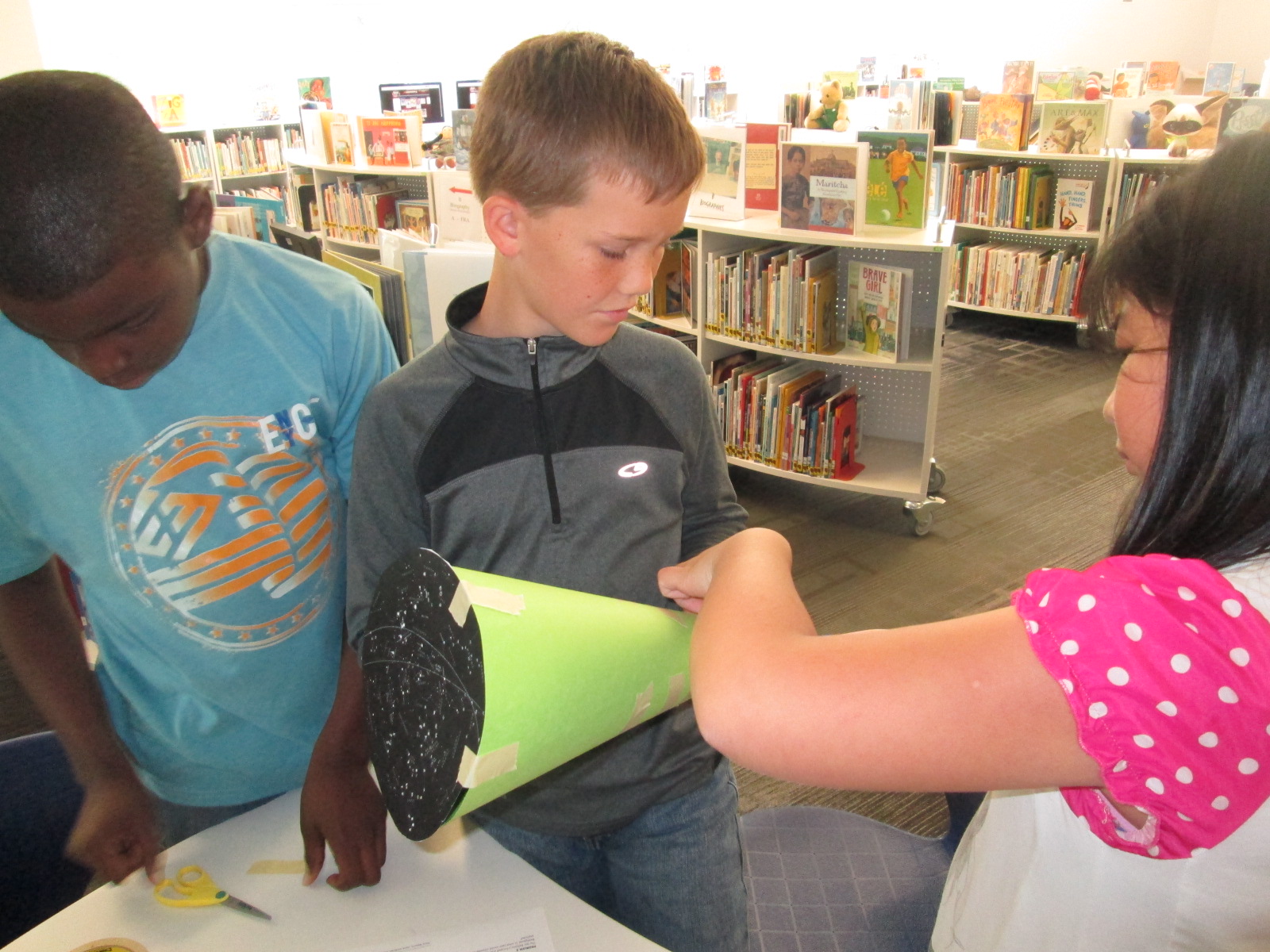
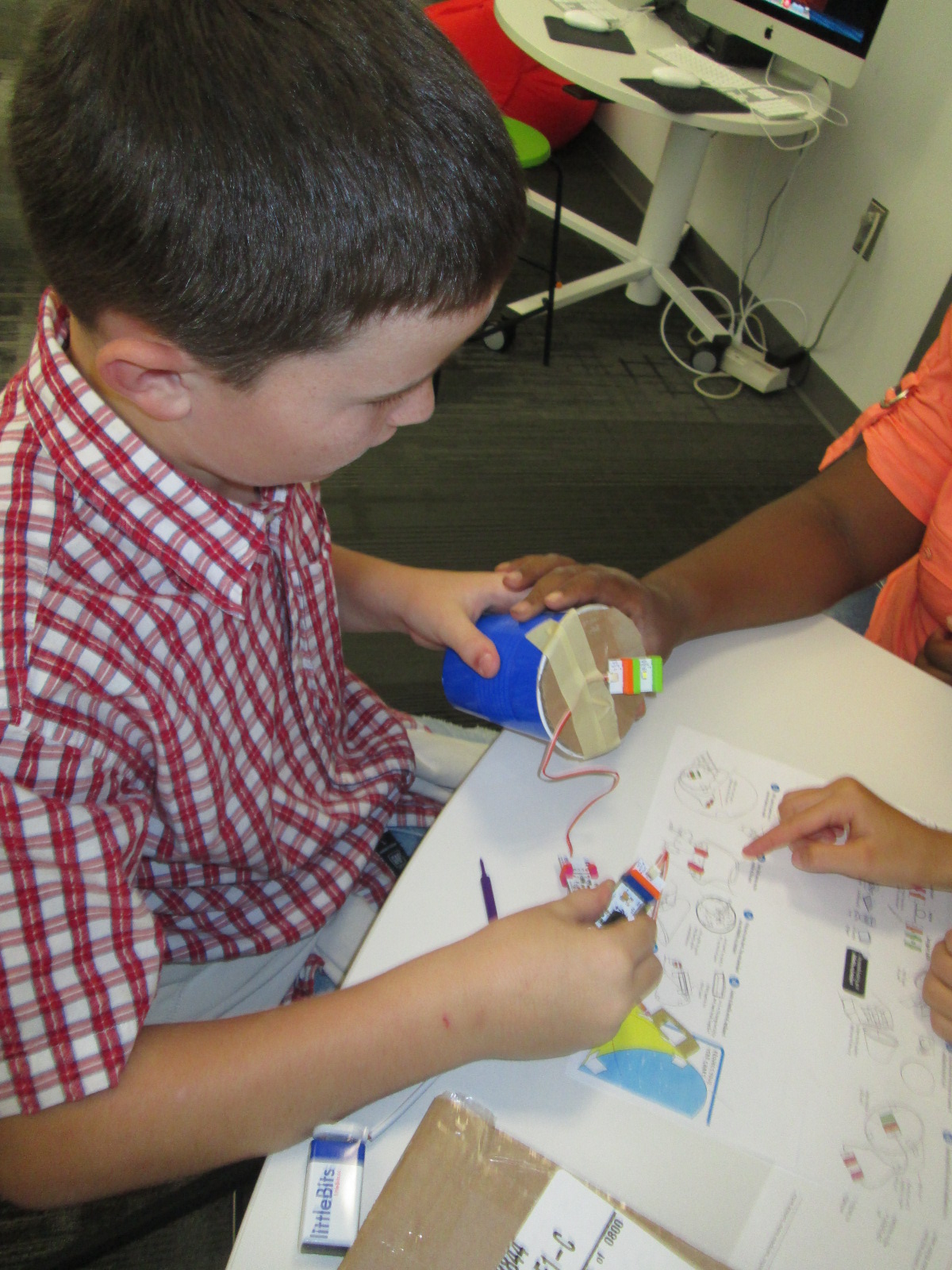
I suddenly remembered that a part of he littleBits workshop kit that I purchased this summer was a free space module. As I flipped through the book, I saw that you could use littleBits to make a start chart. This was the perfect opportunity for students to explore littleBits in a standards-based lesson with enough structure to give them a goal but still have an opportunity to do a bit of tinkering.
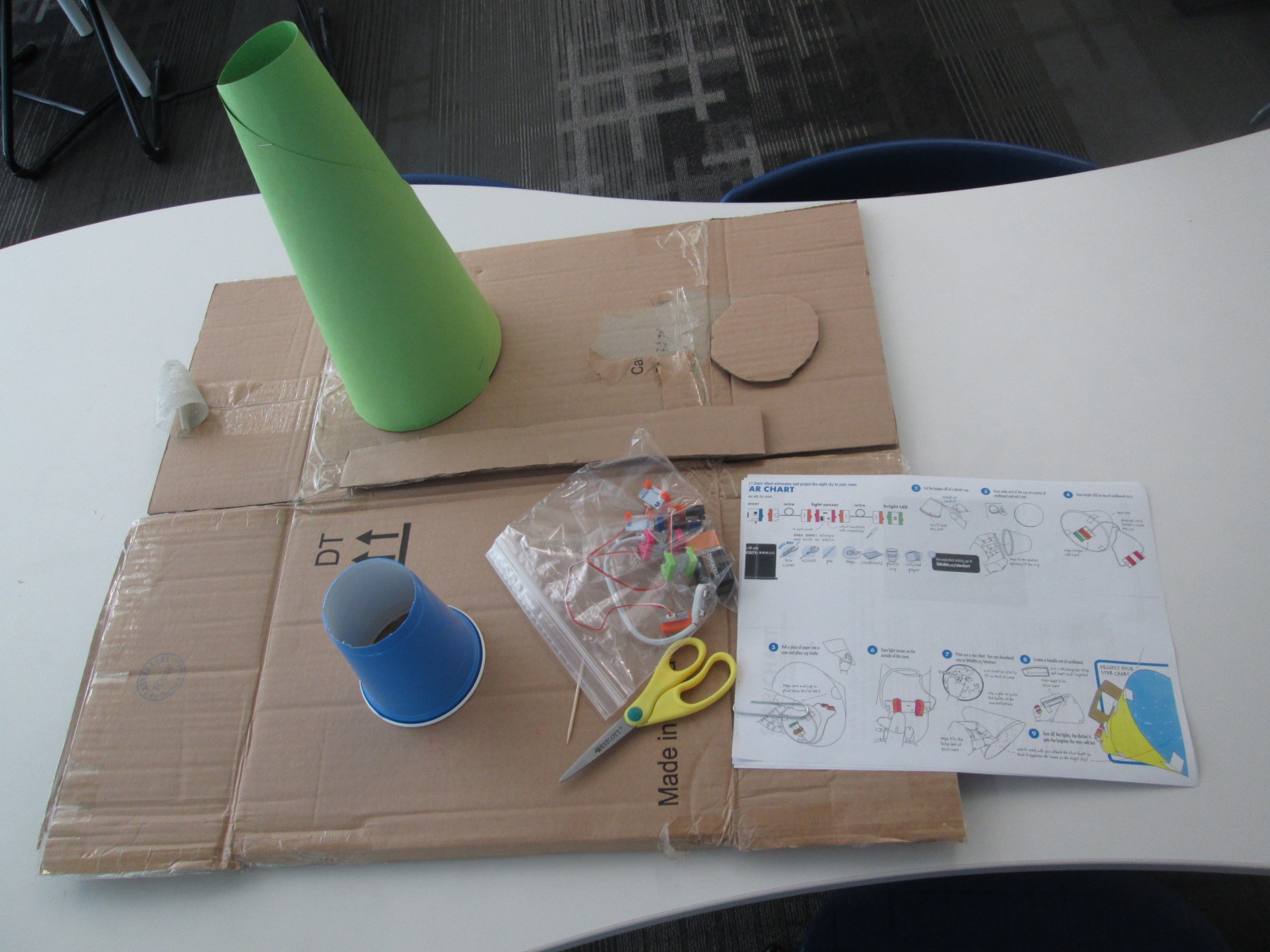
Because some of the steps involved using a box cutter to cut holes in a cup and a cardboard circle, I did a few steps ahead of time for them. On a large piece of cardboard, I gathered materials for each group:
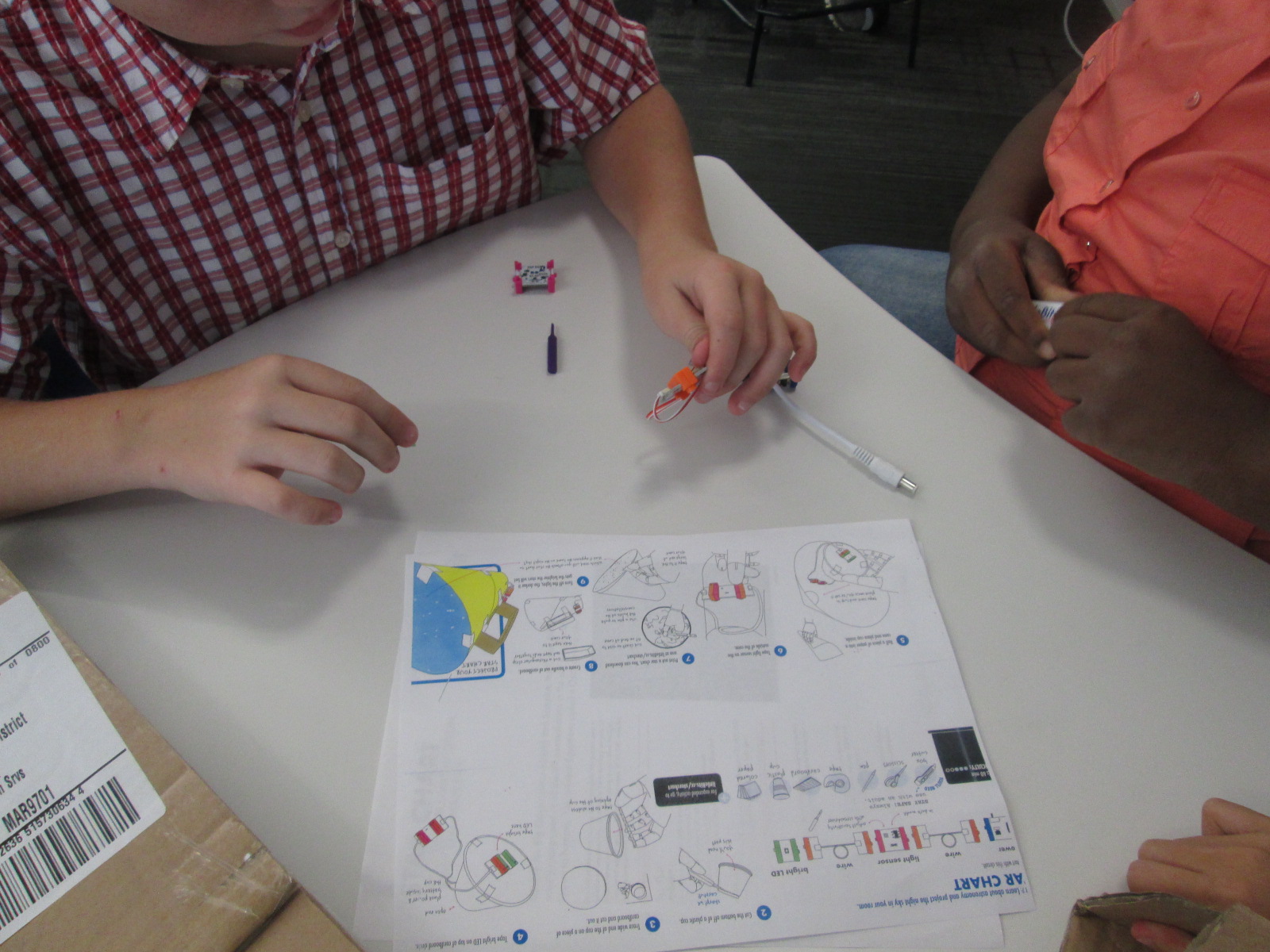
a ziploc bag of the littleBits needed, including the battery
a littleBits screwdriver
scissors
tape
a toothpick
a pen
a cone made out of construction paper (many thanks to Gretchen Thomas for helping me figure out how to make a cone!)
a plastic cup with the bottom cut out
a cardboard circle the size of the mouth of the cup
a strip of cardboard
a set of instructions
a copy of a star chart
We started the lesson together on the carpet. We watched a short intro video:
I told them that our goal was to make a device that lit up when it was in a dark room and projected stars onto the ceiling.
We talked about failure. I emphasized that this class was the first class in the school to use littleBits. We talked about failing, taking a deep breath, backing up, and trying again when something didn’t work. I also talked about teamwork and time management. This was to emphasize that the more they worked together and didn’t give up the more likely they were to be successful in making their chart.
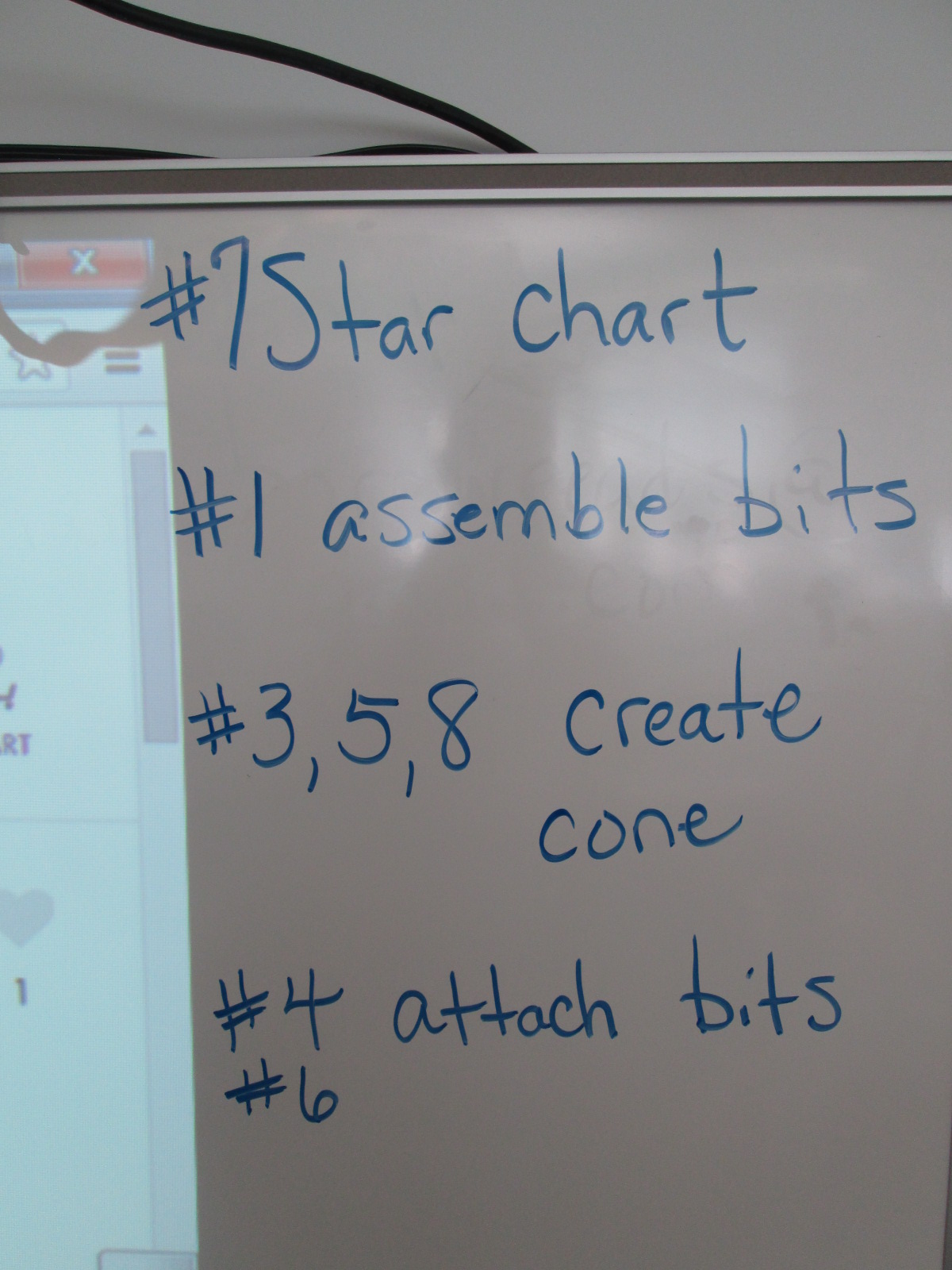
I also made suggestions about how teams might think about dividing up the work load. For example,
1 person might try step #7 and prepare the star chart
1 or 2 people might try step #1 to assemble the bits
1 or 2 people might try steps #3, 5, and 8 to create the cone
1 or 2 people might try step #4 & 6 to attach the bits and test the device
This was only a suggestions. Teams were welcome to do every step together or divide the work up in other ways.
Notice that I didn’t say anything about explaining littleBits, what each bit was called, what their function was, or how to put them together. I knew that the kids were perfectly capable of figuring this out on their own, and they proved me right.
Mr. Coleman helped divide the students into groups and they got right to work. I was amazed by how the groups took time in the beginning to assign roles before working. It was a rare moment to look at a table and not see someone working on some aspect of the star chart.
Mr. Coleman and I walked around and encouraged groups to read directions, try new things, work together, and gave a few helpful nudges as needed. However, we did not create the star charts for any group because we wanted students to experience tinkering, failure, and the power of reading and following directions.
There was a definite energy in the room and it was by no means quiet. Each time something started working, the energy level increased. Groups started taking their devices into our makerspace and equipment room so that they could turn off the light and test their invention. As pieces worked, they screamed with excitement, but as they failed they hurried out, disassemble their work, and started over.
Once again, I was amazed by how no students stopped working and no students reached a point of frustration where they shut down.
We even had a group who were still working when we were debriefing the whole experience because they wanted to make their star chart work. They didn’t give up for a second.
When the charts worked, students spent a bit of time looking at their constellations on the wall and ceiling.
During our debrief, we talked about what we learned about littleBits as well as what next steps students might take to learn about constellations. I encouraged them to learn some of the stories of the constellations and to actually look for them in the night sky.
For the littleBits, students figured out that you could adjust the sensitivity of the light sensor to come on when it was light or dark. This was a point of failure for some groups. Others talked about reading the words on the bit including the power bit that says “on” or “off”. Missing that one simple word “on” could be the difference between failure and success, and many groups forgot to turn their power on before testing their device.
Before students left, I told them that this was only a small taste of what littleBits can do, and I encouraged them to think about other inventions they might create during the year and to come and explore the other bits and their possibilities.
At our “Meet the Teacher” night back in August, several students raced into the library to tell me about project ideas that they dreamed up over the summer. As soon as I heard their enthusiasm, I knew that one of my library goals, “To empower student voice”, was going to be an important one for this school year. One student shared about his idea to design his own Skylanders and 3D print them. Another wanted to create a set of model trains on the 3D printer. Another wanted to explore the MaKey MaKey. and program things. I told them all that we would figure out how to make this happen this year, but I needed some time to get the library going.
As usual, the start of the school year has been busy getting projects, lessons, and technology off the ground, so I had not gotten back to these students. I just love when students feel comfortable to raise their voices. I received an email a few days ago from two students that went something like this:
Dear, MR Plemmons
We would like to come to the makerspace once a week during recess if possible. We would love to use the makey makey to possibly control Sphero. If this is possible please email back.
I knew I needed to make this happen fast because I had already waited too long to let these guys start tinkering, so I responded back:
When is your recess and what day are you thinking of? I want to make this happen for both of you.
And then they responded back with the day, time, and:
Thank you for giving us this opportunity.
The first day of tinkering was just awesome. Within a matter of minutes, Kearn had the MaKey MaKey connected to Play Doh and was controlling a train simulator on the computer. Ludwig controlled the horn and Kearn drove the train. Kearn wanted to make a video to show what he had done, so we pulled out an iPad and made an impromptu video which he wanted to add to his Youtube channel. He also started following my blog and even left a comment about how much he loves the makerspace. Both students were completely independent and were perfectly capable of dreaming, tinkering, and making on their own. I was available for support as needed, but they really just wanted a space to explore. As they continue, I want to connect them with some experts that might mentor their ideas and curiosities, but for now, they just need to tinker.
This is what I’m talking about when I say “empower student voice”. These two guys are full of energy and passion about making. I am sure that they will figure out so many things that I couldn’t even imagine myself during the course of this year. They willingly share their knowlege and expertise, and I’m sure that their tinnkering, failures, and successes will inspire and support many other student projects during the year. When I see two students get so excited about learning like this, I can’t help but think about what other opportunties students need to spark their own passions for learning. I hope that our makerspace is just one space that ignites students’ curiosities this year.




























 We’re living in an Ah-Ha moment. Take 250 years of human ingenuity. Add abundant fossil fuels. The result: a population and lifestyle never before seen. The downsides weren’t visible for centuries, but now they are. Suddenly everything needs rethinking–suburbs, cars, fast food, cheap prices. It’s a changed world.






 Expect the Miraculous