Student Book Budget 2012-2013 Finale

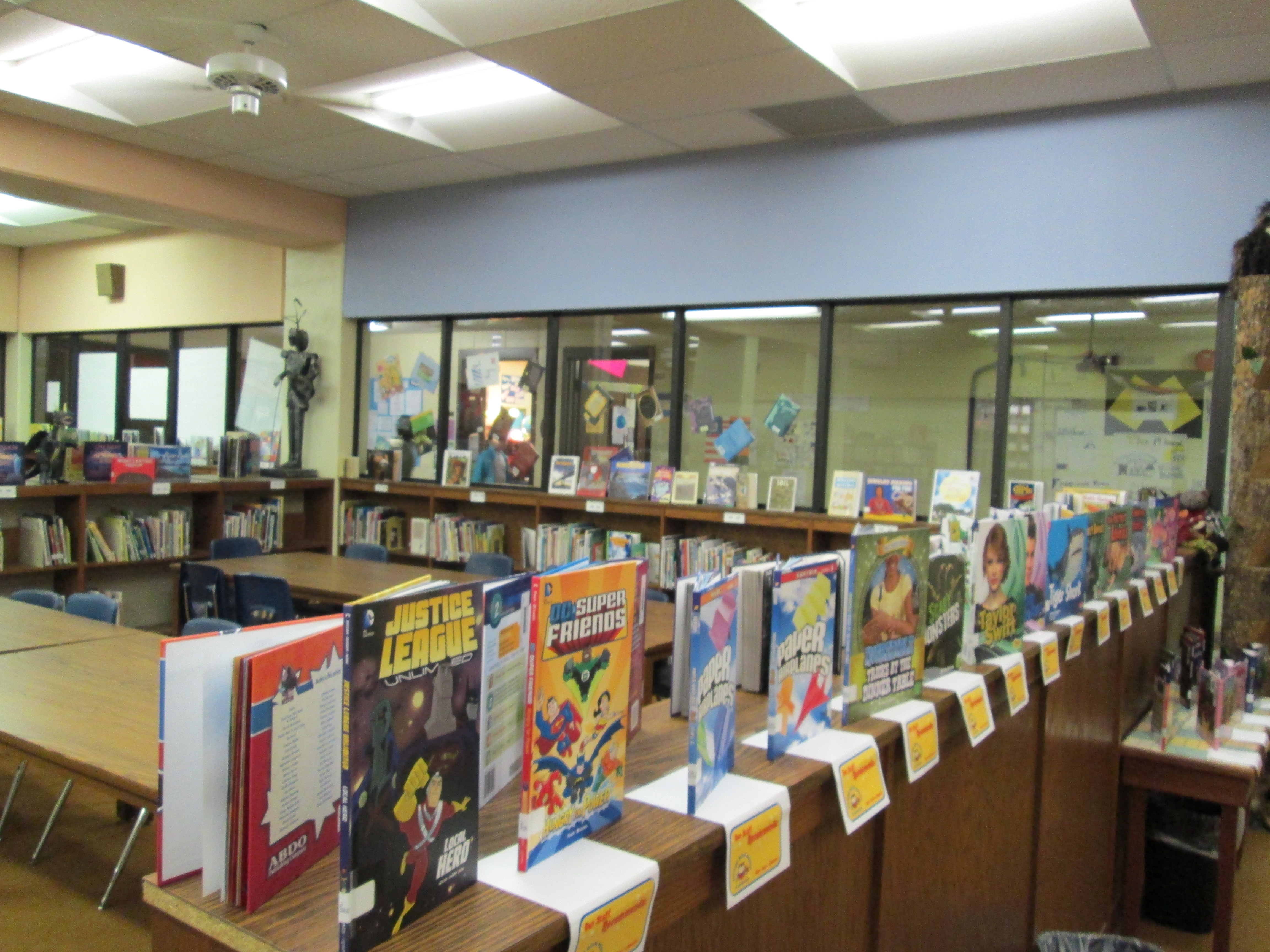
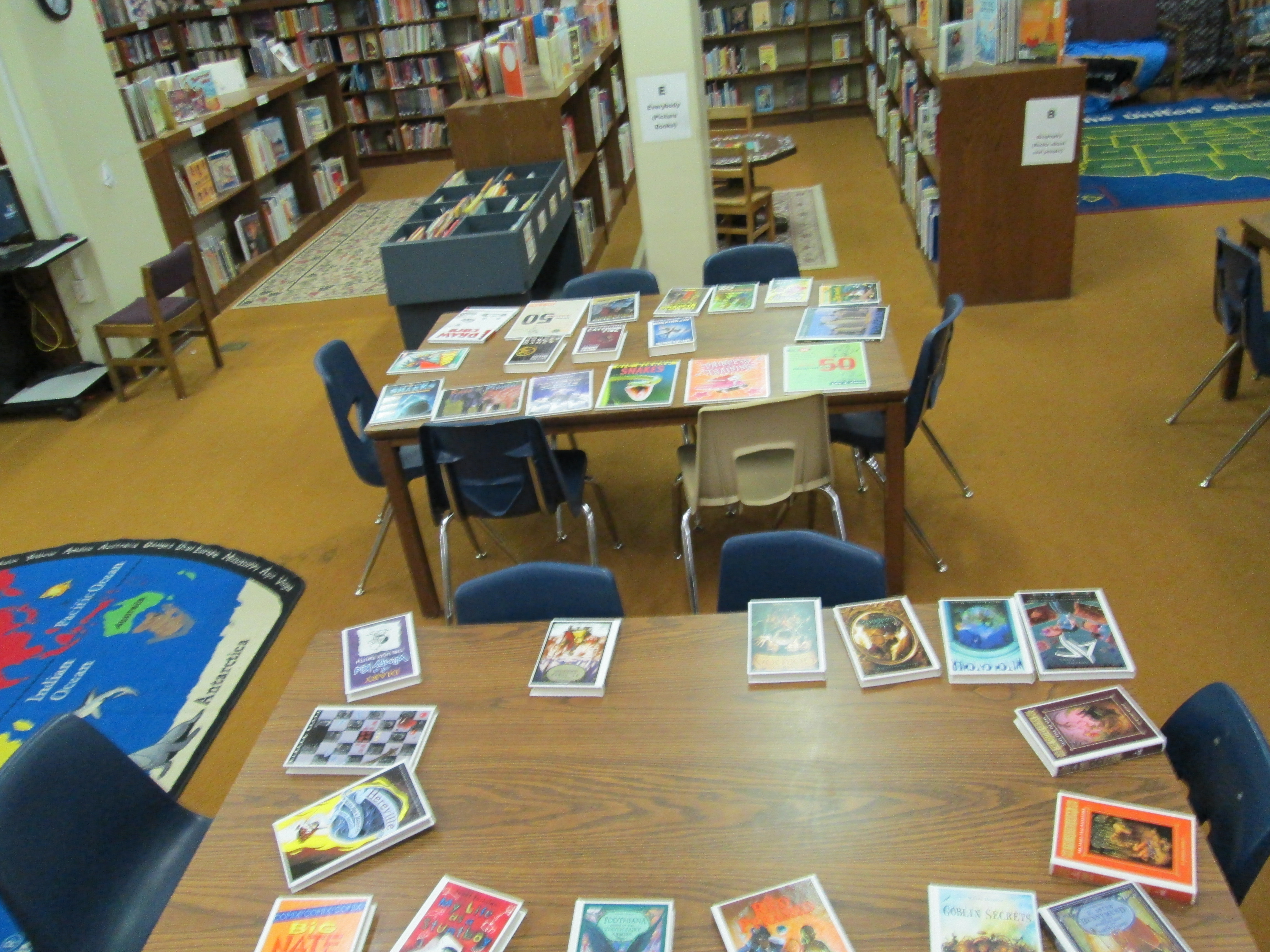
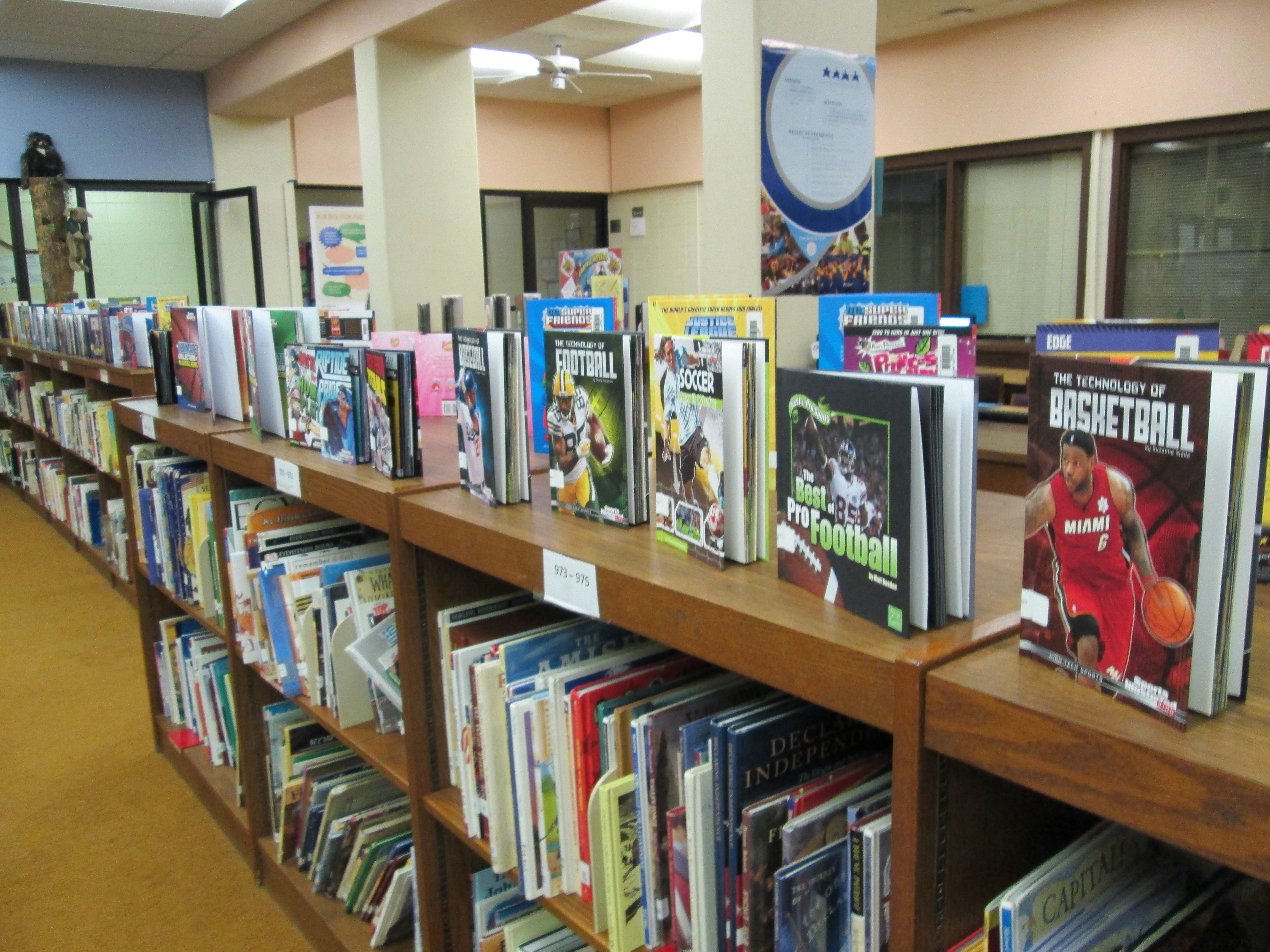
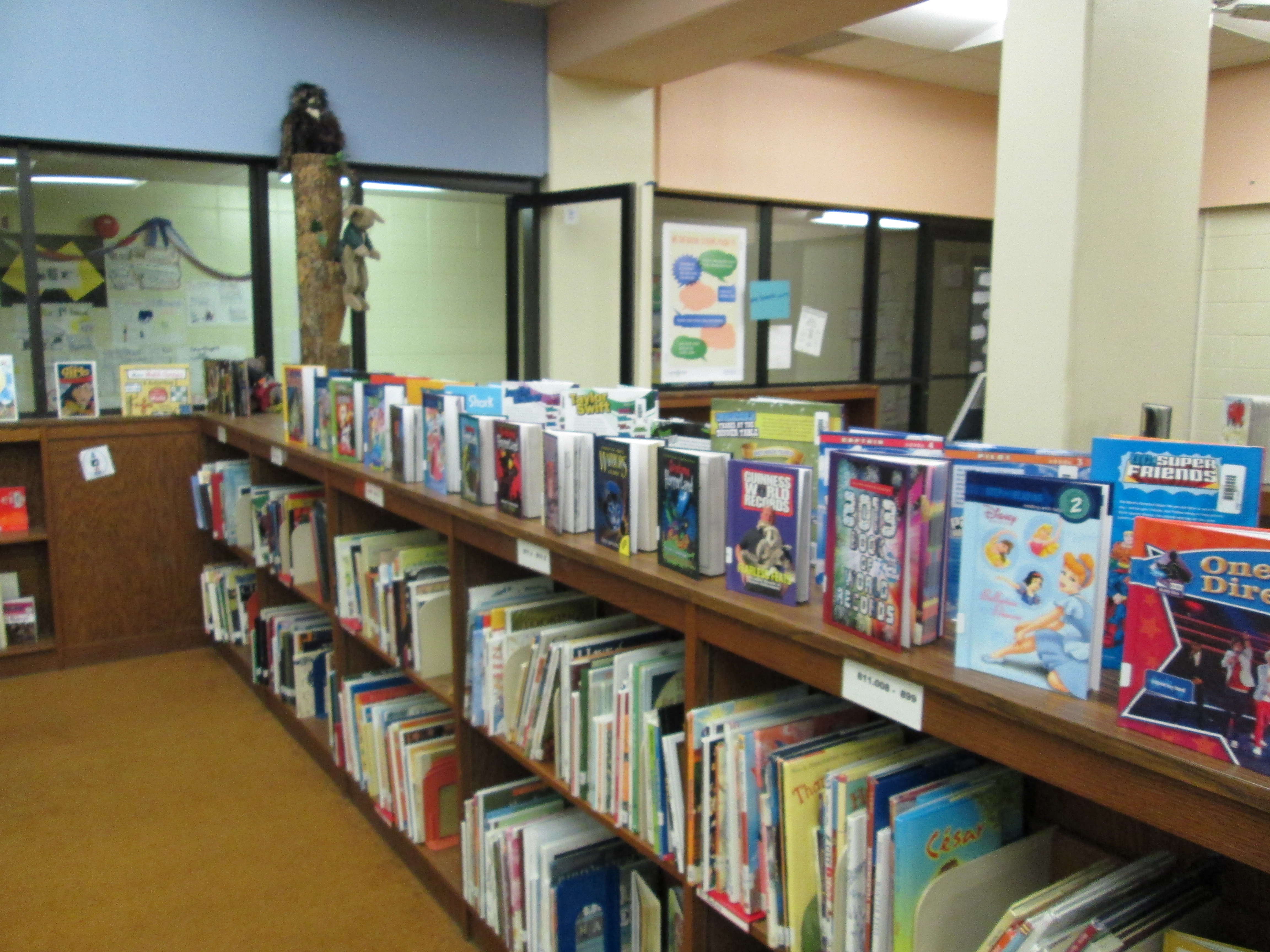
IMG_0331 IMG_0332 IMG_0333 IMG_0334 IMG_0335Today was an exciting day.  The 105 books purchased by the students in this year’s book budget groups went into circulation.  I announced on BTV that the books were ready.  Teachers played this video in class.

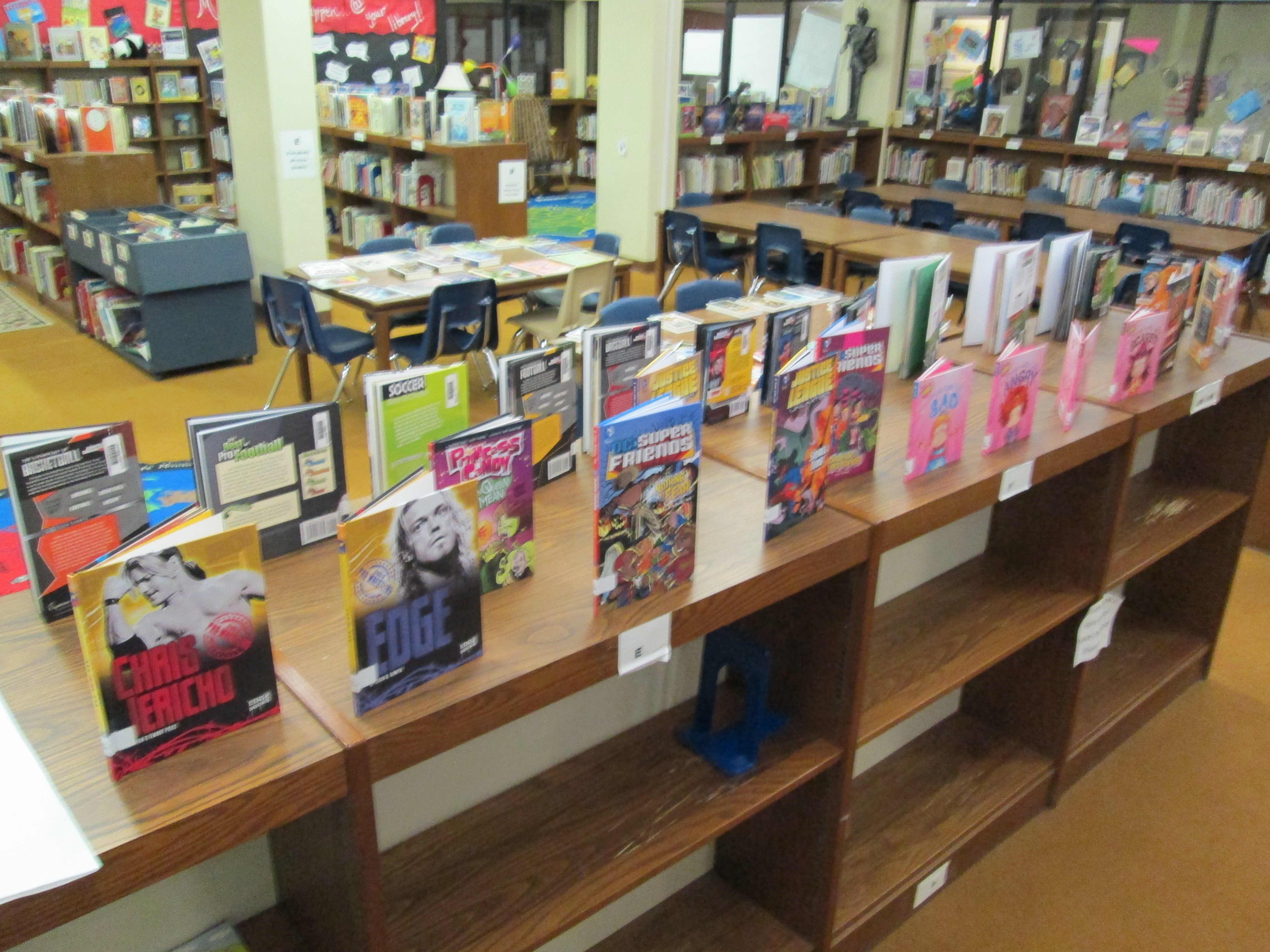
IMG_0337It didn’t take long until students began pouring into the library on their own and in classes to checkout the books.  Almost every student who visited the library got one of the new books, and by lunch, there were only 5 books left!
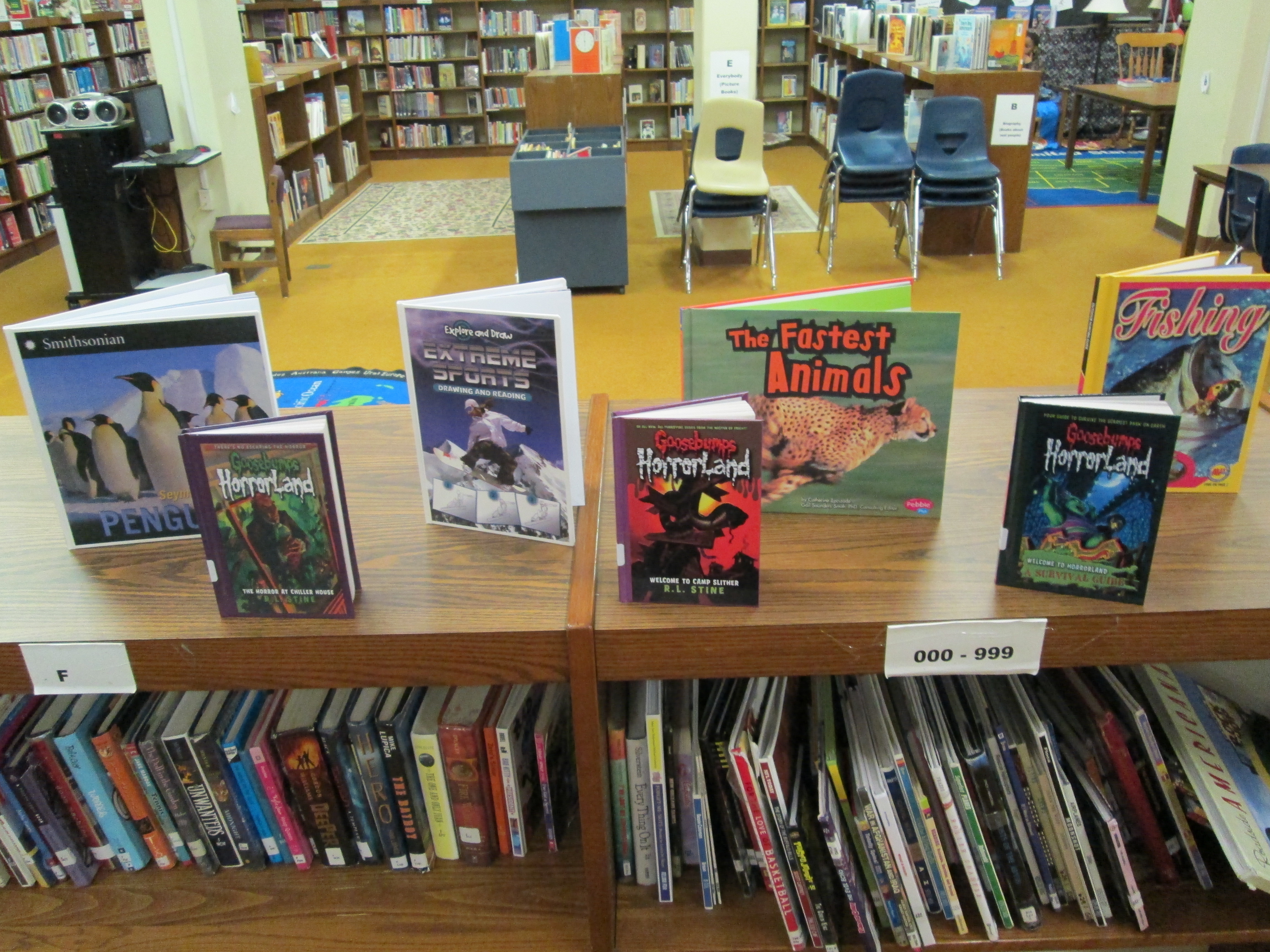
Only 5 books remained at Noon.

Only 5 books remained at Noon.

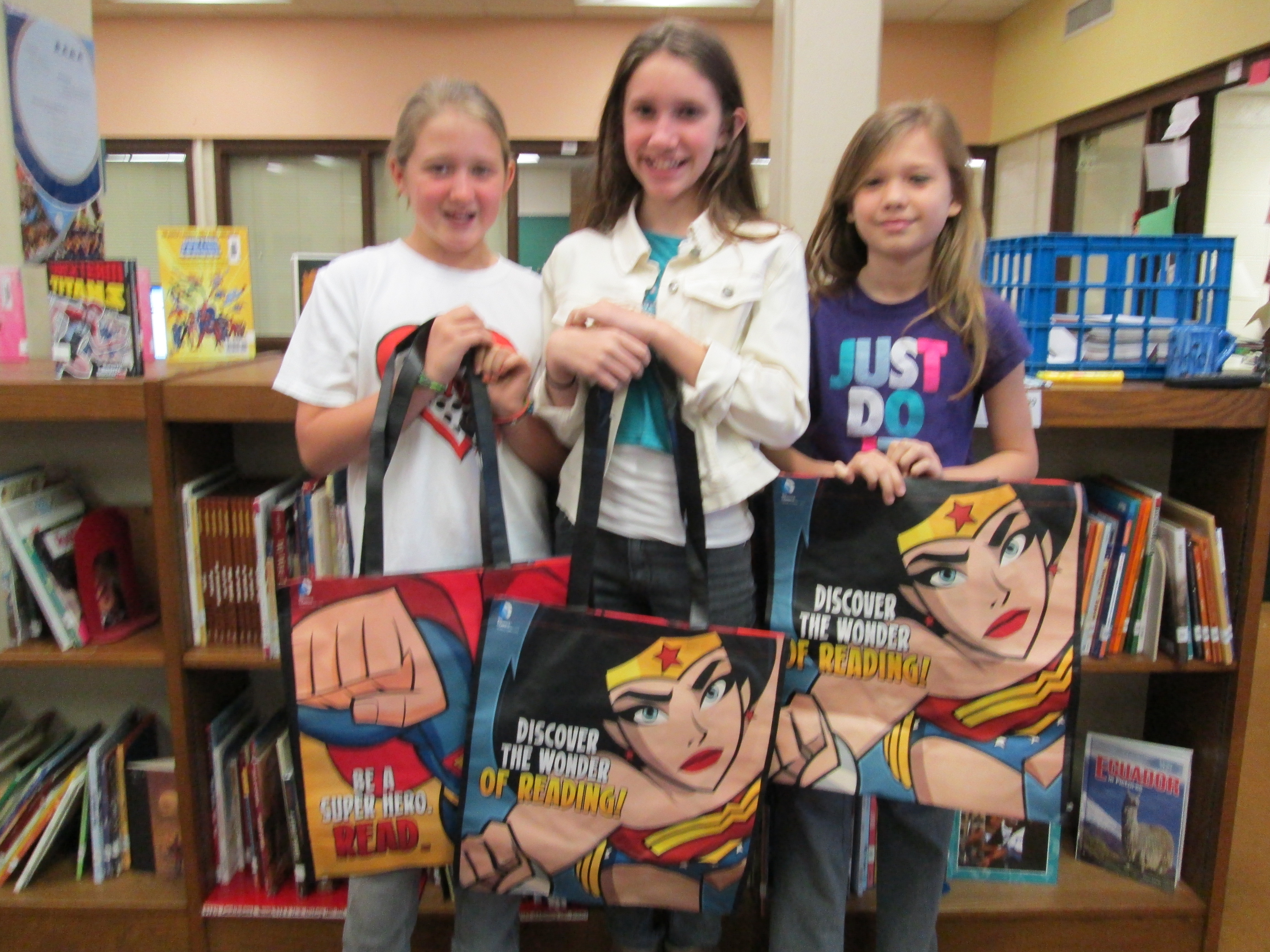
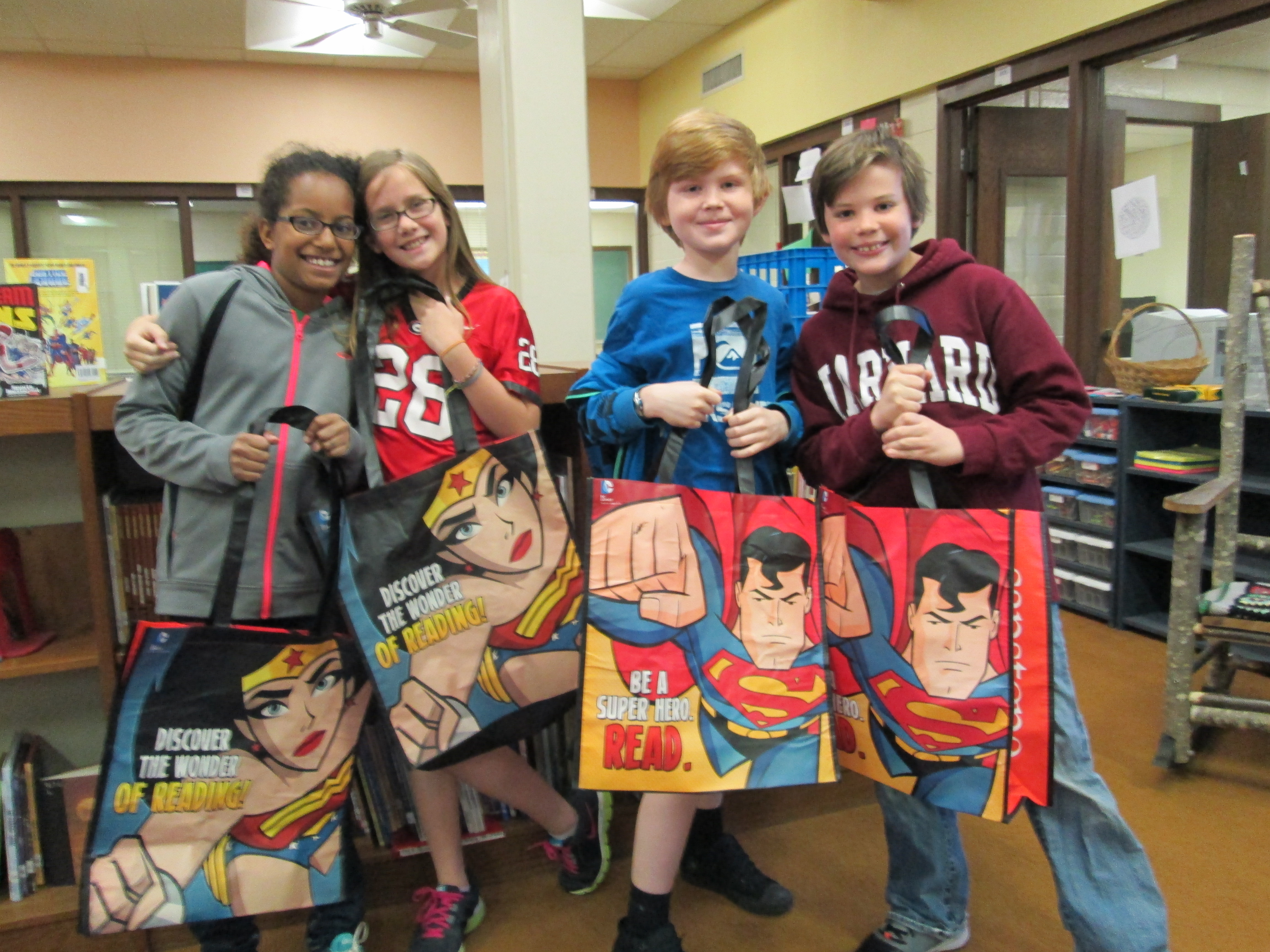
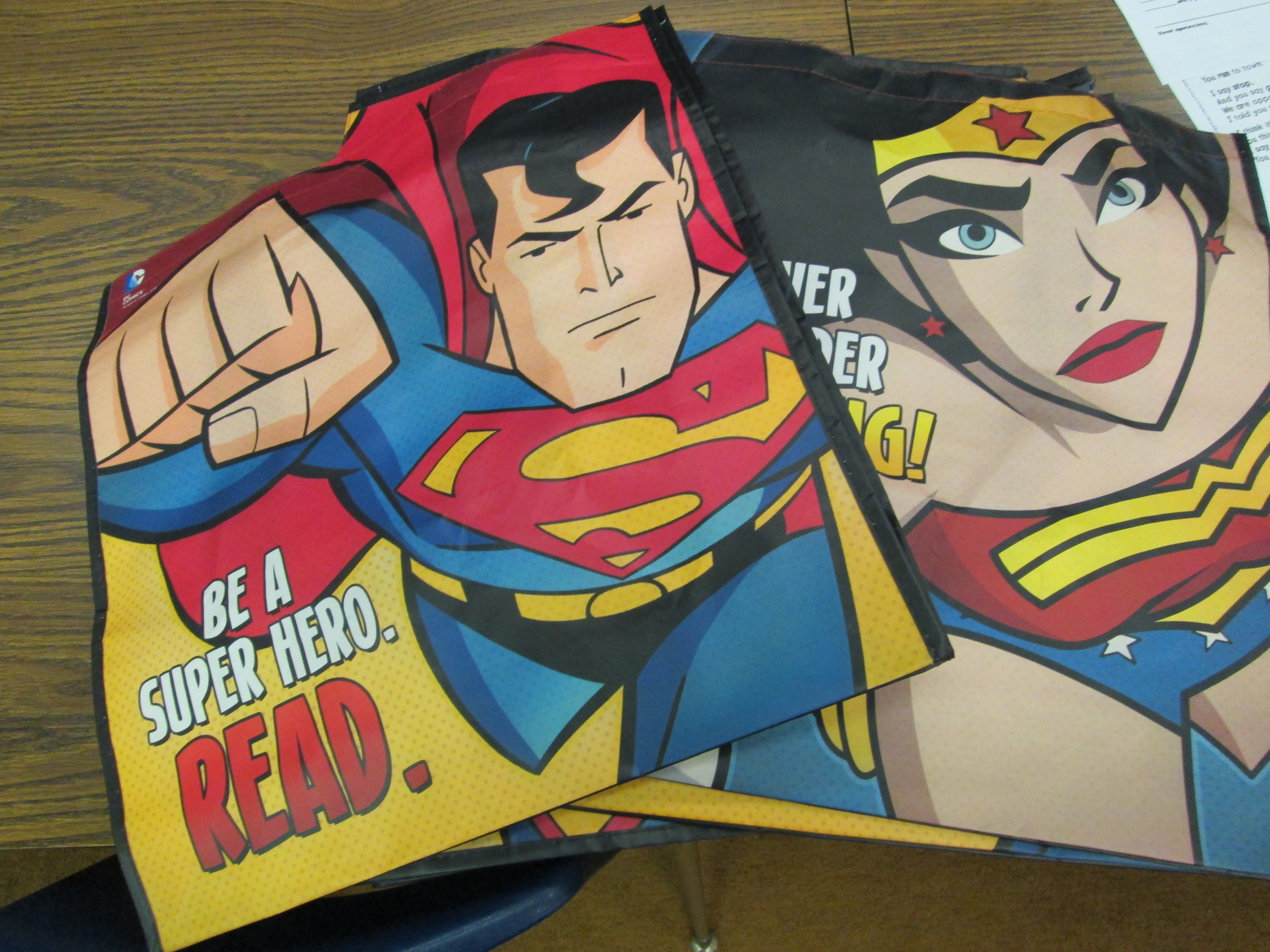
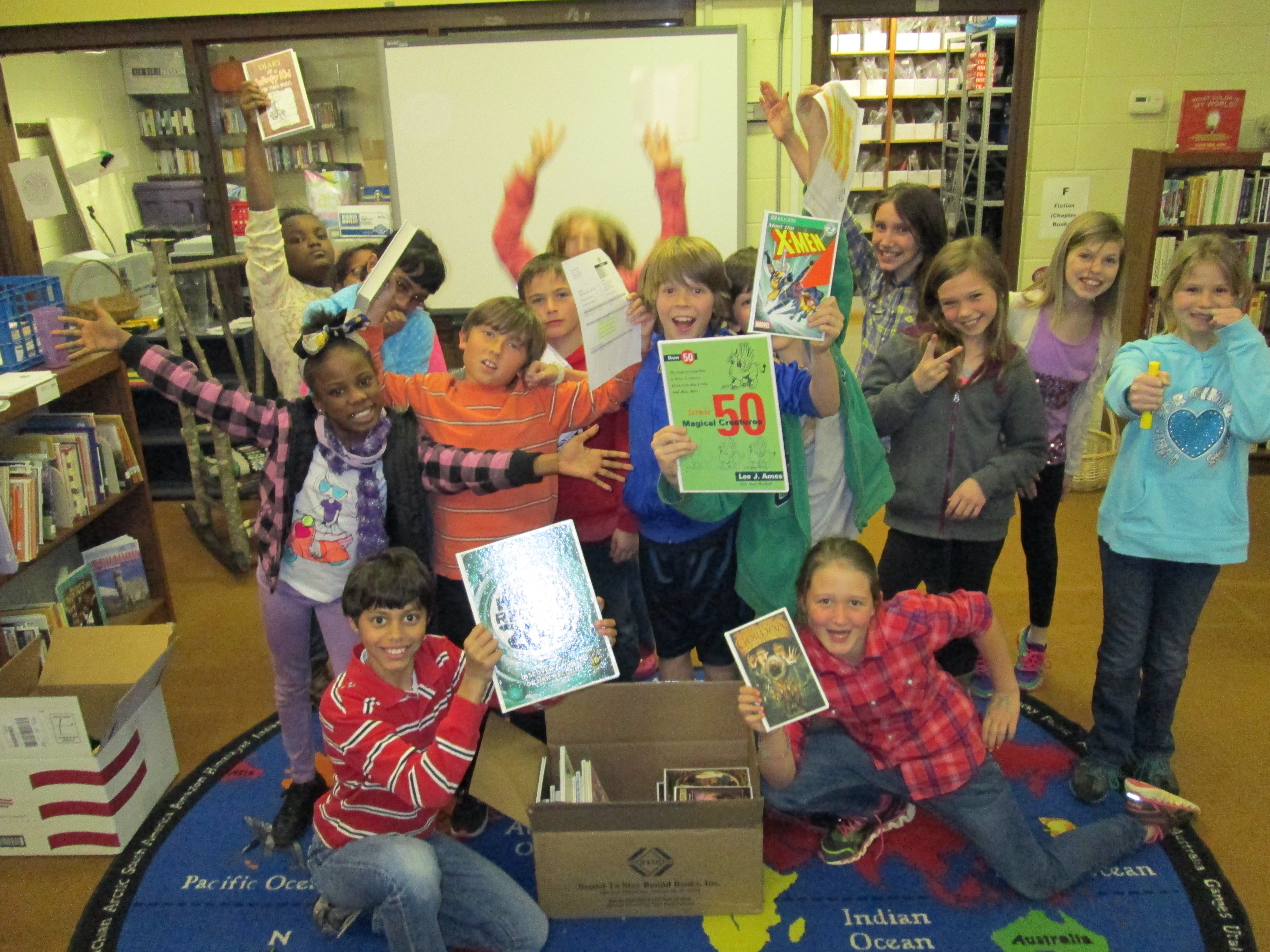
It was also an exciting day for the book budget students because they got to see their hard work pay off with students getting excited about reading their selections and they were surprised with superhero bags donated by Capstone Press.  As always, I was amazed by the customer service of Capstone and how they responded to the work of these students.  They featured the students’ on their blog, sent us 4 new princess books, and gave all of the students a Capstone bag.IMG_0336 IMG_0339 IMG_0338
Once again, this process has proved to be very effective in matching books to student interests.  I think the participatory aspect of this along with the student ownership is what drives this to be so successful each year.  It’s a great way to give back to the students what they put into the library program each year through lessons, reading, contests, and book fairs.  It will be interesting to see if student interests change through the coming years as our books on princesses, sports, superheroes, etc continue to grow.
 

Transmedia Poetry with Thinglink

Fourth graders have been working on a poetry project for a few weeks now.  The goal was to write poem based in the science standards of light and sound and incorporate figurative language.  The teachers also wanted students to use some kind of technology for the project.  I decided to use a tool called Thinglink because it allows you to take an image and make it interactive.  You can put multiple related links on one image to create a transmedia experience, which means that the poem is experienced across multiple platforms.  We thought students could explore their poem in different ways:  informational text, video, image, and poetry text.  Other options could have included song, online games, and ebooks related to the poem’s topic.


The sequence of lessons looked something like this:

  • Lesson 1:  Look at onomatopoeia, simile, metaphor, and personification in several mentor poems and then do a poetry dig in poetry books to find more examples of that figurative language.


  • Lesson 2:  Look at specific poems that focus on light and sound.  Examine the science standards and the idea of “found poetry” so that students might incorporate language from the standard in their poem.  Begin writing poems.


  • Lesson 3:  Finish writing poems in Google doc and begin Thinglink project.  This lesson took longer than we expected because students had to setup a Youtube Channel, create a Thinglink account, search for a creative commons image, and change the privacy setting on their Google Doc.  We did this step by step together.


  • Lesson 4:  Create a Thinglink.  The goal was to have an image with links to the Google doc, a video of the student reading the poem, and links to informational sites about the topic of the poem.

This was a fun project, but because there were so many accounts to log in to, it made the progress slow down significantly.  Students had a hard time remembering all of the steps that it took to login to multiple accounts at the same time and navigate back and forth between multiple tabs to get the links that they needed.  I think it really opened our eyes to some skills we need to focus on at the beginning of the year in order to make projects like this successful.

As students finished their work, they submitted their poem in a Google form and I added it to our Smore webpage of interactive poetry images.  Smore was very easy to use and a great way to collect and display a whole grade level’s work.  As students submitted their links, I copied the link and then embedded it on the Smore page with one click.  Then, on the Google spreadsheet, I highlighted the student’s name so that I knew I had already added their work.

I encourage you to take a look at the students’ work on our Smore page.  We could have made this project much more complex, but it was a great first step.  I think a second round of Thinglink would be much smoother.

Student Book Budgets (Part 3): The Books are Here!

IMG_0306After lots of surveying and ordering, the books that 27 third-fifth graders ordered for the library are finally here.  Today the students came to the library to unpack the boxes.  The process followed these steps:

  • Unpack the box
  • Highlight the books on the back slip
  • Inspect the books for damage or imperfections
  • Stamp the books with our library stamp
  • Take pictures of the books
  • Pack them back into the box until the records are downloaded into Destiny

IMG_0252The students formed an assembly line and worked through these steps.  The fourth grade group was a bit larger, so some of those students split off to create window displays and signs advertising the new books.  All of the pictures were put into an Animoto that will be played on BTV after spring break.

The students are eager to see the books get checked out.  I have a feeling that these books will fly off of the shelf just like in past years.  Great work students!IMG_0309


Cloning Myself: A Solution for Being Absent

It is so hard to be out sick with the busy media center schedule that we have.  Our schedule books up weeks in advance, so when I’m out it makes it really hard to reschedule things.  Although the solution I’m going to share won’t work every time, it does offer a way to still offer similar instruction that I would have done if I was here.

Mrs. Ramseyer and Mrs. Wright’s classes are blogging with students in Iowa.  Their next step is to write a book review post.  We were scheduled to do a model book review shared writing experience.  Since I will be out tomorrow, I made a screencast today for the teachers to play in their classrooms.  They can pause during the video and have students give ideas for the shared writing.  I also created a skeleton Google doc with the pieces of a book review:  hook, summary, opinions/connections, closing/recommendations.  They can add to this doc during the video as well.

Using Screencast-o-matic made this very quick and easy to do and upload to Youtube.  Now, we can move forward with our schedule after spring break without having to reschedule.

World Read Aloud Day 2013

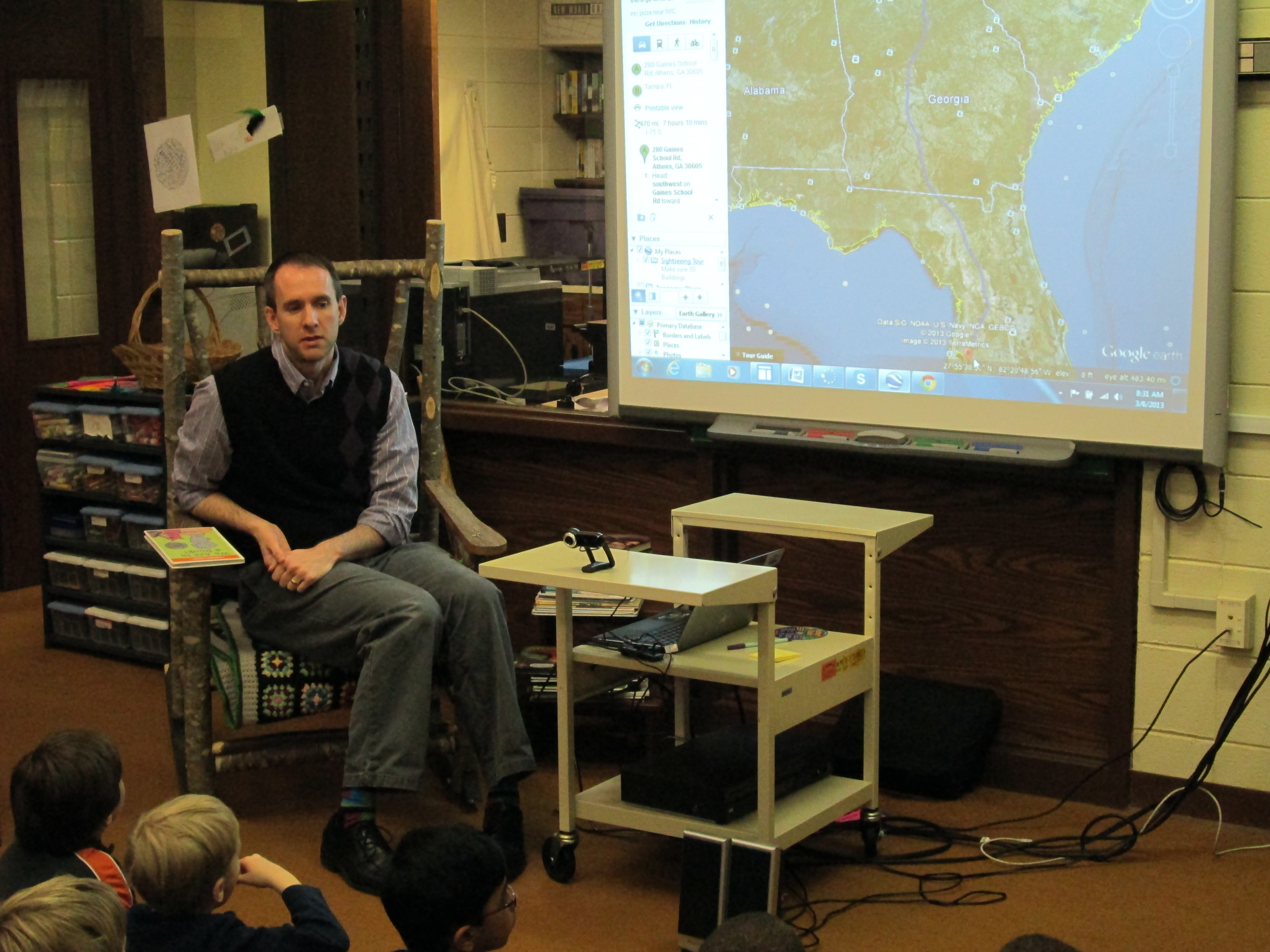
Wow!  Even though a major snowstorm was making its way across the country, we celebrated World Read Aloud Day with multiple authors and classrooms around the country.  Educators around the world have been orchestrating this day for quite some time through multiple social networks.  Through Twitter, Facebook, Google Docs, Skype in the Classroom, and Kate Messner’s excellent author website  we have planned day-long and even week-long reading events for our students.IMG_0148IMG_0138
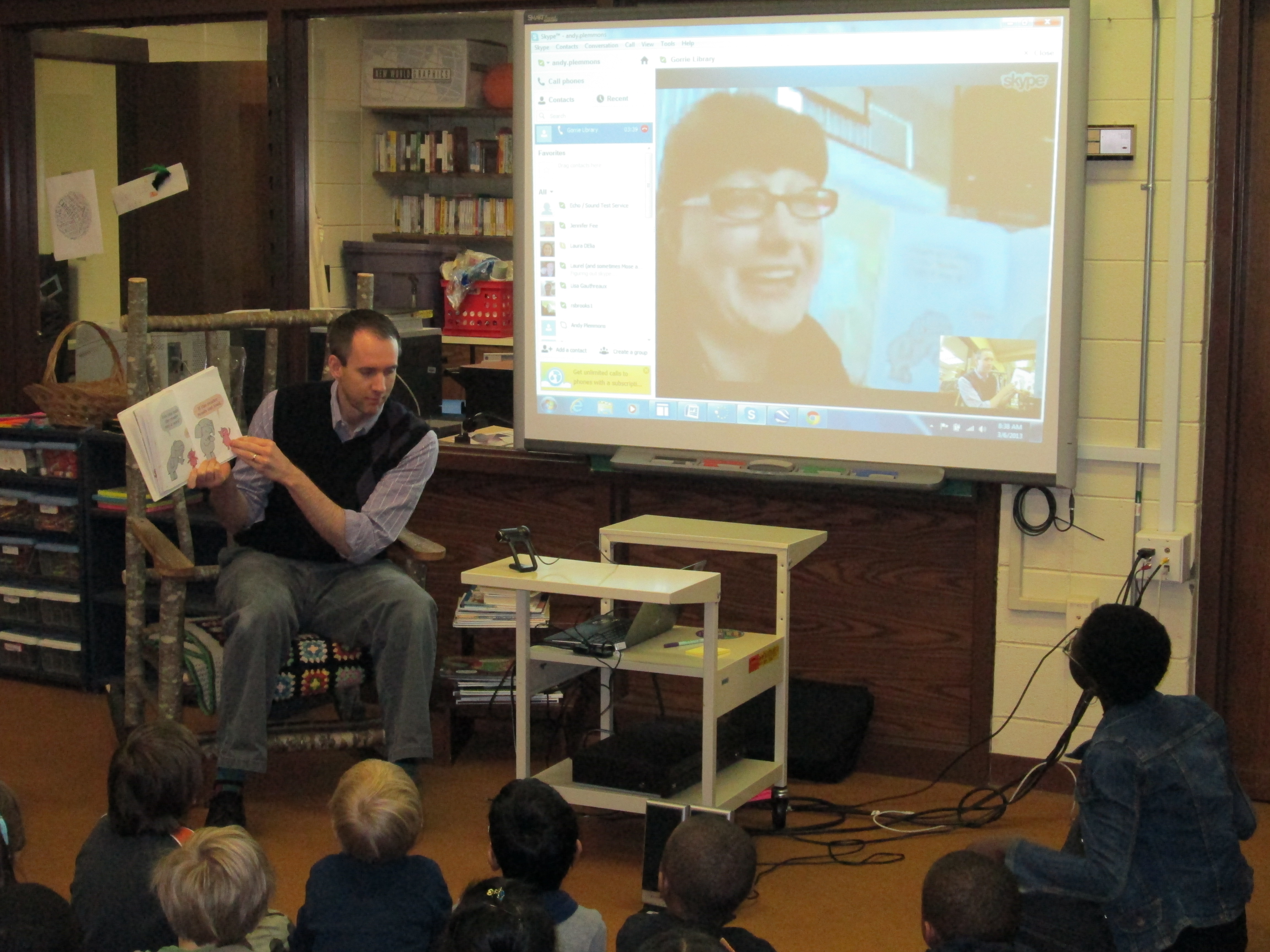
Twitter was buzzing this morning with authors and librarians having to reschedule due to the snow, but here at Barrow most of our scheduled stayed secure.  Matthew Winner had to cancel due to snow impacting his flight to NC, so Kathy Schmidt and her students stepped in for us.  Anne Marie Pace, author of Vamperina Ballerina, had to reschedule since the Virginia snow shut off her power.  It’s pretty amazing that we were able to pull off so many connections even with bad weather.

Highlights from the day included:

  • Okle Miller, librarian in Tampa Florida, and I read We Are In A Book.  Okle was Piggie and I was Elephant.  Kindergarten students loved it!  We tried to play into the cameras in order to look at our audiences.
  • Kathy Schmidt in Gwinnett County, GA had students listen to me read Same, Same but Different and talk about what was the same and different about living just 48 miles from each other.
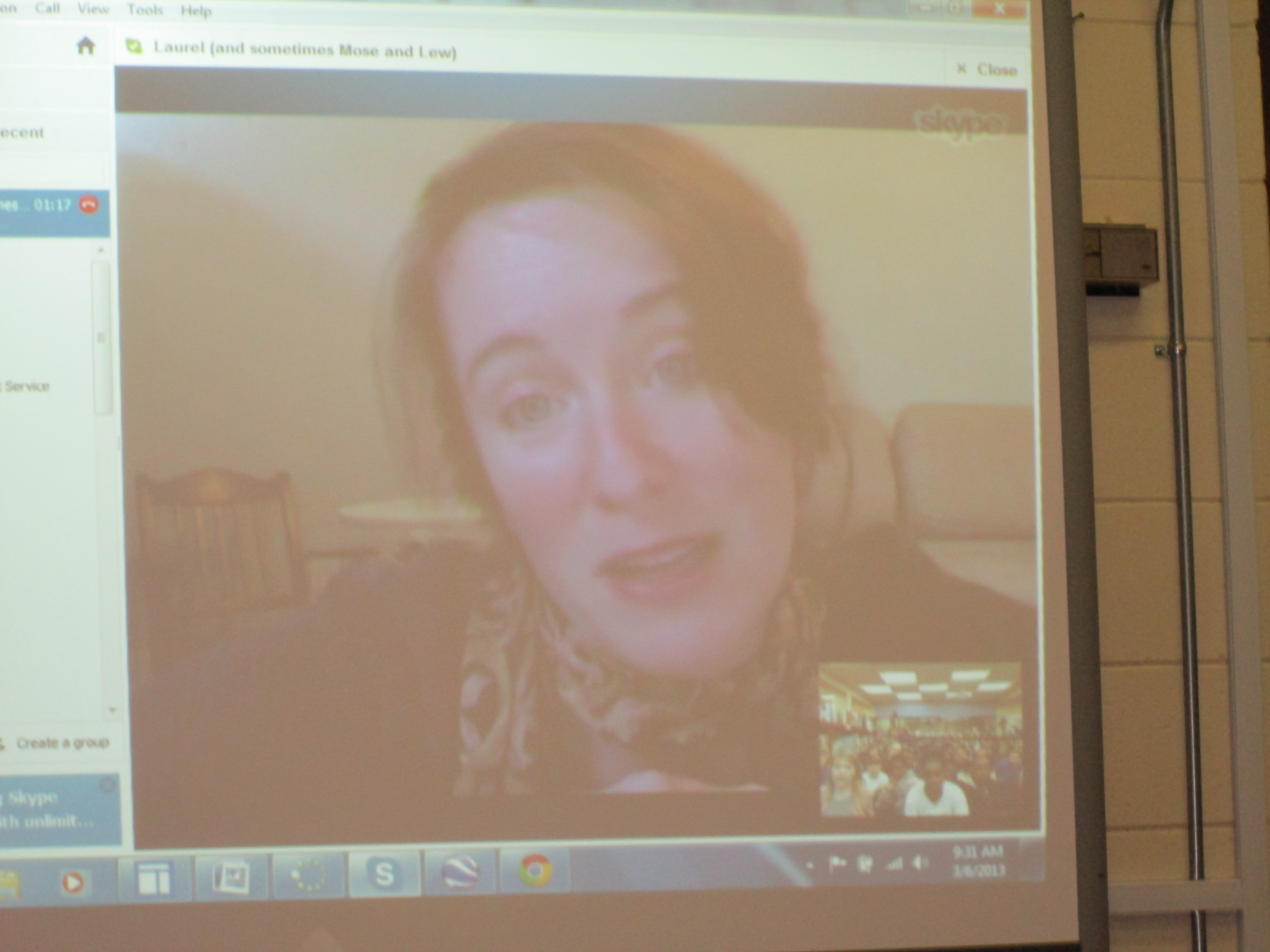
  • The amazing Laurel Snyder shared a favorite picture book with 2 fourth grade classes and then gave them a sneak peak of a new chapter book.
  • Jesse Klausmeier, author of Open This Little Book, skyped with our students and Shannon Miller’s students in Van Meter, IA at the same time.  A favorite question from one of our students for Jesse was “Did it make your family happy when you wrote your book?”  We all almost teared up.  So sweet!
  • I shared a favorite story by Colleen Sally called Epposumondas Saves the Day with Mary Priske’s 4th grade in Mt. Vernon, IA and Mrs. Griffith’s 3rd grade joined in too.  Students in both states chanted “sody, sody, sody sallyratus” as I read.
  • Laura D’Elia, librarian in Massachusetts, and I read Same, Same but Different and compared living in GA with living in Massachusetts.  Students in Massachusetts had 1:1 iPads while we have 1:1 netbooks.
  • Lisa Waggett at GoForth Elementary in League City, TX and I read Same Same but Different to 1st grade classes and compared our 2 states.
  • Mrs. Brink & Mrs. Ramseyer’s 2nd grade students read poems in 2 voices with Jeff McHugh’s 4th grade students in Arlington Heights, IL.  Our students had a lot of energy and it was fun to combine our voices across the miles to read poetry.
  • Jody Feldman, author of the Gollywhopper Games, read aloud to our 5th graders and allowed them to ask questions.  She also gave them a preview of the sequel.

IMG_0182What a packed day filled with releasing words into the air across the country.  Skype is such a powerful tool to connect us beyond the walls of our school.  It was so interesting to see how much our students don’t know about  beyond the boundaries of Athens.  I predict that the work that we did today will lead to many long-distance collaborations with libraries around the country.  Let’s continue to share the power of reading, connect our students, and understand what it truly means to be part of a global community!

Game On: Gaming Enrichment Cluster

game on! 003For 14 weeks, 15 boys have explored how gaming can be used in education.  They have used xbox with Kinect, Nintendo DS, Gamestar Mechanic, and Minecraft.  They also skyped with Matthew Winner, librarian in Ellicott City Maryland, who uses Nintendo Wii with his students.  Tonight at our enrichment cluster fair, they will share their great learning.

As the boys have played games, they have thought carefully about how each game might be used in classrooms around our school. Their main goal was to develop a Google Doc that lists all of the games that they played and how they might be used.  I was responsible for typing into the doc as they talked after playing each game.game on! 002

A small group of boys played Gamestar Mechanic, which teaches game design.  Their exploration has peaked the interest of a few teachers in using this tool for critical thinking, problem solving, and game design in order to support other game design projects in those classrooms.

Two students worked together in Minecraft to create a math-based game.  They plan to set this up for classrooms to try and hopefully will think about how they might tweak the game to be more  user-friendly.

Each boy sat down with me to tell me what they loved about gaming in education.

I saw tremendous focus from these boys.  They were fully engaged with few behavior issues coming up.  They found many uses for games in math, but they also saw how the games could spark creative writing, physical activity, problem solving, and teamwork.  They are now releasing their learning into our school by sharing their Google doc and video.  I hope that their exploration will pay off in many classes and small groups signing up to use the xbox and other games in creative ways in the classroom.

First Grade Google Form Choose Your Own Adventure

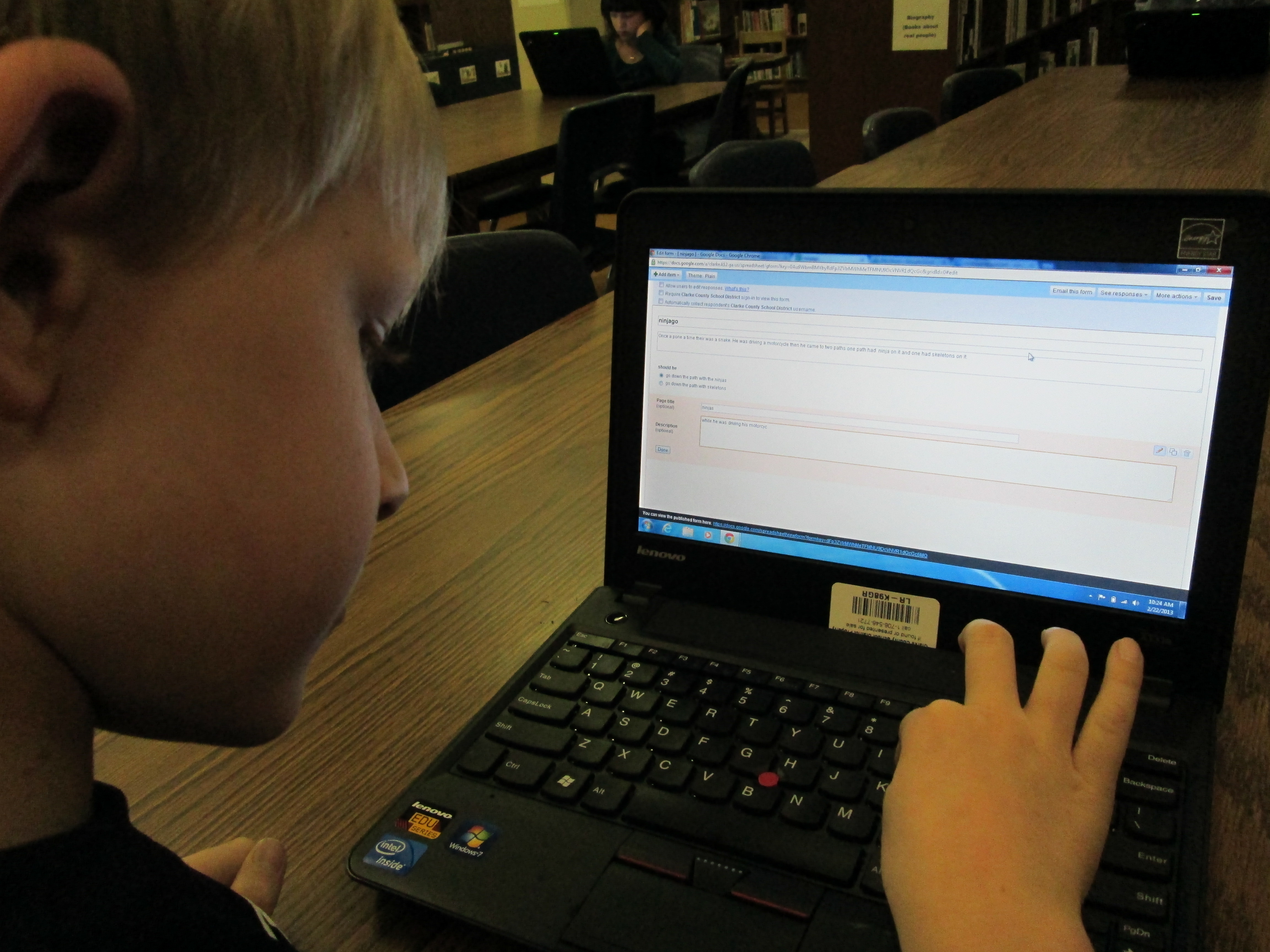
IMG_0050A small group of five 1st graders have worked with me during their writing time to create a Google Form Choose Your Own Adventure.  This year, some 4th graders tried this with some social studies standards.  These 1st graders were free to write about anything that they wanted to.  We met during 4 one-hour sessions that looked something like this:

Session 1:  I showed a completed Google Form Choose Your Own Adventure as a model.  Then, I showed the first steps of creating the story which were to create a title, a beginning, and the first 2 choices the reader had to make.

Session 2:  We made new pages for each of our 2 choices and created 2 new choices for each of those choices.  We linked the choices from the beginning of the story to the correct pages.IMG_0049

Session 3:  We made 4 endings for each of our choices from the middle of the story.  We also made a “The End” page.  We linked each choice to its correct page.

Session 4:  Students used Google to correct spelling, added details to their stories, traded computers with a friend to test their story out, chose a theme for their form, and emailed their final form to me for this post.

IMG_0048These students needed a lot of assistance during this project, so I feel like this is something that would work better in small group settings with adult support for younger students.  I do think that the structure of these 4 sessions was very obtainable for these students and 1 adult.  These students now have a lot of expertise that they can now share with students in their class.  I’m not sure that they could fully create one of these on their own yet, but they definitely developed their skills in Google docs and forms.


You can read their stories here:

The Apple and the Chocolate Trainer by Kyusung

The Clouds by Katie

The Fairy by Adaline

Ninjago by Bo

This story was still in progress at the time of this post:

Tinya the Teacher Fairy by Carinne


Read Across America and the World!

IMG_0091We can’t just celebrate Dr. Seuss’s birthday and Read Across America Day in one day at Barrow.

Look at all these readers!

Look at all these readers!

The Trufflemakers, our winning 5th grade team

The Trufflemakers, our winning 5th grade team

Making a game plan

Making a game plan

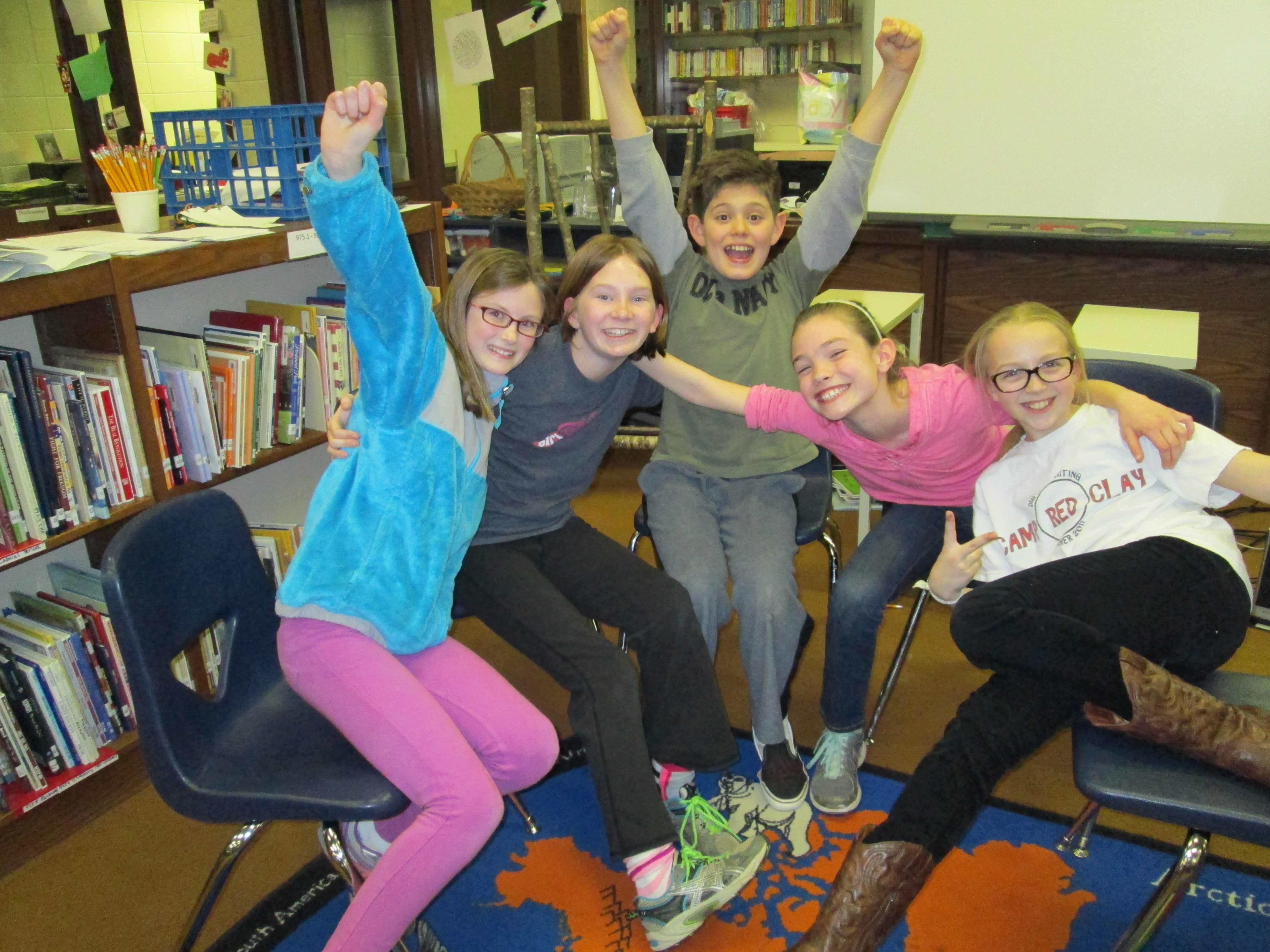
On Thursday, we kicked things off with our 5th grade battle of the books.  Five teams competed in 3 rounds of competition.  The Trufflemakers and the Fellowship of the Books made it to the final battle.  I didn’t think either of them were going to miss a question.  The scores ended up being so close, but in the end, the Trufflemakers came out on top.  Prana, Gabriel, Sarah, Taylor, and Cassie will now move on to the district competition.  Good luck team!

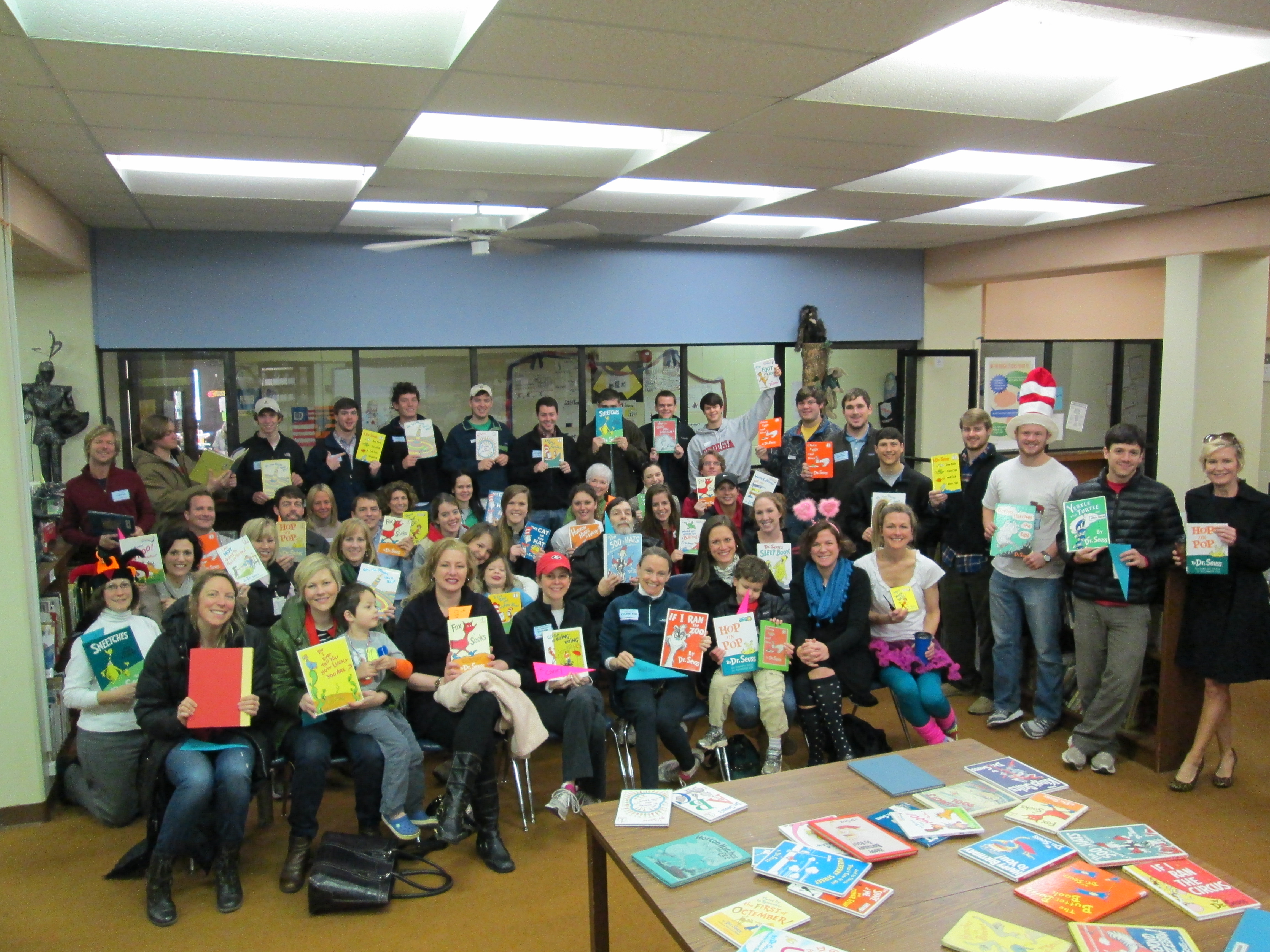
Today, we held our annual Dr. Seuss Day with more guest readers in classrooms than I can count.  Ever year just when it seems we won’t have enough people, we end up with 2-3 readers in every room!  Many thanks to Kim Ness who took over this project for me and recruited all of our readers.  She was such a huge help in this fun day!  We had parents, community members, Sigma Phi Epsilon brothers, and even UGA athletes read Dr. Seuss books to our students.

I’m even more excited about what we have coming up next week.  March 6th is World Read Aloud Day.

It’s a day to unite our voices around the world, celebrate the joy of reading, and change the world!  Through twitter, facebook, and a Google Doc, I’ve collaborated with authors and libraries around the country to have a skype session every 30 minutes with lots of class is our media center.  Just take a look at our schedule:

8:30 Carney K, Vertus-K Okle Miller
Tampa, Florida
9:00 Boyle – K, Li K Matthew Winner
Maryland
9:30 Freeman- 4th Laurel Snyder, author http://laurelsnyder.com/
Atlanta
9:45 Hocking – K Jesse Klausmeier, author http://www.jesseklausmeier.com/ & Shannon Miller’s Students
10:30 Olin- 4th grade Mary Priske 4th grade
Iowa
11:00 Yawn – 2nd gradeWright-2nd grade Ann Marie Pace, author
http://www.annemariepace.com/
Virginia
11:30 Selleck-4th 5th Grade
Laura Beals D’Elia
Massachusetts
12:00 Stuckey – 1st grade Lisa Waggett
GoForth Elementary League City, TX
12:30 Watson-1st Kathy Schmidt
Gwinnett County
1:00 Ramseyer – 2nd Grade
Brink – 2nd Grade
Jeff McHugh
Arlington Heights, IL
1:30 5th grade Jody Feldman, authorhttp://jodyfeldman.com/

Missouri

I can’t wait to connect our students with so many students, libraries, and authors around our country.  In many of these experiences, we will do a shared reading.  I will read parts of a book and the skyping guest will read part of the book.  Also in each session we will have time to make connections with our guests.  We’ll find out a bit about where they live, what they like to do, etc.  With each experience, students will broaden their world beyond the walls of our school and beyond Athens.  I can’t wait to see what happens!

Skyping with Little Free Library

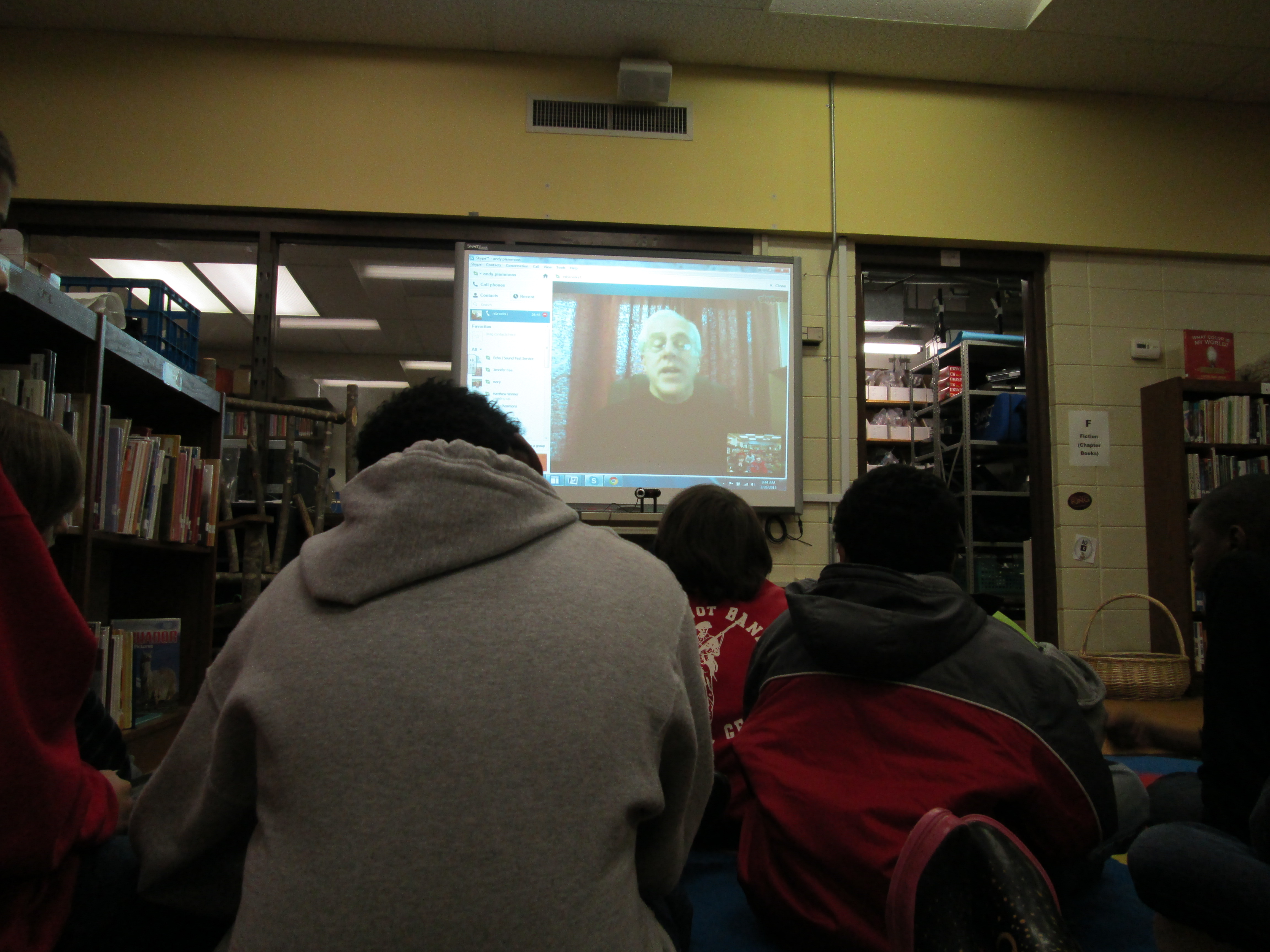
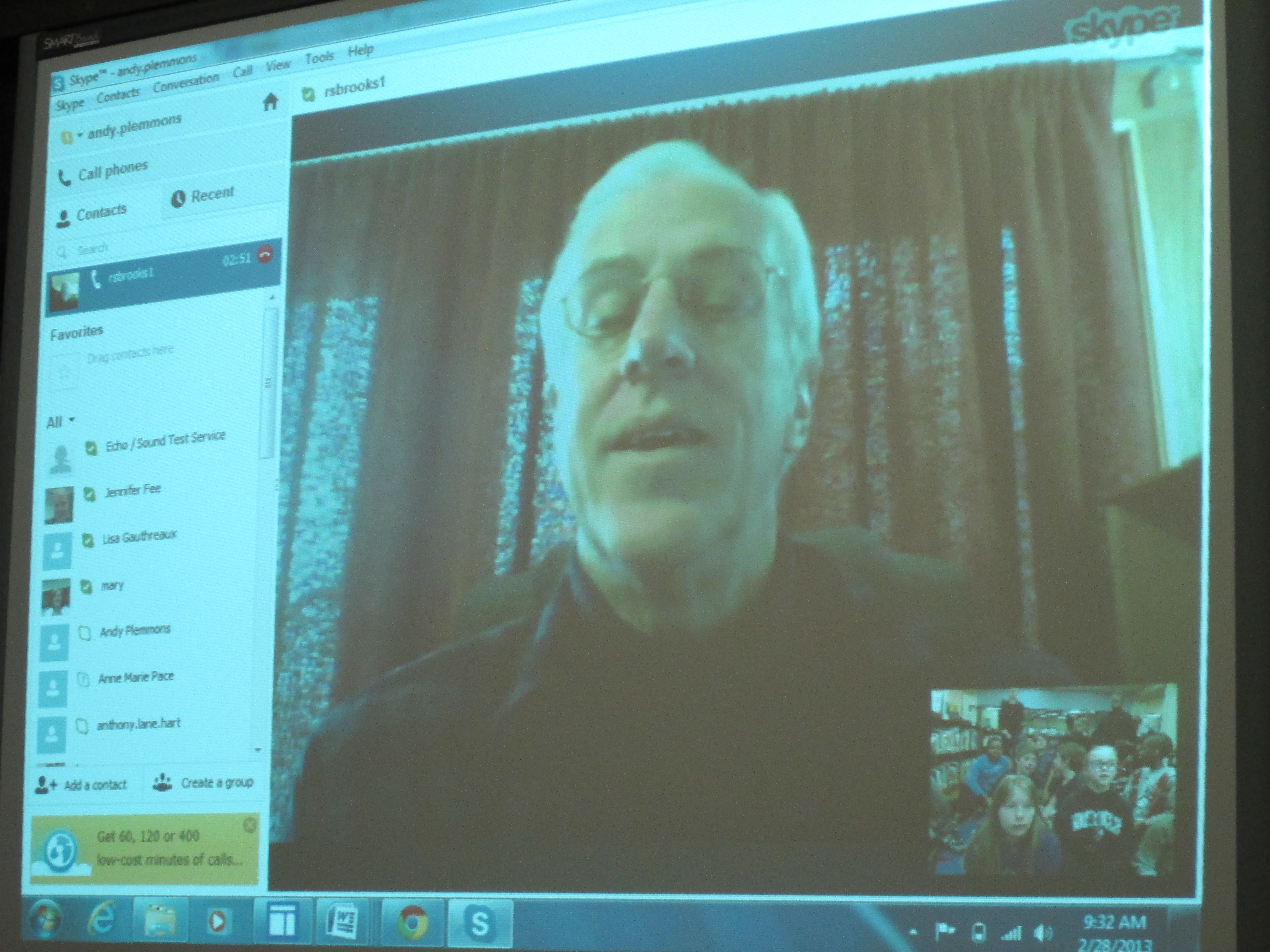
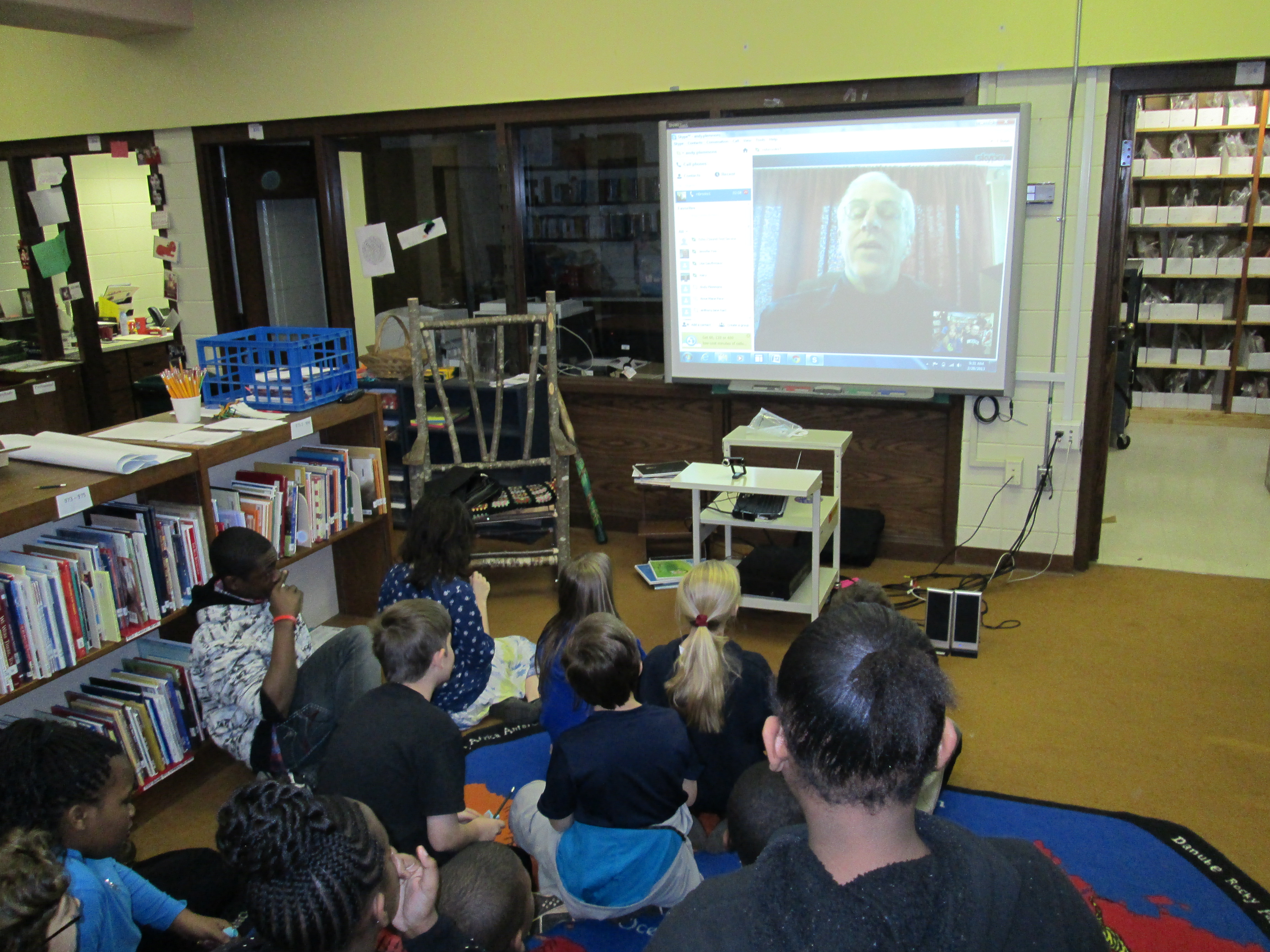
IMG_0082Our 5th grade Little Free Library Project is moving ahead.  You can read about our progress here and here.  A few weeks ago, I talked with Rick Brooks, co-founder of the Little Free Library movement, on the phone.  He contacted me after seeing my Youtube video introducing the project to our 5th graders.  After a few emails and facebook posts back and forth, we finally had a long phone conversation where we discussed other Little Free Library projects in schools as well as some potential ways that technology could be incorporated into our Barrow project.  I shared with him how our students were working in teams where each student had a specific job to do such as researching, writing, designing, and presenting.  During our call, he offered to help us in any way he was able to, so I suggested a Skype session with our students.  He was happy to do this.IMG_0080

On Tuesday and Thursday, Rick skyped with researchers, writers, and task managers from Ms. Cross and Ms. Slongo’s Class.  He told them a bit about the mission and vision of Little Free Libraries, shared specific parts of the website students might visit, and suggested some videos for them to watch.  The kids were able to ask Rick questions about things like green building techniques, location of little free libraries, and which libraries seemed to be more popular than others.  We even had a student have a conversation with Rick in Spanish.IMG_0084

IMG_0081More than anything, this Skype session made the project more “real” for the students.  They left the session with a new energy for the project.  Rick is following what we do, and we appreciate the time and energy that he has put into this worldwide movement and especially for taking time out of his busy schedule to support our small project here in Athens!


2nd Grade Bloggers

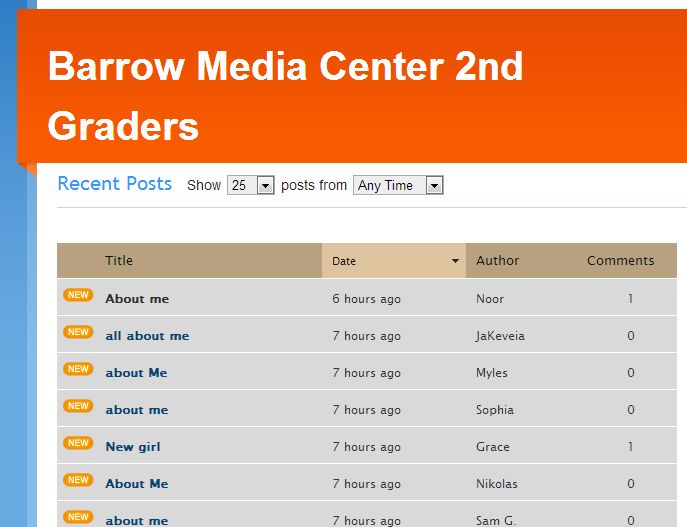
FireShot Screen Capture #017 - 'Barrow Media Center 2nd Graders' - kidblog_org_BarrowMediaCenter2ndGraders - CopyTwo 2nd grade classes have embarked on a blogging project with Shannon Miller’s students in Van Meter, Iowa.  We’ve connected with one another via skype and read the book Same Same but Different.  Our students have been working on writing their first blog posts on KidBlog to introduce themselves.  My students did this on paper, but Shannon’s students did their work in Google Docs.

IMG_0073 - CopyFor the past 2 days, my students have been busy typing their first “About Me” blog post.  While they typed, the teachers and I conferenced with students on their posts to check for details, spelling, and punctuation.  Then, we gave them the thumbs up to publish their post.  After publishing, students could personalize their blog with one of the KidBlog themes.  Both days, the teachers and I were amazed by the students’ focus.  They worked diligently for 45 minutes each day and were very willing to go back and check spelling and edit their punctuation.  Again, I think that the idea of having an authentic audience is very motivating to the students.

Our next step will be to mail our rough drafts to Iowa where Shannon will have her students practice commenting on post-it notes before commenting online.  Her students will mail paper copies of their posts as well so that we can practice too.  From there, we will continue to post a variety of posts and comment on one another’s writing.  IMG_0069 - Copy

The students and teachers are fully of energy for this project, and we are excited to see the work that they are eager to produce.

Their blogs are located at Barrow Media Center 2nd Grade KidBlog.  We invite you to read and comment on their posts.

Our very first blogger posted his "About Me" post

Our very first blogger posted his “About Me” post