The Power of Tinkering Before Assigning a Project

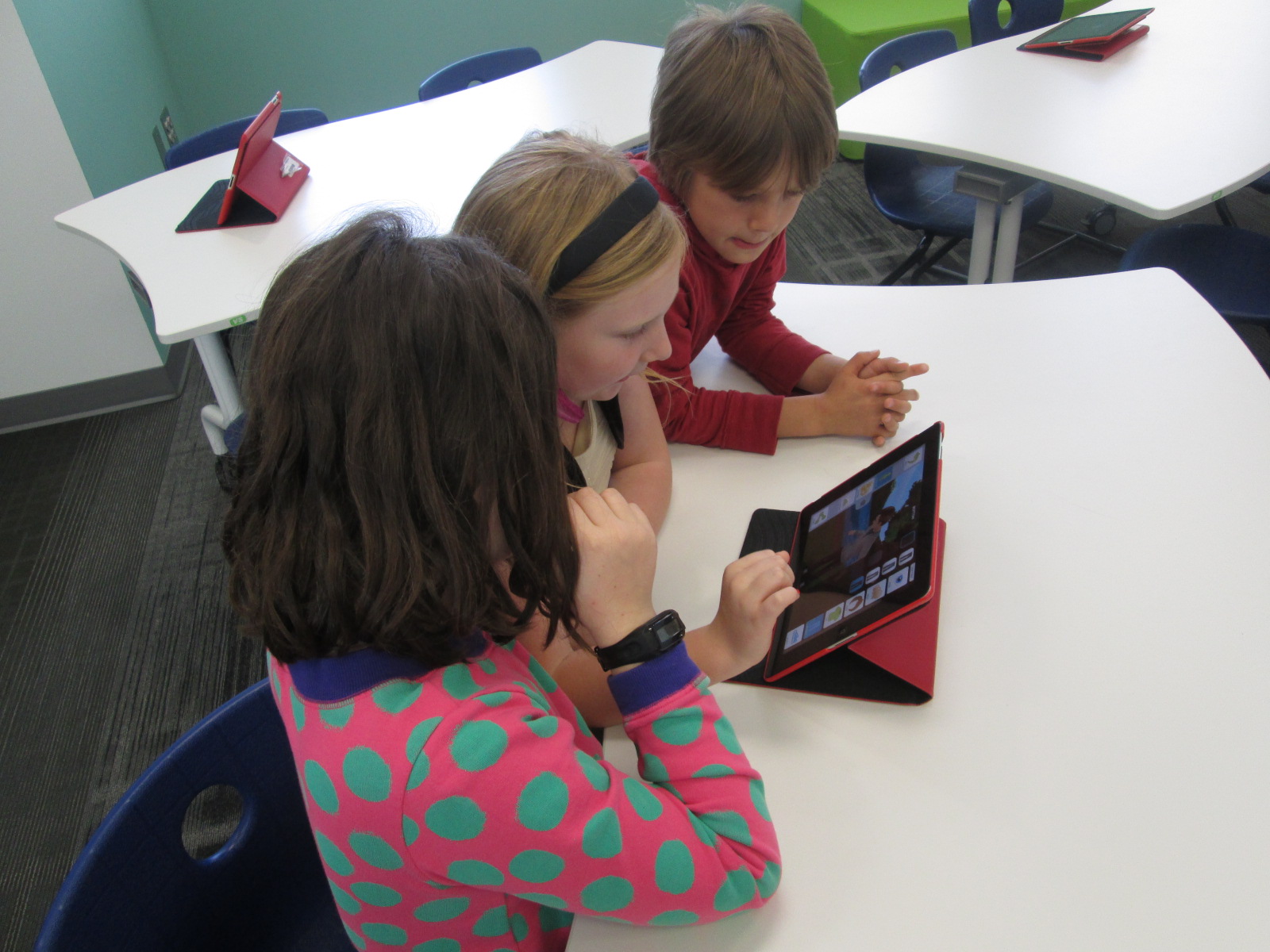
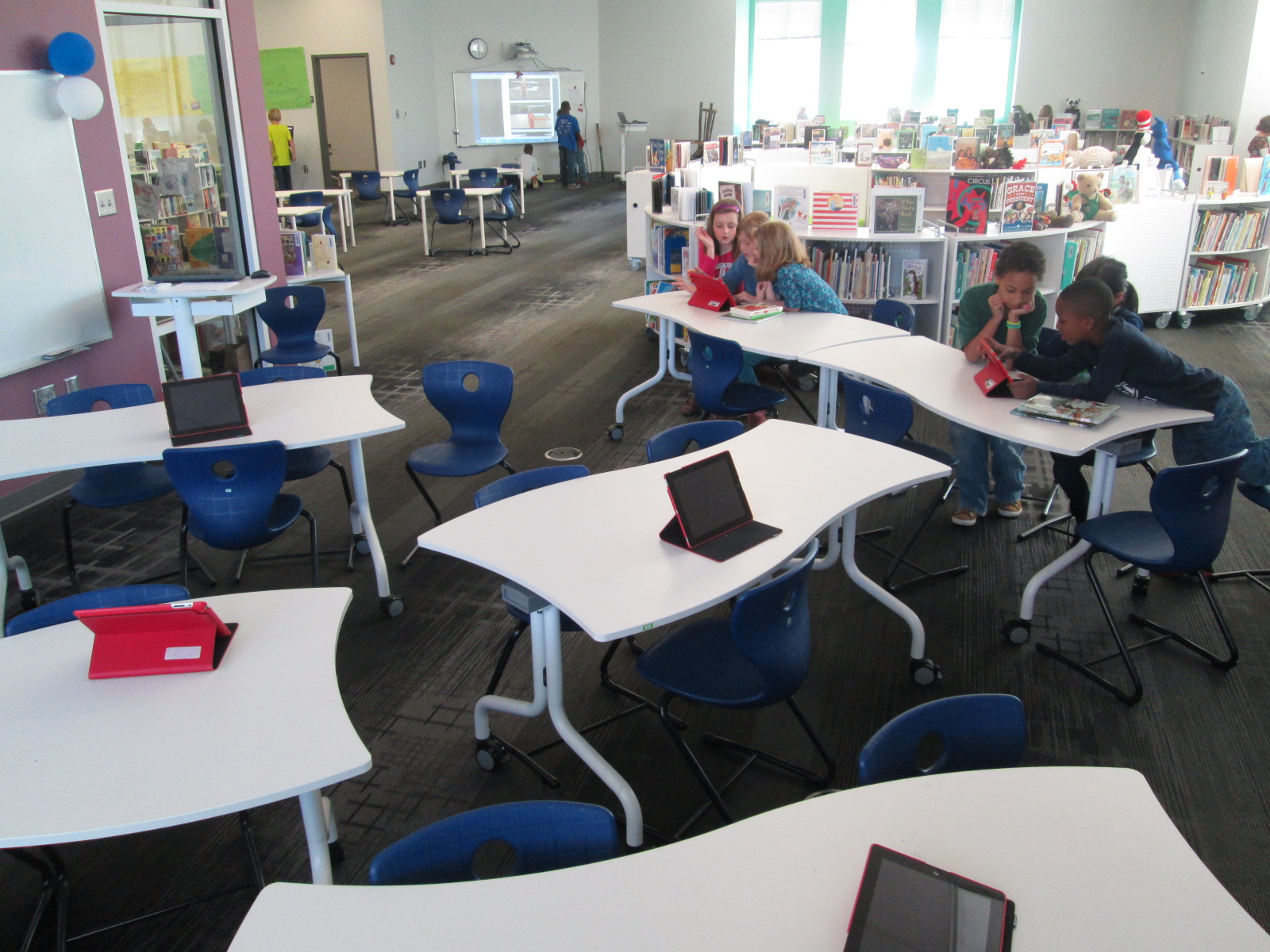
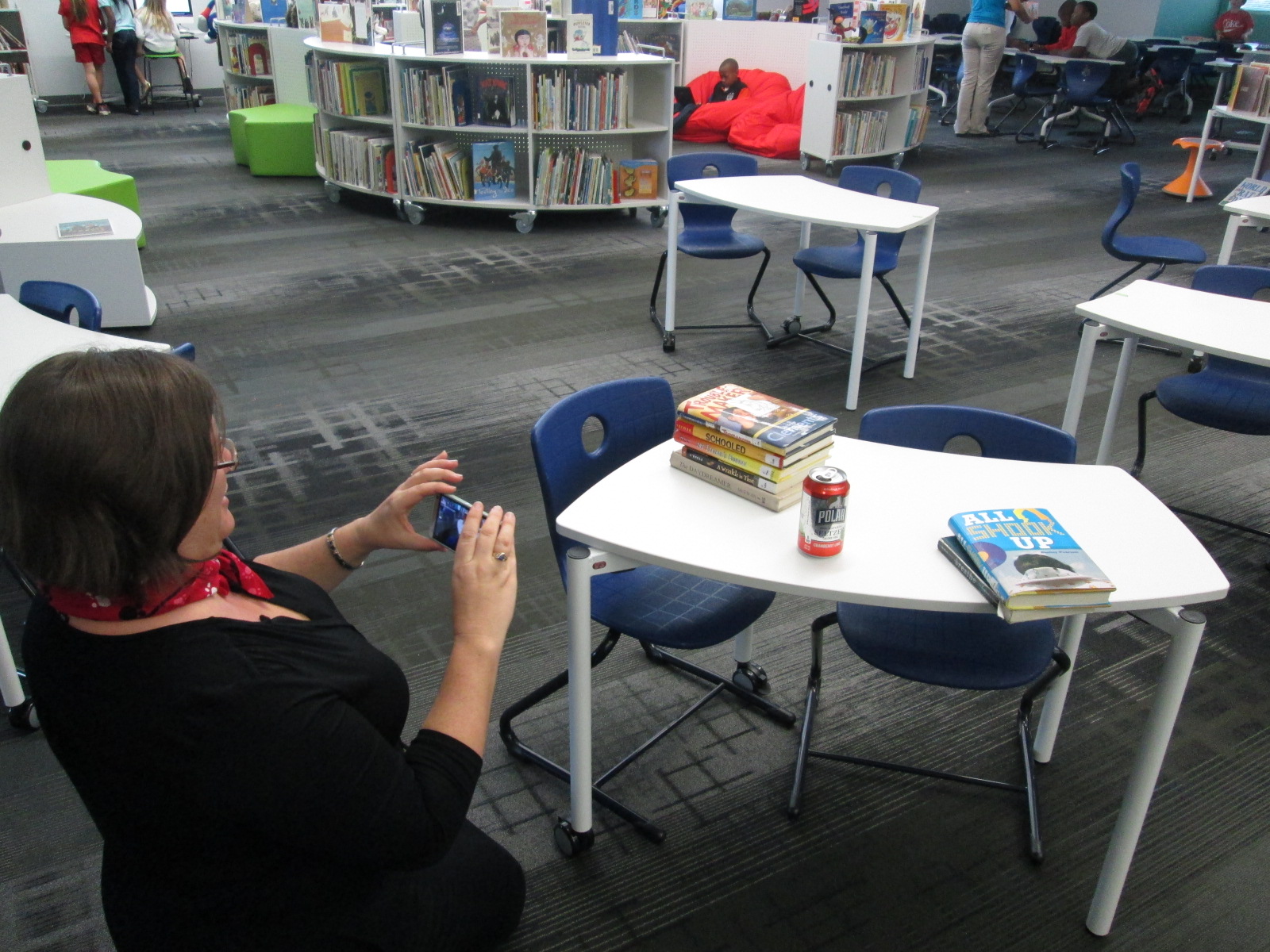
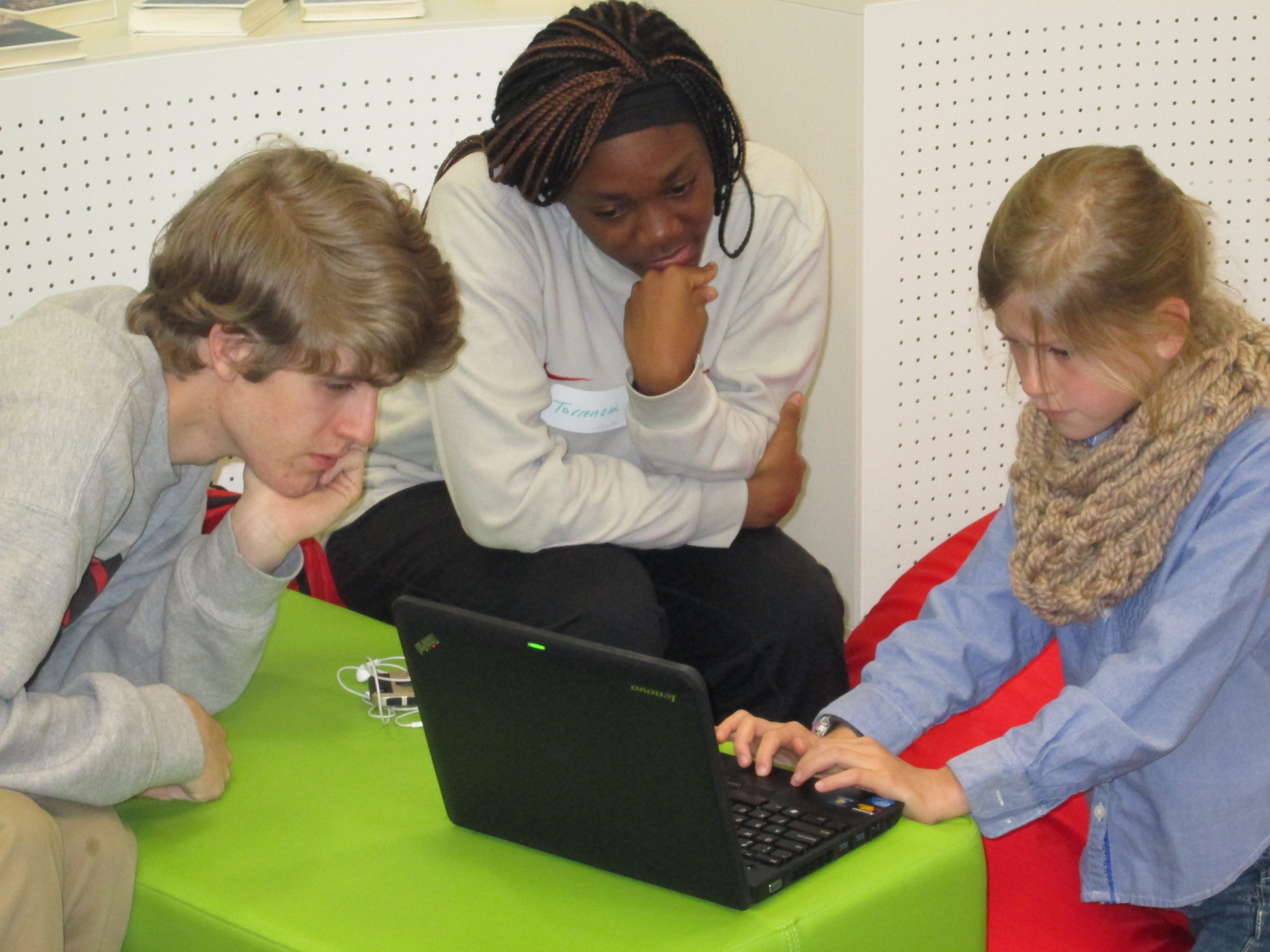
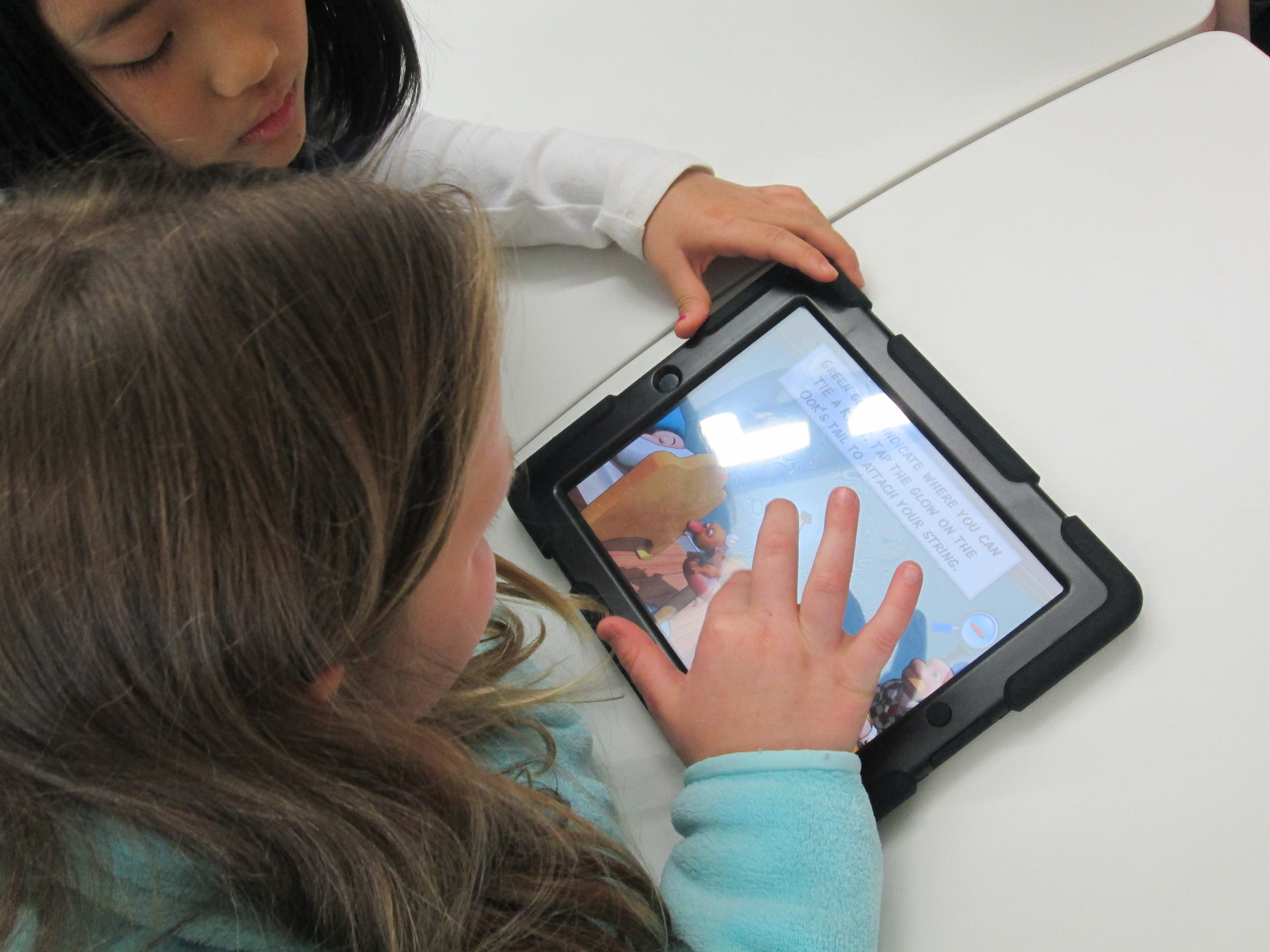
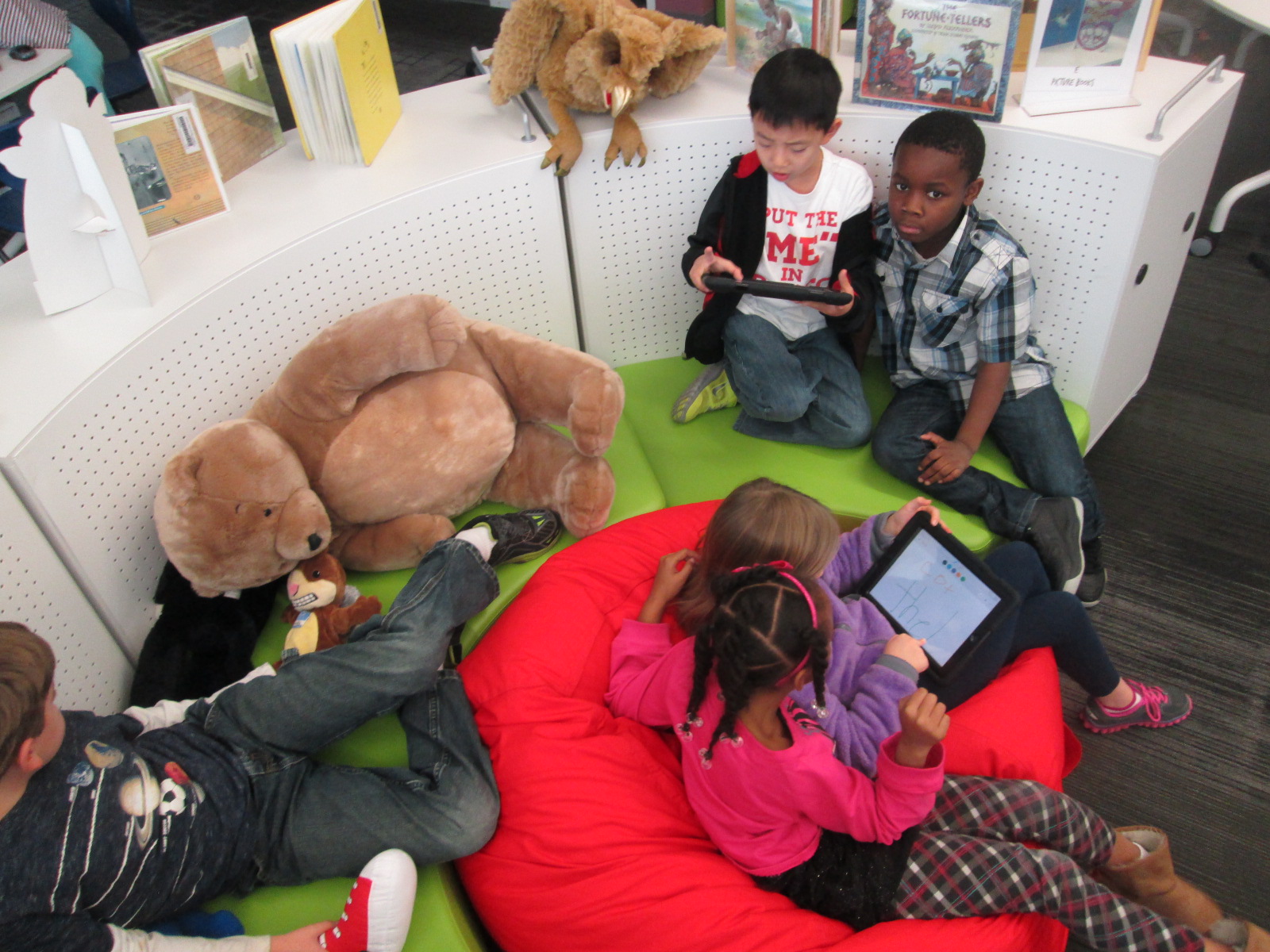
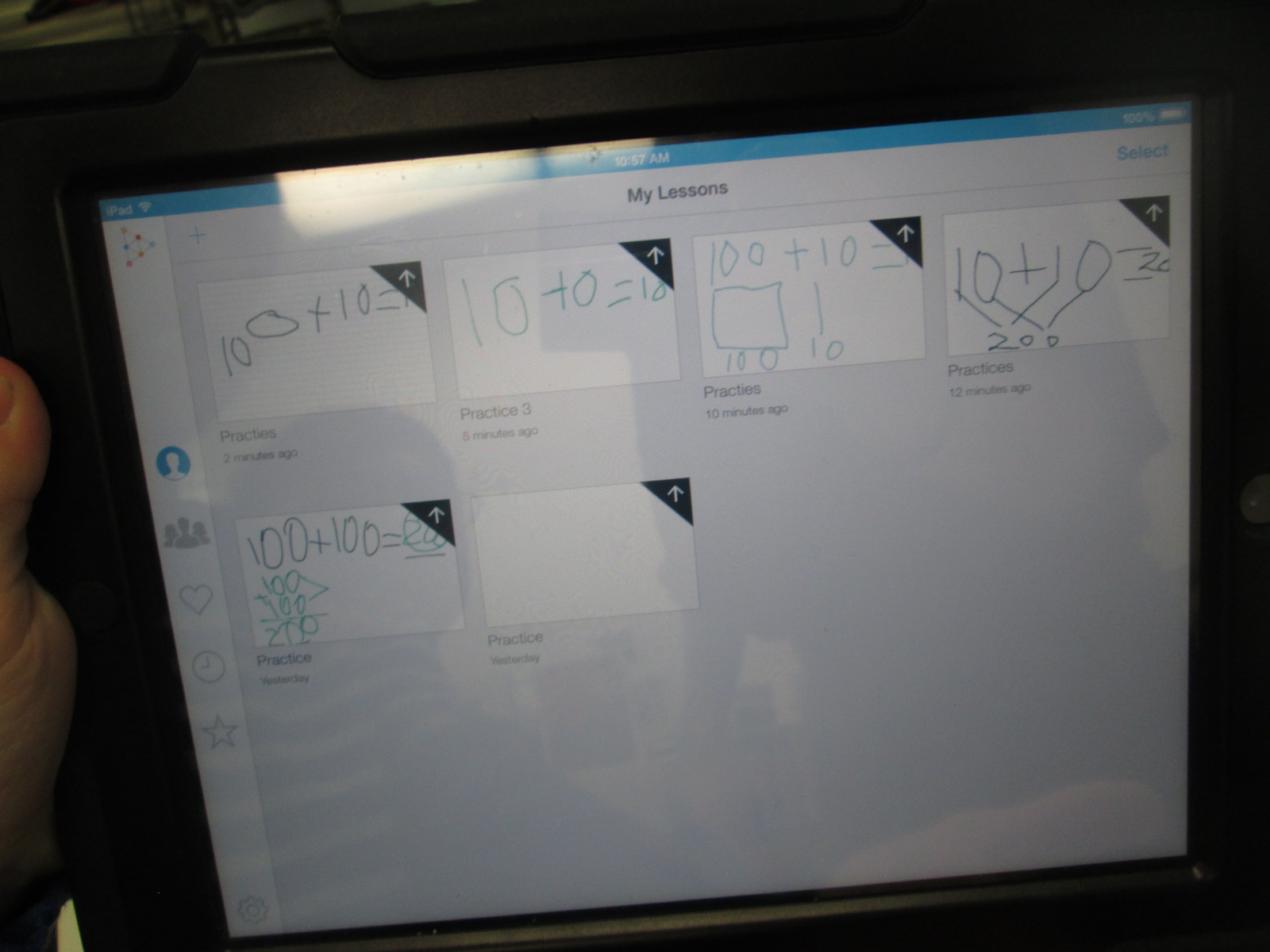
Educreations Day 2 (2)One of my library goals this year is to give students, teachers, and families opportunities to dream, tinker, create, and share.  That has meant many things during the course of this year, but one of the things that so many of our teachers are embracing with me is intentionally planning time for students to tinker with a new tool before we ask them to create a project with it.
Educreations Day 2 (6)

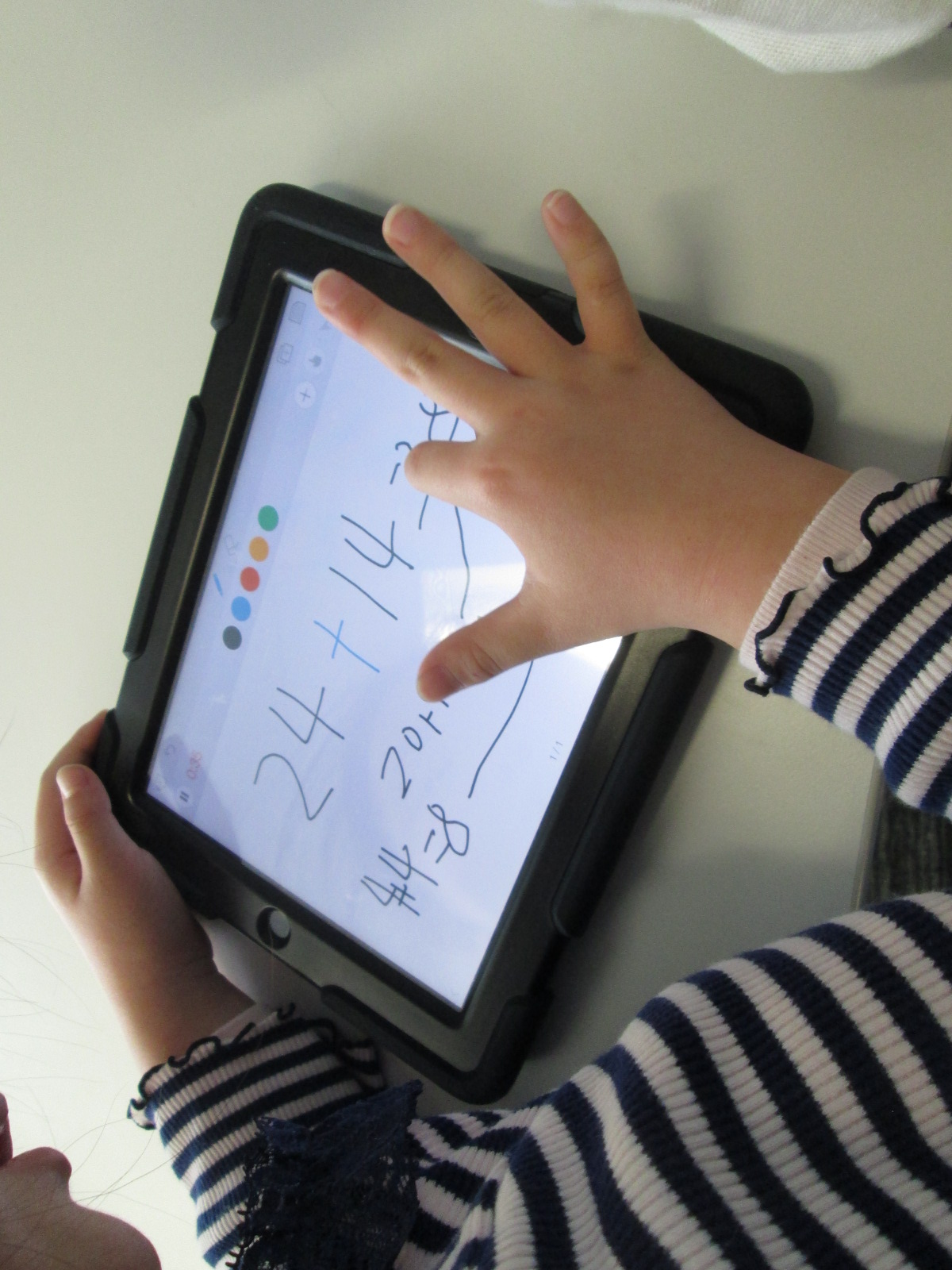
During collaborative meetings and virtual planning with teachers, I often ask if we can build in time for students to explore a technology tool with no limits, rules, or assignments.  The only assignment is to push as many buttons as you can and see what you can figure out about that tool.  In addition, there is an expectation that students will pass on their expertise to others as they figure something out through tinkering.
Educreations Day 2 (5)

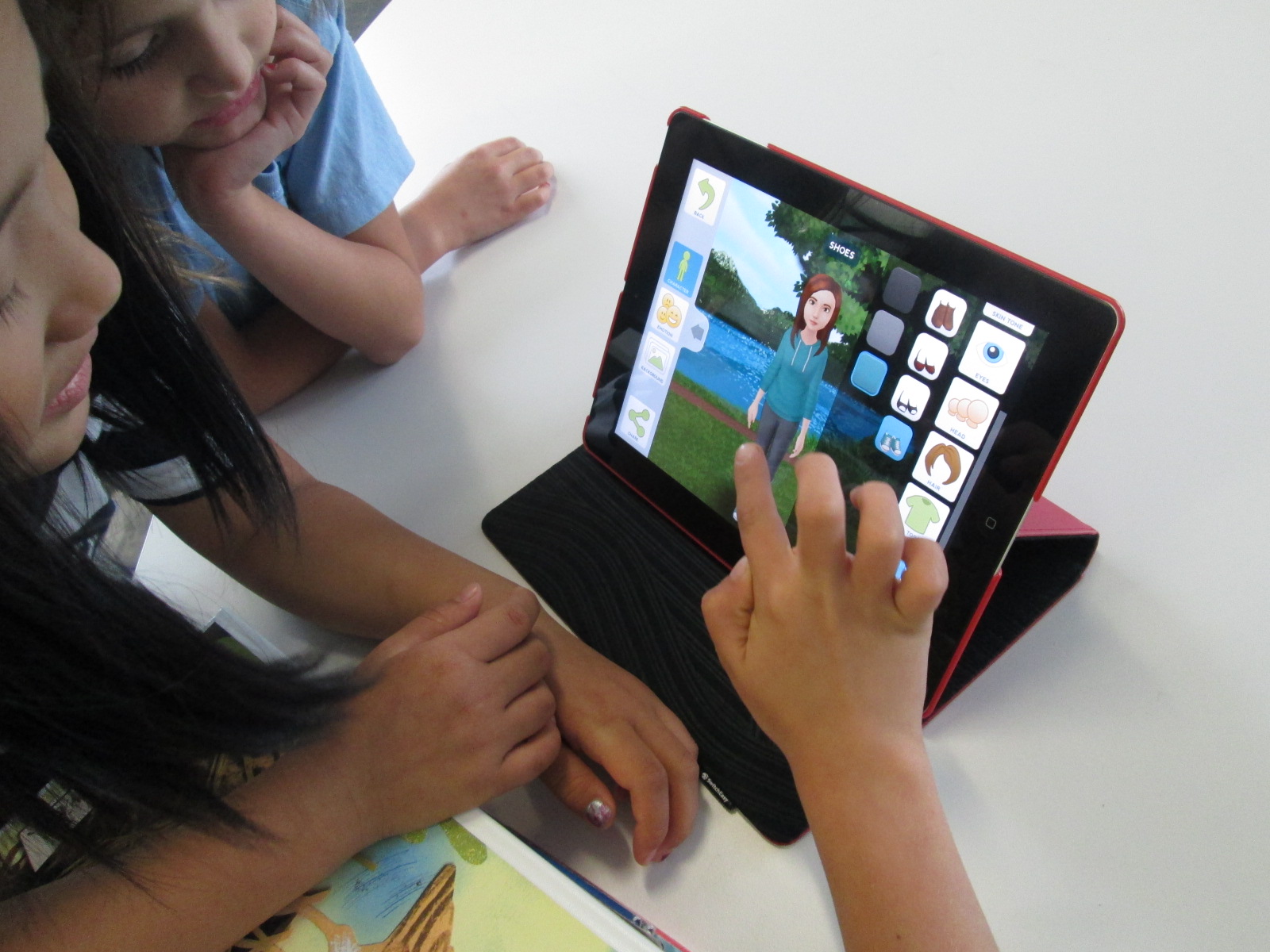
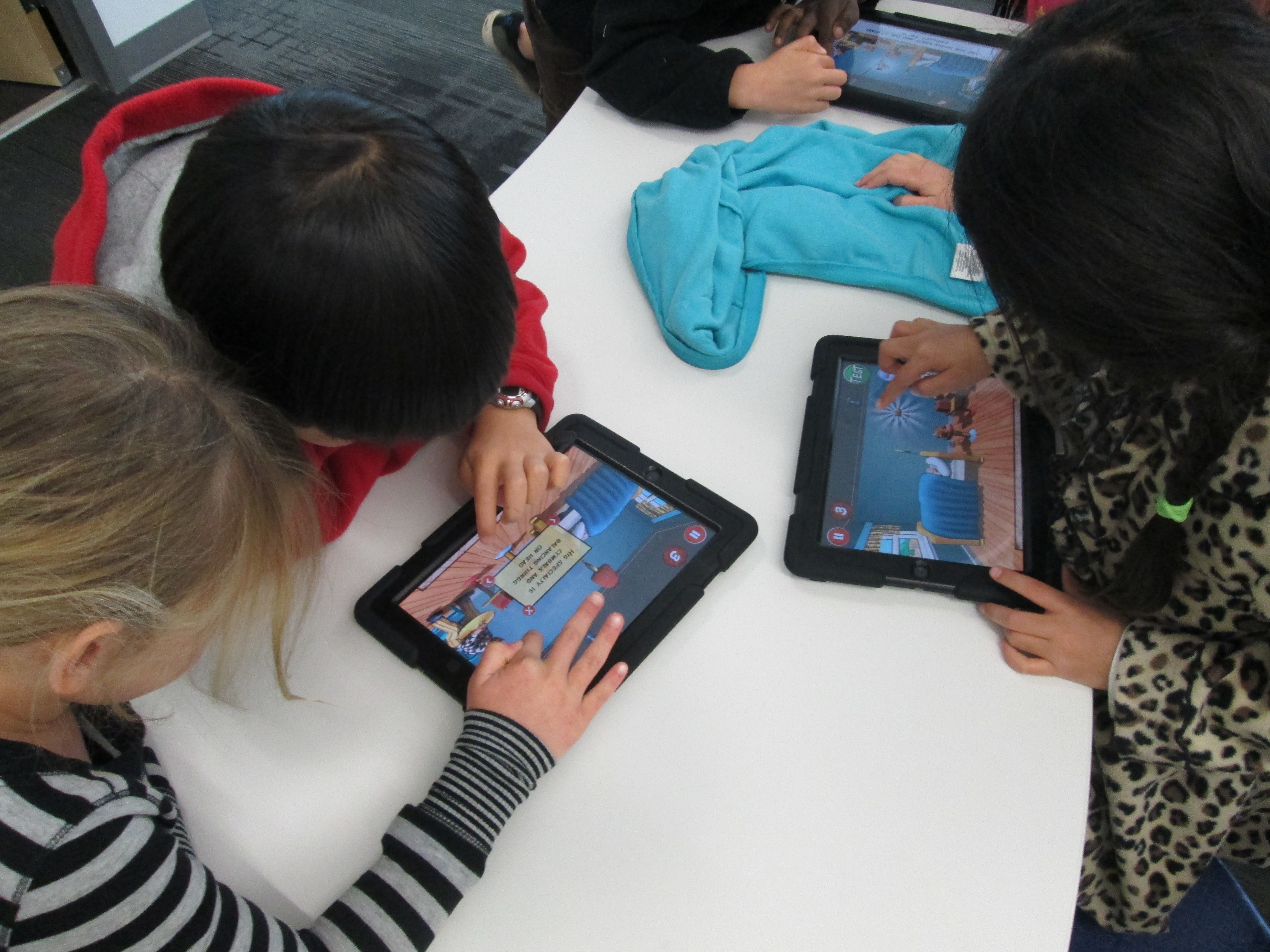
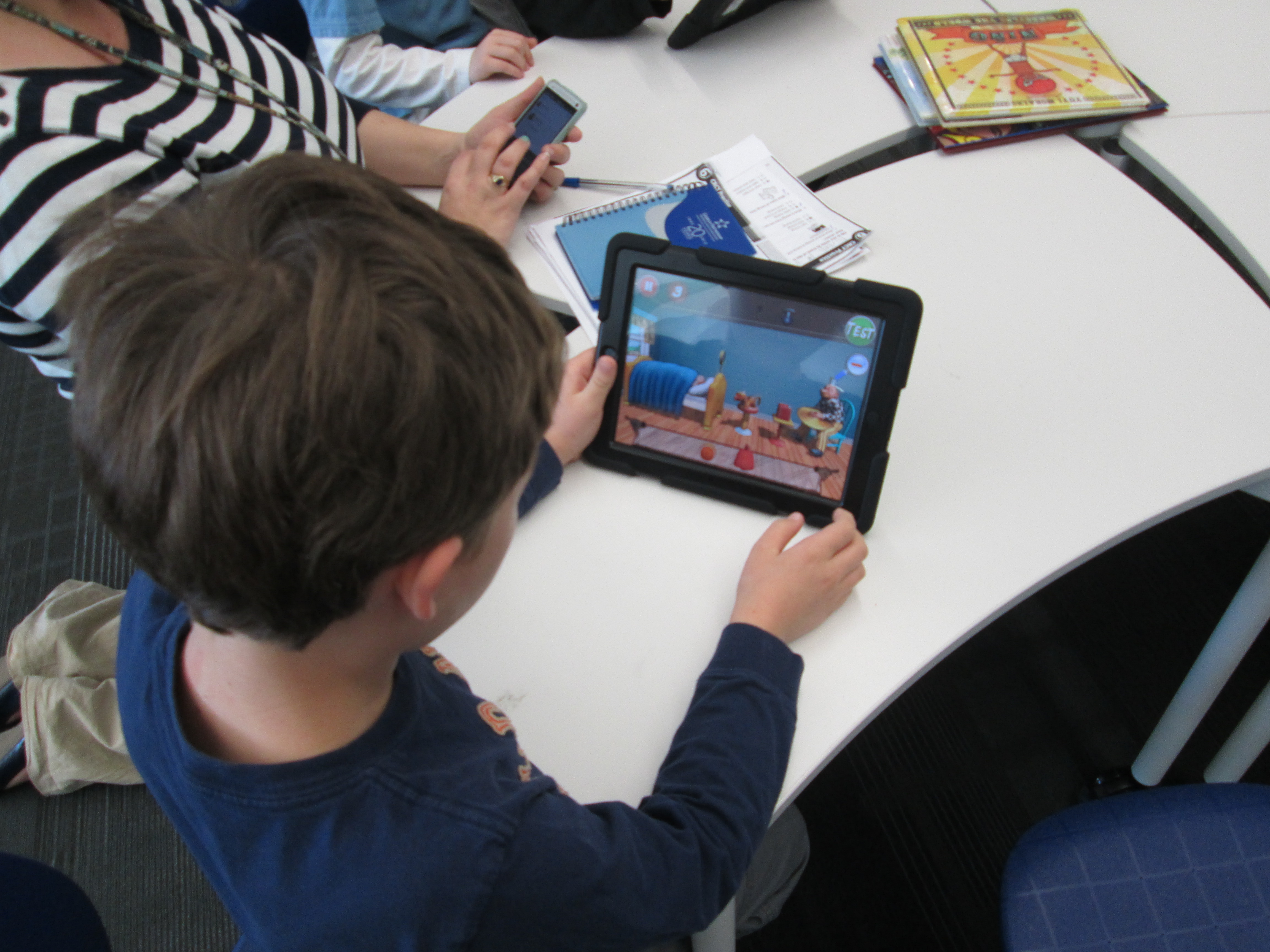
There have been several instances of this type of tinkering happening this year.  Ms. Hocking gave her Kindergarten students time to tinker with storykit.  All of third grade tinkered with Puppet Pals before a folktale project.

This week, first grade is also taking time to tinker with the Puppet Pals app as they prepare for an opinion writing assignment in English Language Arts.
IMG_4796

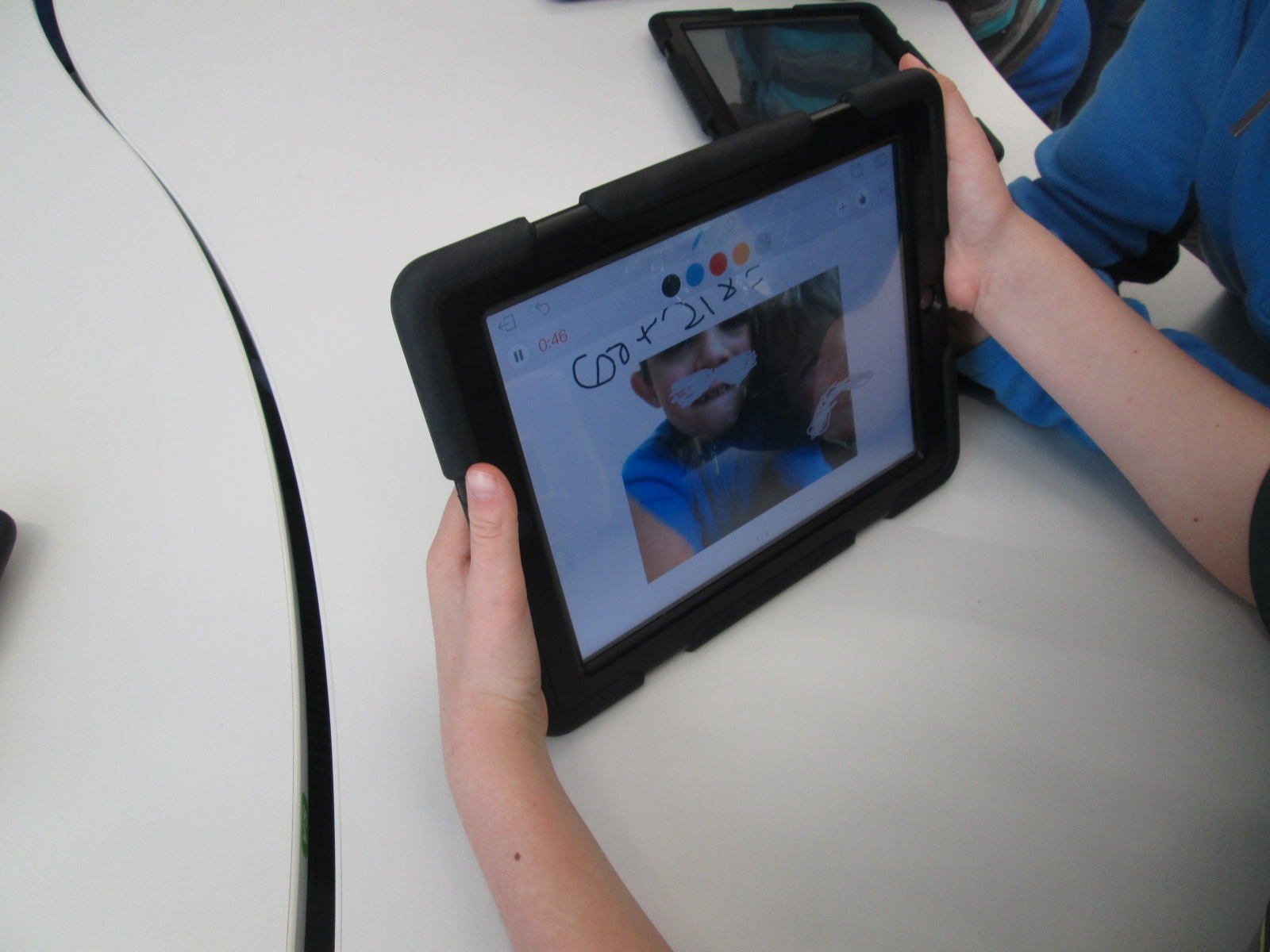
Finally, 2nd grade is about to start creating math screencast tutorials using the Educreations app for iPad.

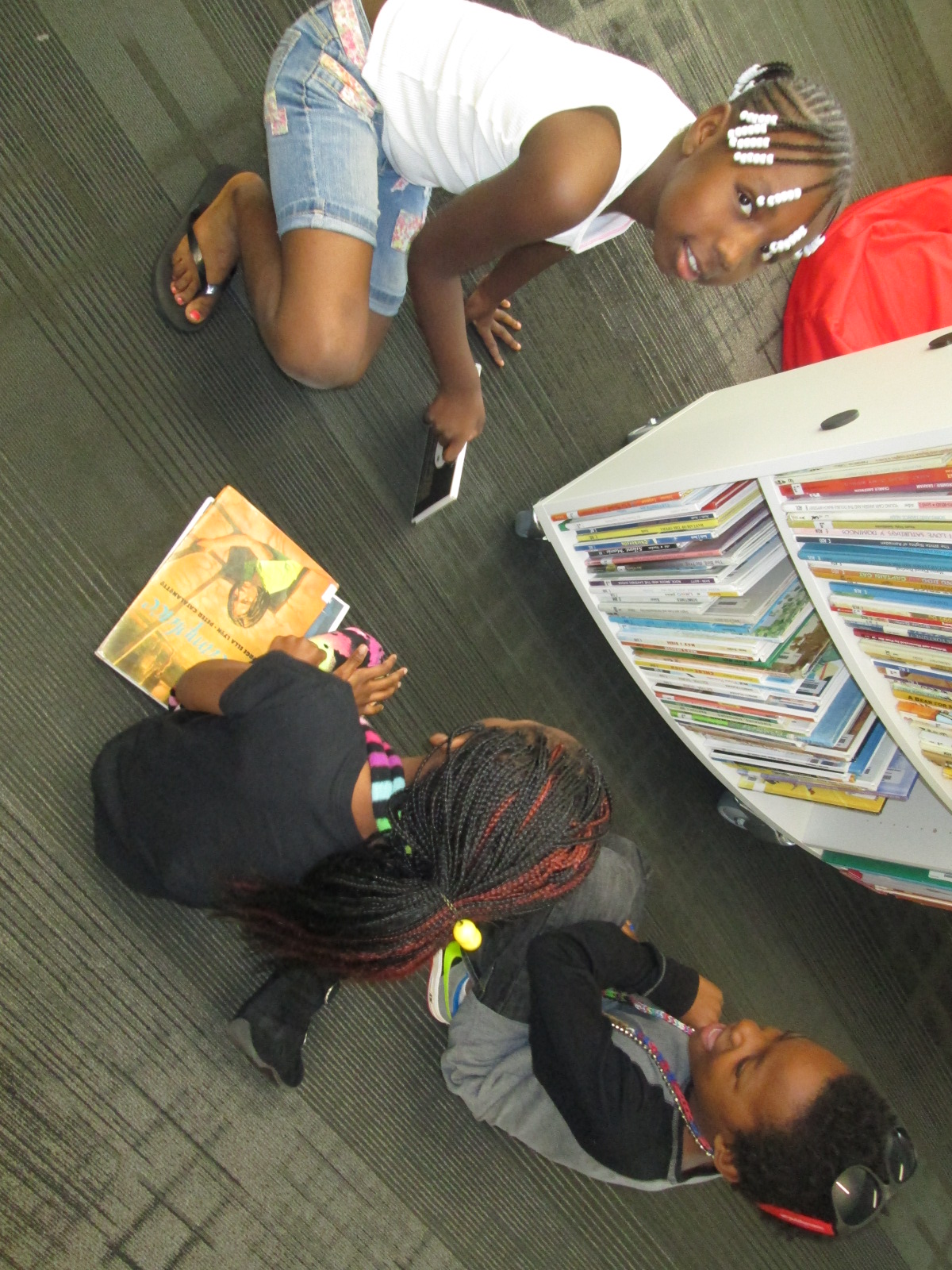
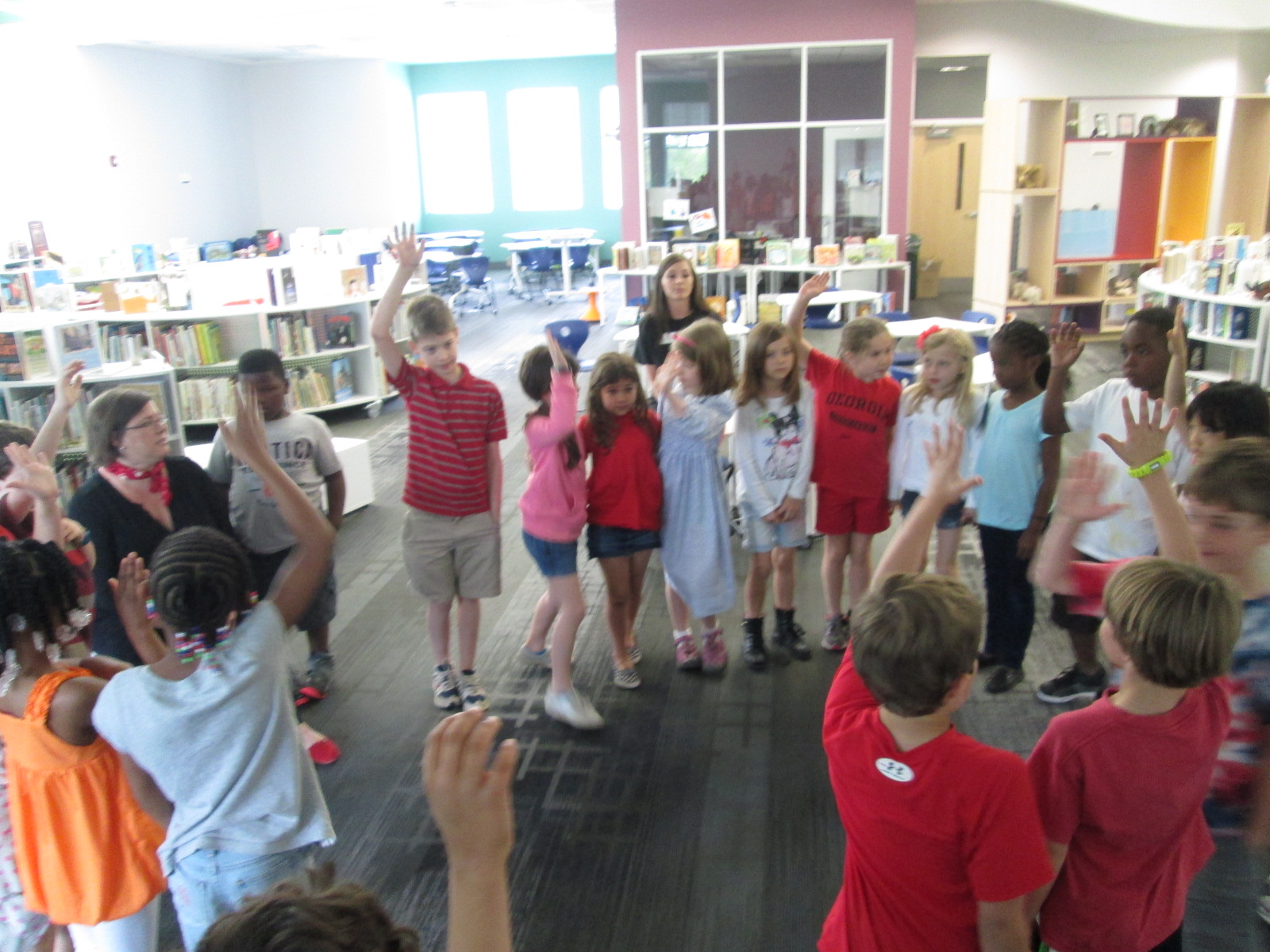
As I’ve facilitated these tinkering sessions, I’ve started to adjust how the sessions run.  We start on the floor to talk about tinkering.  Students share some knowledge about what they already know about tinkering.  Some of the responses I’ve heard are:  a time to explore, a time to be busy, and figuring things out.  I follow this with my own understanding of tinkering.  I establish two big ground rules: 1. Push every button you see in an app and see what it does.  2. Share what you learn.

In most classes, I breeze through the app with very little explanation of what I’m doing just so that students get a quick preview of what they will be looking at and what they might end up with.  In Educreations, I wrote 2+2=____ and then drew out a picture of how I solved that math problem.  I didn’t talk about clicking on colors, the microphone, or really anything.  I just wanted them to get a quick view of the end result.

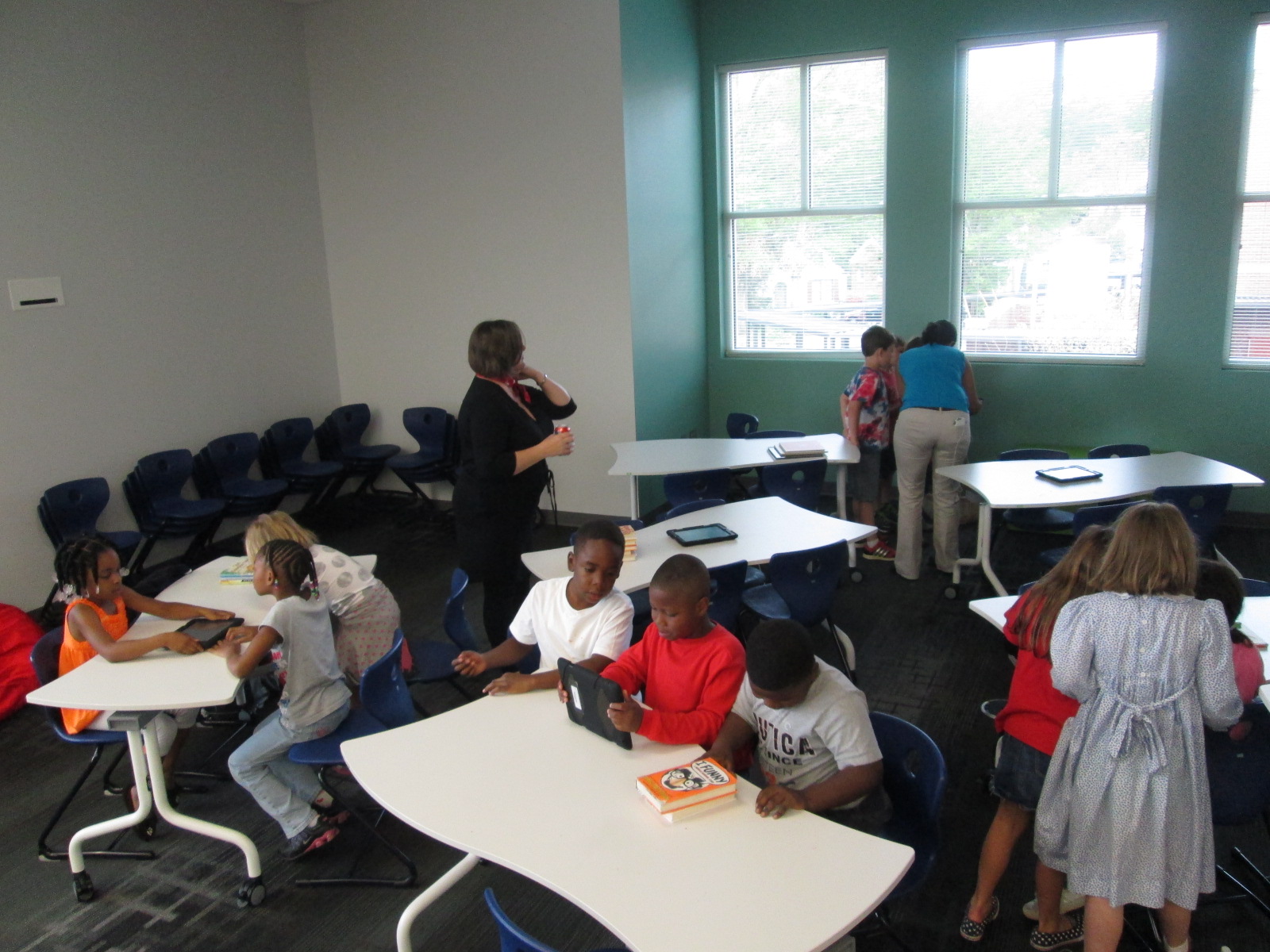
Then, students had a large chunk of time to explore on the iPads.  For 2nd grade, we did this in pairs, but some classes have been individuals.  My role was to walk around and observe.  A few students were tempted to ask me how to do something, but I responded with a “give it a try”.  Very rarely did I do something for a student.  The only time I intervened was when students needed help getting the app up and running or if the iPad had a technical problem.

As I observed, I would stop and ask students questions like “What did you figure out?” or “Why did you choose to do that in that way?” or “Now that you’ve seen how that works, would you do it a different way next time?”.  These were common questions that I used again and again and they certainly were not ones that I started with.  I was very tempted at first to just jump in and show students something, but I learned to step back and ask questions that allowed students to show what they know.

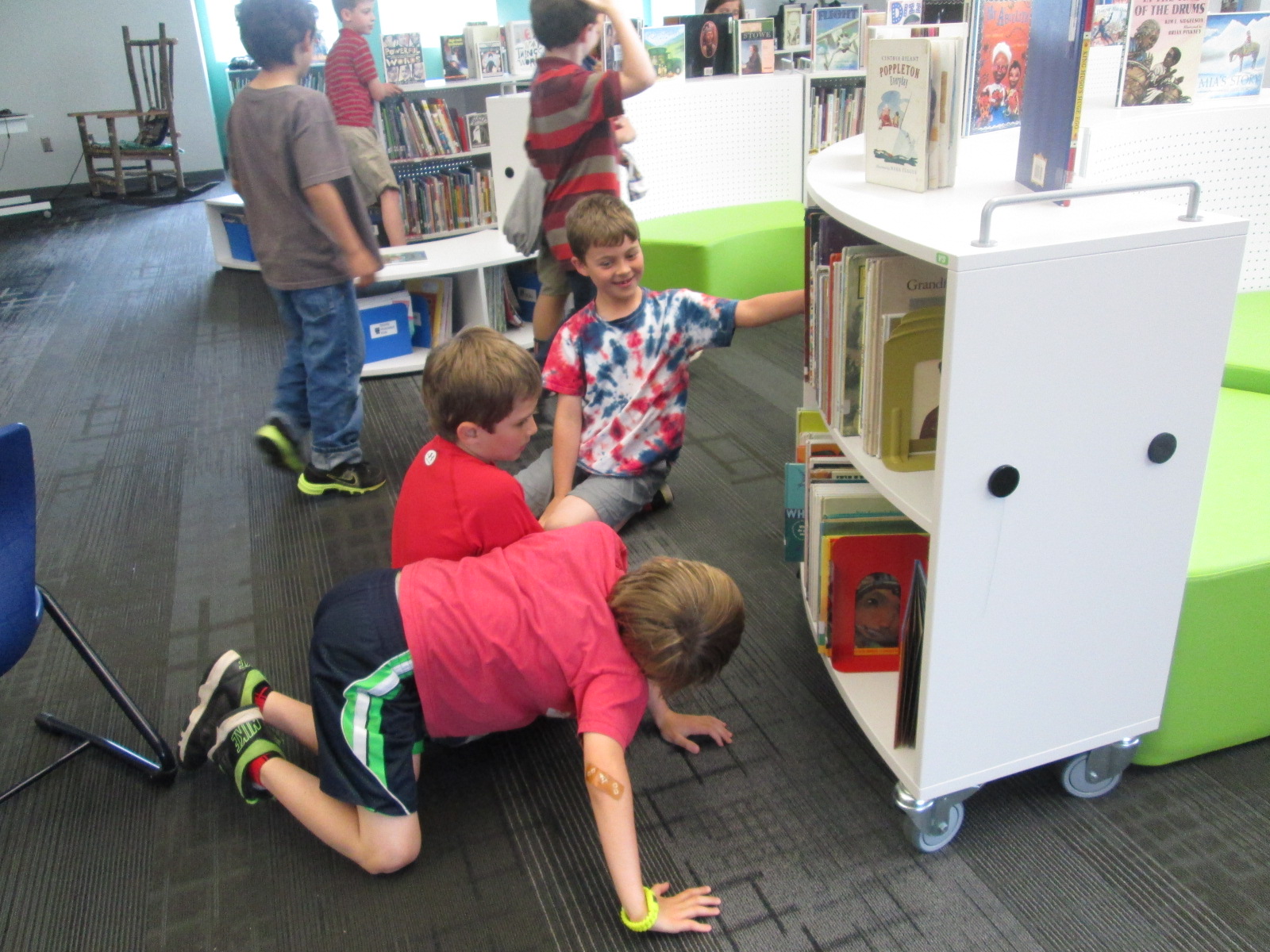
I saw students naturally leaning over and helping other students, but during my observations, I sometimes saw an opportunity for 2 students to partner and share their learning.  This was another role for me to serve as a connector between students.

The energy level was high, and there was some frustration.  However, I did not see any student give up, get completely off task, or leave without learning something about  how the app worked.

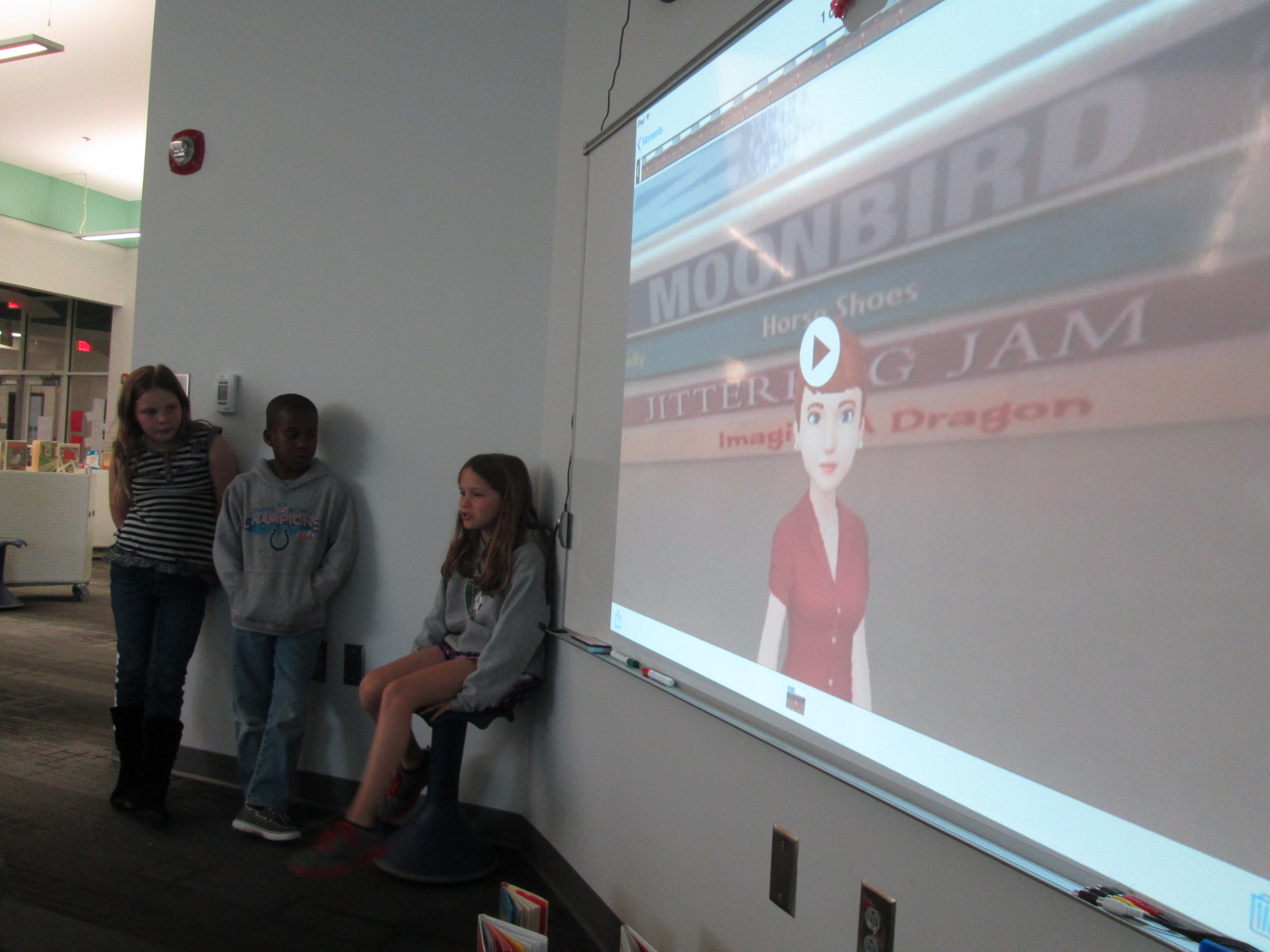
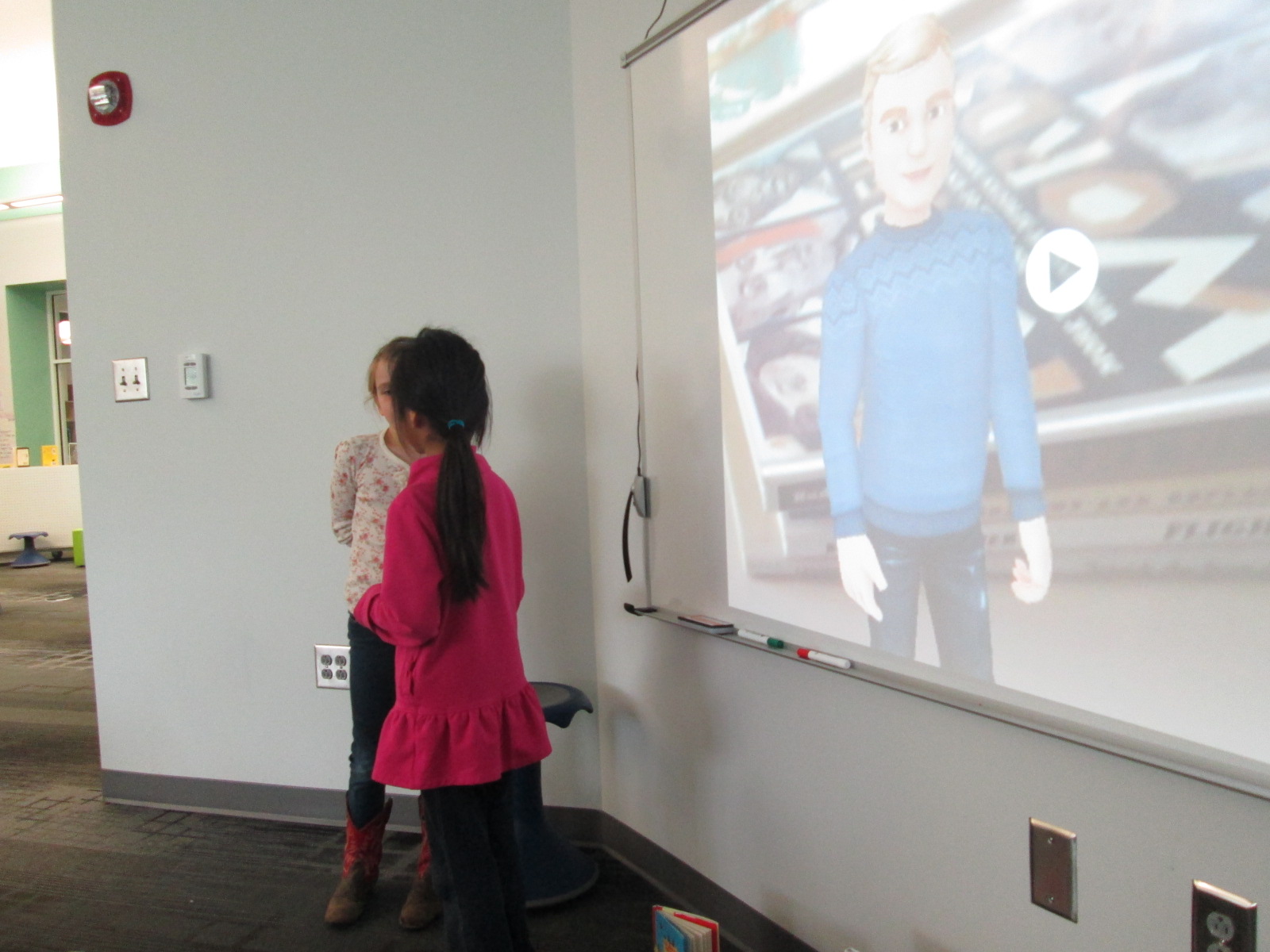
At the closing of each lesson, we gathered back on the floor.  I connected an iPad to the projector and had students come and demo their learning for the rest to see.  We tried to move as quickly as possible to share as many tips as we could.  A big observation for me during this time was how attentive students were.  I’ve never seen students watch a peer presenter with such focus.  Usually, they are having side conversations or tuning out to think about other things.  This time they were watching, listening, and giving connection signals if they had also figured out that part of the app.  If time allowed, I had students turn to one another on the carpet and share even more that they had discovered.  During the closing, I tried to connect what students had discovered with the actual project that we would be implementing next.  For example, a student did a demo of how you can erase while you are recording and I added that this might be a tool you would use while modeling subtraction in a video.

Now that this time of tinkering has happened, our next step is to do the work.  First grade will use Puppet Pals to create opinion puppet shows and 2nd grade will create math tutorials to share.  I’m eager to see how productive students are now that they have had time to get familiar with the app before a curriculum standard expectation was placed on them.  My want to continue to explore the power of tinkering and how it can support the work that we are trying to achieve with students.


Keeping Project Momentum When the Schedule Gets in the Way: One Use of Google Hangouts

Barrow Peace Prize Criteria   Google Docs

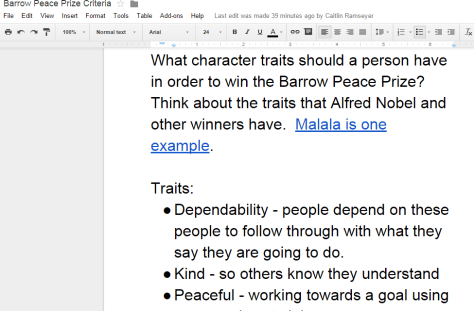
Our 2nd grade is deep into their project on six people from Black History.  Most classes are finishing up their research for our Barrow Peace Prize Flipgrid project.  Before students begin the writing process, we want them to understand what the Nobel Peace Prize is and consider the character traits that someone might have who receives this award.  Every class needs the exact same lesson, but they need the lesson before students can really move forward with their writing.  Sometimes the library schedule can get in the way of these kinds of projects.  I don’t want the library schedule to cause a project to be delayed simply because we can’t fit everyone into 30 minute slots across a day or two.  This is the perfect time to use technology to maximize our time.

For the 2nd time, I did a Google hangout with an entire grade level in order to save time.  Before the hangout, I setup a Google Hangout on Air and sent the participation link to all of the teachers via email.  I also created a Google doc where we could do some brainstorming and invited all four of the 2nd grade teachers to be collaborators.  I made sure that the link to the doc was “view only” for anyone else with the link.

Before the hangout started, I opened the hangout, turned on my cam, and muted my microphone.  As the four classes joined, I could easily hear if their microphone and video was working or not.  Then, I could use the control room tool to mute each teacher’s microphone while we waited on all classes to join.  Periodically, I came back on the microphone to update the classes who were waiting and remind teachers to open our shared Google doc.

The purpose of the hangout was to help 2nd graders get familiar with Alfred Nobel and the Nobel Peace Prize as well as to develop a list of characteristics for our own Barrow Peace Prize.  After a quick intro, I read the book Alfred Nobel: The Man Behind the Peace Prize by Kathy-jo Wargin and illustrated by Zachary Pullen.  Then, I told the students just a bit about Malala Yousafzai, the youngest winner of the Nobel Peace Prize.  We watched just the beginning of a CNN video of her acceptance.

Then, I invited each class to look a the shared Google doc and brainstorm the qualities that we hoped would represent the Barrow Peace Prize.  I muted all microphones while classes discussed and added to the doc.  While that was happening, I shared the viewable link to the doc on Twitter so that an audience could watch the list be constructed.

We immediately had multiple viewers of our work in progress.

Each class had an opportunity to step the microphone and share just a bit of what they discussed.  I was in charge of calling on each classroom and muting and unmuting each teacher’s microphone.

Finally, I closed by reminding students to use their research as well as the character trait list when writing their piece about their person from Black History.

https://www.youtube.com/watch?v=2ljM_kdkdnc

What would have taken 3-4 hours on the library calendar took only 30 minutes and now the 2nd grade can move forward with the writing process.  I want to check in with the 2nd grade teachers to see how things felt on the other side of the camera, but from my side, this seemed like a great model for whole grade lessons that lend themselves to a hangout.  I certainly wouldn’t want all lessons to be like this one, but this format felt right for this situation.

Book Spine Poetry with Tellagami (Day 4)

IMG_2914Today was my final day working with 2nd graders on Tellagami.  Mrs. Yawn’s class went through the same process as the other classes.  I’m really glad that I decided to do this in groups.  My original plan was to do individual book spine poems, but I think it would have been very hard to manage on the technology side of things.  Getting 7 poems created and recorded in one class period was an ideal number.

IMG_2913 IMG_2912 IMG_2911 IMG_2910 IMG_2908 IMG_2907

Here’s a look at Mrs. Yawn’s poems.

https://www.youtube.com/watch?v=YWkdycPNVuk

https://www.youtube.com/watch?v=_bXE9kL20t0

https://www.youtube.com/watch?v=ewryVa5BSaU

https://www.youtube.com/watch?v=JBSlE8OPVRo

https://www.youtube.com/watch?v=8iICmjS2agw

https://www.youtube.com/watch?v=hm2_gQQhF6o

https://www.youtube.com/watch?v=JB5quyuNTSk


Don’t forget to view the poems from:

Mrs. Brink’s Class

Mrs. Wright’s Class

Mrs. Ramseyer’s Class

Book Spine Poetry with Tellagami (Day 3)

IMG_2896Today Mrs. Ramseyer’s class came to work on book spine poetry.  The past 2 days, I’ve had a graduate assistant and sometimes a special education teacher or other support teacher along with the teacher and I.  However, today it was just me and Mrs. Ramseyer.  It still worked great, but it was definitely a little more on our plates to manage with 6 groups roaming the library and working in about 5 different locations in the library.  We still had fun, and in the end, the kids still wrote some fantastic poetry.

IMG_2895

https://www.youtube.com/watch?v=EB-mXN3HGJk

https://www.youtube.com/watch?v=4JBDZP6Ak20

https://www.youtube.com/watch?v=soC5ZA213jQ

https://www.youtube.com/watch?v=TpJhsL4WhL0

https://www.youtube.com/watch?v=MoTwj73OfHE

https://www.youtube.com/watch?v=bltWbzDZHj4

IMG_2901 IMG_2899 IMG_2897 IMG_2894 IMG_2892

Book Spine Poetry with Tellagami (Day 2)

IMG_2889After yesterday’s fun time with Tellagami and book spine poetry, I was really hoping that today would be just as great!  We’ve had some troubles with updating our iPads, so I almost thought that today might be a day where we had to change plans.  However, it worked out for us to have 6 iPads to use during Mrs. Wright’s 2nd grade class.

IMG_2887 IMG_2884 IMG_2883

Once again, students worked in small groups of 3 to put together their poems.  Once again, I was amazed.  There was absolutely no rush to get these poems done.  Students were critically thinking about each book that went into their stack.

IMG_2880 IMG_2879 IMG_2877

I’m so glad that I added the piece at the end of the lesson for students to tell their story of how they made their poem.  I initially did this just to fill the time while I switched iPads for displaying on the screen.  However, each story revealed the thought process that students went through to craft their poem and revealed new strategies that students might try next time.

IMG_2891 IMG_2890

Here’s a look at Mrs. Wright’s class book spine poem gallery:

https://www.youtube.com/watch?v=1CBsHrfDsI4

https://www.youtube.com/watch?v=lVOse63F5Lg

https://www.youtube.com/watch?v=3YaXSIsgtZU

https://www.youtube.com/watch?v=2zagsxxm-AA

https://www.youtube.com/watch?v=pF9aITQ8vPM

https://www.youtube.com/watch?v=WnHwK1JI3DQ

https://www.youtube.com/watch?v=jbObm5xFQN8

Book Spine Poetry with Tellagami (Day 1)

IMG_2872Poetry month is one of my favorite times of year because I’m always inspired by what kids come up in their writing.  I love that with poetry you can try so many different kinds of writing in a short amount of time.

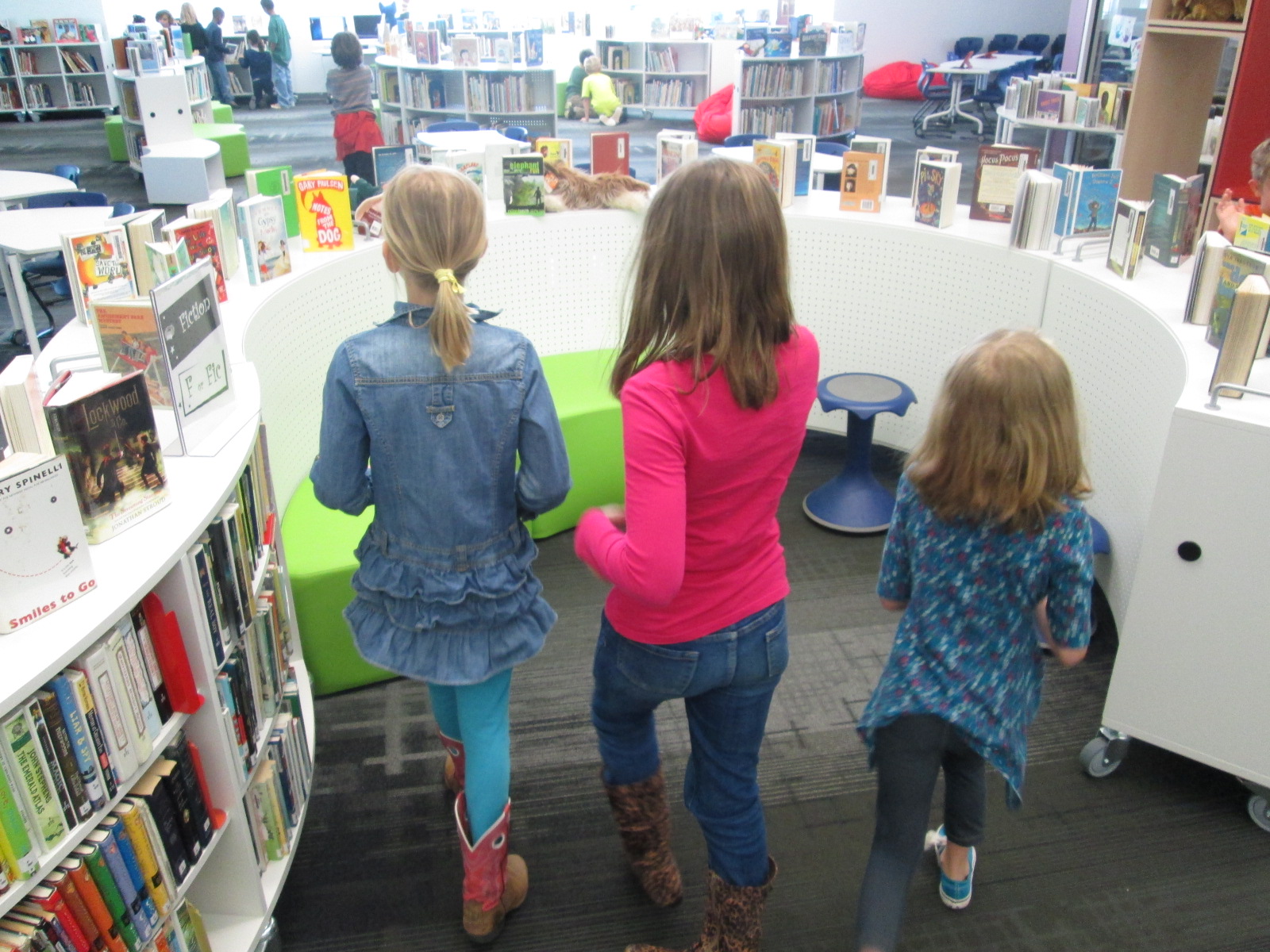
Each year, we usually have several classes explore book spine poetry.  If you’ve never heard of it, book spine poetry is a type of found poetry where you use the spines of books as the lines in your poem.  In the past, we’ve used digital cameras to take pictures of our stacks of books and Photo Story to put those pictures together and record our voices.

This year, I really wanted to try something new.  I decided to try Tellagami since you can take a picture as your background image, record your voice for up to 30 seconds, and create an avatar to be the narrator of your poem.  I may try some other tools, too, but this one seemed like the best to start with.

Today, Mrs. Brink’s 2nd grade class was my first book spine poetry class of the year.  Right before they came, I walked through the process of making a book spine poem myself and recording a Tellagami.  Here’s how mine turned out.

We started our quick mini-lesson on the carpet by talking about what a found poem is.  Then, we used several Google and twitter images of book spine poem examples.  Some of my favorites are from my friend, Jennifer Reed, librarian in MA.  I love this one.

We spent a little time noticing things about all of the poems.  For example, we noticed how some of them stuck to a particular theme or some started with a main line at the top and then other lines seemed to support the first line.

Then, I told the students the story of how I made my own poem.  I started with Joyce Sidman’s What the Heart Knows.  Then, I walked around and looked at books that were sitting on the tops of the shelves to see if any of them had a title that showed what my heart knows.  I was amazed at how many of them did!  It only took me about 5 minutes to find my stack of books and another 2 minutes or so to make my Tellagami.

The students were ready and eager to get started.  I really try not to give them too many rules, but we did go over a few things to think about:

1.  Spend some time walking and looking without taking books off of the shelves.

2.  Find a book title that speaks to you that might make a good starting place and then start thinking aloud about your poem with your group.

3.  Try your best to use each book you pull from the shelves.  We spent just a few seconds thinking about what would happen if 22 students starting pulling every book that they saw from the shelves.

IMG_2874

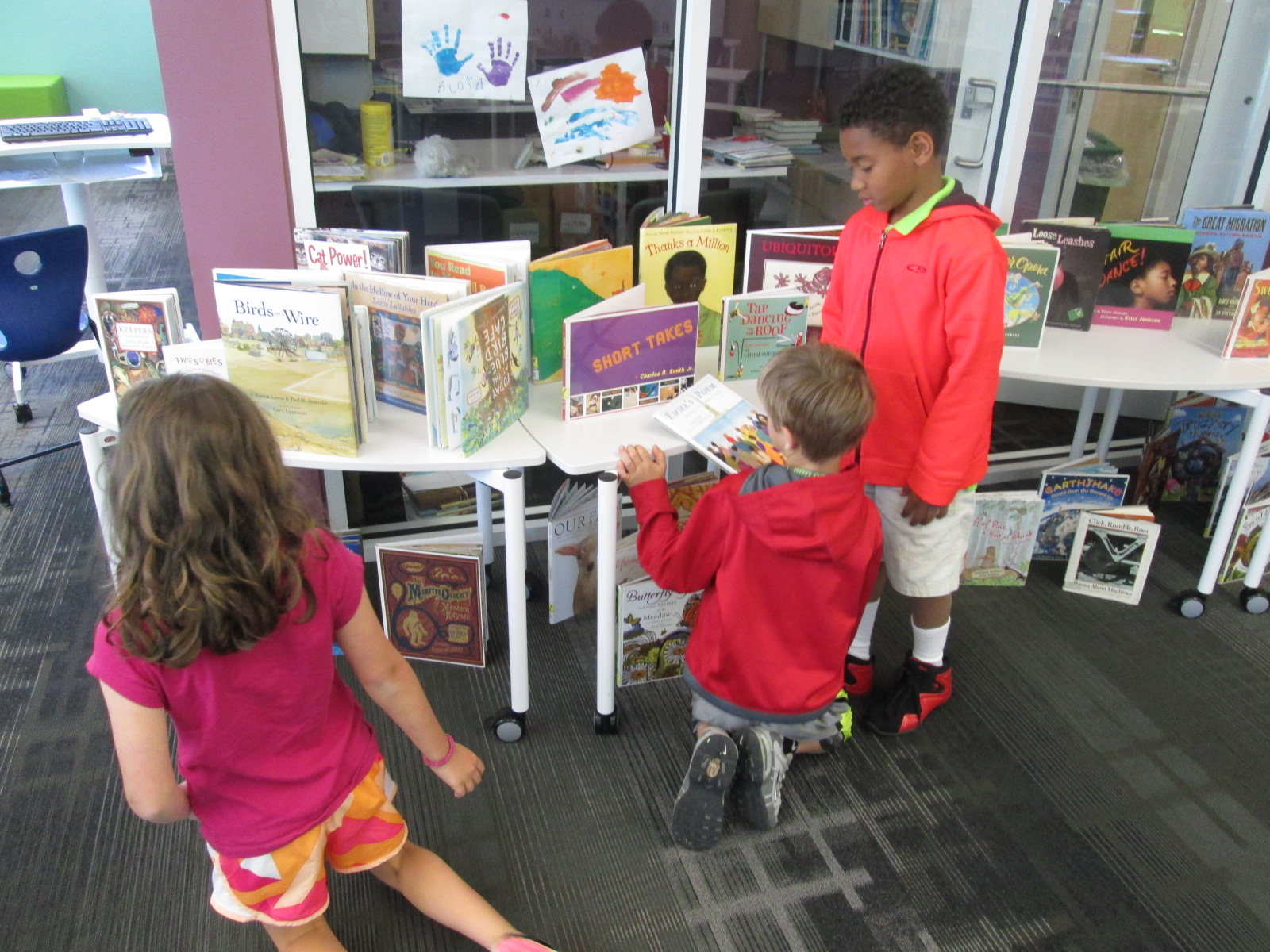
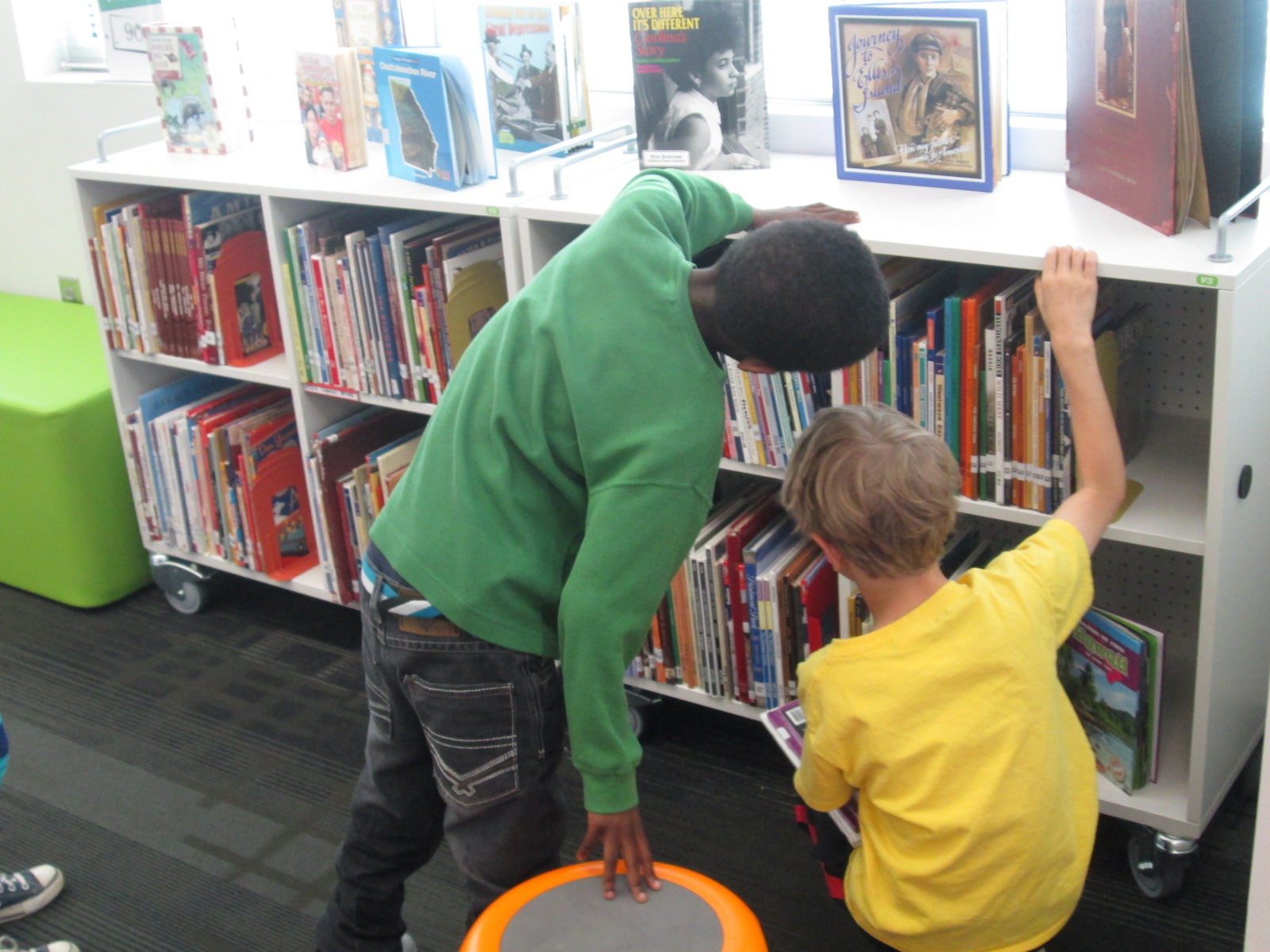
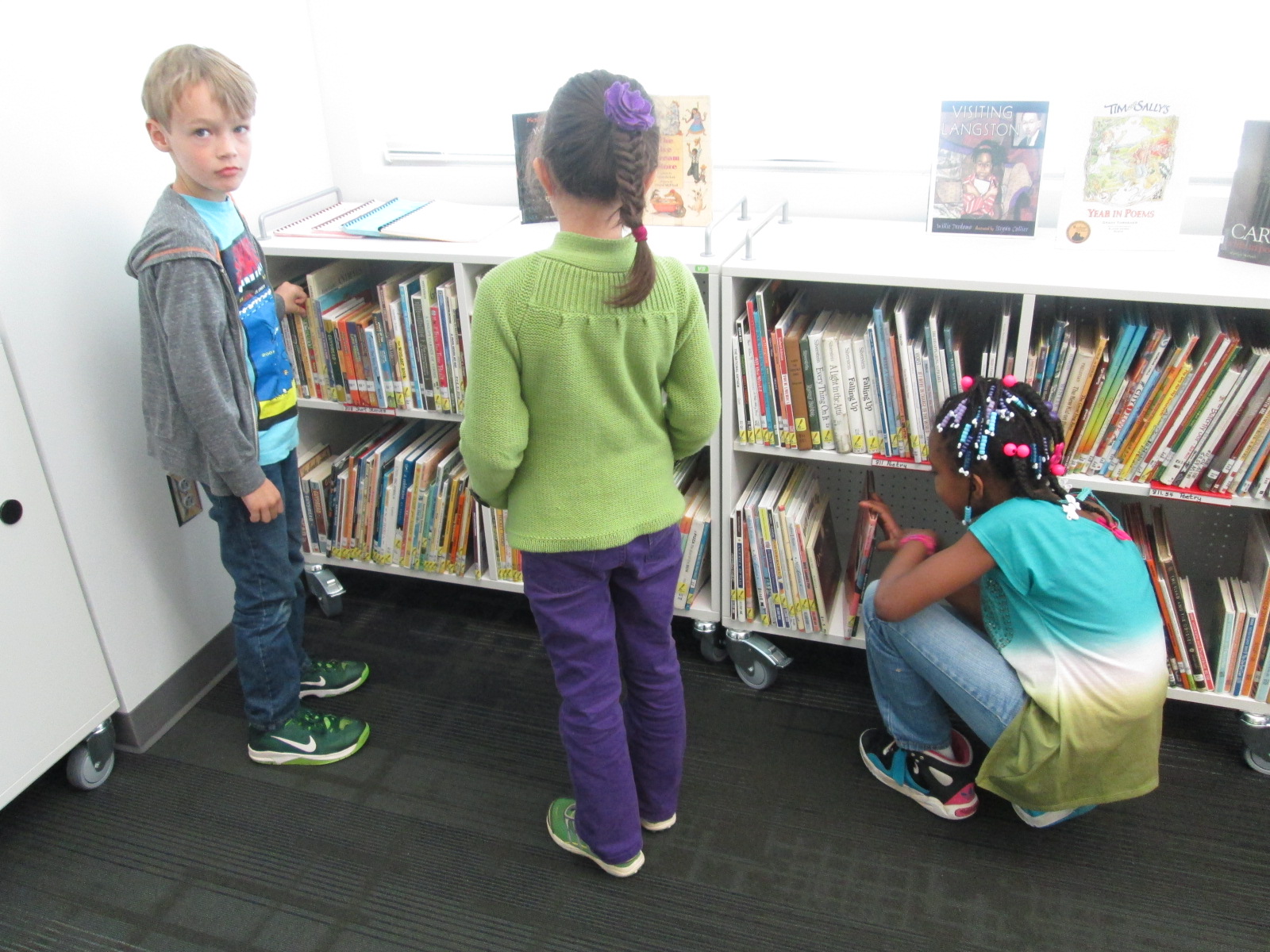
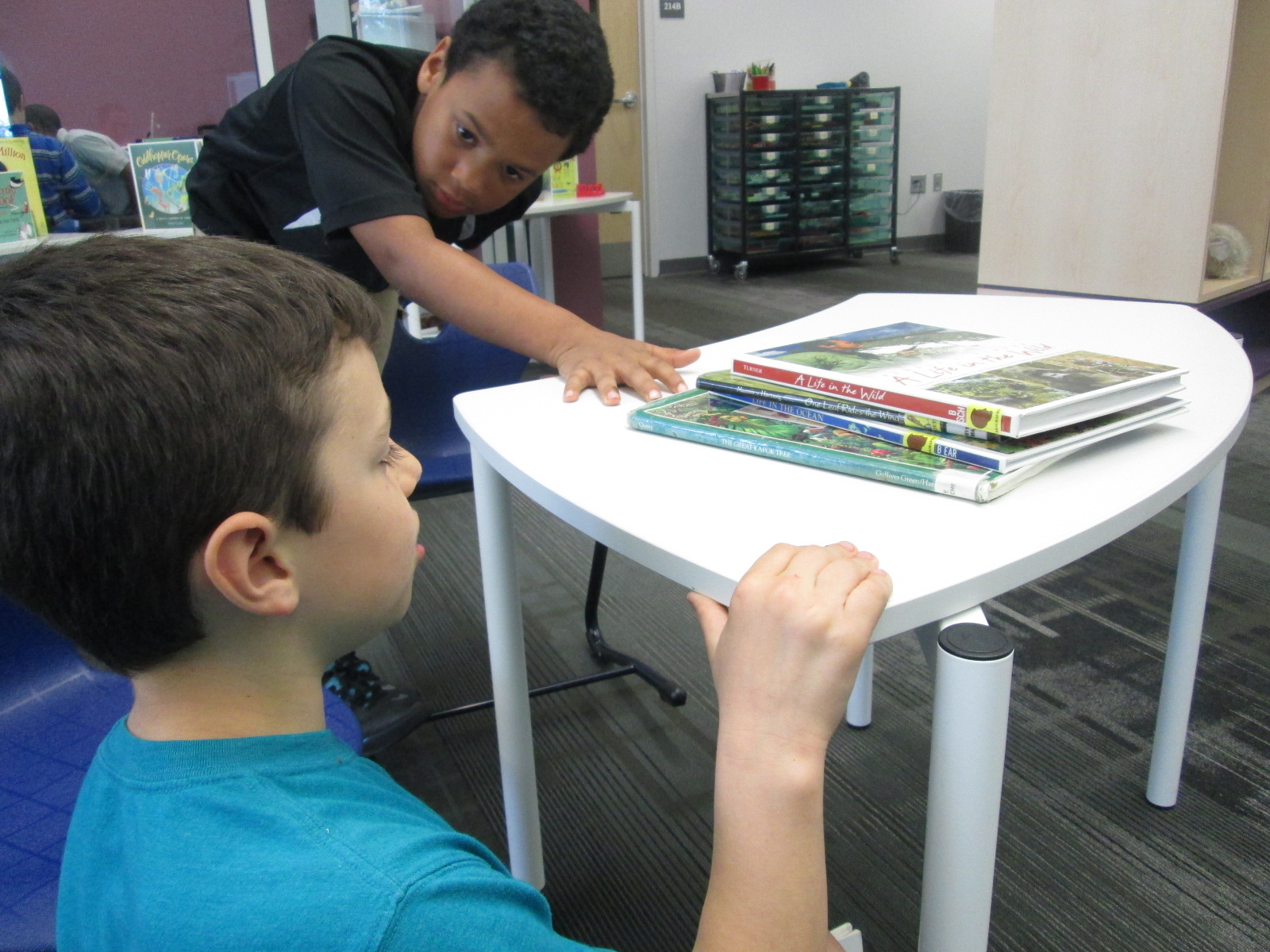
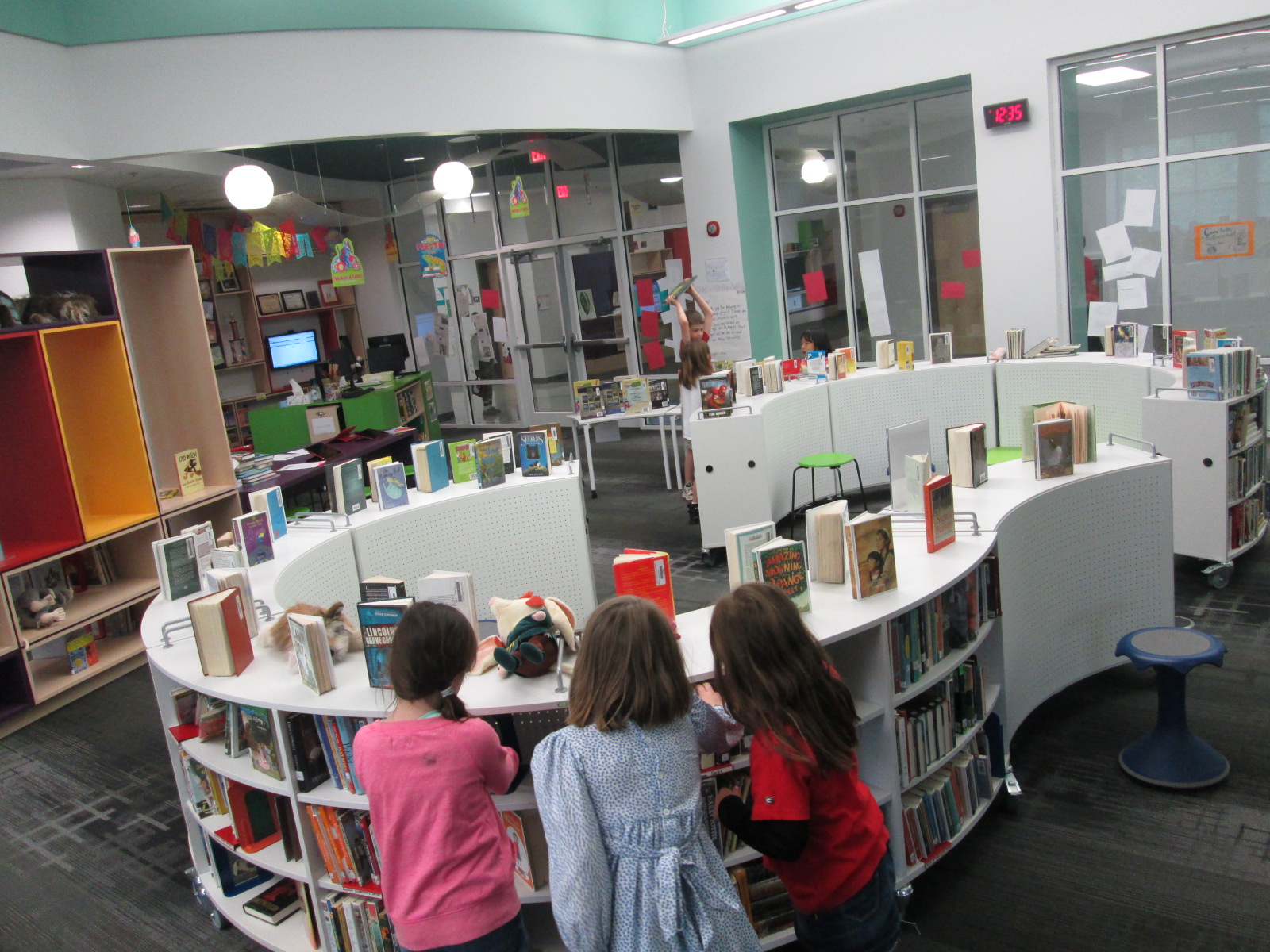
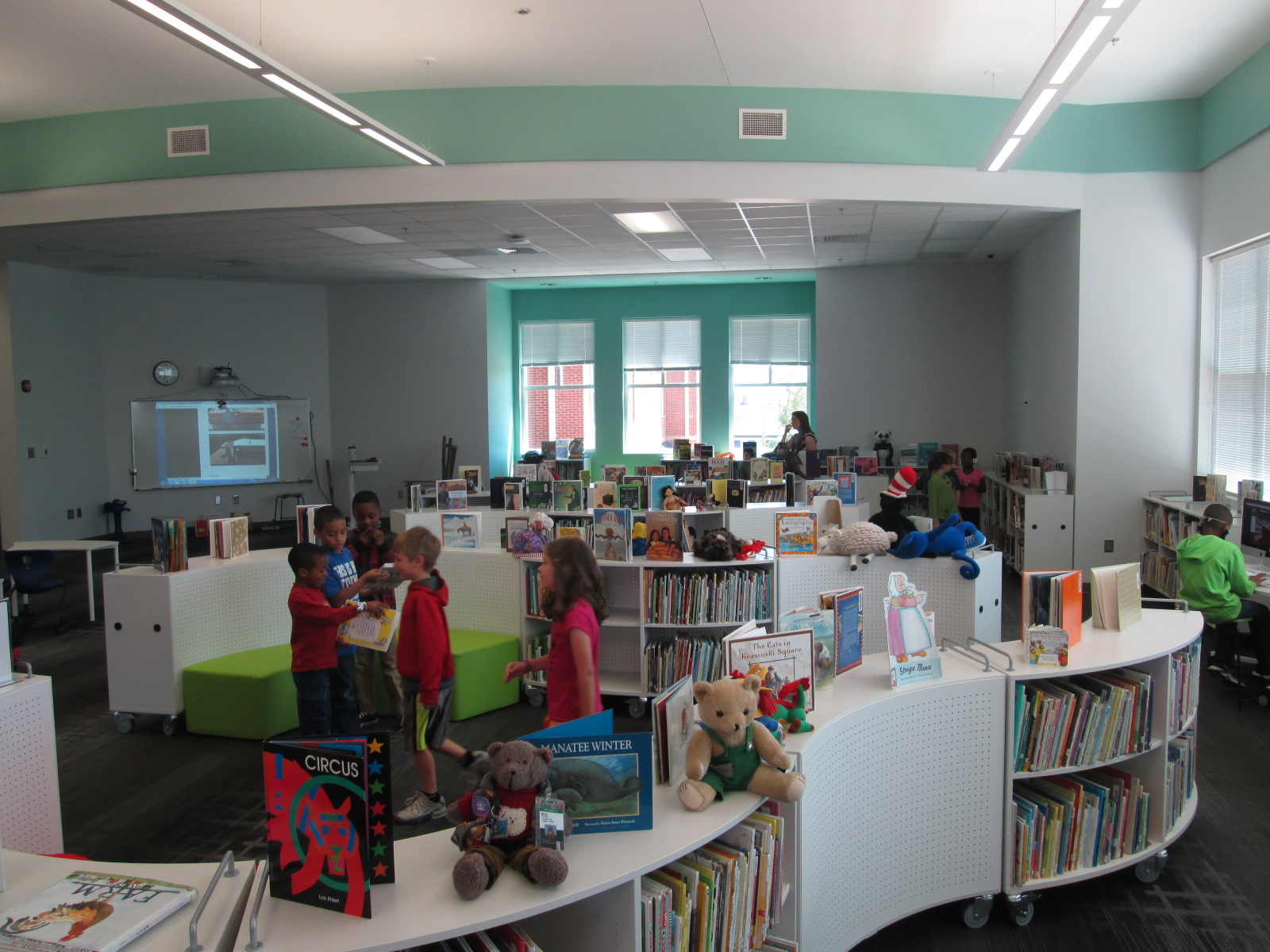
I designated different work areas of the library.  Single tables were setup in the middle of the library for students to bring books to and sort them into their poem.

IMG_2876

Another section of tables had iPads ready for creating Tellagami projects and taking pictures.  I did not spend time teaching students every step of how to use Tellagami because I knew they could figure this out.  However, I did have Carol Buller-McGee, a graduate assistant, with me today, and she stayed at the iPad tables to assist students.

My office, equipment room, makerspace room, and storage room were available for students to go to and record their projects.

IMG_2867

Originally I was going to have students make individual poems, but I made a last minute change to small groups.  The teacher had the whole class stand in a circle and find their own groups of 3.  She assisted students who needed help forming a group.  They went right to work.  It looked something like this.

The teacher and I walked around and talked with students about what they were choosing.  Many of them found one book to start with and started adding books from there.  For example, one group found Please Bury Me in the Library.  Then, they started looking for books that might designate where in the library they might be buried.  I loved how their poem turned out.

Other groups went with a theme.  For example, one group found a book called Dreaming Up, so they started looking for books that had something to do with the sky.  They even went to Destiny and searched for sky books to see if there were any interesting titles.

IMG_2873 IMG_2870 IMG_2869 IMG_2868

I must say that this was the first time that I’ve done book spine poetry where I really felt like kids were thinking about the books going into their stacks.  In the past, it has felt like students just throw a bunch of books in a stack and say they’re done.  While this is still a poem, in my opinion, what I saw today was much more thoughtful and purposeful.

IMG_2875

After students went through the whole process, some of them started again and made a second poem.

We finished by putting our poems up on the projector screen.  I played a poem and we celebrated with snaps.  While I prepped the next iPad, the students talked through the steps that they went through to form their poem.  I really loved this step because it showed me that students really were thinking carefully about each line that went into their poems.


I have 3 more classes coming this week, so we’ll see how this lesson evolves across the week.  I think I’m going to stick to small groups rather than individuals, but we’ll see.

Take a moment to enjoy their book spine gallery.


More University of Georgia #GeniusCon Research Partners

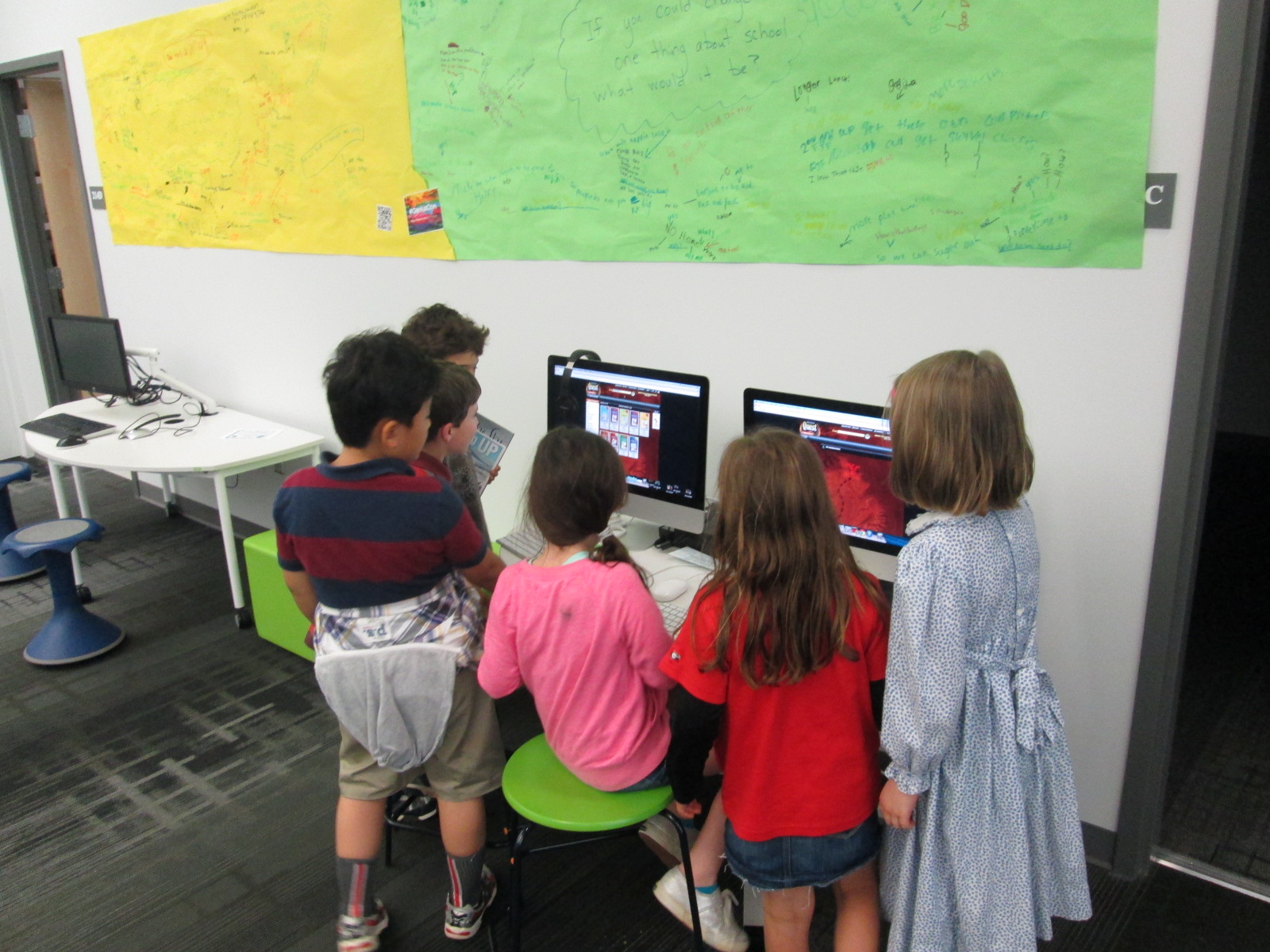
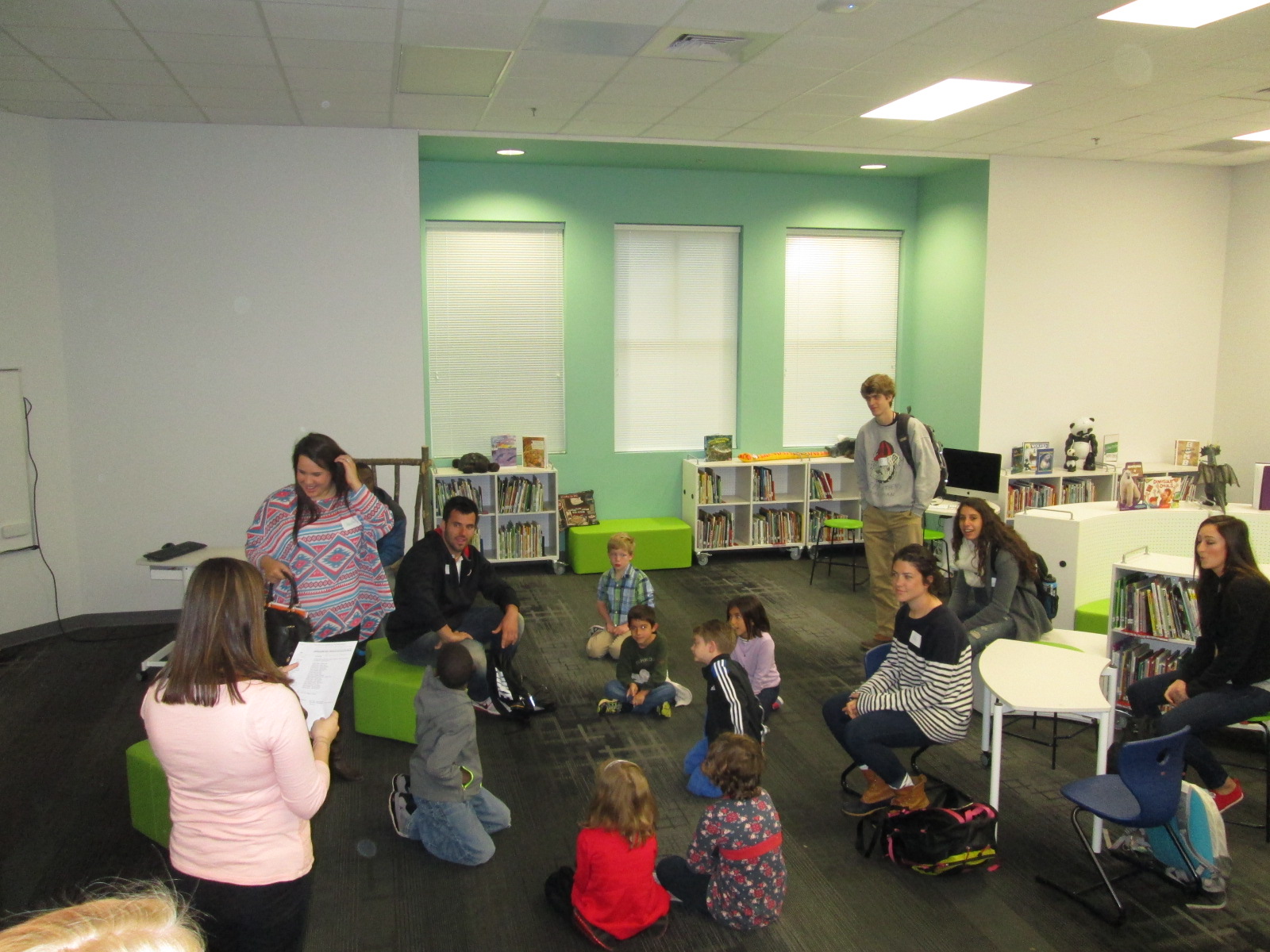
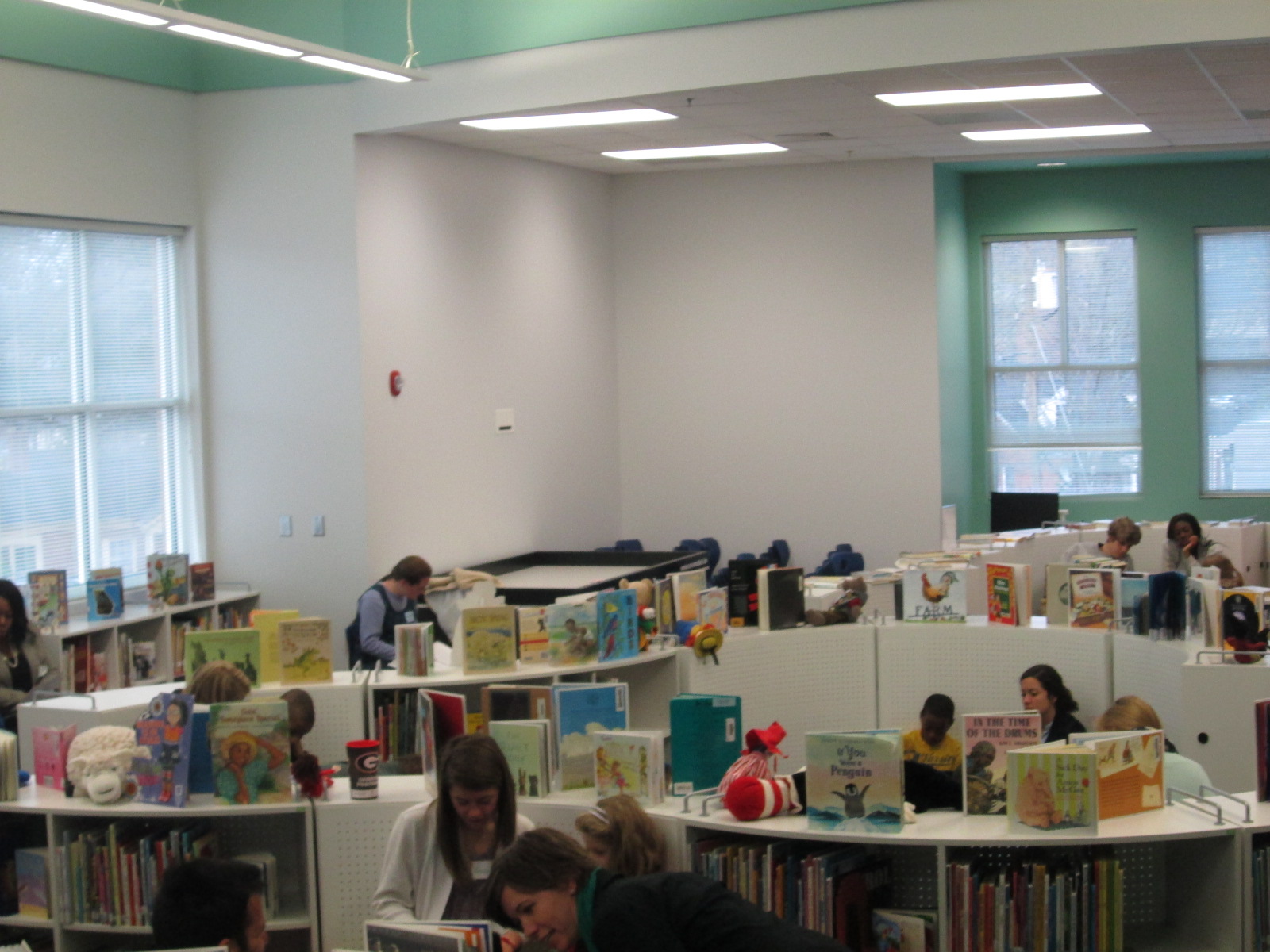
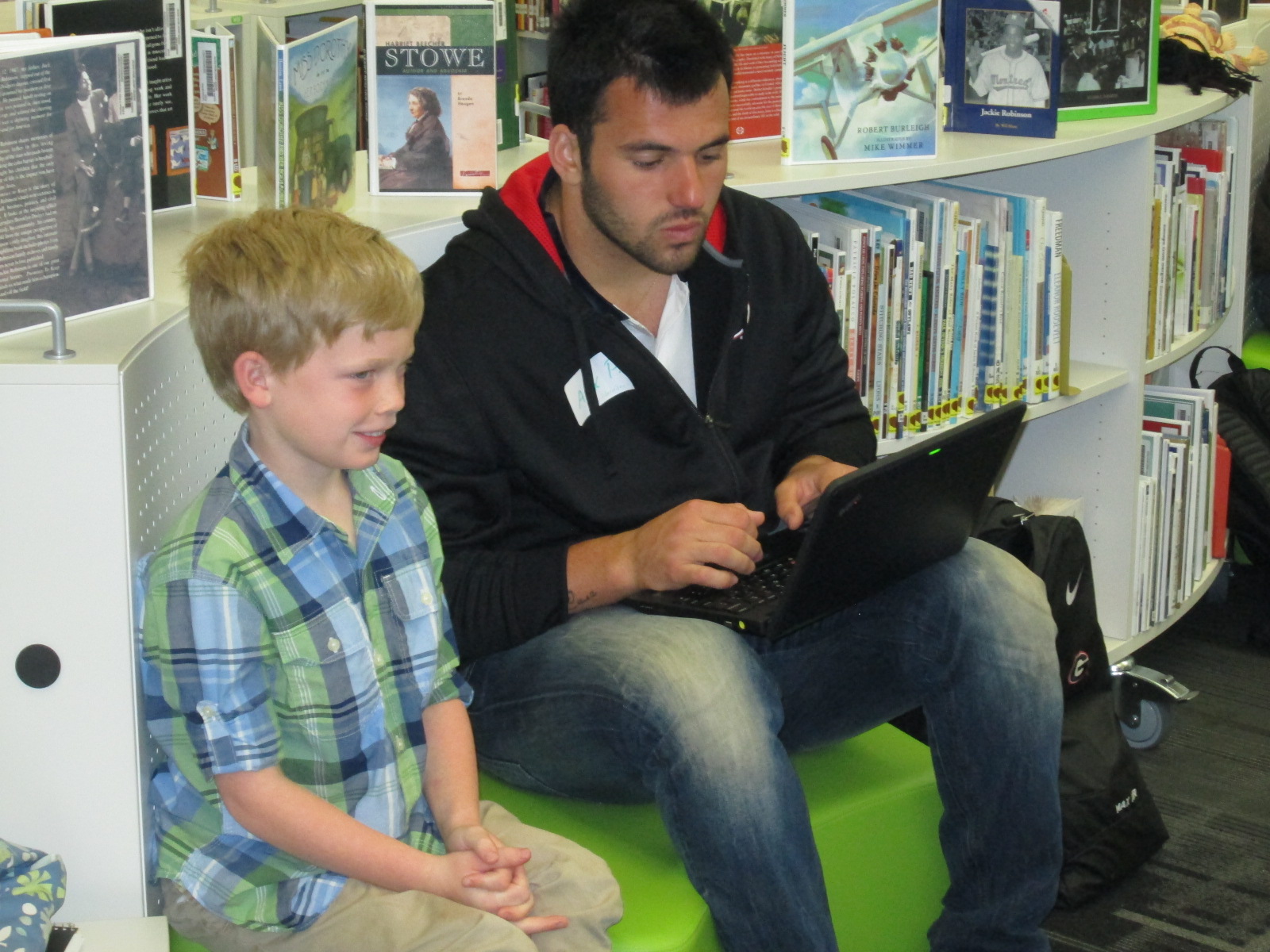
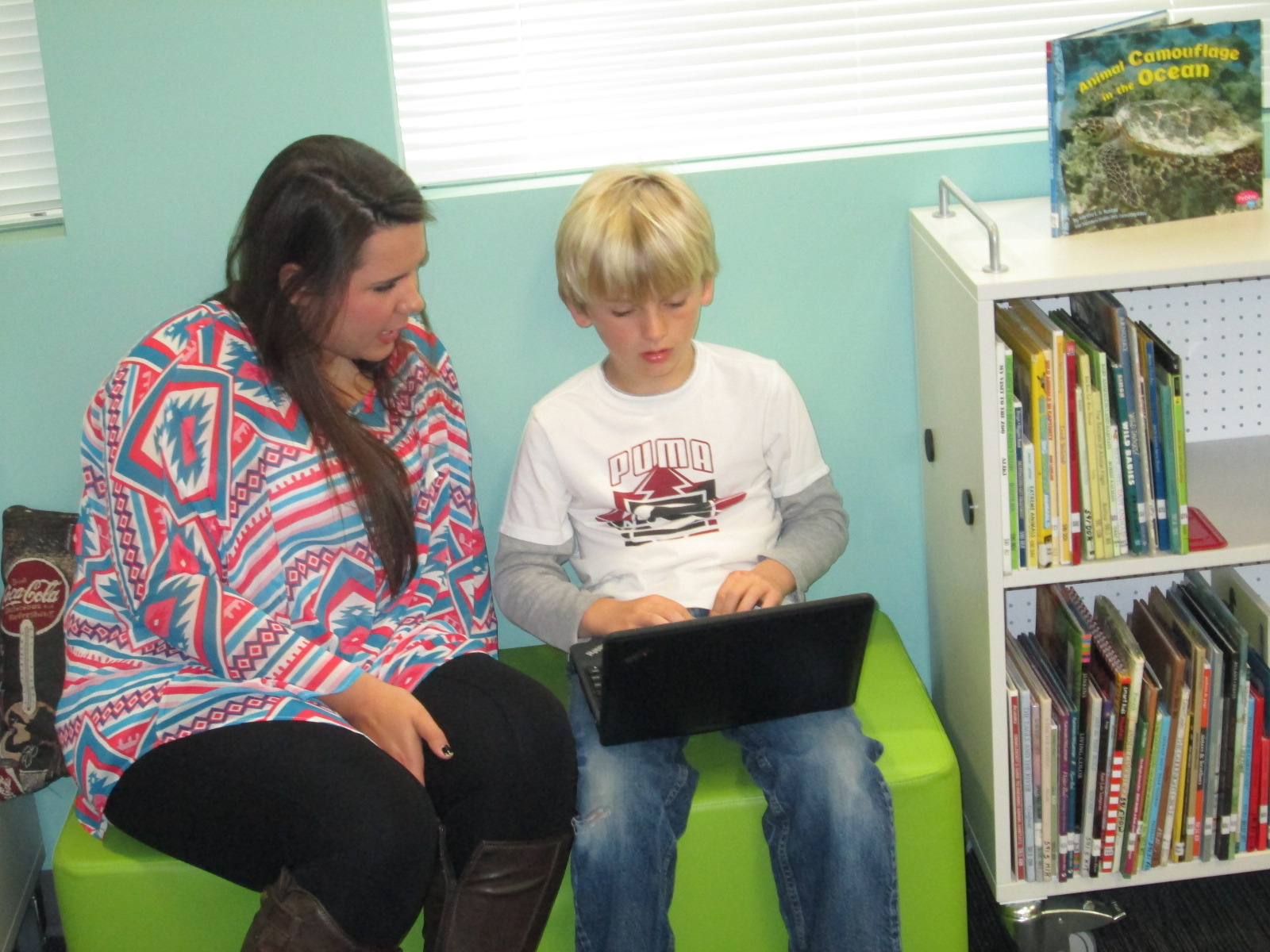
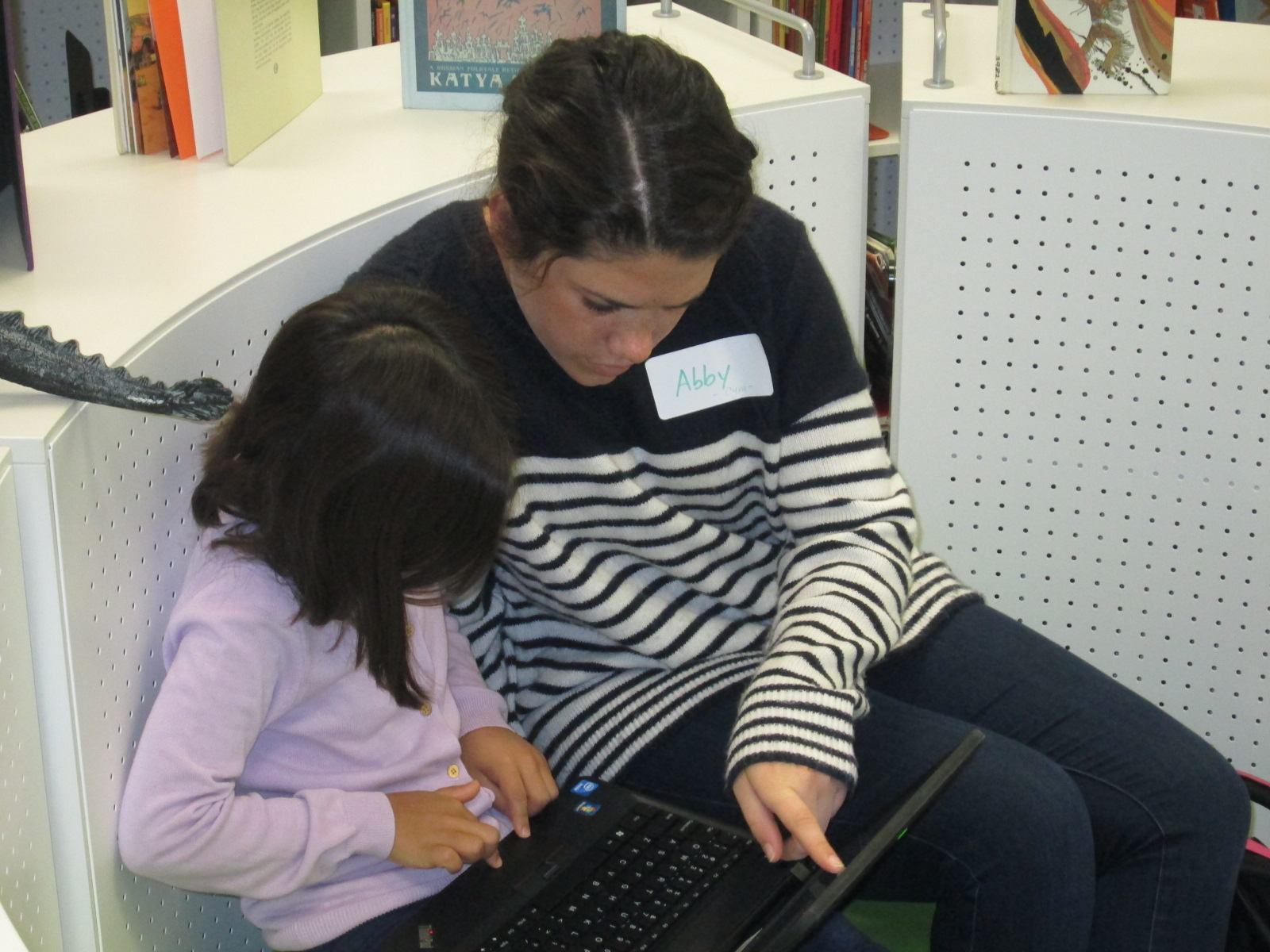
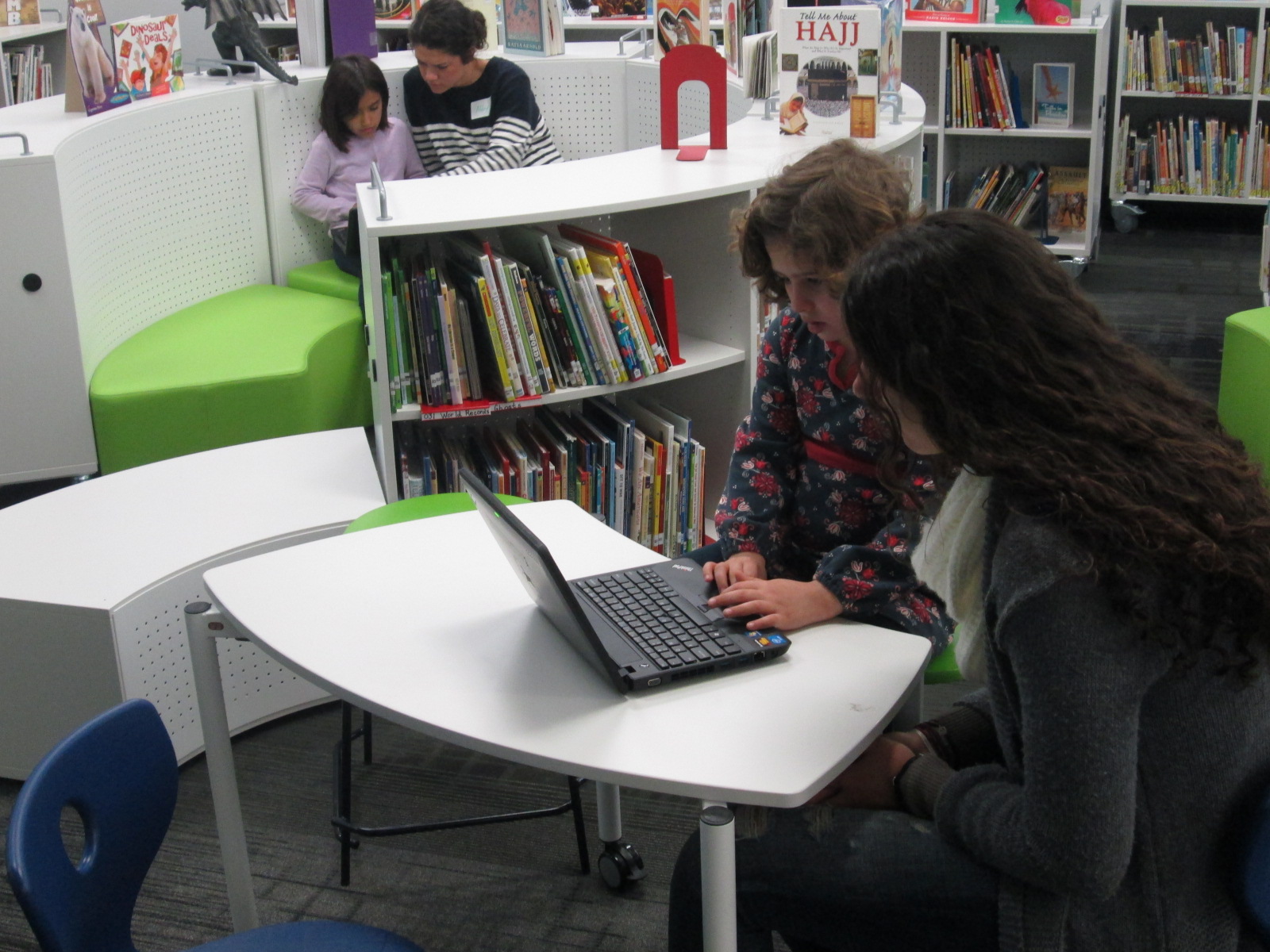
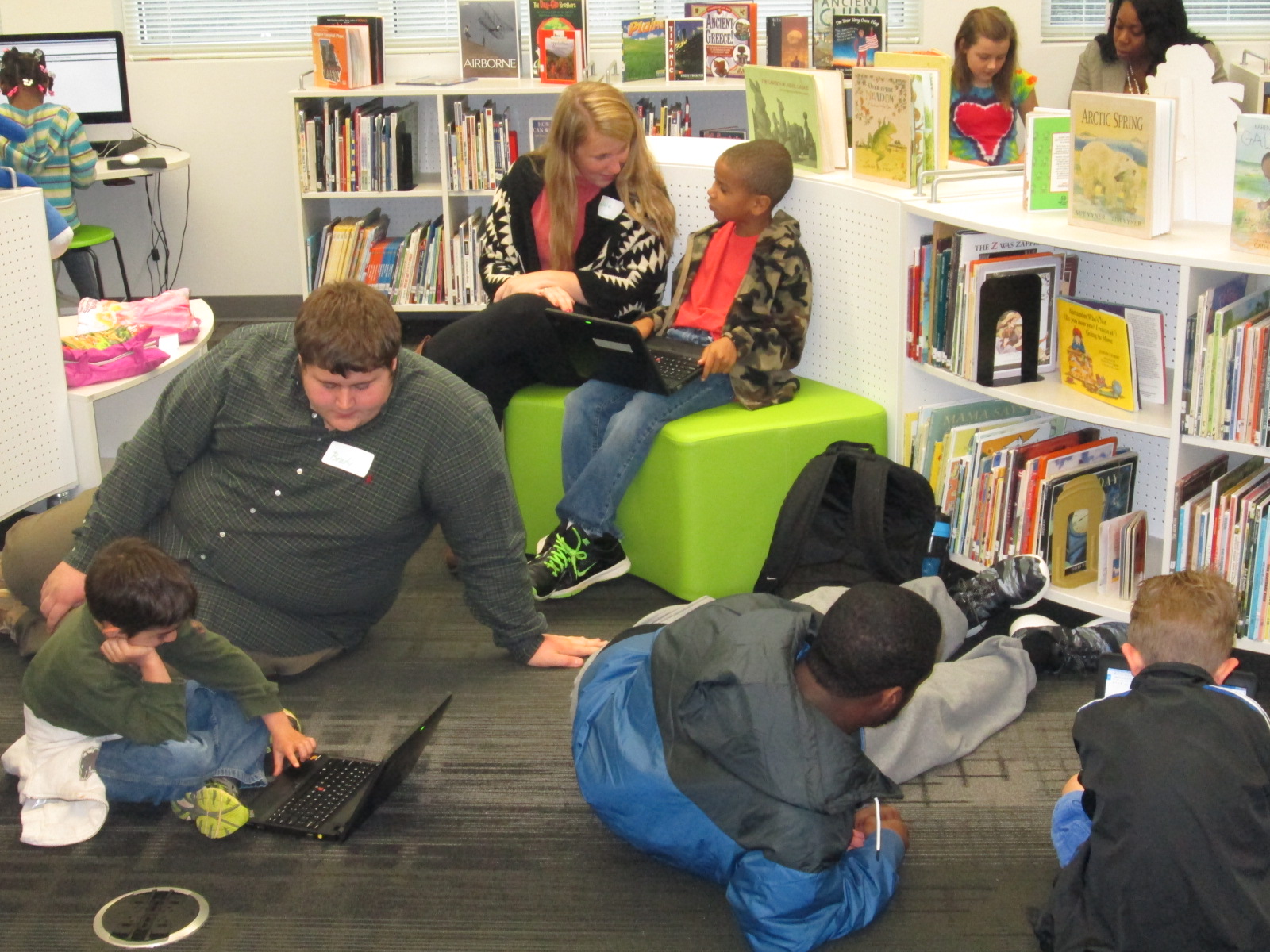
Geniuscon Day 2 (1)Last week a group from Gretchen Thomas’s EDIT 2000 class at the University of Georgia partnered with Caitlin Ramseyer’s 2nd grade class to work on research for the students’ GeniusCon projects.  Students are answering the question:  If you could change one thing about your school, what would it be?

Students topics range from improving the lunch menu to healthier options to adding additional playground equipment to eliminating homework to starting school later in the day.  Even students who share the same topic are taking different approaches to what they would change and how they would do it.

Geniuscon Day 2 (10)

Today, a new group of Gretchen’s students came to work with the 2nd graders.  Last time, most 2nd graders went through their lists of questions and answered them with their own thinking.  Today’s focus was to move to researching online and in books as well as developing next steps.

Geniuscon Day 2 (11)

I loved walking around and seeing some of the online reading that students were doing with their partners.

I also loved seeing how the UGA students interacted with the 2nd graders and how they helped to keep our students focused and thinking.  Of course, the UGA students learned a lot too about how much our students know about using technology.

Geniuscon Day 2 (8) Geniuscon Day 2 (12)

Some of those next steps involved created Google form surveys that could be emailed out.  Some students crafted emails to send out to the lunchroom or the principal.  We asked students to wait before sending anything out.  The main reason in doing this was to spend a little more time thinking through the content of the email or the survey.  For example, one student had one question in her Google form asking students if they would like more access to the 3D printer.  She was ready to send it out, but after talking with me, she realized that if students wanted access to the 3D printer, we would have no idea what they wanted to do with it.  Our conversation pushed her to think more about her survey before sending it out.  Similar conversations were taking place all over the library.

Geniuscon Day 2 (9) Geniuscon Day 2 (5) Geniuscon Day 2 (4) Geniuscon Day 2 (3) Geniuscon Day 2 (2)

At the end, Caitlin pulled her class together to debrief what they had accomplished.

https://www.youtube.com/watch?v=lEPAD3ygAuE&feature=youtu.be

Catilin’s students will continue working on this project and our UGA partners will return again.


Problem Solving and Science in Action with the Rube Works App

RubeWorks (2)Back in December, Kate Wright, 2nd grade teacher, told me that the grade level would be studying force, motion, pushes, pulls, and simple machines in the late part of 3rd quarter and they wanted to incorporate the art and inventions of Rube Goldberg.  It was a seed of an idea which I absolutely love.  I love when a seed is planted early enough that it has time to grow and expand with new opportunities.

Over the winter break, I had a follow on Twitter from Electric Eggplant , and in miraculous fashion, the seed idea began to develop.  Electric Eggplant is the developer of a new iPad app called Rube Works.  It’s the official invention game of Rube Goldberg.  I started having a Twitter conversation with them and found out that the app was on sale until the end of December.  I went ahead and purchased 30 copies knowing that it was going to be a perfect fit with the seed of an idea.

My Twitter conversation continued and I was connected with David Fox, the developer of Rube Works.  He agreed that once we got the project going, he would love to connect with us and see what the kids thought of the app.

Since that conversation, a page on Skype in the Classroom has been created for Rube Goldberg which includes the chance to Skype with David as well as Rube Goldberg’s granddaughter, Jennifer.  We added both of these to our growing seed of an idea.

RubeWorks (3)Over the past 2 days, the 2nd grade has been working in the library to use the Rube Works game.  This is a kickoff to their study of force, push, pull, and motion.  We started by watching some videos of Rube Goldberg inventions because most of the students had no idea who he was.  They were fascinated by the zany inventions to do simple, everyday things.  Some of them even launched into a brainstorm of what they would invent (which is coming as a part of our seed of an idea!)

Next, I showed students the Rube Works trailer.

They were eager to get started.  Because the Rube Works app has a reading component that does not have text to speech, the teachers paired students together so that a stronger reader was in each pair.  This helped lift this reading barrier for students, but it also gave students a brainstorming partner.  Students quickly saw that creating a Rube Goldberg invention is not a piece of cake.  It takes trial and error, risk taking, failure, problem solving, perseverance, working through frustration, and creativity to make these inventions work.  In our 35-40 minutes of work time, most pairs managed to finish the first scenario and some made great progress on the 2nd.  A few even made it to the 3rd level.

RubeWorks (5)

Even though there were moments where students could be heard saying, “This is so frustrating!” and “I just can’t get this to work!”, I didn’t see a single group stop working.  I overheard one student say, “I thought first levels were supposed to be easy!”, but she didn’t give up.  When we gathered back on the floor, we talked about how we all get frustrated, but it’s what we do with that frustration that matters.  The teachers brought up a classroom discussion that they have been having with students about perseverance, and this was such a great connection to help them feel what it’s like to persevere through something even when it’s hard. It was so rewarding to students be successful after multiple attempts.

I encouraged students to keep their solutions a secret but to feel free to give one another hints, which is yet another skill that we pulled into this lesson.  We wanted every person to work to figure out these puzzles without someone just giving away the solution.  Students didn’t want to quit after our hour together and they are eager to continue working with this app in their classroom.

When I asked students and teachers about some things that they love, they mentioned things like:

  • clear instructions
  • hints
  • the ability to test your invention multiple times along the way
  • that the app shows you the actual drawing that Rube Goldberg made after you finish a level
  • that it was challenging but fun

We look forward to continuing to explore this app and incorporate what we’ve learned into our own Rube Goldberg inventions.

RubeWorks (6)

Skyping with Capstone Press and their Graphic Novel Team

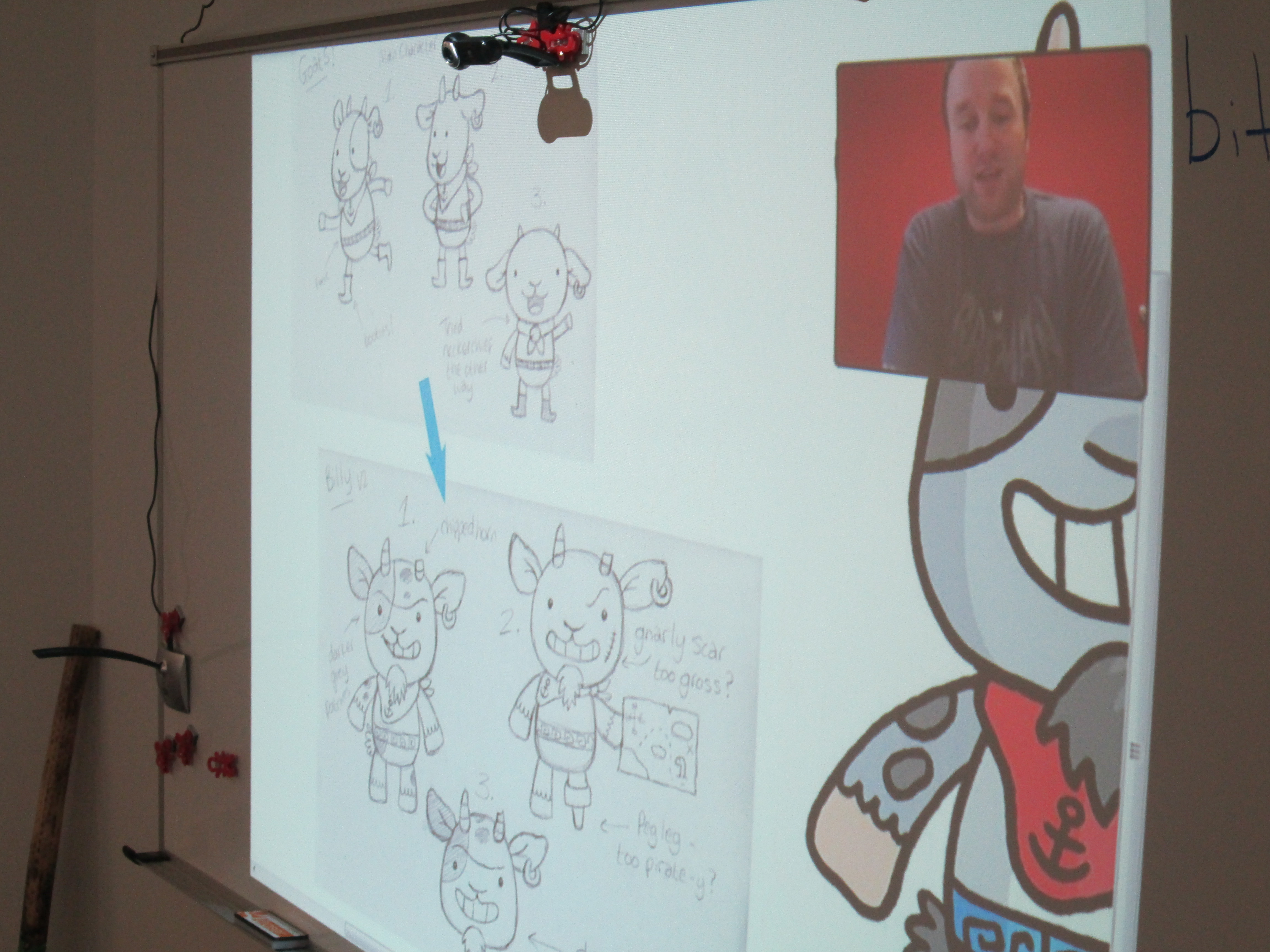
capstone graphic novel skype (2)Our 2nd grade spectrum students have been studying graphic novels.  We started by watching this video from Capstone Press.

capstone graphic novel skype (4)

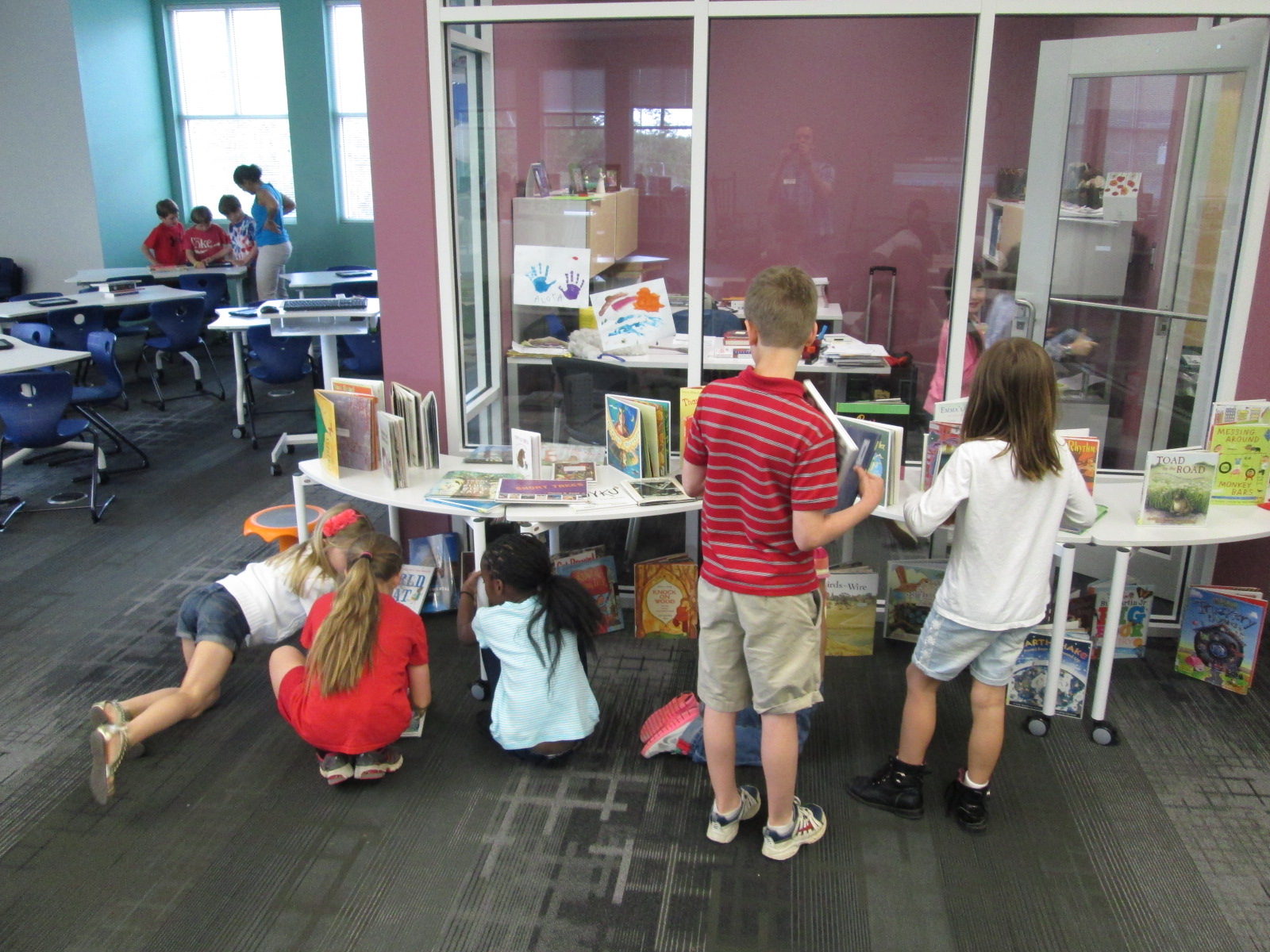
Then, students started looking at all of the graphic novels in our library and noticing elements of a graphic novel.  They identified speech bubbles vs. thought bubbles vs. captions.  They looked at the inking and colors chosen as well as the layout on the page.  After several days of exploring graphic novels, students began working on their own.  They go through a process of storyboarding, thumbnail sketches, etc.

capstone graphic novel skype (7)

In our library, some of our favorite graphic novels are by Capstone Press.  We can’t keep Princess Candy on the shelves.  In addition to our print graphic novels, we have several simultaneous access ebooks that are graphic novels.

capstone graphic novel skype (3)

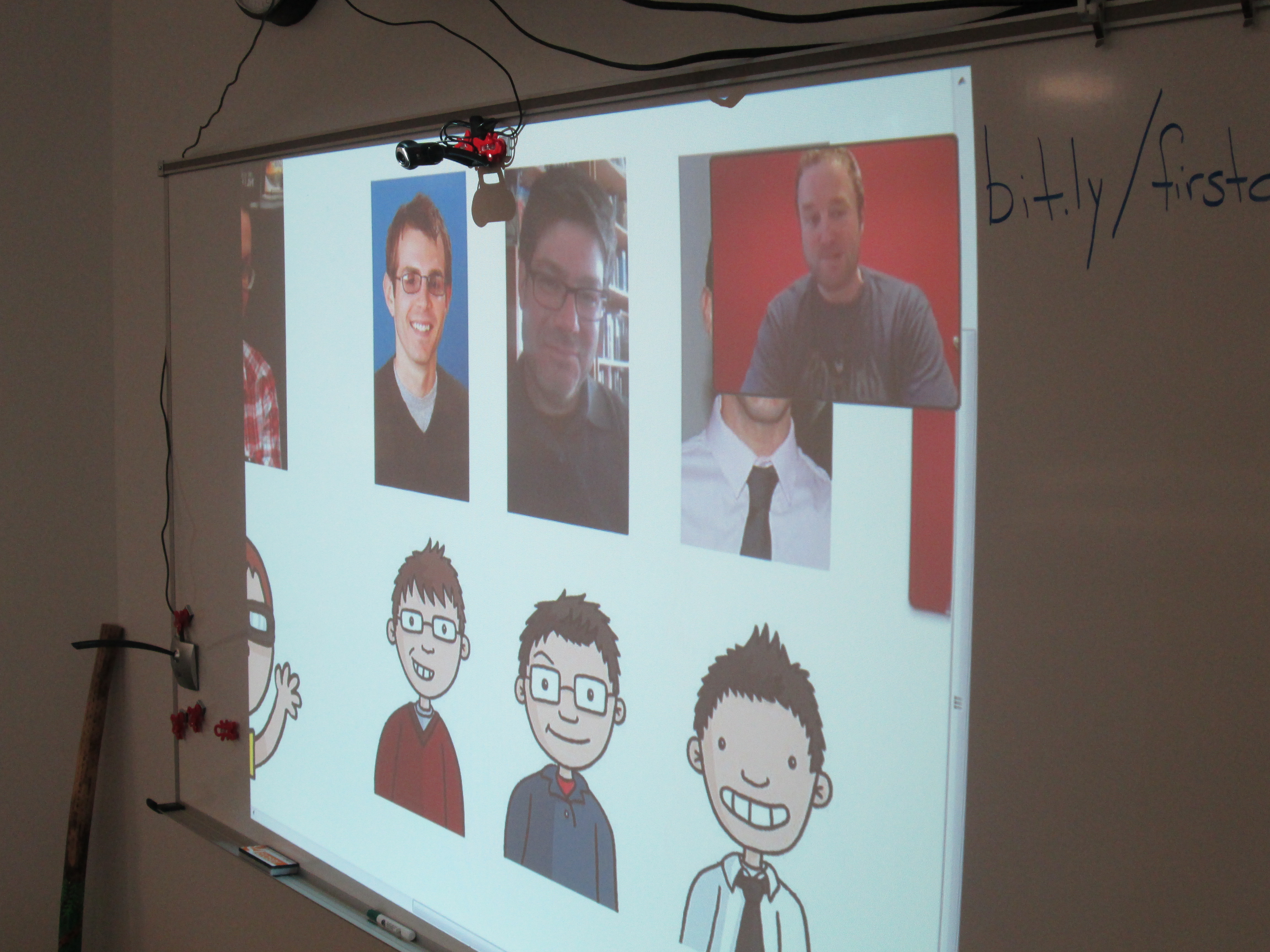
Each year we try to think about experiences that we can offer the students in this project to support their development of their own stories.  Sometimes we have a  guest speaker come in and do some cartooning.  However, this year I reached out Amy Cox and the wonderful people at Capstone Press.  Amy connected me with Bob Lentz who works on graphic novels and Ashlee Suker who works on graphic nonfiction.

capstone graphic novel skype (1)

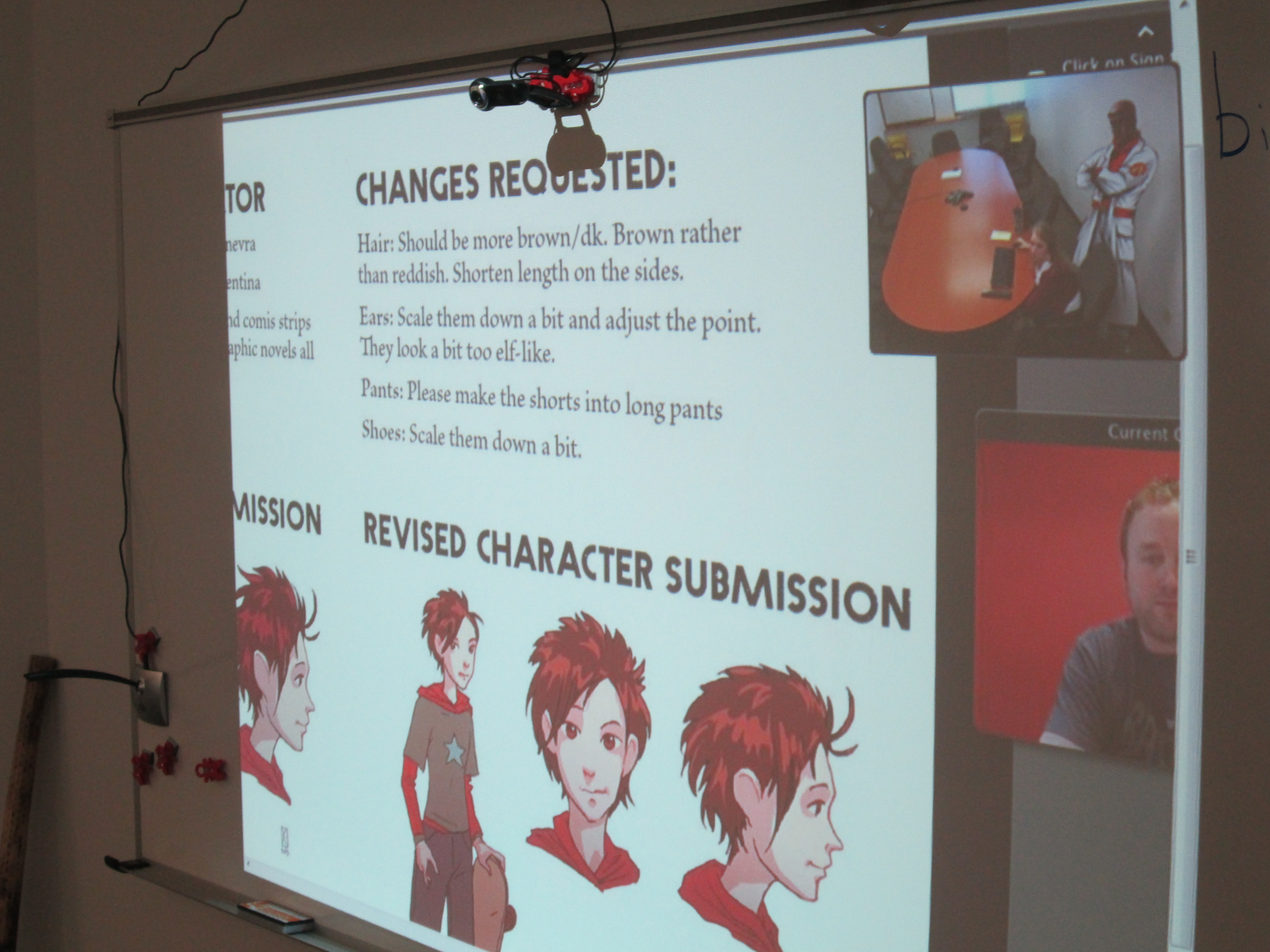
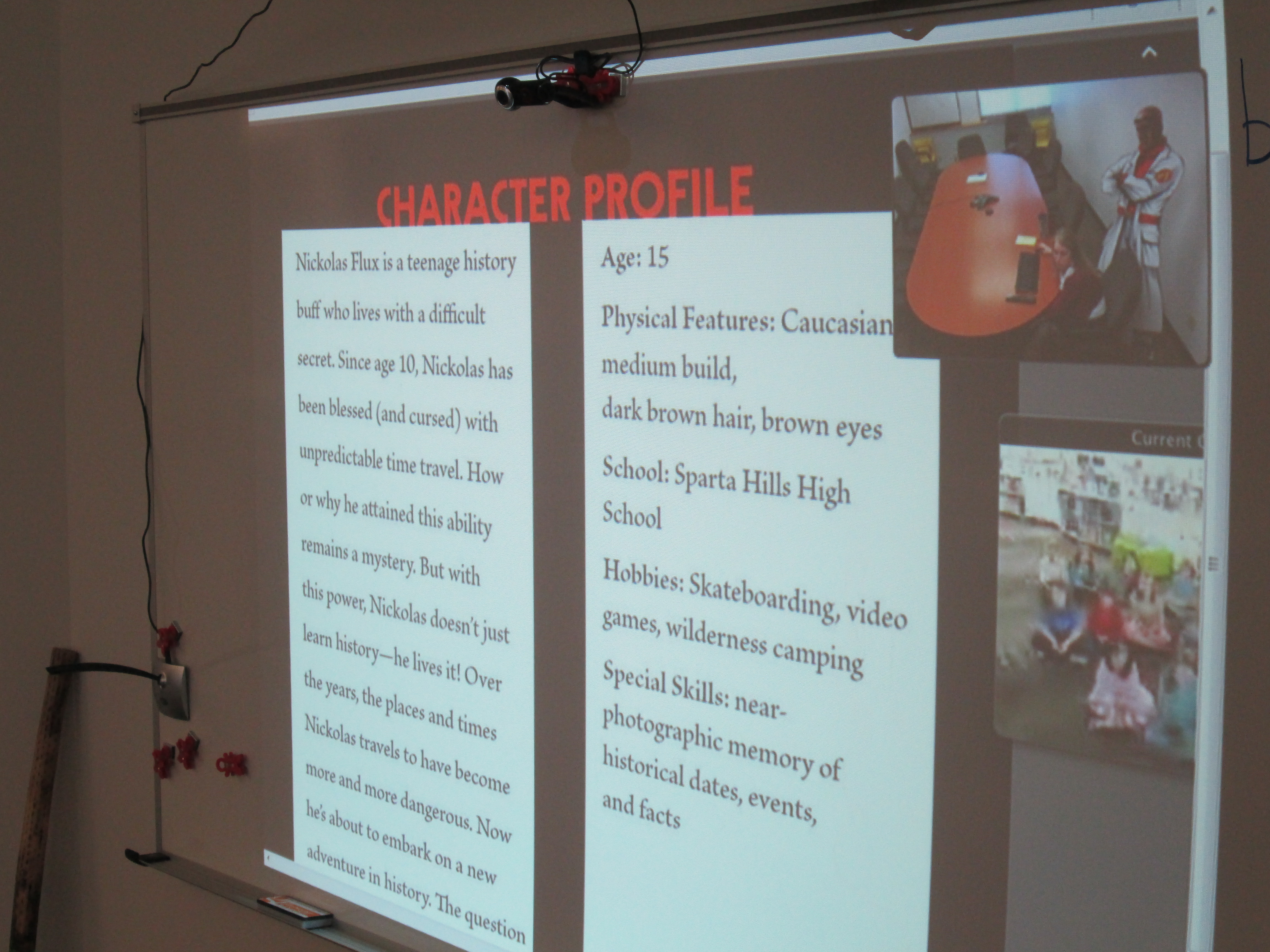
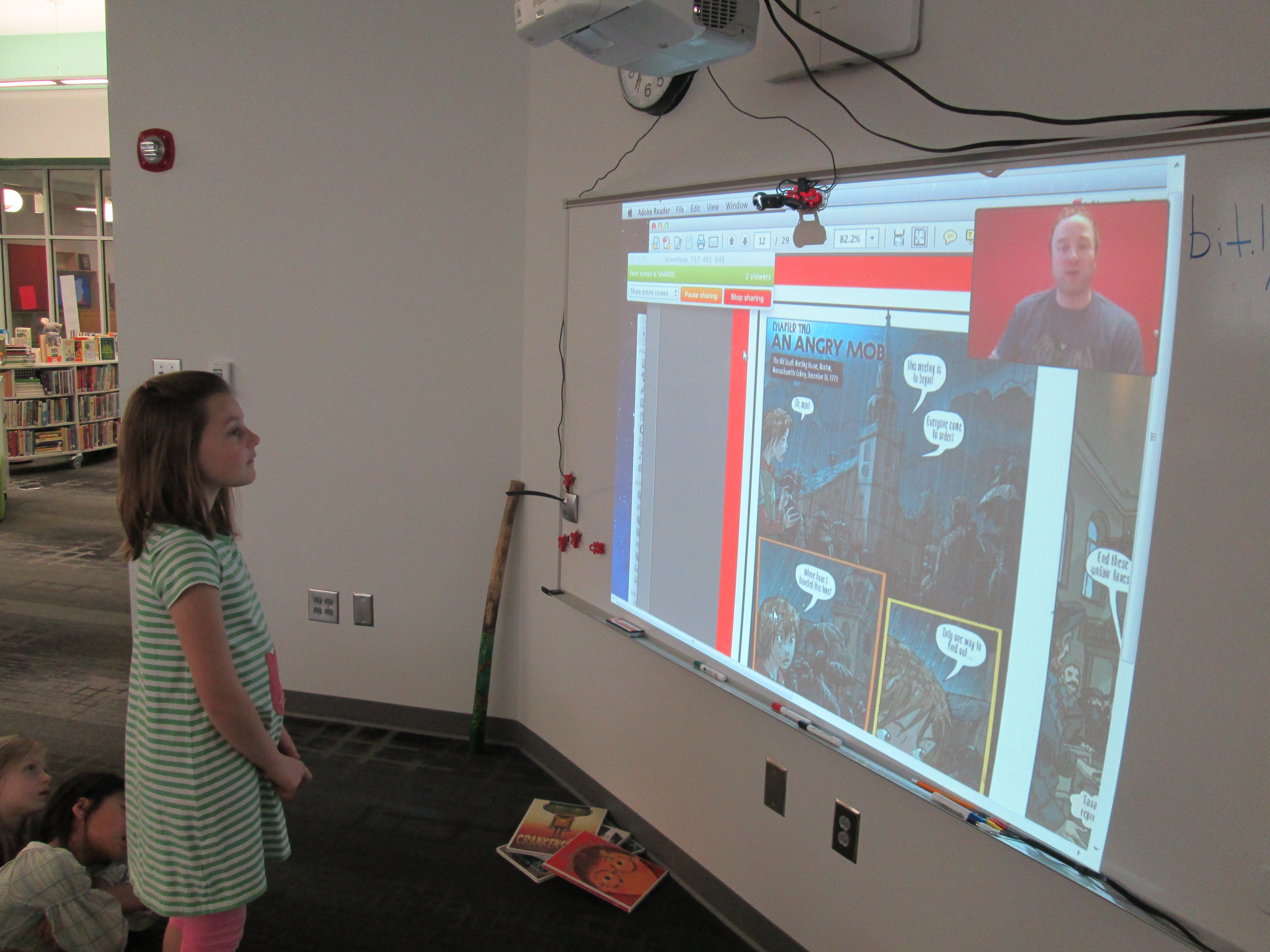
This dynamic duo put together a presentation to show our students how a graphic novel is put together from the beginning to the end.  We got to see how the story is planned over a specific number of page layouts.  We saw how text fits into the various boxes on each layout.  From this text, we also got to see the instructions that are sent to an illustrator along with research links to inform the historical aspects of a nonfiction graphic.

capstone graphic novel skype (8)

Every page that Ashlee showed got several oohs and ahhhs from students.  They loved to see how a character went from a thumbnail sketch to a full color character in the book.  It was also interesting to see the initial attempt at creating a character and how that character changed.  Sometimes the final character was a combination of several sketches put together.
capstone graphic novel skype (5)

Bob and Ashlee paused a lot along the way for students to ask questions.  Some of their questions were about upcoming projects while others were about where ideas come from.  I loved when students thought about specific questions that would help them with their own project.  I also loved when Bob asked the students how many pages their graphic novels were going to be.  Answers ranged from 12 pages to a full box set of several graphic novels!

capstone graphic novel skype (6)

Bob and Ashlee closed with a preview of upcoming Capstone titles for the fall.  The students saw a lot of books that they want in our library.  It was perfect timing because our student book budget group is about to start and graphic novels is once again a category that they will be purchasing books in.  These 2nd graders are sending their recommendations to this group, and I’m sure we’ll see several Capstone graphic novels on our shelves soon.  Thank you Capstone Press for being a continuing supporter of the programs we offer in our library.  You are appreciated!

http://www.youtube.com/watch?v=8Bli0CF7700

Using KidBlog with 2nd Grade

kidblog (8)

Last year our 2nd grade teachers collaborated with me on a blogging project using KidBlog.  Our blog was  a way to connect our students with students in Van Meter, Iowa while at the same time showcasing different kinds of writing.  This year, the teachers wanted to start blogging much earlier in the year.

kidblog (3)Each teacher setup her students on KidBlog by uploading a simple excel spreadsheet with names and passwords.  In class, students wrote out their first “post”.  This post was very simple.  Students have been studying important people from Georgia’s history so each student wrote one sentence about one of these Georgians on an index card.  They brought these cards with them to the library to learn about blogging and do their first post.

During our mini lesson, I asked students how many had heard of a blog, and all hands went up.  Then, I ask them who could define what a blog is, and almost all hands went down.  Our first question of exploration was “What is a blog?”  We watched a common craft video on blogging.  I paused along the way and asked students what news they might report on as a 2nd graders.  They mentioned things like:

  • what we do in our classroom
  • math problems that people could solve
  • what we did on vacation
  • books that we are reading
  • and more

Next, I showed them the media center blog.  We looked at the map of readers, tags, how posts are from most recent to oldest, and talked about my audience.

Finally, I showed them Kidblog and how they would login to do their posts.  I stressed the idea that once you click “publish”, your work is instantly connected with an audience.  Students brainstormed what they might need to do before clicking publish.  They said things like:
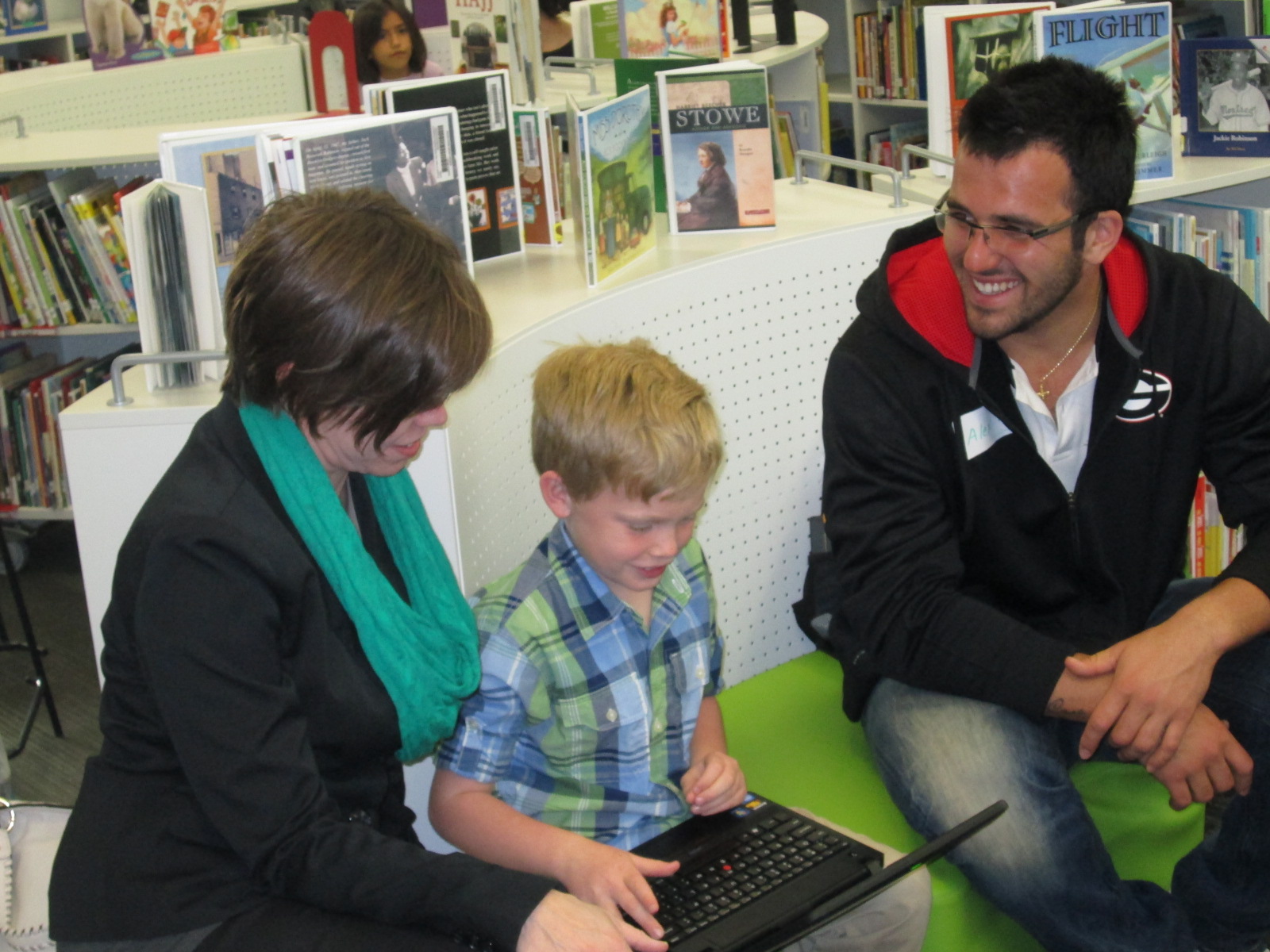
  • triple check your work
  • check spelling
  • revise and edit
  • read for understanding
  • ask an adult to check your work
  • make sure you said things the way you wanted to say them
  • check that it’s appropriate

Students dispersed to iPads and laptops and began logging in.  Adults circulated and helped students as needed, but students also helped one another to find buttons, login, and any other technical questions they had.  In about an hour, most students were able to learn about blogs & their purpose, make their first post, and go back to class very eager to write more.  The report back from the teachers was that these students are already asking when they will be able to post again.

You can see the beginnings of their work at the following links:

http://kidblog.org/MrsYawnsClassBlog/

http://kidblog.org/MrsRamseyersClassBlog/

http://kidblog.org/MrsWrightsClassBlog/

http://kidblog.org/MrsBrinksClassBlog/