The Power of Tinkering Before Assigning a Project

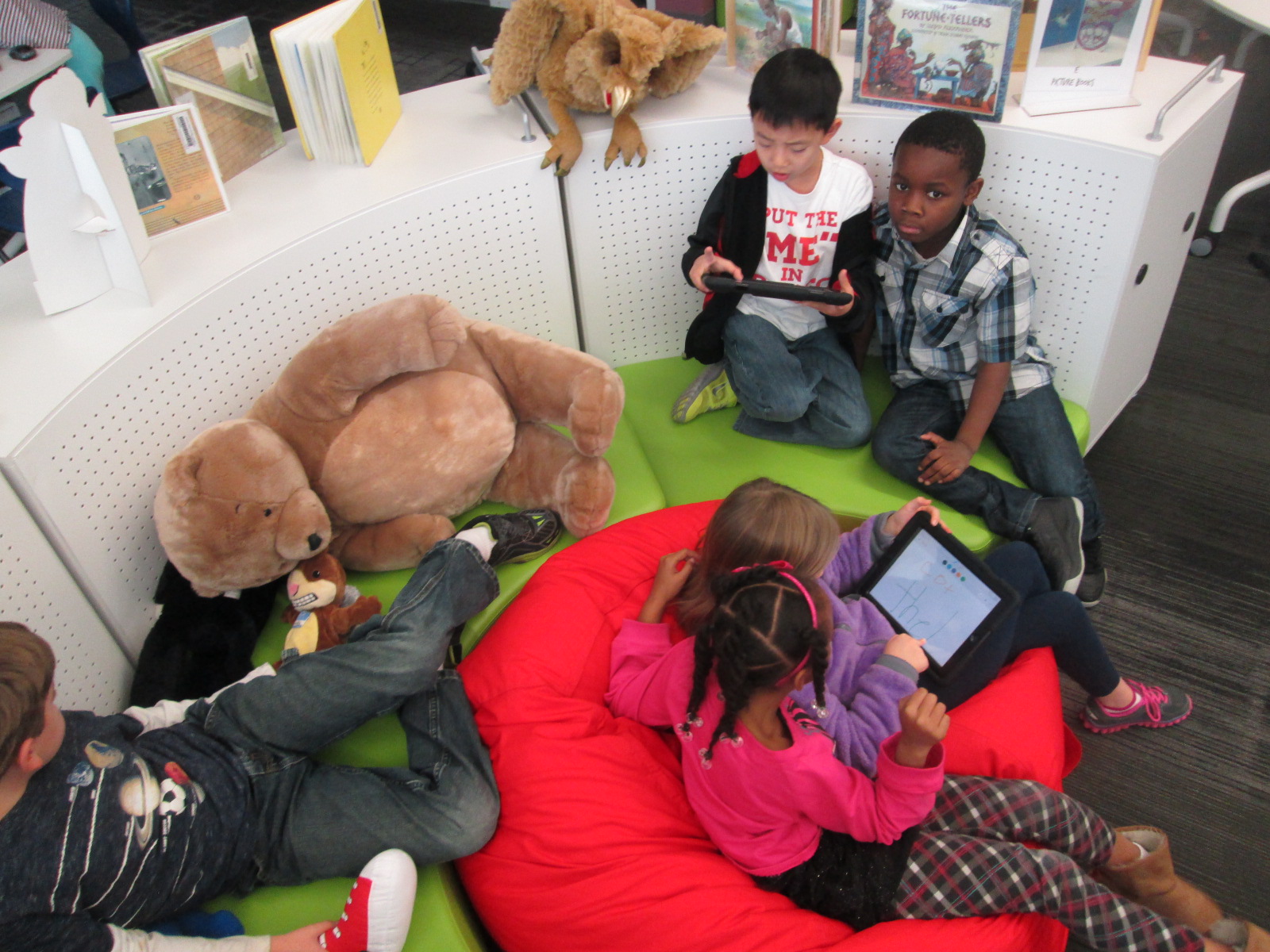
Educreations Day 2 (2)One of my library goals this year is to give students, teachers, and families opportunities to dream, tinker, create, and share.  That has meant many things during the course of this year, but one of the things that so many of our teachers are embracing with me is intentionally planning time for students to tinker with a new tool before we ask them to create a project with it.
Educreations Day 2 (6)

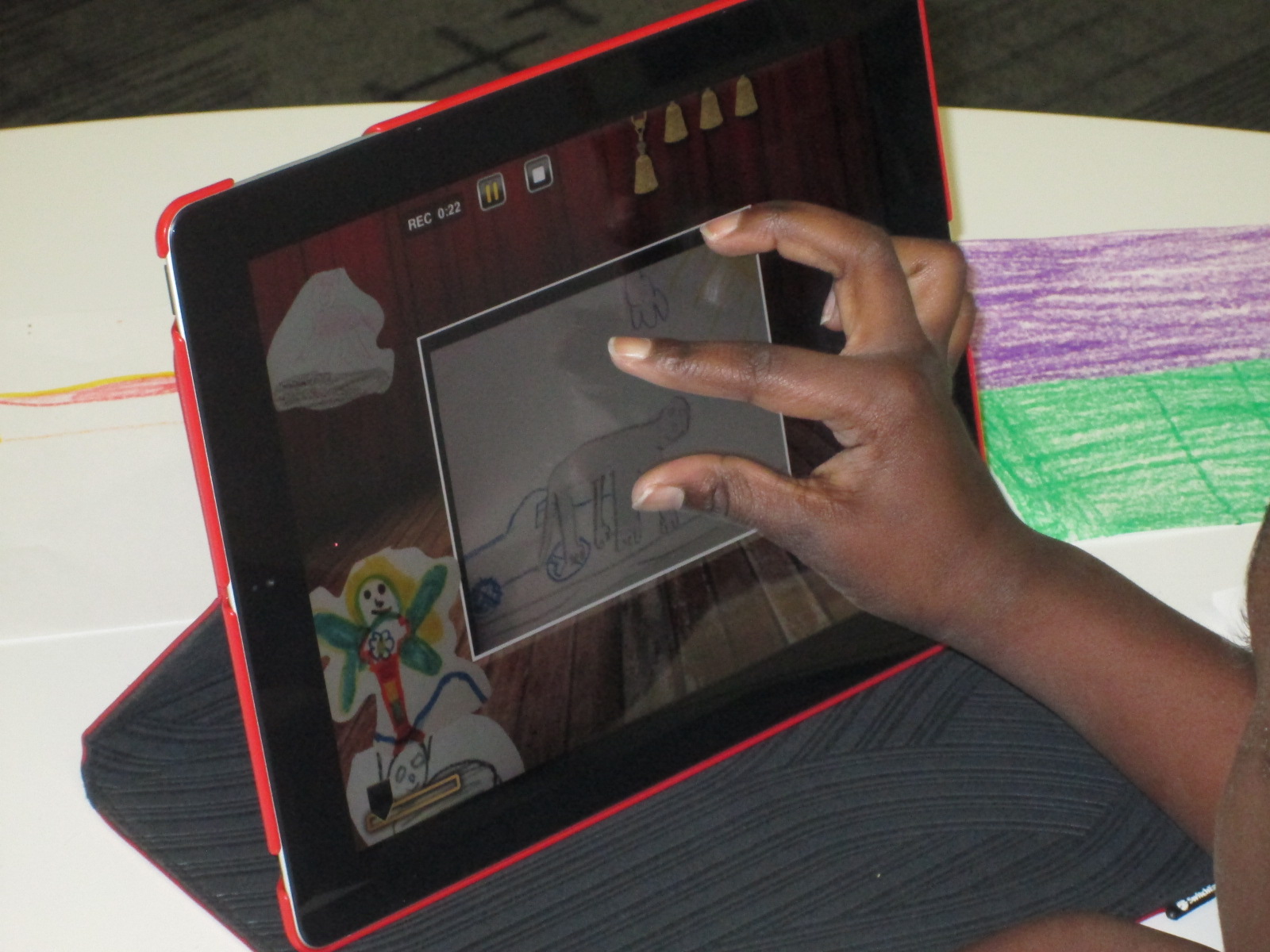
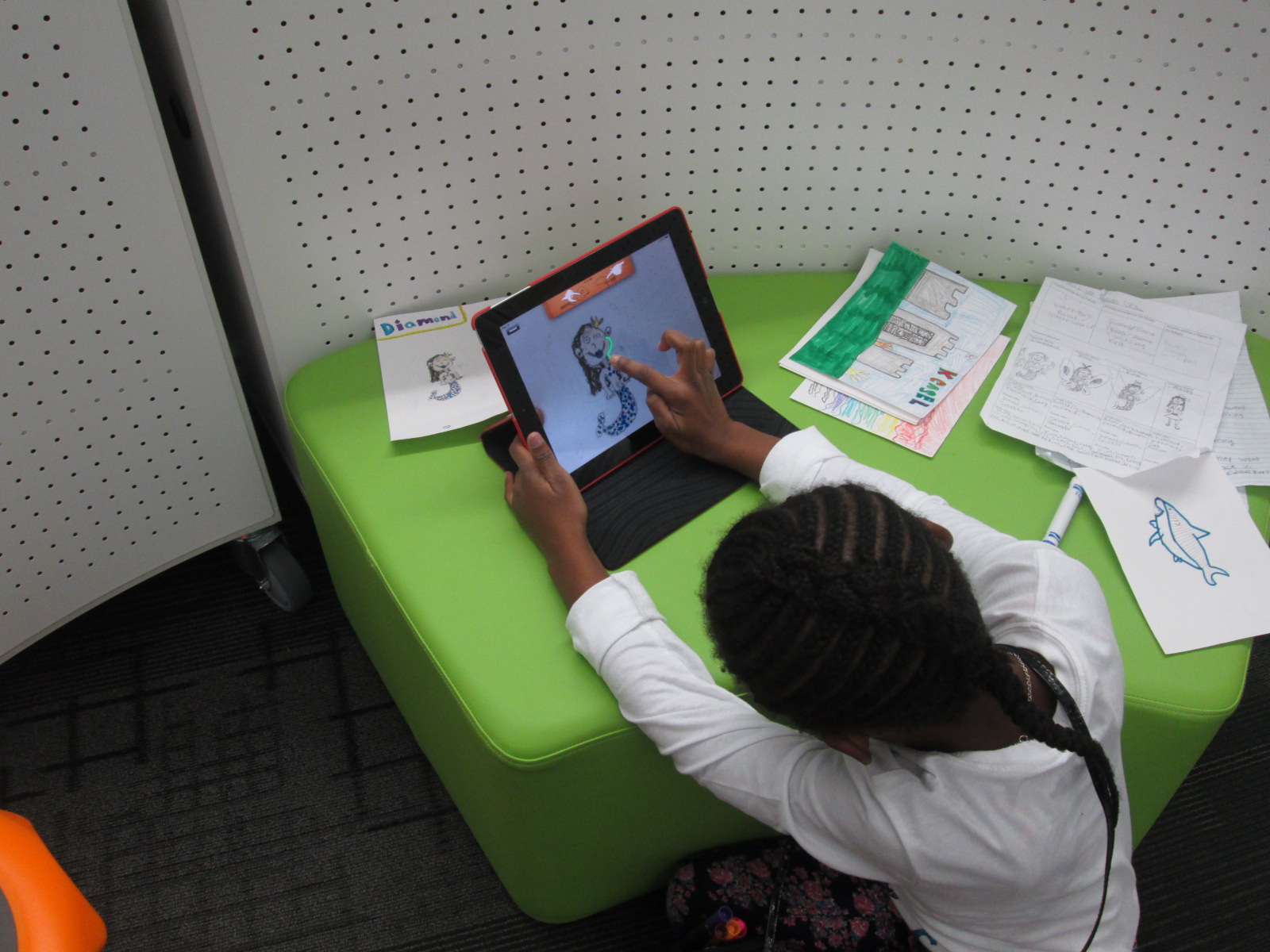
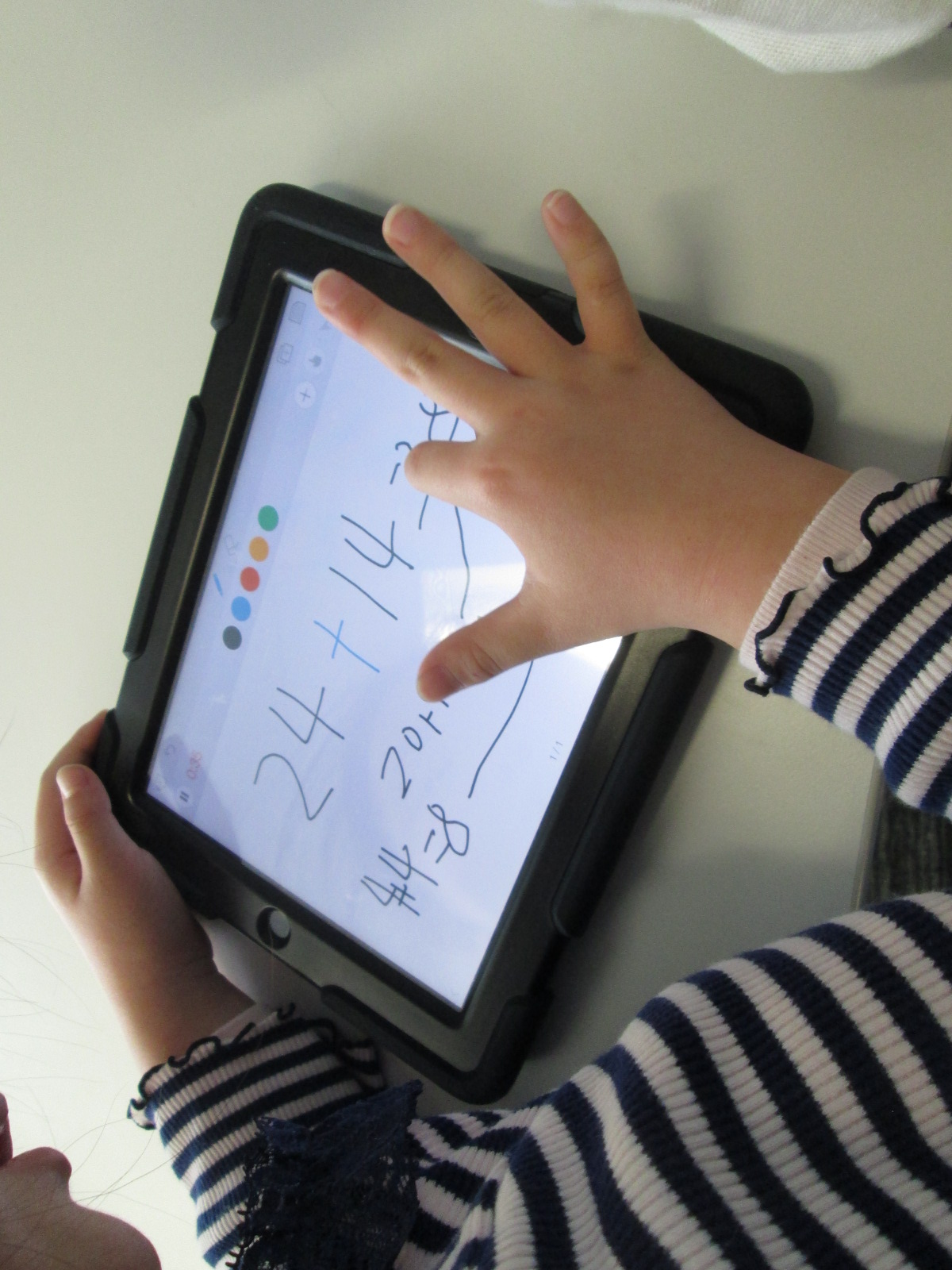
During collaborative meetings and virtual planning with teachers, I often ask if we can build in time for students to explore a technology tool with no limits, rules, or assignments.  The only assignment is to push as many buttons as you can and see what you can figure out about that tool.  In addition, there is an expectation that students will pass on their expertise to others as they figure something out through tinkering.
Educreations Day 2 (5)

There have been several instances of this type of tinkering happening this year.  Ms. Hocking gave her Kindergarten students time to tinker with storykit.  All of third grade tinkered with Puppet Pals before a folktale project.

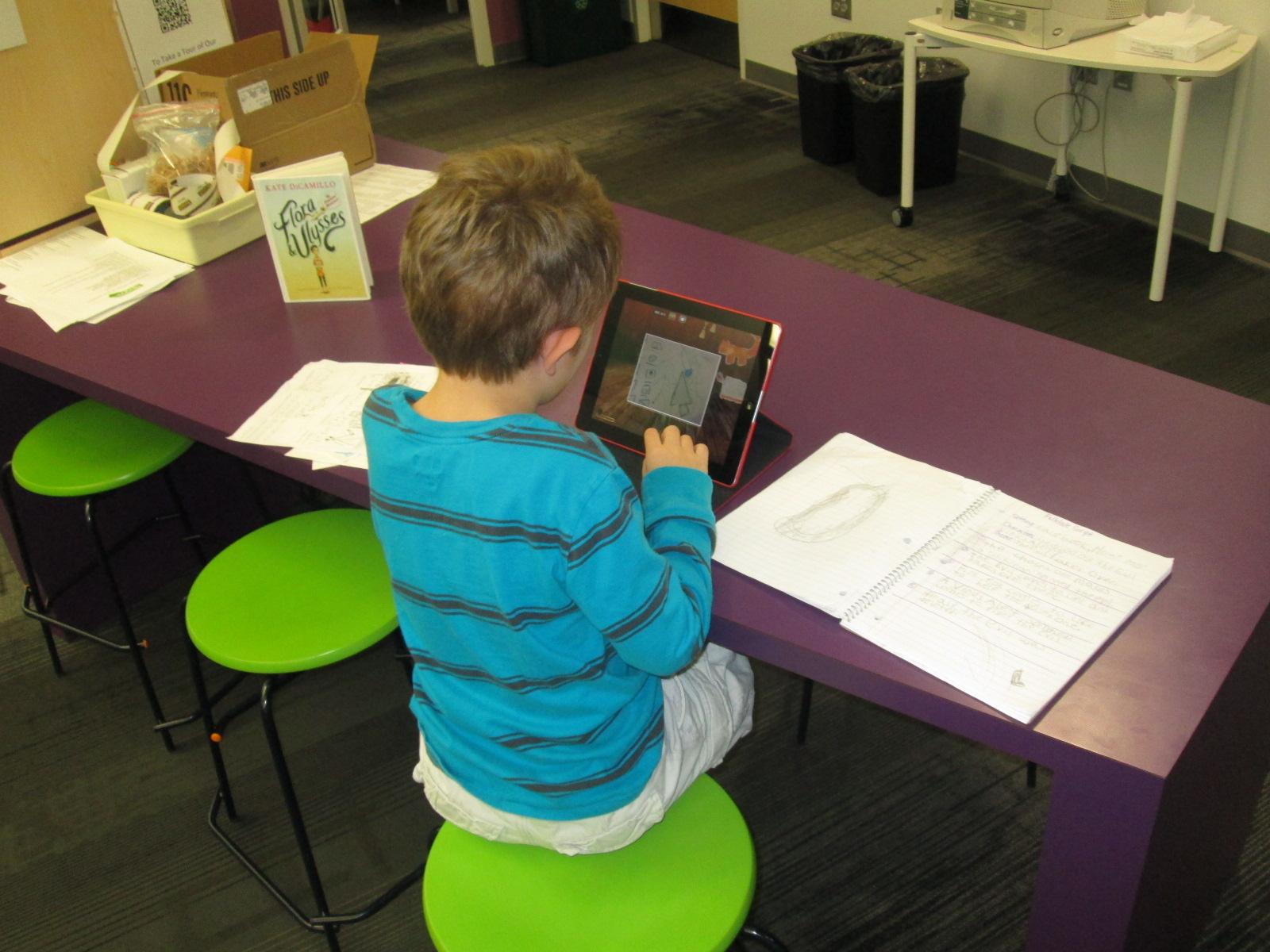
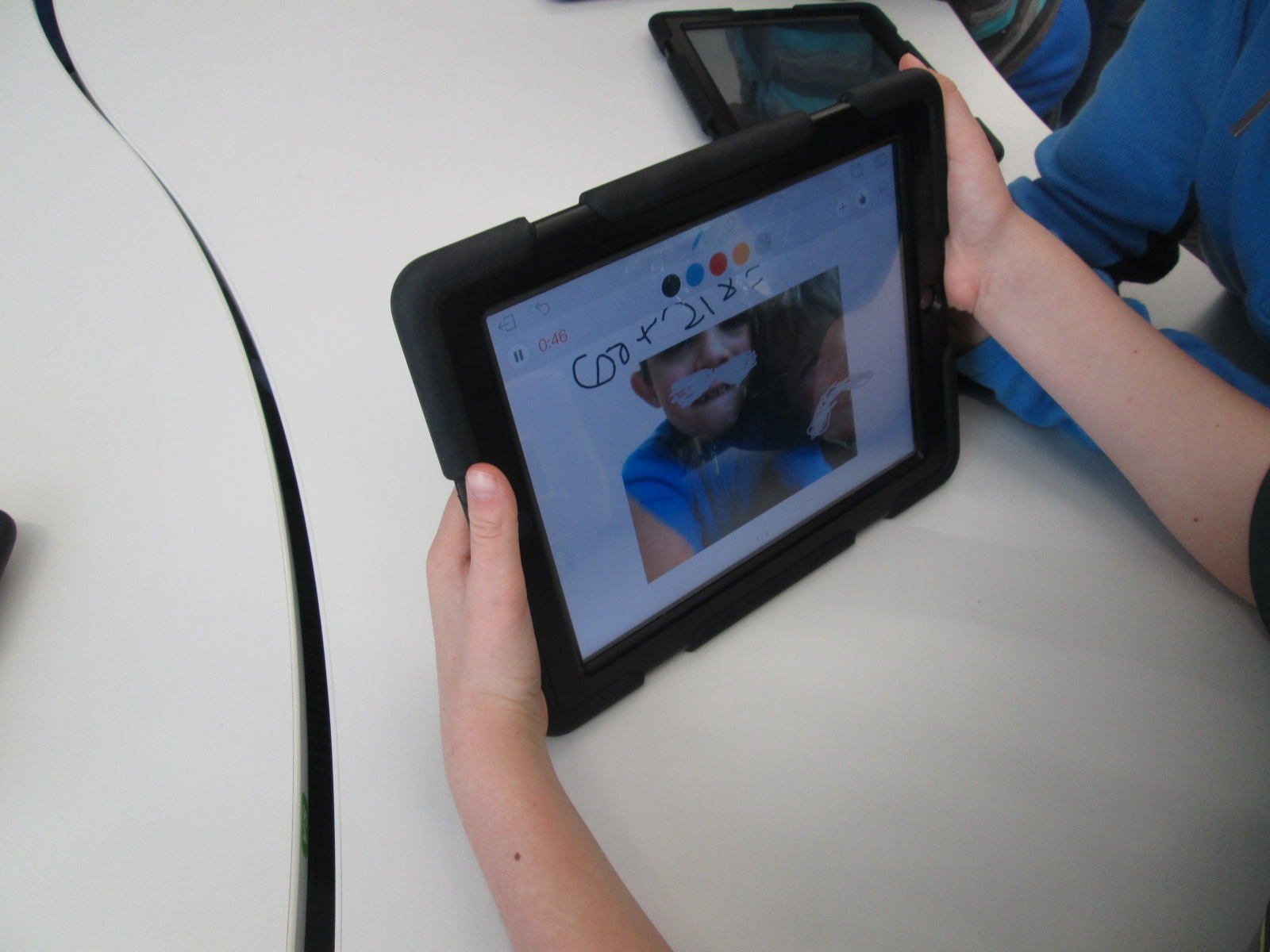
This week, first grade is also taking time to tinker with the Puppet Pals app as they prepare for an opinion writing assignment in English Language Arts.
IMG_4796

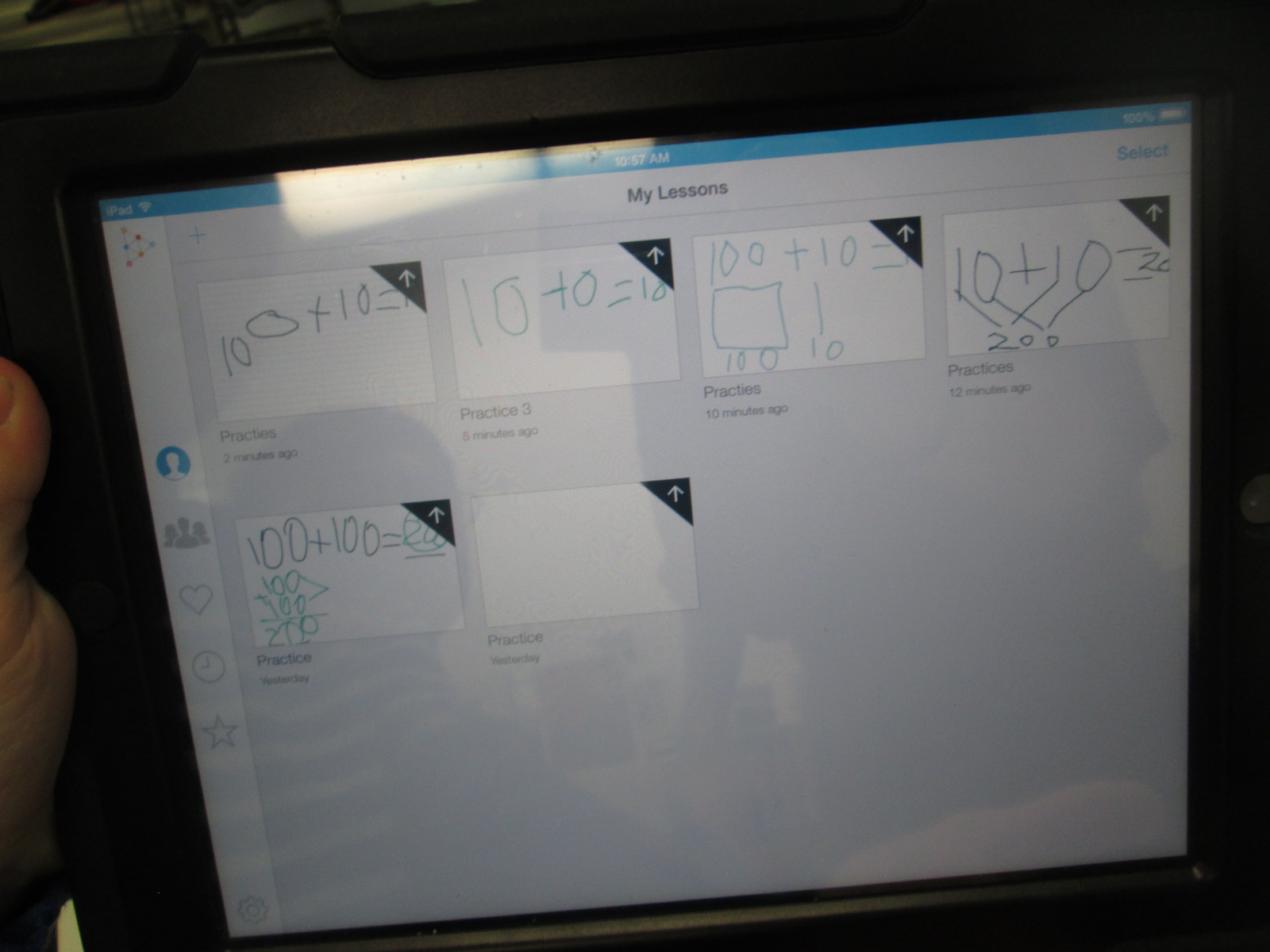
Finally, 2nd grade is about to start creating math screencast tutorials using the Educreations app for iPad.

As I’ve facilitated these tinkering sessions, I’ve started to adjust how the sessions run.  We start on the floor to talk about tinkering.  Students share some knowledge about what they already know about tinkering.  Some of the responses I’ve heard are:  a time to explore, a time to be busy, and figuring things out.  I follow this with my own understanding of tinkering.  I establish two big ground rules: 1. Push every button you see in an app and see what it does.  2. Share what you learn.

In most classes, I breeze through the app with very little explanation of what I’m doing just so that students get a quick preview of what they will be looking at and what they might end up with.  In Educreations, I wrote 2+2=____ and then drew out a picture of how I solved that math problem.  I didn’t talk about clicking on colors, the microphone, or really anything.  I just wanted them to get a quick view of the end result.

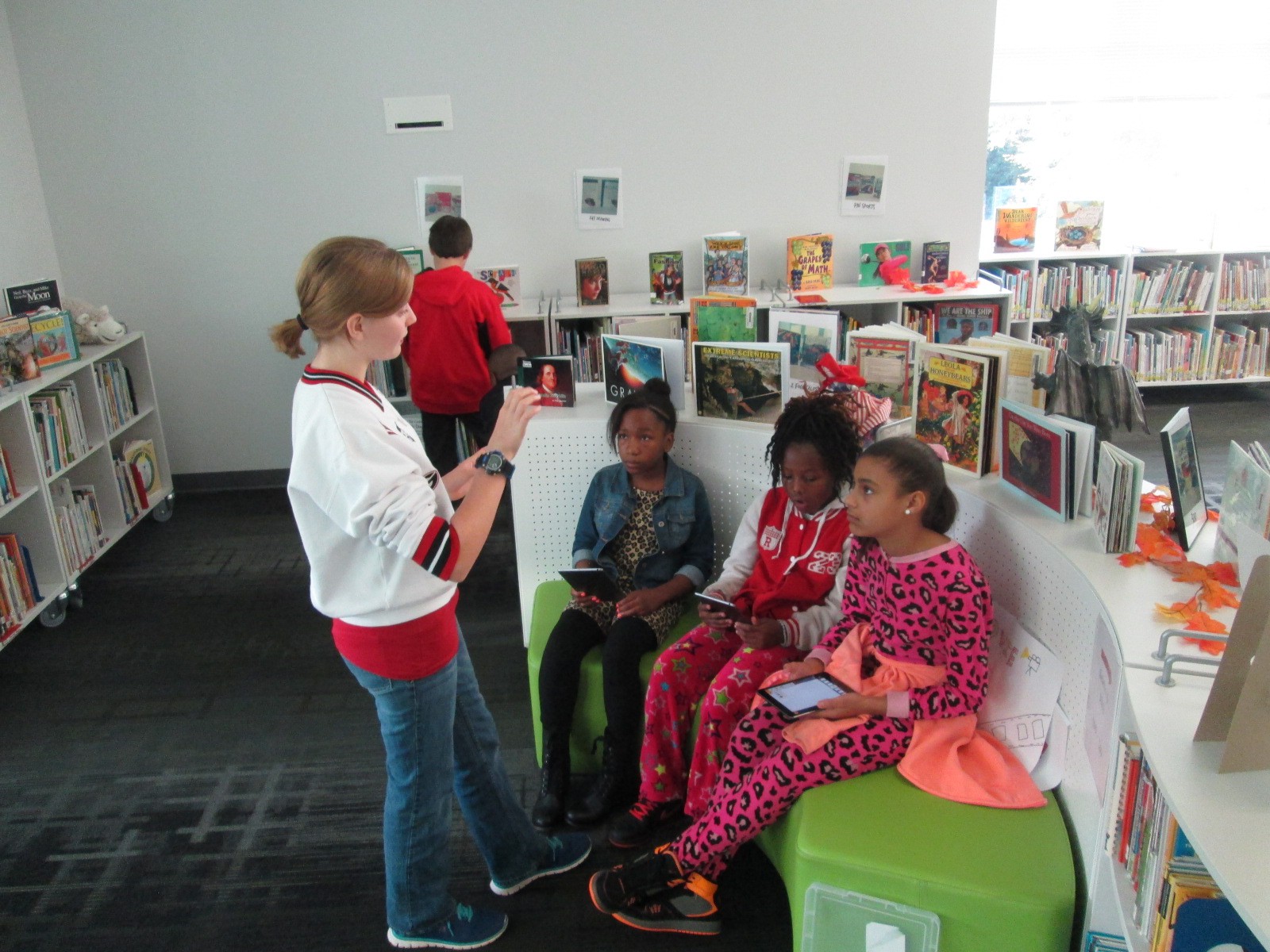
Then, students had a large chunk of time to explore on the iPads.  For 2nd grade, we did this in pairs, but some classes have been individuals.  My role was to walk around and observe.  A few students were tempted to ask me how to do something, but I responded with a “give it a try”.  Very rarely did I do something for a student.  The only time I intervened was when students needed help getting the app up and running or if the iPad had a technical problem.

As I observed, I would stop and ask students questions like “What did you figure out?” or “Why did you choose to do that in that way?” or “Now that you’ve seen how that works, would you do it a different way next time?”.  These were common questions that I used again and again and they certainly were not ones that I started with.  I was very tempted at first to just jump in and show students something, but I learned to step back and ask questions that allowed students to show what they know.

I saw students naturally leaning over and helping other students, but during my observations, I sometimes saw an opportunity for 2 students to partner and share their learning.  This was another role for me to serve as a connector between students.

The energy level was high, and there was some frustration.  However, I did not see any student give up, get completely off task, or leave without learning something about  how the app worked.

At the closing of each lesson, we gathered back on the floor.  I connected an iPad to the projector and had students come and demo their learning for the rest to see.  We tried to move as quickly as possible to share as many tips as we could.  A big observation for me during this time was how attentive students were.  I’ve never seen students watch a peer presenter with such focus.  Usually, they are having side conversations or tuning out to think about other things.  This time they were watching, listening, and giving connection signals if they had also figured out that part of the app.  If time allowed, I had students turn to one another on the carpet and share even more that they had discovered.  During the closing, I tried to connect what students had discovered with the actual project that we would be implementing next.  For example, a student did a demo of how you can erase while you are recording and I added that this might be a tool you would use while modeling subtraction in a video.

Now that this time of tinkering has happened, our next step is to do the work.  First grade will use Puppet Pals to create opinion puppet shows and 2nd grade will create math tutorials to share.  I’m eager to see how productive students are now that they have had time to get familiar with the app before a curriculum standard expectation was placed on them.  My want to continue to explore the power of tinkering and how it can support the work that we are trying to achieve with students.


Writing Folktales with Puppet Pals

IMG_4418 IMG_4416

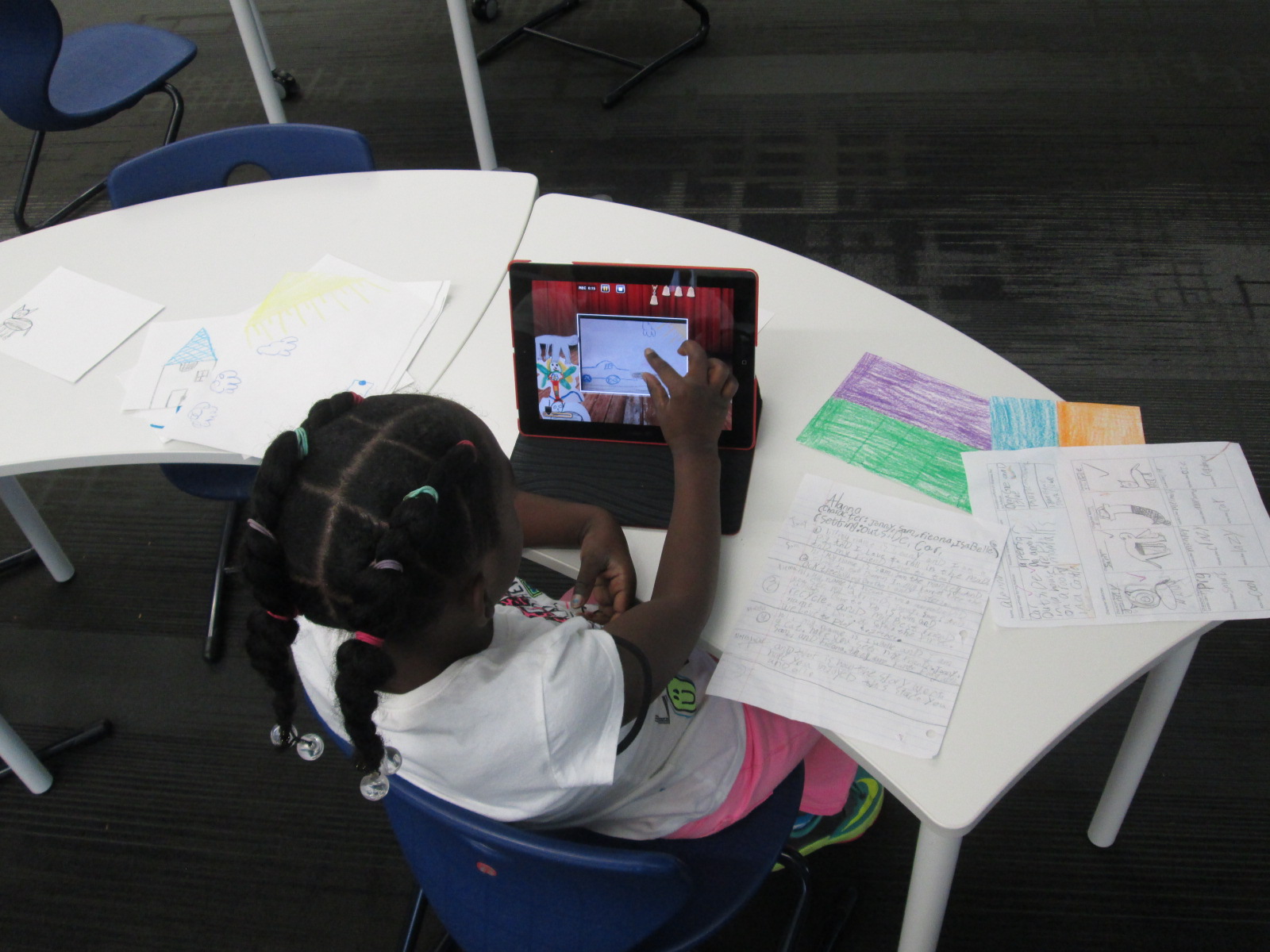
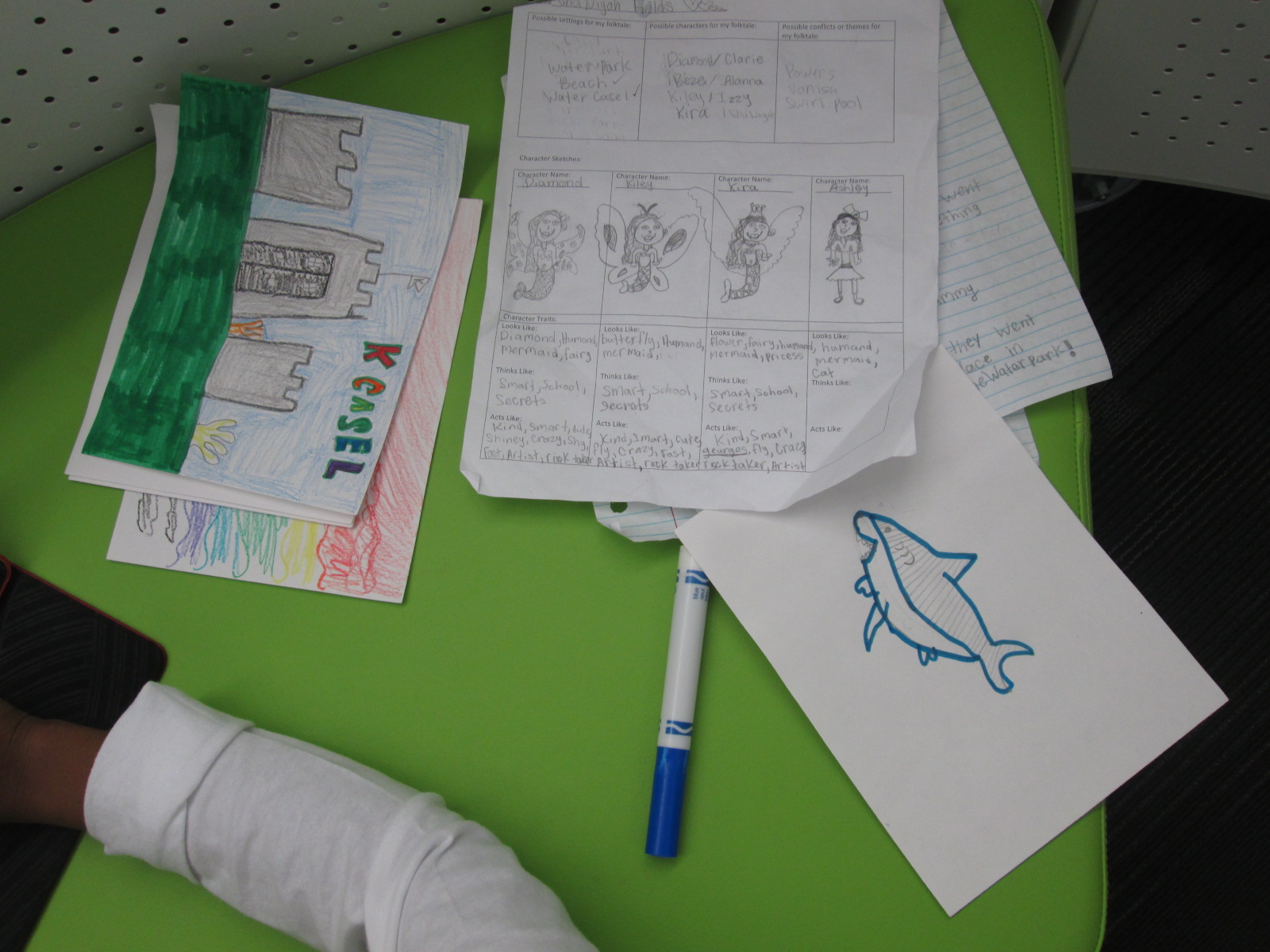
A few weeks ago, I introduced the iPad app, Puppet Pals, to 3rd grade through a tinkering lesson connected with an author study.  After that lesson, the teachers and I started planning an extension of their folktale unit using this app.  Each class chose a folktale to read multiple version of such as Cinderella, Goldilocks, Three Little Pigs, etc.  Then, students wrote their own story using some of the elements that they had noticed in their study of folktales.  In art, students designed characters and settings for the stories that they wrote in writing time.

IMG_4419

Puppet Pals HD is a free app, but if you upgrade the app for $4.99, you have access to so many more features.  My favorite feature is the ability to take photographs of anything and turn it into a character or a setting for your story.  Students used their artwork from art to create the characters and settings in the app.  From there, students took their script and recorded their folktales.  Some students had multiple characters and settings, so it was nice that they could pause the recording to switch out settings or characters.

IMG_4420

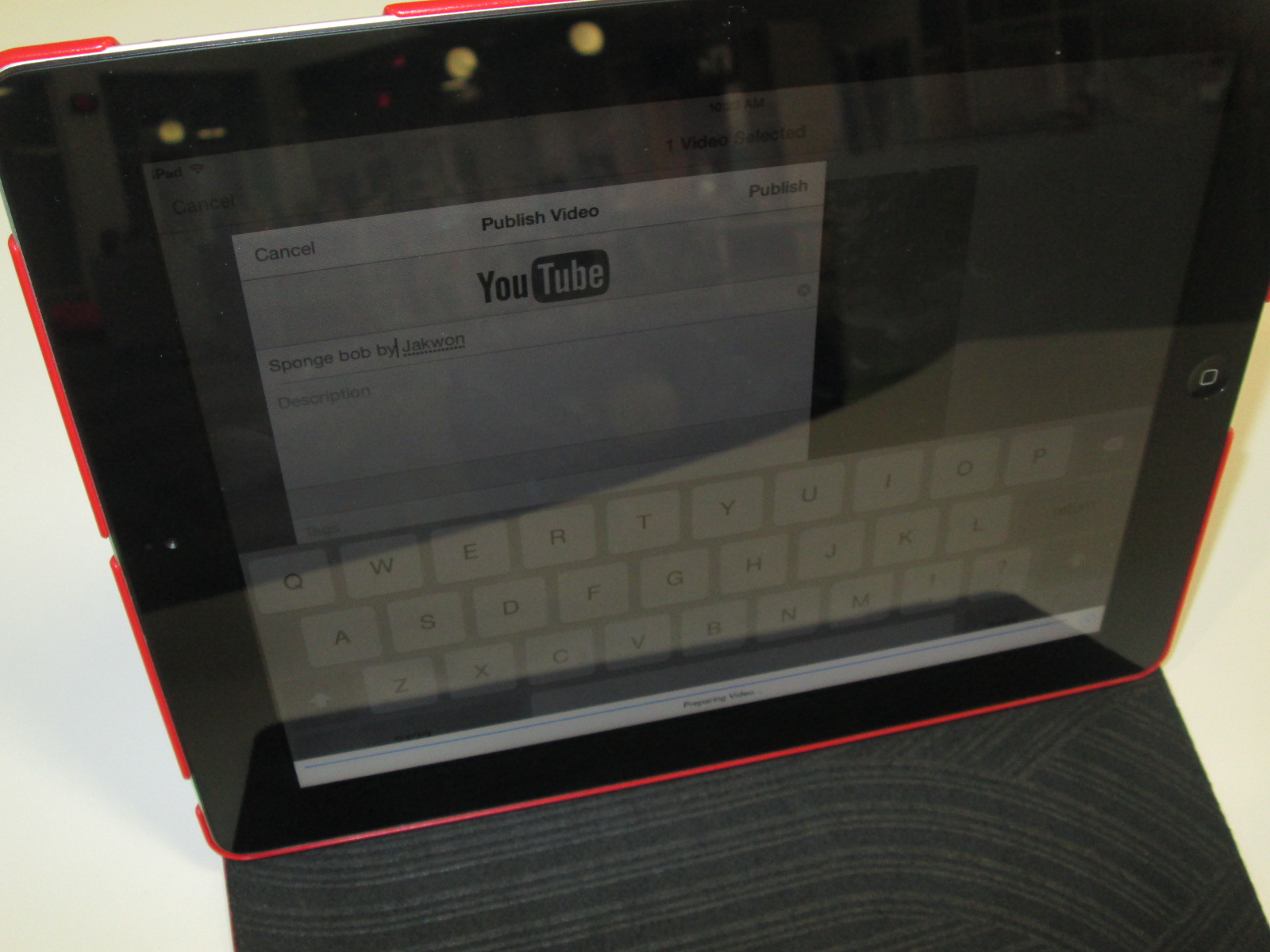
Once the recordings were done, we exported them to the camera roll and uploaded them to Youtube.  The app does allow you to name each story, but it doesn’t transfer the name into the camera roll.  I wish we had done the Youtube upload as part of recording because I couldn’t tell which story belonged to which student.  For now, all of the stories are just called “Puppet Pals” in Youtube. We’ll go back later and add the student titles and names.

IMG_4416 IMG_4415 IMG_4414

Mini Maker Faire with UGA EDIT 2000

IMG_4327

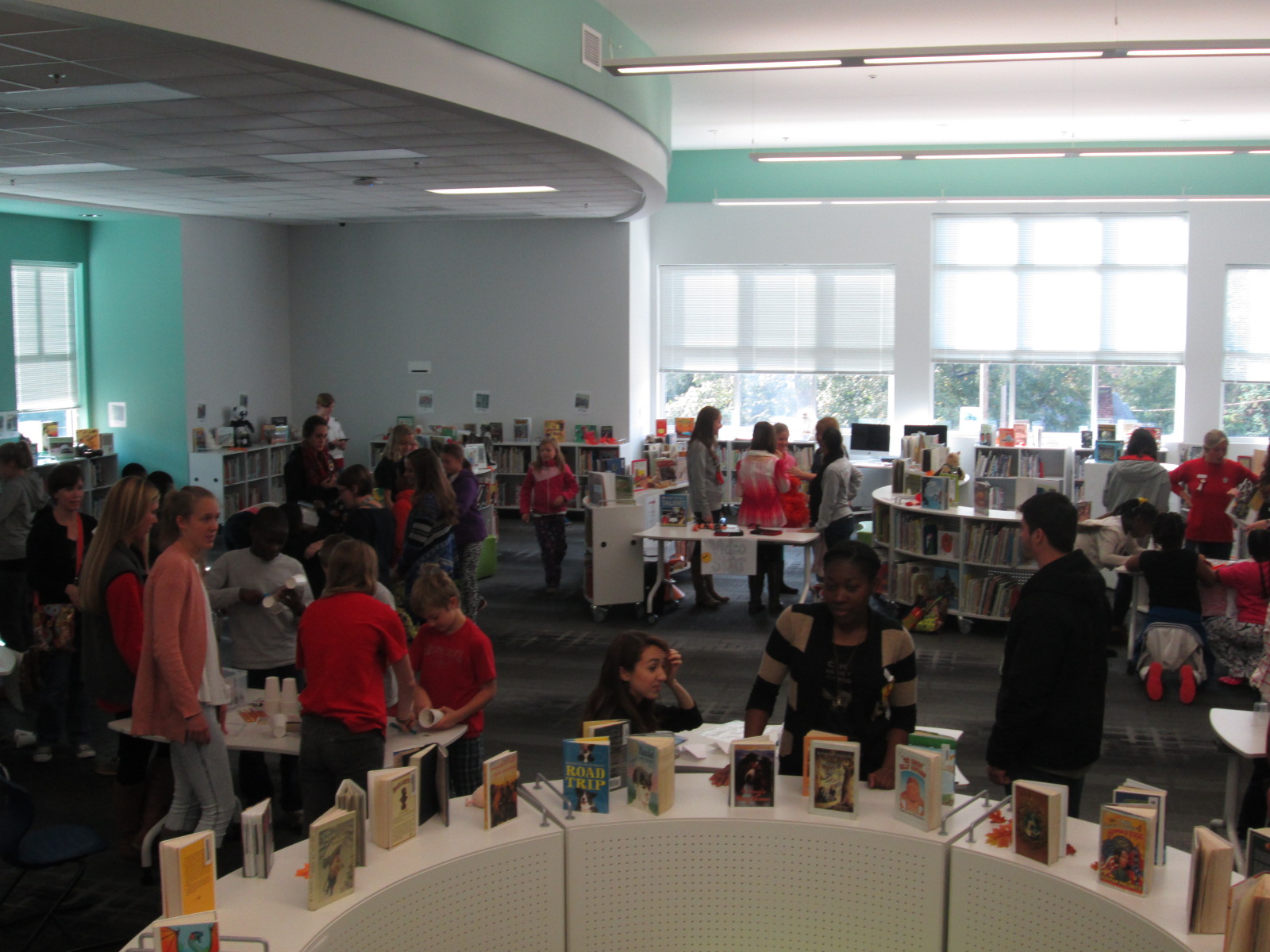
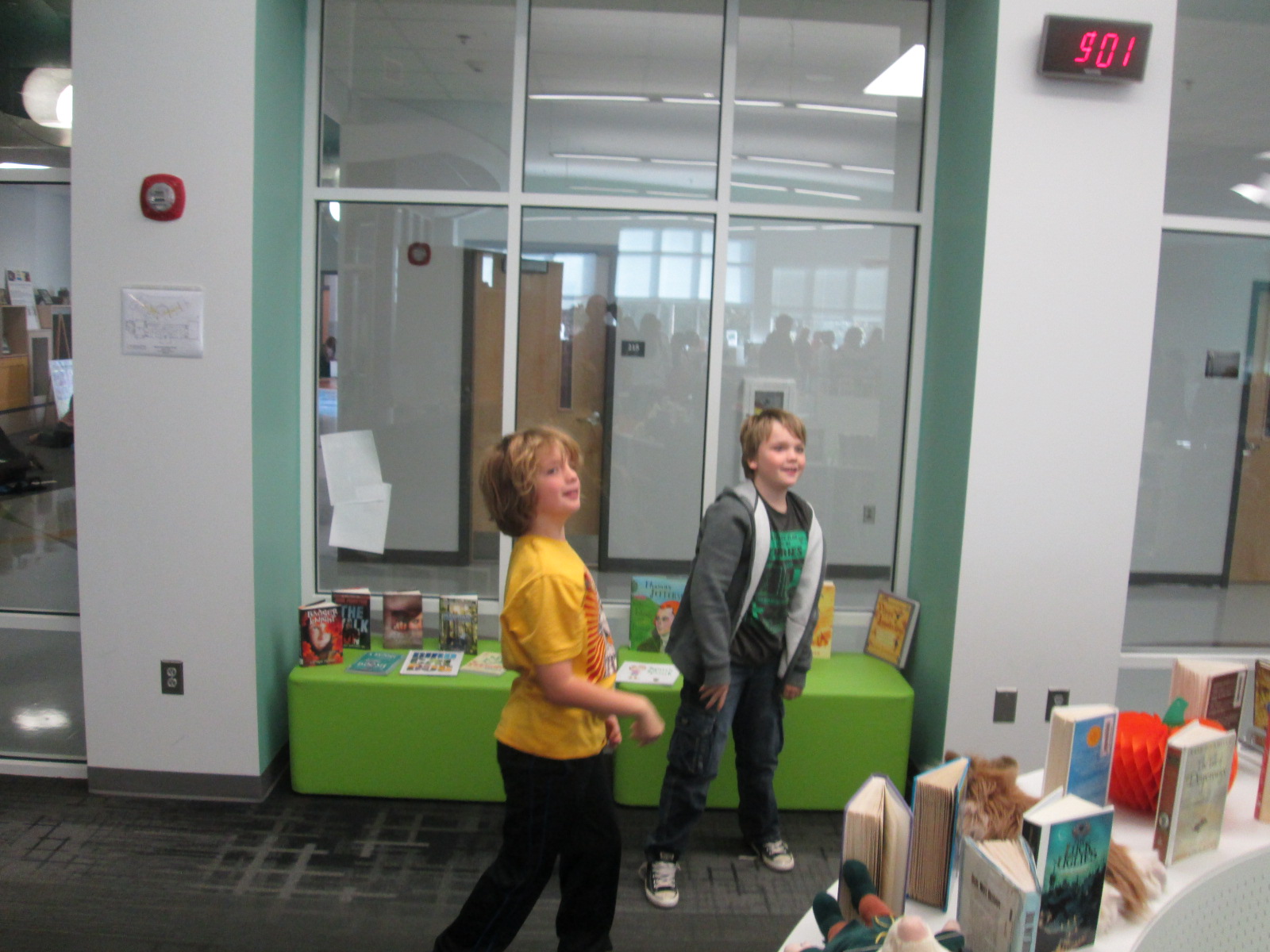
Today Gretchen Thomas from the University of Georgia brought one of her EDIT 2000 classes to the library for a mini maker faire.  She and I have been brainstorming about how to give students more opportunities to come and use the makerspace in the library for tinkering and exposing students to various types of making.  These conversations have come from my constant requests from students to come and use the makerspace.  I struggle with finding a balance between the standards-based lessons and projects that I offer in the library, weaving in the makerspace into curriculum, and the students’ desire to just mess around with the tools in the space.  Gretchen has been coming to lead maker recess times with me.

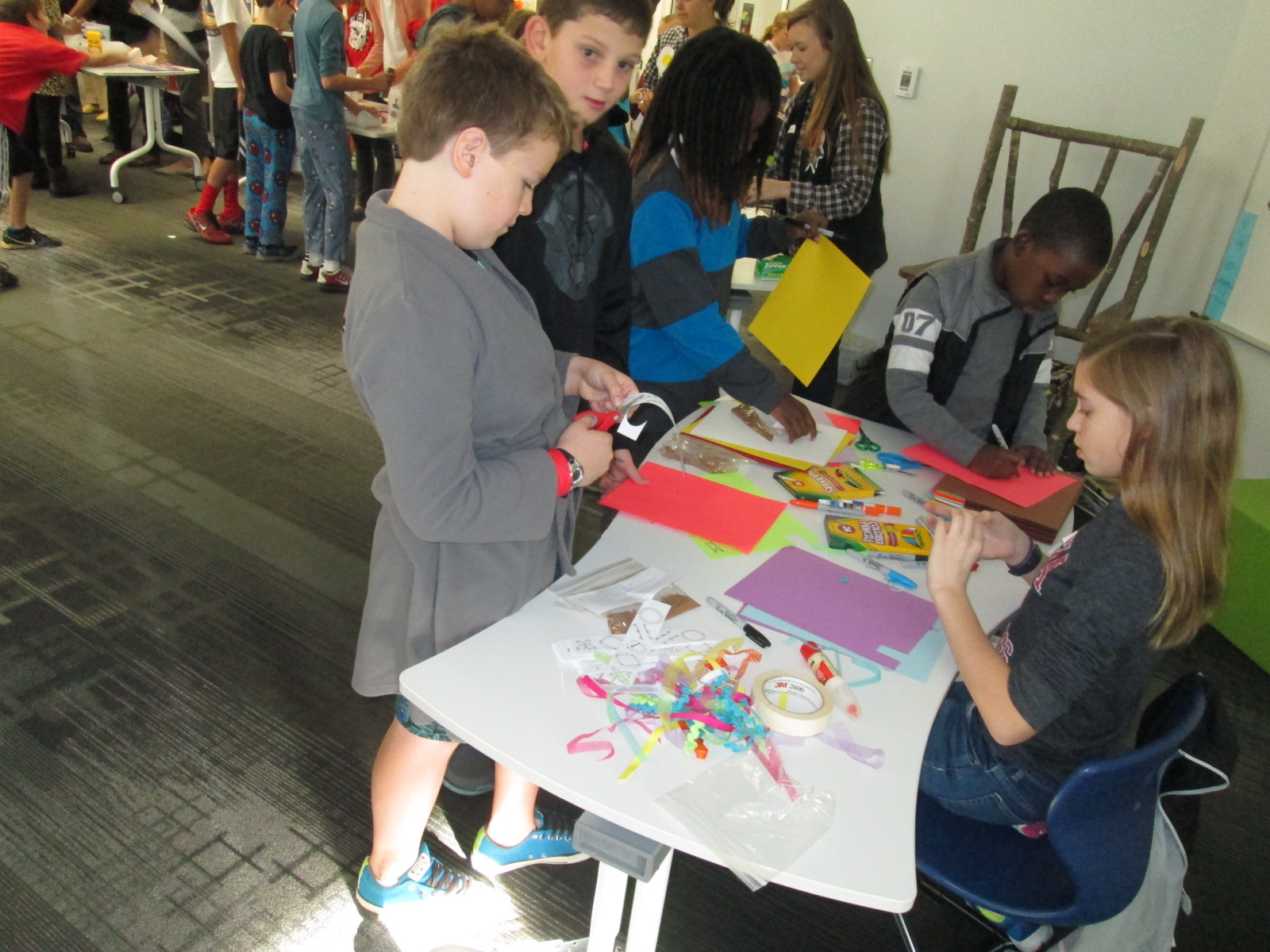
Today, her EDIT 2000 students brought multiple maker centers for students to explore.  These UGA students are mostly undergraduate students from a variety of backgrounds.  Some of them plan to be education majors while others have a range of other majors.  I love the range of expertise and interests that live within these classes.  Gretchen’s students designed a center that would explore some aspect of making.

IMG_4290


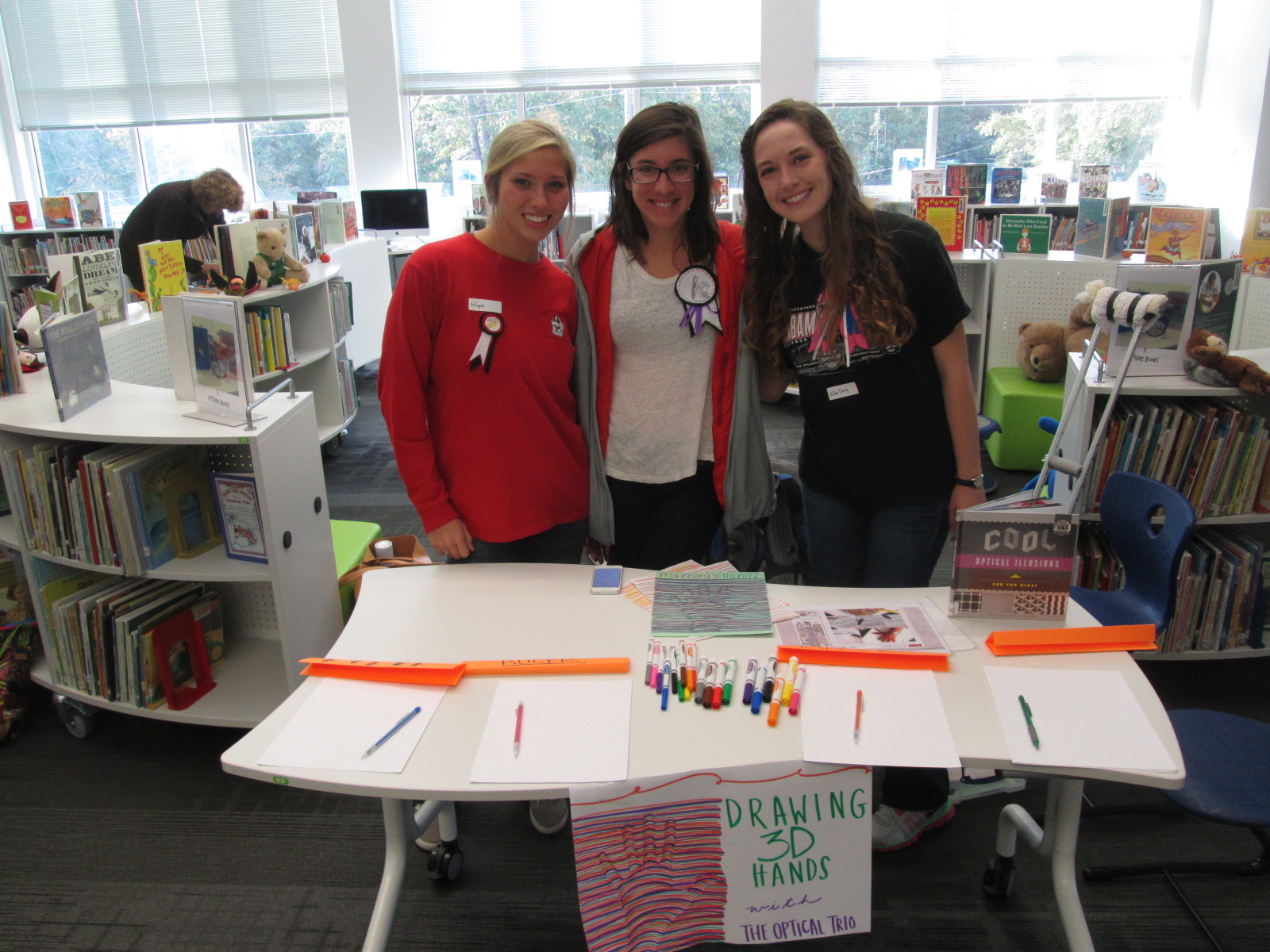
One center explored optical illusions.  These students displayed a book of optical illusions and helped students create a drawing of their hand that looked like it was lifting off the page.

IMG_4291


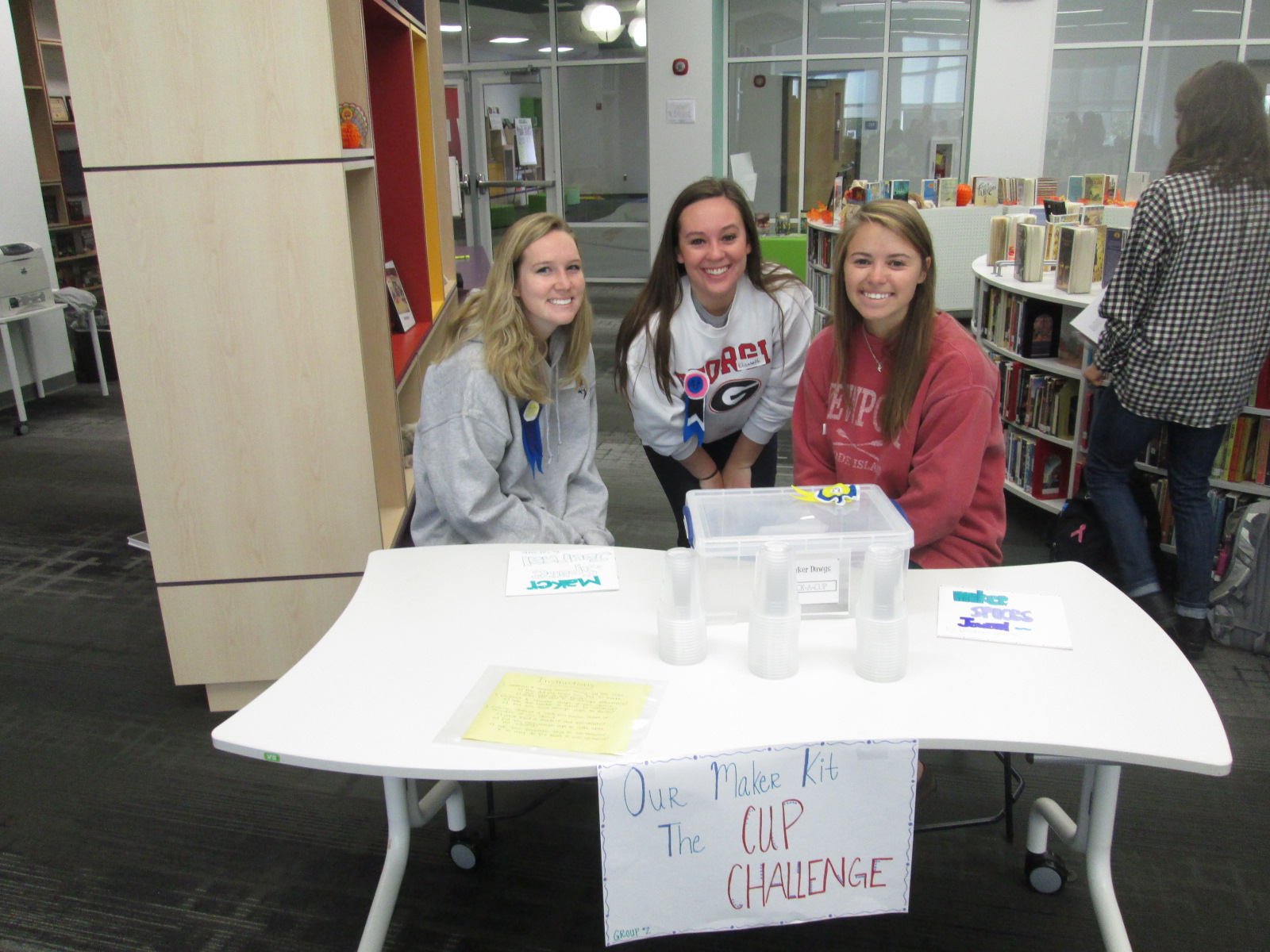
Another center was a cup stacking challenge.  These students had multiple clear plastic cups and students spent time stacking the cups into different formations to see how tall they could stack as well as which shapes seemed to hold up better.  I loved seeing all the strategies that students tried in order to stack and unstack the cups.  They were fearless and really demonstrated what it means to tinker, fail, and try again.

IMG_4292


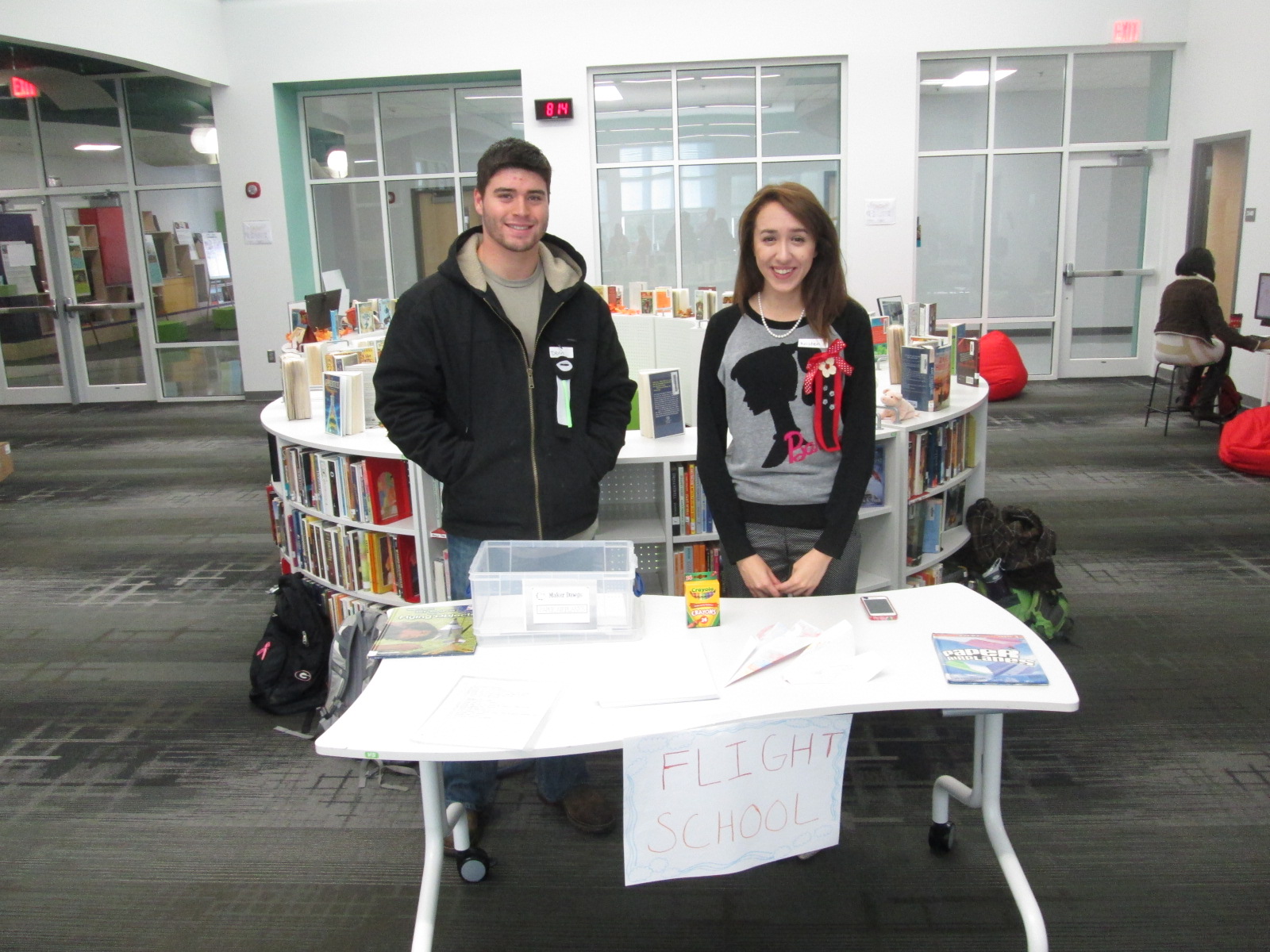
Students loved the paper airplane center.  These UGA students had books about paper airplanes and materials for making planes.  Students spent time making their planes and then testing them out in the library.  I loved watching planes flying around the library and hearing teachers ask “are students supposed to be flying airplanes around?”.

IMG_4329

I saw several students refold their airplane to try something new in their design, so once again there was a strong demonstration of tinkering, failure, and perseverance.

IMG_4293


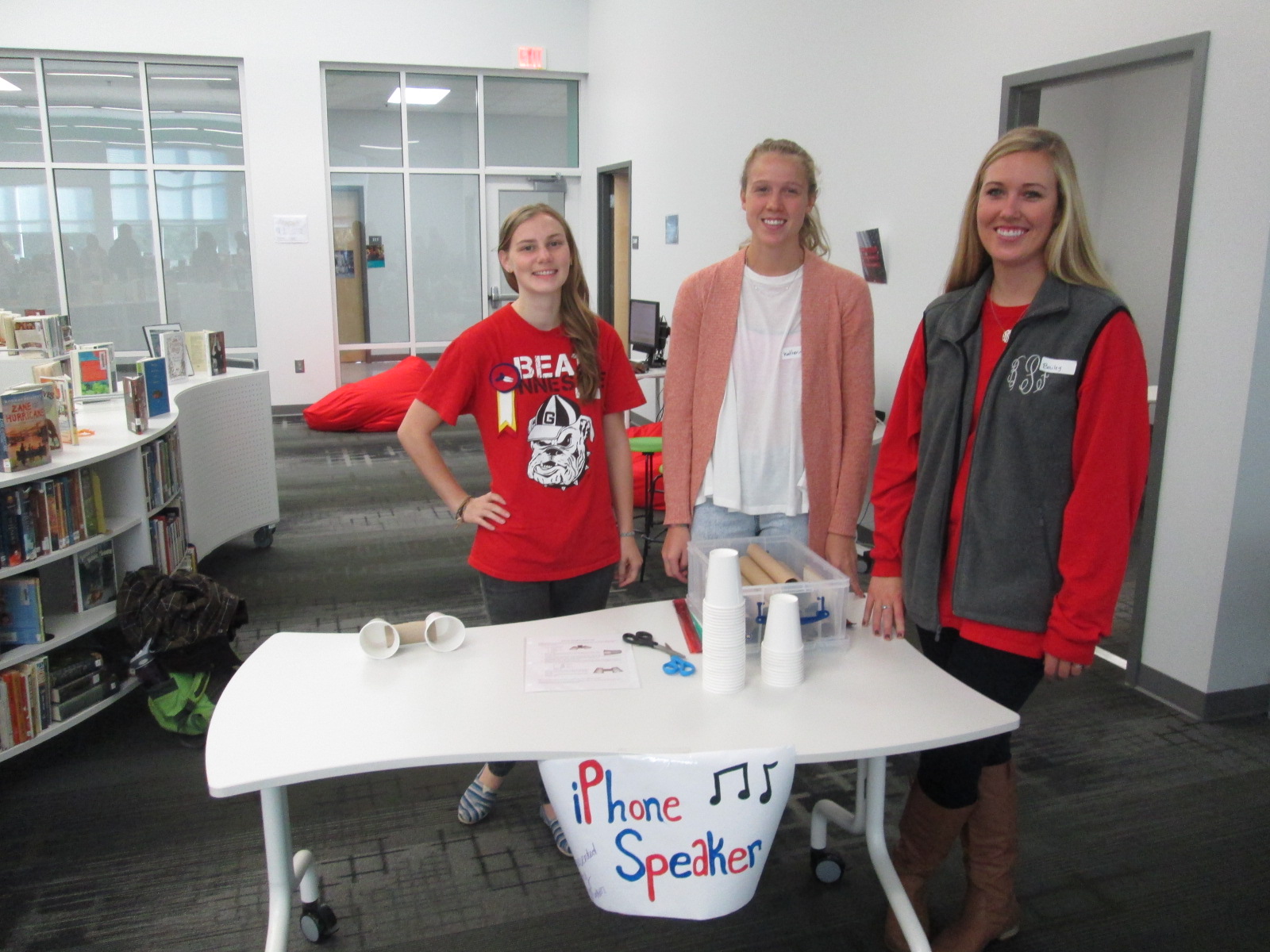
Some of our stations involved technology or could be incorporated into technology.  One station was space for students to explore how to create speakers for iPods or iPhones using cups and paper towel rolls.  Students were eager to take their creations home and try them with their own devices.

IMG_4294


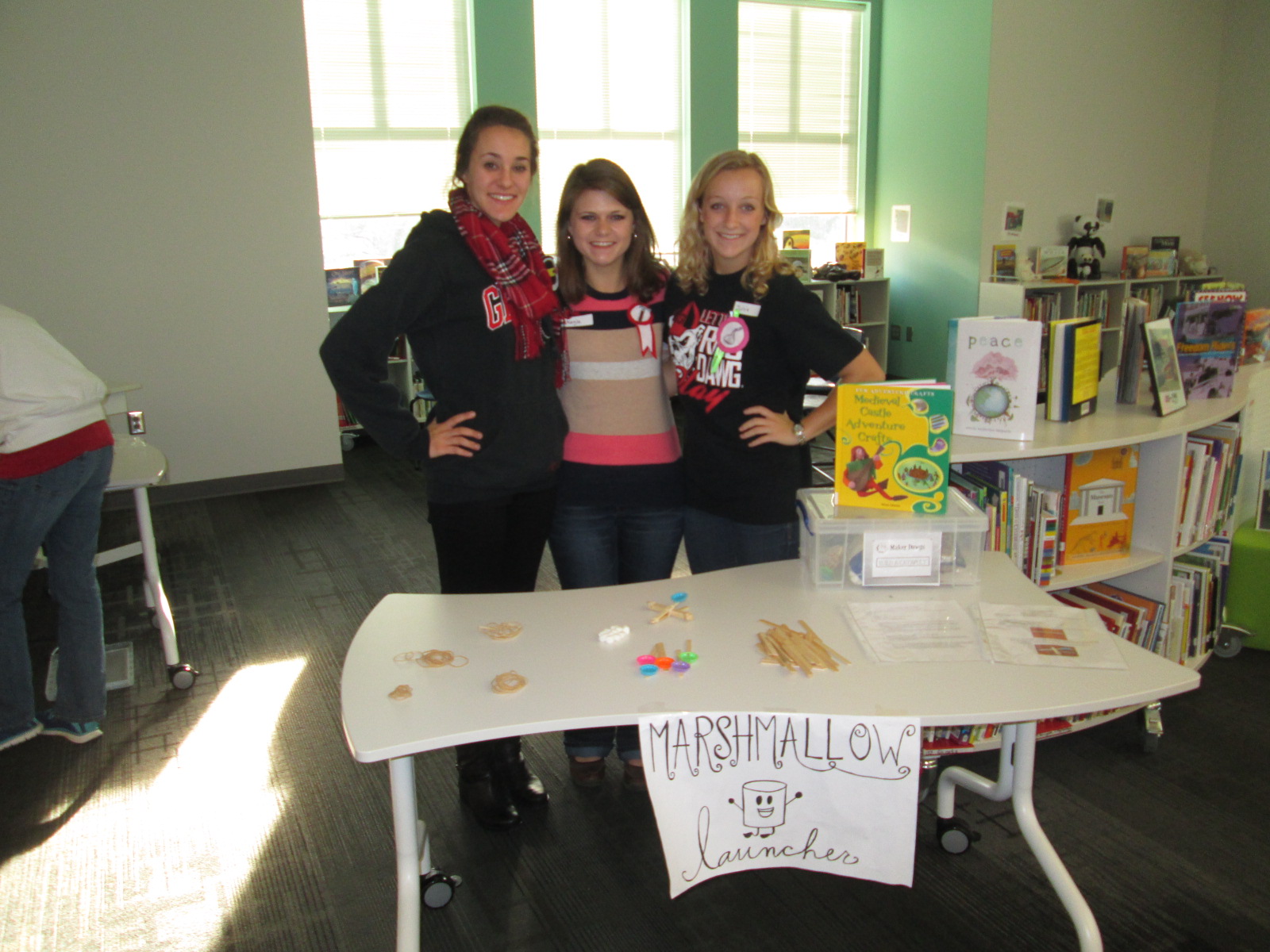
One of the most lively centers was the marshmallow launcher.  Students used rubber bands and Popsicle sticks to create a tool to launch marshmallows.  They tested their creations and made adjustments to see how they could make their marshmallows launch higher and farther.  Again, it was fun to see marshmallows flying through the air along with the planes.

IMG_4295


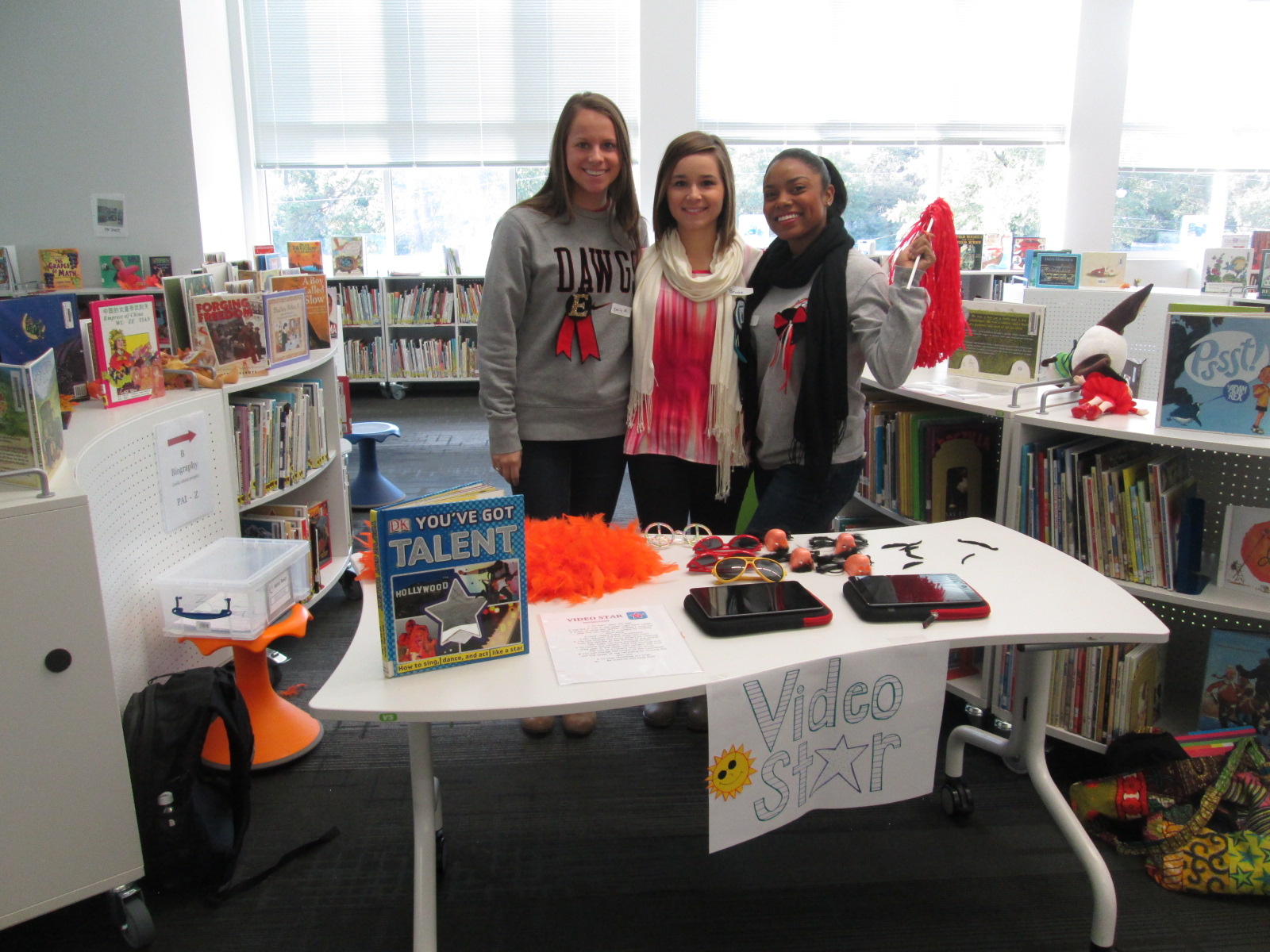
Another lively center was Video Star where students got to create their own costumes and form a mini flash mob dance to be recorded in the Video Star app.  These videos will be coming soon, so I hope to add a few to this blog post when they are ready.  It was interesting to see some students show their personality, come out of their shell, and be totally engaged when given an opportunity to make a music video.

IMG_4296

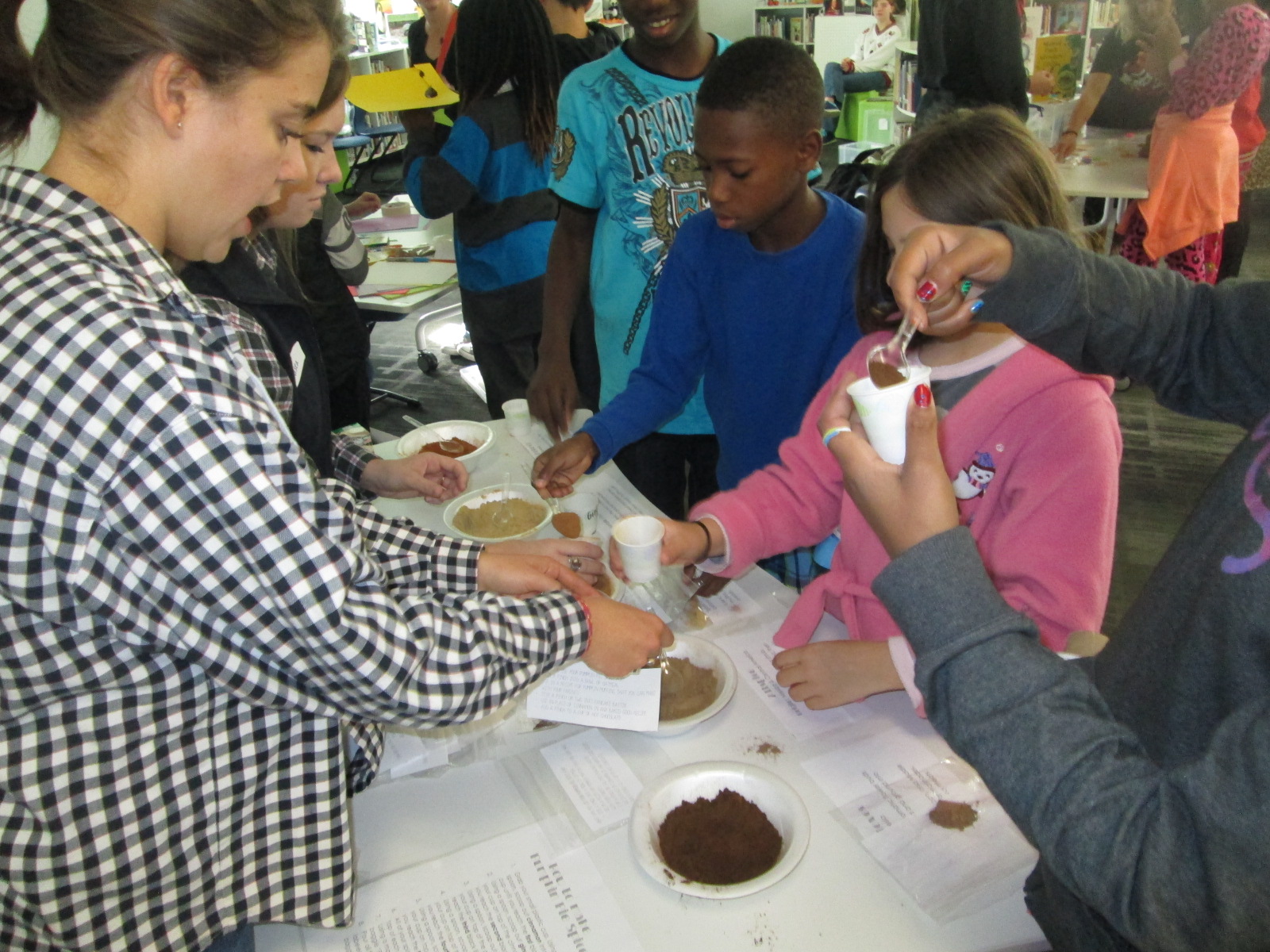
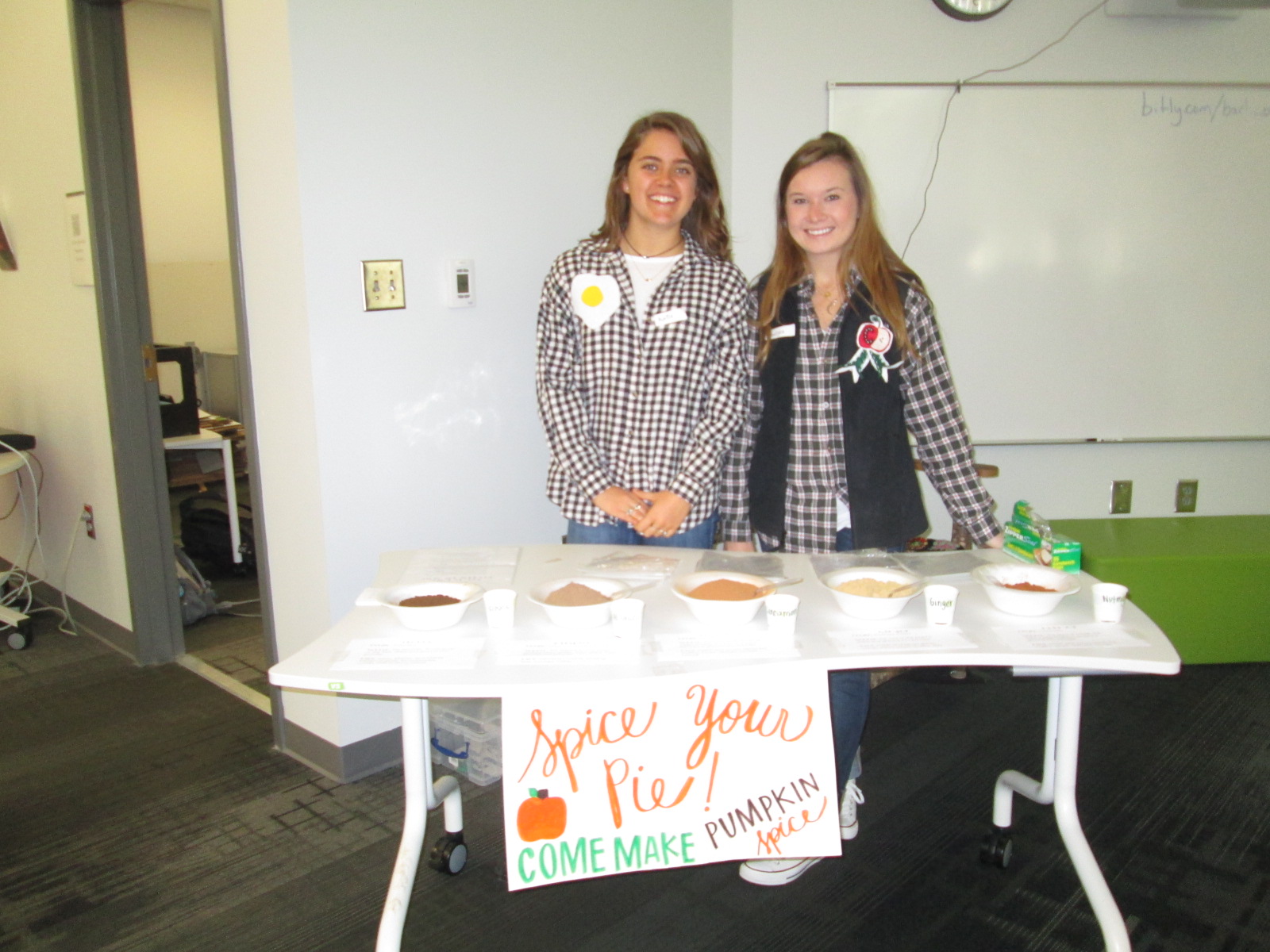
A different take on making was the center that explored spices.  These students had a variety of spices that you might put in fall pies and students spent time examining the spices and creating their own mix.

IMG_4315

I loved hearing what they planned to do with the spices when they get home.  One boy wanted to make a cake for his teacher and even talked about making a new fried chicken recipe.

IMG_4302 IMG_4312 IMG_4297

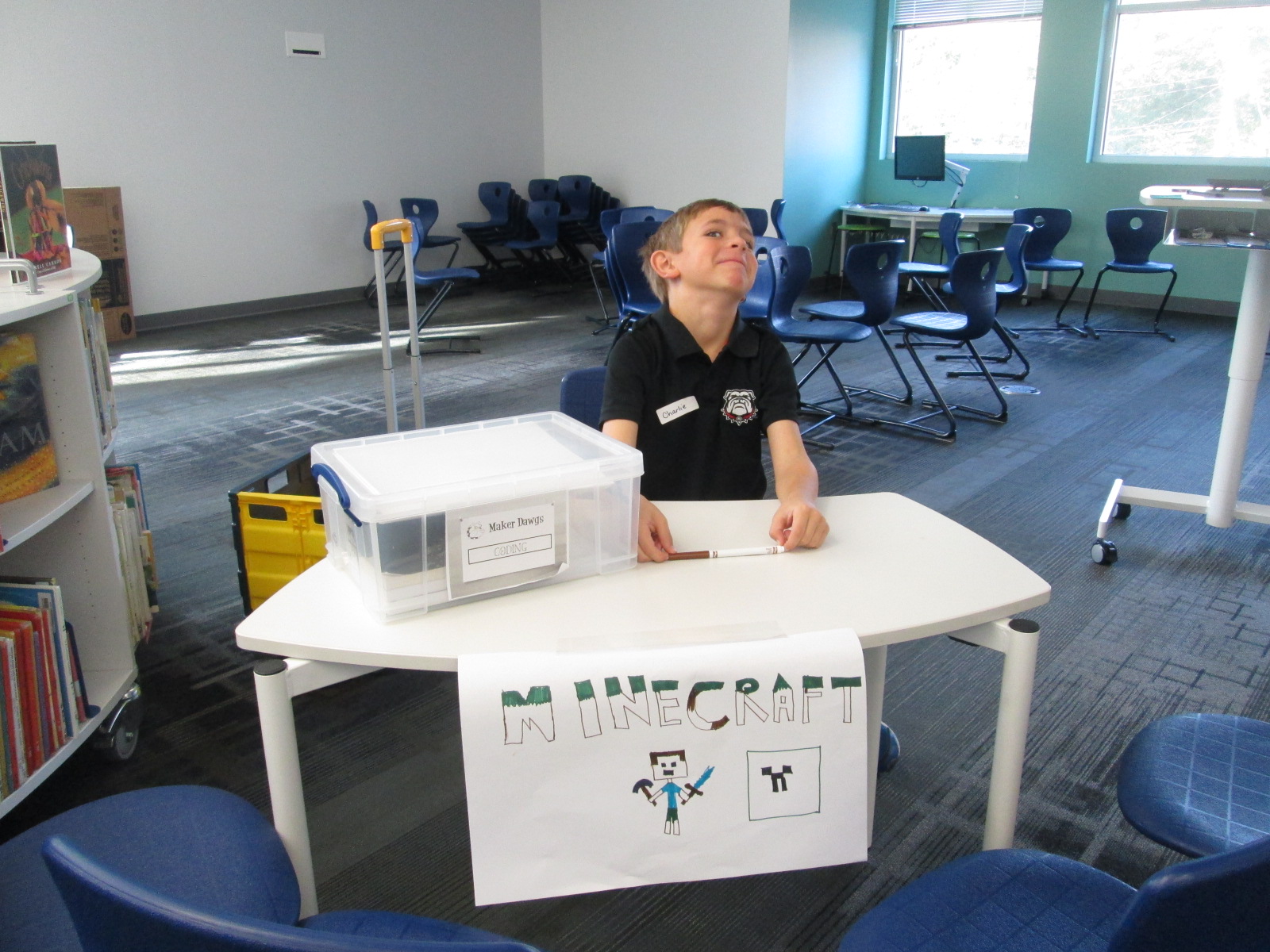
Three of our centers were facilitated by kids.  Two kids were Gretchen’s own kids and one was a neighbor.  They had centers on Minecraft, Goldieblox, and badge making.  They ran their centers like pros and I was reminded of how powerful it is when we give kids a voice to share their expertise with others.

Our entire 5th grade rotated through this experience across the course of an hour.  Students were able to visit about 3 centers.  After the centers are assessed and used at another school, they will be making their way back to our school for students to use in our makerspace.  I am so thankful to have Gretchen and her students so close to us.  She is willing to give any crazy idea a try and see what happens.  In this case, I think there were many miraculous moments.

As students left, they had smiles on their faces, energy in their bodies, and ideas flowing in their minds.  I invited them to think about how what they discovered fit into what they are doing in their classrooms.  I wish that I had been able to have them express some of these ideas before they left, but perhaps I can capture some of these reflections in another way such as a Flipgrid or Google form.


Connected Librarians: Eyes Wide Open & America Recycles Day

2global

One of my goals this year in our library is to foster global thinking and global collaboration.  To connect with these types of opportunities for our students, I seek out connections on Twitter as well as in Google Plus communities such as GlobalTL and Connected Classrooms.  I also offer opportunities within the projects taking place in my own school for other people around the world to join in.

This summer, I became involved in a conversation with Joyce Valenza, Shannon Miller, and Paul Fleischman about how books could live beyond the closing of the cover.  What if a book inspired us to take action in the world?  What would those actions look like around the globe?  How could they be documented?  How could they be shared? What would it look like if the author engaged in conversations about the actions being inspired by the book?

This September, Paul Fleischman’s book Eyes Wide Open: Going Beyond the Environmental Headlines was published.  It’s a different kind of book because it doesn’t give our young people a prescriptive list of answers to solve the environmental problems of the world but instead to take an inquiry stance.  It inspires our young people to listen closely to the environmental stories being shared about our world and to uncover stories of their own.  It calls our young people to take action on those world problems and realize that even at a young age they can make a difference in our world.

Joyce Valenza wrote a great post about the book.  In it, she included Paul’s voice about his book.

About Eyes WIDE Open:

Paul Fleischman 300x225 Eyes Wide Open: A proof of concept for sustaining the conversation around booksWe’re living in an Ah-Ha moment. Take 250 years of human ingenuity. Add abundant fossil fuels. The result: a population and lifestyle never before seen. The downsides weren’t visible for centuries, but now they are. Suddenly everything needs rethinking–suburbs, cars, fast food, cheap prices. It’s a changed world.

Eyes Wide Open explains it. Not with isolated facts, but the principles driving attitudes and events, from vested interests to denial to big-country syndrome. Because money and human behavior are as important as molecules in the environment, science is joined with politics, history, and psychology to give altitude on this unprecedented turning point. It’s a time of bold advances and shameful retreats, apathy and stunning innovation.

What better time to have our eyes wide open?

An Eyes Wide Open Google Plus Community has been established to make connections for global collaboration around the book.  Paul Fleischman has also created a site to house headlines, projects, and conversations about the book.  He wants this to be more than a book that you read and close, but instead for it to be a book that inspires action in the world.

Also from Joyce’s blog, there’s a great list of ideas of how you might use Paul’s book with students.
What sort of reports might students contribute?
  • Take photos (and create a gallery) that document population rise or consumption levels or innovations being used to address these challenges.  Attempt to document how your eggs, milk, farmed fish, and meat are made.
  • Make a video describing a local citizen science project.  Document a plastic bag banning campaign, a local pollution issue, or your own attempt to go vegan for 30 days.
  • Interview someone in city government connected with water, transit, city planning, or emergency services.  Or a biologist, park ranger, or science teacher.  Or a religious leader whose church has taken a stand on the environment.  Or your state senator, state assembly representative, or an aide to your congressperson.  Or fellow students or neighbors to get a sense of how average citizens view the situation.  Google+ Hangouts might be a perfect venue for archiving these interviews!
  • Write a description of one of your area’s key issues and how it’s being dealt with.  Join with one or two others, each tackling one part of the project: research, interviewing, editing.  Would your local newspaper be interested in the result?
  • Do a survey of your city, finding out where your water comes from, how your electricity is made, where your trash goes.  Prepare to make many phone calls and to ask follow-up questions.  More fun with a friend.
  • Annotate local newspaper stories, adding commentary that lets us see how the global trends and mental habits described in the book are playing out locally.  Feel free to refine my thinking.
  • Remix media and create digital stories around an area of local interest.
  • Inspire a meme to invite continual, global reinterpretation around an environmental prompt
  • Submit a field report. Work prepared for school assignment is fine.  Take time to review and revise.  Once you’ve posted it on Google Docs, YouTube, or another platform that all can access, send a description to fieldreports@eyeswideopenupdates.com.  Include a bit about yourself, how you came to the topic, and a photo of yourself or something connected to the report.  If Paul finds it well done, he will add it to the roster, put a pin in the map, and maybe even give it a shout out in his blog.

birds3

Connected librarians have a huge opportunity with this book and the many communities that are available to us.  We are the people within our buildings who work with every student, teacher, and family member within our school.  If we collaborate, then we connect our entire school communities with one another.

November 15 is America Recycles Day.  The week of November 10-14 would be a great week for us to begin to connect our voices with one another around an issue that really affects us globally.  Paul’s amazing book Eyes Wide Open could be a piece that we could use to spark conversations around the globe.  It could also be paired with a plethora of other picture books and informational texts on environmental action.  More than a conversation, our connections could push our young students to take action in our world, and those initial connections could lead to a continued connection between schools around the world in the name of environmental action.

Here’s what I hope to do:

  • Connect with schools throughout the week of November 10-14 via Skype or Google Hangouts
  • Read an environmental text together
  • Have each school identify and explain an environmental issue in our school or community.  For us, it will most likely be the amount of waste being thrown away in our classrooms.
  • Have each school exchange their issue and brainstorm possible next steps for one another.  Wouldn’t it be nice to hand your problem over to someone for a few minutes to see the problem through their eyes?  That perspective might be the very thing you need in order to take a next step in your problem.
  • Share our brainstorming with one another and document suggestions in a digital format such as a Google doc or Padlet.
  • Commit to reconnect at some point to share what actions we have taken, what has been successful, or what new problems have surfaced.

I invite you to connect with my students and also to post your own schedules and find your own connections via this Google Doc.

http://bit.ly/americarecycles14

Let’s do more than just connect our students for a day.  Let’s connect our students to work on an issue that has an impact on our world.  As part of Connected Educators Month, let’s start thinking of how we can connect our students in meaningful ways throughout the year and begin planning those connections now.

As you make connections, create action steps, and make an impact on your world, share it!

Eyes Wide Open hashtag: #ewopf

America Recycles hashtag: #americarecyclesday

GlobalTL hashtag: #globalTL

and don’t forget #tlchat

Empowering Student Voice through our Makerspace

3empower


At our “Meet the Teacher” night back in August, several students raced into the library to tell me about project ideas that they dreamed up over the summer.  As soon as I heard their enthusiasm, I knew that one of my library goals, “To empower student voice”, was going to be an important one for this school year.  One student shared about his idea to design his own Skylanders and 3D print them.  Another wanted to create a set of model trains on the 3D printer.  Another wanted to explore the MaKey MaKey. and program things.  I told them all that we would figure out how to make this happen this year, but I needed some time to get the library going.

As usual, the start of the school year has been busy getting projects, lessons, and technology off the ground, so I had not gotten back to these students.  I just love when students feel comfortable to raise their voices.  I received an email a few days ago from two students that went something like this:

Dear, MR Plemmons

We would like to come to the makerspace once a week during recess if possible. We would love to use the makey makey to possibly control Sphero. If this is possible please email back.
I knew I needed to make this happen fast because I had already waited too long to let these guys start tinkering, so I responded back:
When is your recess and what day are you thinking of?  I want to make this happen for both of you.
And then they responded back with the day, time, and:
Thank you for giving us this opportunity.
The first day of tinkering was just awesome.  Within a matter of minutes, Kearn had the MaKey MaKey connected to Play Doh and was controlling a train simulator on the computer.  Ludwig controlled the horn and Kearn drove the train.  Kearn wanted to make a video to show what he had done, so we pulled out an iPad and made an impromptu video which he wanted to add to his Youtube channel.  He also started following my blog and even left a comment about how much he loves the makerspace.  Both students were completely independent and were perfectly capable of dreaming, tinkering, and making on their own.  I was available for support as needed, but they really just wanted a space to explore.  As they continue, I want to connect them with some experts that might mentor their ideas and curiosities, but for now, they just need to tinker.

This is what I’m talking about when I say “empower student voice”.  These two guys are full of energy and passion about making.  I am sure that they will figure out so many things that I couldn’t even imagine myself during the course of this year.  They willingly share their knowlege and expertise, and I’m sure that their tinnkering, failures, and successes will inspire and support many other student projects during the year.  When I see two students get so excited about learning like this, I can’t help but think about what other opportunties students need to spark their own passions for learning.  I hope that our makerspace is just one space that ignites students’ curiosities this year.

Goal 4: Supporting the Reading Habits and Curiosities of Students with Wandoo Reader

Wandoo Reader Kickoff (18)

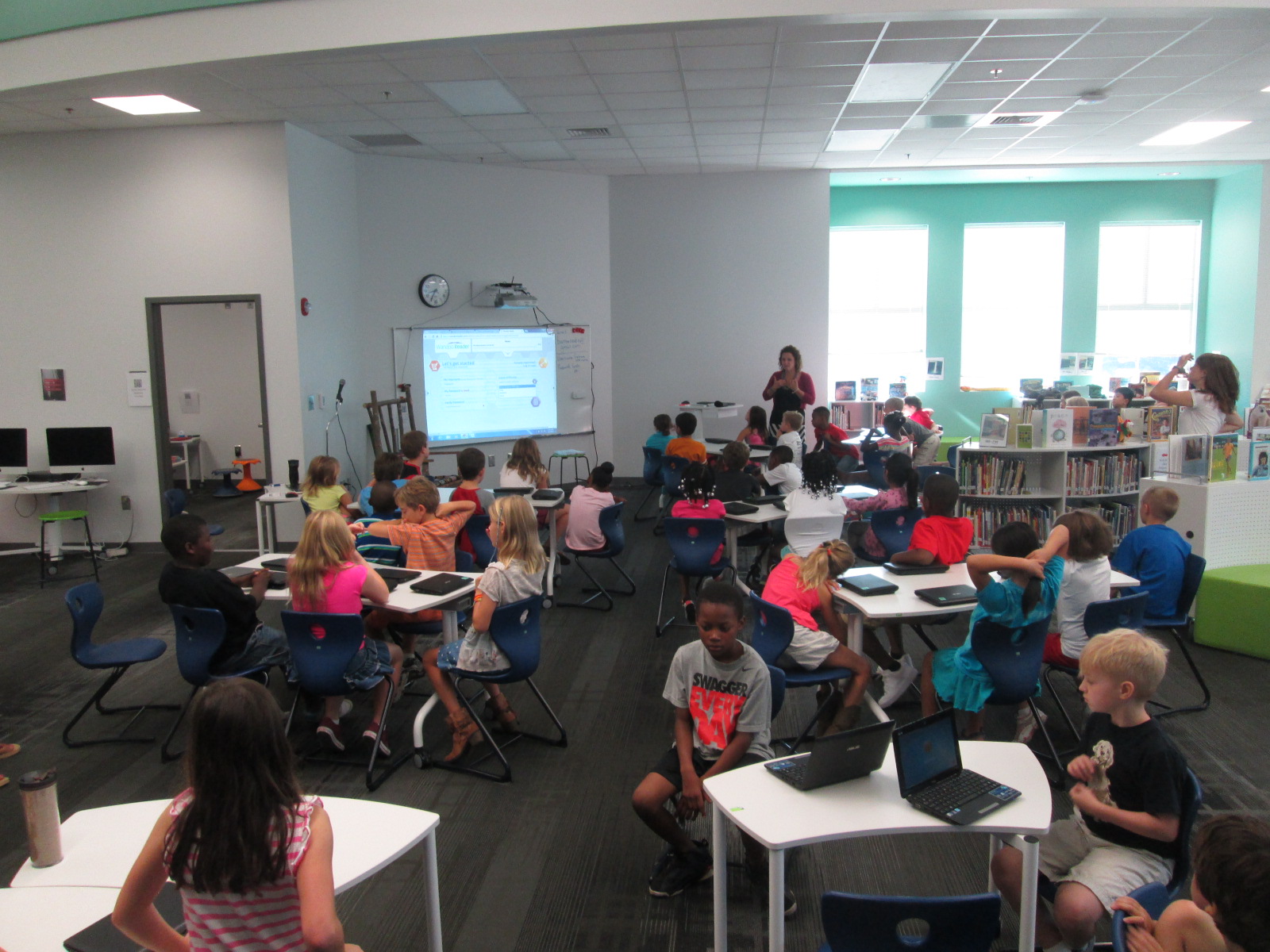
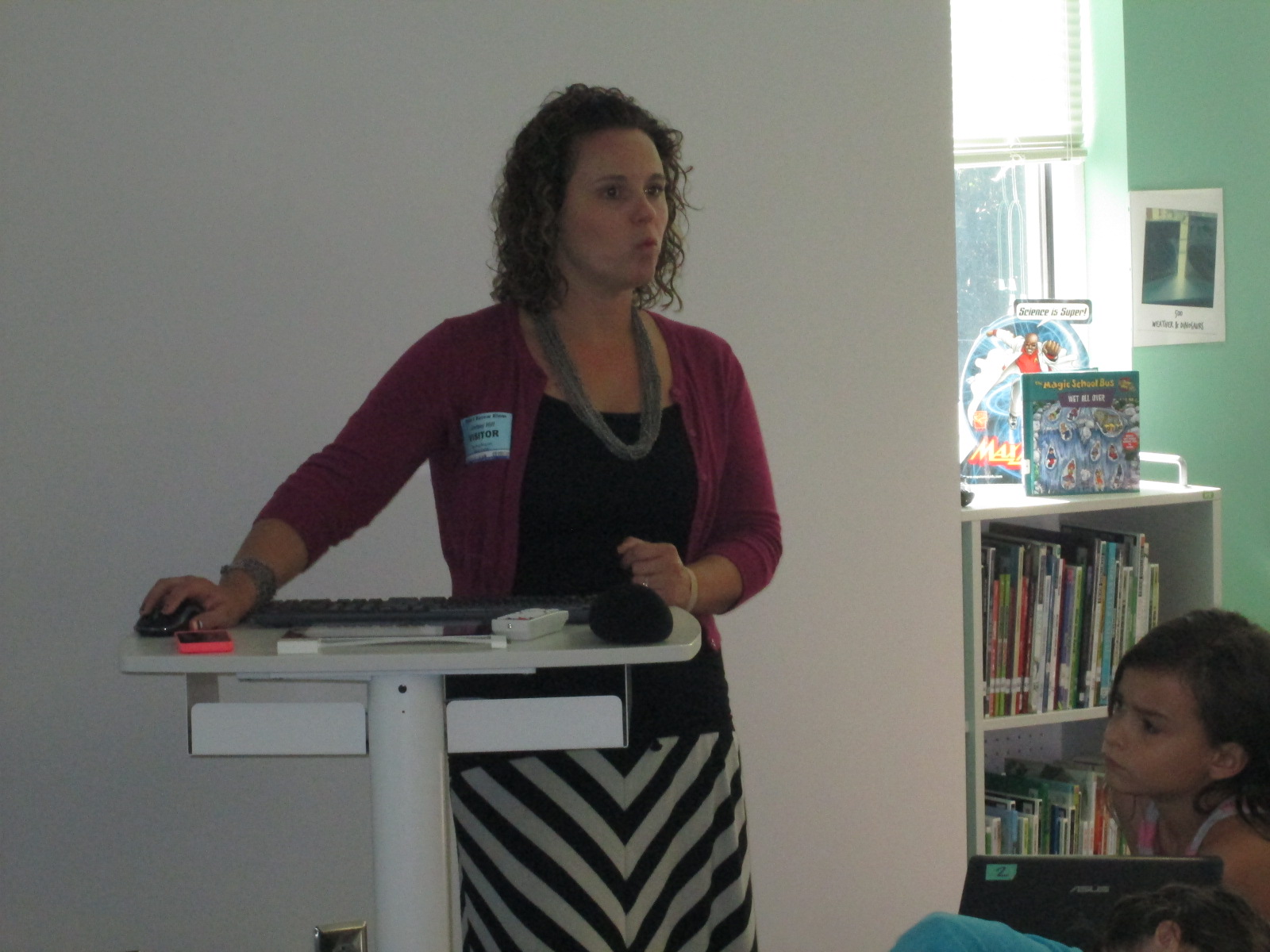
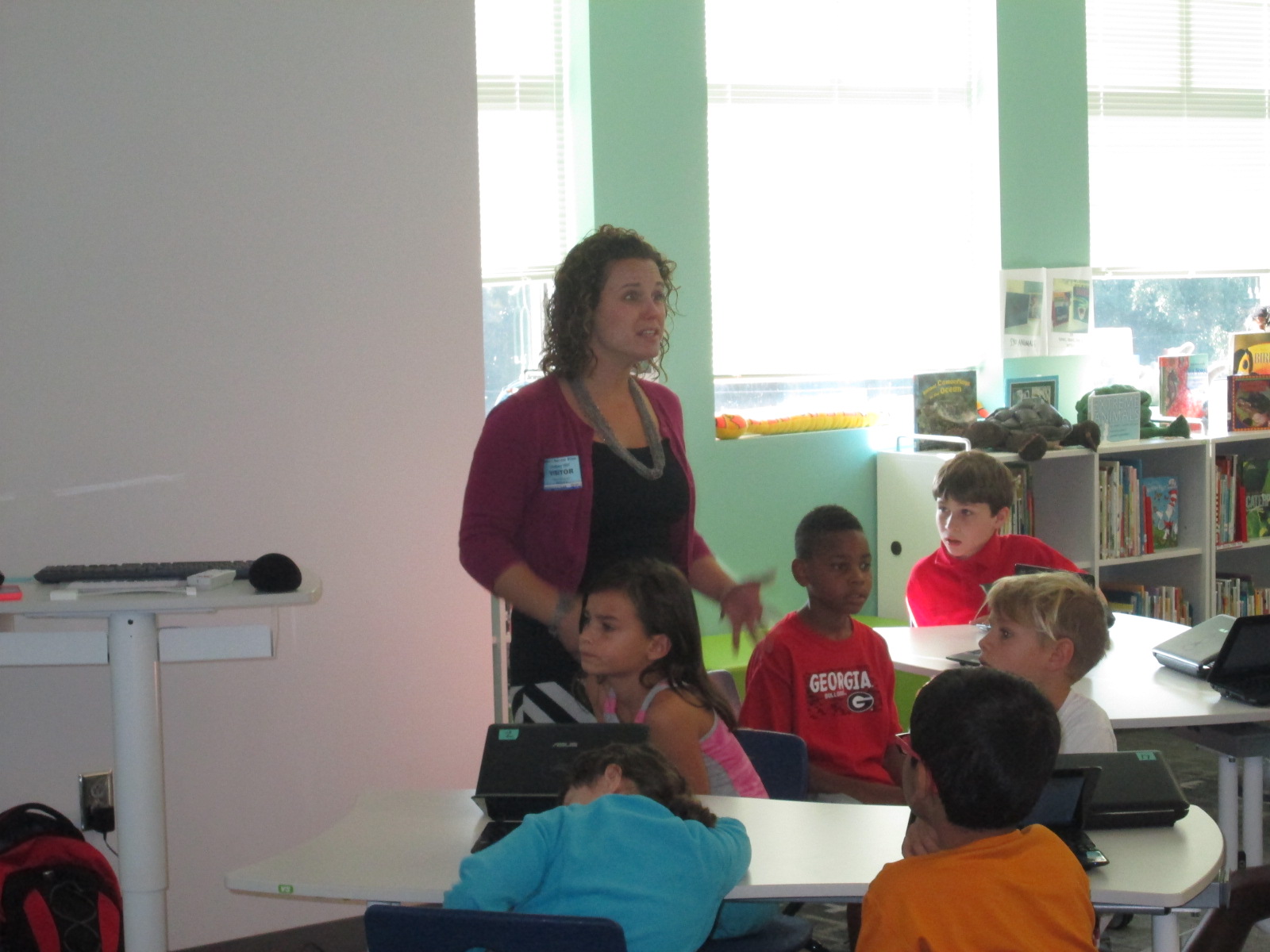
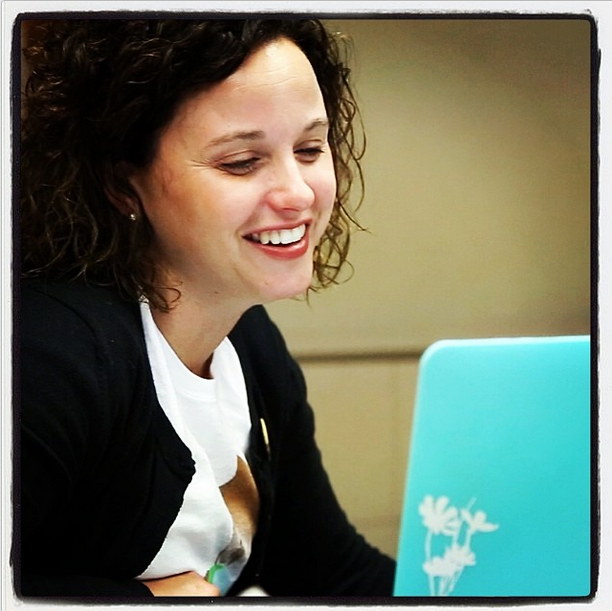
Lindsey Hill, educator superstar from Evanced Solutions, visited our library to help us with goal 4 for the library this year, “Supporting the reading habits and curiosities”.  In fact, this goal is so important that it is a part of our school improvement plan.  We believe that one of the best ways to become better readers is to read, read, read.  More importantly, we believe that finding books that we are interested in that match us as readers is an essential part of building stamina as a reader.  This year we are piloting a tool called Wandoo Reader to see how it supports us in tracking our reading habits and curiosities.  This tool is still in development for schools so we are figuring out what works well and what needs to be adjusted.

Wandoo Reader Kickoff (2)


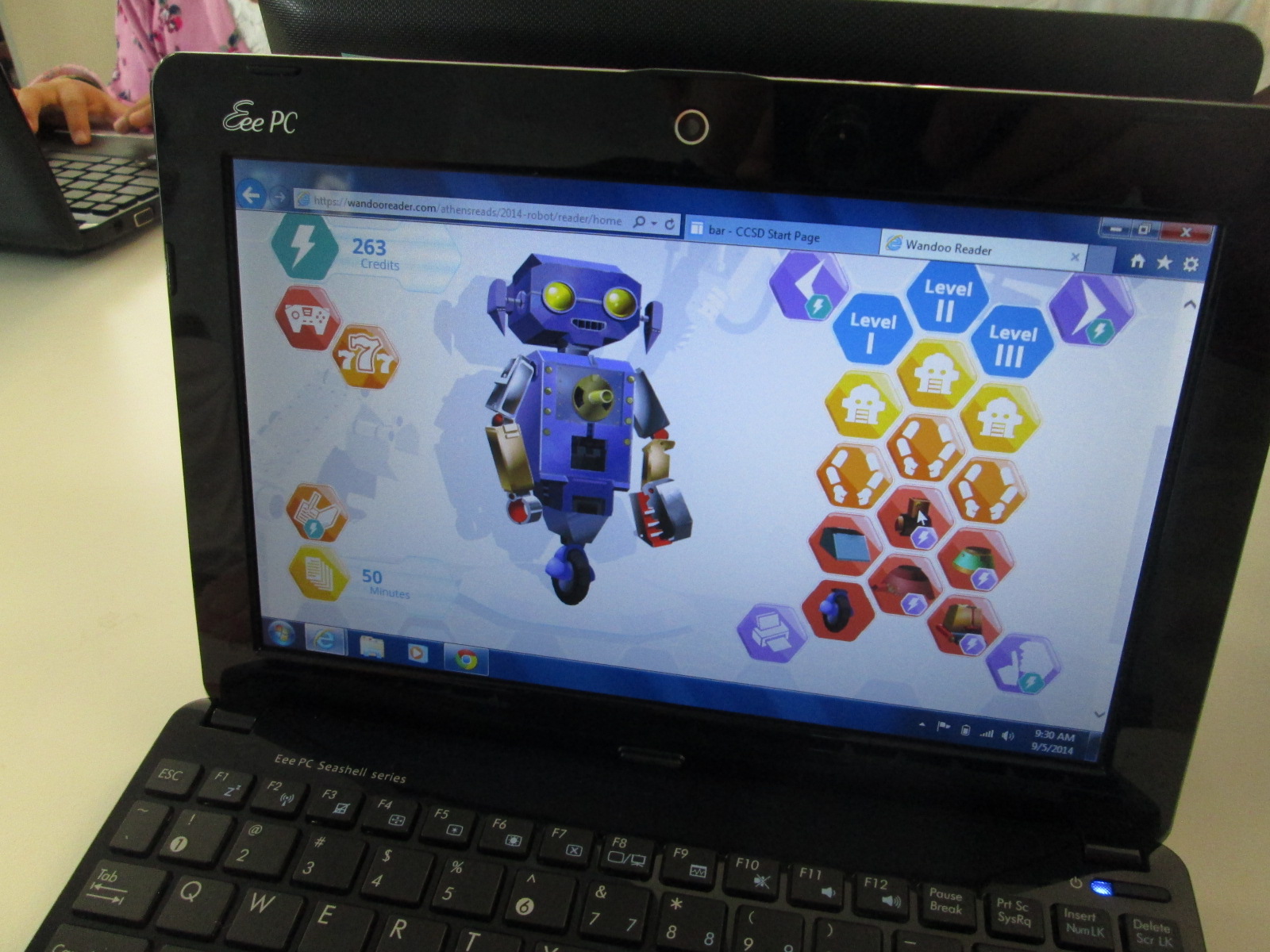
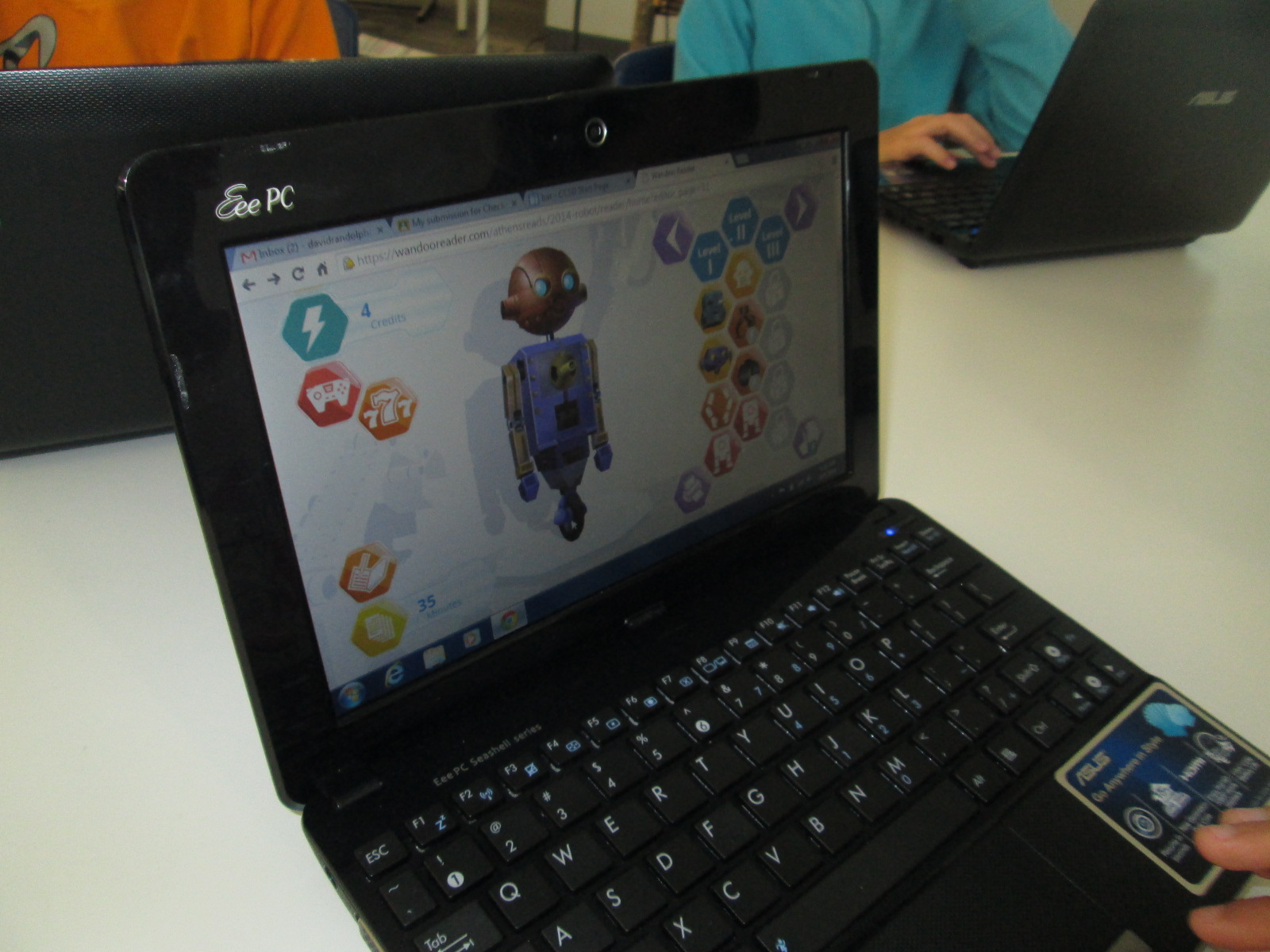
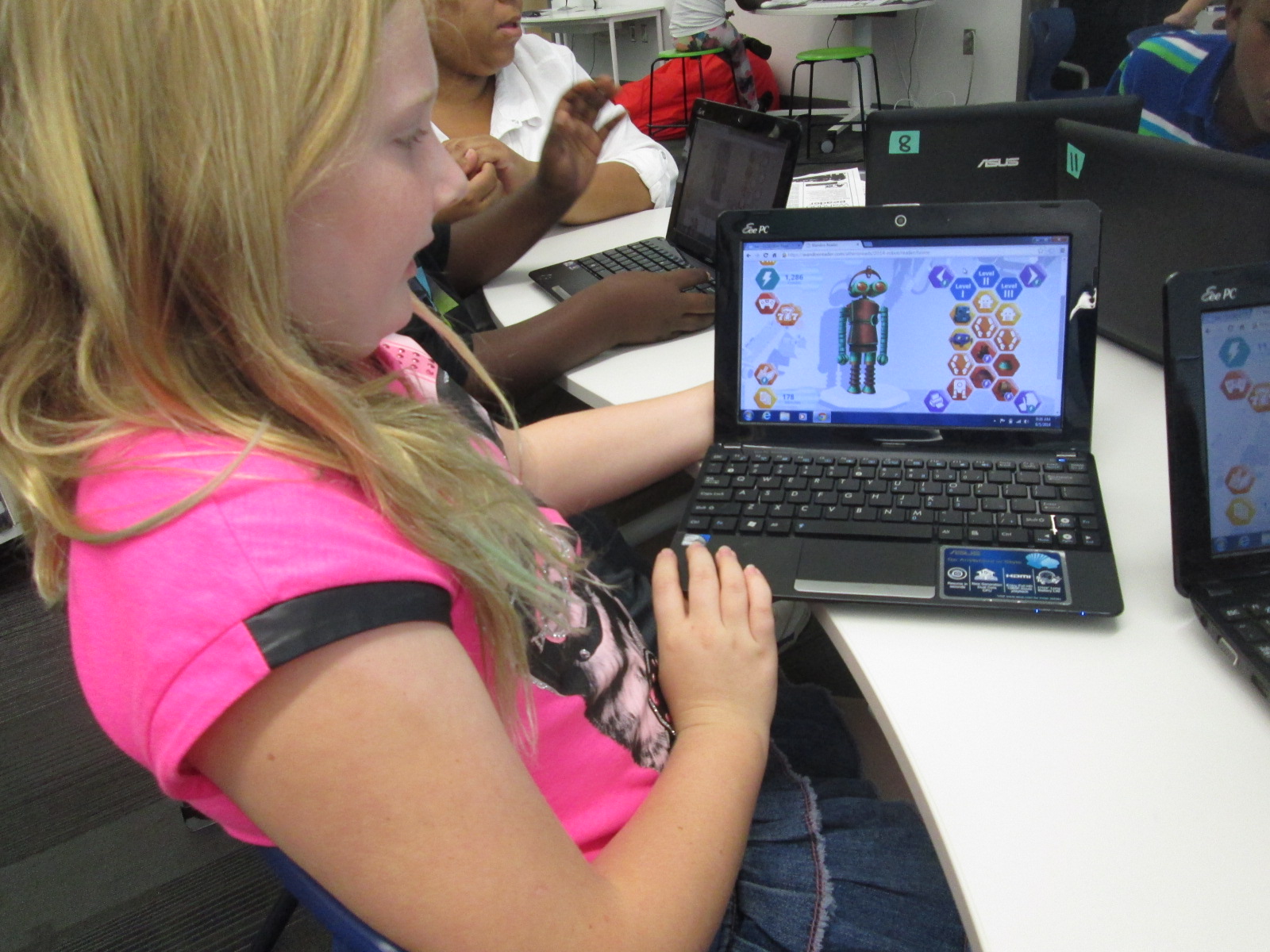
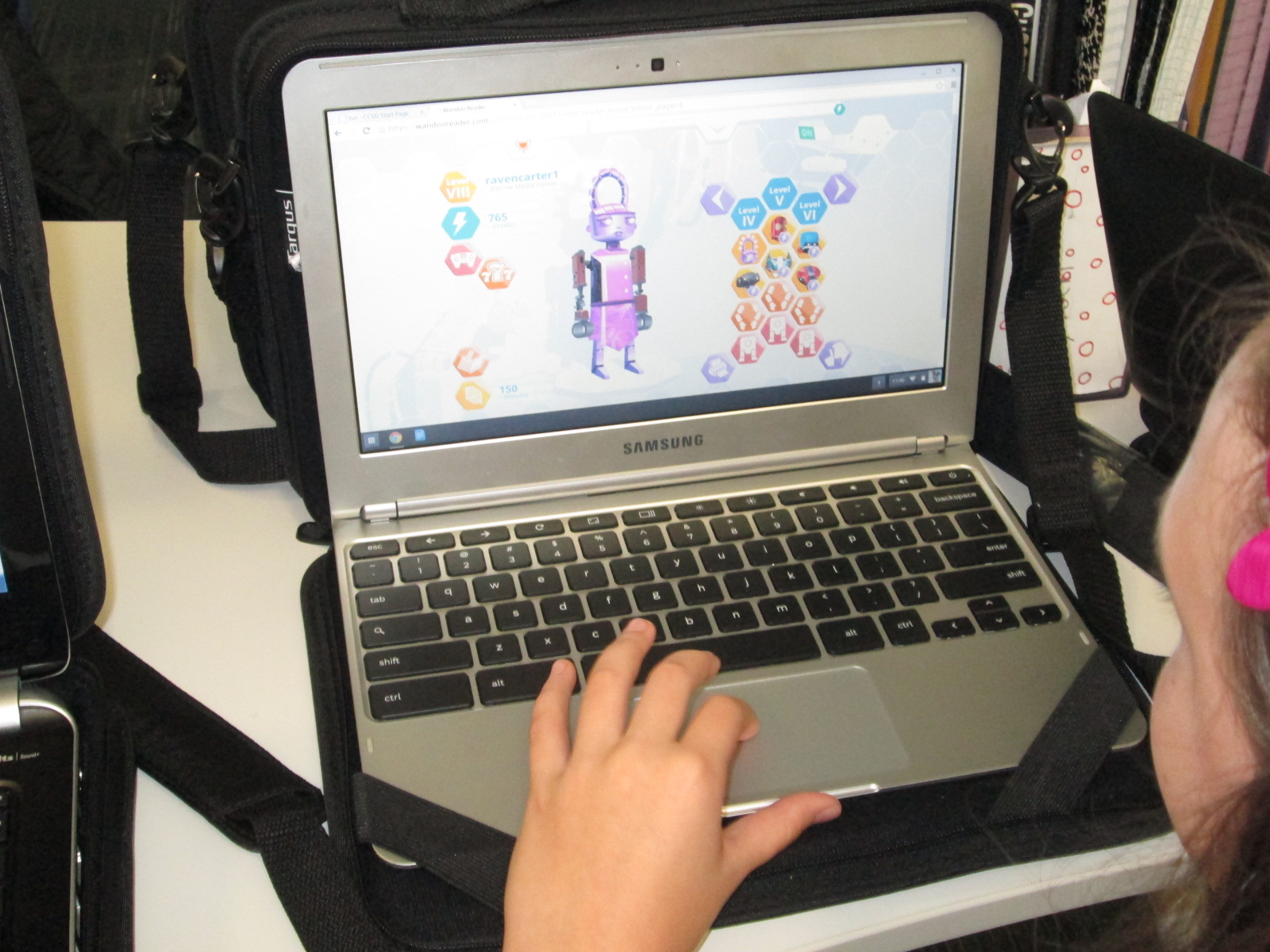
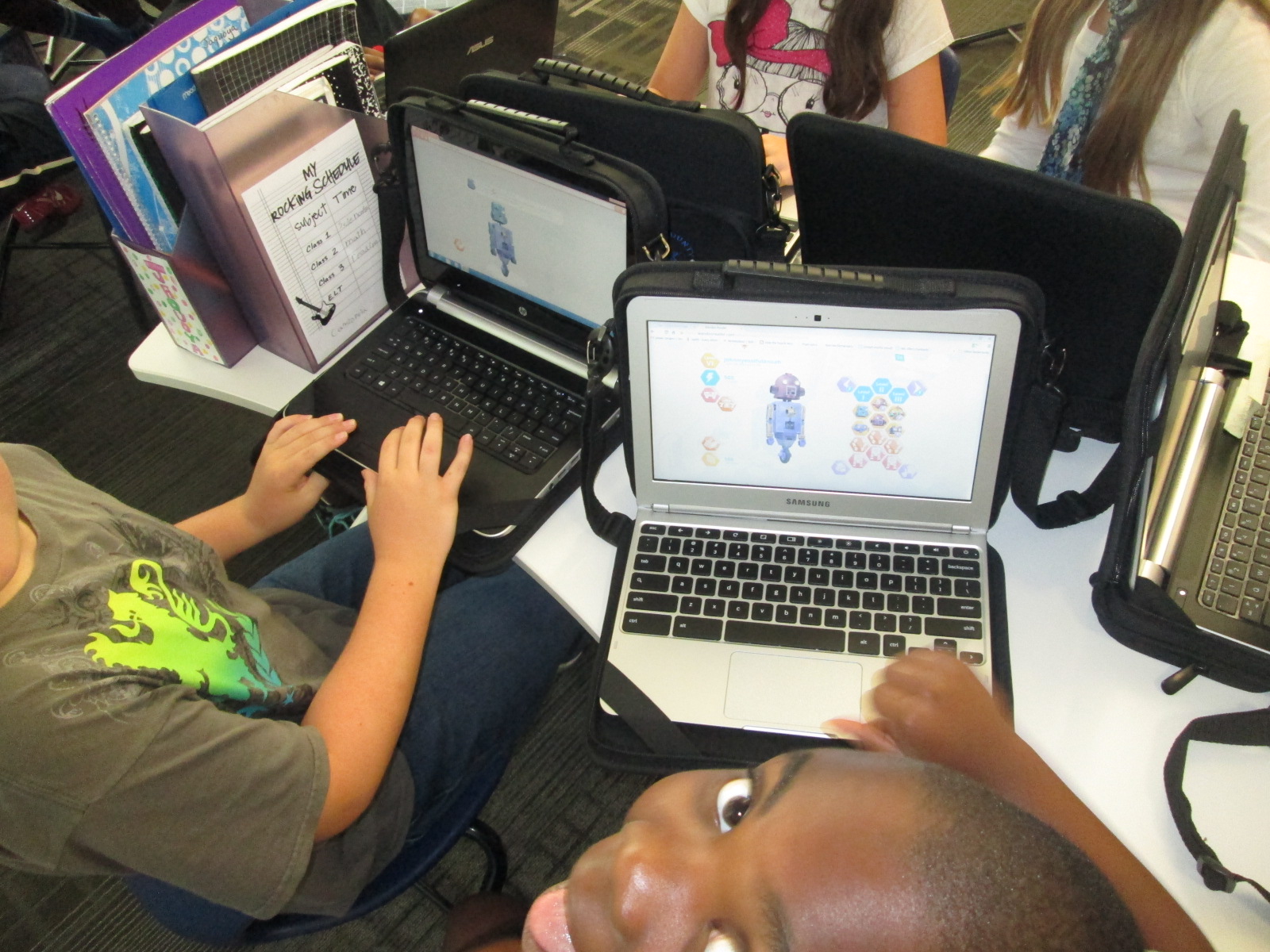
Wandoo reader is a “game and a reading tracker”.  It follows the story line of a robot who stumbles into a library but is low on power.  In order for the robot to power up, the robot needs kids to read books.  Students read books or really anything of their choosing.  In the online reading log, students submit the reading material title, amount of time read, and whether or not they finished reading the material.  Each time they log reading, they earn credits which allows them to purchase parts to the robot.  There are over 8,000 combinations of parts, so it’s pretty difficult for students to ever be truly “finished”.  Wandoo Reader also allows the administrator to setup incentives or prizes as well as secret codes for completing various challenges.

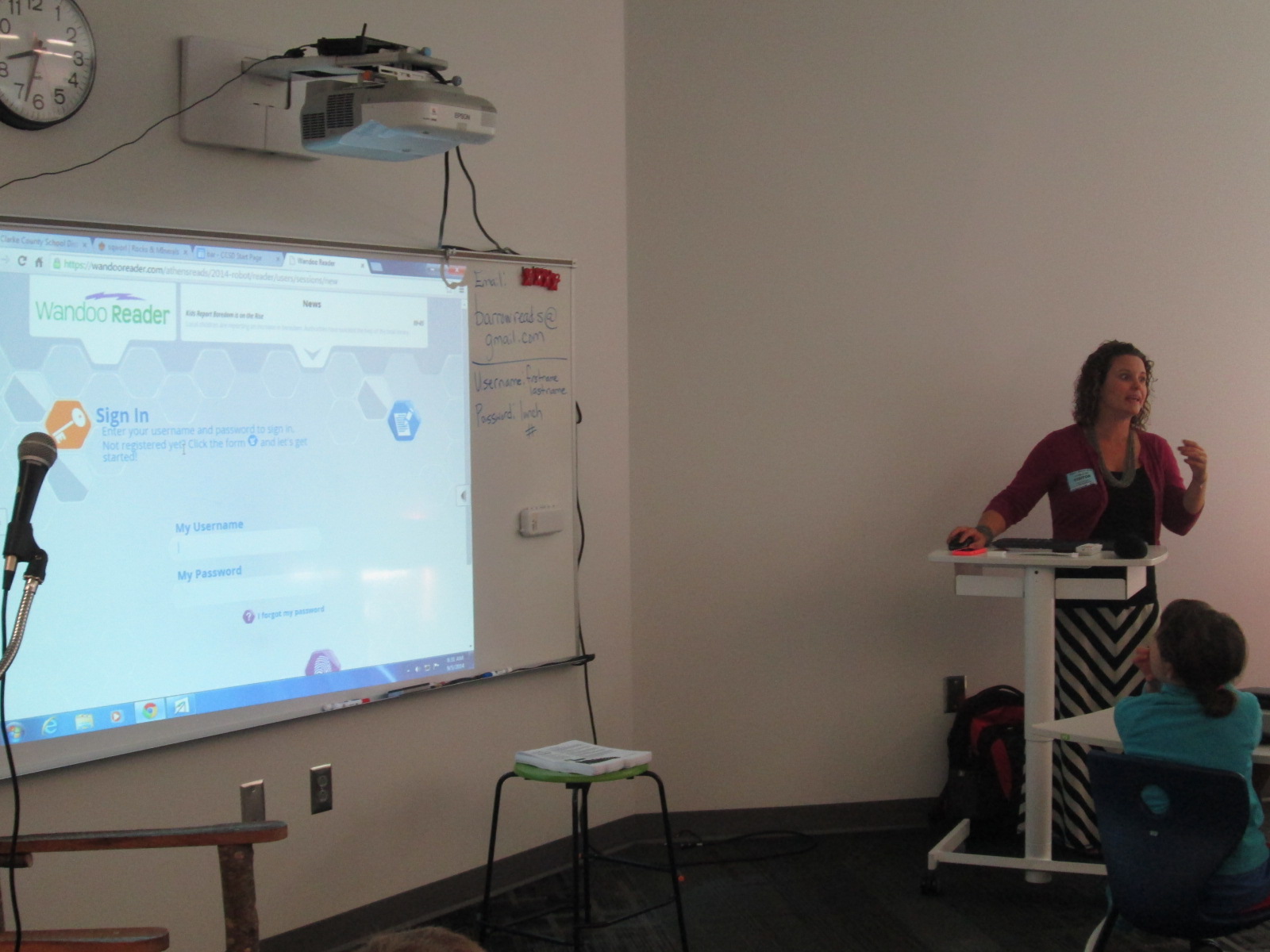
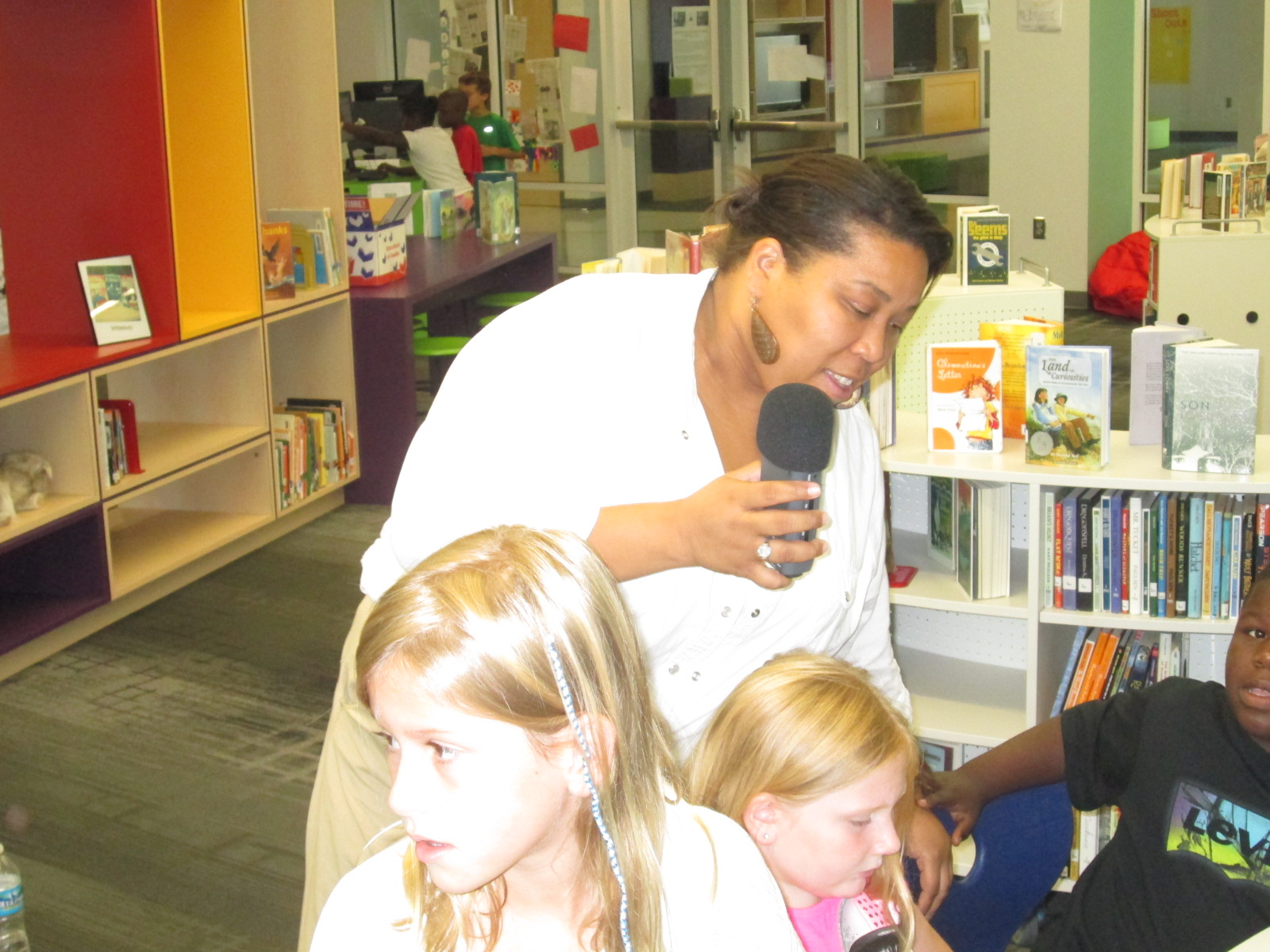
Our goal for Lindsey’s visit (and next week) was to get all of our 3rd-5th graders setup with accounts in Wandoo Reader.  Lindsey and I met with many classes.  I kicked off each session by sharing the news with students that we are the only school in the world currently using Wandoo Reader.  I wanted to emphasize the potential in this.  I brought in a conversation about empowering student voice in this opening (goal 3 for this year).  Students have an opportunity to test out a tool, figure out what they love, get frustrated with what doesn’t work, and point out what they just don’t like.  Each observation or failure that they make goes directly to Evanced Solutions for consideration in improving Wandoo Reader for future schools, so our student voice really matters and makes a difference.

Lindsey did a demo of what Wandoo Reader would look like once students registered.  She show them how to log their minutes, how to earn credits, and how to purchase a robot part.

Wandoo Reader Kickoff (11) Wandoo Reader Kickoff (12)

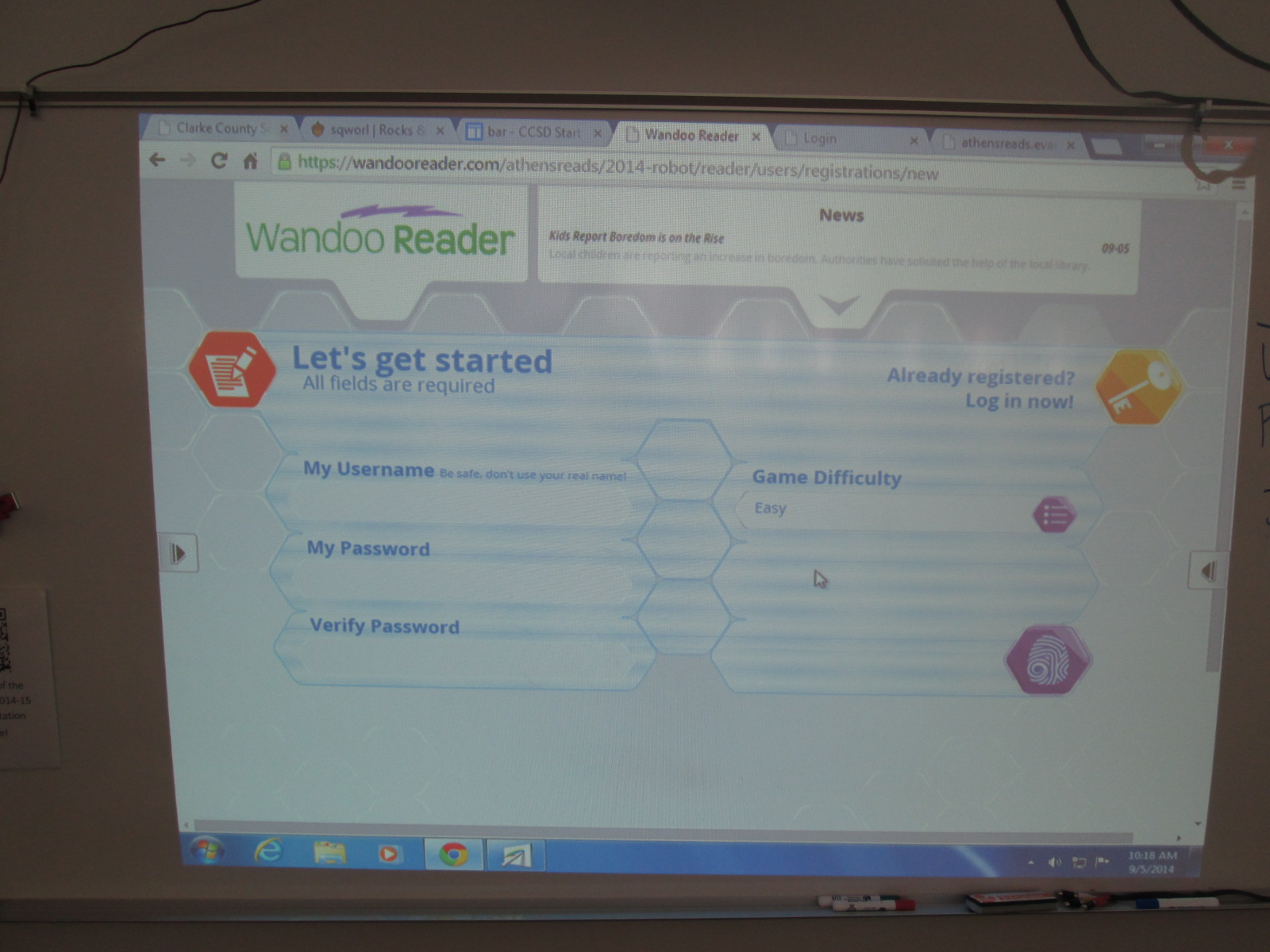
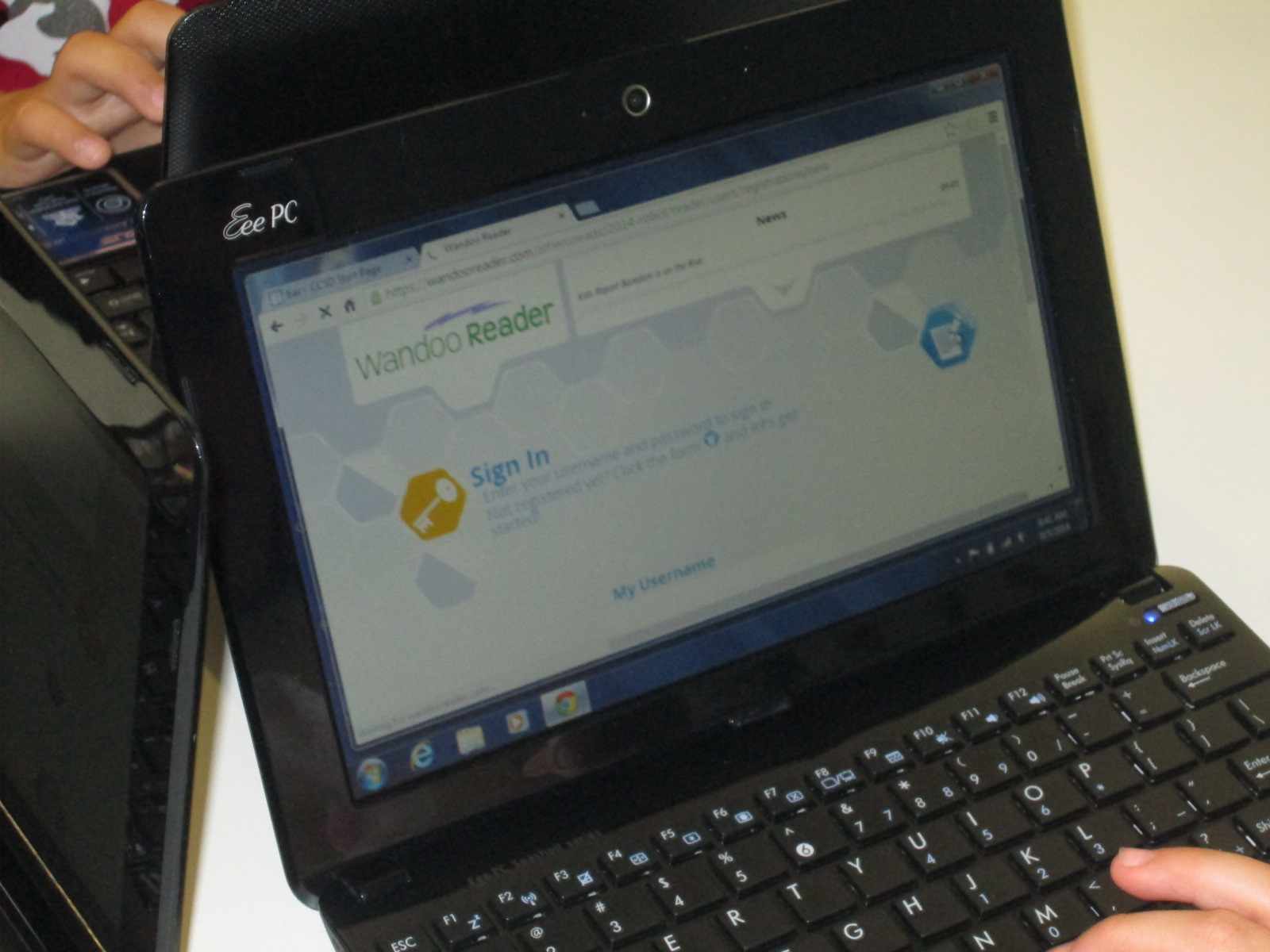
Then, we started the long process of getting students registered.  It didn’t take us long to discover that this process is not quite ready for schools and will need some adjustment.  Each student had to create a username, password, confirm password, and select the difficulty level for the game.  Then, students had to type my email address to send an email confirmation.  Each email had to be clicked on to activate each student account before they could proceed.  Bulk uploading is already in development and it is essential for schools to have this feature because the wait time students felt while I clicked on each email was too long.

Wandoo Reader Kickoff (20) Wandoo Reader Kickoff (25)

Once students have accounts activated, Wandoo Reader takes them through a tutorial which reveals the story line of the game and shows students the different buttons they will click to log reading, purchase parts, build a robot, etc.  This tutorial is text-only for now.  Some students read every word, others clicked through without reading at all, and others really tried to read but got frustrated without the support of audio or an adult’s help.  Again, this was an area where students and teachers offered feedback about their experience and observations and would really love to see an audio feature or simpler text.

Wandoo Reader Kickoff (8)

After the tutorial, students come to another screen where they have to put in their name, birthday, zip code, gender, and select their teacher.  There was a lot of learning here for students because it revealed that most students had no idea what a zip code is.  It was a great lesson, but it did slow down the registration process.  Our suggestion for this page was to cut out much of this page.  The essential information is the student name and the teacher.  These are the two pieces that will be used the most when running reports for data from Wandoo Reader.

Wandoo Reader Kickoff (16)

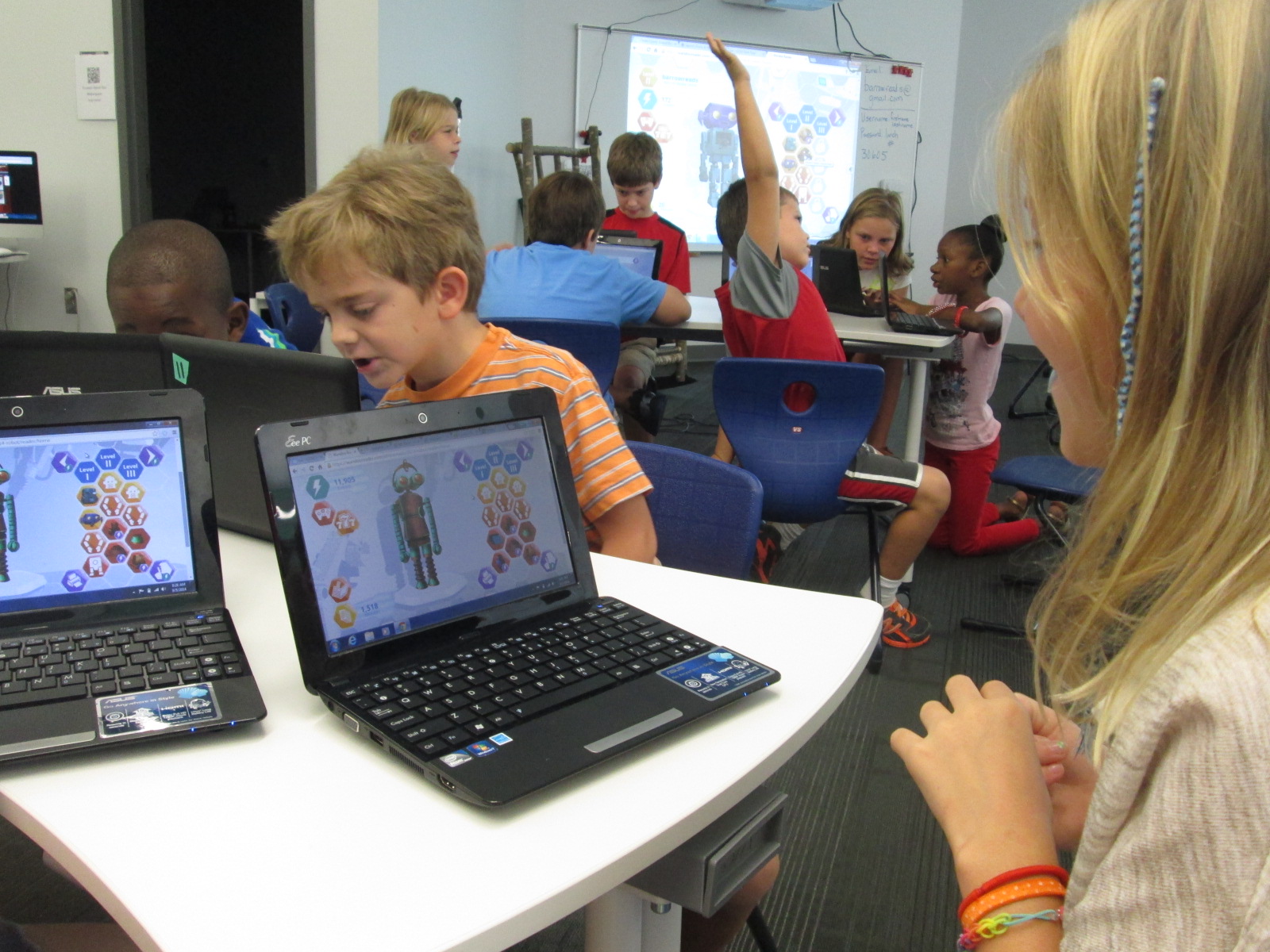
Once students made it through registration, the fun began.  Students practiced logging some books that were recently read, earned points, and started building robots.  Every student logged “Wandoo Reader” as a book if they read the tutorial.  There were smiles all around as each robot looked a little bit different than the next.  I loved how this feature gives students a sense of personalization, which is so important to students.  Once kids got into the program, we heard things like:

and

Students were really engaging in goal 1 from the library this year, “dreaming, tinkering, creating, and sharing”.  Of course, some students started testing the system to see how many points they could earn for more parts.  We can always clear that out through the administration portal, but they had permission to tinker.  They figured out how things worked, how things didn’t work, and also revealed to us what Wandoo Reader might need in order to focus kids on the true goal of the tool which is increasing student reading ability.

Wandoo Reader Kickoff (14)

Students were so proud of their robots

Wandoo Reader Kickoff (24)

We closed our time by talking about the importance of the data that Wandoo Reader will produce for our school.  I gave specific examples.  For example, if I see that a student clicks “still reading” on multiple books and never clicks “finished reading”, it might reveal to me that the student isn’t finding a good match for reading.  If a student reads the exact same book over and over, it might reveal to me that I need to have a conversation with that student to find similar books to the trusted favorite.  If I notice that several students are reading a lot in a particular genre, it might reveal to me that I need to purchase more of that genre for our library collection.  The list could go on and on because the data that Wandoo Reader can produce for me as the librarian as well as for classroom and collaborating teachers is something we have never had access to in a single location shared across the school.  If kids use it with “fidelity” as our superintendent says, then we can start to notice and really pay attention to the amount of time that our students are spending reading.  If we want to close the achievement gaps in reading, then one of the most important steps is getting the right books in kids’ hands and giving them time to read and have fun with that reading.  Wandoo Reader has great potential for this.

Wandoo Reader Kickoff (19)

Ms. Spurgeon record feedback for Evanced while supporting a student

Looking back over the day, there were many frustrating moments in the registration process.  In fact, there were times that it was that level of frustration where you just want to say “no thanks” and move on.  For students, there were moments where meltdowns, shut downs, and giving up could have happened.  However, the thing that sticks out to me most about the day is that there weren’t any tears.  Not a single student gave up.  I won’t pretend that they didn’t get frustrated because they did.  However, it is more important to me to see what they did with that frustration and it makes me ask “why?”.  Why didn’t they crawl under tables, cry, close their computer screens, or say I don’t like this?

I can’t prove why at the moment, but I can’t help but wonder about the library goals for this year.  We began each session by giving students permission to tinker and fail (goal 1 dream, tinker, create, and share).  We established a sense of purpose by helping them realize that their failure and feedback was contributing to the greater good of the world (Goal 2 global thinking & collaboration).  We empowered them to notice what wasn’t working as well as what they loved and share that into Lindsey’s recorder to take back to the developers (Goals 3 empowering student voice).  We talked about reading multiple kinds of text and logging everything and even gave them permission to log Wandoo Reader as a book (Goals 4 supporting reading habits).

Wandoo Reader Kickoff (15) Wandoo Reader Kickoff (21)

When I started the day, I really didn’t plan for every library goal to be evident in this one lesson.  As we moved through the first session, it became very clear to me that I needed to be transparent with students about the multiple layers of why we were using Wandoo Reader.  When I did that, the library goals naturally came to life because they are a part of my thinking every day.  If I can continue to replicate experiences like today, I feel like our students will continue to develop perseverance and stamina as well as feel like their voice matters in our school as well as the world.

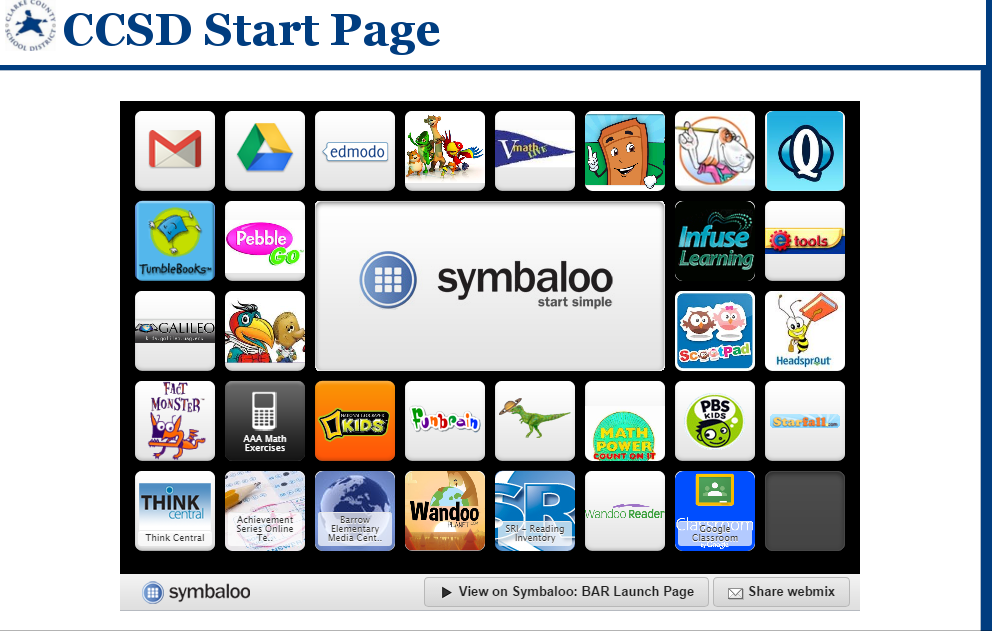
Now the students who are setup are ready to start logging everything they read and building robots.  I told them to not worry about what they have read in the past but instead start with what they are reading right now.  Many will probably log minutes this weekend by visiting our Symbaloo page where we keep all of our resources.  Others will start logging minutes at school next week.  Regardless, the task now is to continue to tinker for a bit until we all figure out the best process for having kids log their minutes.  I will also follow up with teachers to see how they are feeling about Wandoo Reader and see what our next steps really are.

bar   CCSD Start Page

Even with the frustrations of registration, I feel like we all gained so much from this day to support us throughout this school year.  Thank you Evanced for this opportunity, and we can’t wait to see the changes to Wandoo Reader based on what was learned from these first student users.

Developing Library Goals to Carry Into Every Collaborative Meeting

photo 2 photo 1

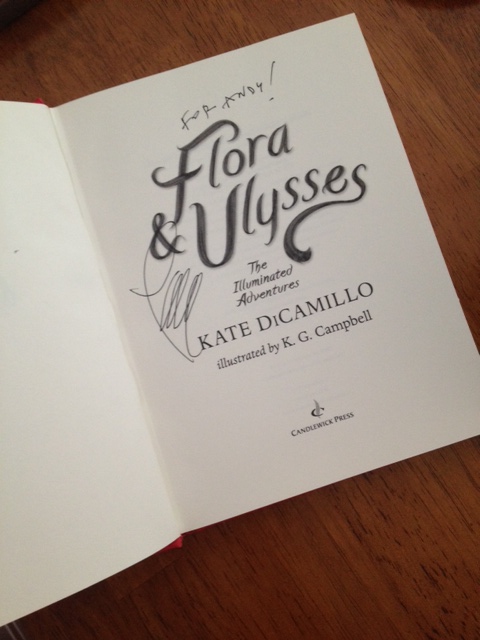
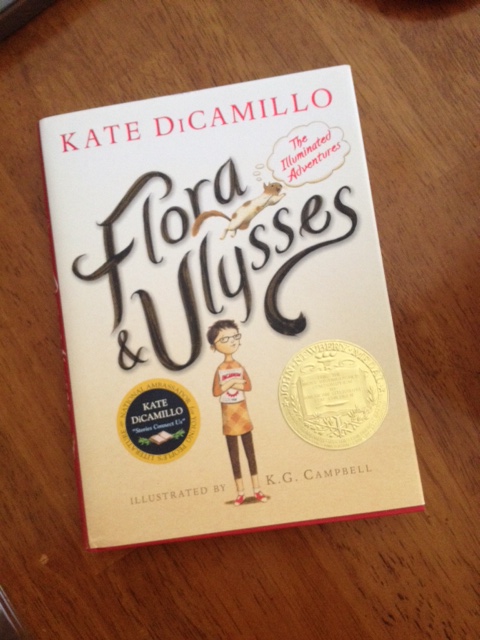
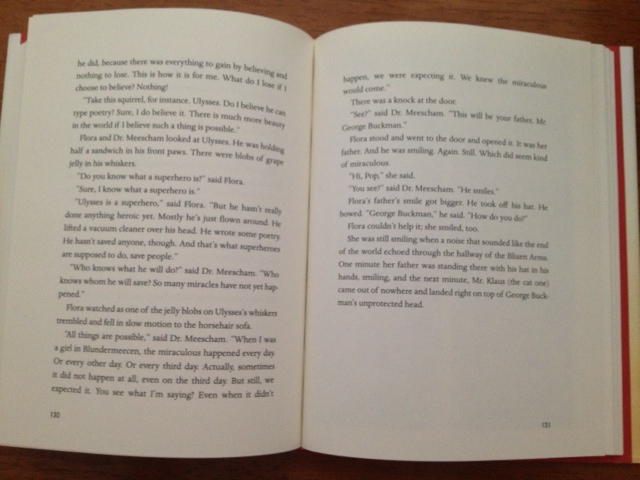
Last year, a book impacted my life, my library program, and found its way into so many conversations with students, teachers, and librarians.  “Expect the Miraculous” came to be our mantra in the Barrow Media Center thanks to Flora & Ulysses: The Illuminated Adventures by Kate DiCamillo.  It was all thanks to p. 130-131.

photo 3

This summer, as I sat down to develop our library program goals for the 2014-2015 school year, that mantra of expecting the miraculous everyday was still a big part of my thinking.  However, this summer I carried so much more with me as I reflected on goals.

I had my experiences and conversations with the #Wandoo5 at Evanced Games in Indianapolis.

photo 3 (3)


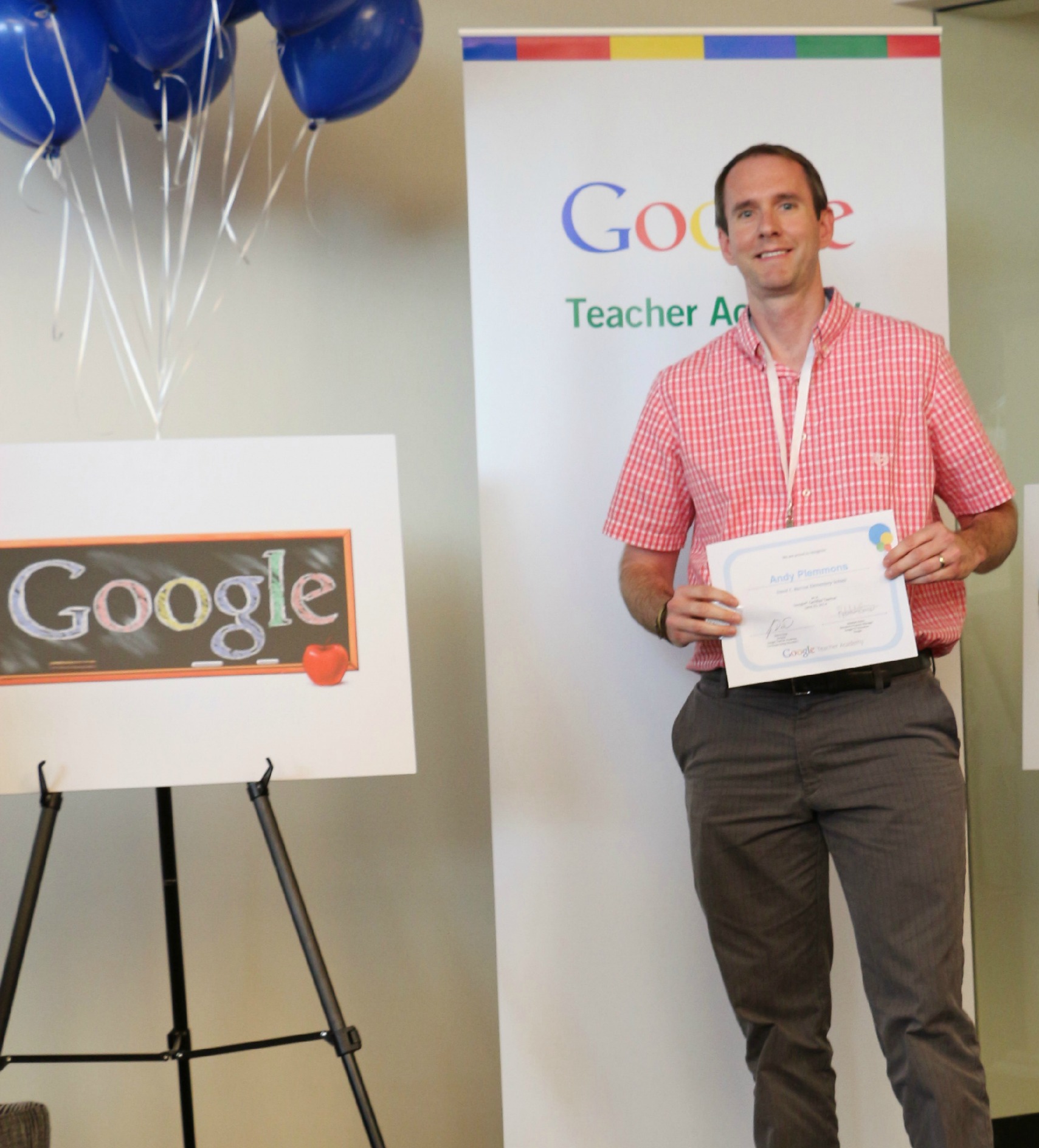
I had the moonshot thinking and action plan of the Google Teacher Academy and becoming a Google Certified Teacher.

graduation


I had the Invent to Learn Workshop with Sylvia Martinez and Gary Stager.

Photo credit: Sue Levine


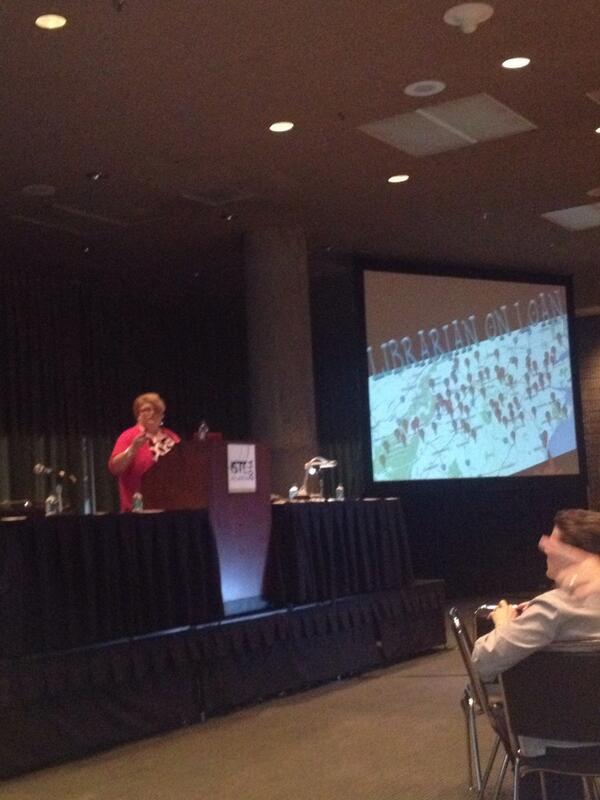
I had numerous experiences at the ISTE 2014 conference including a zombie fighting keynote from Jennifer LaGarde, empowering talks from George Couros and Todd Nesloney, and inspiring keynotes from Ashley Judd and Kevin Carroll about the importance of each child’s story and the importance of play.

The more I reflected on my summer professional learning experiences the more I realized that I wanted this year’s goals to be different.  In the past, I’ve made big goals about developing the participatory culture in our library, but I’ve also made specific goals about the collection.  While the collection is important, it is not my primary focus for the library program.  I was reminded of a question in Jennifer LaGarde’s keynote about the Dewey decimal system and her answer of “who cares”.  Who cares if I have specific goals about the library collection?  What cares if the 300’s have the recommended number of books?  Who cares what the average age of the biographies is?  The heart of the program isn’t the physical collection.  The heart of the program is the students, the teachers, the families, and the community.  The heart of the program is the opportunities that they have through the library.  Now, I’m not saying that I’m abandoning the collection or that I don’t have goals about the collection.  It’s just that my primary goals of the library aren’t about the collection.

I want goals that I can carry with me into every collaborative meeting that I attend.  I want goals that I can put up on the walls of the library and add tangible evidence throughout the year of how they are impacting the students, teachers, and families in our school.  I want goals that support our school and district goals as well as reflect what is being talked about on a global level.

This week, I will share these goals with our faculty during pre-planning, but they’ve already faced their first test.  During our first day of pre-planning our principal set the stage for our year.  I must say that it was one of the most inspiring opening days that I’ve ever been a part of because it wasn’t filled with duties and responsibilities, mandates, and daunting changes.  Of course, all of those things  will be present this year, but our principal chose to focus on how we can value each child’s story, how we can add to and enhance that story by what we offer at school, and how we can develop a vision and mission for our school that represents what we truly believe in education.  As I listened and as I talked with other teachers, I was already carrying my goals with me, and I must say that I felt really good about the 4 goals that I’ve chosen.

These are the goals that are based on the themes that consistently surfaced in all of my reading, professional learning, conversations, and reflections.

Goal 1:  To provide students, teachers, and families opportunities to dream, tinker, create, and share

blokify printing (2)

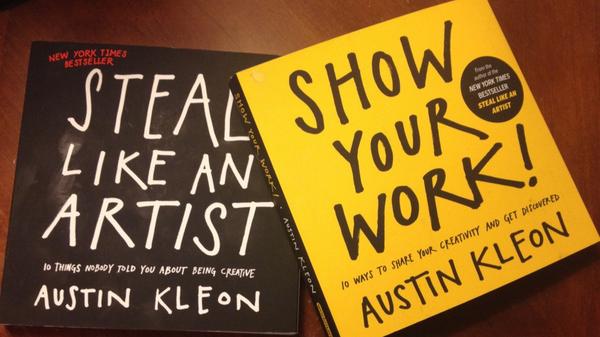
I chose these verbs carefully because I think that the order matters.  So often, we feel the time crunch in education and I think we often jump to having students make something with so many detailed requirements that they don’t have time to dream about what they hope they could make or have time to mess around, fail, and learn from those failures.  As I plan projects with teachers this year, I want to intentionally plan spaces for students to pause and wonder and have time to explore before they actually create a final product that is shared with an authentic audience.  I want us to think carefully about how we “show our work” just as Austin Kleon outlines in his books.  He says, “If your work isn’t online, it doesn’t exist.”  I’ll be thinking carefully about how we give students opportunities to create and also how they share their process as well as their final product.

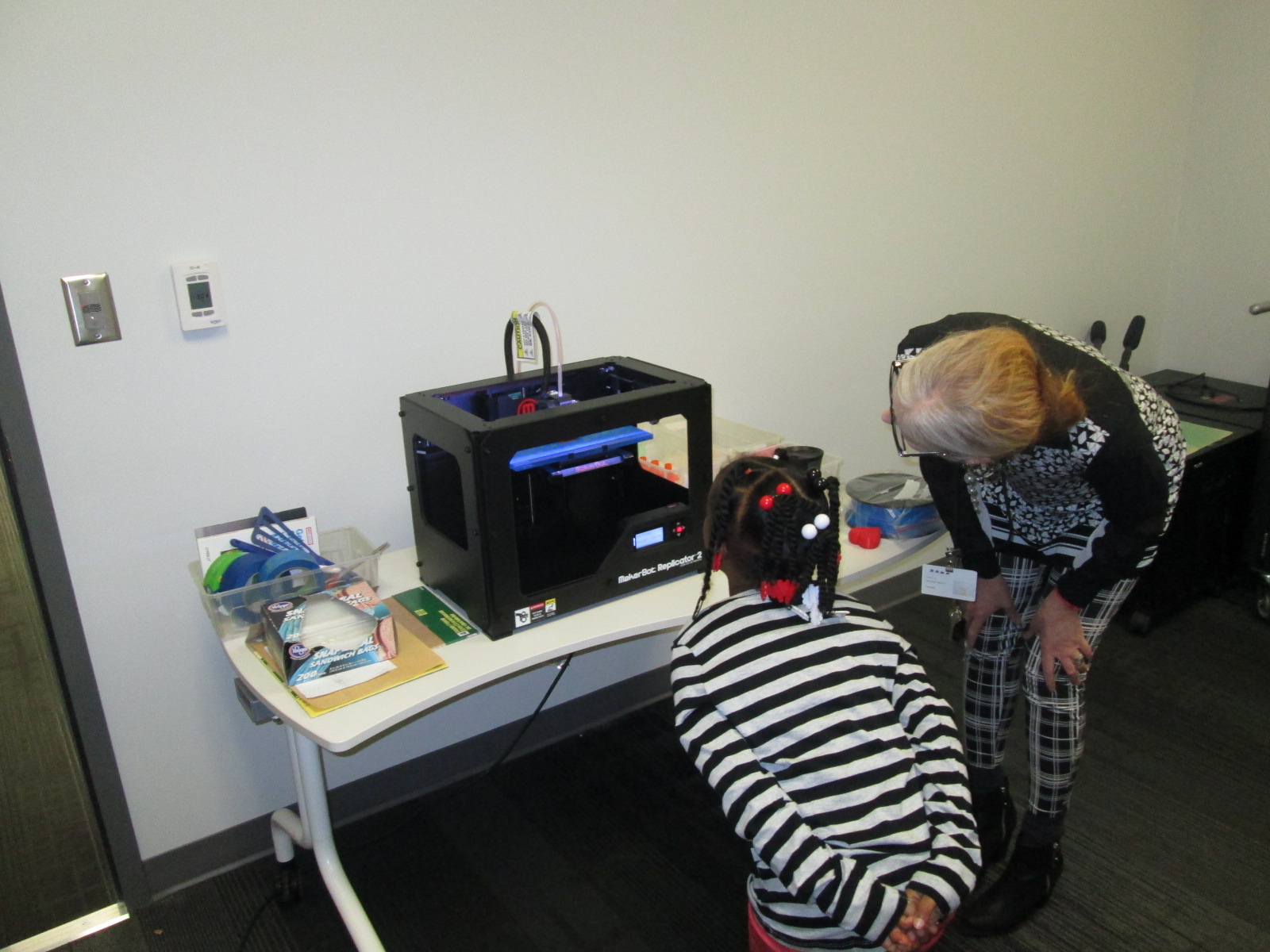
Within this goal, I have subgoals about the number of large-scale projects I will do with each grade level, the development of our library makerspace, the collaborative relationships with our community makerspace and tech startup, and embedded digital citizenship.

Goal 2:  To engage in global thinking and global collaboration

Global TL logo

I can’t even count the number of times that global thinking and collaboration came up this summer.  I feel like so many people around the world are primed and ready for this endeavor during the upcoming year.  Last year, our library was more connected than it has ever been through authors, guest speakers, reading events, and peer feedback through Skype and Google Hangouts.  Even though we felt connected, most of our work was projects or single connections.  I would love to see global thinking and collaboration become more evident in what we do through long-term collaborative relationships around the globe and authentic questions and projects that matter to the world.  Within this goal are the many networks that I will be a part of this year including GlobalTL, Connected Classroom, Skype in the Classroom, and my Twitter PLN.  I’m inspired by the work of Sylvia Rosenthal Tolisano and will look at her work as we plan this year.

As teachers and I plan this year, we will ask ourselves how we are being global thinkers and how we are connecting our students beyond the walls of our school.

Goal 3:  To empower student voice

IMG_3479

When I thought about this goal, I was reminded of many stories shared by George Couros at ISTE including the story of a little boy who made a video where he overjoyed by getting one “like” on a social media post.  I was reminded of Todd Nesloney sharing about his math fair and how he asked students to “wow” him by showing their math knowledge.  Students did more that “wow” him.  They shared their passions in life, involved their families, and were empowered.  I was reminded of how we all want to be heard and feel like we’ve made a difference.  As I plan with teachers this year, I want to ask how we are empowering each student by allowing them to share their passions and feel that their voice is heard.  In the library, I will continue to explore this as well by giving students opportunity to document our year, make decisions about library resources, share their passions through contests and displays, pass on their expertise through co-teaching experiences, and listening closely for opportunities I don’t even know about.

Goal 4:  To support the reading habits and curiosities of students, teachers, and families

It’s no secret that the more you read the better reader you become.  You of course need to have the skills and strategies to accompany that time commitment.  You also need access to reading that matters to you.  This year I want to be more intentional about supporting reading curiosities to match students, teachers, and families to the kinds of stories and information they are looking for.  I also want to be more intentional about documenting that commitment to reading.  Our library is not the only source of reading materials, so I want to continue to build a collaborative relationship with the public library, local bookstores, and other community resources to all work together toward a common goal.

This year, we will explore an Evanced tool called Wandoo Reader.  This tool will give students a portal for documenting their reading lives through tracking book titles and minutes read.  Along the way, there will be challenges issued to students, and within Wandoo Reader, they will earn pieces to a robot that they will customize.  I hope that this tool will offer a level of engagement for tracking reading as well as encourage students to spend more time reading in multiple ways from multiple locations.

IMG_3035


Our planning will begin this week and I look forward to carrying these goals with me, trying them out, and see what miraculous things happen this school year.

What are YOUR library goals?  I invite you to think about them in new ways and share.


Barrow Students are Banishing Boredom with Wandoo Planet

BnrkJhaIMAAhM3L

Back in early February, a group of 5th graders became beta testers for a new tool from Evanced Kids called Wandoo Planet.  It is a kid-powered interest genome project similar to Spotify, Pandora, or Netflix.  Through a visually-stunning, game-like interface, students train the system to understand what their interests are and Wandoo Planet offers book and movie recommendations.

lindsey 1

Since our beta testing began, Evanced has released the beta version to anyone who wants to register for an account.  The polished version will be released in summer or early fall.  I thought this would be the perfect launch to summer reading.  In the past, I’ve tried to get students to think about their interests and begin making lists of possible reading topics, but I felt like it was difficult to carry those initial plans into the summer.  With Wandoo Planet, kids can start thinking about their interests and continue to grow and develop their interests throughout the summer and beyond.  They can take the books and movies that are recommended to the public library or bookstores and gather their summer reading materials.

lindsey

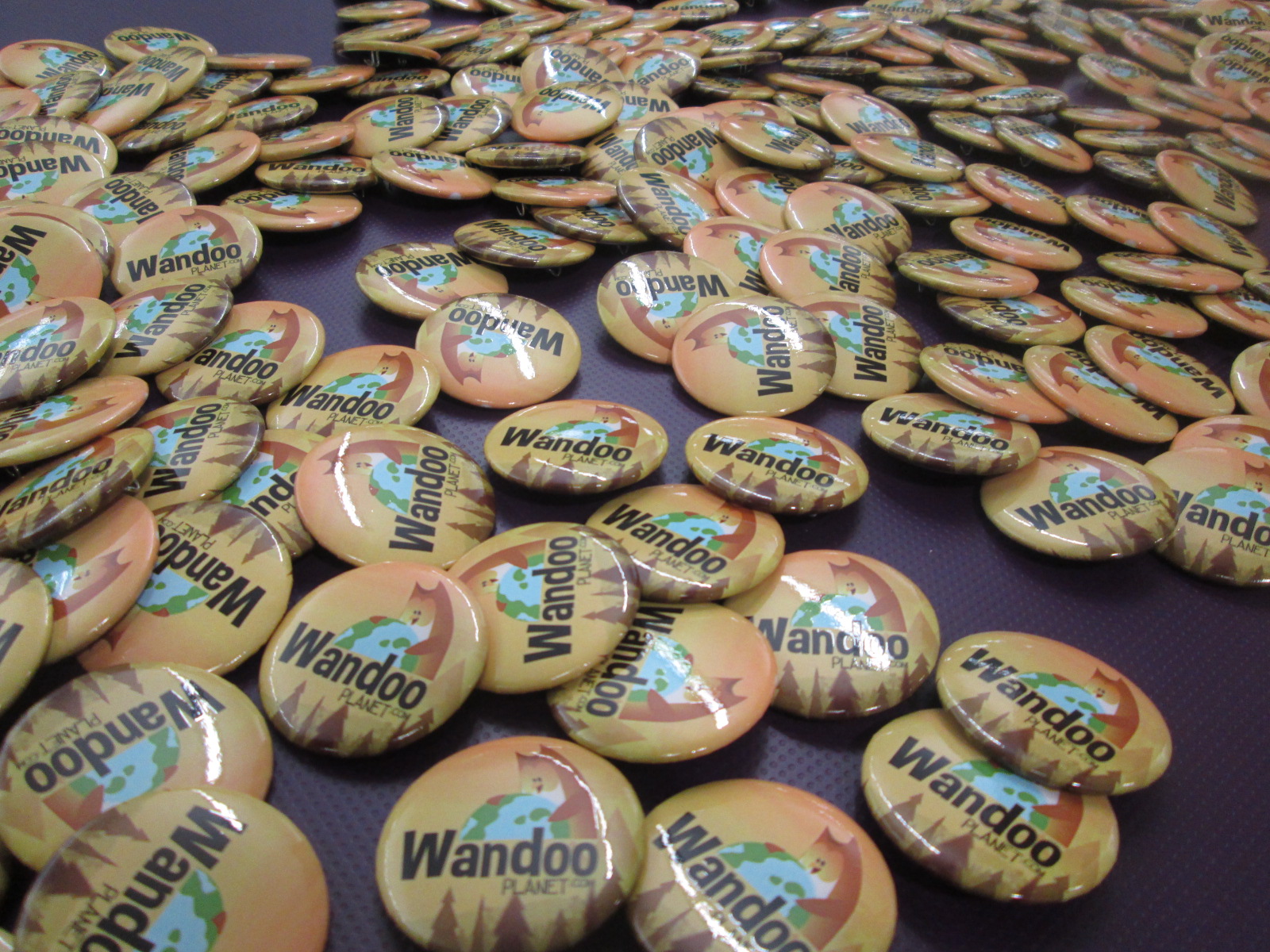
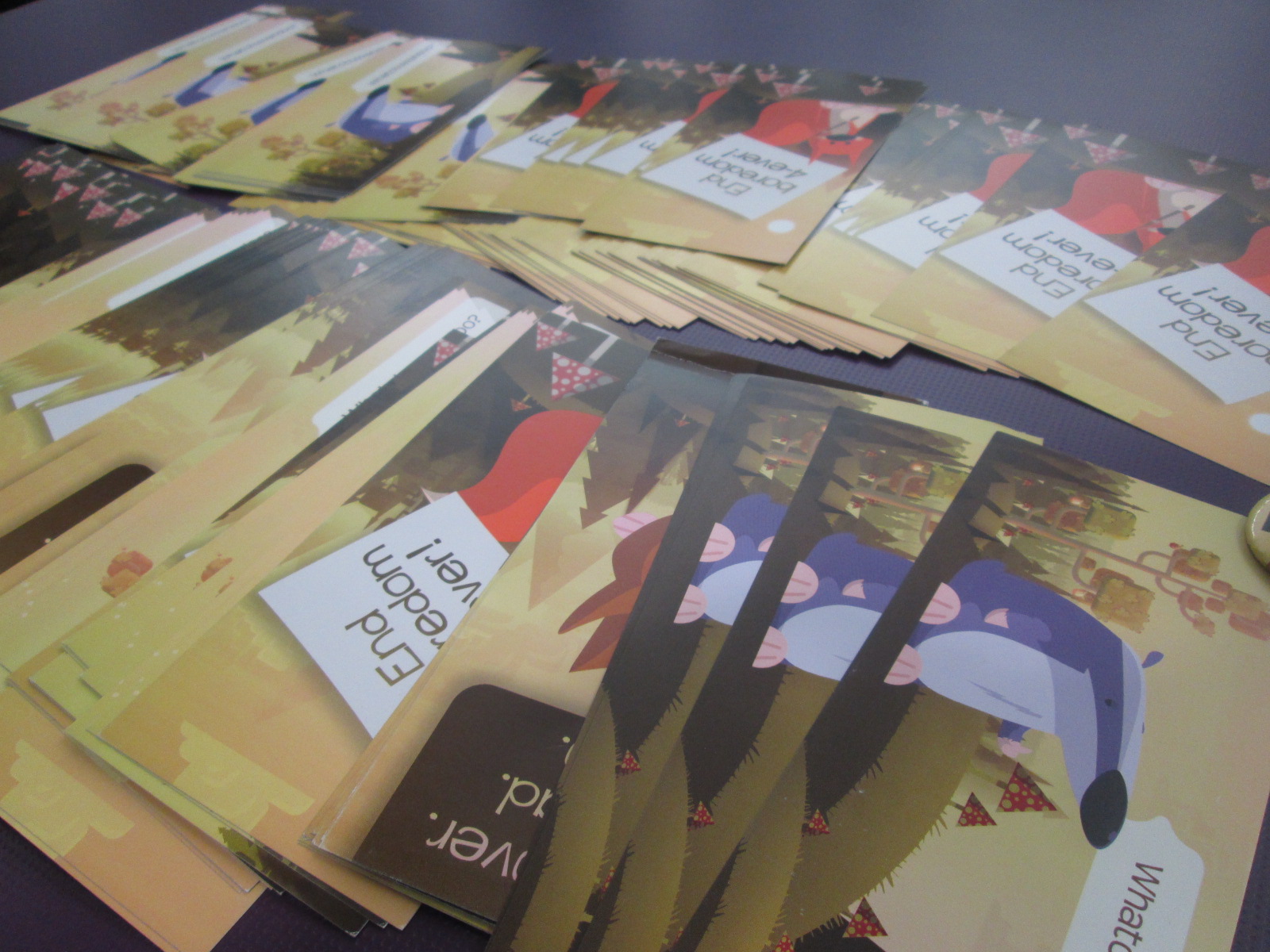
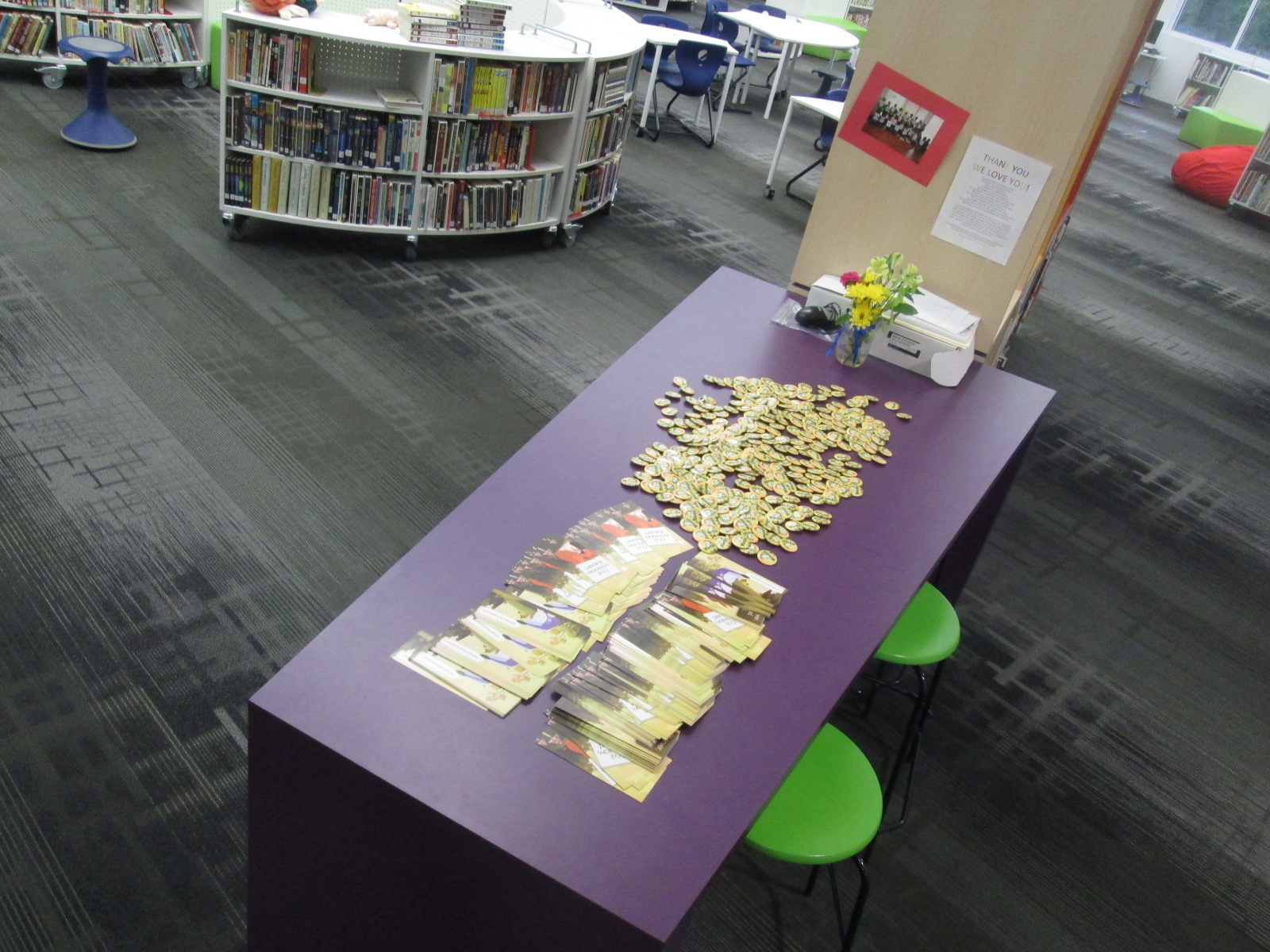
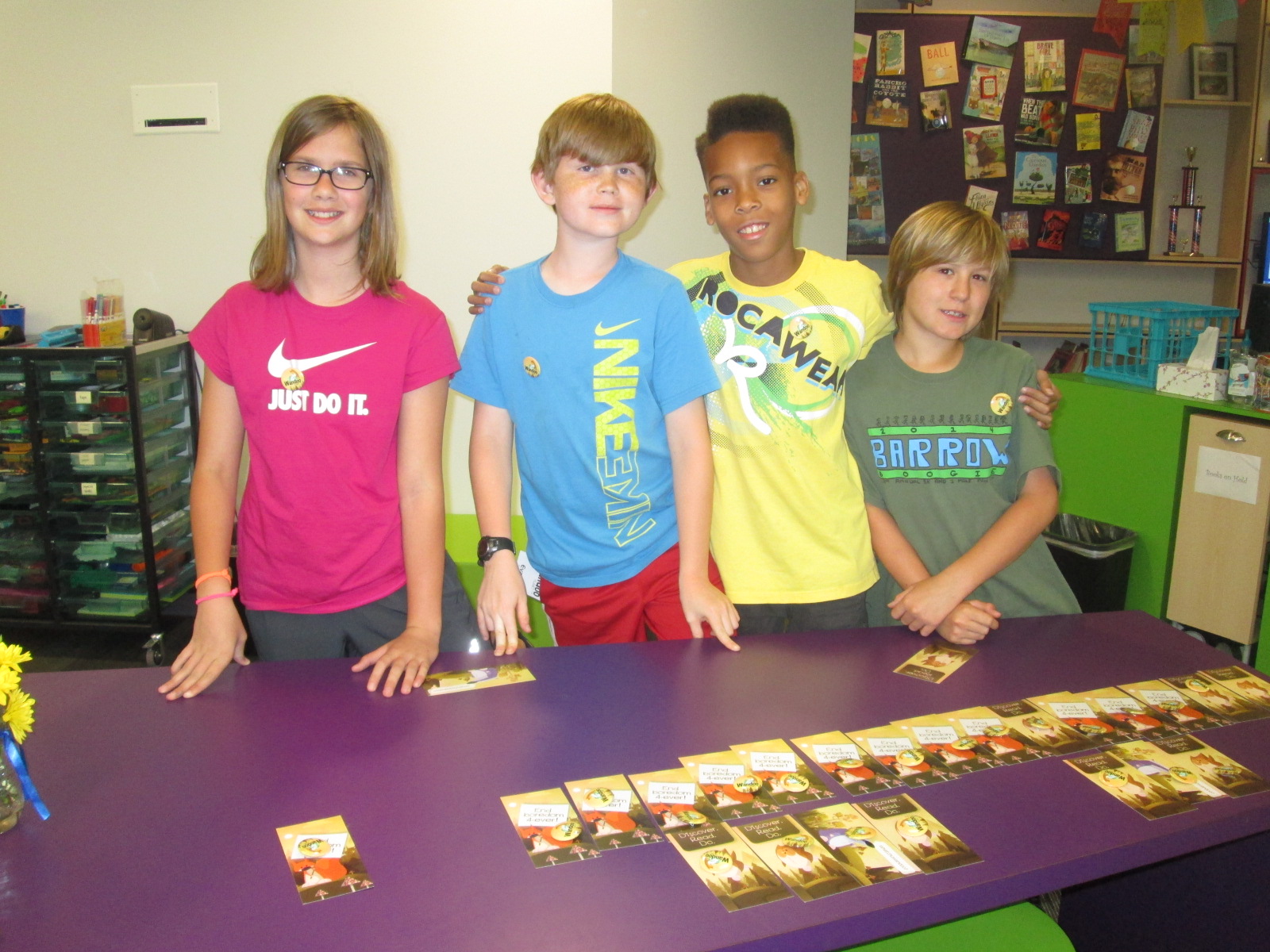
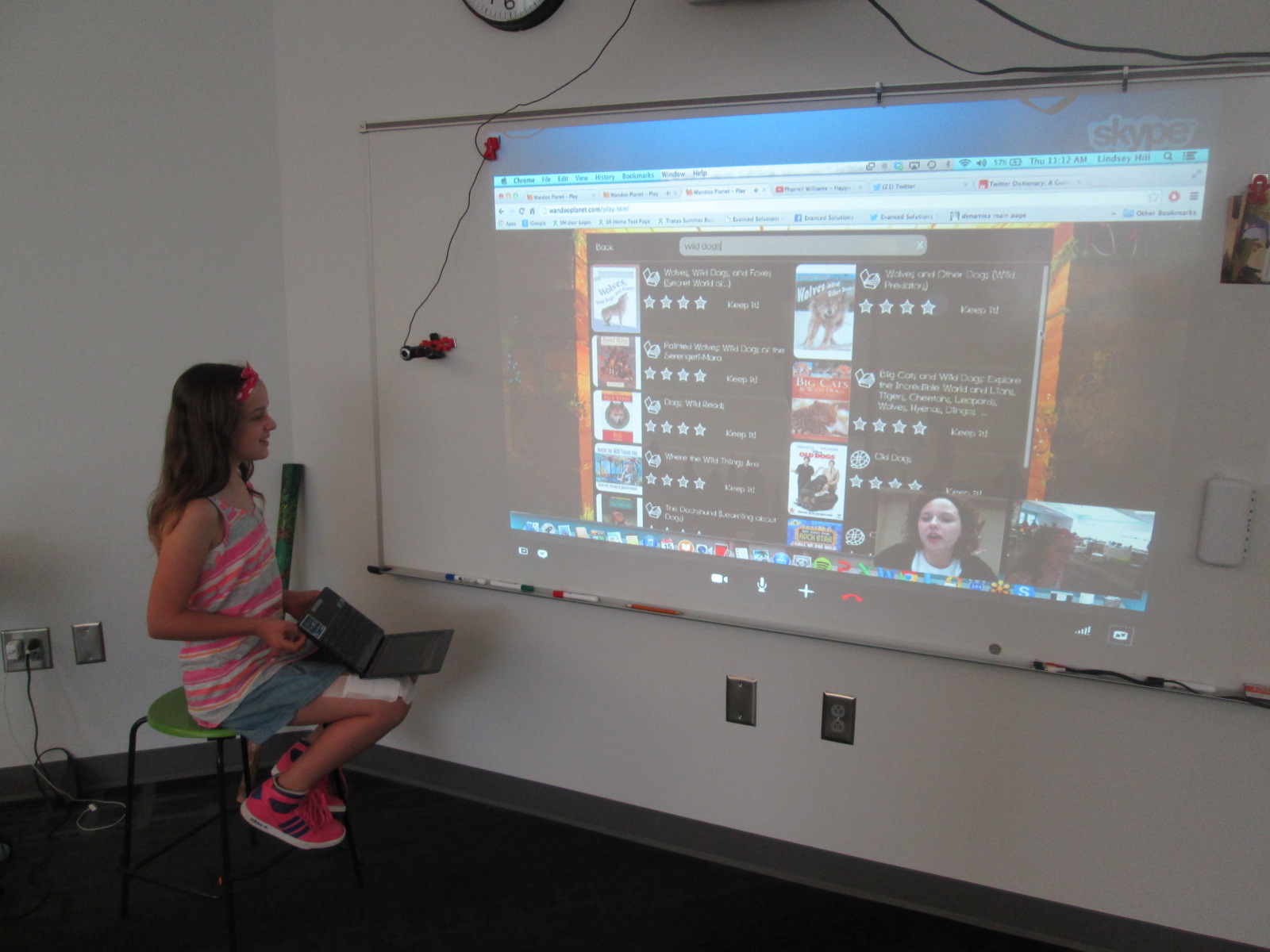
Lindsey Hill at Evanced began brainstorming with me on Twitter and email to plan a virtual visit right before we leave for the summer.  She mailed me bookmarks, username/password cards, and buttons to give to all of the students.

IMG_3414 IMG_3415 IMG_3416

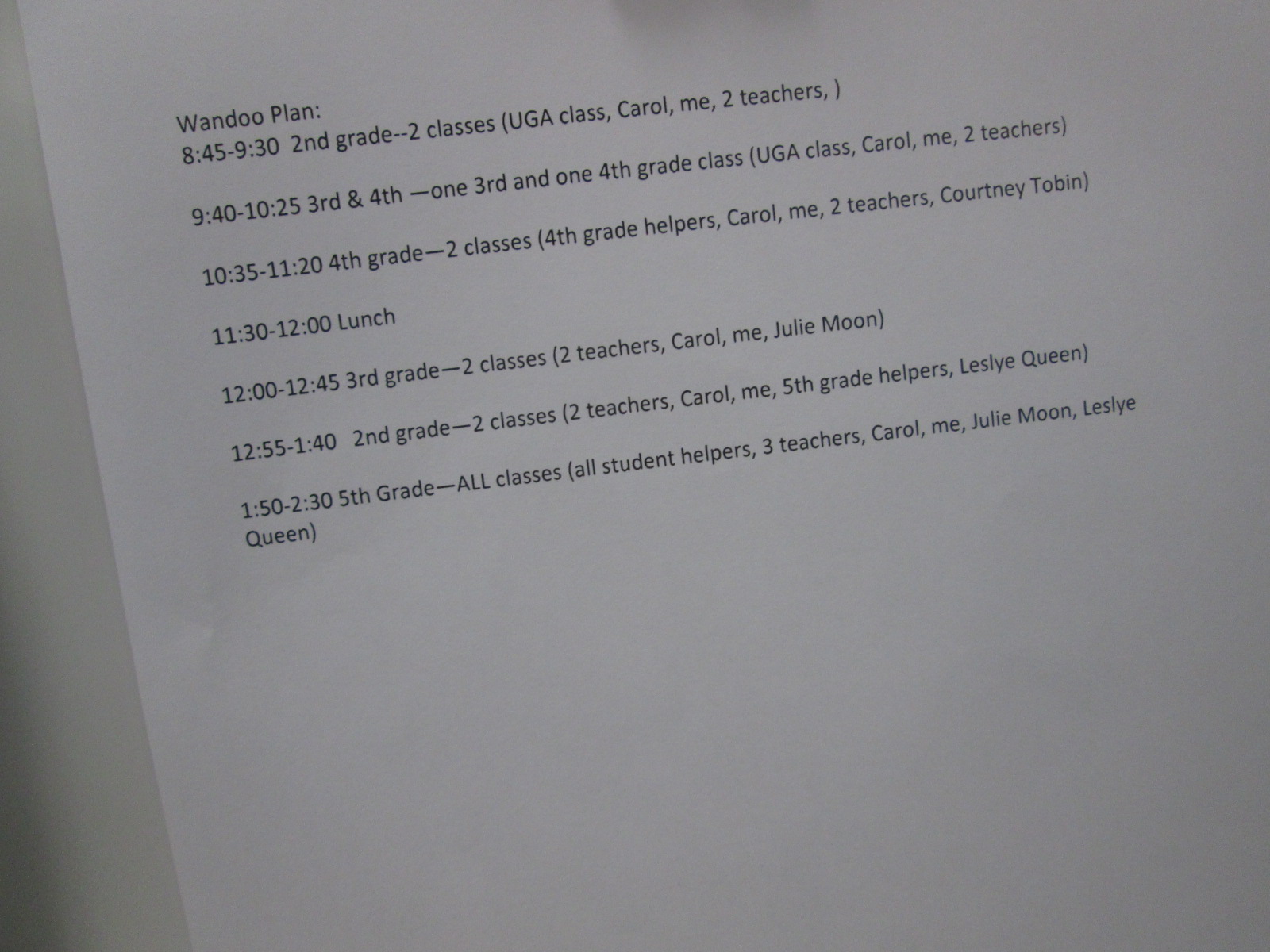
We thought through which classes would come, a schedule that made sense, how to structure the virtual components, and how to best use student time in the library.  We decided on having 2 classes for 45 minute intervals with a 10 minute cushion of time in between sessions.  This allowed us to see all 2nd-5th grade classes.

IMG_3418

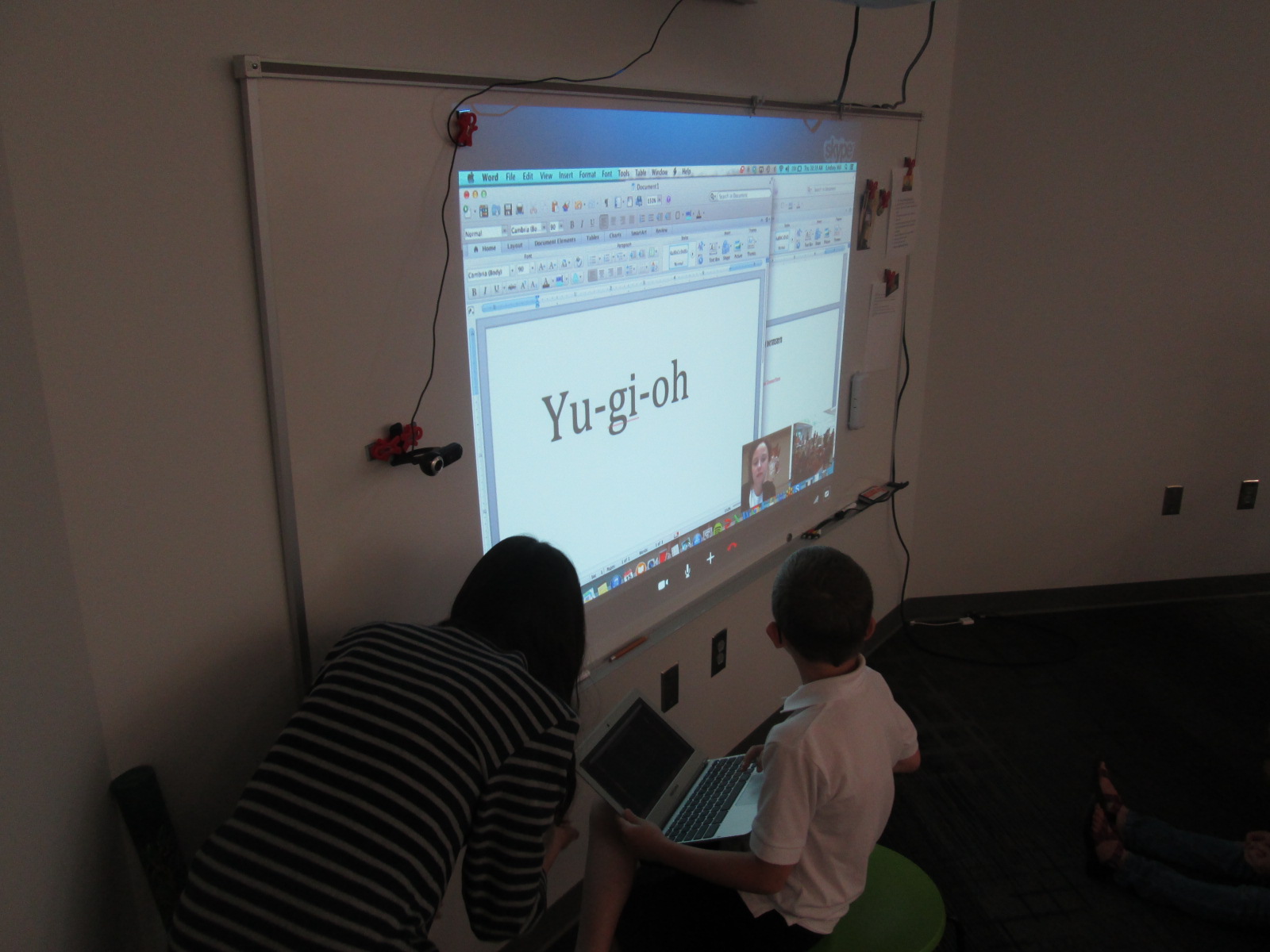
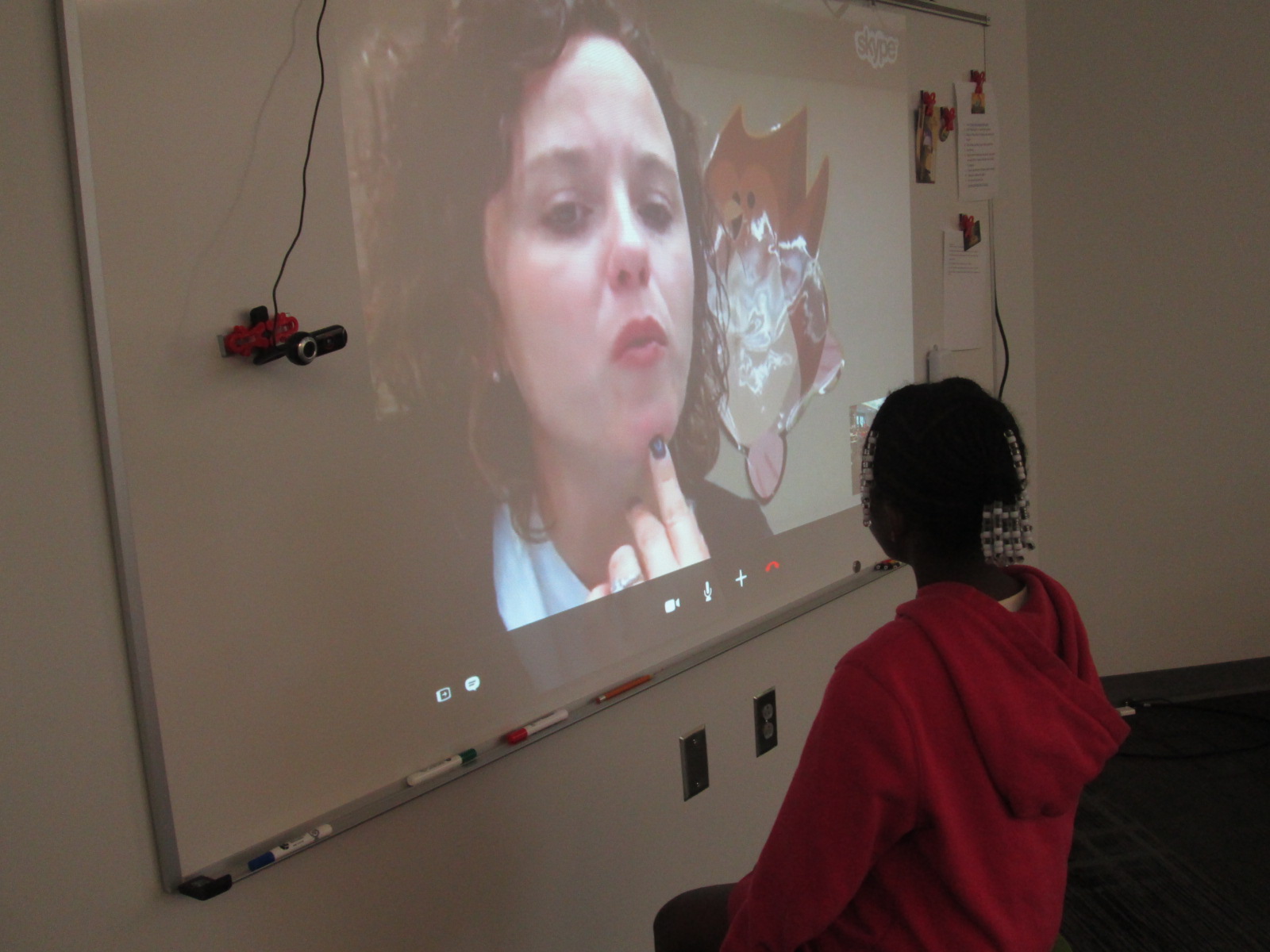
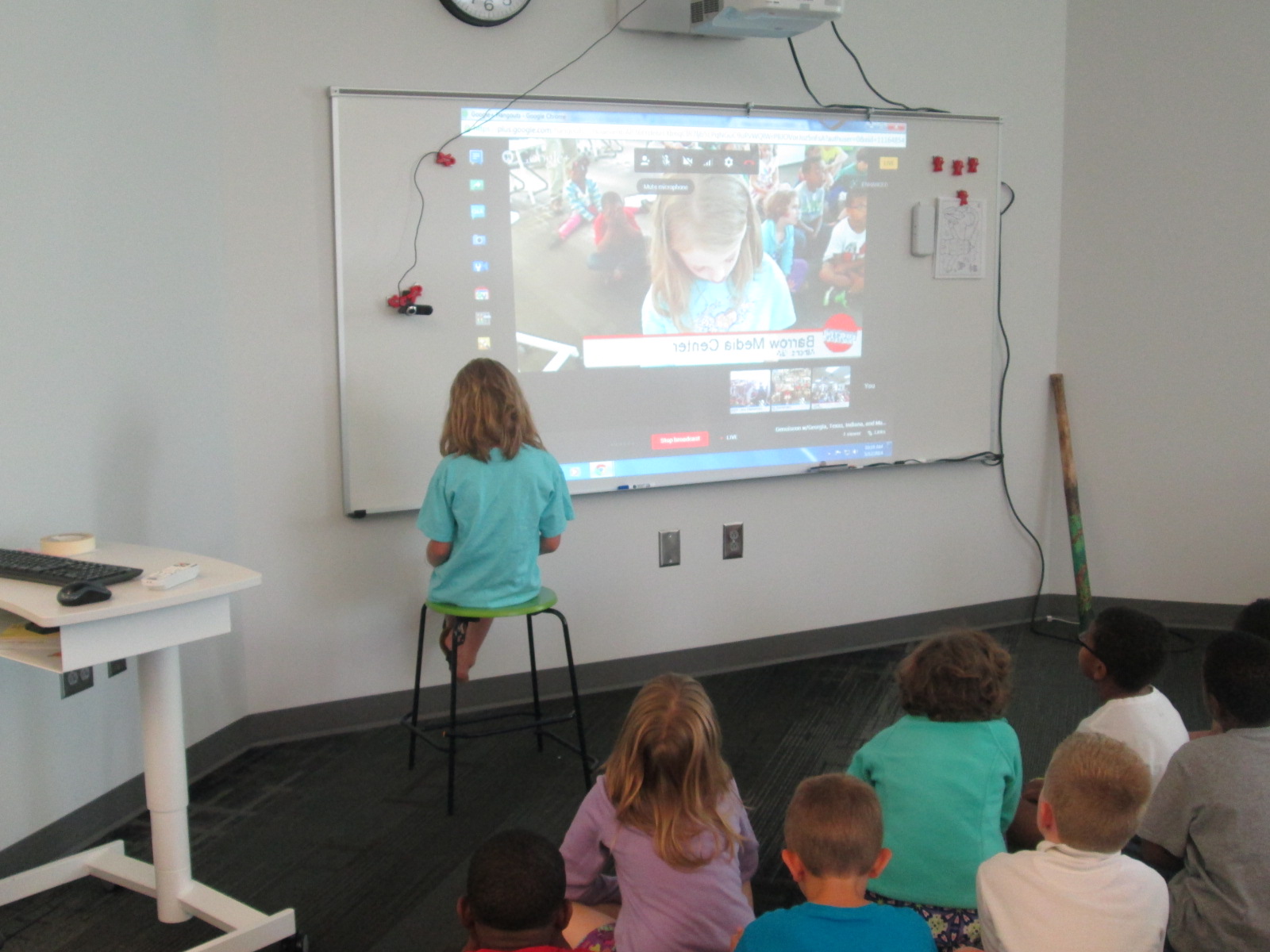
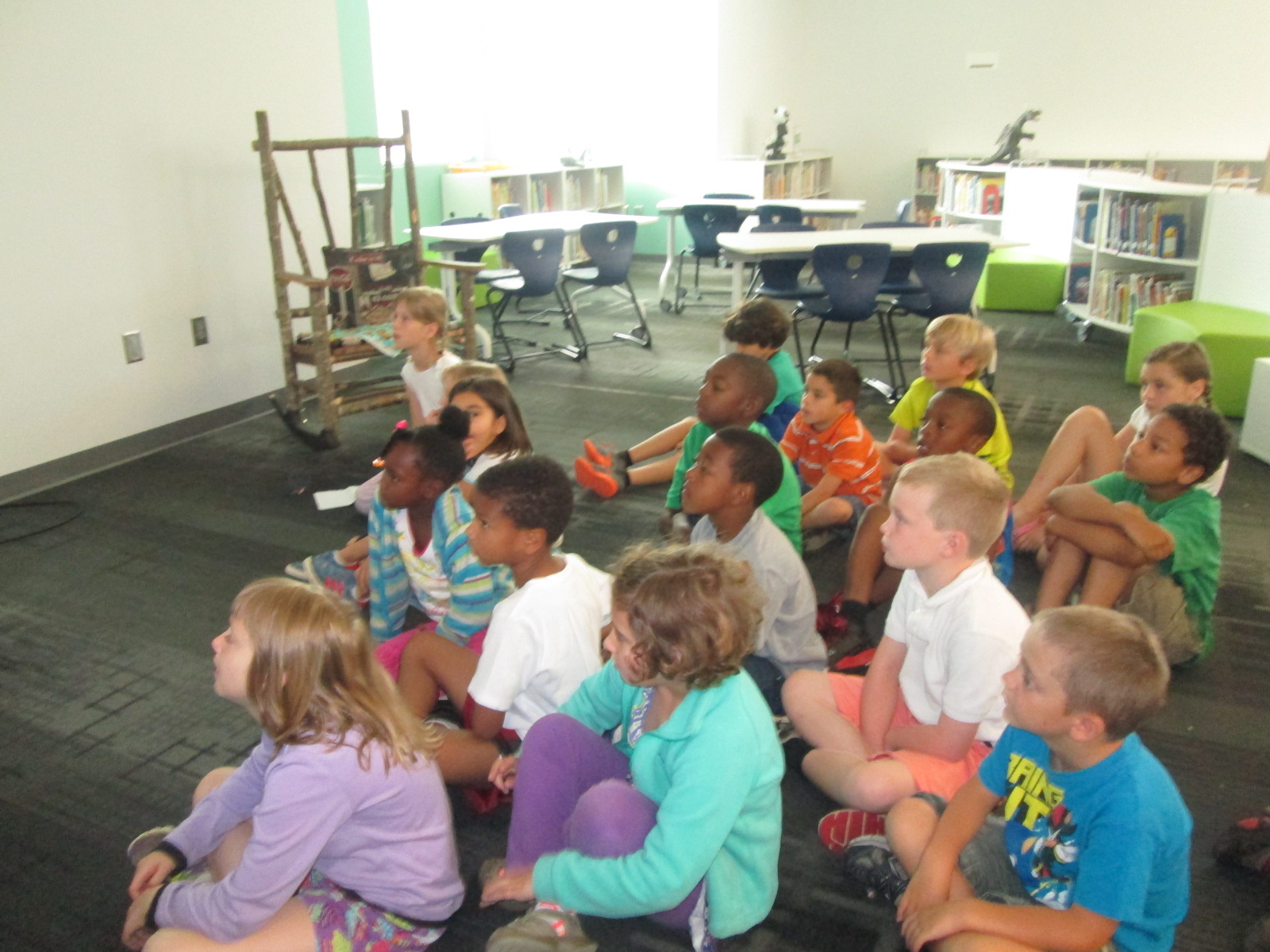
Lindsey agreed to Skype with each group and explain Wandoo.  She used this time to explain how Wandoo works as well as how to setup an account.

She also agreed to stay online all day so that students could give her feedback about Wandoo and ask questions.  I loved watching students walk up and have genuine conversations with her.

IMG_3460 IMG_3452 IMG_3447 IMG_3446

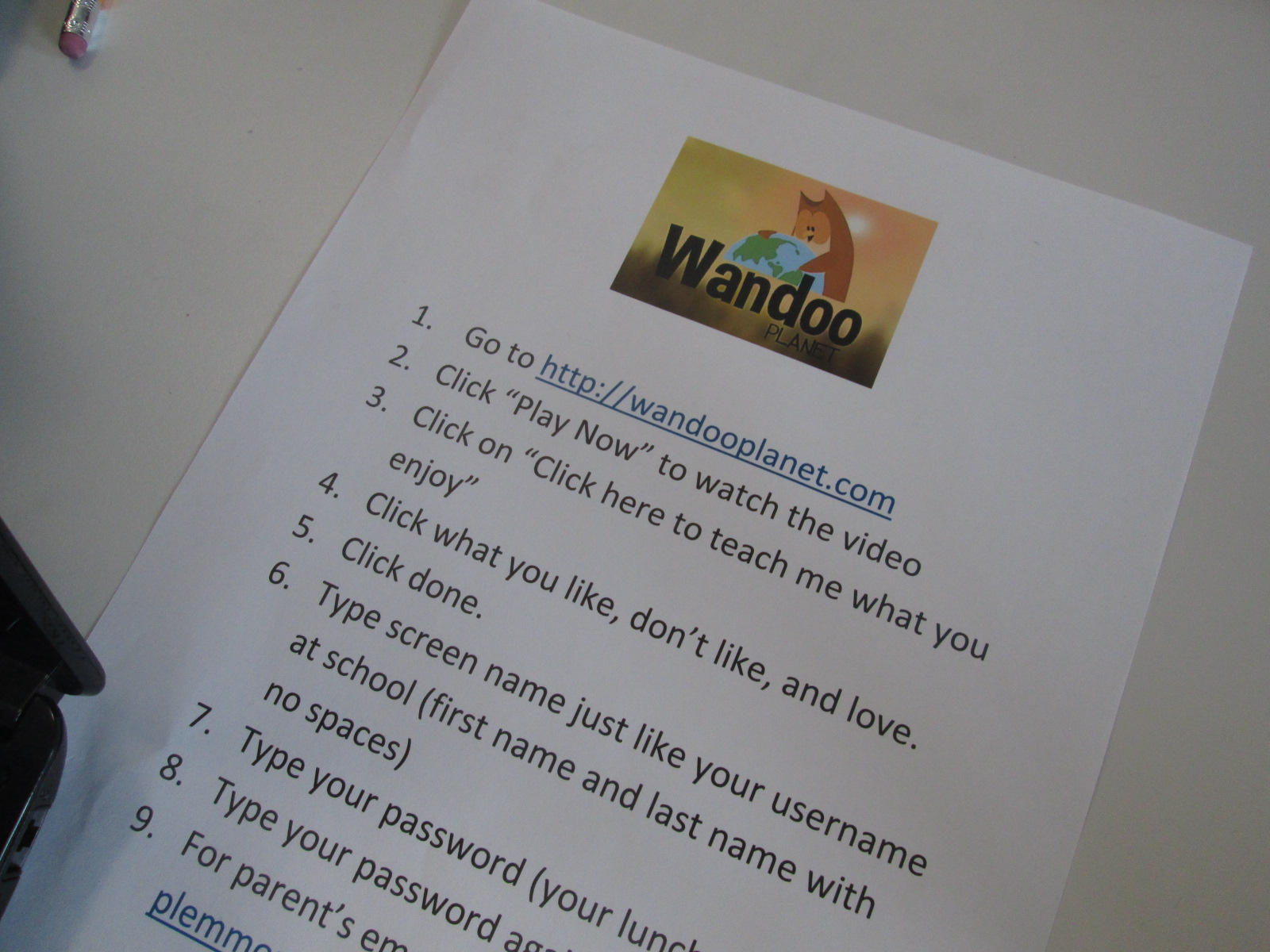
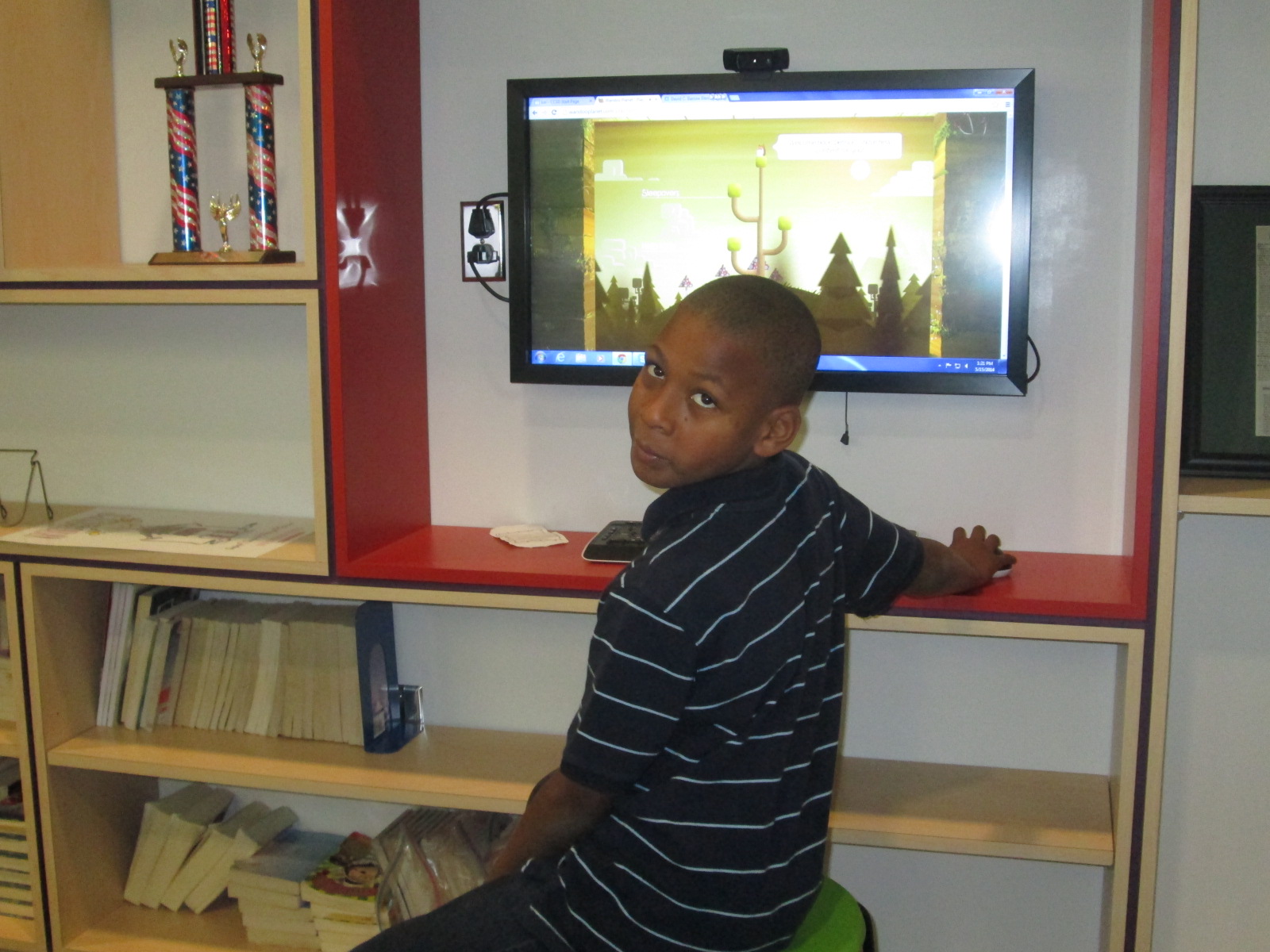
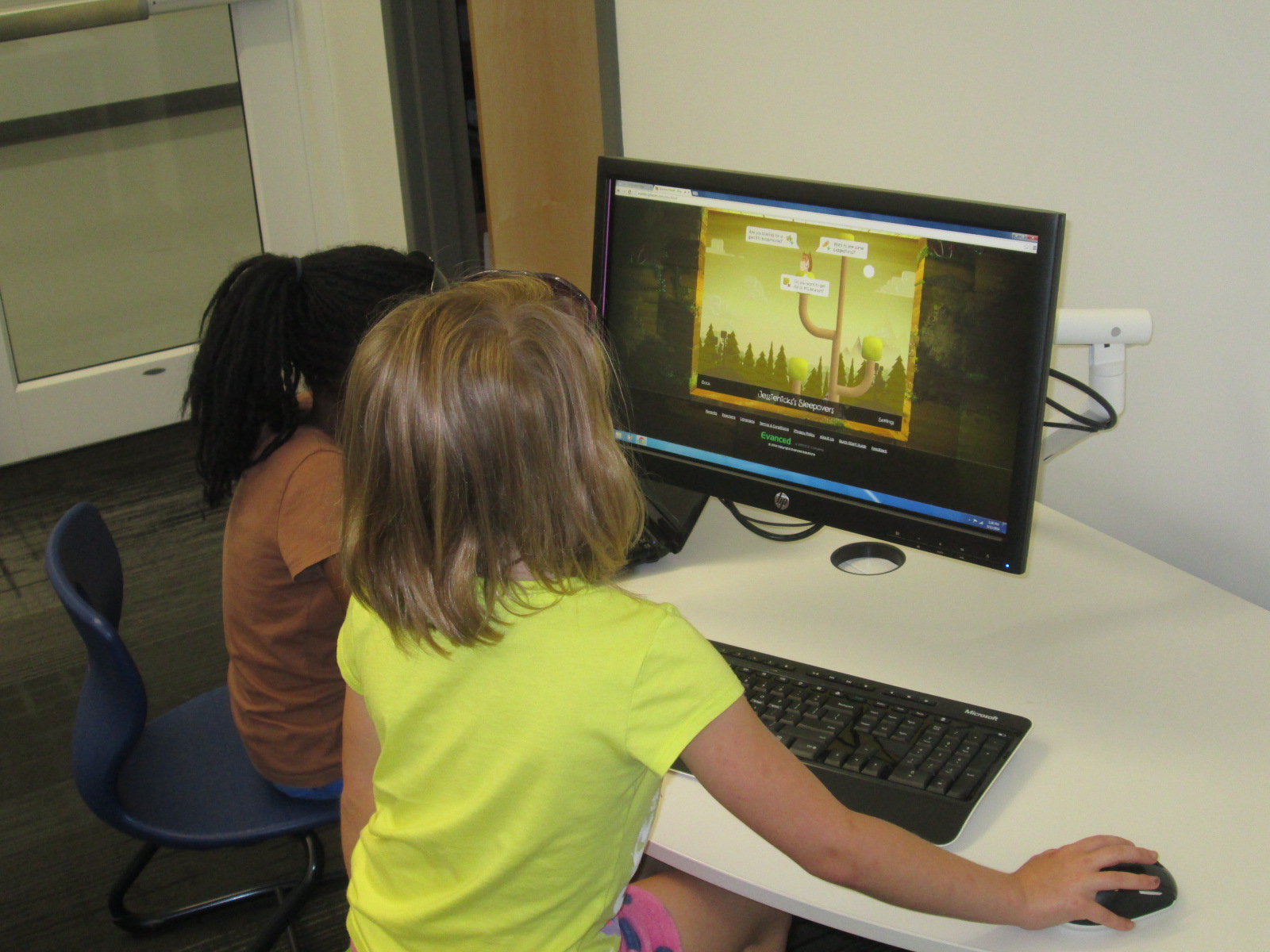
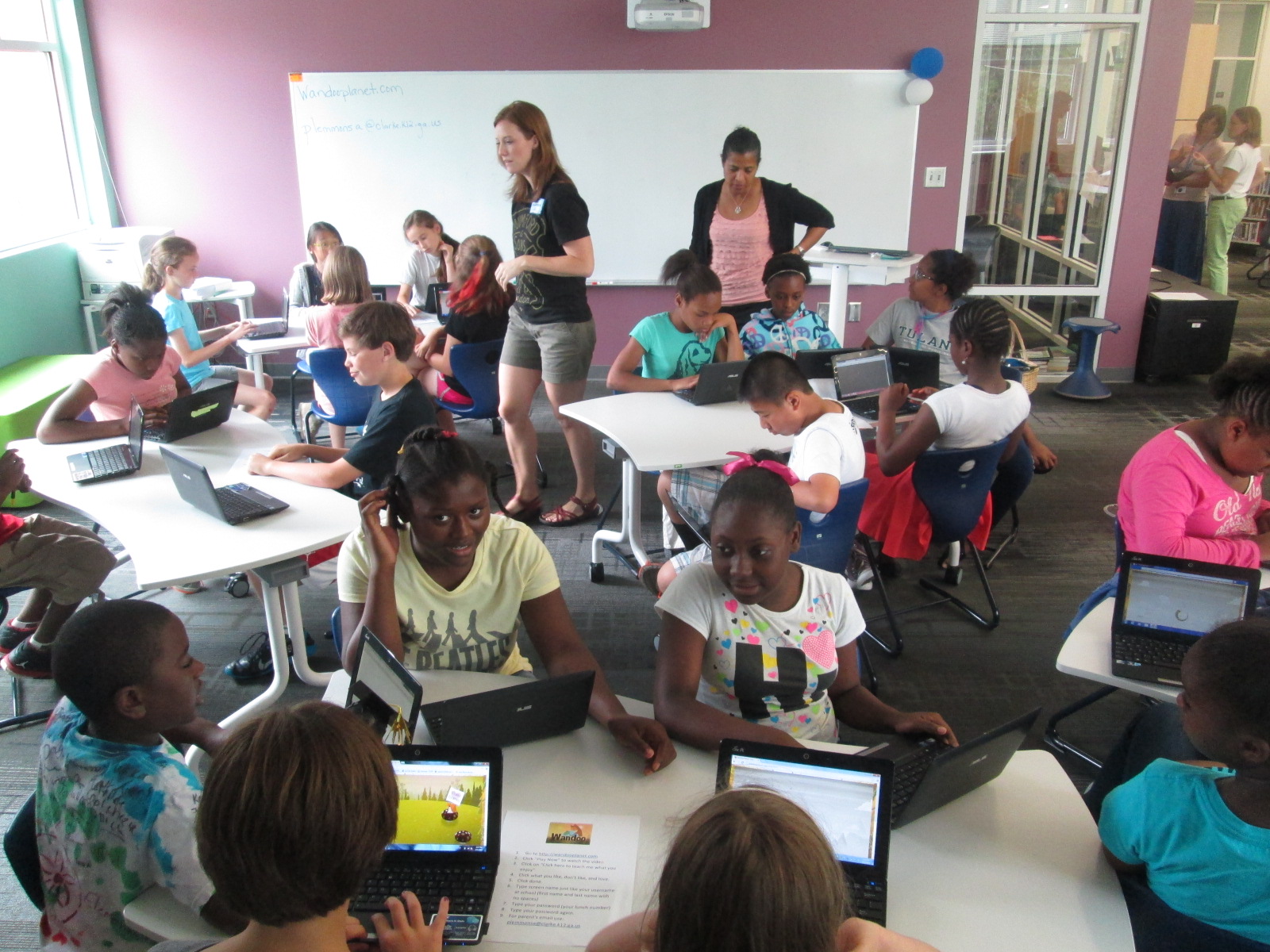
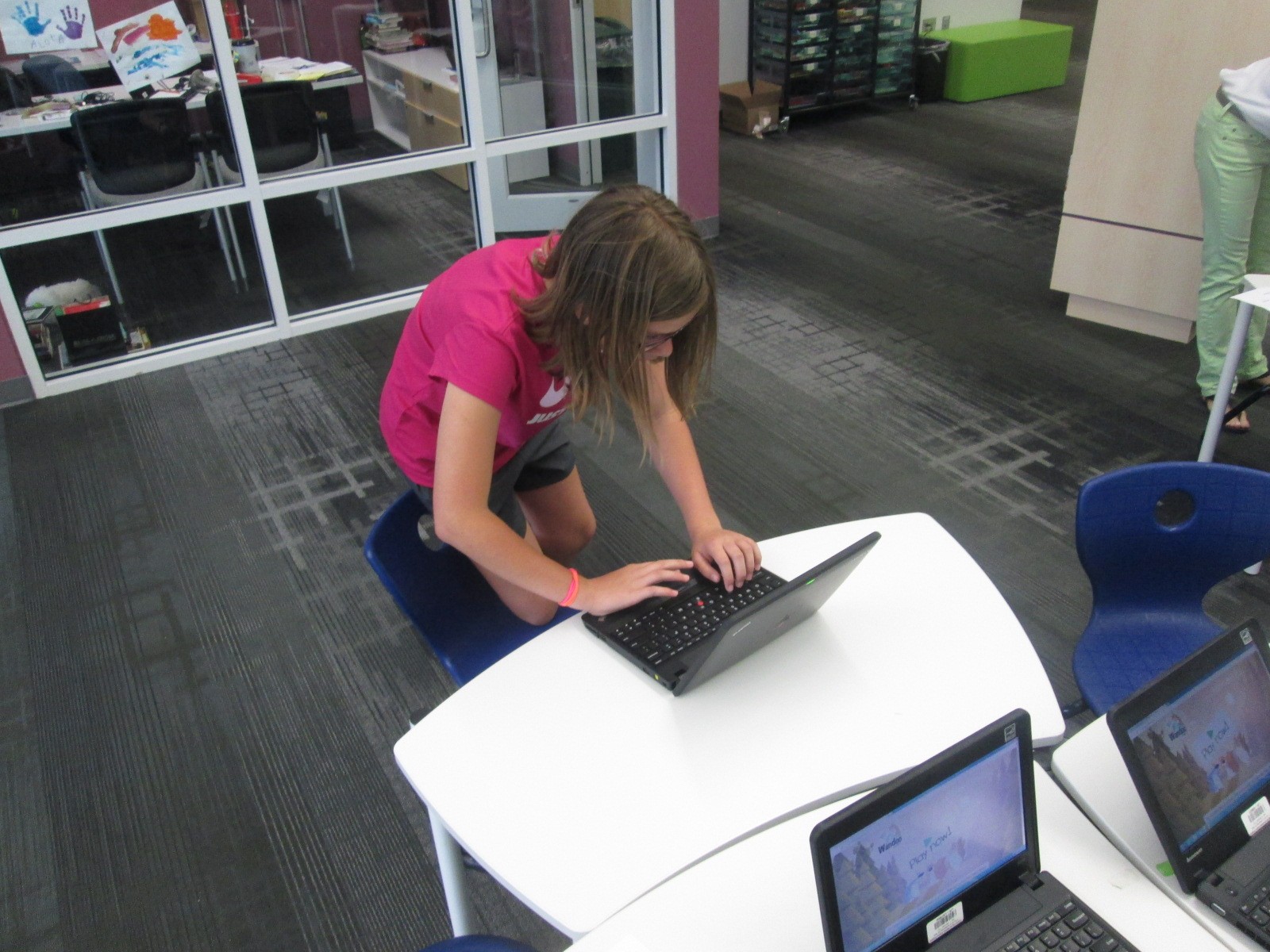
The goal for students during the work session portion of the 45-minute segments was to view the “squirrel parade” on Wandoo planet and begin teaching Wandoo what they like, dislike, and love.  After about 5-10 minutes, they setup an account and begin building their Wandoo tree.  The tree gives students recommendations for books.  If they mark a book to keep, it puts a bud on their virtual tree.  After they read and rate the book, the bud turns into leaves on the tree.  Students can also add interest branches to their tree by revisiting the squirrel parade or typing a topic directly onto a branch.  Students had a small amount of time to do this today.  I put a sheet on every table to remind students about all of the steps.

IMG_3456

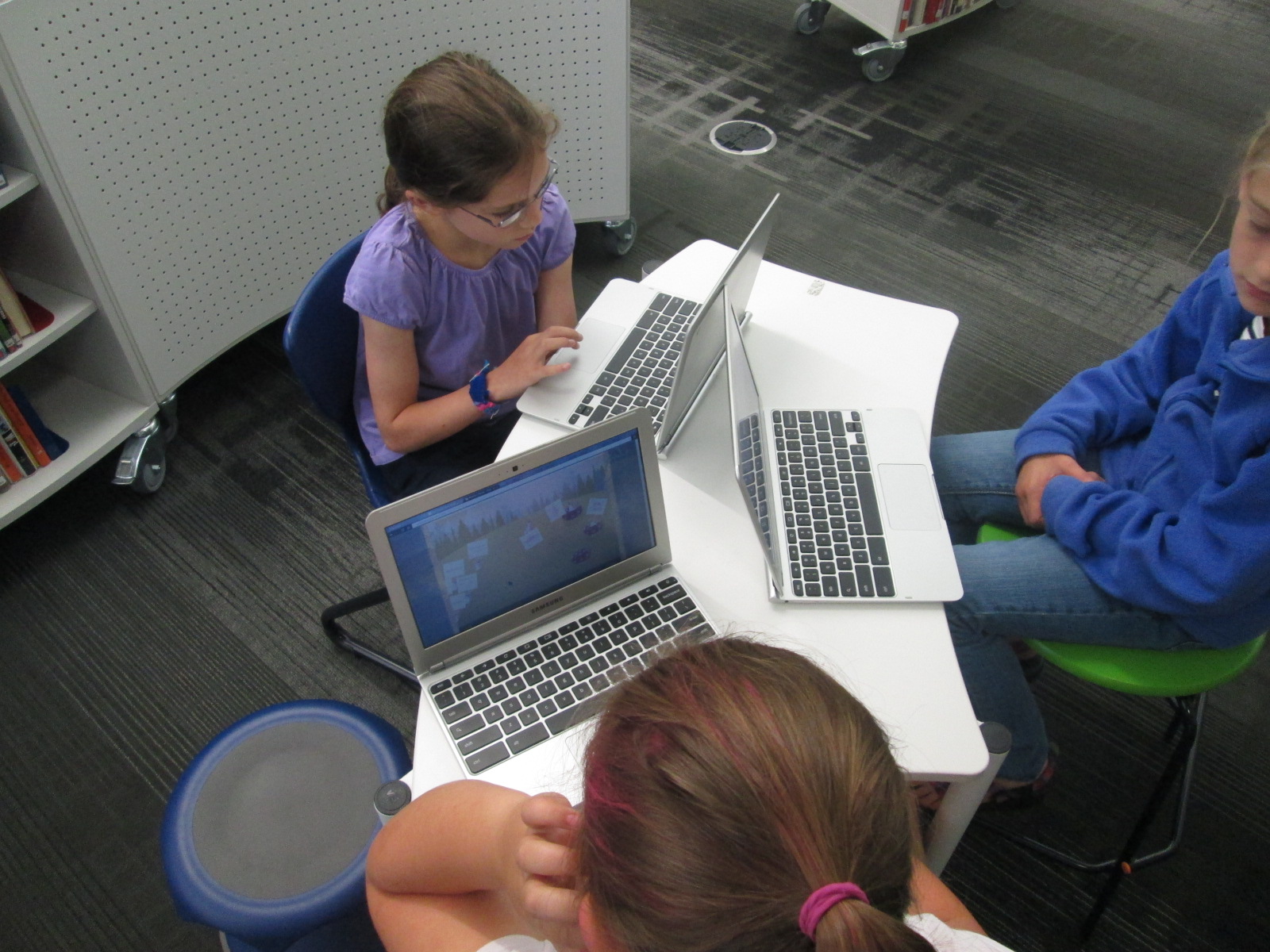
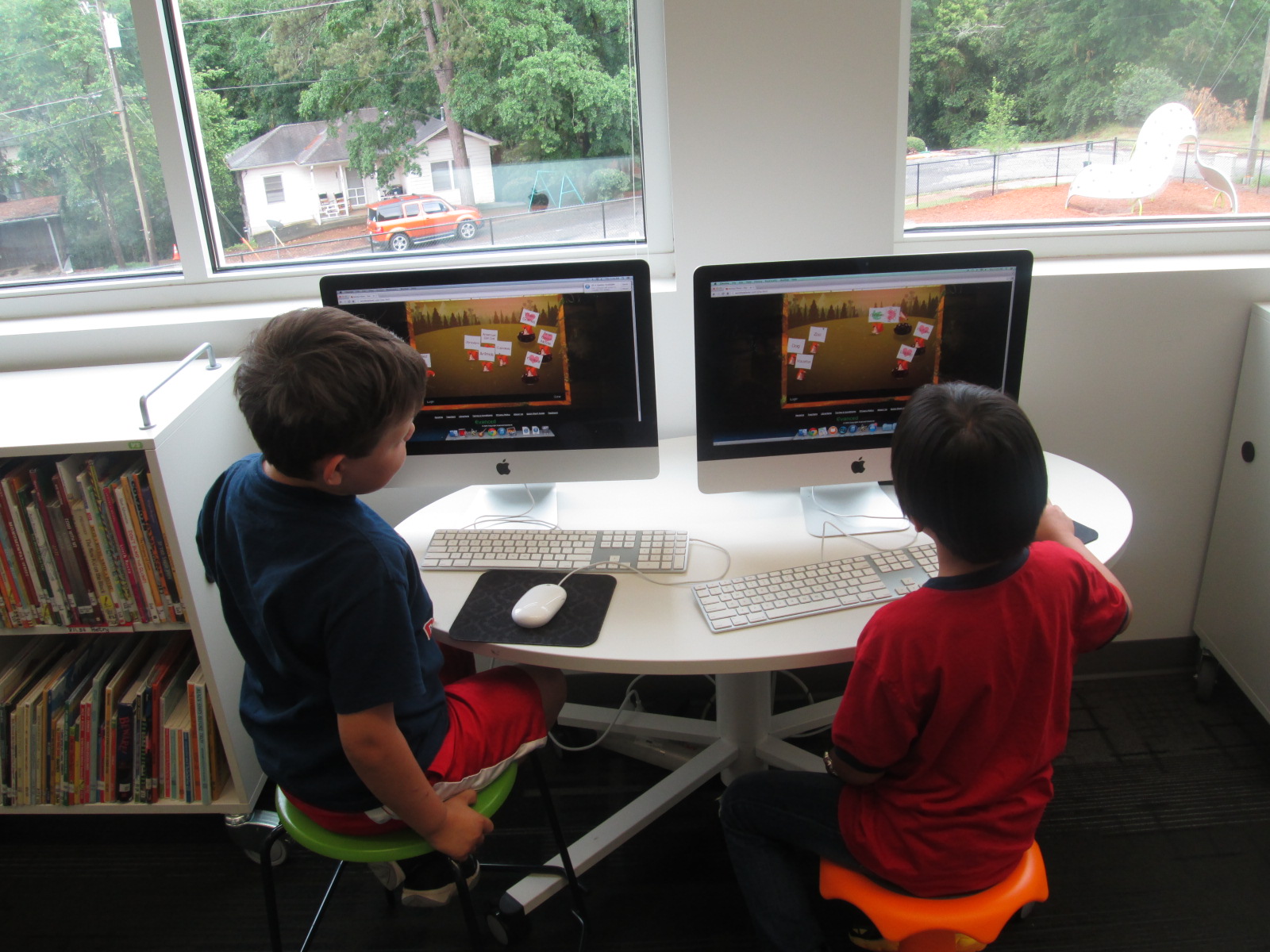
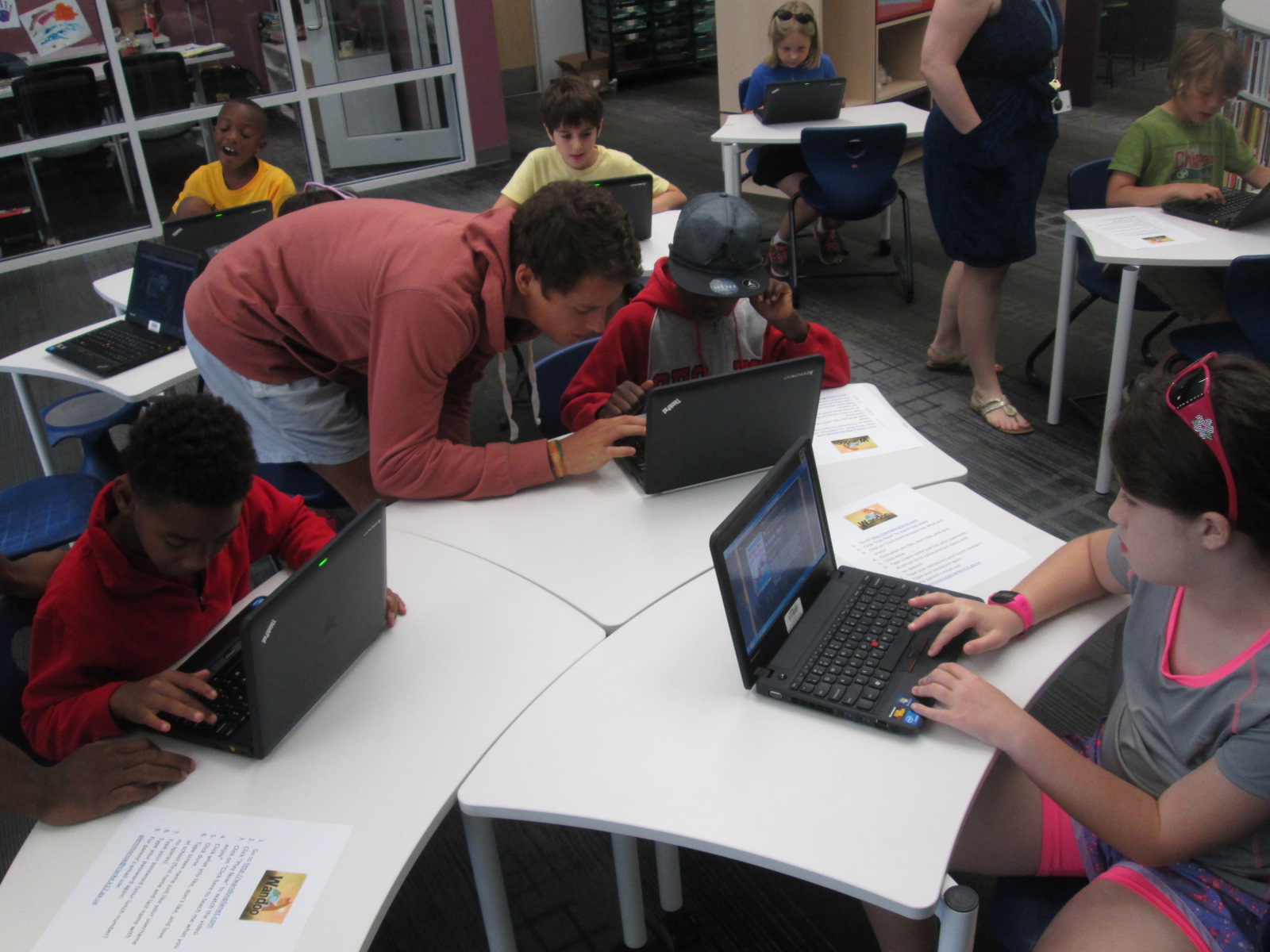
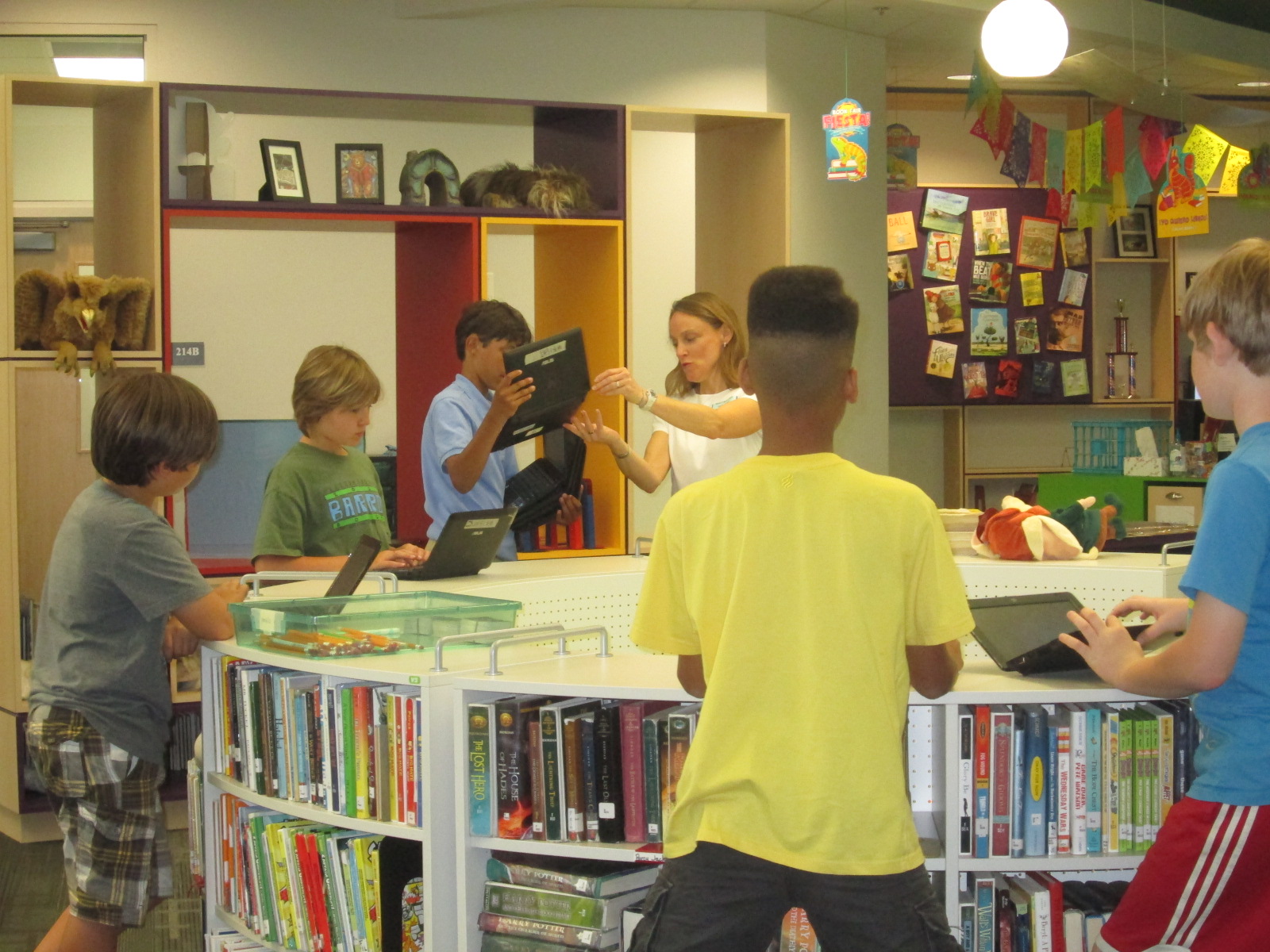
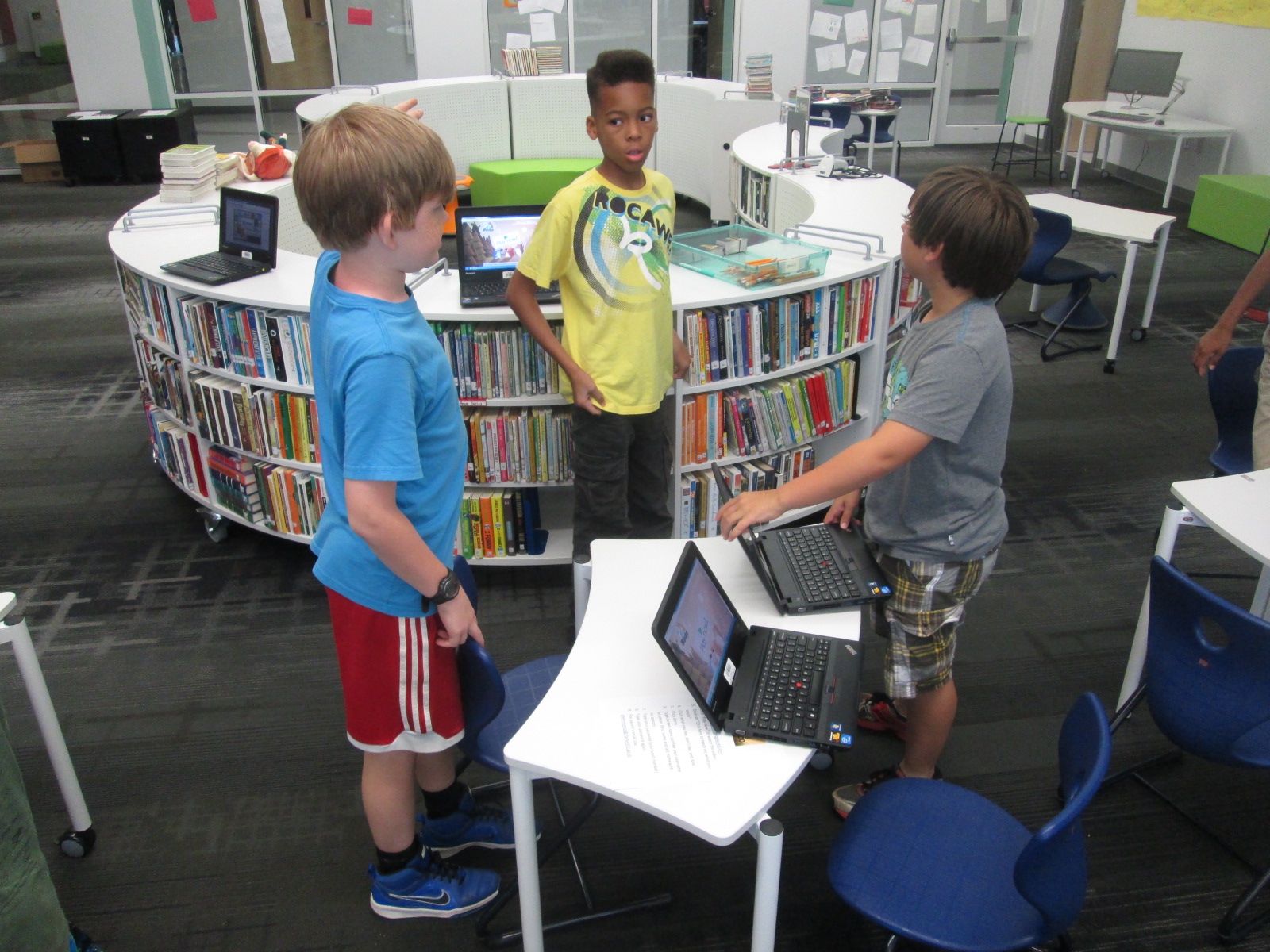
Students brought their classroom computers with them, but for 2nd grade we had to use the library laptop cart and other library computers.  It was interesting to look around and see all of the ways that students were accessing Wandoo.

IMG_3440 IMG_3483 IMG_3482 IMG_3481

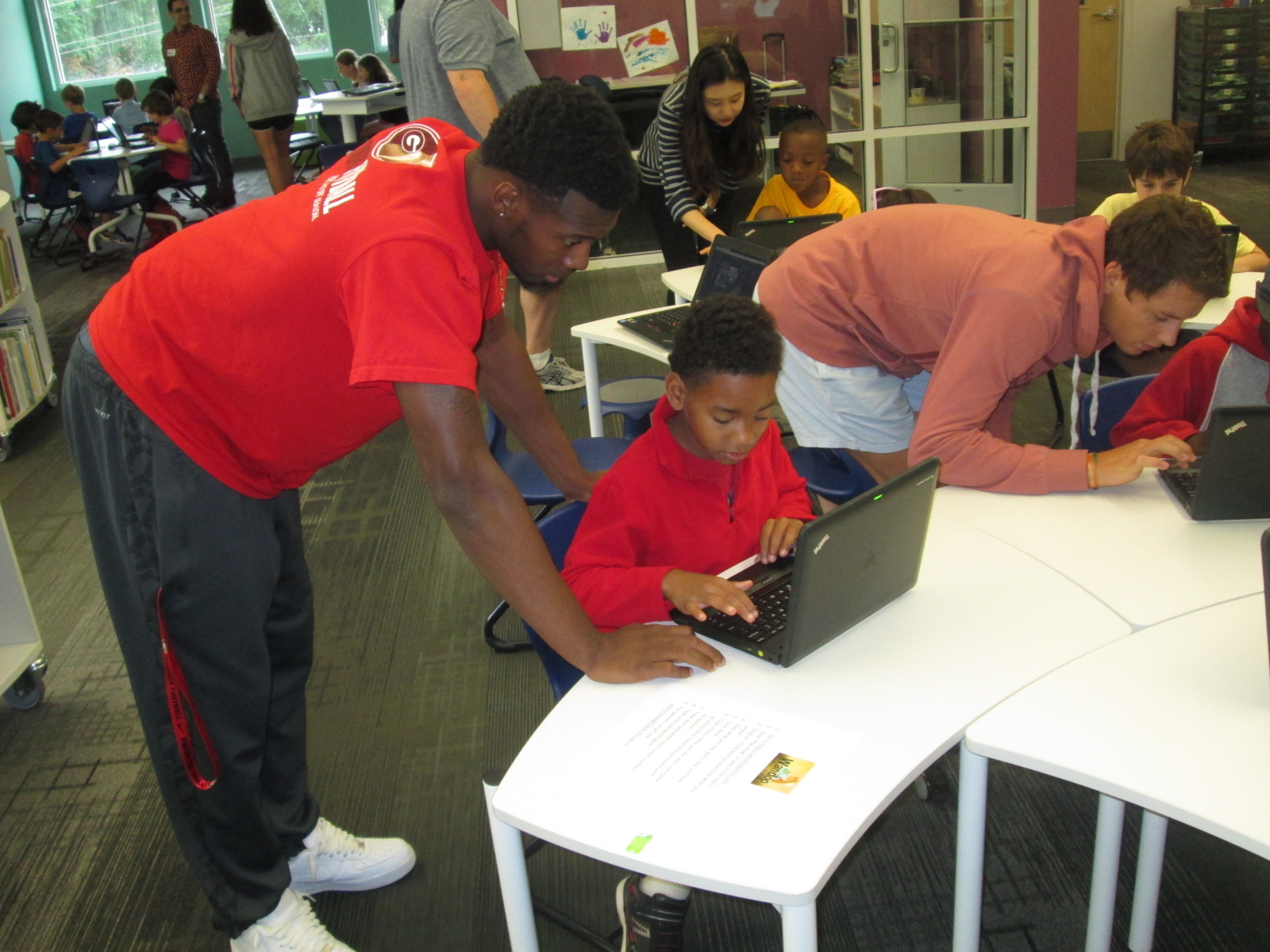
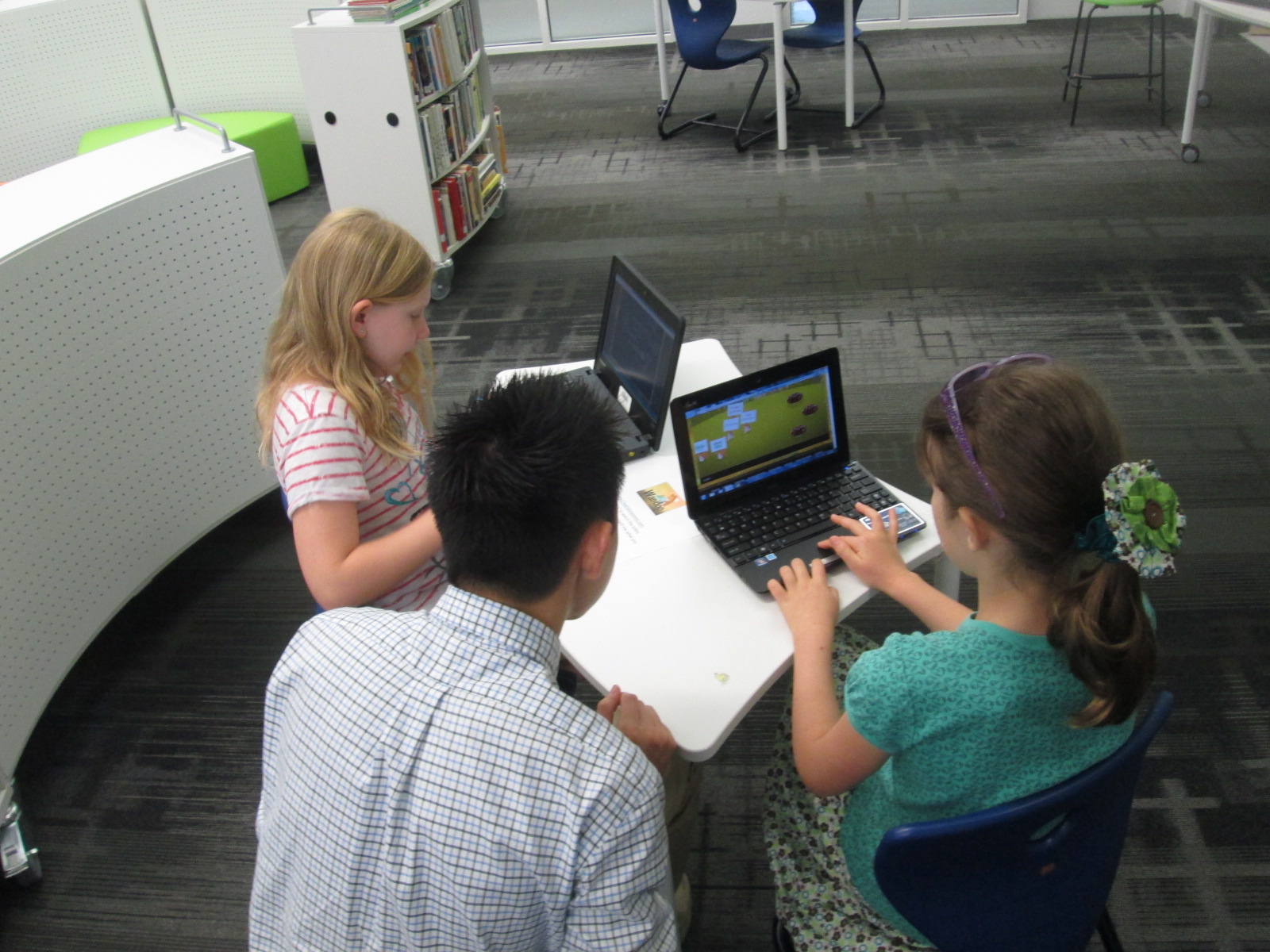
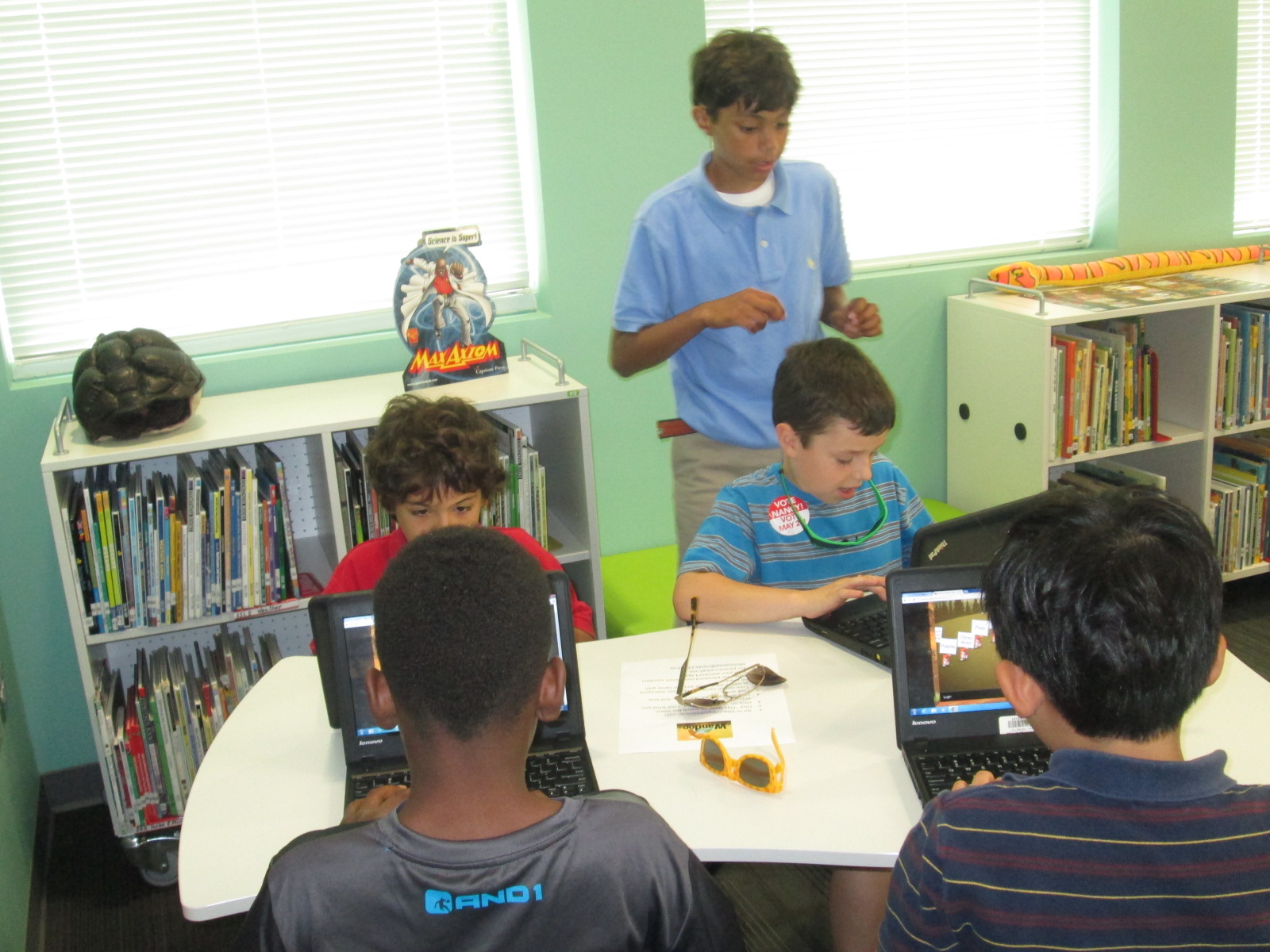
While students were working, we had quite an extensive team of helpers during the day. For the most part, students were independent.  We scheduled helpers to assist students with typing, following directions, and thinking of feedback to go to the camera and give to Lindsey at Evanced.

IMG_3431 IMG_3430 IMG_3428

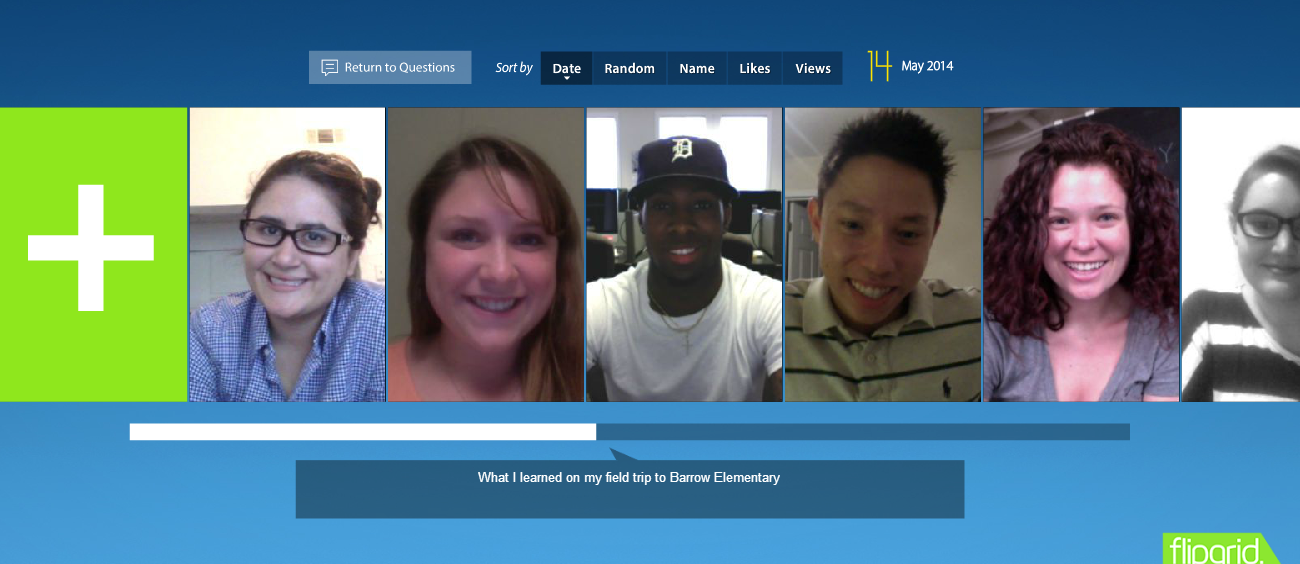
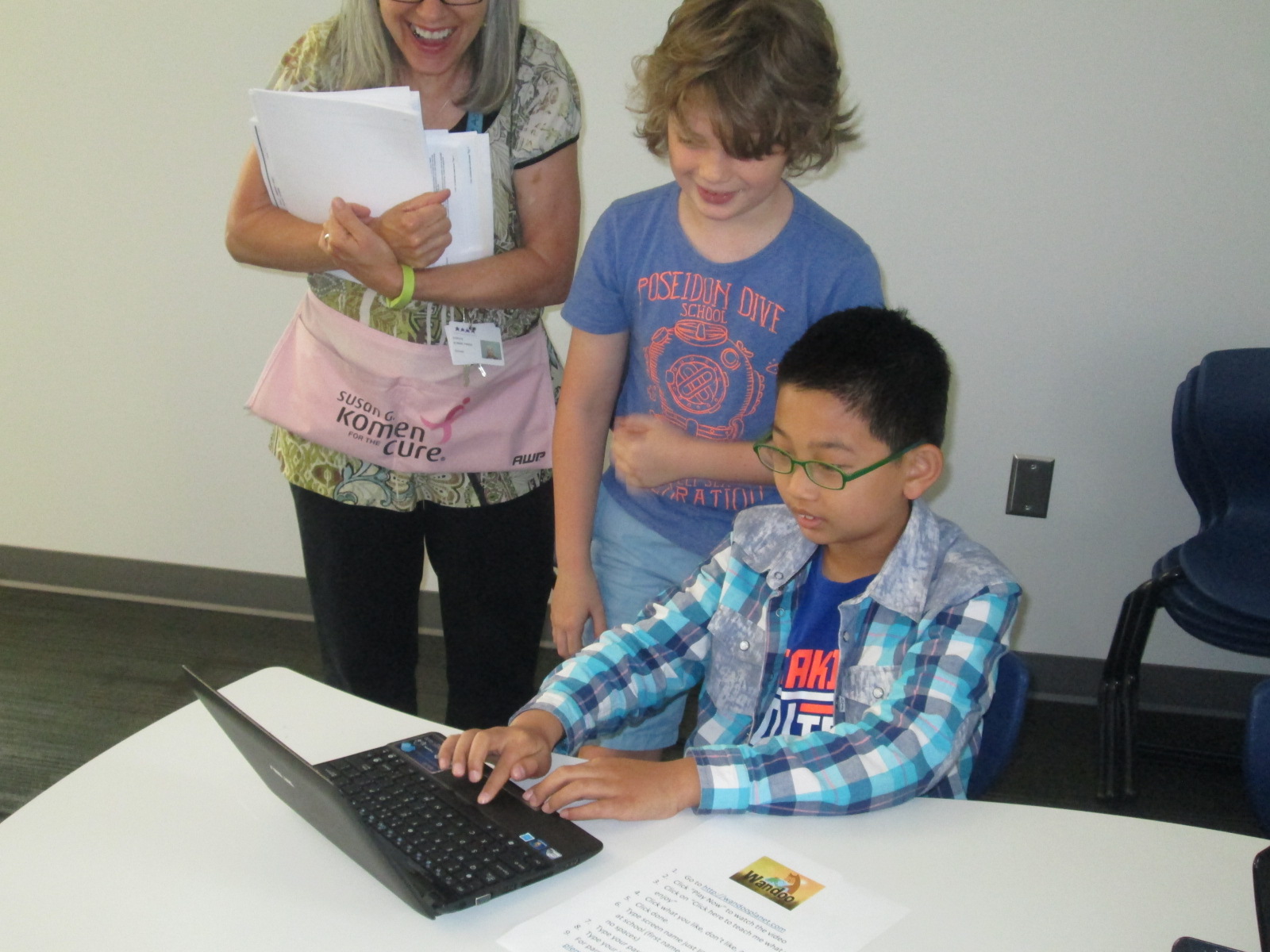
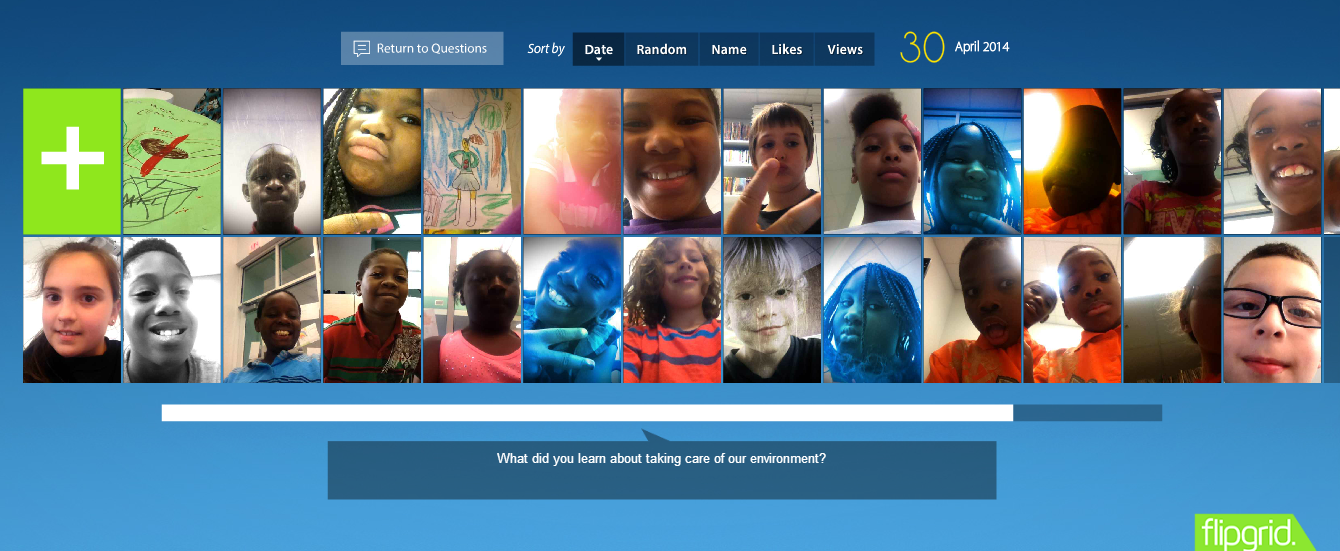
During our 1st two session, we had Gretchen Thomas’s maymester EDIT2000 class.  These students were extremely helpful in getting extra computers setup for 2nd grade and having individual conversations with students.  Even if they didn’t feel like they “helped”, their conversations pushed students’ thinking about reading interests.  I loved that these students used Flipgrid to reflect on their visit to Barrow.

Flipgrid. Relax and discuss.

We also had fantastic parent volunteers during the day that helped us as well.  Having these parents seeing how kids are using technology and how we encourage continued connection over the summer was so valuable to our school and library program.

IMG_3489 IMG_3476

Finally, we had a great team of student ambassadors to help throughout the day.  These students included my original beta testers as well as members of my student book budget group.  Each student had already created an account in Wandoo and tried it out for themselves.  I loved seeing their leadership as they setup computers, gently nudged peers to stay focused, and problem-solved technical difficulties.

IMG_3492 IMG_3479 IMG_3474 IMG_3475 IMG_3478 IMG_3458

Hosting this many students in one day in the library was exhausting, but the help of all of these UGA students, parents, and student ambassadors made all the difference in the world.

We closed each session by connecting once again with Lindsey.  She encouraged students to use Wandoo all summer long and each group had a special visit from Winston, the Wandoo Planet mascot.  We all had fun watching Winston’s dance moves and joining in.

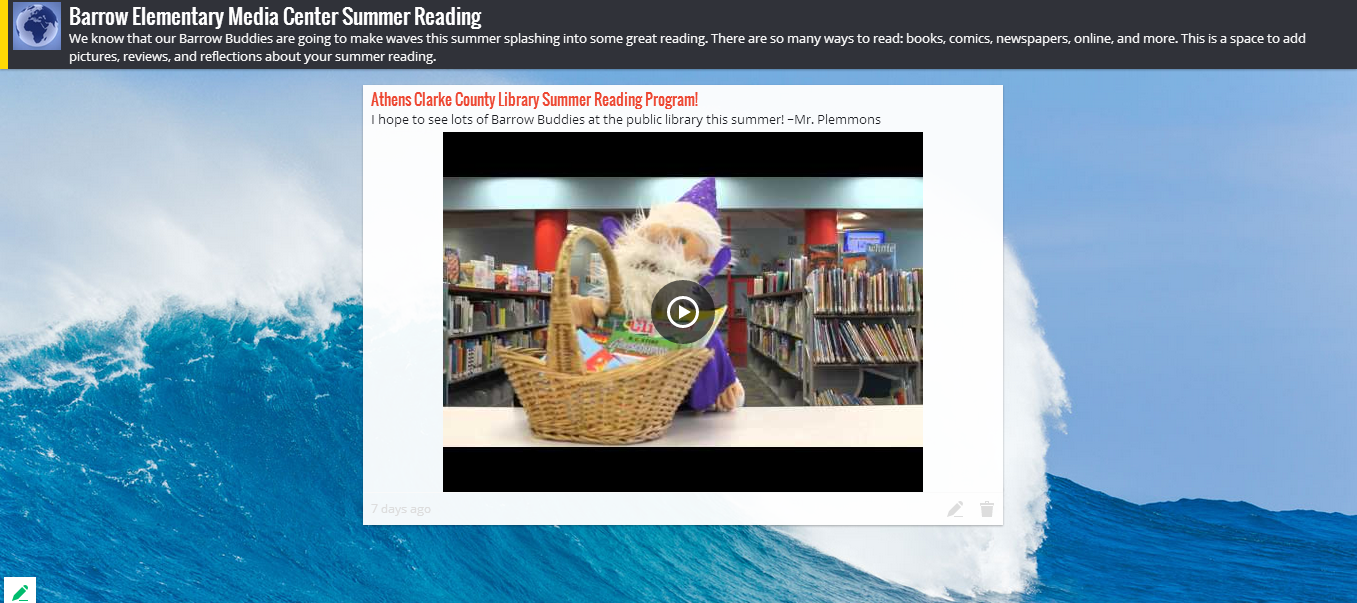
After saying goodbye to Lindsey, I showed students how they can continue to connect with our library all summer long by using our digital resources.  I also created a Padlet for them to post to throughout the summer.  Lindsey and Winston are going to add to the Padlet too!

Barrow Elementary Media Center Summer Reading

I also gave students a strongly worded statement that there’s not really an excuse to not access books and digital resources during the summer.  We have an incredible public library system that is within walking distance of most of our students. I hope they will take advantage of our public library’s many resources this summer.

Thank you Evanced Kids for creating a great tool for kids to think about their reading interests and for listening to kids in order to improve your system.  I can’t wait to see what our kids experience this summer!

3rd Grade Environmental Projects with Flipgrid, Story Me, and Blackout Poetry

IMG_3405Third grade has been revisiting their environmental science standards at the end of this year.

S3L2. Students will recognize the effects of pollution and humans on the environment.
a. Explain the effects of pollution (such as littering) to the habitats of plants and
animals.
b. Identify ways to protect the environment.
• Conservation of resources
• Recycling of material


In the library, I pulled tons of environmental print books and made a pathfinder of ebooks, database resources, and websites around the environment.

IMG_3389

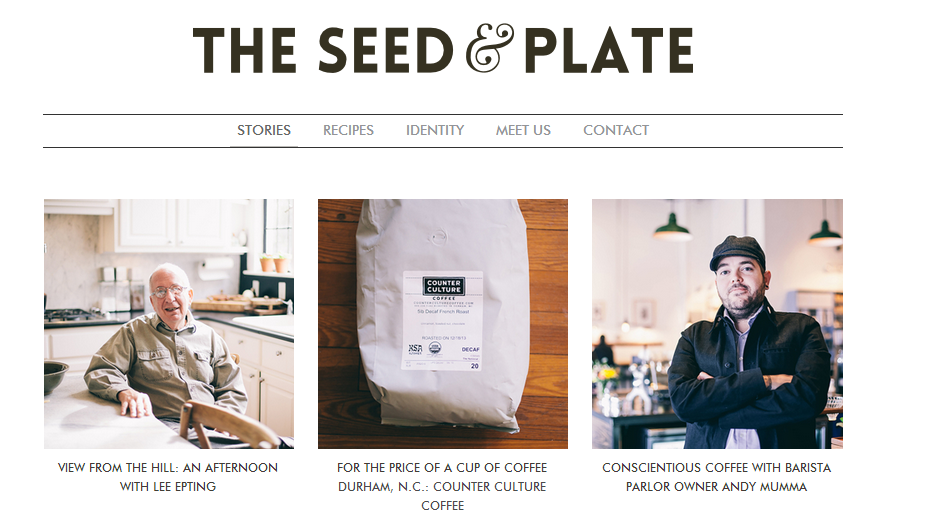
We’ve also had guest speakers from The Seed and Plate   What is The Seed and Plate?

We are an independent magazine in Athens, Ga. with a focus on food, farming and community in the Southeast. We hope to educate and inspire using our surroundings and the amazing people we’ve met along the way. We begin now as an online media publication, with an eye towards a print version in the future. Enjoy.

The Seed and Plate

The Seed and Plate has been fantastic because they have presented to the students several times on composting, community farming, and being friendly to our earth.  They have also supported students as they work on environmental projects and plan to give our students an outlet for publishing their work.

We’ve also hosted the Athens Clarke County Recycling Department to talk to the students about composting.  Students have been using compost bins and paying attention to the amount of food that is being thrown away in our cafeteria.  Since students are watching this closely, they are really starting to think about what we can do as a school to be friendly to our Earth.

IMG_3404

After our exploration of print and digital resources as well as our guest speakers, I sent all of the resources into classrooms for students to continue using. Students chose a focus area to learn more about.  Then, they came back to the library to learn about 3 options for final projects during the last week of school.

Option 1: Students could write a script with or without props and record it on our environmental Flipgrid.

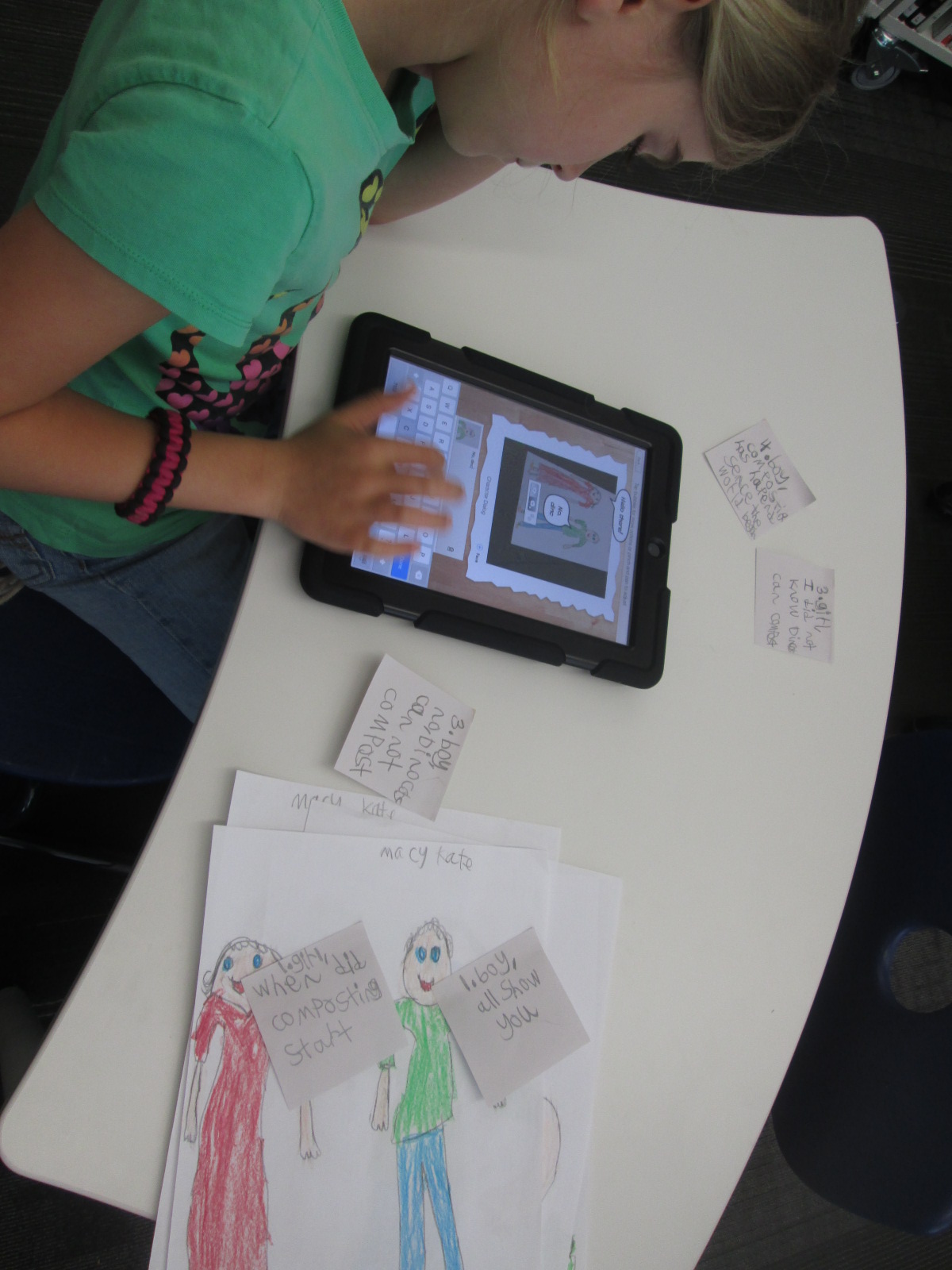
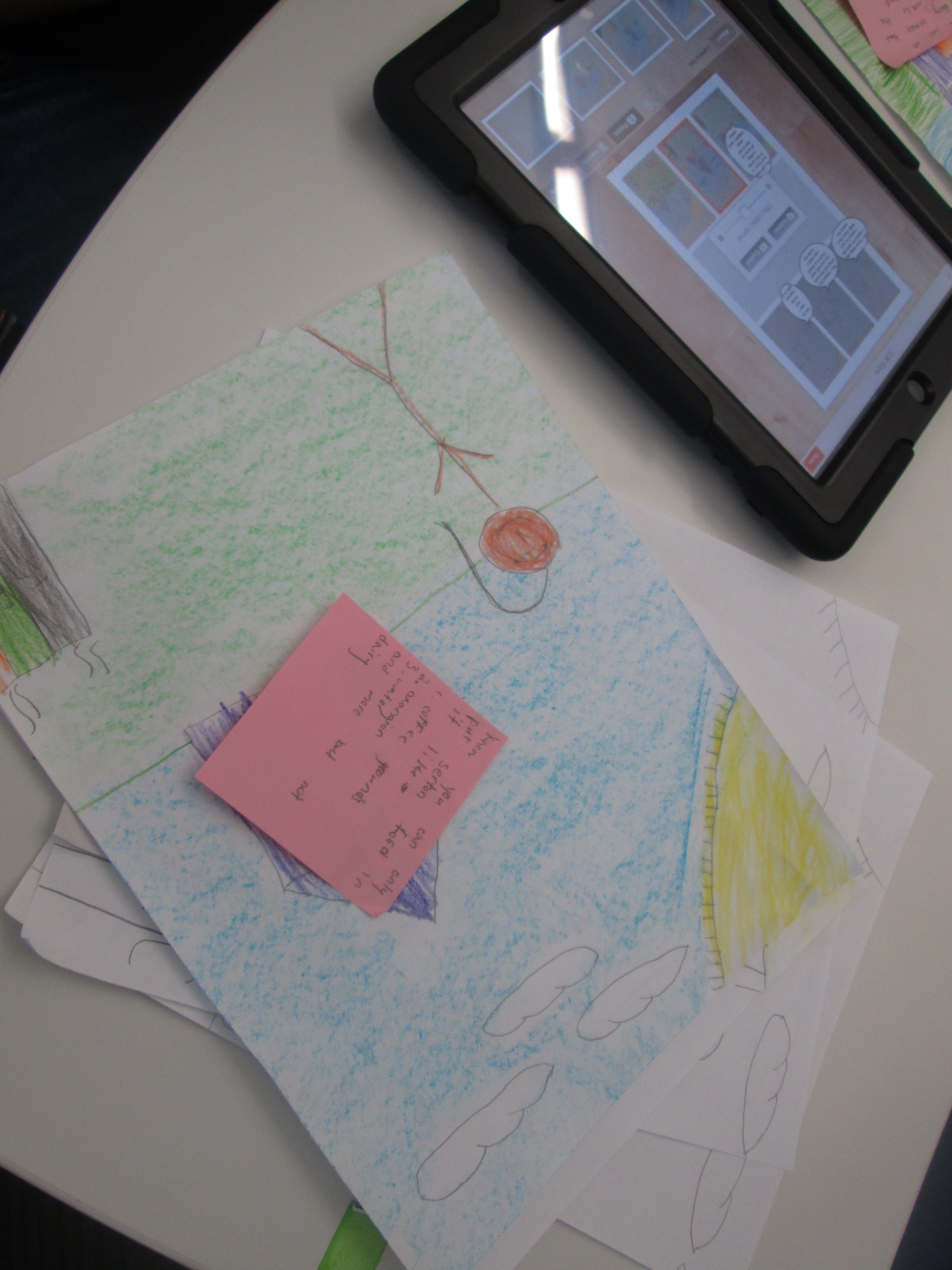
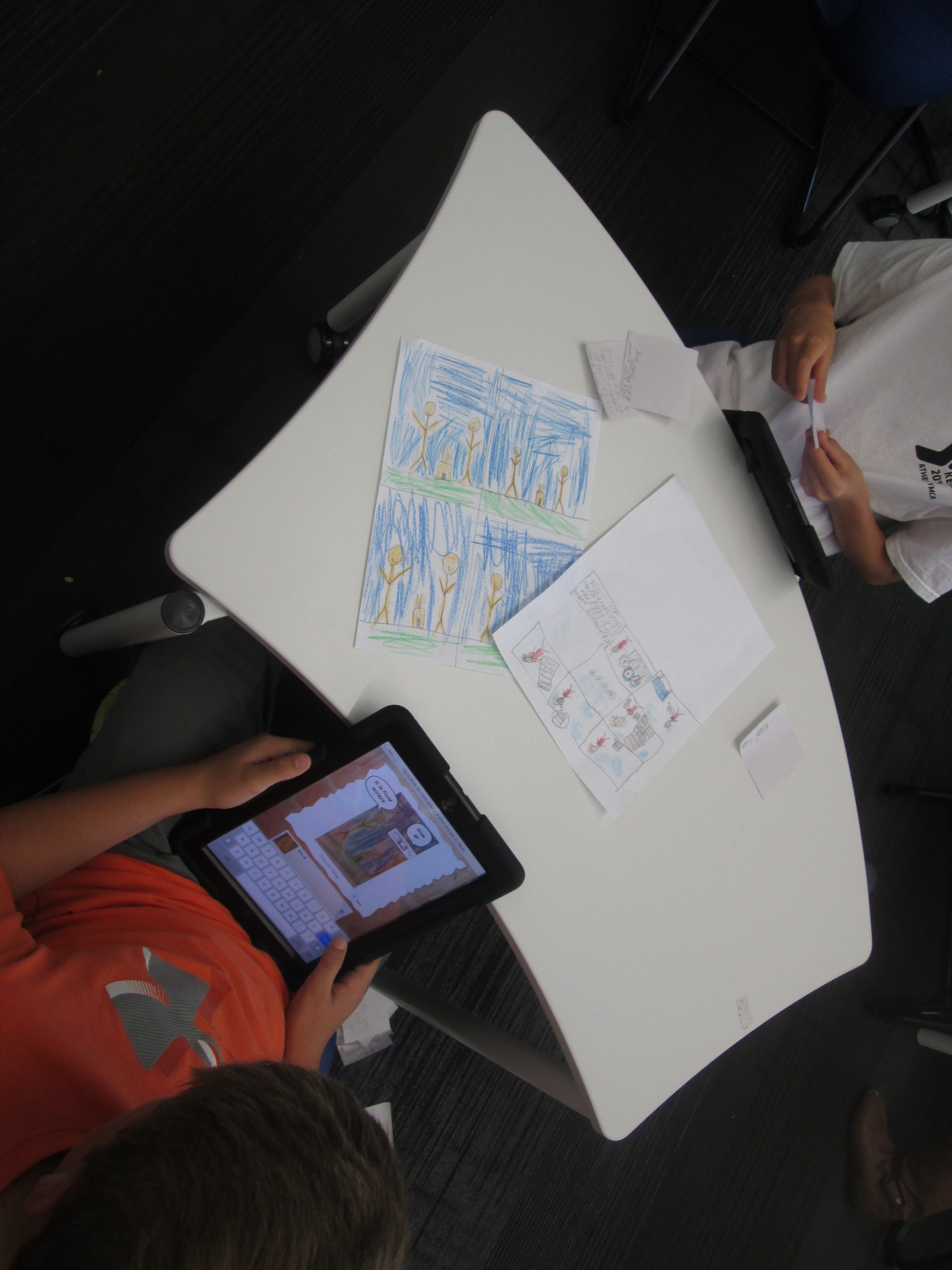
Option 2: Students could use the Story Me app on the iPad to create a comic strip about their chosen topic.

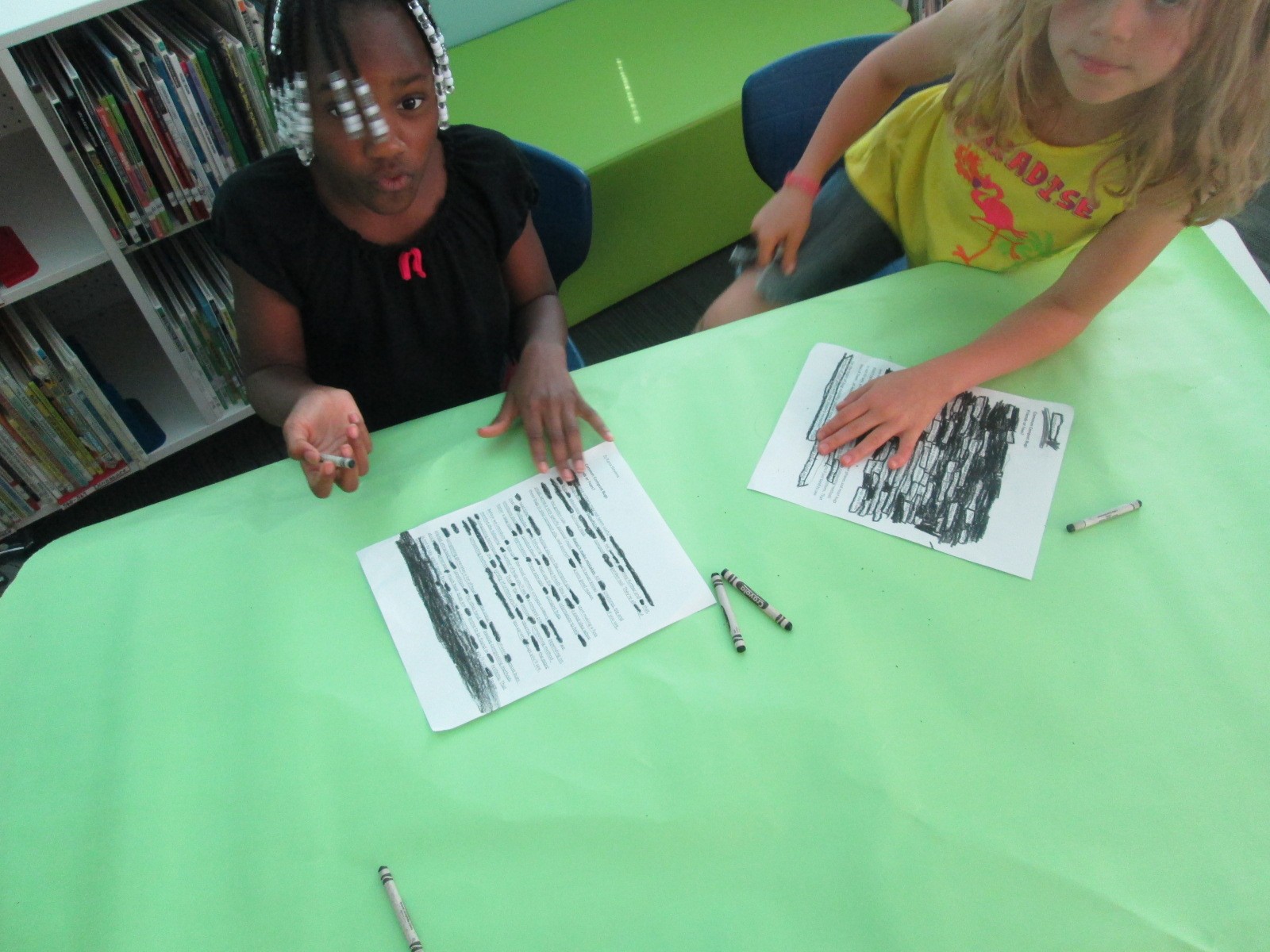
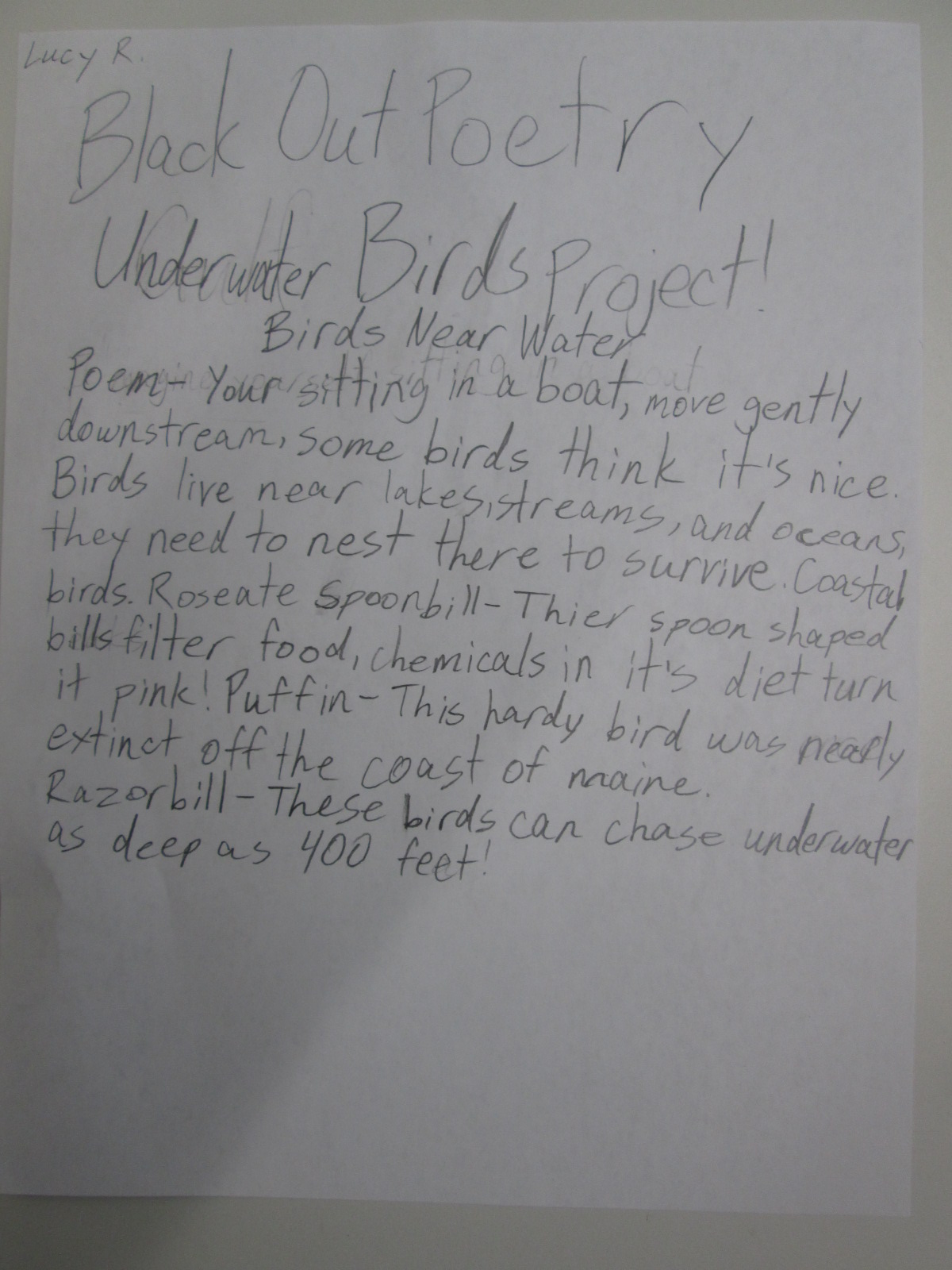
Option 3: Students could create a blackout poem using text from a web resource or a copied page from an environmental book.

As I shared each option with students, I let them know what they would need to prepare in order to create their final product in one work session.  For Flipgrid, students would need their scripts and prop.  For Story Me, students would need drawings that they wanted to include in their comic and possible text that would go into speech bubbles written on post it notes.  For blackout poetry, students needed to print the page from the web or have teachers copy a page from a book to use.  Students spent 2 days in class preparing their materials.

IMG_3397

Today, students came to the library with their materials ready.  I gave one more quick overview of the projects and we designated areas for record, areas for coloring for blackout poetry, and areas for spreading out to take photographs for Story Me.  The classroom teacher, Natalie Hicks (spectrum teacher), folks from The Seed and Plate, and I all walked around and helped students think through the process of creating their product.

IMG_3399

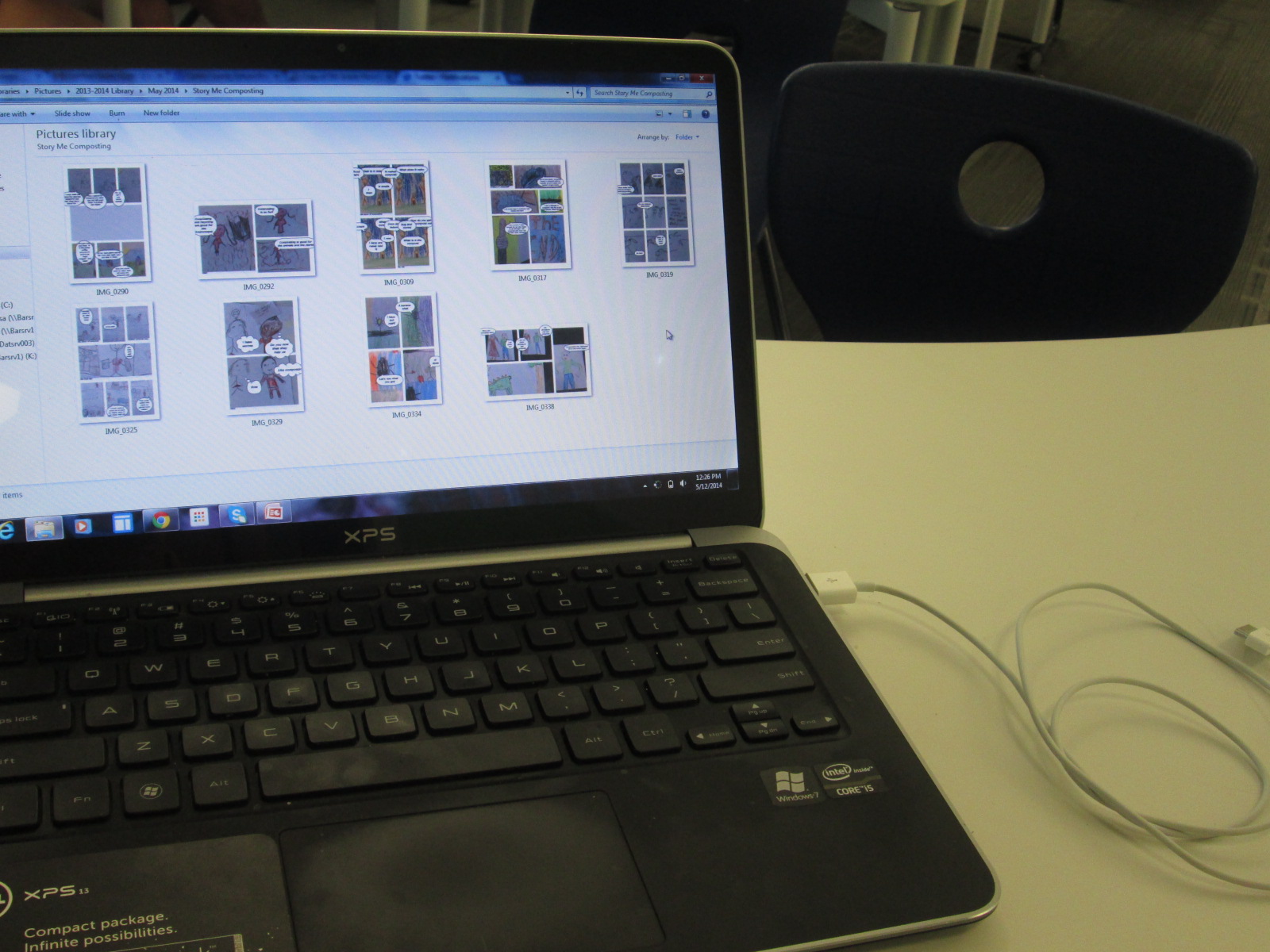
Eventually, I stopped roaming around so that I could focus on collecting work from students.  Each Story Me comic was saved to the camera roll on the iPad and then downloaded to a folder on my computer. Each blackout poem was photographed and downloaded to a separate folder.  Flipgrids were automatically added to the online grid as students submitted.

IMG_3388

The students were truly prepared when they came to the library today. This allowed them to really focus on putting together their final product rather than focus on trying to create all of the content.  Students supported one another and adults were able to focus on students who needed extra support.

IMG_3391 IMG_3392

Now our work is ready to show to the world.  We’re sharing it all with our new friends at The Seed and Plate to highlight on their website but we also have a gallery to share with you here.

IMG_3410

Flipgrid:

Flipgrid. Relax and discuss.

Blackout Poetry:

Story Me Comics:

Celebrating Our Genius with a 4-State Geniuscon Google Hangout

IMG_3385 IMG_3376

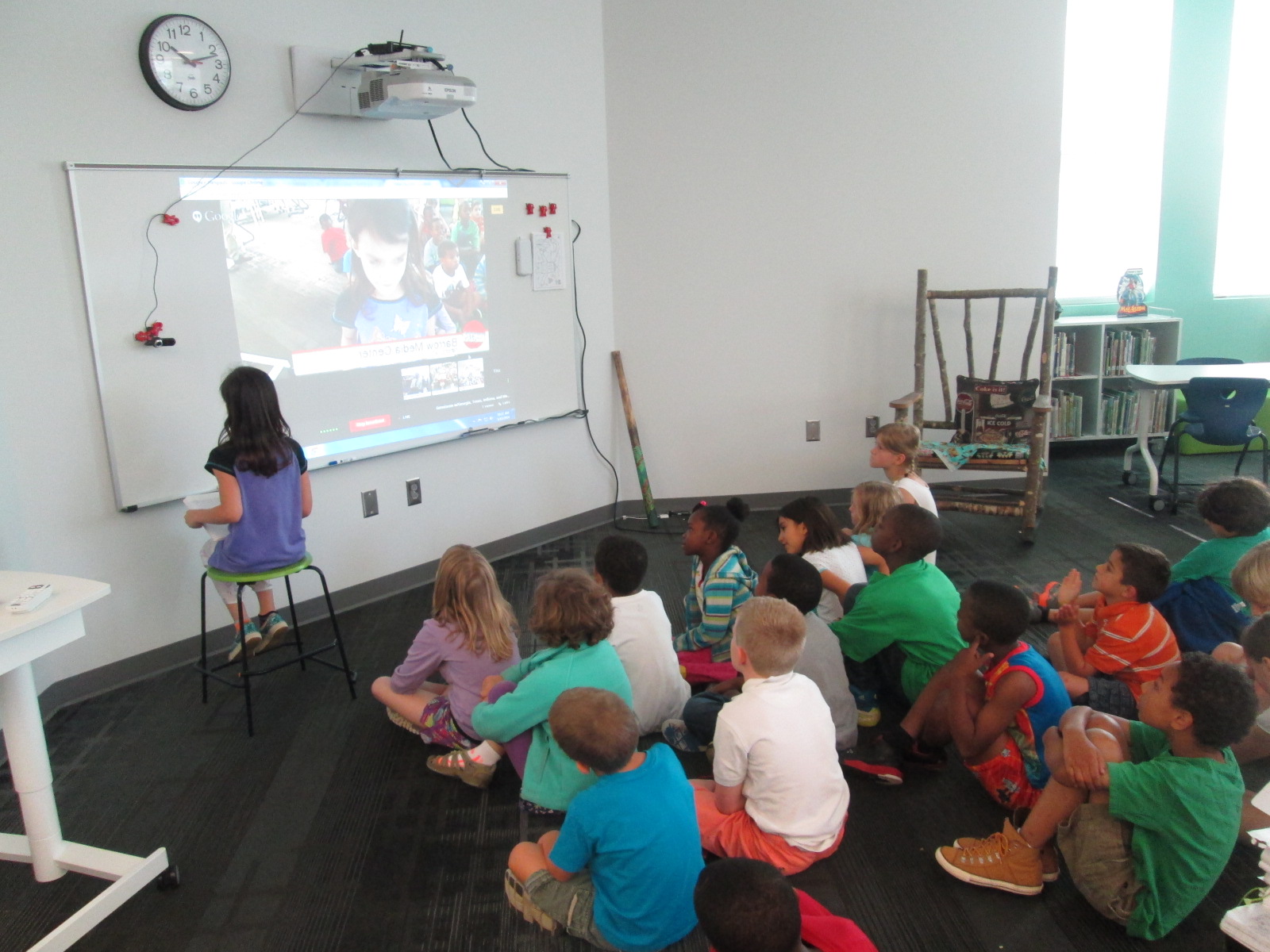
Since January, Mrs. Ramseyer’s 2nd graders have been working in the library and in their classroom on Geniuscon projects.  They have explored the question: “If I could change one thing about my school, what would it be?”

We started our project with brainstorming and some inspiration from Peter Reynolds.

Then, we worked on selecting topics and developing questions.
We partnered with Gretchen Thomas’s EDIT2000 students at UGA to work on researching our topics.

We continued working with our UGA partners to finish research and begin Google presentations on our topics.

Now we’ve arrived at the end of the year with only 4 days of school left.  Students are still finishing up their presentations and thinking about their questions.  Mrs. Ramseyer and I are working to schedule meetings with students and adults in the school who can create change based on their topics.  For example, one student wants more enrichment clusters at our school so he will meet with Ms. Maher, the enrichment cluster coordinator.  One student wants devices to go home and another wants more use of the 3D printer, so they will meet with me in the library.

IMG_3377

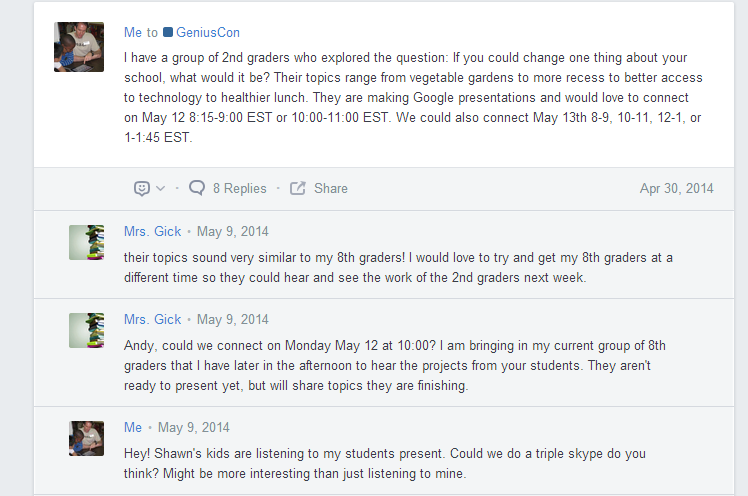
We also wanted students to have a chance to share their genius ideas and projects with a larger audience.  Sherry Gick and Matthew Winner have established an Edmodo group for Geniuscon.  This is from Sherry & Matthew’s blog post:

Join the Edmodo group by logging into www.edmodo.com, clicking on “+” symbol next to GROUPS, selecting JOIN, and typing in the code ru9b7d. This will make you a member of our Edmodo GeniusCon group, which is a private community. The advantage of keeping this community private is that we can also keep the work and identities of our participating students private. However, we have the option of also sharing posts publically, allowing the whole world to see what your students have created. These public posts are viewable through our GeniusCon homepage under the PROJECTS tab.
I posted some possibilities for when our 2nd graders would be able to connect.  Then, I looked at the members of the Edmodo group and sent some messages on Twitter.  Shawna Ford in Weatherford Texas had a group of students ready to listen to our 2nd graders.  We started planning a connection and Sherry and Matthew jumped on board with their students too.

Edmodo   Home

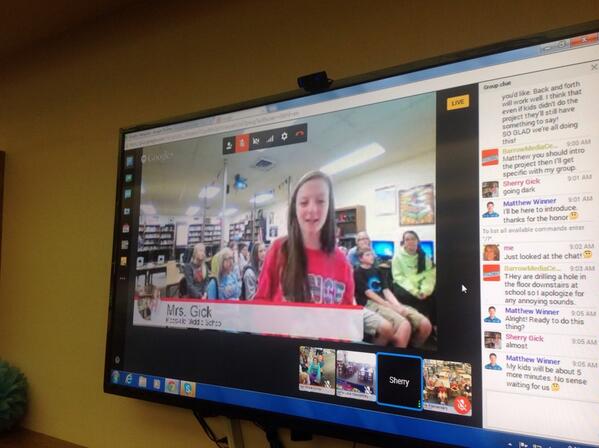
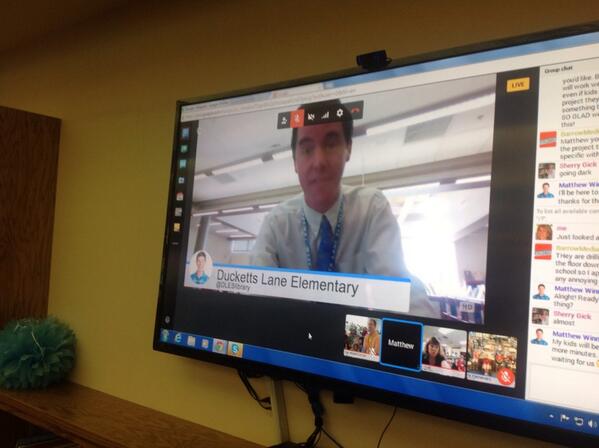
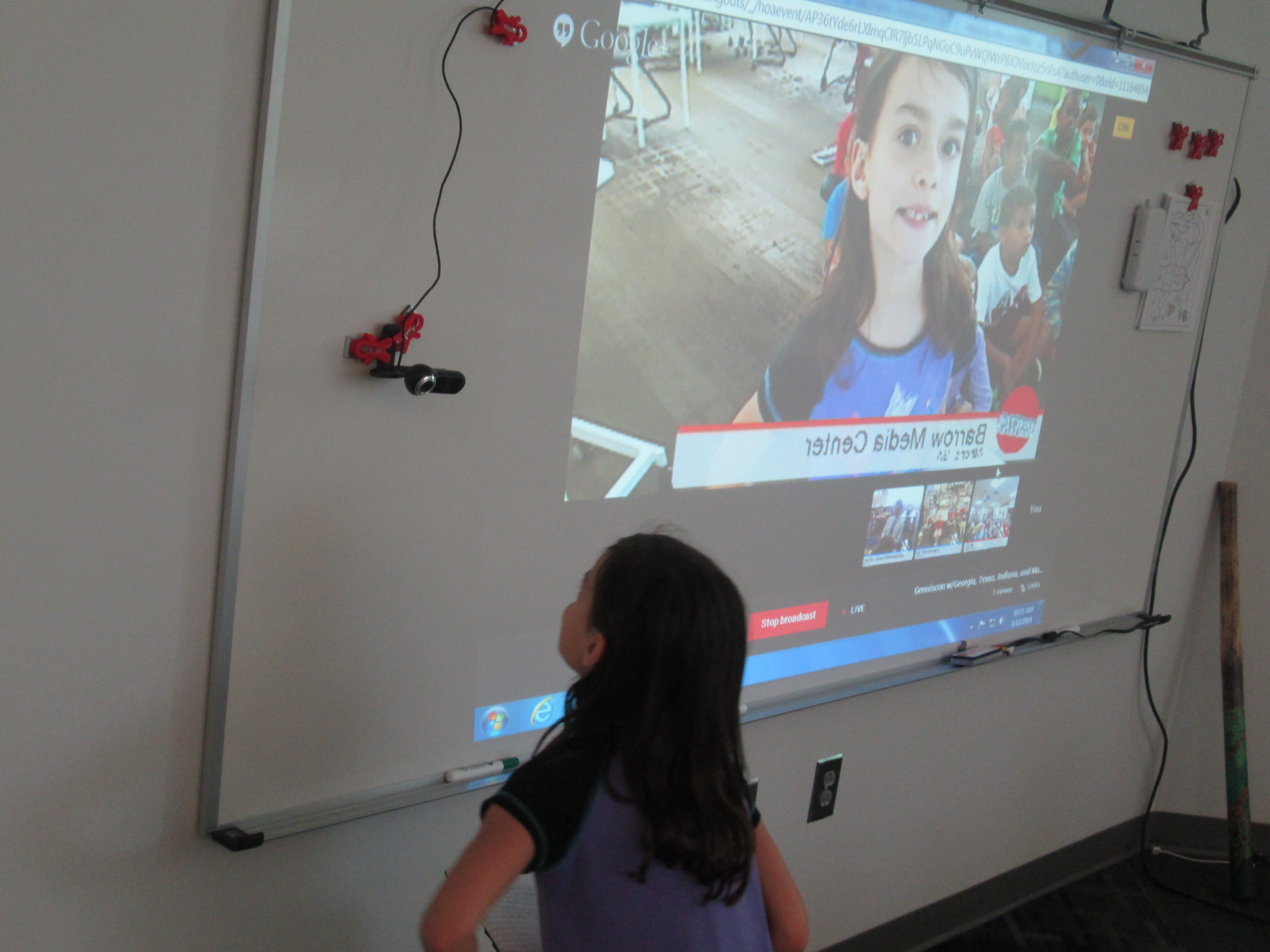
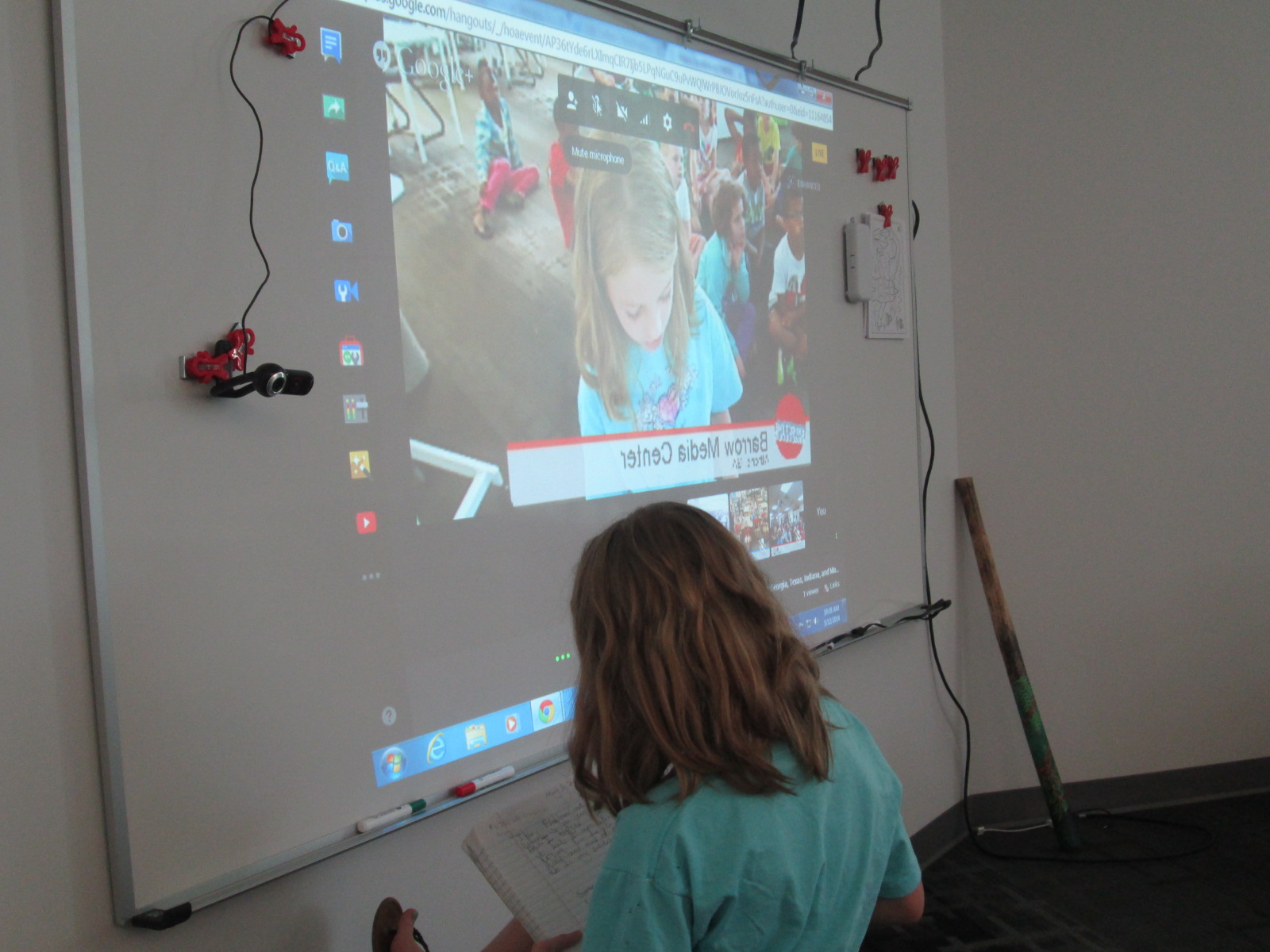
We decided to hold a Google Hangout On Air so that others could watch our students share their genius live, but we could also archive the event for people who couldn’t attend.  My 2nd graders and Sherry’s 8th graders had topics and projects to share.

Our format looked something like this:

  • Introductions from Georgia, Texas, Indiana, and Maryland
  • Matthew Winner set the stage for what Geniuscon is all about since 2 of the classes in the hangout had not participated in the project yet.
  • I gave an introduction to what my students, and then one of my second graders kicked off the event.  Each of my students shared their topic, what their solutions were, and how they felt about what they found out.
  • My students alternated with Sherry’s students sharing.
  • Then, we closed by letting each school give some closing thoughts.

BncOie9CAAEIMyh BncNgLiCYAAjX9P

First, I was amazed by how professional all of the students were in their presentations whether they were in 2nd grade or 8th grade.  I was inspired by the variety of topics and how some of the 2nd graders had some of the same topics as the 8th graders.  It made me wonder about next time and the potential for collaborating between schools on the same topic.  I also loved the different approaches that students took to completing their projects.  Sherry’s students worked in groups while Matthew’s students were tackling one big topic together: bullying.

IMG_3378 IMG_3383


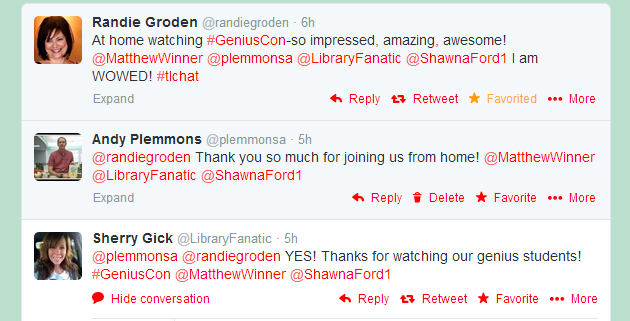
It was also fun to know that our students’ voices were being heard by a global audience.  Our librarian friend, Randie Groden, in MA watching live.

Randie

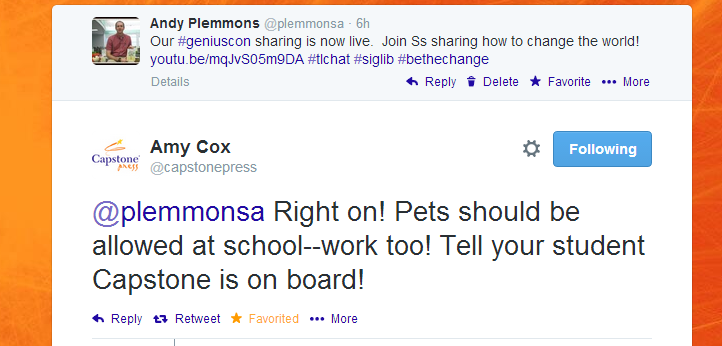
We also had some encouragement from our friends at Capstone Press.

capstone

Uniting our voices in 4 different states was powerful.  Thinking about the power of students stepping up and sharing their genius in multiple states made me proud to be an educator.

My students closed our time with some reflection on our project.  We talked about what we loved about the project.  I loved that one student brought up the idea that even if our projects didn’t turn out the way we wanted them to, we had the chance to learn about so many kinds of technology like Google forms and Google presentation and working together.  There were many meaningful pieces of this project, and I’m grateful to Sherry Gick and Matthew Winner for encouraging us all to help our students share their genius.