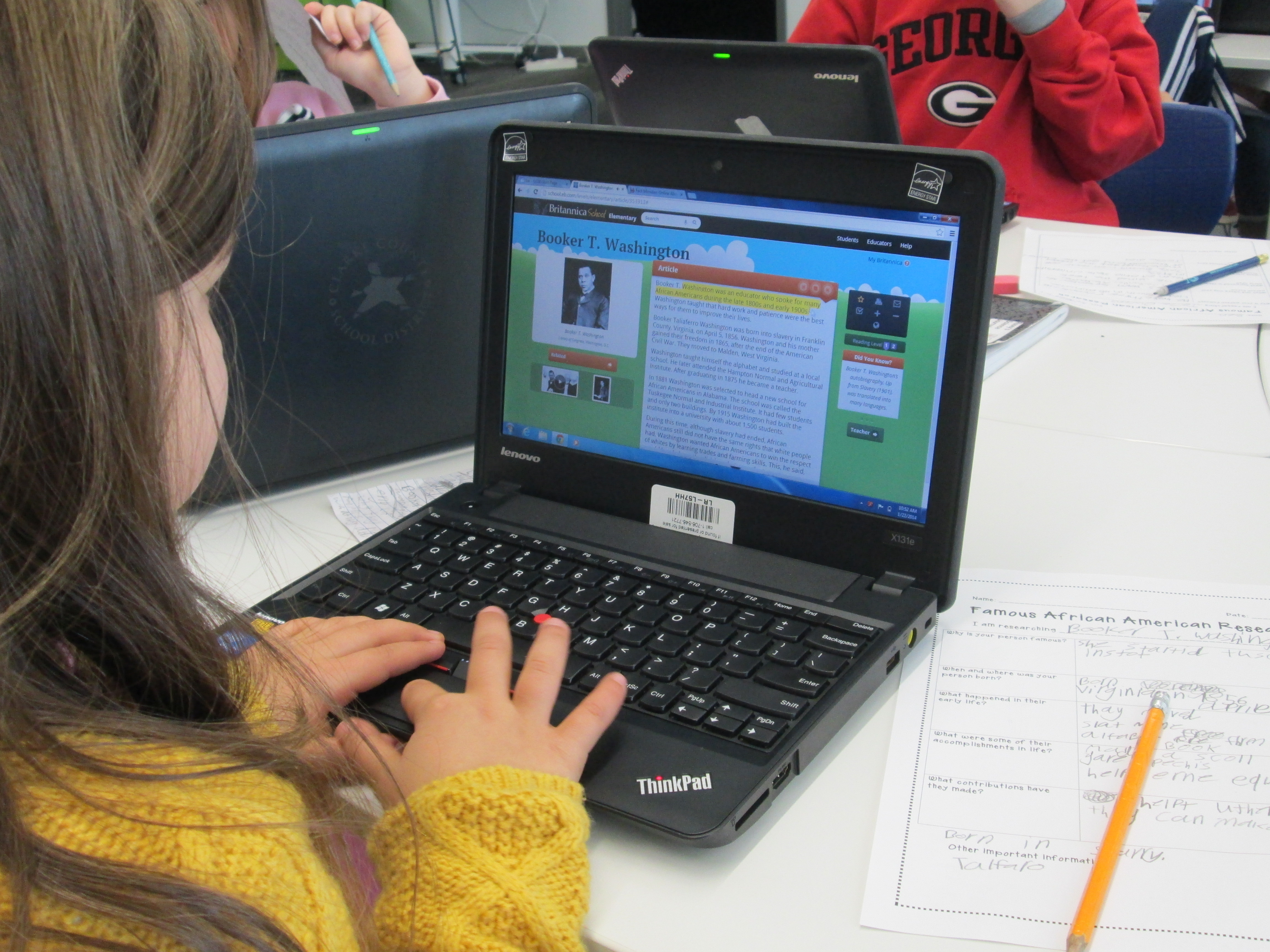
World Read Aloud Day 2014 (Day 5): Final Thoughts

Our final day of Read Across America and World Read Aloud Day was once again filled with special memories.

We read Crankee Doodle with Meghan Nels and her students.
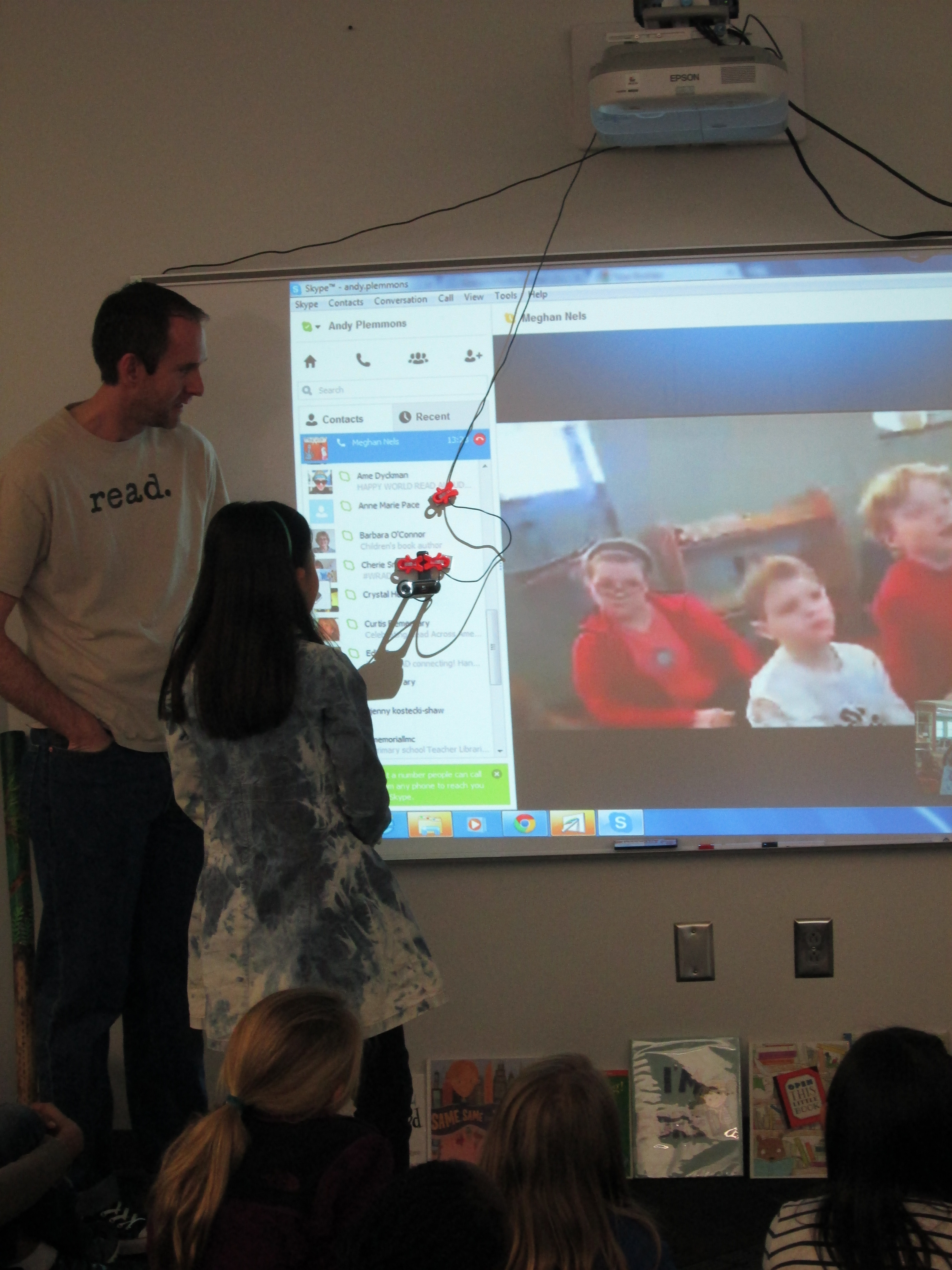
Meghan Nels (19) Meghan Nels (4)

Matthew Winner and I got creative about how to read Open This Little Book with our students.
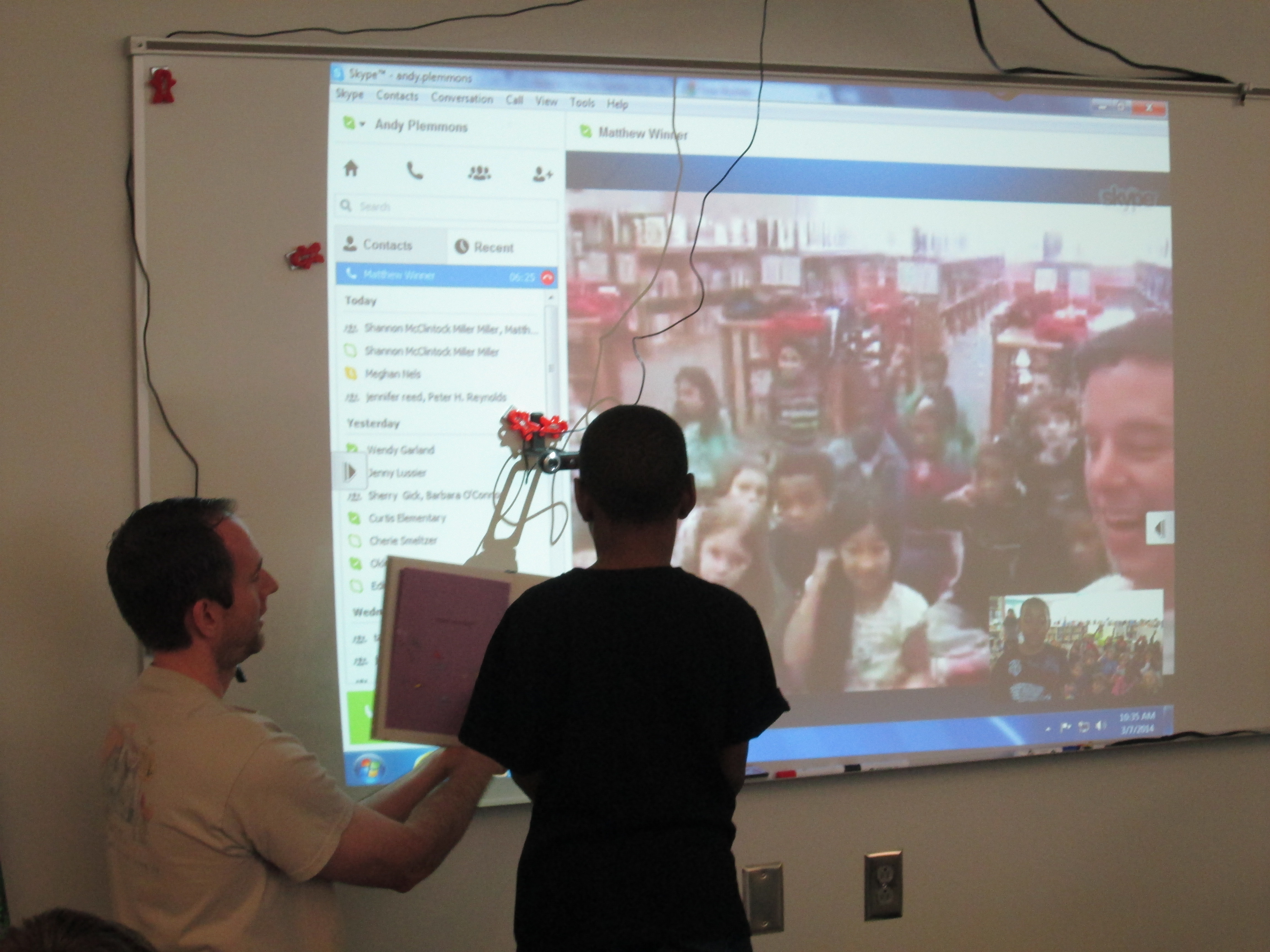
Matthew Winner (6) Matthew Winner (2)

Cathy Potter and I had fun reading I’m Bored and letting our students show the many ways you can say “boring”.
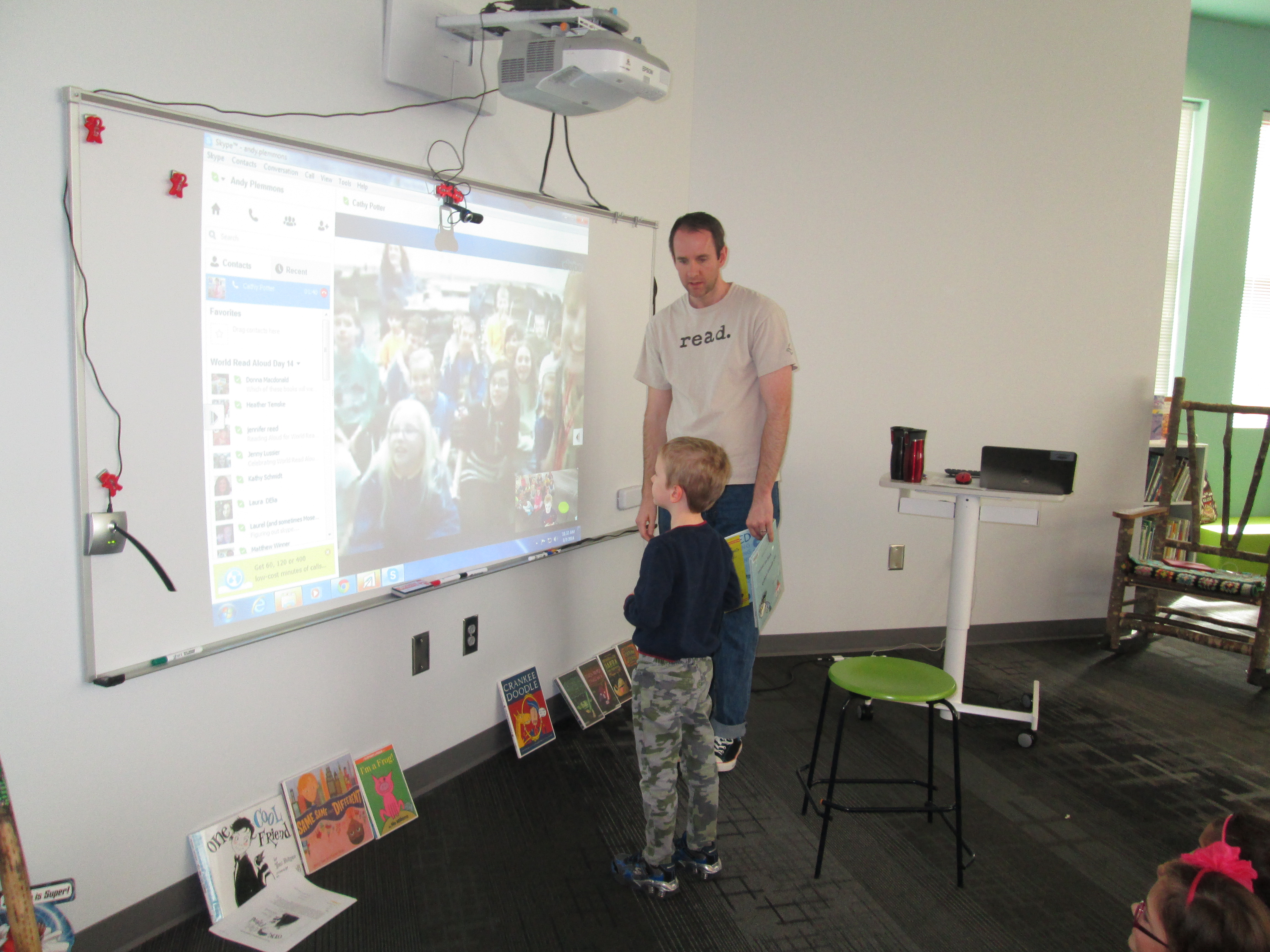
Cathy Potter (3) Cathy Potter (2)

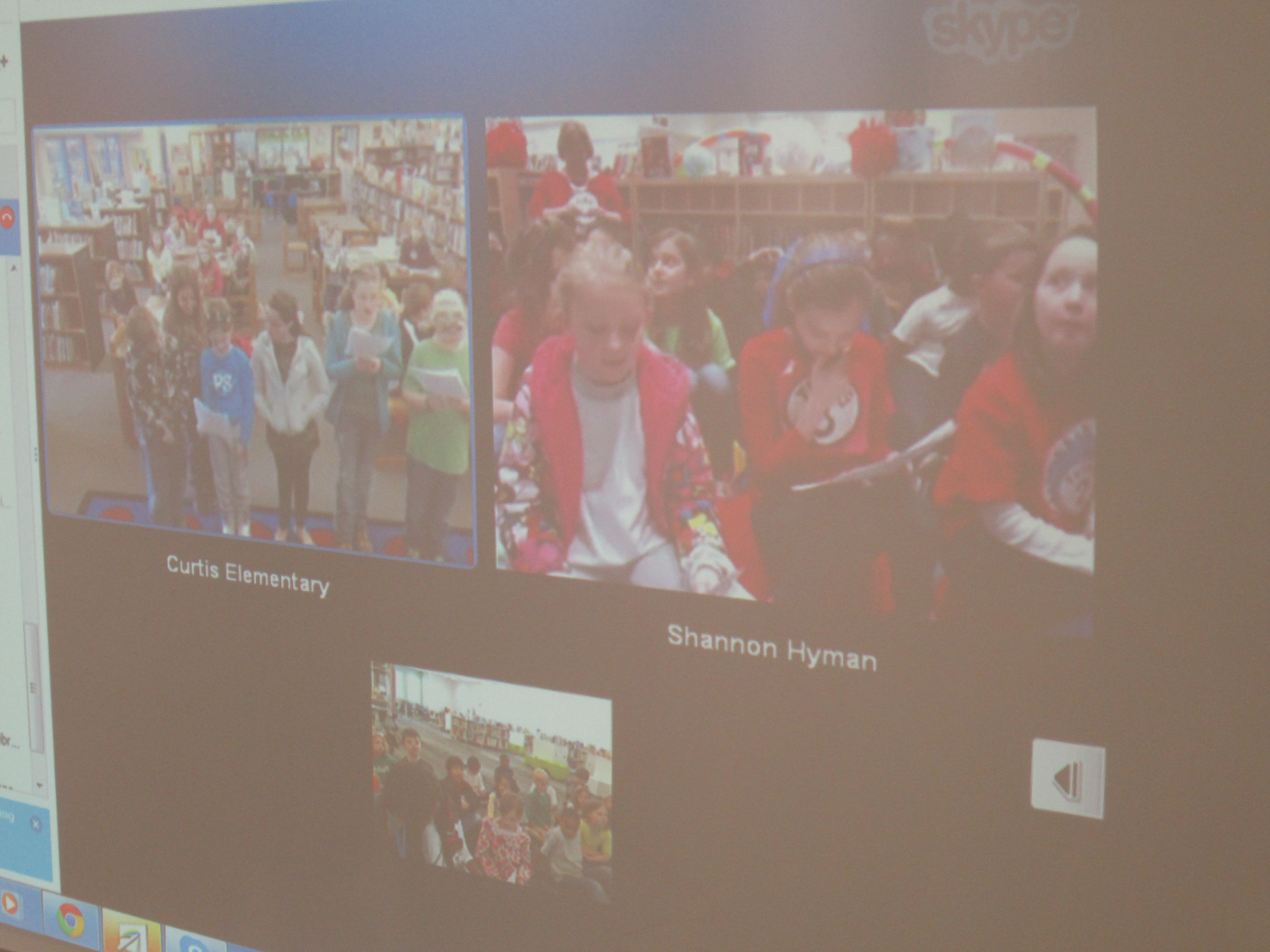
Shawna Ford, Shannon Hyman, and I all found students to read parts of a reader’s theater of One Cool Friend.  We loved hearing voices in 3 states reading the story.

Shawna & Shannon (5) Shawna & Shannon (1)

Stacy Ford and I had a great time being Elephant and Piggie with our students as we read I’m a Frog.
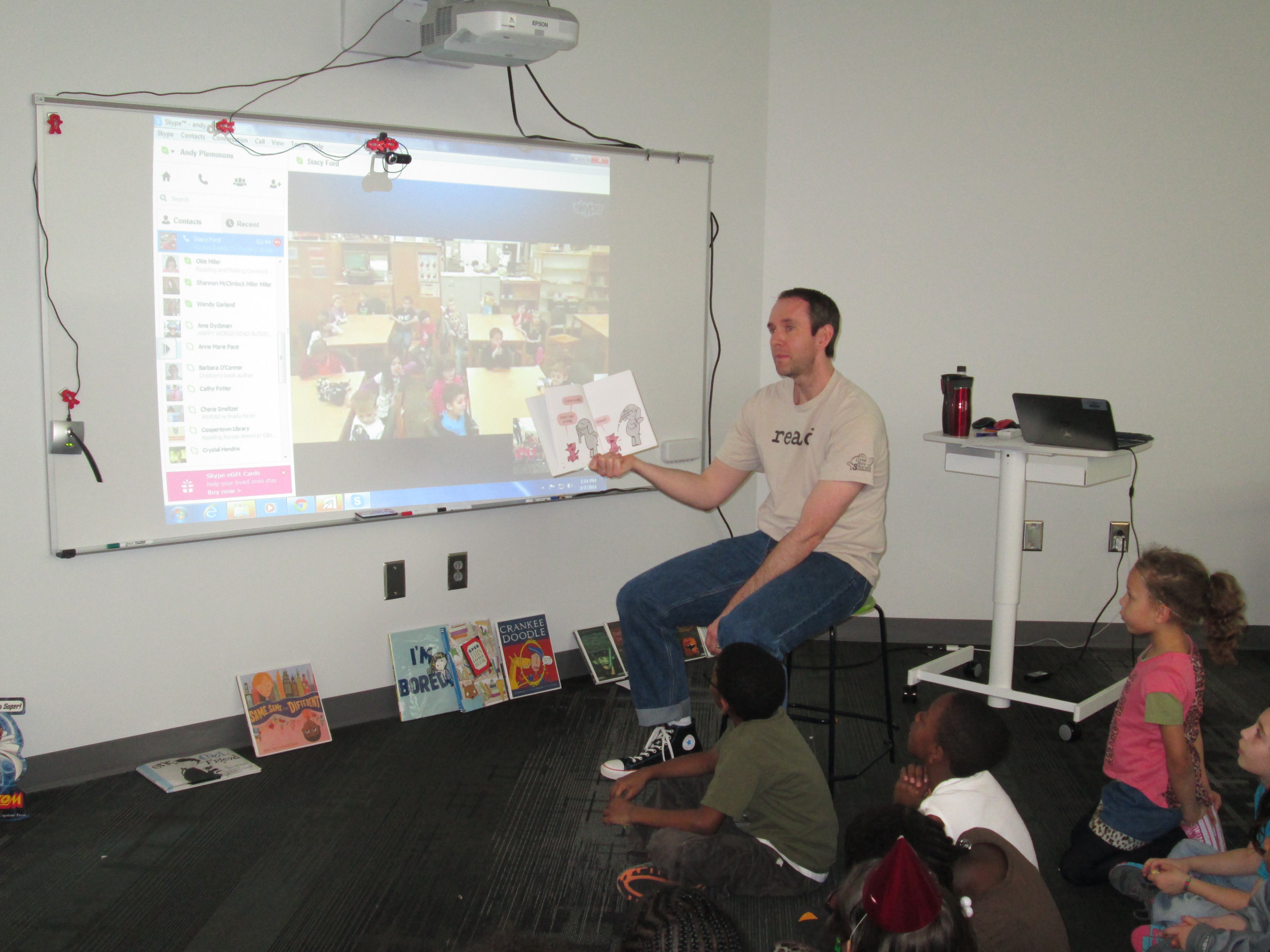
Stacy Ford (5)

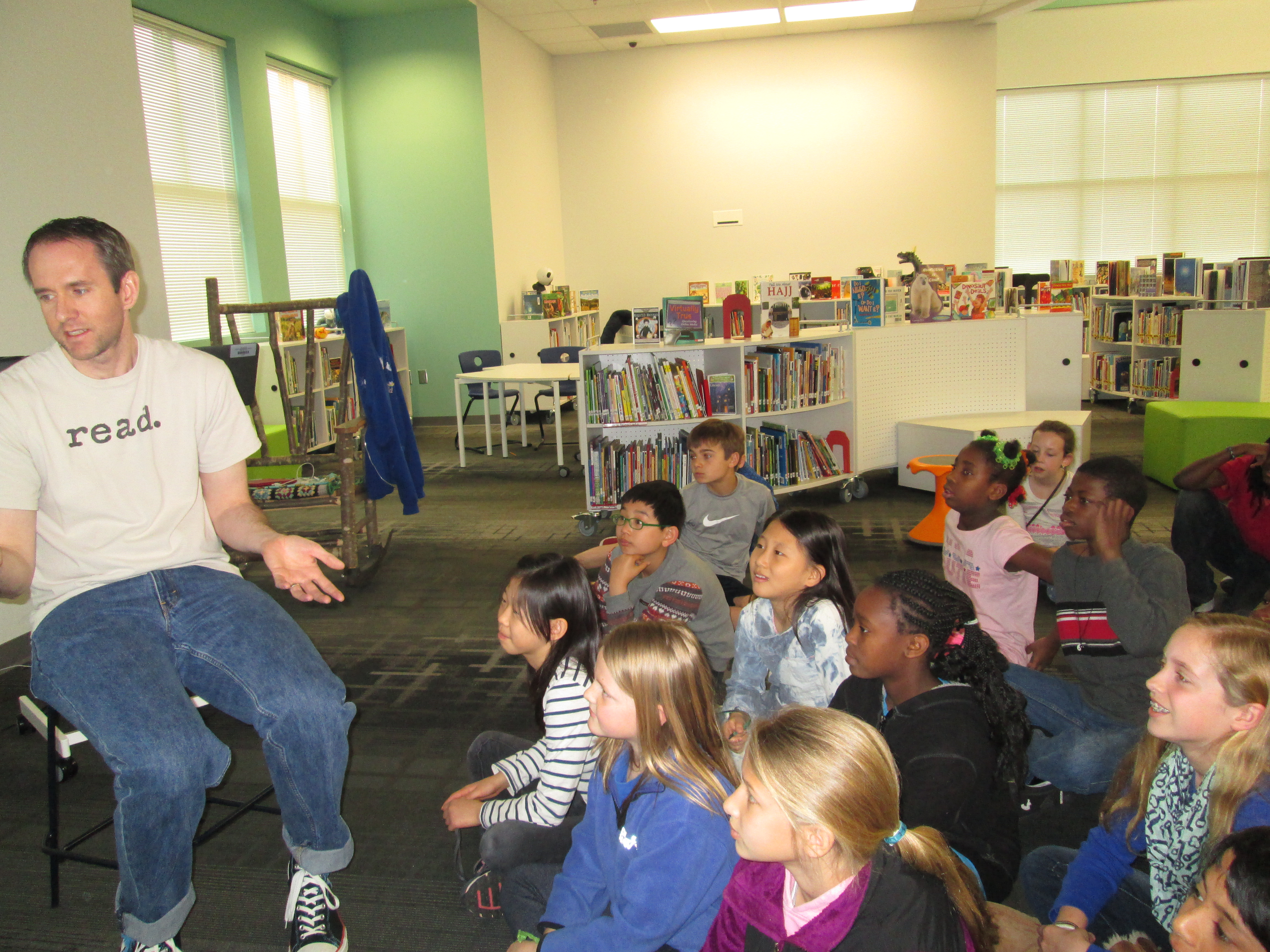
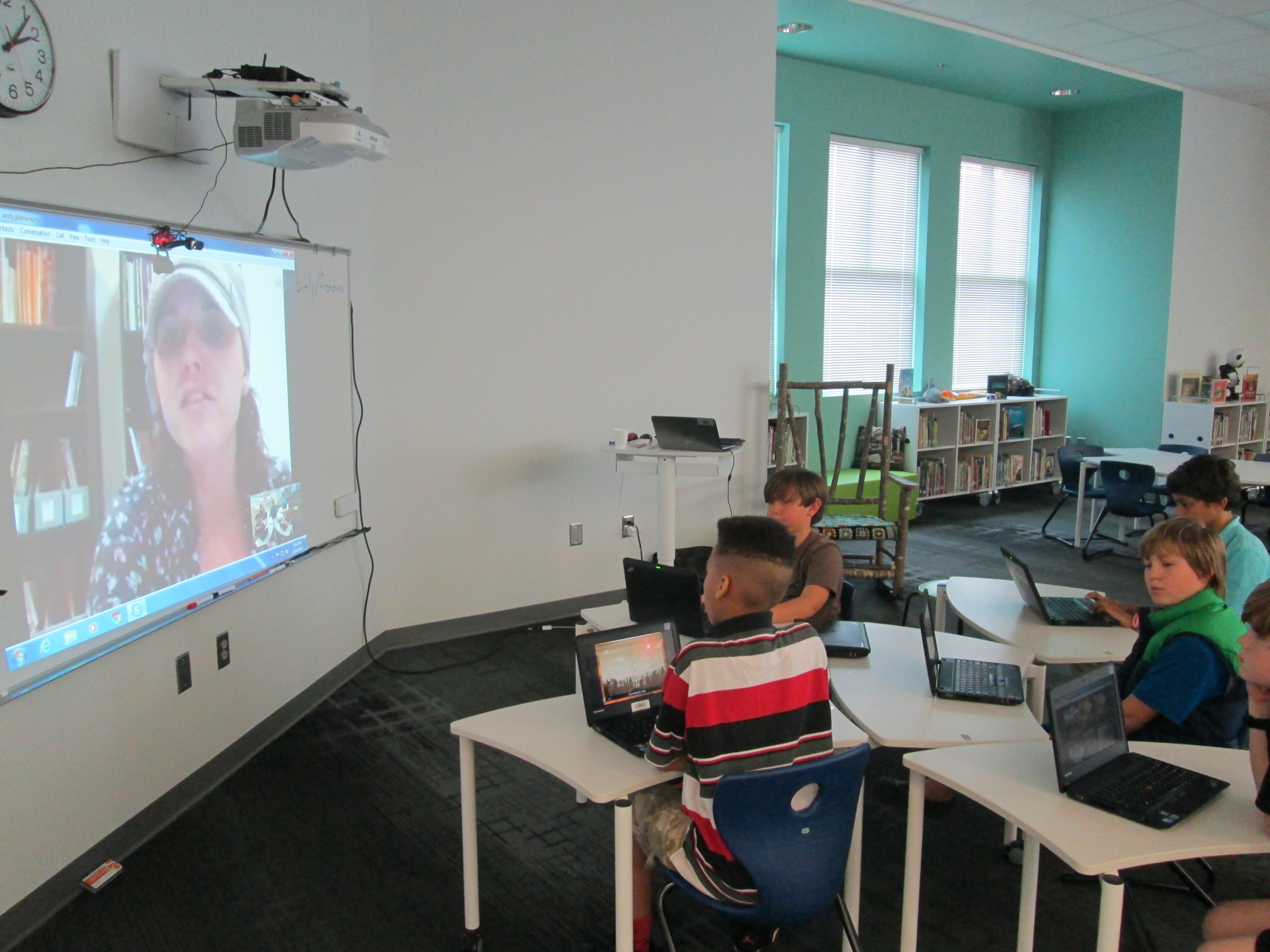
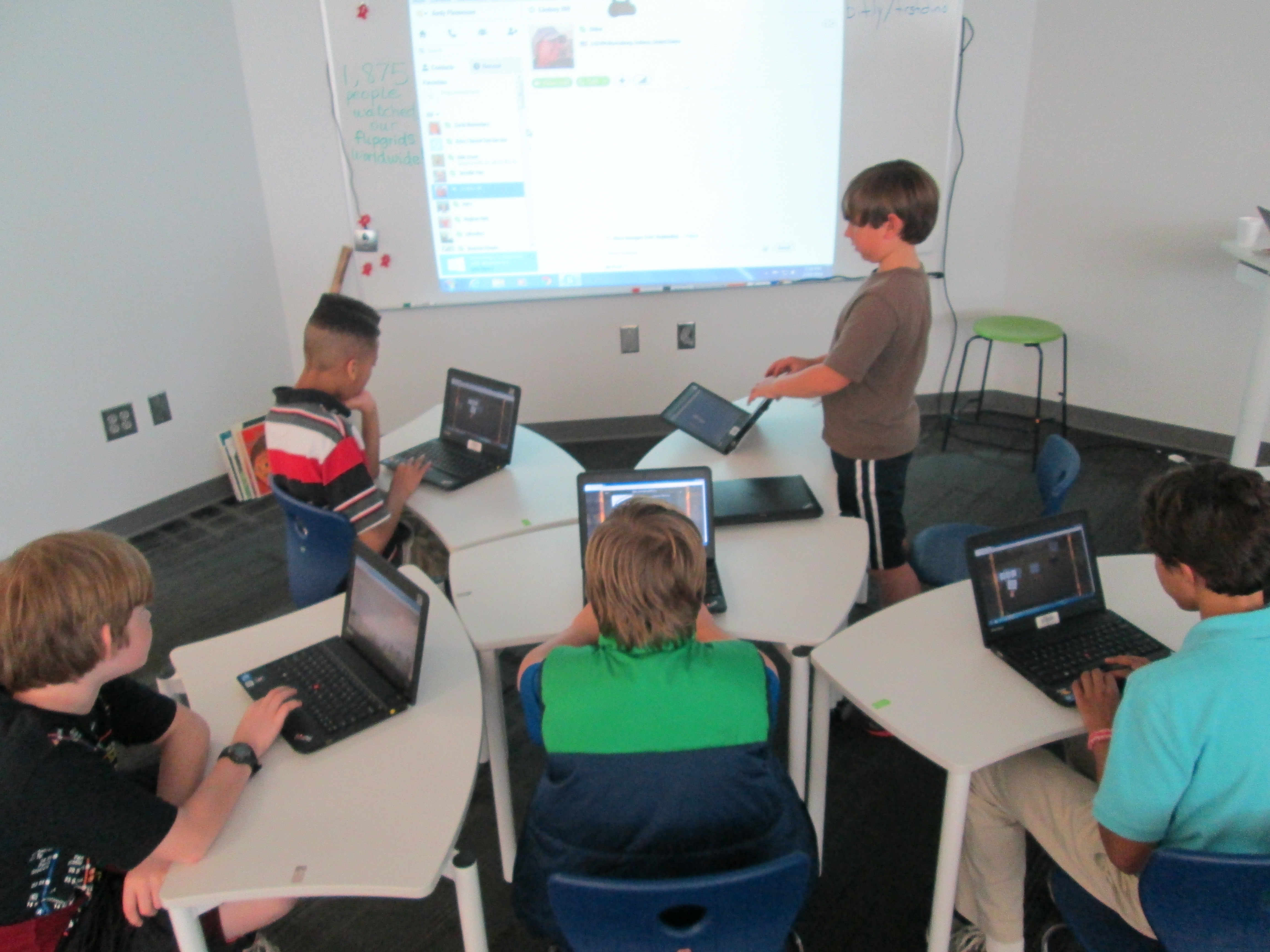
Randie Groden and I had some impromptu skyping as I had a class cancel!  Several 5th graders who were checking out books gathered around the projection area to meet her first graders and read Same, Same but Different.  Sometimes the unexpected is fun!
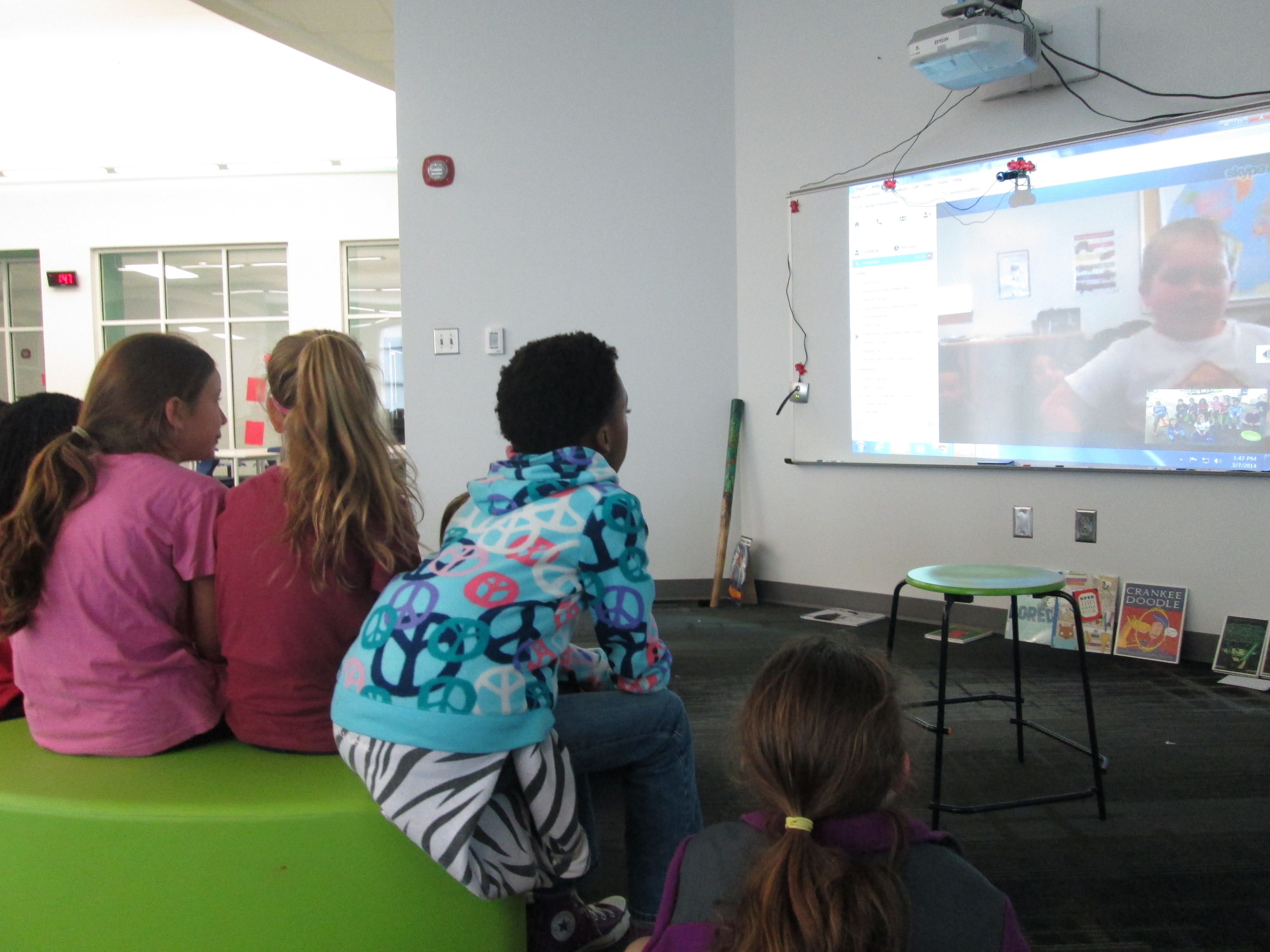
Randie Groden (4) Randie Groden (2) Randie Groden (1)

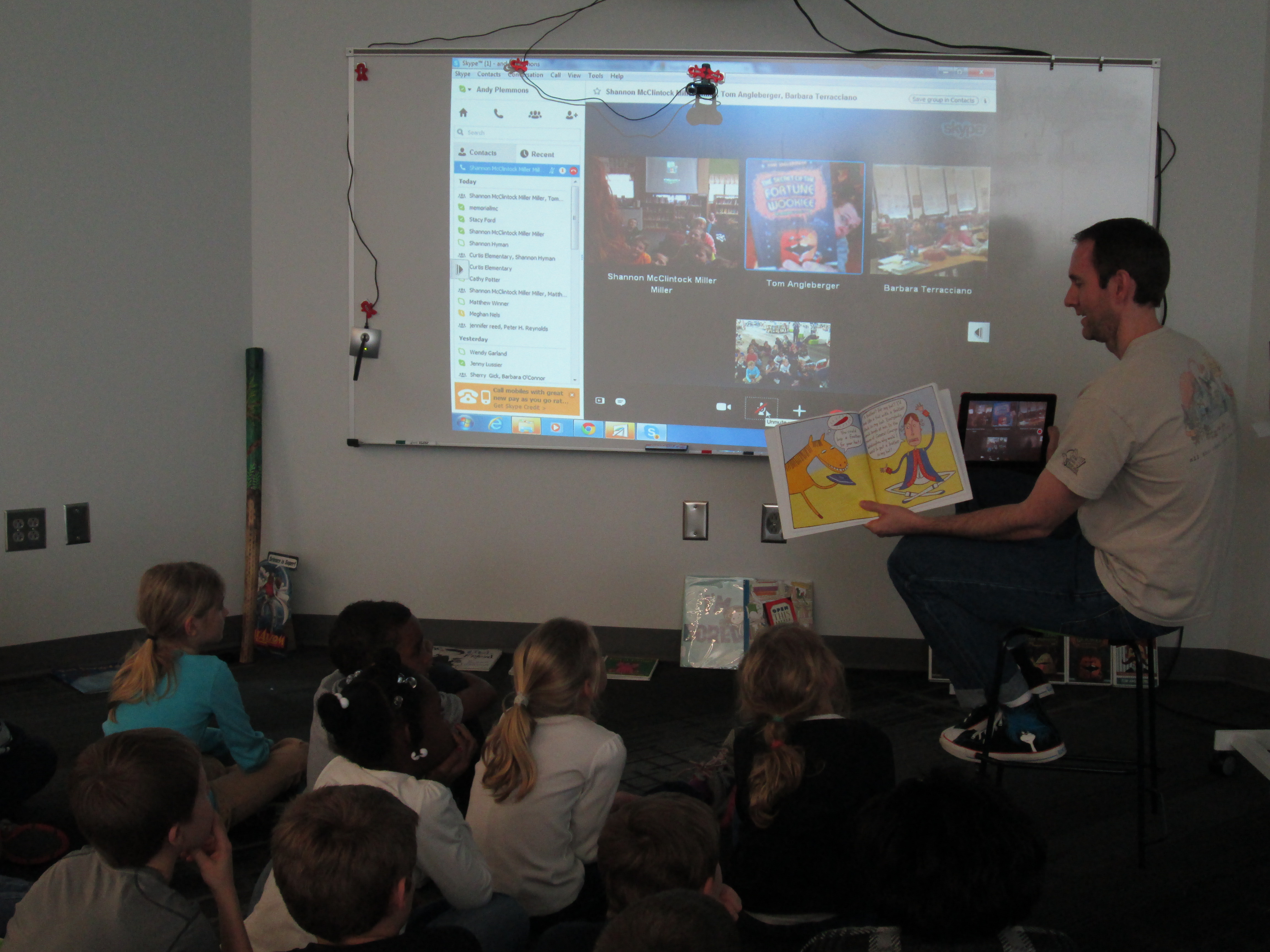
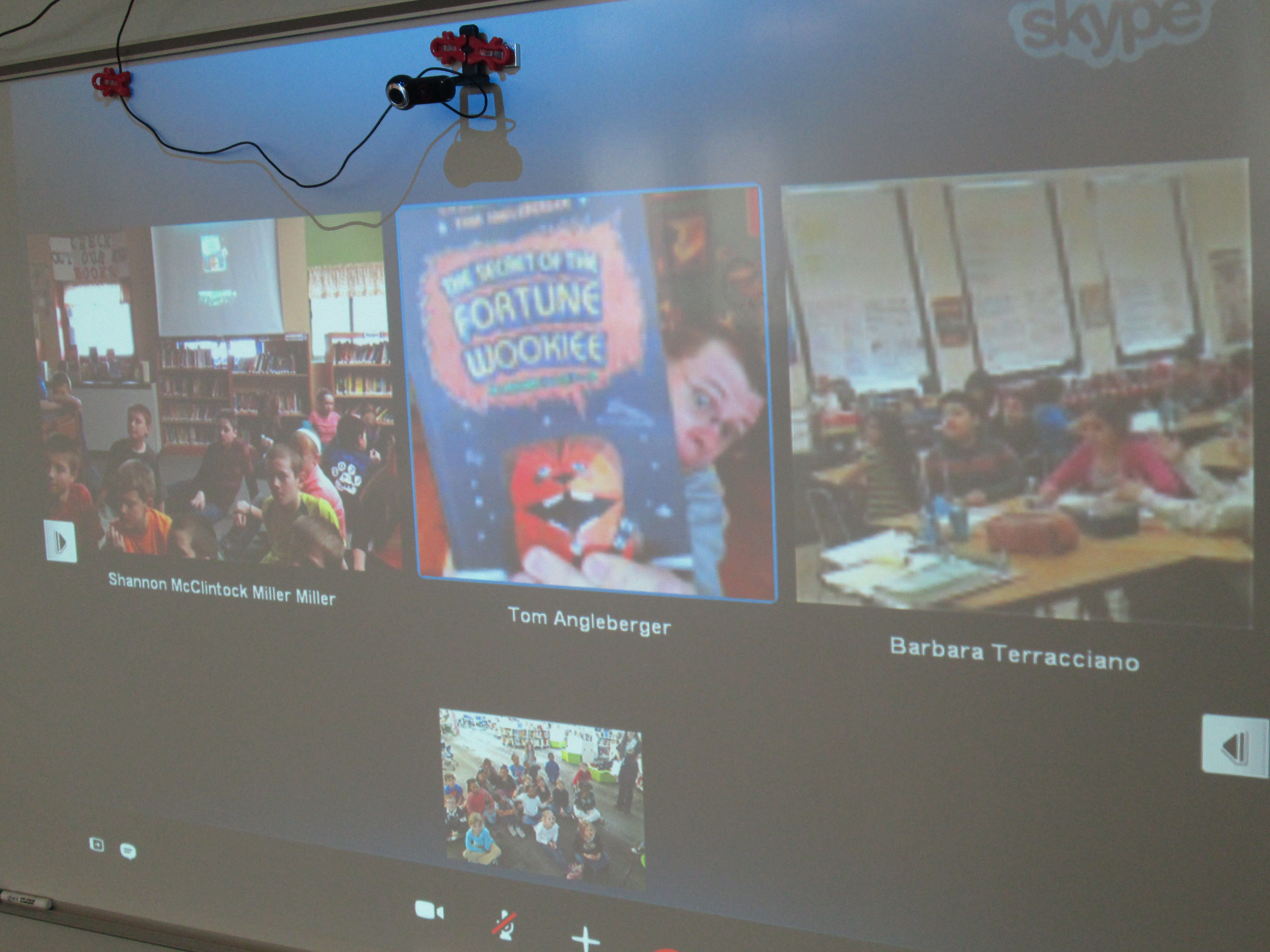
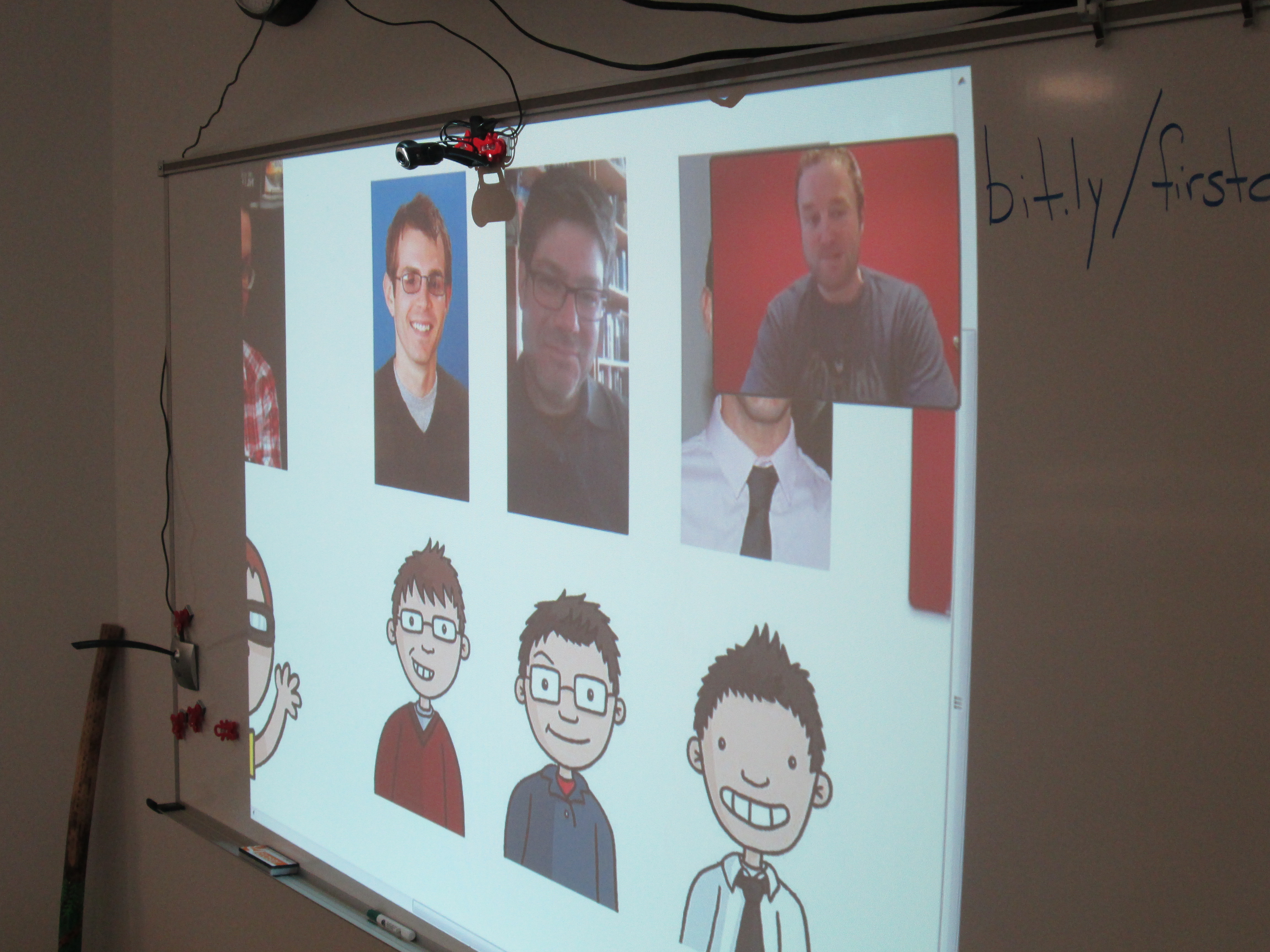
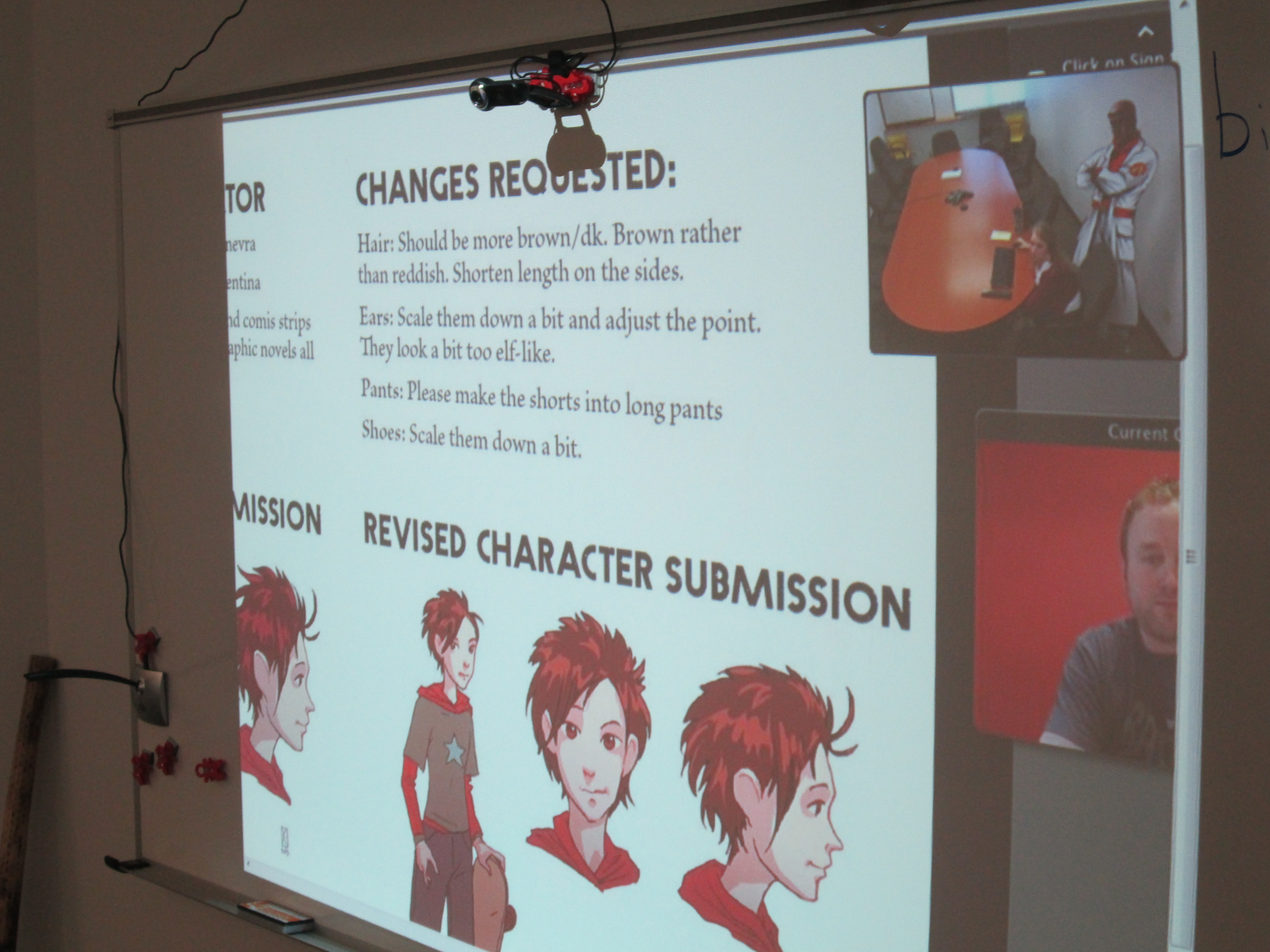
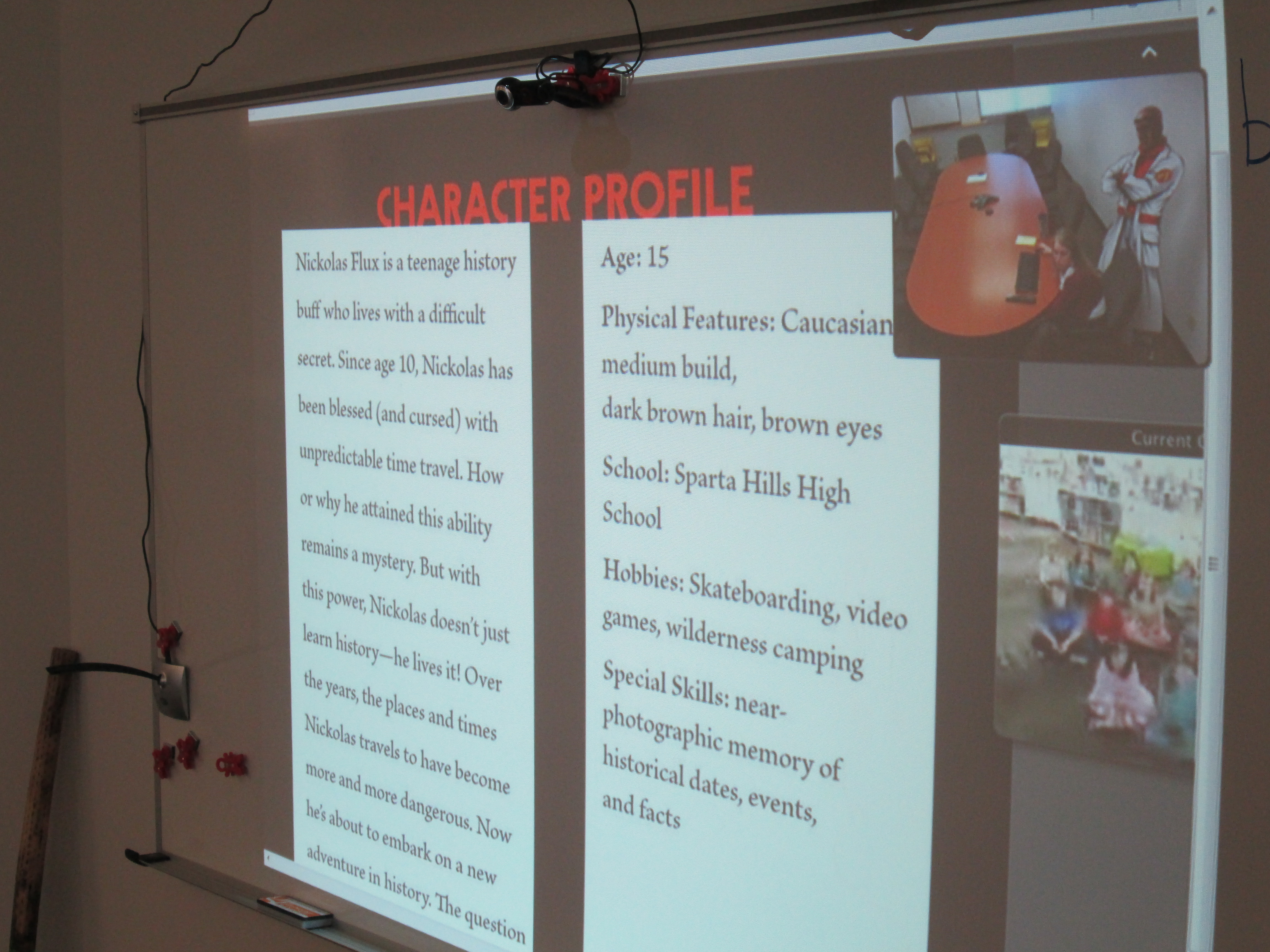
We ended our WRAD week with a connections between Shannon Miller and Barbara Terracciano along with author, Tom Angleberger.  He read aloud the part of Crankee in Crankee Doodle, and it was the perfect ending to our week.
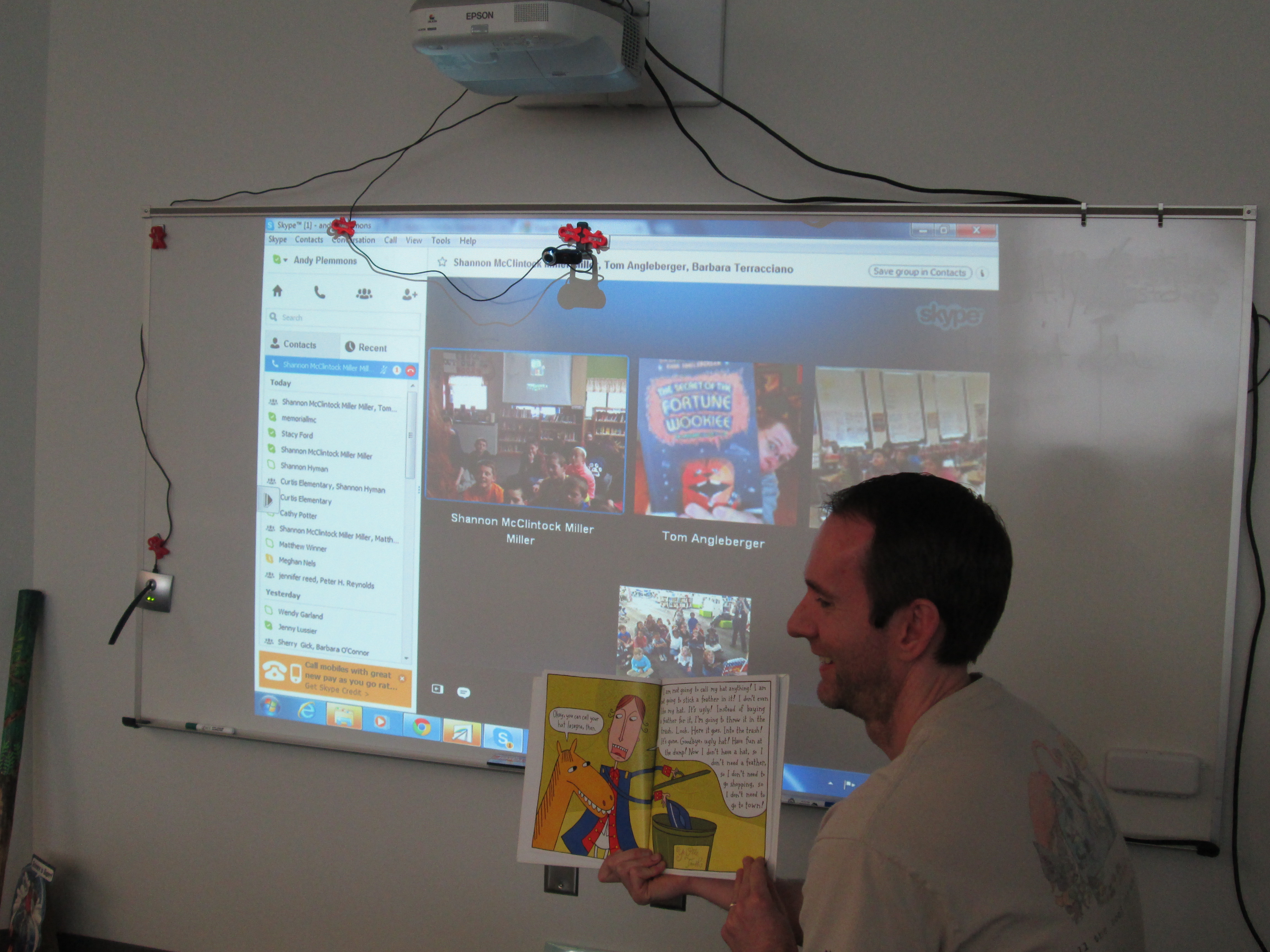
Tom Angelberger (7) Tom Angelberger (2) Tom Angelberger (1)

There is not a day that goes by that I don’t read aloud.  Every day is read aloud day.

When I think of World Read Aloud Day, I think of connections.

Kate DiCamillo, National Ambassador for Young People’s Literature and 2-time Newbery winner, says “Stories Connect Us”.  In Extra Yarn by Mac Barnett and illustrated by Jon Klassen, all of the characters are connected to one another through strands of yarn as the main character knits sweaters for everything and everyone in sight.  In Same, Same but Different by Jenny Sue Kostecki-Shaw, we learn that we really are all connected in the world by common strands of life even if those strands might look a bit different based on our cultures, locations, and beliefs.

World Read Aloud Day is about all of these things.  Even though we should read aloud every day, World Read Aloud Day raises our awareness of the importance of reading aloud.  It reminds us that when we read aloud, we connect.  When we read aloud, we expand our world.  When we read aloud, we learn that the world really isn’t as big as it seems.  We are all united through power of story and spoken word.

This year, our planning for World Read Aloud Day/Week began in December.  My wonderful friend and collaborator, Shannon Miller, created a Google Doc for educators around the world to use as a space to share their schedules and ideas.  The two of us shared the doc through blog posts, twitter, facebook, and conversations.  Over 3 months later, the doc is filled with conversations that each tell a story of a connection between multiple groups of students.  When you look at this single document, you know that students, teachers, teacher librarians, and families around the world are being impacted by powerful experiences of hearing stories read aloud, participating in conversations about books, and building connections to new friends around the world.

Our school:

  • engaged in 36 skype sessions
  • made 50 connections in these sessions
  • met new friends in 22 states and 2 other countries

Along the way, we built a Google Earth Tour using Google’s tour builder.  This tool allowed us to quickly add pins to a world map, add photographs and videos, and write a summary of each skype session and what we loved and learned.  I love how at the end of the week, we instantly have documentation that allows us to remember, reflect, and celebrate the fun that we have had during this week.
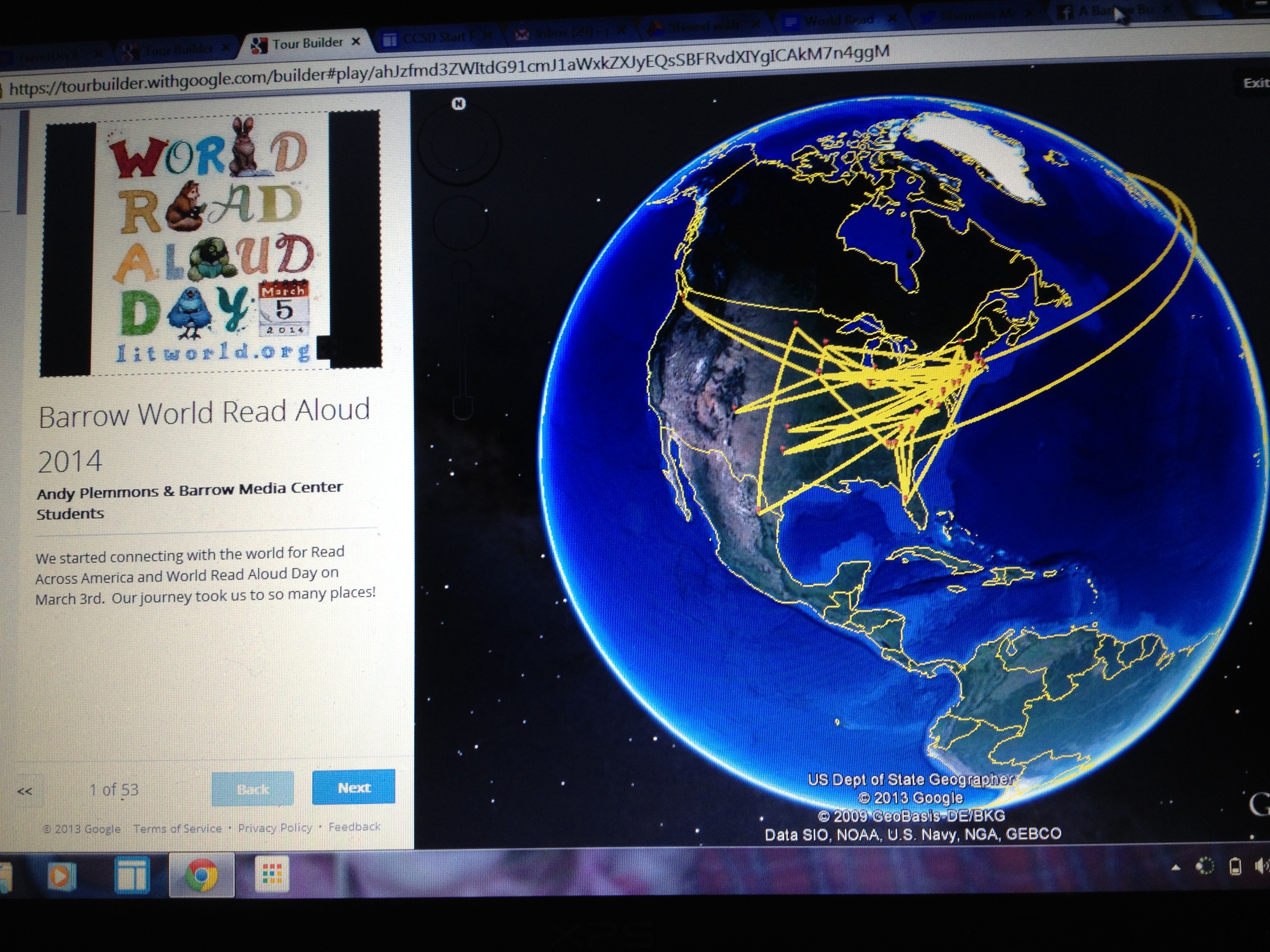
Google Tour

View our Google Tour Here!

Today, I received several thank you letters from students.  Organizing this many Skype sessions is exhausting.  I won’t lie about that, but the rewards that come from the hard work make up for all of the time I spent organizing this week.  Receiving these letters reminded me why I advocate for World Read Aloud Day and why I believe in the power of connecting with one another through story.  Thank you Litworld for creating such an amazing world-wide event.

Read Across America and World Read Aloud Day 2014 is Here!

World-Read-Aloud-Day-2014Wow!  I am so excited that Read Across America and World Read Aloud Day is here.  Some miraculous things have happened since planning for this week started in December.

The shared Google Doc that Shannon Miller and I created has been very busy and growing every day.

I’ve been having countless conversations on Twitter, Facebook, and email to connect our teachers and students with authors and classrooms around the world.  The global collaboration that has gone into this week is energizing, inspiring, and exhausting!  I can’t wait to see all of the planning come to life next week.  I know that there will be so many moments  that will inspire and surprise us during the week.  I’m also thinking back to last year and how the weather changed our plans!  I’m hoping for global great weather next week so that all of our connections happen.

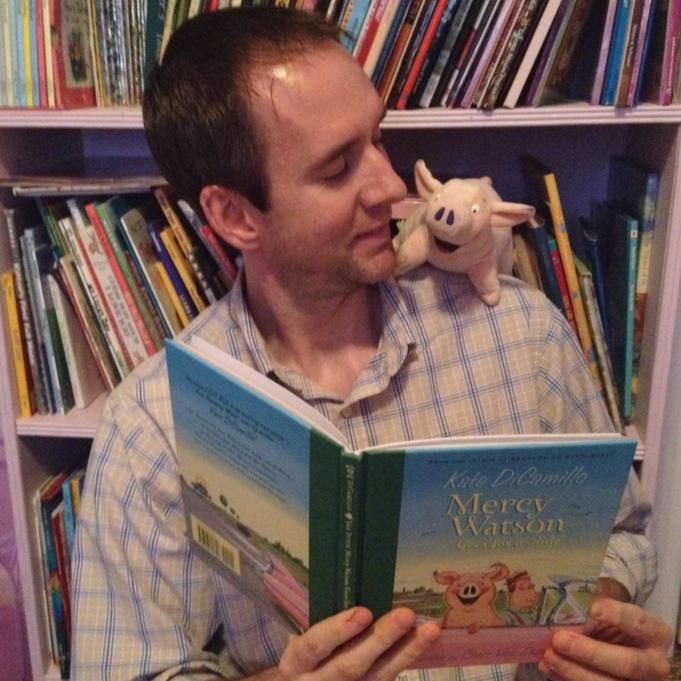
mercy watson

Here’s a look at our week!

On Monday, we will have about 50 guest readers from the community reading Dr. Seuss books in every classroom.

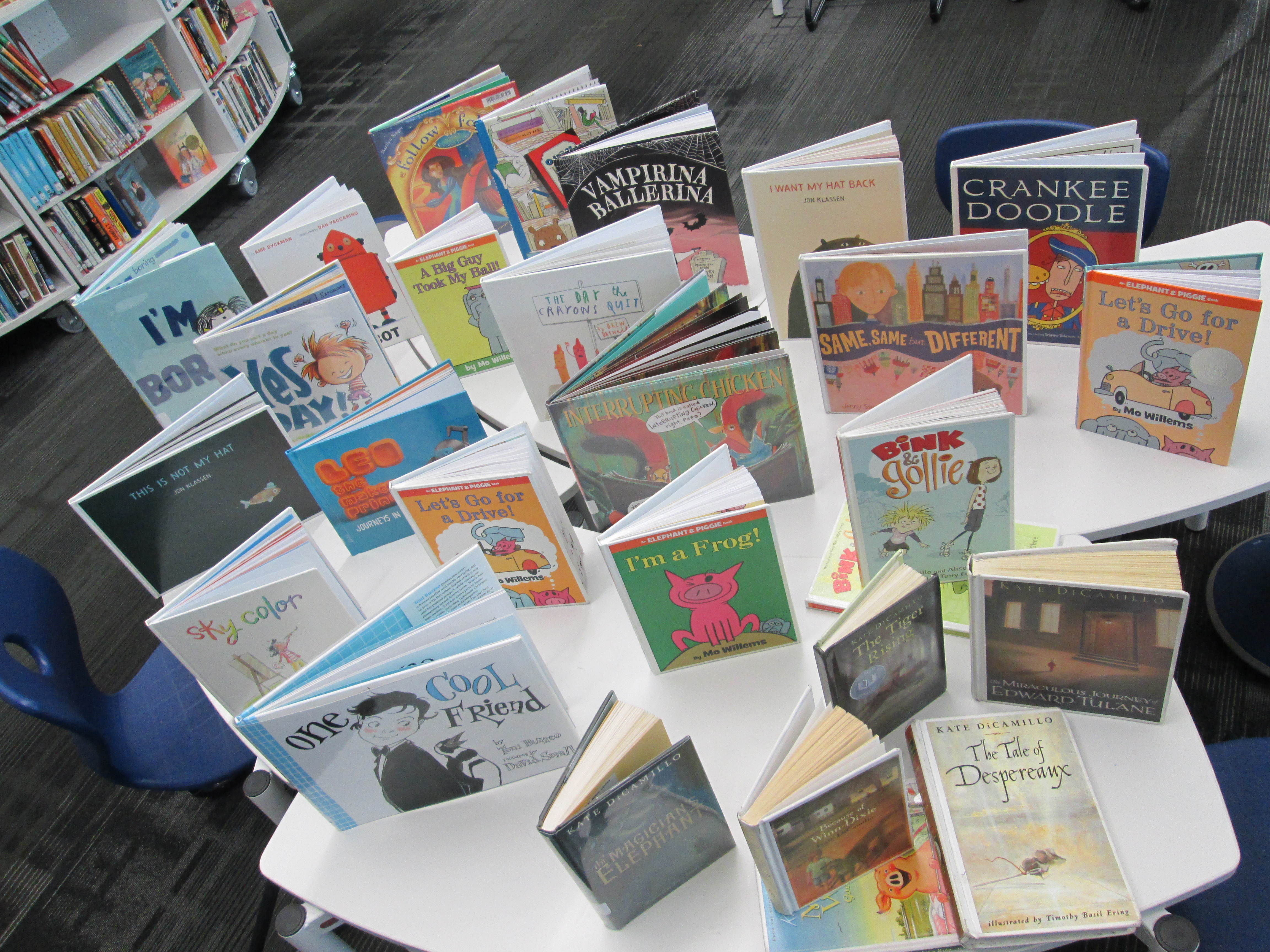
These are a few of the books we will share with libraries, classrooms, and authors around the world during the rest of the week.

IMG_2017

On Monday we will connect with:

  • Okle Miller and her students in Florida
  • Crystal Hendrix and her students in North Carolina
  • Wendy Garland and her students in Massachusetts
  • Jennifer Reed and her students in Massachusetts along with author, Peter Reynolds
  • Jenny Lussier and her students in Connecticut along with author, Ame Dyckman
  • Nancy Edwards and her students in Seattle, WA
  • Shannon Miller and her students in Iowa
  • Kathy Schmidt and her students in Gwinnett County, GA

On Tuesday, we will connect with:

  • Erika Victor and her students in Berlin, Germany!
  • Jennifer Reed and her students in Massachusetts
  • Heather Temske and her students in Roswell, GA
  • Laura D’Elia and her students in Massachusetts
  • Christy Brennan and her students in Pennsylvania
  • Shannon Miller and her students in Iowa along with author, Deborah Freedman

On Wednesday (the official World Read Aloud Day), we will connect with:

  • Donna MacDonald and her students in Vermont
  • Matthew Winner and his students in Maryland
  • Anne Marie Pace, author
  • Kate DiCamillo, Newbery-winning author and National Ambassador for Young People’s Literature
  • Sherry Gick and her students in Indiana along with author, Barbara O’Connor
  • Shannon Miller and her students in Iowa along with author, Jenny Sue Kostecki Shaw
  • Tanya Lee Stone, author

On Thursday, we will connect with:

  • Edie Crook and her students in North Carolina
  • Okle Miller and her students in Florida
  • Cherie Smeltzer and her students in New Hampshire
  • Shawna Ford and her students in Texas
  • Jenny Lussier and her students in Connecticut
  • Wendy Garland and her students in Massachusetts
  • Shannon Miller and her students in Iowa

On Friday, we will connect with:

  • Meghan Nels and her students in Massachusetts
  • Shannon Miller (Iowa), Matthew Winner (Maryland), and Jesse Klausmier
  • Cathy Potter and her students in Maine
  • Shawn Ford (Texas) and Shannon Hyman (Virginia) and their students
  • Stacy Ford and his students in Texas
  • Randie Groden and her students in Massachusetts
  • Shannon Miller and her students in Iowa with author, Tom Angleberger

Whew!  It will truly be an amazing week!

We are going to attempt to document our week as much as possible through pictures and videos. We are also going to work on a map of our virtual travels using Google Tour Builder.  During each Skype, we will make sure to ask where are guests are specifically located.  Then, after the Skype, I will pull up our Google Tour and we’ll add pins and details to the map.  By the end of the week, I can’t wait to look at the whole tour and remember our travels.

Letting Kindergarten Imagination Soar with Blokify and Makerbot

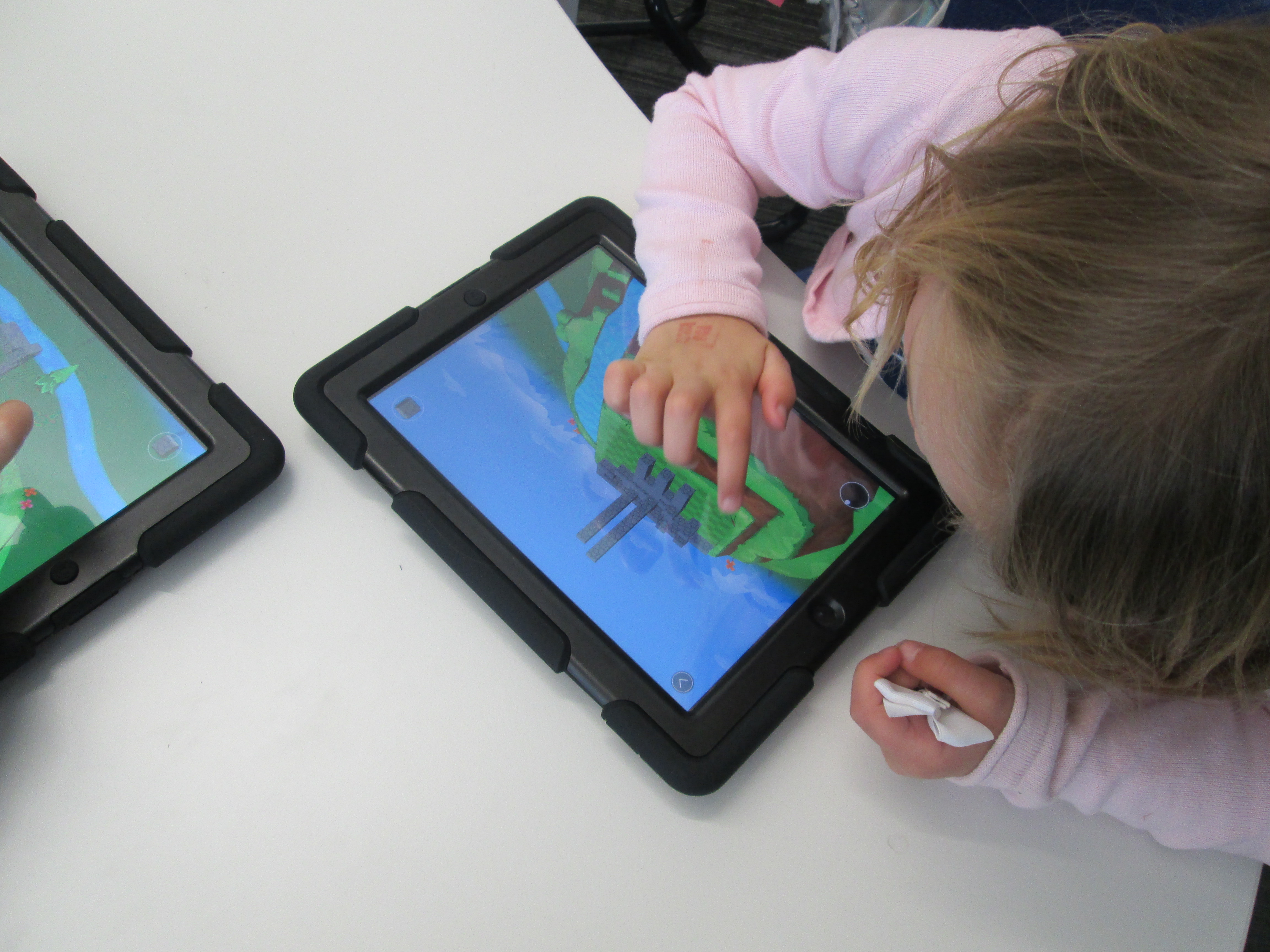
blokify (4)Mrs. Kelly Hocking’s Kindergarten class just started a collaborative project with the art teacher and the media center.  Her class has been very inquisitive about structures and sculptures and what it’s like to be inside of those structures.  For example, they’ve looked closely at the Statue of Liberty and they are fascinated with the idea of going inside and looking out from the crown.  In art, Mrs. Foretich is introducing maquette sculpture which is a small scale model of a rough draft or unfinished work.  It allows them to test how different shapes are put together without making a full sculpture.

blokify (10)

These 2 ideas started coming together in a project.  Mrs. Hocking started exploring Minecraft at home and thinking about how worlds and structures were created in the virtual world.  Then she started wondering how this might flow into the discussions her class was already having about imagining and going inside of structures.  This is when we started talking about Blokify as a tool for putting together blocks to create a larger structure.

Mrs. Kelly, the art teacher, and I all met to brainstorm.  Students will eventually build a larger sculpture out of shapes in art.  Their art standard is:

GPS: Demonstrates that shapes can be put together to make new shapes or forms.

Their essential question is:

How do artists build Sculptures?

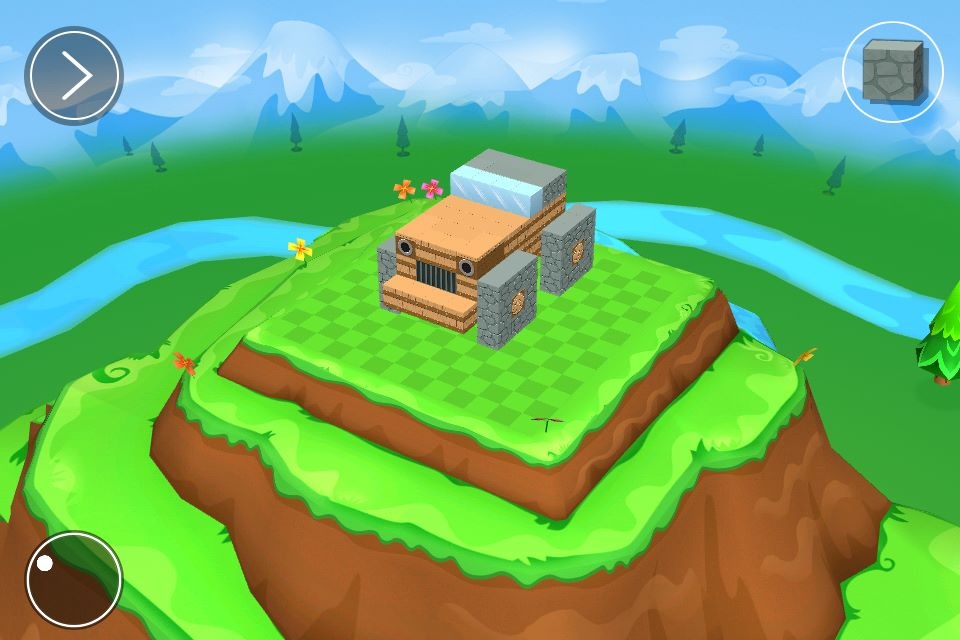
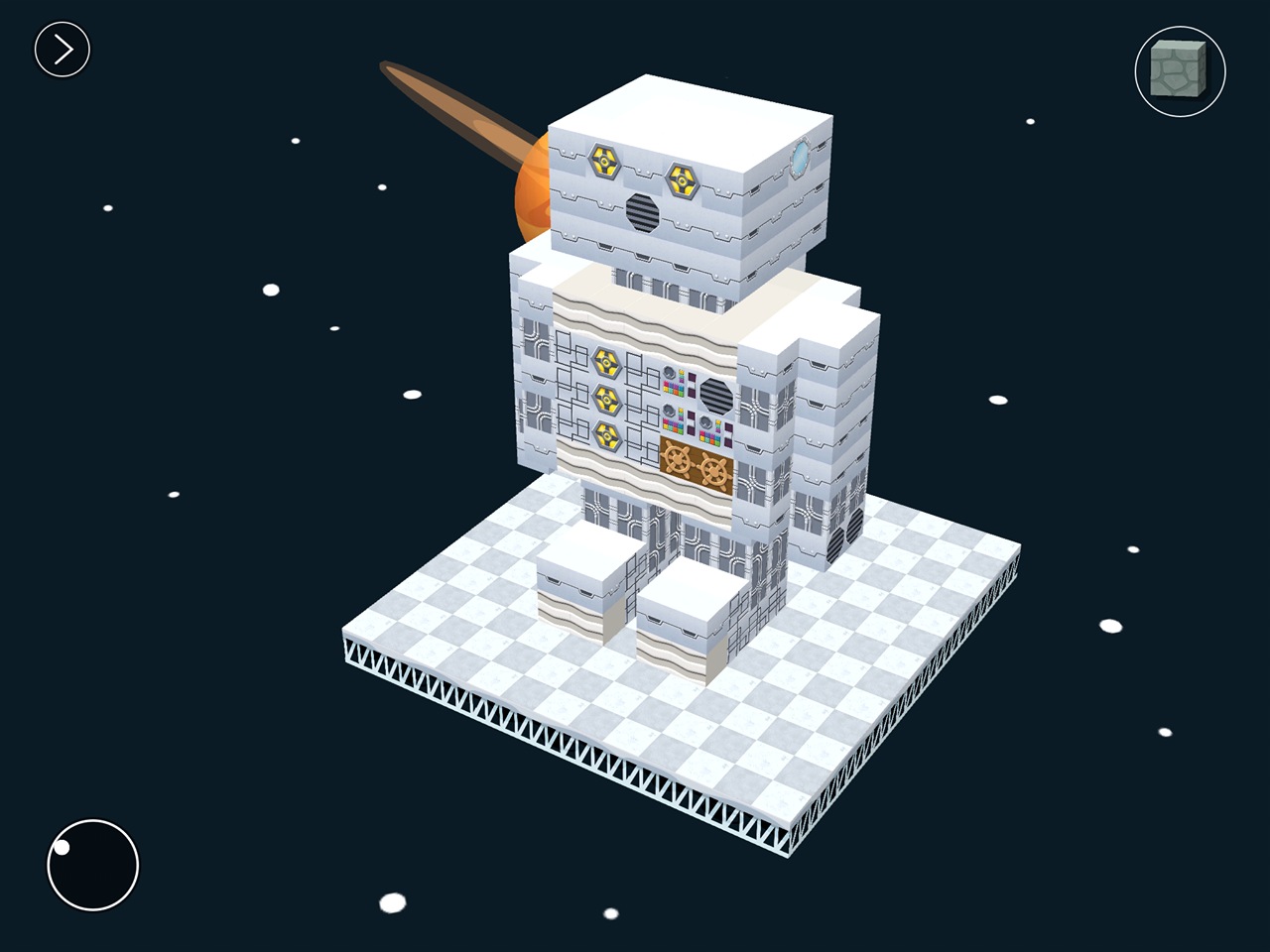
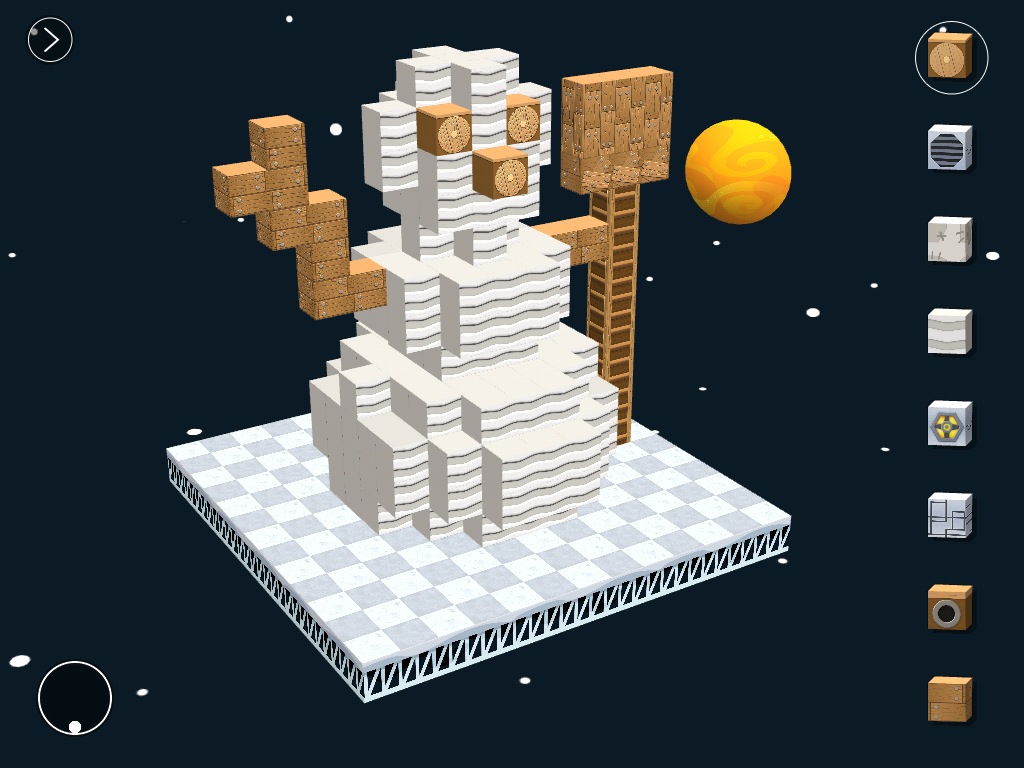
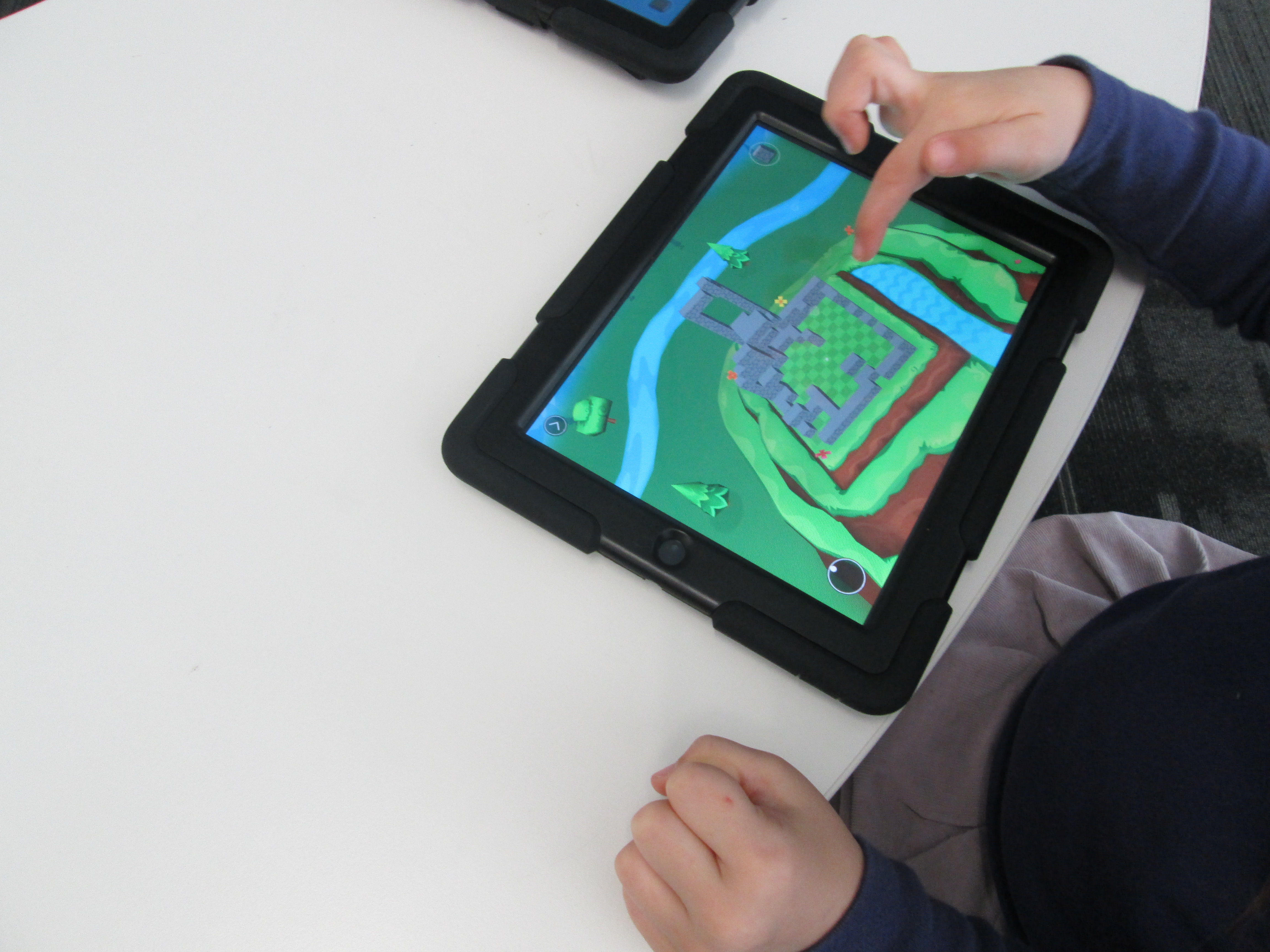
We decided that we would start our journey with Blokify.  Blokify is a free iPad app that allows students to put a variety of blocks together to build pretty much anything and then 3D print that shape.  The files can be emailed for download into your own software for 3D printing conversion.

We decided that Blokify would be the kickoff to this larger project.  In the library, Mrs. Foretich, our art teacher, showed students some examples of maquettes and talked about how artists might make a rough draft of a larger sculpture to test some things out before making a larger sculpture.  Then, we showed students some images from Blokify’s facebook page to give students the idea that you don’t just have to make a box in Blokify.

photo 1 photo 2 photo 3


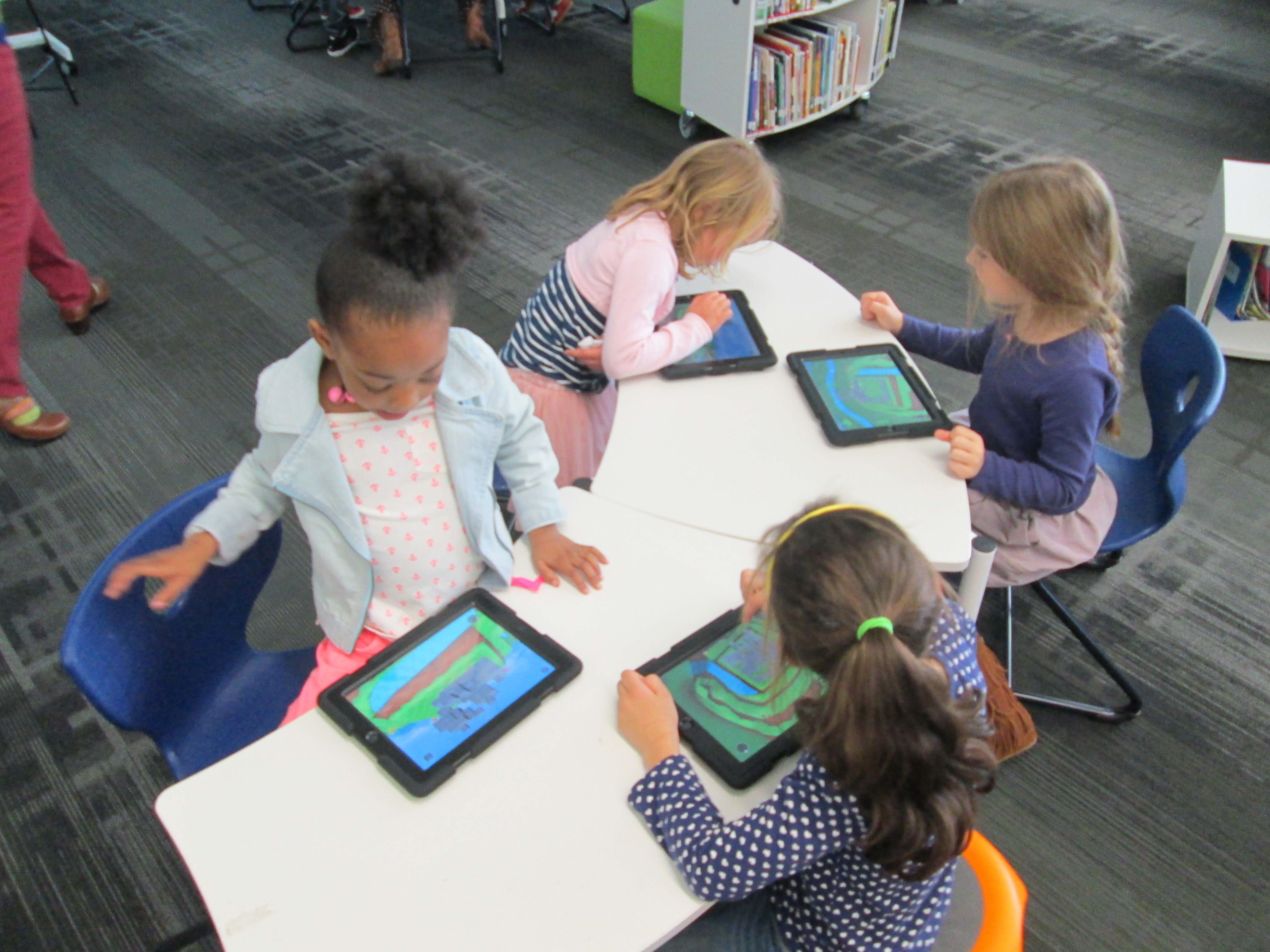
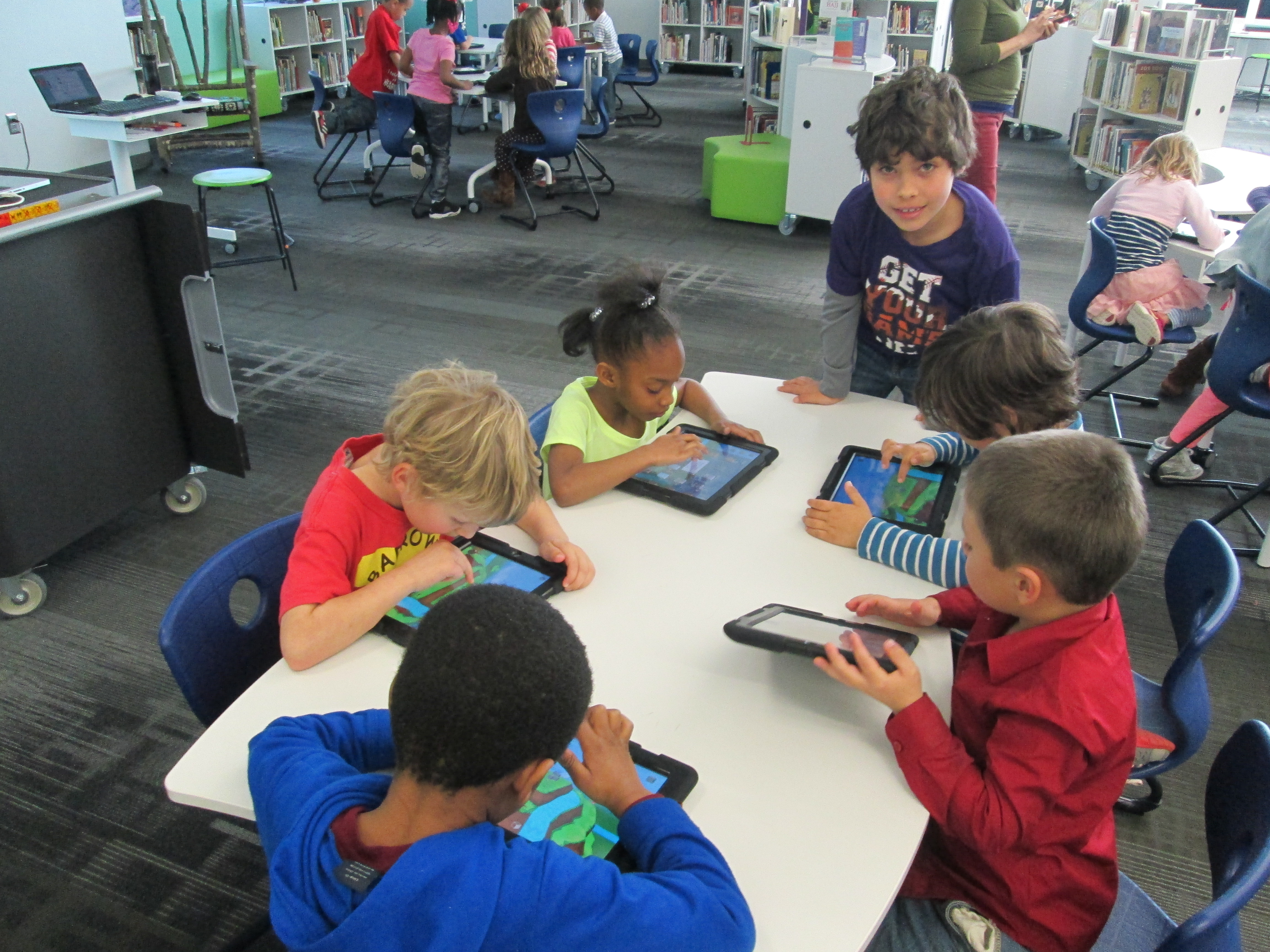
After that, students went straight to iPads and jumped in.  We didn’t spend a lot of time “teaching” them how to use the app.  Instead, we let them explore.  We also didn’t tell them what to build because we wanted them to have permission to imagine and dream as they built.  Mrs. Foretch and I walked around to tables and showed students some tips as they worked.  For example, if you hold your finger on a block it will disappear.  If you pinch the screen, you can zoom in and out.

Two of my enrichment cluster students came to support students as they worked, too.  Monica, 5th grader, and Grant, 3rd grader, were naturals at nudging Kindergarten students along without doing the work for them.  We were almost able to have a helper at every table because of them.  I was so glad that their teachers allowed them to come and share their expertise with Kindergarten.

Some students started really being strategic about where their blocks went in their structures while others liked tapping all over the screen and seeing how it turned out.  We did question a bit if we didn’t give student enough guidance, but we ultimately decided that they really needed this time to explore.  If our prints don’t quite turn out like they hoped, then it will be a learning experience about how they might rethink their own approach to designing.

blokify (13)

As always, there were some wonderful moments that happened.  One moment was when  a student who we’ve all been trying to find the right learning method was thoroughly engaged.  He was so proud of the work he did, and he showed us a way to connect with him as a learner.  I  hope that this new discovery will lead to other projects and learning experiences for him in his classroom.

blokify (6)

After students left, I had a group of 5th grade helpers email me all of the files from the iPads.  I put each file into Makerware, resized it, and saved it onto an SD card for printing.  We will print our designs after spring break.

blokify (3)

Once designs are printed, Mrs. Hocking wants students to put their structures on a piece of paper and draw the rest of the setting around the structure.  From there, students will think about the inside of their structure as well as the surroundings and begin to tell a story about their creations.  We aren’t sure yet how that piece will be captured, but I’m excited about the possibility.

In art, Mrs. Foretich will continue to explore this standard by expanding what students are building.


Problem Solving and Science in Action with the Rube Works App

RubeWorks (2)Back in December, Kate Wright, 2nd grade teacher, told me that the grade level would be studying force, motion, pushes, pulls, and simple machines in the late part of 3rd quarter and they wanted to incorporate the art and inventions of Rube Goldberg.  It was a seed of an idea which I absolutely love.  I love when a seed is planted early enough that it has time to grow and expand with new opportunities.

Over the winter break, I had a follow on Twitter from Electric Eggplant , and in miraculous fashion, the seed idea began to develop.  Electric Eggplant is the developer of a new iPad app called Rube Works.  It’s the official invention game of Rube Goldberg.  I started having a Twitter conversation with them and found out that the app was on sale until the end of December.  I went ahead and purchased 30 copies knowing that it was going to be a perfect fit with the seed of an idea.

My Twitter conversation continued and I was connected with David Fox, the developer of Rube Works.  He agreed that once we got the project going, he would love to connect with us and see what the kids thought of the app.

Since that conversation, a page on Skype in the Classroom has been created for Rube Goldberg which includes the chance to Skype with David as well as Rube Goldberg’s granddaughter, Jennifer.  We added both of these to our growing seed of an idea.

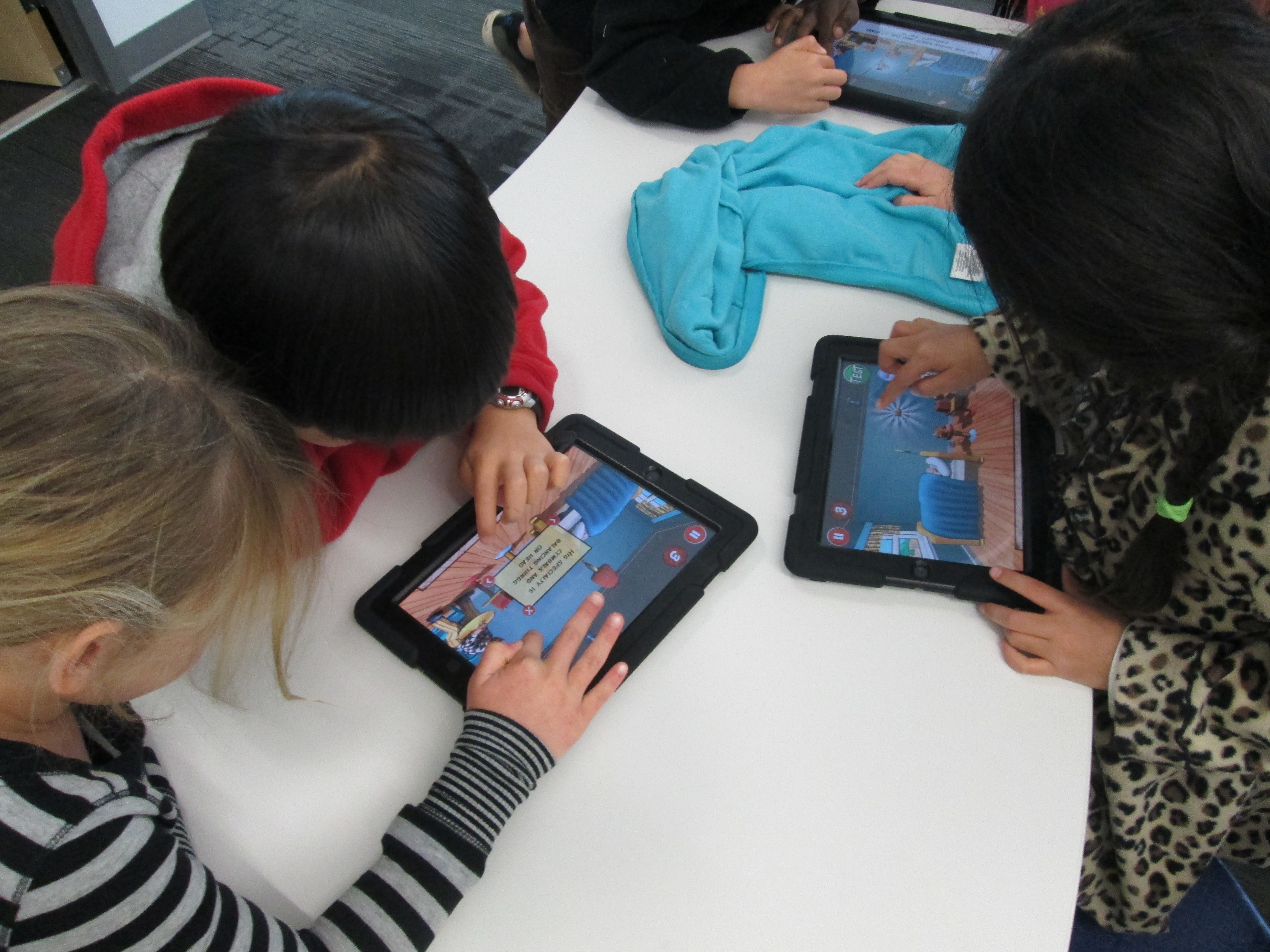
RubeWorks (3)Over the past 2 days, the 2nd grade has been working in the library to use the Rube Works game.  This is a kickoff to their study of force, push, pull, and motion.  We started by watching some videos of Rube Goldberg inventions because most of the students had no idea who he was.  They were fascinated by the zany inventions to do simple, everyday things.  Some of them even launched into a brainstorm of what they would invent (which is coming as a part of our seed of an idea!)

Next, I showed students the Rube Works trailer.

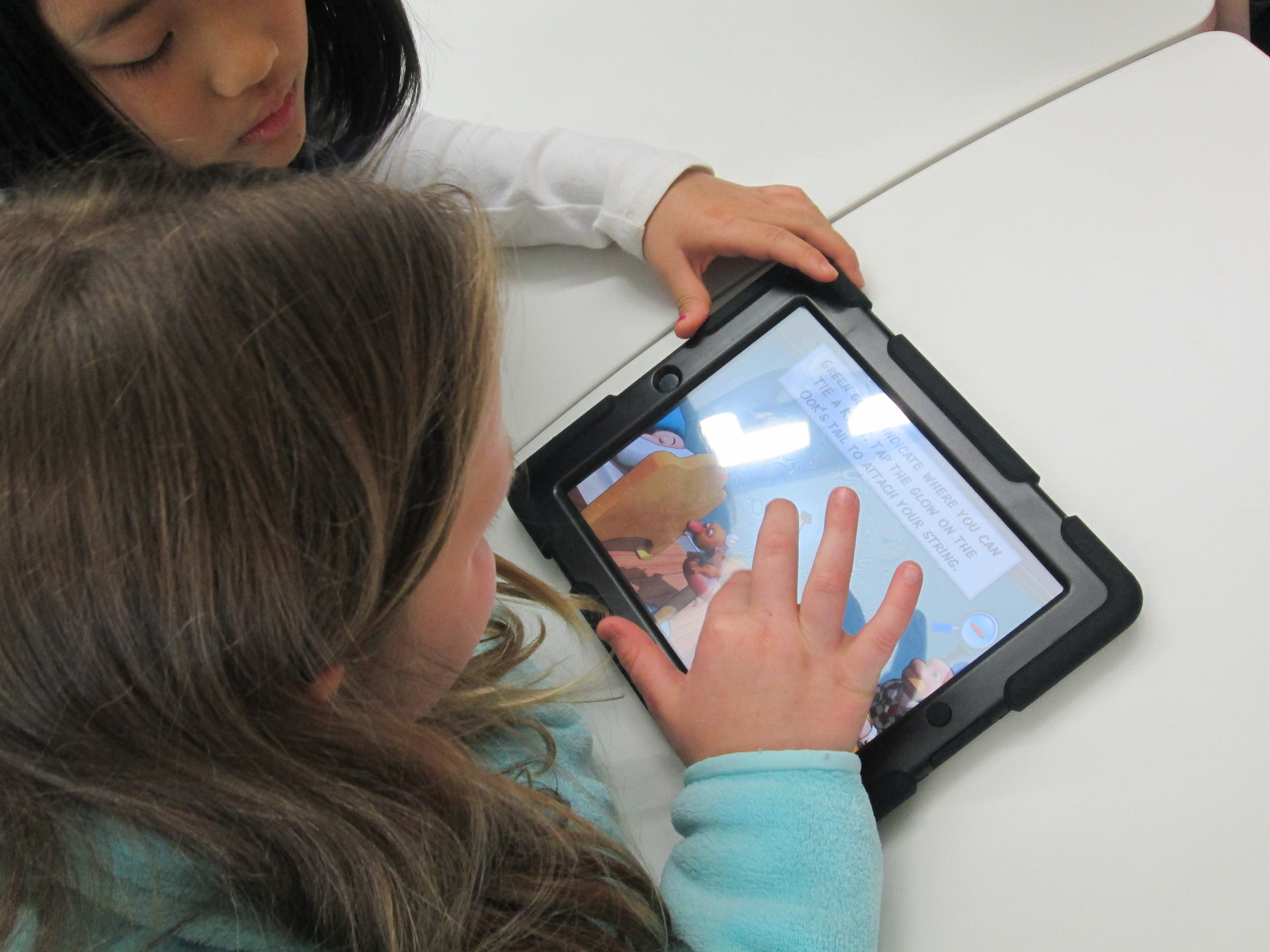
They were eager to get started.  Because the Rube Works app has a reading component that does not have text to speech, the teachers paired students together so that a stronger reader was in each pair.  This helped lift this reading barrier for students, but it also gave students a brainstorming partner.  Students quickly saw that creating a Rube Goldberg invention is not a piece of cake.  It takes trial and error, risk taking, failure, problem solving, perseverance, working through frustration, and creativity to make these inventions work.  In our 35-40 minutes of work time, most pairs managed to finish the first scenario and some made great progress on the 2nd.  A few even made it to the 3rd level.

RubeWorks (5)

Even though there were moments where students could be heard saying, “This is so frustrating!” and “I just can’t get this to work!”, I didn’t see a single group stop working.  I overheard one student say, “I thought first levels were supposed to be easy!”, but she didn’t give up.  When we gathered back on the floor, we talked about how we all get frustrated, but it’s what we do with that frustration that matters.  The teachers brought up a classroom discussion that they have been having with students about perseverance, and this was such a great connection to help them feel what it’s like to persevere through something even when it’s hard. It was so rewarding to students be successful after multiple attempts.

I encouraged students to keep their solutions a secret but to feel free to give one another hints, which is yet another skill that we pulled into this lesson.  We wanted every person to work to figure out these puzzles without someone just giving away the solution.  Students didn’t want to quit after our hour together and they are eager to continue working with this app in their classroom.

When I asked students and teachers about some things that they love, they mentioned things like:

  • clear instructions
  • hints
  • the ability to test your invention multiple times along the way
  • that the app shows you the actual drawing that Rube Goldberg made after you finish a level
  • that it was challenging but fun

We look forward to continuing to explore this app and incorporate what we’ve learned into our own Rube Goldberg inventions.

RubeWorks (6)

Beta Testing with Wandoo Planet and Evanced Kids

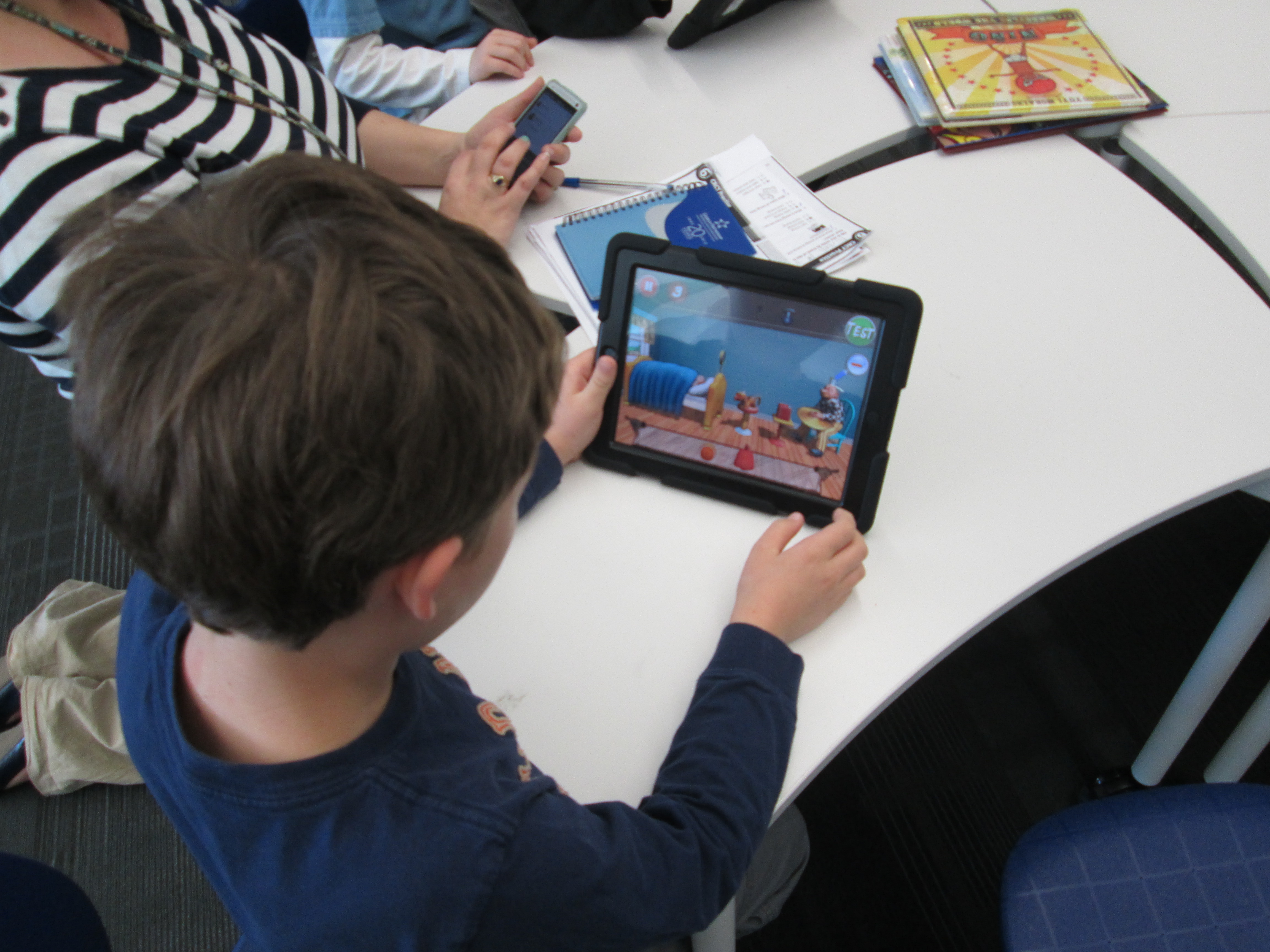
Wandoo (7)Today a group of 5th grade boys Skyped with Lindsey Hill of Evanced Kids.  Recently, Matthew Winner posted on his blog about a beta testing opportunity for Wandoo Planet, a kids’ interest genome project.  I signed up to be a beta tester and it wasn’t long before I got an email inviting me to join.

I tried out the product myself and had a lot of fun clicking on the fun little characters carrying signs with words of interest.  I could give a thumbs up, thumbs down, or a heart to each sign.  This helped the program start finding other topics I might like.  When I reached a point where I felt done, the program took me to a tree with branches for each of my love categories.  Within these categories were suggested books and movies I might read or watch.  If I saw a book I knew I wouldn’t like, I could delete it so that it could be replaced by other books.  I also learned that I could add additional branches to my tree.

Wandoo (8)

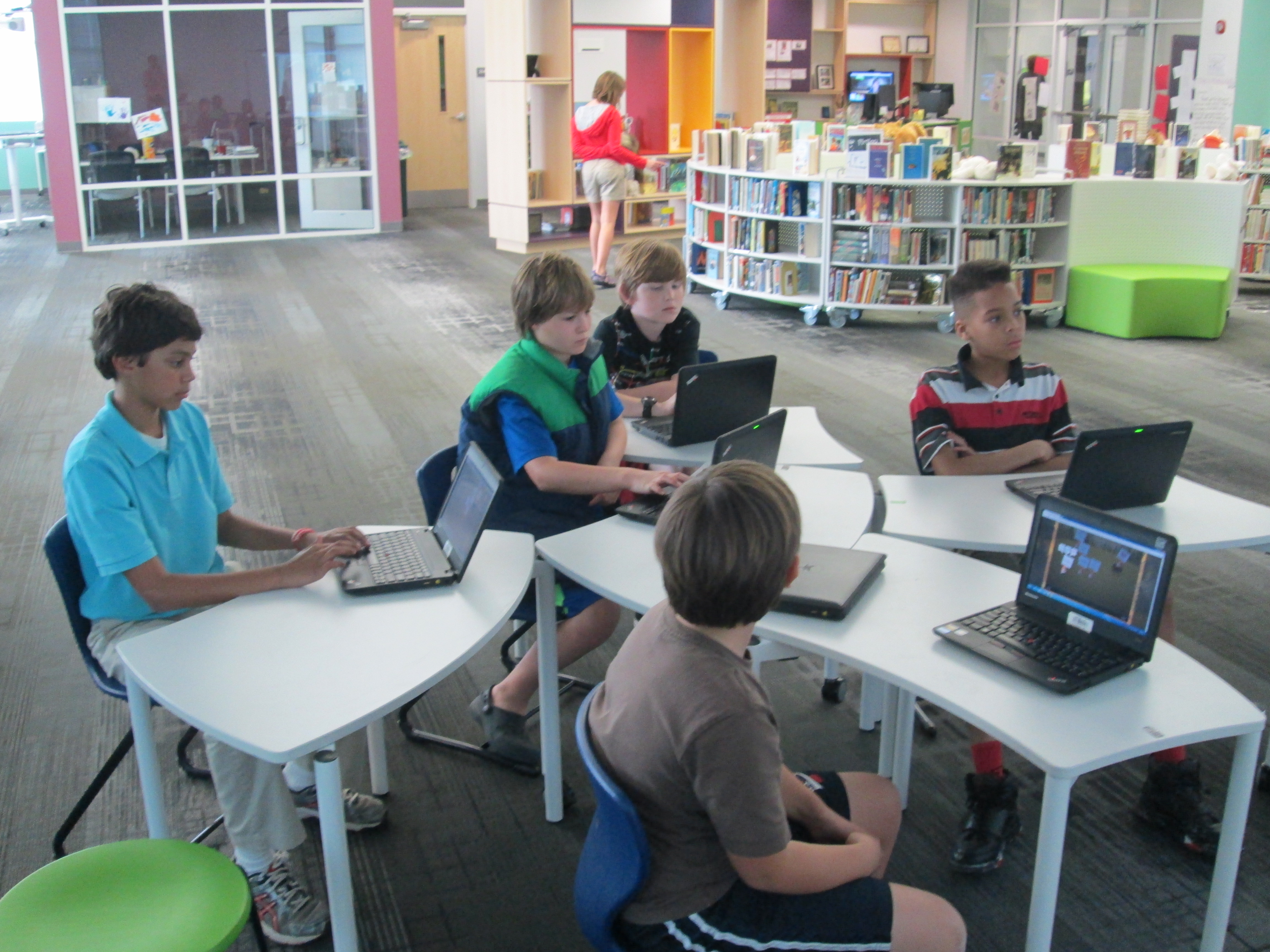
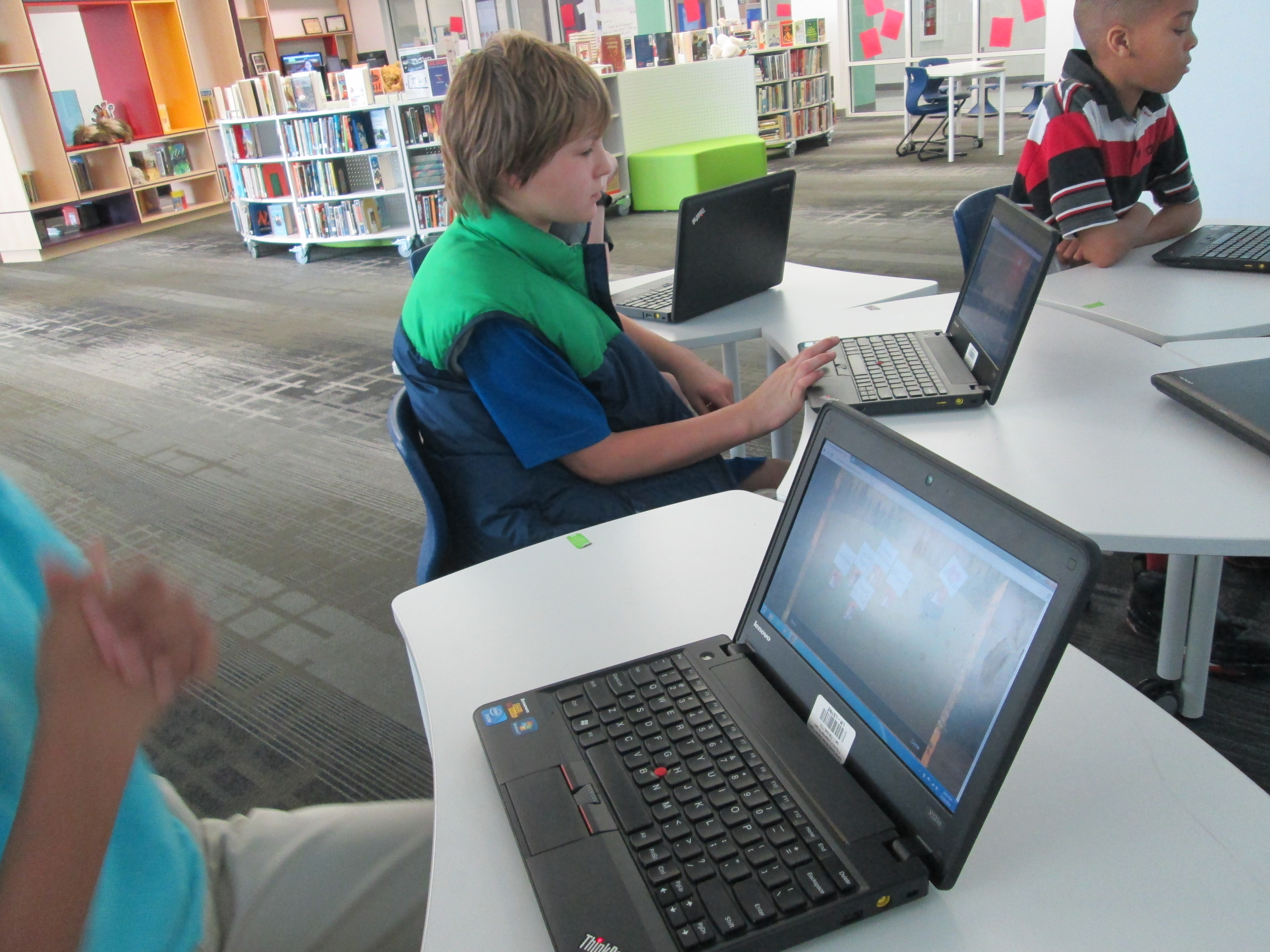
This week, my tech crew of 5th grade boys tried out Wandoo Planet for themselves.  I tweeted a picture of their beta test and immediately started having a conversation with Lindsey Hill at Evanced Games.  She wanted to hear their thoughts, so we set up a time to connect.

Twitter   Interactions


Wandoo (6)

After some quick introductions, the boys launched right into talking about what they liked and what they wished or wondered.  The boys talked about:

  • Being able to search for specific topics rather than wait on the animals to bring the topics to them
  • Trying to cut down the time it takes to build your tree
  • Wondering which age groups the product would actually be for
  • Wondering how topics are suggested to them.
  • Wanting mini games within the program.  Educational mini games that tie to the book topics that are suggested.
  • Wanting more choices to choose from
  • Wanting to start with broader topics and narrow down to specific
  • Wanting the tool to be available on the computer, iTuness, and Google Play
  • Wanting music and sounds

The boys found out that several of their ideas and suggestions are already being worked on, but aren’t yet available in the beta version.  I loved that these students experienced the idea of a “rough draft” from their writing classrooms and how those rough drafts are being revised several times.  I want to help them make that connection more when we meet again on Tuesday.  This was a great real world example that revision impacts more than just writing a paper for class.  It’s a big part of many of our careers.

Wandoo (3)

The powerful piece in this is that these students’ voices were heard.  Lindsey told them that every comment they made was going to be carried to the developers to improve Wandoo Planet for future users of the tool.  I am really excited about this tool because I think it is one more piece to help students discover their interests, connect to books/games/movies/sites that support those interests, and more.  As a librarian, I see this being a way to give students ideas for growing the collection to include things that matter to them.

This group is going to continue to use Wandoo Planet on Tuesday and then reconnect with Lindsey on Wednesday of next week along with Shannon Miller and her students in Van Meter, Iowa.  We can’t wait!

Wandoo (1)

Skyping with Capstone Press and their Graphic Novel Team

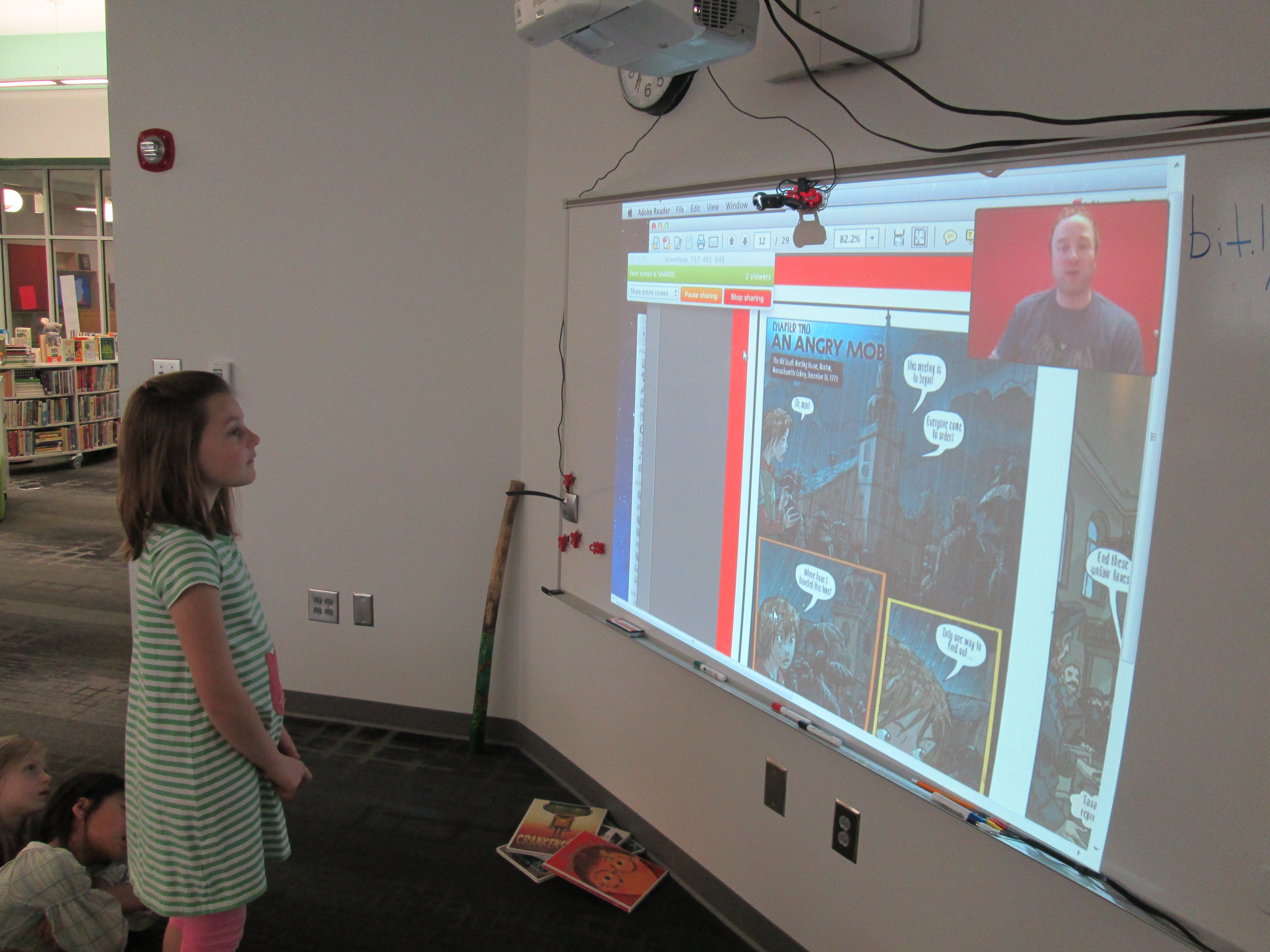
capstone graphic novel skype (2)Our 2nd grade spectrum students have been studying graphic novels.  We started by watching this video from Capstone Press.

capstone graphic novel skype (4)

Then, students started looking at all of the graphic novels in our library and noticing elements of a graphic novel.  They identified speech bubbles vs. thought bubbles vs. captions.  They looked at the inking and colors chosen as well as the layout on the page.  After several days of exploring graphic novels, students began working on their own.  They go through a process of storyboarding, thumbnail sketches, etc.

capstone graphic novel skype (7)

In our library, some of our favorite graphic novels are by Capstone Press.  We can’t keep Princess Candy on the shelves.  In addition to our print graphic novels, we have several simultaneous access ebooks that are graphic novels.

capstone graphic novel skype (3)

Each year we try to think about experiences that we can offer the students in this project to support their development of their own stories.  Sometimes we have a  guest speaker come in and do some cartooning.  However, this year I reached out Amy Cox and the wonderful people at Capstone Press.  Amy connected me with Bob Lentz who works on graphic novels and Ashlee Suker who works on graphic nonfiction.

capstone graphic novel skype (1)

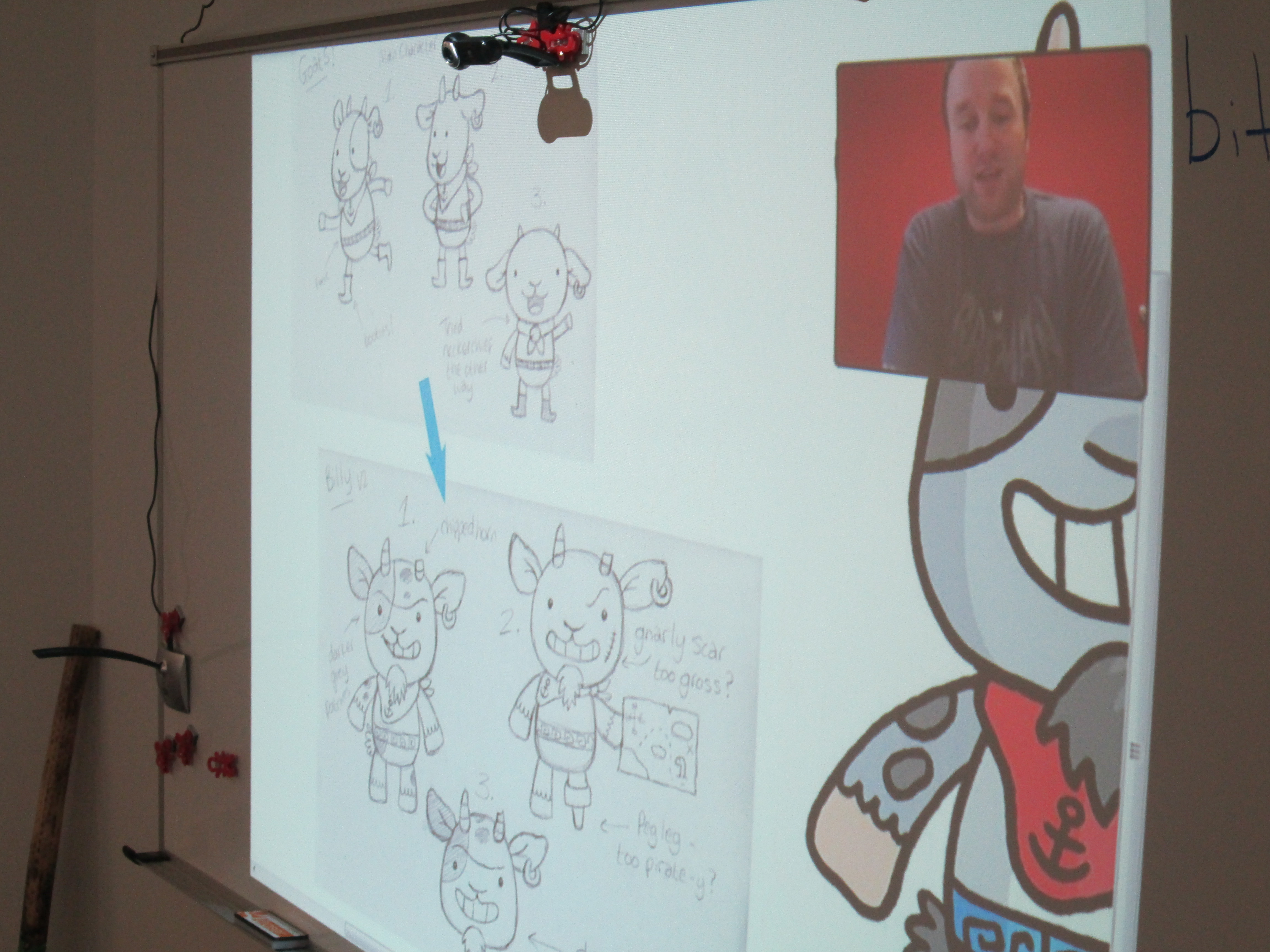
This dynamic duo put together a presentation to show our students how a graphic novel is put together from the beginning to the end.  We got to see how the story is planned over a specific number of page layouts.  We saw how text fits into the various boxes on each layout.  From this text, we also got to see the instructions that are sent to an illustrator along with research links to inform the historical aspects of a nonfiction graphic.

capstone graphic novel skype (8)

Every page that Ashlee showed got several oohs and ahhhs from students.  They loved to see how a character went from a thumbnail sketch to a full color character in the book.  It was also interesting to see the initial attempt at creating a character and how that character changed.  Sometimes the final character was a combination of several sketches put together.

capstone graphic novel skype (5)

Bob and Ashlee paused a lot along the way for students to ask questions.  Some of their questions were about upcoming projects while others were about where ideas come from.  I loved when students thought about specific questions that would help them with their own project.  I also loved when Bob asked the students how many pages their graphic novels were going to be.  Answers ranged from 12 pages to a full box set of several graphic novels!

capstone graphic novel skype (6)

Bob and Ashlee closed with a preview of upcoming Capstone titles for the fall.  The students saw a lot of books that they want in our library.  It was perfect timing because our student book budget group is about to start and graphic novels is once again a category that they will be purchasing books in.  These 2nd graders are sending their recommendations to this group, and I’m sure we’ll see several Capstone graphic novels on our shelves soon.  Thank you Capstone Press for being a continuing supporter of the programs we offer in our library.  You are appreciated!

A Flipgrid Celebration with 2nd Grade and the Flipgrid Team

Flipgrid Skype (1)

Our 2nd graders just wrapped up a huge research project.  During the project, they chose a leader from black history, researched that person, wrote a short persuasive piece about their person, designed a US postage stamp, and recorded a video using Flipgrid.  Their videos were pulled together on a Smore which included a Google Form for people to vote on their favorite leader from black history to be featured on a postage stamp.   Read more about our project:

Post 1

Post 2

Along the way, the students had several connections to an authentic audience.  They started the voting portion of the project by sharing at our schoolwide assembly.  Students stood in front of the entire school and told about the project as well as shared a video from each question of the grid.  The Smore was emailed to every teacher and student in the school.

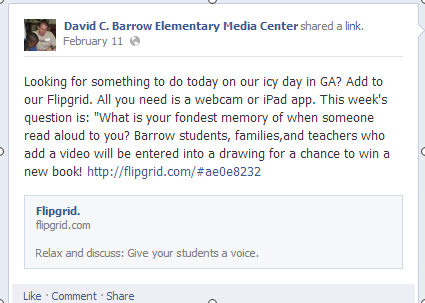
I also shared the Smore on Twitter and our library Facebook page.

facebook post


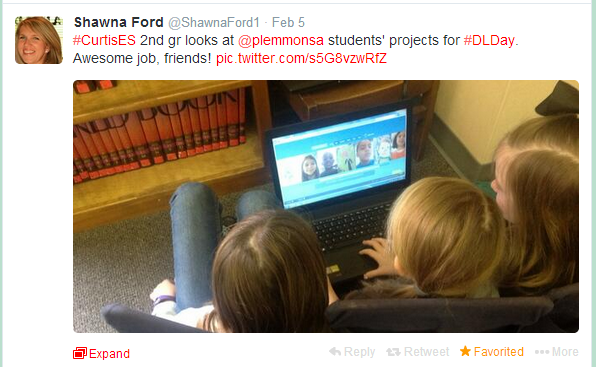
Shawna Ford, librarian in Weatherford Texas, saw my tweet and had her 2nd grade students view the project.

Shawn Ford Students


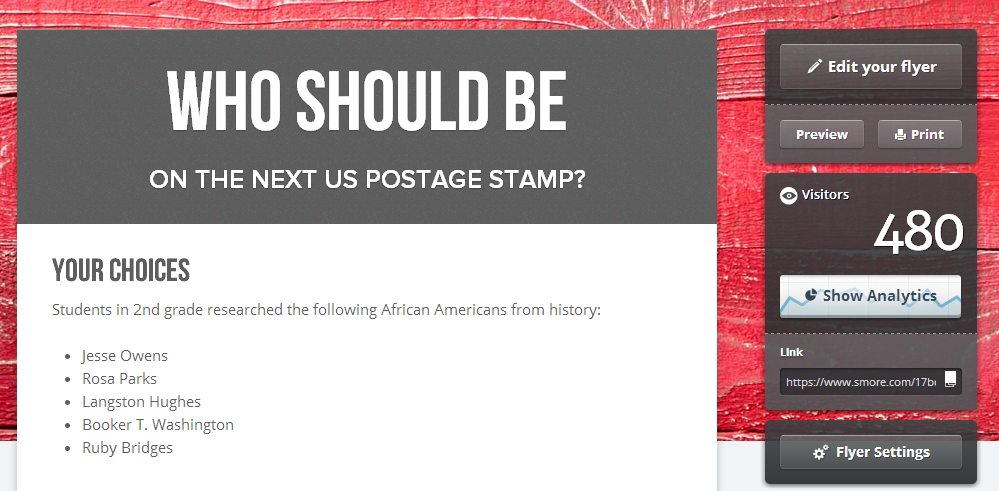
As the project continued, my posts and tweets were shared and retweeted until our Smore had 480 views and counting.

smore hits

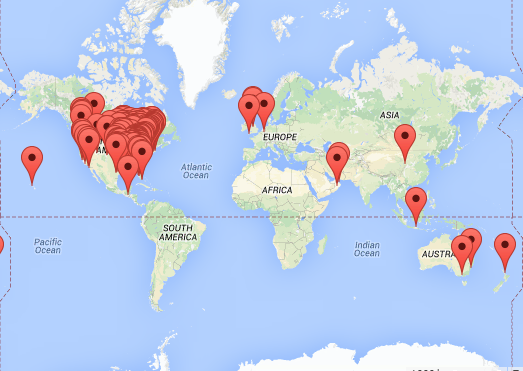
Our project was viewed in 161 locations and counting.

Smore Map


Throughout the project, Charles Miller and Bradford Hosack, our friends at Flipgrid, were following along and sharing our work as well.  It has been an incredible experience for students to use a tool, encounter success and frustrations, and be able to offer feedback to developers that respond to that feedback.  The Flipgrid team has been so responsive to all of the feedback we have provided to them, and they consistently work on Flipgrid to make it better.

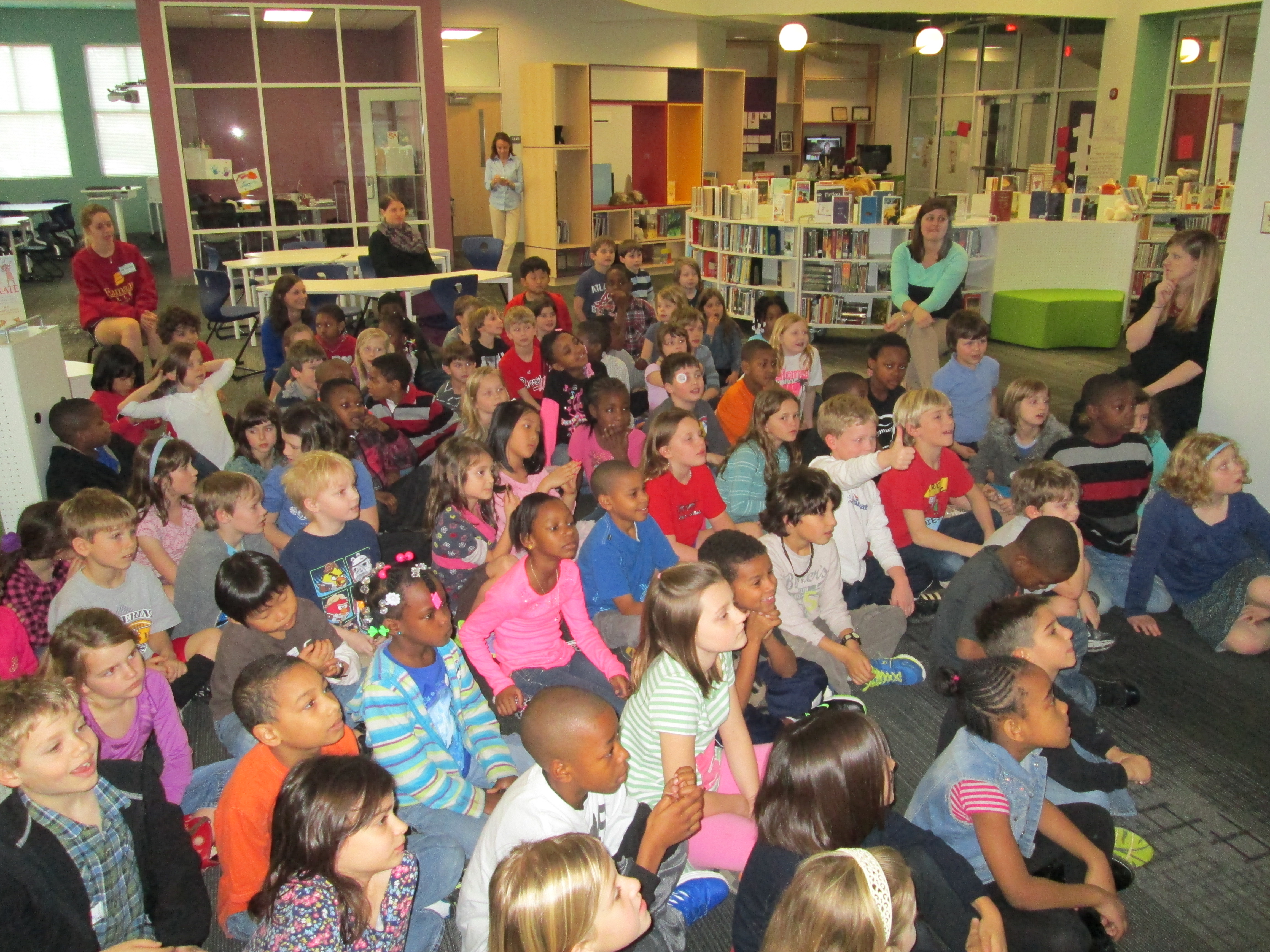
Flipgrid Skype (9)

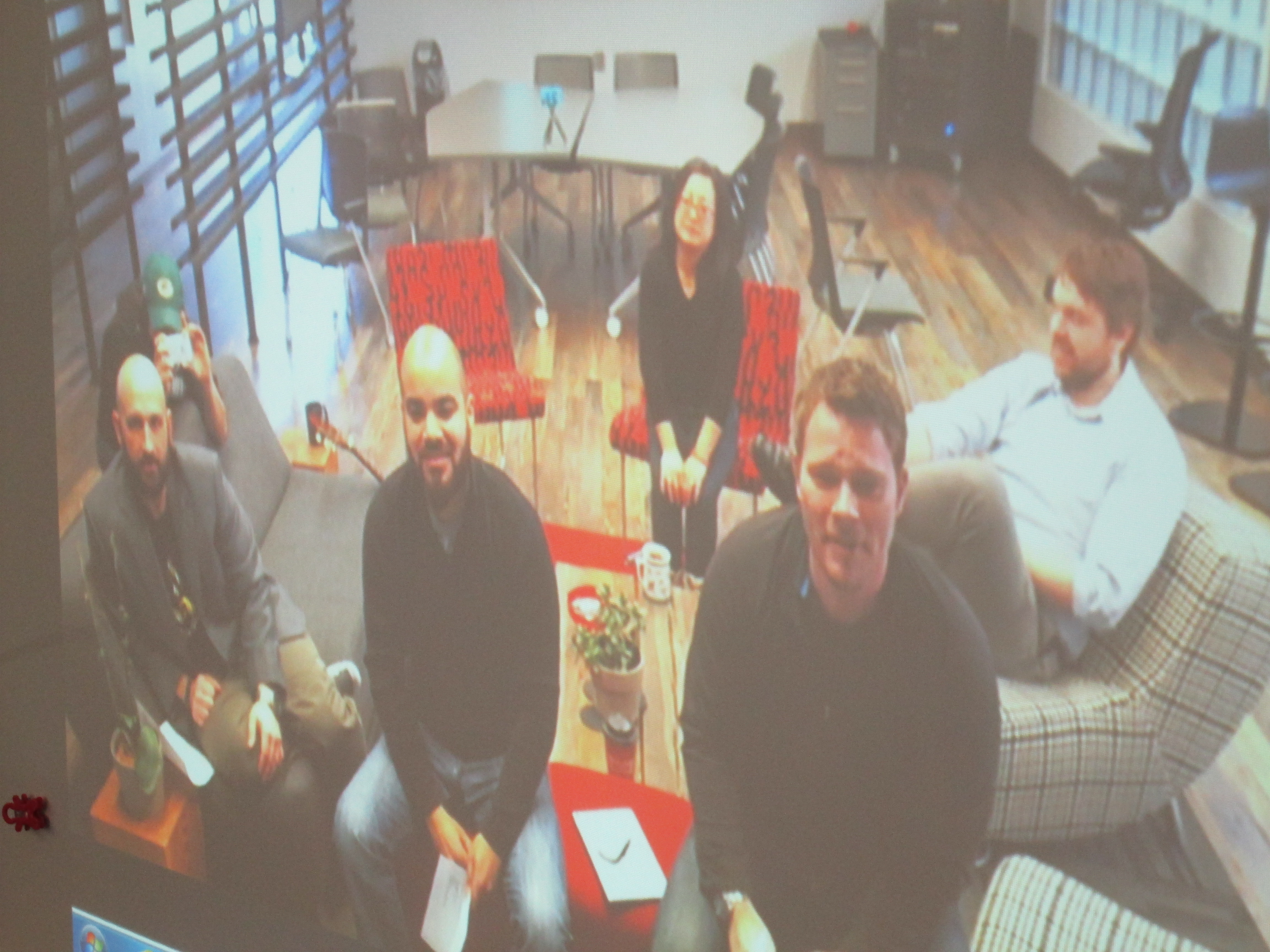
Today, our 2nd graders came together in the library to connect with the Flipgrid team via Skype.  The team shared information about how Flipgrid was developed and talked to the kids about coding.  All of the 2nd graders had background in this concept because they all participated in the Hour of Code back in December.  I loved how the Flipgrid team reiterated what I had told the students many times.  You have to work through the frustration.  You have to be willing to fail and learn from your failures to make things better.  The team said more than one time that they wanted to create a tool that works for users, so they are constantly listening to users of Flipgrid to improve their product.  I hope that the students carry these ideas into all area of their lives to be willing to take risks and work hard at what they are passionate about.

Flipgrid Skype (3)

Charles and the Flipgrid team then gave us some stats about our videos.

  • 1875 people watched the student videos
  • 699 people clicked on the heart to like videos that the students made
  • students created 1 hr 15 minutes of video all together

During this presentation of facts, Charles reminded students that when they make a project like this and share it with the world it really is giving them a global voice.  I loved that he said this because it is something we strive for in our library:  giving students a global voice.

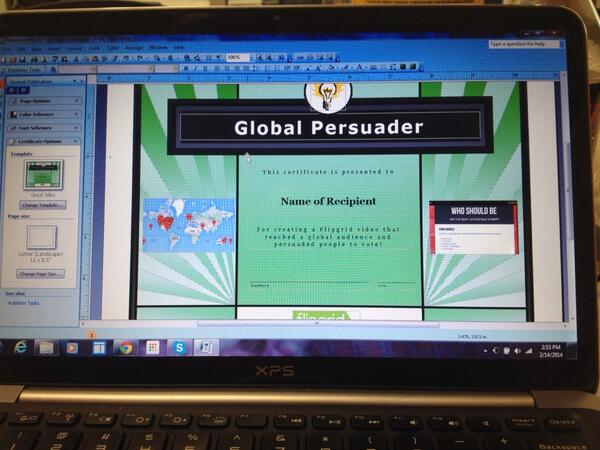
One of my favorite parts of our Skype was the awards.  We wanted to honor several students during this segment.  Because each video was “liked” by viewers of the video, I could easily see which videos had the most likes.  This became an award category.  We also had specific students who received shout-outs on Twitter because people watched the videos and cared enough to specifically name a student video that they loved.  Finally, we had some students who worked really hard to express themselves in their writing and persuade people to vote.  I created a certificate to use.

certificate


After selecting all of the students, I sent a list of the awards to the Flipgrid team and they announced the winners via Skype.  It felt like the Academy Awards as the Flipgrid team cheered for students as I handed out the certificates, and it was amazing to hear the shouts and claps of all of the 2nd graders cheering on their peers.

Flipgrid Skype (8) Flipgrid Skype (6)


Mixed in with our connection the kids had a chance to ask the Flipgrid team questions.  I loved the moments where one student said “sometimes it doesn’t work” and another student said “I think you need to be able to turn up the volume for people who talk soft”.  These weren’t questions, but the Flipgrid team let the students know that because of their videos they were already thinking about volume and that they were working to make sure Flipgrid always worked for users.

During and after our Skype, the Flipgrid team and I shared several pictures from both sides of the Skype: Georgia & Minnesota.

We closed our time together by revealing the results of the overall voting for the favorite leader from black history to be on a postage stamp.  The votes were extremely close, but Rosa Parks came in just 1 vote ahead of Jesse Owens.  By this point, the kids were so excited about all that had happened with their project that the vote didn’t even seem to matter anymore.

Thank you to Charles Miller, Bradford Hosack, and the entire Flipgrid team for helping us celebrate this project today before we move on to our next adventures in the library.  Thank you!


#GeniusCon: Topic Selection and Question Development

question development (9)We’ve been having so much fun participating in #GeniusCon.  Haven’t heard of #GeniusCon? Visit this archived webinar to learn more and read the post about our first steps.

After students left the library for our kickoff session, they spent time in class reflecting on our chalk talk, writing in their notebooks, and fine tuning their topics.  Today, they came to the library with their topics ready to work on question development.

We started with an overview of what happened since our last session.  I shared tweets from Sherry Gick, Matthew Winner, Peter Reynolds, and more.  I also told them how their work had been featured in the #GeniusCon webinar.  Their eyes lit up knowing that their work was already making a difference!

I framed our session for the day by talking about how questions help us think about what we need to know about our topics in order to focus our research.  We did a practice session asking questions about a topic that I could do for #Geniuscon:  Teaching all of my lessons from home.   At the moment, I’m not really doing this topic, but I wanted to choose something that might raise some eyebrows, and it really did!  Students began asking questions about my topic, but as we progressed they started to ask questions like “how would you feel if you didn’t see us anymore?” and “what if we needed help with something in the library?” and “Wouldn’t you miss being here?”.  This topic did exactly what I wanted because it allowed us to have a conversation about our chosen topics.  I told them that it wasn’t our jobs to tell one another that our topics aren’t possible, that they’re wrong, or that we need to pick a different topic.  Our job is to push one another’s thinking through questions and to support one another even if it means we disagree with topic choice or we feel personally that a topic is “impossible”.

We spent a bit more time brainstorming questions for my topic with partners.  Here are a few questions that they came up with:

  • What lessons should I teach?

  • Do I know anyone that will be interested in learning from home?

  • How will I do it?

  • How many students will I have?

  • How many lessons from home can I teach?

  • What happens if someone needs help checking out and I’m not here?

  • Why would I want to do this?

  • How would people know how to connect with me?

  • What if the Internet doesn’t work?

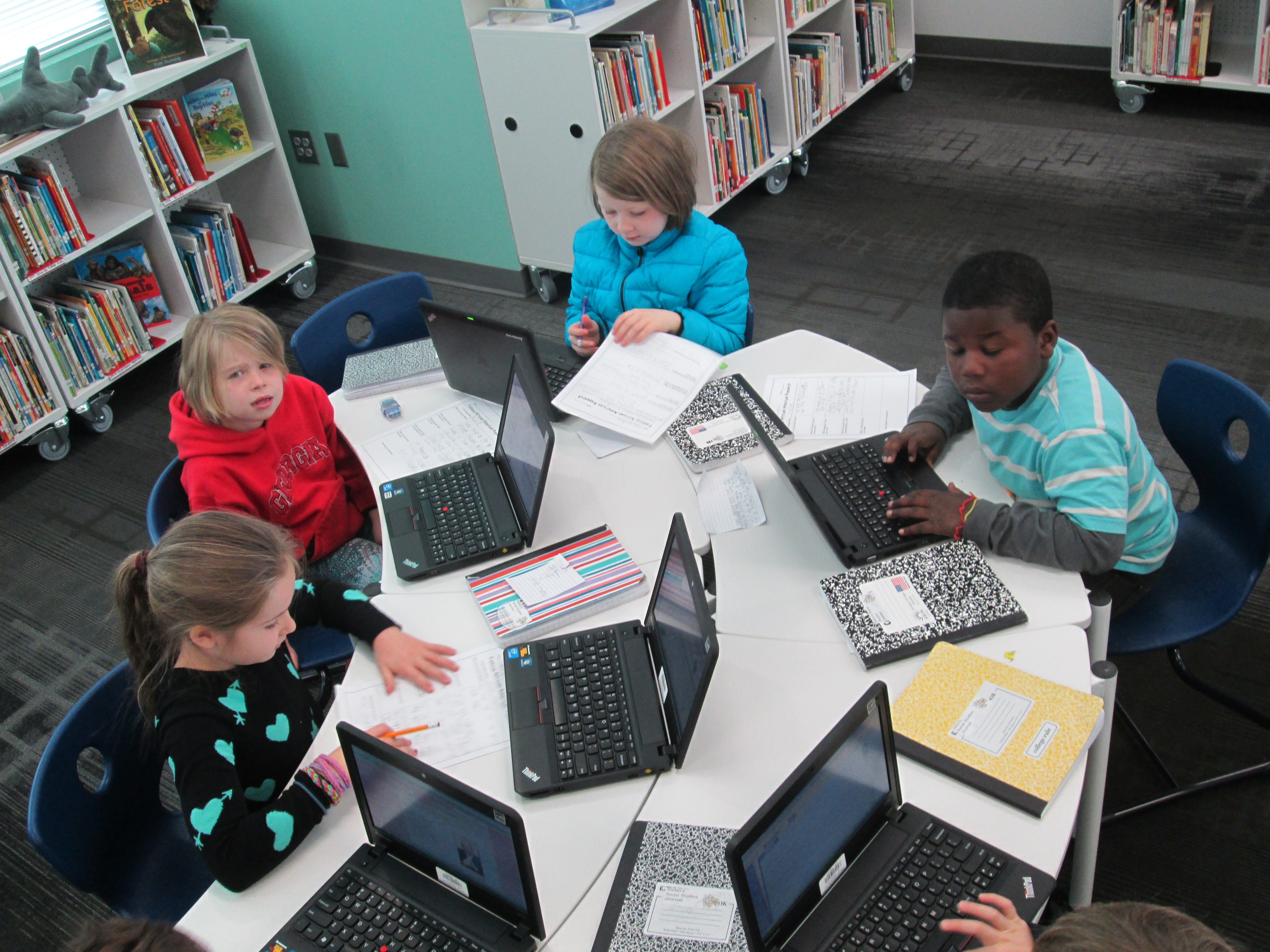
Next, students logged into their Google Drive and created a document with their topic listed at the top.  Then, they started a bullet list and began adding their own questions.  After all students were set with their doc ready, we began passing the laptops around the circle and asking one another questions.  Students looked at the topic at the top and read the question already generated.  Then, they thought of what questions they would add to the list for the researcher to consider.  I’ll admit that this part was difficult.  Even with our lively opening, students had a hard time generating questions.  Several adults had individual conversations with students to support their question development.  These conversations were critical.  At different times we had me (the media specialist), the classroom teacher, a gifted teacher, a tech integration specialist, and and early intervention teacher supporting students.  Here are a few topics with the questions generated.
Taking Tablets Home:

  • can we for a week?

  • or for month?

  • what happens if you break it?

  • What do students do if they don’t know how to use it?

  • what happen’s if somone needes one at school and you forget it at home?

  • how long?

  • what if people don’t have internet at home?


More Playground Equipment:

  • what equipment should we get?

  • how much equipment?

  • what   kind?

  • what if there’s not enough space?

  • isn’t it expensive?

  • why do you wont to change the playground?

  • will we be kind on it?

  • is the play ground equipment safe?

  • who would pay for it?

At our closing, students got their own computers back, read their questions, and shared their documents with me.  I told them that it was ok if they didn’t understand a question or if they even disagreed with a question.  We closed by once again asking “Why are we asking questions and not jumping into answers?”  We framed the idea of thinking about what we need to research.  Next, we will spend some time developing a research plan.  We’ll brainstorm where we need to look for answers and begin our search for answers.


It’s Time to Vote for Your Favorite Historical Figure from Black History with Our 2nd Graders!

flipgrid 2nd (7)Second grade has been hard at work.  For the past few weeks, they have explored the art of persuasion, researched 5 historical figures from black history, designed potential US Postage Stamps featuring these historical figures, and writing persuasive scripts to convince an authentic audience that their historical figure is the most deserving of a US Postage Stamp.  You can read more about the beginnings of this project here.  

flipgrid 2nd (6)

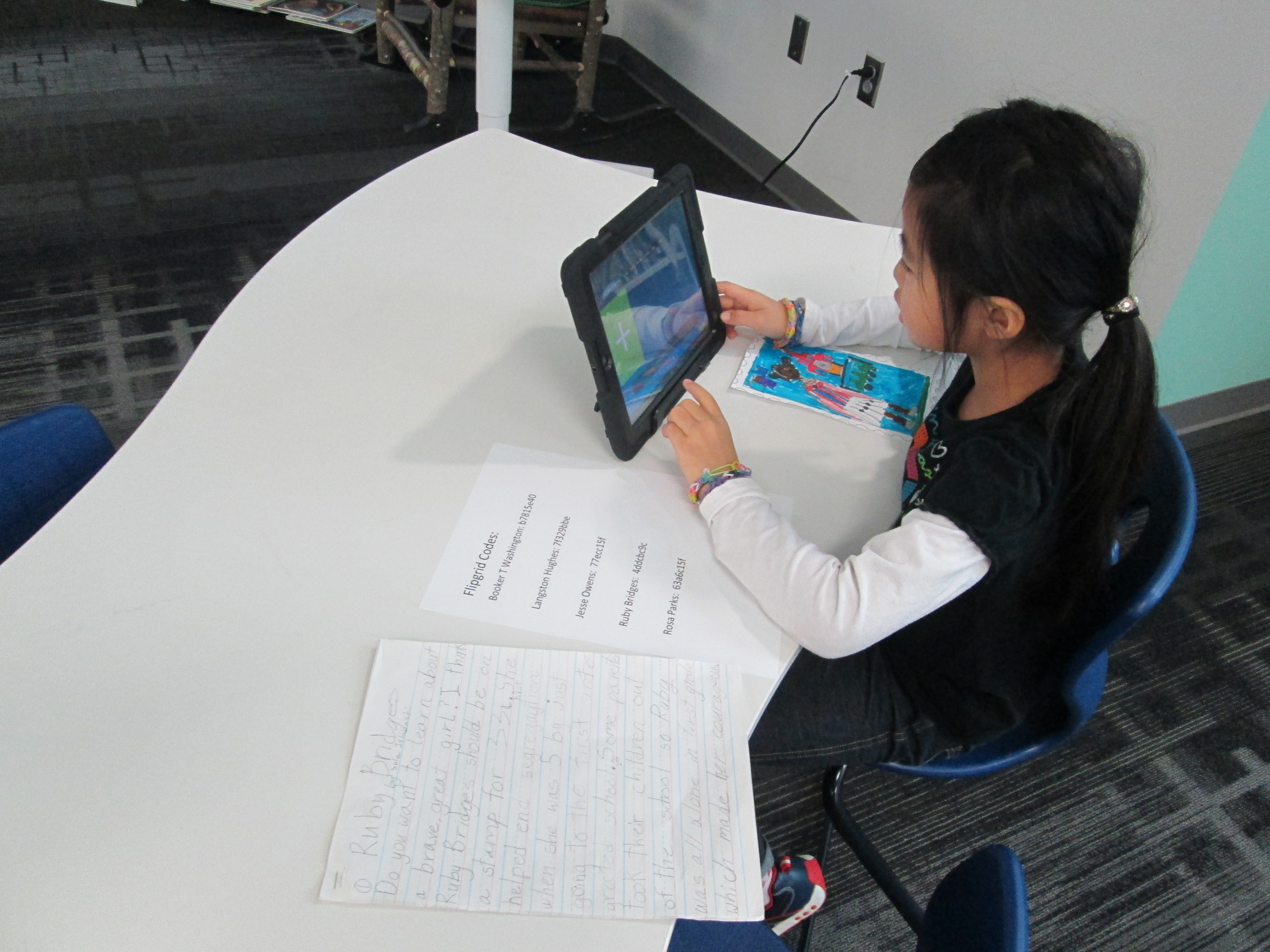
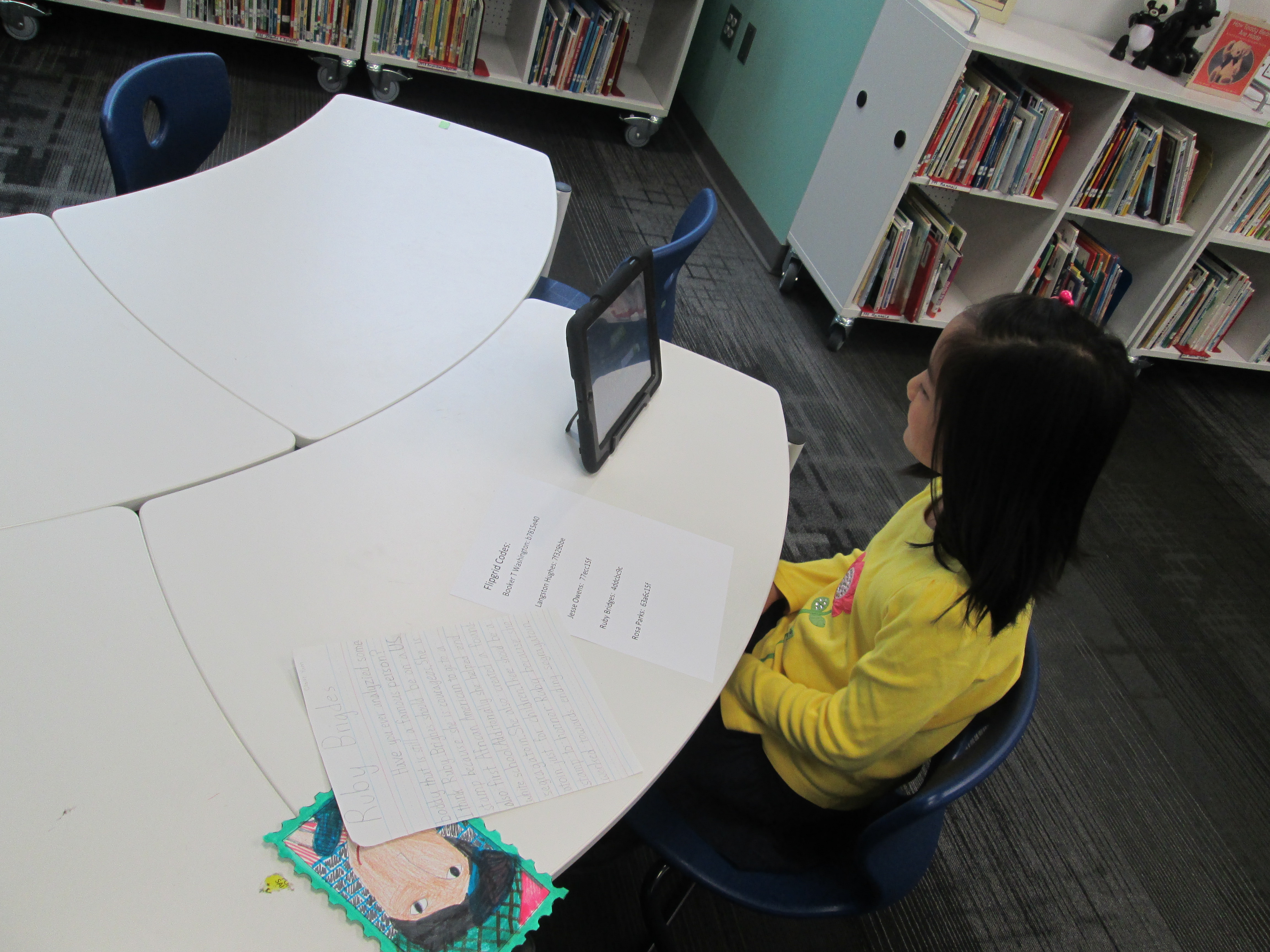
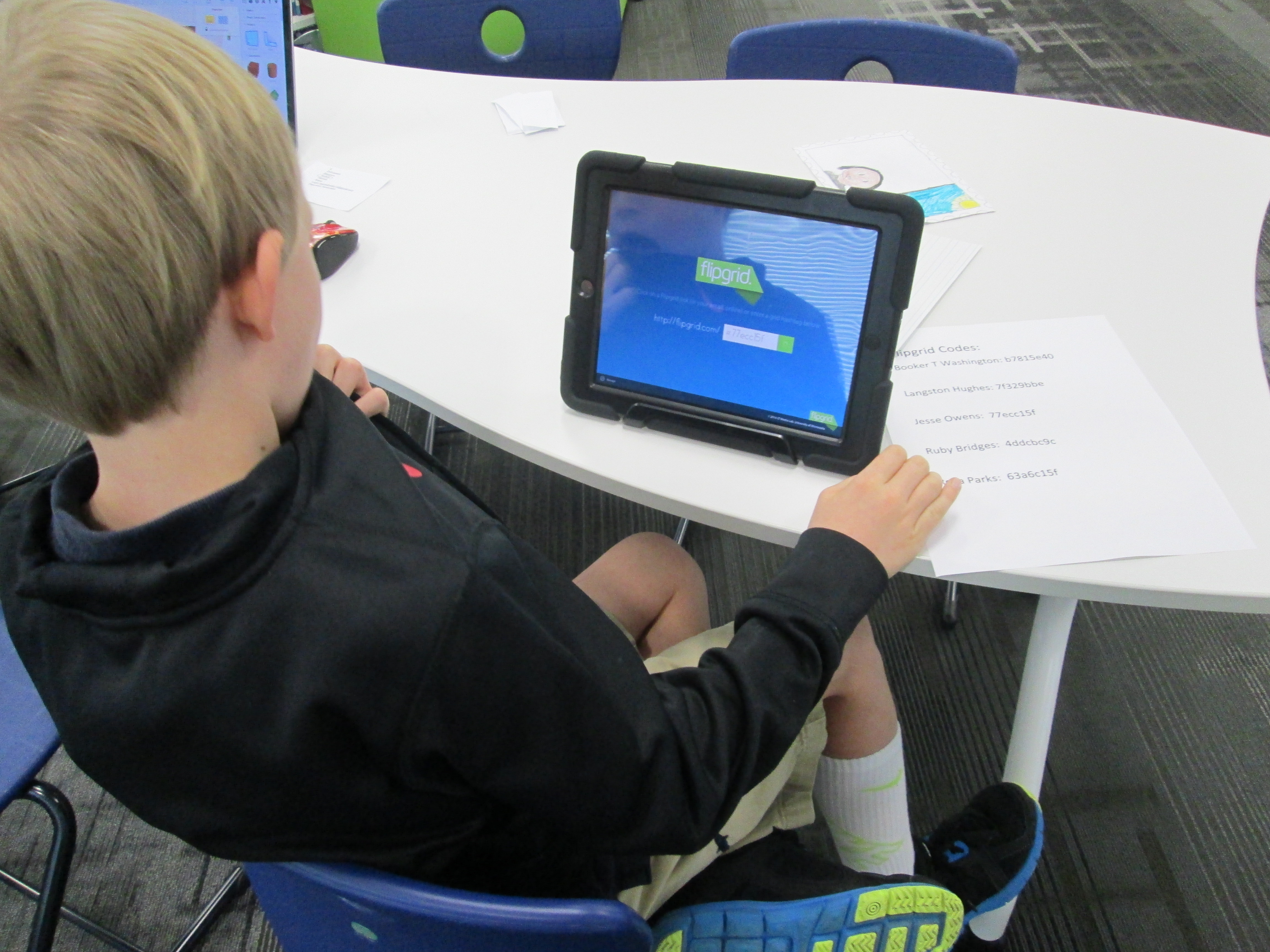
Over the past 3 days, students have been coming to the library with their persuasive scripts and stamp designs to record a persuasive commercial using Flipgrid.  This tool, which is web-based or available as an iPad app, allows you to create up to 90 seconds of video in response to a question.  I setup a question for each historical figure that was researched.  To record in Flipgrid, you just need the special code that takes you straight to the question where you will record your message.  I made a sheet of codes and placed them by iPads in the library.  Students entered the library, chose a recording spot, and entered their code.

flipgrid 2nd (5)

Next, they had a few steps to complete in order to create their video.  They had to:

  • Click the +
  • Click “I agree”
  • Take a picture.  Some took a picture of themselves and others took a picture of their stamp
  • Record their video
  • Review the video
  • Submit the video to the grid.  Students had to put their first name, last initial, and an email address.  For speed, I put my own email address in the box, copied it, and then pasted it in each time a student recorded.
historical figure smore

Visit our Smore to watch videos and vote! https://www.smore.com/17bq3

Now, students are collectively trying to persuade you to vote for their historical figure.  We have created a Smore to pull all of the information together.  On this Smore, you can visit each set of videos for a historical figure.  Please take some time to listen to the students’ hard work.  If you love one of their videos, click on the heart on Flipgrid which is similar to “liking” something on Facebook.  This will show the students some appreciation for their efforts.  After watching some videos for each person, we invite you think about which historical figure you were the most persuaded to vote for.  Then, use the Google Form at the bottom of the Smore, cast your vote.

flipgrid 2nd (4)

We’ll be asking all students in our school to vote.  In addition, we’ll be posting our Smore to our Barrow Media Center Facebook page and Mr. Plemmons’s Twitter account.  We want as many votes as possible to show students how far reaching their audience is when they put their work out to the world.

flipgrid 2nd (2)

The students have worked so hard on this project.  I can’t wait to tally the results and analyze the data with them.
Visit Our Smore to participate and feel free to share!

flipgrid 2nd (1)

Black History Month Research and Persuasive Commercials in 2nd Grade

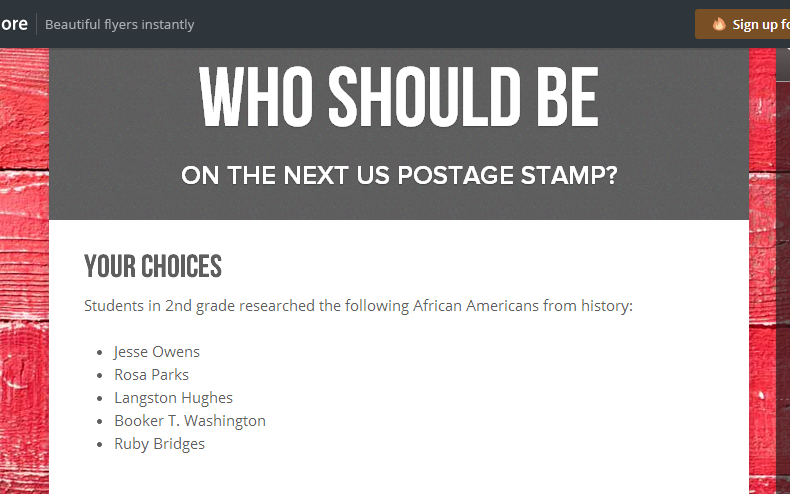
IMG_1815Second grade has been working on a big research project.  Each student selected one of five African Americans to research.  Rather than write a traditional informational paper on their person, the 2nd grade teachers and I decided to weave persuasive writing into the project.  Students would think about which historical figure should be on a next US postage stamp and would create a persuasive commercial to convince an authentic audience to vote for their historical figure.

We actually began our project with persuasion.  Students spent time talking with one another about what it means to persuade.  They mentioned things like:

  • convince someone to do something
  • get someone to get something for you
  • make someone change their mind

Anytime I teach persuasive writing, I want kids to leave with an understanding that persuasive writing isn’t just about getting someone to get something for you.  It’s one of the most powerful kinds of writing that can bring about change.  However, many kids connect with the idea of commercials and convincing their families to buy something for them, so we often start there and expand.

We watched a commercial of one of this year’s hot holiday toys, the Flutterbye Fairy.

IMG_1814We used this commercial to think about a structure for persuasion.  Students first noticed what we called a hook at the beginning.  “Can you keep a secret?” was a phrase that hooked our attention to want to watch the rest of the commercial.  We noticed that the rest of the commercial showed us just how easy it is to use the fairy, so this was like giving the facts about what you are writing about.  Finally, we noticed the closing line “the magic is in your hands”.  This was a phrase that would stick with us long after we watched the commercial.  In fact, I told the students that my own daughter uttered this phrase the first time she flew her own Flutterbye fairy, so I knew it was a phrase that stuck in your head.

To continue our exploration of persuasion, we read Melanie Watt’s Have I Got a Book For You.  This book uses just about every persuasive technique that you can think of.  We noticed these techniques along the way and folded them in to our noticings from the fairy commercial.

After this initial exploration of persuasion, students worked some in their classrooms.  They selected the African American they would research and got a graphic organizer to located some basic facts about their person.  We referenced the fairy video and how important facts are when you are persuading.

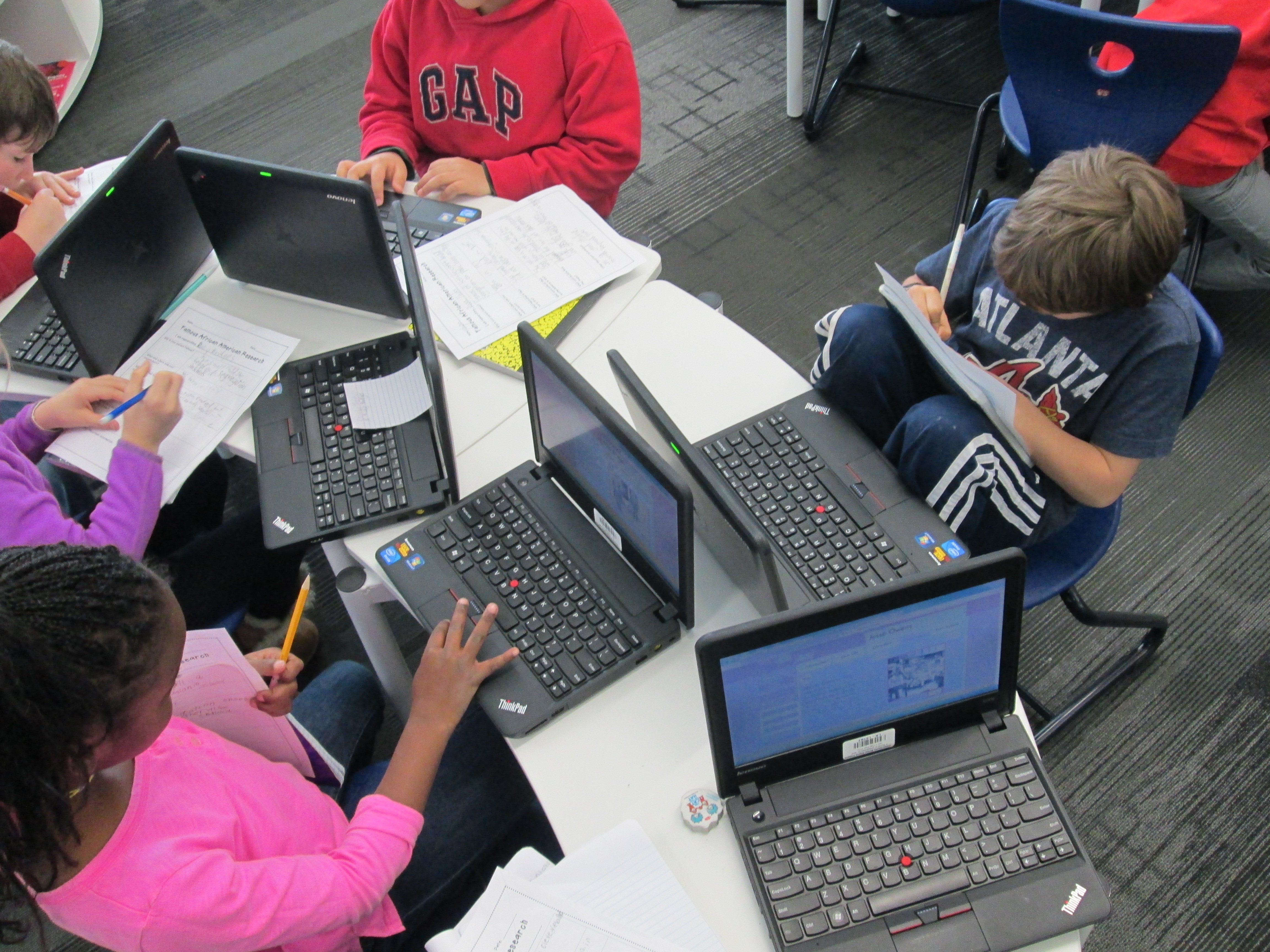
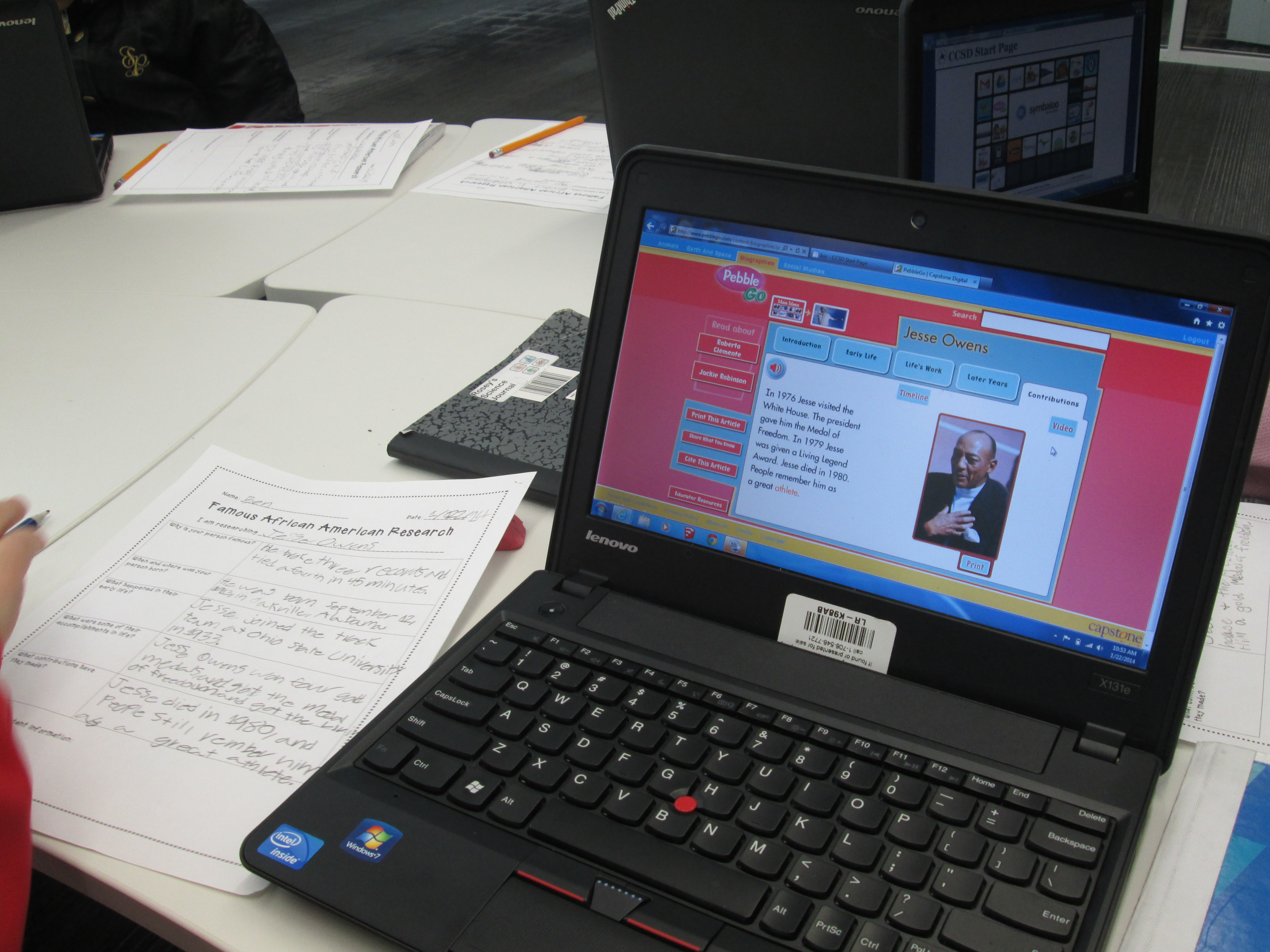
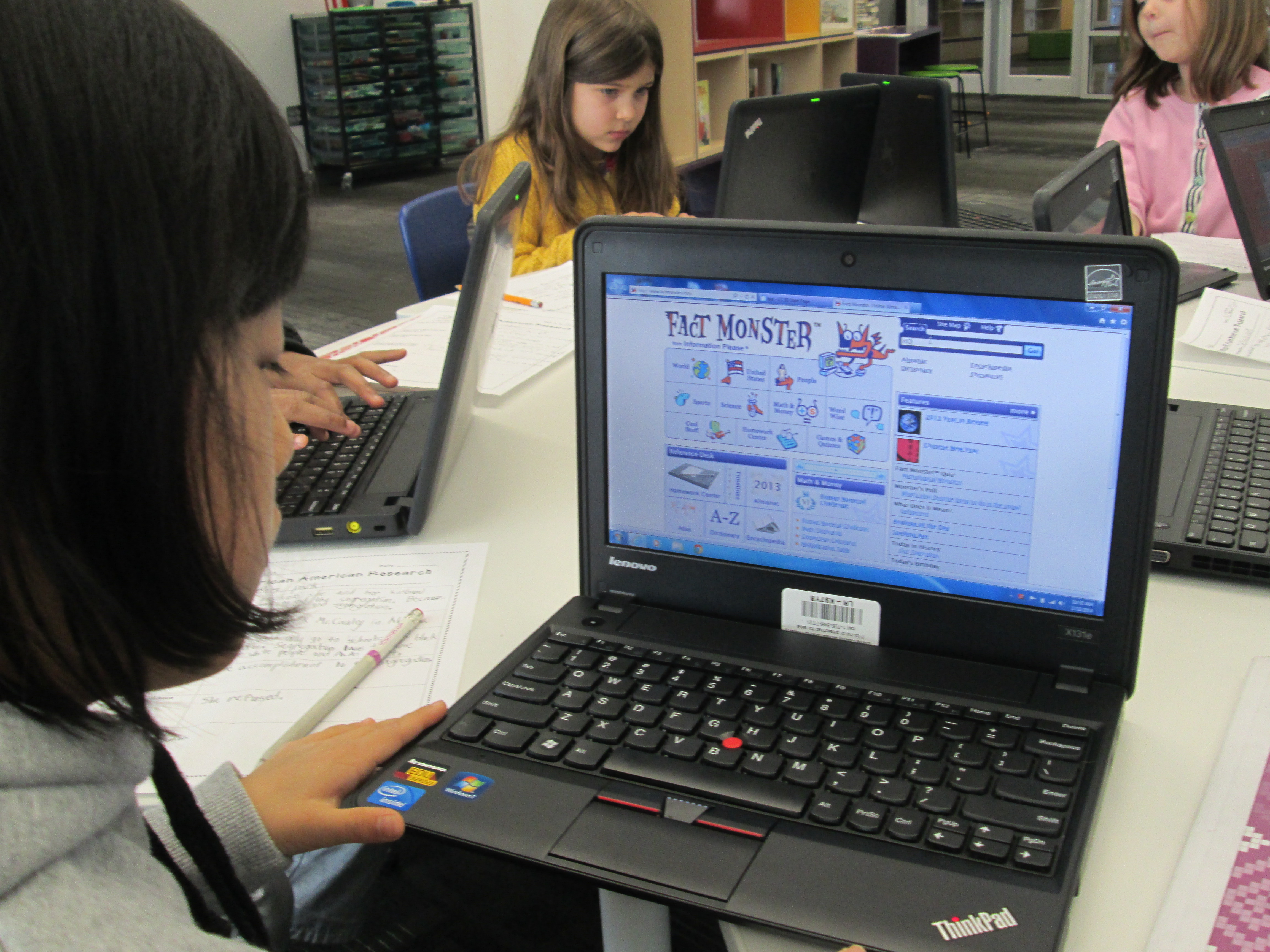
IMG_1813Students spent time in class and in the library using several tools to research.  I did a quick mini-lesson on using PebbleGo, Galileo’s SIRS Discoverer, and Galileo’s Britannica.  All of these tools had text to speech features to support learners of all reading levels.  During this mini-lesson, I also stressed how research is never really “done”.   You just reach a point where you feel like you have enough to tell your story.  Adults circulated and conferenced with students on their progress as they researched.  I loved that not many said “I’m done”, but when they did, we gently reminded them that research is never really done.

IMG_1812Now students are pulling their facts together, creating hooks, and coming up with a great closing like “the magic is in your hands”.  Once they have these scripts written, we will move forward with the next part of this project which will involve recording commercials in Flipgrid and creating a Google form for voting on which commercials are the most persuasive.  I’m compiling all of this onto a Smore which will populate with information in the coming days.

IMG_1811