Connecting Libraries: Using Tinkercad with Students in Van Meter, IA

Hanging out in Iowa from my kitchen!

Hanging out in Iowa from my kitchen!

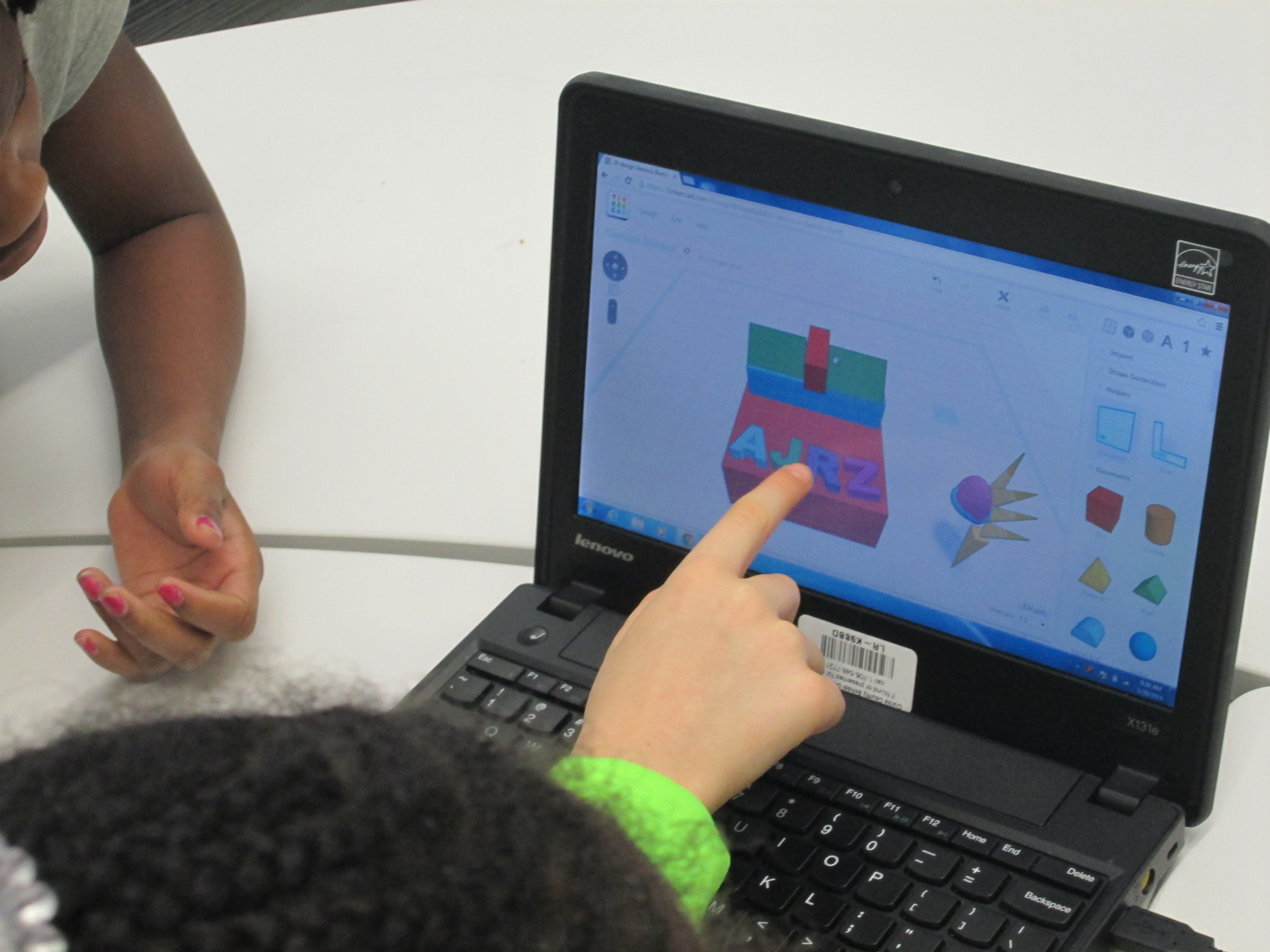
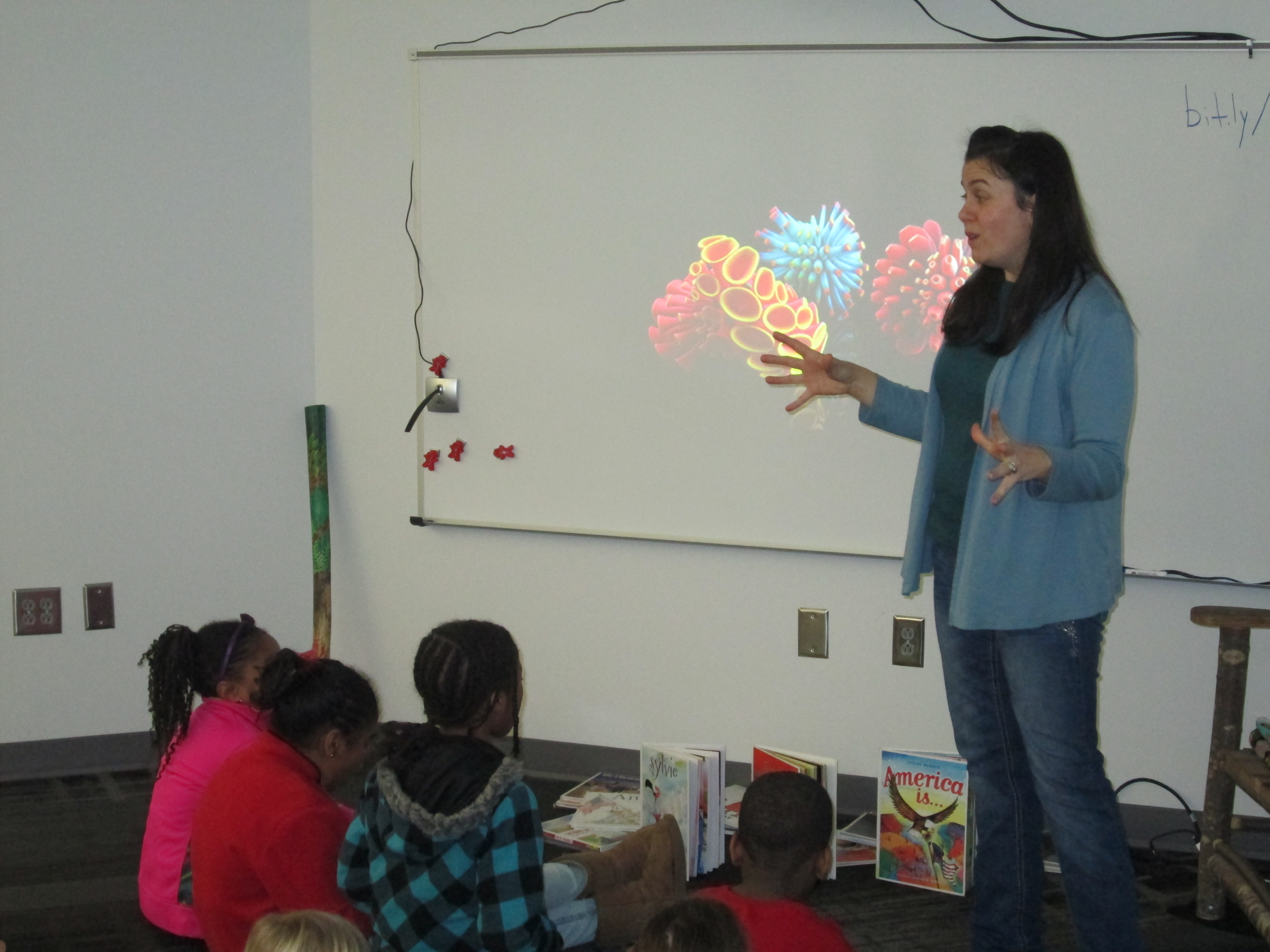
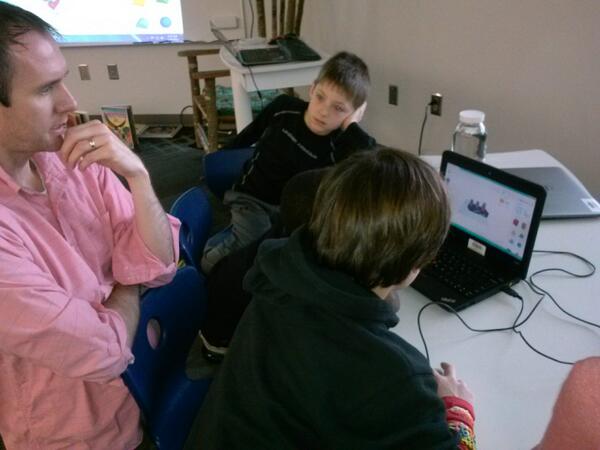
I had so much fun today spending some time in Van Meter, IA from my kitchen.  Shannon Miller and her students just received their Makerbot 3D Printer from Donors Choose.  Her students are starting an Olympic project where they will be designing new symbols for the Olympics.  Students will eventually use Tinkercad for their designs.  Since this is a new tool for her students, Shannon thought it would be a good idea for us to connect and share what we’ve learned.  I had a group of 5th graders eager to share their expertise, but the GA ice and snow caused us to be out of school today.  Rather than keep her students waiting, I went ahead and shared my own learning about Tinkercad.  We plan to reconnect when we are back in school so that students can share.  I’m sure that her students will have just as much to share with mine by the time we reconnect next week.

Here’s our Google Hangout from today:

After the Hangout, I realized that I forgot to tell them an important step, so I made a quick screencast to fill in the hole I missed.  I also share with them the steps that wouldn’t screen share through hangouts.

It was wonderful to be a part of another library.  We all have expertise to share, so why not share beyond our walls.  Happy making, friends!

#GeniusCon: Topic Selection and Question Development

question development (9)We’ve been having so much fun participating in #GeniusCon.  Haven’t heard of #GeniusCon? Visit this archived webinar to learn more and read the post about our first steps.

After students left the library for our kickoff session, they spent time in class reflecting on our chalk talk, writing in their notebooks, and fine tuning their topics.  Today, they came to the library with their topics ready to work on question development.

We started with an overview of what happened since our last session.  I shared tweets from Sherry Gick, Matthew Winner, Peter Reynolds, and more.  I also told them how their work had been featured in the #GeniusCon webinar.  Their eyes lit up knowing that their work was already making a difference!

I framed our session for the day by talking about how questions help us think about what we need to know about our topics in order to focus our research.  We did a practice session asking questions about a topic that I could do for #Geniuscon:  Teaching all of my lessons from home.   At the moment, I’m not really doing this topic, but I wanted to choose something that might raise some eyebrows, and it really did!  Students began asking questions about my topic, but as we progressed they started to ask questions like “how would you feel if you didn’t see us anymore?” and “what if we needed help with something in the library?” and “Wouldn’t you miss being here?”.  This topic did exactly what I wanted because it allowed us to have a conversation about our chosen topics.  I told them that it wasn’t our jobs to tell one another that our topics aren’t possible, that they’re wrong, or that we need to pick a different topic.  Our job is to push one another’s thinking through questions and to support one another even if it means we disagree with topic choice or we feel personally that a topic is “impossible”.

We spent a bit more time brainstorming questions for my topic with partners.  Here are a few questions that they came up with:

  • What lessons should I teach?

  • Do I know anyone that will be interested in learning from home?

  • How will I do it?

  • How many students will I have?

  • How many lessons from home can I teach?

  • What happens if someone needs help checking out and I’m not here?

  • Why would I want to do this?

  • How would people know how to connect with me?

  • What if the Internet doesn’t work?

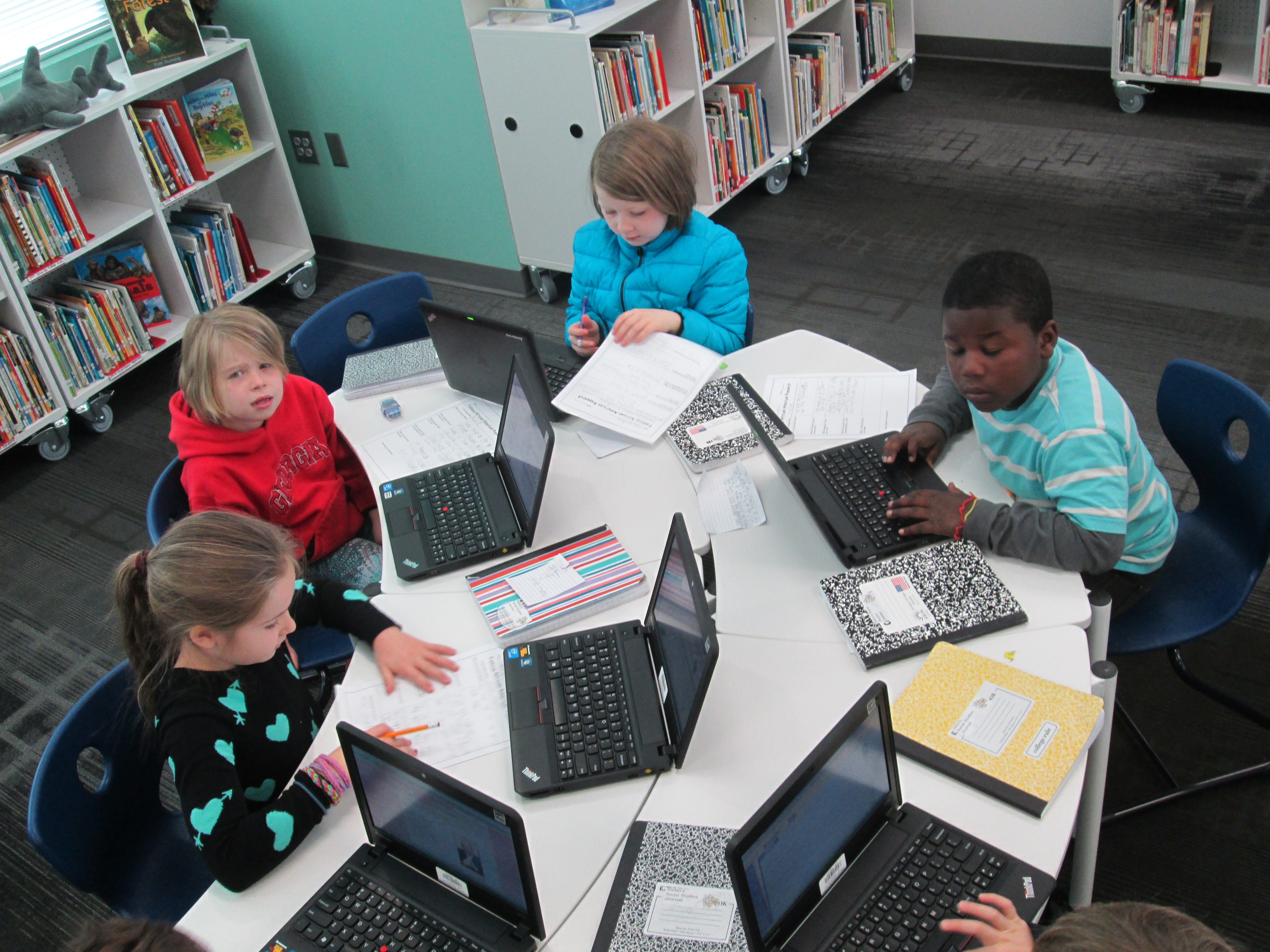
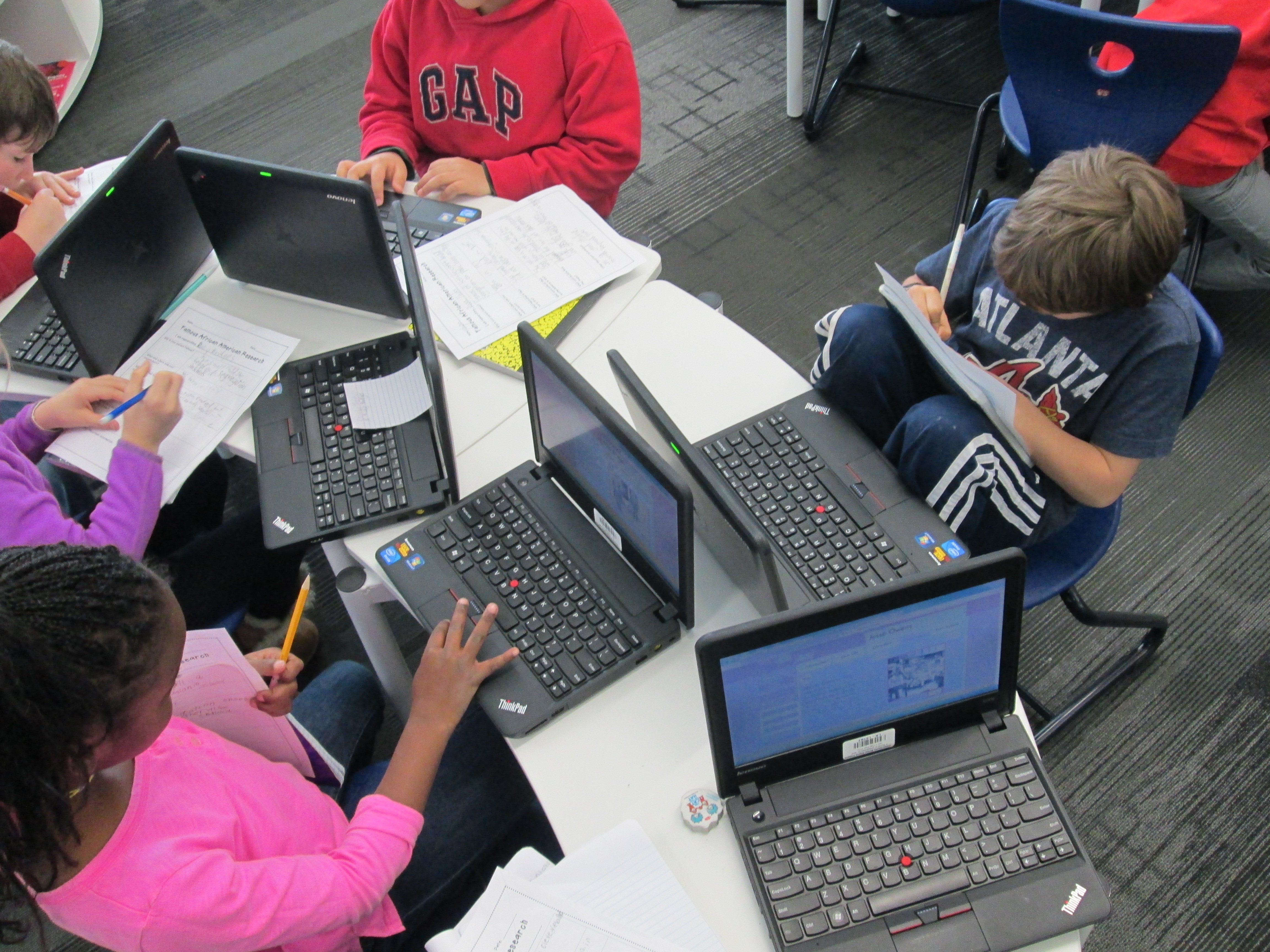
Next, students logged into their Google Drive and created a document with their topic listed at the top.  Then, they started a bullet list and began adding their own questions.  After all students were set with their doc ready, we began passing the laptops around the circle and asking one another questions.  Students looked at the topic at the top and read the question already generated.  Then, they thought of what questions they would add to the list for the researcher to consider.  I’ll admit that this part was difficult.  Even with our lively opening, students had a hard time generating questions.  Several adults had individual conversations with students to support their question development.  These conversations were critical.  At different times we had me (the media specialist), the classroom teacher, a gifted teacher, a tech integration specialist, and and early intervention teacher supporting students.  Here are a few topics with the questions generated.

Taking Tablets Home:

  • can we for a week?

  • or for month?

  • what happens if you break it?

  • What do students do if they don’t know how to use it?

  • what happen’s if somone needes one at school and you forget it at home?

  • how long?

  • what if people don’t have internet at home?


More Playground Equipment:

  • what equipment should we get?

  • how much equipment?

  • what   kind?

  • what if there’s not enough space?

  • isn’t it expensive?

  • why do you wont to change the playground?

  • will we be kind on it?

  • is the play ground equipment safe?

  • who would pay for it?

At our closing, students got their own computers back, read their questions, and shared their documents with me.  I told them that it was ok if they didn’t understand a question or if they even disagreed with a question.  We closed by once again asking “Why are we asking questions and not jumping into answers?”  We framed the idea of thinking about what we need to research.  Next, we will spend some time developing a research plan.  We’ll brainstorm where we need to look for answers and begin our search for answers.


World Read Aloud Day Blogging Challenge #1: Read Aloud Memories

World-Read-Aloud-Day-2014For the next 3 weeks, I’m participating in the World Read Aloud Day blogging challenge.  Each week, I will respond to a question along with many other bloggers participating in this global celebration of reading aloud.  Our students, teachers, and families will also be involved with these questions each week as I invite them to respond through Flipgrids, Thinglinks, and more.  For week 1, I’ve created a Flipgrid.  You are welcome to add your own response to week 1’s question along with our students and families by visiting http://flipgrid.com/#ae0e8232    We will be adding to this grid throughout this week.

The Question for week 1

What is your earliest or fondest memory in which someone read aloud to you?”

My Mom

My Mom

When I was little, my mom took me every week to the public library in our rural community of Blue Ridge, GA.  I vividly remember climbing the steps, walking up the ramp, pulling open the heavy doors, breathing in the smell of the used books for sale in the entryway, and being greeted by name by the public librarian.  The children’s section was small, but I had no problem getting an armload of books to take home each week.

My Mammaw

My Mammaw

My mom and I would sit in my bed at night and read aloud stories together.  Even more than reading aloud the words, we spent time imagining and creating our own stories about the pictures.  I remember looking at the characters circling the back of every Little Golden Book and how we would pause at each character and tell a story about that one character.  This shared storytelling experience was a foundation of my love for reading.  On this same note, my grandmother, “Mammaw”, would look at pictures with me and ask me what was beyond what we could see in the picture.  She had a talent for imagining what was beyond the edges of the illustration and telling it in a way that was fact.  “There’s a little barn with a man sitting on a stool milking a cow.  Do you see it?”  Whatever she said I believed.  Mammaw would also take to me to yard sales and used book stores to buy books for my own library and we would spend time sharing those stories and talking about them together while my parents were at work.

Those experiences led me to imagine and create stories on my own.  Magnets on the refrigerator, porcelain figures lining the shelves, miniature figures, and more all became characters in my own stories and just about anything and everything in the house became a stage.  My Mammaw even used a tape recorder (if you know what that is) to record me sharing my made-up stories.

I hope that when I read aloud stories with students whether it’s print, digital, or oral storytelling that I somehow unleash a bit of imagination that will lead to students creating their own story experiences in their lives.

This year, World Read Aloud Day will be a grand experience in our library.  Here’s a glimpse at what our week will look like. On March 3rd, we’ll kick off the week with in-person guest readers from our community. These readers will share favorite Dr. Seuss books in every classroom in our school.  Immediately following this, our World Read Aloud connections will begin.

Across the week, we have at least 36 connections planned with libraries and classrooms in Florida, Massachusetts, Connecticut, Washington, Georgia, Pennsylvania, Iowa, Vermont, Maryland, Indiana, North Carolina, New Hampshire, Texas, Maine, and Germany!

We’ll also connect with authors like Tanya Lee Stone, Barbara O’Connor, Laurel Snyder, Anne Marie Pace, Jenny Sue Kostecki-Shaw, and Jesse Klausmeier!

Each session will be a bit different, but they will have some common elements too.

    • We’ll greet one another and tell them where we are located.
    • We’ll read aloud across the miles. Sometimes this will be students reading to students. Other times, the adults might take turns reading pages from the same book or select characters to portray. Authors will read from their own books or favorite books and take time to allow kids to ask questions about their writing.
    • To close, students will have a chance to make some connections between the 2 locations. Students often like to find out what the weather is like or what kids like to do for fun in different states. These closing moments build connections between us as a human race.
    • In some cases, we will collaborate with classes on some type of project. For example, we might create a Padlet or a Flipgrid to share written and video responses to the books we read.
    • We also take time to look at a Google map and chart the distance between the two connecting schools. It’s really fun when there’s more than one school or author on the Skype call and you can connect multiple dots on a map to see how our voices are uniting across the miles.

I hope that you will plan your own World Read Aloud Day activities.  There’s a wealth of resources that can be found at http://litworld.org/worldreadaloudday

It’s Time to Vote for Your Favorite Historical Figure from Black History with Our 2nd Graders!

flipgrid 2nd (7)Second grade has been hard at work.  For the past few weeks, they have explored the art of persuasion, researched 5 historical figures from black history, designed potential US Postage Stamps featuring these historical figures, and writing persuasive scripts to convince an authentic audience that their historical figure is the most deserving of a US Postage Stamp.  You can read more about the beginnings of this project here.  

flipgrid 2nd (6)

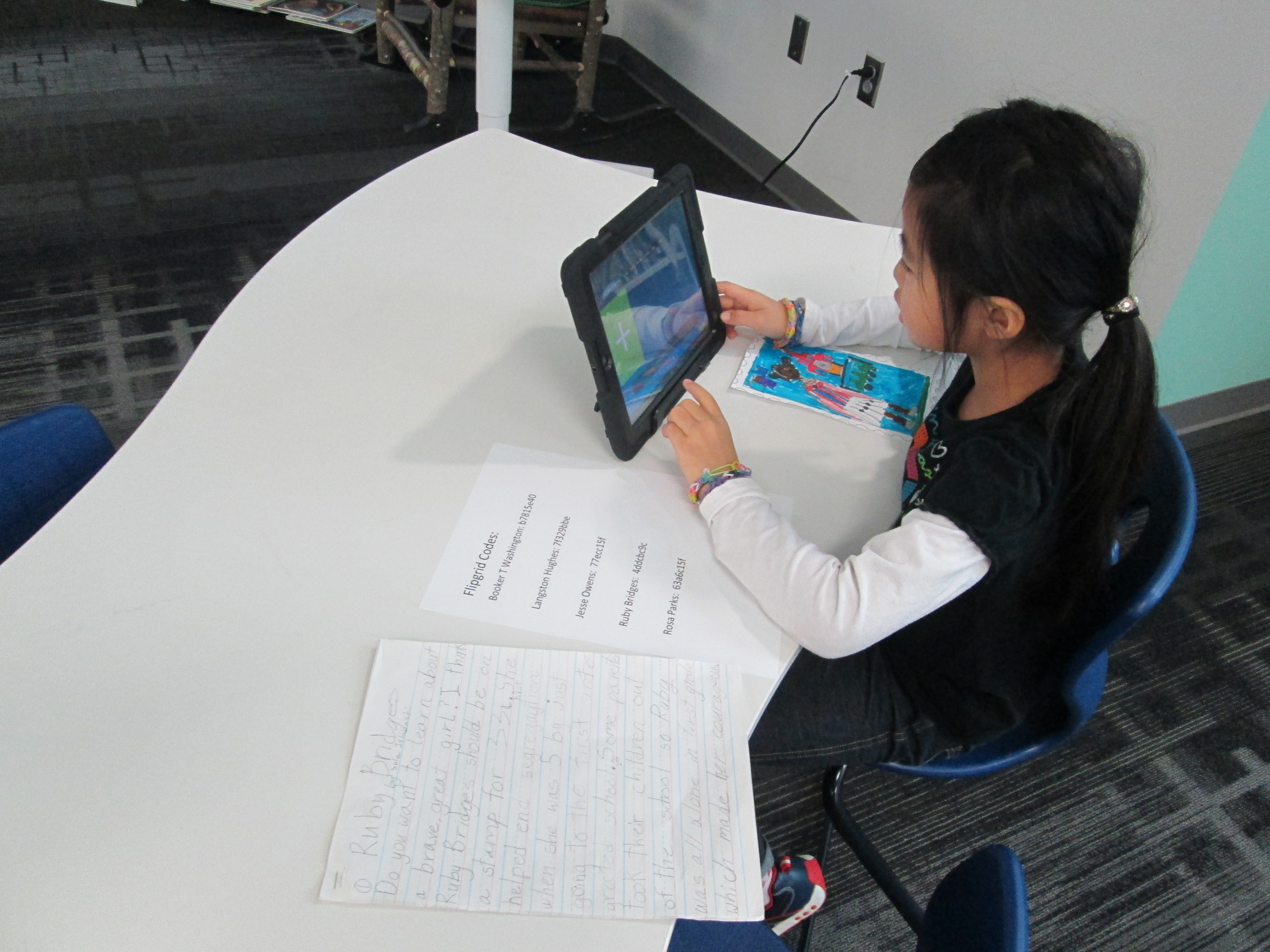
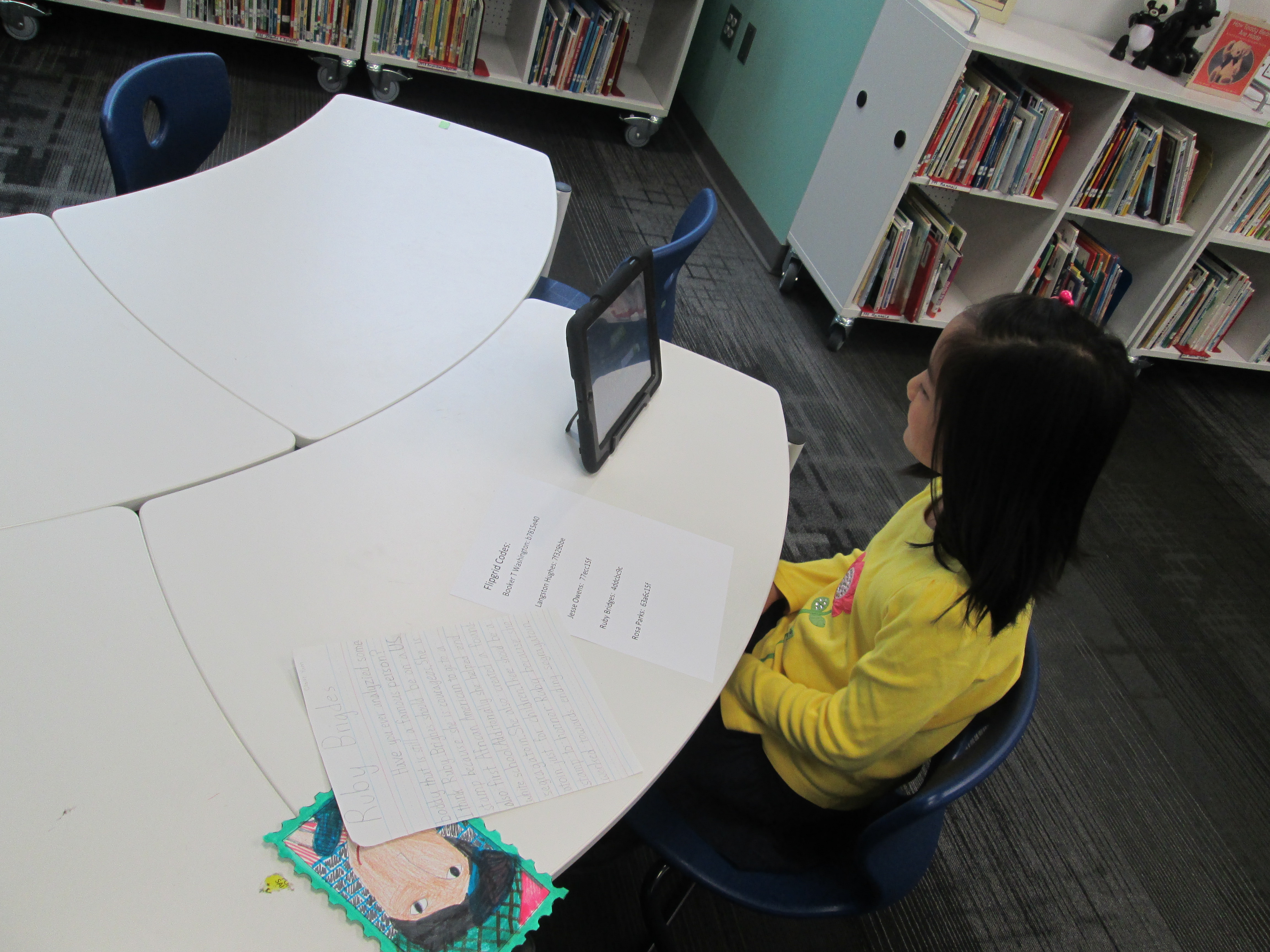
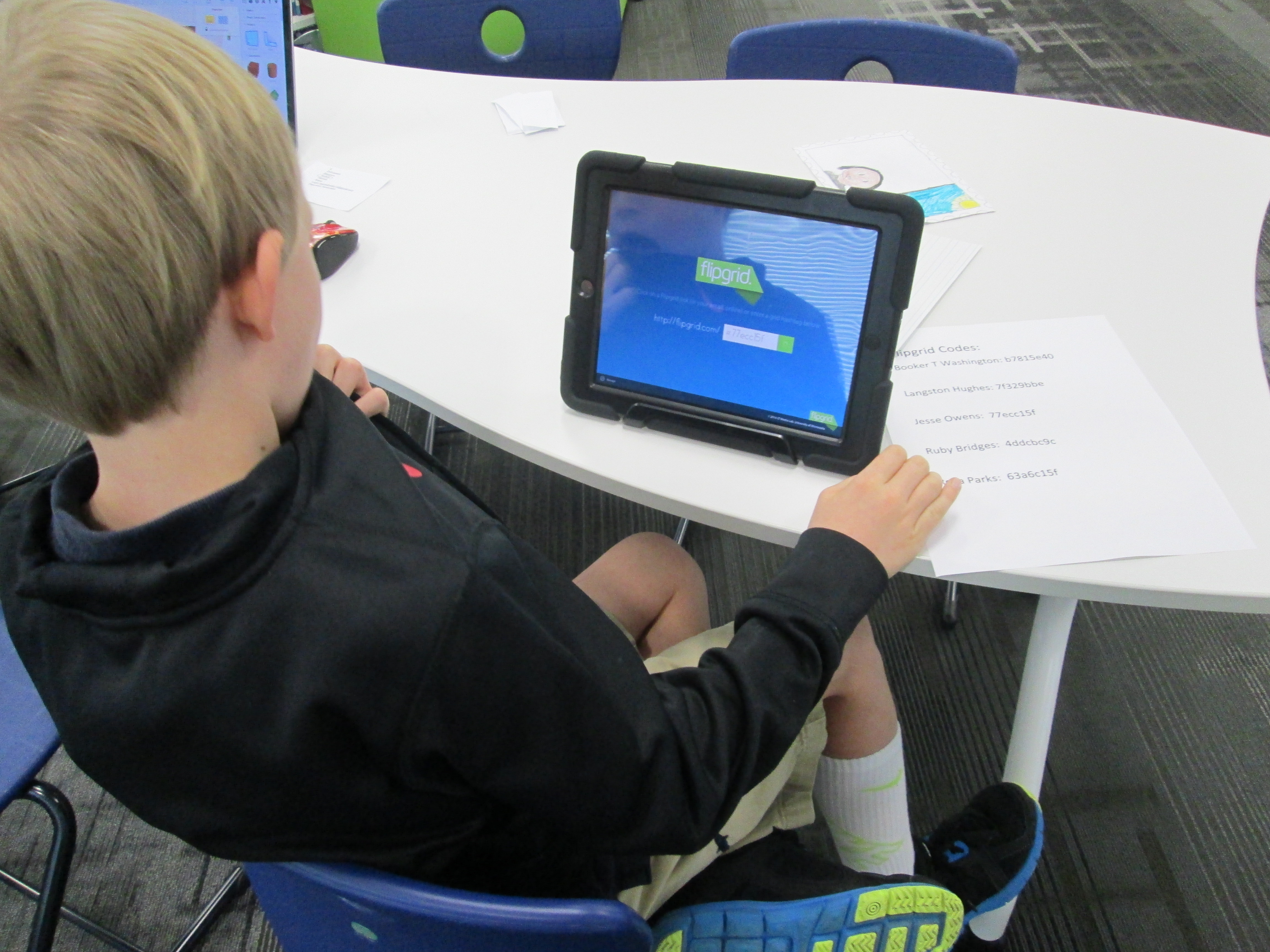
Over the past 3 days, students have been coming to the library with their persuasive scripts and stamp designs to record a persuasive commercial using Flipgrid.  This tool, which is web-based or available as an iPad app, allows you to create up to 90 seconds of video in response to a question.  I setup a question for each historical figure that was researched.  To record in Flipgrid, you just need the special code that takes you straight to the question where you will record your message.  I made a sheet of codes and placed them by iPads in the library.  Students entered the library, chose a recording spot, and entered their code.

flipgrid 2nd (5)

Next, they had a few steps to complete in order to create their video.  They had to:

  • Click the +
  • Click “I agree”
  • Take a picture.  Some took a picture of themselves and others took a picture of their stamp
  • Record their video
  • Review the video
  • Submit the video to the grid.  Students had to put their first name, last initial, and an email address.  For speed, I put my own email address in the box, copied it, and then pasted it in each time a student recorded.
historical figure smore

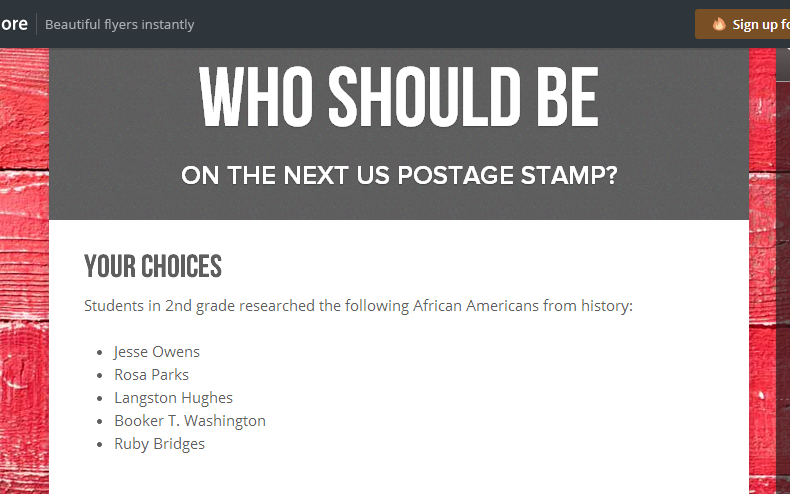
Visit our Smore to watch videos and vote! https://www.smore.com/17bq3

Now, students are collectively trying to persuade you to vote for their historical figure.  We have created a Smore to pull all of the information together.  On this Smore, you can visit each set of videos for a historical figure.  Please take some time to listen to the students’ hard work.  If you love one of their videos, click on the heart on Flipgrid which is similar to “liking” something on Facebook.  This will show the students some appreciation for their efforts.  After watching some videos for each person, we invite you think about which historical figure you were the most persuaded to vote for.  Then, use the Google Form at the bottom of the Smore, cast your vote.

flipgrid 2nd (4)

We’ll be asking all students in our school to vote.  In addition, we’ll be posting our Smore to our Barrow Media Center Facebook page and Mr. Plemmons’s Twitter account.  We want as many votes as possible to show students how far reaching their audience is when they put their work out to the world.

flipgrid 2nd (2)

The students have worked so hard on this project.  I can’t wait to tally the results and analyze the data with them.

Visit Our Smore to participate and feel free to share!

flipgrid 2nd (1)

Black History Month Research and Persuasive Commercials in 2nd Grade

IMG_1815Second grade has been working on a big research project.  Each student selected one of five African Americans to research.  Rather than write a traditional informational paper on their person, the 2nd grade teachers and I decided to weave persuasive writing into the project.  Students would think about which historical figure should be on a next US postage stamp and would create a persuasive commercial to convince an authentic audience to vote for their historical figure.

We actually began our project with persuasion.  Students spent time talking with one another about what it means to persuade.  They mentioned things like:

  • convince someone to do something
  • get someone to get something for you
  • make someone change their mind

Anytime I teach persuasive writing, I want kids to leave with an understanding that persuasive writing isn’t just about getting someone to get something for you.  It’s one of the most powerful kinds of writing that can bring about change.  However, many kids connect with the idea of commercials and convincing their families to buy something for them, so we often start there and expand.

We watched a commercial of one of this year’s hot holiday toys, the Flutterbye Fairy.
IMG_1814We used this commercial to think about a structure for persuasion.  Students first noticed what we called a hook at the beginning.  “Can you keep a secret?” was a phrase that hooked our attention to want to watch the rest of the commercial.  We noticed that the rest of the commercial showed us just how easy it is to use the fairy, so this was like giving the facts about what you are writing about.  Finally, we noticed the closing line “the magic is in your hands”.  This was a phrase that would stick with us long after we watched the commercial.  In fact, I told the students that my own daughter uttered this phrase the first time she flew her own Flutterbye fairy, so I knew it was a phrase that stuck in your head.

To continue our exploration of persuasion, we read Melanie Watt’s Have I Got a Book For You.  This book uses just about every persuasive technique that you can think of.  We noticed these techniques along the way and folded them in to our noticings from the fairy commercial.

After this initial exploration of persuasion, students worked some in their classrooms.  They selected the African American they would research and got a graphic organizer to located some basic facts about their person.  We referenced the fairy video and how important facts are when you are persuading.

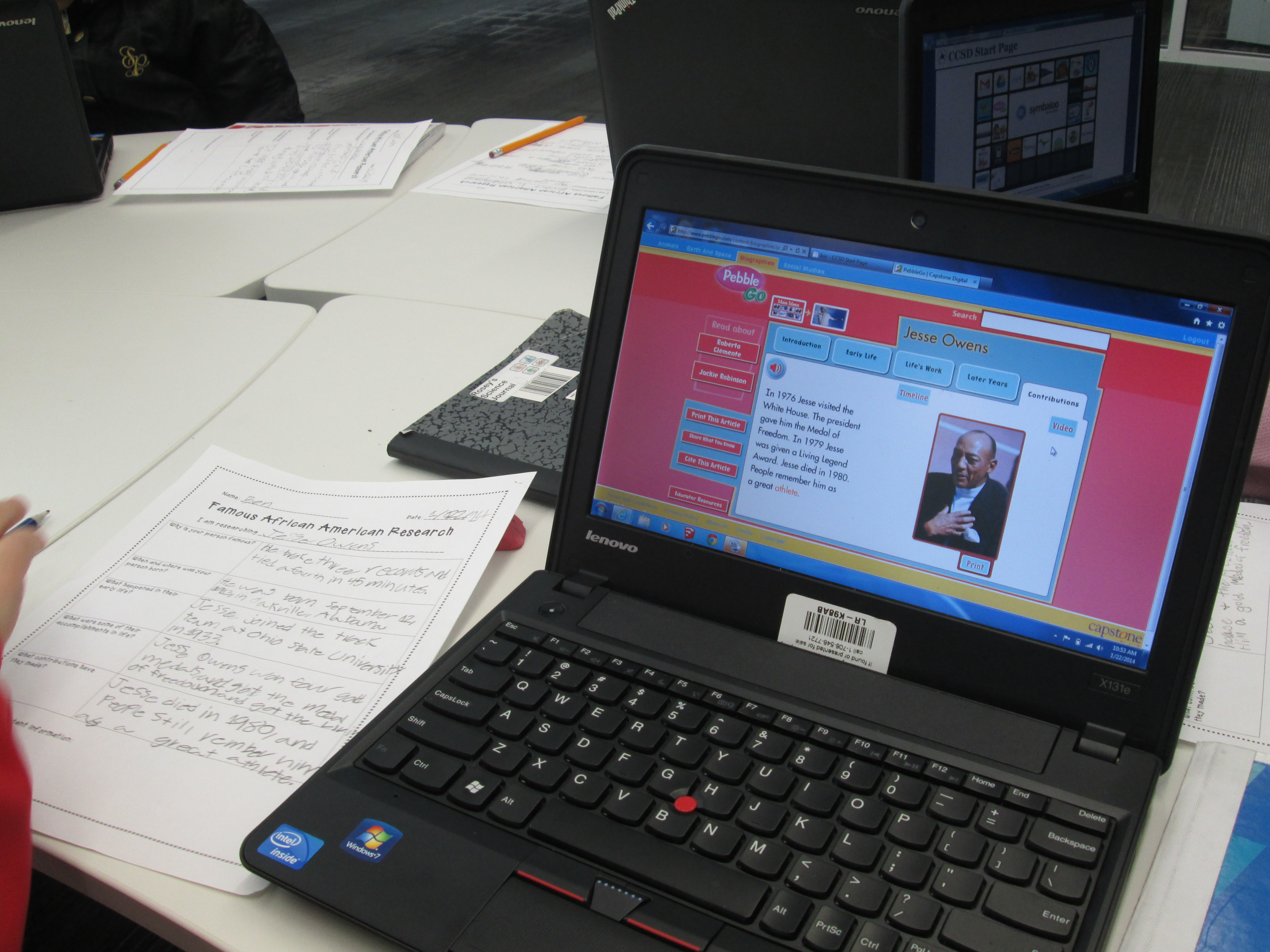
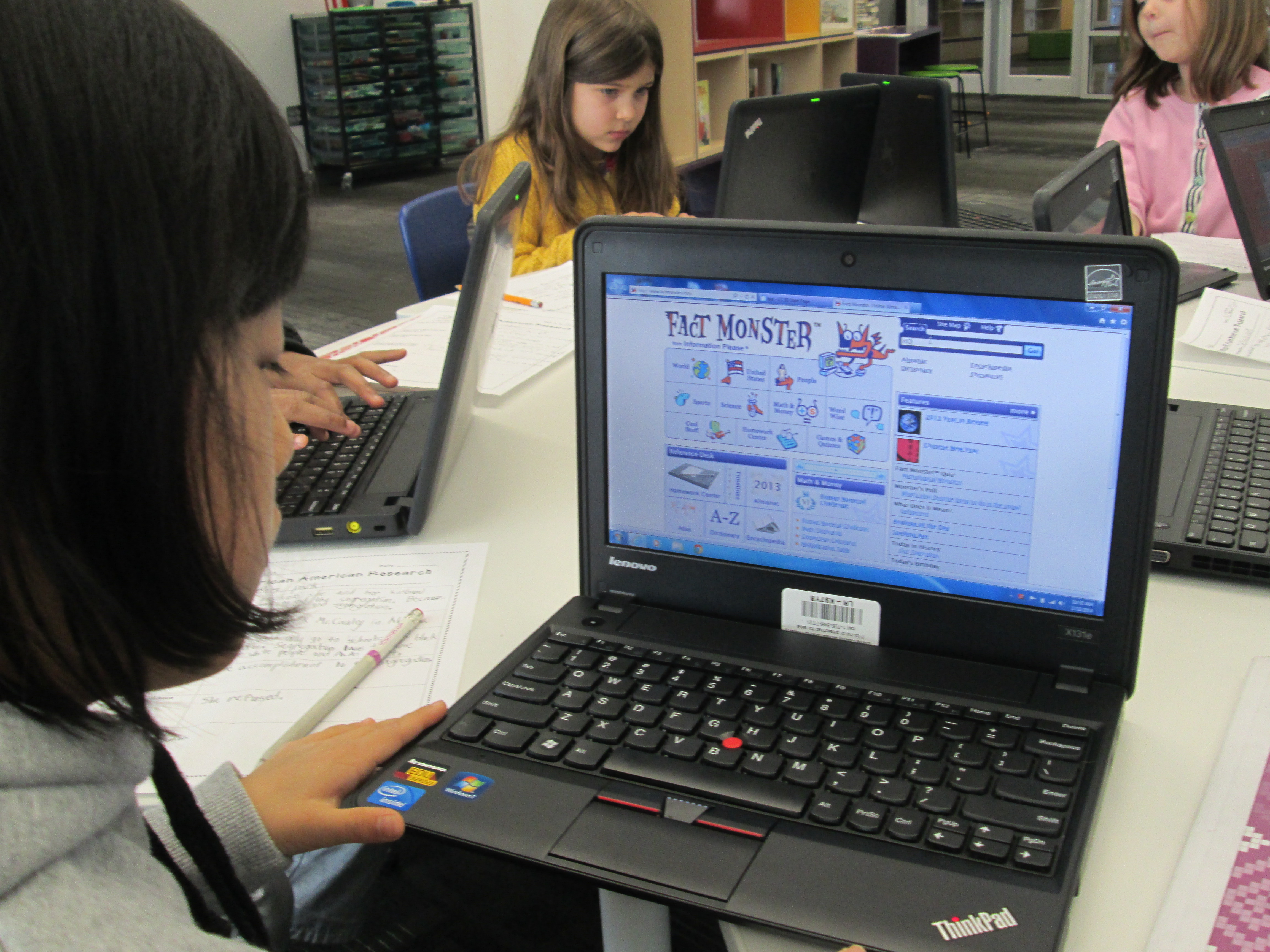
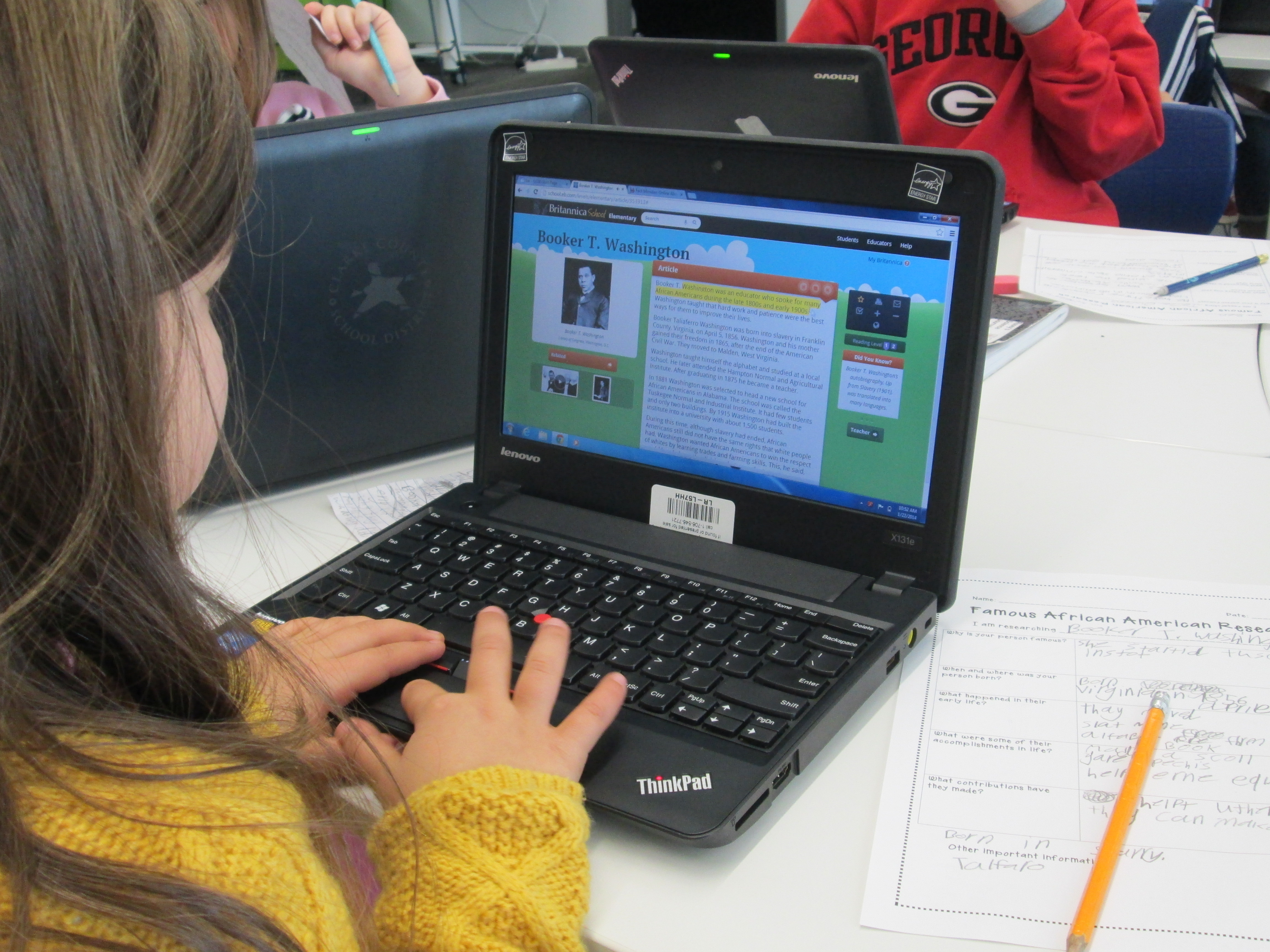
IMG_1813Students spent time in class and in the library using several tools to research.  I did a quick mini-lesson on using PebbleGo, Galileo’s SIRS Discoverer, and Galileo’s Britannica.  All of these tools had text to speech features to support learners of all reading levels.  During this mini-lesson, I also stressed how research is never really “done”.   You just reach a point where you feel like you have enough to tell your story.  Adults circulated and conferenced with students on their progress as they researched.  I loved that not many said “I’m done”, but when they did, we gently reminded them that research is never really done.

IMG_1812Now students are pulling their facts together, creating hooks, and coming up with a great closing like “the magic is in your hands”.  Once they have these scripts written, we will move forward with the next part of this project which will involve recording commercials in Flipgrid and creating a Google form for voting on which commercials are the most persuasive.  I’m compiling all of this onto a Smore which will populate with information in the coming days.

IMG_1811

A Little Augmented Reality and Zombie Math with 1st Grade

IMG_1842A few weeks ago, Em Smith Headley, 1st grade teacher, asked if I could help with their math standards using the iPads.  They have been working on using a variety of strategies to solve basic addition and subtraction problems.

I pulled together just a few iPad apps for our time together that addressed basic addition and subtraction facts.  I decided to use:

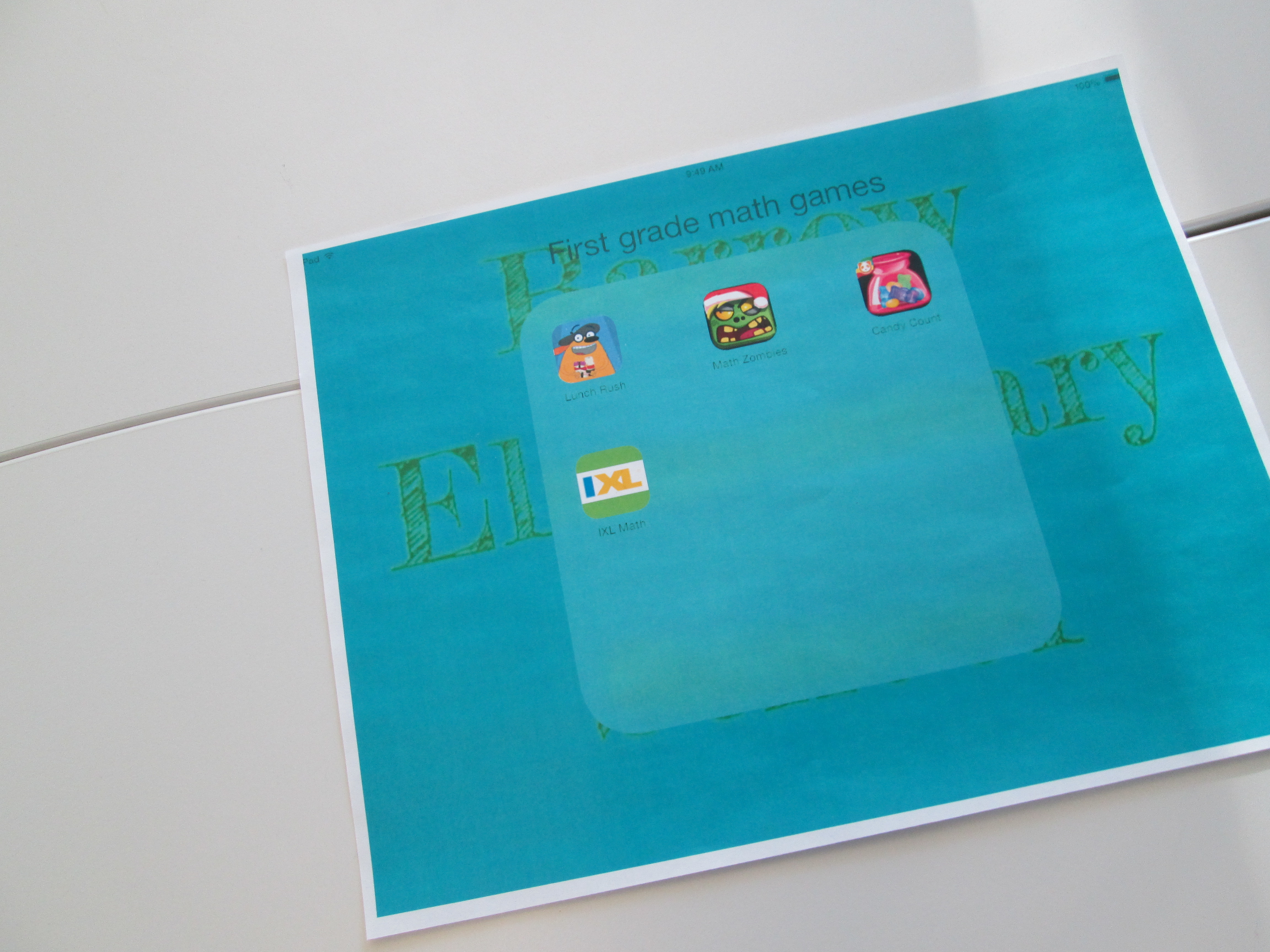
  • Fetch Lunch Rush: an augmented reality app that combines basic addition/subtraction, missing addends, racing, and augmented reality!
  • Math Zombies:  a racing app that gives basic addition/subtraction problems along with double digit math to race against the ever-approaching zombies.  Correct answers knock them out of the way.
  • Candy Count:  a sorting app that allows kids to sort candy by color and then asks several math questions about the candy in each bag.
  • iXL: an app with multiple grade levels which gives standard problems and allows kids to type an answer.

IMG_1846

I had student helpers make a 1st grade math folder on the iPads so that students could easily get to the apps.  We looked at the standard and students brainstormed several strategies that they currently use for solving math problems.  Things such as:

  • number lines
  • draw a picture
  • count up or count back
  • manipulatives
  • etc.

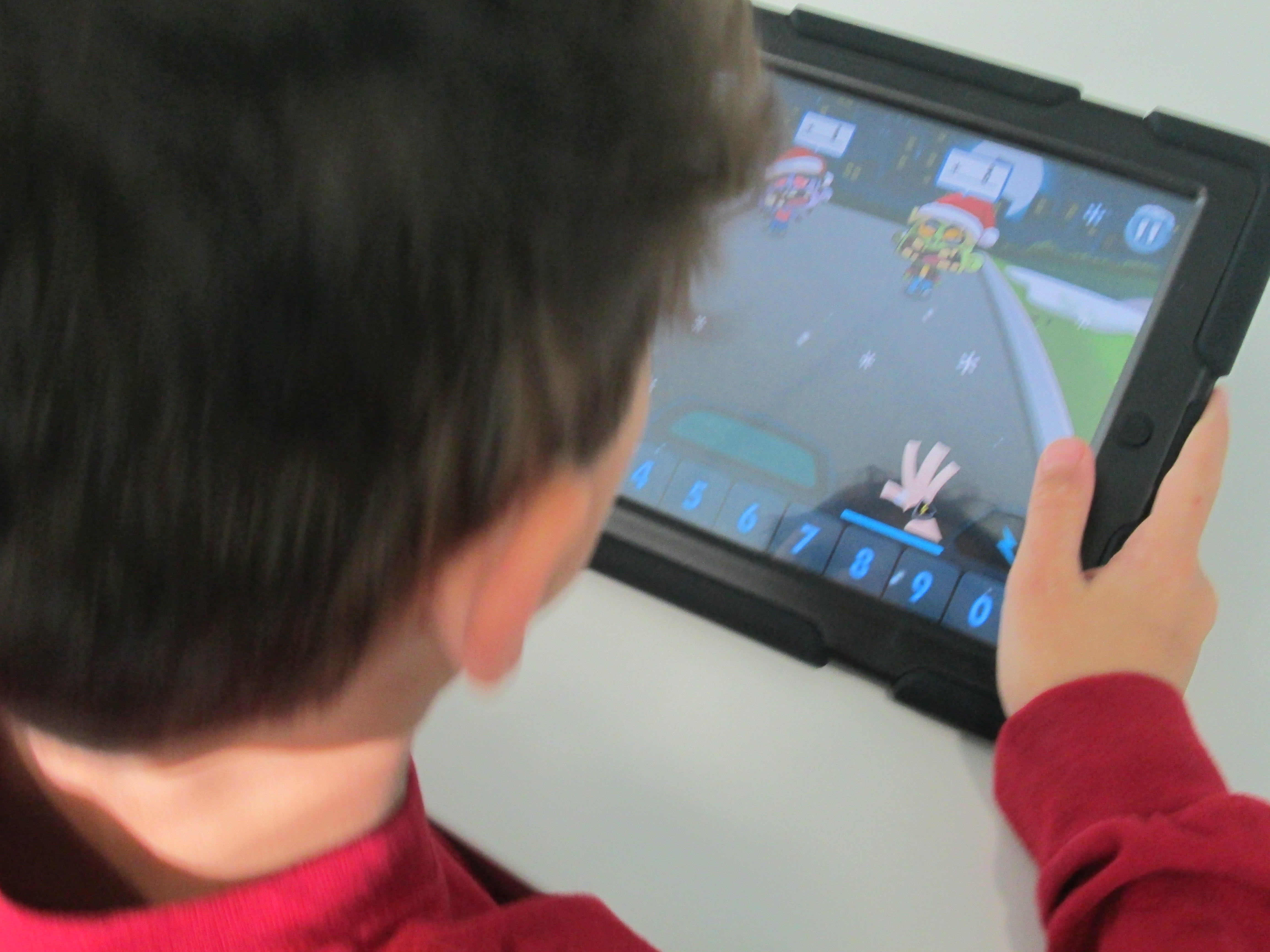
I reminded them that these same strategies come into play when we do math digitally and sometimes the app even provides some strategies for you with hints.  I did not tell students how to play every app because they were perfectly capable of figuring that out on their own.  I spent my time helping students think about strategy and encouraging students to help one another figure out the technical details of how the games worked.  Of course, I helped students who had technical questions, too, but that wasn’t my main focus as the teacher.

Students were bursting with energy during this.  Whether we worked for 25 minutes or 40 minutes, they were extremely focused.  They were free to move in and out of the apps as needed.  We were also able to differentiate for students who needed problems that were more challenging or problems with more basic  features.

At the close, students gave some feedback on what they liked about each app.  Math Zombies and Fetch Lunch Rush was by far the favorite, and they begged to get to do this again in their classroom or the library.


Kicking Off Our #Geniuscon Project with Peter Reynolds

IMG_1849A few months ago, Matthew Winner and Sherry Gick, superhero librarians, put out a call for schools to join them in a project called #Geniuscon.

In the words of Matthew and Sherry:

“Kids are genius. They don’t perceive limits or boundaries in the ways that hinder most adults. Their solutions to life’s problems can seem convoluted, indirect, and unnecessary, but often the ideas of kids can be the most profound.”

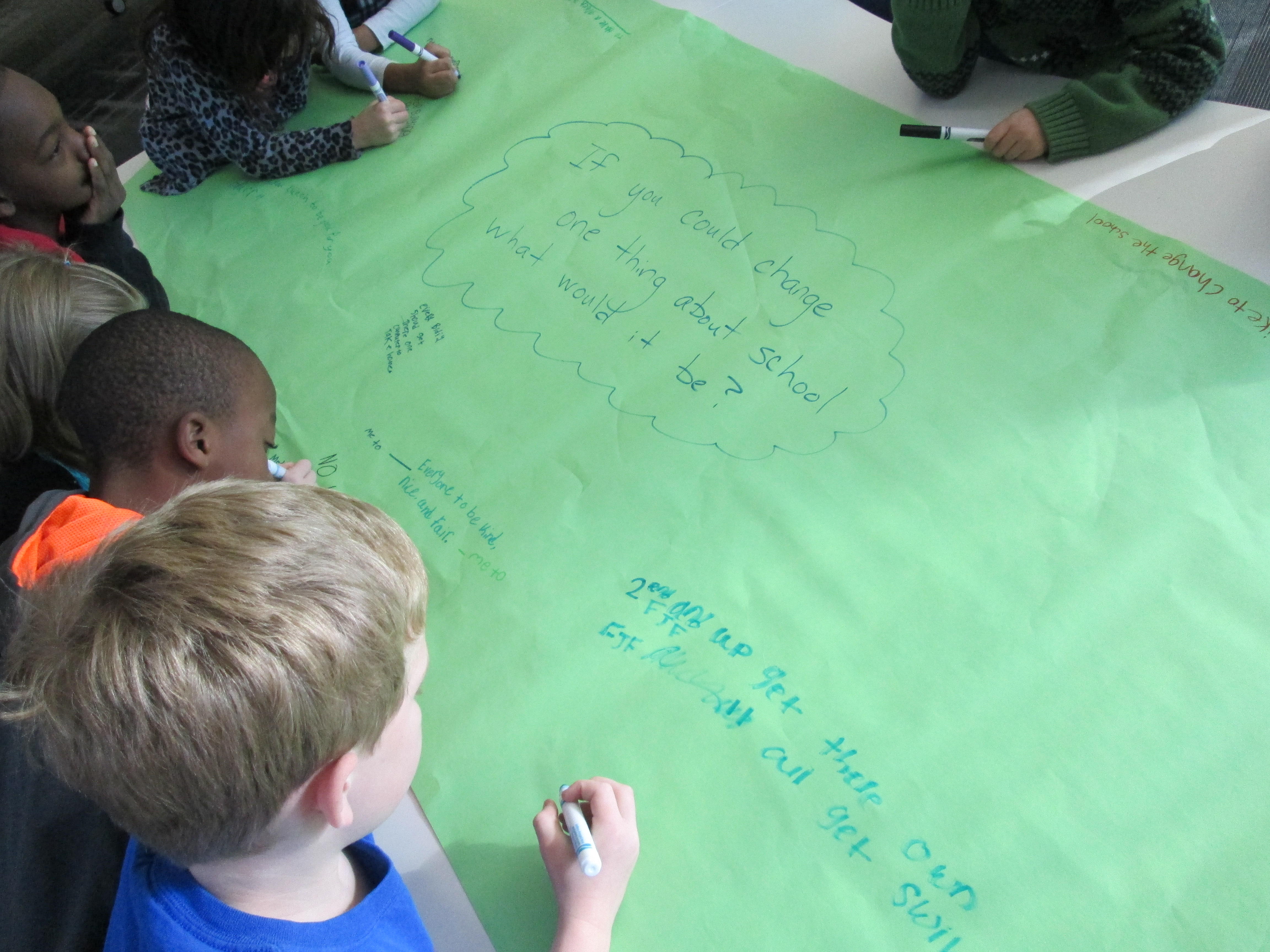
#Geniuscon gives kids the freedom to explore one question:  If you could change one thing about your school, what would you do?

Mrs. Ramseyer’s 2nd grade classroom has teamed up with me in the library to explore this question.  Mrs. Ramseyer and I sat down and mapped out some times, topics, and standards on the media center calendar.  We wanted time for:  brainstorming, question development, research, product development, and sharing.  Our timeline spans from now until May.  We devoted most of our time to research and product development.

I also met with Gretchen Thomas, who teaches at the University of Georgia.  She has several of her students who are interested in partnering with us throughout this project.  Their main role will be to facilitate students during the research process to help them think of all of the possibilities of where to find the answers to their burning questions.  They aren’t there to give answers but rather to build bridges over barriers that students might face.

IMG_1849

Today was our official kickoff.  To start, we watched this video:

The kids immediately began yelling “Why don’t you just walk up the stairs?”  It was hilarious.  The whole point of watching the video was to bring up the idea that we often hold the solutions to our problems if we take the time to look inside ourselves rather than immediately yelling for help.  We spent some time talking about the word “genius” and how we all have genius ideas within us.

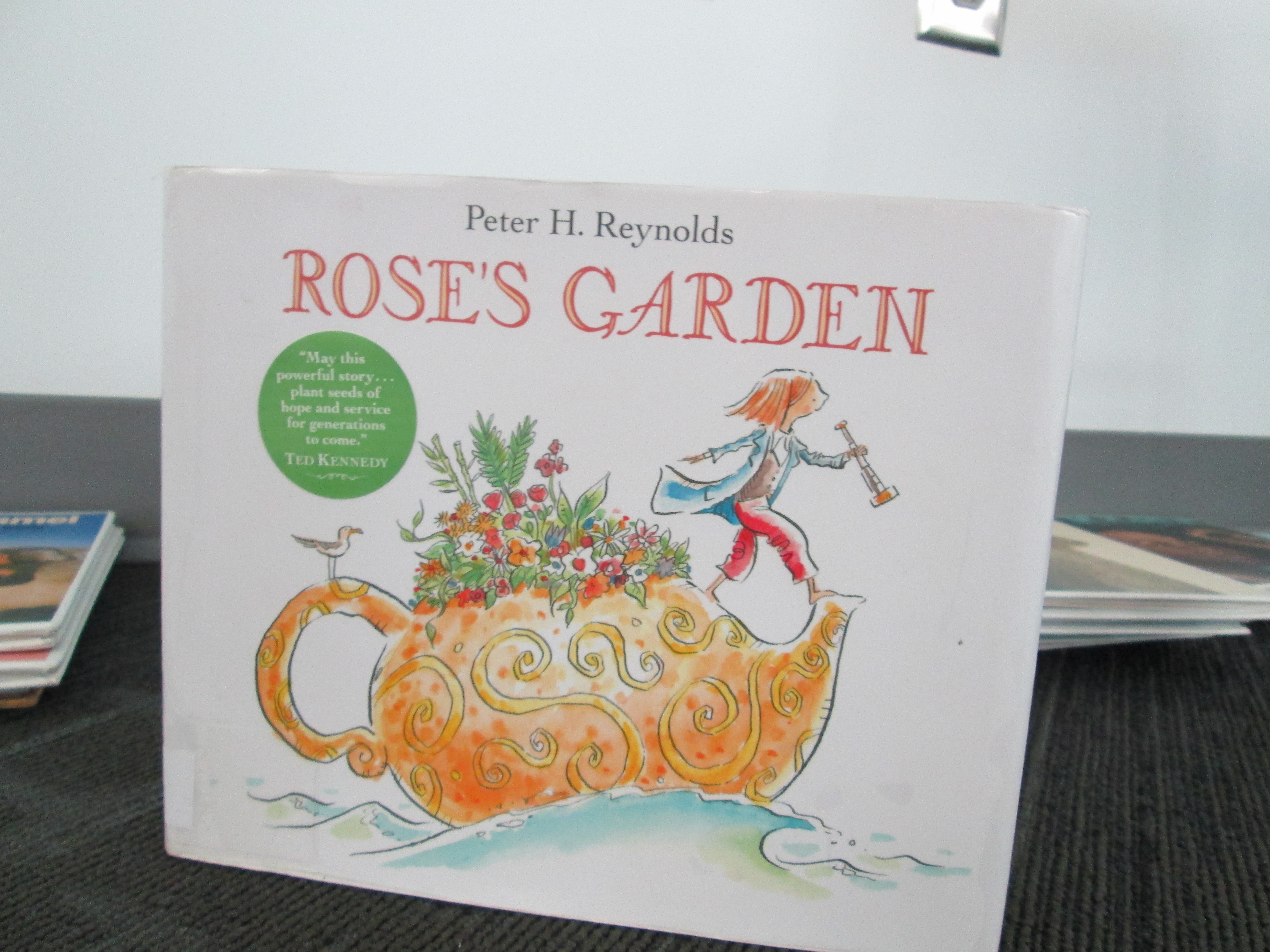
Next, we read Rose’s Garden by Peter H. Reynolds.  In this story, Rose travels the world collecting seeds.  She finally decides to stop and explore a city where she discovers a patch of land in need of color.  This is where she decides to start making her mark on the world by planting her seeds.  Without giving too much away, her efforts inspire a community with her genius idea.

IMG_1855 IMG_1857

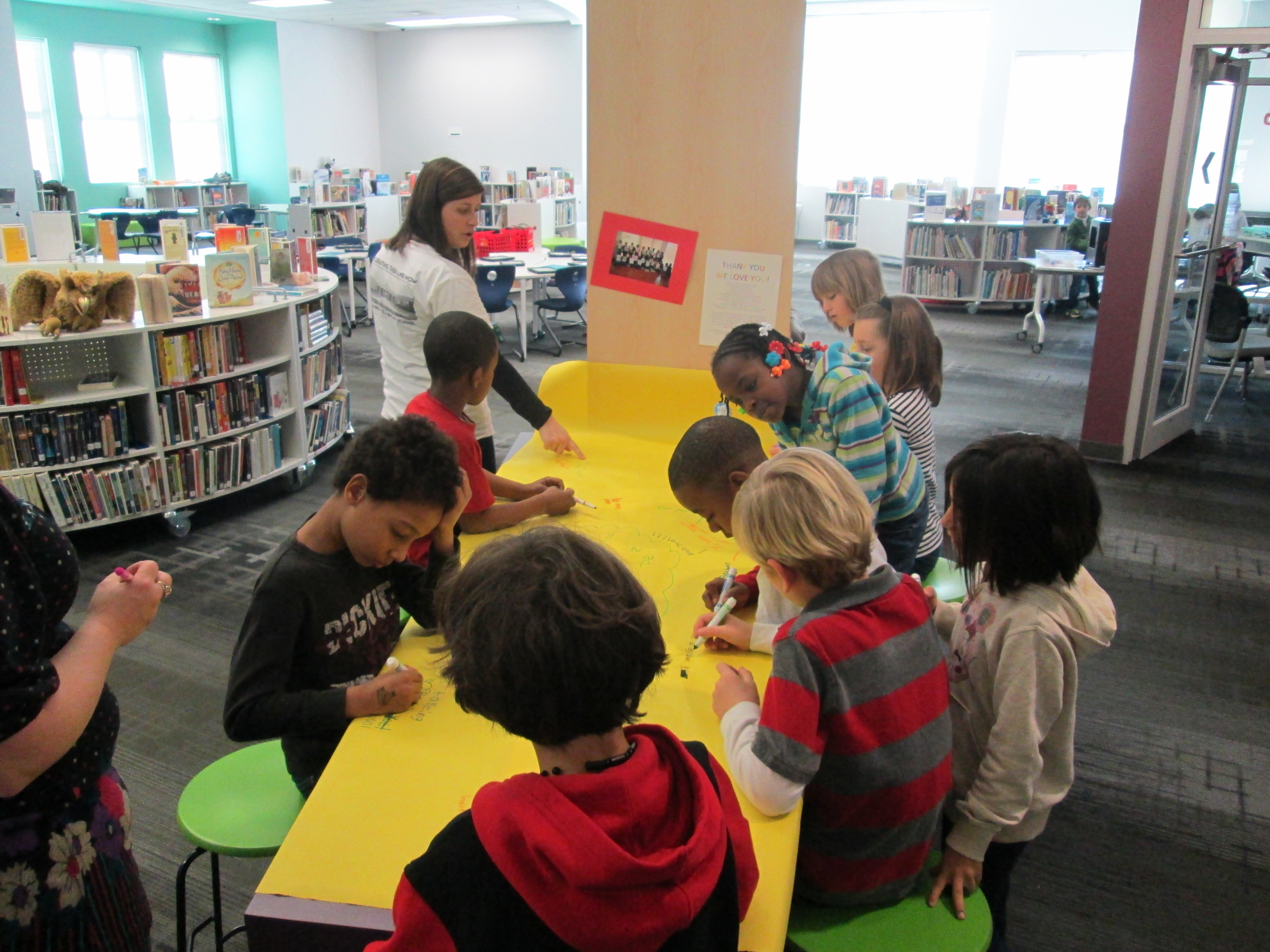
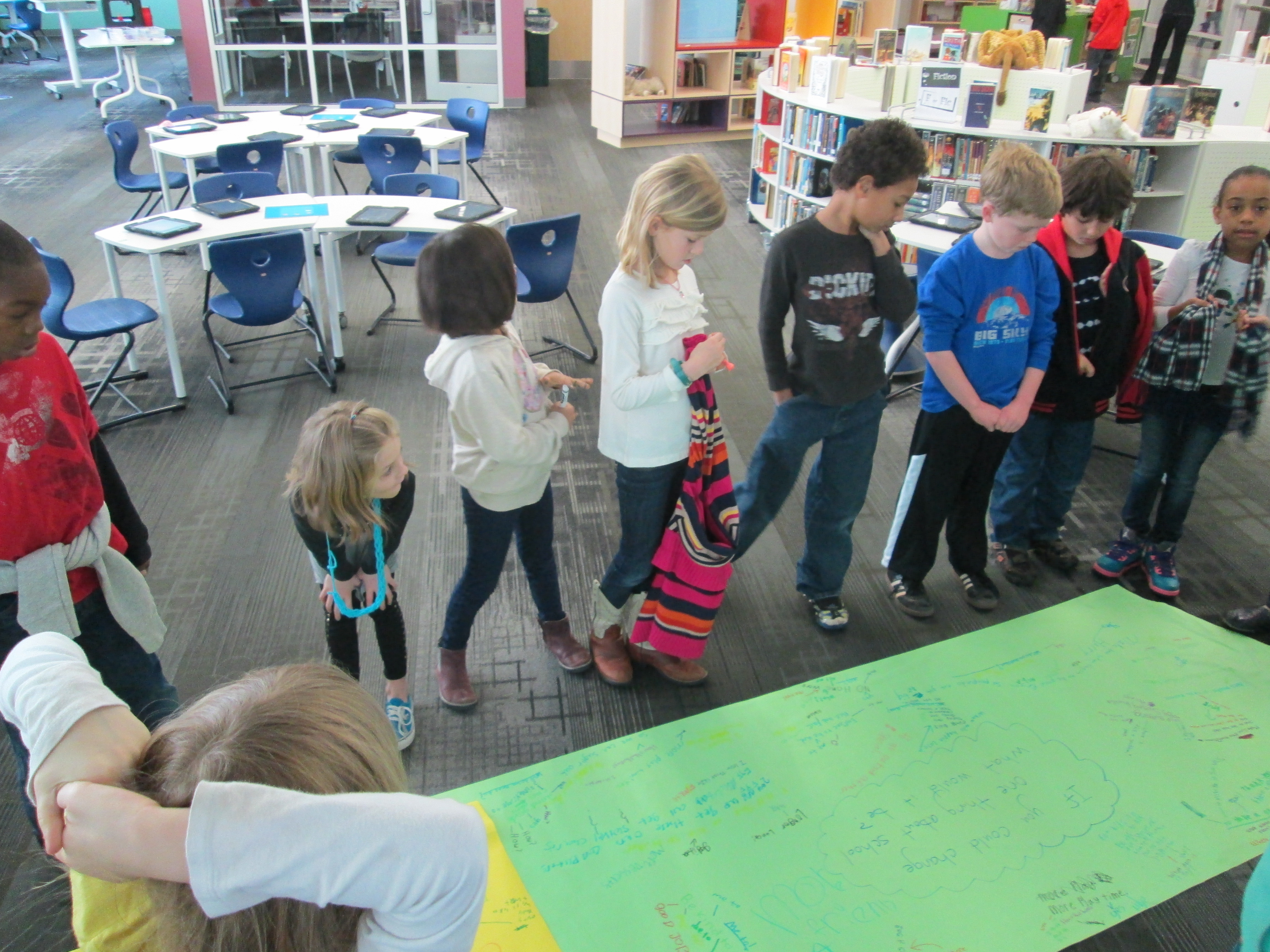
I loved how this book fit into our discussion of what it means to be genius.  It moved us straight into our #Geniuscon question.  Mrs. Ramseyer and I had already talked about how we didn’t want to influence how the kids answered the question, but we did want to give them an opportunity to brainstorm before they chose their focus topic.  We put the question on 2 big pieces of paper and split the class in half.  Each student had a marker to participate in a Chalk Talk, a silent conversation.  All students began writing their responses to the questions as well as asked one another questions about their ideas.  All of this was done in writing.  Mrs. Ramseyer, Mrs. Vaughn (EIP teacher), and I all added to the conversation too.

After about 10 minutes, students mingled between the two chalk talks to cross pollinate their ideas.

IMG_1862

We moved our 2 chalk talks to the floor and all stood around them.  As we looked at or responses, I asked students to look for ideas that stood out to them or topics that seemed to be coming up.  We identified ideas such as:

  • Additions to our school:  adding more playground equipment, building a garden, expanding our school
  • Changes to rules:  additional books on the max checkout in the library, additional “be’s” to our 5 be’s,
  • Technology:  taking home iPads and netbooks, being able to bring technology from home, using our 3D printer
  • Behavior:  addressing the bullying in our school, being kind
  • And more!

The pages were so filled with ideas that we couldn’t really talk about them all.  After this discussion, we sat down for a big surprise:  a Skype with Peter H. Reynolds!  Peter was in Florida doing some work, and he took time out of his busy day to join us.  After saying a quick hello, students took turns stepping up to the webcam and saying what they wanted to change about our school.  Peter validated each student’s idea and even expanded upon the idea with his own thoughts.  He encouraged students to think about how they could illustrate each of their ideas and turn it into a book, which the students are very interested in doing now.  We will probably make this an additional piece to our project:  possibly even an extension into the art room!

We closed out our time with Peter Reynolds with a friendly goodbye and the encouraging words of “connecting the dots” and “making our mark on the world”.  We can’t think him enough for taking time to visit with us.  He is such an advocate for allowing students to show off their genius and let their creative energy flow.

In class, students will begin to finalize their topics and next week they will return to the library to develop questions to prompt their research.  What an exciting start!

If you want to learn more about #Geniuscon, I encourage you to attend the TL Cafe Webinar on Monday February 3 at 8PM EST.  


3rd Grade Folktales Visual Interpretation Project

folktales (1)Back in October, our 3rd graders spent time studying the illustrations of Jerry Pinkney.  They paid close attention to how Pinkney told the story through his illustrations in preparation for a field trip to the High Museum of Art in Atlanta to see the exhibit Witness: The Art of Jerry Pinkney.  You can read more about that here and here.

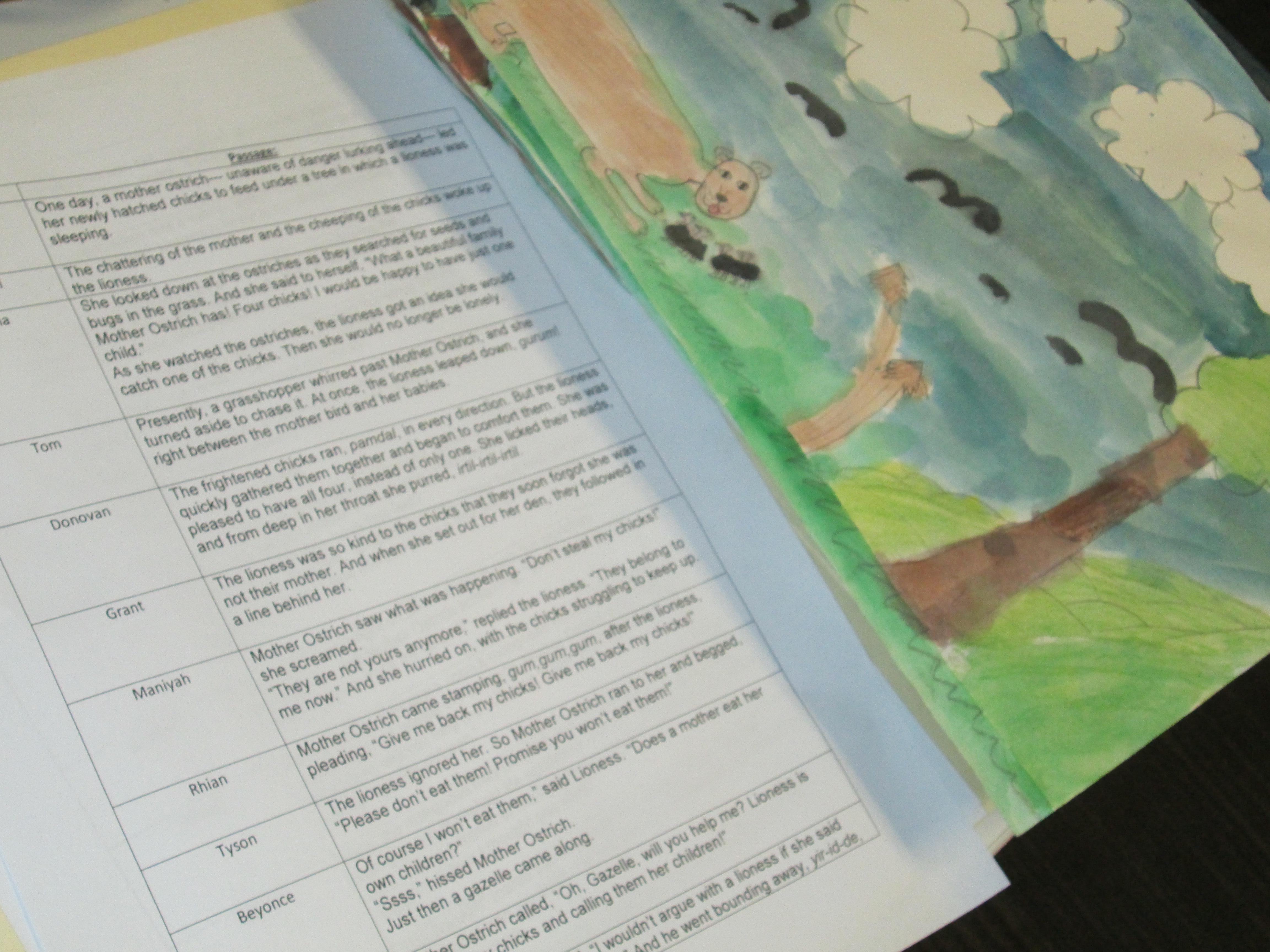
Over the past few weeks in art, students have been working with the text of a folktale to create their own visual interpretations of the text.  Mrs. Foretich, the art teacher, spent a lot of time exploring and researching the vocabulary within the stories with the students so that they would be able to paint an accurate interpretation.  Each class chose and different folktale and each student in the class was assigned a piece of text from the story.

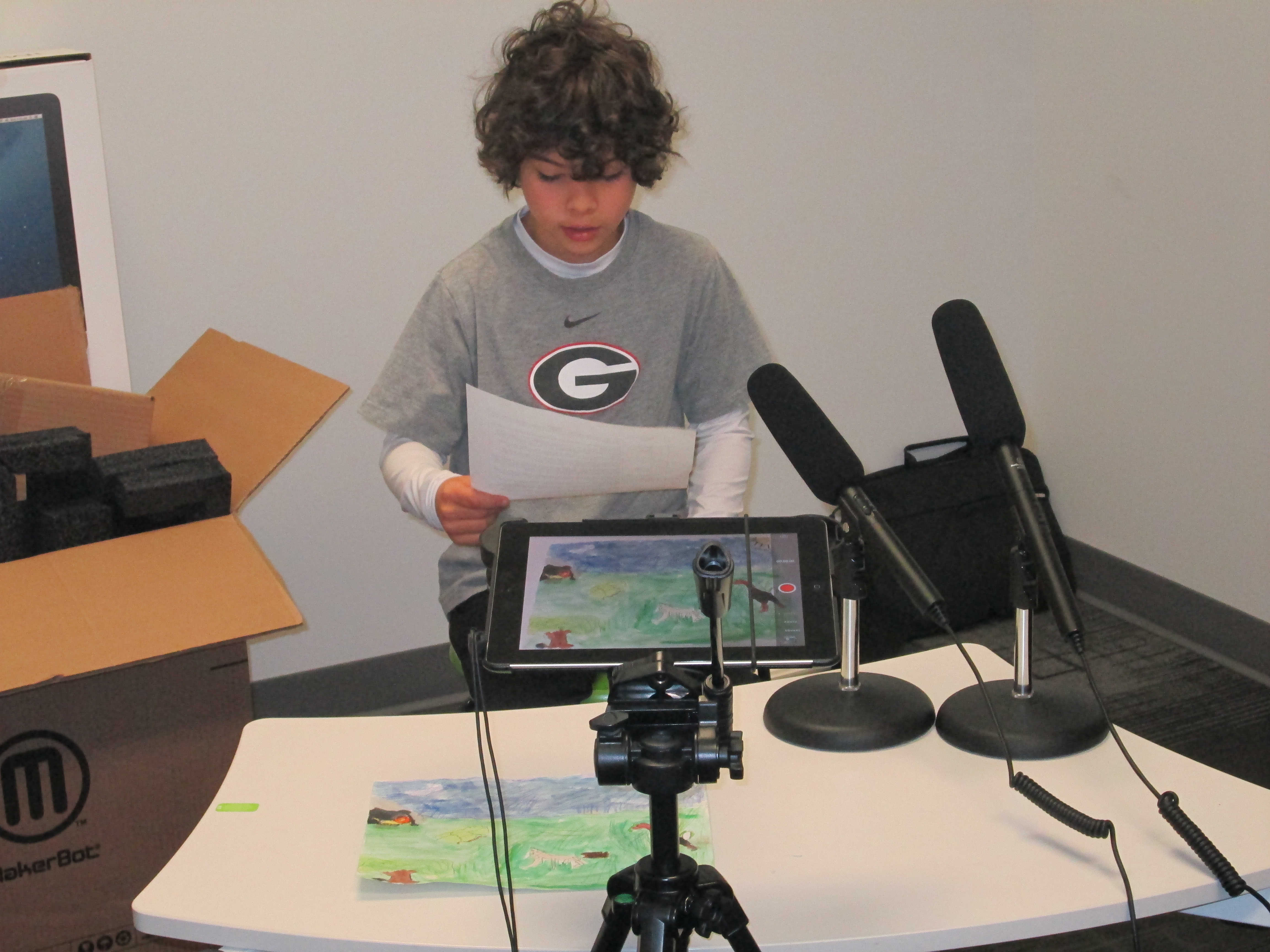
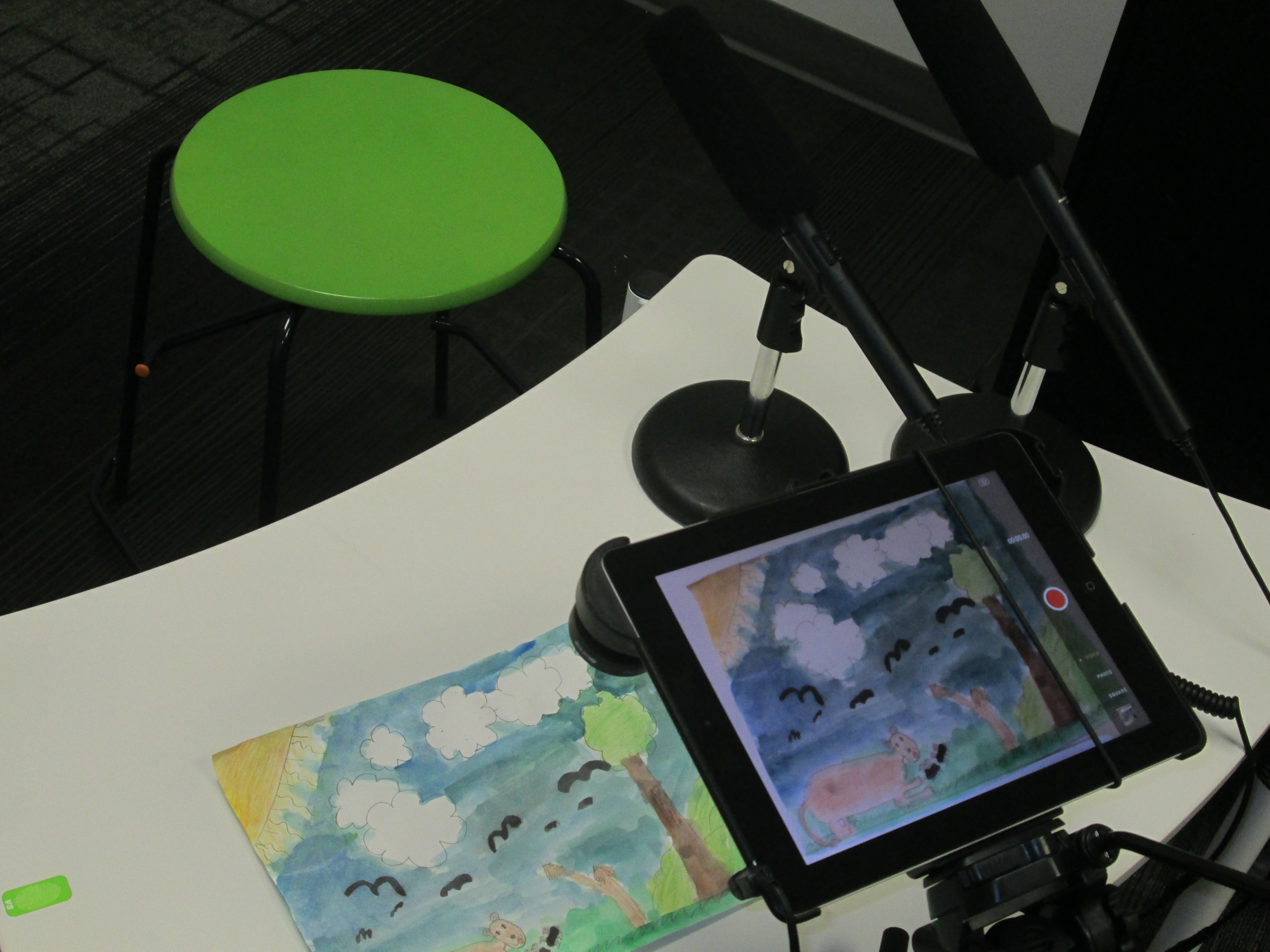
folktales (4)Once the paintings were ready, Mrs. Foretich organized them in the order of the story and gave them to me.  Students came in small groups to record the text for each illustration on the iPad.  We used iMovie to put all of the clips together.

folktales (2)

This past week, third grade held a parent breakfast where families were able to come to a viewing of the final products.  They were also uploaded to Youtube for families who were unable to attend.

You can enjoy their visual interpretations below.  It was fun to watch the students take on an artists eye and think like a published illustrator thinks.  Often, illustrators receive the text to a story with no other feedback.  It is up to them to take these words and translate them into illustration.  This project gave students a better understanding of the fun and the challenges of this process.


3rd Grade Kinetic Sculptures with Tinkercad, Makerbot, Collaboration, and Imagination

Tinker Ramsey (12)As soon as we received our new Makerbot Replicator, Rita Foretich, our art teacher, began brainstorming ideas with me about how this tool could support the standards that she teaches our students in art.  Rita is a great collaborator.  She weaves in standards from students’ classroom curriculum into her art standards.  Often, these projects involve the media center as well.

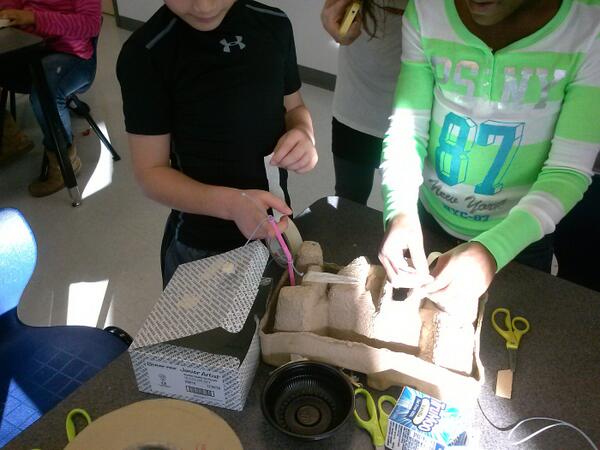
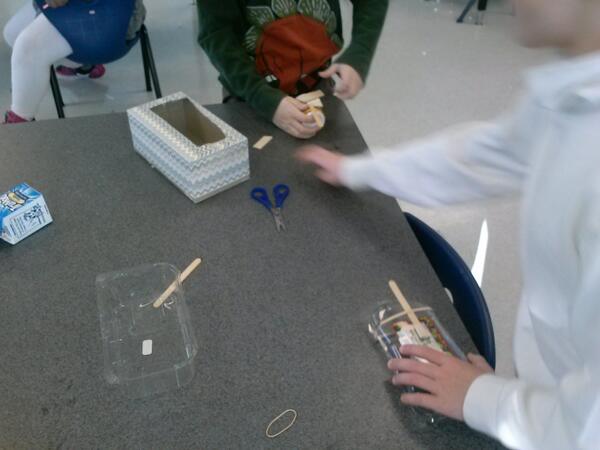
Currently, Rita and her student teacher are exploring kinetic sculptures with students.  In art, they have spent time tinkering with a variety of materials that they might use to make a larger, movable sculpture.

tinkering 2

Tinkering in art

tinkering

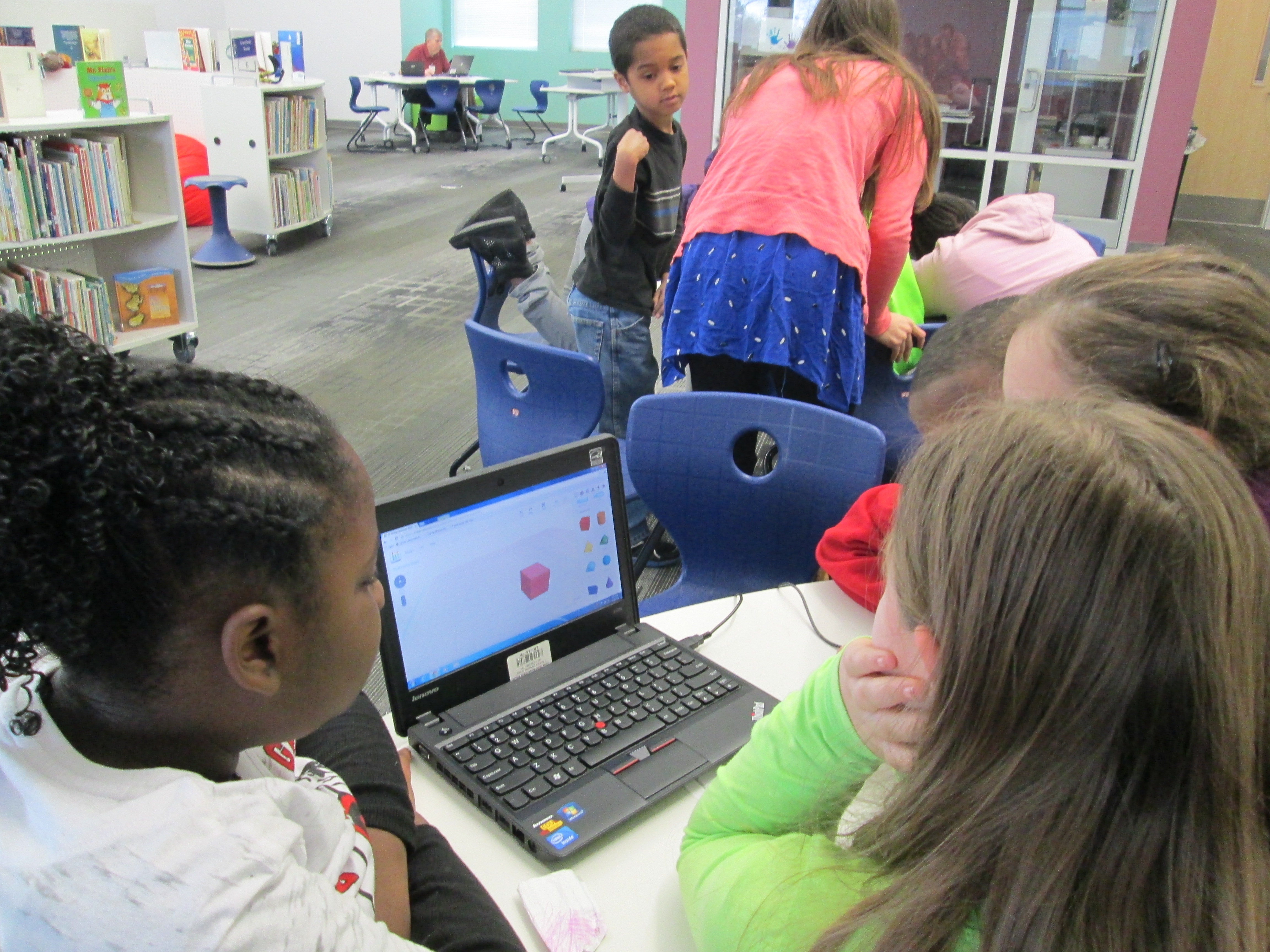
A piece of these sculptures that students will create will be designed using Tinkercad and printed on our Makerbot Replicator 3D printer.  We scheduled a session in the library to work on the Tinkercad design.  Working in the media center allowed us to have plenty of room to spread out as well as maximize adult support.  During each lesson, there were 3-4 adults (media specialist, art teacher, student teacher, and tech integration) to support students as they had questions.  Of course, we encourage students to support one another, but it is nice to have adults supporting students as well with problem solving and collaborating.  Also, to maximize our time in the media center, students did some flipped learning by watching this Tinkercad tutorial in advance at the closing of their last time in art.

Here’s what our time in the media center looked like:

1.  Students met on the carpet for a quick reminder of our plan for the day.  Mrs. Foretich gave them the standards we would work on:  Creating sculpture using a variety of forms and working in teams.  She also showed them how artists use technology to create their art as well as some images from the 3Dprintshow site.

Tinker Ramsey (1)

A quick intro to how artists use technology to create

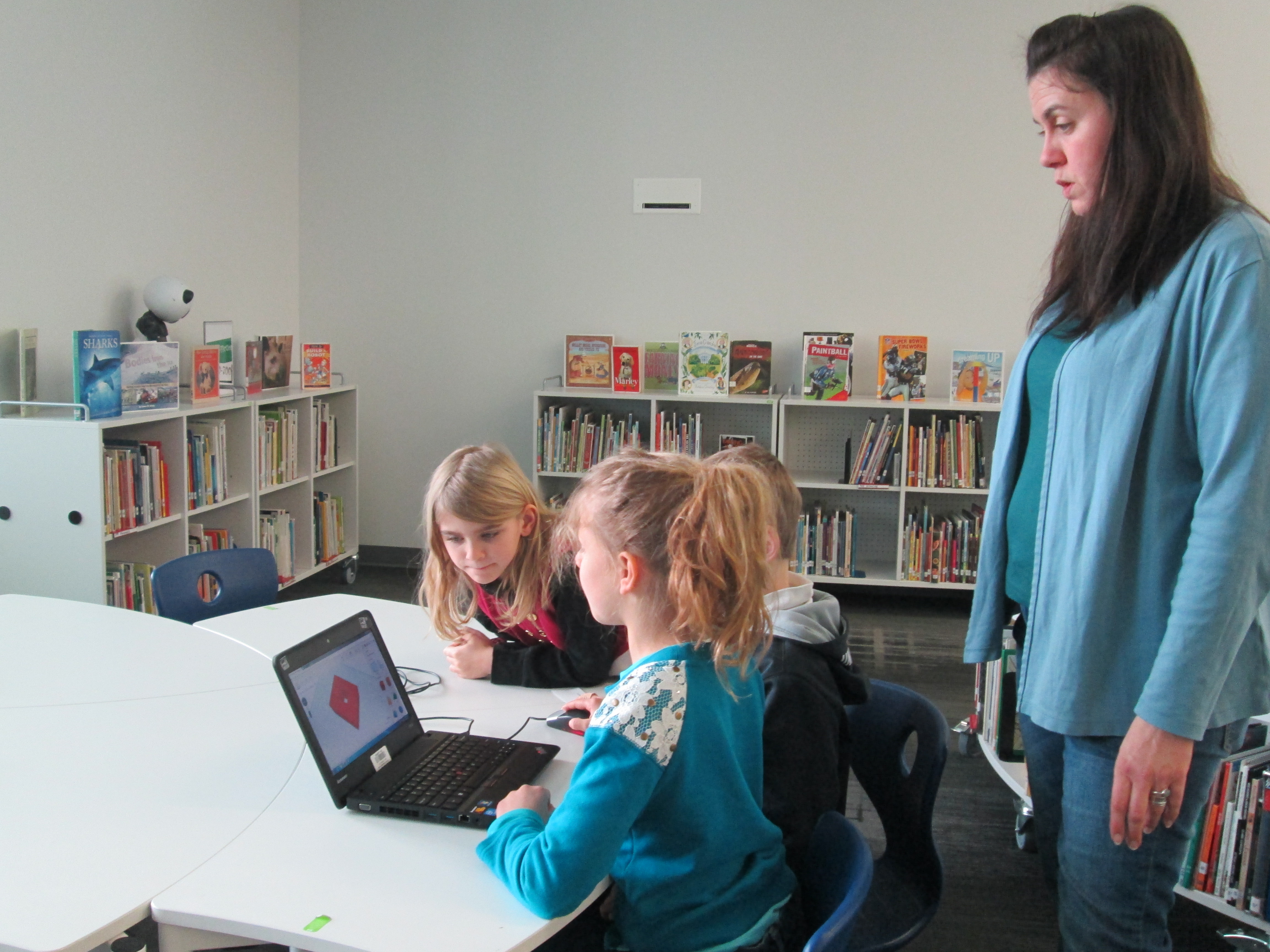
2.  Students were organized into 5 collaborative groups.  Each group had a Lenovo Thinkpad computer with a mouse.  Tinkercad was already pulled up on the computer and each group had a username and password to use.

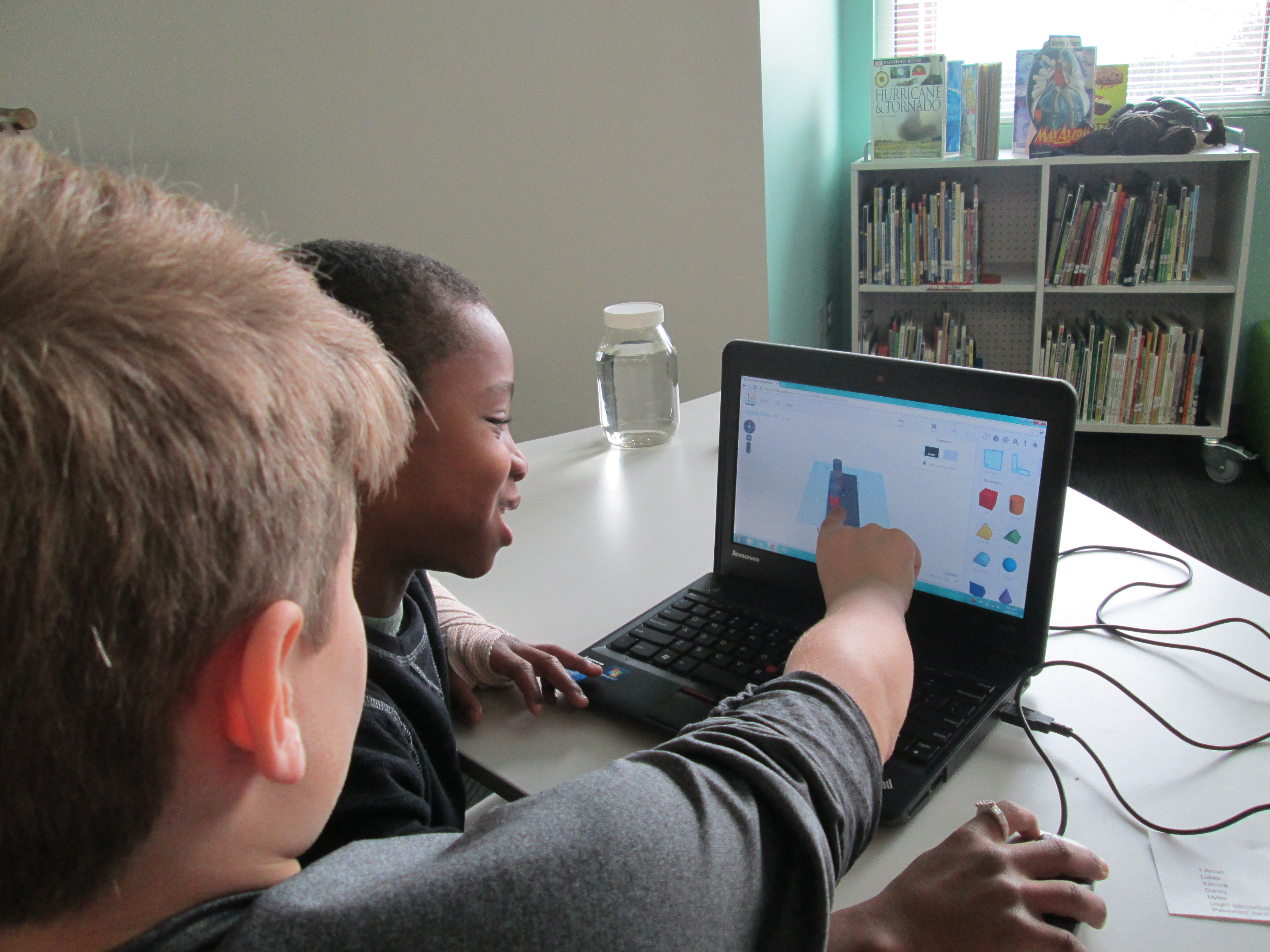
Tinker Ramsey (9)3.  Students brainstormed their concept for a piece to add to their kinetic sculpture and took turns controlling the mouse.  Adults guided students through problem solving and working together.  As students had ideas for their designs, adults helped them think through their ideas and take risks to try to get their idea onto the drawing board.

Tinker Ramsey (7)

Students quickly learned how to work together to problem solve

4.  Students named their file before leaving.

5.  I took student files and saved them as an STL file, imported those files into Makerware, and saved the file for 3D printing on the Makerbot.

Tinker Ramsey (13)

We will repeat this process with all three 3rd grade classes.  Students will continue to work on the rest of their kinetic sculptures in art.  Mrs. Fortetich will create a schedule with me in the media center for students to come and 3D print their designs.  We want each student to have the experience of pressing the red M on the 3D printer and watching their design magically appear on the build platform.  Although all students probably won’t be able to stay from start to finish during the printing process, they will at least activate the print and see the beginnings.

Tinker Ramsey (14)

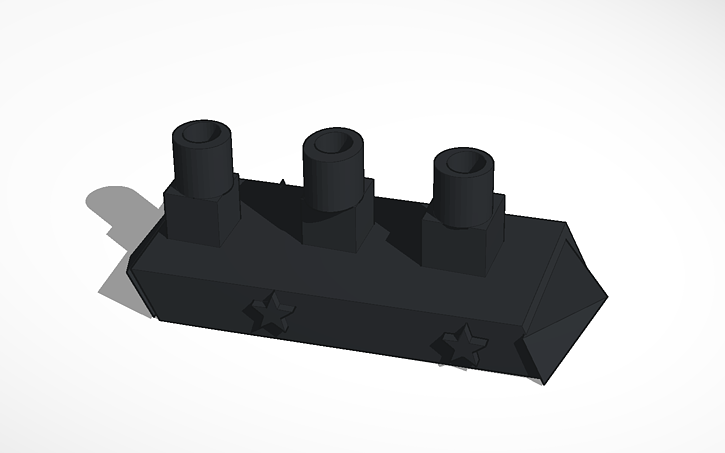
As always, I was amazed by what students figured out in such a short time.  One group really wanted to put holes in the top of the smoke stacks on a boat they were making.  They tried several different things and never once got frustrated.  I was fortunate enough to be with them at that moment of exploration and encouraged them to keep trying.  After several attempts, they figured out how to put one cylinder inside another and make the inside cylinder a hole.  It looks great in Tinkercad, so we’ll see how it translates to 3D printing.  These same types of conversations were happening in every group.

Deep in thought

Deep in thought

amuns_titanic

Ship with holes in the smoke stack

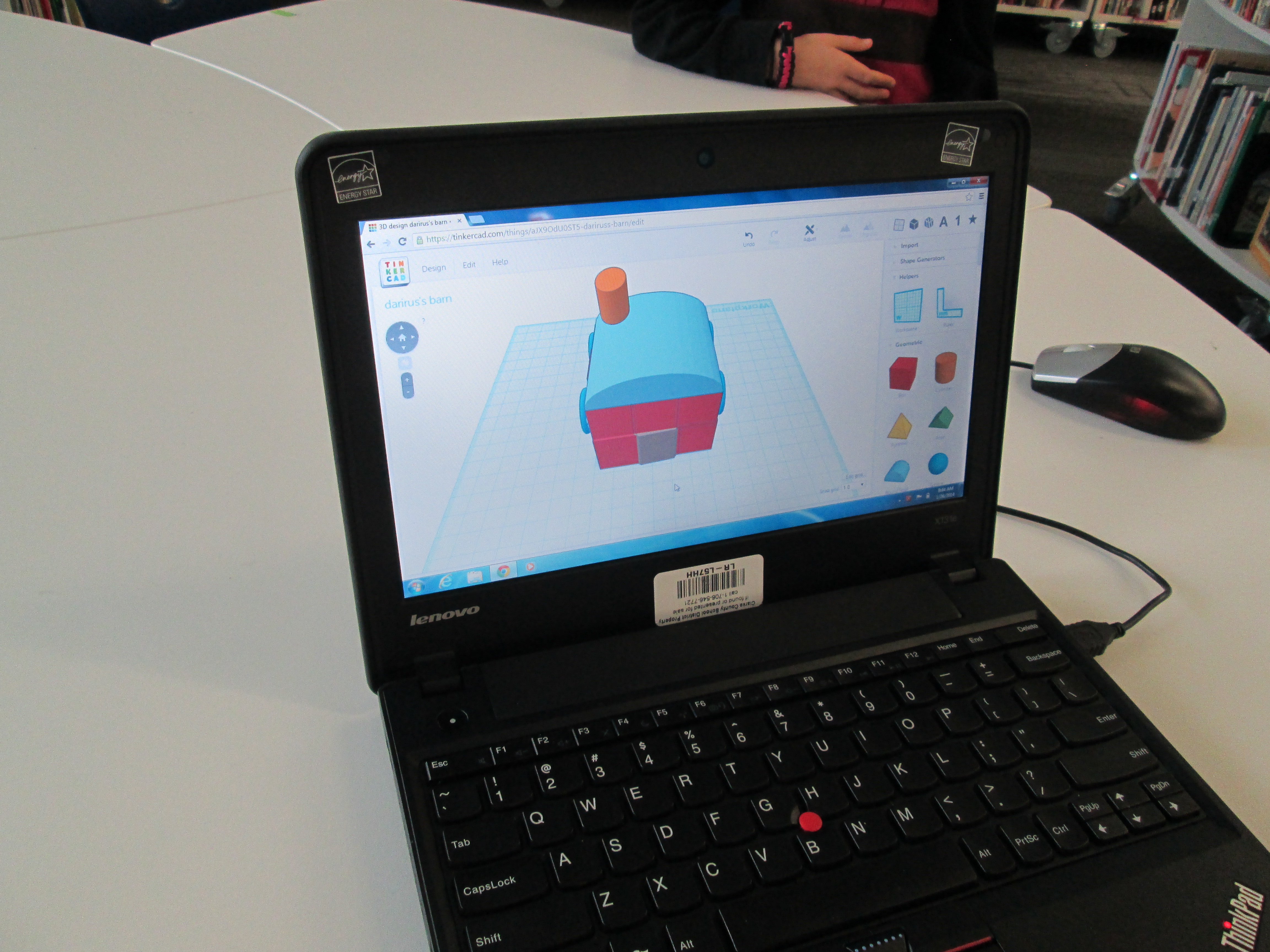
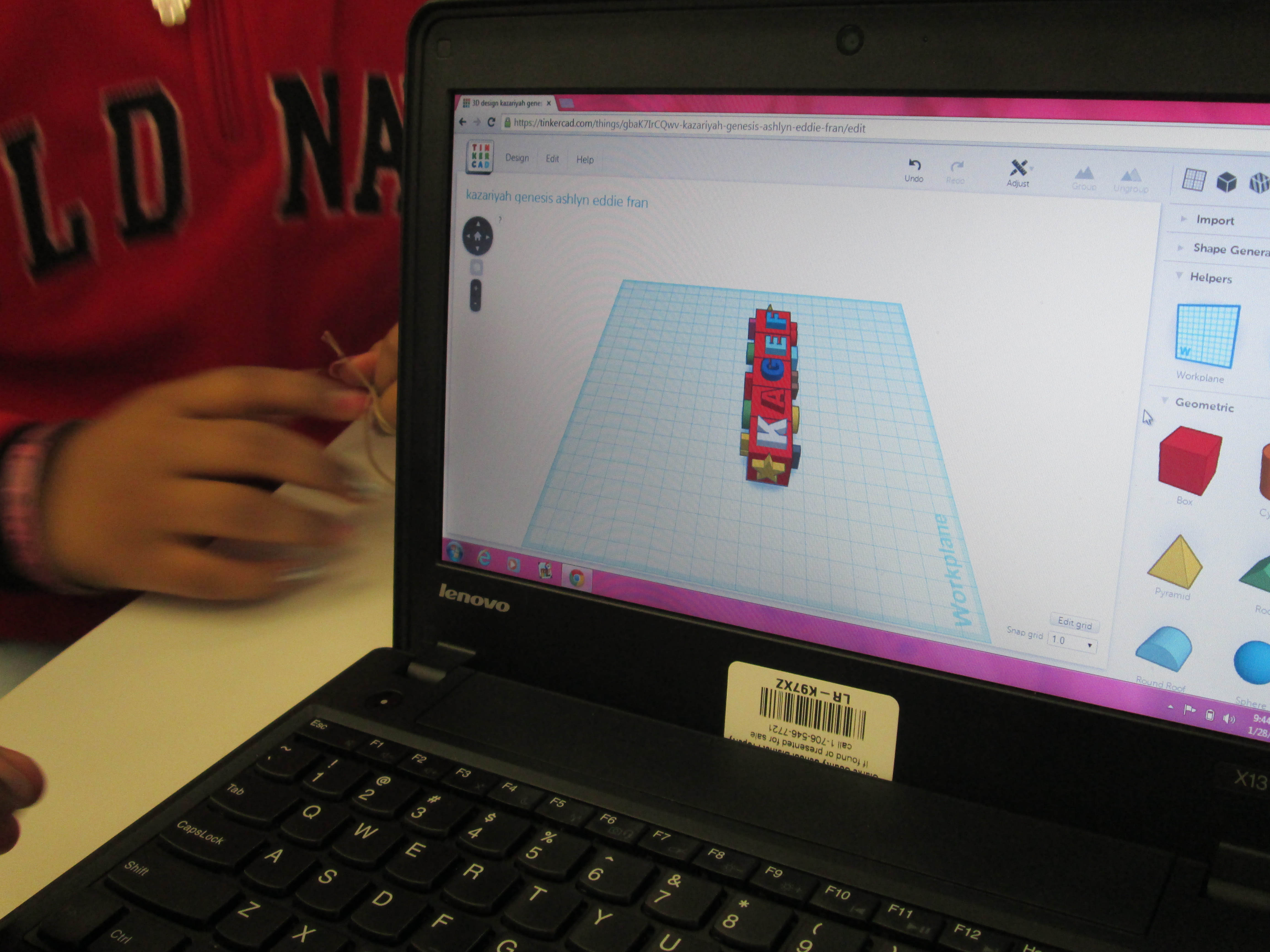
I also loved that we did not tell students what they had to create.  The only guideline was that students work together to create something for their larger kinetic sculpture.  Every group created something totally different from a block filled with words to a barn to a ship.

Tinker Ramsey (8)

As usual, we are always crunched for time in school.  This was a great first pass at using Tinkercad with an entire grade level.  I’m hopeful that in the future we will figure out ways to increase the amount of time that students get to spend on their designs.

Exploring Chinese New Year with Kindergarten: Google Voice Search, Pebble Go, colAR Mix, and More

BeghKH6IAAAZUVXMrs. Li’s Kindergarten class has been exploring the Chinese New Year with me in the library.  During our exploration, we’ve tried out several resources for information.  First, we used Capstone’s PebbleGo database to do some pre-reading for background information.  We did this with little discussion about the holiday, but instead just focused on listening to the information to build some shared knowledge.

pebble go

Next, we thought of questions that we had about the Chinese New Year that were possibly not answered by PebbleGo.  We asked things like:

  • When is Chinese New Year this year?
  • When is the lantern festival?
  • Where is it celebrated?
  • How is it celebrated?

Before students came, I installed the Google Voice Hotword Search extension in Chrome.  This allowed us to control a Google search with our voice.  For Kindergarten students who aren’t fluent in typing, this lifted a big search barrier for them.  We took our list of questions and took turns saying:

  • “OK Google”
  • When is the Chinese New Year?

Google searched and spoke to us telling us that this year Chinese New Year begins on January 31st.  We continued this process to answer many of our questions.

IMG_1806[1]

Next, we used Grace Lin’s book Bringing in the New Year to continue our exploration.  Many facts that we had already discovered were confirmed in the text, but the book allowed us to learn some of the family structure in China and what different family member roles are.  Mrs. Li was able to help us with this part of the lesson.  Since I wasn’t sure how to pronounce some of the words, she pronounced them for us and also explained the meaning of each family member’s name.  We certainly could have used Google for this, but we had a conversation about choosing resources to answer our questions.  Since Mrs. Li was with us in the room and is an expert in Chinese culture, she was a faster option for us than taking the time to go to Google.  It’s never too early to begin surfacing the thinking process that we go through as learners when we are trying to find the answers to our questions.

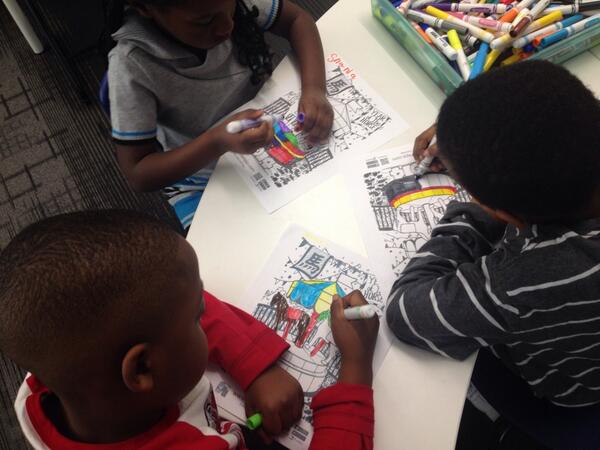
During the 2nd lesson, we once again used the Google Voice Hotword Search to explore the Chinese Zodiac.  We learned that 2014 is the “Year of the Horse”.  Students were curious about their own birth years, so we used Google to look for the signs for each of their years too.  From here, we spent some time coloring a colAR mix coloring page for Chinese New Year.  Students used the iPad app to view their carousel creations.  The app uses augmented reality to bring coloring pages to life.  The carousel pops off the page and rotates to music with they year 2014 in front of the carousel.  Students were mesmerized by their coloring page brought to life.

We explored so many skills and tools in just 2 lessons.  I want to continue this transliterate thinking of how our students can experience content across multiple platforms.  In these 2 lessons, we examined print, databases, websites, search engines, crayons/markers/paper, and augmented reality.  I’m curious to ask students later what they remember about Chinese New Year and see what stands out in their minds from these 2 days.