Heart Poems, 3D Printed Charms, and Rainbow Loom Bracelets for Banding Together

heart poems (14)

We kicked off poetry month today with Heart Poem writing.  After our wonderful Skype last week with Shannon Miller’s students and poet, Joyce Sidman, our second graders have been hard at work crafting their heart poems to attach to our Rainbow Loom bracelets.

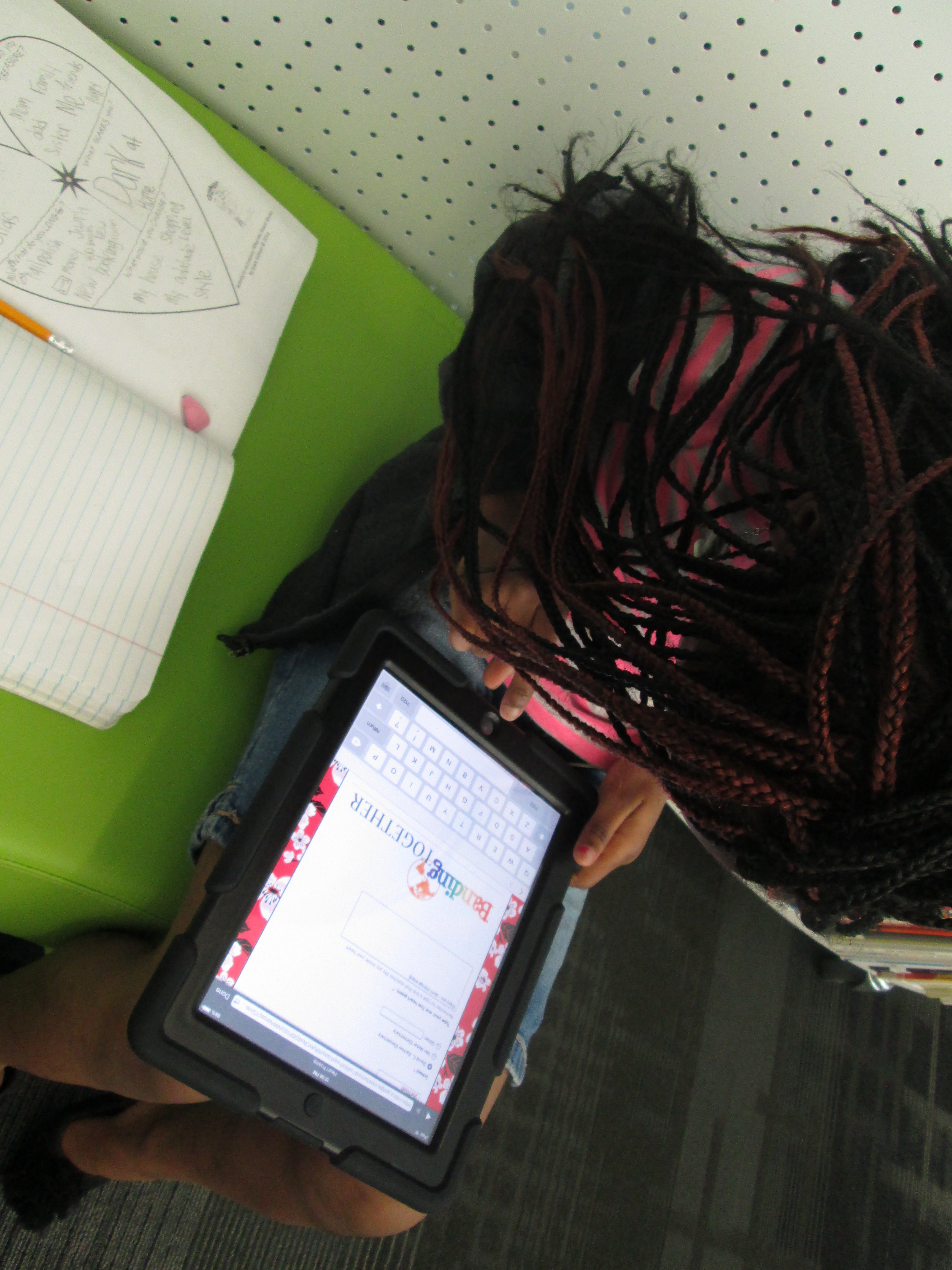
They started by filling out the heart poem graphic organizer from Joyce Sidman’s website.
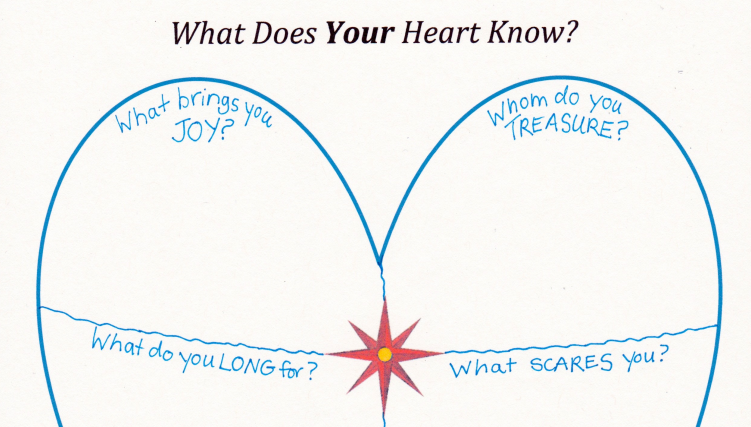
www.joycesidman.com books what the heart knows chants heart worksheet.pdf

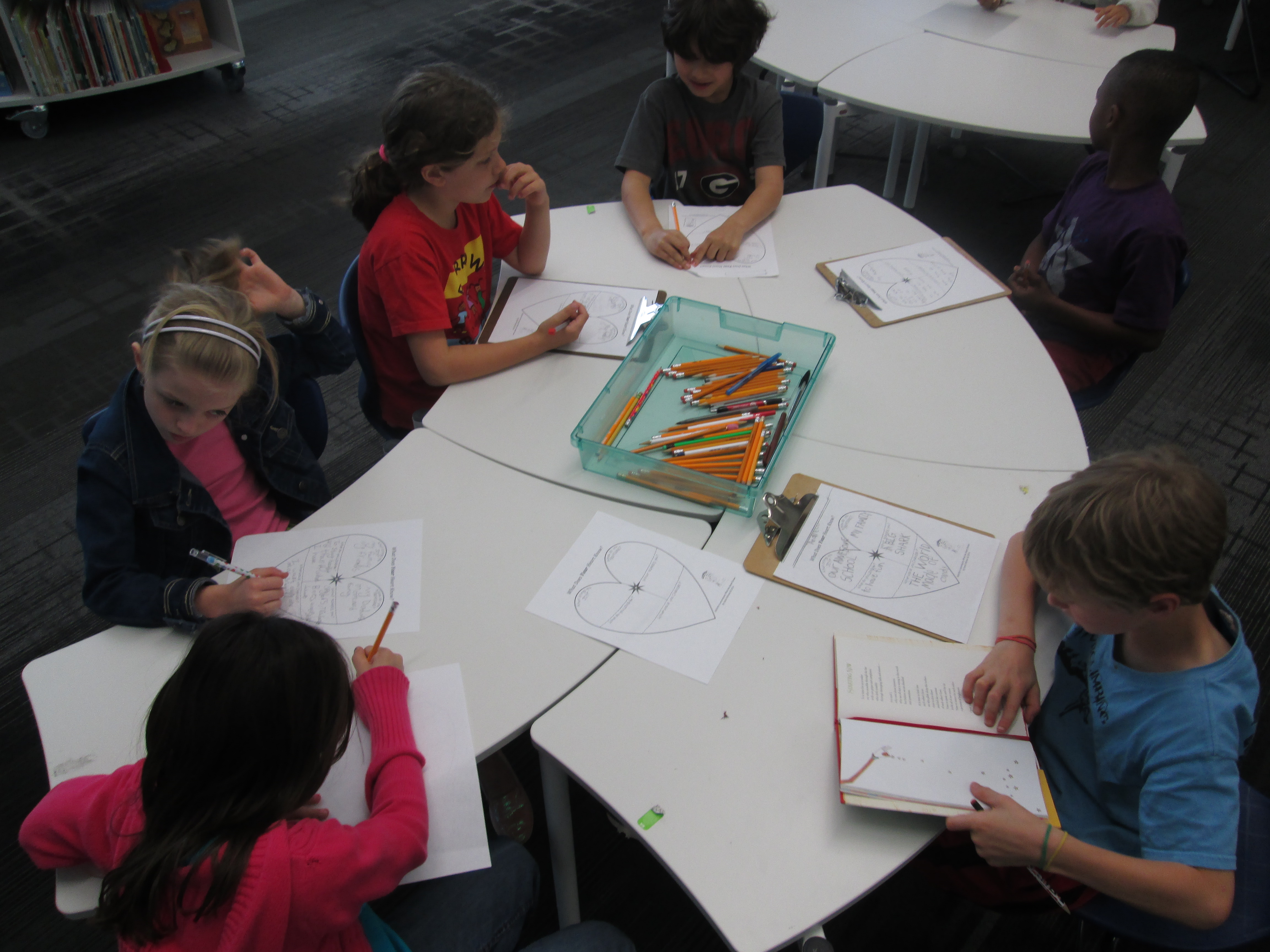
They did this in their classrooms and also in the media center.  Teachers sent small groups to me about every 15 minutes so that I could conference with some of the students and help them think about what their hearts know.  Each heart map was so personal and I smiled with students as they shared the happy things that their heart knows, but my heart also hurt with them as they shared very sad things that their hearts know too.  I was just floored when a student told me, “Mr. Plemmons, even when our hearts our sad, there is still happiness.  Everyone has happiness.”  Wow!  When I heard that, I knew that this project was going to be something that truly mattered in the world.
heart poems (1)

When I conferenced with students, we looked at their map and I asked them if there was a part of their heart that spoke to them more than others.  Most students gravitated toward what brought them joy and what they treasured.  A few wanted to write about what they longed for.  Even fewer wanted to write about fear, but we still talked about that part of their heart since Joyce Sidman really encouraged us to.

Once they selected the part of their heart to focus on, I asked them to think about how to add words to that thought to really make the poem sing or to make a picture in our heads or to make us feel an emotion.  Each conference was a little different.  We played around with words and thought about how a thought in our heart could sound different depending on the words that we put with the thought.
heart poems (5) heart poems (3) heart poems (2)

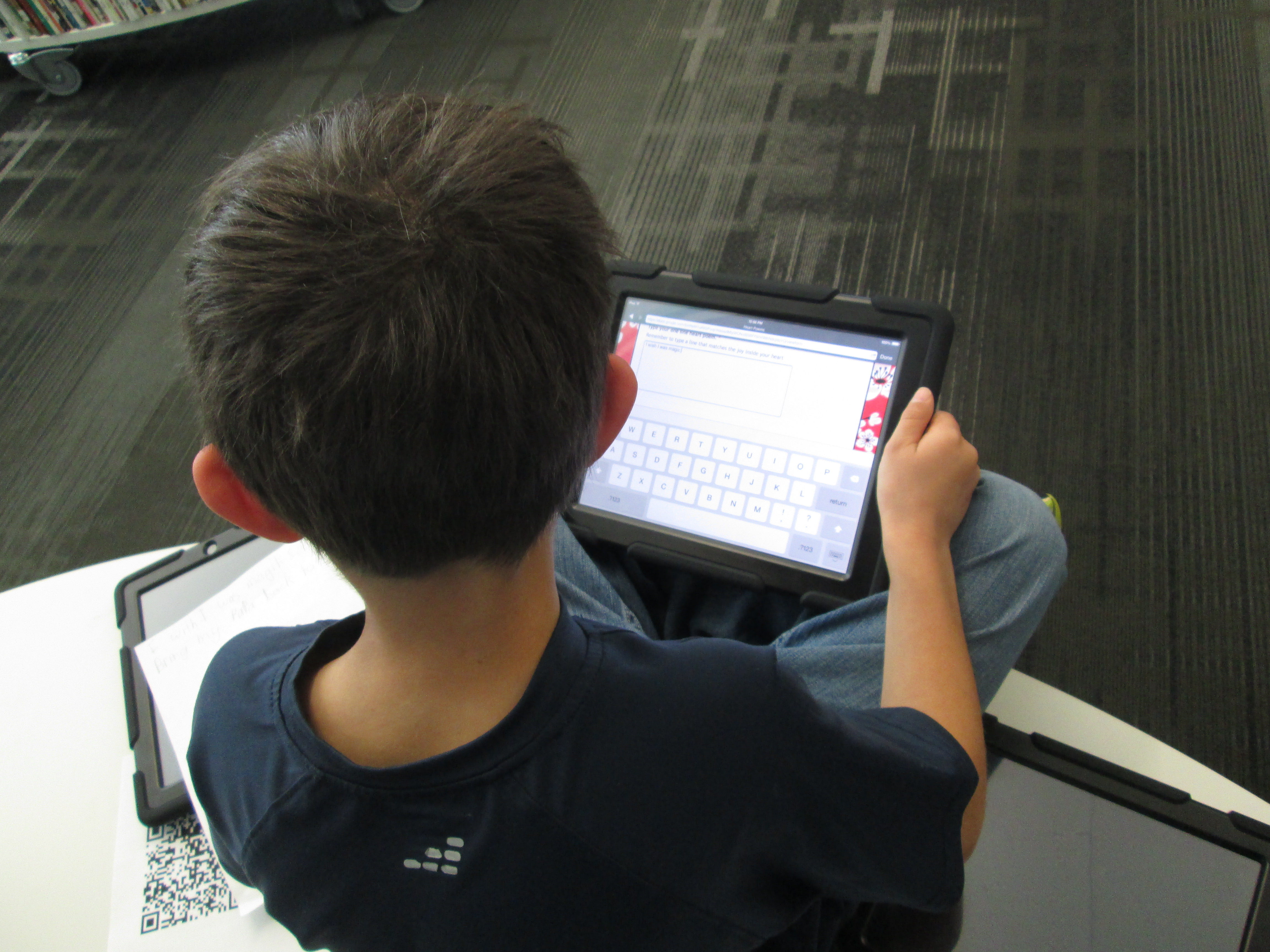
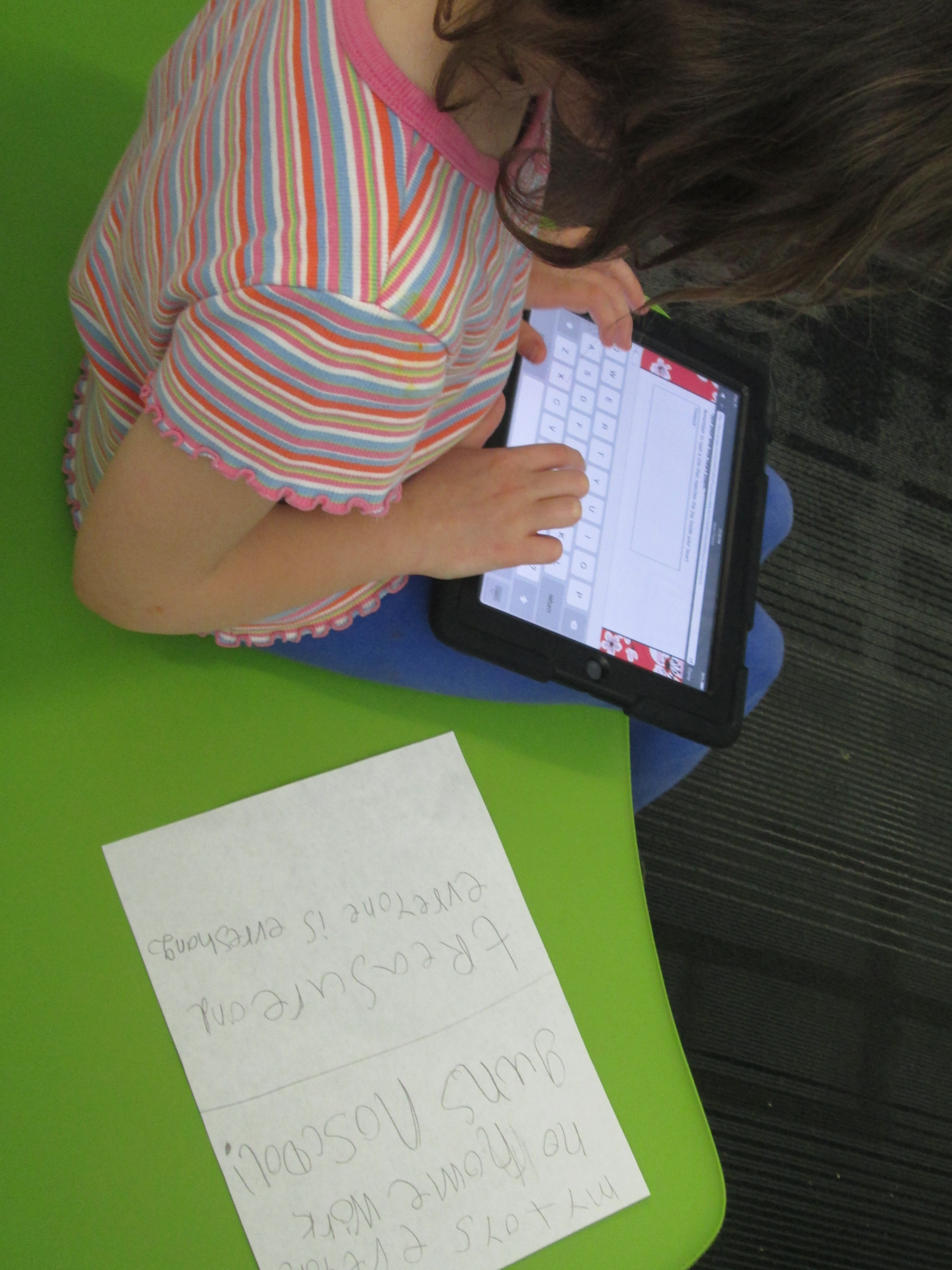
When students were happy with the poem, they used iPads to scan a QR code that took them to a Google form.

Heart Poems

They typed their first name, selected their school, and typed their poem.  Each poem went to a spreadsheet so that I could print them, cut them into strips, and attach them to our Rainbow Loom bracelets.  Here are a few of their poems so far:

Adaline David C. Barrow Elementary The waves, the sun, the beach, it makes me happy!!
cyra David C. Barrow Elementary Dogs spread joy with a wag of a tail.
clara David C. Barrow Elementary Nature brings me joy and love when the wind blows and it rains and I go splashing through the puddles.
Wilson David C. Barrow Elementary Sudden noises scare me but my family comforts me.
Sola David C. Barrow Elementary Love is everywhere,up the hill and over the mill,in nature.
Jacob David C. Barrow Elementary Sun feels warm when you be nice
Finley David C. Barrow Elementary Spring showers brings spring flowers.
Mara David C. Barrow Elementary Love is in this bracelet.
Claire David C. Barrow Elementary You give me the best thing someone has ever gave me and it is the love,joy,and the happiness that makes my heart sing
Carinne David C. Barrow Elementary We are joy. We are bright together. You are powerful.
Evin David C. Barrow Elementary Enjoy the world,keep it healthy
Finley David C. Barrow Elementary Animals spread joy with a wag of their tail
Alanna David C. Barrow Elementary Roses are red, violets are blue. I’m your friend and I hope you are too.
Harry David C. Barrow Elementary Love defeats hate.
Natalia David C. Barrow Elementary April fun and sun. Here. I come! Flowers. Showers Baby. Animals
Axel David C. Barrow Elementary I wish my brother would come back.
Finley David C. Barrow Elementary Bands linked together just like a family
Kyleigh David C. Barrow Elementary My family bring’s me joy and my school bring’s me joy and so do you.
Alice David C. Barrow Elementary Don`t expect things to be bad, expect things to be good.
Adam David C. Barrow Elementary I wish I was magic so I can bring my papa back to life.
Sha’Niyah David C. Barrow Elementary Enjoy you – don’t change enjoy life – do what you like enjoy Love – love your love
Sophia David C. Barrow Elementary Treasure and everyone is everything

Students and families are helping me with attaching poetry to bracelets.

heart poems (11)

These poems are such a great addition to our Rainbow Loom bracelets.  I was excited when we added 3d printed charms, but the poetry brings the bracelets to life as if they had a voice to speak to our friends across the miles.  We will write more poetry tomorrow before we finalize our package of bracelets to ship to India via Van Meter.

Happy Poetry Month!


Black History Month Research and Persuasive Commercials in 2nd Grade

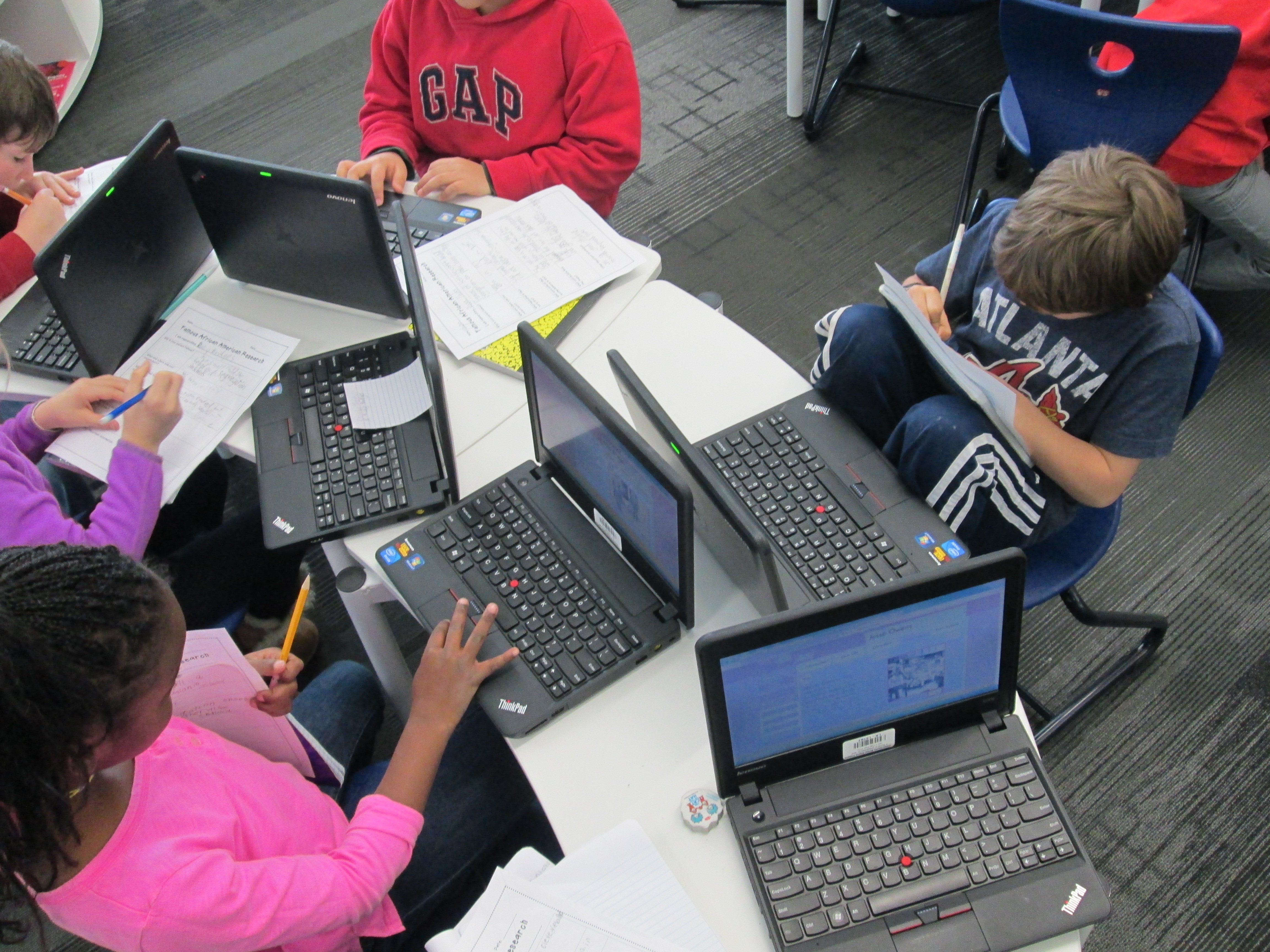
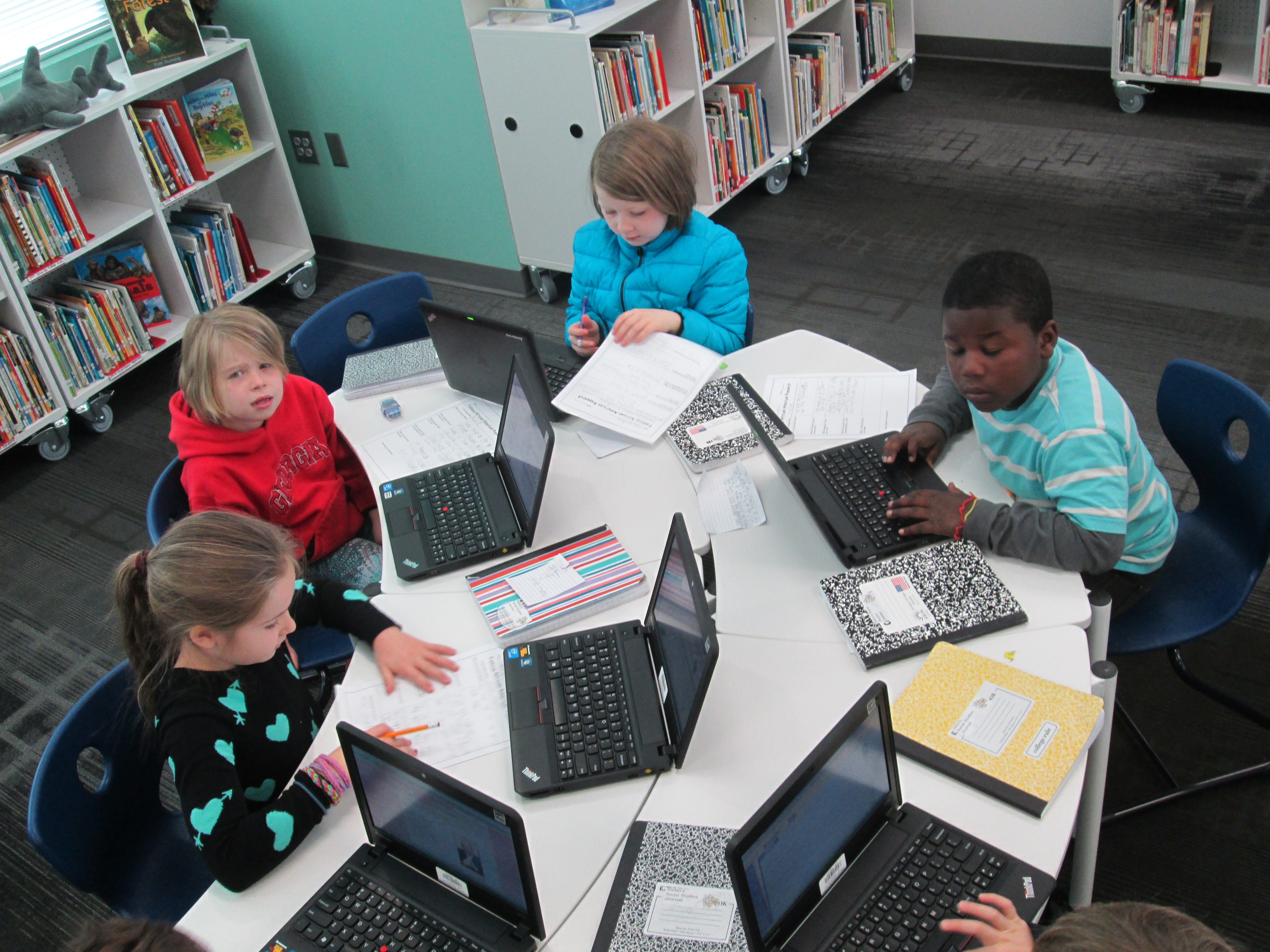
IMG_1815Second grade has been working on a big research project.  Each student selected one of five African Americans to research.  Rather than write a traditional informational paper on their person, the 2nd grade teachers and I decided to weave persuasive writing into the project.  Students would think about which historical figure should be on a next US postage stamp and would create a persuasive commercial to convince an authentic audience to vote for their historical figure.

We actually began our project with persuasion.  Students spent time talking with one another about what it means to persuade.  They mentioned things like:

  • convince someone to do something
  • get someone to get something for you
  • make someone change their mind

Anytime I teach persuasive writing, I want kids to leave with an understanding that persuasive writing isn’t just about getting someone to get something for you.  It’s one of the most powerful kinds of writing that can bring about change.  However, many kids connect with the idea of commercials and convincing their families to buy something for them, so we often start there and expand.

We watched a commercial of one of this year’s hot holiday toys, the Flutterbye Fairy.

IMG_1814We used this commercial to think about a structure for persuasion.  Students first noticed what we called a hook at the beginning.  “Can you keep a secret?” was a phrase that hooked our attention to want to watch the rest of the commercial.  We noticed that the rest of the commercial showed us just how easy it is to use the fairy, so this was like giving the facts about what you are writing about.  Finally, we noticed the closing line “the magic is in your hands”.  This was a phrase that would stick with us long after we watched the commercial.  In fact, I told the students that my own daughter uttered this phrase the first time she flew her own Flutterbye fairy, so I knew it was a phrase that stuck in your head.

To continue our exploration of persuasion, we read Melanie Watt’s Have I Got a Book For You.  This book uses just about every persuasive technique that you can think of.  We noticed these techniques along the way and folded them in to our noticings from the fairy commercial.

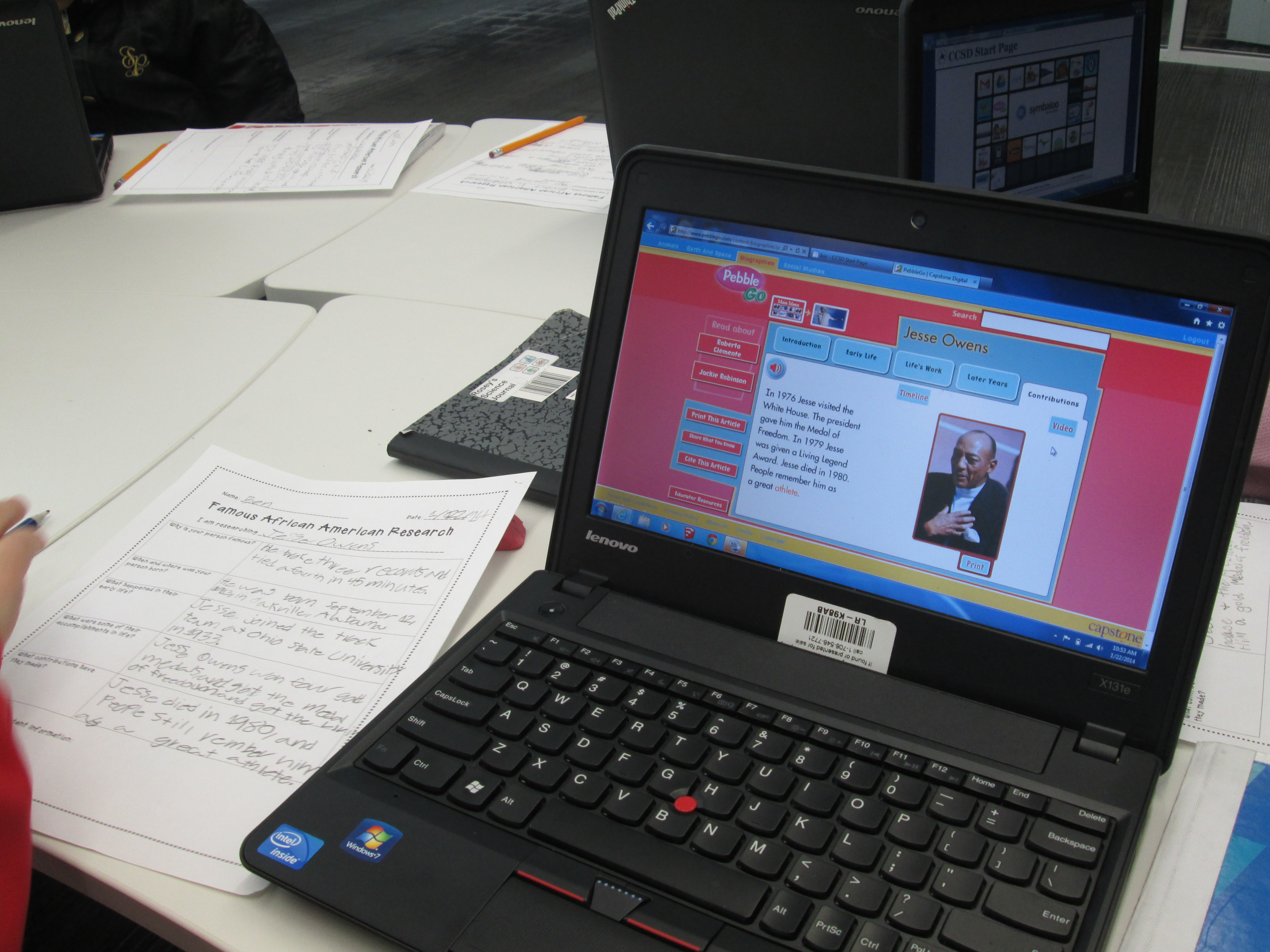
After this initial exploration of persuasion, students worked some in their classrooms.  They selected the African American they would research and got a graphic organizer to located some basic facts about their person.  We referenced the fairy video and how important facts are when you are persuading.

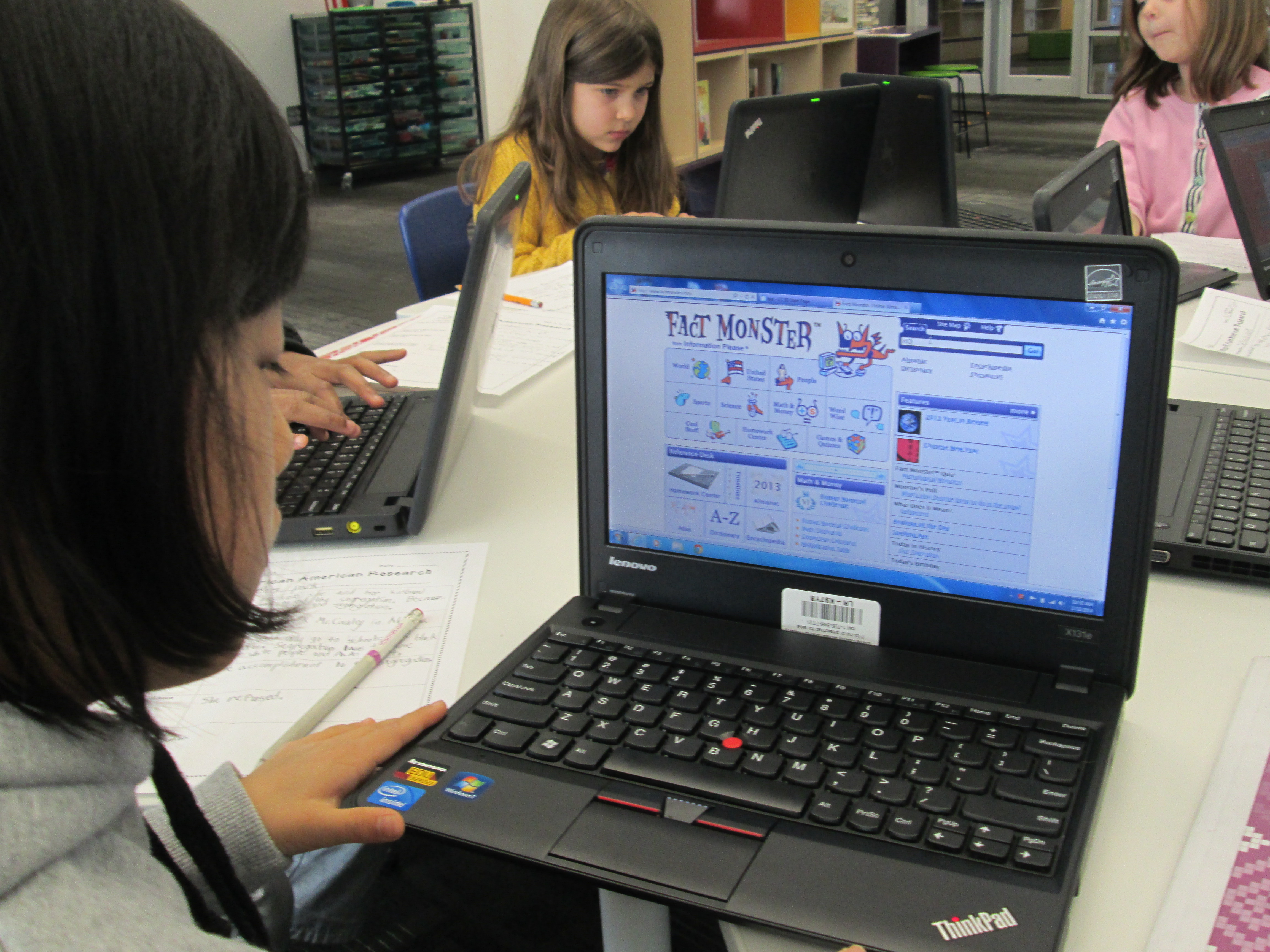
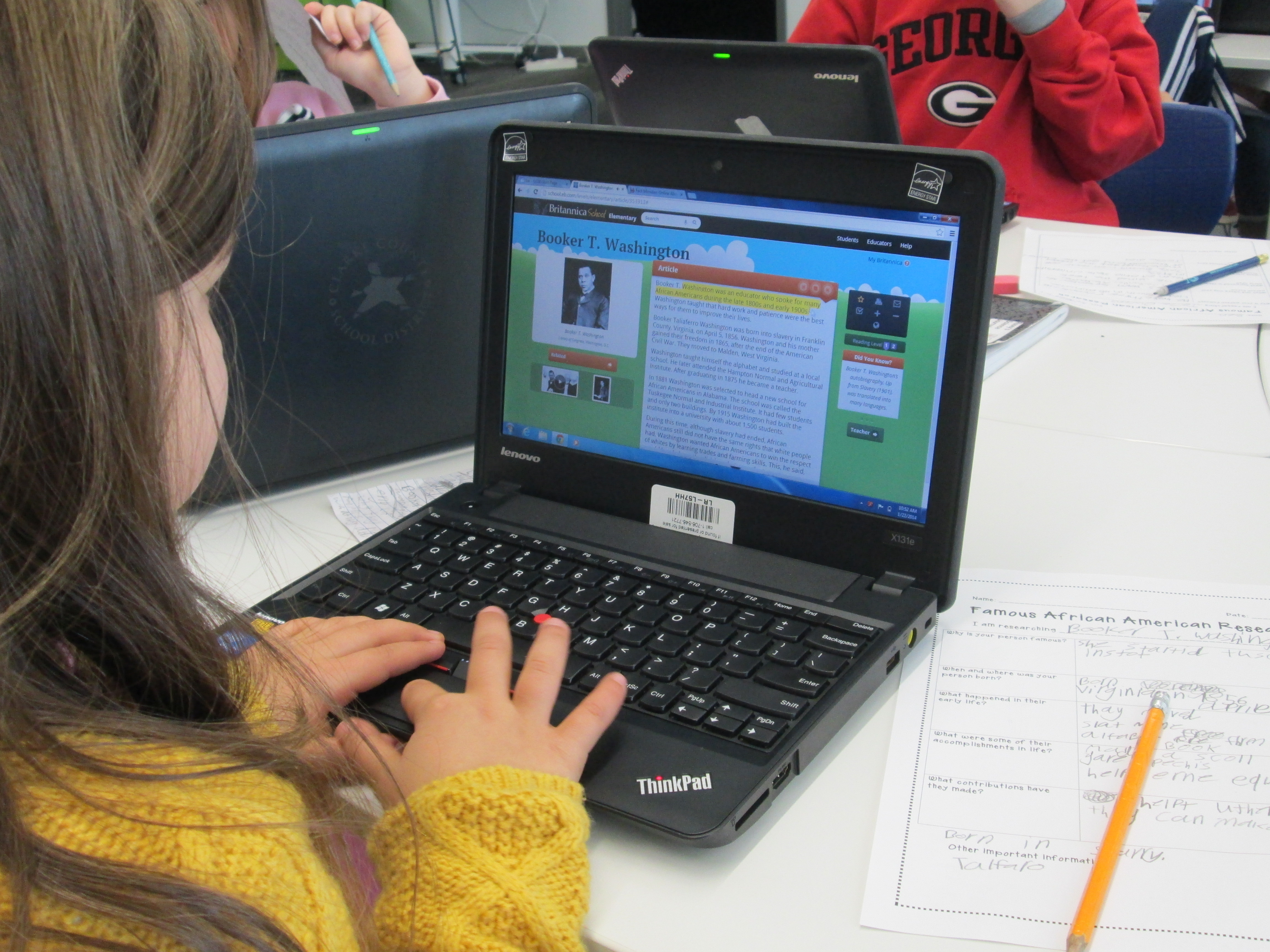
IMG_1813Students spent time in class and in the library using several tools to research.  I did a quick mini-lesson on using PebbleGo, Galileo’s SIRS Discoverer, and Galileo’s Britannica.  All of these tools had text to speech features to support learners of all reading levels.  During this mini-lesson, I also stressed how research is never really “done”.   You just reach a point where you feel like you have enough to tell your story.  Adults circulated and conferenced with students on their progress as they researched.  I loved that not many said “I’m done”, but when they did, we gently reminded them that research is never really done.

IMG_1812Now students are pulling their facts together, creating hooks, and coming up with a great closing like “the magic is in your hands”.  Once they have these scripts written, we will move forward with the next part of this project which will involve recording commercials in Flipgrid and creating a Google form for voting on which commercials are the most persuasive.  I’m compiling all of this onto a Smore which will populate with information in the coming days.

IMG_1811

First Grade Google Form Choose Your Own Adventure

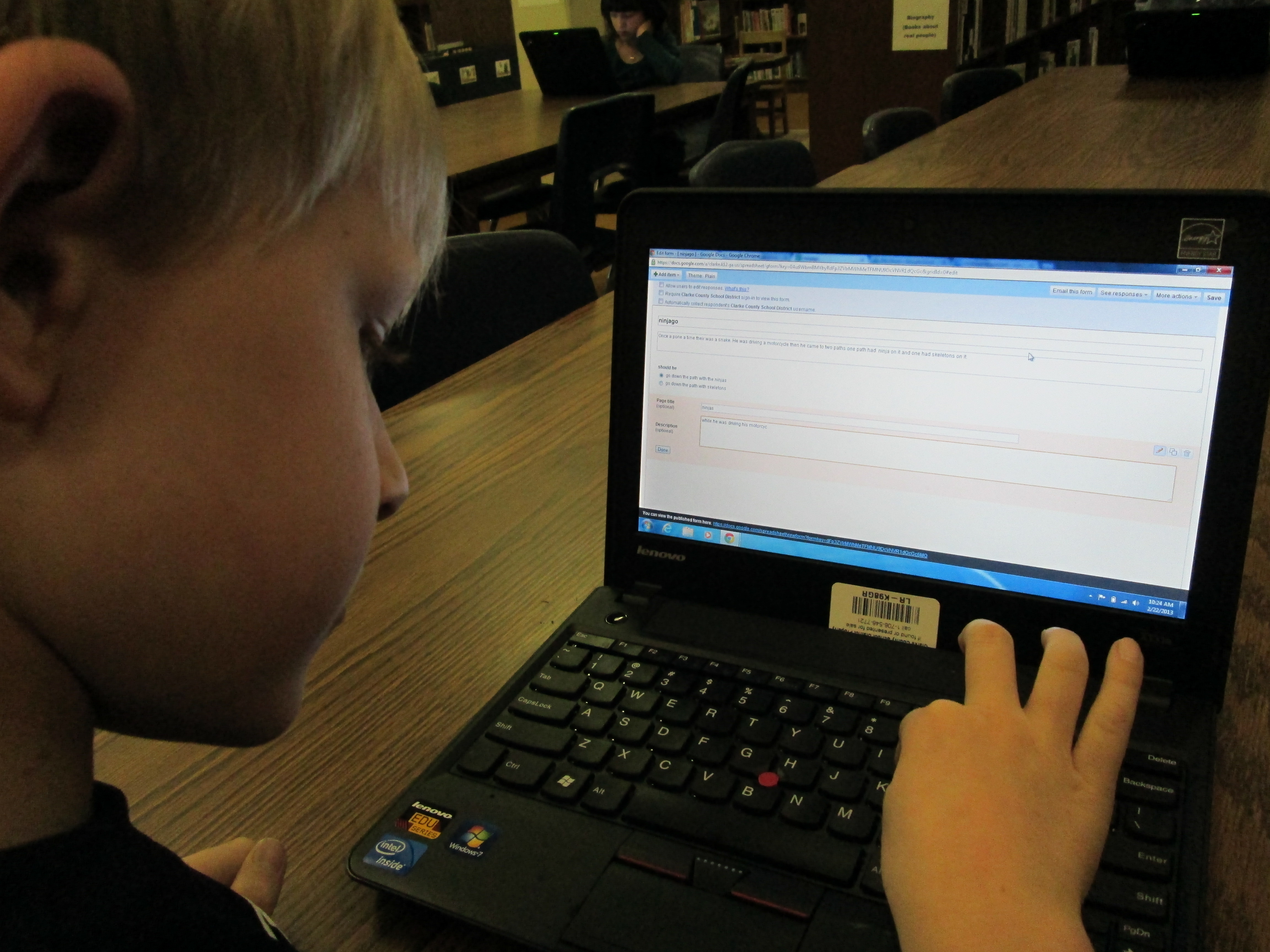
IMG_0050A small group of five 1st graders have worked with me during their writing time to create a Google Form Choose Your Own Adventure.  This year, some 4th graders tried this with some social studies standards.  These 1st graders were free to write about anything that they wanted to.  We met during 4 one-hour sessions that looked something like this:

Session 1:  I showed a completed Google Form Choose Your Own Adventure as a model.  Then, I showed the first steps of creating the story which were to create a title, a beginning, and the first 2 choices the reader had to make.

Session 2:  We made new pages for each of our 2 choices and created 2 new choices for each of those choices.  We linked the choices from the beginning of the story to the correct pages.IMG_0049

Session 3:  We made 4 endings for each of our choices from the middle of the story.  We also made a “The End” page.  We linked each choice to its correct page.

Session 4:  Students used Google to correct spelling, added details to their stories, traded computers with a friend to test their story out, chose a theme for their form, and emailed their final form to me for this post.

IMG_0048These students needed a lot of assistance during this project, so I feel like this is something that would work better in small group settings with adult support for younger students.  I do think that the structure of these 4 sessions was very obtainable for these students and 1 adult.  These students now have a lot of expertise that they can now share with students in their class.  I’m not sure that they could fully create one of these on their own yet, but they definitely developed their skills in Google docs and forms.


You can read their stories here:

The Apple and the Chocolate Trainer by Kyusung

The Clouds by Katie

The Fairy by Adaline

Ninjago by Bo

This story was still in progress at the time of this post:

Tinya the Teacher Fairy by Carinne


Student Book Budgets 2012-2013 (Part 2)

The lists are done and the orders are placed!  Twenty-seven 3rd-5th graders have worked very hard during their lunch time for the past week to create lists of books that are grounded in the results of their school-wide reading interest survey data.  Rather than type everything out here, I’ve made a screencast that shows you the survey, the data, the focus categories, and the final lists.  I invite you to listen:

http://www.youtube.com/watch?v=MFmznHd1XTo

I’m very proud of these students.  Although, doing this during lunch across multiple times and groups of students was literally and figuratively very messy, I liked the overall results.  As always, some amazing moments happened along the way like:

  •  A student standing up and telling the whole group not to think of themselves.  That they needed to keep in mind all of the students of the school.
  • A male student taking a stand for princess books being on the list because he personally heard from multiple students who desperately wanted more of those books in the library.
  • A group of 3 fifth graders debating whether or not to cut a graphic novel off of the list because it cost $26.00.  They talked for 15 minutes just about that one book.  They read reviews, considered popularity, examined quality, and checked circulation statistics for other books in that series.  (They decided to keep it on the list!)
  • Several students repeatedly went into Destiny to search for how many books we had in particular categories, which books were lost in a particular series, and how many copies we had of certain books like Wimpy Kid.

I’m thankful for Capstone Rewards, too, because I helped out some of our tough decisions by using $500 of free book credit to bump up our budget from $1200 to $1700.  Even with that bump, some very tough decisions were made to cut books that would have been equally as popular.  I look forward to seeing what this group comes up with to market these books to the school and how fast they get checked out!

Student Book Budgets 2012-13 (Part 1)

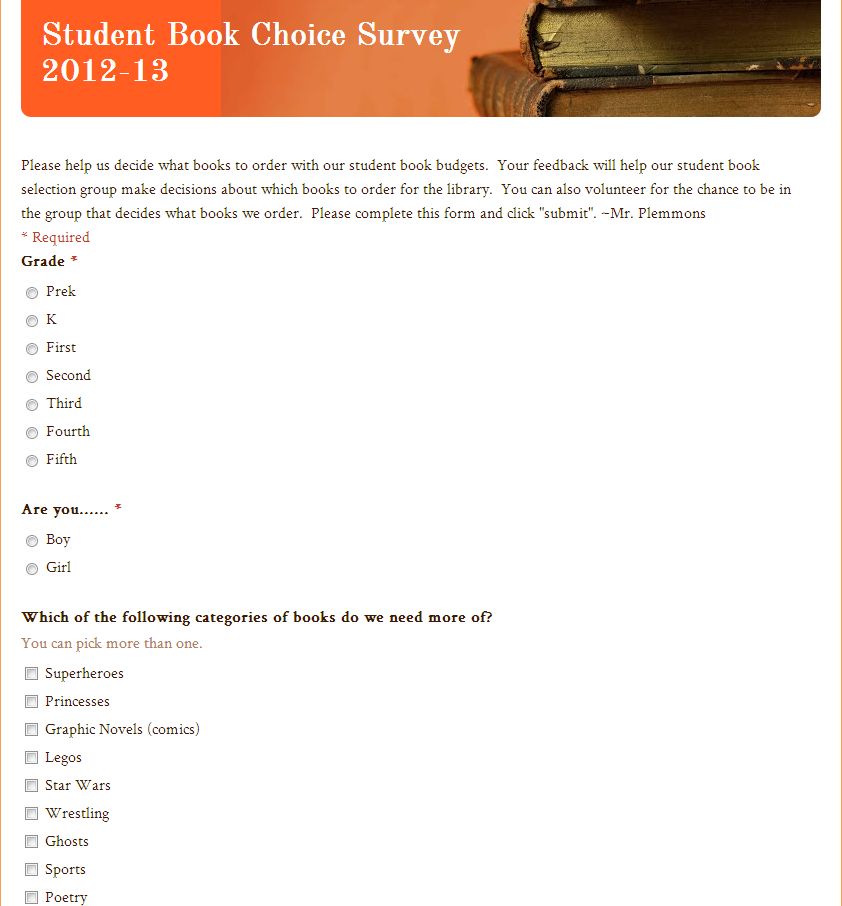
A snapshot of the form that students used to survey other students

A snapshot of the form that students used to survey other students

Once again, I have reserved a portion of our library budget for complete student control.  I have done this over the past three years and have come to value it so much that I plan to continue and improve upon the process.  So far, this year is proving to be one of the most interesting so far.  In the past, I’ve worked with groups of students as large as 40 and as small as 12.  This year, we have 27 students in grades 3-5 who have agreed to participate in this process.

This year, I created a Google form asking about some reading interests and gauging student interest in being a part of the book budget group.  I emailed the form to all students in the school.  In general, our 3rd-5th graders are the main students who check their email, so those were the students who responded.  Out of about 60 responses, I had about 40 students who were interested in being in the group.  I went through the list and tried to select a mix of boys, girls, grade levels, classrooms, backgrounds, and reading interests.  This narrowed the list to the 27 students.

I then got permission from the students’ teachers to allow them to be in the group.  Next, I blocked out some times on the library calendar.  Here’s the rough outline of what I did/planned to do:

  • 1/25:  Initial meeting with the whole group to lay the foundation of our work and edit the Google form that I started. We also claimed which grade levels we would each survey. This was done at the very beginning of the day when students would have been doing their morning meeting in the classroom.
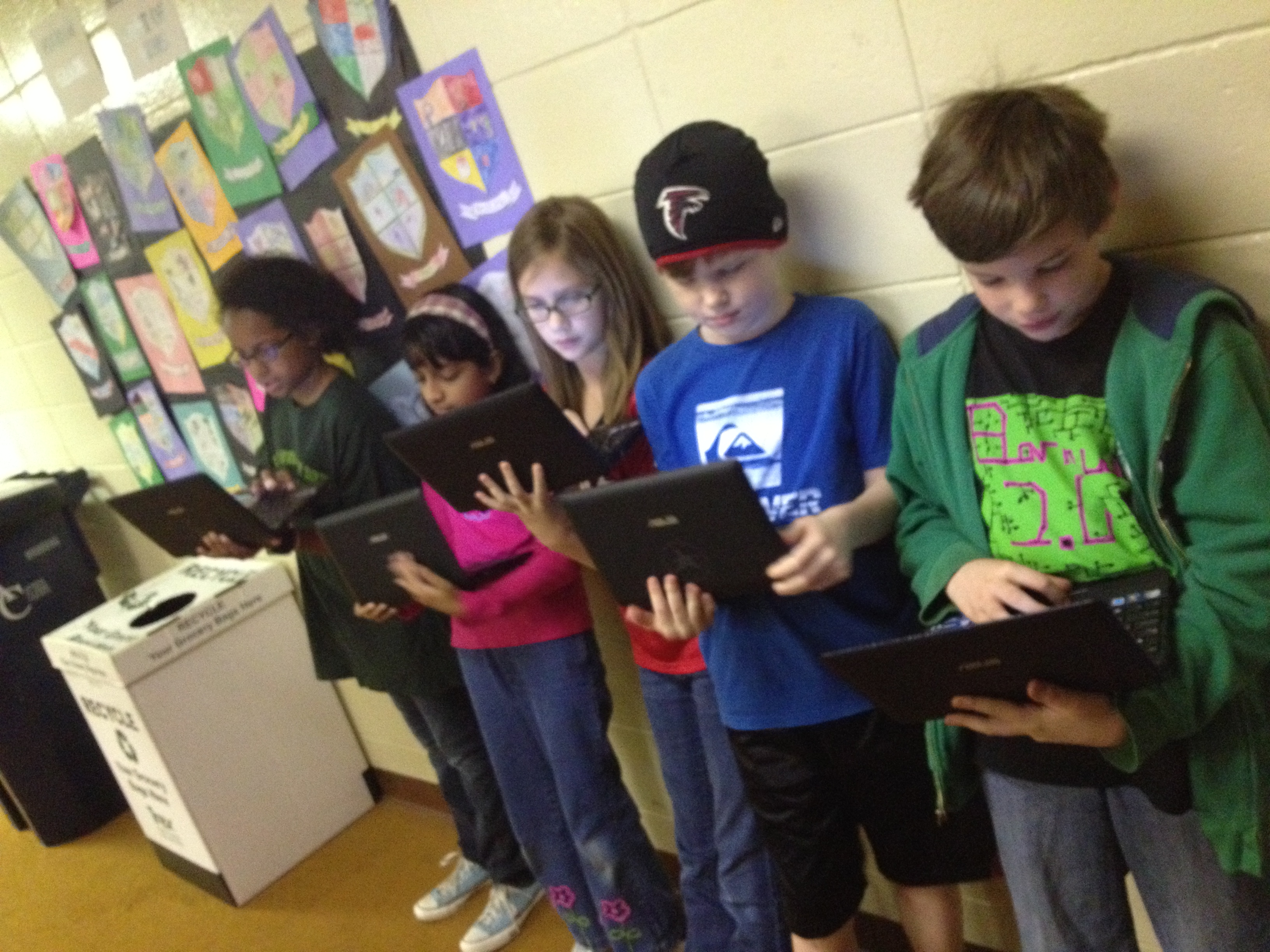
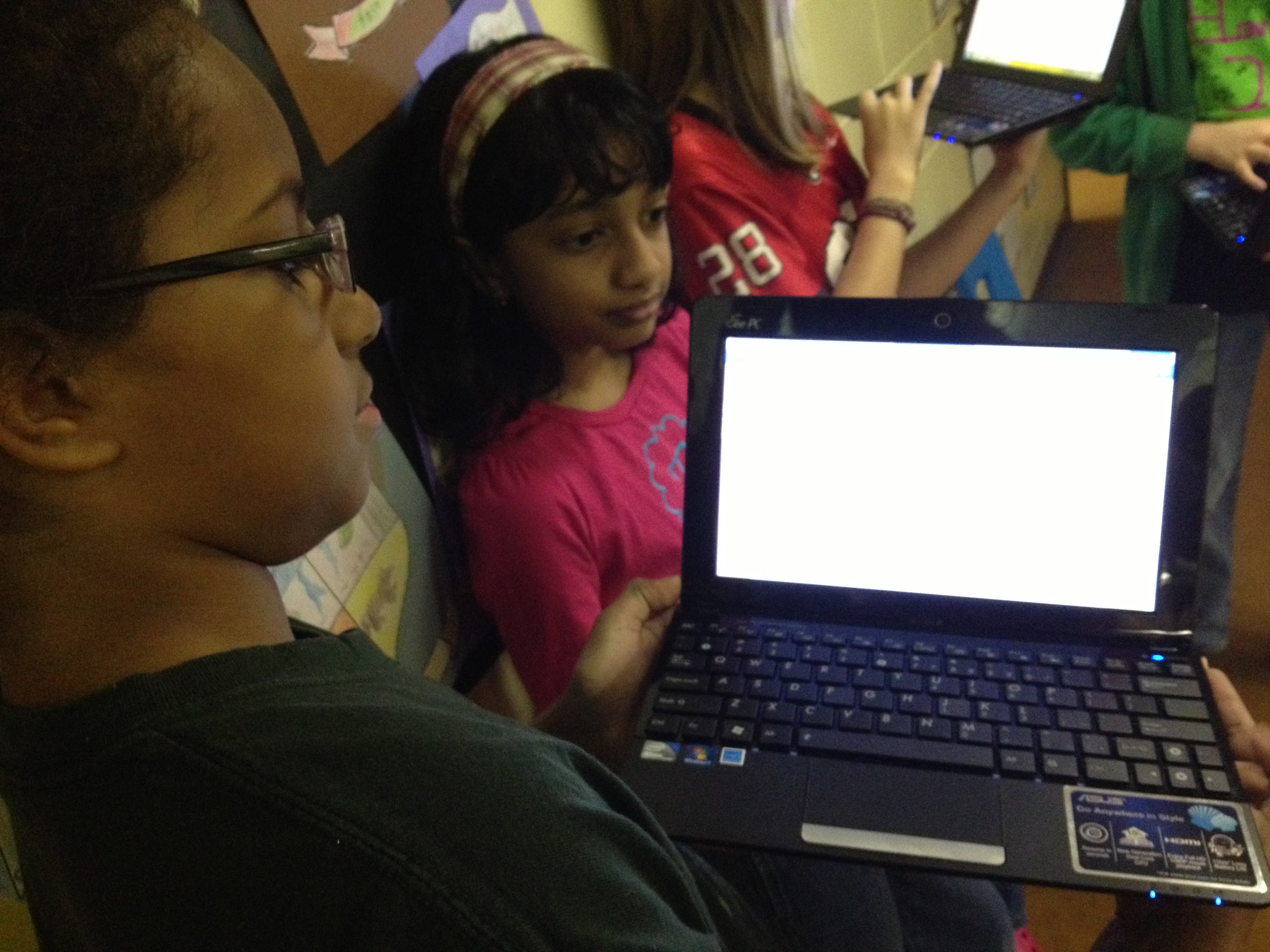
  • 1/28-2/1:  As soon as students arrived at school, they got their netbooks out and pulled up our Google form.  Then, they surveyed their own class as well as one other grade level that they had chosen.
  • 2/1:  After surveying is done, email the results to all of the students so that they can begin looking at patterns.
  • 2/4, 2/8, & 2/11:  Students will meet in the library during their lunch.  We will narrow down the survey results and determine which specific books and categories of books we want to focus on.  Then, students will begin creating lists of books with our favorite vendors including:  Bound to Stay Bound, Capstone Press, and Follett
  • 2/12:  Finalize the lists and order the books.
  • While we wait on the books to arrive, some students might choose to work on some marketing strategies, but I won’t do this with every student in the group.
  • When the books arrive, schedule a meeting to unpack, stamp the books, and double check the packing slips.
  • Advertise the books on BTV and put them into circulation.
Students pulling up their Google Form to begin roaming the school.

Students pulling up their Google Form to begin roaming the school.

At our initial meeting, students did a great job adding to the form I had already started.  In the form, I asked about specific series of books, genres of books, and created a space for students to list specific books.  This was all based on what students are constantly asking for in the library so there were things like:  The Hunger Games, Diary of a Wimpy Kid, World Records, Rainbow Fairies, Ninjago, Lego, Princesses, etc.  The students decided to add a question about grade level and gender so that we could balance how many boys, girls, and students from different grade levels we surveyed.  They also added their own series and genres that I completely missed.  This is what I love about this participatory aspect.  It’s impossible for one person to know the reading needs of the entire school.  It has to be a collaborative effort.

During the week of 1/28-2/1, students surveyed as many students as possible.  I was amazed that by the end of the week they had surveyed over 400 students, which is almost every student in the school!  This is highest amount of students we have ever been able to survey in this project.  Almost every day, I emailed the students an update on how many students in each grade level we had surveyed.  This helped them focus their time.  I was also amazed by the decision making of many of the students.  They were careful not to disturb a classroom if the teacher had already started a morning meeting or a lesson.  They also came to the library to ask me my thoughts about where they might go next.  In the library, I watched the number of surveys steadily climb in the spreadsheet that Google Forms automatically creates.IMG_1689

On 2/1, I emailed the students the final results so that they can hopefully look over it before we  begin the messy process of making decisions this week.  I’ll do another post about the decision making process and book ordering, but for now here’s what we have to work with.  How would YOU narrow this down?

Prek 42 10%
K 58 14%
First 69 16%
Second 73 17%
Third 46 11%
Fourth 45 11%
Fifth 33 8%


Boy 207 49%
Girl 159 37%


Superheroes 129 31%
Princesses 92 22%
Graphic Novels (comics) 170 40%
Legos 172 41%
Star Wars 141 34%
Wrestling 96 23%
Ghosts 165 39%
Sports 206 49%
Poetry 124 30%
History 145 35%
Animals 232 55%
Paper airplanes 149 35%
Cars 144 34%
World Records 201 48%
Drawing 197 47%
Mystery 167 40%
TV shows 149 35%
How to 126 30%
Action 159 38%
Scary 177 42%
Myths & Legends 159 38%
Picture books 187 45%
Movies 185 44%


Hunger Games 161 39%
Rainbow Fairies 113 27%
Diary of a Wimpy Kid 211 51%
Guinness World Records 168 40%
Ninjago 174 42%
Disney Princesses 87 21%
Sisters Grimm 59 14%
Mo Willems books 90 22%
Captain Underpants 145 35%
Geronimo Stilton 104 25%
Magic Tree House 191 46%
Junie B. Jones 168 40%
Lunch Lady 141 34%
Babymouse 139 33%
Goosebumps 100 24%
Dr. Seuss 190 46%
Fashion Kitty 114 27%
Bad Kitty 142 34%
39 Clues 109 26%
Eragon 73 18%
Bone 111 27%
Genius Files 75 18%
Nancy Drew 95 23%
Corduroy 89 21%
Hardy Boys 114 27%
Percy Jackson 100 24%
Archie Comics 92 22%


Google Forms: Choose Your Own Adventure

IMG_1645I had heard about how you could write a Choose Your Own Adventure story using a Google form, but I had not been brave enough to give it a try until this year.  The idea got placed back in front of me at one of our media specialist professional learning meetings by Tanya Hudson.   Then, I went into Google forms and gave it a try.  I made a very short, basic fiction story. I won’t go into detail in this post about how the story is made, but it is all about adding multiple page breaks in a form and then directing answers to go to those pages based on the response of the reader.

Mr. Plemmons’s very rough practice story!

Then, at our school level professional learning day in January, I did a session on using Google forms.  I shared some very basic uses of forms and also included this advanced idea.  Our 4th grade teachers were very interested in how this might be used by their students.  After some brainstorming, we decided on writing historical fiction choose your own adventure using some of the 4th grade standards.  In the library, I have several nonfiction choose your own adventure stories from Capstone Press, so these became mentor texts for the project.IMG_1644

The teachers gave me a small group  of students from each of their classrooms.  The reason we started with a small group was so that I could work with them in a smaller setting to explore the possibilities of creating this kind of story.  Then, these students could pair with other students in the class to show them the steps to making the stories.  The students worked with me during 5 hour-long sessions.

In session 1, we read some excerpts from the informational Capstone Press books.  Then, I walked them through the story I made and how it was created.  They ended this session by “messing around” in Google forms to practice some of the things I modeled.

In session 2, students looked at the standards and chose their topics to begin researching.  They chose from:

  • Describe colonial life in America as experienced by various people, including large landowners, farmers, artisans, women, indentured servants, slaves, and Native Americans.
  • Locate where Native Americans settled with emphasis on the Arctic (Inuit), Northwest (Kwakiutl), Plateau (Nez Perce), Southwest (Hopi), Plains (Pawnee), and Southeast (Seminole).
  • Describe the reasons for, obstacles to, and accomplishments of the Spanish, French, and English explorations of John Cabot, Vasco Núñez de Balboa, Juan Ponce de León, Christopher Columbus, Henry Hudson, and Jacques Cartier.
  • Trace the events that shaped the revolutionary movement in America, including the French and Indian War, British Imperial Policy that led to the 1765 Stamp Act, the slogan “no taxation without representation,” the activities of the Sons of Liberty, and the Boston Tea Party.
  • Describe the major events of the American Revolution and explain the factors leading to American victory and British defeat; include the Battles of Lexington and Concord, Saratoga, and Yorktown.
  • Describe key individuals in the American Revolution with emphasis on King George III, George Washington, Benjamin Franklin, Thomas Jefferson, Benedict Arnold, Patrick Henry, and John Adams.

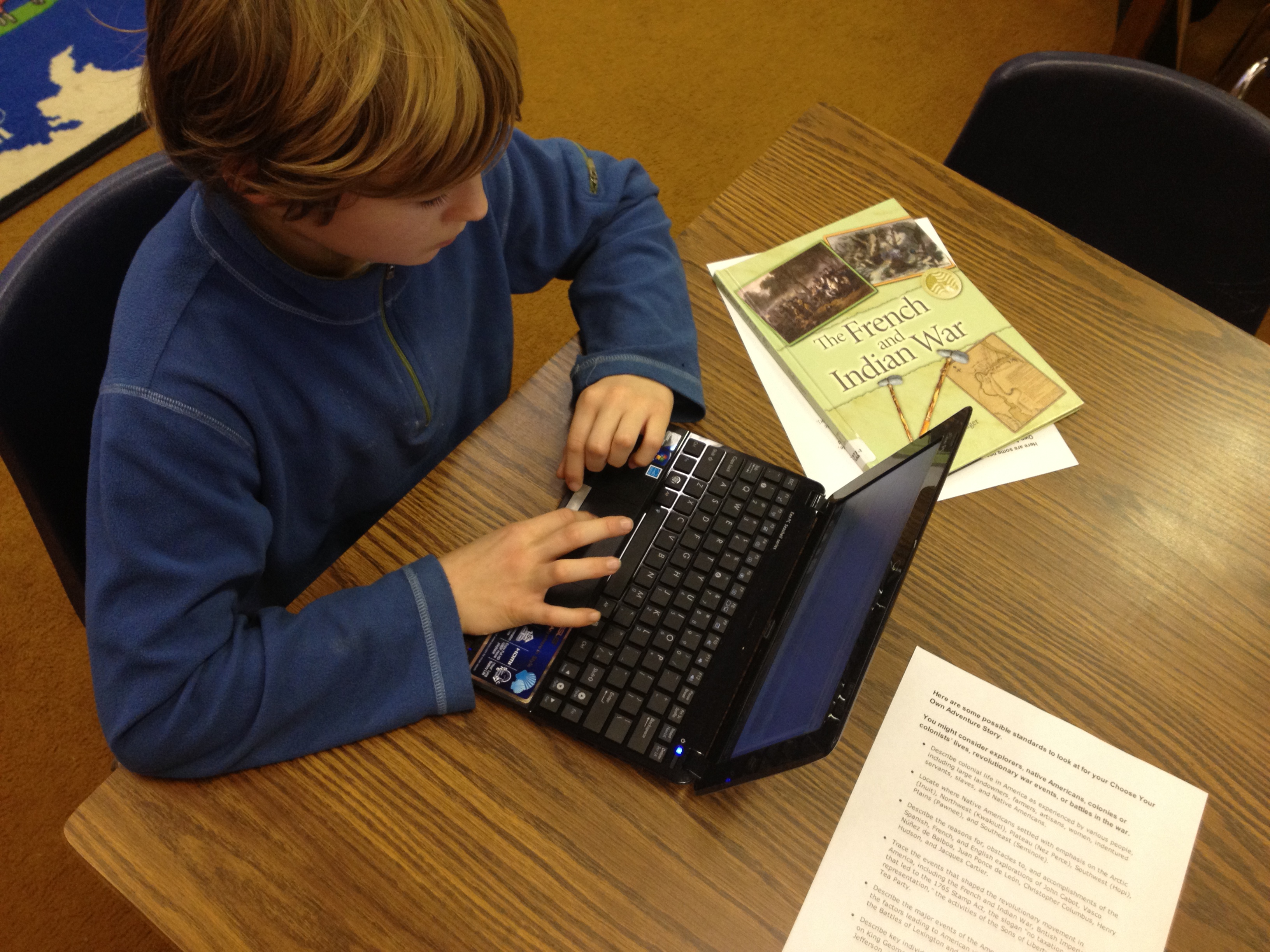
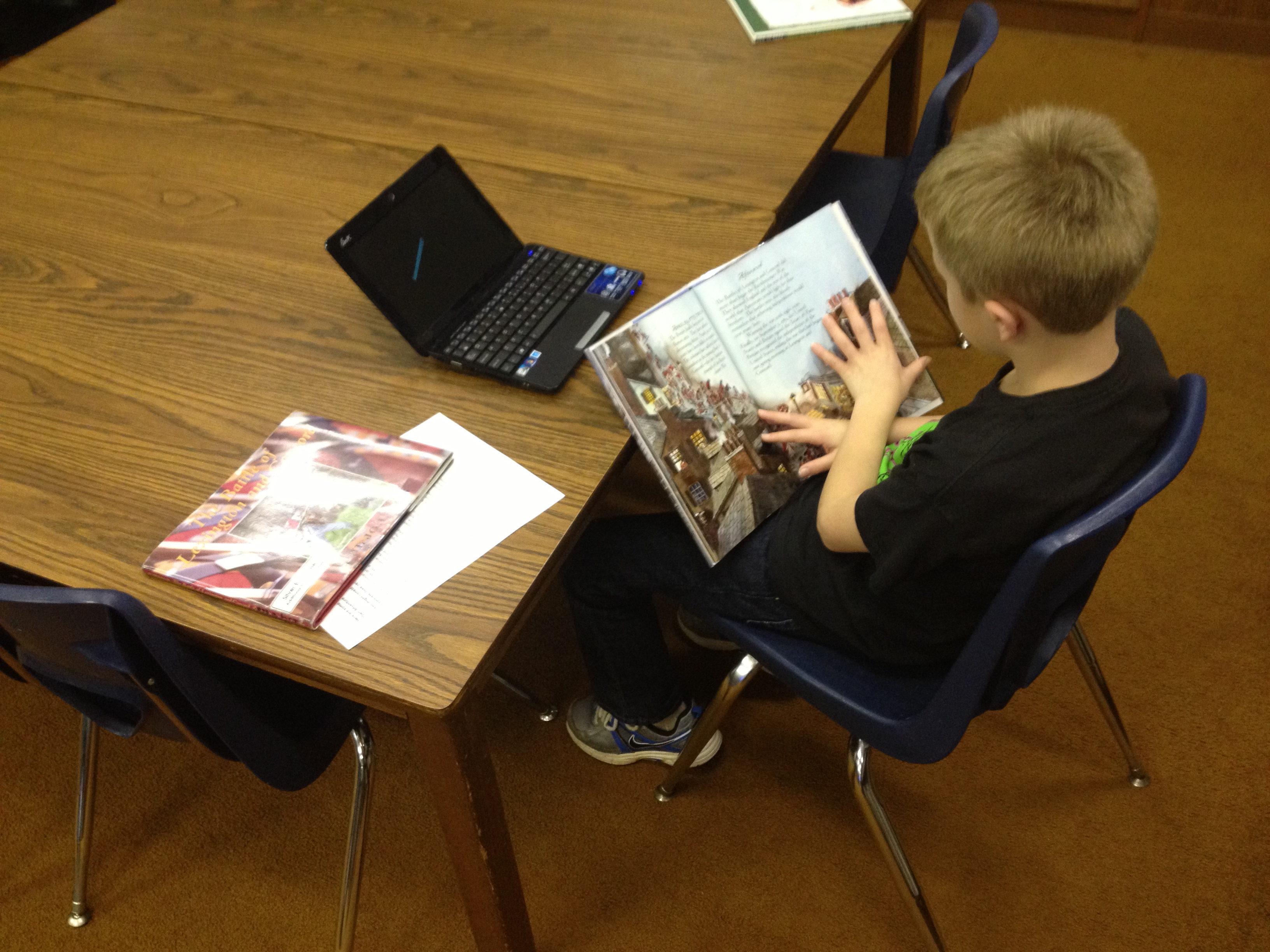
IMG_1643In all of the other sessions, students mixed research from books, websites, ebooks, and the research tool in Google Docs with actually creating their form.  Students supported one another as they figured out things, but students also conferenced with me on their stories.  About mid-way through their sessions, I had students go ahead and submit the link to their form to me.  I used a Google form to gather all of their links.  Then, I could easily check-in on students without disturbing their writing.

As I look back at what we’ve done so far, it has been a very messy process with lots of different kinds of learning going on simultaneously.  If I had it to do again, I think it would be easier to start with a fiction story than weaving in history.  Just making the structure of the Google form and getting it to work took a lot of time and students were also trying to research facts.  When they moved to research, their skills at creating their forms were getting a little rusty.  I think if students started with fiction where they could just make everything up, they could spend more time being creative and actually getting the form to work.  We learned a lot about the process, and I definitely think that these students will be able to show others the steps it would take to create their own.

All of their stories are still works in progress, but you can try them out here:

JP’s Boston Massacre

Henry’s Seige of Yorktown

Dmitri’s French and Indian War

Lucy’s Colonial Times

Jake’s Taxes of the British

Will’s Battle of Lexington and Concord

Lilli’s Battle of Lexington and Concord

Hadley’s Boston Tea Party

Graham’s French and Indian War

Anna’s Native American Tribes

Samantha’s Boston Tea Party

Feel free to leave feedback on any of the stories as a comment and I’ll pass it along to the students to celebrate and improve their stories.

IMG_1642


Stone Soup: A Folktale Follow-up

Ms. Spurgeon, a fabulous third grade teacher, does a Stone Soup folktale study with her students each year.  This is a part of the folktale study that third grade just kicked off.  She has her students study multiple versions of Stone Soup and consider how the characters, setting, and plot change based on where the story is taking place or which country the story comes from.  Students are quickly discovering that the basic themes of Stone Soup stay the same but characters, setting, and the ingredients in the soup change.

DSCF2366Today, we read Jon J. Muth’s version of Stone Soup.  We loved hearing the many different kinds of ingredients that were added to the soup such as pea pods, lily buds, taro root, winter melon, and more.

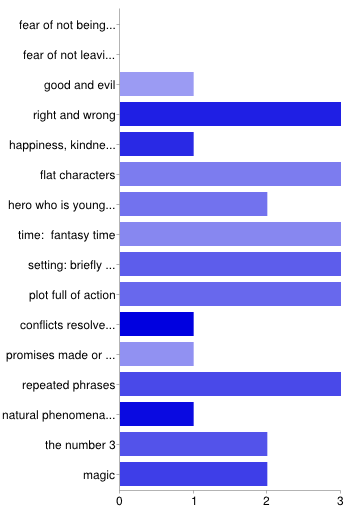
After we finished the story, we revisited our Google form of folktale elements to see how Stone Soup compared with other folktales we have read.  We noticed that the following elements appeared in all 4 folktales that we have read in 3rd grade:

  • flat characters
  • fantasy time
  • setting briefly described
  • plot full of action
  • repeated phrases

Classes will continue to fill out the form and make comparisons.

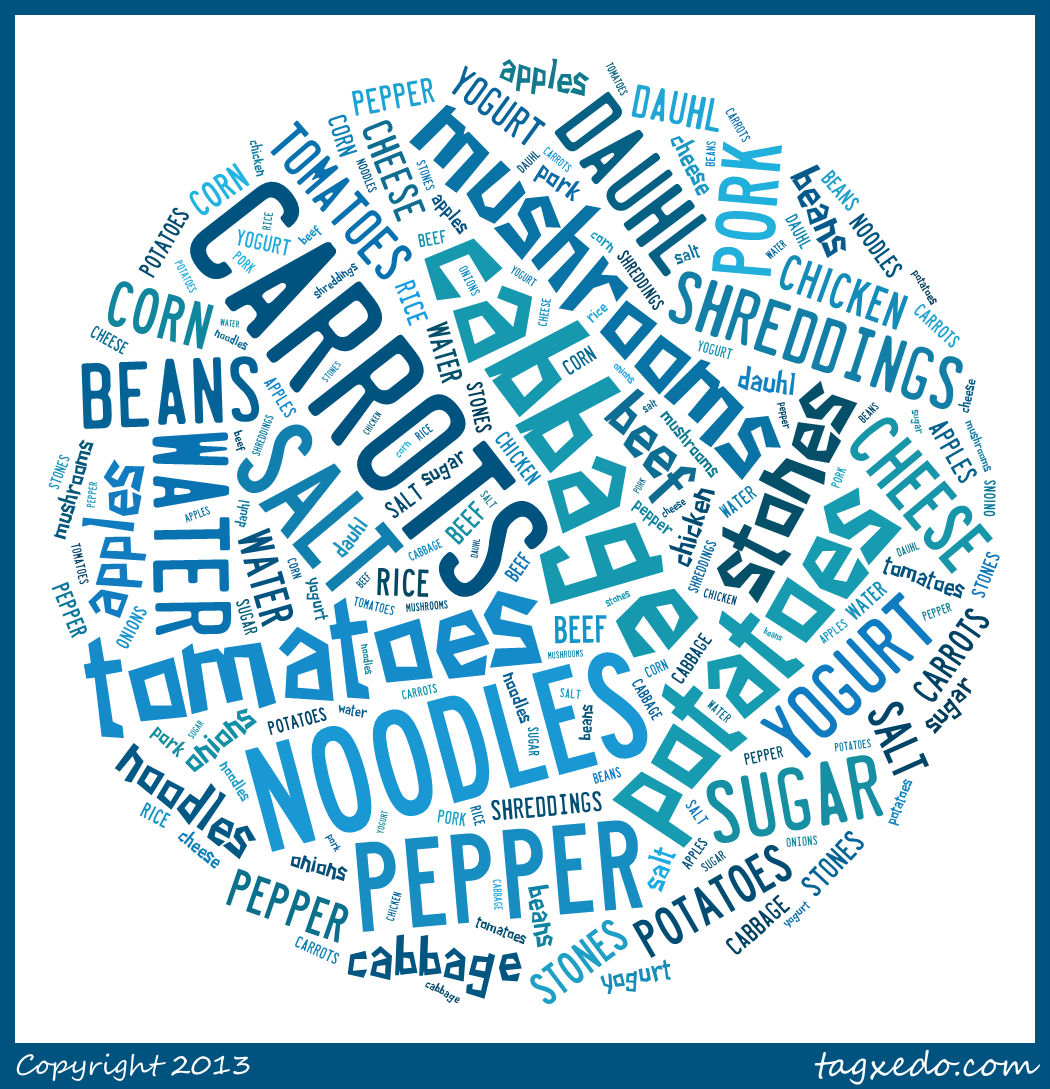
To conclude this lesson, we used Tagxedo to make our own digital bowl of Stone Soup.  I asked students to think about what ingredients they might add to a class stone soup if they were to go home right now and get something out of their cabinets, refrigerator, or from a neighbor.  While students were checking out books, they came up to me and told me 2-3 ingredients, which I typed into Tagxedo.  I selected a circle shape to represent the pot of soup, and here is what our soup looked like at the end of our time together.

stone soup

Folktales with Google Forms

Third grade just launched into a study of folktales.  As a kickoff, each class came to the library for an introduction to folktales.  We used a slideshare that listed many elements of folktales as well as kinds of folktales.

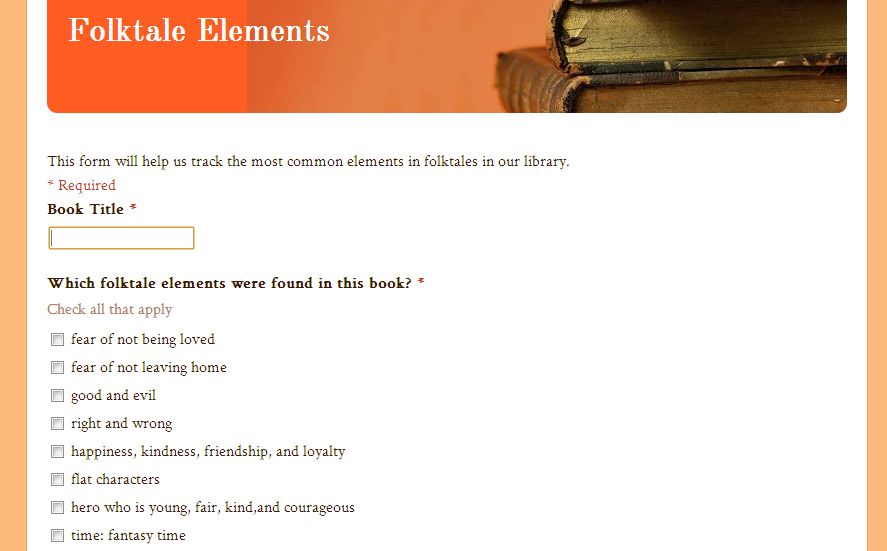
Then, I showed students a Google form with 3 questions. This form was displayed while I read a folktale aloud. Question 1 was the title of the book.  Question 2 was a list of checkboxes that listed out all of the elements from the slideshare.  Question 3 was about what kind of folktale.folktales

At the end of the story, students paired and discussed each of the checkboxes to decide if those elements were present in the story that we read.  Finally, we came back together and checked off the elements that were present in the story.  Students raised their hands as I called out the elements.  If we had a majority of hands, we automatically checked the box.  If it was less than half the class, we stopped and discussed and voted again.  If few people raised their hands, we left the box blank.

For the first class, this was the end of the lesson, but for the other two classes we looked at the summary of responses in Google forms to see what folktale elements were the most common in the stories we read.  I sent the form to the 3rd grade teachers and they are  going to share it with their students.  A next step will be for students to read folktales on their own and fill out the form.  Then, we’ll really be able to notice the trends of which folktale elements are most common in our library folktales.chart

One piece I didn’t incorporate into this, which would be really cool, is to insert a question about where the various folktales are from.  Then, I could have embedded a gadget to put a pin on  a world map (like I did in this lesson) to track where our folktales were from.  This might be an addition for next year.

4th Grade Native American Research

I am so thankful for time to get together with other librarians to learn.  We recently had a professional learning day in our district where many of our school librarians/media specialists shared how they are using Google apps with students.  The amazing Tanya Hudson, librarian at Chase Street Elementary, shared how gadgets could be embedded in Google forms.  She had used this tool with a 1st grade Common Core lesson using the book How to Make an Apple Pie and See the World.  Her sharing made my brain wheels start turning about how this gadget might be used with other projects.

Our 4th grade is currently studying Native Americans.  Their standards have them look at how location and environment affect the food, shelter, and clothing of groups of Native Americans in each region of the United States.  Once again, I used a transliteracy model to think about all of the ways that students could experience these 6 groups of Native Americans.  I pulled informational books, folk tales, and stories from each group and put them at tables.  In the computer lab, students used a pathfinder which included Youtube videos, databases, and informational sites on clusters of Native Americans but also group-specific information as well.  Students used a graphic organizer to gather their information.

Filling out the Google form

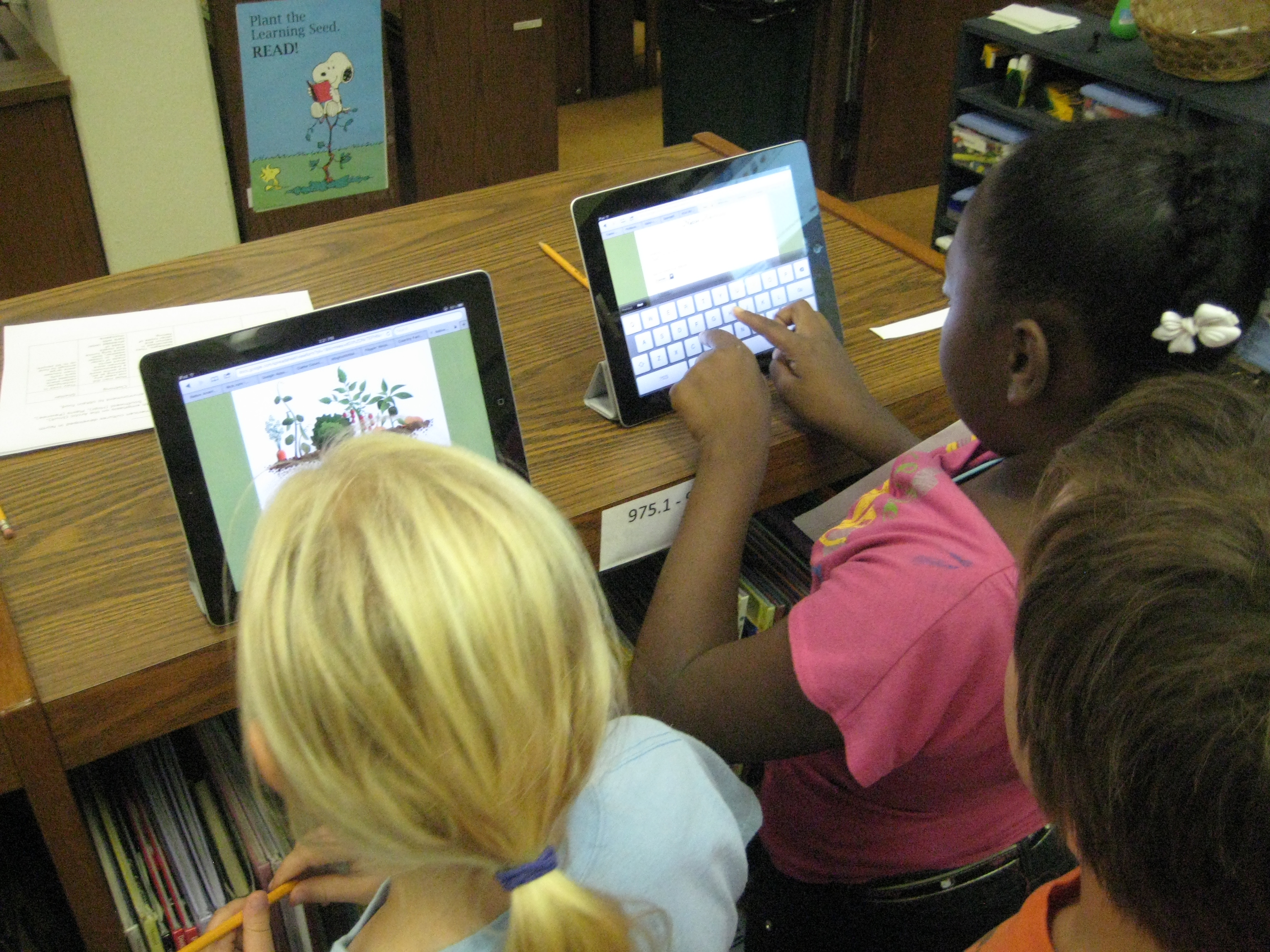
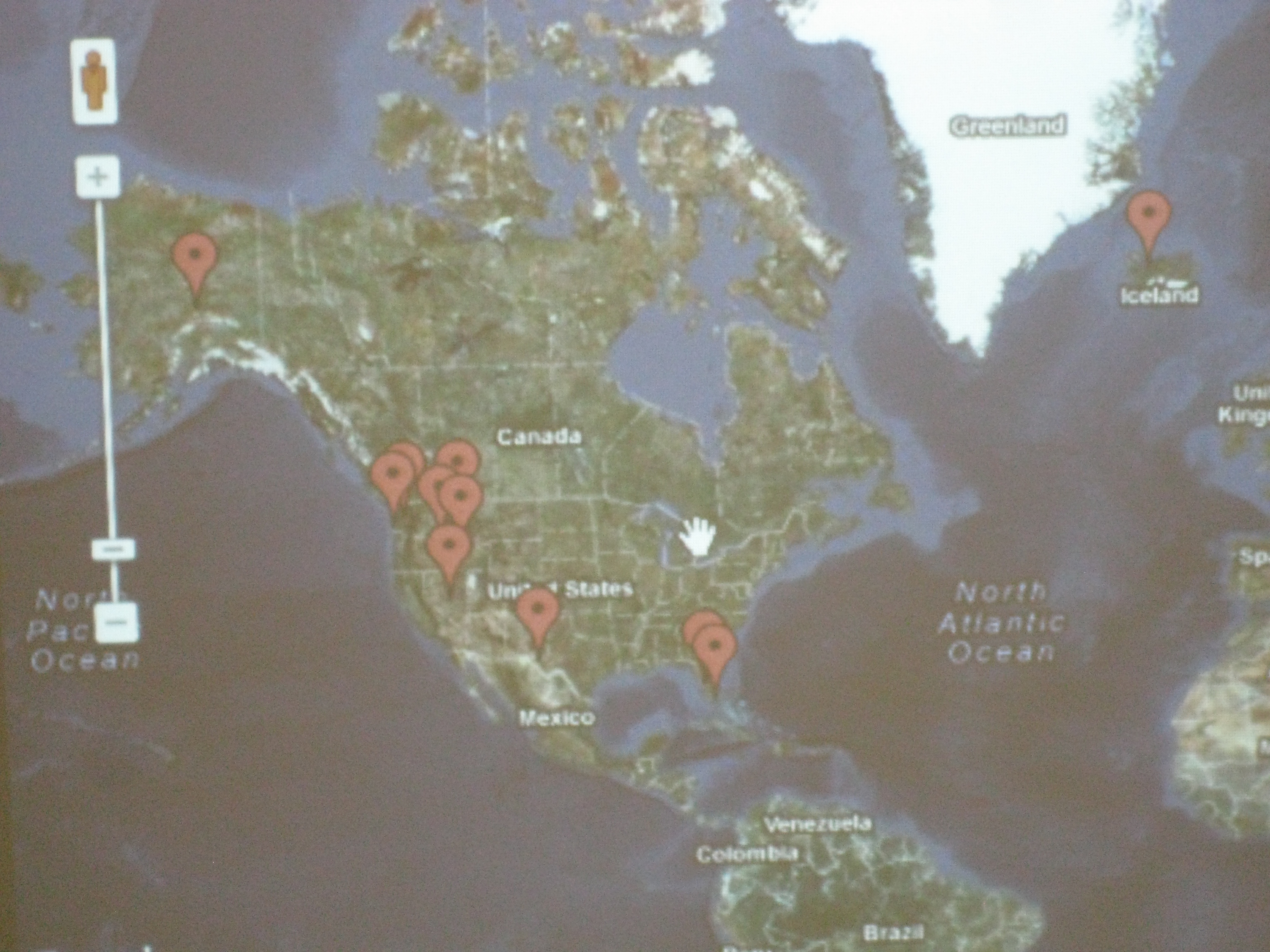
For the portion inspired by Tanya Hudson’s work, I created a Google form and asked 2 questions:  What is the Native American group you discovered? and What is their location?  I used 2 iPads as a station in the library where students could go and input thisinformation as they discovered locations in their research.  I also embedded a map gadget in the form so that each time a student filled out the form, it pinned a location on a Google map.  This map was displayed on the smart board.  As the map started to populate, students began exploring what other students had posted onto the map, and an interesting thing happened.  Students quickly discovered that students were entering incorrect information.  The coolness of the iPad was causing some students to skip their research or type what they “thought they knew” into the form.  The great thing was that other students started to call them out on this error.  Other students discovered that you had to be specific on the location.  Simply typing “southwest” did not necessarily put a pin in the right place of the map.  Students began looking for specific states or, even better, specific cities.  Our time simply wasn’t long enough, but a logical next step would be to have students begin to weed through the information in the form and decide what is valid and what is not.  The data can be easily erased and disappears from the Google map.  I already have one student who is interested in doing this by himself, but I think a whole class exploration would also be great because it lends itself to authentic conversation about why we do research in the first place.

Google map with pins

Once again in this experience I allowed students to freely move from place to place.  Most migrated and remained at computers, while others stayed at the books for the majority of their time.  Students who went to the books commented on how much information was in one place rather than having to look at multiple places on the computer.  It was interesting to hear this come from them rather than me telling them myself.  So many interesting conversations and teachable moments occurred  and I wished that our time could be extended.  This will be helpful in future planning to schedule multiple sessions or longer sessions with classes.  In all, I think students gathered enough information collectively that they can share their information back in the regular classroom.

Book Choice Champions Begins

Surveying students using iPad and Google forms

Once again, I’ve set out on a journey with a group of students to make decisions on what books are purchased for the library in a project called Book Choice Champions.  This year, I set aside $1500 in book fair profits for a budget that is completely decided on by students.  Once again, our school is doing enrichment clusters on Wednesdays, so from 9-10AM I have a group of 11 students in grades 2nd-5th that come to the library to work on this project until late November.  The students self-selected which enrichment cluster they would be in based on their interest in the cluster topic.  The surprising part of this is that the group of students I’m working with is all boys.

On day 1, the boys immediately noticed that no girls were in the group and they saw this as a problem.  How would they buy books that were supposed to be for the whole school without having girl representation in the group?  They decided to survey students from the whole school and felt that it was important to know how many boys and how many girls answered the survey.  They also wanted to know what grades students were in so that all grades were represented in the decisions.  Two students in the group were in a similar group last year and they talked about the problems that we had with surveying, especially using blank paper and simply asking people what they liked to read.  For this reason, they decided to develop a Google survey that could be done on laptops, desktops, smartboards, and iPads.  They felt it was important to ask about various categories of books such as animals/sports/fairies/etc, kinds of books such as chapter/picture/informational/etc, and to give students a chance to request specific books or series.

The next problem was when would students take the survey.  We knew we didn’t want to interrupt instruction, so we thought of the least disruptive process we could.  They came up with several idea that they are now trying:

  • Ask their teachers when they could come get an iPad from the media center to survey their own classes
  • Ask 3rd-5th grades to take surveys on the iPads and desktop computers in the media center during morning arrival time before going to homerooms.
  • Ask K-2nd grades to take the surveys on iPads in the art room during morning arrival time before going to class.
  • See which grade levels seem to be missing from the survey results and ask specific teachers if there is a time to come into their room to do surveys
  • If needed, email the survey to teachers to use on their smartboards
Today, we asked PreK teachers permission to pull students to survey.  Members of the book choice champions read the survey to them and filled in the results on the iPad.  Also today, several students have come to the media center throughout the day to borrow an iPad to take to their classroom and to recess to do more surveys.  At the beginning of today, we only had 14 results and by the writing of this post 85 students out of 500 have been surveyed.  That’s pretty impressive for a group of 11 students.
Our next steps will be to look at this data and make decisions about where we will focus our time.  I’m so excited by the energy and passion that this group has.  All 11 boys truly want to be a part of the process and they’re stepping up to offer ideas and make decisions.

This slideshow requires JavaScript.