2015 Poem In Your Pocket Day (Part 1)

pocket poems day 1 (62)

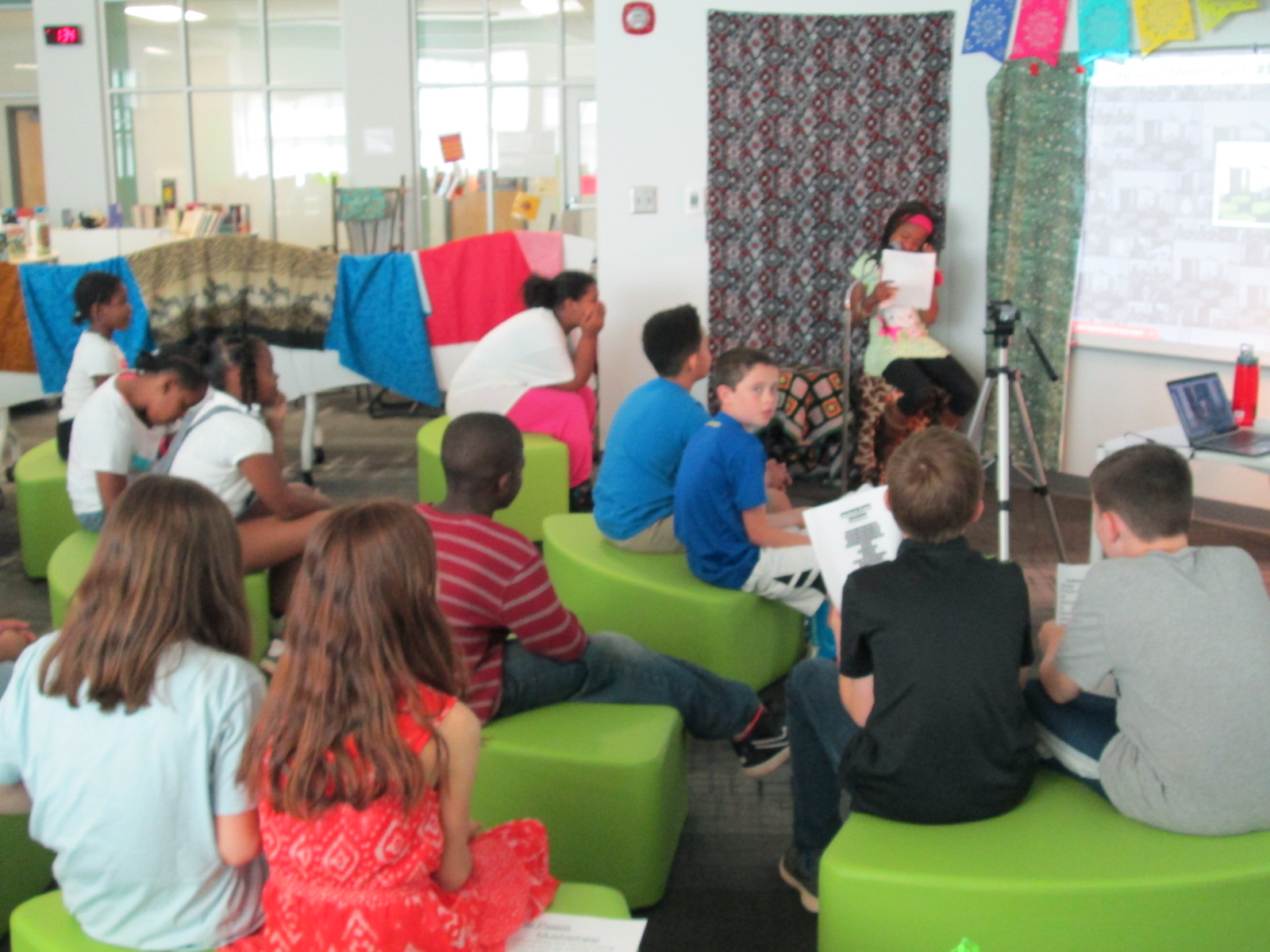
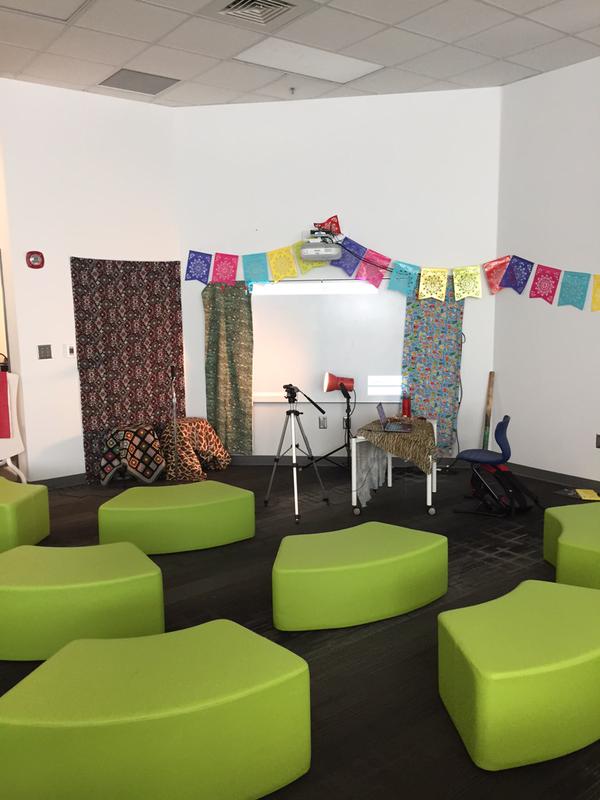
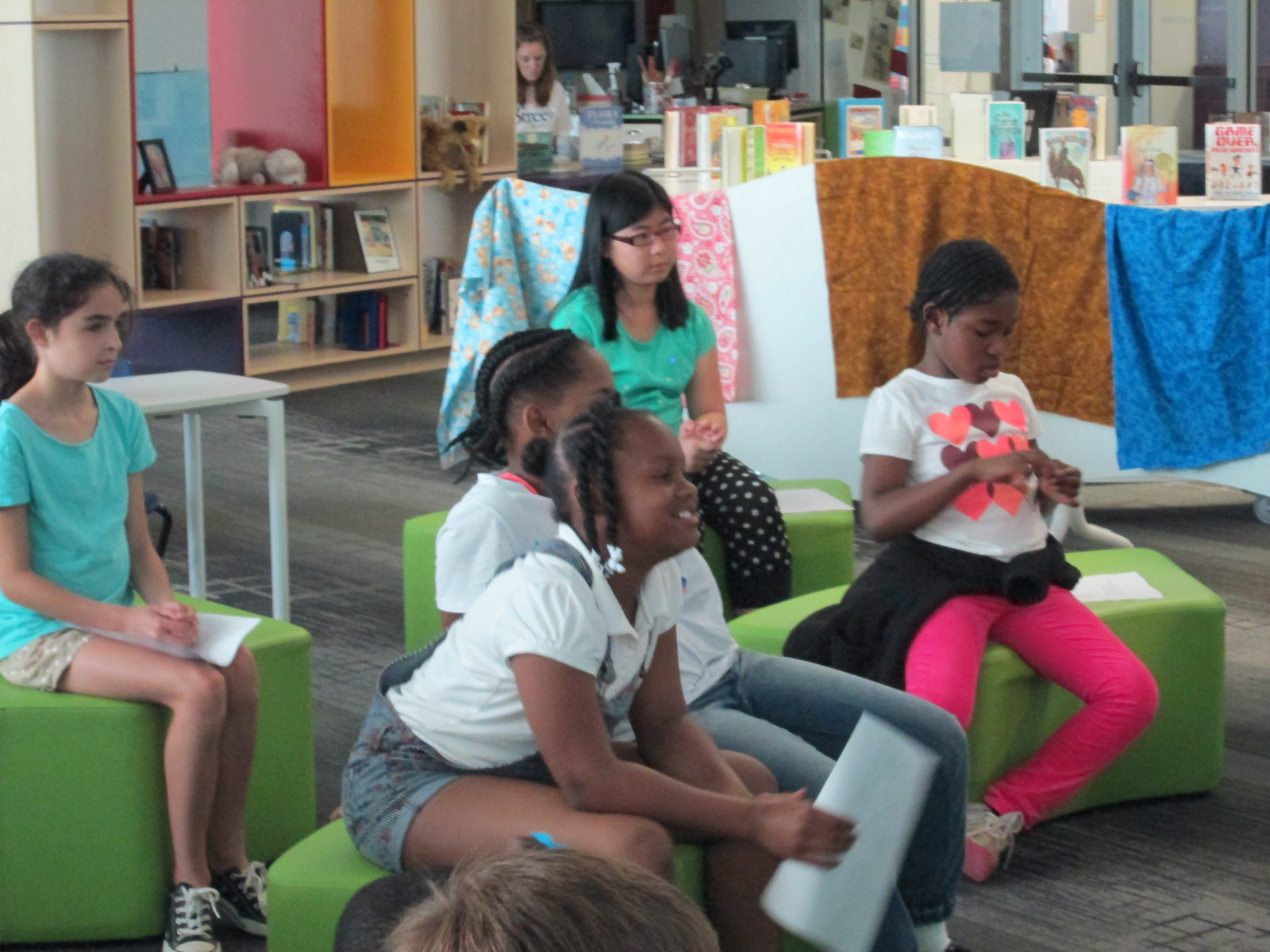
Each year, Poem In Your Pocket Day morphs into something just a little bit new.  It’s always a day to come to the library and share poems into our open microphone, but we like to mix things up a bit each year.  This year, I put out soft seating instead of tables.  It allowed students to be a bit closer to the speaker and hopefully felt a bit more cozy.
pocket poems day 1 (73)

In the past, I’ve used Adobe Connect to broadcast our day.  While it is a great tool, it has some drawbacks.  I love that it is one room that our online guests can stay in all day long and I can communicate with them via chat.  However, I don’t love the way the archive is created.  I have to setup and name each recording right as I’m starting the recording.  It doesn’t take long, but it’s one more step I have to do.  Also, once all of the archives are done, I have to go in, change them to public, and copy the link to share in order for people to view them.
pocket poems day 1 (68)

This year, I decided to try Google Hangouts on Air.  We use this every day for our morning broadcast, so I’m very familiar with using it.  Ahead of our event, I setup a Google Hangout on Air for each session on our schedule.  Then, I opened each hangout and copied the Youtube link where the video would stream live.  I embedded these videos on one big Google site so that they were easily accessible in one spot.

Click to visit our Google Site

As each group came in, I opened the hangout, tested the sound, and pressed start.  Our guests could watch online, but as soon as I pressed stop the video was instantly archived on that same Google site.  It saved me the hassle of having to go back and find all of the videos in order to share them.  While it’s not huge, any amount of time I can save is valuable to me.

This year, to make up for the chat feature being taken away, we decided to use Twitter to talk about our poems.  We encourage our online guests and future viewers of our content to tweet using the hashtag #barrowpoems I used Tweet Beam to display the tweet on our projection board for students to see.  It was fun to see how this populated throughout the day and how much students smiled when they saw a tweet mentioning their poem.  Teachers even pulled out their phones and helped document the day through pictures, videos, and comments on Twitter.

https://twitter.com/capstonepress/status/586230422478004225

https://twitter.com/EMCPublishing/status/586180411694292992

https://twitter.com/AdamSeipel/status/586142163731374082

https://twitter.com/mrsjuliemoon/status/586221147789864961

Also, here’s a little look at what it’s like to be in the room.

This event always amazes me because pretty much every student in the school gets up in front of an audience and speaks.  It’s a small amount of speaking, but I love seeing students get used to speaking to an audience and seeing what that feels like.  This is a very positive and supportive atmosphere, so most students leave the reading feeling validated for their work.

I encourage you to listen to some of our archives and continue to tweet about #barrowpoems

Continue watching us live on April 10th!


Kicking Off Poetry Lessons for Poetry Month: Blackout Poetry

blackout poetry (13)

I love to do poetry throughout the year, but April always brings an increase in poetry lessons since it is National Poetry Month.  It’s also the month that we have Poem In Your Pocket Day across 2 days at our school.

blackout poetry (6)

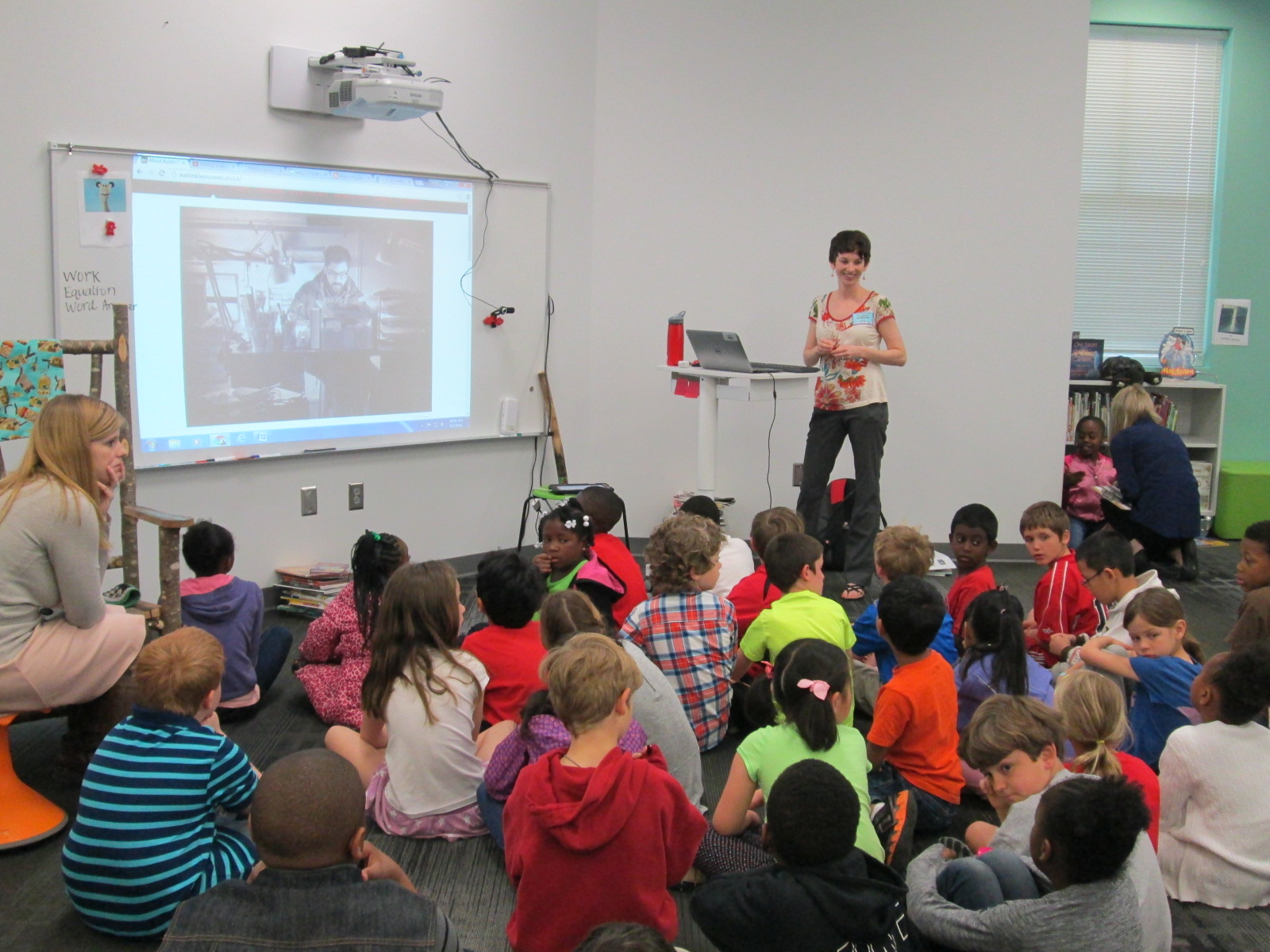
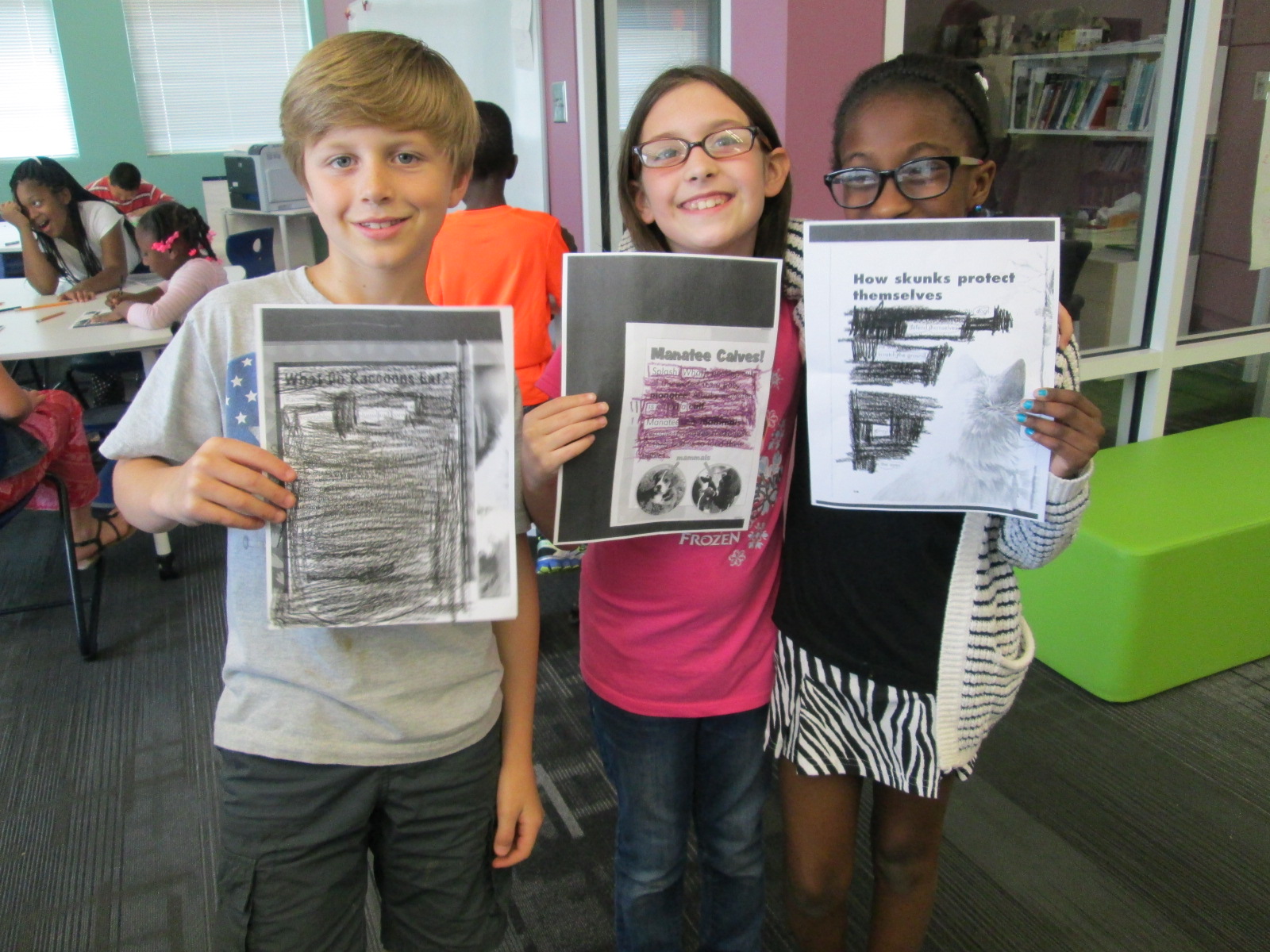
Our 2nd grade has been busy with poetry in these first few days of the month.  They’ve already explored list poetry and now they are trying a kind of poetry called “blackout poetry”.  This poetry was invented by Austin Kleon when he had a case of writer’s block and started using the New York Times to help him write his poetry.  You can see a time lapse video of Austin’s process, which we showed to each class before we started.

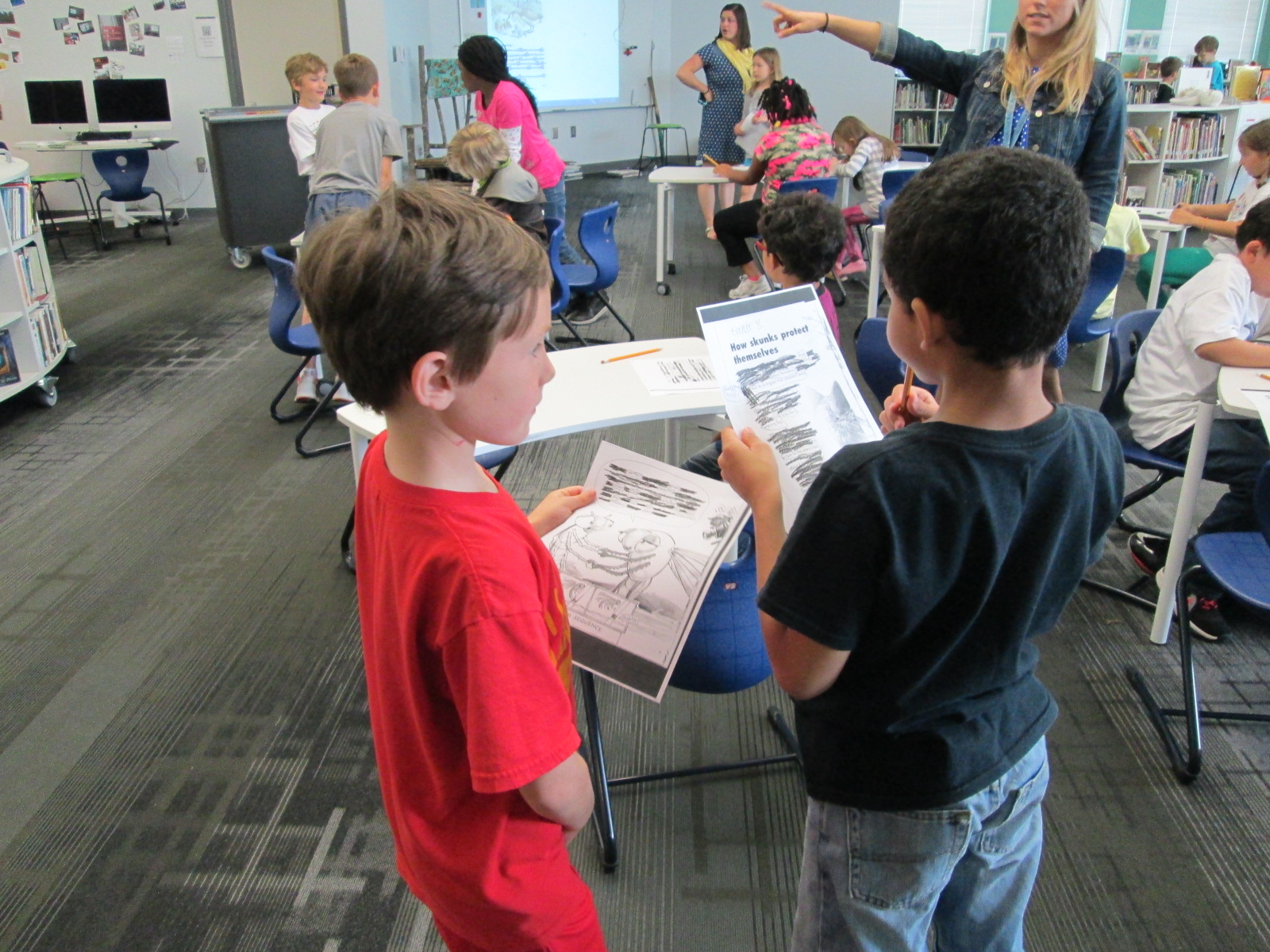
Blackout poetry is a kind of found poetry because it uses words that were created by someone else.  You put boxes around the words that you want to use in the poem and then blackout everything else.  You can find your text in so many different places:  instruction manuals, pages from books, newspapers, junkmail, old tests,……the list could go on and on.

blackout poetry (2)

Two classes at a time came to the library for this lesson.  We started by looking at the video as well as some examples of blackout poems online.  Then, we talked a bit about what we noticed about the process.  Austin Kleon put boxes around words that he thought he might use.  He tried to find words that seemed to go together.  We noticed that there were times where he was sitting and thinking without marking anything on the page.  We also noticed that he blacked out some of the words that he originally thought he would use.

We encouraged students to try out this same process at tables.  Since 2nd grade is working on animal and plant life cycles and habitats, we selected a few pages from a variety of animal and plant books and made multiple copies of them.  Students sat at a page that looked interesting to them.  The teachers and circulated to assist students as needed.

Most students jumped right in, but a few needed some help getting started.  One of the things that I did to help students was just to talk out loud about what I would do if I was writing the poem.  I said words that seemed to have a connection with one another and then scanned the page for more words that fit with those words (and so on).  Most of the time this nudged students to start.

As students finished selecting their words, they used crayons, color pencils, regular pencils, and markers to blackout their page.  Then, they practiced reading their poems.  Some shared with one another.

blackout poetry (12)

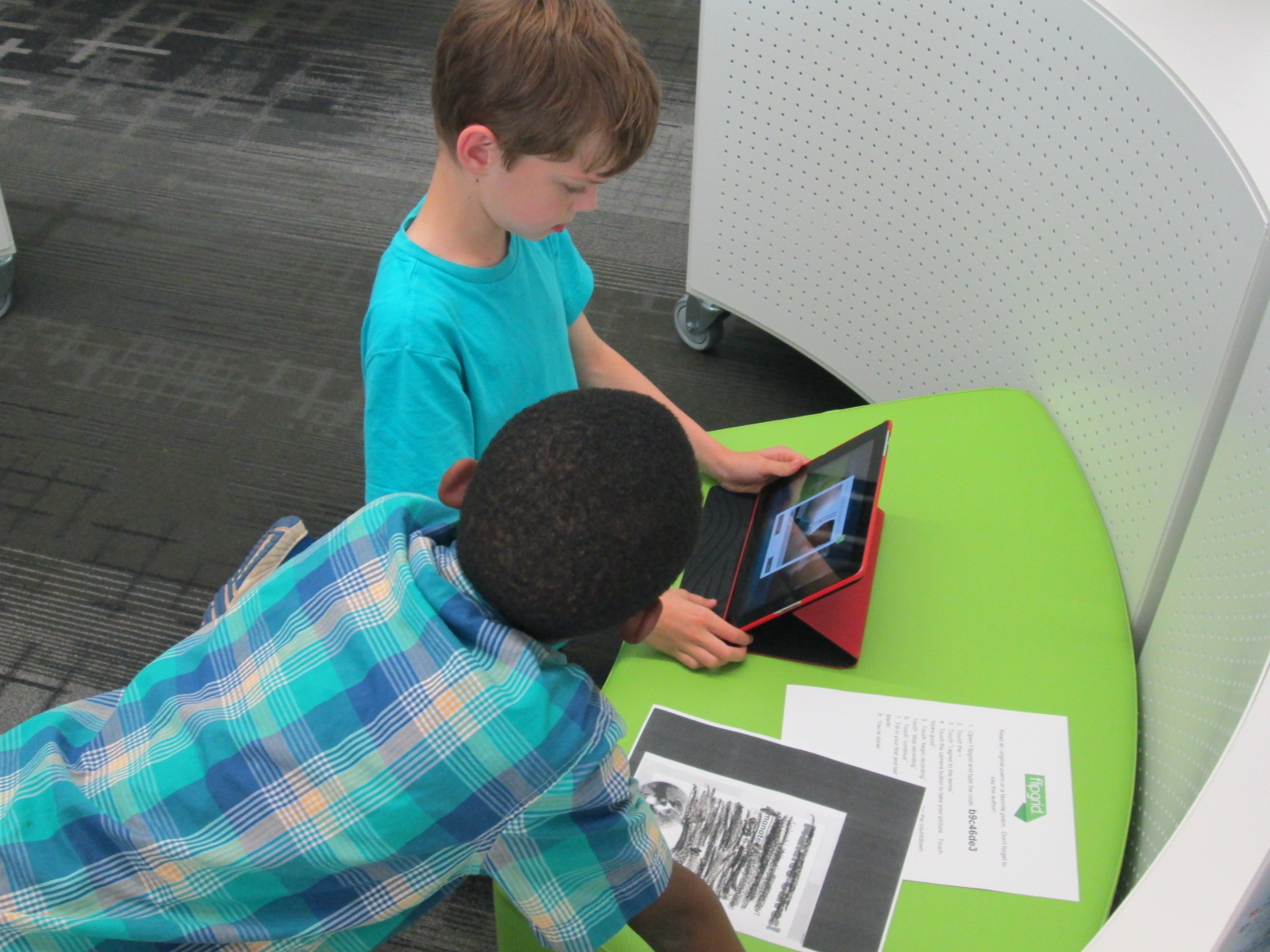
Other students decided to use our poetry Flipgrid to record their poems.

blackout poetry (11)

Click the picture to visit our poems!

Many of these students will carry these poems in their pockets on Poem In Your Pocket Day.  I love seeing how students break down the text to create a new meaning.

blackout poetry (14)


Collaborating Within Walls Using Google Hangouts: A List Poetry Lesson

IMG_5399

Last year, I tried something new with the 2nd grade.  My library schedule was packed and it was hard to get all 4 classes on the calendar, so I used Google Hangouts to teach all 4 classes at one time.  It was an experiment, but it proved to be a lot of fun and also showed the students and teachers how to use a Google Hangout and collaborate on a Google doc.

This year, we planned it again and added on a few layers.  One of our favorite kinds of poems to write is list poetry.  You take a list and add descriptive words to each item on the list so that the reader can experience the items on the list.  Our goal in our Google Hangout this time was to learn about list poetry, hear a mentor poem, practice list poetry together, and then create one collaborative list poem.

In advance, I setup a Google Hangout on Air.


I sent the link to the hangout to all of the teachers participating in the hangout.  I also created a blank Google Doc for our collaborative poem and shared editing rights with all 4 teachers.


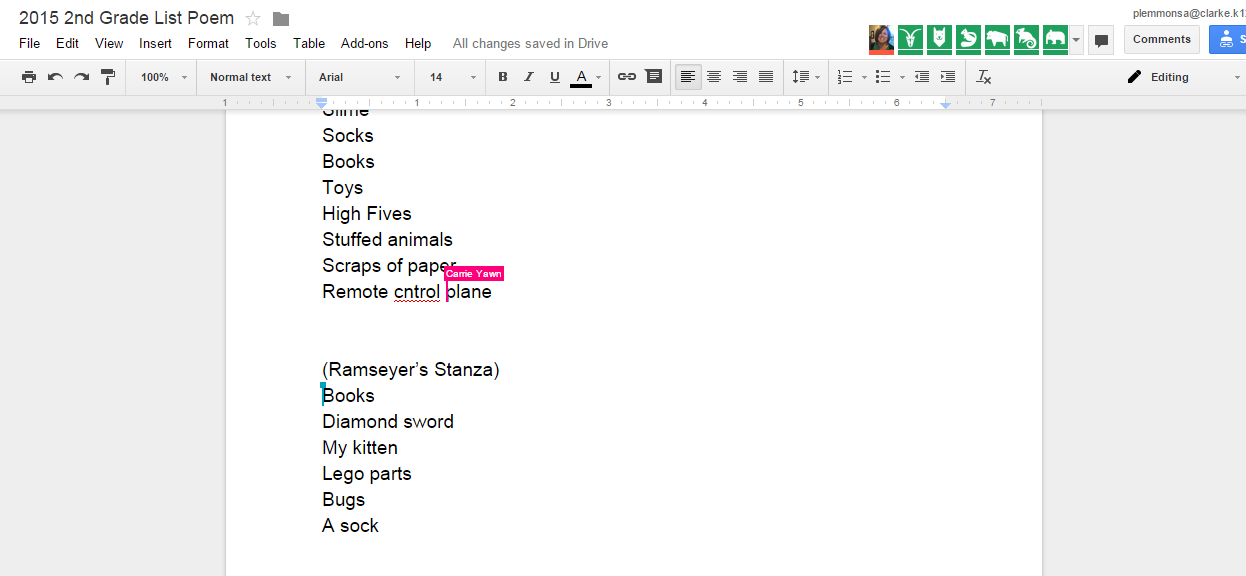
I gave the blank doc a title and wrote each teacher’s name inside the doc to create a space for each class to add to the collaborative poem without writing on top of one another.

On the morning of the hangout, I emailed teachers a reminder that included the link to the doc as well as the direct link for  joining as a participant in the hangout.

At hangout time, I went in my office and awaited the classes.  As they entered, I did a sound check to make sure microphones were working.  Then I used the control panel in Hangouts to mute all of their microphones to eliminate feedback.

I opened our lesson by reading from Falling Down the Page, list poems collected by Georgia Heard.  We focused on “In my Desk” by Jane Yolen.  I pointed out how she gave describing words for each item found in her desk so that we would be able to picture it or experience it.  I built on the reactions of students to the line about a “great big hunk of rotting cheese” found in a lunch box.  These kinds of words cause us to react which is exactly what we want in a poem.

Next, I opened up a blank doc and started writing a grocery list:  bread, milk, eggs, cereal.  Then I assigned each word to one of the 4 classes and had them brainstorm describing words to add to each item on my list.  Each class had a chance to speak in the hangout as I added our words to the poem.

Finally, I invited all of the classes to work on a collaborative poem about things under our beds.  Each teacher facilitated the work in their own classrooms.  I checked in from time to time to give an update on when we would stop working.  Then, each class read their stanza of the poem to close out our time.

While we were writing, I invited people on Twitter to watch the doc in construction.  We had lots of viewers engaged in our work in progress, and students loved being published authors with one tweet.

Viewers

You can watch the whole thing here:

This lesson certainly saved me time in the library to give to other classes who needed a lesson, but it was much more than that.  Rather than having each class in the grade level feel isolated, this lesson allowed them to unite together to create a piece of writing that immediately reached an audience outside of our school.  It allowed us to collaborate within the walls of our school without the disruption of shuffling kids from class to class.  It gave each class a space to think and work with one another and also a space for all classes to work together.  I don’t think that every lesson would work in this type of setup, but it does make me curious to think about when this type of learning is the better choice than scheduling each class individually.

Under My Bed

By Barrow 2nd graders

Under my bed you will find…


(Yawn’s Stanza)

Slimey Socks

Lost High Fives

Stuffed animals, toys, and books

Scraps of paper

Remote control plane

Hairy, mad Tarantula

Dusty Boogers

Junky Legos

Clothes and shoes and jackets

Hairy Monkey Eyes with a big chin

Tv, coke can, and baseball cards

Football cards and a zipline

Dirty underwear, rotten bread, and an old sandwich


(Ramseyer’s Stanza)

Two fat picture books

A fake diamond sword

My playful black kitten

Giant Lego parts

Huge dead bugs in the corner

A stinky, rainbow sock

A blue crate filled with Adidas shoes

A chewed up puppy stuffed animal


(Brink’s Stanza)

Hiding under my bed with my big, hairy monster

you will find

smelly dead cockroaches and dust bunnies

old paper candy wrappers

a big purple three horned monster

basketball shoes

an empty shoebox and an old toy

a skeleton reaching for water

a stinking mummy, rotten eggs, and a stinky sock

cuddly stuffed animals

a golden chair, medals, trophies

smooth rocks I found in the street

lost, overdue library books

a racing track

paper plates


(Wright’s Stanza)

Under my bed, I look and see

Flattened books

moldy food

cute and sleepy puppies

old broken legos I used to play with

misplaced and forgotten toys

and ripped, dirty money


So many things under my bed.


Following this lesson, I did a very similar lesson with one Kindergarten class in person.  We didn’t do the hangout, but we did share our work with the Internet so that students’ voices were already reaching an audience even in their beginning steps of writing.  It was so much fun to get a comment from one of the viewers of the doc.


Skyping with Rube Goldberg’s Granddaughter: Improving the Student Voice Experience

rubeworks skype (2)Our 2nd grade is in the midst of another amazing project. They are studying simple machines, force, and motion as a part of their science curriculum.  We kicked off this unit by tinkering with a Rube Goldberg iPad app called Rubeworks.  Students worked in pairs to problem solve the many parts each Rube Goldberg puzzle. We allowed an hour for this experience and students persevered through the entire hour and supported one another.  Students continued to use this app in class.

Next, students had the opportunity to Skype with David Fox, the creator of the RubeWorks app.  He told a lot about how the app was made as well as listened to what the students loved and what they were frustrated with while using the app.

rubeworks skype (4)

In class, students read the book Roller Coaster by Marla Frazee. They used lots of tools to construct their own “roller coasters” and test them out.  This is all leading up to students designing and creating their own Rube Goldberg invention.

rubeworks skype (5)

This year, I purchased a book called The Art of Rube Goldberg. This book contains numerous pieces of Goldberg’s artwork, which was mostly selected by his granddaughter, Jennifer George.  Students have enjoyed studying these illustrations in class.  All of the puzzles in the Rubeworks game are based on pieces of artwork, so studying these images also supports students figuring out the game puzzles.

Jennifer George (1)

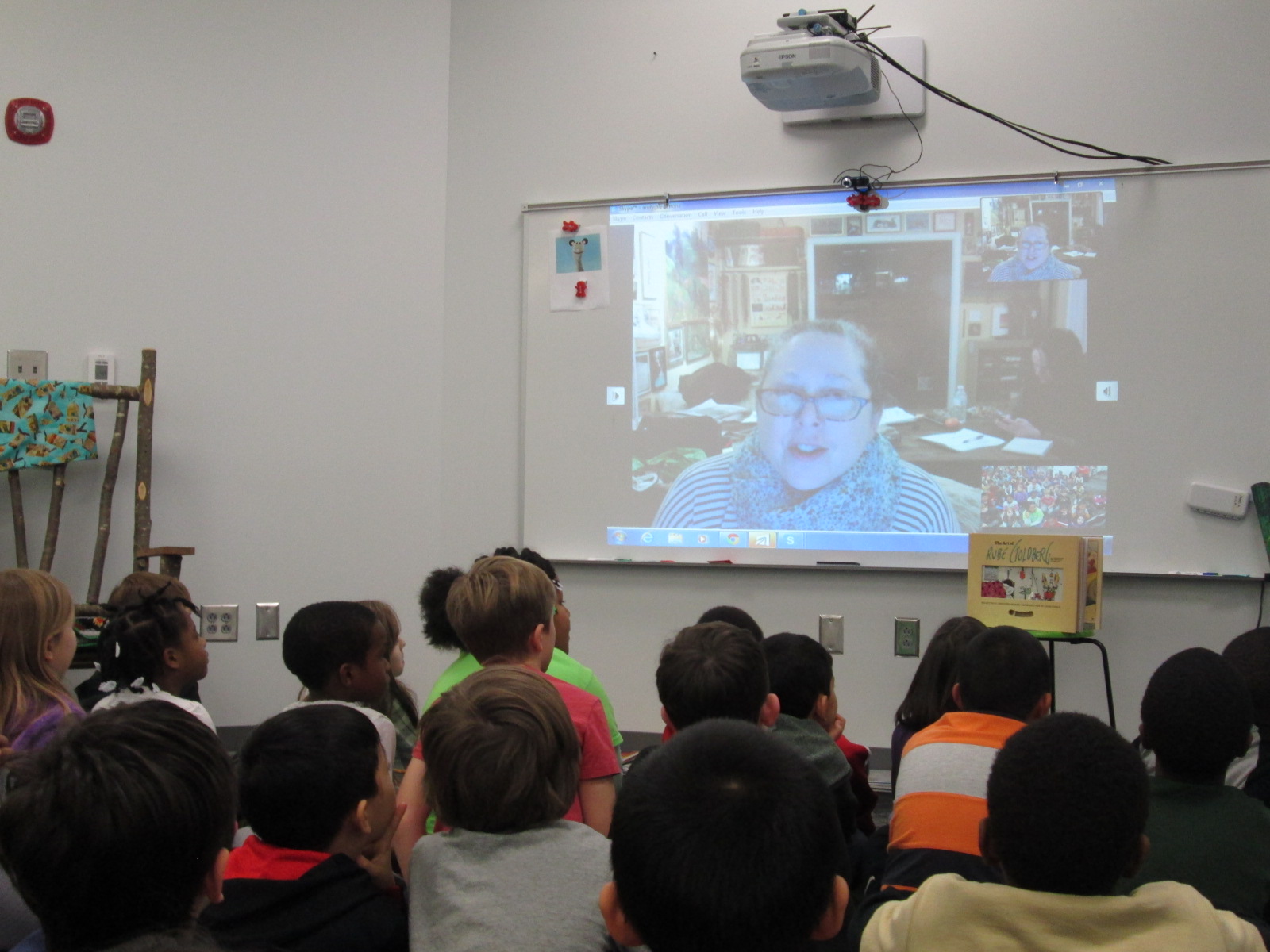
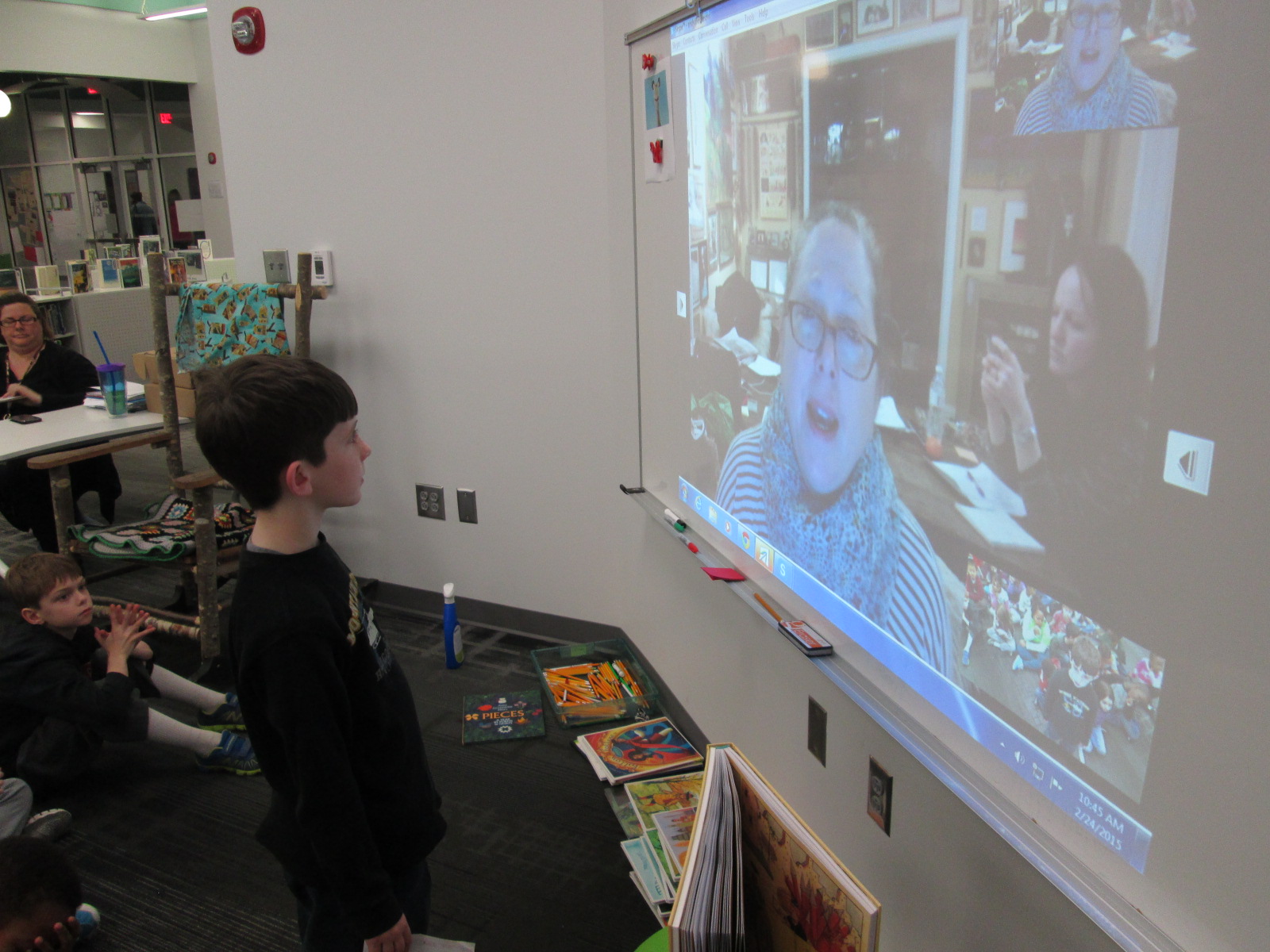
Using Skype in the Classroom, we scheduled a Skype with Jennifer George.  Ahead of the Skype, students spent time in class preparing questions to ask Jennifer George.  The second grade teachers and I have really been fine-tuning a process for our skype sessions, and it is proving to create some very rich experiences for our students.  Students wrote questions about Rube Goldberg based on their knowledge of him from the illustrations in the book, their experience with the app, their observations of Rube Goldberg inventions, and their own drawings of inventions.

Jennifer George (4)

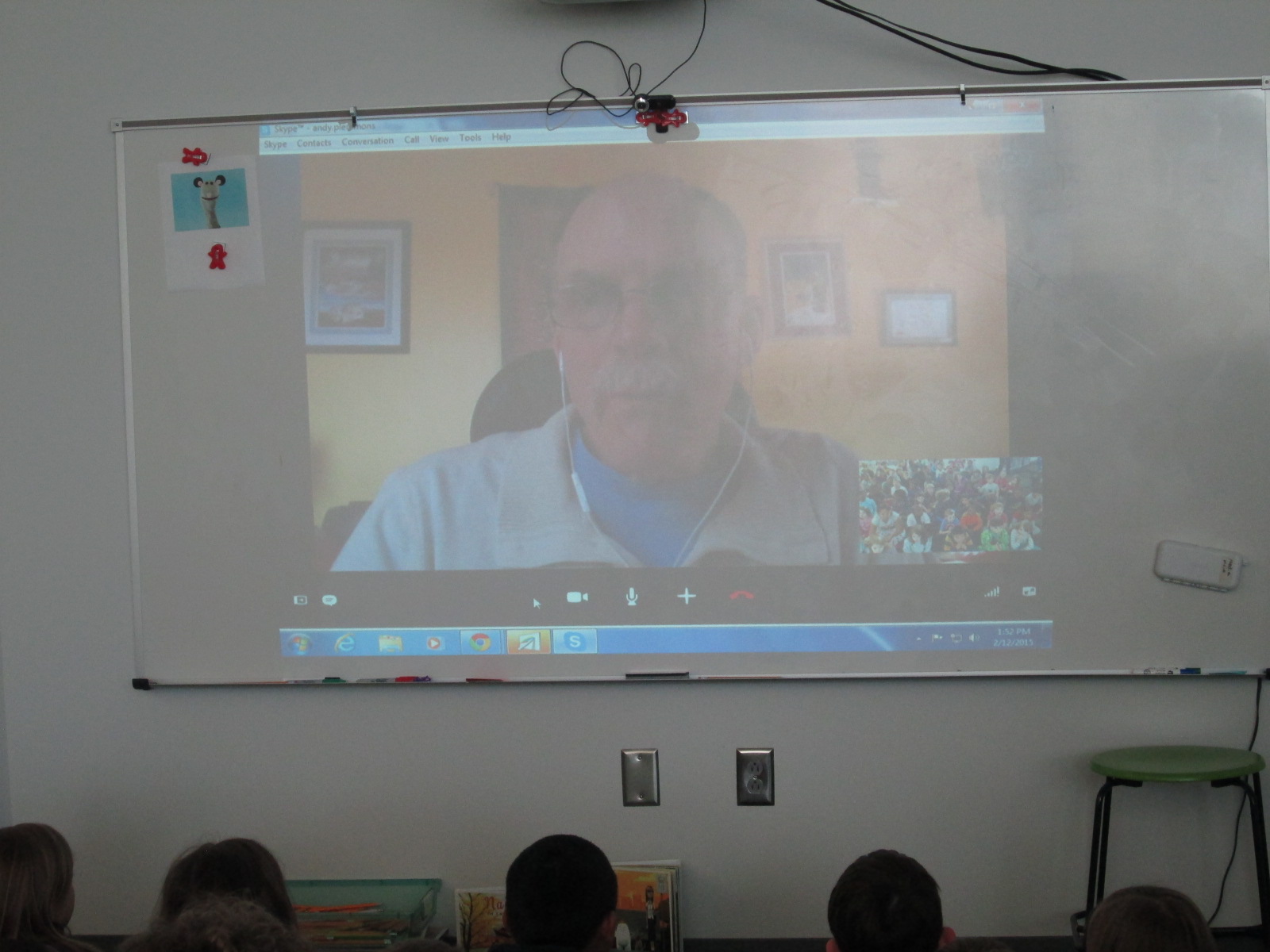
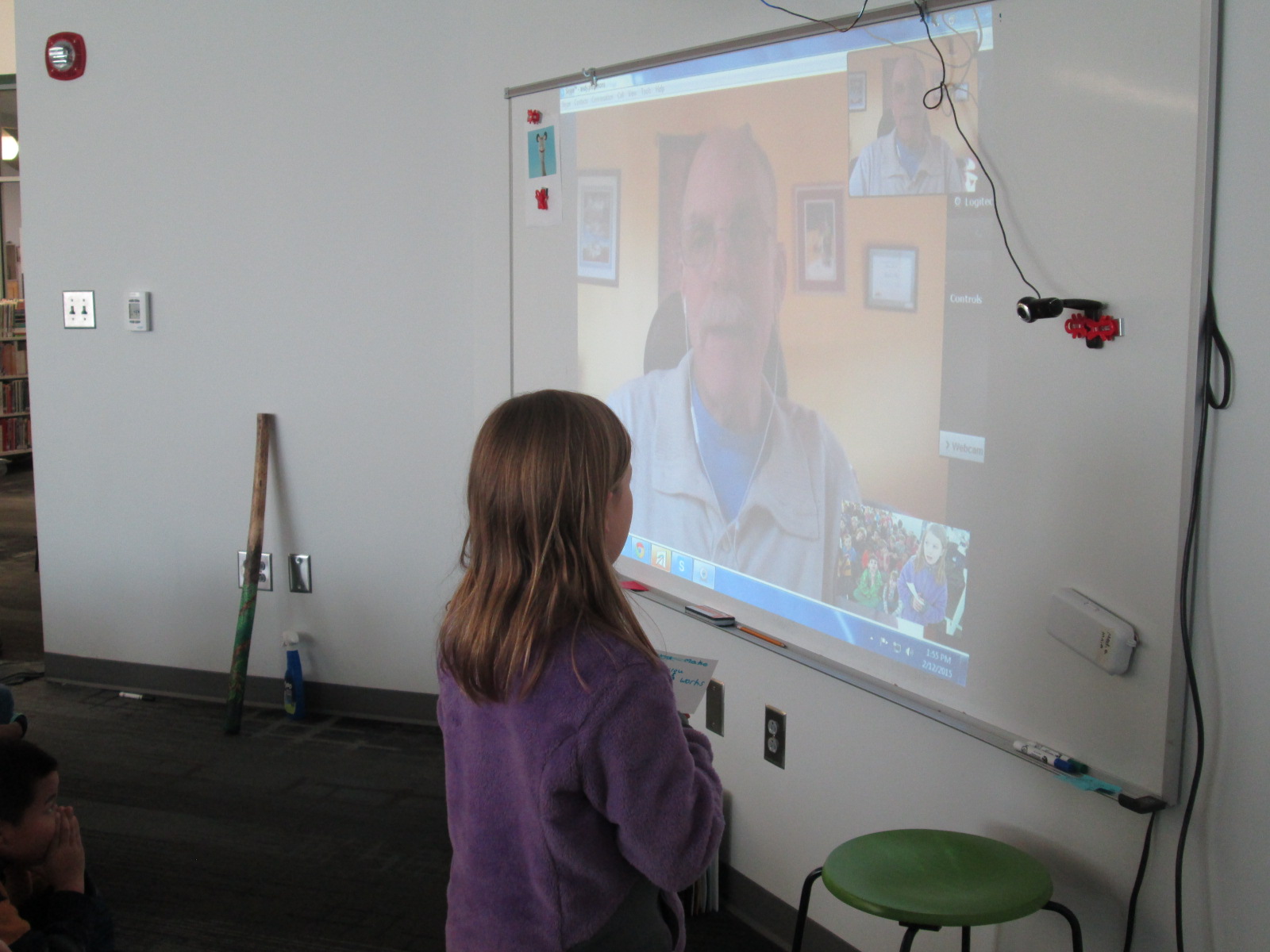
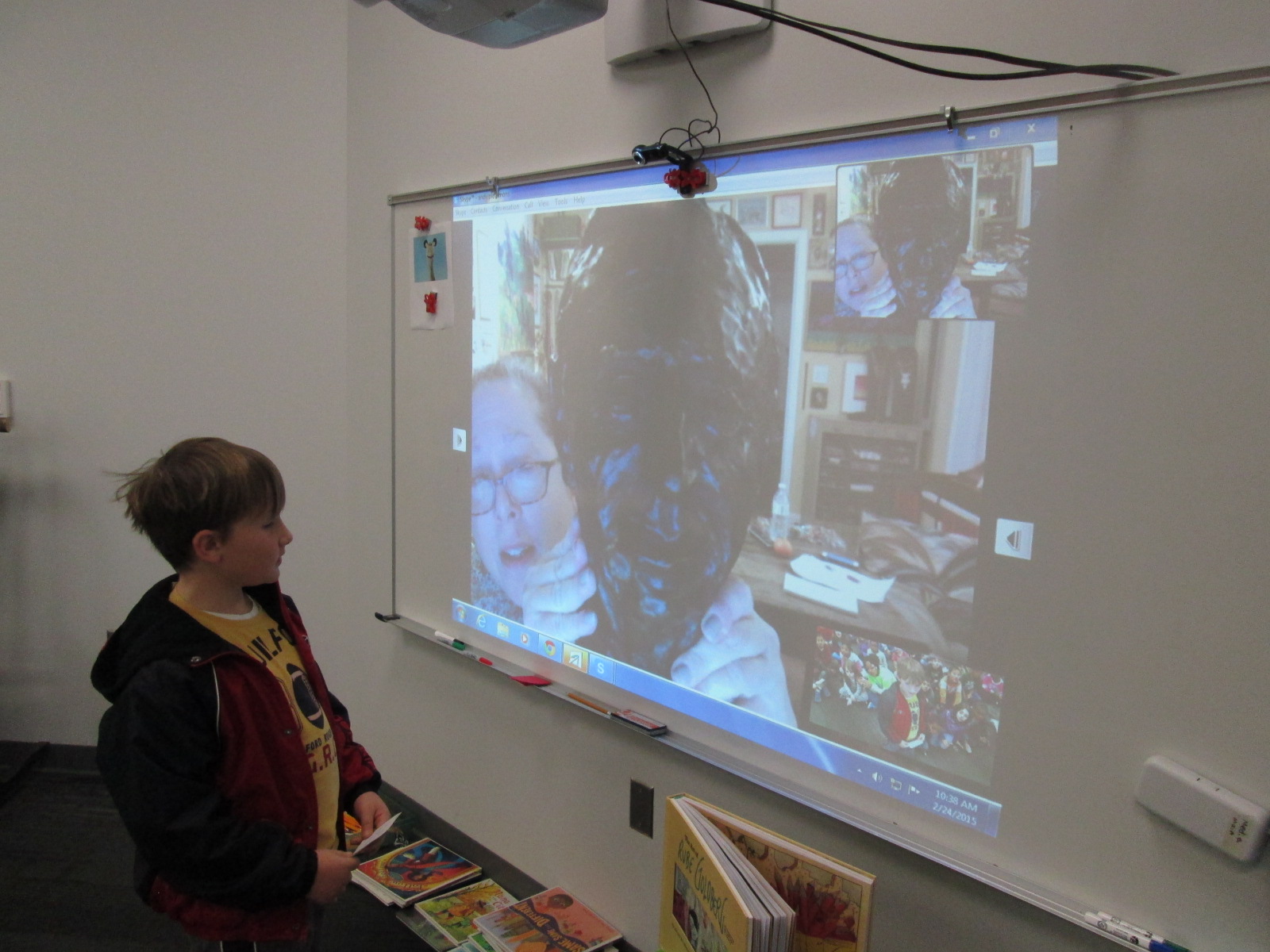
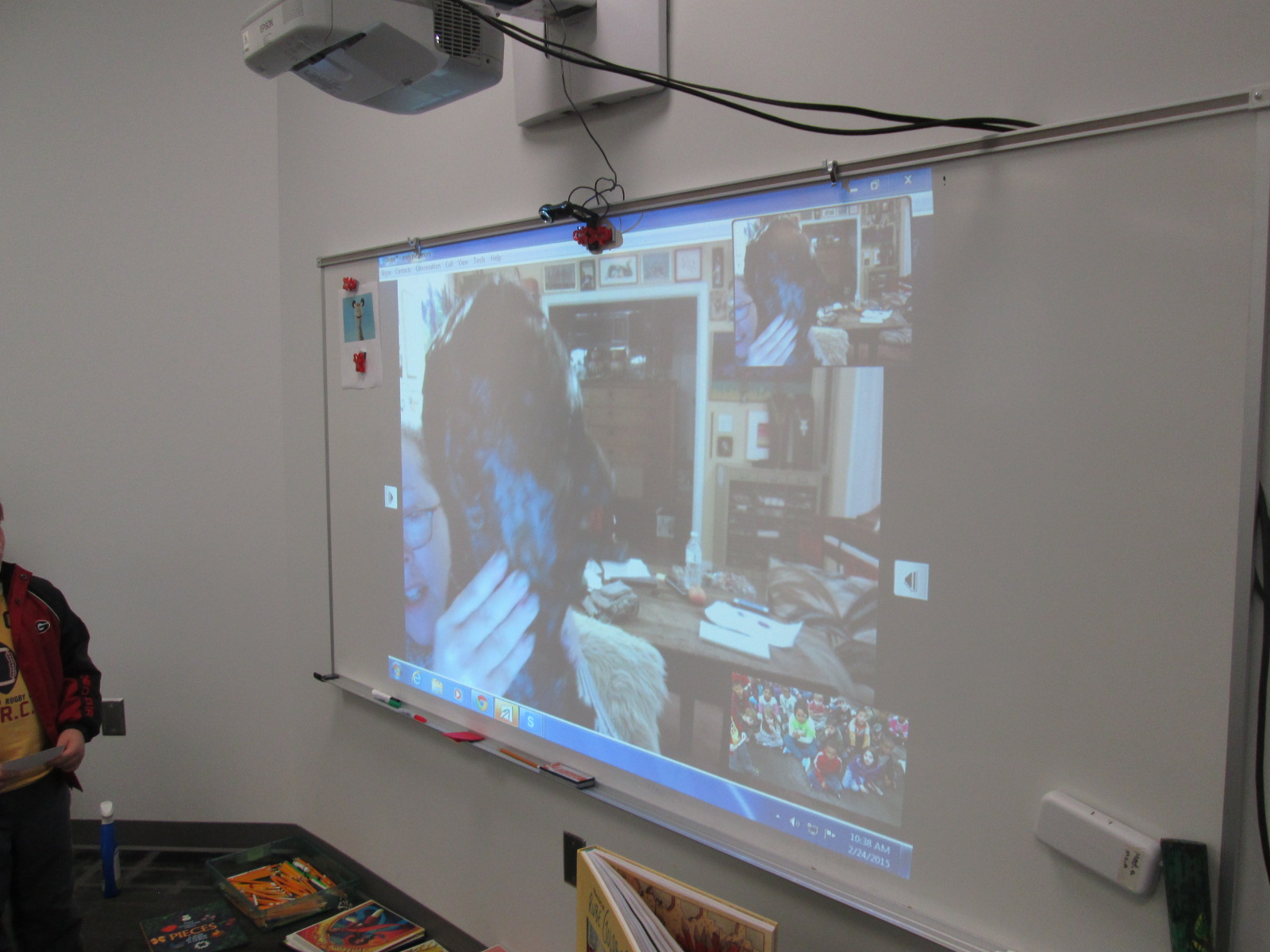
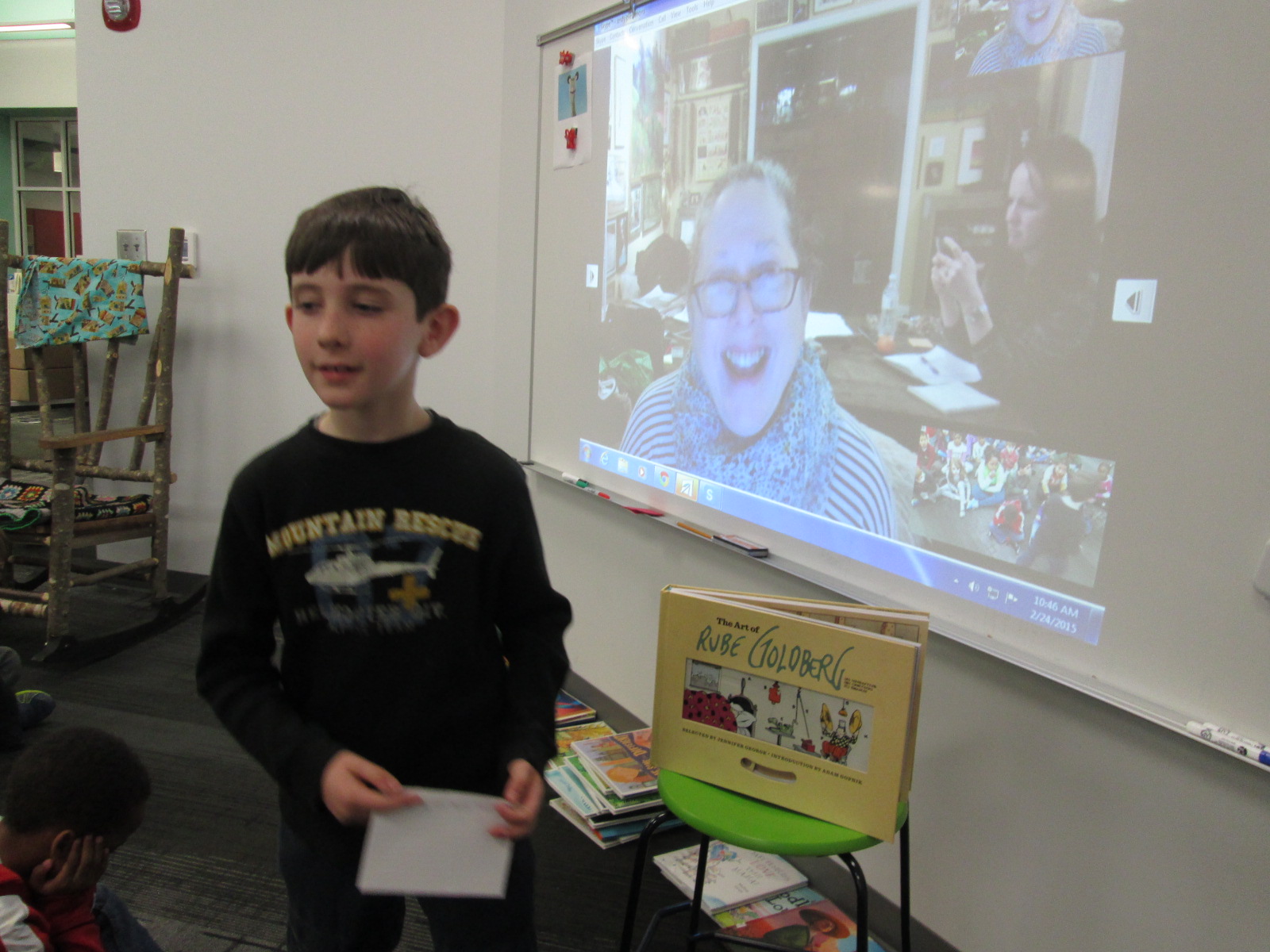
During our Skype, Jennifer George told us just a bit about Rube Goldberg and herself, but she left lots of room for questions.  It’s times like these, that I’m so glad that the 2nd grade teachers have developed their Skype process.  Students had prepared questions on index cards.  The teachers quickly passed them out and we made a line of students who were ready to ask a question.  Students took turns stepping to the webcam, saying their name, and asking their question.  They awaited Jennifer’s response, and then said “thank you” before sitting back down.  Our questions really carried the Skype conversation today.  Each time a student asked a question, Jennifer commented on what a great question it was.  Students asked things like:

  • Did you aspire to be like your grandfather?
  • Do you have any of Rube Goldberg’s artwork?
  • How many drawings did Rube Goldberg make?
  • Did you ever help your grandfather draw his art?

Jennifer George (7)

Each question was met with an extended story that uncovered pieces of Jennifer George and Rube Goldberg’s life.  We even got to see a sculpture that Rube Goldberg had created.

Jennifer George (5) Jennifer George (6)

I love Skype experiences where students get to interact with the presenter.  It empowers students to be able to ask the questions that they are curious about and have their curiosities answered.  I’m so thankful for teachers that give students the space to prepare for interviewing a Skype guest.  These interview skills will only continue to improve and will be a skill that students will carry with them throughout their lives.

Jennifer George (10) Jennifer George (9)

The teachers and I all commented on how different this Skype was compared to last year’s Skype with Jennifer George.  The time to prepare, the time to think about questions that matter and connect, and the trust to allow students to lead the conversation made this a memorable experience for us all.

Social Studies Character Traits: Historical Figures and Personal Connections

IMG_4902This year our school has been creating space for vertical alignment meetings for each subject area.  In these meetings, a representative from each grade level talks about the standards for each quarter and we start to look for ways that we might collaborate across grade levels or move curriculum around the better serve our students.  One of the conversations that keeps coming up in the social studies meeting is character traits and historical figures.  Every grade has a list of historical figures that they have to cover along with a list of character traits that each person represents.  Students really have to understand both the historical figure and the character trait in order to connect the two.  We’ve discussed looking for themes in character traits across the school curriculum so that we might feature specific traits each month with both historical figures, current figures, and ourselves.

IMG_4901

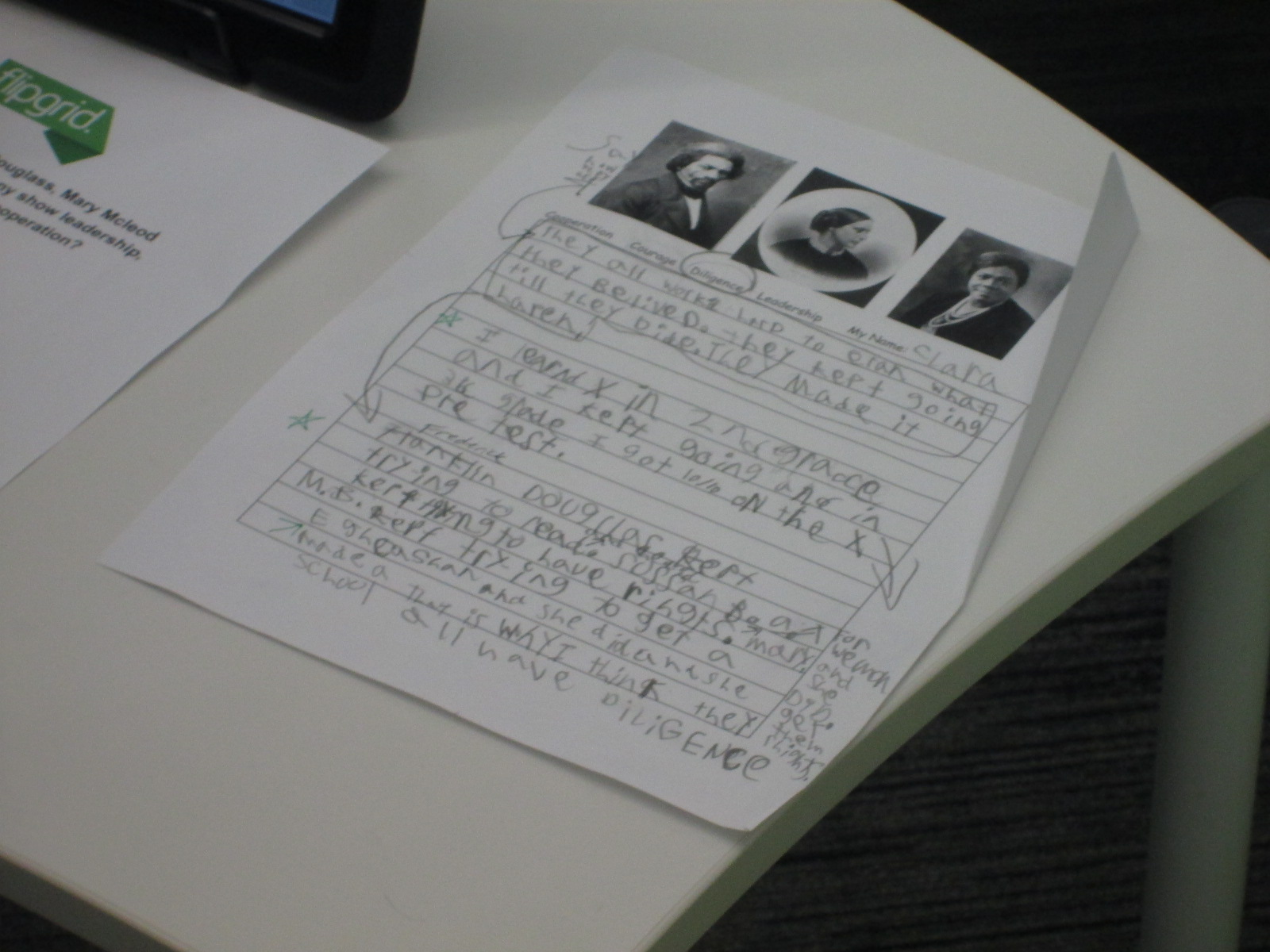
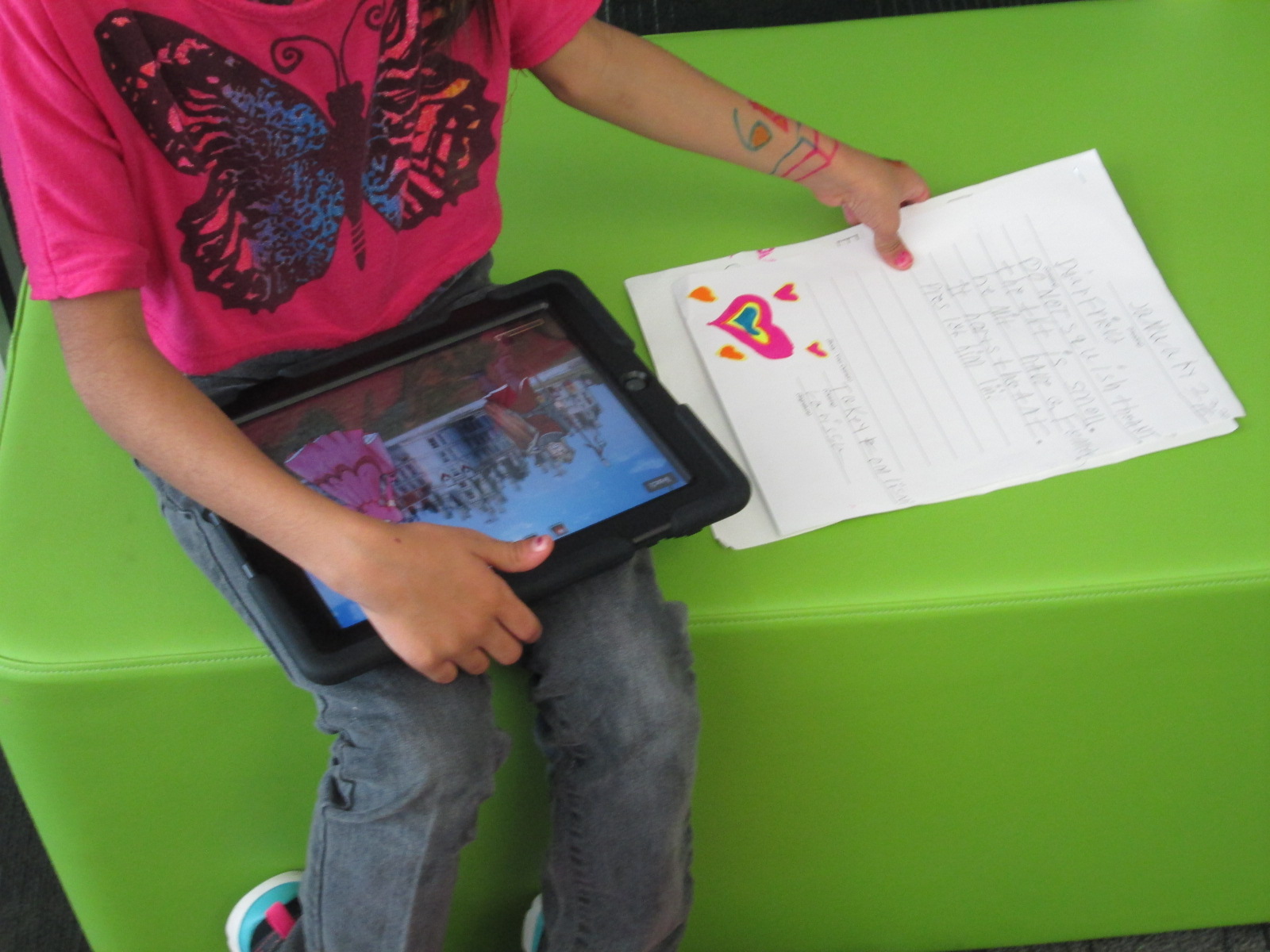
Third grade just tried something new with their standards.  They learn about Mary Mcleod Bethune, Susan B. Anthony, and Frederick Douglass and how these figures demonstrate leadership, diligence, cooperation, and courage.  Wow!  That’s a lot to understand.  I love how the 3rd grade approached this.  They spent two weeks  really going in depth with each historical figure.  They read informational text, used the PebbleGo database, and other online resources to know the main contributions of each historical figure.  Along the way, students gathered facts about each historical figure.
IMG_4906

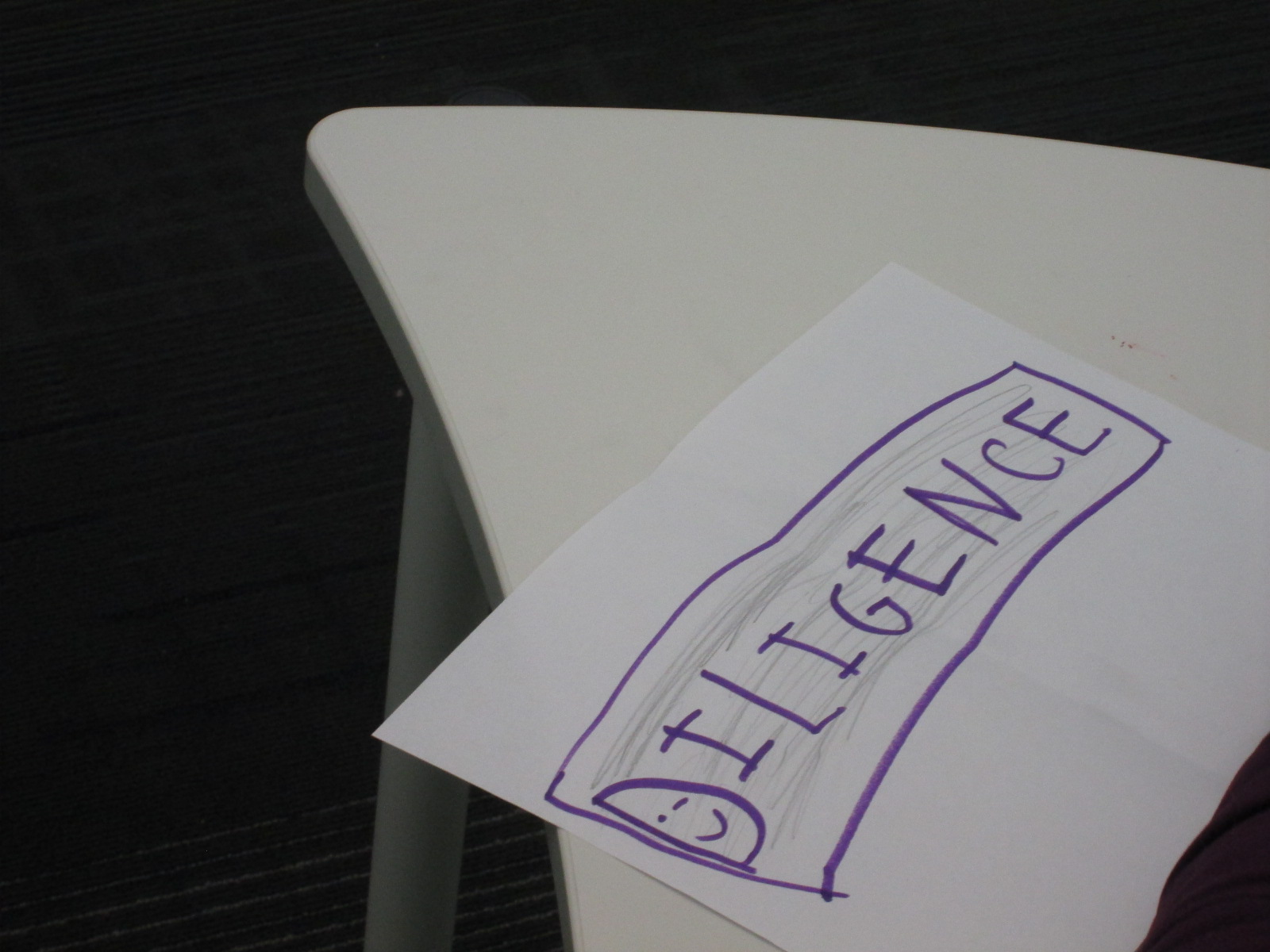
They also spent time learning about diligence, leadership, courage, and cooperation. With these traits, they tried to think of real world examples of how each trait was used.

In the library, each class came for a 45 minute session to comb through all of the facts collected through the lens of a character trait.  Each student chose one character trait to focus on.  The goal was to look back through all of the facts about Susan B. Anthony, Mary Mcleod Bethune, and Frederick Douglass and pull out the facts that demonstrated that character trait.

To setup this time, I modeled the process by using another historical figure that wasn’t part of the social studies unit: Martin Luther King Jr.  We quickly reviewed the 4 character traits.  I thought students would better be able to pull out facts that demonstrated a character trait if they first had a personal connection to the trait.  I told a personal story about how I had shown courage.  When I was in high school, I was terrified of public speaking to the point that I would shake uncontrollably and get sick to my stomach.  By using courage, I have not eliminated this fear from my life, but I’ve learned to control it and now speak in front of many different groups of people.

After telling this personal story, we looked through lists of facts about Martin Luther King Jr and tried to pull out facts that matched each of the character traits.  Students turned to partners and talked about which facts matched which traits and why.

Then, students moved to tables and began their writing time by reflecting on themselves and their chosen character traits.  The teachers and I circulated to talk with students about this.  Then, they went through each of the 3 historical figures and pulled out facts that matched that character trait.

Back in class, students continued working on this process and then crafted their chosen facts into a script where they could explain how each of the historical figures demonstrated the chosen character trait.

Students returned to the library for 10-minute recording sessions.  They used Flipgrid to capture their thoughts.

I think that this was a big step toward thinking about how to make character traits and historical figures connect with our students’ worlds today.  I think we have more work to do, but I love that a new process has started.

I invite you to listen to all of the incredible 3rd grade videos about courage, diligence, leadership, and cooperation.

Leadership

Diligence

Courage

Cooperation

Kindergarten Authors: Empowering Voice Through Informational Ebooks

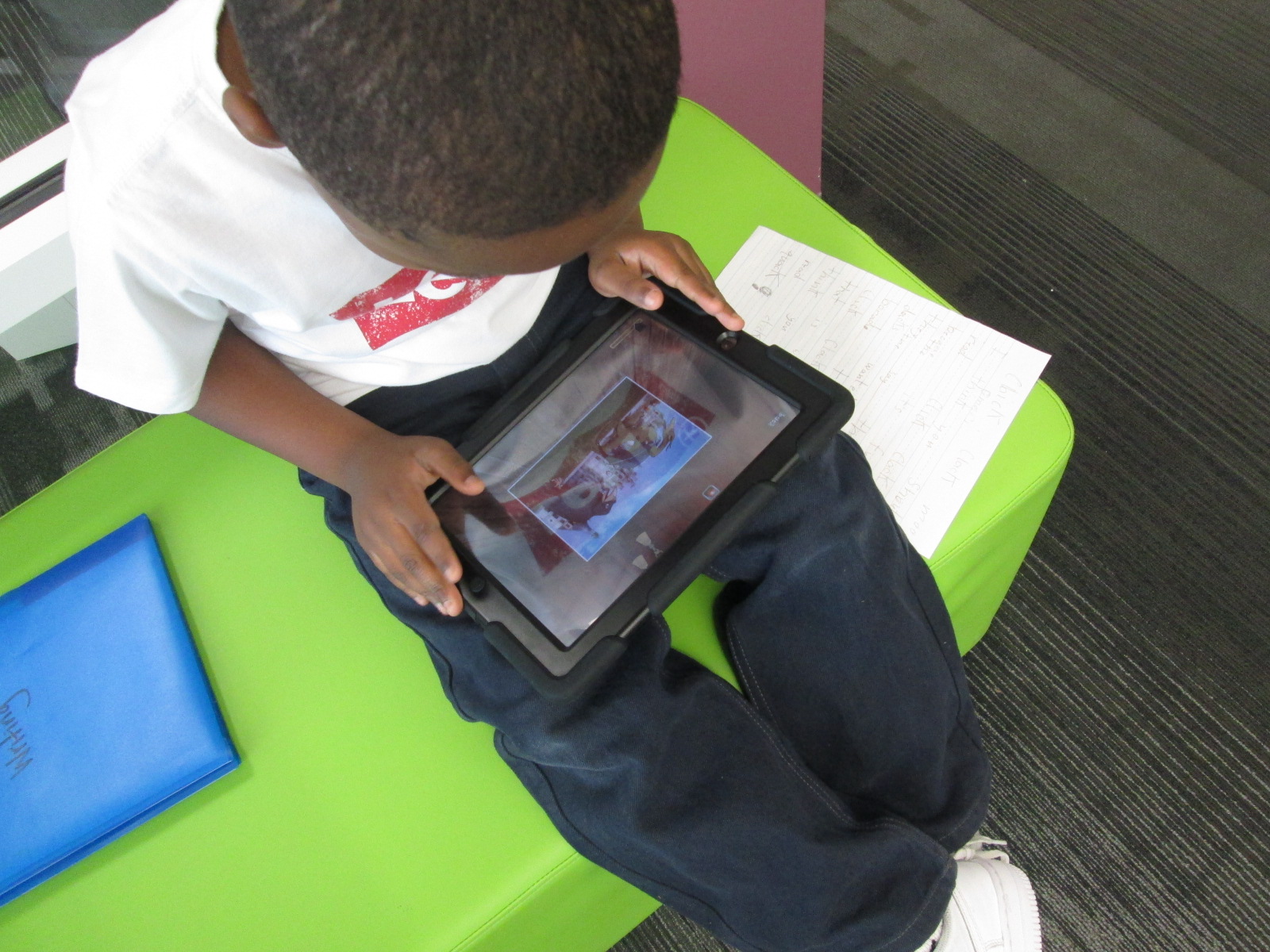
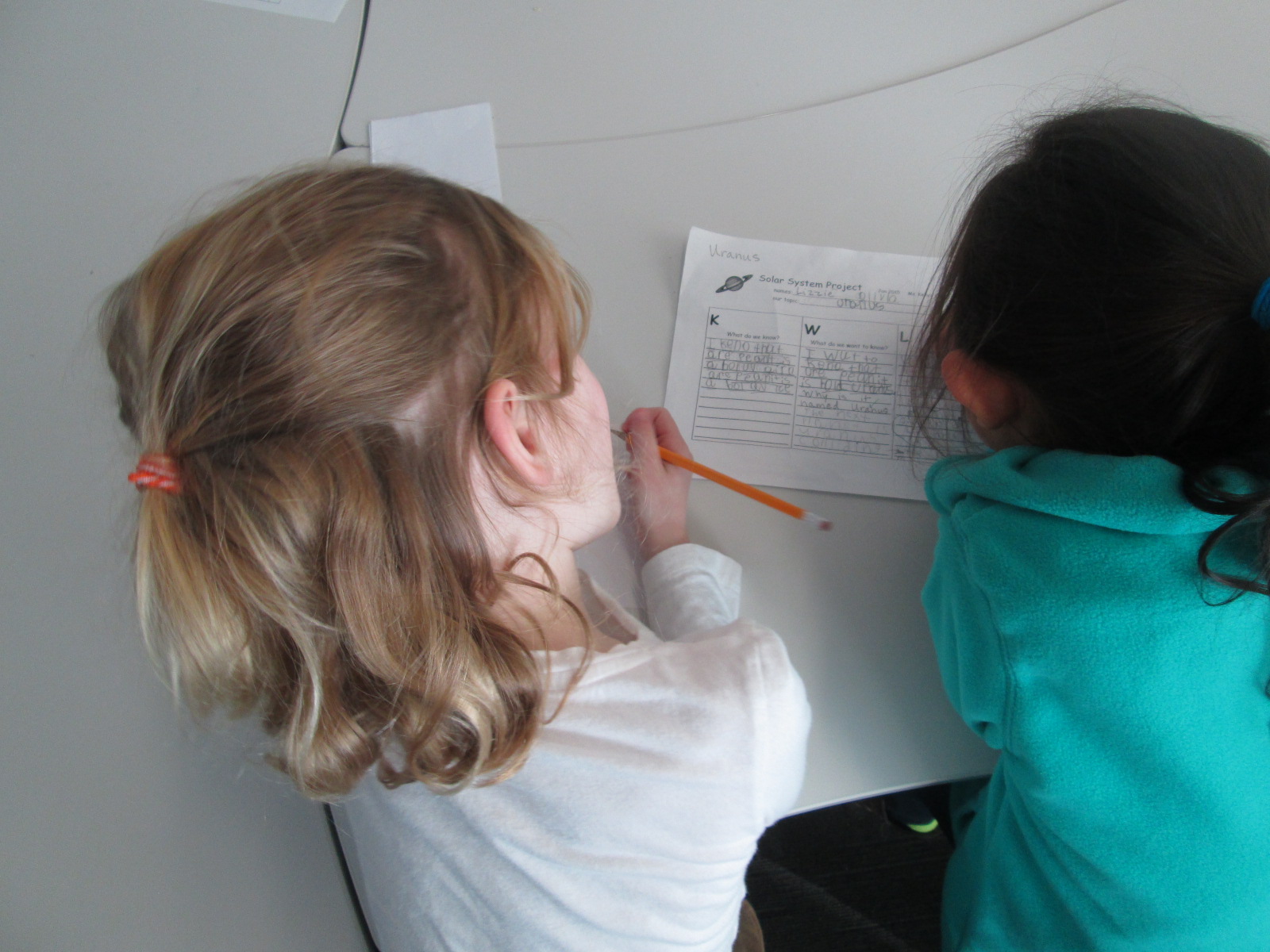
Planet Research (4)Ms. Kelly Hocking’s Kindergarten class has done it again.  They have once again ventured out to try something that no other class has tried and inspired other classes and projects with their work.  In small groups, they each chose a planet to research.  We used PebbleGo, TrueFlix, and books to search for facts in the library and in class.   Then, in the library and in class, students worked on sequencing their facts.

Planet Research (11) Planet Research (9)

Over the past week, Ms. Kelly checked out iPads each day for students to use to publish their work using Storykit.  I love how she encouraged them to take pictures of objects in the school and then use the drawing feature in Storykit to enhance those pictures.

Take a look at their finished products below.  If you click on each picture, it will take you to the student book.  If you have comments for our students, please leave them here on the blog and I will be sure to pass them along to our authors.  If you would like to learn more about Storykit, I’m sure these Kindergarten experts would be willing to Skype or Google Hangout with your students to share their expertise.

Mercury

Mercury by Dominik, James, and Jakaris


Uranus

Uranus by Olivia and Lizzie


Jupiter

Jupiter by Ben and Tia

Mars

Mars by Macie and Taeden

Venus

Venus by Blessing and Janie

Saturn

Saturn by Bryah, Yehun, and Charlie


Neptune

Neptune by Eni and Talia


Earth

Earth by Jayden, Miracle, and Wendy


The Sun

The Sun by Scarlett, Casper, and Sammy

Empowering Student Voice Through Individual Projects: A Kindergarten Research Project

mick

My library uses a flexible schedule.  This means that I don’t see classes at a set time every week.  Instead, I collaborate with teachers and schedule lessons and projects as they fit into the curriculum each week.  This flexibility allows me to work with more than just homeroom classes to include classes like art and music, gifted, special education, and extended learning time groups.  It also allows me to work with small groups of students or even individuals.

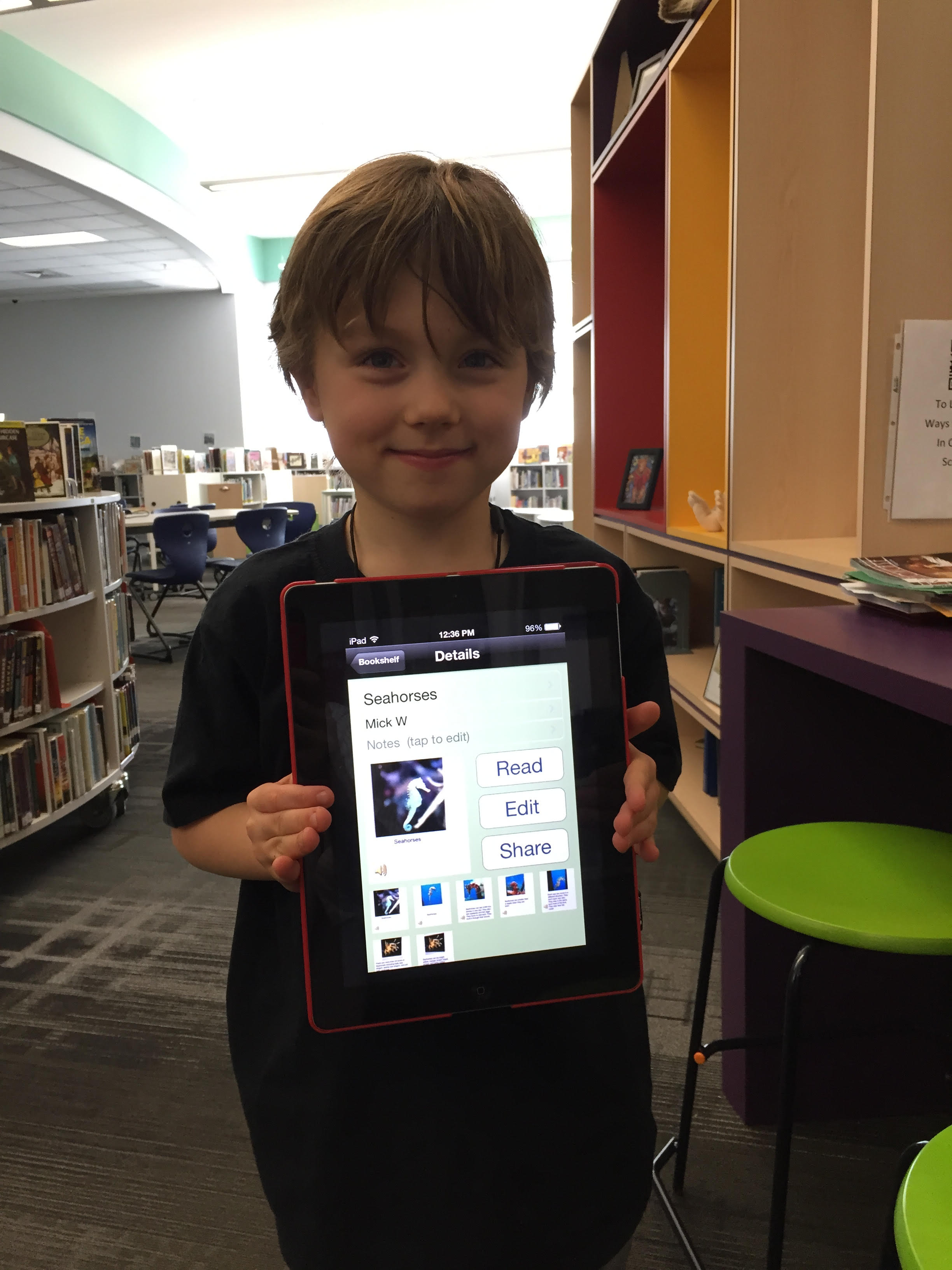
Over the past couple of weeks, I have been working with Mick, a Kindergarten student.  He is an avid reader and is very curious about so many things.  Mick discovers a topic and wants to know all there is to know about it.  Our recent exploration has been around seahorses, which was sparked by a book that he read in his class.

Over several sessions, Mick came to the library for research.  We developed questions together on a Google doc.  He did all of the talking, and I did the typing.

Seahorse doc

Once we had a good list of questions, we started exploring PebbleGo, a Capstone Interactive ebook on seahorses, and Encyclopedia Britannica in our Galileo database.  We listened to the read aloud feature or I read the text aloud if it was too difficult for him to read on his own.  We paused often to see if any facts had answered our questions.  If Mick pulled out a fact, we put it into his own words and I added it to the doc.

After each session, I printed our notes for him to take back to class in case he did more research on his own or at home.  Once Mick felt like he had enough facts, I asked him what he wanted to do with his information.

He really wanted to “make a book using the computer”.  There are several tools we could use to do this, but we decided to use an iPad and the Storykit app.  This app lets you create multiple pages, type text, record audio, draw, take pictures, and import pictures.  I’ve seen other Kindergarten students use it, so I felt like it was the right tool for the job.

Mick’s first steps were to find some creative commons pictures of seahorses.  He used the camera on the iPad to take pictures of the pictures and put one picture on each page.

During another session, we went through Mick’s facts and selected an order for the information.  He read the facts he wanted, and I typed them onto the iPad.  I originally had him typing, but it was taking longer than we had time for.

In our final session, Mick recorded his voice reading each page.

The Storykit app lets you upload the book to the Storykit server and then you get a link to the work to share.

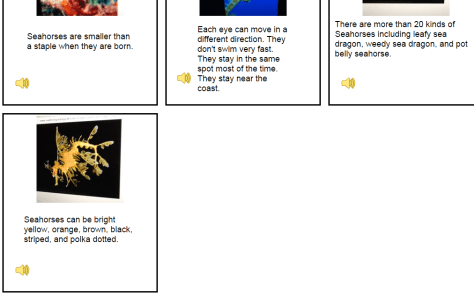
I invite you to take a look and a listen to Mick’s informational story on Seahorses.  I love it when student’s voices are empowered through projects in the library.  If you have comments for Mick, please leave them in the comments.

Mick's Seahorses (1)

Crafting Opinion Writing with Puppet Pals in First Grade

puppet pals (7)

Almost every class in our school is doing some form of opinion writing at the moment.  Last week, 1st grade spent some time tinkering with the Puppet Pals app on the iPad to see how it worked.  We have also been reading books that feature some type of opinion such as The Sandwich Swap and Sylvia’s Spinach.

In class, the 1st graders have been writing an opinion piece, so they brought that piece of writing to the library to use the Puppet Pals app to record their script.  We started on the floor in front of the projector.  I projected an iPad and opened the puppet pal app.  I quickly went through the various screens and made sure everything still looked familiar to students from their tinkering sessions.

puppet pals (2)

Then, I showed the students a few extra steps they would need to do in order to save their video.  They would need to give their story a title and export the story to the camera roll on the iPad.  I also used this time to explain what my role for the day would be.  Since each class has about 20 students, twenty videos needed to be uploaded to Youtube and put into a playlist for the teacher to share in class and with families.  I really wanted this step to be done while the students were in the library, so I told the students that uploading videos was my only role during our work time.  The teacher was available to walk around and monitor and assist students who were recording, but more importantly, the whole class had expertise in Puppet Pals because of our tinkering and could help one another.  I encouraged them to ask one another for help if they got stuck so that I could focus on getting their videos uploaded.

During the work time, there was not a single student who came to ask me for help to use Puppet Pals.  There were certainly students who got stuck, but they relied on one another to figure things out.  I really saw the benefit of giving them time to tinker in the previous lesson.  They also were empowered to support one another rather than rely on an adult to help.

When they finished recording, they did their additional steps to export their videos and then formed a line in the middle of the library at my table.  I opened the video on the camera roll and selected to upload the video to Youtube.  I signed into my channel on each iPad.  The students helped me name the video and stayed until the video was uploaded.  Then, they went back to their work space and continued using Puppet Pals to tinker and try out a story of their own choice.

puppet pals (9)

Once all of the videos were uploaded, I selected them all in my account and added them to a playlist.

We worked for a full 45 minutes to record, upload, and continue tinkering.  There was little to no behavior problems.  Every student who had an opinion writing finished was able to film and upload a video.

Now the classes are thinking about a next step for Puppet Pals.  The students are very curious about creating a story with the characters in Puppet Pals, so I have a feeling that we will be crafting some narrative stories very soon.

Kindergarten Researchers in Action

Planet Research (4)Ms. Kelly Hocking’s Kindergarten class is hard at work again.  They were so excited by what they discovered using the Storykit app, that they decided to continue their work by making their own nonfiction book.  Their last adventure was about creating their own versions of folktales.

You can read and listen to their folktales online:

Ms. Kelly’s class has been very curious about space, so they decided as a class that they would work on creating informational books about the planets and solar system.  Ms. Kelly put the students into groups of 2-3 and each group chose a planet or part of the solar system to research.

Planet Research (11) Planet Research (5)

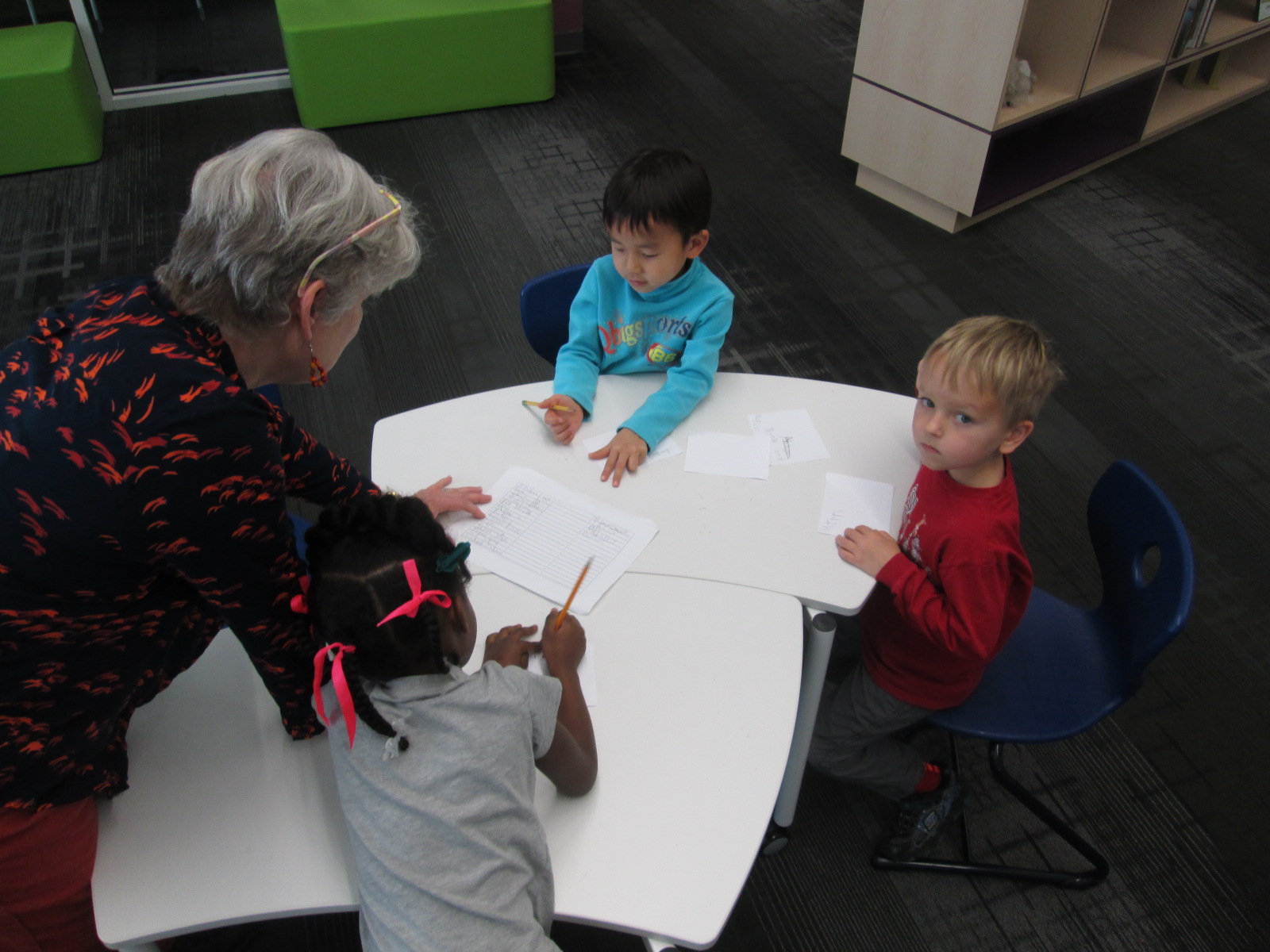
In the library, I pulled our books about space as well as checked out some books from the public library.  I also setup 2 computer areas.  One area was focused on PebbleGo and the other area focused on TrueFlix.  Even though the content of TrueFlix is written for older students, I felt like the read aloud function would support Kindergarten researchers.

Planet Research (3)

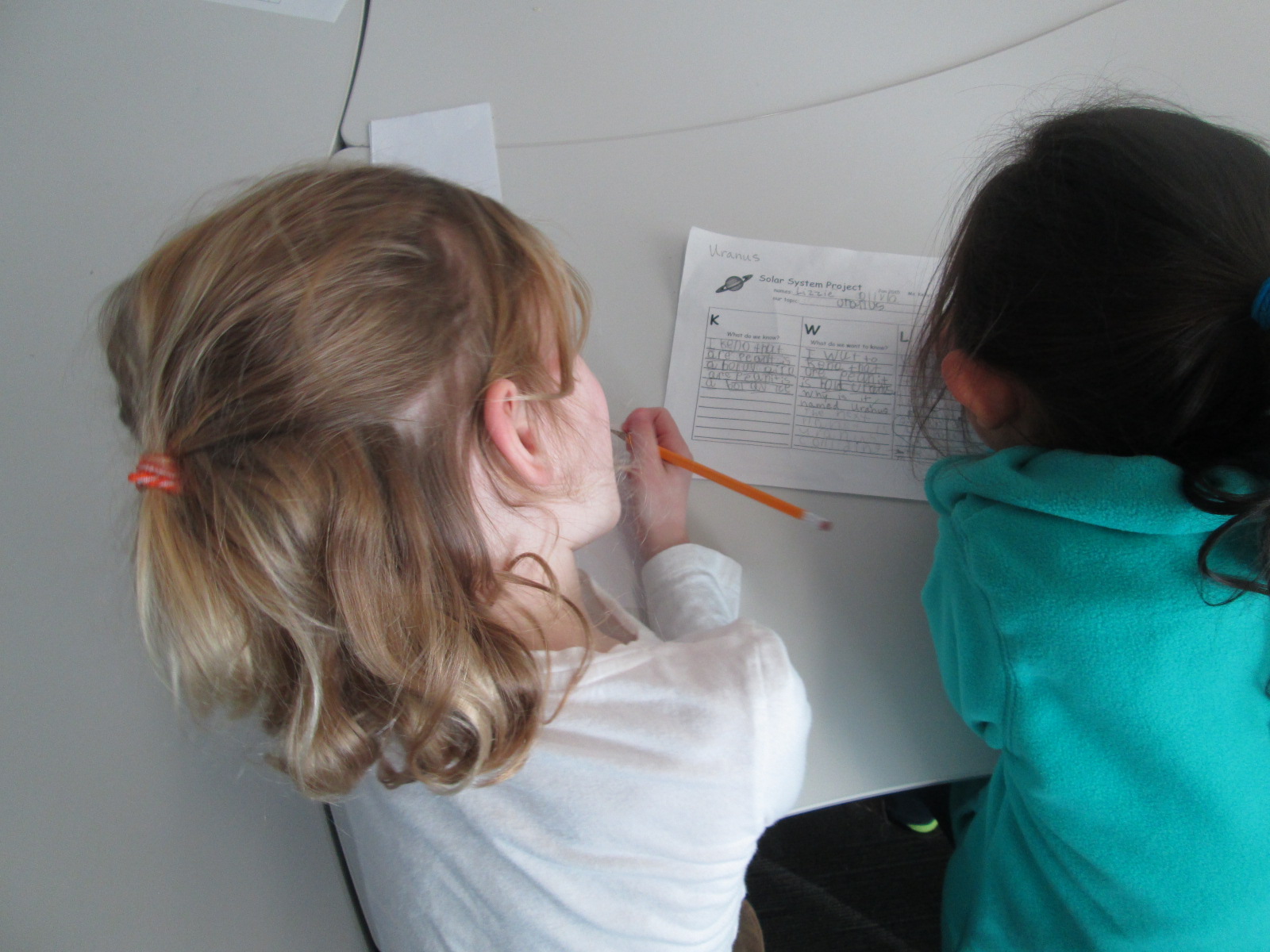
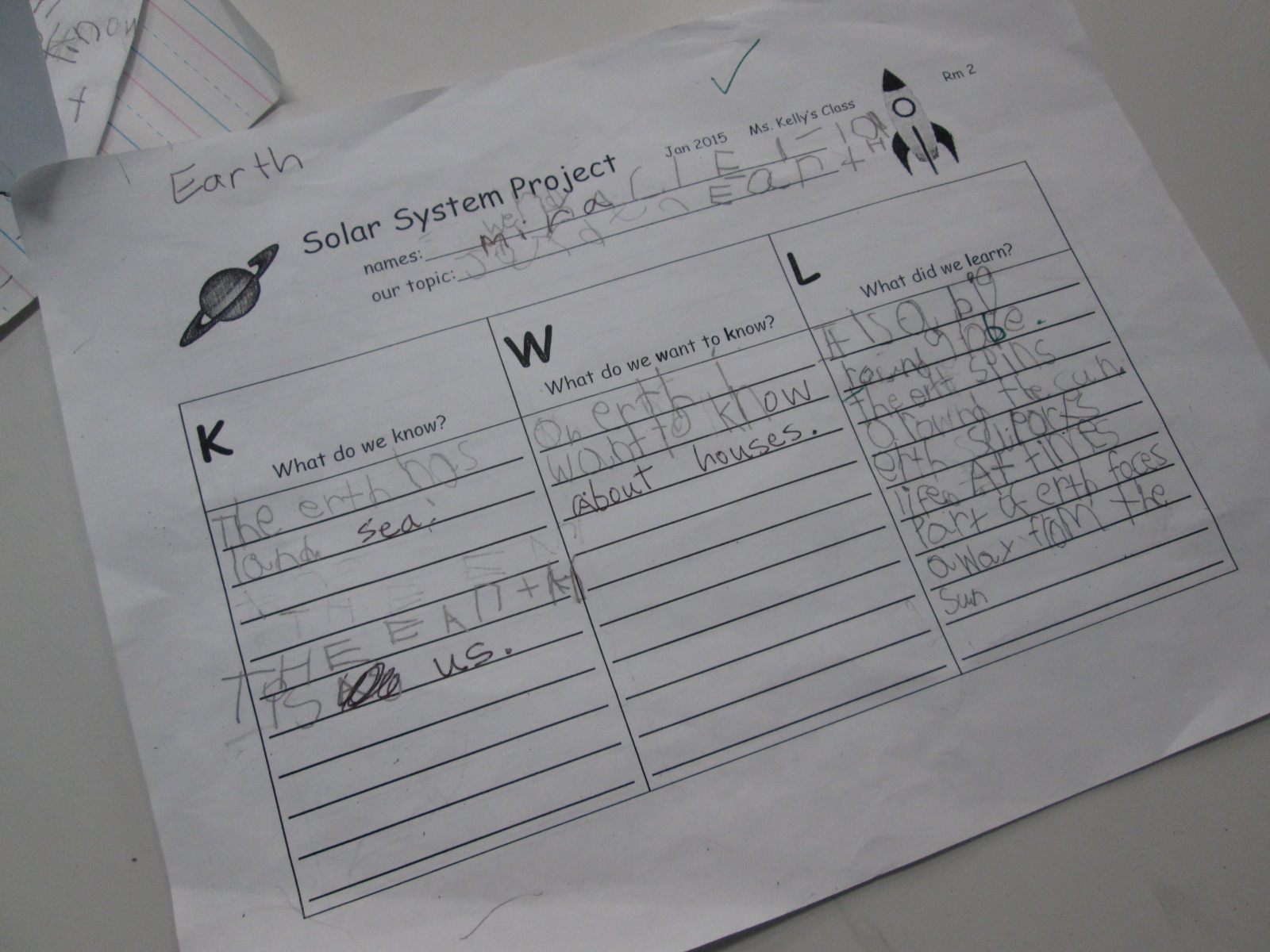
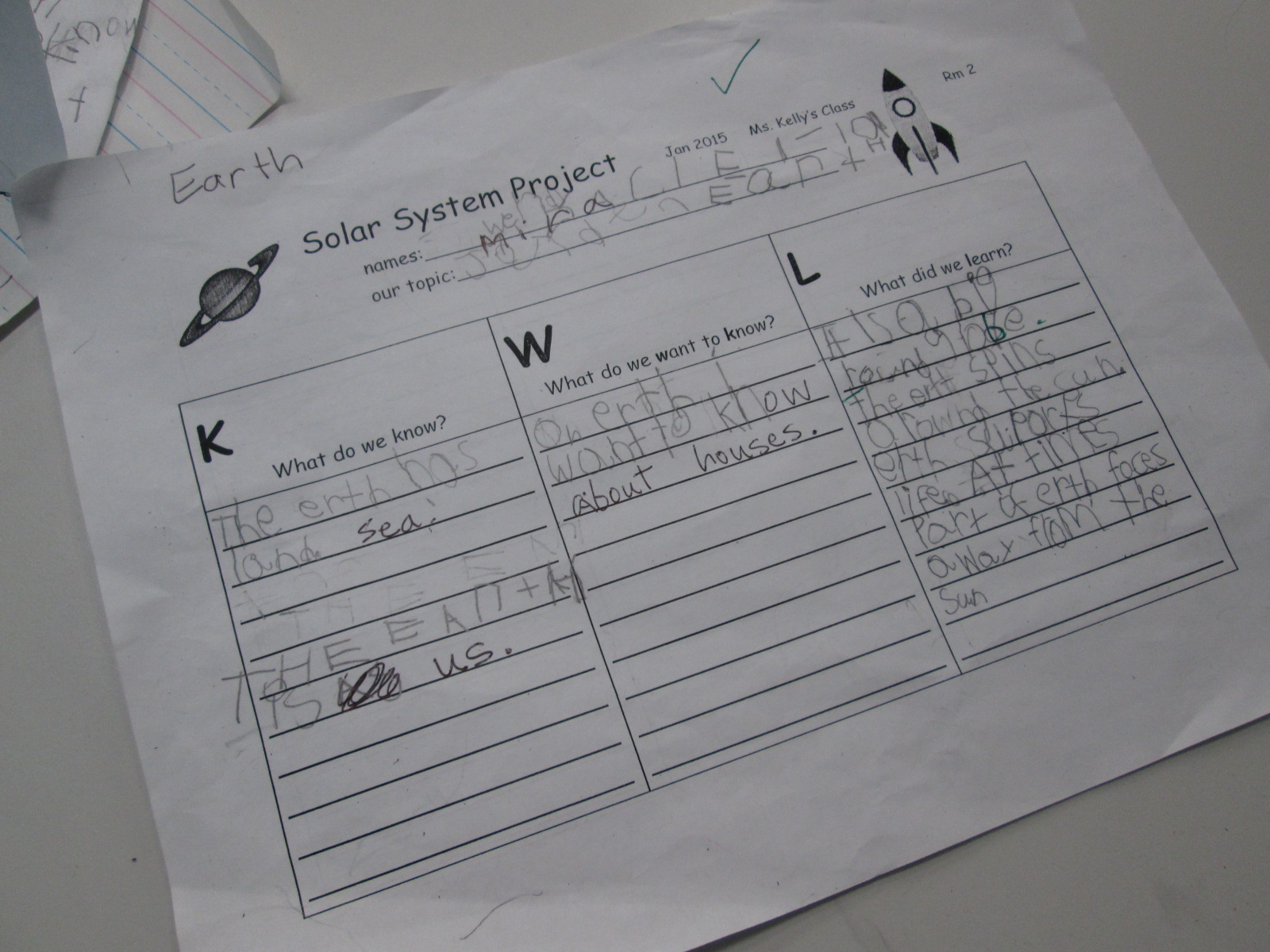
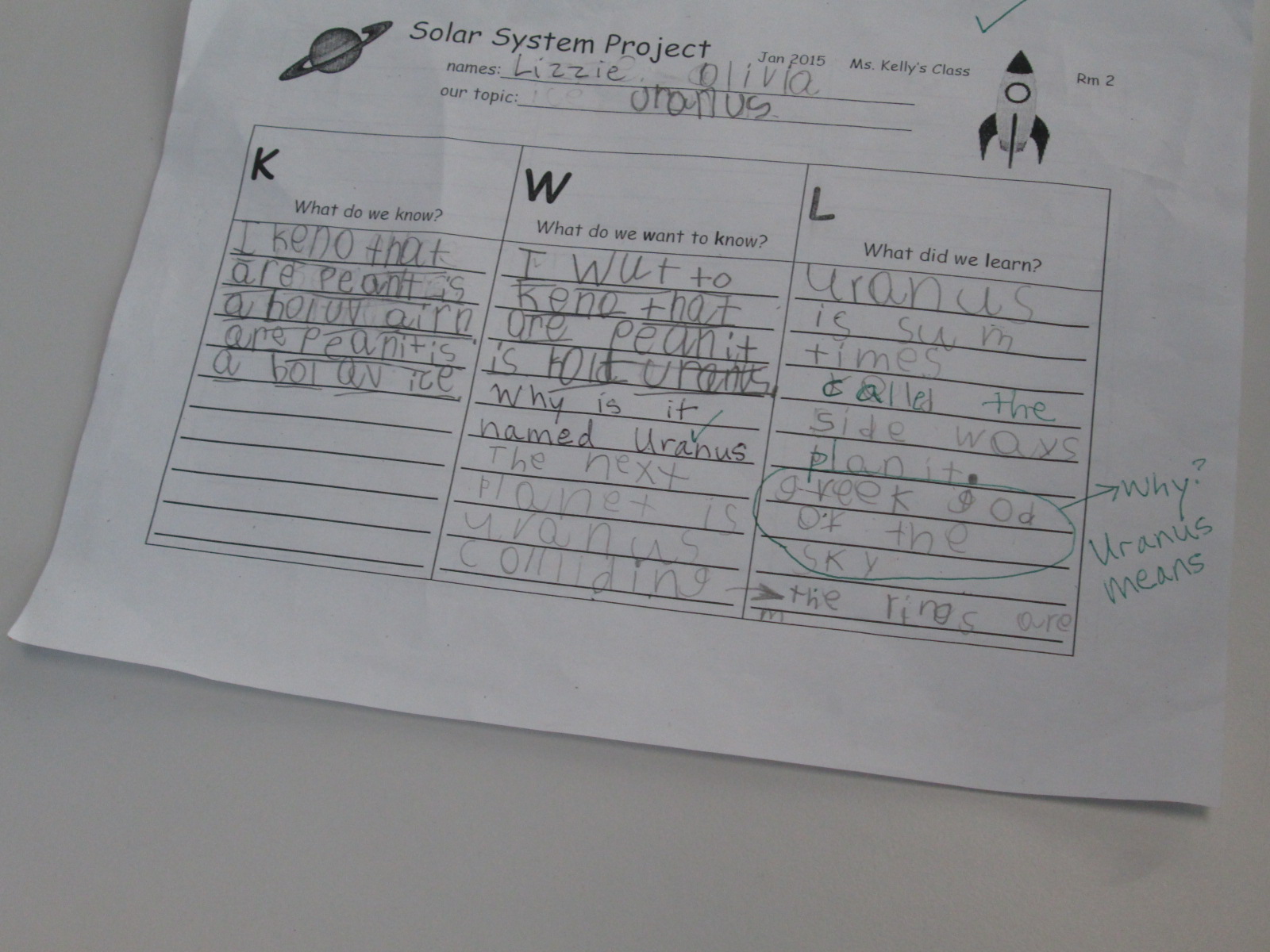
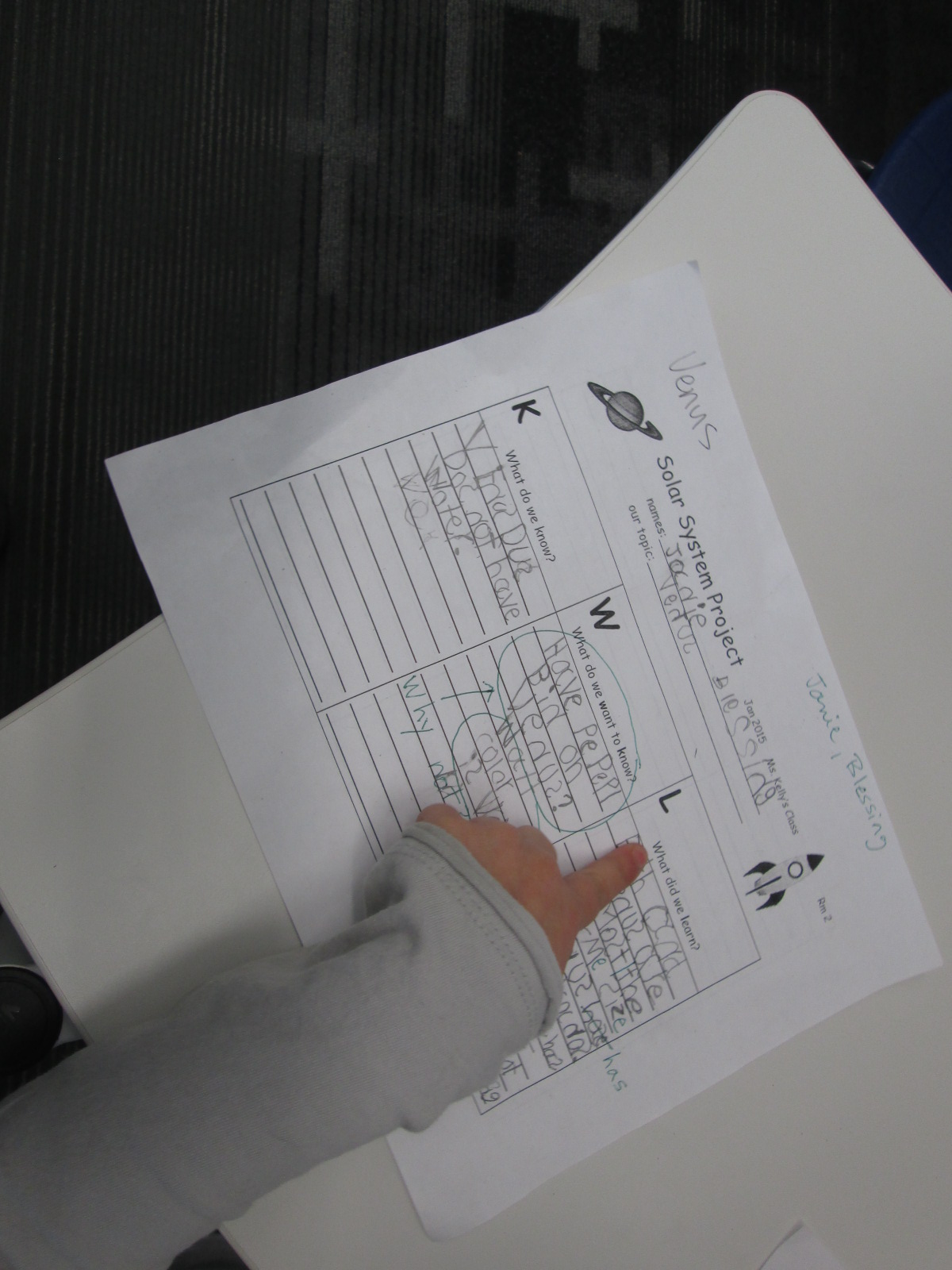
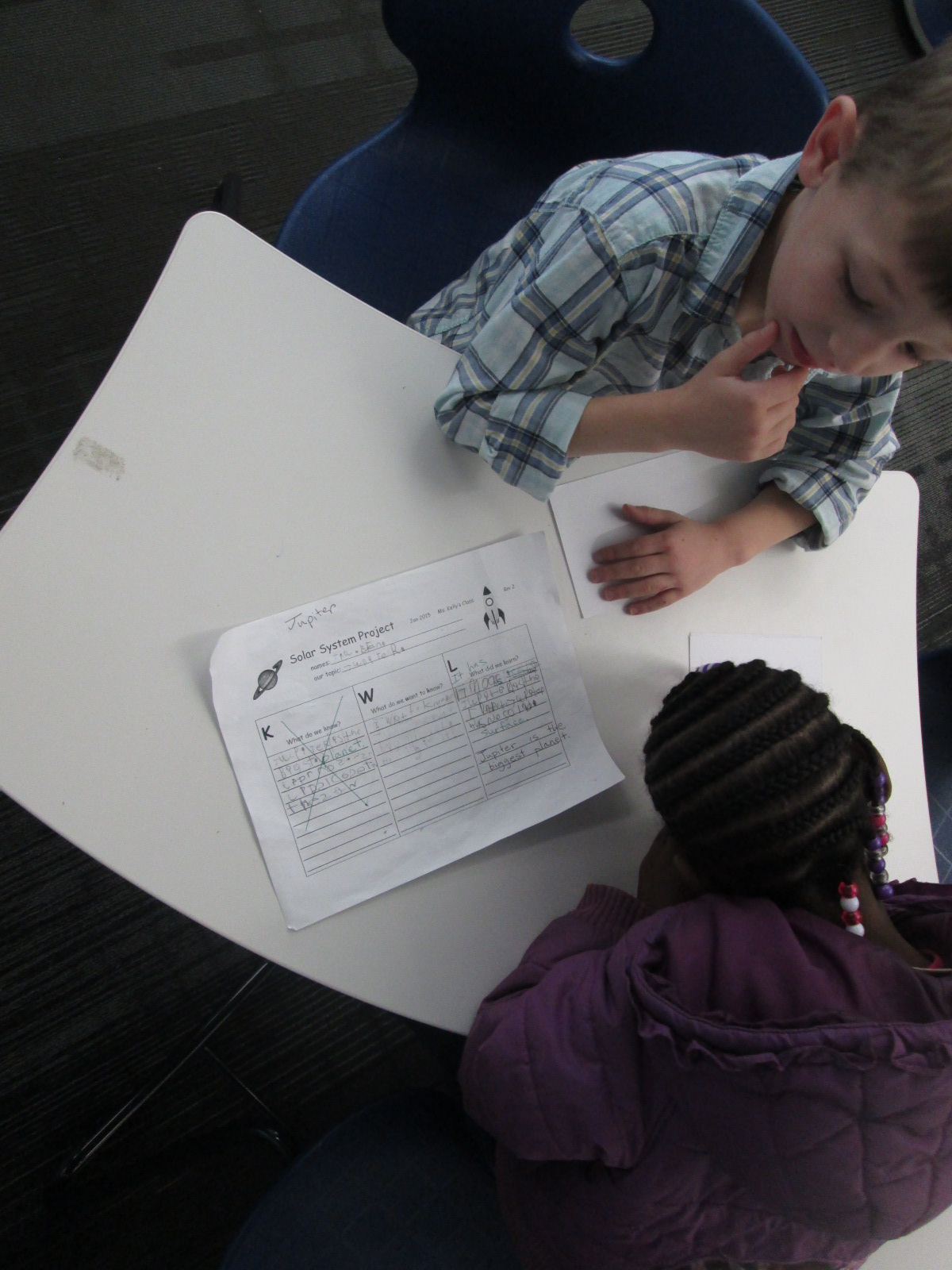
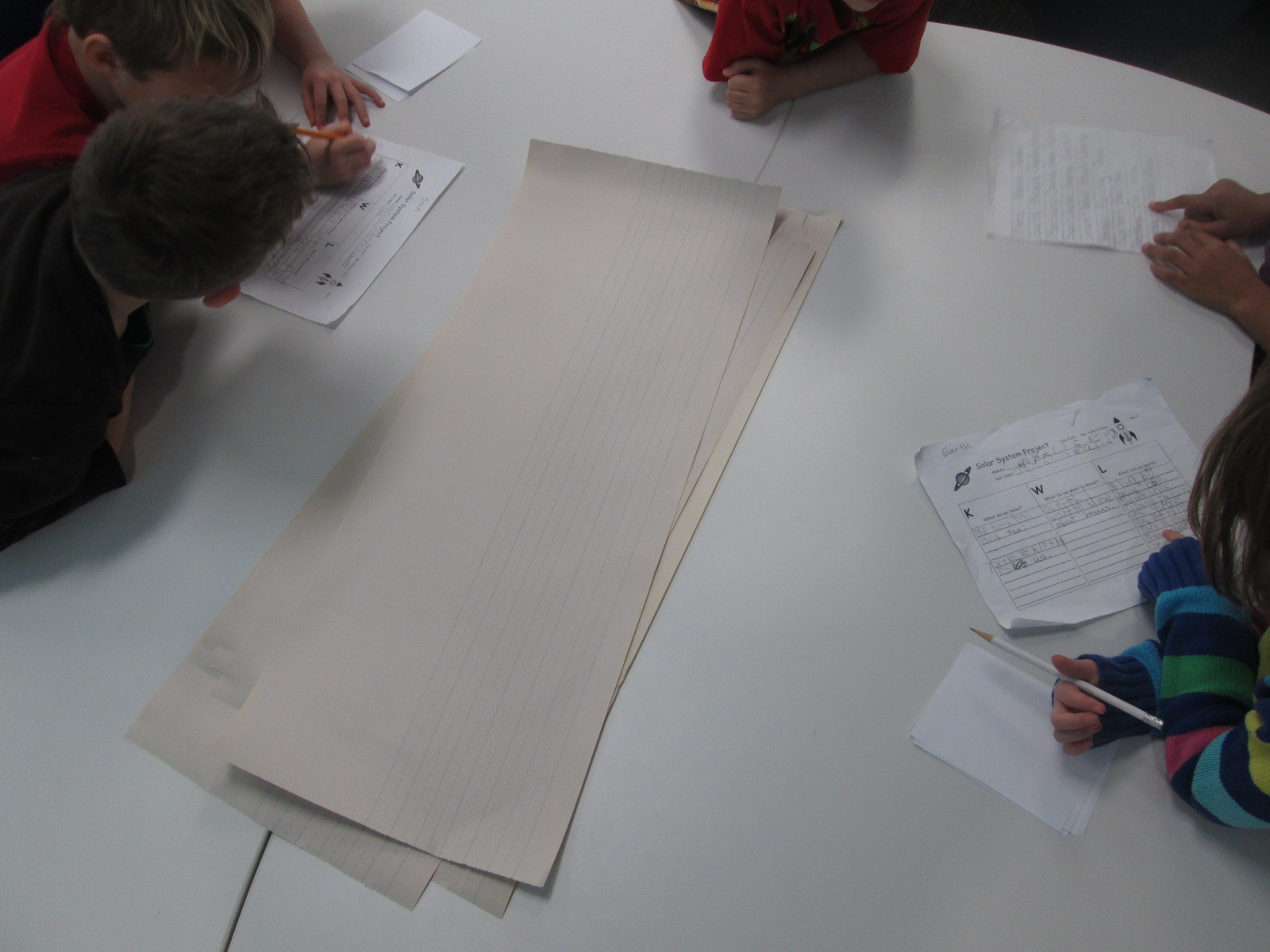
In class, students filled out a KWL chart to bring to the library.  When they came to the library with their questions, Ms. Kelly and I did a quick intro to the 3 areas available to them.  I loved how Ms. Kelly set a realistic goal for students in this big venture.  She said, “I want you to have at least one fact written down before you leave today”.  Of course, most groups wrote more than 1 fact, but every group left the library with a successful experience of meeting their expected goal.  To support students in their research, Ms. Kelly, a parent volunteer, and I rotated among the groups to help students with navigating the information in front of them.  Students continued this research for the next week in class.

Planet Research (8) Planet Research (6) Planet Research (1)

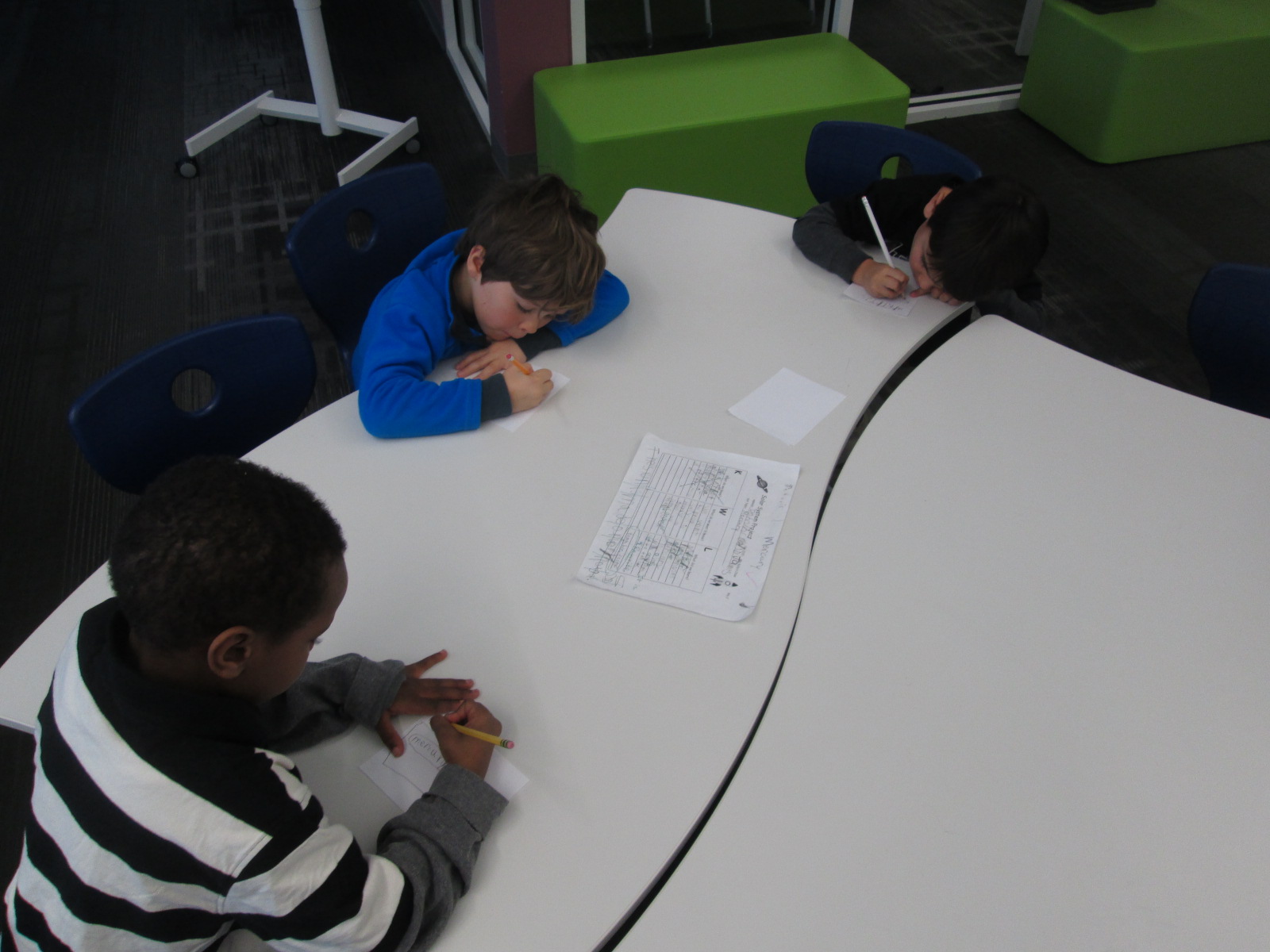
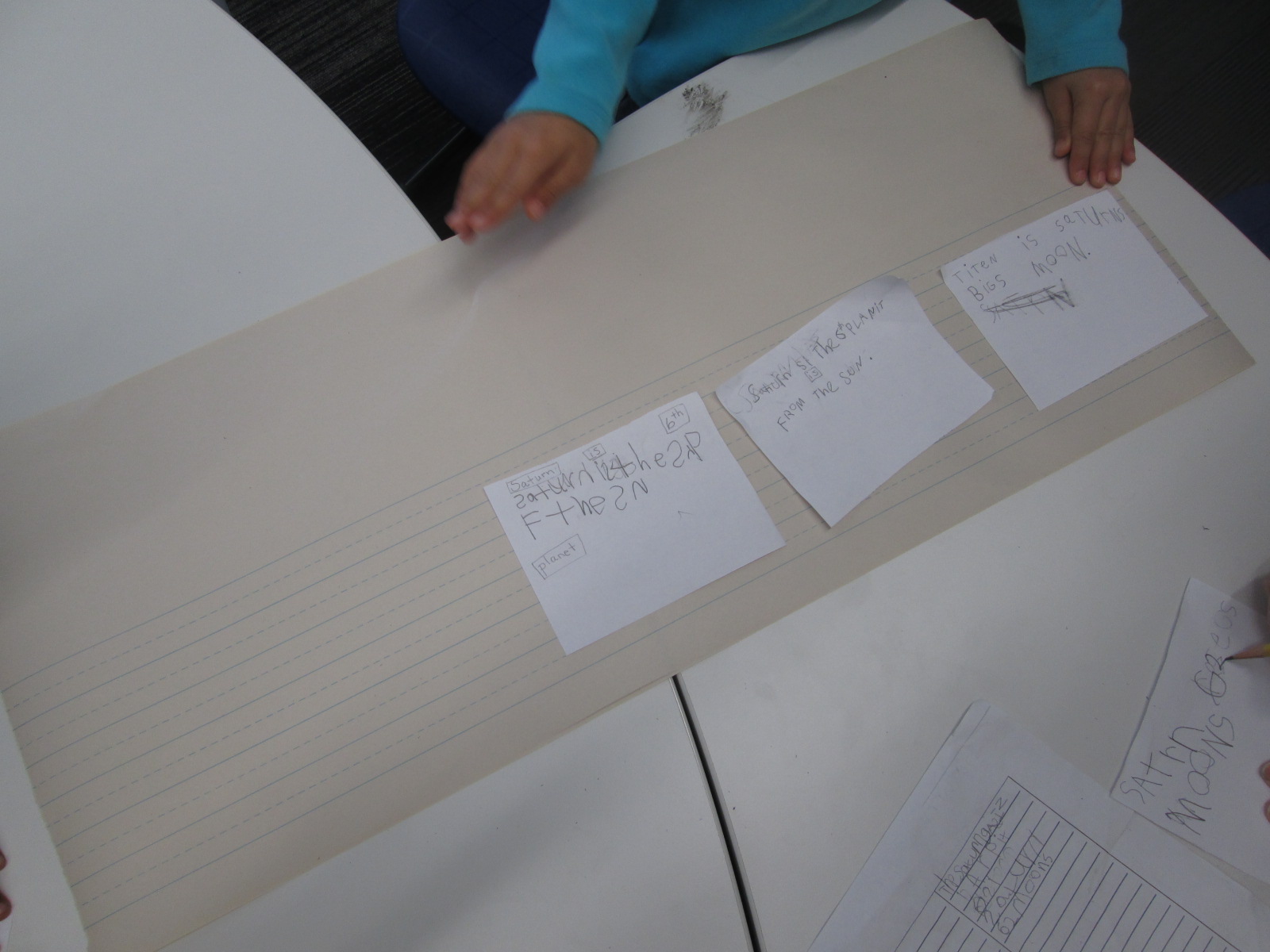
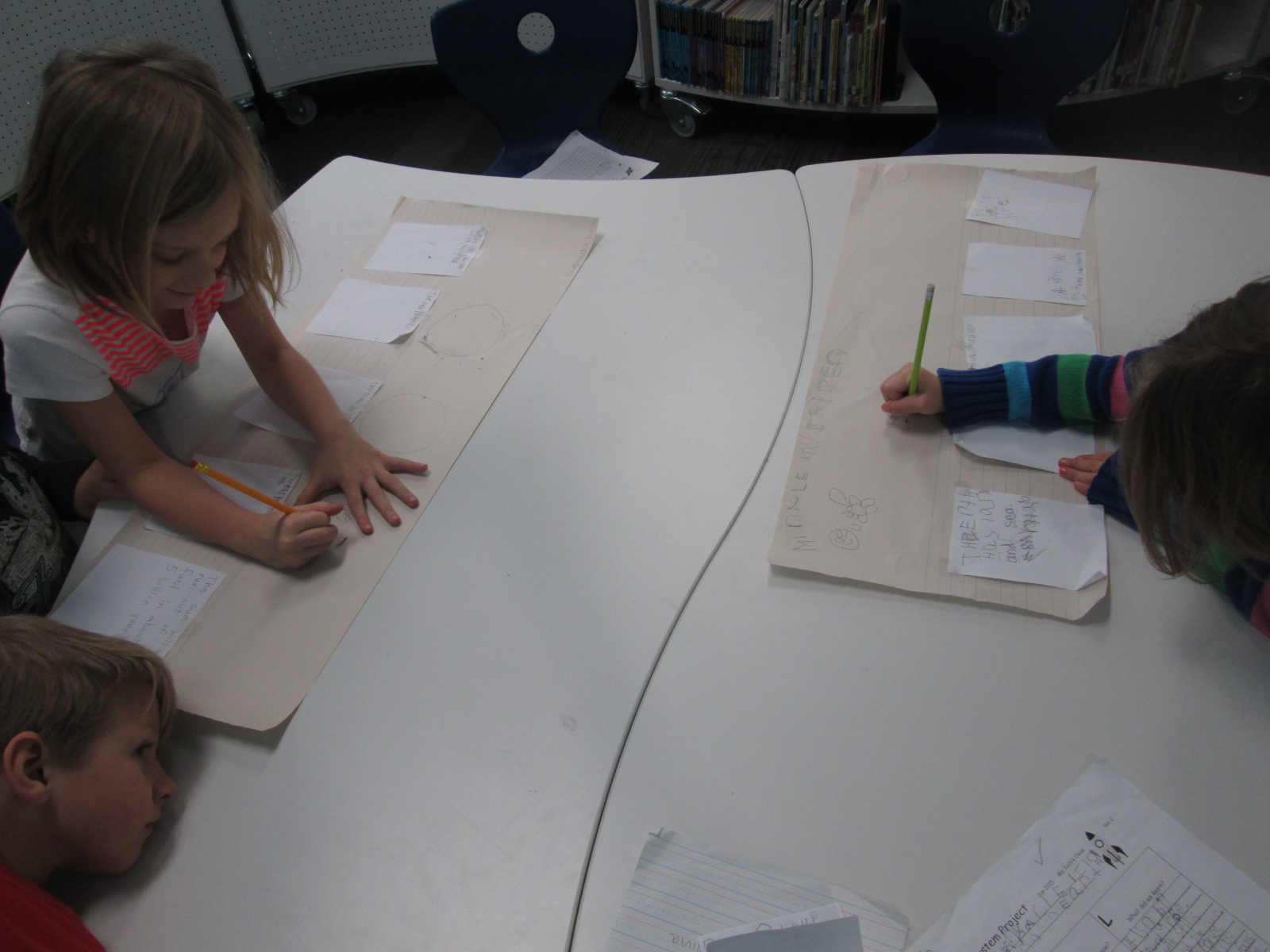
Next, the students came back to the library to work on prep for their book production.  Their KWL charts were filled with facts that they had discovered.  Ms. Kelly even shared that some groups had conflicting information about the order of the planets, so they had done some fact checking as a class before they came.  During this 2nd library session, we started in the floor again to establish our expectations for the day.  Every group had small squares of white paper, a long sheet of lined paper with room for illustrations, and a pencil.

Planet Research (9)

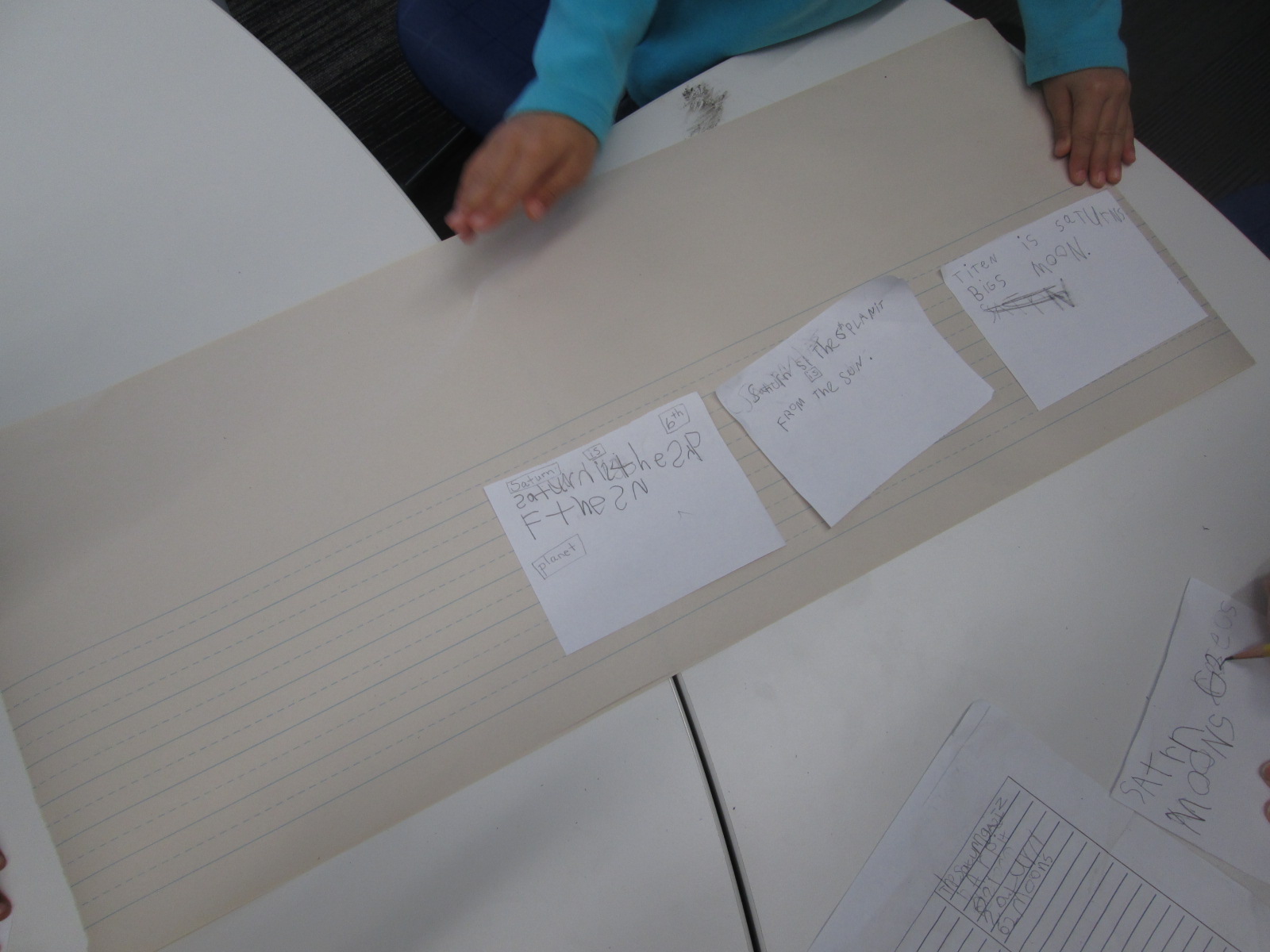
The task was to sort through the KWL chart and identify the facts that would go into the finished book.  One fact was written onto each piece of white paper.  The whole group worked on this part.  Ms. Kelly, the paraprofessional, and I circulated among the groups to assist with reading the KWL charts, correcting spelling, and searching for additional facts if needed.

Once 4-5 facts were identified, students sequenced the facts into an order that made sense.  Again, the adults helped students read aloud the facts that they identified and facilitated sorting the facts into different orders until a final order was chosen.  Then, the adults taped the papers to the larger lined paper.

Planet Research (9) Planet Research (10) Planet Research (2)

If students had time, they thought about what they could use in the school to photograph for each fact on the sheet.  They made notes or drew a picture to remind themselves what they talked about.  Ms. Kelly ad I encouraged students to stretch their brains to think about what they could creatively use to take a picture.  One group had a fact about the crust of their planet.  They decided they would take a picture of a piece of pizza in the cafeteria and draw an arrow to the crust.

Students will continue this process in class throughout this week.  Next week, they are checking out iPads to photograph things around the school as well as type their text into Storykit and publish their own ebooks.  I can’t wait to see how their work turns out.  I will most likely push into their class at some point next week to help, or they may schedule a time to come work with me again in the library as they finish their books.

Projects like this show me that it is completely possible for our youngest students to create amazing work that is based in real facts.  They can explore technology that no other class has attempted.  Some of the key factors in a successful project are plenty of time, realistic expectations, adult and peer support, and lots of encouragement.  I love how Ms. Kelly doesn’t rush a project of this size.  She understands that for quality work to be produced, we must give students the space, the support, and the time to make the work happen.

Keeping Project Momentum When the Schedule Gets in the Way: One Use of Google Hangouts

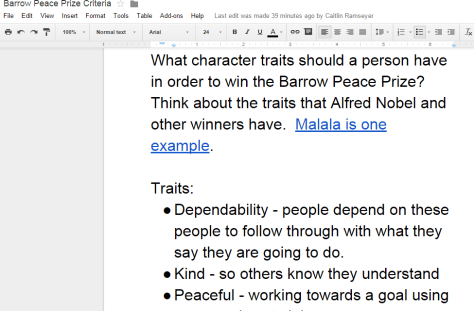
Barrow Peace Prize Criteria   Google Docs

Our 2nd grade is deep into their project on six people from Black History.  Most classes are finishing up their research for our Barrow Peace Prize Flipgrid project.  Before students begin the writing process, we want them to understand what the Nobel Peace Prize is and consider the character traits that someone might have who receives this award.  Every class needs the exact same lesson, but they need the lesson before students can really move forward with their writing.  Sometimes the library schedule can get in the way of these kinds of projects.  I don’t want the library schedule to cause a project to be delayed simply because we can’t fit everyone into 30 minute slots across a day or two.  This is the perfect time to use technology to maximize our time.

For the 2nd time, I did a Google hangout with an entire grade level in order to save time.  Before the hangout, I setup a Google Hangout on Air and sent the participation link to all of the teachers via email.  I also created a Google doc where we could do some brainstorming and invited all four of the 2nd grade teachers to be collaborators.  I made sure that the link to the doc was “view only” for anyone else with the link.

Before the hangout started, I opened the hangout, turned on my cam, and muted my microphone.  As the four classes joined, I could easily hear if their microphone and video was working or not.  Then, I could use the control room tool to mute each teacher’s microphone while we waited on all classes to join.  Periodically, I came back on the microphone to update the classes who were waiting and remind teachers to open our shared Google doc.

The purpose of the hangout was to help 2nd graders get familiar with Alfred Nobel and the Nobel Peace Prize as well as to develop a list of characteristics for our own Barrow Peace Prize.  After a quick intro, I read the book Alfred Nobel: The Man Behind the Peace Prize by Kathy-jo Wargin and illustrated by Zachary Pullen.  Then, I told the students just a bit about Malala Yousafzai, the youngest winner of the Nobel Peace Prize.  We watched just the beginning of a CNN video of her acceptance.

Then, I invited each class to look a the shared Google doc and brainstorm the qualities that we hoped would represent the Barrow Peace Prize.  I muted all microphones while classes discussed and added to the doc.  While that was happening, I shared the viewable link to the doc on Twitter so that an audience could watch the list be constructed.

We immediately had multiple viewers of our work in progress.

Each class had an opportunity to step the microphone and share just a bit of what they discussed.  I was in charge of calling on each classroom and muting and unmuting each teacher’s microphone.

Finally, I closed by reminding students to use their research as well as the character trait list when writing their piece about their person from Black History.

What would have taken 3-4 hours on the library calendar took only 30 minutes and now the 2nd grade can move forward with the writing process.  I want to check in with the 2nd grade teachers to see how things felt on the other side of the camera, but from my side, this seemed like a great model for whole grade lessons that lend themselves to a hangout.  I certainly wouldn’t want all lessons to be like this one, but this format felt right for this situation.