Beginning the Barrow Peace Prize: A Flipgrid Project

peace prize research (5)

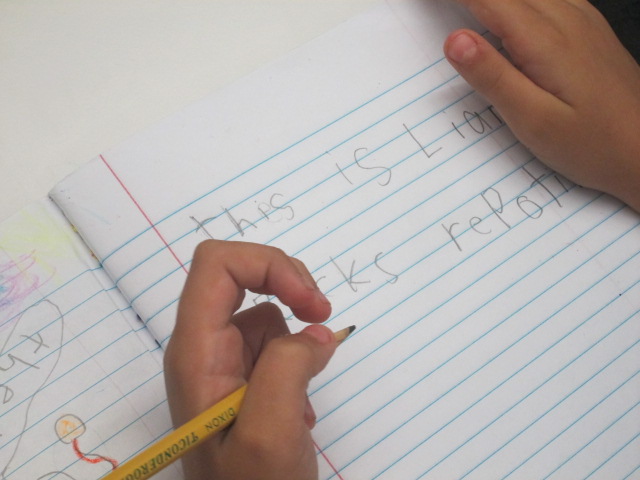
Each year, our 2nd grade takes on a big research project that has evolved into a project called the Barrow Peace Prize. Students research one of six people from black history, write a persuasive piece convincing people to vote for their person to win, and record their writing using Flipgrid. These videos are shared with the world along with a Google forms voting ballot. We celebrate the winner with the Flipgrid team via Skype.

peace prize research (9)

This year’s project is off to a great start, and I’m amazed by what these 2nd graders are doing with their technology, especially since they aren’t 1:1 in their classes.  With fewer devices to practice on, it takes these students a bit longer to navigate tools on the computer.

peace prize research (8)

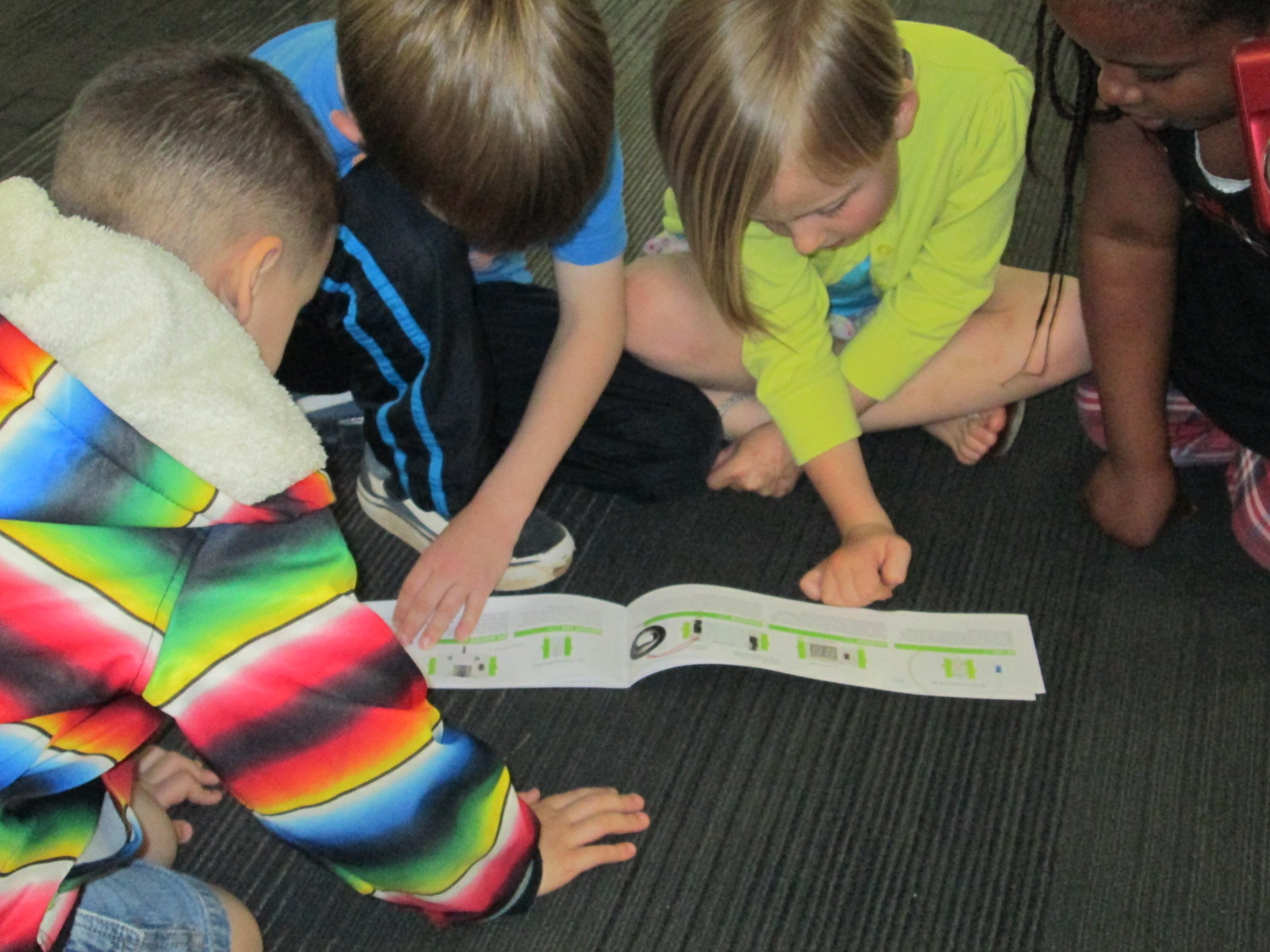
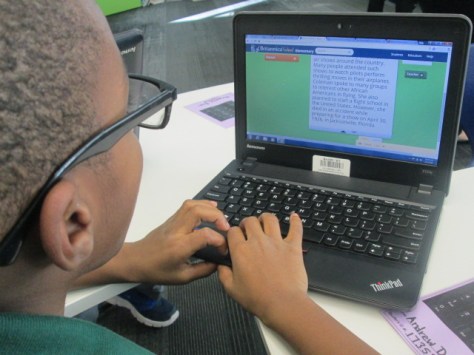
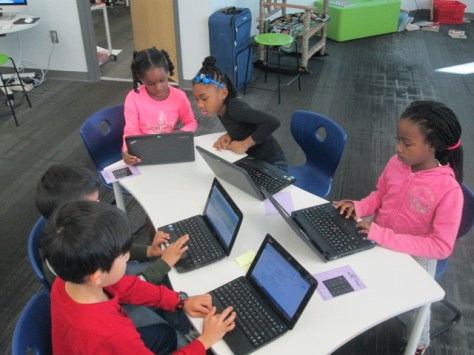
To start, each student chose one of six people: Langston Hughes, Wilma Rudolph, Bessie Coleman, Jesse Owens, Charles Drew, and Ruby Bridges. Using Google Classroom, each teacher shared a Google doc graphic organizer with students. In the library, students brought class computers and I provided additional computers so each student had one. We did a review of how to login to Google and navigate to Classroom to get the doc. I also showed students how to click between tabs in Chrome, how to copy and paste facts, and where to look for information.
peace prize research (7)

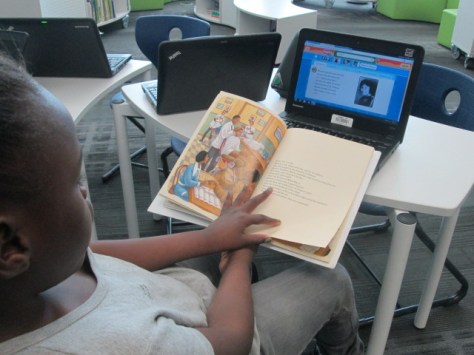
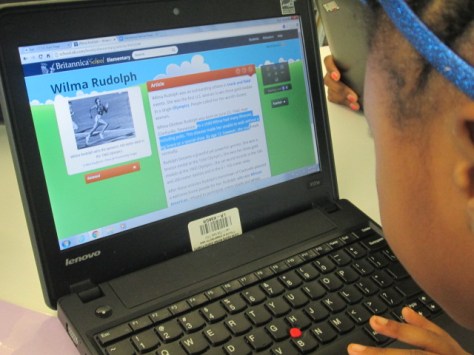
Students started in 2 resources: PebbleGo and Encyclopedia Britannica. I love these sites because they have great information and both will read the content to students who need that extra support. I debated about teaching students how to copy and paste because I don’t want to set students up for just copying. However, we wanted students to have access to a collection of the best facts when they prepared to do their writing without having to weed through all of the articles. The writing workshop time would be the time to focus on taking those copied facts and put them into students’ own words.
peace prize research (6)

We did 3 hour-long sessions of research. Each session we saw students get more proficient at navigating the technology, and even in the frustration we faced, I reminded myself and the teachers to step back and really look at what 7-year olds were doing. Students were logging into email, accessing Google Classroom, finding a Google doc, visiting multiple resources, using ctrl C and ctrl V, keeping track of where facts came from, and leaning to use the research tool in a Google Doc. This list could definitely be added to because there was a lot more.

Once facts were gathered, teachers began writing workshops in their classrooms for students to start writing scripts for their videos. Prior to this, we held a Google Hangout where all classes tuned in from classrooms. The purpose of this was to establish a list of character traits that someone who is deserving of the Barrow Peace Prize might represent. We read about Alfred Nobel and looked at Malala and why she represented peace. Then, classes added to a Google Doc to create a list of these character traits. This list was displayed during writing times for all students to consider in their writing.

Now, students are continuing to fine tune their writing before recording takes place.  We can’t wait to share the videos with our school, families, and classrooms around the world.  Be on the lookout for a post in the next couple of weeks inviting you to view and vote for the 2016 Barrow Peace Prize.
peace prize research (2)

Digital Book Talks and Exploring How We Belong for #WRAD16

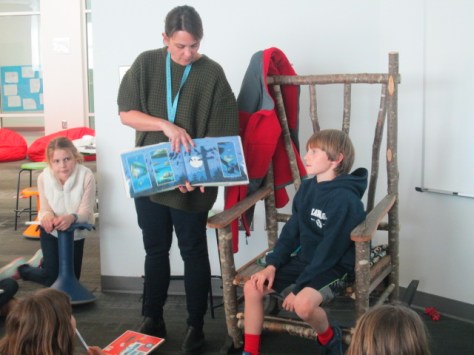
Belonging Week (8)Ms. Tesler’s 4th grade class has been exploring how they can be leaders within our school community.  Back in the fall, they started writing shelf talkers and displaying them on shelves at the front of our library. After all of their suggested books were quickly checked out, they are looking for ways to expand their leadership.  They have decided to take the “7 Strengths of Reading” challenge leading up to World Read Aloud Day and explore each week’s question.  They have also decided to take their shelf talkers and make them digital.

Belonging Week (7)

Across 2 days, the class came to the library to work on their next steps of this project.  We began by talking about our memories of being read aloud to.  I shared about my 2nd grade teacher, Ms. Deloache, and how she read Brer Rabbit stories to us with so many voices that I can still hear in my head today.  Ms. Tesler shared an experience of being read aloud to in college and how that stuck with her even as an adult.  Many other students began to share their own memories of being read aloud to.

We used this to launch into a new purpose of exploring the read aloud.  We are thinking about books that others might enjoy reading aloud.  We are also thinking about books we might read aloud to our buddies in other classrooms. Along with this, we started discussing how reading aloud builds community and how certain books help us feel connected with a community. To close, I shared my own example of a book talk and a reflection on the #belongingweek #wrad16 question on Flipgrid.

Belonging Week (15)

The first task was for students to select a book or books to read.  We wanted them to choose a picture book for this first book talk and question.  I pre-selected some books that had a theme of belonging, but students were welcome to choose any picture book.  Once students chose a book, they sat down to read it.  If they finished, they could start writing their shelf talker or their reflection on this week’s #WRAD16 question: “When has reading helped you feel like you belong to a community?”

Belonging Week (13)

In class, students continued to work on their reflections and they returned to the library with their completed writing.  I’ve been sharing the belonging week Flipgrid a lot on social media in the hopes that other schools would contribute.  When the students arrived to record their own, I was happy to share with them that Donna MacDonald in Vermont and Kathy Schmidt in Georgia had students who contributed to the Flipgrid.  We started by taking time to listen to them.

We used these contributions to consider pieces that were included as well as what we needed to do when we recorded our own.  Students pointed out things like speaking clearly and loud enough to hear.  They pointed out how there wasn’t a lot of movement behind the students who were recording, and that they introduced themselves.

Students spread out all over our library and recorded two Flipgrids.  One Flipgrid was a digital book talk sharing a new book.  This set of answers will be displayed on a monitor in the library and put in slideshow mode.  This will cause the videos to constantly scroll through and advertise books in our library.  We also hope that other schools will contribute their own book talks.  Renee Cunningham in North Carolina is already planning to do this with her students.

http://flipgrid.com/#b9bd04f0 

Finally, our students reflected on the belonging week question for World Read Aloud Day.  I loved hearing students make connections to their own lives and the sense of belonging.  I also loved hearing students pick out parts of a book and how a character felt like he belonged to a community.  It was a natural way to collect some analysis of text from students.

I hope you will take a moment to listen to some of their thoughts.

http://flipgrid.com/#8e21e4e6

We are just getting started, but I hope to see many more schools contribute to both our book talk Flipgrid as well as our weekly 7 Strengths of Reading grids.  If you are interested, feel free to add your students’ voices!

Seriously Silly: A Visit to the High Museum to See the Mo Willems Exhibit

High Museum (52)

Third grade has been hard at work on a Mo Willems art and writing project.  Since there is a Mo Willems exhibit at the High Museum of Art, we decided to use Mo Willems as an author/illustrator study to take a close look at how illustrators show emotion through their characters as well as how authors many times have a moral or lesson that we learn from their stories.

In the library in collaboration with Rita Foretich (art teacher), we took a close look at the whole Mo Willems collection of books.  We wanted students to spend time looking at the illustration and noticing similarities and differences across series as well as how he creates simple illustrations that show a range of emotions.  I pulled all of our library books for this as well as brought my whole collection from home.

In art, students have been working on characters and settings for their own stories which will include a moral of some kind.  In writing workshop, students are working on the text of their stories.  They will eventually come back to the library to use all of these pieces with the Puppet Pals app on the iPad to tell their stories.

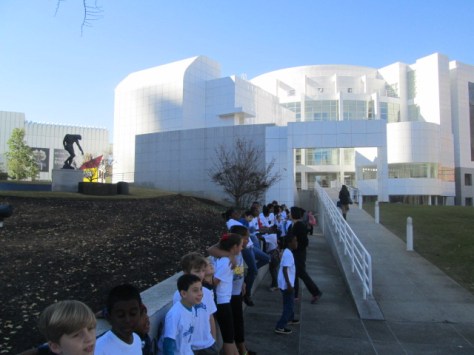
Our art teacher wrote a grant to fund a field trip for the entire 3rd grade to visit the High Museum in Atlanta.  Across 2 days, every student had a chance to visit the museum, tour the Mo Willems exhibit, see some additional pieces of art, and participate in an art workshop.  The grant funded tickets for all students as well as transportation.  We are so fortunate to have an art teacher who works tirelessly to increase access to art for our students.  For several students, it was their first time visiting Atlanta and seeing the massive skyscrapers.

High Museum (3)

At the museum, we split up into two groups.  One group went to an art workshop and the other group split in half for a tour with a docent.  Our docent tour took us into the main exhibits to stop at key art pieces and consider materials the artist used, the story the piece was trying to tell, and to learn more about how to examine a piece of art in a safe and meaningful way.

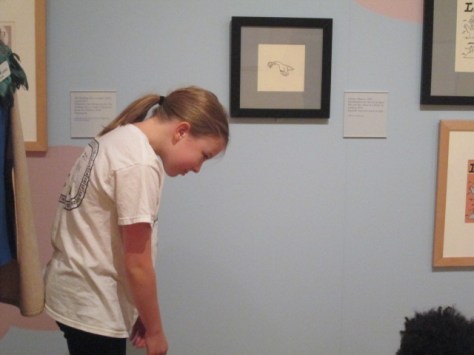
We eventually made our way into the Mo Willems exhibit, and the docent took us to each collection of art and had students sit on the floor.  At the pigeon illustrations, we looked at the many expressions of the pigeon and how Mo Willems shows emotion through eye position, movement, and facial expressions.

Students took turns standing and acting out the emotions of the pigeon to see if they agreed with the choices that Mo Willems made.  She also pointed out how Mo Willems draws an illustration multiple times before doing the final illustration.  Some of the pieces on exhibit showed blue, red, and black lines to show he changes Mo Willems had made along the way.  Students loved looking at the final piece and seeing what changed from the original sketch.

High Museum (8)

We continued to each collection of art doing similar activities to consider emotion and movement.  Students had a chance to share their favorite Mo Willems book or tell about the book that various pieces of art came from.  Along the way, we learned a bit more about Mo Willems and his work with Sesame Street.  Students also loved looking for the pigeons hidden throughout the museum.

In the workshop, students listened to the story Leonardo the Terrible Monster.  As they listened, the museum reader pointed out the expressions of the various monsters in the story and continued the theme of having students think about movement and emotion in illustration.

Following the story, students made their own monster out of construct paper, textured rubbings, and various craft supplies.  They were once again asked to think about emotion and how they were showing that through their monster.  I liked walking around and seeing students and teachers positioning their eyes, mouths, and other body parts to see how it changed the look and feel of the monster.  Students continued to add to their monsters right up until we packed up to leave.

It was a fabulous day at the museum and I can’t wait to see how this experience translates into the stories, characters, and settings that they are continuing to work on.

Winter Around the World and in Athens, GA: Original Songs and Personal Narratives

song recording (3)

For the past few weeks, 2 classes have been involved in exploring winter right here in Athens, Georgia.  Even though we might associate cold and snow with winter, it isn’t always like that where we live.  Ms. Kelly’s Kindergarten class and Ms. Ramseyer’s 2nd grade class both participated.  You can read about the beginnings of their projects here.  Our work is all coming together with classrooms from around the world on a collaborative Google slide presentation.

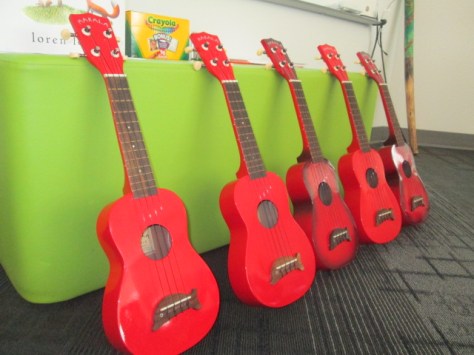
Ms. Kelly’s class has been busy in their classroom dividing into groups and building a song about winter.  As a class, they worked on the base beat using beatlab.  Then different groups worked on parts of the song.  Singers created the words and sang them. Clappers used their hands to add rhythm.  Ukuleles strummed chords for another layer.  Instruments such as coffee can drums added even another layer of rhythm.

song recording (4)

Ms. Kelly wrote the words up onto a big chart paper with plenty of visuals for students to follow.  She saved their class beat in beatlab and pulled it up on the library projector.  I used Screencastomatic to record the beat along with our webcam recording the student performers.  Ms. Kelly used dry erase markers to make notes on the beatlab beat for specific groups of students.  She also used a cowbell and her voice to help students know when to come in.

We gave ourselves plenty of time to record multiple times, but we just loved our first take!

Even though we were in love with that version, we decided to try one more time with just an iPad so that we could get some closeup shots of students performing.  We love this version too, but we are including the 1st one in our global winter project with classrooms around the world.

We had some fun shout outs while we were working on our song, including some retweets from Kishi Bashi who was one of our inspirations for our song.

https://twitter.com/CantataLearning/status/667369239230070785

https://twitter.com/MrsPstorytime/status/667393385318105088

Ms. Ramseyer’s 2nd grade class split into groups of 4.  Two students were author and two were illustrators.  After starting their work in the library, they continued to write and draw in class to tell about personal experience with winter in Athens.  They featured things like food, clothing, school, and events in winter.

Each group came to the library with their finished work.  We spread their pages out on tables and took digital pictures of each page.  We then took these and added them to the collaborative Google presentation.

In Youtube, we pulled up the feature where you can record straight into Youtube with your webcam.  We placed each page in front of the webcam and students read their winter personal narratives and facts.  These videos were also embedded on the Google slides.

We look forward to seeing how the rest of the slides turn out as we learn about winter around the world!


First Grade Wizard of Oz Meteorologists

weather (2) - Copy

Our amazing 1st grade team and students have been working on their Wizard of Oz unit.  I love this unit because they weave in so many content standards with Wizard of Oz as their guiding text. A part of this unit is the weather standards from science.  Students have to know various kinds of weather as well as how to dress in that weather.  Since this is a part of what meteorologists do, we decided to try something new this year by looking closely at the role of meteorologists.  The goal was for students to write a weather report for the Wizard of Oz regarding the cyclone and to record the forecast in front of our green screen.

weather (4) - Copy

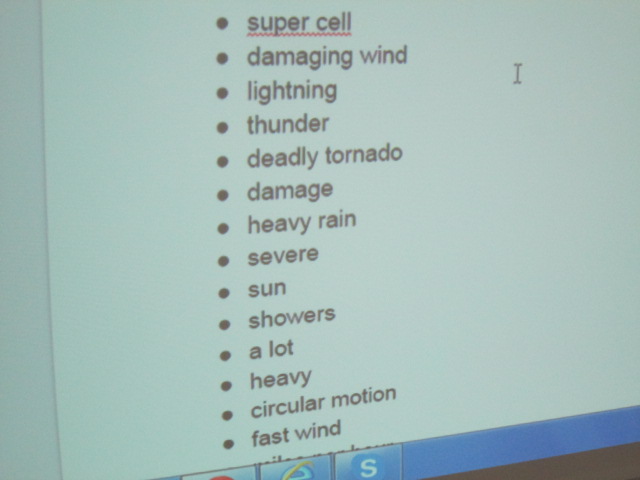
Students came to the library and we looked at a few videos of meteorologists reporting on severe weather. As we watched, students noticed things about the posture and speech of the meteorologist.  They also pointed out many of the weather words he/she used.

As weather words were noticed, we added them to a shared Google doc.

weather (3) - Copy

This doc was shared with all classroom teachers to continue to add to and use in class.  We also looked at another student-made video and noticed how the student introduced himself in his weather forecast and pretended to be outside in the story.

weather (5) - Copy

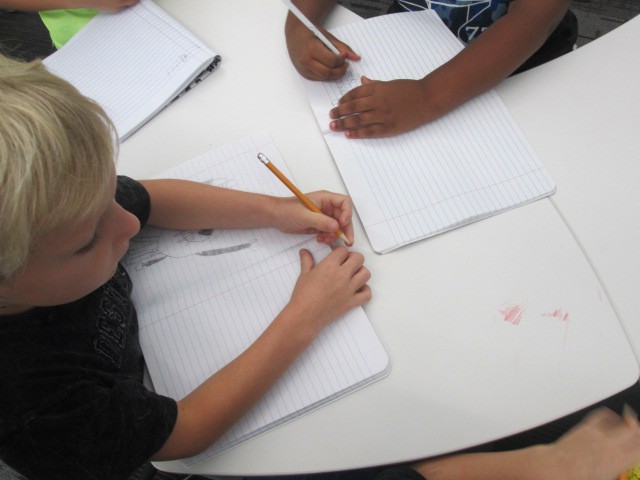
In the library, we also spent some time beginning the writing process of creating a weather report.  Students continued working on this in class during writer’s workshop.  The list of weather words continued to be used and added to. They also did a bit of rehearsing.

Finally, students returned to he library and one by one recorded themselves in front of the green screen with a tornado or other weather behind them.  As students were recording, the rest of the class practiced, looked at weather books, and searched for the current weather in our area using apps on the iPad.

They loved seeing the weather magically appear on our iPad using the DoInk app on the iPad.  We took all of the videos from the iPad and uploaded them to class playlists to share back with the class.

You can enjoy the variety of videos in each of these lists.

One of my favorite parts of this short project was how it tied to a real career and gave students experience with a real-world job related to the standards they were studying in science.  They were each able to be a bit creative in their forecasting, and each student had a chance to use a cool technology to make their voice heard at such an early age.

Helping Students Own the Space Through Shelf Talkers

Avid Shelf Talker (2)

A few weeks ago Ms. Tesler, a fourth grade teacher, dropped by the library and started talking about a wish for her students to have ways to share the books that they are reading.  I love impromptu brainstorming sessions because I never know where they will lead.  So often, they lead to miraculous things.

Before she left, we had decided to assign her class an area of the library to be their recommendation space.  As a part of their leadership in the school, they would find ways to share with others about the books that they were reading.  We didn’t want to decide too much for them, so we just got some initial ideas to begin sharing with the class.

We held a book tasting where students started selecting books for independent reading and we planted the seed that students would have an area in the library to share their book recommendations.  During that session, the students and I talked about ideas such as a digital display using Flipgrid to share book talks.  We talked about space to create art projects to spark interest in a book.  We also briefly talked about shelf talkers.  At the time, we just talked about putting “signs” on the shelf to tell about the book, but I knew that students were really talking about shelf talkers.

Avid Shelf Talker (6)

I immediately thought of Avid Bookshop and the wonderful shelf talkers that their book sellers put on the shelves of the shop to connect readers with books, so I emailed Janet Geddis at Avid to see about the possibility of Skyping into the shop to see the shelf talkers, hear a few, and get some tips on writing them.

Avid Shelf Talker (7)

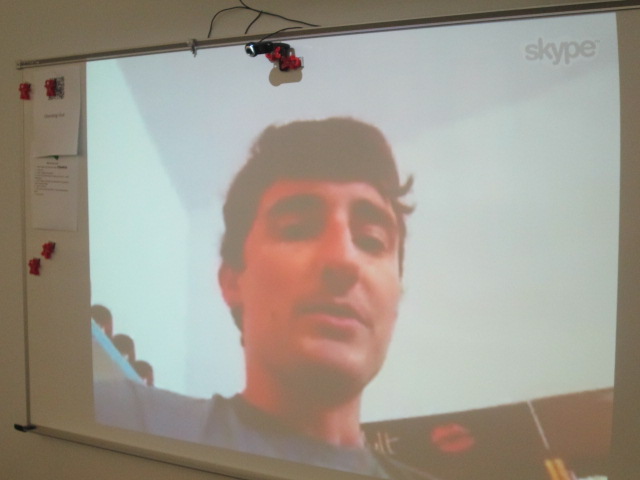
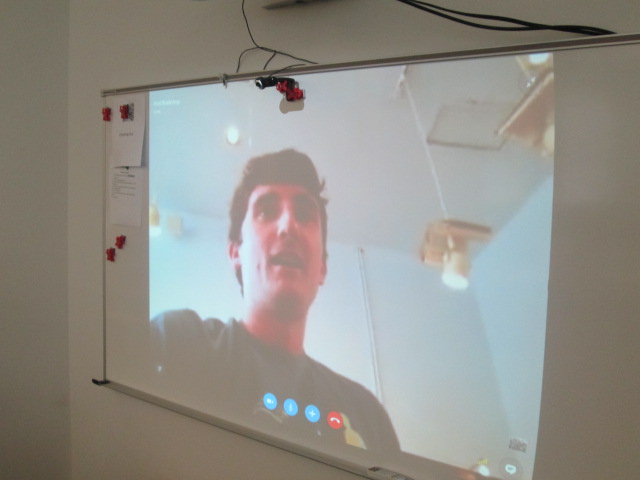
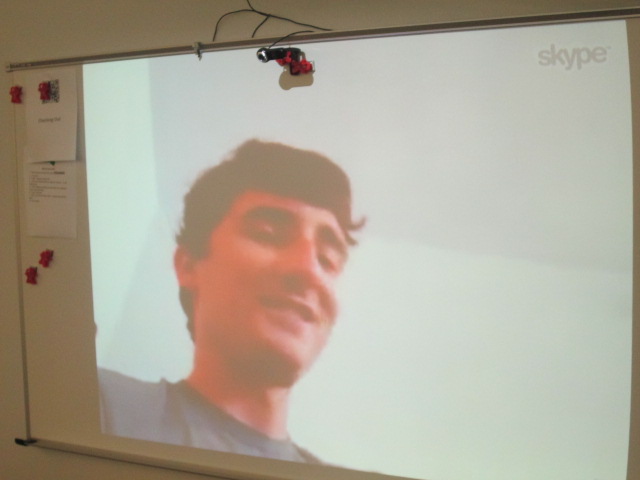
Will Walton, bookseller and author extraordinaire, agreed to Skype with us.  Students came to the library and we connected with Will.  He walked us around the shop to actually see the shelf talkers on the shelves.  The first one he showed us was for Anne of Green Gables.  He pointed out that the text was written in green to go along with the book. We saw that the handwriting was inviting and legible and the shelf talker gave a lot of description about the book.

Avid Shelf Talker (3)

Will pointed out to us that it’s important to include the title and author on the shelf talker because sometimes the books get moved down the shelf or even the shelf talker gets moved.  Having the title an author helps customers still learn about the book even if it gets moved.  We connected this to the idea that books in our library will most likely get checked out, but the shelf talker will remain to inform readers about a book they might consider in the future.

Avid Shelf Talker (1)

I also loved that Will pointed out the language that was used in the shelf talker.  He specifically said that they don’t say that a book would be good for boys or girls.  Instead, they connect the book to the kinds of things readers might enjoy reading about.  For example, this book would be a good choice for middle grade readers who like magic and horses.

Will was sure to show us many shelf talker and how each was in the handwriting of the person who created it.  They were fun, inviting, and even had personal touches like sketches.

I loved that Avid customers were just as interested in what was going on during our Skype with Will.

Students also got to meet Janet, bookshop owner, as well as hear the names of several other booksellers at the store.

Before students disconnected, they shared some things they were taking away from Will’s Skype.  After we disconnected, students continued to talk and even started talking about the book they wanted to write a shelf talker for.

We are already planning a time for them to return and create the shelf talkers and begin constructing their space in the library to be leaders in our school for recommending books for others.

I hope many of these students will visit Avid and see the shelf talkers in person and continue to ask Will and Janet questions about the shop. Some of them were asking how close it was to the school, so I know there is curiosity brewing. I’m so thankful to have a bookshop in our community that reaches out and supports our schools.

A Year-Long Kindergarten Interdisciplinary Space Project

hocking makerspace exploration (6)

I have to take a moment to brag on another teacher and group of students in our school.  Kelly Hocking is an amazing Kindergarten teacher, and she has a talented group of Kindergarten students who are some of the biggest researchers and creators in our school.  I love how each year she finds something that her class takes an interest in and somehow weaves into every subject area and standard that they study in Kindergarten.  One year it was art.  Another year it was a study of maps and stretching the imagination.  This year it was space.

Kelly never knows at what point in the year something will pop up as an interest in her class, but this year it happened when they were doing a GoNoodle.  It happened to feature space, and it took the class into a series of questions and wonderings about space.

They started reading lots of books about space as well as studying the science standards about the day and night sky.

The more they read, the more they started to notice about space popping up in so many areas of their curriculum and life.

They launched into research mode and asked lots of questions.  In the library and classroom they used print and digital resources to learn about the planets and collect facts about each one.

In February, the class celebrated Fat Tuesday by dressing as planets and parading around the school.  Each costume was space-inspired and they handed out coins and beads to lots of classes.

Research continued in the classroom and the media center.  Students used all of their facts to write a series of notes.  In groups, the students put those notes in an order that made sense and prepared to make their own ebooks about space using the Storykit app.

At this point, we were approaching poetry month, so I suggested that the students think about space poetry.  I connected the class with several poetry books about space, and they started crafting some poems in class.  Ms. Kelly also has ukuleles in her classrooms, so the poems eventually were turned into songs with music composed by the students.

At our annual Poem In Your Pocket day, the groups of students performed their poetry songs for a live audience.  We even had poet, Laura Purdie Salas, listen in to the poetry since students were inspired by her space poems and songs.

At this point in the year, lots of attention turned to Mars and space exploration.  Students really didn’t want to travel to Mars themselves, but they did want to think about helping other people get there some day.  We created a Padlet to collect all of our research in the library and the classroom.

Eventually, the students wanted to start making some inventions to help Mars explorers, so we did a lot of tinkering in our Makerspace.  In class, students constructed elaborate prototypes of their inventions and did informational writing to accompany their creations.

If we had more time in our year, I’m sure Ms. Kelly and her students would have come up with even more miraculous things, but it truly was an amazing year of exploration and I’m glad that our library was a part of it.

hocking makerspace exploration (11)

You can read more about the library parts of this project in these posts:

Why Do We Explore Space: A Virtual Field Trip Opportunity

Can a Foodini 3D Printer Go to Space?

Kindergarten Mission to Mars: A Makerspace Exploration

Kindergarten Researchers in Action

Also, you can view Ms. Kelly’s full deck of slides which includes lyrics to a cumulative song that explores all of the planets and the facts the students learned.  They performed this song at our end of the year assembly.

View the full slidedeck here.

Dr. Seuss Author Study Centers

Seuss (2)

It has been some time since I did traditional types of centers that student rotate through.  Third grade is currently working on a Dr. Seuss author study as they close out the year, and they wondered what students might do in the library related to Dr. Seuss.  We looked at the days on the calendar along with everything that has to be done and decided that there wasn’t time to pull off a project around Dr. Seuss and really give it the time it needed.  Instead, we decided that I would give students some experiences to connect with Dr. Seuss as enrichment.

Before student arrived, I setup the 5 centers around the library so that they were somewhat in a circular arrangement.  I wrote the 5 centers on the whiteboard so that students could check the order as needed.

When students arrived, I explained each center very briefly and then we numbered off 1-5 to begin centers.  Each center lasted about 10 minutes before rotating to the next center.

Center 1: Tongue Twisters

Listen to our tongue twisters here!

I found a variety of tongue twister online as well as some Dr. Seuss books that had more tongue twisting lines than others.  At this center, students practiced reading tongue twisters from the table, recited ones they already knew, or even made up their own.  When they found one they were happy with, they recorded the tongue twister on Flipgrid.  They loved listening to how other students sounded and many students “liked” other student videos.  Most students recorded more than one tongue twister while at this station.  I had fun with one student writing a variation of Peter Piper picked a peck of pickled peppers.  Her family own a pickle business, so we were trying to change the words to match her family business.  We came up with “The Phickle Chickle picked a peck of Phickles Pickles.”  I encouraged her to continue writing her version and we would record it sometime.

Center 2: Checkout

Rather than waiting until the end to have students check out books, I made it a center.  Students could check out up to 5 books or just browse the library if they had enough books out already.

Center 3: Seussville on computers

I setup 5 Lenovo computers with the Seussville website pulled up.  Most of the students had never visited this site, so this gave them some time to explore the videos, games, and activities that fill this site.  Many found things that they wanted to print out and do later, so I hope some students discovered some summer activities.

Center 4: iPad apps

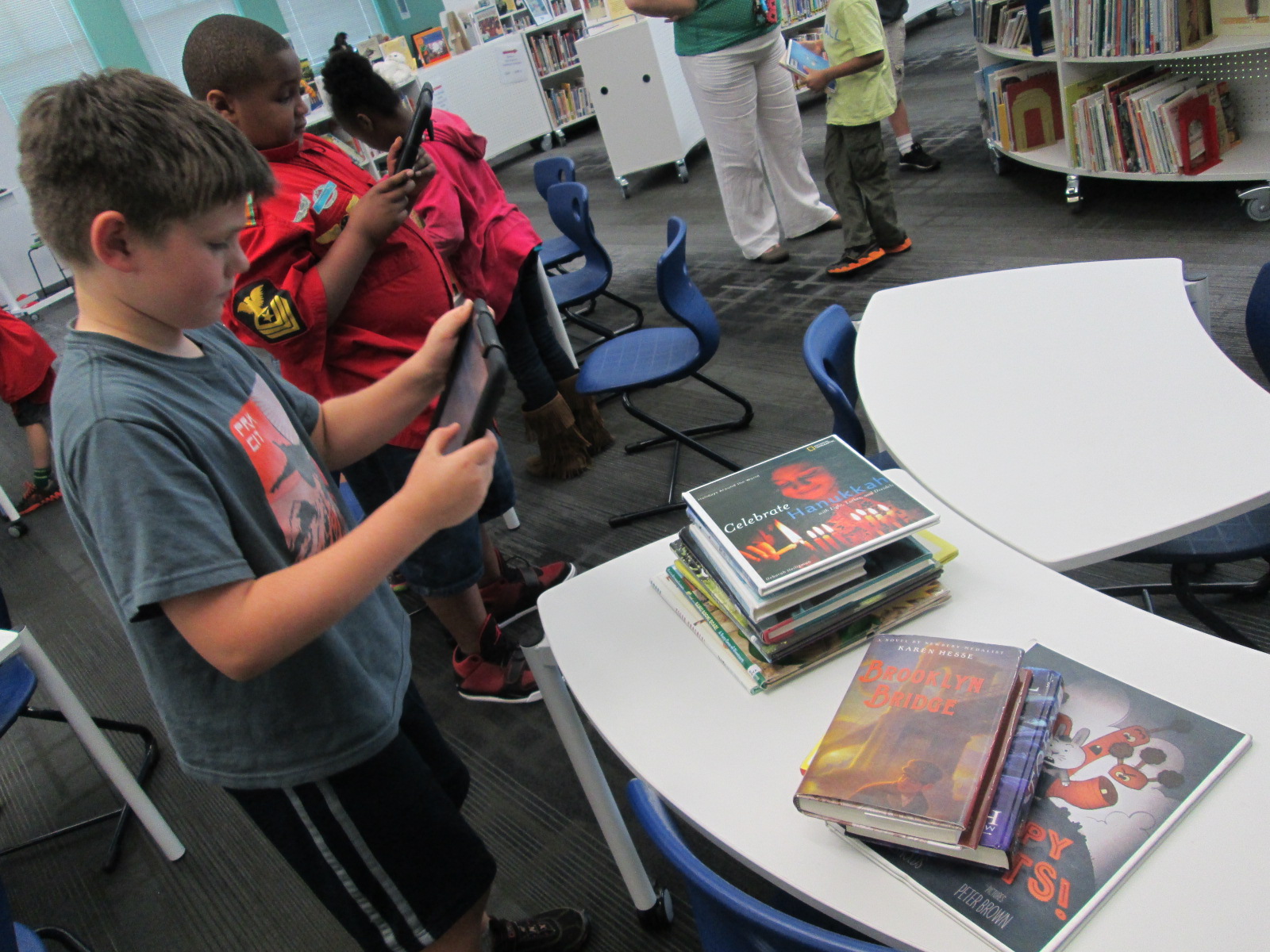
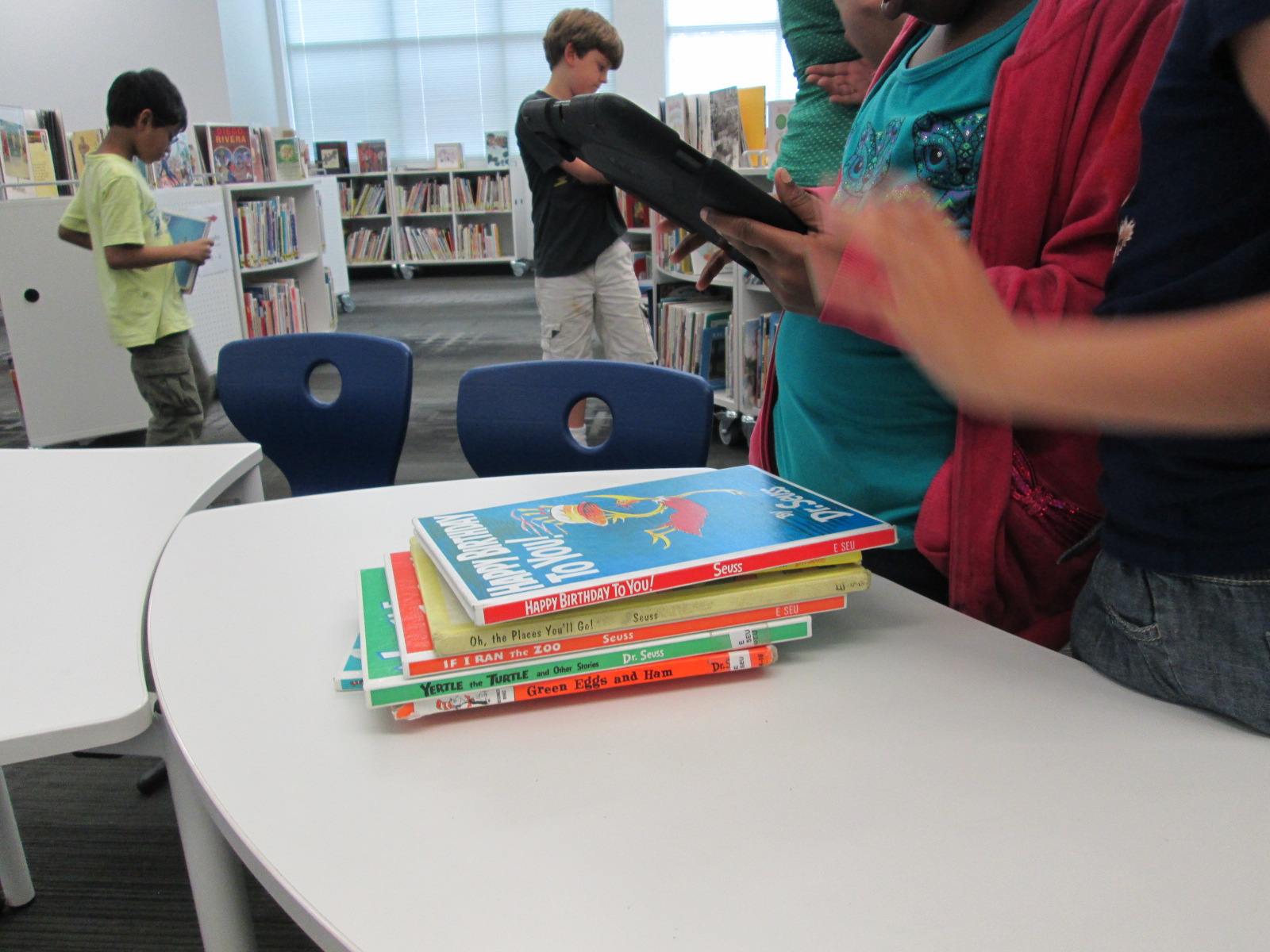
I downloaded 2 free iPad apps related to Dr. Seuss.  One is the Happy Birthday to You camera.  This was definitely the most popular app of the two.  Students enjoyed taking selfies or pictures of friends and then using the stickers to develop their own Seuss personality.  This would have been a great lead in to creative writing.  Students could have created their picture and then developed an accompanying story to match the picture.  The other app was the Dr. Seuss Fun Machine, but students moved away from it fairly quickly due to its simplicity and lack of clear instructions.

Center 5: Seuss books

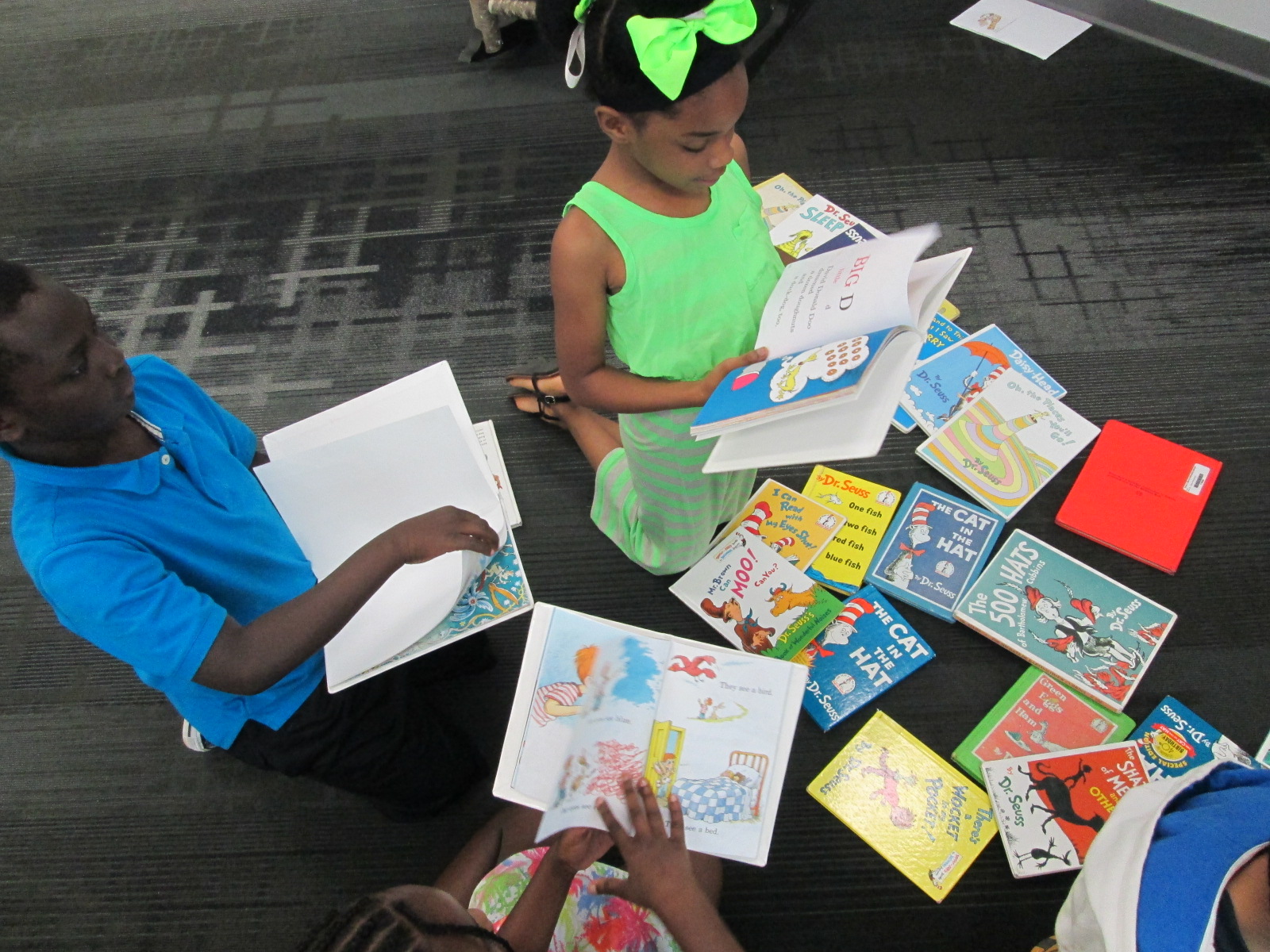
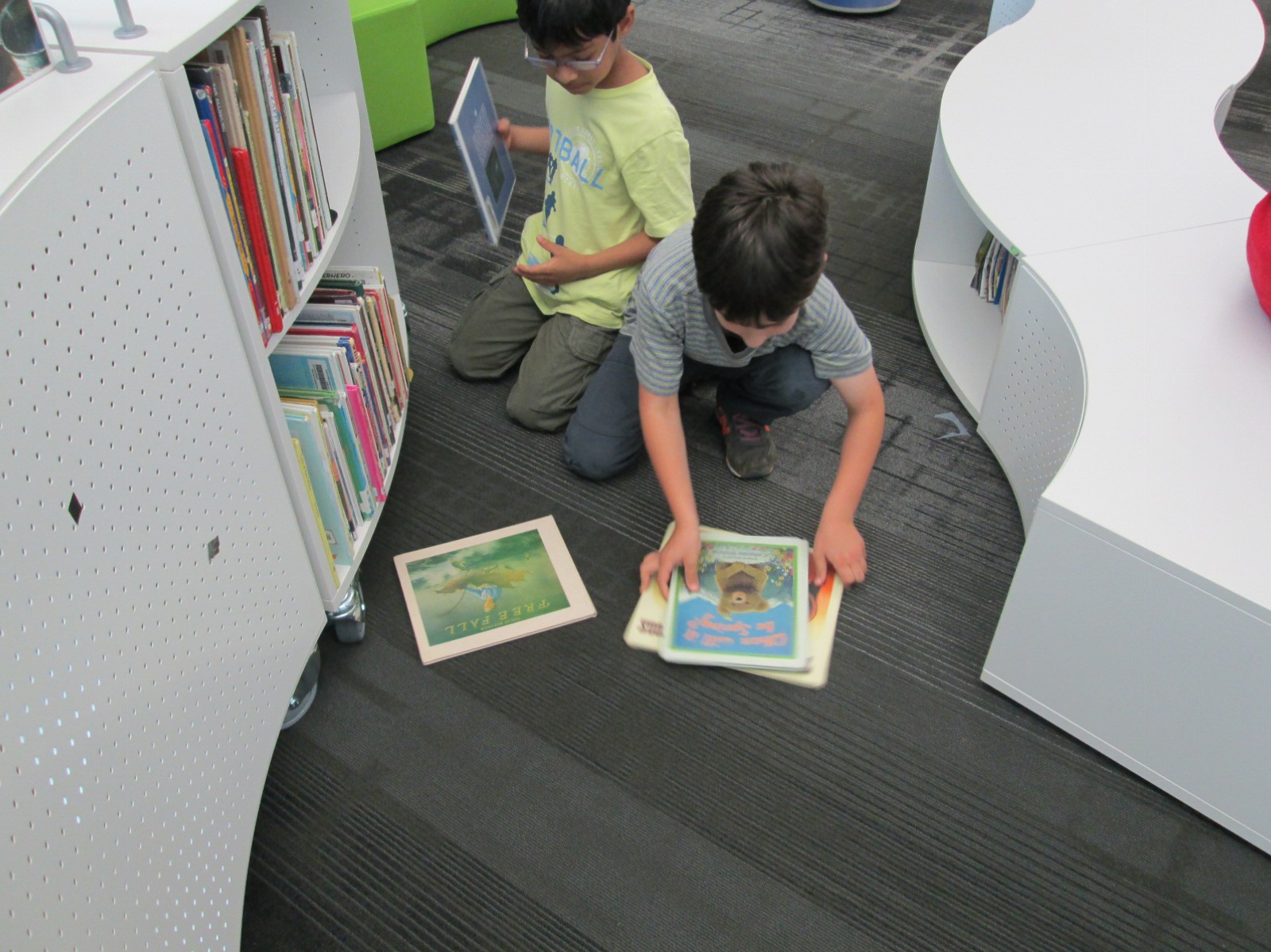
We have SO MANY Dr. Seuss books in the library, but it’s amazing how many of them students have never seen or read.  I loved having a station built in where students could just spend time browsing Seuss books, reading along, or buddy reading.  This was a center that most of the teachers visited along with students to read with them or listen to them read.

This was a wonderful end of the year activity, but I saw several potential opportunities that could have taken us into a larger project or even just a follow-up lesson.  It reminded me that centers can serve many purposes and are still a great way to split students up into a variety of experiences.

National Poetry Month: Book Spine Poetry Lessons

book spine (7)

I love found poetry.  It is so interesting to think about how words, phrases, and sentences that already exist in the world can be remixed into something new.  We recently spent some time creating blackout poetry, and now students have been coming to the library to create book spine poems.  Each year that we try this type of found poetry, I’m finding that we get a little bit better and add some new strategies for crafting a book spine poem.

This year I decided to do some storytelling to share with students how I crafted my own book spine poem.  Rather than give a list of tasks to do, I told my story and let that guide our instructions for how to make a book spine poem.

“When I made my book spine poem, I just wandered around and picked a shelf in the library.  I spent time at the shelf scanning every title and looking for a title that spoke to me in some way.  The first book that jumped out to me was In My Mothers’ House.  I continued creeping along that same section of the library looking for a title that seemed to go with the one that I had already found.  I didn’t really know if I had found my first line of the poem or just a piece of the poem, but when I came across The Wonderful Happens, it seemed like magic.  Both of those titles just sounded like the beginning of the poem to me.  Now I had a focus.  I needed to find more books that told more about In My Mothers’ House.  I didn’t really worry about order.  I just wanted books that sounded like a good fit.  Once I found 3-4 more, I went to a table and started arranging them and reading them aloud.  I tried many different ways to see what sounded right.  I even had a book that just didn’t seem to fit, so I decided to put that one back on the cart at the front of the library.  When my poem felt just right, I knew I was reading to record myself reading it.”

book spine (9)

By telling this story, I really felt like student had a good sense of what to do, but we did still rephrase the steps together.

1.  Choose a place to start.

2.  Look for books that speak to you and only take the ones that you think you will use.

3.  Continue choosing books that connect to one another

4.  Arrange them in a way that sounds right and put the extras on the cart at the front of the library.

5.  Record yourself reading your poem and return your books to the cart at the front of the library.

book spine (4)

Students got to work.  Most of them jumped right in, but a few had trouble starting.  I found a few students who just wandered around without knowing how to start, so I encouraged them to stop wandering and start reading titles.  Some were very focused on content which made it a bit harder to craft a poem.  They wanted a book about X instead of thinking about a book’s actual title.  I tried to explain that the content of the book really didn’t matter. All that mattered was the title.  It took some time for that to click with some students.  I didn’t want to tell students not to use the computer, but we did nudge students to really try looking at the shelves rather than try to find something on the computer.  Most students who tried the computer strategy ended up abandoning it anyway because it added too much time and frustration to the process.

As students recorded their poems, they came to me at a table.  I had an iPad cord plugged into my computer, so we just connected and uploaded straight to Youtube and put the videos into a class playlist of poetry.

You can enjoy their work in each of these playlists.

2015 Poem In Your Pocket (Part 2)

pocket poem day 2 (20)

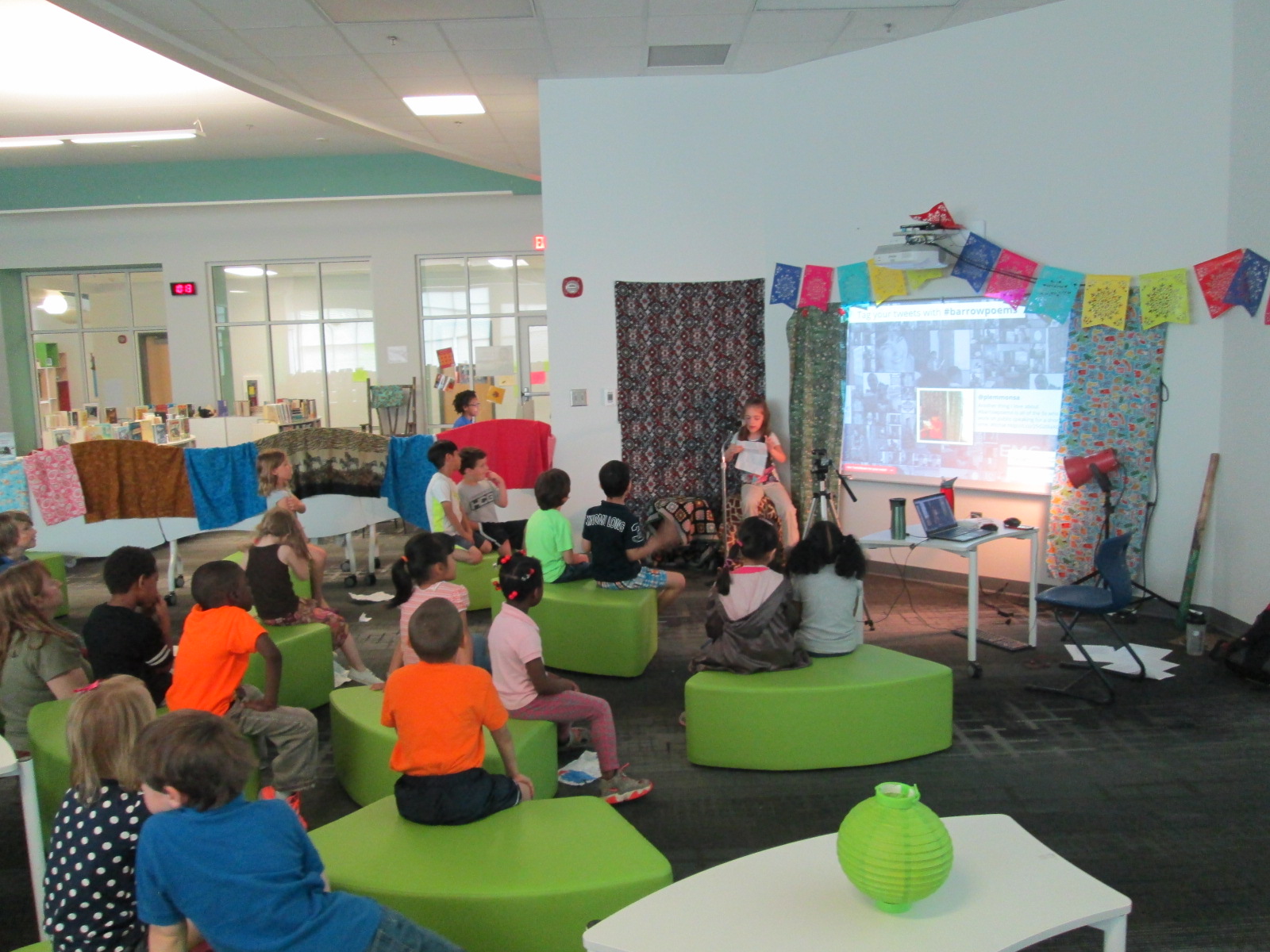
Our live poetry cafe continued today with 11 more sessions.  Again, we broadcast each reading through Google Hangouts and encouraged people to Tweet about our poetry using the hashtag #barrowpoems.  You can read about yesterday here.

I always love the surprises that come up from students: a student reading from a computer, a student who barely speaks who reads an incredibly descriptive poem, a student giving his teacher a standing ovation, a student who shared a poem in Chinese and then English, students encouraging their friends with a “you can do it”, a student sharing a poem about his home country, a student reading a poem for another student who was too shy to come up, and  a student handing me her poem to carry in my pocket.

Today I added a little sign to help with our traffic in and out of the library for checkout.

The energy of our students sharing poetry is simply amazing and inspiring.  Check out all these pictures of the students in action.

Our Twitter wall was very popular with students during the two days:

A few tweets from today:

https://twitter.com/BryanMcCullick/status/586501039861424128

https://twitter.com/mrsjuliemoon/status/586561681532329984

Watch all of today’s archives: