We are Honored to Receive a James Patterson Partnership Grant!

Back in March, James Patterson and Scholastic announced an incredible opportunity for school libraries around the country.  From the official press release:

March 9, 2015 — New York, NY — As part of an ongoing effort to keep books and reading a number one priority in the United States, James Patterson has announced that he will donate $1.25 million to school libraries this year. In the first-ever partnership of its kind, Patterson is joining forces with Scholastic Reading Club to administer funding applications to their network of 62,000 schools and 800,000 teachers. Scholastic will match each dollar with “Bonus Points,” which teachers can use to acquire books and other materials for their classrooms, at every school that receives an award. Applications to nominate a school library for a donation can be found here: www.scholastic.com/pattersonpartnership.

James Patterson is donating this money because he believes that fewer children are growing up in a household full of books – and that the effects of this absence could have a profound impact on a child’s future, and on the future of our country. Every child in America should have access to books and a functioning school library, and he believes that improvements in school libraries will foster children’s love of reading and boost their academic achievement overall.
I immediately took advantage of this opportunity by writing a 300 word or less application for our library. My hope was to get a $10,000 grant to support our student book budget project.  Here’s what I wrote:
Each year, I reserve $1000 in the library budget for a project called “Student Book Budgets”. This money is completely controlled by students to purchase books for the library that matches the reading interests of the entire school. Over time, we have developed a dependable process.  A group of students is chosen based on a variety of criteria, including students who have trouble finding books.They create a survey in Google forms and use iPads to survey all grades.  The students analyze the data to see what the top reading interests are. They establish goals and divide the budget among these goals. We send our goals to library vendors who bring in matching book samples and catalogs. Students make wish lists that exceed our budget. Students narrow the list to match our budget. Tough decisions are made about which books to keep and eliminate. I order the finalized lists. While we wait, students come up with a marketing plan. The students unpack the books and get the honors of the first checkouts. Within hours of putting the books out, they are all checked out and remain among the most popular books.I have shared this process on the national level and many libraries have benefited from the idea. The problem with this process is that we obtain an entire school’s reading interests, but our limited budget only allows us to honor a few of them. If we have $10,000, we could expand our reach to include more student interests and not feel that all of our work creating lists of books is whittled away during the budget process. I am confident that we could spend the money in a way that values the reading interests of our entire school.
Unpacking (10)
In May, I received an email letting me know that I was a finalist for the grant, but I of course had to keep that a secret, which was very hard to do!  I submitted some additional info and waited some more. Then, in late May, my principal received the call.  Our library was award a $5000 grant from James Patterson with a $5000 matching grant from Scholastic Book Clubs, so we essentially have $10,000 between vendors of our choice and Scholastic Book Club to support our student book budget for the 2015-2016 school year.
Unpacking (9)
I plan to start this project very early in the school year and involve as many students as possible so that students can enjoy the books that we purchase throughout the school year.  Thank you James Patterson for believing in the power of libraries.  Thank you Scholastic for amplifying this opportunity and matching it with your own resources.  Congratulations to all of the libraries who received grants in this first round of announcements!  I can’t wait to share the news with this year’s book budget students and blog about our process in selecting books.
Avid (2)

2015 Student Book Budgets: The Final Steps

unpacking (30)

This year’s student book budget group has been one of the largest groups, but one of the most thorough groups I’ve had.  To recap, our student book budget group is a group of 4th and 5th grade students who develop a reading interest survey, gather data from the whole school, analyze the data, set purchasing goals, meet with vendors, and spend a budget of approximately $2000.  I assist them, but the decisions are completely driven by students.

unpacking (28)

This year, we got started a bit late, so we didn’t get all of our books until the very last week of school.  After a lot of debate, the students decided to prepare the books for checkout, enjoy looking at them, and then set them aside for the beginning of the school year next year.  It was a hard decision, but we think it will be so exciting to walk into the library on the first week of school with over 150 new books to choose from.

unpacking (24)

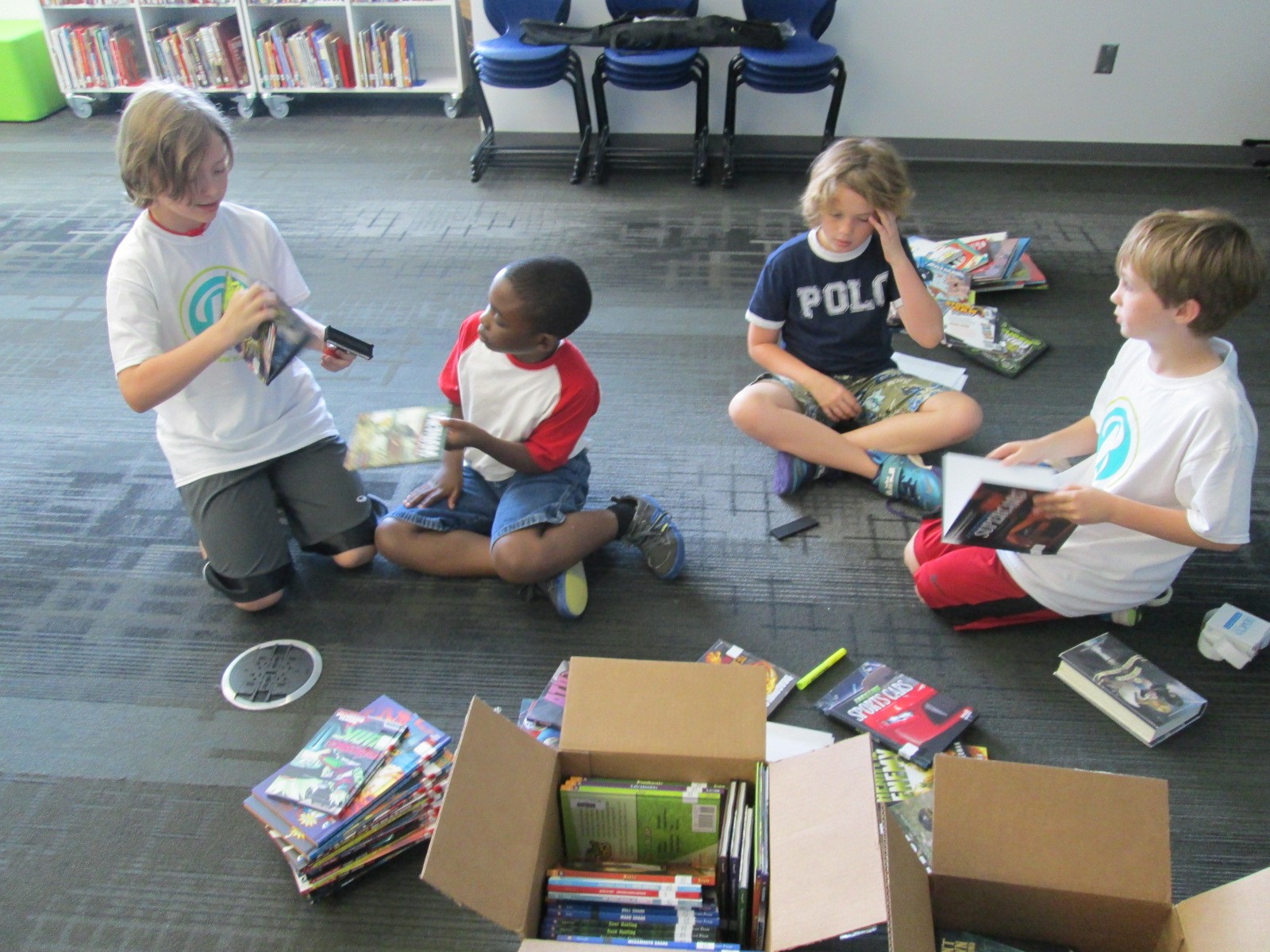
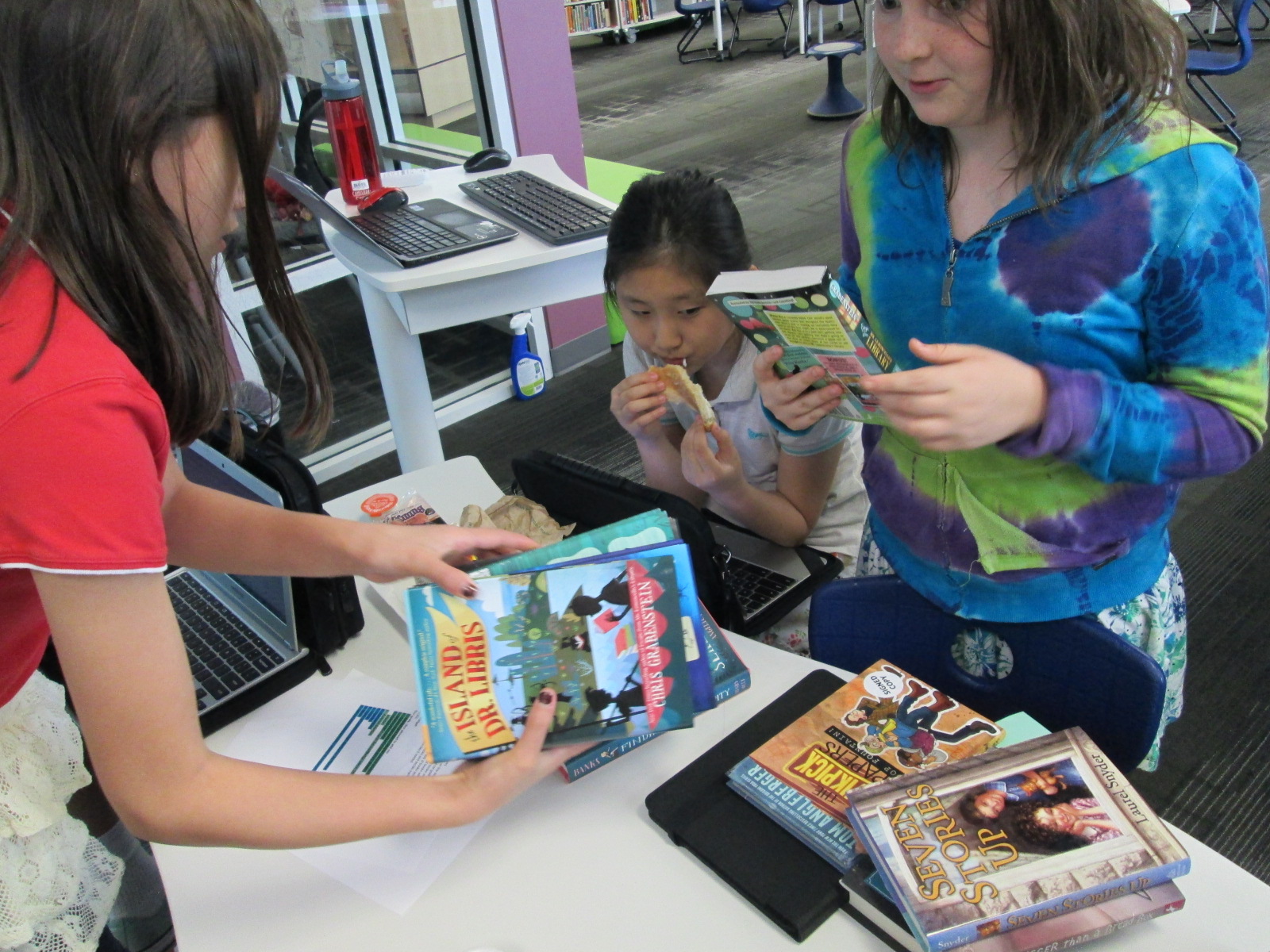
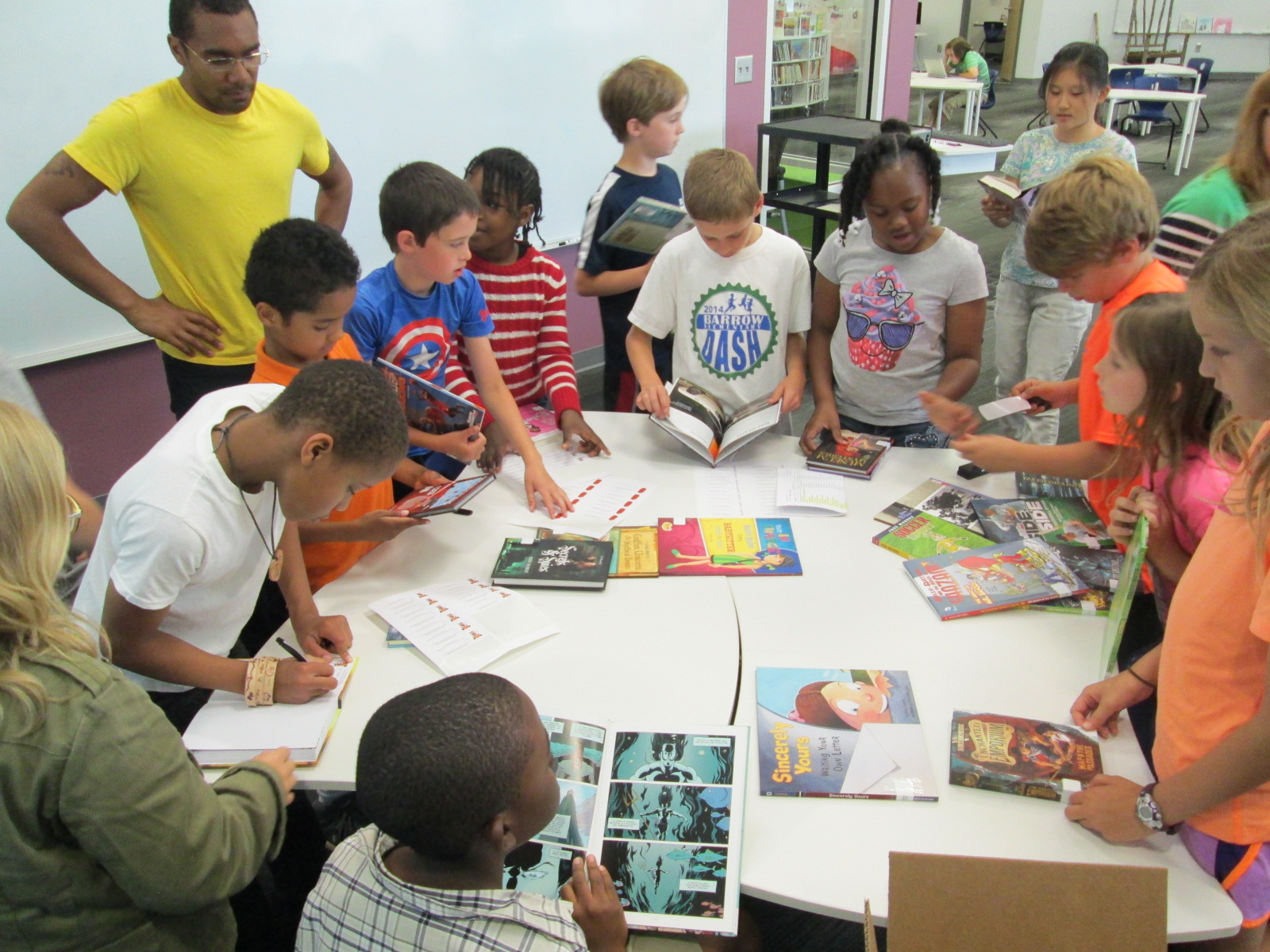
On our final day together, some of the students gathered in the library for the big unpacking. We highlighted the books on our packing list, inspected them, stamped them with the library stamp, and started enjoying them.  One student said, “This needs to be your motto. Unpack, stamp, and enjoy.”

unpacking (2)

We realized that several of the books were cataloged as fiction but were really graphic novels, so we took time to label all of those books with a graphic novel sticker so that they could be easily found with other graphic novels.

unpacking (26) unpacking (25)

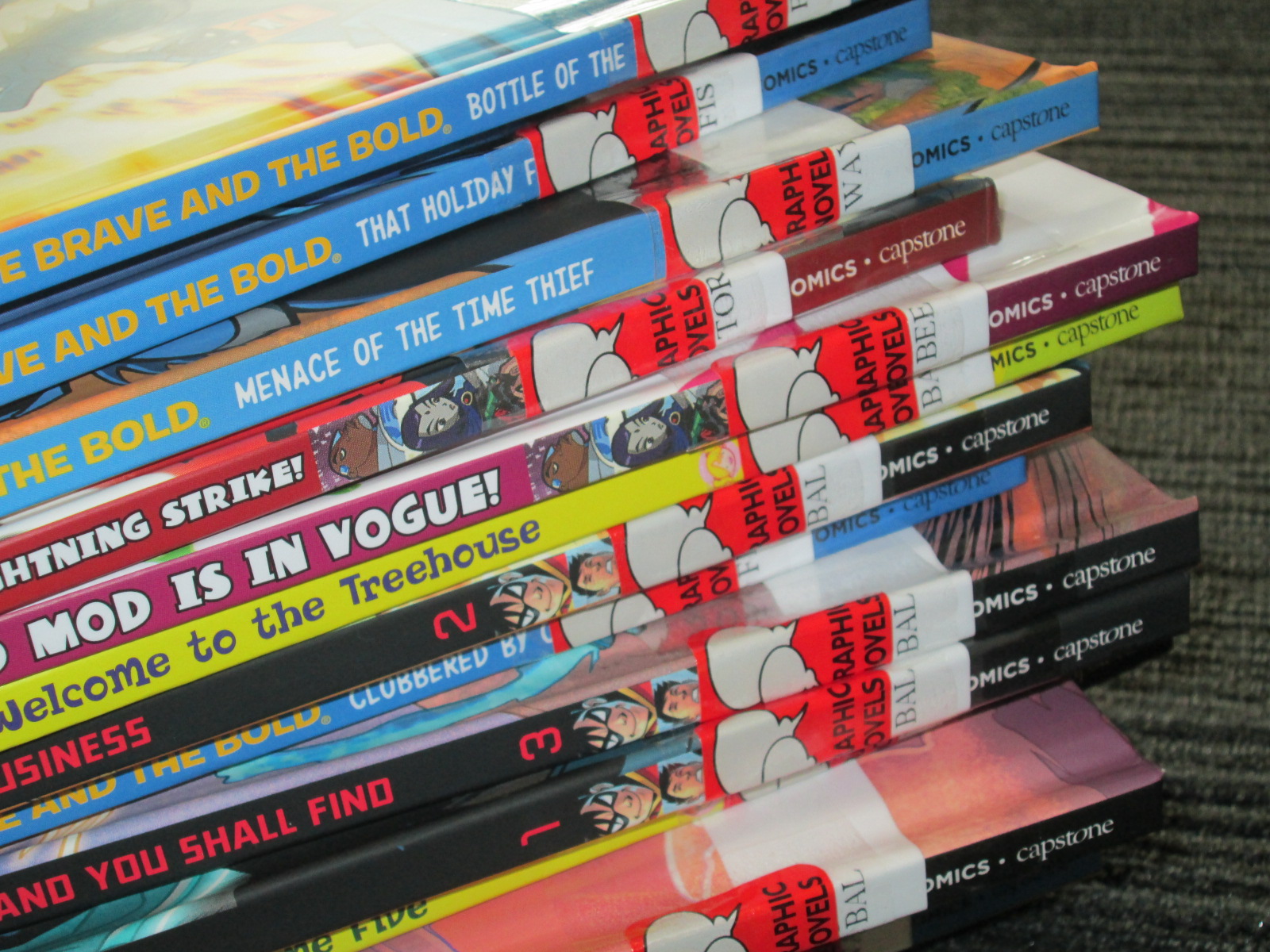
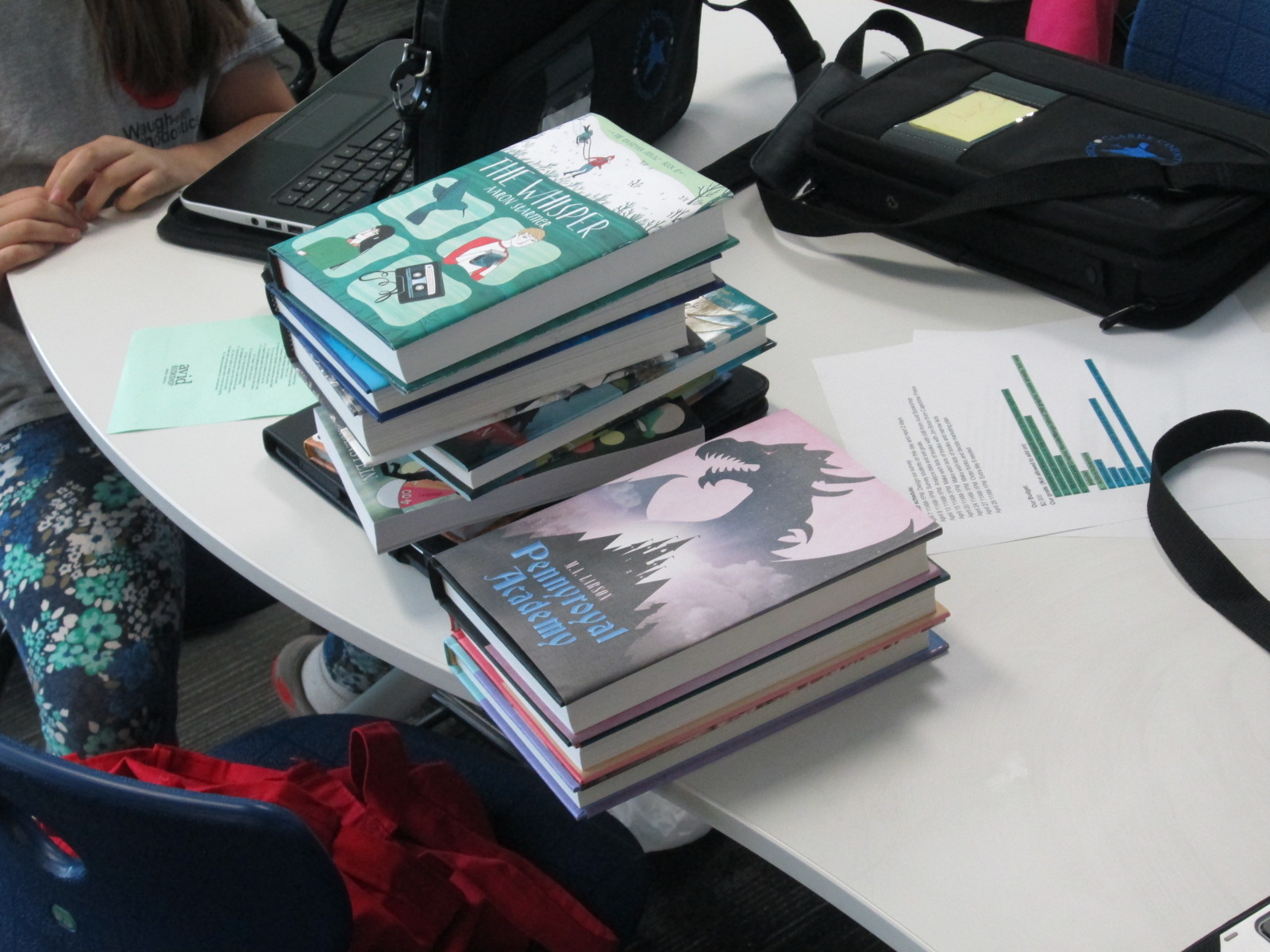
Once the books were enjoyed by the students, we sorted them into stacks by type of book and took their pictures.  These pictures will be used next year to promote the books at the beginning of the year.  It was fun to see all of the books grouped together to actually see how we distributed the money between our goals.  I think some of us realized we may have been a bit heavy in some areas of our budget, but I don’t think anyone will be disappointed in these great selections.

We thank Capstone and Avid Bookshop who were huge supporters of this project.  We wish the books were checked out right now, but with only one day of school left, we will wait with anticipation for the big checkout day.  It will be a nice way to inform students about the project who might want to participate next year.  My plan is to start much earlier next year!

Unpacking Our Student Book Budget Books: Part 1

Unpacking (9)

Two parts of our 2015 student book budget arrived!  It’s always exciting when I can email the students and tell them that the books are here.  They’ve been asking me almost daily since we placed the order.

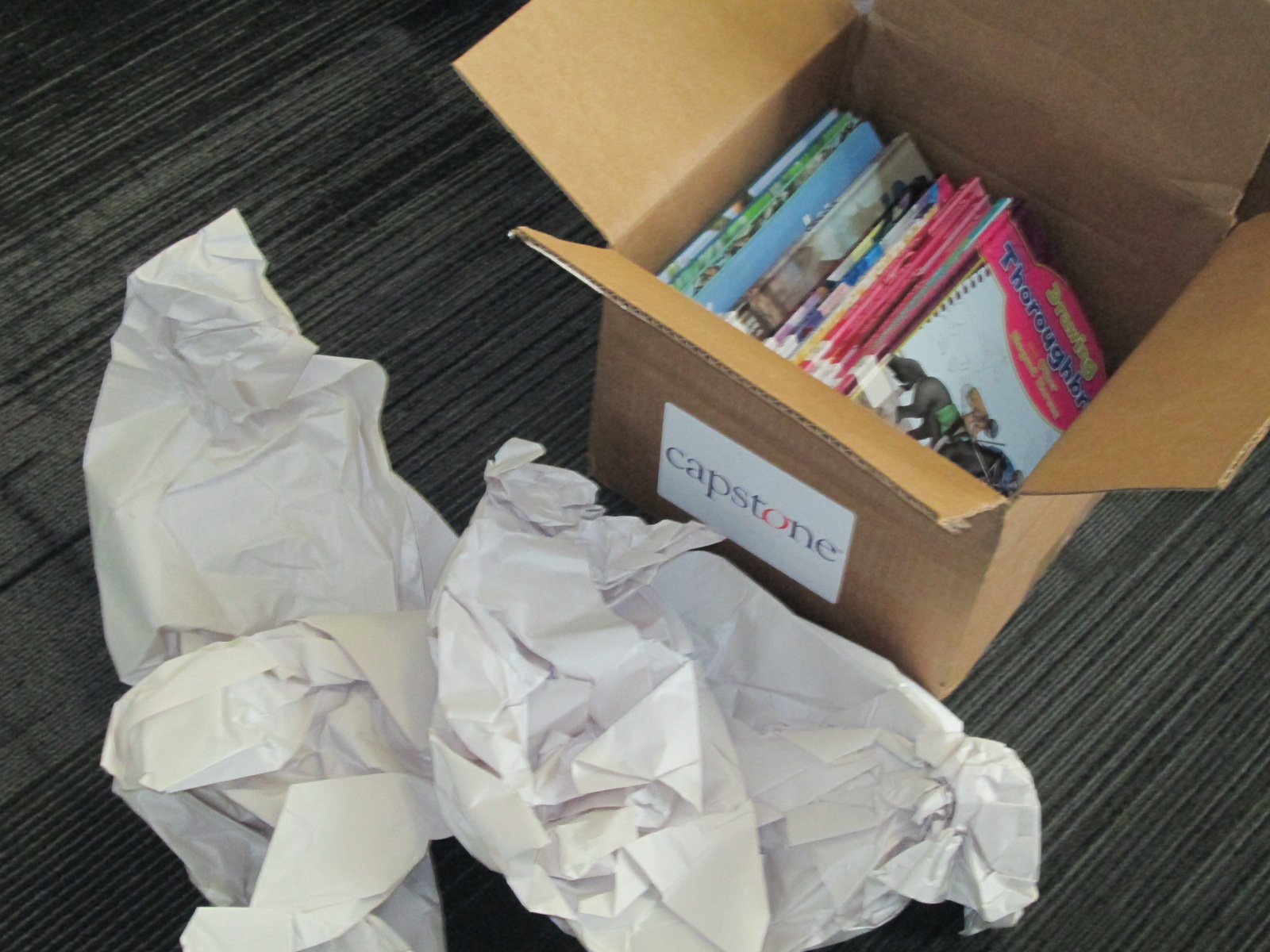
All of our books from Avid Bookshop arrived during our author visit with Sarah Weeks.  The first box of Capstone books arrived while our 5th graders were at Skidaway Island.  I emailed the whole book budget group and told them to come today at noon to unpack books.

Our timeline has been a bit crunched this year.  We are almost out of school days and book check out is already coming to an end for the school year.  I need to do a better job next year of making sure this project doesn’t slip too far into the year.  Usually, we put all of the books out when they arrive and let the students start checking them out.  However, with only 8 days of school remaining, I handed this dilemma to the group.  There was a lot of debate about whether or not to have a special checkout of just book budget books or to wait until the opening of the library in the fall.  After a lot of discussion, the students decided that they wanted to wait and have these books be the first new books available to students in the fall.  It’s always nice to start the new school year with some exciting new books.

As we unpacked the books, we checked them off of our packing slips.  I had already cataloged the Avid books and uploaded the MARC records for Capstone, so the books were ready to go into circulation.  Once they were checked off the list.  Capstone sent us some special labels to put inside our books so that students could indicate books that they chose for the order.

Unpacking (3)

Each student chose a label, wrote his or her name on the label, and added it to the inside cover.  Students also stamped the books with our library stamp.

The excitement was high and it was so much fun to see the students immediately diving into the books.  They all tucked away around the library to read by themselves or with a partner.  Before they left, the book budget students did get to checkout a few of the books to read over the next few days.  They will return these books to the boxes so that they are ready for the next school year.

We are eagerly awaiting our final order from Capstone which should be arriving in the next few days.

Student Book Budgets: The Final Lists

final lists and skype (1)

It has been a long road to the final book lists this year, but our student book budget group has done it!  They’ve taken over $4,000 worth of books and narrowed it down to our final order.  In the last moments, they chose to take advantage of Capstone’s incentive right now which is to spend $1750 and earn 30% in Capstone Rewards.  This stretched our budget to almost $2300 for Capstone and $250 for Avid Bookshop.  Our list from Avid was not quite as long for this first time working with them, so it was easier for students to decide to go with the Capstone incentive.

final lists and skype (3)

After lots of debate, we narrowed the list down one book at a time until our dollar amount matched our budget and we felt like the books we included matched our goals.  We all got to take a deep breath because the hardest part was done.

final lists and skype (4)

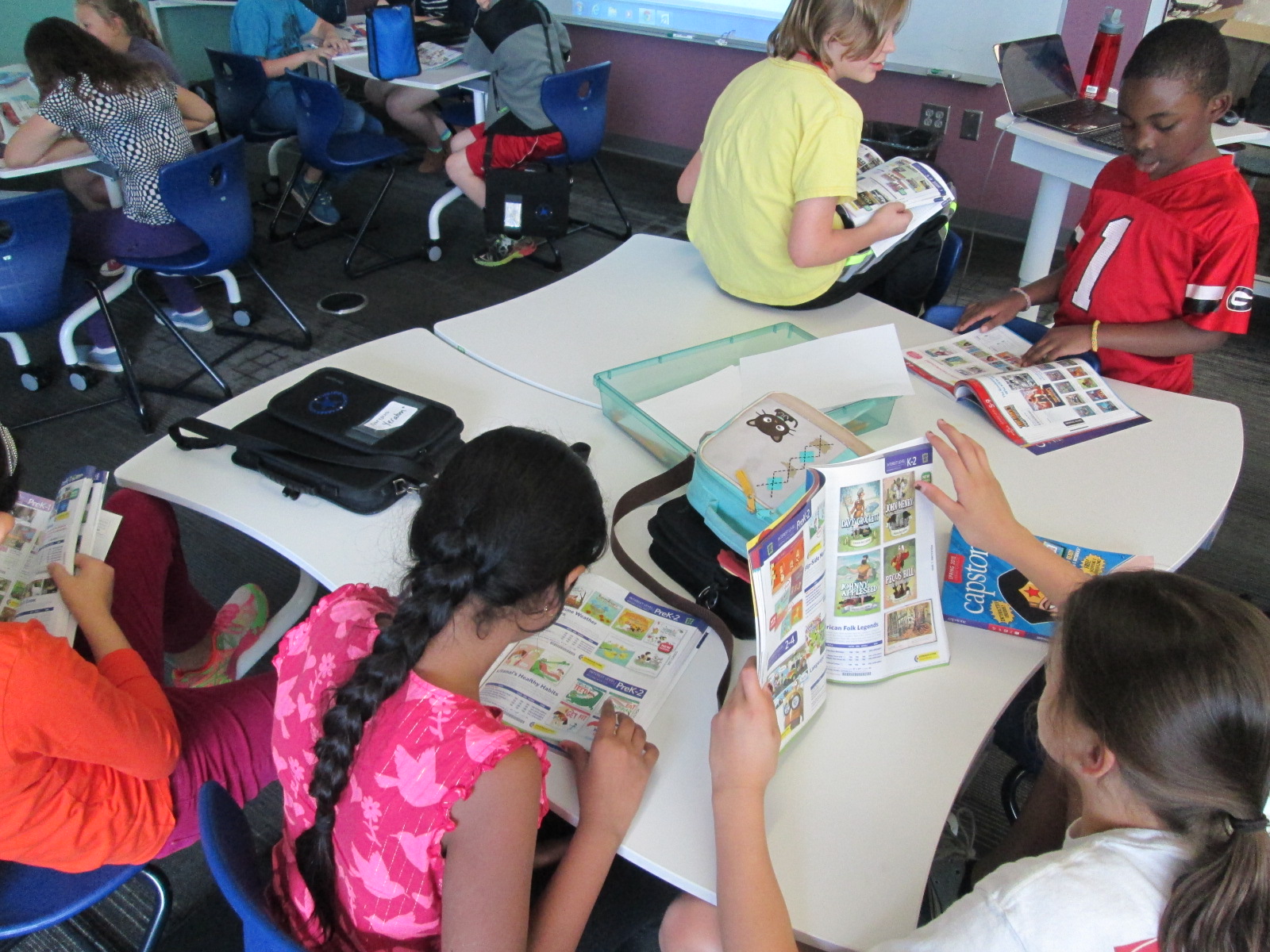
Next, I got to share some great news with the students.  Each year, Capstone is a huge supporter of our project.  We do lots of sharing of our work and it has inspired many other libraries to give this type of project a try.  In turn, Capstone loves to celebrate the work of the students and our willingness to share the work of our process.  This year, Amy Cox offered the students a tremendous opportunity.  Since they had made such tough decisions about books, she wanted them to each have a chance to pick a book for the library that they personally wanted to include on the list.  It didn’t have to match a goal; it just needed to be a book that mattered to that student.  You should have seen how fast they started flipping through catalogs when I shared the news!

final lists and skype (8) final lists and skype (7)

I made a separate list in Capstone for this order and we started adding in books.  We saw books come back onto the list that had to be cut as well as books that students had longed for as they looked at catalogs.  There were hilarious books such as the Space Penguins series but also prolific books such as the Montgomery Bus Boycott.  We can’t thank Capstone enough for this special surprise for our students and library.  It means so much.  We are even going to put special stickers inside to mark that the books were donated by the 2015 Student Book Budget group.

During our final meeting before ordering, we were able to Skype with Karyn Lewis in Houston, Texas.  She was inspired by our long-standing project to try this with her students.  She also worked with her Capstone representative.  It was fun to have our group who was about to place an order talk with her group who is still in the midst of making decisions.  The students were able to take turns telling about our work so far.  We immediately noticed the connections that our students had with the students in Texas.  Some of the same types of books were popular in both states, and graphic novels were high on the list.

https://twitter.com/capstonepress/status/593093160852566016

Then, we did a screen share and showed them our list.  Many of Karyn’s students noticed that we had some of the same books on our list as they were including on theirs.  Both groups of students also got to ask questions to one another.  They asked about things like how the surveys were done.  The Texas students noted some trouble getting responses due to testing and other school events, and we shared that we experienced some of the same problems.  We were able to share some strategies we used for getting more responses such as going to lunch and surveying people while they ate.

After we disconnected, I showed the students what would happen with their order at this point.  Amy Cox at Capstone shared a great video with me that shows just what happens to that order when it reaches the warehouse.  It was fascinating for all of us to see so many books and how they fill an order.

When students left, I proceeded to send off their orders to the appropriate places.  Now, we get to take a breath and wait for the fun day when the books all come in.

Thank you so much to the Amy Cox, Jim Boon, and the whole Capstone team.

Unnamed image (9)

Also, a huge thanks to Will Walton and Janet Geddis from Avid Bookshop.

Unnamed image (10)

Our project would not be the same without all of this support.

I can’t wait to see how this project continues to grow and inspire other.  Just today a library in New Jersey shared how they are trying out the project too.  The students were so excited to consider themselves teachers of schools around the country.

https://twitter.com/McTagueLisa/status/593150983934447616

Students Meeting with Vendors: Book Talking with Avid Bookshop

Avid (2)

One of my favorite steps in the student book budget process is when the students get to meet real vendors and talk with them.  This year at the School Library Leadership Summit someone asked me if I ever used an independent bookshop as one of my vendors for student book budgets.  The answer was no, but this year we changed that.

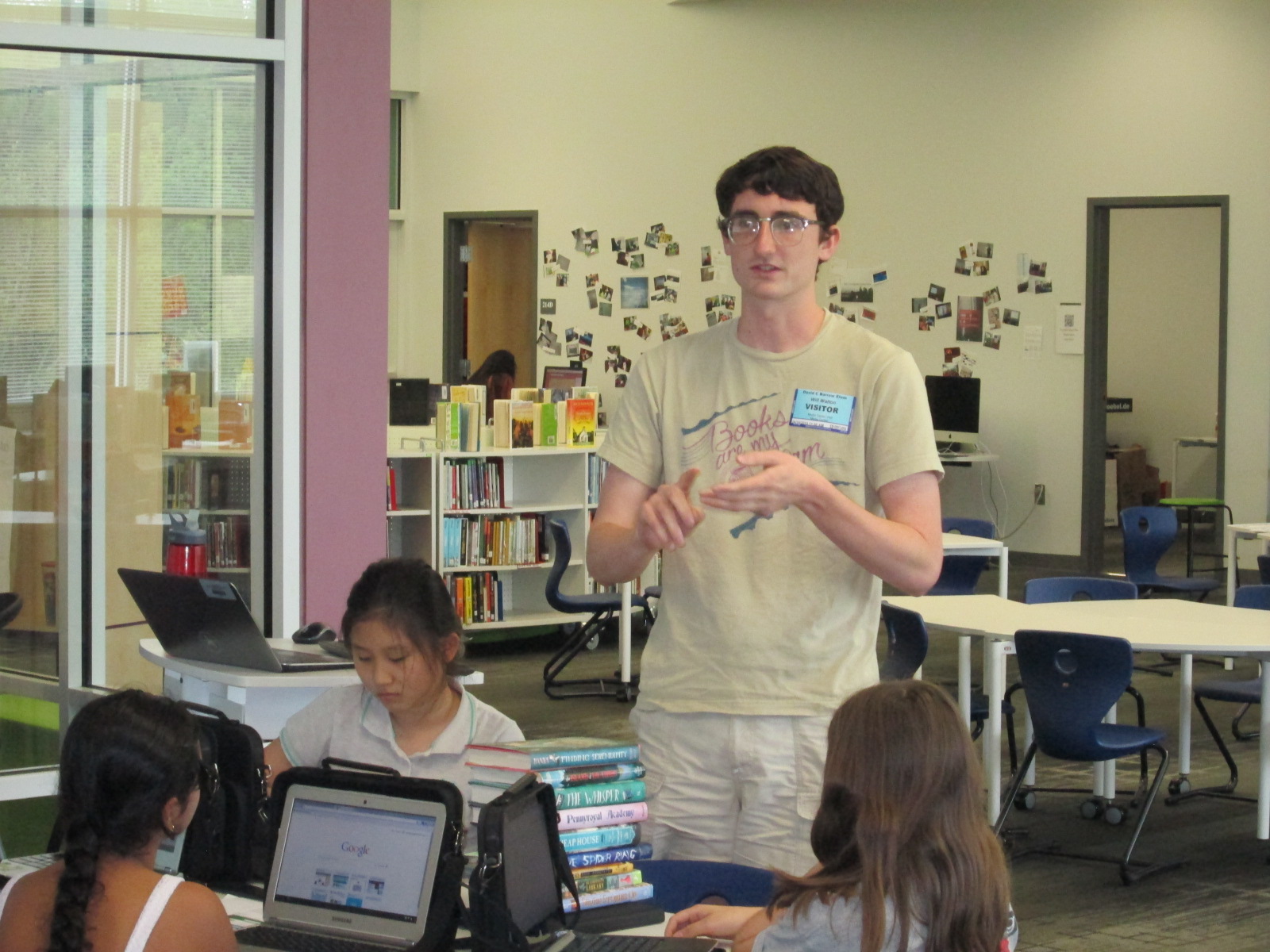
I email Janet Geddis, owner of Avid Bookshop, and asked if she would like to be a part of this year’s project.  It was refreshing to hear that community outreach is actually a big part of her business plan, so she definitely wanted to be a part.  When our students had their purchasing goals created, I sent them to Will Walton at Avid Bookshop.  Will is an awesome bookseller and has his first novel coming out in May called Anything Could Happen.

Avid (6)

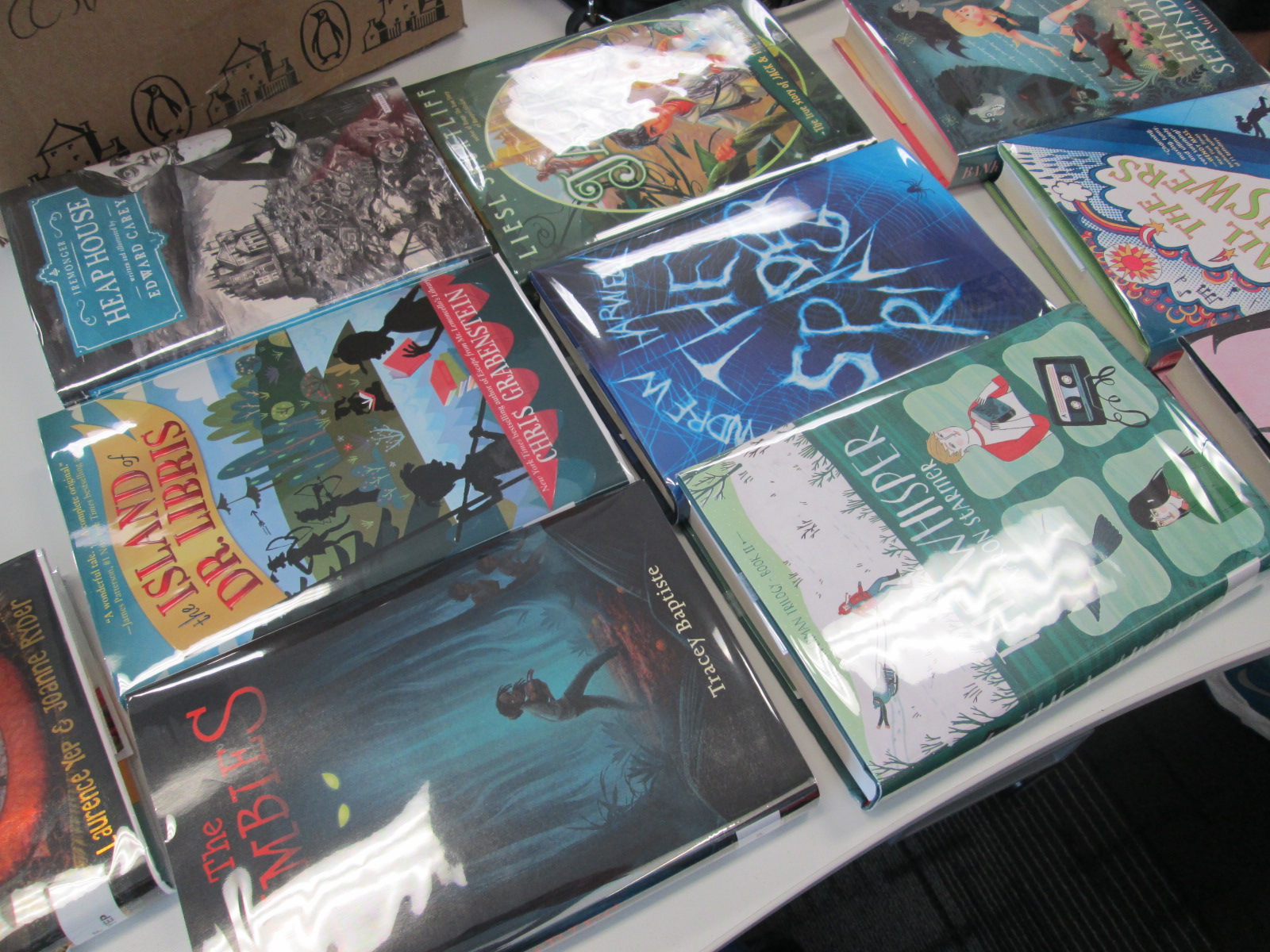
Will pulled several books from the shop and brought them to our book budget meeting.

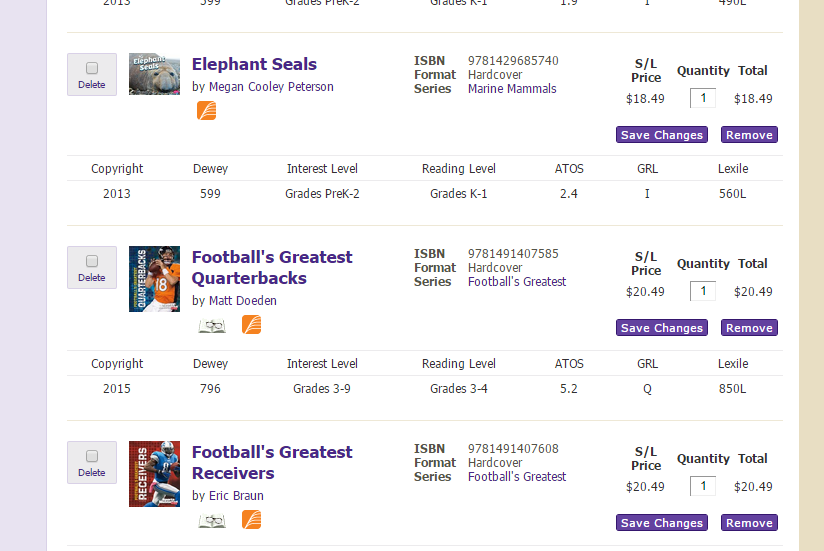
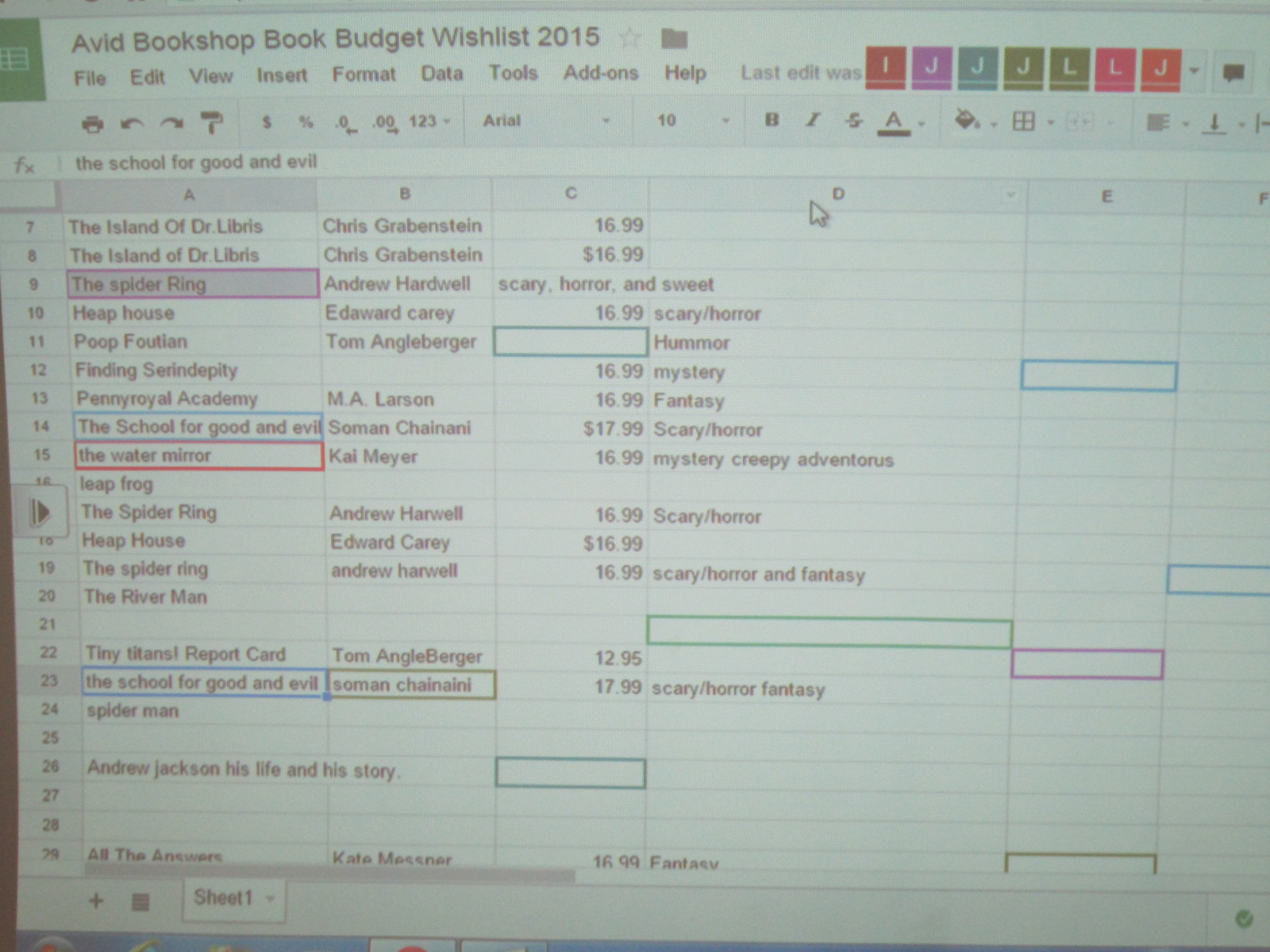
I made a Google spreadsheet and shared it with all of the students.  The spreadsheet included a spot for title, author, price, and which goal the book matched.  Will put the books into various categories and started talking about each one.  If the book sounded interesting, then the students worked together to capture the details in the document.

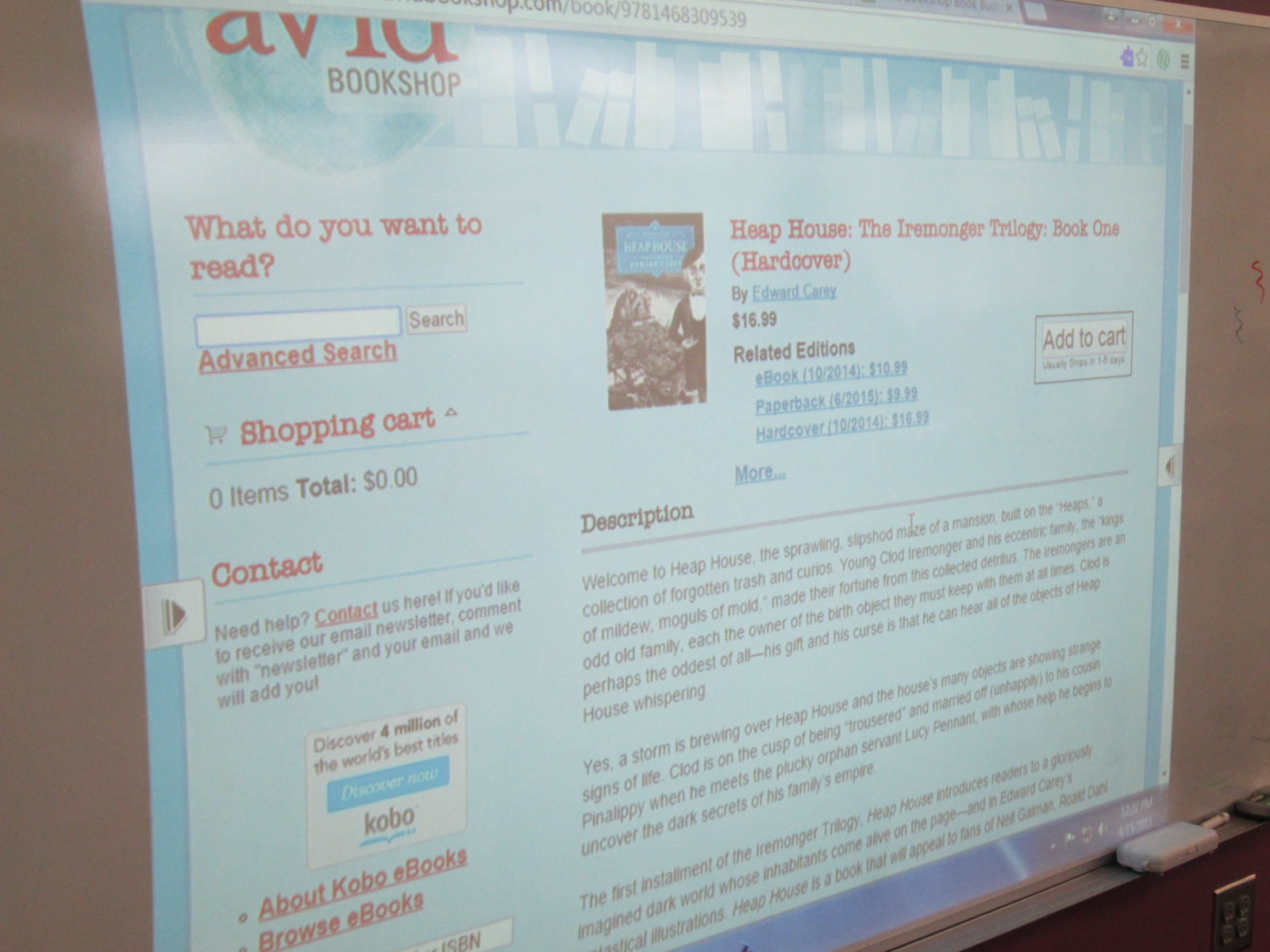
I learned pretty fast that they needed to see the title, author, etc so I pulled Avid’s website up on the board and typed in each book as he talked.  The students could easily copy down the info while he talked.

Avid (5) Avid (9)

After talking through several titles, the students had lots of questions for him.  They had a great time just talking books with Will.  Several students branched off to do their own thing, so I decided to add another layer onto what they could do.

Avid (7)

We used our state database, Galileo, to pull up Novelist K-8 Plus.  I showed students how they could look at books by age range and genre.  Then, Novelist shows books that are similar to books that you have read and liked.  I suggested that they use Novelist to find books that sounded good and matched our goals, and then use Avid’s site to find the price and add to our spreadsheet.

Avid (10)

Mr. Coleman’s ELT group is joining us in this project and they plan to continue this process this week before we meet again on Monday.

Avid (8)

We are very grateful to Avid Bookshop for their support of students.  I loved how Will talked directly to them.  He asked them questions about books but also questions about how they planned to spend their money.  He posed interesting questions such as “Have you thought about paperback versus hardback?  The cost difference can be about $10.”  Students were shocked by the price difference but most agreed that they wanted hardback for durability in the library.  That was without any prepping or pushing from me.  I was amazed.  They said the extra $10 was worth it if the book lasted longer.

Avid (1)

I love how these types of conversations naturally surface.  You can’t force plan each one, but they usually come up at some point.  Soon, the students will meet with another vendor and start the hard process of cutting their wishlist to meet our budget.

2015 Student Book Budgets Step Two: Goal Setting

Discussion

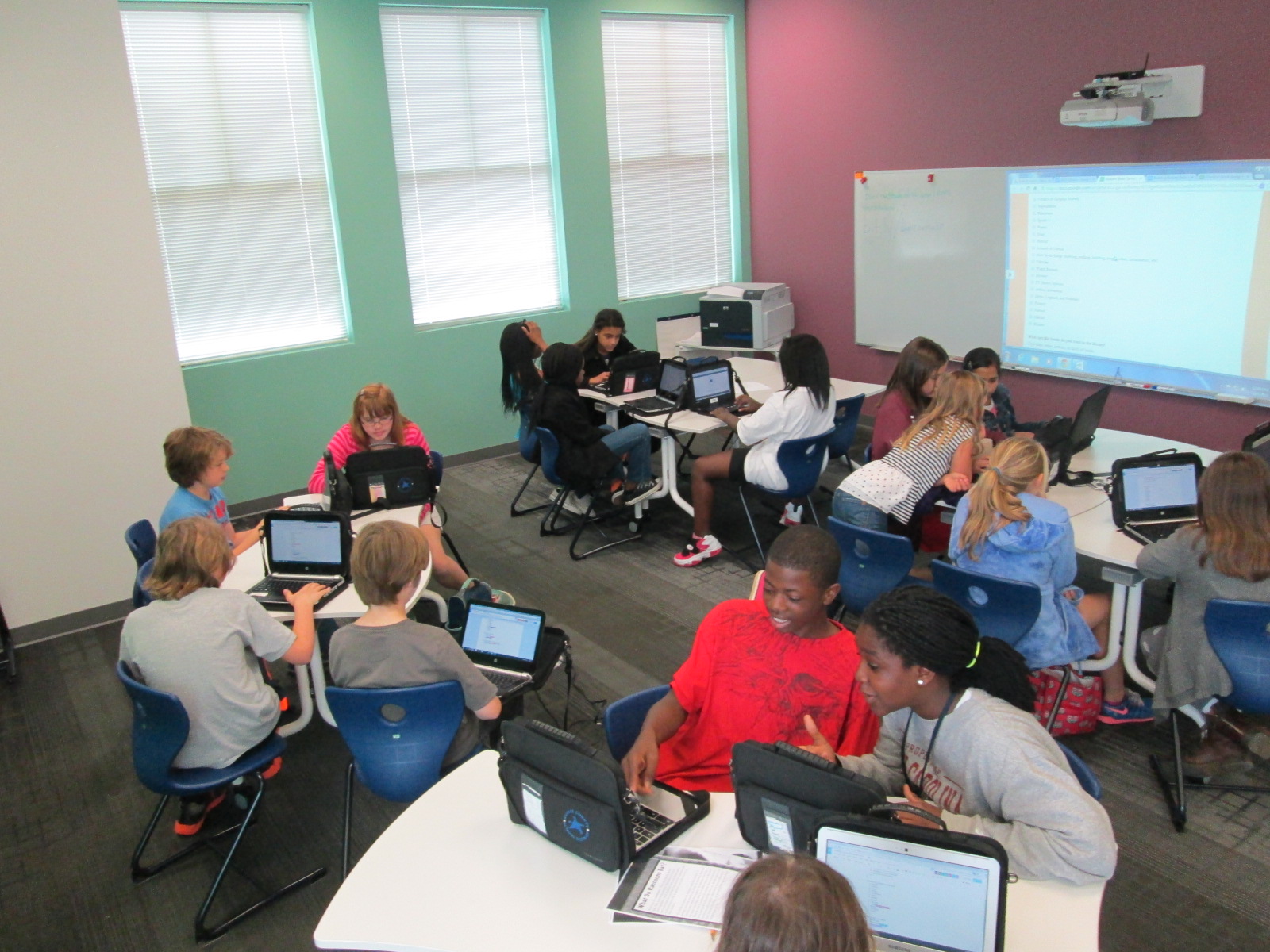
The students in this year’s book budget group have been busy.  We emailed our reading interest survey to all students in our upper grades, but our younger students needed to be surveyed in person.  The book budget crew have carried iPads to recess and lunch as well as picked up iPads before school to survey students.  Over the course of a few days, they have surveyed almost half of our school.

All along the way we have checked the progress in our form by viewing the summary of responses and seeing which grades needed to be surveyed.  We wanted there to be voices from every grade level on the survey.

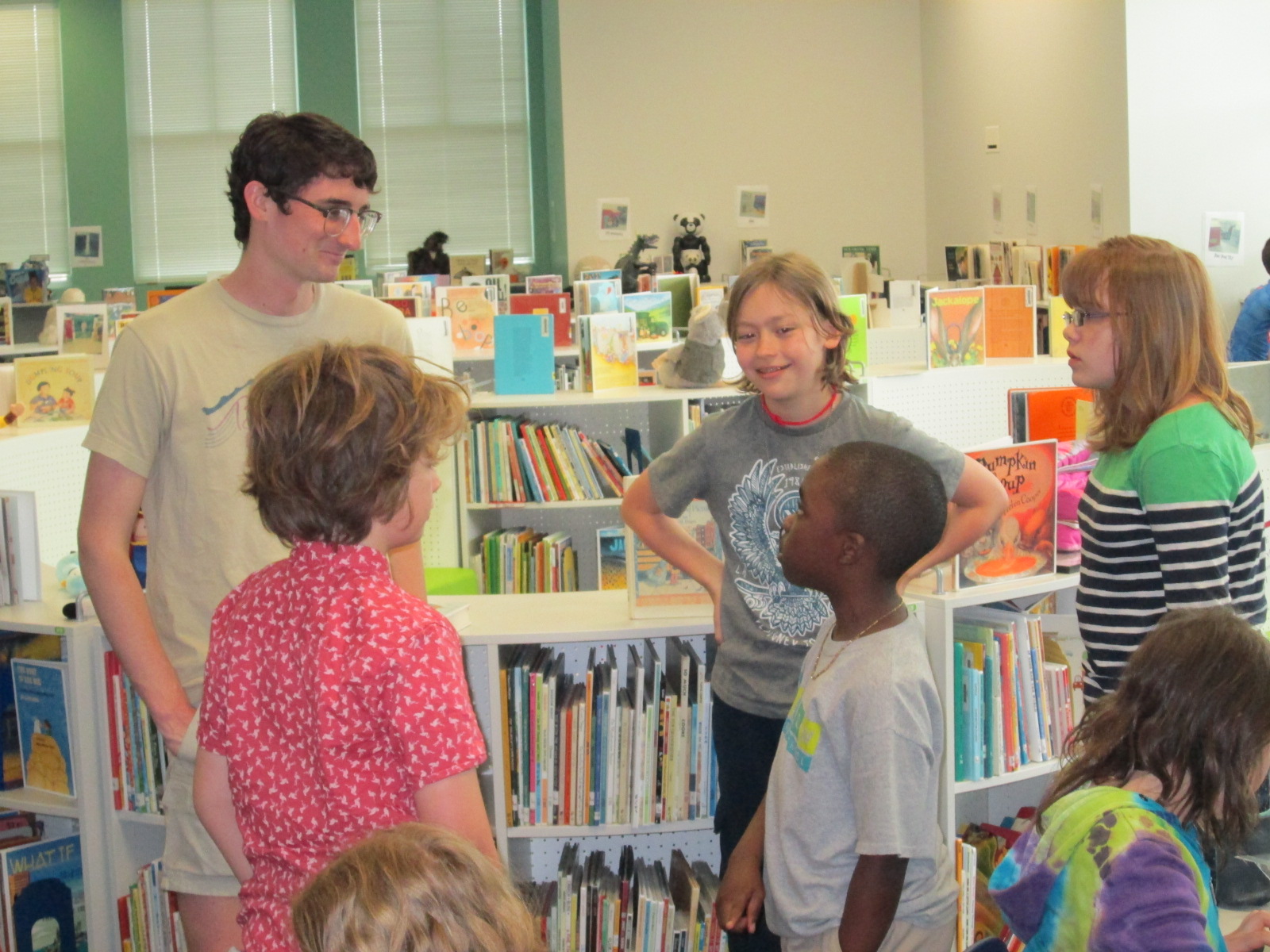
Finally, we all met in the library for an official meeting to look at the data on the survey.

Discussion

First, the students started picking out the kinds of books that received the most votes.  They made a list of 11 kinds of books.  These books were the ones that received above 60% of the people surveyed who said they liked that kind of book.

Our Goals

The students decided that they wanted to keep this list of 11, so our next step was to decide how to divide our approximate budget of $2000 among the 11 goals.

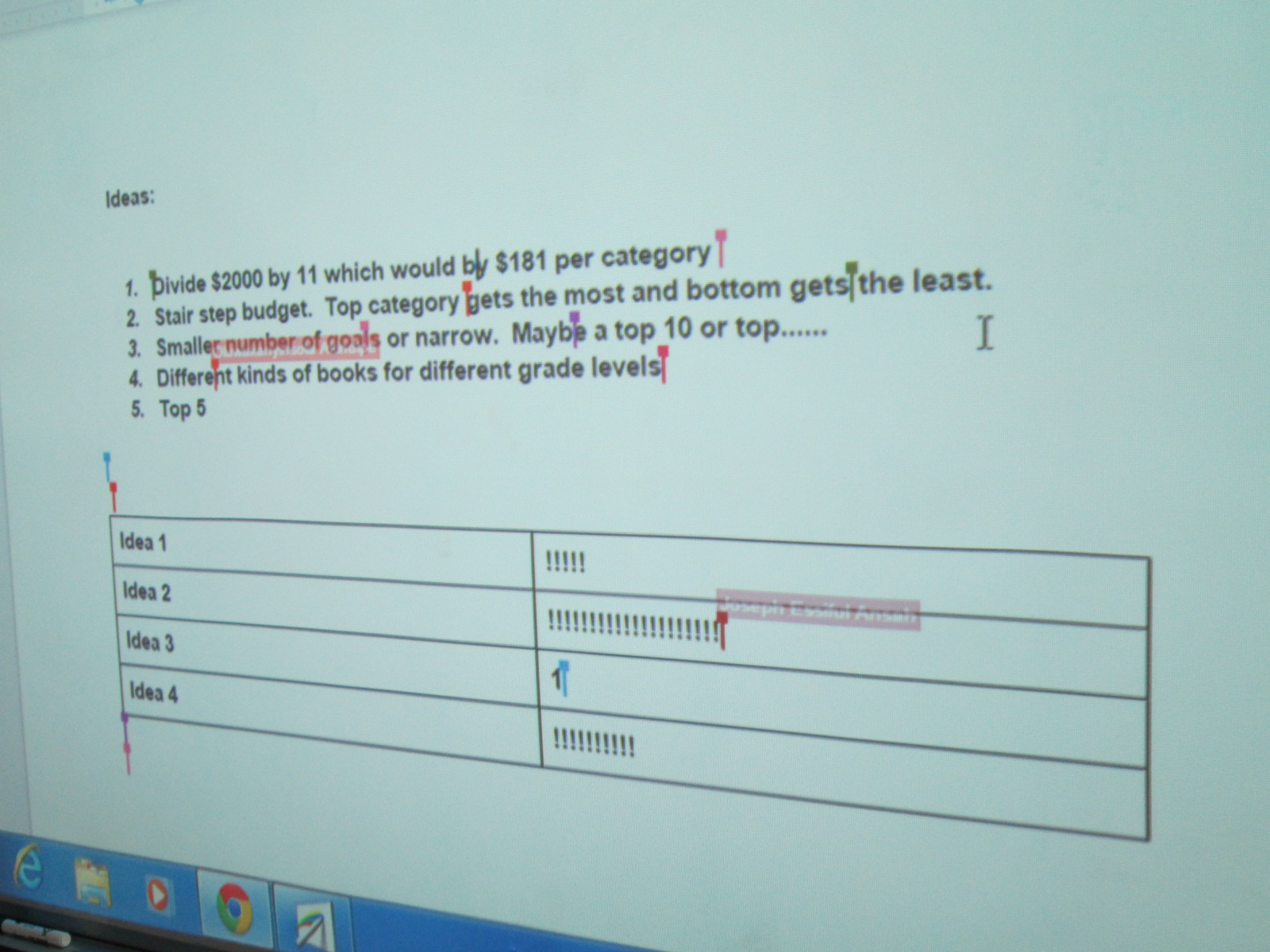
This came with some controversy.  There were lots of ideas.  We decided to make a list of our ideas on our shared Google doc.  Four main ideas came to the surface.

Voting on Budget Plan

1.  Divide the money equally among the 11 goals.

2.  Create a stair step budget or waterfall budget where the top goal on the list got the most money and the last goal on the list got the least.

3.  Narrow the list of goals to a top 10 or top 5.

4.  Focus on different kinds of books for different grade levels based on the survey responsed.


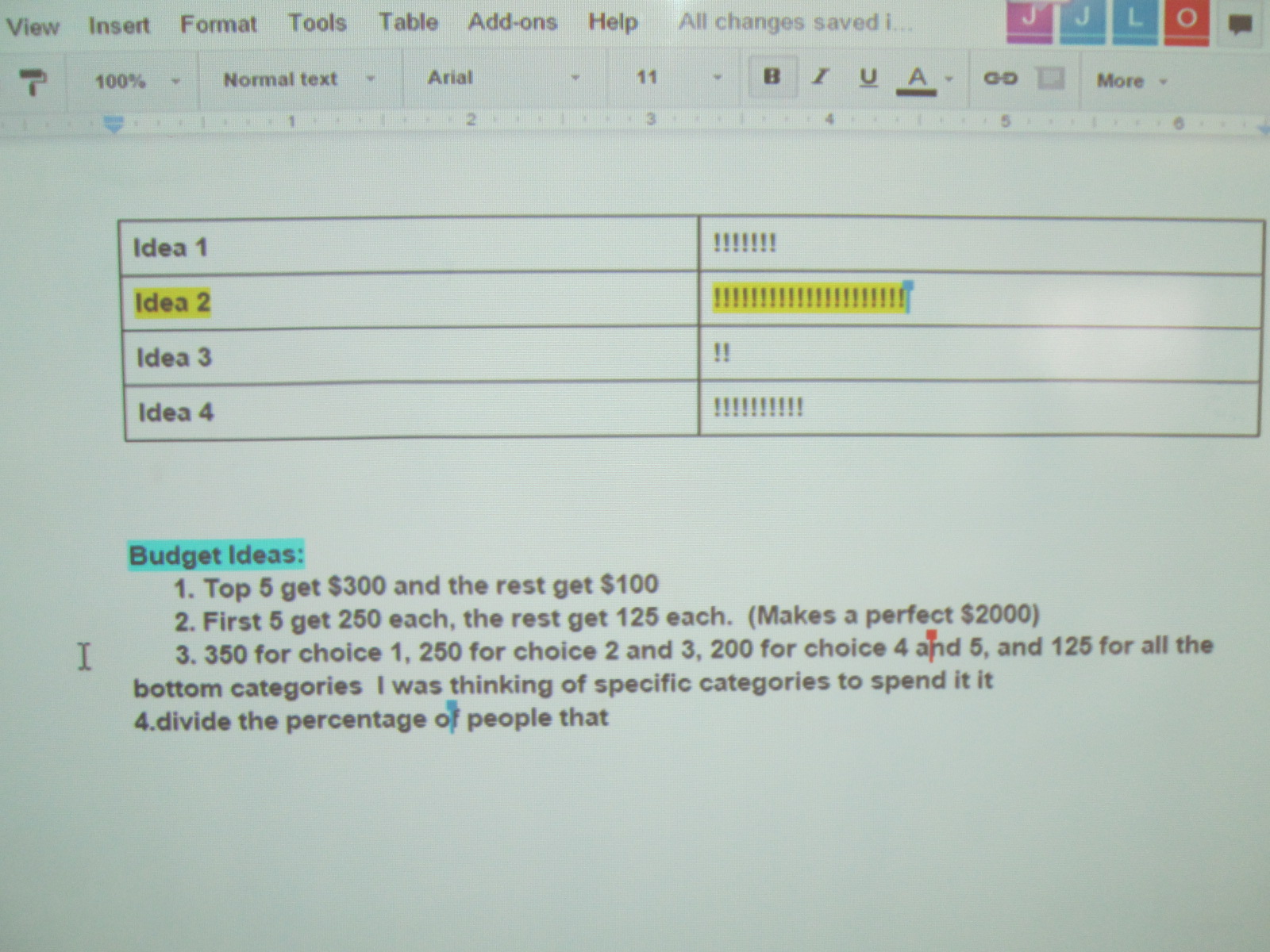
The students voted on these ideas by putting tallies in a table on the Google doc.  The idea of a waterfall budget won the vote, so the next step was to start thinking about how to divide the money among the goals while giving more money to goals requested by more students.  This was even trickier, and we ended up not making a final decision yet.

Voting on Goal Plan


Deciding how to divide the budget really called upon the students’ math skills.  They wrote things on paper, Google docs, and used Google chrome as a calculator to try to add up various amounts to get to $2000 and divide the budget up into multiple categories.  Students were using their problem solving and reasoning skills as they discussed in groups why their various plans worked or didn’t work.  Some were even revisiting the survey data to try to look at percentages on the survey and correlating that to budget percentages.  Math wasn’t just a subject at this moment.  It was a real life skill that was being put into action.

https://twitter.com/capstonepress/status/587723785379250176

Our process was again loud and messy, but I loved how the Google doc allowed us to get lots of voices represented in the conversation rather than hearing from one or two people speaking aloud.

Now that our goals have been decided, we’ve sent these to Avid Bookshop and Capstone Press.  Will from Avid Bookshop will visit the students to book talk some books from Avid that match our goals and Jim Boon from Capstone will share his company’s offerings.  I think the pairing of these two vendors will get the students a great variety of titles to choose from.

I can’t wait to see what they decide.


2015 Student Book Budgets: First Steps

survey production (2)

We are a little late this year, but our student book budget group has finally started.  Each year, I reserve a portion of our library funding and allow students to make the decisions about how that money is spent.  This is more than just having a wish list for students to contribute to.  This is giving them complete control in every part of the decision making process.

survey production (6)

Each year, the groups are chosen in different ways.  This year, I made a video to show to our 4th and 5th graders to explain the project.

https://www.youtube.com/watch?v=qfdavmqeEsc

Then, I created a Google form that was shared with all of our 4th and 5th graders to tell why they would want to be in the student book budget group.

Aziz Coleman, 4th grade teacher, really wanted his ELT group of 12 fourth graders to be a part of the project, so all of them filled out the form along with about 30 other students.  After reading through the responses, it really seemed like everyone who signed up was genuinely interested in being in the project, so I took them all!

I created a schedule for our meetings along with a timeline of where we are going.  Over the years, I’ve fine tuned the steps that we go through, but student voice and student choice always stays at the center of what we do.

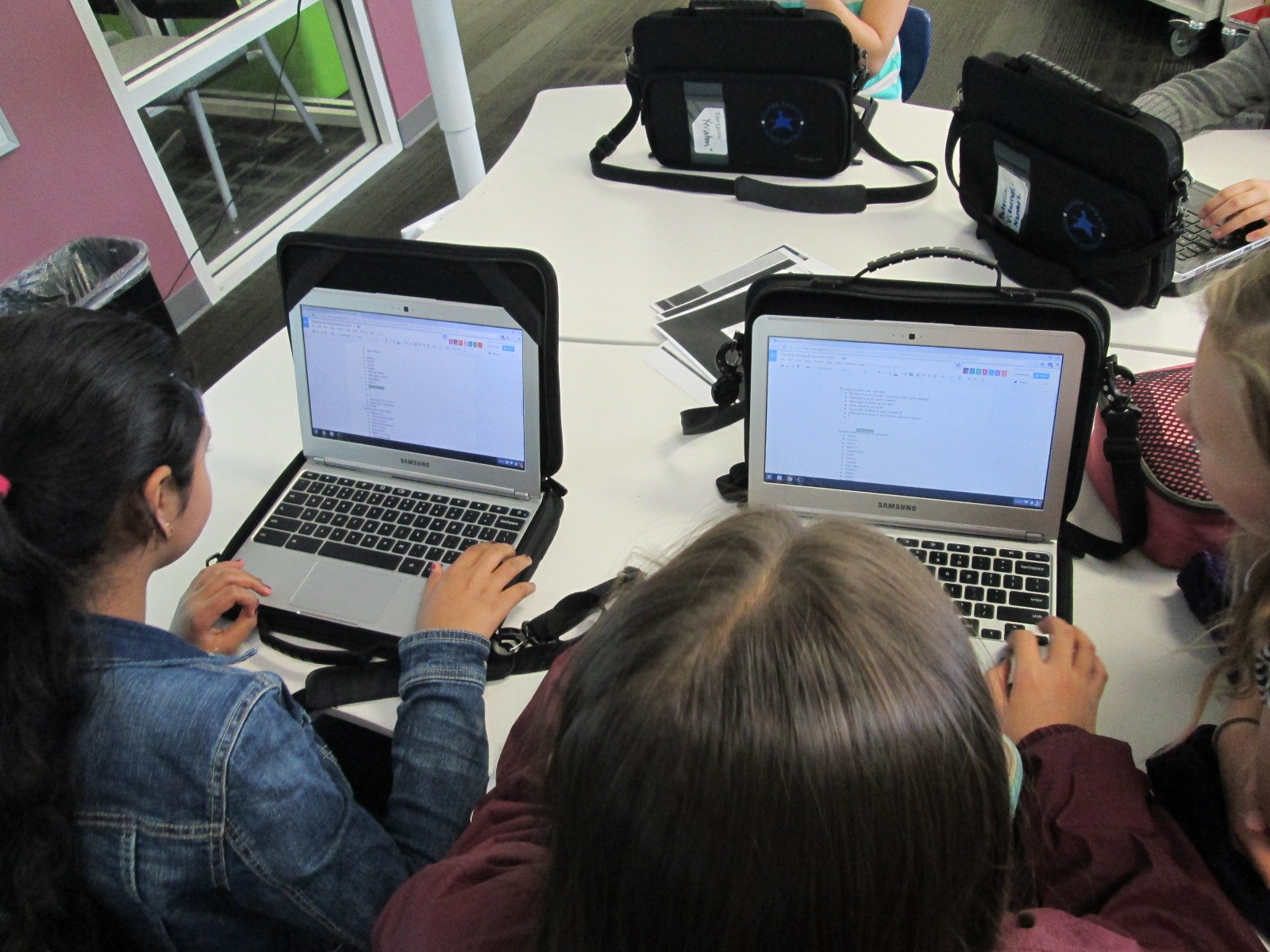
During our 1st two days together, we have focused on creating our survey about reading interests.  I made a contact group with all of the students in my gmail.  That makes it easy for me to invite the entire group as collaborators on docs that we use.  I made 2 docs.  One was a brainstorm doc for us to brainstorm possible things to ask about on the survey.  I thought it would be easier to brainstorm on a doc rather than try to do it all on the Google form.

It was amazing to see so many students working together toward one common cause.

After some brainstorming started, I gave them editing rights to our 2nd doc which was our Google form survey.  We made a copy of last year’s form, and then started using our brainstorming list to make changes.

This was the 1st time I’ve tried collaborating on the Google form.  Usually we just put it up on the board and work together whole group.  I liked seeing every student involved at once, but it was definitely messy.

I checked in with students periodically and gave them some focus.  At times, we broke the tasks up into groups.  For example, one group worked on fine tuning the brainstorm list.  Another group added questions to the survey.  Another group looked carefully at the checklist on the survey to see what needed to be added or changed.

Students worked during their recess, extended learning time, and even left to get lunch and come back.  They were excited and very focused.  There were a few students who started getting off task, so I offered that they might want to go back to recess if they felt like they had contributed their part for the day.  This was totally in their hands, and some of them took me up on the offer.

We are now in the survey process. We want to survey students at every grade level.  We will email the survey to our 3rd-5th graders since they all have a computer and we will use iPads to survey the lower grades.


Click here to view this year’s survey.

Since our meeting time is during a prime lunch time, we have been taking over the lunchroom with iPads to survey students.

Once we have results from the survey we will set goals based on those results and start meeting with our vendors such as Capstone and Avid Bookshop.

Using the 3D Printer to Empower Student Voice: A New Piece of Our Barrow Peace Prize Flipgrid Project

IMG_4943

Any time I implement a collaborative project, there are way more ideas swirling around in my head than we can actually pull off.  This year, our Flipgrid Black History Project has gone through so many changes.  Several of these changes were ideas that we had last year.  One of those ideas was the concept of moving this project to something more authentic than designing the next postage stamp.  We wanted something that was more within our control that students could actually have a voice in deciding.  We came up with the Barrow Peace Prize.  I’ve written a few posts about this project already this year.

One day an idea just popped into my head that we really need an actual “Barrow Peace Prize” to present when we announce which person from Black History will receive this honor this year.  Since we have a makerspace in our library with a 3D printer, I knew it was certainly possible for us to make a professional award.  I considered how this might happen.  Should I ask an older student who had experience with 3D printing but no real connection to the project?  Was there a 2nd grader who might work with an older student to design our award?

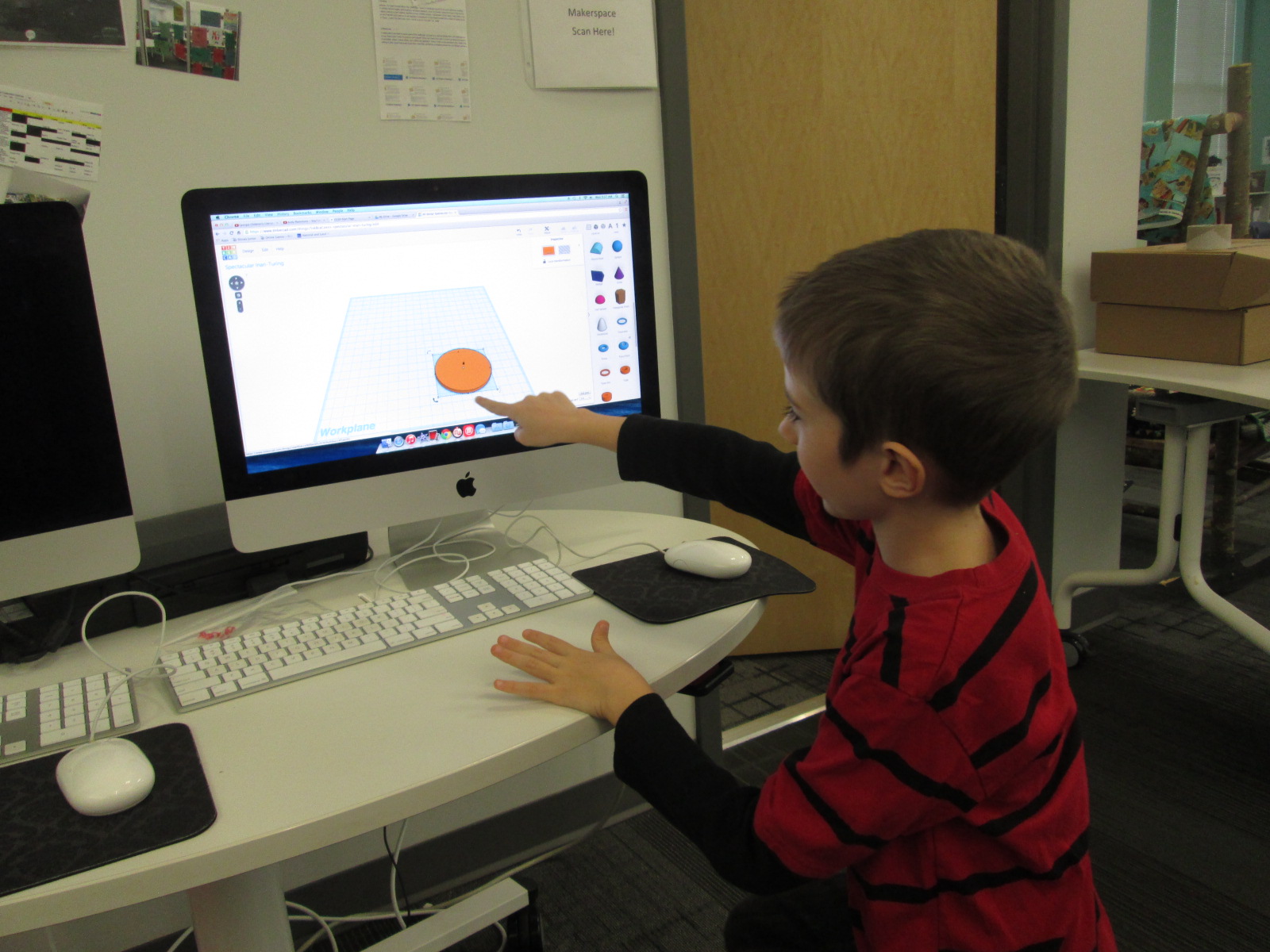
Then, a student voice came through during one our enrichment cluster sessions.  Taylor is a 2nd grader who has tinkered with all sorts of things in our makerspace.  At our last enrichment cluster session, Taylor brought in a pair of spy glasses.  They are glasses that have mirrors build in so that you can see what is behind you. He wanted to learn how he could design something like this by using Tinkercad and our 3D printer.  He had never used Tinkercad before, but he jumped right in and started tinkering.  He had a clear plan in his mind of what he wanted to create and in one session he had an initial design for his glasses.

Ideas and student voice collided and I knew that Taylor was the designer for our Barrow Peace Prize.  By the time this all happened it was just days before our Skype with Flipgrid and the announcement of our award, so I emailed his teacher just to see if it was possible to pull him into the library at some point to work with me on a design.  One of the things I love so much about our school is how much our teachers know each individual student and how much they want them to explore their passions.  His teacher wanted to do everything possible to make this happen.  We scheduled a time…..and he was absent.   We scheduled another time…..and he was absent.  The third time was the charm apparently because on the day before our Skype with Flipgrid, he was here.

I brought him into the library and told him about the idea.  He was beyond excited to get to work.  I showed him one of the designs that I had tinkered with.

One of my designs as I was tinkering with the idea of a peace prize

Being the kind student that he is, he said, “Well….I do like how you included the word peace, but I was thinking it should be more like a medal”.

I handed over the mouse and he got right to work.  I really sat back and let Taylor drive the work, but if I saw a tip that would help him I jumped in and shared.  For example, he didn’t know about grouping objects in Tinkercad so that they always stay together as you move them.

Within 30 minutes, he had his design ready to go and we put it into Makerware to prepare it for 3D printing.


Taylor’s Tinkercad Design

Taylor picked out his filament to look like an actual medal, and he pressed the glowing M to get it started.  While he was gone, this happened.

We are very used to failure in our makerspace.  I’m not really sure what happened, but I think the filament got tangled on the spool and caused some stress on the printer.  We decided to make some very minor tweaks and also to print it smaller than we were trying to print.

Taylor came in when the other print was nearing its finish and we talked about the first print failure.  He picked up the failure and started showing me all of the things that went right in the print.  It was an amazing examination of work.  Seeing a student not reach a point of frustration or meltdown, but instead, look for what was right and what needed to change was simply miraculous.

We did keep a close eye on this 2nd print, and before we knew it, we had a medal.

Even our friends at Flipgrid think this student voice is awesome.

Like many people, we are not having the best luck with weather right now, so we hope we are able to connect with Flipgrid very soon and announce the winner of the Barrow Peace Prize.  For now, we will celebrate that one more student’s voice was empowered through the makerspace in our library.

Kindergarten Authors: Empowering Voice Through Informational Ebooks

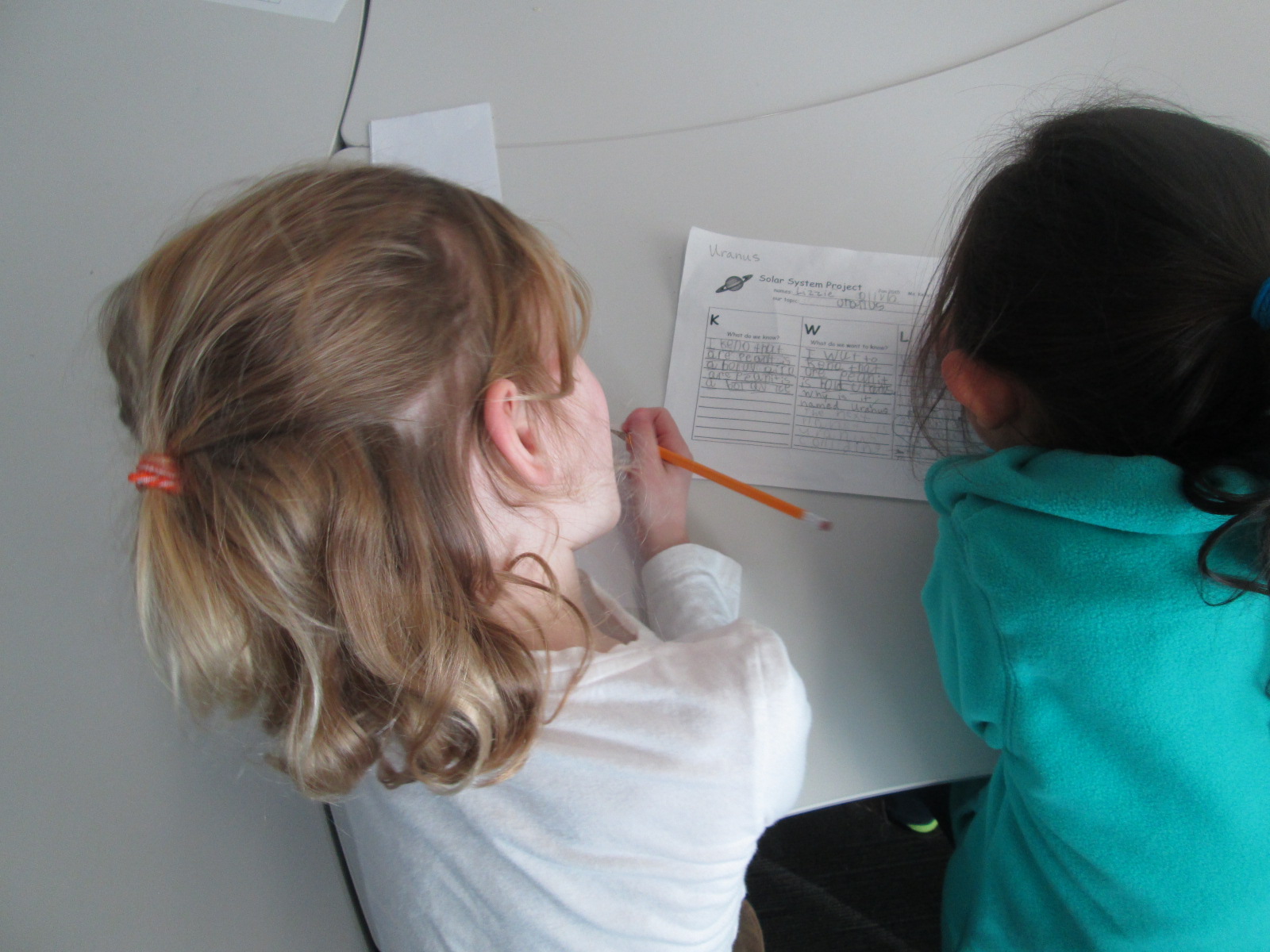
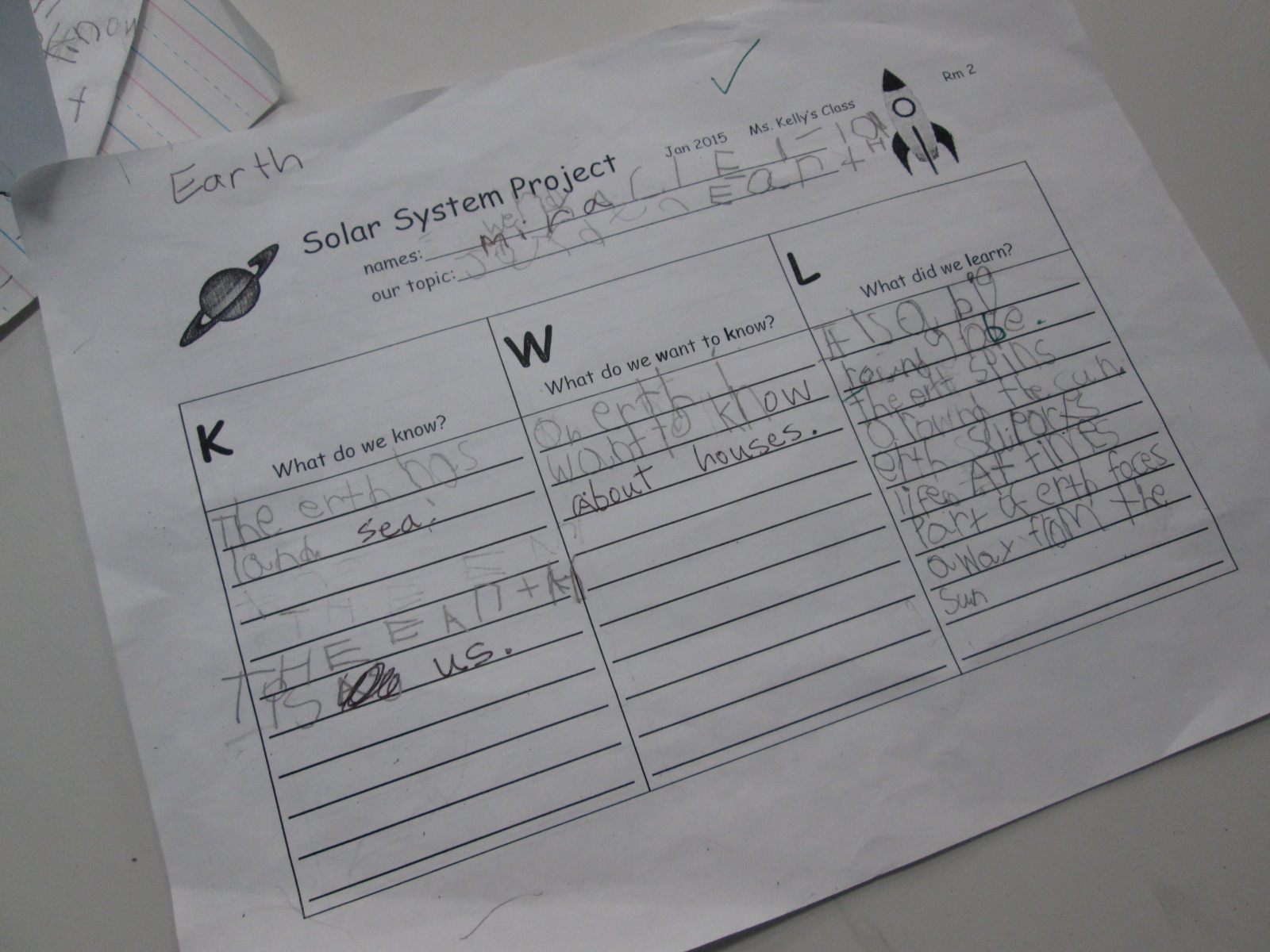
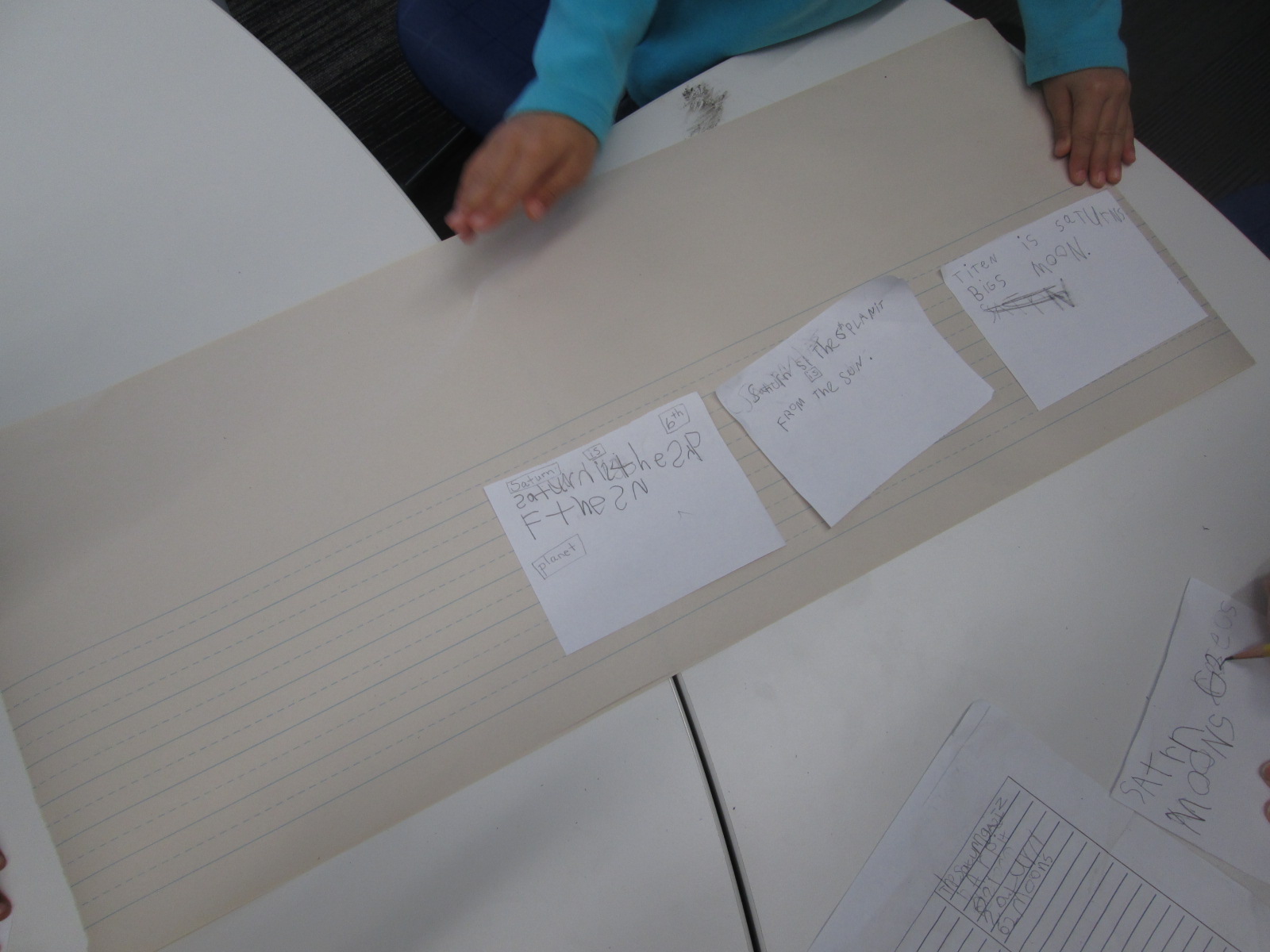
Planet Research (4)Ms. Kelly Hocking’s Kindergarten class has done it again.  They have once again ventured out to try something that no other class has tried and inspired other classes and projects with their work.  In small groups, they each chose a planet to research.  We used PebbleGo, TrueFlix, and books to search for facts in the library and in class.   Then, in the library and in class, students worked on sequencing their facts.

Planet Research (11) Planet Research (9)

Over the past week, Ms. Kelly checked out iPads each day for students to use to publish their work using Storykit.  I love how she encouraged them to take pictures of objects in the school and then use the drawing feature in Storykit to enhance those pictures.

Take a look at their finished products below.  If you click on each picture, it will take you to the student book.  If you have comments for our students, please leave them here on the blog and I will be sure to pass them along to our authors.  If you would like to learn more about Storykit, I’m sure these Kindergarten experts would be willing to Skype or Google Hangout with your students to share their expertise.

Mercury

Mercury by Dominik, James, and Jakaris


Uranus

Uranus by Olivia and Lizzie


Jupiter

Jupiter by Ben and Tia

Mars

Mars by Macie and Taeden

Venus

Venus by Blessing and Janie

Saturn

Saturn by Bryah, Yehun, and Charlie


Neptune

Neptune by Eni and Talia


Earth

Earth by Jayden, Miracle, and Wendy


The Sun

The Sun by Scarlett, Casper, and Sammy

Empowering Student Voice Through Individual Projects: A Kindergarten Research Project

mick

My library uses a flexible schedule.  This means that I don’t see classes at a set time every week.  Instead, I collaborate with teachers and schedule lessons and projects as they fit into the curriculum each week.  This flexibility allows me to work with more than just homeroom classes to include classes like art and music, gifted, special education, and extended learning time groups.  It also allows me to work with small groups of students or even individuals.

Over the past couple of weeks, I have been working with Mick, a Kindergarten student.  He is an avid reader and is very curious about so many things.  Mick discovers a topic and wants to know all there is to know about it.  Our recent exploration has been around seahorses, which was sparked by a book that he read in his class.

Over several sessions, Mick came to the library for research.  We developed questions together on a Google doc.  He did all of the talking, and I did the typing.

Seahorse doc

Once we had a good list of questions, we started exploring PebbleGo, a Capstone Interactive ebook on seahorses, and Encyclopedia Britannica in our Galileo database.  We listened to the read aloud feature or I read the text aloud if it was too difficult for him to read on his own.  We paused often to see if any facts had answered our questions.  If Mick pulled out a fact, we put it into his own words and I added it to the doc.

After each session, I printed our notes for him to take back to class in case he did more research on his own or at home.  Once Mick felt like he had enough facts, I asked him what he wanted to do with his information.

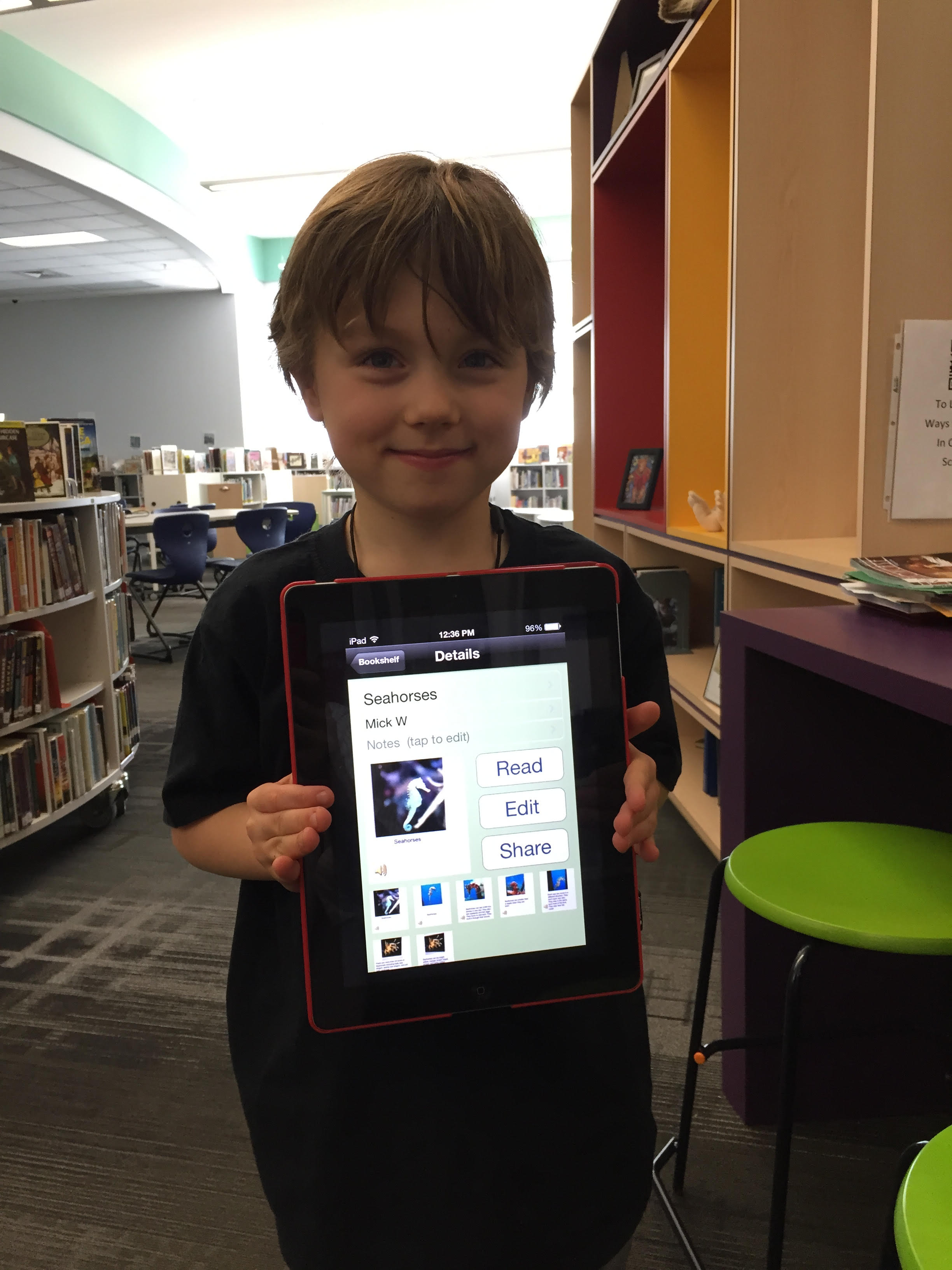
He really wanted to “make a book using the computer”.  There are several tools we could use to do this, but we decided to use an iPad and the Storykit app.  This app lets you create multiple pages, type text, record audio, draw, take pictures, and import pictures.  I’ve seen other Kindergarten students use it, so I felt like it was the right tool for the job.

Mick’s first steps were to find some creative commons pictures of seahorses.  He used the camera on the iPad to take pictures of the pictures and put one picture on each page.

During another session, we went through Mick’s facts and selected an order for the information.  He read the facts he wanted, and I typed them onto the iPad.  I originally had him typing, but it was taking longer than we had time for.

In our final session, Mick recorded his voice reading each page.

The Storykit app lets you upload the book to the Storykit server and then you get a link to the work to share.

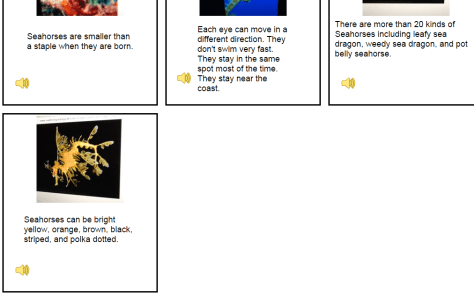
I invite you to take a look and a listen to Mick’s informational story on Seahorses.  I love it when student’s voices are empowered through projects in the library.  If you have comments for Mick, please leave them in the comments.

Mick's Seahorses (1)