Poem in Your Pocket Day has grown to be one of our favorite days of the year. Each year, we’ve found new ways to celebrate this day. We write poetry to prepare. We hold a poetry contest. We encourage every person in our school to carry a poem in your pocket.
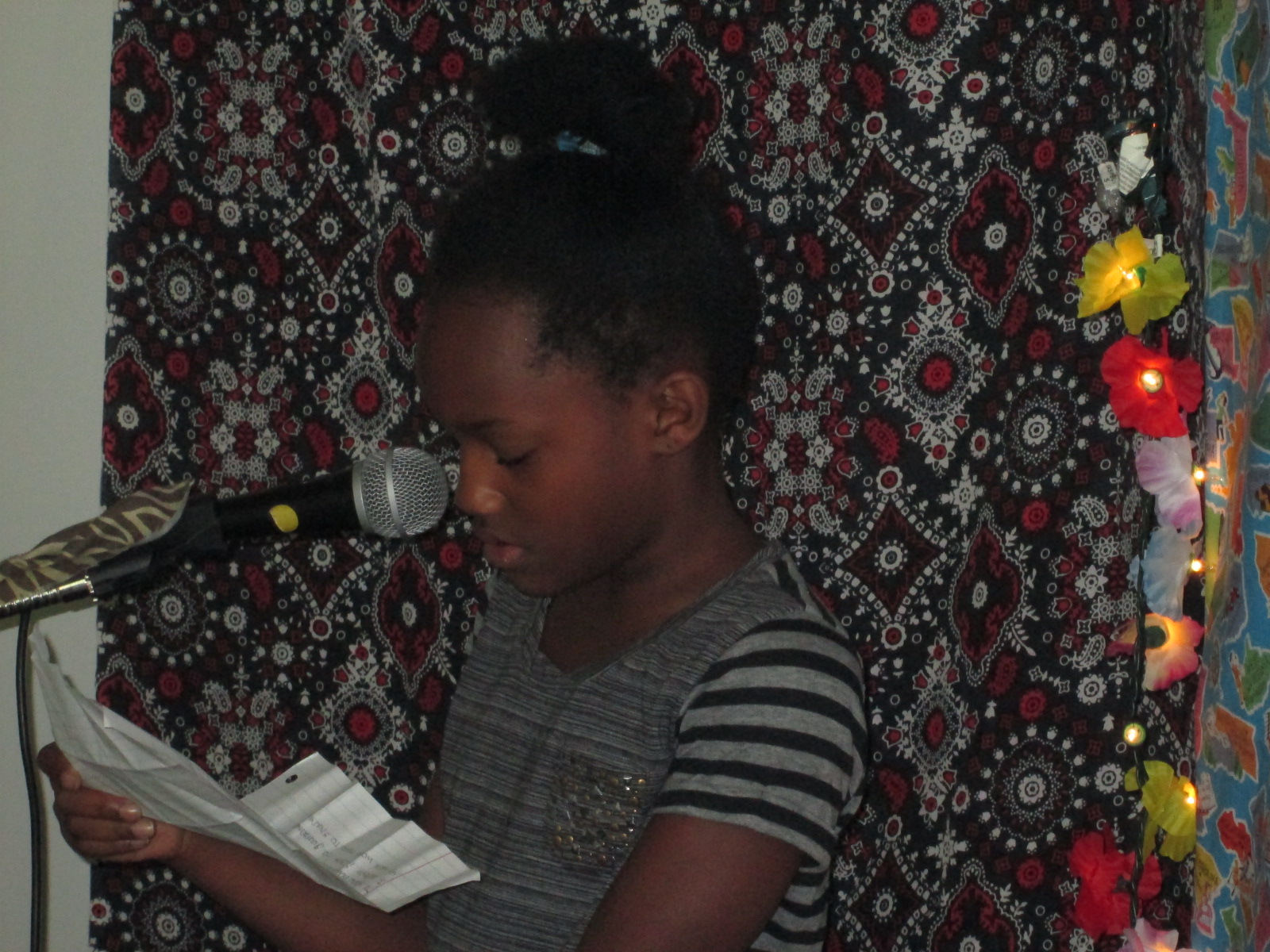
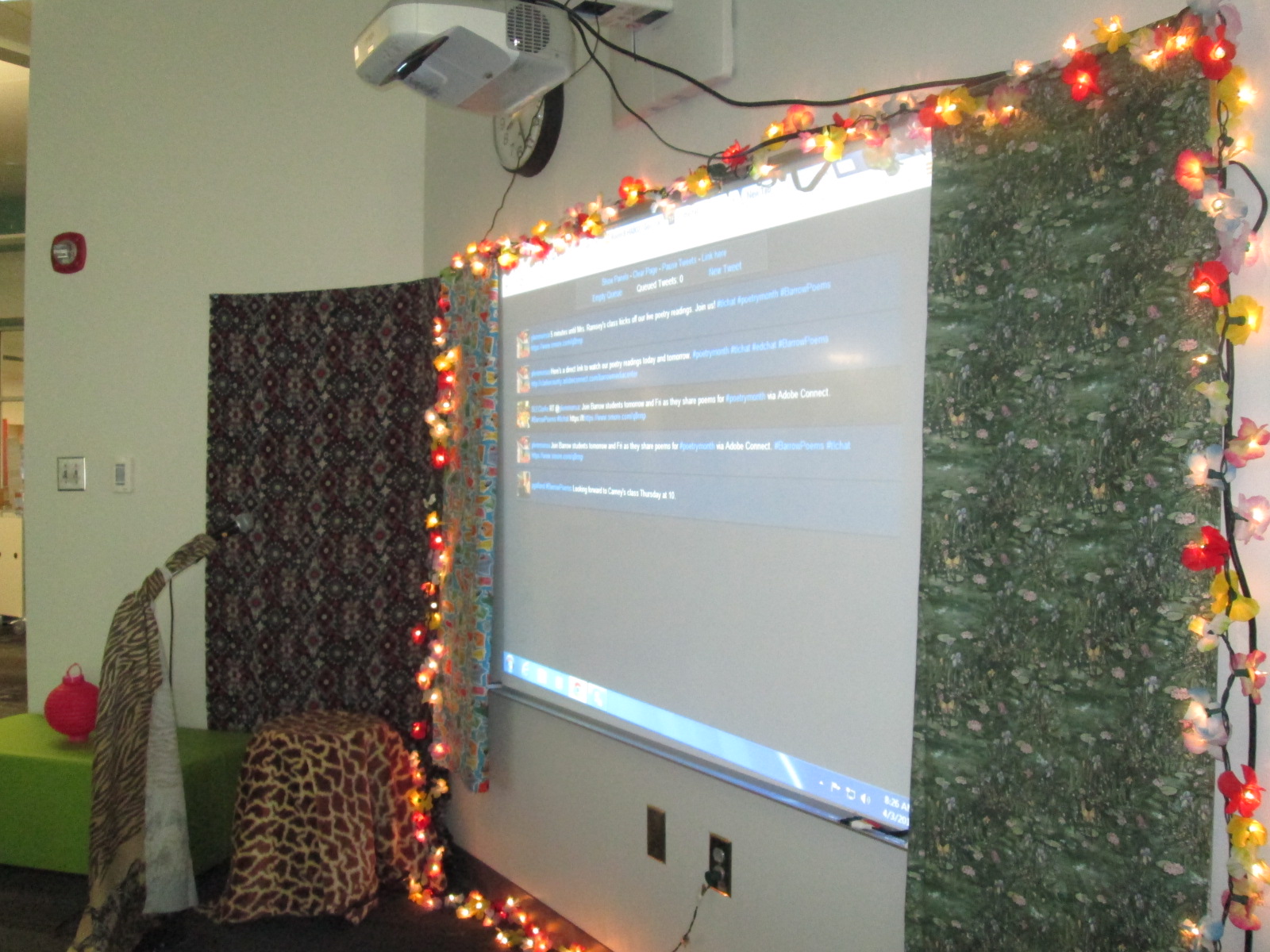
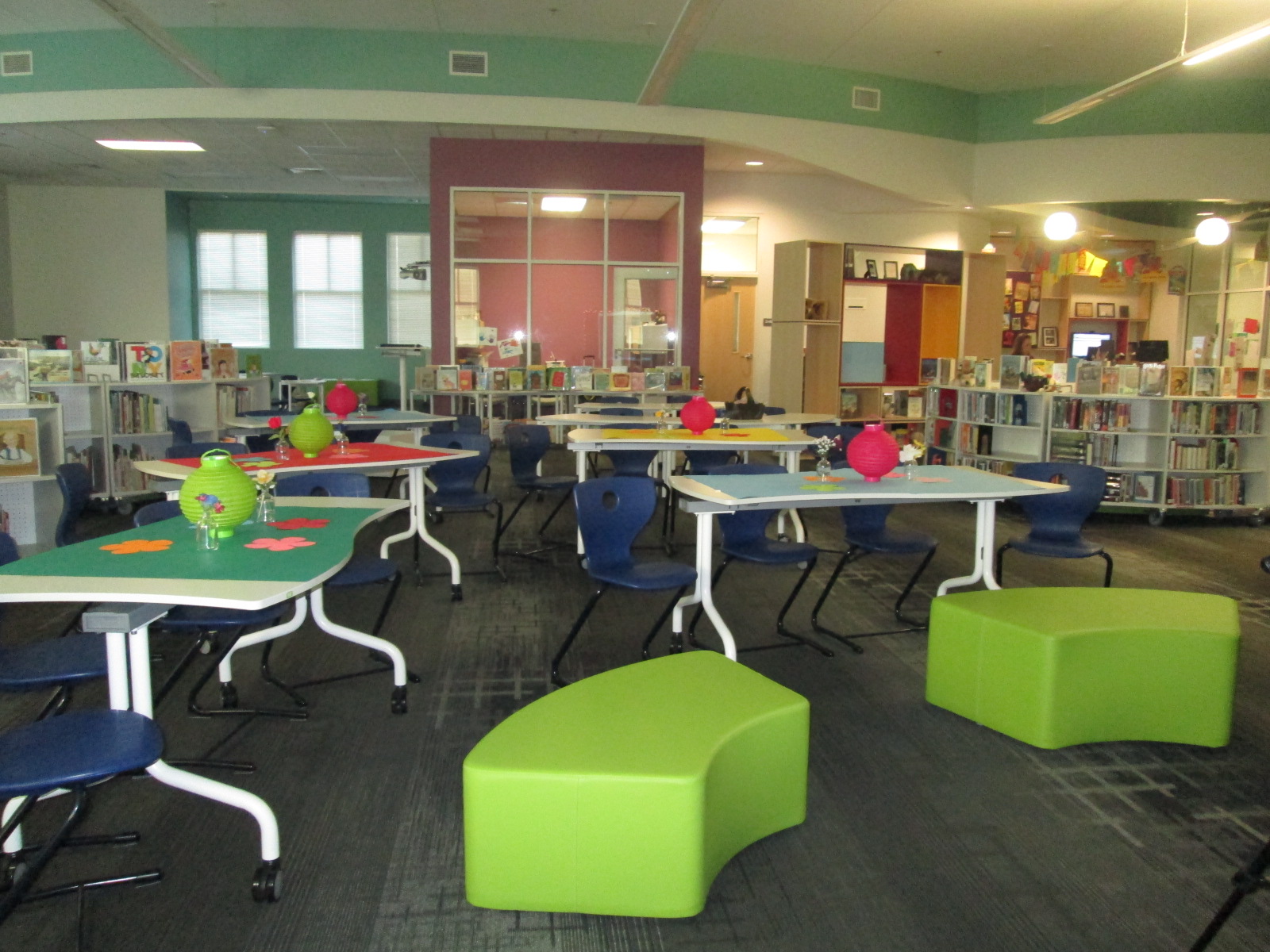
The thing about Poem in Your Pocket that people look forward to the most is our poetry cafe in the library. I decorate the library with tables, tablecloths, lights, and poetry. There’s a fancy microphone and a poet’s stool. Every class in the school comes the library across 2 days to share poems into the open microphone. This year’s poetry cafe will be on Thursday and Friday April 9th and 10th.
For the past few years, we’ve used Adobe Connect to broadcast and archive our poetry readings for the world to see. This year, we are once again trying something new. We’re still broadcasting, but now we are using Google Hangouts. Each class has a Google Hangout setup. I’ve made one Google Site that contains all of the links to the hangout feeds. At each scheduled time, the hangout will go live for an audience to view.
This year, we are encouraging our viewing audience to use Twitter to talk about our poetry. Comments for classes or individual students can be tweets using the hashtag #barrowpoems I’ll have a Twitter feed up on our board so that our students can see what people are saying about their poems.
I encourage you to tune in and watch on April 9th & 10th. Please share this event with everyone you know. It is sure to be a great 2 days of poetry!
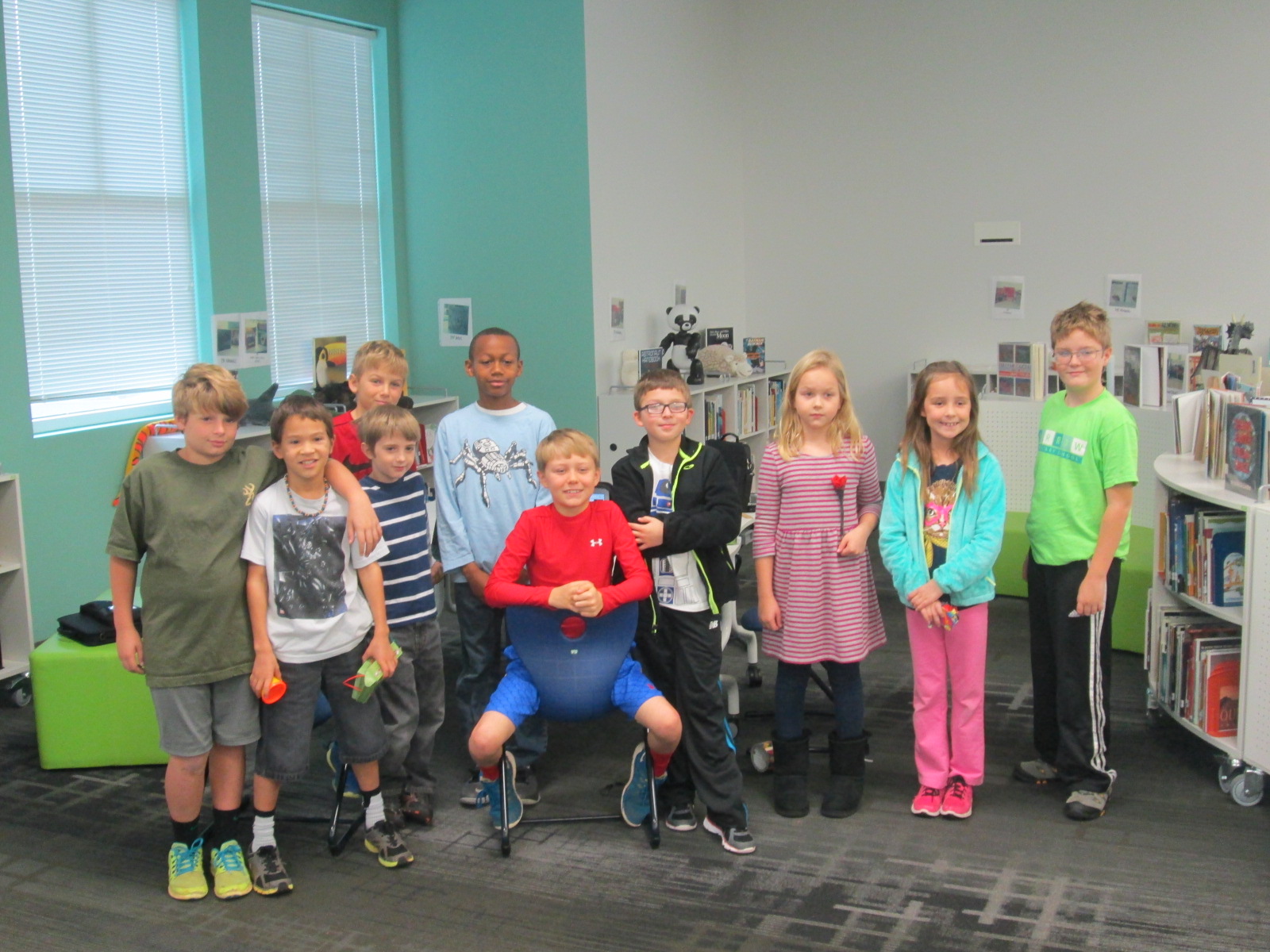
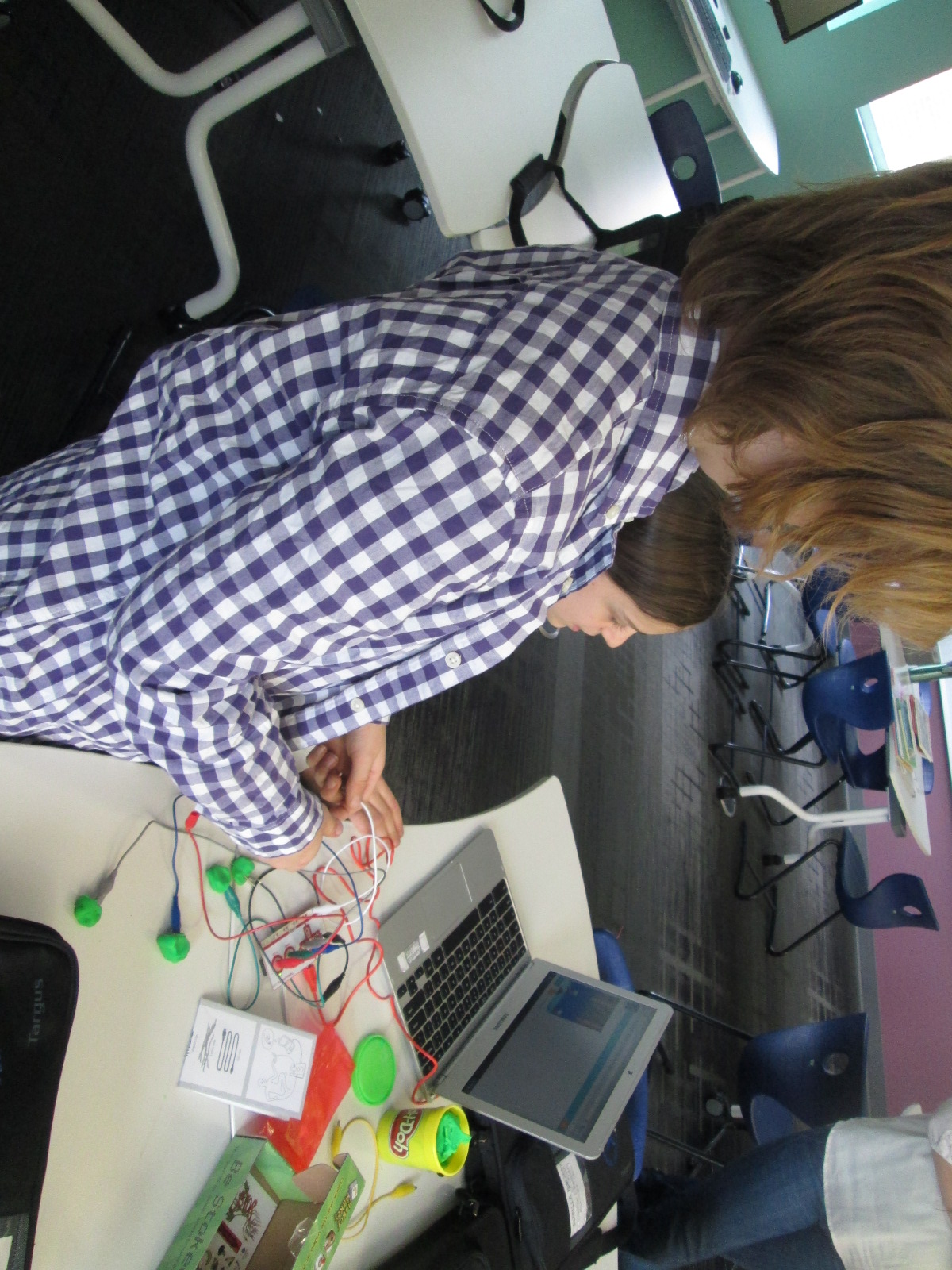
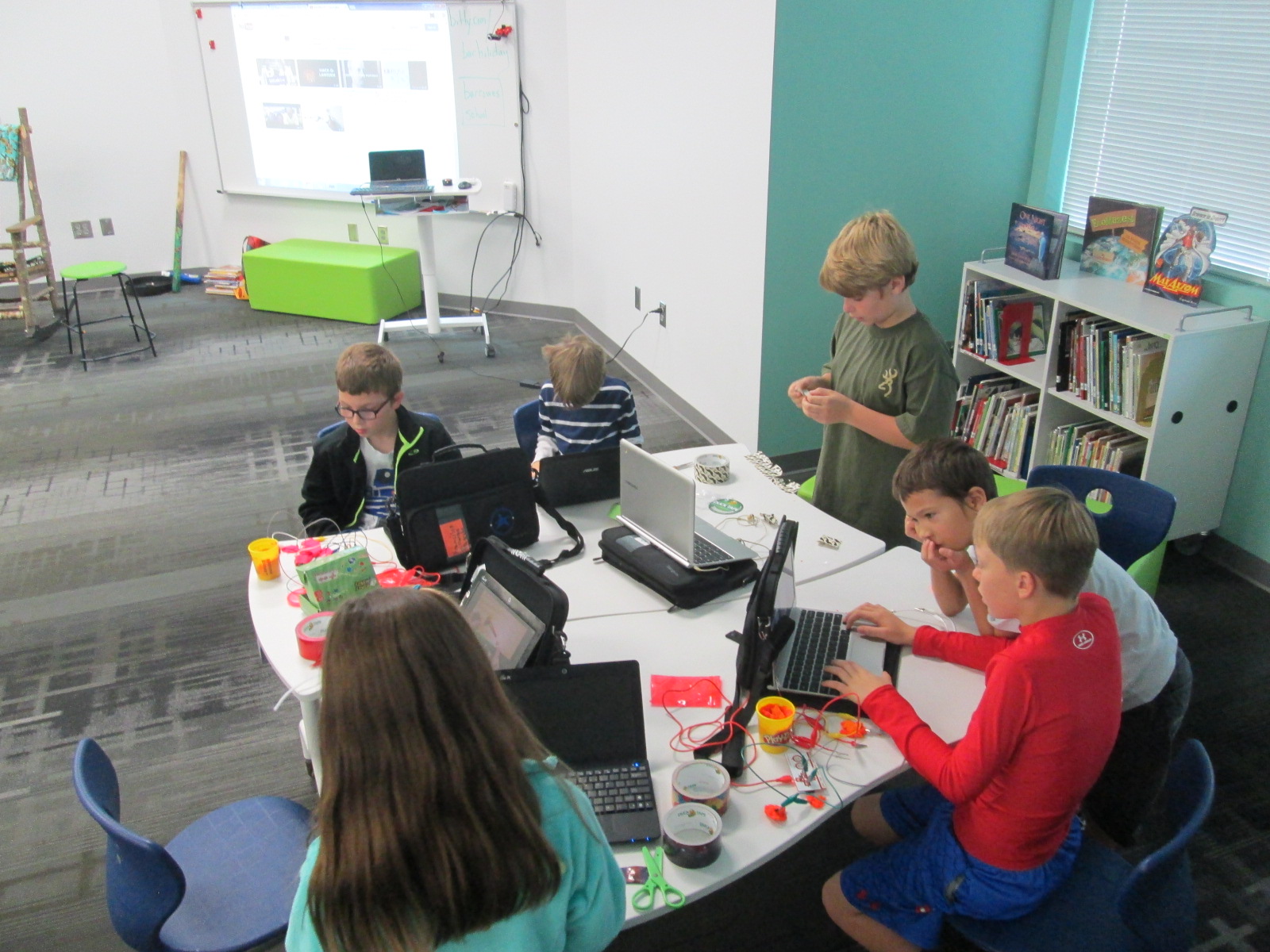
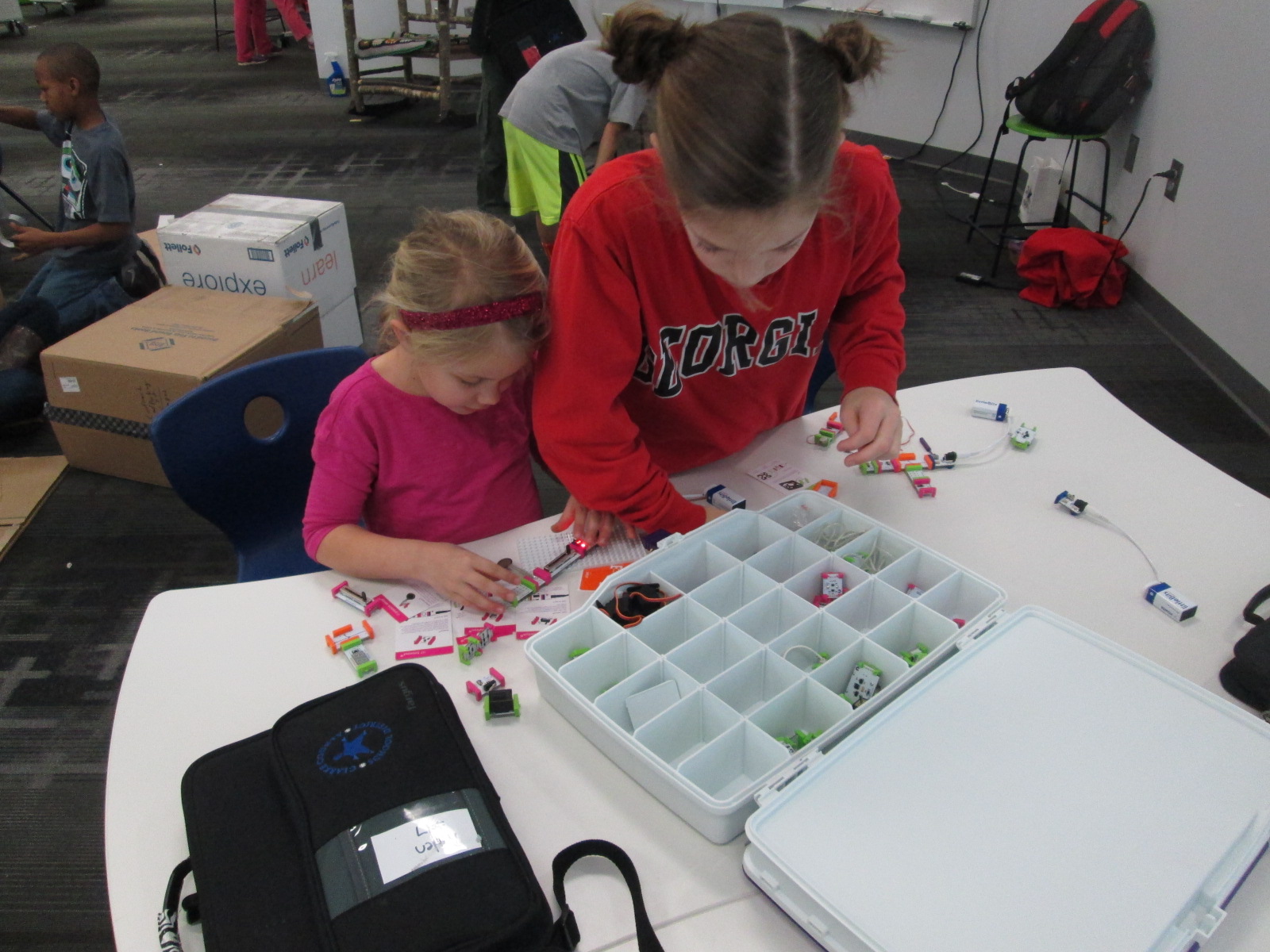
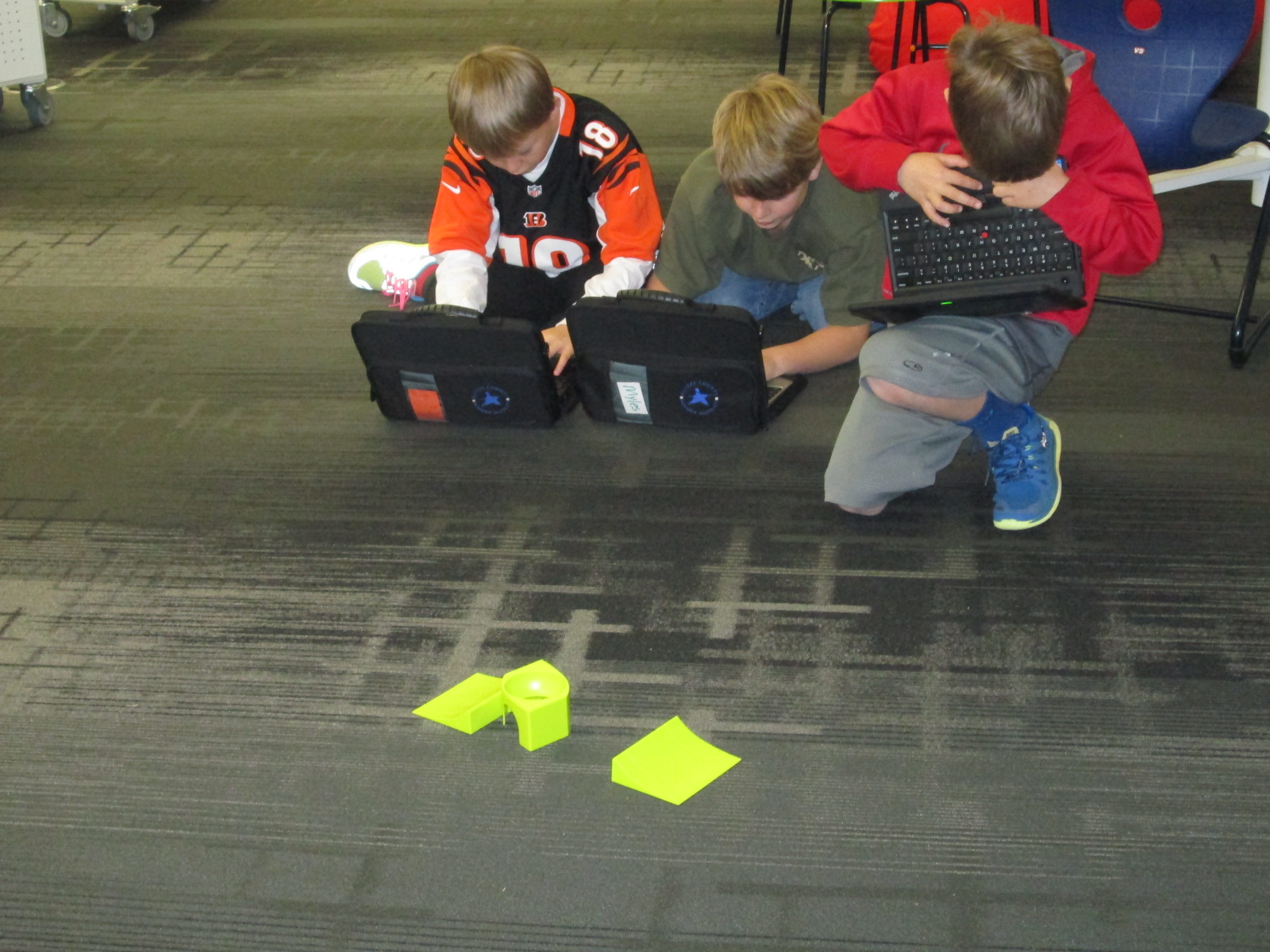
For 14 weeks, I’ve worked with a group of students in 2nd-5th grade to explore the world of making. We met every Wednesday for one hour. They used littleBits, MaKey MaKey, 3d printing, duct tape, cardboard, and robotics to dream up all sorts of things. Ultimately, they were supposed to offer a service to an authentic audience or create a product to show.
A few weeks into our clusters, Ms. Freeman, 5th grade teacher, asked if she could combine with our cluster. Her cluster was The Power of Code and focused on the many tutorials available on Code.org. What we both found was that each of our clusters had something that the other needed in order to create something truly miraculous. The coding students knew some things about programming and the maker kids knew some things about putting things together.
One example of a project that took off after our combination was a video game. A few students banded together to design their own video game. The plan was to create the program in Scratch, build an arcade game out of cardboard, and control the game using MaKey MaKey. The kids made great progress on their work, but they didn’t quite get finished. I hope that they sign up for open makerspace time to continue their work.
The last was to create a short video of our clusters to share at our school assembly.
This was an bright group of students to work with and I look forward to continuing to make and code with them the rest of this year and beyond. They have taught me many things.
Flipgrid is just an amazing group of people. At the end of our black history project, we held a Skype session with them to celebrate our work. It was very special for our students to connect with the entire team of developers of the app, but they had a big surprise in store for us. The Flipgrid team truly admired the work of our students and how they were using Flipgrid to get their voices out into the world, so they wanted to show their appreciation to the students by giving them a little celebration.
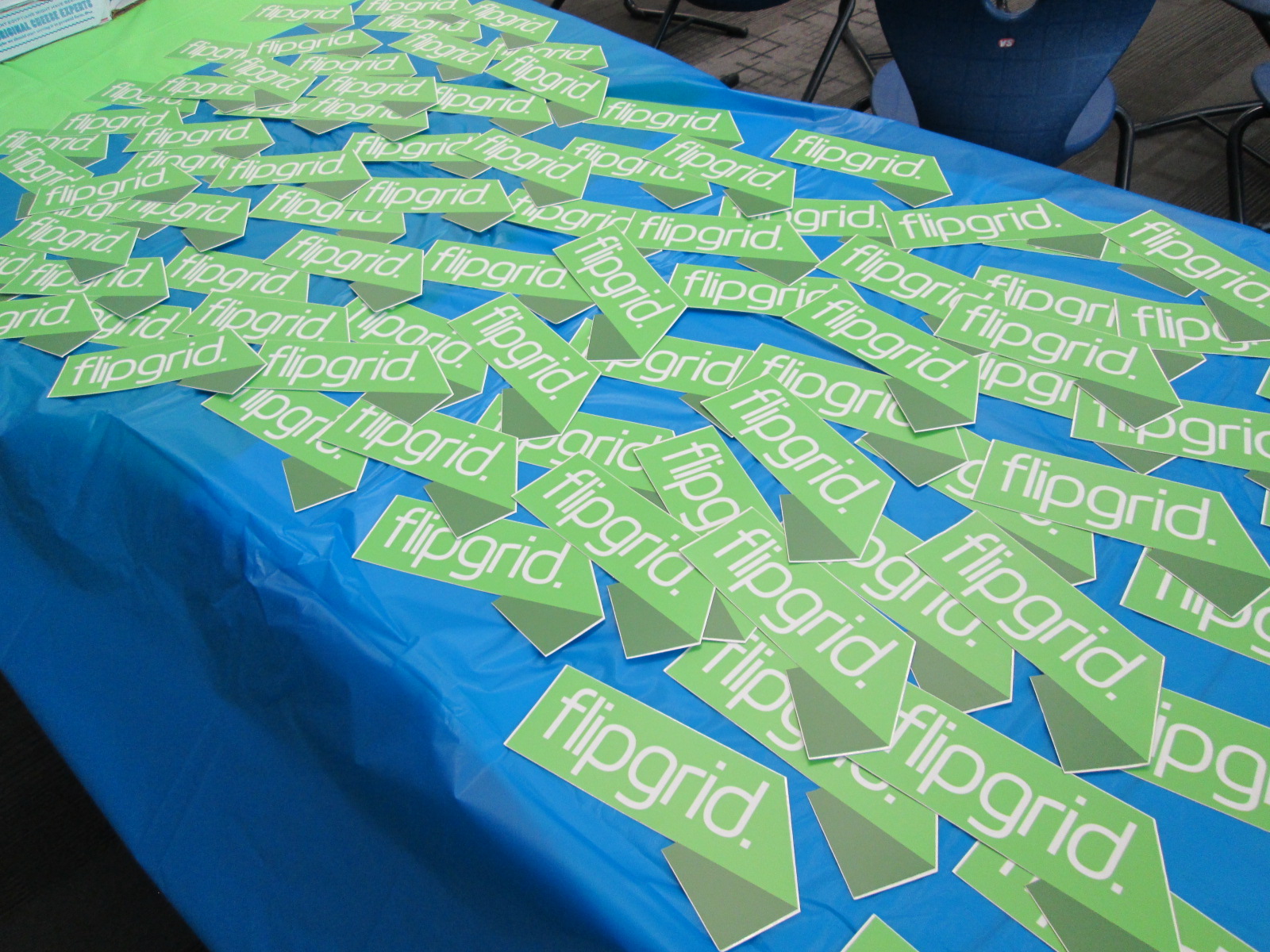
They mailed us a big pack of stickers to give to every student, a handwritten thank you note, and some funds to sponsor a little party for the students.
The students had a blast coming to the library to have a slice of pizza, a juice, an orange, and a Flipgrid sticker. We used this time to have a viewing party of our work and chat about our week.
Then, some of the students took a moment to send a thank you back to Flipgrid by recording some videos on a Thank You grid. We love our collaborative relationship with Flipgrid and look forward to using this tool for many more years to connect our voices with the world as well as unite our voices with the world.
Listen to our thank you’s by clicking the picture below.
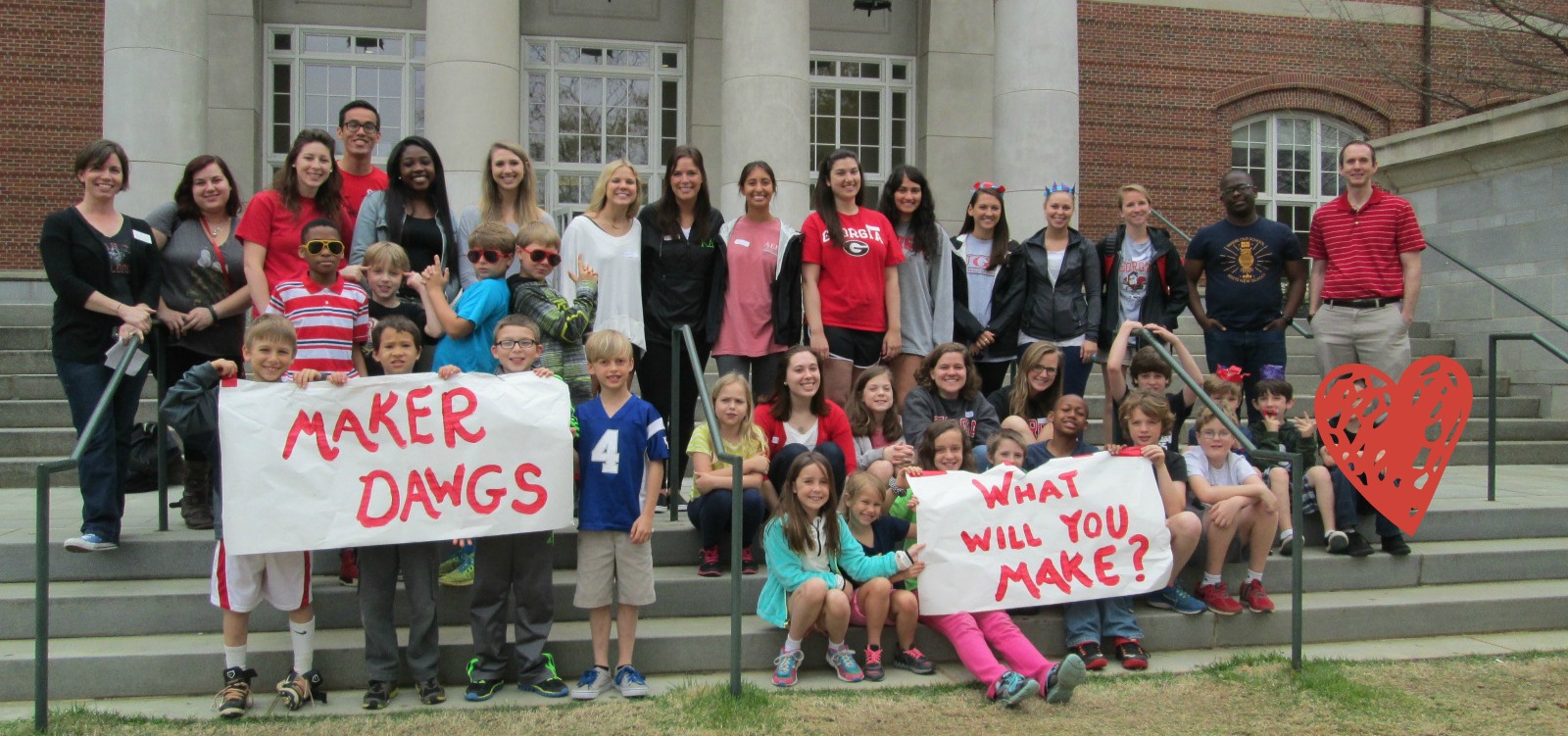
A few weeks ago, Gretchen Thomas, UGA instructional technology teacher, emailed me about a possible collaboration on the UGA campus. She wanted to bring her Maker Dawgs class to the UGA Tate Center Plaza to host a popup makerspace. The idea would be to have a variety of maker tools available for UGA students to try on the spot. She wondered if I had students who might join them. Without hesitation, I said yes and we started the logistics. The more we planned, the bigger the trip got. The biggest news was that 2 members of the Flipgrid and Vidku team from Minneapolis flew down to do a video in our library. They wanted to go with us on our trip to see how students were getting their voice into the world and also how we planned to use Flipgrid to reflect on the day.
Our school is about a mile from the UGA Tate Center Plaza and our students have walking field trip forms on file so it was easy for me to create a field trip. The hard part was working out the logistics for bad weather. In true fashion, we had plan A, plan B, plan C, and maybe even a plan D. It was right up to the wire deciding about going to UGA, but the rain held off and we made our trek down to Tate.
Students had a little bit of time to explore the maker tools that Gretchen brought before we prepped all of our supplies for UGA students to explore.
Students connected Spheros to iPads through bluetooth, setup a wireless network with Justin & Greg from Flipgrid, and made a playable piano with Playdoh and MaKey MaKey.
Then, we waited. Traffic on the UGA campus quickly picked up at around 10:30 when classes changed, but most UGA students had their earbuds in and walked at a fast pace to get to the next class. The kids were a bit timid at first, but with some encouragement, they began to develop techniques to get UGA students to stop and try out our makerspace stuff.
Several students started driving the Spheros right into the paths of walking college students. At first, they dodged them, but eventually they started asking questions. Other students started experimenting with phrases to get the UGA students interested.
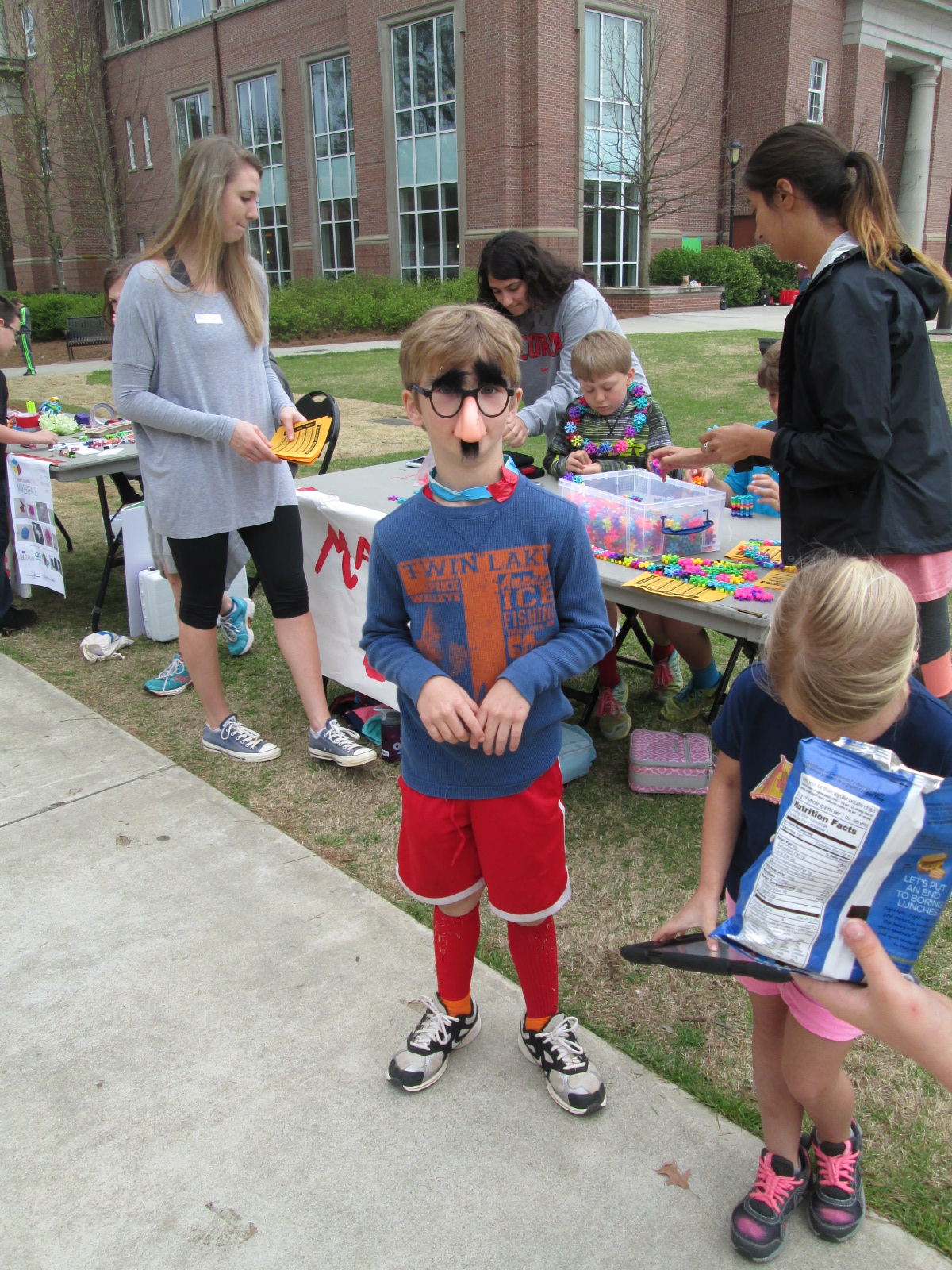
One student even put on silly costumes and made up dances to attract attention to our cause, and so many people loved his techniques!
It was really interesting to see the college students when they stopped. Most of them wanted the students to demonstrate for them how each piece of technology worked. They had to be nudged and encouraged to try them. It made me wonder if there is less of a culture of risk-taking in this age bracket than with our elementary students.
Halfway though our makerspace time, Gretchen’s Maker Dawgs class joined us and helped talk with UGA students, demonstrate tools, and document the day through pictures and Flipgrid.
We used Flipgrid part of the time just to capture some video of what was going on.
Ludwig and Kearn spent a lot of time showing people how MaKey MaKey could control a computer. They setup a piano and bongos that could be played with Playdoh, and they got several people to stop and try it out. It was fun to listen them explain the science behind how it works. When you touch the Playdoh and a piano plays, it seems like magic, but they did an incredible job of talking about circuits as they demonstrated the tool.
Many of our students worked hard to drive the Spheros around and demo them. I wish that our Sphero students had been able to get some UGA students to try programming the Sphero, but most were just in too big of a hurry. They mostly showed how you can use the Drive app to control the ball. Maybe next time, we can be prepared to demo alternate apps. However, they still had a good many students stop by and actually try out the ball after seeing how it worked. The kids loved talking about how it worked and being able to teach students who were much older than them.
Another group of our students spent time making some things from duct tape and then teaching UGA students how to make them too.
Others had a great time exploring littlebits, connecting blocks, and making friendship bracelets.
As our popup makerspace came to a close, we used Flipgrid to reflect on what we had learned.
It was truly an amazing day of getting our students out into the world to share their knowledge and pass on their passion for makerspaces. Gretchen was able to promote her UGA class. We were able to show what’s happening in K-12 education right now with makerspaces. Our students were empowered by the chance to be the experts in the room. Gretchen and I are already brainstorming what this might look like next time.
Many thanks to Greg and Justin from Vidku and Flipgrid for tagging along and helping to document our day.
Last year, I tried something new with the 2nd grade. My library schedule was packed and it was hard to get all 4 classes on the calendar, so I used Google Hangouts to teach all 4 classes at one time. It was an experiment, but it proved to be a lot of fun and also showed the students and teachers how to use a Google Hangout and collaborate on a Google doc.
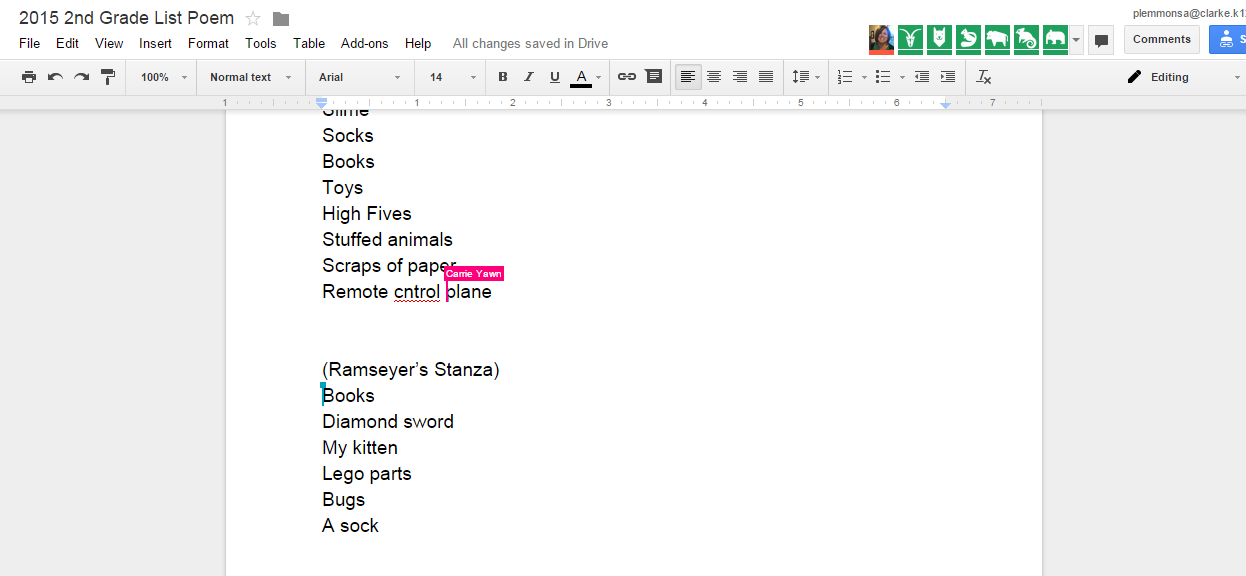
This year, we planned it again and added on a few layers. One of our favorite kinds of poems to write is list poetry. You take a list and add descriptive words to each item on the list so that the reader can experience the items on the list. Our goal in our Google Hangout this time was to learn about list poetry, hear a mentor poem, practice list poetry together, and then create one collaborative list poem.
In advance, I setup a Google Hangout on Air.
I sent the link to the hangout to all of the teachers participating in the hangout. I also created a blank Google Doc for our collaborative poem and shared editing rights with all 4 teachers.
I gave the blank doc a title and wrote each teacher’s name inside the doc to create a space for each class to add to the collaborative poem without writing on top of one another.
On the morning of the hangout, I emailed teachers a reminder that included the link to the doc as well as the direct link for joining as a participant in the hangout.
At hangout time, I went in my office and awaited the classes. As they entered, I did a sound check to make sure microphones were working. Then I used the control panel in Hangouts to mute all of their microphones to eliminate feedback.
I opened our lesson by reading from Falling Down the Page, list poems collected by Georgia Heard. We focused on “In my Desk” by Jane Yolen. I pointed out how she gave describing words for each item found in her desk so that we would be able to picture it or experience it. I built on the reactions of students to the line about a “great big hunk of rotting cheese” found in a lunch box. These kinds of words cause us to react which is exactly what we want in a poem.
Next, I opened up a blank doc and started writing a grocery list: bread, milk, eggs, cereal. Then I assigned each word to one of the 4 classes and had them brainstorm describing words to add to each item on my list. Each class had a chance to speak in the hangout as I added our words to the poem.
Finally, I invited all of the classes to work on a collaborative poem about things under our beds. Each teacher facilitated the work in their own classrooms. I checked in from time to time to give an update on when we would stop working. Then, each class read their stanza of the poem to close out our time.
While we were writing, I invited people on Twitter to watch the doc in construction. We had lots of viewers engaged in our work in progress, and students loved being published authors with one tweet.
This lesson certainly saved me time in the library to give to other classes who needed a lesson, but it was much more than that. Rather than having each class in the grade level feel isolated, this lesson allowed them to unite together to create a piece of writing that immediately reached an audience outside of our school. It allowed us to collaborate within the walls of our school without the disruption of shuffling kids from class to class. It gave each class a space to think and work with one another and also a space for all classes to work together. I don’t think that every lesson would work in this type of setup, but it does make me curious to think about when this type of learning is the better choice than scheduling each class individually.
Under My Bed
By Barrow 2nd graders
Under my bed you will find…
(Yawn’s Stanza)
Slimey Socks
Lost High Fives
Stuffed animals, toys, and books
Scraps of paper
Remote control plane
Hairy, mad Tarantula
Dusty Boogers
Junky Legos
Clothes and shoes and jackets
Hairy Monkey Eyes with a big chin
Tv, coke can, and baseball cards
Football cards and a zipline
Dirty underwear, rotten bread, and an old sandwich
(Ramseyer’s Stanza)
Two fat picture books
A fake diamond sword
My playful black kitten
Giant Lego parts
Huge dead bugs in the corner
A stinky, rainbow sock
A blue crate filled with Adidas shoes
A chewed up puppy stuffed animal
(Brink’s Stanza)
Hiding under my bed with my big, hairy monster
you will find
smelly dead cockroaches and dust bunnies
old paper candy wrappers
a big purple three horned monster
basketball shoes
an empty shoebox and an old toy
a skeleton reaching for water
a stinking mummy, rotten eggs, and a stinky sock
cuddly stuffed animals
a golden chair, medals, trophies
smooth rocks I found in the street
lost, overdue library books
a racing track
paper plates
(Wright’s Stanza)
Under my bed, I look and see
Flattened books
moldy food
cute and sleepy puppies
old broken legos I used to play with
misplaced and forgotten toys
and ripped, dirty money
So many things under my bed.
Following this lesson, I did a very similar lesson with one Kindergarten class in person. We didn’t do the hangout, but we did share our work with the Internet so that students’ voices were already reaching an audience even in their beginning steps of writing. It was so much fun to get a comment from one of the viewers of the doc.
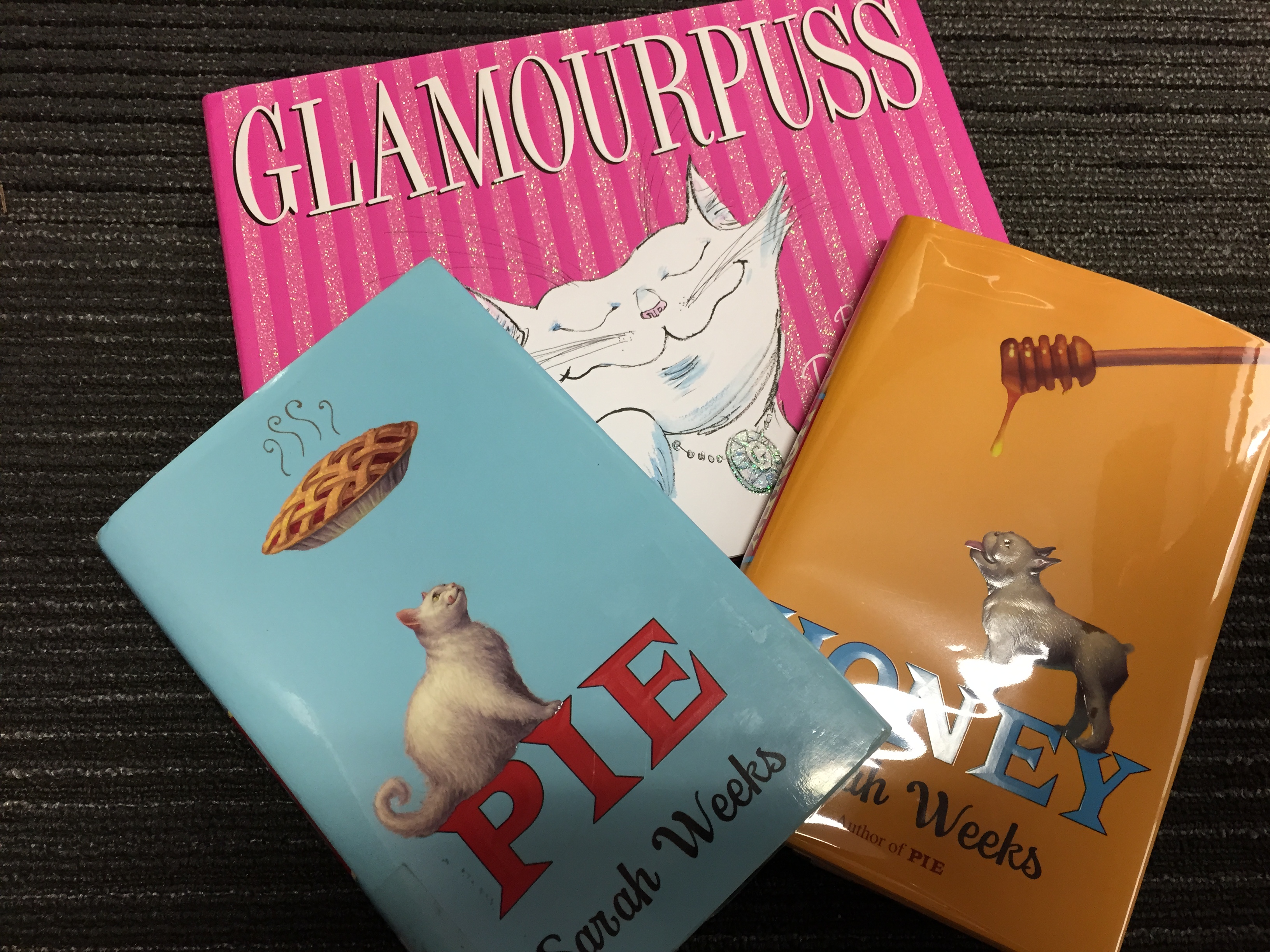
We have a wonderful opportunity at our school. Author Sarah Weeks is coming to visit on May 8th to promote her two new books Glamourpuss and Honey. She is also author of the amazing book Pie.
From the book Pie:
From the award-winning author of SO B. IT, a story about family, friendship, and…pie!
When Alice’s Aunt Polly, the Pie Queen of Ipswitch, passes away, she takes with her the secret to her world-famous pie-crust recipe. Or does she? In her will, Polly leaves the recipe to her extraordinarily fat, remarkably disagreeable cat, Lardo . . . and then leaves Lardo in the care of Alice.
Suddenly, the whole town is wondering how you leave a recipe to a cat. Everyone wants to be the next big pie-contest winner, and it’s making them pie-crazy. It’s up to Alice and her friend Charlie to put the pieces together and discover the not-so-secret recipe for happiness: Friendship. Family. And the pleasure of donig something for the right reason.
With Pie, acclaimed author Sarah Weeks has baked up a sweet and satisfying delight, as inviting as warm pie on a cold day. You’ll enjoy every last bite
Some schools in our district benefit from the amazing Books for Keeps, which gives 12 books to every student in the school to read over the summer. We don’t benefit from this program, and I have always wanted to give students something to read over the summer.
We have never done an “On the Same Page” or “One Book” event at Barrow, but this seems like a great time to try getting lots of our students reading the same pages over the summer. We would love to give every student in 3rd and 4th grade (rising 4th & 5th graders) a copy of Pie to read over the summer. We will have lots of online ways to talk about the book over the summer and a celebration of the book when we return in August.
For now, we have a bit of urgency. We need to raise enough money to purchase these books from our local independent bookstore, Avid Bookshop. We have created a GoFundMe campaign to raise $1000 over the next month. We expect the miraculous, so we truly believe that this opportunity will be miraculous for our students and we will miraculously raise the funds.
Any amount helps. Please consider donating a few dollars to get books into the hands of our summer readers. Click the picture below to visit our GoFundMe campaign.
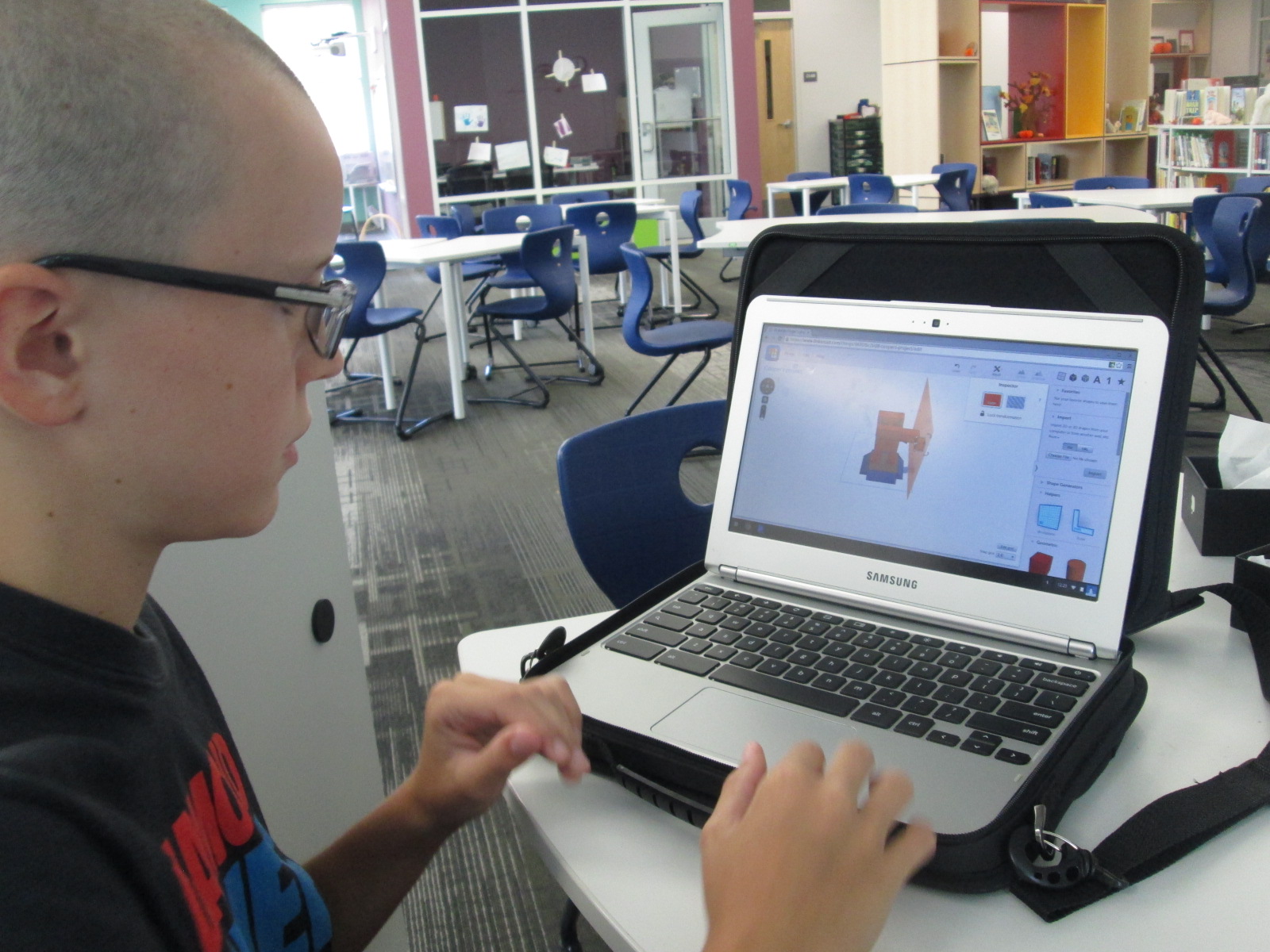
At the very beginning of the year, a student raced into the library to tell me about his goal to design and 3D print his own Skylanders figures. He knew what he wanted to do, but I worried about how his enthusiasm might be lost in the demands of the curriculum standards. His story led me to my goal this year of “empowering student voice”.
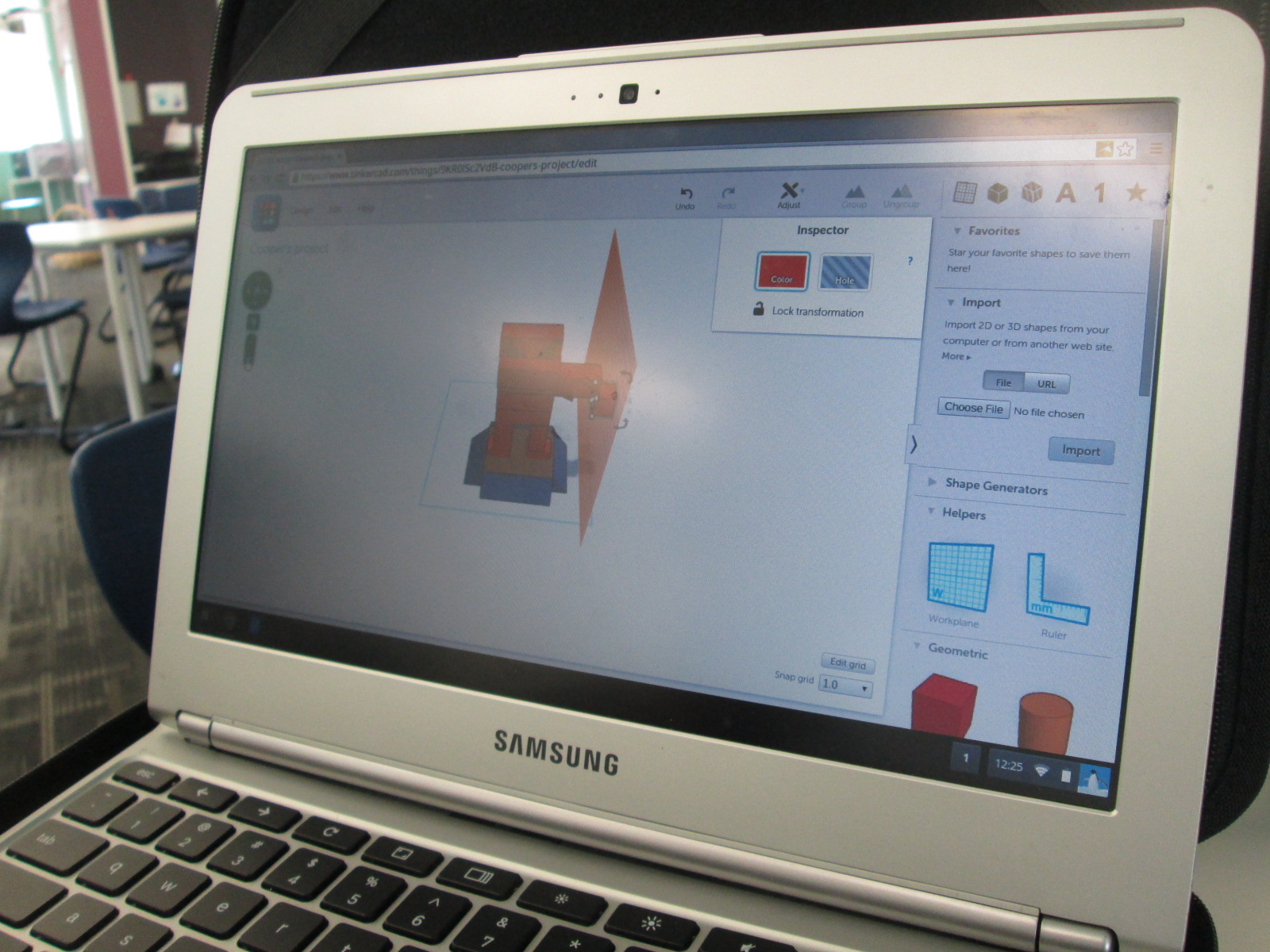
I spent time showing him Tinkercad and he did design his own figure and 3D print it.
When you take time to honor an individual student voice like this, you sometimes wonder if the time with one student in a school of 600 is worth it, but it is! Recently, this same student decided that he wanted 3D printing to be part of a book project he was working on. His class just finished reading The Westing Game and each group of students is working on a book float to highlight things that they learned about the book. His group immediately emailed me to see if they could use the 3D printer to design a chess piece for the float.
They worked independently of me and the knowledge of using Tinkercad was passed on to all 4 members of the group. They even branched off and made their own designs and chose their favorite from the group designs. They were bubbling with excitement to get their design printed. Since it had lots of hanging edges, it required supports. Supports take a long time to remove, but the group took turns coming in and working on removing the supports with my help.
Since our library makerspace has been available, I’ve tried as much as possible to have it open for students to use for their own tinkering and making as well as for classes to use in collaboration with me in the library. This has not been an easy process, but I’ve tried several things and learned a lot.
A couple of months ago, Gretchen Thomas from UGA helped me get an open makerspace time started each day. It was from 11-12:15 and an independent study student from UGA helped me facilitate students. The problem with this time was the unpredictable nature. We didn’t have students sign up ahead of time, so some days there would be an overwhelming number and some days there was just a few. Also, all the students wanted to do different things which was very hard to manage. During one of the weeks, we went through $75 worth of duct tape and students weren’t really making anything that they were happy enough to take with them.
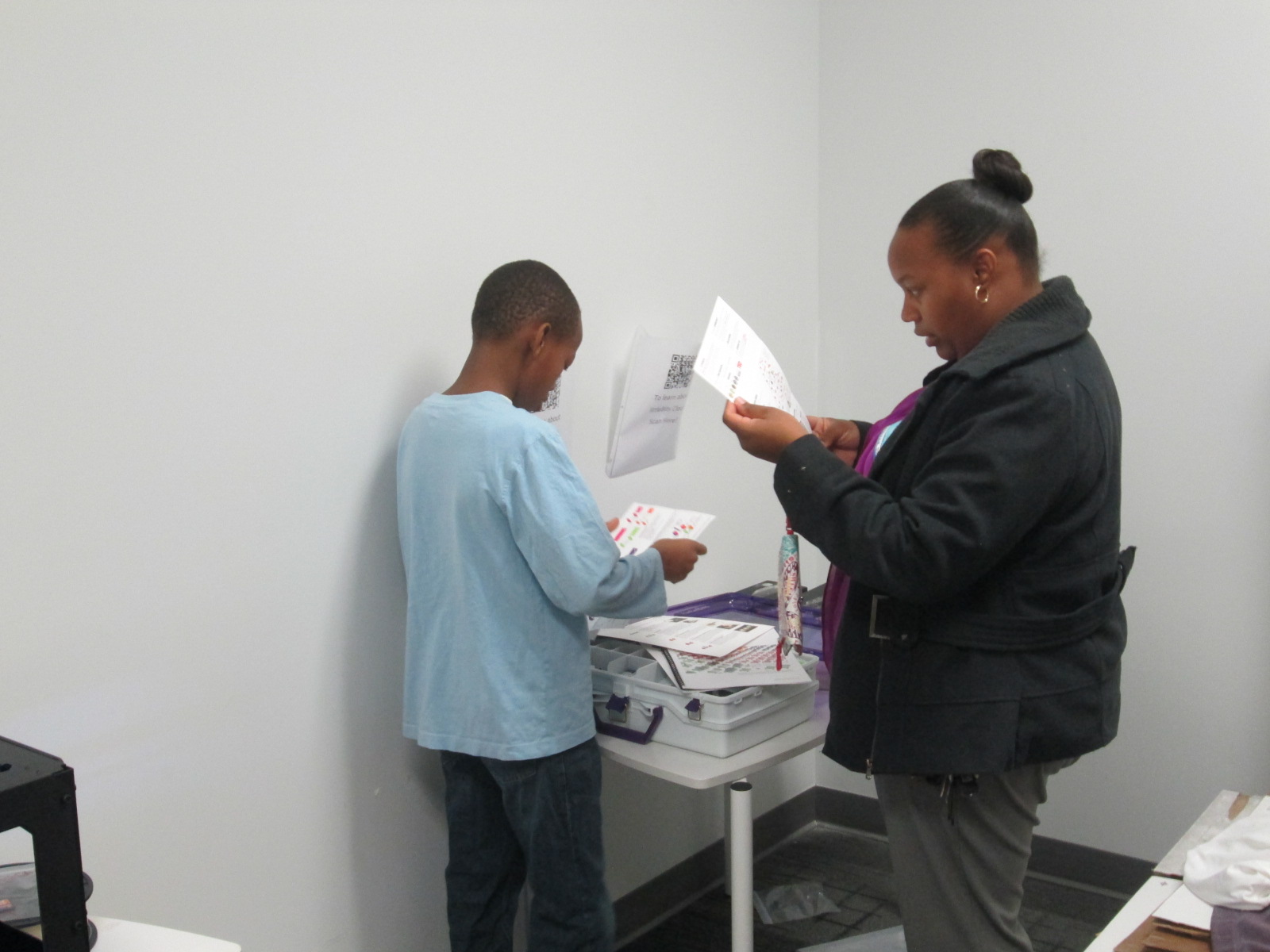
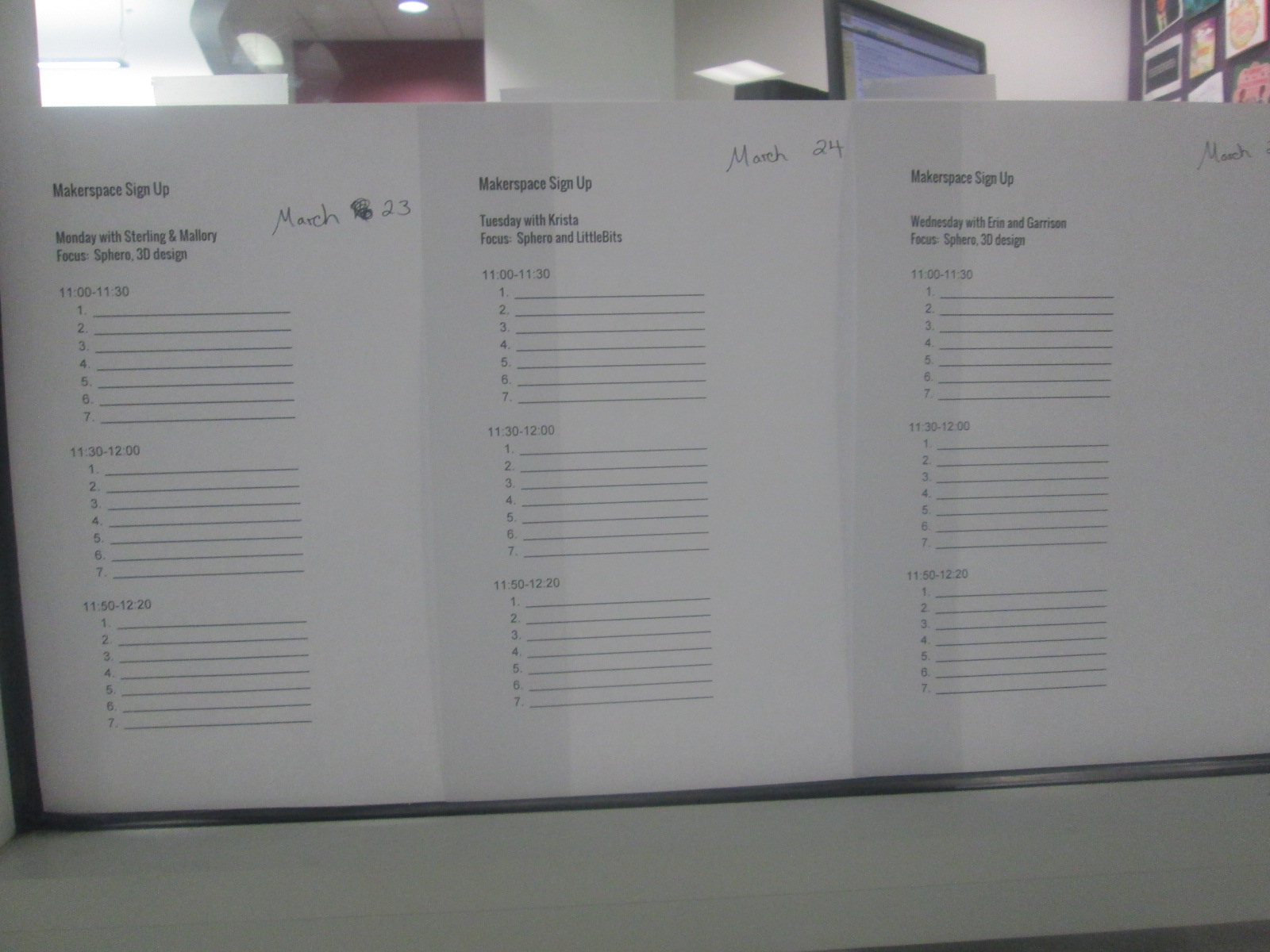
I’m not one to give up, so Gretchen and I did some talking over email and decided to try something new. We would pull back the makerspace to Monday-Thursday. Rather than have every day be a free for all, we decided to create a signup sheet. We also decided that each day would have a focus so that the UGA helpers could begin to develop some expertise in specific areas and students could be more productive by focusing on one or two resources. Again, this was all an experiment to see how it played out.
So far, it has been working really well. On Friday of each week, students sign up for the upcoming week. They can only sign up for one day at the moment because we have only allowed 7-10 people per 30-minute time slot. This number may increase as we see how manageable larger numbers of students might be.
Our schedule consists of:
Monday 3D design and Sphero
Tuesday littleBits and Sphero
Wednesday 3D design and Sphero
Thursday crafts and Sphero
There are also some independent projects woven in such as MaKey MaKey and Lego Robotics
We decided to put Sphero on the schedule daily because of the student demand and the fact that we now have 13 Spheros. It is easy to setup and cleanup quickly, and students can do it independently while the other pairings such as 3D design take a little more support.
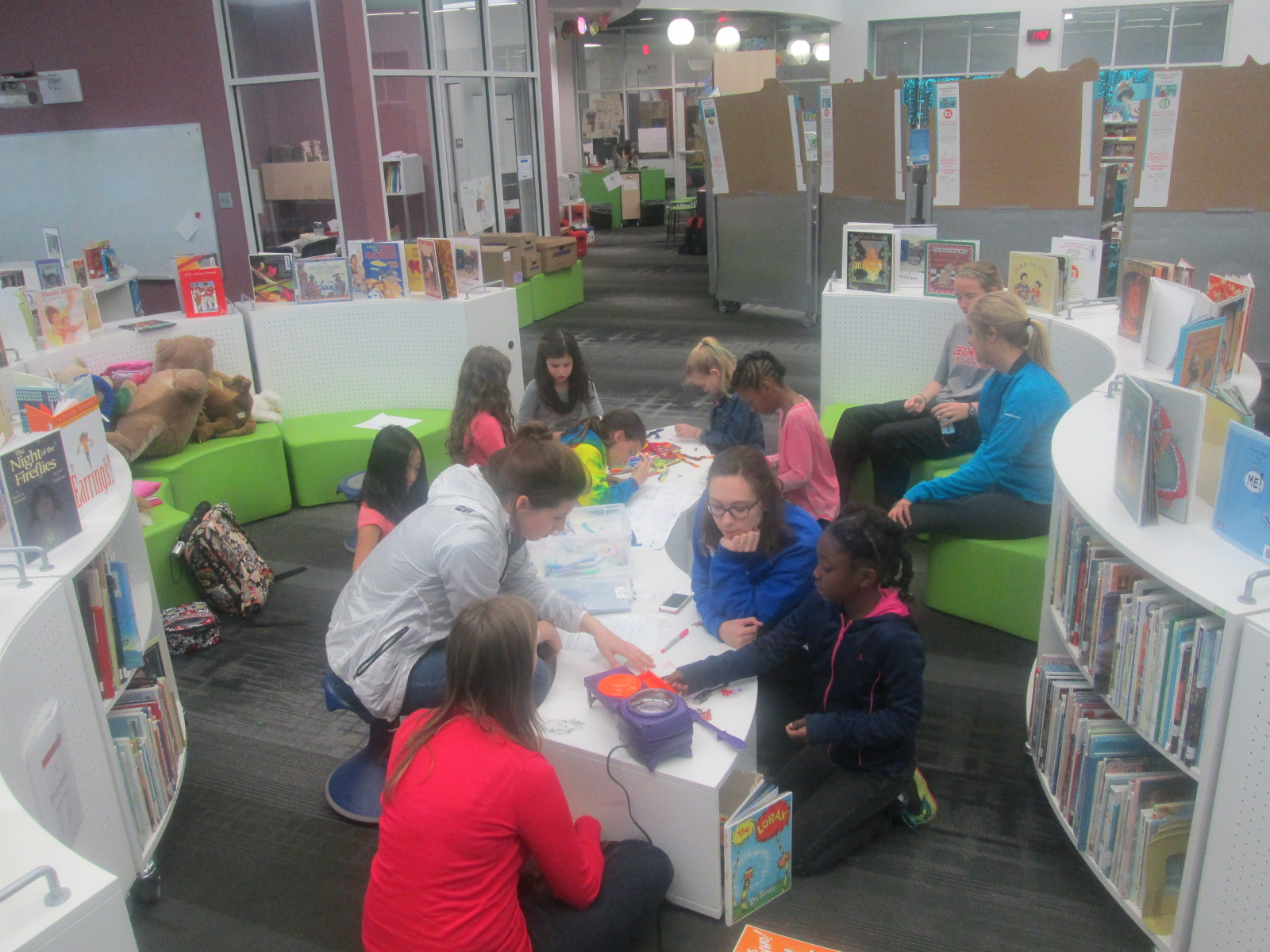
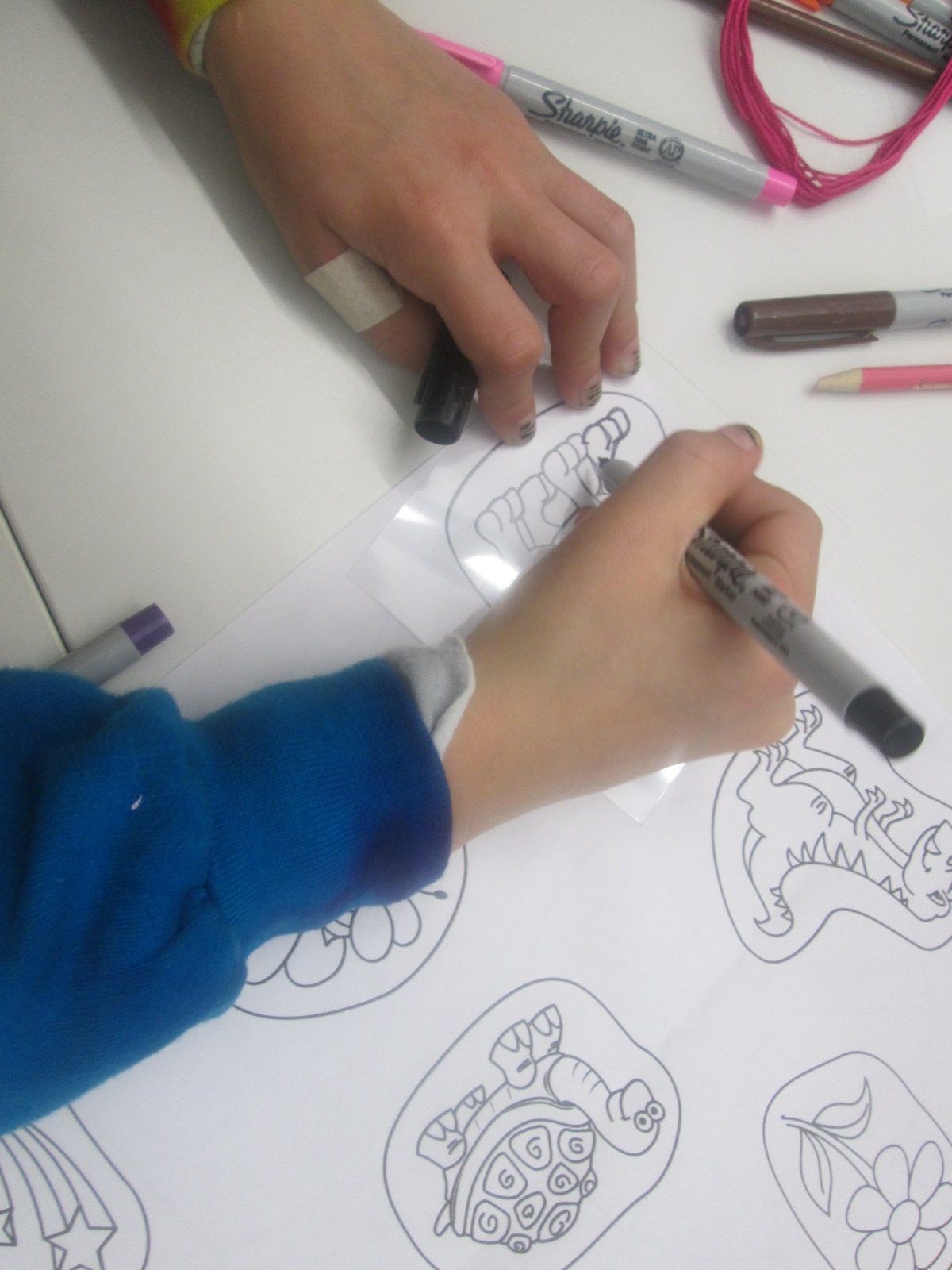
On Thursdays, Gretchen’s Maker Dawgs class sends a few students with a planned craft. Duct tape was a huge hit, but as I’ve said, we found that students were using lots of duct tape without really getting anywhere. We decided we would try different kinds of crafts with more of a focus on producing something to take away. This focus might help students see the kinds of things they might create, which we hope leads to new ideas from students. One week students created Origami. This past week, the focus was Shrinky Dinks. Many students had never experience Shrinky Dinks. The Maker Dawgs brought in a Shrinky Dink maker, which basically looks like an Easy Bake Oven.
Also, Gretchen made Shrinky Dink name tags for all of us.
The Maker Dawgs paired the Shrinky Dinks with friendship bracelet making, so some students combined Shrinky Dinks onto their frindship bracelet. It was a very popular and productive makerspace time.
Our newest problem is how to print all of the 3D creations that students are making. That’s the next thing on my list to figure out. Students want to print right away, and it’s hard for them to understand that designing can take a few minutes but printing can take a few hours.
We take each challenge as it comes. We expect the miraculous, and we don’t give up.
I’m a planner. In my personal life, I like schedules, details, and wouldn’t consider myself very spontaneous. However, in education, I’ve learned to push this part of me aside and embrace flexibility. It isn’t always easy, but it is essential. When I meet with teachers to plan a collaborative project, we definitely put together a strong plan, but nothing makes me happier than hearing teachers say “let’s just see where this goes”. Phrases like that mean that we are giving ourselves permission to be flexible. We are providing space to look for miraculous things that are taking place right before our eyes. If we script every step of a project, then the project gets done, but at what cost? To me, the cost is student voice. When we structure lessons and projects too much, we miss the opportunities to listen to individual student voices and interests. We miss opportunities that might be waiting for us out in the world with experts, other schools, developers, and more just because it doesn’t fit on our timeline.
Here’s a perfect example of what can happen when space is provided for the miraculous to happen.
During our 2nd grade black history project, we made numerous changes to our plans. I’ve written several posts about this, but to summarize, we:
made the project more authentic by creating our own award called the Barrow Peace Prize
established our own criteria for the award, which matched numerous character traits that students study in social studies
housed all of the student videos on Flipgrid and linked them on a Google site with our embedded voting tool
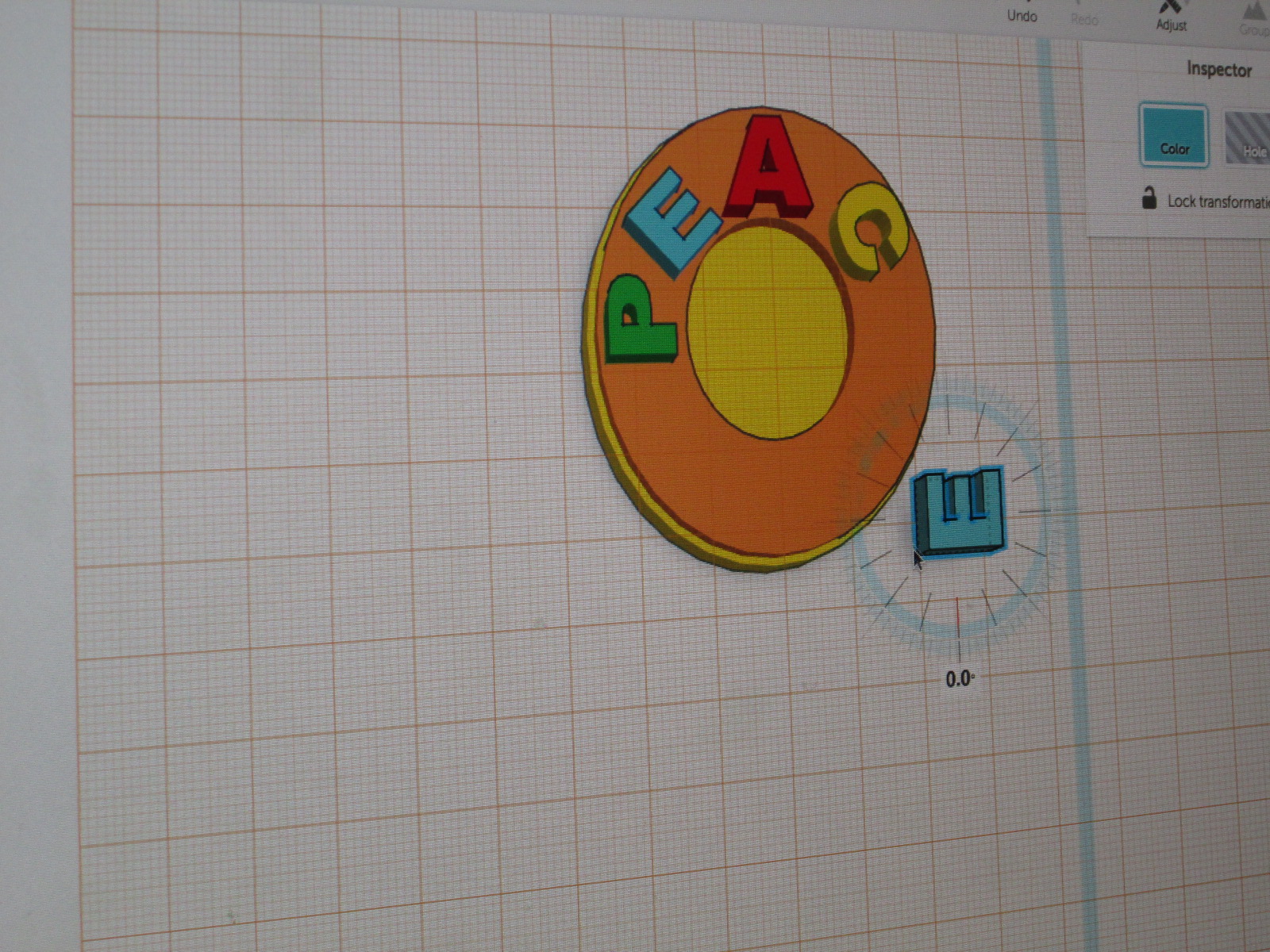
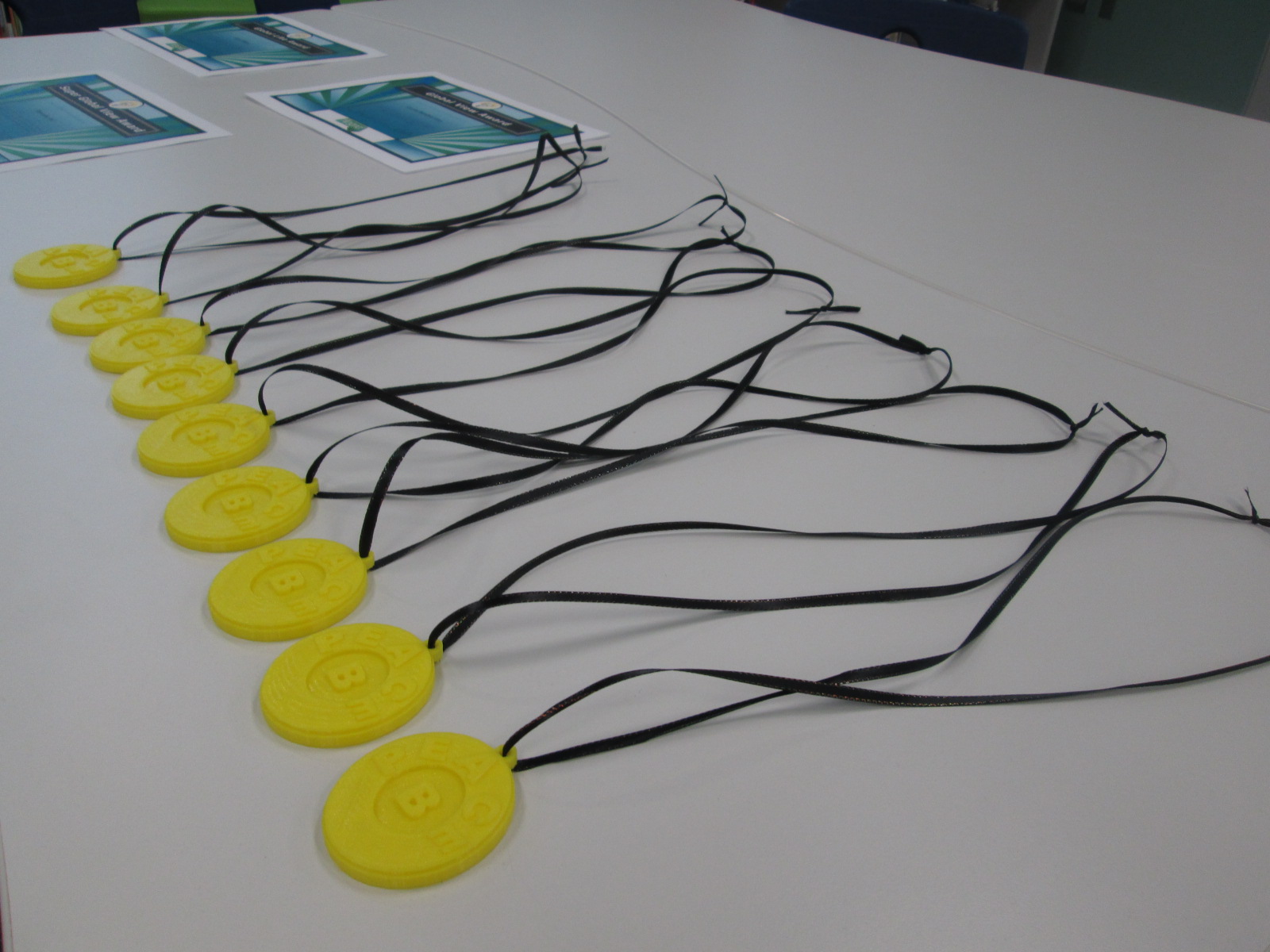
created a medal using our 3d printer to honor the person from black history who won the votes
When we planned this project, we knew that certain components would be there such as time to research, time to write persuasive pieces, and time to record videos. One thing we didn’t know when we started was that we would actually create a medal on the 3D printer. Because we allowed ourselves to be flexible, to give individual students voice, and to look for the miraculous, an individual student was able to design and create a 3d-printed Barrow Peace Prize.
Taylor, our student designer, has been so proud of his work. This one moment where we provided space for the miraculous has given him and our school some other incredible moments. Taylor was able to share his work with Okle Miller’s Kindergarten students in Tampa, FL via Skype and inspire them to make their own inventions. He also shared his work with the Flipgrid team in Minneapolis during our Skype.
While Taylor was designing his work, I was of course sharing it on Twitter. Brad Hosack, co-founder of Flipgrid, half-jokingly replied:
This one tweet made us think even more. We originally just planned to print one medal and share it among all of the 2nd grade teachers in honor of the winner of the black history votes, but because we gave ourselves space for flexibility, other miraculous things happened. We printed enough medals to put one in each 2nd grade class so that now students can take turns in their classroom holding or wearing the medal, and we also sent some to Flipgrid headquarters in Minneapolis, MN.
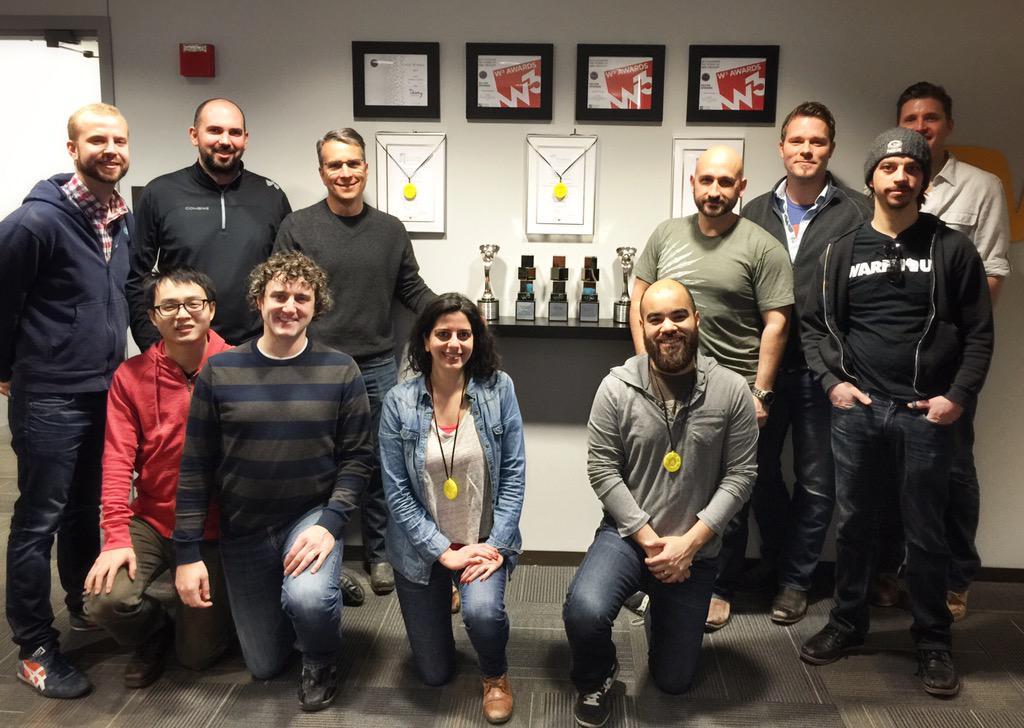
Now, Taylor’s 3D creation is hanging in Minneapolis with Flipgrid’s many other awards. How miraculous is that?
The Flipgrid team proudly displays their Barrow Peace Prize medals along with their numerous other awards.
It is stories like these that remind me of the importance of slowing down and being flexible. Planning is still crucial, but I’m reminded that I shouldn’t plan so much that it hinders the amazing things that can happen when we let go of control and see what happens. I encourage you to give it a try.
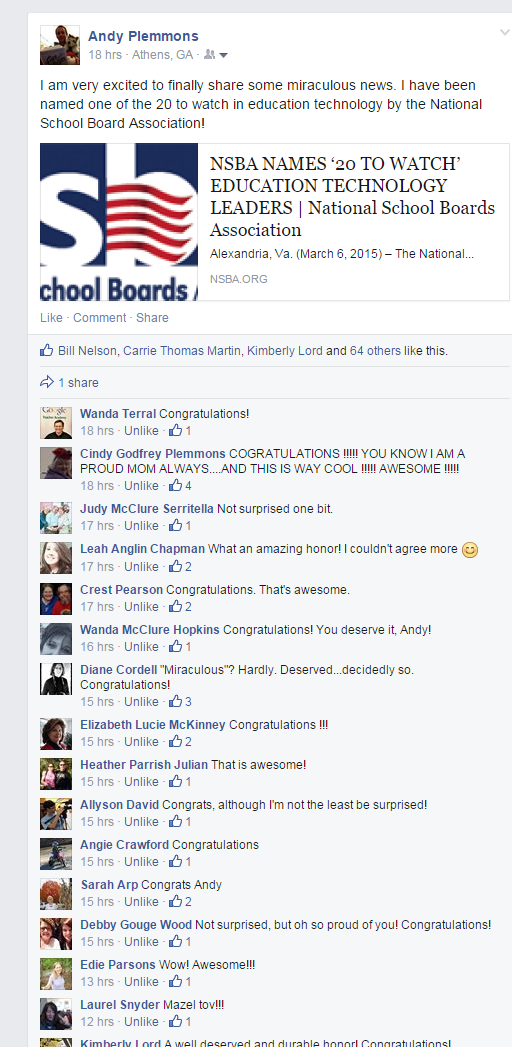
Last week, some exciting news was released. I have been named one of the National School Board Association’s 20 to Watch. I will travel to Atlanta, GA on March 16-17 to meet the other 19 and be recognized. Each time that a recognition such as this comes my way, I know that it isn’t just mine. It also belongs to all of the students, teacher, and families that I work with. It also emphasizes the power of libraries in schools.
It has been so much fun to hear from so many of my colleagues and friends about this honor.
(Athens, Ga.) — Barrow Elementary School Media Specialist Andy Plemmons was today named by the National School Boards Association (NSBA) to their list of “20 to Watch” top technology educators for 2014-15. Those on the list are being recognized for their ability to inspire colleagues to explore and embrace innovative digital learning solutions that lead to stronger teaching and learning practices.
“It is such an honor to receive this national recognition because it means that my library, my students and my teachers are reaching a wider audience,” said Plemmons. “We are living in a time where now more than ever we can harness the power of technology to collaborate within and beyond our walls. Our students are more than just consumers. They are creators who have a voice, and I am thankful to work in a district where I can walk into my library and expect the miraculous every day.”
Plemmons was also a finalist for School Library Journal School Librarian of the Year, sponsored by Scholastic Library Publishing. Commendations were given to only three librarians in the U.S. He is also Clarke County’s only Certified Google Teacher.
“The entire Barrow community is proud that Andy was chosen as a ‘20 to Watch’ education technology leader,” said Principal Ellen Sabatini. “Andy’s collaborative leadership style supports teachers as they develop their own skills in orchestrating technology-based projects and lessons that engage students in authentic work. With Andy’s vision, encouragement and strong belief in taking risks, we are all expanding our use of innovative technologies.”
Some examples of creative work taking place in the media center under his leadership include:
Pre-K students used Storybird to create digital narratives.
Kindergartners used Chromville to augment reality and inspire narrative writing. They also used Padlet to write and collaborate with students from other states.
1st Graders used Google Earth to preview a walking field trip.
2nd Graders created a black history campaign using Flipgrid, Smore and social media, and held a Skype celebration with the developers.
3rd Graders studied the art of Jerry Pinkney, took a field trip to the High Museum and used iMovie to publish their own versions of folktales. They also designed and printed 3D gems after a study of rocks and minerals in conjunction with Aurum Studios.
4th Graders created multiple digital projects in an online museum that tied into social studies standards.
5th Graders experienced the events of 9/11 through a day-long exploration using a variety of texts and collaborated on a video with an elementary school in California.
Students participated in the nationwide Hour of Code and with the use of Google Hangout, Plemmons collaborated with librarians in five states to plan the day.
Students participated in World Read Aloud Day, Poem in Your Pocket Day and more through the use of Skype and Google Hangout.
“Andy Plemmons is an innovator and leader that makes a difference in our district, state and nation,” said Superintendent Philip D. Lanoue. “He sets the highest standard, but what is most impressive is how he seamlessly blends innovative digital learning environments with ensuring he has a personal relationship with each child.”
The school was also one of the featured schools for the 2012 Georgia Partnership for Excellence in Education Bus Tour, due to Plemmons’ leadership in the exemplary use of technology. He is also a past recipient of the Foundation for Excellence’s Kathryn H. Hug Instructional Leadership Award.
This is the ninth year of the NSBA “20 to Watch” program, created in 2006. This year’s honorees are being recognized at the 2015 Consortium for School Networking (CoSN) Conference on March 16 in Atlanta.
“This year’s ‘20 to Watch’ honorees highlight the kind of exciting innovations that exist throughout America’s public schools. These teachers and administrators, with support from their school boards, share a vision for learning that will prepare students for future success,” said Thomas J. Gentzel, NSBA’s Executive Director. “These inspirational pioneers are having a positive impact on the districts they serve.”
The Clarke County School District is home to the 2015 National Superintendent of the Year, Dr. Philip D. Lanoue. It is also home to the #1 Career Academy in Georgia (2015), a designation from the Office of the Lieutenant Governor. CCSD was named the state’s Title I Distinguished District for closing the achievement gap between economically disadvantaged and non-disadvantaged students. The district is a state-level model technology school district, 2013 and 2014 NAMM Best Communities in Music Education and has a nationally innovative Professional Development School District partnership with the University of Georgia. Graduates are offered upwards of $3 million in scholarships annually, not including the HOPE. For more information, please visit www.proudtobeccsd.com.












 Expect the Miraculous