Celebrating Our Explorer Project with the Flipgrid Team

Flipgrid Skype (1)

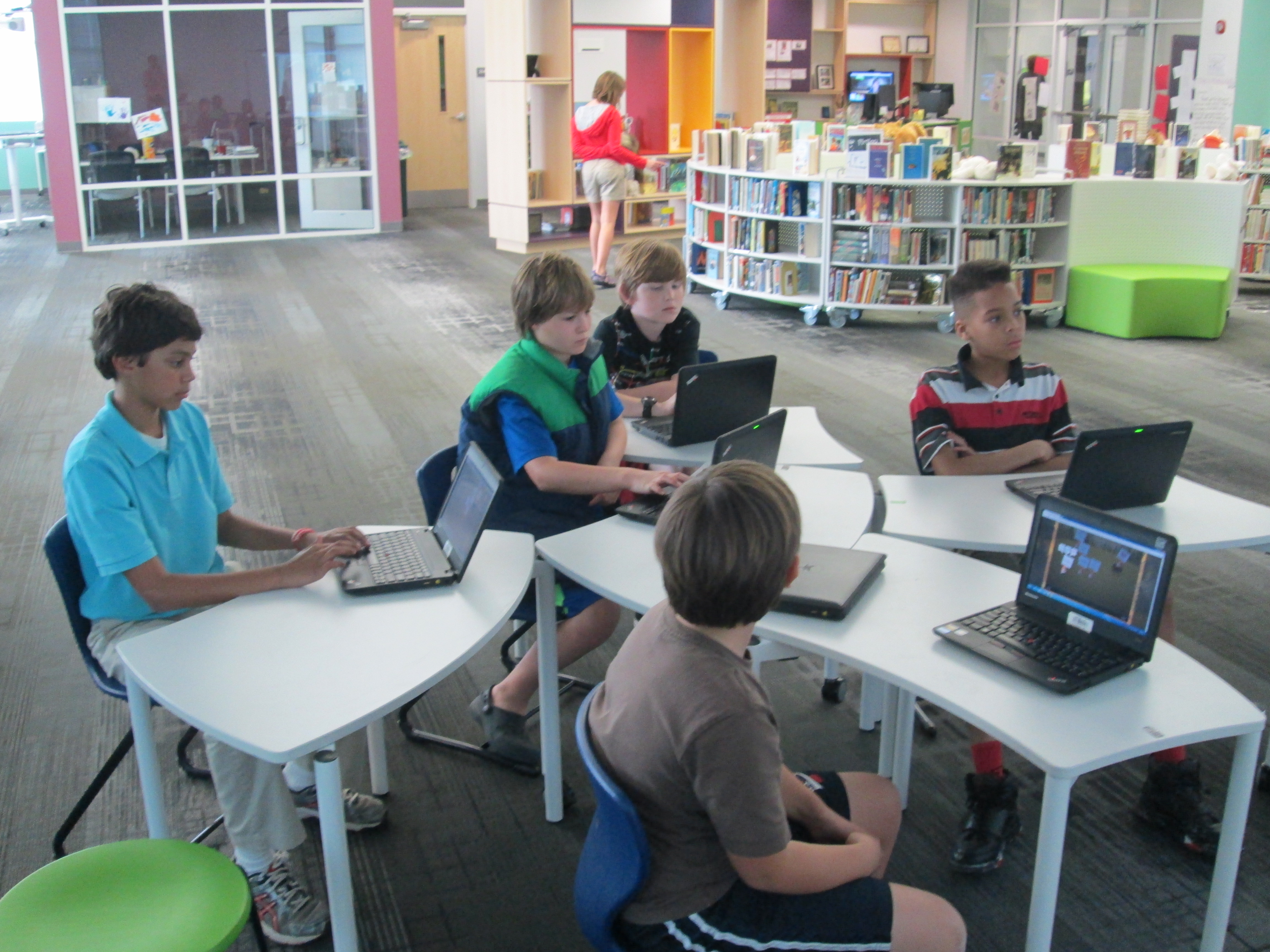
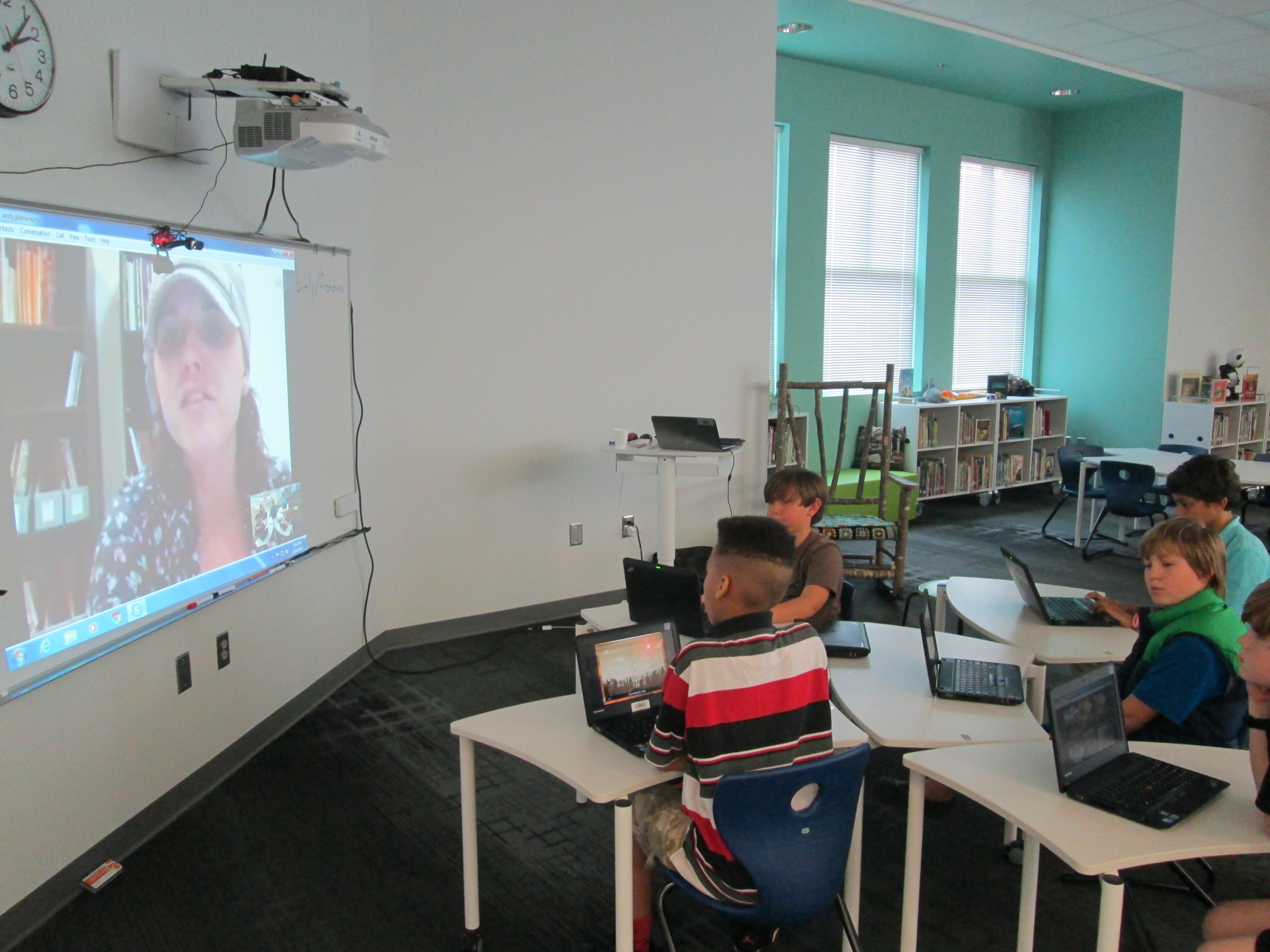
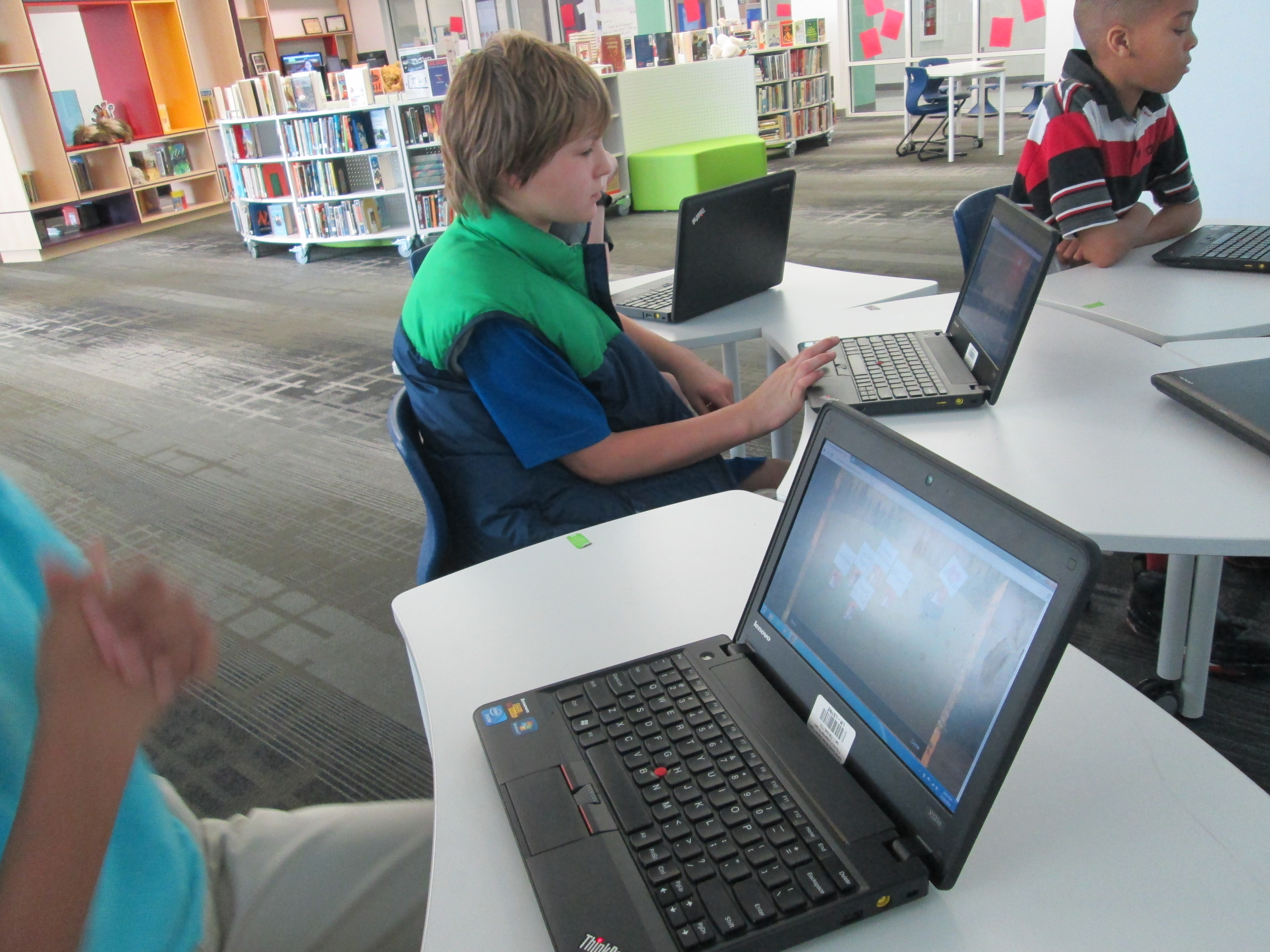
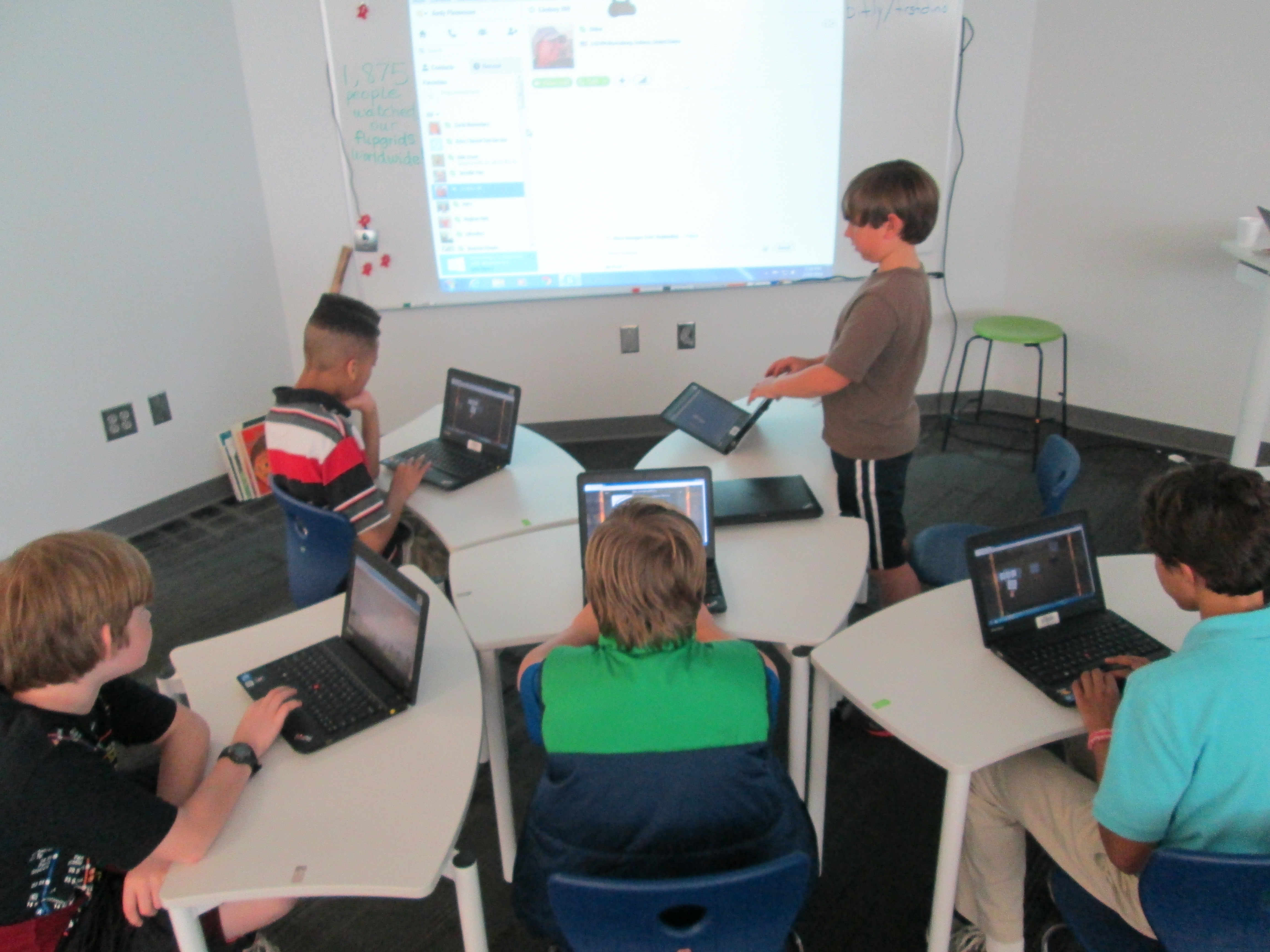
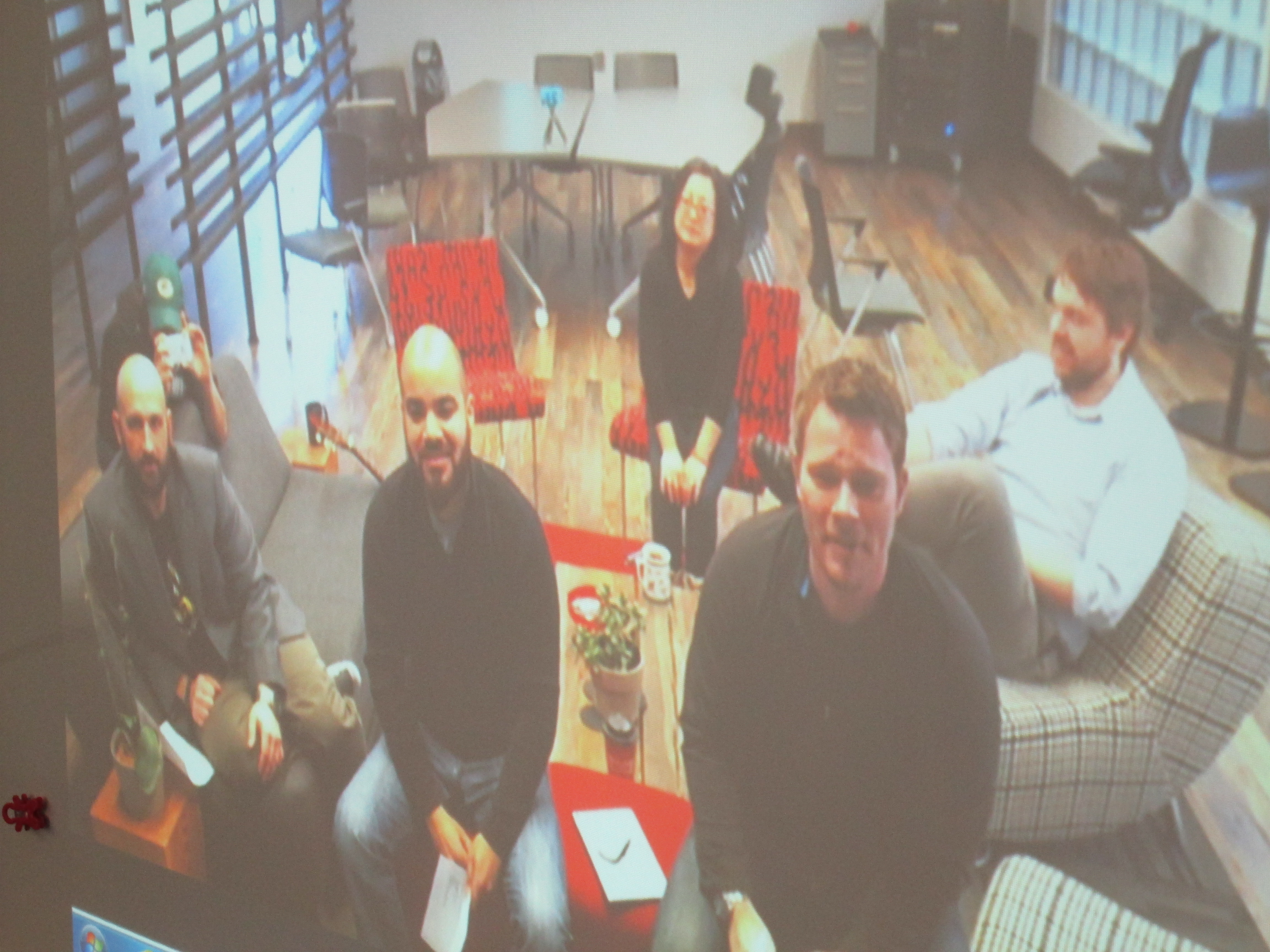
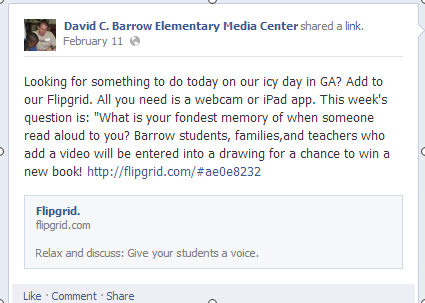
Today our 4th graders had the chance to Skype with Charlie Miller and the rest of the Flipgrid team in Minneapolis, Minnesota.  This was the conclusion of the explorers project that 4th grade students have worked on for the past few weeks.  As part of the project, we encouraged people around the world to watch our Flipgrid videos and vote on whether explorers were heroes or villains.

The team congratulated our students on their hard work on this project and also took questions and suggestions from students.  Several 4th graders stepped to the microphone and shared suggestions such as:

  • Extending the 90 second time limit by offering a choice of time limits
  • Allowing you to categorize your video with tags

Other students shared what they liked about Flipgrid such as:

  • the ability to watch other people’s videos before making your own
  • the like button
  • being able to film your video again if you weren’t happy with it

Since this Skype came the week after our hour of code lessons, it was also a great time to hear about how an app was developed.  It sounded like developing an app is a much longer process that developing a website because in one of the student questions we learned that the app took about 6 months to create while the website took 2 really long weekends.  We also heard how an app is never really done because you are always trying to make it better.  I loved how this connected both with our hour of code sessions but also to other areas such as writing instruction.  Students also learned about how the name Flipgrid was chosen since the videos are on a grid and they flip when you play them, but they also heard other considerations that go into a name such as web domain registration and what is actually available.
Flipgrid Skype (11)

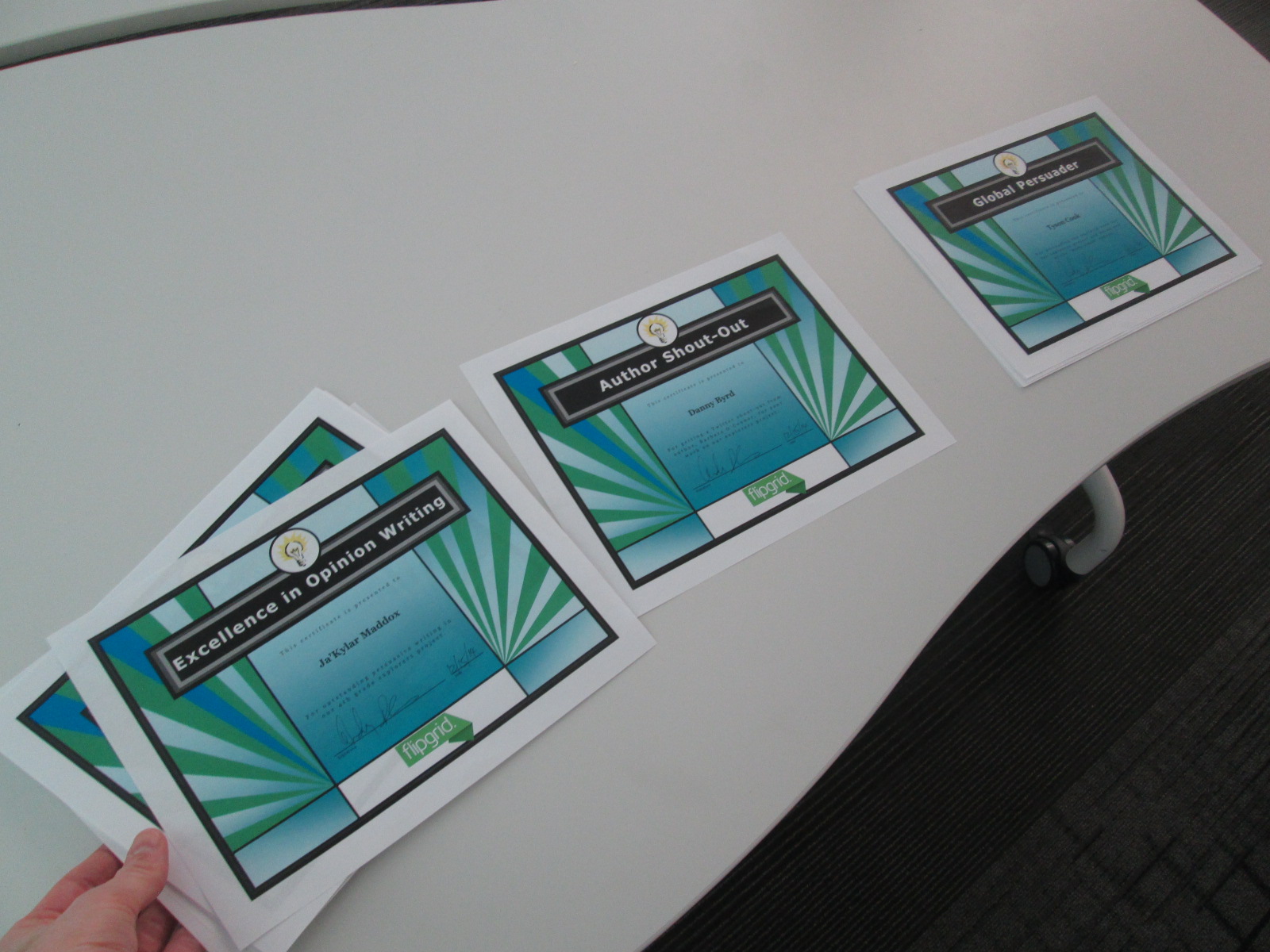
One of the most fun parts of the Skype was the announcement of awards.  Several students received awards for Excellence in Writing, Shout-outs from authors, and Global Persuader awards.  I sent these names to the Flipgrid team and they took turns calling out student names as I handed out the certificates.  Students had fun giving silent cheers for their classmates as awards were handed out.

I also took time to share with the students the results of all of the voting that had taken place for their project.  It was interesting to see their reactions as they heard that Christopher Columbus was the only explorer voted to be a villain.

Just for fun, we closed out our Skype with a Christmas singalong of Rudolph.  Luke performed on the guitar and we belted out our best Rudolph even through the time delay on Skype.  It may not have sounded like it was together, but it was still fun.

https://www.youtube.com/watch?v=ZXsM1RRplzY

Thank you to the entire Flipgrid team for creating a tool that has helped our student voices to reach a global audience, and thank you for taking time to celebrate with us.

Hour of Code 2014: Scenes from Day 5

2014 Day 5 (22)

Today has been filled with 3rd grade coding.  Ms. Hicks brought her Spectrum class to start the day off, and then those same students returned with their own class later in the day.  This gave these particular students 2 hours of code, so they were able to do both the Made with Code site and then launch into making Scratch projects by following the tutorials and then branching off on their own.  I love the structure of the Made with Code site and how it builds up to the openness of a tool like Scratch.  Students seem to better understand the concept of block coding after using the structure of Made with Code.

I know that the Made with Code site was made with girls in mind, but my own wish is that the site didn’t specifically talk about girls.  So many of our boys loved the site as well, but they were a little turned off when they saw the text on the site that specifically labeled the site for girls.  As long as they didn’t read the text, they were happily coding together.

Something else happened during today’s coding sessions.  Some of the teachers gave themselves permission to sit down and code with students.  All week, teachers have walked around and had great conversations with students about perseverance, coding, failure, and innovation.  However, very few have allowed themselves to code.

Sparkly Tree

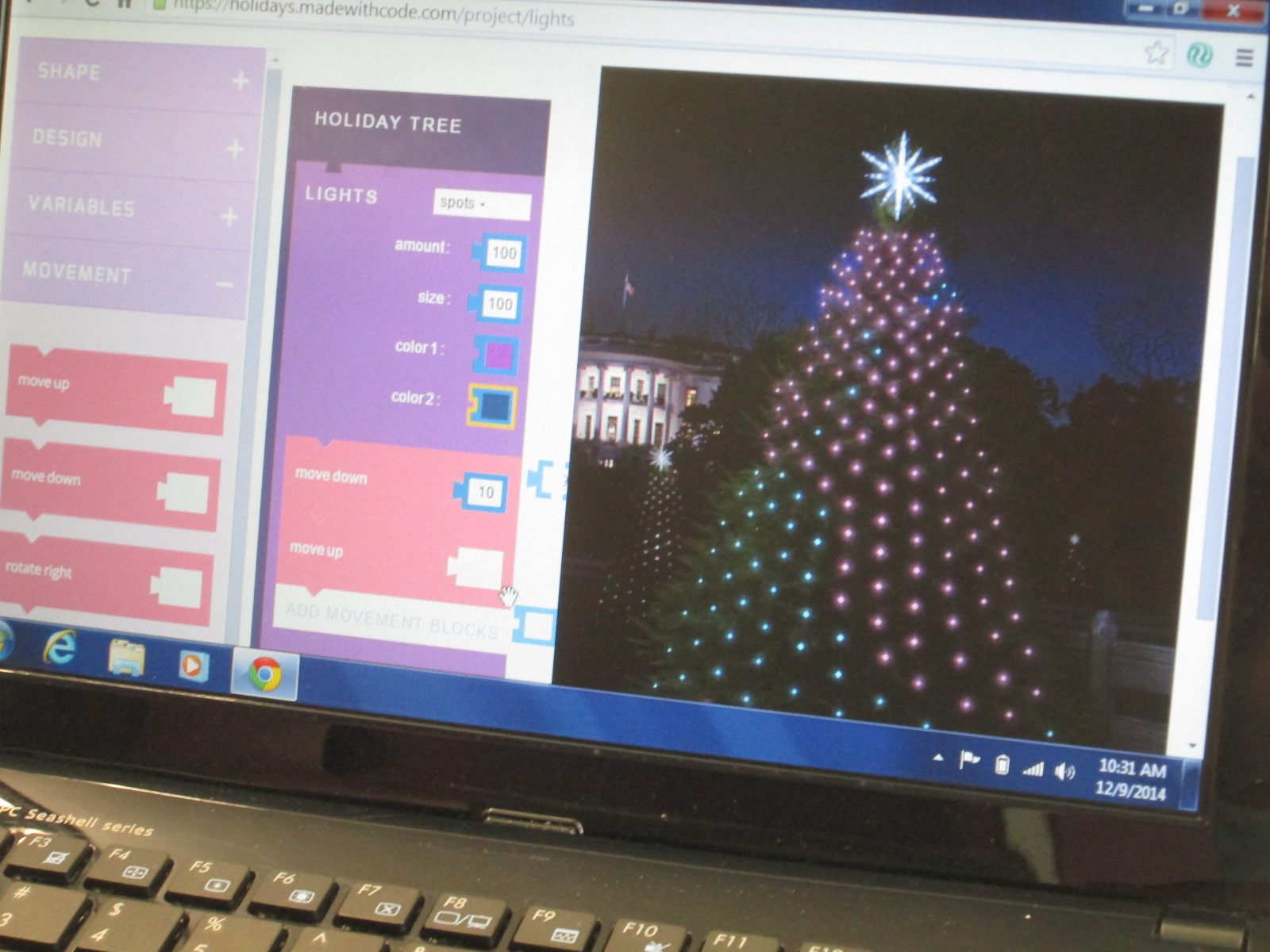
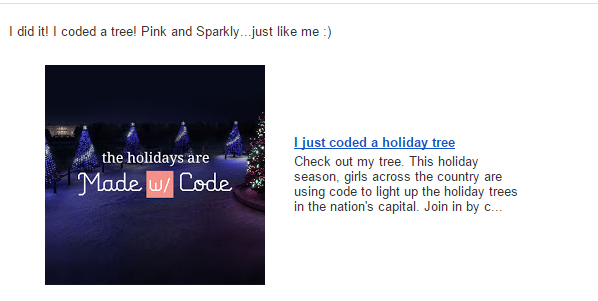
Ms. Spurgeon was bubbling with excitement today as she coded the White House Christmas tree in her favorite color of pink.  Her excitement spilled over into the students at her table as they tried some of the things she was trying and watched her try different pieces of code.

It reminded me of the importance of learning along with our students and really showed me that I probably need to explicitly invite teachers to sit and code with their classes.  I can do all of the running around, talking, and nudging, but teachers should learn along with their students and consider how coding comes into their own curriculum.

Another new thing that happened today was that some students really stuck to the Scratch tutorials without trying to branch off on their own too early.  The ones that stuck with the tutorials really got some functioning projects off the ground during their hour of work.

Several of the 3rd graders branched off from the 3 holiday projects on Made with Code and tried some of the other projects.  They loved the beat creator.

As students made beats, they were naturally starting to think about lyrics or dances to go with their beats.  Their teacher happened to be standing nearby when I observed this so I suggested that they might write a rap that connected with some of their classwork.  Then, the teacher got excited and suggested a rap about habitats in science.  It will be interesting to see if this takes off in class or not, but students were certainly interested in creating beats and putting in some work to write a song.

4th grade closed out our day with all kinds of coding.  The experience with coding was the most varied in this grade because several students had used coding in projects last year.  I showed several resources and turned them loose to see what they could do.

This year’s hour of code has been so much fun and was a big improvement over last year.  Next year, I hope to do even more.  I would love to involve families at some point.  I’ve seen several schools hosting parent coding nights, so perhaps we will look at that for next year.


Hour of Code 2014: Scenes from Day 3 & 4

2014 Day 4 (7)

Days 3 and 4 have been filled with lots of young learners for hour of code.

Kindergarten class have continued to come to use the iPad app The Foos.  In each session, we start by talking about the word “code”.  Lots of them mention passcodes on iPhones and codes to get into gates or buildings.  We link this to the idea of giving a computer a code.  Then, we watch the video from President Obama.

Before we start the app, we talk a lot about how coders don’t give up, they try small pieces and test, and they collaborate when needed.  The teachers and I have made some interesting observations about students while they are coding with The Foos and other coding tools.

1.  Students who might easily give up or struggle with other subject areas in school are fully engaged and putting forth tremendous effort when coding, while others who like to get things right the first time are easily frustrated.

2.  We talk a lot about stamina at our school and how long you can spend working at a task whether it’s math, reading, or something else.  The stamina of students in coding is very high.  Working for almost an hour was easily obtainable by most students regardless of age.

3.  Students who might not normally share their thinking with other students in order to help or collaborate were very willing to share their coding strategies.

4.  Some students still needed some direct instruction or nudges.  With the Foos in particular, I noticed students repeatedly pressing the run button in order to get a character to move rather than write enough code to make it happen with one click.  I observed students repeating the same code over and over that wasn’t working and never trying something new.  There is a lot to learn from tinkering, but it is still essential and necessary for a teacher facilitator to step in with some instruction, tips, or nudges.

In addition to the Foos, we had 2nd graders who continued to enjoy using the Made with Code site.  They loved programming a yeti to dance, but they thought it was super cool to be able to program the lights on the White House Christmas tree and actually schedule their code to light up in Washington.

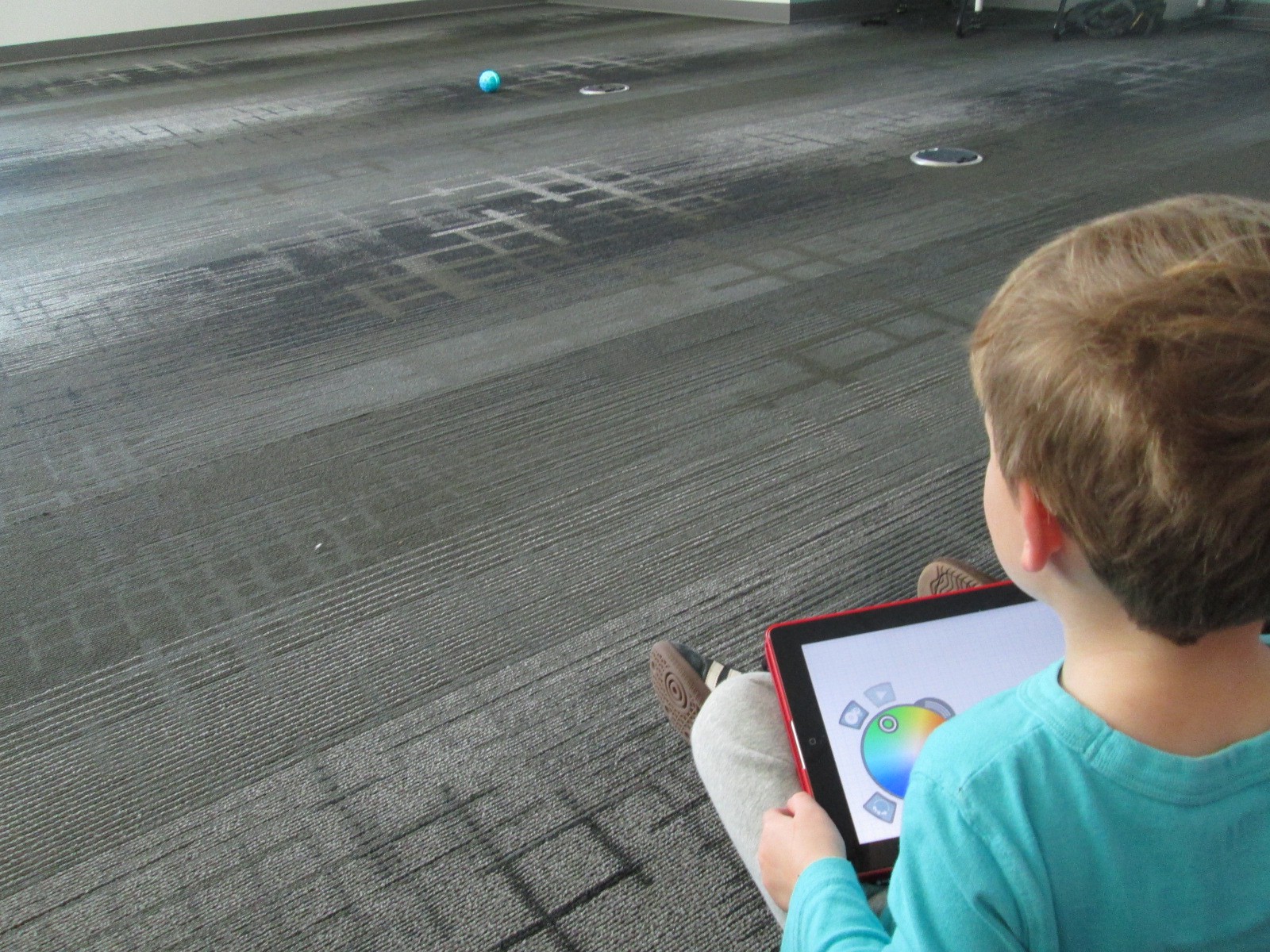
Our preK students had a blast using the Sphero draw app to practice drawing shapes and programming Sphero to drive around the carpet in their shape.  You can read more about that here. 

Finally, we’ve been having an interesting occurrence in our makerspace.  It started with a couple of students asking if they could come in during their recess to build and program a robot.  Then, another student asked.  Before I knew it, the word was spreading and more students who were new to making were showing up during recess.  It’s sort of like an underground movement.  It’s exciting, but I’m trying to figure out how to manage it.  Just today, a student came in on her own, designed an object in Tinkercad, exported it to Makerware, uploaded it to an SD card, and began printing it on the 3D printer.  Another student uploaded a file to Thingiverse that he made at home and prepped his own file for printing.  Two students started assembling a robot and pooling their knowledge to create the code that lived up to their vision for what the robot can do.  Another new student appeared, and started tinkering with how to program Sphero.

Students want to dream, tinker, create, and share.  I’m thankful that our library is a place that they can do that.  Hour of code once again opens my eyes and teachers’ eyes to what students can do.

Coding and Beyond with PreK Using Sphero, Osmo, iPads, Computers, and Books

PreK Coding (27)

I love it when a small seed of an idea turns into something much more.  A few weeks ago, I approached PreK about using our Sphero to practice writing letters.  I knew that PreK was working on forming the letters of the alphabet and I thought that the Sphero Draw and Drive app would be a perfect way to merge letter practice with some programming.  I originally thought that small groups might come to the library and use the Sphero with me, but further brainstorming with Ms. Heather resulted in us deciding to do 5 centers that students would rotate through in order to experience many technology, math, and literacy experiences.

Ms. Heather’s class has been bubbling with excitement about coming to the library to try out all of these centers.  Ms. Heather split the class up into 5 groups which was 4-5 students per group.  Ms. Heather, Ms. Melissa (parapro), Ms. Callahan (parent), and I all led a center and one center was independent.  Each center lasted about 10 minutes and took up about an hour with transitions. Here’s what they did.

Center 1:  Hour of Code programming with Sphero

Since this week is our hour of code, I was so glad that PreK got to experience an aspect of coding.  While coding didn’t fill up our hour, it certainly sparked their interest in how to make a computer or robot do what you want it to.  Students sat in a row and each took a turn to think of a letter to practice drawing.  Using the Draw and Drive app on iPad, students drew a letter and pressed play.  The Sphero drove around the carpet in the shape of that letter.  With a shake of the iPad, the letter was erased and the next student had a turn.

We repeated this process over and over until we were out of time.  Each time the robot rolled around the floor there was a burst of excitement.  As the facilitator, I asked students about the letters that they were drawing to make sure that they understood what they were trying to draw.

Center 2:  Osmo Tangrams and Words

Our Osmo devices are one of our favorite tools in the library.  The Osmo is came out this summer.  It includes a base to put the iPad in and a red attachment to place over the camera.  Osmo comes with 2 sets of tools to use with the apps: a set of letter tiles and a set of tangrams.  The three apps are free to download but you must have the base and attachment for them to work.  For this center, students used the Junior version of the Words app.  This app gives students a picture with a matching word.  The beginning sound of the word is missing and students have to lay the correct letter tile in front of the iPad.  If it is correct, the red attachment “sees” the letter tile and magically adds it to the word on the screen.  If it is incorrect, students have to try again.

Students also used the Introduction to Tangrams in the tangrams app.  This app shows students 2-3 tangram pieces pushed together.  For this beginning phase, the colors of the tangrams on the screen match the colors of the actual tangrams.  As students correctly place the tangrams on the table in front of the iPad, the red attachment “sees” them and fills in with black on the screen.  When they are all correct, a new combination is shown.

This center was one that needed adjustment as we went along depending on student needs and strengths. Some needed to focus more on the shapes while others were ready to think about letter sounds in words.  All students had a blast watching the magic of the Osmo happen on the screen and table.

Center 3: Starfall on Computers

Ms. Heather facilitated the computer center.  I put out a computer, mouse, and headphones for each student in the group.  One part of this center was simply using fine motor skills to practice using a mouse.  The other part was to use Starfall to continue practicing letters and sounds.

Center 4: Reading

A parent volunteer read aloud stories that I pulled.  The selections were Peanut Butter and Jellyfish, Job Site, and Stars.  She had students engaged in discussion about the story and the pictures all along the way.

Center 5: iPads

PreK has 5 iPads in each classroom.  Students have a variety of word apps that they can use at their own center time in class, so they are used to using these apps independently.  This made the perfect independent center since we didn’t have 5 adults.  Students sat on the bean bags by the windows and used the iPads by themselves for the 10 minutes of this center.

I think many times people think that our younger students can’t use technology or they are unsure of what to do with younger students.  I love giving things a go and seeing what happens.  We were amazed by students’ engagement and excitement today.  Some asked, “Can we do this every day?”  That was a sure sign of success.  When working with younger students, you have to think about what your barriers might be.  For us, we wanted smaller groups in order to have more adult support if needed.  We also wanted smaller groups so that students wouldn’t be waiting around since we only have 1 Sphero and 3 Osmos.  Using the teacher, parapro, parent volunteer, and me helped to make this possible.  You might have a different barrier, but I hope that you will consider what you might leap into with your youngest learners in your building.

Hour of Code 2014: Scenes from Day 2

2014 Day 2 (29)

Day 2 was a whirlwind with back to back class all day from 8AM until 2:30PM.  Once again, it was a day filled with perseverance, collaboration, and celebration as students figured out how to create pieces of code in apps and websites and run them.

Kindergarten and 1st grade continued to use the app “The Foos” by CodeSpark.  Today, I gave better instruction encouraging them to write the shortest code they could think of in order to get their character to capture the star.  We also did a few examples together by displaying the iPad on the screen.  This helped us to think about problem solving, trying something different, and visualizing the actions we wanted our character to take before we wrote code.

Our 2nd grade classes tried out block coding by using the Anna and Elsa snowflake game on Code.org as well as the Angry Bird and Flappy Bird game.  Once again today, the Code.org site was slow.  It didn’t crash, but it was still so slow that students were discouraged.  We visited it when we could, but we focused more of our time on Google’s Made with Code site.  This site was created to encourage girls to code, but we’ve found that it’s really a site for everyone.

Made with Code_Google

Students chose from 3 block coding activities:  making a yeti dance, creating a White House light show, and designing an animated snowflake.

Made with Code_Google choices

This was such a great tool for 2nd grade because it walked them through each step of adding blocks and then they could make adjustments to create various effects.  It was a great stepping stone to move on to something like Scratch or Scratch Jr.  In fact, we looked at Scratch at the end of each session and students better understood all of the menus in Scratch because of what they learned on this coding site.


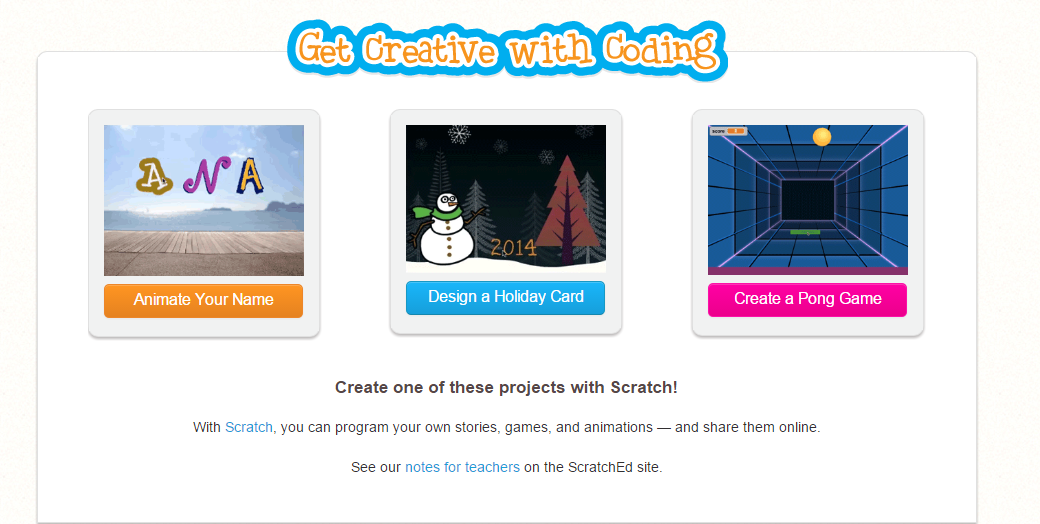
Finally, the entire 5th grade came in for a coding extravaganza.  It was loud and productive.  They tried the three Scratch tutorials on Code.org

Get Creative with Coding   Imagine  Program  Share

Several students also used Made with Code to create more dancing yetis and lights.  I have a feeling that many of these students will be coding on their own tonight, in class, and over the winter break.

Hour of Code 2014: Scenes from Day 1

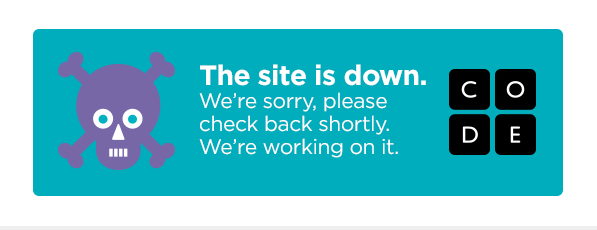
We had a great day of hour of code even though there were many technical difficulties.  We wanted to start our day with coding snowflakes using Anna and Elsa, but unfortunately much of our day gave us messages like this:

code dead

Just as great coders do, we didn’t let a road block get in our way.  We had many backup plans.  Our 2nd graders used Tynker to explore block commands.

I loved their pride when they reached the end of the hour!

2014 Day 1 (9)

Our Kindergarten and 1st grade students used the iPad app “The Foos”.  This was a new app for us, so we all had a lot to learn.  I quickly saw that students weren’t necessarily writing their full code and were still being successful in getting their character to perform by repeatedly hitting the run button.  This was great learning for me and helped to adjust my setup as we went.  I loved how groups of students would gather together to code together and offer tips.  I saw very little frustration, no tears, and lots of perseverance.

We can’t wait to see what tomorrow brings.

Exploring Makerspace through Alternative Recess

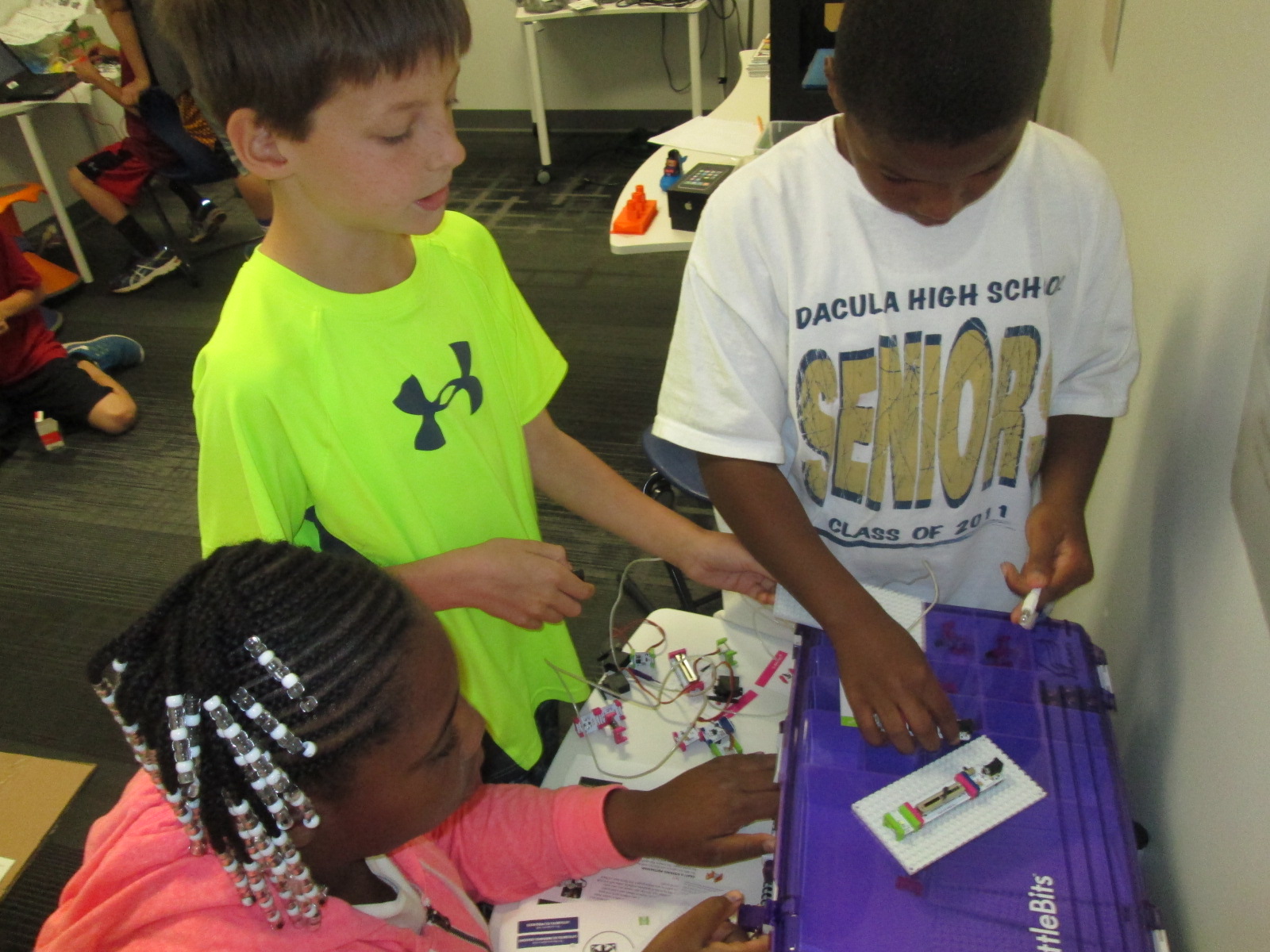
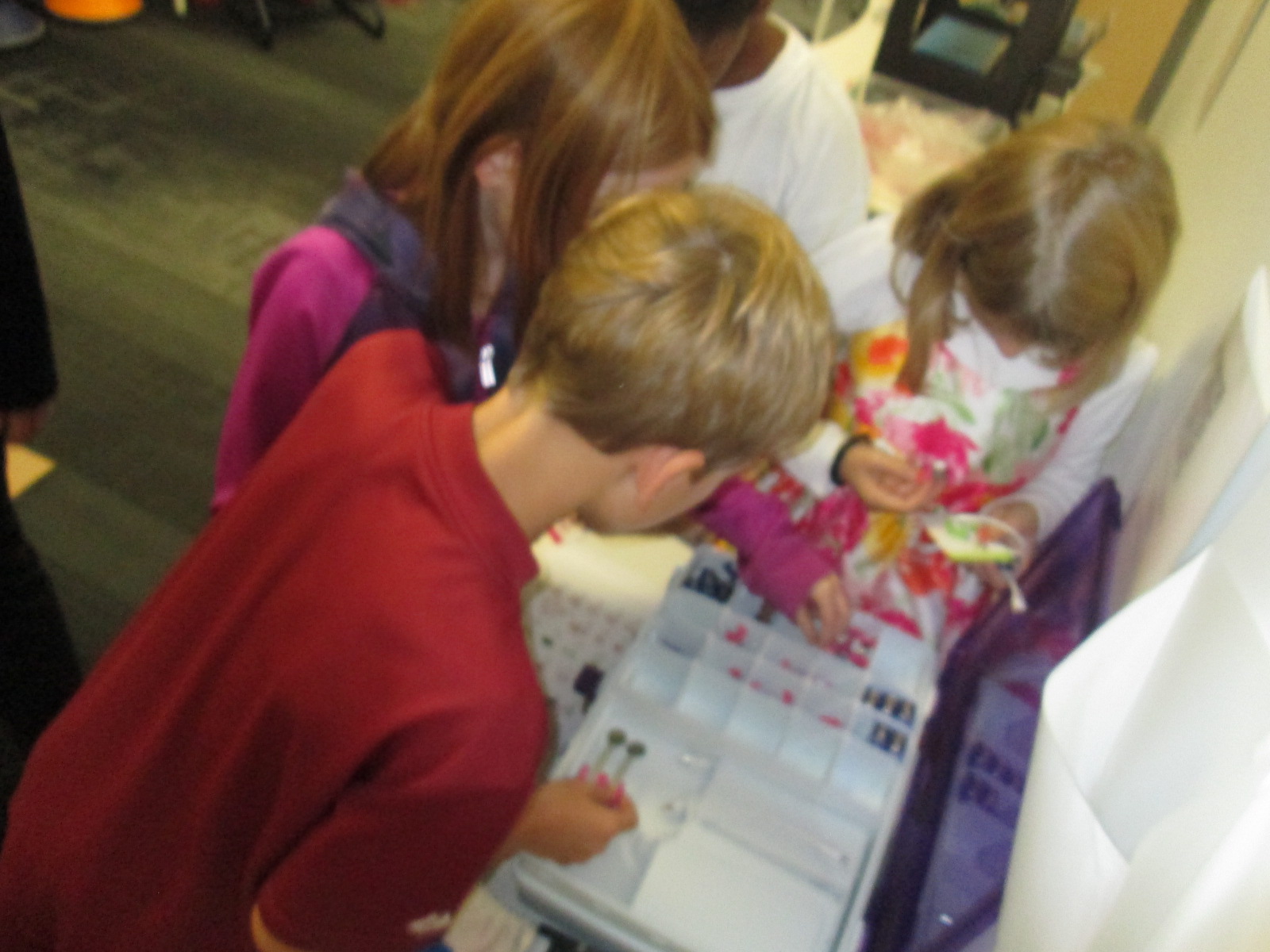
makerspace recess (7)Since the beginning of the year, students have been itching to get into our library makerspace to use the many tools housed there.  As the librarian, I try to weave as many of these maker tools into curriculum as I can, but the truth is that it’s just not fast enough for our students.  Telling them, “I’m waiting to find the right piece of the curriculum to use the littlebits with”, is not acceptable.  They want to tinker and explore and see how things work.

makerspace recess (6)

Recognizing this, I had to find a way to give them more access.  I can’t say that I’ve found the perfect solution, but I’m working on it.  I’m blessed to have the University of Georgia right next to our school.  I’m even more blessed that the College of Education is within walking distance and Gretchen Thomas teaches in the instructional technology department.  Gretchen is an educator who truly gets the realities and challenges of school.  She wants her students to have experiences with what instructional technology really looks like in a school rather than guess about it in the college setting.  She and I have been brainstorming about challenges that I face in the library and the makerspace has come up a lot in our conversations.  We’re trying to create a plan to have adult support in the makerspace on a regular basis for students to explore during their recess time.  This alternative to going outside isn’t the only solution, but it’s one that many of our students are willing to do in order to get their hands on the makerspace tools.

Even though we don’t have details worked out for Gretchen’s students to be in the makerspace, she has volunteered her own time once per week to come in and help.  For the past 3 weeks, we have offered makerspace recess to our 4th graders.  A whole range of students have shown up.  I was very excited to see such a mix of boys and girls as well as several other kinds of diversity within the group as well.

makerspace recess (5) makerspace recess (8)

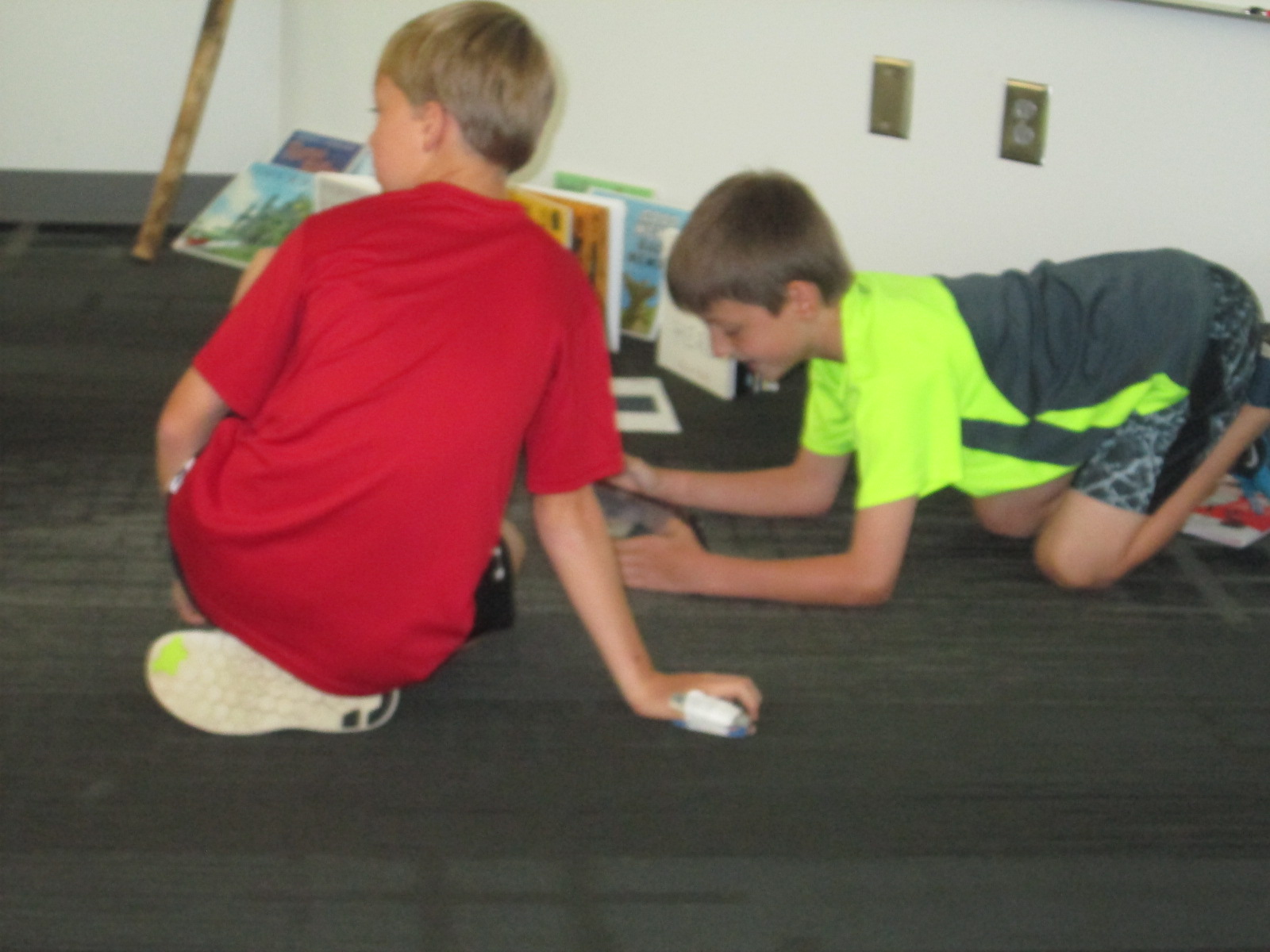
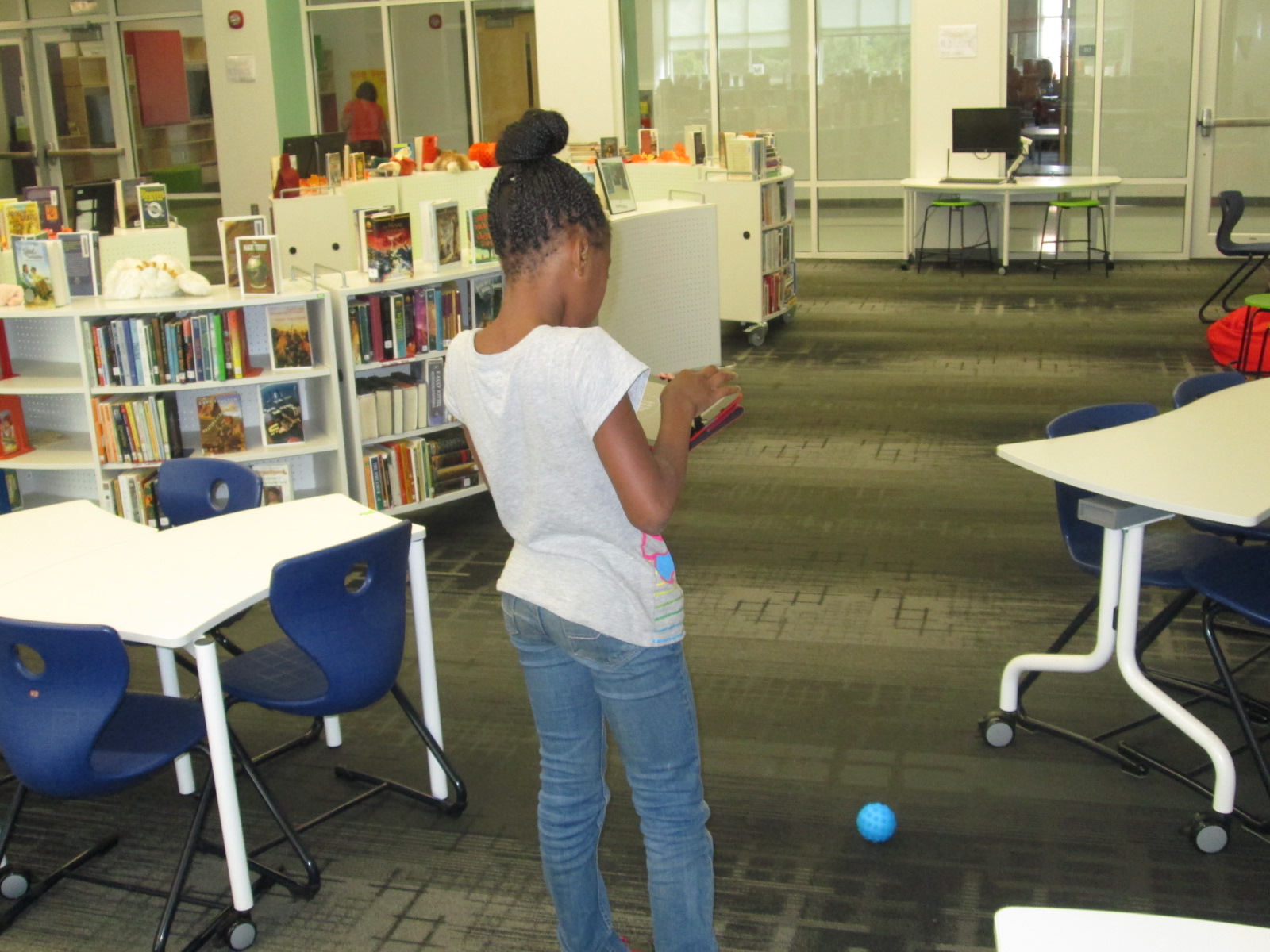
During the 1st recess, Gretchen and I quickly showed the tools in the space: Sphero, littlebits, and MaKey MaKey.  Students chose a starting place and jumped in.  It didn’t take long until the Sphero was being driven around the library, being programmed to drive and jump over a ramp of books, and a maze of books, shoes, and legs was being created on the floor.

makerspace recess (4)

Students used the littlebits cards to snap together several suggested circuits, but it didn’t take long for students to start snapping random bits together to see what would happen.

makerspace recess (9)

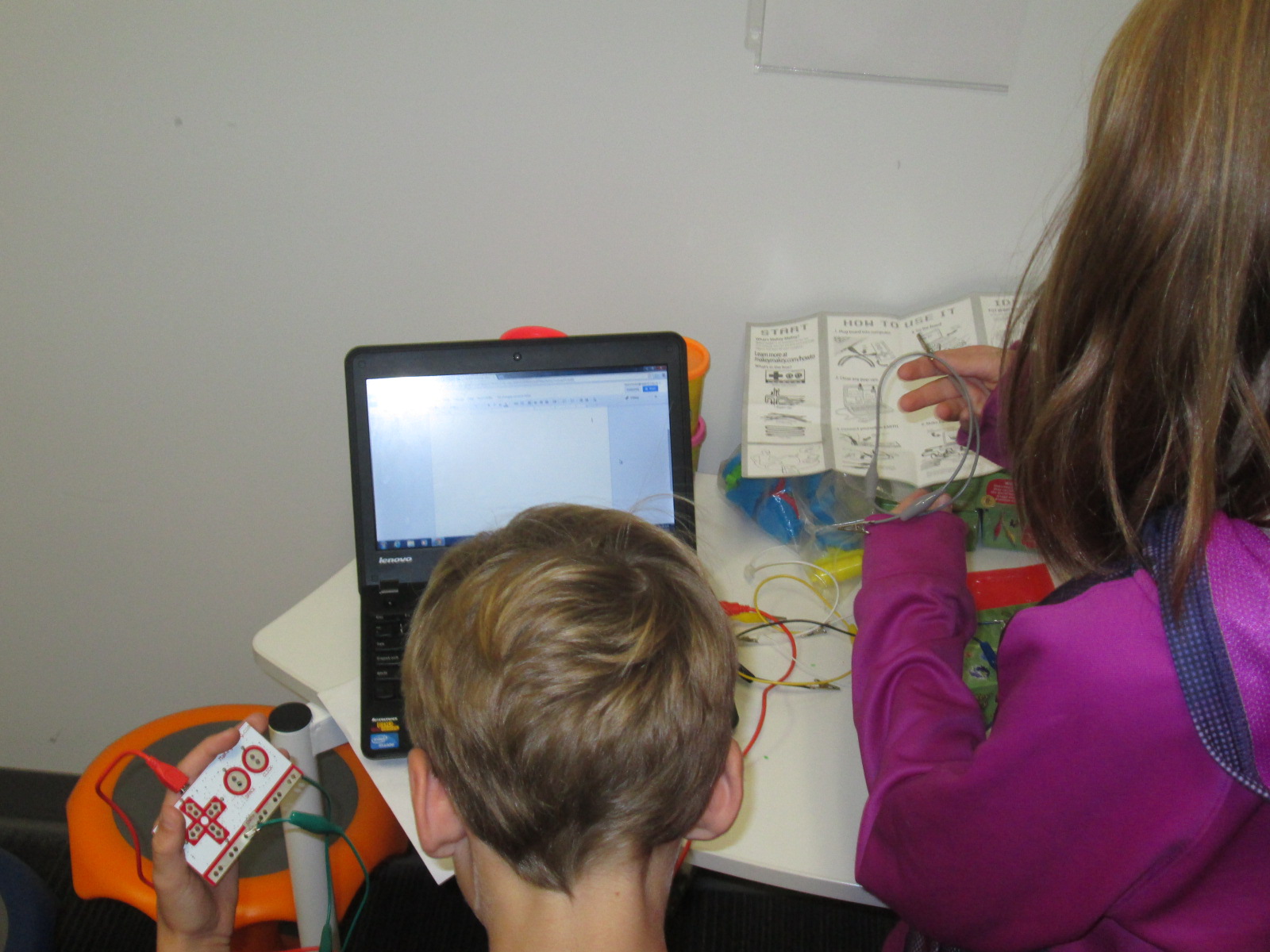
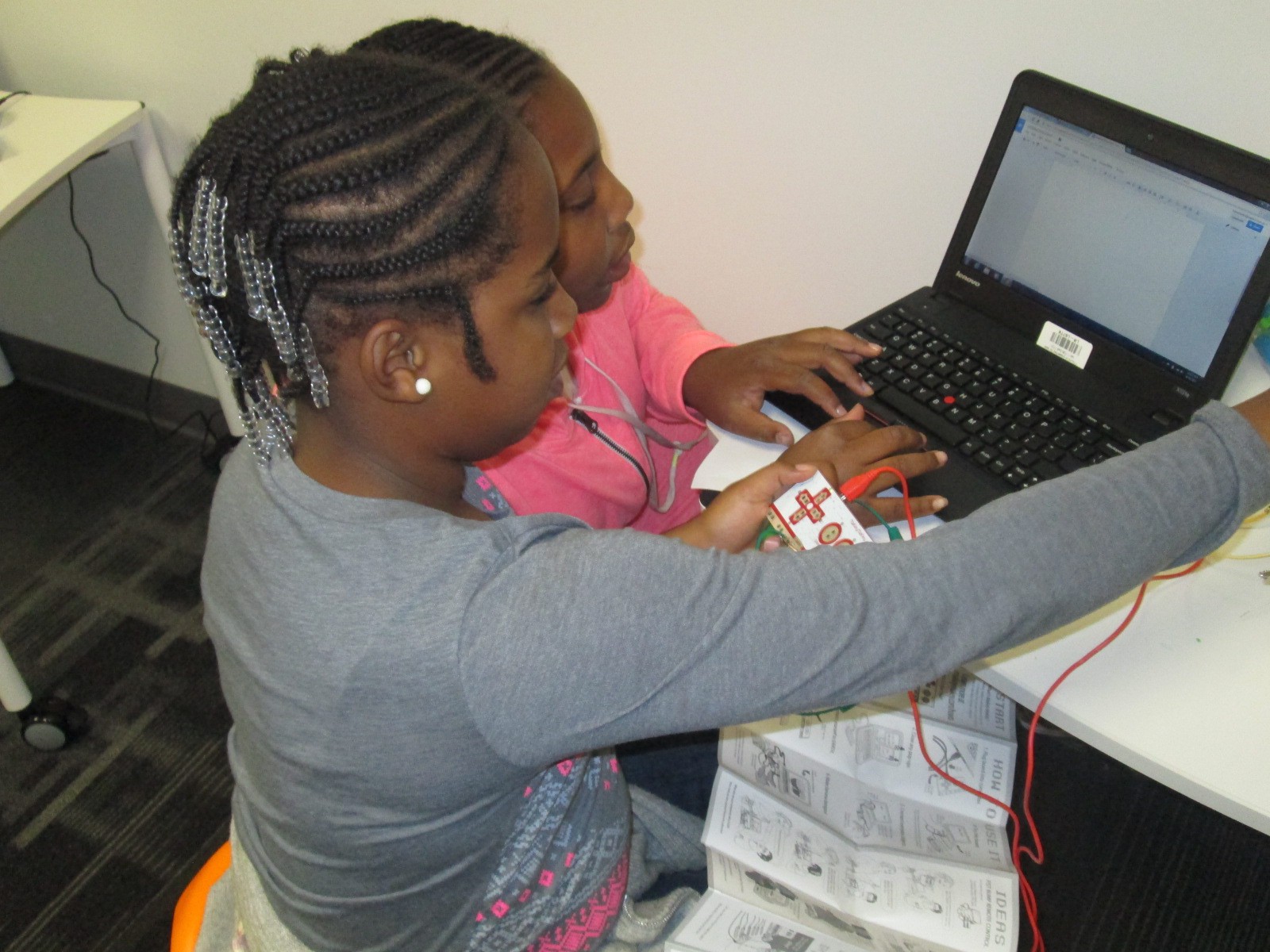
Students at the MaKey MaKey got out balls of Playdoh and started plugging in alligator clips.  Gretchen showed them how they could type using the balls of Playdoh, and they also explored how to play the piano on the MaKey MaKey site.

This alternative recess is certainly supporting my library goal of allowing students to dream, tinker, create, and share.  This free time to dream and tinker will only strengthen the curriculum work we do within the makerspace in grade level projects.

At some point, I’m sure we’ll create some structure to our alternative recess, but for now it just seems right to explore.

Beta Testing with Wandoo Planet and Evanced Kids

Wandoo (7)Today a group of 5th grade boys Skyped with Lindsey Hill of Evanced Kids.  Recently, Matthew Winner posted on his blog about a beta testing opportunity for Wandoo Planet, a kids’ interest genome project.  I signed up to be a beta tester and it wasn’t long before I got an email inviting me to join.

I tried out the product myself and had a lot of fun clicking on the fun little characters carrying signs with words of interest.  I could give a thumbs up, thumbs down, or a heart to each sign.  This helped the program start finding other topics I might like.  When I reached a point where I felt done, the program took me to a tree with branches for each of my love categories.  Within these categories were suggested books and movies I might read or watch.  If I saw a book I knew I wouldn’t like, I could delete it so that it could be replaced by other books.  I also learned that I could add additional branches to my tree.

Wandoo (8)

This week, my tech crew of 5th grade boys tried out Wandoo Planet for themselves.  I tweeted a picture of their beta test and immediately started having a conversation with Lindsey Hill at Evanced Games.  She wanted to hear their thoughts, so we set up a time to connect.

Twitter   Interactions


Wandoo (6)

After some quick introductions, the boys launched right into talking about what they liked and what they wished or wondered.  The boys talked about:

  • Being able to search for specific topics rather than wait on the animals to bring the topics to them
  • Trying to cut down the time it takes to build your tree
  • Wondering which age groups the product would actually be for
  • Wondering how topics are suggested to them.
  • Wanting mini games within the program.  Educational mini games that tie to the book topics that are suggested.
  • Wanting more choices to choose from
  • Wanting to start with broader topics and narrow down to specific
  • Wanting the tool to be available on the computer, iTuness, and Google Play
  • Wanting music and sounds

The boys found out that several of their ideas and suggestions are already being worked on, but aren’t yet available in the beta version.  I loved that these students experienced the idea of a “rough draft” from their writing classrooms and how those rough drafts are being revised several times.  I want to help them make that connection more when we meet again on Tuesday.  This was a great real world example that revision impacts more than just writing a paper for class.  It’s a big part of many of our careers.

Wandoo (3)

The powerful piece in this is that these students’ voices were heard.  Lindsey told them that every comment they made was going to be carried to the developers to improve Wandoo Planet for future users of the tool.  I am really excited about this tool because I think it is one more piece to help students discover their interests, connect to books/games/movies/sites that support those interests, and more.  As a librarian, I see this being a way to give students ideas for growing the collection to include things that matter to them.

This group is going to continue to use Wandoo Planet on Tuesday and then reconnect with Lindsey on Wednesday of next week along with Shannon Miller and her students in Van Meter, Iowa.  We can’t wait!

Wandoo (1)

A Flipgrid Celebration with 2nd Grade and the Flipgrid Team

Flipgrid Skype (1)

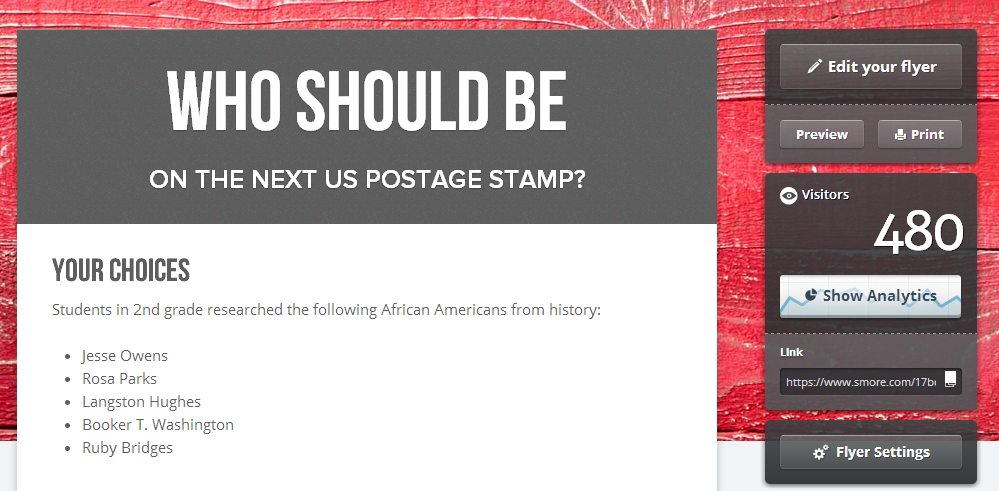
Our 2nd graders just wrapped up a huge research project.  During the project, they chose a leader from black history, researched that person, wrote a short persuasive piece about their person, designed a US postage stamp, and recorded a video using Flipgrid.  Their videos were pulled together on a Smore which included a Google Form for people to vote on their favorite leader from black history to be featured on a postage stamp.   Read more about our project:

Post 1

Post 2

Along the way, the students had several connections to an authentic audience.  They started the voting portion of the project by sharing at our schoolwide assembly.  Students stood in front of the entire school and told about the project as well as shared a video from each question of the grid.  The Smore was emailed to every teacher and student in the school.

I also shared the Smore on Twitter and our library Facebook page.

facebook post


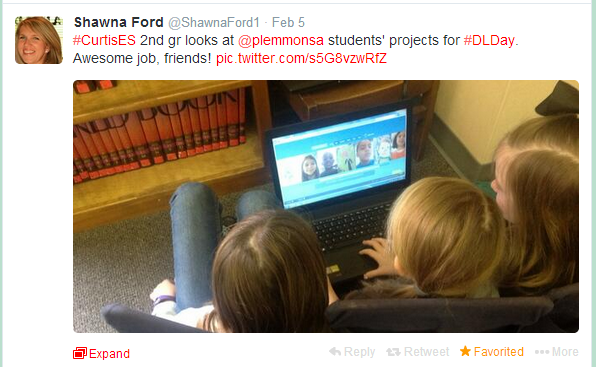
Shawna Ford, librarian in Weatherford Texas, saw my tweet and had her 2nd grade students view the project.

Shawn Ford Students


As the project continued, my posts and tweets were shared and retweeted until our Smore had 480 views and counting.

smore hits

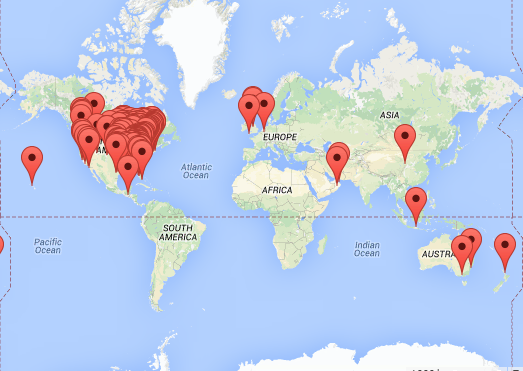
Our project was viewed in 161 locations and counting.

Smore Map


Throughout the project, Charles Miller and Bradford Hosack, our friends at Flipgrid, were following along and sharing our work as well.  It has been an incredible experience for students to use a tool, encounter success and frustrations, and be able to offer feedback to developers that respond to that feedback.  The Flipgrid team has been so responsive to all of the feedback we have provided to them, and they consistently work on Flipgrid to make it better.

Flipgrid Skype (9)

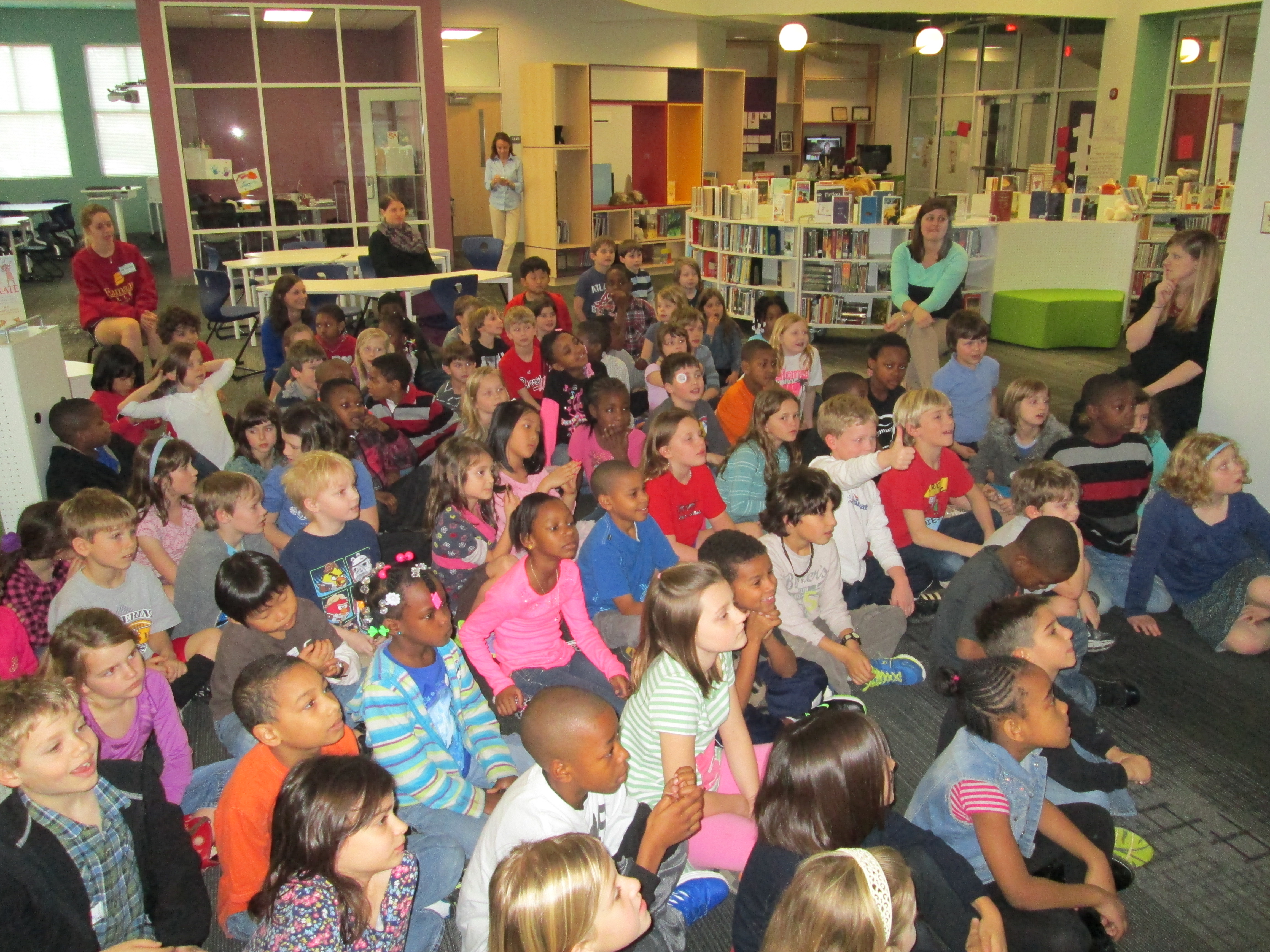
Today, our 2nd graders came together in the library to connect with the Flipgrid team via Skype.  The team shared information about how Flipgrid was developed and talked to the kids about coding.  All of the 2nd graders had background in this concept because they all participated in the Hour of Code back in December.  I loved how the Flipgrid team reiterated what I had told the students many times.  You have to work through the frustration.  You have to be willing to fail and learn from your failures to make things better.  The team said more than one time that they wanted to create a tool that works for users, so they are constantly listening to users of Flipgrid to improve their product.  I hope that the students carry these ideas into all area of their lives to be willing to take risks and work hard at what they are passionate about.

Flipgrid Skype (3)

Charles and the Flipgrid team then gave us some stats about our videos.

  • 1875 people watched the student videos
  • 699 people clicked on the heart to like videos that the students made
  • students created 1 hr 15 minutes of video all together

During this presentation of facts, Charles reminded students that when they make a project like this and share it with the world it really is giving them a global voice.  I loved that he said this because it is something we strive for in our library:  giving students a global voice.

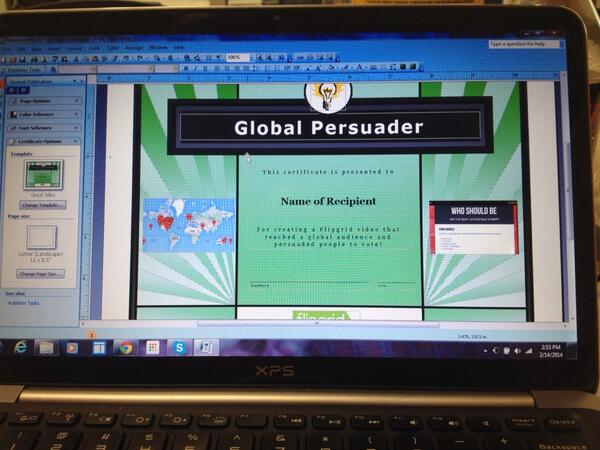
One of my favorite parts of our Skype was the awards.  We wanted to honor several students during this segment.  Because each video was “liked” by viewers of the video, I could easily see which videos had the most likes.  This became an award category.  We also had specific students who received shout-outs on Twitter because people watched the videos and cared enough to specifically name a student video that they loved.  Finally, we had some students who worked really hard to express themselves in their writing and persuade people to vote.  I created a certificate to use.

certificate


After selecting all of the students, I sent a list of the awards to the Flipgrid team and they announced the winners via Skype.  It felt like the Academy Awards as the Flipgrid team cheered for students as I handed out the certificates, and it was amazing to hear the shouts and claps of all of the 2nd graders cheering on their peers.

Flipgrid Skype (8) Flipgrid Skype (6)


Mixed in with our connection the kids had a chance to ask the Flipgrid team questions.  I loved the moments where one student said “sometimes it doesn’t work” and another student said “I think you need to be able to turn up the volume for people who talk soft”.  These weren’t questions, but the Flipgrid team let the students know that because of their videos they were already thinking about volume and that they were working to make sure Flipgrid always worked for users.

During and after our Skype, the Flipgrid team and I shared several pictures from both sides of the Skype: Georgia & Minnesota.

We closed our time together by revealing the results of the overall voting for the favorite leader from black history to be on a postage stamp.  The votes were extremely close, but Rosa Parks came in just 1 vote ahead of Jesse Owens.  By this point, the kids were so excited about all that had happened with their project that the vote didn’t even seem to matter anymore.

Thank you to Charles Miller, Bradford Hosack, and the entire Flipgrid team for helping us celebrate this project today before we move on to our next adventures in the library.  Thank you!


http://www.youtube.com/watch?v=g0oEWtWvfiw

Hour of Code Days 3-5

Day 5 (3)This week has just been incredible.  It’s hard to believe that just a couple of weeks ago the planning for this week began.

Even with lots of benchmark tests and wrapping up the end of the quarter, our Barrow teachers found time to bring students to the library to participate in Hour of Code.

No matter which class came, I saw similar results:  engaged students, problem solving, collaboration, suspension of time, perseverance.  Exposing students to coding has opened up a new world for them.  I loved having a conversation with students during every session about the importance of coding knowledge in their future.  Who knows what jobs will be out there when these students join the workforce, but coding is very likely going to be a part of it.

During the week, our internet has  been extremely slow, which has given us lots of problems.  It hasn’t stopped us though.  We did have to abandon some of the computer programs like Tynker because they just wouldn’t load on our machines.

Kindergarten and 1st grade continued to explore Kodable.  Second grade started exploring Light-bot on the iPad instead of Tynker.  An interesting thing started to happen with these students because they got up out of their seats and acted out the moves that their robot needed to make in order to visualize the code they needed to put in.  I loved watching the strategies that students developed to figure out the code they needed.

Students have recorded some of their thinking using a Fligrid this week, which was yet another new tool to many students.  They loved making these short videos about their learning.

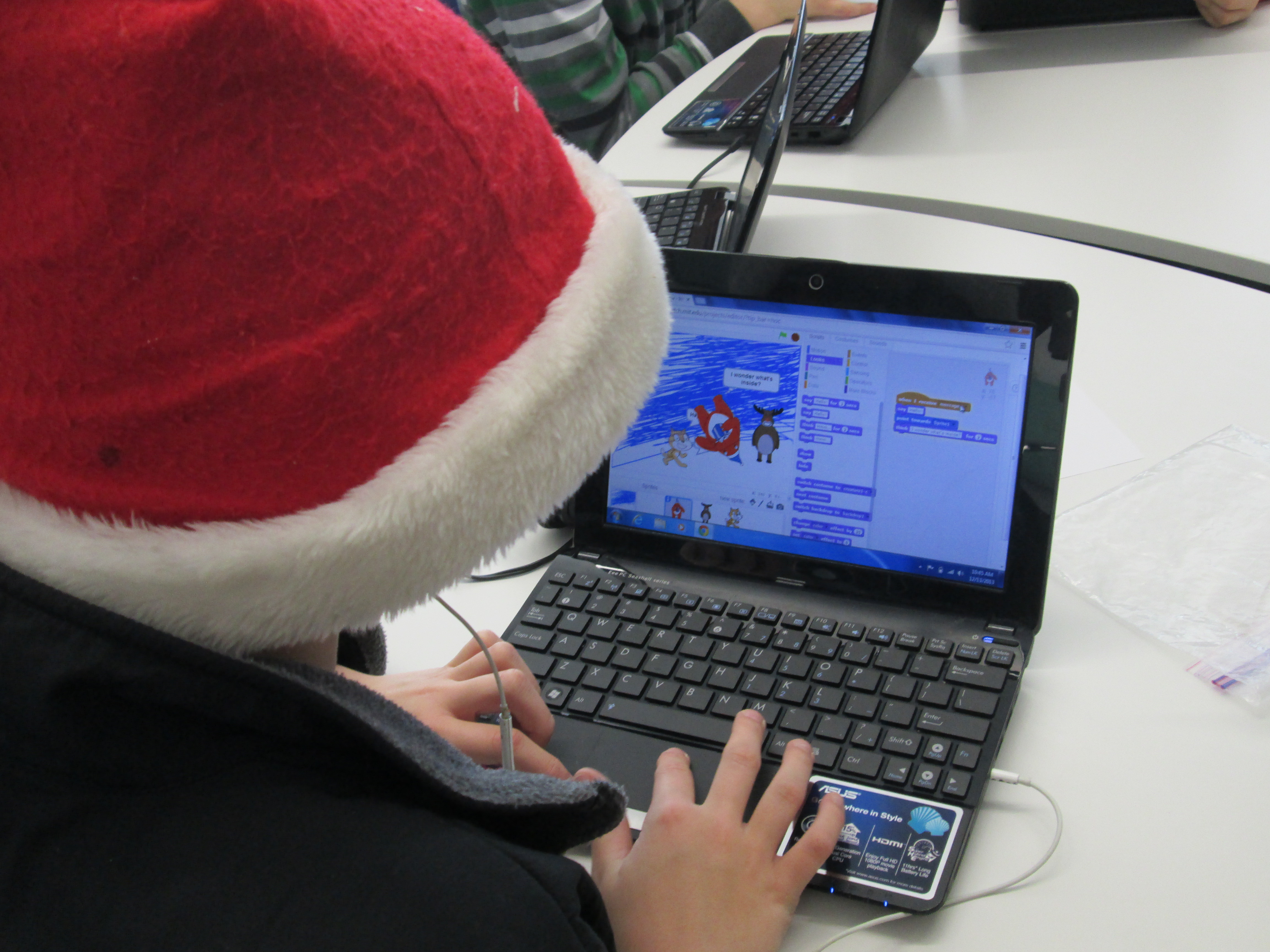
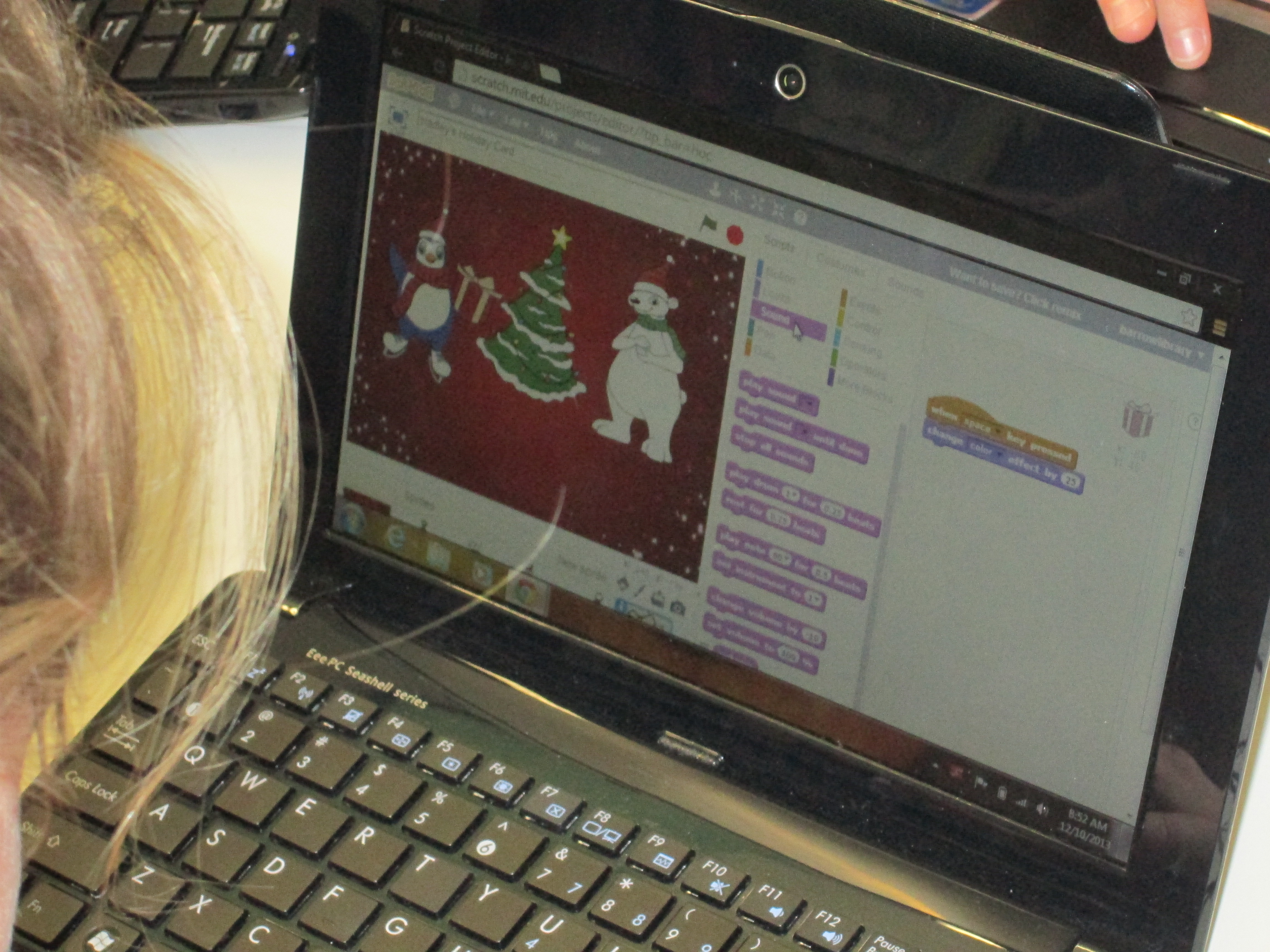
Day 2 (11)A group of third graders along with the whole 4th and 5th grade explored Scratch to make an interactive holiday card.  The 4th and 5th grade groups were huge because the entire grade level came together.  I kept our whole group time very short.  I stressed the importance of not giving up, messing around to see how things work, using tutorials, and collaborating.  It was amazing to watch a group of 75+ students disperse, find their own work spaces, and get to work.  When they figured things out, they shared.  For the 4th grade group, we did a Google Hangout on Air with Sherry Gick (@LibraryFanatic) and her students who were using Blockly.  During the hangout, we each setup a computer and headset and students were able to talk to one another about what they were doing.  I picked up our laptop and walked around our library to show her students what my students were doing.  Sherry got on the microphone several times and helped some of my students with their questions too.  It was a great experiment that I definitely want to try again because it opened up our walls to student-to-student collaboration across states.  I wanted to try the idea of coders on call, and this was a step toward that for the future.  You can see how the conversations turned out in this video:

Next week, we hope to connect students again with Sherry Gick’s students in Indiana and Shannon Miller’s students in Iowa to share some of their learning and creations.  This week has sparked interest in coding, and I’m sure that coding will make its way into many of the collaborative projects during the year.  Thank you Code.org and Computer Science Education Week for putting together such a great program, inspiring videos, and helpful tutorials.  The word is out that coding is a critical skill needed by our students.

Here’s a glimpse of what happened at Barrow this week:

http://www.youtube.com/watch?v=p9t5MVRz0I4