Our Open Makerspace Featuring UGA Students

open makerspace (7)

Students have been eager to use our makerspace this year.  I’ve been incorporating making into collaborative projects with grade levels, small groups, and even individual students, but there is still a strong pull to come to the makerspace to dream, tinker, and create without the constraints of a grade level curriculum.

My struggle is finding the time to balance giving students open time to explore along with the classes that I teach each day and collaborative projects that I support.  I’ve been having a conversation about this with Gretchen Thomas, instructional technology instructor at UGA.  Here and there we have found times for some of her students to come and work with my students.  Gretchen has even come in herself to work with students in the makerspace.  However, I wanted something more consistent and dependable for students and teachers instead of random emails inviting them to use the space.

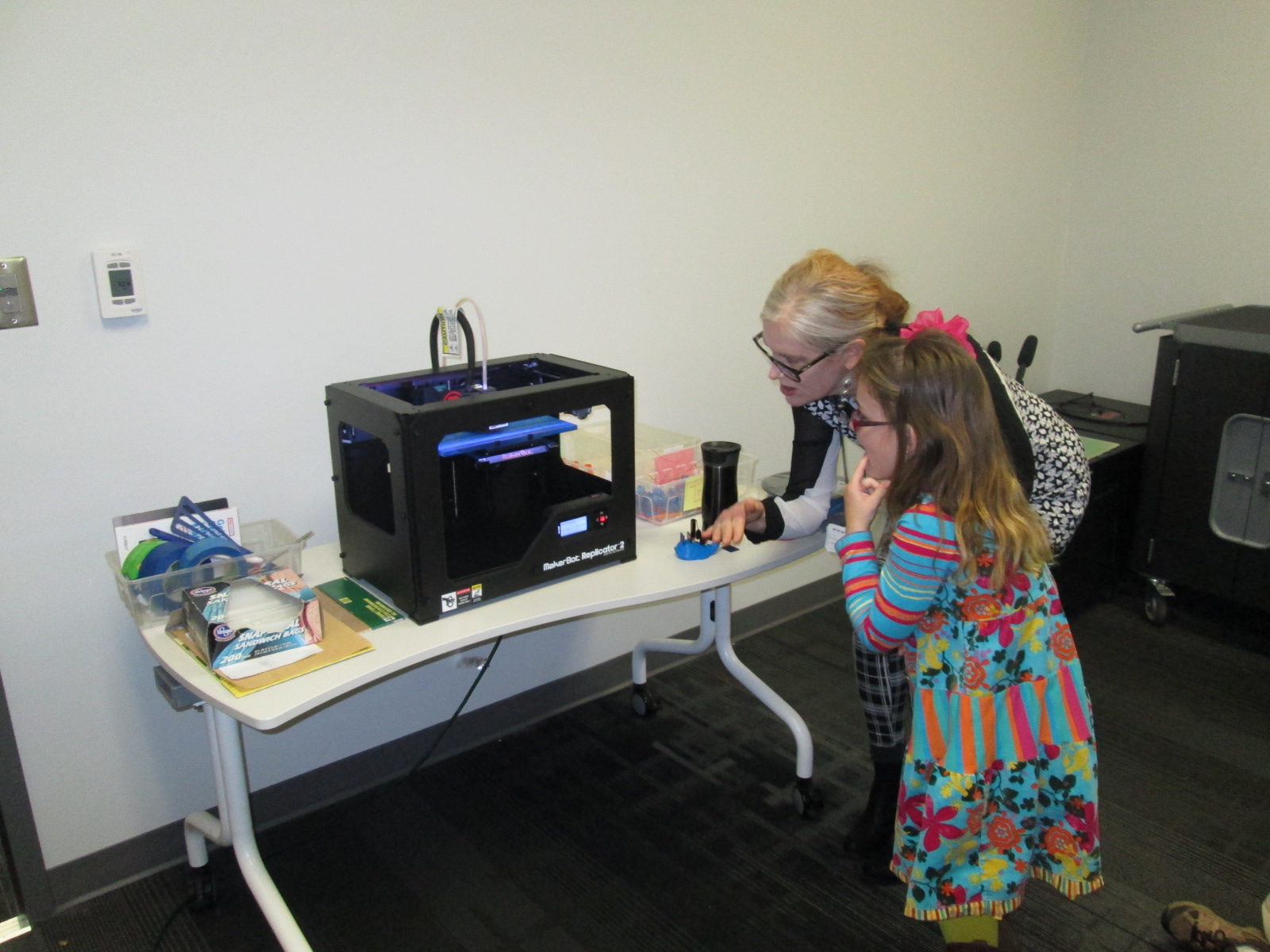
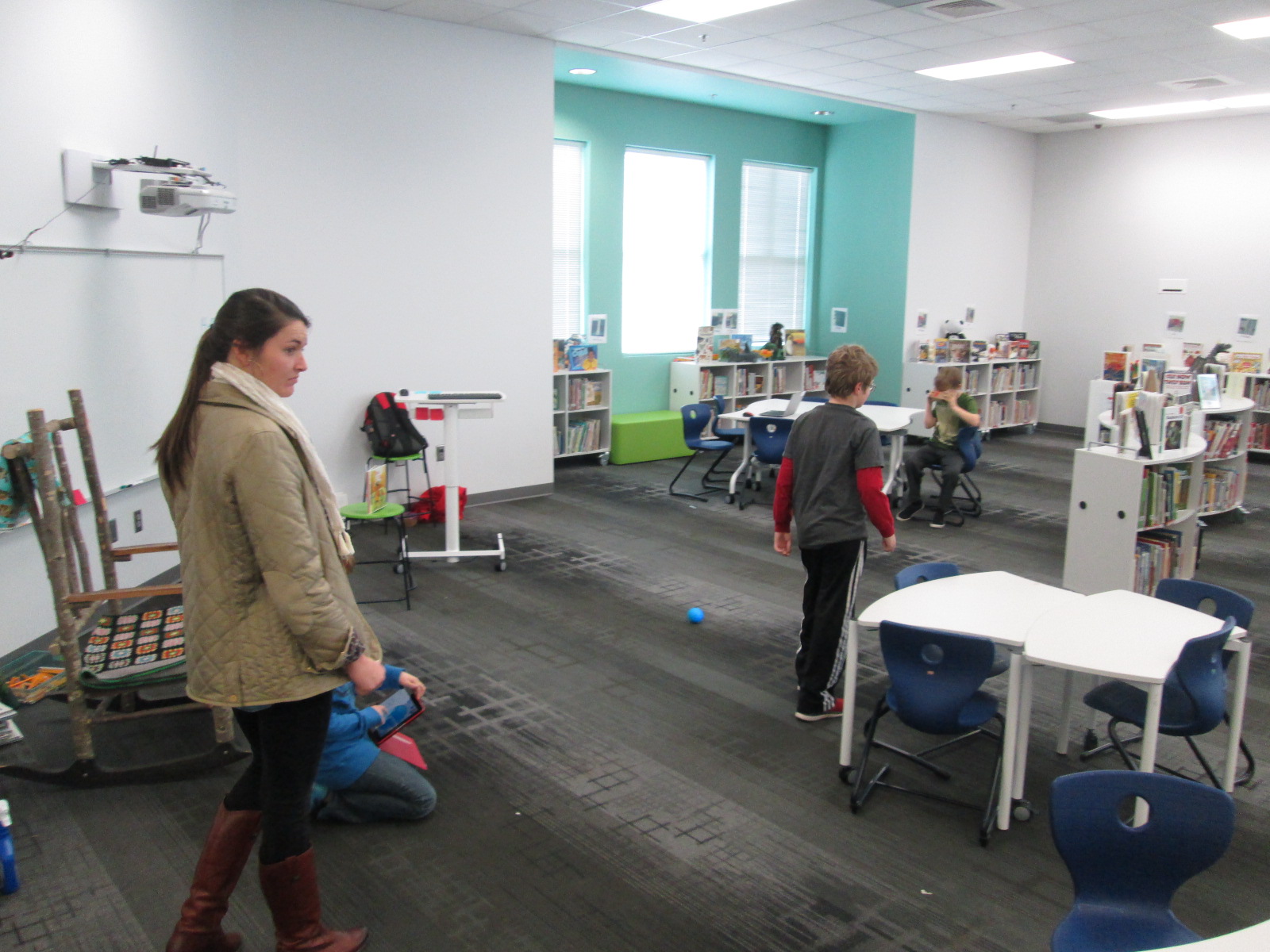
This semester, we are experimenting with something new called open makerspace.  Gretchen has several independent study students as well as a Maker Dawgs course.  The independent study students have each selected a day of the week to be here from 11-12:15.  Gretchen’s Maker Dawg class will take turns coming on Thursday from 11-12:15.  This means that every day is covered.  This time of day overlaps into 3rd, 4th, and 5th grade recess.  Students have the option of coming to the makerspace instead of going to recess, but one of the big requirements is that they can’t come every day.  We still want them to get outside and enjoy the sunshine with their friends, too.

The UGA students and I are trying to work out a routine.  During this first week of our experiment, it looks something like this:

  • I send periodic reminders to teachers that the makerspace is available every day from 11-12:15.
  • Students come at any time during that time frame.
  • They sign in with the UGA student and say what they hope to explore or work on.
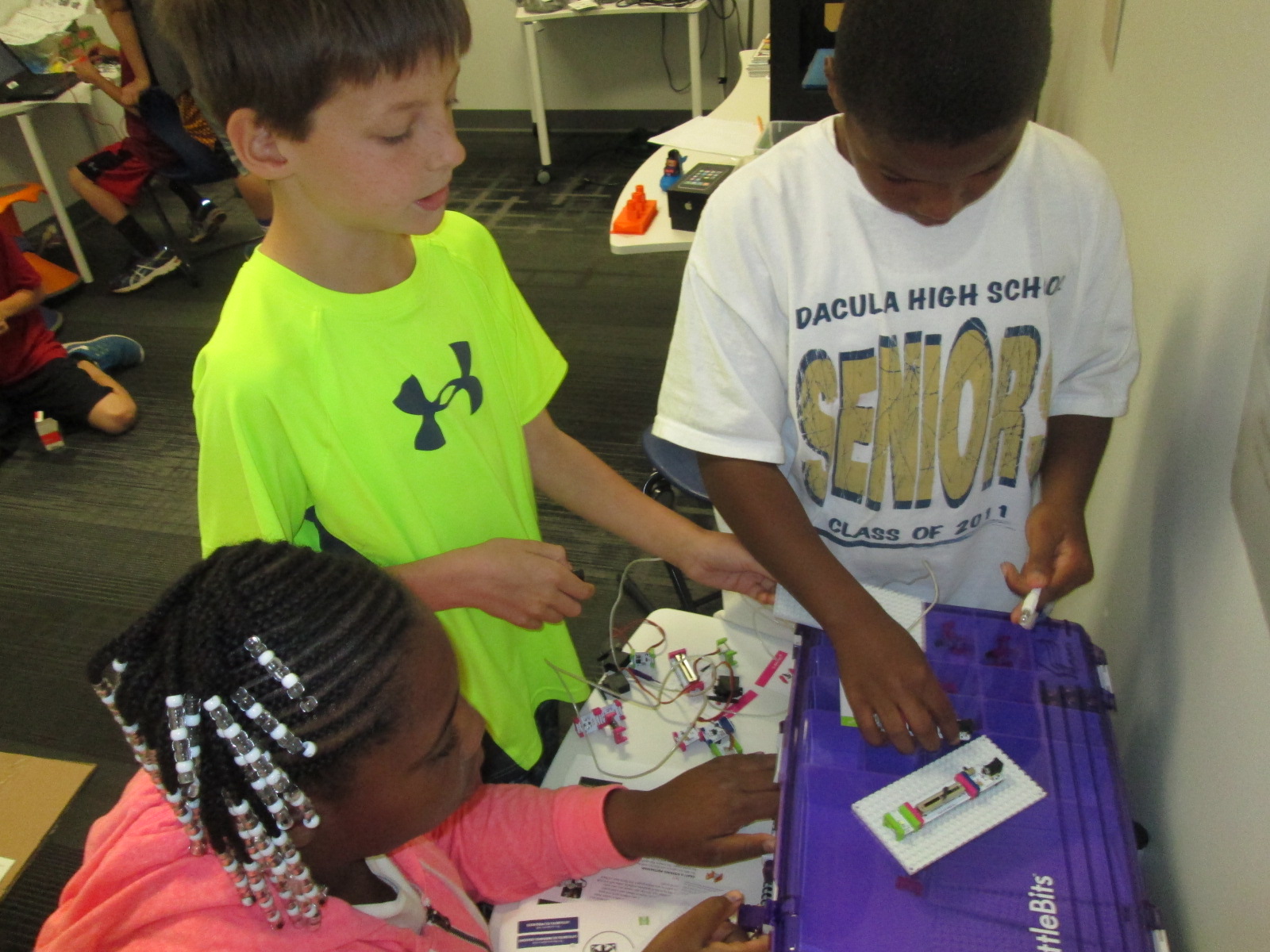
  • Together with the UGA students, they setup areas around the library to work on things like littleBits, Sphero, etc.
  • The UGA student tinkers right alongside the students as well as moves between groups to make sure they are keeping materials safe and being productive.
  • Every so often, the UGA students do a time check since the students get lost in the making and forget the time.
  • Before students leave, the UGA student prompts them to clean up as much as they can, and then the UGA student straightens and organizes in between groups.
  • When there’s not a high traffic time, it’s a great time for the UGA student to organize the maker supply cart, the littleBits, or the robotics kits.

I won’t lie that this week has been chaotic and exhausting.  I think that the process is going to work, but each day this week I had a new UGA student, so that meant teaching this routine to someone new each day.  Gretchen came to help on 2 of the days.  Most days this week, I didn’t have a moment to stop and fully eat my own lunch since it falls within this 11-12:15 block.  This will change, though.  It takes some time to get a new routine up and running.

What did this week look like?  So many exciting things happened.  The biggest is that 54 students have used the space this week during that one-hour time block, and that’s not including Friday!

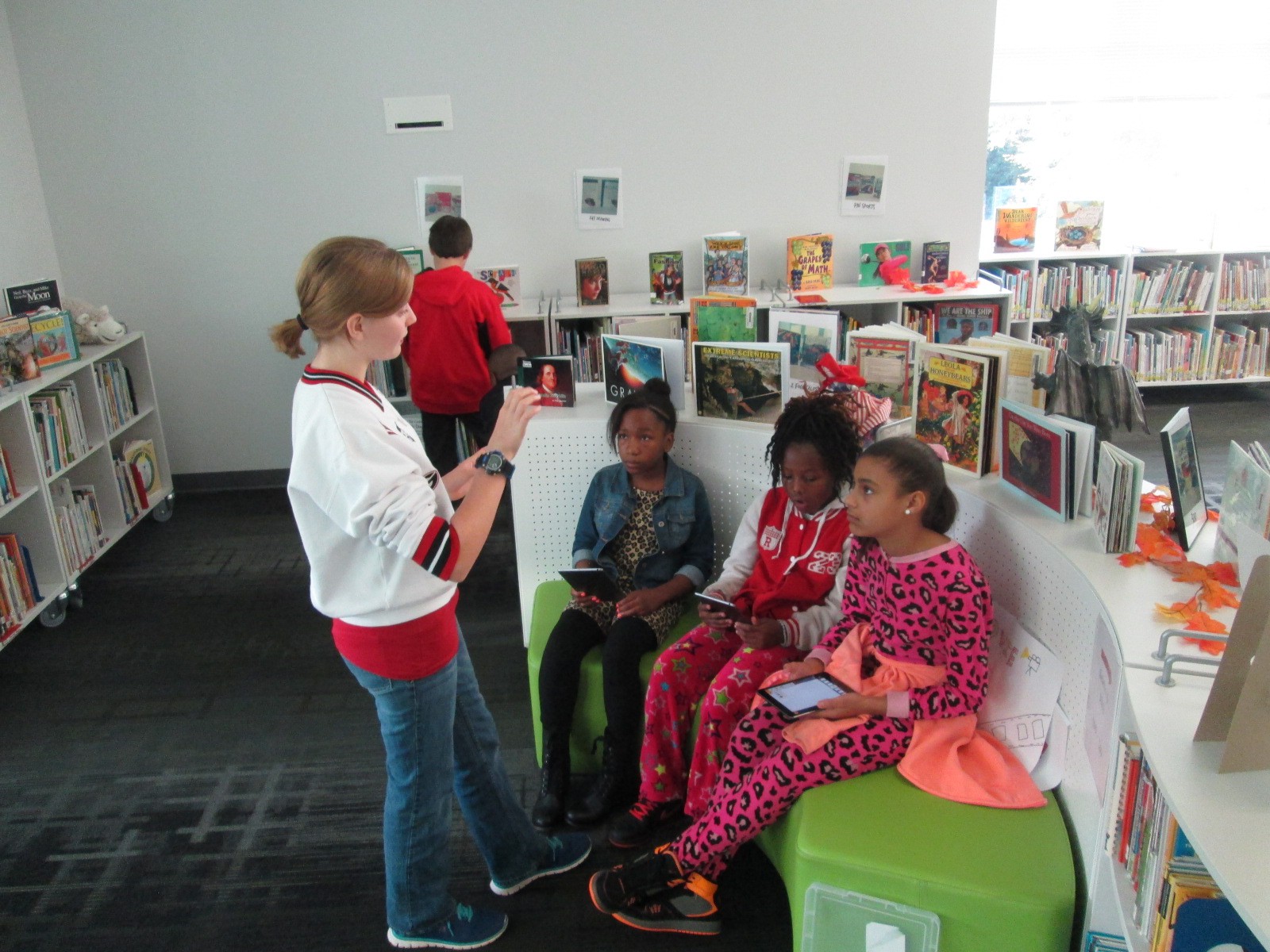
We also got to try out Google Cardboard, which was just a little bit exciting for some of our students!

And just for fun, here’s one of our UGA makerspace helpers!

Recent Scenes from Our Makerspace and an Exciting Update!

lego table

Our library makerspace has been a bustling place over the past few weeks.  I’ve still been holding some periodic makerspace recess sessions where students can signup to come and explore the space and what it has to offer.  Several students have been coming on a regular basis on their own.  This started as one or two students asking to come and then those students told some other students.  Before I knew it, I had a good problem on my hands.  I’ve been trying to find a good way to organize the process of students coming to use the space on their own.

At the moment, the process is that students send me an email if they want to start using the space on their own.  I make sure to put an appointment on the library calendar to introduce them to the space and set some parameters of what they can and cannot do.  Once I feel like the student is responsible, he or she can start coming without an appointment but still needs to tell me the plan of which days to come.  So far, this has been working with the exception of clean up and organization.  Often, these students are in a rush because they are using recess time.  Just when they get going with their making, it’s time to leave, so there’s little time to cleanup.  This is on my agenda to figure out, but I will have some help with this very soon.

robot dog

I’m partnering with Gretchen Thomas at the University of Georgia and some of her independent study students.  As their project, these students will be coming each day of the week from 11-12:15.  I will be able to tell students and teachers that they can come any day at that time.  The UGA students will be responsible for creating a sign in sheet so that we can track which students are using the space.  They will also monitor how often each student is coming.  Although I love having kids come and use the space, I think it is still important that they spend some time outside.  The UGA students will ask the students to limit their days so that there is space for others to try as well as time to go outside as well.  The UGA students will also help me establish a routine for keeping the space in some sort of organization.  Most importantly, they will explore alongside these students using the space.  All of this starts next week!

Over the past week or so, some amazing things have been made and tried in the space.  These have happened during our weekly enrichment clusters as well as these exploratory recess times.

A student spent time tinkering with LittleBits during enrichment clusters.  He would try one combination of bits and it didn’t quite do what he wanted.  He didn’t give up, and instead, kept trying different combinations until he made a type of microphone.  His next step is to figure out how to make this something we could actually use without having to lean right into the bit to talk.

Other students tinkered with littleBits in different ways:

There has been a lot of exploration of MaKey MaKey by using existing tools online and controlling those with the alligator clips and playdoh.

A challenge has been getting students to move beyond using the MaKey MaKey with existing tools and stretch their thinking to designing their own programs that can be controlled by the tool.  We finally had a breakthrough this week as some students began designing things in Scratch and controlling it with MaKey MaKey.

IMG_4766

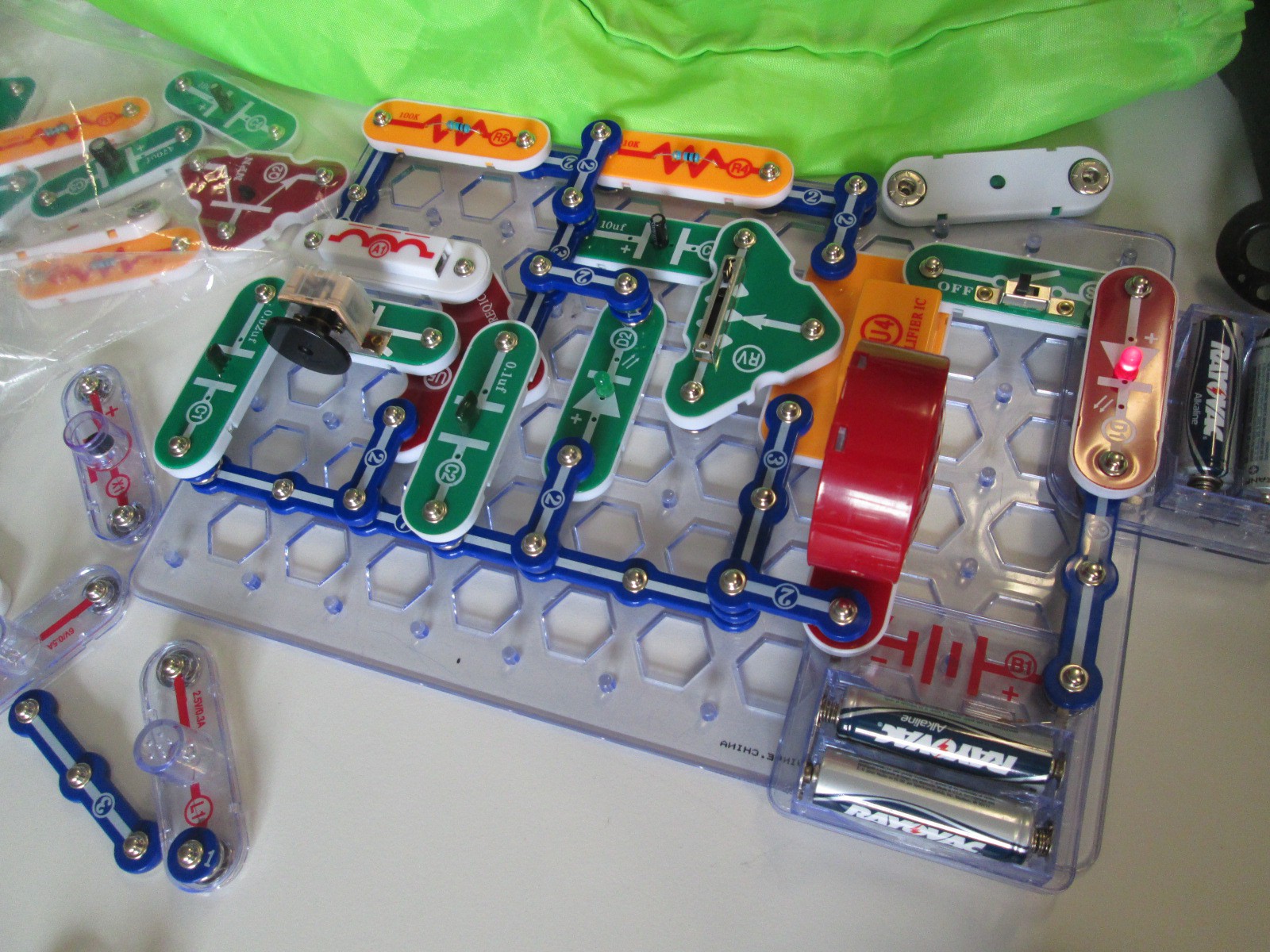
Several students have been bringing in their own maker tools to share with the makerspace and classmates.  One student brought a robotic dog that can be controlled through an app and another student brought his snap circuits.  The Snap Circuits were very popular and students were screaming when they figured out how to snap pieces together to create an AM radio.

IMG_4765

I’m still seeing a lot of tinkering with Sphero.  The students love driving Sphero around and playing the various games, but this is another tool where I want to nudge students to begin programming.  I think they need this experimental stage, but I know they can create amazing things once they get going.

I’ve seen a lot of interest in duct tape.  This is the one area where I’ve seen students read the instructions in our duct tape books as well as watch videos about making things with duct tape in order to design something.  Now, a group of students have branched off to start making their own creations from duct tape.  One student made a flower from tape and then decided to add it to her headband.

So far, I feel like our 3d printing has been very teacher directed.  Because of safety concerns, I’m afraid to let elementary students use the 3D printer alone.  Now, though, I have some students who are really capable of this.  They know how to design something in tinkercad, export to Makerware, slice for 3d printing, save on an SD card, load the SD card, and get the print started.  I was startled one day when I heard the 3d printer start, and when I raced over to see what was going on a student had gone through this whole process alone.  I did remind him that due to safety I really wanted to be around when something was 3d printing, but I was also proud that an elementary student was able to go through all of the steps to print something.  Now, he has passed on that expertise to several other students.  Their designs are very simple at the moment, but I think they will get more complex as they tinker with the tool more and more.

I’m excited that Gretchen Thomas is bringing yet another fun tool for us to try when she comes next week:  Google Cardboard.  It’s sort of silly, but it’s a cardboard viewfinder that you stick your phone inside in order to create your own virtual reality on a budget.  Since Cardboard doesn’t officially support iPhones, we also used our makerspace to print an attachment from Thingiverse that will let us use our iPhones for the cardboard tinkering.

I’m still pushing to weave makerspace into classroom curriculum, and I think a next step is going to be to hold some informal teacher exploration time.  I think if teachers give themselves permission to tinker and explore, they will immediately start to see a use for their classrooms.

It is overwhelming and promising to see how many independent projects there are in our school and that students are coming to the library as a place to work on these projects.  I was amazed when I paused and took a quick look around.

Mini Maker Faire with UGA EDIT 2000

IMG_4327

Today Gretchen Thomas from the University of Georgia brought one of her EDIT 2000 classes to the library for a mini maker faire.  She and I have been brainstorming about how to give students more opportunities to come and use the makerspace in the library for tinkering and exposing students to various types of making.  These conversations have come from my constant requests from students to come and use the makerspace.  I struggle with finding a balance between the standards-based lessons and projects that I offer in the library, weaving in the makerspace into curriculum, and the students’ desire to just mess around with the tools in the space.  Gretchen has been coming to lead maker recess times with me.

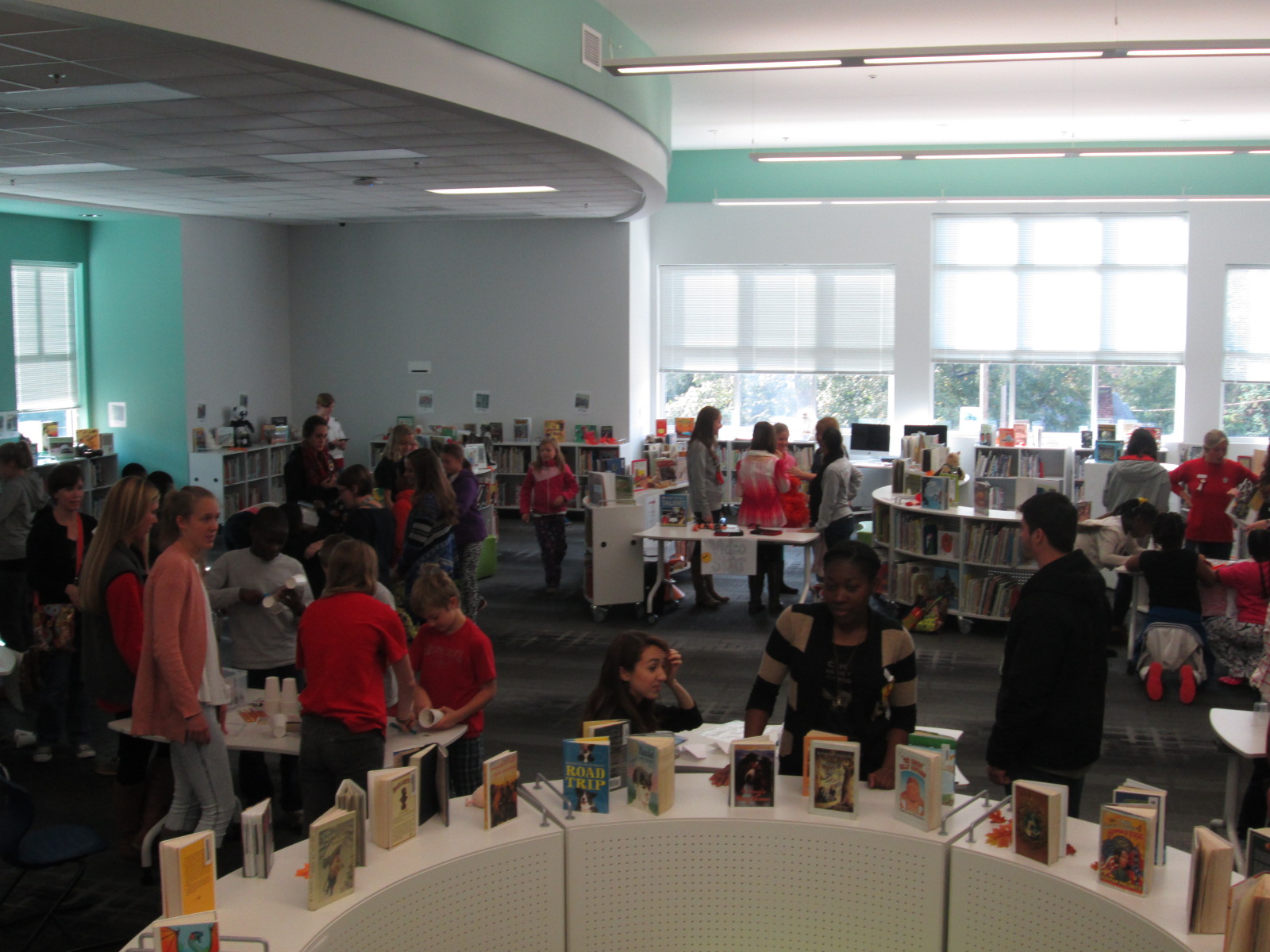
Today, her EDIT 2000 students brought multiple maker centers for students to explore.  These UGA students are mostly undergraduate students from a variety of backgrounds.  Some of them plan to be education majors while others have a range of other majors.  I love the range of expertise and interests that live within these classes.  Gretchen’s students designed a center that would explore some aspect of making.

IMG_4290


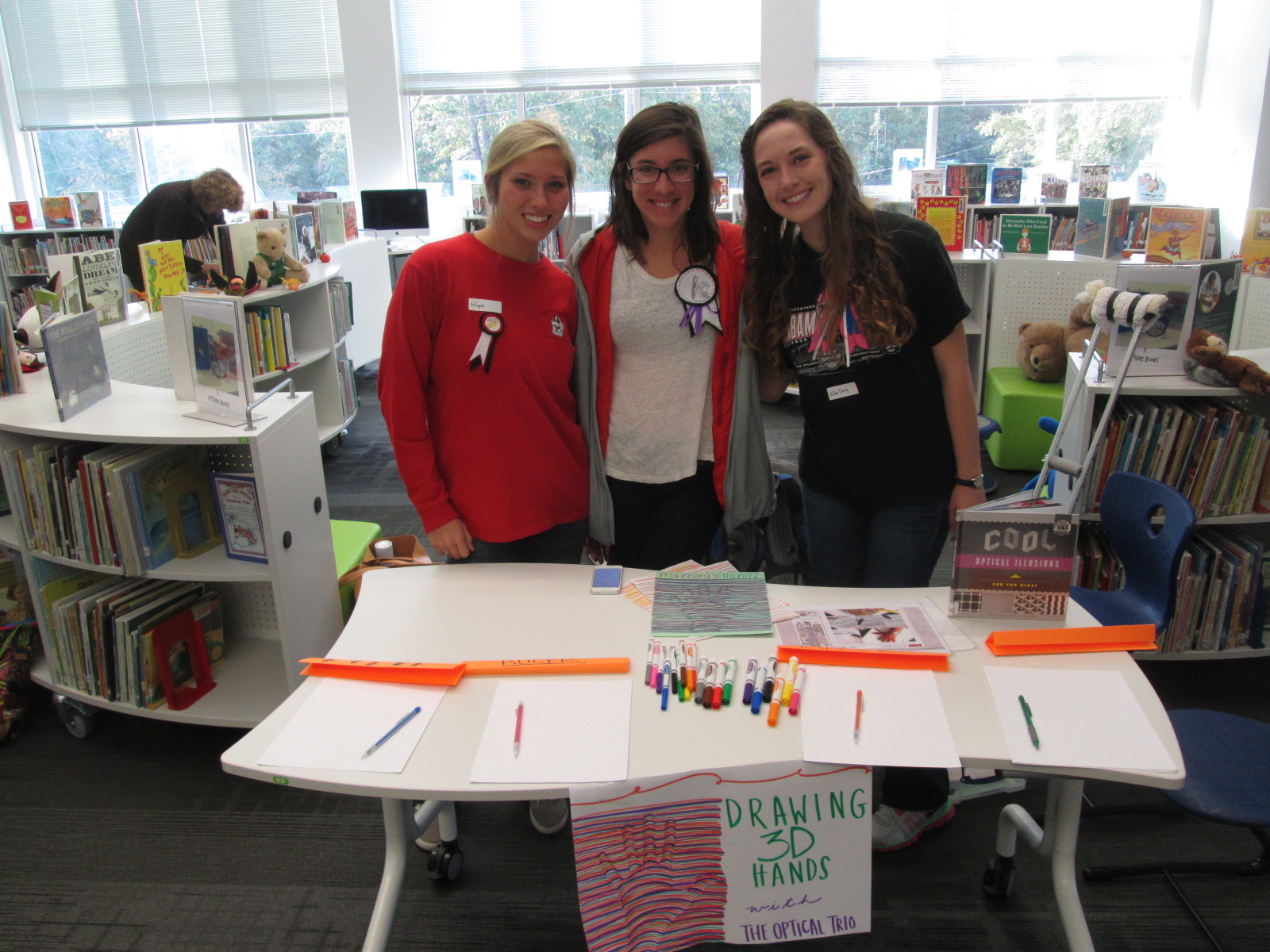
One center explored optical illusions.  These students displayed a book of optical illusions and helped students create a drawing of their hand that looked like it was lifting off the page.

IMG_4291


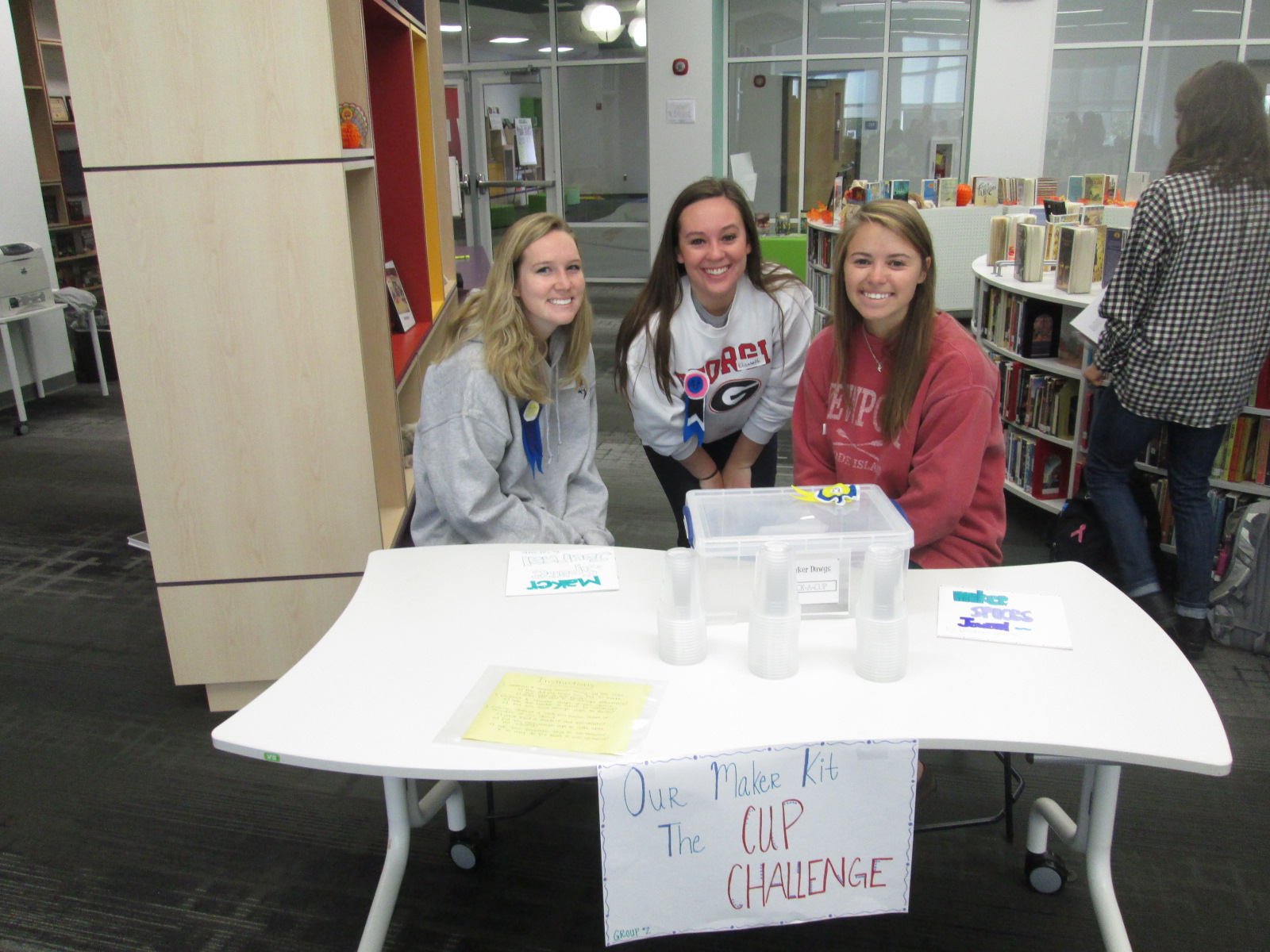
Another center was a cup stacking challenge.  These students had multiple clear plastic cups and students spent time stacking the cups into different formations to see how tall they could stack as well as which shapes seemed to hold up better.  I loved seeing all the strategies that students tried in order to stack and unstack the cups.  They were fearless and really demonstrated what it means to tinker, fail, and try again.

IMG_4292


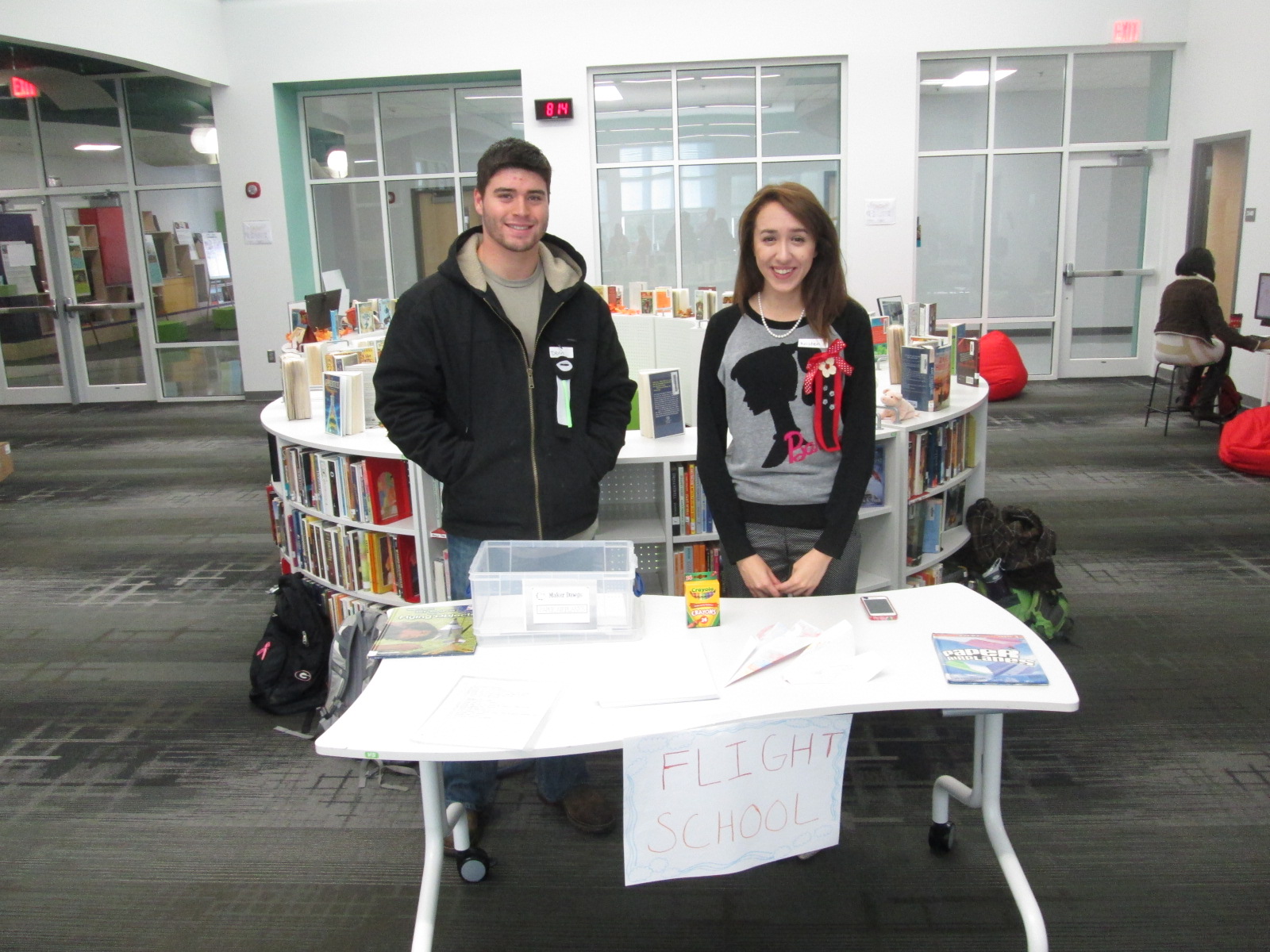
Students loved the paper airplane center.  These UGA students had books about paper airplanes and materials for making planes.  Students spent time making their planes and then testing them out in the library.  I loved watching planes flying around the library and hearing teachers ask “are students supposed to be flying airplanes around?”.

IMG_4329

I saw several students refold their airplane to try something new in their design, so once again there was a strong demonstration of tinkering, failure, and perseverance.

IMG_4293


Some of our stations involved technology or could be incorporated into technology.  One station was space for students to explore how to create speakers for iPods or iPhones using cups and paper towel rolls.  Students were eager to take their creations home and try them with their own devices.

IMG_4294


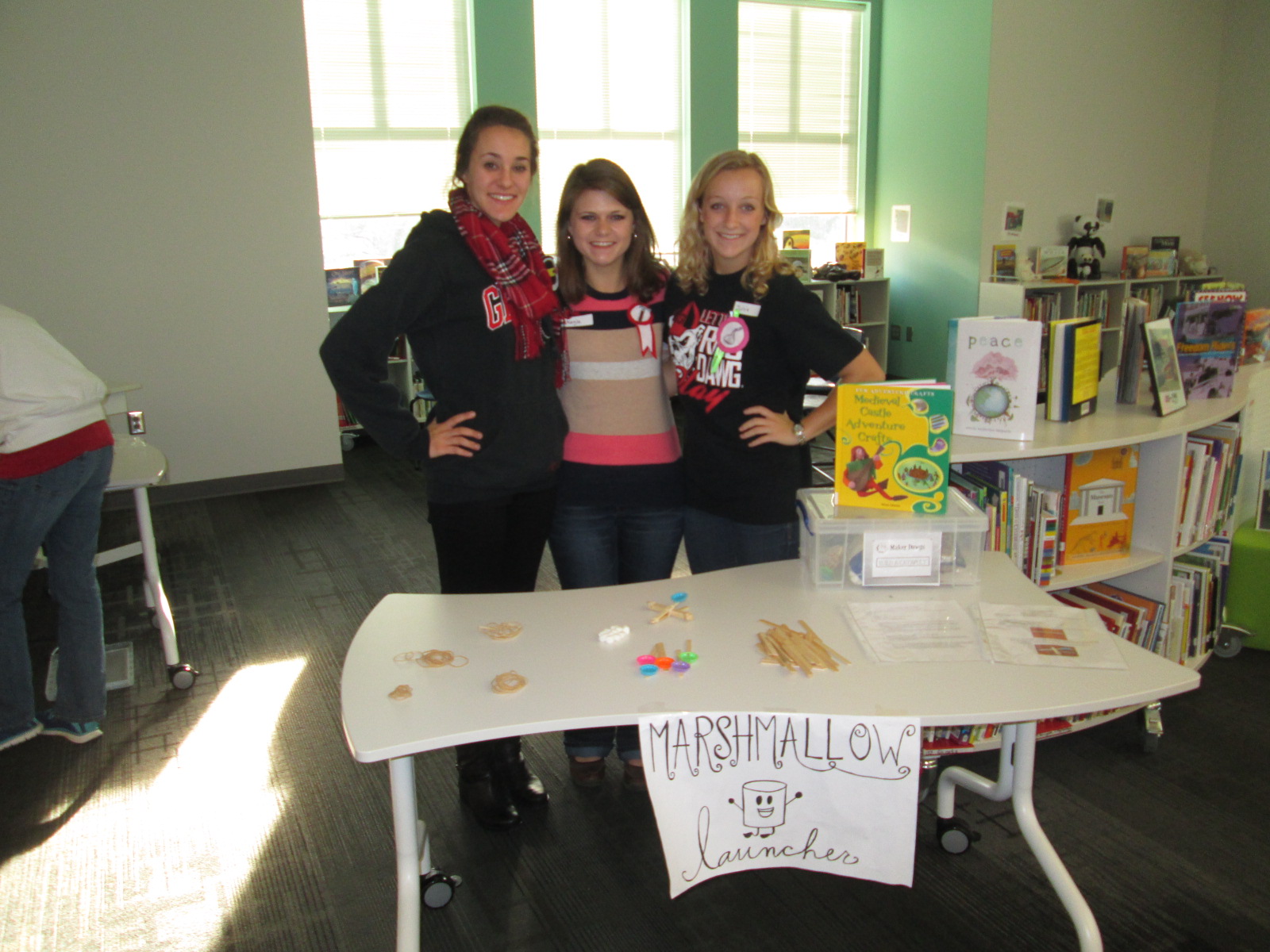
One of the most lively centers was the marshmallow launcher.  Students used rubber bands and Popsicle sticks to create a tool to launch marshmallows.  They tested their creations and made adjustments to see how they could make their marshmallows launch higher and farther.  Again, it was fun to see marshmallows flying through the air along with the planes.

IMG_4295


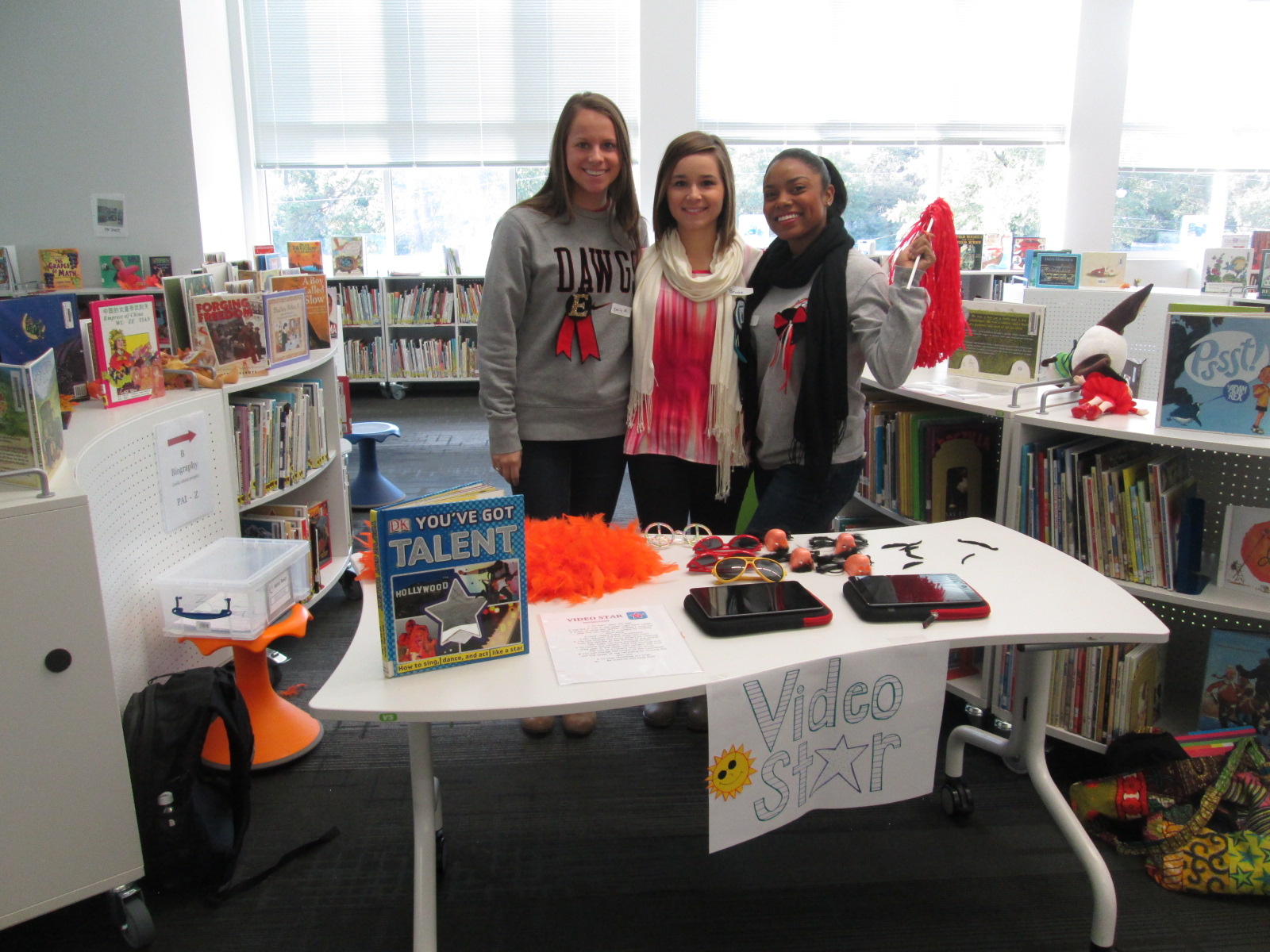
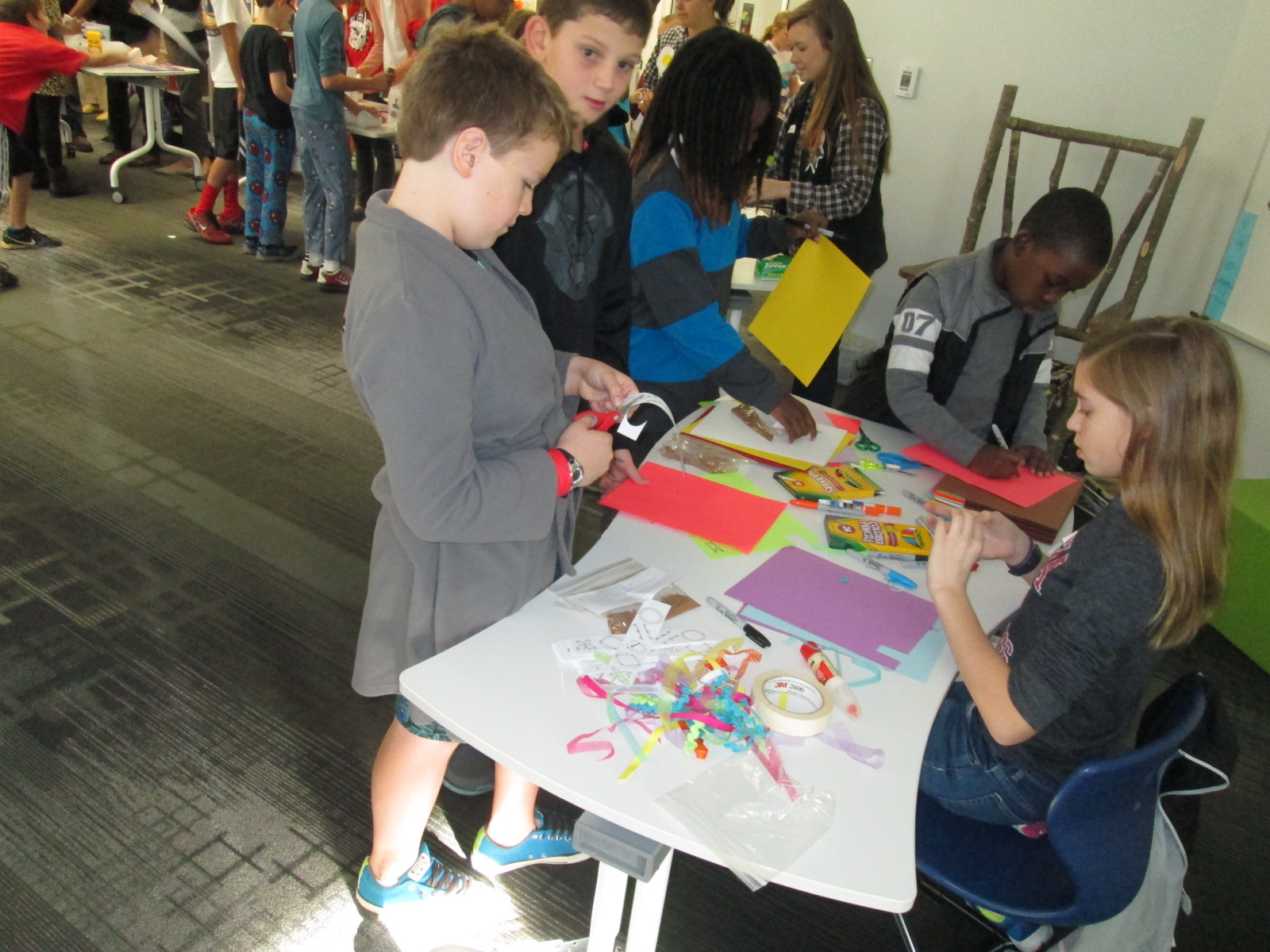
Another lively center was Video Star where students got to create their own costumes and form a mini flash mob dance to be recorded in the Video Star app.  These videos will be coming soon, so I hope to add a few to this blog post when they are ready.  It was interesting to see some students show their personality, come out of their shell, and be totally engaged when given an opportunity to make a music video.

IMG_4296

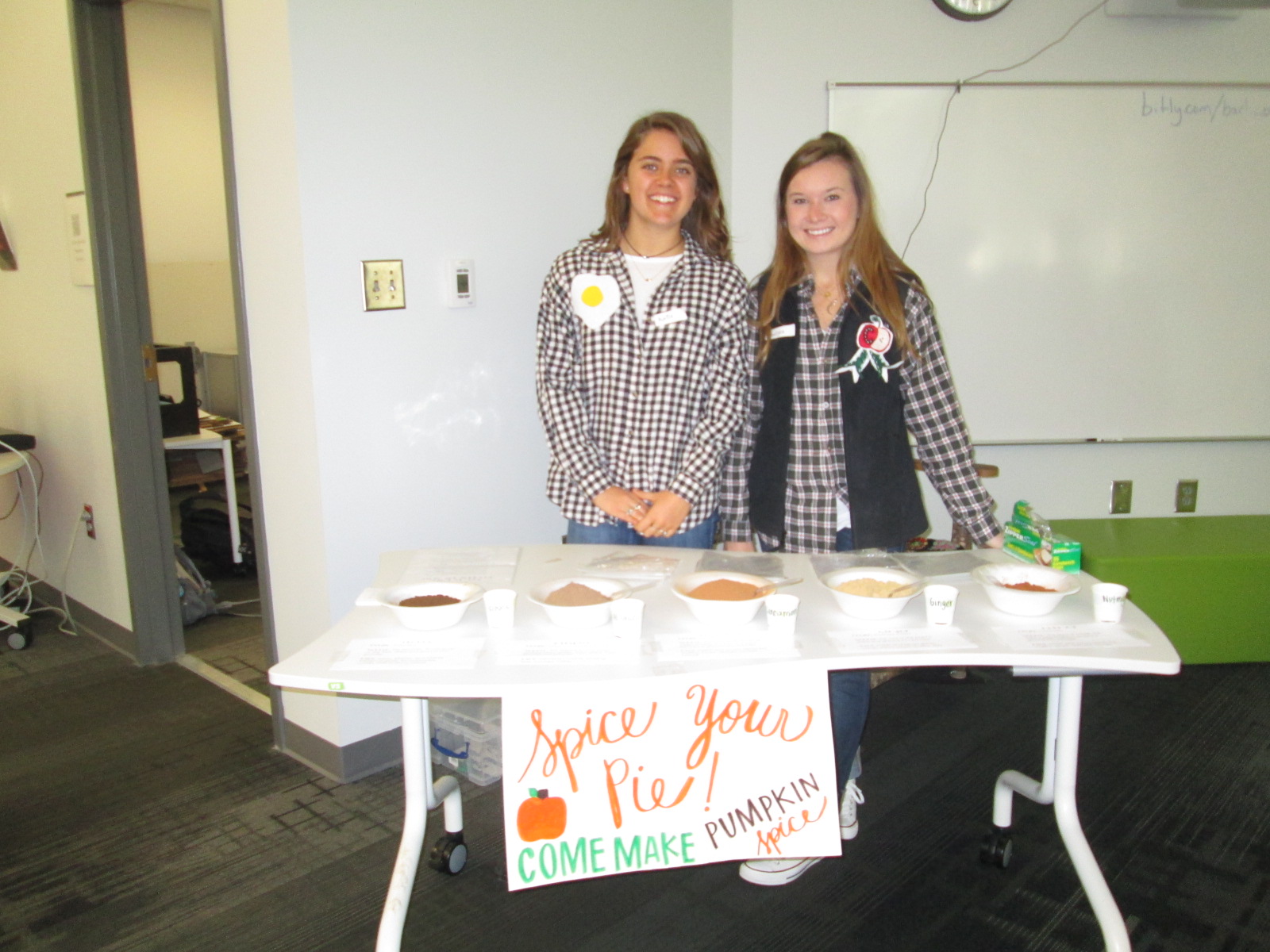
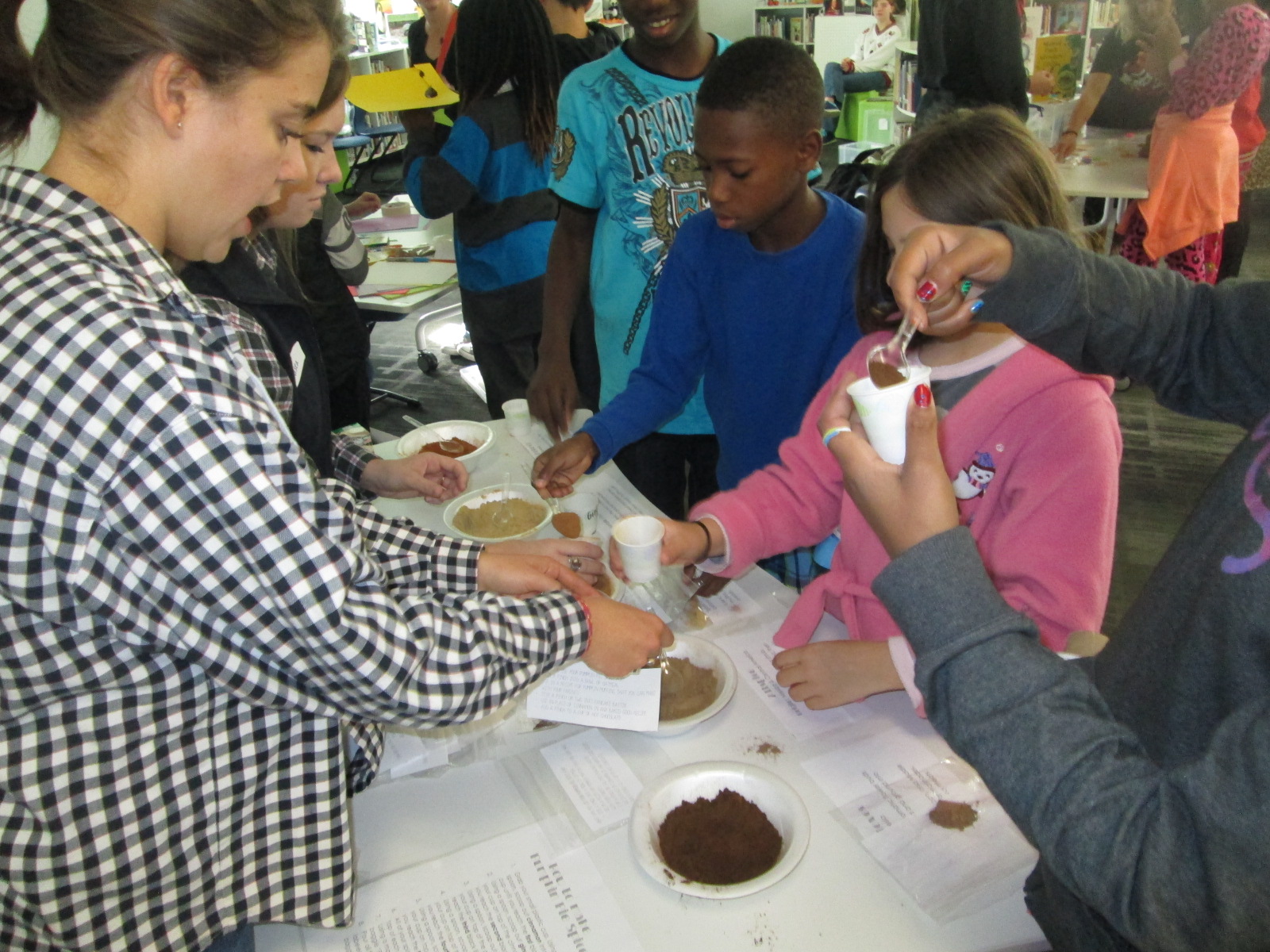
A different take on making was the center that explored spices.  These students had a variety of spices that you might put in fall pies and students spent time examining the spices and creating their own mix.

IMG_4315
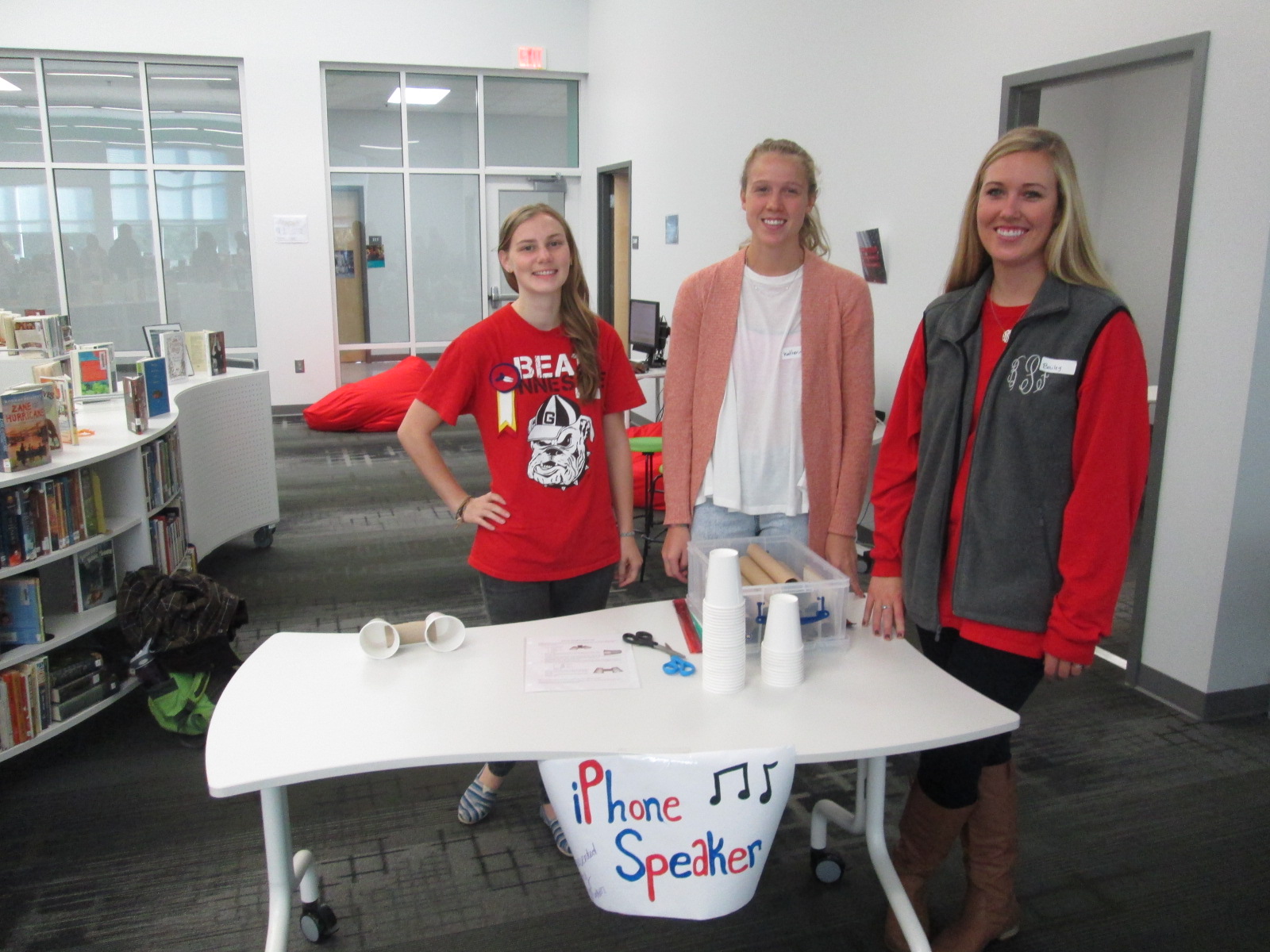
I loved hearing what they planned to do with the spices when they get home.  One boy wanted to make a cake for his teacher and even talked about making a new fried chicken recipe.

IMG_4302 IMG_4312 IMG_4297

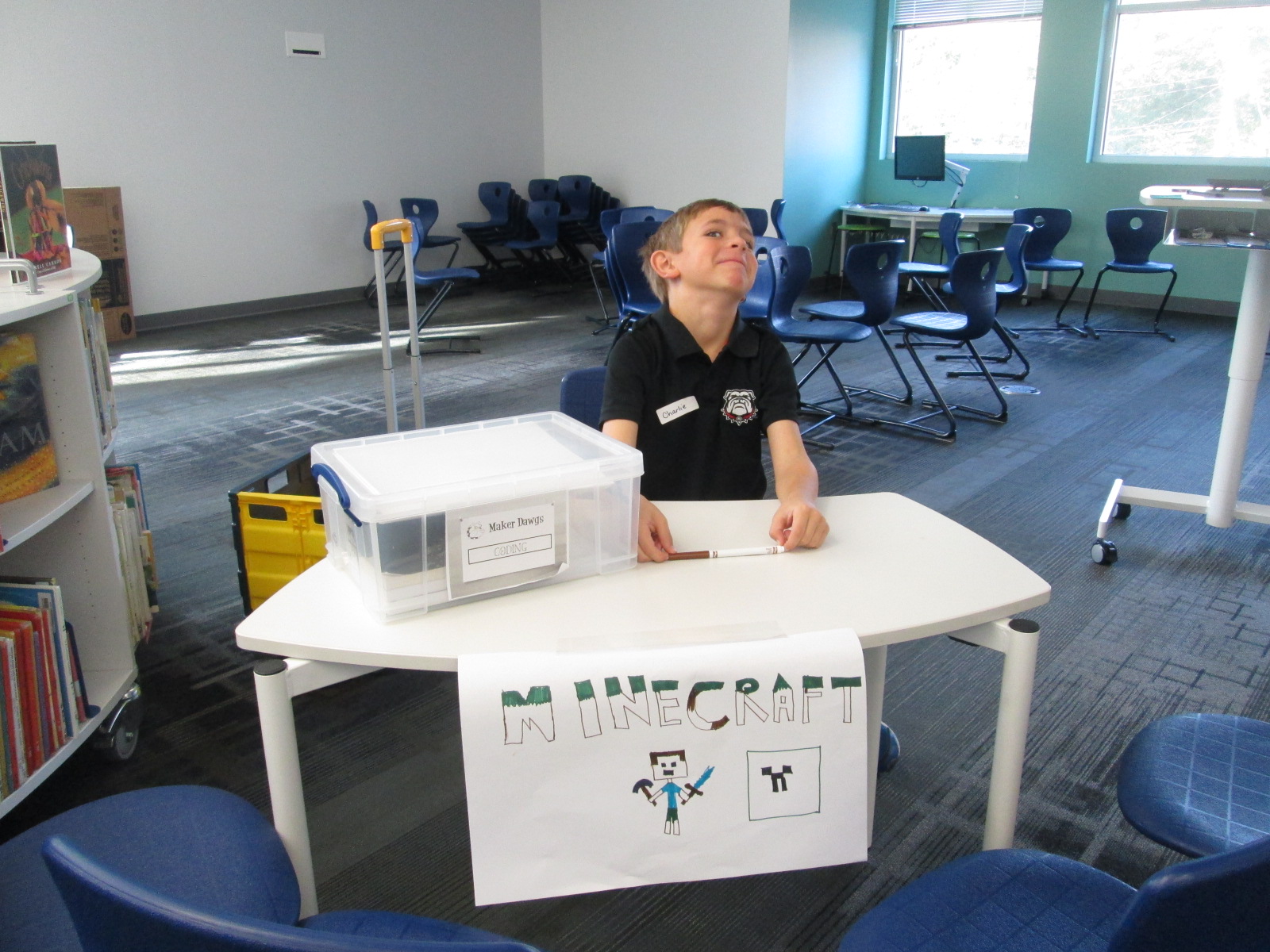
Three of our centers were facilitated by kids.  Two kids were Gretchen’s own kids and one was a neighbor.  They had centers on Minecraft, Goldieblox, and badge making.  They ran their centers like pros and I was reminded of how powerful it is when we give kids a voice to share their expertise with others.

Our entire 5th grade rotated through this experience across the course of an hour.  Students were able to visit about 3 centers.  After the centers are assessed and used at another school, they will be making their way back to our school for students to use in our makerspace.  I am so thankful to have Gretchen and her students so close to us.  She is willing to give any crazy idea a try and see what happens.  In this case, I think there were many miraculous moments.

As students left, they had smiles on their faces, energy in their bodies, and ideas flowing in their minds.  I invited them to think about how what they discovered fit into what they are doing in their classrooms.  I wish that I had been able to have them express some of these ideas before they left, but perhaps I can capture some of these reflections in another way such as a Flipgrid or Google form.


Exploring Makerspace through Alternative Recess

makerspace recess (7)Since the beginning of the year, students have been itching to get into our library makerspace to use the many tools housed there.  As the librarian, I try to weave as many of these maker tools into curriculum as I can, but the truth is that it’s just not fast enough for our students.  Telling them, “I’m waiting to find the right piece of the curriculum to use the littlebits with”, is not acceptable.  They want to tinker and explore and see how things work.

makerspace recess (6)

Recognizing this, I had to find a way to give them more access.  I can’t say that I’ve found the perfect solution, but I’m working on it.  I’m blessed to have the University of Georgia right next to our school.  I’m even more blessed that the College of Education is within walking distance and Gretchen Thomas teaches in the instructional technology department.  Gretchen is an educator who truly gets the realities and challenges of school.  She wants her students to have experiences with what instructional technology really looks like in a school rather than guess about it in the college setting.  She and I have been brainstorming about challenges that I face in the library and the makerspace has come up a lot in our conversations.  We’re trying to create a plan to have adult support in the makerspace on a regular basis for students to explore during their recess time.  This alternative to going outside isn’t the only solution, but it’s one that many of our students are willing to do in order to get their hands on the makerspace tools.

Even though we don’t have details worked out for Gretchen’s students to be in the makerspace, she has volunteered her own time once per week to come in and help.  For the past 3 weeks, we have offered makerspace recess to our 4th graders.  A whole range of students have shown up.  I was very excited to see such a mix of boys and girls as well as several other kinds of diversity within the group as well.

makerspace recess (5) makerspace recess (8)

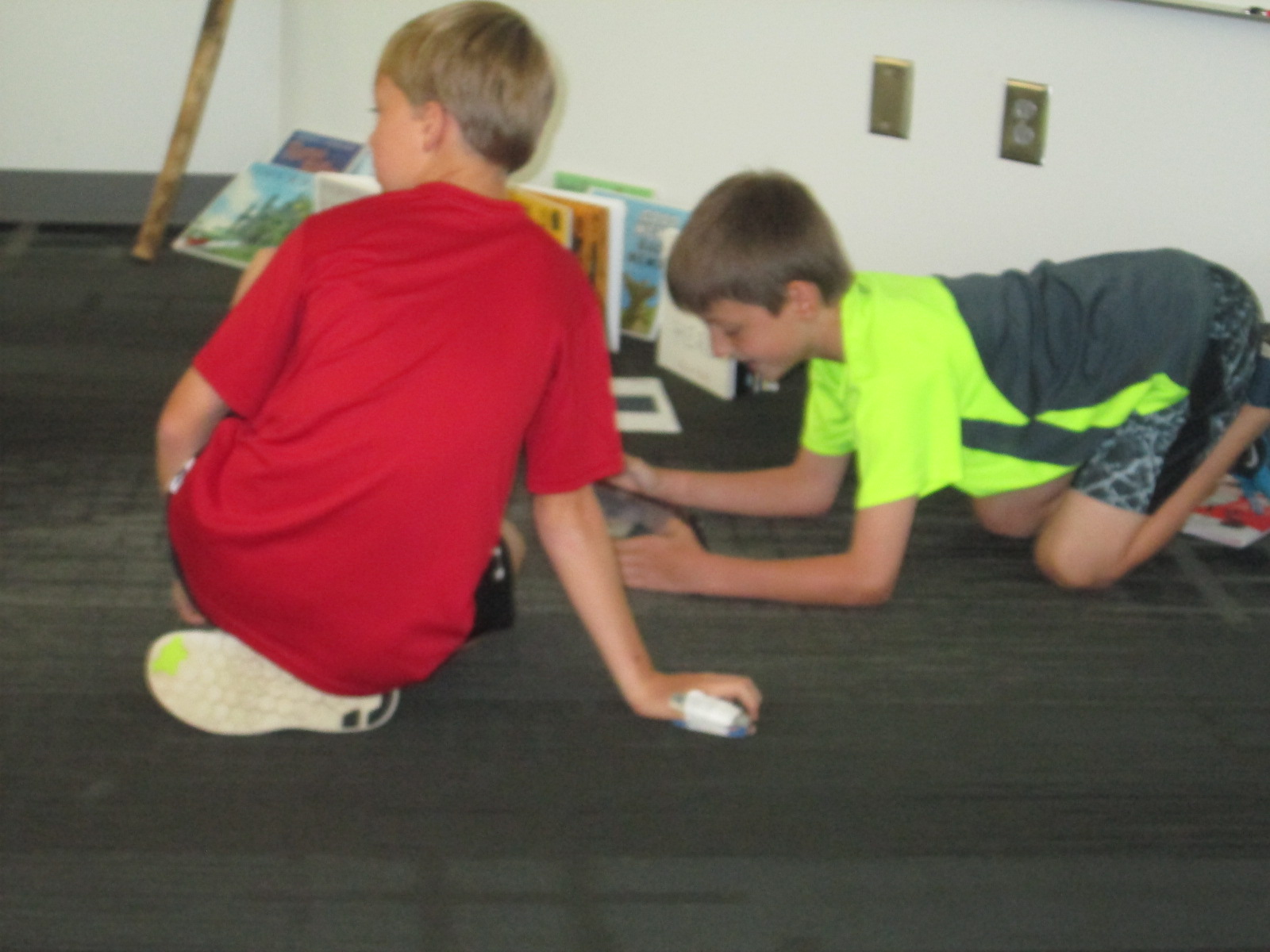
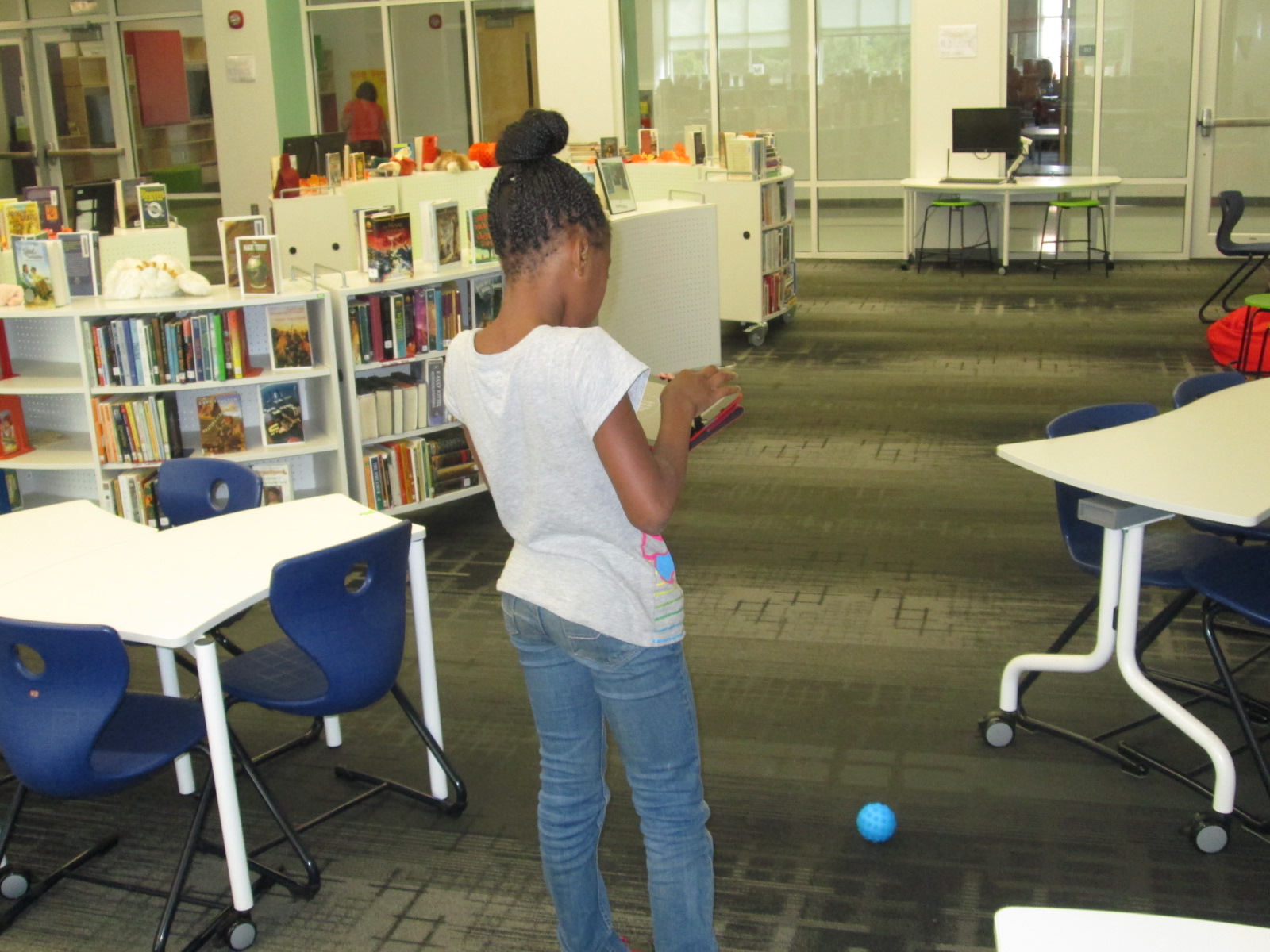
During the 1st recess, Gretchen and I quickly showed the tools in the space: Sphero, littlebits, and MaKey MaKey.  Students chose a starting place and jumped in.  It didn’t take long until the Sphero was being driven around the library, being programmed to drive and jump over a ramp of books, and a maze of books, shoes, and legs was being created on the floor.

makerspace recess (4)

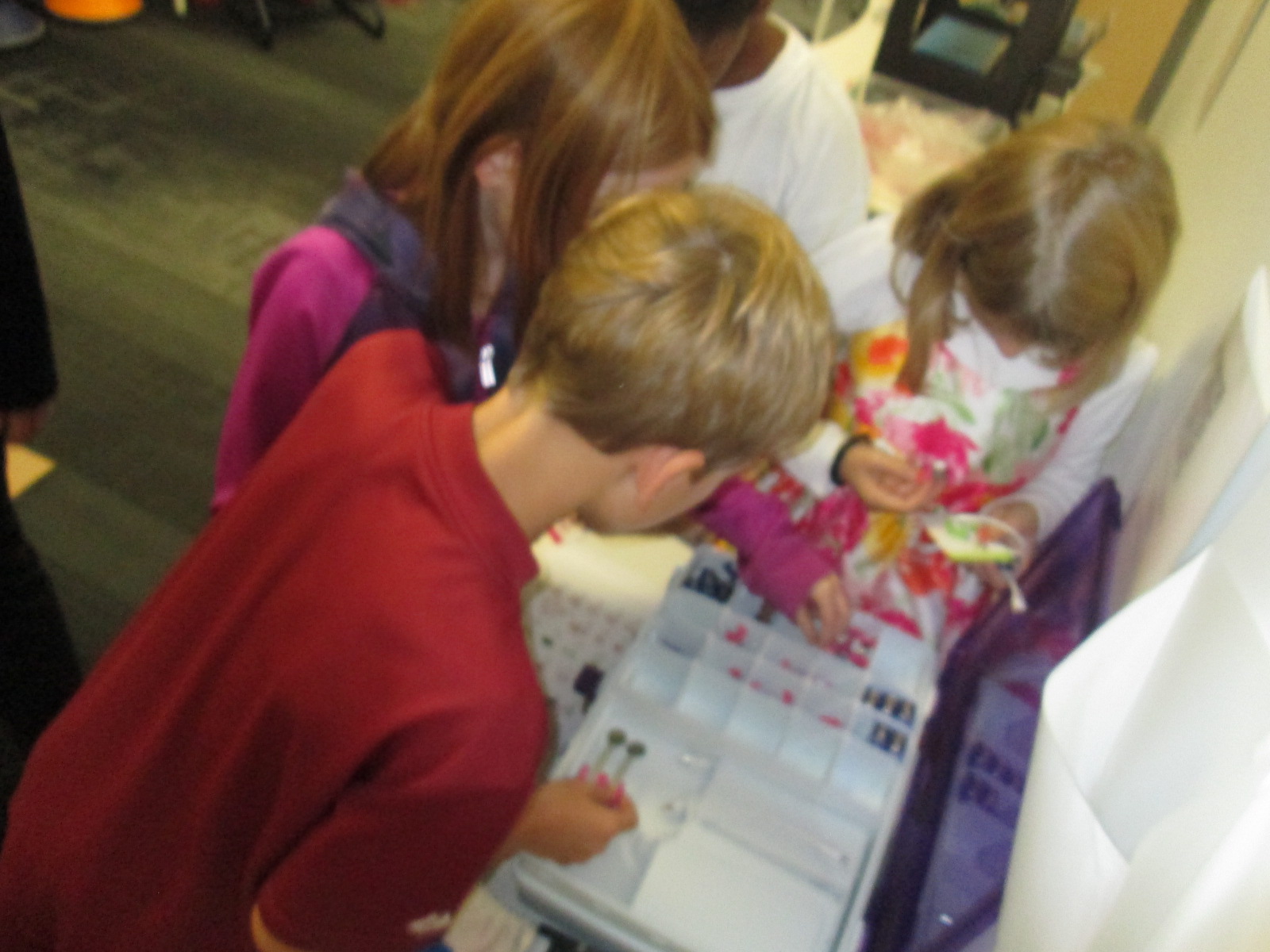
Students used the littlebits cards to snap together several suggested circuits, but it didn’t take long for students to start snapping random bits together to see what would happen.

makerspace recess (9)

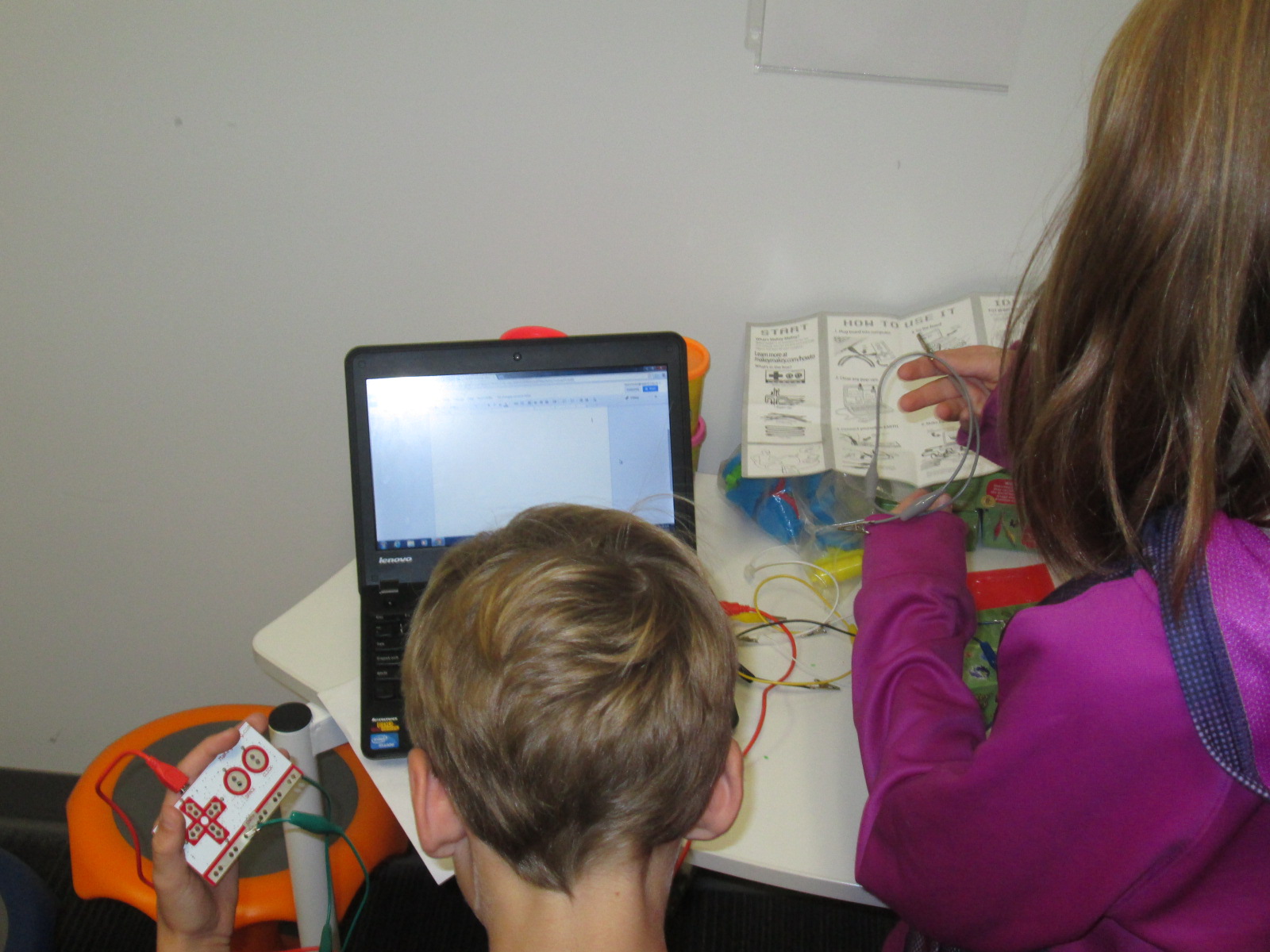
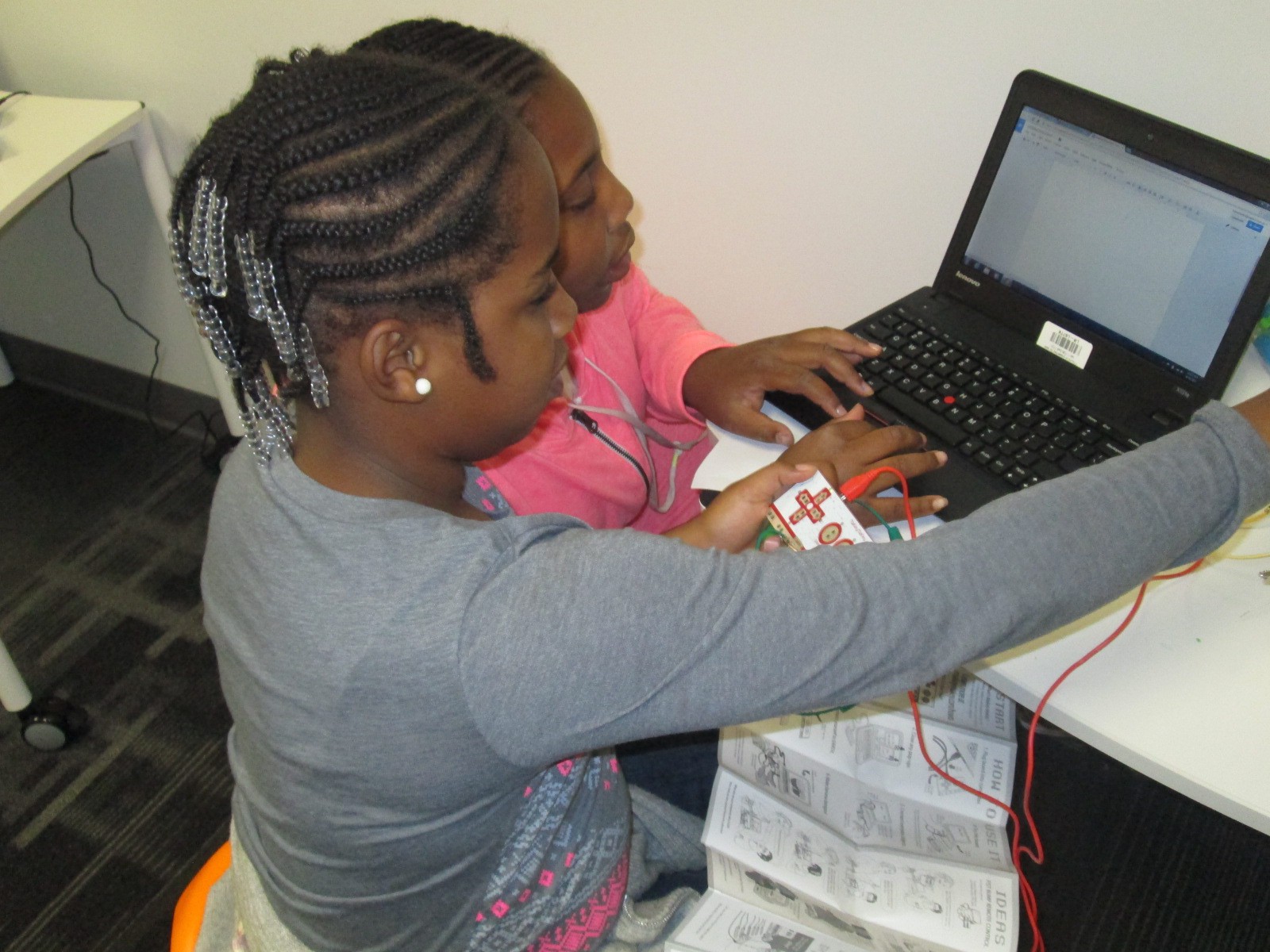
Students at the MaKey MaKey got out balls of Playdoh and started plugging in alligator clips.  Gretchen showed them how they could type using the balls of Playdoh, and they also explored how to play the piano on the MaKey MaKey site.

This alternative recess is certainly supporting my library goal of allowing students to dream, tinker, create, and share.  This free time to dream and tinker will only strengthen the curriculum work we do within the makerspace in grade level projects.

At some point, I’m sure we’ll create some structure to our alternative recess, but for now it just seems right to explore.

Creating Star Charts with LittleBits

Star Charts (13)

Last week, Mr. Coleman, 4th grade teacher, asked me if I had any extension lessons to support 4th grade’s study of stars and constellations.  Specifically, their standard is:

S4E1. Students will compare and contrast the physical attributes of stars, star patterns, and
planets.

I suddenly remembered that a part of he littleBits workshop kit that I purchased this summer was a free space module.  As I flipped through the book, I saw that you could use littleBits to make a start chart.  This was the perfect opportunity for students to explore littleBits in a standards-based lesson with enough structure to give them a goal but still have an opportunity to do a bit of tinkering.

Star Charts (1)

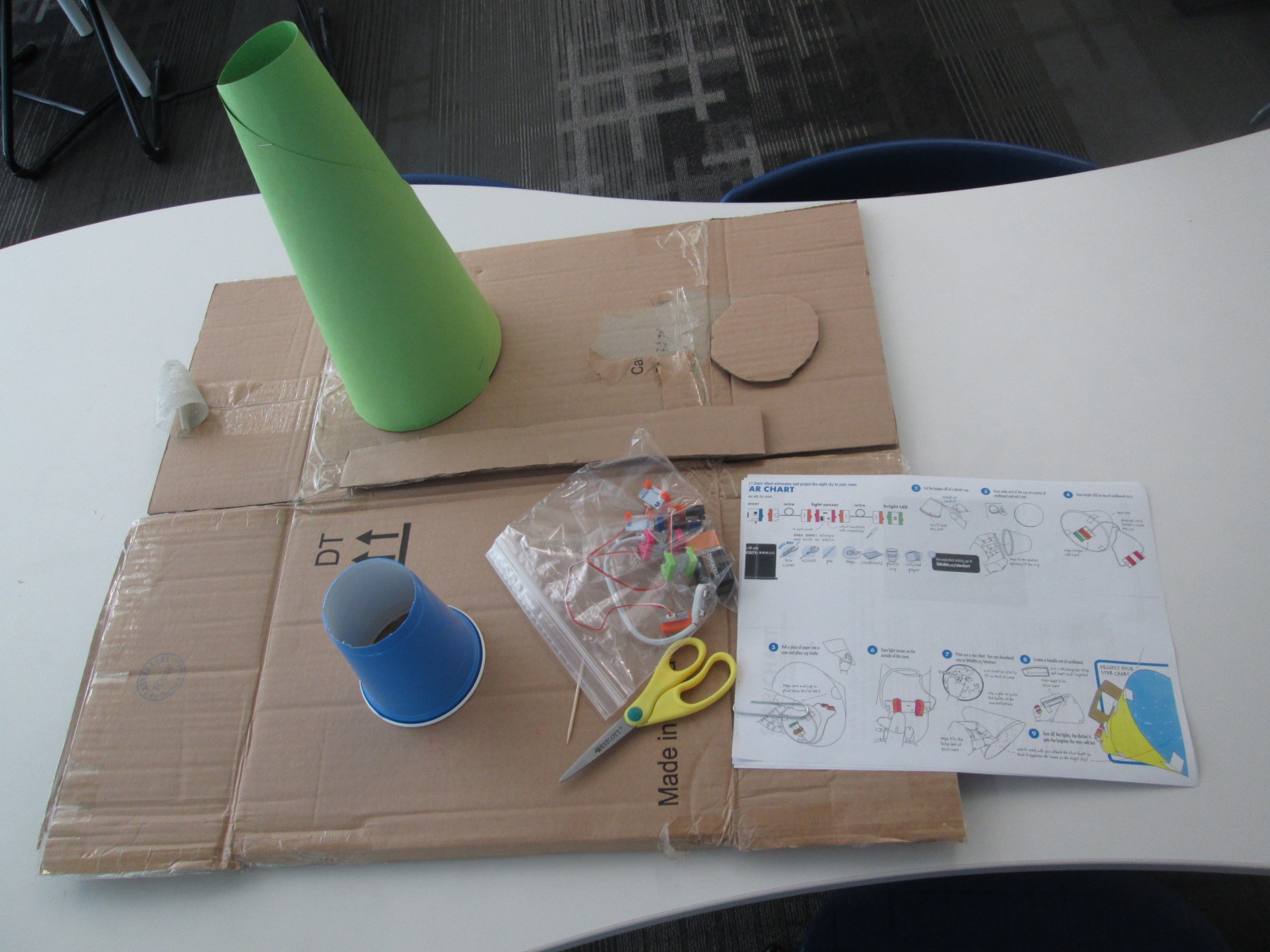
Because some of the steps involved using a box cutter to cut holes in a cup and a cardboard circle, I did a few steps ahead of time for them.  On a large piece of cardboard, I gathered materials for each group:

  • a ziploc bag of the littleBits needed, including the battery
  • a littleBits screwdriver
  • scissors
  • tape
  • a toothpick
  • a pen
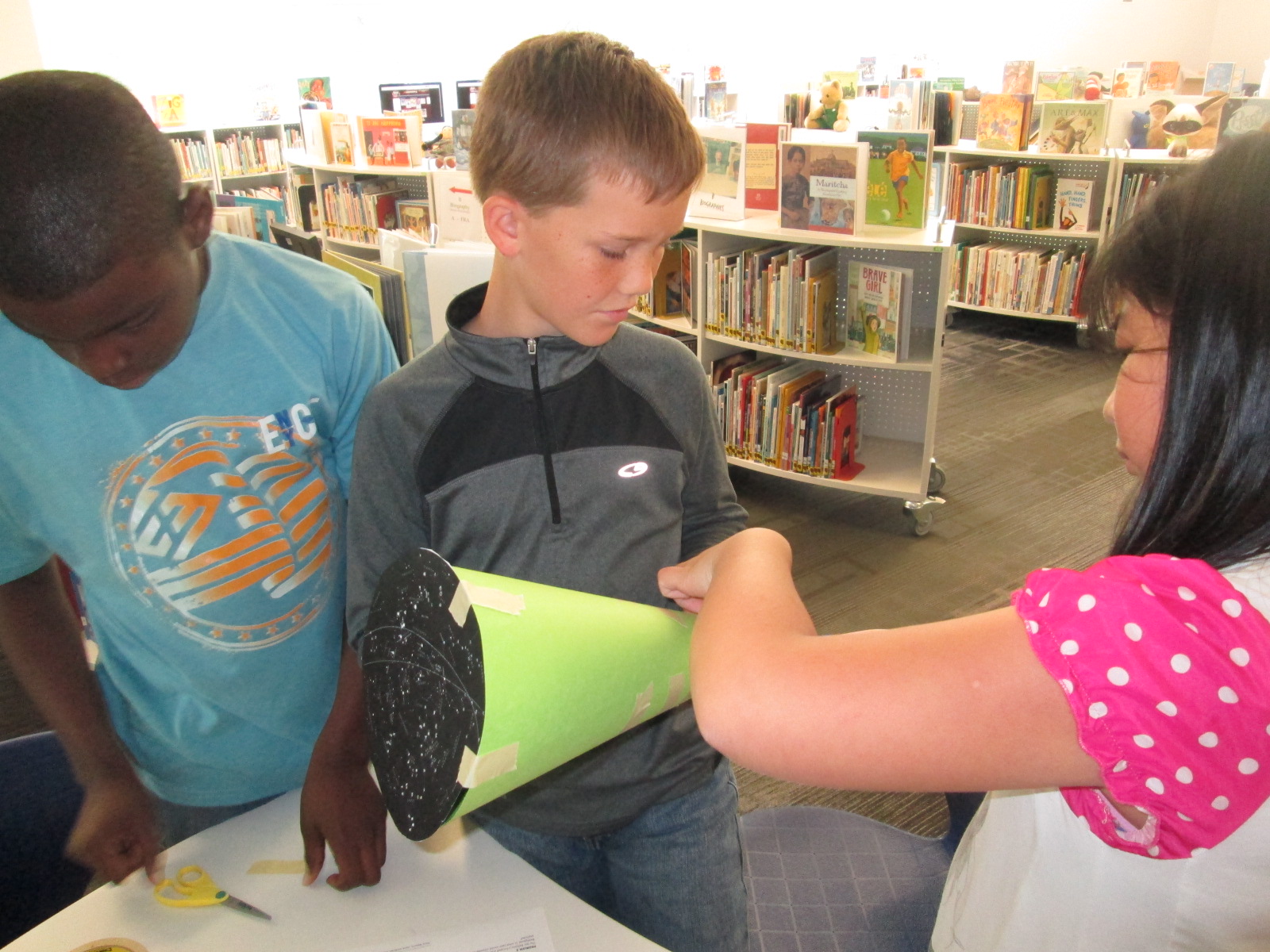
  • a cone made out of construction paper (many thanks to Gretchen Thomas for helping me figure out how to make a cone!)
  • a plastic cup with the bottom cut out
  • a cardboard circle the size of the mouth of the cup
  • a strip of cardboard
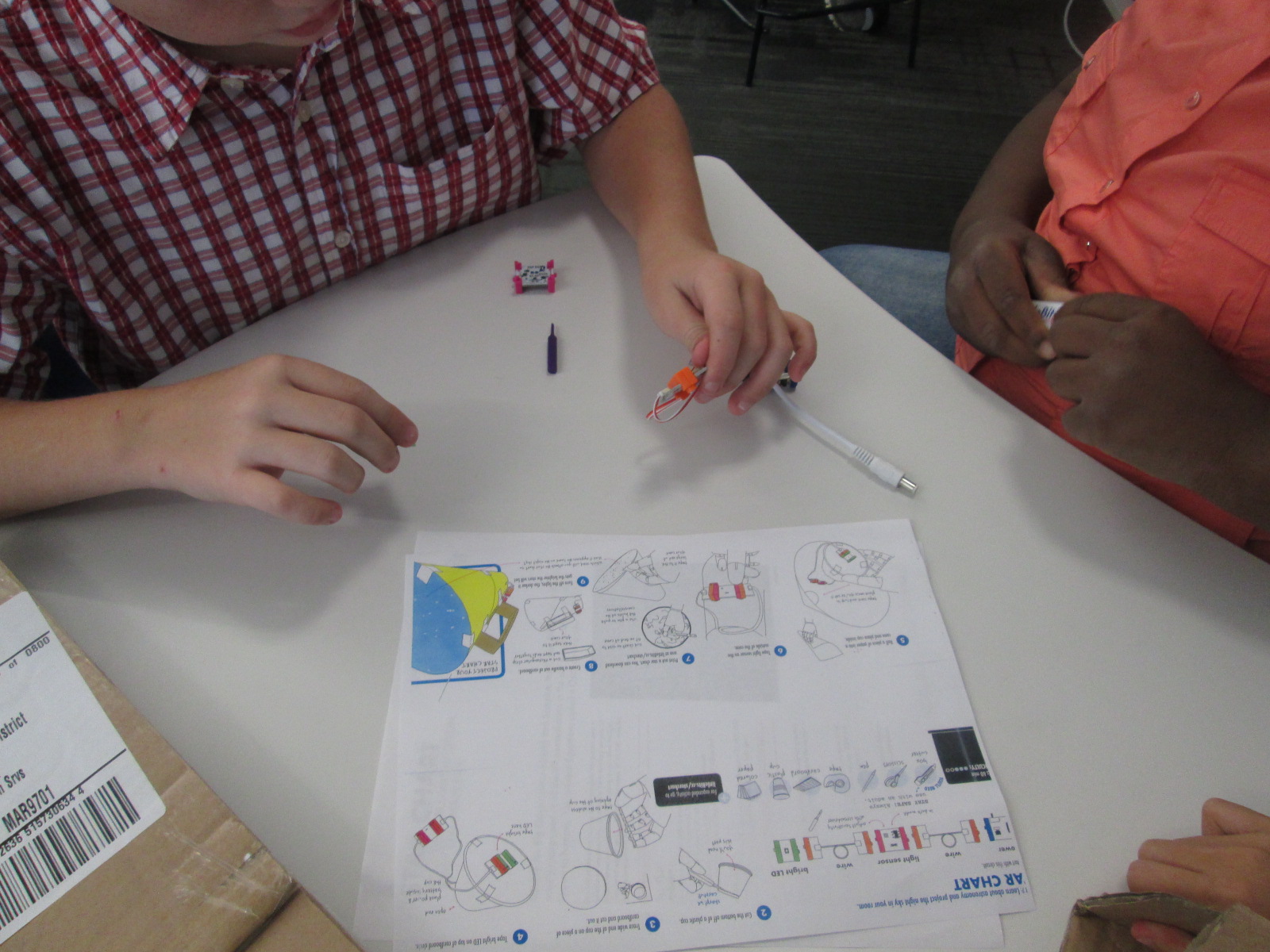
  • a set of instructions
  • a copy of a star chart

We started the lesson together on the carpet.  We watched a short intro video:

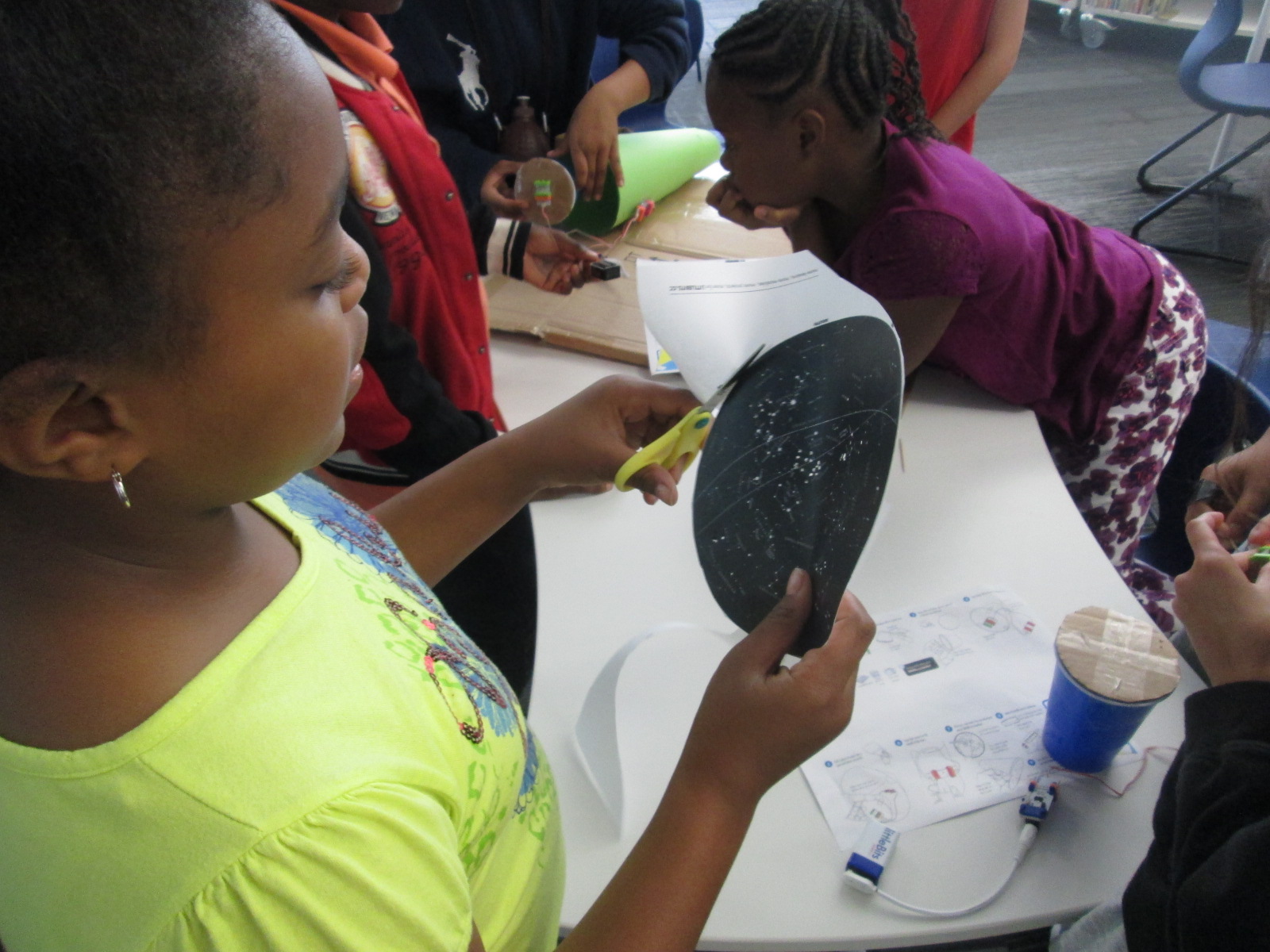
I told them that our goal was to make a device that lit up when it was in a dark room and projected stars onto the ceiling.

Star Charts (6)

We talked about failure.  I emphasized that this class was the first class in the school to use littleBits.  We talked about failing, taking a deep breath, backing up, and trying again when something didn’t work.  I also talked about teamwork and time management.  This was to emphasize that the more they worked together and didn’t give up the more likely they were to be successful in making their chart.

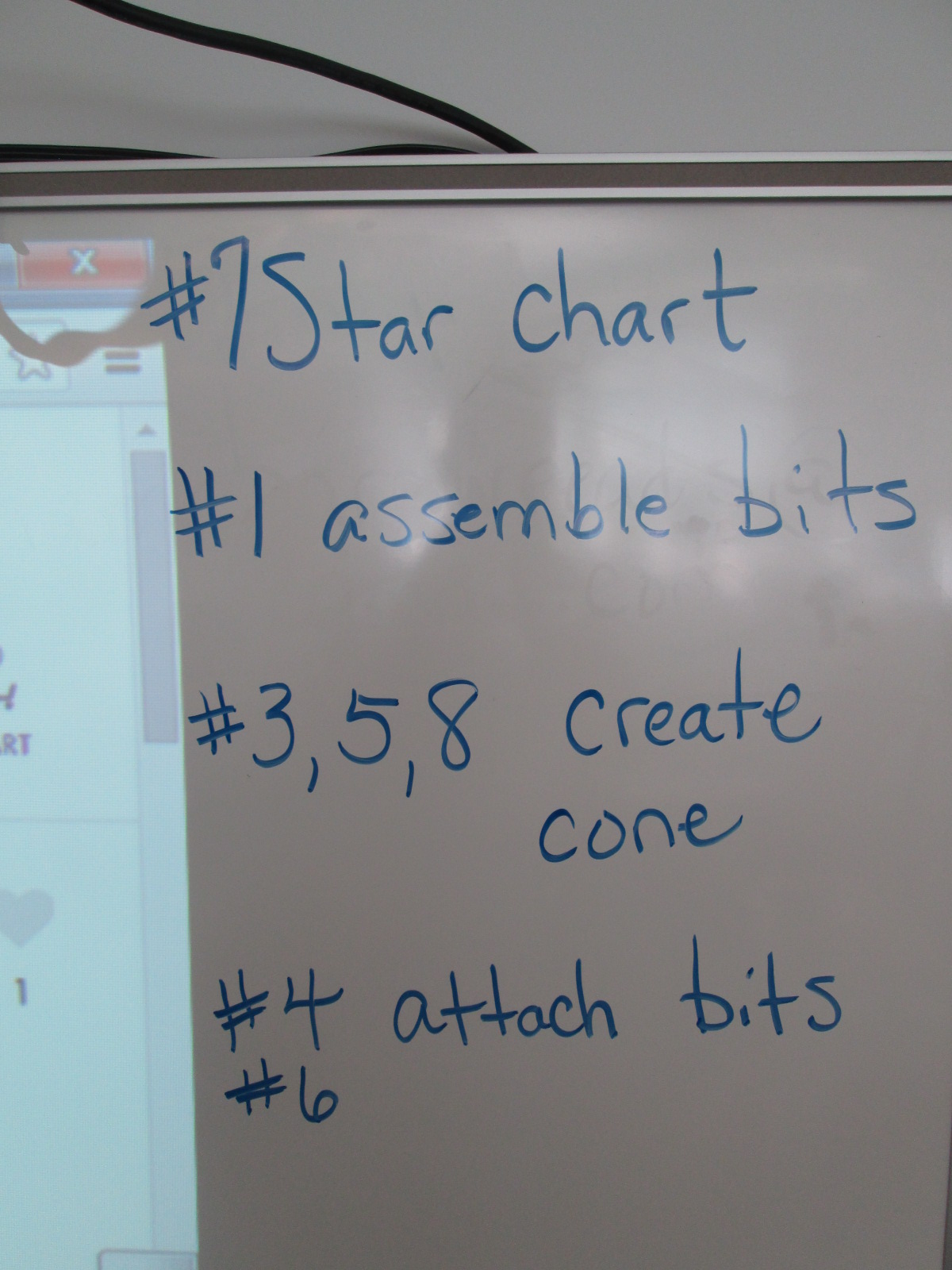
I also made suggestions about how teams might think about dividing up the work load.  For example,

  • 1 person might try step #7 and prepare the star chart
  • 1 or 2 people might try step #1 to assemble the bits
  • 1 or 2 people might try steps #3, 5, and 8 to create the cone
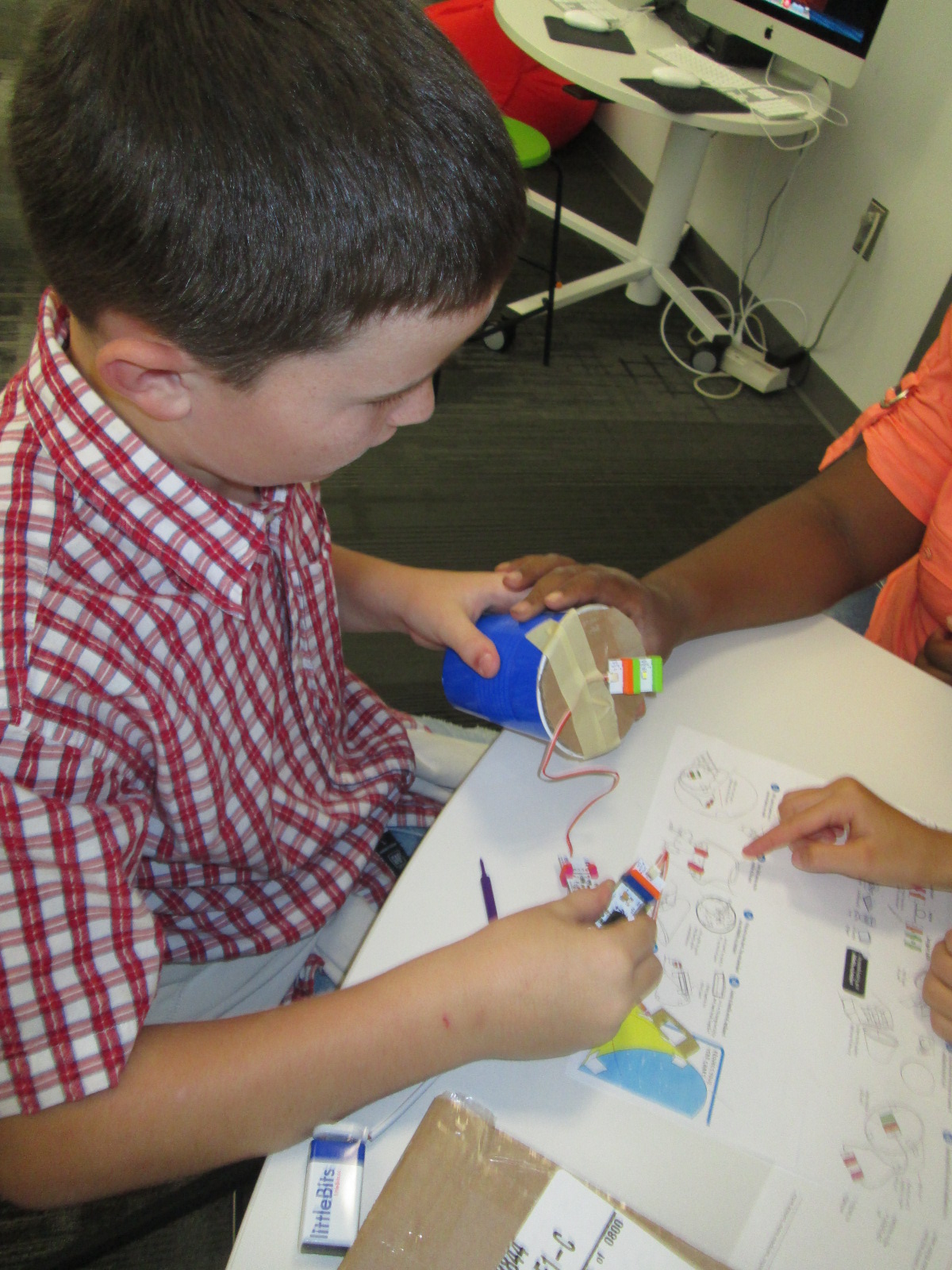
  • 1 or 2 people might try step #4 & 6 to attach the bits and test the device

This was only a suggestions.  Teams were welcome to do every step together or divide the work up in other ways.

Notice that I didn’t say anything about explaining littleBits, what each bit was called, what their function was, or how to put them together.  I knew that the kids were perfectly capable of figuring this out on their own, and they proved me right.

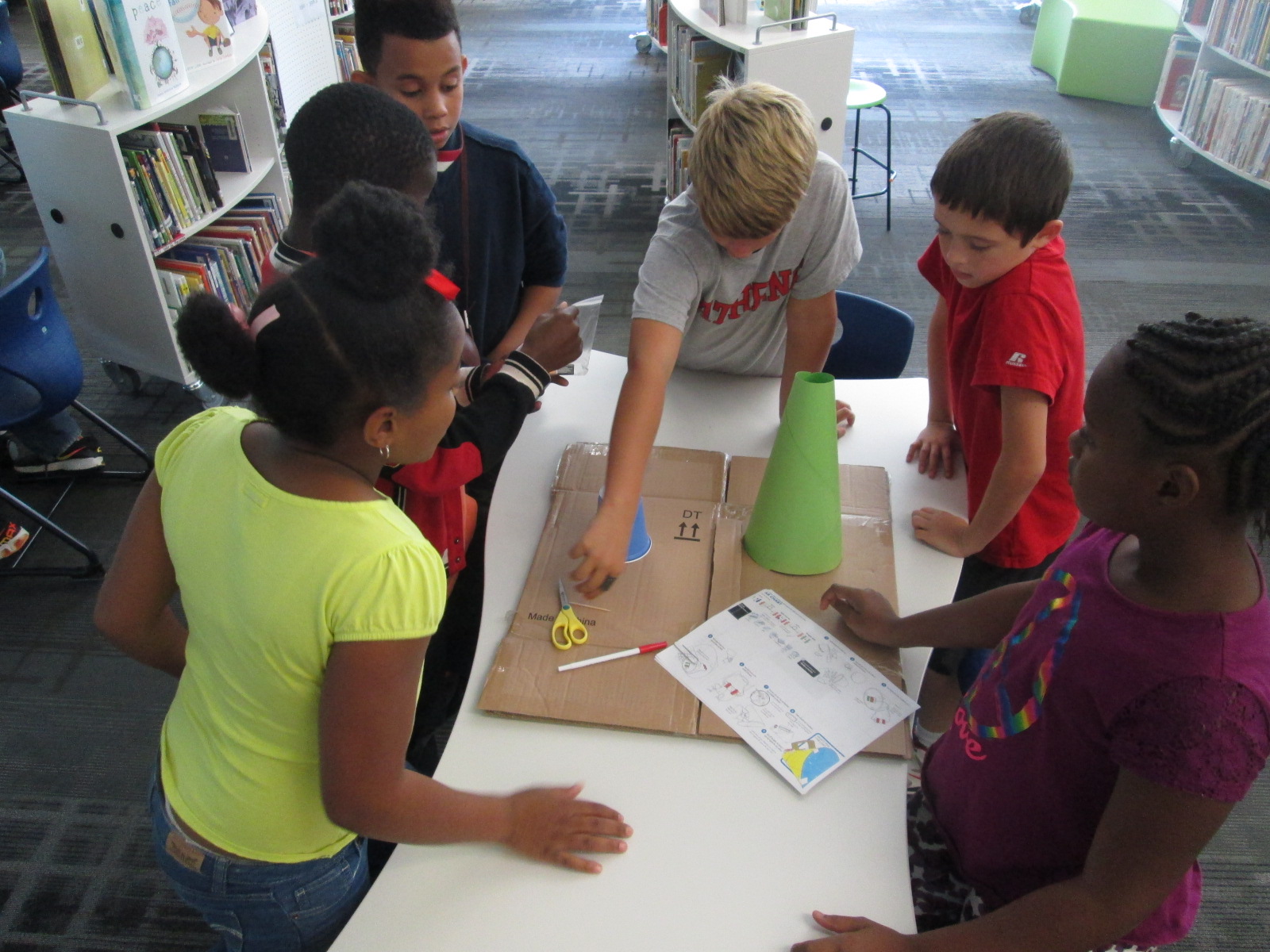
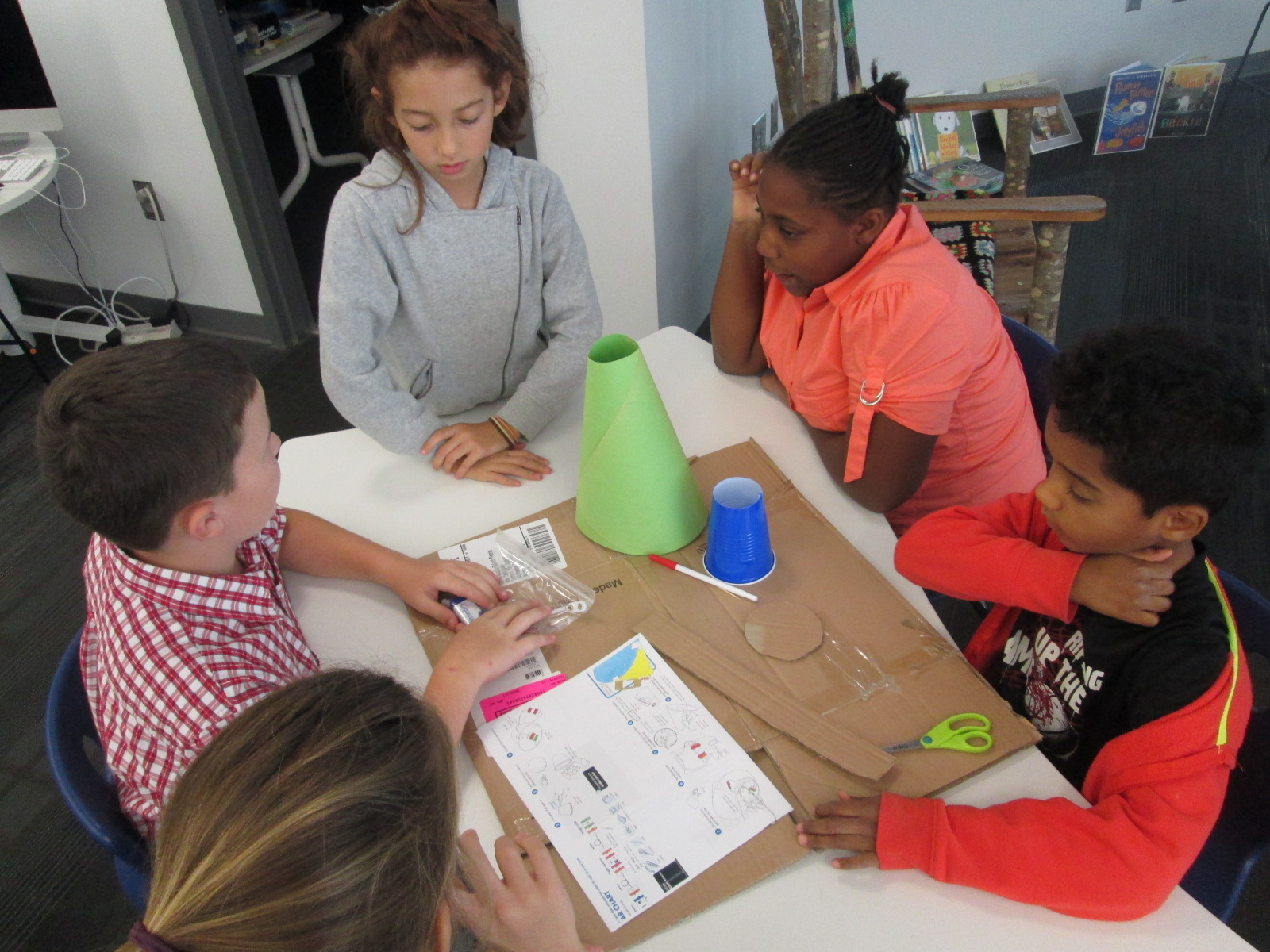
Mr. Coleman helped divide the students into groups and they got right to work.  I was amazed by how the groups took time in the beginning to assign roles before working.  It was a rare moment to look at a table and not see someone working on some aspect of the star chart.

Star Charts (8)

Mr. Coleman and I walked around and encouraged groups to read directions, try new things, work together, and gave a few helpful nudges as needed.  However, we did not create the star charts for any group because we wanted students to experience tinkering, failure, and the power of reading and following directions.

Star Charts (7)

There was a definite energy in the room and it was by no means quiet.  Each time something started working, the energy level increased.  Groups started taking their devices into our makerspace and equipment room so that they could turn off the light and test their invention.  As pieces worked, they screamed with excitement, but as they failed they hurried out, disassemble their work, and started over.

Star Charts (17)

Once again, I was amazed by how no students stopped working and no students reached a point of frustration where they shut down.

We even had a group who were still working when we were debriefing the whole experience because they wanted to make their star chart work.  They didn’t give up for a second.

Star Charts (11) Star Charts (12)

When the charts worked, students spent a bit of time looking at their constellations on the wall and ceiling.

During our debrief, we talked about what we learned about littleBits as well as what next steps students might take to learn about constellations.  I encouraged them to learn some of the stories of the constellations and to actually look for them in the night sky.

For the littleBits, students figured out that you could adjust the sensitivity of the light sensor to come on when it was light or dark.  This was a point of failure for some groups.  Others talked about reading the words on the bit including the power bit that says “on” or “off”.  Missing that one simple word “on” could be the difference between failure and success, and many groups forgot to turn their power on before testing their device.

Before students left, I told them that this was only a small taste of what littleBits can do, and I encouraged them to think about other inventions they might create during the year and to come and explore the other bits and their possibilities.

Empowering Student Voice through our Makerspace

3empower


At our “Meet the Teacher” night back in August, several students raced into the library to tell me about project ideas that they dreamed up over the summer.  As soon as I heard their enthusiasm, I knew that one of my library goals, “To empower student voice”, was going to be an important one for this school year.  One student shared about his idea to design his own Skylanders and 3D print them.  Another wanted to create a set of model trains on the 3D printer.  Another wanted to explore the MaKey MaKey. and program things.  I told them all that we would figure out how to make this happen this year, but I needed some time to get the library going.

As usual, the start of the school year has been busy getting projects, lessons, and technology off the ground, so I had not gotten back to these students.  I just love when students feel comfortable to raise their voices.  I received an email a few days ago from two students that went something like this:

Dear, MR Plemmons

We would like to come to the makerspace once a week during recess if possible. We would love to use the makey makey to possibly control Sphero. If this is possible please email back.
I knew I needed to make this happen fast because I had already waited too long to let these guys start tinkering, so I responded back:
When is your recess and what day are you thinking of?  I want to make this happen for both of you.
And then they responded back with the day, time, and:
Thank you for giving us this opportunity.
The first day of tinkering was just awesome.  Within a matter of minutes, Kearn had the MaKey MaKey connected to Play Doh and was controlling a train simulator on the computer.  Ludwig controlled the horn and Kearn drove the train.  Kearn wanted to make a video to show what he had done, so we pulled out an iPad and made an impromptu video which he wanted to add to his Youtube channel.  He also started following my blog and even left a comment about how much he loves the makerspace.  Both students were completely independent and were perfectly capable of dreaming, tinkering, and making on their own.  I was available for support as needed, but they really just wanted a space to explore.  As they continue, I want to connect them with some experts that might mentor their ideas and curiosities, but for now, they just need to tinker.

This is what I’m talking about when I say “empower student voice”.  These two guys are full of energy and passion about making.  I am sure that they will figure out so many things that I couldn’t even imagine myself during the course of this year.  They willingly share their knowlege and expertise, and I’m sure that their tinnkering, failures, and successes will inspire and support many other student projects during the year.  When I see two students get so excited about learning like this, I can’t help but think about what other opportunties students need to spark their own passions for learning.  I hope that our makerspace is just one space that ignites students’ curiosities this year.

Our 1st #3dprinting Project of 2014-15: Native American Hopes and Dreams stamps

native american stamps (15)

Fourth grade has launched into an incredible project for the 1st quarter of the year.  I’m so excited to be a small part of the project in the library.  In social studies, they are studying Native Americans.  Their standards include:

SS4H1 The student will describe how early Native American cultures developed in
North America.
a. Locate where Native Americans settled with emphasis on the Arctic (Inuit),
Northwest (Kwakiutl), Plateau (Nez Perce), Southwest (Hopi), Plains (Pawnee),
and Southeast (Seminole).
b. Describe how Native Americans used their environment to obtain food, clothing,
and shelter.

During this study, they are exploring the folklore of Native Americans through several folktales.  The brought them to the idea of a grade level dream catcher.  The beginning of the school year is a time full of hope.  It’s a time where students, teachers, and families set goals for what they hope to accomplish throughout the year, and many spend time writing about hopes and dreams.  The teachers in collaboration with the art teacher decided to design a project to capture the hopes of dreams of students in the form of meaningful symbols on a dream catcher.

native american stamps (1)

Working together, students will creative a massive dream catcher.  In art, they are designing symbols that represent their hopes for the year.  They are designing shapes that can be drawn in one continuous line.

native american stamps (2)


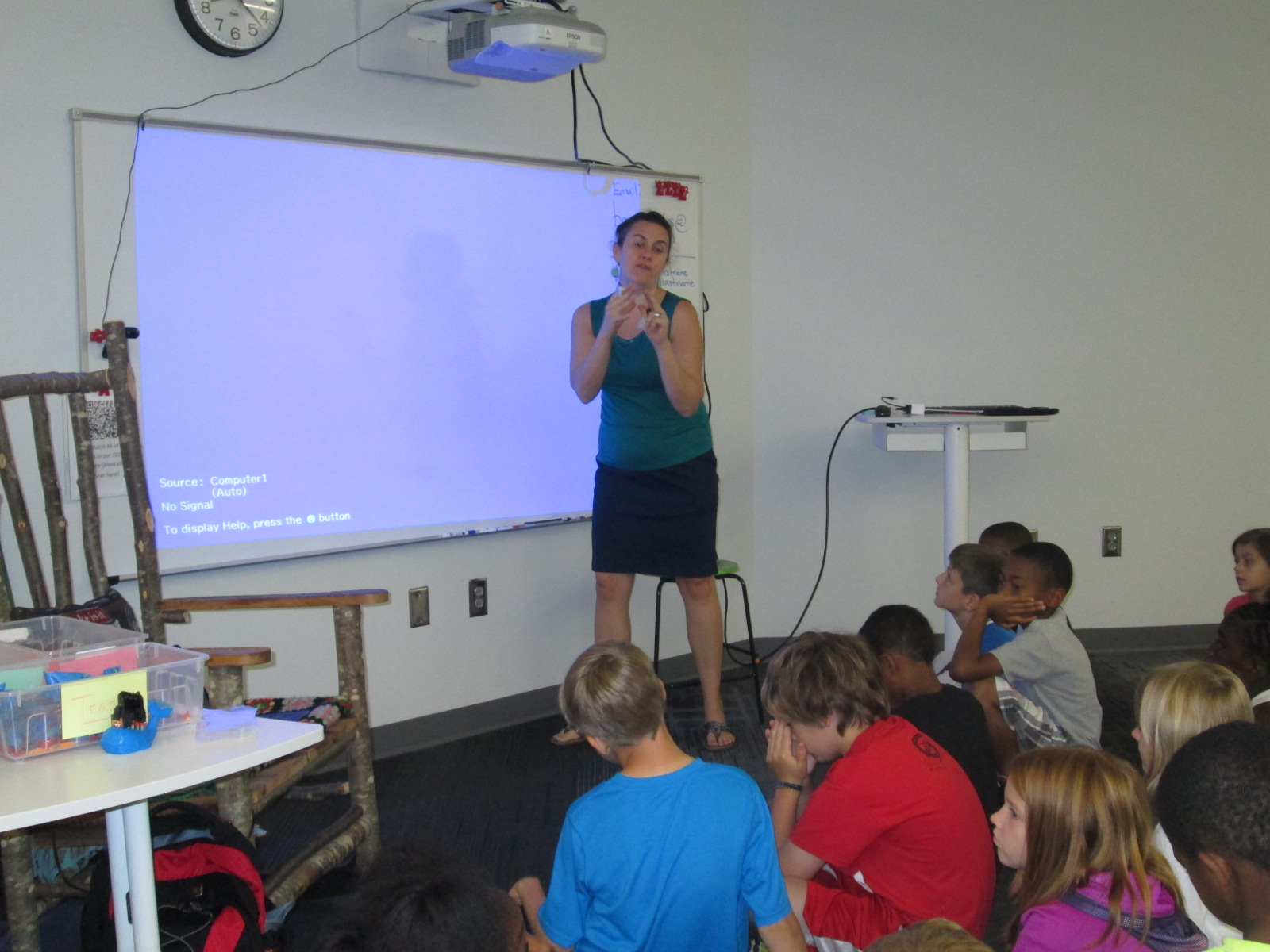
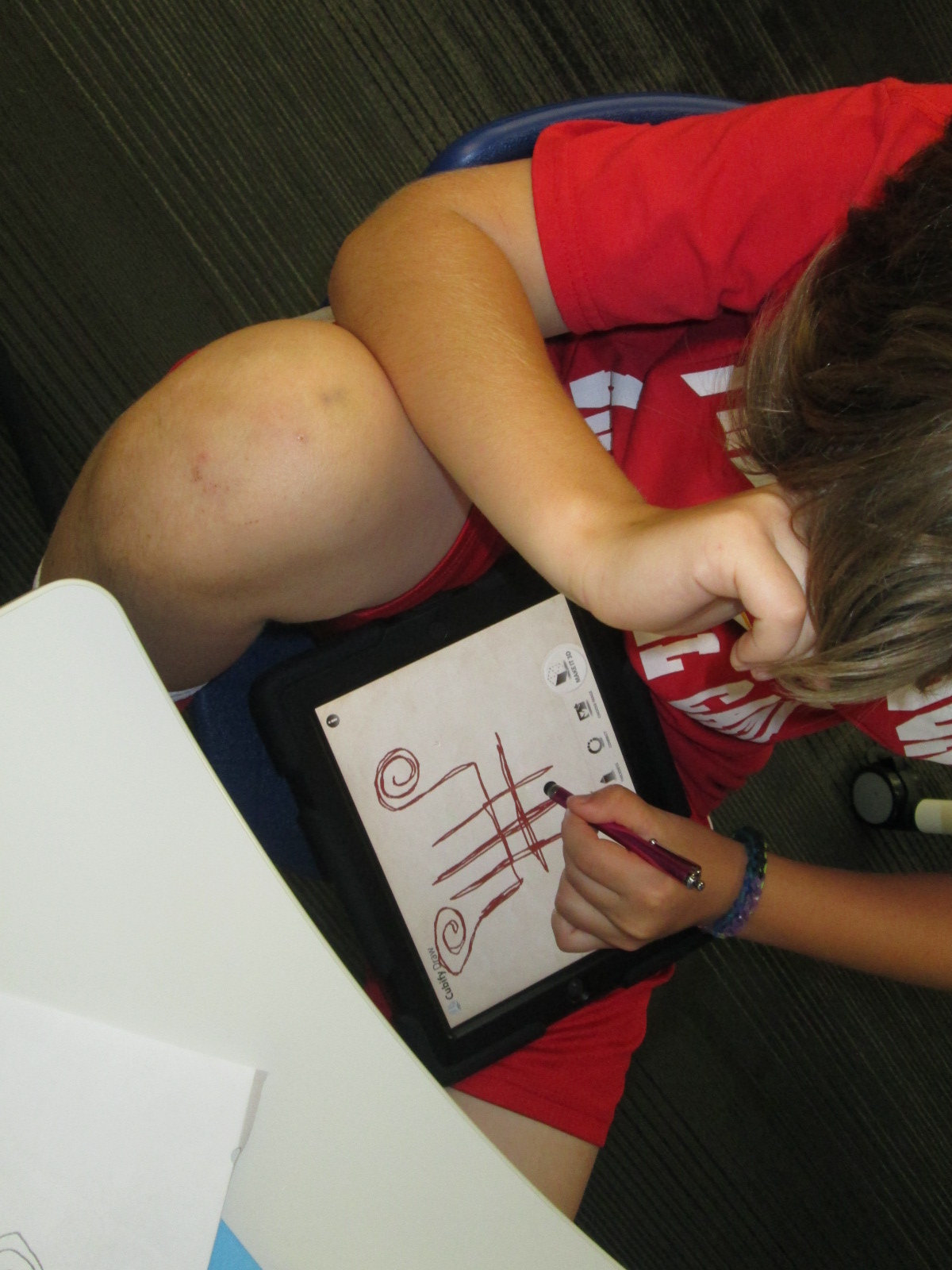
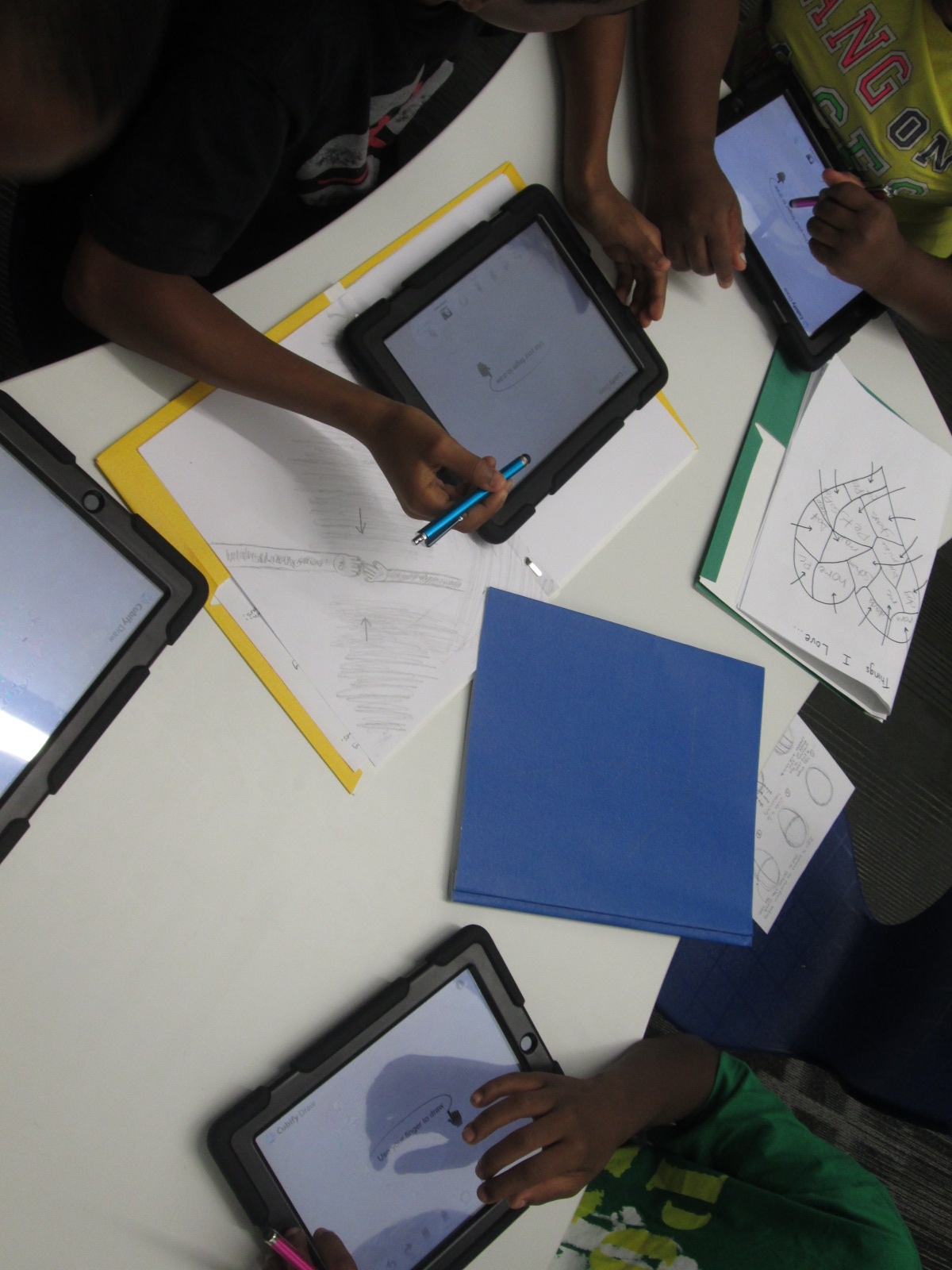
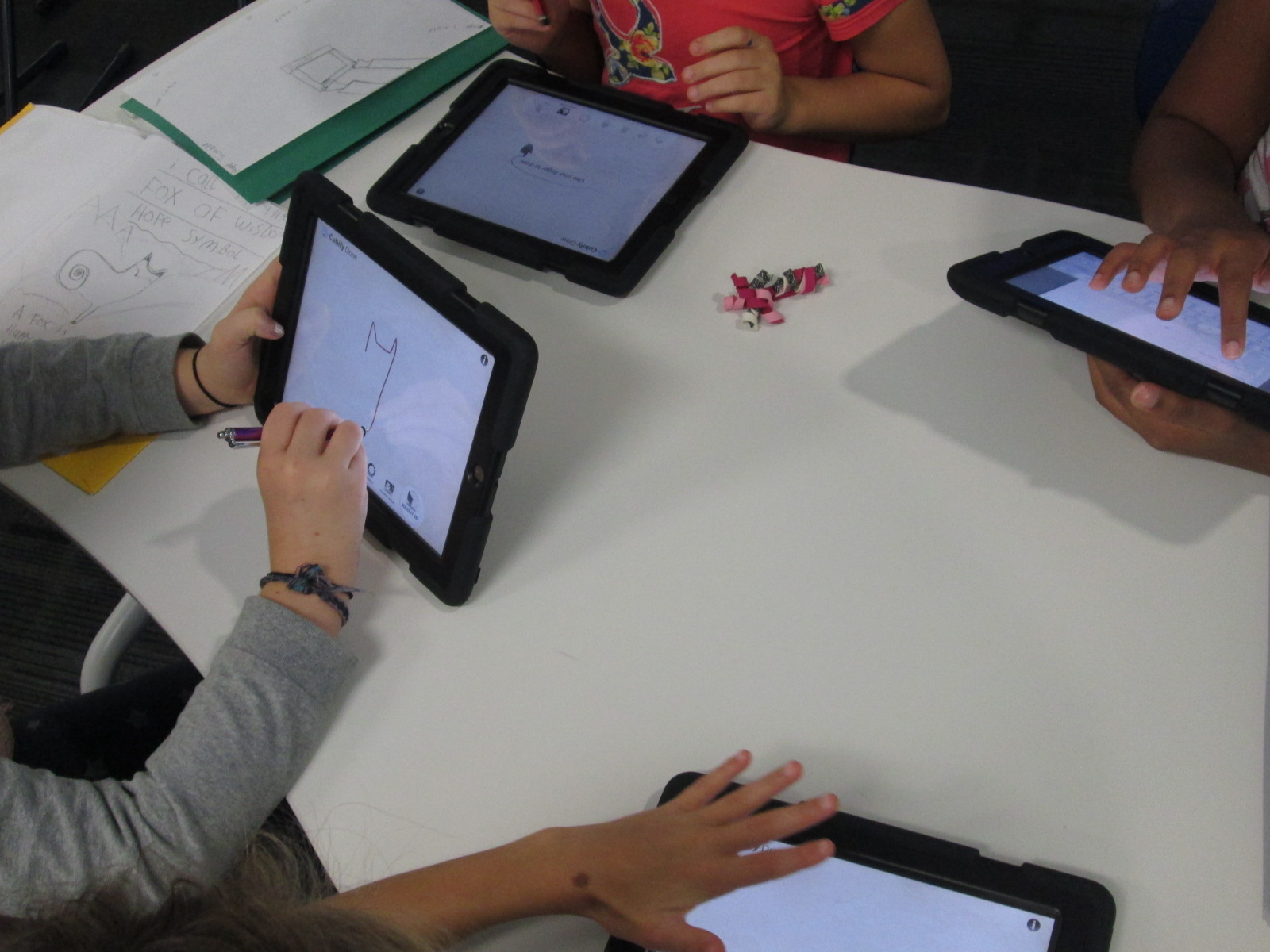
With me, students are using an iPad app called Cubify Draw which is designed by 3D Systems.  The app is very simple to use.  With your finger or a stylus, you draw one continuous line to create pretty much anything you can dream up.  You can adjust the thickness of the line and then touch “make 3d”.  The shape automatically turns 3D and you can adjust the height and thickness.  Once your design is ready, you can email the file to a central location to prep for 3D printing.

native american stamps (10)

For the lesson in the library, I gave a very brief intro to the app and shared some tips that I discovered through my own tinkering.  Big open swirls seem to print better than lines that are close together.  The shortest height and thickest line tends to print best.

native american stamps (4)

Mrs. Foretich, our art teacher, passed out the paper designs students made in art and gave students another opportunity to make adjustments to their designs and practice tracing the design with their finger.  I passed out iPads and the tinkering began.  Most students made several designs until they got the design just the way they wanted it.  Mrs. Foretich and I walked around and conferenced with students about adjustments they might need to make to their designs as well as helped troubleshoot problems.  Students emailed their designs to me with their teacher name and first name in the subject line.

native american stamps (5)

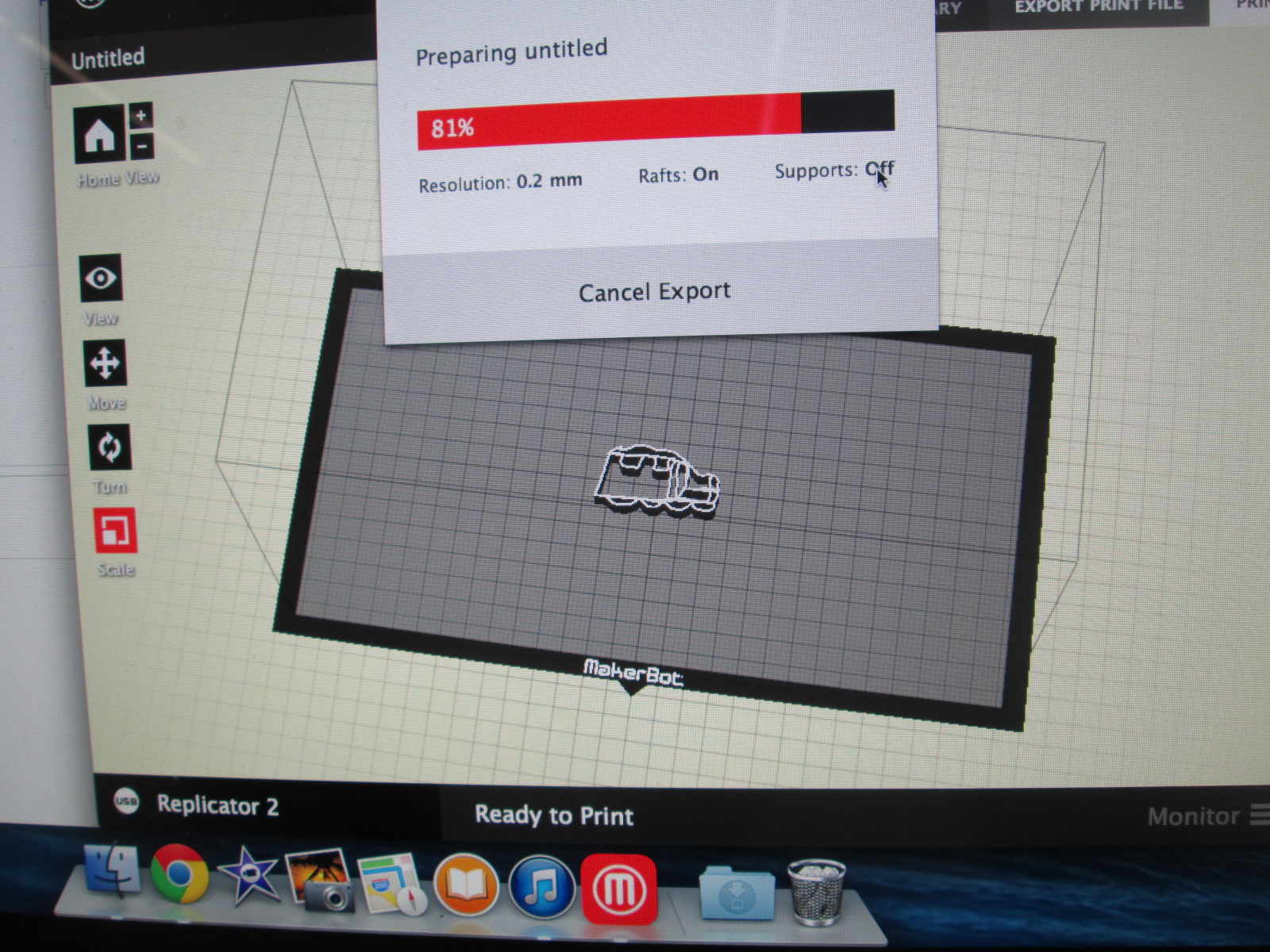
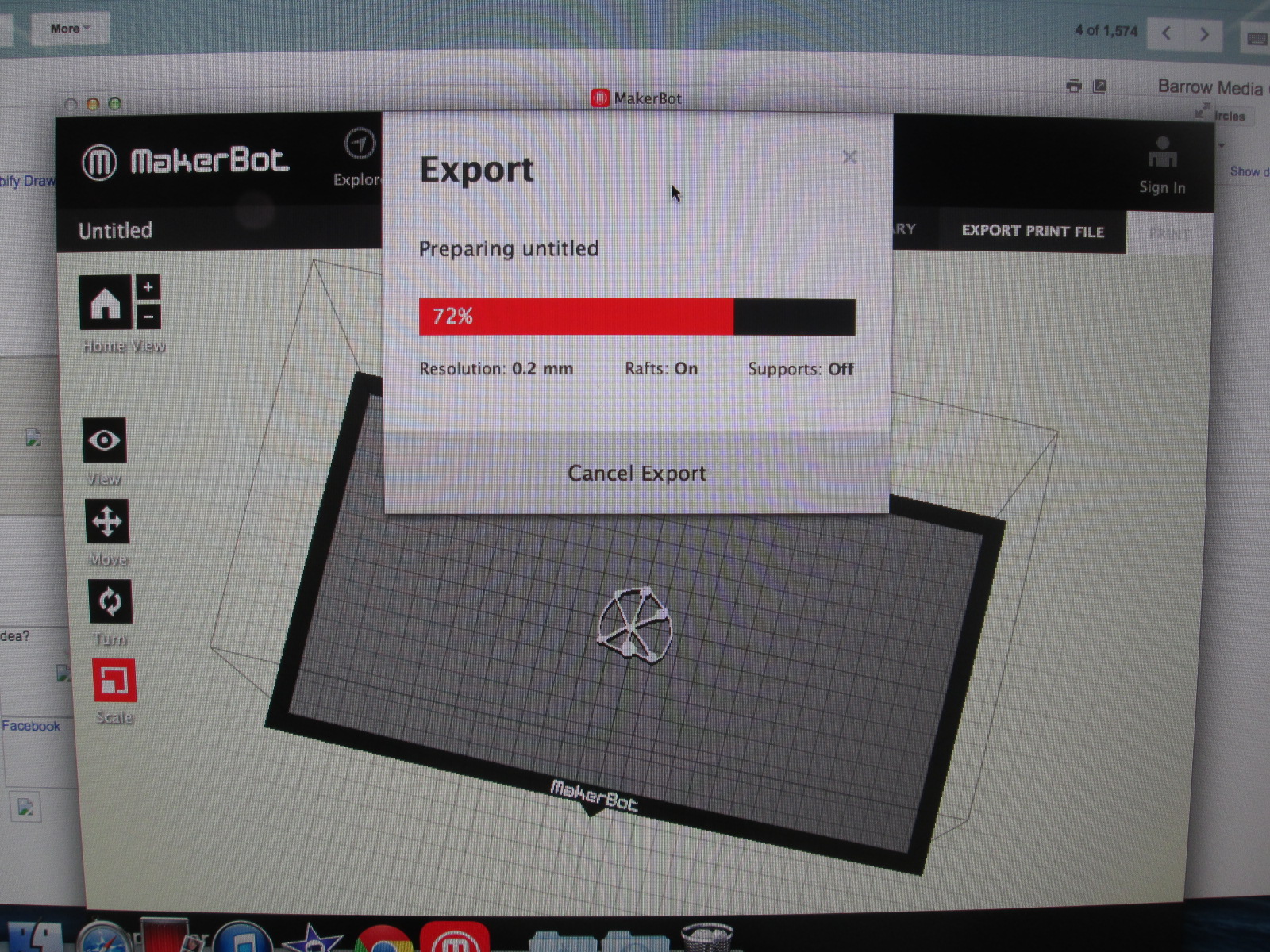
We are doing this lesson with the entire 4th grade, so that makes for roughly 60 designs.  Each design has to be imported into Makerware, reduced in size, and exported as a file for our Makerbot Replicator.  These files are being placed onto SD cards.  To speed up the file prep progress I used multiple computers and multiple SD cards.

native american stamps (12) native american stamps (11)

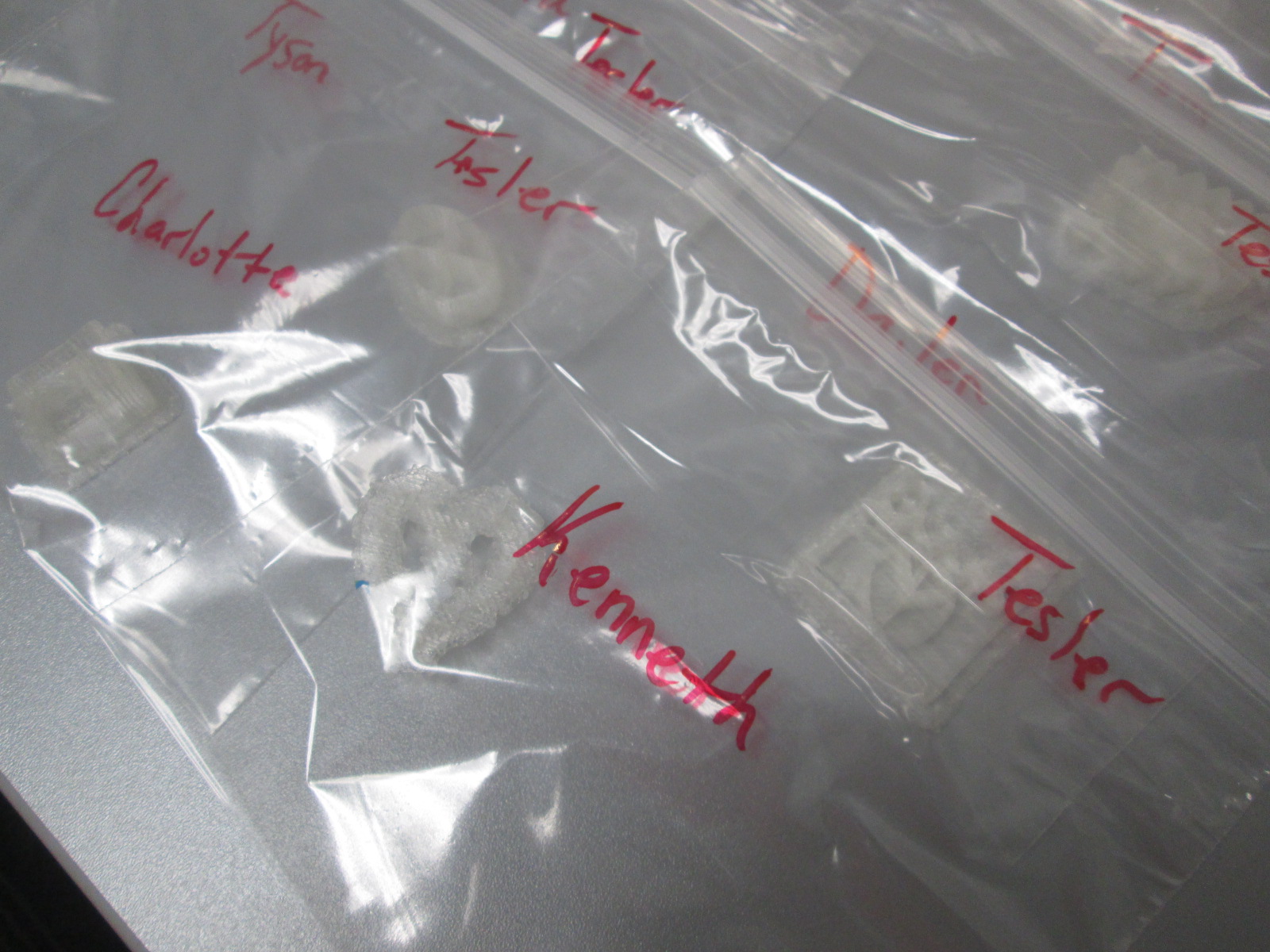
Then, the printing began.  Print after print is now running in the library.  It took about a day and half to print the first class batch.  Now I have 2 more to go.  Each student print is being placed in a ziploc bag with the student and teacher name on the bag for easy distribution.

native american stamps (14) native american stamps (13)

The next step will be for students to create a vessel out of clay in art.  They will use their 3d stamp to press designs into their vessel.  All of the vessels will hang from  the grade level dream catcher, including vessels designed by all of the teachers involved in the project.  This will serve as a symbol for the year to represent our connectedness and our common goal of working together to achieve many hopes and dreams this school year.  Our vessels and dream catcher will hold these safe throughout the year.

Thank you Mrs. Foretich and the 4th grade team for an incredible project for our students that allows them to dream, tinker, create, and share.


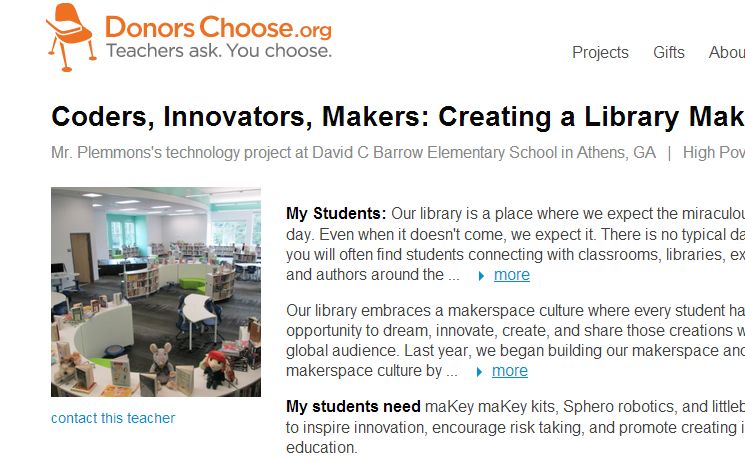
Coders, Innovators, Makers…Please donate to our Donors Choose Project to build our library makerspace

FireShot Screen Capture #019 - 'Coders, Innovators, Makers_ Creating a Library Makerspace' - www_donorschoose_org_project_coders-innovators-makers-creating-a-l_1253089__rf=link-siteshare-2014-07-teacher_accoun

Update:  This project was fully funded in less than 24 hours.  Thank you to all who contributed and shared!

View our project here!

(Don’t forget to use the code “INSPIRE” at checkout!)

Here are the details of where this project is coming from:

Our library has always been a space where we value creating and sharing just as much as consuming information.  Last year because of a Donors Choose project, our library received a 3D printer and it allowed our students to create things that they had never even thought of.  The makerspace culture is alive and well in our library, but we have  a long way to go to exploring makerspaces and how the culture of a makerspace supports students, teachers, and families.

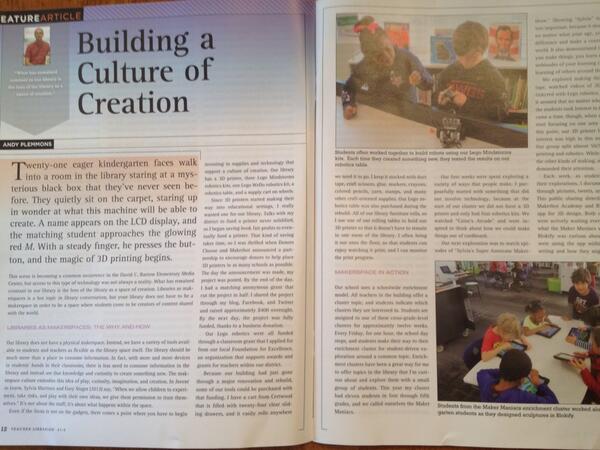
Over the summer, I had an article published in Teacher Librarian about the culture of creation that we are developing in our library and school.  In that article, I talk about the culture, but at some point you have to get some “stuff” to create with.

“Building a Culture of Creation” in the June 2014 issue of Teacher Librarian

This year, one of our library goals is to give students, teachers, and families opportunities to dream, tinker, create, and share.  A part of this is developing the tools that are available for creating in our library.  Our space which we thought was going to be a studio is now going to be a makerspace within our library.  A portion of our library funding this year will be dedicated to developing our makerspace.  After attending an Invent to Learn workshop and focusing on makerspaces at ISTE this summer, I have chosen some next steps for our makerspace.

Our library budget this year will fund:

A littleBits workshop set:


A litteBits Space kit:


4 MaKey MaKey kits:


A Hummingbird robotics kit:


This Donors Choose project will extend our budget and give students even more access to maker materials by adding.

littleBits Cloud:

4 additional MaKey MaKey kits:

Sphero:


I hope that you will consider supporting our project.  It will impact numerous students, teachers, and families within our school through projects, alternative recess activities, enrichment clusters, and afterschool workshops. Even if you can’t contribute financially, please consider sharing this project within your own networks. I will be sure to blog about our explorations throughout the year.  Thank you in advance!

Heart Poems, 3D Printed Charms, and Rainbow Loom Bracelets for Banding Together

heart poems (14)

We kicked off poetry month today with Heart Poem writing.  After our wonderful Skype last week with Shannon Miller’s students and poet, Joyce Sidman, our second graders have been hard at work crafting their heart poems to attach to our Rainbow Loom bracelets.

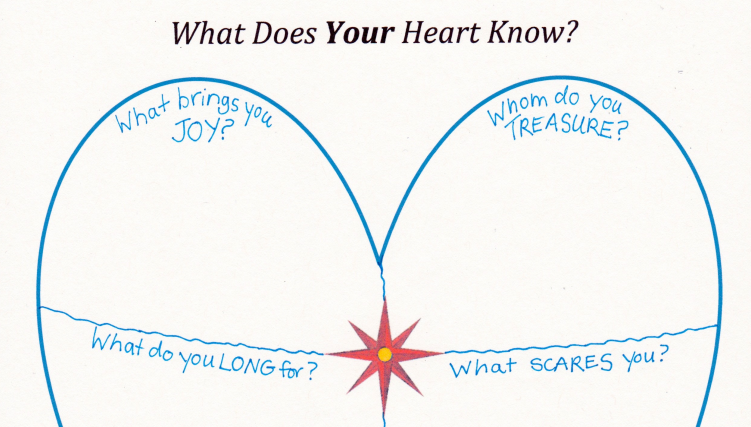
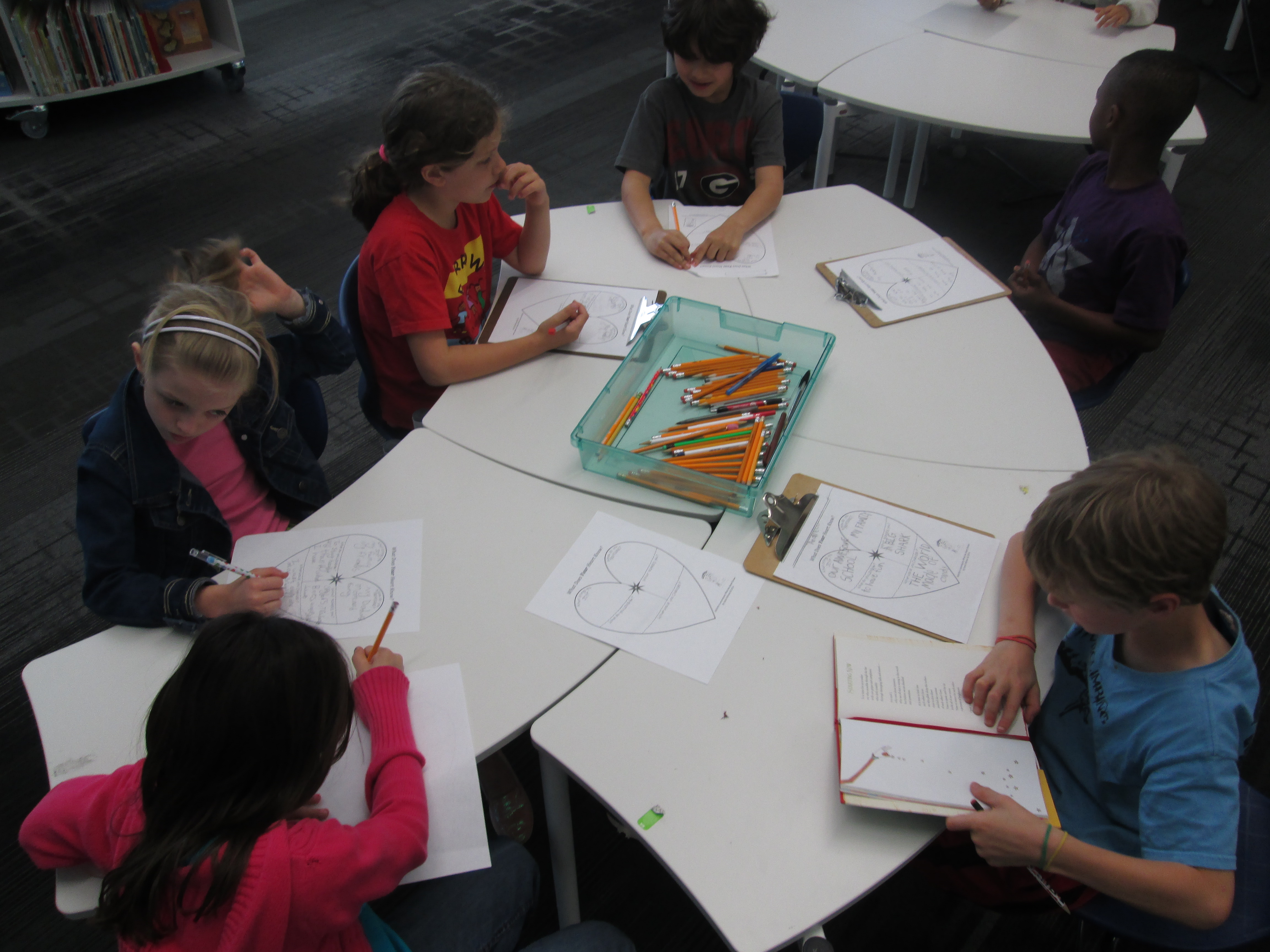
They started by filling out the heart poem graphic organizer from Joyce Sidman’s website.

www.joycesidman.com books what the heart knows chants heart worksheet.pdf

They did this in their classrooms and also in the media center.  Teachers sent small groups to me about every 15 minutes so that I could conference with some of the students and help them think about what their hearts know.  Each heart map was so personal and I smiled with students as they shared the happy things that their heart knows, but my heart also hurt with them as they shared very sad things that their hearts know too.  I was just floored when a student told me, “Mr. Plemmons, even when our hearts our sad, there is still happiness.  Everyone has happiness.”  Wow!  When I heard that, I knew that this project was going to be something that truly mattered in the world.

heart poems (1)

When I conferenced with students, we looked at their map and I asked them if there was a part of their heart that spoke to them more than others.  Most students gravitated toward what brought them joy and what they treasured.  A few wanted to write about what they longed for.  Even fewer wanted to write about fear, but we still talked about that part of their heart since Joyce Sidman really encouraged us to.

Once they selected the part of their heart to focus on, I asked them to think about how to add words to that thought to really make the poem sing or to make a picture in our heads or to make us feel an emotion.  Each conference was a little different.  We played around with words and thought about how a thought in our heart could sound different depending on the words that we put with the thought.

heart poems (5) heart poems (3) heart poems (2)

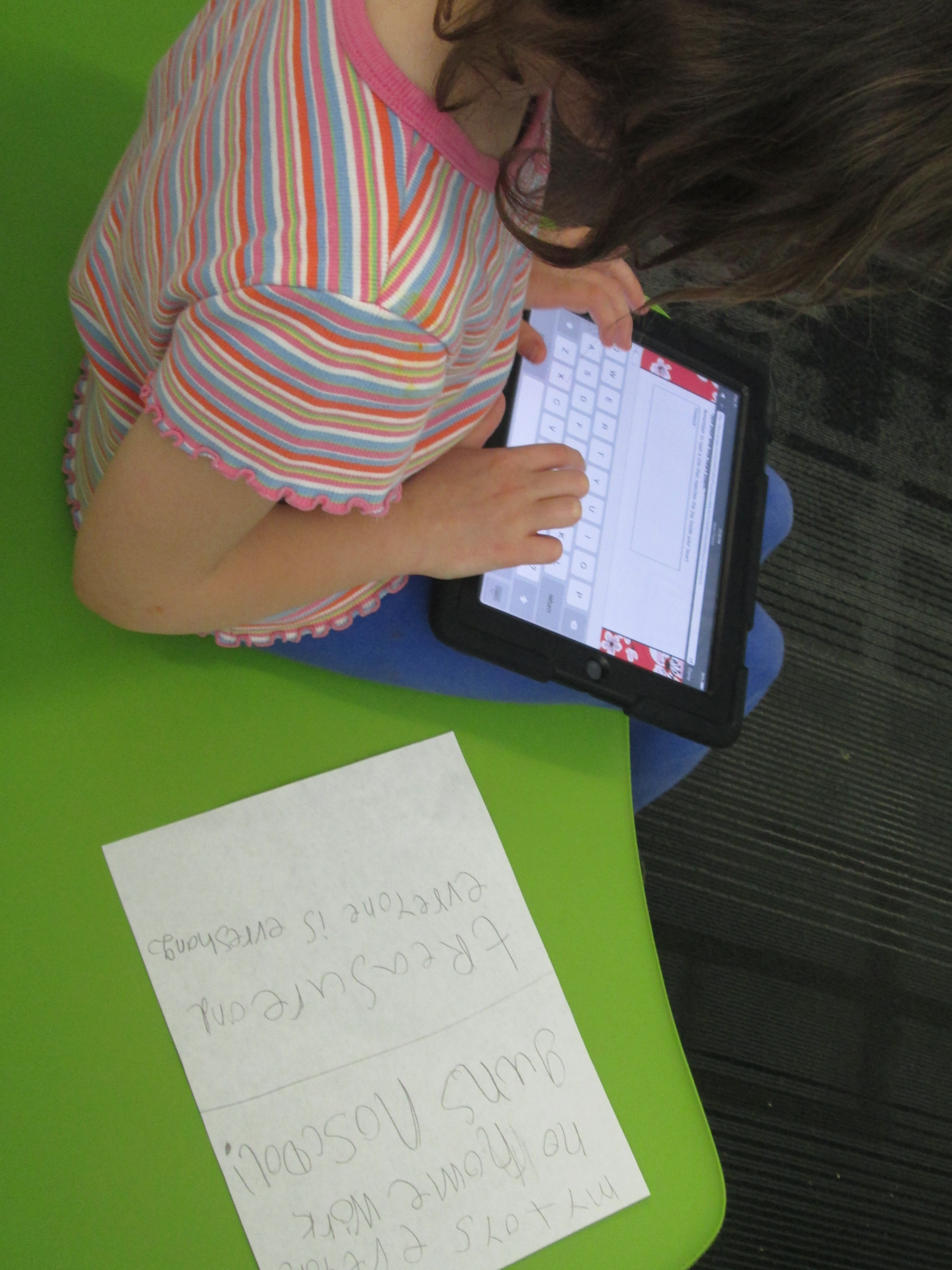
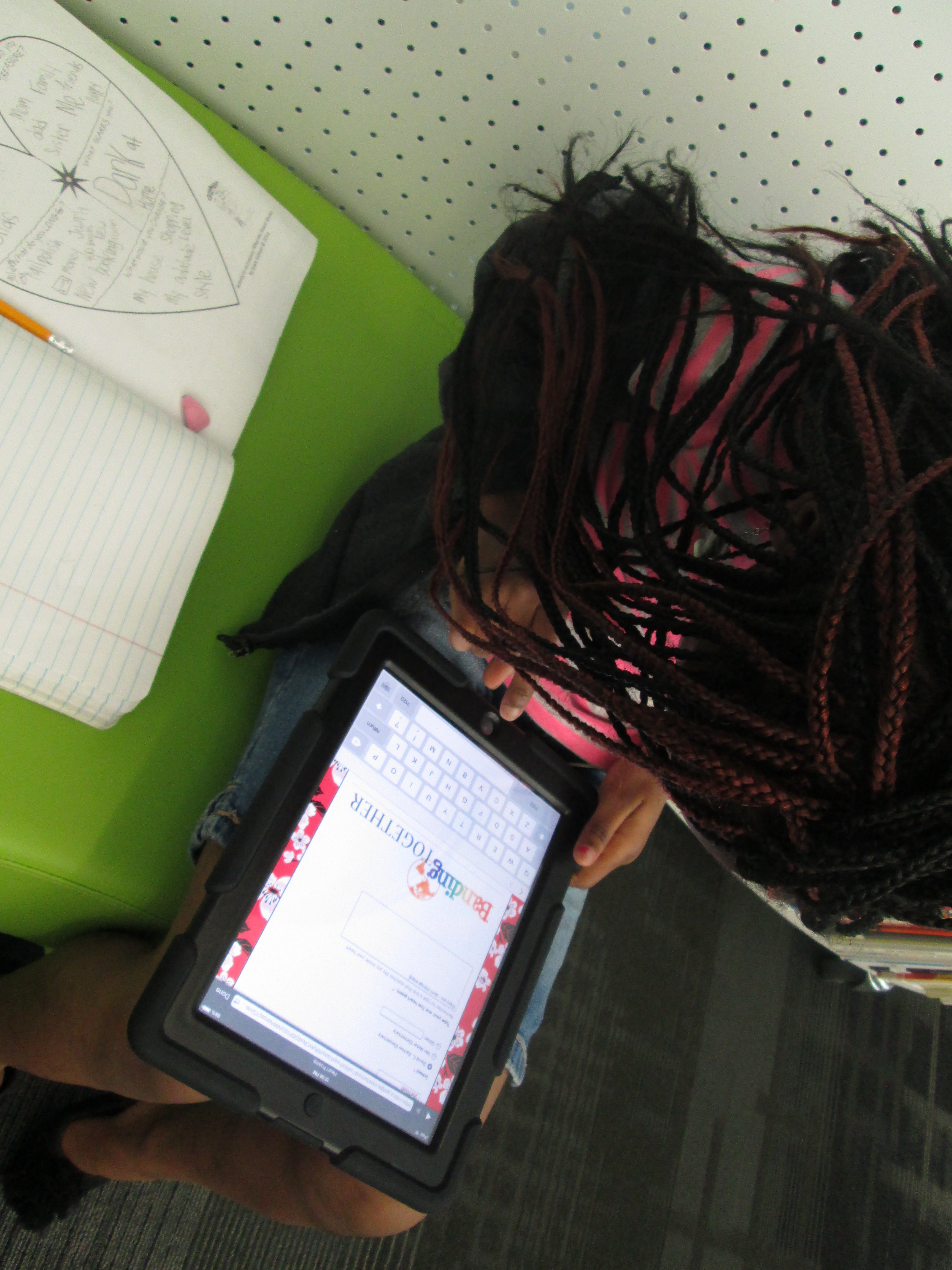
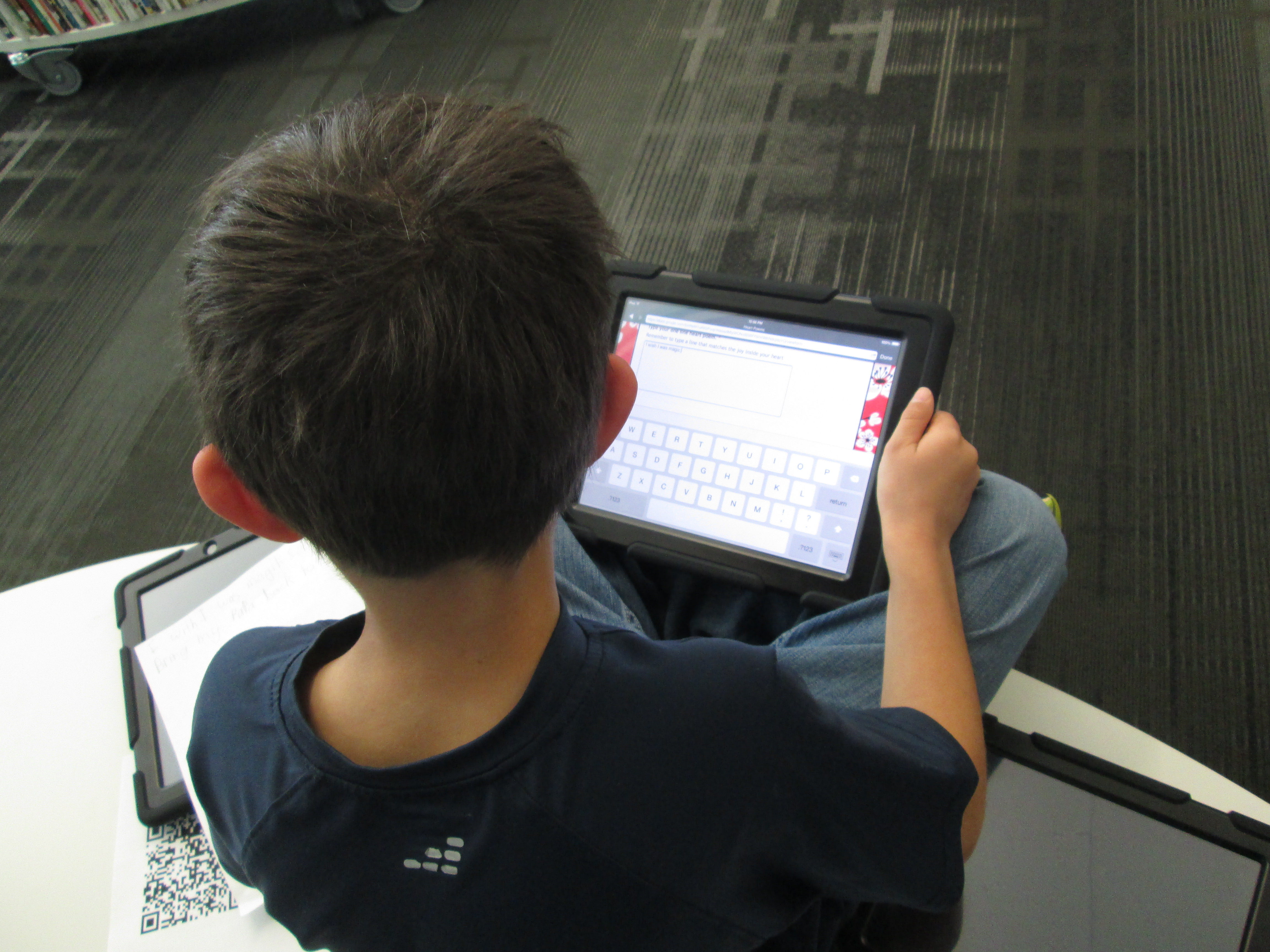
When students were happy with the poem, they used iPads to scan a QR code that took them to a Google form.

Heart Poems

They typed their first name, selected their school, and typed their poem.  Each poem went to a spreadsheet so that I could print them, cut them into strips, and attach them to our Rainbow Loom bracelets.  Here are a few of their poems so far:

Adaline David C. Barrow Elementary The waves, the sun, the beach, it makes me happy!!
cyra David C. Barrow Elementary Dogs spread joy with a wag of a tail.
clara David C. Barrow Elementary Nature brings me joy and love when the wind blows and it rains and I go splashing through the puddles.
Wilson David C. Barrow Elementary Sudden noises scare me but my family comforts me.
Sola David C. Barrow Elementary Love is everywhere,up the hill and over the mill,in nature.
Jacob David C. Barrow Elementary Sun feels warm when you be nice
Finley David C. Barrow Elementary Spring showers brings spring flowers.
Mara David C. Barrow Elementary Love is in this bracelet.
Claire David C. Barrow Elementary You give me the best thing someone has ever gave me and it is the love,joy,and the happiness that makes my heart sing
Carinne David C. Barrow Elementary We are joy. We are bright together. You are powerful.
Evin David C. Barrow Elementary Enjoy the world,keep it healthy
Finley David C. Barrow Elementary Animals spread joy with a wag of their tail
Alanna David C. Barrow Elementary Roses are red, violets are blue. I’m your friend and I hope you are too.
Harry David C. Barrow Elementary Love defeats hate.
Natalia David C. Barrow Elementary April fun and sun. Here. I come! Flowers. Showers Baby. Animals
Axel David C. Barrow Elementary I wish my brother would come back.
Finley David C. Barrow Elementary Bands linked together just like a family
Kyleigh David C. Barrow Elementary My family bring’s me joy and my school bring’s me joy and so do you.
Alice David C. Barrow Elementary Don`t expect things to be bad, expect things to be good.
Adam David C. Barrow Elementary I wish I was magic so I can bring my papa back to life.
Sha’Niyah David C. Barrow Elementary Enjoy you – don’t change enjoy life – do what you like enjoy Love – love your love
Sophia David C. Barrow Elementary Treasure and everyone is everything

Students and families are helping me with attaching poetry to bracelets.

heart poems (11)

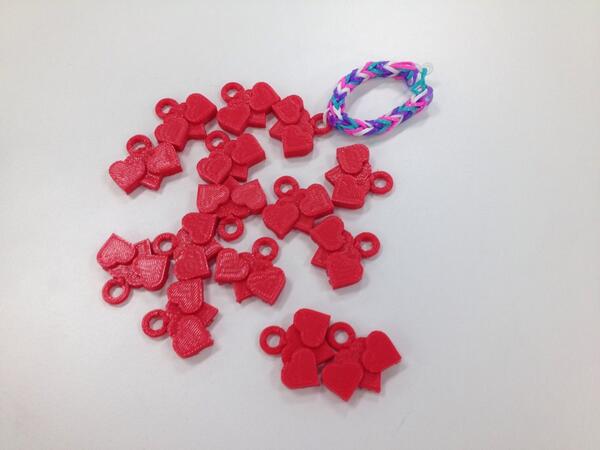
These poems are such a great addition to our Rainbow Loom bracelets.  I was excited when we added 3d printed charms, but the poetry brings the bracelets to life as if they had a voice to speak to our friends across the miles.  We will write more poetry tomorrow before we finalize our package of bracelets to ship to India via Van Meter.

Happy Poetry Month!


Kindergarten Blokify Creations Becoming Reality with Makerbot

blokify printing (1)Today, Mrs. Kelly Hocking brought her Kindergarten class to the library to begin 3D printing their creations that they made with the Blokify app on iPad.  It has been a few weeks since they made their creations.  After they left the creating session, 5th graders helped email all of the files to me.  We put them into Makerware, made them smaller, and sliced the files for 3D printing.  All of the files went onto the SD card to be ready to print.

blokify printing (4)

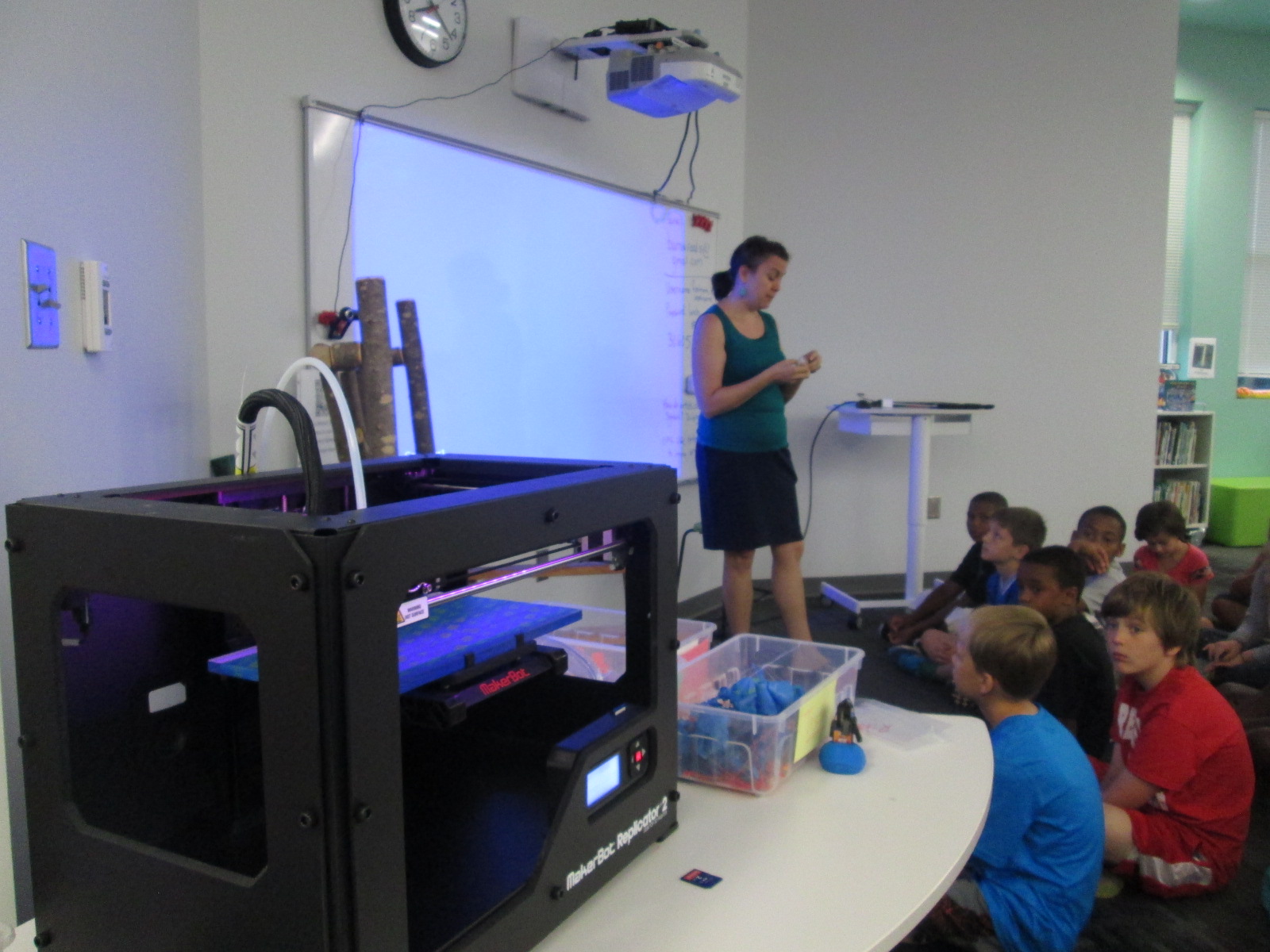
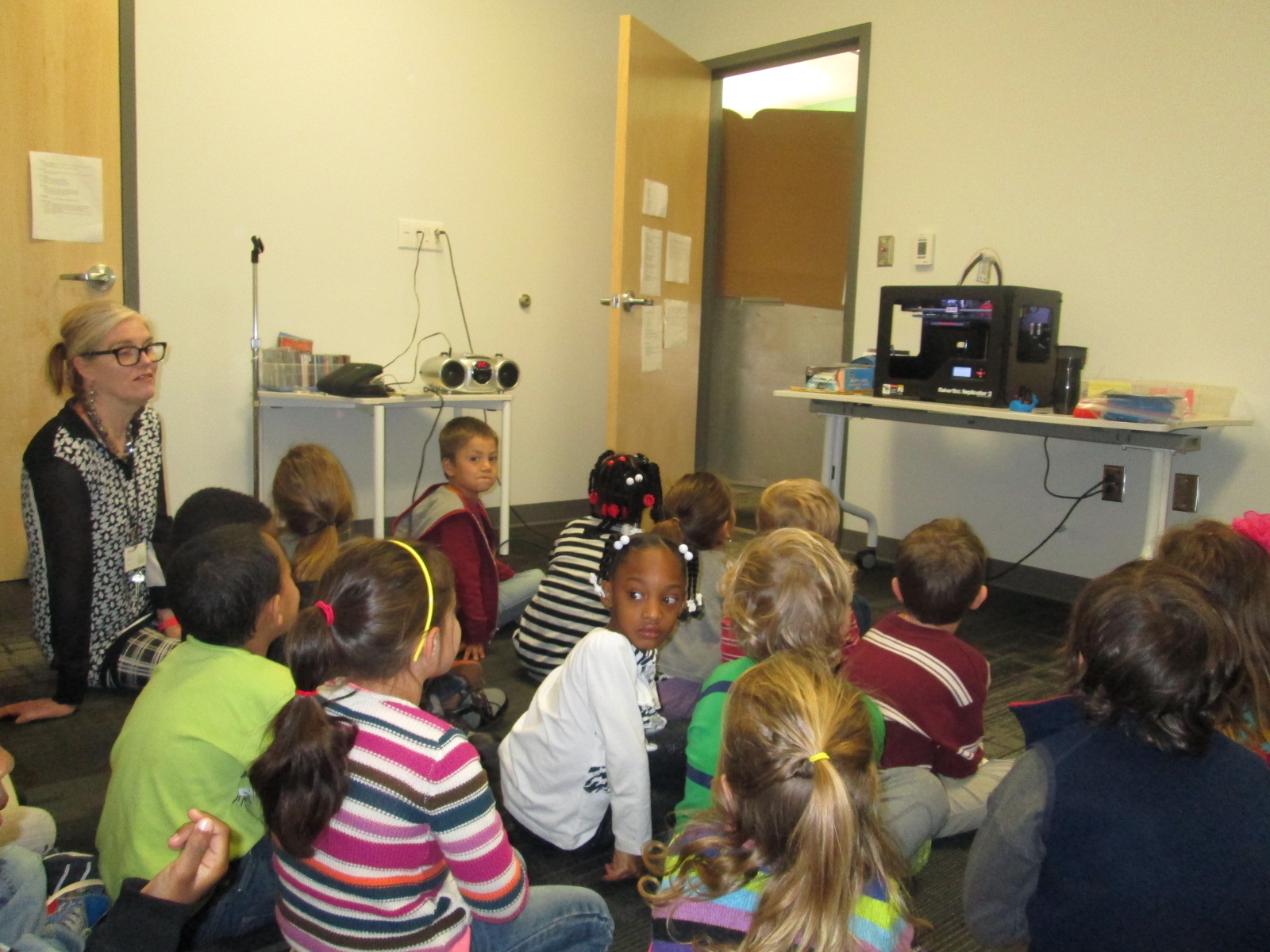
Today, they all sat in front of the 3D printer.  We spent some time talking about what a 3D printer is and looked at some of the creations it had made.  We also talked about the safety of not touching the printer while it is printing due to the heat and the fact that bumping the printer could mess up the print.

blokify printing (3) blokify printing (2)

Finally, we cued up a file on the screen and the student came up to press the M to start the print.

They loved watching the build plate raise to the top.  There were even oohs and ahhhs as the printer was heating.  Once the printing started, we let one student at a time come up to peek inside and see what 3D printing looks like.  They were all amazed.

Mrs. Hocking is working with all of these students to stretch their imaginations.  They are going on a virtual field trip to Boston over the next few weeks and along the way they are virtually stopping in each state and learning something about that state along the way.  For example, next week we will read the book Suryia and Roscoe: The True Story of an Unlikely Friendship and visit the sanctuary where they live in Myrtle Beach South Carolina.  Mrs. Hocking is having the class imagine packing a virtual suitcase that they can put anything in.  Today, they want to add the Makerbot to their suitcase.

These students are also planning out imaginary gardens in their minds.  Their Blokify creations will eventually find a spot in those imaginary gardens and students will imagine what it’s like to go inside of their Blokify creations.  They will create art and stories to accompany these 3D printed sculptures in their imaginary gardens.  I always love the imagination and creativity that Mrs. Hocking brings to life in her classroom.

blokify printing (6)

Over the next few days, the Blokify creations will continue to be printed until all 21 are done.  Then, the imagination and creating of stories will begin.