Creating Wish Lists with Capstone Press: A Next Step in Student Book Budgets

Capstone Jim Boon (6)

Jim Boon from Capstone Press has been doing student book budgets with me since the beginning.  Each year things change just a bit, and Jim naturally adapts right along with me.  This year, we have our largest group of students working simultaneously so it gets noisy fast.  The most challenging thing is making sure that every voice is heard and that all members of the book budget group are engaged.  I love bringing in Jim because he masterfully listens to all students.  He makes connections with them and even remembers them from year to year if they have been part of the group before.  The students in turn have come to know him.  The returning students welcome him back and the new ones quickly learn why we bring him back every year.

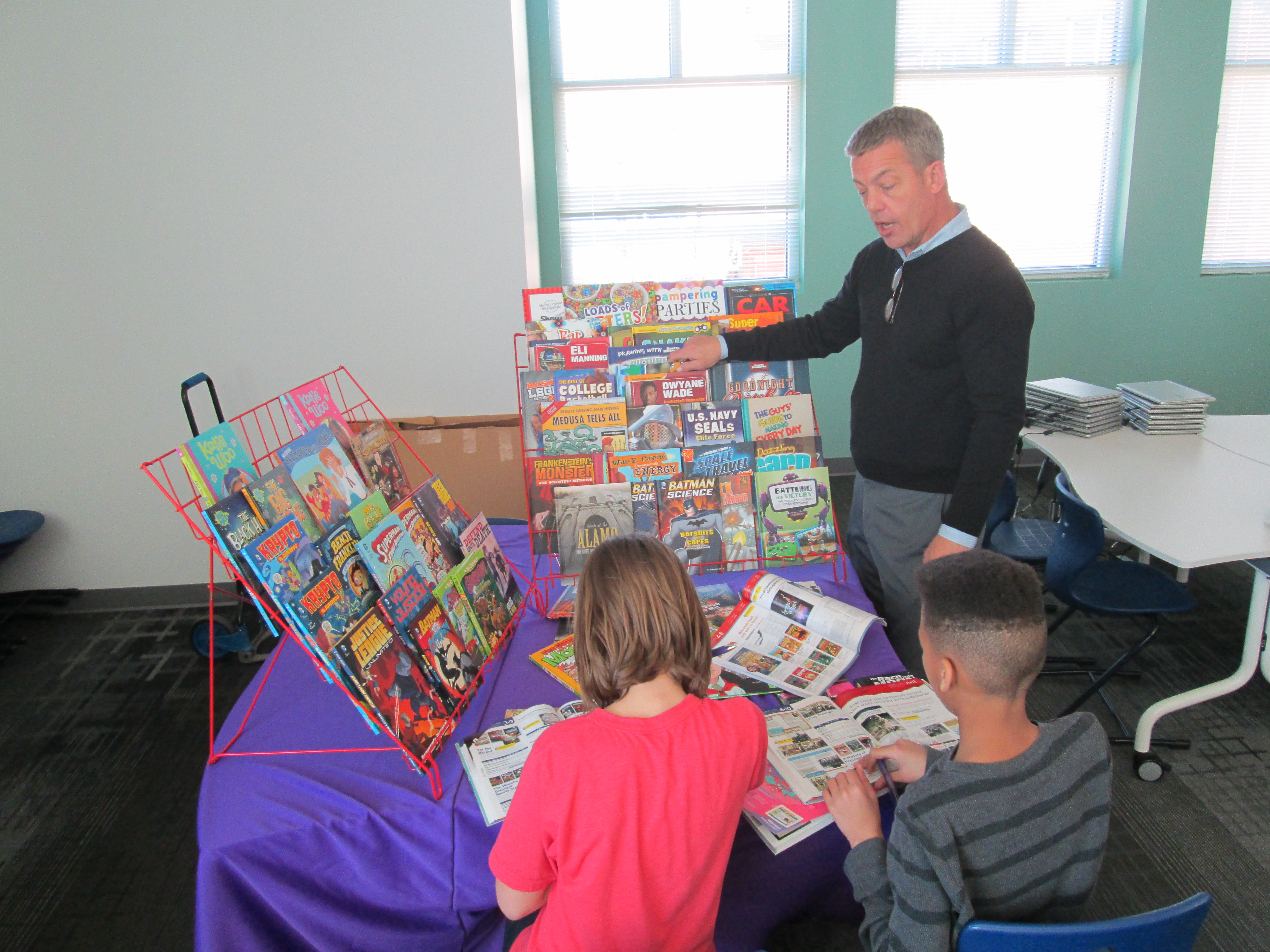
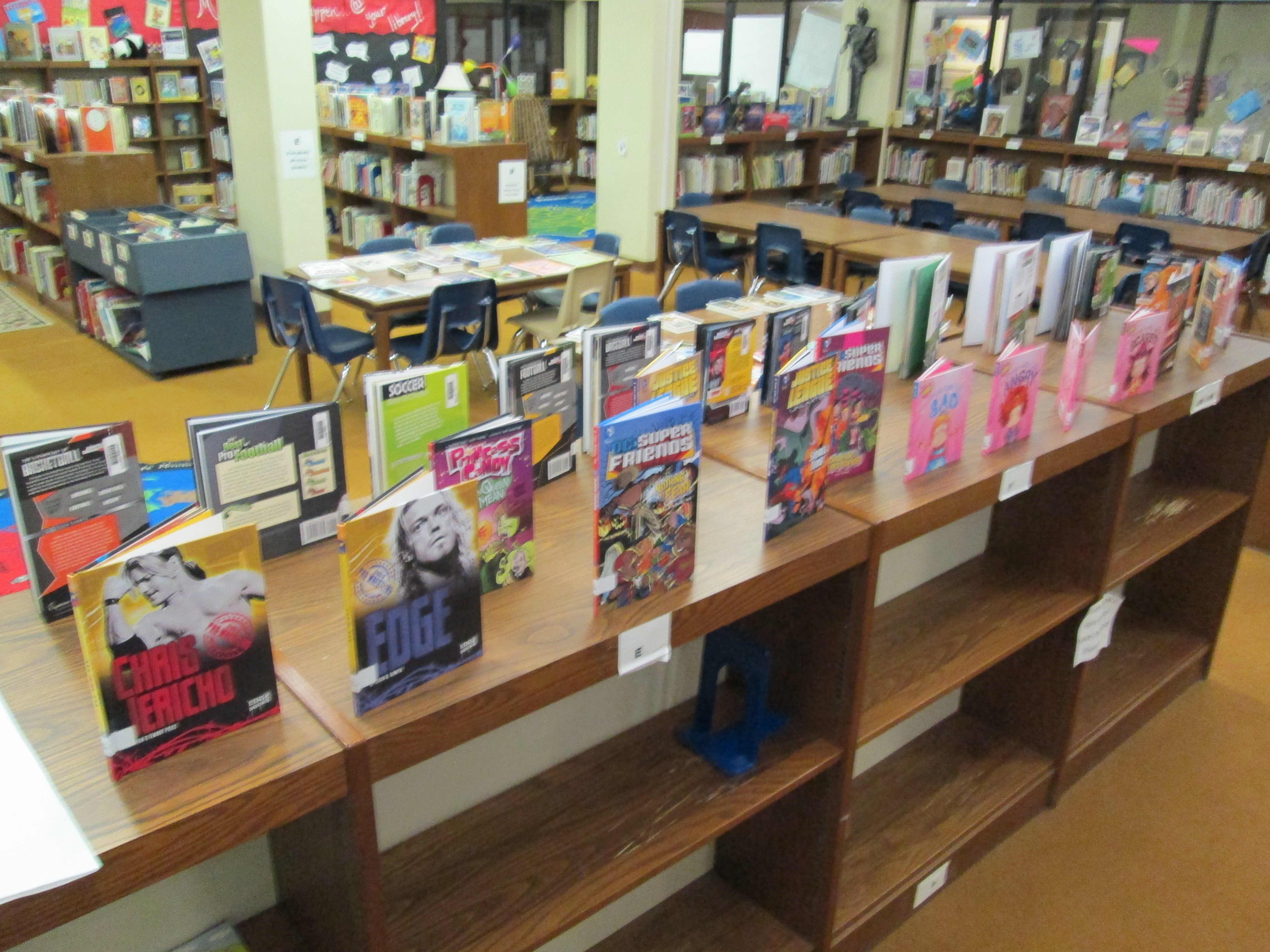
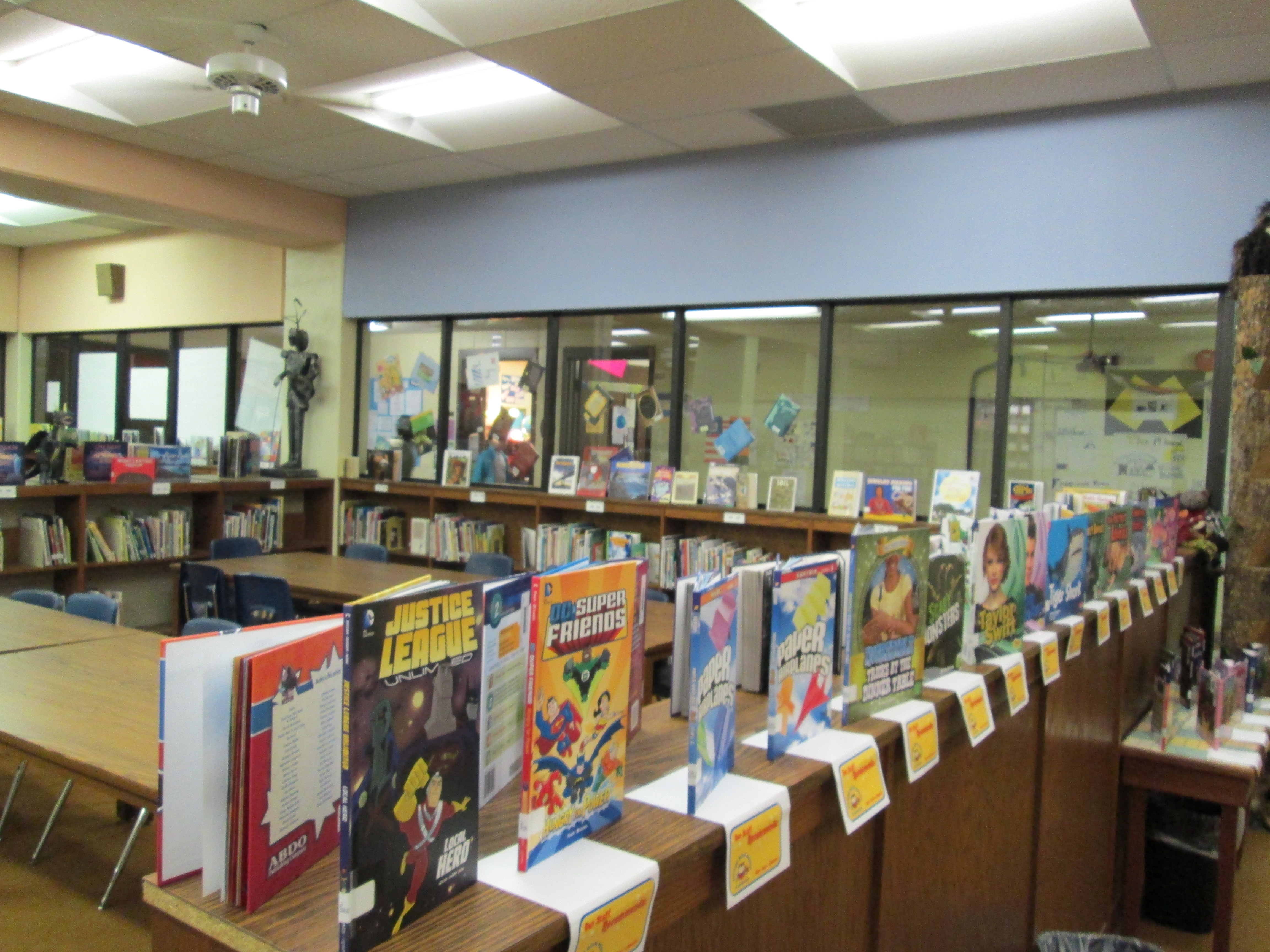
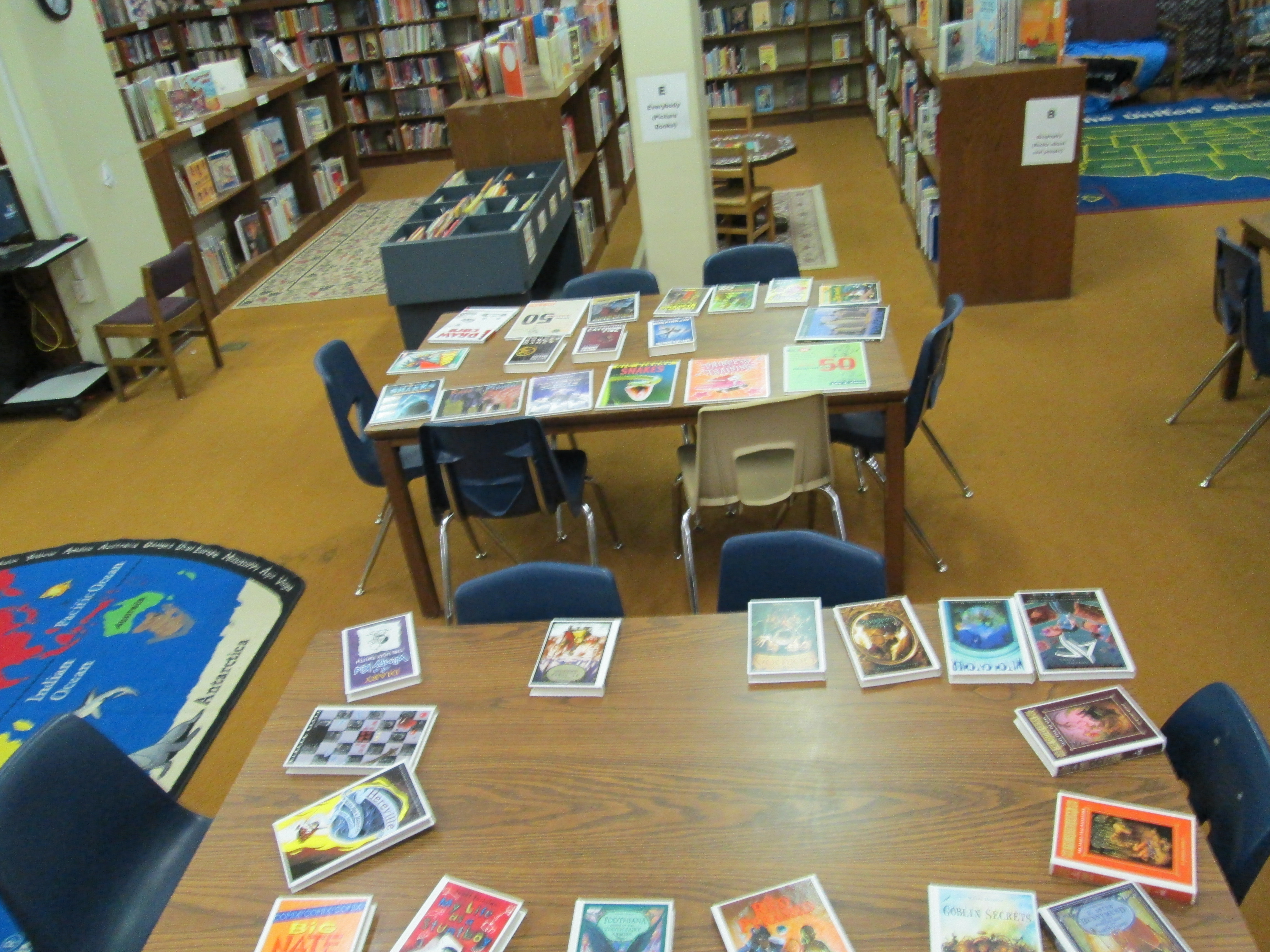
Ahead of Jim’s visit, I email him some possible dates to visit.  We establish a time and he mails catalogs for all of the students to use on the day of his visit. Once we have our purchasing goals, I share those with him as well.  He sets up a big selection of Capstone books for students to look at that match the goals that they have set.  He even divides the books into 2 displays: fiction and nonfiction.

Jim does a very short explanation of what students have in front of them. He shows them how to look for books in the index and as well as how books a grouped together. He shows them that the displays might only have one book from an entire series that they can find in the catalogs. He shows them where to find prices for individual books as well as complete sets.  He shows them how each set of books has a barcode in the catalog that can be scanned straight into a wishlist on capstonepub.com  This scanning feature puts the entire series into the list, but then you can go in an uncheck the books that you don’t want to add.

Finally, Jim talks to students about current promotions that Capstone is offering that might stretch their budget even more. I love this part because it helps students think about how they might invest their money or how they might request extra money from me in order to take advantage of a promotion.  This discussion usually doesn’t happen on this particular day, but I always love seeing their wheels turning as they give me reasons why we should spend our money a certain way.

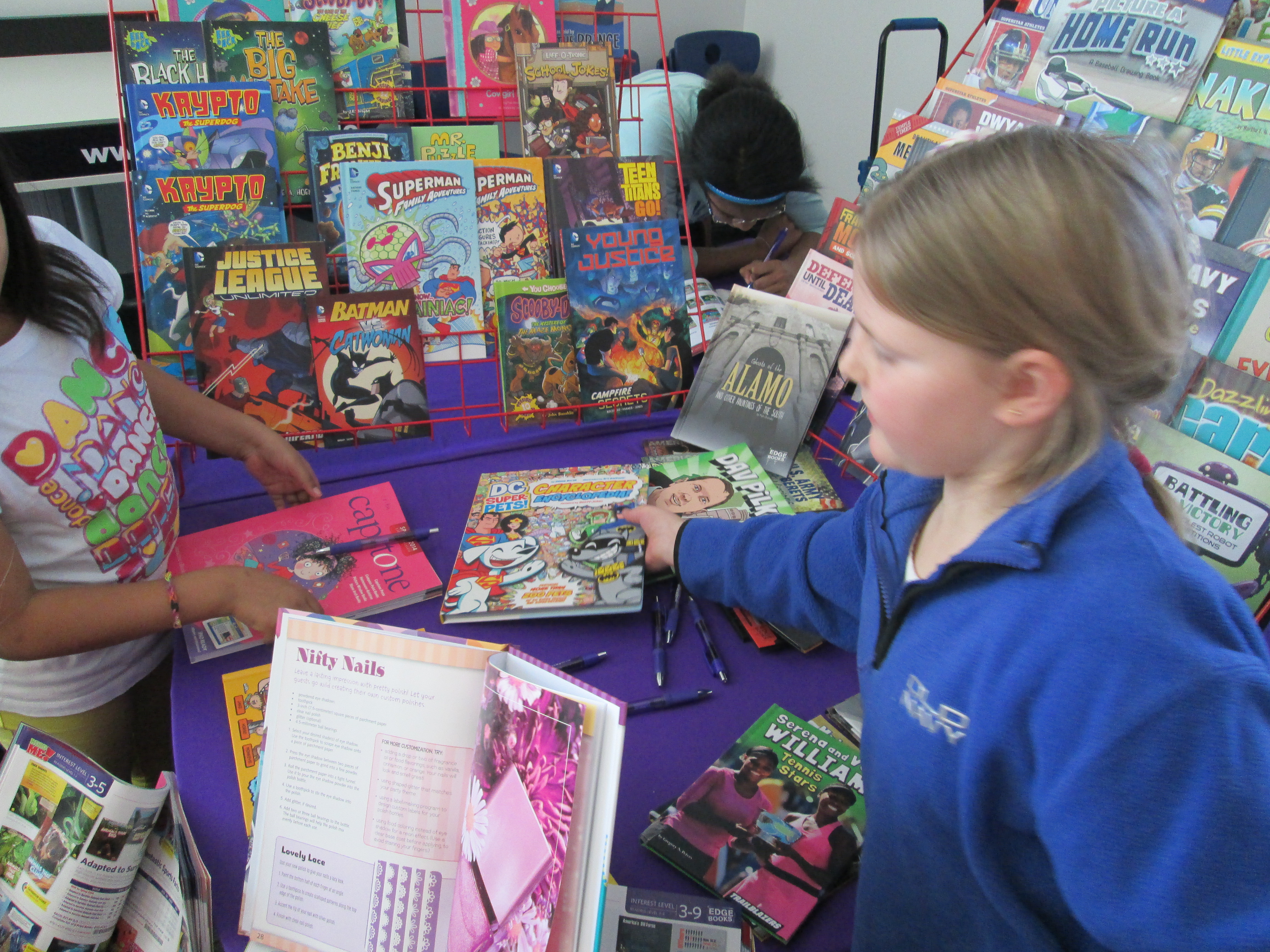
The fun begins when students leap into action. They take books from the display back to their tables and look through them.  They peruse the catalogs.  This is the point where it is hard to stay focused on our purchasing goals.  With a catalog of hundreds of pages, there are so many interesting books that don’t match what we said we were going to buy, and students easily slip into what they personally want to buy rather than what the whole school wants.  I don’t really worry about this very much during our first day with catalogs. Instead, I give a few reminders to think about our goals, but I know that we will revisit the entire list when we make cuts to match our budget.

As students find books that they want to add to the wishlist, they begin forming a line at my computer. I pull up a student book budget list on capstonepub.com and students scan the barcode in their catalogs.  We uncheck all of the books in the series that they don’t want to keep and then save the list.

https://twitter.com/capstonepress/status/590192650319319040

At this point we don’t worry much about money, but when a student scans a series of 32 books and says that they want to add all of them, I do let them know how much all 32 books would cost.  Most of the time, the student is shocked and quickly narrows down to a few books that they really want to add.

Across an hour, students made a wish list with 161 titles totaling $3071.91.  Capstone is not our only vendor we are working with, so we are definitely going to have to cut some titles from this list.  We will meet 4 more times to add more titles, revisit our goals to see that they are all represented, and finally narrow our list down to the budget we have agreed upon.

We thank Capstone Press and Jim Boon for their continued support of his project.  We appreciate that this company listens to students as well as offers a rewards program that allows us to stretch our student budget even more.
 

Honoring Student Voices through Student Book Budgets with Capstone Press

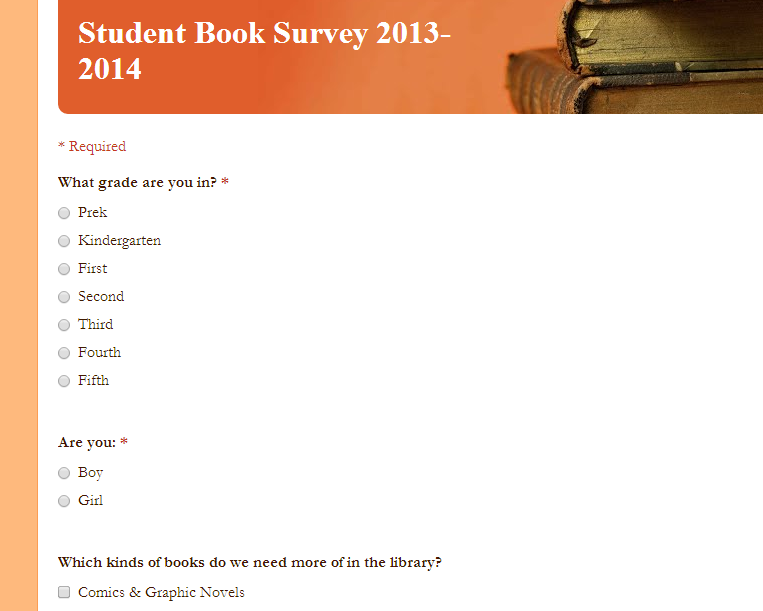
Student Book Survey 2013 2014For the past several years, I have reserved a portion of our library funding to be completely controlled by students.  Over time, I’ve seen student-selected books be among some of the most popular books in the collection.  The library collection is mainly for our students, so why not let their voice be heard in the collection development process.  Part of our library funding comes from the state, and another part comes from fundraisers such as our fall and spring book fair.  Since students and their families shop at our book fairs to build their home libraries while supporting our school library, I see student book budgets as being one small way of giving back to our community.

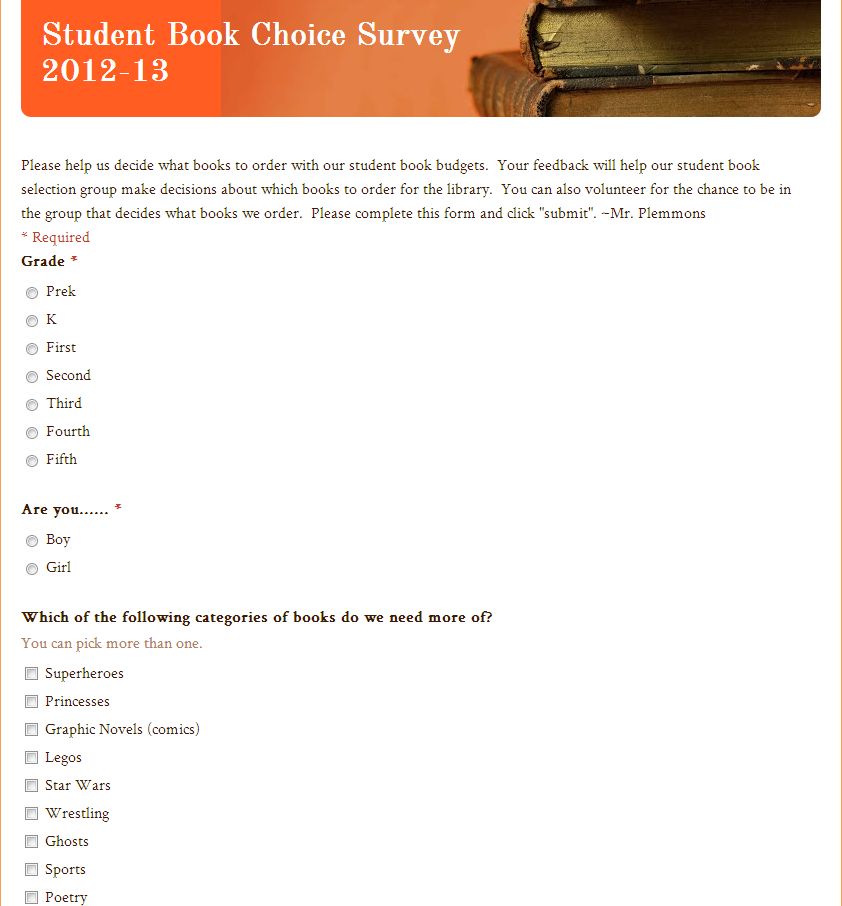
This year, our book budget process has gone through some changes.  In order to involve a few more students at various stages, I broke the process into parts.  Part 1 was to gather data from the school.  Every Tuesday and Thursday I have a group of five 5th grade boys who work in the library as a service project.  Together, we developed a Google form to gather information from the school.  We wanted to track the number of students we surveyed at each grade level, the number of boys and girls, specific reading interests, and specific requests.

Once the survey was created, we generated a QR code so that they could quickly scan the code and go out into the school to survey students with iPads.  This was mainly needed with our youngest students.  For older students, I emailed the survey to them to fill out.

Each year, we tend to see similar results with our data, but I told the students that we can’t assume that we know what people are wanting in the library because it can change.  Here’s a look at the main data they collected.

Student Book Survey 2013 2014   Google Drive

Next, I blocked off some library time during 4th and 5th grade’s recess time and asked for students who would like to participate in an alternative recess for a few days to spend money on books.  I’ve tried doing this during lunch and it is just too complicated to juggle food, catalogs, vendor websites, etc.  I didn’t get as big of a response from students this year, so we’ll see if we return to this model next year.

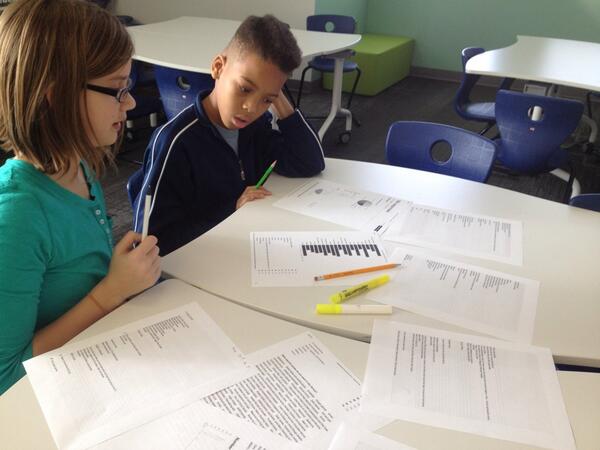
On day 1, the 4th and 5th grade book budget students came to look at the survey results.  They made some decisions to inform how much money should be dedicated to various categories.  I printed the specific requests of students and Savannah and Isaiah spent time highlighting some specific titles that students were asking for.  It was a tedious process for them!  The even got down to searching the library catalog to see how many copies of books we had like Diary of a Wimpy Kid and discussing if there was justification to order even more copies of existing titles.  We finally all agreed on some overall categories of:  Comics/Graphic novels, sports, humor, scary, world records, and action/adventure.

tough decisions

Even on this 1st day, they started having some tough conversation.  For example, they saw that World Records was a highly requested category, but from experience, they know that students are mostly talking about Guinness World Records.  They decided that instead of dividing the budget and giving this category several hundred dollars, they would just buy 2 new copies of the 2014 World Records for about $60.  It’s always fascinating to see how quickly students realize how a budget works and how hard it is to make decisions for the library.  One of them said, “Mr. Plemmons, I know this is only a small part of your job, but it sure is hard!”

jim boon capstone (2)

On day 2, we welcomed Jim Boon, Capstone Press Sales Rep.  I love working with Jim because he treats the students like young professionals.  I also love that Jim listens to what students are asking for and tailors his talk and display to the goals that they have.  He setup displays of books that matched their goal categories with a few books that connected to their themes in different ways.  He gave every student a new Capstone catalog and a pen.  As he proceeded to show students various books, he invited students to turn through the catalog, circle books of interest, and fold down the corners of pages.  After he shared some specific books, students came up and started browsing through the books on display.  Jim and I proceeded to have individual conversations with students about the books in the catalogs and help them see where prices could be found.  We also mentioned to students that Capstone offers Capstone Rewards and various incentives.  For example, if we spend $1750 on our order, we get 30% back in Capstone Rewards, but if we spend less than that we get 10% back.  I love the math that comes into this project each year because it is real world application of an important life skill.

I also love that in our individual conversations there are stories that emerge.  Jim had a great conversation with one of our students, Ember.  She consistently asked Jim about the prices of every book.  The budget was weighing heavy on her mind and she was thinking hard about how to get the most books for our money.  In their conversations, there were a few books that Ember desperately wanted in our collection, and I loved that Jim made sure to leave one of those books that she requested for us to add to our collection!  I know Ember will greatly appreciate it.

jim boon capstone (11)

Students were having so much fun that they decided to take their catalogs with them to continue marking titles of interest.  I’m a little scared of seeing what they come back with!  It’s such a hard process to cross books off of the wish list, but it is an important process to choose the very best books for our collection at the current time with the funds that we have.

jim boon capstone (13)

This process is beneficial to me as the librarian too because I get to see books that students are getting excited about.  For the purposes of the project, I remind students to focus on their goals and only purchase what matches the requests.  However, I’m over to the side writing down titles to put on my own ordering list for this year or the beginning of next year knowing that the titles already have a group of readers waiting on them.

Thank you to Capstone Press for your tremendous customer service, your professional relationship with all of your users including students, and for giving our students a voice in collection development.  You are superstars!

Our next step will be to look at one more vendor to fill in some holes in our wish list, and the we will start the tedious process of cutting books from our list until we have our final order.


Skyping with Capstone Press and their Graphic Novel Team

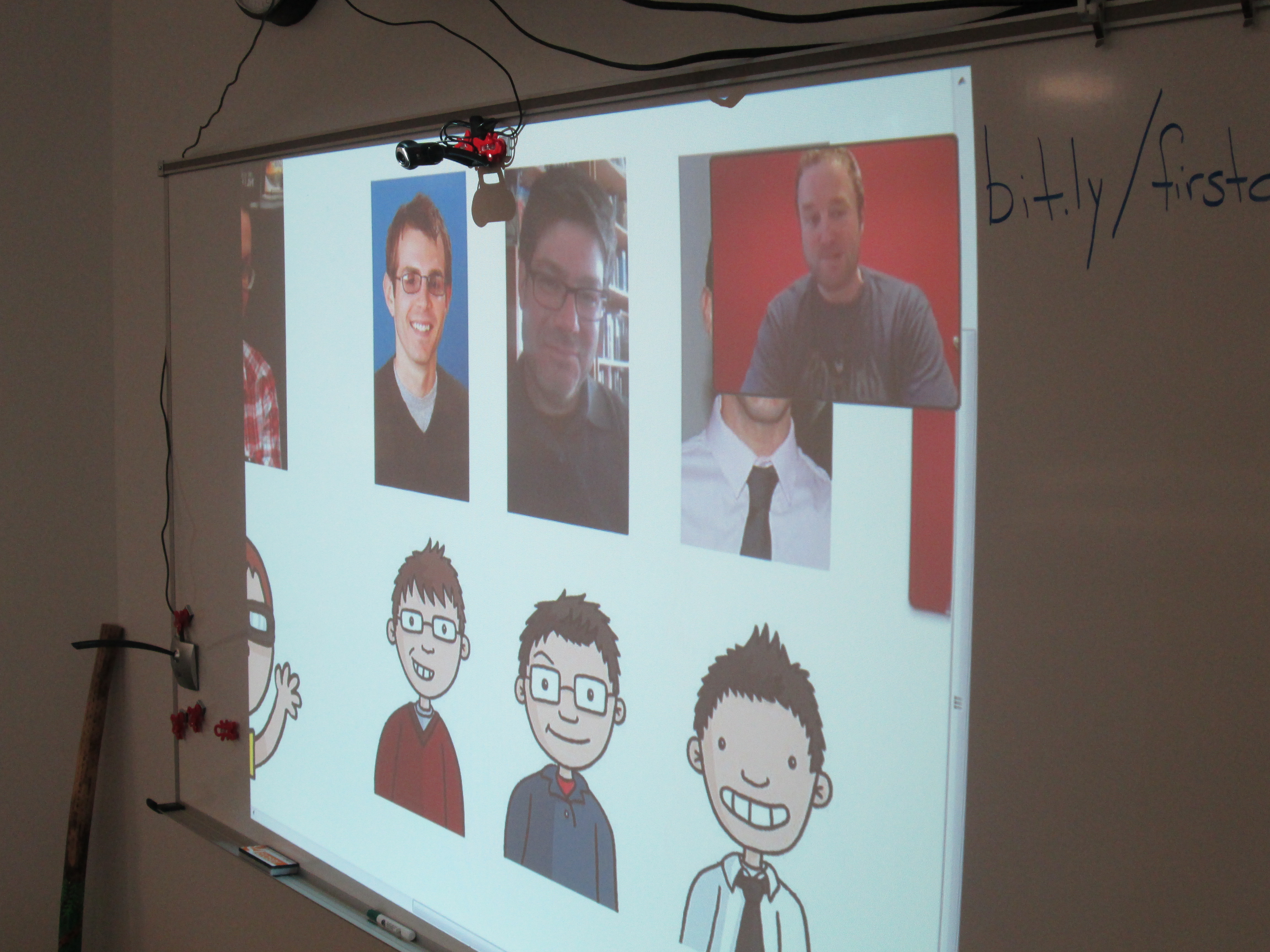
capstone graphic novel skype (2)Our 2nd grade spectrum students have been studying graphic novels.  We started by watching this video from Capstone Press.

capstone graphic novel skype (4)

Then, students started looking at all of the graphic novels in our library and noticing elements of a graphic novel.  They identified speech bubbles vs. thought bubbles vs. captions.  They looked at the inking and colors chosen as well as the layout on the page.  After several days of exploring graphic novels, students began working on their own.  They go through a process of storyboarding, thumbnail sketches, etc.

capstone graphic novel skype (7)

In our library, some of our favorite graphic novels are by Capstone Press.  We can’t keep Princess Candy on the shelves.  In addition to our print graphic novels, we have several simultaneous access ebooks that are graphic novels.

capstone graphic novel skype (3)

Each year we try to think about experiences that we can offer the students in this project to support their development of their own stories.  Sometimes we have a  guest speaker come in and do some cartooning.  However, this year I reached out Amy Cox and the wonderful people at Capstone Press.  Amy connected me with Bob Lentz who works on graphic novels and Ashlee Suker who works on graphic nonfiction.

capstone graphic novel skype (1)

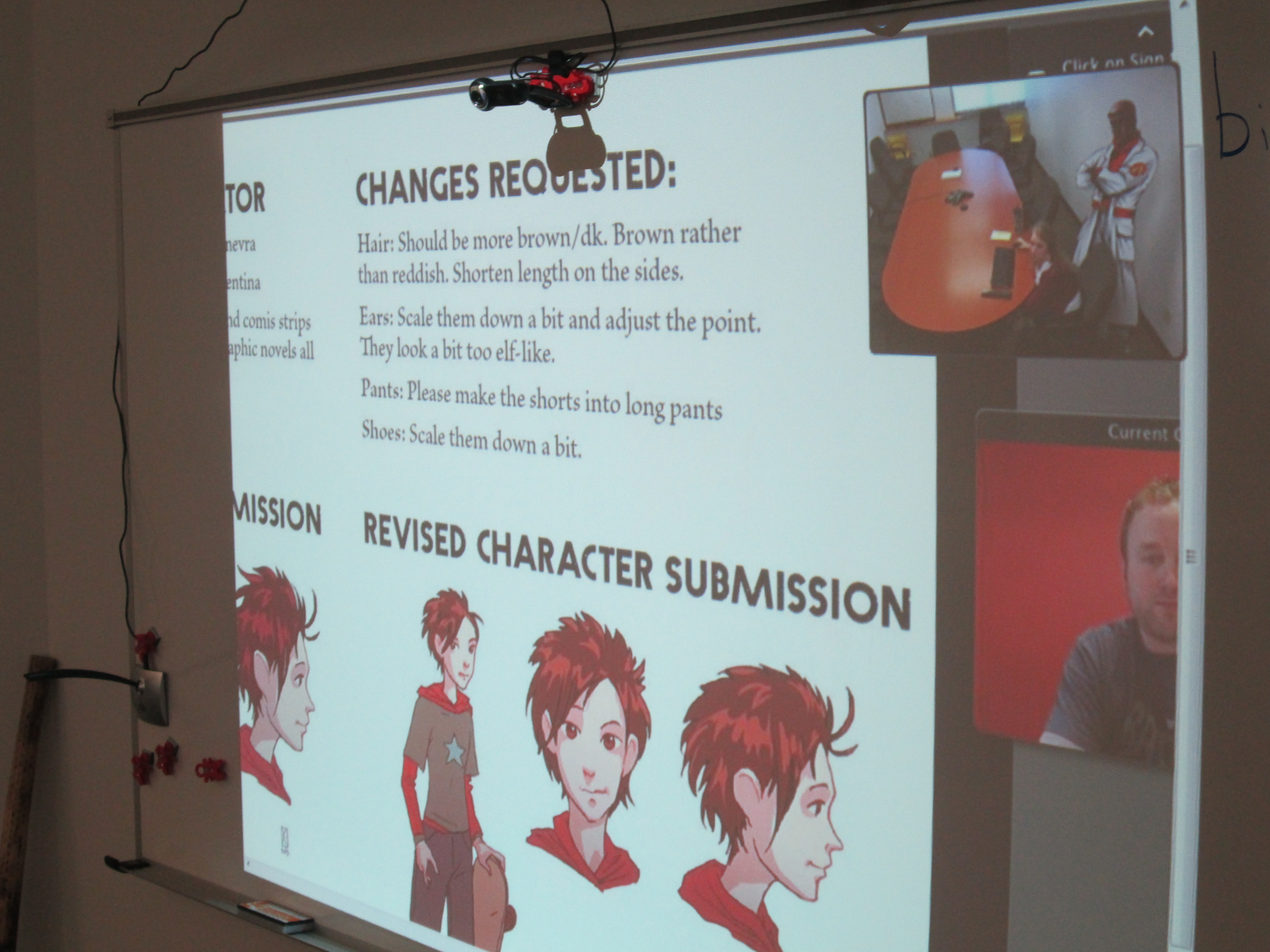
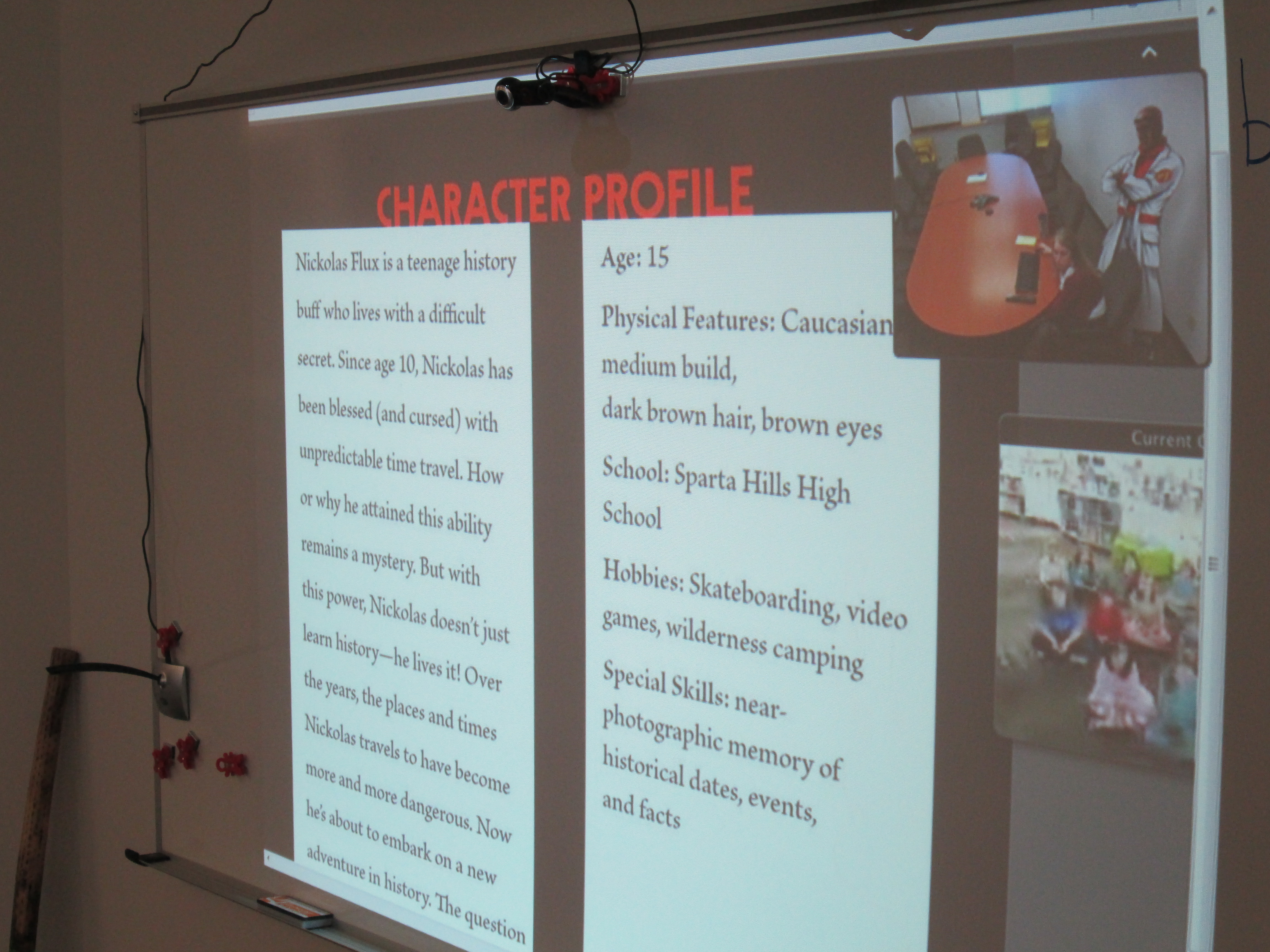
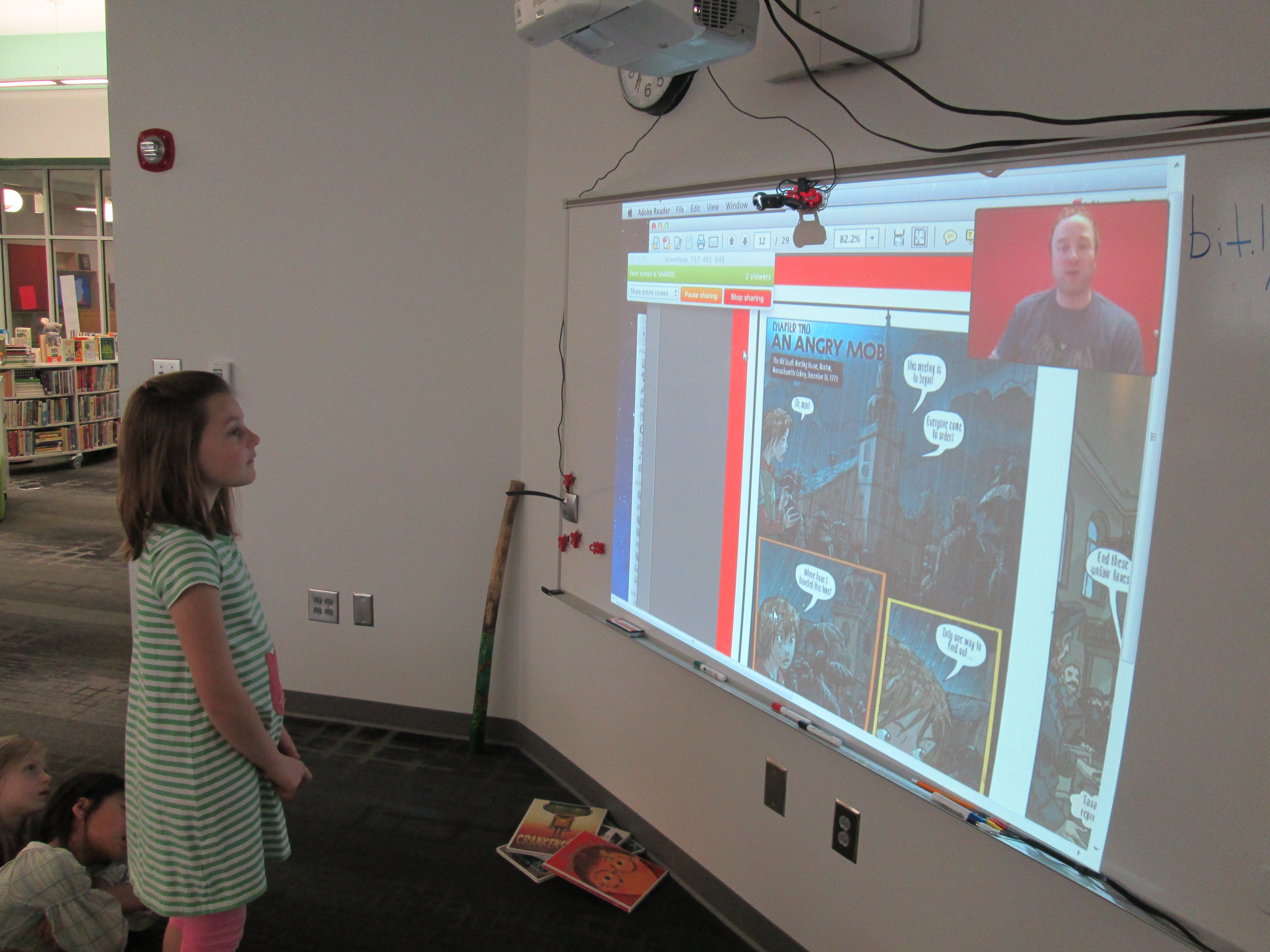
This dynamic duo put together a presentation to show our students how a graphic novel is put together from the beginning to the end.  We got to see how the story is planned over a specific number of page layouts.  We saw how text fits into the various boxes on each layout.  From this text, we also got to see the instructions that are sent to an illustrator along with research links to inform the historical aspects of a nonfiction graphic.

capstone graphic novel skype (8)

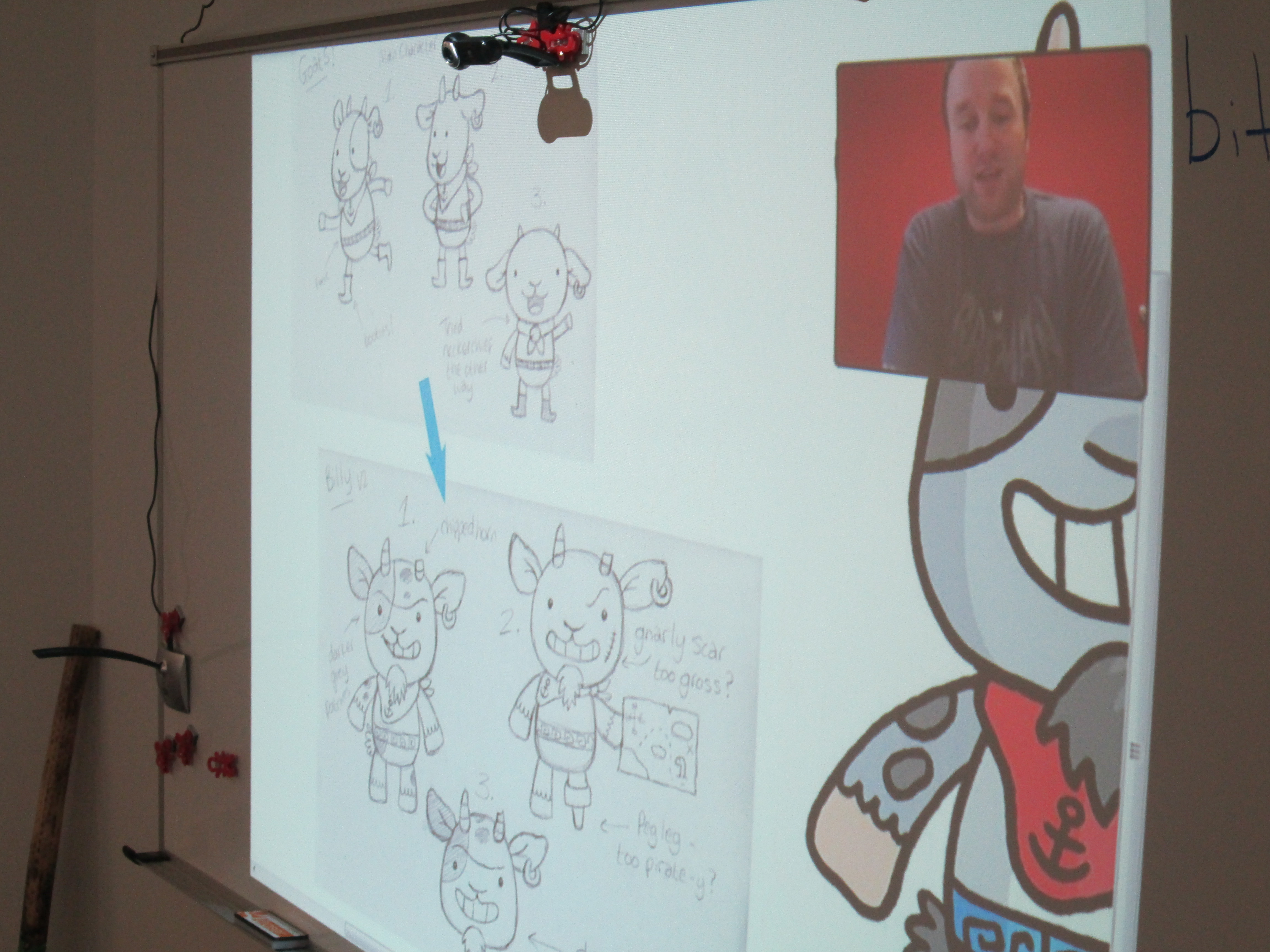
Every page that Ashlee showed got several oohs and ahhhs from students.  They loved to see how a character went from a thumbnail sketch to a full color character in the book.  It was also interesting to see the initial attempt at creating a character and how that character changed.  Sometimes the final character was a combination of several sketches put together.

capstone graphic novel skype (5)

Bob and Ashlee paused a lot along the way for students to ask questions.  Some of their questions were about upcoming projects while others were about where ideas come from.  I loved when students thought about specific questions that would help them with their own project.  I also loved when Bob asked the students how many pages their graphic novels were going to be.  Answers ranged from 12 pages to a full box set of several graphic novels!

capstone graphic novel skype (6)

Bob and Ashlee closed with a preview of upcoming Capstone titles for the fall.  The students saw a lot of books that they want in our library.  It was perfect timing because our student book budget group is about to start and graphic novels is once again a category that they will be purchasing books in.  These 2nd graders are sending their recommendations to this group, and I’m sure we’ll see several Capstone graphic novels on our shelves soon.  Thank you Capstone Press for being a continuing supporter of the programs we offer in our library.  You are appreciated!

Read for the Record 2013

read for record (2)What fun!  Today we participated in Jumpstart’s Read for the Record.   Since 2006, Jumpstart has been encouraging people around the world to break the record for the most people reading aloud the same book.  This year, the book was Otis by Loren Long.  We Give Books provided free access to this book for anyone who wanted to read it online.  At the same time you were reading for the record, you were also supporting book donations around the world.

Today, 4 classes at Barrow participated in the media center, while some others read the book in their own classrooms.  Each class was a bit different in what we did with the book.

Mrs. Clarke’s PreK class is studying cooperation.  We used Capstone’s PebbleGo Social Studies database to learn about the word cooperation.  Then, we gave examples from our own lives and classroom of how to cooperate.  As we read Otis aloud, we talked about how cooperation was shown in the book.  We also talked about how we were cooperating with people all around the world to read for the record.

Read for the Record through the years.

In Mrs. Watson’s 1st grade, we looked at the data  from Read for the Record through the years.  We also read about tornadoes on PebbleGo and made connections to Otis and the Tornado.  1st grade is studying weather along with their study of The Wizard of Oz so Otis and Otis and the Tornado were a perfect fit.

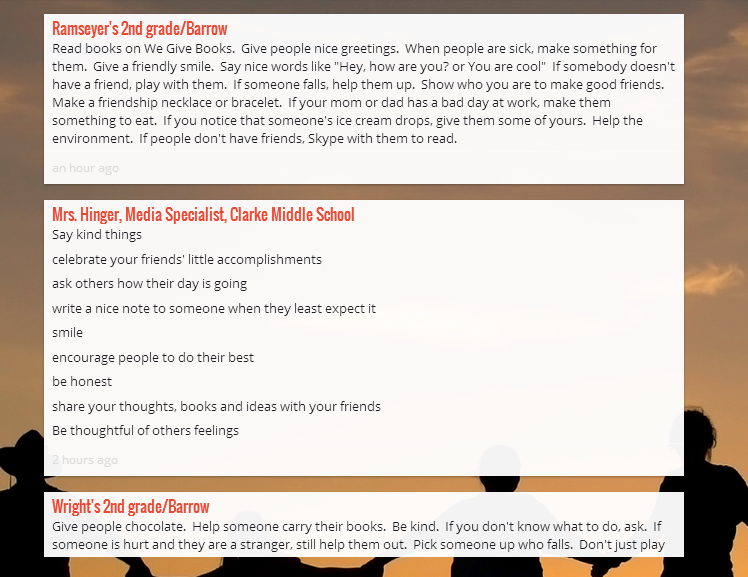
In Mrs. Wright’s 2nd grade class, we Skyped with Mrs. Lussier in Connecticut.  We had also connected with her 4th grade students during Talk Like a Pirate Day, so it was fun to reconnect.  We took turns reading pages in the book and then added to a friendship padlet.  Since October is bullying awareness month, we used Otis to talk about being kind and showing friendship rather than bullying.

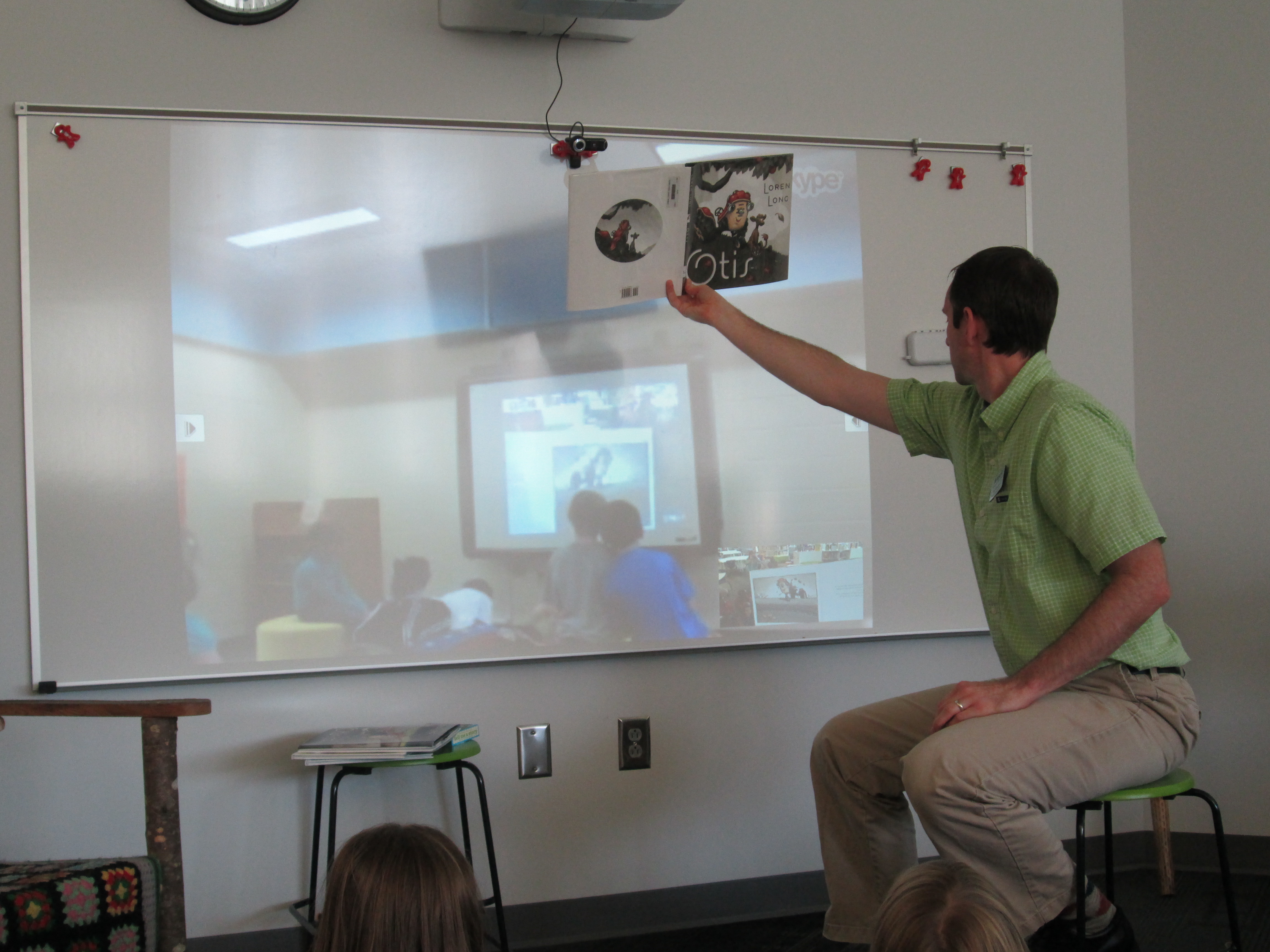
Showing pictures to Mrs. Techman's students.

Showing pictures to Mrs. Techman’s students.

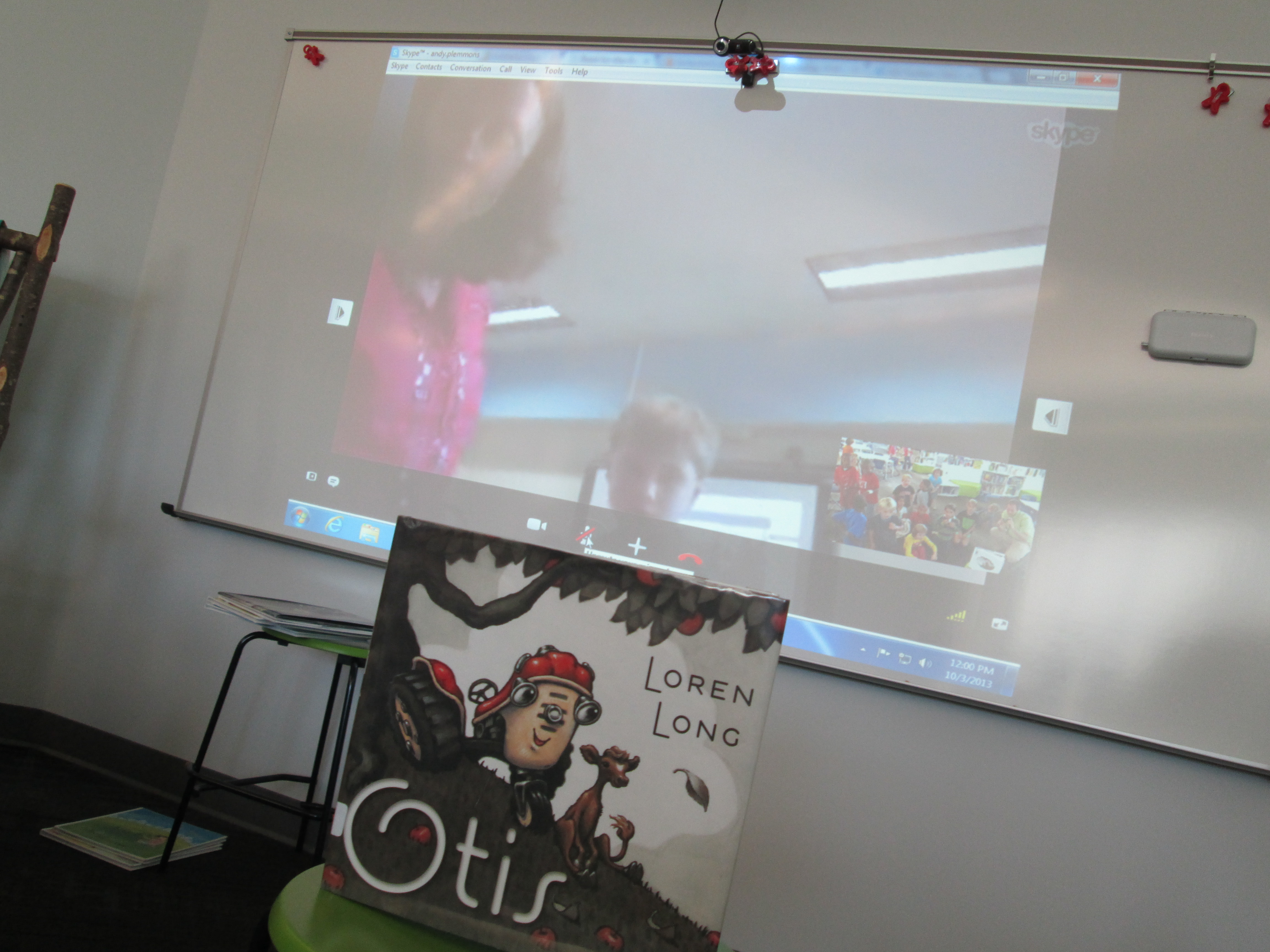
In Mrs. Ramseyer’s 2nd grade class, we Skyped with Mrs. Techman in Charlottesville, VA.  I read the entire book to both classes and shared the pictures on the camera.  Our students stopped along the way and made predictions for one another.  We also took some time to tell about our own communities.  We looked at a map of how far away VA is and how long it would take to walk or drive.  Students wanted to know how long it would take to fly, so we pulled up a travel website and searched for a flight.  We also took time to add to the Padlet in this class, and Mrs. Techman’s class will add to it tomorrow.  Friendship Wall

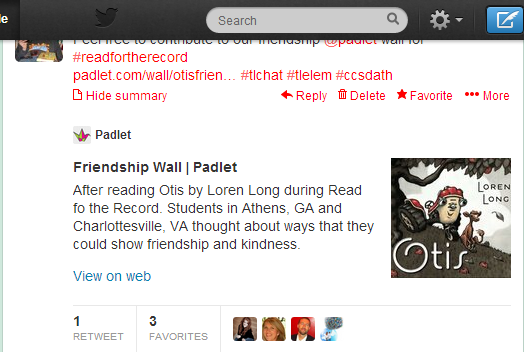
While all of this was going on, I also tweeted the link to the padlet.  It was retweeted numerous times, so hopefully others will add to it.  Shawn Hinger and her students at Clarke Middle in Athens took time to add their own thoughts on friendship.  It was nice to have a middle school voice among the elementary ideas.  Andy Plemmons (plemmonsa) on Twitter

Once again, I was amazed by the power of connecting and how many standards can be woven into an event such as this.  I can’t wait to see what the record was set at today!


Interactive Ebook Station

interactive screenWe finally have another piece of our new library put together.  Our touchscreen computer was just setup in our display case just inside the doors of the library.  This screen can be used for multiple functions, but our primary function is to allow it to be a space where students browse our Capstone Interactive Ebook Collection.  When you purchase Capstone Interactive Ebooks, you get a direct link to the ebooks that automatically logs you in.  This is in addition to a unique username and password for the whole school to use.  The home screen of this computer will be directed to that specific link.  Students can spend time listening or reading an entire book at this station or they can browse the collection for books that they might read later.  Also, when students are asking for specific kinds of books, I can easily show them the ebooks that fit their requests without having to pull up the ebooks on a computer where students are also trying to look for books in Destiny.

Tomorrow on our morning broadcast, students will get to see a video advertising this new feature.  I look forward to seeing how students use this new feature in our library.


5th Grade Cell-a-bration

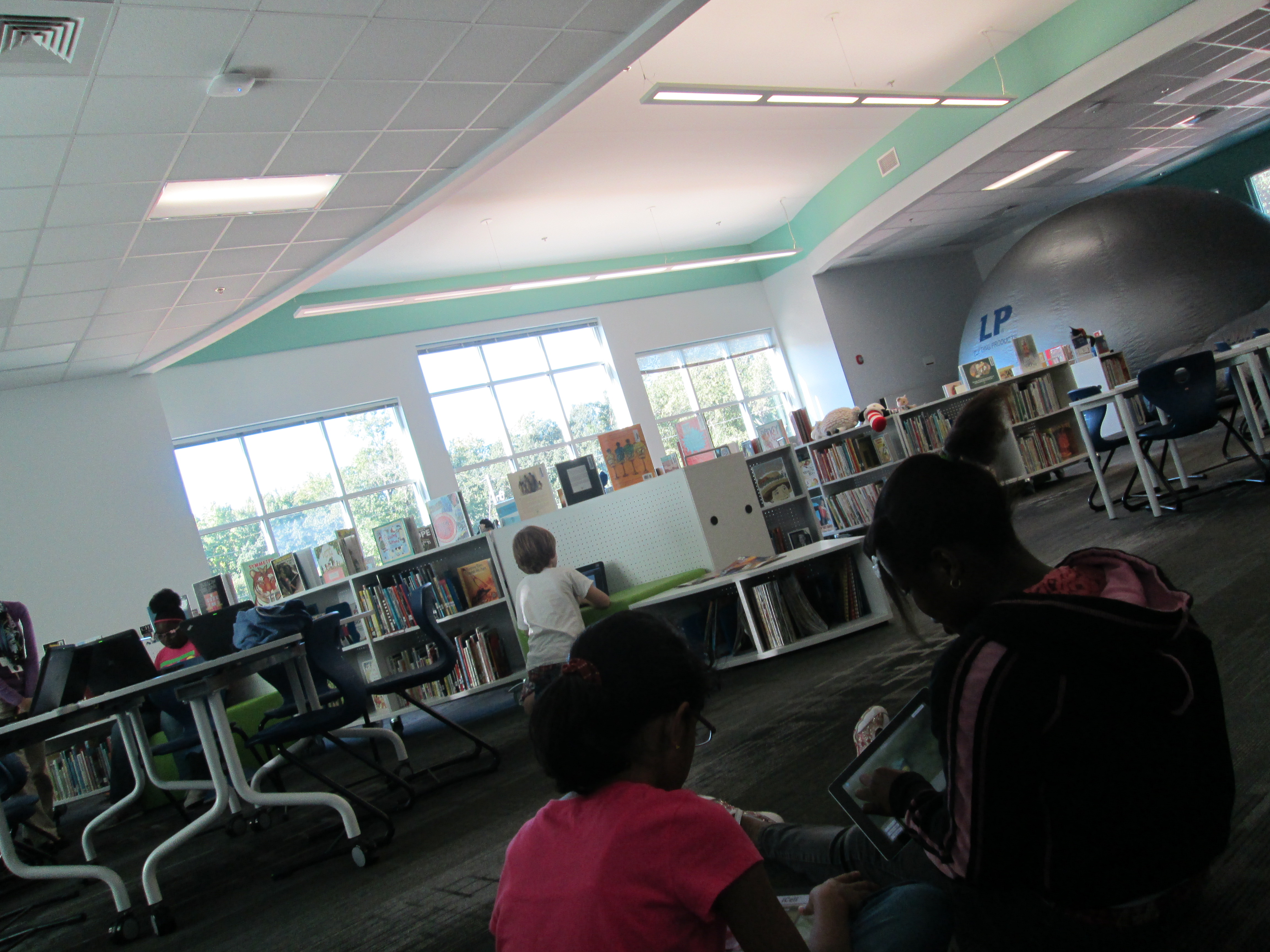
Star lab, checkout, computer/iPads were all used simultaneously in our space

Star lab, checkout, computer/iPads were all used simultaneously in our space

Today our 5th graders participated in 5 centers throughout the school to learn about cells.  This was another example of transliteracy in action.  Across the centers students:

  • heard a guest speaker talk about the USDA and tracking outbreaks of food sickness
  • looked at projected images of cells underneath a microscope
  • entered the Starlab to actually sit inside a cell that was projected on the planetarium ceiling
  • used a Sqworl pathfinder and iPad apps to interact with cells in multiple ways from games to videos to ebooks to interactive tours of the cell

In the media center, we hosted 2 of the rotations.  Once again, I was excited to see that the design of the space supported multiple things going on at once.  The Starlab was inflated where our tables are usually located.  This massive planetarium did not block a single shelf from being accessible to students who were coming to checkout.  The tables were moved to the other projection area so that students could use iPads and computers for the pathfinder and app center.

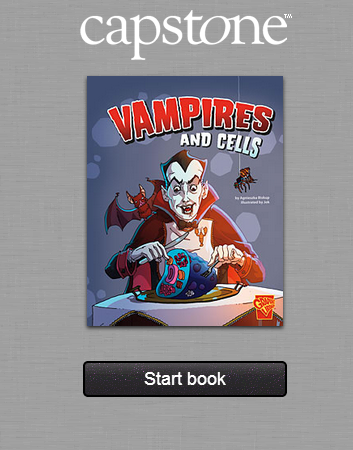
I started the students in the floor to intro the apps and pathfinder.  They grabbed the device they needed and then found the best space that worked for their learning.  On the pathfinder, the students most enjoyed the Capstone Interactive ebooks, Vampires and Cells and The Basics of Cell Life.  

vampires and cells

They also enjoyed the University of Utah’s Inside a Cell, which allowed them to zoom into different parts of a cell and read additional information about that part.


Student Book Budget 2012-2013 Finale

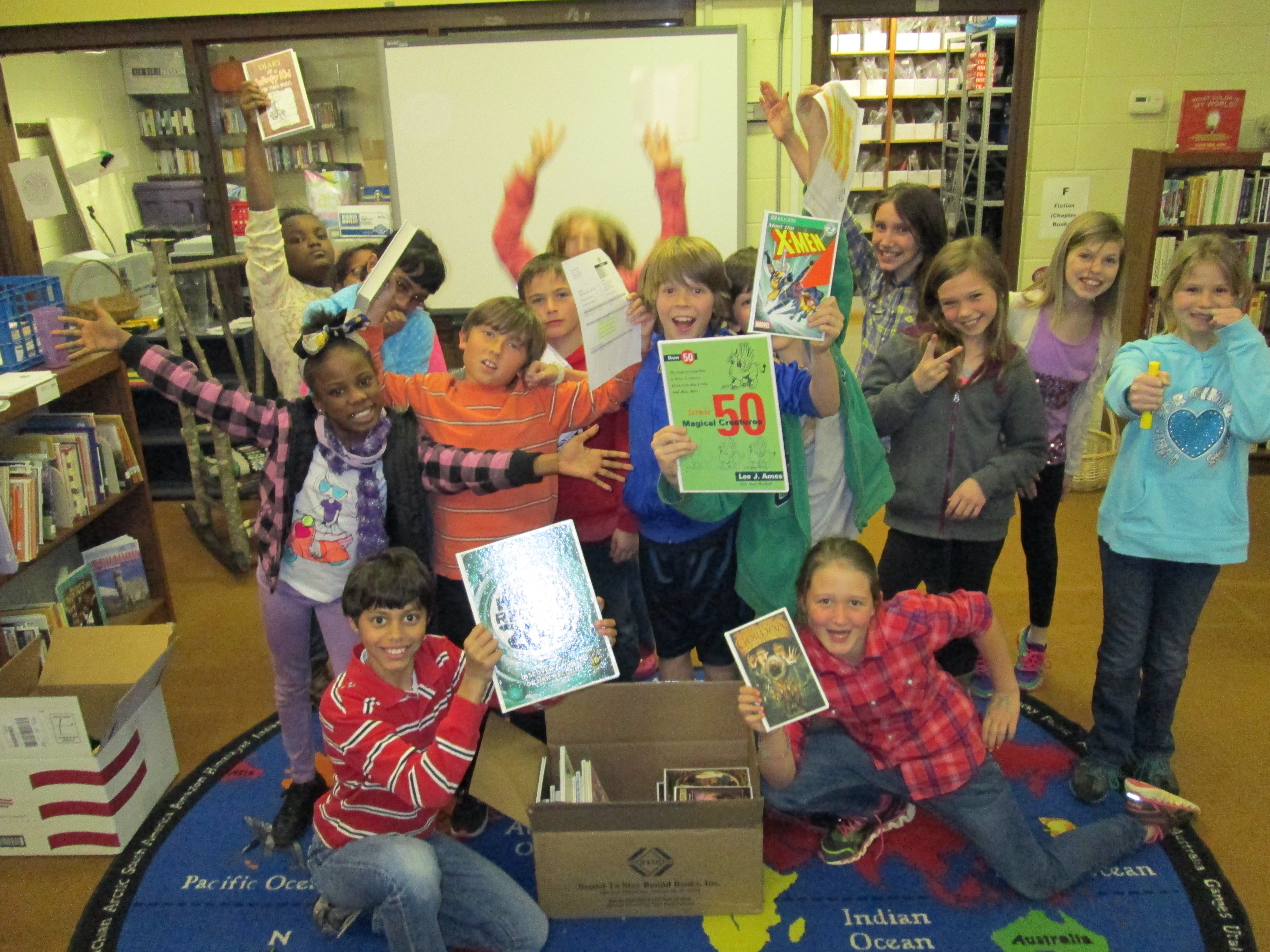
IMG_0331 IMG_0332 IMG_0333 IMG_0334 IMG_0335Today was an exciting day.  The 105 books purchased by the students in this year’s book budget groups went into circulation.  I announced on BTV that the books were ready.  Teachers played this video in class.

IMG_0337It didn’t take long until students began pouring into the library on their own and in classes to checkout the books.  Almost every student who visited the library got one of the new books, and by lunch, there were only 5 books left!

Only 5 books remained at Noon.

Only 5 books remained at Noon.

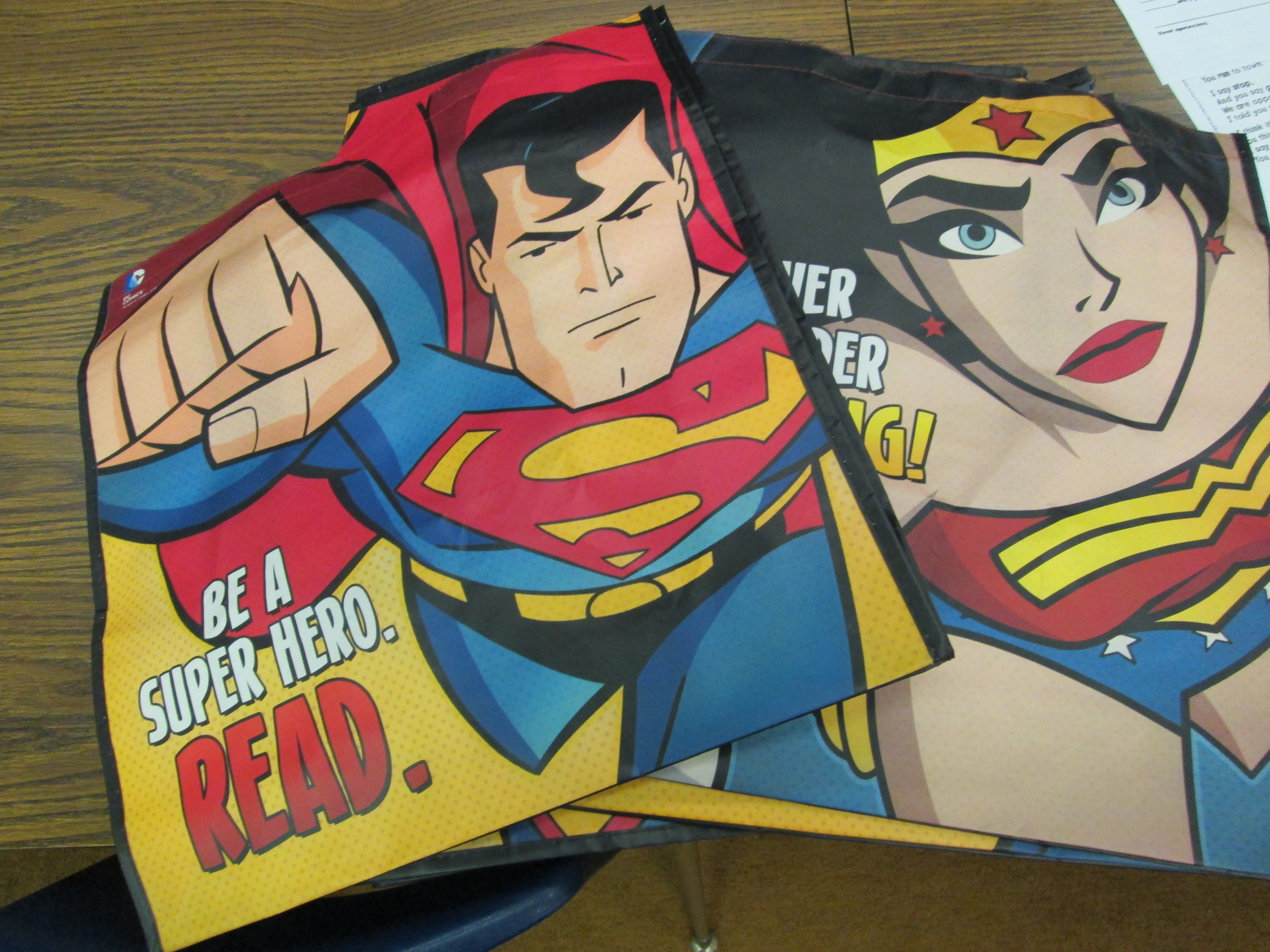
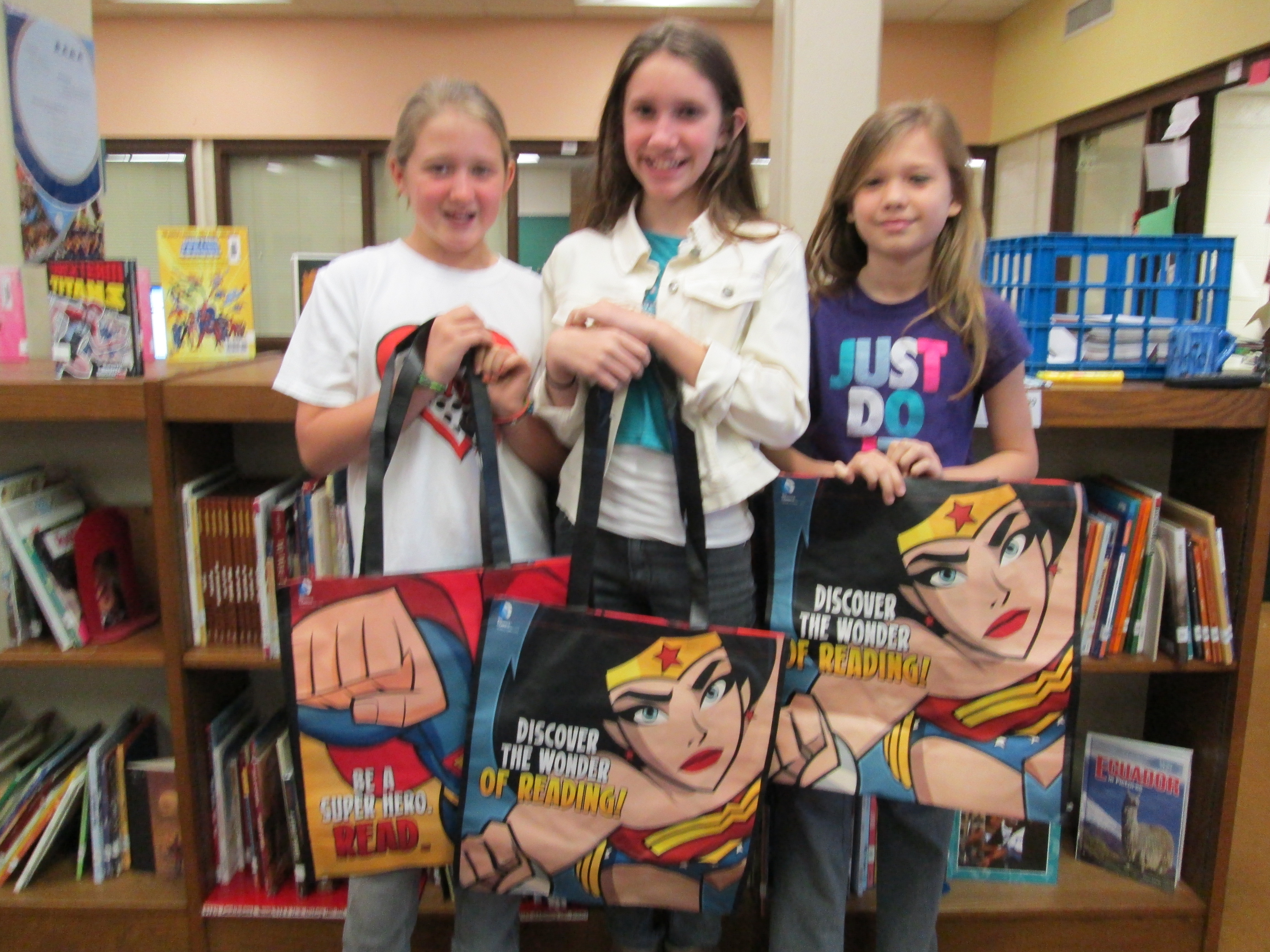
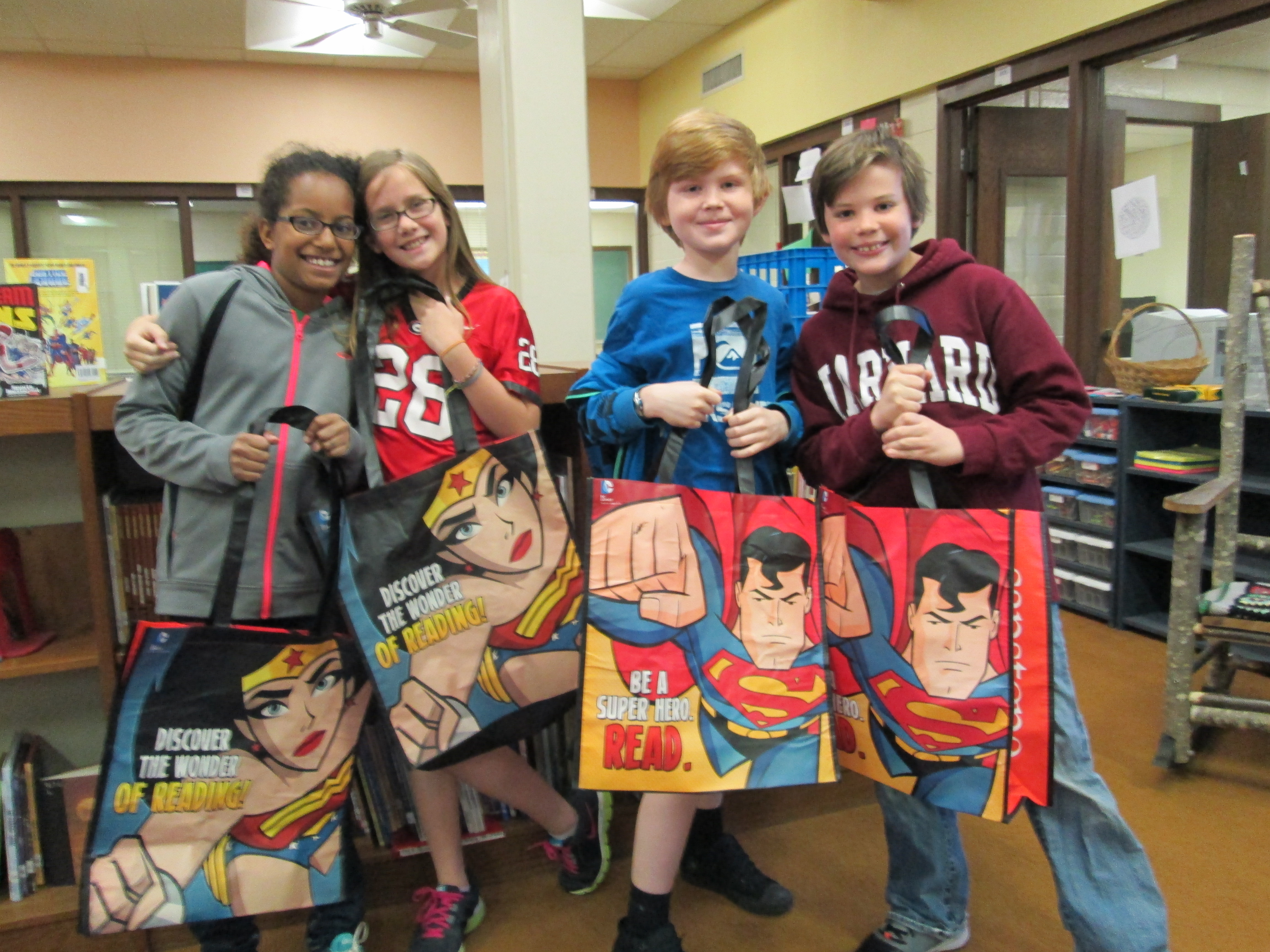
It was also an exciting day for the book budget students because they got to see their hard work pay off with students getting excited about reading their selections and they were surprised with superhero bags donated by Capstone Press.  As always, I was amazed by the customer service of Capstone and how they responded to the work of these students.  They featured the students’ on their blog, sent us 4 new princess books, and gave all of the students a Capstone bag.IMG_0336 IMG_0339 IMG_0338

Once again, this process has proved to be very effective in matching books to student interests.  I think the participatory aspect of this along with the student ownership is what drives this to be so successful each year.  It’s a great way to give back to the students what they put into the library program each year through lessons, reading, contests, and book fairs.  It will be interesting to see if student interests change through the coming years as our books on princesses, sports, superheroes, etc continue to grow.


Student Book Budgets (Part 3): The Books are Here!

IMG_0306After lots of surveying and ordering, the books that 27 third-fifth graders ordered for the library are finally here.  Today the students came to the library to unpack the boxes.  The process followed these steps:

  • Unpack the box
  • Highlight the books on the back slip
  • Inspect the books for damage or imperfections
  • Stamp the books with our library stamp
  • Take pictures of the books
  • Pack them back into the box until the records are downloaded into Destiny

IMG_0252The students formed an assembly line and worked through these steps.  The fourth grade group was a bit larger, so some of those students split off to create window displays and signs advertising the new books.  All of the pictures were put into an Animoto that will be played on BTV after spring break.

The students are eager to see the books get checked out.  I have a feeling that these books will fly off of the shelf just like in past years.  Great work students!IMG_0309


Student Book Budgets 2012-13 (Part 1)

A snapshot of the form that students used to survey other students

A snapshot of the form that students used to survey other students

Once again, I have reserved a portion of our library budget for complete student control.  I have done this over the past three years and have come to value it so much that I plan to continue and improve upon the process.  So far, this year is proving to be one of the most interesting so far.  In the past, I’ve worked with groups of students as large as 40 and as small as 12.  This year, we have 27 students in grades 3-5 who have agreed to participate in this process.

This year, I created a Google form asking about some reading interests and gauging student interest in being a part of the book budget group.  I emailed the form to all students in the school.  In general, our 3rd-5th graders are the main students who check their email, so those were the students who responded.  Out of about 60 responses, I had about 40 students who were interested in being in the group.  I went through the list and tried to select a mix of boys, girls, grade levels, classrooms, backgrounds, and reading interests.  This narrowed the list to the 27 students.

I then got permission from the students’ teachers to allow them to be in the group.  Next, I blocked out some times on the library calendar.  Here’s the rough outline of what I did/planned to do:

  • 1/25:  Initial meeting with the whole group to lay the foundation of our work and edit the Google form that I started. We also claimed which grade levels we would each survey. This was done at the very beginning of the day when students would have been doing their morning meeting in the classroom.
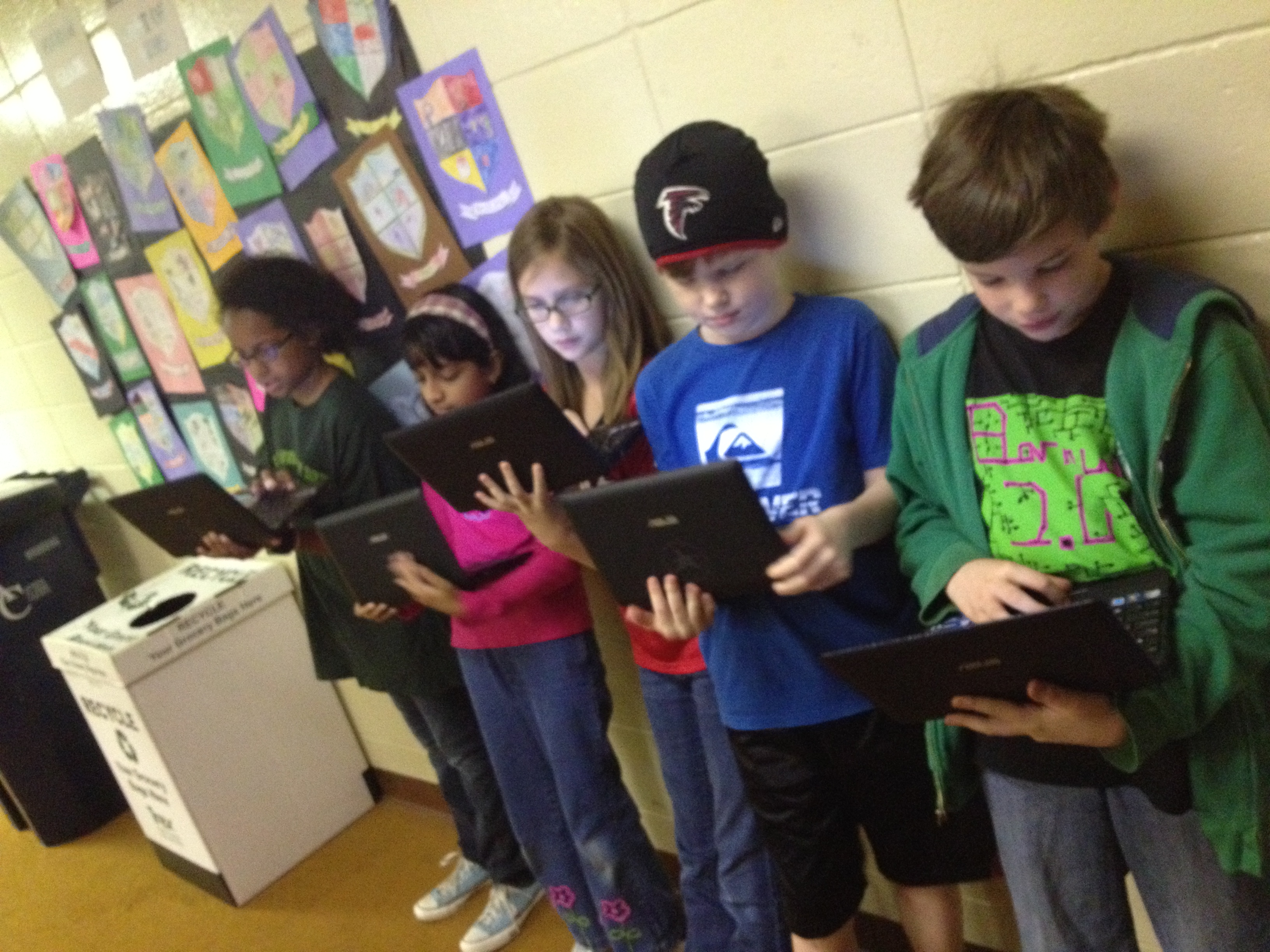
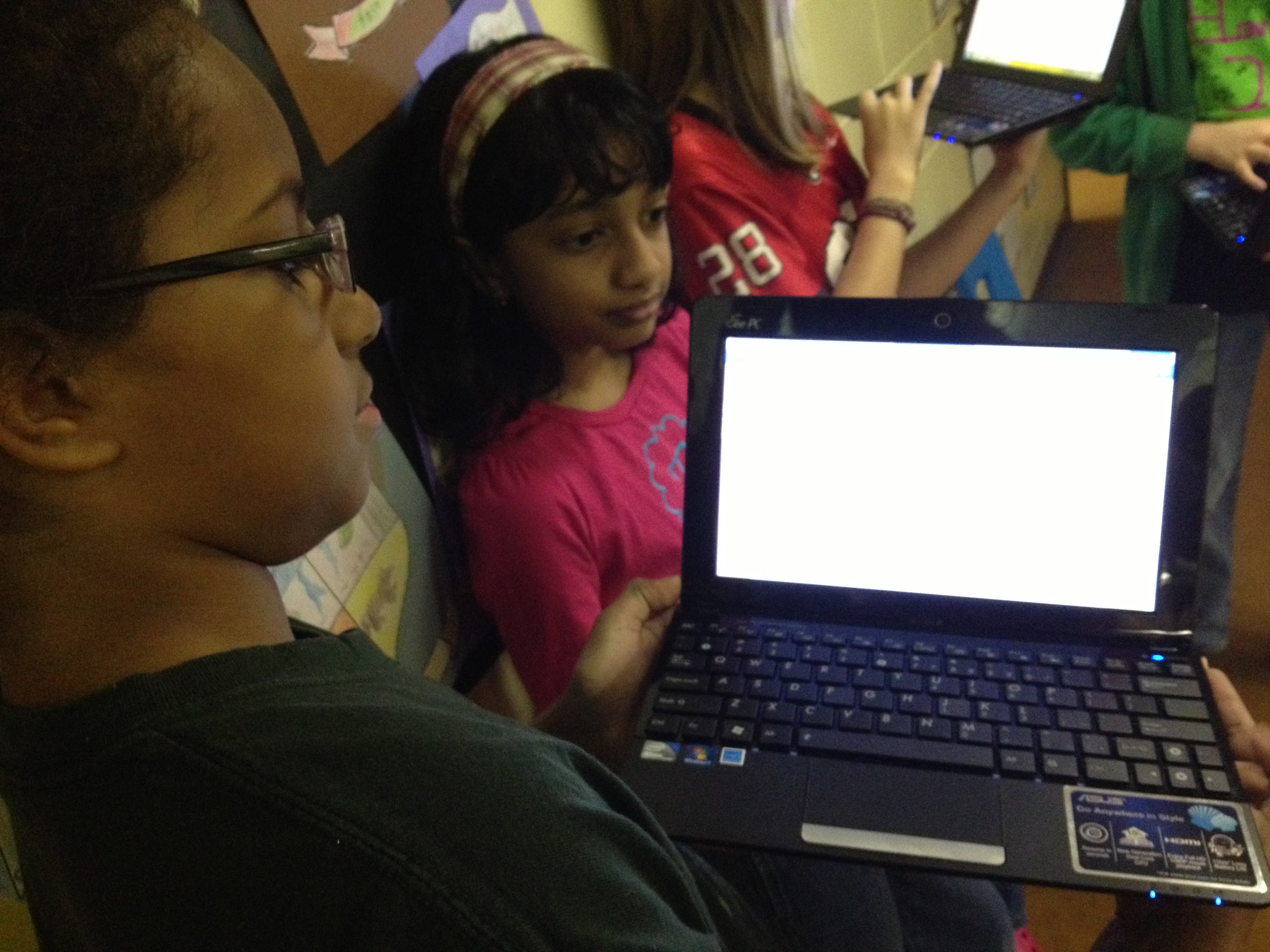
  • 1/28-2/1:  As soon as students arrived at school, they got their netbooks out and pulled up our Google form.  Then, they surveyed their own class as well as one other grade level that they had chosen.
  • 2/1:  After surveying is done, email the results to all of the students so that they can begin looking at patterns.
  • 2/4, 2/8, & 2/11:  Students will meet in the library during their lunch.  We will narrow down the survey results and determine which specific books and categories of books we want to focus on.  Then, students will begin creating lists of books with our favorite vendors including:  Bound to Stay Bound, Capstone Press, and Follett
  • 2/12:  Finalize the lists and order the books.
  • While we wait on the books to arrive, some students might choose to work on some marketing strategies, but I won’t do this with every student in the group.
  • When the books arrive, schedule a meeting to unpack, stamp the books, and double check the packing slips.
  • Advertise the books on BTV and put them into circulation.
Students pulling up their Google Form to begin roaming the school.

Students pulling up their Google Form to begin roaming the school.

At our initial meeting, students did a great job adding to the form I had already started.  In the form, I asked about specific series of books, genres of books, and created a space for students to list specific books.  This was all based on what students are constantly asking for in the library so there were things like:  The Hunger Games, Diary of a Wimpy Kid, World Records, Rainbow Fairies, Ninjago, Lego, Princesses, etc.  The students decided to add a question about grade level and gender so that we could balance how many boys, girls, and students from different grade levels we surveyed.  They also added their own series and genres that I completely missed.  This is what I love about this participatory aspect.  It’s impossible for one person to know the reading needs of the entire school.  It has to be a collaborative effort.

During the week of 1/28-2/1, students surveyed as many students as possible.  I was amazed that by the end of the week they had surveyed over 400 students, which is almost every student in the school!  This is highest amount of students we have ever been able to survey in this project.  Almost every day, I emailed the students an update on how many students in each grade level we had surveyed.  This helped them focus their time.  I was also amazed by the decision making of many of the students.  They were careful not to disturb a classroom if the teacher had already started a morning meeting or a lesson.  They also came to the library to ask me my thoughts about where they might go next.  In the library, I watched the number of surveys steadily climb in the spreadsheet that Google Forms automatically creates.IMG_1689

On 2/1, I emailed the students the final results so that they can hopefully look over it before we  begin the messy process of making decisions this week.  I’ll do another post about the decision making process and book ordering, but for now here’s what we have to work with.  How would YOU narrow this down?

Prek 42 10%
K 58 14%
First 69 16%
Second 73 17%
Third 46 11%
Fourth 45 11%
Fifth 33 8%


Boy 207 49%
Girl 159 37%


Superheroes 129 31%
Princesses 92 22%
Graphic Novels (comics) 170 40%
Legos 172 41%
Star Wars 141 34%
Wrestling 96 23%
Ghosts 165 39%
Sports 206 49%
Poetry 124 30%
History 145 35%
Animals 232 55%
Paper airplanes 149 35%
Cars 144 34%
World Records 201 48%
Drawing 197 47%
Mystery 167 40%
TV shows 149 35%
How to 126 30%
Action 159 38%
Scary 177 42%
Myths & Legends 159 38%
Picture books 187 45%
Movies 185 44%


Hunger Games 161 39%
Rainbow Fairies 113 27%
Diary of a Wimpy Kid 211 51%
Guinness World Records 168 40%
Ninjago 174 42%
Disney Princesses 87 21%
Sisters Grimm 59 14%
Mo Willems books 90 22%
Captain Underpants 145 35%
Geronimo Stilton 104 25%
Magic Tree House 191 46%
Junie B. Jones 168 40%
Lunch Lady 141 34%
Babymouse 139 33%
Goosebumps 100 24%
Dr. Seuss 190 46%
Fashion Kitty 114 27%
Bad Kitty 142 34%
39 Clues 109 26%
Eragon 73 18%
Bone 111 27%
Genius Files 75 18%
Nancy Drew 95 23%
Corduroy 89 21%
Hardy Boys 114 27%
Percy Jackson 100 24%
Archie Comics 92 22%


Google Forms: Choose Your Own Adventure

IMG_1645I had heard about how you could write a Choose Your Own Adventure story using a Google form, but I had not been brave enough to give it a try until this year.  The idea got placed back in front of me at one of our media specialist professional learning meetings by Tanya Hudson.   Then, I went into Google forms and gave it a try.  I made a very short, basic fiction story. I won’t go into detail in this post about how the story is made, but it is all about adding multiple page breaks in a form and then directing answers to go to those pages based on the response of the reader.

Mr. Plemmons’s very rough practice story!

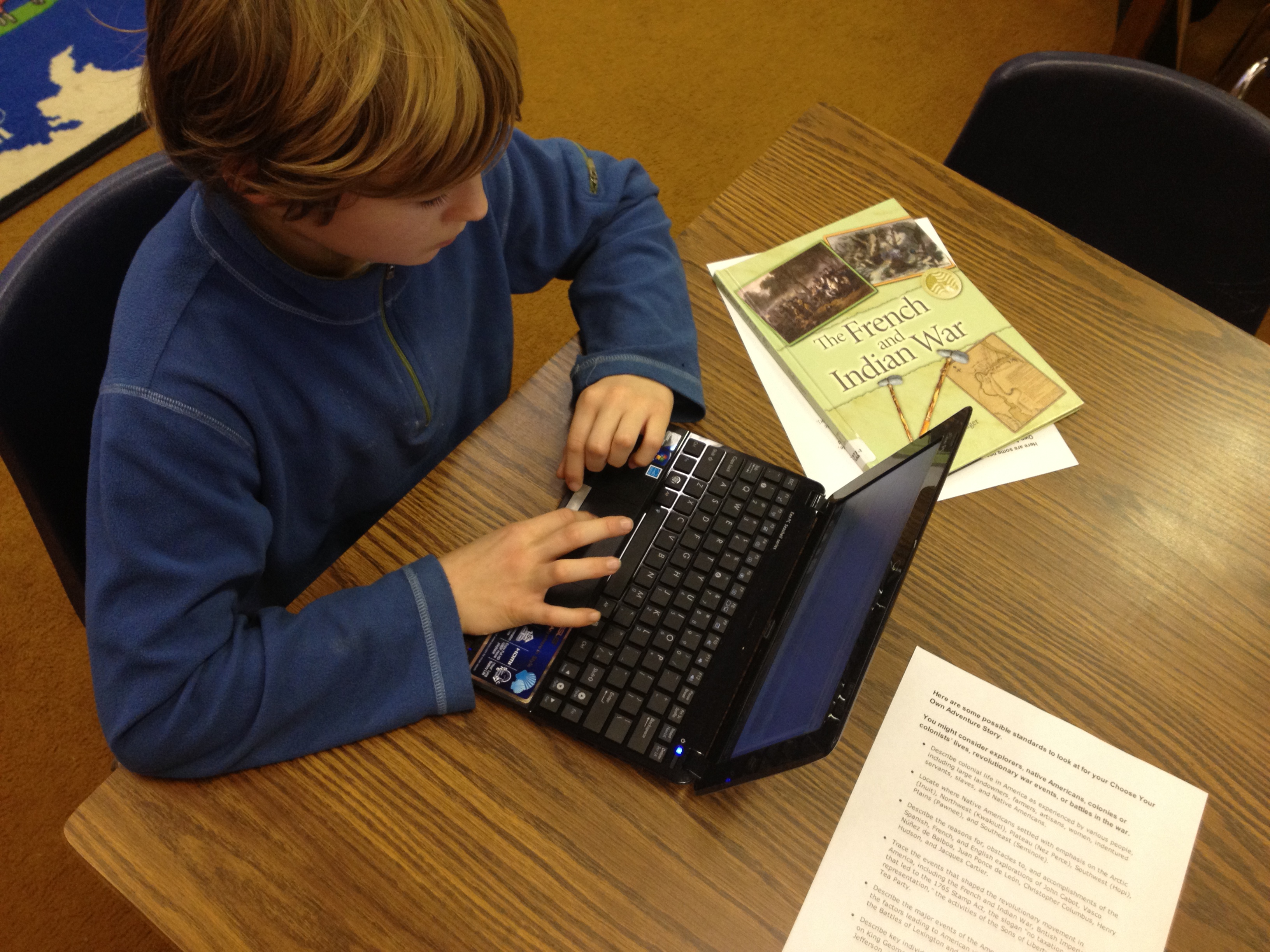
Then, at our school level professional learning day in January, I did a session on using Google forms.  I shared some very basic uses of forms and also included this advanced idea.  Our 4th grade teachers were very interested in how this might be used by their students.  After some brainstorming, we decided on writing historical fiction choose your own adventure using some of the 4th grade standards.  In the library, I have several nonfiction choose your own adventure stories from Capstone Press, so these became mentor texts for the project.IMG_1644

The teachers gave me a small group  of students from each of their classrooms.  The reason we started with a small group was so that I could work with them in a smaller setting to explore the possibilities of creating this kind of story.  Then, these students could pair with other students in the class to show them the steps to making the stories.  The students worked with me during 5 hour-long sessions.

In session 1, we read some excerpts from the informational Capstone Press books.  Then, I walked them through the story I made and how it was created.  They ended this session by “messing around” in Google forms to practice some of the things I modeled.

In session 2, students looked at the standards and chose their topics to begin researching.  They chose from:

  • Describe colonial life in America as experienced by various people, including large landowners, farmers, artisans, women, indentured servants, slaves, and Native Americans.
  • Locate where Native Americans settled with emphasis on the Arctic (Inuit), Northwest (Kwakiutl), Plateau (Nez Perce), Southwest (Hopi), Plains (Pawnee), and Southeast (Seminole).
  • Describe the reasons for, obstacles to, and accomplishments of the Spanish, French, and English explorations of John Cabot, Vasco Núñez de Balboa, Juan Ponce de León, Christopher Columbus, Henry Hudson, and Jacques Cartier.
  • Trace the events that shaped the revolutionary movement in America, including the French and Indian War, British Imperial Policy that led to the 1765 Stamp Act, the slogan “no taxation without representation,” the activities of the Sons of Liberty, and the Boston Tea Party.
  • Describe the major events of the American Revolution and explain the factors leading to American victory and British defeat; include the Battles of Lexington and Concord, Saratoga, and Yorktown.
  • Describe key individuals in the American Revolution with emphasis on King George III, George Washington, Benjamin Franklin, Thomas Jefferson, Benedict Arnold, Patrick Henry, and John Adams.

IMG_1643In all of the other sessions, students mixed research from books, websites, ebooks, and the research tool in Google Docs with actually creating their form.  Students supported one another as they figured out things, but students also conferenced with me on their stories.  About mid-way through their sessions, I had students go ahead and submit the link to their form to me.  I used a Google form to gather all of their links.  Then, I could easily check-in on students without disturbing their writing.

As I look back at what we’ve done so far, it has been a very messy process with lots of different kinds of learning going on simultaneously.  If I had it to do again, I think it would be easier to start with a fiction story than weaving in history.  Just making the structure of the Google form and getting it to work took a lot of time and students were also trying to research facts.  When they moved to research, their skills at creating their forms were getting a little rusty.  I think if students started with fiction where they could just make everything up, they could spend more time being creative and actually getting the form to work.  We learned a lot about the process, and I definitely think that these students will be able to show others the steps it would take to create their own.

All of their stories are still works in progress, but you can try them out here:

JP’s Boston Massacre

Henry’s Seige of Yorktown

Dmitri’s French and Indian War

Lucy’s Colonial Times

Jake’s Taxes of the British

Will’s Battle of Lexington and Concord

Lilli’s Battle of Lexington and Concord

Hadley’s Boston Tea Party

Graham’s French and Indian War

Anna’s Native American Tribes

Samantha’s Boston Tea Party

Feel free to leave feedback on any of the stories as a comment and I’ll pass it along to the students to celebrate and improve their stories.

IMG_1642