Happy World Read Aloud Day 2015: Connecting Through Stories Part 3

WRAD15 Day 3 (3)

The official World Read Aloud Day 2015 is in the books.  We still have 2 days of connections, but it was fun to have a full day for the actual calendar date.

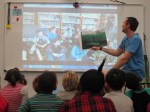
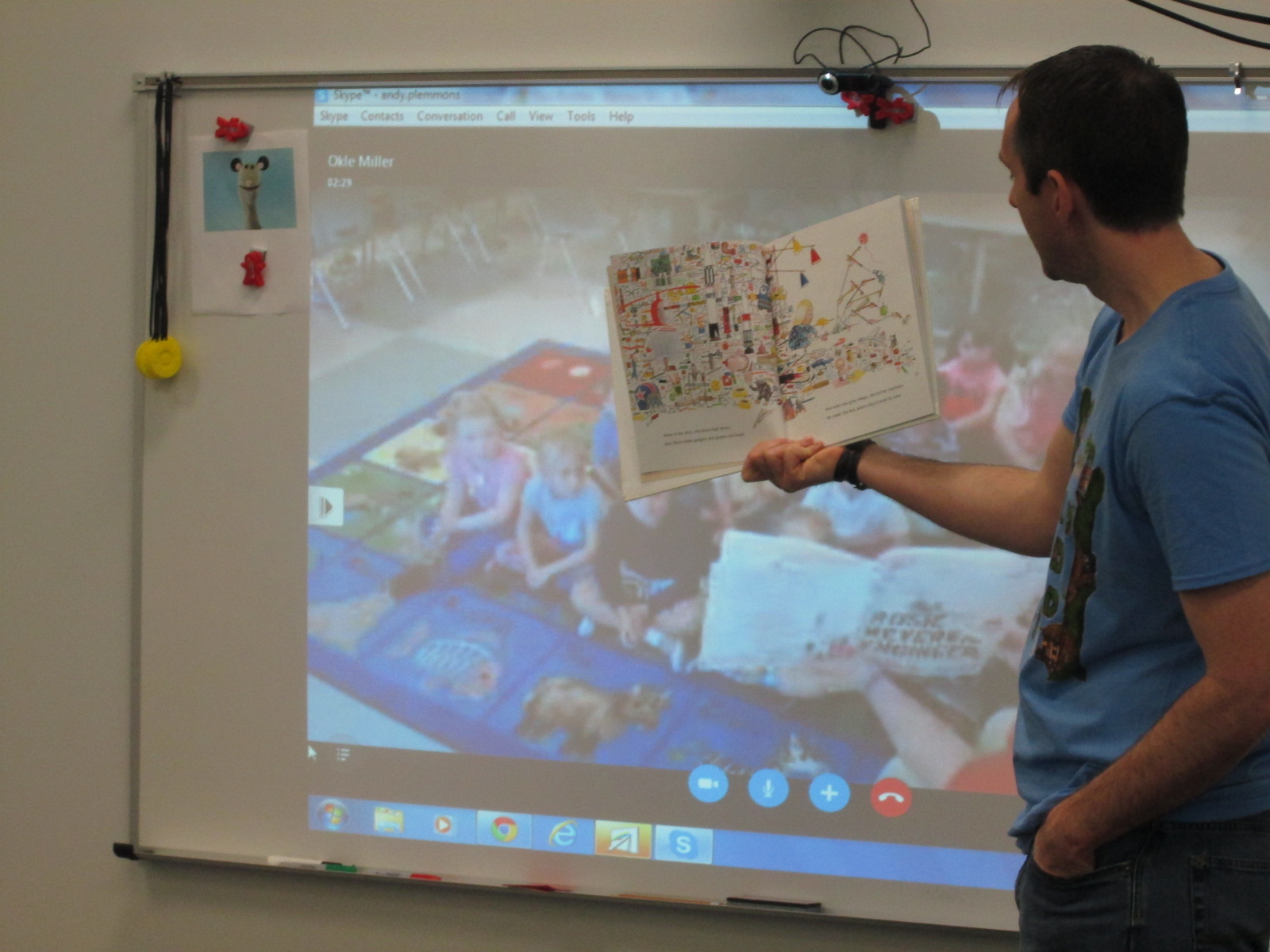
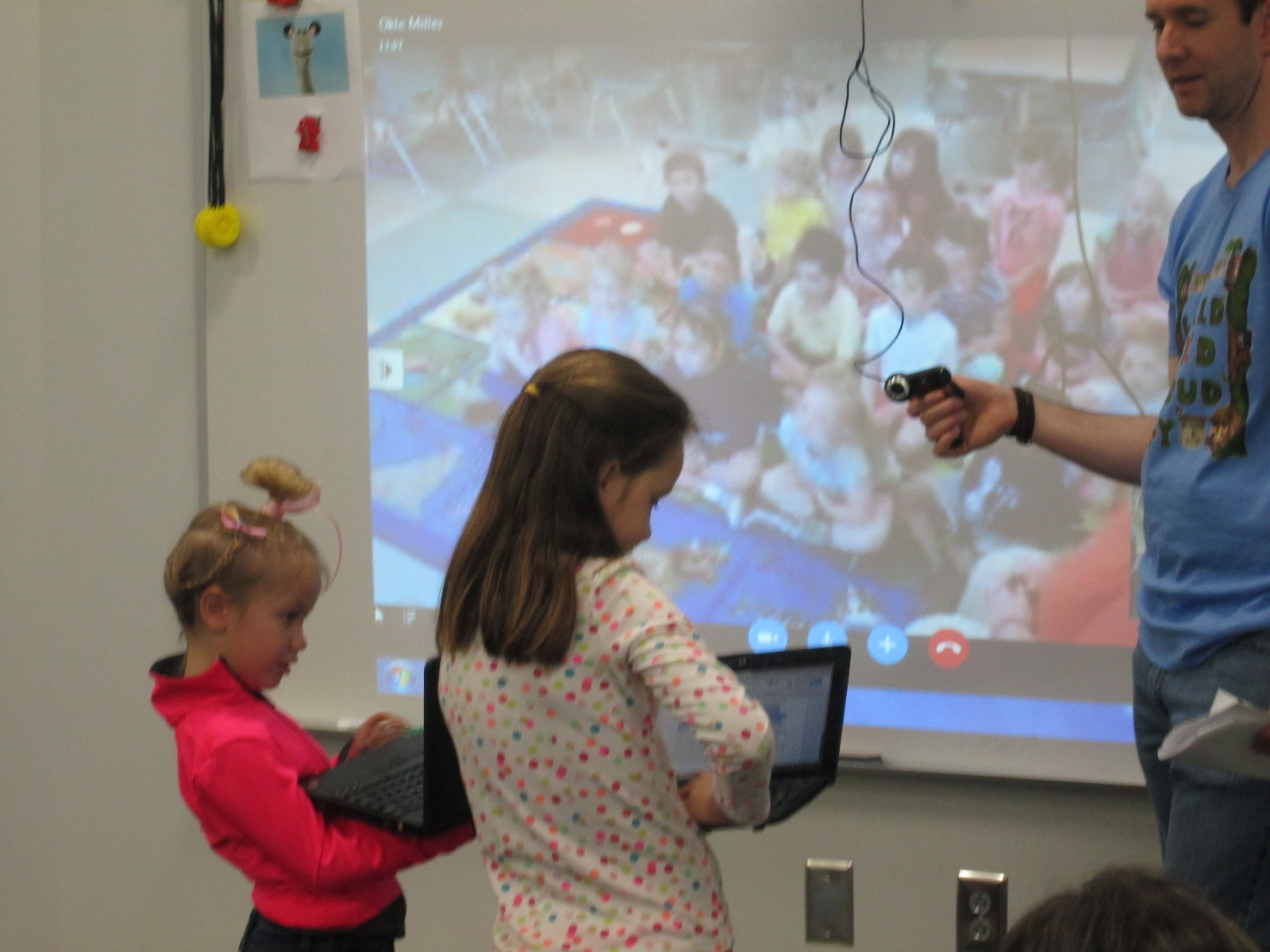
We started our day with enrichment clusters.  I have a group of 2nd-5th graders who are exploring coding and making in a variety of formates.  We connected with Okle Miller and her Kindergarten students in Tampa.  We read Rosie Revere Engineer and then my students had a chance to share some of the inventions that they are creating.  It was fun to see the messages of the book come through in their sharing.  Most students did not have a complete product and most had plenty of failures during the process.

Eli showed a lego mindstorm robot that he put together right before the Skype.  He has designed several robots, and this one was his version of a dog that you could walk since “everyone wants to be able to walk a dog and might not have one”.

Francisco showed his alarm that he made with littleBits that would go off when the sun came up.

WRAD15 Day 3 (6)

Ludwig and Malachi showed off their video game made of cardboard, Scratch, and MaKey MaKey.

WRAD15 Day 3 (11)

Louisa and Ansley showed off their blogs about how to use Tinkercad to 3d design.
WRAD15 Day 3 (8)

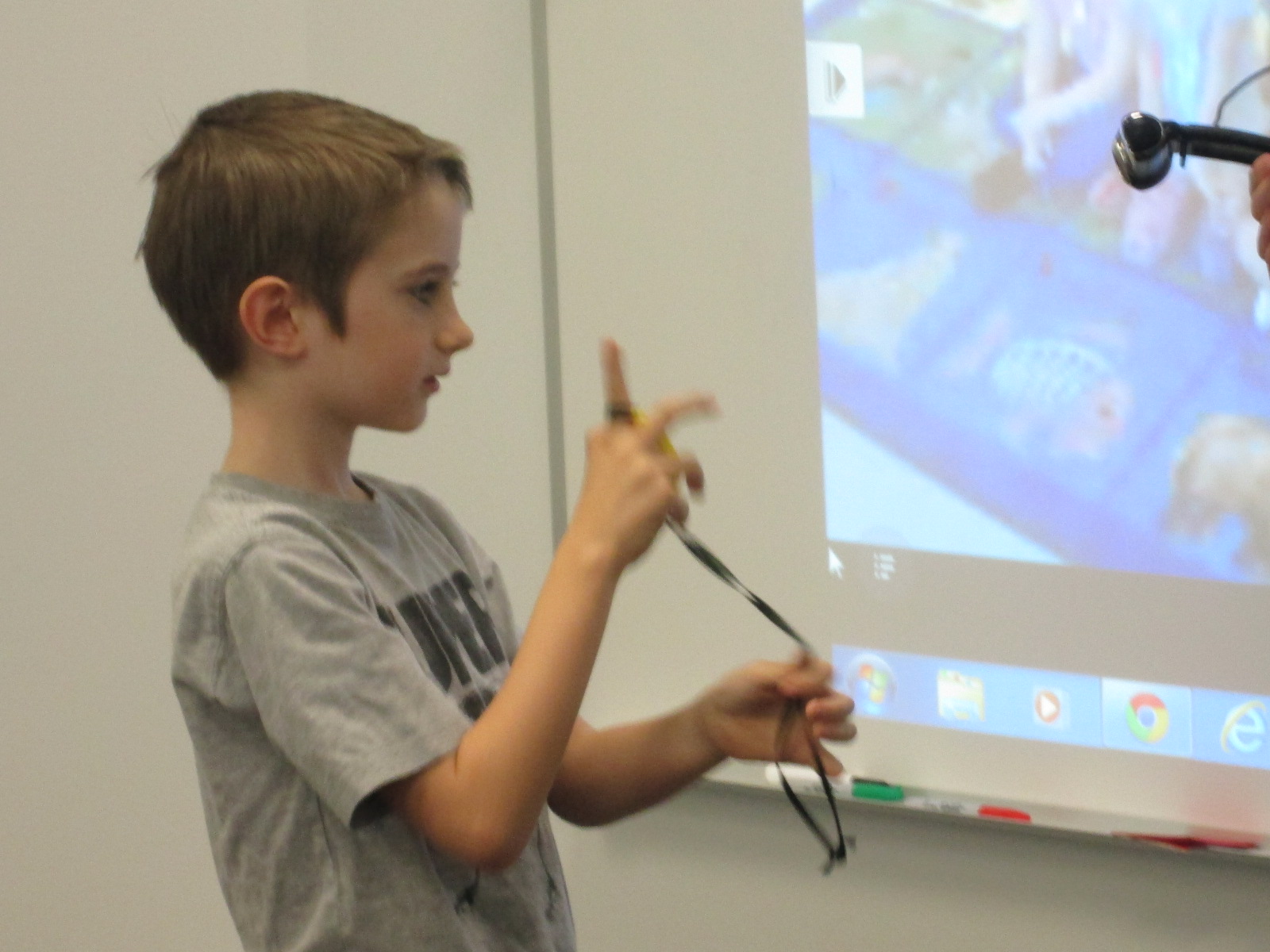
Taylor showed off his Barrow Peace Prize medal that he designed and 3d printed.
WRAD15 Day 3 (5) WRAD15 Day 3 (4)


Next, Ms. Ramseyer’s class connected with Crystal Hendrix and her students in Asheville, NC.  We read I’m Bored and once again had fun taking turns being the girl and the potato.  We also had the students talk about what they would write for a second book, and they were very interested in having the potato get eaten.


Ms. Wright’s 2nd grade connected with Jennifer Reed’s students in Newton, MA.  It was very special to get to share Beekle with one another.  We had some great discussions about the little girl in the book as well as dreaming the unimaginable and having courage.  We even continued our conversation after we said goodbye.
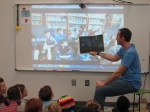
Donna MacDonald’s 4th grade students were such great role models for Ms. Heather’s PreK students today.  It was our PreK’s 1st Skype experience, and it was so special.  We read Wolfie the Bunny.  My students read the part of Dot, and Donna’s students were all of the other characters.

Getting to connect with authors is another really amazing part of the World Read Aloud experience.  Barbara O’Connor was our 1st author of the day, and she connected with Mr. Coleman’s 4th grade class and a few of Ms. Tesler’s students.  She read from How to Steal A Dog.

After the story, she took lots of questions from the audience.  We learned the story of the poster that inspired the book and the story of calling Willie’s real owners to give them a copy of the book.  We also heard about the revision process and how a book that is coming out next year is already heavily into this process with the editor.

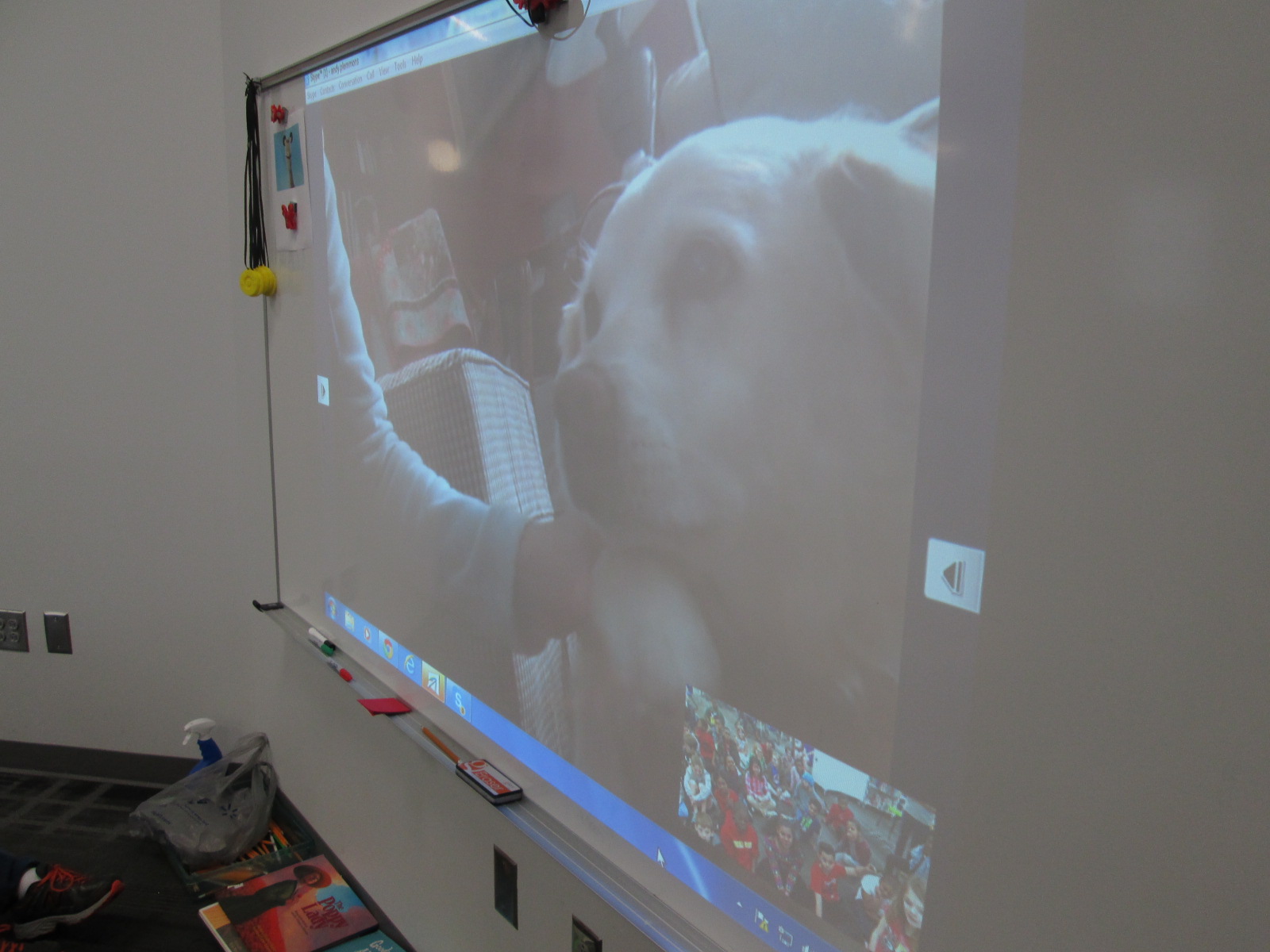
Barbara even walked us through her house to show us the manuscript with all of its pages and markings.  Our visit wouldn’t be complete without seeing the 2 famous dogs in Barbara’s house.
WRAD15 Day 3 (38)


Ms. Mullins brought several 5th graders to connect with Margo Jantzi in Virginia.  We read Crankee Doodle.  Margo was hilarious with her pony voice, and I played the roll of Crankee.

Ms. Clarke’s students had a unique opportunity to connect with Mrs. P from Mrs. P.’s storytime.   Mrs. P. (AKA actress Kathy Kinney) is an advocate for reading and writing.  She is a master storyteller and encouraged all of our young learners to read and create as much as possible.

She told the students a couple of stories, but also gave them some thoughts to ponder.  We had great fun hearing poems and songs about her cat and even heard the very first thing she wrote when she came out of the womb in the delivery room!

We closed out our official World Read Aloud Day with Laurel Snyder.  She read to Mr. Coleman’s 4th grade from Free to Be You and Me, a favorite childhood book.  It brought up some interesting things to think about in regards to “boy books” and “girl books”.  We loved Laurel’s voices for the babies in the selection from this book.

Another thing that I love about World Read Aloud week is that the books that we share aloud and the books that are by the authors that we connect with are immediately checked out of the library.  I love seeing readers get so excited about finding a book that they have a connection with.

I closed out World Read Aloud Day at my house by reading aloud Some Bugs, Toys Galore, and Pete the Cat and His Four Groovy Buttons with my son, Anderson.

We have 2 more days of connectionthis week, and we can’t wait to see what happens!
Using the 3D Printer to Empower Student Voice: A New Piece of Our Barrow Peace Prize Flipgrid Project

IMG_4943

Any time I implement a collaborative project, there are way more ideas swirling around in my head than we can actually pull off.  This year, our Flipgrid Black History Project has gone through so many changes.  Several of these changes were ideas that we had last year.  One of those ideas was the concept of moving this project to something more authentic than designing the next postage stamp.  We wanted something that was more within our control that students could actually have a voice in deciding.  We came up with the Barrow Peace Prize.  I’ve written a few posts about this project already this year.

One day an idea just popped into my head that we really need an actual “Barrow Peace Prize” to present when we announce which person from Black History will receive this honor this year.  Since we have a makerspace in our library with a 3D printer, I knew it was certainly possible for us to make a professional award.  I considered how this might happen.  Should I ask an older student who had experience with 3D printing but no real connection to the project?  Was there a 2nd grader who might work with an older student to design our award?

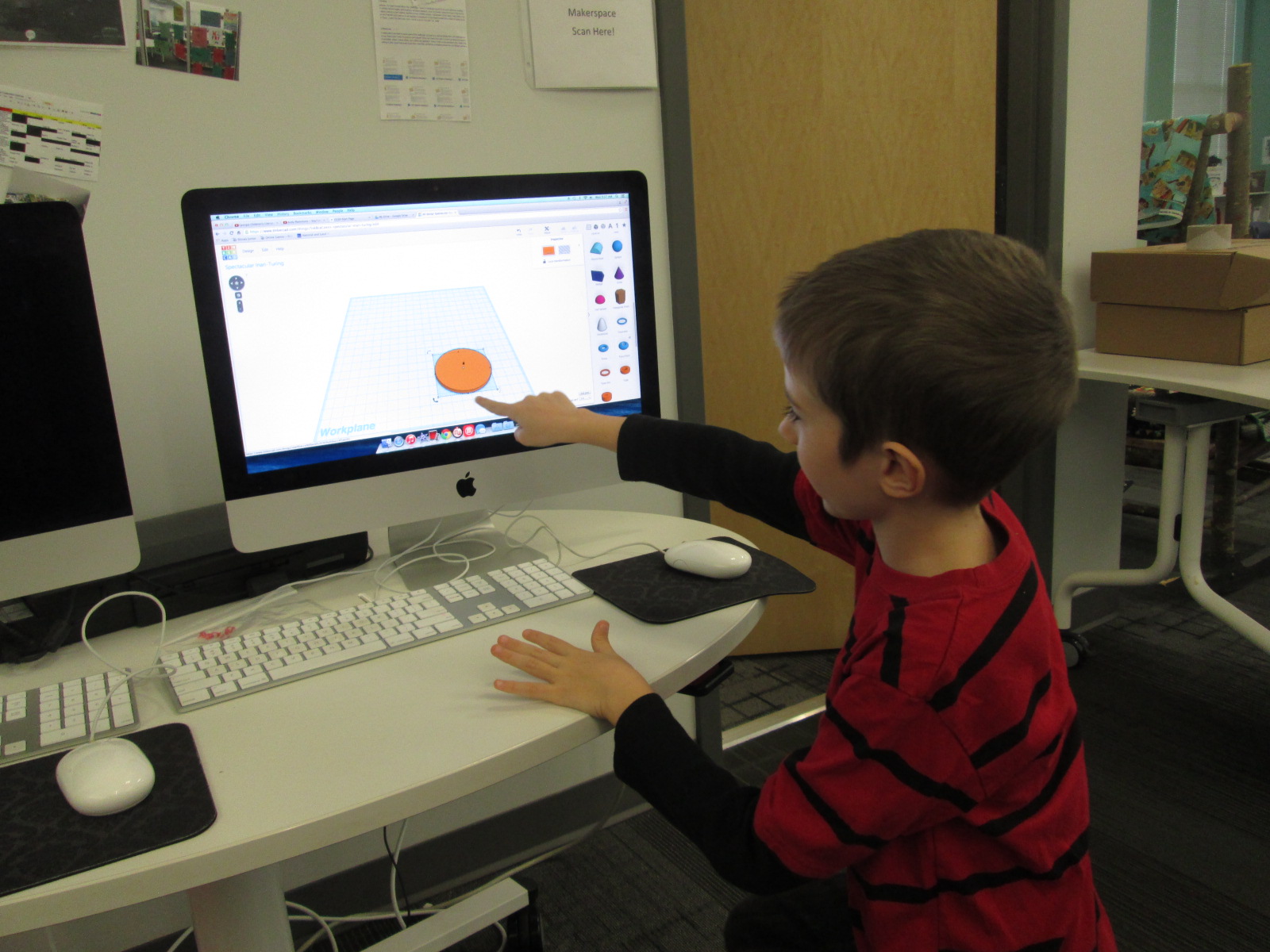
Then, a student voice came through during one our enrichment cluster sessions.  Taylor is a 2nd grader who has tinkered with all sorts of things in our makerspace.  At our last enrichment cluster session, Taylor brought in a pair of spy glasses.  They are glasses that have mirrors build in so that you can see what is behind you. He wanted to learn how he could design something like this by using Tinkercad and our 3D printer.  He had never used Tinkercad before, but he jumped right in and started tinkering.  He had a clear plan in his mind of what he wanted to create and in one session he had an initial design for his glasses.

Ideas and student voice collided and I knew that Taylor was the designer for our Barrow Peace Prize.  By the time this all happened it was just days before our Skype with Flipgrid and the announcement of our award, so I emailed his teacher just to see if it was possible to pull him into the library at some point to work with me on a design.  One of the things I love so much about our school is how much our teachers know each individual student and how much they want them to explore their passions.  His teacher wanted to do everything possible to make this happen.  We scheduled a time…..and he was absent.   We scheduled another time…..and he was absent.  The third time was the charm apparently because on the day before our Skype with Flipgrid, he was here.

I brought him into the library and told him about the idea.  He was beyond excited to get to work.  I showed him one of the designs that I had tinkered with.

One of my designs as I was tinkering with the idea of a peace prize

Being the kind student that he is, he said, “Well….I do like how you included the word peace, but I was thinking it should be more like a medal”.

I handed over the mouse and he got right to work.  I really sat back and let Taylor drive the work, but if I saw a tip that would help him I jumped in and shared.  For example, he didn’t know about grouping objects in Tinkercad so that they always stay together as you move them.

Within 30 minutes, he had his design ready to go and we put it into Makerware to prepare it for 3D printing.


Taylor’s Tinkercad Design

Taylor picked out his filament to look like an actual medal, and he pressed the glowing M to get it started.  While he was gone, this happened.

We are very used to failure in our makerspace.  I’m not really sure what happened, but I think the filament got tangled on the spool and caused some stress on the printer.  We decided to make some very minor tweaks and also to print it smaller than we were trying to print.

Taylor came in when the other print was nearing its finish and we talked about the first print failure.  He picked up the failure and started showing me all of the things that went right in the print.  It was an amazing examination of work.  Seeing a student not reach a point of frustration or meltdown, but instead, look for what was right and what needed to change was simply miraculous.

We did keep a close eye on this 2nd print, and before we knew it, we had a medal.

Even our friends at Flipgrid think this student voice is awesome.

Like many people, we are not having the best luck with weather right now, so we hope we are able to connect with Flipgrid very soon and announce the winner of the Barrow Peace Prize.  For now, we will celebrate that one more student’s voice was empowered through the makerspace in our library.

2015 World Read Aloud Day Blogging Challenge Week 3

It’s time once again for the World Read Aloud Day blogging challenge as we count down the days to this special week-long event of sharing stories with one another across the miles.  My friend and super librarian, Matthew Winner, has outlined the challenge on his blog.

The World Read Aloud Day “Speak Your Story” Blogging Challenge begins February 9 and runs through March 8. If you choose to take the challenge, each week you will be asked to write a post in response to a prompt or question (outlined below), for a total of 4 posts counting down to World Read Aloud Day.

Each of the prompts addresses the WRAD theme “Speak Your Story.” Speak Your Story encapsulates that simple yet effective way that we connect with others by sharing our stories aloud. Your voice is powerful and when a story is shared a bond is made.

Week 3: February 23 – March 1
Profile Partner

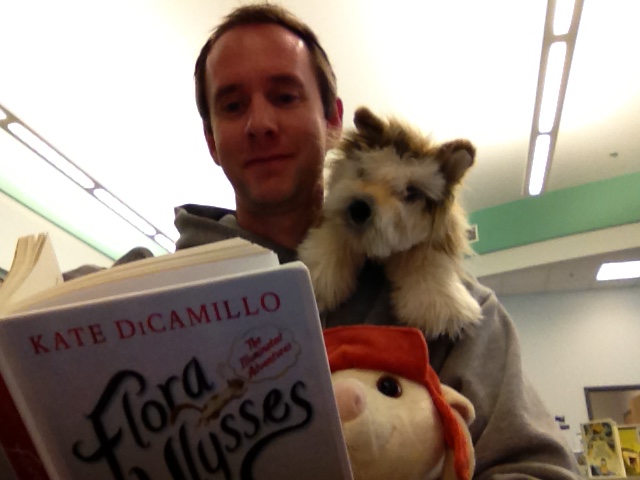
Find a puppet, stuffed animal, or image of your favorite kid lit character. Next, take a selfie with the character. You now have a picture with your WRAD companion. He or she can travel with you wherever you go and whenever you speak up about World Read Aloud Day. Post the image as your profile picture on all of your most-used social media venues (Skype, Facebook, Google+, and Twitter).

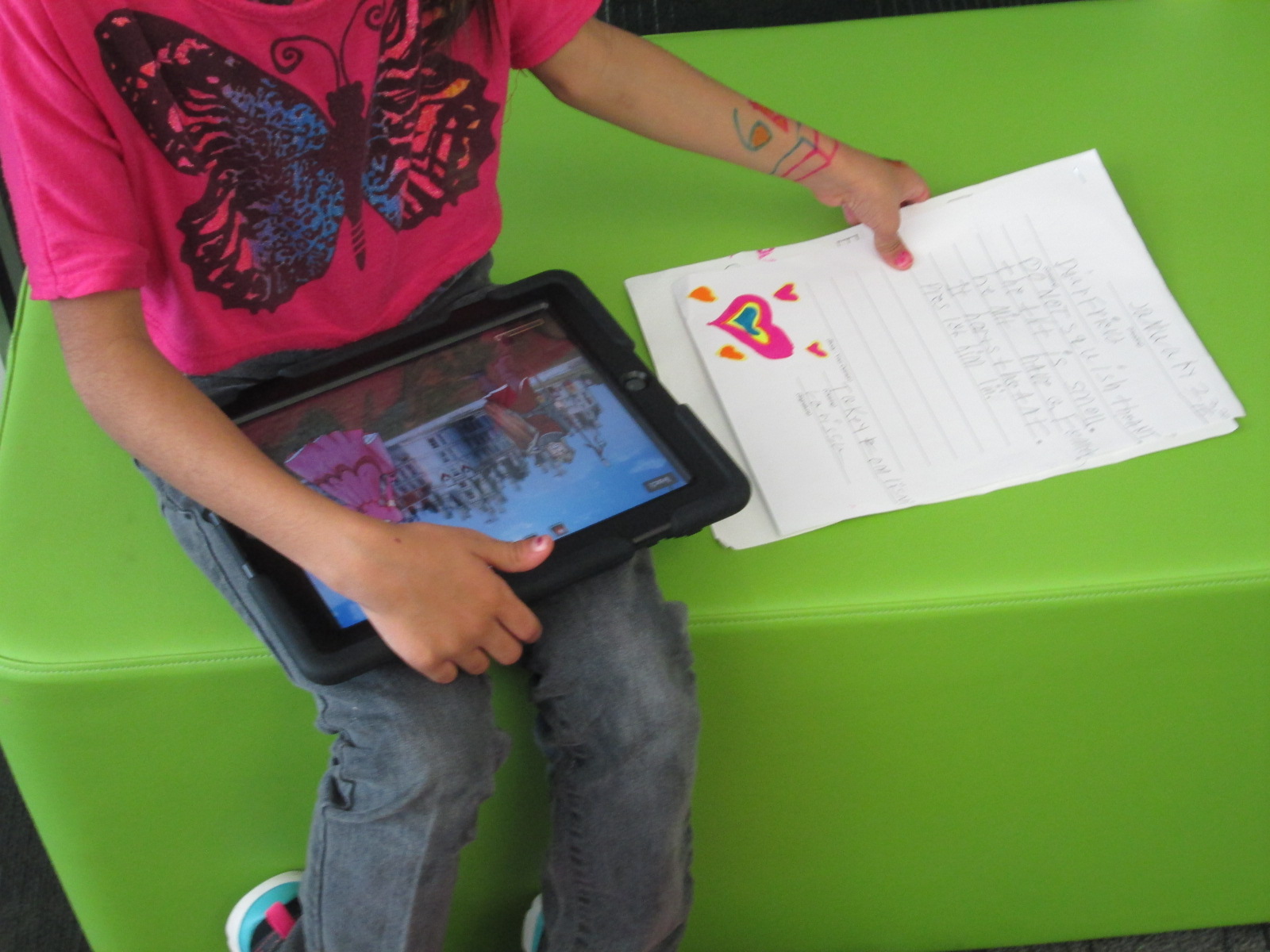
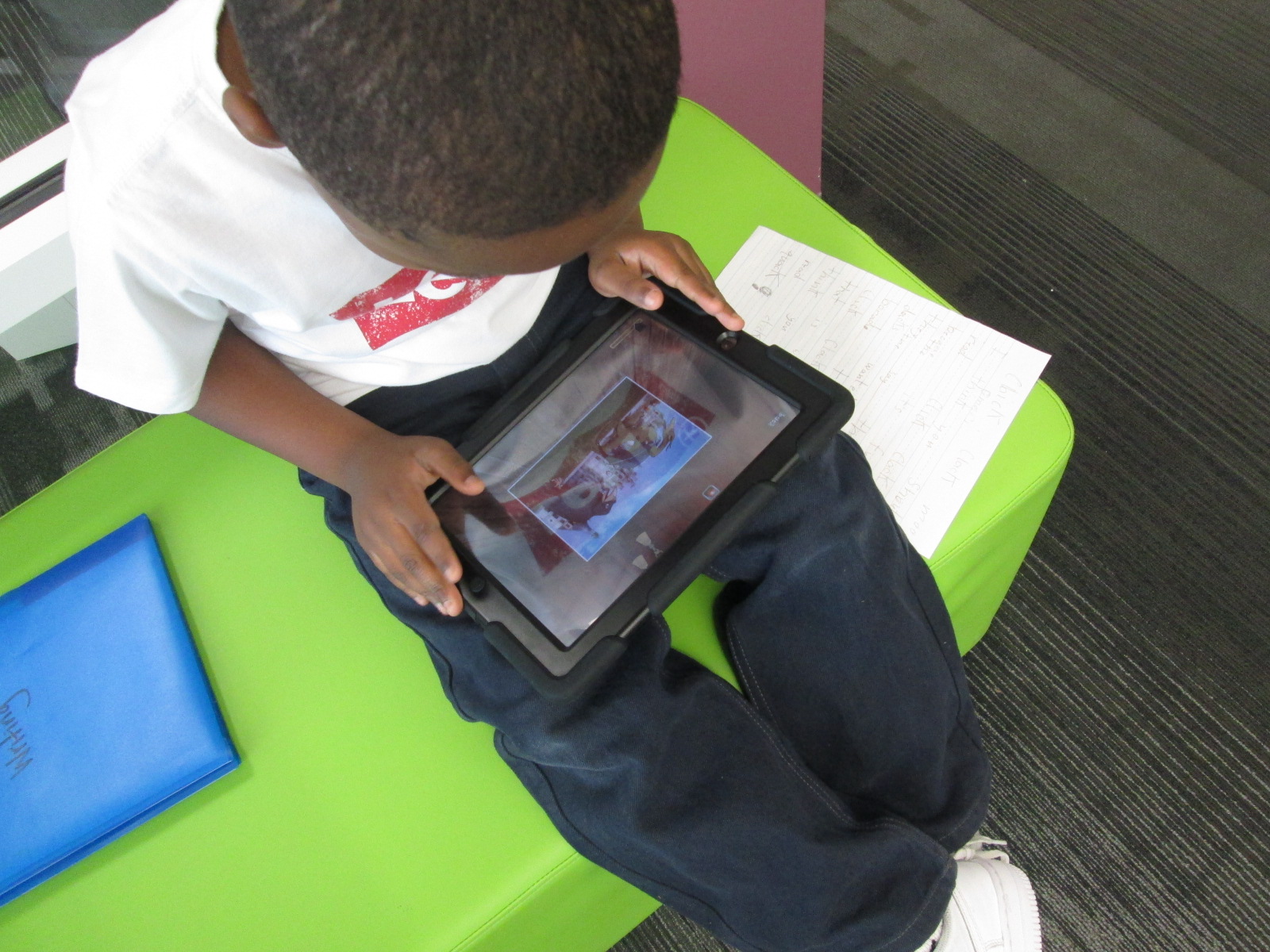
I wanted to involve my students in this experience, and I’m so glad I did.  This has been a very popular activity in the 3 short days we spent at school last week due to ice.  I really wished that we could have done this longer before I posted.  I pulled all of the plush book characters from around the library and put them on cushions at the front of the library.  I put an iPad with them and invited students to start taking their own selfies.  Some of them got very creative with how they did this!

Every student who came in was smiling and laughing as they picked out a character to hug and pose with.  Here’s a look at our selfie gallery.

Barrow #WRAD15 Selfie (78)

I chose to do a selfie with characters from Kate DiCamillo books.  I specifically chose Despereaux and Winn Dixie.  I love what these two characters represent.  Despereaux is an unlikely hero.  He’s small, looks a little different than a “normal” mouse, but has a huge heart filled with bravery.  I love how he proves that heroes can come from unlikely places and that we all need to believe in ourselves no matter what.  Winn Dixie represents so much about the importance of community.  I love how Winn Dixie was a change agent for Opal’s life in the story.  Because of him, Opal explored her community, met unique people, and gathered the stories of her whole community.  She found friends, made connections, and exemplified the power of sharing our stories aloud with one another.

Join me and countless others as we celebrate LitWorld’s World Read Aloud Day on March 4th, 2015 and throughout that entire week.  Check out the shared Google Doc to find a connecting class or post your own schedule.

Social Studies Character Traits: Historical Figures and Personal Connections

IMG_4902This year our school has been creating space for vertical alignment meetings for each subject area.  In these meetings, a representative from each grade level talks about the standards for each quarter and we start to look for ways that we might collaborate across grade levels or move curriculum around the better serve our students.  One of the conversations that keeps coming up in the social studies meeting is character traits and historical figures.  Every grade has a list of historical figures that they have to cover along with a list of character traits that each person represents.  Students really have to understand both the historical figure and the character trait in order to connect the two.  We’ve discussed looking for themes in character traits across the school curriculum so that we might feature specific traits each month with both historical figures, current figures, and ourselves.

IMG_4901

Third grade just tried something new with their standards.  They learn about Mary Mcleod Bethune, Susan B. Anthony, and Frederick Douglass and how these figures demonstrate leadership, diligence, cooperation, and courage.  Wow!  That’s a lot to understand.  I love how the 3rd grade approached this.  They spent two weeks  really going in depth with each historical figure.  They read informational text, used the PebbleGo database, and other online resources to know the main contributions of each historical figure.  Along the way, students gathered facts about each historical figure.

IMG_4906

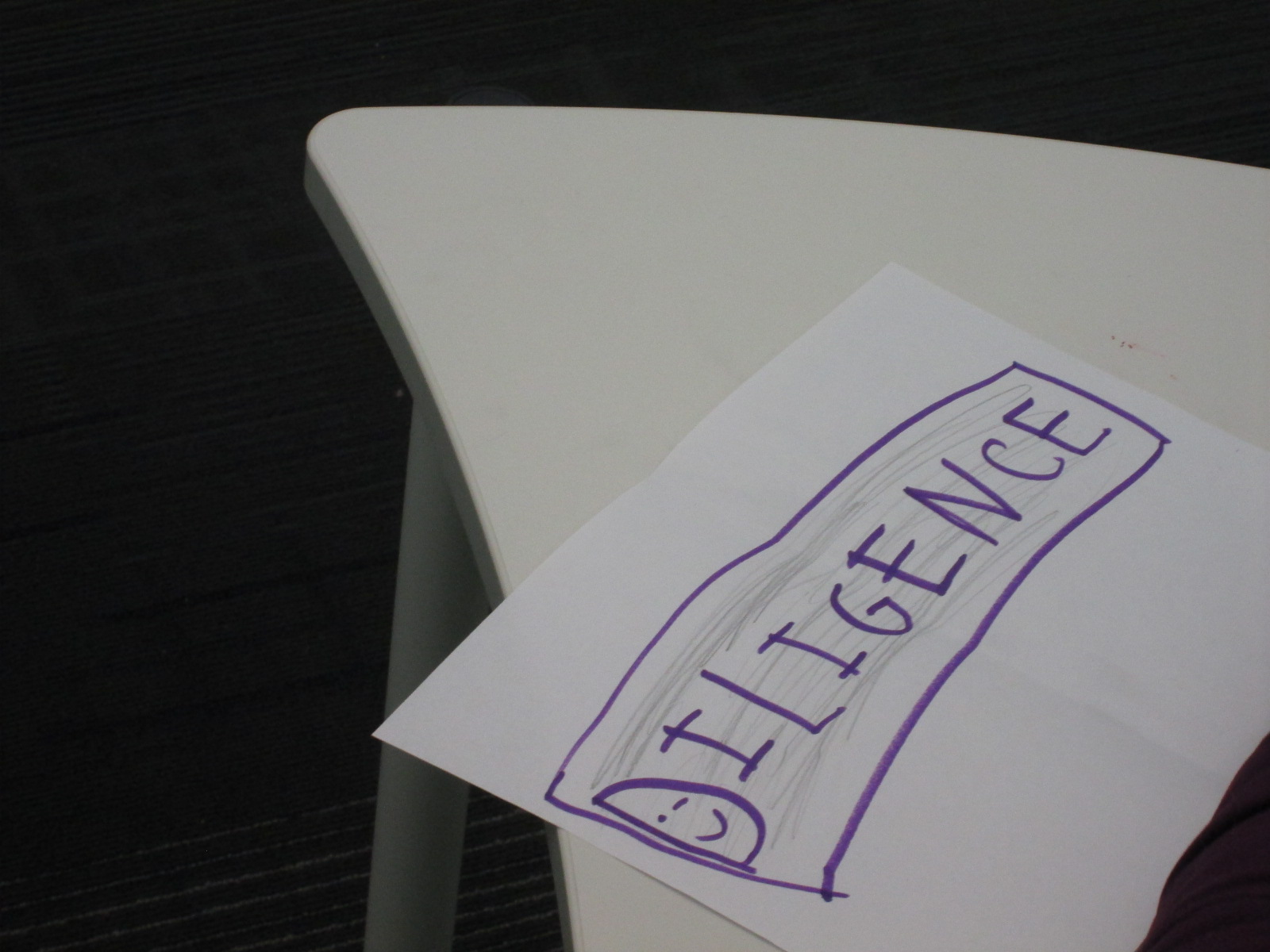
They also spent time learning about diligence, leadership, courage, and cooperation. With these traits, they tried to think of real world examples of how each trait was used.

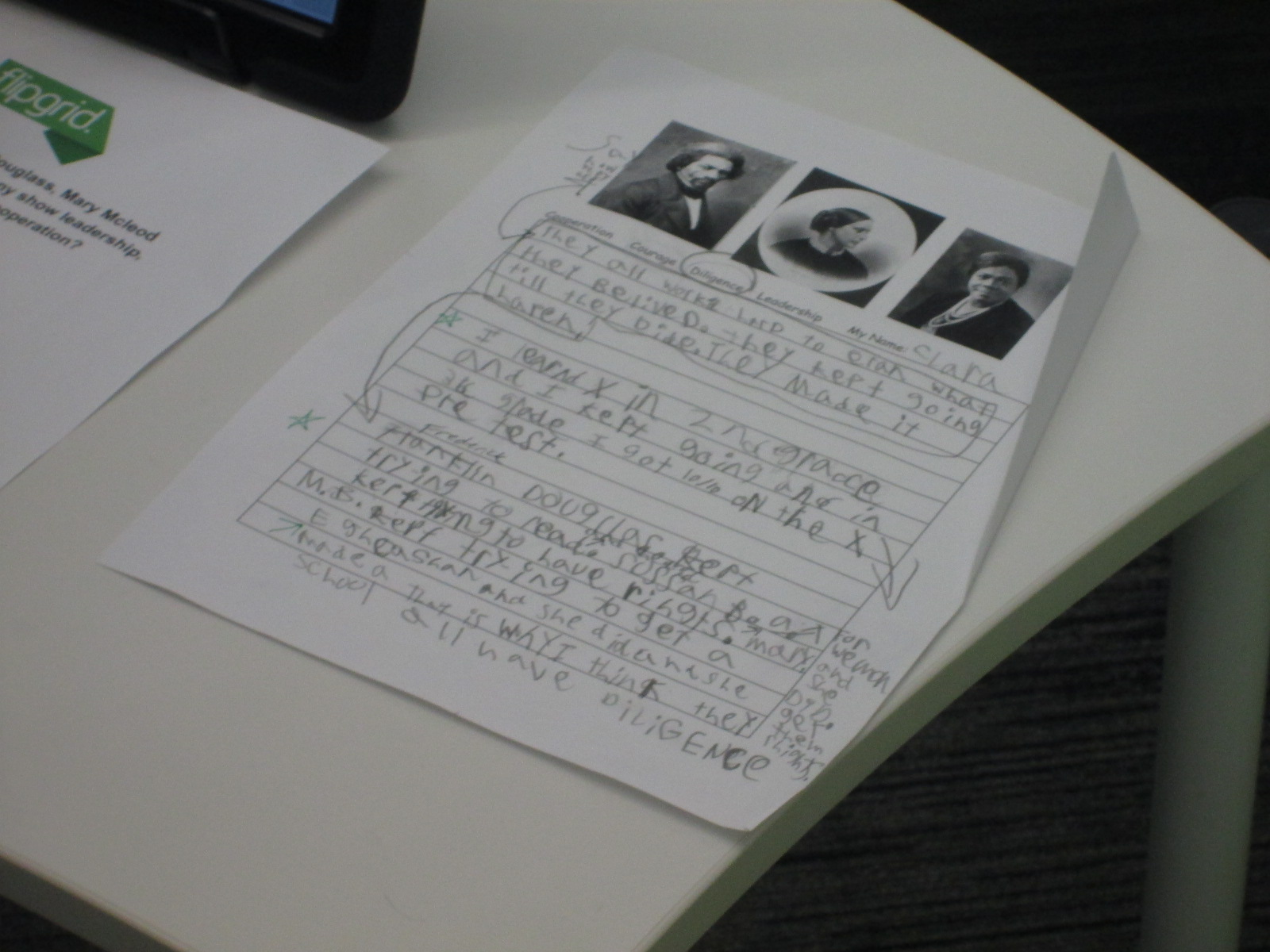
In the library, each class came for a 45 minute session to comb through all of the facts collected through the lens of a character trait.  Each student chose one character trait to focus on.  The goal was to look back through all of the facts about Susan B. Anthony, Mary Mcleod Bethune, and Frederick Douglass and pull out the facts that demonstrated that character trait.

To setup this time, I modeled the process by using another historical figure that wasn’t part of the social studies unit: Martin Luther King Jr.  We quickly reviewed the 4 character traits.  I thought students would better be able to pull out facts that demonstrated a character trait if they first had a personal connection to the trait.  I told a personal story about how I had shown courage.  When I was in high school, I was terrified of public speaking to the point that I would shake uncontrollably and get sick to my stomach.  By using courage, I have not eliminated this fear from my life, but I’ve learned to control it and now speak in front of many different groups of people.

After telling this personal story, we looked through lists of facts about Martin Luther King Jr and tried to pull out facts that matched each of the character traits.  Students turned to partners and talked about which facts matched which traits and why.

Then, students moved to tables and began their writing time by reflecting on themselves and their chosen character traits.  The teachers and I circulated to talk with students about this.  Then, they went through each of the 3 historical figures and pulled out facts that matched that character trait.

Back in class, students continued working on this process and then crafted their chosen facts into a script where they could explain how each of the historical figures demonstrated the chosen character trait.

Students returned to the library for 10-minute recording sessions.  They used Flipgrid to capture their thoughts.

I think that this was a big step toward thinking about how to make character traits and historical figures connect with our students’ worlds today.  I think we have more work to do, but I love that a new process has started.

I invite you to listen to all of the incredible 3rd grade videos about courage, diligence, leadership, and cooperation.

Leadership

Diligence

Courage

Cooperation

Kindergarten Authors: Empowering Voice Through Informational Ebooks

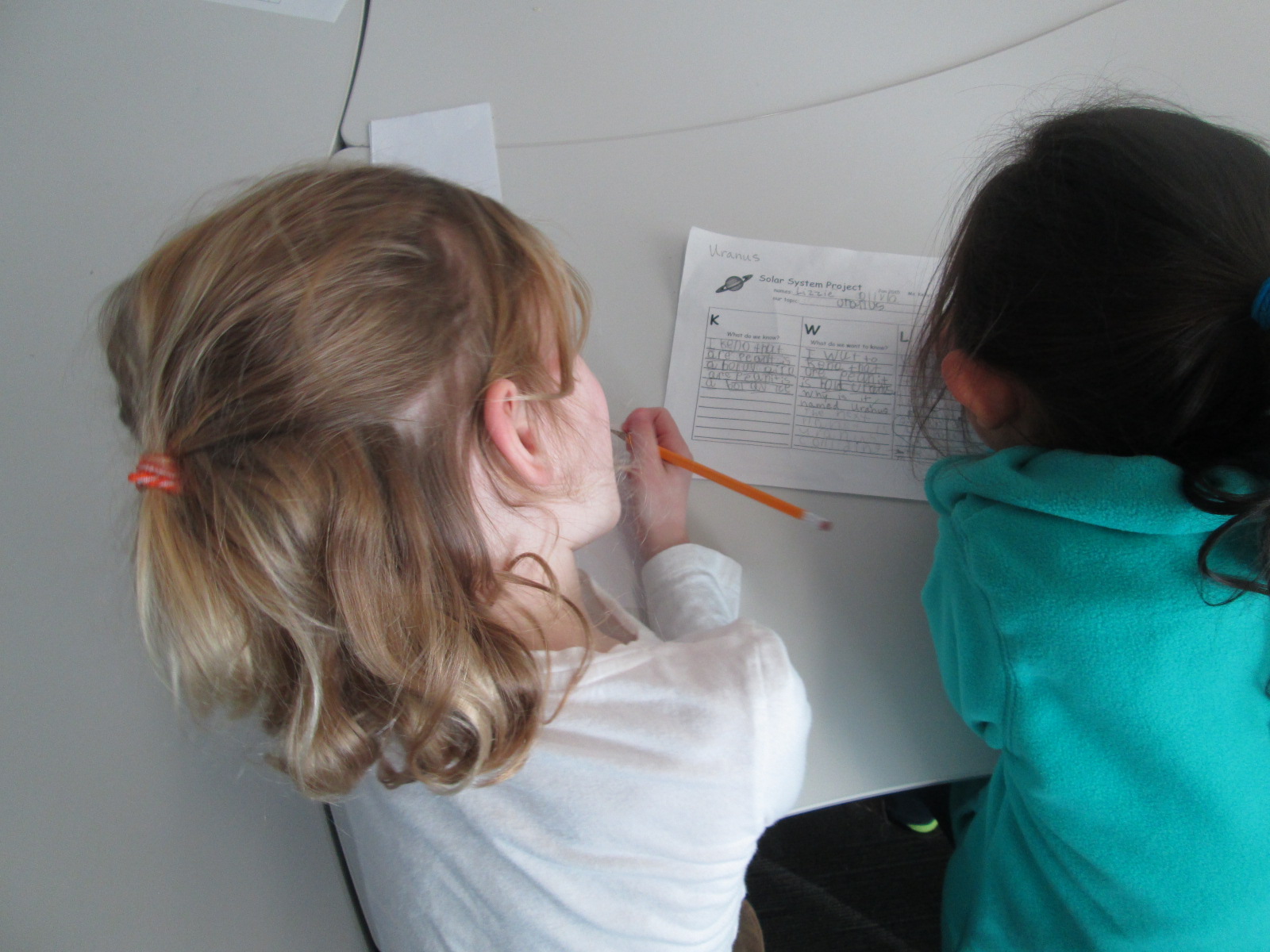
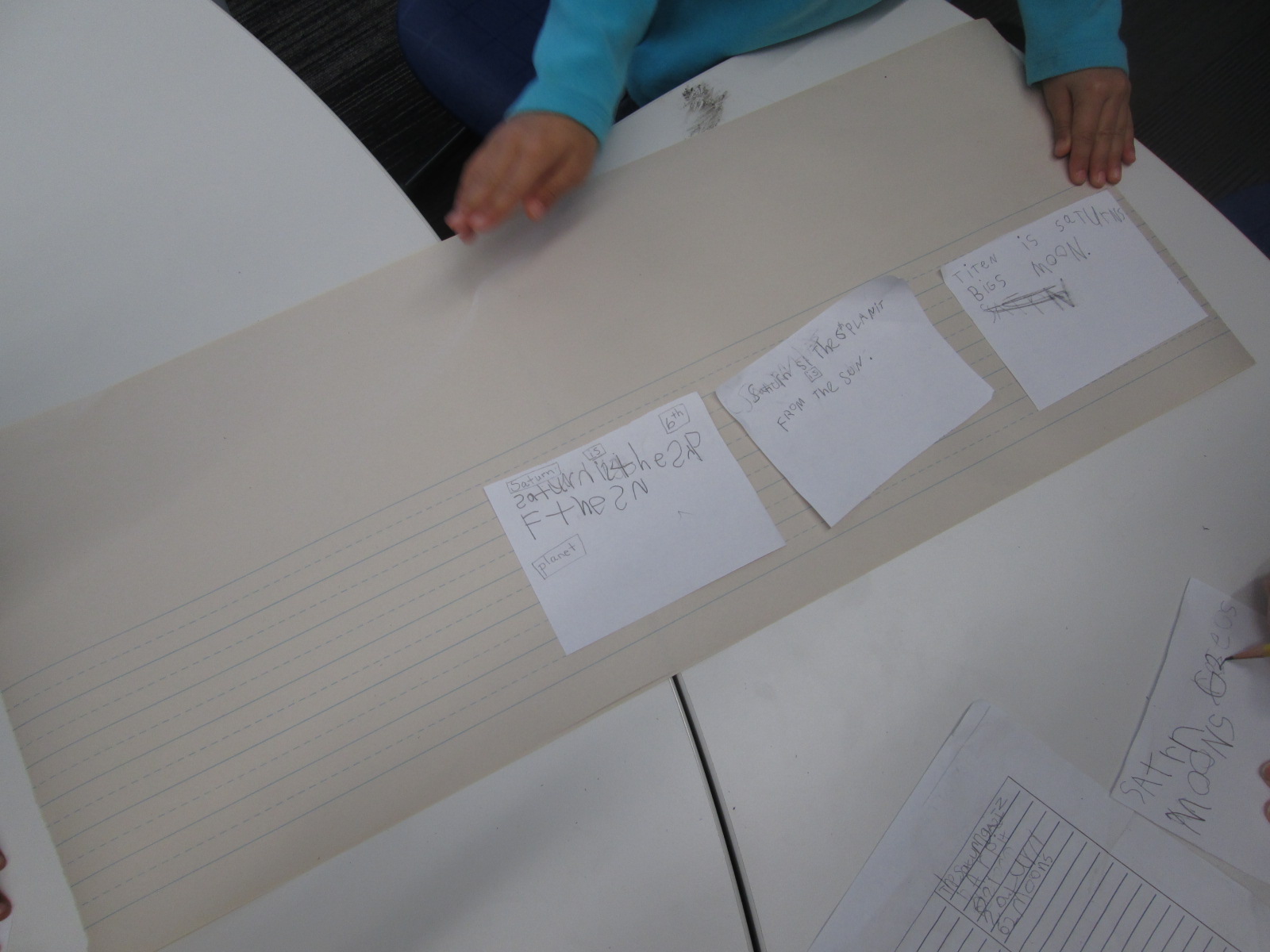
Planet Research (4)Ms. Kelly Hocking’s Kindergarten class has done it again.  They have once again ventured out to try something that no other class has tried and inspired other classes and projects with their work.  In small groups, they each chose a planet to research.  We used PebbleGo, TrueFlix, and books to search for facts in the library and in class.   Then, in the library and in class, students worked on sequencing their facts.

Planet Research (11) Planet Research (9)

Over the past week, Ms. Kelly checked out iPads each day for students to use to publish their work using Storykit.  I love how she encouraged them to take pictures of objects in the school and then use the drawing feature in Storykit to enhance those pictures.

Take a look at their finished products below.  If you click on each picture, it will take you to the student book.  If you have comments for our students, please leave them here on the blog and I will be sure to pass them along to our authors.  If you would like to learn more about Storykit, I’m sure these Kindergarten experts would be willing to Skype or Google Hangout with your students to share their expertise.

Mercury

Mercury by Dominik, James, and Jakaris


Uranus

Uranus by Olivia and Lizzie


Jupiter

Jupiter by Ben and Tia

Mars

Mars by Macie and Taeden

Venus

Venus by Blessing and Janie

Saturn

Saturn by Bryah, Yehun, and Charlie


Neptune

Neptune by Eni and Talia


Earth

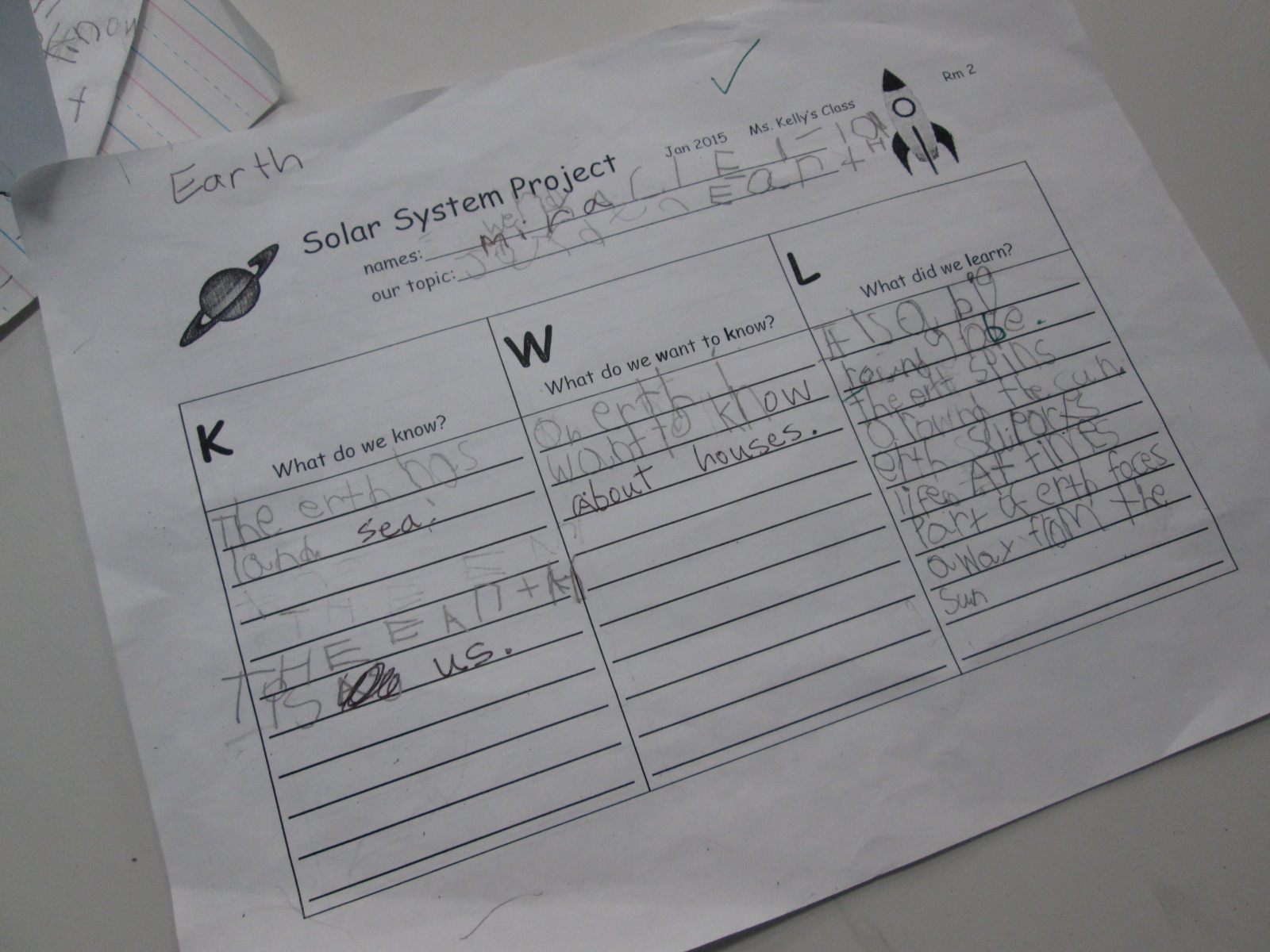
Earth by Jayden, Miracle, and Wendy


The Sun

The Sun by Scarlett, Casper, and Sammy

Empowering Student Voice Through Individual Projects: A Kindergarten Research Project

mick

My library uses a flexible schedule.  This means that I don’t see classes at a set time every week.  Instead, I collaborate with teachers and schedule lessons and projects as they fit into the curriculum each week.  This flexibility allows me to work with more than just homeroom classes to include classes like art and music, gifted, special education, and extended learning time groups.  It also allows me to work with small groups of students or even individuals.

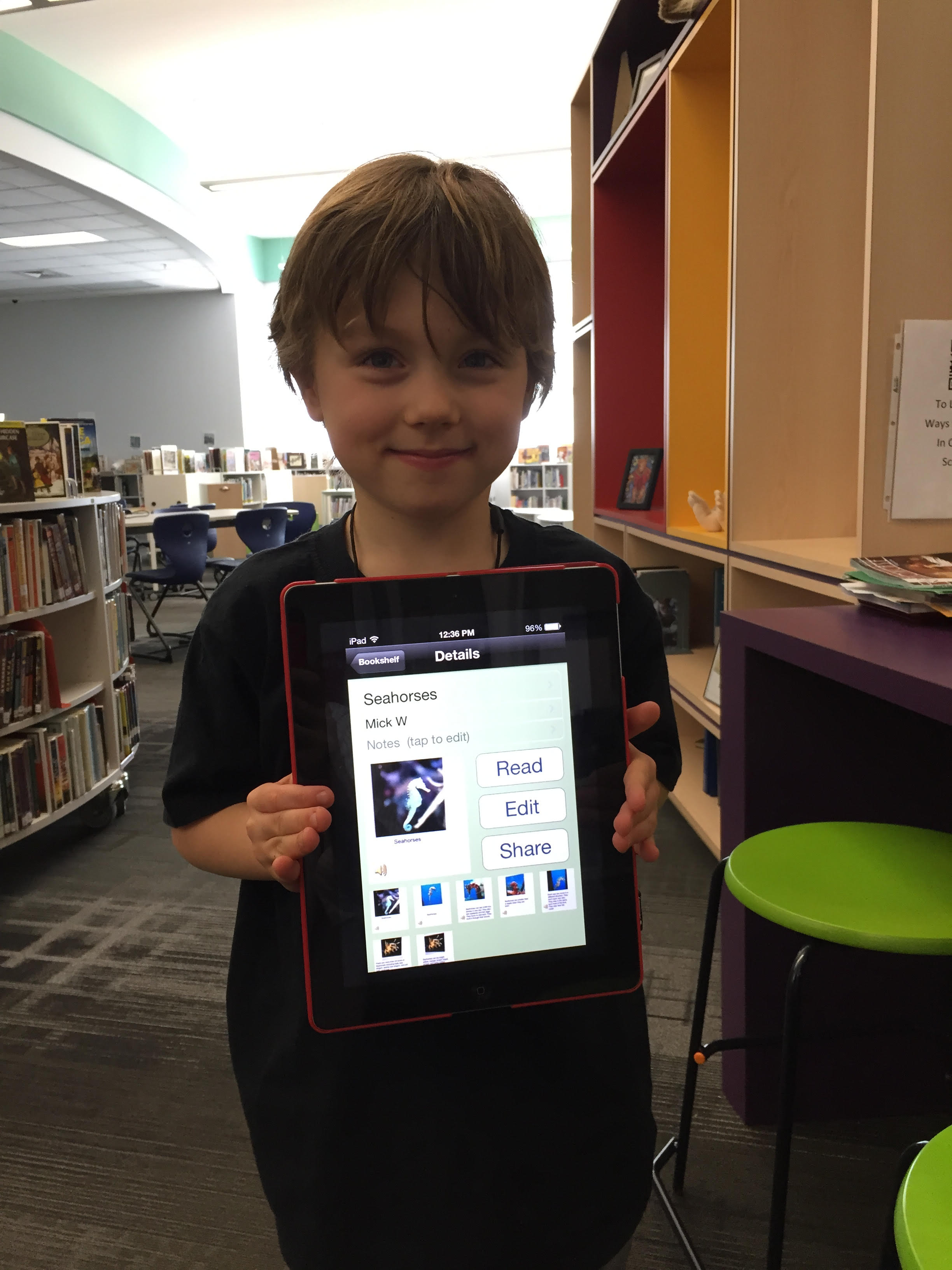
Over the past couple of weeks, I have been working with Mick, a Kindergarten student.  He is an avid reader and is very curious about so many things.  Mick discovers a topic and wants to know all there is to know about it.  Our recent exploration has been around seahorses, which was sparked by a book that he read in his class.

Over several sessions, Mick came to the library for research.  We developed questions together on a Google doc.  He did all of the talking, and I did the typing.

Seahorse doc

Once we had a good list of questions, we started exploring PebbleGo, a Capstone Interactive ebook on seahorses, and Encyclopedia Britannica in our Galileo database.  We listened to the read aloud feature or I read the text aloud if it was too difficult for him to read on his own.  We paused often to see if any facts had answered our questions.  If Mick pulled out a fact, we put it into his own words and I added it to the doc.

After each session, I printed our notes for him to take back to class in case he did more research on his own or at home.  Once Mick felt like he had enough facts, I asked him what he wanted to do with his information.

He really wanted to “make a book using the computer”.  There are several tools we could use to do this, but we decided to use an iPad and the Storykit app.  This app lets you create multiple pages, type text, record audio, draw, take pictures, and import pictures.  I’ve seen other Kindergarten students use it, so I felt like it was the right tool for the job.

Mick’s first steps were to find some creative commons pictures of seahorses.  He used the camera on the iPad to take pictures of the pictures and put one picture on each page.

During another session, we went through Mick’s facts and selected an order for the information.  He read the facts he wanted, and I typed them onto the iPad.  I originally had him typing, but it was taking longer than we had time for.

In our final session, Mick recorded his voice reading each page.

The Storykit app lets you upload the book to the Storykit server and then you get a link to the work to share.

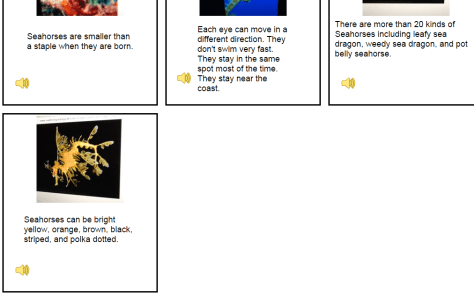
I invite you to take a look and a listen to Mick’s informational story on Seahorses.  I love it when student’s voices are empowered through projects in the library.  If you have comments for Mick, please leave them in the comments.

Mick's Seahorses (1)

2nd Grade’s Black History Flipgrid Project is Ready for Your Votes!

filming (7)

Our Barrow 2nd graders have been hard at work creating this year’s Black History research project.  We built upon our momentum from last year, but added many new layers.

filming (19)

During the project students

Over the past 2 weeks, students have been coming to the library in groups of 4 during blocks of 10-minute segments.  During each session, I put a sign on the library door to encourage people to enter quietly.

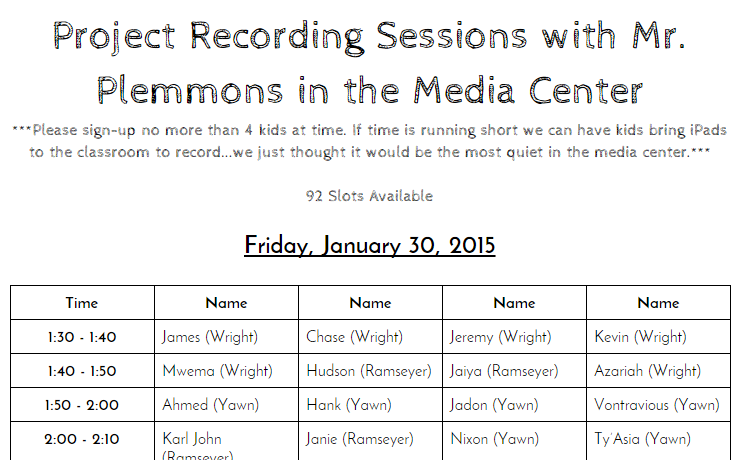
The teachers scheduled their students on a shared Google doc, so I knew who was coming at each 10-minute interval.  This was really helpful for me to know if students really had some extra time or if they needed to finish and hurry back to class.  recording sessions

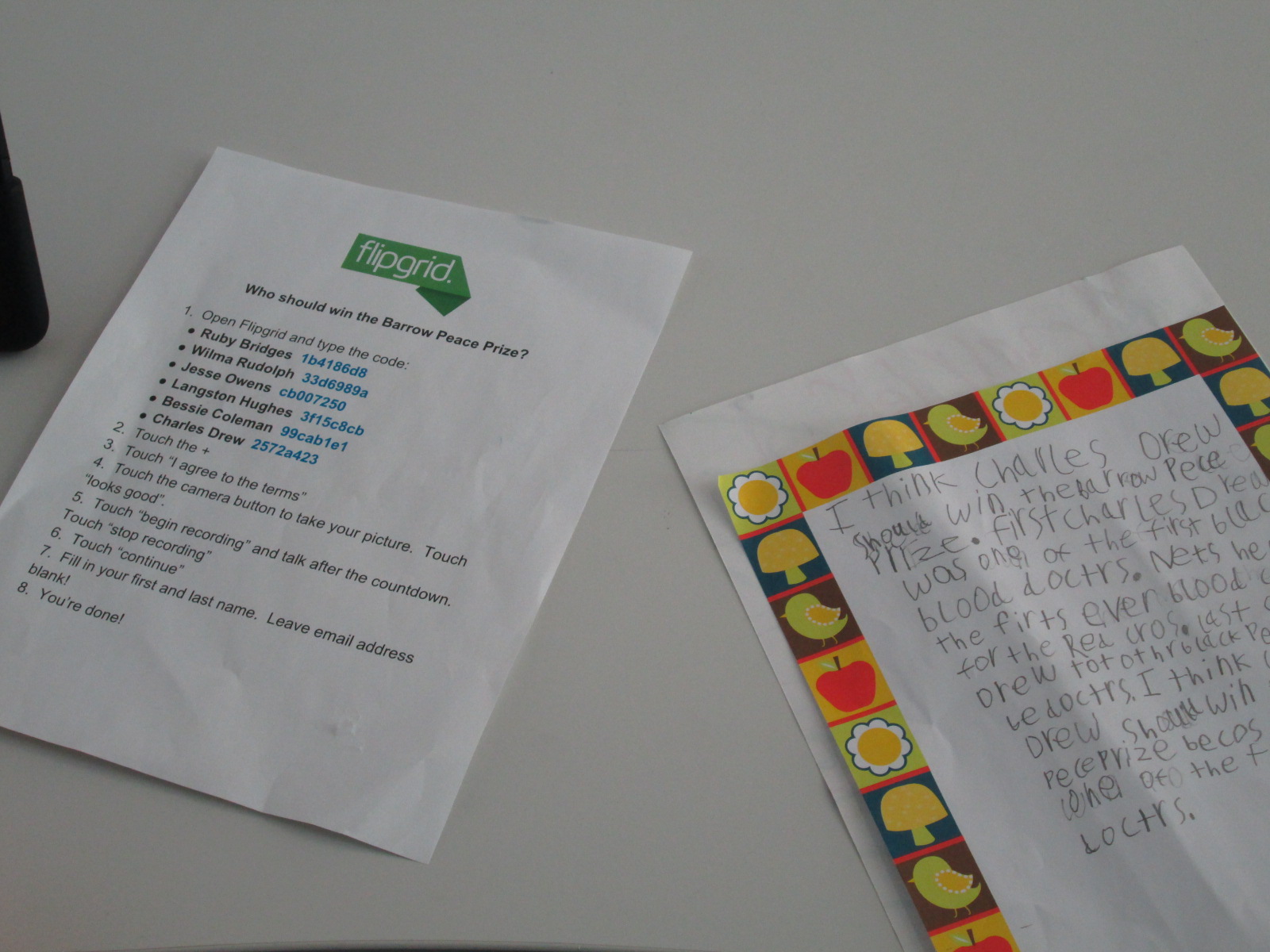
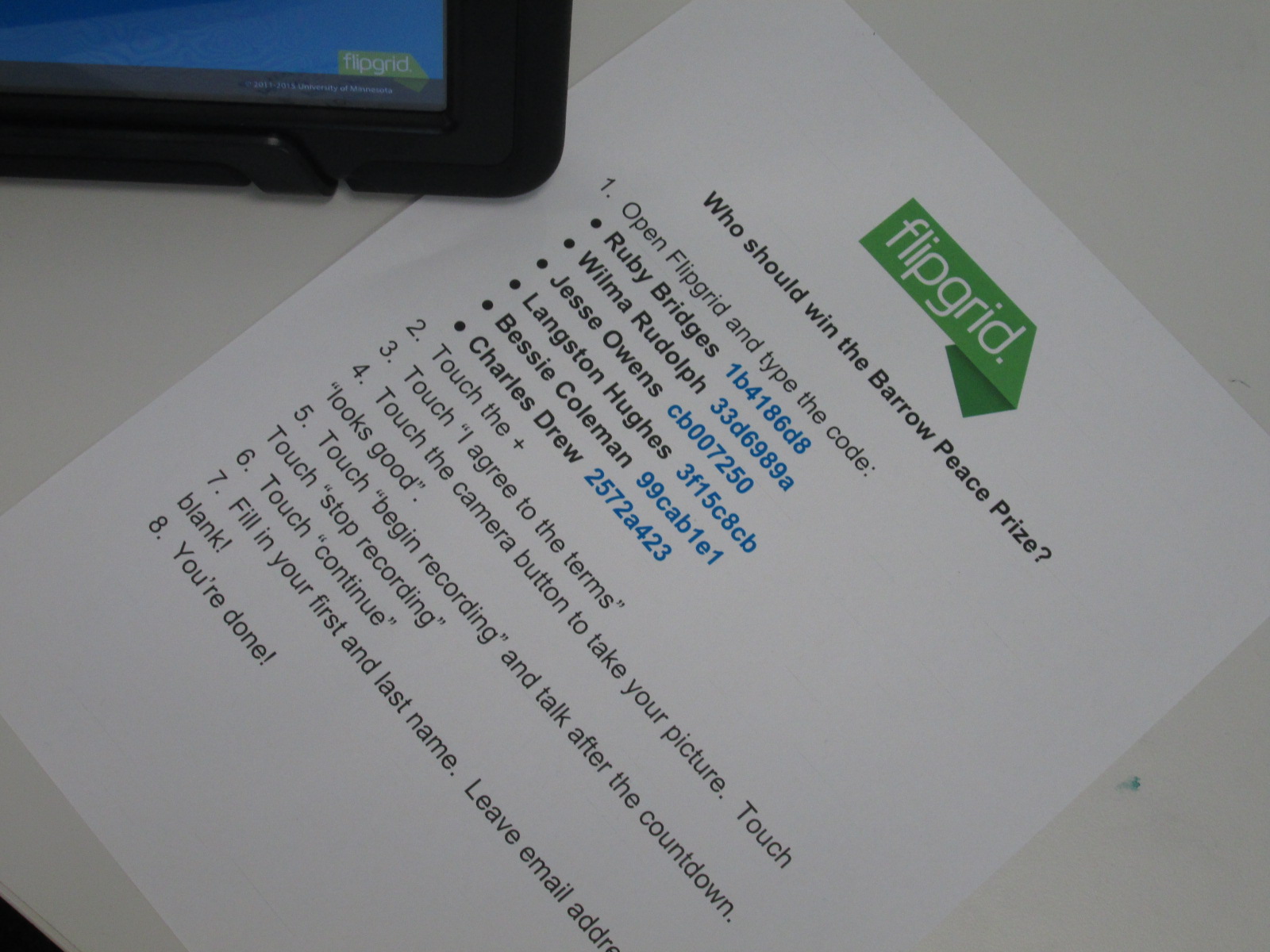
I put out a helpful list of instructions by 4 iPad stations in the library with all of the codes that students would need to get to their questions.

filming (14)

Students were focused and productive as they got their work ready for the world.

Now, the students are finished with their recording and they need your help.

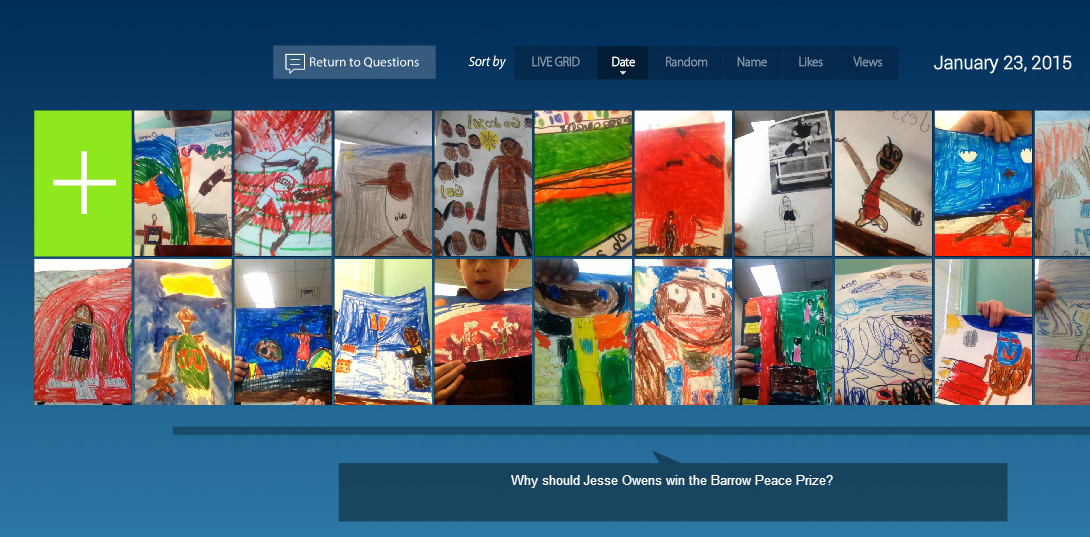
jesse owens

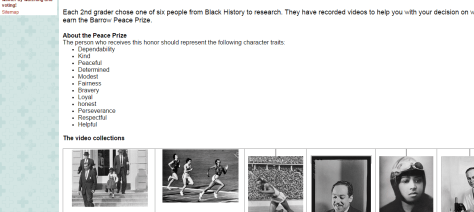
They would like for you to visit their Google site and view videos about each of the 6 people.  Then, help us decide who should win the first Barrow Peace Prize.  Students decided that the person who wins should be someone who represents the following character traits:

  • Dependability
  • Kindness
  • Peaceful
  • Determined
  • Modest
  • Fairness
  • Bravery
  • Loyal
  • Honest
  • Perseverance
  • Respectful
  • Helpful

In a couple of weeks, voting will close and we will announce the winner of this year’s Barrow Peace Prize.  Thank you for taking time to view the students’ work.  If you have any comments about specific videos feel free to leave a comment or a Tweet for me to share with the students.  Also, you are welcome to share this project with other educators you know and encourage them to view and vote, too!

Visit our Google site to view our videos and vote on the Barrow Peace Prize.

Visit our Google site to view our videos and vote on the Barrow Peace Prize.

Click here to visit our Google Site and Vote! 

Our Open Makerspace Featuring UGA Students

open makerspace (7)

Students have been eager to use our makerspace this year.  I’ve been incorporating making into collaborative projects with grade levels, small groups, and even individual students, but there is still a strong pull to come to the makerspace to dream, tinker, and create without the constraints of a grade level curriculum.

My struggle is finding the time to balance giving students open time to explore along with the classes that I teach each day and collaborative projects that I support.  I’ve been having a conversation about this with Gretchen Thomas, instructional technology instructor at UGA.  Here and there we have found times for some of her students to come and work with my students.  Gretchen has even come in herself to work with students in the makerspace.  However, I wanted something more consistent and dependable for students and teachers instead of random emails inviting them to use the space.

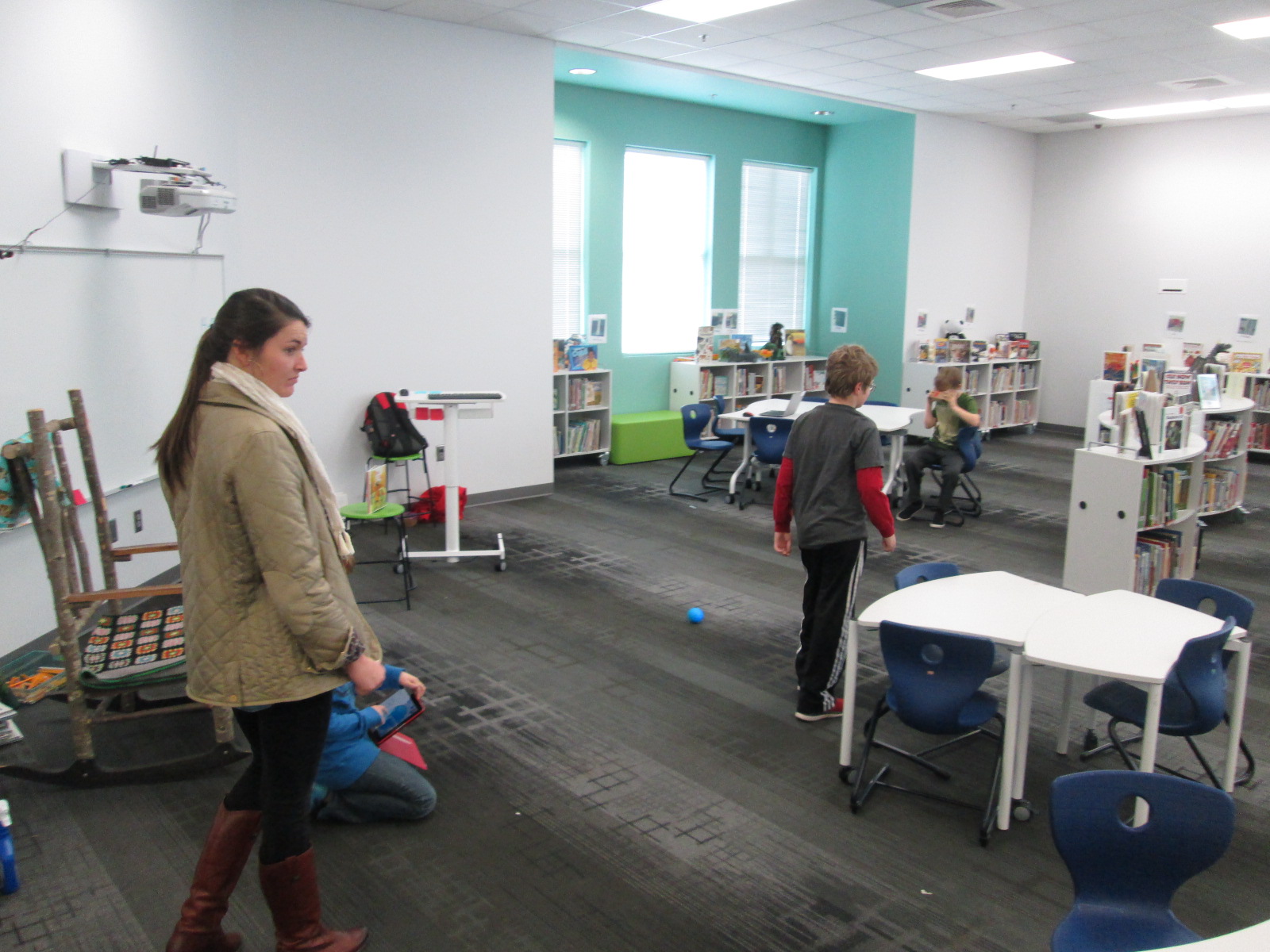
This semester, we are experimenting with something new called open makerspace.  Gretchen has several independent study students as well as a Maker Dawgs course.  The independent study students have each selected a day of the week to be here from 11-12:15.  Gretchen’s Maker Dawg class will take turns coming on Thursday from 11-12:15.  This means that every day is covered.  This time of day overlaps into 3rd, 4th, and 5th grade recess.  Students have the option of coming to the makerspace instead of going to recess, but one of the big requirements is that they can’t come every day.  We still want them to get outside and enjoy the sunshine with their friends, too.

The UGA students and I are trying to work out a routine.  During this first week of our experiment, it looks something like this:

  • I send periodic reminders to teachers that the makerspace is available every day from 11-12:15.
  • Students come at any time during that time frame.
  • They sign in with the UGA student and say what they hope to explore or work on.
  • Together with the UGA students, they setup areas around the library to work on things like littleBits, Sphero, etc.
  • The UGA student tinkers right alongside the students as well as moves between groups to make sure they are keeping materials safe and being productive.
  • Every so often, the UGA students do a time check since the students get lost in the making and forget the time.
  • Before students leave, the UGA student prompts them to clean up as much as they can, and then the UGA student straightens and organizes in between groups.
  • When there’s not a high traffic time, it’s a great time for the UGA student to organize the maker supply cart, the littleBits, or the robotics kits.

I won’t lie that this week has been chaotic and exhausting.  I think that the process is going to work, but each day this week I had a new UGA student, so that meant teaching this routine to someone new each day.  Gretchen came to help on 2 of the days.  Most days this week, I didn’t have a moment to stop and fully eat my own lunch since it falls within this 11-12:15 block.  This will change, though.  It takes some time to get a new routine up and running.

What did this week look like?  So many exciting things happened.  The biggest is that 54 students have used the space this week during that one-hour time block, and that’s not including Friday!

We also got to try out Google Cardboard, which was just a little bit exciting for some of our students!

And just for fun, here’s one of our UGA makerspace helpers!

Crafting Opinion Writing with Puppet Pals in First Grade

puppet pals (7)

Almost every class in our school is doing some form of opinion writing at the moment.  Last week, 1st grade spent some time tinkering with the Puppet Pals app on the iPad to see how it worked.  We have also been reading books that feature some type of opinion such as The Sandwich Swap and Sylvia’s Spinach.

In class, the 1st graders have been writing an opinion piece, so they brought that piece of writing to the library to use the Puppet Pals app to record their script.  We started on the floor in front of the projector.  I projected an iPad and opened the puppet pal app.  I quickly went through the various screens and made sure everything still looked familiar to students from their tinkering sessions.

puppet pals (2)

Then, I showed the students a few extra steps they would need to do in order to save their video.  They would need to give their story a title and export the story to the camera roll on the iPad.  I also used this time to explain what my role for the day would be.  Since each class has about 20 students, twenty videos needed to be uploaded to Youtube and put into a playlist for the teacher to share in class and with families.  I really wanted this step to be done while the students were in the library, so I told the students that uploading videos was my only role during our work time.  The teacher was available to walk around and monitor and assist students who were recording, but more importantly, the whole class had expertise in Puppet Pals because of our tinkering and could help one another.  I encouraged them to ask one another for help if they got stuck so that I could focus on getting their videos uploaded.

During the work time, there was not a single student who came to ask me for help to use Puppet Pals.  There were certainly students who got stuck, but they relied on one another to figure things out.  I really saw the benefit of giving them time to tinker in the previous lesson.  They also were empowered to support one another rather than rely on an adult to help.

When they finished recording, they did their additional steps to export their videos and then formed a line in the middle of the library at my table.  I opened the video on the camera roll and selected to upload the video to Youtube.  I signed into my channel on each iPad.  The students helped me name the video and stayed until the video was uploaded.  Then, they went back to their work space and continued using Puppet Pals to tinker and try out a story of their own choice.

puppet pals (9)

Once all of the videos were uploaded, I selected them all in my account and added them to a playlist.

We worked for a full 45 minutes to record, upload, and continue tinkering.  There was little to no behavior problems.  Every student who had an opinion writing finished was able to film and upload a video.

Now the classes are thinking about a next step for Puppet Pals.  The students are very curious about creating a story with the characters in Puppet Pals, so I have a feeling that we will be crafting some narrative stories very soon.

Sharing Our Math Strategies Using Educreations

math tutorials (3)

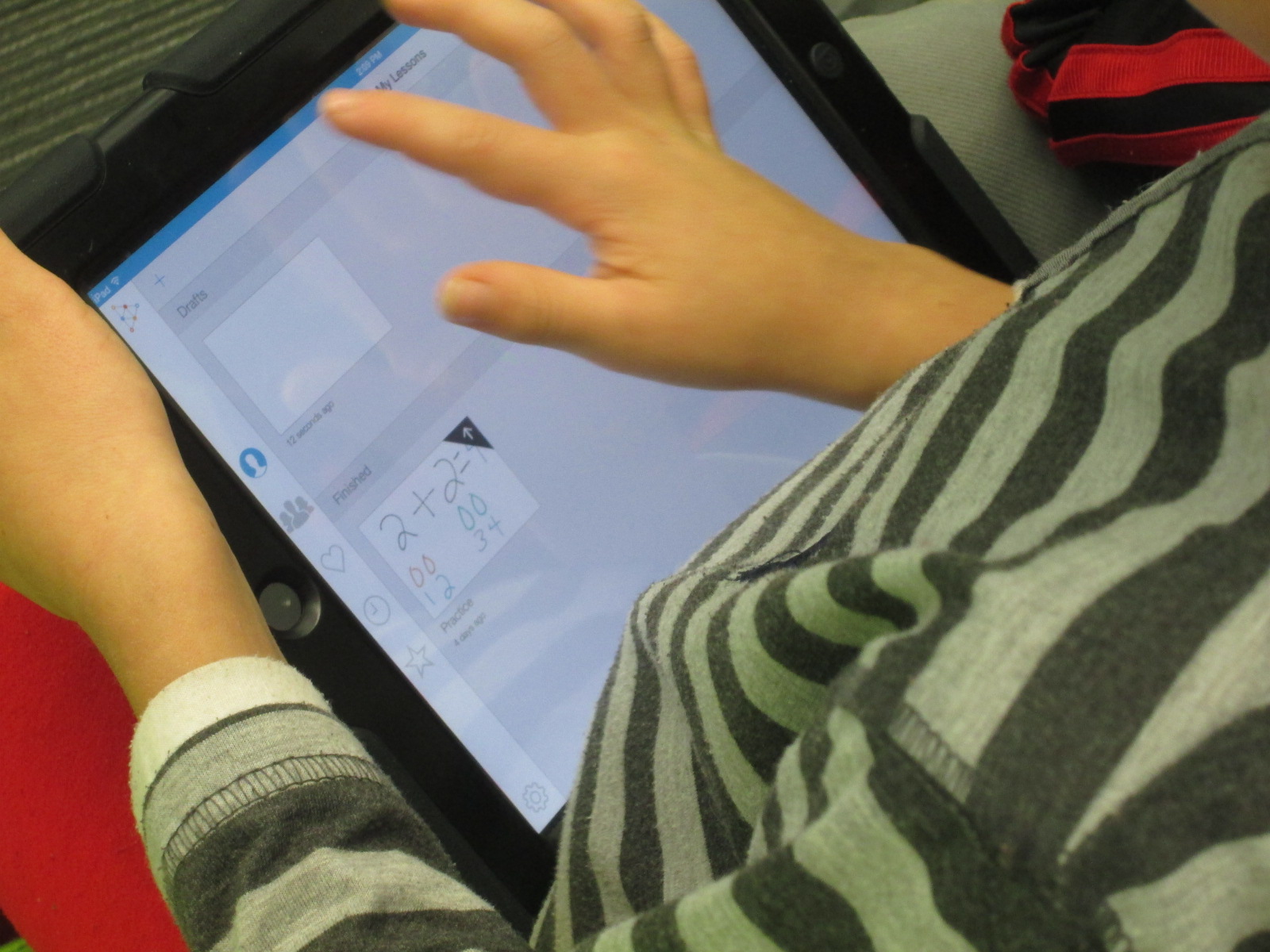
Second grade has spent some time tinkering with Educreations.  Educreations is a screencasting tool for iPad as well as a limited web-based program for computers.  Teachers can create an account and then have students join their class similar to Edmodo or Google Classroom.  As students login and save their work, the teacher can easily see each student’s work in the admin panel.  With Educreations, students can create a screencast about pretty  much anything.  They can draw or type, upload their own photographs as backgrounds, and search for existing photos for backgrounds.  Each movement on the screen as well as the audio is recorded and saved as a flash video.  Each video has a link to make it easy to share a student’s work online with the world.

math tutorials (15)

Math is not one of the main areas that develops into collaborative projects in the library.  I think we naturally gravitate to reading, language arts, science, and social studies.  However, I would love to support math in the library!  This year we made one of our school improvement plan goals centered on something that could potentially be a project for the library.

Students will utilize personal learning devices to create math instructional videos that demonstrate ways to solve math problems. These will be shared within and outside the school community.

A few teachers have been exploring this, but the 2nd grade team decided to take this on as a grade level project.  After tinkering with the app in the library, I asked teachers to setup a class account and have students join their class.  To help them, I made a screencast:

When students arrived for the 2nd lesson in the library, we quickly reviewed the many buttons in Educreations.  The students did all of this review based on the tinkering that they did in lesson one.  I reminded them that this 2nd work time was not about tinkering.  It was about focusing on using Educreations to show our mathematical thinking.  I reminded students that this would be very different than just solving a problem on a piece of paper or a computer.  Showing our thinking means that we have to talk about what is going on inside our heads.  During our mini lesson, I created a quick example to show them what I mean by sharing what is in our heads.

educreations example


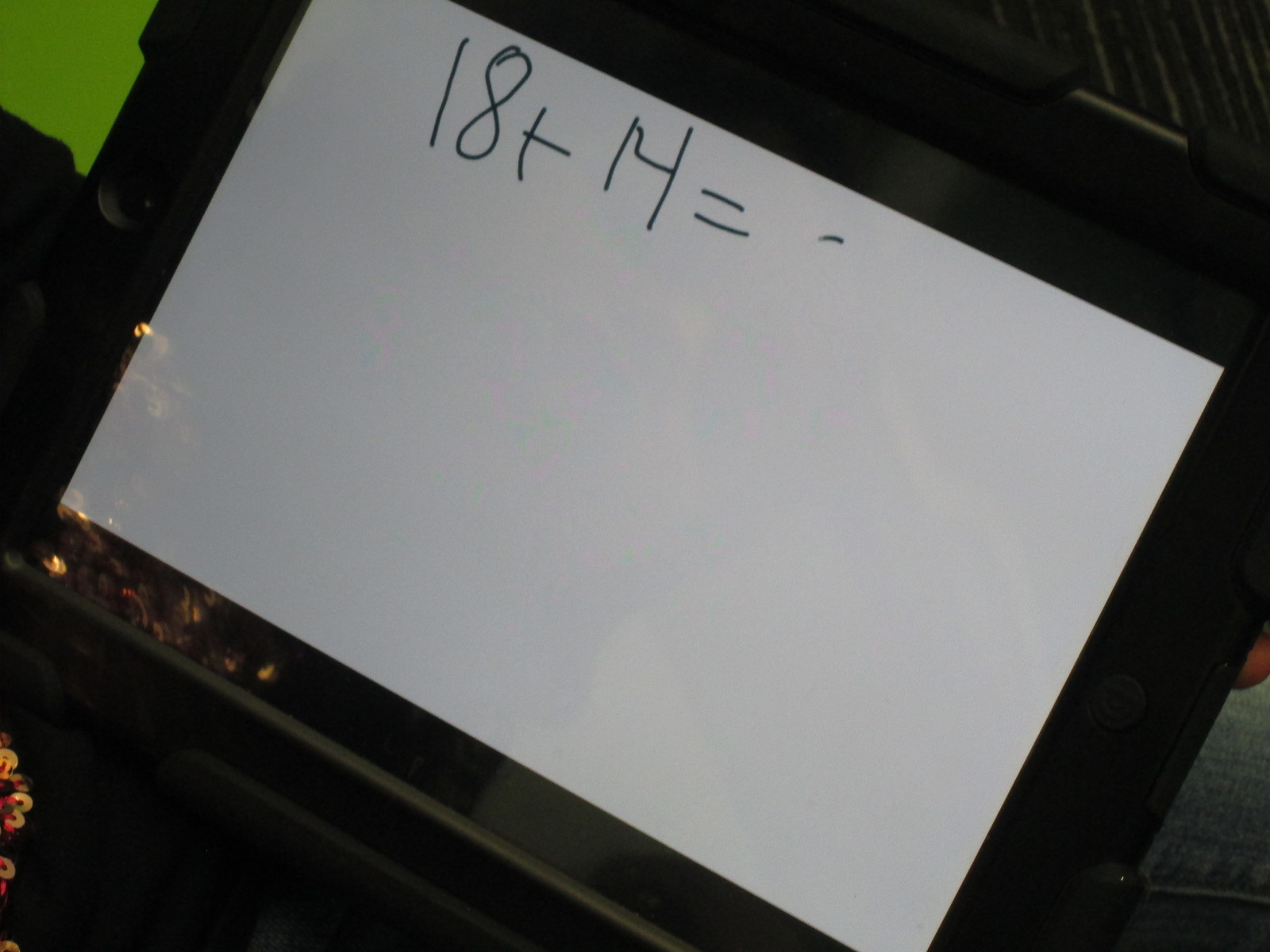
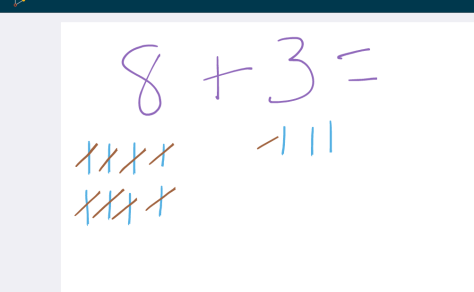
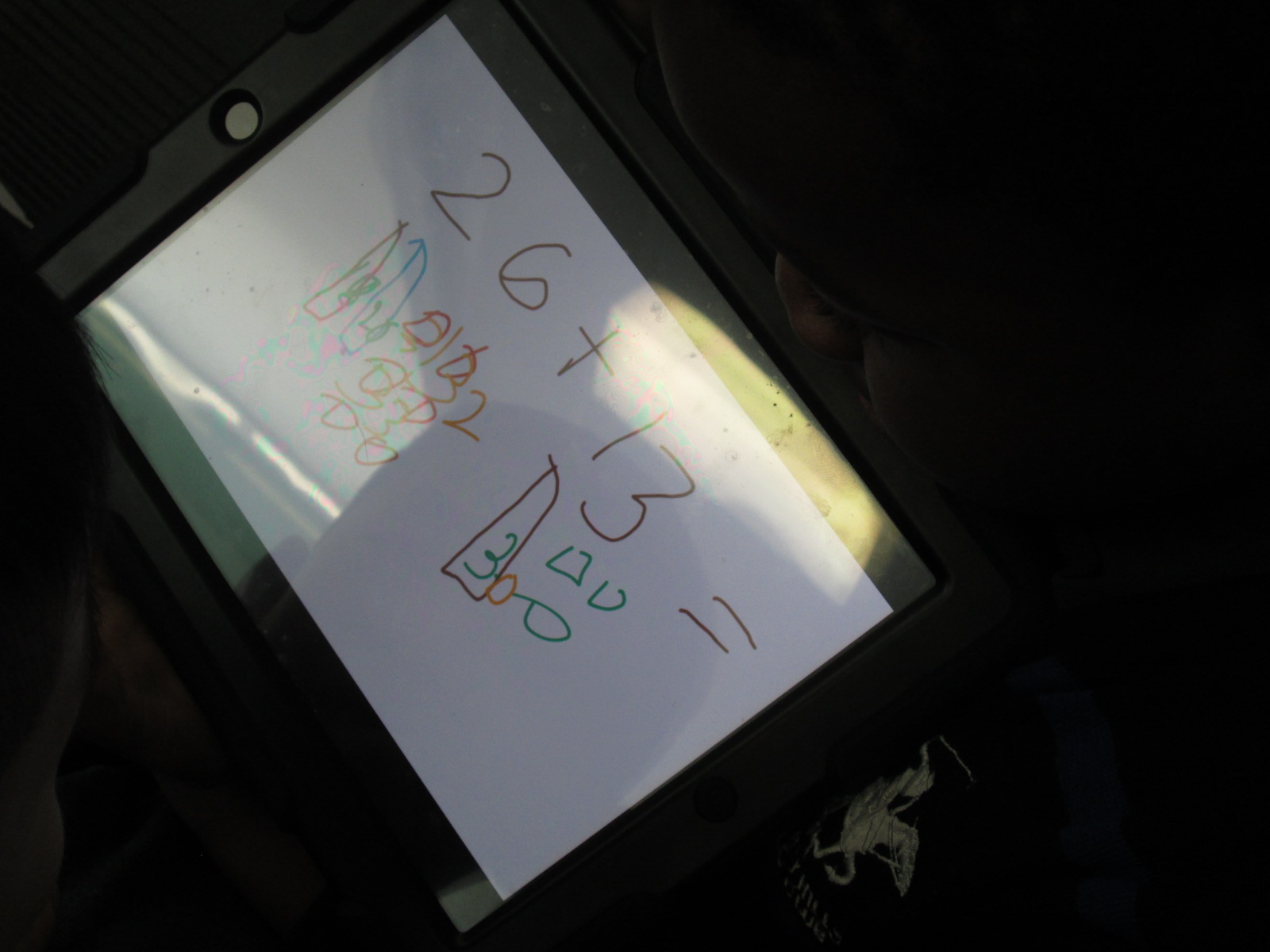
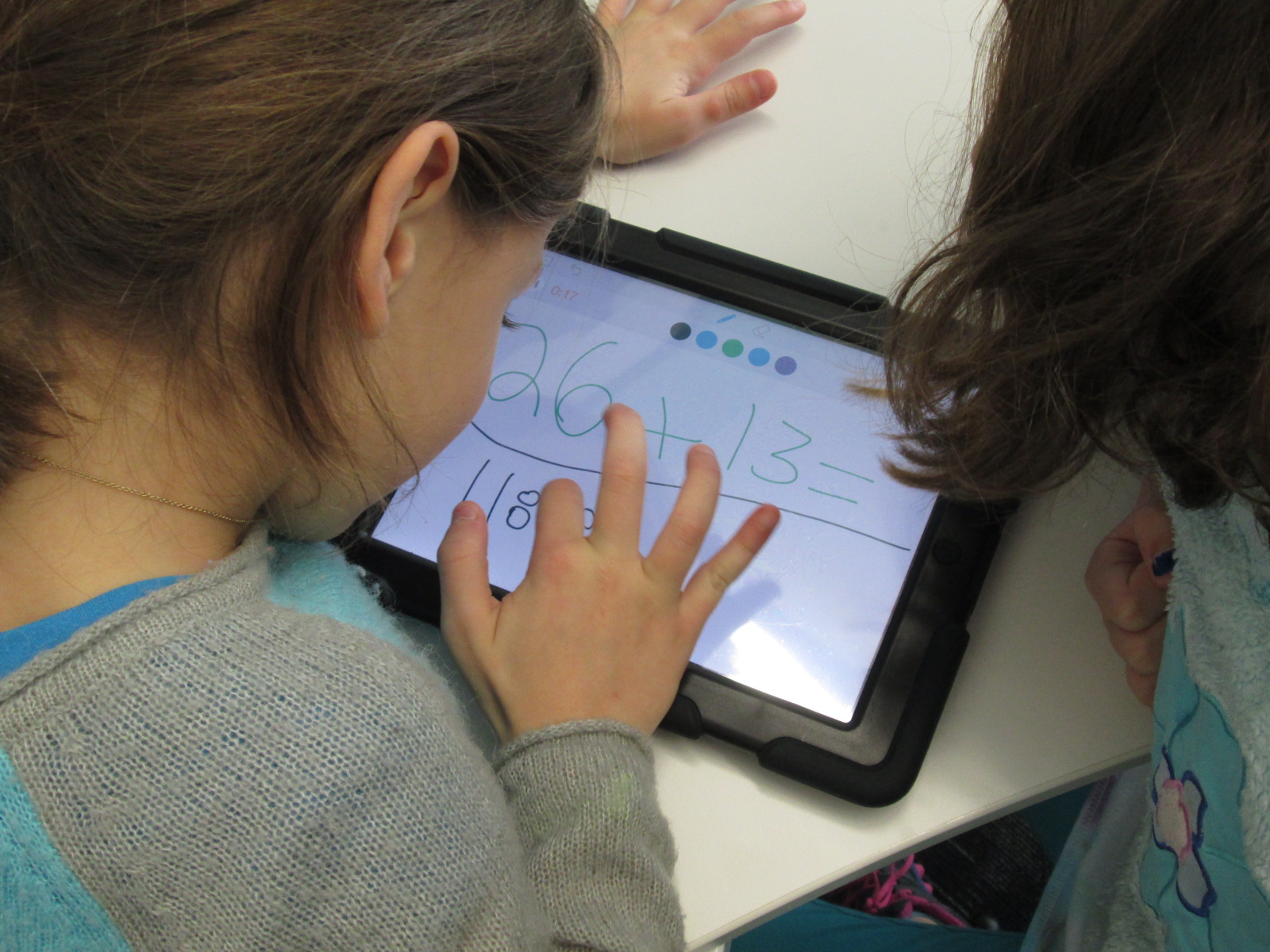
The teachers and I gave students 3 math problems to choose from for their first practice tutorial:  14 + 18, 26 + 13, and 57 + 39.  I did this lesson with 2 classes at a time, so we paired students together on an iPad.  One partner wrote one of the math problems down, created a tutorial, logged in to his/her account to save, and then logged out.  The other partner was there for technical support.  Then, the students switched roles.  They did this back and forth until time ran out.

math tutorials (14) math tutorials (13)

The main problem we ran into was when students would forget to logout of their account.  The next student would record a video and then it would save that video into the other students account.  When you press logout, the videos disappear from the iPad because they save into the individual student account.  This became a great piece of learning that I built into lessons with other classes.  I think it will just take some practice to remember these specific steps of saving.  Also, if there are existing Educreations videos on the iPad when a student opens the app, those should be deleted before the student logs in.  Otherwise, those practice videos get saved into the student’s account.  It’s not a big deal, but it does cause their account to be a bit messy and it takes up storage.

Students were very productive and focused during the recording of the tutorials.  There was almost no questions about how to use Educreations.  I was able to see a big benefit from taking time to tinker in the first lesson, and it is something that I want to continue to experiment with.

Now, teachers are reserving iPads to use in their classrooms so that students can continue to create math tutorials.  I sent a follow up email to teachers to let them know that I am happy to work with small groups, individual students, or even the whole class again if needed.  Some of the teachers want to schedule another series of lessons using word problems instead of basic addition problems.  When we do this, we will use the camera to take a picture of the word problem and make it the background.


Riley's math problem I Educreations_ - https___www.educreations.com_lesson_

Check out how Riley solved 57 + 39.