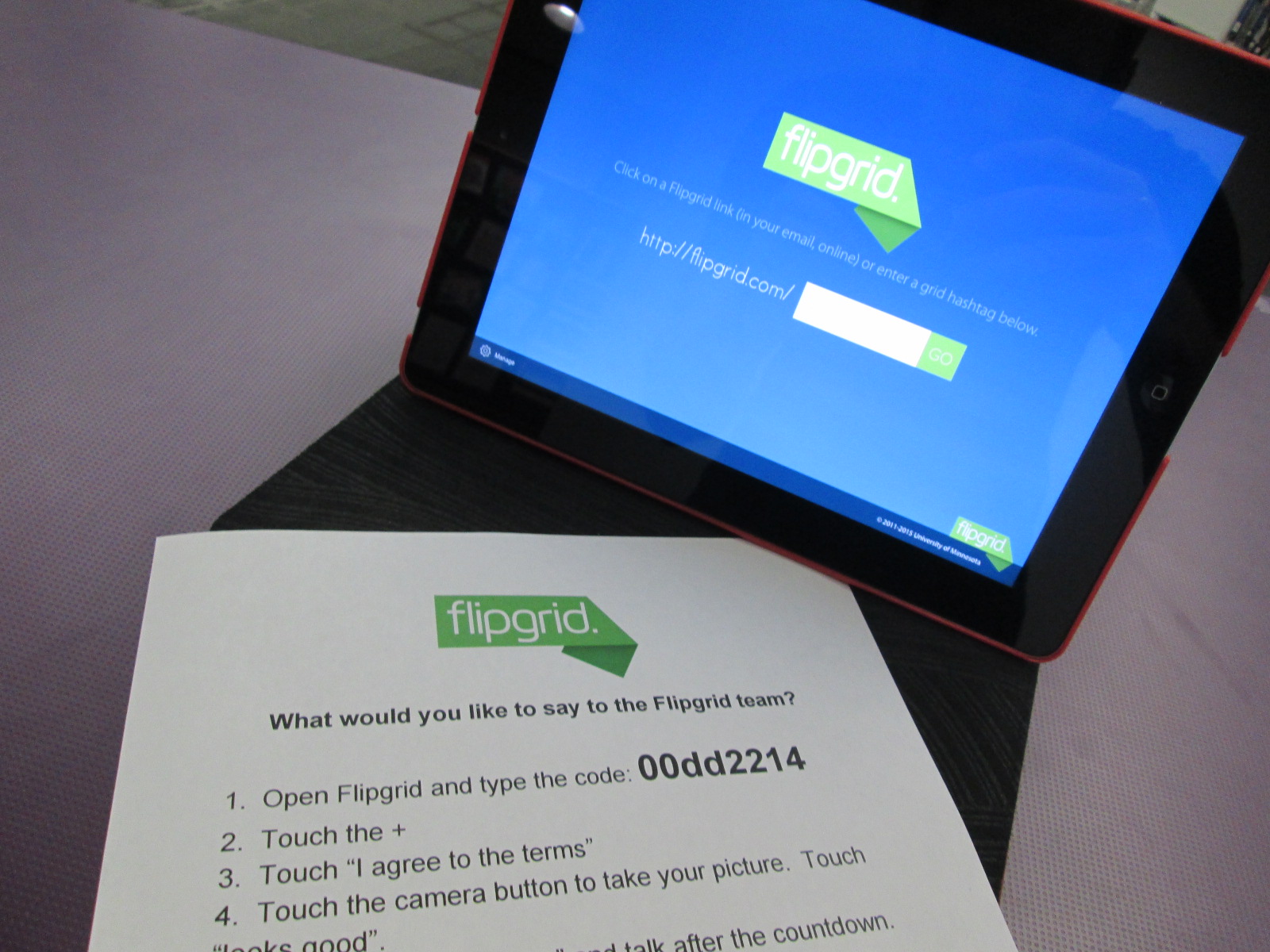
Empowering student voice has become one of the goals in the library that I am most passionate about. I love it when a student’s voice reaches out into the world, finds an authentic audience, and gets a response. One of the tools that has been the most helpful in getting student voices out into the world has been Flipgrid. In fact, we use Flipgrid so much that students ask why we aren’t using Flipgrid if we choose to use something else. It is user-friendly for both the educator and the student.
With your yearly Flipgrid subscription, you get 10 grids. Think of your grids like your classes or your big topics. I have a reading grid, math grid, science grid, etc. Within those grids, you can ask unlimited questions with unlimited video responses from students up to 90 seconds each. As soon as students press the submit button, there video is uploaded and live for an audience to view which means no extra work on the part of the educator to prep videos for viewing.
You can find multiple uses of Flipgrid within the posts on this blog. It seems like we are always coming up with new ways to use the tool in our library.
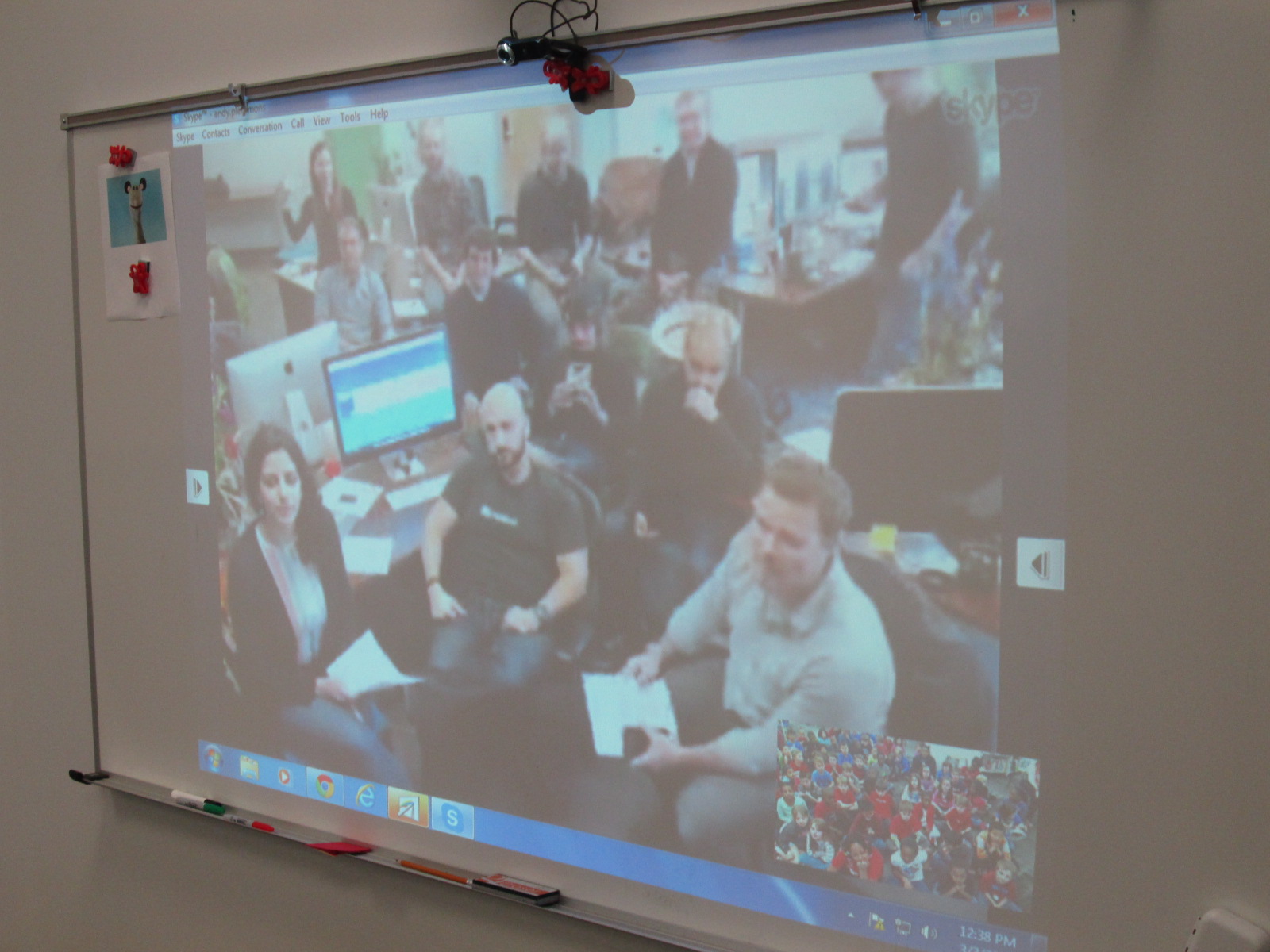
Recently, some of the Flipgrid team visited my school to see what a day in our library is like. Along the way, they saw ways that our students have a voice as well as ways that we are using Flipgrid.
The first of two videos has been released based on that visit. I invite you to watch this short video about the natural side of student voice. Share it with your network and consider how you can give students a voice within your library.
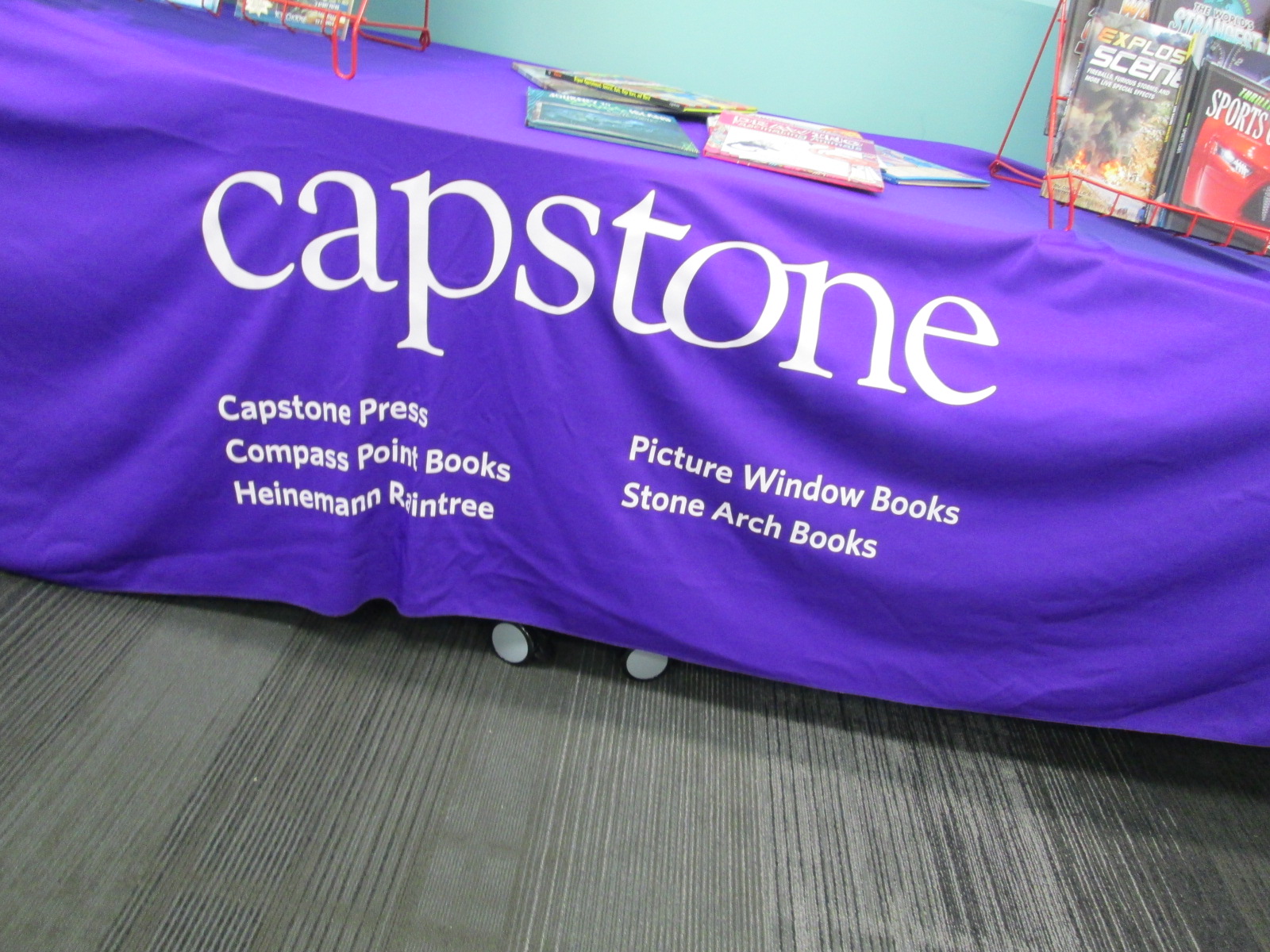
Jim Boon from Capstone Press has been doing student book budgets with me since the beginning. Each year things change just a bit, and Jim naturally adapts right along with me. This year, we have our largest group of students working simultaneously so it gets noisy fast. The most challenging thing is making sure that every voice is heard and that all members of the book budget group are engaged. I love bringing in Jim because he masterfully listens to all students. He makes connections with them and even remembers them from year to year if they have been part of the group before. The students in turn have come to know him. The returning students welcome him back and the new ones quickly learn why we bring him back every year.
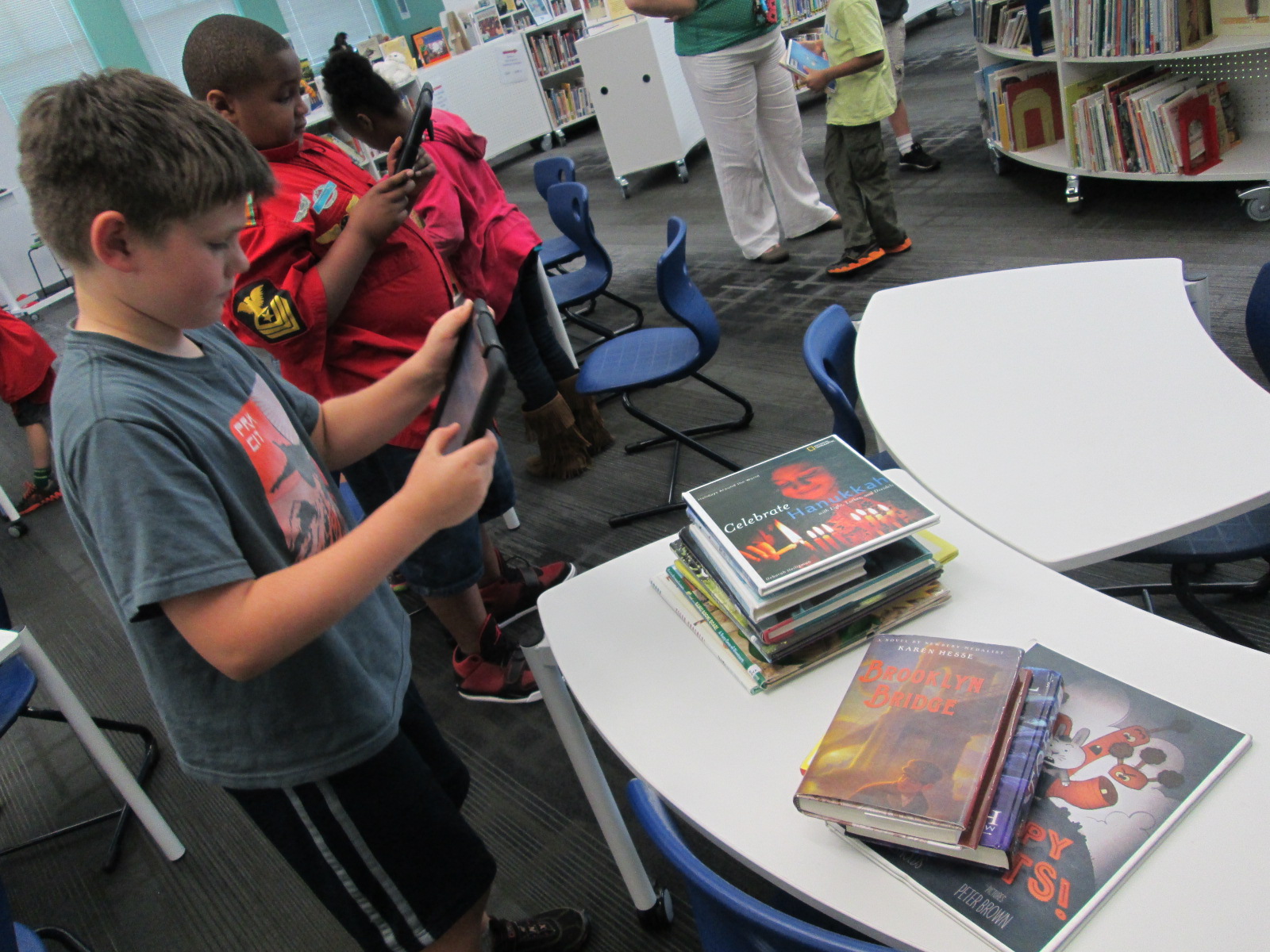
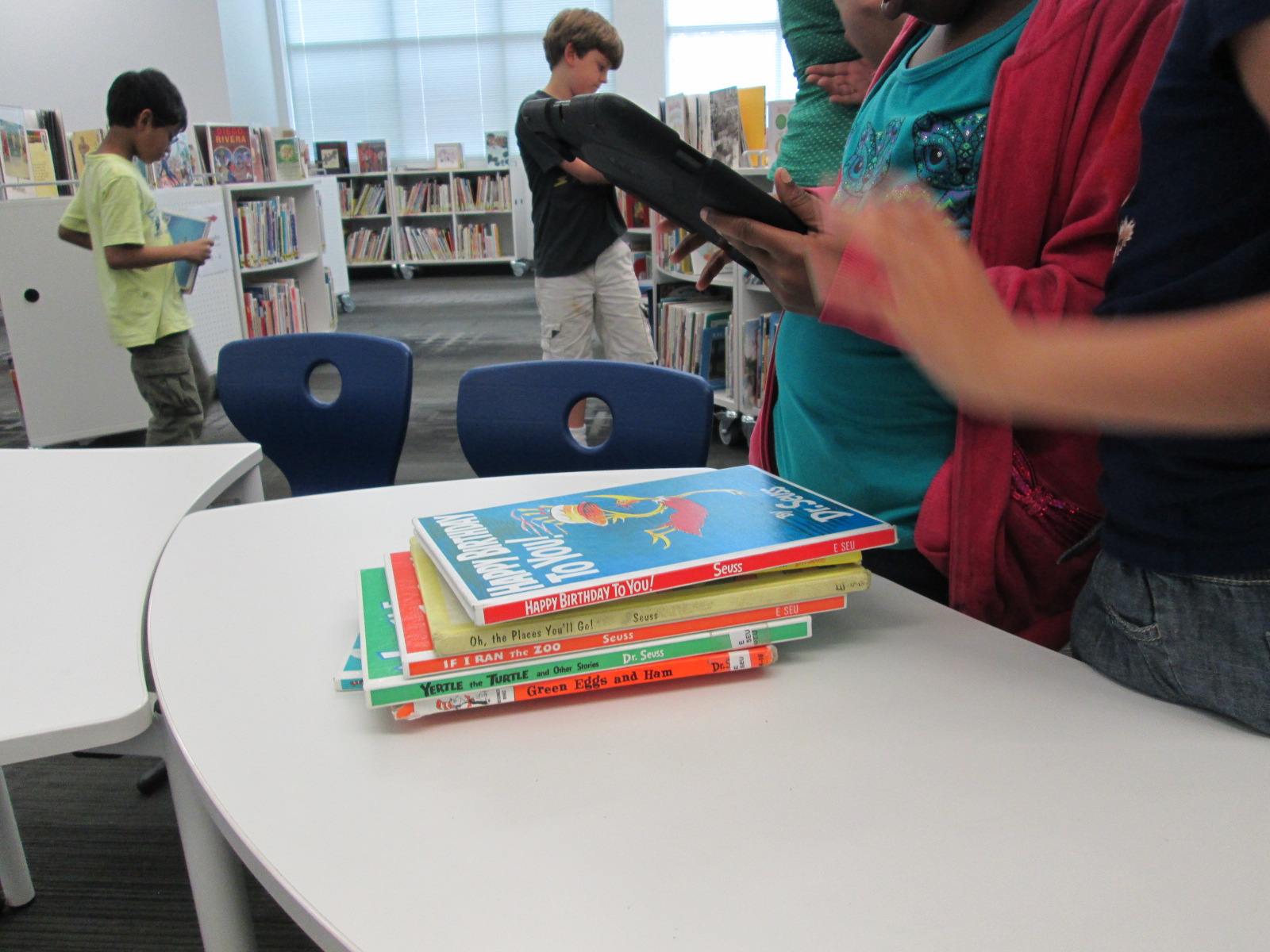
Ahead of Jim’s visit, I email him some possible dates to visit. We establish a time and he mails catalogs for all of the students to use on the day of his visit. Once we have our purchasing goals, I share those with him as well. He sets up a big selection of Capstone books for students to look at that match the goals that they have set. He even divides the books into 2 displays: fiction and nonfiction.
Jim does a very short explanation of what students have in front of them. He shows them how to look for books in the index and as well as how books a grouped together. He shows them that the displays might only have one book from an entire series that they can find in the catalogs. He shows them where to find prices for individual books as well as complete sets. He shows them how each set of books has a barcode in the catalog that can be scanned straight into a wishlist on capstonepub.com This scanning feature puts the entire series into the list, but then you can go in an uncheck the books that you don’t want to add.
Finally, Jim talks to students about current promotions that Capstone is offering that might stretch their budget even more. I love this part because it helps students think about how they might invest their money or how they might request extra money from me in order to take advantage of a promotion. This discussion usually doesn’t happen on this particular day, but I always love seeing their wheels turning as they give me reasons why we should spend our money a certain way.
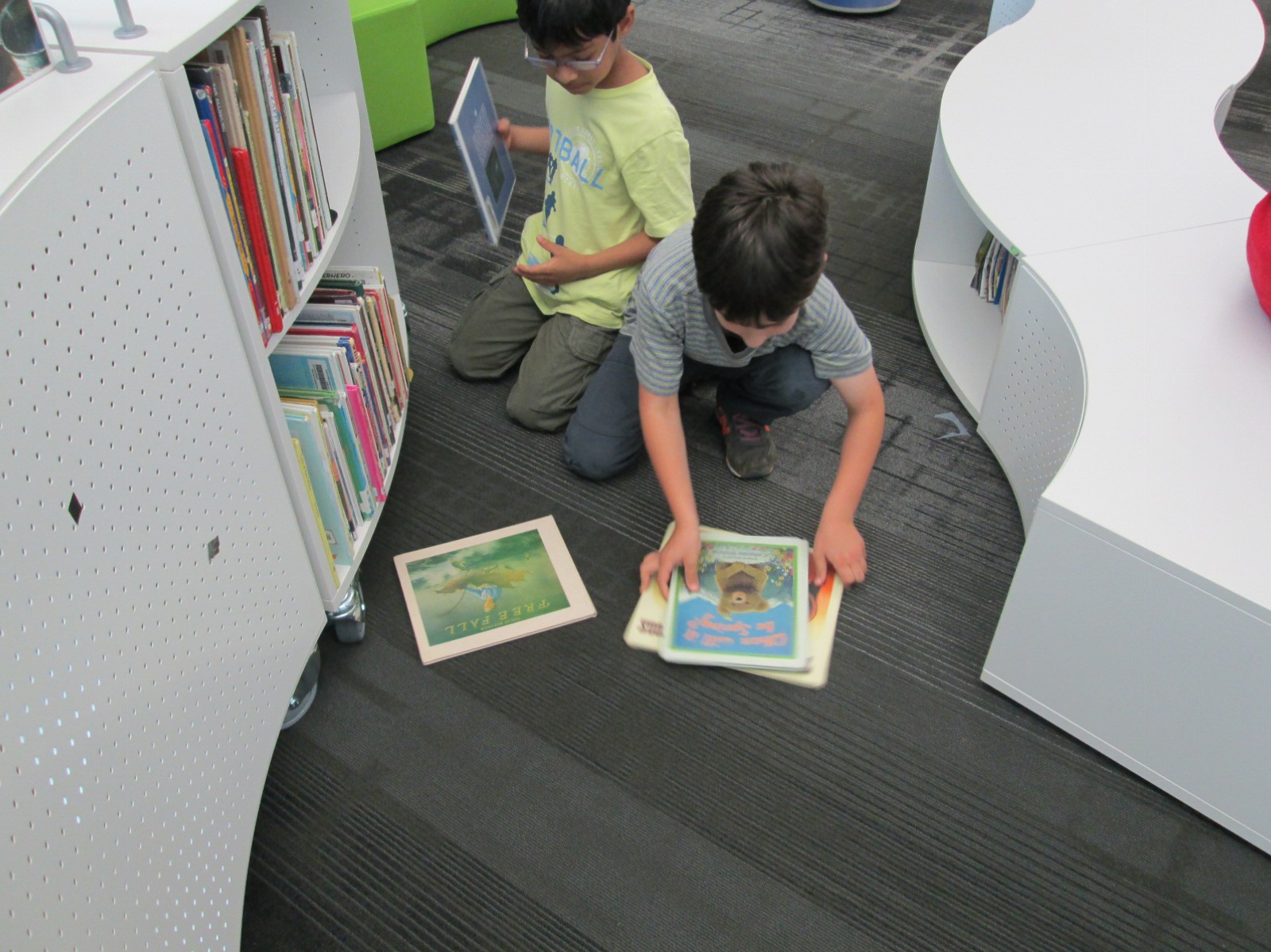
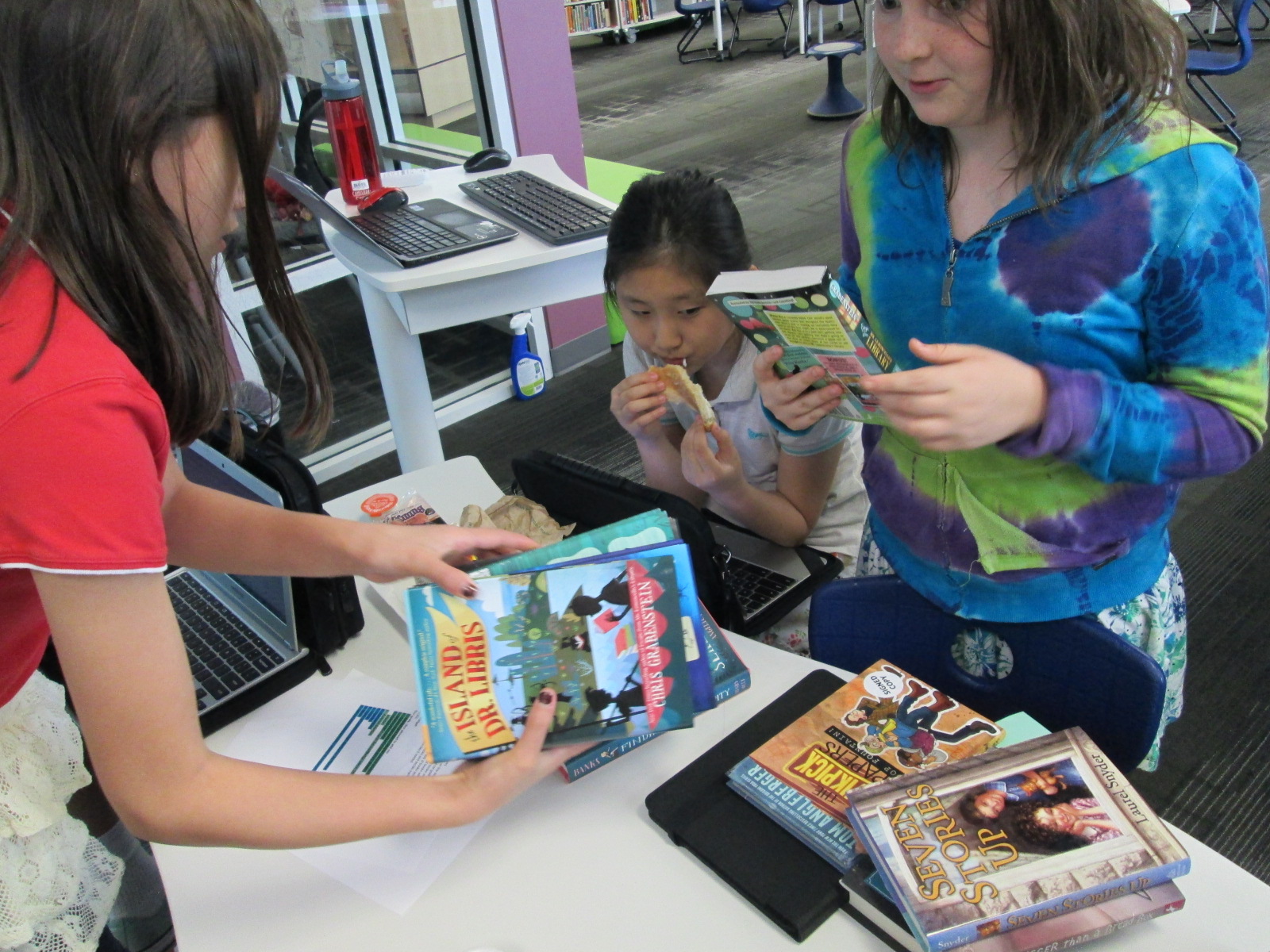
The fun begins when students leap into action. They take books from the display back to their tables and look through them. They peruse the catalogs. This is the point where it is hard to stay focused on our purchasing goals. With a catalog of hundreds of pages, there are so many interesting books that don’t match what we said we were going to buy, and students easily slip into what they personally want to buy rather than what the whole school wants. I don’t really worry about this very much during our first day with catalogs. Instead, I give a few reminders to think about our goals, but I know that we will revisit the entire list when we make cuts to match our budget.
As students find books that they want to add to the wishlist, they begin forming a line at my computer. I pull up a student book budget list on capstonepub.com and students scan the barcode in their catalogs. We uncheck all of the books in the series that they don’t want to keep and then save the list.
At this point we don’t worry much about money, but when a student scans a series of 32 books and says that they want to add all of them, I do let them know how much all 32 books would cost. Most of the time, the student is shocked and quickly narrows down to a few books that they really want to add.
Across an hour, students made a wish list with 161 titles totaling $3071.91. Capstone is not our only vendor we are working with, so we are definitely going to have to cut some titles from this list. We will meet 4 more times to add more titles, revisit our goals to see that they are all represented, and finally narrow our list down to the budget we have agreed upon.
We thank Capstone Press and Jim Boon for their continued support of his project. We appreciate that this company listens to students as well as offers a rewards program that allows us to stretch our student budget even more.
I love found poetry. It is so interesting to think about how words, phrases, and sentences that already exist in the world can be remixed into something new. We recently spent some time creating blackout poetry, and now students have been coming to the library to create book spine poems. Each year that we try this type of found poetry, I’m finding that we get a little bit better and add some new strategies for crafting a book spine poem.
This year I decided to do some storytelling to share with students how I crafted my own book spine poem. Rather than give a list of tasks to do, I told my story and let that guide our instructions for how to make a book spine poem.
“When I made my book spine poem, I just wandered around and picked a shelf in the library. I spent time at the shelf scanning every title and looking for a title that spoke to me in some way. The first book that jumped out to me was In My Mothers’ House. I continued creeping along that same section of the library looking for a title that seemed to go with the one that I had already found. I didn’t really know if I had found my first line of the poem or just a piece of the poem, but when I came across The Wonderful Happens, it seemed like magic. Both of those titles just sounded like the beginning of the poem to me. Now I had a focus. I needed to find more books that told more about In My Mothers’ House. I didn’t really worry about order. I just wanted books that sounded like a good fit. Once I found 3-4 more, I went to a table and started arranging them and reading them aloud. I tried many different ways to see what sounded right. I even had a book that just didn’t seem to fit, so I decided to put that one back on the cart at the front of the library. When my poem felt just right, I knew I was reading to record myself reading it.”
By telling this story, I really felt like student had a good sense of what to do, but we did still rephrase the steps together.
1. Choose a place to start.
2. Look for books that speak to you and only take the ones that you think you will use.
3. Continue choosing books that connect to one another
4. Arrange them in a way that sounds right and put the extras on the cart at the front of the library.
5. Record yourself reading your poem and return your books to the cart at the front of the library.
Students got to work. Most of them jumped right in, but a few had trouble starting. I found a few students who just wandered around without knowing how to start, so I encouraged them to stop wandering and start reading titles. Some were very focused on content which made it a bit harder to craft a poem. They wanted a book about X instead of thinking about a book’s actual title. I tried to explain that the content of the book really didn’t matter. All that mattered was the title. It took some time for that to click with some students. I didn’t want to tell students not to use the computer, but we did nudge students to really try looking at the shelves rather than try to find something on the computer. Most students who tried the computer strategy ended up abandoning it anyway because it added too much time and frustration to the process.
As students recorded their poems, they came to me at a table. I had an iPad cord plugged into my computer, so we just connected and uploaded straight to Youtube and put the videos into a class playlist of poetry.
You can enjoy their work in each of these playlists.
One of my favorite steps in the student book budget process is when the students get to meet real vendors and talk with them. This year at the School Library Leadership Summit someone asked me if I ever used an independent bookshop as one of my vendors for student book budgets. The answer was no, but this year we changed that.
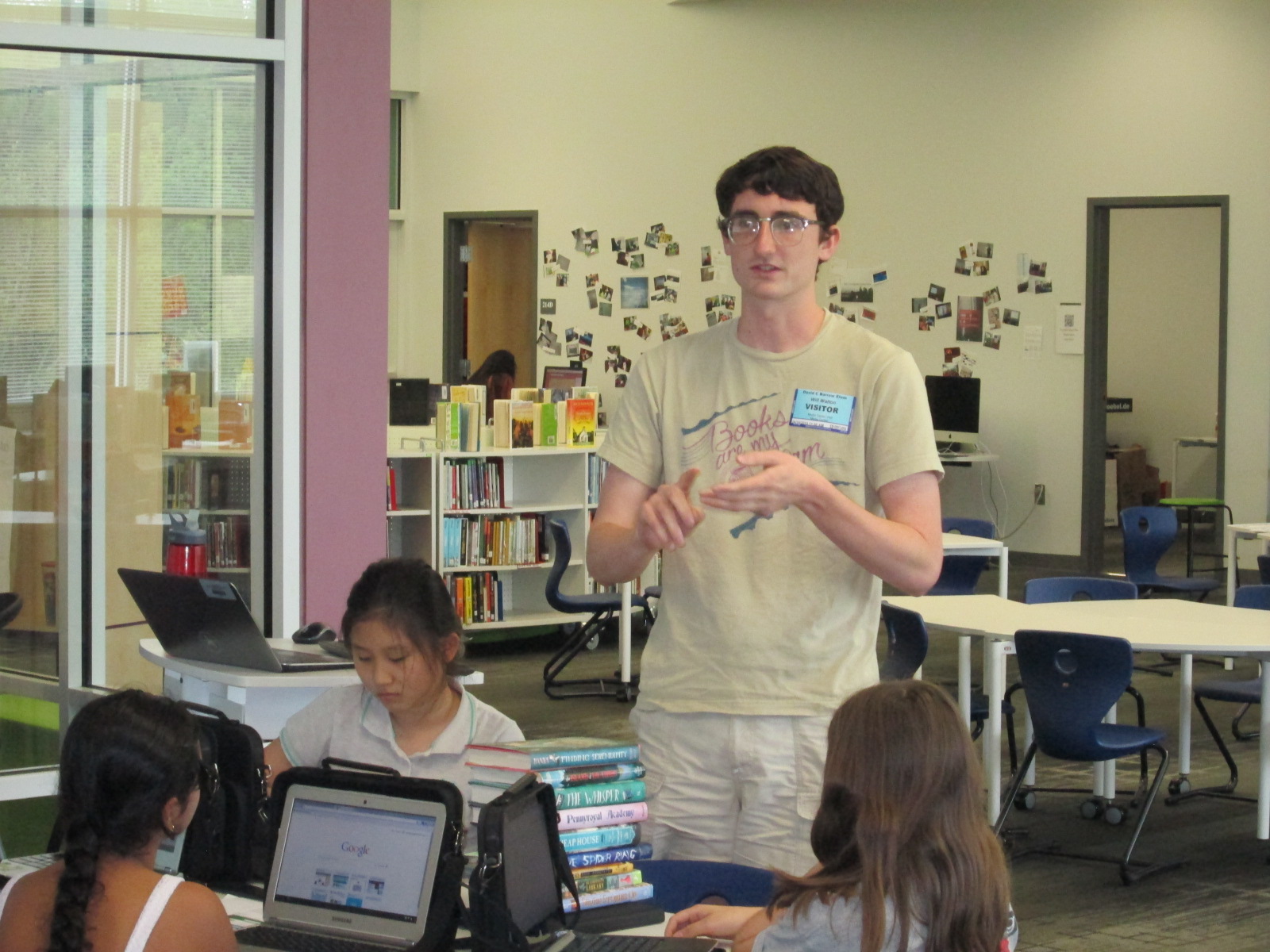
I email Janet Geddis, owner of Avid Bookshop, and asked if she would like to be a part of this year’s project. It was refreshing to hear that community outreach is actually a big part of her business plan, so she definitely wanted to be a part. When our students had their purchasing goals created, I sent them to Will Walton at Avid Bookshop. Will is an awesome bookseller and has his first novel coming out in May called Anything Could Happen.
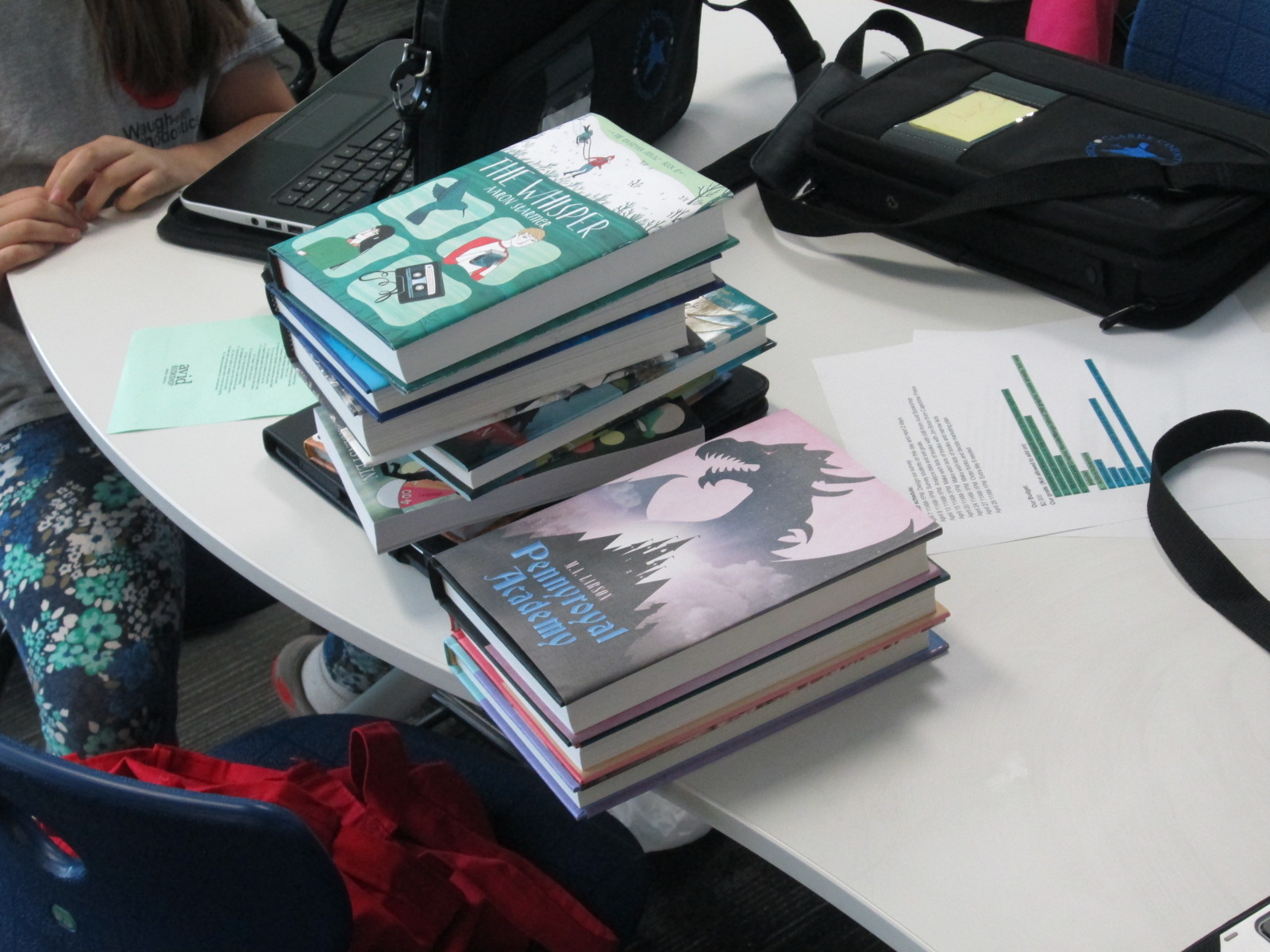
Will pulled several books from the shop and brought them to our book budget meeting.
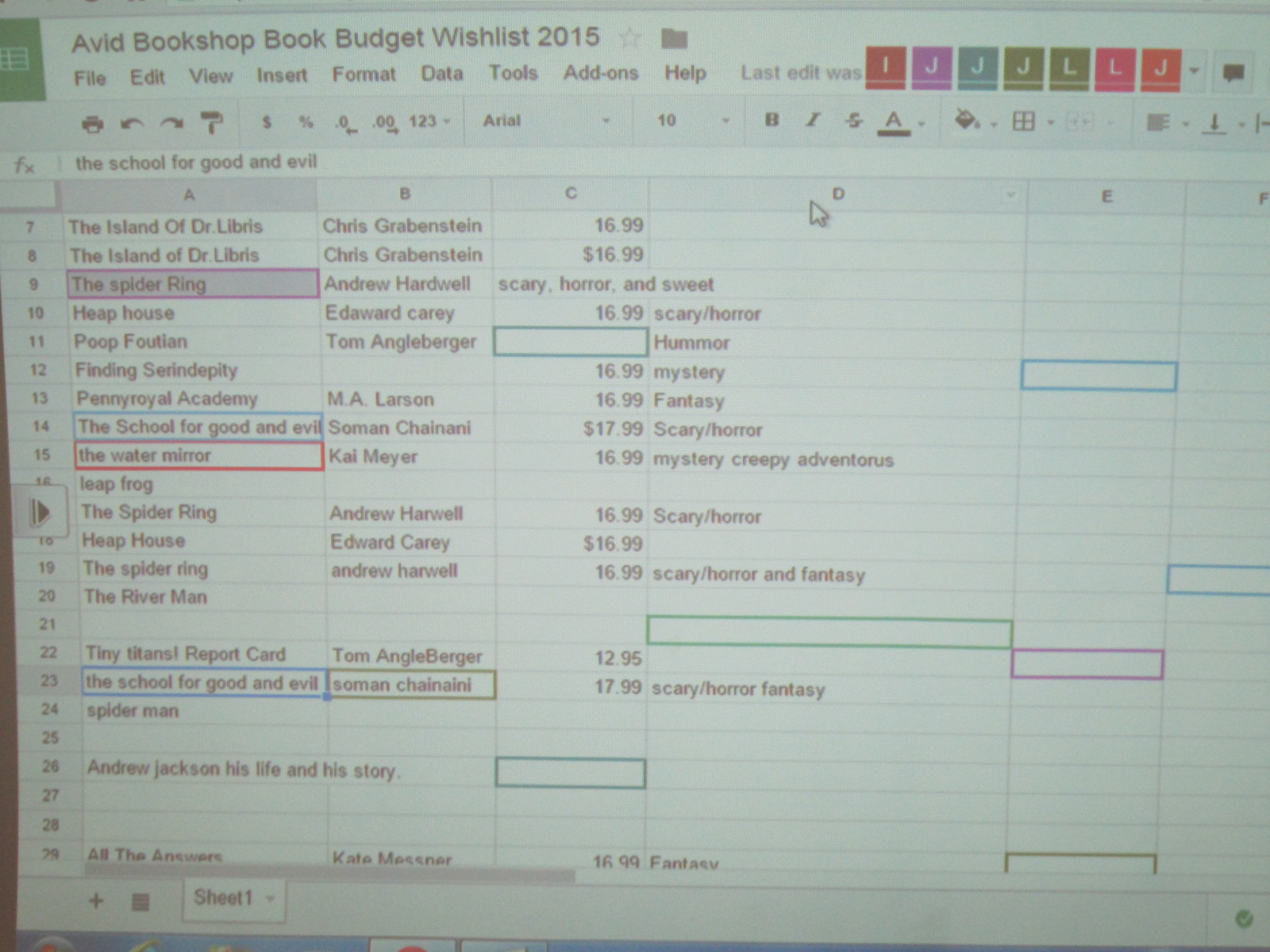
I made a Google spreadsheet and shared it with all of the students. The spreadsheet included a spot for title, author, price, and which goal the book matched. Will put the books into various categories and started talking about each one. If the book sounded interesting, then the students worked together to capture the details in the document.
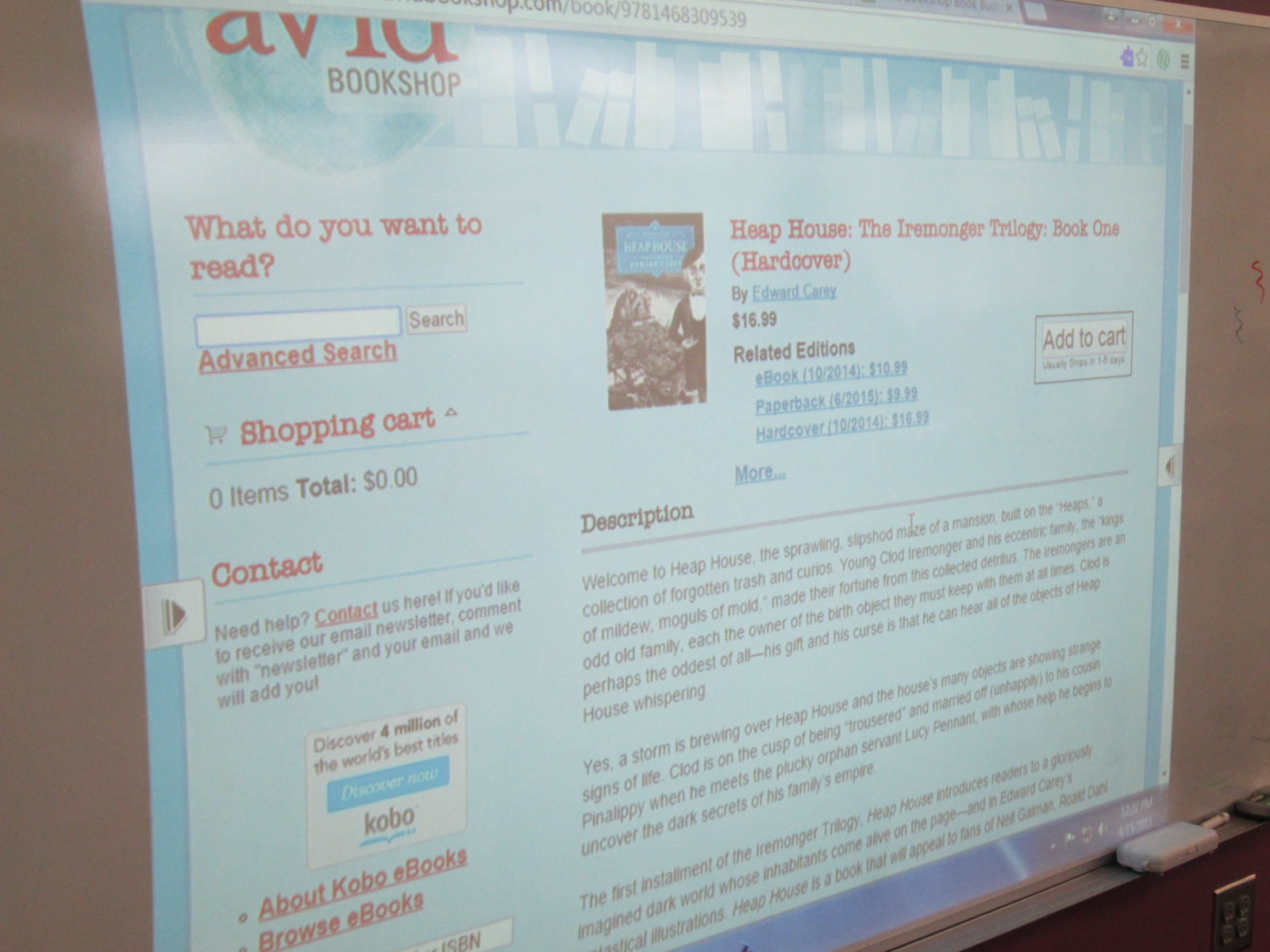
I learned pretty fast that they needed to see the title, author, etc so I pulled Avid’s website up on the board and typed in each book as he talked. The students could easily copy down the info while he talked.
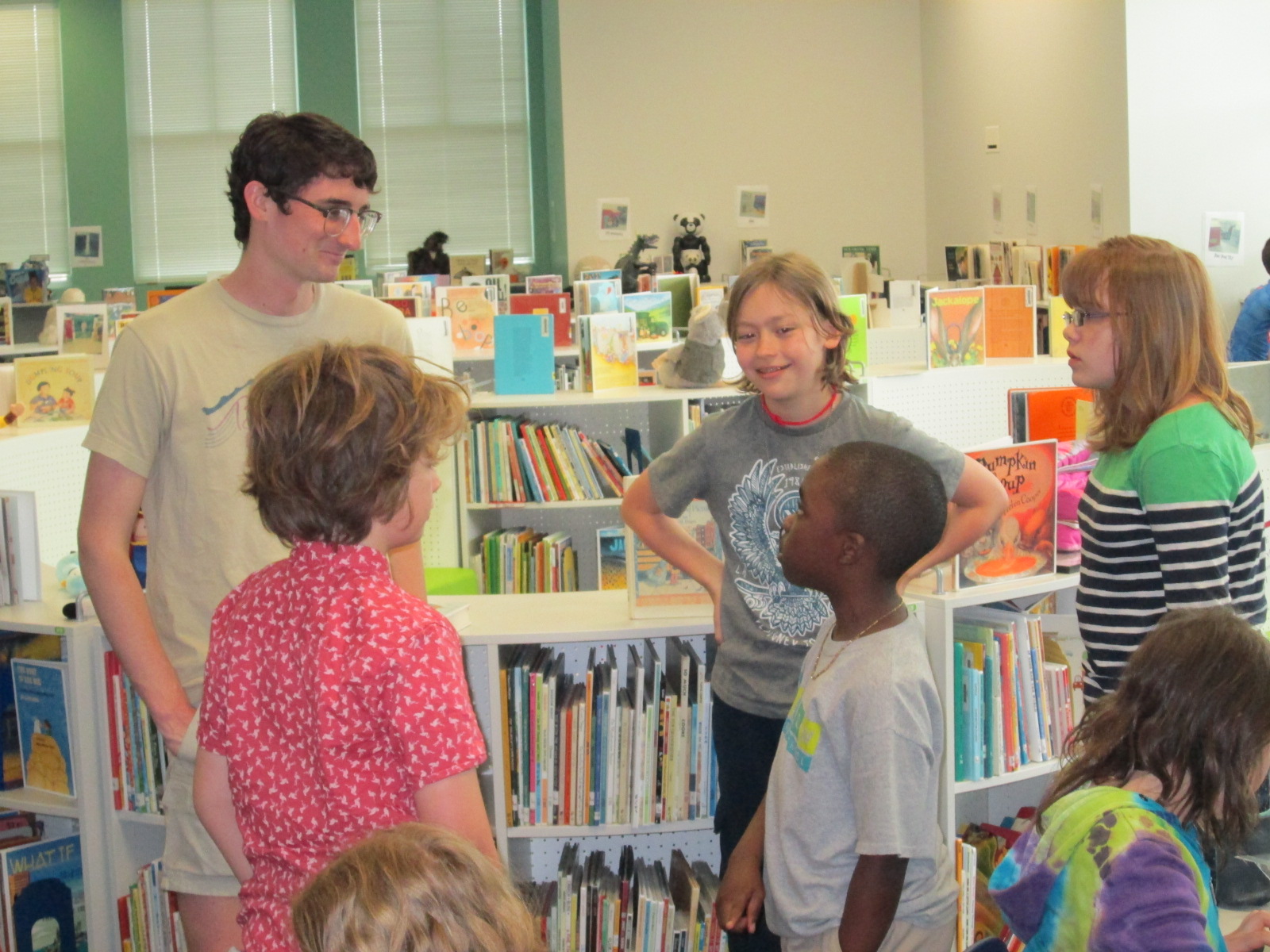
After talking through several titles, the students had lots of questions for him. They had a great time just talking books with Will. Several students branched off to do their own thing, so I decided to add another layer onto what they could do.
We used our state database, Galileo, to pull up Novelist K-8 Plus. I showed students how they could look at books by age range and genre. Then, Novelist shows books that are similar to books that you have read and liked. I suggested that they use Novelist to find books that sounded good and matched our goals, and then use Avid’s site to find the price and add to our spreadsheet.
Mr. Coleman’s ELT group is joining us in this project and they plan to continue this process this week before we meet again on Monday.
We are very grateful to Avid Bookshop for their support of students. I loved how Will talked directly to them. He asked them questions about books but also questions about how they planned to spend their money. He posed interesting questions such as “Have you thought about paperback versus hardback? The cost difference can be about $10.” Students were shocked by the price difference but most agreed that they wanted hardback for durability in the library. That was without any prepping or pushing from me. I was amazed. They said the extra $10 was worth it if the book lasted longer.
I love how these types of conversations naturally surface. You can’t force plan each one, but they usually come up at some point. Soon, the students will meet with another vendor and start the hard process of cutting their wishlist to meet our budget.
Ms. Kelly’s Kindergarten class has turned a curiosity into a year-long project. They became interested in space, and it has turned into a research project about planets, creating planet ebooks, writing original songs about the planets using ukuleles, and having a Fat Tuesday parade dressed as the planets.
Now, these students are on a mission to figure out how to support human travel to Mars. They don’t actually want to go to Mars themselves, but they want to think about what might need to be invented in order to support human travel to Mars in the future. Wow! Some might look at a Kindergarten class and think this is silly. How could students as young as Kindergarten come up with ideas for traveling to Mars? I think Ms. Kelly’s class proves that even our youngest voices should not only be listened to but empowered as well.
These students have spent extensive time researching Mars. They know about the land, the weather, the atmosphere, and ways that Mars has already been explored. They have brainstormed things that they might need to think about when traveling to Mars such as water, food, oxygen, and how to survive the dust storms.
They recently came to the library to read the book You Are the First Kid on Mars by Patrick O’Brien.
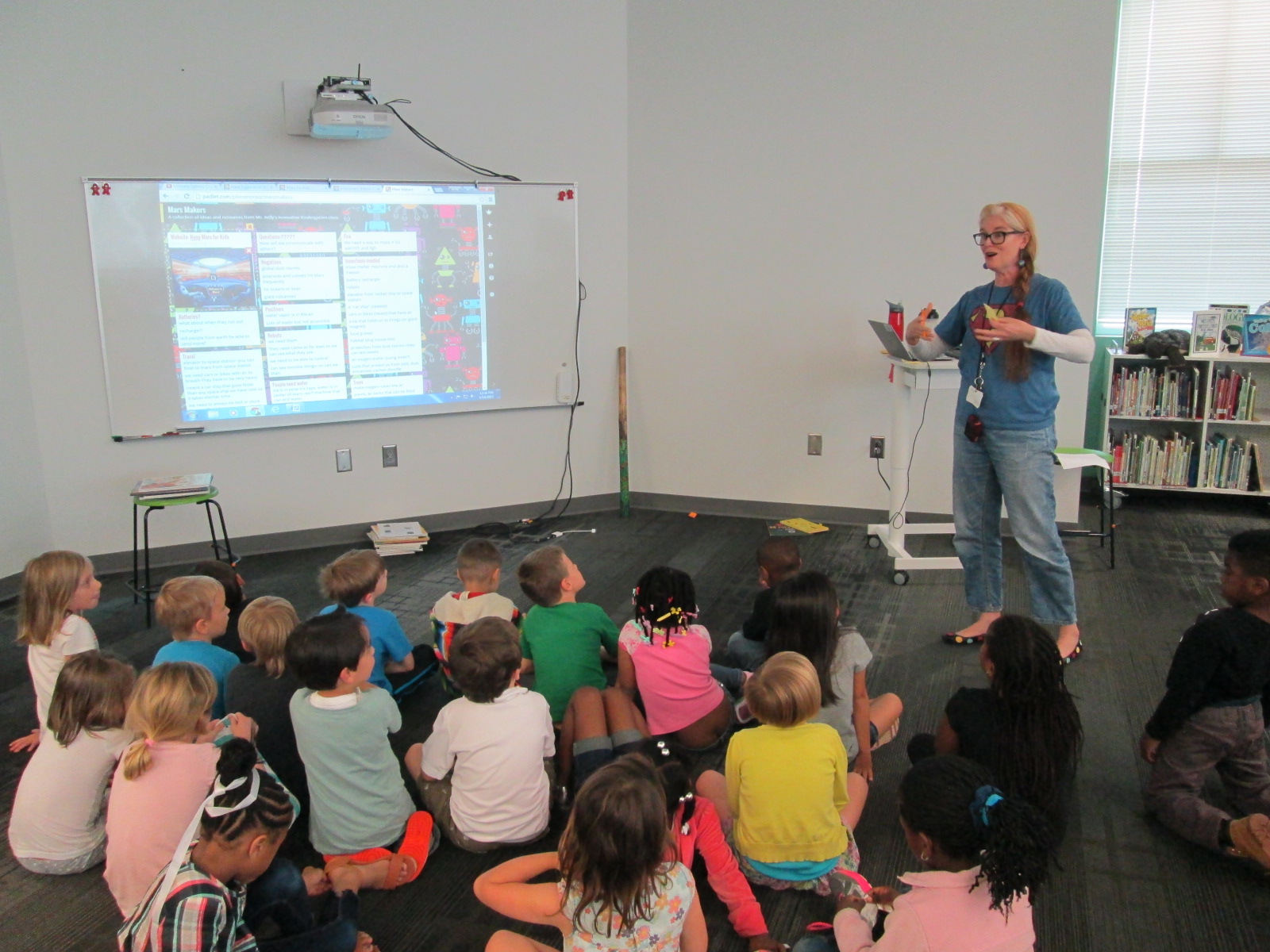
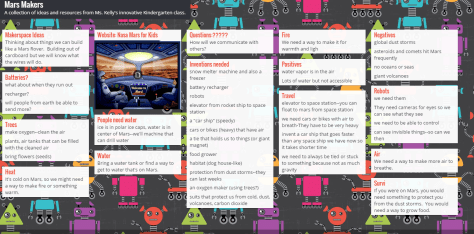
She and I brainstorm a lot over email. When working with her, nothing is impossible and our biggest limit is time. She wanted a way to capture all of her students’ brainstorming, so I suggested a Padlet since they could post ideas, websites, pictures, and files. I set one up for her and they got to work adding to it.
Within their brainstorming, they talked about creating robots that could help them explore Mars as well as several other technology-heavy ideas. This brainstorm naturally brought us to our library makerspace. We wanted students to have a time to explore some facts about robots, technology, electricity, circuitry, energy, and space exploration. Ms. Kelly books an hour of time for student to explore, and I created some experiences for them to move through.
Experience 1:
I pulled as many books as I could find on all of our major maker concepts from 3d printing to robotics to circuitry. I also pulled books about space. This experience was a time for them to look at lots of pictures, read captions, and skim text with one another and an adult to get ideas that they hadn’t even thought of in their brainstorm.
We have several robotics options in our makerspace. Since robotics was part of their brainstorm, I wanted them to tinker with a robot that was manageable by a Kindergarten student. I chose Sphero. Since Sphero alone couldn’t do some of the things they were thinking of robots doing, I showed them a Youtube video of how Sphero can be combined with other things like a chariot to pull a camera or add an attachment.
Then, students used the Drive app to practice driving Sphero and brainstorming how this might help them explore Mars.
Experience 3:
Students have talked a lot about wiring and circuits during their brainstorming. They really want to wire something that could actually work. I have 2 littleBits space kits which have instructions for creating things like Mars Rovers, Grapplers, and Data Collection Tools. The age range is high for these kits, but age range never stops us from trying something. We just look at what barriers are in place and then figure out how to build a bridge. For this experience, I started students with the instruction booklets. They got into 2 smaller groups and looked at the diagrams, instructions, and functions. They started to think about their brainstorm and how these littleBits inventions might work with their ideas. Then, they moved to a table of littleBits. In pairs, they used a battery, power cord, and blue power switch to connect to one input (pink) and one output (green). The idea was just to start tinkering a bit with littleBits to see how they work. They weren’t necessarily making a space invention yet.
Here’s a quick look at what it all looked and sounded like:
Next, our students will go back into their classroom and continue working on their padlet using the ideas from the makerspace exploration and the books. They also checked out some of the books to take back. Then, students will begin constructing prototypes of tools that they might actually invent for space.
The students in this year’s book budget group have been busy. We emailed our reading interest survey to all students in our upper grades, but our younger students needed to be surveyed in person. The book budget crew have carried iPads to recess and lunch as well as picked up iPads before school to survey students. Over the course of a few days, they have surveyed almost half of our school.
All along the way we have checked the progress in our form by viewing the summary of responses and seeing which grades needed to be surveyed. We wanted there to be voices from every grade level on the survey.
Finally, we all met in the library for an official meeting to look at the data on the survey.
First, the students started picking out the kinds of books that received the most votes. They made a list of 11 kinds of books. These books were the ones that received above 60% of the people surveyed who said they liked that kind of book.
The students decided that they wanted to keep this list of 11, so our next step was to decide how to divide our approximate budget of $2000 among the 11 goals.
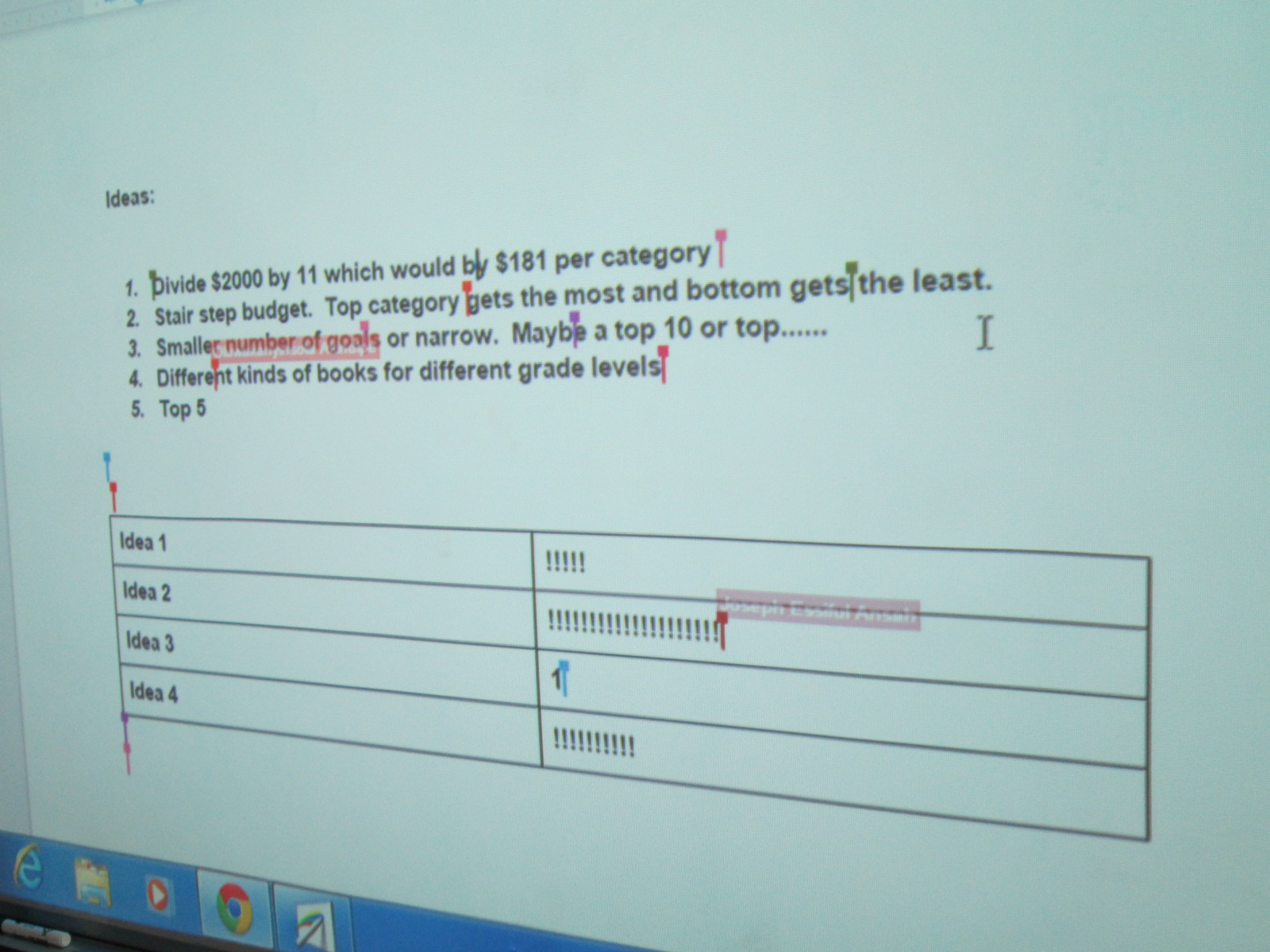
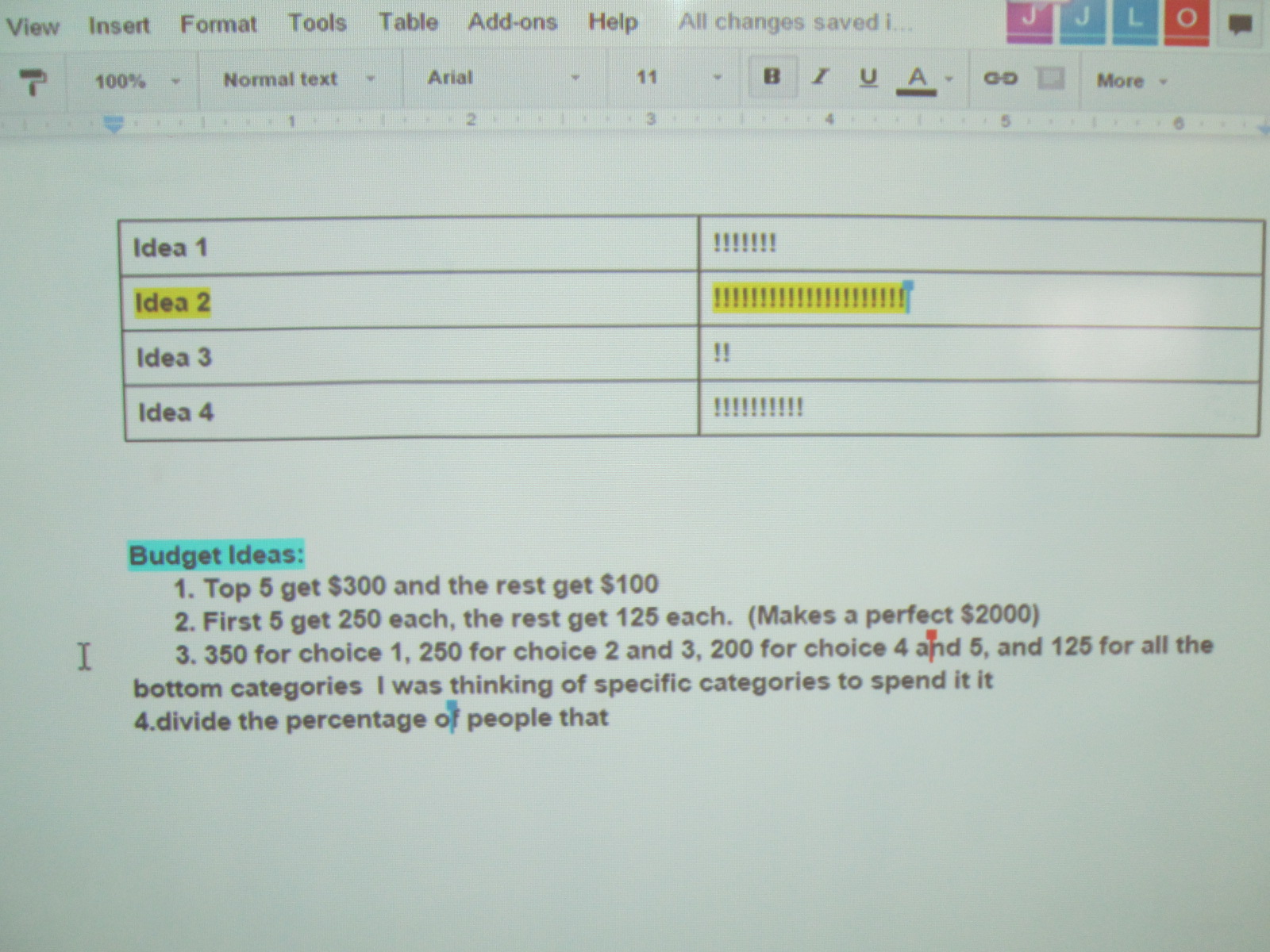
This came with some controversy. There were lots of ideas. We decided to make a list of our ideas on our shared Google doc. Four main ideas came to the surface.
1. Divide the money equally among the 11 goals.
2. Create a stair step budget or waterfall budget where the top goal on the list got the most money and the last goal on the list got the least.
3. Narrow the list of goals to a top 10 or top 5.
4. Focus on different kinds of books for different grade levels based on the survey responsed.
The students voted on these ideas by putting tallies in a table on the Google doc. The idea of a waterfall budget won the vote, so the next step was to start thinking about how to divide the money among the goals while giving more money to goals requested by more students. This was even trickier, and we ended up not making a final decision yet.
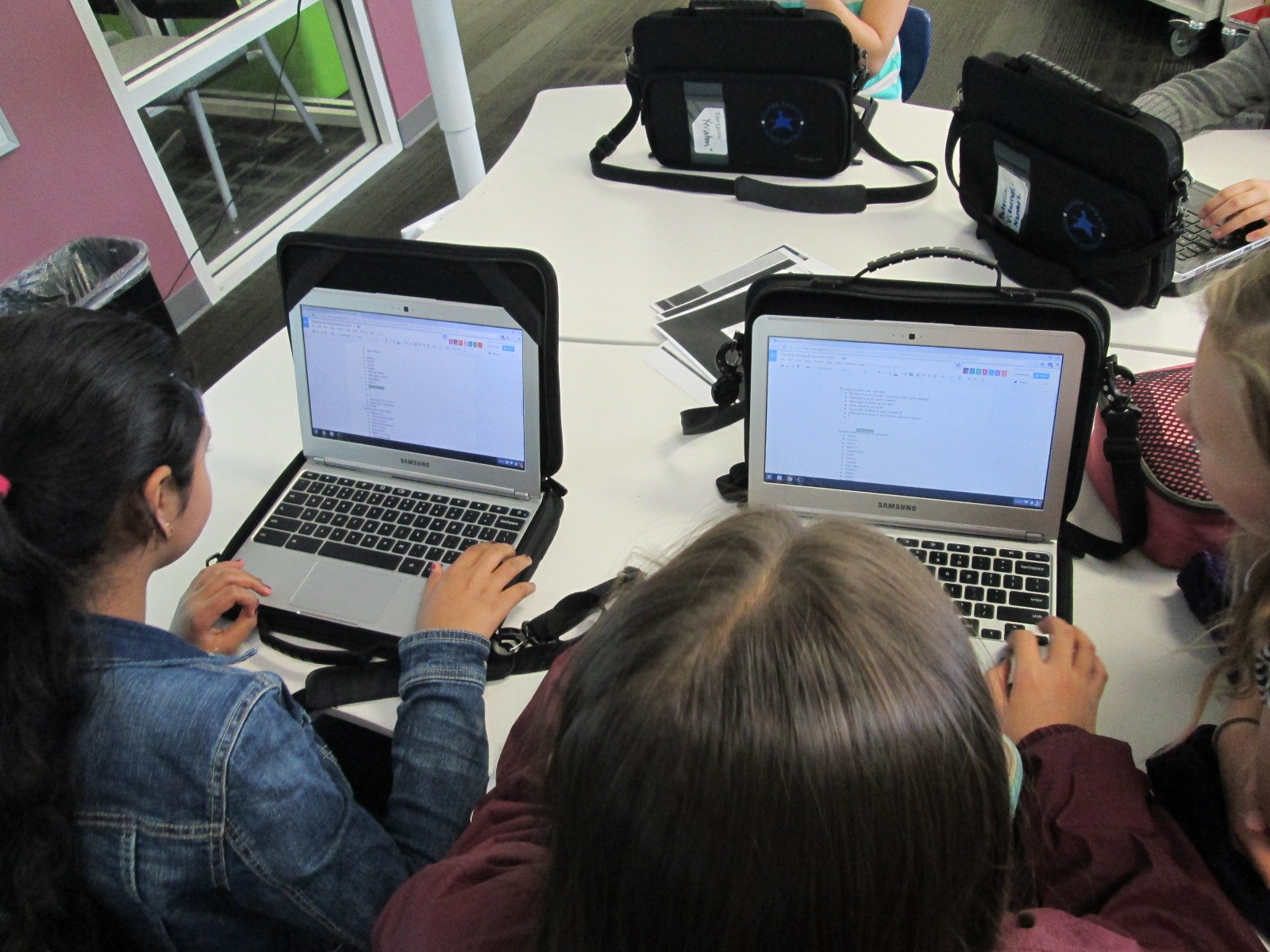
Deciding how to divide the budget really called upon the students’ math skills. They wrote things on paper, Google docs, and used Google chrome as a calculator to try to add up various amounts to get to $2000 and divide the budget up into multiple categories. Students were using their problem solving and reasoning skills as they discussed in groups why their various plans worked or didn’t work. Some were even revisiting the survey data to try to look at percentages on the survey and correlating that to budget percentages. Math wasn’t just a subject at this moment. It was a real life skill that was being put into action.
Our process was again loud and messy, but I loved how the Google doc allowed us to get lots of voices represented in the conversation rather than hearing from one or two people speaking aloud.
Now that our goals have been decided, we’ve sent these to Avid Bookshop and Capstone Press. Will from Avid Bookshop will visit the students to book talk some books from Avid that match our goals and Jim Boon from Capstone will share his company’s offerings. I think the pairing of these two vendors will get the students a great variety of titles to choose from.
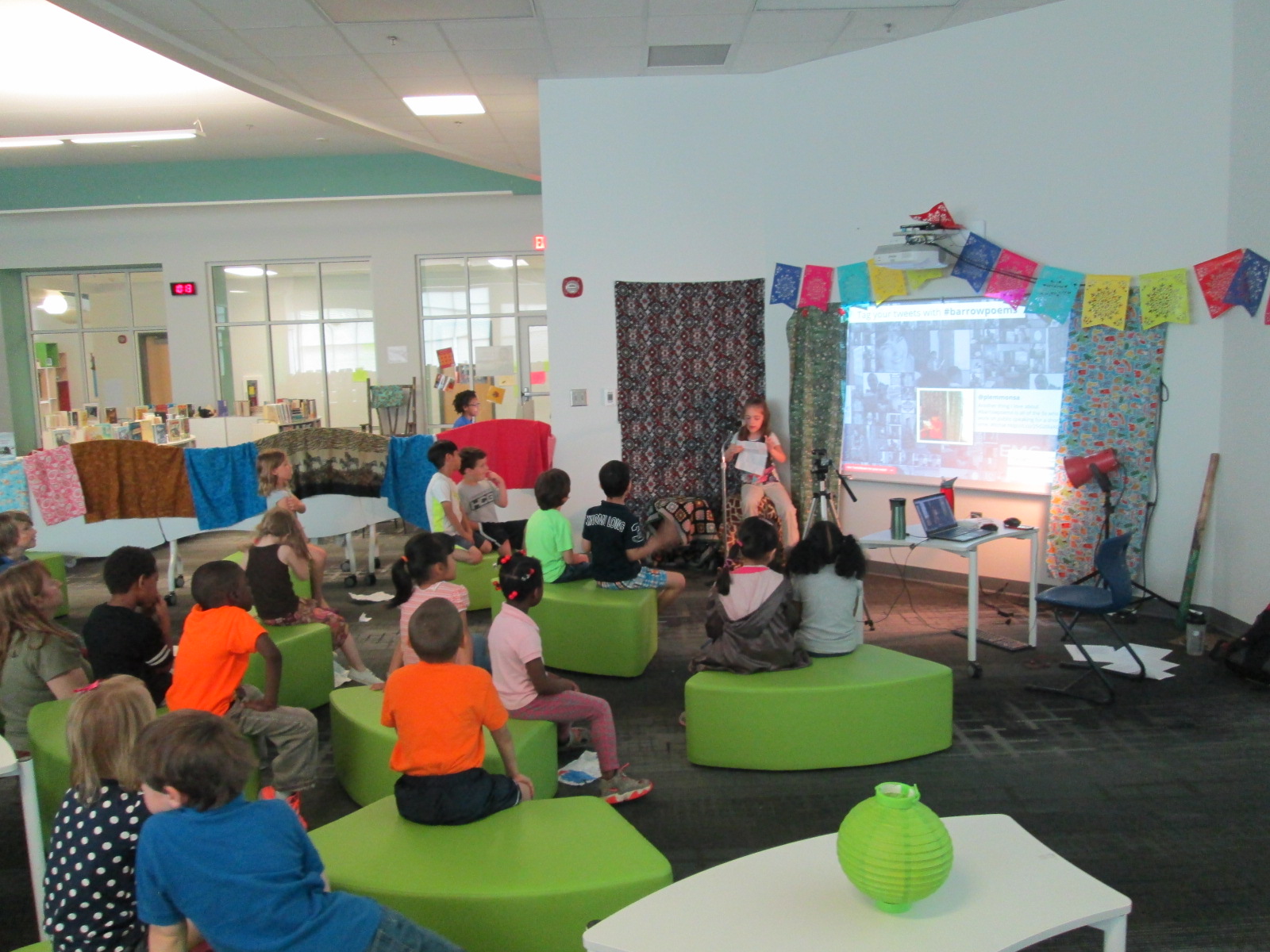
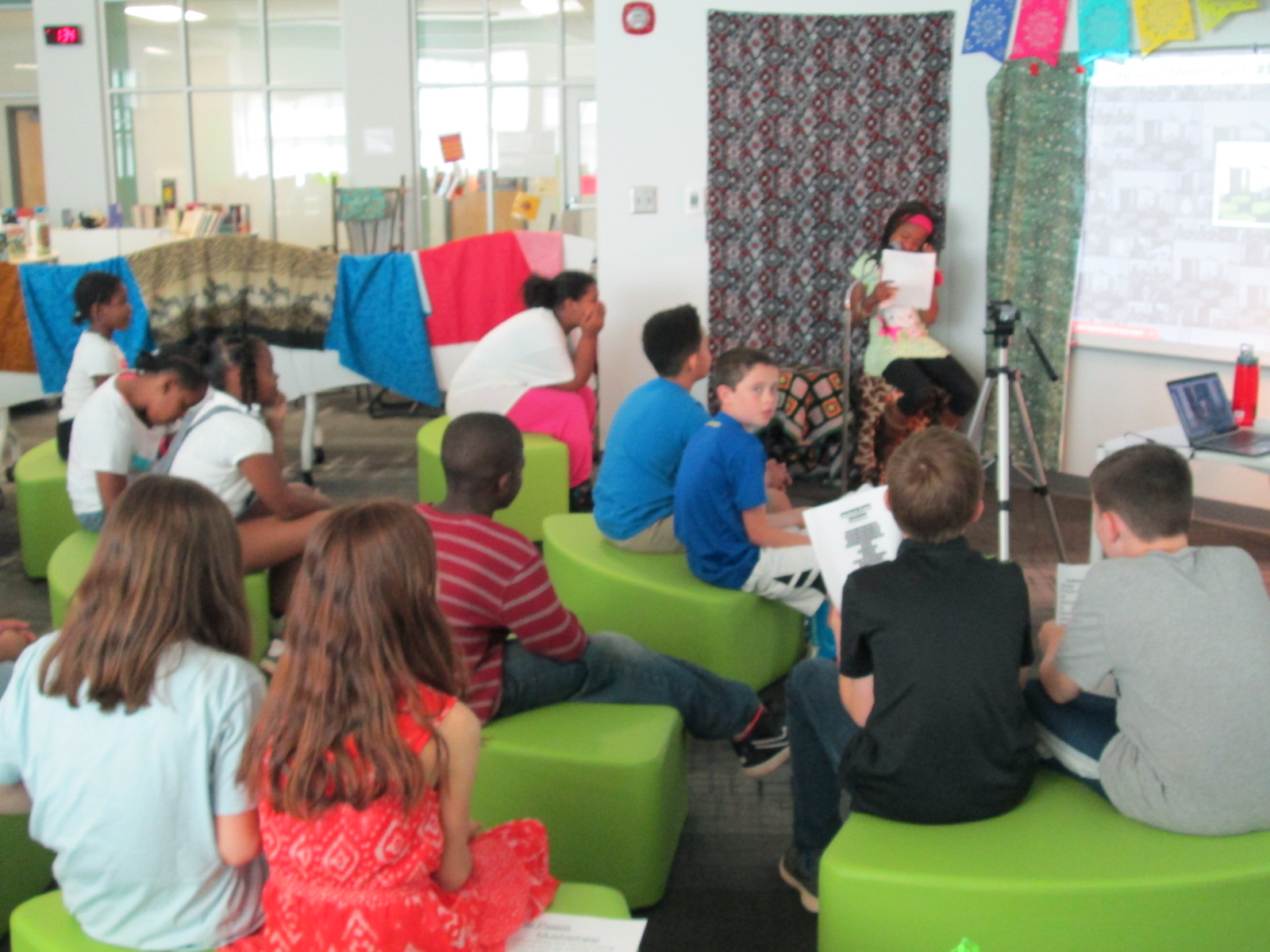
Our live poetry cafe continued today with 11 more sessions. Again, we broadcast each reading through Google Hangouts and encouraged people to Tweet about our poetry using the hashtag #barrowpoems. You can read about yesterday here.
I always love the surprises that come up from students: a student reading from a computer, a student who barely speaks who reads an incredibly descriptive poem, a student giving his teacher a standing ovation, a student who shared a poem in Chinese and then English, students encouraging their friends with a “you can do it”, a student sharing a poem about his home country, a student reading a poem for another student who was too shy to come up, and a student handing me her poem to carry in my pocket.
Today I added a little sign to help with our traffic in and out of the library for checkout.
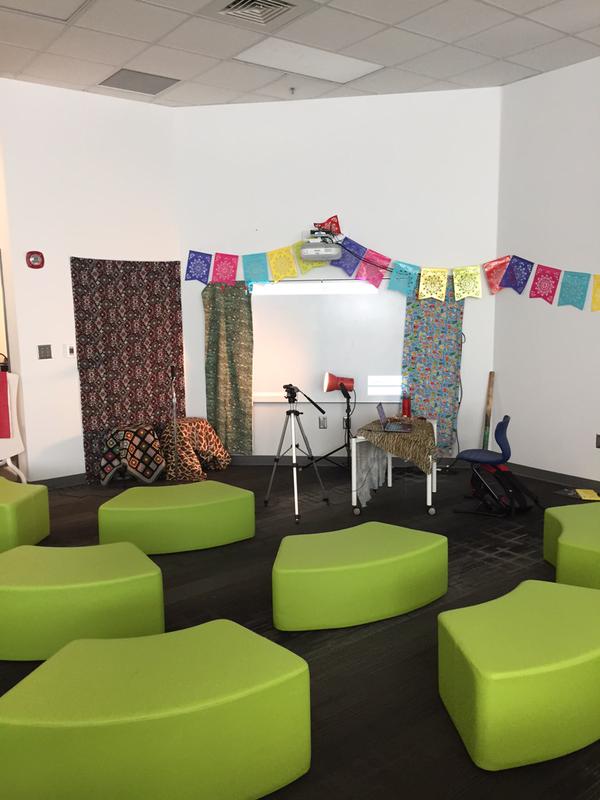
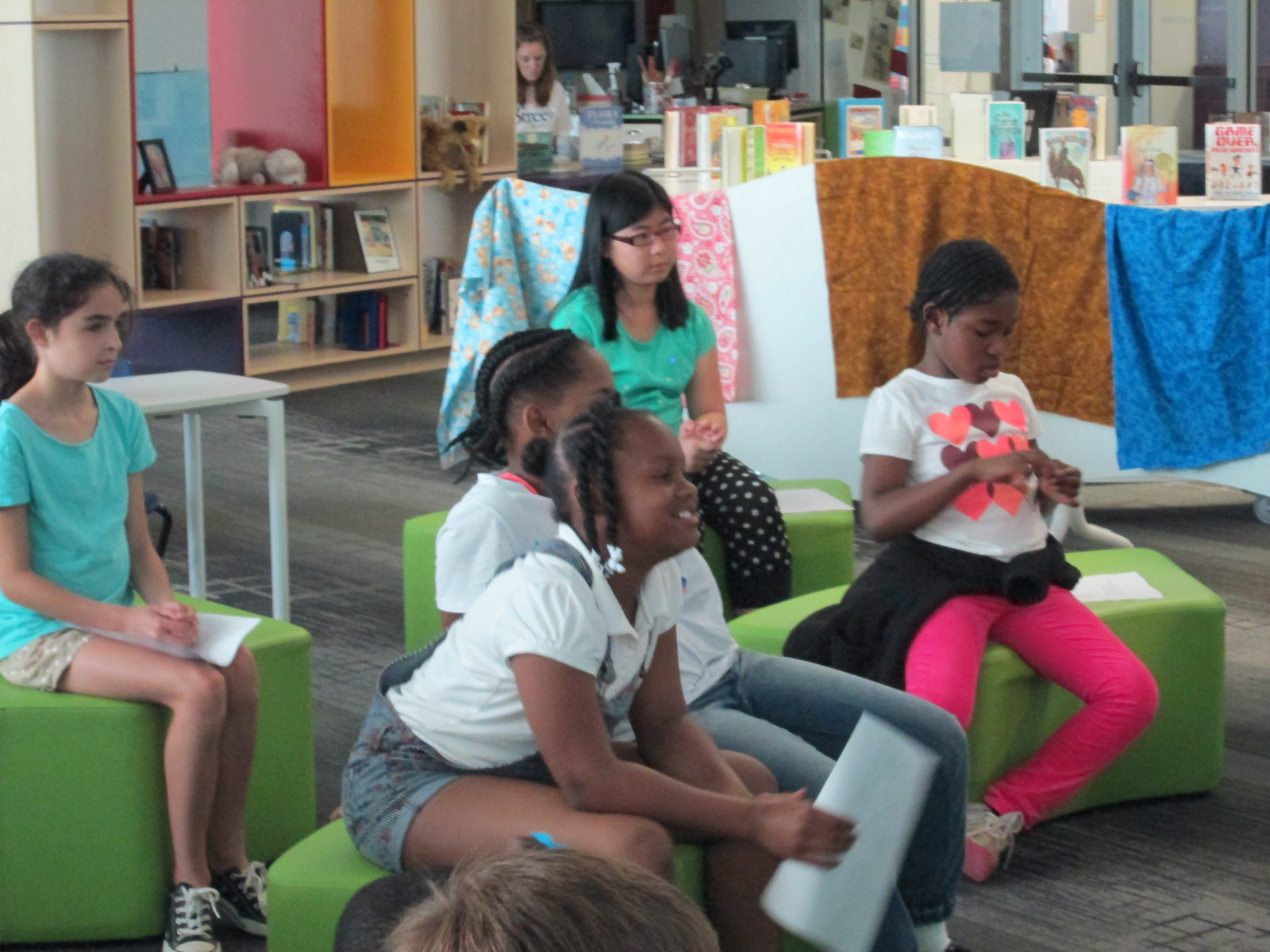
Each year, Poem In Your Pocket Day morphs into something just a little bit new. It’s always a day to come to the library and share poems into our open microphone, but we like to mix things up a bit each year. This year, I put out soft seating instead of tables. It allowed students to be a bit closer to the speaker and hopefully felt a bit more cozy.
In the past, I’ve used Adobe Connect to broadcast our day. While it is a great tool, it has some drawbacks. I love that it is one room that our online guests can stay in all day long and I can communicate with them via chat. However, I don’t love the way the archive is created. I have to setup and name each recording right as I’m starting the recording. It doesn’t take long, but it’s one more step I have to do. Also, once all of the archives are done, I have to go in, change them to public, and copy the link to share in order for people to view them.
This year, I decided to try Google Hangouts on Air. We use this every day for our morning broadcast, so I’m very familiar with using it. Ahead of our event, I setup a Google Hangout on Air for each session on our schedule. Then, I opened each hangout and copied the Youtube link where the video would stream live. I embedded these videos on one big Google site so that they were easily accessible in one spot.
Click to visit our Google Site
As each group came in, I opened the hangout, tested the sound, and pressed start. Our guests could watch online, but as soon as I pressed stop the video was instantly archived on that same Google site. It saved me the hassle of having to go back and find all of the videos in order to share them. While it’s not huge, any amount of time I can save is valuable to me.
This year, to make up for the chat feature being taken away, we decided to use Twitter to talk about our poems. We encourage our online guests and future viewers of our content to tweet using the hashtag #barrowpoems I used Tweet Beam to display the tweet on our projection board for students to see. It was fun to see how this populated throughout the day and how much students smiled when they saw a tweet mentioning their poem. Teachers even pulled out their phones and helped document the day through pictures, videos, and comments on Twitter.
This event always amazes me because pretty much every student in the school gets up in front of an audience and speaks. It’s a small amount of speaking, but I love seeing students get used to speaking to an audience and seeing what that feels like. This is a very positive and supportive atmosphere, so most students leave the reading feeling validated for their work.
I encourage you to listen to some of our archives and continue to tweet about #barrowpoems
We are a little late this year, but our student book budget group has finally started. Each year, I reserve a portion of our library funding and allow students to make the decisions about how that money is spent. This is more than just having a wish list for students to contribute to. This is giving them complete control in every part of the decision making process.
Each year, the groups are chosen in different ways. This year, I made a video to show to our 4th and 5th graders to explain the project.
Then, I created a Google form that was shared with all of our 4th and 5th graders to tell why they would want to be in the student book budget group.
Aziz Coleman, 4th grade teacher, really wanted his ELT group of 12 fourth graders to be a part of the project, so all of them filled out the form along with about 30 other students. After reading through the responses, it really seemed like everyone who signed up was genuinely interested in being in the project, so I took them all!
I created a schedule for our meetings along with a timeline of where we are going. Over the years, I’ve fine tuned the steps that we go through, but student voice and student choice always stays at the center of what we do.
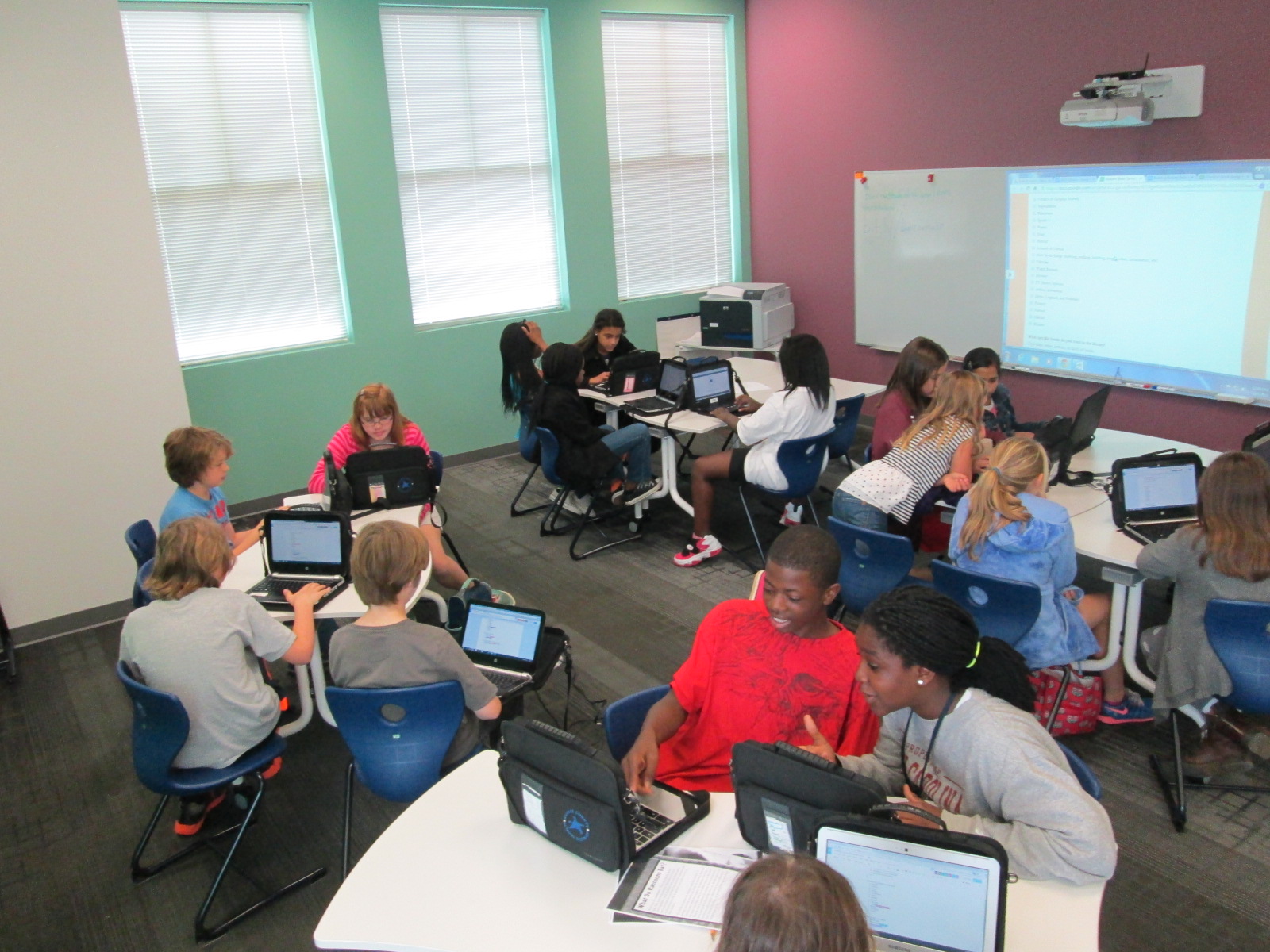
During our 1st two days together, we have focused on creating our survey about reading interests. I made a contact group with all of the students in my gmail. That makes it easy for me to invite the entire group as collaborators on docs that we use. I made 2 docs. One was a brainstorm doc for us to brainstorm possible things to ask about on the survey. I thought it would be easier to brainstorm on a doc rather than try to do it all on the Google form.
After some brainstorming started, I gave them editing rights to our 2nd doc which was our Google form survey. We made a copy of last year’s form, and then started using our brainstorming list to make changes.
This was the 1st time I’ve tried collaborating on the Google form. Usually we just put it up on the board and work together whole group. I liked seeing every student involved at once, but it was definitely messy.
I checked in with students periodically and gave them some focus. At times, we broke the tasks up into groups. For example, one group worked on fine tuning the brainstorm list. Another group added questions to the survey. Another group looked carefully at the checklist on the survey to see what needed to be added or changed.
Students worked during their recess, extended learning time, and even left to get lunch and come back. They were excited and very focused. There were a few students who started getting off task, so I offered that they might want to go back to recess if they felt like they had contributed their part for the day. This was totally in their hands, and some of them took me up on the offer.
We are now in the survey process. We want to survey students at every grade level. We will email the survey to our 3rd-5th graders since they all have a computer and we will use iPads to survey the lower grades.
Click here to view this year’s survey.
Since our meeting time is during a prime lunch time, we have been taking over the lunchroom with iPads to survey students.
I love to do poetry throughout the year, but April always brings an increase in poetry lessons since it is National Poetry Month. It’s also the month that we have Poem In Your Pocket Day across 2 days at our school.
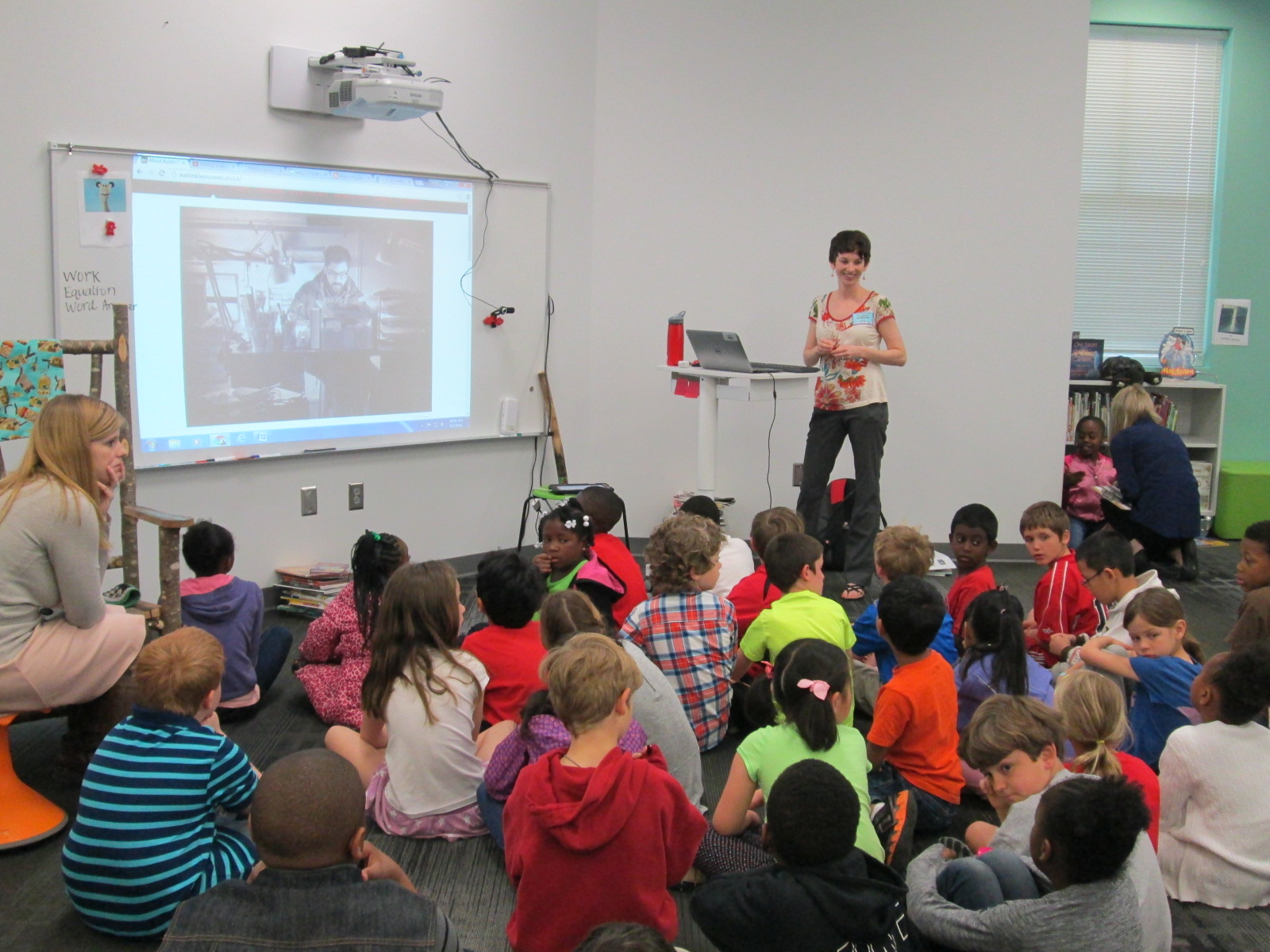
Our 2nd grade has been busy with poetry in these first few days of the month. They’ve already explored list poetry and now they are trying a kind of poetry called “blackout poetry”. This poetry was invented by Austin Kleon when he had a case of writer’s block and started using the New York Times to help him write his poetry. You can see a time lapse video of Austin’s process, which we showed to each class before we started.
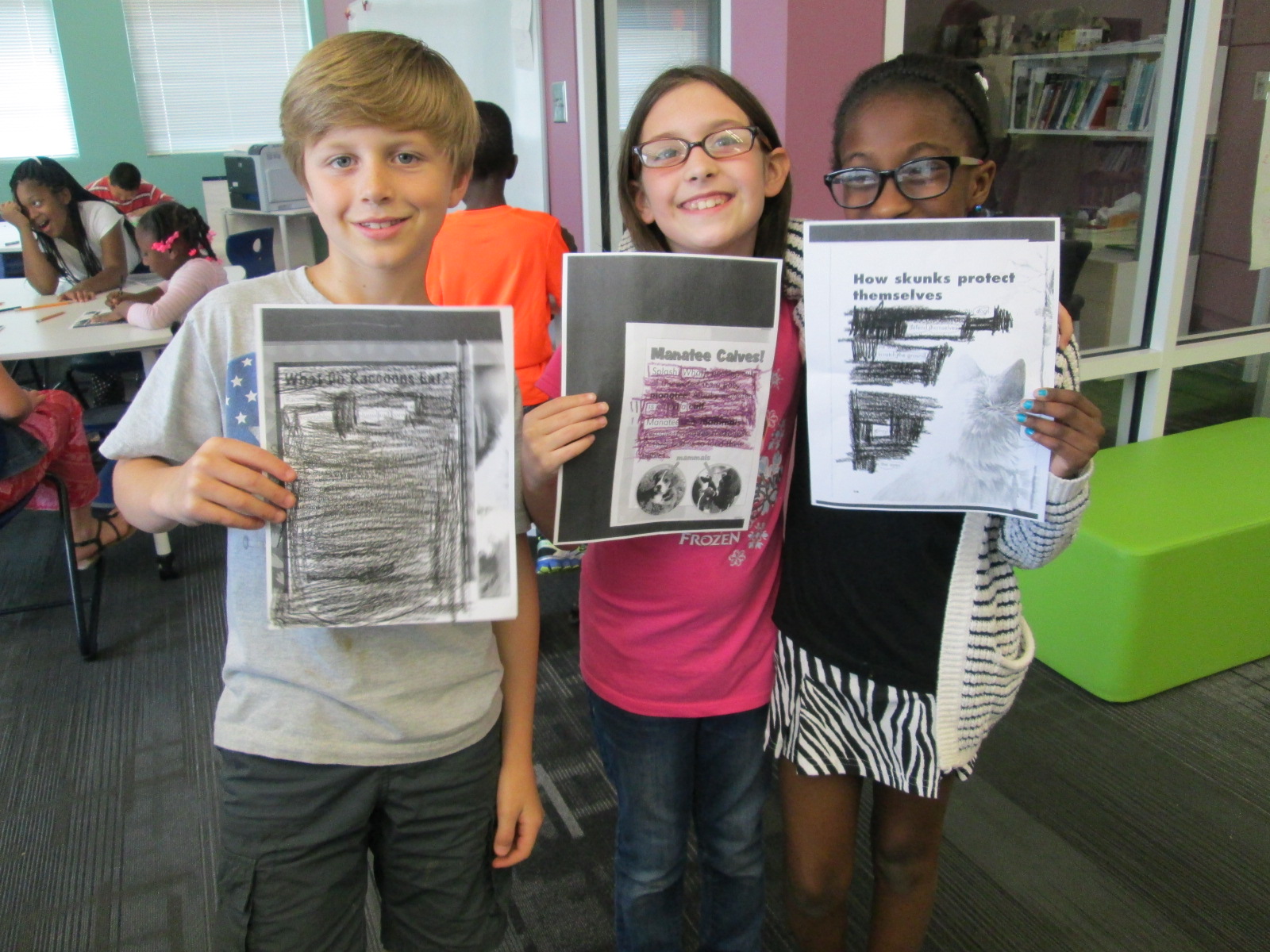
Blackout poetry is a kind of found poetry because it uses words that were created by someone else. You put boxes around the words that you want to use in the poem and then blackout everything else. You can find your text in so many different places: instruction manuals, pages from books, newspapers, junkmail, old tests,……the list could go on and on.
Two classes at a time came to the library for this lesson. We started by looking at the video as well as some examples of blackout poems online. Then, we talked a bit about what we noticed about the process. Austin Kleon put boxes around words that he thought he might use. He tried to find words that seemed to go together. We noticed that there were times where he was sitting and thinking without marking anything on the page. We also noticed that he blacked out some of the words that he originally thought he would use.
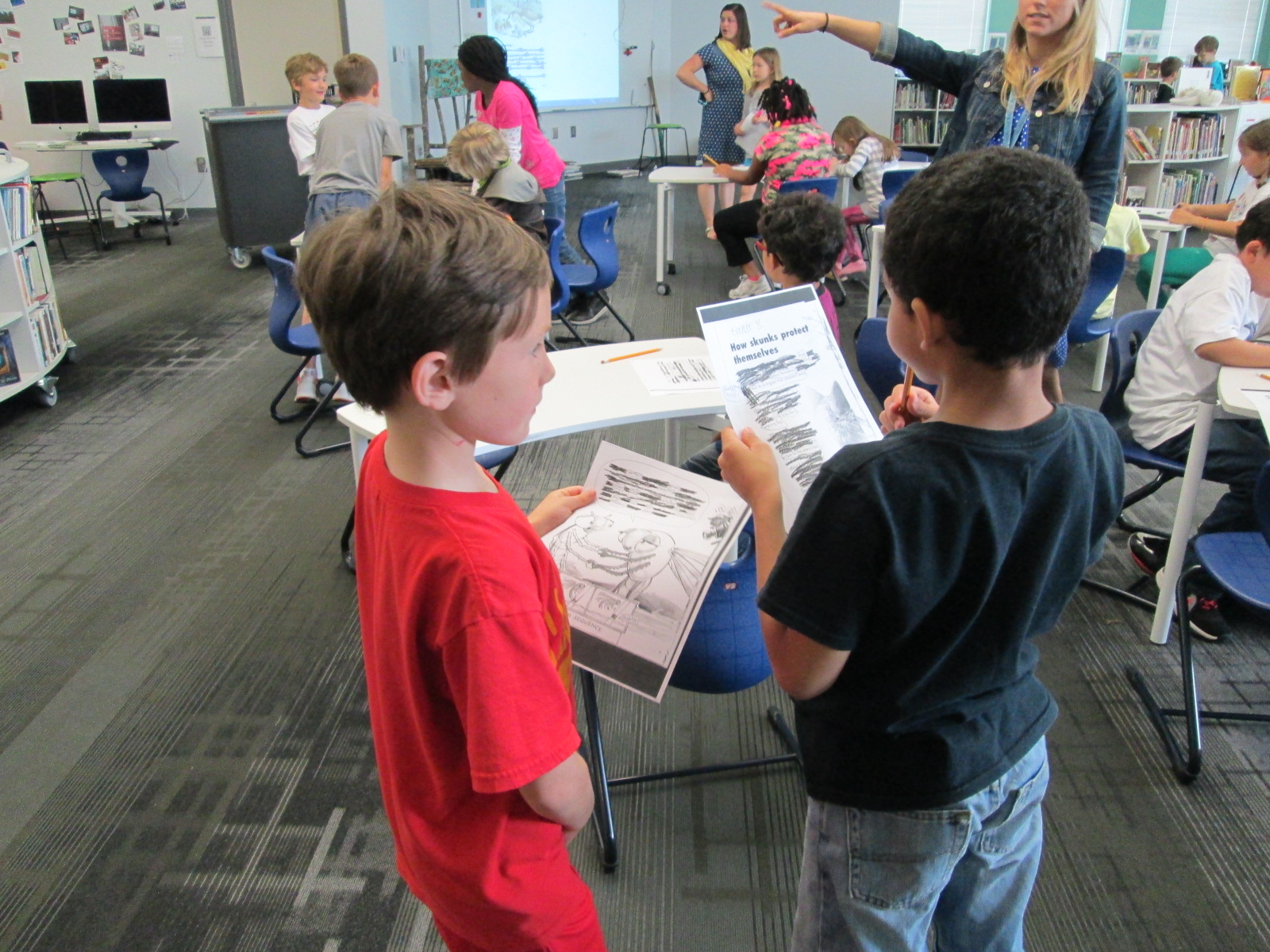
We encouraged students to try out this same process at tables. Since 2nd grade is working on animal and plant life cycles and habitats, we selected a few pages from a variety of animal and plant books and made multiple copies of them. Students sat at a page that looked interesting to them. The teachers and circulated to assist students as needed.
Most students jumped right in, but a few needed some help getting started. One of the things that I did to help students was just to talk out loud about what I would do if I was writing the poem. I said words that seemed to have a connection with one another and then scanned the page for more words that fit with those words (and so on). Most of the time this nudged students to start.
As students finished selecting their words, they used crayons, color pencils, regular pencils, and markers to blackout their page. Then, they practiced reading their poems. Some shared with one another.
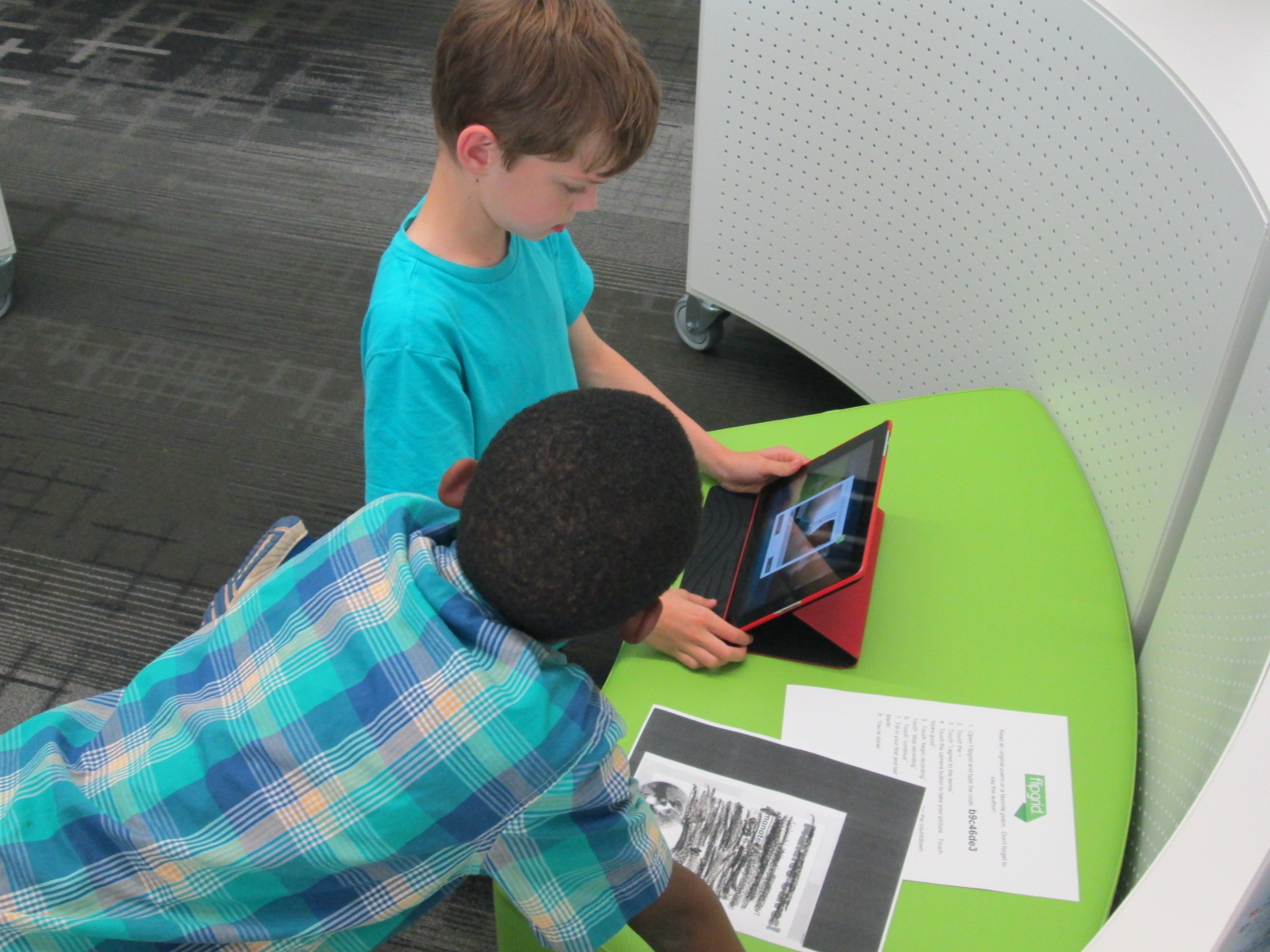
Other students decided to use our poetry Flipgrid to record their poems.
Many of these students will carry these poems in their pockets on Poem In Your Pocket Day. I love seeing how students break down the text to create a new meaning.


















 Expect the Miraculous