Popup Makerspace at UGA with the Maker Dawgs and Flipgrid

fixed maker dawg

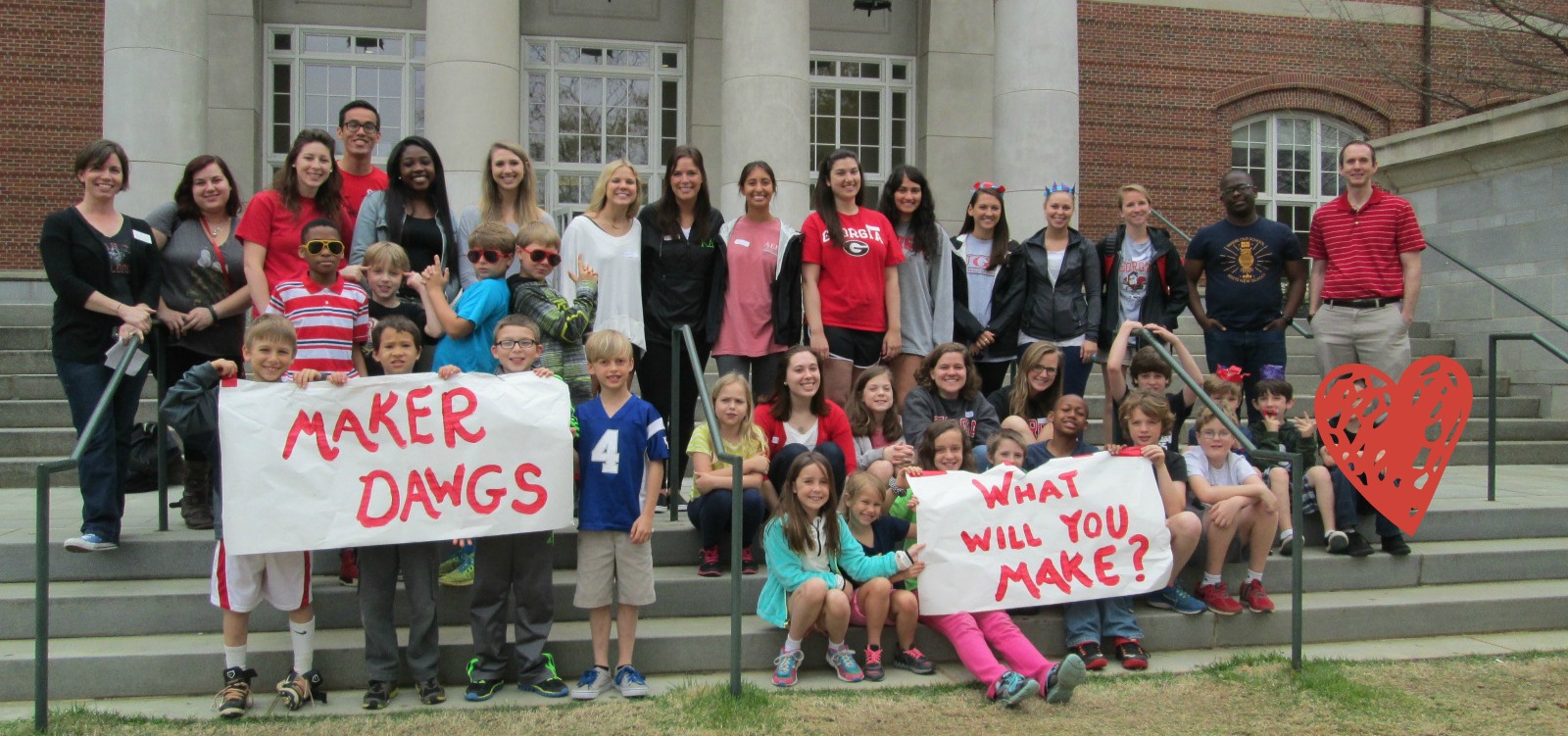
A few weeks ago, Gretchen Thomas, UGA instructional technology teacher, emailed me about a possible collaboration on the UGA campus. She wanted to bring her Maker Dawgs class to the UGA Tate Center Plaza to host a popup makerspace.  The idea would be to have a variety of maker tools available for UGA students to try on the spot.  She wondered if I had students who might join them.  Without hesitation, I said yes and  we started the logistics.  The more we planned, the bigger the trip got.  The biggest news was that 2 members of the Flipgrid and Vidku team from Minneapolis flew down to do a video in our library.  They wanted to go with us on our trip to see how students were getting their voice into the world and also how we planned to use Flipgrid to reflect on the day.

Our school is about a mile from the UGA Tate Center Plaza and our students have walking field trip forms on file so it was easy for me to create a field trip.  The hard part was working out the logistics for bad weather.  In true fashion, we had plan A, plan B, plan C, and maybe even a plan D.  It was right up to the wire deciding about going to UGA, but the rain held off and we made our trek down to Tate.

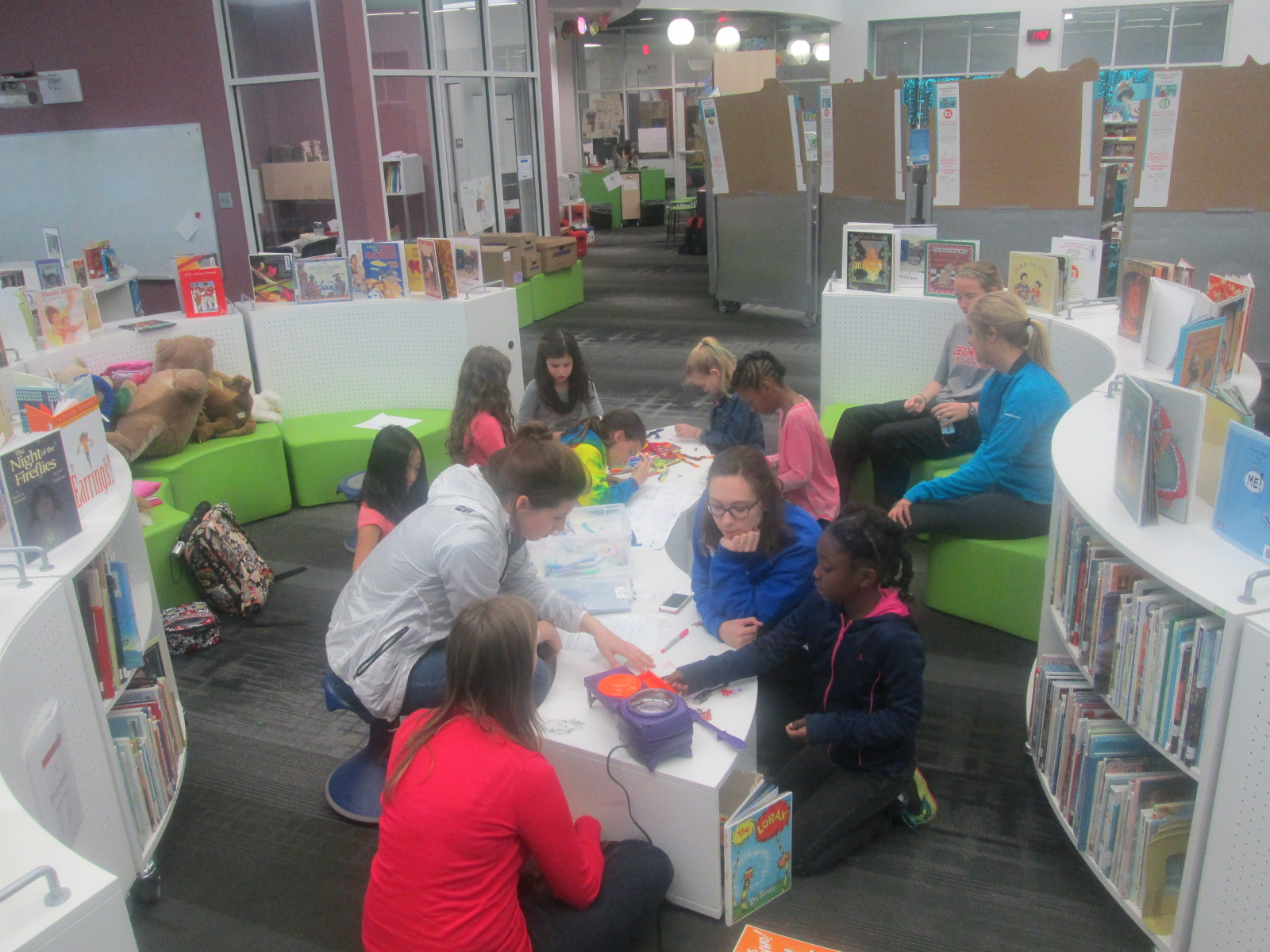
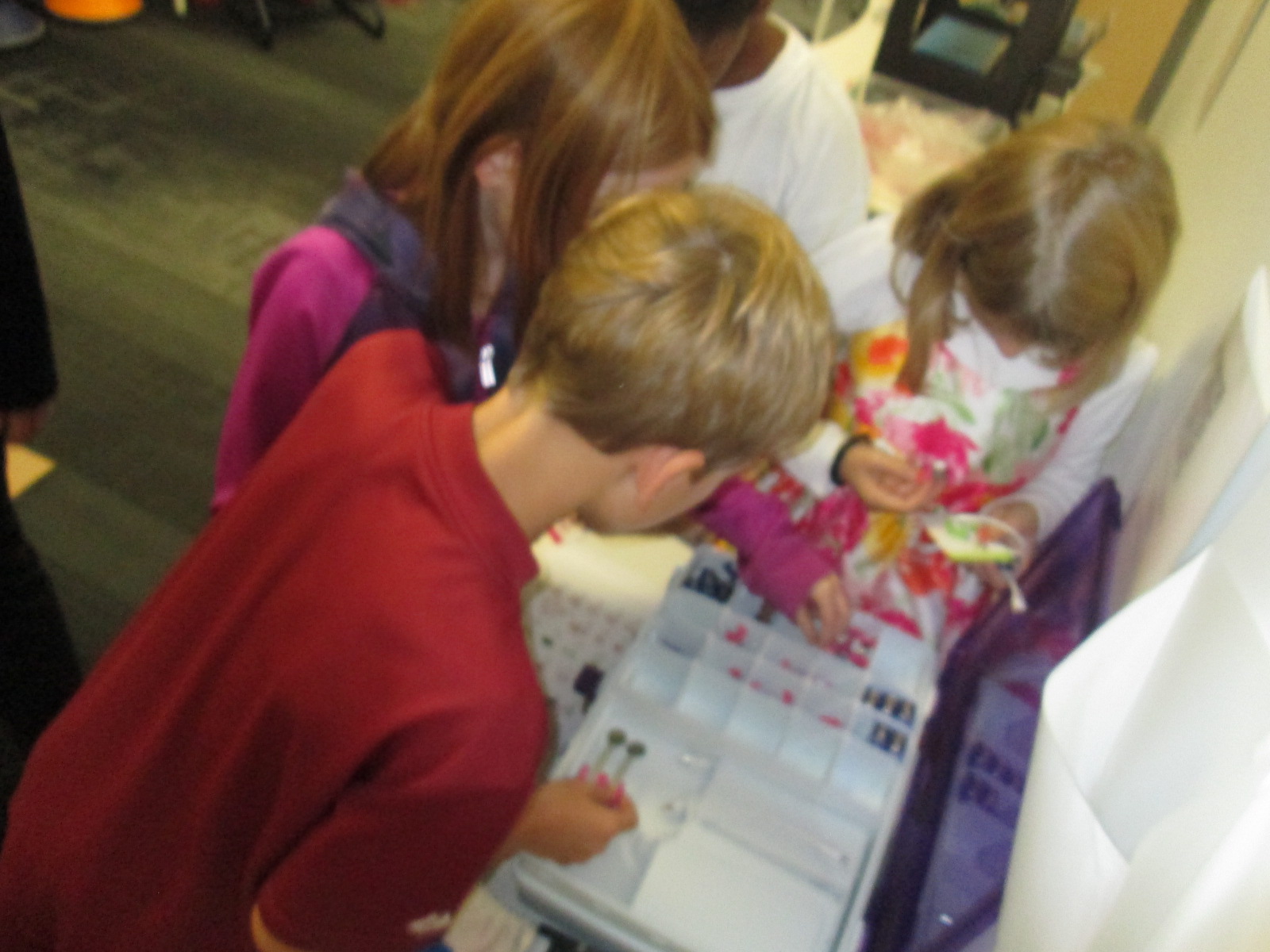
Students had a little bit of time to explore the maker tools that Gretchen brought before we prepped all of our supplies for UGA students to explore.

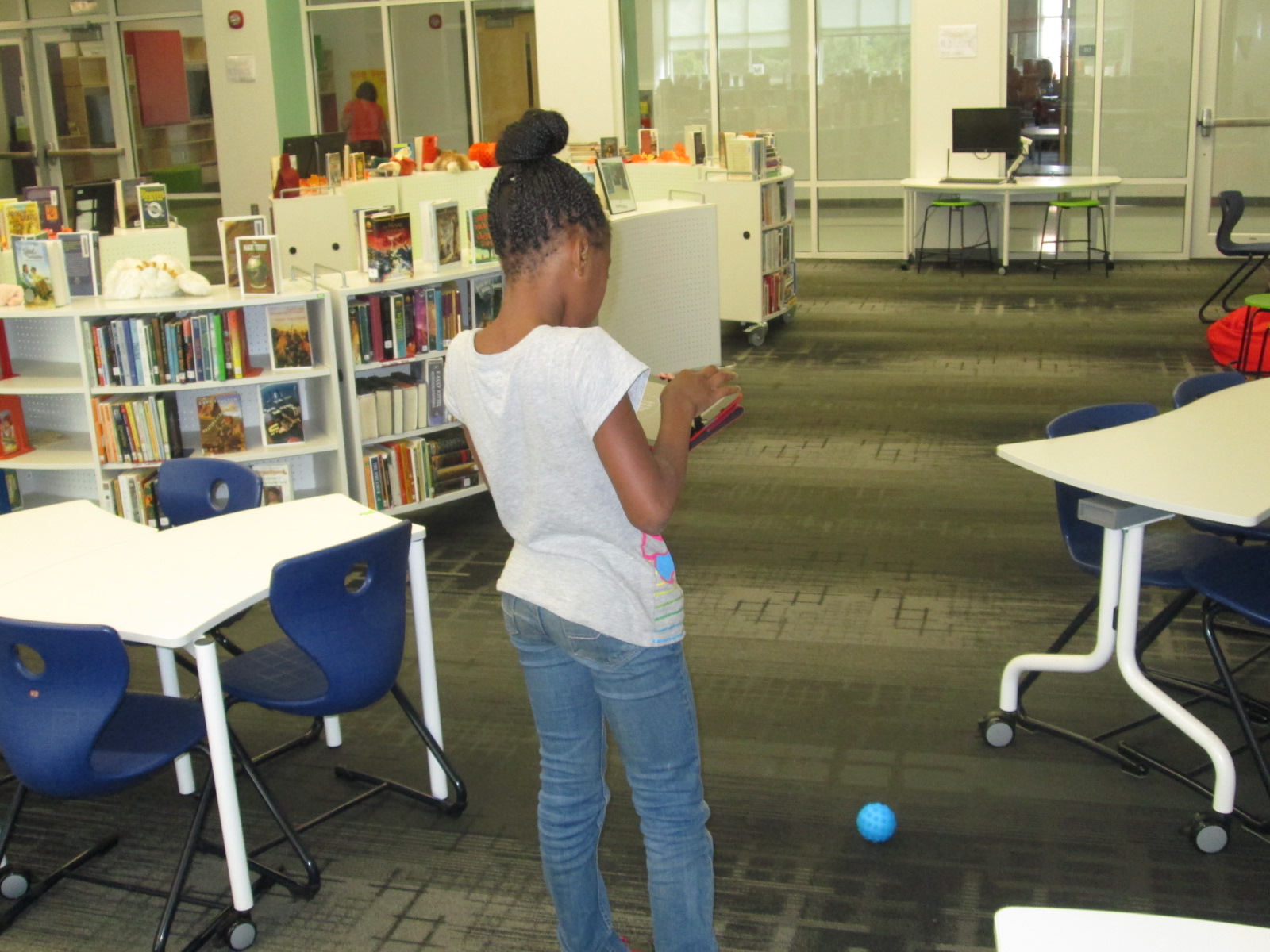
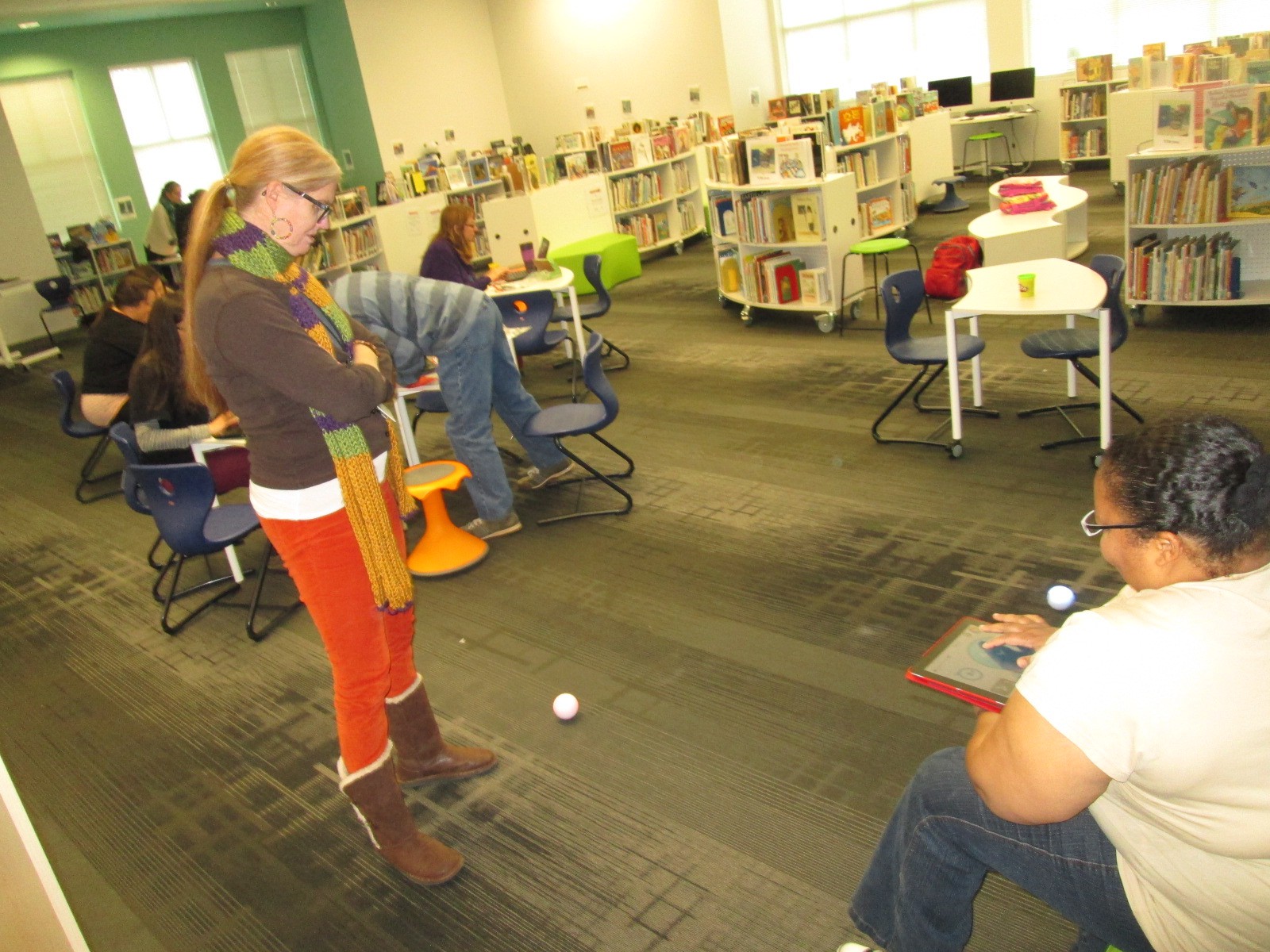
Students connected Spheros to iPads through bluetooth, setup a wireless network with Justin & Greg from Flipgrid, and made a playable piano with Playdoh and MaKey MaKey.

Then, we waited.  Traffic on the UGA campus quickly picked up at around 10:30 when classes changed, but most UGA students had their earbuds in and walked at a fast pace to get to the next class.  The kids were a bit timid at first, but with some encouragement, they began to develop techniques to get UGA students to stop and try out our makerspace stuff.

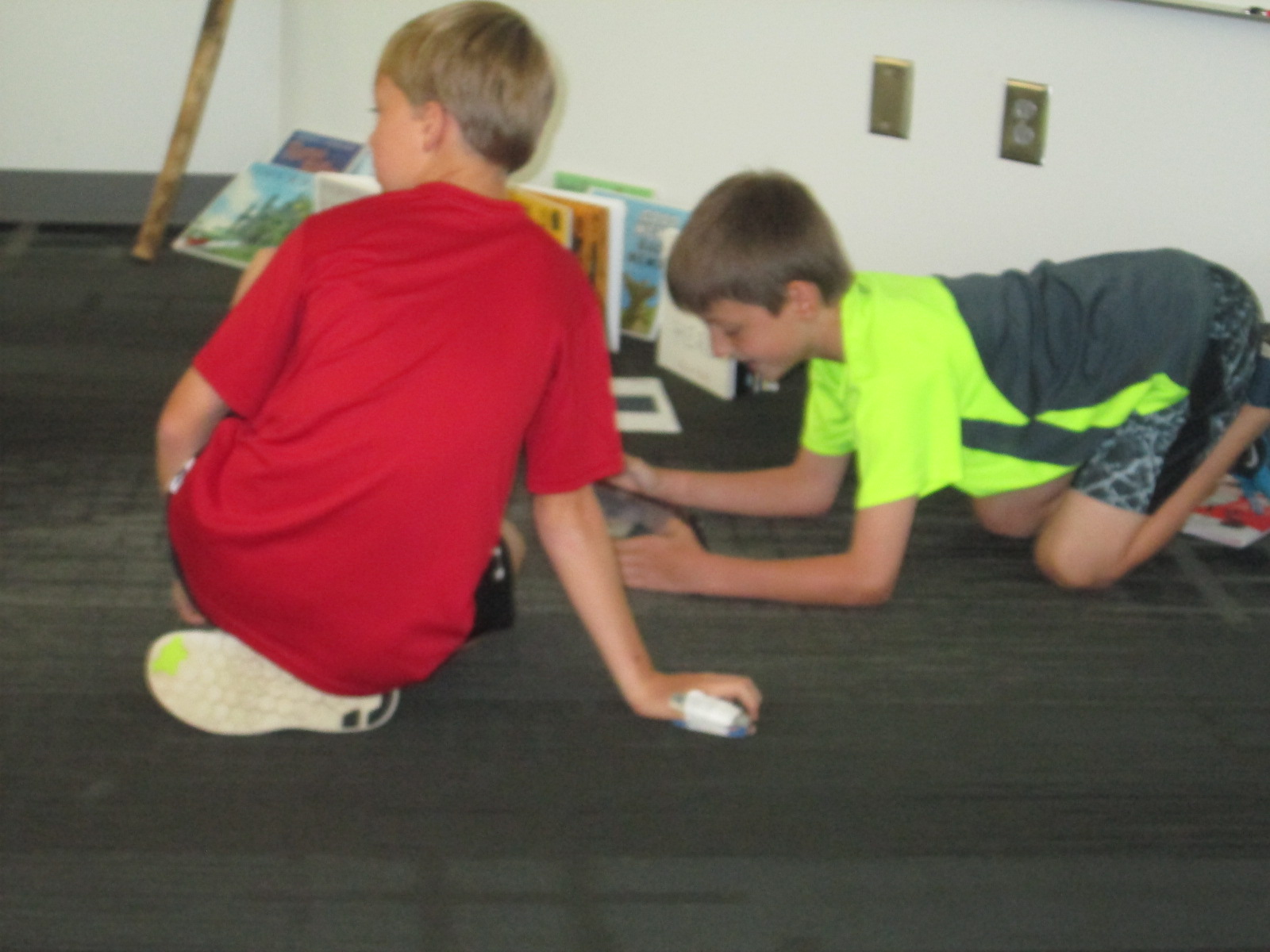
Several students started driving the Spheros right into the paths of walking college students.  At first, they dodged them, but eventually they started asking questions.  Other students started experimenting with phrases to get the UGA students interested.
IMG_5417

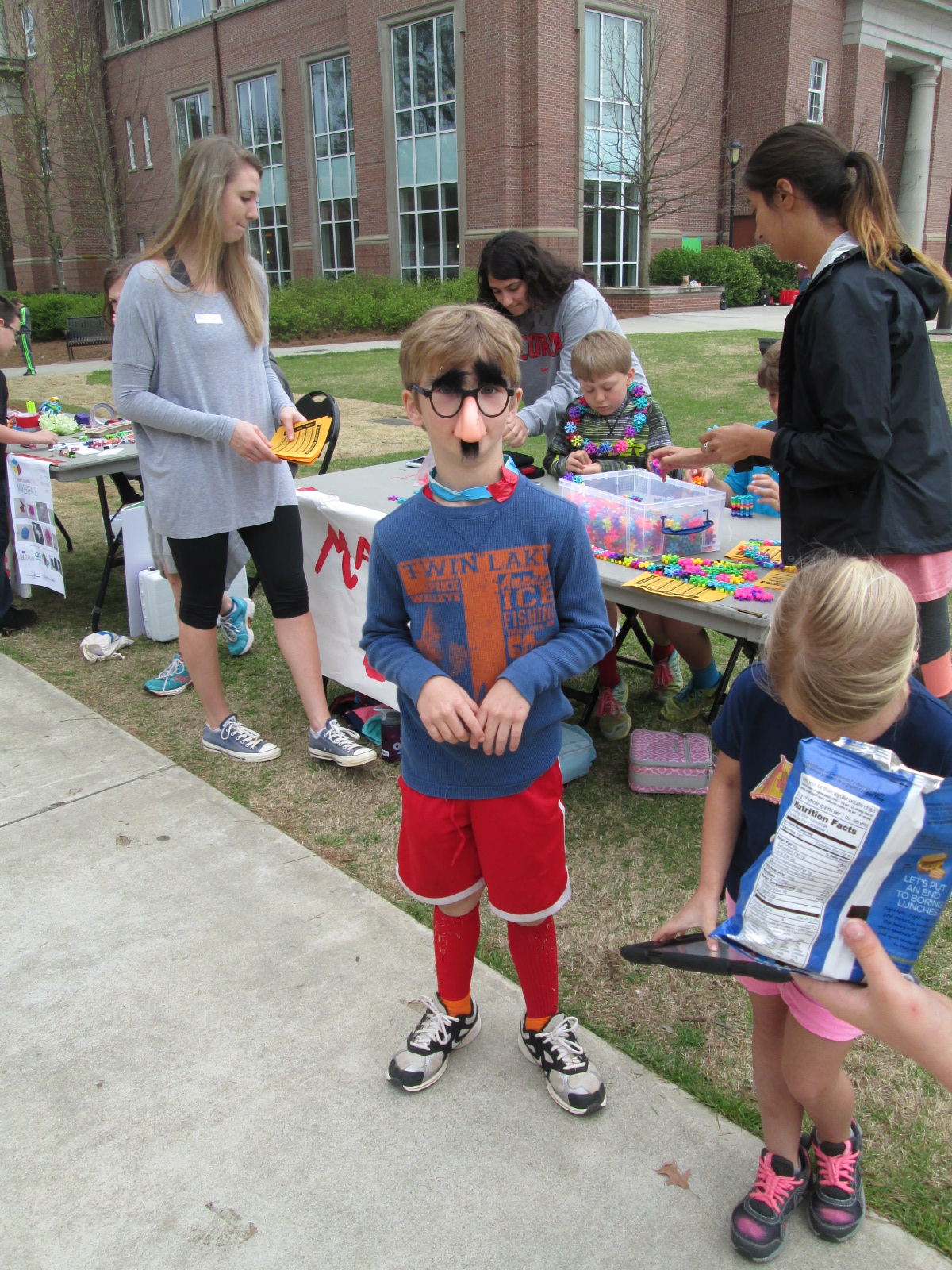
One student even put on silly costumes and made up dances to attract attention to our cause, and so many people loved his techniques!

It was really interesting to see the college students when they stopped.  Most of them wanted the students to demonstrate for them how each piece of technology worked.  They had to be nudged and encouraged to try them.  It made me wonder if there is less of a culture of risk-taking in this age bracket than with our elementary students.

Halfway though our makerspace time, Gretchen’s Maker Dawgs class joined us and helped talk with UGA students, demonstrate tools, and document the day through pictures and Flipgrid.

We used Flipgrid part of the time just to capture some video of what was going on.

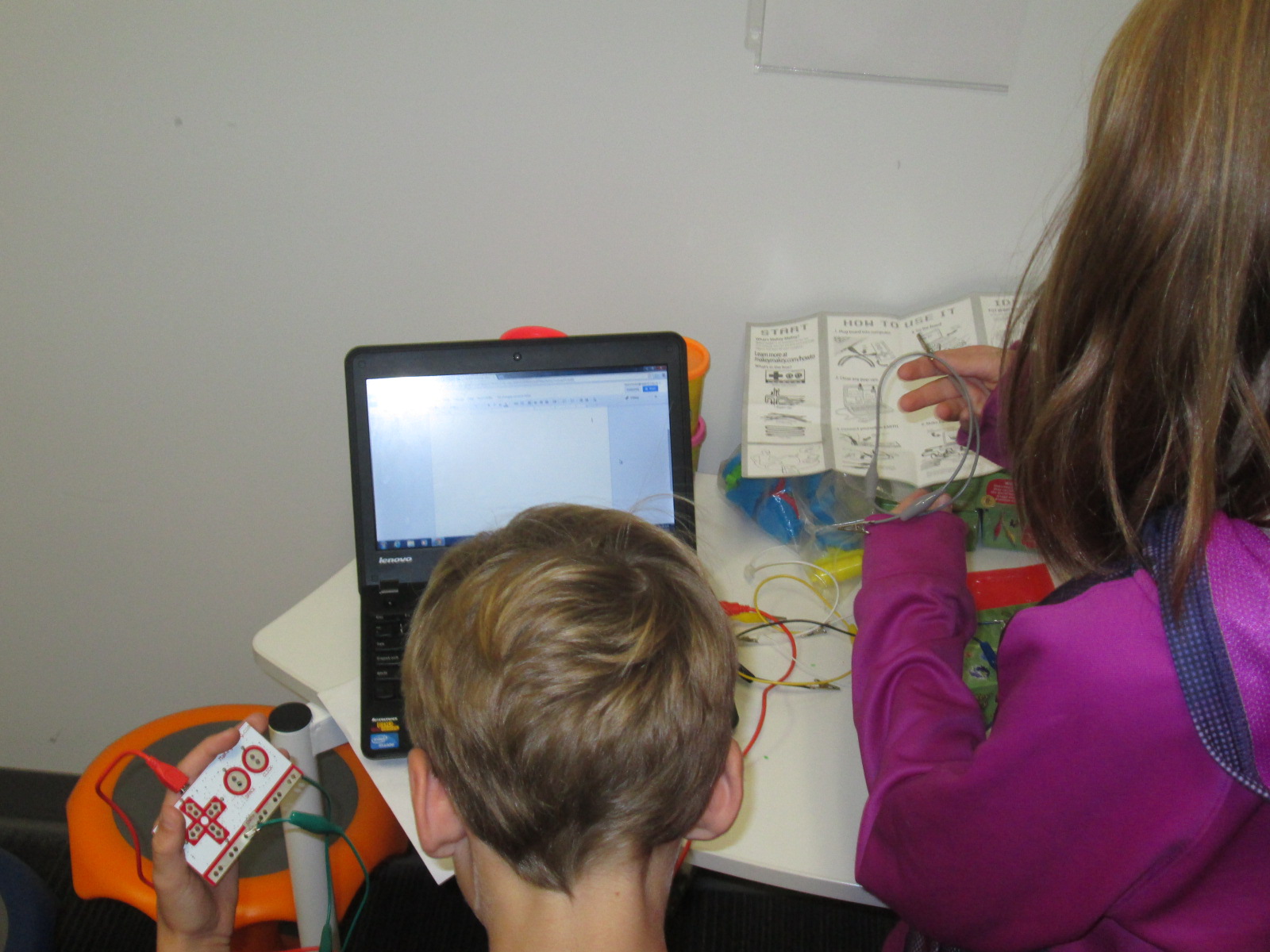
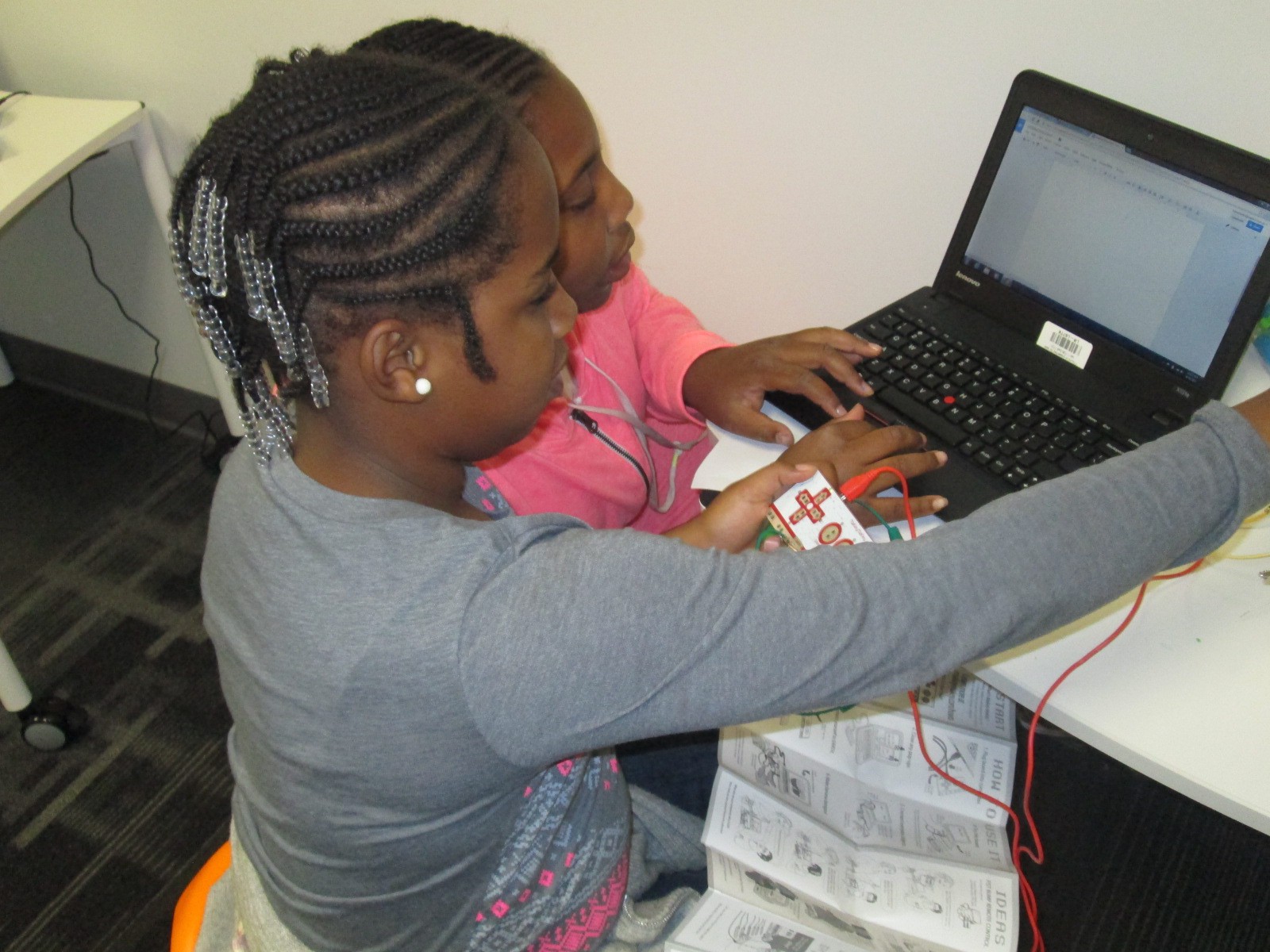
Ludwig and Kearn spent a lot of time showing people how MaKey MaKey could control a computer.  They setup a piano and bongos that could be played with Playdoh, and they got several people to stop and try it out.  It was fun to listen them explain the science behind how it works.  When you touch the Playdoh and a piano plays, it seems like magic, but they did an incredible job of talking about circuits as they demonstrated the tool.

Many of our students worked hard to drive the Spheros around and demo them.  I wish that our Sphero students had been able to get some UGA students to try programming the Sphero, but most were just in too big of a hurry.  They mostly showed how you can use the Drive app to control the ball.  Maybe next time, we can be prepared to demo alternate apps.  However, they still had a good many students stop by and actually try out the ball after seeing how it worked.  The kids loved talking about how it worked and being able to teach students who were much older than them.

Another group of our students spent time making some things from duct tape and then teaching UGA students how to make them too.

IMG_5441 IMG_5442

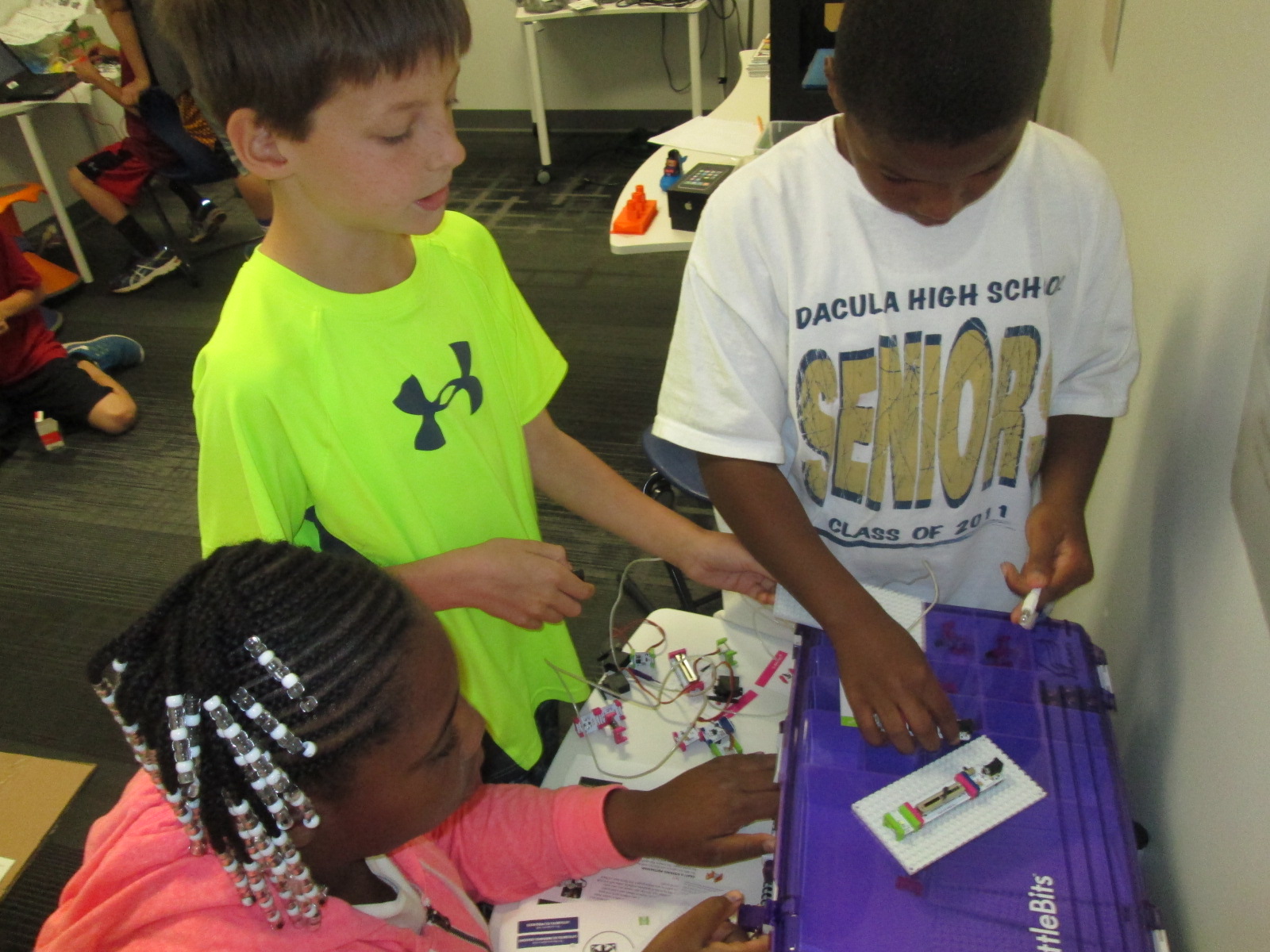
Others had a great time exploring littlebits, connecting blocks, and making friendship bracelets.

As our popup makerspace came to a close, we used Flipgrid to reflect on what we had learned.

Here are links to a few of those responses.

It was truly an amazing day of getting our students out into the world to share their knowledge and pass on their passion for makerspaces.  Gretchen was able to promote her UGA class.  We were able to show what’s happening in K-12 education right now with makerspaces.  Our students were empowered by the chance to be the experts in the room.  Gretchen and I are already brainstorming what this might look like next time.

Many thanks to Greg and Justin from Vidku and Flipgrid for tagging along and helping to document our day.

IMG_5438

Student Voice Extended Through 3D Printing

cooper 3d print (5)

At the very beginning of the year, a student raced into the library to tell me about his goal to design and 3D print his own Skylanders figures.  He knew what he wanted to do, but I worried about how his enthusiasm might be lost in the demands of the curriculum standards. His story led me to my goal this year of “empowering student voice”.

cooper 3d print (6)

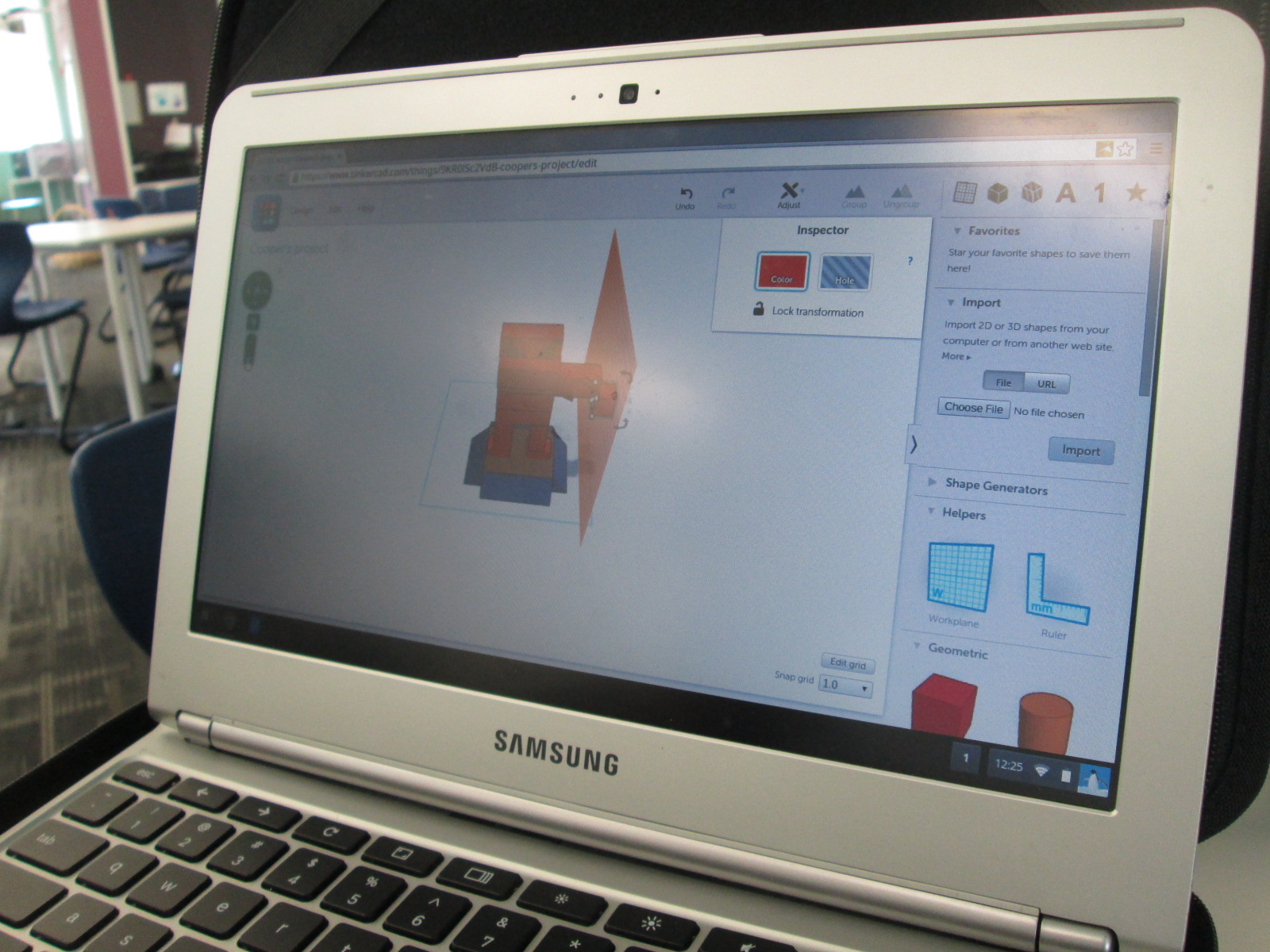
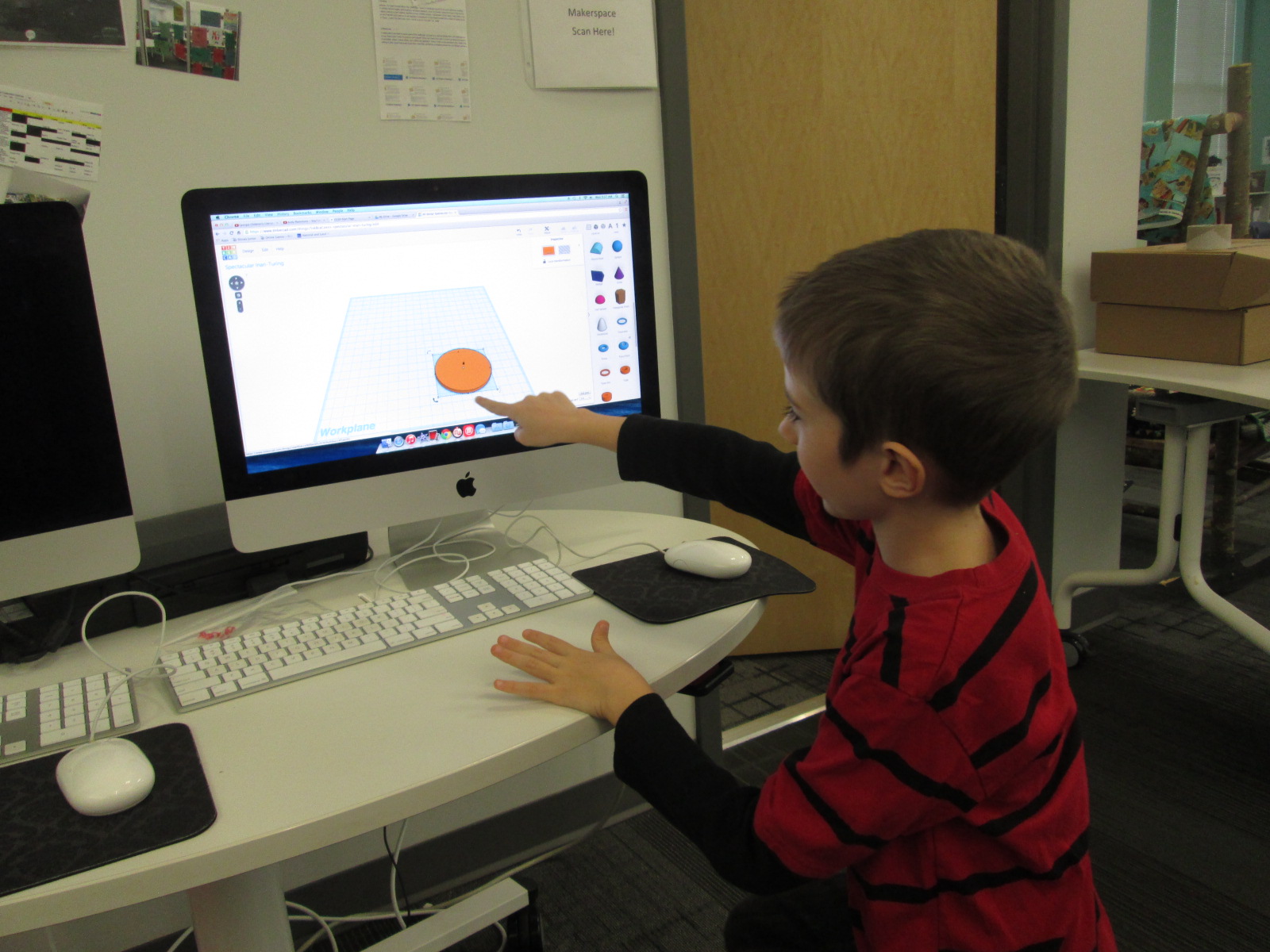
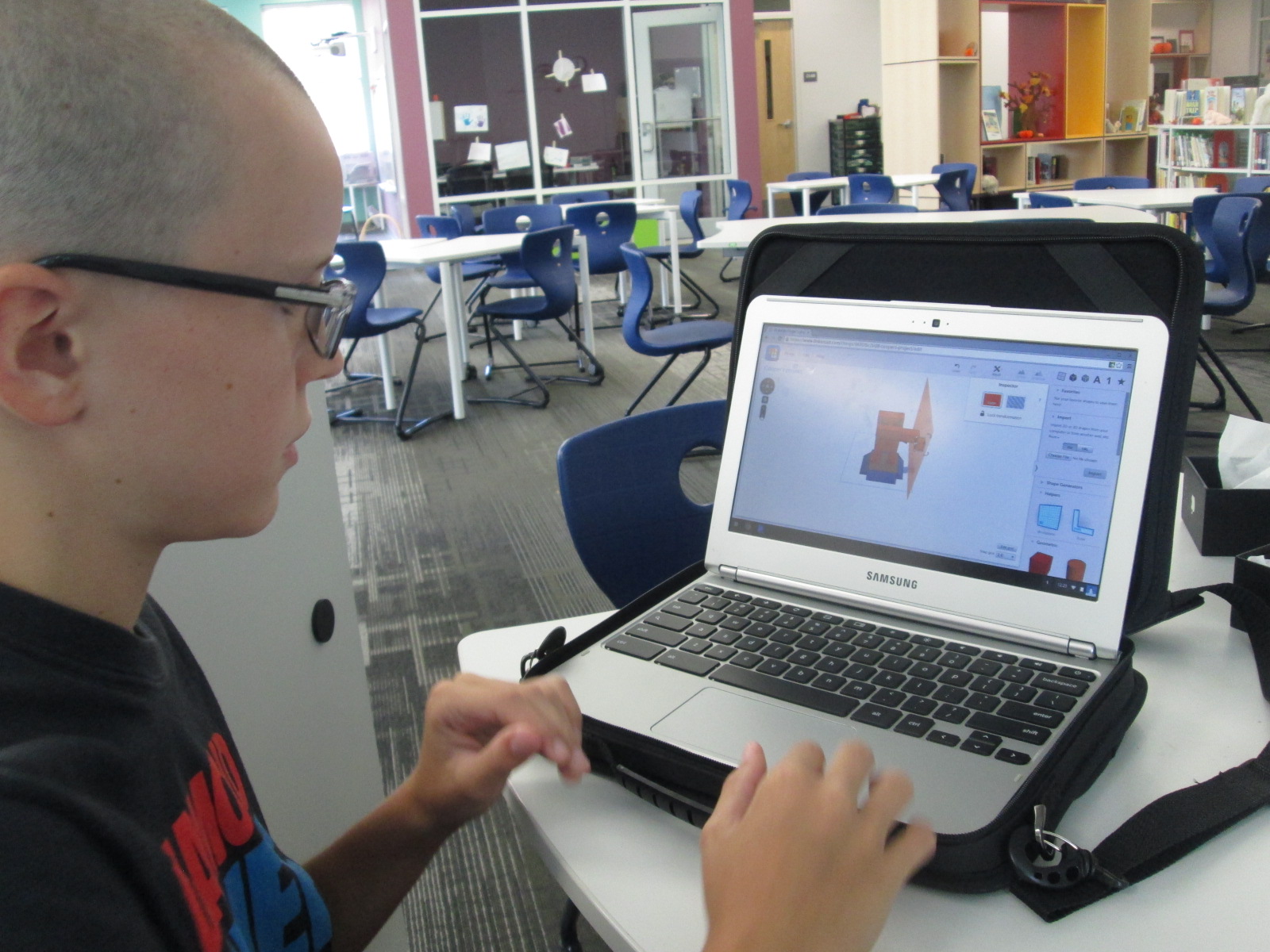
I spent time showing him Tinkercad and he did design his own figure and 3D print it.

When you take time to honor an individual student voice like this, you sometimes wonder if the time with one student in a school of 600 is worth it, but it is!  Recently, this same student decided that he wanted 3D printing to be part of a book project he was working on. His class just finished reading The Westing Game and each group of students is working on a book float to highlight things that they learned about the book.  His group immediately emailed me to see if they could use the 3D printer to design a chess piece for the float.

They worked independently of me and the knowledge of using Tinkercad was passed on to all 4 members of the group.  They even branched off and made their own designs and chose their favorite from the group designs.  They were bubbling with excitement to get their design printed.  Since it had lots of hanging edges, it required supports.  Supports take a long time to remove, but the group took turns coming in and working on removing the supports with my help.

Now this one student voice has empowered 3 more, and my hope is that those 4 voices will continue to empower even more.

Open Makerspace: Take Two

shrinky dinks (10)

Since our library makerspace has been available, I’ve tried as much as possible to have it open for students to use for their own tinkering and making as well as for classes to use in collaboration with me in the library.  This has not been an easy process, but I’ve tried several things and learned a lot.

A couple of months ago, Gretchen Thomas from UGA helped me get an open makerspace time started each day.  It was from 11-12:15 and an independent study student from UGA helped me facilitate students.  The problem with this time was the unpredictable nature.  We didn’t have students sign up ahead of time, so some days there would be an overwhelming number and some days there was just a few.  Also, all the students wanted to do different things which was very hard to manage.  During one of the weeks, we went through $75 worth of duct tape and students weren’t really making anything that they were happy enough to take with them.

shrinky dinks (8)

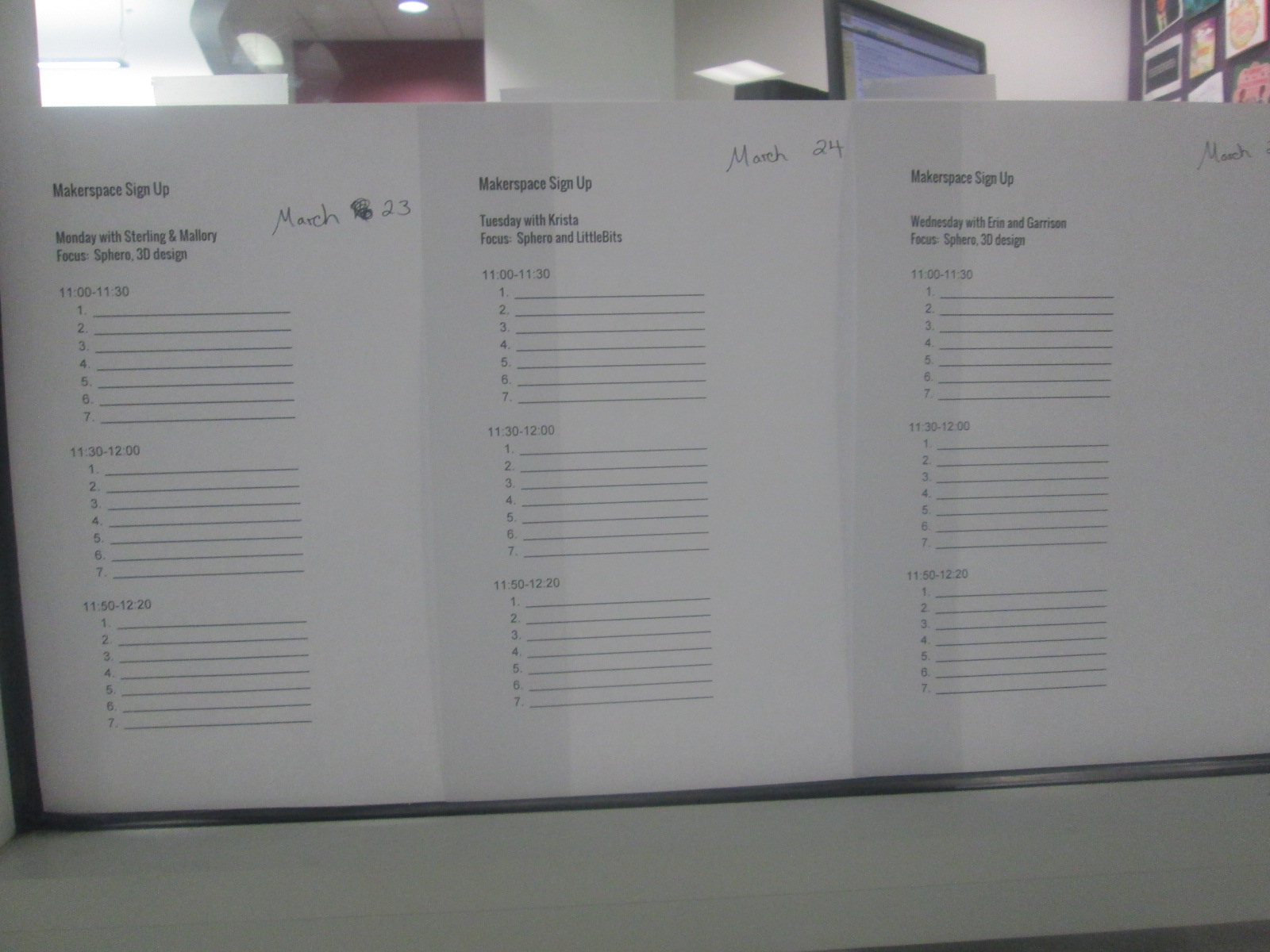
I’m not one to give up, so Gretchen and I did some talking over email and decided to try something new.  We would pull back the makerspace to Monday-Thursday.  Rather than have every day be a free for all, we decided to create a signup sheet.  We also decided that each day would have a focus so that the UGA helpers could begin to develop some expertise in specific areas and students could be more productive by focusing on one or two resources.  Again, this was all an experiment to see how it played out.
shrinky dinks (1) shrinky dinks (2)

So far, it has been working really well.  On Friday of each week, students sign up for the upcoming week.  They can only sign up for one day at the moment because we have only allowed 7-10 people per 30-minute time slot.  This number may increase as we see how manageable larger numbers of students might be.

Our schedule consists of:

  • Monday 3D design and Sphero
  • Tuesday littleBits and Sphero
  • Wednesday 3D design and Sphero
  • Thursday crafts and Sphero
  • There are also some independent projects woven in such as MaKey MaKey and Lego Robotics

We decided to put Sphero on the schedule daily because of the student demand and the fact that we  now have 13 Spheros.  It is easy to setup and cleanup quickly, and students can do it independently while the other pairings such as 3D design take a little more support.

shrinky dinks (9) shrinky dinks (6)

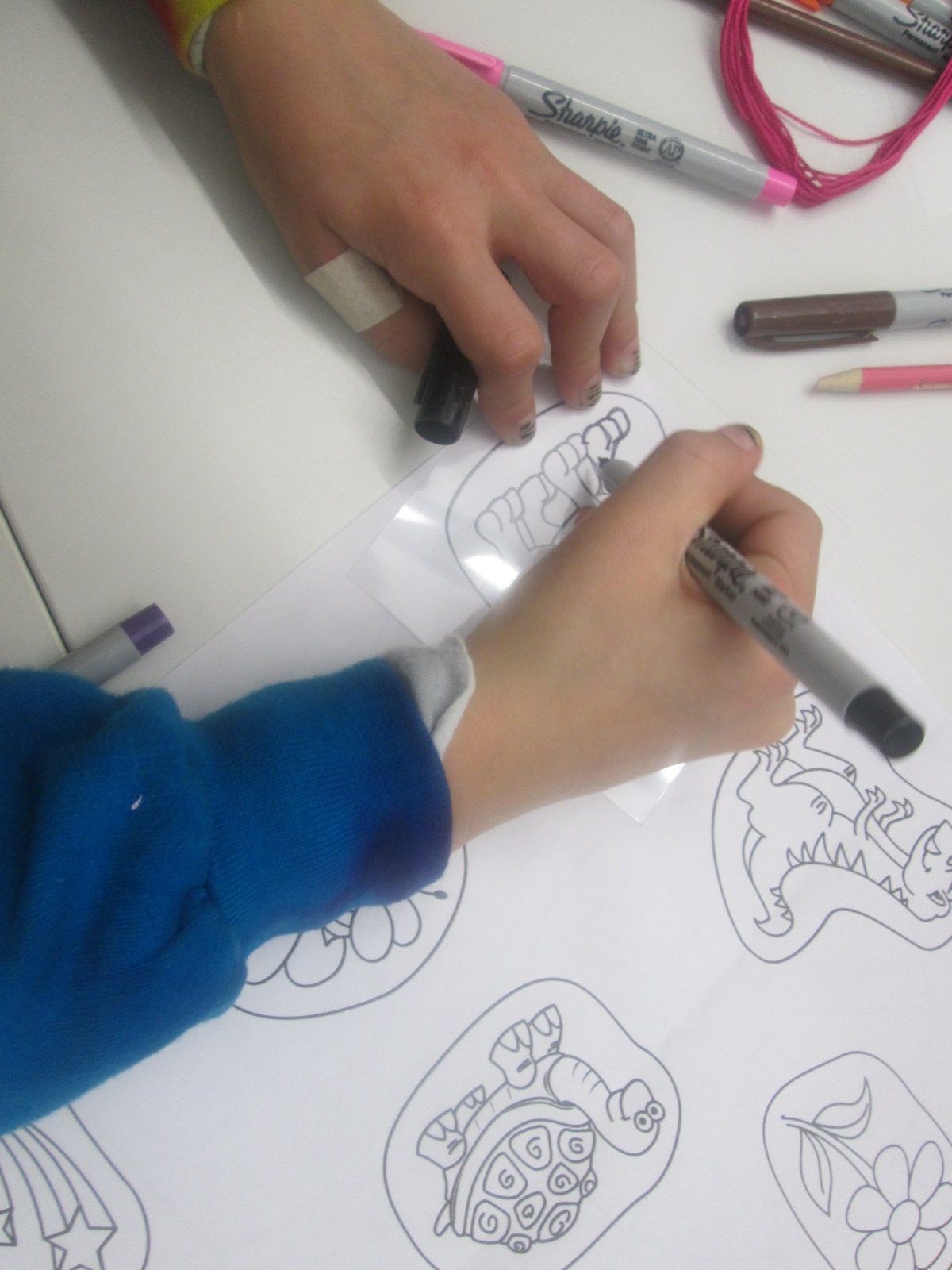
On Thursdays, Gretchen’s Maker Dawgs class sends a few students with a planned craft.  Duct tape was a huge hit, but as I’ve said, we found that students were using lots of duct tape without really getting anywhere.  We decided we would try different kinds of crafts with more of a focus on producing something to take away.  This focus might help students see the kinds of things they might create, which we hope leads to new ideas from students.  One week students created Origami.  This past week, the focus was Shrinky Dinks.  Many students had never experience Shrinky Dinks.  The Maker Dawgs brought in a Shrinky Dink maker, which basically looks like an Easy Bake Oven.

shrinky dinks (7)

Also, Gretchen made Shrinky Dink name tags for all of us.

The Maker Dawgs paired the Shrinky Dinks with friendship bracelet making, so some students combined Shrinky Dinks onto their frindship bracelet.  It was a very popular and productive makerspace time.

shrinky dinks (4) shrinky dinks (9)

Our newest problem is how to print all of the 3D creations that students are making.  That’s the next thing on my list to figure out.  Students want to print right away, and it’s hard for them to understand that designing can take a few minutes but printing can take a few hours.

shrinky dinks (5) shrinky dinks (3)

We take each challenge as it comes.  We expect the miraculous, and we don’t give up.

Using the 3D Printer to Empower Student Voice: A New Piece of Our Barrow Peace Prize Flipgrid Project

IMG_4943

Any time I implement a collaborative project, there are way more ideas swirling around in my head than we can actually pull off.  This year, our Flipgrid Black History Project has gone through so many changes.  Several of these changes were ideas that we had last year.  One of those ideas was the concept of moving this project to something more authentic than designing the next postage stamp.  We wanted something that was more within our control that students could actually have a voice in deciding.  We came up with the Barrow Peace Prize.  I’ve written a few posts about this project already this year.

One day an idea just popped into my head that we really need an actual “Barrow Peace Prize” to present when we announce which person from Black History will receive this honor this year.  Since we have a makerspace in our library with a 3D printer, I knew it was certainly possible for us to make a professional award.  I considered how this might happen.  Should I ask an older student who had experience with 3D printing but no real connection to the project?  Was there a 2nd grader who might work with an older student to design our award?

Then, a student voice came through during one our enrichment cluster sessions.  Taylor is a 2nd grader who has tinkered with all sorts of things in our makerspace.  At our last enrichment cluster session, Taylor brought in a pair of spy glasses.  They are glasses that have mirrors build in so that you can see what is behind you. He wanted to learn how he could design something like this by using Tinkercad and our 3D printer.  He had never used Tinkercad before, but he jumped right in and started tinkering.  He had a clear plan in his mind of what he wanted to create and in one session he had an initial design for his glasses.

Ideas and student voice collided and I knew that Taylor was the designer for our Barrow Peace Prize.  By the time this all happened it was just days before our Skype with Flipgrid and the announcement of our award, so I emailed his teacher just to see if it was possible to pull him into the library at some point to work with me on a design.  One of the things I love so much about our school is how much our teachers know each individual student and how much they want them to explore their passions.  His teacher wanted to do everything possible to make this happen.  We scheduled a time…..and he was absent.   We scheduled another time…..and he was absent.  The third time was the charm apparently because on the day before our Skype with Flipgrid, he was here.

I brought him into the library and told him about the idea.  He was beyond excited to get to work.  I showed him one of the designs that I had tinkered with.

One of my designs as I was tinkering with the idea of a peace prize

Being the kind student that he is, he said, “Well….I do like how you included the word peace, but I was thinking it should be more like a medal”.

I handed over the mouse and he got right to work.  I really sat back and let Taylor drive the work, but if I saw a tip that would help him I jumped in and shared.  For example, he didn’t know about grouping objects in Tinkercad so that they always stay together as you move them.

Within 30 minutes, he had his design ready to go and we put it into Makerware to prepare it for 3D printing.


Taylor’s Tinkercad Design

Taylor picked out his filament to look like an actual medal, and he pressed the glowing M to get it started.  While he was gone, this happened.

We are very used to failure in our makerspace.  I’m not really sure what happened, but I think the filament got tangled on the spool and caused some stress on the printer.  We decided to make some very minor tweaks and also to print it smaller than we were trying to print.

Taylor came in when the other print was nearing its finish and we talked about the first print failure.  He picked up the failure and started showing me all of the things that went right in the print.  It was an amazing examination of work.  Seeing a student not reach a point of frustration or meltdown, but instead, look for what was right and what needed to change was simply miraculous.

We did keep a close eye on this 2nd print, and before we knew it, we had a medal.

Even our friends at Flipgrid think this student voice is awesome.

Like many people, we are not having the best luck with weather right now, so we hope we are able to connect with Flipgrid very soon and announce the winner of the Barrow Peace Prize.  For now, we will celebrate that one more student’s voice was empowered through the makerspace in our library.

Teachers in the Makerspace: An Exploration Experiment

teacher makerspace (2)

Each time I see students using our makerspace tools I see possibilities.  I see the problem solving that goes into each attempt and each failure.  I see the curiosity and energy that students bring with them.  I begin to make connections to the more structured curriculum that students use in their classrooms.  So far, I have been the main person to offer ideas to our teachers on how our makerspace supports the Common Core and the Georgia Performance Standards.  However, I don’t want to be the only one.  Since every lesson that happens in the library is a collaboration between me, the classroom teachers, and other support teachers, I want their wheels to be turning about our makerspace as well.
teacher makerspace (1)

The problem with this has been time.  Most teachers know we have a makerspace, but they haven’t actually had a moment where they could put their hands on the maker tools and experience tinkering and making for themselves.  I recently sent out a survey to see how many people would be interested in holding a teacher makerspace exploration

FireShot Capture - Staff Makerspace Exploration_ - https___docs.google.com_a_clarke.k12

I got an overwhelming response from our teachers that this is an area that they want to explore more.

FireShot Capture - Staff Makerspace Exploration - Google F_ - https___docs.google.com_a_clarke.k12

I met with my principal to talk about some possibilities for days to offer an exploration.  Luckily, we had a district professional learning day that offered some flexibility for school-based professional learning.  After all of us attended district meetings during the first half of the day, we returned to our schools for independent studies and choice offerings.  This was the perfect time for me to offer our first makerspace exploration because it gave us more time and it was on a day where teachers weren’t exhausted from teaching all day.  I offered an open makerspace on Feb 16th from 1:30-3:30PM.  Teachers from our school were encouraged to sign up and teachers from other schools were invited too.  We had 12 teachers from our school sign up, 1 teacher from JJ Harris, and a few drop-ins.

teacher makerspace (4)

I setup multiple areas of the library for exploration.  First, I pulled all of our maker books from the library and professional collection.

Then, I setup area with

  • 5 MaKey Makey kits connected to computers.  Playdoh was available
  • A box of duct tape and books on making from duct tape
  • Two spheros with ramps and iPads
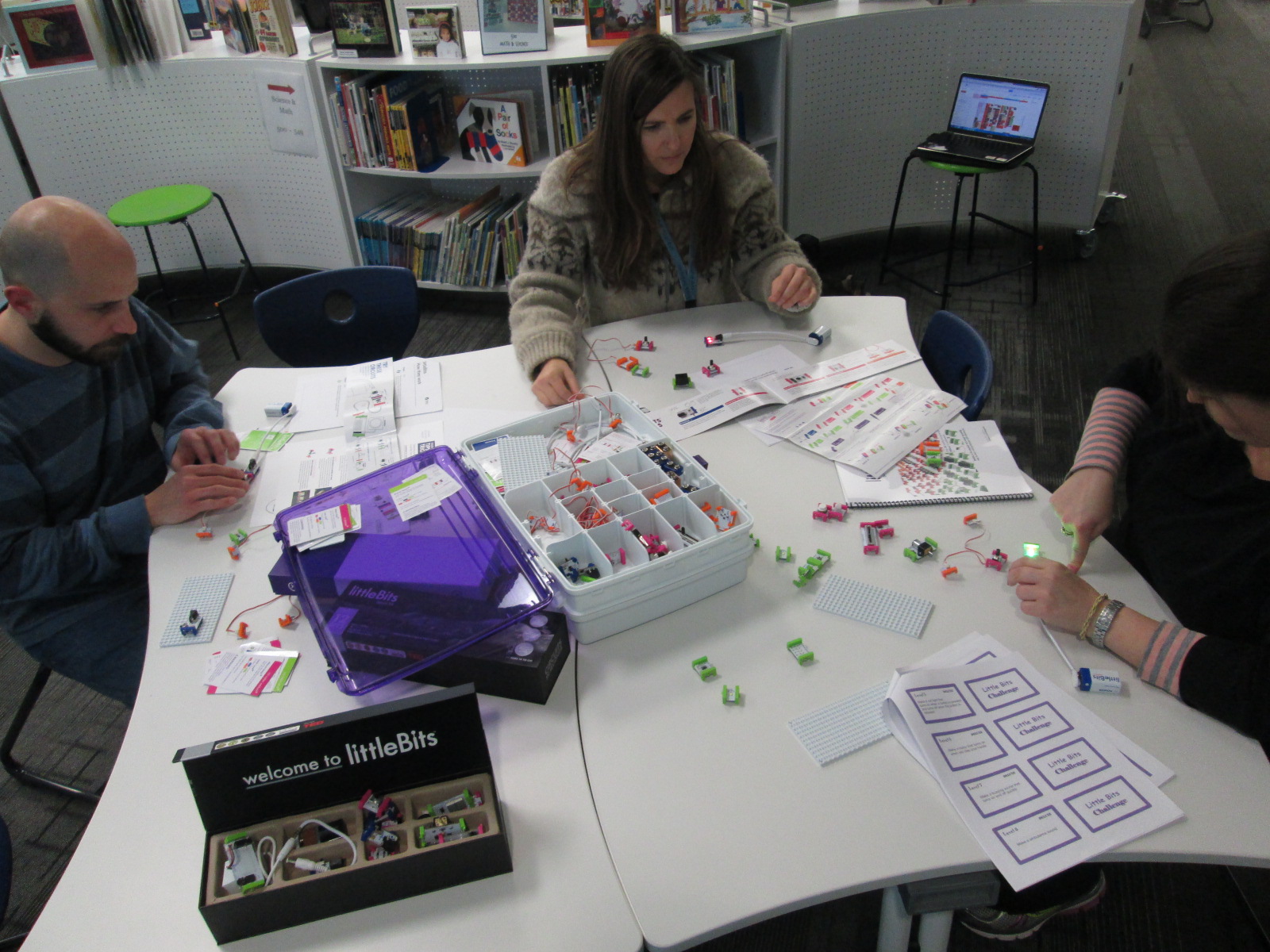
  • Our workshop kit of littleBits
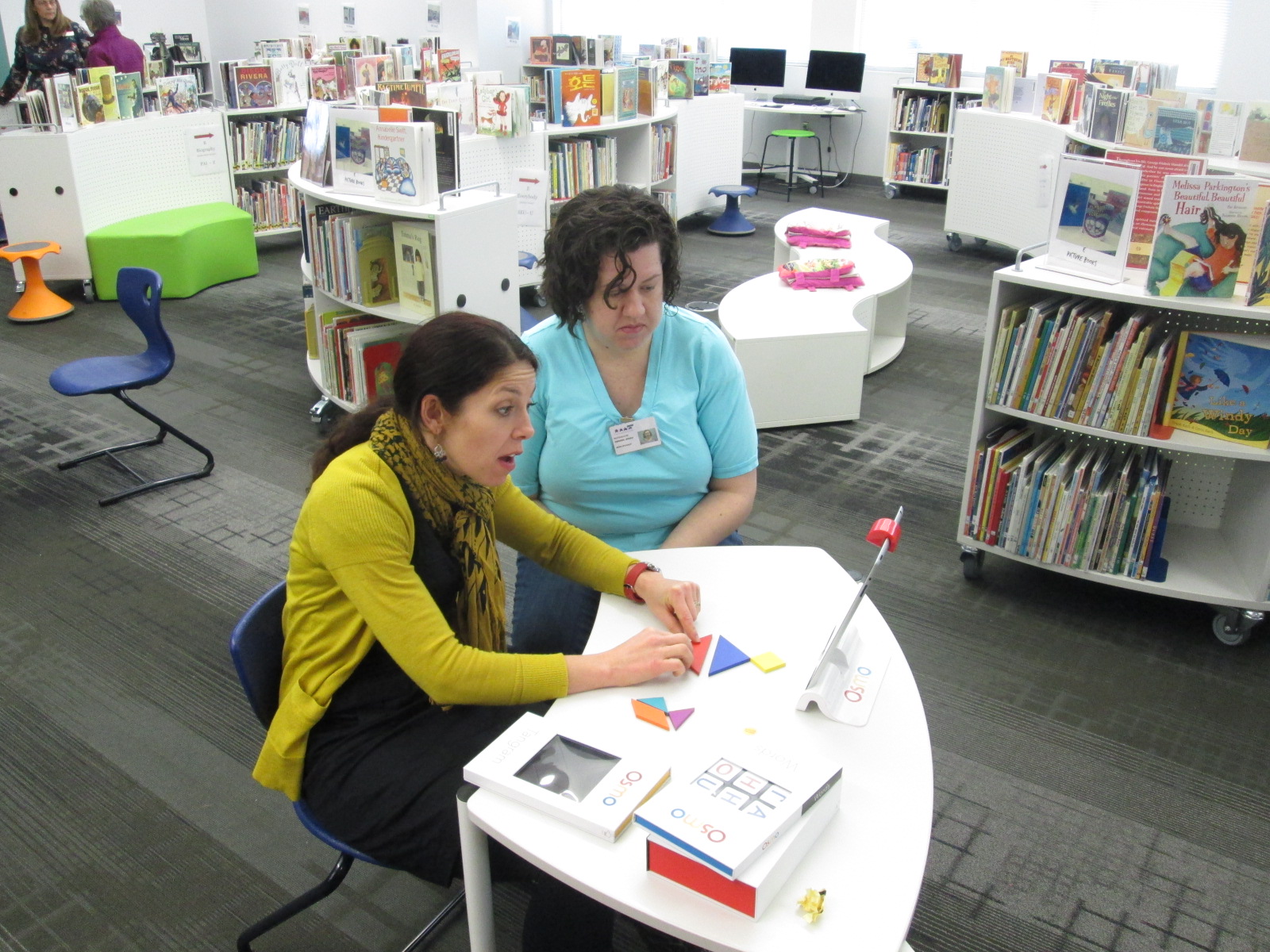
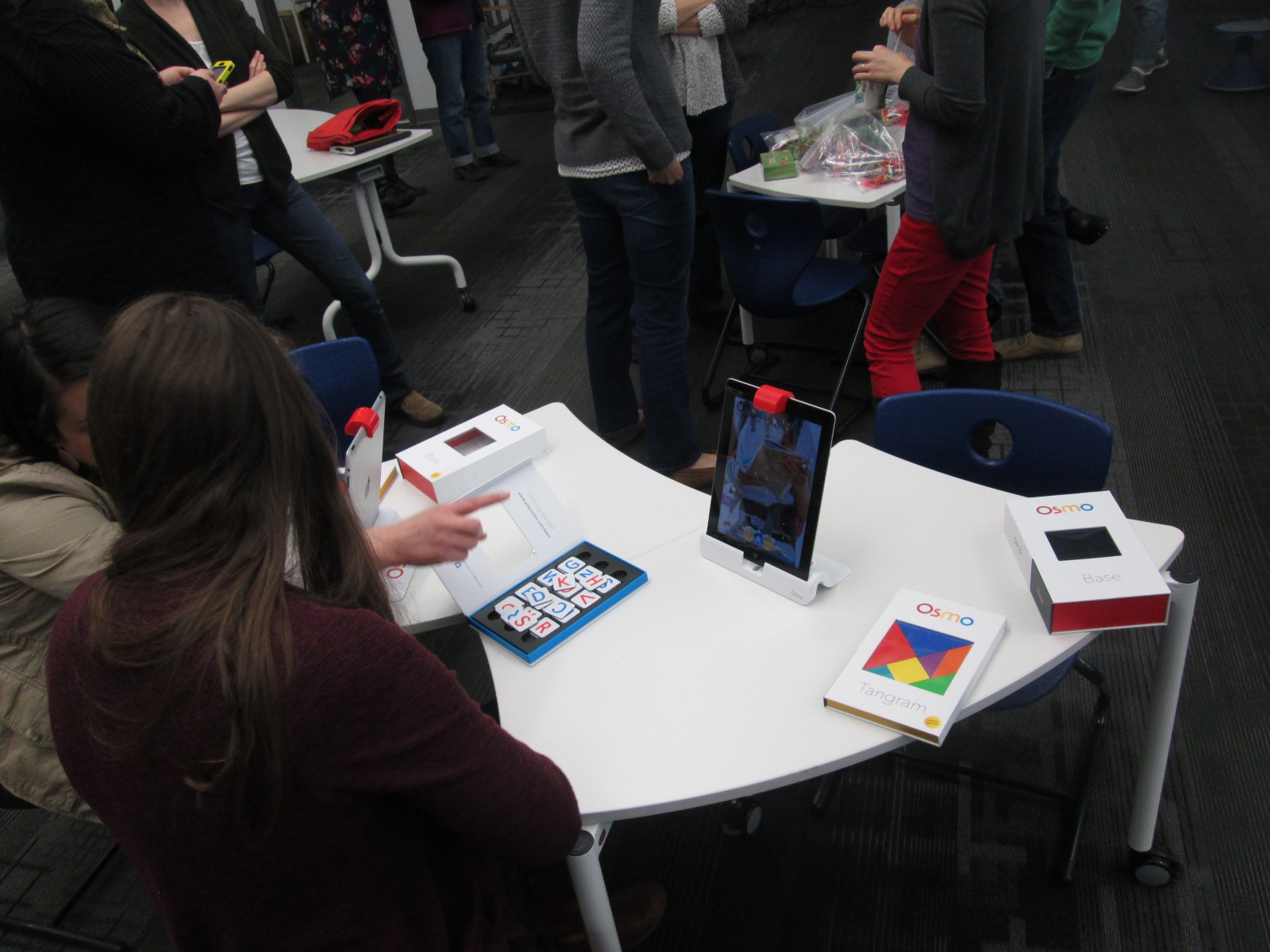
  • Our 3 Osmo kits
  • And our makerspace was open where our 3D printer is kept

I invited Kenneth Linsley from GYSTC to bring his squishy circuits, Spheros, and expertise.  I also invited Gretchen Thomas and her Maker Dawgs.  Two Maker Dawgs were able to come and spent much of their time at our Sphero and MaKey MaKey areas.

teacher makerspace (9)

We all started together at tables, but I wanted to keep my introduction extremely short.  I opened by thanking teachers for signing up to explore.  I invited them to give themselves permission to tinker, dream, create, fail, back up, and try again.  I also invited them to think about their curriculum as they tinkered.  I offered them a Padlet space to capture any brainstorming that they had during the session.

FireShot Capture - Makerspace Curriculum Ideas - http___padlet.com_plemmonsa_makerspace

I also showed them a Symbaloo with some instructional videos to refer to.  I know that some people prefer to look at how something works before they explore and some people prefer to just jump in.

FireShot Capture - Barrow Makerspace - Symbaloo - http___www.symbaloo.com_mix_barrowmakerspace

I finished by telling them to use this time to get their hands on as many things as possible and just give it a go.

teacher makerspace (5)

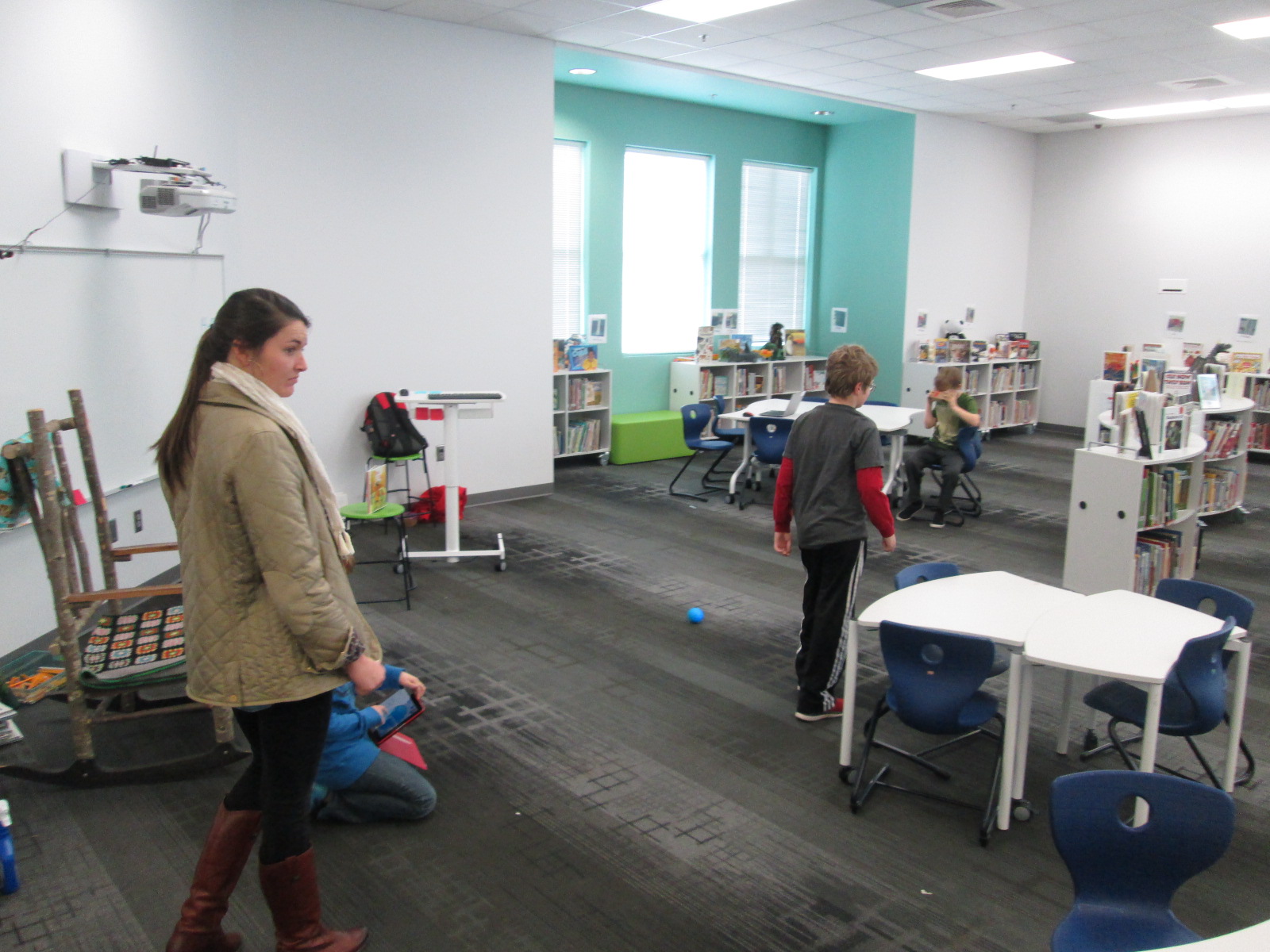
Teachers jumped right in.  I loved watching them make their first choices.  They really split themselves between every area and a few lingered at the tables to watch some videos.  I felt really good about the differentiation that was offered.

I walked around and offered a few tips when needed, but I was very careful not to take over or do the making for each teacher.  Ms. Olin and I had a great conversation about circuits in 5th grade and how littleBits and MaKey MaKey could be integrated into 5th grade science.  Ms. Hocking was busy brainstorming how the Sphero could be used in her math and writing time.  Ms. Stuckey was eager to get her 1st graders using the makerspace for their unit on inventors.  Brainstorming was definitely happening.

teacher makerspace (10)

This is exactly what I wanted to happen.  My hope was that as teachers used the tools, they would start to think about their students using them.  They would be less intimidated by the space and more open to trying the makerspace within their curriculum.  I don’t think a single person is opposed to using the makerspace.  It’s just hard to visualize how something fits into your curriculum if you’ve never used it yourself.

Our Padlet really wasn’t a success this time. There was just too much to explore to stop and write on a Padlet.  I don’t think it’s a bad idea, though, so I’m going to send the link back out and invite teachers to contribute to it now that they’ve had time to reflect.

teacher makerspace (6)

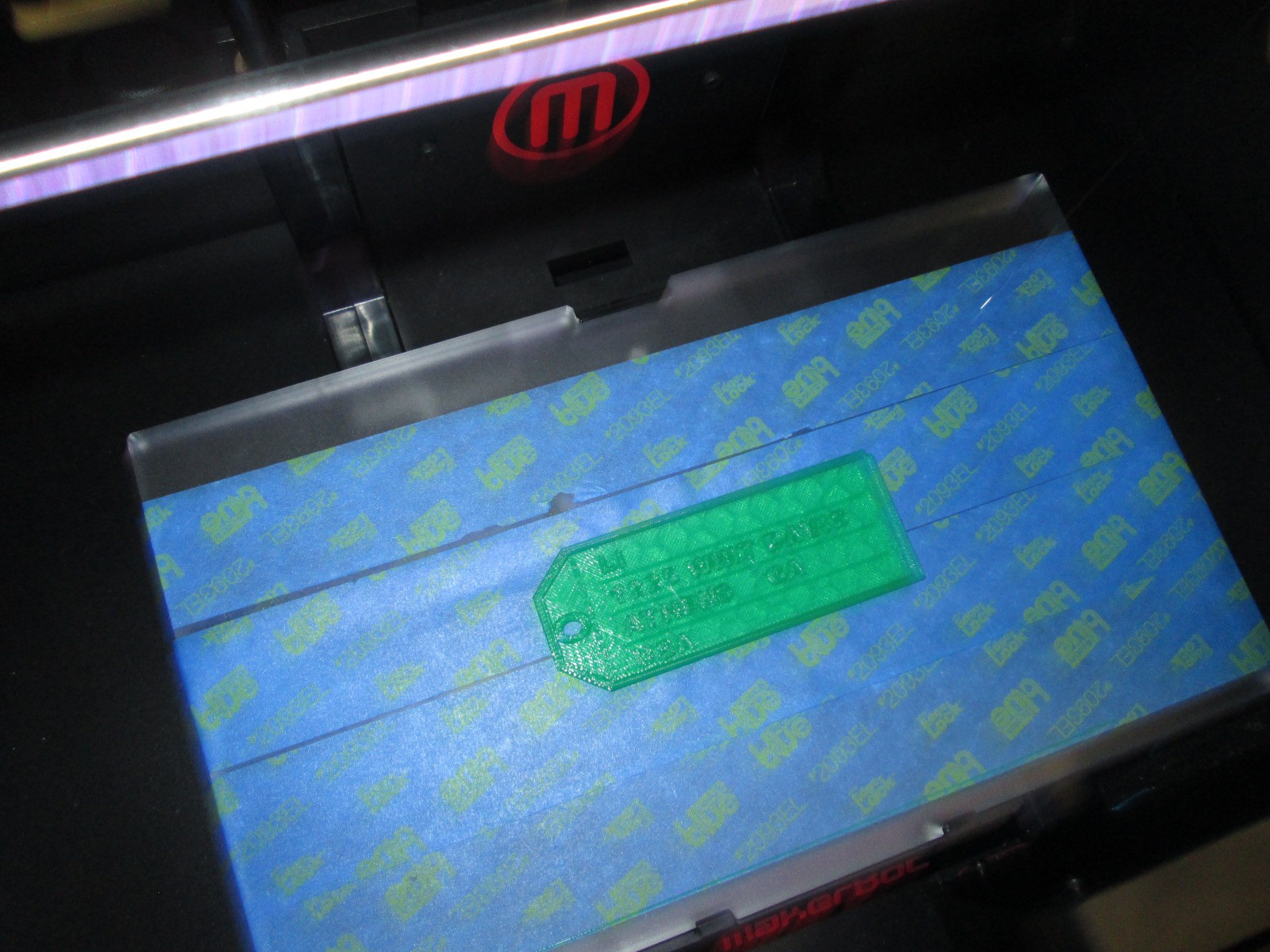
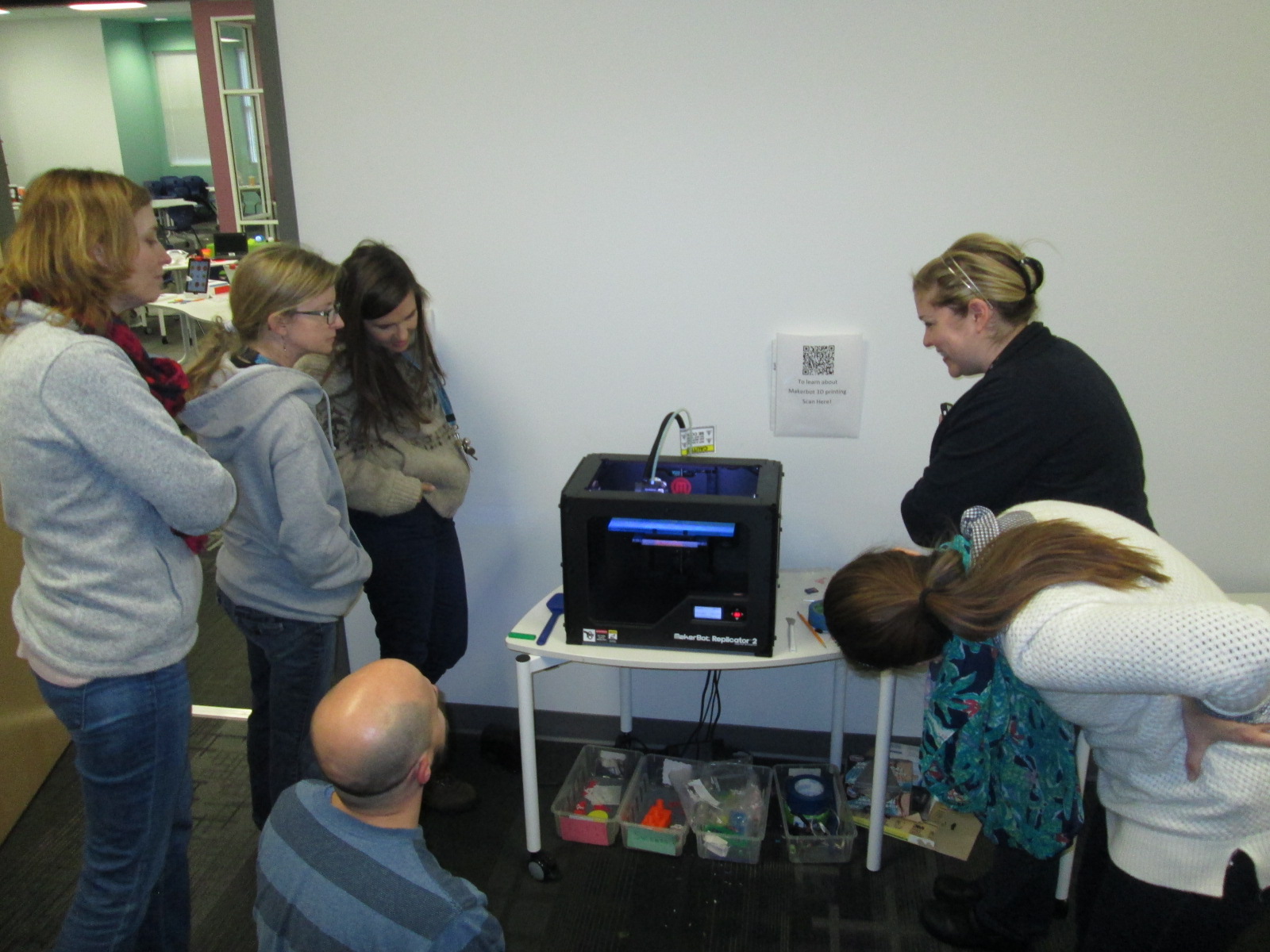
As we entered into the 2nd hour, Ms. Choate, a kindergarten teacher, walked up and said “I think I have something ready to 3D print”.  Sure enough, she had walked through a Tinkercad tutorial and figured out how to make a copy of the lesson file.  She was almost ready to print.  I worked with her to put her file into Makerware and onto the SD card for 3D printing.  We announced to the group that we were about to print and every person stopped to come and celebrate with Ms. Choate.

teacher makerspace (11)

I love watching people the first time they see something print.  It still amazes me to watch it, but when you see it for the first time, it’s just mind-blowing.  I answered lots of questions about how the printer works and showed some other tools that could be used for 3D design.  Ms. Choate stayed to watch her entire print, but in the meantime, she helped Ms. Li, another Kindergarten teacher, get her own file ready to print.  I loved seeing a teacher already passing on her maker expertise to another teacher.

teacher makerspace (13)

teacher makerspace (14)

There are several other teachers who showed interest in exploring the makerspace who were unable to come, so I want to replicate this experience again.  It would be wonderful to have some of these same teachers return too and build upon what they learned as well as pass on their expertise to new teachers.

teacher makerspace (7)

teacher makerspace (12)

This experience also makes me want to do this with our Barrow families too.  There’s a lot of potential, and once again, I’m just scratching the surface.  We have a lot of work to do in the coming years, and it’s going to be exciting.

teacher makerspace (3)

I’m also excited to share that a new school makerspace book is available.  It’s called Worlds of Making: Best Practices for Establishing a Makerspace for Your School.  It’s by Laura Fleming but has contributions by Shannon Miller, Diana Rendina,and me!

Our Open Makerspace Featuring UGA Students

open makerspace (7)

Students have been eager to use our makerspace this year.  I’ve been incorporating making into collaborative projects with grade levels, small groups, and even individual students, but there is still a strong pull to come to the makerspace to dream, tinker, and create without the constraints of a grade level curriculum.

My struggle is finding the time to balance giving students open time to explore along with the classes that I teach each day and collaborative projects that I support.  I’ve been having a conversation about this with Gretchen Thomas, instructional technology instructor at UGA.  Here and there we have found times for some of her students to come and work with my students.  Gretchen has even come in herself to work with students in the makerspace.  However, I wanted something more consistent and dependable for students and teachers instead of random emails inviting them to use the space.

This semester, we are experimenting with something new called open makerspace.  Gretchen has several independent study students as well as a Maker Dawgs course.  The independent study students have each selected a day of the week to be here from 11-12:15.  Gretchen’s Maker Dawg class will take turns coming on Thursday from 11-12:15.  This means that every day is covered.  This time of day overlaps into 3rd, 4th, and 5th grade recess.  Students have the option of coming to the makerspace instead of going to recess, but one of the big requirements is that they can’t come every day.  We still want them to get outside and enjoy the sunshine with their friends, too.

The UGA students and I are trying to work out a routine.  During this first week of our experiment, it looks something like this:

  • I send periodic reminders to teachers that the makerspace is available every day from 11-12:15.
  • Students come at any time during that time frame.
  • They sign in with the UGA student and say what they hope to explore or work on.
  • Together with the UGA students, they setup areas around the library to work on things like littleBits, Sphero, etc.
  • The UGA student tinkers right alongside the students as well as moves between groups to make sure they are keeping materials safe and being productive.
  • Every so often, the UGA students do a time check since the students get lost in the making and forget the time.
  • Before students leave, the UGA student prompts them to clean up as much as they can, and then the UGA student straightens and organizes in between groups.
  • When there’s not a high traffic time, it’s a great time for the UGA student to organize the maker supply cart, the littleBits, or the robotics kits.

I won’t lie that this week has been chaotic and exhausting.  I think that the process is going to work, but each day this week I had a new UGA student, so that meant teaching this routine to someone new each day.  Gretchen came to help on 2 of the days.  Most days this week, I didn’t have a moment to stop and fully eat my own lunch since it falls within this 11-12:15 block.  This will change, though.  It takes some time to get a new routine up and running.

What did this week look like?  So many exciting things happened.  The biggest is that 54 students have used the space this week during that one-hour time block, and that’s not including Friday!

We also got to try out Google Cardboard, which was just a little bit exciting for some of our students!

And just for fun, here’s one of our UGA makerspace helpers!

Recent Scenes from Our Makerspace and an Exciting Update!

lego table

Our library makerspace has been a bustling place over the past few weeks.  I’ve still been holding some periodic makerspace recess sessions where students can signup to come and explore the space and what it has to offer.  Several students have been coming on a regular basis on their own.  This started as one or two students asking to come and then those students told some other students.  Before I knew it, I had a good problem on my hands.  I’ve been trying to find a good way to organize the process of students coming to use the space on their own.

At the moment, the process is that students send me an email if they want to start using the space on their own.  I make sure to put an appointment on the library calendar to introduce them to the space and set some parameters of what they can and cannot do.  Once I feel like the student is responsible, he or she can start coming without an appointment but still needs to tell me the plan of which days to come.  So far, this has been working with the exception of clean up and organization.  Often, these students are in a rush because they are using recess time.  Just when they get going with their making, it’s time to leave, so there’s little time to cleanup.  This is on my agenda to figure out, but I will have some help with this very soon.

robot dog

I’m partnering with Gretchen Thomas at the University of Georgia and some of her independent study students.  As their project, these students will be coming each day of the week from 11-12:15.  I will be able to tell students and teachers that they can come any day at that time.  The UGA students will be responsible for creating a sign in sheet so that we can track which students are using the space.  They will also monitor how often each student is coming.  Although I love having kids come and use the space, I think it is still important that they spend some time outside.  The UGA students will ask the students to limit their days so that there is space for others to try as well as time to go outside as well.  The UGA students will also help me establish a routine for keeping the space in some sort of organization.  Most importantly, they will explore alongside these students using the space.  All of this starts next week!

Over the past week or so, some amazing things have been made and tried in the space.  These have happened during our weekly enrichment clusters as well as these exploratory recess times.

A student spent time tinkering with LittleBits during enrichment clusters.  He would try one combination of bits and it didn’t quite do what he wanted.  He didn’t give up, and instead, kept trying different combinations until he made a type of microphone.  His next step is to figure out how to make this something we could actually use without having to lean right into the bit to talk.

Other students tinkered with littleBits in different ways:

There has been a lot of exploration of MaKey MaKey by using existing tools online and controlling those with the alligator clips and playdoh.

A challenge has been getting students to move beyond using the MaKey MaKey with existing tools and stretch their thinking to designing their own programs that can be controlled by the tool.  We finally had a breakthrough this week as some students began designing things in Scratch and controlling it with MaKey MaKey.

IMG_4766

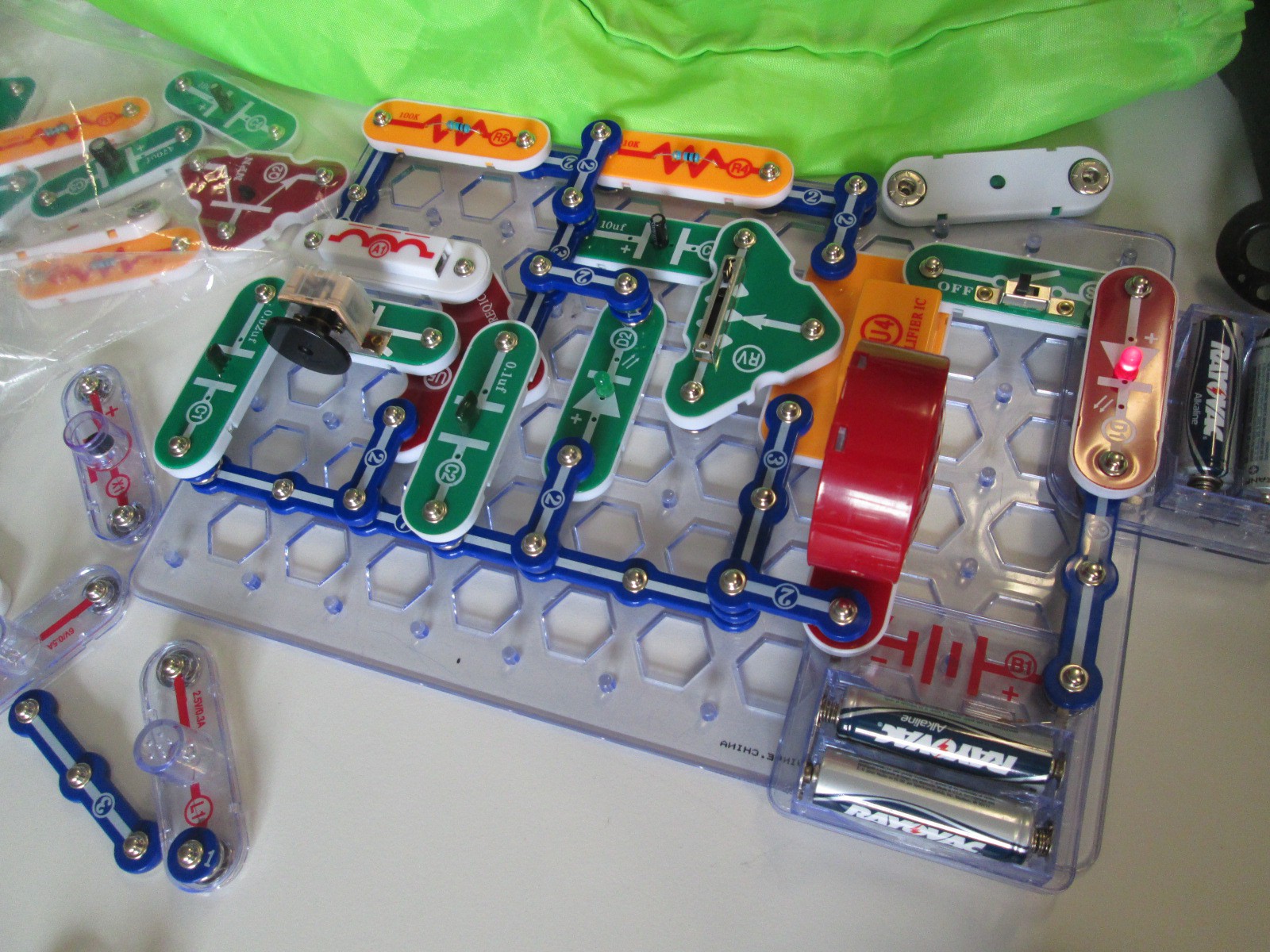
Several students have been bringing in their own maker tools to share with the makerspace and classmates.  One student brought a robotic dog that can be controlled through an app and another student brought his snap circuits.  The Snap Circuits were very popular and students were screaming when they figured out how to snap pieces together to create an AM radio.

IMG_4765

I’m still seeing a lot of tinkering with Sphero.  The students love driving Sphero around and playing the various games, but this is another tool where I want to nudge students to begin programming.  I think they need this experimental stage, but I know they can create amazing things once they get going.

I’ve seen a lot of interest in duct tape.  This is the one area where I’ve seen students read the instructions in our duct tape books as well as watch videos about making things with duct tape in order to design something.  Now, a group of students have branched off to start making their own creations from duct tape.  One student made a flower from tape and then decided to add it to her headband.

So far, I feel like our 3d printing has been very teacher directed.  Because of safety concerns, I’m afraid to let elementary students use the 3D printer alone.  Now, though, I have some students who are really capable of this.  They know how to design something in tinkercad, export to Makerware, slice for 3d printing, save on an SD card, load the SD card, and get the print started.  I was startled one day when I heard the 3d printer start, and when I raced over to see what was going on a student had gone through this whole process alone.  I did remind him that due to safety I really wanted to be around when something was 3d printing, but I was also proud that an elementary student was able to go through all of the steps to print something.  Now, he has passed on that expertise to several other students.  Their designs are very simple at the moment, but I think they will get more complex as they tinker with the tool more and more.

I’m excited that Gretchen Thomas is bringing yet another fun tool for us to try when she comes next week:  Google Cardboard.  It’s sort of silly, but it’s a cardboard viewfinder that you stick your phone inside in order to create your own virtual reality on a budget.  Since Cardboard doesn’t officially support iPhones, we also used our makerspace to print an attachment from Thingiverse that will let us use our iPhones for the cardboard tinkering.

I’m still pushing to weave makerspace into classroom curriculum, and I think a next step is going to be to hold some informal teacher exploration time.  I think if teachers give themselves permission to tinker and explore, they will immediately start to see a use for their classrooms.

It is overwhelming and promising to see how many independent projects there are in our school and that students are coming to the library as a place to work on these projects.  I was amazed when I paused and took a quick look around.

Hour of Code 2014: Scenes from Day 3 & 4

2014 Day 4 (7)

Days 3 and 4 have been filled with lots of young learners for hour of code.

Kindergarten class have continued to come to use the iPad app The Foos.  In each session, we start by talking about the word “code”.  Lots of them mention passcodes on iPhones and codes to get into gates or buildings.  We link this to the idea of giving a computer a code.  Then, we watch the video from President Obama.

Before we start the app, we talk a lot about how coders don’t give up, they try small pieces and test, and they collaborate when needed.  The teachers and I have made some interesting observations about students while they are coding with The Foos and other coding tools.

1.  Students who might easily give up or struggle with other subject areas in school are fully engaged and putting forth tremendous effort when coding, while others who like to get things right the first time are easily frustrated.

2.  We talk a lot about stamina at our school and how long you can spend working at a task whether it’s math, reading, or something else.  The stamina of students in coding is very high.  Working for almost an hour was easily obtainable by most students regardless of age.

3.  Students who might not normally share their thinking with other students in order to help or collaborate were very willing to share their coding strategies.

4.  Some students still needed some direct instruction or nudges.  With the Foos in particular, I noticed students repeatedly pressing the run button in order to get a character to move rather than write enough code to make it happen with one click.  I observed students repeating the same code over and over that wasn’t working and never trying something new.  There is a lot to learn from tinkering, but it is still essential and necessary for a teacher facilitator to step in with some instruction, tips, or nudges.

In addition to the Foos, we had 2nd graders who continued to enjoy using the Made with Code site.  They loved programming a yeti to dance, but they thought it was super cool to be able to program the lights on the White House Christmas tree and actually schedule their code to light up in Washington.

Our preK students had a blast using the Sphero draw app to practice drawing shapes and programming Sphero to drive around the carpet in their shape.  You can read more about that here. 

Finally, we’ve been having an interesting occurrence in our makerspace.  It started with a couple of students asking if they could come in during their recess to build and program a robot.  Then, another student asked.  Before I knew it, the word was spreading and more students who were new to making were showing up during recess.  It’s sort of like an underground movement.  It’s exciting, but I’m trying to figure out how to manage it.  Just today, a student came in on her own, designed an object in Tinkercad, exported it to Makerware, uploaded it to an SD card, and began printing it on the 3D printer.  Another student uploaded a file to Thingiverse that he made at home and prepped his own file for printing.  Two students started assembling a robot and pooling their knowledge to create the code that lived up to their vision for what the robot can do.  Another new student appeared, and started tinkering with how to program Sphero.

Students want to dream, tinker, create, and share.  I’m thankful that our library is a place that they can do that.  Hour of code once again opens my eyes and teachers’ eyes to what students can do.

America Recycles Day: Connecting with the World and Making a Difference

IMG_4370

This year, I’ve been thinking a lot about what it means to collaborate globally.  In the past, I’ve participated in amazing events such as Dot Day, Talk Like a Pirate Day, and World Read Aloud Day.  Each of those events has connected our students to classrooms and authors around the globe, and I’ve found so many collaborative colleagues through these events.  It’s these very events that have pushed me to wonder what more we can do with our students.  I’ve been pondering how we can have collaborations that allow our students to make a difference in the world and share their ideas, their questions, their problems, and their solutions.

When our spectrum teacher, Natalie Hicks, came to me with a flyer about America Recycles Day, I knew that this day had potential to spark some action projects with our students and students around the globe.  I made a Google doc, crafted a blog post, and started inviting anyone and everyone to connect for America Recycles Day.  It didn’t take long for some of the very people I’ve connected with for other events to start posting their own schedules in the doc and making connections.  I want to thank Shawna Ford, Jenny Lussier, Cathy Potter, Donna MacDonald, Misti Sikes, Ly Phan, Kathy Schmidt, and Craig Seasholes for taking a risk with me and trying something new.  These people put their schedules out there and started making connections.

This week, my own students started making connections for America Recycles Day.  Each Skype or Google Hangout offered a little something different.

Ms. Clarke and Ms. Haley’s 3rd grade class connected with Kathy Schmidt and her 3rd graders in Gwinnett County, GA.  We learned about how her students are collecting items from home to put in the library’s tinker lab rather than throw them away.

Ms. Wright’s 2nd grade class connected with Cally Flickinger in South Burlington, Vermont.  We read the book Here Comes the Garbage Barge by Jonah Winter.  The story sparked a great conversation about how our trash can take over our world and how important it is to recycle or reuse instead of throw things away.

Ms. Ramseyer’s 2nd grade class connected with Donna MacDonald in South Burlington, Vermont.  Her students shared how they are using Drew Daywalt’s The Day the Crayons Quit to inspire a save the crayons campain.  Students are collecting crayons and sending them to be melted into new crayons.  Our students took time to offer some other ways that the crayons might be used such as making candles, melting crayons for artwork, fusing crayons together to make two-sided crayons, and investigating what crayons are made of so that they might discover even more things that crayons could make.

Ms. Li’s Kindergarten connected with Misti Sikes and her Kindergarten in Forsyth, Georgia.  They shared how they recycle at their school by separating white paper and color paper as well as other ways that recycling has to be prepared before it goes into the bin such as removing paper clips and staples.

Ms. Boyle’s Kindergarten connected with Holly Esterline & Katie LeFrancois’s grade 1 & 2 class in Bolton, Vermont.  We shared the book Compost Stew and heard about how their school is doing TerraCycling.  Even with our connection issues, we still learned a lot about something we don’t do much of at our school.

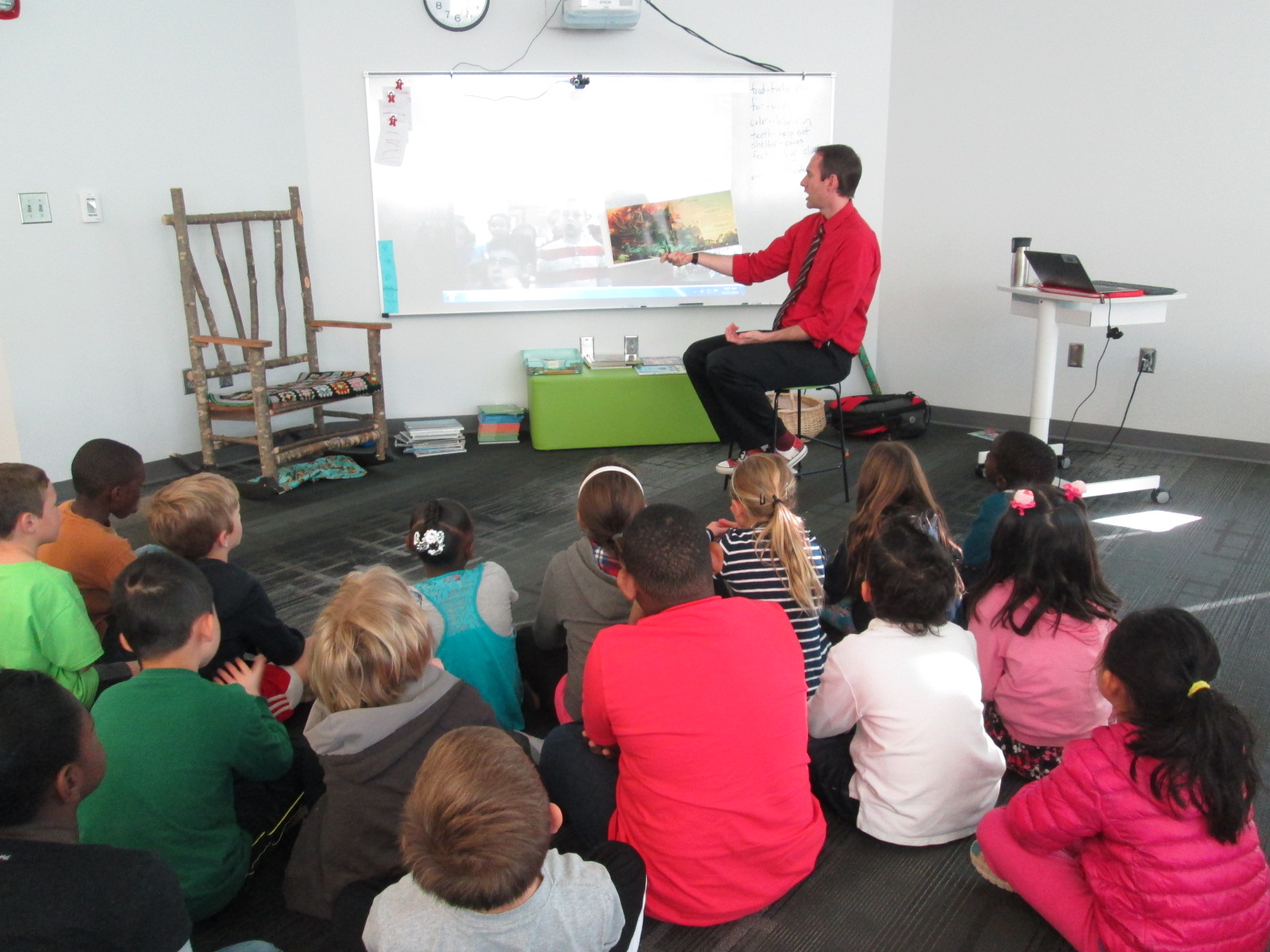
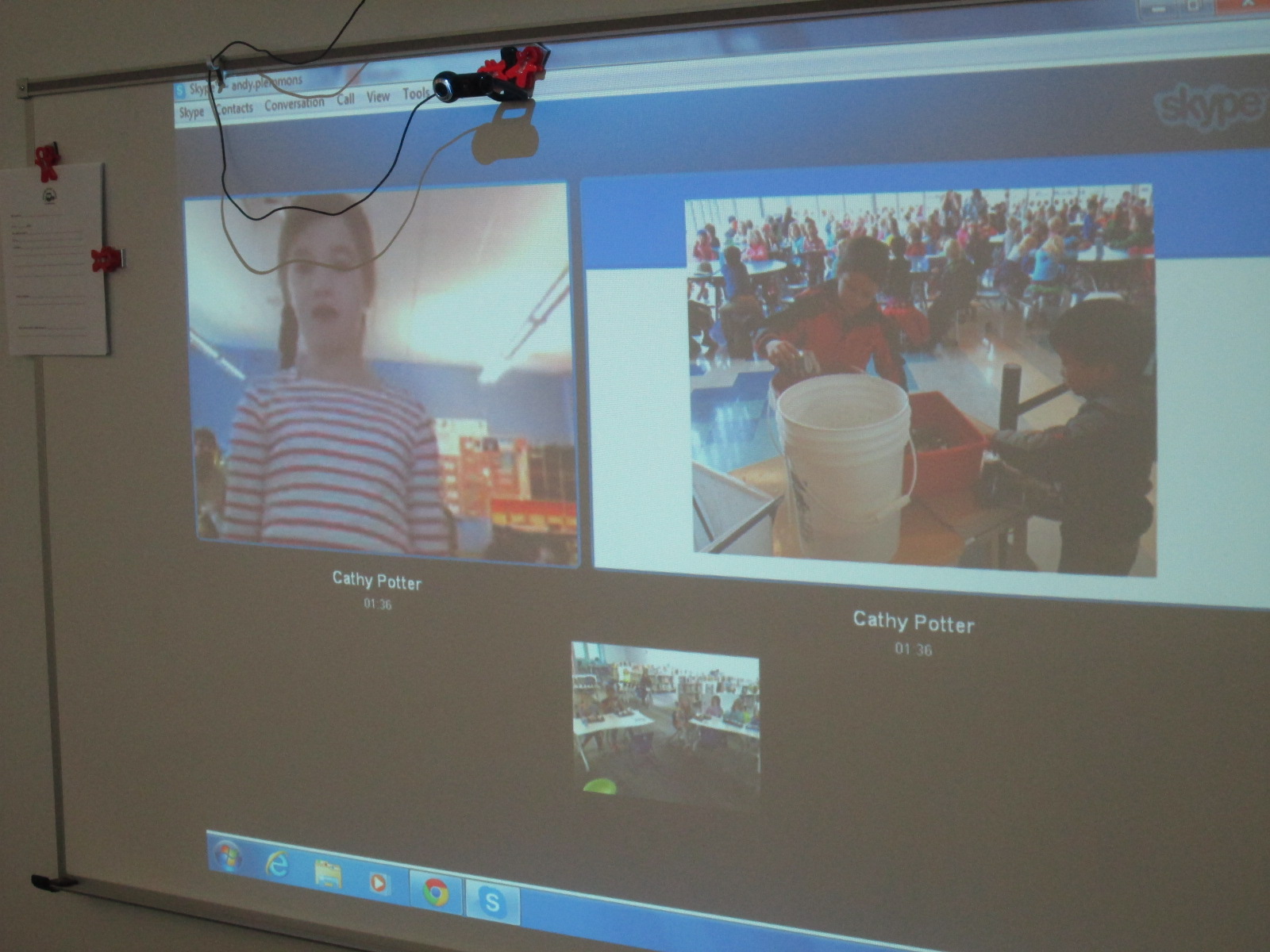
Ms. Tesler’s 4th grade students gathered a lunch bunch together to connect with Cathy Potter and her students in Falmouth, Maine.  The 1st graders at her school showed us a Google presentation with pictures of recycling and composting efforts in their school.  They have a whole process of how their scraps at lunch get put into a bucket to go to the composting bin.

IMG_4405

Finally, Ms. Spurgeon’s 3rd grade class connected with Karre Sloan’s 6th grade students in Nashville, Tennessee.  They shared the recycling program from their school and how their 3rd graders are in charge of recycling.  They also shared their ideas and tips for our own recycling problem at our school.

IMG_4410

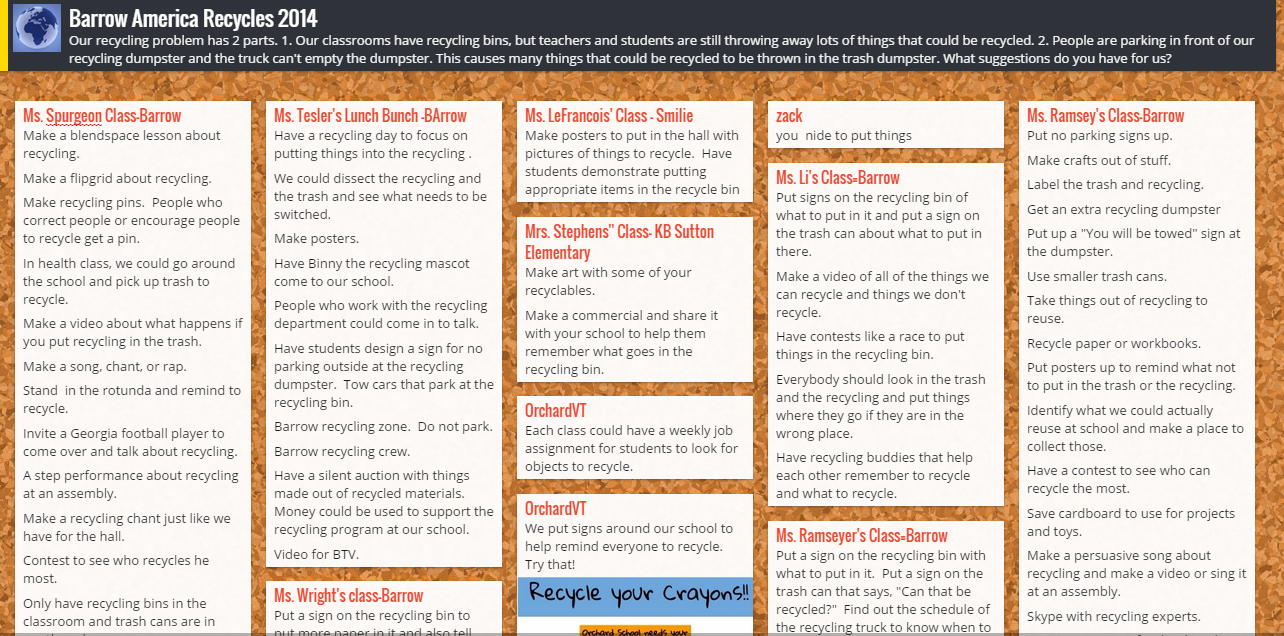
In every connection, our students shared our own school problem.  We have recycling bins in every classroom, but we are finding that people are still throwing away recyclable things.  Even when we recycle, we have an additional problem.  People are parking in front of our recycling dumpster and the recycling truck can’t get to the recycling to empty it.  We posted these problems onto a Padlet.  We showed each connecting class the bins that we have in our classrooms and read the recycling instructions that can be found on the bag inside.  Sometimes our connecting classes gave us new ideas right on the spot or shared what their own school is doing that might support our problem.  Other classes added to our Padlet after we disconnected.  We also added to the Padlet.

Barrow America Recycles 2014

Our next step is to take this Padlet and share the ideas with our environmental committee which is chaired by Natalie Hicks.  We also have 2 enrichment clusters that we can share the Padlet with.  Our hope is that some of the ideas that came from so many perspectives will spark change within our school problem.  We want to connect back with some of the classes we met this week and share what we’ve done to improve our problem, and we want to see what they have done since our connection.

I loved that during our very last connection, students arrived in the library to put signs on our recycling bin that were sent by our recycling department.


Miraculous things came out of our connections:

  • We saw that we weren’t alone with our problem and that there were multiple things to test out to try to reach a solution.
  • We learned that recycling is very different from place to place.  We are so fortunate in Athens to have a state of the art recycling facility and single stream recycling.  Some communities have to put forth a lot of effort to recycle, and it is so easy for us.
  • We realized that there were so many things we could do with our “recycling” other than put it in the bin.  The concept of makerspaces is really causing a lot of us to think about turning trash into functional creations.
  • We saw that together we could come up with out-of-the-box ideas.  We often started with “put up posters about recycling”, but with the energy of collaboration, new ideas surface such as make smaller trash cans, create a recycling contest, write a catchy song about recycling to sing on morning announcements, and more.

My hope is that this week of connections really does spark change in our school and others.  At the very least, I think it made us more aware of what we are throwing away.  These types of connections have the potential to grow into large-scale collaborations around the globe.  The combination of powerful texts such as Here Comes the Garbage Barge and Eyes Wide Open along with the innovative ideas of students, teachers, and families fosters a healthy environment for long-lasting collaboration.  Our students are the future of our world, and when we allow them to unite with one another around authentic dilemmas in our world, we are equipping them with problem solving skills to keep our world a peaceful place.


Exploring Makerspace through Alternative Recess

makerspace recess (7)Since the beginning of the year, students have been itching to get into our library makerspace to use the many tools housed there.  As the librarian, I try to weave as many of these maker tools into curriculum as I can, but the truth is that it’s just not fast enough for our students.  Telling them, “I’m waiting to find the right piece of the curriculum to use the littlebits with”, is not acceptable.  They want to tinker and explore and see how things work.

makerspace recess (6)

Recognizing this, I had to find a way to give them more access.  I can’t say that I’ve found the perfect solution, but I’m working on it.  I’m blessed to have the University of Georgia right next to our school.  I’m even more blessed that the College of Education is within walking distance and Gretchen Thomas teaches in the instructional technology department.  Gretchen is an educator who truly gets the realities and challenges of school.  She wants her students to have experiences with what instructional technology really looks like in a school rather than guess about it in the college setting.  She and I have been brainstorming about challenges that I face in the library and the makerspace has come up a lot in our conversations.  We’re trying to create a plan to have adult support in the makerspace on a regular basis for students to explore during their recess time.  This alternative to going outside isn’t the only solution, but it’s one that many of our students are willing to do in order to get their hands on the makerspace tools.

Even though we don’t have details worked out for Gretchen’s students to be in the makerspace, she has volunteered her own time once per week to come in and help.  For the past 3 weeks, we have offered makerspace recess to our 4th graders.  A whole range of students have shown up.  I was very excited to see such a mix of boys and girls as well as several other kinds of diversity within the group as well.

makerspace recess (5) makerspace recess (8)

During the 1st recess, Gretchen and I quickly showed the tools in the space: Sphero, littlebits, and MaKey MaKey.  Students chose a starting place and jumped in.  It didn’t take long until the Sphero was being driven around the library, being programmed to drive and jump over a ramp of books, and a maze of books, shoes, and legs was being created on the floor.

makerspace recess (4)

Students used the littlebits cards to snap together several suggested circuits, but it didn’t take long for students to start snapping random bits together to see what would happen.

makerspace recess (9)

Students at the MaKey MaKey got out balls of Playdoh and started plugging in alligator clips.  Gretchen showed them how they could type using the balls of Playdoh, and they also explored how to play the piano on the MaKey MaKey site.

This alternative recess is certainly supporting my library goal of allowing students to dream, tinker, create, and share.  This free time to dream and tinker will only strengthen the curriculum work we do within the makerspace in grade level projects.

At some point, I’m sure we’ll create some structure to our alternative recess, but for now it just seems right to explore.