Creating Star Charts with LittleBits

Star Charts (13)

Last week, Mr. Coleman, 4th grade teacher, asked me if I had any extension lessons to support 4th grade’s study of stars and constellations.  Specifically, their standard is:

S4E1. Students will compare and contrast the physical attributes of stars, star patterns, and
planets.

I suddenly remembered that a part of he littleBits workshop kit that I purchased this summer was a free space module.  As I flipped through the book, I saw that you could use littleBits to make a start chart.  This was the perfect opportunity for students to explore littleBits in a standards-based lesson with enough structure to give them a goal but still have an opportunity to do a bit of tinkering.
Star Charts (1)

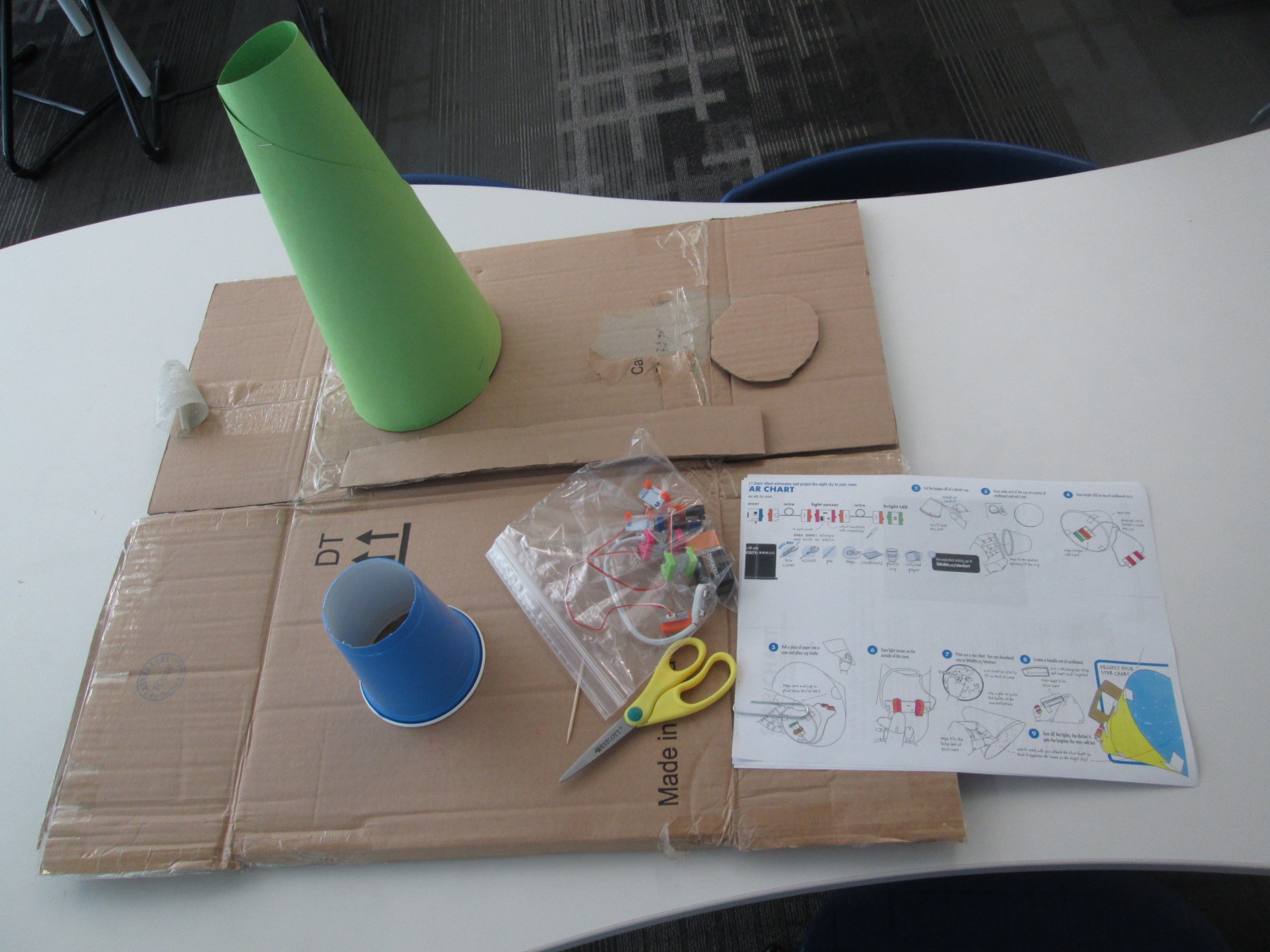
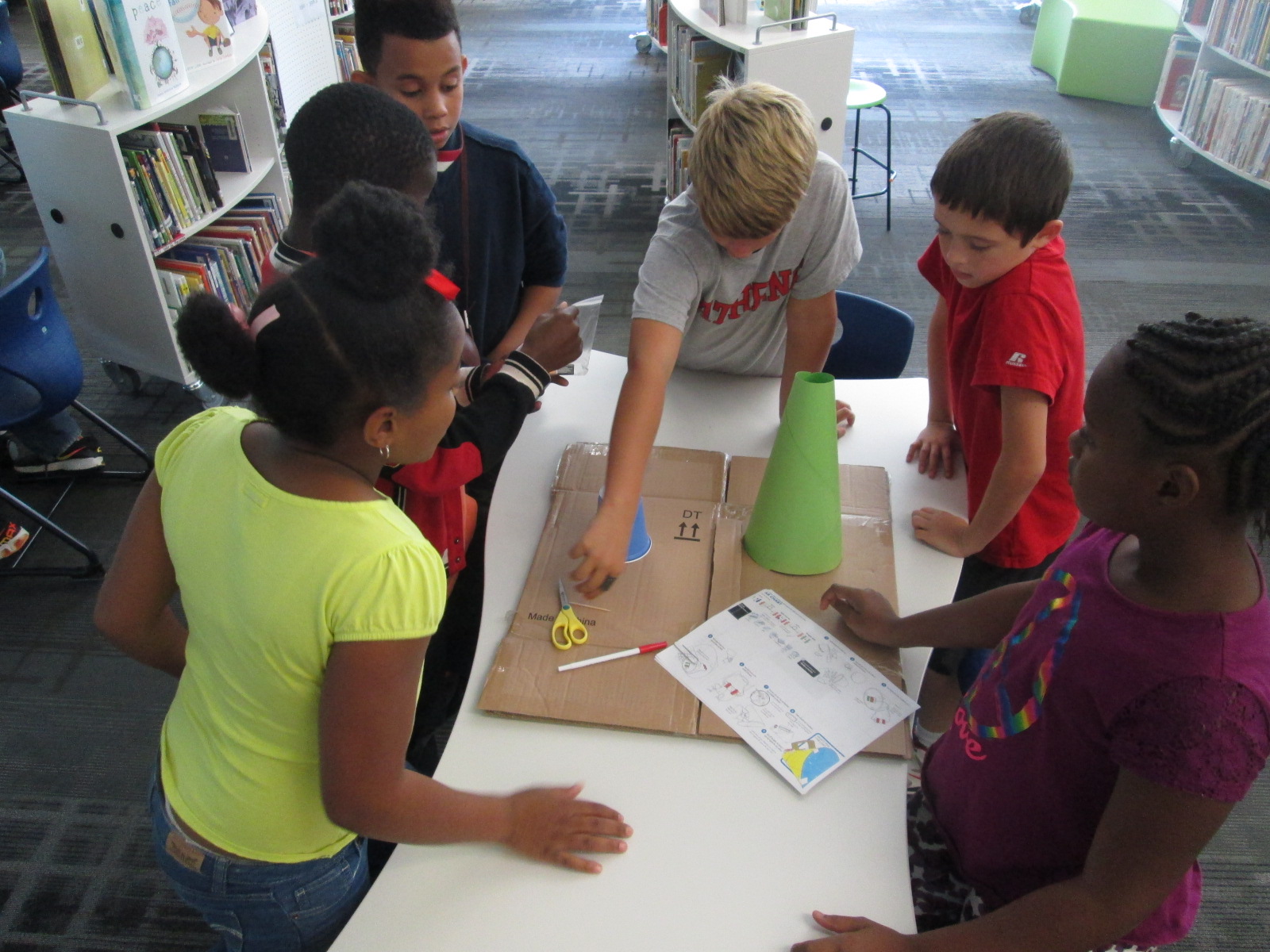
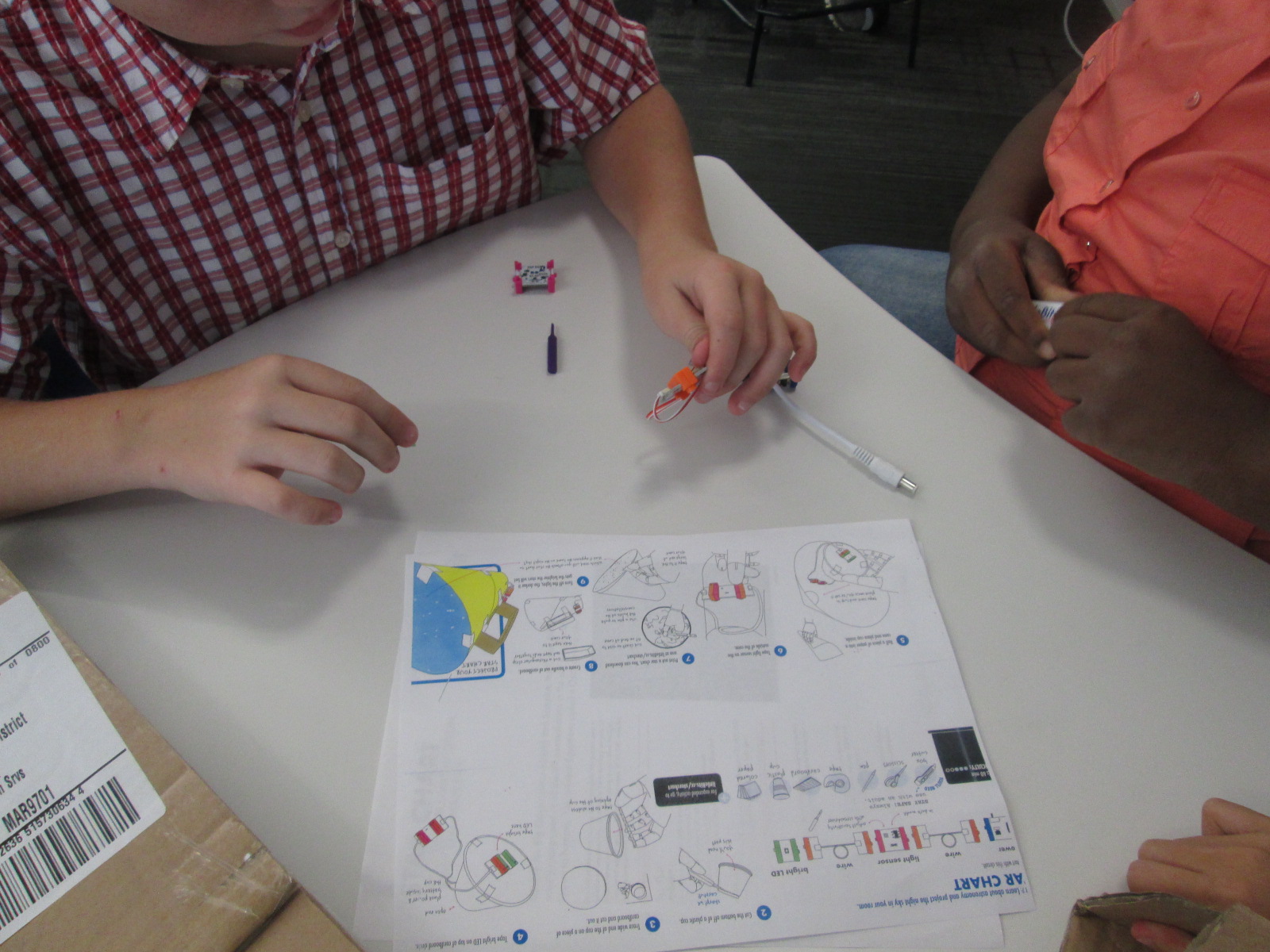
Because some of the steps involved using a box cutter to cut holes in a cup and a cardboard circle, I did a few steps ahead of time for them.  On a large piece of cardboard, I gathered materials for each group:

  • a ziploc bag of the littleBits needed, including the battery
  • a littleBits screwdriver
  • scissors
  • tape
  • a toothpick
  • a pen
  • a cone made out of construction paper (many thanks to Gretchen Thomas for helping me figure out how to make a cone!)
  • a plastic cup with the bottom cut out
  • a cardboard circle the size of the mouth of the cup
  • a strip of cardboard
  • a set of instructions
  • a copy of a star chart

We started the lesson together on the carpet.  We watched a short intro video:

I told them that our goal was to make a device that lit up when it was in a dark room and projected stars onto the ceiling.
Star Charts (6)

We talked about failure.  I emphasized that this class was the first class in the school to use littleBits.  We talked about failing, taking a deep breath, backing up, and trying again when something didn’t work.  I also talked about teamwork and time management.  This was to emphasize that the more they worked together and didn’t give up the more likely they were to be successful in making their chart.

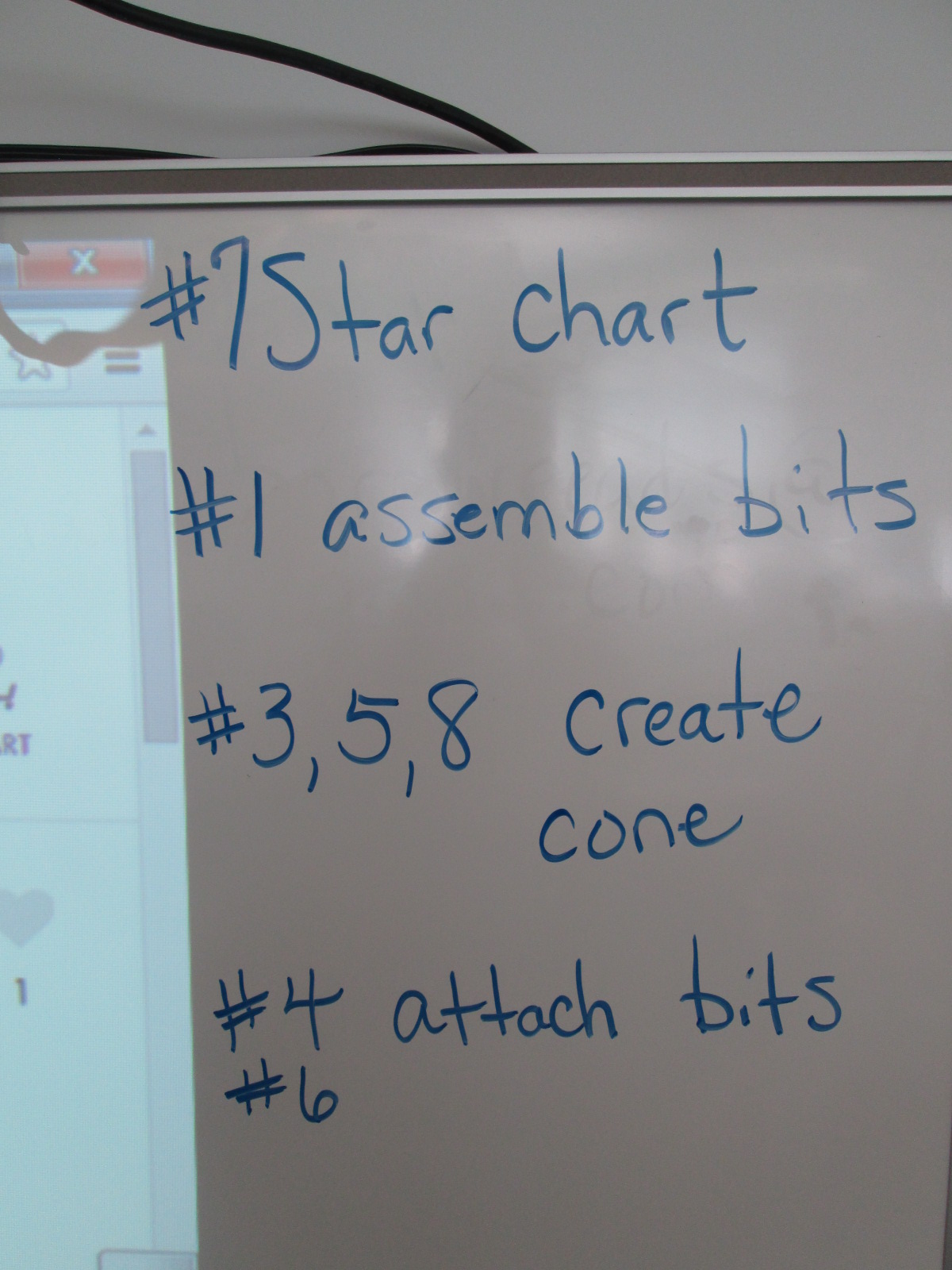
I also made suggestions about how teams might think about dividing up the work load.  For example,

  • 1 person might try step #7 and prepare the star chart
  • 1 or 2 people might try step #1 to assemble the bits
  • 1 or 2 people might try steps #3, 5, and 8 to create the cone
  • 1 or 2 people might try step #4 & 6 to attach the bits and test the device

This was only a suggestions.  Teams were welcome to do every step together or divide the work up in other ways.

Notice that I didn’t say anything about explaining littleBits, what each bit was called, what their function was, or how to put them together.  I knew that the kids were perfectly capable of figuring this out on their own, and they proved me right.

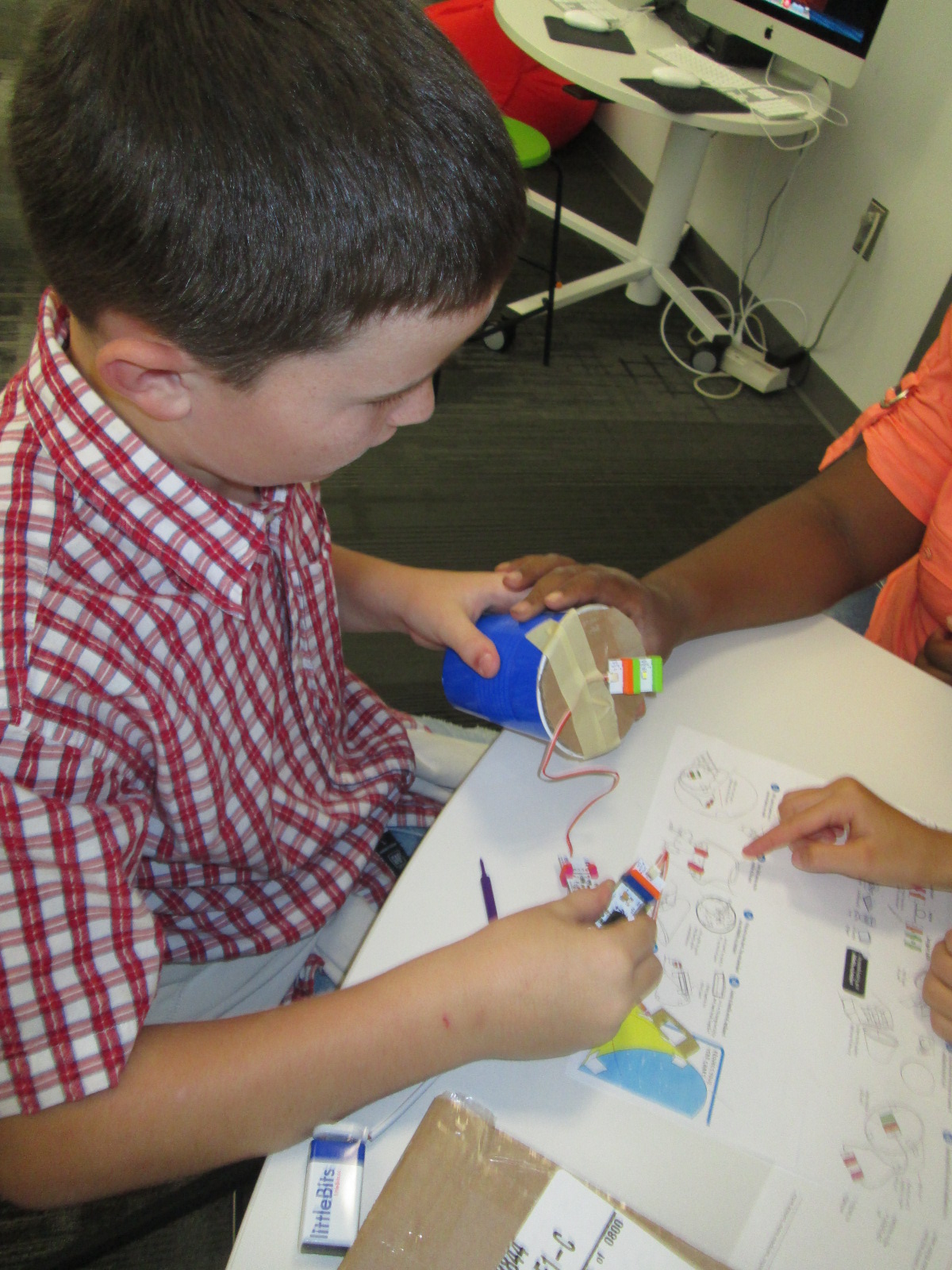
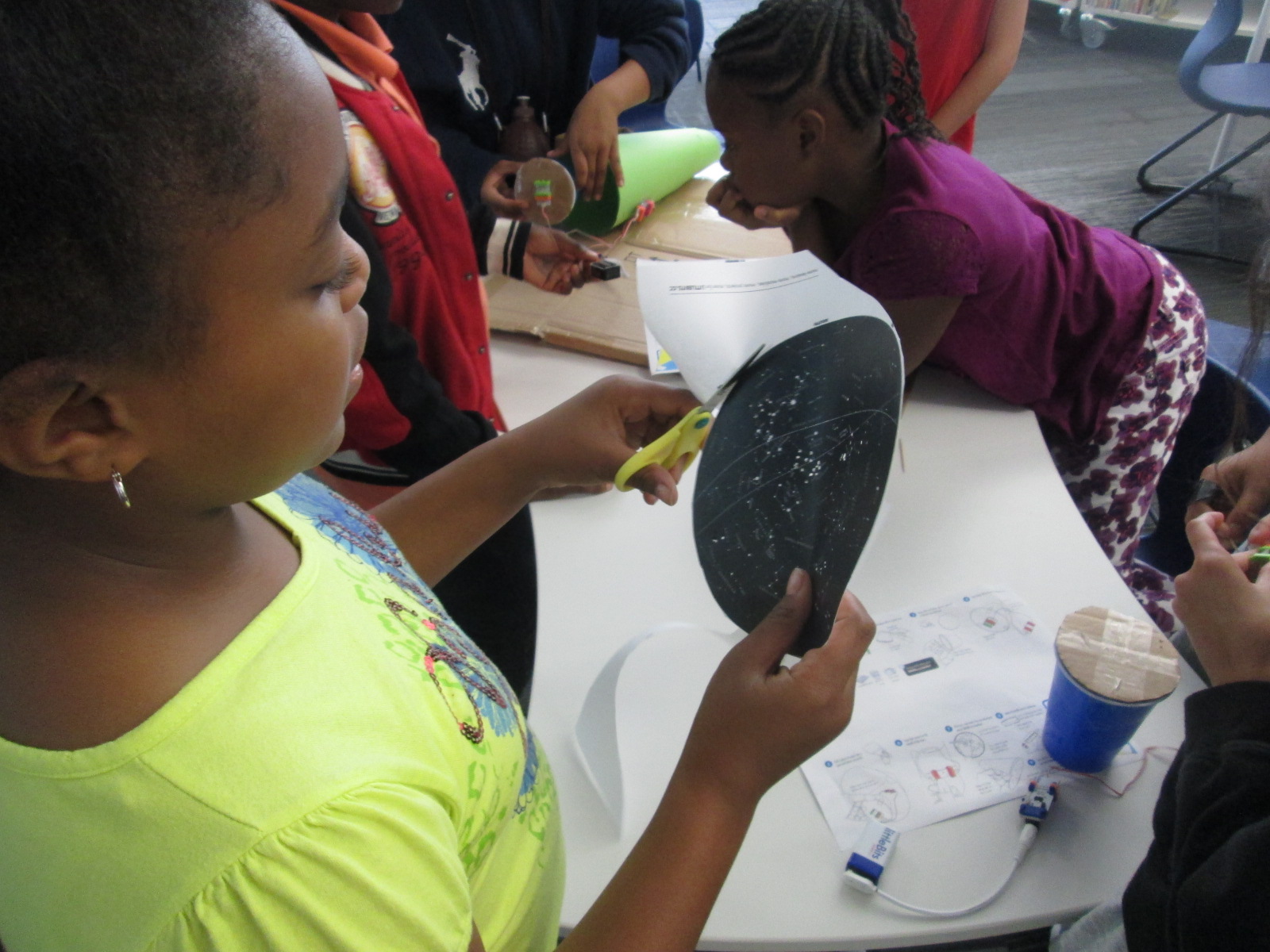
Mr. Coleman helped divide the students into groups and they got right to work.  I was amazed by how the groups took time in the beginning to assign roles before working.  It was a rare moment to look at a table and not see someone working on some aspect of the star chart.
Star Charts (8)

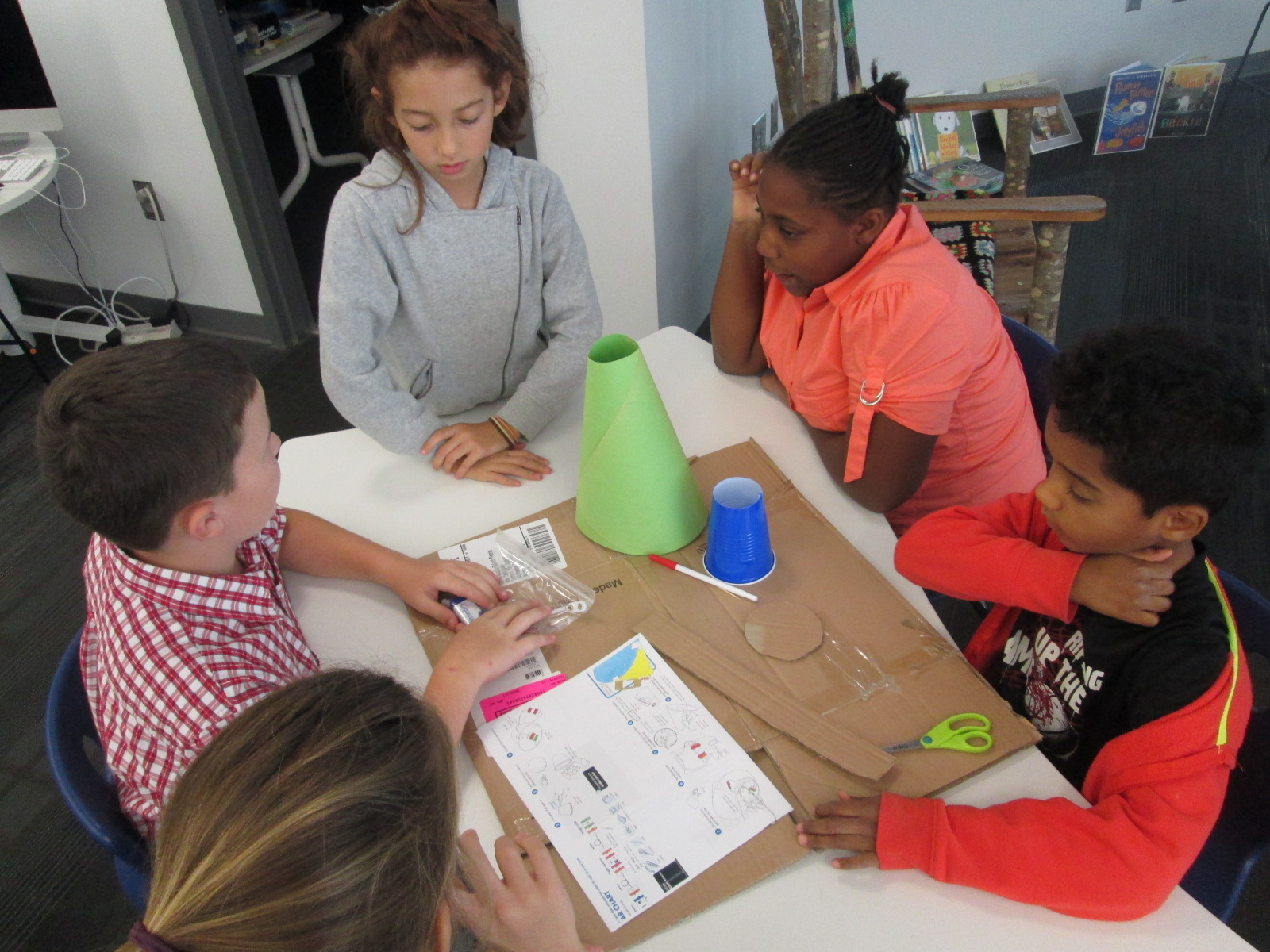
Mr. Coleman and I walked around and encouraged groups to read directions, try new things, work together, and gave a few helpful nudges as needed.  However, we did not create the star charts for any group because we wanted students to experience tinkering, failure, and the power of reading and following directions.
Star Charts (7)

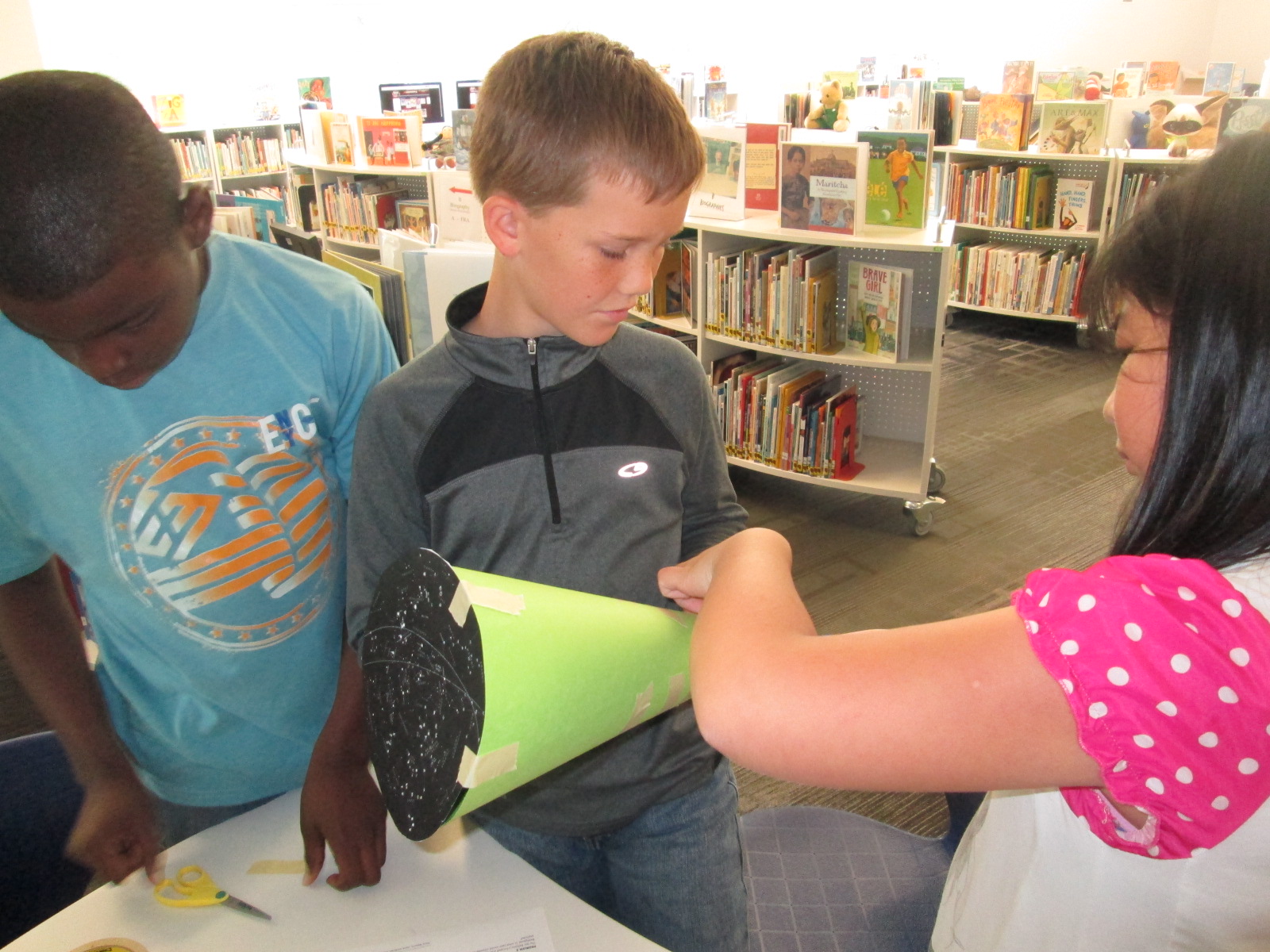
There was a definite energy in the room and it was by no means quiet.  Each time something started working, the energy level increased.  Groups started taking their devices into our makerspace and equipment room so that they could turn off the light and test their invention.  As pieces worked, they screamed with excitement, but as they failed they hurried out, disassemble their work, and started over.
Star Charts (17)

Once again, I was amazed by how no students stopped working and no students reached a point of frustration where they shut down.

We even had a group who were still working when we were debriefing the whole experience because they wanted to make their star chart work.  They didn’t give up for a second.
Star Charts (11) Star Charts (12)

When the charts worked, students spent a bit of time looking at their constellations on the wall and ceiling.

During our debrief, we talked about what we learned about littleBits as well as what next steps students might take to learn about constellations.  I encouraged them to learn some of the stories of the constellations and to actually look for them in the night sky.

For the littleBits, students figured out that you could adjust the sensitivity of the light sensor to come on when it was light or dark.  This was a point of failure for some groups.  Others talked about reading the words on the bit including the power bit that says “on” or “off”.  Missing that one simple word “on” could be the difference between failure and success, and many groups forgot to turn their power on before testing their device.

Before students left, I told them that this was only a small taste of what littleBits can do, and I encouraged them to think about other inventions they might create during the year and to come and explore the other bits and their possibilities.

Empowering Student Voice through our Makerspace

3empower


At our “Meet the Teacher” night back in August, several students raced into the library to tell me about project ideas that they dreamed up over the summer.  As soon as I heard their enthusiasm, I knew that one of my library goals, “To empower student voice”, was going to be an important one for this school year.  One student shared about his idea to design his own Skylanders and 3D print them.  Another wanted to create a set of model trains on the 3D printer.  Another wanted to explore the MaKey MaKey. and program things.  I told them all that we would figure out how to make this happen this year, but I needed some time to get the library going.

As usual, the start of the school year has been busy getting projects, lessons, and technology off the ground, so I had not gotten back to these students.  I just love when students feel comfortable to raise their voices.  I received an email a few days ago from two students that went something like this:

Dear, MR Plemmons

We would like to come to the makerspace once a week during recess if possible. We would love to use the makey makey to possibly control Sphero. If this is possible please email back.
I knew I needed to make this happen fast because I had already waited too long to let these guys start tinkering, so I responded back:
When is your recess and what day are you thinking of?  I want to make this happen for both of you.
And then they responded back with the day, time, and:
Thank you for giving us this opportunity.
The first day of tinkering was just awesome.  Within a matter of minutes, Kearn had the MaKey MaKey connected to Play Doh and was controlling a train simulator on the computer.  Ludwig controlled the horn and Kearn drove the train.  Kearn wanted to make a video to show what he had done, so we pulled out an iPad and made an impromptu video which he wanted to add to his Youtube channel.  He also started following my blog and even left a comment about how much he loves the makerspace.  Both students were completely independent and were perfectly capable of dreaming, tinkering, and making on their own.  I was available for support as needed, but they really just wanted a space to explore.  As they continue, I want to connect them with some experts that might mentor their ideas and curiosities, but for now, they just need to tinker.

This is what I’m talking about when I say “empower student voice”.  These two guys are full of energy and passion about making.  I am sure that they will figure out so many things that I couldn’t even imagine myself during the course of this year.  They willingly share their knowlege and expertise, and I’m sure that their tinnkering, failures, and successes will inspire and support many other student projects during the year.  When I see two students get so excited about learning like this, I can’t help but think about what other opportunties students need to spark their own passions for learning.  I hope that our makerspace is just one space that ignites students’ curiosities this year.

Developing Library Goals to Carry Into Every Collaborative Meeting

photo 2 photo 1

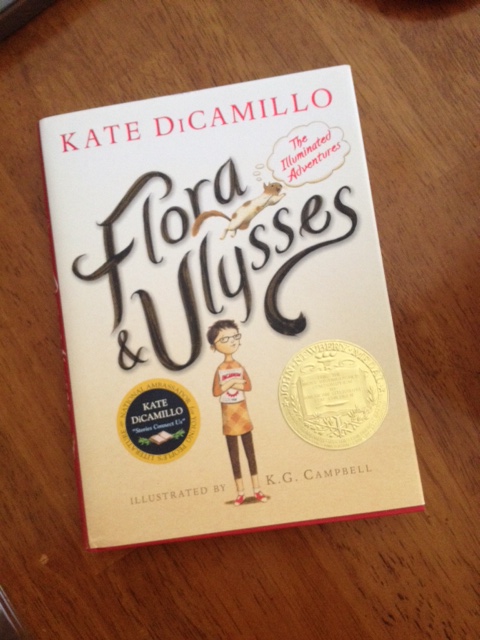
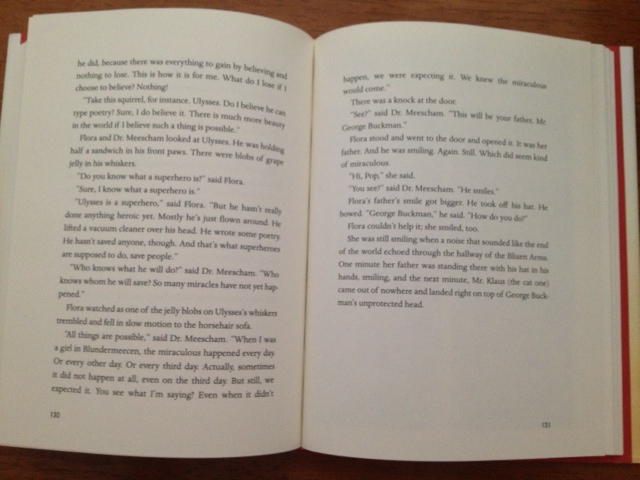
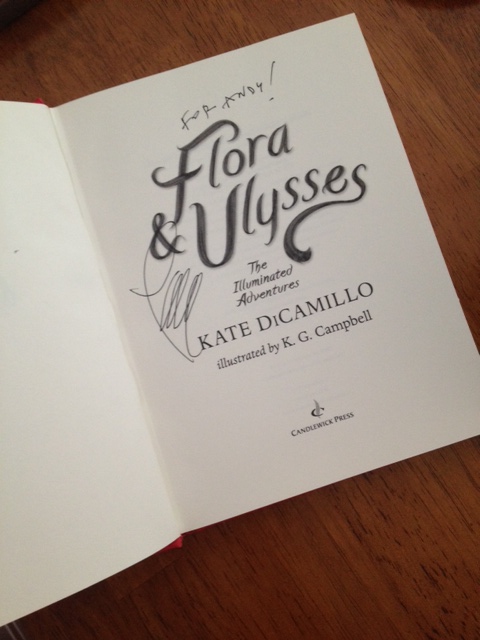
Last year, a book impacted my life, my library program, and found its way into so many conversations with students, teachers, and librarians.  “Expect the Miraculous” came to be our mantra in the Barrow Media Center thanks to Flora & Ulysses: The Illuminated Adventures by Kate DiCamillo.  It was all thanks to p. 130-131.

photo 3

This summer, as I sat down to develop our library program goals for the 2014-2015 school year, that mantra of expecting the miraculous everyday was still a big part of my thinking.  However, this summer I carried so much more with me as I reflected on goals.

I had my experiences and conversations with the #Wandoo5 at Evanced Games in Indianapolis.

photo 3 (3)


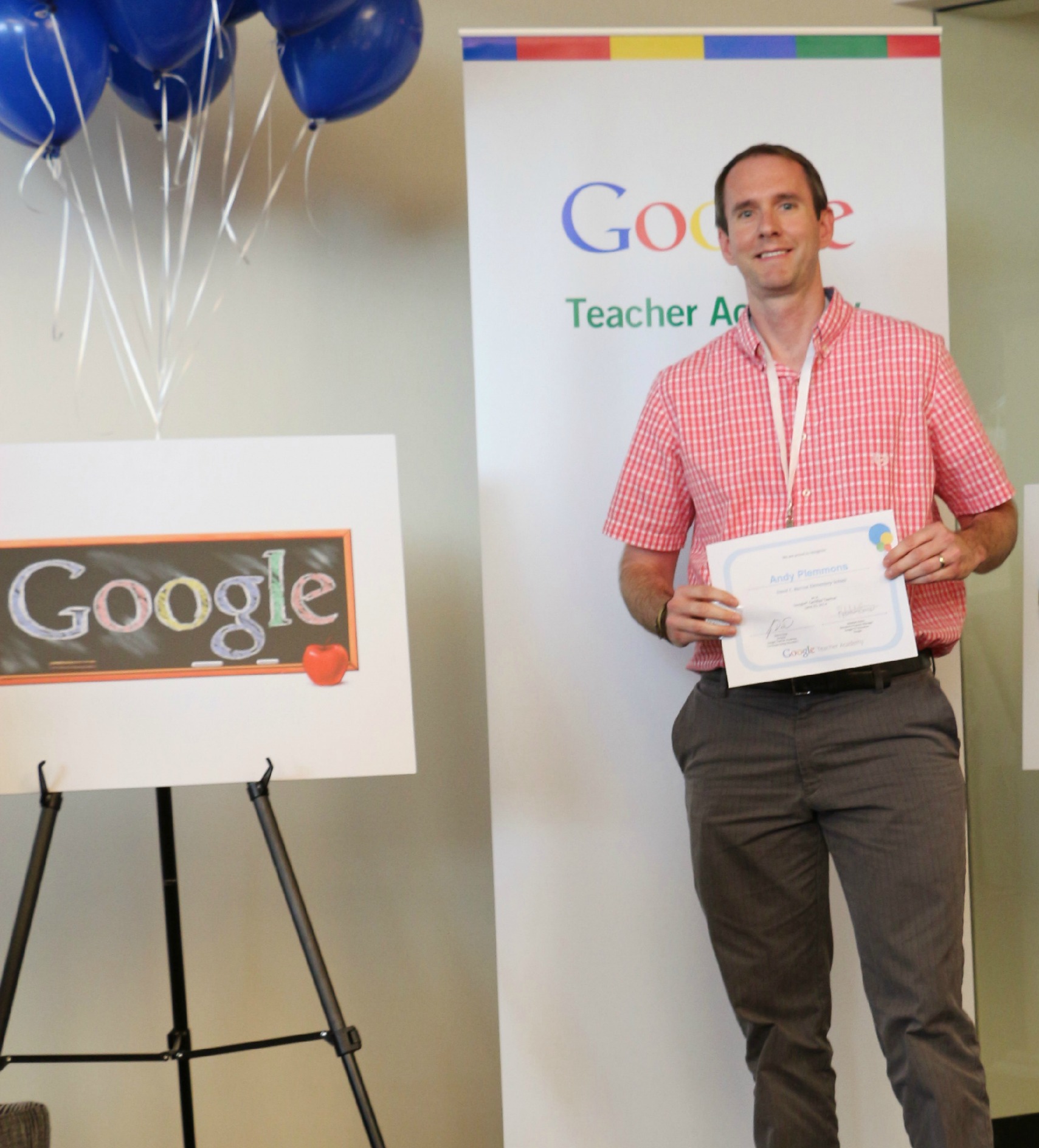
I had the moonshot thinking and action plan of the Google Teacher Academy and becoming a Google Certified Teacher.

graduation


I had the Invent to Learn Workshop with Sylvia Martinez and Gary Stager.

Photo credit: Sue Levine


I had numerous experiences at the ISTE 2014 conference including a zombie fighting keynote from Jennifer LaGarde, empowering talks from George Couros and Todd Nesloney, and inspiring keynotes from Ashley Judd and Kevin Carroll about the importance of each child’s story and the importance of play.

The more I reflected on my summer professional learning experiences the more I realized that I wanted this year’s goals to be different.  In the past, I’ve made big goals about developing the participatory culture in our library, but I’ve also made specific goals about the collection.  While the collection is important, it is not my primary focus for the library program.  I was reminded of a question in Jennifer LaGarde’s keynote about the Dewey decimal system and her answer of “who cares”.  Who cares if I have specific goals about the library collection?  What cares if the 300’s have the recommended number of books?  Who cares what the average age of the biographies is?  The heart of the program isn’t the physical collection.  The heart of the program is the students, the teachers, the families, and the community.  The heart of the program is the opportunities that they have through the library.  Now, I’m not saying that I’m abandoning the collection or that I don’t have goals about the collection.  It’s just that my primary goals of the library aren’t about the collection.

I want goals that I can carry with me into every collaborative meeting that I attend.  I want goals that I can put up on the walls of the library and add tangible evidence throughout the year of how they are impacting the students, teachers, and families in our school.  I want goals that support our school and district goals as well as reflect what is being talked about on a global level.

This week, I will share these goals with our faculty during pre-planning, but they’ve already faced their first test.  During our first day of pre-planning our principal set the stage for our year.  I must say that it was one of the most inspiring opening days that I’ve ever been a part of because it wasn’t filled with duties and responsibilities, mandates, and daunting changes.  Of course, all of those things  will be present this year, but our principal chose to focus on how we can value each child’s story, how we can add to and enhance that story by what we offer at school, and how we can develop a vision and mission for our school that represents what we truly believe in education.  As I listened and as I talked with other teachers, I was already carrying my goals with me, and I must say that I felt really good about the 4 goals that I’ve chosen.

These are the goals that are based on the themes that consistently surfaced in all of my reading, professional learning, conversations, and reflections.

Goal 1:  To provide students, teachers, and families opportunities to dream, tinker, create, and share

blokify printing (2)

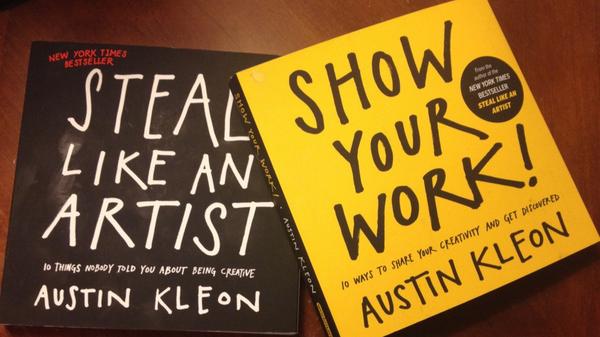
I chose these verbs carefully because I think that the order matters.  So often, we feel the time crunch in education and I think we often jump to having students make something with so many detailed requirements that they don’t have time to dream about what they hope they could make or have time to mess around, fail, and learn from those failures.  As I plan projects with teachers this year, I want to intentionally plan spaces for students to pause and wonder and have time to explore before they actually create a final product that is shared with an authentic audience.  I want us to think carefully about how we “show our work” just as Austin Kleon outlines in his books.  He says, “If your work isn’t online, it doesn’t exist.”  I’ll be thinking carefully about how we give students opportunities to create and also how they share their process as well as their final product.

Within this goal, I have subgoals about the number of large-scale projects I will do with each grade level, the development of our library makerspace, the collaborative relationships with our community makerspace and tech startup, and embedded digital citizenship.

Goal 2:  To engage in global thinking and global collaboration

Global TL logo

I can’t even count the number of times that global thinking and collaboration came up this summer.  I feel like so many people around the world are primed and ready for this endeavor during the upcoming year.  Last year, our library was more connected than it has ever been through authors, guest speakers, reading events, and peer feedback through Skype and Google Hangouts.  Even though we felt connected, most of our work was projects or single connections.  I would love to see global thinking and collaboration become more evident in what we do through long-term collaborative relationships around the globe and authentic questions and projects that matter to the world.  Within this goal are the many networks that I will be a part of this year including GlobalTL, Connected Classroom, Skype in the Classroom, and my Twitter PLN.  I’m inspired by the work of Sylvia Rosenthal Tolisano and will look at her work as we plan this year.

As teachers and I plan this year, we will ask ourselves how we are being global thinkers and how we are connecting our students beyond the walls of our school.

Goal 3:  To empower student voice

IMG_3479

When I thought about this goal, I was reminded of many stories shared by George Couros at ISTE including the story of a little boy who made a video where he overjoyed by getting one “like” on a social media post.  I was reminded of Todd Nesloney sharing about his math fair and how he asked students to “wow” him by showing their math knowledge.  Students did more that “wow” him.  They shared their passions in life, involved their families, and were empowered.  I was reminded of how we all want to be heard and feel like we’ve made a difference.  As I plan with teachers this year, I want to ask how we are empowering each student by allowing them to share their passions and feel that their voice is heard.  In the library, I will continue to explore this as well by giving students opportunity to document our year, make decisions about library resources, share their passions through contests and displays, pass on their expertise through co-teaching experiences, and listening closely for opportunities I don’t even know about.

Goal 4:  To support the reading habits and curiosities of students, teachers, and families

It’s no secret that the more you read the better reader you become.  You of course need to have the skills and strategies to accompany that time commitment.  You also need access to reading that matters to you.  This year I want to be more intentional about supporting reading curiosities to match students, teachers, and families to the kinds of stories and information they are looking for.  I also want to be more intentional about documenting that commitment to reading.  Our library is not the only source of reading materials, so I want to continue to build a collaborative relationship with the public library, local bookstores, and other community resources to all work together toward a common goal.

This year, we will explore an Evanced tool called Wandoo Reader.  This tool will give students a portal for documenting their reading lives through tracking book titles and minutes read.  Along the way, there will be challenges issued to students, and within Wandoo Reader, they will earn pieces to a robot that they will customize.  I hope that this tool will offer a level of engagement for tracking reading as well as encourage students to spend more time reading in multiple ways from multiple locations.

IMG_3035


Our planning will begin this week and I look forward to carrying these goals with me, trying them out, and see what miraculous things happen this school year.

What are YOUR library goals?  I invite you to think about them in new ways and share.


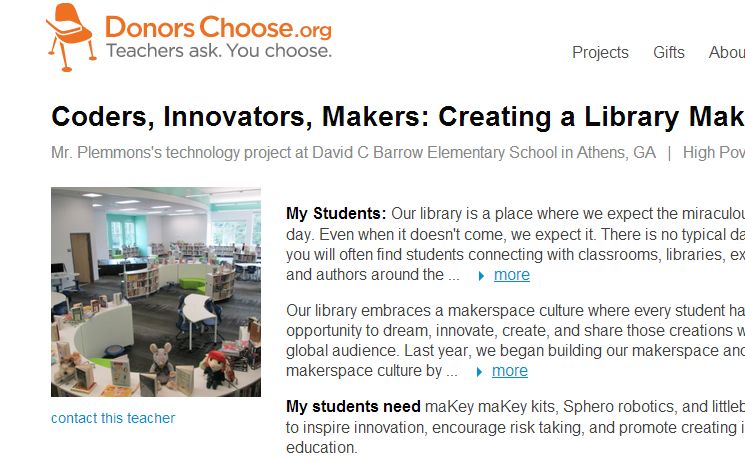
Coders, Innovators, Makers…Please donate to our Donors Choose Project to build our library makerspace

FireShot Screen Capture #019 - 'Coders, Innovators, Makers_ Creating a Library Makerspace' - www_donorschoose_org_project_coders-innovators-makers-creating-a-l_1253089__rf=link-siteshare-2014-07-teacher_accoun

Update:  This project was fully funded in less than 24 hours.  Thank you to all who contributed and shared!

View our project here!

(Don’t forget to use the code “INSPIRE” at checkout!)

Here are the details of where this project is coming from:

Our library has always been a space where we value creating and sharing just as much as consuming information.  Last year because of a Donors Choose project, our library received a 3D printer and it allowed our students to create things that they had never even thought of.  The makerspace culture is alive and well in our library, but we have  a long way to go to exploring makerspaces and how the culture of a makerspace supports students, teachers, and families.

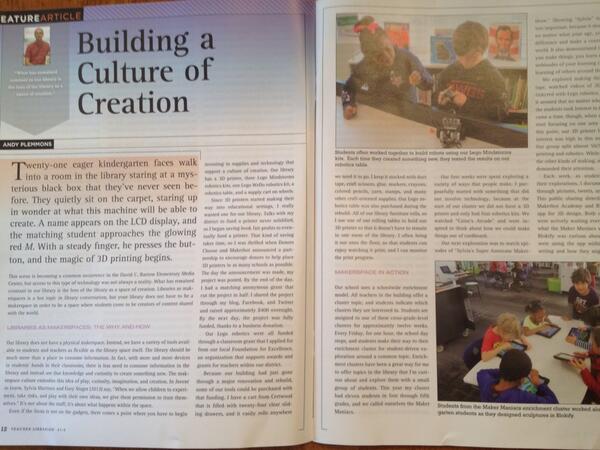
Over the summer, I had an article published in Teacher Librarian about the culture of creation that we are developing in our library and school.  In that article, I talk about the culture, but at some point you have to get some “stuff” to create with.

“Building a Culture of Creation” in the June 2014 issue of Teacher Librarian

This year, one of our library goals is to give students, teachers, and families opportunities to dream, tinker, create, and share.  A part of this is developing the tools that are available for creating in our library.  Our space which we thought was going to be a studio is now going to be a makerspace within our library.  A portion of our library funding this year will be dedicated to developing our makerspace.  After attending an Invent to Learn workshop and focusing on makerspaces at ISTE this summer, I have chosen some next steps for our makerspace.

Our library budget this year will fund:

A littleBits workshop set:


A litteBits Space kit:


4 MaKey MaKey kits:


A Hummingbird robotics kit:


This Donors Choose project will extend our budget and give students even more access to maker materials by adding.

littleBits Cloud:

4 additional MaKey MaKey kits:

Sphero:


I hope that you will consider supporting our project.  It will impact numerous students, teachers, and families within our school through projects, alternative recess activities, enrichment clusters, and afterschool workshops. Even if you can’t contribute financially, please consider sharing this project within your own networks. I will be sure to blog about our explorations throughout the year.  Thank you in advance!

Kindergarten Blokify Creations Becoming Reality with Makerbot

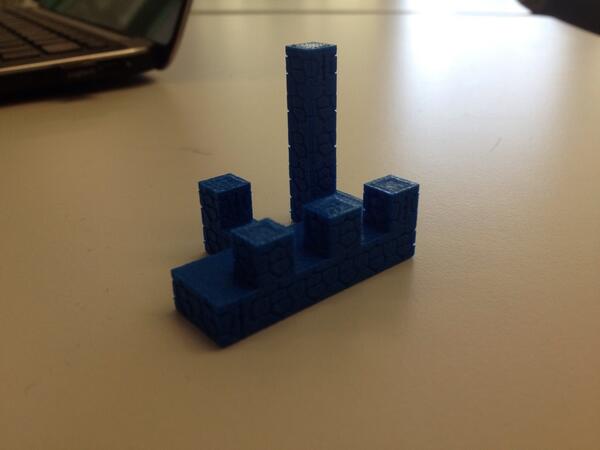
blokify printing (1)Today, Mrs. Kelly Hocking brought her Kindergarten class to the library to begin 3D printing their creations that they made with the Blokify app on iPad.  It has been a few weeks since they made their creations.  After they left the creating session, 5th graders helped email all of the files to me.  We put them into Makerware, made them smaller, and sliced the files for 3D printing.  All of the files went onto the SD card to be ready to print.

blokify printing (4)

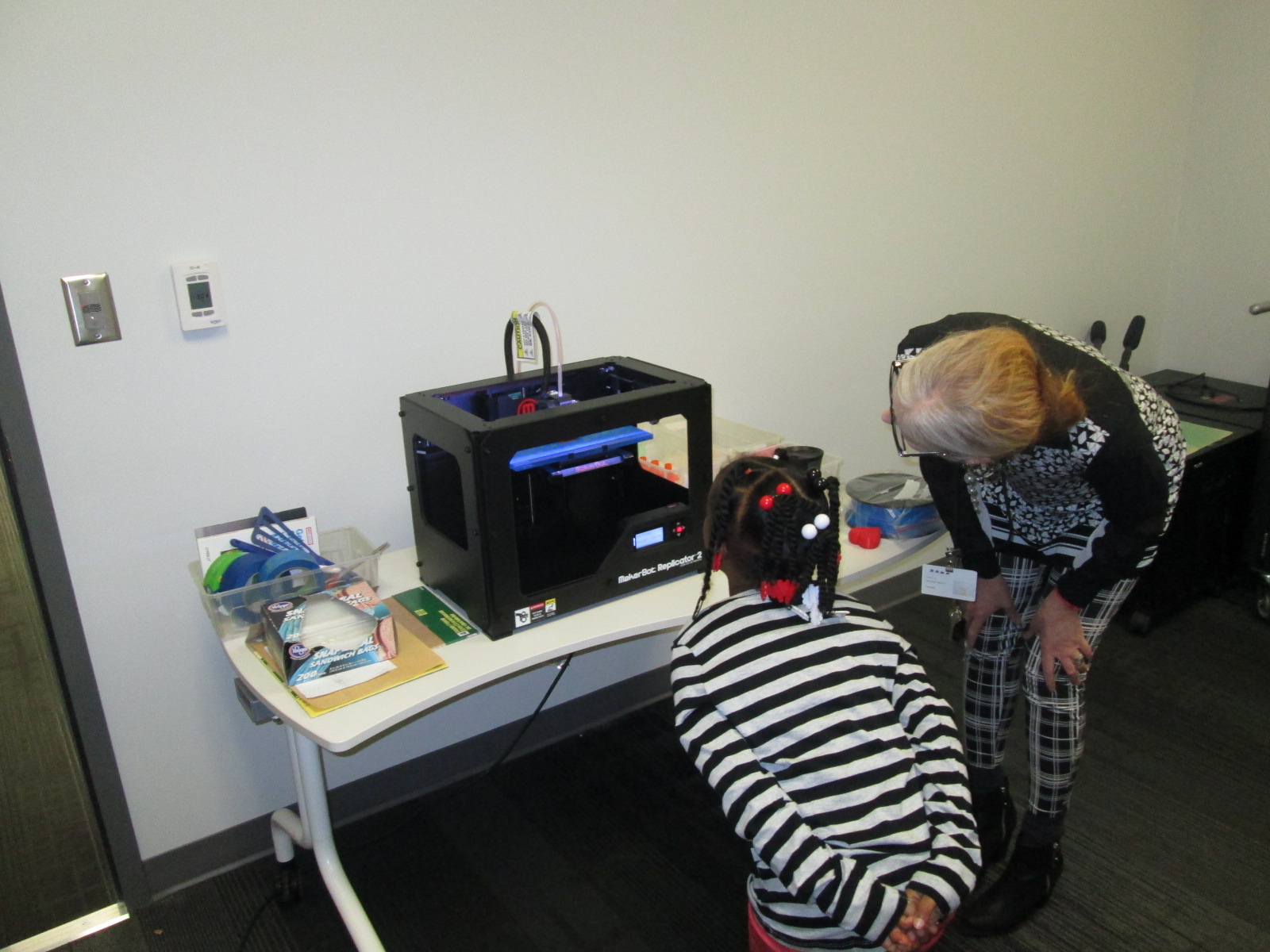
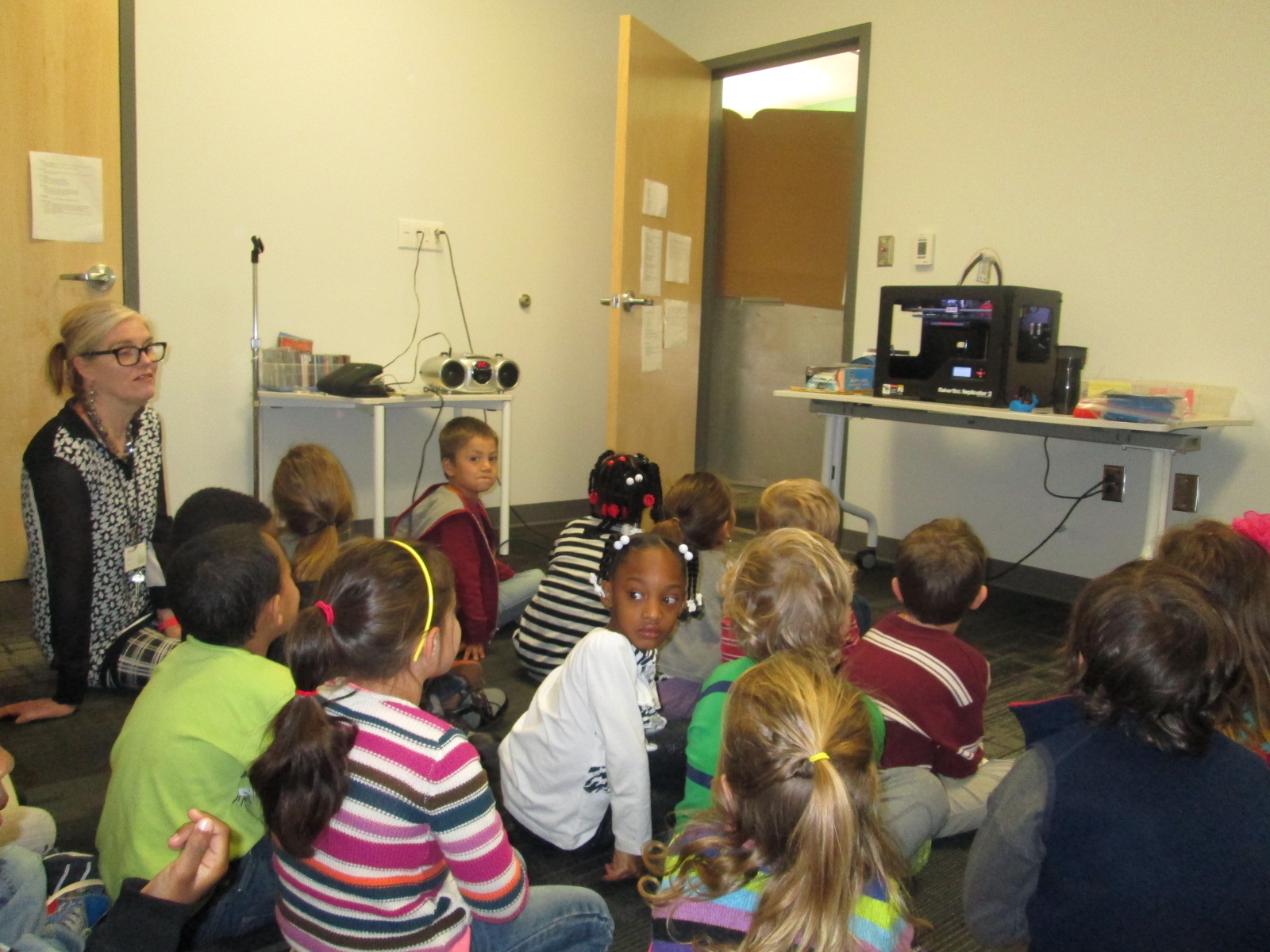
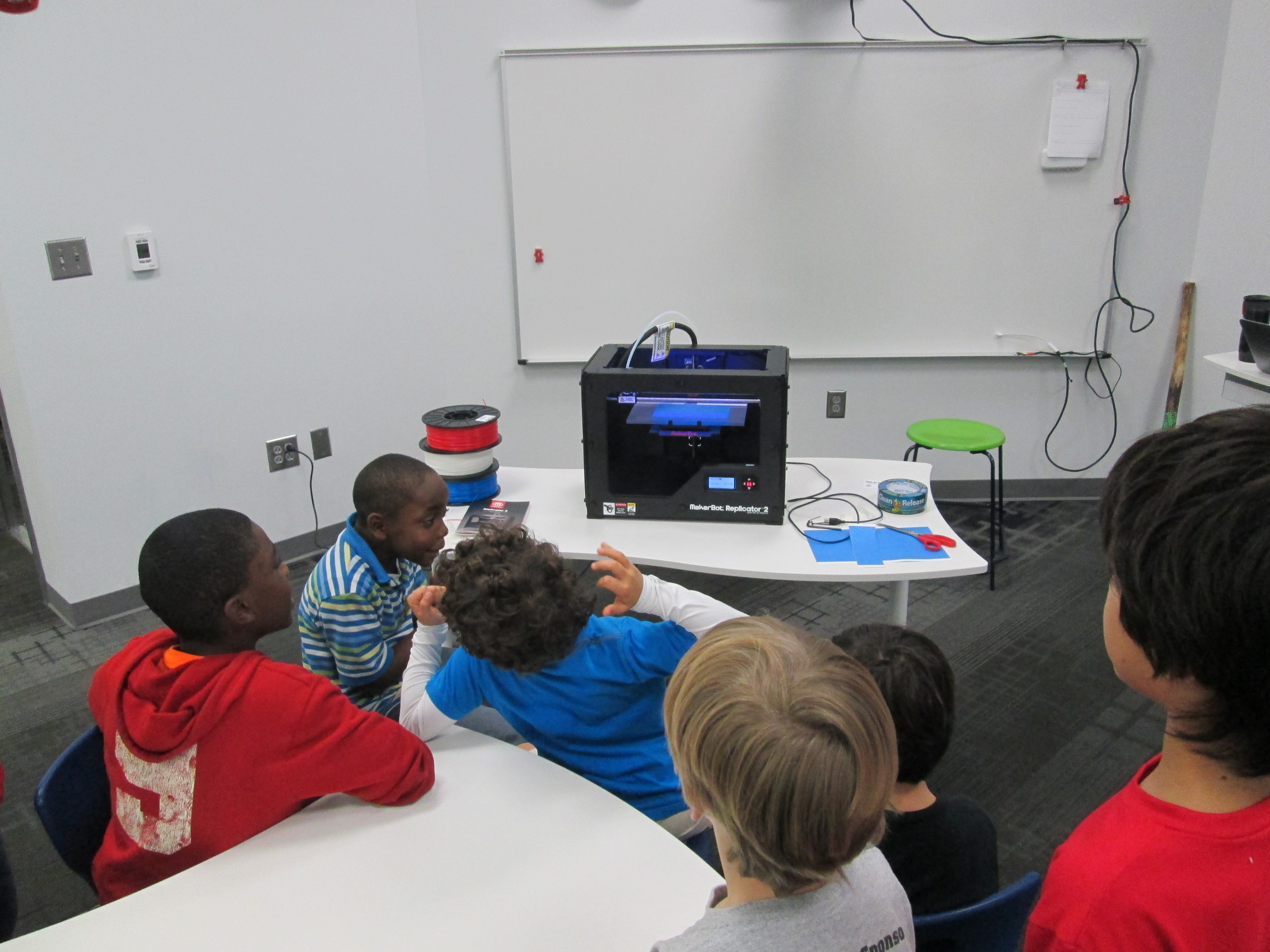
Today, they all sat in front of the 3D printer.  We spent some time talking about what a 3D printer is and looked at some of the creations it had made.  We also talked about the safety of not touching the printer while it is printing due to the heat and the fact that bumping the printer could mess up the print.

blokify printing (3) blokify printing (2)

Finally, we cued up a file on the screen and the student came up to press the M to start the print.

They loved watching the build plate raise to the top.  There were even oohs and ahhhs as the printer was heating.  Once the printing started, we let one student at a time come up to peek inside and see what 3D printing looks like.  They were all amazed.

Mrs. Hocking is working with all of these students to stretch their imaginations.  They are going on a virtual field trip to Boston over the next few weeks and along the way they are virtually stopping in each state and learning something about that state along the way.  For example, next week we will read the book Suryia and Roscoe: The True Story of an Unlikely Friendship and visit the sanctuary where they live in Myrtle Beach South Carolina.  Mrs. Hocking is having the class imagine packing a virtual suitcase that they can put anything in.  Today, they want to add the Makerbot to their suitcase.

These students are also planning out imaginary gardens in their minds.  Their Blokify creations will eventually find a spot in those imaginary gardens and students will imagine what it’s like to go inside of their Blokify creations.  They will create art and stories to accompany these 3D printed sculptures in their imaginary gardens.  I always love the imagination and creativity that Mrs. Hocking brings to life in her classroom.

blokify printing (6)

Over the next few days, the Blokify creations will continue to be printed until all 21 are done.  Then, the imagination and creating of stories will begin.


Banding Together with Rainbow Loom, Makerbot, and Libraries

Back at the beginning of the new year, my friend Shannon Miller in Van Meter, IA told me she was planning to do a research project that involved Rainbow Loom bracelets.  When she started implementing the project in her library, it organically grew into something much larger.  Through connections with In This Together Media , the project developed into “Banding Together”.  You can read the full details of the project here:  https://www.smore.com/n65m

Here are the basics:

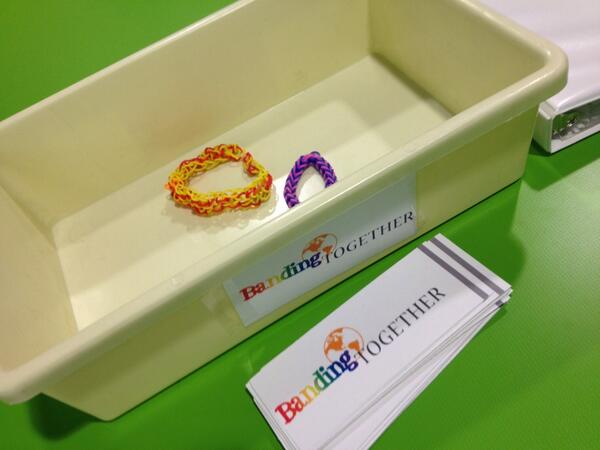
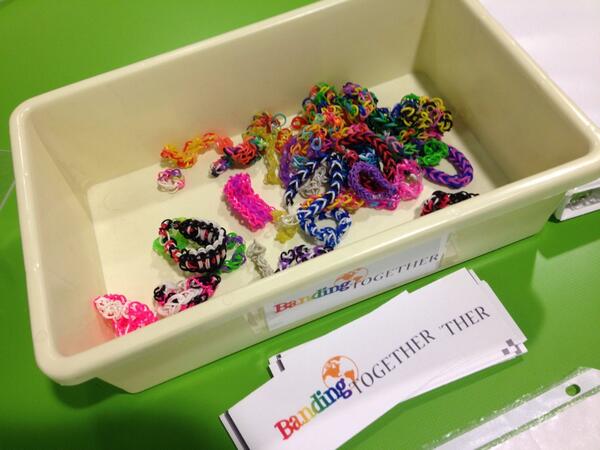
  • Students at Van Meter, Barrow, and multiple schools around the country are making Rainbow Loom bracelets.
  • The bracelets will be sent to a school in Mangalore, India
  • Along with the bracelets, we will send poetry written by students, 3D printed charms designed by students, and a disposable camera to take pictures to send back

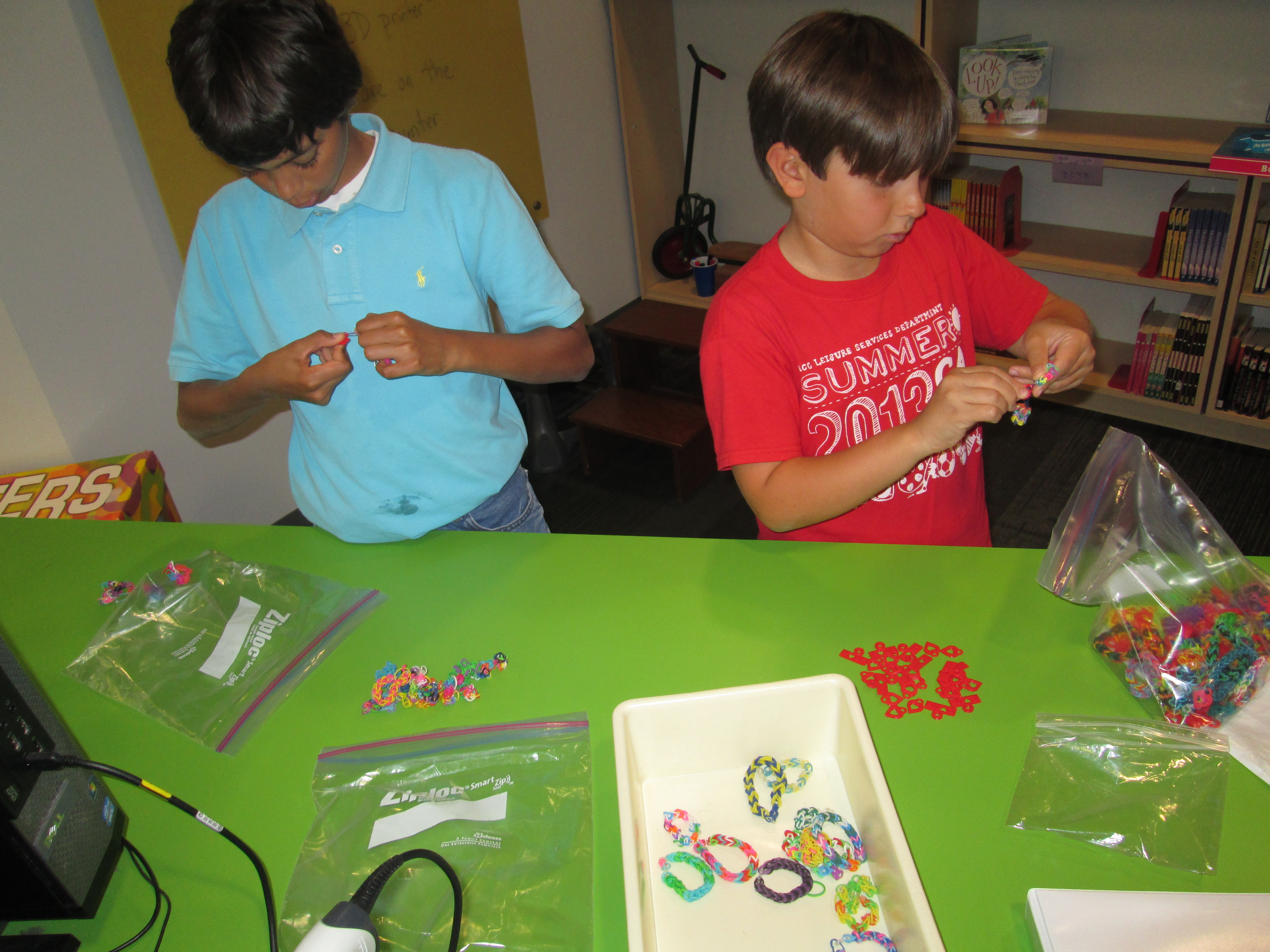
I announced the project this week on our morning BTV.  I placed a collection box for Rainbow Loom bracelets on our circulation island, and by the end of the day, a few bracelets had already been donated.  Students asked me about the project all day.  By the next day, several kids were bringing bracelets in.  I was so surprised by the generosity and enthusiasm from the students to send their bracelets across the miles.

First Day

Second Day


Next, we started designing charms for 3D printing.  I had already experimented some on my own, and I sent Shannon Miller a file that I made so that her students could print it and learn from the file too.  Her students took my file and modified it or examined it in order to design their own.

Shannon’s students in Iowa being inspired by the file I sent them

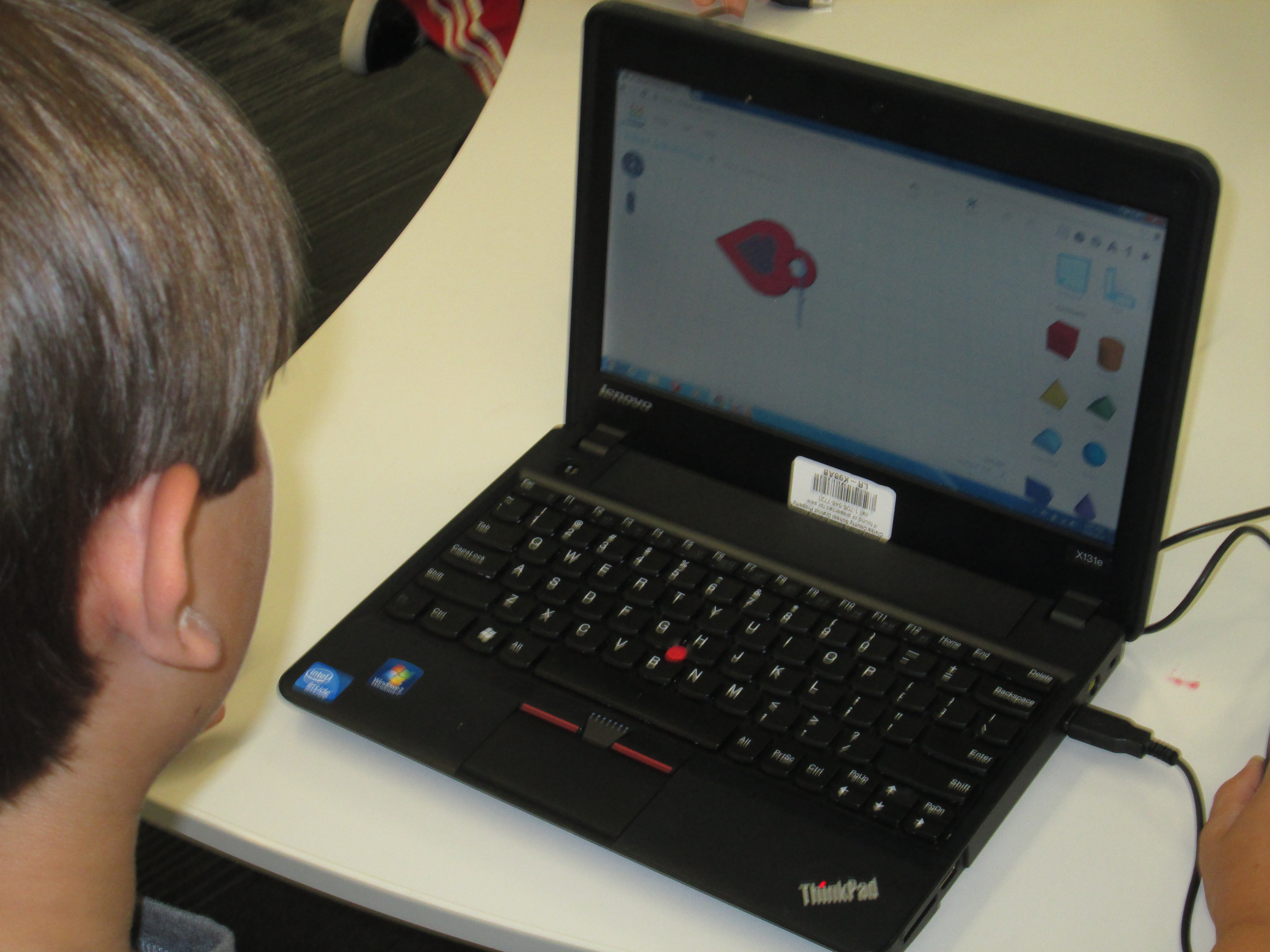
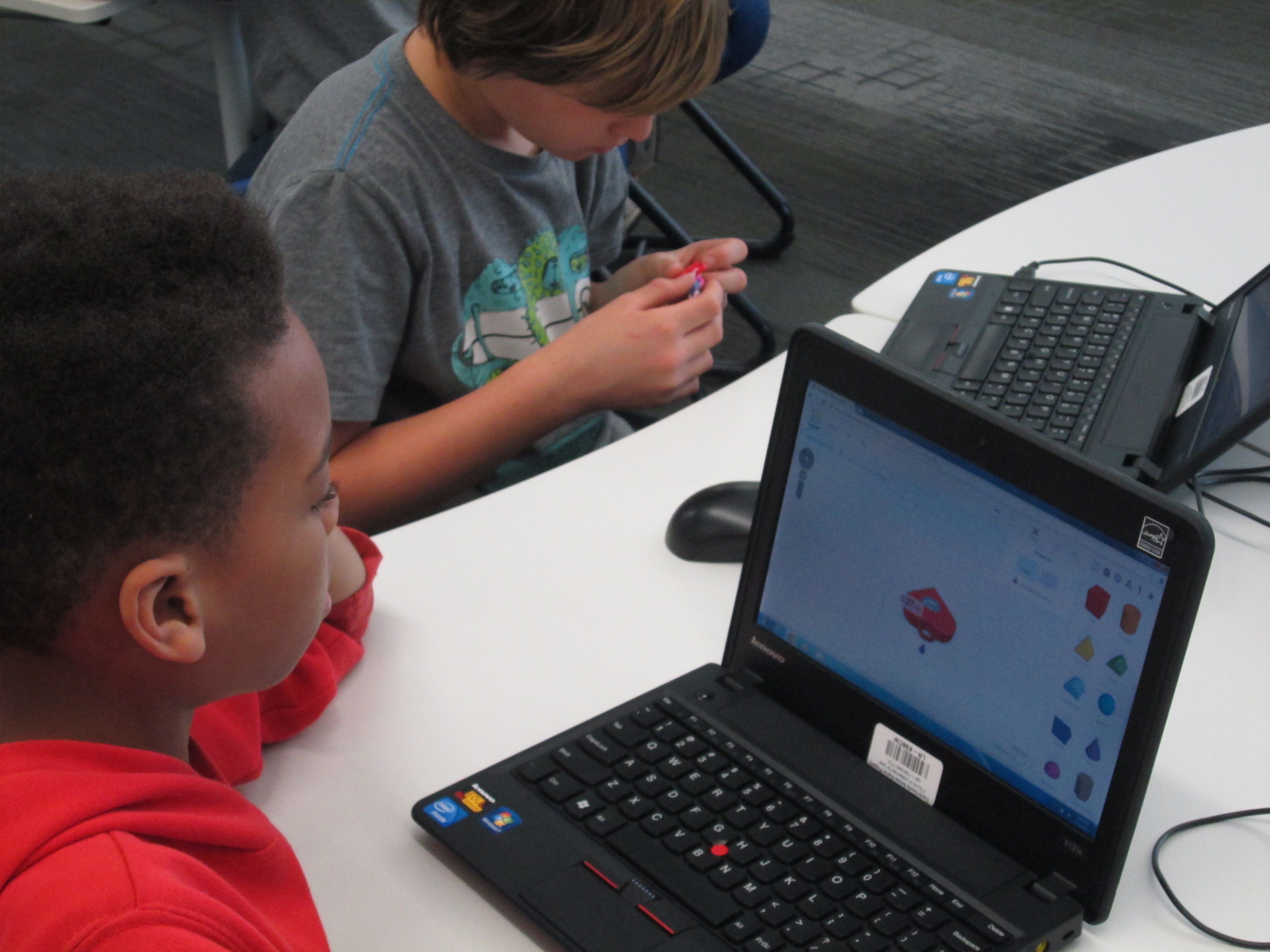
I have a group of 5th graders who have been exploring different technology and how they might support other classes trying to use that technology.  They have already been exploring Tinkercad to design objects for 3D printing, so I knew they would catch on fast to the idea of making charms.

charm design (2) charm design (3) charm design (4)

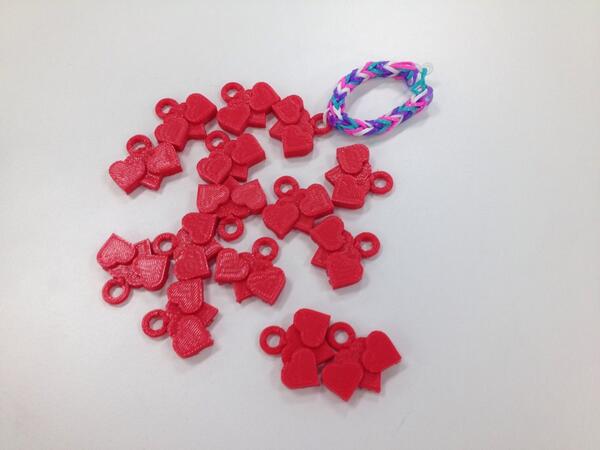
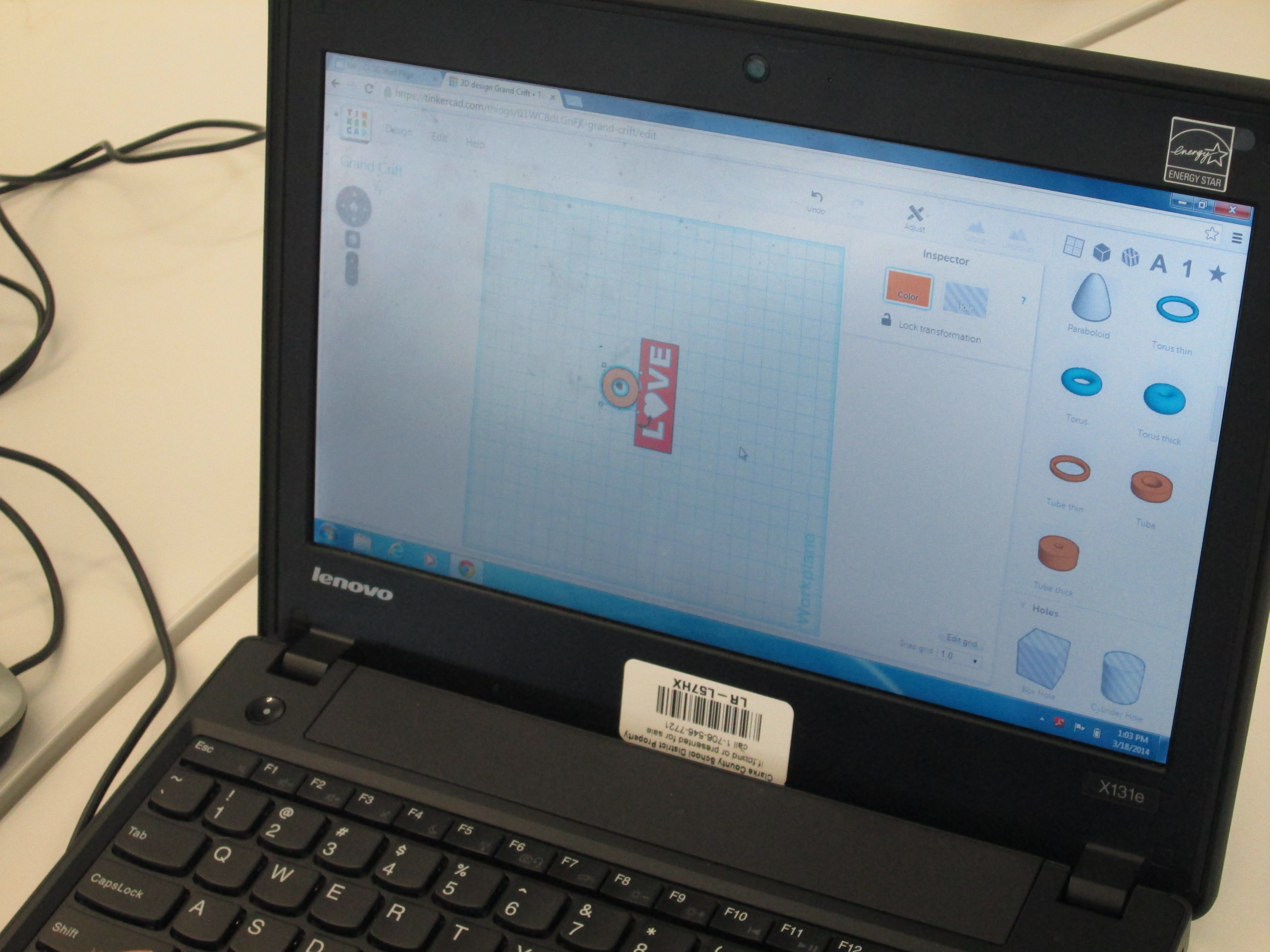
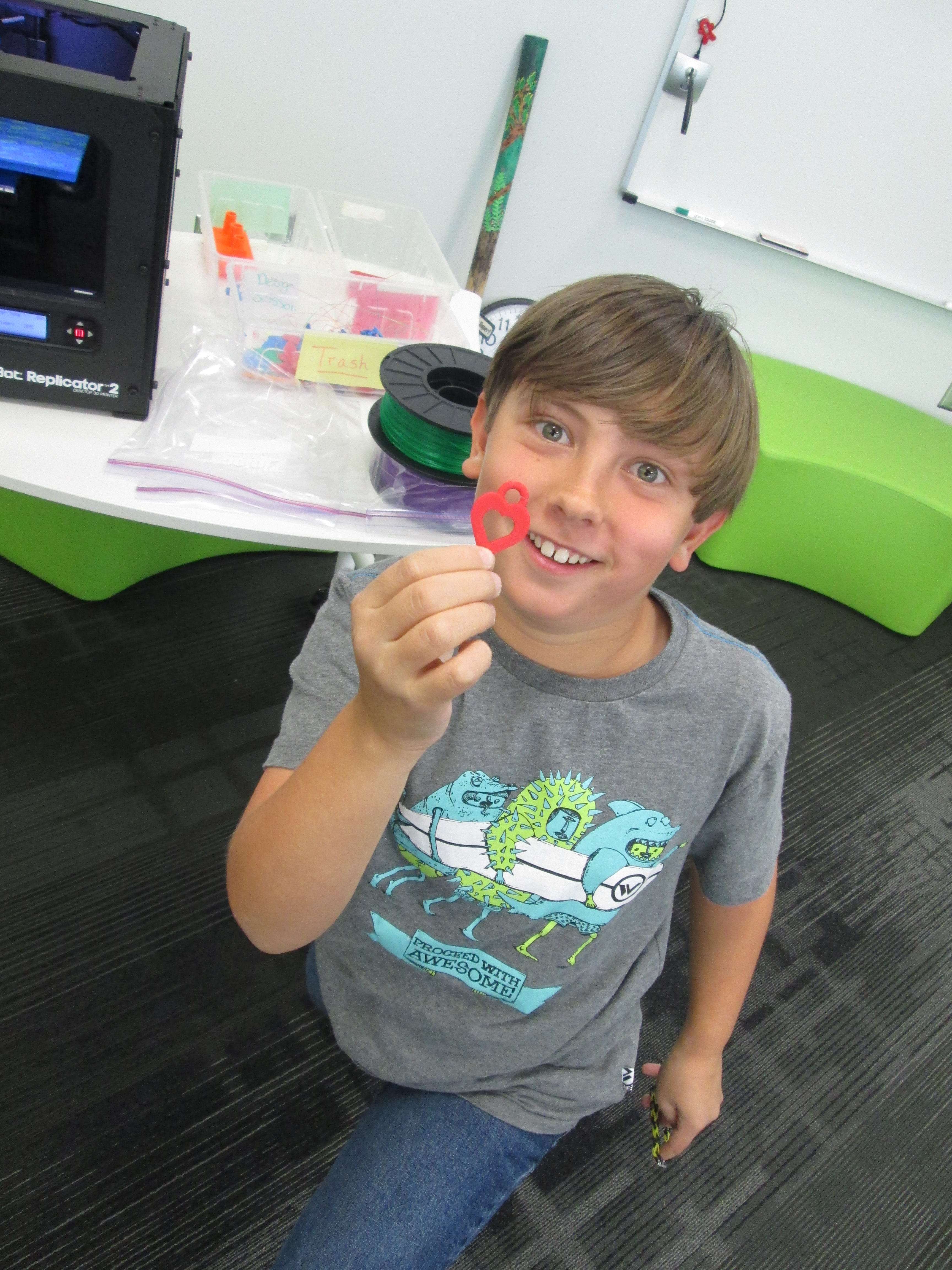
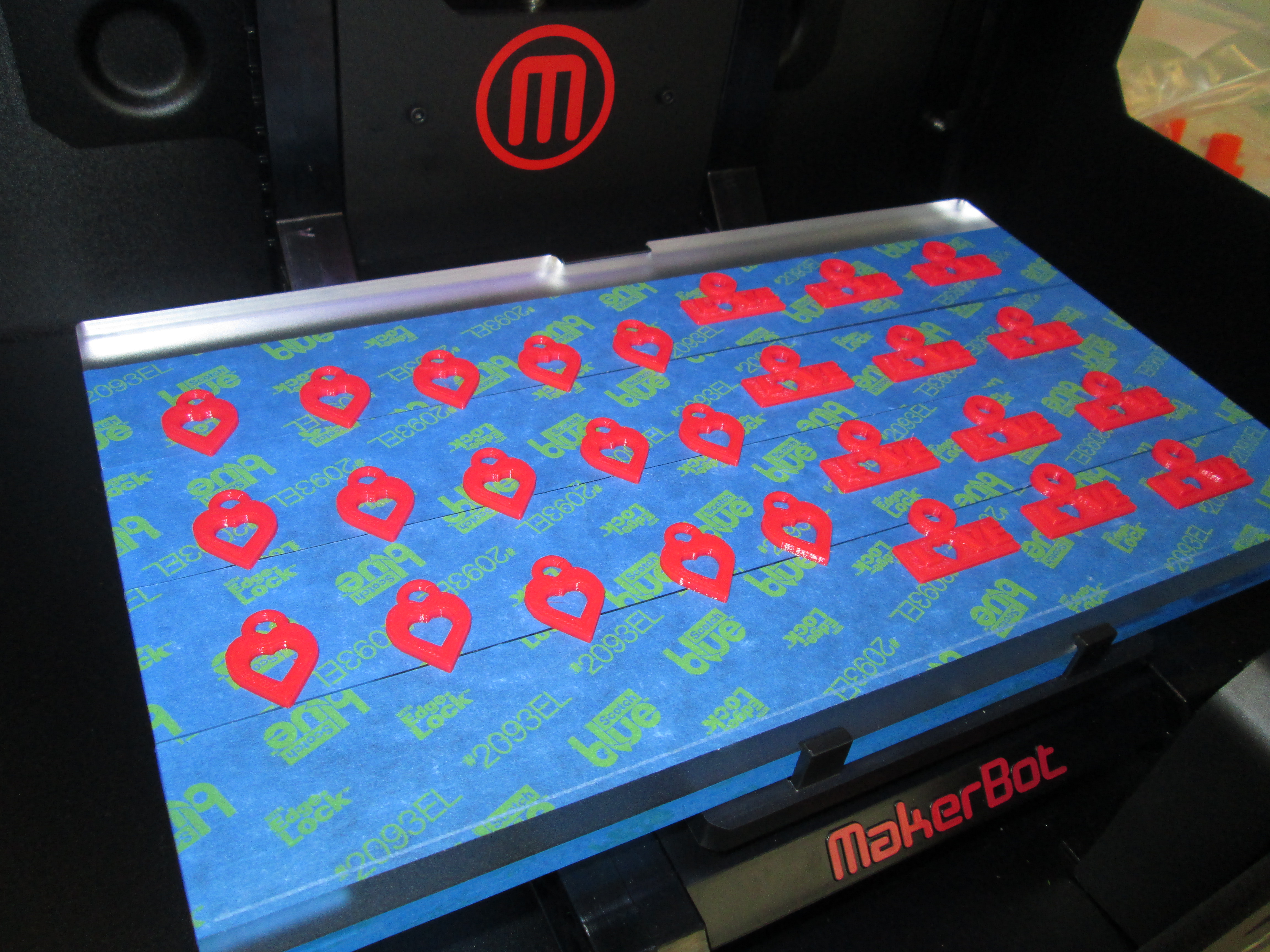
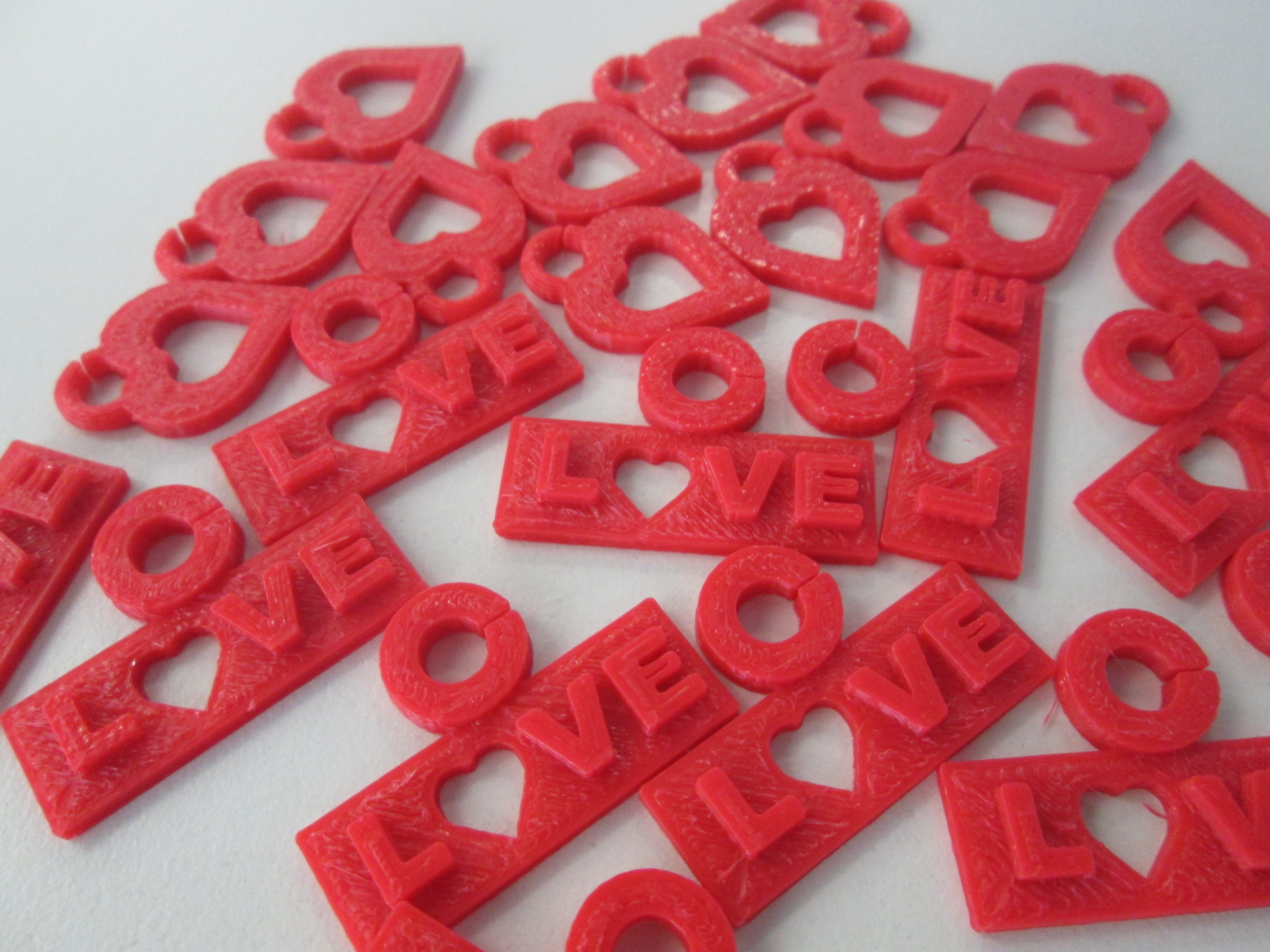
Since the Banding Together project has a lot to do with spreading the joy in our hearts, we have focused our charm design on that theme.  We decided that each charm should have some kind of heart.  Dmitri designed a heart with a heart hole in the center.  Walker designed a charm with the word “love”.  Instead of an “o” he used a heart.  I designed a triple heart to symbolize India and the US uniting together with our shared joy.  We took these first 3 designs and made sure that they printed correctly.  Once we saw how they worked, we started mass production.

charm design (5) charm design (7)

As charms were ready, parent volunteers helped put them on bracelets.  Dmitri and Walker also became quality control and made sure that all of the Rainbow Loom bracelets we were sending had joy-filled quality.  They continued attaching charms.

quality

We are waiting on a few more designs to be completed and we will ship our first batch of bracelets and charms.

Next week, we are adding a new layer onto the project with poetry, so look for an update soon about this exciting development that our 2nd graders will be involved in.

I love how this is a project that students in all grades can be a part of whether they made bracelets, wrote poetry, designed charms, or helped with packaging and quality.  We truly are banding together in more ways than one.

charm design (1)


Our 2nd Student-designed 3D Print on Our Makerbot Replicator

Danny Gem (16)Today, the second student who designed a gem using Sketchup was able to print his gem our our Makerbot replicator.  In case you missed the 1st print, you can read about Grant’s history-making print here.

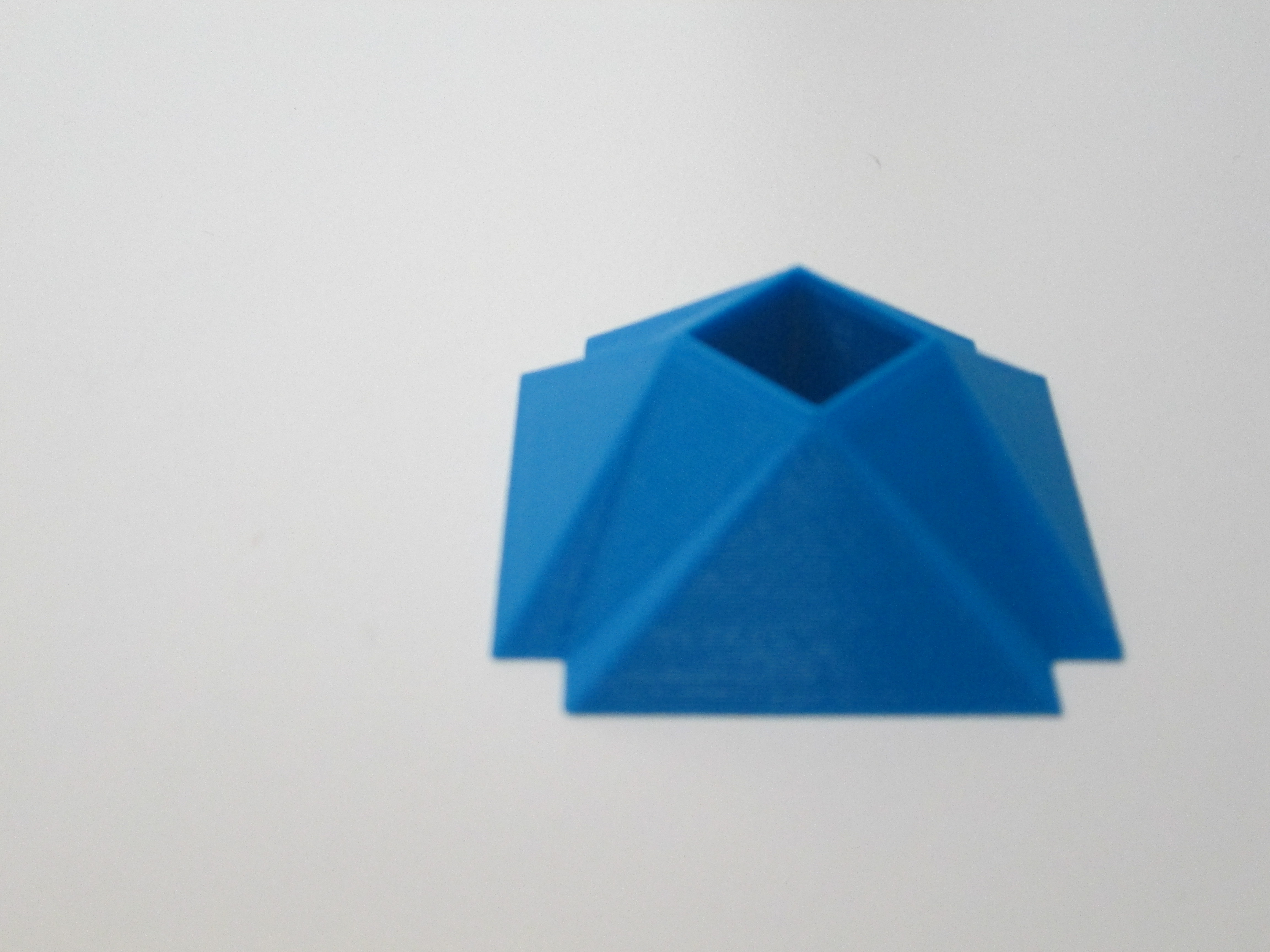
Danny’s gem was quite different from Grant’s.  Danny figured out how to make a square hole right through the middle of his gem.  It was something we had wondered how to do, and he figured it out.  This again brings to my mind the importance of letting go of the feeling of being an expert in everything before we allow our students to explore.  Because Danny was given the freedom to explore Sketchup, he figured out how to do so much more than his teacher and I could have ever figured out on our own.  Now his expertise can support others who want to try a similar design.

Danny Gem (13)Before Danny pressed the bright red M to start the print, we made sure he got to choose the filament color that he wanted.  We now have a selection of filament to choose from:  blue, red, white, clear, black, yellow, orange, green, purple, and black.  Danny’s gem took about 24 minutes to print.  Now that we have an approximate time frame for printing these gems, we are going to try to get 2 printed during each class period over the next few days.  Once again, students flocked around the printer and begged for their gem to be next.

You can watch is gem print process here:

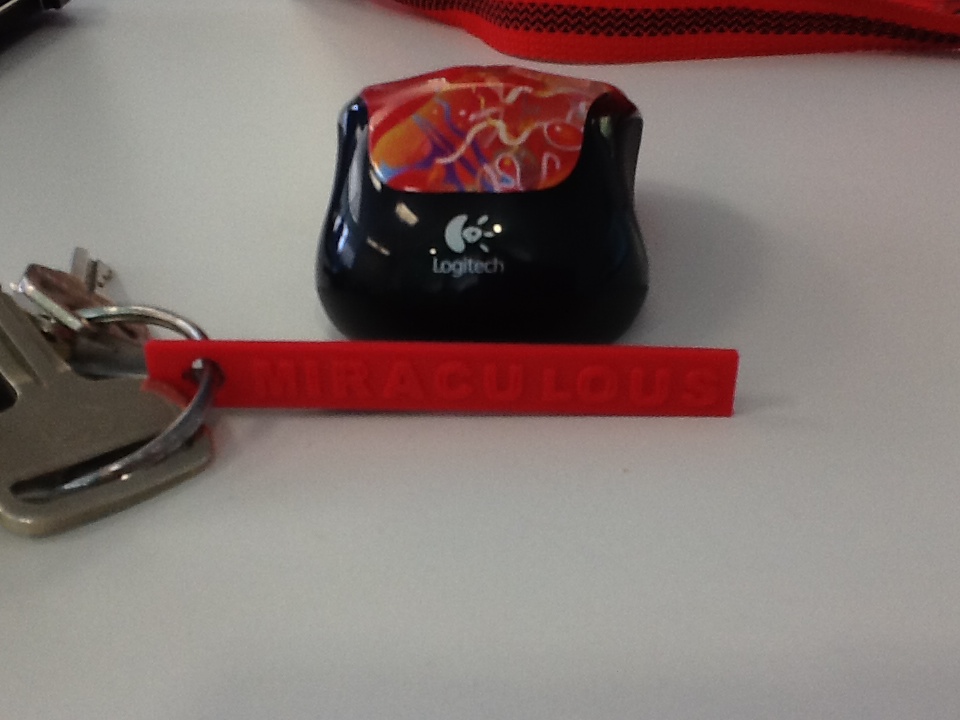
IMG_0280I’ve also been experimenting with a couple of tools that will hopefully inspire some new projects with several classrooms.  One tool is Tinkercad.  I recently used Tinkercad to make a words with wings keychain.  In her new book, Words with Wings, Nikki Grimes has some incredible poems that detail how a single word can help us take flight through its meaning in our lives.  I hope that I can share this poetry with students, have them select their own “words with wings”, and create backpack pulls using Tinkercad.

blokify castleAnother new tool is Blokify.  With this easy-to-use iPad app, students use a series of blocks to make pretty much anything they want.  While the blocks are designed to look like a castle, space ship, or pirate ship, they can really be stacked into anything in a Minecraft-like style.  The files can be emailed from the iPad to be imported into Makerware.  I hope to do storytelling projects with teachers around student-designed settings and/or characters.  With the blocks all being the same size, there is also great potential to use this for perimeter and area in math.

I love how ideas keep naturally surfacing within our standards and explorations.  It’s not about what we can 3D print.  It’s about what we are learning about, what we want to create, and how 3D printing might support that.

Our 1st Student-designed Print on Makerbot Replicator 2

1st print (22)Today was a Barrow milestone.  Grant, a 3rd grader, became the 1st student to print his own design on our new Makerbot Replicator 2.  Grant’s class has been studying rocks and minerals.  As a part of the study, they skyped with Aurum Studios, a jewelry store in downtown Athens.  During the Skype, Aurum toured students through the design process of a piece of jewelry.  One piece of designing is to use 3D software to create a model.

Students used a free tool called Sketchup and began to design their own gems with all of the cuts that they would design into a piece of jewelry.  Ashley Maher, Spectrum teacher, worked with these students and gave them space to explore the many functions of Sketchup.  Many of them figured out several functions of the tools within Sketchup by just exploring on their own.  The students started this project before we even knew we were getting a 3D printer, but when we did, they had an ultimate goal of holding their gems in their hands.

Ms. Maher took Grant’s Sketchup gem as an experiment to see if we could print it.  We used this post for guidance.  Basically, a plugin had to be downloaded into Sketchup in order to save the Sketchup files as an STL file.  Next, the STL file was imported into Makerware.  The gem was rotated so that the flattest side was on the build plate.  We set the file to a 15% infill with no raft.  Finally, the file was loaded onto the SD card ready for Grant to print.

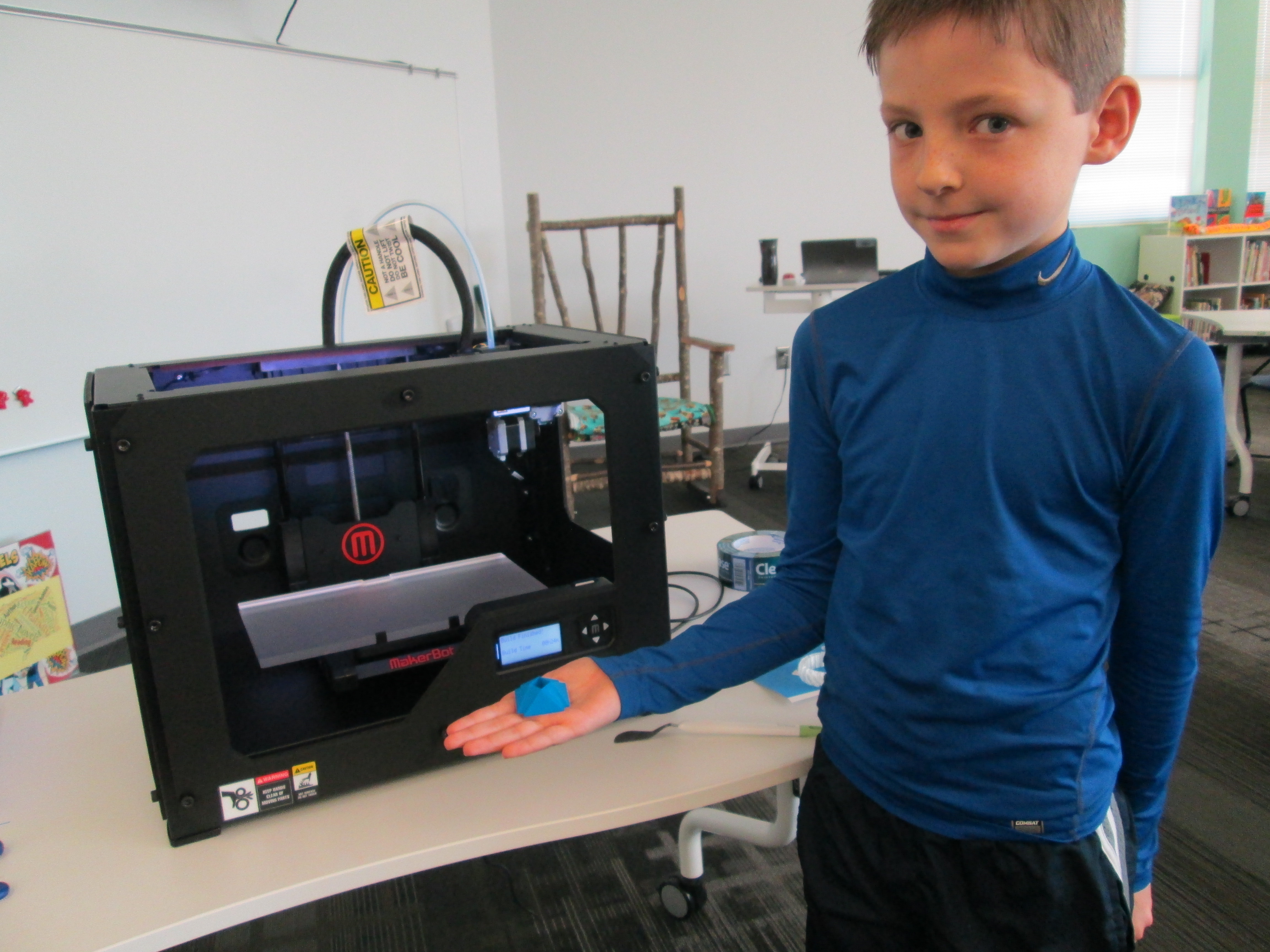
Today, I checked in with Grant to see what color he wanted his gem to be.  I had his natural filament loaded and ready when he came to the library for ELT.  He was eager to see what happened.  I reminded him before we started that this was all an experiment.  If it didn’t work, we would look at our mistakes and try again.  We pulled up his file on the Makerbot and he pressed the red M to begin.  The rest of his classmates were in the library working and they frequently came over to visit.  We watched as the 3D printer built layer upon layer perfectly.  It took about 35 minutes for his gem to print.  Along the way, we made some video and Grant talked about his design as he watched it appear.  As the gem neared completion, Grant was bouncing around shouting out the percentage because he knew we were so close to finishing the print without a mistake.  When the build plate lowered and his gem that he designed was sitting their, he was ecstatic.  His classmates rushed over and everyone wanted to hold it.  He passed it around and then took it to show a few adults in the building.

Immediately, all of his classmates began asking when they would get to print.  We probably won’t print any more until January, but now we know that the process works.  After winter break, students will continue designing and printing.  I have a feeling that now that students have seen the final product, they are going to get even more creative with the cuts in their gems.  I’m also excited that we have so many young experts in our building that will be with us for 2 more years.  These students will be leaders in teaching others how to use Sketchup and other modeling tools.  This is only the beginning.  It’s exciting to think about what is to come.  I am so grateful to the donors, Donors Choose, and Makerbot for making 3D printing a reality in our school

Makerbot Replicator 3D Printer First Prints!

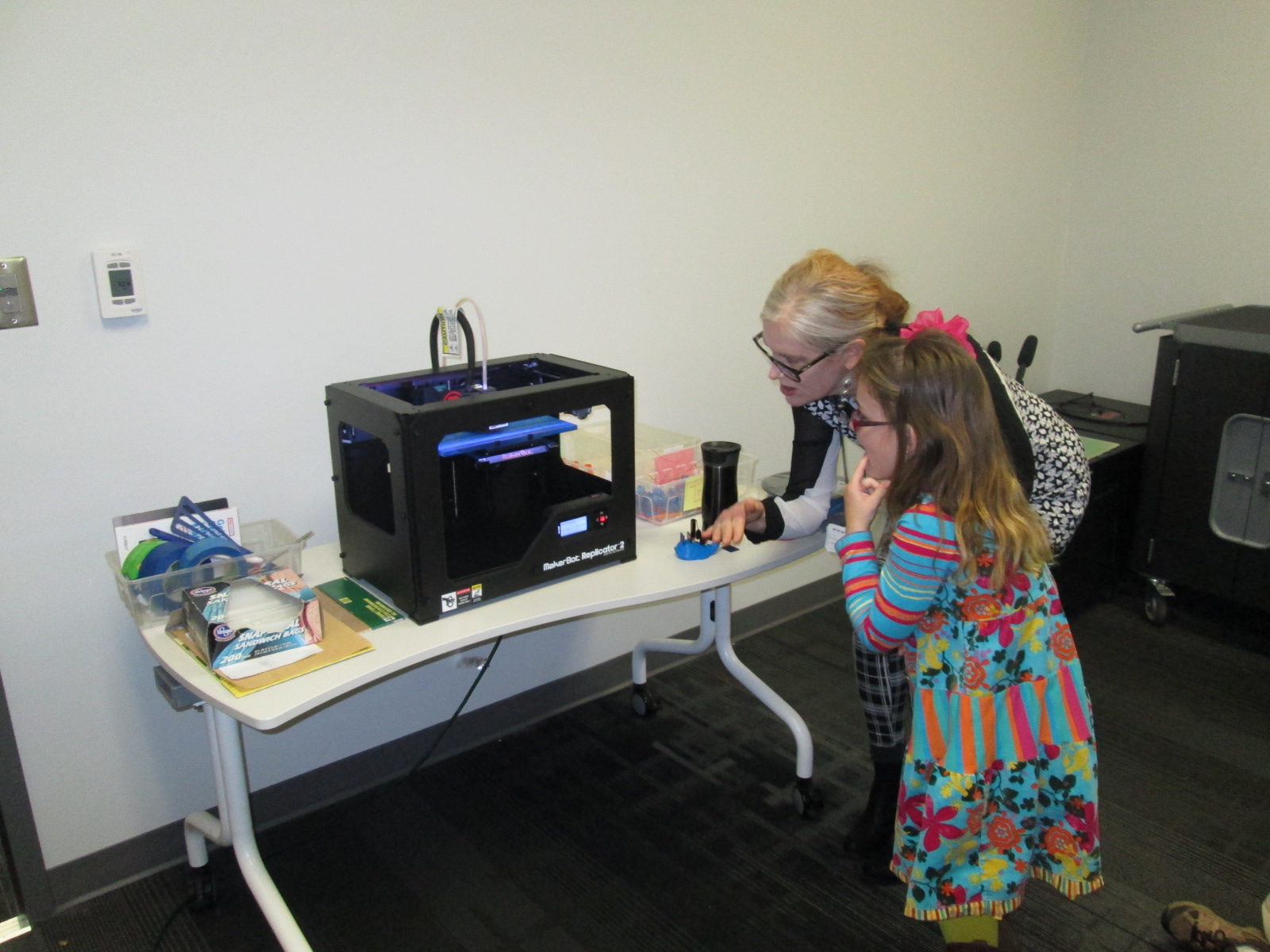
IMG_1471Today my Makerspace Maniacs group met for enrichment clusters.  This group is made up of 9 students in grades 2-5.  They had already heard that the 3D printer had arrived and they were eager to give it a try.  For demonstration purposes, we used the files that were pre-loaded on the SD card that came with the Makerbot in order to print.  They voted on what to print and chose Mr. Jaws, a shark that can serve as a paper holder.  We went through the menu screens and selected our print and pressed the red M button.  We were ready to be amazed, but our print failed!  So what happened?  It seemed that the filament began to ooze out of the extruder before moving onto the build plate.  This caused some buildup that interfered with the actual print file sticking to the build plate.  Instead, it got tangled up in itself and made a ball of filament on the plate instead of a shark.  Did we give up?  Of course not.  We used a Rachel Ray silicone spatula to catch the filament oozing out before it moved onto the build plate, and our shark printed great.  In the process, we had a great conversation about how makers don’t give up.  They learn from mistakes, and they expect that things rarely go right on the first try.

The students were amazed by what the printer could do, and they already starting talking about what they wanted to design.  We really have our work cut off for us because we know the process is going to be filled with learning curves.  Today, the Athens Banner Herald also came and interviewed me and the students.  They were eager to tell the paper their stories of how they plan to use the printer.  I hope some of their stories come across in the article.

IMG_1477Today, throughout the day I’ve printed the nut & bolt, the chain links, and another stretchy bracelet.  I wanted to practice changing filament, so I switched to red for the bracelet.  I was surprised at how easy it is to change the filament, and I loved that the Makerbot walks you through each step on the menu screens as well as in the printed manual.  I also experimented with how to remove items from the build plate.  The painters tape really does help, and so far, I like the flexible Rachel Ray spatulas that I’m using.  It was also suggested to me by TimeOutDad to use this Cricut tool from Amazon.

Throughout the day, several students and teachers have stopped by to watch the printer print and to talk with me about how we might use it this year.  I called Makerbot and got a quote for 12 more rolls of filament as well.  Ideas are brewing.  We’re already learning lots, and we’re almost ready to venture out into the waters of the unknown.

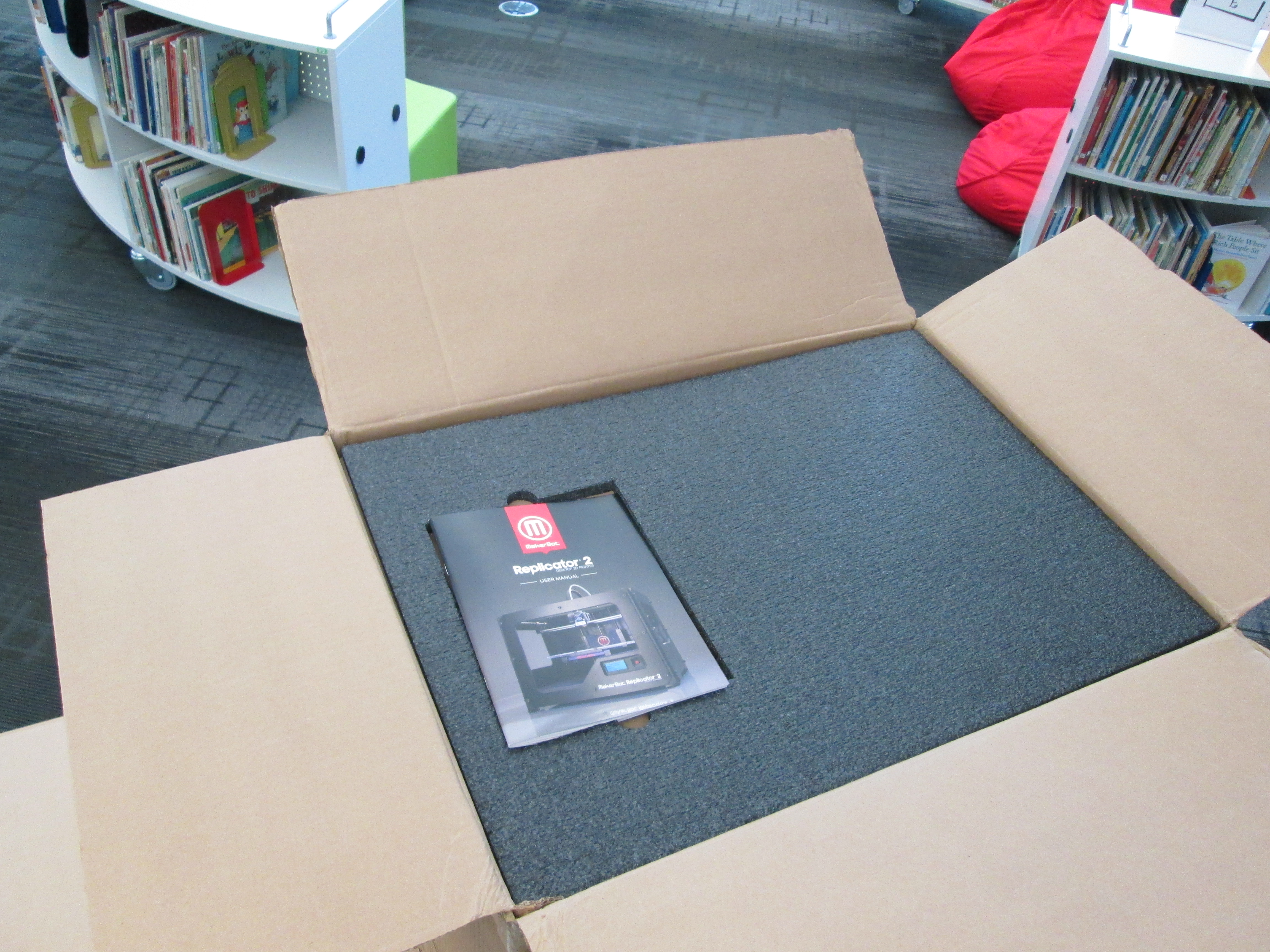
Our Makerbot Replicator 3D Printer is Here!

IMG_1428It’s here!  A lot has happened since our project was funded through Donors Choose.  I attended the American Association of School Librarians Conference in Hartford, CT.  While there, I attended several sessions on Makerspaces.  During one of my conversations, I had the pleasure of connecting with Shelley Diaz at School Library Journal.  She was very interested in our 3D Printer project and wanted to interview me about it.  You can read the article here.

Our local newspaper, the Athens Banner Herald is also in the process of writing an article about our 3D printer adventure.  In addition, Stroud Elementary and Hilsman Middle here in Clarke County are both getting 3D printers thanks to Donors Choose projects posted by their school library media specialists, Shannon Thompson and Leslie Gonzalez.

IMG_1429When the boxes arrived today, I was extremely excited but extremely nervous to leap into something new.  I reminded myself of how I always tell the kids to take risks, so I modeled my own philosophy.  However, I carefully read the instructions along the way.  The instructions were fairly easy to follow with photographs, clear descriptions, and on-screen instructions.

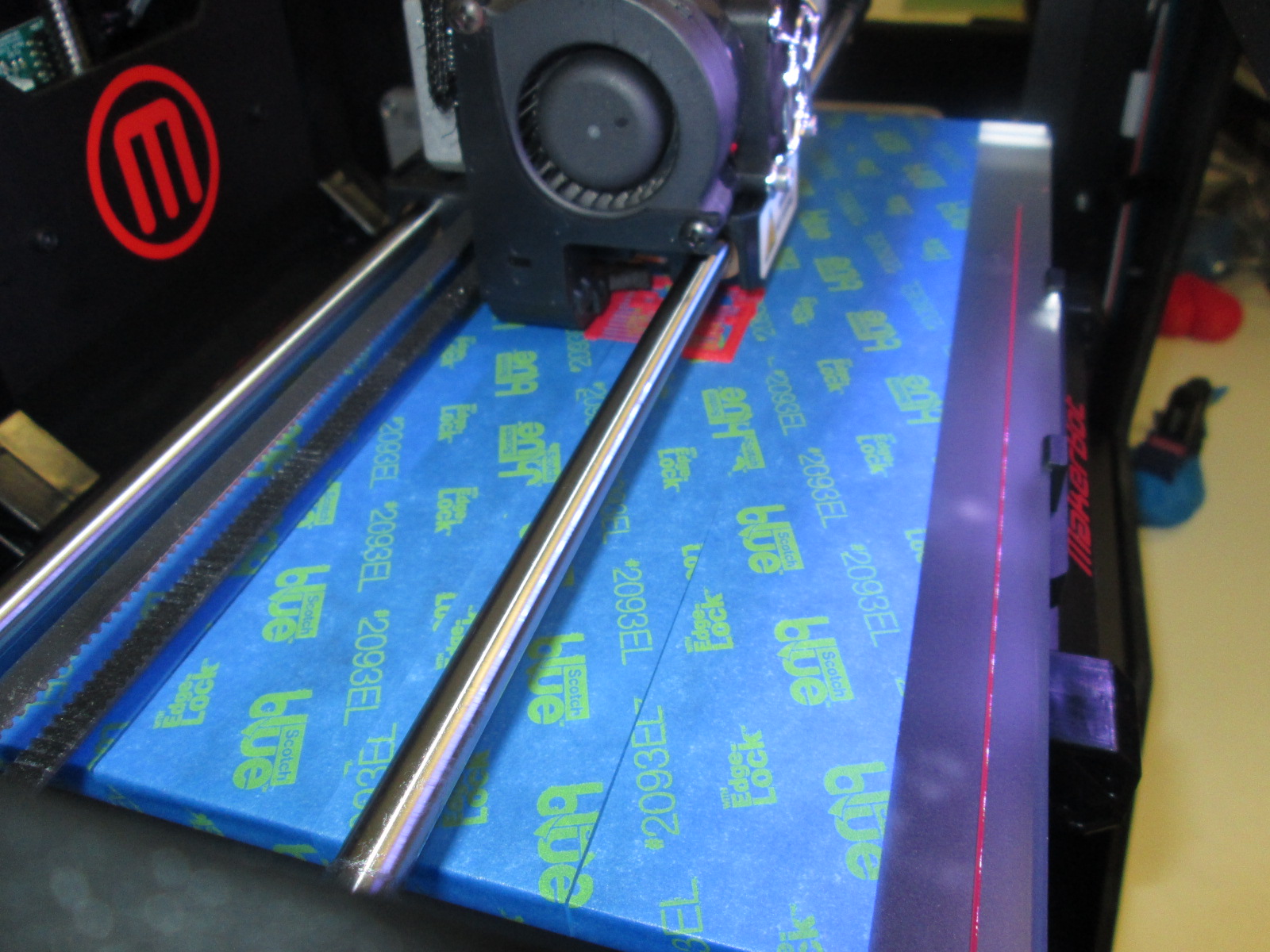
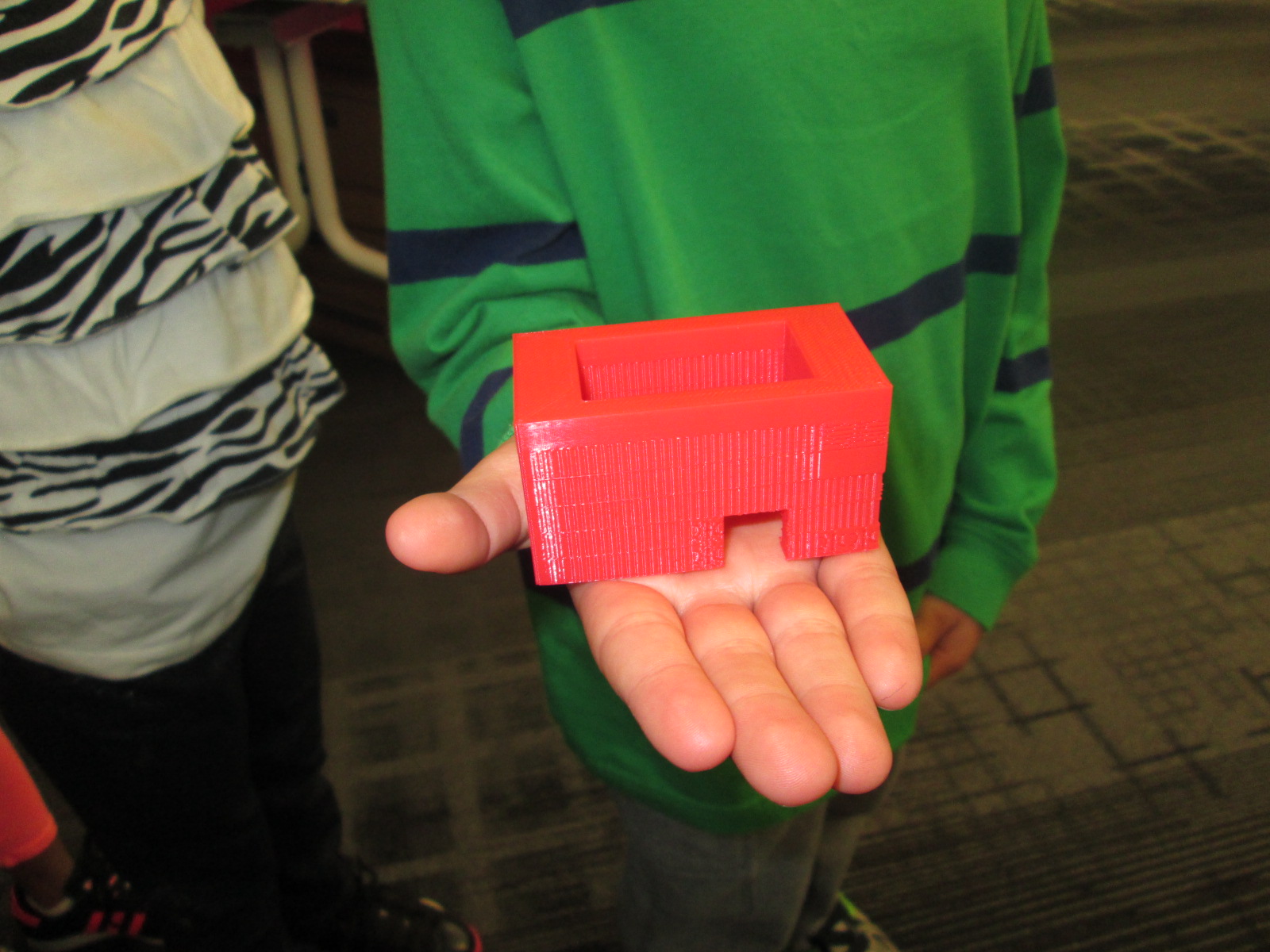
I loaded our first spool of clear filament and used the SD card to print a stretchy bracelet.  With each pass of the extruder, the bracelet magically appeared on the print plate.  The hardest part was getting the bracelet off of the build plate.  With some carefully prying and pulling, we were able to break it loose.  My second print, a comb, broke when we tried to remove it.  Later, I learned that it really is helpful if you use blue painters tape on the build plate.  I reprinted the comb and removed it fairly easily from the plate.    I’m sure there are some other tips and tricks that I will learn, but getting the print off the plate is definitely tricky.

Excitement was in the air as students and teachers came into the library to watch the printer go.  Even though it was printing pre-loaded items, it was extremely cool to watch and imagine possibilities.  A group of third graders is eagerly awaiting their chance to print their gems that they are designing.
I could see the wheels turning for several students and teachers, and I’m sure we will be printing all sorts of things before the year is over.