Kindergarten Mission to Mars: A Makerspace Tinkering Lesson

hocking makerspace exploration (15)

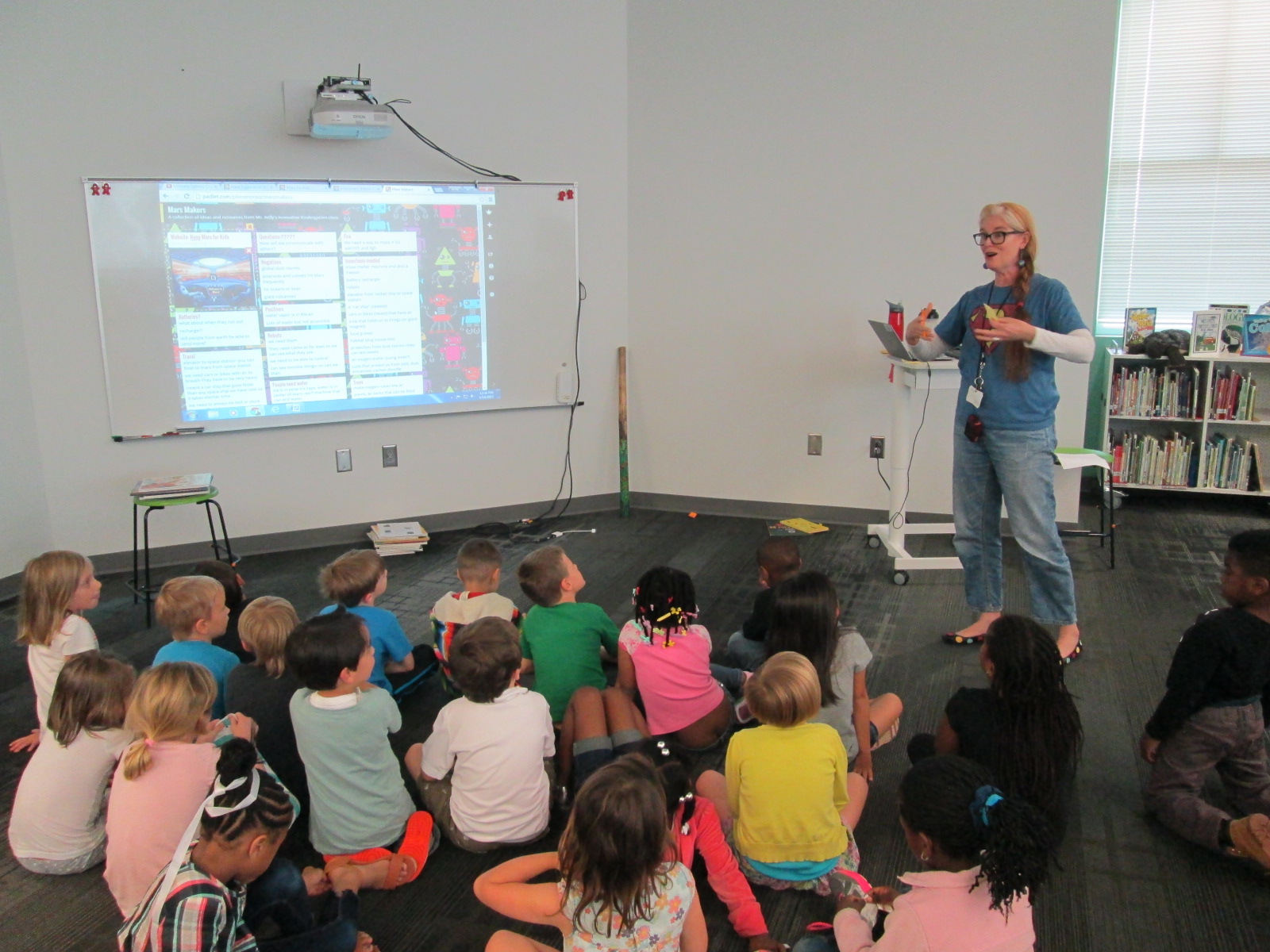
Ms. Kelly’s Kindergarten class has turned a curiosity into a year-long project.  They became interested in space, and it has turned into a research project about planets, creating planet ebooks, writing original songs about the planets using ukuleles, and having a Fat Tuesday parade dressed as the planets.

Now, these students are on a mission to figure out how to support human travel to Mars.  They don’t actually want to go to Mars themselves, but they want to think about what might need to be invented in order to support human travel to Mars in the future.  Wow!  Some might look at a Kindergarten class and think this is silly.  How could students as young as Kindergarten come up with ideas for traveling to Mars?  I think Ms. Kelly’s class proves that even our youngest voices should not only be listened to but empowered as well.
Mars Makers

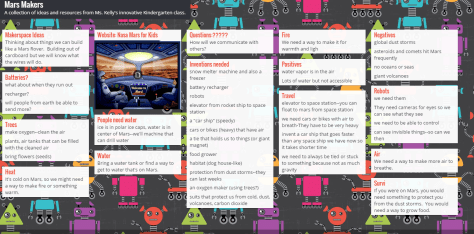
These students have spent extensive time researching Mars.  They know about the land, the weather, the atmosphere, and ways that Mars has already been explored.  They have brainstormed things that they might need to think about when traveling to Mars such as water, food, oxygen, and how to survive the dust storms.

They recently came to the library to read the book  You Are the First Kid on Mars by Patrick O’Brien.

She and I brainstorm a lot over email.  When working with her, nothing is impossible and our biggest limit is time.  She wanted a way to capture all of her students’ brainstorming, so I suggested a Padlet since they could post ideas, websites, pictures, and files.  I set one up for her and they got to work adding to it.

Within their brainstorming, they talked about creating robots that could help them explore Mars as well as several other technology-heavy ideas.  This brainstorm naturally brought us to our library makerspace.  We wanted students to have a time to explore some facts about robots, technology, electricity, circuitry, energy, and space exploration.  Ms. Kelly books an hour of time for student to explore, and I created some experiences for them to move through.

Experience 1:

I pulled as many books as I could find on all of our major maker concepts from 3d printing to robotics to circuitry.  I also pulled books about space.  This experience was a time for them to look at lots of pictures, read captions, and skim text with one another and an adult to get ideas that they hadn’t even thought of in their brainstorm.

Experience 2:

We have several robotics options in our makerspace.  Since robotics was part of their brainstorm, I wanted them to tinker with a robot that was manageable by a Kindergarten student.  I chose Sphero.  Since Sphero alone couldn’t do some of the things they were thinking of robots doing, I showed them a Youtube video of how Sphero can be combined with other things like a chariot to pull a camera or add an attachment.

Then, students used the Drive app to practice driving Sphero and brainstorming how this might help them explore Mars.

Experience 3:

Students have talked a lot about wiring and circuits during their brainstorming.  They really want to wire something that could actually work. I have 2 littleBits space kits which have instructions for creating things like Mars Rovers, Grapplers, and Data Collection Tools.  The age range is high for these kits, but age range never stops us from trying something.  We just look at what barriers are in place and then figure out how to build a bridge.  For this experience, I started students with the instruction booklets.  They got into 2 smaller groups and looked at the diagrams, instructions, and functions.  They started to think about their brainstorm and how these littleBits inventions might work with their ideas.  Then, they moved to a table of littleBits.  In pairs, they used a battery, power cord, and blue power switch to connect to one input (pink) and one output (green).  The idea was just to start tinkering a bit with littleBits to see how they work.  They weren’t necessarily making a space invention yet.

Here’s a quick look at what it all looked and sounded like:

Next, our students will go back into their classroom and continue working on their padlet using the ideas from the makerspace exploration and the books.  They also checked out some of the books to take back.  Then, students will begin constructing prototypes of tools that they might actually invent for space.
 

2015 Poem In Your Pocket (Part 2)

pocket poem day 2 (20)

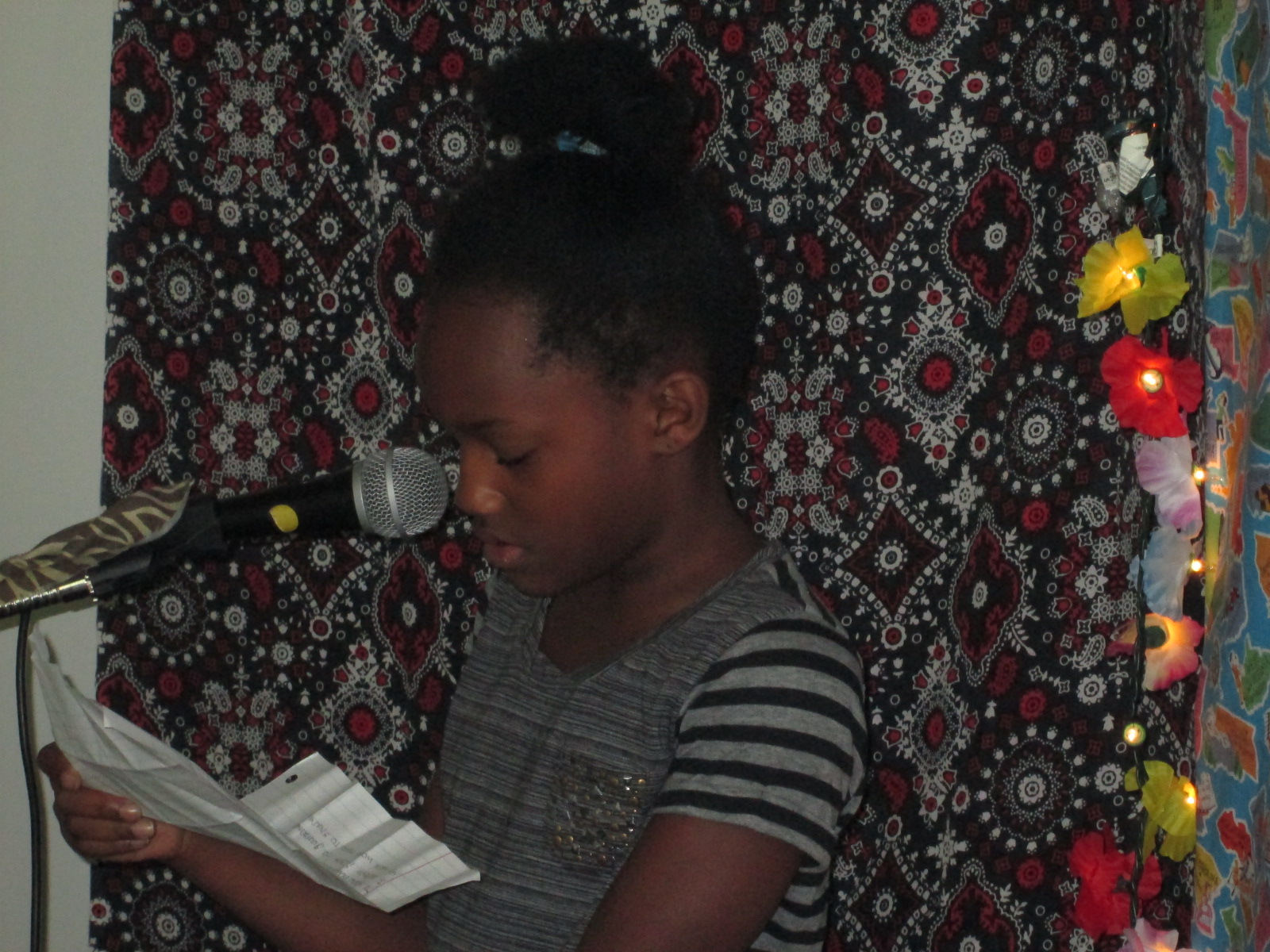
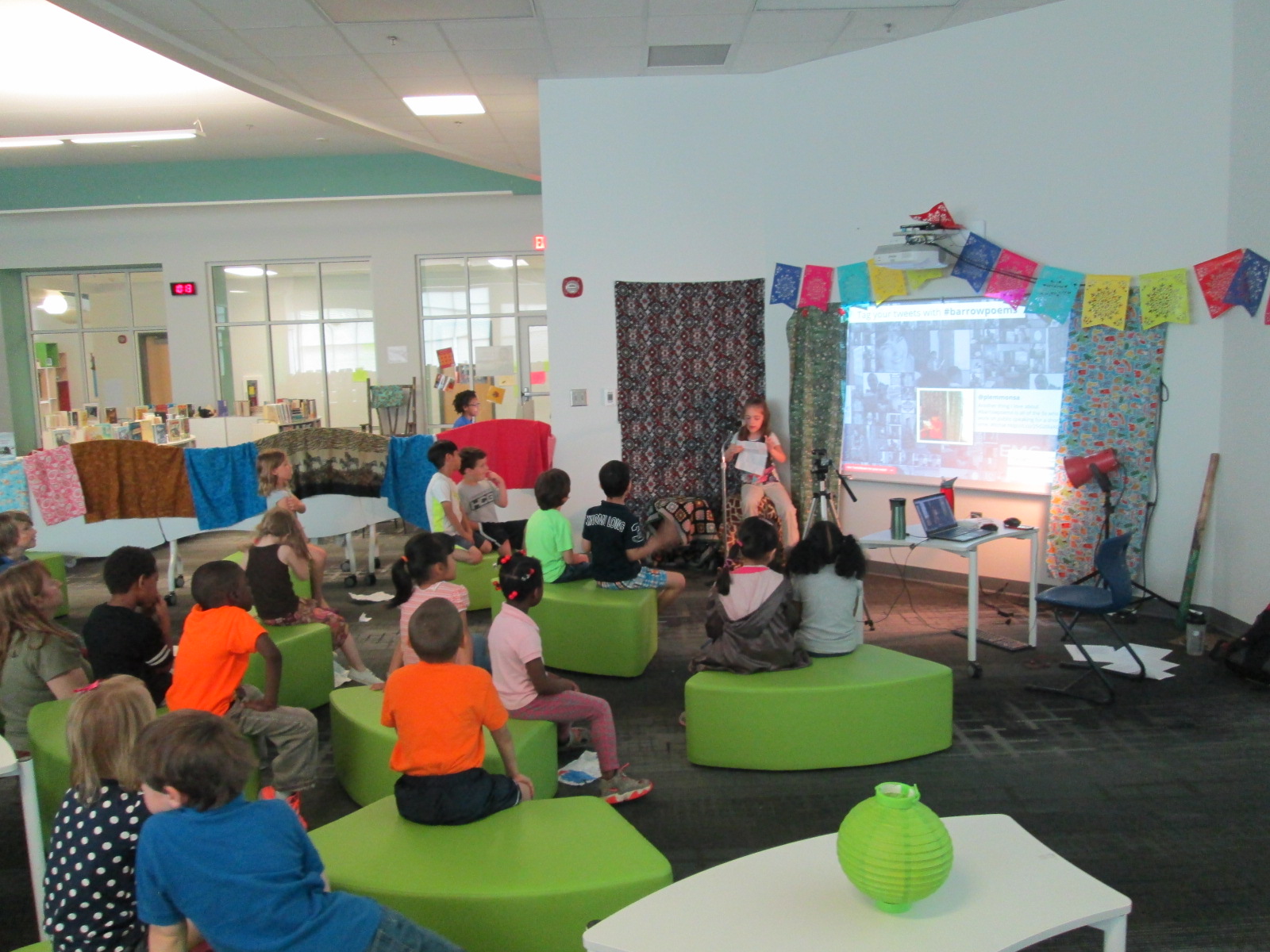
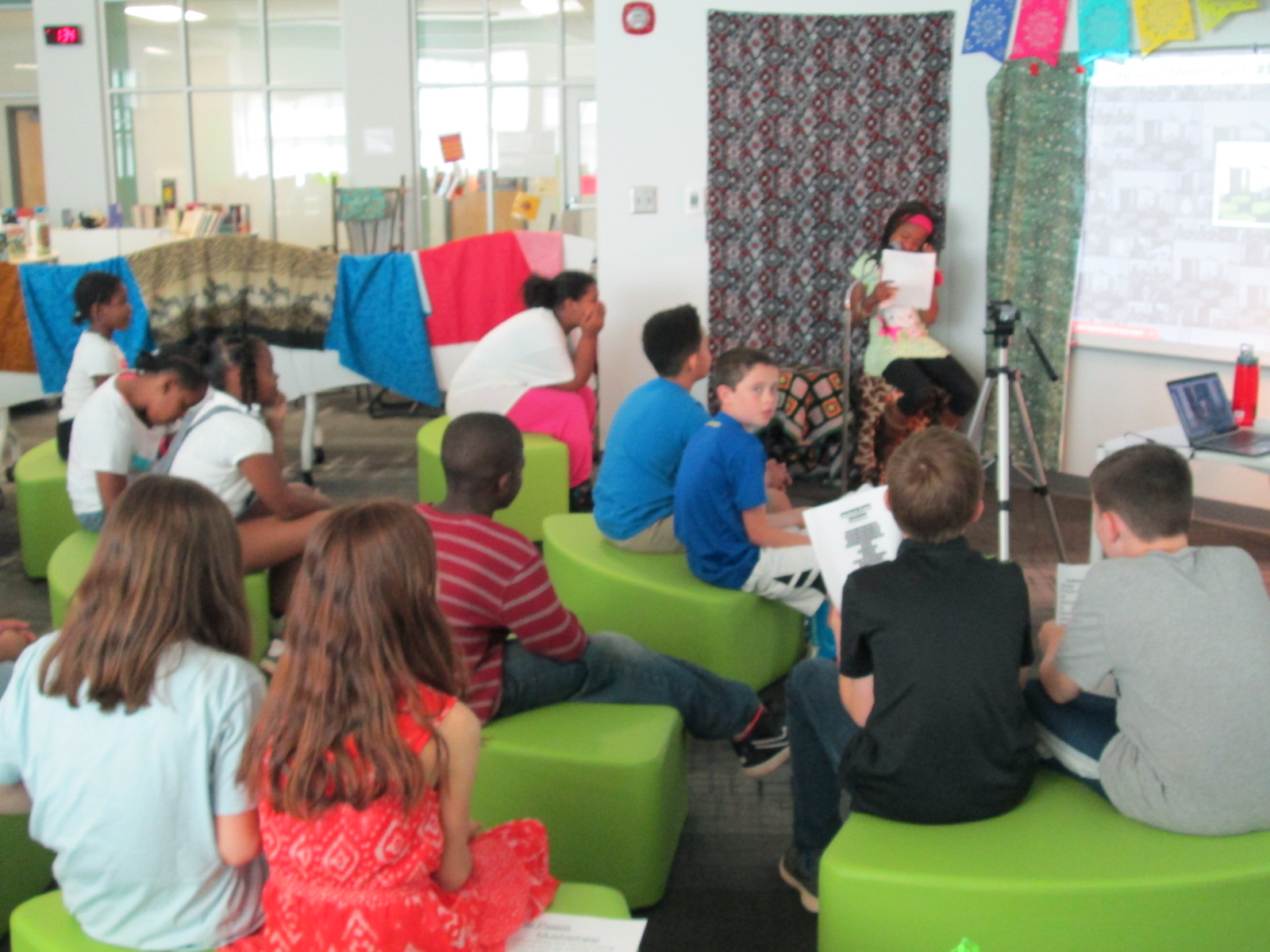
Our live poetry cafe continued today with 11 more sessions.  Again, we broadcast each reading through Google Hangouts and encouraged people to Tweet about our poetry using the hashtag #barrowpoems.  You can read about yesterday here.

I always love the surprises that come up from students: a student reading from a computer, a student who barely speaks who reads an incredibly descriptive poem, a student giving his teacher a standing ovation, a student who shared a poem in Chinese and then English, students encouraging their friends with a “you can do it”, a student sharing a poem about his home country, a student reading a poem for another student who was too shy to come up, and  a student handing me her poem to carry in my pocket.

Today I added a little sign to help with our traffic in and out of the library for checkout.

The energy of our students sharing poetry is simply amazing and inspiring.  Check out all these pictures of the students in action.

Our Twitter wall was very popular with students during the two days:

A few tweets from today:

https://twitter.com/BryanMcCullick/status/586501039861424128

https://twitter.com/mrsjuliemoon/status/586561681532329984

Watch all of today’s archives:

2015 Poem In Your Pocket Day (Part 1)

pocket poems day 1 (62)

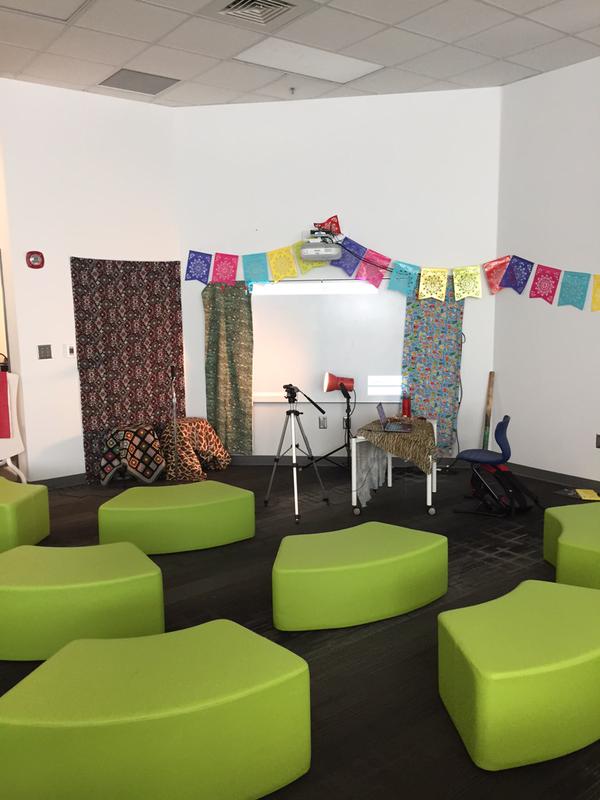
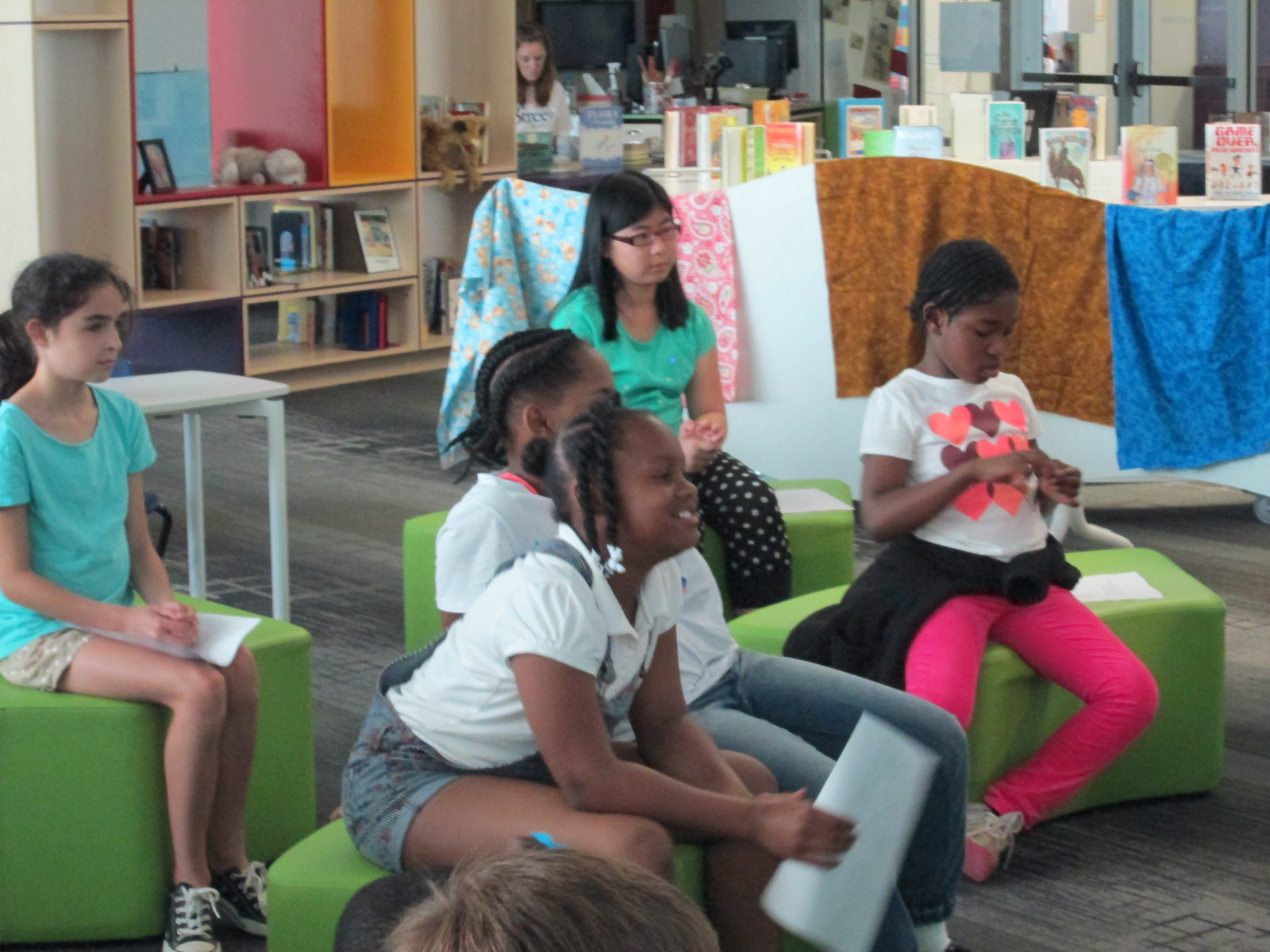
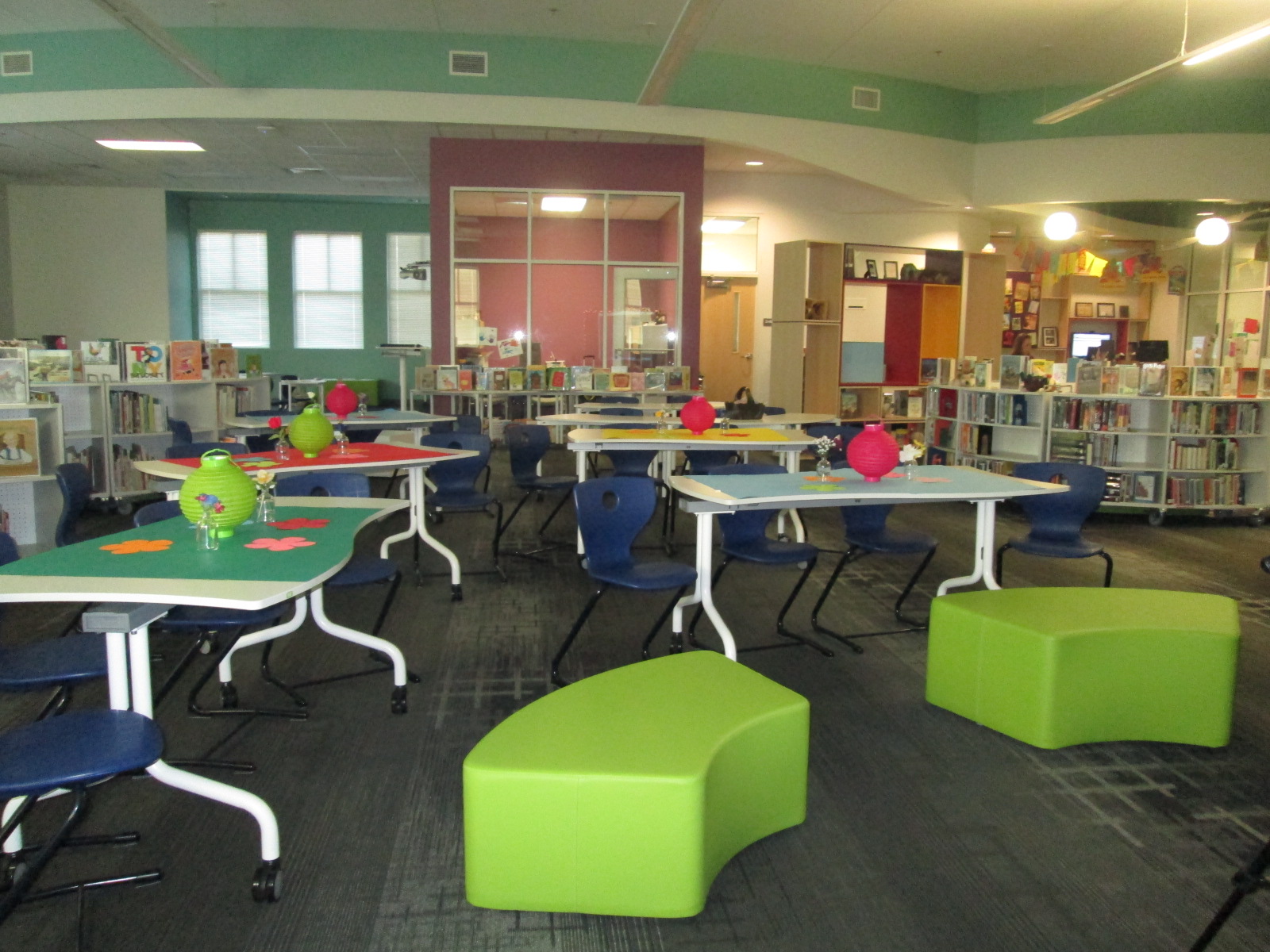
Each year, Poem In Your Pocket Day morphs into something just a little bit new.  It’s always a day to come to the library and share poems into our open microphone, but we like to mix things up a bit each year.  This year, I put out soft seating instead of tables.  It allowed students to be a bit closer to the speaker and hopefully felt a bit more cozy.

pocket poems day 1 (73)

In the past, I’ve used Adobe Connect to broadcast our day.  While it is a great tool, it has some drawbacks.  I love that it is one room that our online guests can stay in all day long and I can communicate with them via chat.  However, I don’t love the way the archive is created.  I have to setup and name each recording right as I’m starting the recording.  It doesn’t take long, but it’s one more step I have to do.  Also, once all of the archives are done, I have to go in, change them to public, and copy the link to share in order for people to view them.

pocket poems day 1 (68)

This year, I decided to try Google Hangouts on Air.  We use this every day for our morning broadcast, so I’m very familiar with using it.  Ahead of our event, I setup a Google Hangout on Air for each session on our schedule.  Then, I opened each hangout and copied the Youtube link where the video would stream live.  I embedded these videos on one big Google site so that they were easily accessible in one spot.

Click to visit our Google Site

As each group came in, I opened the hangout, tested the sound, and pressed start.  Our guests could watch online, but as soon as I pressed stop the video was instantly archived on that same Google site.  It saved me the hassle of having to go back and find all of the videos in order to share them.  While it’s not huge, any amount of time I can save is valuable to me.

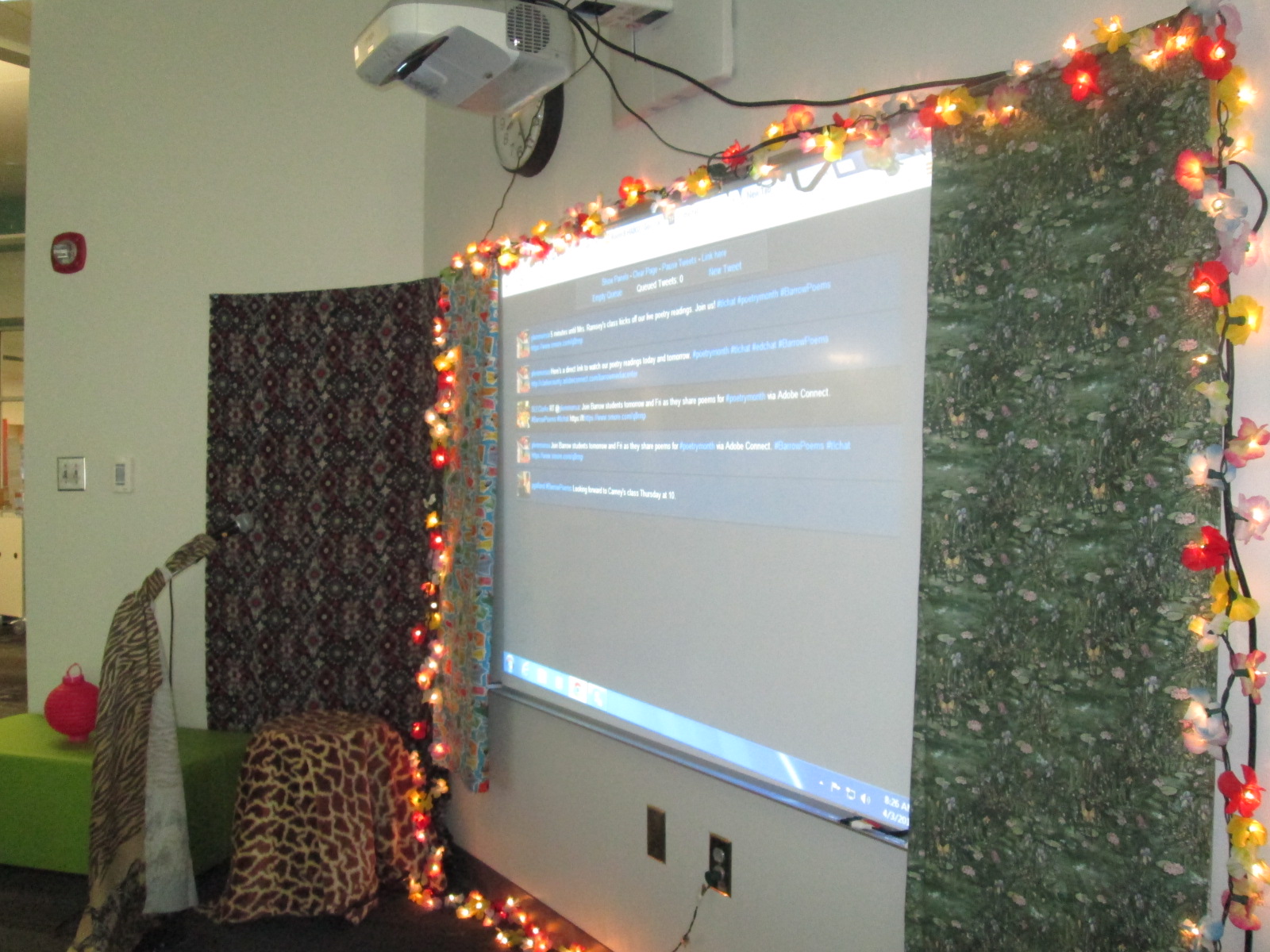
This year, to make up for the chat feature being taken away, we decided to use Twitter to talk about our poems.  We encourage our online guests and future viewers of our content to tweet using the hashtag #barrowpoems I used Tweet Beam to display the tweet on our projection board for students to see.  It was fun to see how this populated throughout the day and how much students smiled when they saw a tweet mentioning their poem.  Teachers even pulled out their phones and helped document the day through pictures, videos, and comments on Twitter.

https://twitter.com/capstonepress/status/586230422478004225

https://twitter.com/EMCPublishing/status/586180411694292992

https://twitter.com/AdamSeipel/status/586142163731374082

https://twitter.com/mrsjuliemoon/status/586221147789864961

Also, here’s a little look at what it’s like to be in the room.

This event always amazes me because pretty much every student in the school gets up in front of an audience and speaks.  It’s a small amount of speaking, but I love seeing students get used to speaking to an audience and seeing what that feels like.  This is a very positive and supportive atmosphere, so most students leave the reading feeling validated for their work.

I encourage you to listen to some of our archives and continue to tweet about #barrowpoems

Continue watching us live on April 10th!


2015 Student Book Budgets: First Steps

survey production (2)

We are a little late this year, but our student book budget group has finally started.  Each year, I reserve a portion of our library funding and allow students to make the decisions about how that money is spent.  This is more than just having a wish list for students to contribute to.  This is giving them complete control in every part of the decision making process.

survey production (6)

Each year, the groups are chosen in different ways.  This year, I made a video to show to our 4th and 5th graders to explain the project.

Then, I created a Google form that was shared with all of our 4th and 5th graders to tell why they would want to be in the student book budget group.

Aziz Coleman, 4th grade teacher, really wanted his ELT group of 12 fourth graders to be a part of the project, so all of them filled out the form along with about 30 other students.  After reading through the responses, it really seemed like everyone who signed up was genuinely interested in being in the project, so I took them all!

I created a schedule for our meetings along with a timeline of where we are going.  Over the years, I’ve fine tuned the steps that we go through, but student voice and student choice always stays at the center of what we do.

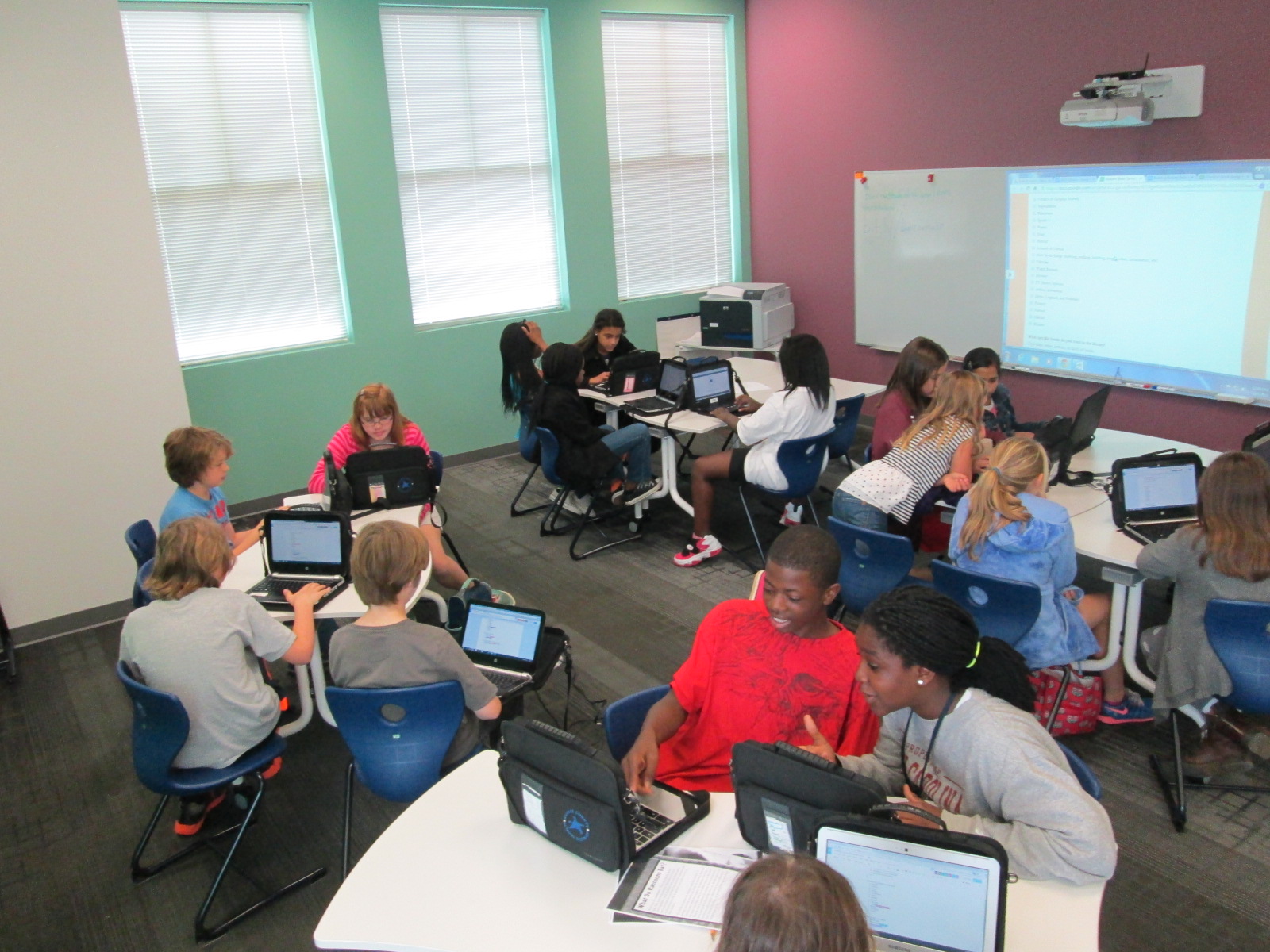
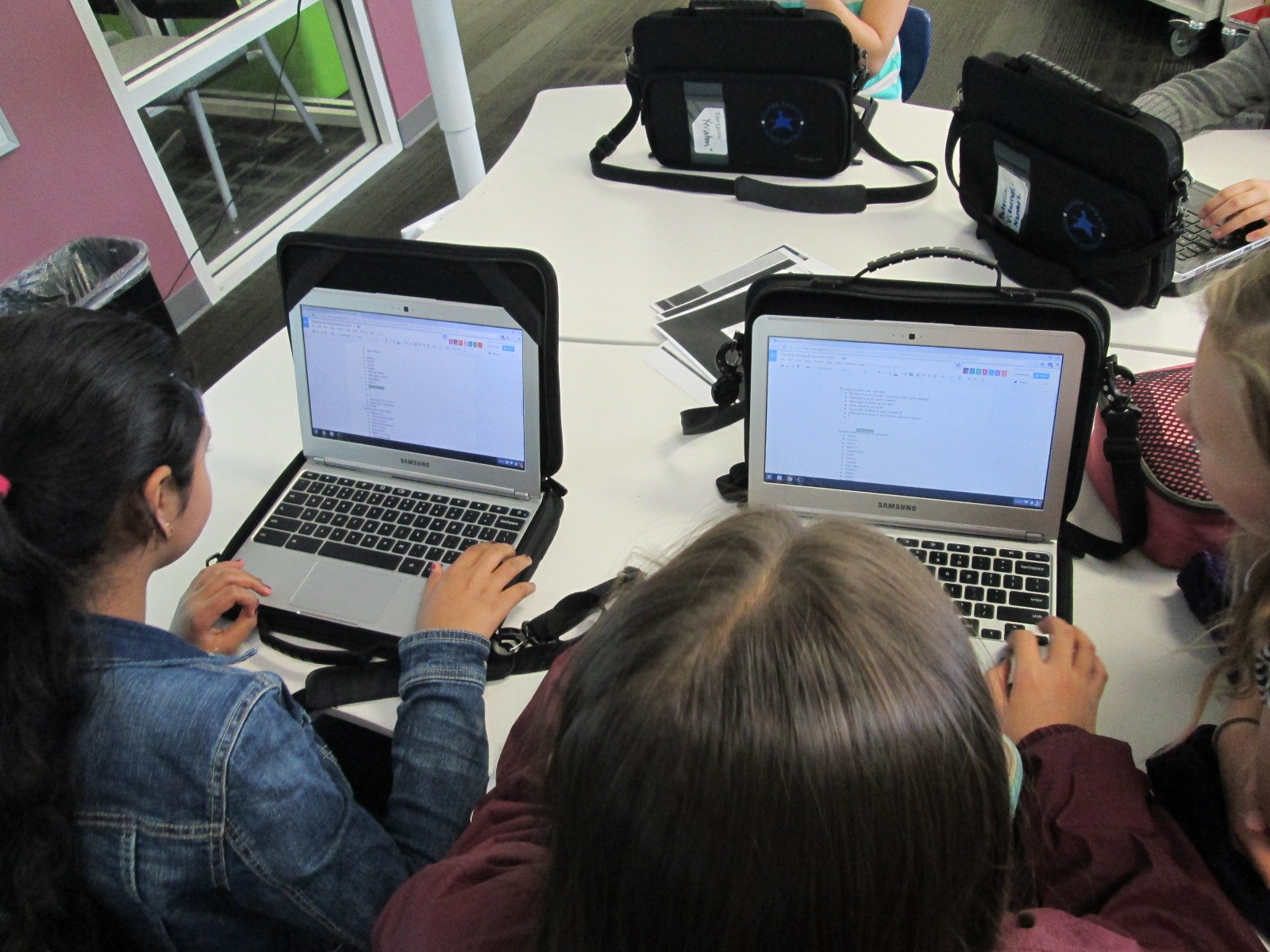
During our 1st two days together, we have focused on creating our survey about reading interests.  I made a contact group with all of the students in my gmail.  That makes it easy for me to invite the entire group as collaborators on docs that we use.  I made 2 docs.  One was a brainstorm doc for us to brainstorm possible things to ask about on the survey.  I thought it would be easier to brainstorm on a doc rather than try to do it all on the Google form.

It was amazing to see so many students working together toward one common cause.

After some brainstorming started, I gave them editing rights to our 2nd doc which was our Google form survey.  We made a copy of last year’s form, and then started using our brainstorming list to make changes.

This was the 1st time I’ve tried collaborating on the Google form.  Usually we just put it up on the board and work together whole group.  I liked seeing every student involved at once, but it was definitely messy.

I checked in with students periodically and gave them some focus.  At times, we broke the tasks up into groups.  For example, one group worked on fine tuning the brainstorm list.  Another group added questions to the survey.  Another group looked carefully at the checklist on the survey to see what needed to be added or changed.

Students worked during their recess, extended learning time, and even left to get lunch and come back.  They were excited and very focused.  There were a few students who started getting off task, so I offered that they might want to go back to recess if they felt like they had contributed their part for the day.  This was totally in their hands, and some of them took me up on the offer.

We are now in the survey process. We want to survey students at every grade level.  We will email the survey to our 3rd-5th graders since they all have a computer and we will use iPads to survey the lower grades.


Click here to view this year’s survey.

Since our meeting time is during a prime lunch time, we have been taking over the lunchroom with iPads to survey students.

Once we have results from the survey we will set goals based on those results and start meeting with our vendors such as Capstone and Avid Bookshop.

Get Ready for Poem In Your Pocket Day 2015

Poem In Pocket 2014 Day 1 (9)

Poem in Your Pocket Day has grown to be one of our favorite days of the year.  Each year, we’ve found new ways to celebrate this day.  We write poetry to prepare.  We hold a poetry contest.  We encourage every person in our school to carry a poem in your pocket.

The thing about Poem in Your Pocket that people look forward to the most is our poetry cafe in the library.  I decorate the library with tables, tablecloths, lights, and poetry.  There’s a fancy microphone and a poet’s stool.  Every class in the school comes the library across 2 days to share poems into the open microphone.  This year’s poetry cafe will be on Thursday and Friday April 9th and 10th.

Poem In Pocket 2014 Day 1 (1) Poem In Pocket 2014 Day 1 (3)

For the past few years, we’ve used Adobe Connect to broadcast and archive our poetry readings for the world to see.  This year, we are once again trying something new.  We’re still broadcasting, but now we are using Google Hangouts.  Each class has a Google Hangout setup.  I’ve made one Google Site that contains all of the links to the hangout feeds.  At each scheduled time, the hangout will go live for an audience to view.

This year, we are encouraging our viewing audience to use Twitter to talk about our poetry.  Comments for classes or individual students can be tweets using the hashtag #barrowpoems  I’ll have a Twitter feed up on our board so that our students can see what people are saying about their poems.

I encourage you to tune in and watch on April 9th & 10th.  Please share this event with everyone you know.  It is sure to be a great 2 days of poetry!

Here’s what you need to know:

When:  8:00AM-2:30PM eastern on April 9th and 10th

Where:  Google Hangouts.  All links can be found at bitly.com/barrowpoems15

View the complete schedule here.

Tweet about the event and the poems using hashtag #barrowpoems


Popup Makerspace at UGA with the Maker Dawgs and Flipgrid

fixed maker dawg

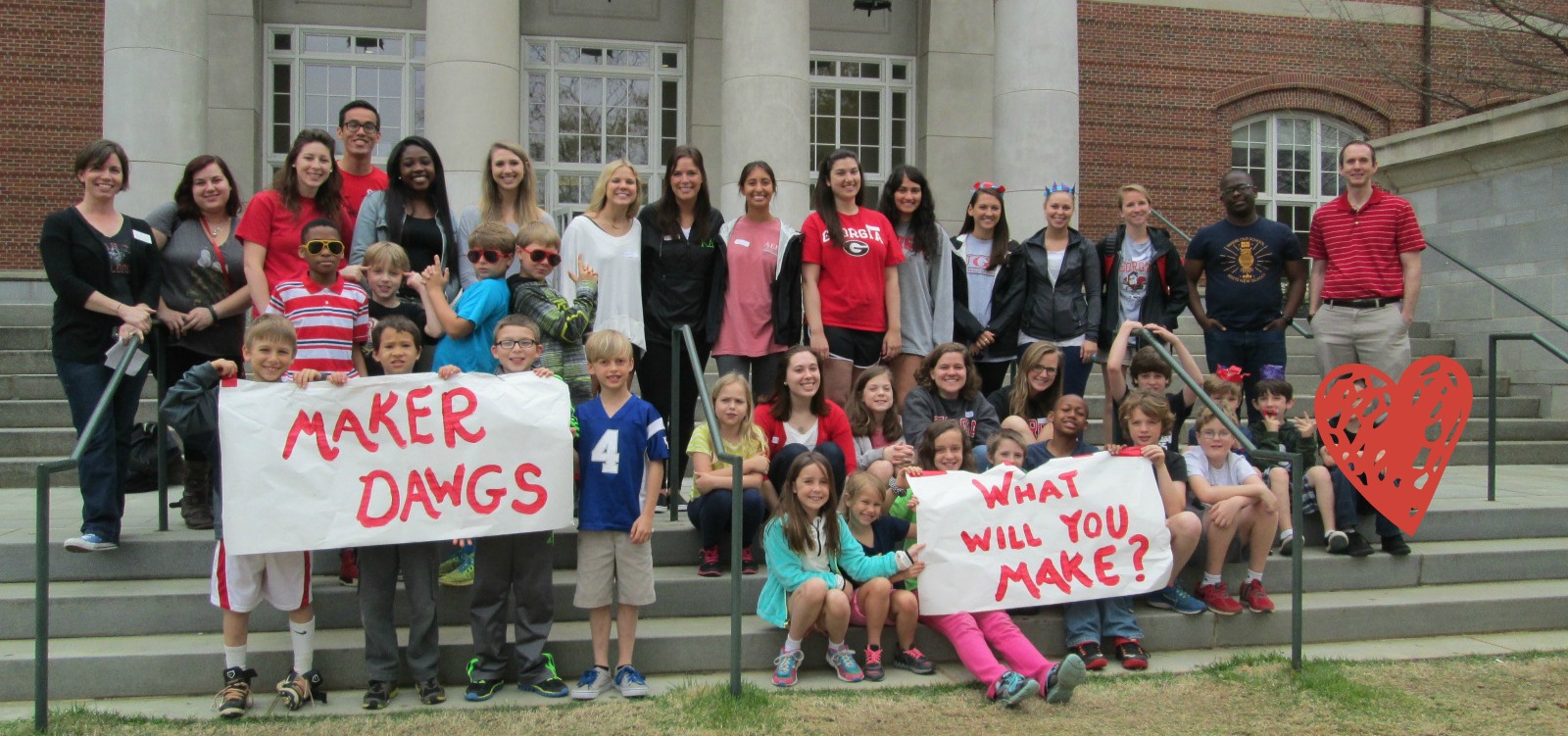
A few weeks ago, Gretchen Thomas, UGA instructional technology teacher, emailed me about a possible collaboration on the UGA campus. She wanted to bring her Maker Dawgs class to the UGA Tate Center Plaza to host a popup makerspace.  The idea would be to have a variety of maker tools available for UGA students to try on the spot.  She wondered if I had students who might join them.  Without hesitation, I said yes and  we started the logistics.  The more we planned, the bigger the trip got.  The biggest news was that 2 members of the Flipgrid and Vidku team from Minneapolis flew down to do a video in our library.  They wanted to go with us on our trip to see how students were getting their voice into the world and also how we planned to use Flipgrid to reflect on the day.

Our school is about a mile from the UGA Tate Center Plaza and our students have walking field trip forms on file so it was easy for me to create a field trip.  The hard part was working out the logistics for bad weather.  In true fashion, we had plan A, plan B, plan C, and maybe even a plan D.  It was right up to the wire deciding about going to UGA, but the rain held off and we made our trek down to Tate.

Students had a little bit of time to explore the maker tools that Gretchen brought before we prepped all of our supplies for UGA students to explore.

Students connected Spheros to iPads through bluetooth, setup a wireless network with Justin & Greg from Flipgrid, and made a playable piano with Playdoh and MaKey MaKey.

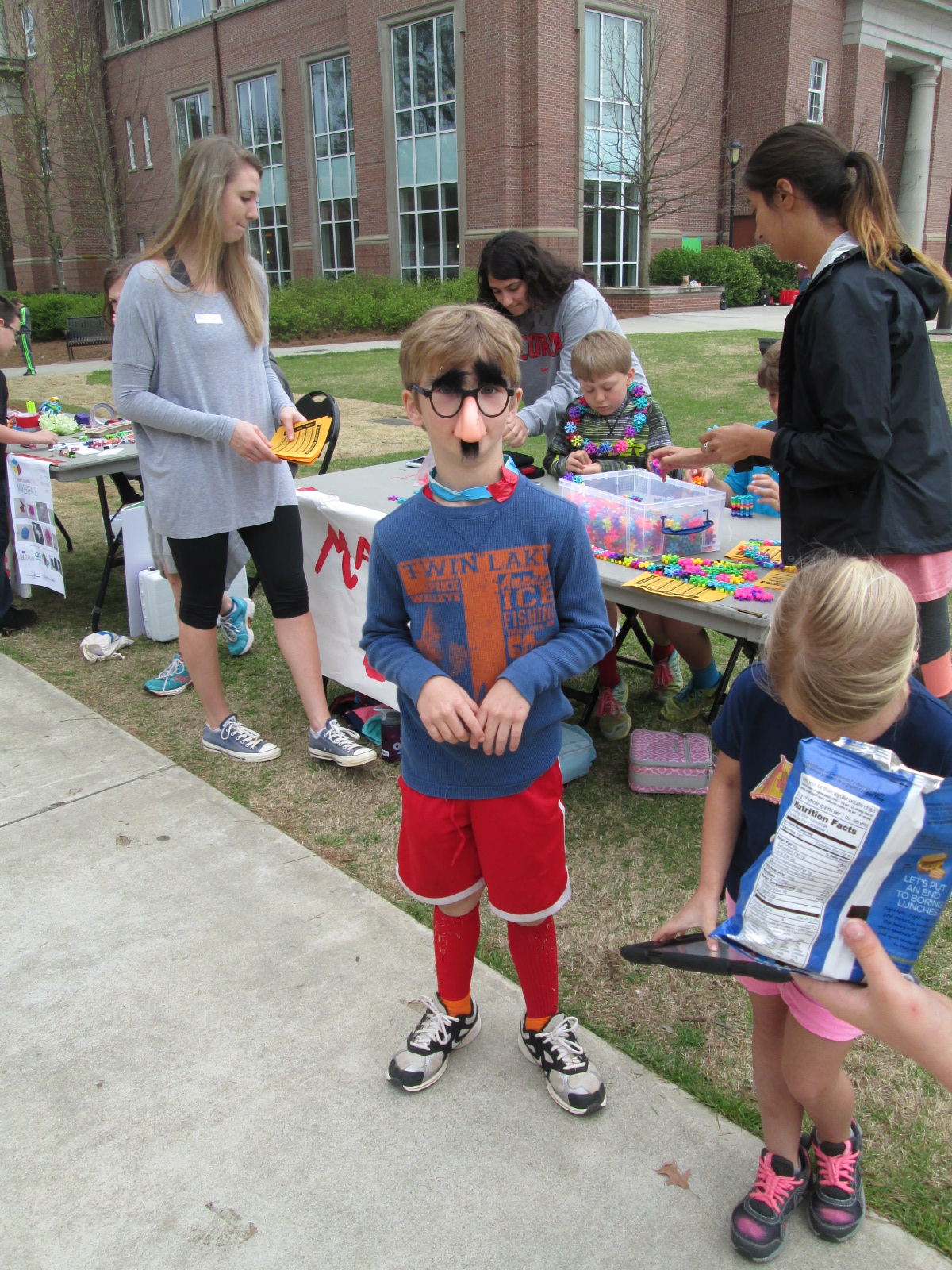
Then, we waited.  Traffic on the UGA campus quickly picked up at around 10:30 when classes changed, but most UGA students had their earbuds in and walked at a fast pace to get to the next class.  The kids were a bit timid at first, but with some encouragement, they began to develop techniques to get UGA students to stop and try out our makerspace stuff.

Several students started driving the Spheros right into the paths of walking college students.  At first, they dodged them, but eventually they started asking questions.  Other students started experimenting with phrases to get the UGA students interested.

IMG_5417

One student even put on silly costumes and made up dances to attract attention to our cause, and so many people loved his techniques!

It was really interesting to see the college students when they stopped.  Most of them wanted the students to demonstrate for them how each piece of technology worked.  They had to be nudged and encouraged to try them.  It made me wonder if there is less of a culture of risk-taking in this age bracket than with our elementary students.

Halfway though our makerspace time, Gretchen’s Maker Dawgs class joined us and helped talk with UGA students, demonstrate tools, and document the day through pictures and Flipgrid.

We used Flipgrid part of the time just to capture some video of what was going on.

Ludwig and Kearn spent a lot of time showing people how MaKey MaKey could control a computer.  They setup a piano and bongos that could be played with Playdoh, and they got several people to stop and try it out.  It was fun to listen them explain the science behind how it works.  When you touch the Playdoh and a piano plays, it seems like magic, but they did an incredible job of talking about circuits as they demonstrated the tool.

Many of our students worked hard to drive the Spheros around and demo them.  I wish that our Sphero students had been able to get some UGA students to try programming the Sphero, but most were just in too big of a hurry.  They mostly showed how you can use the Drive app to control the ball.  Maybe next time, we can be prepared to demo alternate apps.  However, they still had a good many students stop by and actually try out the ball after seeing how it worked.  The kids loved talking about how it worked and being able to teach students who were much older than them.

Another group of our students spent time making some things from duct tape and then teaching UGA students how to make them too.

IMG_5441 IMG_5442

Others had a great time exploring littlebits, connecting blocks, and making friendship bracelets.

As our popup makerspace came to a close, we used Flipgrid to reflect on what we had learned.

Here are links to a few of those responses.

It was truly an amazing day of getting our students out into the world to share their knowledge and pass on their passion for makerspaces.  Gretchen was able to promote her UGA class.  We were able to show what’s happening in K-12 education right now with makerspaces.  Our students were empowered by the chance to be the experts in the room.  Gretchen and I are already brainstorming what this might look like next time.

Many thanks to Greg and Justin from Vidku and Flipgrid for tagging along and helping to document our day.

IMG_5438

Student Voice Extended Through 3D Printing

cooper 3d print (5)

At the very beginning of the year, a student raced into the library to tell me about his goal to design and 3D print his own Skylanders figures.  He knew what he wanted to do, but I worried about how his enthusiasm might be lost in the demands of the curriculum standards. His story led me to my goal this year of “empowering student voice”.

cooper 3d print (6)

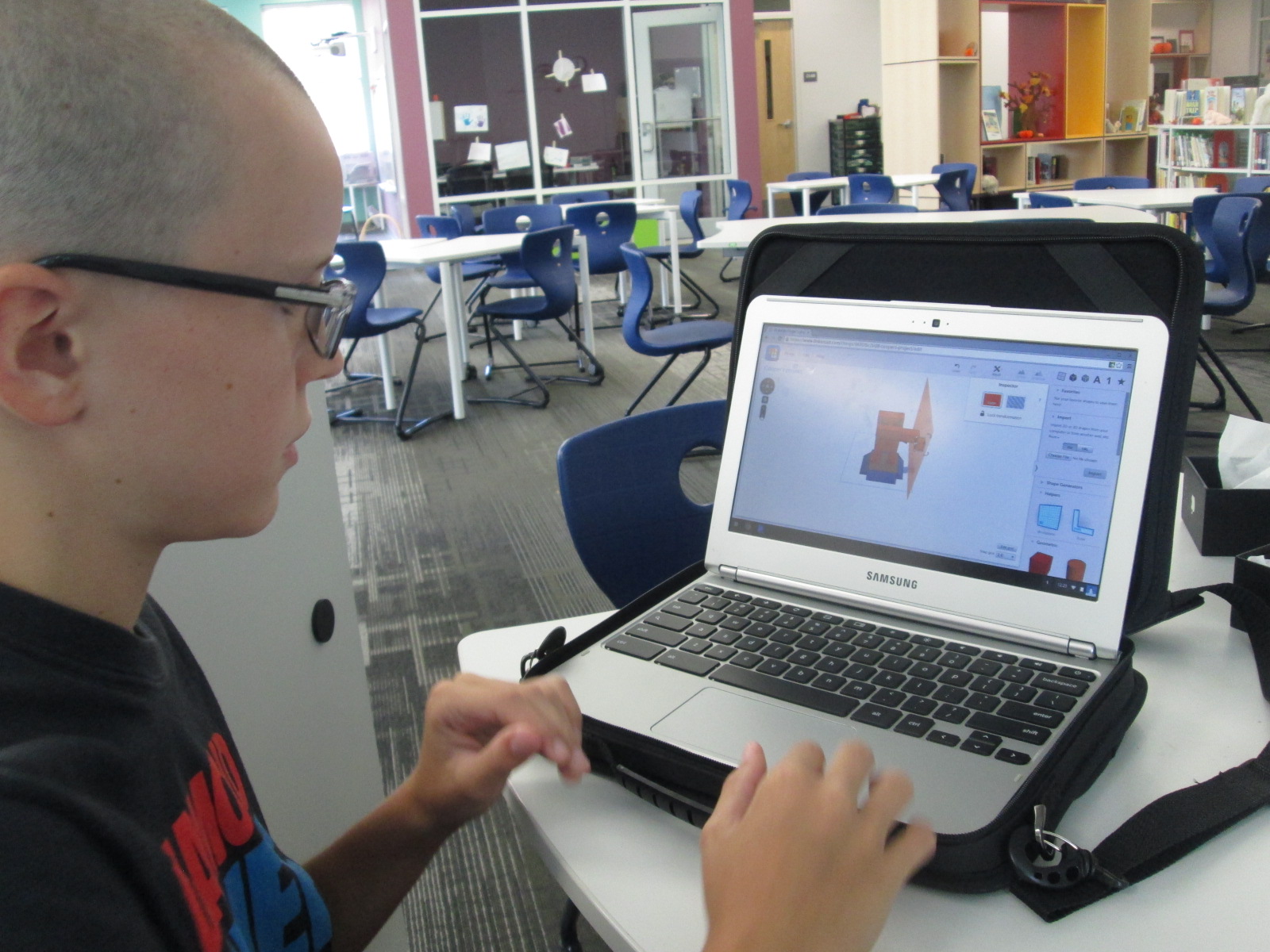
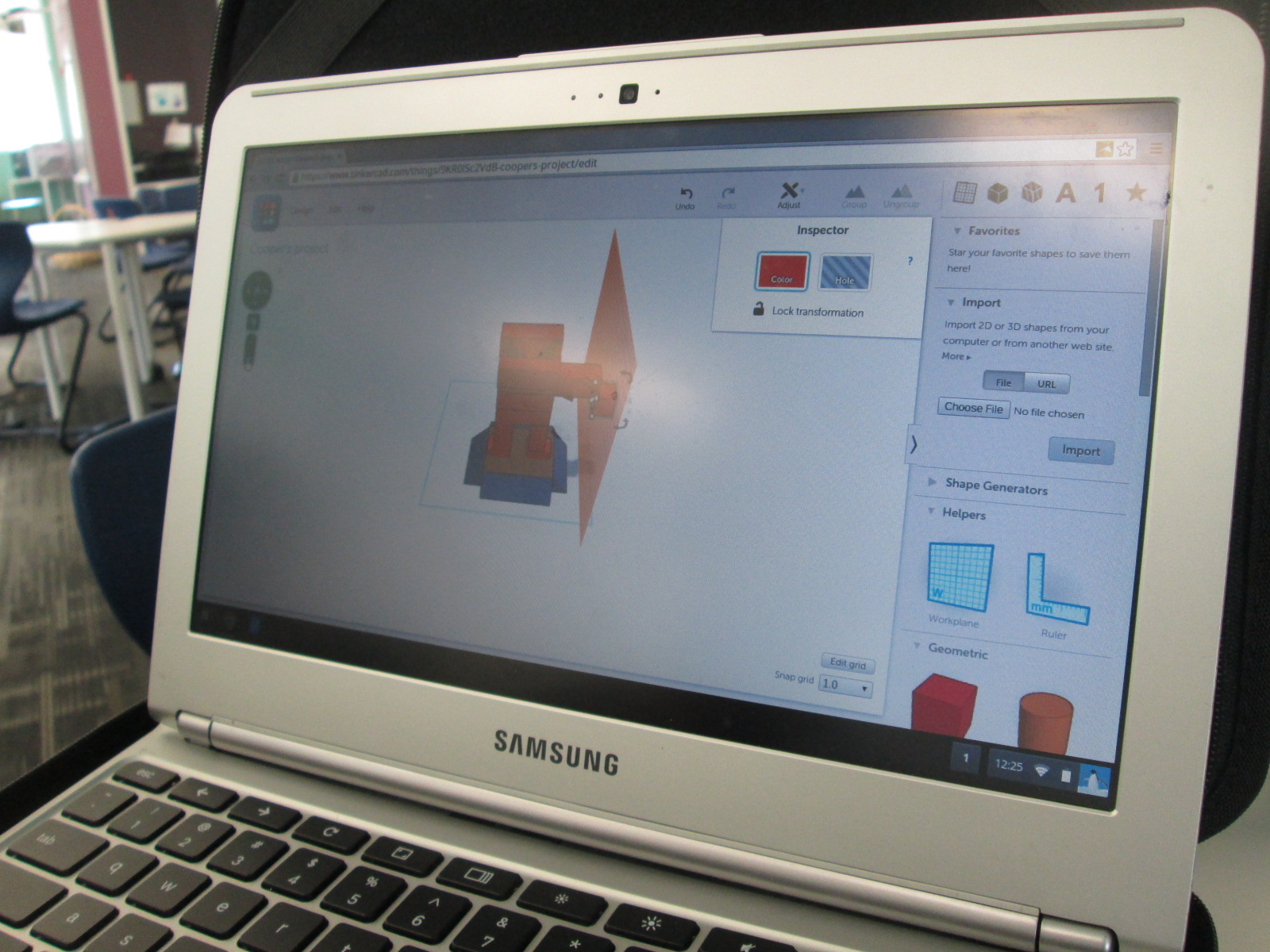
I spent time showing him Tinkercad and he did design his own figure and 3D print it.

When you take time to honor an individual student voice like this, you sometimes wonder if the time with one student in a school of 600 is worth it, but it is!  Recently, this same student decided that he wanted 3D printing to be part of a book project he was working on. His class just finished reading The Westing Game and each group of students is working on a book float to highlight things that they learned about the book.  His group immediately emailed me to see if they could use the 3D printer to design a chess piece for the float.

They worked independently of me and the knowledge of using Tinkercad was passed on to all 4 members of the group.  They even branched off and made their own designs and chose their favorite from the group designs.  They were bubbling with excitement to get their design printed.  Since it had lots of hanging edges, it required supports.  Supports take a long time to remove, but the group took turns coming in and working on removing the supports with my help.

Now this one student voice has empowered 3 more, and my hope is that those 4 voices will continue to empower even more.

Open Makerspace: Take Two

shrinky dinks (10)

Since our library makerspace has been available, I’ve tried as much as possible to have it open for students to use for their own tinkering and making as well as for classes to use in collaboration with me in the library.  This has not been an easy process, but I’ve tried several things and learned a lot.

A couple of months ago, Gretchen Thomas from UGA helped me get an open makerspace time started each day.  It was from 11-12:15 and an independent study student from UGA helped me facilitate students.  The problem with this time was the unpredictable nature.  We didn’t have students sign up ahead of time, so some days there would be an overwhelming number and some days there was just a few.  Also, all the students wanted to do different things which was very hard to manage.  During one of the weeks, we went through $75 worth of duct tape and students weren’t really making anything that they were happy enough to take with them.

shrinky dinks (8)

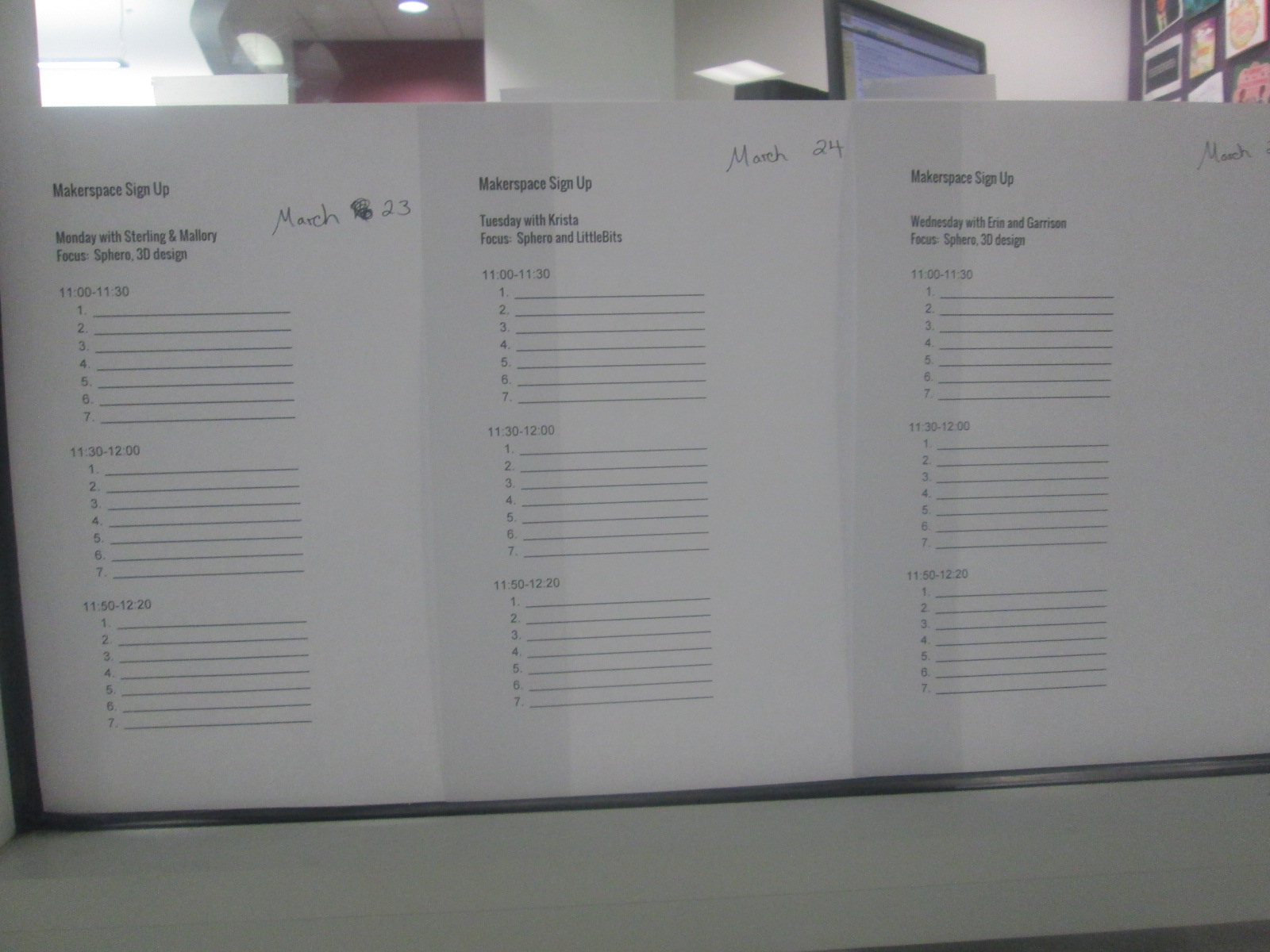
I’m not one to give up, so Gretchen and I did some talking over email and decided to try something new.  We would pull back the makerspace to Monday-Thursday.  Rather than have every day be a free for all, we decided to create a signup sheet.  We also decided that each day would have a focus so that the UGA helpers could begin to develop some expertise in specific areas and students could be more productive by focusing on one or two resources.  Again, this was all an experiment to see how it played out.

shrinky dinks (1) shrinky dinks (2)

So far, it has been working really well.  On Friday of each week, students sign up for the upcoming week.  They can only sign up for one day at the moment because we have only allowed 7-10 people per 30-minute time slot.  This number may increase as we see how manageable larger numbers of students might be.

Our schedule consists of:

  • Monday 3D design and Sphero
  • Tuesday littleBits and Sphero
  • Wednesday 3D design and Sphero
  • Thursday crafts and Sphero
  • There are also some independent projects woven in such as MaKey MaKey and Lego Robotics

We decided to put Sphero on the schedule daily because of the student demand and the fact that we  now have 13 Spheros.  It is easy to setup and cleanup quickly, and students can do it independently while the other pairings such as 3D design take a little more support.

shrinky dinks (9) shrinky dinks (6)

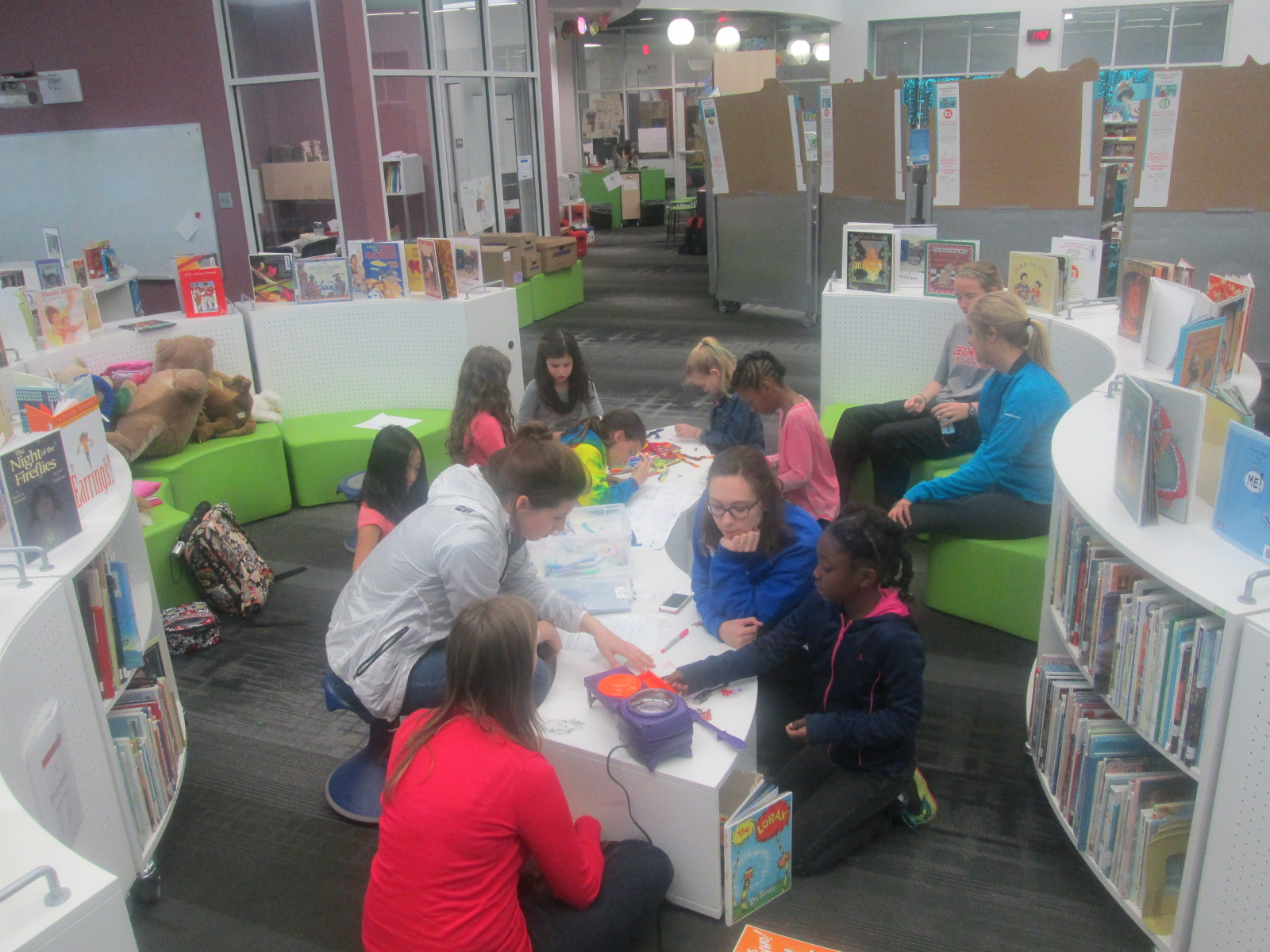
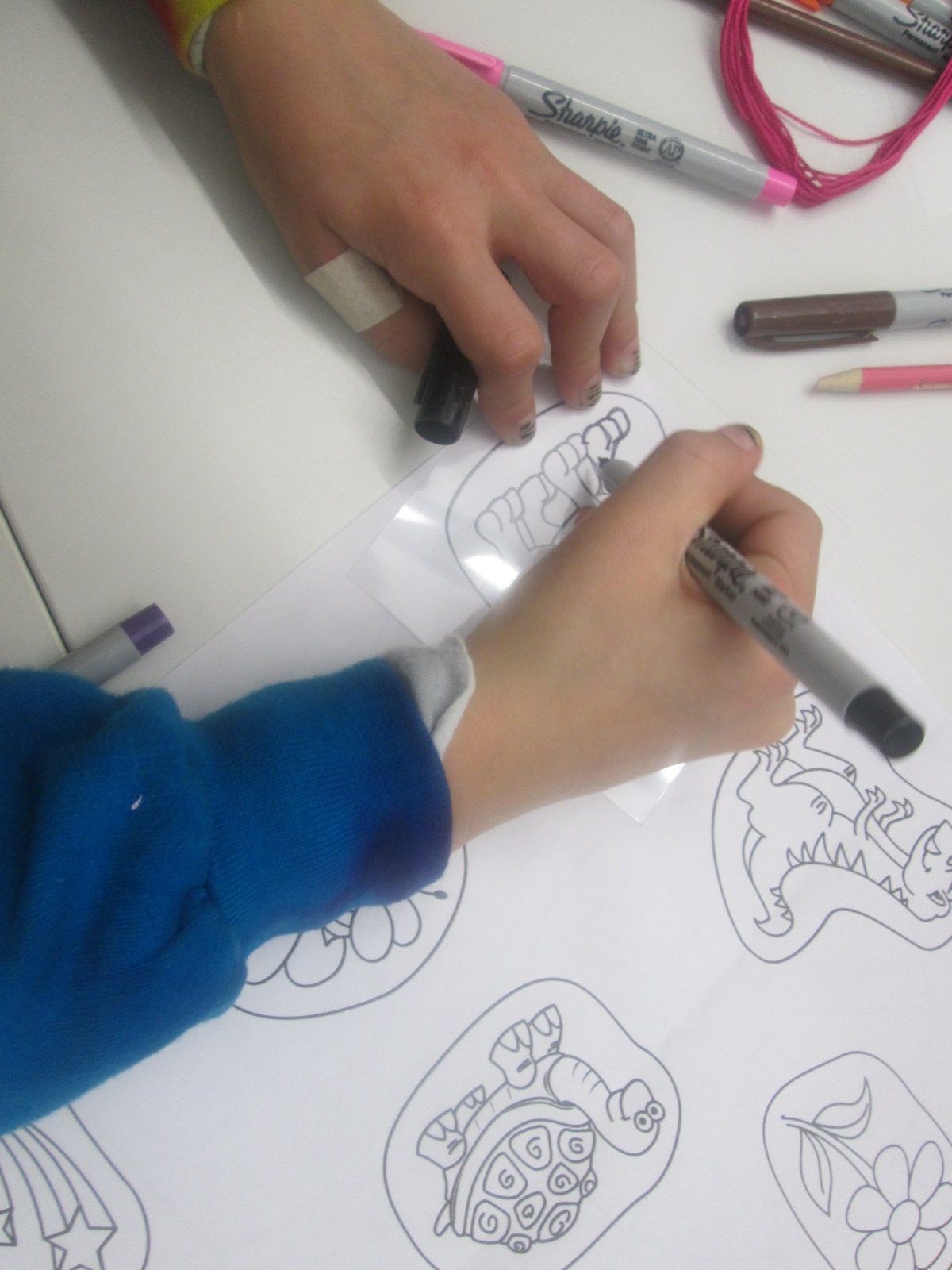
On Thursdays, Gretchen’s Maker Dawgs class sends a few students with a planned craft.  Duct tape was a huge hit, but as I’ve said, we found that students were using lots of duct tape without really getting anywhere.  We decided we would try different kinds of crafts with more of a focus on producing something to take away.  This focus might help students see the kinds of things they might create, which we hope leads to new ideas from students.  One week students created Origami.  This past week, the focus was Shrinky Dinks.  Many students had never experience Shrinky Dinks.  The Maker Dawgs brought in a Shrinky Dink maker, which basically looks like an Easy Bake Oven.

shrinky dinks (7)

Also, Gretchen made Shrinky Dink name tags for all of us.

The Maker Dawgs paired the Shrinky Dinks with friendship bracelet making, so some students combined Shrinky Dinks onto their frindship bracelet.  It was a very popular and productive makerspace time.

shrinky dinks (4) shrinky dinks (9)

Our newest problem is how to print all of the 3D creations that students are making.  That’s the next thing on my list to figure out.  Students want to print right away, and it’s hard for them to understand that designing can take a few minutes but printing can take a few hours.

shrinky dinks (5) shrinky dinks (3)

We take each challenge as it comes.  We expect the miraculous, and we don’t give up.

Providing Space for the Miraculous

WRAD15 Day 3 (4)

I’m a planner.  In my personal life, I like schedules, details, and wouldn’t consider myself very spontaneous.  However, in education, I’ve learned to push this part of me aside and embrace flexibility.  It isn’t always easy, but it is essential.  When I meet with teachers to plan a collaborative project, we definitely put together a strong plan, but nothing makes me happier than hearing teachers say “let’s just see where this goes”.  Phrases like that mean that we are giving ourselves permission to be flexible.  We are providing space to look for miraculous things that are taking place right before our eyes.  If we script every step of a project, then the project gets done, but at what cost?  To me, the cost is student voice.  When we structure lessons and projects too much, we miss the opportunities to listen to individual student voices and interests.  We miss opportunities that might be waiting for us out in the world with experts, other schools, developers, and more just because it doesn’t fit on our timeline.

IMG_4947

Here’s a perfect example of what can happen when space is provided for the miraculous to happen.
During our 2nd grade black history project, we made numerous changes to our plans.  I’ve written several posts about this, but to summarize, we:

  • made the project more authentic by creating our own award called the Barrow Peace Prize
  • established our own criteria for the award, which matched numerous character traits that students study in social studies
  • housed all of the student videos on Flipgrid and linked them on a Google site with our embedded voting tool
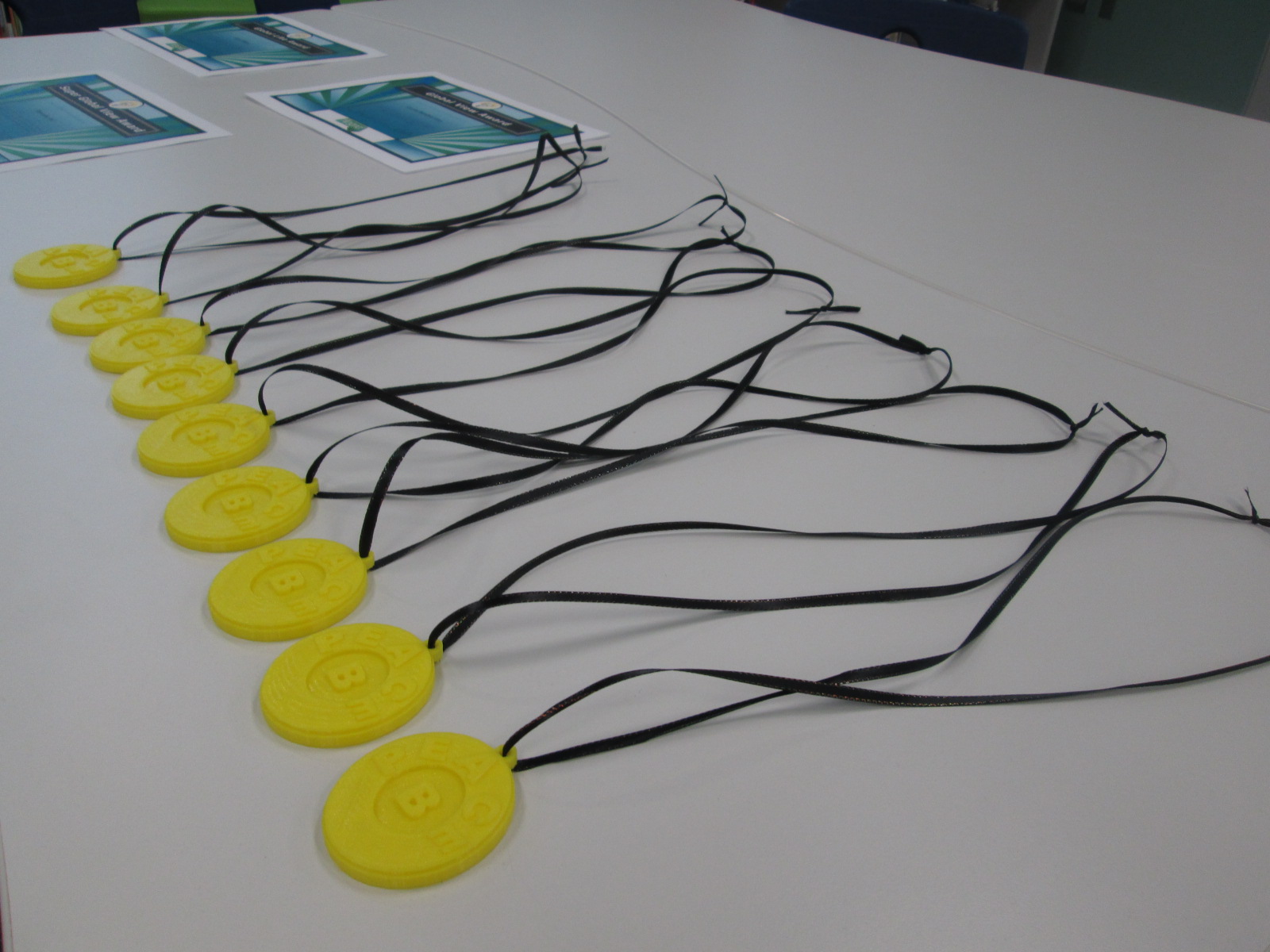
  • created a medal using our 3d printer to honor the person from black history who won the votes

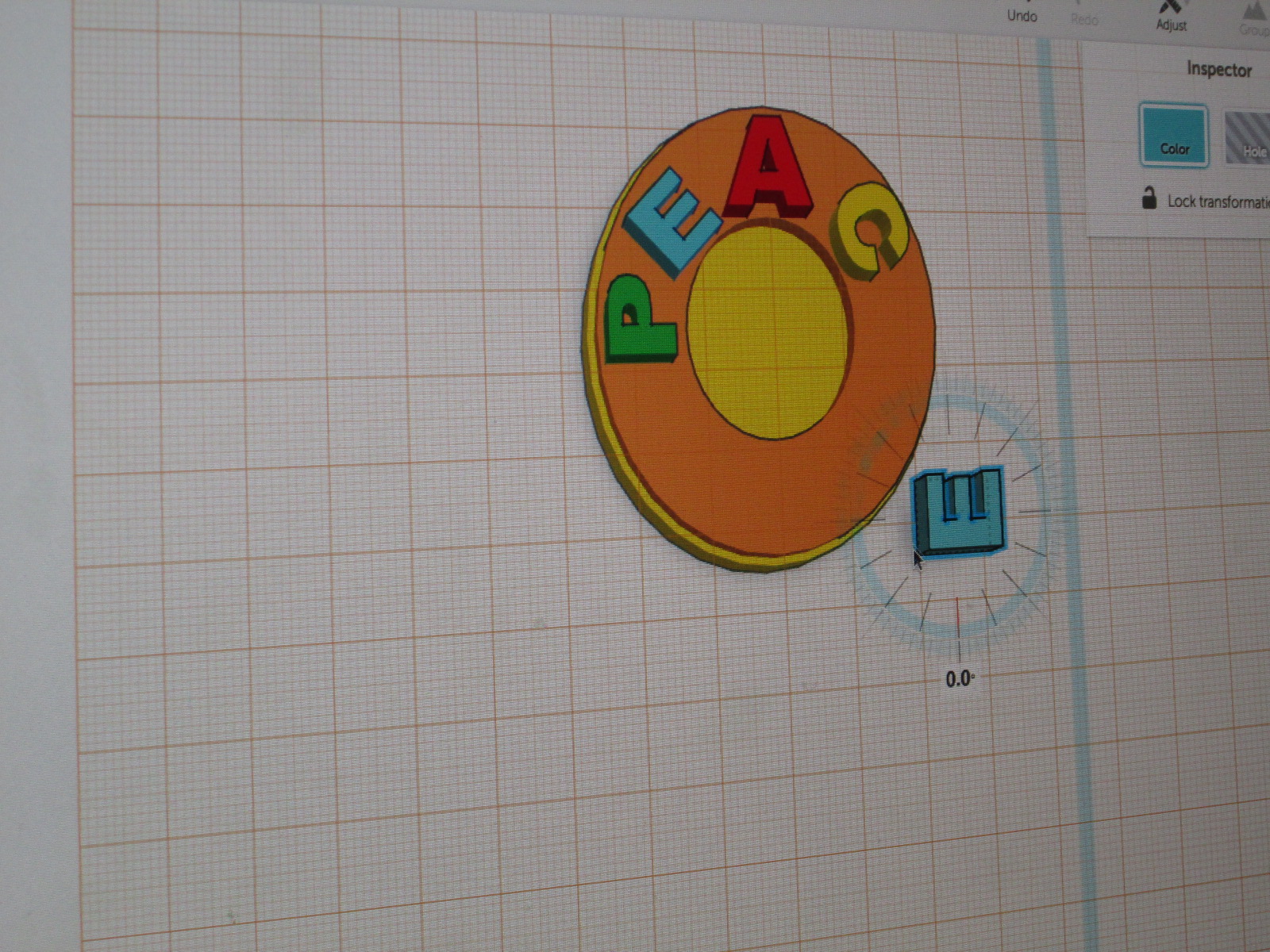
When we planned this project, we knew that certain components would be there such as time to research, time to write persuasive pieces, and time to record videos.  One thing we didn’t know when we started was that we would actually create a medal on the 3D printer.  Because we allowed ourselves to be flexible, to give individual students voice, and to look for the miraculous, an individual student was able to design and create a 3d-printed Barrow Peace Prize.

Taylor, our student designer, has been so proud of his work.  This one moment where we provided space for the miraculous has given him and our school some other incredible moments.  Taylor was able to share his work with Okle Miller’s Kindergarten students in Tampa, FL via Skype and inspire them to make their own inventions.  He also shared his work with the Flipgrid team in Minneapolis during our Skype.

While Taylor was designing his work, I was of course sharing it on Twitter.  Brad Hosack, co-founder of Flipgrid, half-jokingly replied:

This one tweet made us think even more.  We originally just planned to print one medal and share it among all of the 2nd grade teachers in honor of the winner of the black history votes, but because we gave ourselves space for flexibility, other miraculous things happened.  We printed enough medals to put one in each 2nd grade class so that now students can take turns in their classroom holding or wearing the medal, and we also sent some to Flipgrid headquarters in Minneapolis, MN.

Flipgrid Barrow Peace Prize (1)

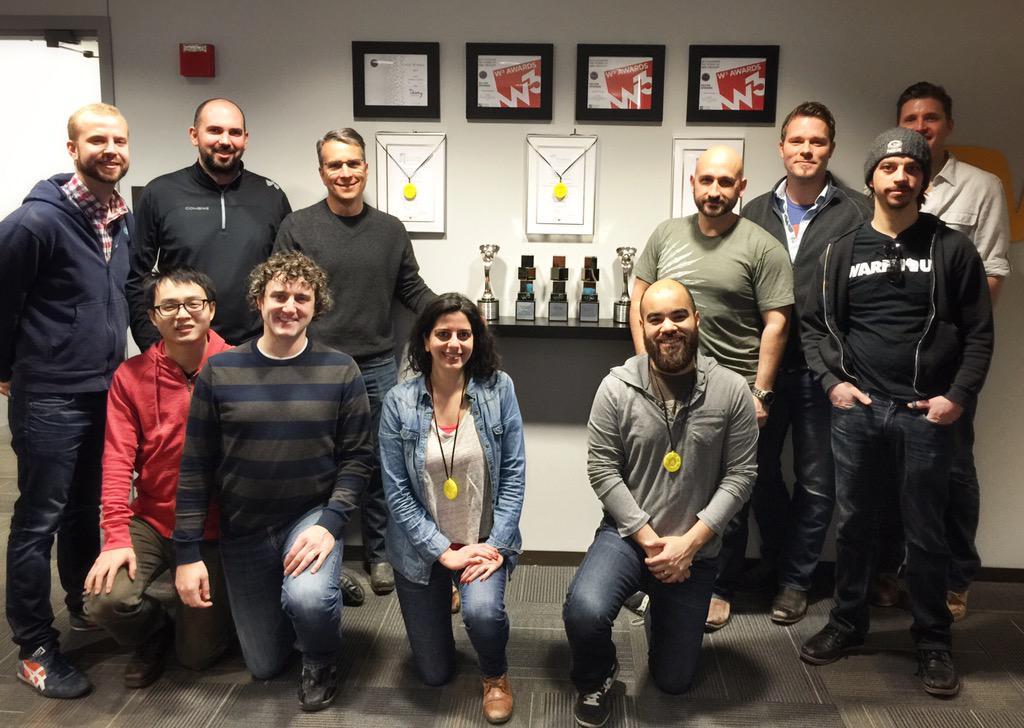
Now, Taylor’s 3D creation is hanging in Minneapolis with Flipgrid’s many other awards.  How miraculous is that?

The Flipgrid team proudly displays their Barrow Peace Prize medals along with their numerous other awards.

It is stories like these that remind me of the importance of slowing down and being flexible.  Planning is still crucial, but I’m reminded that I shouldn’t plan so much that it hinders the amazing things that can happen when we let go of control and see what happens.  I encourage you to give it a try.

https://twitter.com/EMCPublishing/status/575379804901351424

Voices of Reading: Our Contribution to the GA Children’s Literature Conference

Meeting Patricia Polacco several years ago at the Children’s Literature Conference

This weekend is an exciting weekend in Athens, GA.  It’s the annual GA Children’s Literature Conference.  This conference always offers an amazing lineup of authors who share their craft with educators as well as spend lots of time autographing books.

I’m excited that the conference is really thinking about how to bring student voice to the attendees.  Giving students this authentic space to share their voice is not only empowering, it also centers all attendees (including the authors) on why we all do this work.

My students along with Anne McLeod’s students at Burney Harris Lyons Middle School collaborated on a video that we called “Voices of Reading”.  This video was played at the opening of the conference.

It’s fun to see colleagues already talking about the video at the conference.

We also worked together on a Flipgrid sharing our favorite books.  Many voices came together for this Flipgrid, and these voices will be played on a screen on the exhibit floor.

Click on the picture to hear lots of favorite books!

I hope that this conference continues to find ways to empower student voices.  This is definitely a step in the right direction.