Kindergarten Mission to Mars: A Makerspace Tinkering Lesson

hocking makerspace exploration (15)

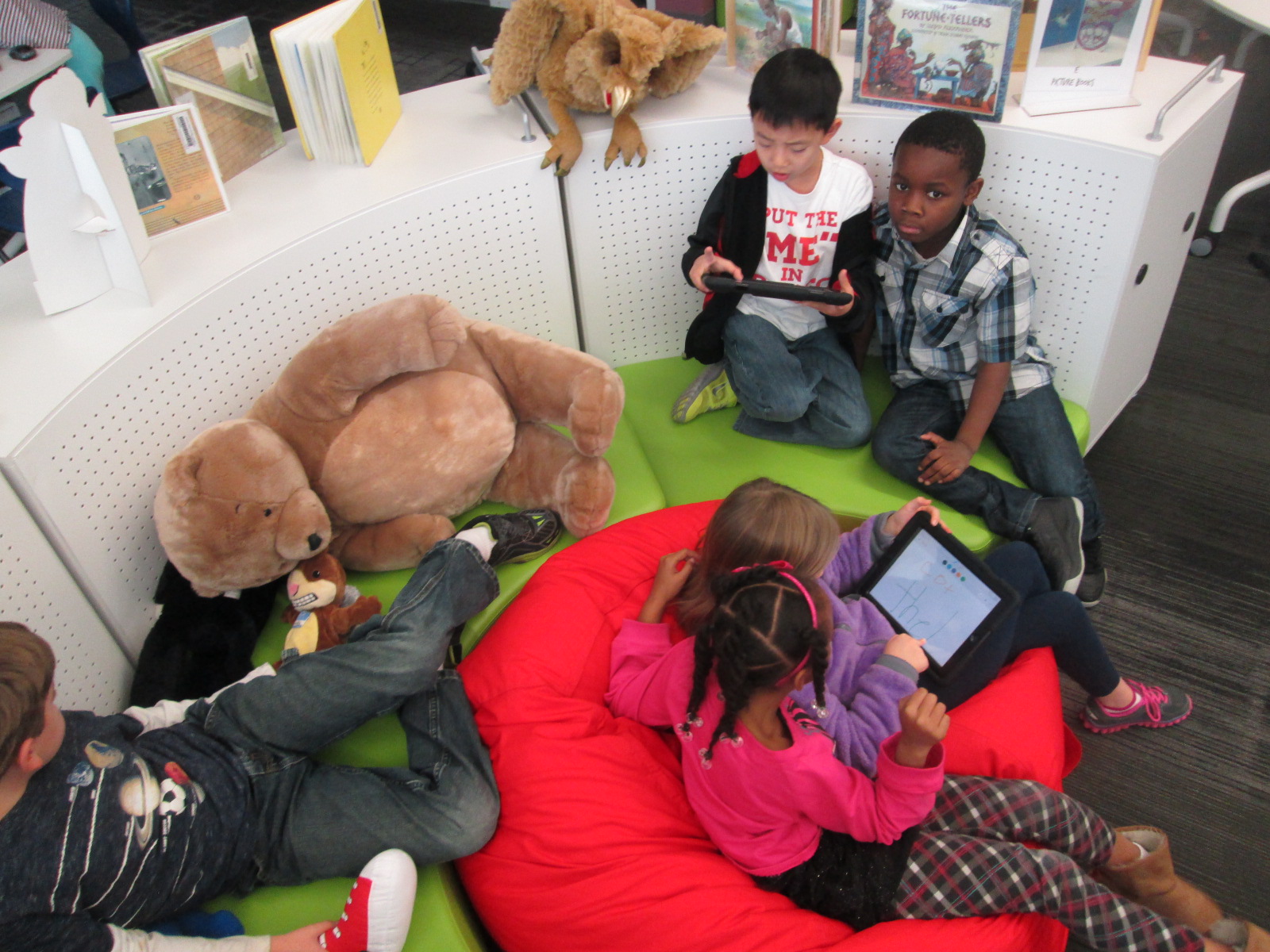
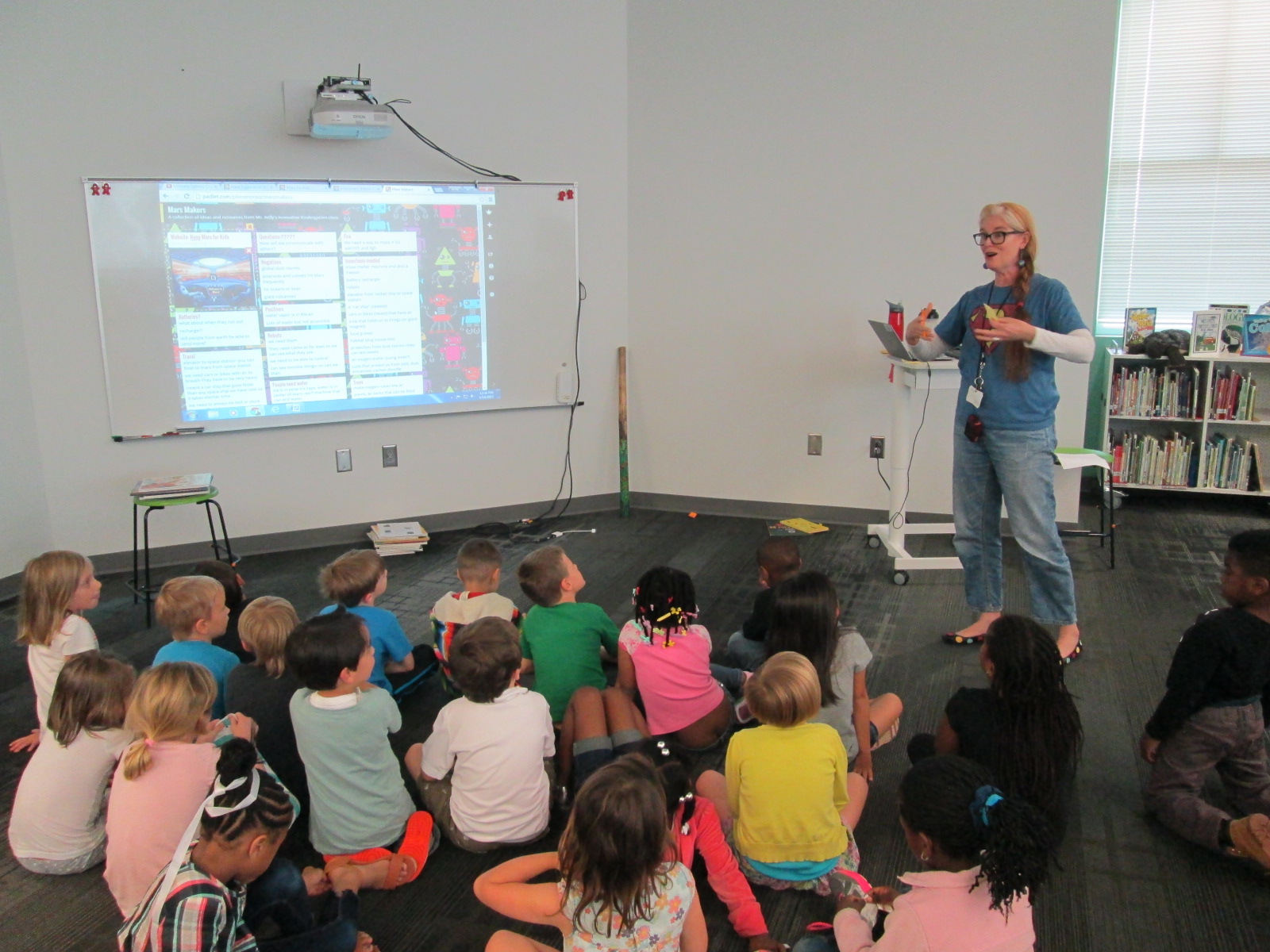
Ms. Kelly’s Kindergarten class has turned a curiosity into a year-long project.  They became interested in space, and it has turned into a research project about planets, creating planet ebooks, writing original songs about the planets using ukuleles, and having a Fat Tuesday parade dressed as the planets.

Now, these students are on a mission to figure out how to support human travel to Mars.  They don’t actually want to go to Mars themselves, but they want to think about what might need to be invented in order to support human travel to Mars in the future.  Wow!  Some might look at a Kindergarten class and think this is silly.  How could students as young as Kindergarten come up with ideas for traveling to Mars?  I think Ms. Kelly’s class proves that even our youngest voices should not only be listened to but empowered as well.
Mars Makers

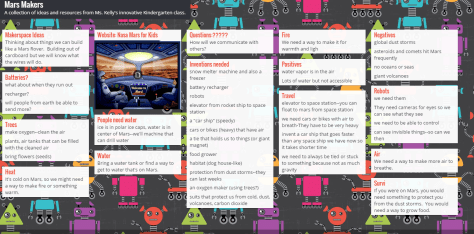
These students have spent extensive time researching Mars.  They know about the land, the weather, the atmosphere, and ways that Mars has already been explored.  They have brainstormed things that they might need to think about when traveling to Mars such as water, food, oxygen, and how to survive the dust storms.

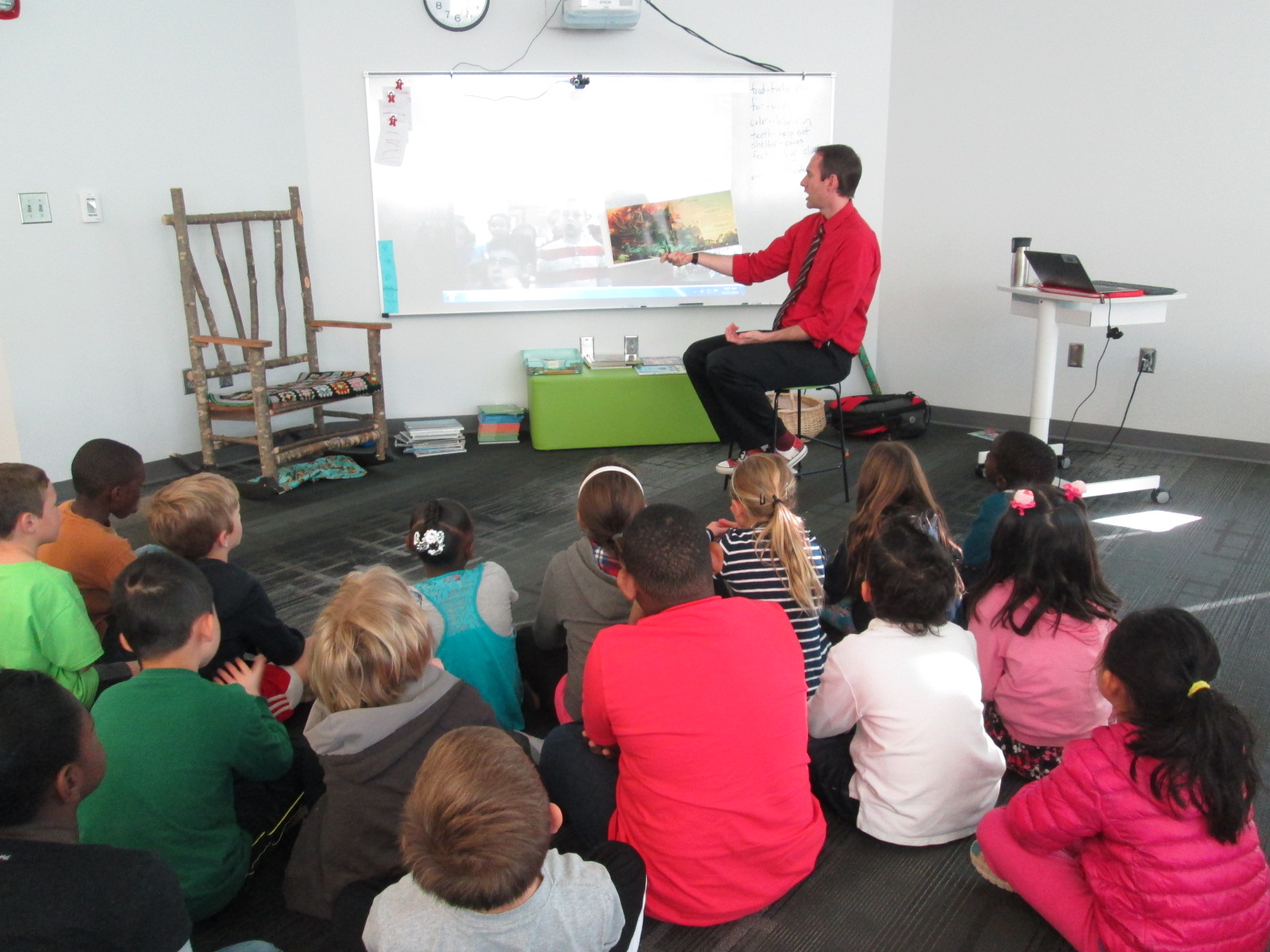
They recently came to the library to read the book  You Are the First Kid on Mars by Patrick O’Brien.

She and I brainstorm a lot over email.  When working with her, nothing is impossible and our biggest limit is time.  She wanted a way to capture all of her students’ brainstorming, so I suggested a Padlet since they could post ideas, websites, pictures, and files.  I set one up for her and they got to work adding to it.

Within their brainstorming, they talked about creating robots that could help them explore Mars as well as several other technology-heavy ideas.  This brainstorm naturally brought us to our library makerspace.  We wanted students to have a time to explore some facts about robots, technology, electricity, circuitry, energy, and space exploration.  Ms. Kelly books an hour of time for student to explore, and I created some experiences for them to move through.

Experience 1:

I pulled as many books as I could find on all of our major maker concepts from 3d printing to robotics to circuitry.  I also pulled books about space.  This experience was a time for them to look at lots of pictures, read captions, and skim text with one another and an adult to get ideas that they hadn’t even thought of in their brainstorm.

Experience 2:

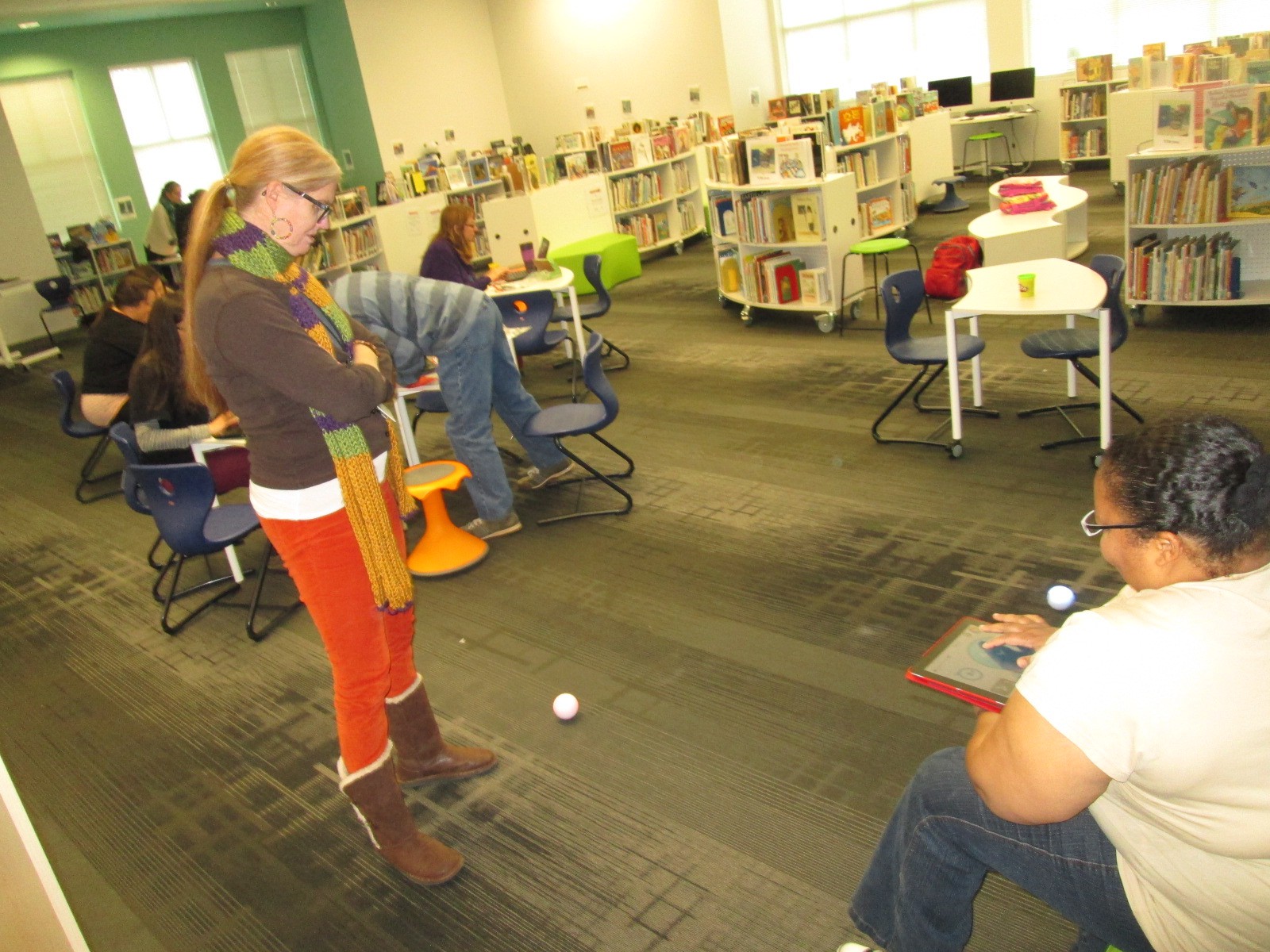
We have several robotics options in our makerspace.  Since robotics was part of their brainstorm, I wanted them to tinker with a robot that was manageable by a Kindergarten student.  I chose Sphero.  Since Sphero alone couldn’t do some of the things they were thinking of robots doing, I showed them a Youtube video of how Sphero can be combined with other things like a chariot to pull a camera or add an attachment.

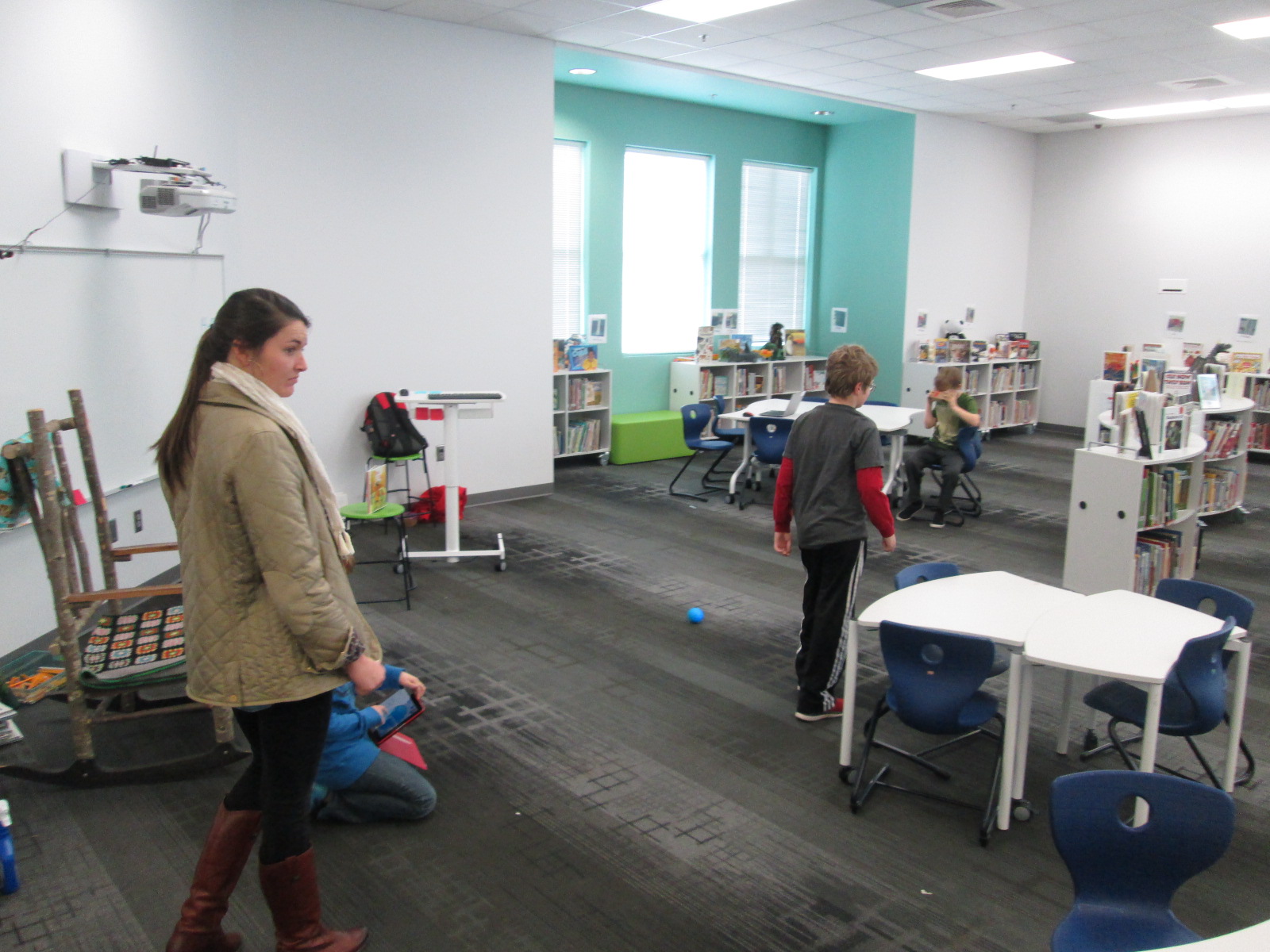
Then, students used the Drive app to practice driving Sphero and brainstorming how this might help them explore Mars.

Experience 3:

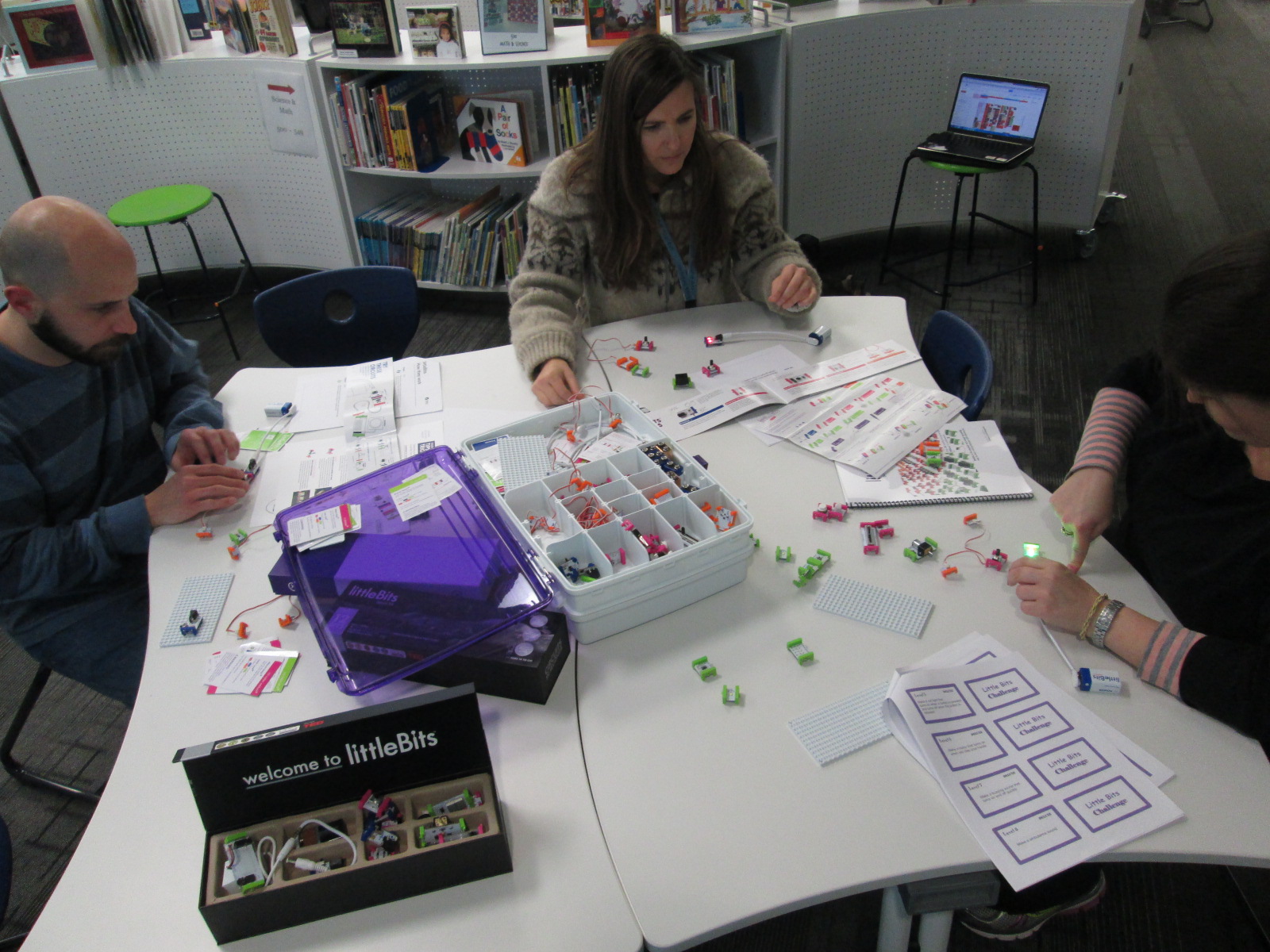
Students have talked a lot about wiring and circuits during their brainstorming.  They really want to wire something that could actually work. I have 2 littleBits space kits which have instructions for creating things like Mars Rovers, Grapplers, and Data Collection Tools.  The age range is high for these kits, but age range never stops us from trying something.  We just look at what barriers are in place and then figure out how to build a bridge.  For this experience, I started students with the instruction booklets.  They got into 2 smaller groups and looked at the diagrams, instructions, and functions.  They started to think about their brainstorm and how these littleBits inventions might work with their ideas.  Then, they moved to a table of littleBits.  In pairs, they used a battery, power cord, and blue power switch to connect to one input (pink) and one output (green).  The idea was just to start tinkering a bit with littleBits to see how they work.  They weren’t necessarily making a space invention yet.

Here’s a quick look at what it all looked and sounded like:

Next, our students will go back into their classroom and continue working on their padlet using the ideas from the makerspace exploration and the books.  They also checked out some of the books to take back.  Then, students will begin constructing prototypes of tools that they might actually invent for space.

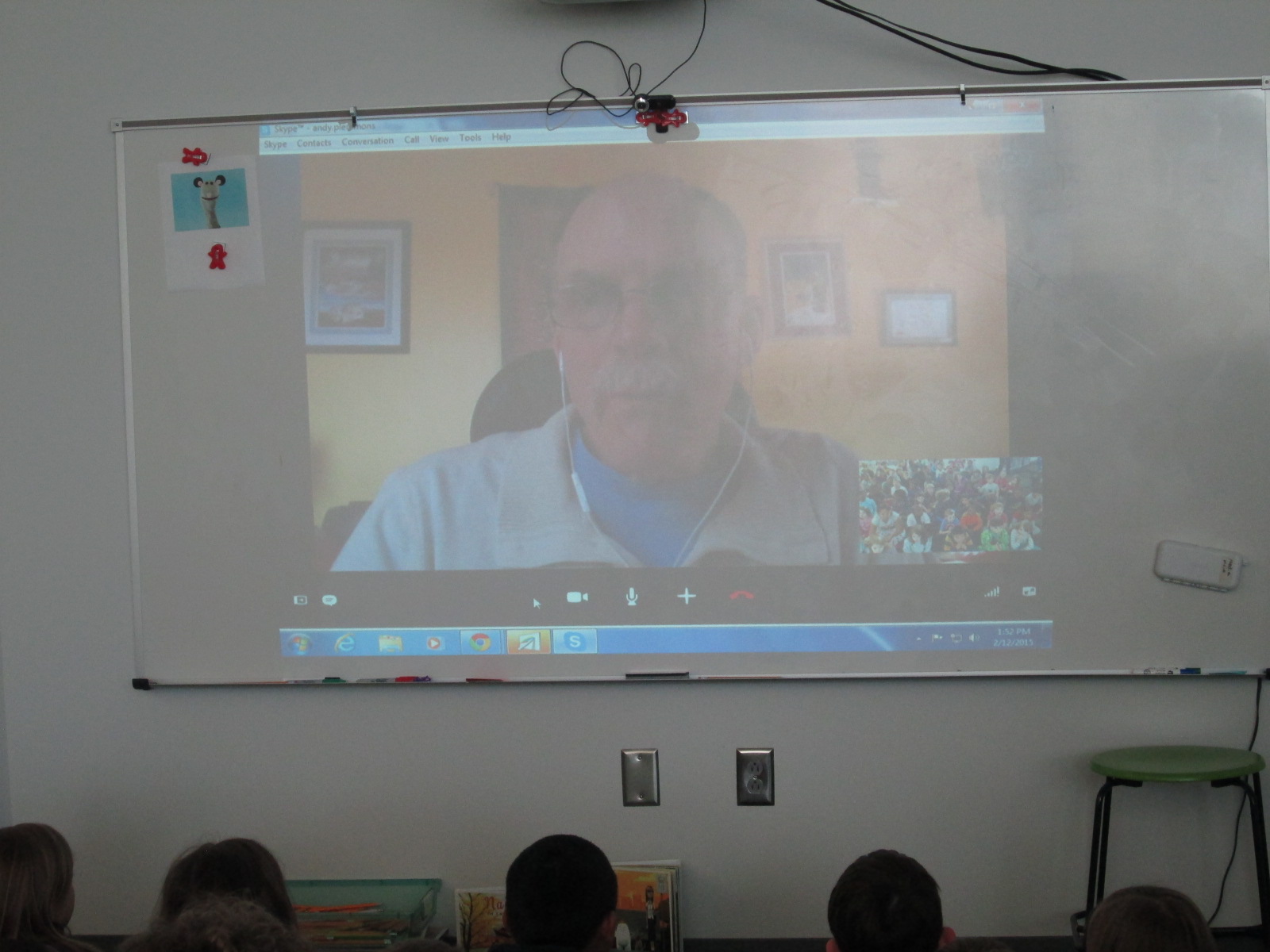
 

Skyping with Rube Goldberg’s Granddaughter: Improving the Student Voice Experience

rubeworks skype (2)Our 2nd grade is in the midst of another amazing project. They are studying simple machines, force, and motion as a part of their science curriculum.  We kicked off this unit by tinkering with a Rube Goldberg iPad app called Rubeworks.  Students worked in pairs to problem solve the many parts each Rube Goldberg puzzle. We allowed an hour for this experience and students persevered through the entire hour and supported one another.  Students continued to use this app in class.

Next, students had the opportunity to Skype with David Fox, the creator of the RubeWorks app.  He told a lot about how the app was made as well as listened to what the students loved and what they were frustrated with while using the app.

rubeworks skype (4)

In class, students read the book Roller Coaster by Marla Frazee. They used lots of tools to construct their own “roller coasters” and test them out.  This is all leading up to students designing and creating their own Rube Goldberg invention.

rubeworks skype (5)

This year, I purchased a book called The Art of Rube Goldberg. This book contains numerous pieces of Goldberg’s artwork, which was mostly selected by his granddaughter, Jennifer George.  Students have enjoyed studying these illustrations in class.  All of the puzzles in the Rubeworks game are based on pieces of artwork, so studying these images also supports students figuring out the game puzzles.

Jennifer George (1)

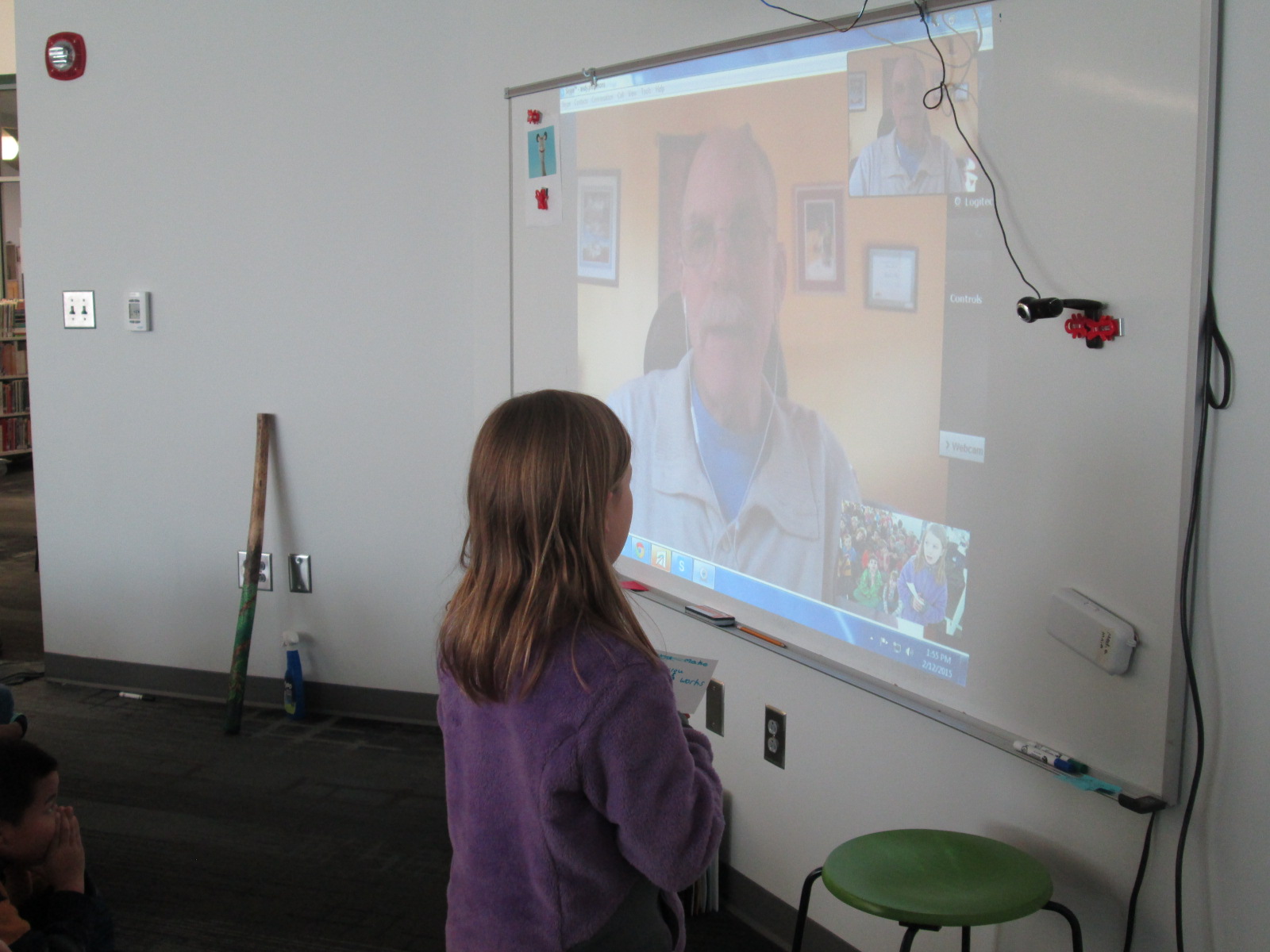
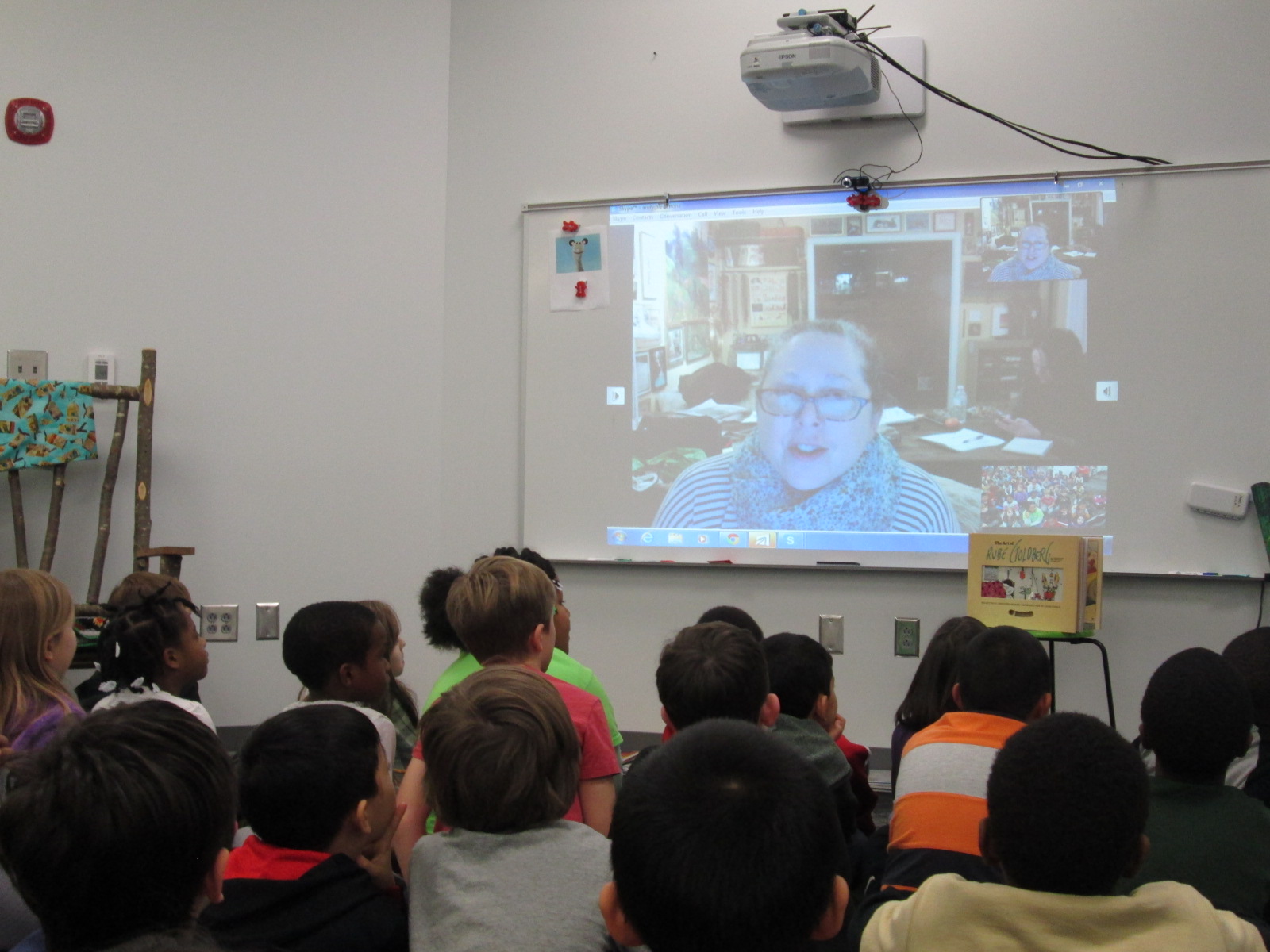
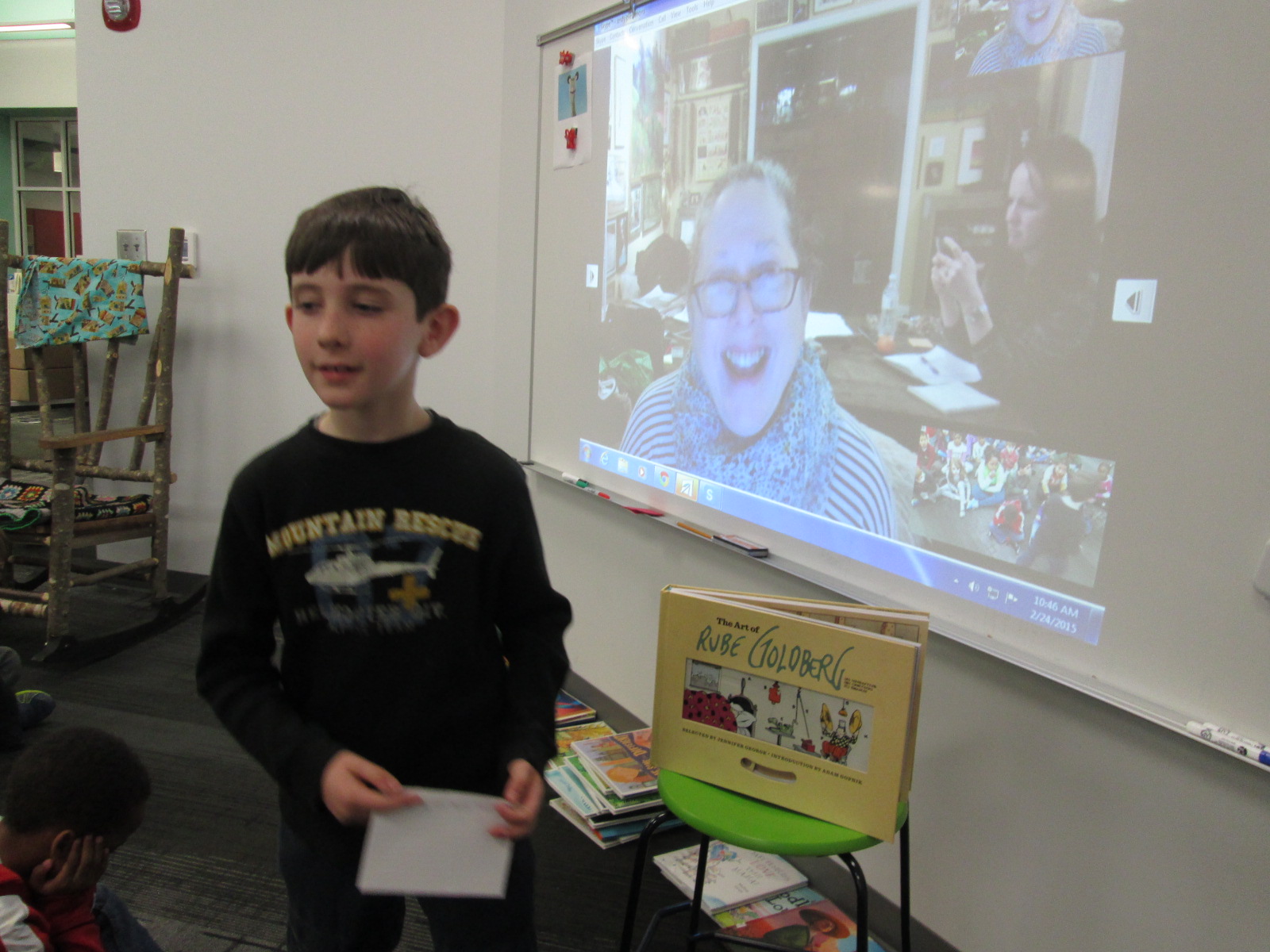
Using Skype in the Classroom, we scheduled a Skype with Jennifer George.  Ahead of the Skype, students spent time in class preparing questions to ask Jennifer George.  The second grade teachers and I have really been fine-tuning a process for our skype sessions, and it is proving to create some very rich experiences for our students.  Students wrote questions about Rube Goldberg based on their knowledge of him from the illustrations in the book, their experience with the app, their observations of Rube Goldberg inventions, and their own drawings of inventions.

Jennifer George (4)

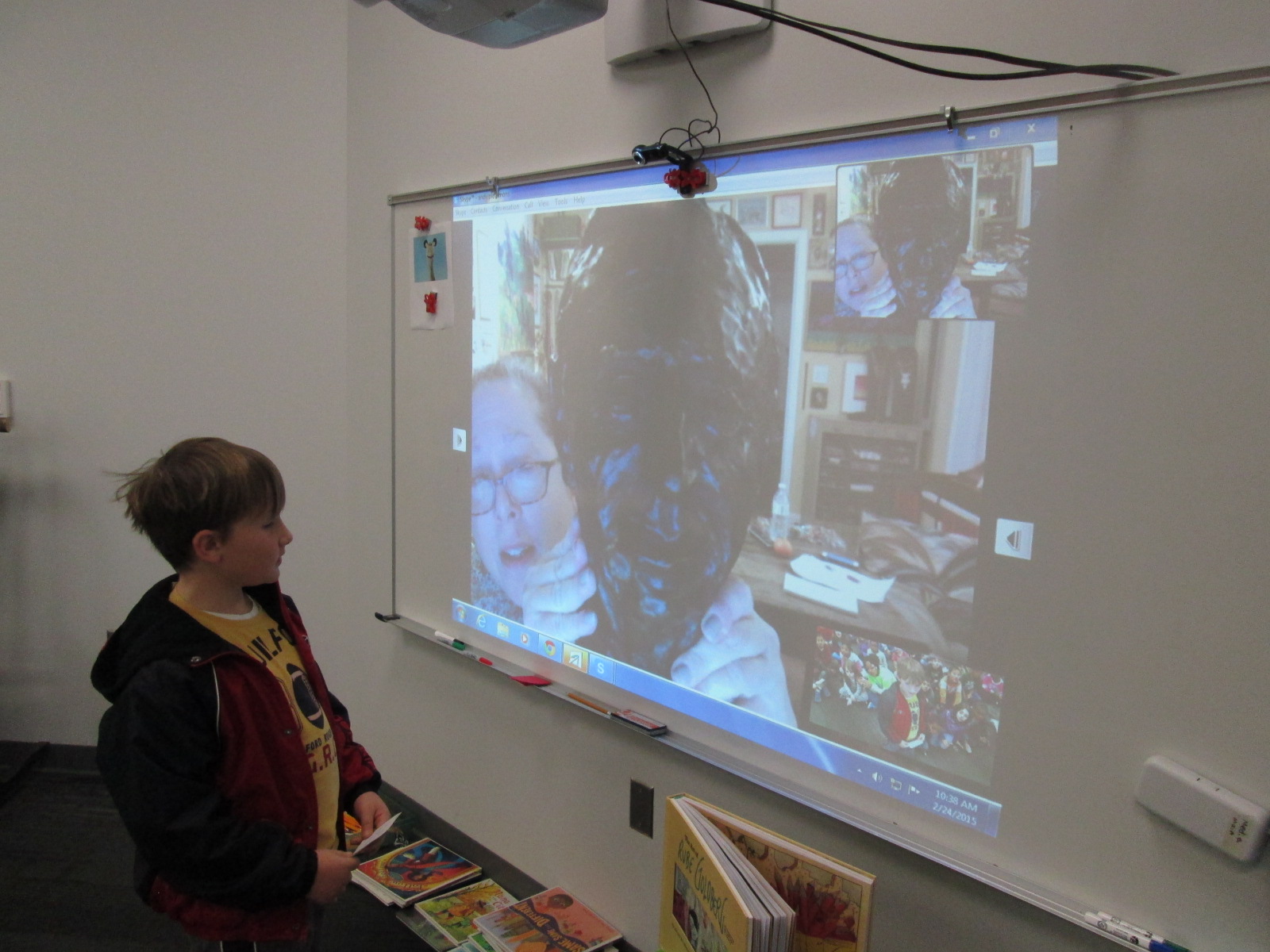
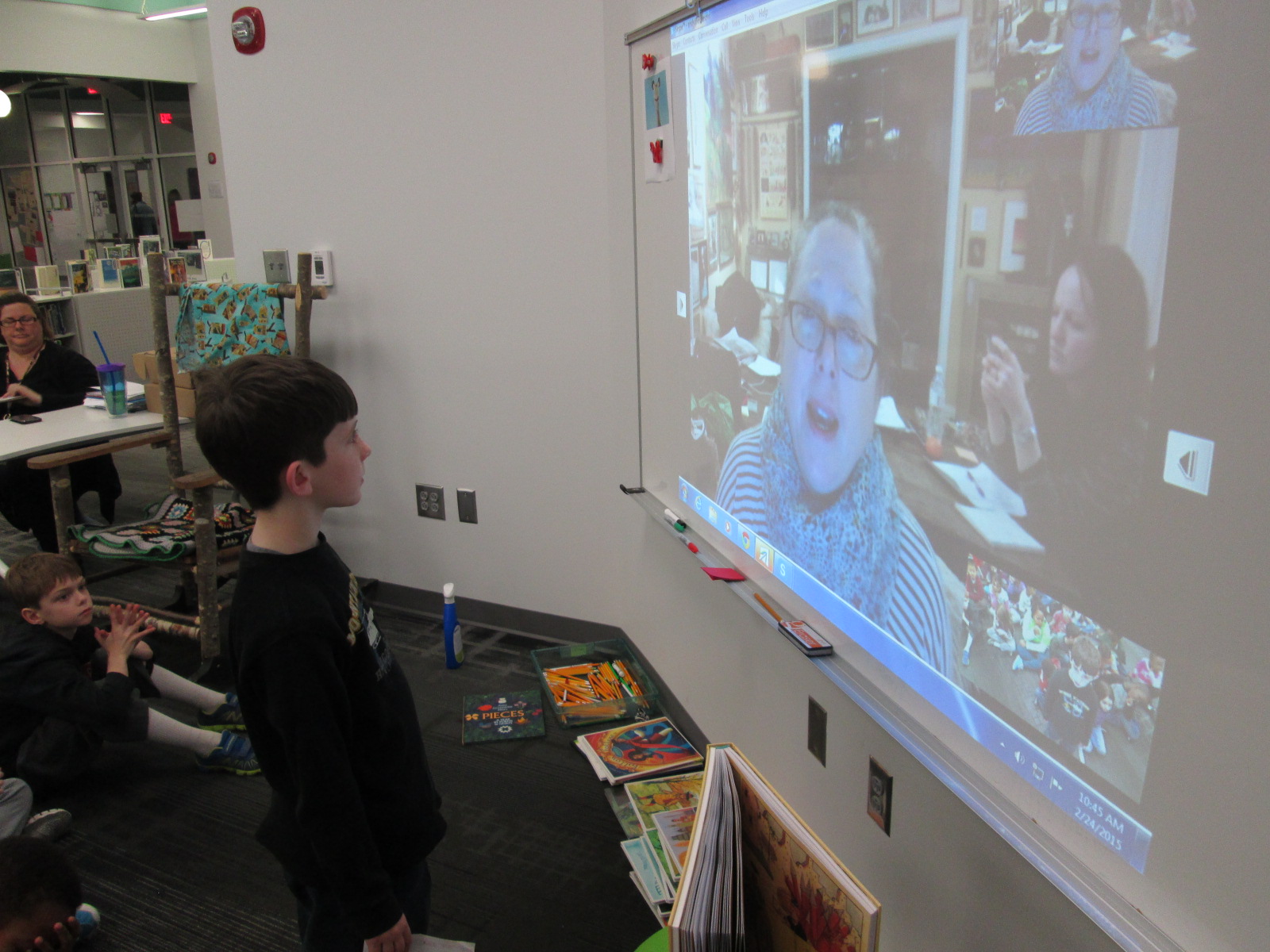
During our Skype, Jennifer George told us just a bit about Rube Goldberg and herself, but she left lots of room for questions.  It’s times like these, that I’m so glad that the 2nd grade teachers have developed their Skype process.  Students had prepared questions on index cards.  The teachers quickly passed them out and we made a line of students who were ready to ask a question.  Students took turns stepping to the webcam, saying their name, and asking their question.  They awaited Jennifer’s response, and then said “thank you” before sitting back down.  Our questions really carried the Skype conversation today.  Each time a student asked a question, Jennifer commented on what a great question it was.  Students asked things like:

  • Did you aspire to be like your grandfather?
  • Do you have any of Rube Goldberg’s artwork?
  • How many drawings did Rube Goldberg make?
  • Did you ever help your grandfather draw his art?

Jennifer George (7)

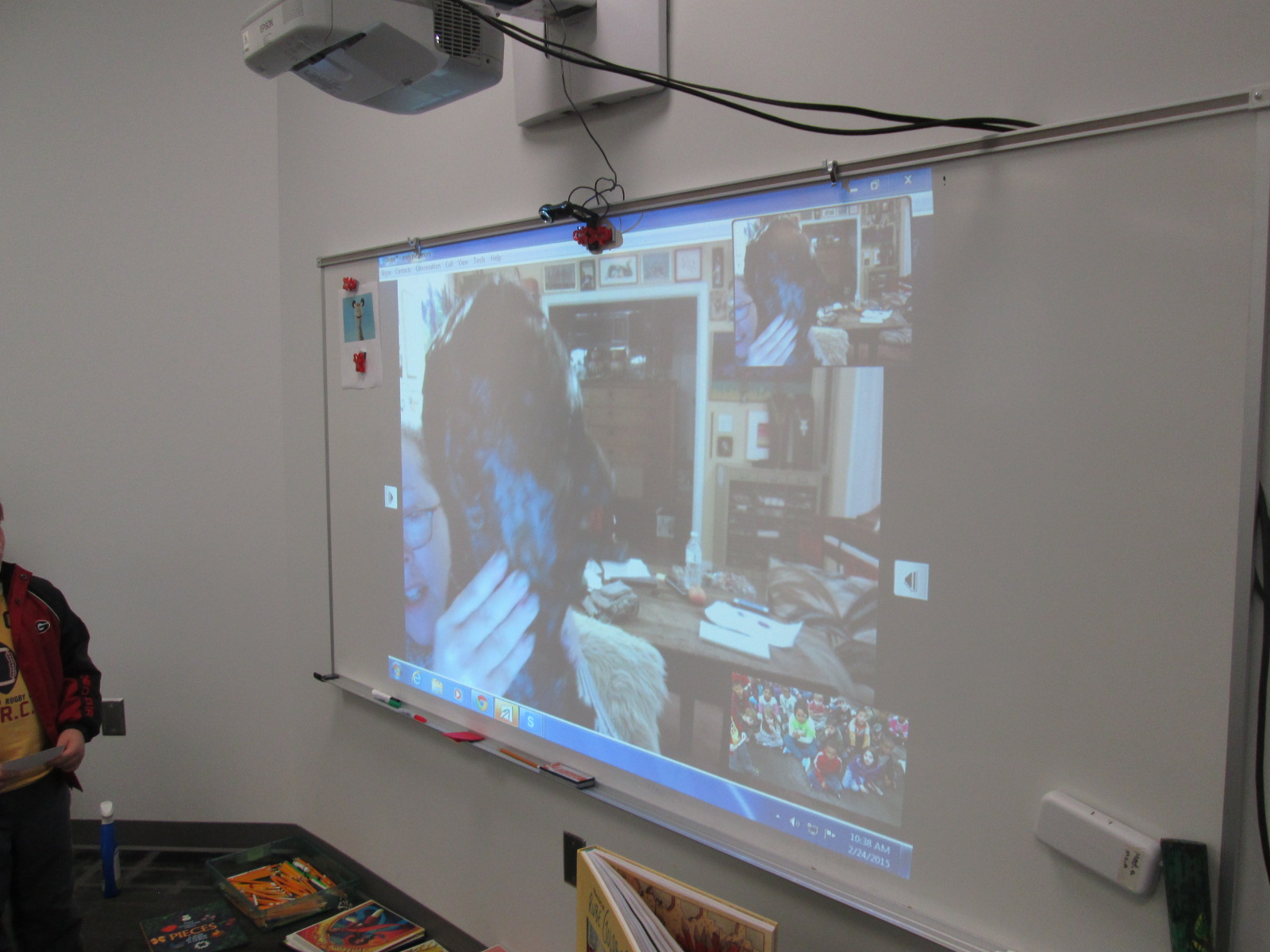
Each question was met with an extended story that uncovered pieces of Jennifer George and Rube Goldberg’s life.  We even got to see a sculpture that Rube Goldberg had created.

Jennifer George (5) Jennifer George (6)

I love Skype experiences where students get to interact with the presenter.  It empowers students to be able to ask the questions that they are curious about and have their curiosities answered.  I’m so thankful for teachers that give students the space to prepare for interviewing a Skype guest.  These interview skills will only continue to improve and will be a skill that students will carry with them throughout their lives.

Jennifer George (10) Jennifer George (9)

The teachers and I all commented on how different this Skype was compared to last year’s Skype with Jennifer George.  The time to prepare, the time to think about questions that matter and connect, and the trust to allow students to lead the conversation made this a memorable experience for us all.

Teachers in the Makerspace: An Exploration Experiment

teacher makerspace (2)

Each time I see students using our makerspace tools I see possibilities.  I see the problem solving that goes into each attempt and each failure.  I see the curiosity and energy that students bring with them.  I begin to make connections to the more structured curriculum that students use in their classrooms.  So far, I have been the main person to offer ideas to our teachers on how our makerspace supports the Common Core and the Georgia Performance Standards.  However, I don’t want to be the only one.  Since every lesson that happens in the library is a collaboration between me, the classroom teachers, and other support teachers, I want their wheels to be turning about our makerspace as well.

teacher makerspace (1)

The problem with this has been time.  Most teachers know we have a makerspace, but they haven’t actually had a moment where they could put their hands on the maker tools and experience tinkering and making for themselves.  I recently sent out a survey to see how many people would be interested in holding a teacher makerspace exploration

FireShot Capture - Staff Makerspace Exploration_ - https___docs.google.com_a_clarke.k12

I got an overwhelming response from our teachers that this is an area that they want to explore more.

FireShot Capture - Staff Makerspace Exploration - Google F_ - https___docs.google.com_a_clarke.k12

I met with my principal to talk about some possibilities for days to offer an exploration.  Luckily, we had a district professional learning day that offered some flexibility for school-based professional learning.  After all of us attended district meetings during the first half of the day, we returned to our schools for independent studies and choice offerings.  This was the perfect time for me to offer our first makerspace exploration because it gave us more time and it was on a day where teachers weren’t exhausted from teaching all day.  I offered an open makerspace on Feb 16th from 1:30-3:30PM.  Teachers from our school were encouraged to sign up and teachers from other schools were invited too.  We had 12 teachers from our school sign up, 1 teacher from JJ Harris, and a few drop-ins.

teacher makerspace (4)

I setup multiple areas of the library for exploration.  First, I pulled all of our maker books from the library and professional collection.

Then, I setup area with

  • 5 MaKey Makey kits connected to computers.  Playdoh was available
  • A box of duct tape and books on making from duct tape
  • Two spheros with ramps and iPads
  • Our workshop kit of littleBits
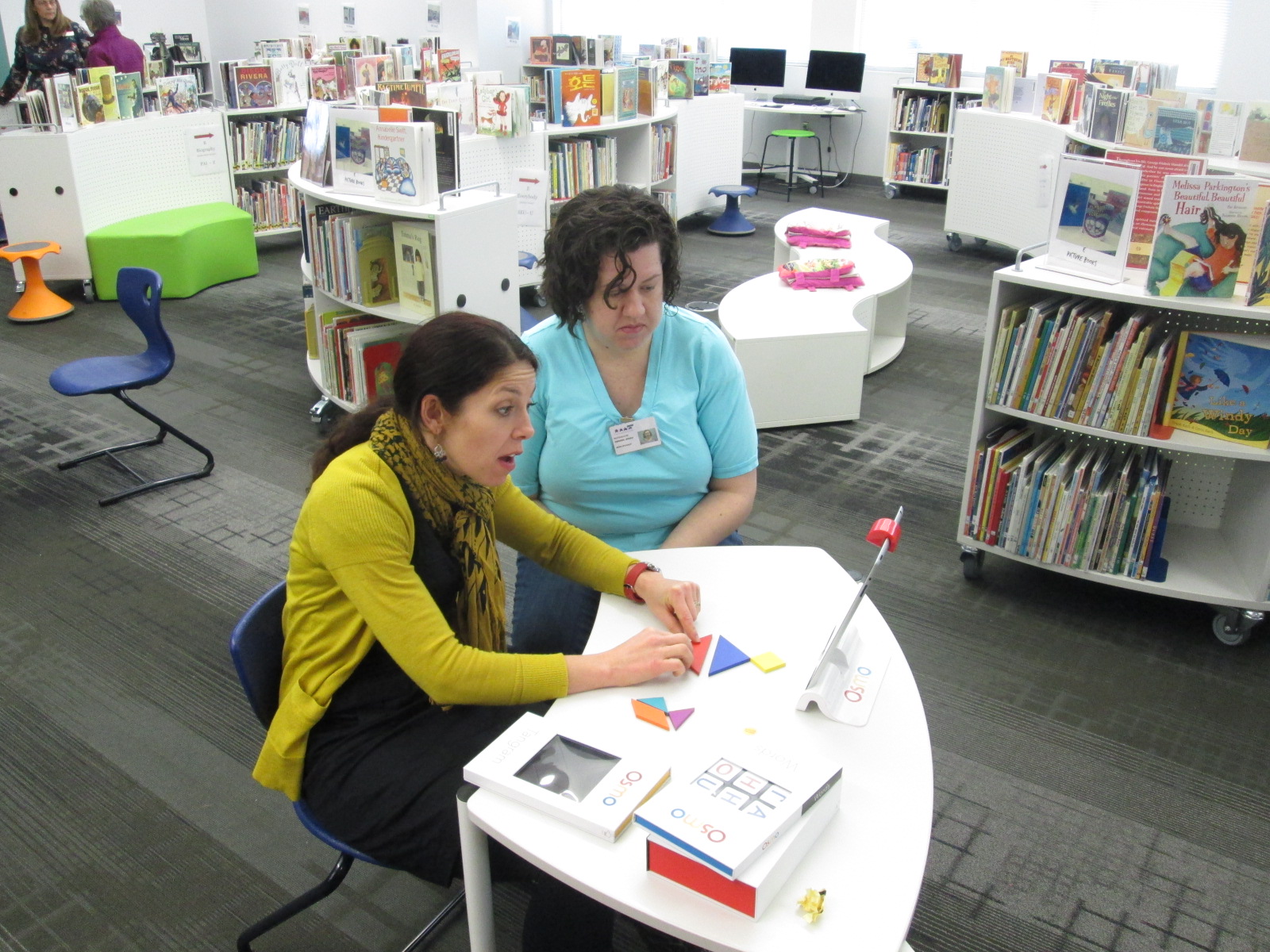
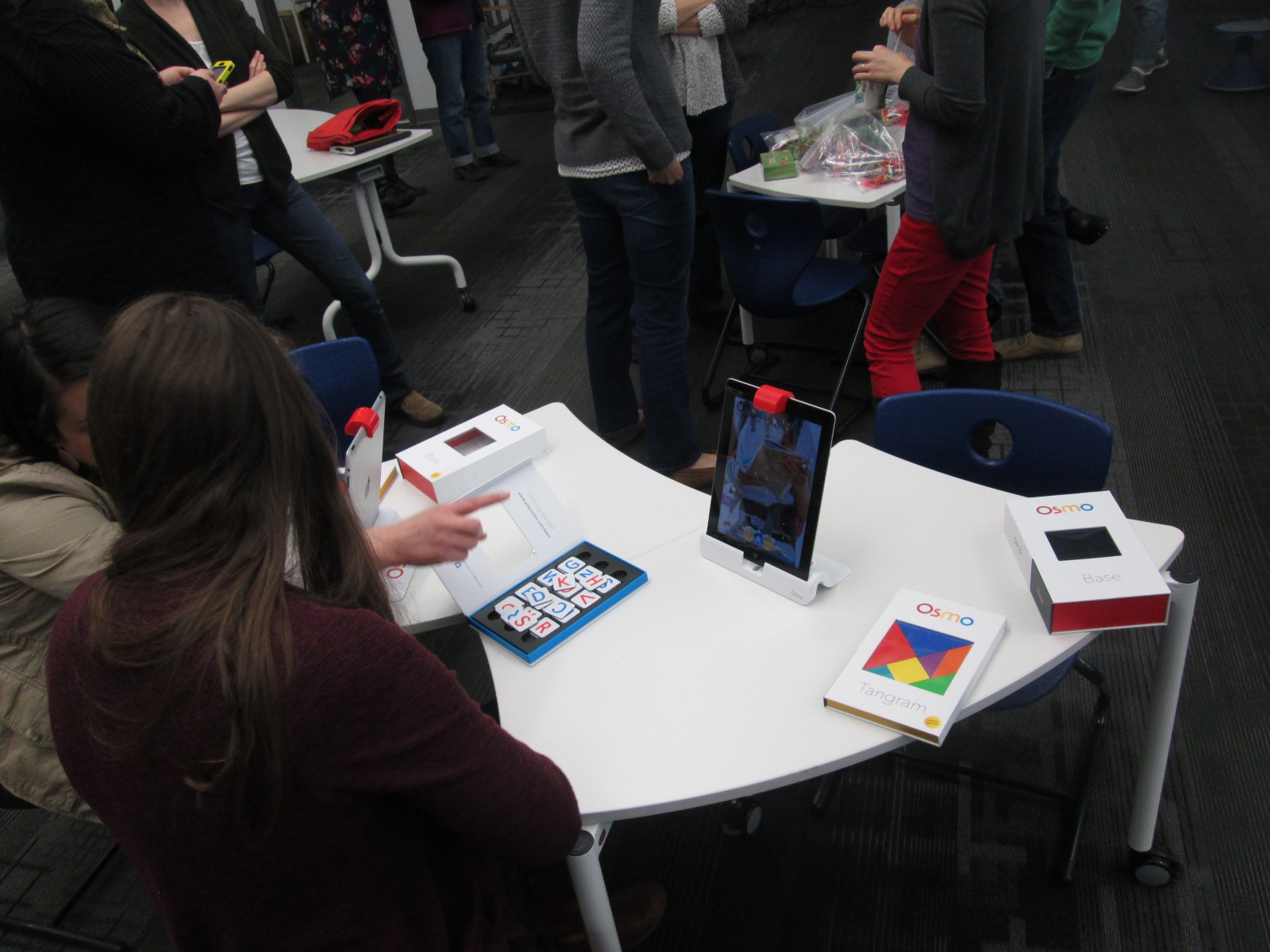
  • Our 3 Osmo kits
  • And our makerspace was open where our 3D printer is kept

I invited Kenneth Linsley from GYSTC to bring his squishy circuits, Spheros, and expertise.  I also invited Gretchen Thomas and her Maker Dawgs.  Two Maker Dawgs were able to come and spent much of their time at our Sphero and MaKey MaKey areas.

teacher makerspace (9)

We all started together at tables, but I wanted to keep my introduction extremely short.  I opened by thanking teachers for signing up to explore.  I invited them to give themselves permission to tinker, dream, create, fail, back up, and try again.  I also invited them to think about their curriculum as they tinkered.  I offered them a Padlet space to capture any brainstorming that they had during the session.

FireShot Capture - Makerspace Curriculum Ideas - http___padlet.com_plemmonsa_makerspace

I also showed them a Symbaloo with some instructional videos to refer to.  I know that some people prefer to look at how something works before they explore and some people prefer to just jump in.

FireShot Capture - Barrow Makerspace - Symbaloo - http___www.symbaloo.com_mix_barrowmakerspace

I finished by telling them to use this time to get their hands on as many things as possible and just give it a go.

teacher makerspace (5)

Teachers jumped right in.  I loved watching them make their first choices.  They really split themselves between every area and a few lingered at the tables to watch some videos.  I felt really good about the differentiation that was offered.

I walked around and offered a few tips when needed, but I was very careful not to take over or do the making for each teacher.  Ms. Olin and I had a great conversation about circuits in 5th grade and how littleBits and MaKey MaKey could be integrated into 5th grade science.  Ms. Hocking was busy brainstorming how the Sphero could be used in her math and writing time.  Ms. Stuckey was eager to get her 1st graders using the makerspace for their unit on inventors.  Brainstorming was definitely happening.

teacher makerspace (10)

This is exactly what I wanted to happen.  My hope was that as teachers used the tools, they would start to think about their students using them.  They would be less intimidated by the space and more open to trying the makerspace within their curriculum.  I don’t think a single person is opposed to using the makerspace.  It’s just hard to visualize how something fits into your curriculum if you’ve never used it yourself.

Our Padlet really wasn’t a success this time. There was just too much to explore to stop and write on a Padlet.  I don’t think it’s a bad idea, though, so I’m going to send the link back out and invite teachers to contribute to it now that they’ve had time to reflect.

teacher makerspace (6)

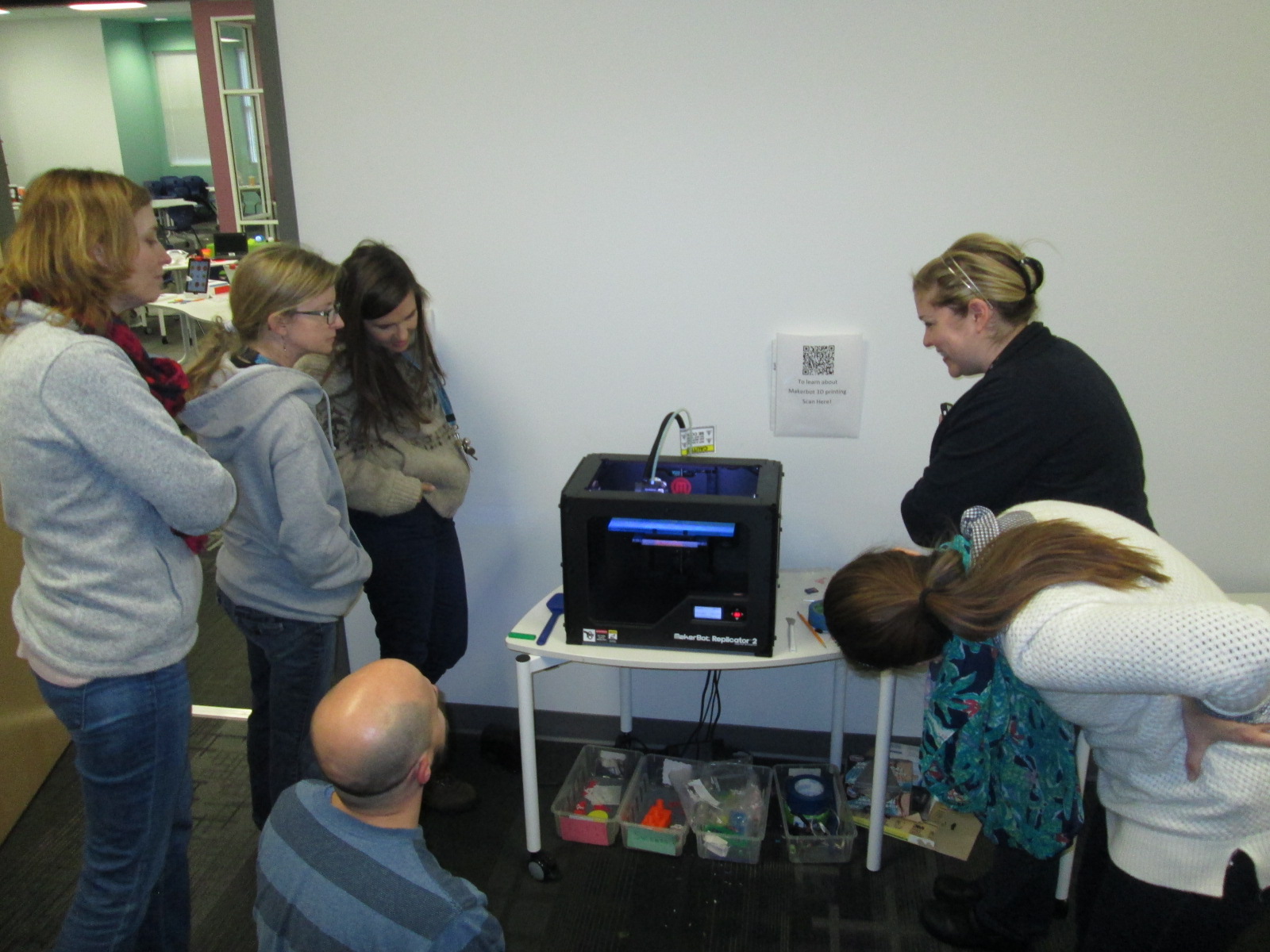
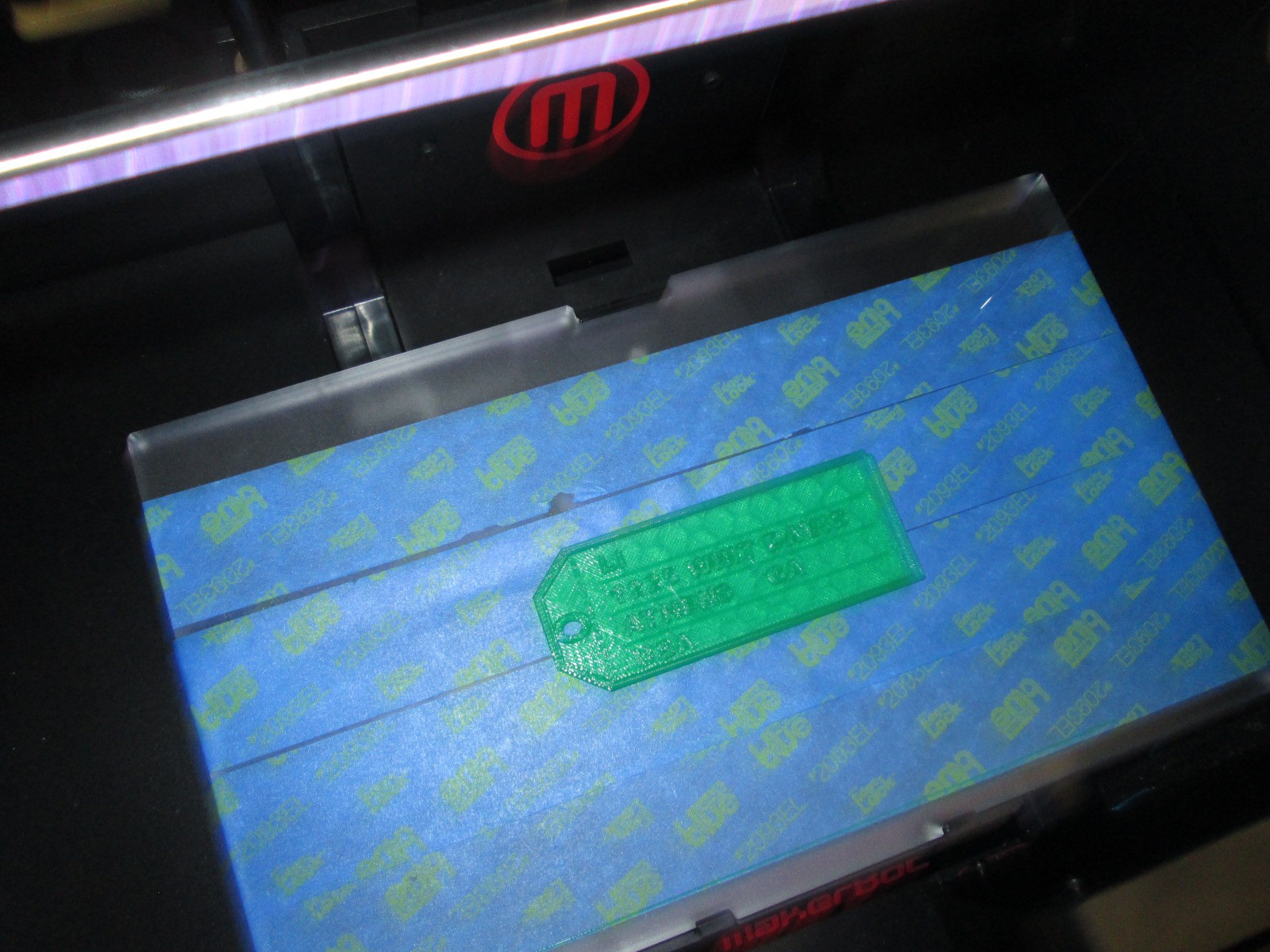
As we entered into the 2nd hour, Ms. Choate, a kindergarten teacher, walked up and said “I think I have something ready to 3D print”.  Sure enough, she had walked through a Tinkercad tutorial and figured out how to make a copy of the lesson file.  She was almost ready to print.  I worked with her to put her file into Makerware and onto the SD card for 3D printing.  We announced to the group that we were about to print and every person stopped to come and celebrate with Ms. Choate.

teacher makerspace (11)

I love watching people the first time they see something print.  It still amazes me to watch it, but when you see it for the first time, it’s just mind-blowing.  I answered lots of questions about how the printer works and showed some other tools that could be used for 3D design.  Ms. Choate stayed to watch her entire print, but in the meantime, she helped Ms. Li, another Kindergarten teacher, get her own file ready to print.  I loved seeing a teacher already passing on her maker expertise to another teacher.

teacher makerspace (13)

teacher makerspace (14)

There are several other teachers who showed interest in exploring the makerspace who were unable to come, so I want to replicate this experience again.  It would be wonderful to have some of these same teachers return too and build upon what they learned as well as pass on their expertise to new teachers.

teacher makerspace (7)

teacher makerspace (12)

This experience also makes me want to do this with our Barrow families too.  There’s a lot of potential, and once again, I’m just scratching the surface.  We have a lot of work to do in the coming years, and it’s going to be exciting.

teacher makerspace (3)

I’m also excited to share that a new school makerspace book is available.  It’s called Worlds of Making: Best Practices for Establishing a Makerspace for Your School.  It’s by Laura Fleming but has contributions by Shannon Miller, Diana Rendina,and me!

Our Open Makerspace Featuring UGA Students

open makerspace (7)

Students have been eager to use our makerspace this year.  I’ve been incorporating making into collaborative projects with grade levels, small groups, and even individual students, but there is still a strong pull to come to the makerspace to dream, tinker, and create without the constraints of a grade level curriculum.

My struggle is finding the time to balance giving students open time to explore along with the classes that I teach each day and collaborative projects that I support.  I’ve been having a conversation about this with Gretchen Thomas, instructional technology instructor at UGA.  Here and there we have found times for some of her students to come and work with my students.  Gretchen has even come in herself to work with students in the makerspace.  However, I wanted something more consistent and dependable for students and teachers instead of random emails inviting them to use the space.

This semester, we are experimenting with something new called open makerspace.  Gretchen has several independent study students as well as a Maker Dawgs course.  The independent study students have each selected a day of the week to be here from 11-12:15.  Gretchen’s Maker Dawg class will take turns coming on Thursday from 11-12:15.  This means that every day is covered.  This time of day overlaps into 3rd, 4th, and 5th grade recess.  Students have the option of coming to the makerspace instead of going to recess, but one of the big requirements is that they can’t come every day.  We still want them to get outside and enjoy the sunshine with their friends, too.

The UGA students and I are trying to work out a routine.  During this first week of our experiment, it looks something like this:

  • I send periodic reminders to teachers that the makerspace is available every day from 11-12:15.
  • Students come at any time during that time frame.
  • They sign in with the UGA student and say what they hope to explore or work on.
  • Together with the UGA students, they setup areas around the library to work on things like littleBits, Sphero, etc.
  • The UGA student tinkers right alongside the students as well as moves between groups to make sure they are keeping materials safe and being productive.
  • Every so often, the UGA students do a time check since the students get lost in the making and forget the time.
  • Before students leave, the UGA student prompts them to clean up as much as they can, and then the UGA student straightens and organizes in between groups.
  • When there’s not a high traffic time, it’s a great time for the UGA student to organize the maker supply cart, the littleBits, or the robotics kits.

I won’t lie that this week has been chaotic and exhausting.  I think that the process is going to work, but each day this week I had a new UGA student, so that meant teaching this routine to someone new each day.  Gretchen came to help on 2 of the days.  Most days this week, I didn’t have a moment to stop and fully eat my own lunch since it falls within this 11-12:15 block.  This will change, though.  It takes some time to get a new routine up and running.

What did this week look like?  So many exciting things happened.  The biggest is that 54 students have used the space this week during that one-hour time block, and that’s not including Friday!

We also got to try out Google Cardboard, which was just a little bit exciting for some of our students!

And just for fun, here’s one of our UGA makerspace helpers!

Recent Scenes from Our Makerspace and an Exciting Update!

lego table

Our library makerspace has been a bustling place over the past few weeks.  I’ve still been holding some periodic makerspace recess sessions where students can signup to come and explore the space and what it has to offer.  Several students have been coming on a regular basis on their own.  This started as one or two students asking to come and then those students told some other students.  Before I knew it, I had a good problem on my hands.  I’ve been trying to find a good way to organize the process of students coming to use the space on their own.

At the moment, the process is that students send me an email if they want to start using the space on their own.  I make sure to put an appointment on the library calendar to introduce them to the space and set some parameters of what they can and cannot do.  Once I feel like the student is responsible, he or she can start coming without an appointment but still needs to tell me the plan of which days to come.  So far, this has been working with the exception of clean up and organization.  Often, these students are in a rush because they are using recess time.  Just when they get going with their making, it’s time to leave, so there’s little time to cleanup.  This is on my agenda to figure out, but I will have some help with this very soon.

robot dog

I’m partnering with Gretchen Thomas at the University of Georgia and some of her independent study students.  As their project, these students will be coming each day of the week from 11-12:15.  I will be able to tell students and teachers that they can come any day at that time.  The UGA students will be responsible for creating a sign in sheet so that we can track which students are using the space.  They will also monitor how often each student is coming.  Although I love having kids come and use the space, I think it is still important that they spend some time outside.  The UGA students will ask the students to limit their days so that there is space for others to try as well as time to go outside as well.  The UGA students will also help me establish a routine for keeping the space in some sort of organization.  Most importantly, they will explore alongside these students using the space.  All of this starts next week!

Over the past week or so, some amazing things have been made and tried in the space.  These have happened during our weekly enrichment clusters as well as these exploratory recess times.

A student spent time tinkering with LittleBits during enrichment clusters.  He would try one combination of bits and it didn’t quite do what he wanted.  He didn’t give up, and instead, kept trying different combinations until he made a type of microphone.  His next step is to figure out how to make this something we could actually use without having to lean right into the bit to talk.

Other students tinkered with littleBits in different ways:

There has been a lot of exploration of MaKey MaKey by using existing tools online and controlling those with the alligator clips and playdoh.

A challenge has been getting students to move beyond using the MaKey MaKey with existing tools and stretch their thinking to designing their own programs that can be controlled by the tool.  We finally had a breakthrough this week as some students began designing things in Scratch and controlling it with MaKey MaKey.

IMG_4766

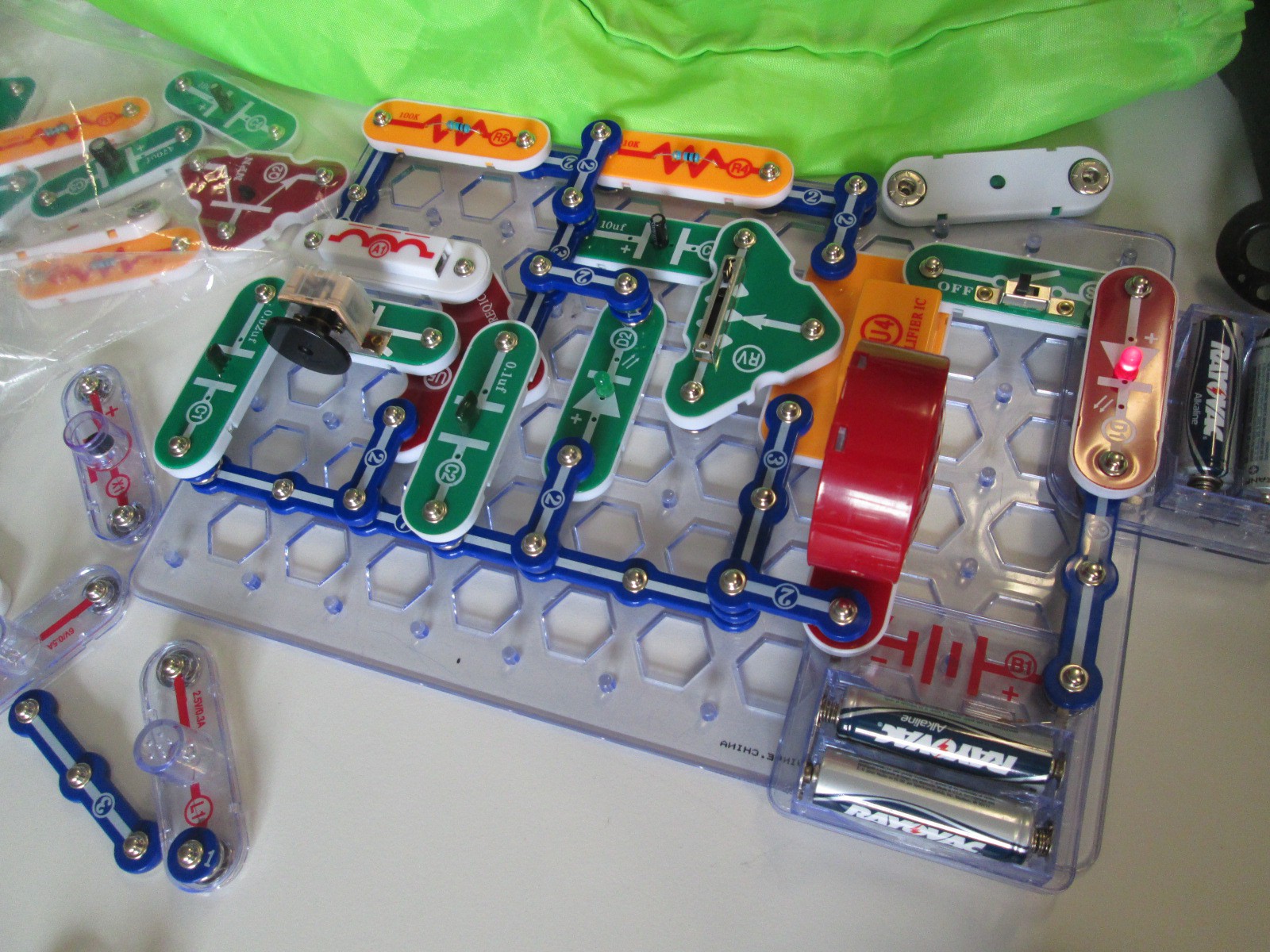
Several students have been bringing in their own maker tools to share with the makerspace and classmates.  One student brought a robotic dog that can be controlled through an app and another student brought his snap circuits.  The Snap Circuits were very popular and students were screaming when they figured out how to snap pieces together to create an AM radio.

IMG_4765

I’m still seeing a lot of tinkering with Sphero.  The students love driving Sphero around and playing the various games, but this is another tool where I want to nudge students to begin programming.  I think they need this experimental stage, but I know they can create amazing things once they get going.

I’ve seen a lot of interest in duct tape.  This is the one area where I’ve seen students read the instructions in our duct tape books as well as watch videos about making things with duct tape in order to design something.  Now, a group of students have branched off to start making their own creations from duct tape.  One student made a flower from tape and then decided to add it to her headband.

So far, I feel like our 3d printing has been very teacher directed.  Because of safety concerns, I’m afraid to let elementary students use the 3D printer alone.  Now, though, I have some students who are really capable of this.  They know how to design something in tinkercad, export to Makerware, slice for 3d printing, save on an SD card, load the SD card, and get the print started.  I was startled one day when I heard the 3d printer start, and when I raced over to see what was going on a student had gone through this whole process alone.  I did remind him that due to safety I really wanted to be around when something was 3d printing, but I was also proud that an elementary student was able to go through all of the steps to print something.  Now, he has passed on that expertise to several other students.  Their designs are very simple at the moment, but I think they will get more complex as they tinker with the tool more and more.

I’m excited that Gretchen Thomas is bringing yet another fun tool for us to try when she comes next week:  Google Cardboard.  It’s sort of silly, but it’s a cardboard viewfinder that you stick your phone inside in order to create your own virtual reality on a budget.  Since Cardboard doesn’t officially support iPhones, we also used our makerspace to print an attachment from Thingiverse that will let us use our iPhones for the cardboard tinkering.

I’m still pushing to weave makerspace into classroom curriculum, and I think a next step is going to be to hold some informal teacher exploration time.  I think if teachers give themselves permission to tinker and explore, they will immediately start to see a use for their classrooms.

It is overwhelming and promising to see how many independent projects there are in our school and that students are coming to the library as a place to work on these projects.  I was amazed when I paused and took a quick look around.

Crafting Opinion Writing with Puppet Pals in First Grade

puppet pals (7)

Almost every class in our school is doing some form of opinion writing at the moment.  Last week, 1st grade spent some time tinkering with the Puppet Pals app on the iPad to see how it worked.  We have also been reading books that feature some type of opinion such as The Sandwich Swap and Sylvia’s Spinach.

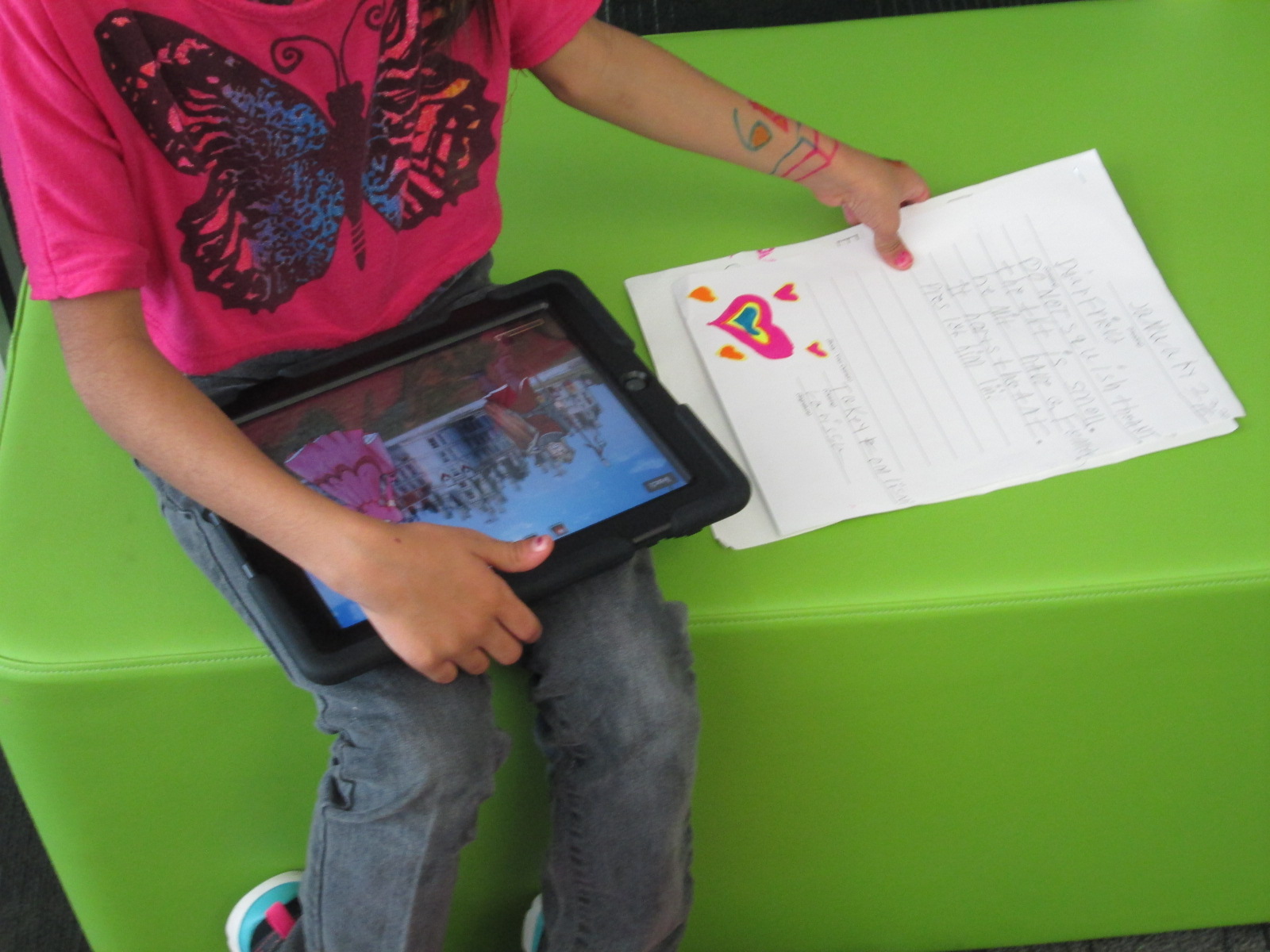
In class, the 1st graders have been writing an opinion piece, so they brought that piece of writing to the library to use the Puppet Pals app to record their script.  We started on the floor in front of the projector.  I projected an iPad and opened the puppet pal app.  I quickly went through the various screens and made sure everything still looked familiar to students from their tinkering sessions.

puppet pals (2)

Then, I showed the students a few extra steps they would need to do in order to save their video.  They would need to give their story a title and export the story to the camera roll on the iPad.  I also used this time to explain what my role for the day would be.  Since each class has about 20 students, twenty videos needed to be uploaded to Youtube and put into a playlist for the teacher to share in class and with families.  I really wanted this step to be done while the students were in the library, so I told the students that uploading videos was my only role during our work time.  The teacher was available to walk around and monitor and assist students who were recording, but more importantly, the whole class had expertise in Puppet Pals because of our tinkering and could help one another.  I encouraged them to ask one another for help if they got stuck so that I could focus on getting their videos uploaded.

During the work time, there was not a single student who came to ask me for help to use Puppet Pals.  There were certainly students who got stuck, but they relied on one another to figure things out.  I really saw the benefit of giving them time to tinker in the previous lesson.  They also were empowered to support one another rather than rely on an adult to help.

When they finished recording, they did their additional steps to export their videos and then formed a line in the middle of the library at my table.  I opened the video on the camera roll and selected to upload the video to Youtube.  I signed into my channel on each iPad.  The students helped me name the video and stayed until the video was uploaded.  Then, they went back to their work space and continued using Puppet Pals to tinker and try out a story of their own choice.

puppet pals (9)

Once all of the videos were uploaded, I selected them all in my account and added them to a playlist.

We worked for a full 45 minutes to record, upload, and continue tinkering.  There was little to no behavior problems.  Every student who had an opinion writing finished was able to film and upload a video.

Now the classes are thinking about a next step for Puppet Pals.  The students are very curious about creating a story with the characters in Puppet Pals, so I have a feeling that we will be crafting some narrative stories very soon.

The Power of Tinkering Before Assigning a Project

Educreations Day 2 (2)One of my library goals this year is to give students, teachers, and families opportunities to dream, tinker, create, and share.  That has meant many things during the course of this year, but one of the things that so many of our teachers are embracing with me is intentionally planning time for students to tinker with a new tool before we ask them to create a project with it.

Educreations Day 2 (6)

During collaborative meetings and virtual planning with teachers, I often ask if we can build in time for students to explore a technology tool with no limits, rules, or assignments.  The only assignment is to push as many buttons as you can and see what you can figure out about that tool.  In addition, there is an expectation that students will pass on their expertise to others as they figure something out through tinkering.

Educreations Day 2 (5)

There have been several instances of this type of tinkering happening this year.  Ms. Hocking gave her Kindergarten students time to tinker with storykit.  All of third grade tinkered with Puppet Pals before a folktale project.

This week, first grade is also taking time to tinker with the Puppet Pals app as they prepare for an opinion writing assignment in English Language Arts.

IMG_4796

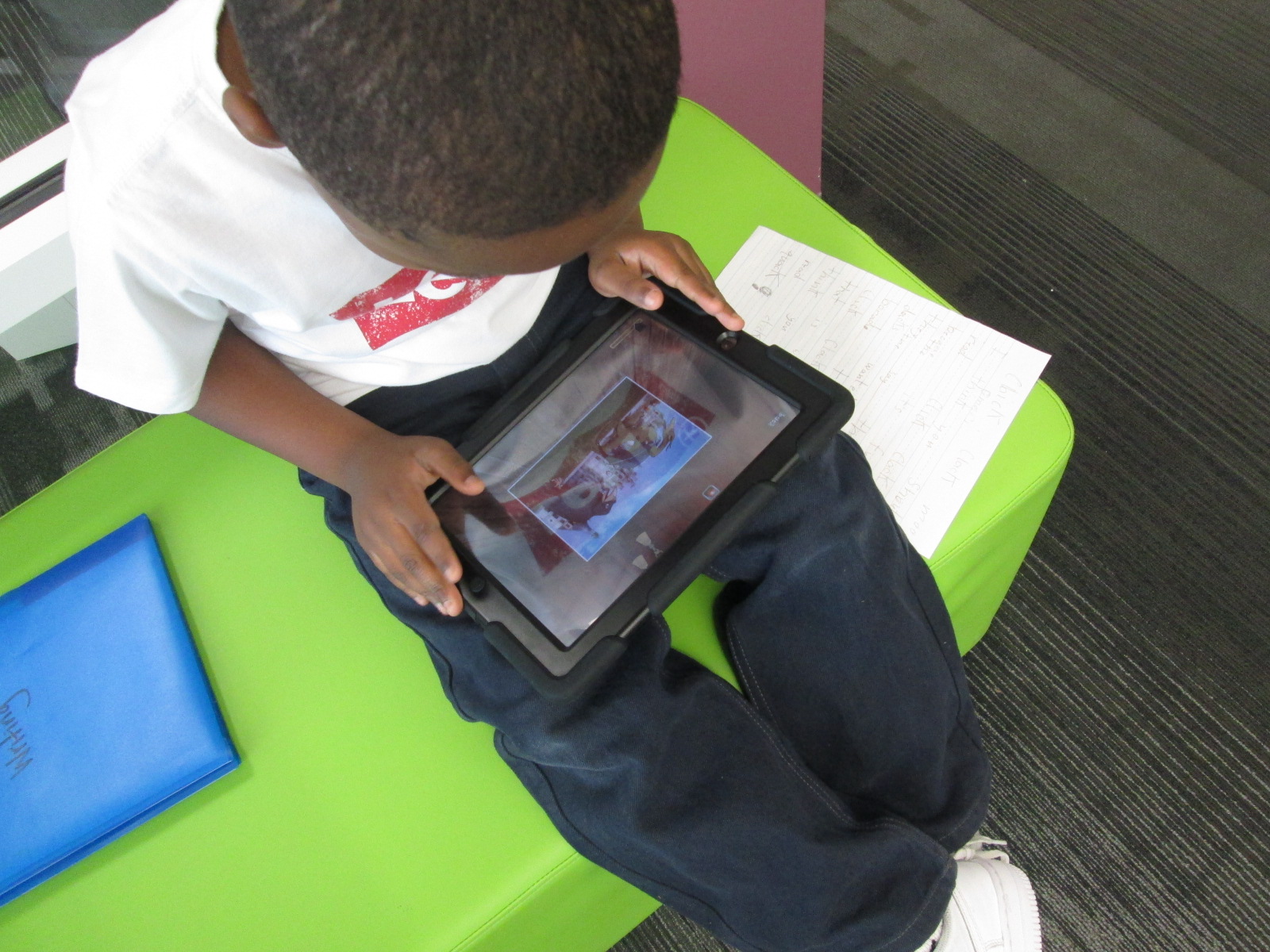
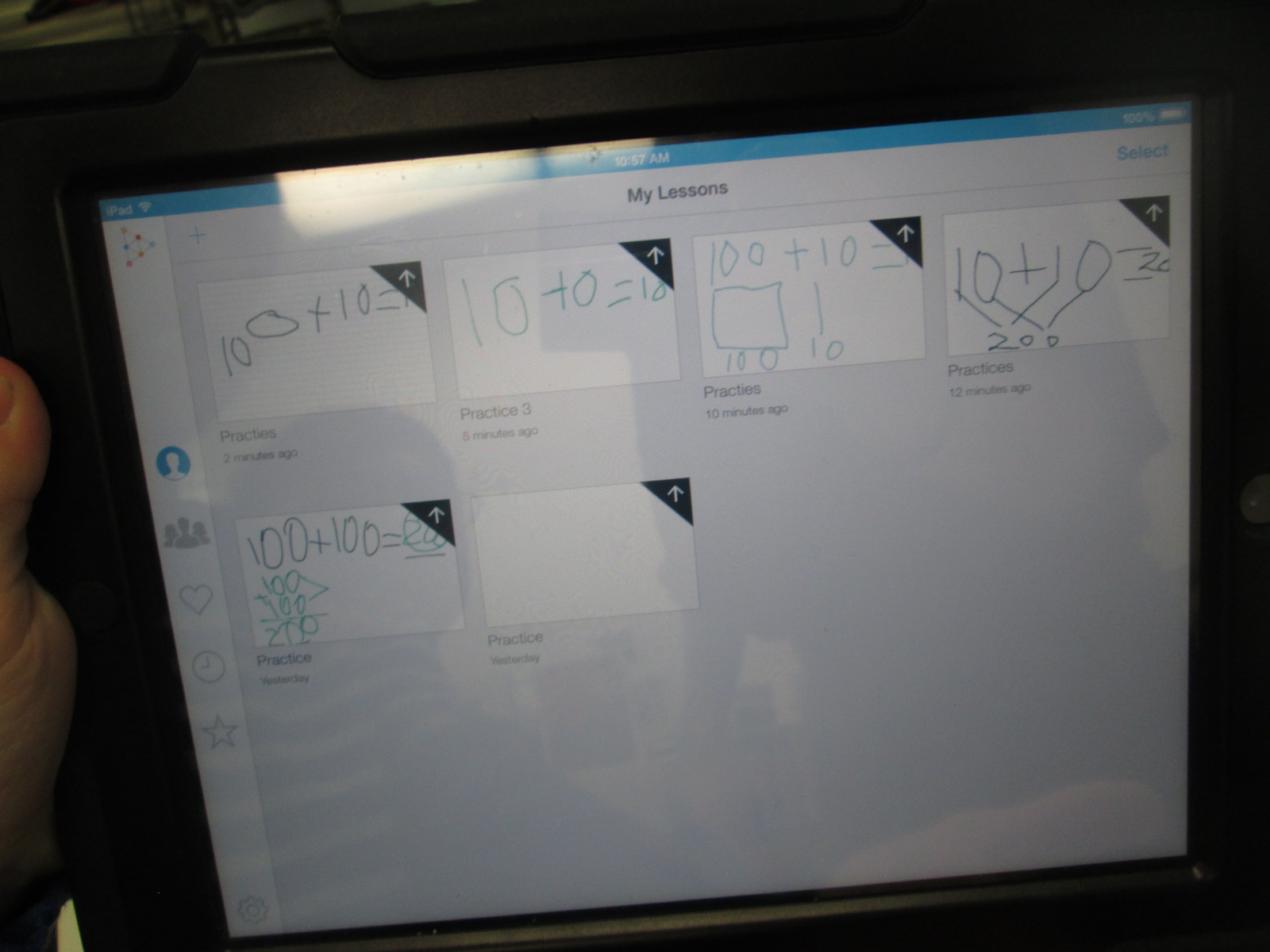
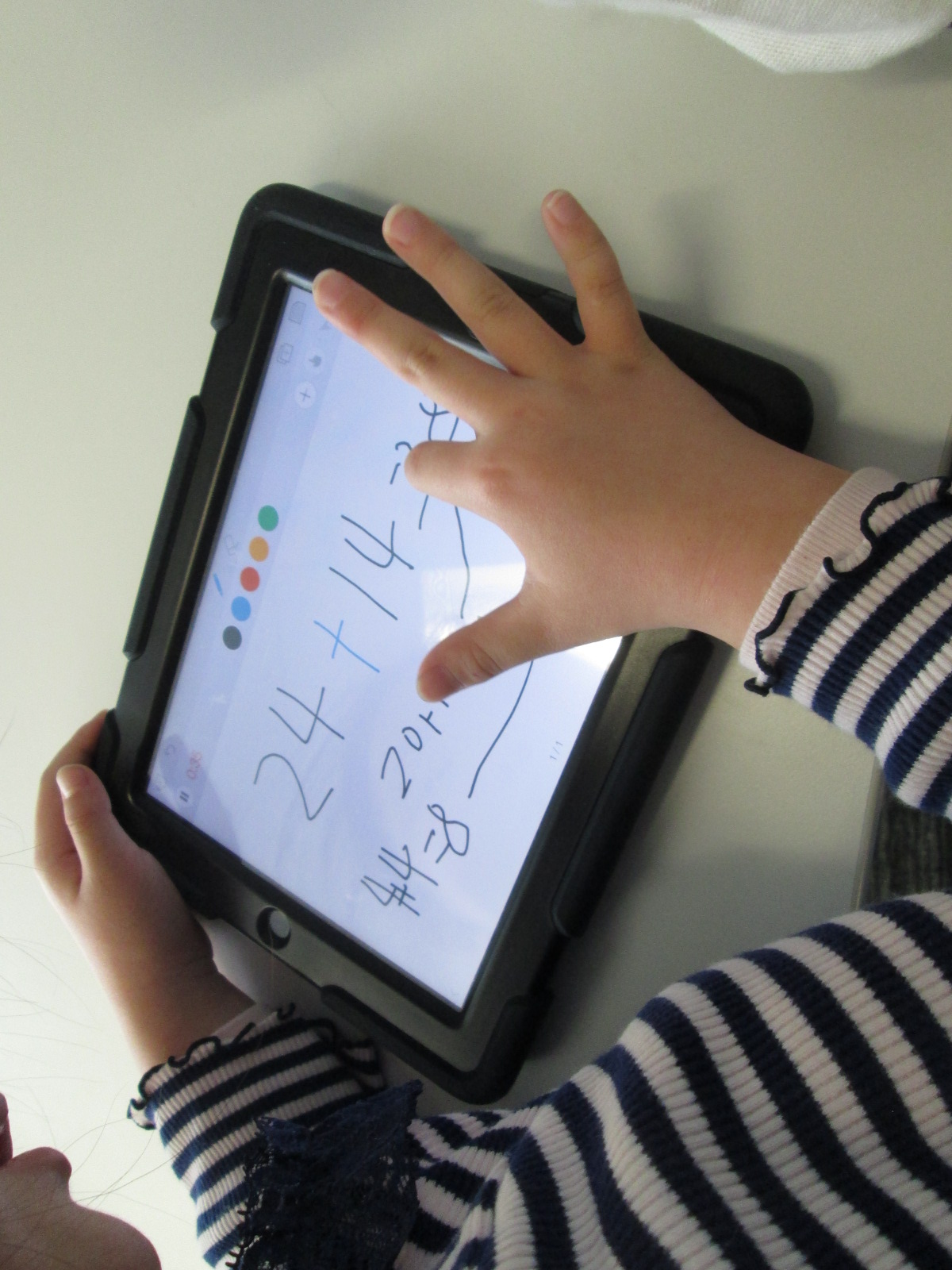
Finally, 2nd grade is about to start creating math screencast tutorials using the Educreations app for iPad.

As I’ve facilitated these tinkering sessions, I’ve started to adjust how the sessions run.  We start on the floor to talk about tinkering.  Students share some knowledge about what they already know about tinkering.  Some of the responses I’ve heard are:  a time to explore, a time to be busy, and figuring things out.  I follow this with my own understanding of tinkering.  I establish two big ground rules: 1. Push every button you see in an app and see what it does.  2. Share what you learn.

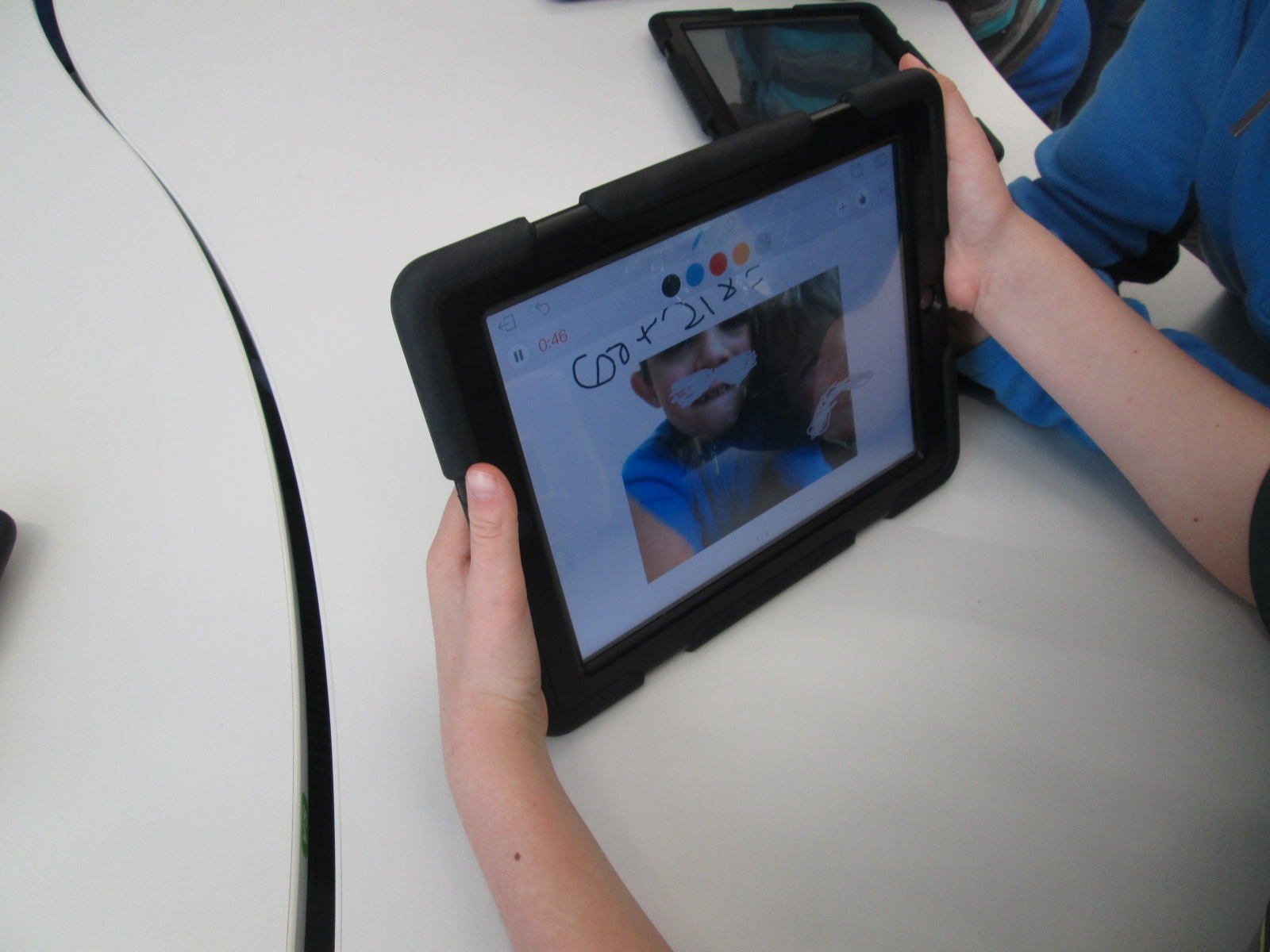
In most classes, I breeze through the app with very little explanation of what I’m doing just so that students get a quick preview of what they will be looking at and what they might end up with.  In Educreations, I wrote 2+2=____ and then drew out a picture of how I solved that math problem.  I didn’t talk about clicking on colors, the microphone, or really anything.  I just wanted them to get a quick view of the end result.

Then, students had a large chunk of time to explore on the iPads.  For 2nd grade, we did this in pairs, but some classes have been individuals.  My role was to walk around and observe.  A few students were tempted to ask me how to do something, but I responded with a “give it a try”.  Very rarely did I do something for a student.  The only time I intervened was when students needed help getting the app up and running or if the iPad had a technical problem.

As I observed, I would stop and ask students questions like “What did you figure out?” or “Why did you choose to do that in that way?” or “Now that you’ve seen how that works, would you do it a different way next time?”.  These were common questions that I used again and again and they certainly were not ones that I started with.  I was very tempted at first to just jump in and show students something, but I learned to step back and ask questions that allowed students to show what they know.

I saw students naturally leaning over and helping other students, but during my observations, I sometimes saw an opportunity for 2 students to partner and share their learning.  This was another role for me to serve as a connector between students.

The energy level was high, and there was some frustration.  However, I did not see any student give up, get completely off task, or leave without learning something about  how the app worked.

At the closing of each lesson, we gathered back on the floor.  I connected an iPad to the projector and had students come and demo their learning for the rest to see.  We tried to move as quickly as possible to share as many tips as we could.  A big observation for me during this time was how attentive students were.  I’ve never seen students watch a peer presenter with such focus.  Usually, they are having side conversations or tuning out to think about other things.  This time they were watching, listening, and giving connection signals if they had also figured out that part of the app.  If time allowed, I had students turn to one another on the carpet and share even more that they had discovered.  During the closing, I tried to connect what students had discovered with the actual project that we would be implementing next.  For example, a student did a demo of how you can erase while you are recording and I added that this might be a tool you would use while modeling subtraction in a video.

Now that this time of tinkering has happened, our next step is to do the work.  First grade will use Puppet Pals to create opinion puppet shows and 2nd grade will create math tutorials to share.  I’m eager to see how productive students are now that they have had time to get familiar with the app before a curriculum standard expectation was placed on them.  My want to continue to explore the power of tinkering and how it can support the work that we are trying to achieve with students.


Hour of Code 2014: Scenes from Day 3 & 4

2014 Day 4 (7)

Days 3 and 4 have been filled with lots of young learners for hour of code.

Kindergarten class have continued to come to use the iPad app The Foos.  In each session, we start by talking about the word “code”.  Lots of them mention passcodes on iPhones and codes to get into gates or buildings.  We link this to the idea of giving a computer a code.  Then, we watch the video from President Obama.

Before we start the app, we talk a lot about how coders don’t give up, they try small pieces and test, and they collaborate when needed.  The teachers and I have made some interesting observations about students while they are coding with The Foos and other coding tools.

1.  Students who might easily give up or struggle with other subject areas in school are fully engaged and putting forth tremendous effort when coding, while others who like to get things right the first time are easily frustrated.

2.  We talk a lot about stamina at our school and how long you can spend working at a task whether it’s math, reading, or something else.  The stamina of students in coding is very high.  Working for almost an hour was easily obtainable by most students regardless of age.

3.  Students who might not normally share their thinking with other students in order to help or collaborate were very willing to share their coding strategies.

4.  Some students still needed some direct instruction or nudges.  With the Foos in particular, I noticed students repeatedly pressing the run button in order to get a character to move rather than write enough code to make it happen with one click.  I observed students repeating the same code over and over that wasn’t working and never trying something new.  There is a lot to learn from tinkering, but it is still essential and necessary for a teacher facilitator to step in with some instruction, tips, or nudges.

In addition to the Foos, we had 2nd graders who continued to enjoy using the Made with Code site.  They loved programming a yeti to dance, but they thought it was super cool to be able to program the lights on the White House Christmas tree and actually schedule their code to light up in Washington.

Our preK students had a blast using the Sphero draw app to practice drawing shapes and programming Sphero to drive around the carpet in their shape.  You can read more about that here. 

Finally, we’ve been having an interesting occurrence in our makerspace.  It started with a couple of students asking if they could come in during their recess to build and program a robot.  Then, another student asked.  Before I knew it, the word was spreading and more students who were new to making were showing up during recess.  It’s sort of like an underground movement.  It’s exciting, but I’m trying to figure out how to manage it.  Just today, a student came in on her own, designed an object in Tinkercad, exported it to Makerware, uploaded it to an SD card, and began printing it on the 3D printer.  Another student uploaded a file to Thingiverse that he made at home and prepped his own file for printing.  Two students started assembling a robot and pooling their knowledge to create the code that lived up to their vision for what the robot can do.  Another new student appeared, and started tinkering with how to program Sphero.

Students want to dream, tinker, create, and share.  I’m thankful that our library is a place that they can do that.  Hour of code once again opens my eyes and teachers’ eyes to what students can do.

America Recycles Day: Connecting with the World and Making a Difference

IMG_4370

This year, I’ve been thinking a lot about what it means to collaborate globally.  In the past, I’ve participated in amazing events such as Dot Day, Talk Like a Pirate Day, and World Read Aloud Day.  Each of those events has connected our students to classrooms and authors around the globe, and I’ve found so many collaborative colleagues through these events.  It’s these very events that have pushed me to wonder what more we can do with our students.  I’ve been pondering how we can have collaborations that allow our students to make a difference in the world and share their ideas, their questions, their problems, and their solutions.

When our spectrum teacher, Natalie Hicks, came to me with a flyer about America Recycles Day, I knew that this day had potential to spark some action projects with our students and students around the globe.  I made a Google doc, crafted a blog post, and started inviting anyone and everyone to connect for America Recycles Day.  It didn’t take long for some of the very people I’ve connected with for other events to start posting their own schedules in the doc and making connections.  I want to thank Shawna Ford, Jenny Lussier, Cathy Potter, Donna MacDonald, Misti Sikes, Ly Phan, Kathy Schmidt, and Craig Seasholes for taking a risk with me and trying something new.  These people put their schedules out there and started making connections.

This week, my own students started making connections for America Recycles Day.  Each Skype or Google Hangout offered a little something different.

Ms. Clarke and Ms. Haley’s 3rd grade class connected with Kathy Schmidt and her 3rd graders in Gwinnett County, GA.  We learned about how her students are collecting items from home to put in the library’s tinker lab rather than throw them away.

Ms. Wright’s 2nd grade class connected with Cally Flickinger in South Burlington, Vermont.  We read the book Here Comes the Garbage Barge by Jonah Winter.  The story sparked a great conversation about how our trash can take over our world and how important it is to recycle or reuse instead of throw things away.

Ms. Ramseyer’s 2nd grade class connected with Donna MacDonald in South Burlington, Vermont.  Her students shared how they are using Drew Daywalt’s The Day the Crayons Quit to inspire a save the crayons campain.  Students are collecting crayons and sending them to be melted into new crayons.  Our students took time to offer some other ways that the crayons might be used such as making candles, melting crayons for artwork, fusing crayons together to make two-sided crayons, and investigating what crayons are made of so that they might discover even more things that crayons could make.

Ms. Li’s Kindergarten connected with Misti Sikes and her Kindergarten in Forsyth, Georgia.  They shared how they recycle at their school by separating white paper and color paper as well as other ways that recycling has to be prepared before it goes into the bin such as removing paper clips and staples.

Ms. Boyle’s Kindergarten connected with Holly Esterline & Katie LeFrancois’s grade 1 & 2 class in Bolton, Vermont.  We shared the book Compost Stew and heard about how their school is doing TerraCycling.  Even with our connection issues, we still learned a lot about something we don’t do much of at our school.

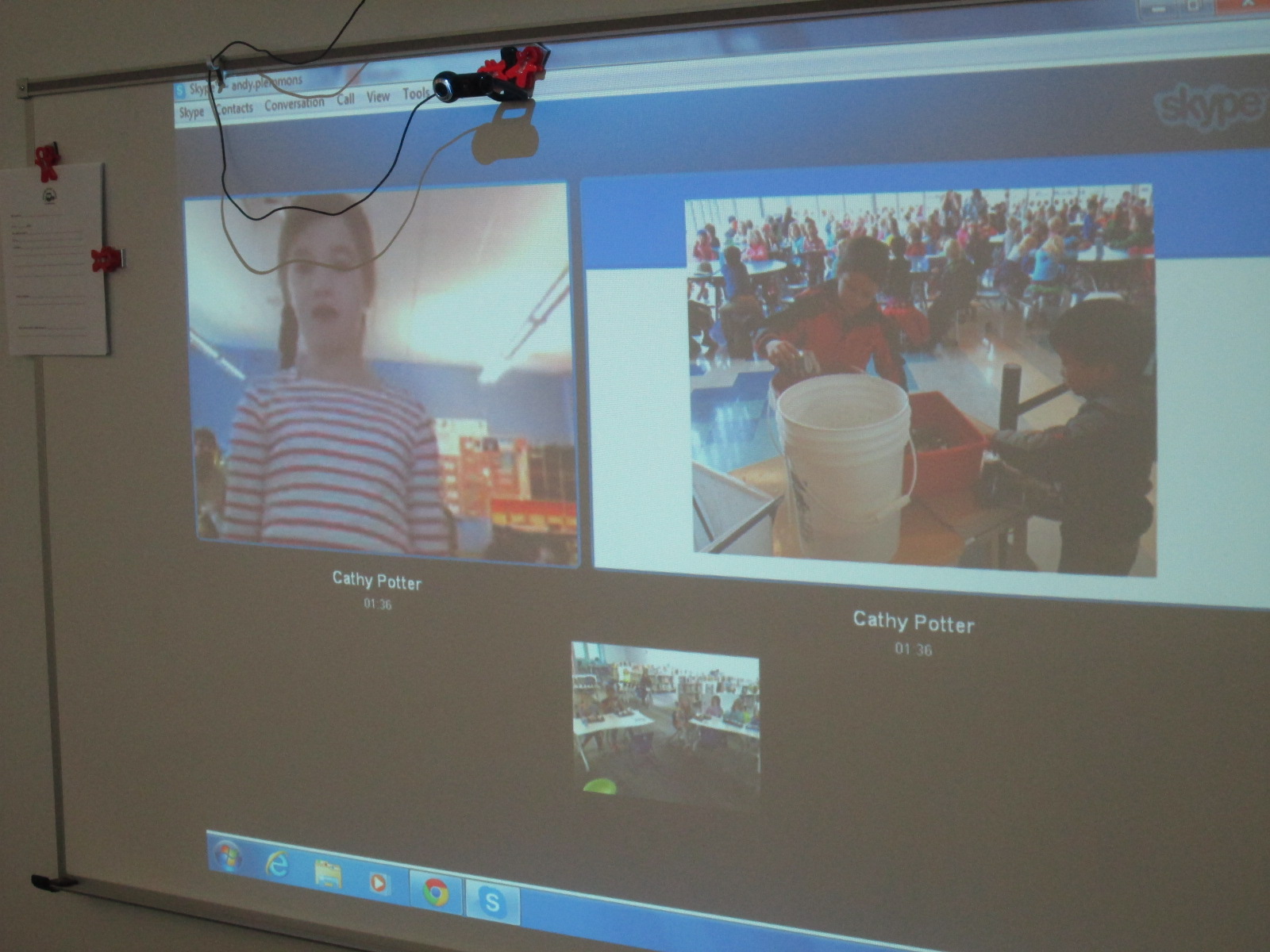
Ms. Tesler’s 4th grade students gathered a lunch bunch together to connect with Cathy Potter and her students in Falmouth, Maine.  The 1st graders at her school showed us a Google presentation with pictures of recycling and composting efforts in their school.  They have a whole process of how their scraps at lunch get put into a bucket to go to the composting bin.

IMG_4405

Finally, Ms. Spurgeon’s 3rd grade class connected with Karre Sloan’s 6th grade students in Nashville, Tennessee.  They shared the recycling program from their school and how their 3rd graders are in charge of recycling.  They also shared their ideas and tips for our own recycling problem at our school.

IMG_4410

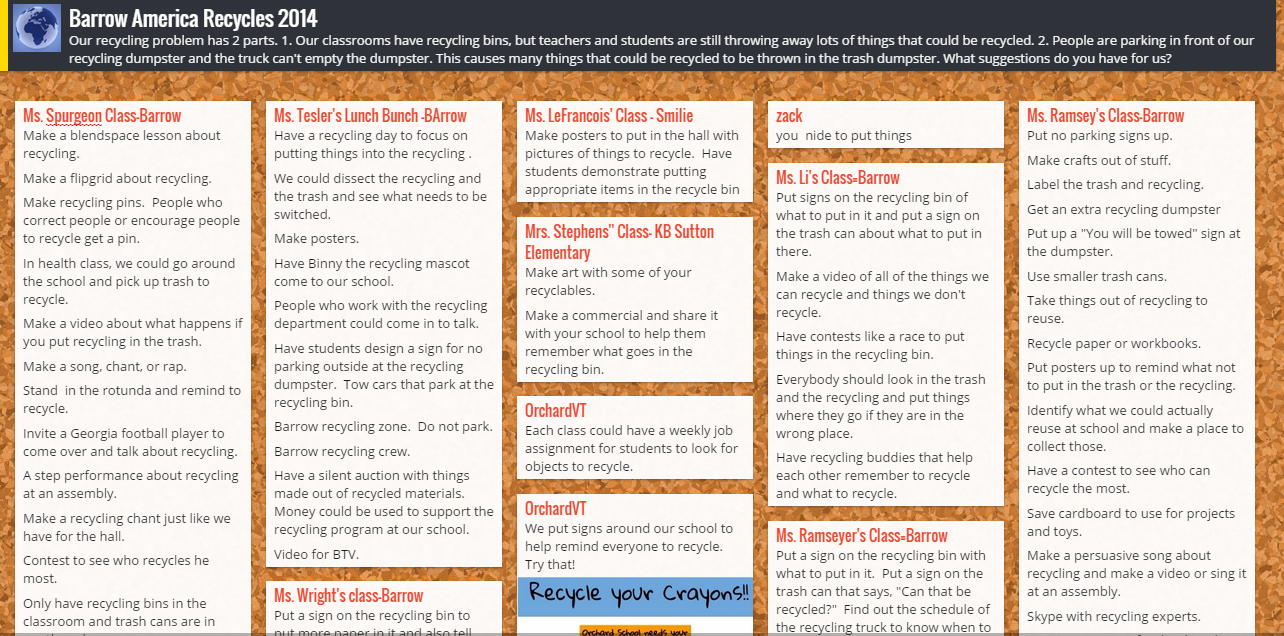
In every connection, our students shared our own school problem.  We have recycling bins in every classroom, but we are finding that people are still throwing away recyclable things.  Even when we recycle, we have an additional problem.  People are parking in front of our recycling dumpster and the recycling truck can’t get to the recycling to empty it.  We posted these problems onto a Padlet.  We showed each connecting class the bins that we have in our classrooms and read the recycling instructions that can be found on the bag inside.  Sometimes our connecting classes gave us new ideas right on the spot or shared what their own school is doing that might support our problem.  Other classes added to our Padlet after we disconnected.  We also added to the Padlet.

Barrow America Recycles 2014

Our next step is to take this Padlet and share the ideas with our environmental committee which is chaired by Natalie Hicks.  We also have 2 enrichment clusters that we can share the Padlet with.  Our hope is that some of the ideas that came from so many perspectives will spark change within our school problem.  We want to connect back with some of the classes we met this week and share what we’ve done to improve our problem, and we want to see what they have done since our connection.

I loved that during our very last connection, students arrived in the library to put signs on our recycling bin that were sent by our recycling department.


Miraculous things came out of our connections:

  • We saw that we weren’t alone with our problem and that there were multiple things to test out to try to reach a solution.
  • We learned that recycling is very different from place to place.  We are so fortunate in Athens to have a state of the art recycling facility and single stream recycling.  Some communities have to put forth a lot of effort to recycle, and it is so easy for us.
  • We realized that there were so many things we could do with our “recycling” other than put it in the bin.  The concept of makerspaces is really causing a lot of us to think about turning trash into functional creations.
  • We saw that together we could come up with out-of-the-box ideas.  We often started with “put up posters about recycling”, but with the energy of collaboration, new ideas surface such as make smaller trash cans, create a recycling contest, write a catchy song about recycling to sing on morning announcements, and more.

My hope is that this week of connections really does spark change in our school and others.  At the very least, I think it made us more aware of what we are throwing away.  These types of connections have the potential to grow into large-scale collaborations around the globe.  The combination of powerful texts such as Here Comes the Garbage Barge and Eyes Wide Open along with the innovative ideas of students, teachers, and families fosters a healthy environment for long-lasting collaboration.  Our students are the future of our world, and when we allow them to unite with one another around authentic dilemmas in our world, we are equipping them with problem solving skills to keep our world a peaceful place.


Mini Maker Faire with UGA EDIT 2000

IMG_4327

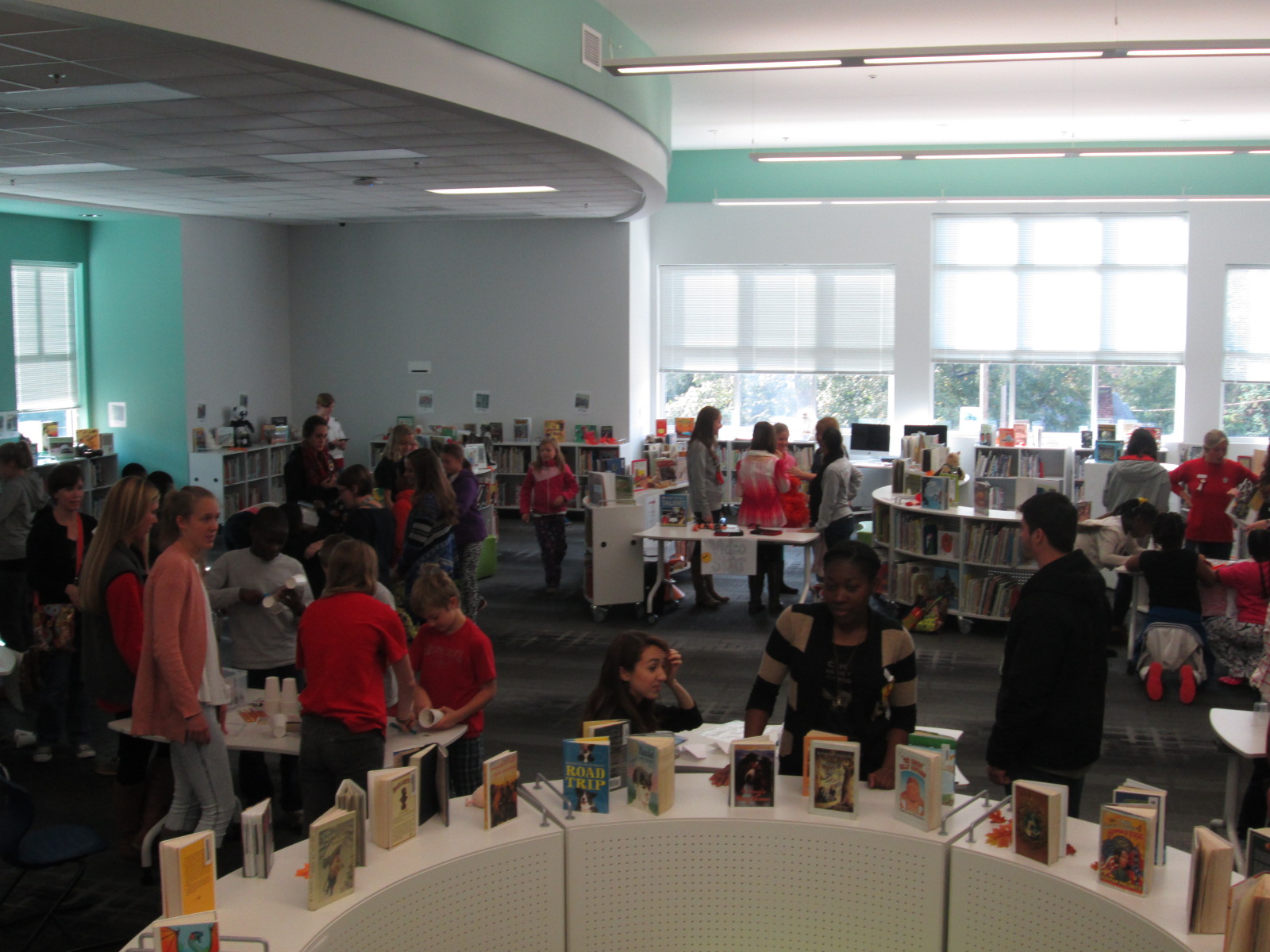
Today Gretchen Thomas from the University of Georgia brought one of her EDIT 2000 classes to the library for a mini maker faire.  She and I have been brainstorming about how to give students more opportunities to come and use the makerspace in the library for tinkering and exposing students to various types of making.  These conversations have come from my constant requests from students to come and use the makerspace.  I struggle with finding a balance between the standards-based lessons and projects that I offer in the library, weaving in the makerspace into curriculum, and the students’ desire to just mess around with the tools in the space.  Gretchen has been coming to lead maker recess times with me.

Today, her EDIT 2000 students brought multiple maker centers for students to explore.  These UGA students are mostly undergraduate students from a variety of backgrounds.  Some of them plan to be education majors while others have a range of other majors.  I love the range of expertise and interests that live within these classes.  Gretchen’s students designed a center that would explore some aspect of making.

IMG_4290


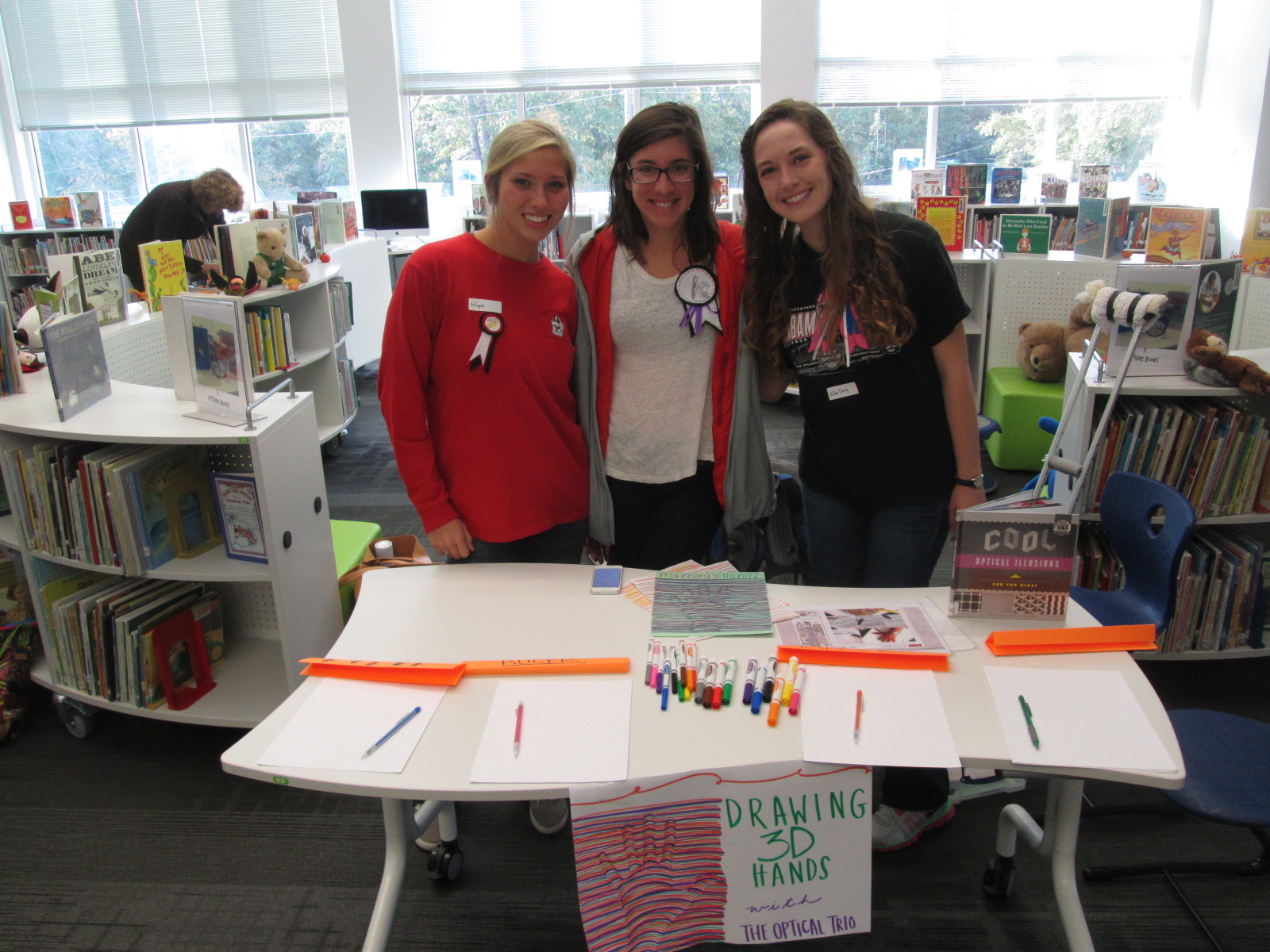
One center explored optical illusions.  These students displayed a book of optical illusions and helped students create a drawing of their hand that looked like it was lifting off the page.

IMG_4291


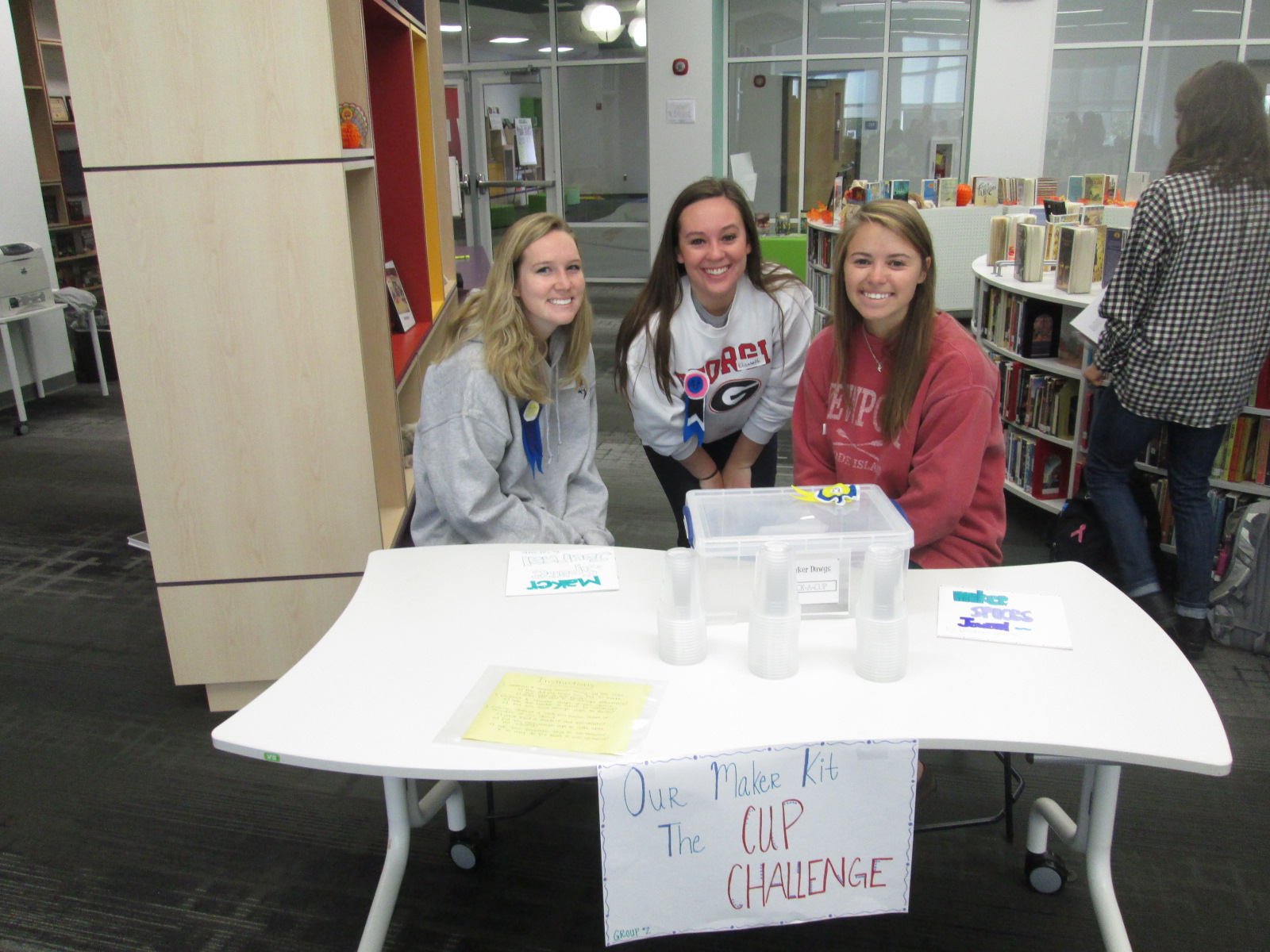
Another center was a cup stacking challenge.  These students had multiple clear plastic cups and students spent time stacking the cups into different formations to see how tall they could stack as well as which shapes seemed to hold up better.  I loved seeing all the strategies that students tried in order to stack and unstack the cups.  They were fearless and really demonstrated what it means to tinker, fail, and try again.

IMG_4292


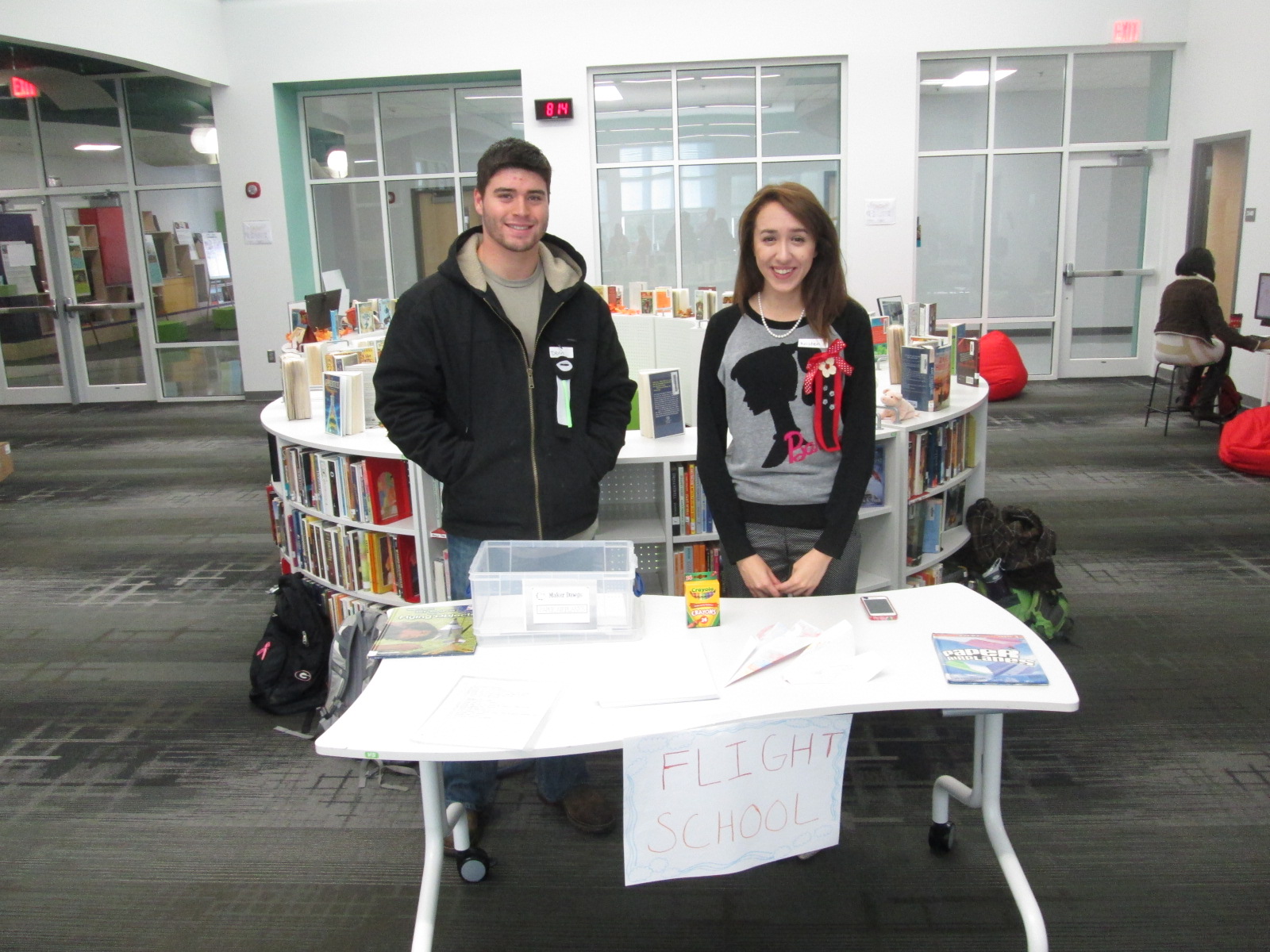
Students loved the paper airplane center.  These UGA students had books about paper airplanes and materials for making planes.  Students spent time making their planes and then testing them out in the library.  I loved watching planes flying around the library and hearing teachers ask “are students supposed to be flying airplanes around?”.

IMG_4329

I saw several students refold their airplane to try something new in their design, so once again there was a strong demonstration of tinkering, failure, and perseverance.

IMG_4293


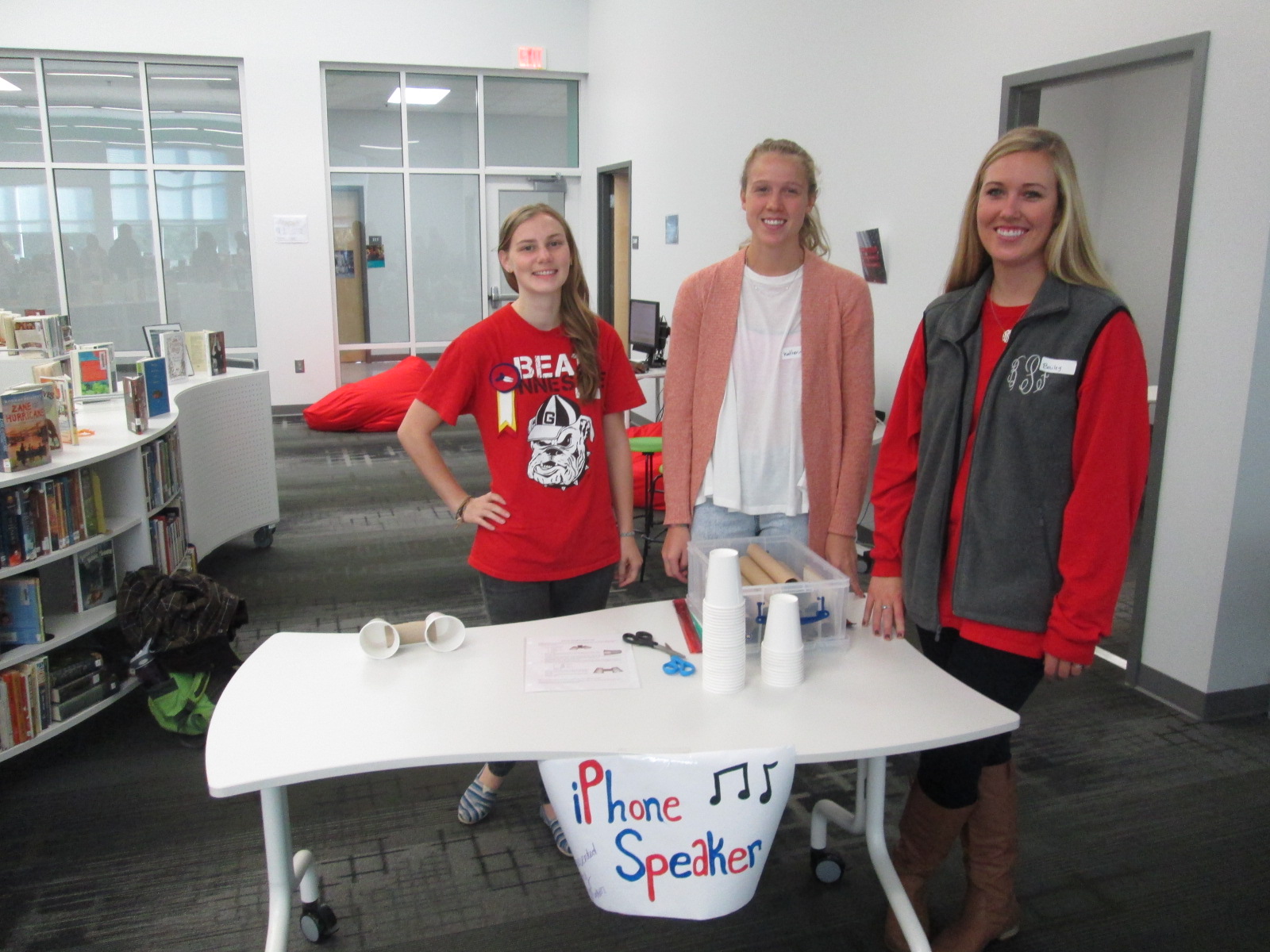
Some of our stations involved technology or could be incorporated into technology.  One station was space for students to explore how to create speakers for iPods or iPhones using cups and paper towel rolls.  Students were eager to take their creations home and try them with their own devices.

IMG_4294


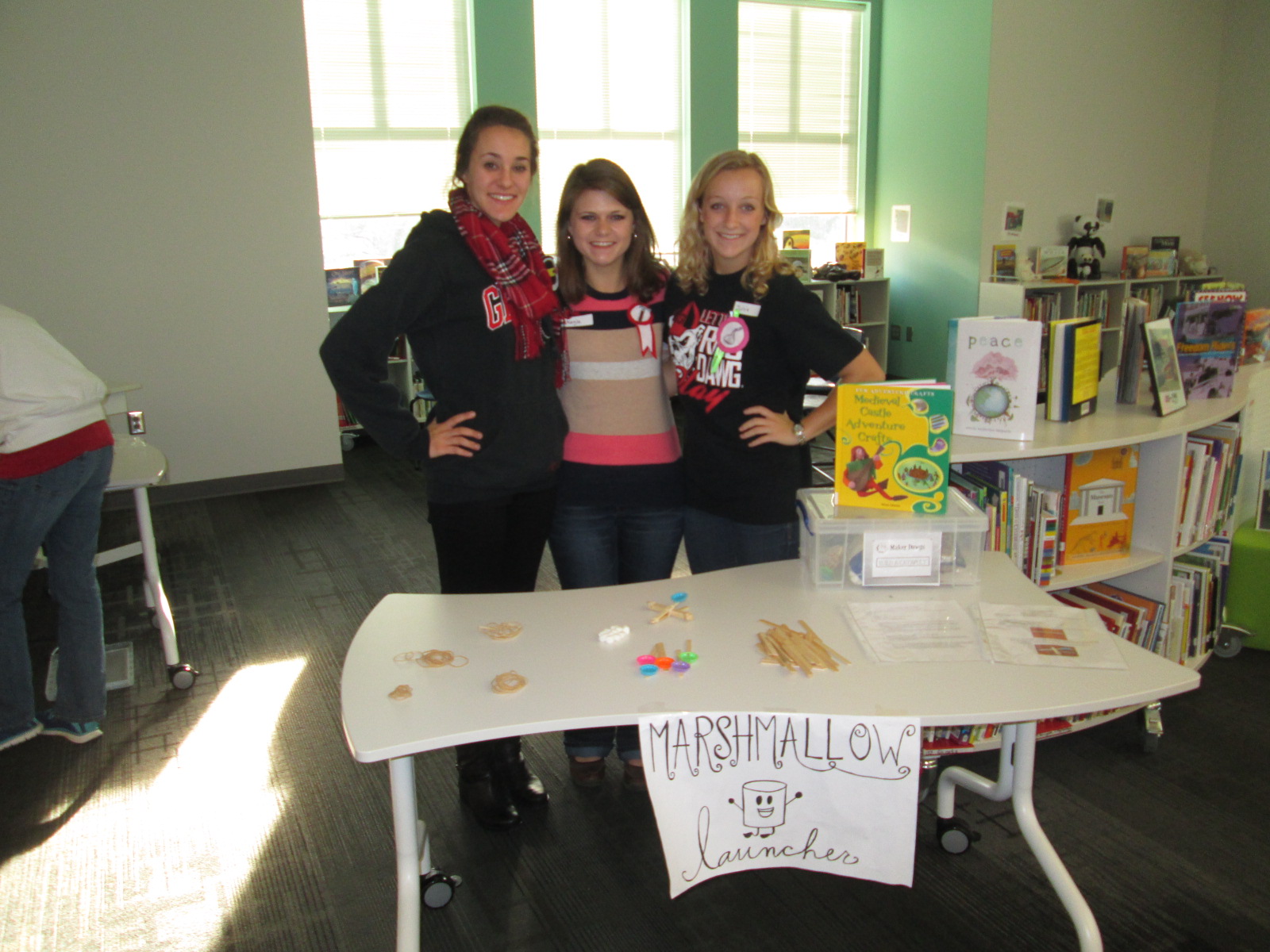
One of the most lively centers was the marshmallow launcher.  Students used rubber bands and Popsicle sticks to create a tool to launch marshmallows.  They tested their creations and made adjustments to see how they could make their marshmallows launch higher and farther.  Again, it was fun to see marshmallows flying through the air along with the planes.

IMG_4295


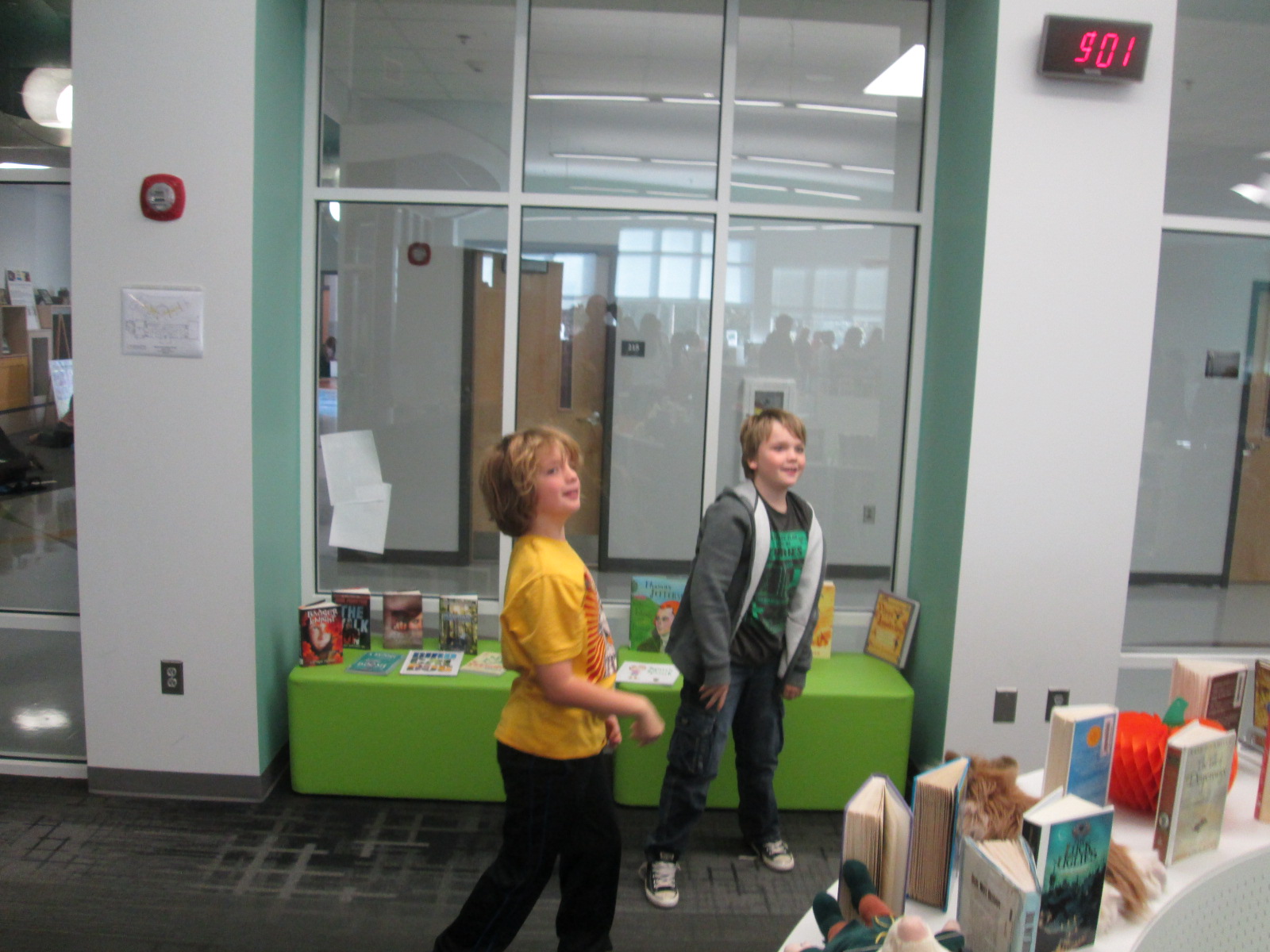
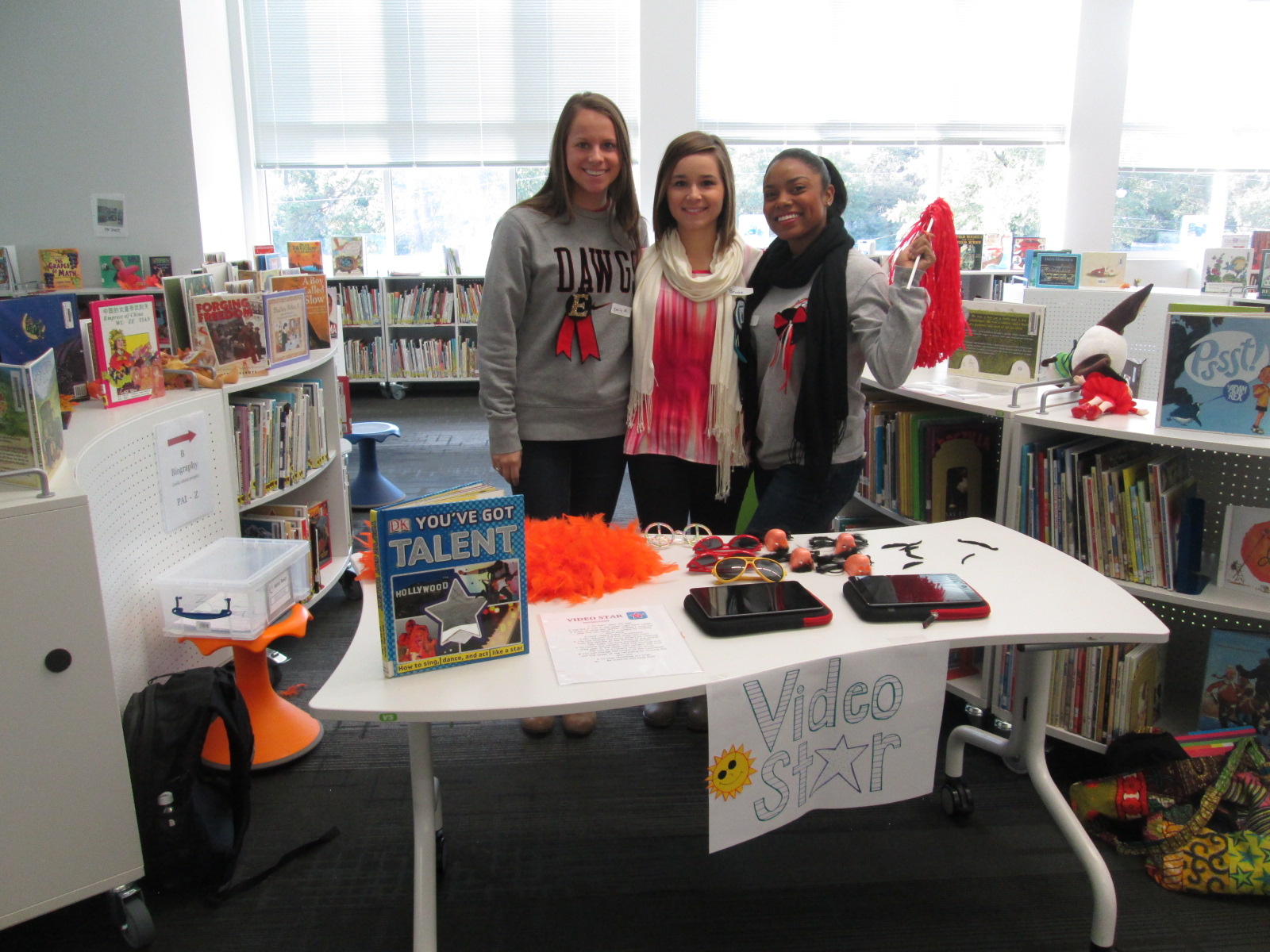
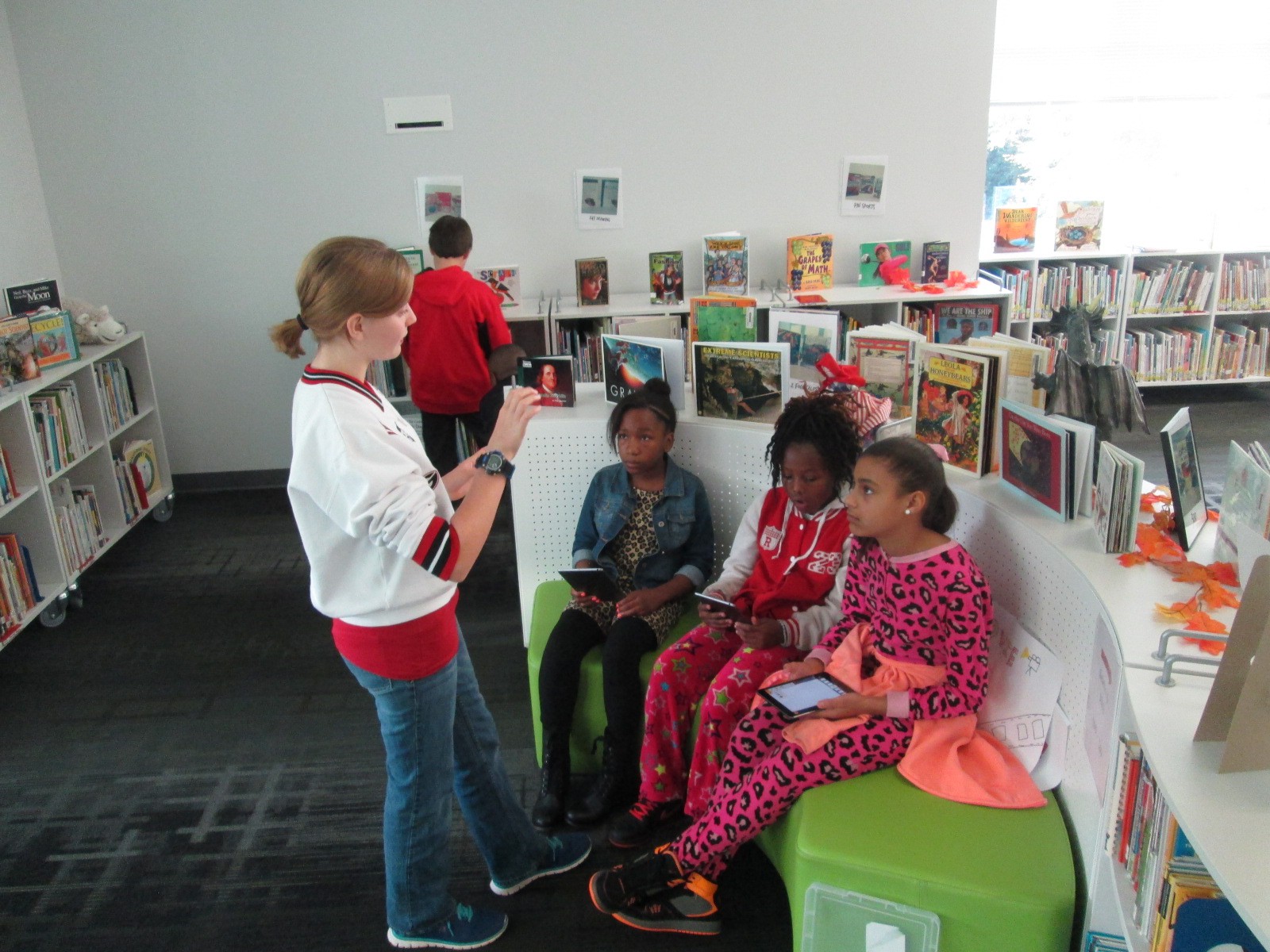
Another lively center was Video Star where students got to create their own costumes and form a mini flash mob dance to be recorded in the Video Star app.  These videos will be coming soon, so I hope to add a few to this blog post when they are ready.  It was interesting to see some students show their personality, come out of their shell, and be totally engaged when given an opportunity to make a music video.

IMG_4296

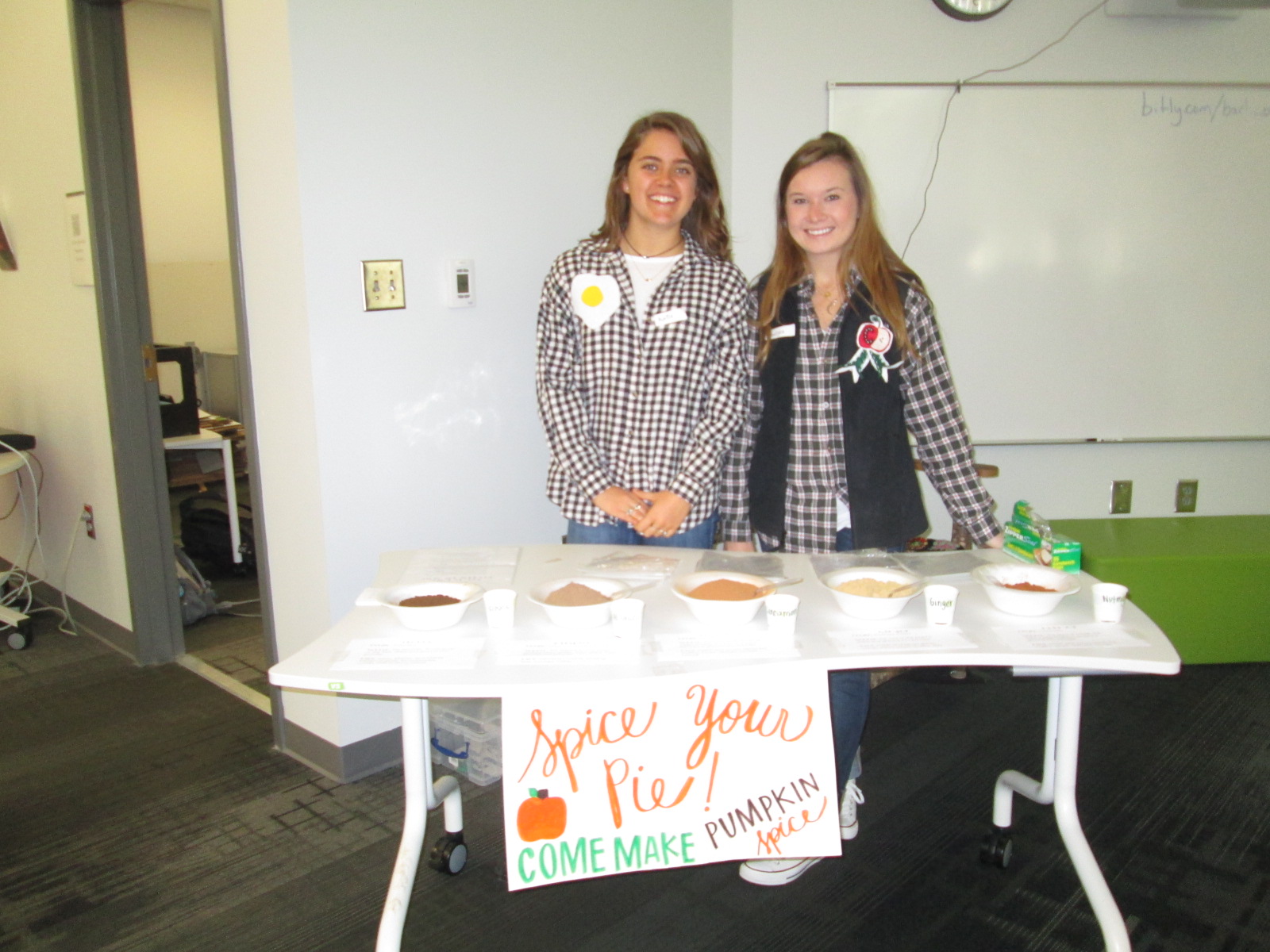
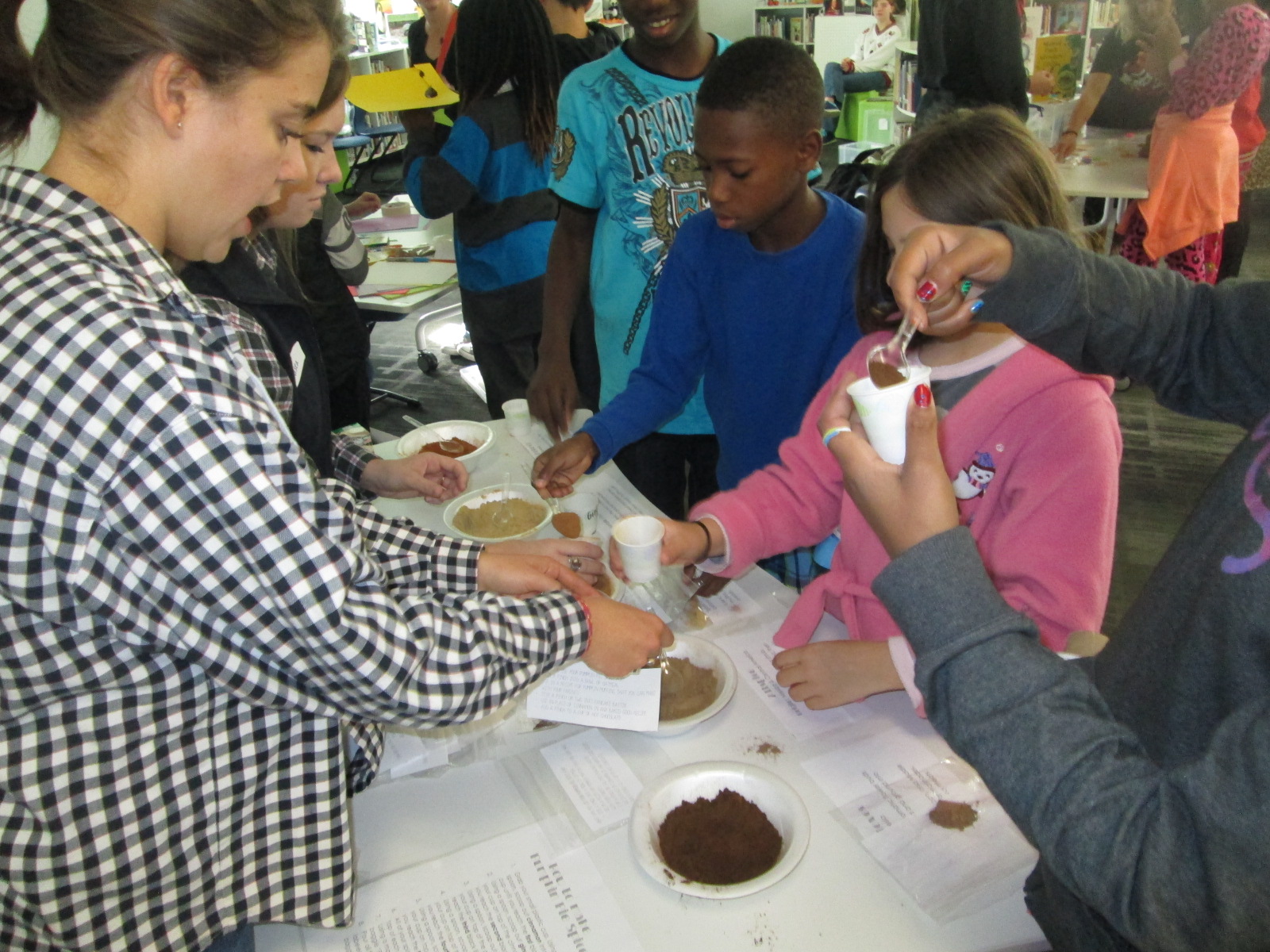
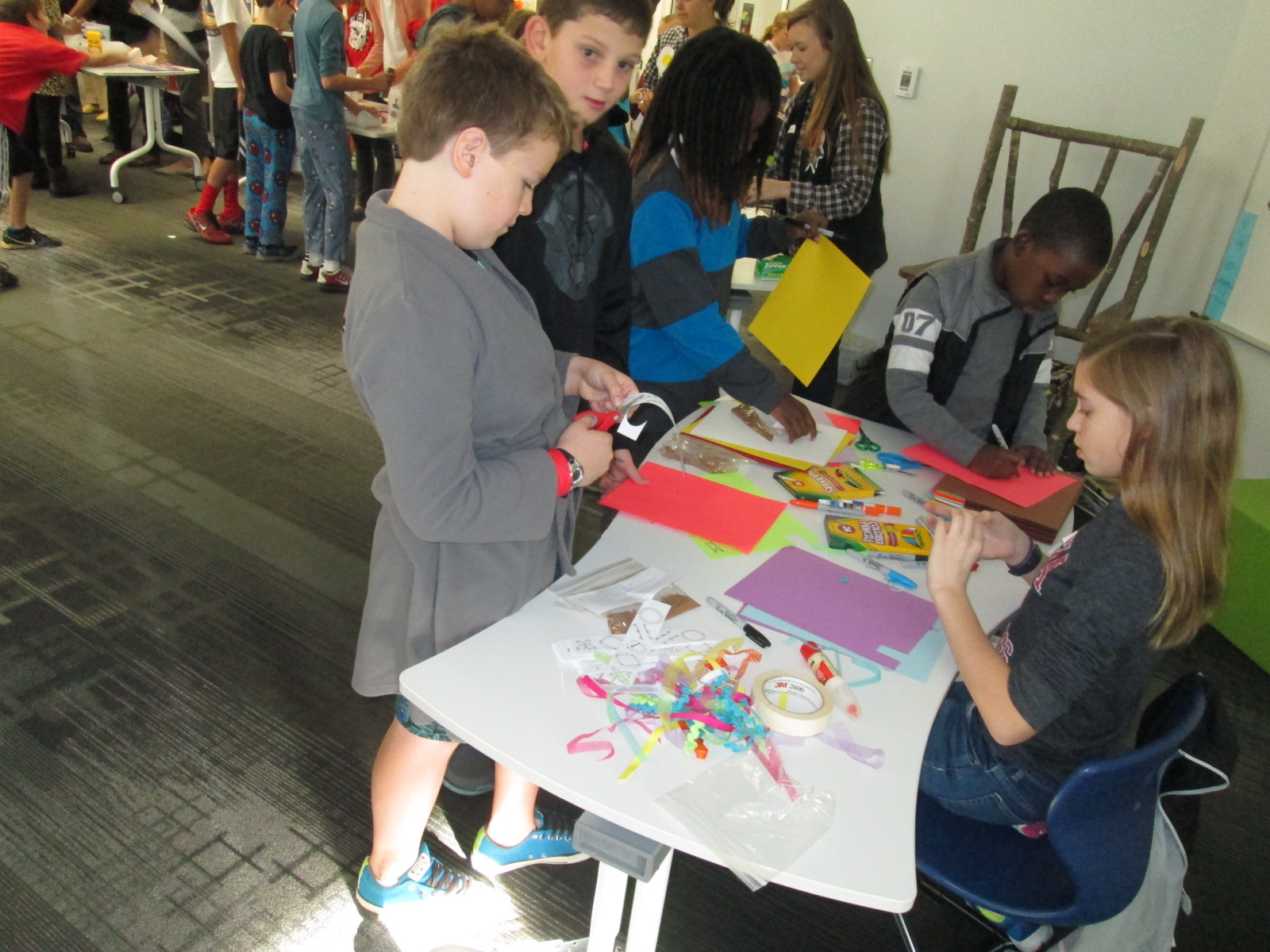
A different take on making was the center that explored spices.  These students had a variety of spices that you might put in fall pies and students spent time examining the spices and creating their own mix.

IMG_4315

I loved hearing what they planned to do with the spices when they get home.  One boy wanted to make a cake for his teacher and even talked about making a new fried chicken recipe.

IMG_4302 IMG_4312 IMG_4297

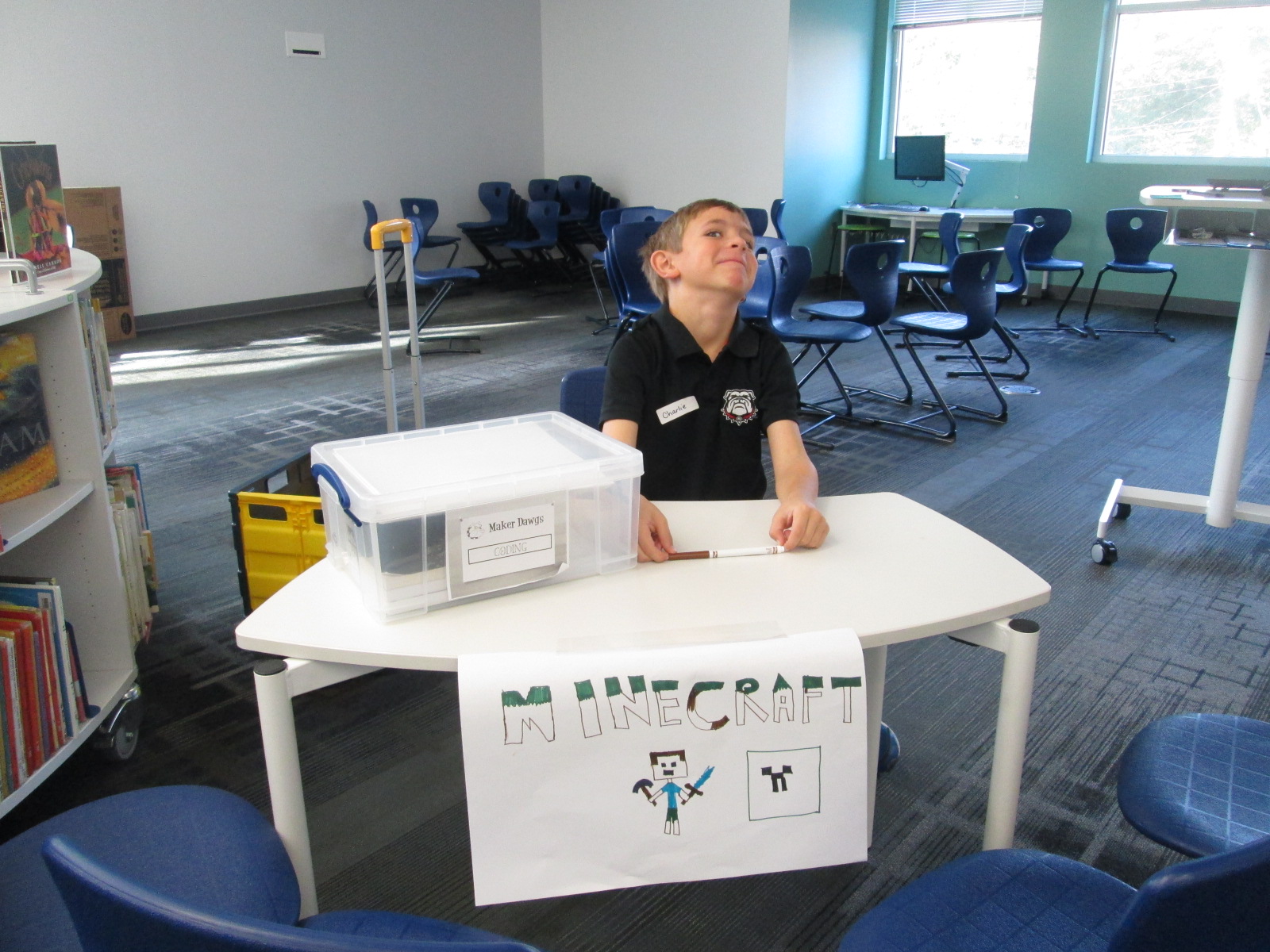
Three of our centers were facilitated by kids.  Two kids were Gretchen’s own kids and one was a neighbor.  They had centers on Minecraft, Goldieblox, and badge making.  They ran their centers like pros and I was reminded of how powerful it is when we give kids a voice to share their expertise with others.

Our entire 5th grade rotated through this experience across the course of an hour.  Students were able to visit about 3 centers.  After the centers are assessed and used at another school, they will be making their way back to our school for students to use in our makerspace.  I am so thankful to have Gretchen and her students so close to us.  She is willing to give any crazy idea a try and see what happens.  In this case, I think there were many miraculous moments.

As students left, they had smiles on their faces, energy in their bodies, and ideas flowing in their minds.  I invited them to think about how what they discovered fit into what they are doing in their classrooms.  I wish that I had been able to have them express some of these ideas before they left, but perhaps I can capture some of these reflections in another way such as a Flipgrid or Google form.