Dr. Seuss Author Study Centers

Seuss (2)

It has been some time since I did traditional types of centers that student rotate through.  Third grade is currently working on a Dr. Seuss author study as they close out the year, and they wondered what students might do in the library related to Dr. Seuss.  We looked at the days on the calendar along with everything that has to be done and decided that there wasn’t time to pull off a project around Dr. Seuss and really give it the time it needed.  Instead, we decided that I would give students some experiences to connect with Dr. Seuss as enrichment.

Before student arrived, I setup the 5 centers around the library so that they were somewhat in a circular arrangement.  I wrote the 5 centers on the whiteboard so that students could check the order as needed.

When students arrived, I explained each center very briefly and then we numbered off 1-5 to begin centers.  Each center lasted about 10 minutes before rotating to the next center.

Center 1: Tongue Twisters

Listen to our tongue twisters here!

I found a variety of tongue twister online as well as some Dr. Seuss books that had more tongue twisting lines than others.  At this center, students practiced reading tongue twisters from the table, recited ones they already knew, or even made up their own.  When they found one they were happy with, they recorded the tongue twister on Flipgrid.  They loved listening to how other students sounded and many students “liked” other student videos.  Most students recorded more than one tongue twister while at this station.  I had fun with one student writing a variation of Peter Piper picked a peck of pickled peppers.  Her family own a pickle business, so we were trying to change the words to match her family business.  We came up with “The Phickle Chickle picked a peck of Phickles Pickles.”  I encouraged her to continue writing her version and we would record it sometime.

Center 2: Checkout

Rather than waiting until the end to have students check out books, I made it a center.  Students could check out up to 5 books or just browse the library if they had enough books out already.

Center 3: Seussville on computers

I setup 5 Lenovo computers with the Seussville website pulled up.  Most of the students had never visited this site, so this gave them some time to explore the videos, games, and activities that fill this site.  Many found things that they wanted to print out and do later, so I hope some students discovered some summer activities.

Center 4: iPad apps

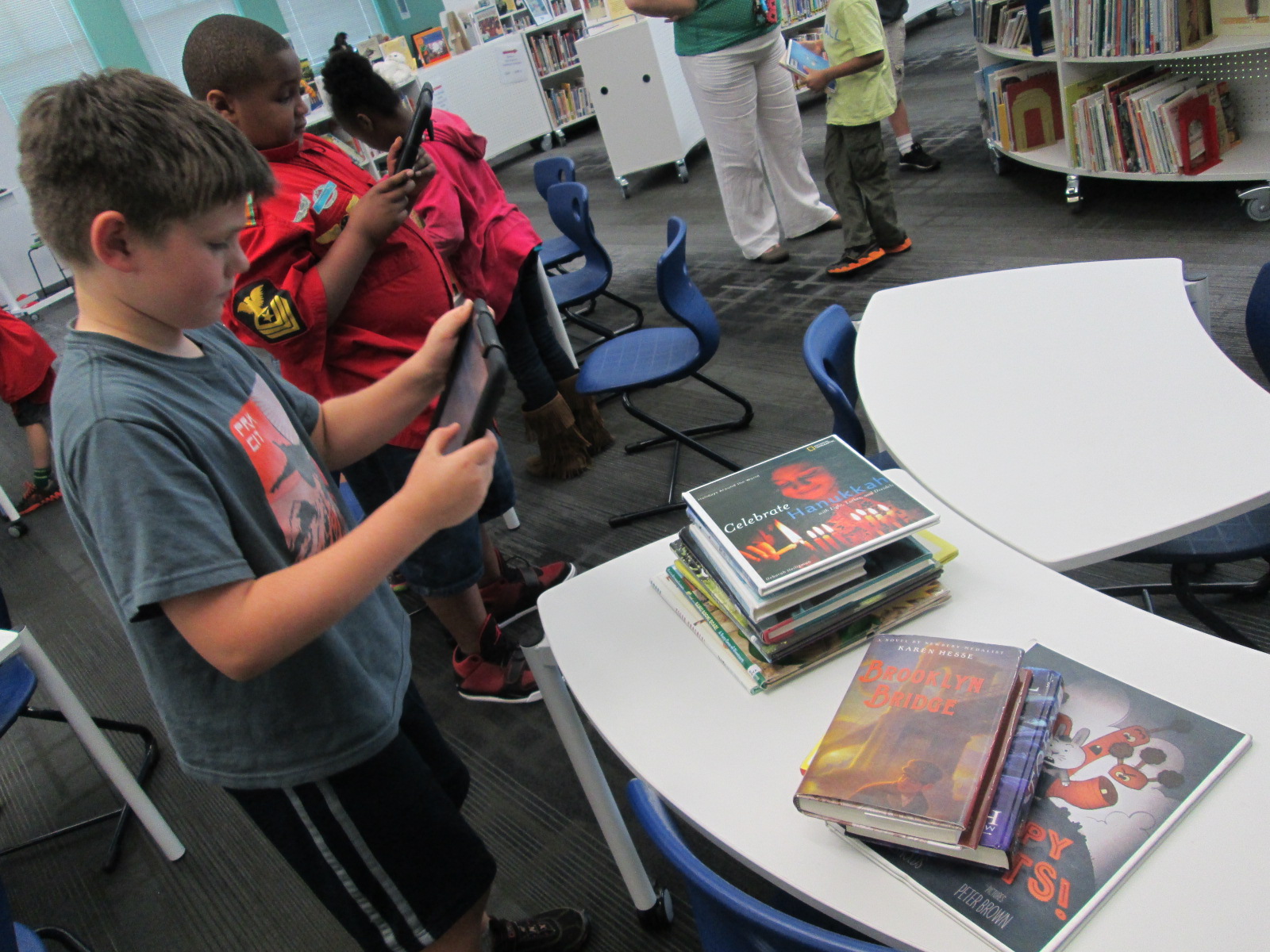
I downloaded 2 free iPad apps related to Dr. Seuss.  One is the Happy Birthday to You camera.  This was definitely the most popular app of the two.  Students enjoyed taking selfies or pictures of friends and then using the stickers to develop their own Seuss personality.  This would have been a great lead in to creative writing.  Students could have created their picture and then developed an accompanying story to match the picture.  The other app was the Dr. Seuss Fun Machine, but students moved away from it fairly quickly due to its simplicity and lack of clear instructions.

Center 5: Seuss books

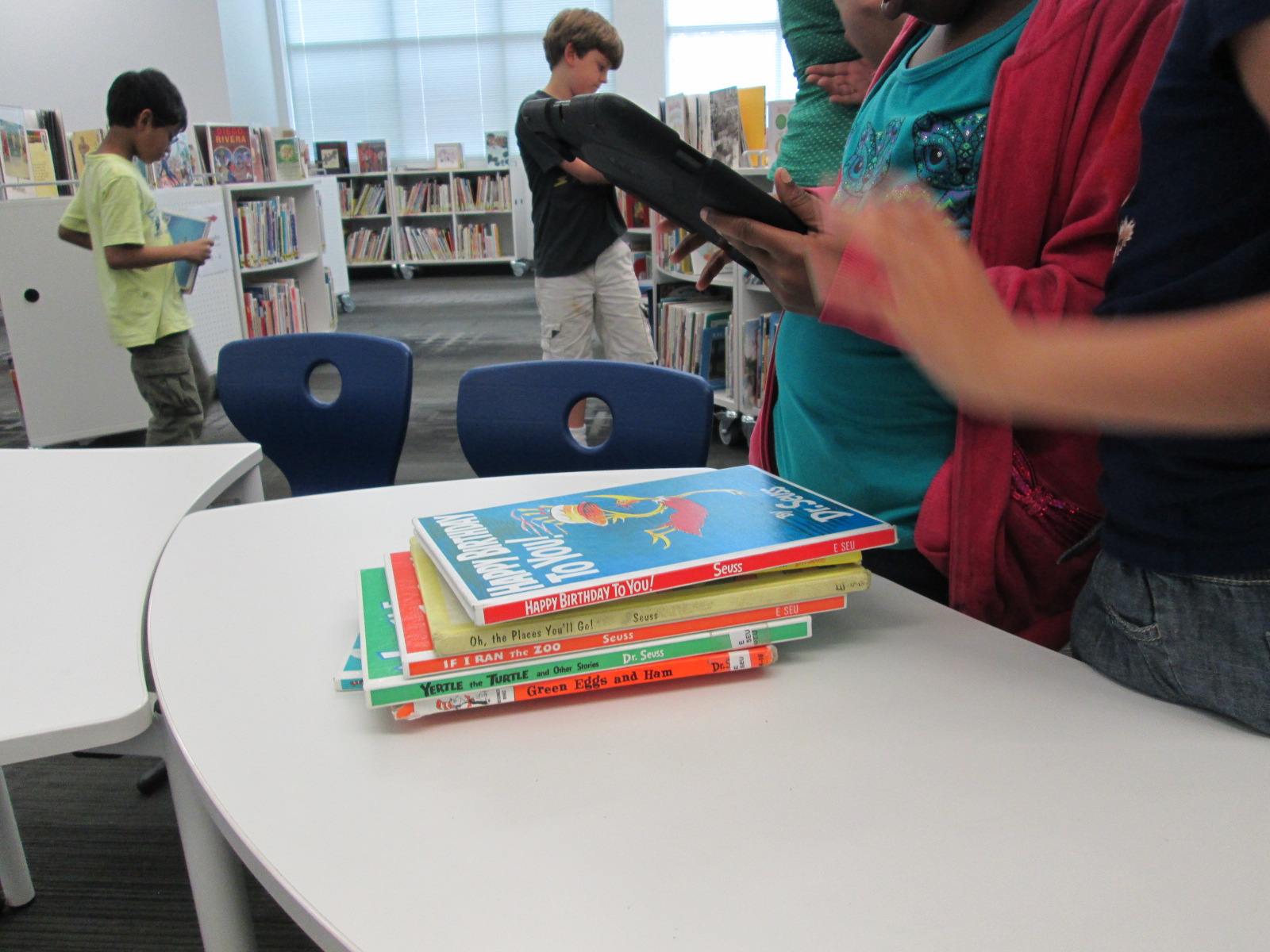
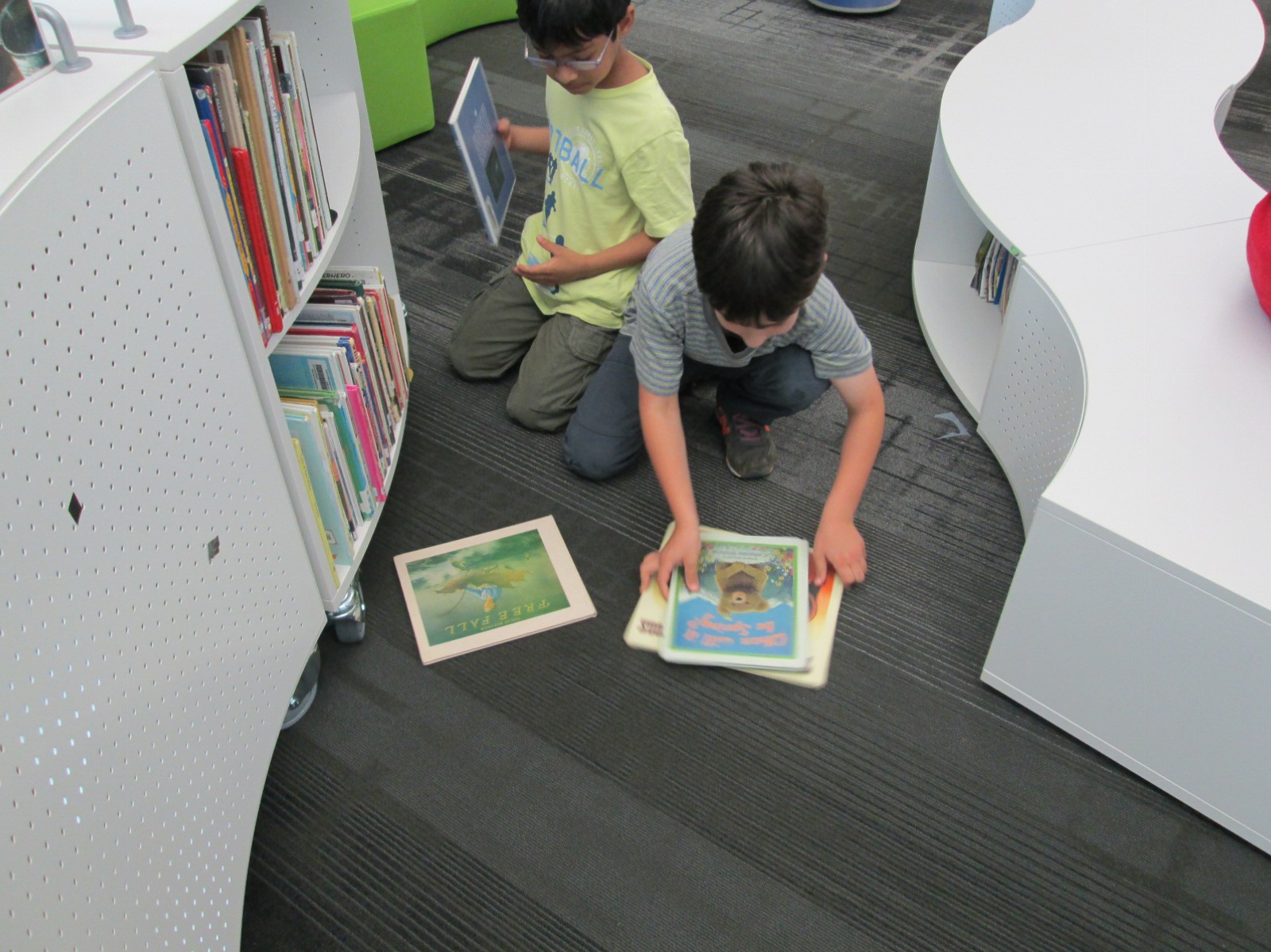
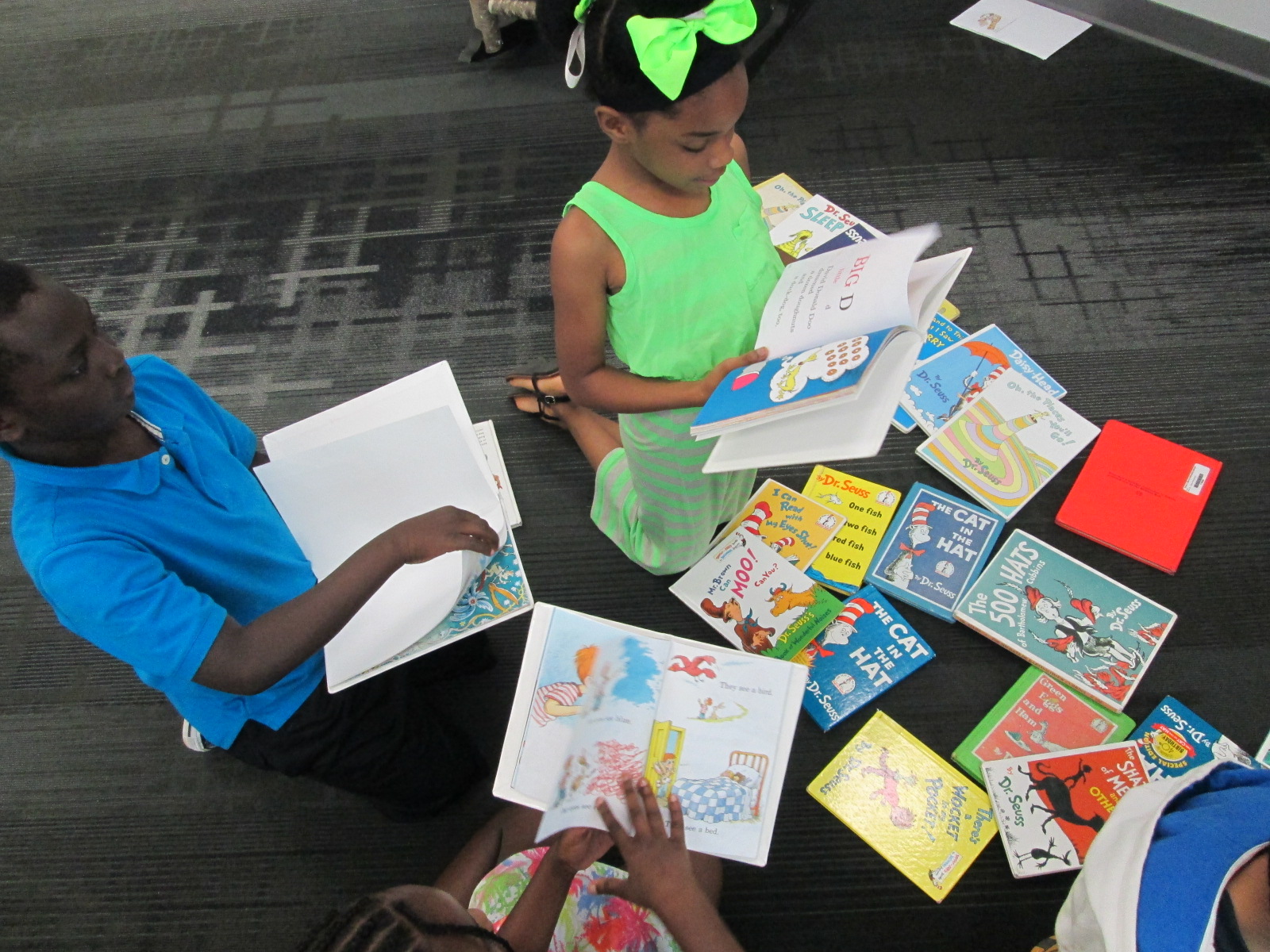
We have SO MANY Dr. Seuss books in the library, but it’s amazing how many of them students have never seen or read.  I loved having a station built in where students could just spend time browsing Seuss books, reading along, or buddy reading.  This was a center that most of the teachers visited along with students to read with them or listen to them read.

This was a wonderful end of the year activity, but I saw several potential opportunities that could have taken us into a larger project or even just a follow-up lesson.  It reminded me that centers can serve many purposes and are still a great way to split students up into a variety of experiences.

Why Do We Explore Space?: A Virtual Field Trip Opportunity

Ms. Kelly’s Kindergarten class has just amazed me across this year by how they have used a study of space to flow into so many of their standards.  They have written their own ebooks, composed music, written lyrics, researched multiple questions, and now they are coming up with a plan to help the people who want to go on a one way trip to Mars.  During the course of this study, an interesting question came up.  Why do we explore space in the first place?  It’s something we haven’t even considered during all of our research.

It came about because of an email that Ms. Kelly got about a virtual field trip to NASA’s Goddard Space Flight Center.

30 minute virtual field trip begins at 1:00 PM (ET) and is appropriate for all grades. Get a tour of a NASA facility and learn about the research being carried out into planetary exploration. Learn why it is important to explore the universe and how our knowledge of the universe has expanded due to the space programs. Understand the multitude of scientific practices involved in space travel, and see the application of many of these in the real world.

The virtual field trip is next Friday May 1, 2015 at 1PM EST.  It’s appropriate for all grade levels and it’s free!  All you have to do is register and you can even have students submit questions ahead of time.  http://www.discoveryeducation.com/Live/of-the-people-space-day-2015.cfm

Ms. Kelly wondered if we might explore the idea of space exploration a bit before students engage in the virtual trip.  I’m brainstorming about this right now, but I first wondered about putting the question out to more people.  I wonder what all of us think about why we should explore space or even why we shouldn’t.  I decided to make a Flipgrid.  Anyone can post a 90 second to this grid responding why we should or shouldn’t explore space.  I would love to have kid voices and adult voices from multiple perspectives to share with this Kindergarten class.

If you have a moment, reflect on the question and make a video.  If you have even more time, do this with your own students in the next few days.  If you don’t have time to make a video, consider sharing it with someone who might.

Why should we explore space? (or not explore space)

My thinking at the moment is that I will share these videos with my Kindergarten students as an opener.  We’ll take time to read some books such as The Planet Hunter or Moustronaut and reflect on the question ourselves.  Then, students will have a chance to add their own ideas to the grid along with the other voices.  http://flipgrid.com/#c6c0c1f0

Ms. Kelly and I never know where we are going to end up.  We just keep our minds open, look for opportunities, and give it a shot.  We usually find that our risk-taking leads to some miraculous opportunities for our students.


Can a Foodini 3D Printer Go to Space?: Empowering Student Voice in the Makerspace

Ms. Kelly’s Kindergarten class is continuing to explore how humans might one day travel to Mars and live.  You may recall that they spent a day in our makerspace exploring several tools that might help them in their research and inventing.

Students are now in the design phase of their project.  They have each thought about a topic that they want to focus on in relation to surviving on Mars.  Some have chosen topics like water, oxygen, food, shelter, robot exploration, and clothing.  They are continuing to research online and in books, but they are also taking time to think about their own dreams of what might be possible in 20 years when we might live on Mars.

A small group of students came to me in the library.  After a quick check in on topics, each student started sketching some designs on blank paper.  I walked around and listened to students describe their designs and asked follow-up questions or shared resources that I knew about.

One girl was focusing on food.  She wanted to create a machine that would dispense food as needed.  Since I knew the kids were familiar with our makerspace, I asked her what she knew about 3D printing.  It turns out that her brother is the very student who designed our Barrow Peace Prize medal, so she knew a whole lot!

I followed this discussion by telling her that there are many kinds of 3D printers including ones that print food.  She looked at me in disbelief, so we went to the computer to look for some information.  We came across the Foodini.  We read some information and then we watched a video about how it worked.

After watching the video, the student went back to her design and started drawing her own version of the Foodini.  She thought it would be great if we could take the storage containers of food into space, put them into the printer, and then print food as we needed it.

She was also very curious about whether a Foodini would work in space, so I said “why don’t we ask them?”  I pulled out my phone, opened twitter, and composed a tweet to Natural Machines (@NaturalMachines).  The student helped me write what to ask.

Later that day, we heard back from Foodini.

I thanked them for answering us back.

It was nice to know that there was a company out there willing to answer a question from a Kindergarten student, and it makes me wonder how many other opportunities are out there for our students if we just step up as the connector between the student and the company.  A Kindergarten student shouldn’t have a Twitter account, but the teacher or teacher librarian can harness the power of Twitter to make that connection for her.

I can’t wait to see what this student comes up with in the end, and I look forward to connecting even more students with the resources they need through my access to social media.

Creating Wish Lists with Capstone Press: A Next Step in Student Book Budgets

Capstone Jim Boon (6)

Jim Boon from Capstone Press has been doing student book budgets with me since the beginning.  Each year things change just a bit, and Jim naturally adapts right along with me.  This year, we have our largest group of students working simultaneously so it gets noisy fast.  The most challenging thing is making sure that every voice is heard and that all members of the book budget group are engaged.  I love bringing in Jim because he masterfully listens to all students.  He makes connections with them and even remembers them from year to year if they have been part of the group before.  The students in turn have come to know him.  The returning students welcome him back and the new ones quickly learn why we bring him back every year.

Ahead of Jim’s visit, I email him some possible dates to visit.  We establish a time and he mails catalogs for all of the students to use on the day of his visit. Once we have our purchasing goals, I share those with him as well.  He sets up a big selection of Capstone books for students to look at that match the goals that they have set.  He even divides the books into 2 displays: fiction and nonfiction.

Jim does a very short explanation of what students have in front of them. He shows them how to look for books in the index and as well as how books a grouped together. He shows them that the displays might only have one book from an entire series that they can find in the catalogs. He shows them where to find prices for individual books as well as complete sets.  He shows them how each set of books has a barcode in the catalog that can be scanned straight into a wishlist on capstonepub.com  This scanning feature puts the entire series into the list, but then you can go in an uncheck the books that you don’t want to add.

Finally, Jim talks to students about current promotions that Capstone is offering that might stretch their budget even more. I love this part because it helps students think about how they might invest their money or how they might request extra money from me in order to take advantage of a promotion.  This discussion usually doesn’t happen on this particular day, but I always love seeing their wheels turning as they give me reasons why we should spend our money a certain way.

The fun begins when students leap into action. They take books from the display back to their tables and look through them.  They peruse the catalogs.  This is the point where it is hard to stay focused on our purchasing goals.  With a catalog of hundreds of pages, there are so many interesting books that don’t match what we said we were going to buy, and students easily slip into what they personally want to buy rather than what the whole school wants.  I don’t really worry about this very much during our first day with catalogs. Instead, I give a few reminders to think about our goals, but I know that we will revisit the entire list when we make cuts to match our budget.

As students find books that they want to add to the wishlist, they begin forming a line at my computer. I pull up a student book budget list on capstonepub.com and students scan the barcode in their catalogs.  We uncheck all of the books in the series that they don’t want to keep and then save the list.

https://twitter.com/capstonepress/status/590192650319319040

At this point we don’t worry much about money, but when a student scans a series of 32 books and says that they want to add all of them, I do let them know how much all 32 books would cost.  Most of the time, the student is shocked and quickly narrows down to a few books that they really want to add.

Across an hour, students made a wish list with 161 titles totaling $3071.91.  Capstone is not our only vendor we are working with, so we are definitely going to have to cut some titles from this list.  We will meet 4 more times to add more titles, revisit our goals to see that they are all represented, and finally narrow our list down to the budget we have agreed upon.

We thank Capstone Press and Jim Boon for their continued support of his project.  We appreciate that this company listens to students as well as offers a rewards program that allows us to stretch our student budget even more.


National Poetry Month: Book Spine Poetry Lessons

book spine (7)

I love found poetry.  It is so interesting to think about how words, phrases, and sentences that already exist in the world can be remixed into something new.  We recently spent some time creating blackout poetry, and now students have been coming to the library to create book spine poems.  Each year that we try this type of found poetry, I’m finding that we get a little bit better and add some new strategies for crafting a book spine poem.

This year I decided to do some storytelling to share with students how I crafted my own book spine poem.  Rather than give a list of tasks to do, I told my story and let that guide our instructions for how to make a book spine poem.

“When I made my book spine poem, I just wandered around and picked a shelf in the library.  I spent time at the shelf scanning every title and looking for a title that spoke to me in some way.  The first book that jumped out to me was In My Mothers’ House.  I continued creeping along that same section of the library looking for a title that seemed to go with the one that I had already found.  I didn’t really know if I had found my first line of the poem or just a piece of the poem, but when I came across The Wonderful Happens, it seemed like magic.  Both of those titles just sounded like the beginning of the poem to me.  Now I had a focus.  I needed to find more books that told more about In My Mothers’ House.  I didn’t really worry about order.  I just wanted books that sounded like a good fit.  Once I found 3-4 more, I went to a table and started arranging them and reading them aloud.  I tried many different ways to see what sounded right.  I even had a book that just didn’t seem to fit, so I decided to put that one back on the cart at the front of the library.  When my poem felt just right, I knew I was reading to record myself reading it.”

book spine (9)

By telling this story, I really felt like student had a good sense of what to do, but we did still rephrase the steps together.

1.  Choose a place to start.

2.  Look for books that speak to you and only take the ones that you think you will use.

3.  Continue choosing books that connect to one another

4.  Arrange them in a way that sounds right and put the extras on the cart at the front of the library.

5.  Record yourself reading your poem and return your books to the cart at the front of the library.

book spine (4)

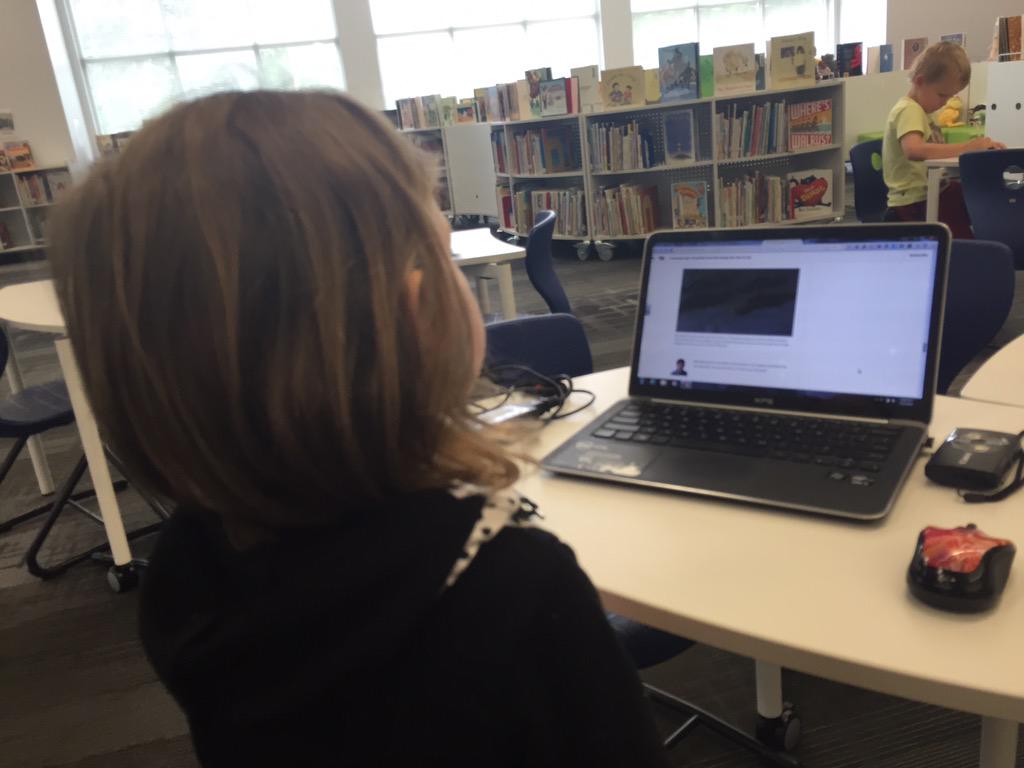
Students got to work.  Most of them jumped right in, but a few had trouble starting.  I found a few students who just wandered around without knowing how to start, so I encouraged them to stop wandering and start reading titles.  Some were very focused on content which made it a bit harder to craft a poem.  They wanted a book about X instead of thinking about a book’s actual title.  I tried to explain that the content of the book really didn’t matter. All that mattered was the title.  It took some time for that to click with some students.  I didn’t want to tell students not to use the computer, but we did nudge students to really try looking at the shelves rather than try to find something on the computer.  Most students who tried the computer strategy ended up abandoning it anyway because it added too much time and frustration to the process.
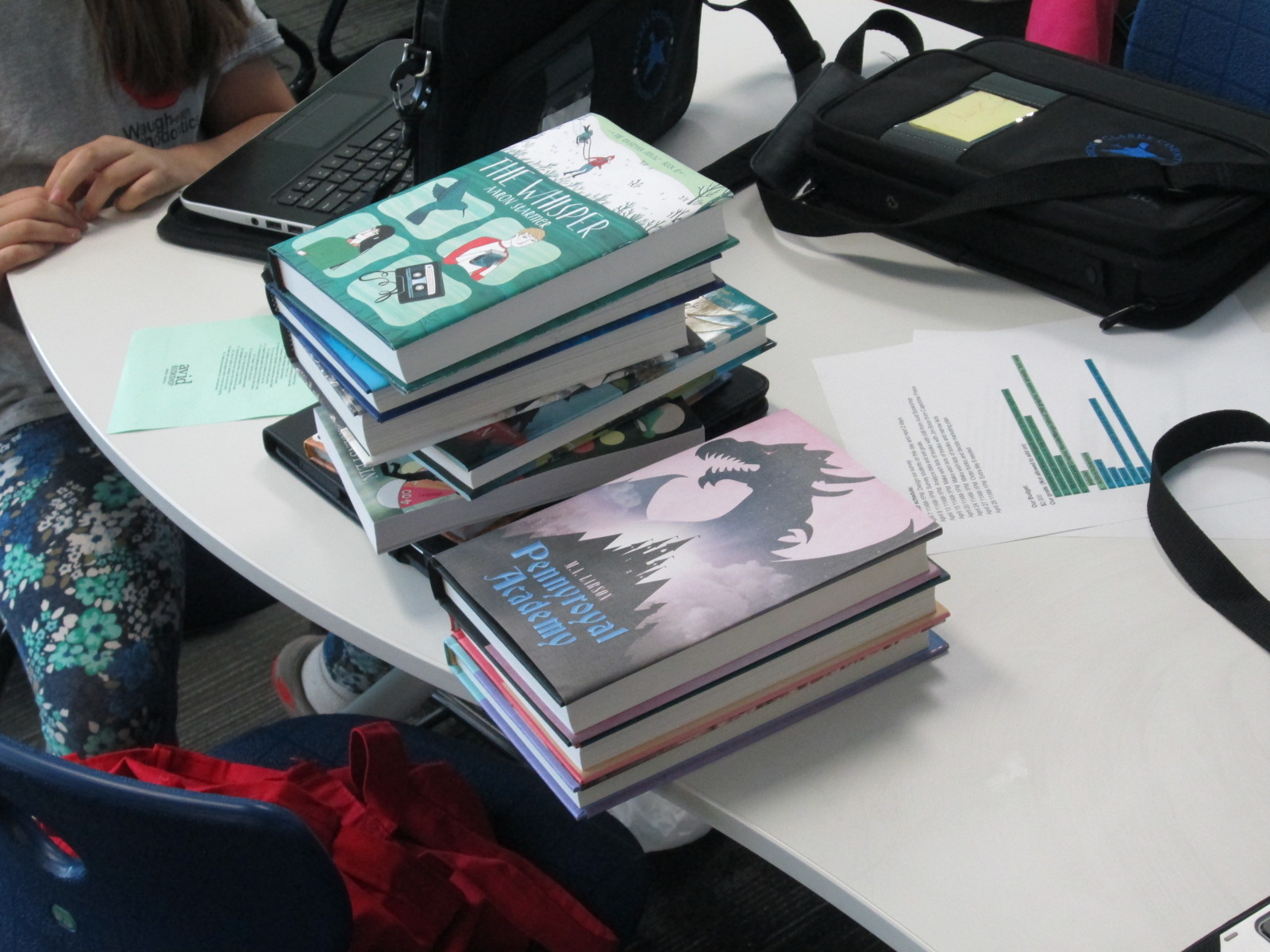
As students recorded their poems, they came to me at a table.  I had an iPad cord plugged into my computer, so we just connected and uploaded straight to Youtube and put the videos into a class playlist of poetry.

You can enjoy their work in each of these playlists.

Students Meeting with Vendors: Book Talking with Avid Bookshop

Avid (2)

One of my favorite steps in the student book budget process is when the students get to meet real vendors and talk with them.  This year at the School Library Leadership Summit someone asked me if I ever used an independent bookshop as one of my vendors for student book budgets.  The answer was no, but this year we changed that.

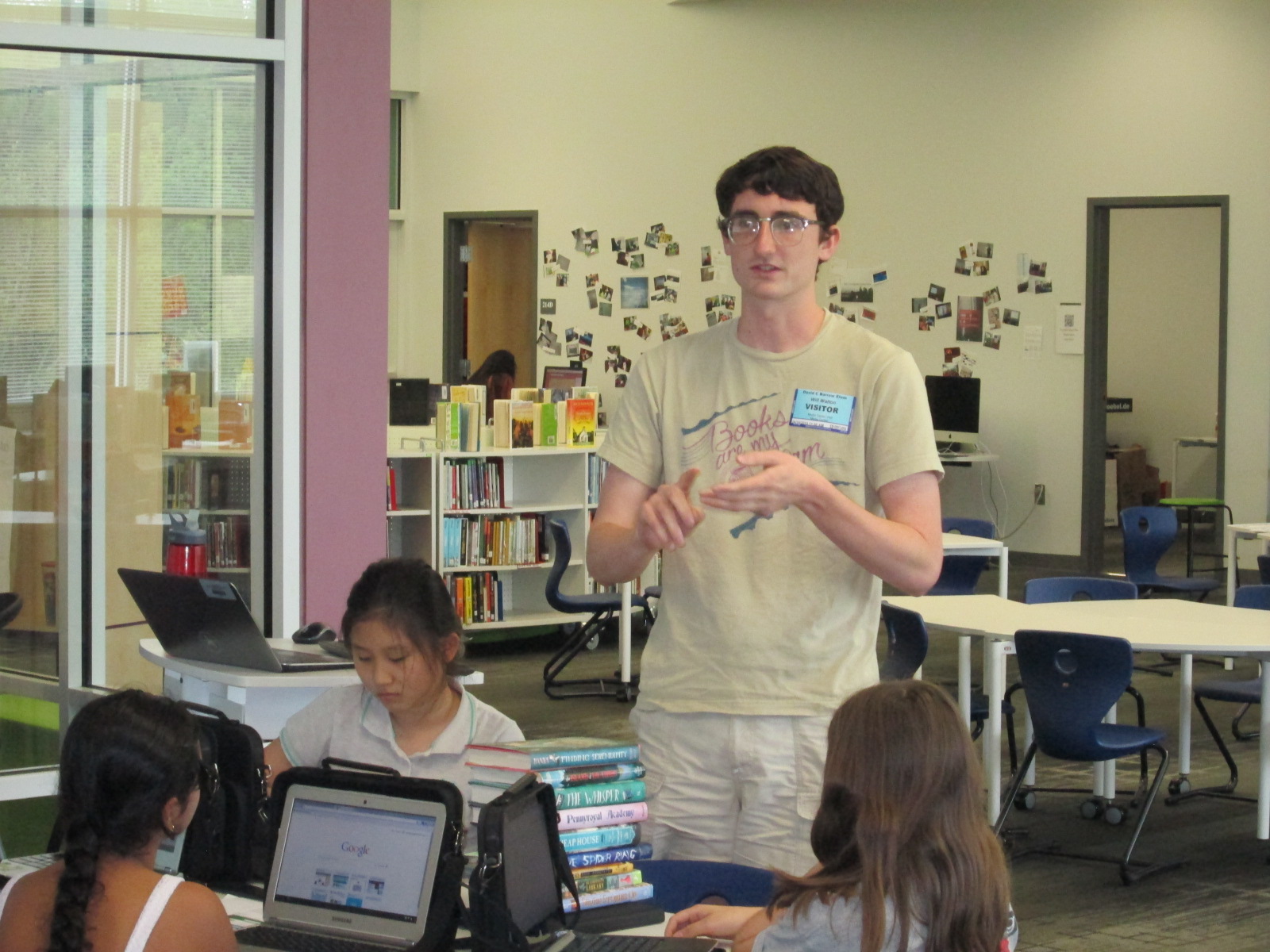
I email Janet Geddis, owner of Avid Bookshop, and asked if she would like to be a part of this year’s project.  It was refreshing to hear that community outreach is actually a big part of her business plan, so she definitely wanted to be a part.  When our students had their purchasing goals created, I sent them to Will Walton at Avid Bookshop.  Will is an awesome bookseller and has his first novel coming out in May called Anything Could Happen.

Avid (6)

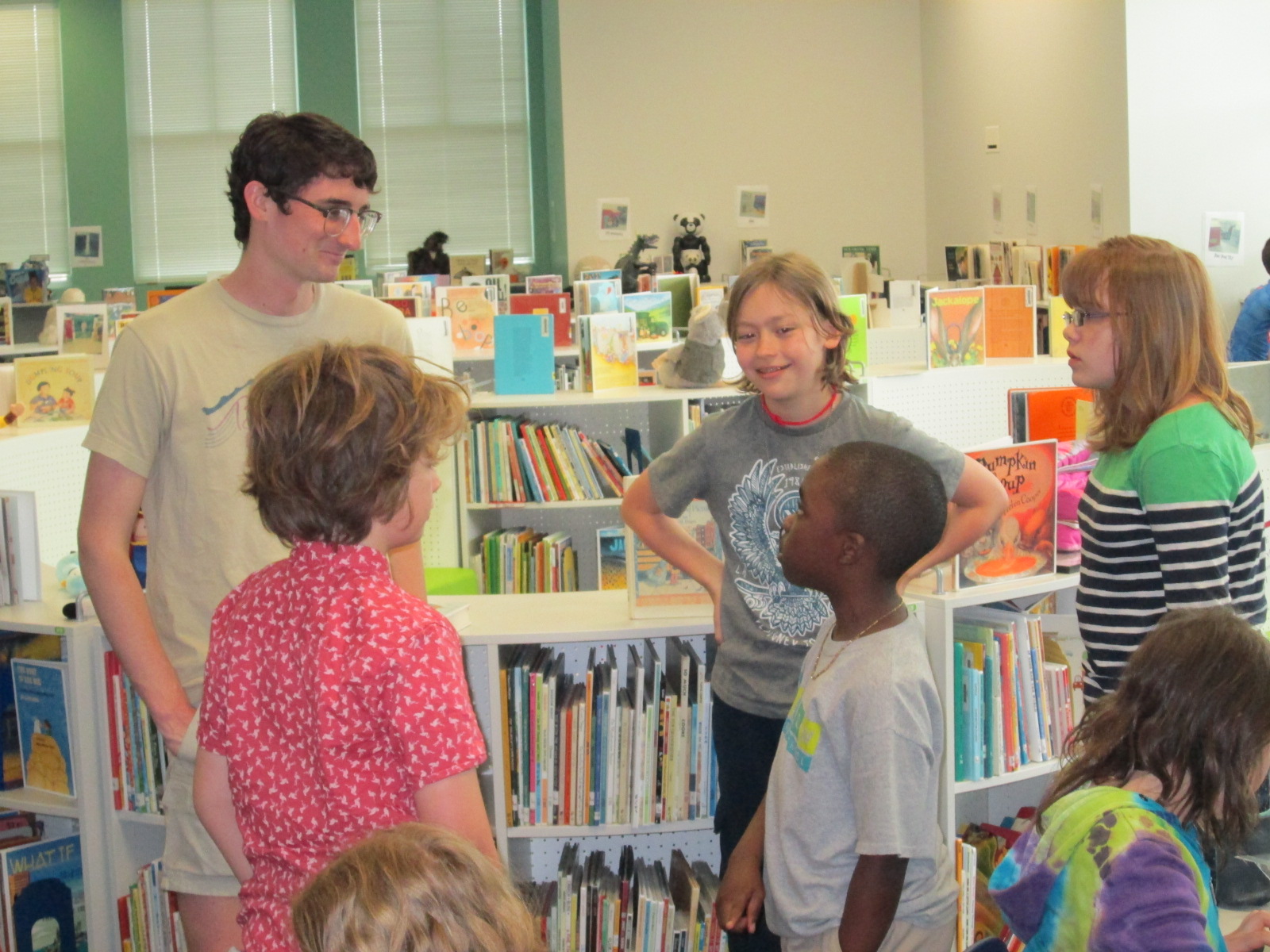
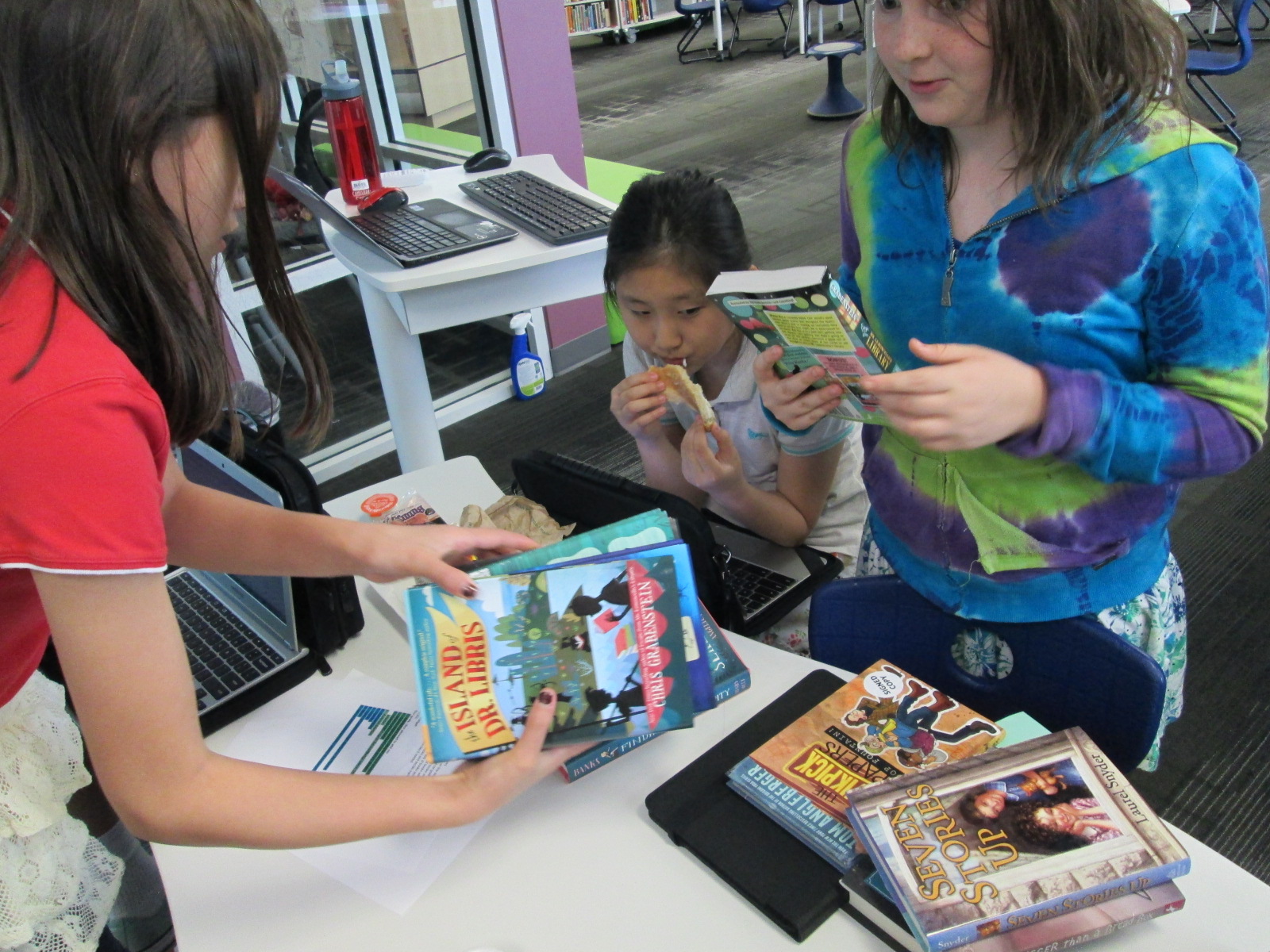
Will pulled several books from the shop and brought them to our book budget meeting.

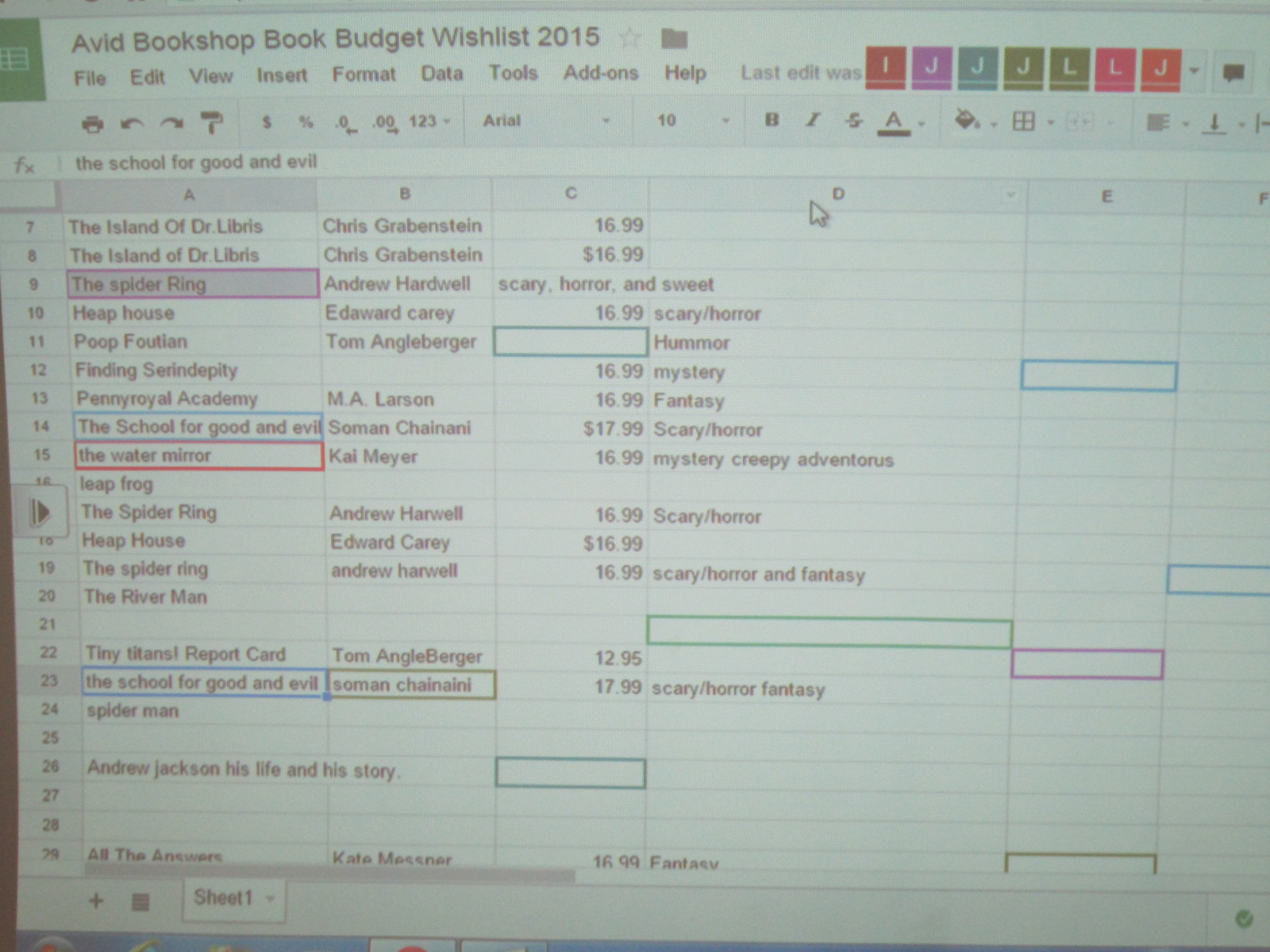
I made a Google spreadsheet and shared it with all of the students.  The spreadsheet included a spot for title, author, price, and which goal the book matched.  Will put the books into various categories and started talking about each one.  If the book sounded interesting, then the students worked together to capture the details in the document.

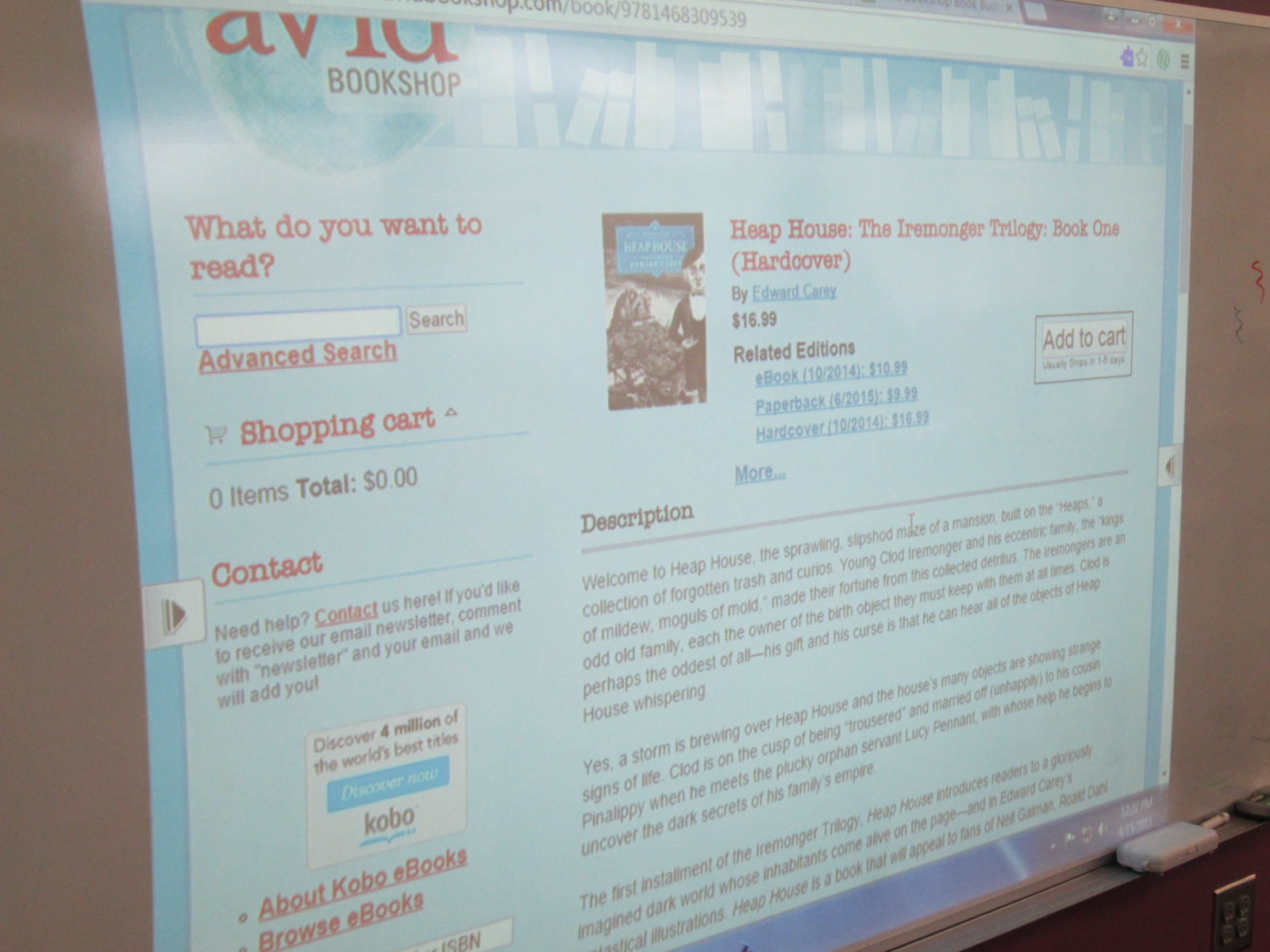
I learned pretty fast that they needed to see the title, author, etc so I pulled Avid’s website up on the board and typed in each book as he talked.  The students could easily copy down the info while he talked.

Avid (5) Avid (9)

After talking through several titles, the students had lots of questions for him.  They had a great time just talking books with Will.  Several students branched off to do their own thing, so I decided to add another layer onto what they could do.

Avid (7)

We used our state database, Galileo, to pull up Novelist K-8 Plus.  I showed students how they could look at books by age range and genre.  Then, Novelist shows books that are similar to books that you have read and liked.  I suggested that they use Novelist to find books that sounded good and matched our goals, and then use Avid’s site to find the price and add to our spreadsheet.

Avid (10)

Mr. Coleman’s ELT group is joining us in this project and they plan to continue this process this week before we meet again on Monday.

Avid (8)

We are very grateful to Avid Bookshop for their support of students.  I loved how Will talked directly to them.  He asked them questions about books but also questions about how they planned to spend their money.  He posed interesting questions such as “Have you thought about paperback versus hardback?  The cost difference can be about $10.”  Students were shocked by the price difference but most agreed that they wanted hardback for durability in the library.  That was without any prepping or pushing from me.  I was amazed.  They said the extra $10 was worth it if the book lasted longer.

Avid (1)

I love how these types of conversations naturally surface.  You can’t force plan each one, but they usually come up at some point.  Soon, the students will meet with another vendor and start the hard process of cutting their wishlist to meet our budget.

Kindergarten Mission to Mars: A Makerspace Tinkering Lesson

hocking makerspace exploration (15)

Ms. Kelly’s Kindergarten class has turned a curiosity into a year-long project.  They became interested in space, and it has turned into a research project about planets, creating planet ebooks, writing original songs about the planets using ukuleles, and having a Fat Tuesday parade dressed as the planets.

Now, these students are on a mission to figure out how to support human travel to Mars.  They don’t actually want to go to Mars themselves, but they want to think about what might need to be invented in order to support human travel to Mars in the future.  Wow!  Some might look at a Kindergarten class and think this is silly.  How could students as young as Kindergarten come up with ideas for traveling to Mars?  I think Ms. Kelly’s class proves that even our youngest voices should not only be listened to but empowered as well.

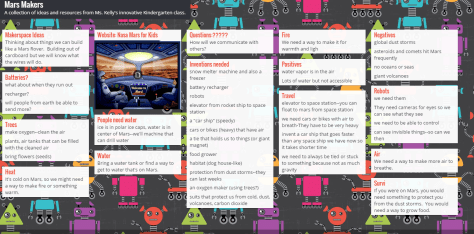
Mars Makers

These students have spent extensive time researching Mars.  They know about the land, the weather, the atmosphere, and ways that Mars has already been explored.  They have brainstormed things that they might need to think about when traveling to Mars such as water, food, oxygen, and how to survive the dust storms.

They recently came to the library to read the book  You Are the First Kid on Mars by Patrick O’Brien.

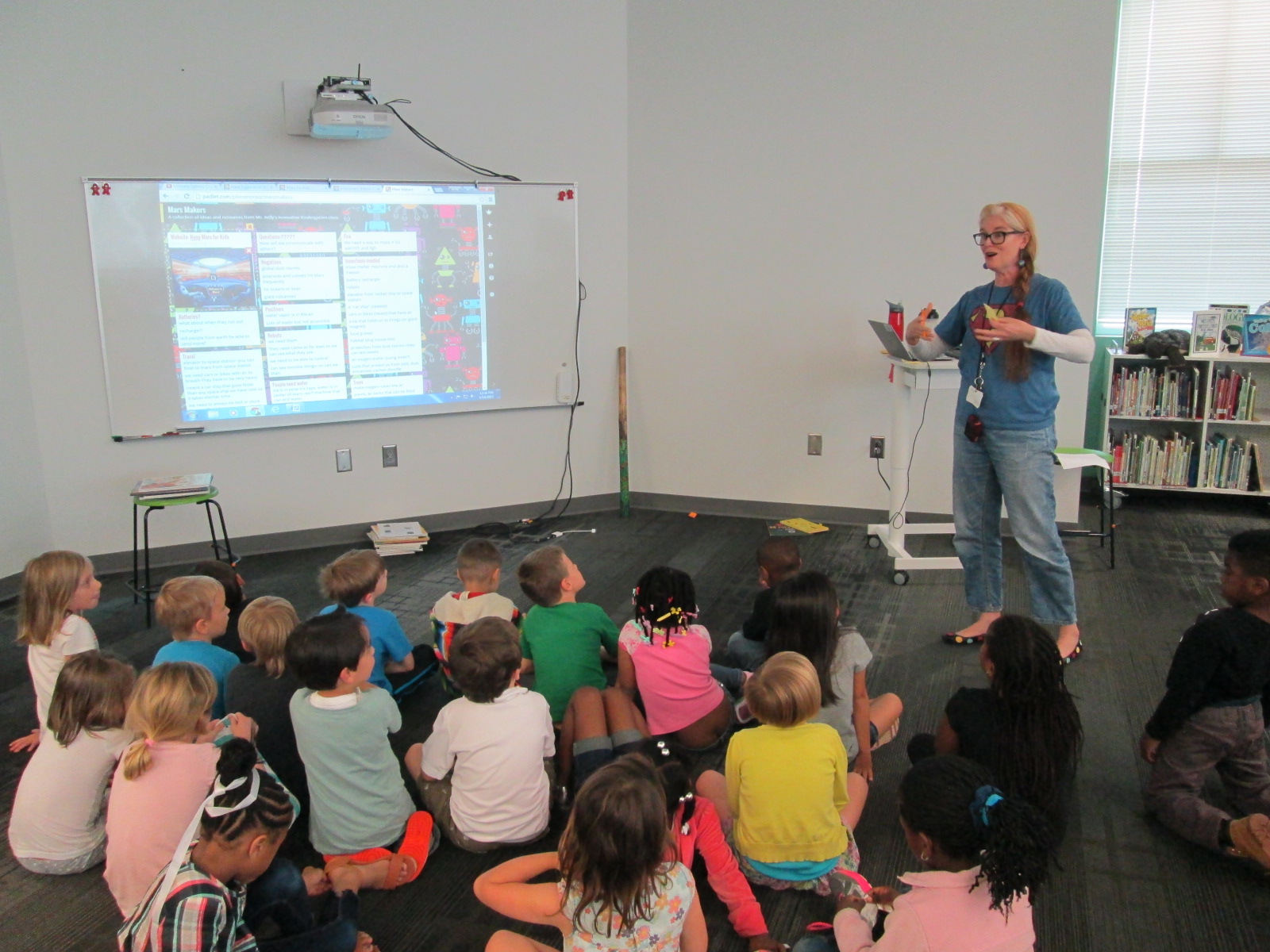
She and I brainstorm a lot over email.  When working with her, nothing is impossible and our biggest limit is time.  She wanted a way to capture all of her students’ brainstorming, so I suggested a Padlet since they could post ideas, websites, pictures, and files.  I set one up for her and they got to work adding to it.

Within their brainstorming, they talked about creating robots that could help them explore Mars as well as several other technology-heavy ideas.  This brainstorm naturally brought us to our library makerspace.  We wanted students to have a time to explore some facts about robots, technology, electricity, circuitry, energy, and space exploration.  Ms. Kelly books an hour of time for student to explore, and I created some experiences for them to move through.

Experience 1:

I pulled as many books as I could find on all of our major maker concepts from 3d printing to robotics to circuitry.  I also pulled books about space.  This experience was a time for them to look at lots of pictures, read captions, and skim text with one another and an adult to get ideas that they hadn’t even thought of in their brainstorm.

Experience 2:

We have several robotics options in our makerspace.  Since robotics was part of their brainstorm, I wanted them to tinker with a robot that was manageable by a Kindergarten student.  I chose Sphero.  Since Sphero alone couldn’t do some of the things they were thinking of robots doing, I showed them a Youtube video of how Sphero can be combined with other things like a chariot to pull a camera or add an attachment.

Then, students used the Drive app to practice driving Sphero and brainstorming how this might help them explore Mars.

Experience 3:

Students have talked a lot about wiring and circuits during their brainstorming.  They really want to wire something that could actually work. I have 2 littleBits space kits which have instructions for creating things like Mars Rovers, Grapplers, and Data Collection Tools.  The age range is high for these kits, but age range never stops us from trying something.  We just look at what barriers are in place and then figure out how to build a bridge.  For this experience, I started students with the instruction booklets.  They got into 2 smaller groups and looked at the diagrams, instructions, and functions.  They started to think about their brainstorm and how these littleBits inventions might work with their ideas.  Then, they moved to a table of littleBits.  In pairs, they used a battery, power cord, and blue power switch to connect to one input (pink) and one output (green).  The idea was just to start tinkering a bit with littleBits to see how they work.  They weren’t necessarily making a space invention yet.

Here’s a quick look at what it all looked and sounded like:

Next, our students will go back into their classroom and continue working on their padlet using the ideas from the makerspace exploration and the books.  They also checked out some of the books to take back.  Then, students will begin constructing prototypes of tools that they might actually invent for space.


2015 Student Book Budgets Step Two: Goal Setting

Discussion

The students in this year’s book budget group have been busy.  We emailed our reading interest survey to all students in our upper grades, but our younger students needed to be surveyed in person.  The book budget crew have carried iPads to recess and lunch as well as picked up iPads before school to survey students.  Over the course of a few days, they have surveyed almost half of our school.

All along the way we have checked the progress in our form by viewing the summary of responses and seeing which grades needed to be surveyed.  We wanted there to be voices from every grade level on the survey.

Finally, we all met in the library for an official meeting to look at the data on the survey.

Discussion

First, the students started picking out the kinds of books that received the most votes.  They made a list of 11 kinds of books.  These books were the ones that received above 60% of the people surveyed who said they liked that kind of book.

Our Goals

The students decided that they wanted to keep this list of 11, so our next step was to decide how to divide our approximate budget of $2000 among the 11 goals.

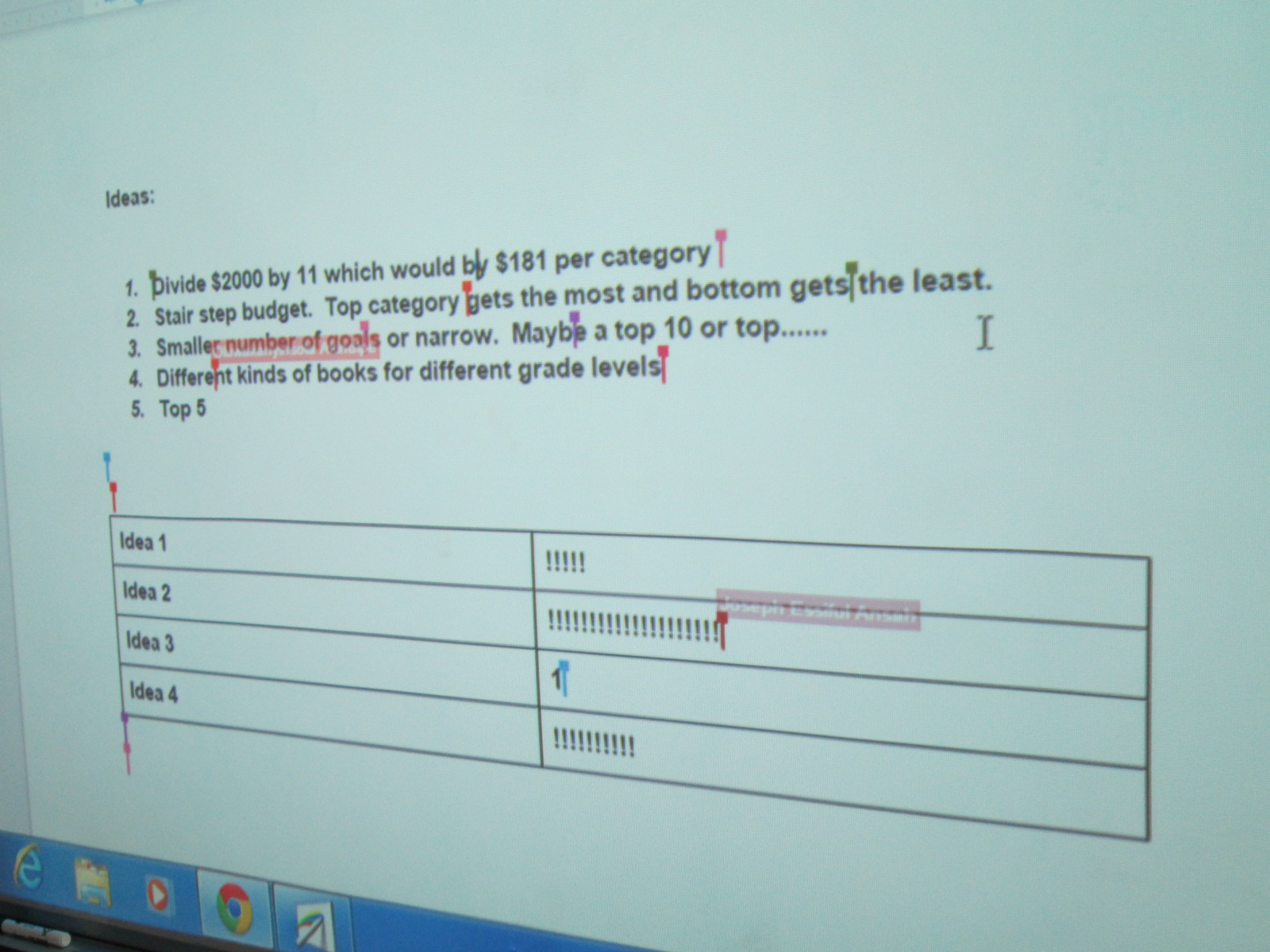
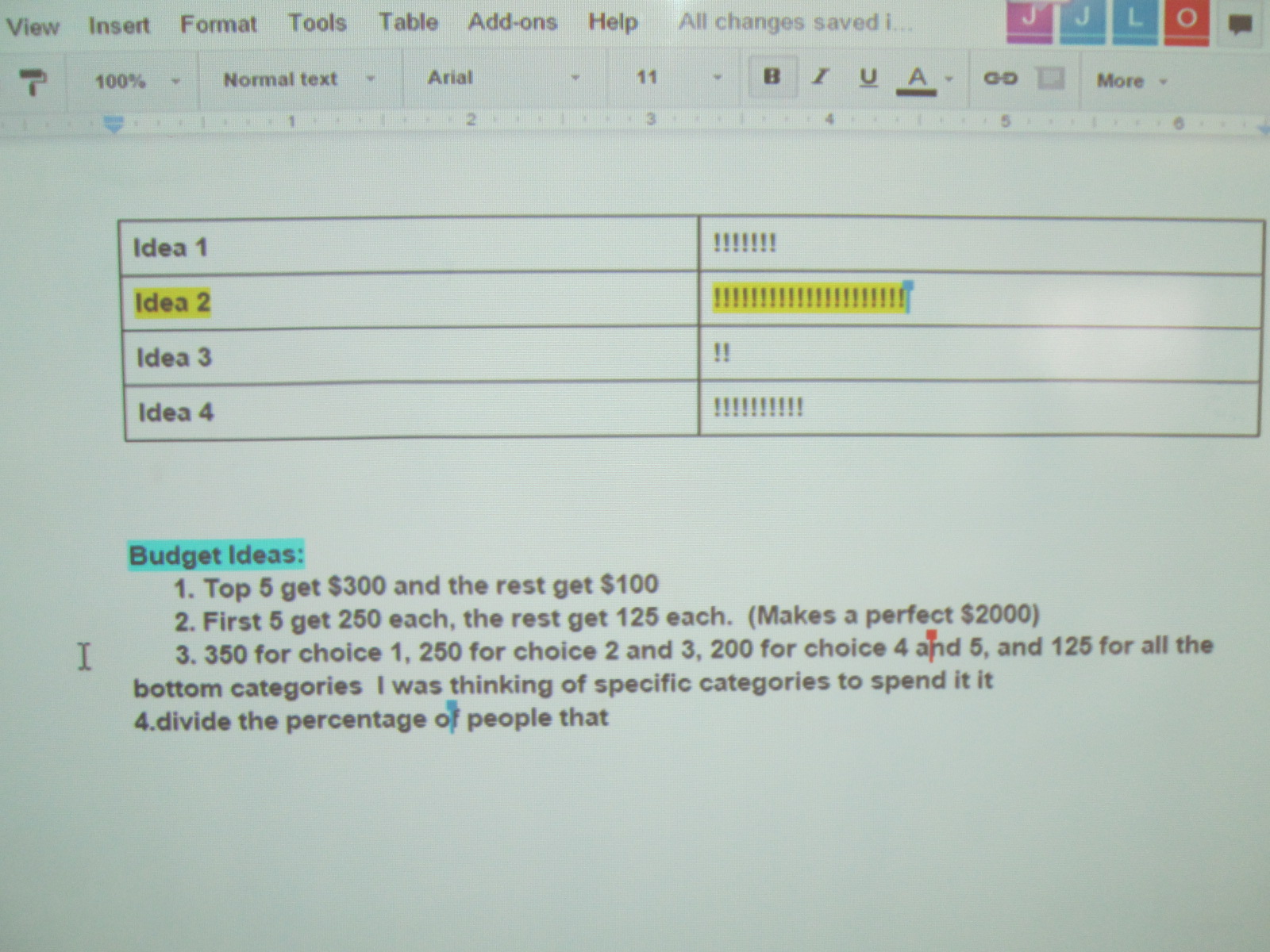
This came with some controversy.  There were lots of ideas.  We decided to make a list of our ideas on our shared Google doc.  Four main ideas came to the surface.

Voting on Budget Plan

1.  Divide the money equally among the 11 goals.

2.  Create a stair step budget or waterfall budget where the top goal on the list got the most money and the last goal on the list got the least.

3.  Narrow the list of goals to a top 10 or top 5.

4.  Focus on different kinds of books for different grade levels based on the survey responsed.


The students voted on these ideas by putting tallies in a table on the Google doc.  The idea of a waterfall budget won the vote, so the next step was to start thinking about how to divide the money among the goals while giving more money to goals requested by more students.  This was even trickier, and we ended up not making a final decision yet.

Voting on Goal Plan


Deciding how to divide the budget really called upon the students’ math skills.  They wrote things on paper, Google docs, and used Google chrome as a calculator to try to add up various amounts to get to $2000 and divide the budget up into multiple categories.  Students were using their problem solving and reasoning skills as they discussed in groups why their various plans worked or didn’t work.  Some were even revisiting the survey data to try to look at percentages on the survey and correlating that to budget percentages.  Math wasn’t just a subject at this moment.  It was a real life skill that was being put into action.

https://twitter.com/capstonepress/status/587723785379250176

Our process was again loud and messy, but I loved how the Google doc allowed us to get lots of voices represented in the conversation rather than hearing from one or two people speaking aloud.

Now that our goals have been decided, we’ve sent these to Avid Bookshop and Capstone Press.  Will from Avid Bookshop will visit the students to book talk some books from Avid that match our goals and Jim Boon from Capstone will share his company’s offerings.  I think the pairing of these two vendors will get the students a great variety of titles to choose from.

I can’t wait to see what they decide.


A Flipgrid Celebration for Our Black History Project

Flipgrid Celebration (1)

Flipgrid is just an amazing group of people.  At the end of our black history project, we held a Skype session with them to celebrate our work.  It was very special for our students to connect with the entire team of developers of the app, but they had a big surprise in store for us.  The Flipgrid team truly admired the work of our students and how they were using Flipgrid to get their voices out into the world, so they wanted to show their appreciation to the students by giving them a little celebration.

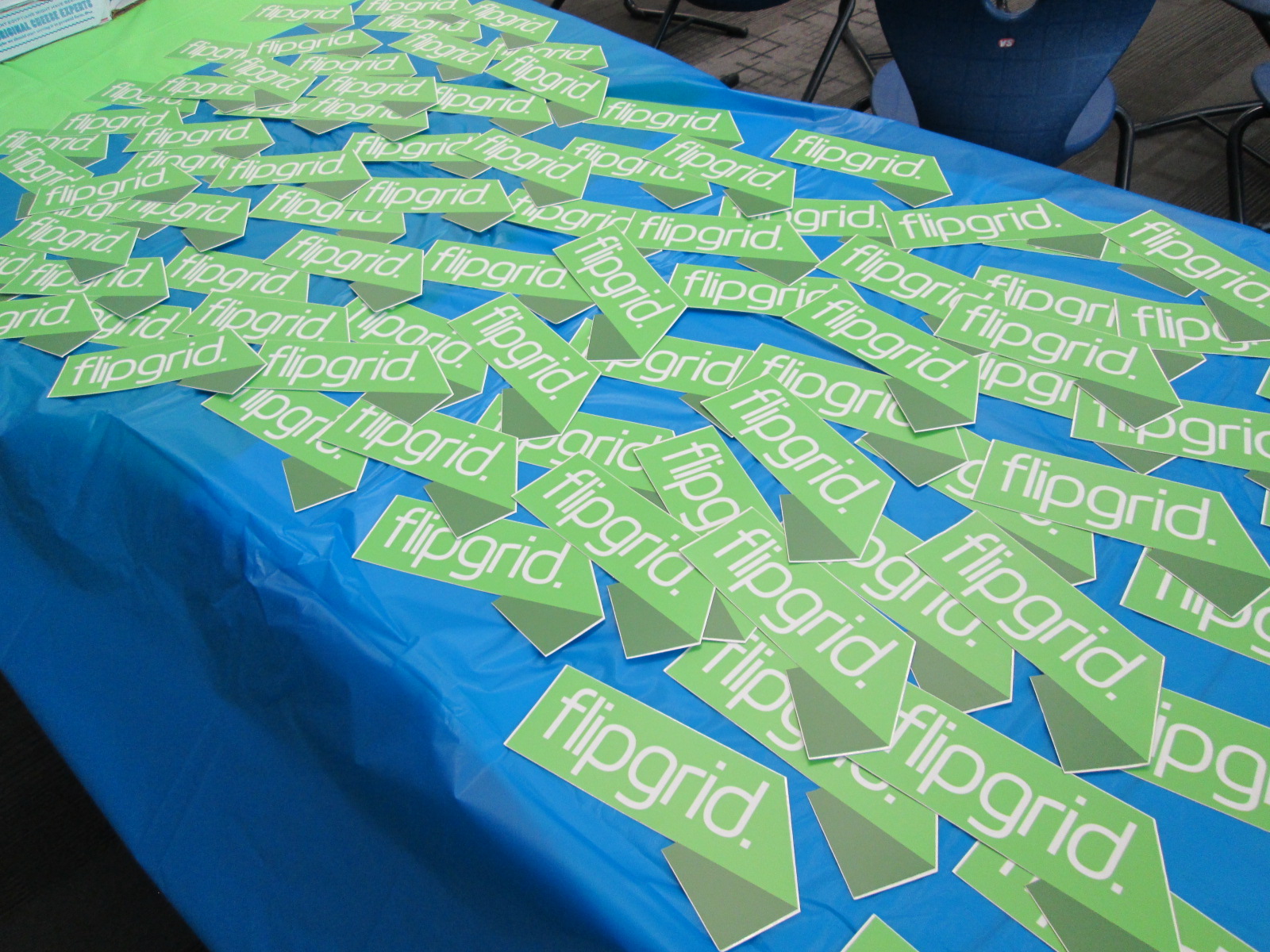
They mailed us a big pack of stickers to give to every student, a handwritten thank you note, and some funds to sponsor a little party for the students.

Flipgrid Celebration (8)

The students had a blast coming to the library to have  a slice of pizza, a juice, an orange, and a Flipgrid sticker.  We used this time to have a viewing party of our work and chat about our week.

Flipgrid Celebration (7) Flipgrid Celebration (6)

Then, some of the students took a moment to send a thank you back to Flipgrid by recording some videos on a Thank You grid.  We love our collaborative relationship with Flipgrid and look forward to using this tool for many more years to connect our voices with the world as well as unite our voices with the world.


Listen to our thank you’s by clicking the picture below.


Collaborating Within Walls Using Google Hangouts: A List Poetry Lesson

IMG_5399

Last year, I tried something new with the 2nd grade.  My library schedule was packed and it was hard to get all 4 classes on the calendar, so I used Google Hangouts to teach all 4 classes at one time.  It was an experiment, but it proved to be a lot of fun and also showed the students and teachers how to use a Google Hangout and collaborate on a Google doc.

This year, we planned it again and added on a few layers.  One of our favorite kinds of poems to write is list poetry.  You take a list and add descriptive words to each item on the list so that the reader can experience the items on the list.  Our goal in our Google Hangout this time was to learn about list poetry, hear a mentor poem, practice list poetry together, and then create one collaborative list poem.

In advance, I setup a Google Hangout on Air.


I sent the link to the hangout to all of the teachers participating in the hangout.  I also created a blank Google Doc for our collaborative poem and shared editing rights with all 4 teachers.


I gave the blank doc a title and wrote each teacher’s name inside the doc to create a space for each class to add to the collaborative poem without writing on top of one another.

On the morning of the hangout, I emailed teachers a reminder that included the link to the doc as well as the direct link for  joining as a participant in the hangout.

At hangout time, I went in my office and awaited the classes.  As they entered, I did a sound check to make sure microphones were working.  Then I used the control panel in Hangouts to mute all of their microphones to eliminate feedback.

I opened our lesson by reading from Falling Down the Page, list poems collected by Georgia Heard.  We focused on “In my Desk” by Jane Yolen.  I pointed out how she gave describing words for each item found in her desk so that we would be able to picture it or experience it.  I built on the reactions of students to the line about a “great big hunk of rotting cheese” found in a lunch box.  These kinds of words cause us to react which is exactly what we want in a poem.

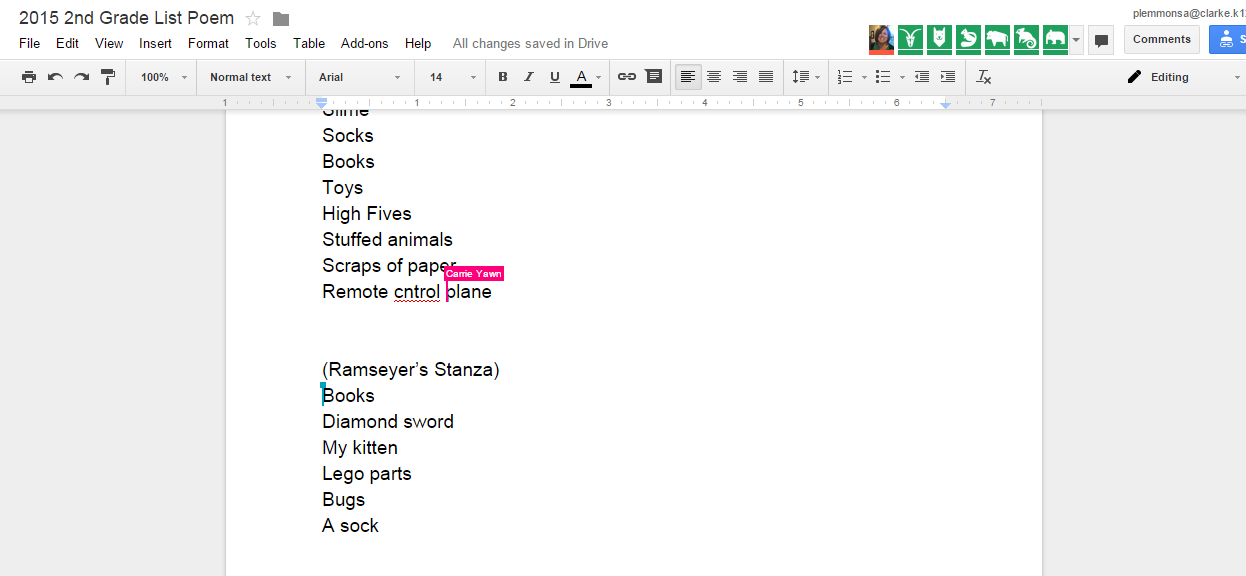
Next, I opened up a blank doc and started writing a grocery list:  bread, milk, eggs, cereal.  Then I assigned each word to one of the 4 classes and had them brainstorm describing words to add to each item on my list.  Each class had a chance to speak in the hangout as I added our words to the poem.

Finally, I invited all of the classes to work on a collaborative poem about things under our beds.  Each teacher facilitated the work in their own classrooms.  I checked in from time to time to give an update on when we would stop working.  Then, each class read their stanza of the poem to close out our time.

While we were writing, I invited people on Twitter to watch the doc in construction.  We had lots of viewers engaged in our work in progress, and students loved being published authors with one tweet.

Viewers

You can watch the whole thing here:

This lesson certainly saved me time in the library to give to other classes who needed a lesson, but it was much more than that.  Rather than having each class in the grade level feel isolated, this lesson allowed them to unite together to create a piece of writing that immediately reached an audience outside of our school.  It allowed us to collaborate within the walls of our school without the disruption of shuffling kids from class to class.  It gave each class a space to think and work with one another and also a space for all classes to work together.  I don’t think that every lesson would work in this type of setup, but it does make me curious to think about when this type of learning is the better choice than scheduling each class individually.

Under My Bed

By Barrow 2nd graders

Under my bed you will find…


(Yawn’s Stanza)

Slimey Socks

Lost High Fives

Stuffed animals, toys, and books

Scraps of paper

Remote control plane

Hairy, mad Tarantula

Dusty Boogers

Junky Legos

Clothes and shoes and jackets

Hairy Monkey Eyes with a big chin

Tv, coke can, and baseball cards

Football cards and a zipline

Dirty underwear, rotten bread, and an old sandwich


(Ramseyer’s Stanza)

Two fat picture books

A fake diamond sword

My playful black kitten

Giant Lego parts

Huge dead bugs in the corner

A stinky, rainbow sock

A blue crate filled with Adidas shoes

A chewed up puppy stuffed animal


(Brink’s Stanza)

Hiding under my bed with my big, hairy monster

you will find

smelly dead cockroaches and dust bunnies

old paper candy wrappers

a big purple three horned monster

basketball shoes

an empty shoebox and an old toy

a skeleton reaching for water

a stinking mummy, rotten eggs, and a stinky sock

cuddly stuffed animals

a golden chair, medals, trophies

smooth rocks I found in the street

lost, overdue library books

a racing track

paper plates


(Wright’s Stanza)

Under my bed, I look and see

Flattened books

moldy food

cute and sleepy puppies

old broken legos I used to play with

misplaced and forgotten toys

and ripped, dirty money


So many things under my bed.


Following this lesson, I did a very similar lesson with one Kindergarten class in person.  We didn’t do the hangout, but we did share our work with the Internet so that students’ voices were already reaching an audience even in their beginning steps of writing.  It was so much fun to get a comment from one of the viewers of the doc.