Using the 3D Printer to Empower Student Voice: A New Piece of Our Barrow Peace Prize Flipgrid Project

IMG_4943

Any time I implement a collaborative project, there are way more ideas swirling around in my head than we can actually pull off.  This year, our Flipgrid Black History Project has gone through so many changes.  Several of these changes were ideas that we had last year.  One of those ideas was the concept of moving this project to something more authentic than designing the next postage stamp.  We wanted something that was more within our control that students could actually have a voice in deciding.  We came up with the Barrow Peace Prize.  I’ve written a few posts about this project already this year.

One day an idea just popped into my head that we really need an actual “Barrow Peace Prize” to present when we announce which person from Black History will receive this honor this year.  Since we have a makerspace in our library with a 3D printer, I knew it was certainly possible for us to make a professional award.  I considered how this might happen.  Should I ask an older student who had experience with 3D printing but no real connection to the project?  Was there a 2nd grader who might work with an older student to design our award?

Then, a student voice came through during one our enrichment cluster sessions.  Taylor is a 2nd grader who has tinkered with all sorts of things in our makerspace.  At our last enrichment cluster session, Taylor brought in a pair of spy glasses.  They are glasses that have mirrors build in so that you can see what is behind you. He wanted to learn how he could design something like this by using Tinkercad and our 3D printer.  He had never used Tinkercad before, but he jumped right in and started tinkering.  He had a clear plan in his mind of what he wanted to create and in one session he had an initial design for his glasses.

Ideas and student voice collided and I knew that Taylor was the designer for our Barrow Peace Prize.  By the time this all happened it was just days before our Skype with Flipgrid and the announcement of our award, so I emailed his teacher just to see if it was possible to pull him into the library at some point to work with me on a design.  One of the things I love so much about our school is how much our teachers know each individual student and how much they want them to explore their passions.  His teacher wanted to do everything possible to make this happen.  We scheduled a time…..and he was absent.   We scheduled another time…..and he was absent.  The third time was the charm apparently because on the day before our Skype with Flipgrid, he was here.

I brought him into the library and told him about the idea.  He was beyond excited to get to work.  I showed him one of the designs that I had tinkered with.

One of my designs as I was tinkering with the idea of a peace prize

Being the kind student that he is, he said, “Well….I do like how you included the word peace, but I was thinking it should be more like a medal”.

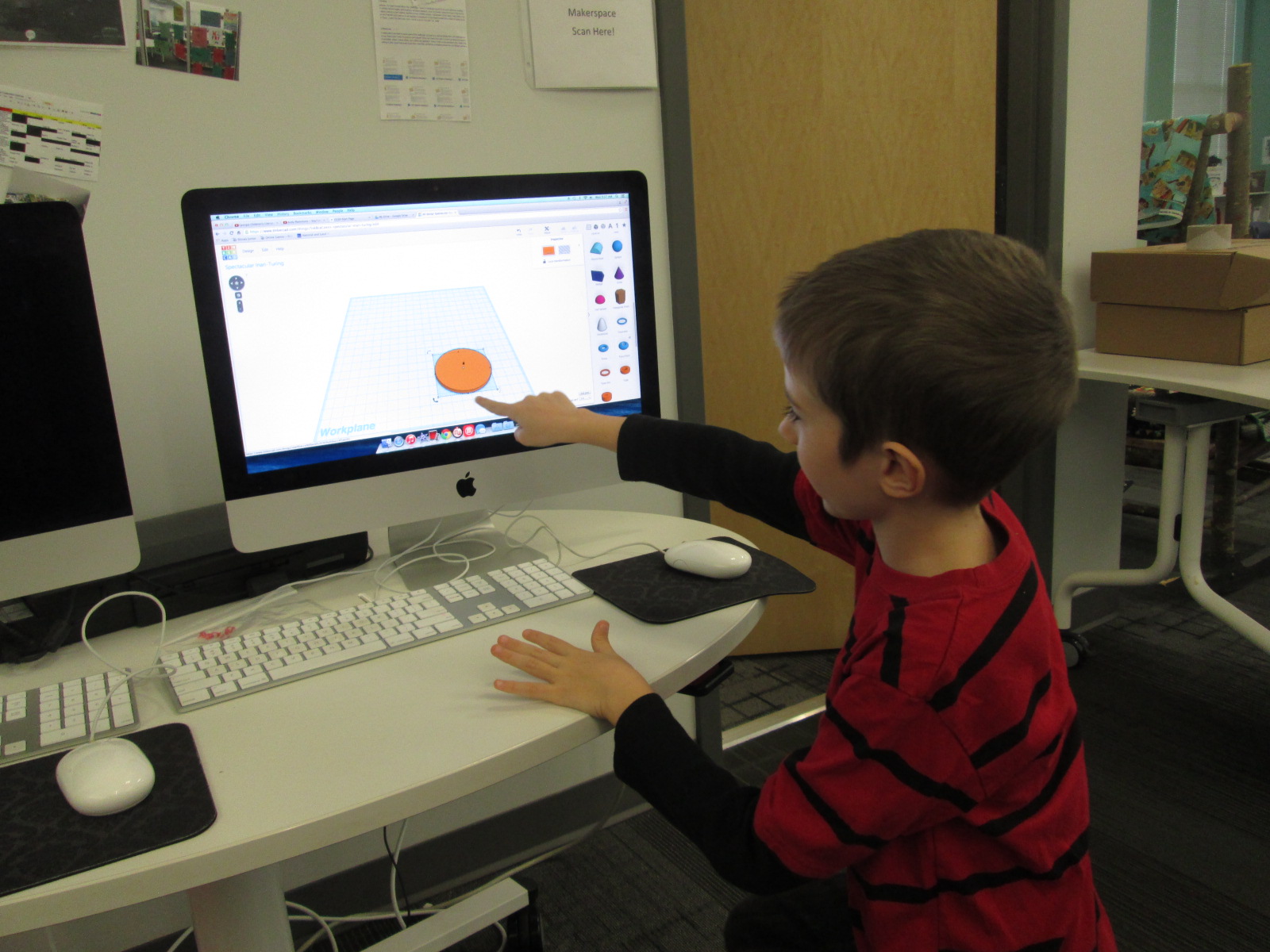
I handed over the mouse and he got right to work.  I really sat back and let Taylor drive the work, but if I saw a tip that would help him I jumped in and shared.  For example, he didn’t know about grouping objects in Tinkercad so that they always stay together as you move them.

Within 30 minutes, he had his design ready to go and we put it into Makerware to prepare it for 3D printing.


Taylor’s Tinkercad Design

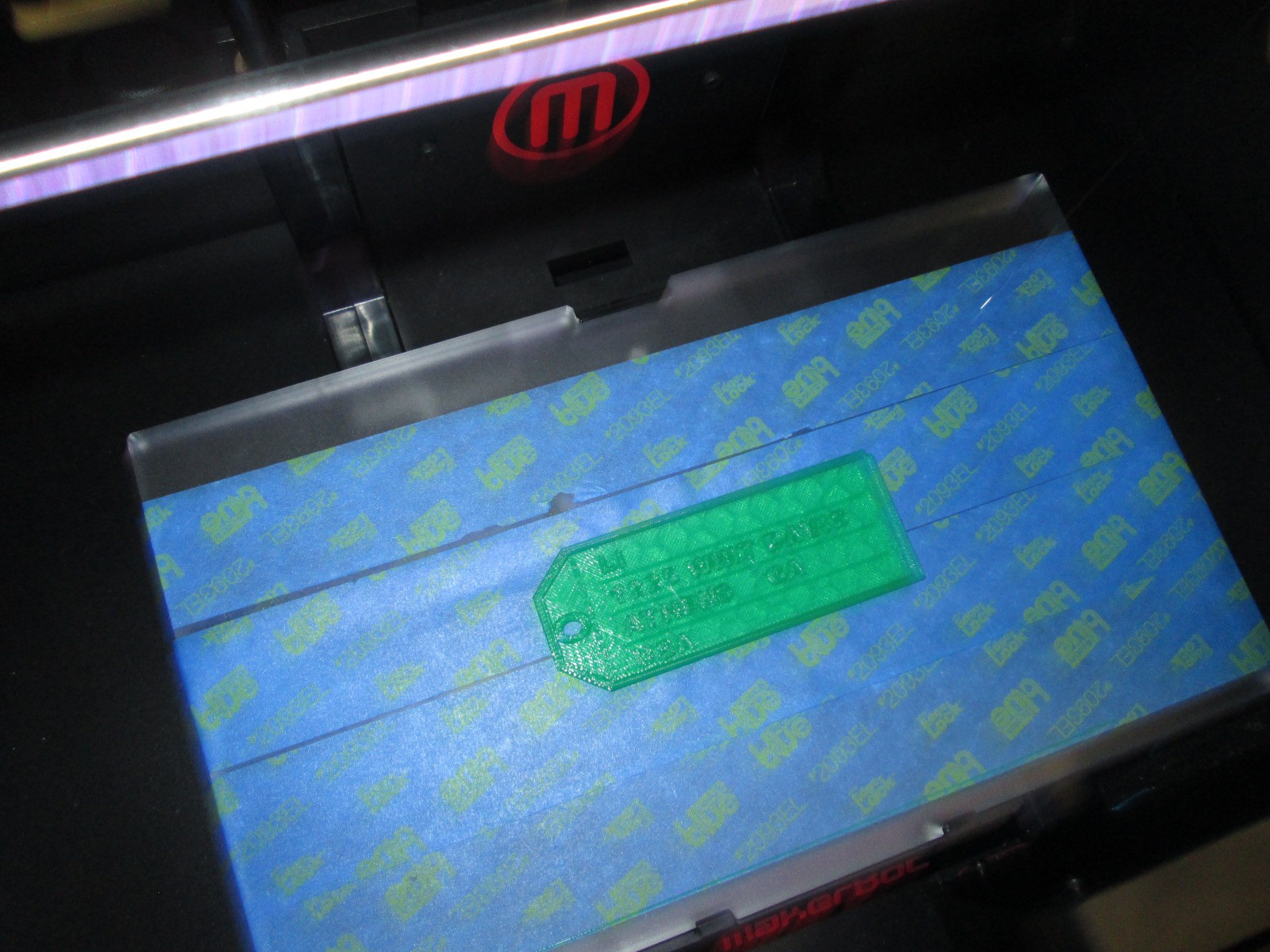
Taylor picked out his filament to look like an actual medal, and he pressed the glowing M to get it started.  While he was gone, this happened.

We are very used to failure in our makerspace.  I’m not really sure what happened, but I think the filament got tangled on the spool and caused some stress on the printer.  We decided to make some very minor tweaks and also to print it smaller than we were trying to print.

Taylor came in when the other print was nearing its finish and we talked about the first print failure.  He picked up the failure and started showing me all of the things that went right in the print.  It was an amazing examination of work.  Seeing a student not reach a point of frustration or meltdown, but instead, look for what was right and what needed to change was simply miraculous.

We did keep a close eye on this 2nd print, and before we knew it, we had a medal.

Even our friends at Flipgrid think this student voice is awesome.

Like many people, we are not having the best luck with weather right now, so we hope we are able to connect with Flipgrid very soon and announce the winner of the Barrow Peace Prize.  For now, we will celebrate that one more student’s voice was empowered through the makerspace in our library.
Teachers in the Makerspace: An Exploration Experiment

teacher makerspace (2)

Each time I see students using our makerspace tools I see possibilities.  I see the problem solving that goes into each attempt and each failure.  I see the curiosity and energy that students bring with them.  I begin to make connections to the more structured curriculum that students use in their classrooms.  So far, I have been the main person to offer ideas to our teachers on how our makerspace supports the Common Core and the Georgia Performance Standards.  However, I don’t want to be the only one.  Since every lesson that happens in the library is a collaboration between me, the classroom teachers, and other support teachers, I want their wheels to be turning about our makerspace as well.

teacher makerspace (1)

The problem with this has been time.  Most teachers know we have a makerspace, but they haven’t actually had a moment where they could put their hands on the maker tools and experience tinkering and making for themselves.  I recently sent out a survey to see how many people would be interested in holding a teacher makerspace exploration

FireShot Capture - Staff Makerspace Exploration_ - https___docs.google.com_a_clarke.k12

I got an overwhelming response from our teachers that this is an area that they want to explore more.

FireShot Capture - Staff Makerspace Exploration - Google F_ - https___docs.google.com_a_clarke.k12

I met with my principal to talk about some possibilities for days to offer an exploration.  Luckily, we had a district professional learning day that offered some flexibility for school-based professional learning.  After all of us attended district meetings during the first half of the day, we returned to our schools for independent studies and choice offerings.  This was the perfect time for me to offer our first makerspace exploration because it gave us more time and it was on a day where teachers weren’t exhausted from teaching all day.  I offered an open makerspace on Feb 16th from 1:30-3:30PM.  Teachers from our school were encouraged to sign up and teachers from other schools were invited too.  We had 12 teachers from our school sign up, 1 teacher from JJ Harris, and a few drop-ins.

teacher makerspace (4)

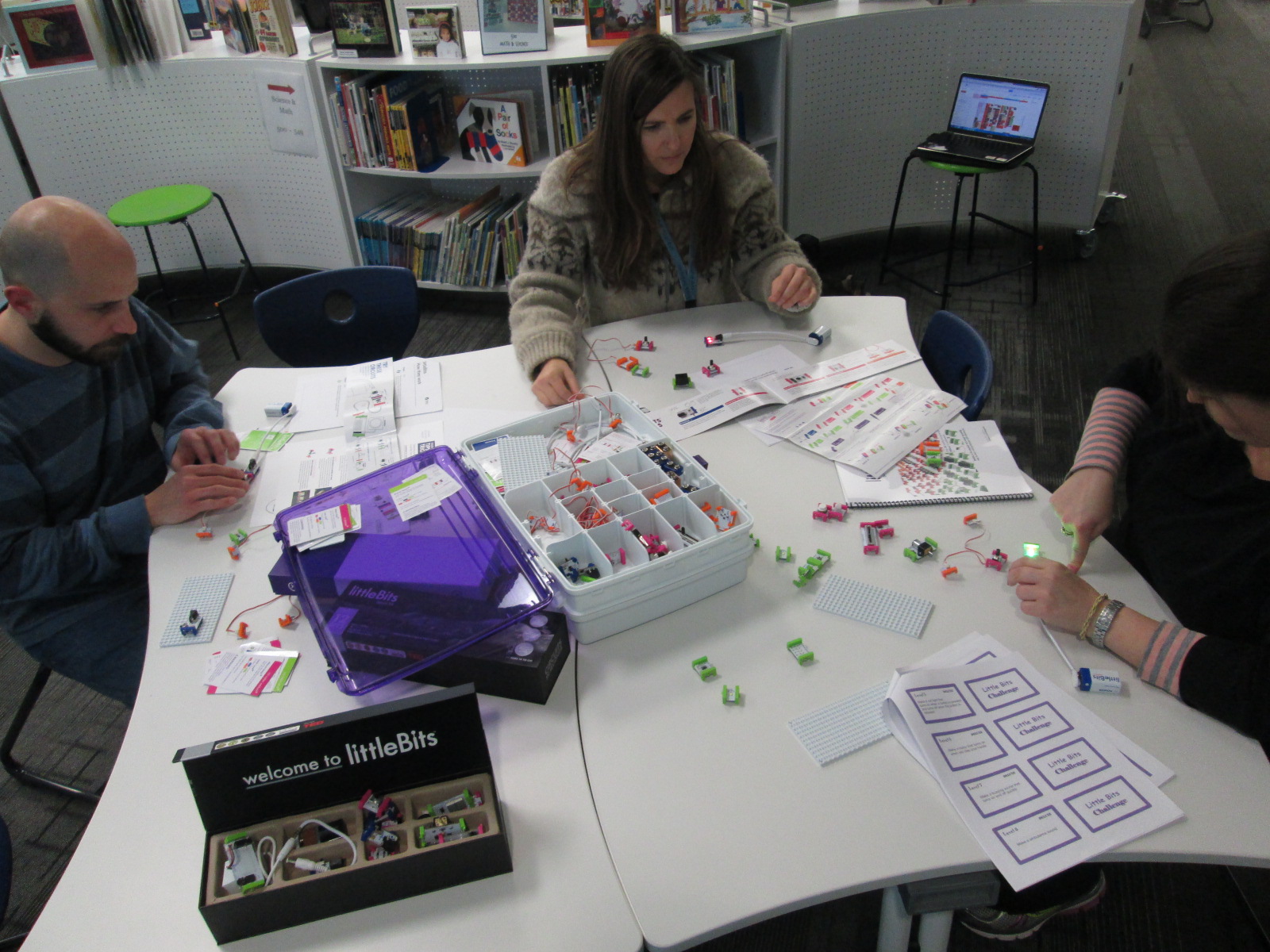
I setup multiple areas of the library for exploration.  First, I pulled all of our maker books from the library and professional collection.

Then, I setup area with

  • 5 MaKey Makey kits connected to computers.  Playdoh was available
  • A box of duct tape and books on making from duct tape
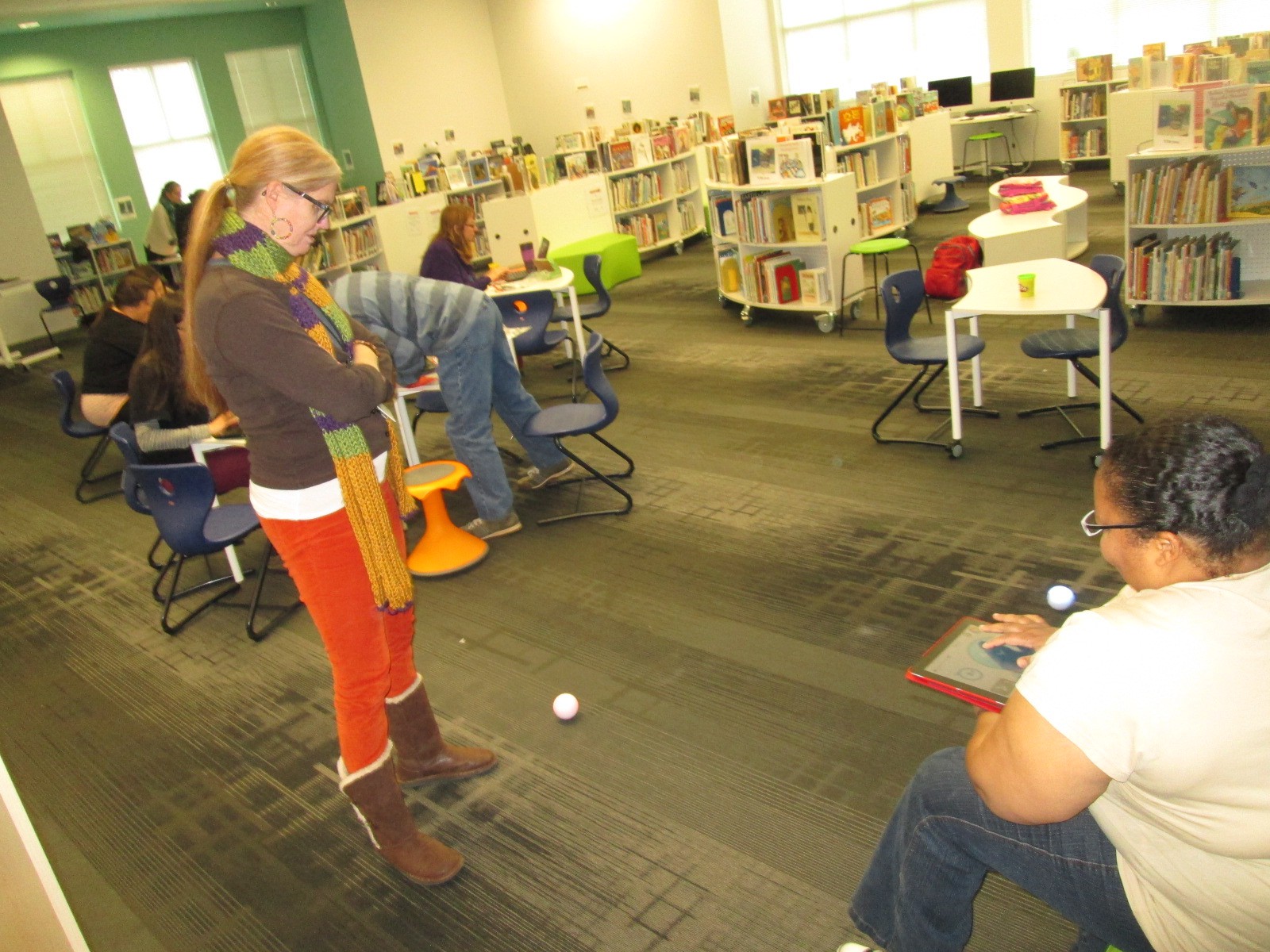
  • Two spheros with ramps and iPads
  • Our workshop kit of littleBits
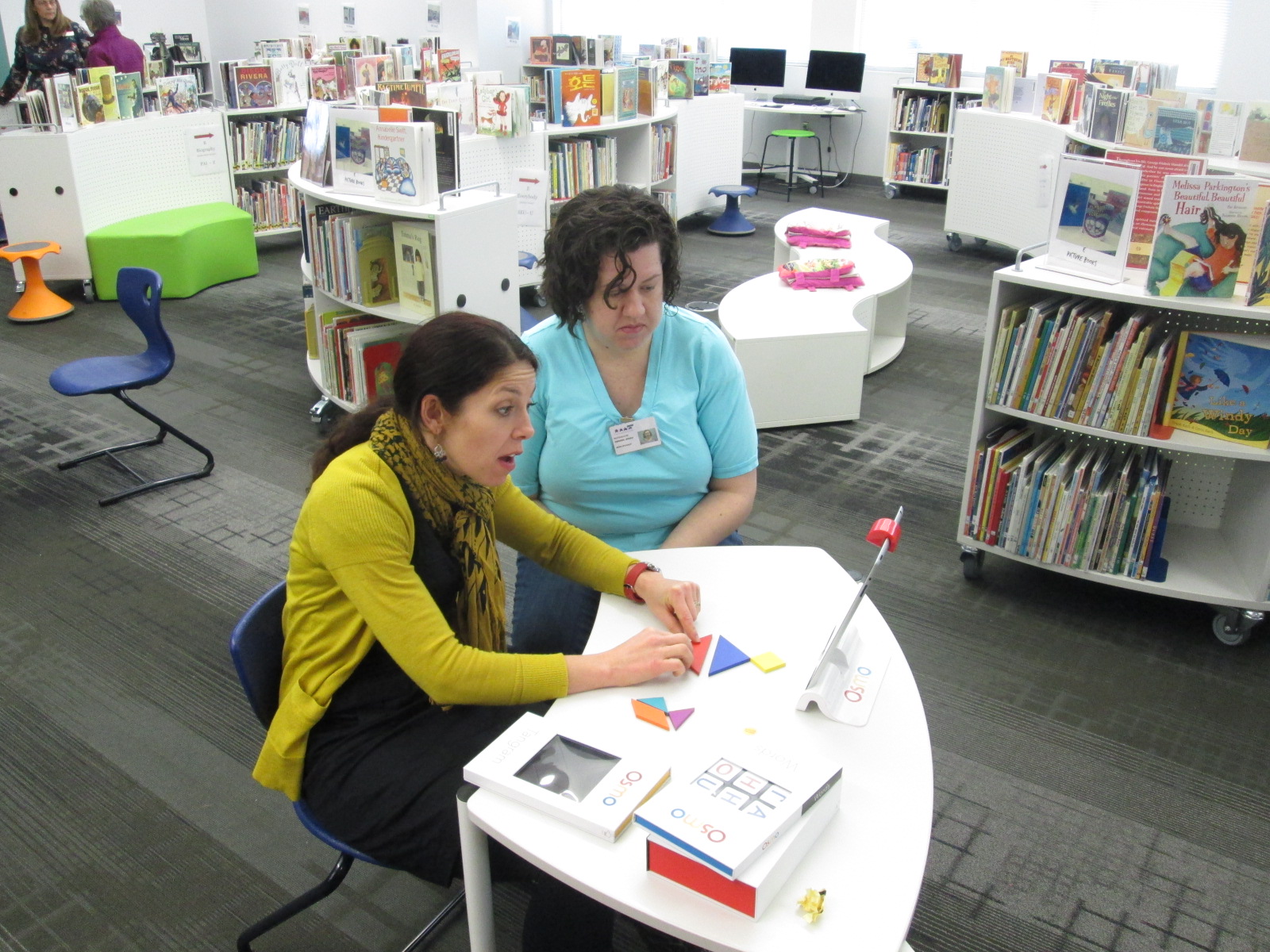
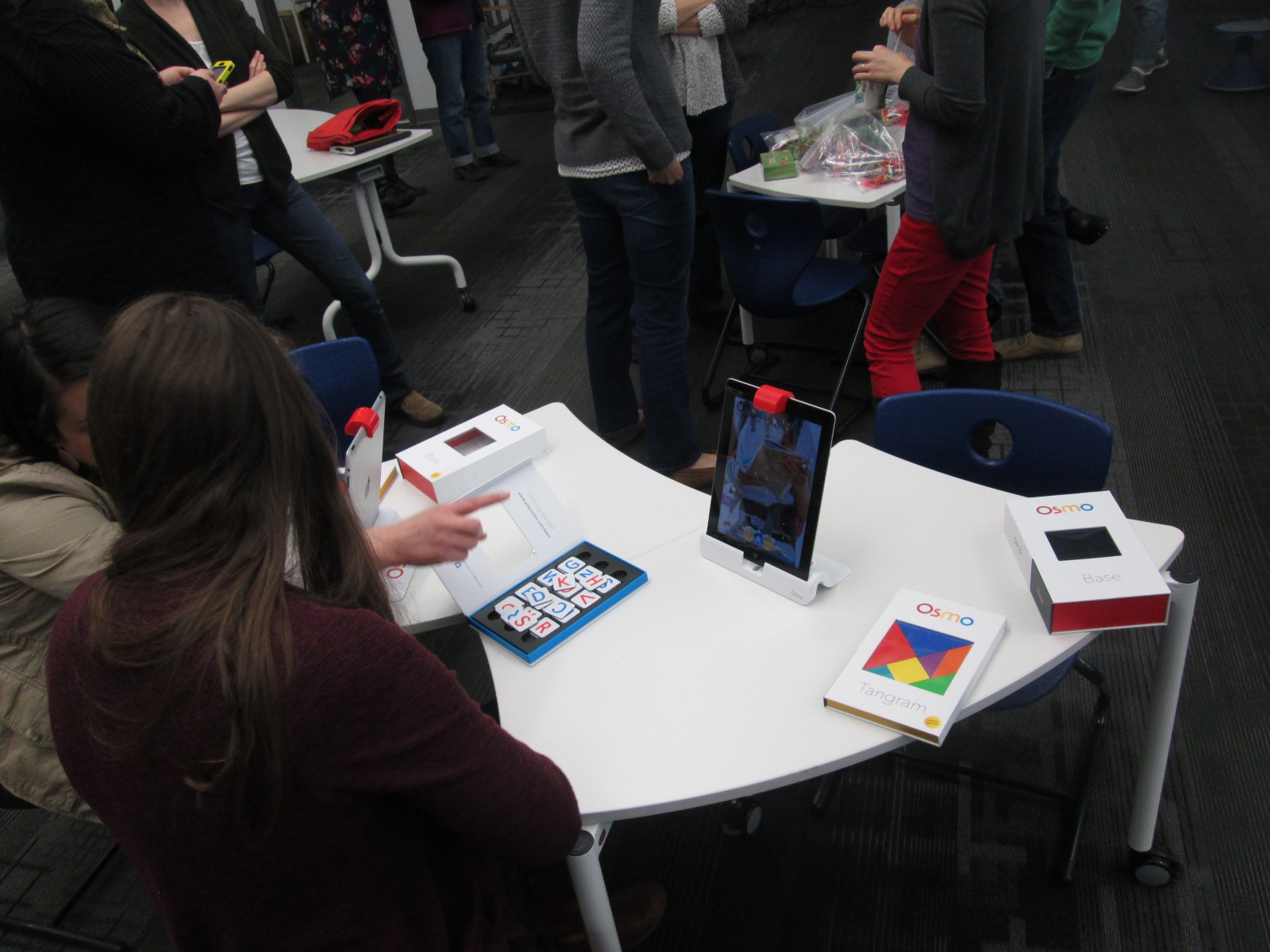
  • Our 3 Osmo kits
  • And our makerspace was open where our 3D printer is kept

I invited Kenneth Linsley from GYSTC to bring his squishy circuits, Spheros, and expertise.  I also invited Gretchen Thomas and her Maker Dawgs.  Two Maker Dawgs were able to come and spent much of their time at our Sphero and MaKey MaKey areas.

teacher makerspace (9)

We all started together at tables, but I wanted to keep my introduction extremely short.  I opened by thanking teachers for signing up to explore.  I invited them to give themselves permission to tinker, dream, create, fail, back up, and try again.  I also invited them to think about their curriculum as they tinkered.  I offered them a Padlet space to capture any brainstorming that they had during the session.

FireShot Capture - Makerspace Curriculum Ideas - http___padlet.com_plemmonsa_makerspace

I also showed them a Symbaloo with some instructional videos to refer to.  I know that some people prefer to look at how something works before they explore and some people prefer to just jump in.

FireShot Capture - Barrow Makerspace - Symbaloo - http___www.symbaloo.com_mix_barrowmakerspace

I finished by telling them to use this time to get their hands on as many things as possible and just give it a go.

teacher makerspace (5)

Teachers jumped right in.  I loved watching them make their first choices.  They really split themselves between every area and a few lingered at the tables to watch some videos.  I felt really good about the differentiation that was offered.

I walked around and offered a few tips when needed, but I was very careful not to take over or do the making for each teacher.  Ms. Olin and I had a great conversation about circuits in 5th grade and how littleBits and MaKey MaKey could be integrated into 5th grade science.  Ms. Hocking was busy brainstorming how the Sphero could be used in her math and writing time.  Ms. Stuckey was eager to get her 1st graders using the makerspace for their unit on inventors.  Brainstorming was definitely happening.

teacher makerspace (10)

This is exactly what I wanted to happen.  My hope was that as teachers used the tools, they would start to think about their students using them.  They would be less intimidated by the space and more open to trying the makerspace within their curriculum.  I don’t think a single person is opposed to using the makerspace.  It’s just hard to visualize how something fits into your curriculum if you’ve never used it yourself.

Our Padlet really wasn’t a success this time. There was just too much to explore to stop and write on a Padlet.  I don’t think it’s a bad idea, though, so I’m going to send the link back out and invite teachers to contribute to it now that they’ve had time to reflect.

teacher makerspace (6)

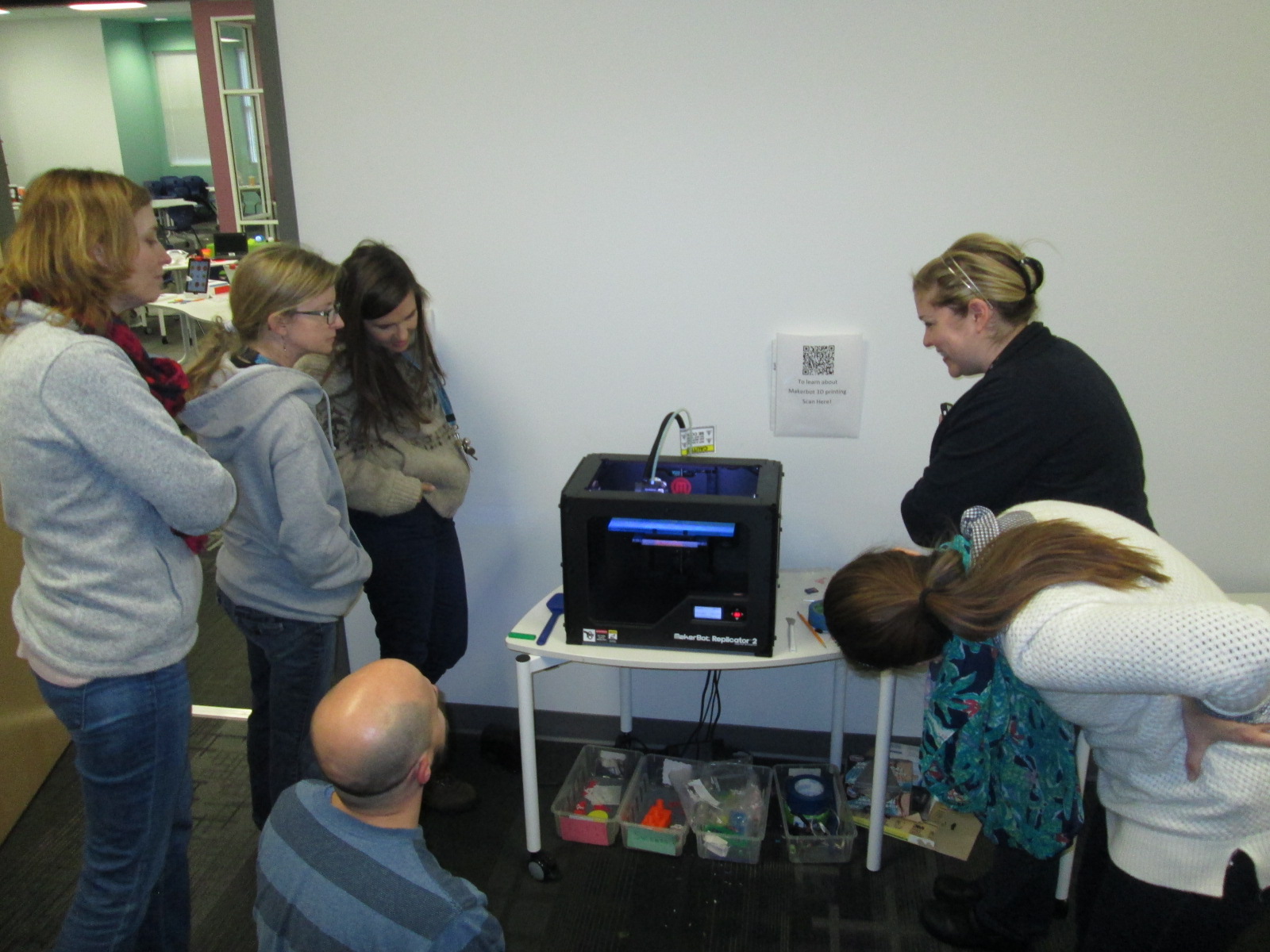
As we entered into the 2nd hour, Ms. Choate, a kindergarten teacher, walked up and said “I think I have something ready to 3D print”.  Sure enough, she had walked through a Tinkercad tutorial and figured out how to make a copy of the lesson file.  She was almost ready to print.  I worked with her to put her file into Makerware and onto the SD card for 3D printing.  We announced to the group that we were about to print and every person stopped to come and celebrate with Ms. Choate.

teacher makerspace (11)

I love watching people the first time they see something print.  It still amazes me to watch it, but when you see it for the first time, it’s just mind-blowing.  I answered lots of questions about how the printer works and showed some other tools that could be used for 3D design.  Ms. Choate stayed to watch her entire print, but in the meantime, she helped Ms. Li, another Kindergarten teacher, get her own file ready to print.  I loved seeing a teacher already passing on her maker expertise to another teacher.

teacher makerspace (13)

teacher makerspace (14)

There are several other teachers who showed interest in exploring the makerspace who were unable to come, so I want to replicate this experience again.  It would be wonderful to have some of these same teachers return too and build upon what they learned as well as pass on their expertise to new teachers.

teacher makerspace (7)

teacher makerspace (12)

This experience also makes me want to do this with our Barrow families too.  There’s a lot of potential, and once again, I’m just scratching the surface.  We have a lot of work to do in the coming years, and it’s going to be exciting.

teacher makerspace (3)

I’m also excited to share that a new school makerspace book is available.  It’s called Worlds of Making: Best Practices for Establishing a Makerspace for Your School.  It’s by Laura Fleming but has contributions by Shannon Miller, Diana Rendina,and me!

Social Studies Character Traits: Historical Figures and Personal Connections

IMG_4902This year our school has been creating space for vertical alignment meetings for each subject area.  In these meetings, a representative from each grade level talks about the standards for each quarter and we start to look for ways that we might collaborate across grade levels or move curriculum around the better serve our students.  One of the conversations that keeps coming up in the social studies meeting is character traits and historical figures.  Every grade has a list of historical figures that they have to cover along with a list of character traits that each person represents.  Students really have to understand both the historical figure and the character trait in order to connect the two.  We’ve discussed looking for themes in character traits across the school curriculum so that we might feature specific traits each month with both historical figures, current figures, and ourselves.

IMG_4901

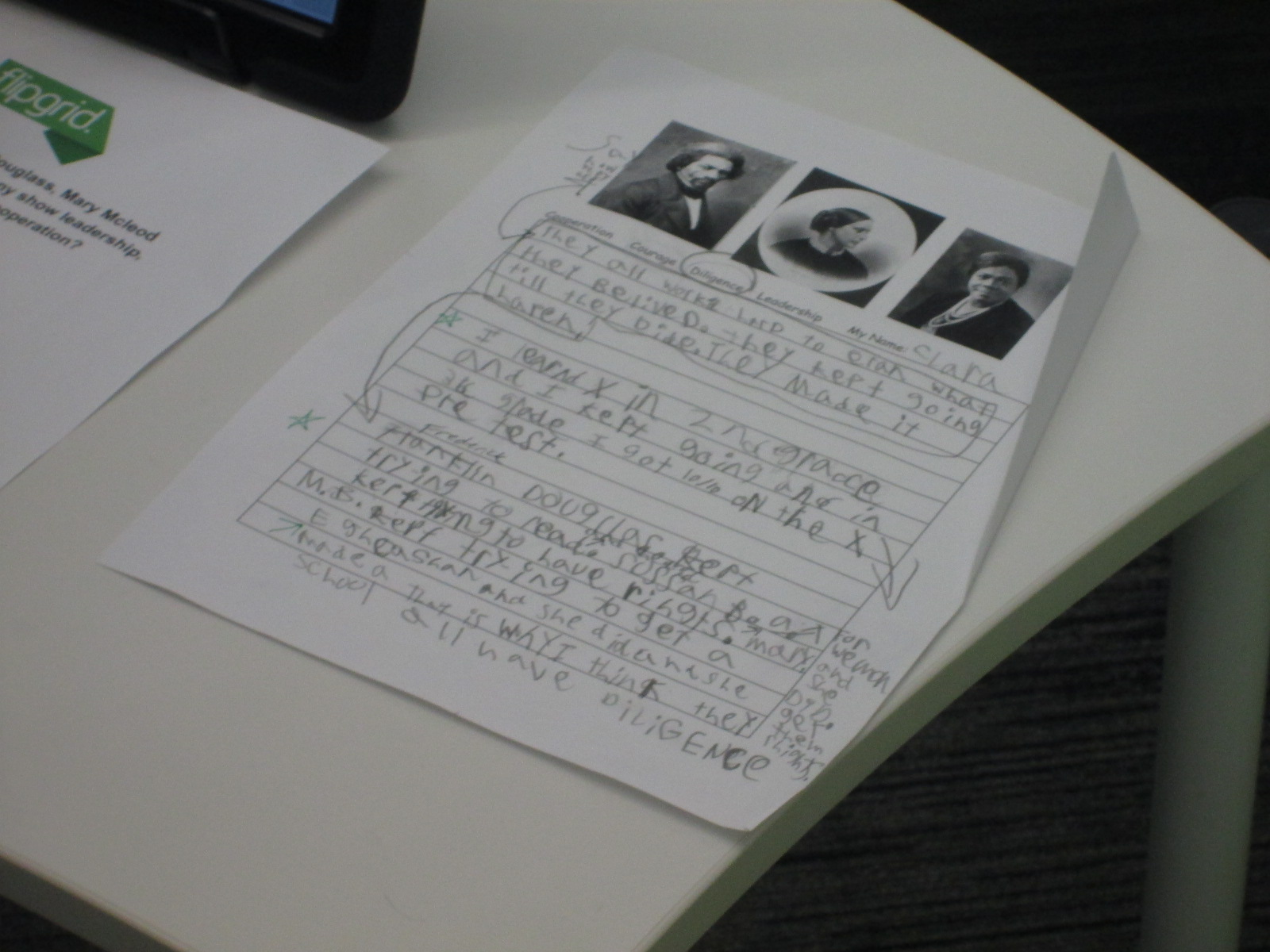
Third grade just tried something new with their standards.  They learn about Mary Mcleod Bethune, Susan B. Anthony, and Frederick Douglass and how these figures demonstrate leadership, diligence, cooperation, and courage.  Wow!  That’s a lot to understand.  I love how the 3rd grade approached this.  They spent two weeks  really going in depth with each historical figure.  They read informational text, used the PebbleGo database, and other online resources to know the main contributions of each historical figure.  Along the way, students gathered facts about each historical figure.

IMG_4906

They also spent time learning about diligence, leadership, courage, and cooperation. With these traits, they tried to think of real world examples of how each trait was used.

In the library, each class came for a 45 minute session to comb through all of the facts collected through the lens of a character trait.  Each student chose one character trait to focus on.  The goal was to look back through all of the facts about Susan B. Anthony, Mary Mcleod Bethune, and Frederick Douglass and pull out the facts that demonstrated that character trait.

To setup this time, I modeled the process by using another historical figure that wasn’t part of the social studies unit: Martin Luther King Jr.  We quickly reviewed the 4 character traits.  I thought students would better be able to pull out facts that demonstrated a character trait if they first had a personal connection to the trait.  I told a personal story about how I had shown courage.  When I was in high school, I was terrified of public speaking to the point that I would shake uncontrollably and get sick to my stomach.  By using courage, I have not eliminated this fear from my life, but I’ve learned to control it and now speak in front of many different groups of people.

After telling this personal story, we looked through lists of facts about Martin Luther King Jr and tried to pull out facts that matched each of the character traits.  Students turned to partners and talked about which facts matched which traits and why.

Then, students moved to tables and began their writing time by reflecting on themselves and their chosen character traits.  The teachers and I circulated to talk with students about this.  Then, they went through each of the 3 historical figures and pulled out facts that matched that character trait.

Back in class, students continued working on this process and then crafted their chosen facts into a script where they could explain how each of the historical figures demonstrated the chosen character trait.

Students returned to the library for 10-minute recording sessions.  They used Flipgrid to capture their thoughts.

I think that this was a big step toward thinking about how to make character traits and historical figures connect with our students’ worlds today.  I think we have more work to do, but I love that a new process has started.

I invite you to listen to all of the incredible 3rd grade videos about courage, diligence, leadership, and cooperation.

Leadership

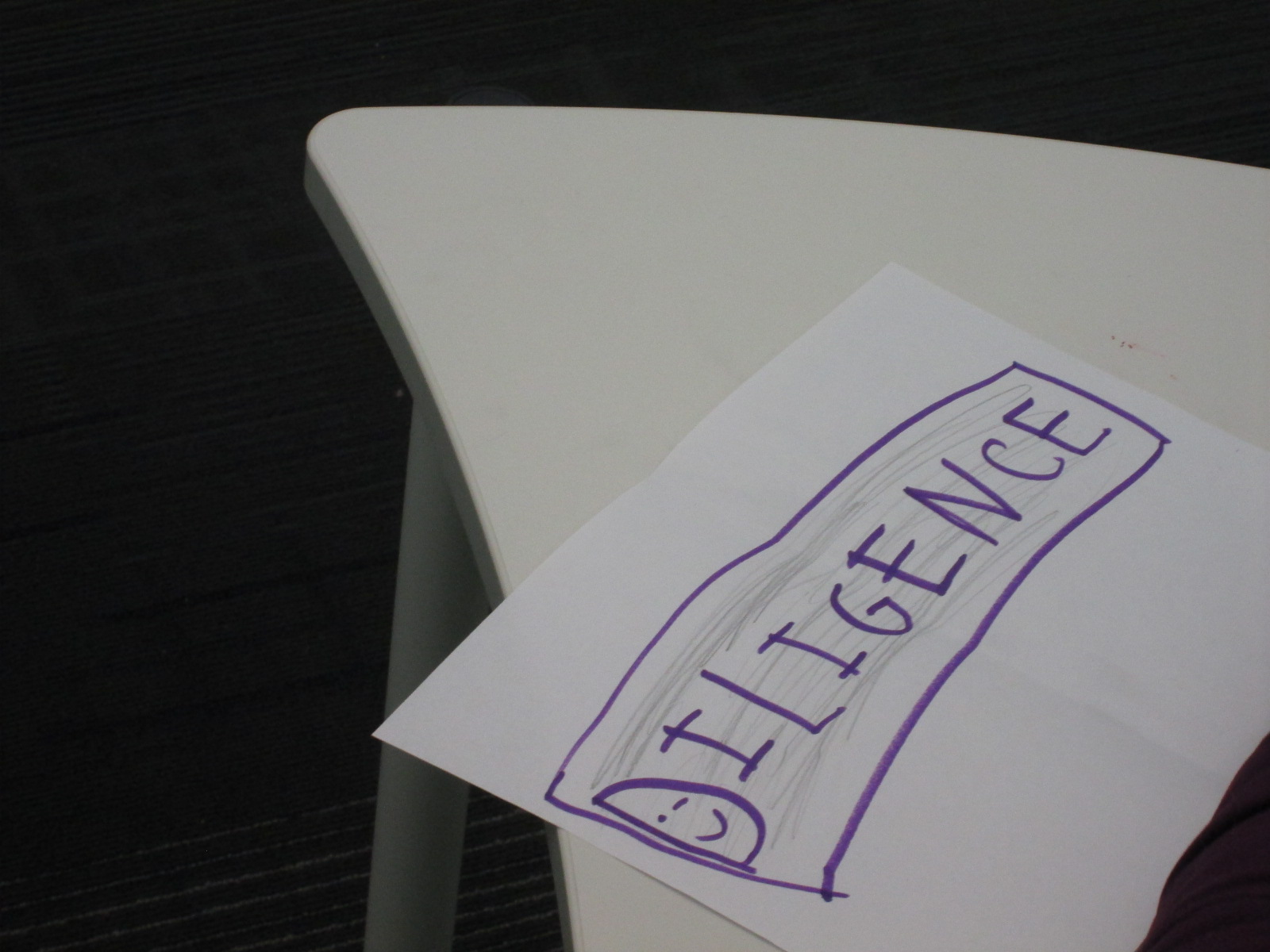
Diligence

Courage

Cooperation

Our Open Makerspace Featuring UGA Students

open makerspace (7)

Students have been eager to use our makerspace this year.  I’ve been incorporating making into collaborative projects with grade levels, small groups, and even individual students, but there is still a strong pull to come to the makerspace to dream, tinker, and create without the constraints of a grade level curriculum.

My struggle is finding the time to balance giving students open time to explore along with the classes that I teach each day and collaborative projects that I support.  I’ve been having a conversation about this with Gretchen Thomas, instructional technology instructor at UGA.  Here and there we have found times for some of her students to come and work with my students.  Gretchen has even come in herself to work with students in the makerspace.  However, I wanted something more consistent and dependable for students and teachers instead of random emails inviting them to use the space.

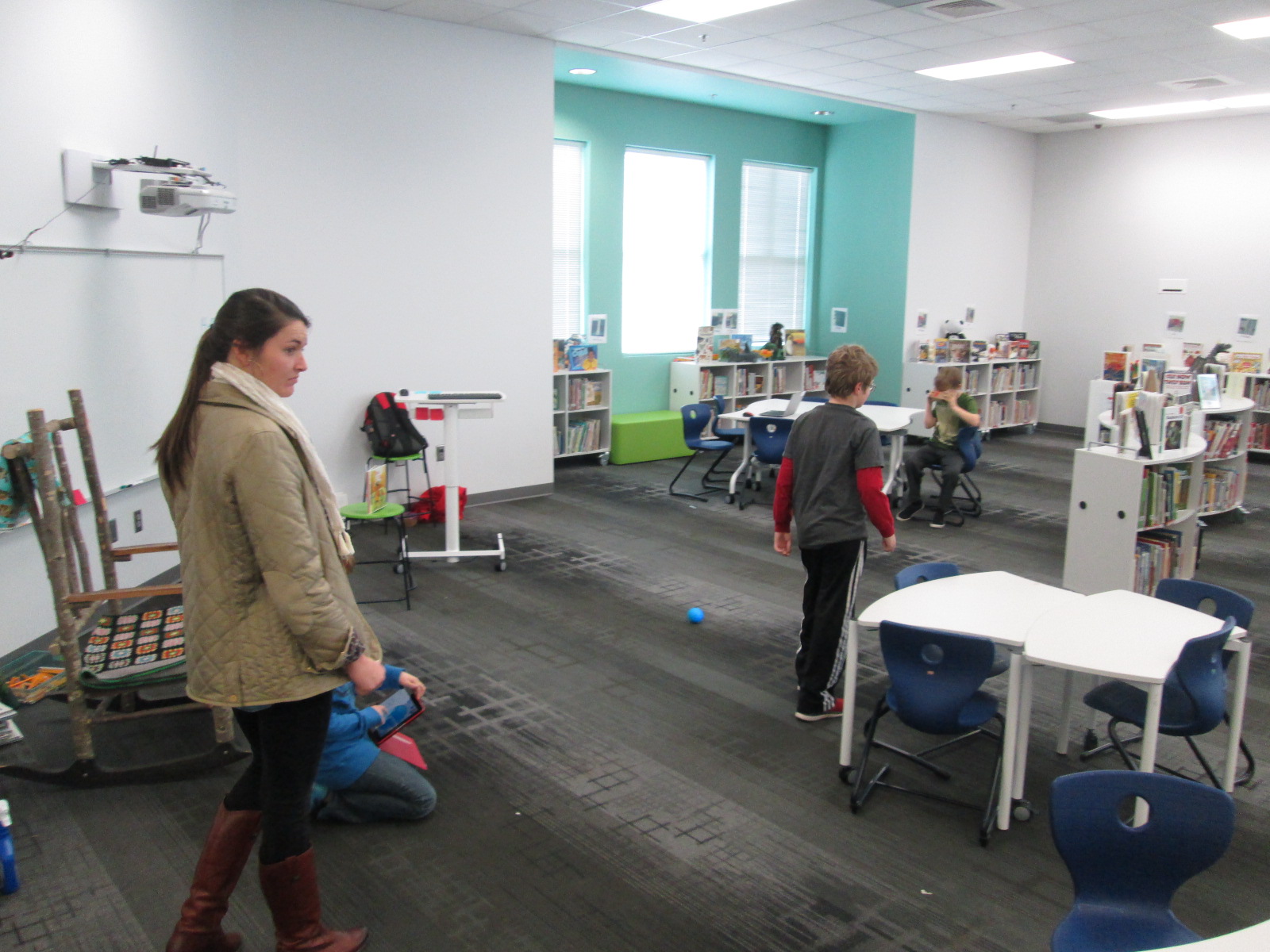
This semester, we are experimenting with something new called open makerspace.  Gretchen has several independent study students as well as a Maker Dawgs course.  The independent study students have each selected a day of the week to be here from 11-12:15.  Gretchen’s Maker Dawg class will take turns coming on Thursday from 11-12:15.  This means that every day is covered.  This time of day overlaps into 3rd, 4th, and 5th grade recess.  Students have the option of coming to the makerspace instead of going to recess, but one of the big requirements is that they can’t come every day.  We still want them to get outside and enjoy the sunshine with their friends, too.

The UGA students and I are trying to work out a routine.  During this first week of our experiment, it looks something like this:

  • I send periodic reminders to teachers that the makerspace is available every day from 11-12:15.
  • Students come at any time during that time frame.
  • They sign in with the UGA student and say what they hope to explore or work on.
  • Together with the UGA students, they setup areas around the library to work on things like littleBits, Sphero, etc.
  • The UGA student tinkers right alongside the students as well as moves between groups to make sure they are keeping materials safe and being productive.
  • Every so often, the UGA students do a time check since the students get lost in the making and forget the time.
  • Before students leave, the UGA student prompts them to clean up as much as they can, and then the UGA student straightens and organizes in between groups.
  • When there’s not a high traffic time, it’s a great time for the UGA student to organize the maker supply cart, the littleBits, or the robotics kits.

I won’t lie that this week has been chaotic and exhausting.  I think that the process is going to work, but each day this week I had a new UGA student, so that meant teaching this routine to someone new each day.  Gretchen came to help on 2 of the days.  Most days this week, I didn’t have a moment to stop and fully eat my own lunch since it falls within this 11-12:15 block.  This will change, though.  It takes some time to get a new routine up and running.

What did this week look like?  So many exciting things happened.  The biggest is that 54 students have used the space this week during that one-hour time block, and that’s not including Friday!

We also got to try out Google Cardboard, which was just a little bit exciting for some of our students!

And just for fun, here’s one of our UGA makerspace helpers!

Keeping Project Momentum When the Schedule Gets in the Way: One Use of Google Hangouts

Barrow Peace Prize Criteria   Google Docs

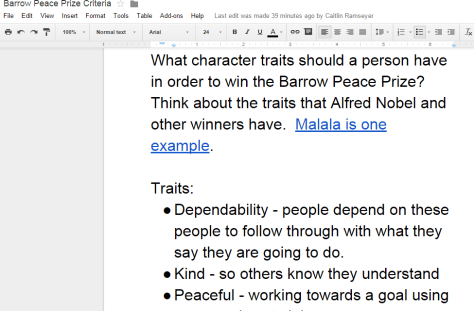
Our 2nd grade is deep into their project on six people from Black History.  Most classes are finishing up their research for our Barrow Peace Prize Flipgrid project.  Before students begin the writing process, we want them to understand what the Nobel Peace Prize is and consider the character traits that someone might have who receives this award.  Every class needs the exact same lesson, but they need the lesson before students can really move forward with their writing.  Sometimes the library schedule can get in the way of these kinds of projects.  I don’t want the library schedule to cause a project to be delayed simply because we can’t fit everyone into 30 minute slots across a day or two.  This is the perfect time to use technology to maximize our time.

For the 2nd time, I did a Google hangout with an entire grade level in order to save time.  Before the hangout, I setup a Google Hangout on Air and sent the participation link to all of the teachers via email.  I also created a Google doc where we could do some brainstorming and invited all four of the 2nd grade teachers to be collaborators.  I made sure that the link to the doc was “view only” for anyone else with the link.

Before the hangout started, I opened the hangout, turned on my cam, and muted my microphone.  As the four classes joined, I could easily hear if their microphone and video was working or not.  Then, I could use the control room tool to mute each teacher’s microphone while we waited on all classes to join.  Periodically, I came back on the microphone to update the classes who were waiting and remind teachers to open our shared Google doc.

The purpose of the hangout was to help 2nd graders get familiar with Alfred Nobel and the Nobel Peace Prize as well as to develop a list of characteristics for our own Barrow Peace Prize.  After a quick intro, I read the book Alfred Nobel: The Man Behind the Peace Prize by Kathy-jo Wargin and illustrated by Zachary Pullen.  Then, I told the students just a bit about Malala Yousafzai, the youngest winner of the Nobel Peace Prize.  We watched just the beginning of a CNN video of her acceptance.

Then, I invited each class to look a the shared Google doc and brainstorm the qualities that we hoped would represent the Barrow Peace Prize.  I muted all microphones while classes discussed and added to the doc.  While that was happening, I shared the viewable link to the doc on Twitter so that an audience could watch the list be constructed.

We immediately had multiple viewers of our work in progress.

Each class had an opportunity to step the microphone and share just a bit of what they discussed.  I was in charge of calling on each classroom and muting and unmuting each teacher’s microphone.

Finally, I closed by reminding students to use their research as well as the character trait list when writing their piece about their person from Black History.

What would have taken 3-4 hours on the library calendar took only 30 minutes and now the 2nd grade can move forward with the writing process.  I want to check in with the 2nd grade teachers to see how things felt on the other side of the camera, but from my side, this seemed like a great model for whole grade lessons that lend themselves to a hangout.  I certainly wouldn’t want all lessons to be like this one, but this format felt right for this situation.

An Update on Our Recycling Since America Recycles Day

Barrow America Recycles 2014

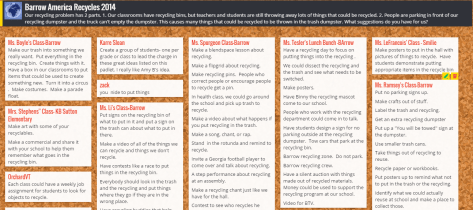
Back in November, we participated in a nationwide event called America Recycles Day.  During this week, we connected with classrooms across the country to read books about recycling as well as exchange recycling problems in our school.  Other schools brainstormed with us about how we might improve the recycling efforts in our school.  In the past, even though Barrow is established as a “green school”, we’ve struggled with ranking high on the list of schools that contribute the most recycling to the recycling center.

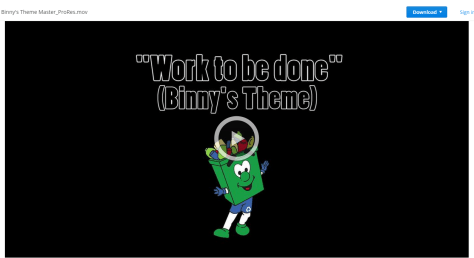
Since America Recycles Day, a lot has happened.  Our students worked with the Athens Clarke County Recycling Division to film a music video for their mascot, Binny.  The purpose of this video is to help people learn what can and can’t be recycled.  It has been sent to every school in our county and will also play on the local government channel.

Ms. Mullins, a Spectrum teacher, is leading an enrichment cluster on recycling.  They have been working extra hard to make sure that things are being emptied into our large recycling bin.  Our environmental committee, chaired by Natalie Hicks, has also been working to encourage our school to recycle.  Our custodians all got updated on procedures for placing items in the recycling bins.  Students also placed signs on all of our recycling bins to show people what can and can’t be recycled.

Dropbox   Binny s Theme Master_ProRes.mov

All of these combined efforts results in several recognitions for our school.  Today on BTV, Suki Janssen from Athens Clarke County Recycling came to tell us about those honors.

  • We are the local winner for the most recycling per student per week average.  We averaged 5.08 pounds of recycling per student per week.
  • We recycled a total of 2,530 pounds of recycling.
  • We are being recognized by the state of Georgia with a $50 gift card to put toward recycling efforts at our school.
  • Suki gave several shout outs on BTV to our students as well as Ms. Natalie Hicks for leading the recycling efforts at our school, Ms. Jan Mullins for leading a recycling cluster, and Mr. Andy Plemmons for organizing multiple Skype connections for World Read Aloud week.

We are so proud of the recycling improvements that our school has made, but we know just like the new them song says “There’s work to be done”.

Polar Express Day: A Barrow Tradition Filled with Community

IMG_4710

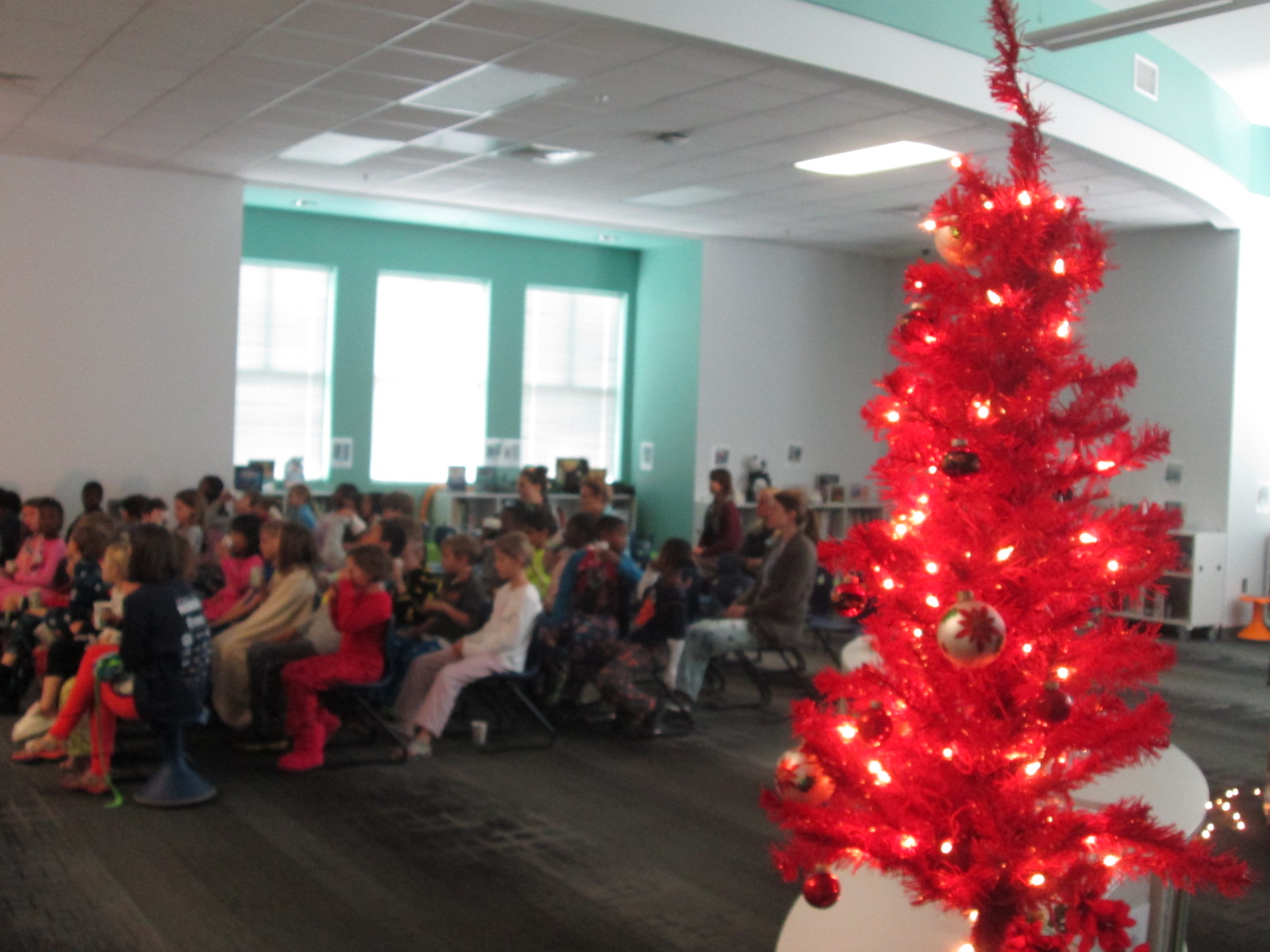
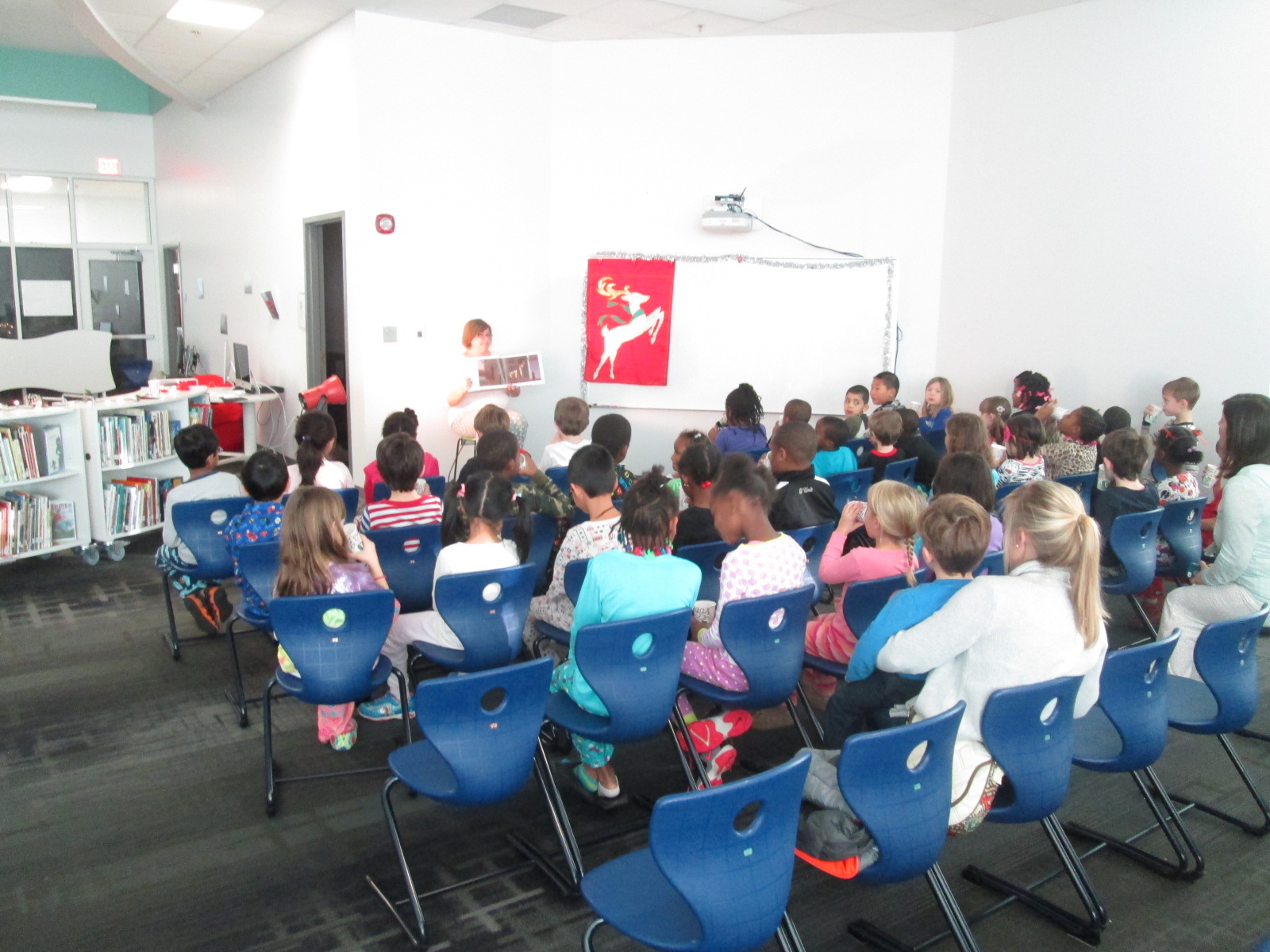
Ask any Barrow student about some of their favorite events from the year and Polar Express Day will most likely be on the list.  Every year in December, our school transforms into a train station with a train bound for the North Pole.  We wear our pajamas to school, and every class in the school comes to the library to listen to the Polar Express.  On their way, students pass by numerous decorations that have magically appeared overnight.

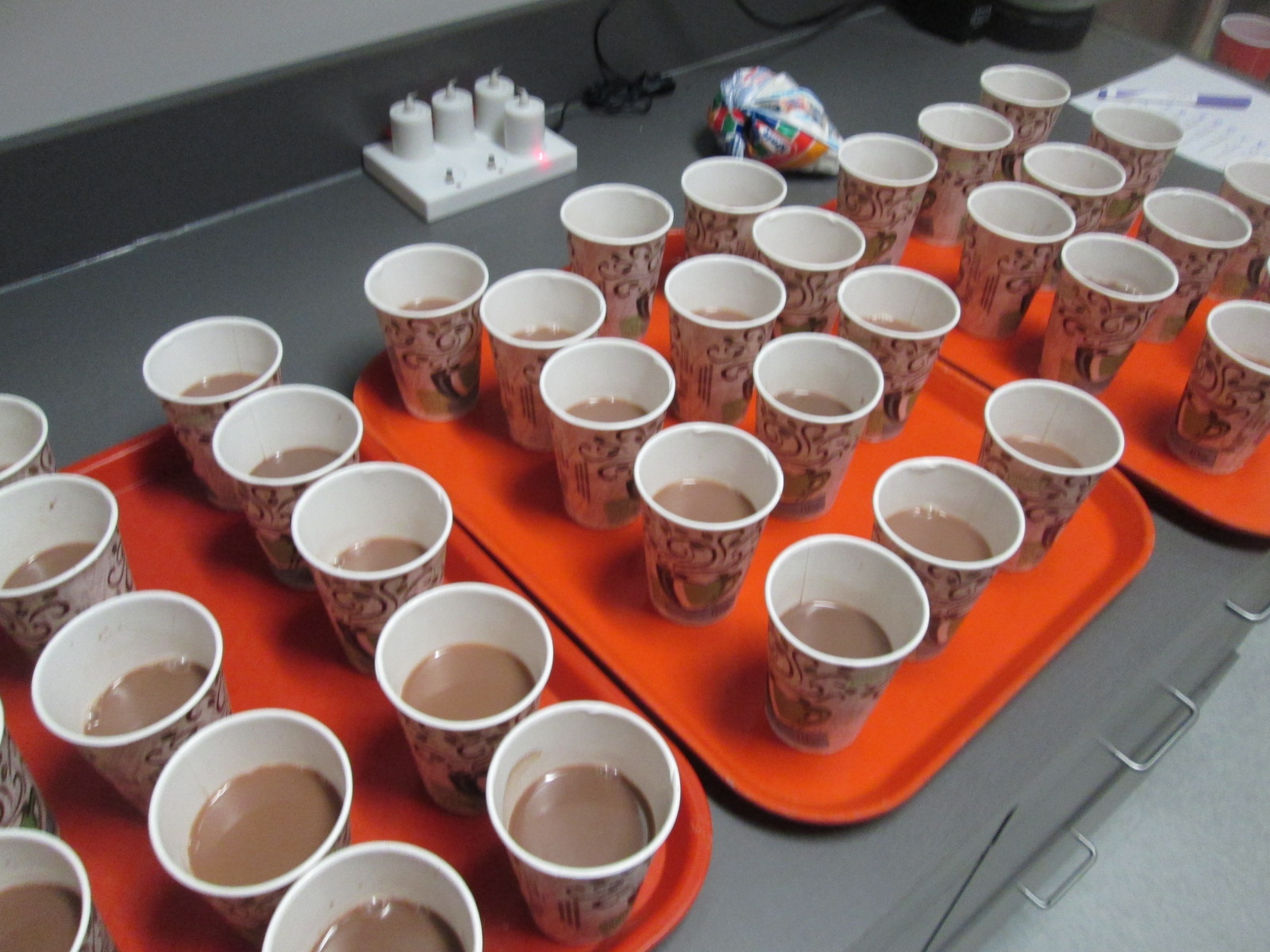
They sit in rows as if on a train and are served hot chocolate while the hot chocolate song plays overhead.

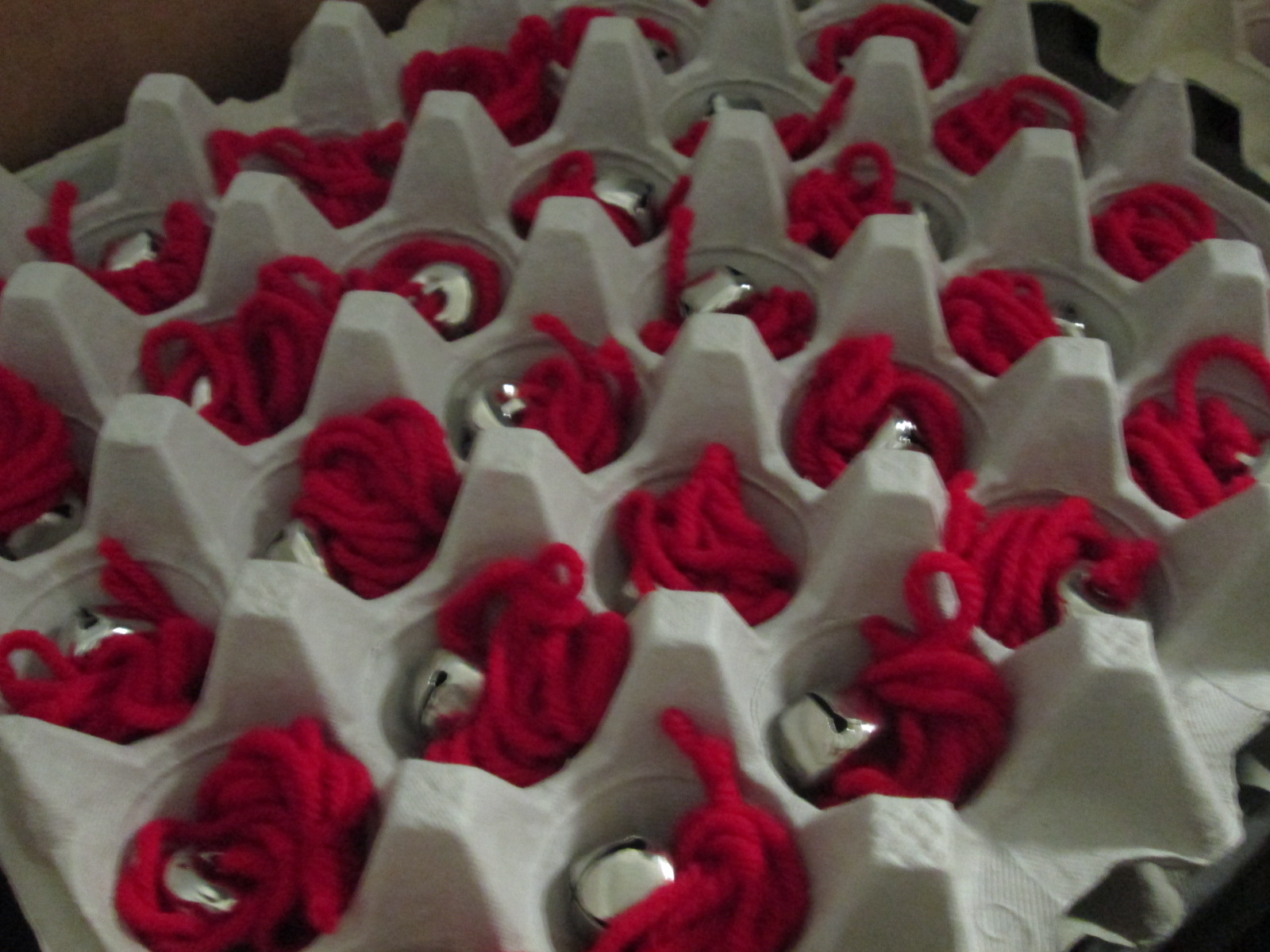
Then, students listen to the story.  At the end of the story, every student receives a bell with the word “Always Believe” whispered into their ear.

As they exit, they each receive a candy cane as they return from the North Pole back to their classrooms.  I love watching the magic happen for our PreK students as well as students who are new to Barrow, and I love the excitement and bit of sorrow that 5th grade students have as they experience their final Polar Express.

Each year, this event amazes me by the amount of community that is involved in staging the event.

  • Our principal organizes a schedule and gets feedback from the teachers about their assigned time.  She also purchases hot chocolate, cups, and candy canes and arranges with the lunchroom to have the hot chocolate made throughout the day.

IMG_4700

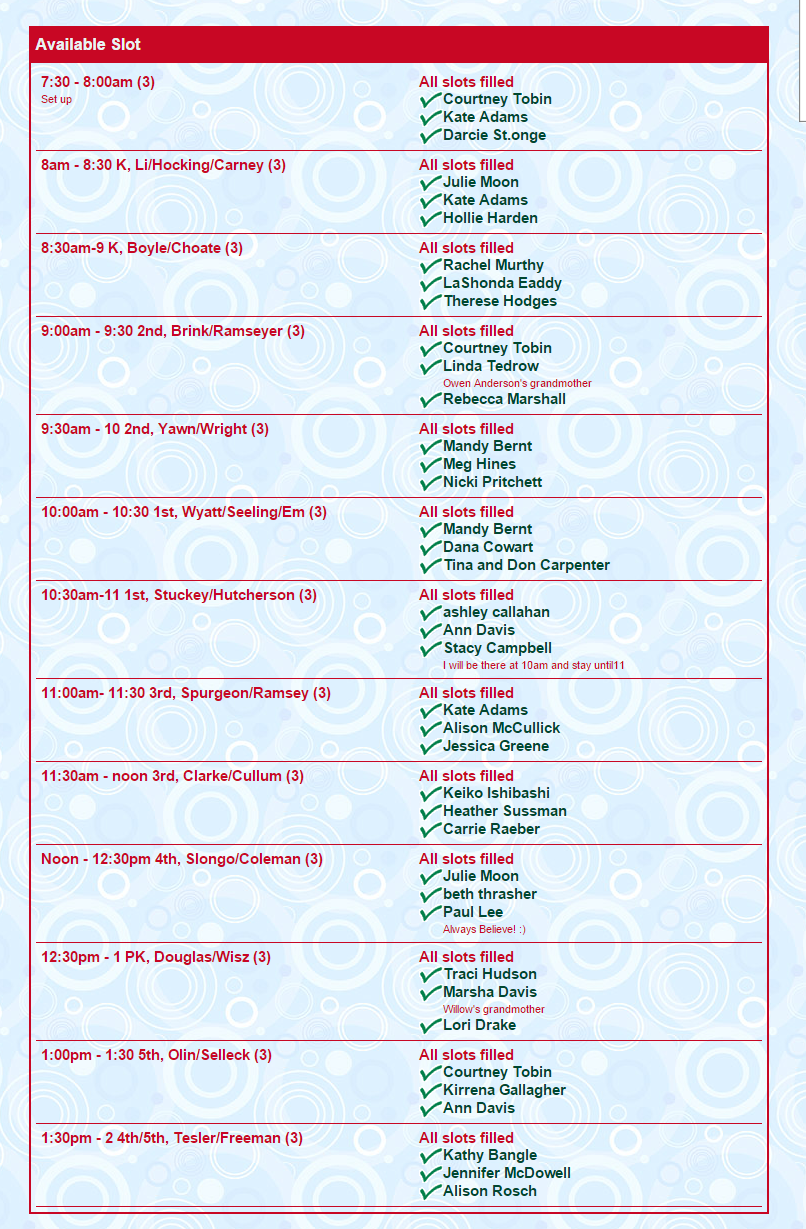
  • A parent volunteer creates a volunteer sign up to have about 3 adults at each Polar Express session to assist with preparing hot chocolate, serving it, and handing out bells.  This year I also had tremendous help from Perrin, a former Barrow student, who came back to volunteer for the entire day.  She organized volunteers and made sure our hot chocolate kept flowing all day long.

Barrow Media Center  Polar Express

  • Some years, a team of volunteers have a bell stringing day where they prepare all of the bells and store them individually in egg carton trays.  This year, a retired teacher prepared all 575 bells for us.  Thank you Terri Sheppard!

IMG_4693

  • I setup the library.  This year, I arranged the shelves to form a path that took students to their seats.  I lined the path with white lights, flowers, stockings, and a tree.  I also setup the chairs, spotlight to shine on the book, and falling snow on our projection board.

IMG_4689

  • Overnight, a team of teachers take time to decorate the hallway.  This special group is our spirit committee and always involves teachers like Mimi Elliott-Gower, Sarah Britton Vaughn, Allison Griffith, and anyone else they can round up.  The kids love coming in to see what the school looks like on this special day.

One of the students who was leaving Polar Express gave me a huge hug and said, “Mr. Plemmons…we are so lucky at our school to have things like this.”  Another student said, “Thank you, Mr. Plemmons, for having this for us.”  It took me by surprise, but I couldn’t agree more.  I’m so thankful for our sense of community that pulls together to make these kinds of events truly magical for students.

Kindergarten Authors, Illustrators, and Storytellers using the StoryKit App

ICDL   International Children s Digital Library

Ms. Hocking is a Kindergarten teacher at our school who is always discovering new tools that she wants to try with her students.  She recently showed me the StoryKit app for iPhone.  This app uses some of the texts from the International Digital Children’s Library .  Readers can read the books as they are, but they can also edit them.

Ms. Hocking’s class has been reading multiple versions of the same folktales and stories this year, so this type of app was a great fit to extend their curiosities and noticings in reading into something that they could create.

storykit (1) storykit (4)

In class, she continued to have students read multiple versions of the same type of story such as The Gingerbread Boy and The Three Little Pigs.  In the library, students came for a whole hour of tinkering with the app.  Students started on the carpet, and I projected an iPad onto the screen.  I showed them the app and we started exploring the tools and menus together.  Then, students used an iPad to explore on their own.

storykit (3)

Through our modeling and tinkering, students discovered:

  • how to take a picture and add it to the story
  • how to draw on illustrations
  • how to delete text
  • how to add their own text
  • how to resize images inserted into the story
  • how to delete pages
  • how to find and add images already on the iPad camera roll

This tinkering was very important because it allowed students to figure out the workings of the app before they had to produce something.  In class, Ms. Hocking had them select one of the stories from the app and work in a collaborative group to brainstorm changes to the story.  These changes were written by Ms. Hocking or Ms. Rockholt, the parapro, onto a notecard.  Students also went in and deleted all of the text from the story in their classroom.

In the library, the groups came back for a work session.  Each adult worked with 2 groups.  Students took turns modifying the images in the story to match their plans for the story.  Then, some students wrote out new text for the story while other groups told their text to the adult in the group.  We tried to put as much control and creation into the hands of the students.

Back in class, Ms. Hocking is looking over their stories and they will continue to work before finalizing and sharing their work.

I loved seeing what Kindergartners could create.  I also loved the tinkering and creativity built into this project.


Hour of Code 2014: Scenes from Day 5

2014 Day 5 (22)

Today has been filled with 3rd grade coding.  Ms. Hicks brought her Spectrum class to start the day off, and then those same students returned with their own class later in the day.  This gave these particular students 2 hours of code, so they were able to do both the Made with Code site and then launch into making Scratch projects by following the tutorials and then branching off on their own.  I love the structure of the Made with Code site and how it builds up to the openness of a tool like Scratch.  Students seem to better understand the concept of block coding after using the structure of Made with Code.

I know that the Made with Code site was made with girls in mind, but my own wish is that the site didn’t specifically talk about girls.  So many of our boys loved the site as well, but they were a little turned off when they saw the text on the site that specifically labeled the site for girls.  As long as they didn’t read the text, they were happily coding together.

Something else happened during today’s coding sessions.  Some of the teachers gave themselves permission to sit down and code with students.  All week, teachers have walked around and had great conversations with students about perseverance, coding, failure, and innovation.  However, very few have allowed themselves to code.

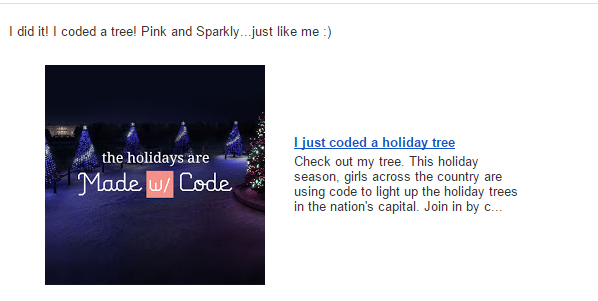
Sparkly Tree

Ms. Spurgeon was bubbling with excitement today as she coded the White House Christmas tree in her favorite color of pink.  Her excitement spilled over into the students at her table as they tried some of the things she was trying and watched her try different pieces of code.

It reminded me of the importance of learning along with our students and really showed me that I probably need to explicitly invite teachers to sit and code with their classes.  I can do all of the running around, talking, and nudging, but teachers should learn along with their students and consider how coding comes into their own curriculum.

Another new thing that happened today was that some students really stuck to the Scratch tutorials without trying to branch off on their own too early.  The ones that stuck with the tutorials really got some functioning projects off the ground during their hour of work.

Several of the 3rd graders branched off from the 3 holiday projects on Made with Code and tried some of the other projects.  They loved the beat creator.

As students made beats, they were naturally starting to think about lyrics or dances to go with their beats.  Their teacher happened to be standing nearby when I observed this so I suggested that they might write a rap that connected with some of their classwork.  Then, the teacher got excited and suggested a rap about habitats in science.  It will be interesting to see if this takes off in class or not, but students were certainly interested in creating beats and putting in some work to write a song.

4th grade closed out our day with all kinds of coding.  The experience with coding was the most varied in this grade because several students had used coding in projects last year.  I showed several resources and turned them loose to see what they could do.

This year’s hour of code has been so much fun and was a big improvement over last year.  Next year, I hope to do even more.  I would love to involve families at some point.  I’ve seen several schools hosting parent coding nights, so perhaps we will look at that for next year.


Coding and Beyond with PreK Using Sphero, Osmo, iPads, Computers, and Books

PreK Coding (27)

I love it when a small seed of an idea turns into something much more.  A few weeks ago, I approached PreK about using our Sphero to practice writing letters.  I knew that PreK was working on forming the letters of the alphabet and I thought that the Sphero Draw and Drive app would be a perfect way to merge letter practice with some programming.  I originally thought that small groups might come to the library and use the Sphero with me, but further brainstorming with Ms. Heather resulted in us deciding to do 5 centers that students would rotate through in order to experience many technology, math, and literacy experiences.

Ms. Heather’s class has been bubbling with excitement about coming to the library to try out all of these centers.  Ms. Heather split the class up into 5 groups which was 4-5 students per group.  Ms. Heather, Ms. Melissa (parapro), Ms. Callahan (parent), and I all led a center and one center was independent.  Each center lasted about 10 minutes and took up about an hour with transitions. Here’s what they did.

Center 1:  Hour of Code programming with Sphero

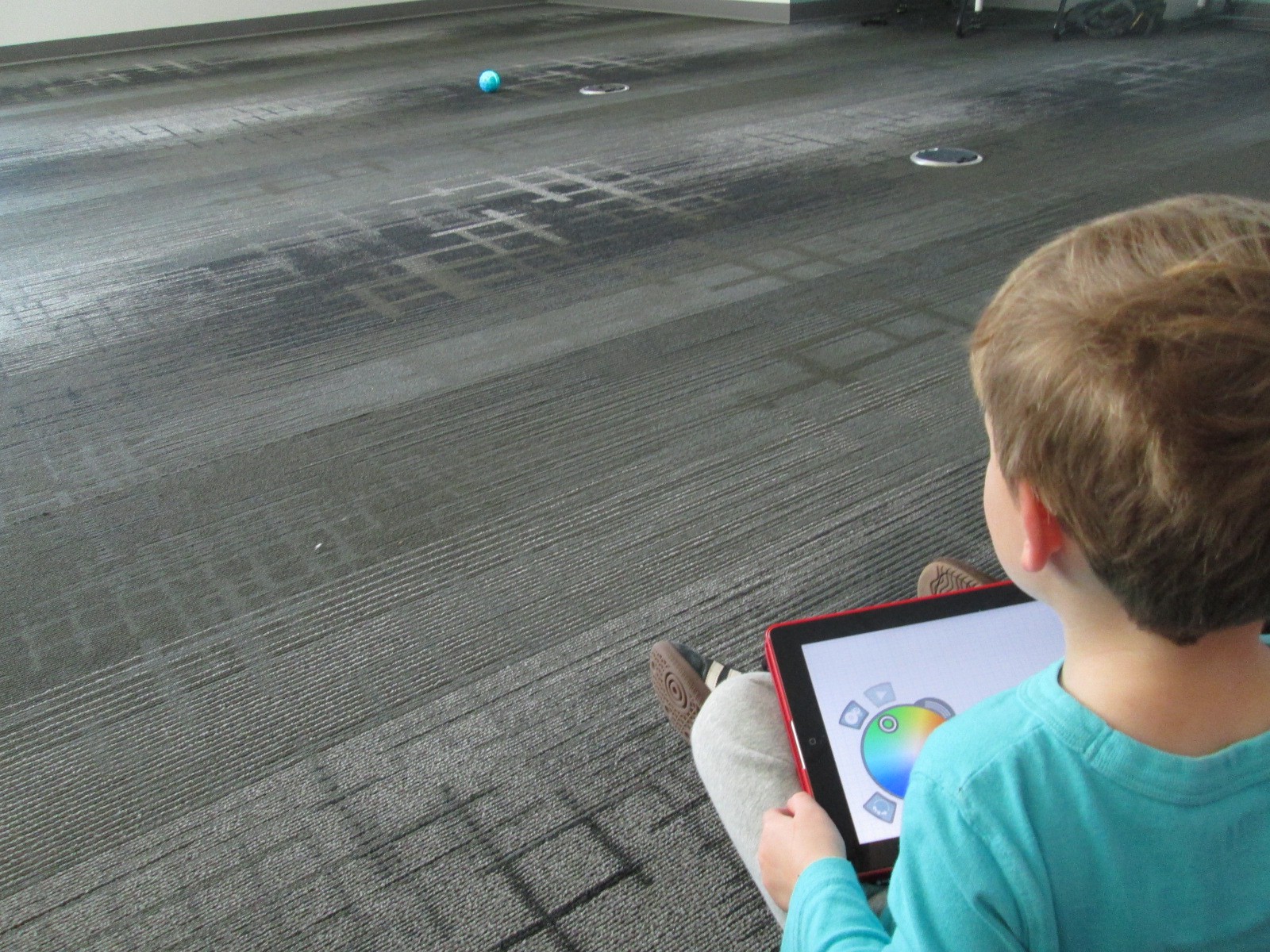
Since this week is our hour of code, I was so glad that PreK got to experience an aspect of coding.  While coding didn’t fill up our hour, it certainly sparked their interest in how to make a computer or robot do what you want it to.  Students sat in a row and each took a turn to think of a letter to practice drawing.  Using the Draw and Drive app on iPad, students drew a letter and pressed play.  The Sphero drove around the carpet in the shape of that letter.  With a shake of the iPad, the letter was erased and the next student had a turn.

We repeated this process over and over until we were out of time.  Each time the robot rolled around the floor there was a burst of excitement.  As the facilitator, I asked students about the letters that they were drawing to make sure that they understood what they were trying to draw.

Center 2:  Osmo Tangrams and Words

Our Osmo devices are one of our favorite tools in the library.  The Osmo is came out this summer.  It includes a base to put the iPad in and a red attachment to place over the camera.  Osmo comes with 2 sets of tools to use with the apps: a set of letter tiles and a set of tangrams.  The three apps are free to download but you must have the base and attachment for them to work.  For this center, students used the Junior version of the Words app.  This app gives students a picture with a matching word.  The beginning sound of the word is missing and students have to lay the correct letter tile in front of the iPad.  If it is correct, the red attachment “sees” the letter tile and magically adds it to the word on the screen.  If it is incorrect, students have to try again.

Students also used the Introduction to Tangrams in the tangrams app.  This app shows students 2-3 tangram pieces pushed together.  For this beginning phase, the colors of the tangrams on the screen match the colors of the actual tangrams.  As students correctly place the tangrams on the table in front of the iPad, the red attachment “sees” them and fills in with black on the screen.  When they are all correct, a new combination is shown.

This center was one that needed adjustment as we went along depending on student needs and strengths. Some needed to focus more on the shapes while others were ready to think about letter sounds in words.  All students had a blast watching the magic of the Osmo happen on the screen and table.

Center 3: Starfall on Computers

Ms. Heather facilitated the computer center.  I put out a computer, mouse, and headphones for each student in the group.  One part of this center was simply using fine motor skills to practice using a mouse.  The other part was to use Starfall to continue practicing letters and sounds.

Center 4: Reading

A parent volunteer read aloud stories that I pulled.  The selections were Peanut Butter and Jellyfish, Job Site, and Stars.  She had students engaged in discussion about the story and the pictures all along the way.

Center 5: iPads

PreK has 5 iPads in each classroom.  Students have a variety of word apps that they can use at their own center time in class, so they are used to using these apps independently.  This made the perfect independent center since we didn’t have 5 adults.  Students sat on the bean bags by the windows and used the iPads by themselves for the 10 minutes of this center.

I think many times people think that our younger students can’t use technology or they are unsure of what to do with younger students.  I love giving things a go and seeing what happens.  We were amazed by students’ engagement and excitement today.  Some asked, “Can we do this every day?”  That was a sure sign of success.  When working with younger students, you have to think about what your barriers might be.  For us, we wanted smaller groups in order to have more adult support if needed.  We also wanted smaller groups so that students wouldn’t be waiting around since we only have 1 Sphero and 3 Osmos.  Using the teacher, parapro, parent volunteer, and me helped to make this possible.  You might have a different barrier, but I hope that you will consider what you might leap into with your youngest learners in your building.